Honeywell CT31A1003 Thermostat Instruction Manual
Honeywell CT31A1003 Thermostat





Honeywell CT31A1003 Instructions
Here we offer the Honeywell CT31A1003 Thermostat manual completely free and in English. We have cataloged this manual in the Thermostats section on Manualverse, and it has been rated by 1 users with an average rating of 5. If you have any specific questions about Honeywell CT31A1003 Thermostat, we suggest checking the Frequently Asked Questions (FAQs) section of this manual.
Product Images


Honeywell CT31A1003 Thermostat Specifications
| Feature/Specification | Detail |
|---|---|
| Model Series | CT30 Series (specifically CT31) |
| Product Type | Low-Voltage Thermostat |
| System Compatibility | Heating and Cooling Systems |
| Adjustment Lever Settings (CT31) | 0.4 (Gas/Oil Furnace <90% eff.), 0.3 (Electric Furnace), 0.8 (High Eff. Furnace >90% eff.), 0.8 (Hot Water System), 1.2 (Gas/Oil Steam/Gravity System) |
| Cooling Operation Limit | Do not operate below 50°F (10°C) outdoor temperature |
| Package Contents | Thermostat, Coverplate, 2x Wall anchors, 2x Screws, Caution card, Wire labels |
| Tools Required (Not Included) | No. 2 Phillips screwdriver, Small pocket screwdriver, Hammer, Pencil, Drill with 3/16” bit (drywall) or 7/32” bit (plaster) |
| Optional Tools | Level |
| Wire Compatibility (CT31) | Designed for systems with fewer than 5 wires (excluding C or C1 terminals) |
| Warranty | 1-year limited warranty |
| Manufacturer | Resideo Technologies, Inc. |
| Customer Care Contact | 1-800-468-1502 |
Honeywell CT31A1003 Thermostat Details
The Honeywell CT31A1003 Thermostat serves as a straightforward and reliable control for low-voltage heating and cooling systems. Designed for ease of installation and use, it prioritizes essential functionality without unnecessary complexities. Before embarking on the installation process, it is absolutely *crucial* to turn off power to your heating/cooling system at the fuse or circuit breaker panel to ensure safety.
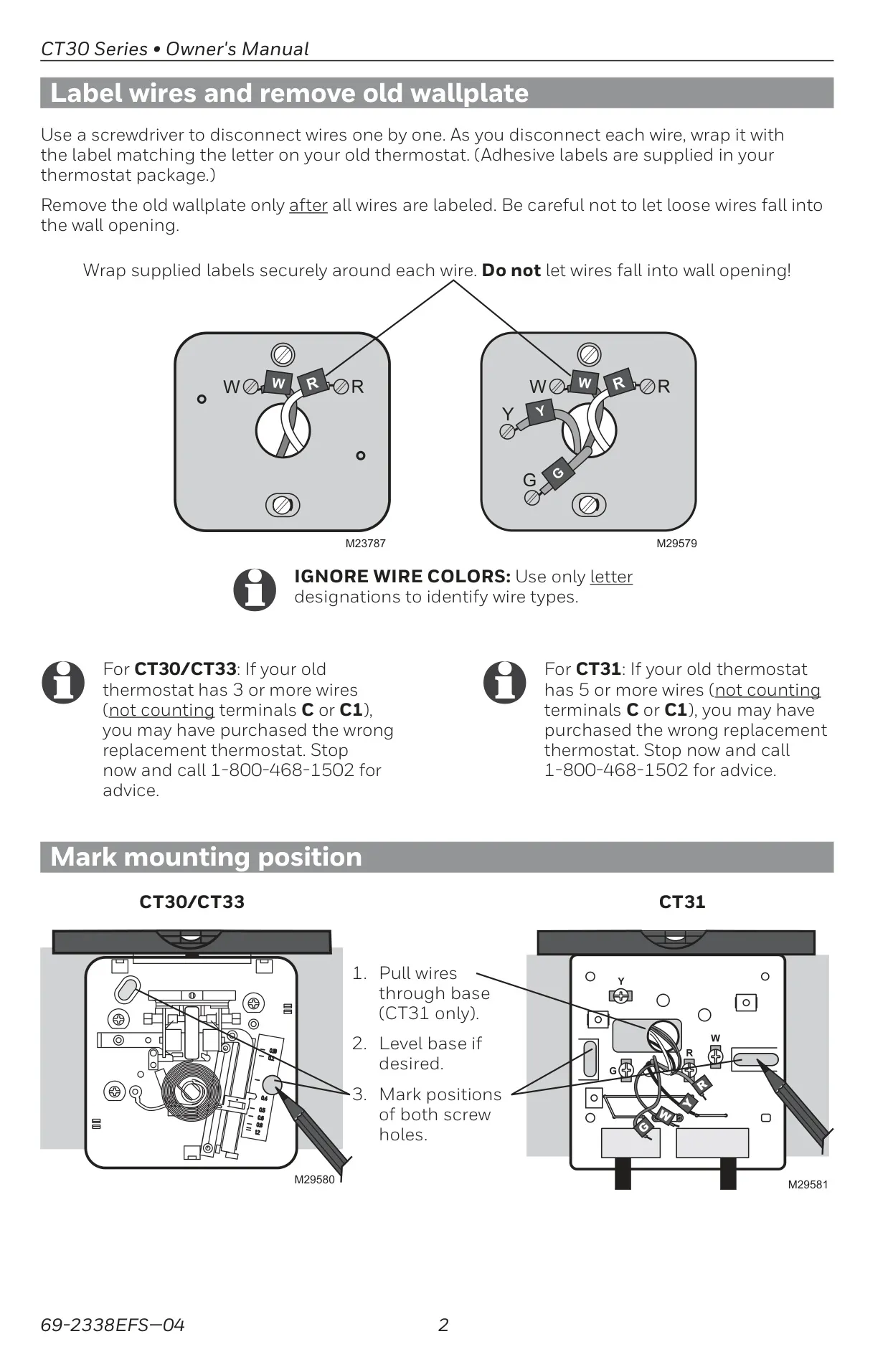
One significant aspect of installation highlighted in the manual is the proper handling of existing wiring. Users are instructed to carefully label each wire with the provided adhesive labels as they disconnect them from the old thermostat. It's imperative to ignore wire colors and instead rely solely on the letter designations from the old thermostat to ensure correct reconnection.
The manual also includes an important MERCURY NOTICE, advising users that if their old thermostat contains a sealed tube of mercury, it must be disposed of properly according to local waste management regulations. This environmental consideration underscores Honeywell's commitment to responsible product use and replacement.
For mounting, the CT31 requires drilling specific hole sizes depending on the wall material: 3/16-inch for drywall and 7/32-inch for plaster. Wall anchors are then tapped into these holes, providing a secure base for the thermostat. An optional cover plate is available, which can be used to conceal any marks left by the previous thermostat, ensuring a clean aesthetic finish.
Wiring the CT31 involves matching the labeled wires to the corresponding terminals (R, W, Y, G). The manual provides a clear guide for this, along with specific instructions for scenarios where existing wire labels might not perfectly align with the new thermostat's terminals. This detail is vital for ensuring correct system operation.
A unique feature for the CT31 (and CT30) is the adjustment lever, which must be set according to your specific heating system type. This lever dictates the thermostat's operational characteristics, with settings like 0.4 for gas/oil furnaces (less than 90% efficiency), 0.3 for electric furnaces, and 1.2 for gas/oil steam or gravity systems. Correctly setting this ensures optimal performance.
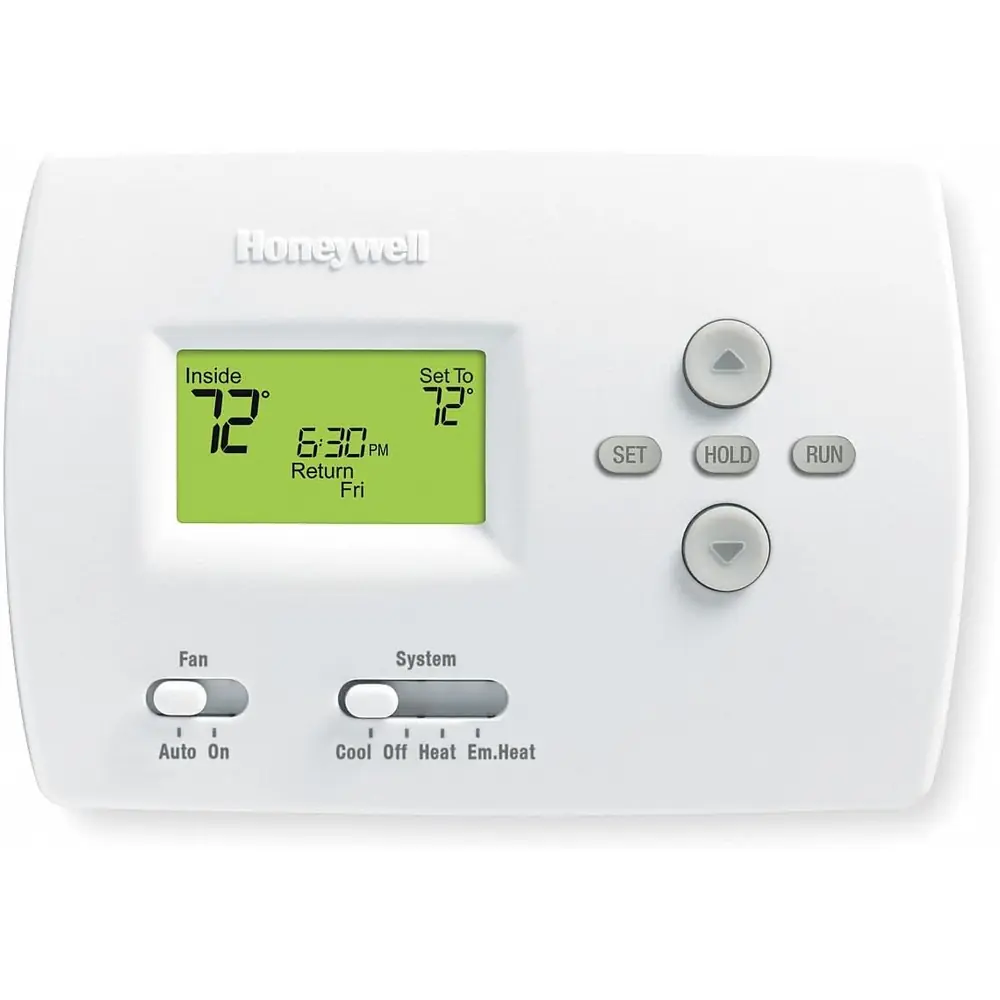
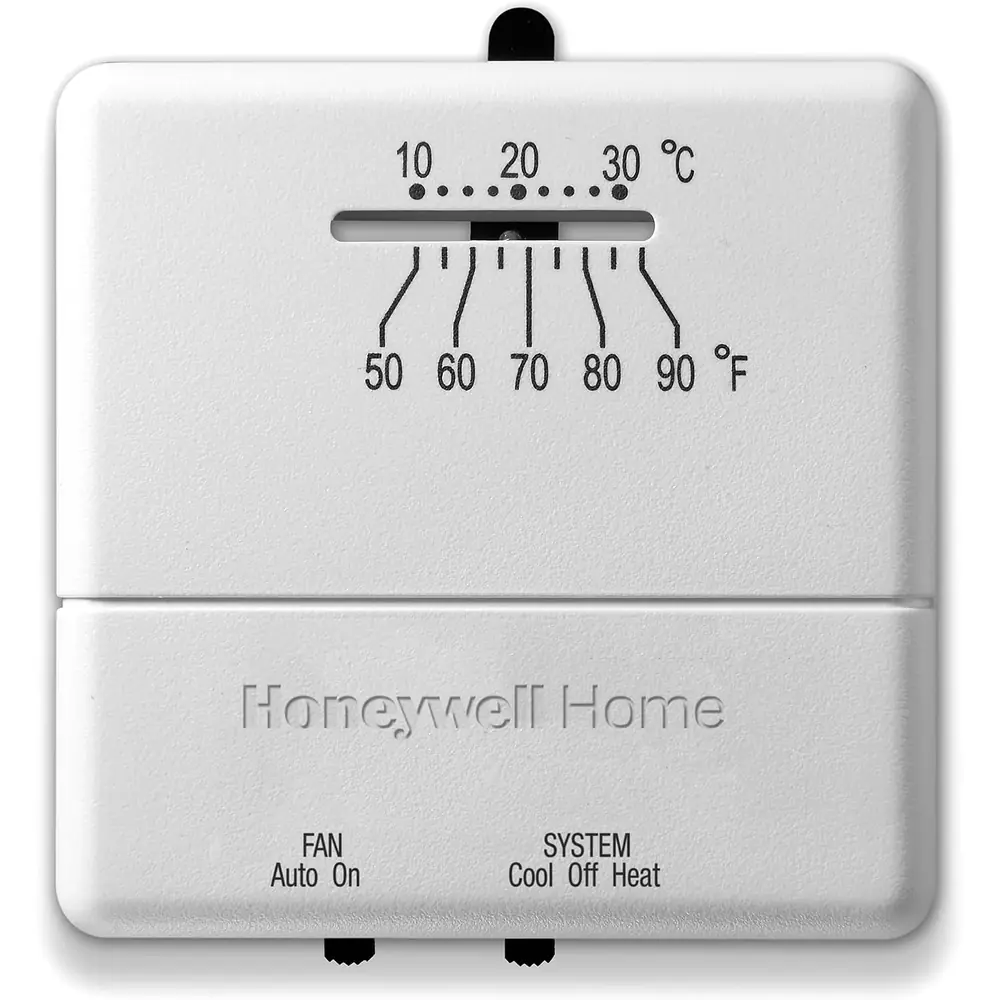
Once the wiring is complete and the adjustment lever is set, the thermostat cover snaps into place, and power can be restored. The CT31 features both a system switch (Cool, Heat, Off) and a fan switch (Auto, On), providing users with direct control over their environment. The "Auto" setting for the fan means it only runs when the heating or cooling system is active, while "On" provides continuous airflow.
Users are explicitly warned about an "Equipment Damage Hazard" for the CT31: the cooling system should not be operated when the outdoor temperature falls below 50°F (10°C). Adhering to this guideline is critical for preventing potential damage to the air conditioning unit and ensuring its longevity.
Frequently Asked Questions (FAQs)
Can't find the answer you need? Here are some frequently asked questions about the Honeywell CT31A1003 Thermostat, and we answer them below.