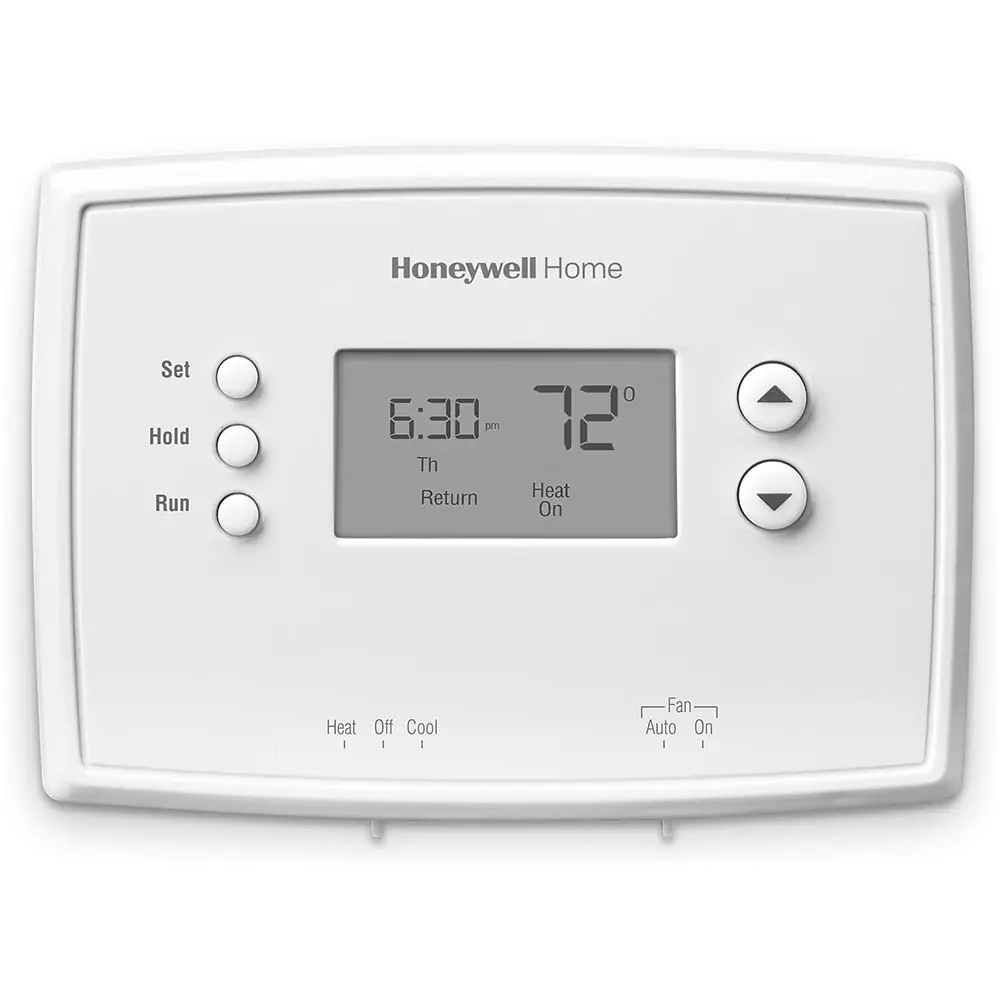
Honeywell TH1010D2000 T1 Pro Thermostat Instruction Manual

Honeywell TH1010D2000 T1 Pro Thermostat


Honeywell TH1010D2000 T1 Pro Thermostat
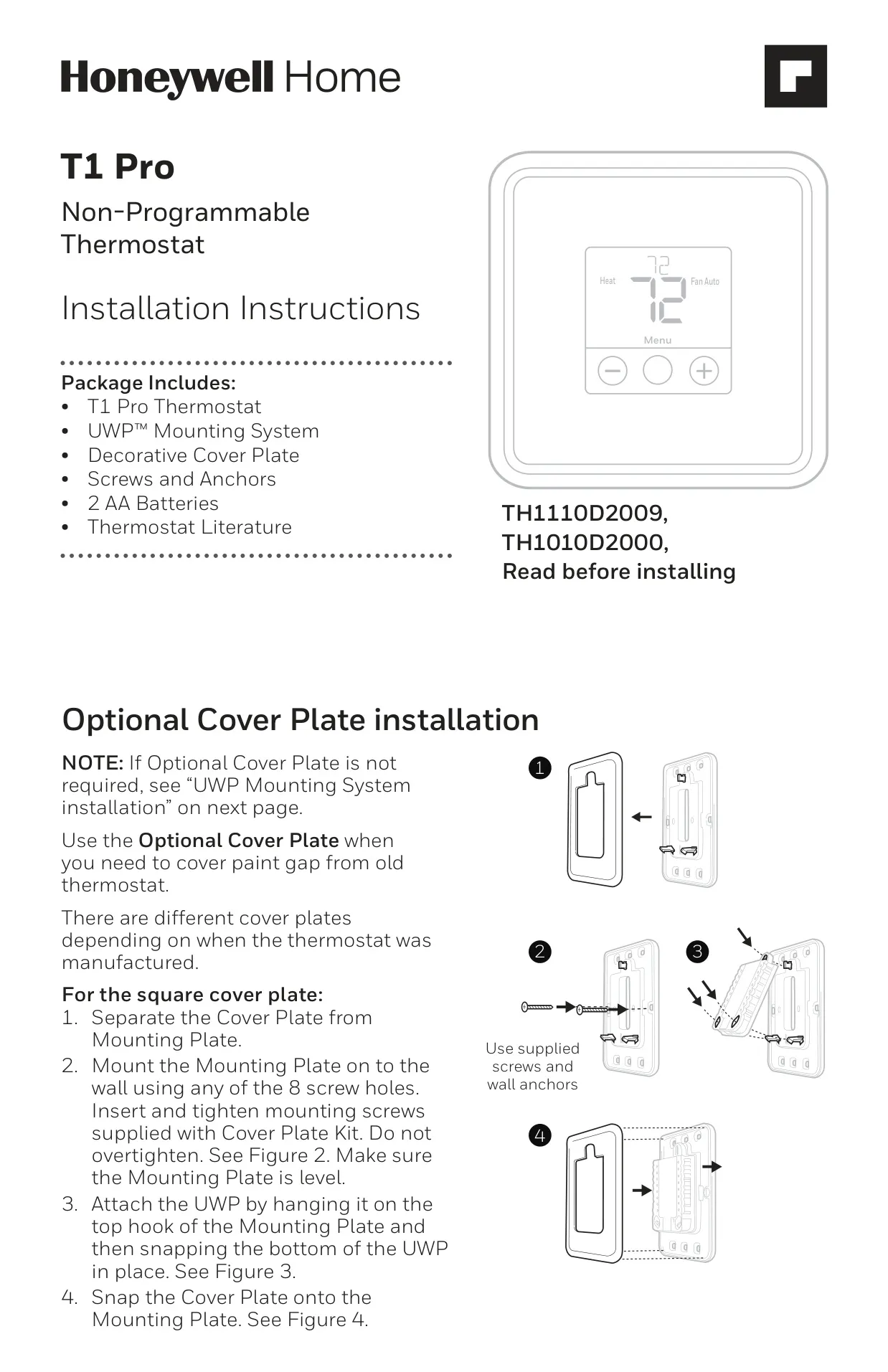
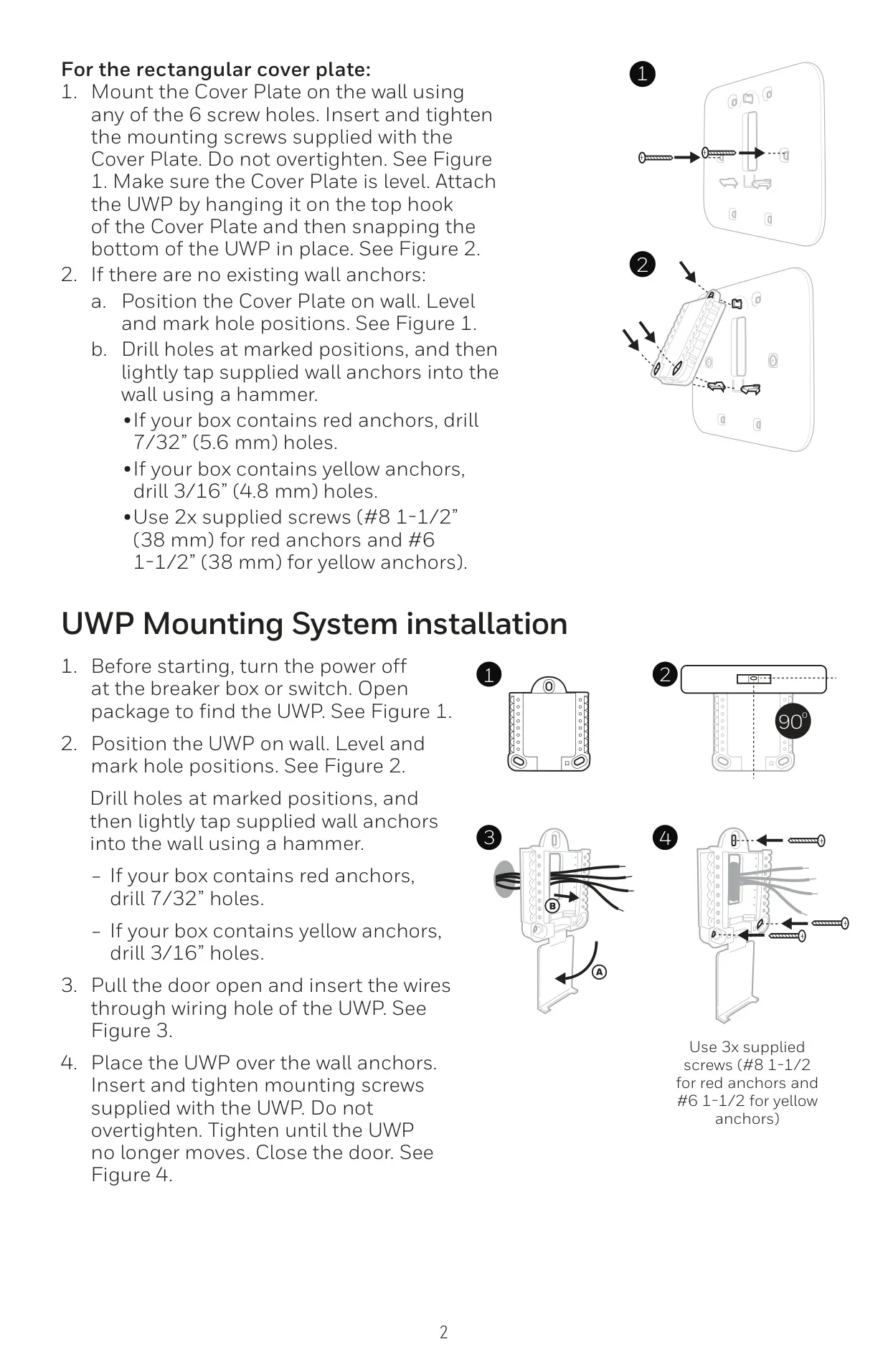
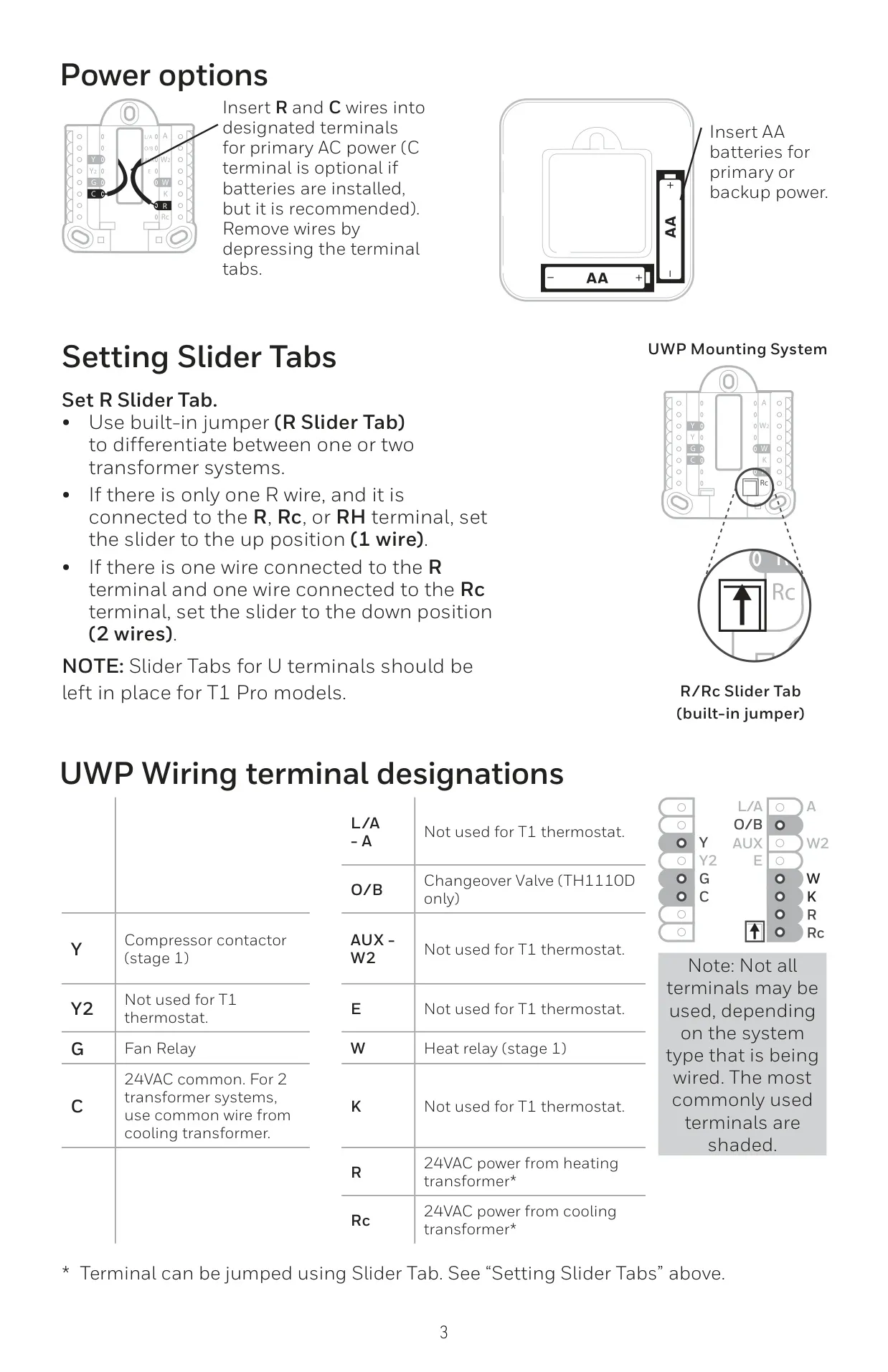
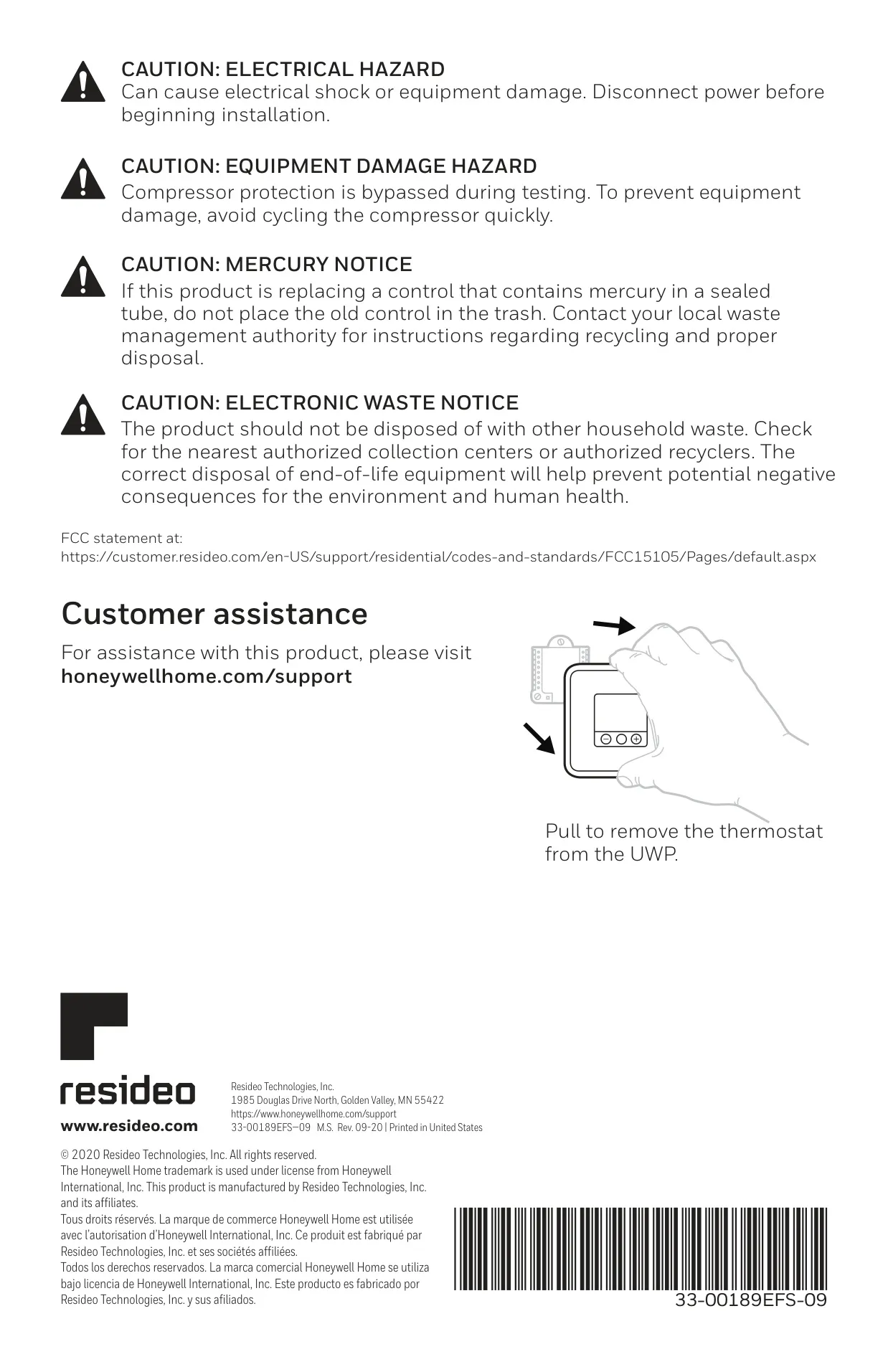
Honeywell TH1010D2000 Instructions
Here we offer the Honeywell TH1010D2000 T1 Pro Thermostat manual completely free and in English. We have cataloged this manual in the Thermostats section on Manualverse, and it has been rated by 1 users with an average rating of 5. If you have any specific questions about Honeywell TH1010D2000 T1 Pro Thermostat, we suggest checking the Frequently Asked Questions (FAQs) section of this manual.
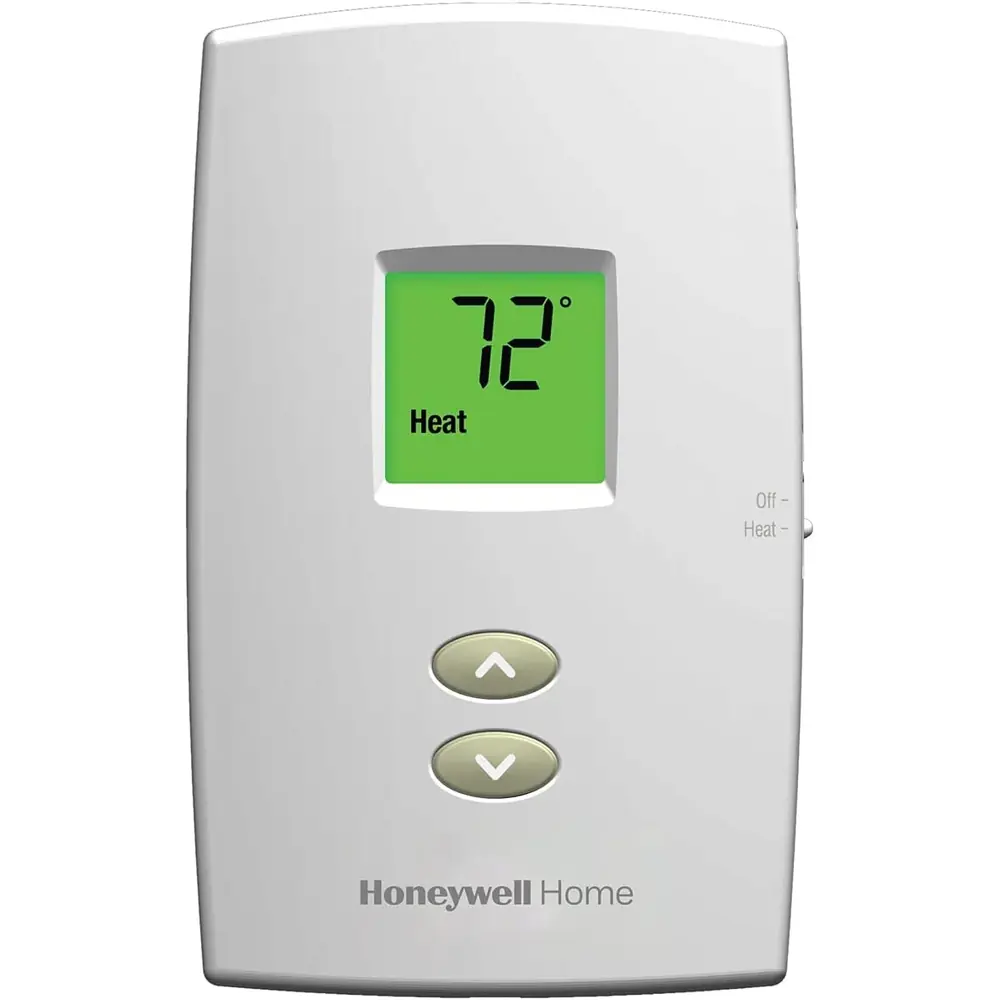
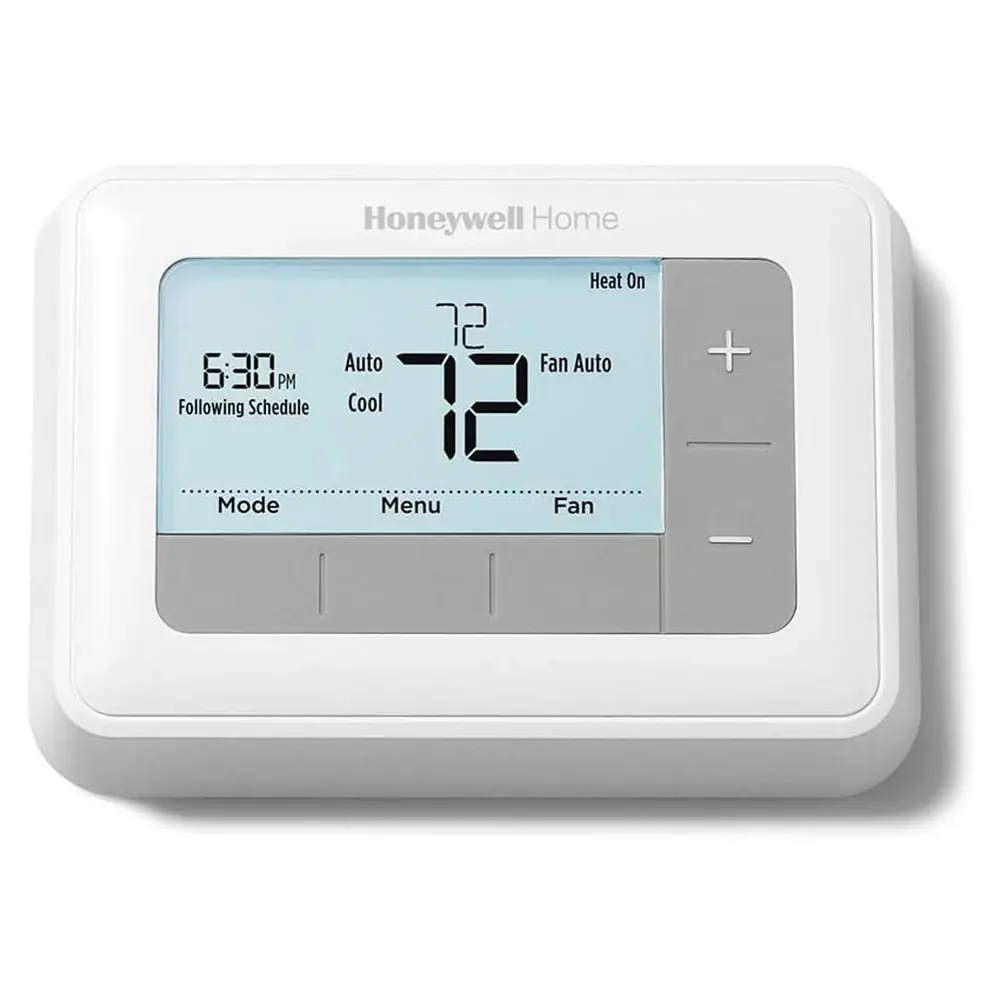
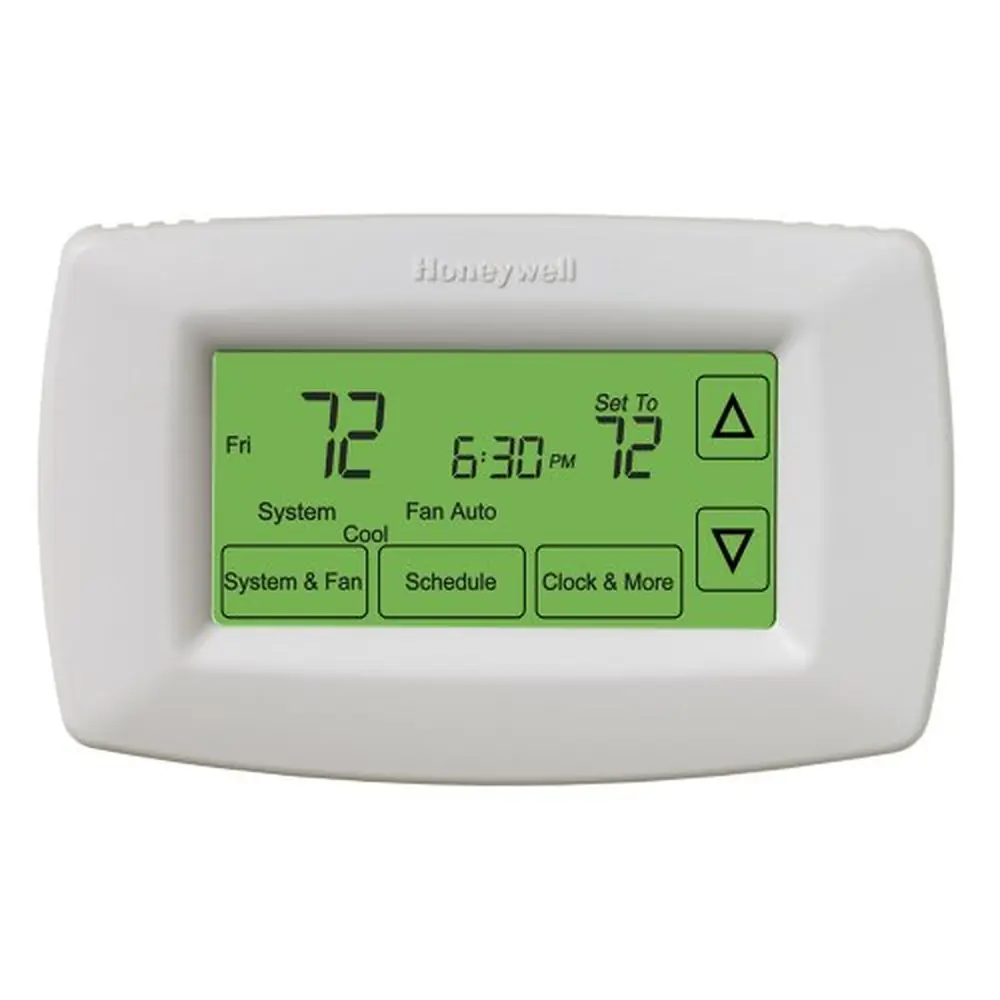
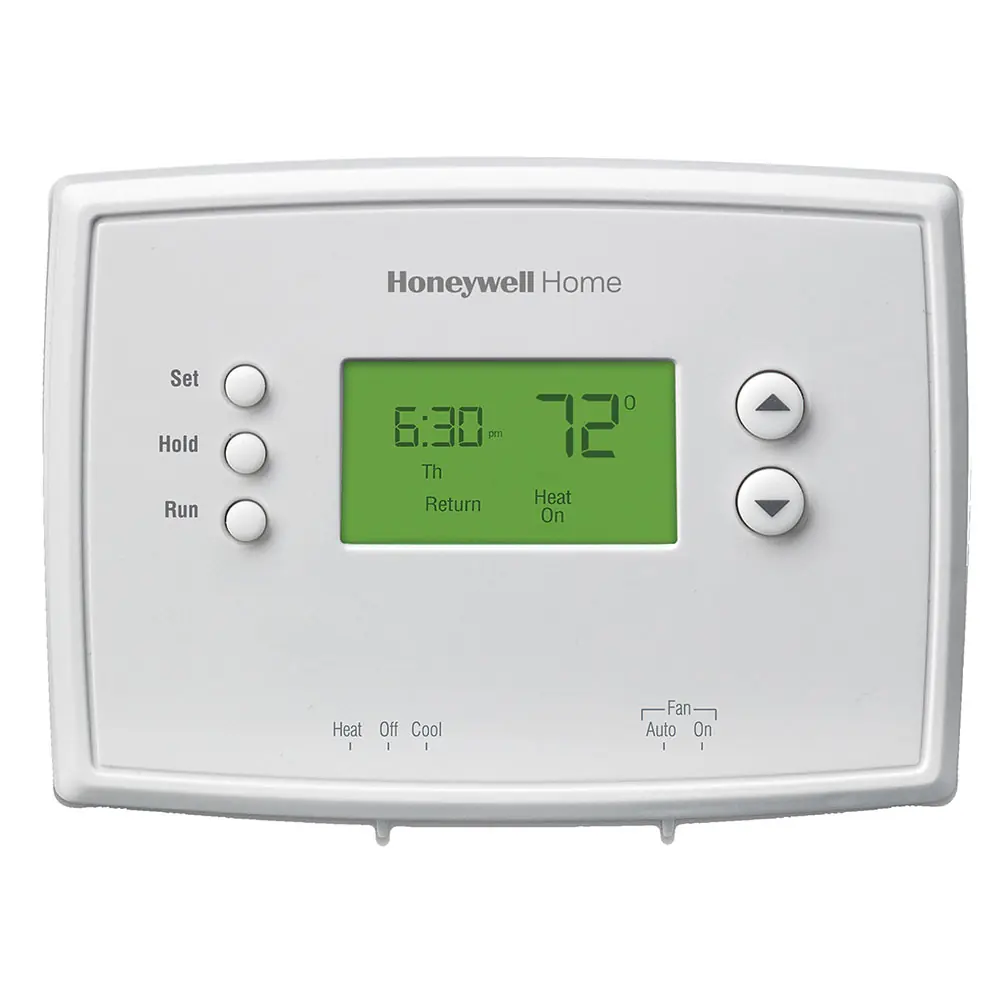
Product Images
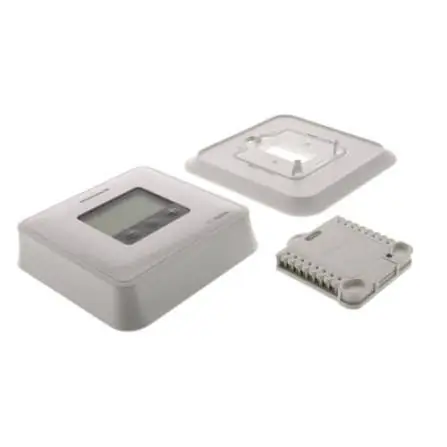

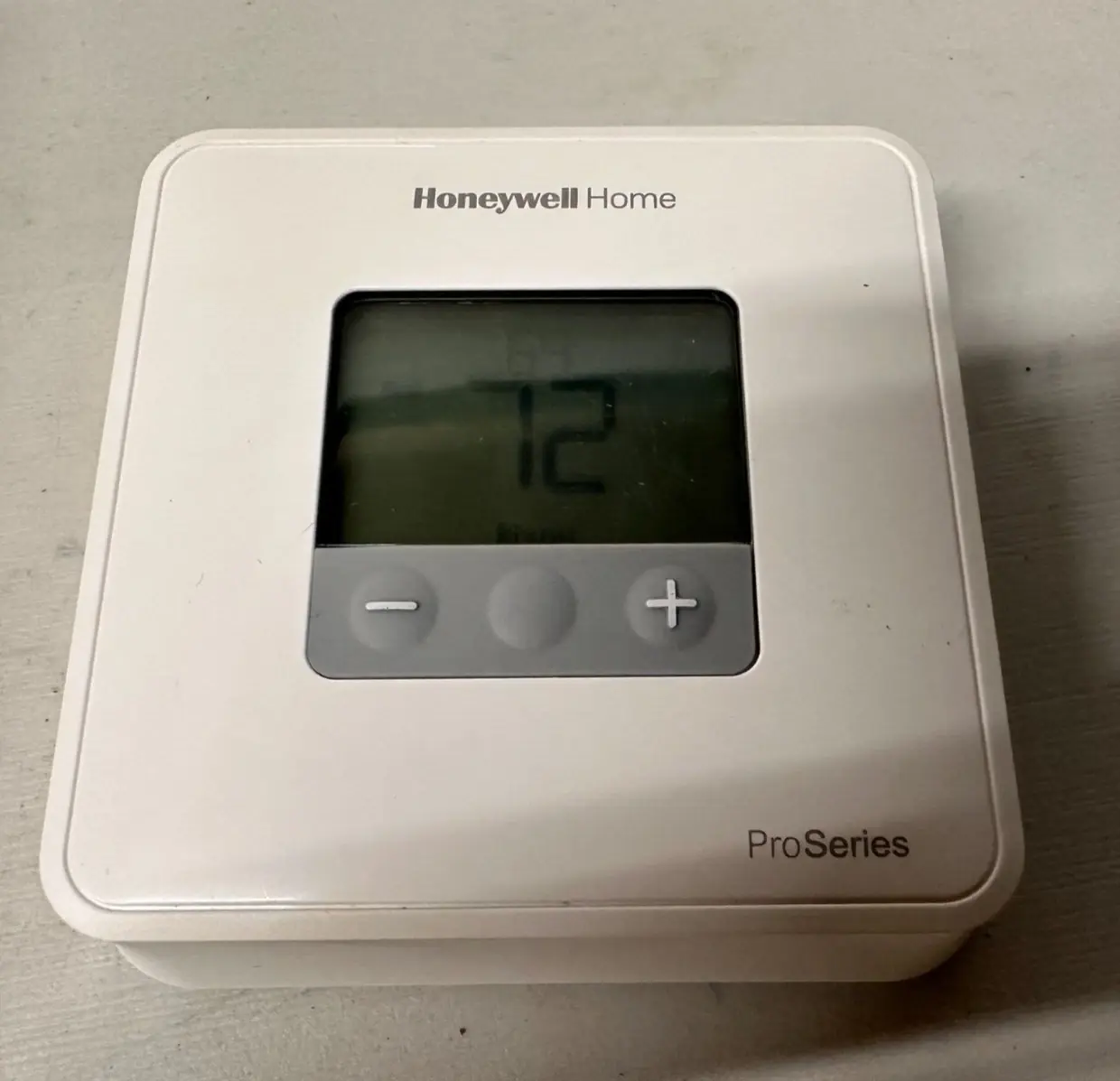
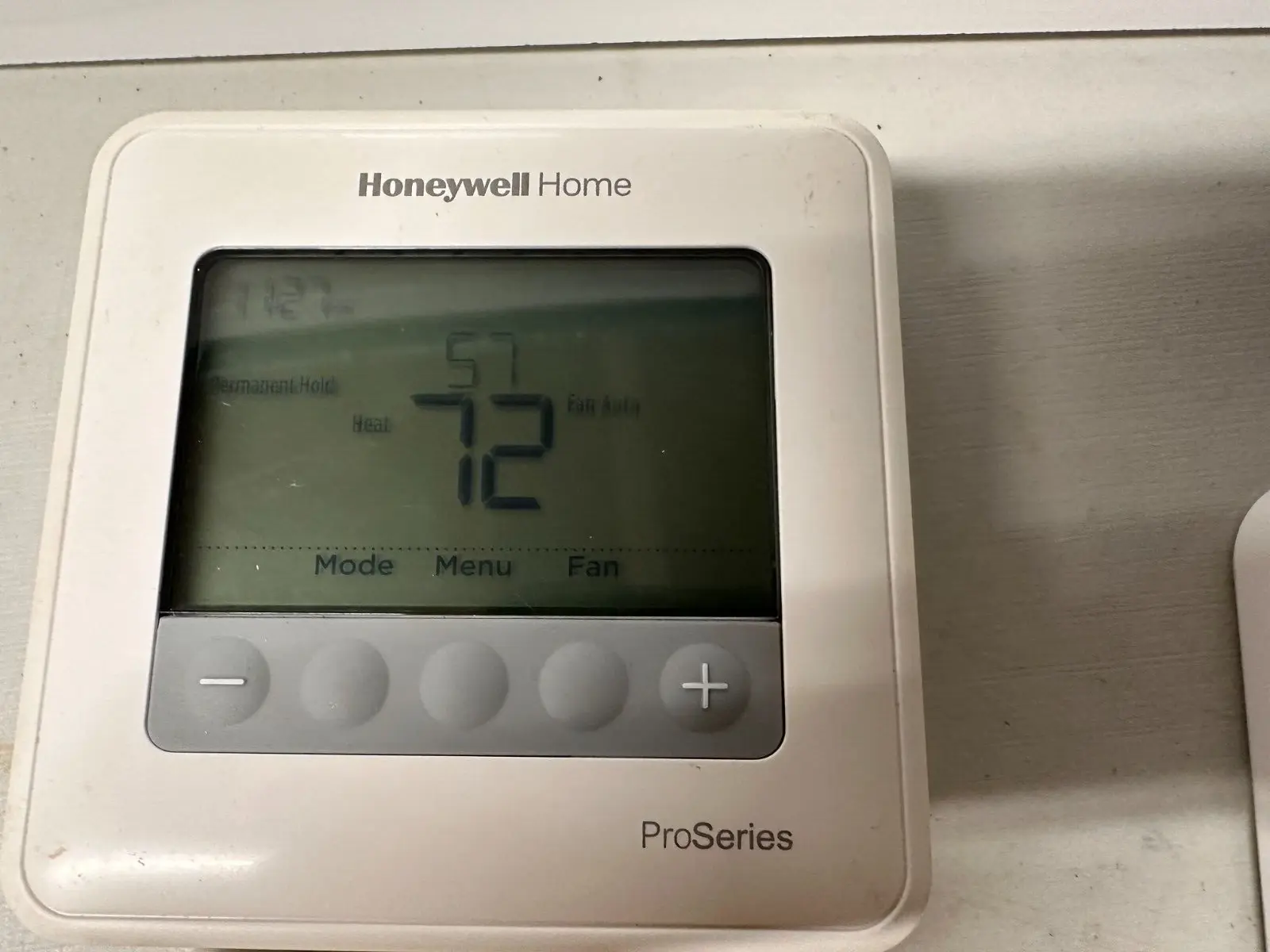
Honeywell TH1010D2000 T1 Pro Thermostat Specifications
| Feature | Value |
|---|---|
| Model | TH1010D2000 T1 Pro Non-Programmable Thermostat |
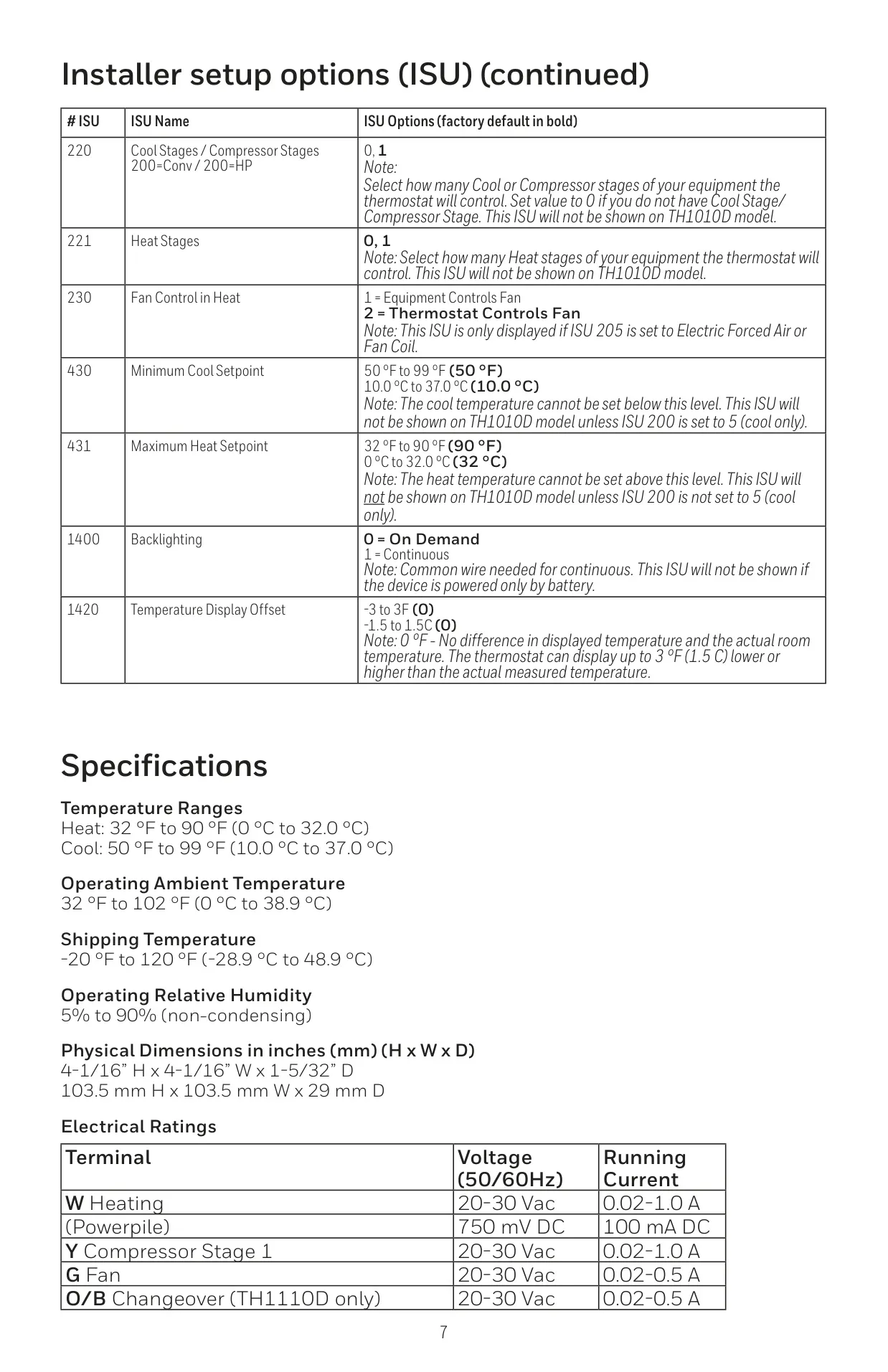
| Temperature Range (Heat) | 32 °F to 90 °F (0 °C to 32.0 °C) |
| Temperature Range (Cool) | 50 °F to 99 °F (10.0 °C to 37.0 °C) |
| Operating Ambient Temperature | 32 °F to 102 °F (0 °C to 38.9 °C) |
| Shipping Temperature | -20 °F to 120 °F (-28.9 °C to 48.9 °C) |
| Operating Relative Humidity | 5% to 90% (non-condensing) |
| Dimensions (H x W x D) | 4-1/16” H x 4-1/16” W x 1-5/32” D (103.5 mm x 103.5 mm x 29 mm) |
| Electrical Ratings | |
| W (Heating) | 20-30 Vac, 0.02-1.0 A |
| Y (Compressor Stage 1) | 20-30 Vac, 0.02-1.0 A |
| G (Fan) | 20-30 Vac, 0.02-0.5 A |
Honeywell TH1010D2000 T1 Pro Details
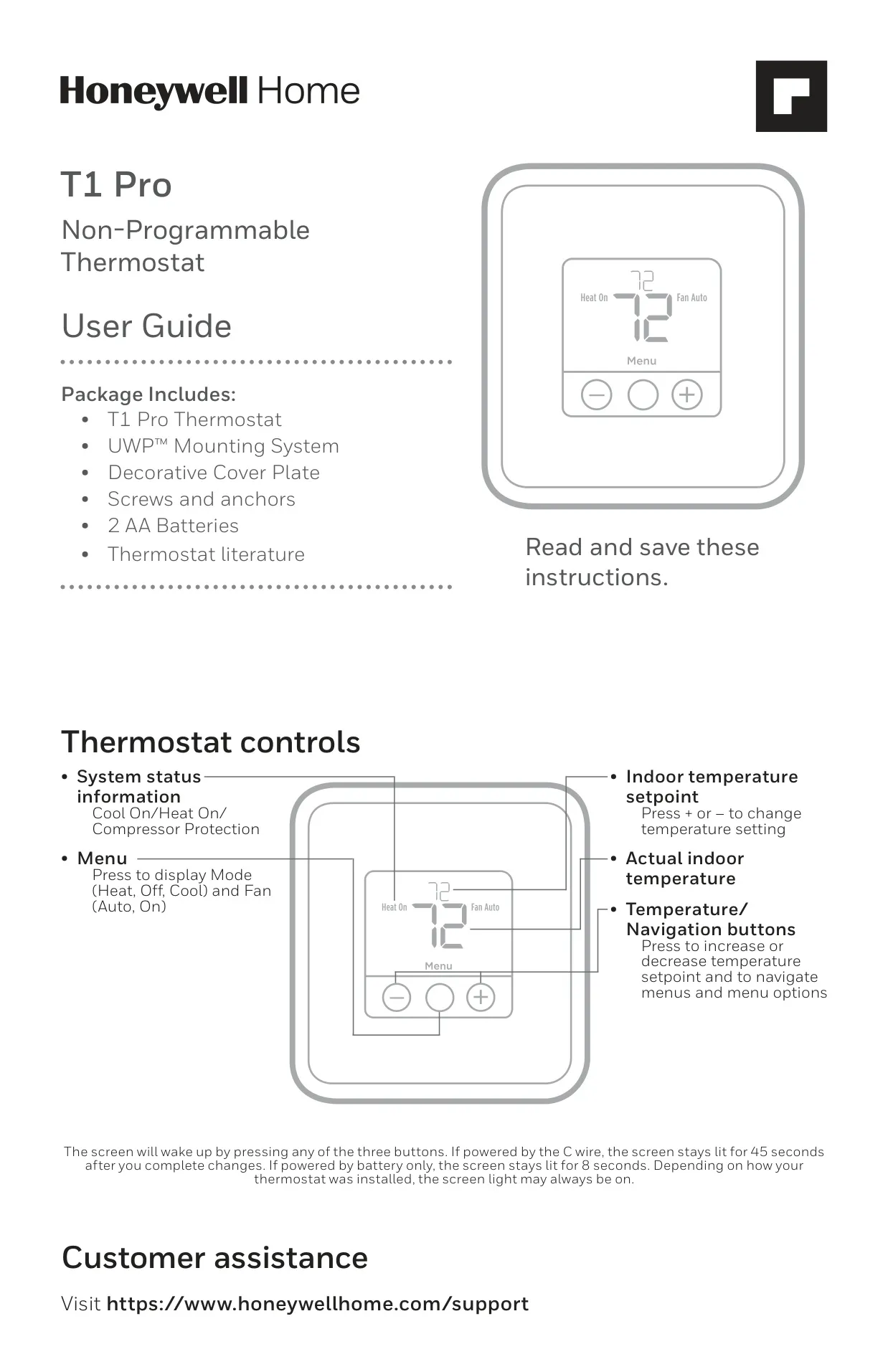
The Honeywell TH1010D2000 T1 Thermostat is a non-programmable device designed for straightforward temperature control, offering a user-friendly experience without complex scheduling. Each package includes the T1 Pro Thermostat, a UWP™ Mounting System, a decorative cover plate, mounting hardware, two AA batteries, and comprehensive literature to ensure a complete setup.
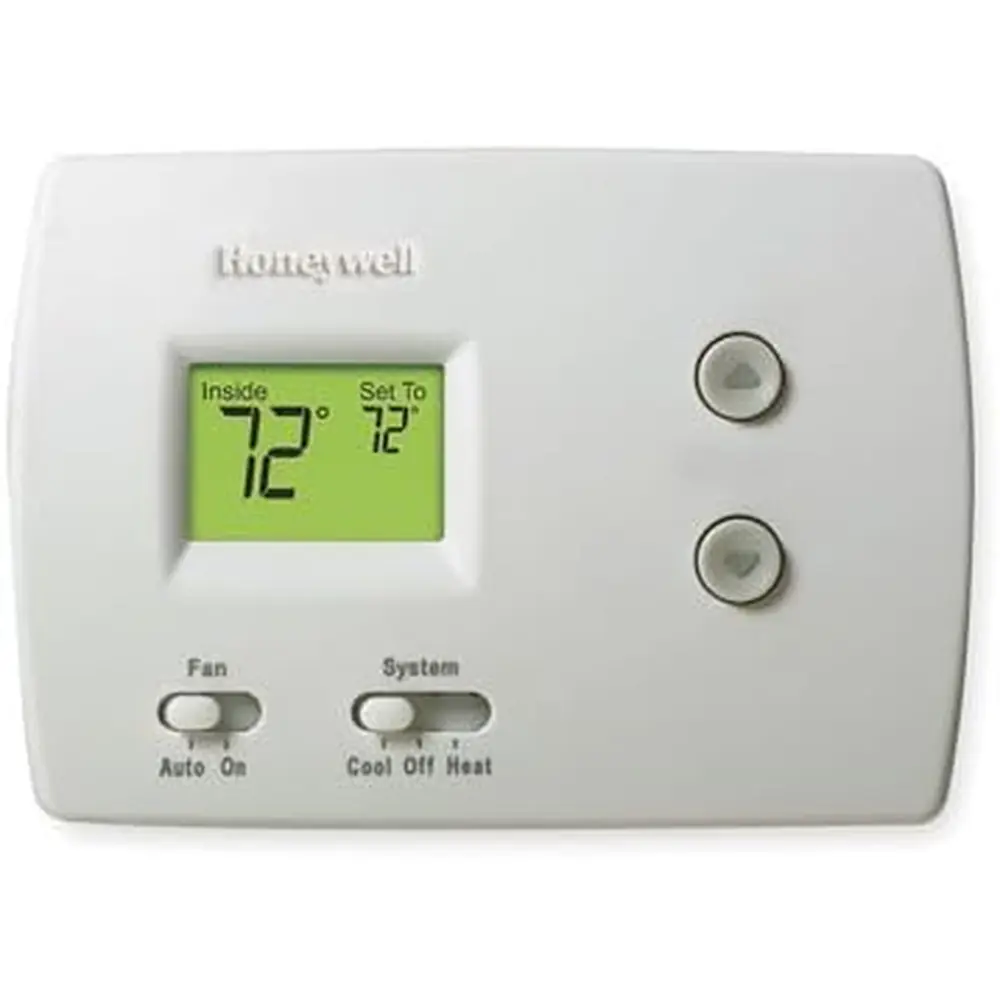
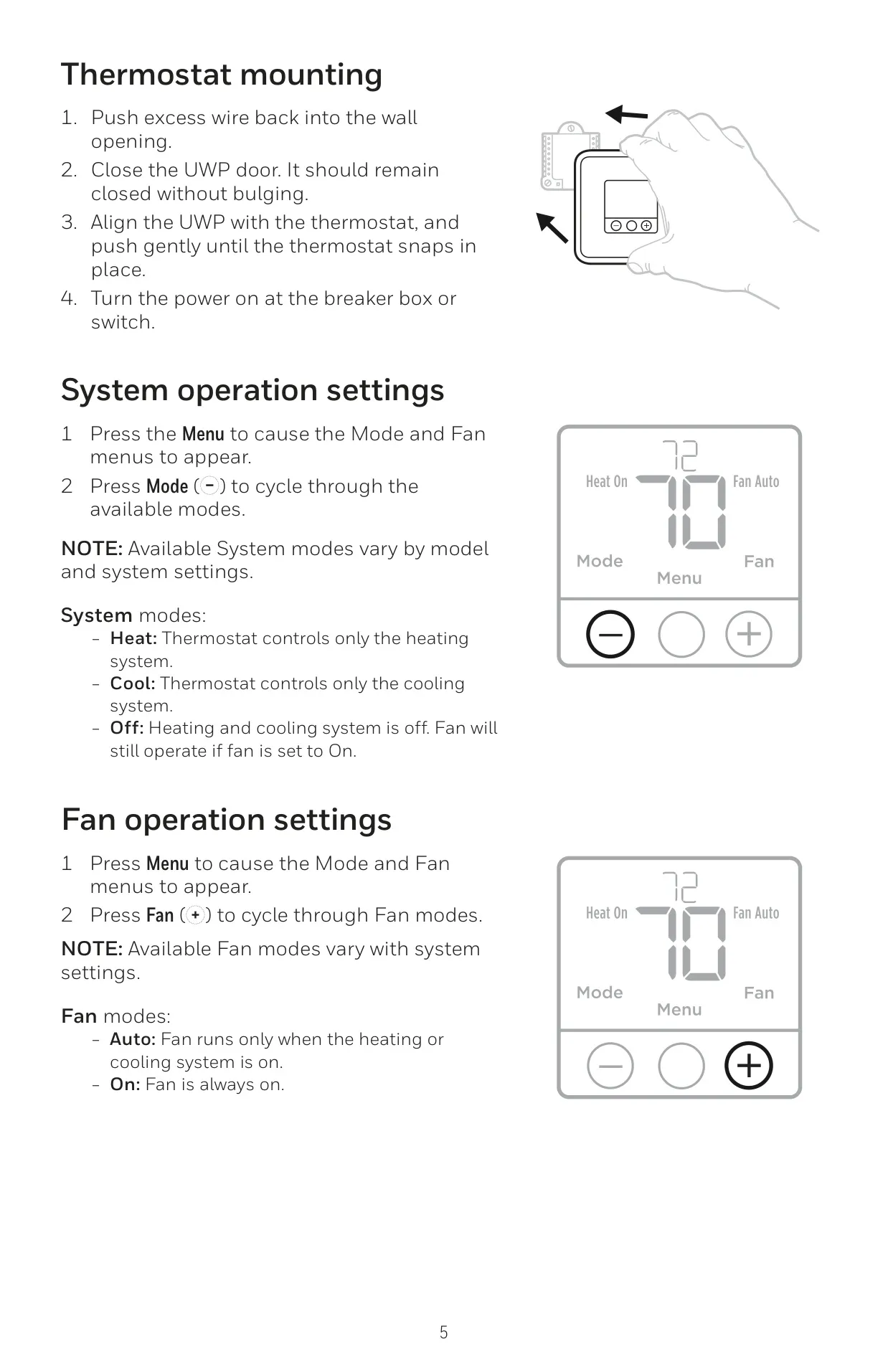
Users will appreciate the intuitive interface, which clearly displays the actual indoor temperature and the setpoint. A central Menu button provides access to essential system and fan modes, while the easily identifiable + and – buttons allow for quick temperature adjustments. The screen offers varying backlight duration, from 45 seconds with AC power to 8 seconds on battery, or can be configured to be continuously lit.
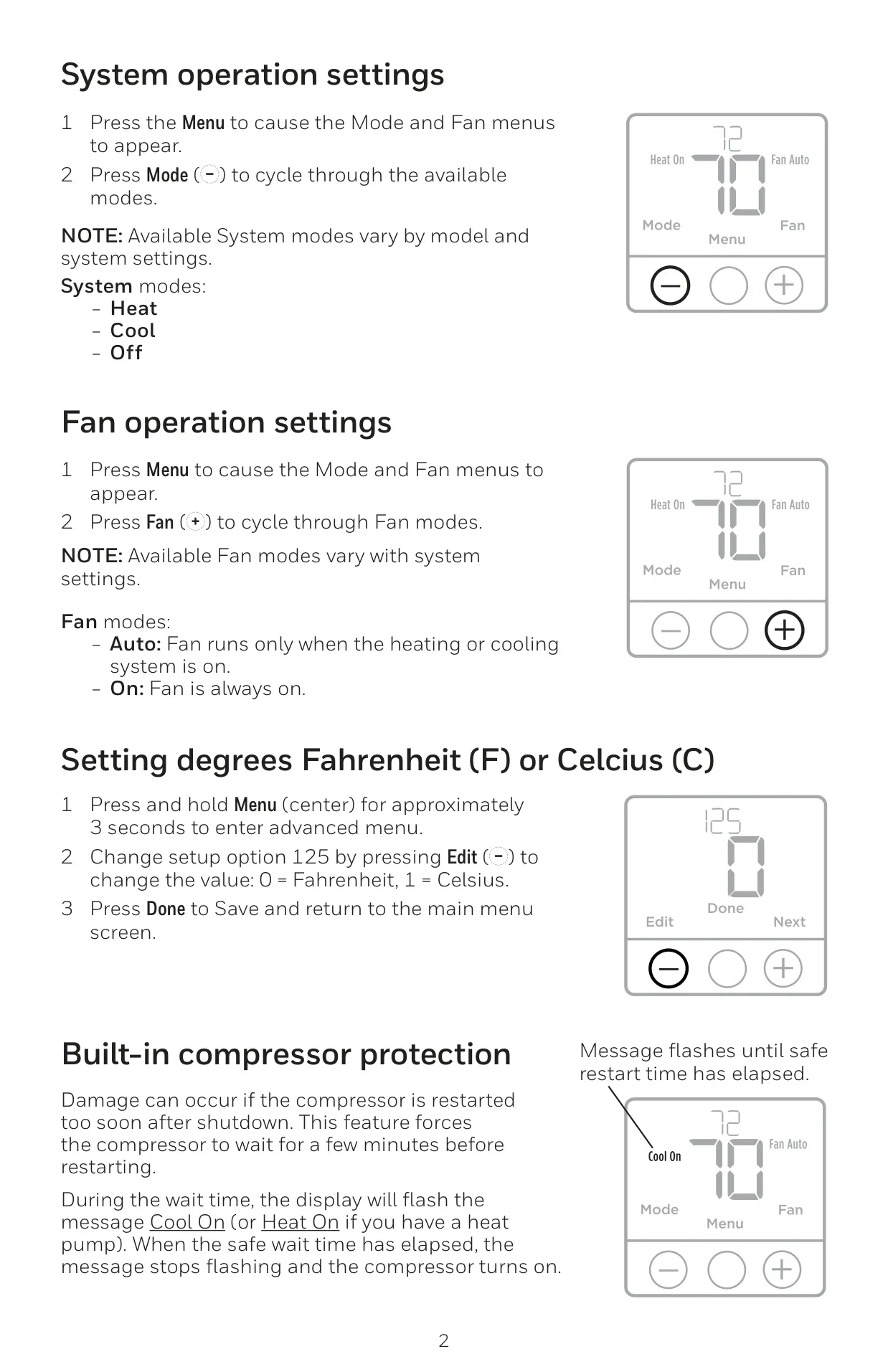
The thermostat supports fundamental system operation settings, including Heat, Cool, and Off modes. For air circulation, it offers Auto fan mode, where the fan runs only when heating or cooling is active, and On mode for continuous fan operation. A convenient feature allows users to switch between Fahrenheit and Celsius temperature displays via a simple advanced menu setting.
A crucial built-in compressor protection feature safeguards your HVAC equipment. This intelligent function imposes a brief delay before restarting the compressor after a shutdown, preventing potential damage from rapid cycling. During this wait time, the display will flash "Cool On" or "Heat On," indicating the protective delay is active until it's safe to resume operation.
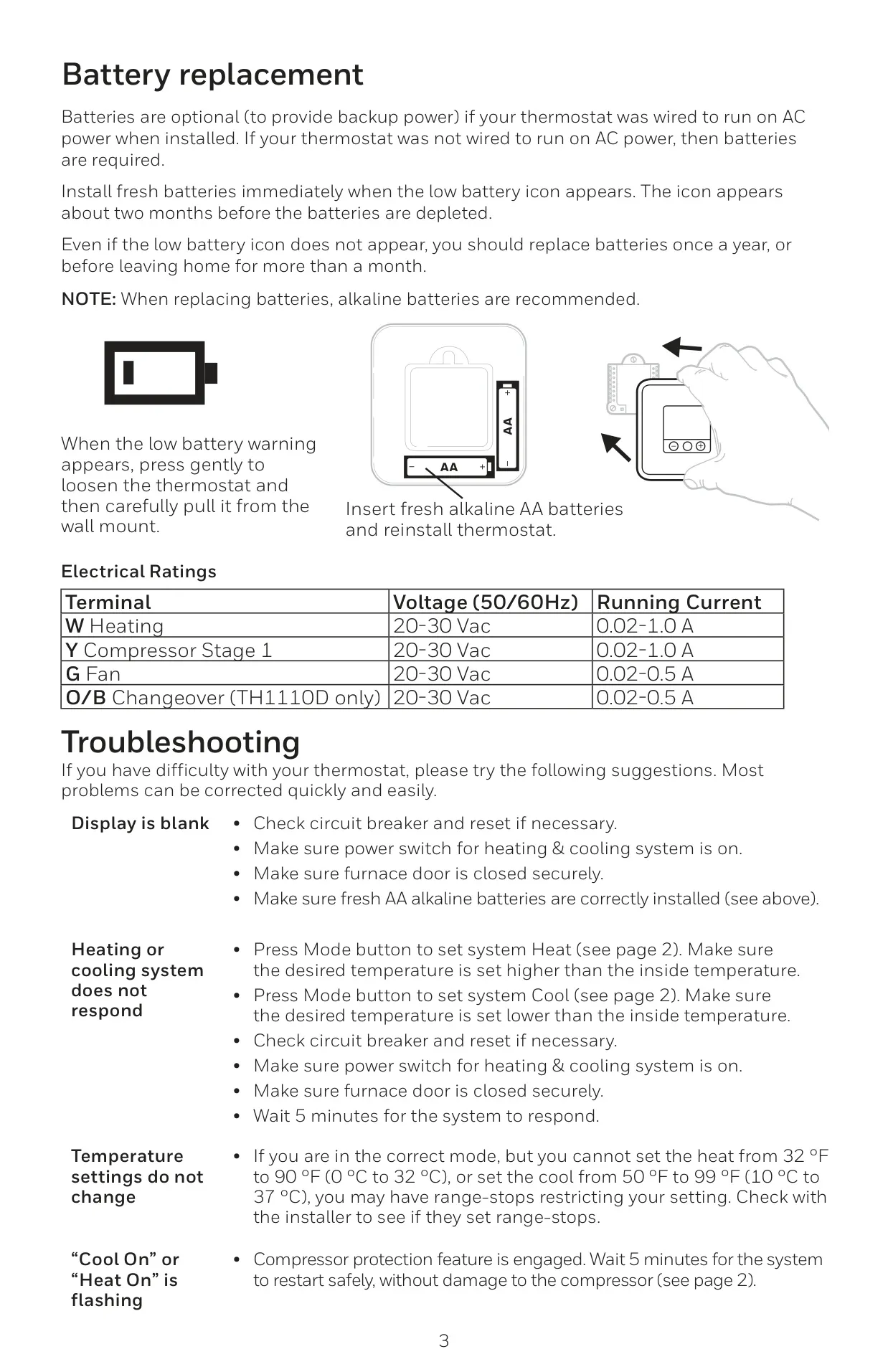
Powering the TH1010D2000 is flexible; it can run on AC power via a C-wire or solely on AA batteries. If AC power is used, batteries serve as a backup. The thermostat conveniently displays a low battery icon approximately two months before depletion, prompting users to replace the recommended alkaline AA batteries annually for consistent performance.
Installation is streamlined thanks to the UWP™ Mounting System and an optional decorative cover plate. This plate effectively conceals any marks or paint gaps left by a previous thermostat, ensuring a clean and professional appearance on your wall. The system is designed for quick and secure mounting, accommodating different wall anchor types.
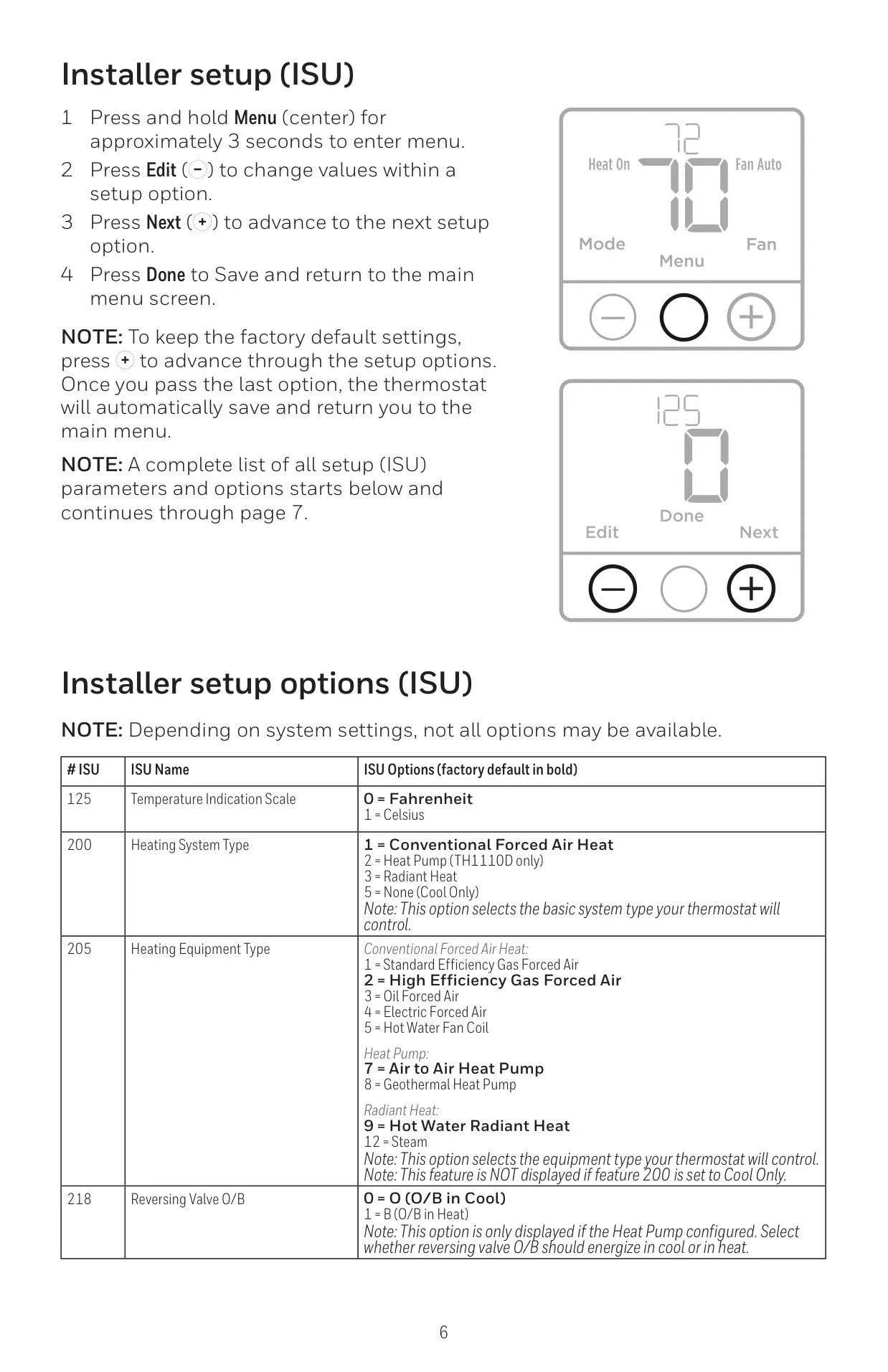
The thermostat features an Installer Setup (ISU) menu that allows for detailed configuration. This includes selecting the heating system type (such as conventional forced air or radiant heat) and the heating equipment type (like high-efficiency gas, electric forced air, or hot water fan coil). This customization ensures optimal performance with specific HVAC systems.
Further ISU options enable fine-tuning aspects like fan control in heat mode and setting minimum cool and maximum heat setpoints. These setpoint limits are valuable for energy management and preventing extreme temperature settings. Additionally, installers can apply a temperature display offset to calibrate the thermostat's reading if needed.
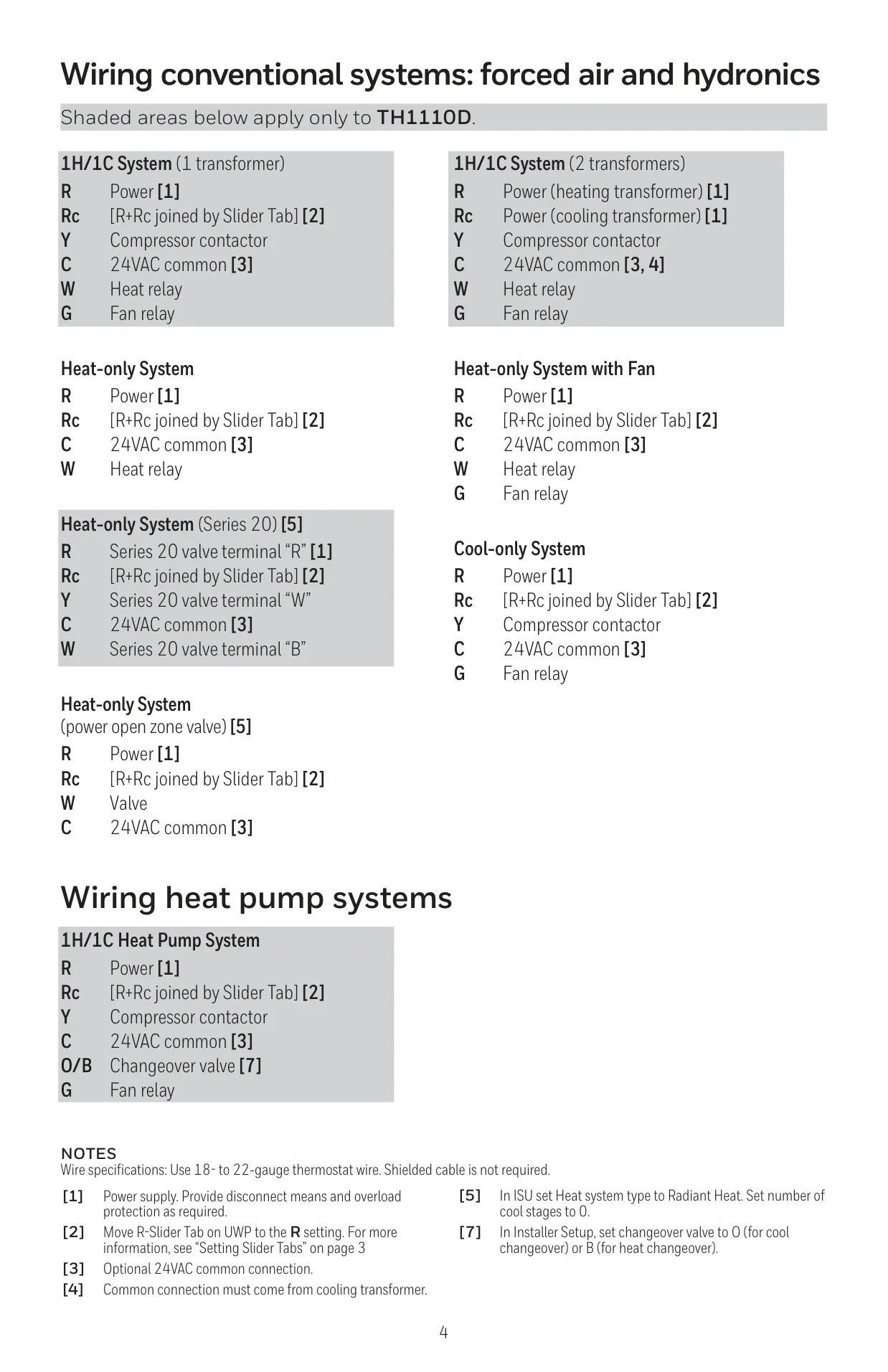
Primarily designed for single-stage conventional heating and cooling systems, the TH1010D2000 features a practical R Slider Tab. This built-in jumper on the UWP simplifies wiring by allowing easy differentiation between one- and two-transformer HVAC systems, contributing to a quicker and more accurate installation process for the professional.
The product is backed by a 5-year limited warranty, underscoring its reliability. Important safety warnings, including precautions against electrical hazards, equipment damage, and notices regarding mercury content and electronic waste disposal, are clearly outlined, emphasizing user safety and responsible product lifecycle management.
Frequently Asked Questions (FAQs)
Can't find the answer you need? Here are some frequently asked questions about the Honeywell TH1010D2000 T1 Pro Thermostat, and we answer them below.