Honeywell RTH2300B Thermostat Instruction Manual
Honeywell RTH2300B Thermostat








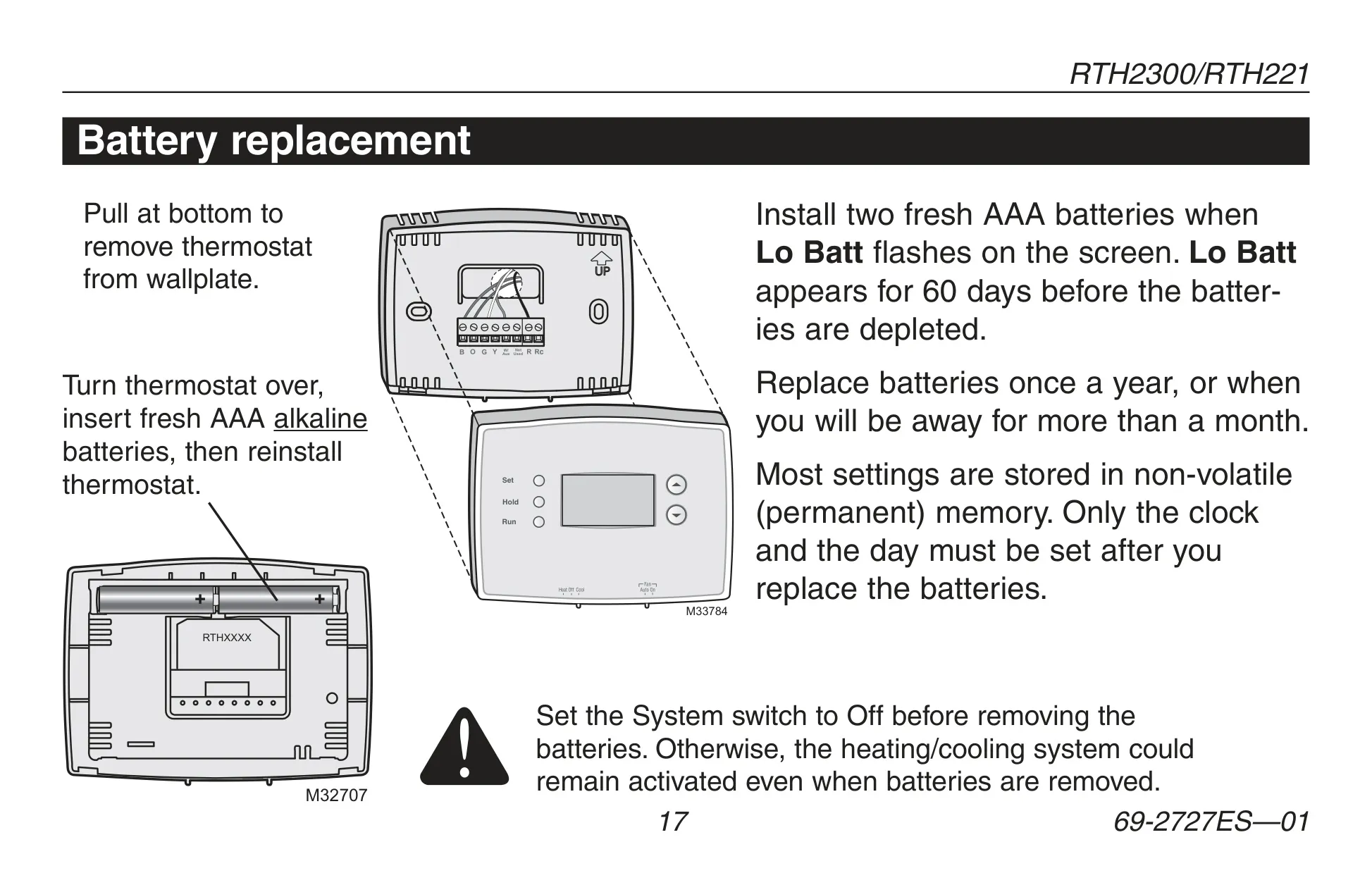





Honeywell RTH2300B Thermostat
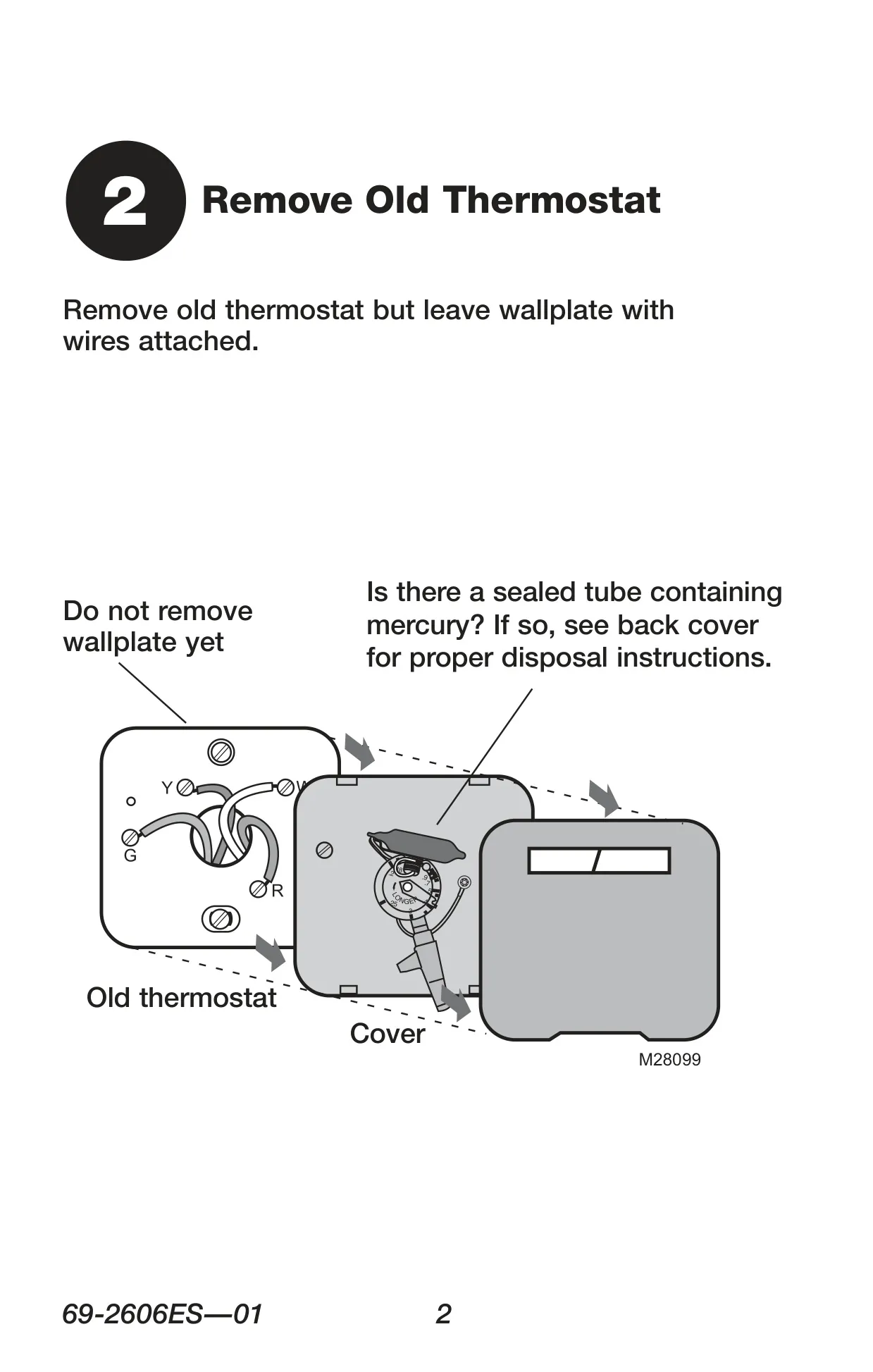
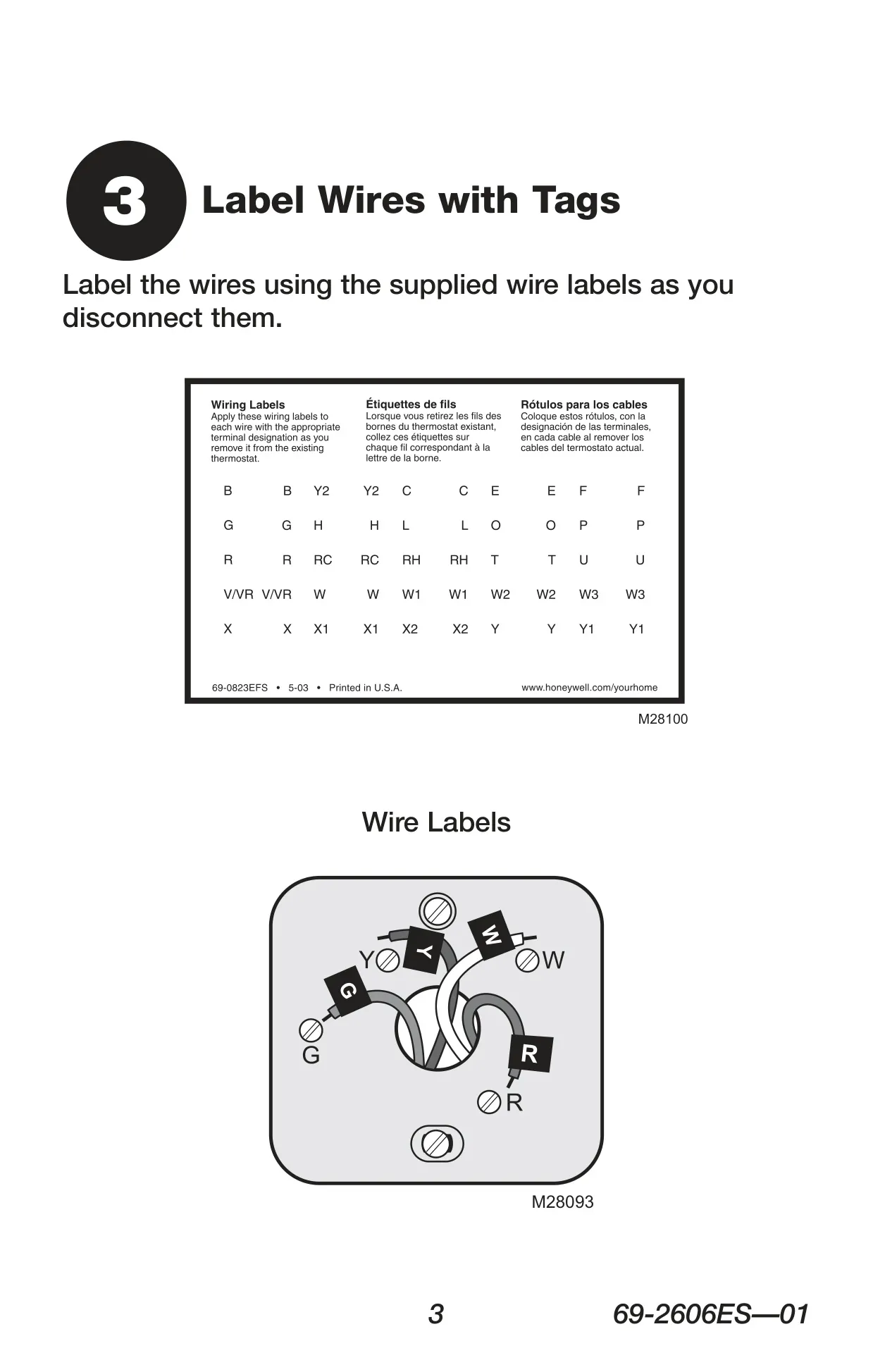
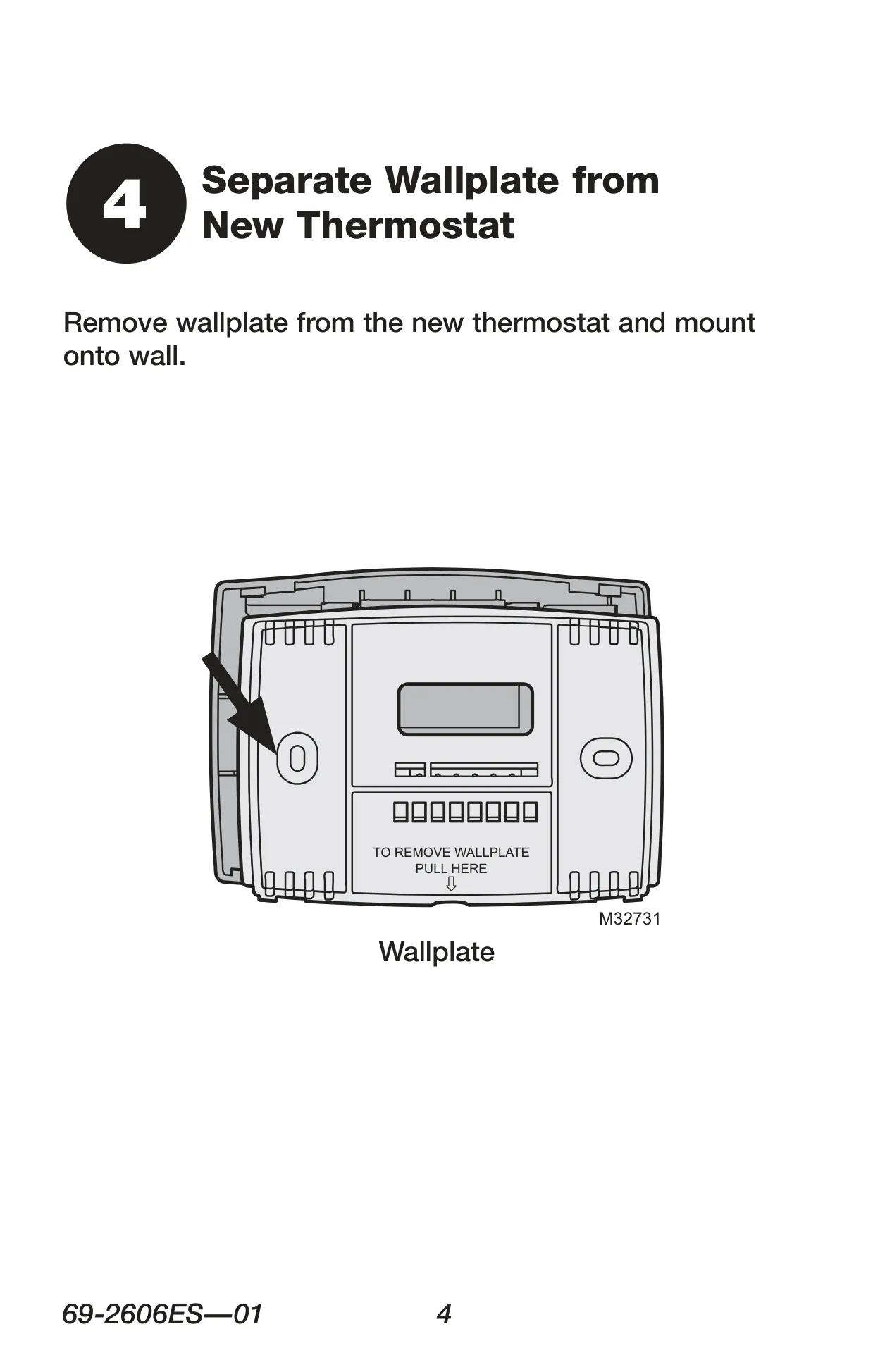
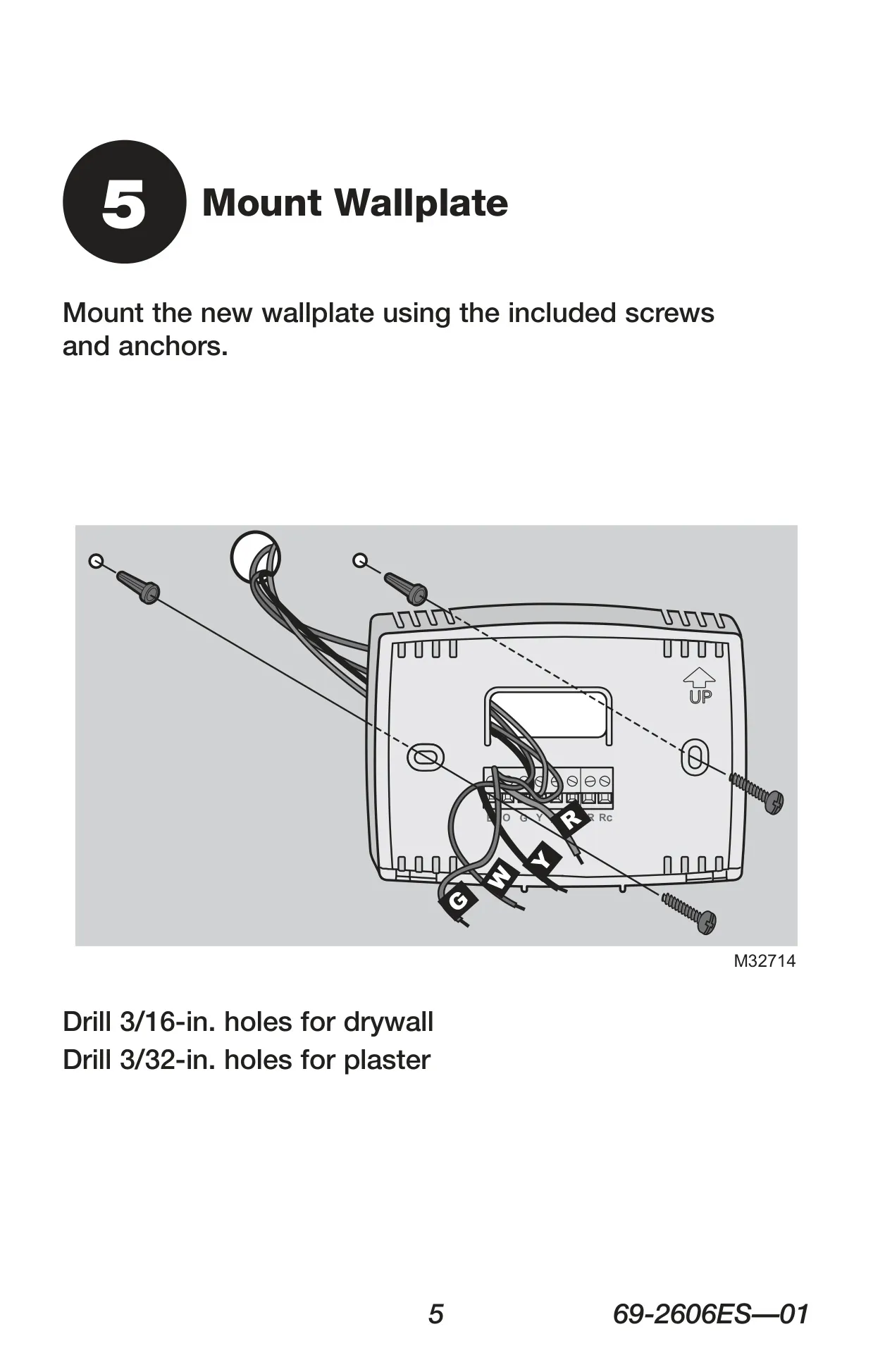
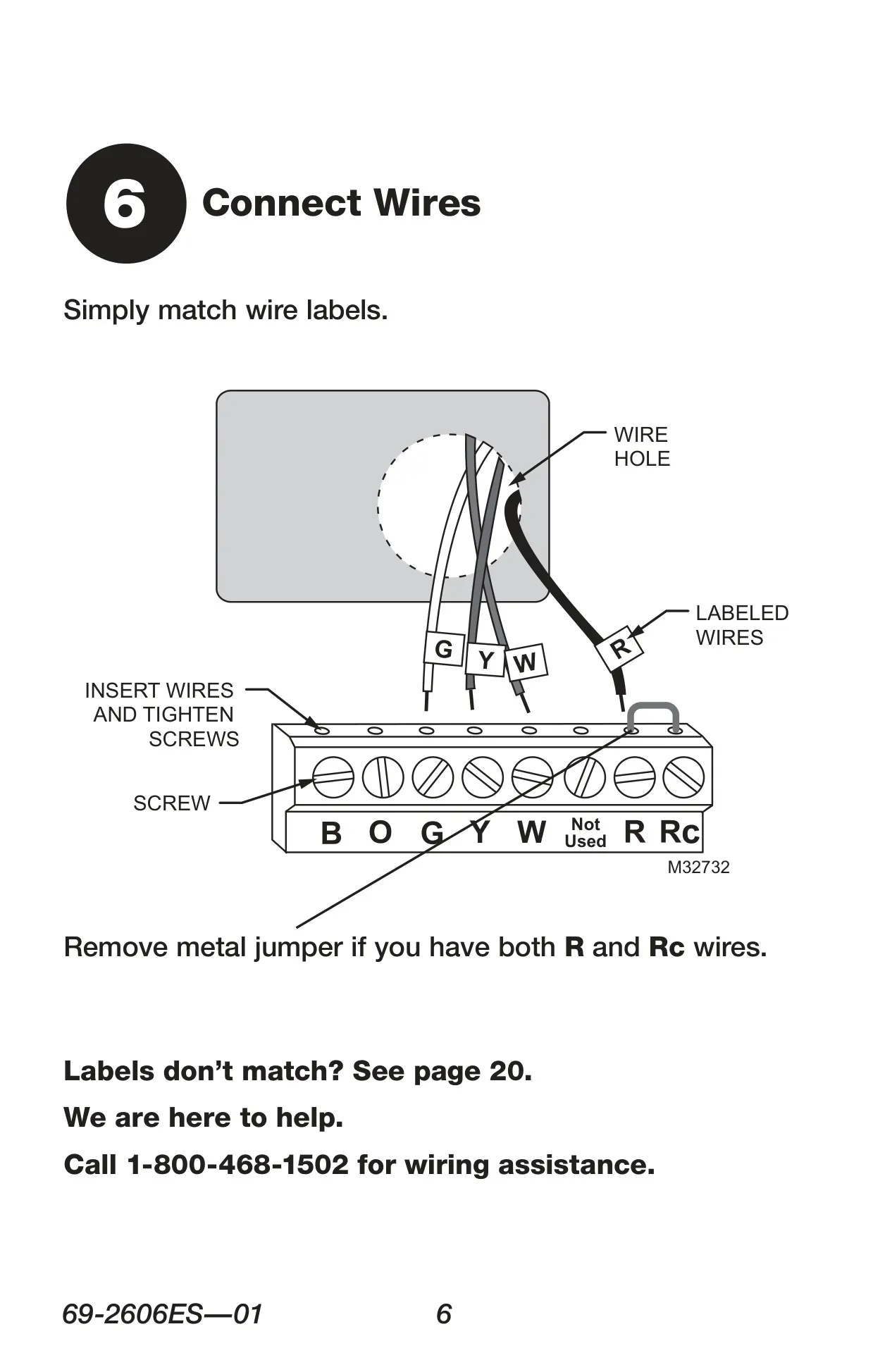
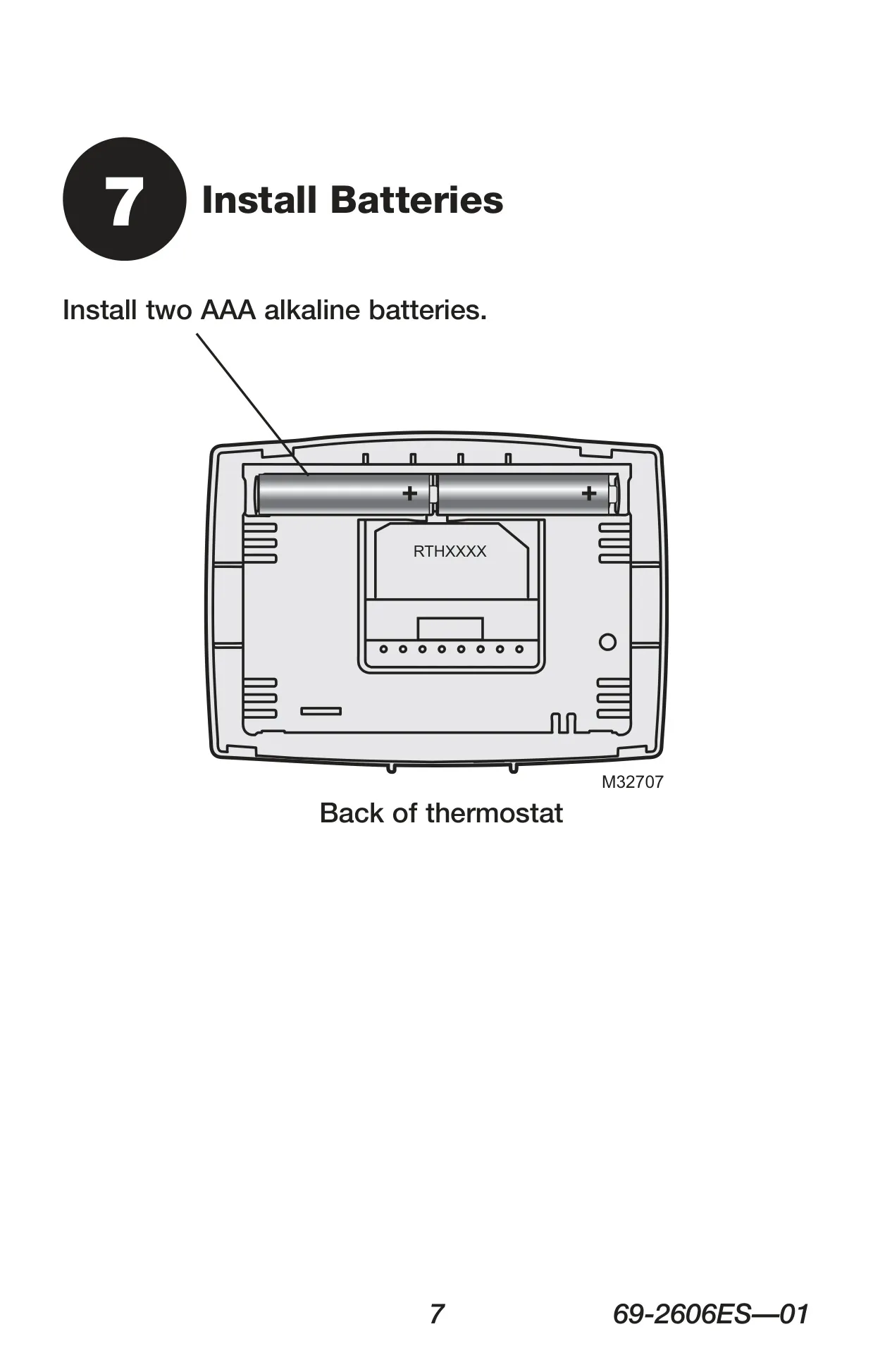
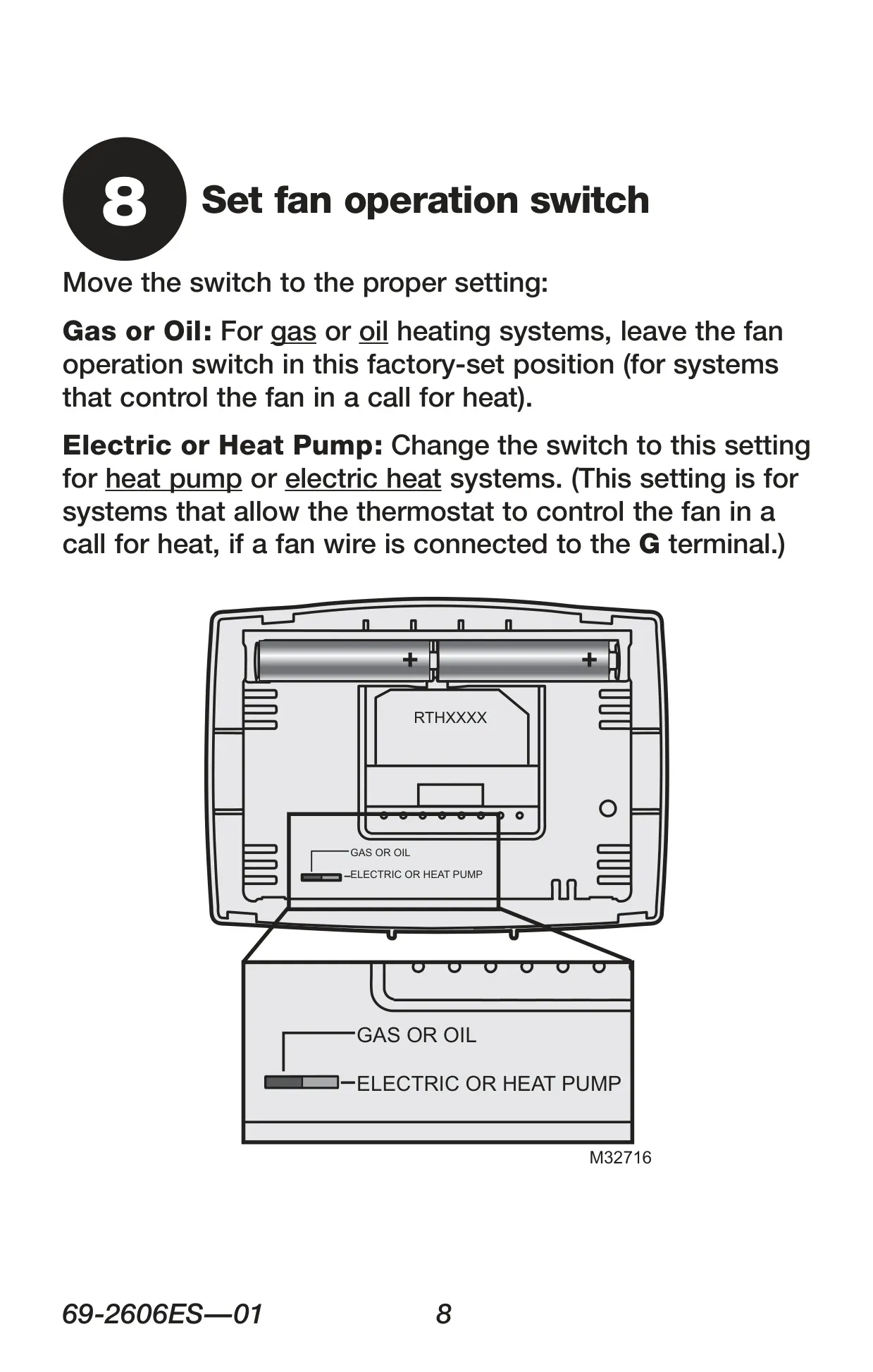
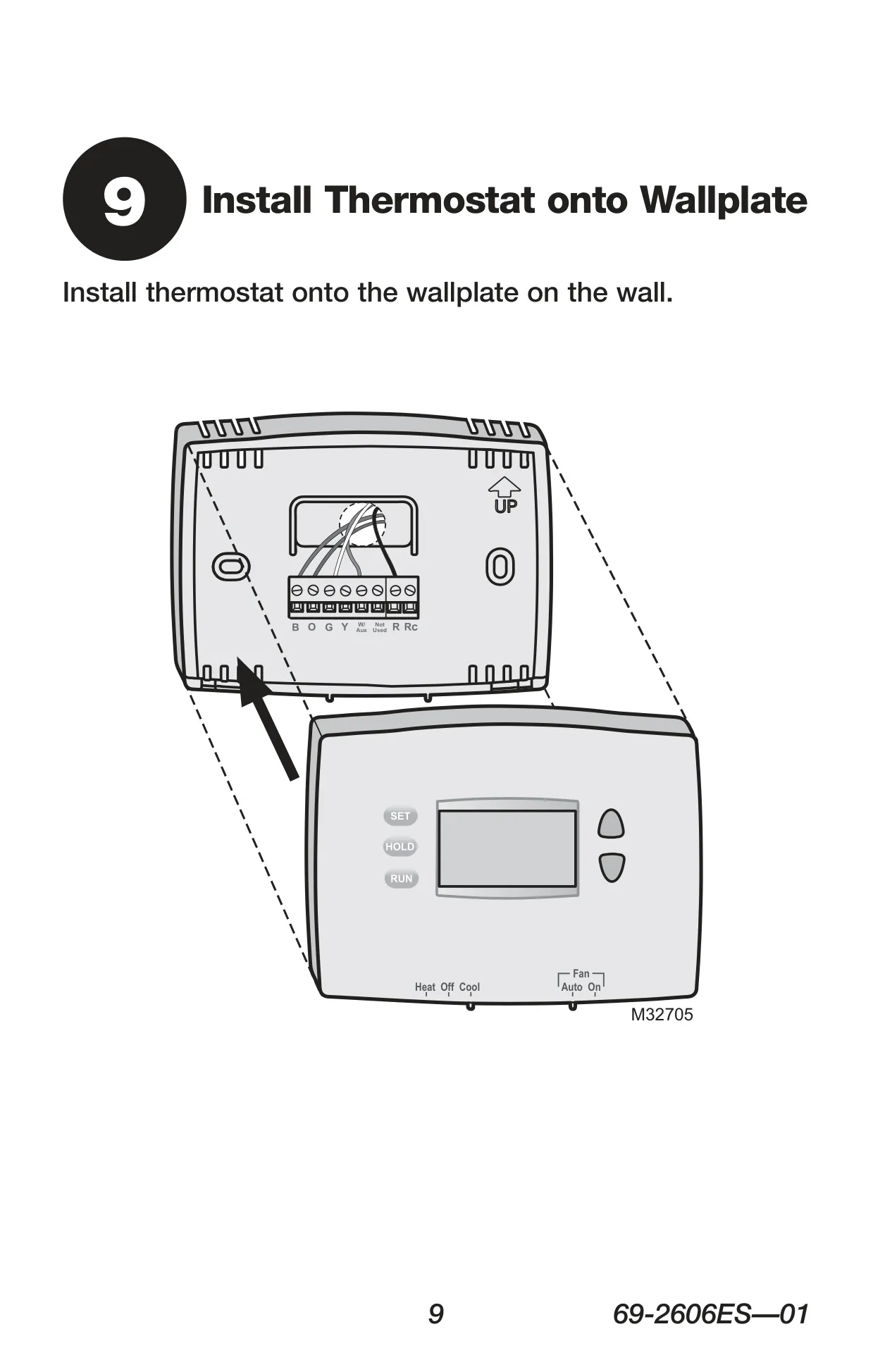


Honeywell RTH2300B Instructions
Here we offer the Honeywell RTH2300B Thermostat manual completely free and in English. We have cataloged this manual in the Thermostats section on Manualverse, and it has been rated by 1 users with an average rating of 5. If you have any specific questions about Honeywell RTH2300B Thermostat, we suggest checking the Frequently Asked Questions (FAQs) section of this manual.
Product Images
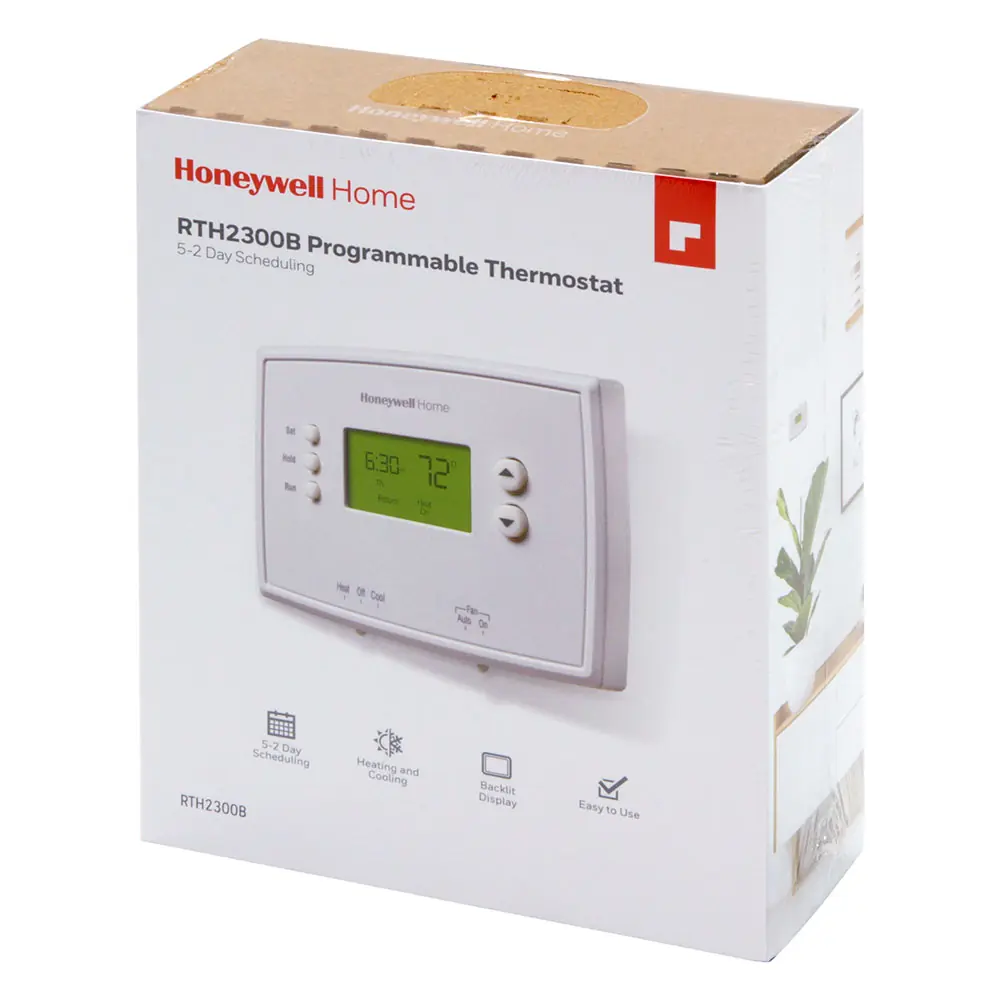
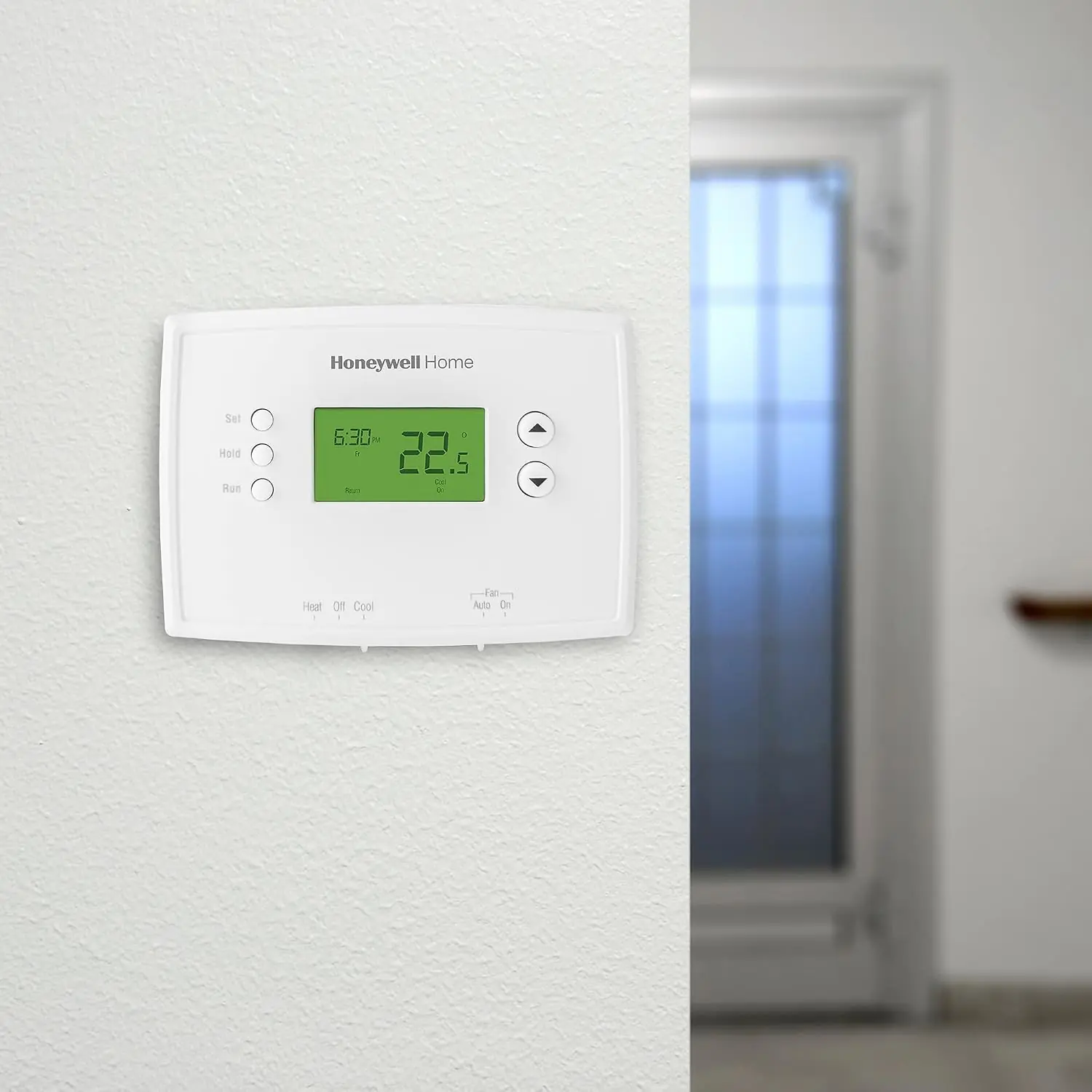
Honeywell RTH2300B Thermostat Specifications
| Feature | Specification |
|---|---|
| Model(s) Covered | RTH2300 |
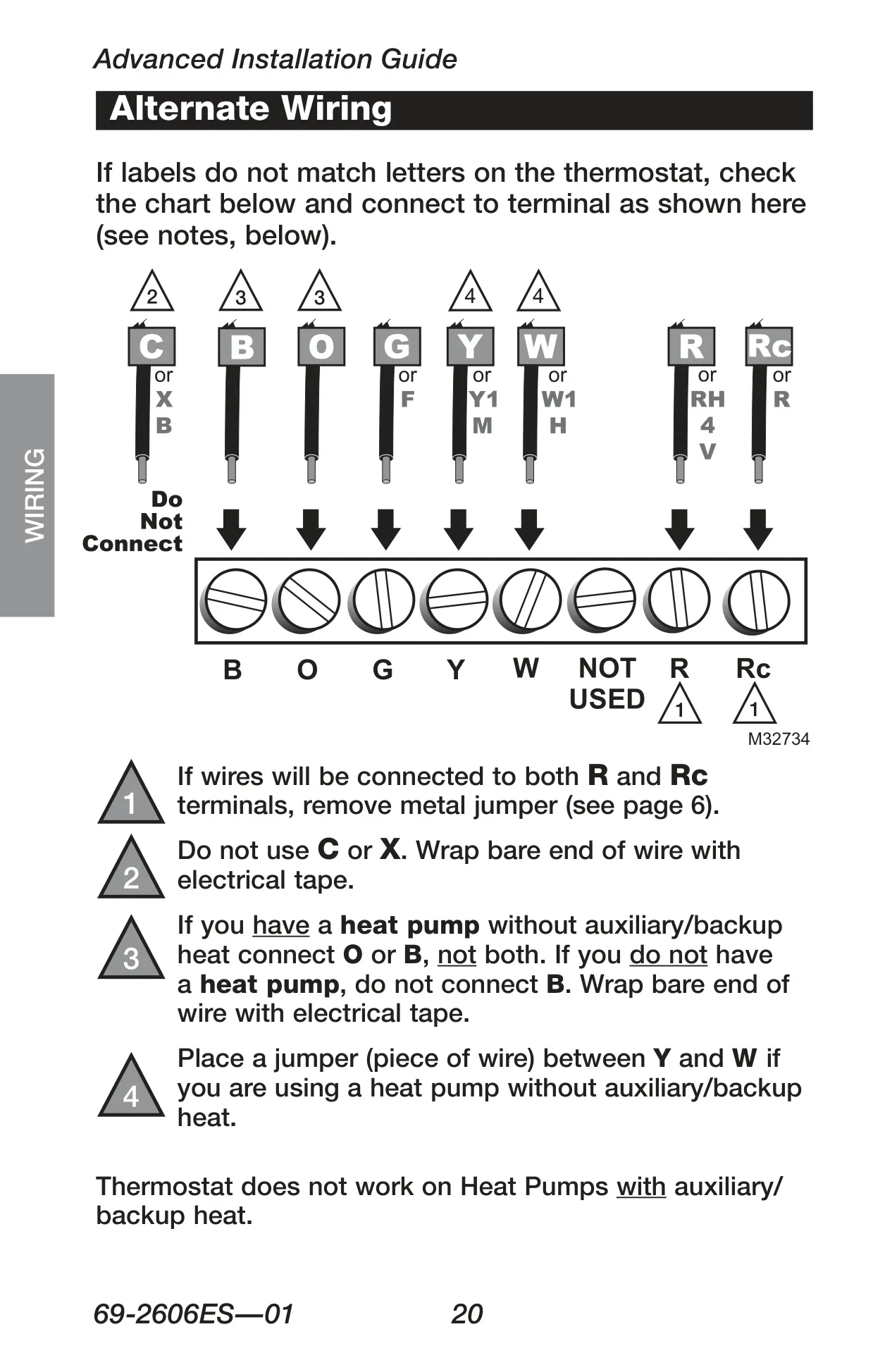
| Compatibility | Gas, oil, electric furnace; Central air conditioner; Hot water system (with/without pump); Millivolt system; Central heating and cooling system; Heat pump without auxiliary/backup heat |
| Incompatibility | Heat pumps with auxiliary/backup heat; Multi-stage conventional systems; 120/240 Volt systems |
| Power Source | 2 AAA alkaline batteries |
| Voltage | 24V or 750 mV systems |
| Heating Temperature Range | 40°F to 90°F (4.5°C to 32°C) |
| Cooling Temperature Range | 50°F to 99°F (10°C to 37°C) |
| Display Type (RTH2300) | Backlit LCD |
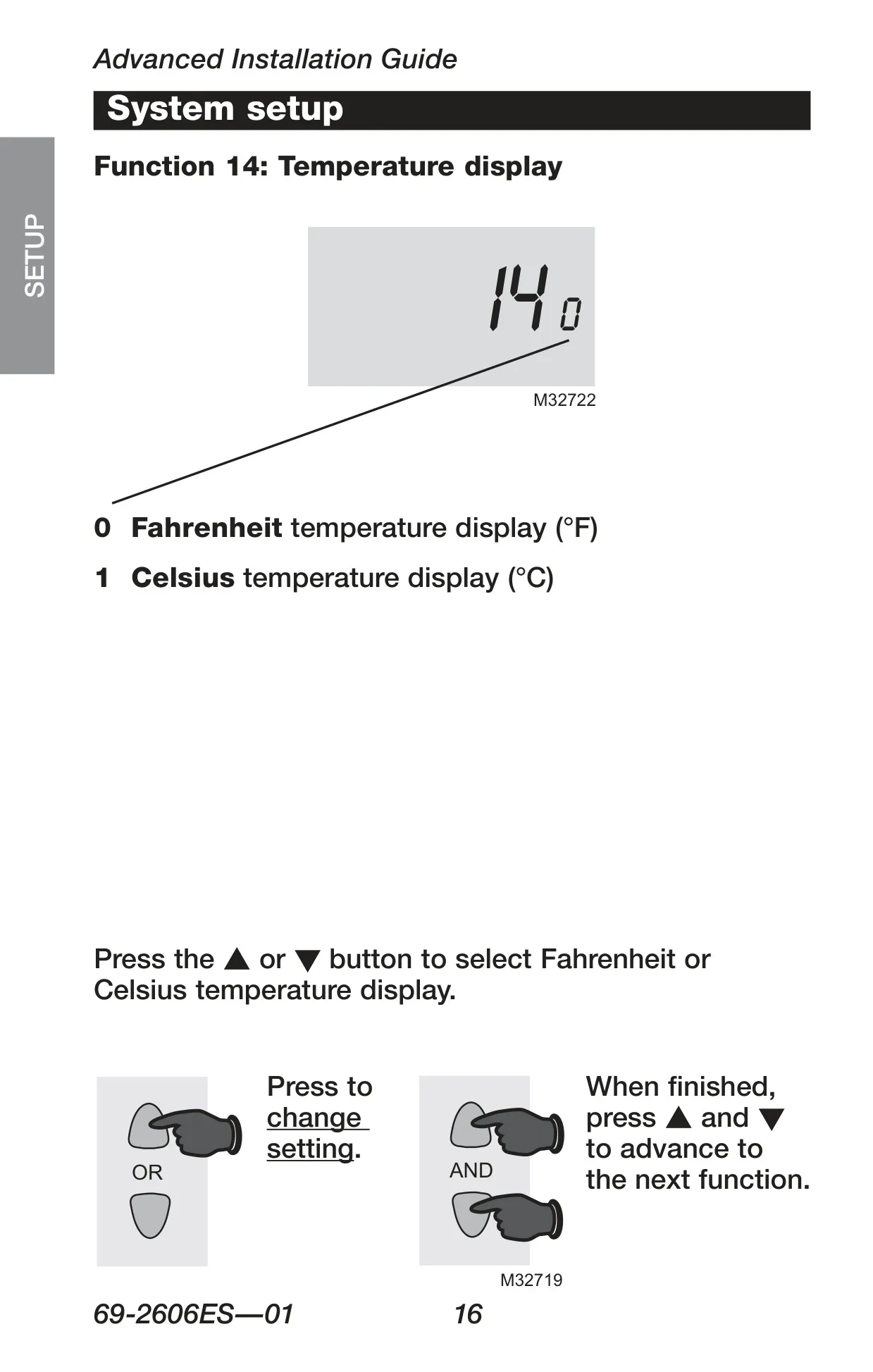
| Temperature Display Unit | Fahrenheit (°F) or Celsius (°C) selectable |
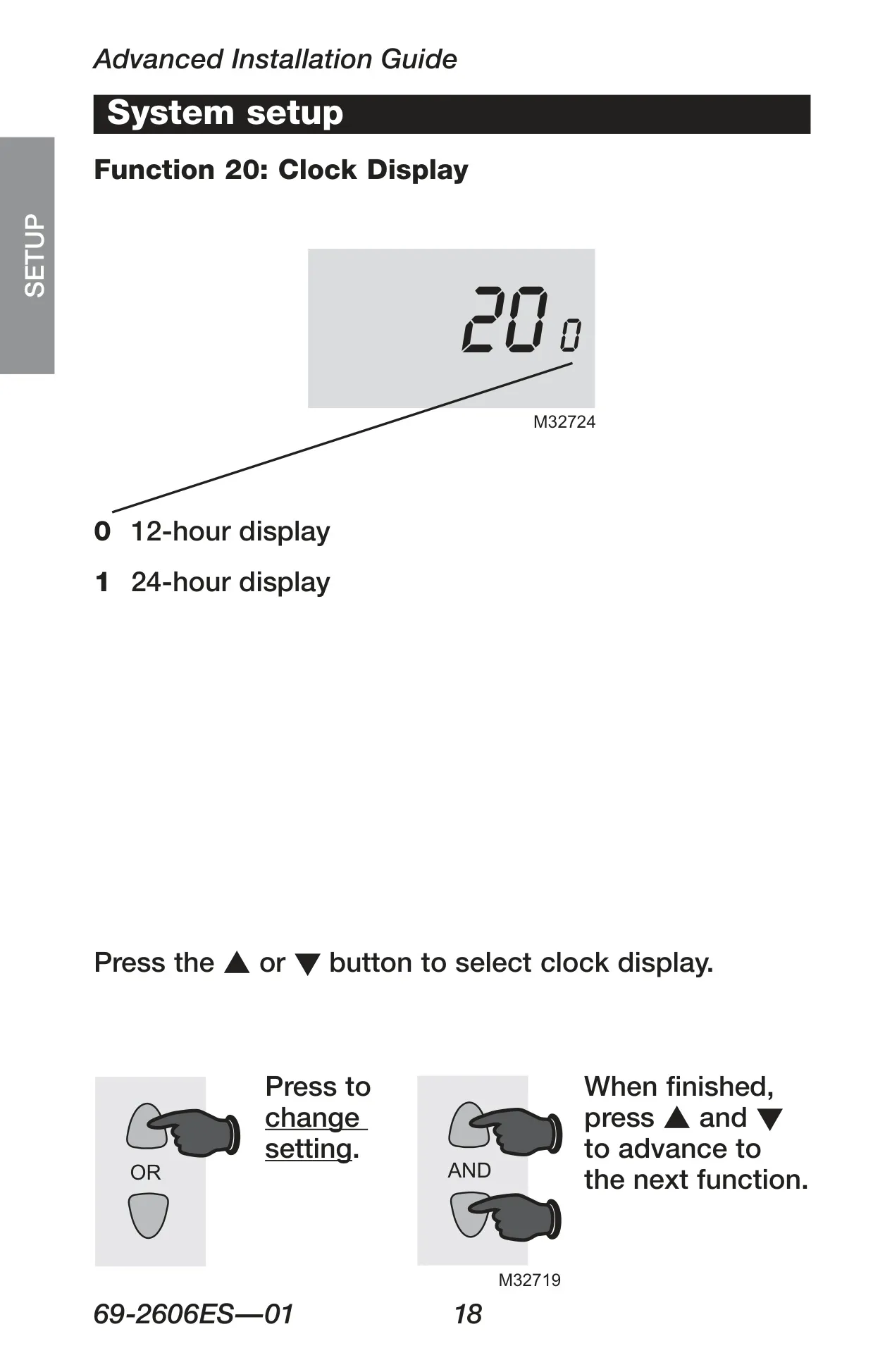
| Clock Display Unit | 12-hour or 24-hour selectable |
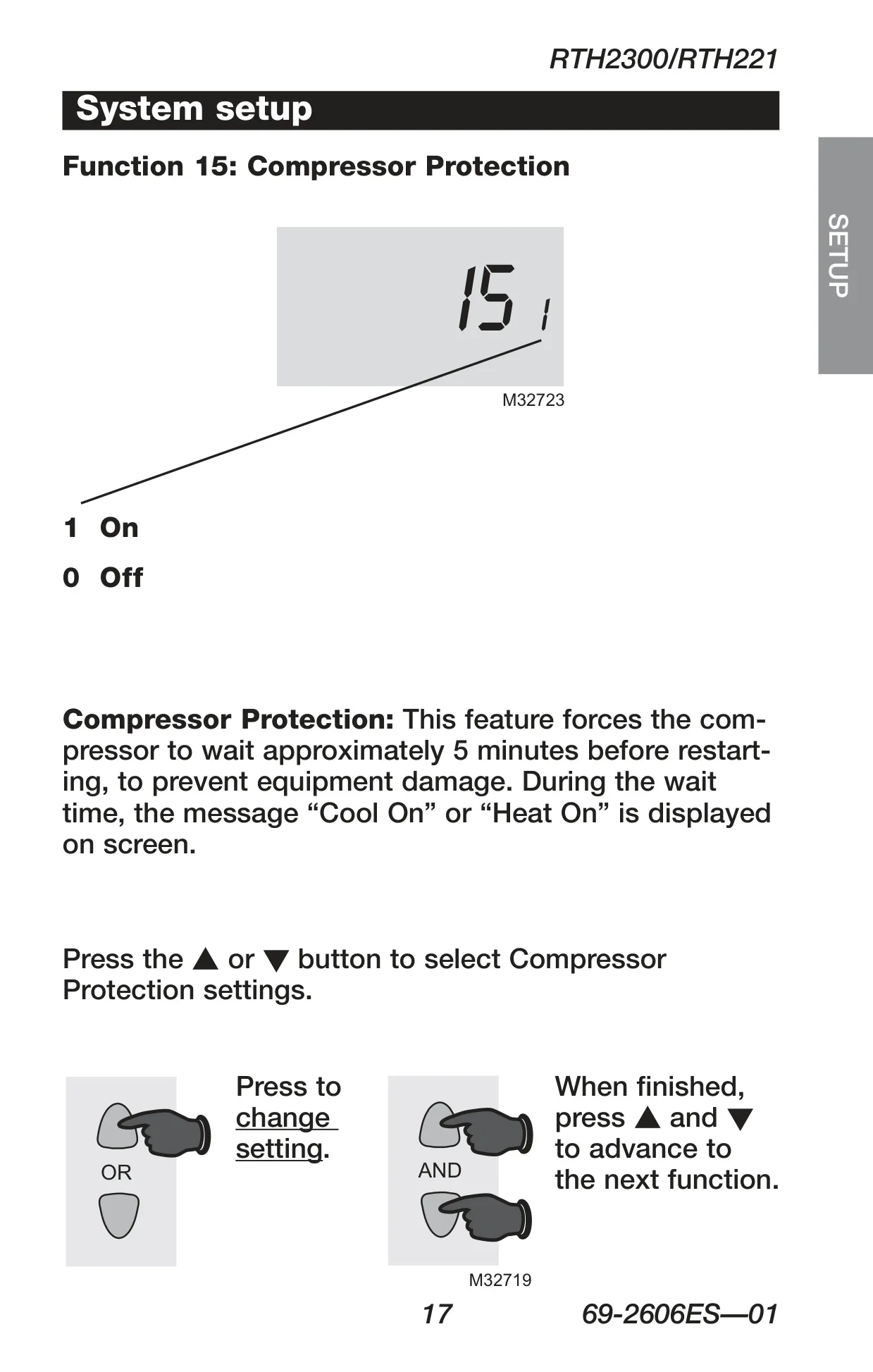
| Compressor Protection | Built-in, 5-minute delay (selectable On/Off) |
| Program Schedule | 4 time periods daily (Wake, Leave, Return, Sleep); separate for weekdays/weekends |
| Filter Reminder | Yes (RTH2300 only) |
| Warranty | 1-year limited (excluding battery) |
| Customer Support Phone | 1-800-468-1502 |
| Customer Support Website | http://yourhome.honeywell.com |
Honeywell RTH2300B Thermostat Details
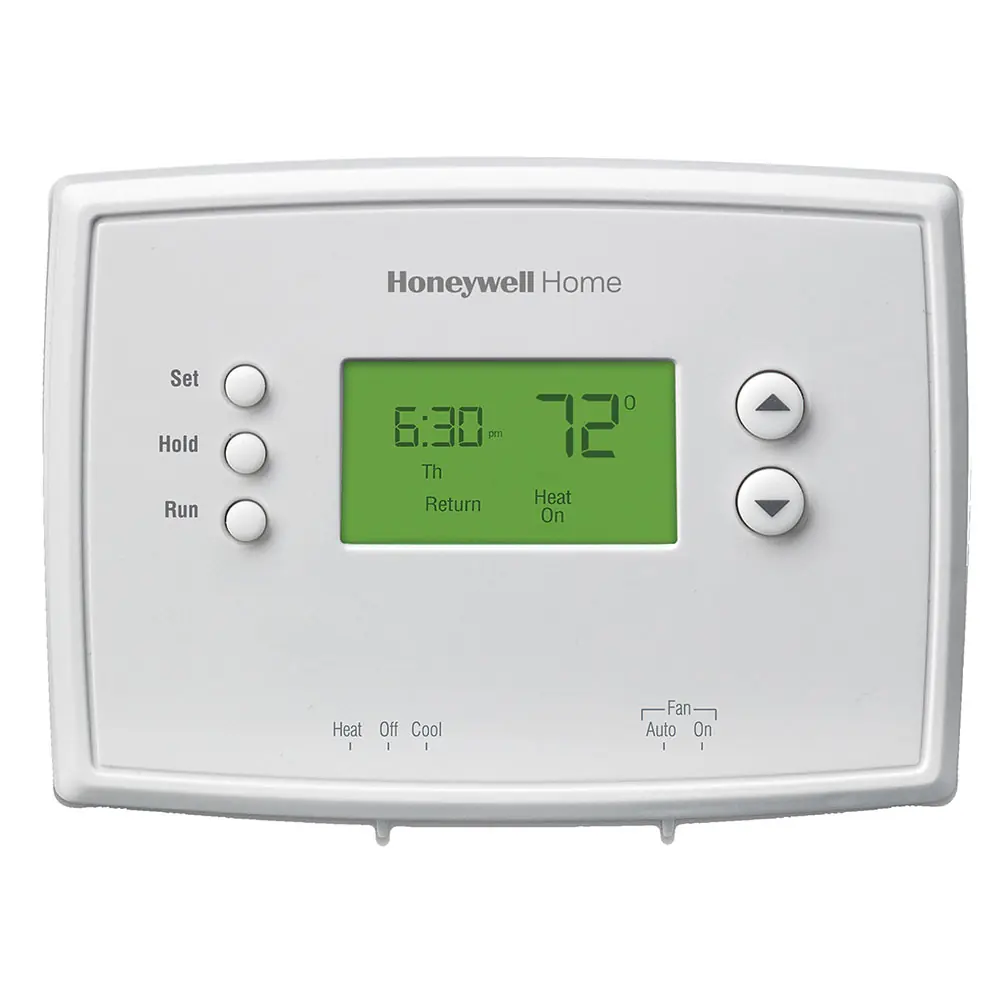
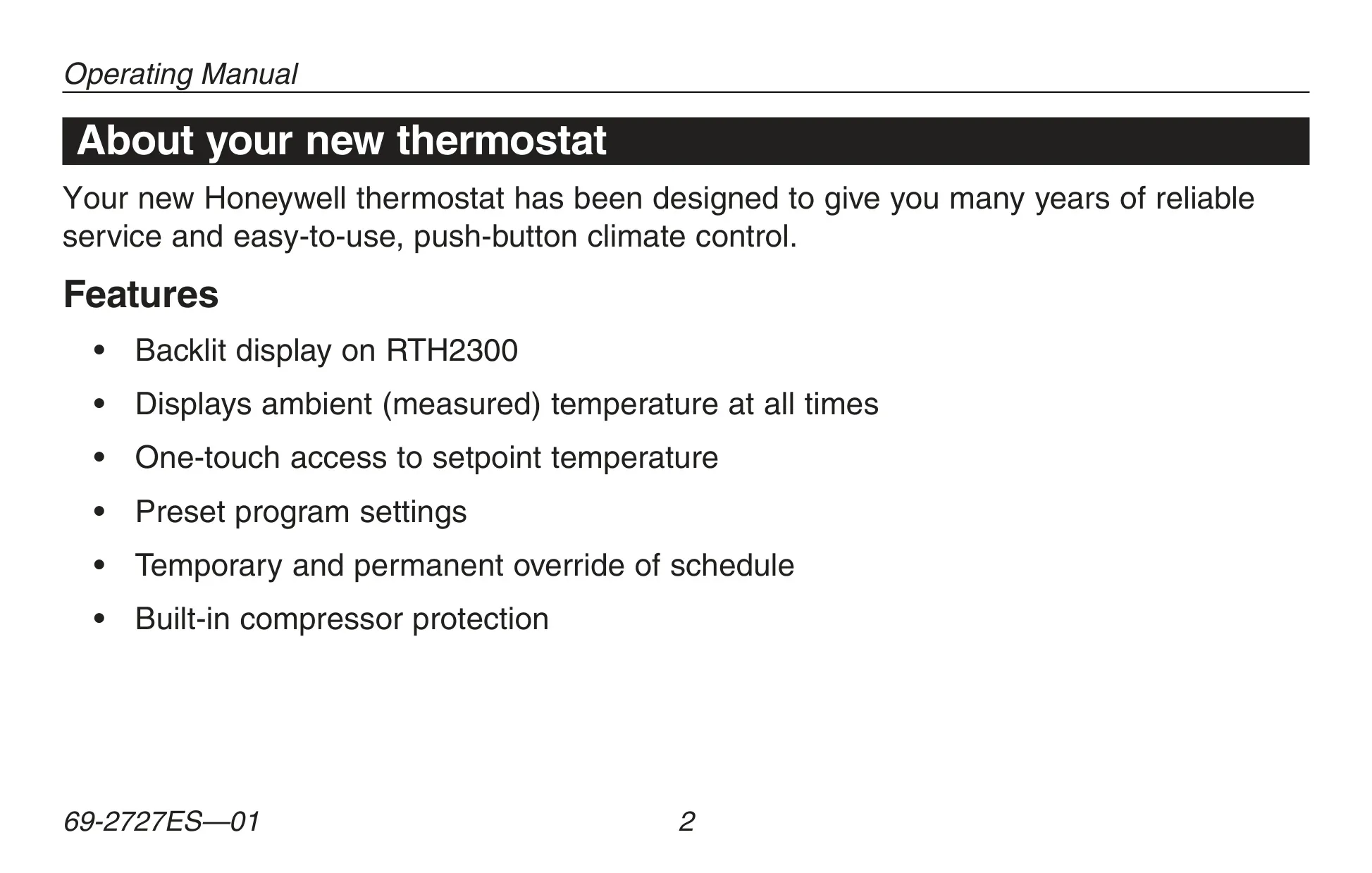
The Honeywell RTH2300B thermostat is engineered for both reliability and ease of use, providing straightforward, push-button climate control. It comes pre-programmed with energy-saving settings, meaning it's often ready to go with just a few initial adjustments, primarily setting the current time and day. Its intuitive design ensures a hassle-free experience for daily operation.
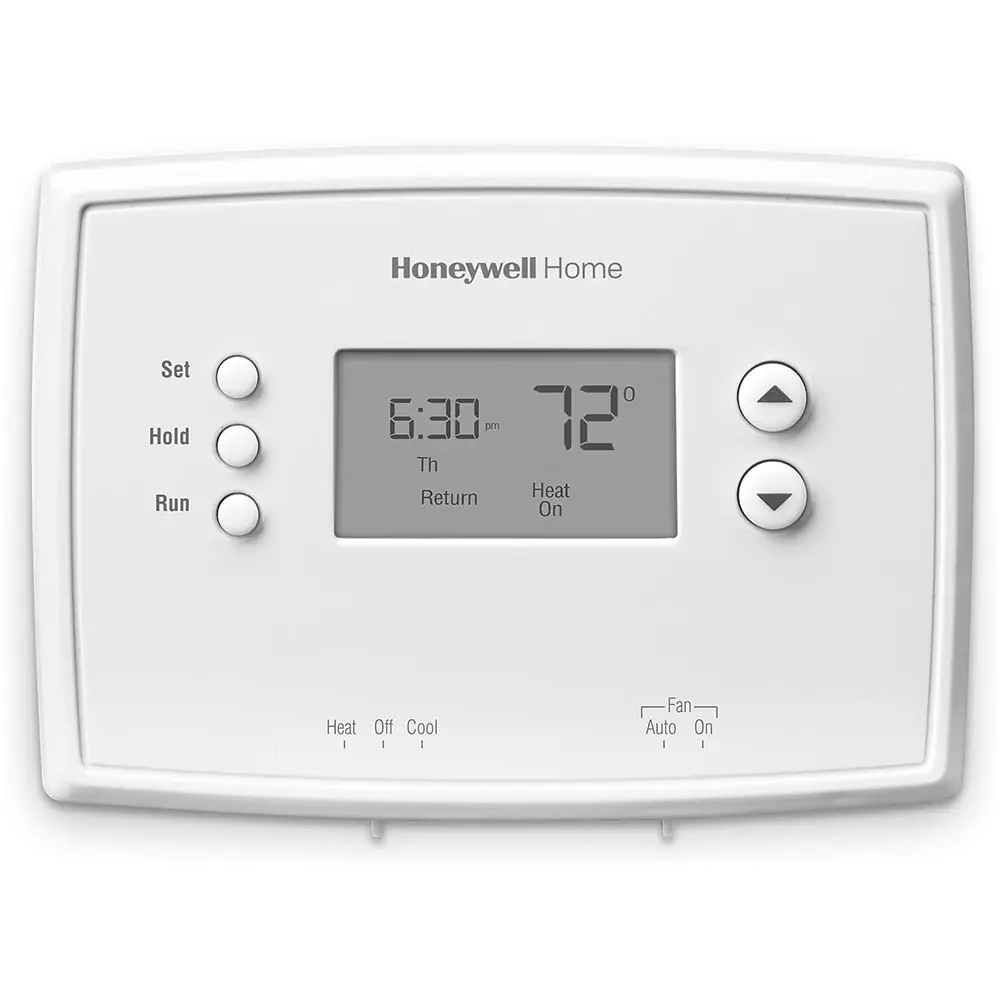
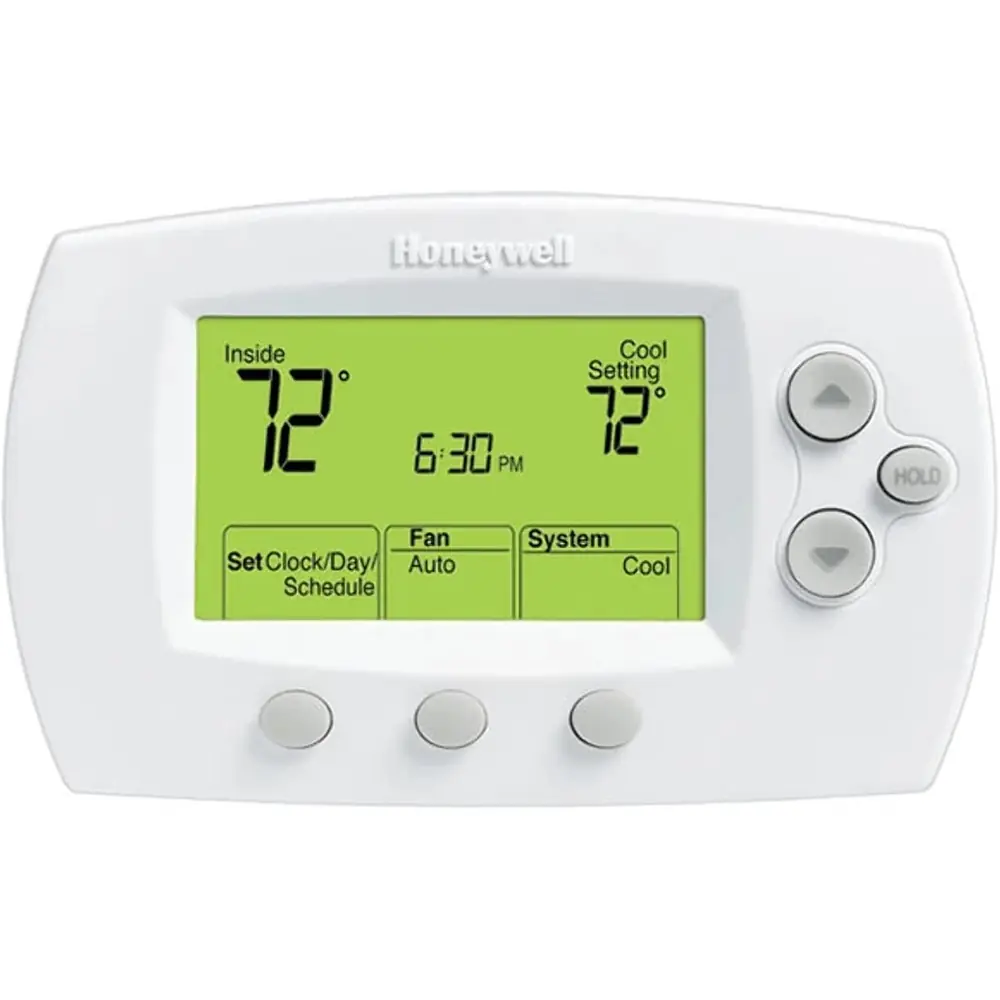
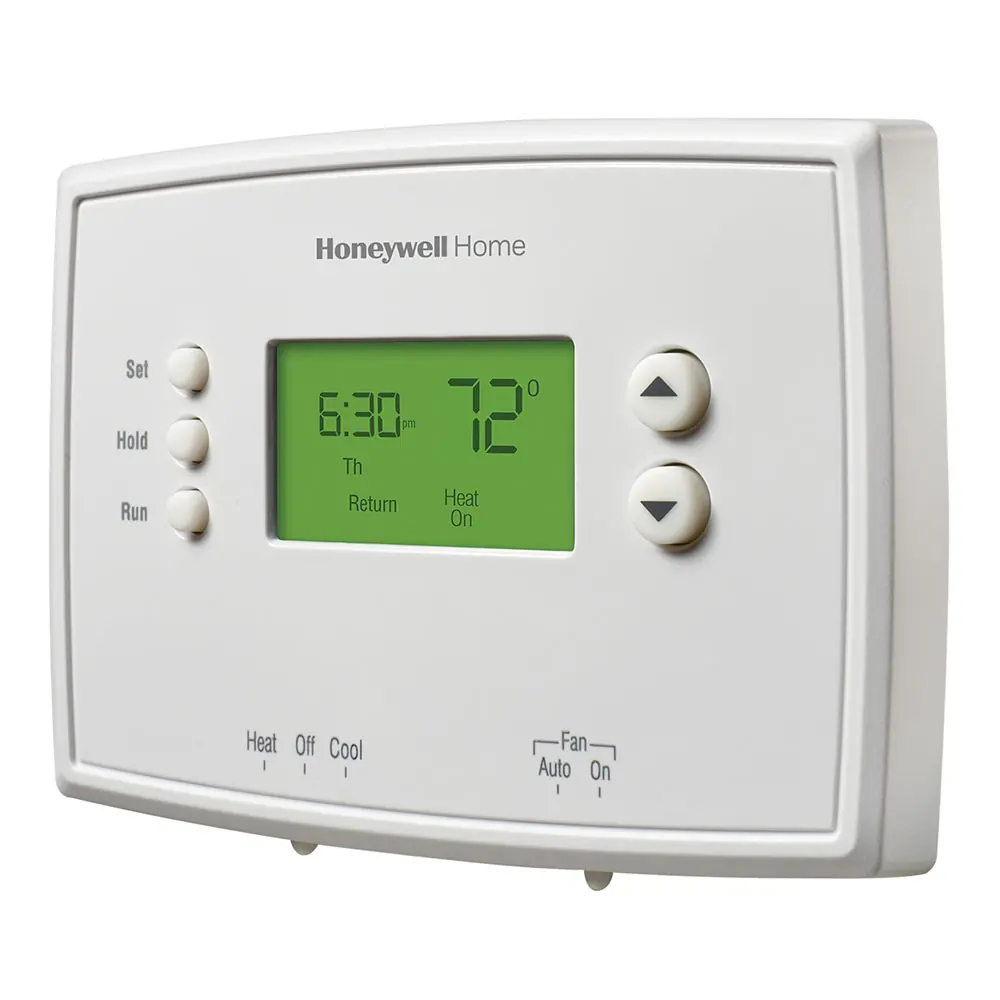
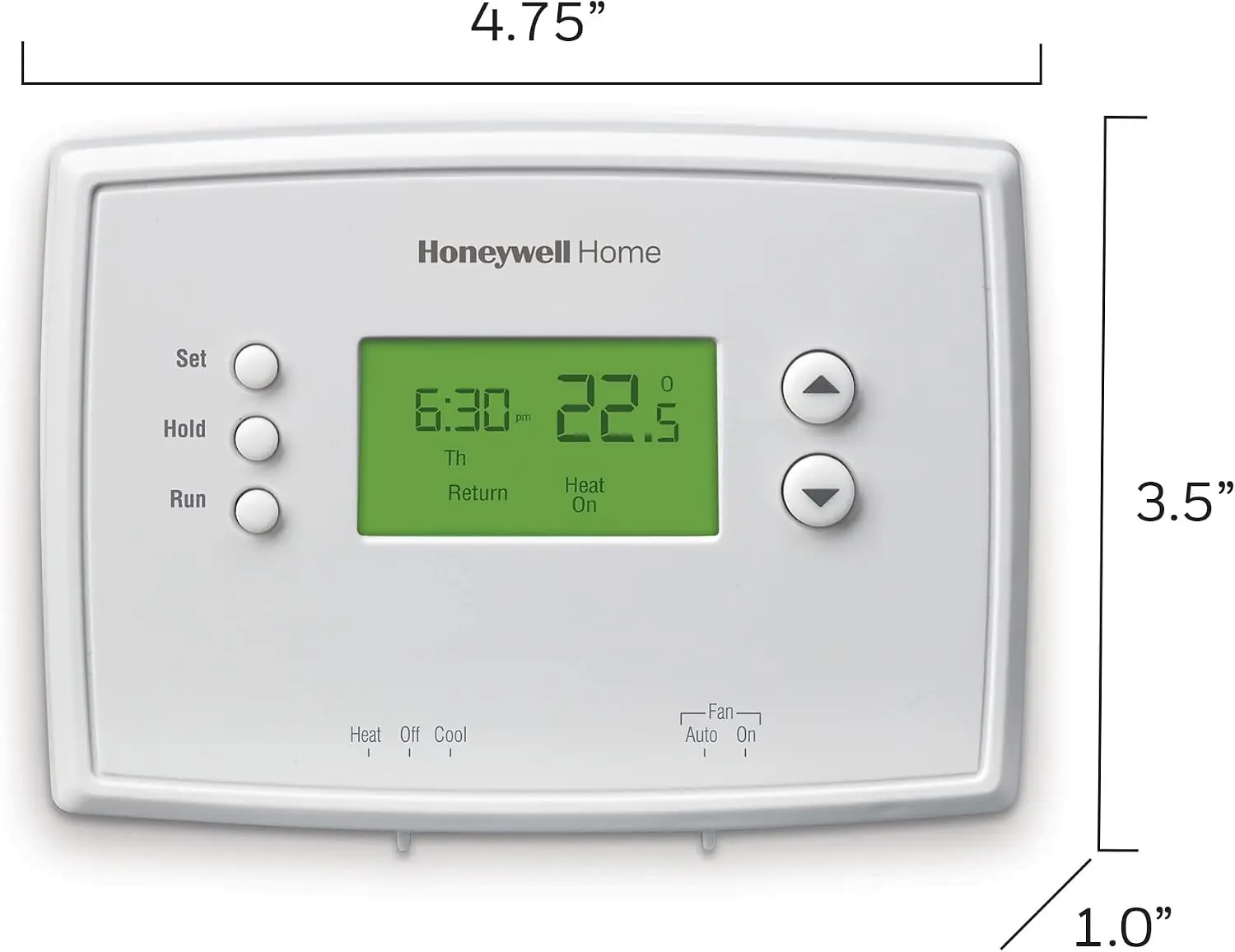
A key feature of the RTH2300 model is its backlit display, which ensures clear visibility of crucial information at all times. This includes the ambient (measured) temperature, with one-touch access to view the setpoint. The display also provides system status messages, such as "Cool on" or "Heat on," and a "Lo Batt" warning that flashes 60 days before batteries are depleted, giving ample time for replacement.
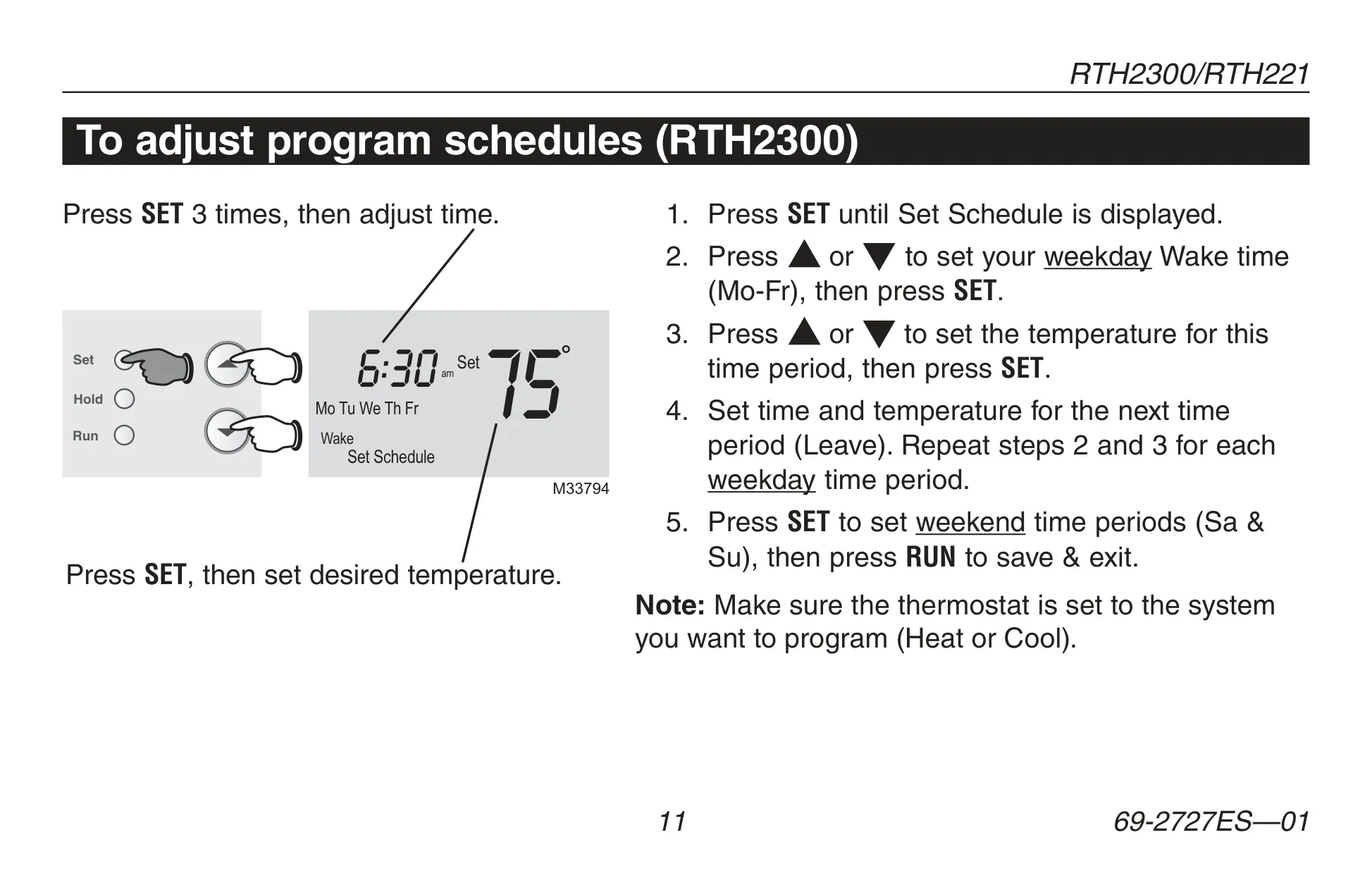
For optimal energy savings, the thermostat offers a programmable schedule with four distinct time periods each day: Wake, Leave, Return, and Sleep. These periods can be customized with different settings for weekdays and weekends, allowing for precise climate control tailored to your lifestyle. Honeywell's preset energy-saving schedules are recommended, potentially reducing heating/cooling costs by as much as 33%.
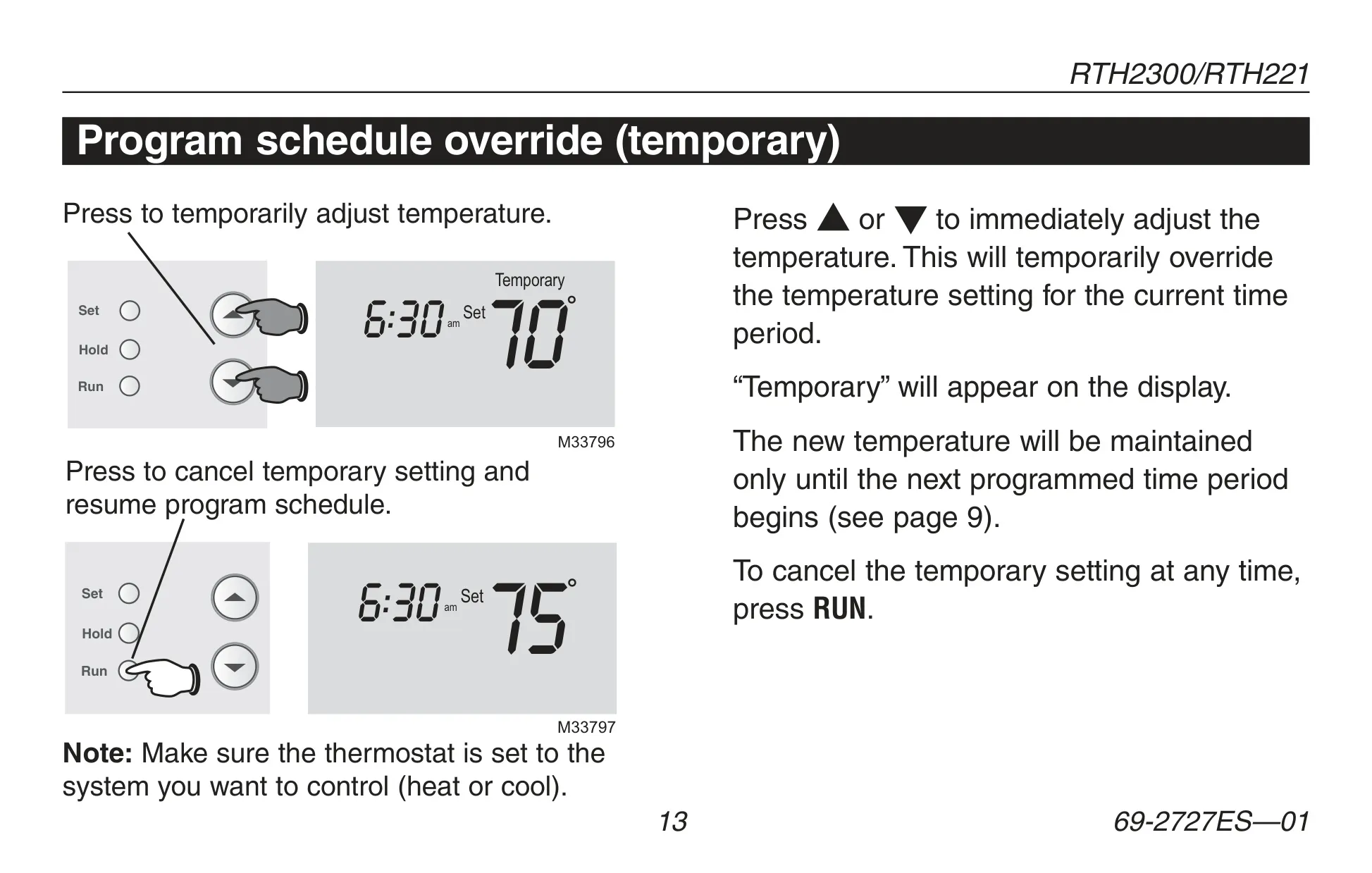
Flexibility is built-in with both temporary and permanent override options. A temporary override adjusts the temperature until the next scheduled period begins, while the "Hold" feature offers a permanent override, maintaining the set temperature 24/7 until manually changed or cancelled. This ensures comfort without constantly reprogramming the schedule.
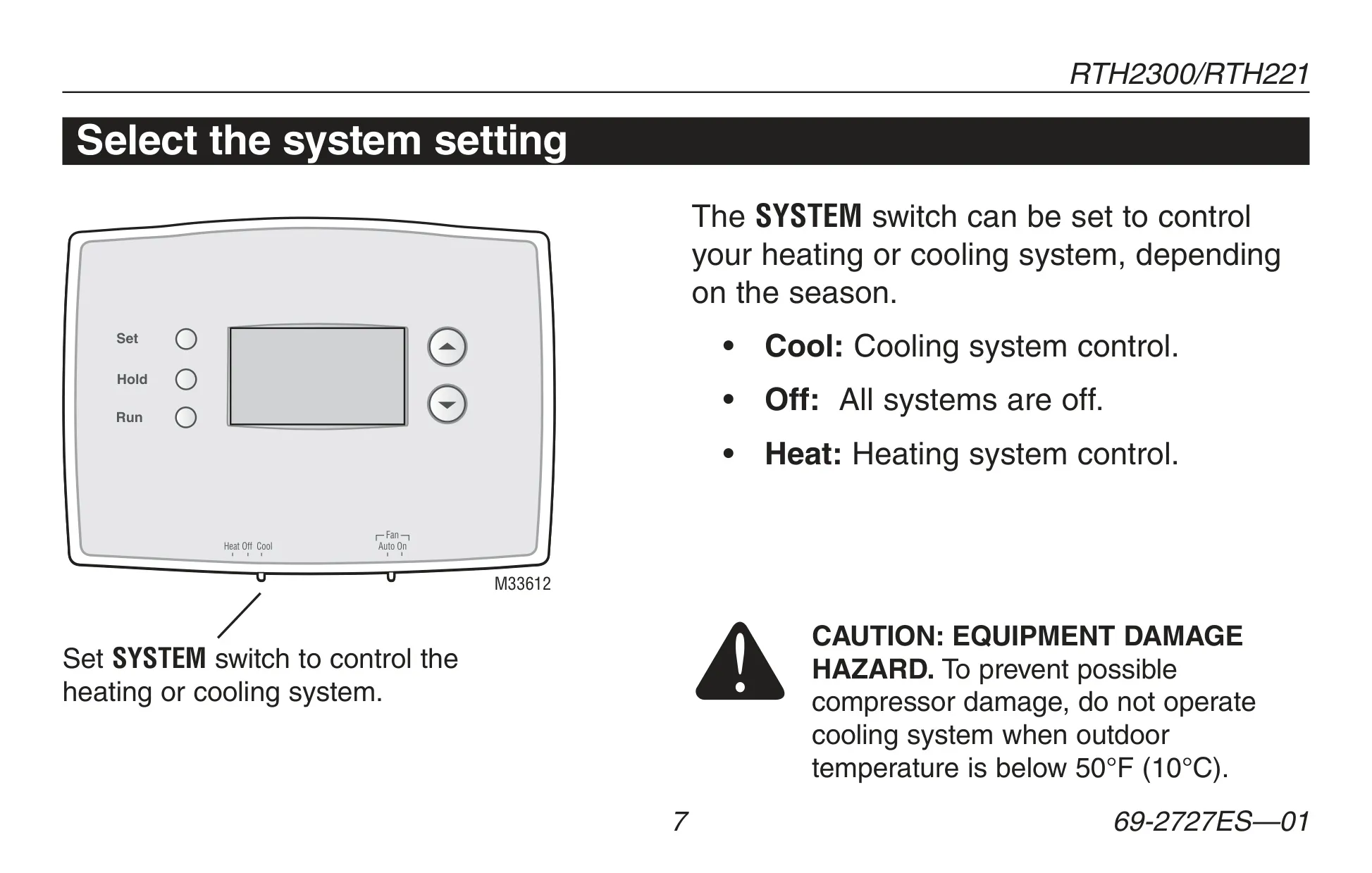
Control over your heating and cooling system is managed via the SYSTEM switch, offering "Heat," "Off," and "Cool" modes. The FAN switch allows you to select "Auto," where the fan runs only when heating or cooling is active, or "On" for continuous airflow. It's crucial to remember the caution against operating the cooling system below 50°F (10°C) to prevent potential compressor damage.
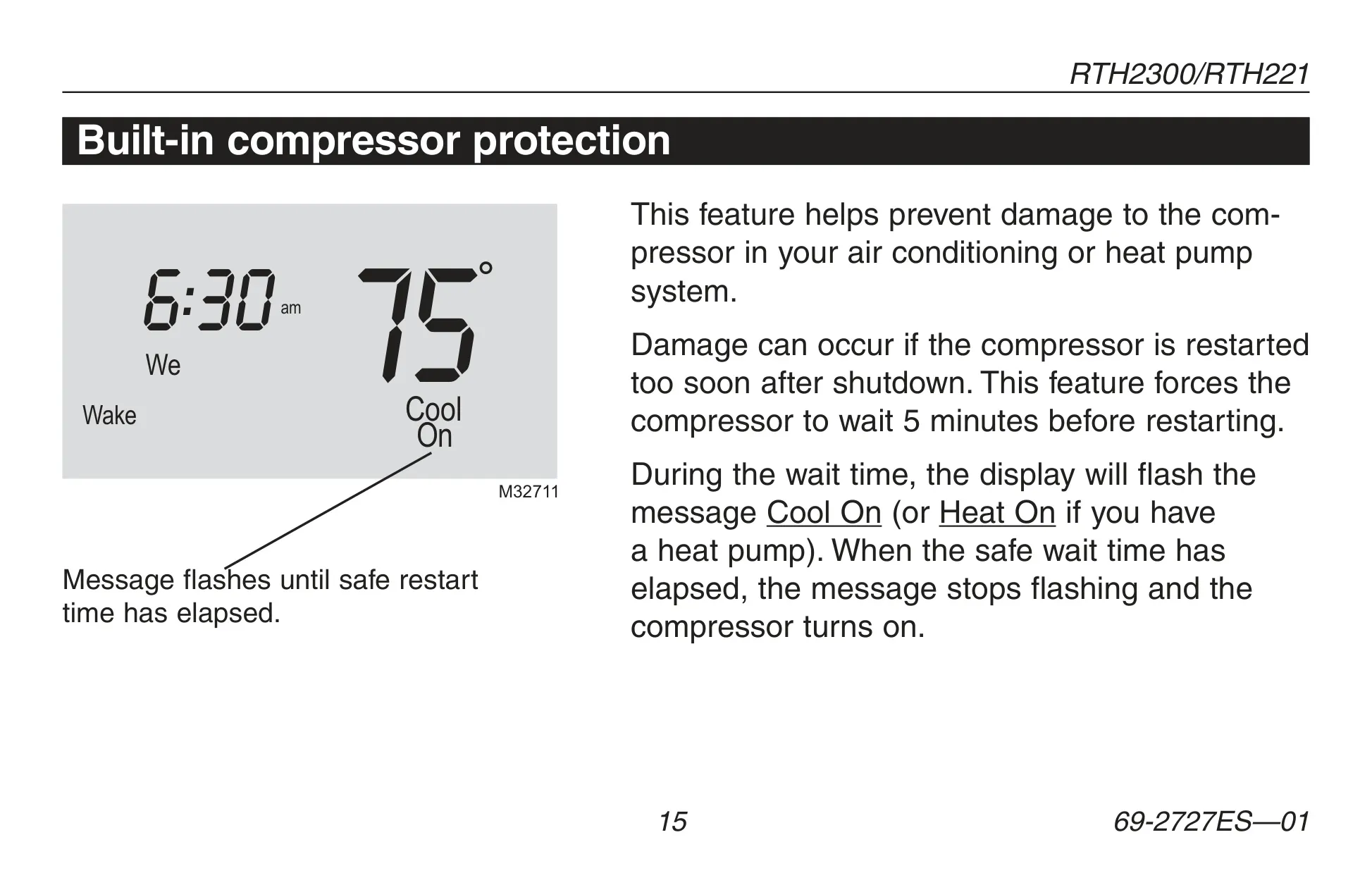
The thermostat includes a built-in compressor protection feature, which enforces a 5-minute delay before restarting the compressor. This intelligent delay prevents equipment damage that can occur from rapid cycling. During this wait time, "Cool On" (or "Heat On" for heat pumps) flashes on the display. Additionally, the RTH2300 model features a "Change Filter" reminder, which flashes when the air filter needs replacement and can be reset by holding the RUN button.
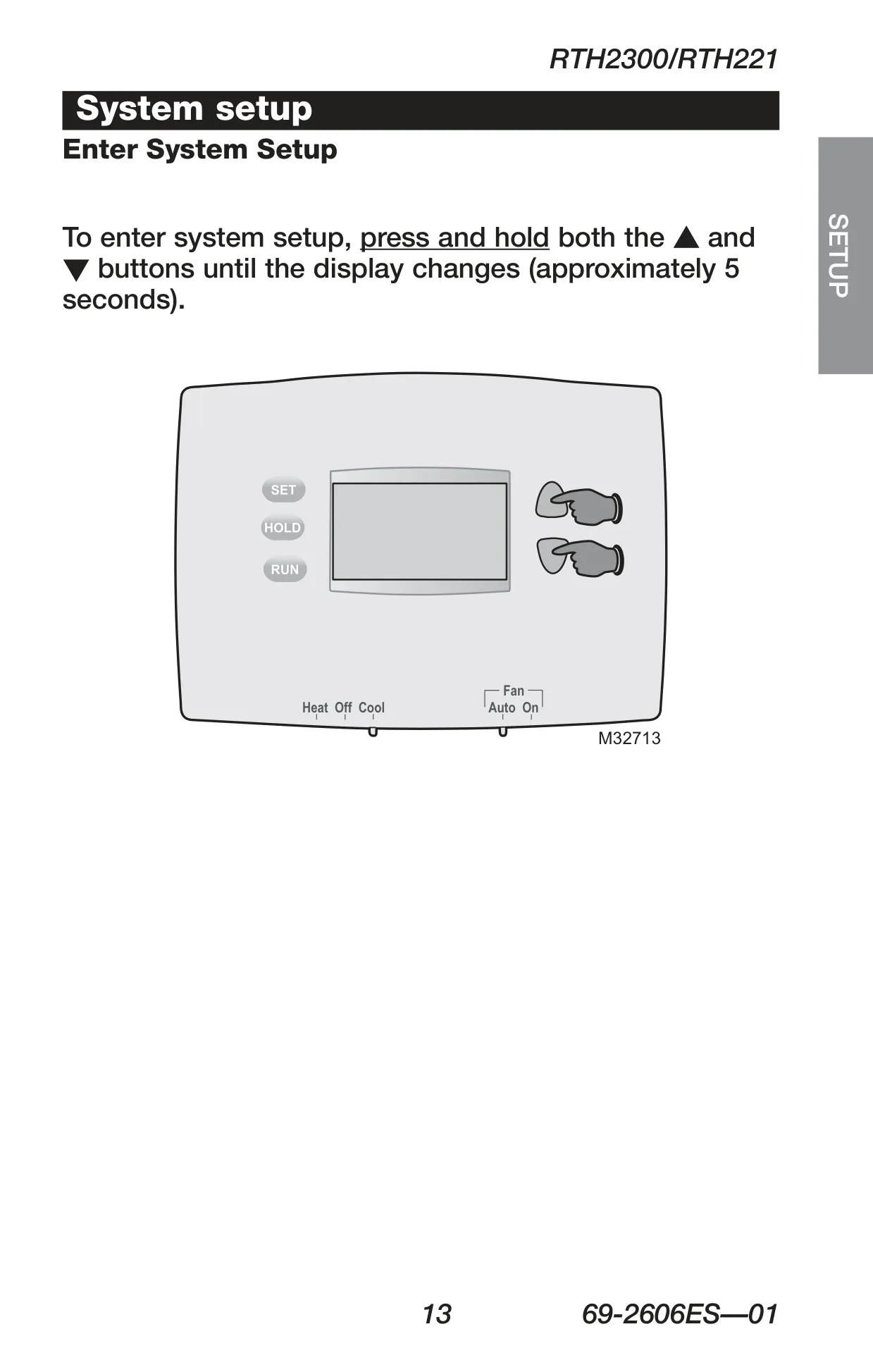
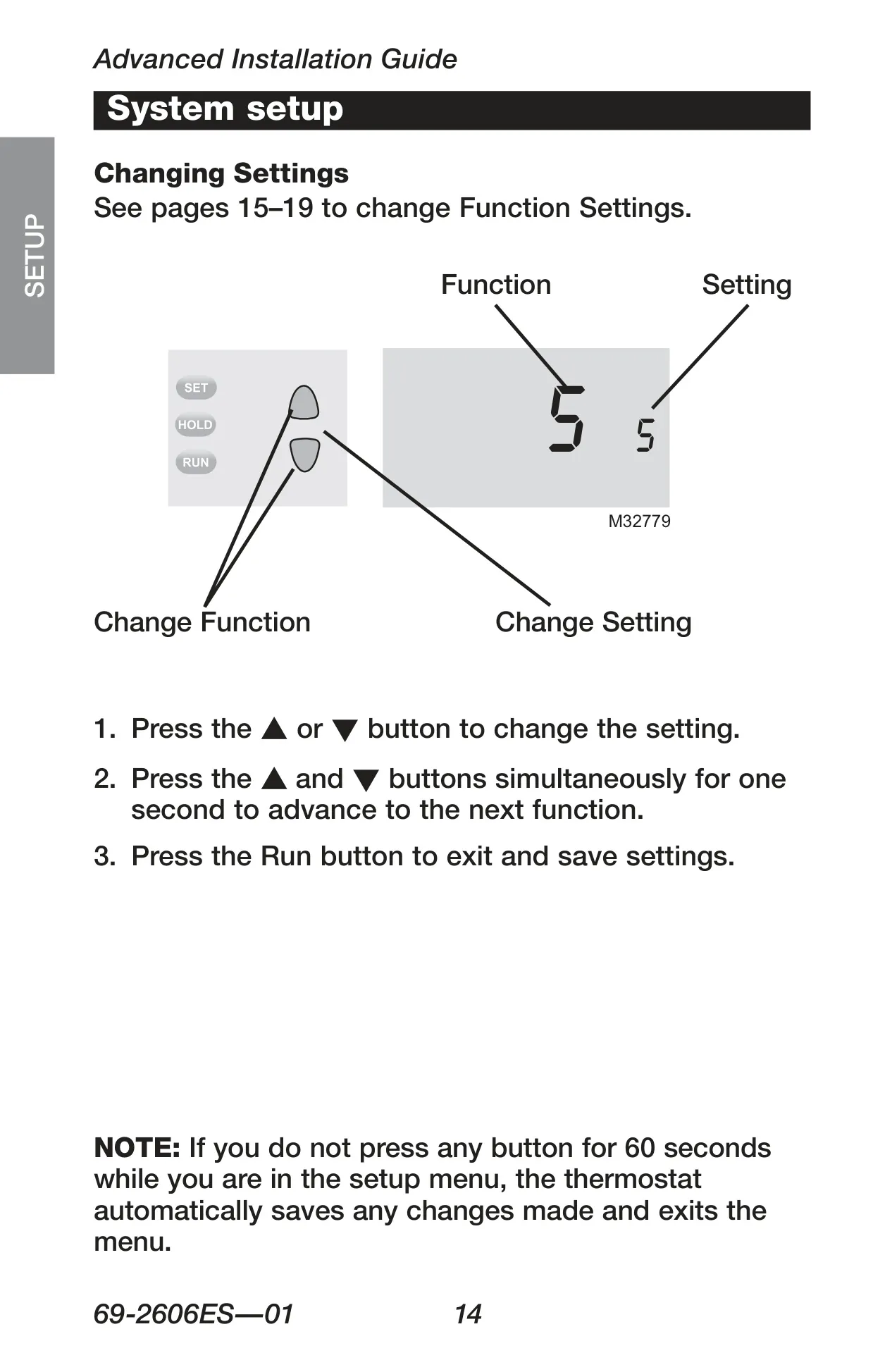
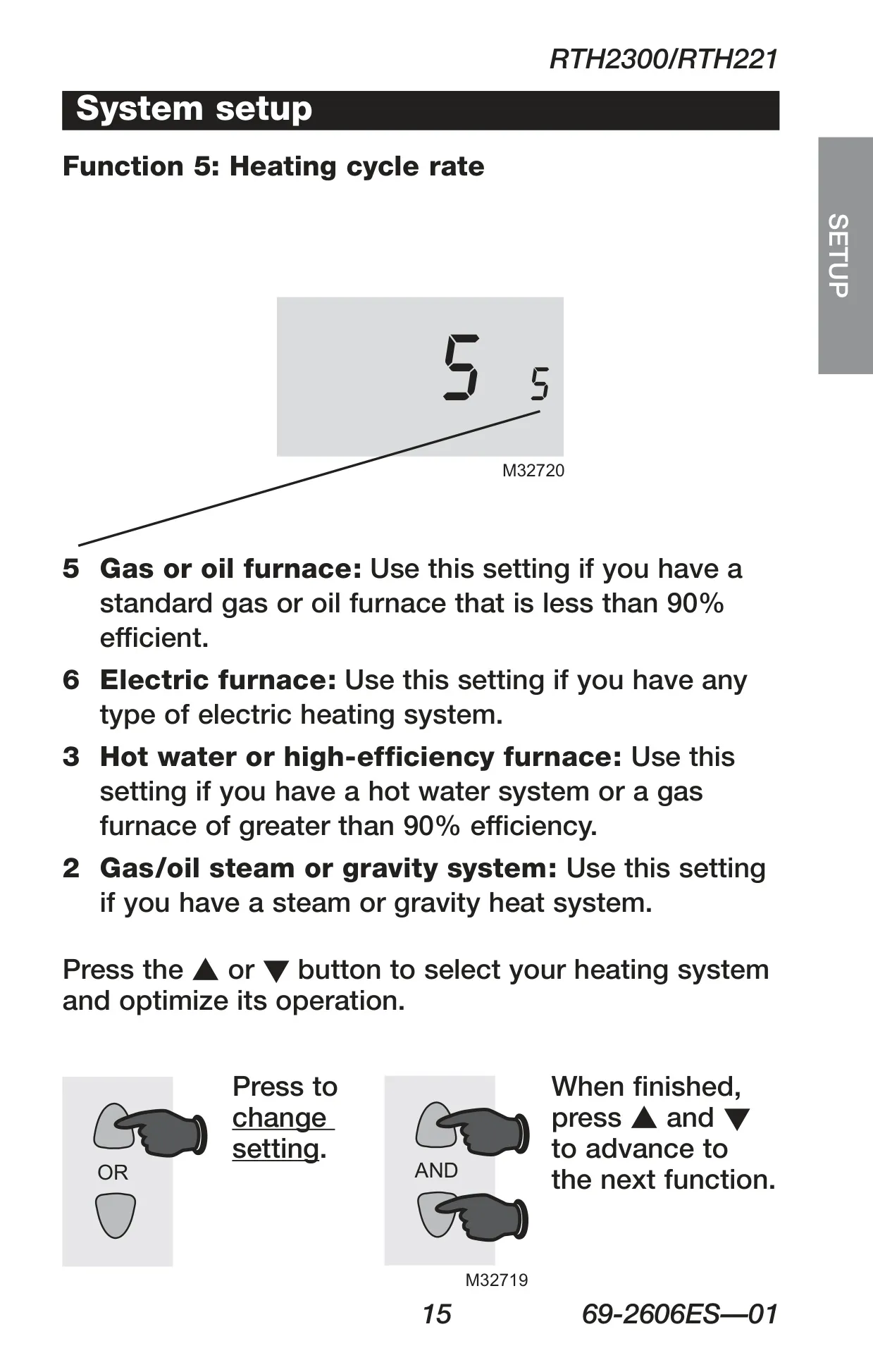
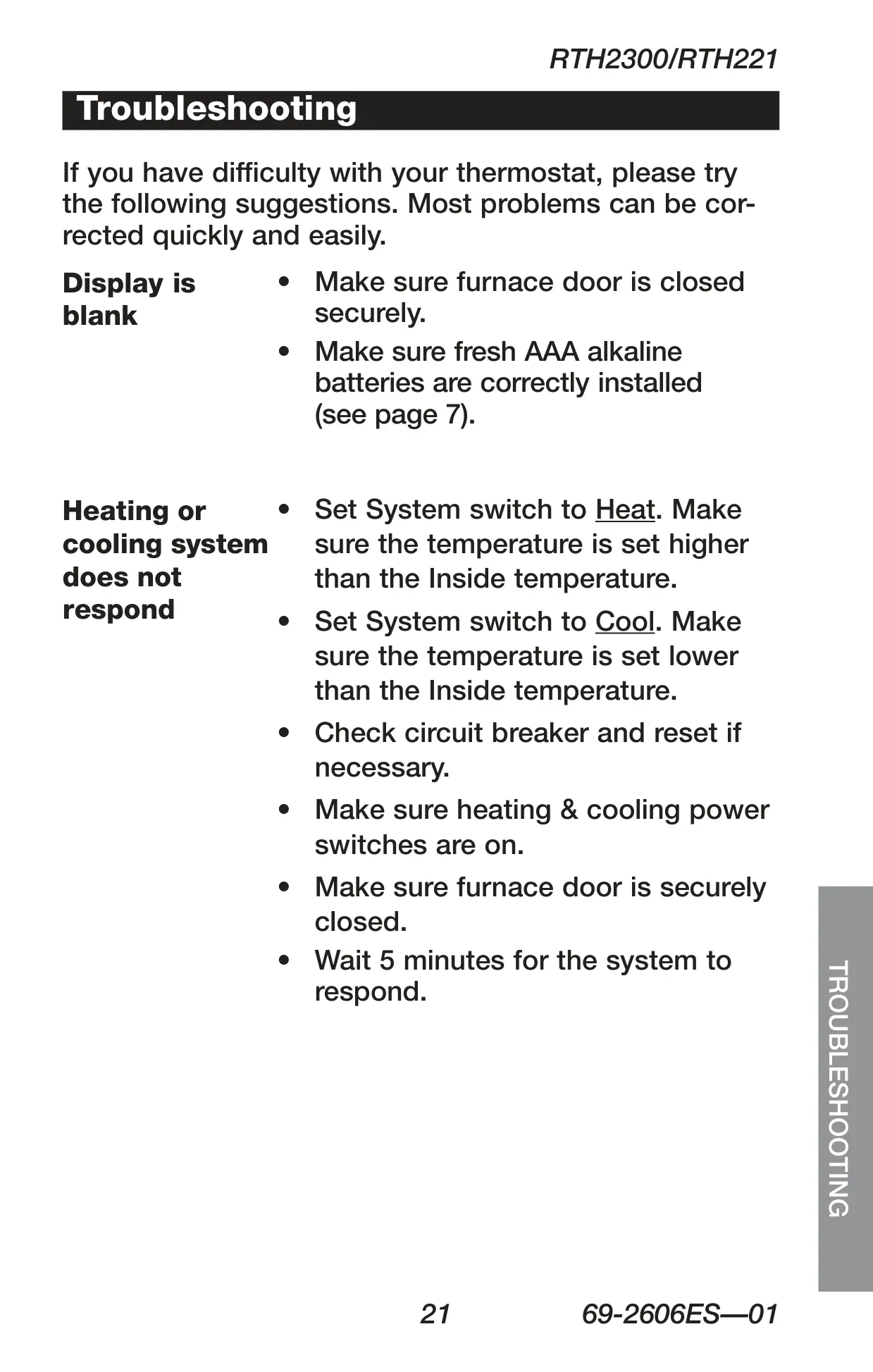
Maintenance is simple, primarily involving the replacement of two AAA alkaline batteries when the "Lo Batt" indicator appears. Most settings are stored in non-volatile memory, so only the clock and day need resetting after battery changes. During installation, the fan operation switch must be correctly set for your system type (Gas/Oil or Electric/Heat Pump), and advanced setup options are available for fine-tuning parameters like heating cycle rate, temperature unit, and clock display format.
Frequently Asked Questions (FAQs)
Can't find the answer you need? Here are some frequently asked questions about the Honeywell RTH2300B Thermostat, and we answer them below.