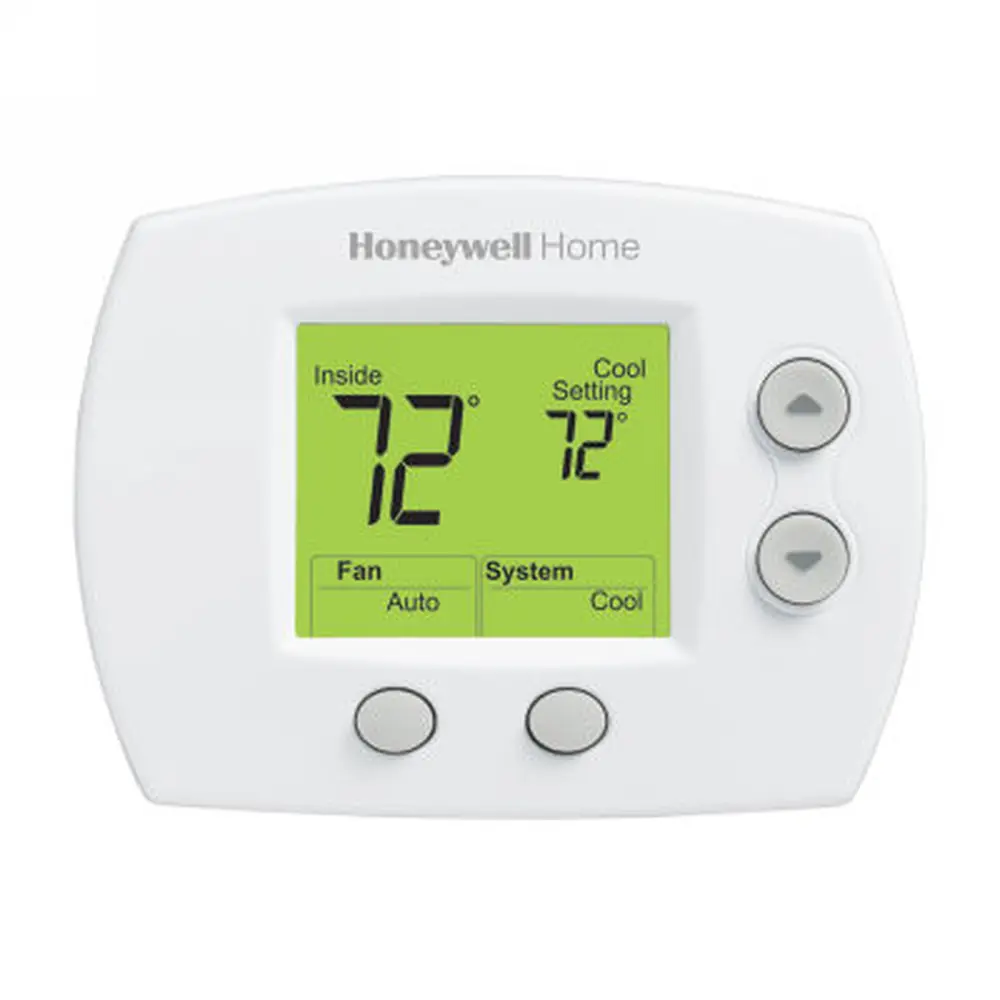
Honeywell RTH7560E1001 T5 Thermostat Instruction Manual
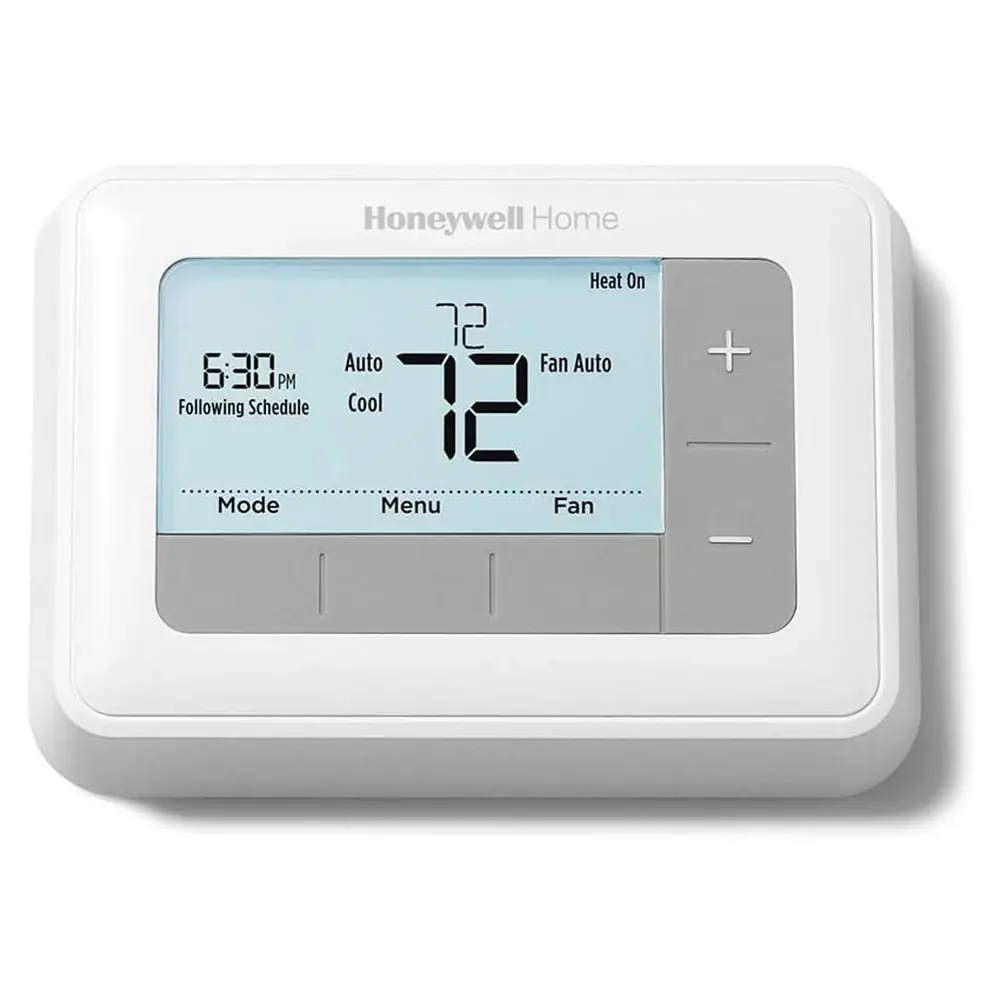
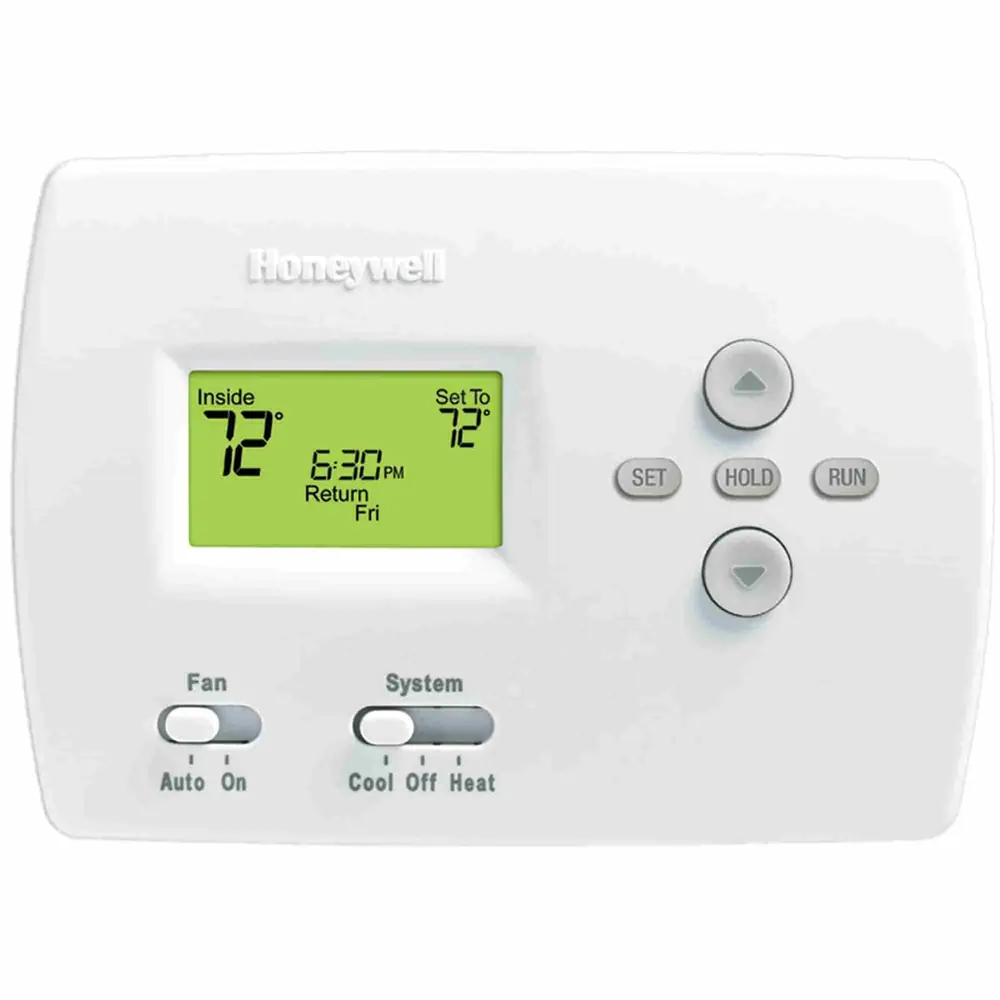
Honeywell RTH7560E1001 T5 Thermostat
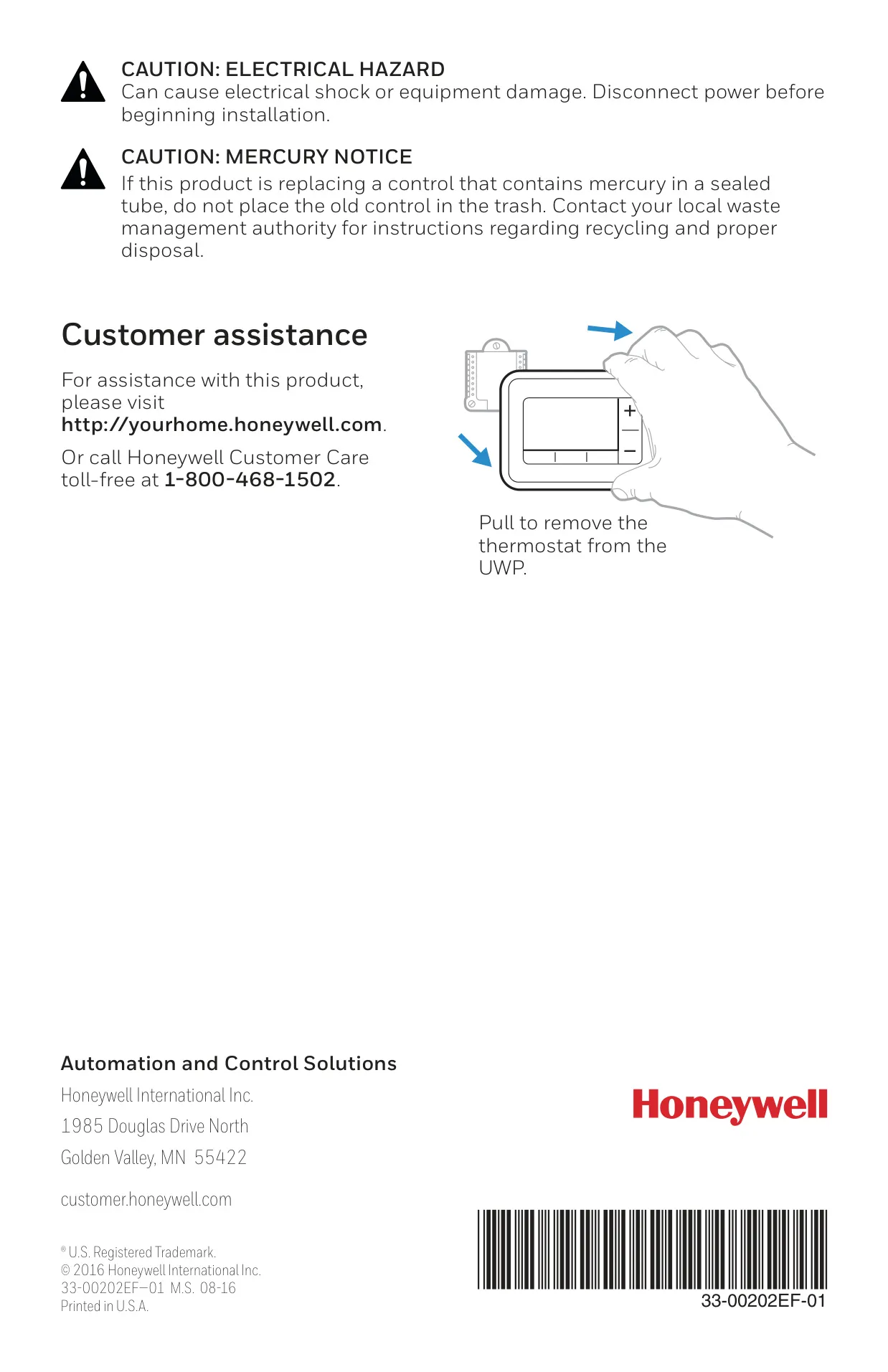


Honeywell RTH7560E1001 Instructions
Here we offer the Honeywell RTH7560E1001 T5 Thermostat manual completely free and in English. We have cataloged this manual in the Thermostats section on Manualverse, and it has been rated by 1 users with an average rating of 5. If you have any specific questions about Honeywell RTH7560E1001 T5 Thermostat, we suggest checking the Frequently Asked Questions (FAQs) section of this manual.
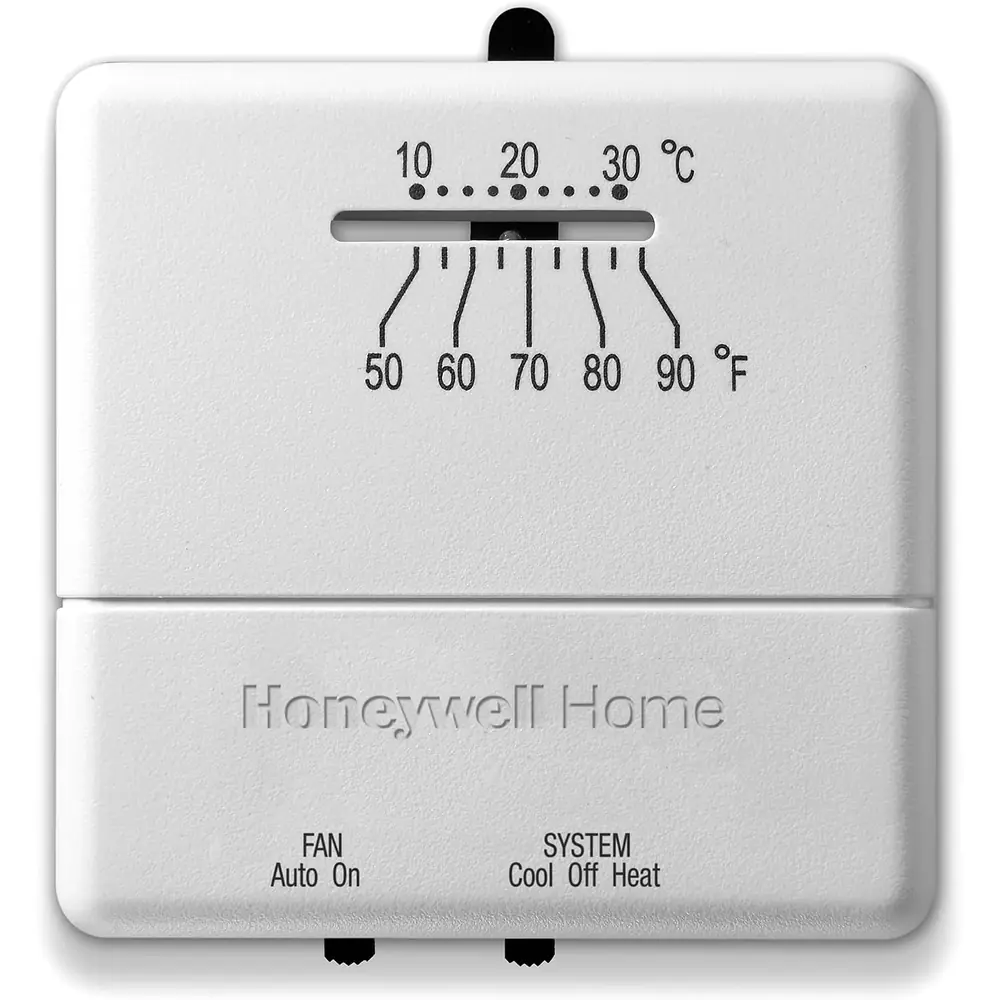
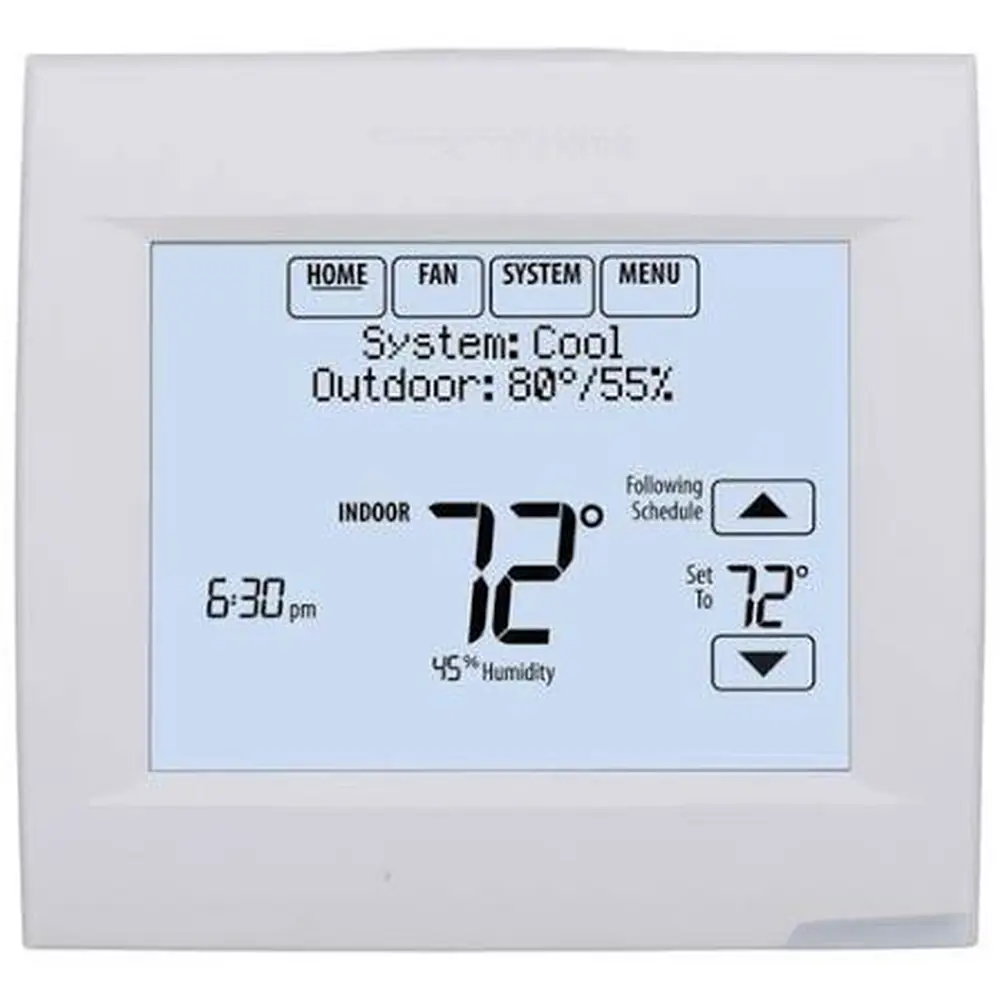
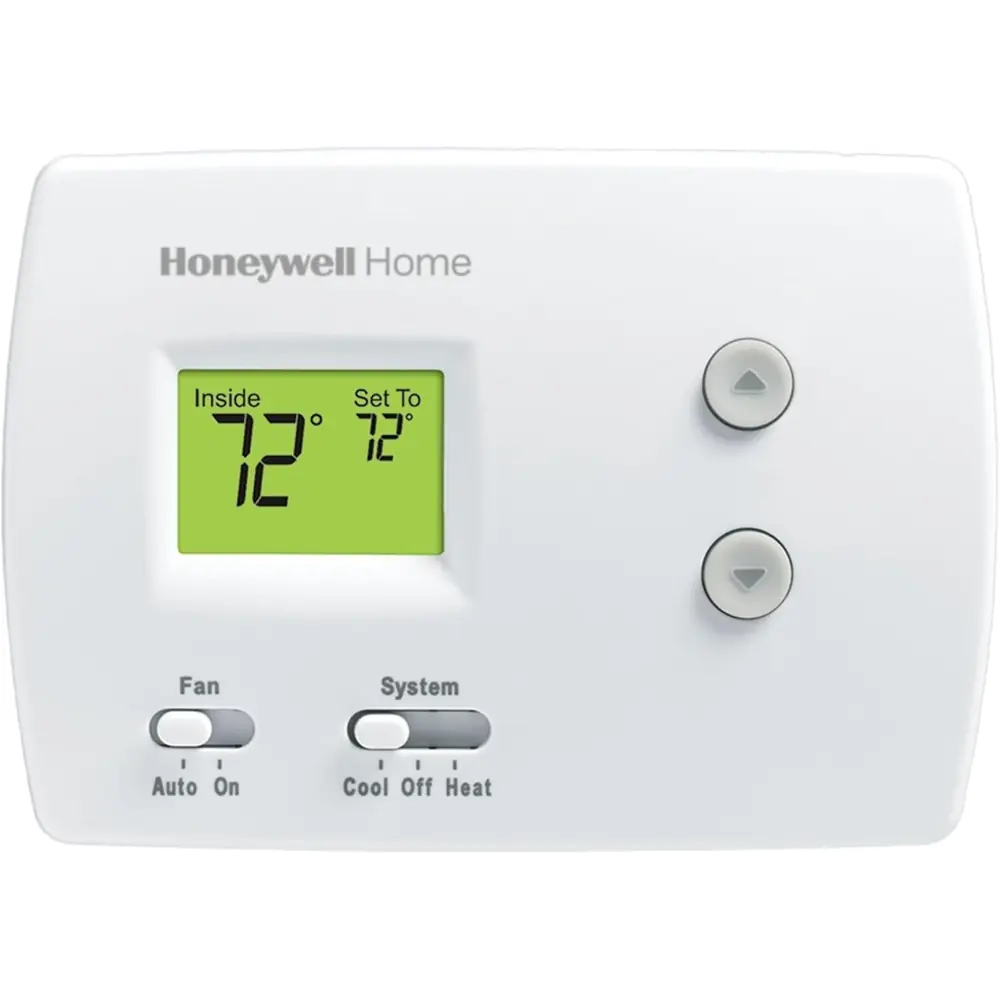
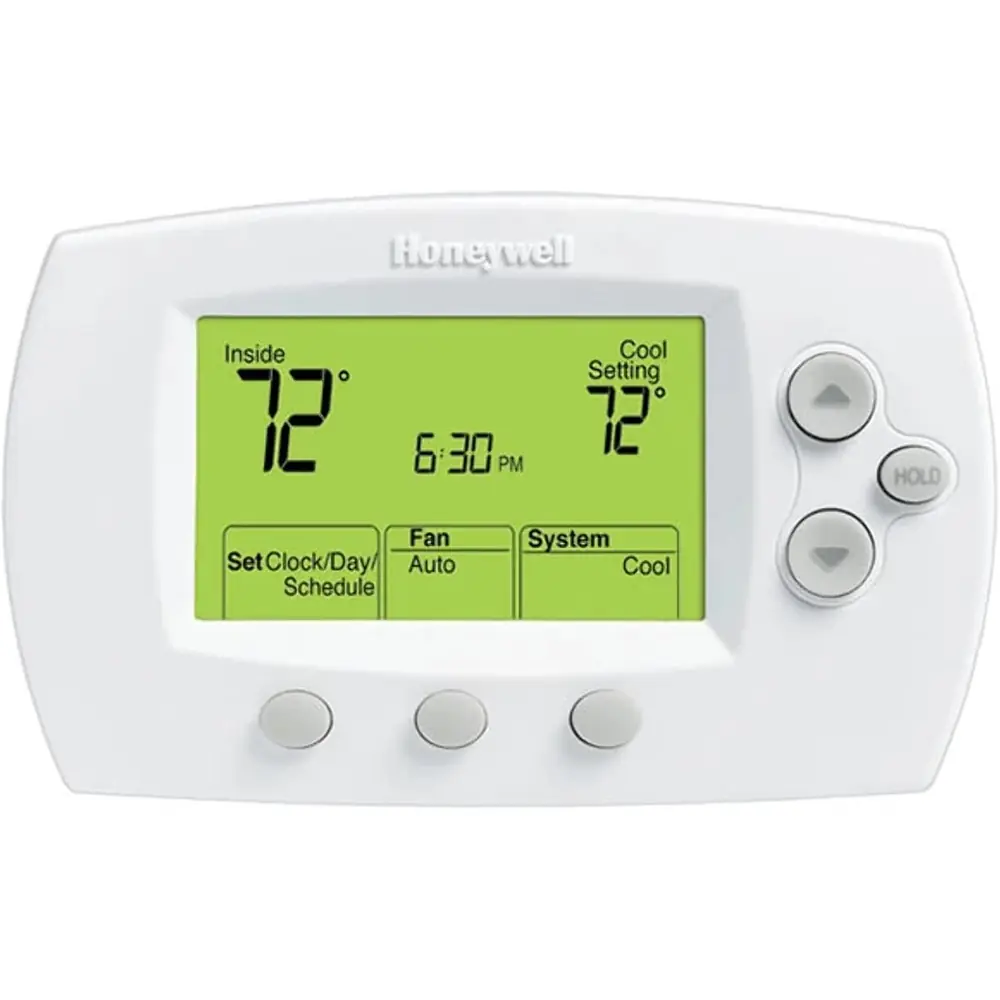
Product Images
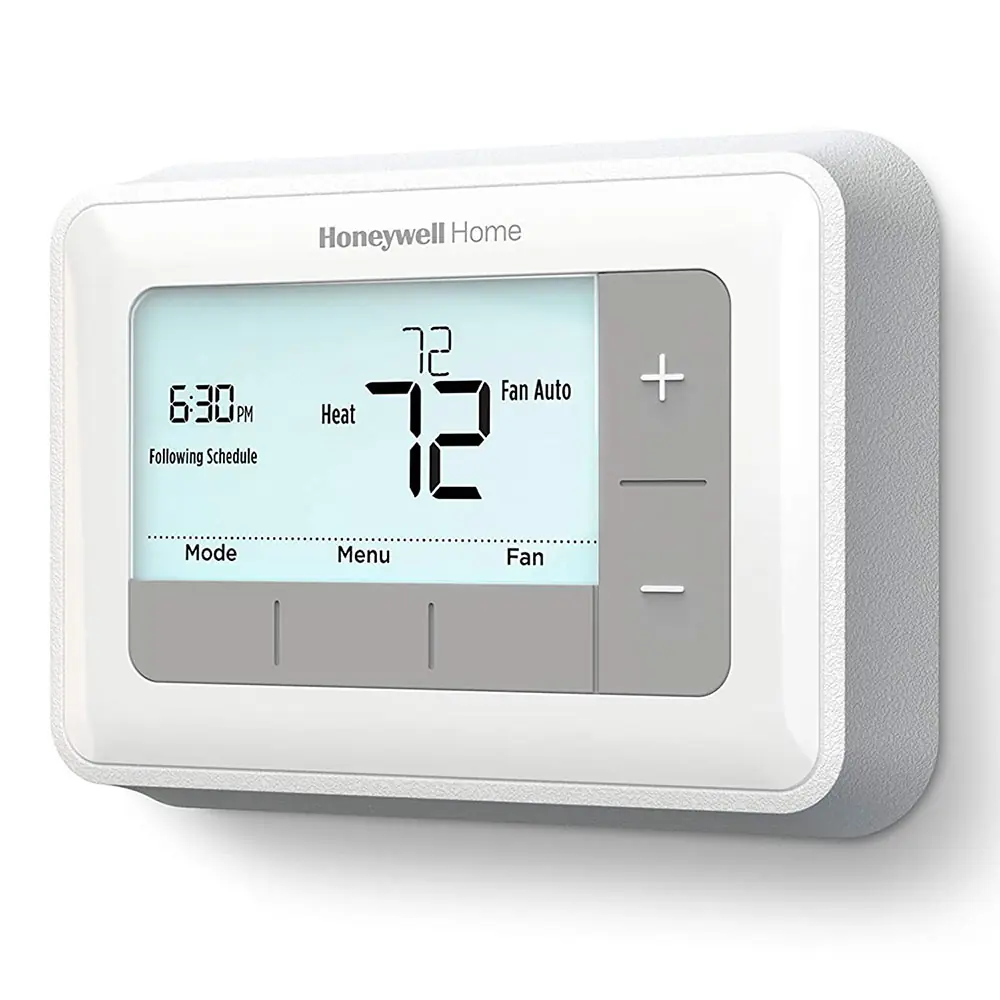
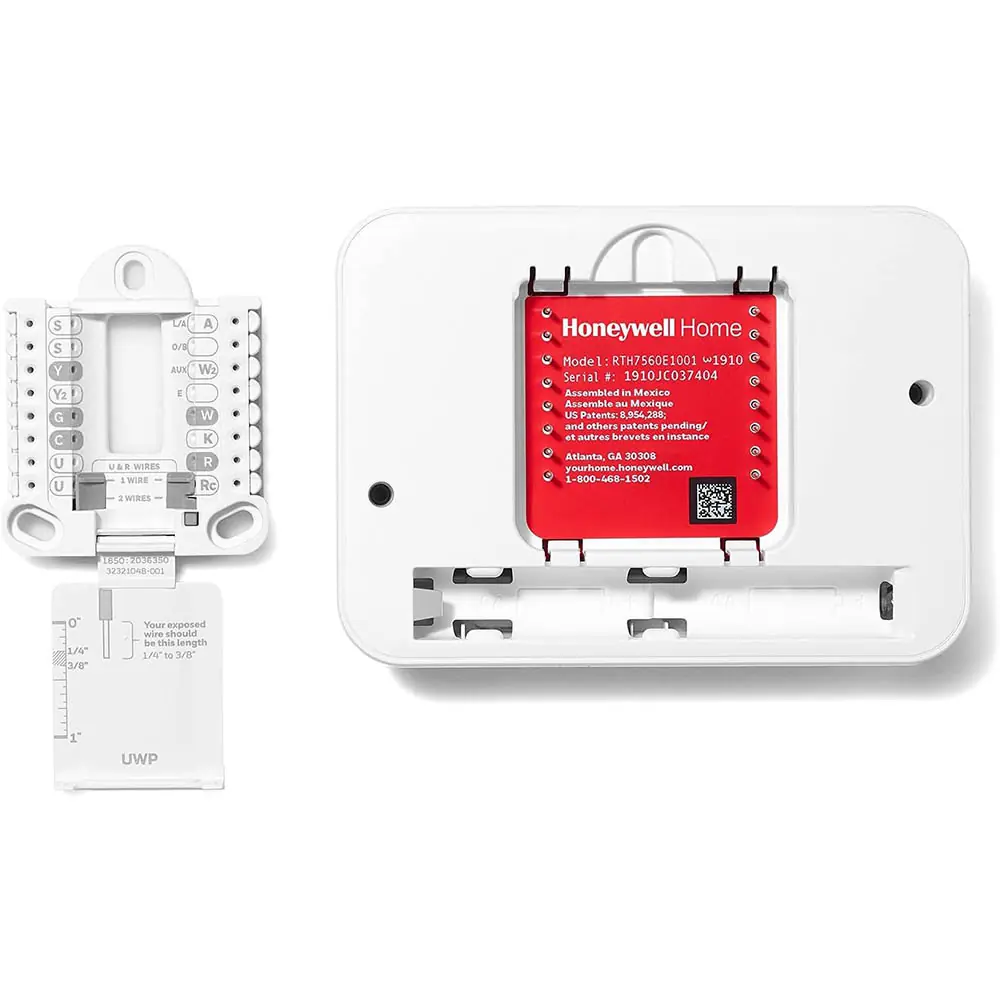
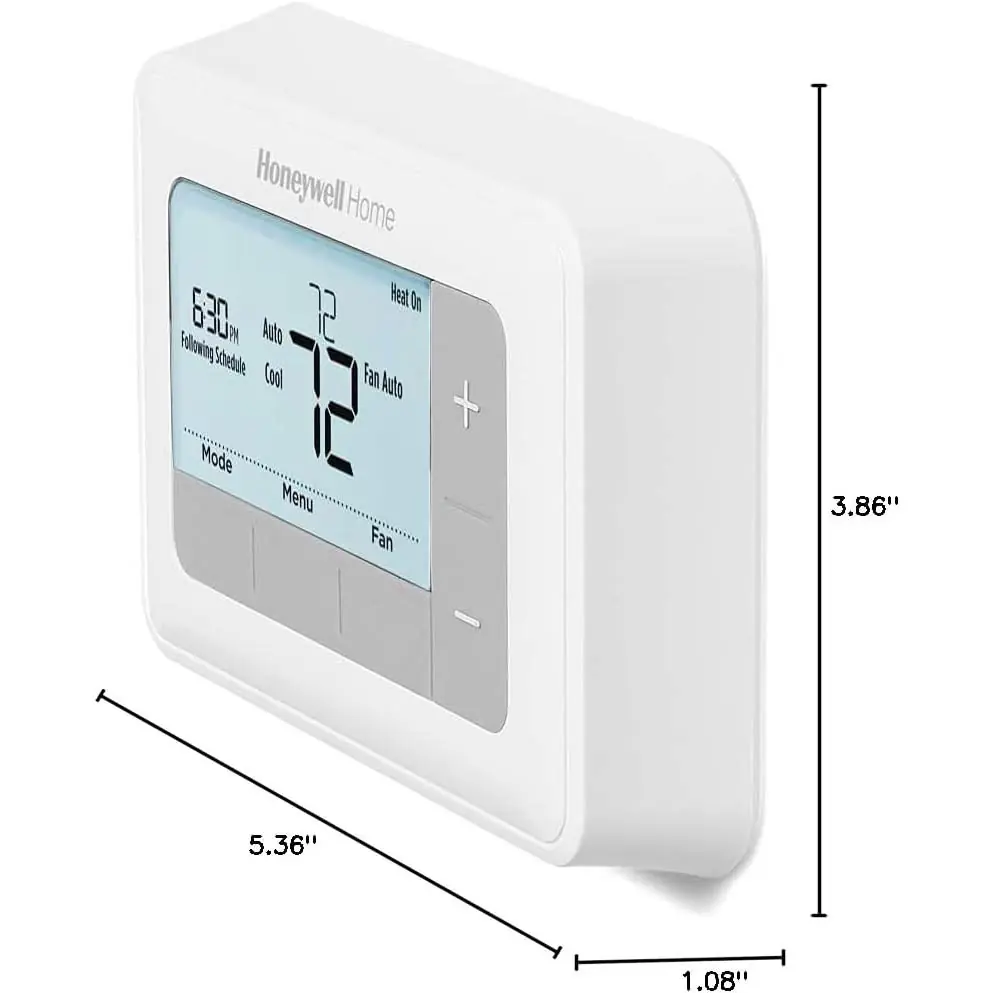
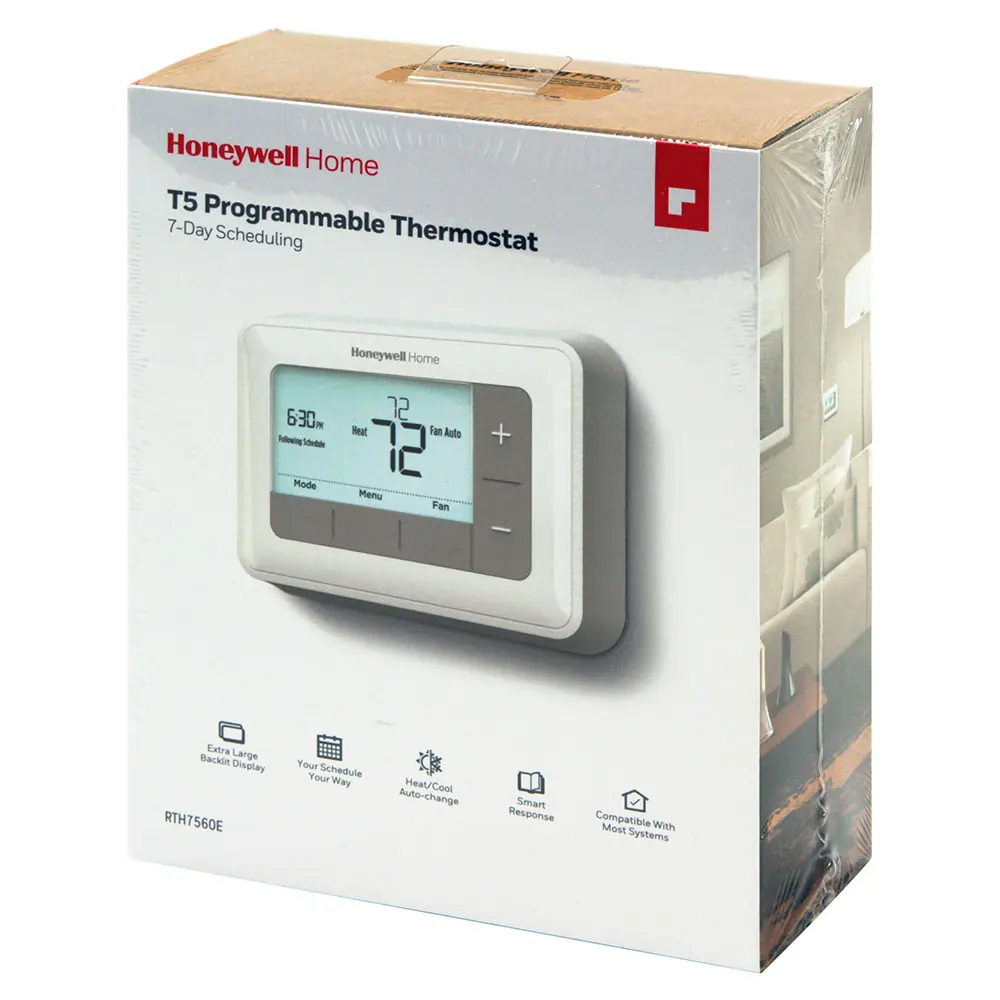
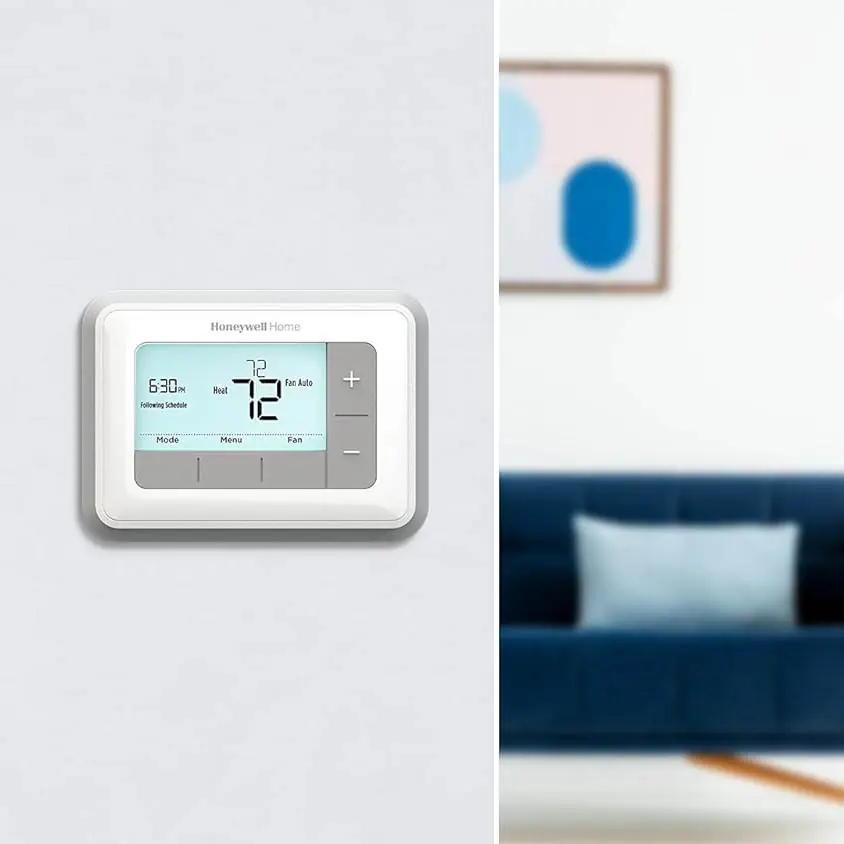
Honeywell RTH7560E1001 T5 Thermostat Specifications
| Feature | Specification / Option |
|---|---|
| Model | Honeywell RTH7560E1001 T5 Thermostat (RTH7500 Series) |
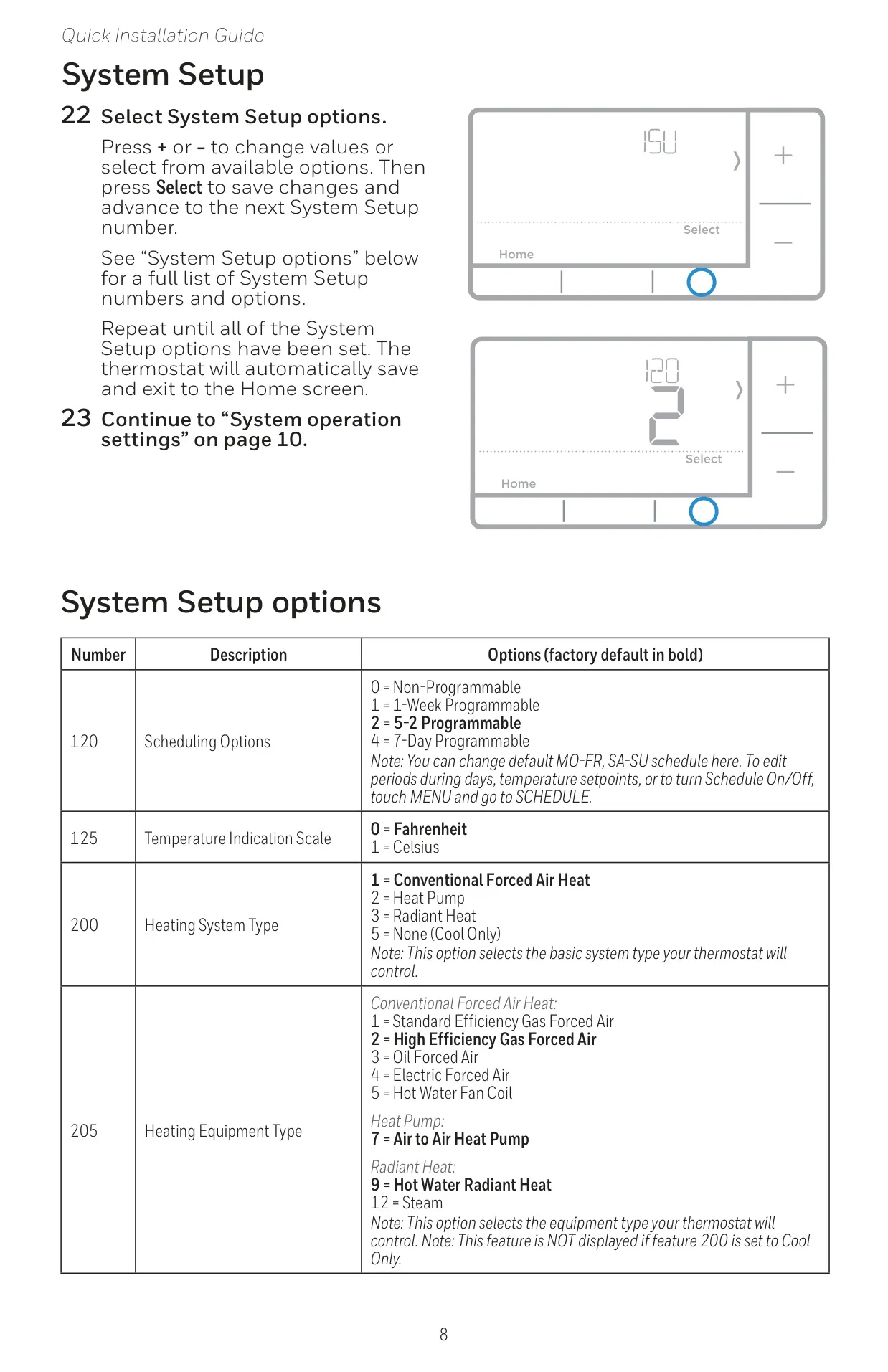
| Programmability Options | Non-Programmable, 1-Week Programmable, 5-2 Programmable (Default), 7-Day Programmable |
| Temperature Indication Scale | Fahrenheit (Default), Celsius |
| Heating System Types Supported | Conventional Forced Air Heat (Default), Heat Pump, Radiant Heat, Cool Only |
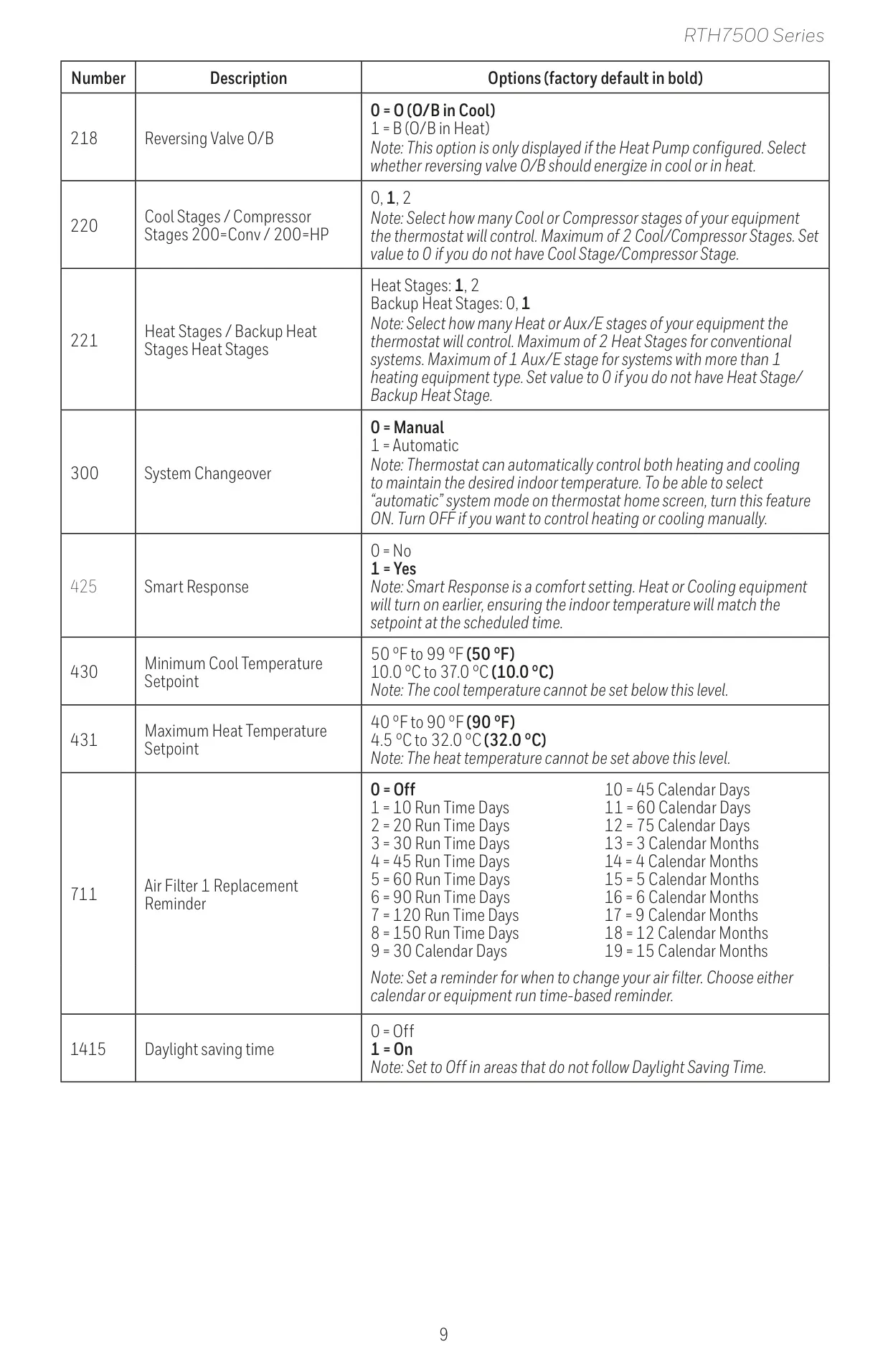
| Cool Stages / Compressor Stages | 0, 1 (Default), 2 |
| Heat Stages (Conventional) | 1 (Default), 2 |
| Backup Heat Stages (Heat Pump) | 0, 1 (Default) |
| Reversing Valve O/B Setting | O (O/B in Cool - Default), B (O/B in Heat) |
| System Changeover | Manual (Default), Automatic |
| Smart Response Technology | Yes (Default), No |
| Minimum Cool Temperature Setpoint | 50 °F (10.0 °C) Default (Adjustable: 50 °F to 99 °F / 10.0 °C to 37.0 °C) |
| Maximum Heat Temperature Setpoint | 90 °F (32.0 °C) Default (Adjustable: 40 °F to 90 °F / 4.5 °C to 32.0 °C) |
| Air Filter Replacement Reminder | Off (Default), Various Run Time Days (10-150), Calendar Days (30-75), or Calendar Months (3-15) |
| Daylight Saving Time | On (Default), Off |
| Power Source | 2 AA alkaline batteries |
| Unsupported Wiring Terminals | L/A, S, U |
| Warranty | 1-year limited warranty |
Honeywell RTH7560E1001 T5 Details
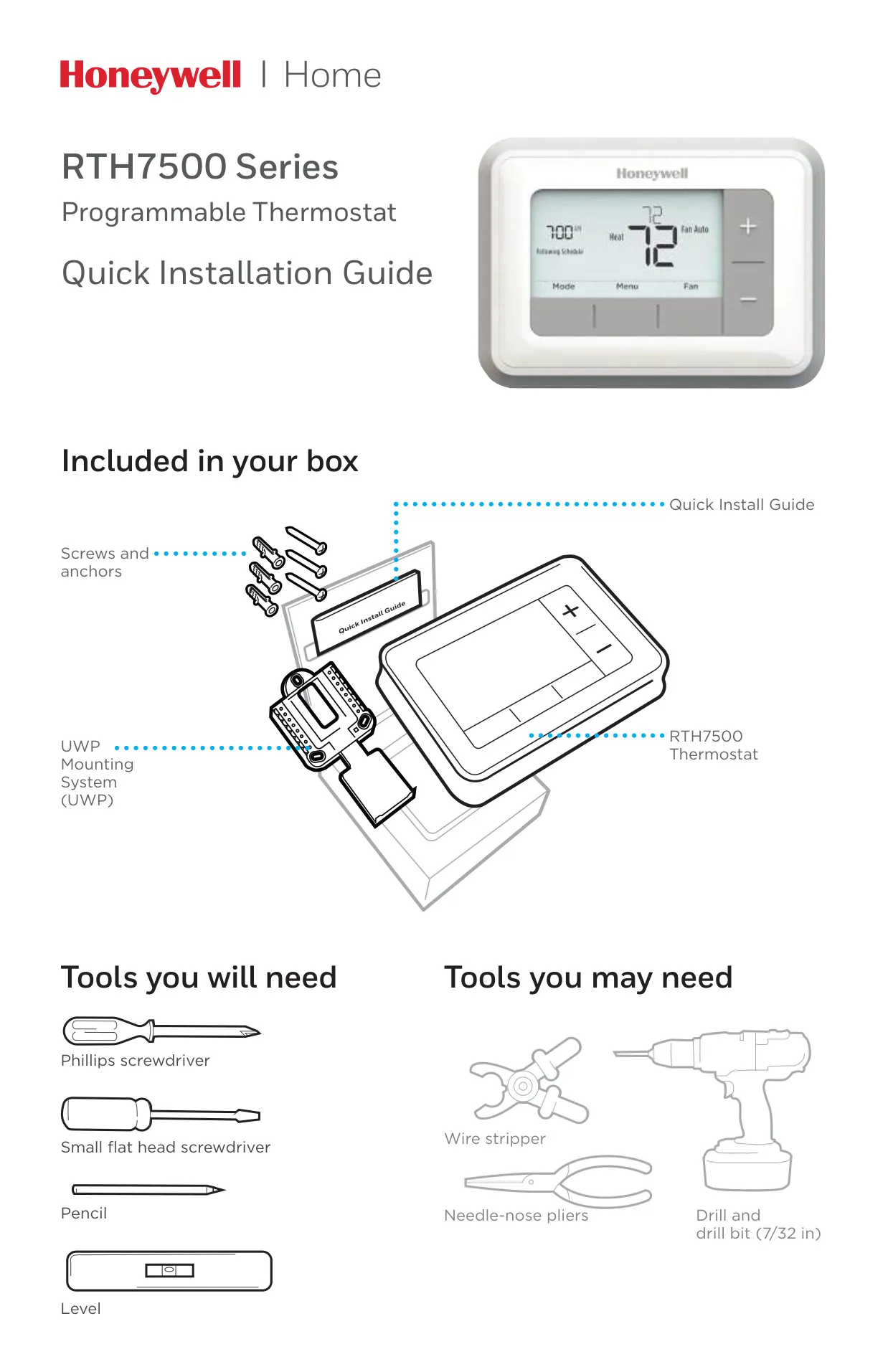
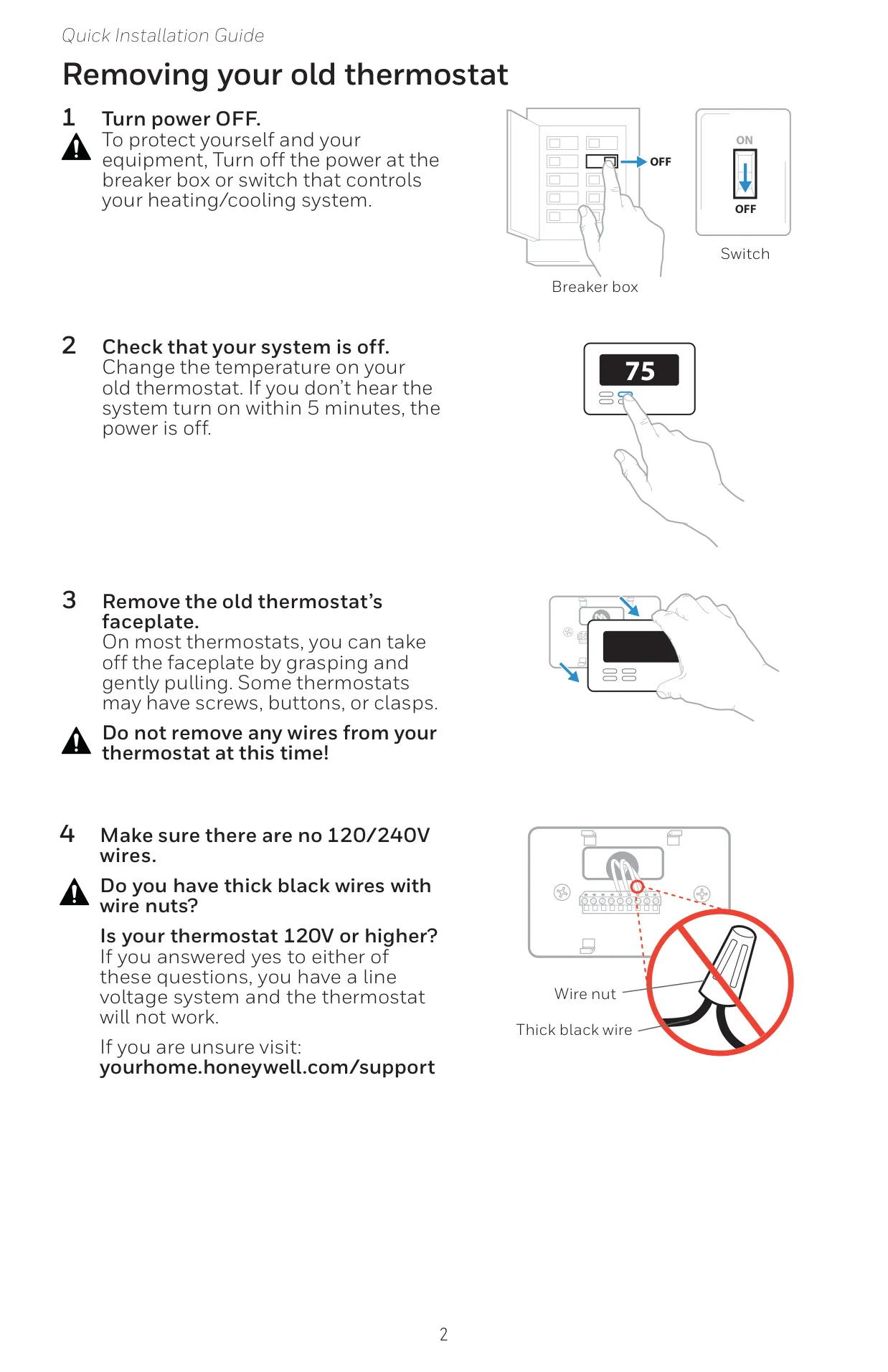
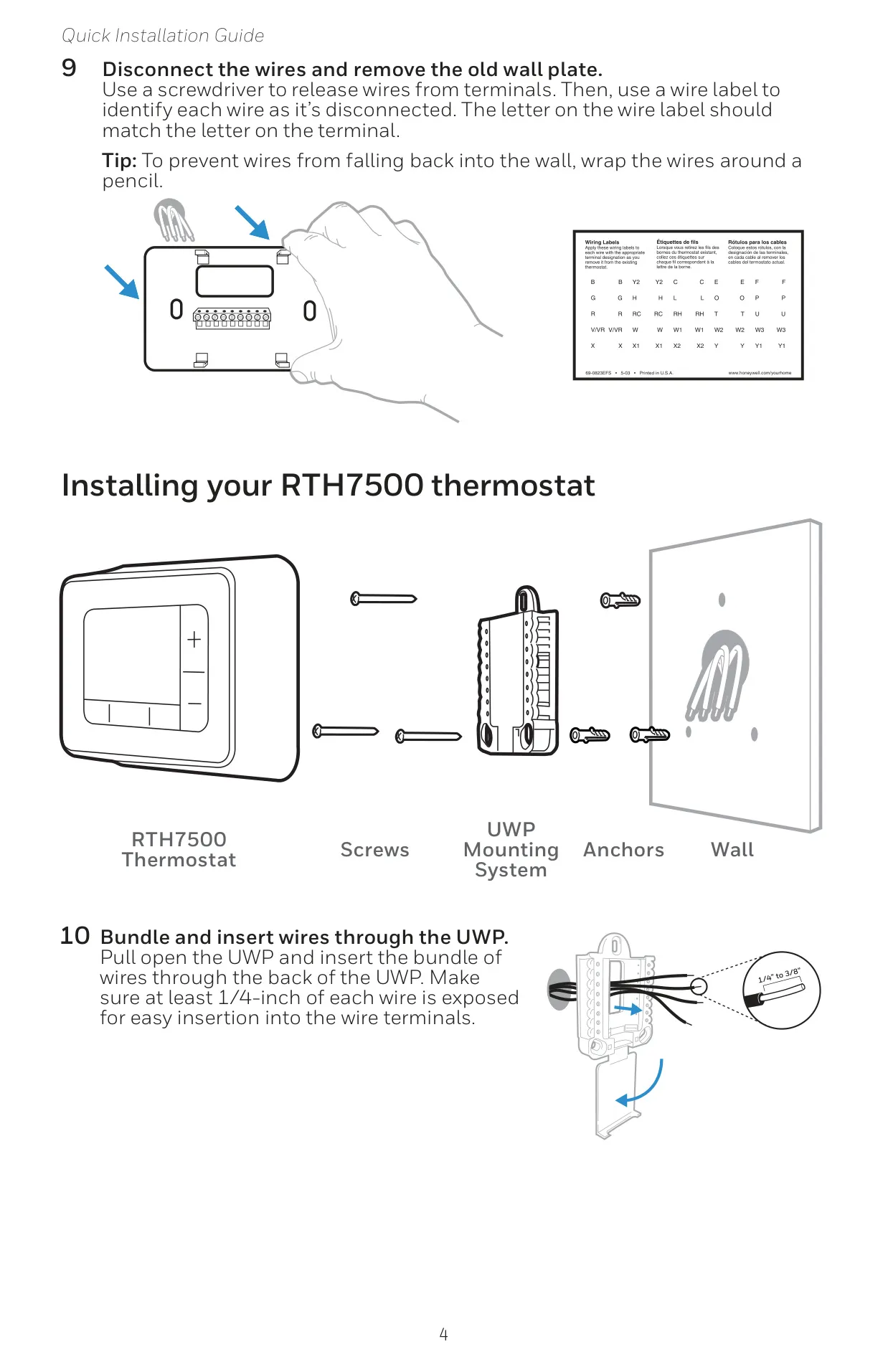
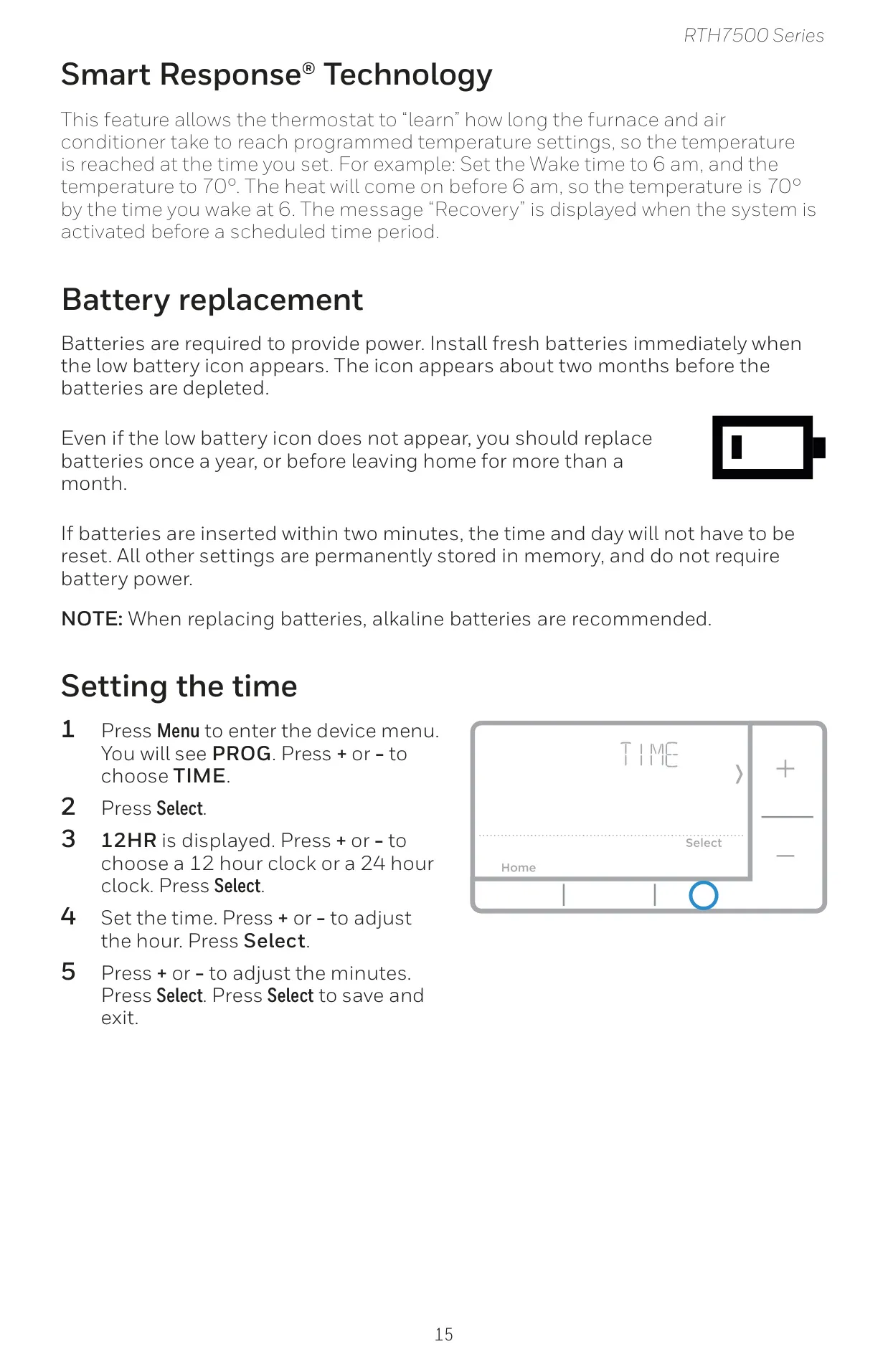
The Honeywell RTH7560E1001 T5 Thermostat is designed for straightforward installation and reliable operation. Each unit comes complete with a UWP (Universal Wiring Plate) Mounting System, along with the necessary screws and anchors for secure placement. Essential tools like a Phillips screwdriver, small flat head screwdriver, pencil, and level are typically required, with optional tools such as wire strippers and a 7/32 inch drill bit for wall anchors also proving useful during setup. Safety is paramount, with clear instructions to turn off power and check for high-voltage wires before proceeding.
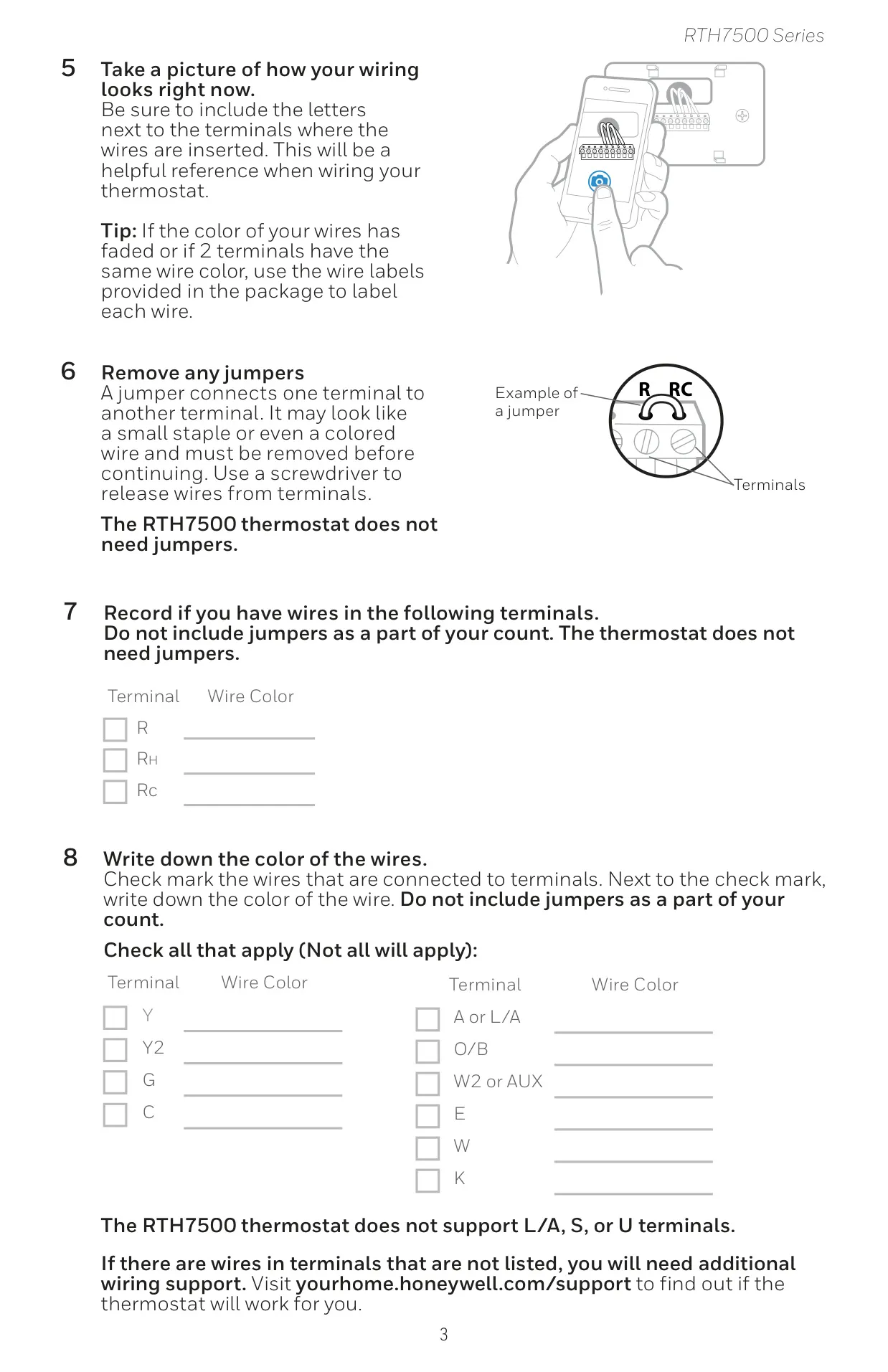
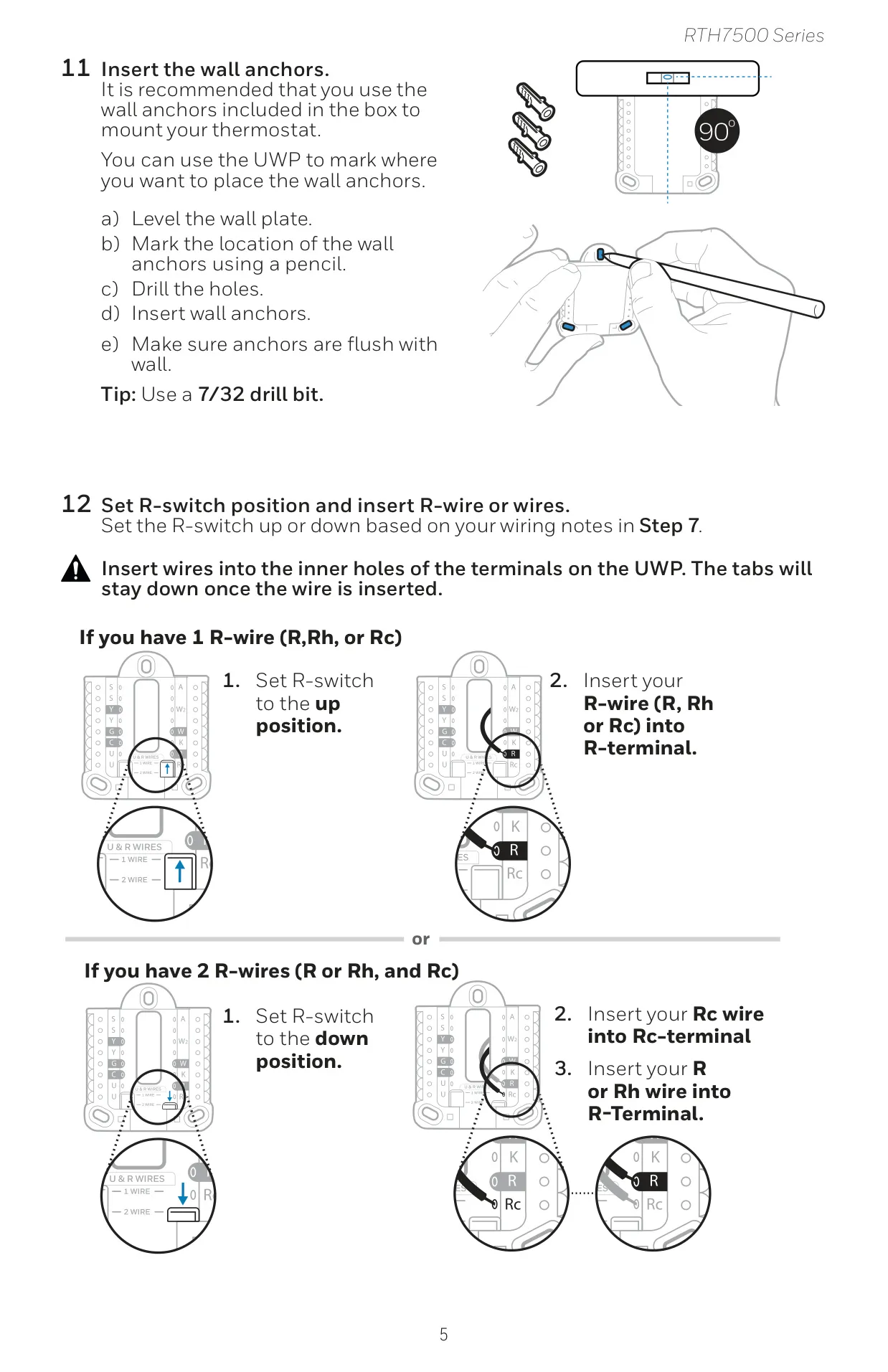
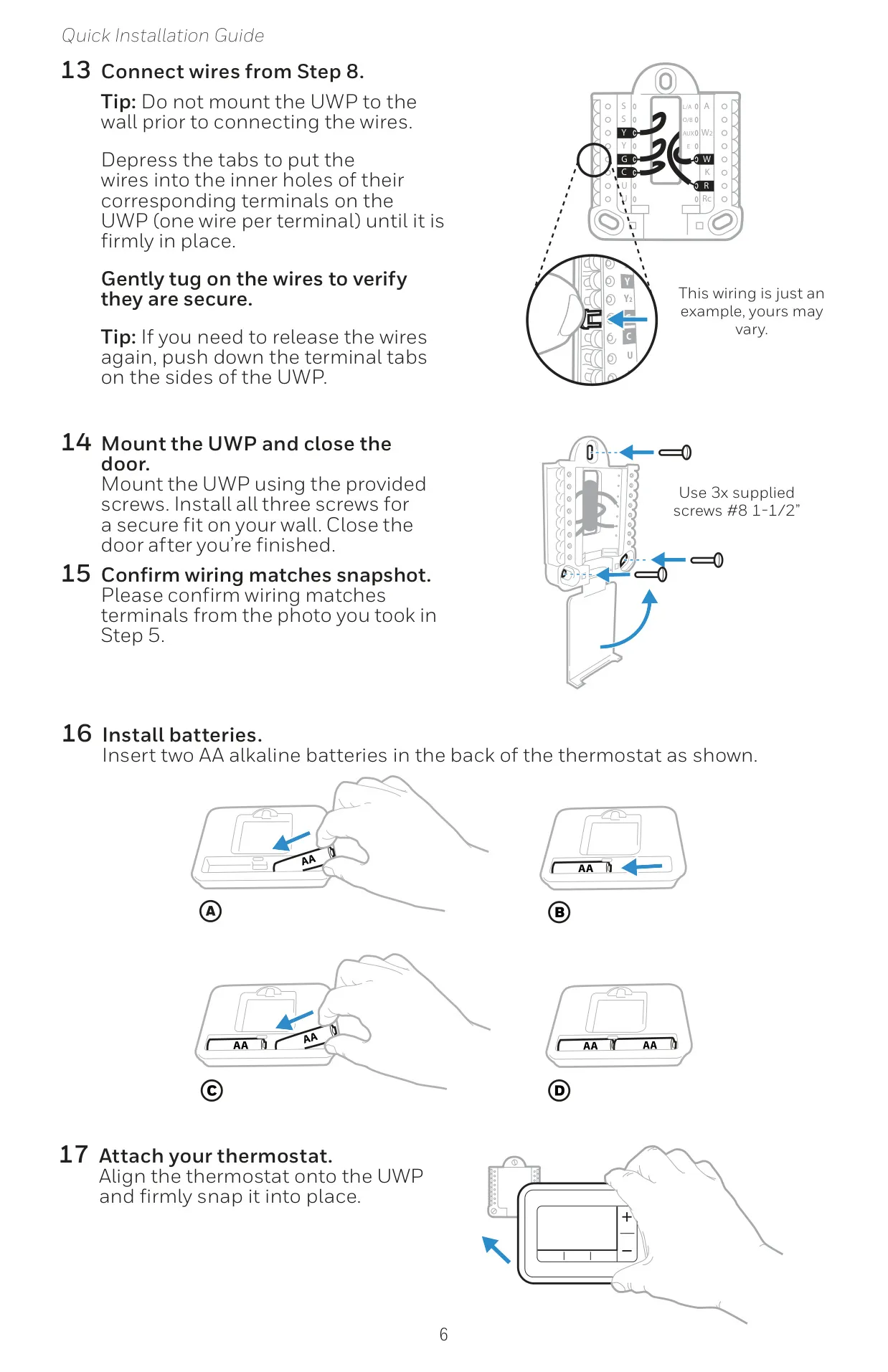
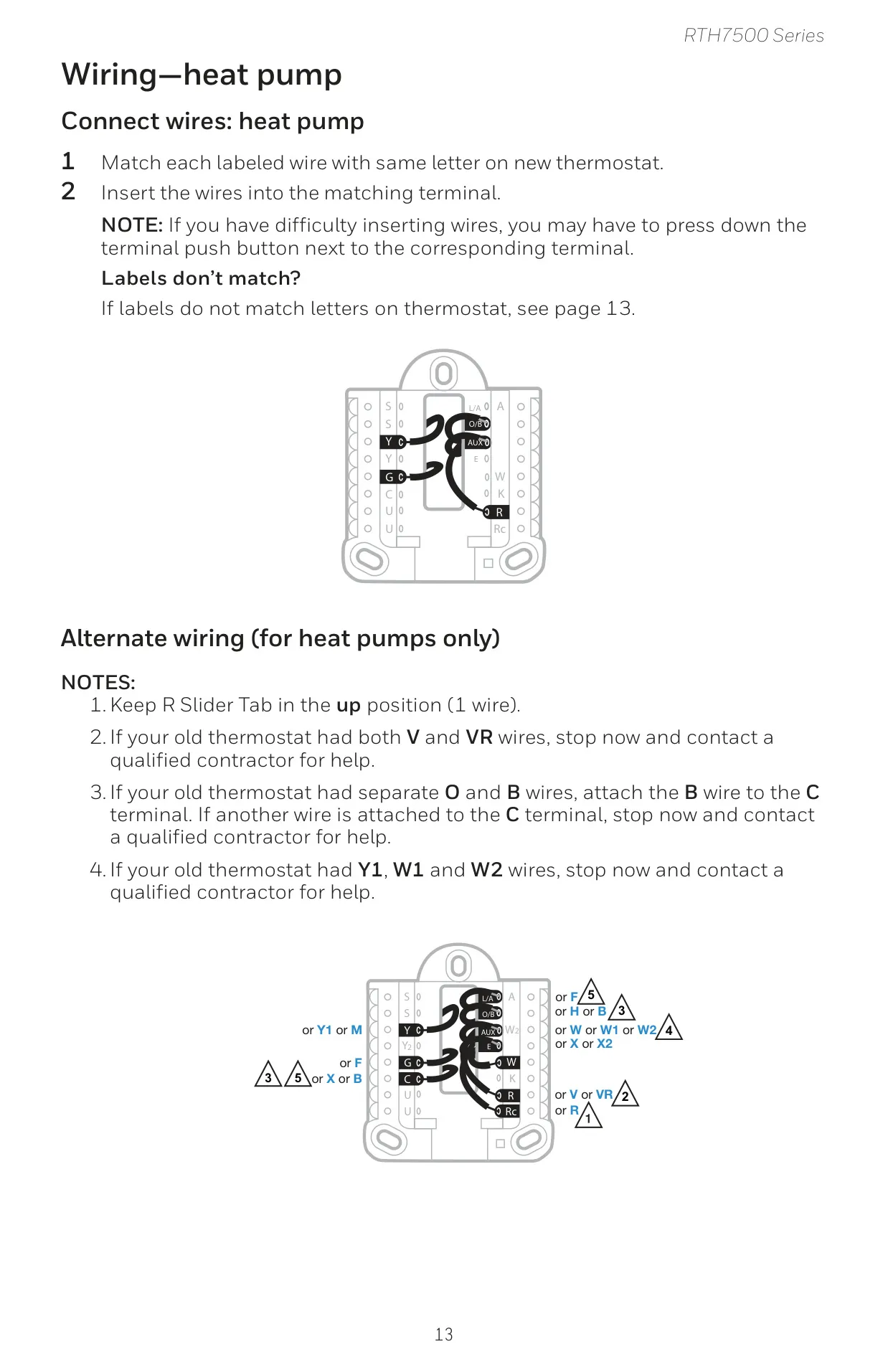
The wiring process is simplified, with the thermostat engineered not to require jumpers, which must be removed from older thermostat setups. Wires are firmly inserted into specific terminals on the UWP, ensuring proper connection. A crucial step involves setting the R-switch position, which depends on whether your system uses one R-wire (R, Rh, or Rc) or two distinct R-wires. This thoughtful design accommodates both conventional and heat pump system configurations effectively.
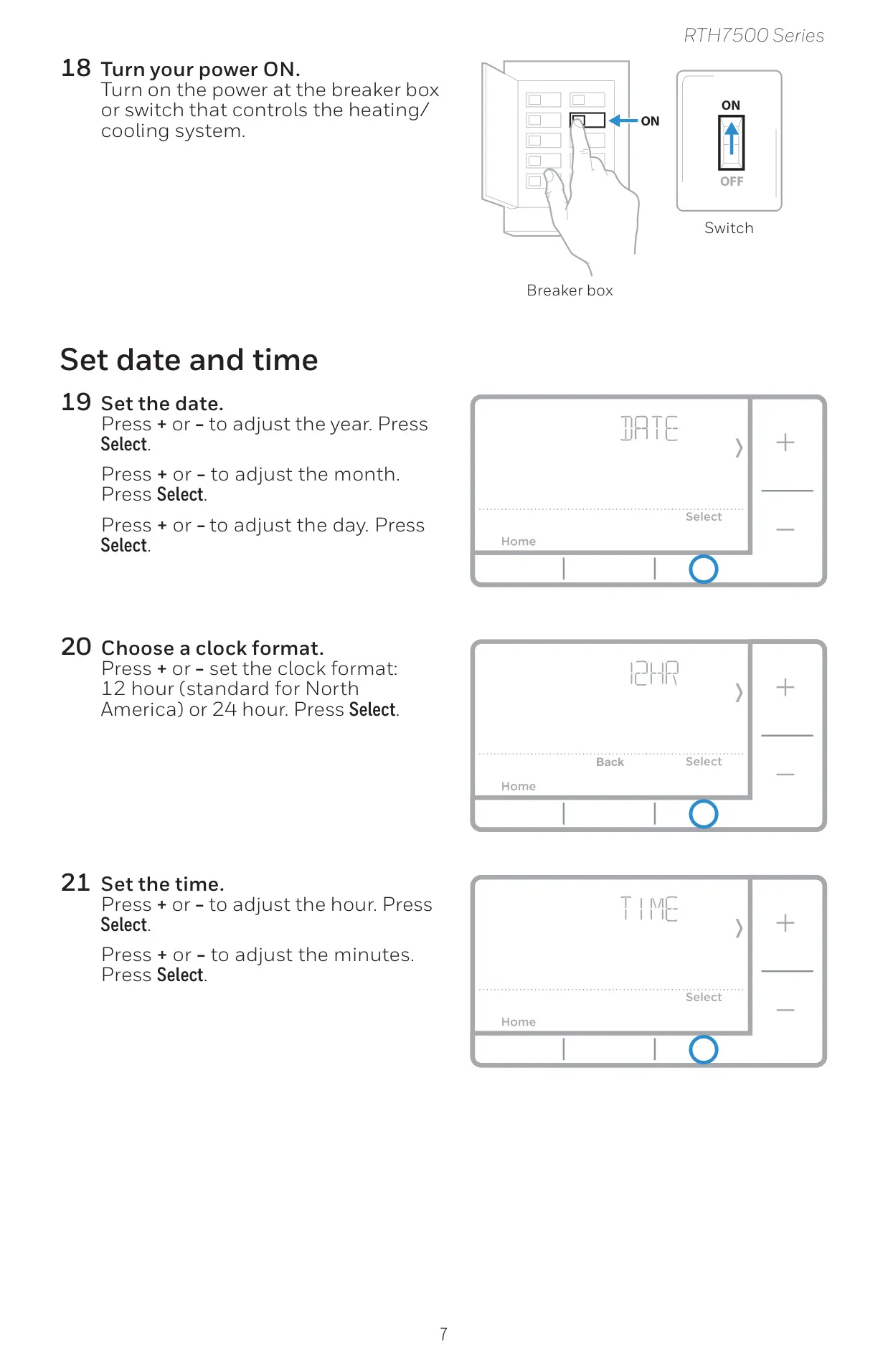
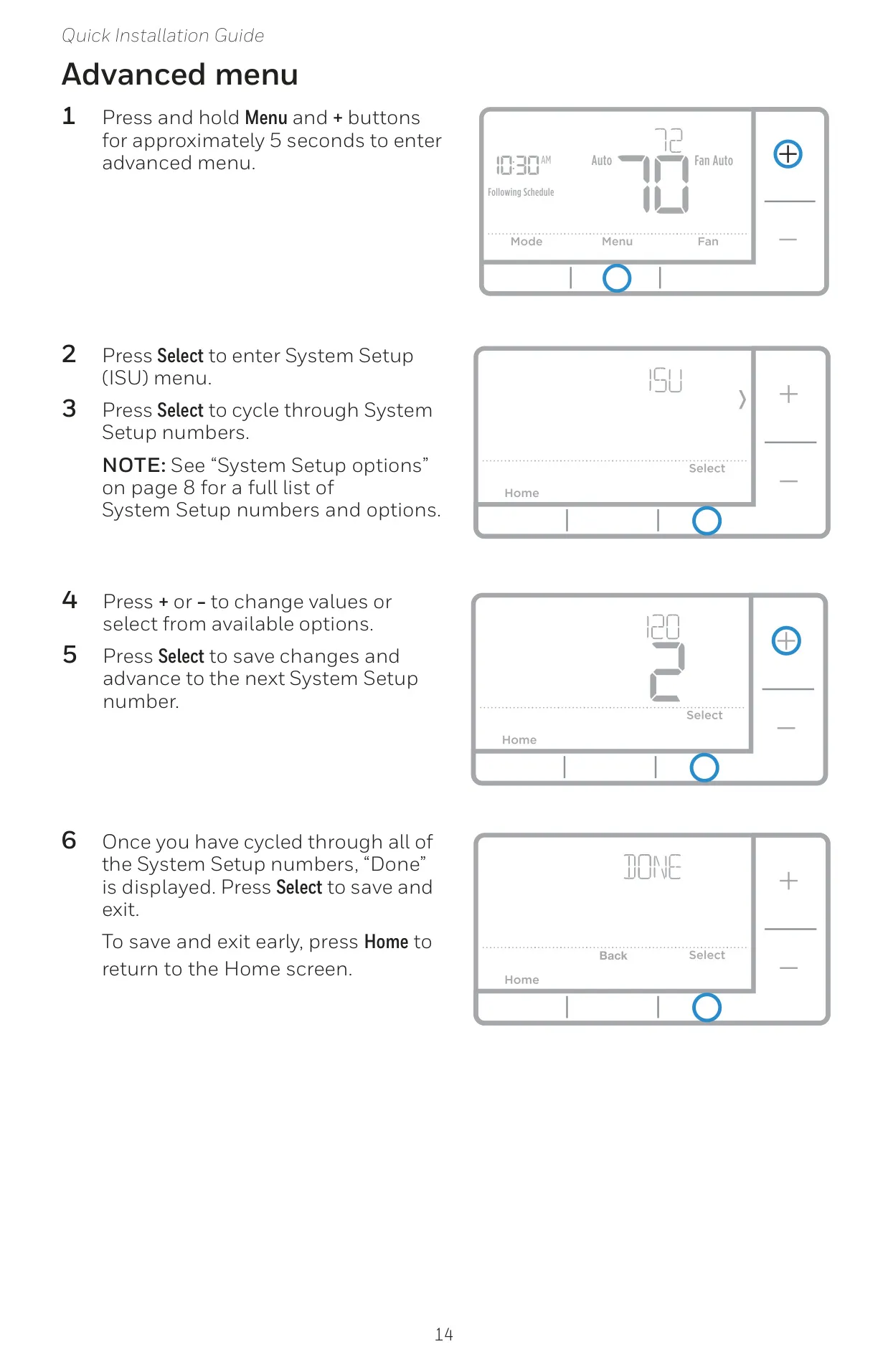
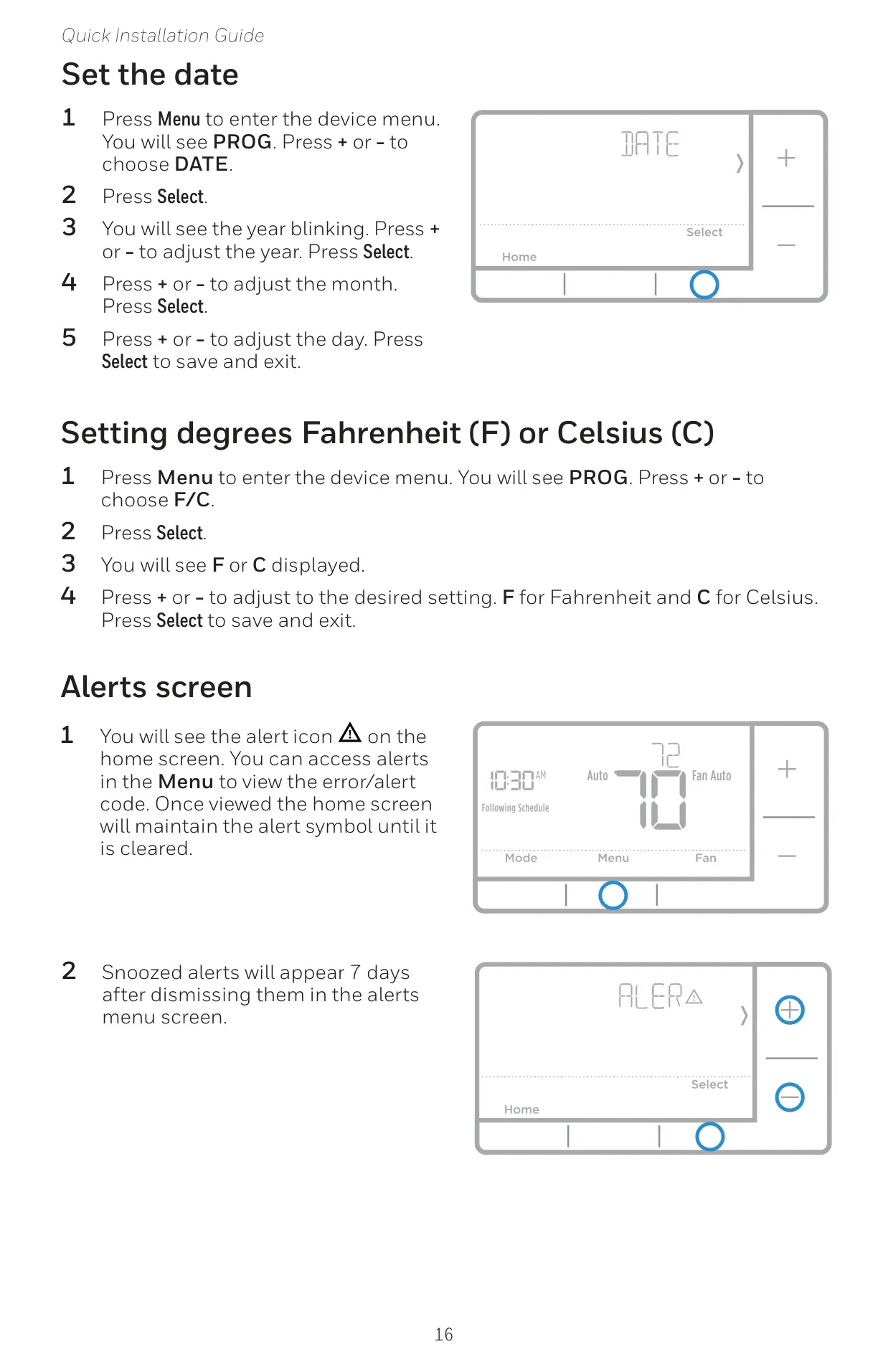
Initial thermostat setup is user-friendly, guiding you through setting the date and time, with flexible options for a 12-hour or 24-hour clock format. An accessible Advanced Menu (ISU) allows for deep customization, enabling users to fine-tune system parameters. These include selecting specific scheduling options, preferred temperature scales, the type of HVAC system, and various heating/cooling equipment configurations, ensuring the thermostat precisely matches your home's needs.
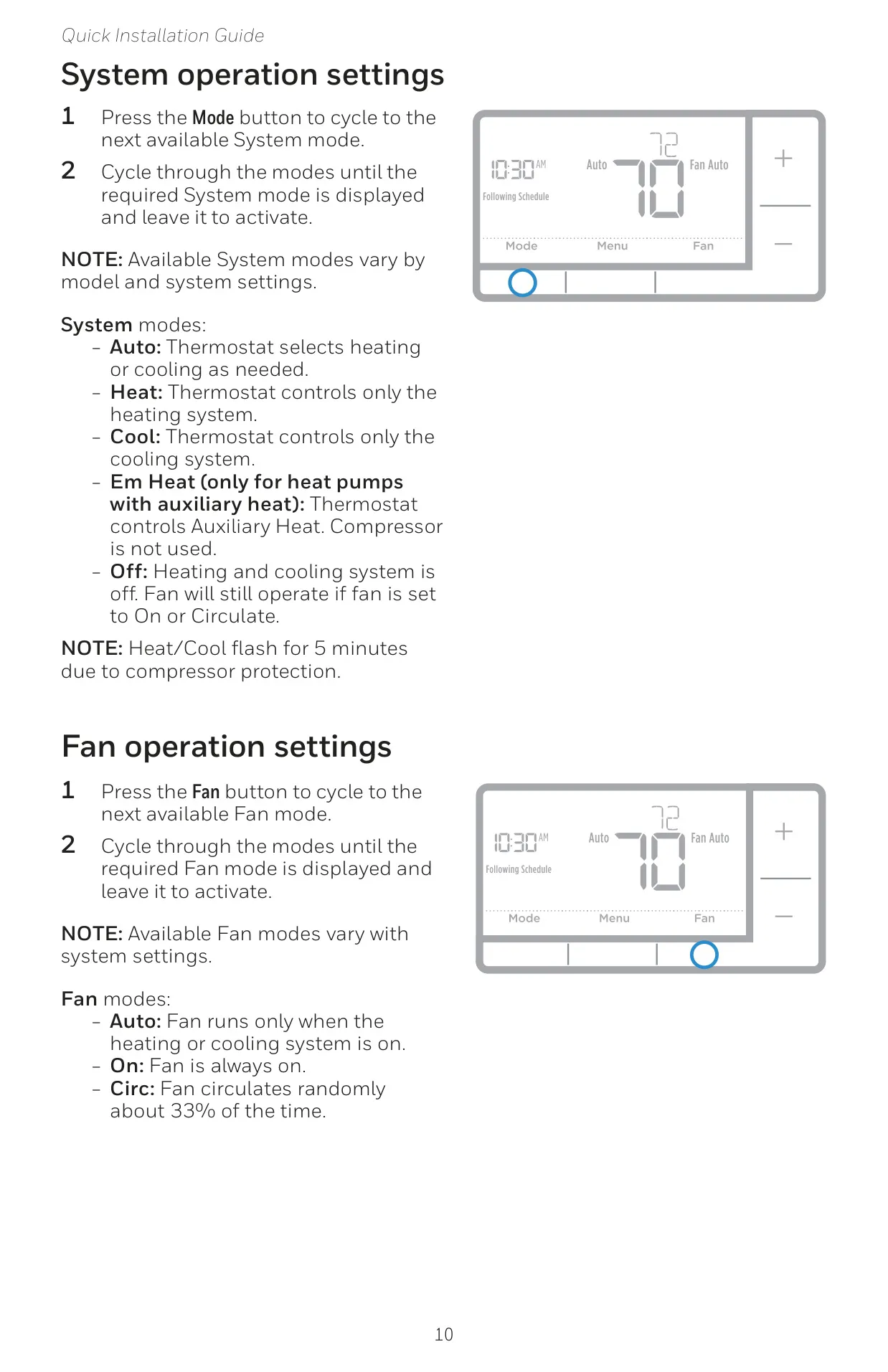
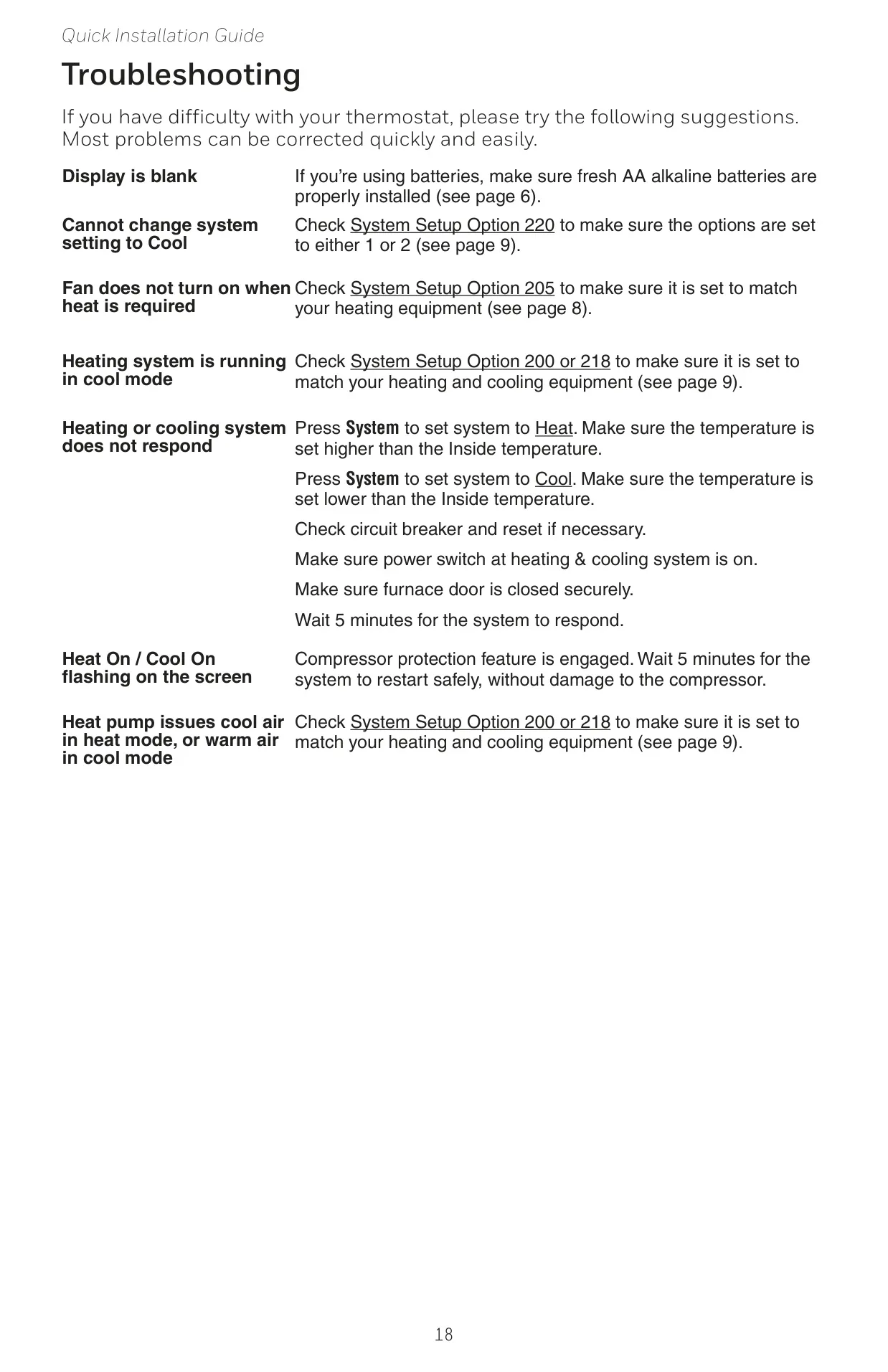
The RTH7560E1001 T5 offers comprehensive system modes to manage your home's climate. Users can select Auto, where the thermostat intelligently switches between heating and cooling; Heat for heating only; Cool for cooling only; Em Heat for heat pumps utilizing auxiliary heat; or Off, which deactivates heating and cooling but allows fan operation. A built-in 5-minute compressor protection delay, indicated by flashing "Heat/Cool," safeguards your system from damage.
Beyond core operation, the thermostat features versatile fan control, offering Auto mode (fan runs with system), On mode (fan always active), and Circ mode (fan circulates periodically). A standout feature is its Smart Response® Technology, which intelligently "learns" your system's performance. This allows the thermostat to anticipate and activate heating or cooling earlier, ensuring your desired temperature is reached precisely at the programmed time, optimizing both comfort and energy efficiency.
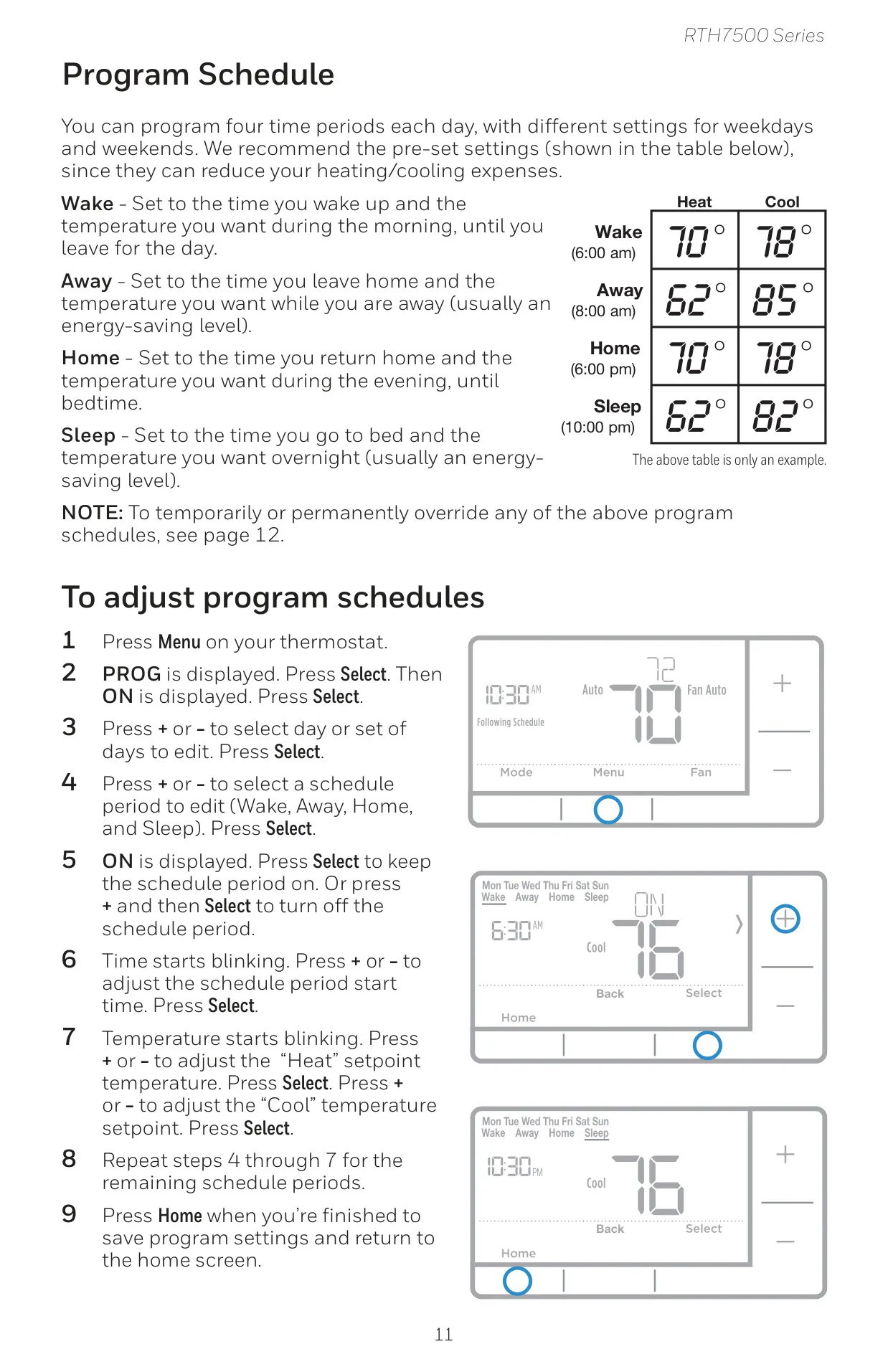
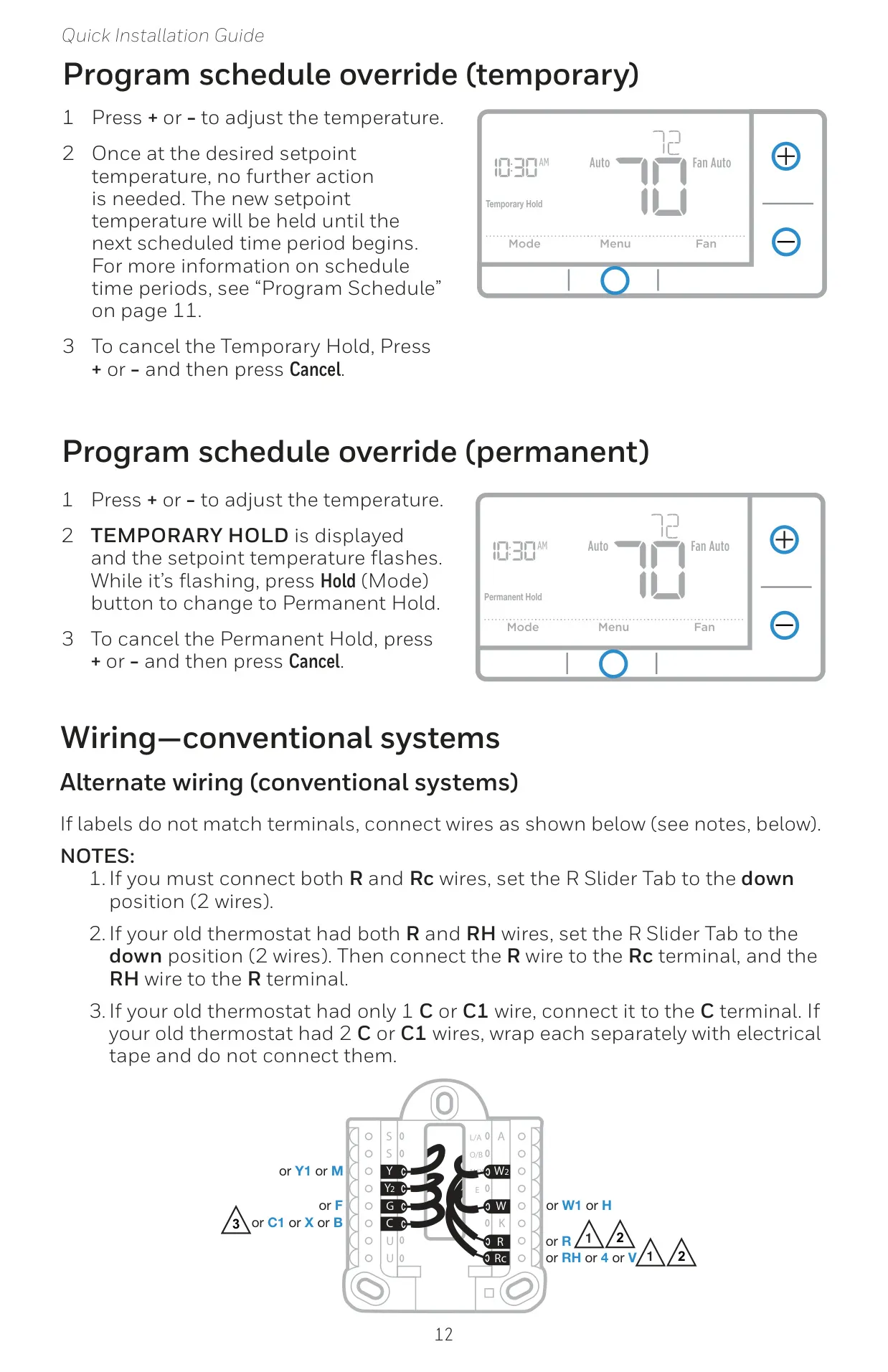
For personalized comfort and energy savings, the thermostat supports a detailed program schedule with four distinct time periods daily: Wake, Away, Home, and Sleep. Each period can be customized with different temperature settings for weekdays and weekends, offering substantial flexibility. Users can easily adjust these schedules or implement temporary and permanent overrides, providing complete control over their home's heating and cooling without complex re-programming.
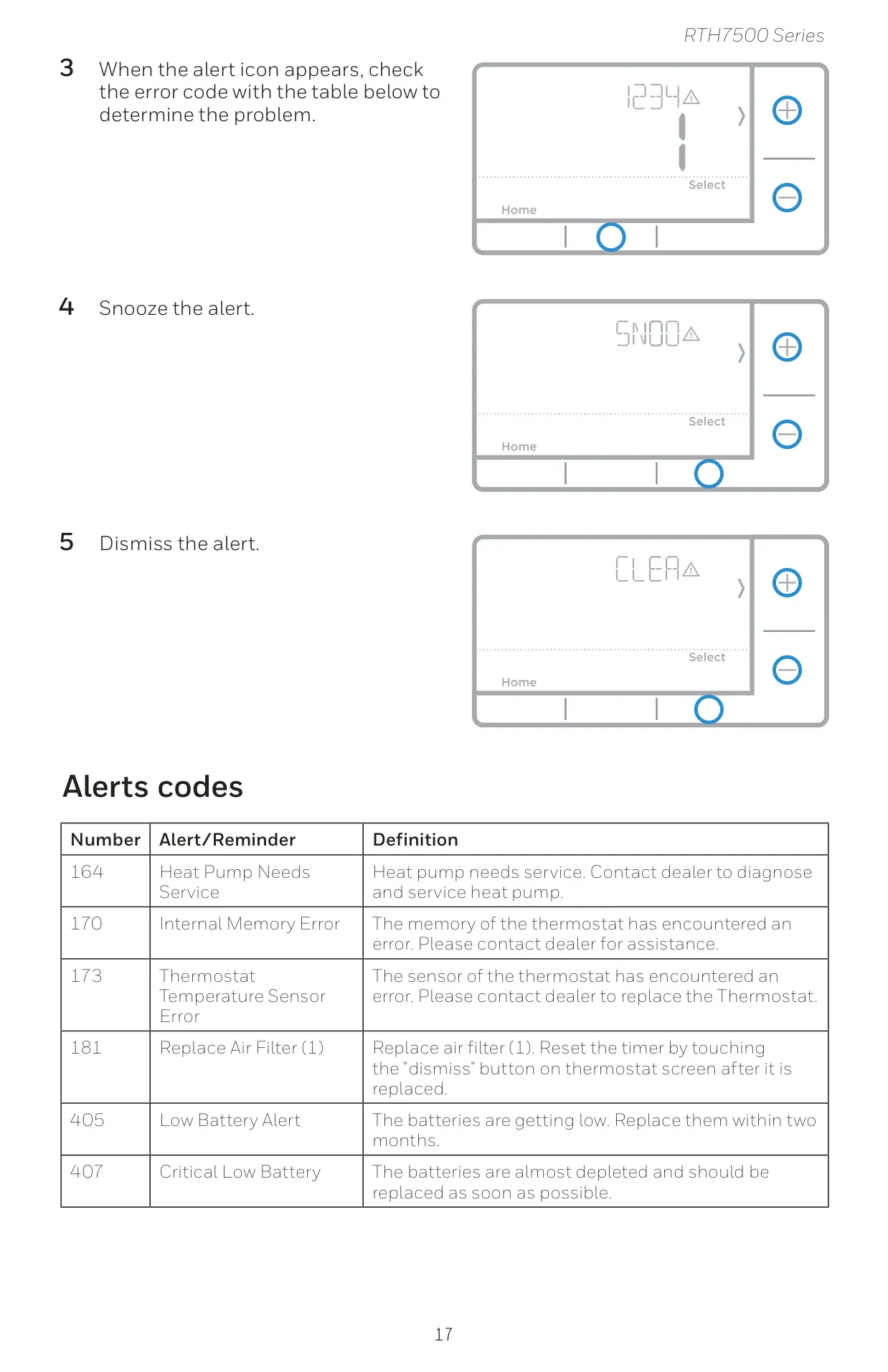
The Honeywell RTH7560E1001 T5 also integrates essential maintenance alerts and reminders. It includes an adjustable "Air Filter 1 Replacement Reminder," which can be set based on calendar days or system run time. Furthermore, the thermostat actively monitors its internal status, alerting users to low battery levels (including critical warnings), internal memory errors, and thermostat temperature sensor malfunctions, prompting timely attention or professional service when necessary.
Regarding power management, the thermostat relies on two AA alkaline batteries. A low battery icon provides a two-month advance warning, escalating to a critical low battery alert as depletion nears. For user convenience, replacing batteries within two minutes typically preserves the time and day settings. Honeywell recommends an annual battery replacement, even without alerts, to ensure continuous, uninterrupted operation, especially before extended periods away from home.
Frequently Asked Questions (FAQs)
Can't find the answer you need? Here are some frequently asked questions about the Honeywell RTH7560E1001 T5 Thermostat, and we answer them below.