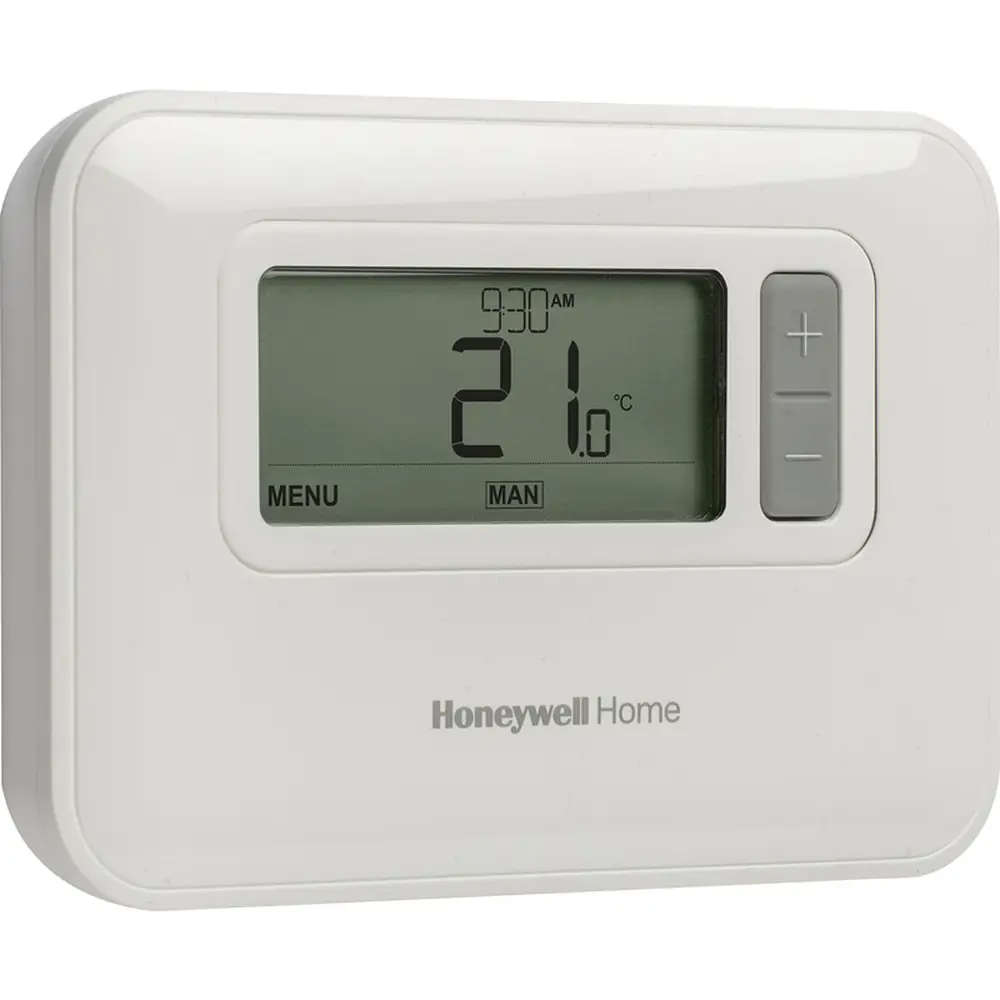
Honeywell TH3210D1004 Pro 3000 Series Instruction Manual
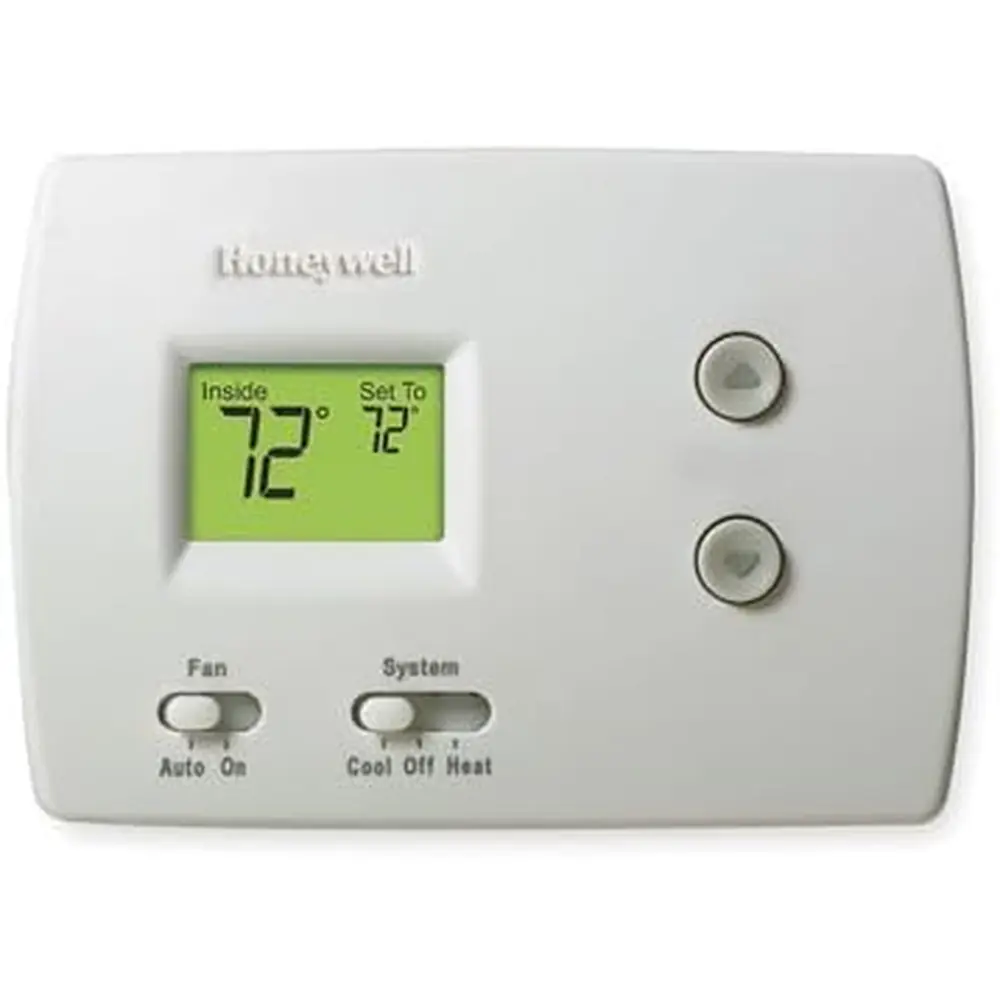
Honeywell TH3210D1004 Pro 3000 Series
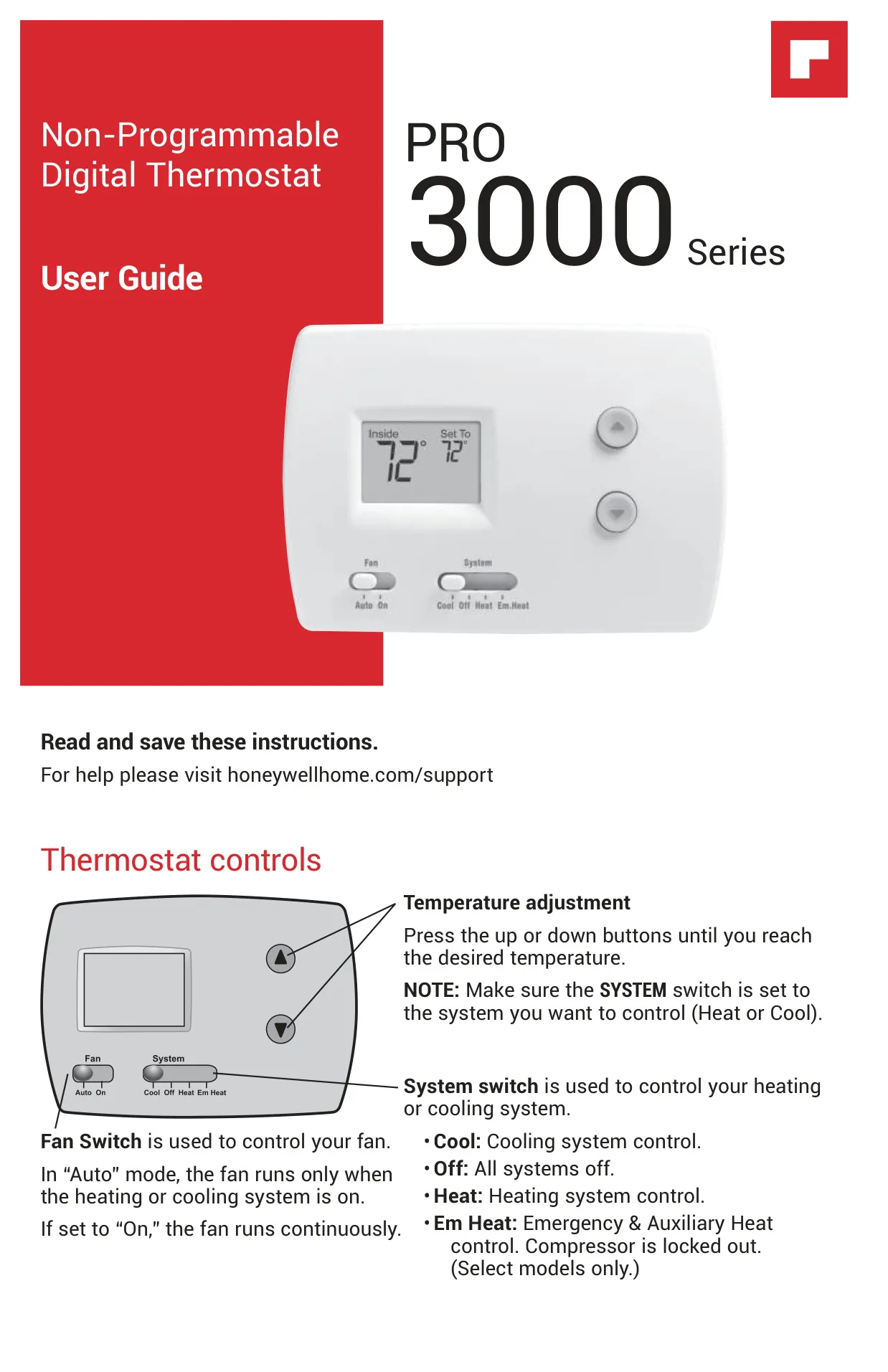
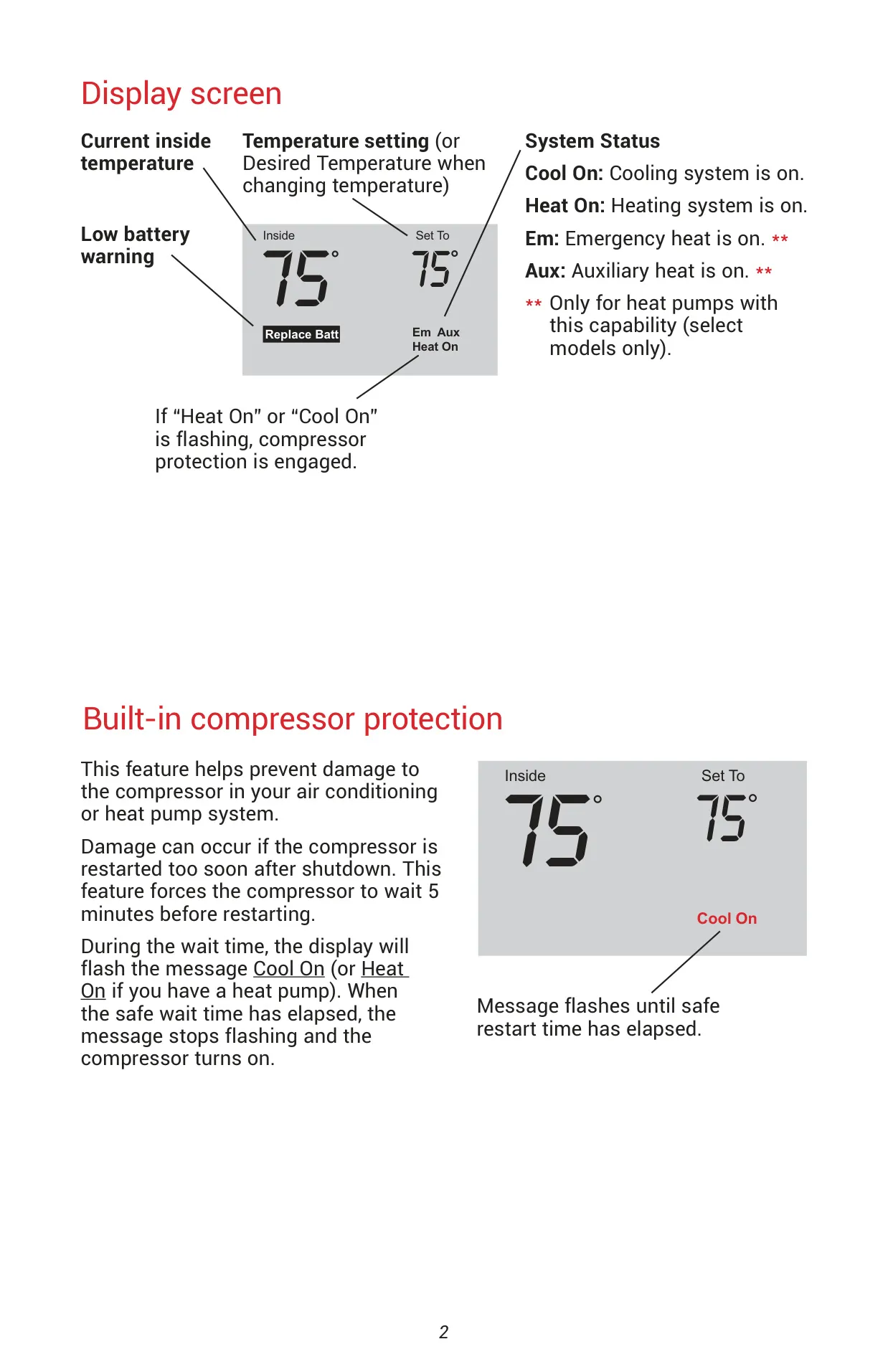


Honeywell TH3210D1004 Pro 3000 Series

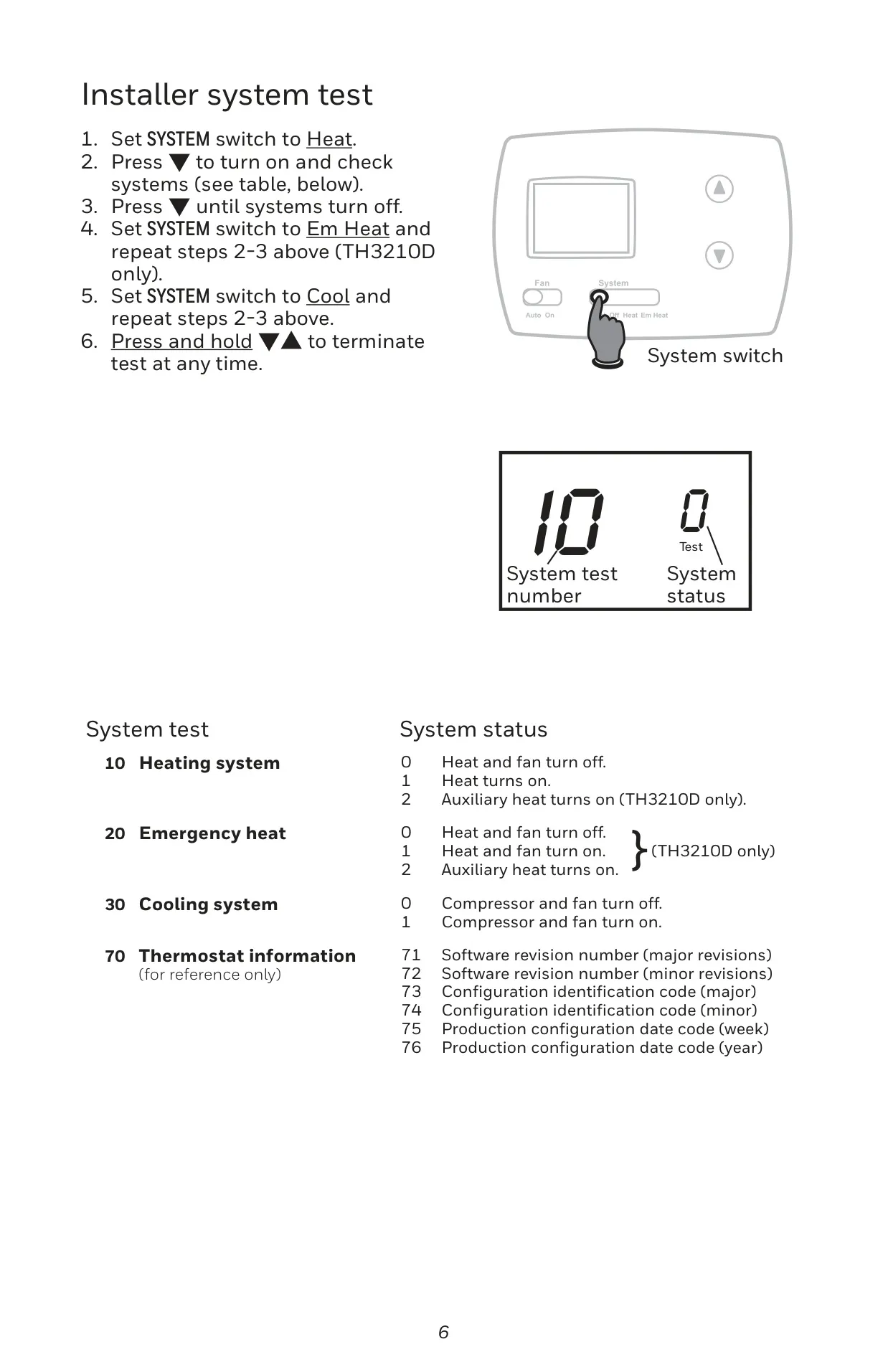
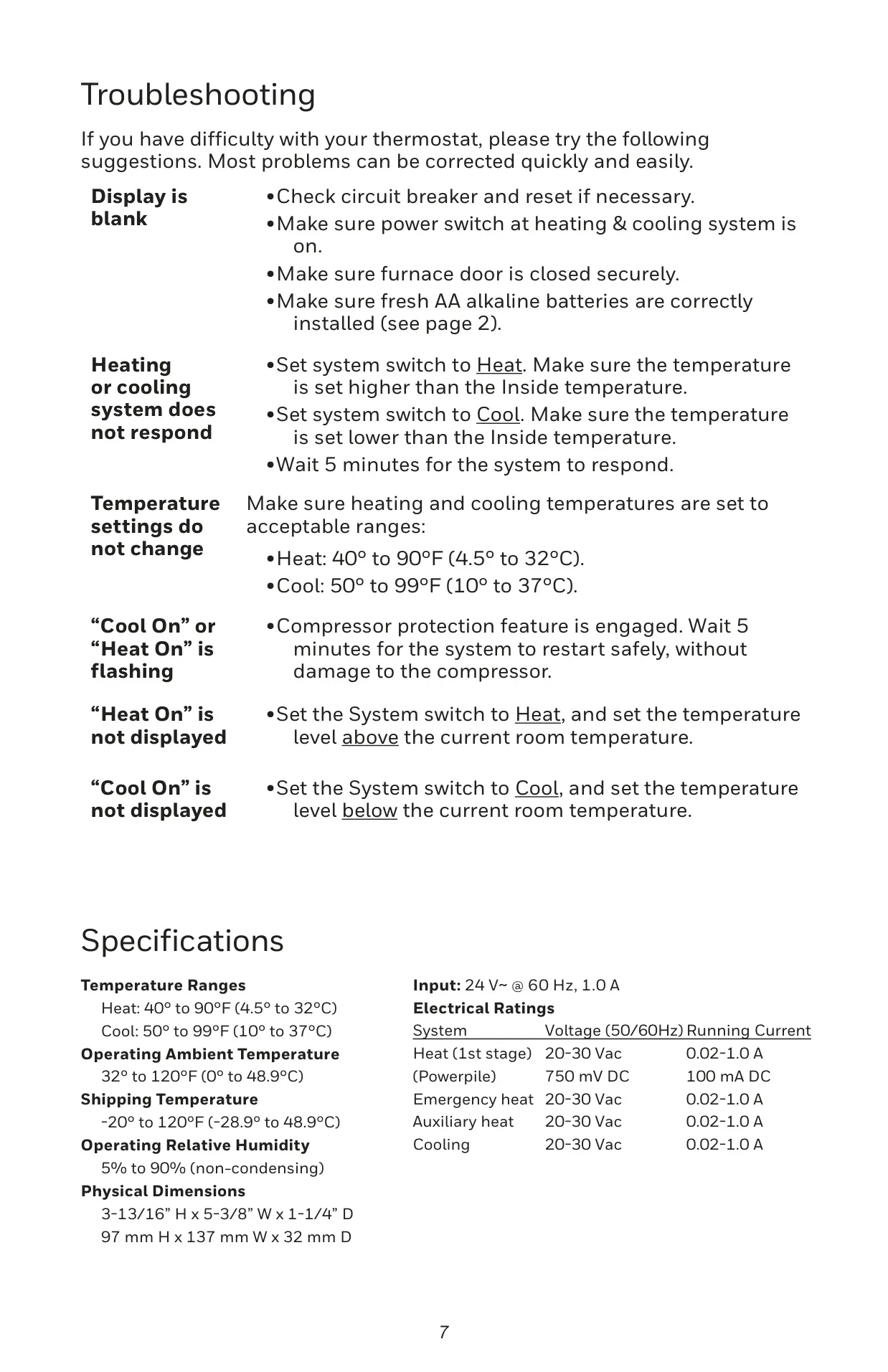
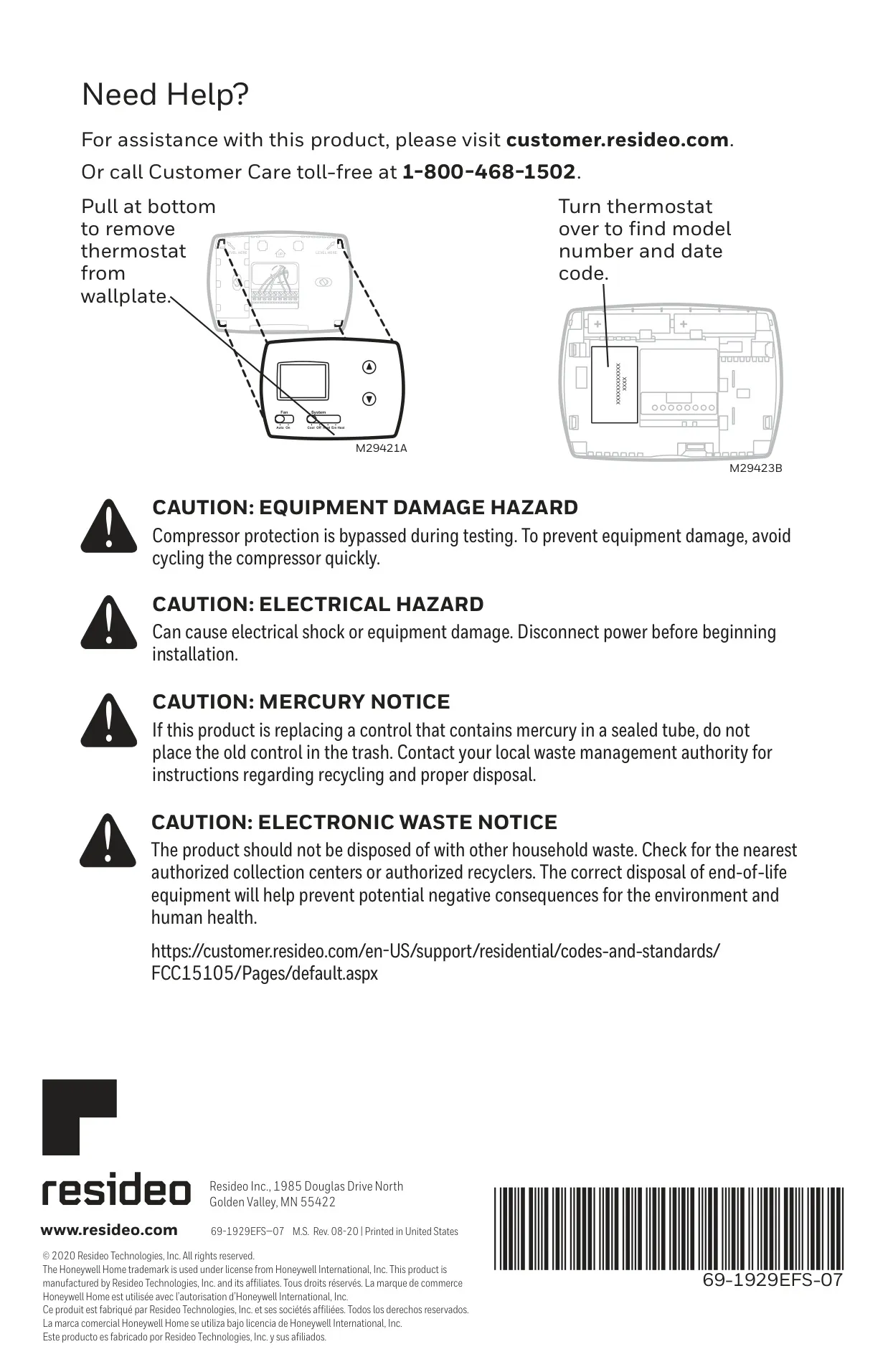
Honeywell TH3210D1004 Instructions
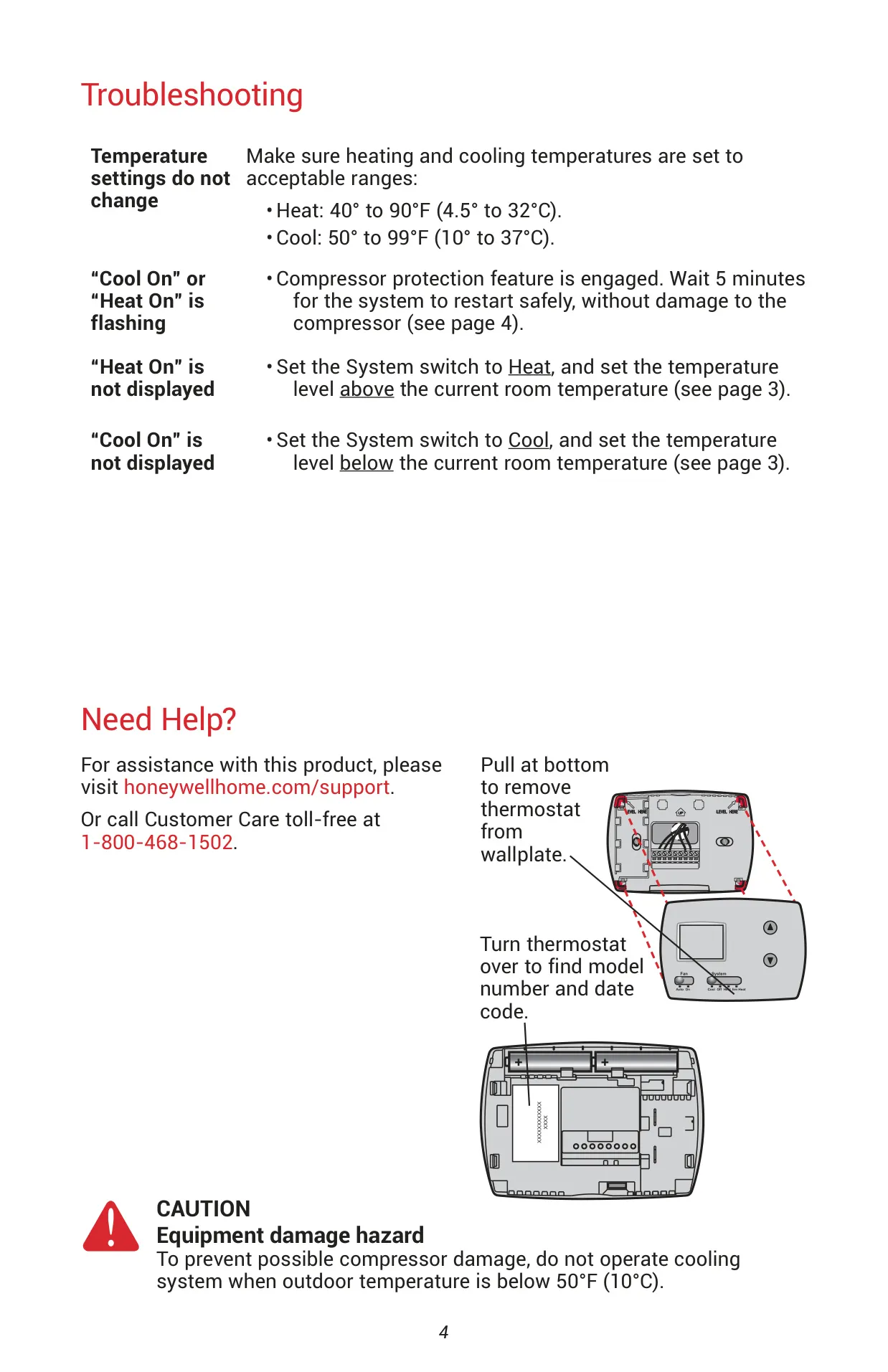
Here we offer the Honeywell TH3210D1004 Pro 3000 Series manual completely free and in English. We have cataloged this manual in the Thermostats section on Manualverse, and it has been rated by 1 users with an average rating of 5. If you have any specific questions about Honeywell TH3210D1004 Pro 3000 Series, we suggest checking the Frequently Asked Questions (FAQs) section of this manual.
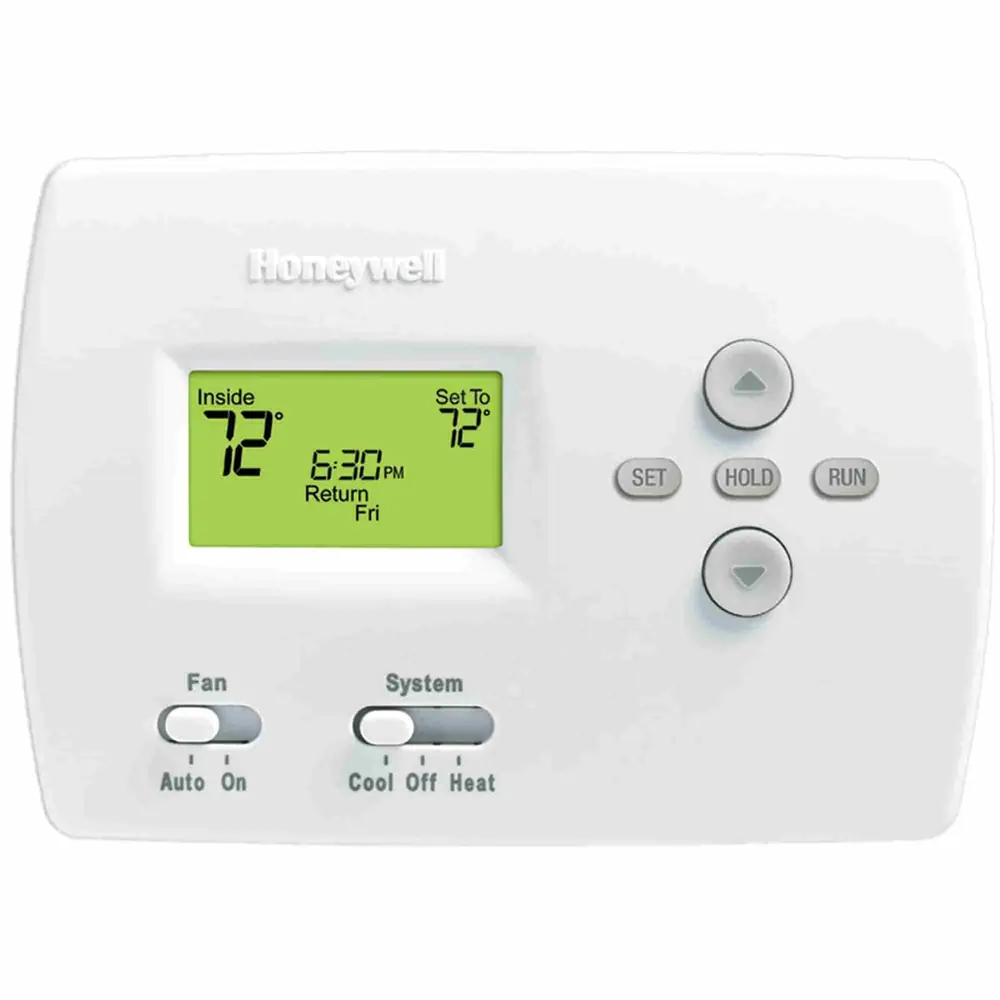
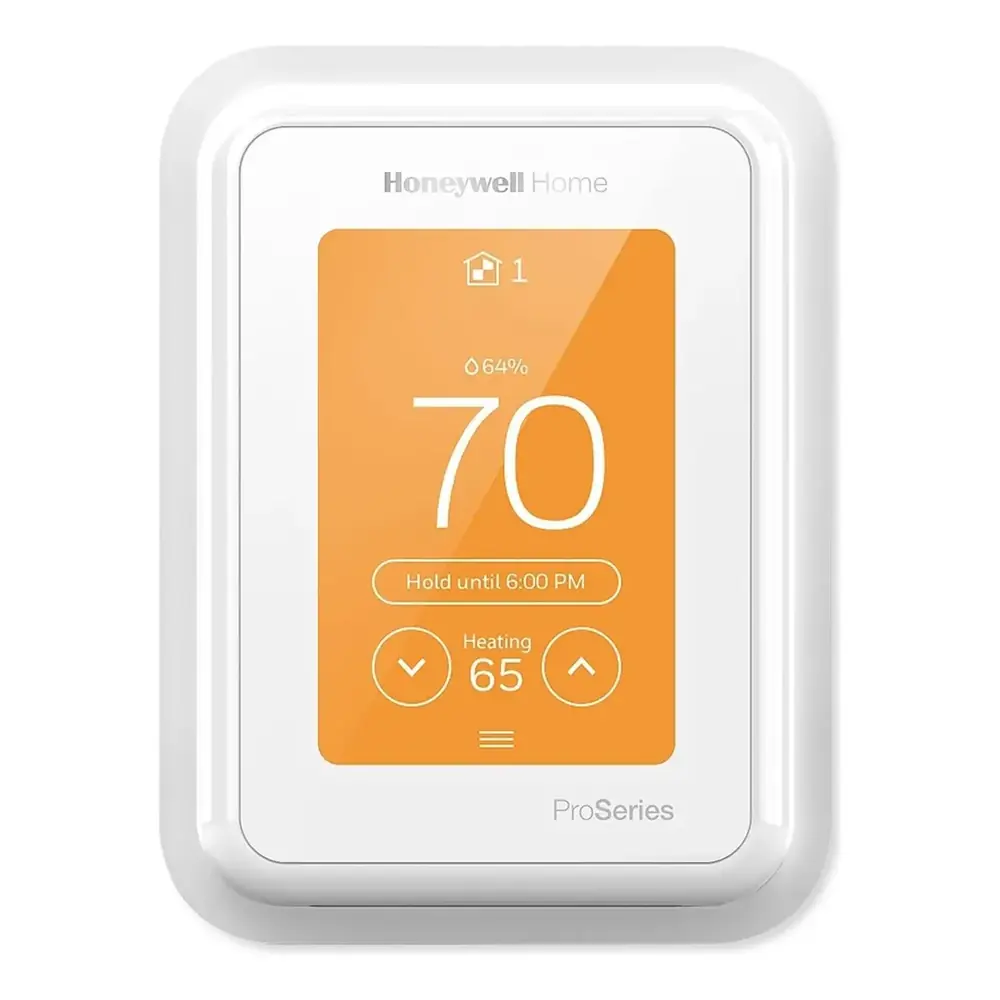
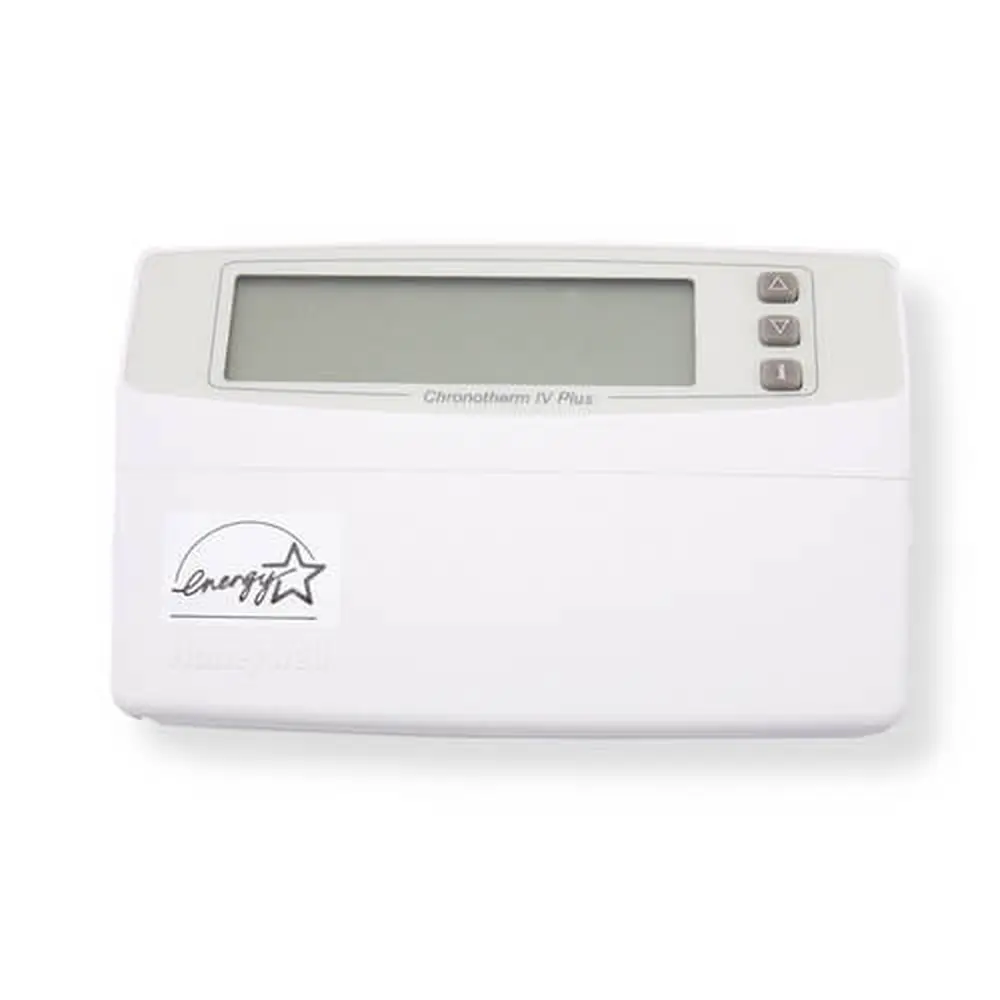
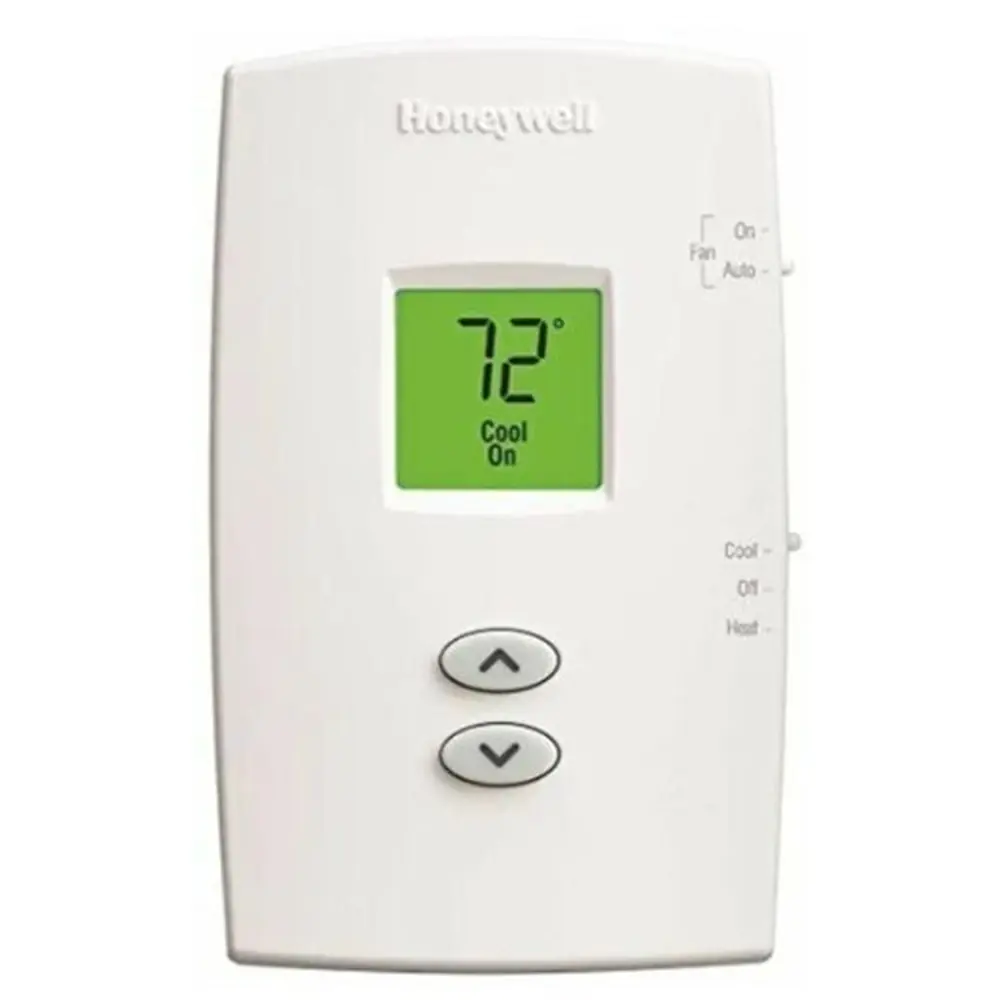
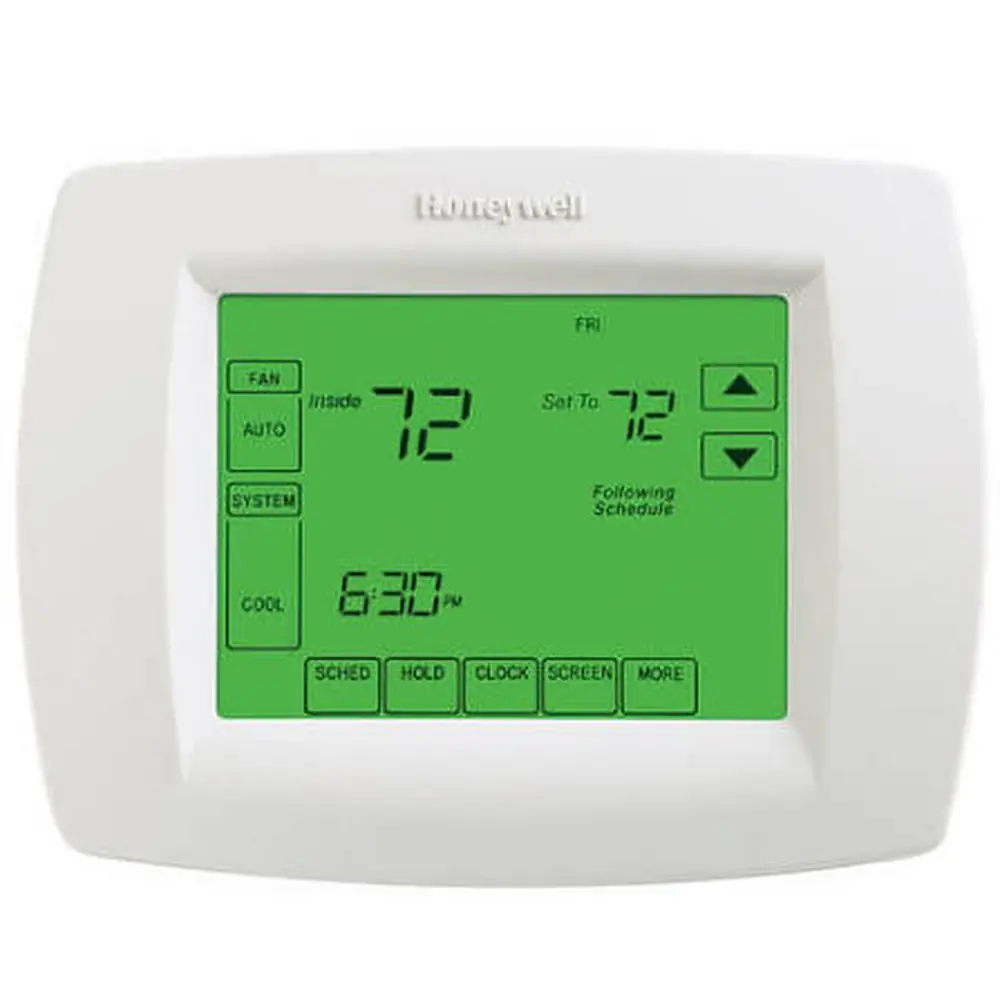
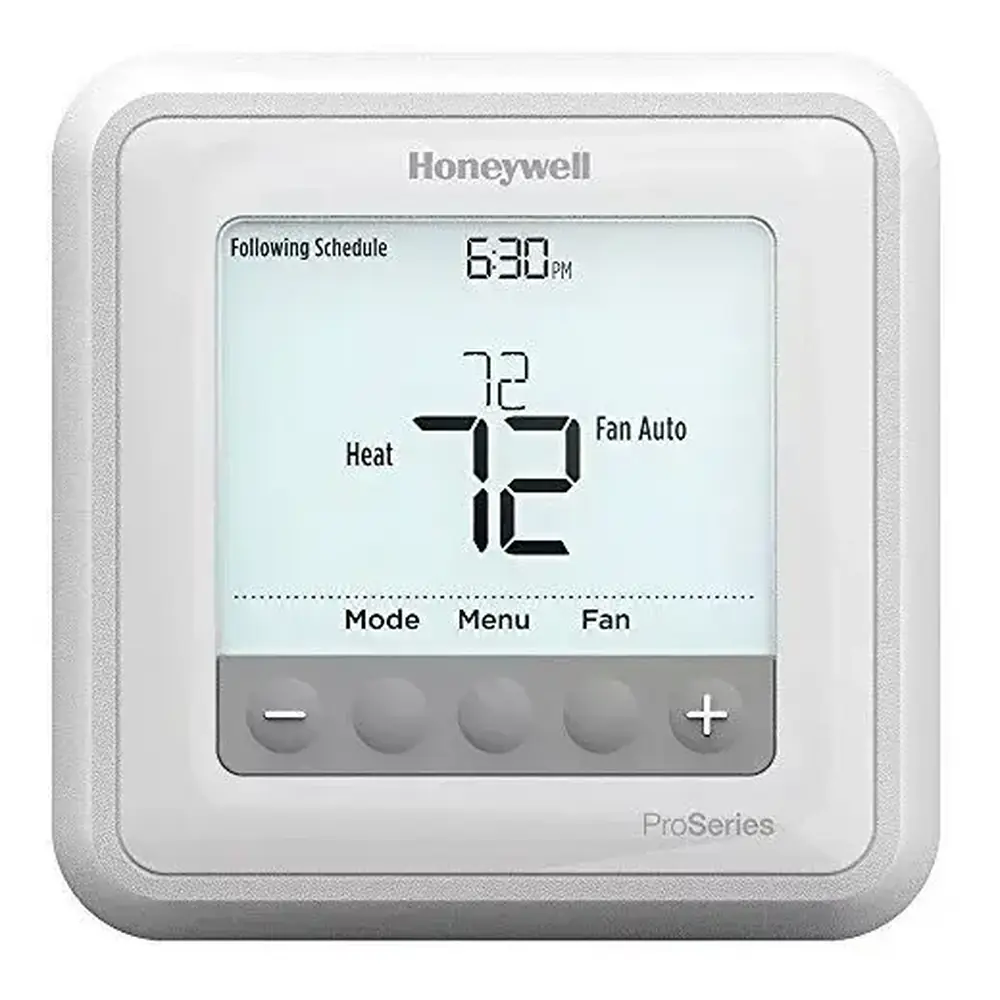
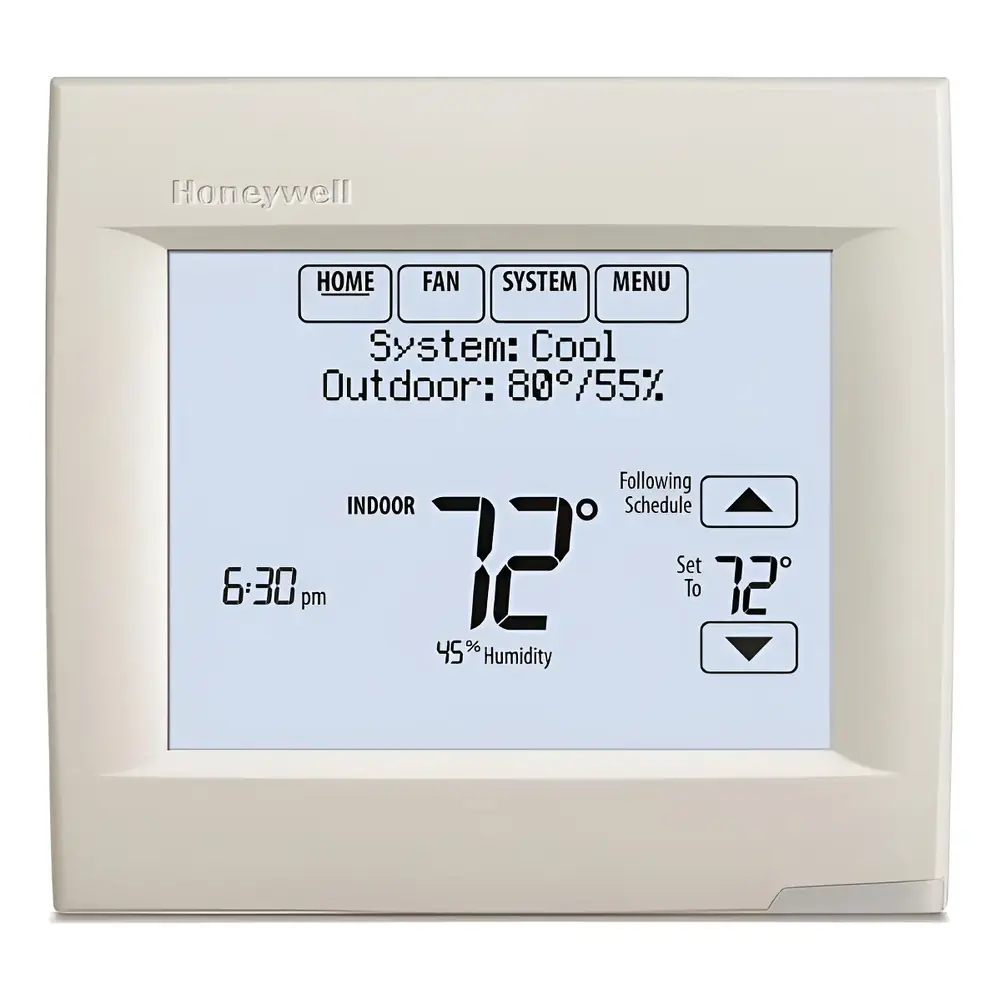
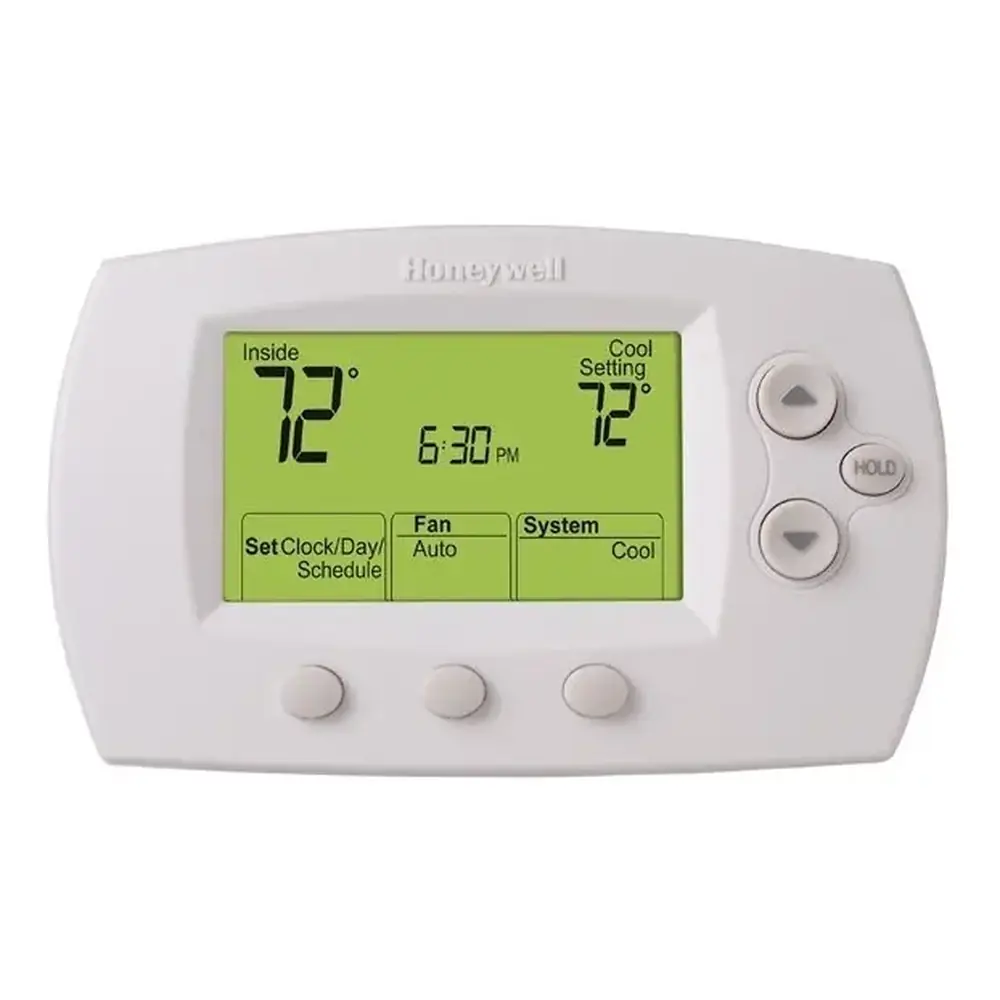
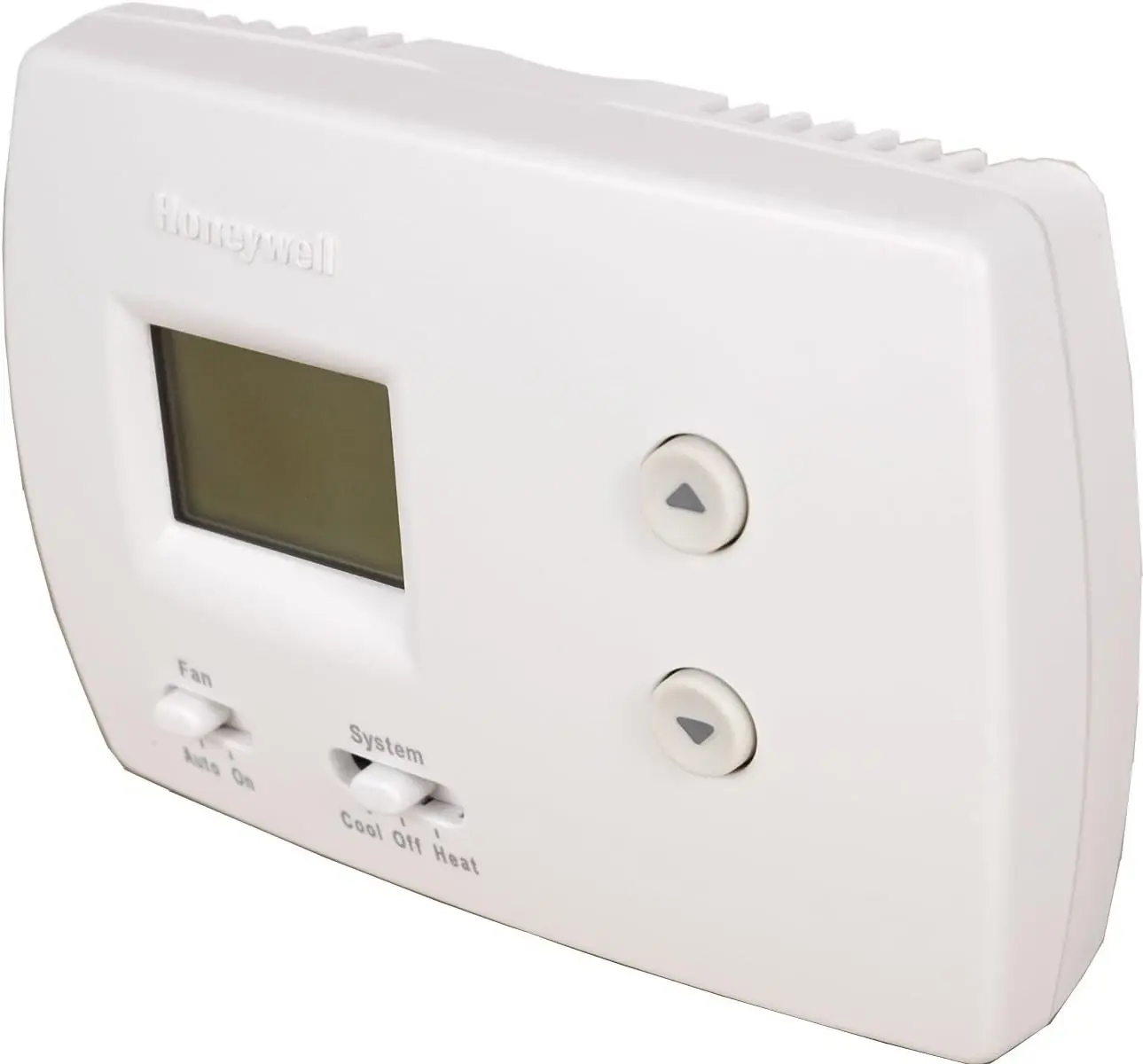
Product Images
Honeywell TH3210D1004 Pro 3000 Series Thermostat Specifications
| Feature | Specification |
|---|---|
| Thermostat Type | Non-Programmable Digital Thermostat |
| Heat Temperature Range | 40° to 90°F (4.5° to 32°C) |
| Cool Temperature Range | 50° to 99°F (10° to 37°C) |
| Operating Ambient Temperature | 32° to 120°F (0° to 48.9°C) |
| Shipping Temperature | -20° to 120°F (-28.9° to 48.9°C) |
| Operating Relative Humidity | 5% to 90% (non-condensing) |
| Input Electrical Rating | 24 V~ @ 60 Hz, 1.0 A |
| Electrical Rating (Heat, 1st stage) | 20-30 Vac, 0.02-1.0 A |
| Electrical Rating (Powerpile) | 750 mV DC, 100 mA DC |
| Electrical Rating (Emergency Heat) | 20-30 Vac, 0.02-1.0 A |
| Electrical Rating (Auxiliary Heat) | 20-30 Vac, 0.02-1.0 A |
| Electrical Rating (Cooling) | 20-30 Vac, 0.02-1.0 A |
| Physical Dimensions (H x W x D) | 3-13/16” H x 5-3/8” W x 1-1/4” D (97 mm H x 137 mm W x 32 mm D) |
Honeywell TH3210D1004 Thermostat Details
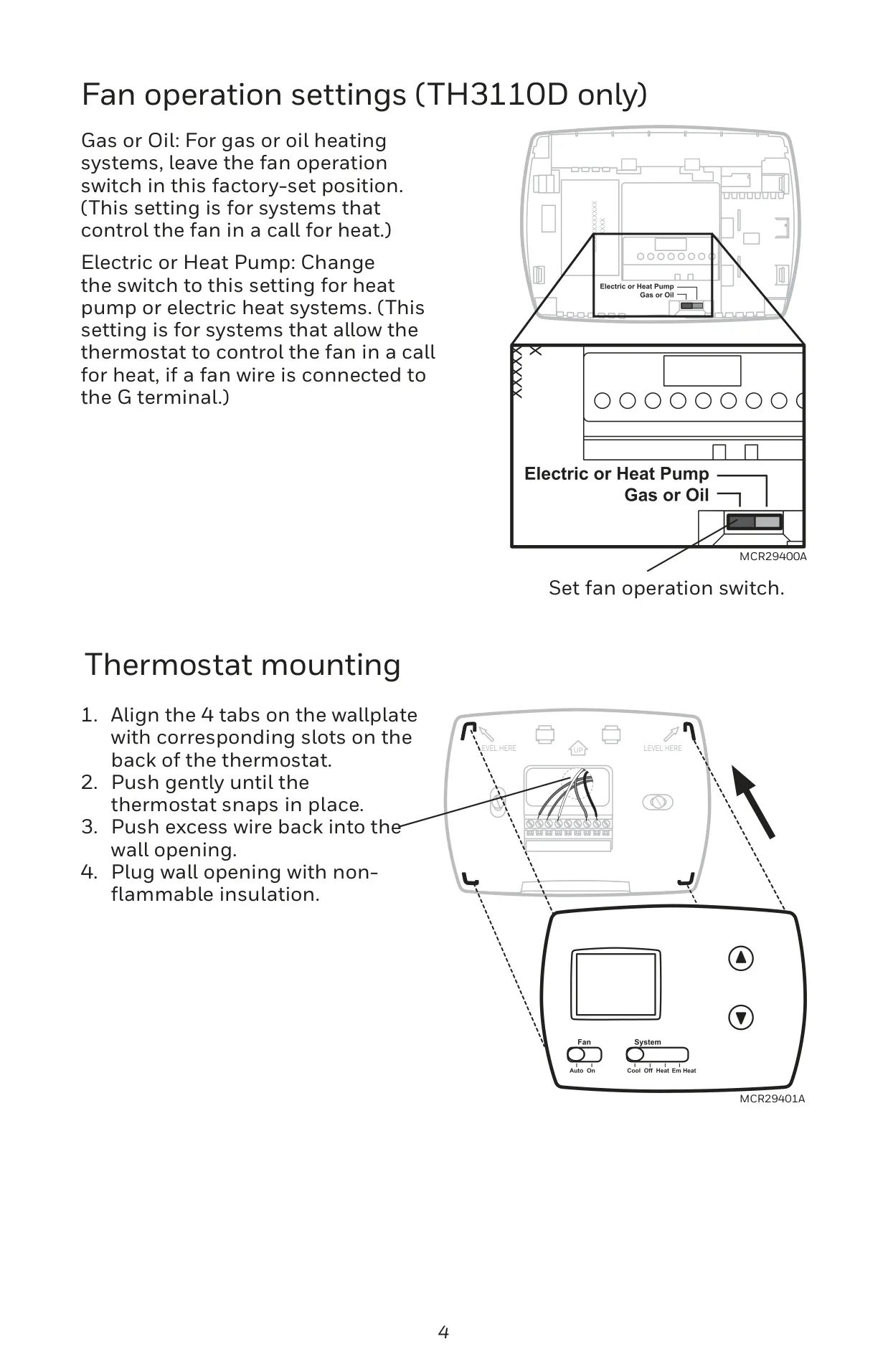
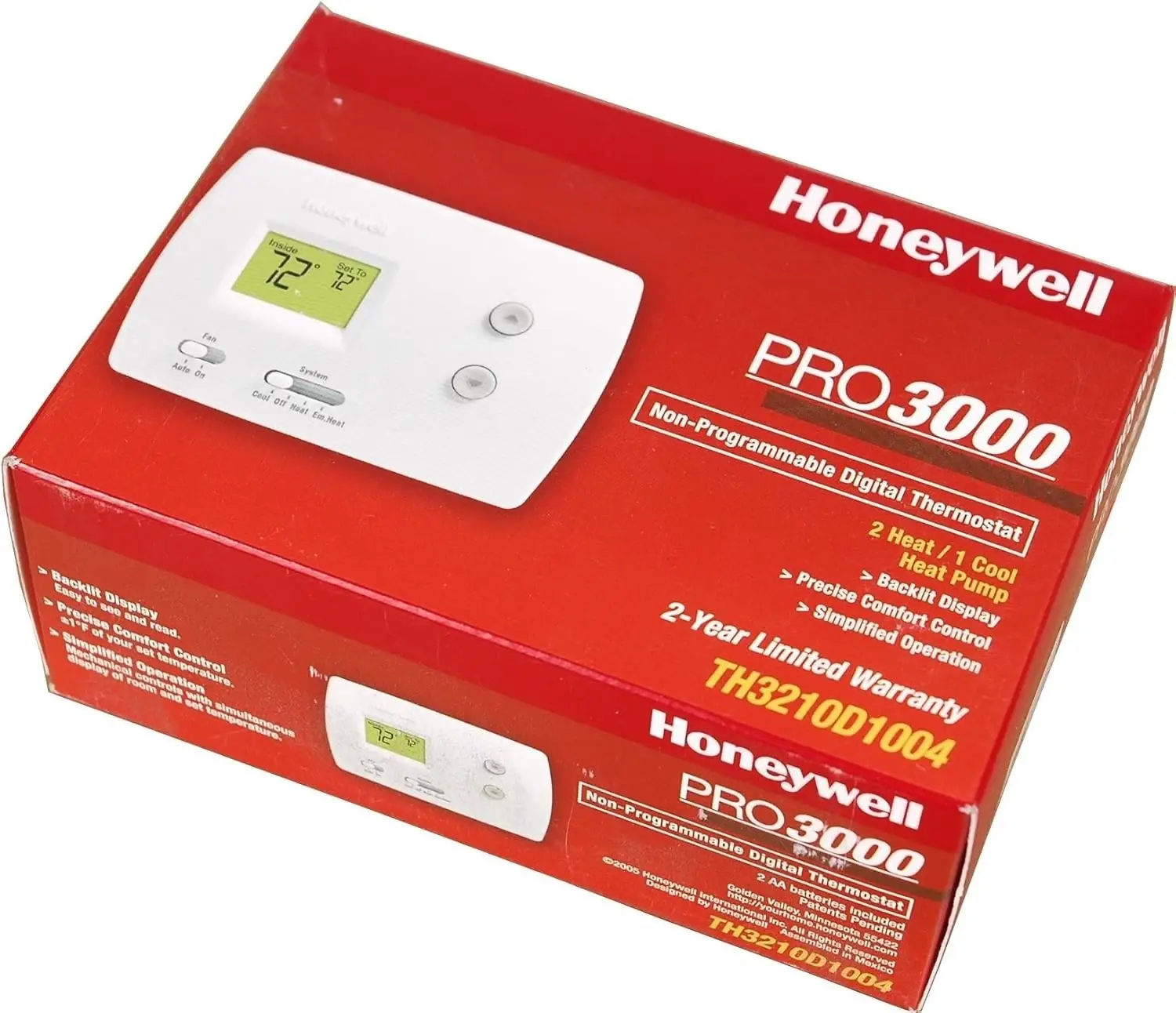
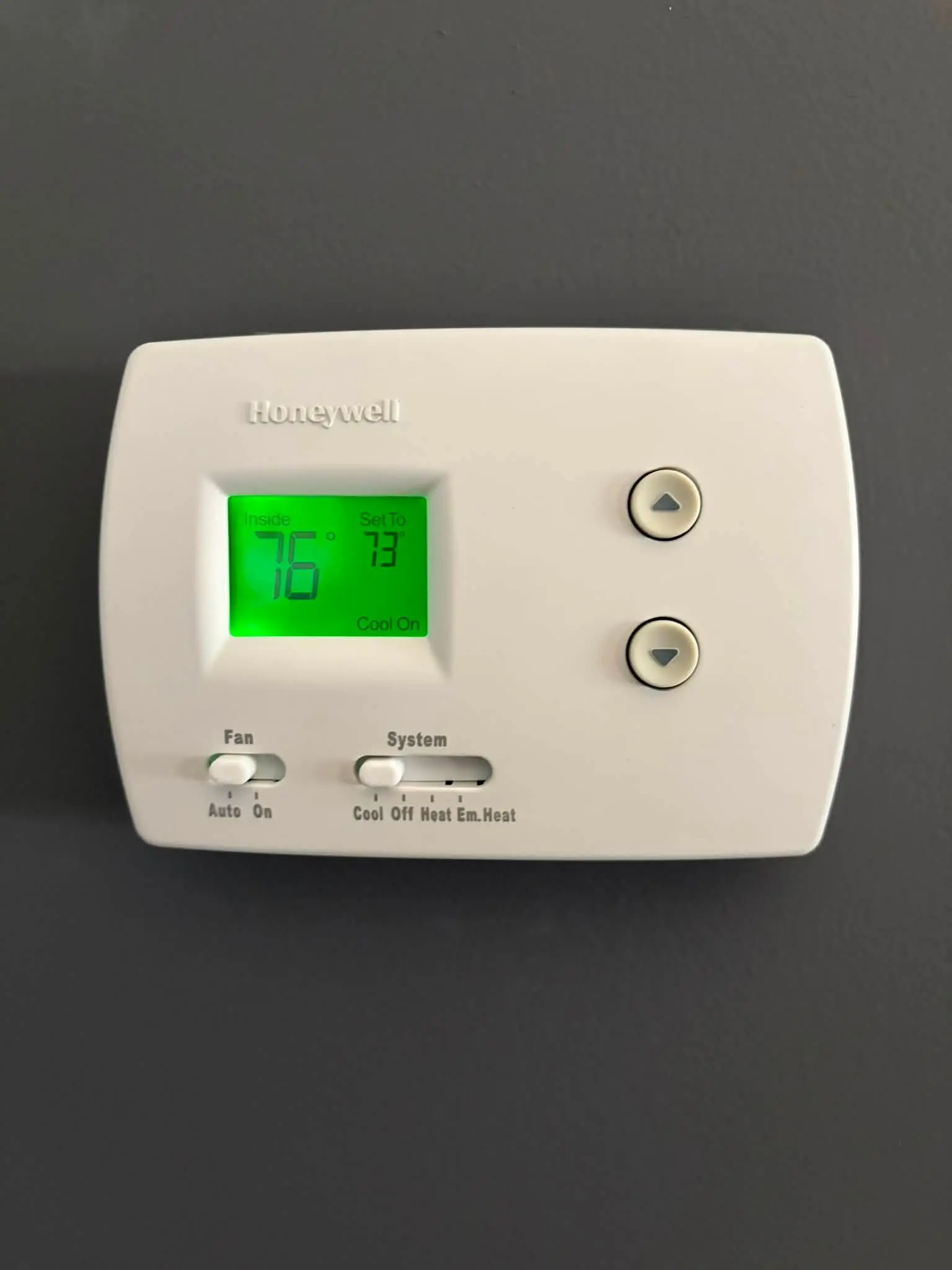
The Honeywell TH3210D1004 Pro 3000 Series stands as a reliable non-programmable digital thermostat, engineered for straightforward and efficient climate management. Its user-centric design features intuitive up and down arrow buttons, enabling precise temperature adjustments with ease. A clear SYSTEM switch facilitates direct control, offering modes for Cool, Off, Heat, and critically, Emergency Heat for compatible heat pump systems, ensuring adaptable comfort.
Complementing temperature control, the thermostat integrates a versatile FAN switch with "Auto" and "On" settings. "Auto" mode optimizes energy use by operating the fan only when heating or cooling is active, while "On" provides continuous air circulation. The large, clear display screen offers instant feedback, presenting the current inside temperature, the set temperature, and important system status indicators for quick assessment.
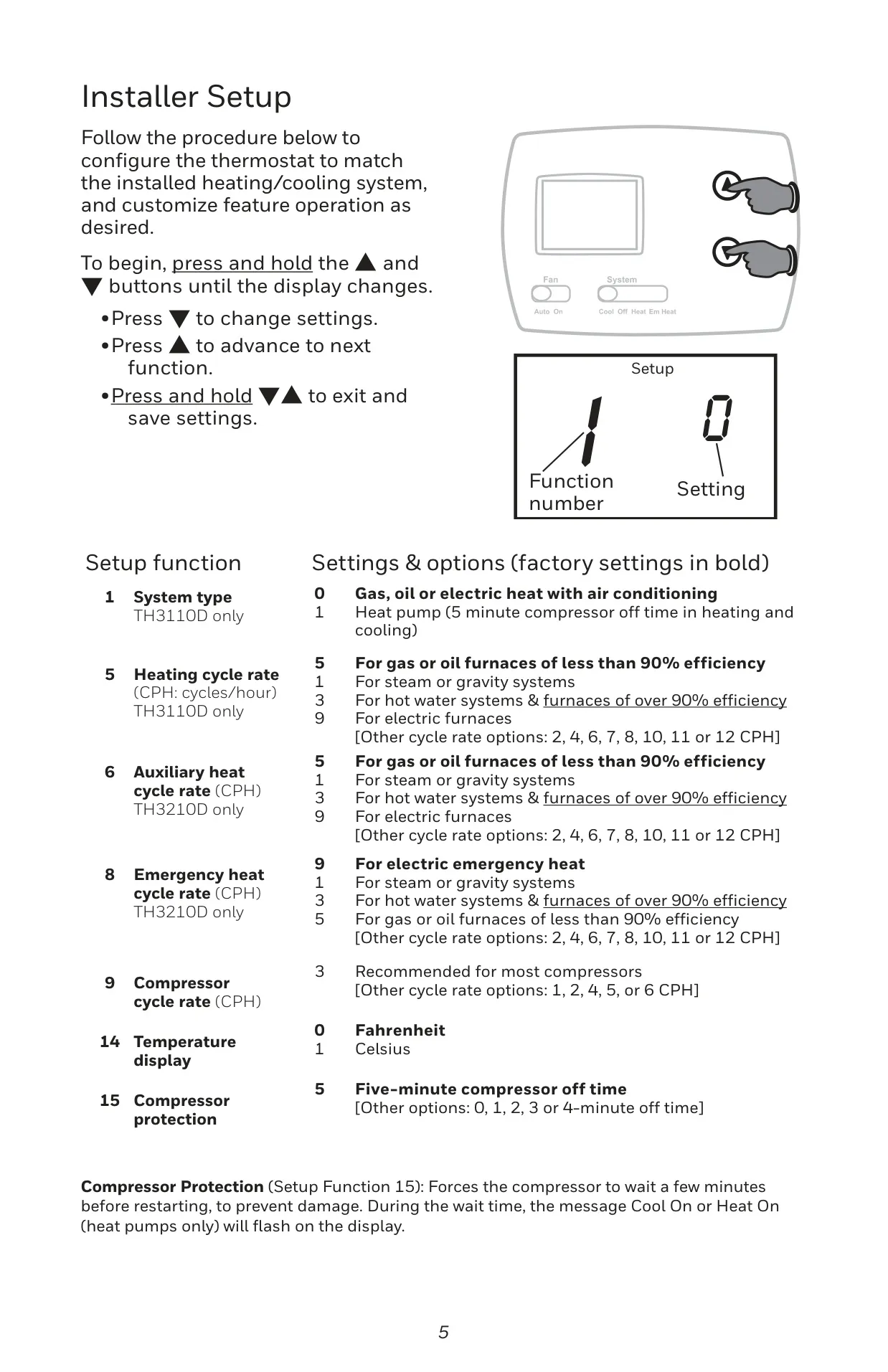
The thermostat's display provides real-time system status through messages such as "Cool On," "Heat On," "Em" (indicating Emergency heat activation), and "Aux" (for Auxiliary heat). A crucial safety feature is the built-in compressor protection, which enforces a 5-minute delay before restarting the compressor. This mechanism prevents potential damage to your HVAC system, with the relevant system status message flashing during the waiting period.
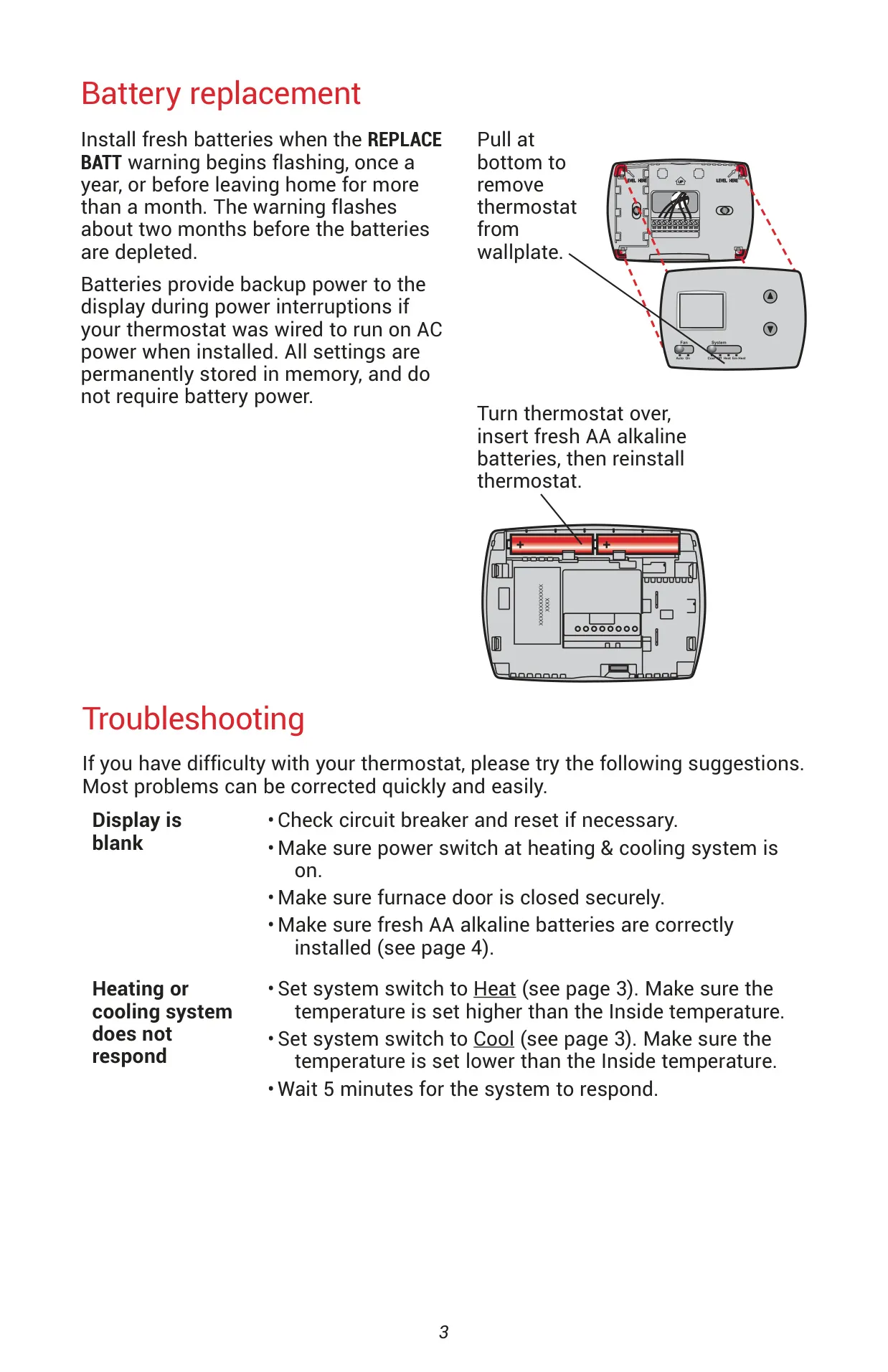
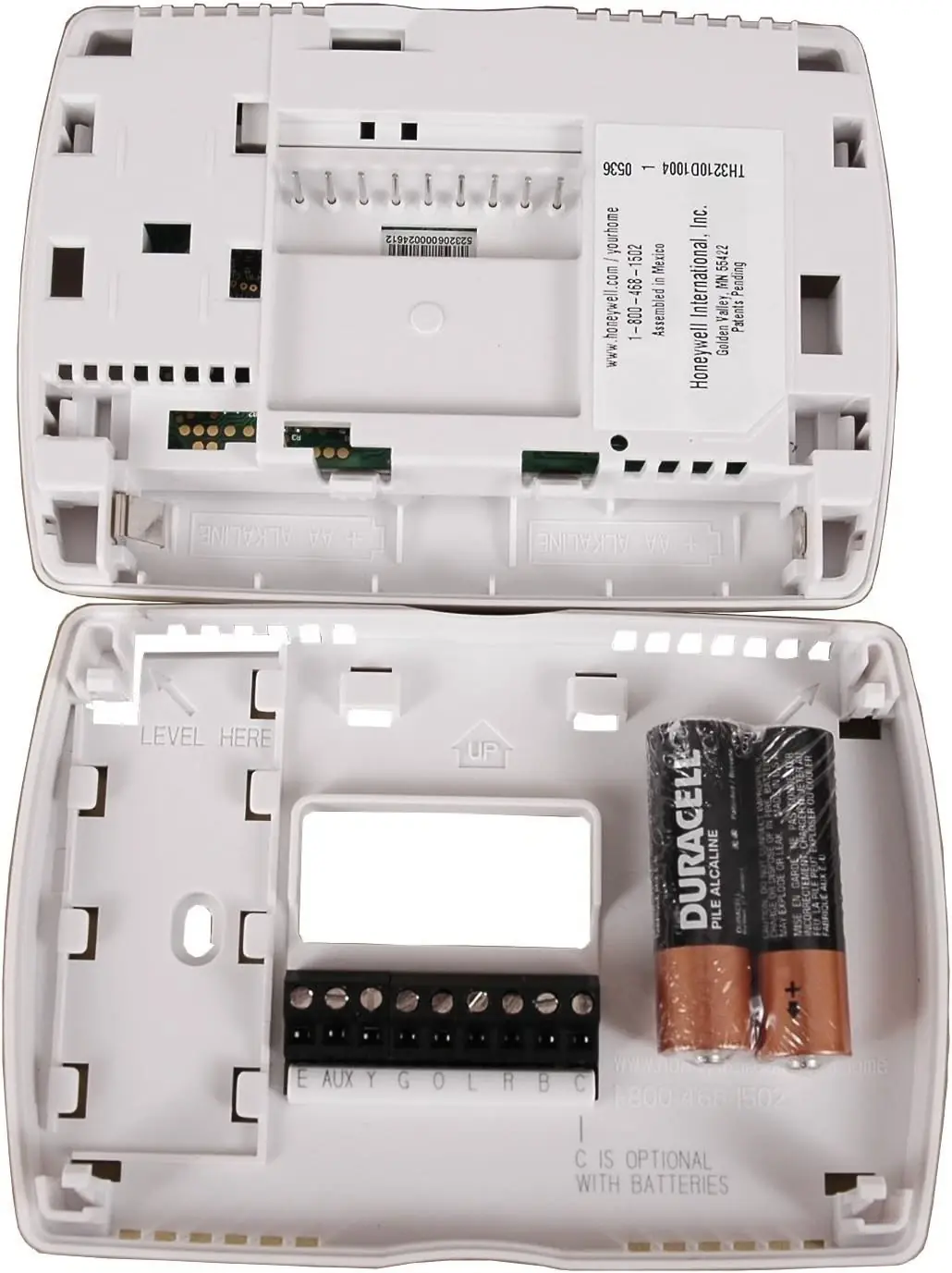
Maintaining continuous operation is simplified by the TH3210D1004's use of AA alkaline batteries, accompanied by a "REPLACE BATT" warning that illuminates approximately two months prior to battery depletion. While these batteries primarily serve as backup power for the display during AC power interruptions, all user settings and preferences are permanently stored in non-volatile memory, ensuring no data loss even during complete power outages.
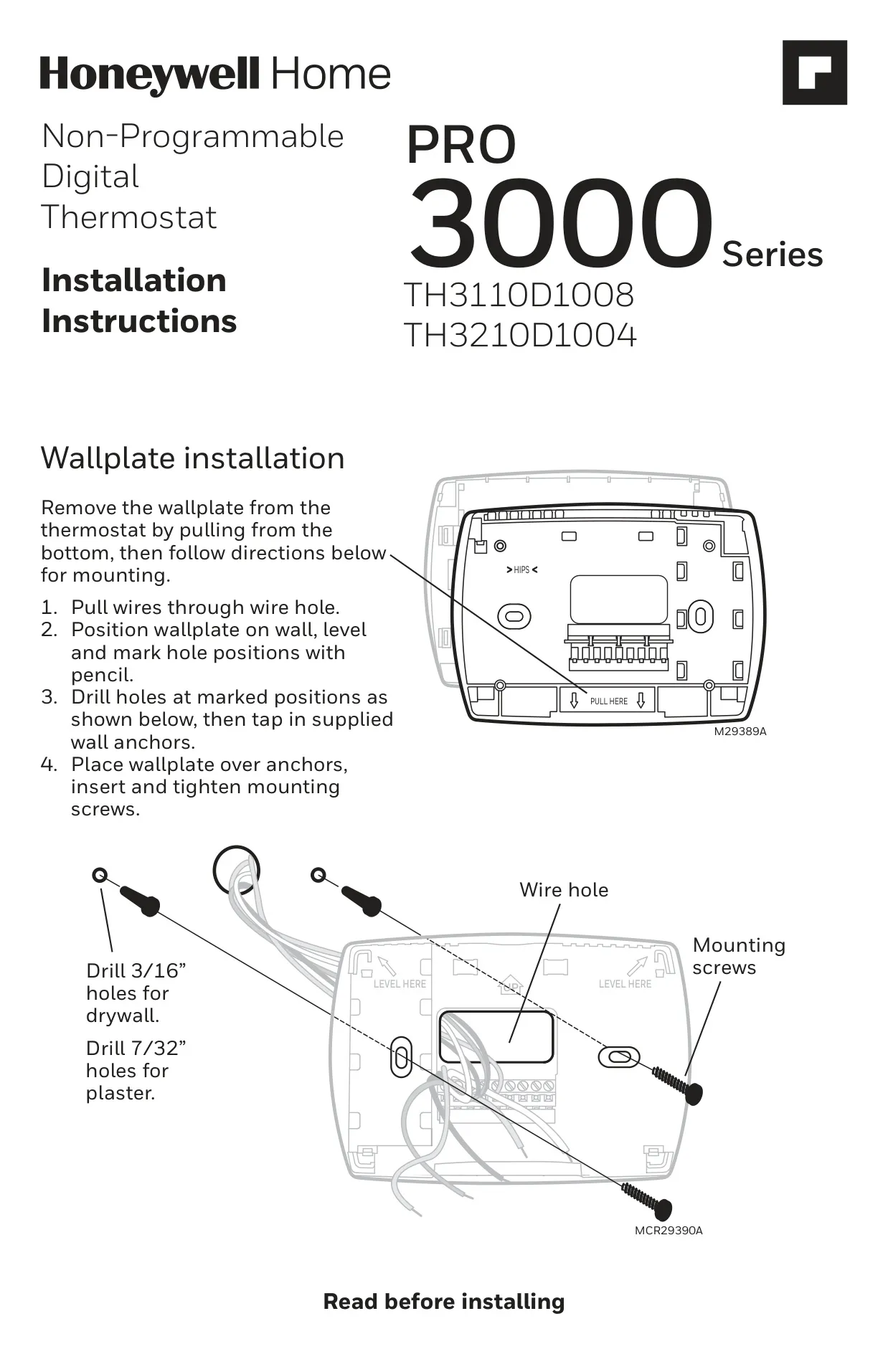
The installation process is streamlined, and the thermostat offers an Installer Setup mode for fine-tuning. This advanced configuration allows professionals to set specific heating, auxiliary heat, emergency heat, and compressor cycle rates (CPH), optimizing system performance. Users can also select between Fahrenheit or Celsius temperature display, and adjust the compressor protection off-time (defaulting to five minutes) to suit specific equipment needs, demonstrating its adaptability.
Durability is underscored by a 5-year limited warranty from Resideo, covering defects under normal use. The compact physical dimensions ensure it fits discreetly into various décors. Furthermore, comprehensive troubleshooting guidance is provided within the manual, addressing common issues like a blank display or system unresponsiveness. Safety warnings concerning electrical hazards and proper disposal are also clearly outlined, emphasizing responsible product use.
Frequently Asked Questions (FAQs)
Can't find the answer you need? Here are some frequently asked questions about the Honeywell TH3210D1004 Pro 3000 Series, and we answer them below.