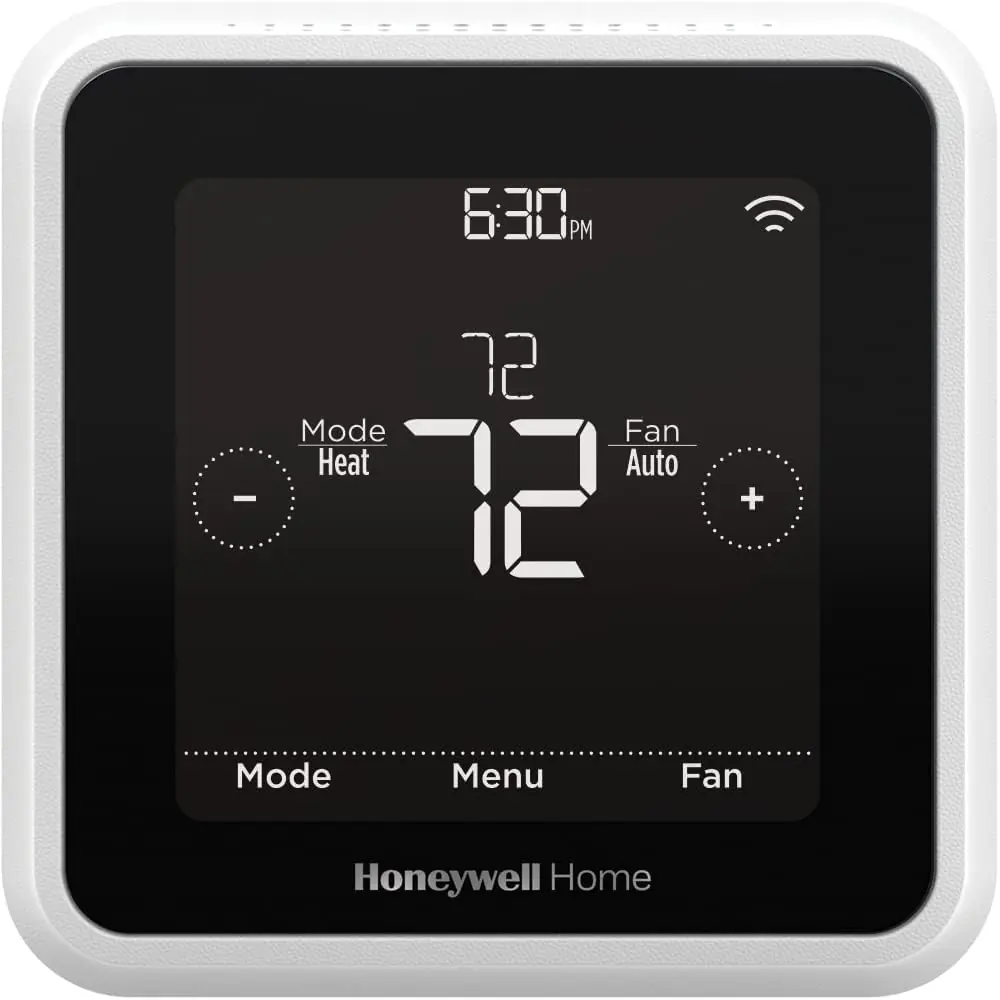
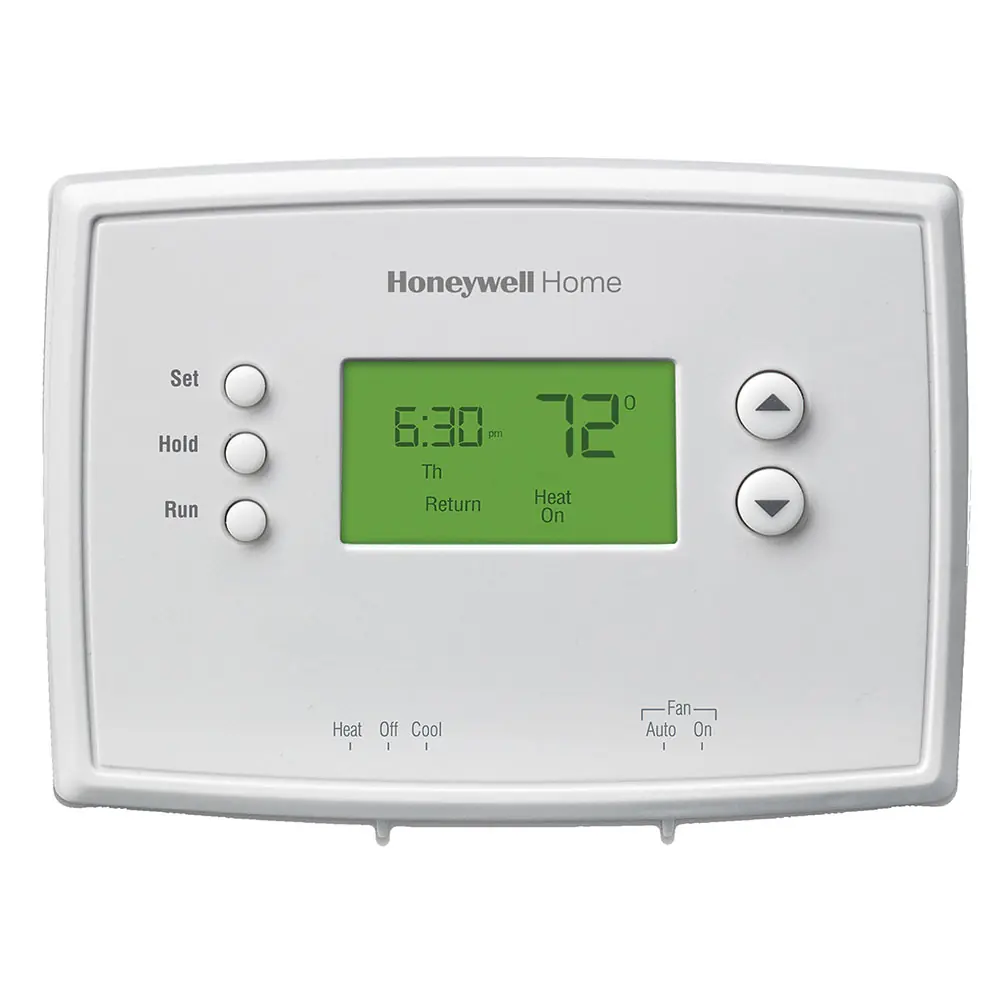
Honeywell TH6320U2008 T6 Pro Instruction Manual
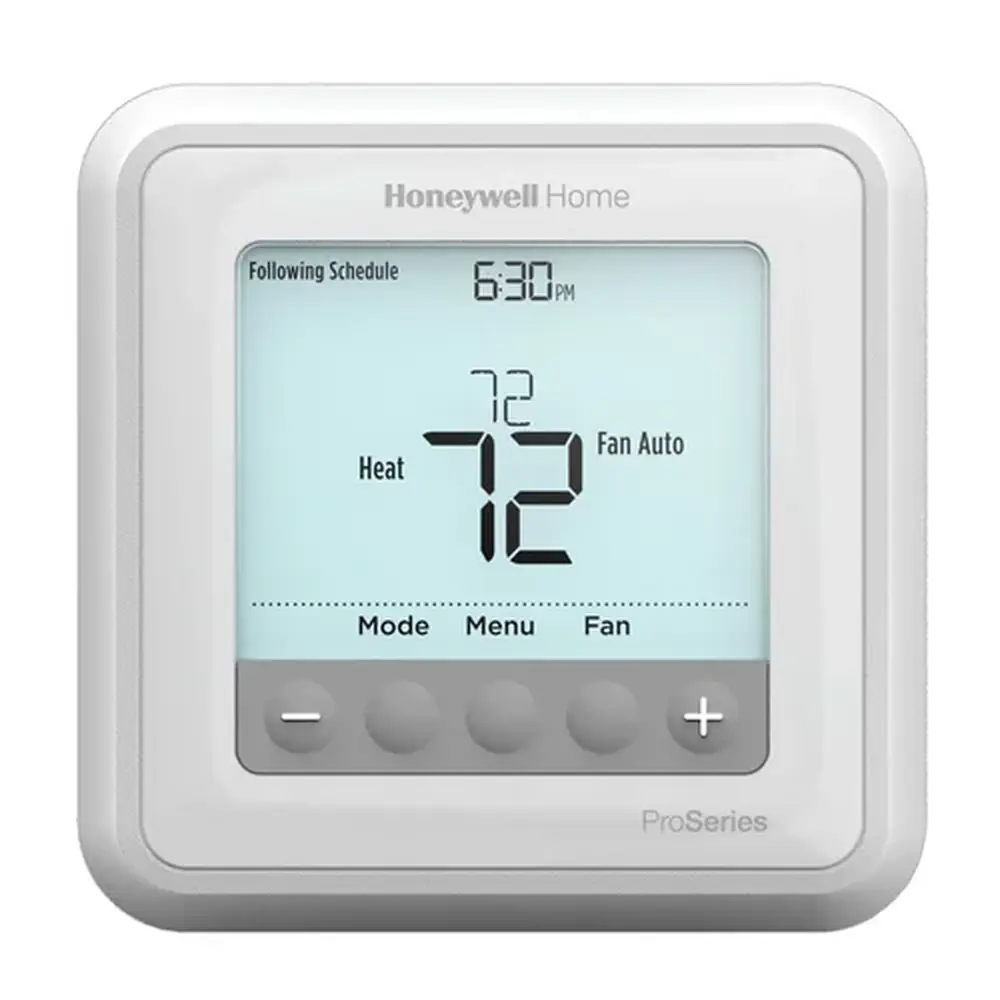
Honeywell TH6320U2008 T6 Pro
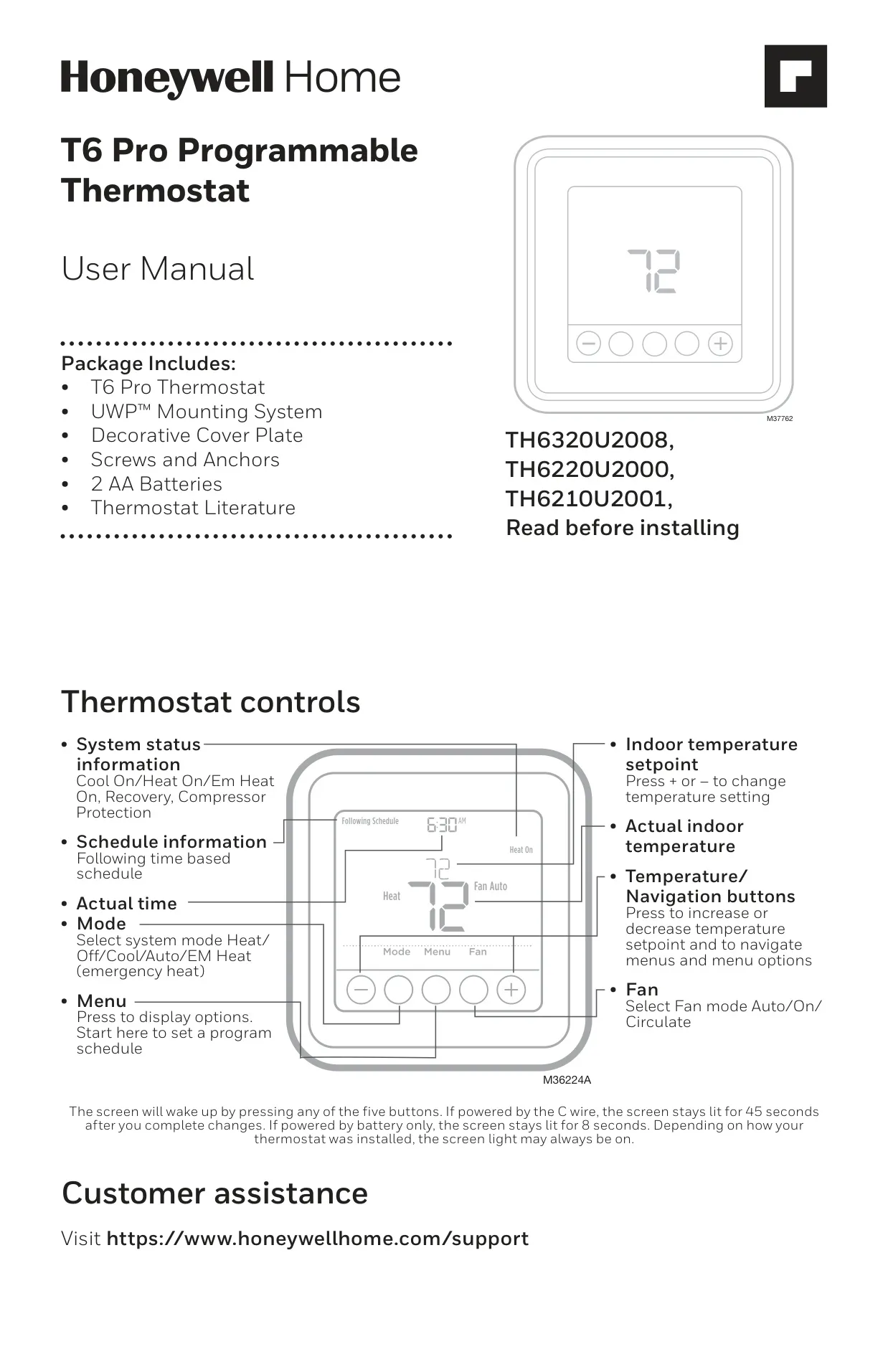






Honeywell TH6320U2008 T6 Pro


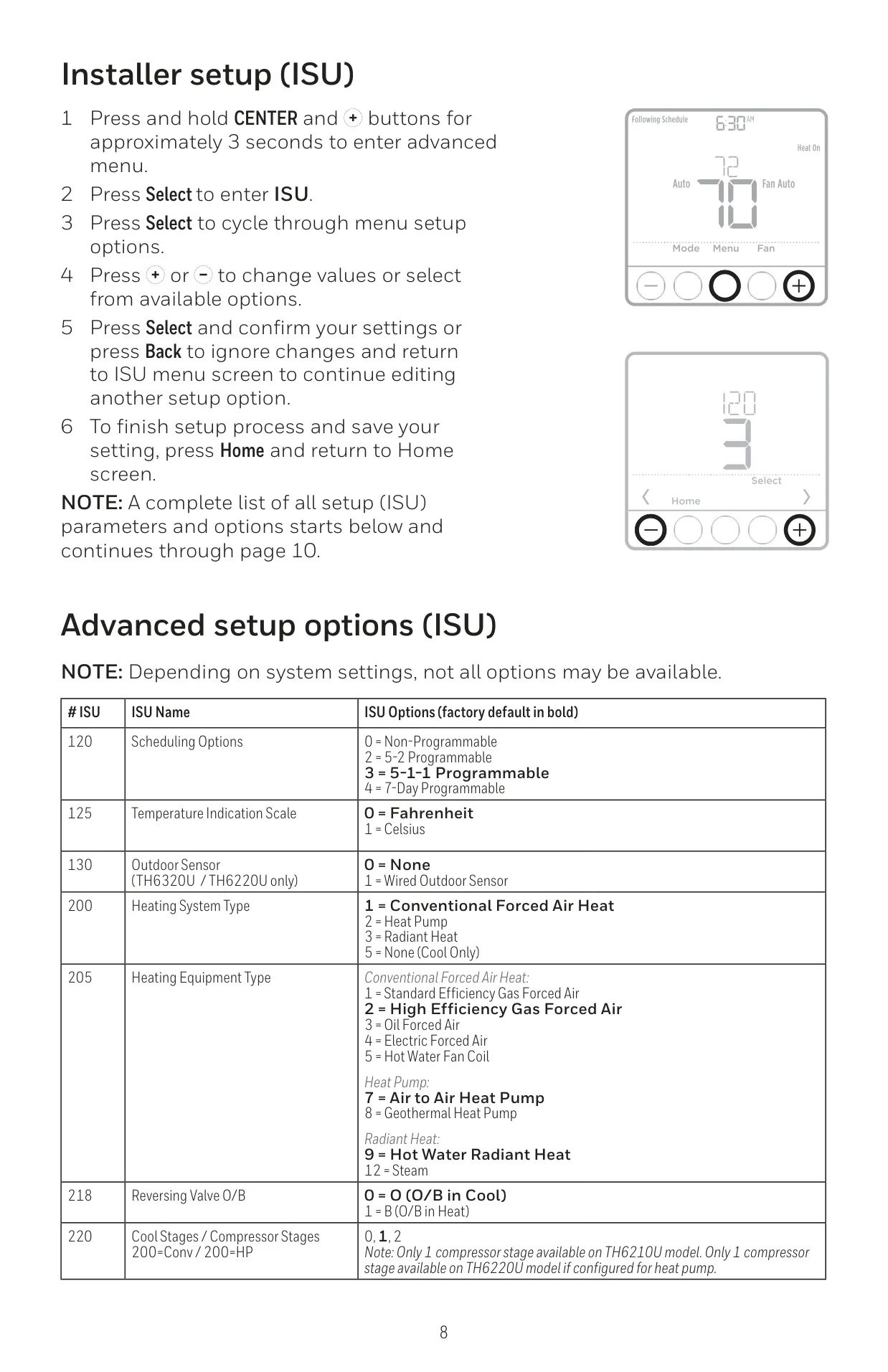
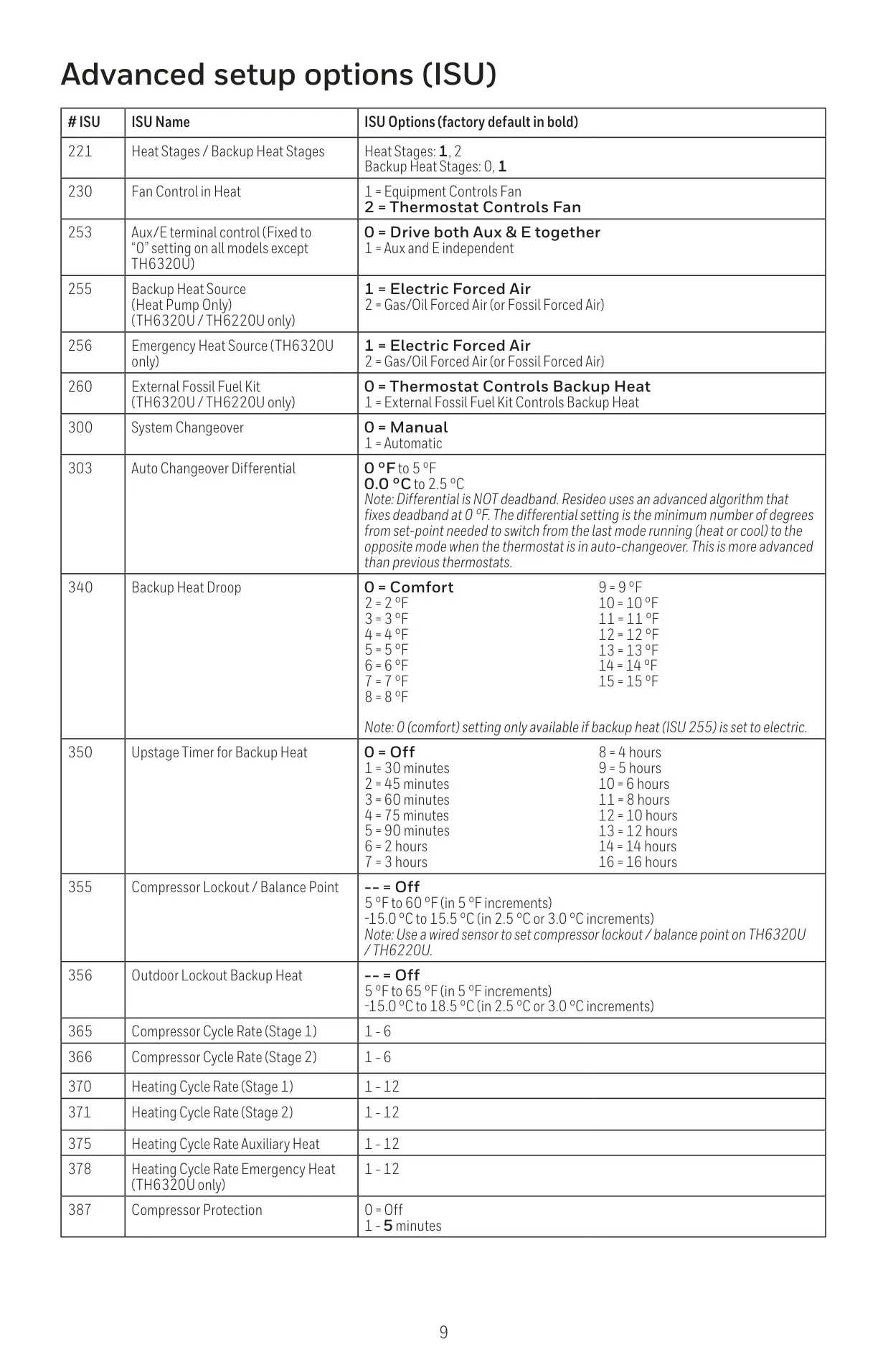
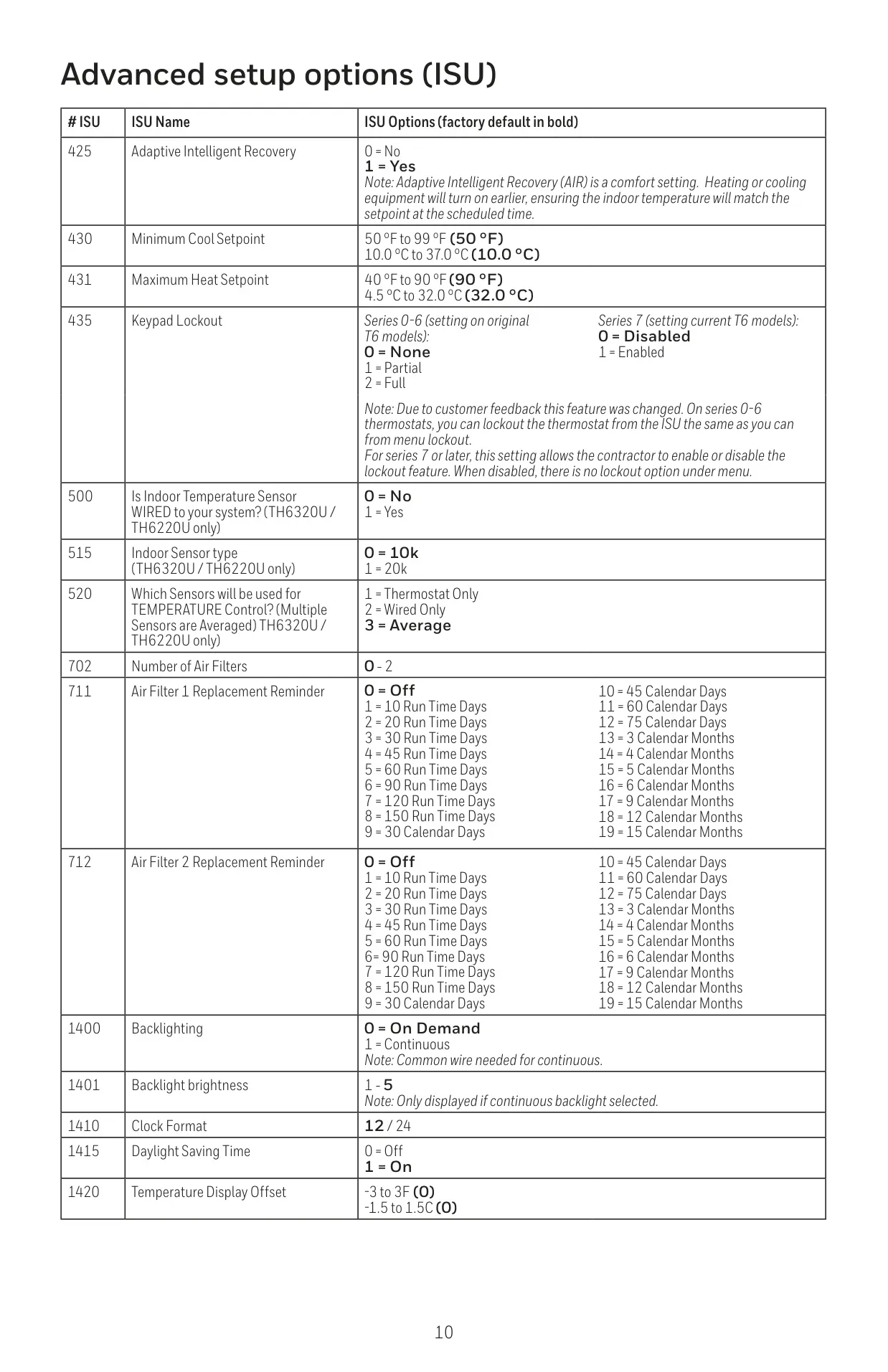
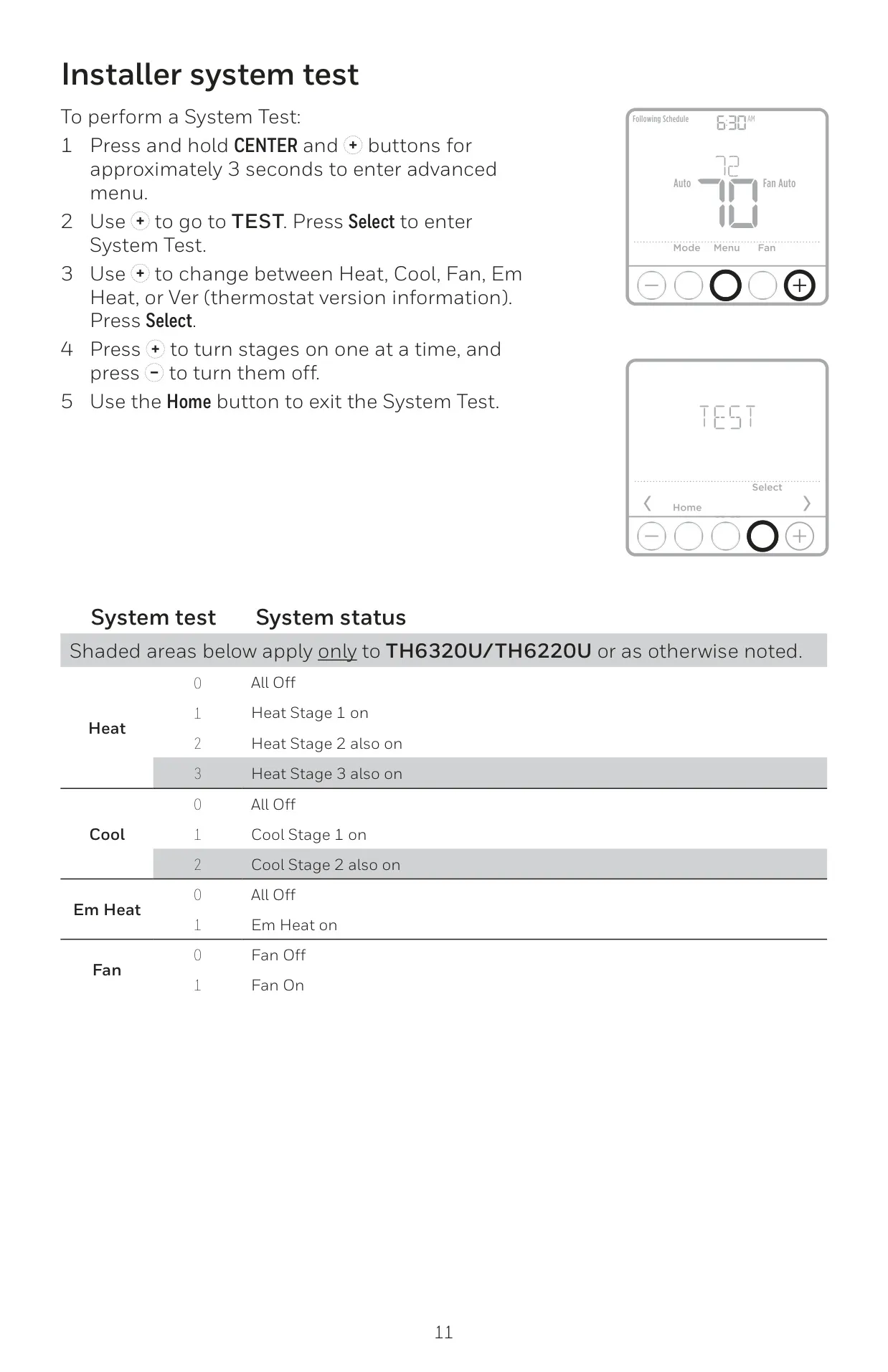


Honeywell TH6320U2008 Instructions
Here we offer the Honeywell TH6320U2008 T6 Pro manual completely free and in English. We have cataloged this manual in the Thermostats section on Manualverse, and it has been rated by 1 users with an average rating of 5. If you have any specific questions about Honeywell TH6320U2008 T6 Pro, we suggest checking the Frequently Asked Questions (FAQs) section of this manual.
Product Images
Honeywell TH6320U2008 T6 Pro Specifications
| Model Number | TH6320U2008 |
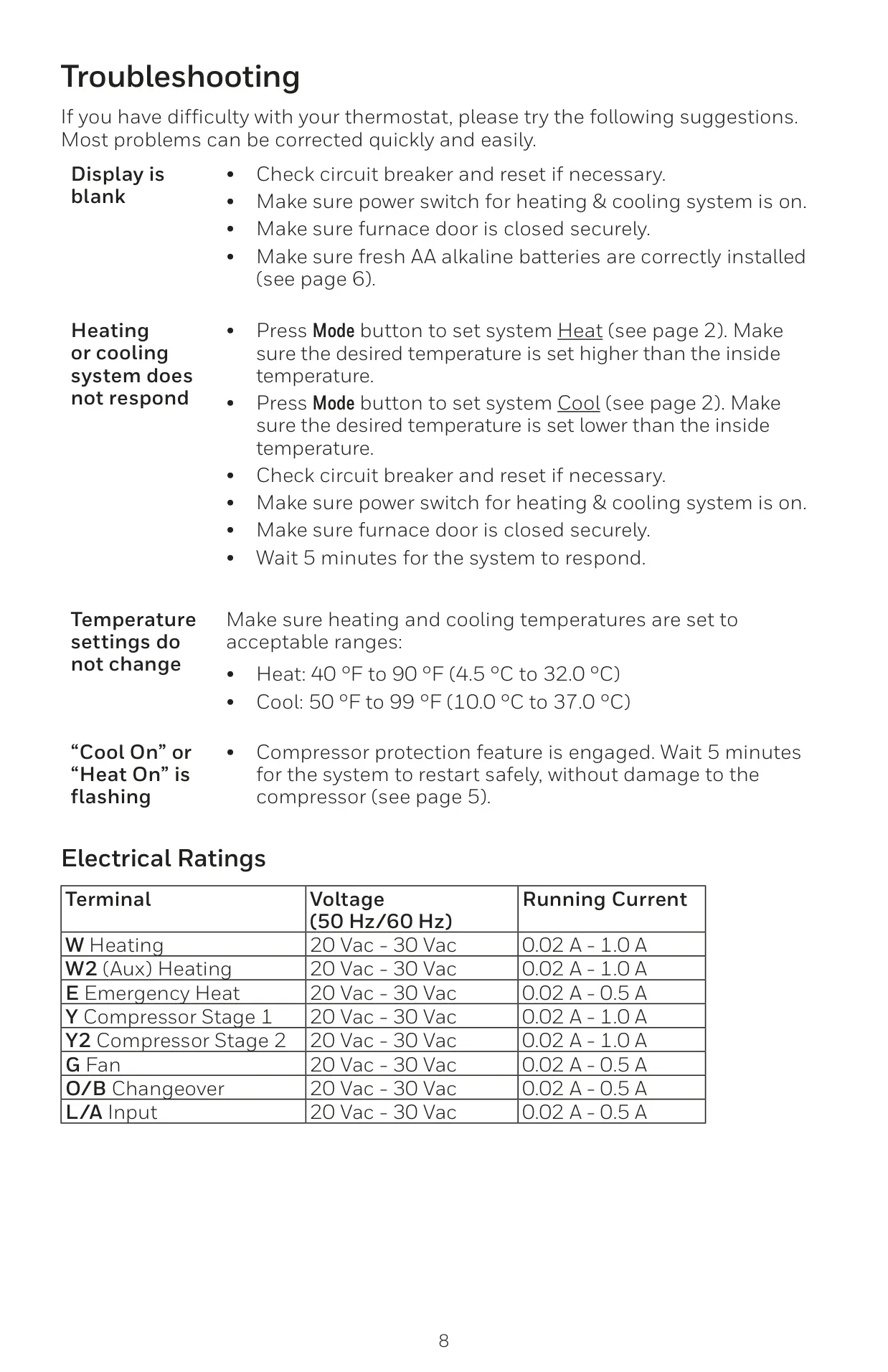
| Heat Temperature Range | 40 °F to 90 °F (4.5 °C to 32.0 °C) |
| Cool Temperature Range | 50 °F to 99 °F (10.0 °C to 37.0 °C) |
| Working Ambient Temperature | 32 °F to 120 °F (0 °C to 48.9 °C) |
| Operating Ambient Temperature | 37 °F to 102 °F (2.8 °C to 38.9 °C) |
| Shipping Temperature | -20 °F to 120 °F (-28.9 °C to 48.9 °C) |
| Operating Relative Humidity | 5% to 90% (non-condensing) |
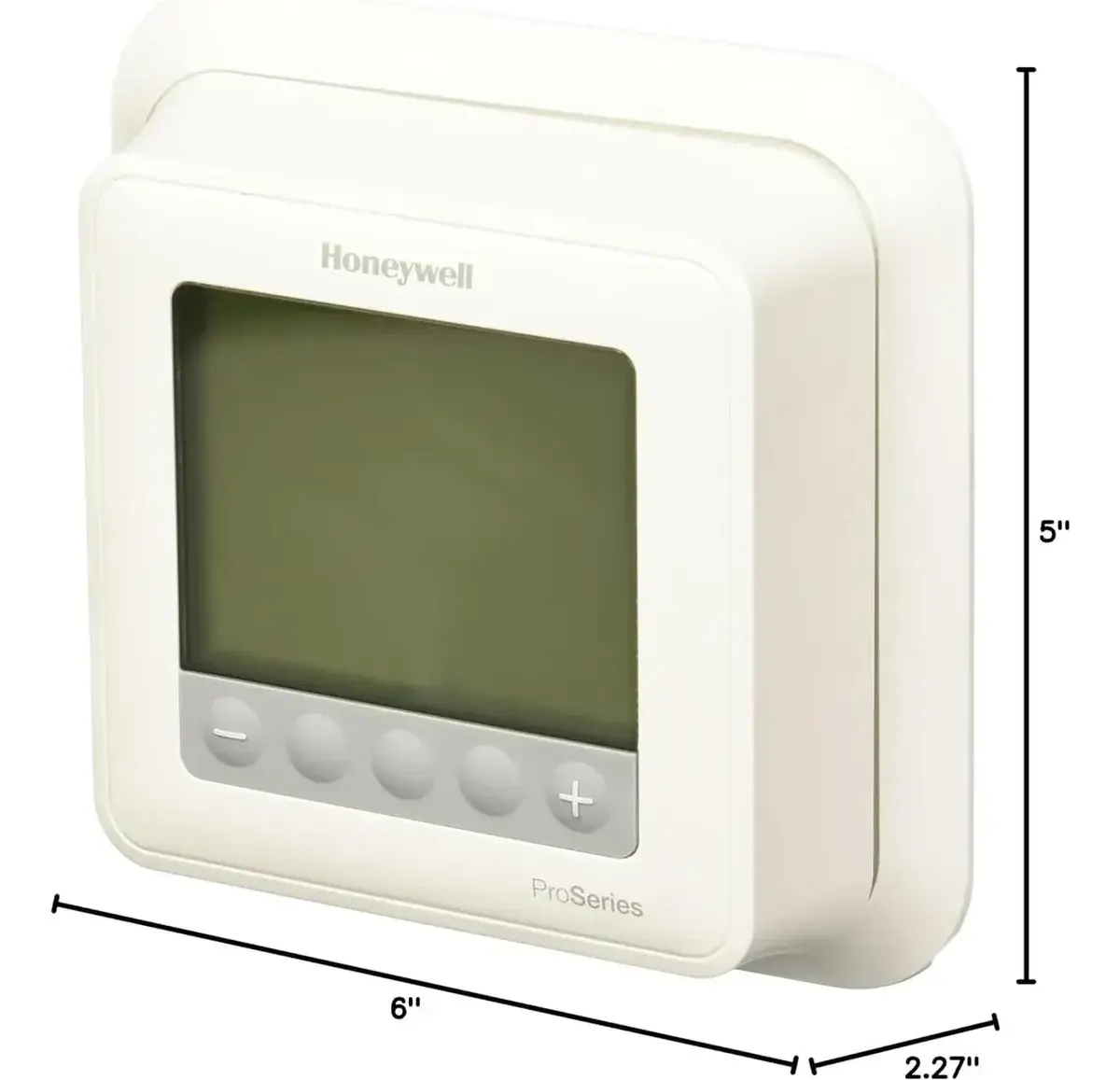
| Physical Dimensions (H x W x D) | 4-1/16” H x 4-1/16” W x 1-5/32” D (103.5 mm H x 103.5 mm W x 29 mm D) |
| Electrical Ratings | Terminal: Voltage (50/60Hz) / Running Current |
| W (Heating) | 20-30 Vac / 0.02-1.0 A |
| W2 (Aux) Heating | 20-30 Vac / 0.02-1.0 A |
| E (Emergency Heat) | 20-30 Vac / 0.02-0.5 A |
| Y (Compressor Stage 1) | 20-30 Vac / 0.02-1.0 A |
| Y2 (Compressor Stage 2) | 20-30 Vac / 0.02-1.0 A |
| G (Fan) | 20-30 Vac / 0.02-0.5 A |
| O/B (Changeover) | 20-30 Vac / 0.02-0.5 A |
| L/A (Input) | 20-30 Vac / 0.02-0.5 A |
Honeywell TH6320U2008 T6 Pro Details
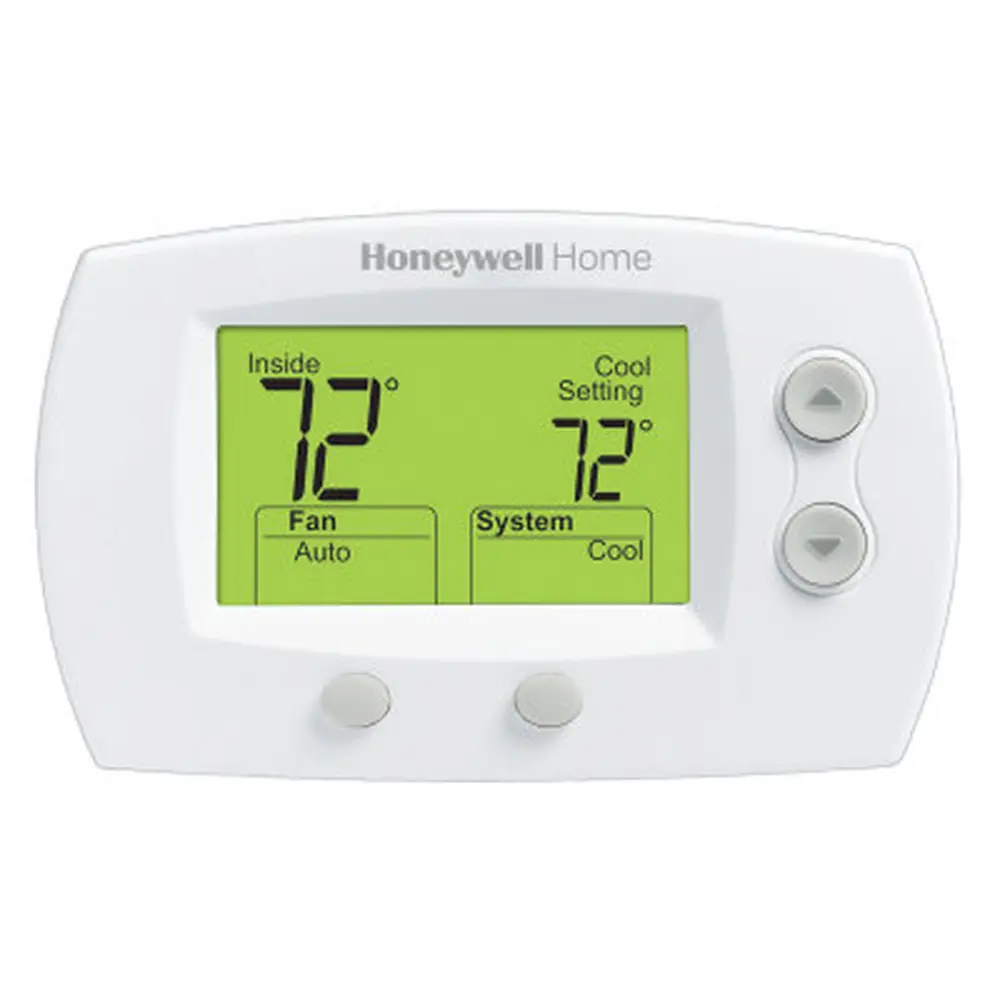
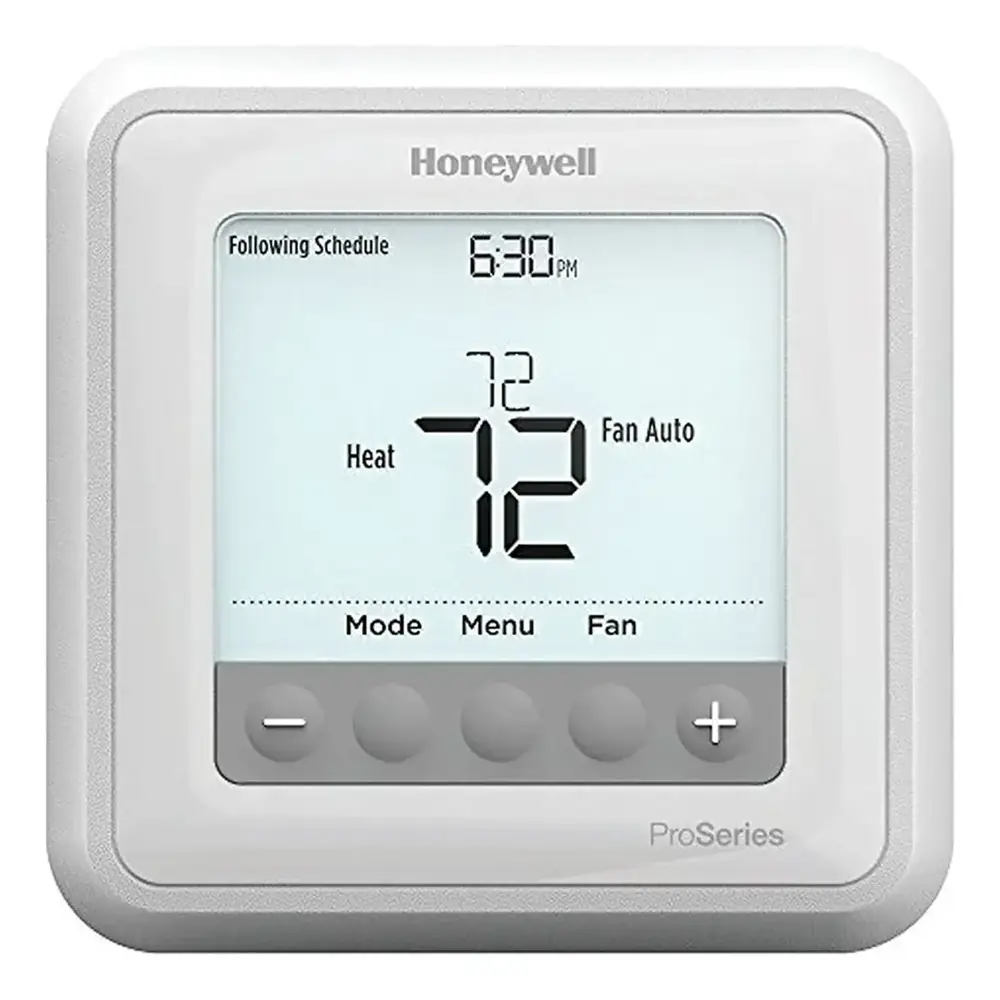
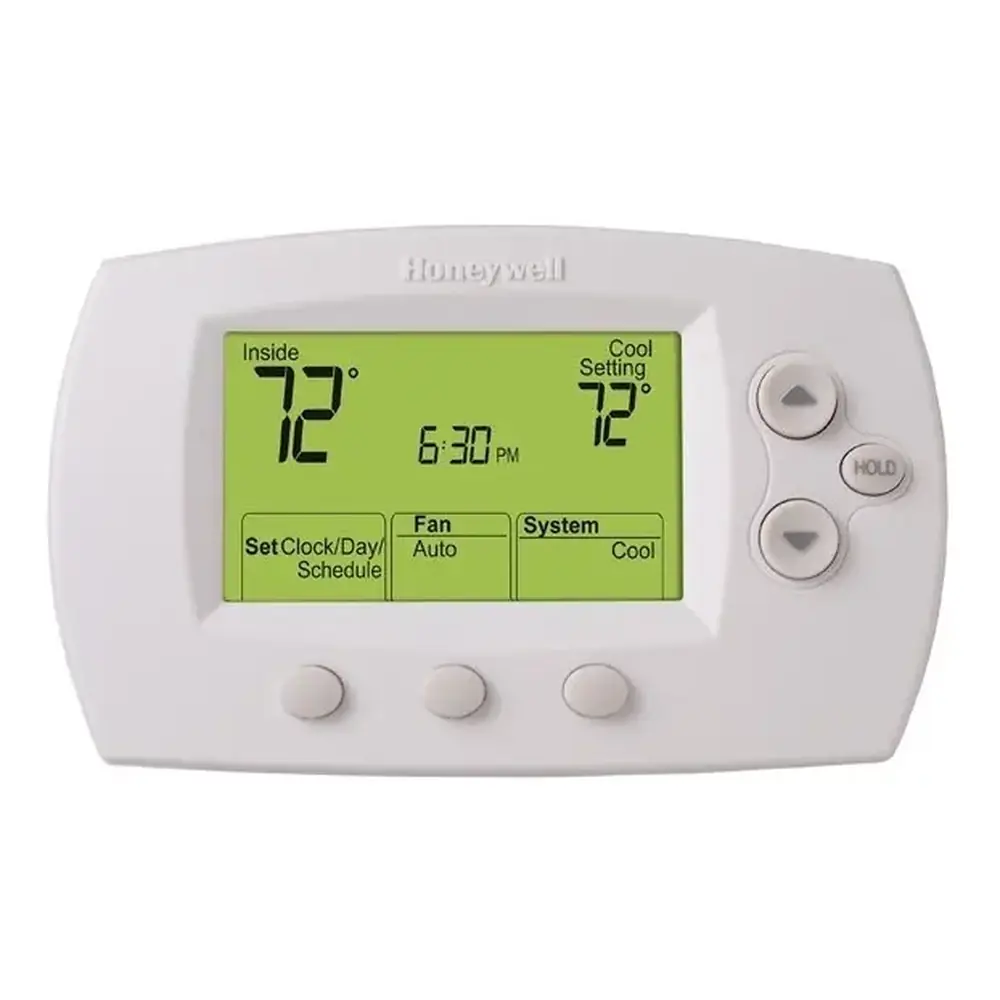
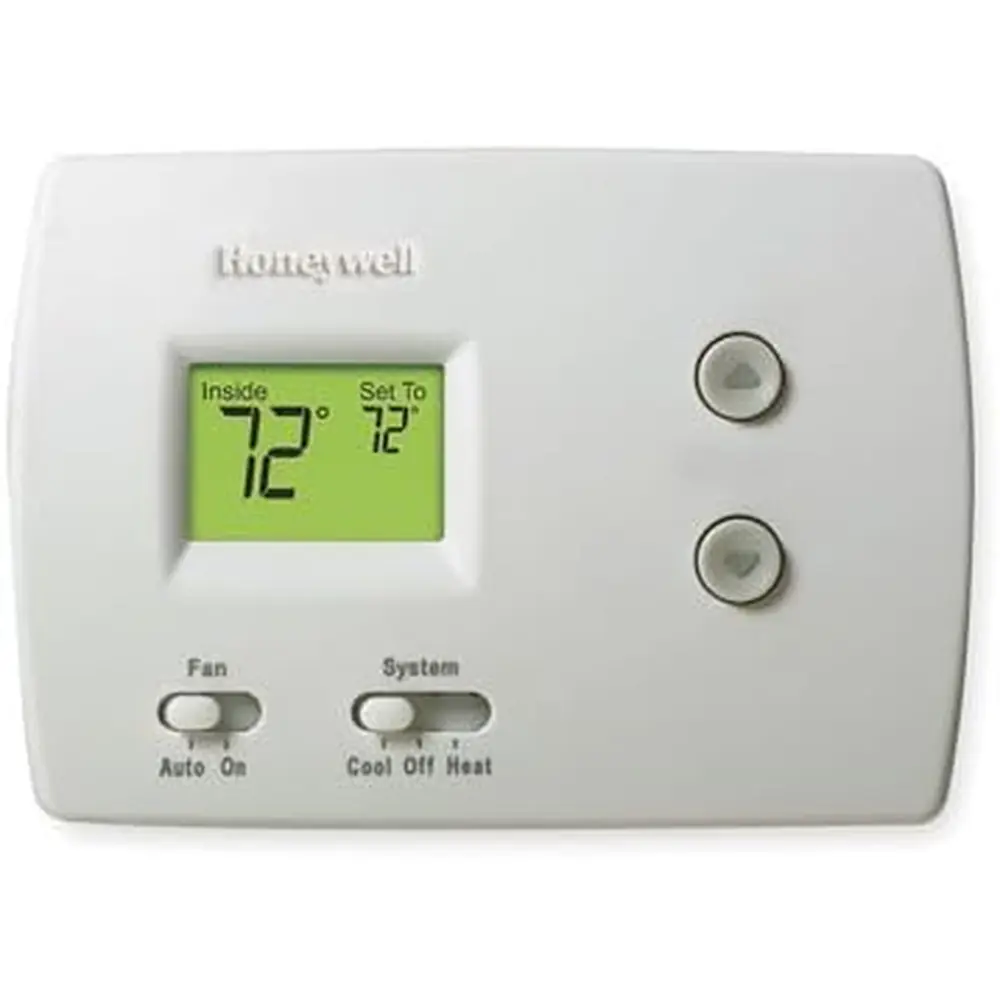
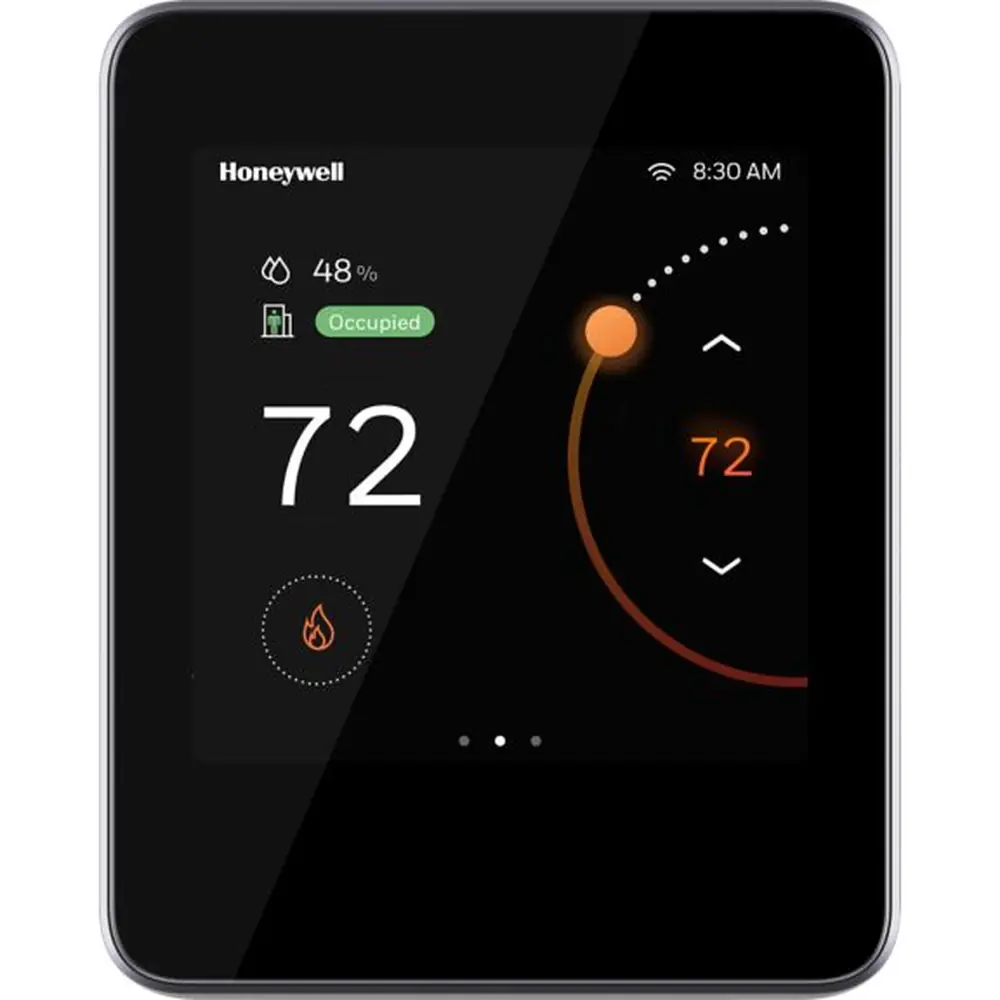
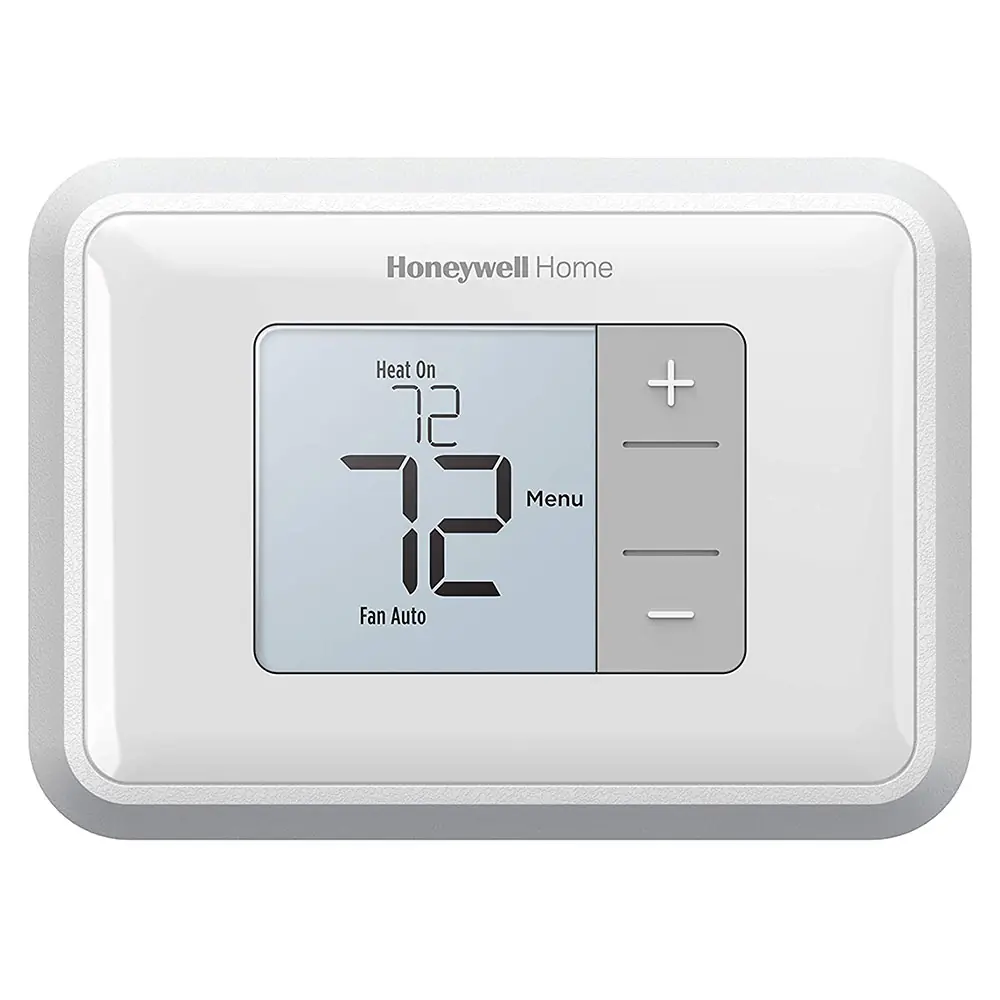
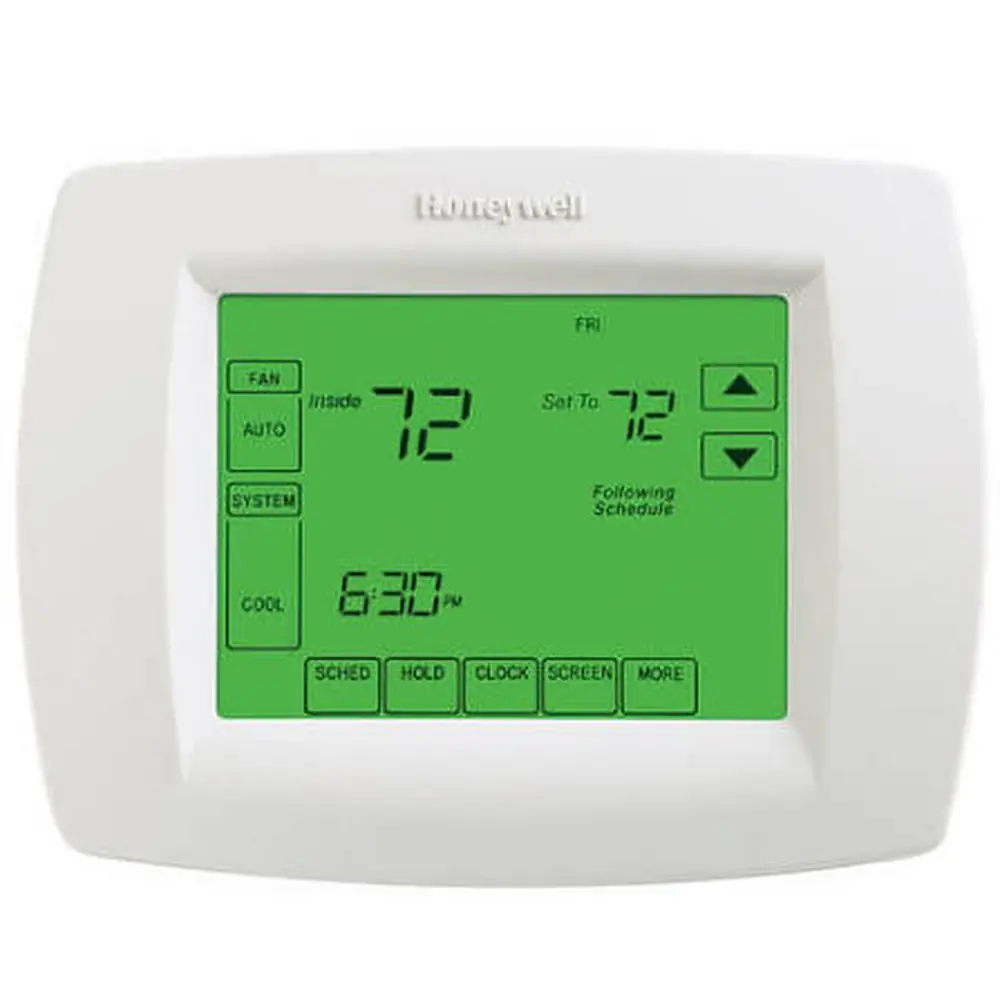
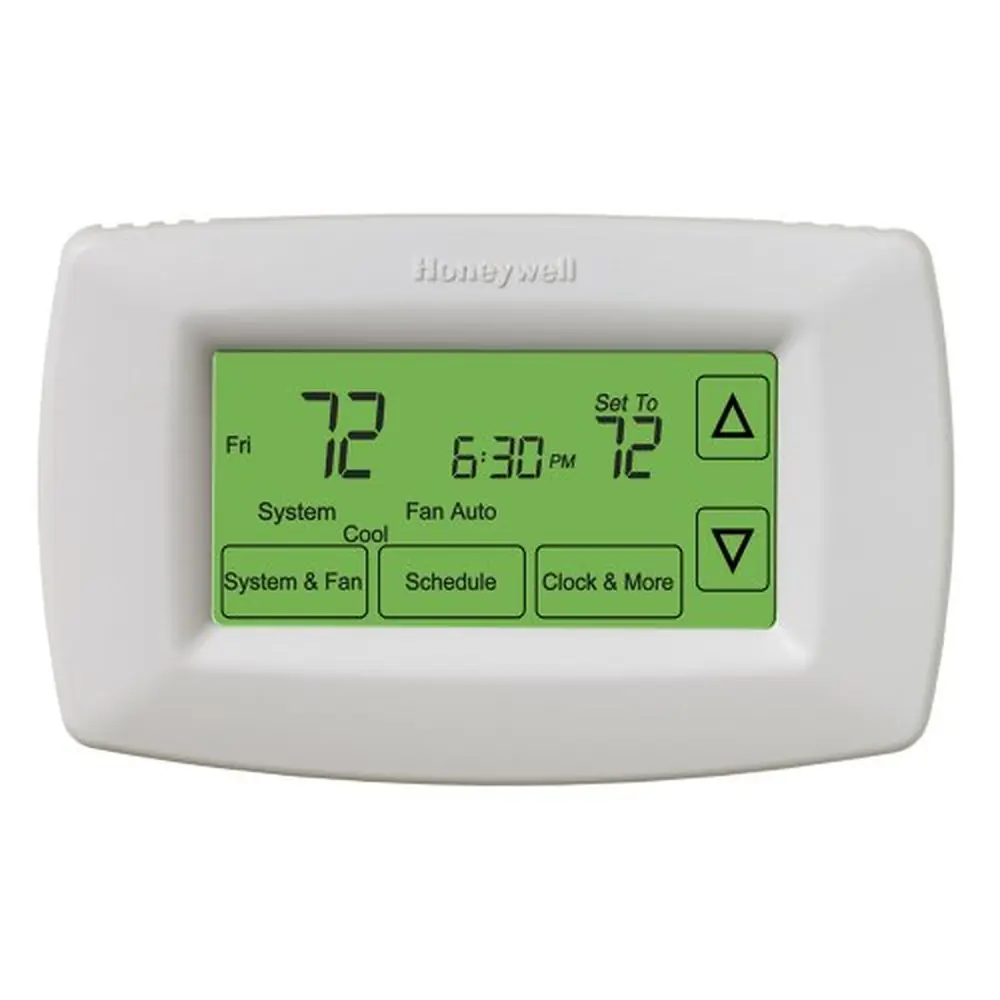
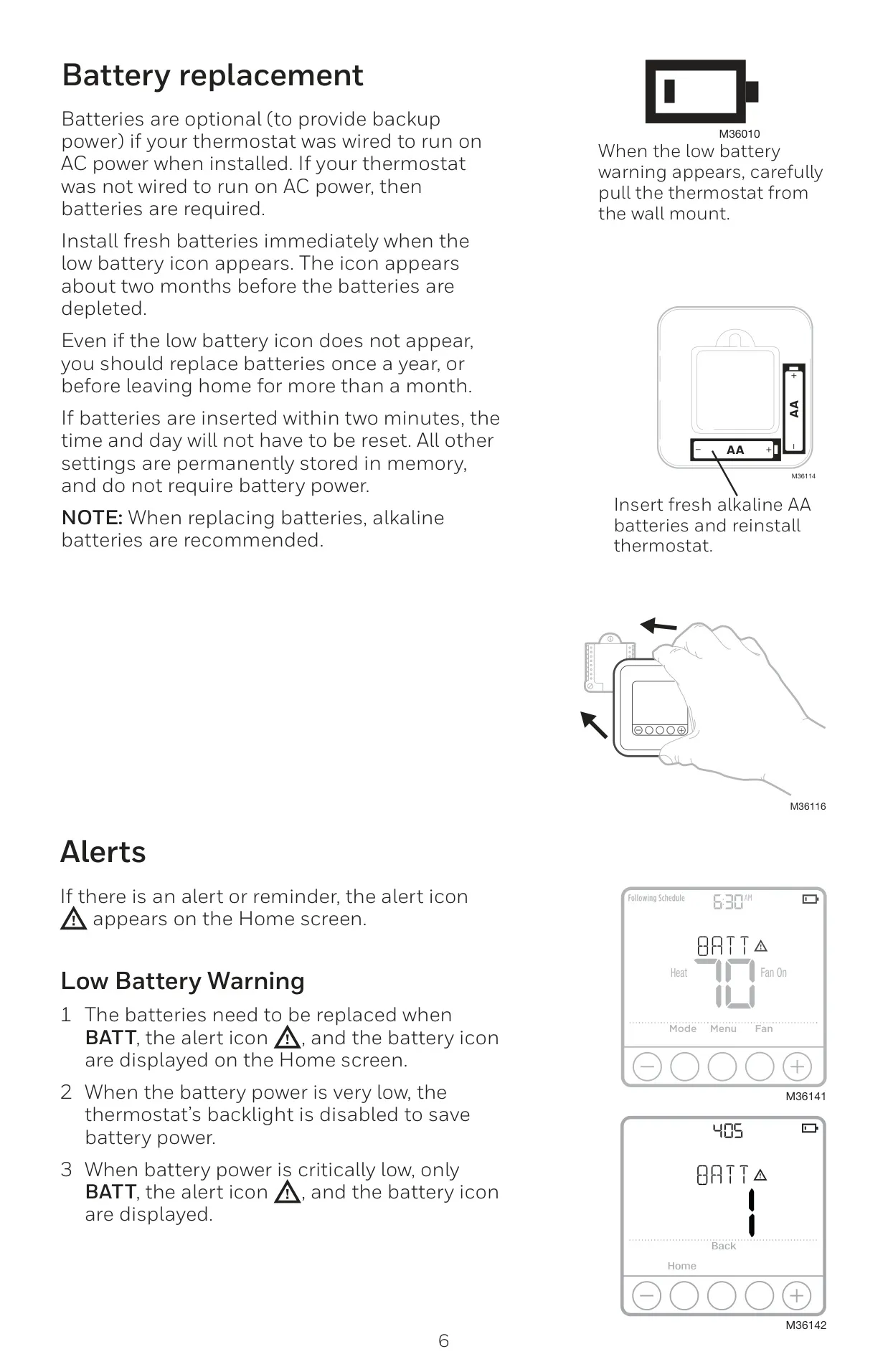
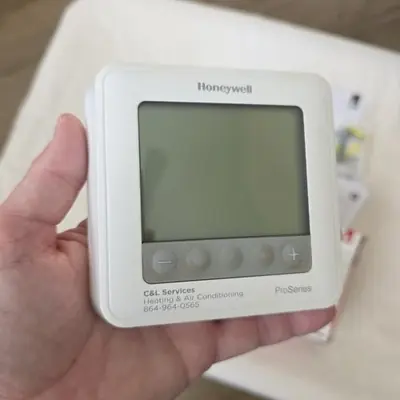
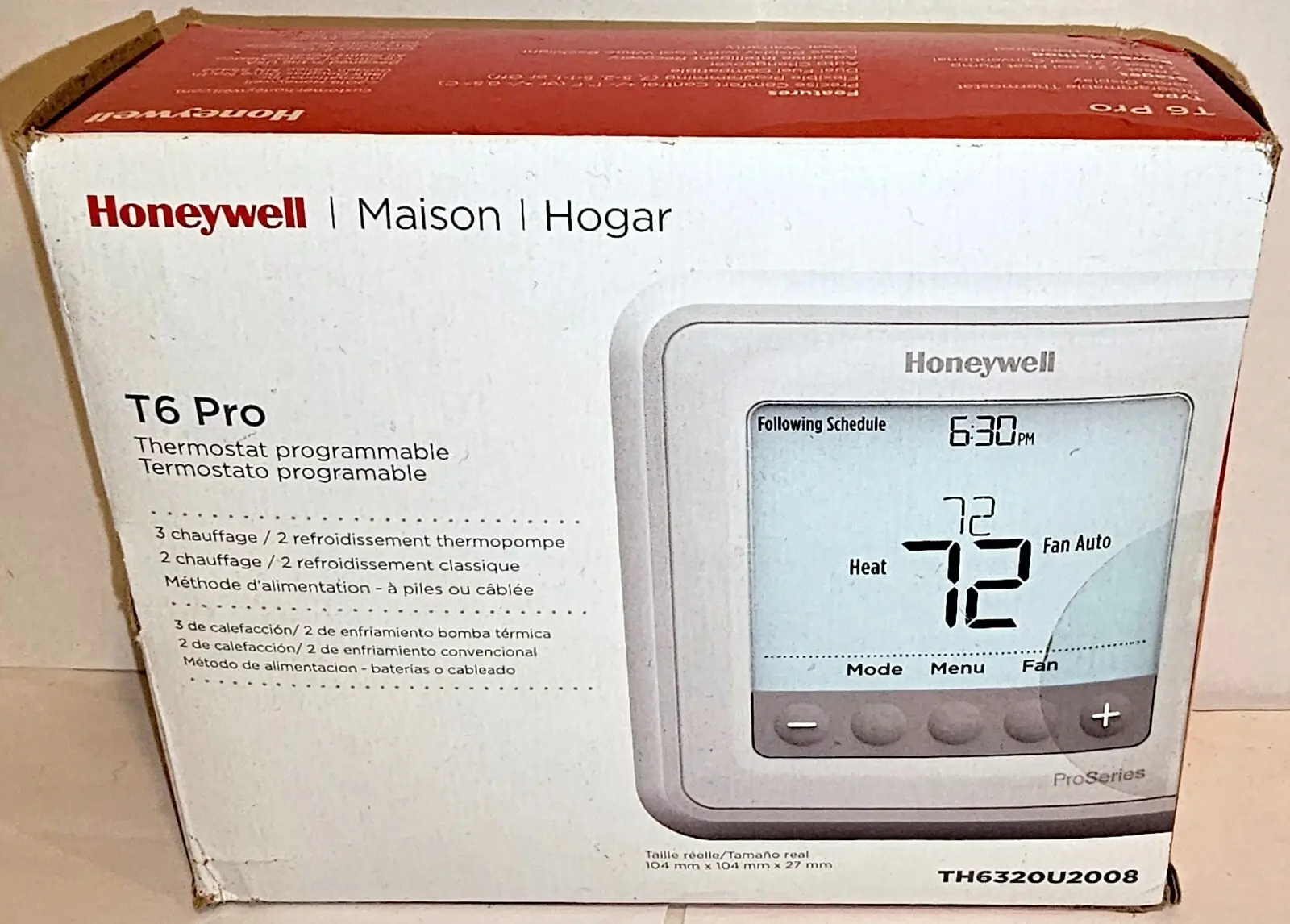
The Honeywell TH6320U2008 T6 Pro thermostat features an intuitive digital display that activates upon pressing any of its five buttons. If powered by a C-wire, the screen remains lit for 45 seconds after changes; otherwise, it stays lit for 8 seconds. The display provides essential information such as system status (Cool On/Heat On), current time, actual indoor temperature, and active schedule information, ensuring you are always informed about your home's climate.
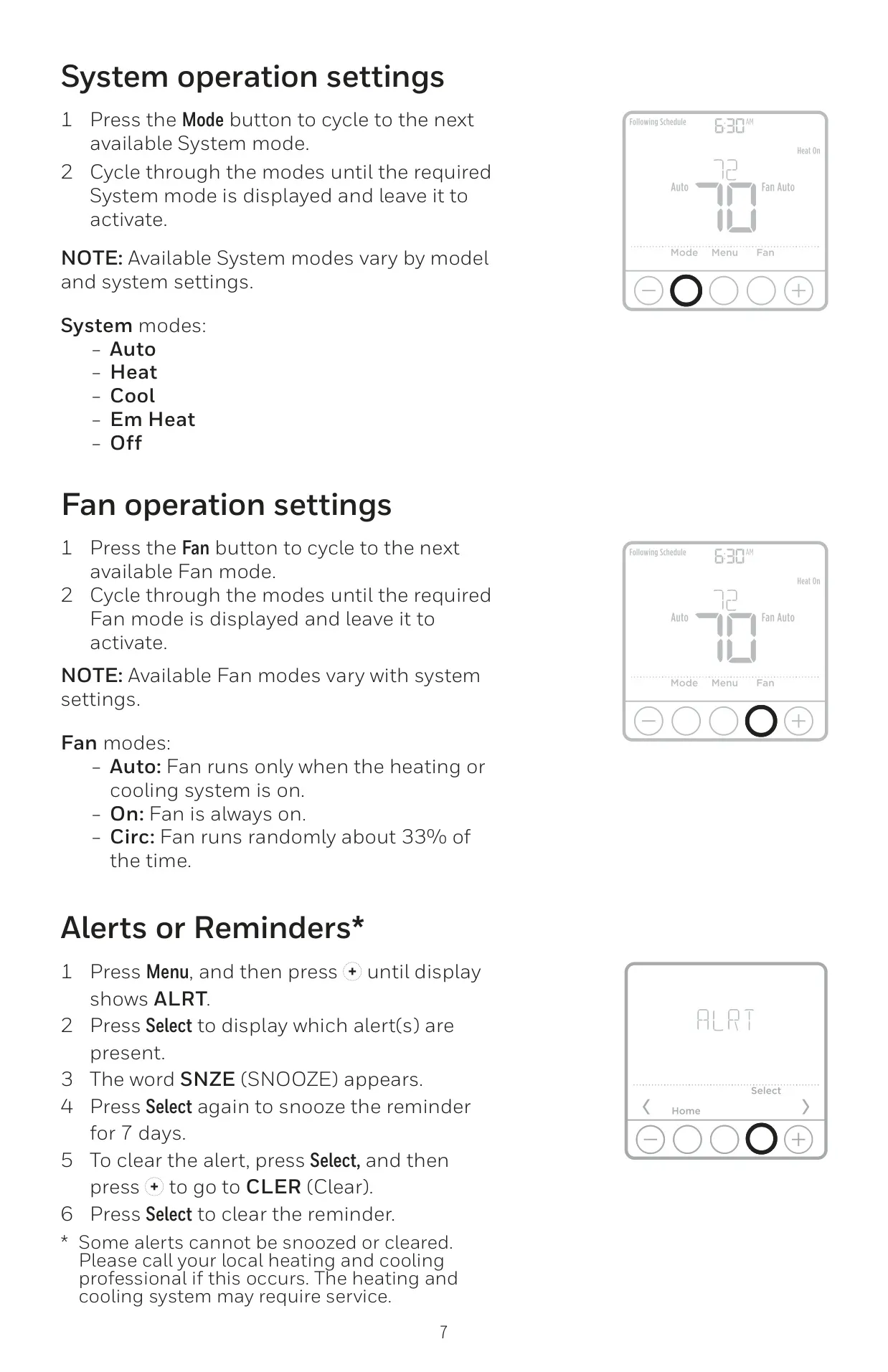
Users can easily cycle through various system modes, including Heat, Cool, Auto, Em Heat (emergency heat), and Off, directly from the thermostat's interface. Similarly, fan operation can be set to Auto (runs only with heating/cooling), On (always active), or Circulate (runs randomly about 33% of the time), offering precise control over airflow and comfort levels in your home.
The T6 Pro allows for a highly customizable program schedule, featuring four distinct time periods daily: Wake, Away, Home, and Sleep. These settings can be configured differently for weekdays and weekends, helping to optimize energy usage and reduce heating or cooling costs. Users can easily adjust start times and setpoint temperatures for each period, and pre-set schedules are recommended for efficiency.
This thermostat incorporates Adaptive Intelligent Recovery, a smart feature that "learns" how long your system takes to reach desired temperatures. It activates your heating or cooling system earlier to ensure your home is comfortable precisely at your scheduled time. Additionally, Built-in Compressor Protection prevents equipment damage by enforcing a brief delay of a few minutes before the compressor restarts after shutdown, extending its lifespan.
For temporary changes, you can adjust the temperature, and the new setpoint will hold until the next scheduled period. For longer durations, a Permanent Hold option is available. The thermostat also offers a keypad lockout feature with OFF, PARTIAL (temperature changes only), and ON (no access) settings, protecting against unauthorized adjustments via a password. This setting can also be configured by the installer.
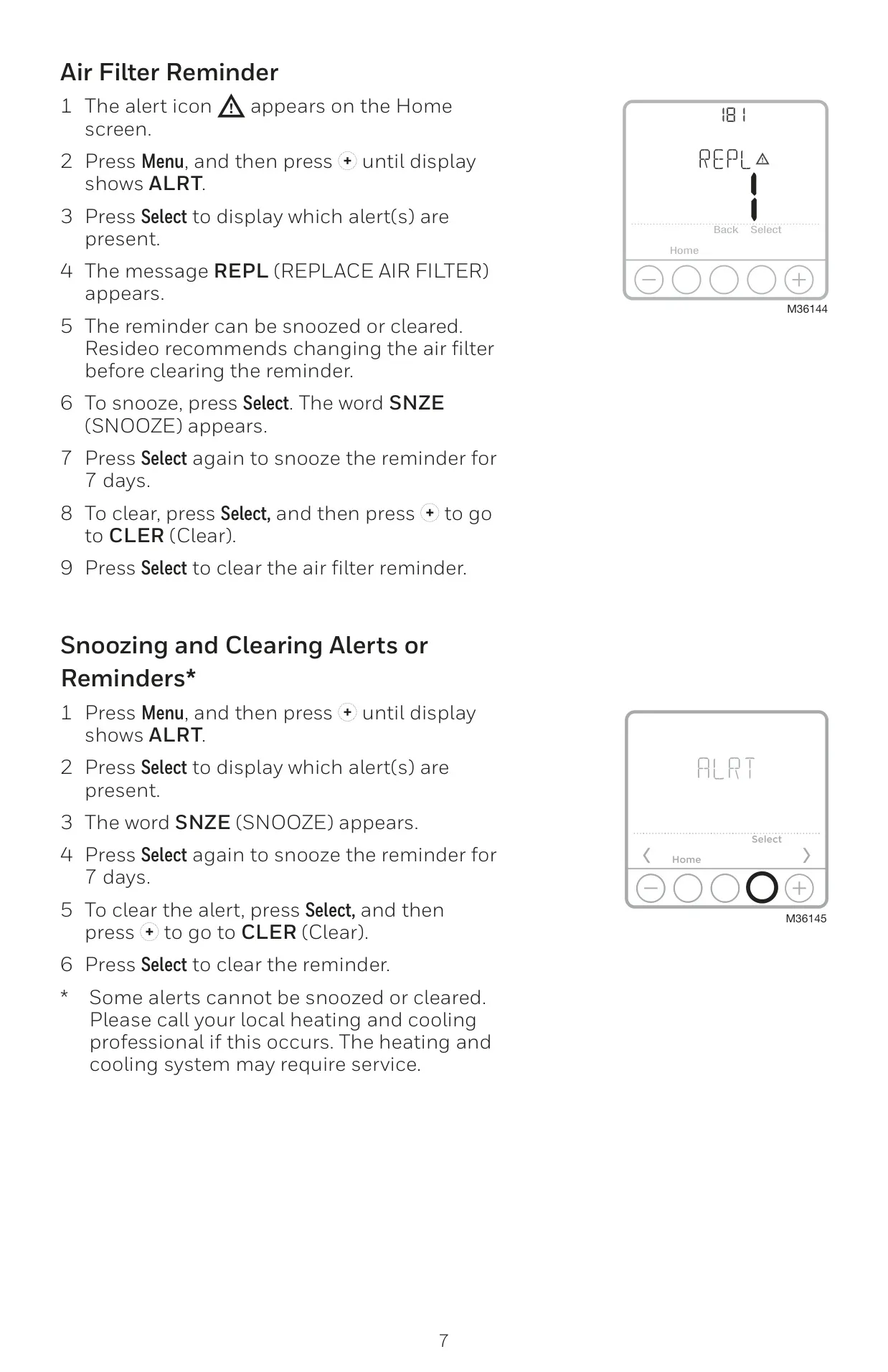
The T6 Pro keeps you informed with on-screen alerts, including a Low Battery Warning that appears approximately two months before batteries are depleted. It also features configurable Air Filter Reminders, which can be set based on run time days or calendar months. These reminders can be snoozed for 7 days or cleared once the maintenance is performed, ensuring optimal system performance and indoor air quality.
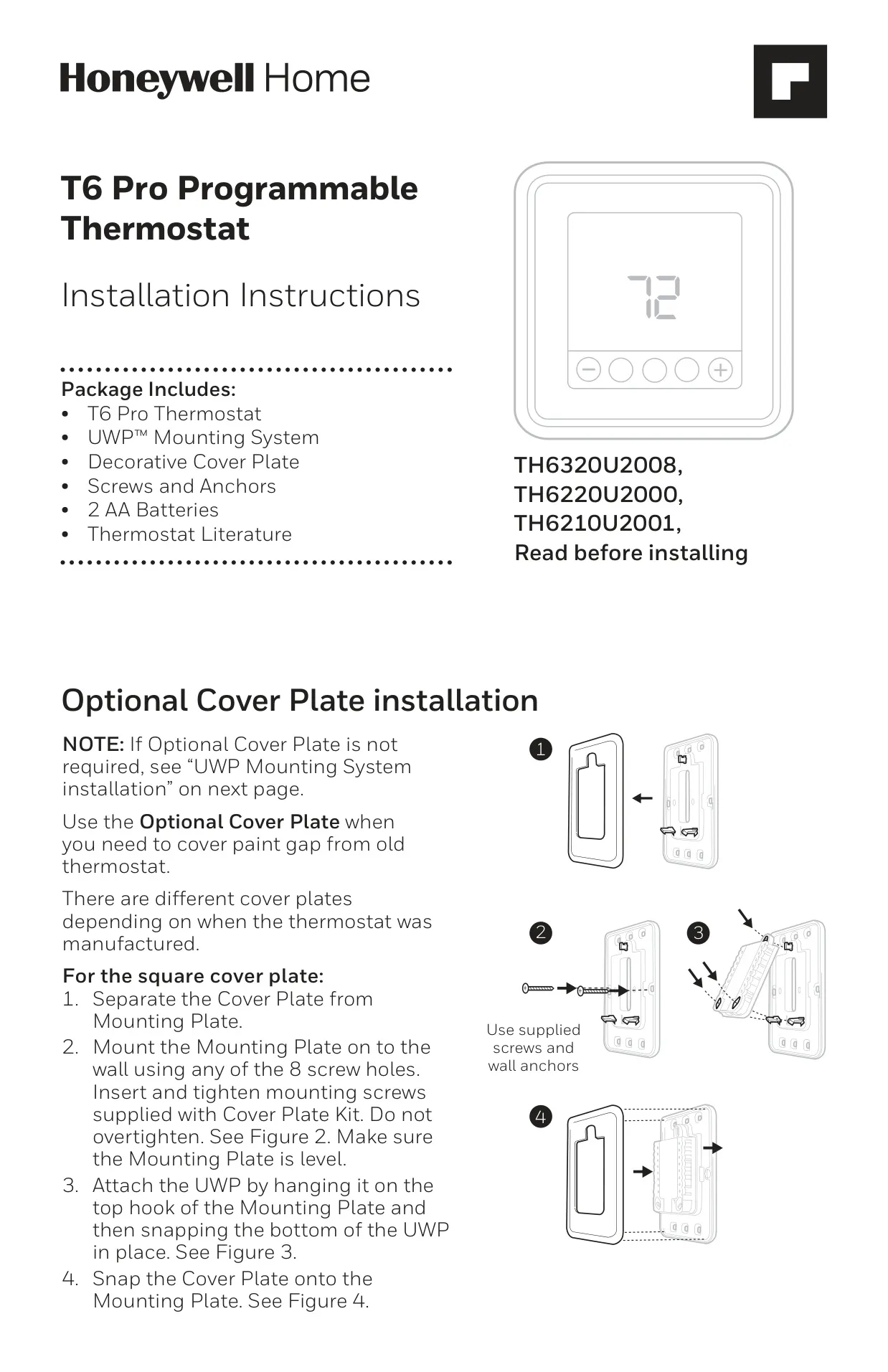
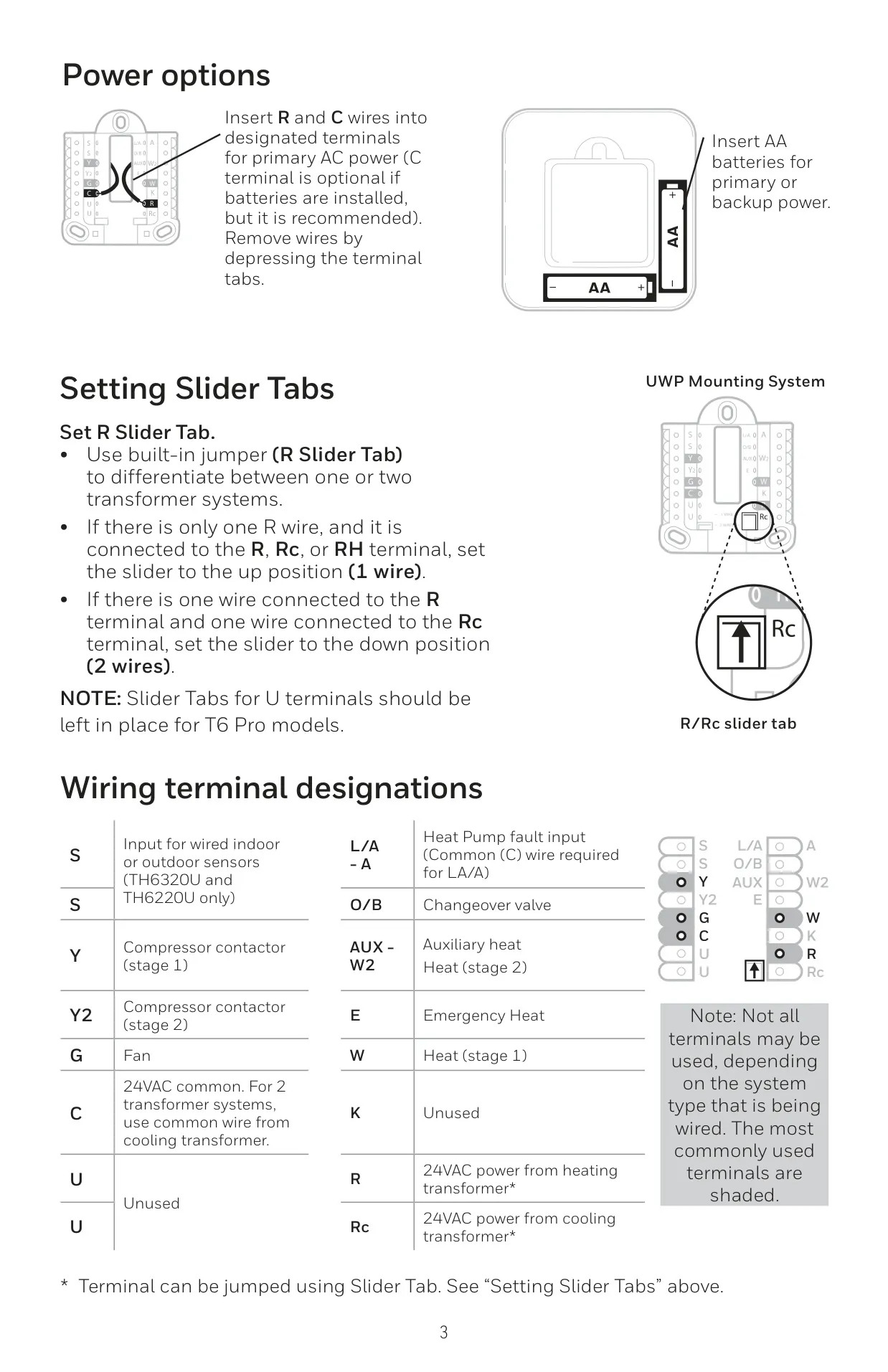
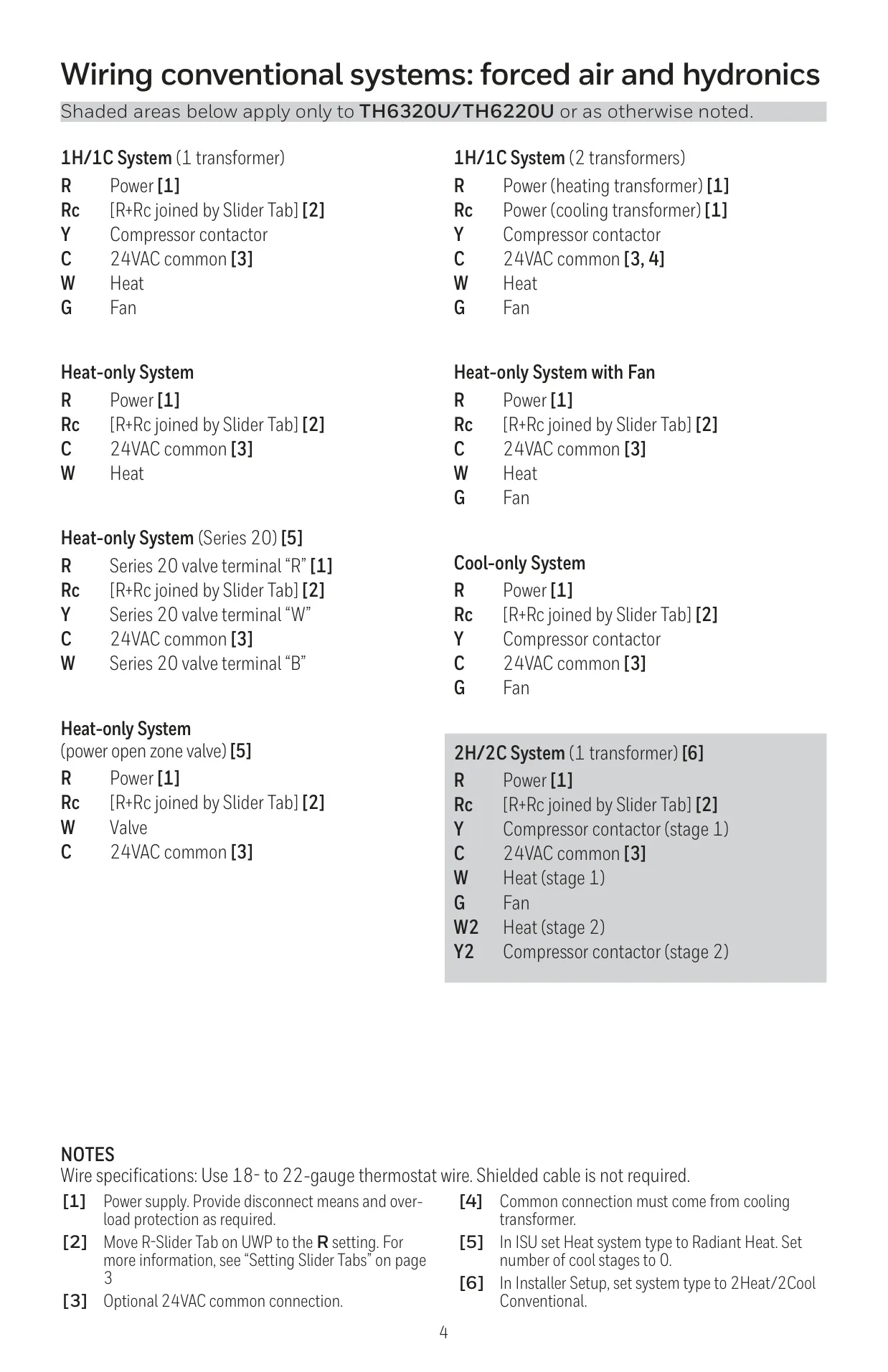
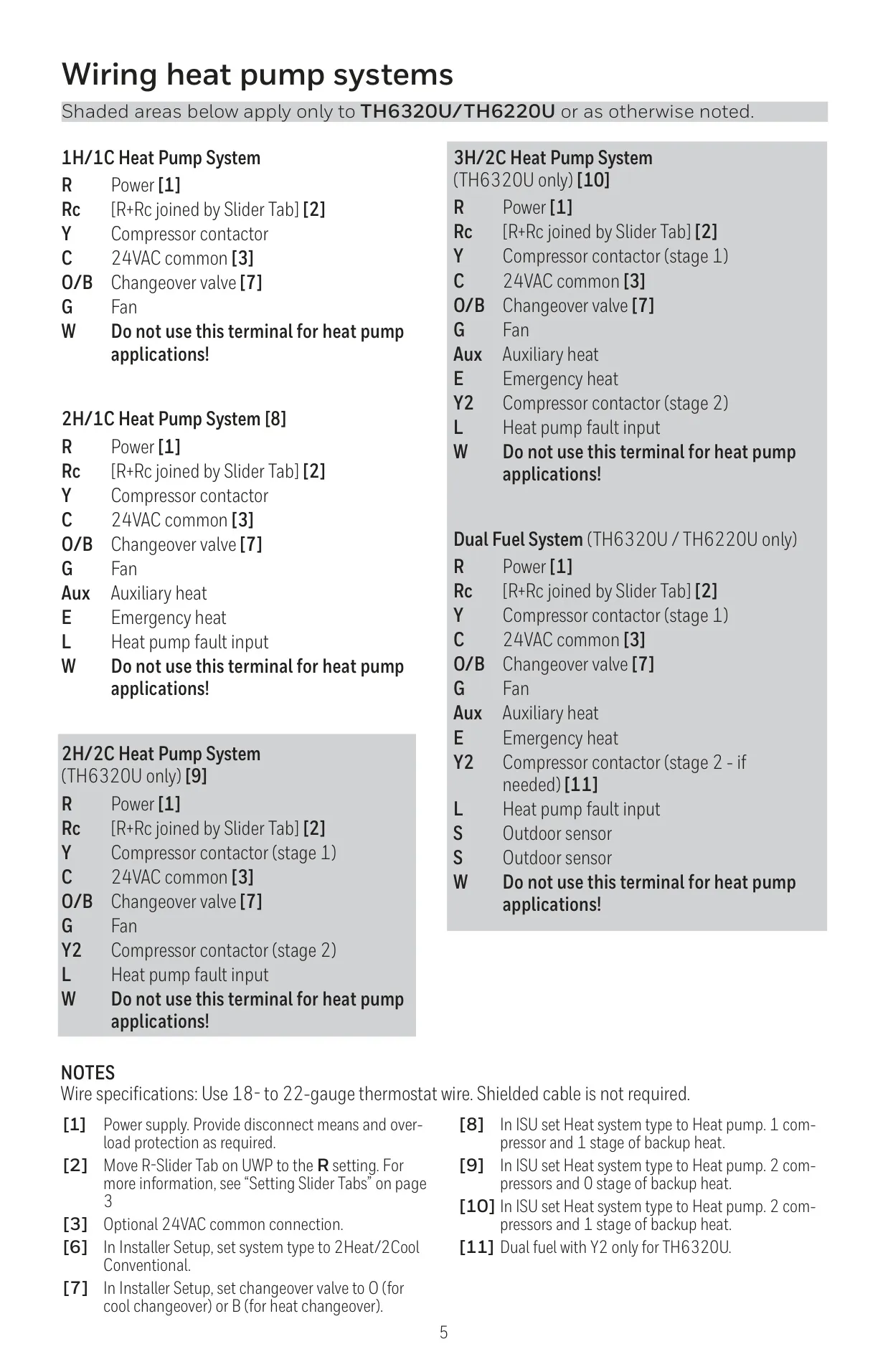
The thermostat is designed for straightforward installation with the UWP™ Mounting System and an optional decorative cover plate to conceal old thermostat marks. It supports both AC power (via R and C wires) and AA batteries, which can serve as primary or backup power. An R Slider Tab simplifies the setup process for single or dual transformer heating and cooling systems.
Frequently Asked Questions (FAQs)
Can't find the answer you need? Here are some frequently asked questions about the Honeywell TH6320U2008 T6 Pro, and we answer them below.