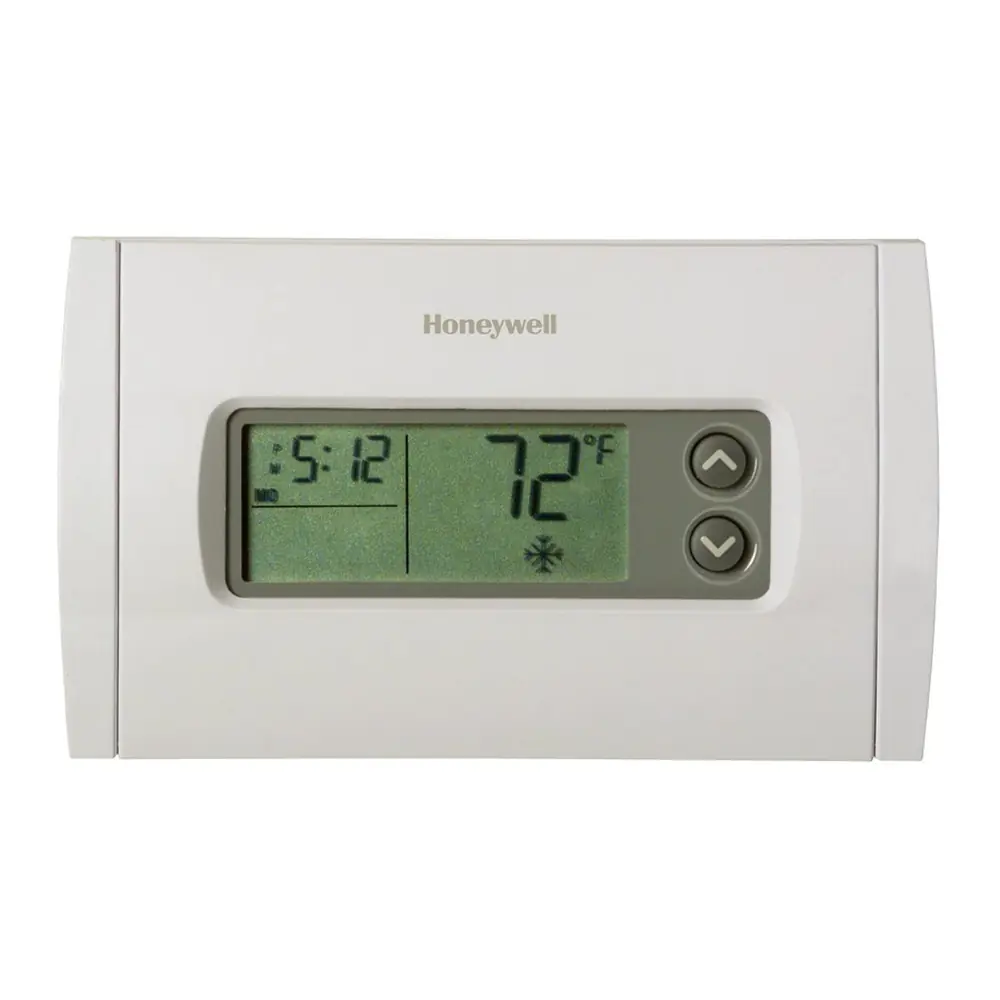
Honeywell TH6210U2001 T6 Pro Instruction Manual
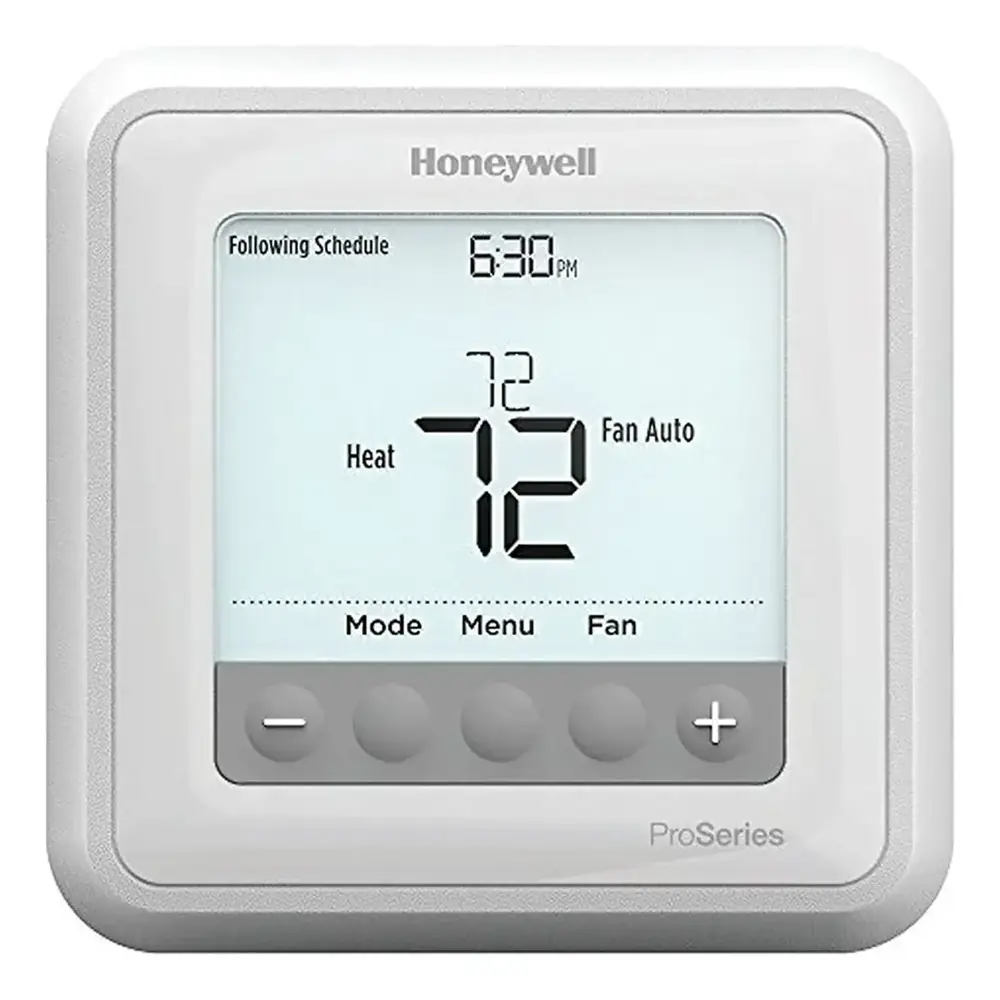
Honeywell TH6210U2001 T6 Pro






Honeywell TH6210U2001 T6 Pro




Honeywell TH6210U2001 Instructions
Here we offer the Honeywell TH6210U2001 T6 Pro manual completely free and in English. We have cataloged this manual in the Thermostats section on Manualverse, and it has been rated by 1 users with an average rating of 5. If you have any specific questions about Honeywell TH6210U2001 T6 Pro, we suggest checking the Frequently Asked Questions (FAQs) section of this manual.
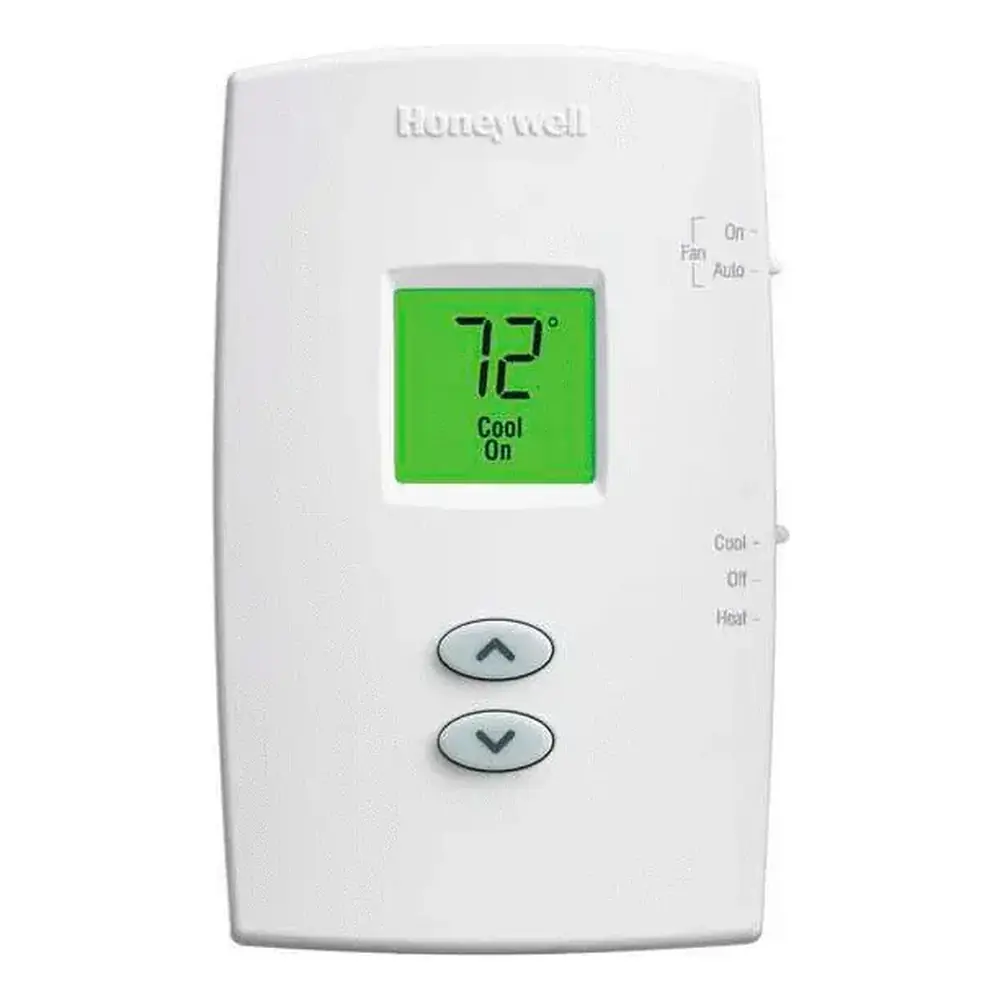
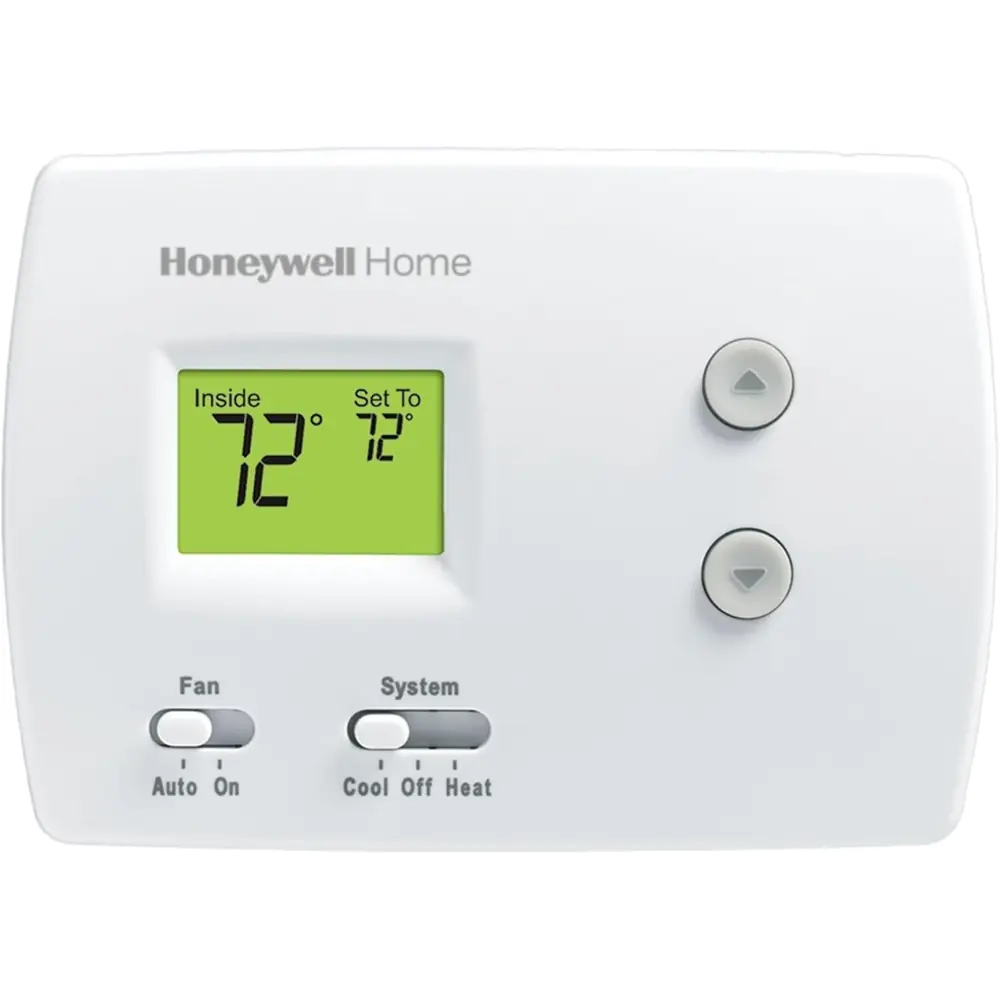
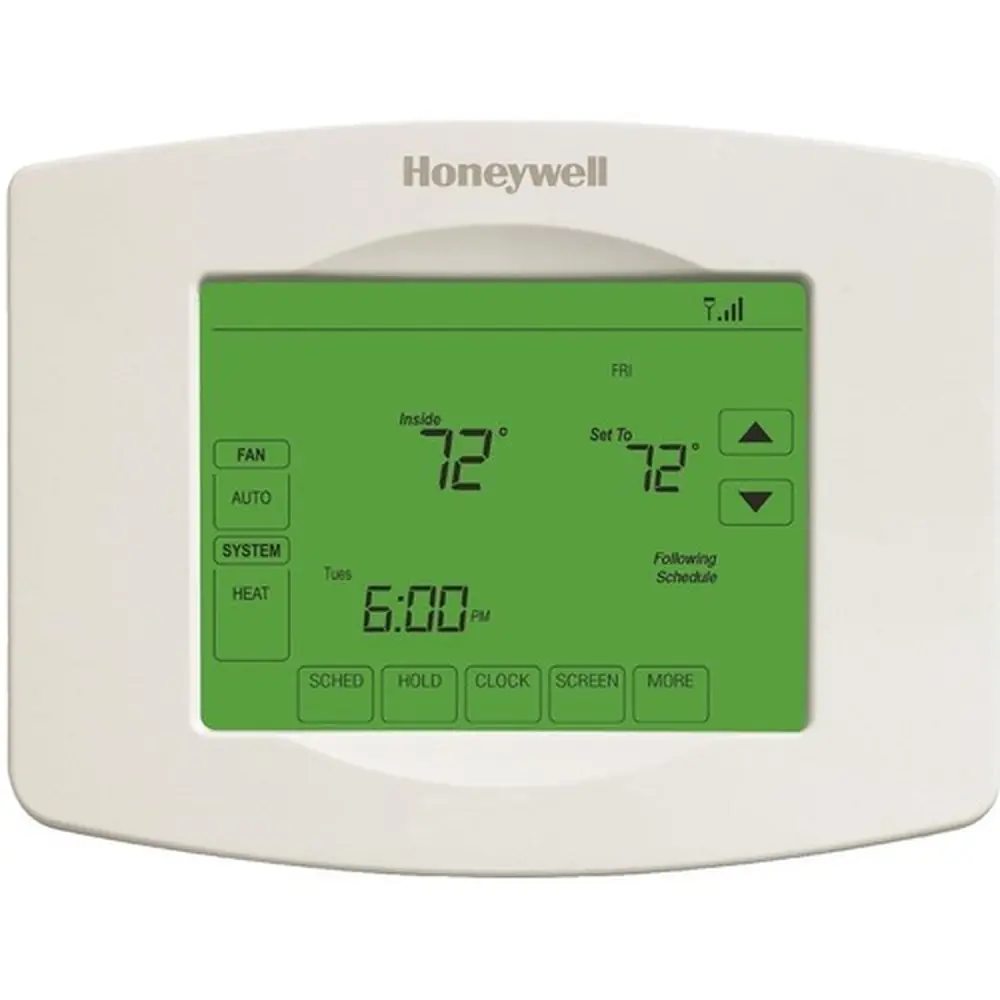
Product Images
Honeywell TH6210U2001 T6 Pro Specifications
| Feature | Specification |
|---|---|
| Model | TH6210U2001 T6 Pro |
| Heat Temperature Range | 40 °F to 90 °F (4.5 °C to 32.0 °C) |
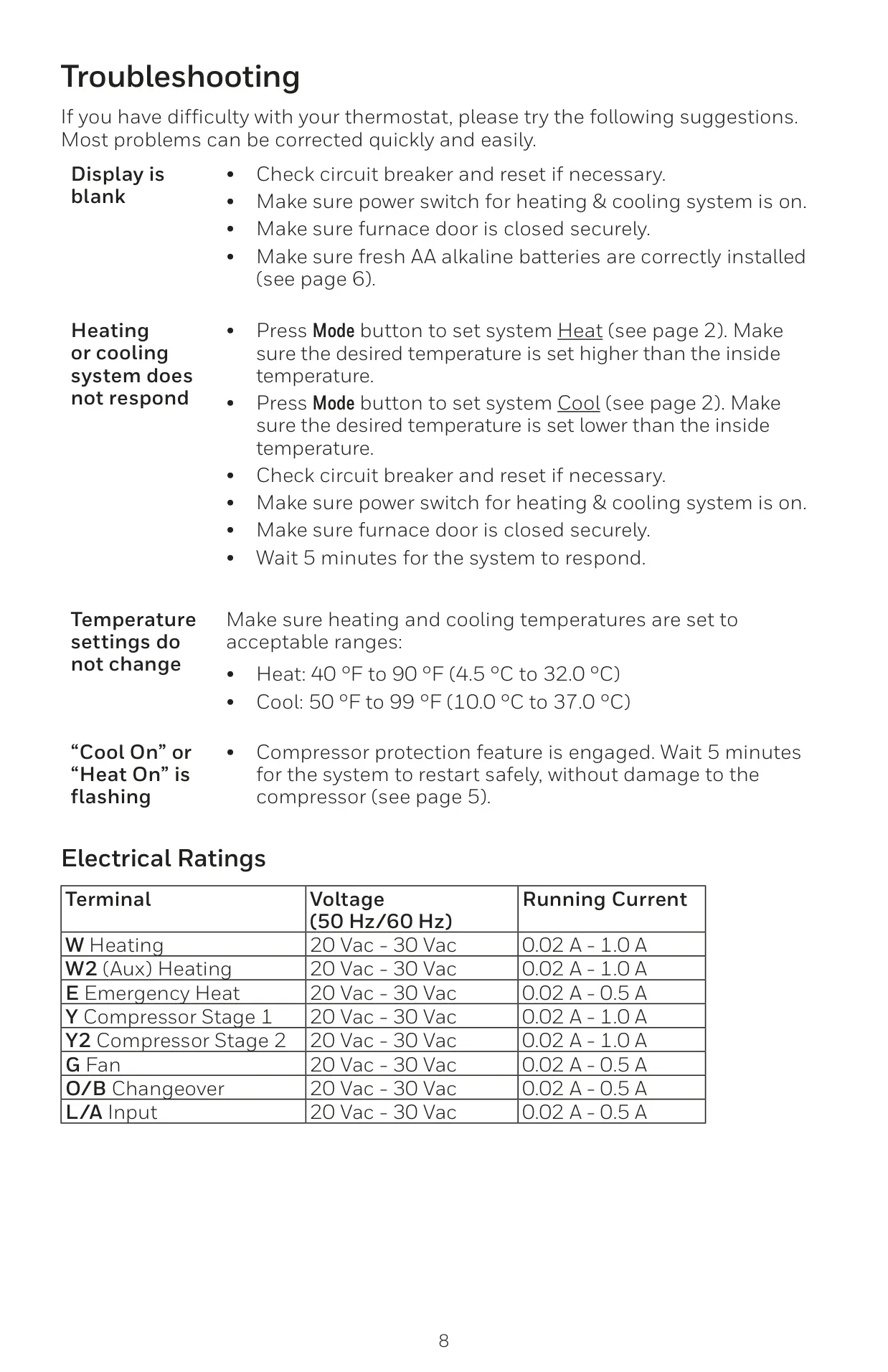
| Cool Temperature Range | 50 °F to 99 °F (10.0 °C to 37.0 °C) |
| Working Ambient Temperature | 32 °F to 120 °F (0 °C to 48.9 °C) |
| Operating Ambient Temperature | 37 °F to 102 °F (2.8 °C to 38.9 °C) |
| Shipping Temperature | -20 °F to 120 °F (-28.9 °C to 48.9 °C) |
| Operating Relative Humidity | 5% to 90% (non-condensing) |
| Physical Dimensions (H x W x D) | 4-1/16” H x 4-1/16” W x 1-5/32” D (103.5 mm H x 103.5 mm W x 29 mm D) |
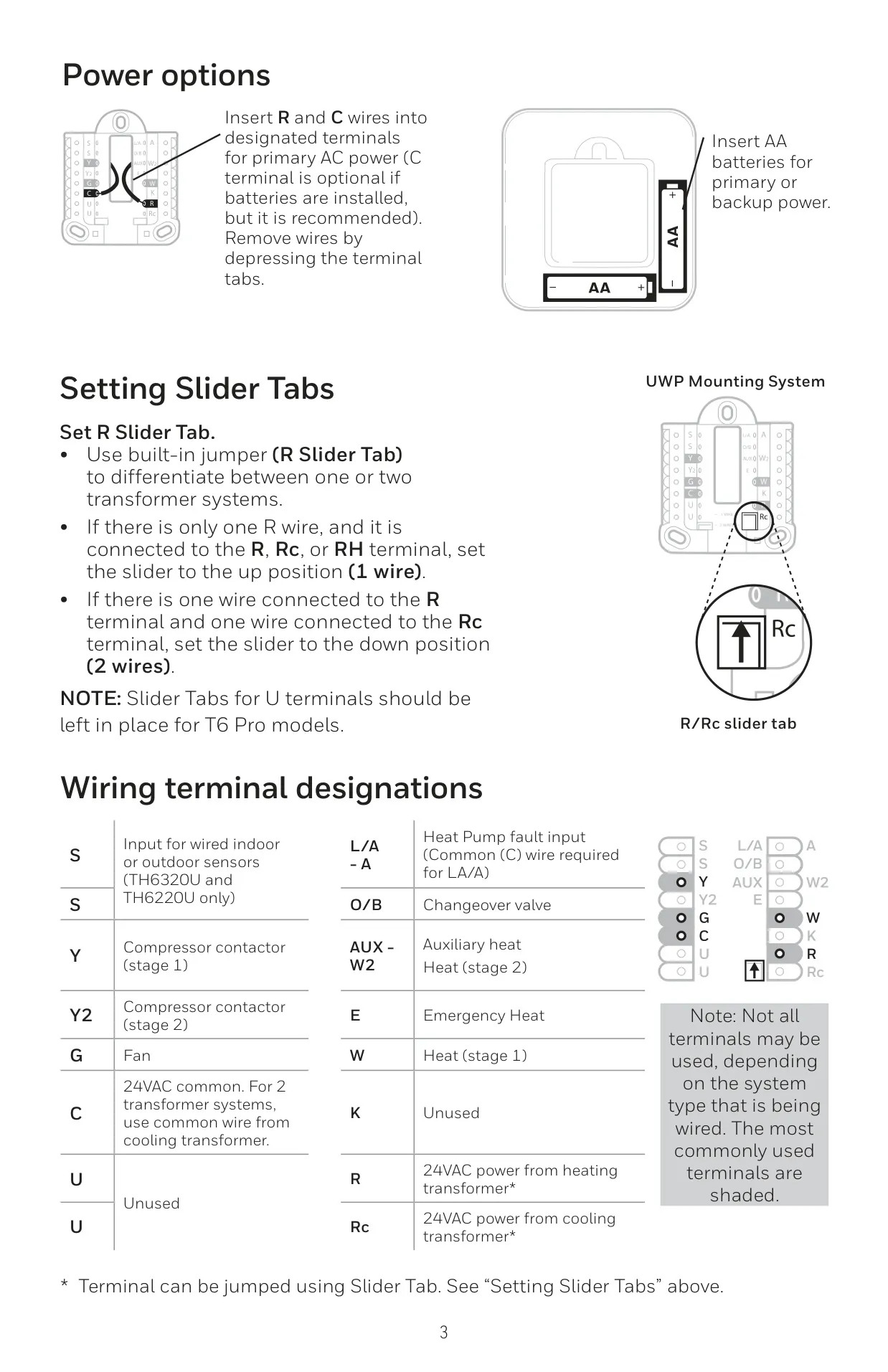
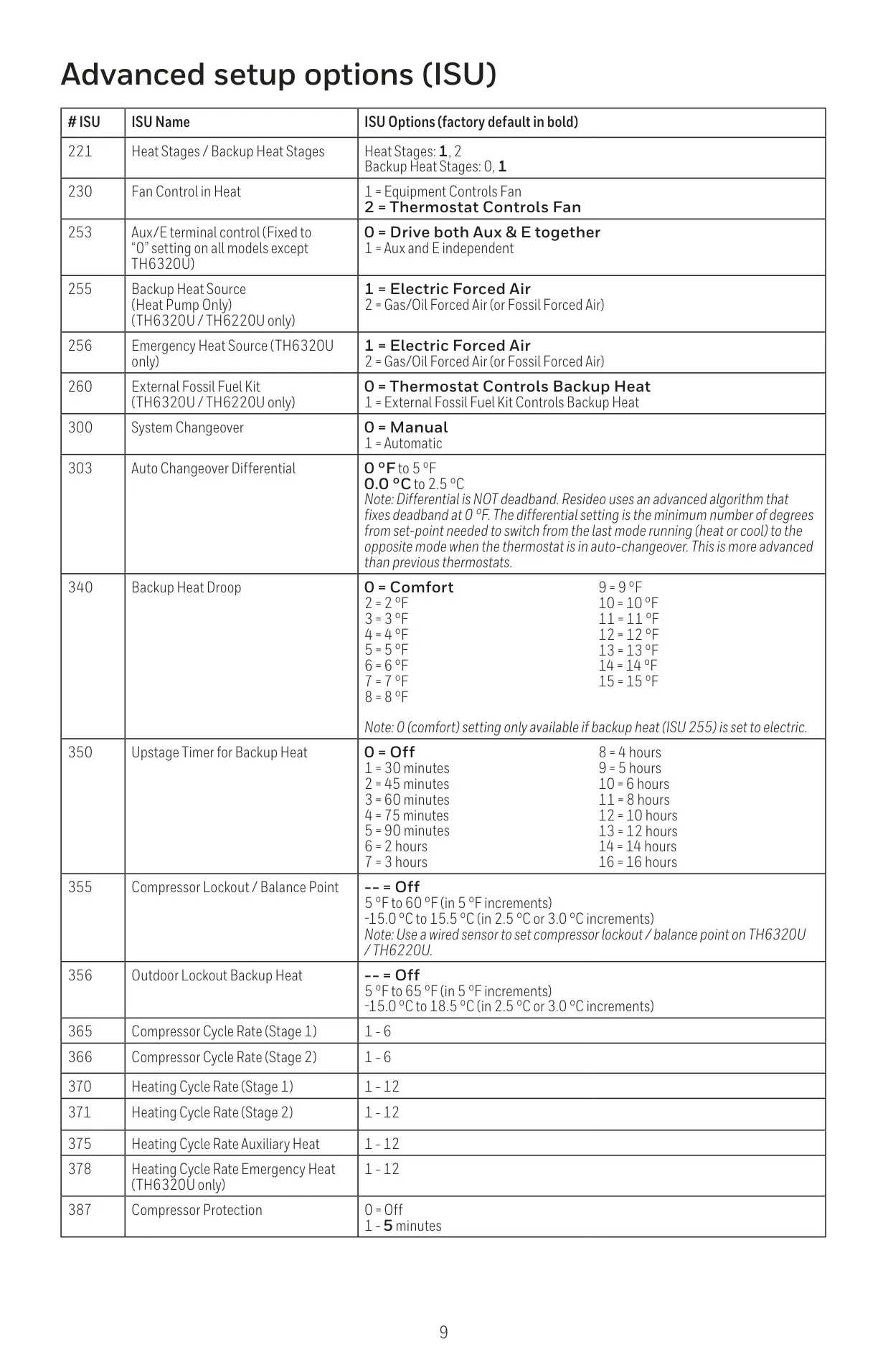
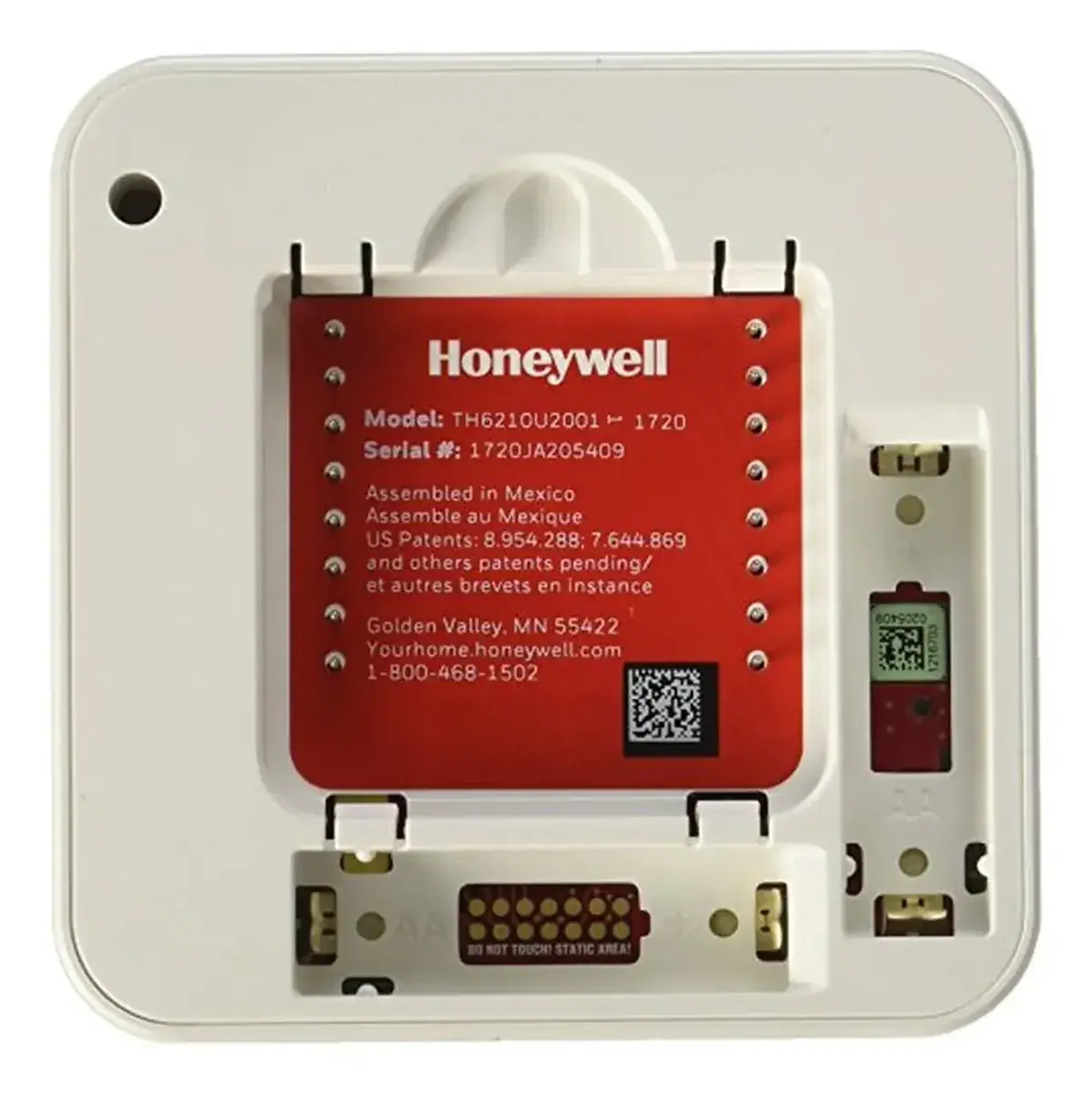
| Power Options | 24VAC (C-wire recommended) or 2 AA Batteries (required if no C-wire) |
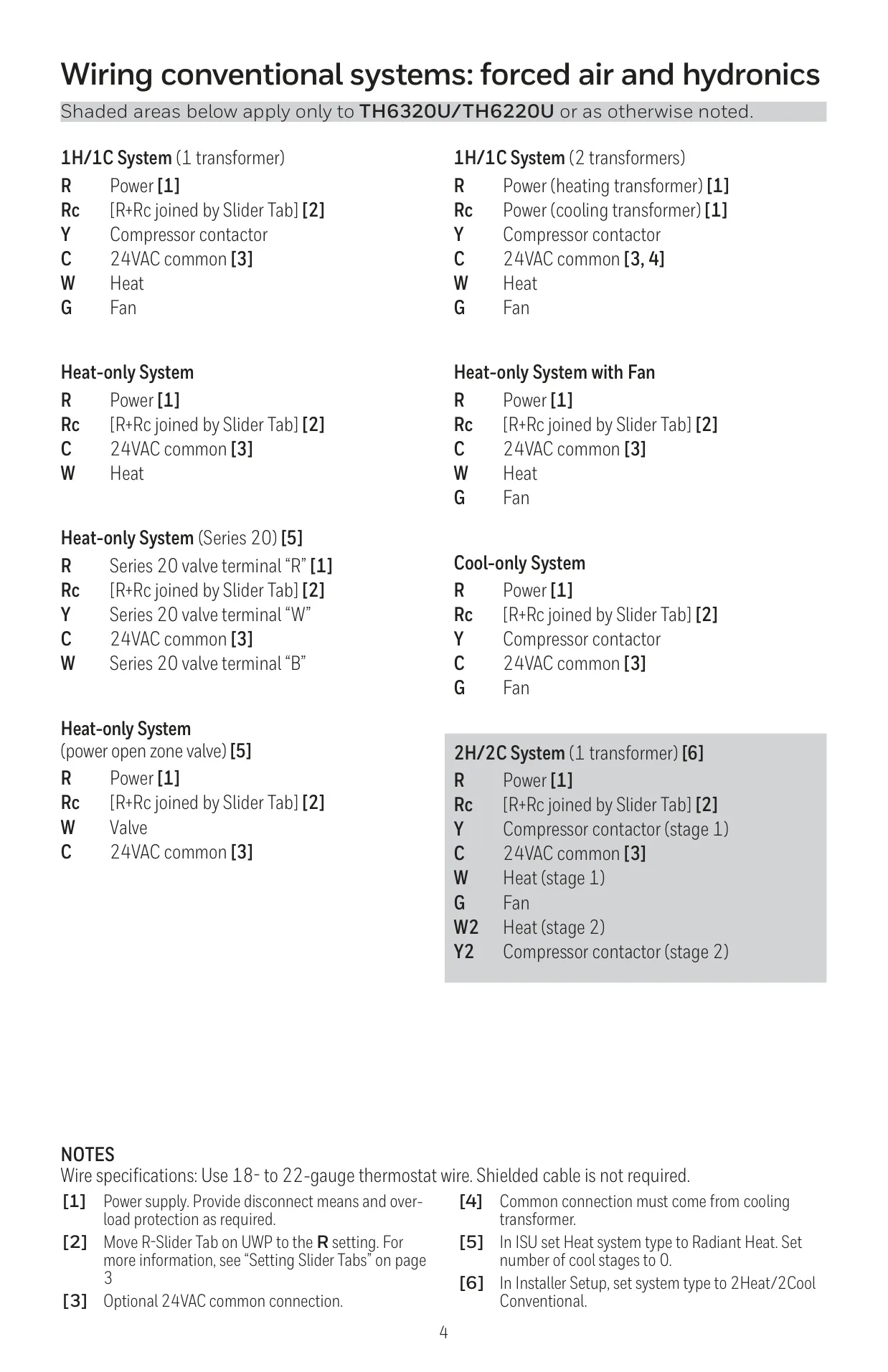
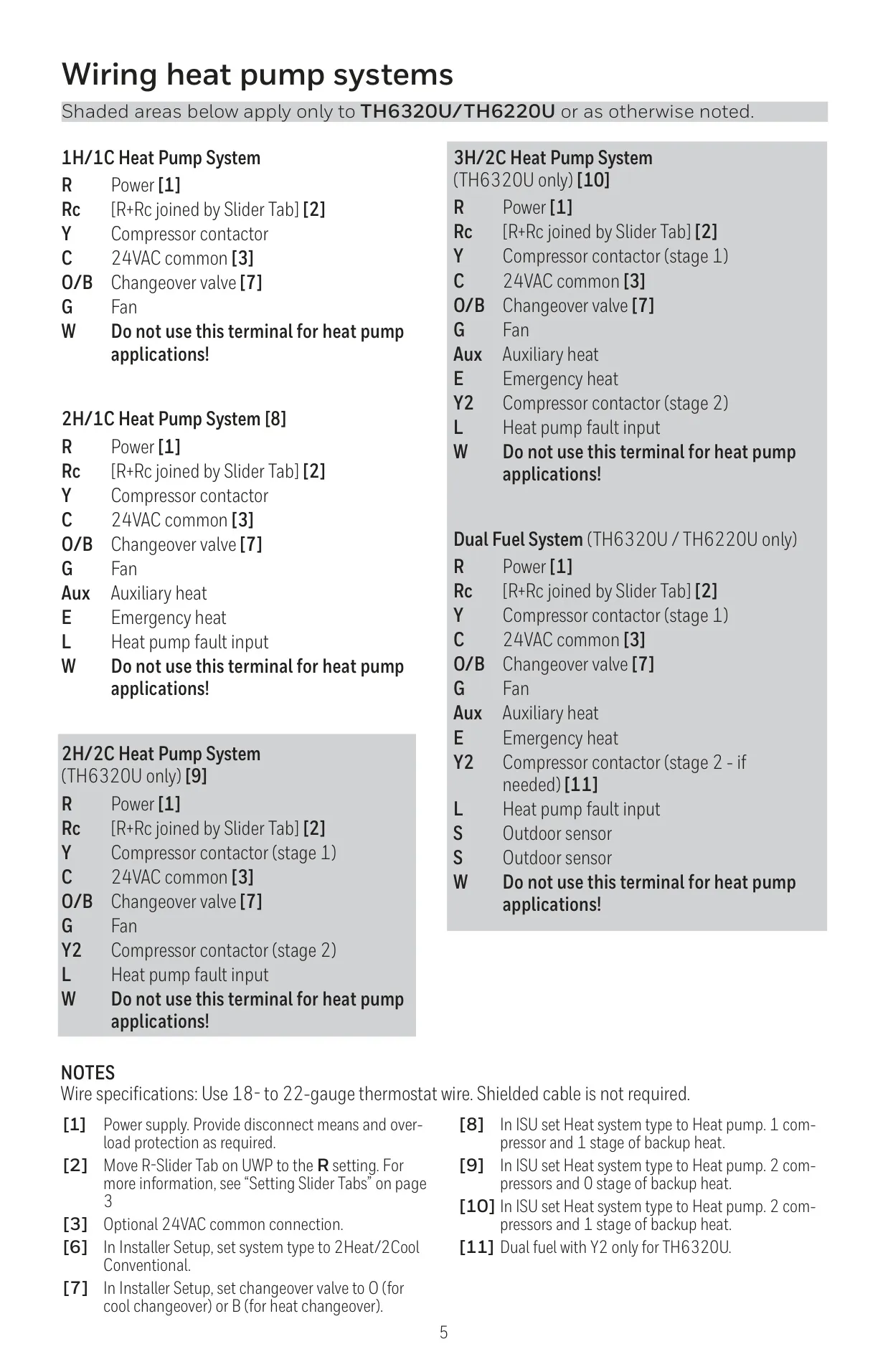
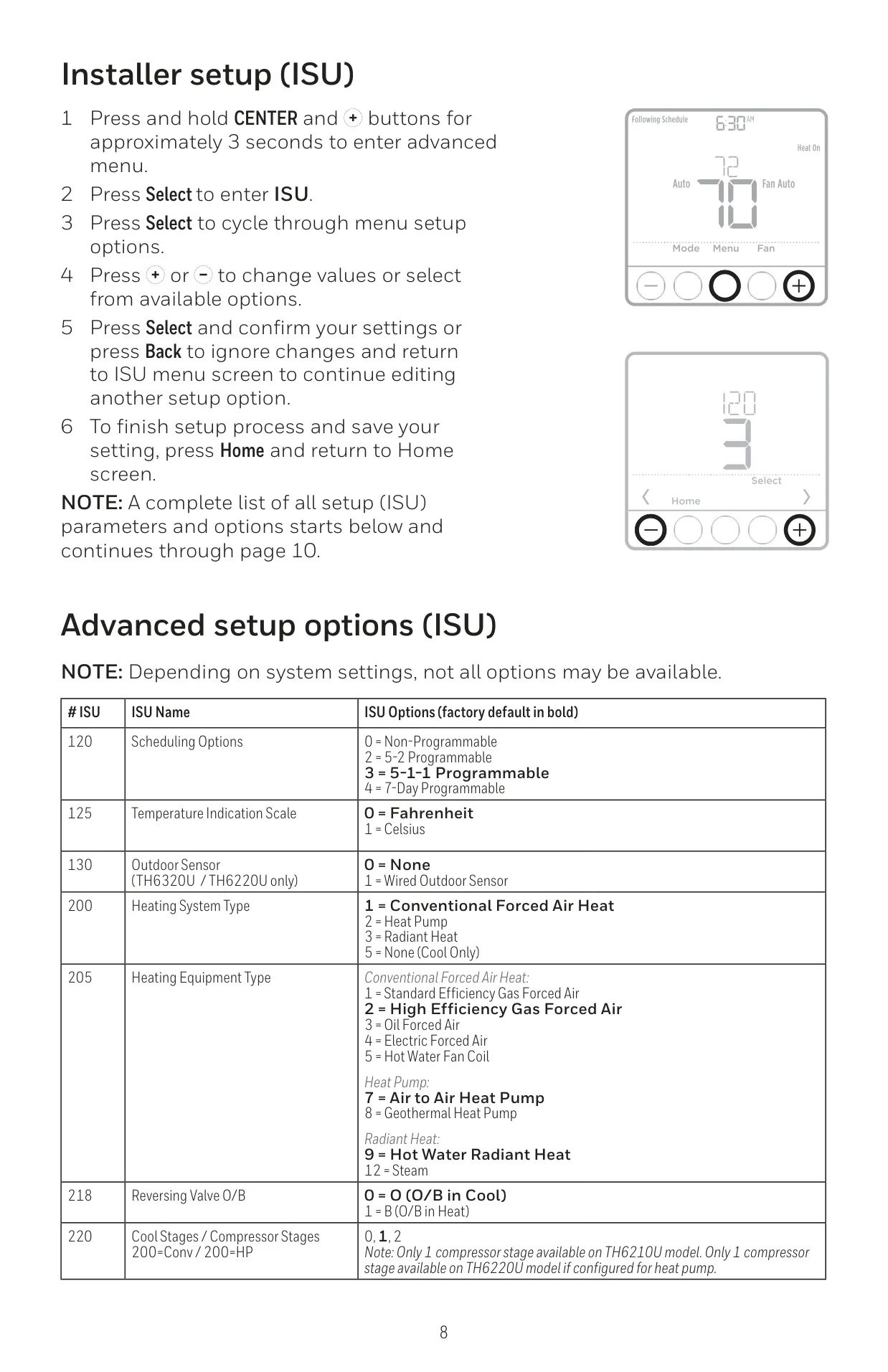
| System Compatibility | 1 Heat/1 Cool Conventional, 1 Heat/1 Cool Heat Pump |
| W (Heating) Electrical Rating | 20-30 Vac, 0.02-1.0 A |
| G (Fan) Electrical Rating | 20-30 Vac, 0.02-0.5 A |
| Y (Compressor Stage 1) Electrical Rating | 20-30 Vac, 0.02-1.0 A |
| O/B (Changeover) Electrical Rating | 20-30 Vac, 0.02-0.5 A |
| W2 (Aux) Heating Electrical Rating | 20-30 Vac, 0.02-1.0 A (Not available on TH6210U2001) |
| E (Emergency Heat) Electrical Rating | 20-30 Vac, 0.02-0.5 A (Not available on TH6210U2001) |
| Y2 (Compressor Stage 2) Electrical Rating | 20-30 Vac, 0.02-1.0 A (Not available on TH6210U2001) |
| L/A (Input) Electrical Rating | 20-30 Vac, 0.02-0.5 A (Not available on TH6210U2001) |
Honeywell TH6210U2001 T6 Pro Details
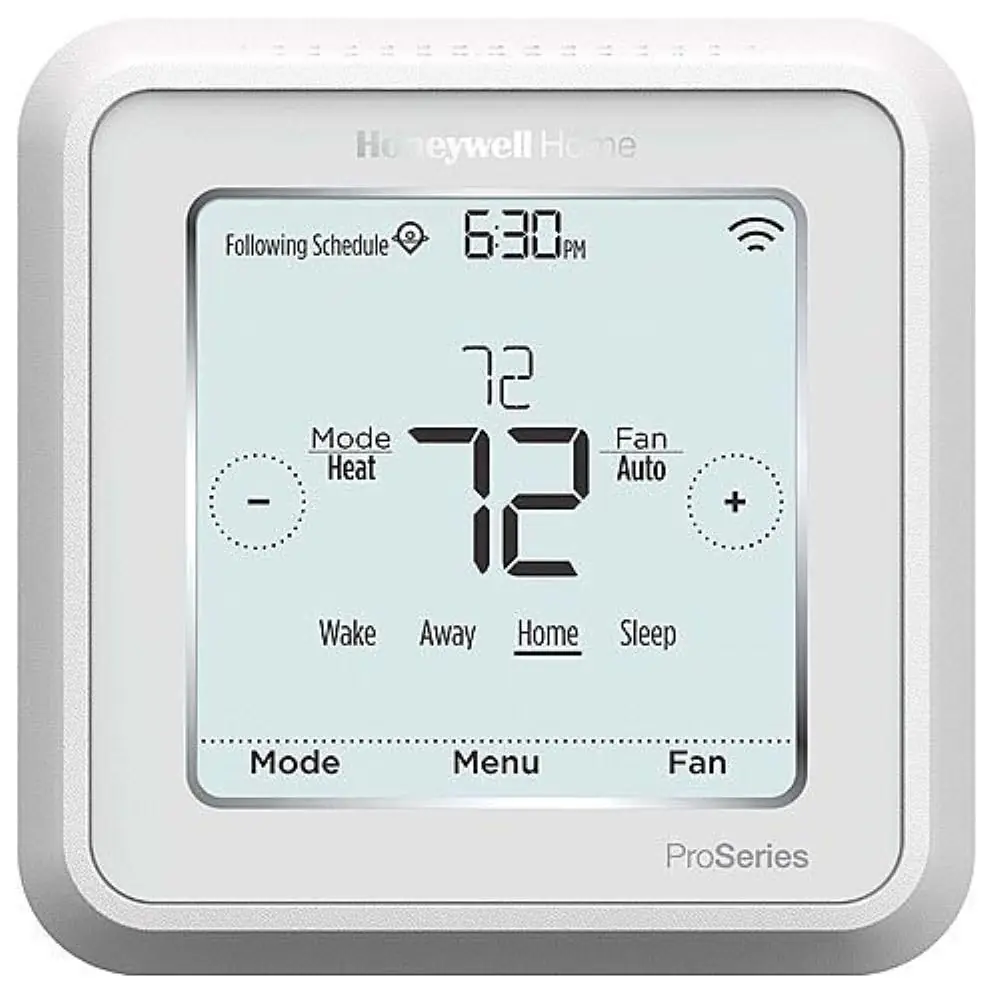
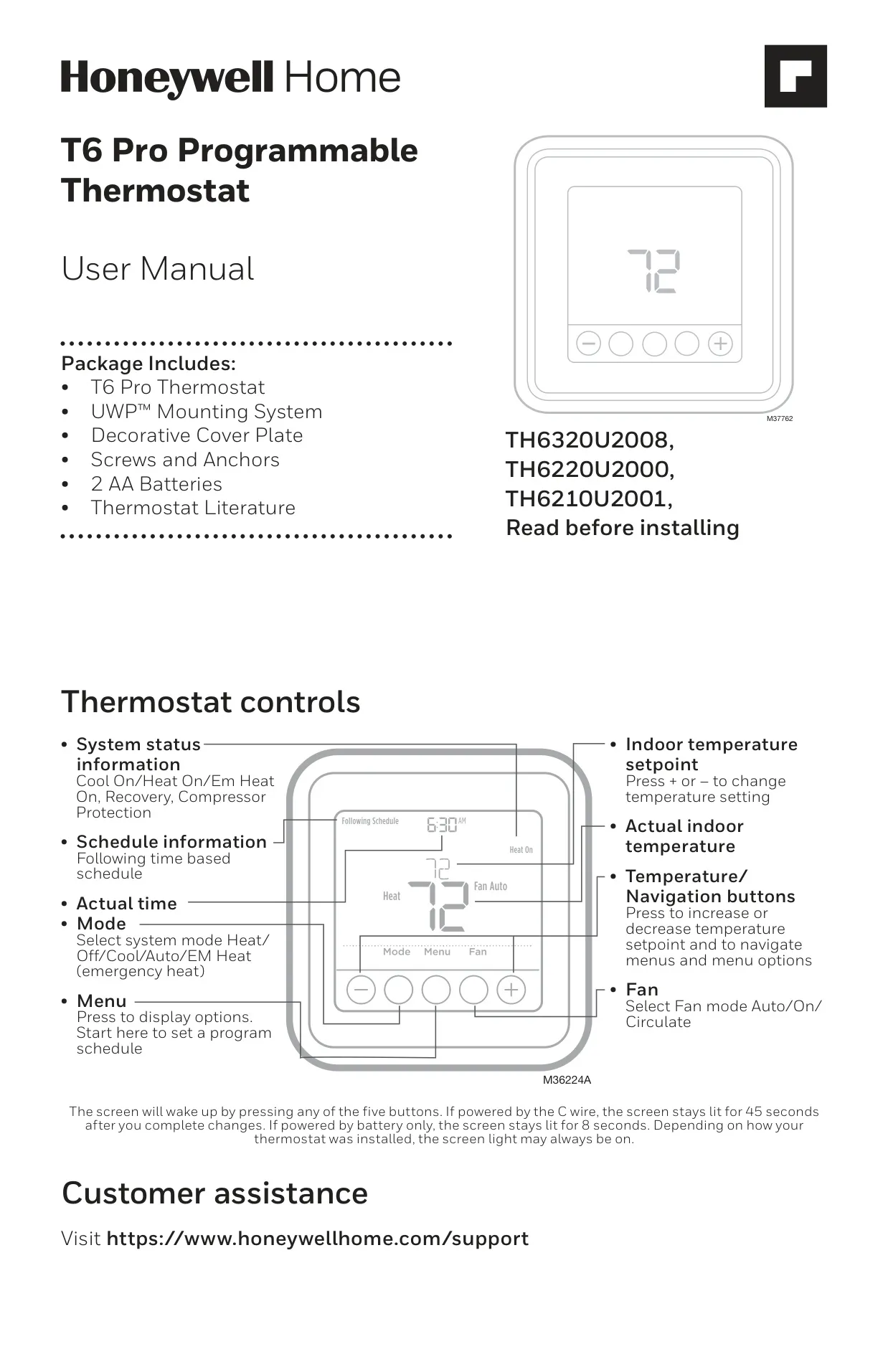
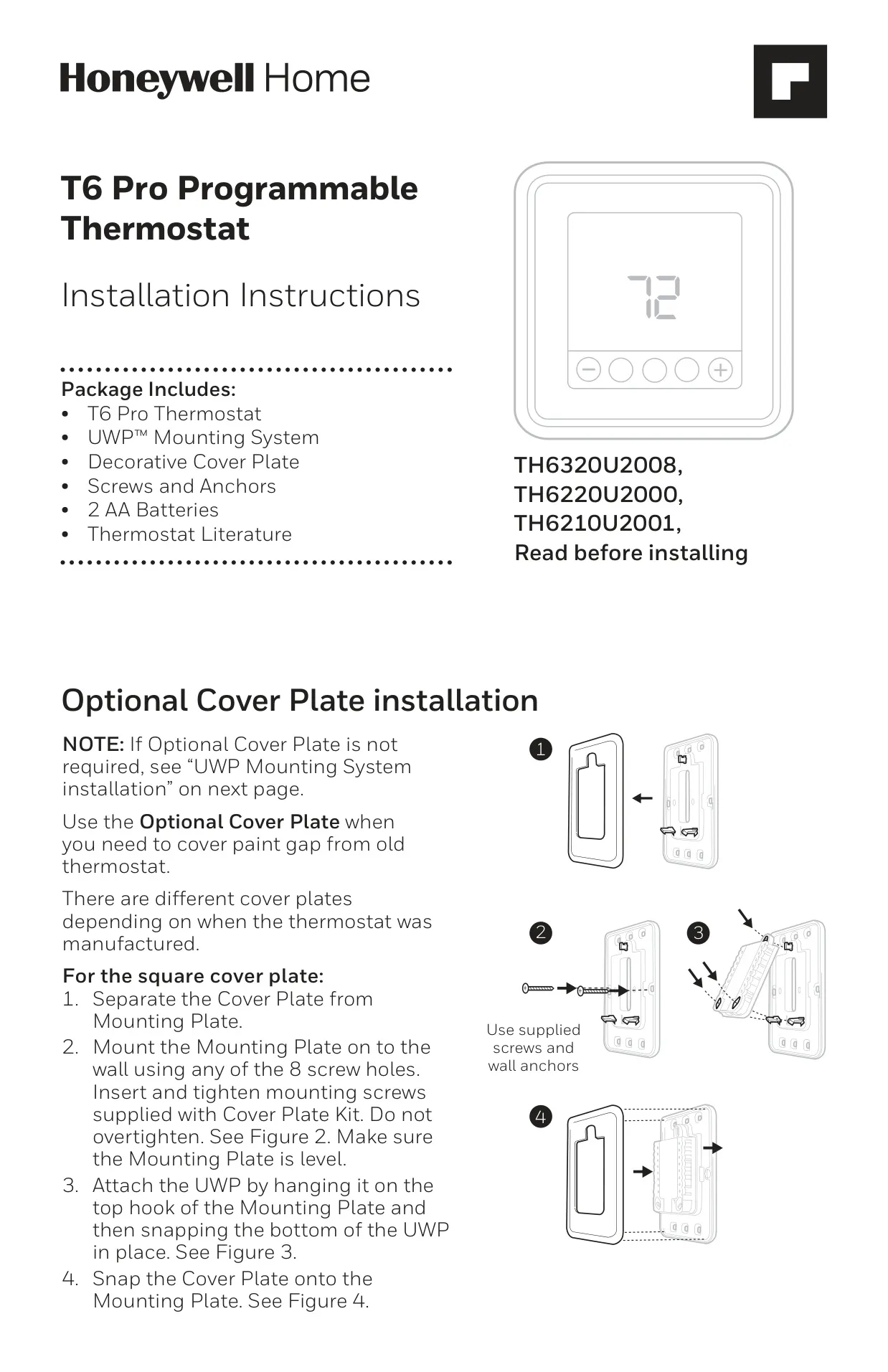
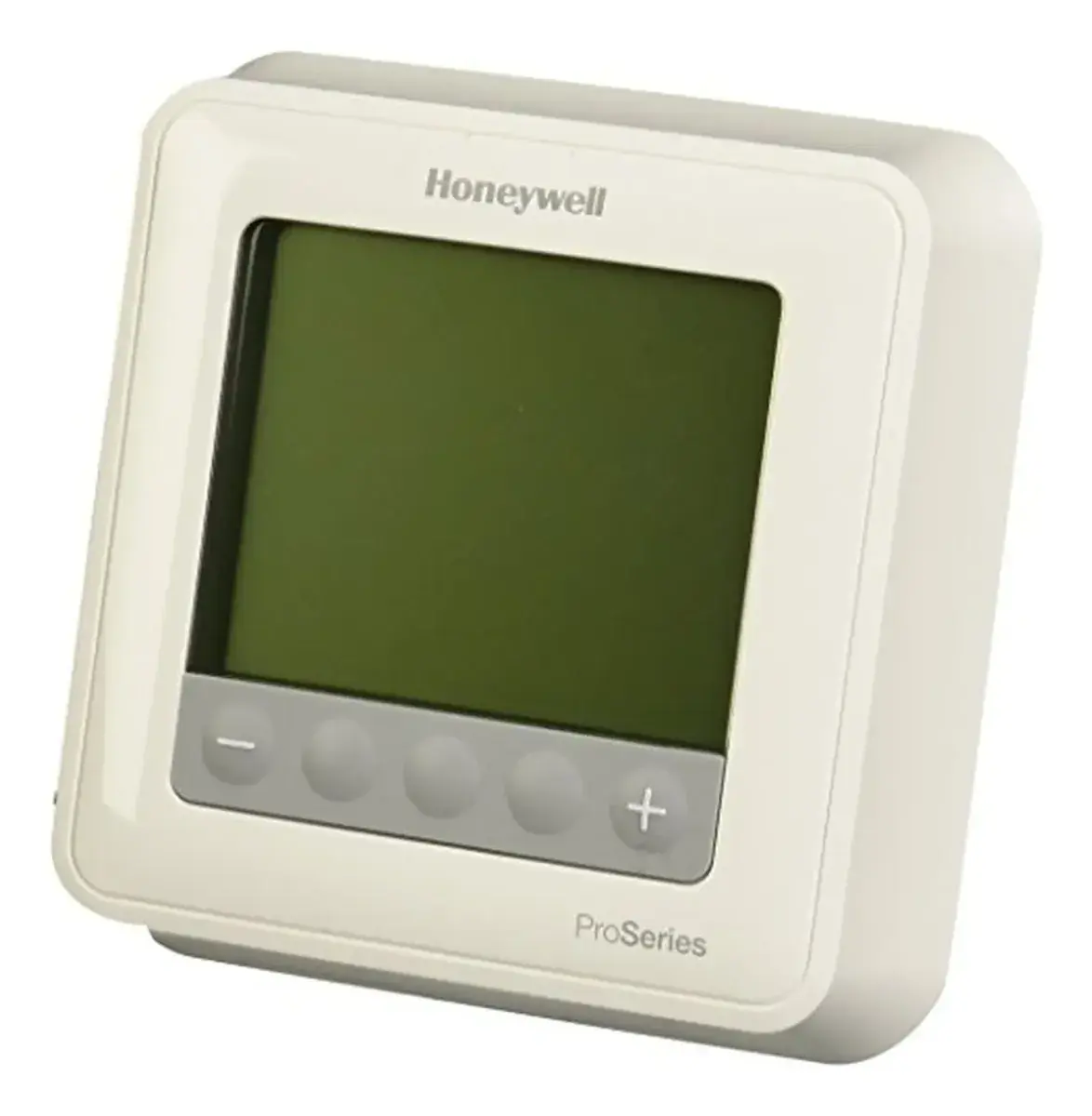
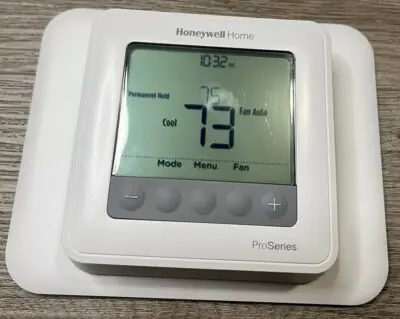
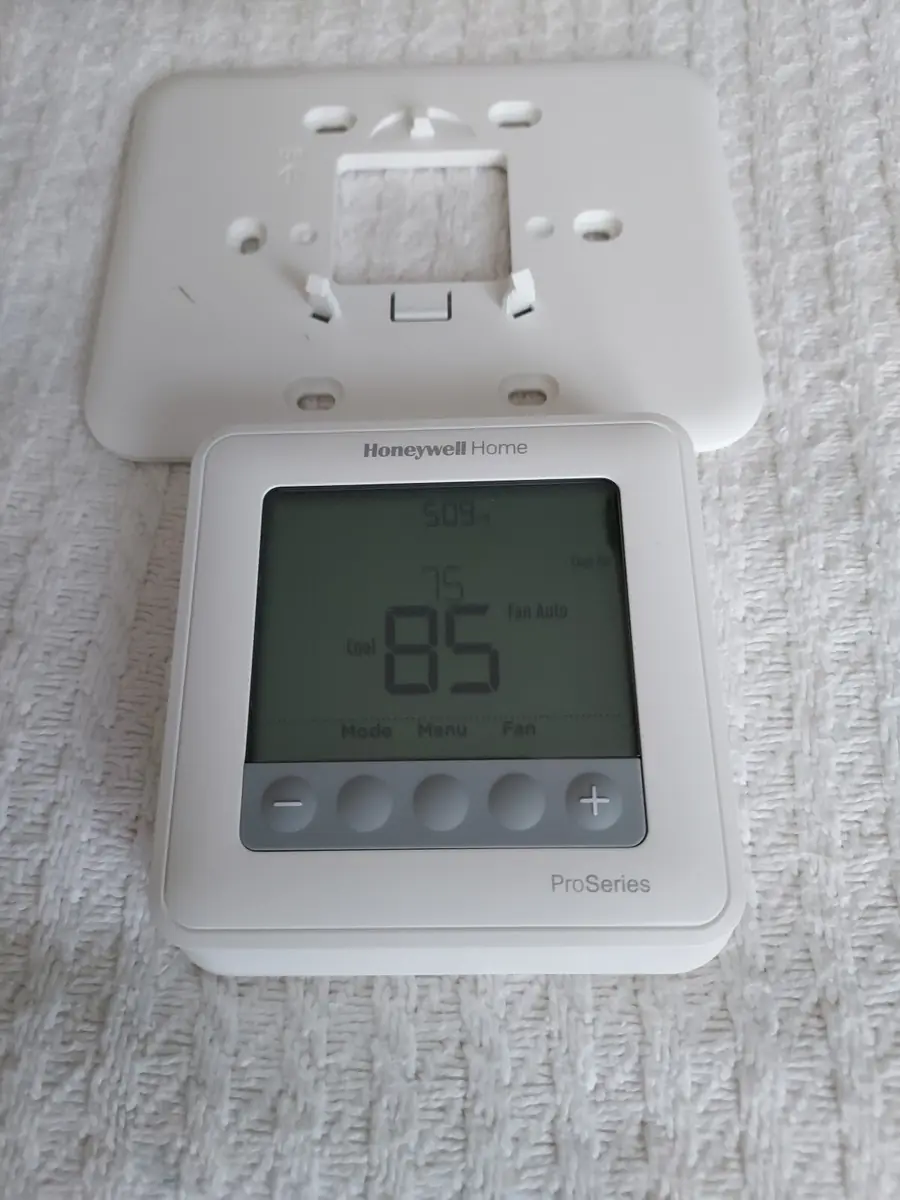
The Honeywell TH6210U2001 T6 Pro thermostat offers intuitive control over your home's climate. Its user-friendly interface features five main buttons for easy navigation, including dedicated "Mode" and "Fan" buttons, along with temperature and menu controls. The display provides essential information like system status, current time, and actual indoor temperature.
The screen wakes upon any button press. When powered by a C-wire, the backlight remains active for 45 seconds after changes; otherwise, it lights for 8 seconds. Depending on installation, the screen can also be configured to stay lit continuously, providing constant visibility.
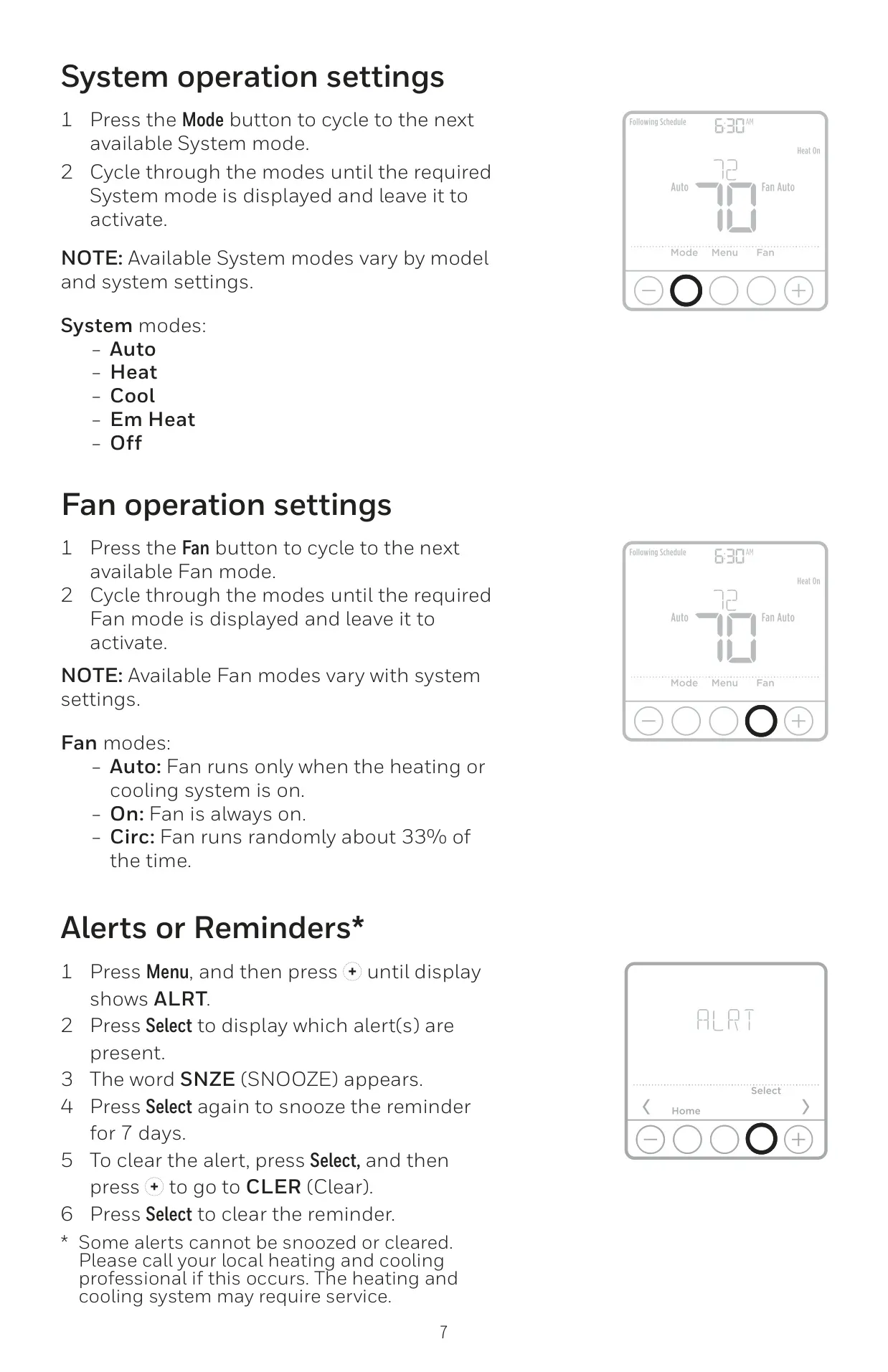
Users can choose from various system modes such as Heat, Cool, Off, Auto, and Em Heat (Emergency Heat), though available options depend on the specific system configuration. Fan operation modes include Auto, where the fan runs only when heating or cooling is active, On for continuous operation, and Circulate, which runs the fan randomly for about 33% of the time to improve air distribution.
Setting the time and date is straightforward through the "Menu" button, allowing adjustments for 12 or 24-hour formats, hours, minutes, year, month, and day. This ensures accurate scheduling and proper thermostat functionality.
A key feature is the 7-day programmable schedule, which allows users to define four distinct time periods daily: Wake, Away, Home, and Sleep. These periods can have different temperature settings for weekdays and weekends, helping to optimize energy usage. Pre-set schedules are recommended for typical savings.
For flexible control, the T6 Pro offers both temporary and permanent schedule overrides. A temporary hold adjusts the temperature until the next scheduled period begins, while a permanent hold maintains a set temperature indefinitely until manually canceled. This adaptability caters to changing daily routines.
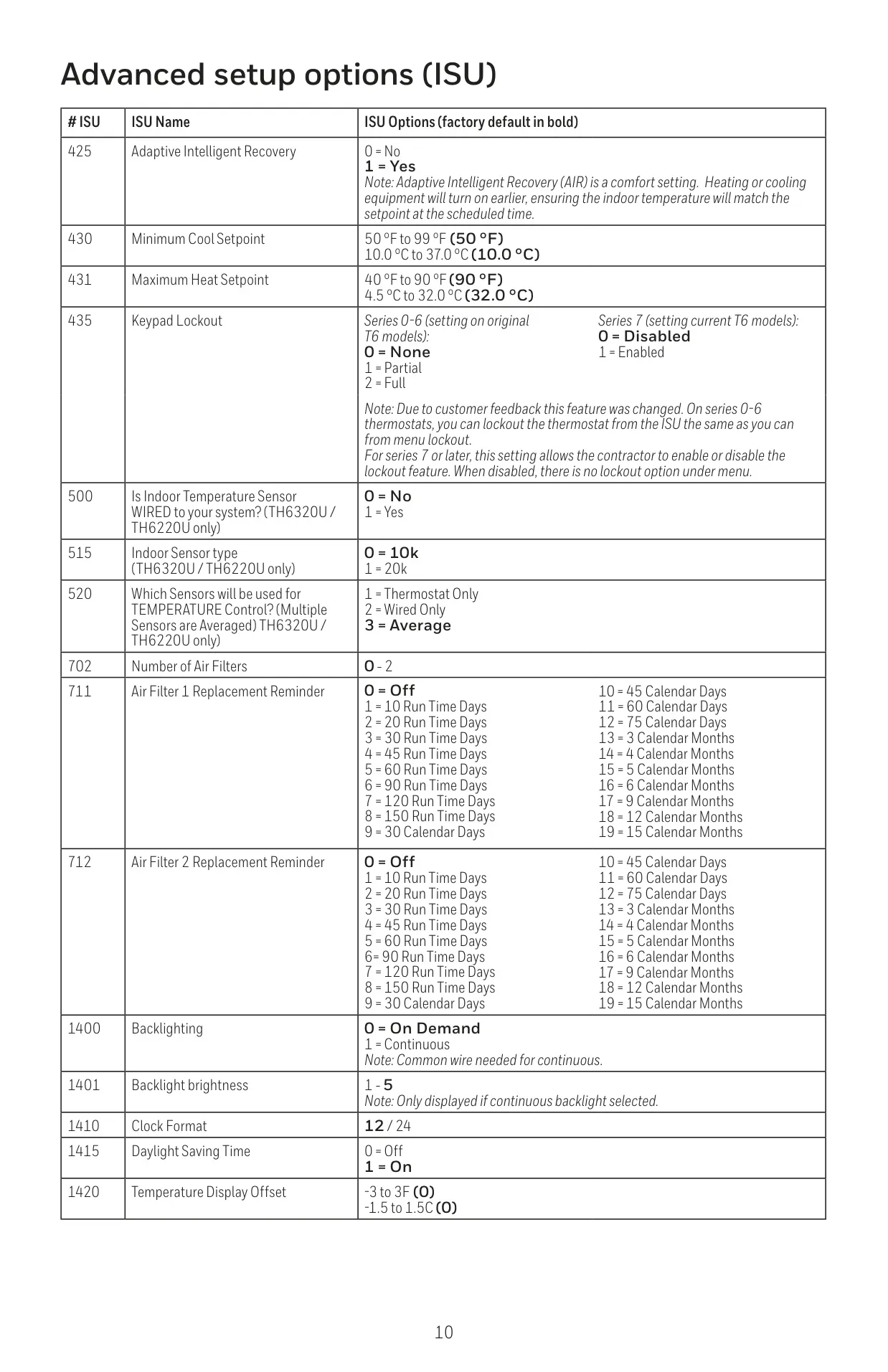
The thermostat includes Adaptive Intelligent Recovery (AIR), a smart feature that learns how long your heating or cooling system takes to reach a desired temperature. It then activates the system earlier, ensuring your home is comfortable precisely at the scheduled time.
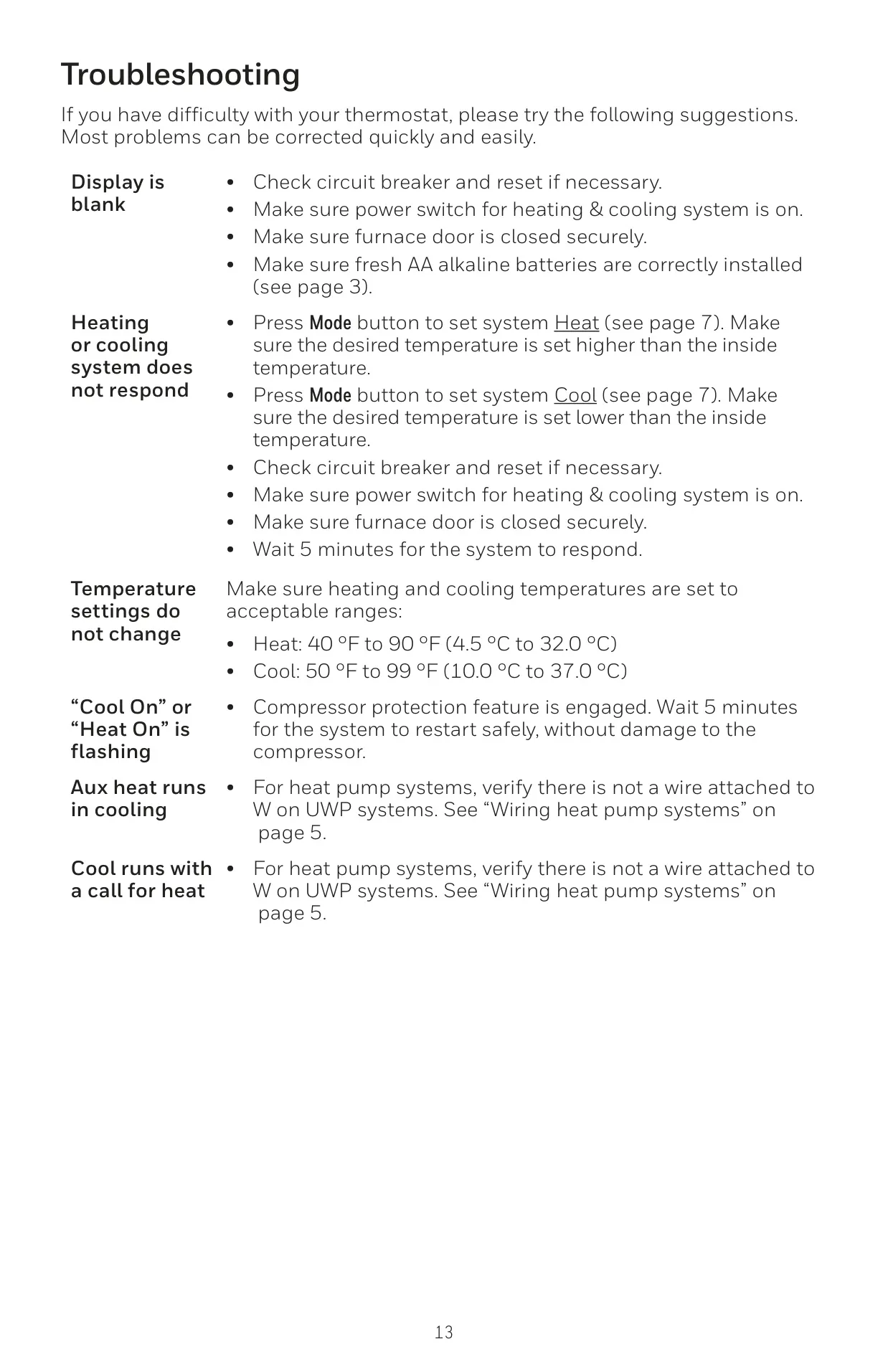
Built-in compressor protection is another crucial safeguard. This feature prevents potential damage by enforcing a brief delay before the compressor restarts after a shutdown. During this wait, "Cool On" or "Heat On" will flash on the display, indicating the protection is active.
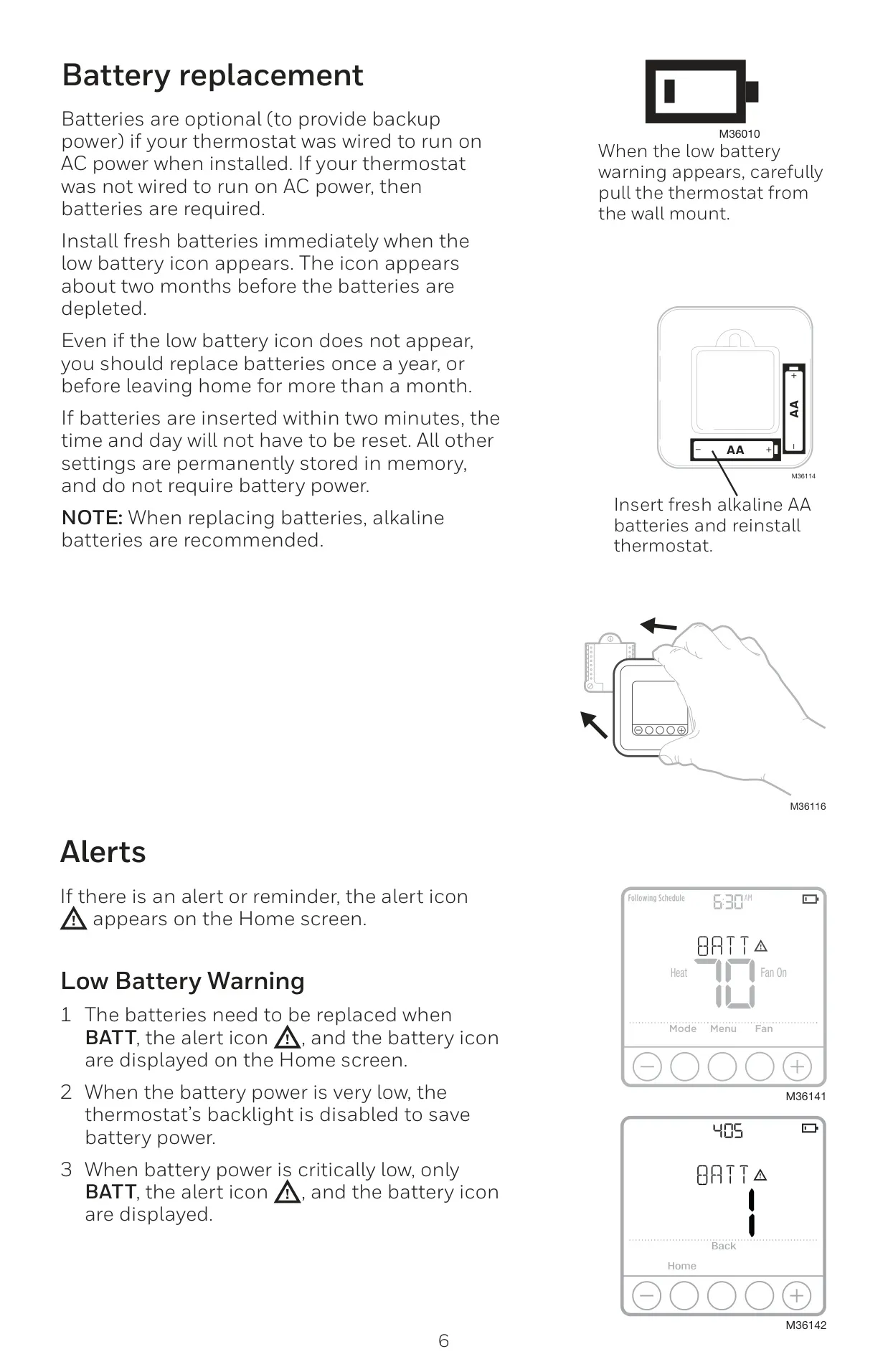
Battery management is simple: two AA alkaline batteries provide backup power for C-wire installations or are required for battery-only setups. A low battery icon appears about two months before depletion, prompting replacement. Importantly, all settings are permanently stored in memory, so only the time and day need resetting if batteries are out for over two minutes.
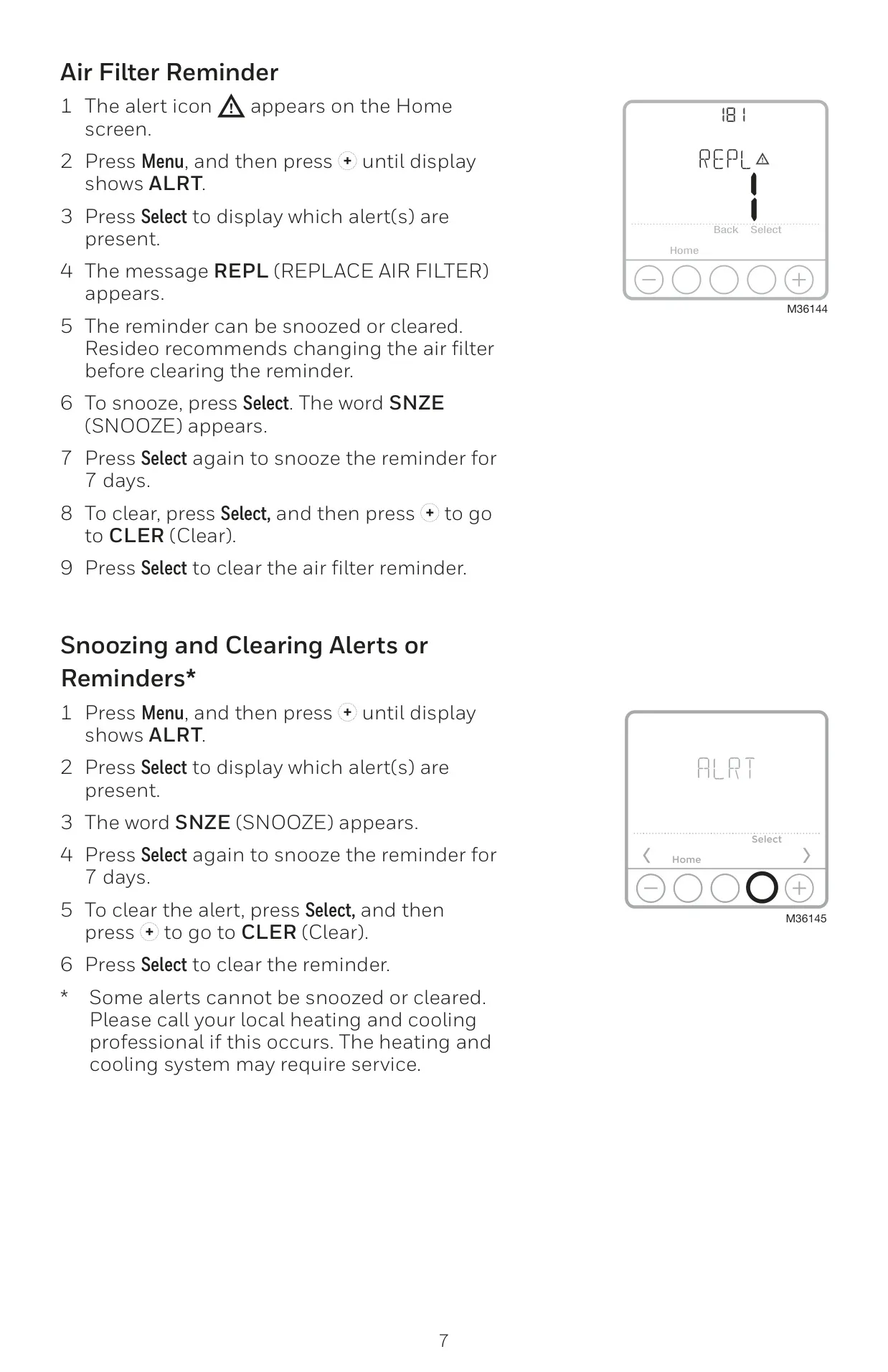
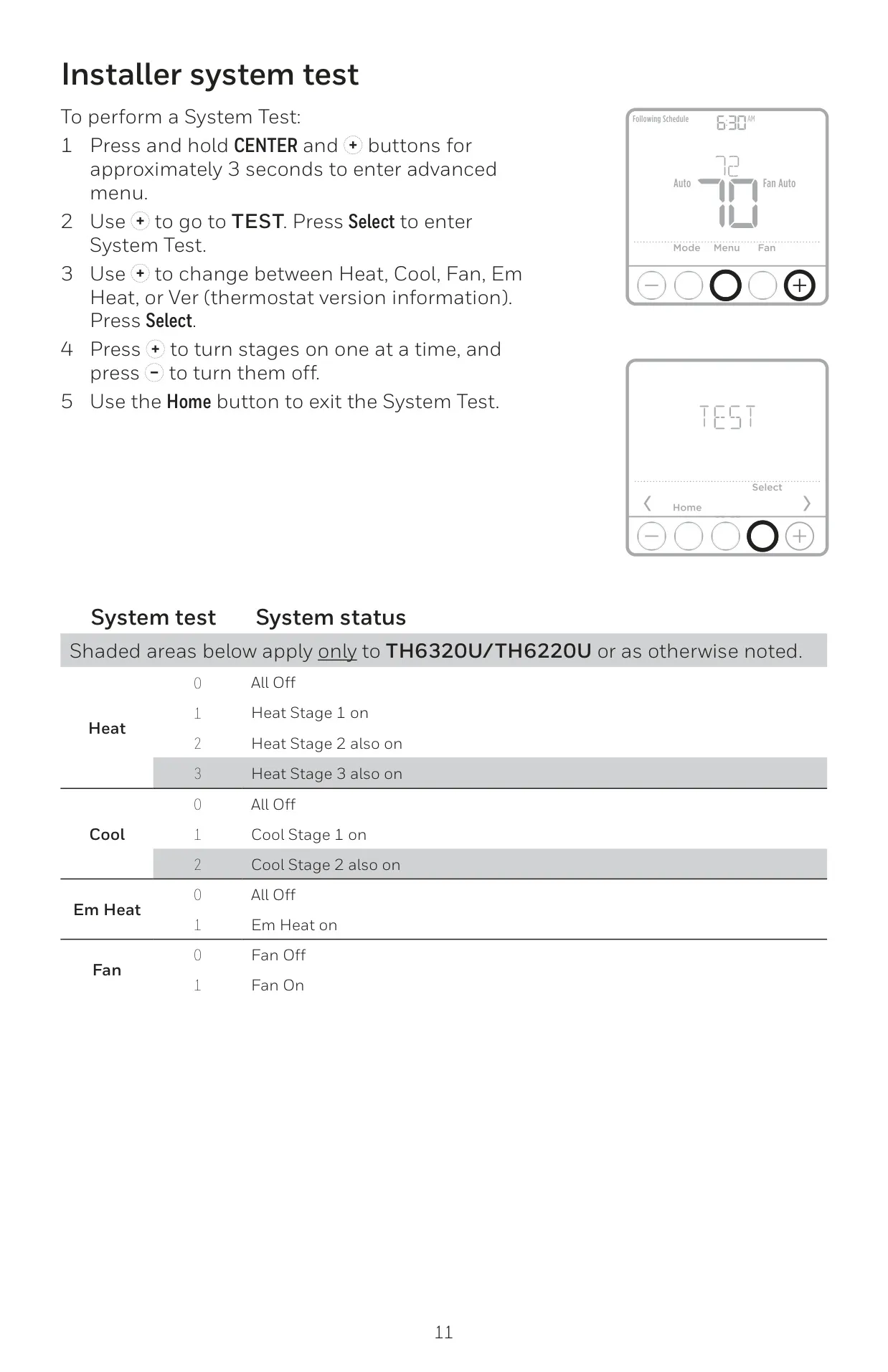
The TH6210U2001 model is designed for 1 Heat/1 Cool conventional or 1 Heat/1 Cool heat pump systems. It does not support advanced multi-stage heating or cooling, nor does it feature external wired sensor inputs (S terminals) found on higher-end T6 Pro models. Users receive alerts for low battery warnings and air filter reminders, which can be snoozed or cleared via the menu.
The keypad can be locked in Partial (temperature change only) or Full (no access) modes, requiring a password to unlock. For newer models (Series 7+), installers can disable the lockout feature entirely, preventing user access to the setting in the menu. This provides an additional layer of control, especially in commercial or rental properties.
Frequently Asked Questions (FAQs)
Can't find the answer you need? Here are some frequently asked questions about the Honeywell TH6210U2001 T6 Pro, and we answer them below.