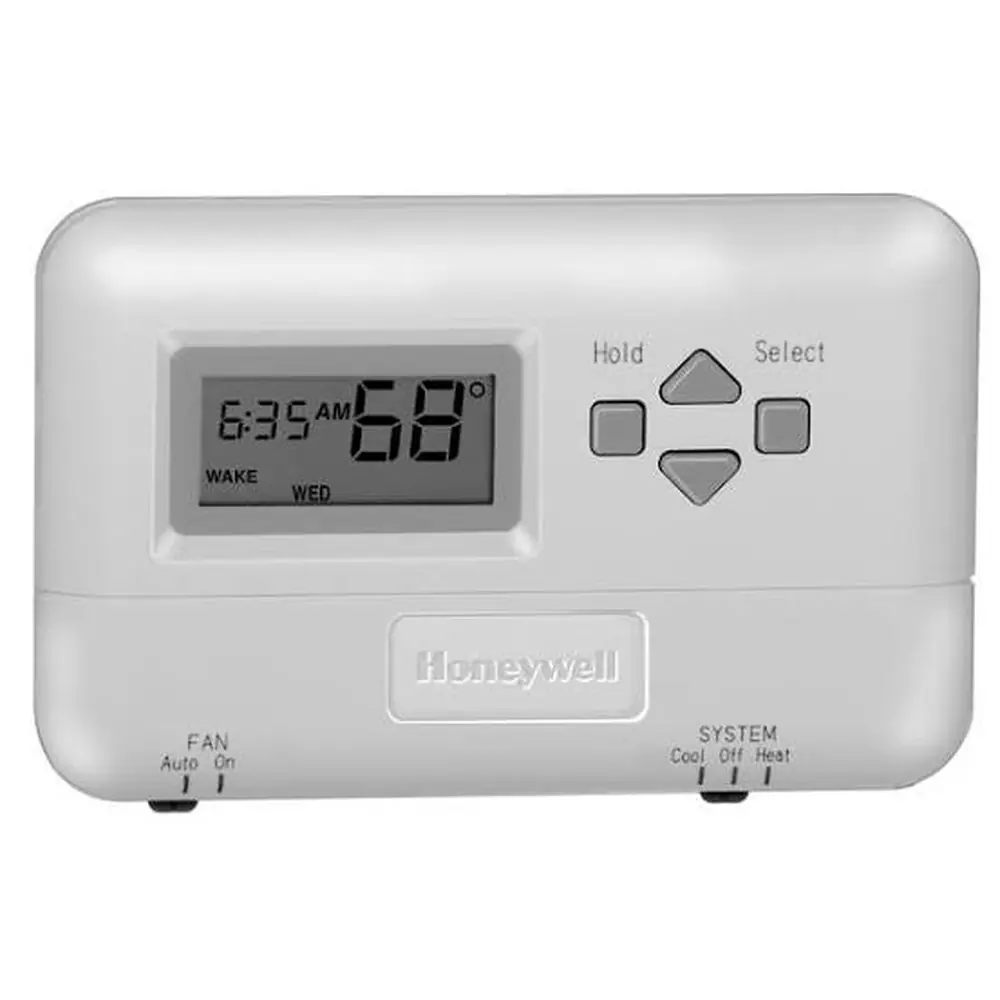
Honeywell TH5320U1001 FocusPRO TH5000 Instruction Manual
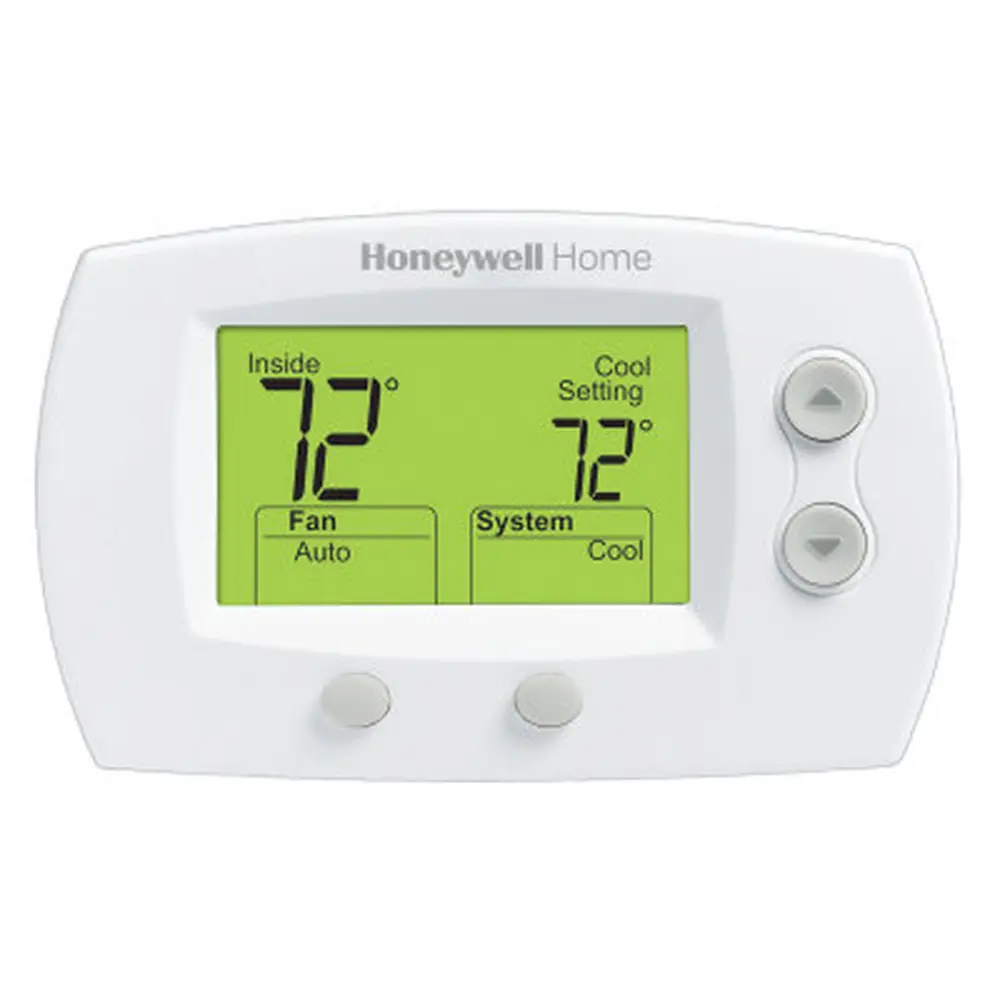
Honeywell TH5320U1001 FocusPRO TH5000
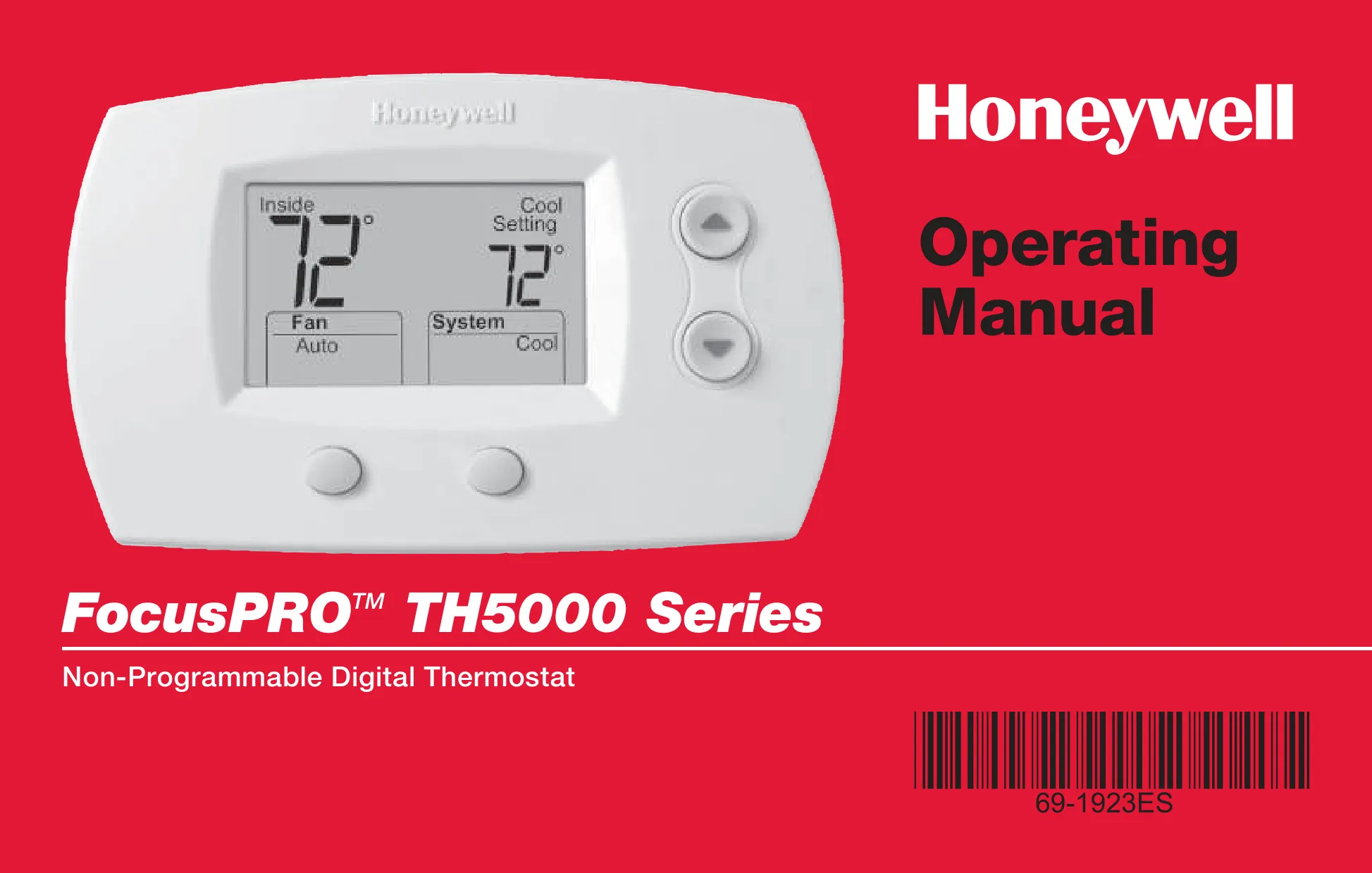


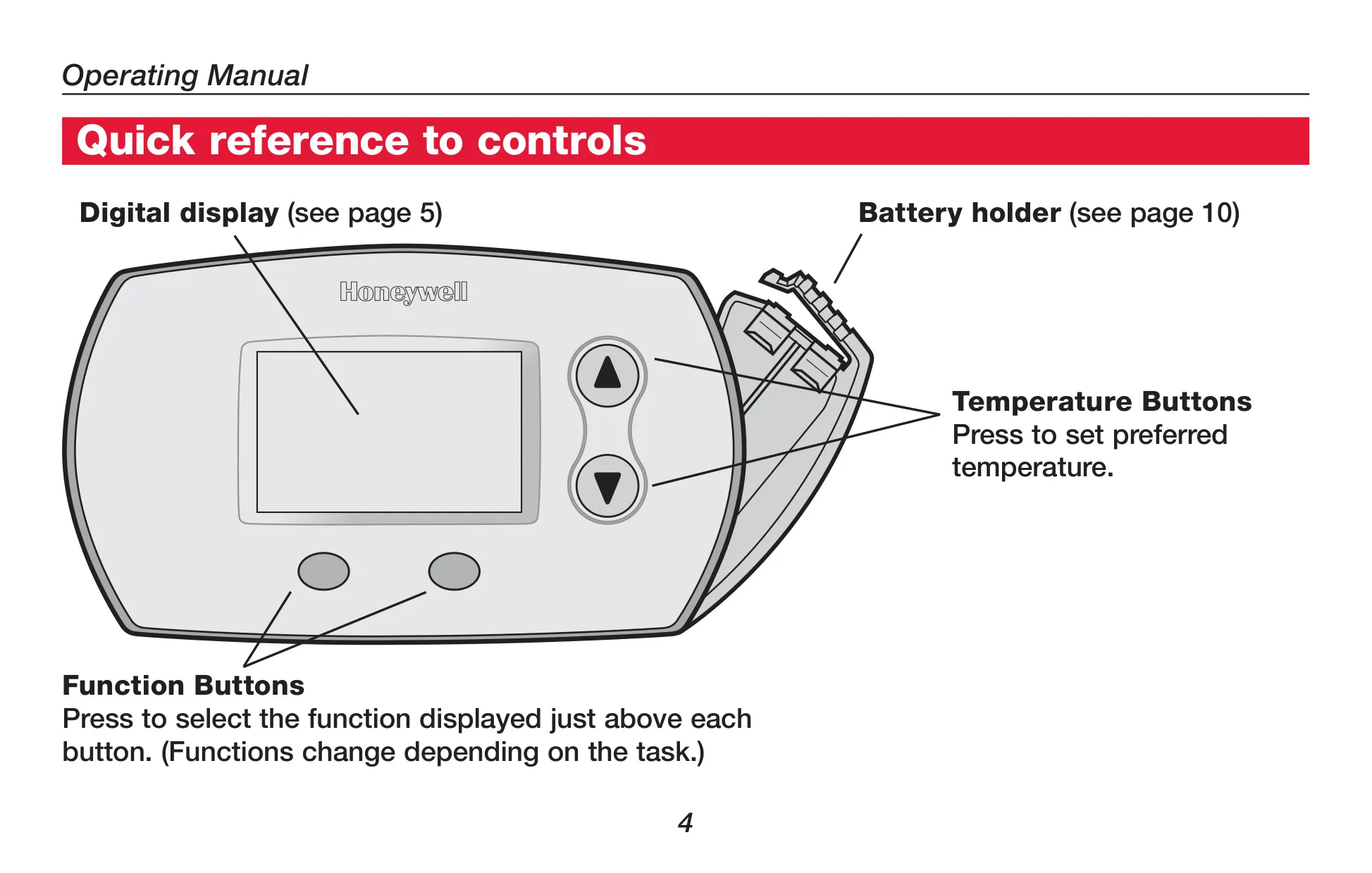


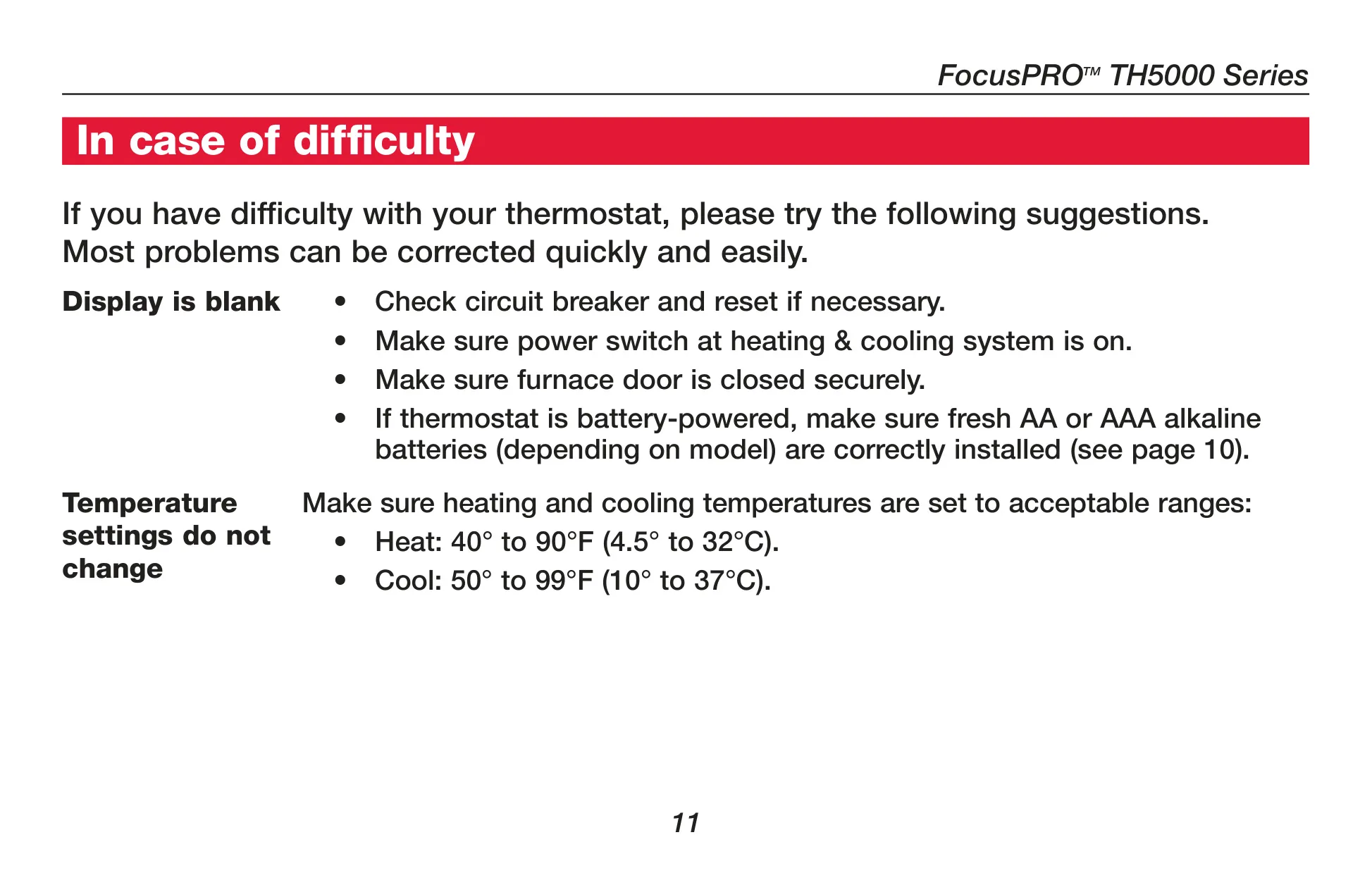
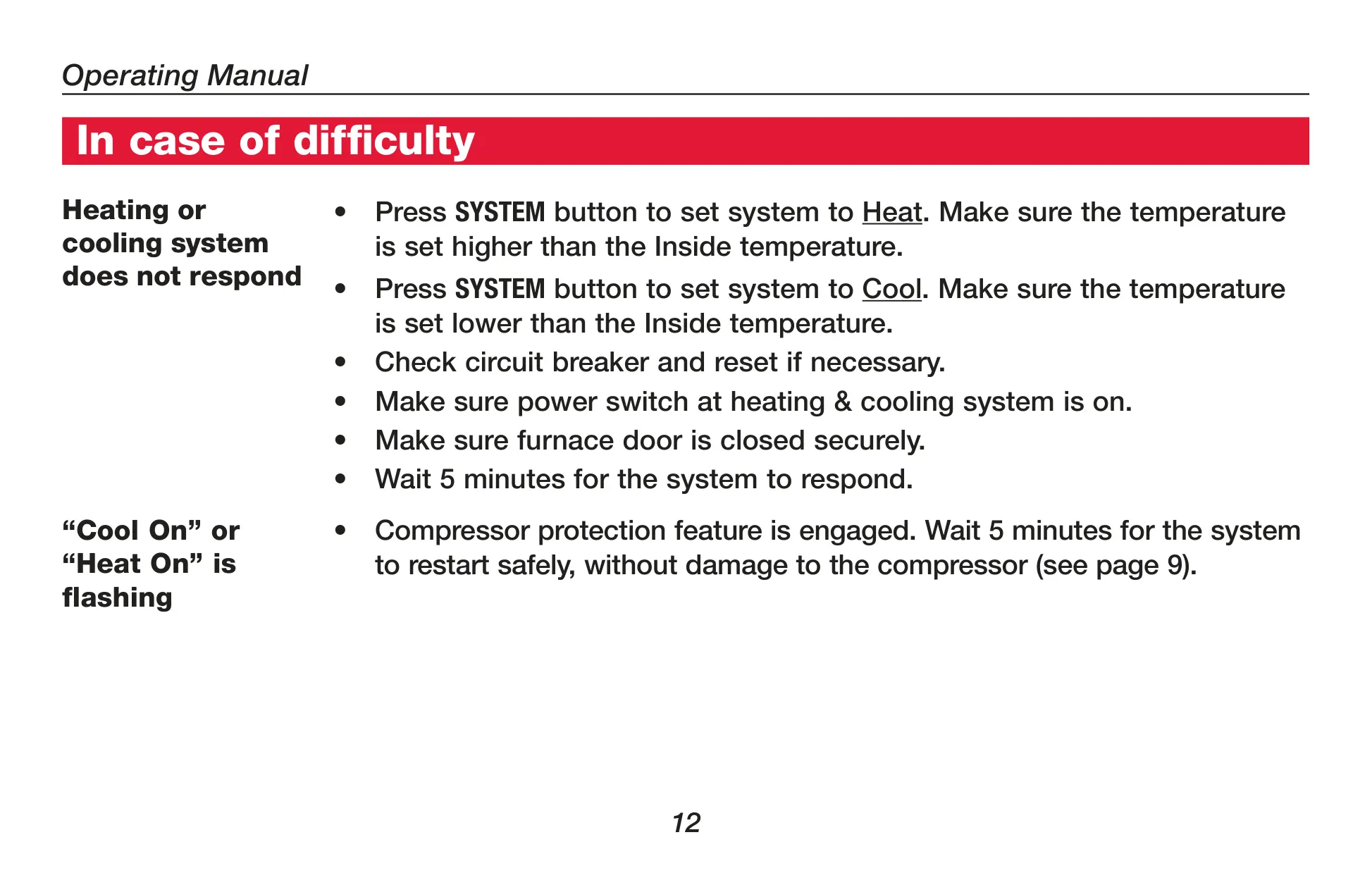
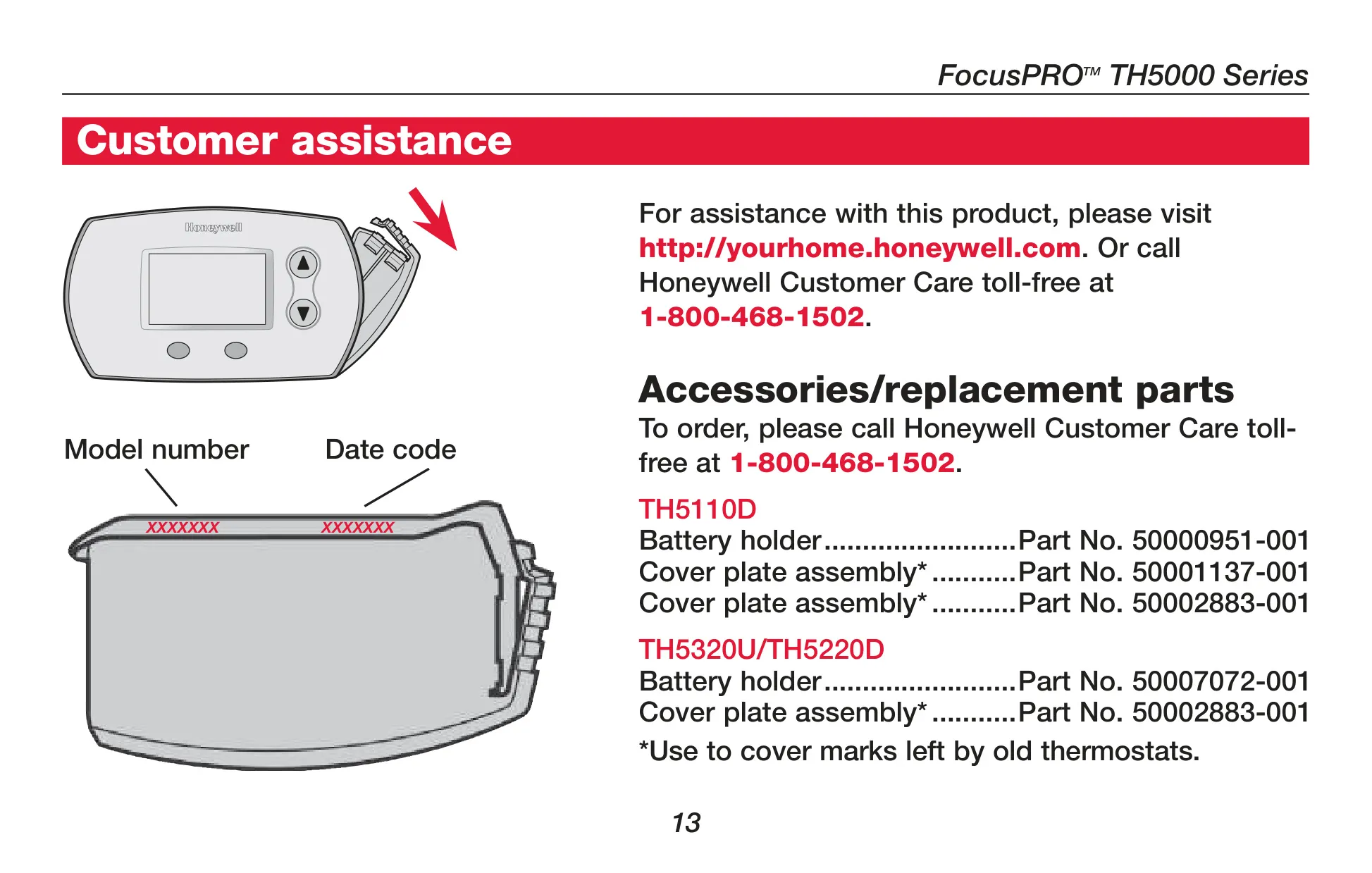
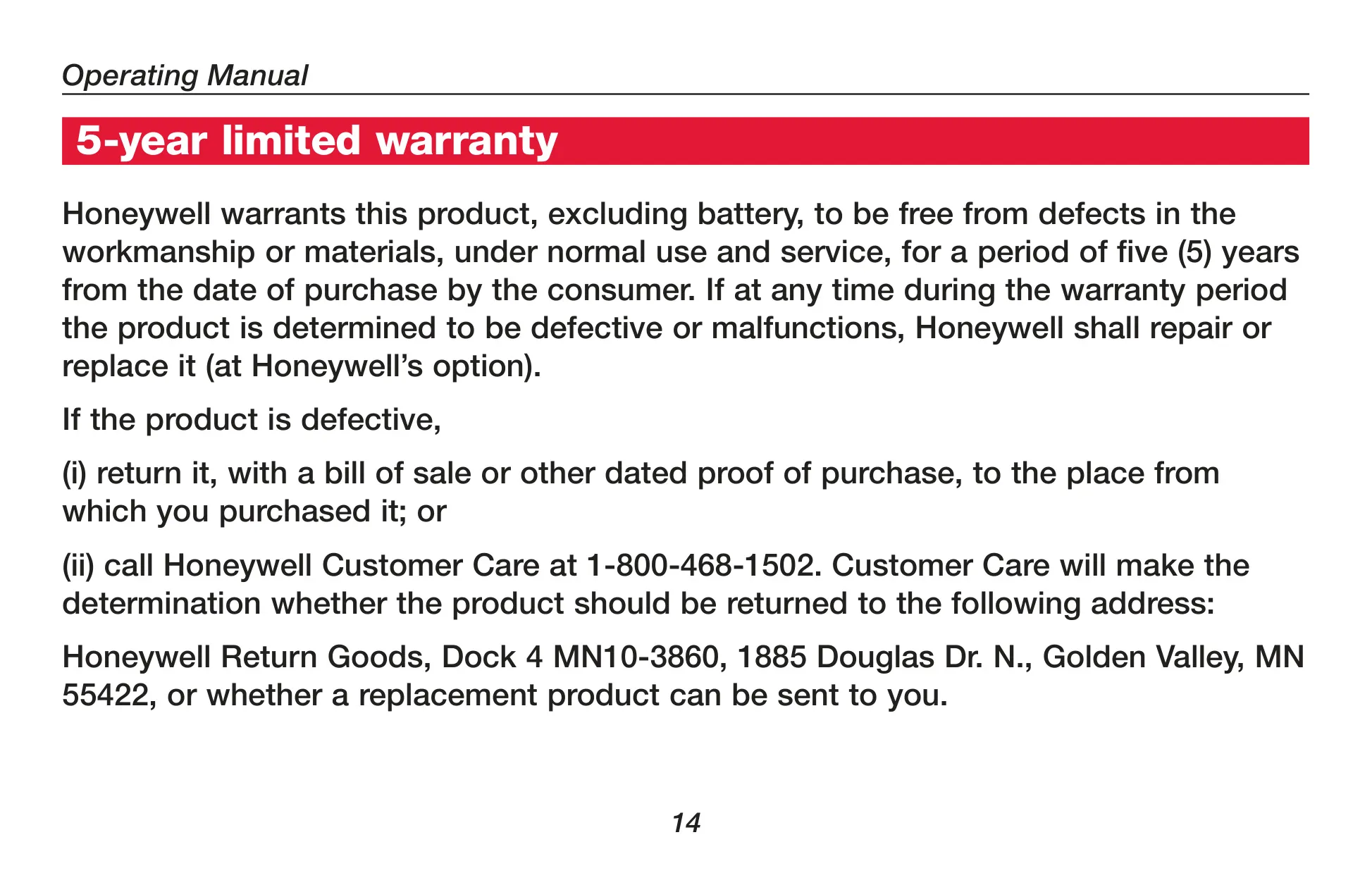



Honeywell TH5320U1001 FocusPRO TH5000
Honeywell FocusPRO TH5000 Instructions
Here we offer the Honeywell TH5320U1001 FocusPRO TH5000 manual completely free and in English. We have cataloged this manual in the Thermostats section on Manualverse, and it has been rated by 1 users with an average rating of 5. If you have any specific questions about Honeywell TH5320U1001 FocusPRO TH5000, we suggest checking the Frequently Asked Questions (FAQs) section of this manual.
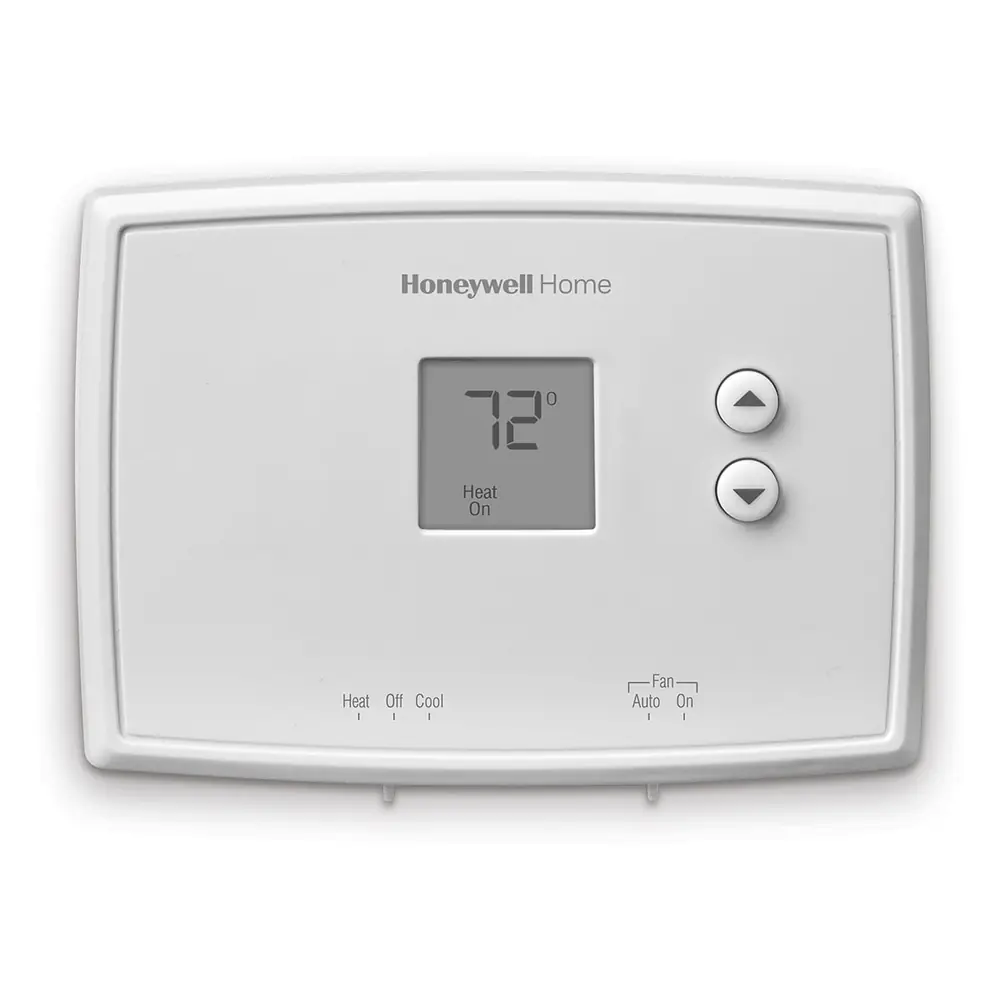
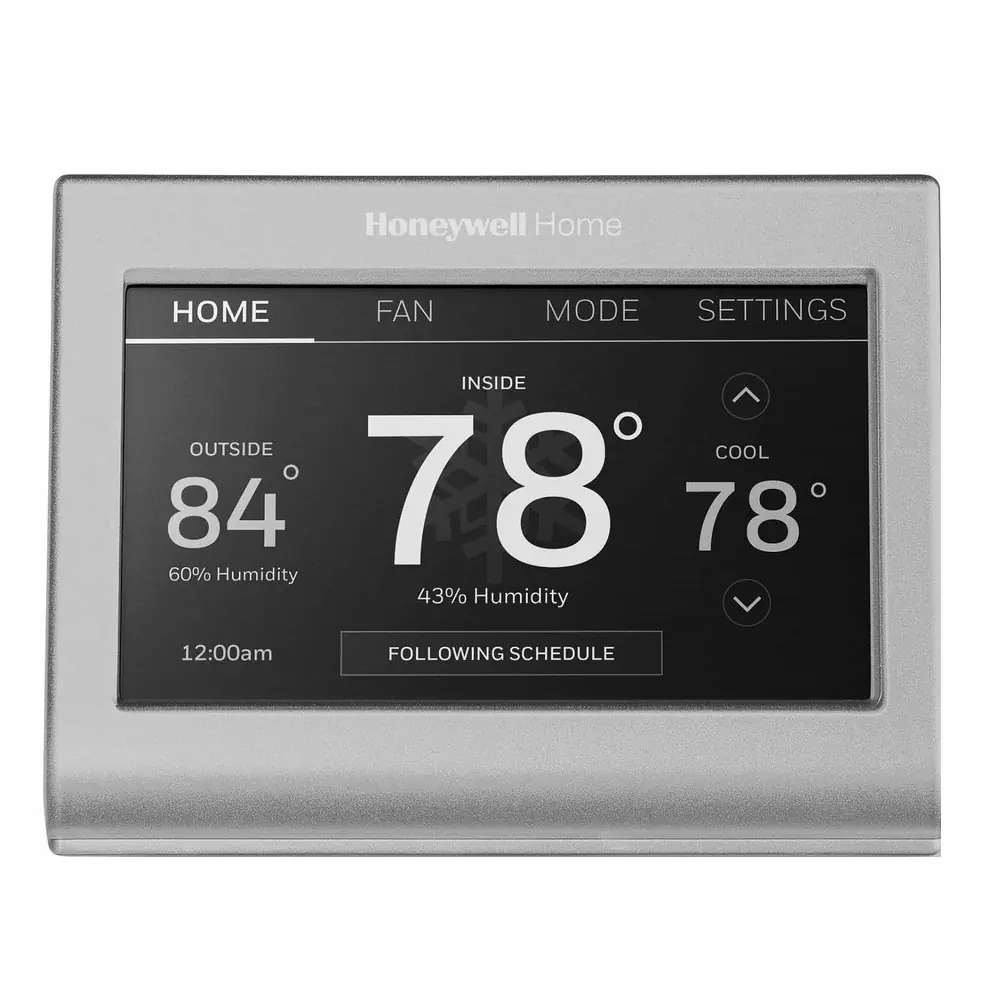
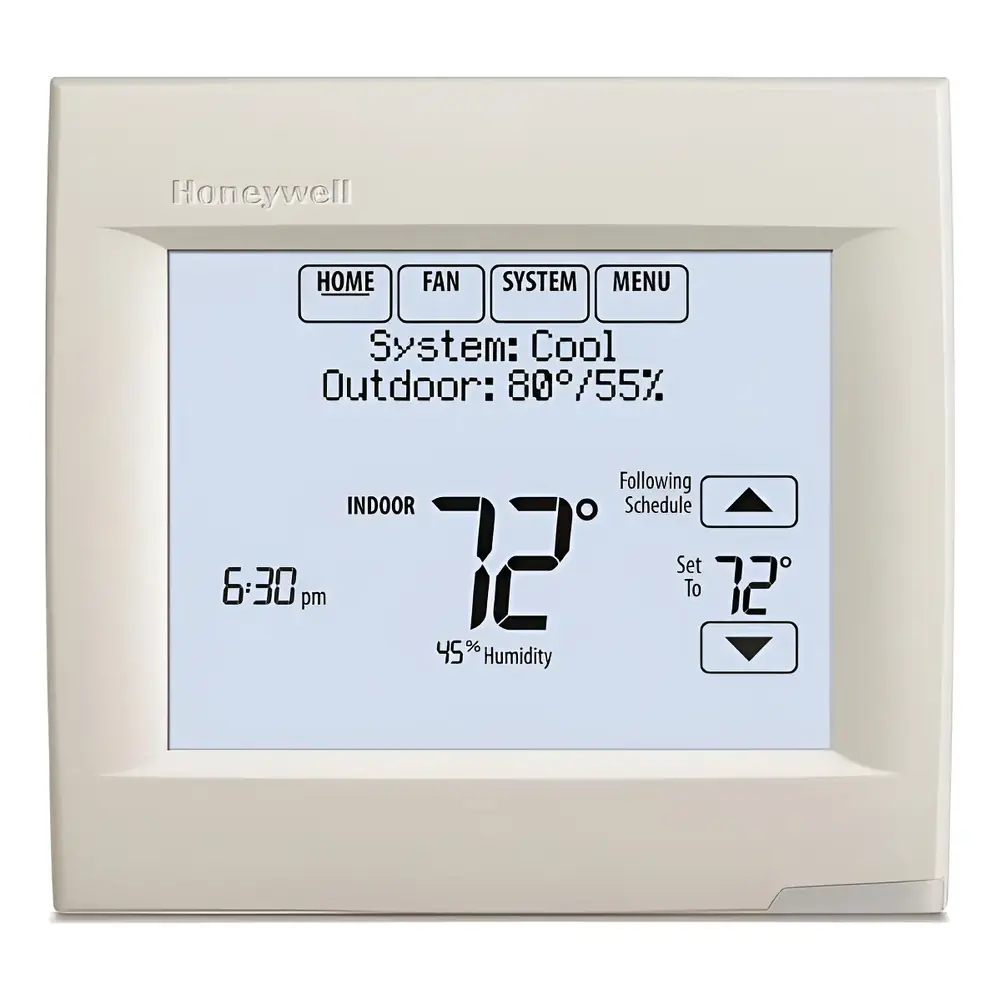
Product Images
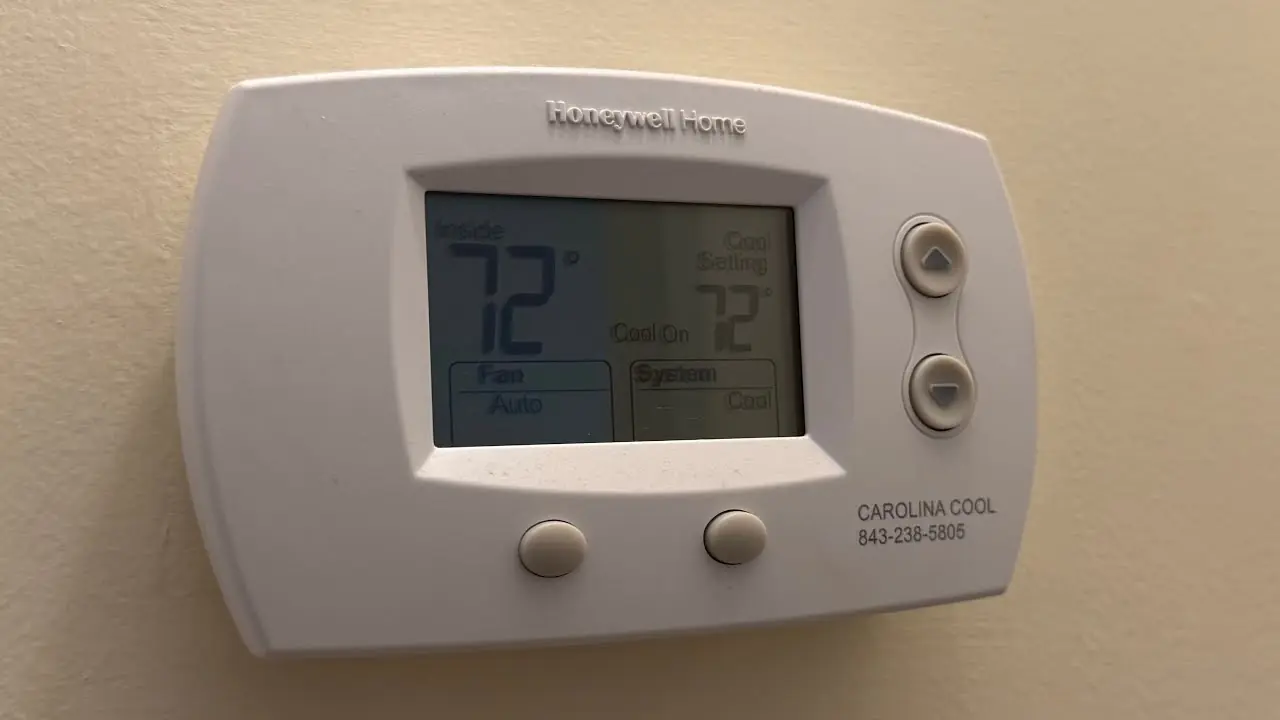
Honeywell TH5320U1001 FocusPRO TH5000 Thermostat Specifications
| Feature | Specification |
|---|---|
| Model Covered | TH5320U (up to 3 Heat/2 Cool systems) |
| Heat Temperature Range | 40° to 90°F (4.5° to 32°C) |
| Cool Temperature Range | 50° to 99°F (10° to 37°C) |
| Operating Ambient Temperature | 32° to 120°F (0° to 48.9°C) |
| Shipping Temperature | -20° to 120°F (-28.9° to 48.9°C) |
| Operating Relative Humidity | 5% to 90% (non-condensing) |
| Physical Dimensions (H x W x D) | 3-9/16" x 5-13/16" x 1-1/2" (91 mm x 147 mm x 38 mm) |
| Electrical Rating (W, Y, E Terminals) | 20-30 Vac, 0.02-1.0 A |
| Electrical Rating (W2, Y2, G, O/B, L Terminals) | 20-30 Vac, 0.02-0.5 A |
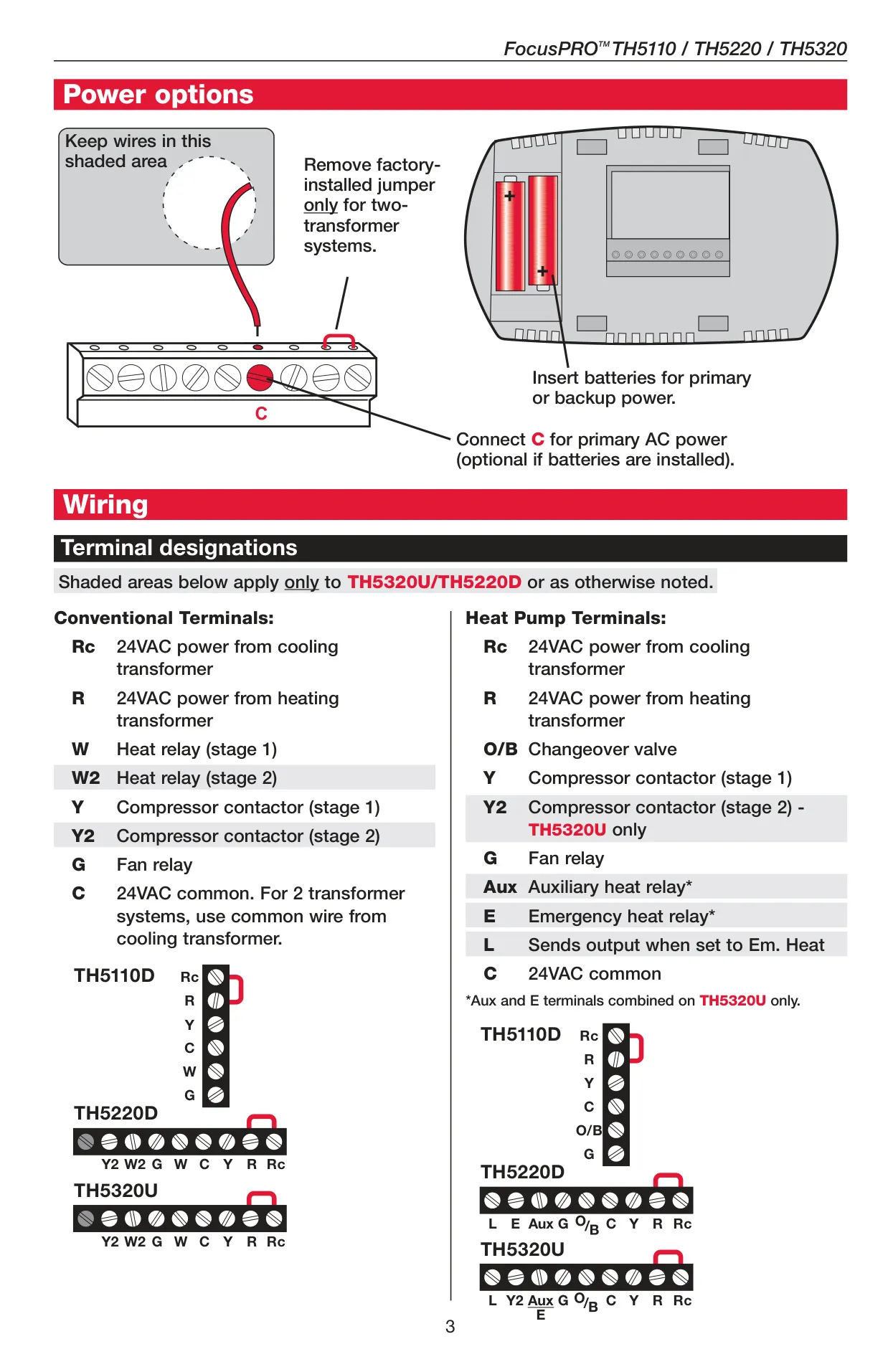
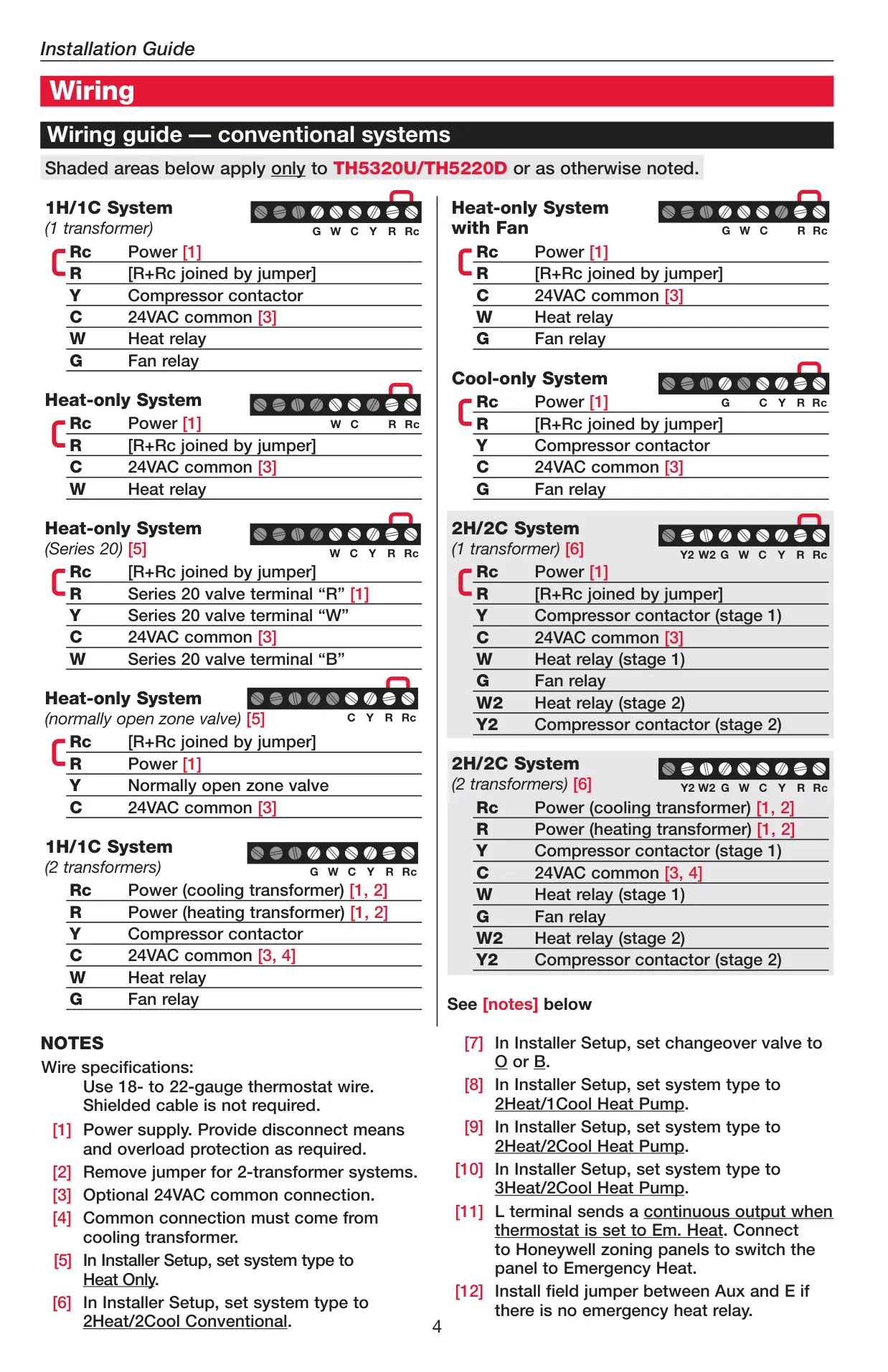
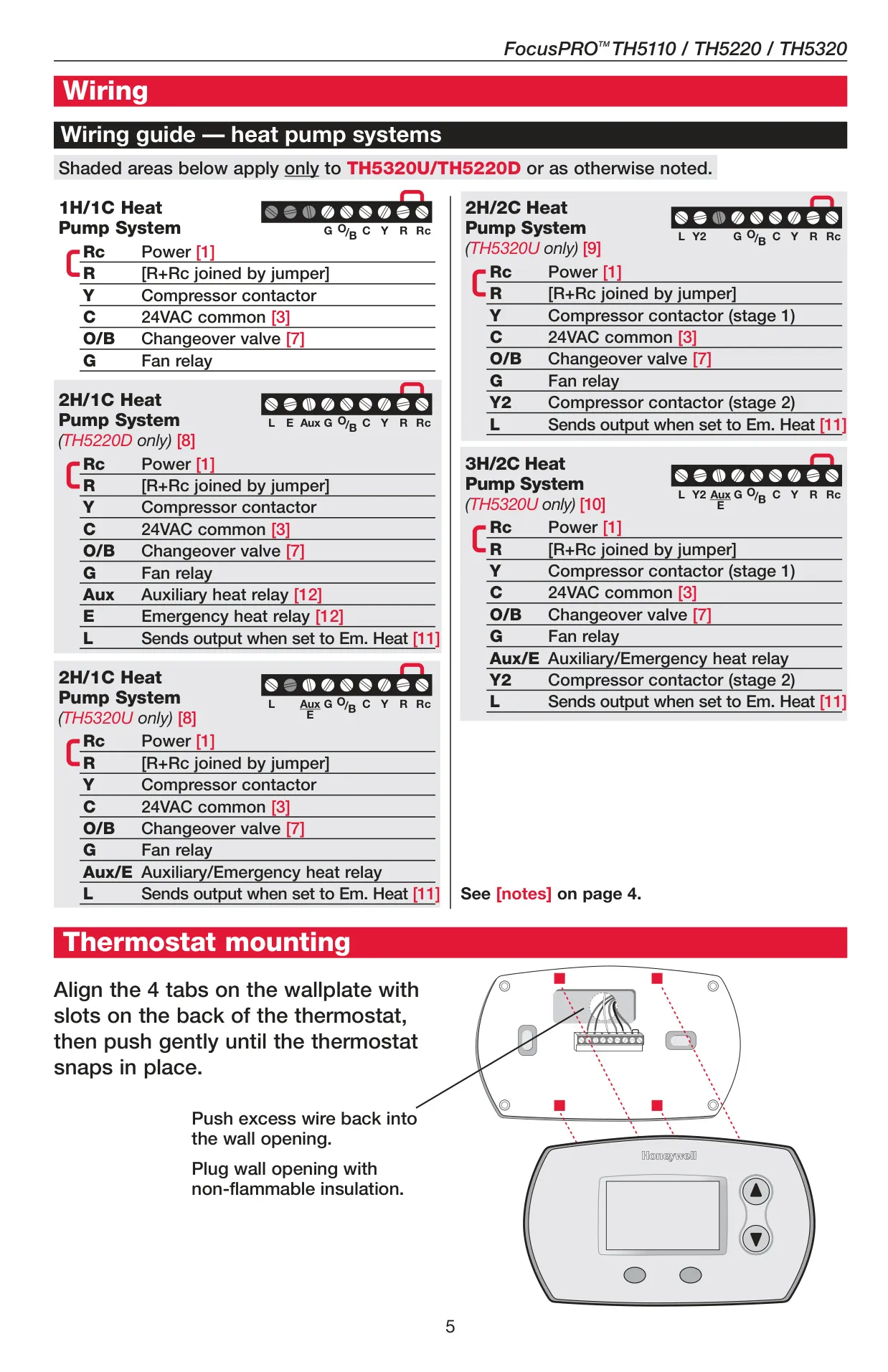
| System Types Supported | Gas, oil, electric heat with AC; warm air, hot water, high-efficiency furnaces, heat pumps, steam, gravity; heat only, cool only, 750 mV heating systems |
Honeywell TH5320U1001 Thermostat Details
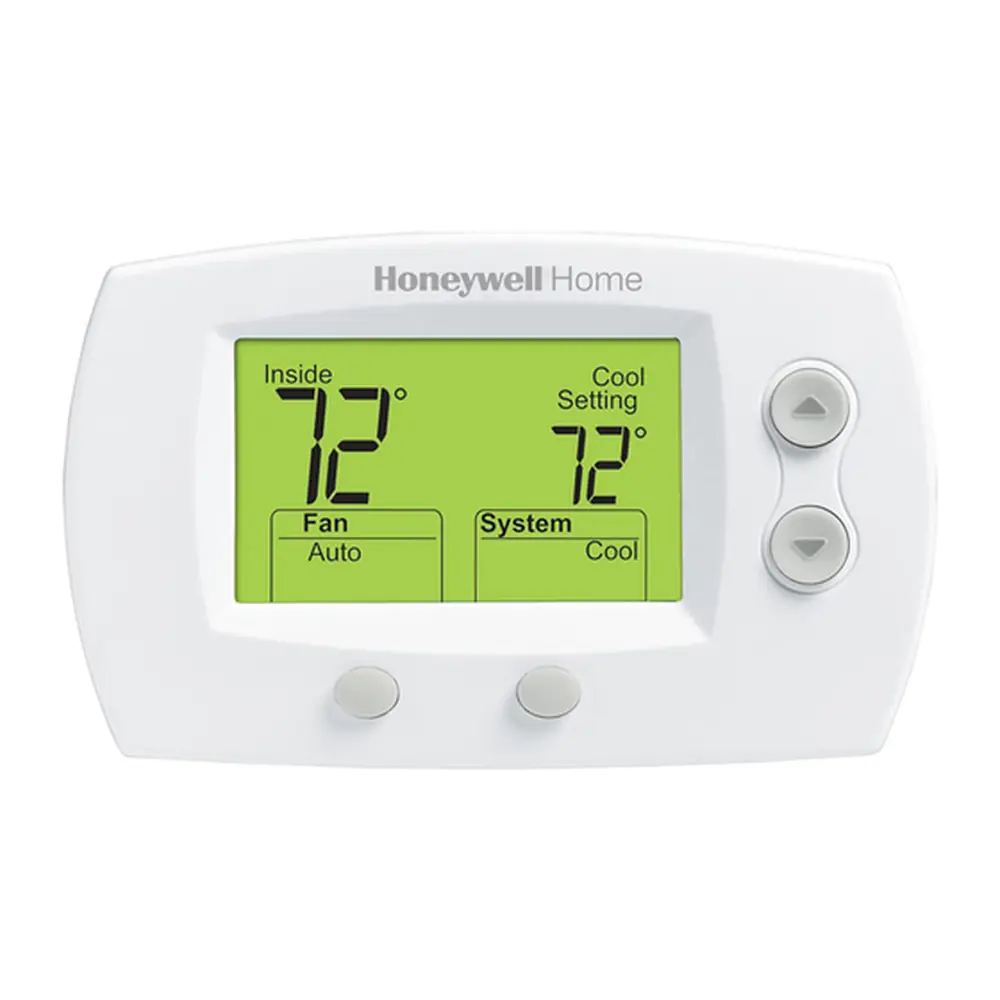
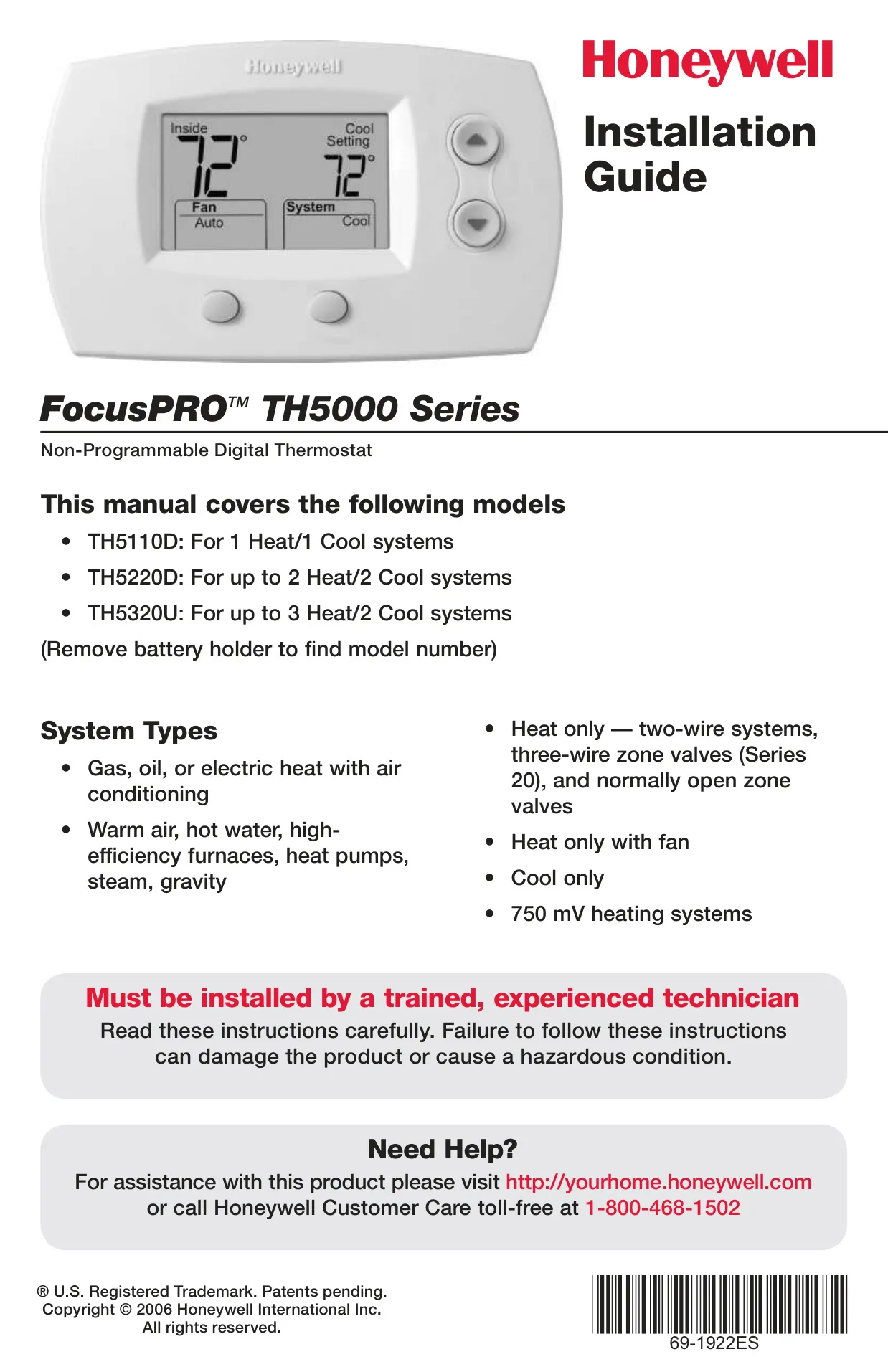
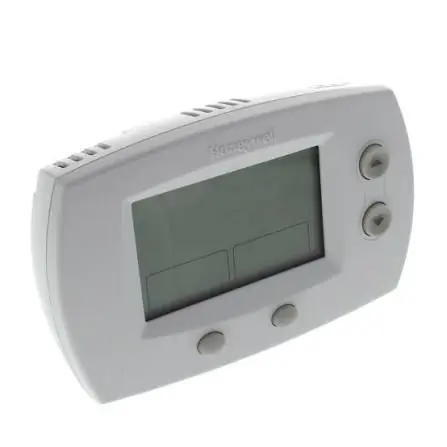
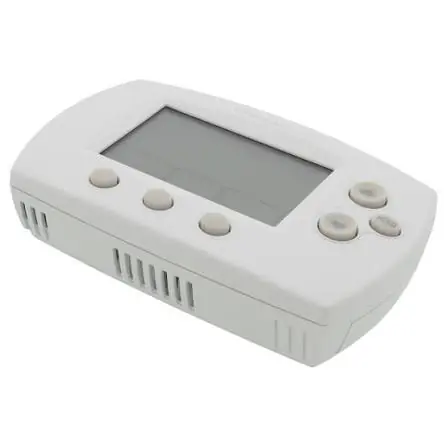
The Honeywell TH5320U1001 FocusPRO TH5000 is a non-programmable digital thermostat designed for a wide array of heating and cooling systems, notably supporting up to 3 Heat/2 Cool heat pump configurations. It arrives pre-programmed, with default settings like "Auto" for the fan and "Heat" for the system, ensuring ease of initial use directly after professional installation.
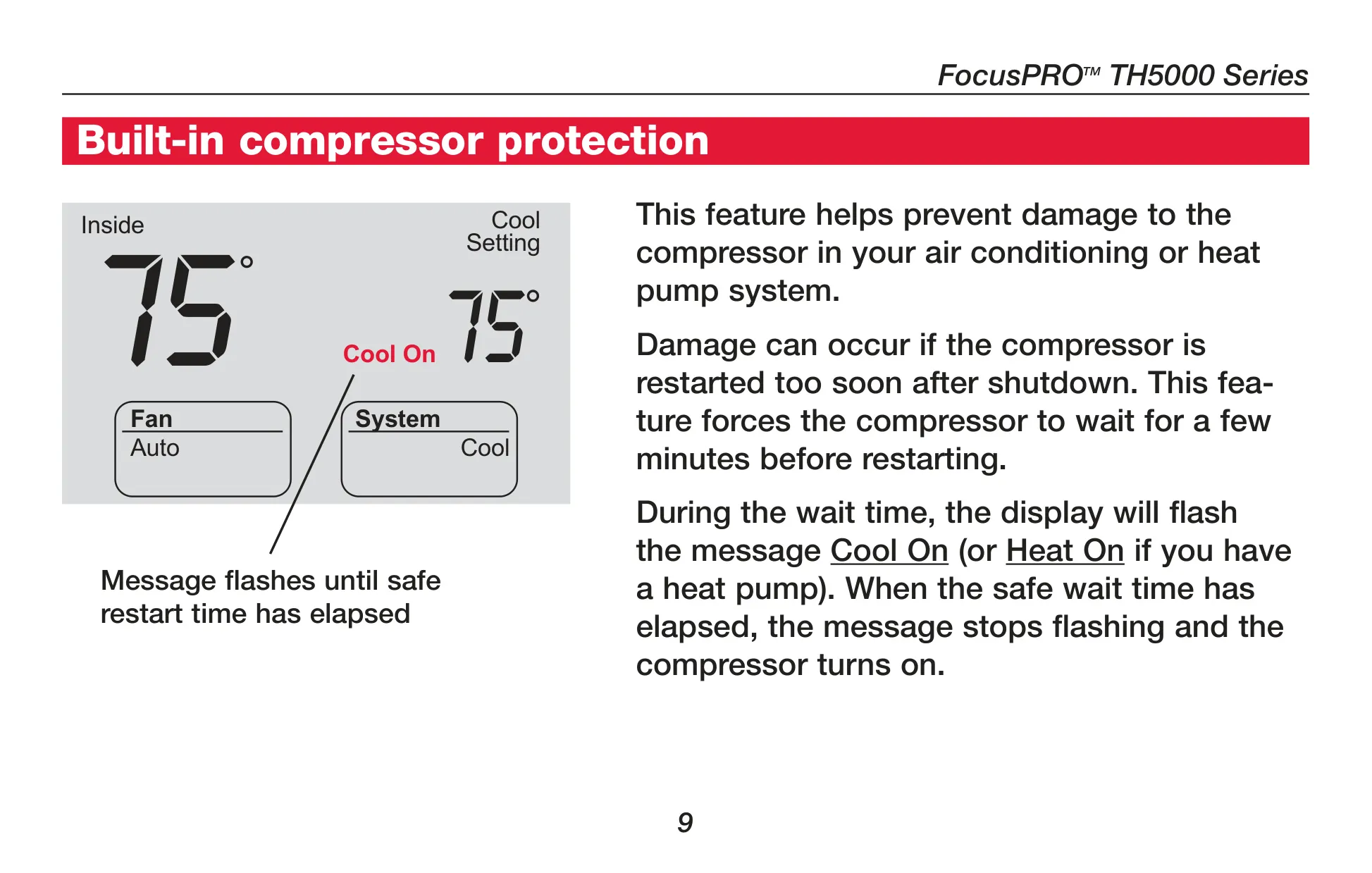
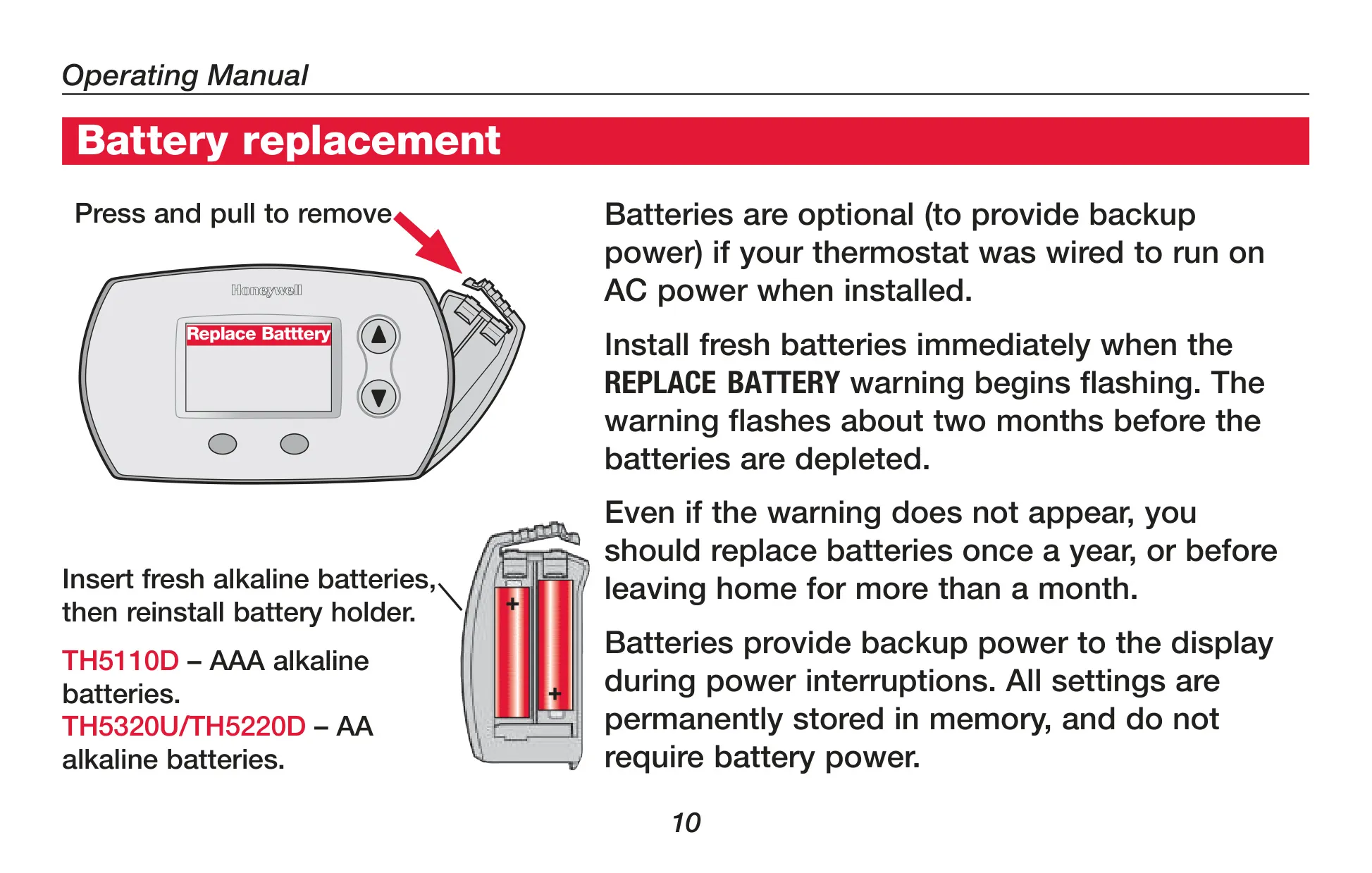
The thermostat features an intuitive digital display that provides quick access to vital information. This includes the current inside temperature, the active temperature setting, and system status indicators such as "Heat On" or "Cool On." A crucial low battery warning ensures timely replacement, prompted by a "Replace Battery" message on the screen.
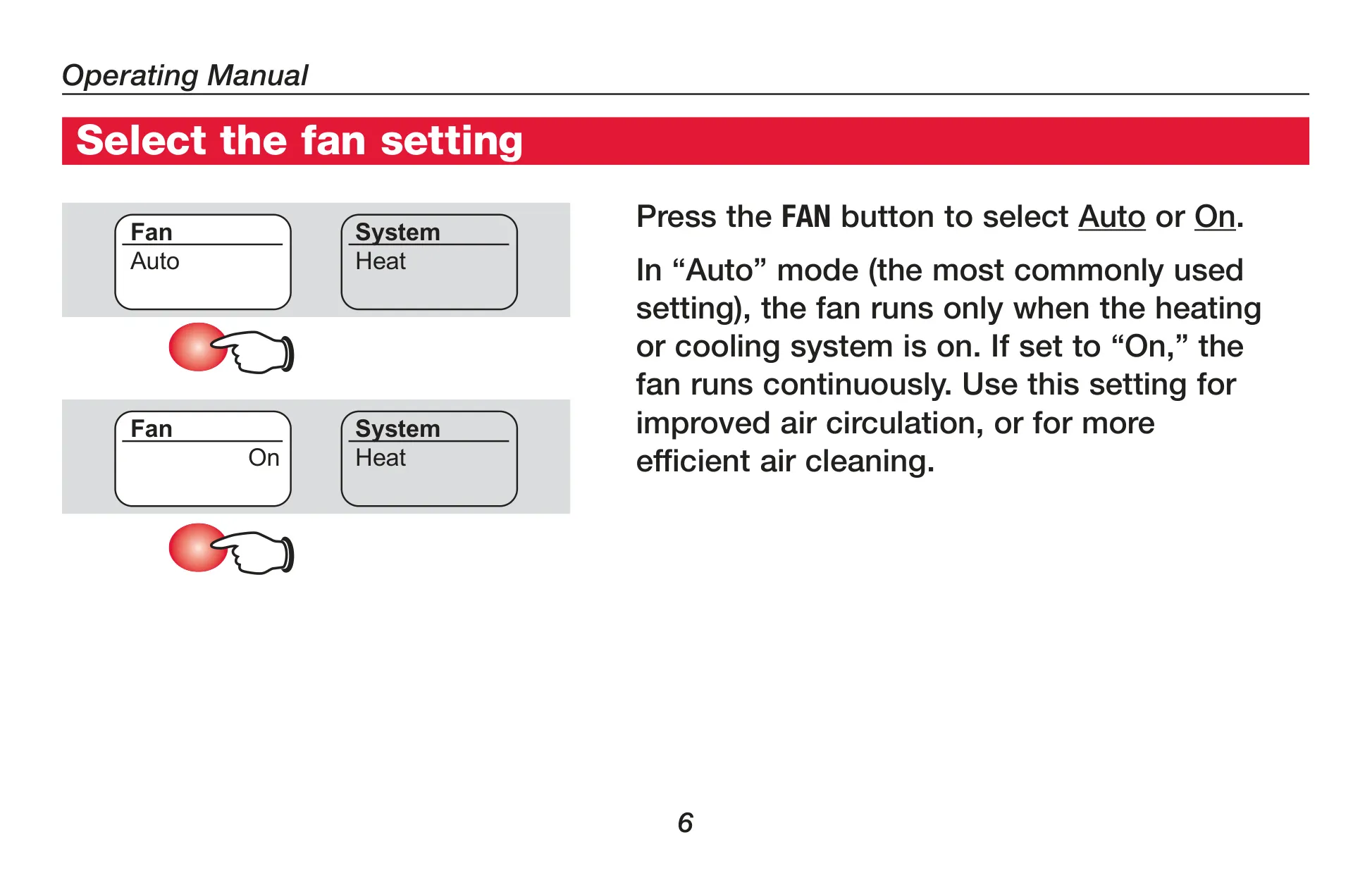
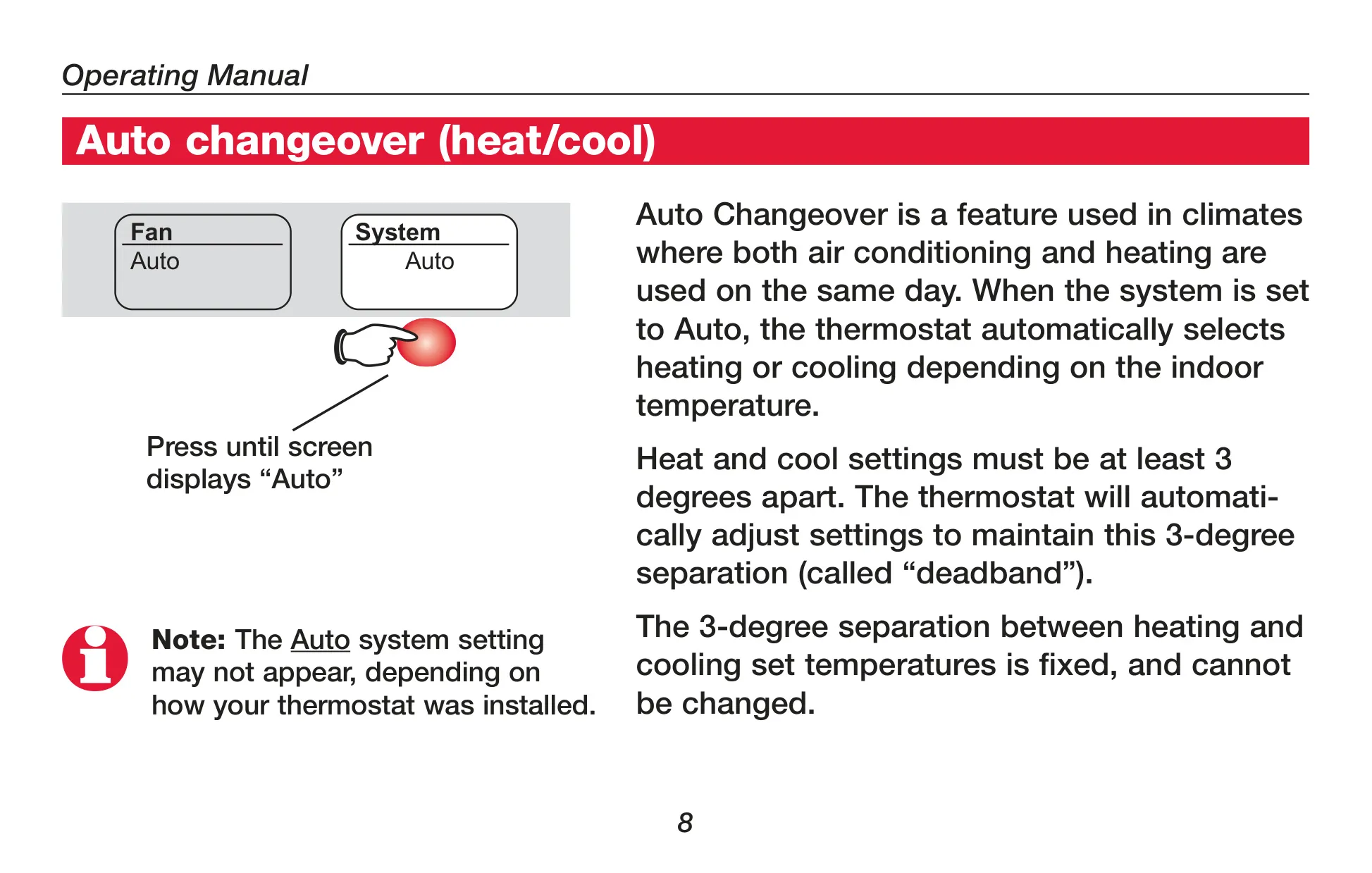
Users can effortlessly select fan operation, choosing between "Auto" mode, where the fan runs only when heating or cooling is active, or "On" for continuous air circulation. The system setting offers flexibility, with options for "Heat," "Cool," "Off," and "Auto" for automatic changeover between heating and cooling based on indoor conditions. For heat pump systems, an "Em Heat" (Emergency Heat) option is also available.
A key protective feature is the built-in compressor protection. This mechanism prevents potential damage to the air conditioning or heat pump compressor by enforcing a brief delay before restarting after a shutdown. During this waiting period, the display will flash "Cool On" or "Heat On" to indicate the active protection.
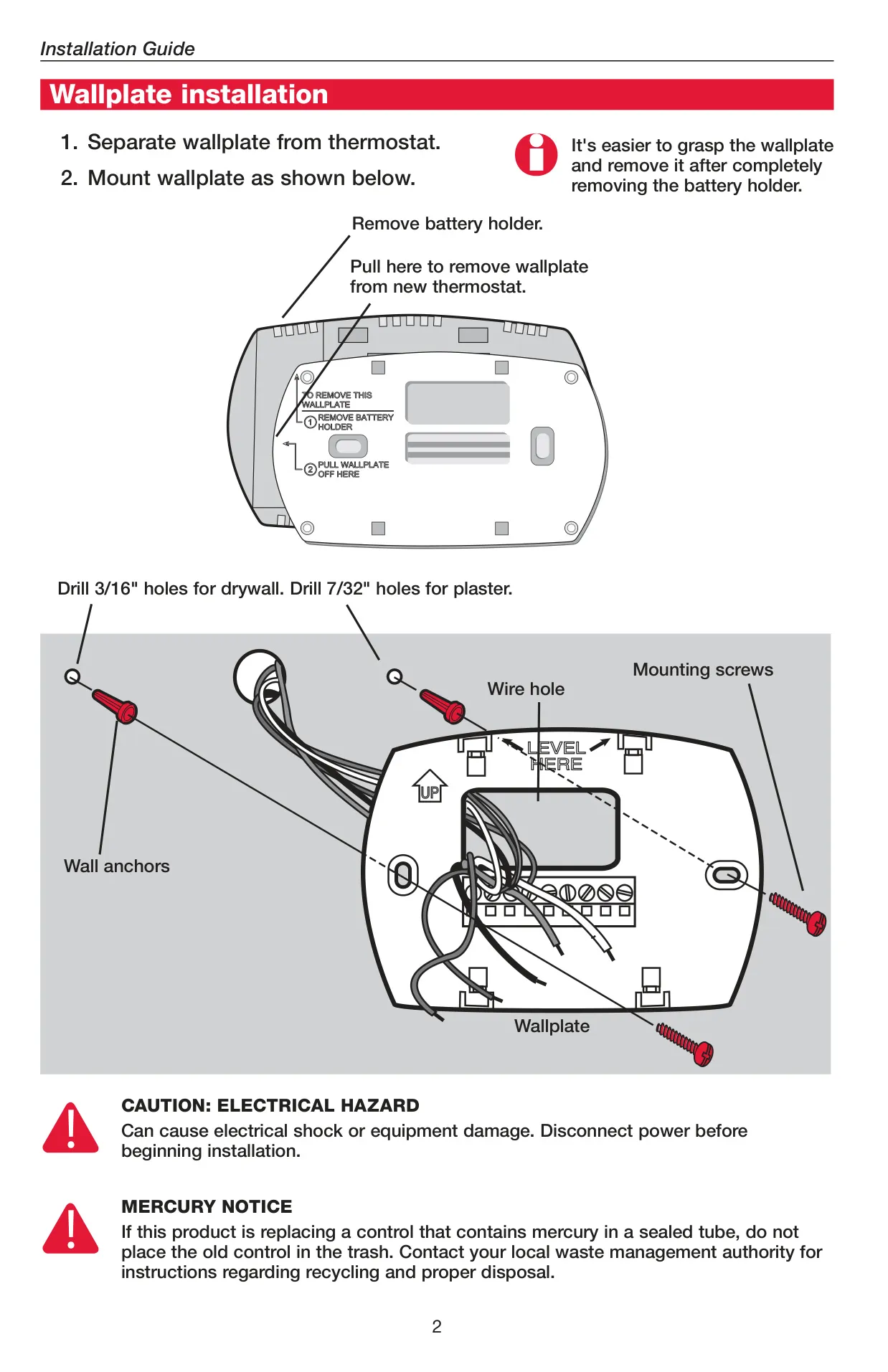
Battery replacement is a straightforward process, recommended annually. The thermostat’s design allows for easy removal of the battery holder by pressing and pulling. For detailed configuration and maintenance, the manual provides comprehensive instructions for installer setup and system tests, ensuring optimal performance tailored to specific HVAC systems.
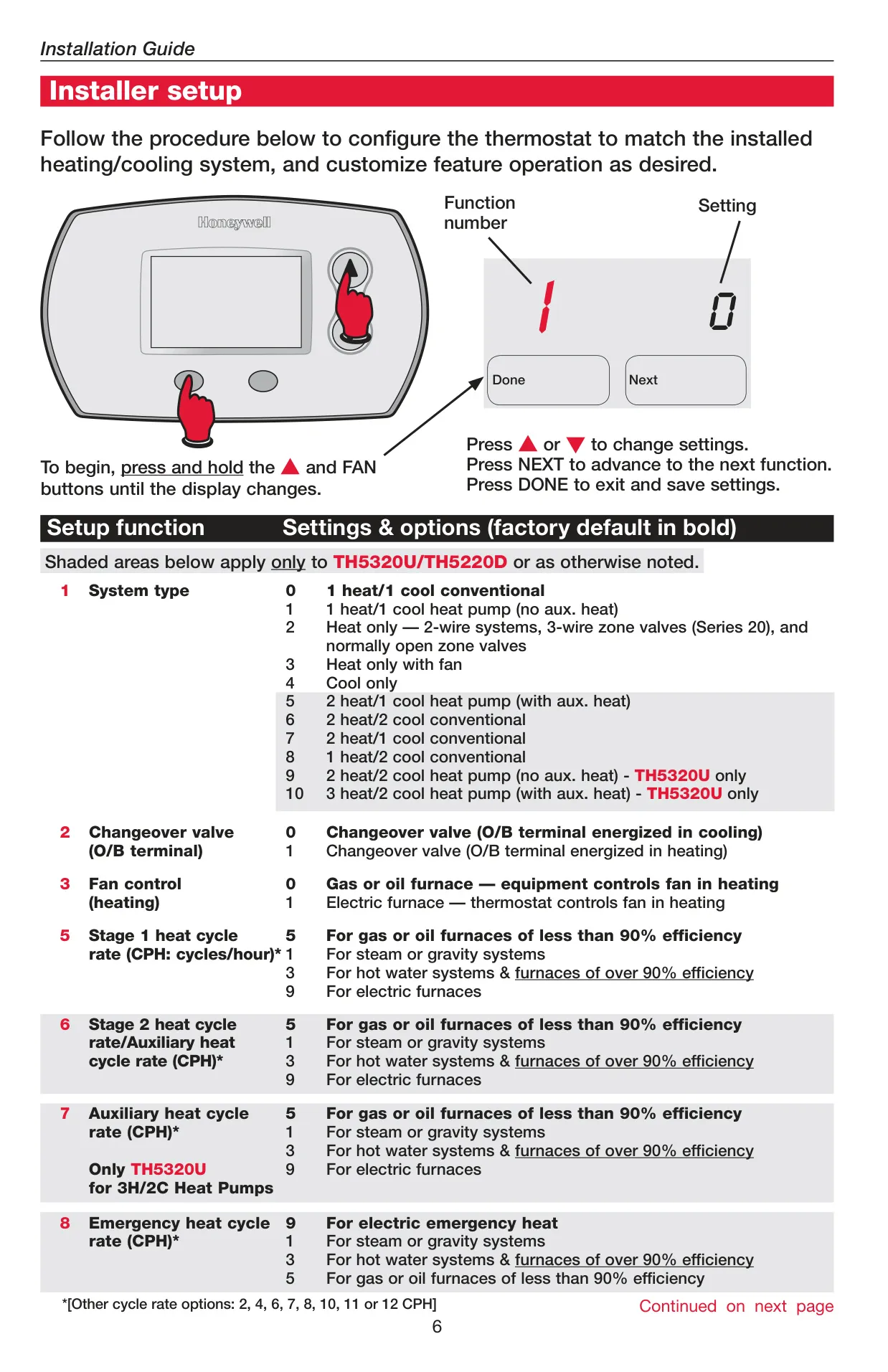
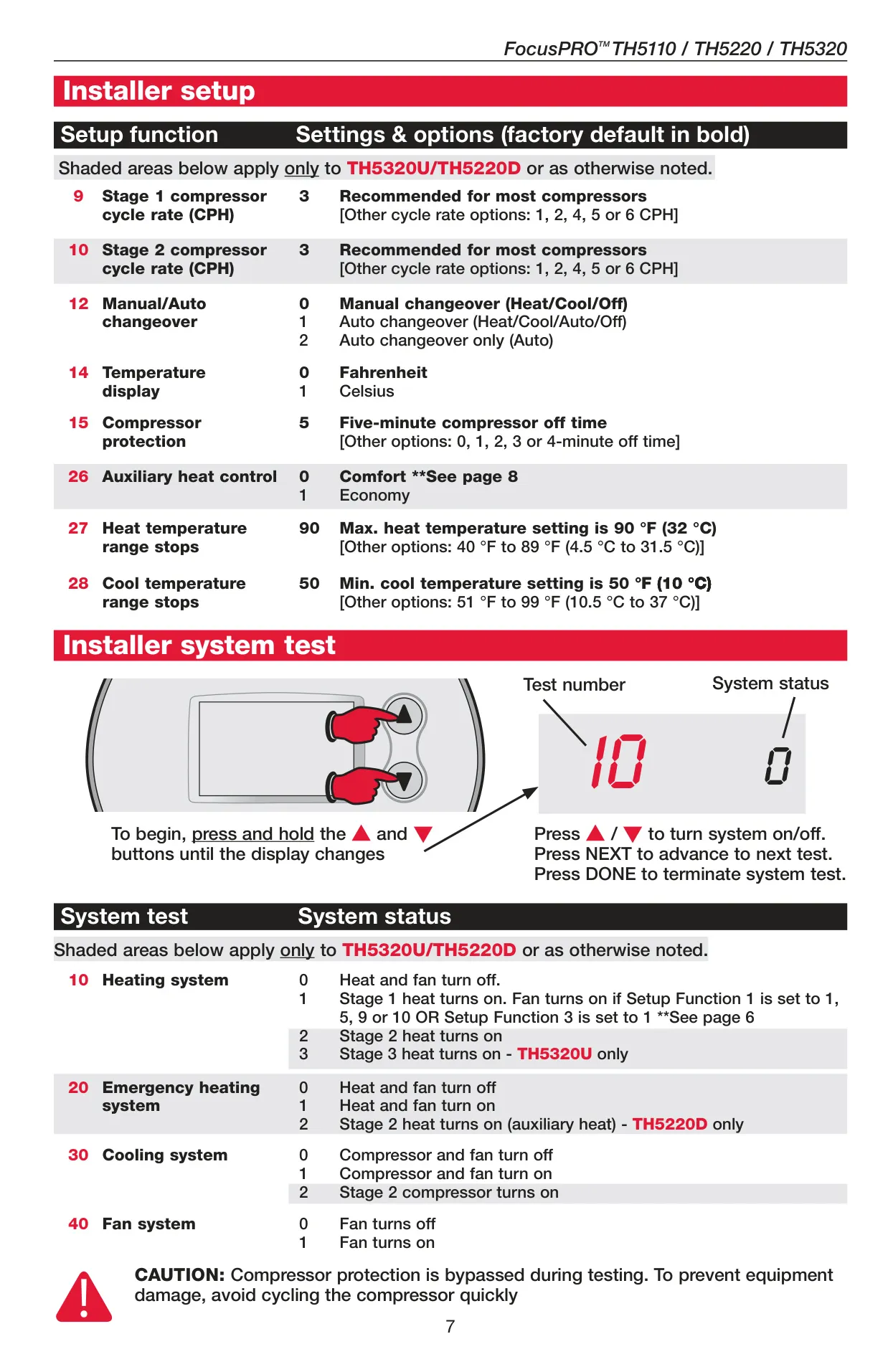
The installer setup allows for fine-tuning various parameters, including the specific system type (e.g., 3 Heat/2 Cool heat pump), changeover valve operation, fan control during heating, and distinct cycle rates for all heating and cooling stages. Users can also configure the compressor protection off-time and set temperature range stops to prevent extreme settings.
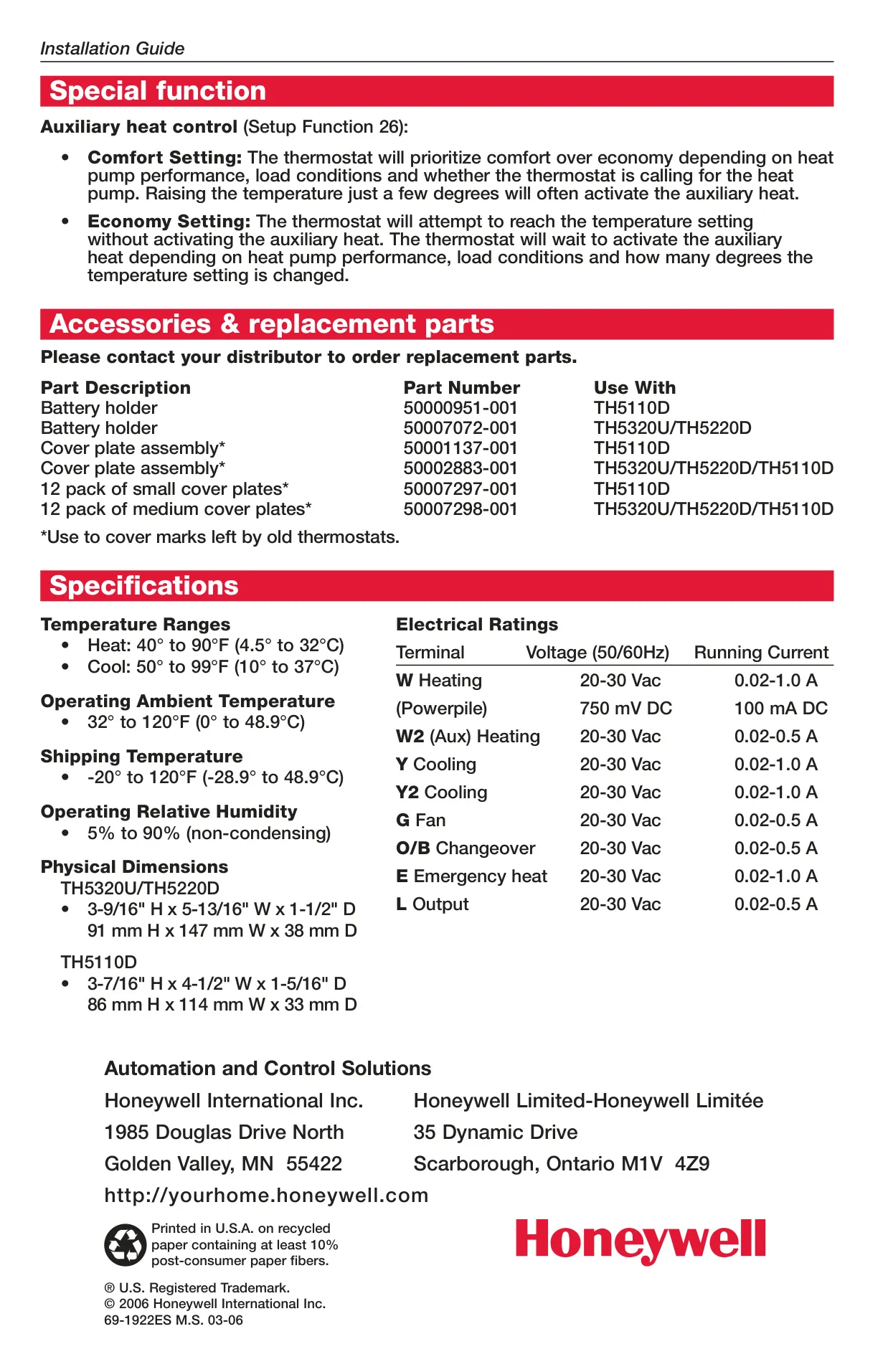
A specialized function for heat pump systems is the auxiliary heat control, which can be set to "Comfort" or "Economy." The "Comfort" setting prioritizes reaching the desired temperature quickly, potentially activating auxiliary heat sooner. In contrast, "Economy" aims to minimize auxiliary heat usage, waiting longer to activate it and thus prioritizing energy savings.
Frequently Asked Questions (FAQs)
Can't find the answer you need? Here are some frequently asked questions about the Honeywell TH5320U1001 FocusPRO TH5000 Thermostat, and we answer them below.