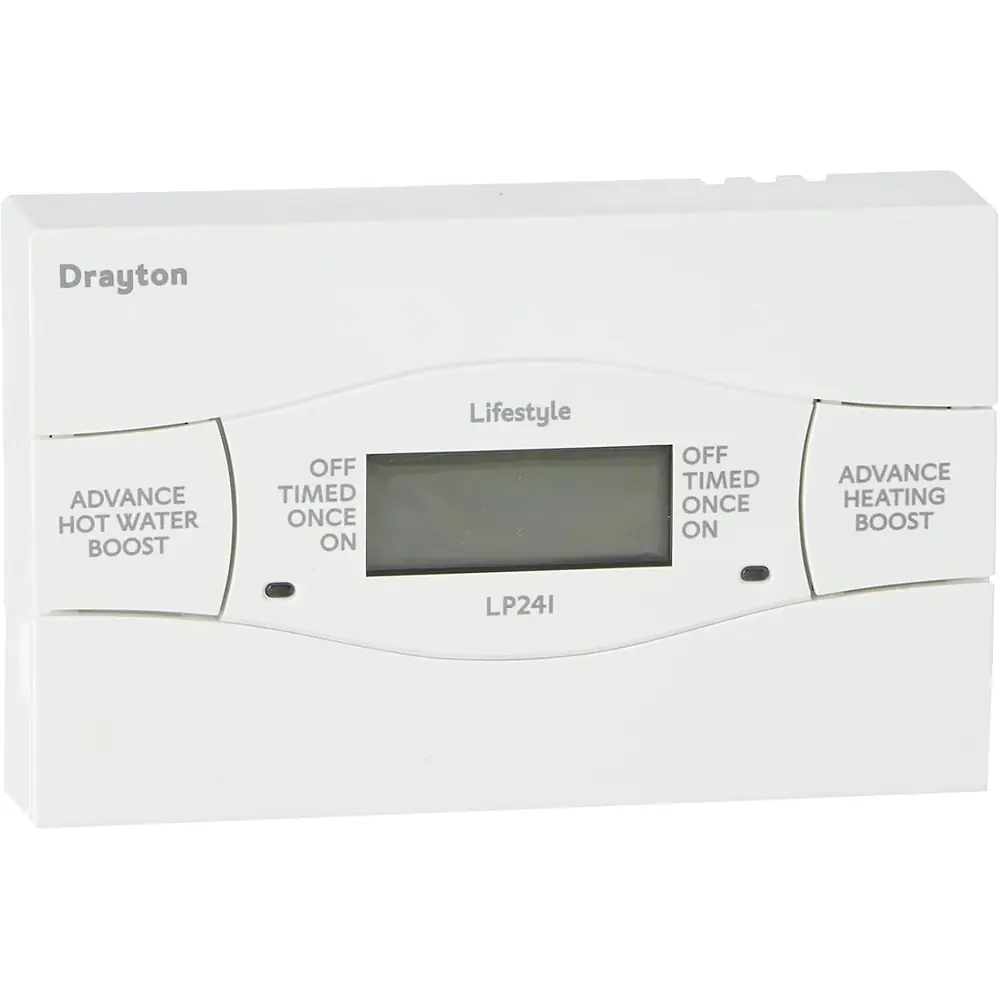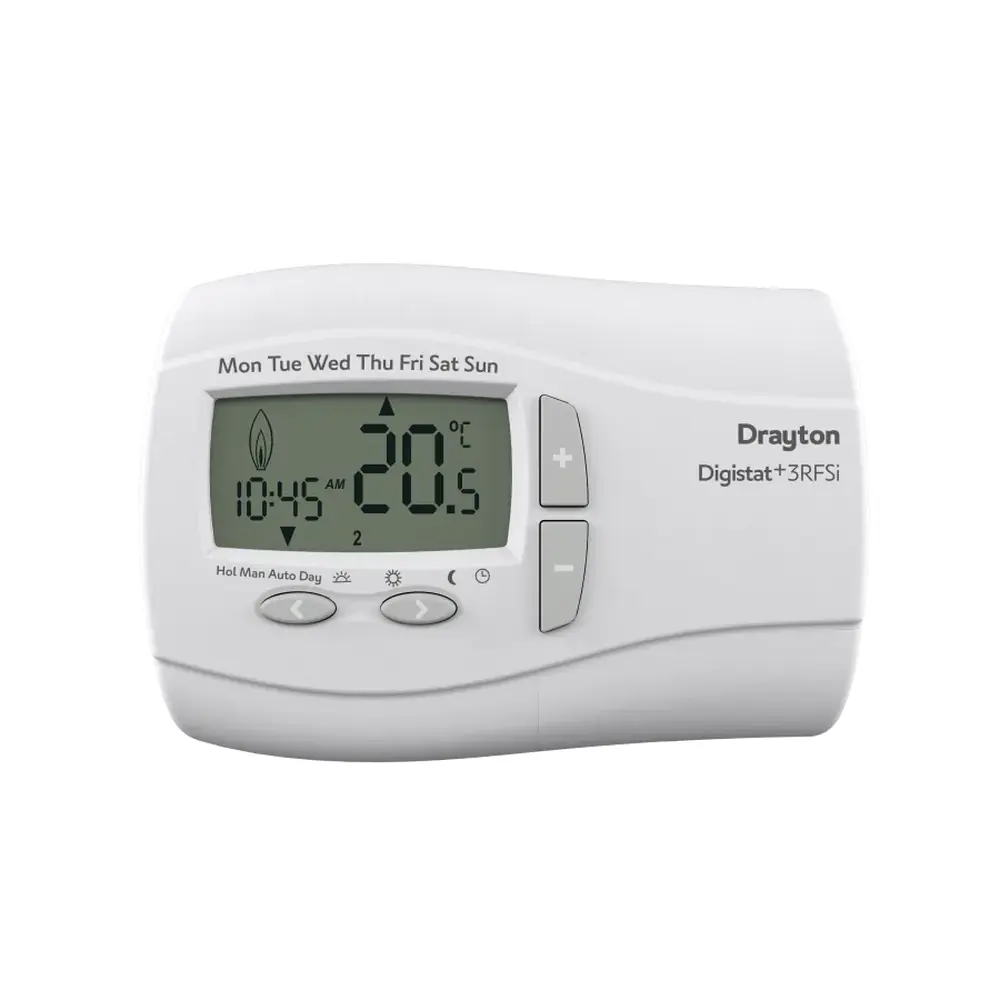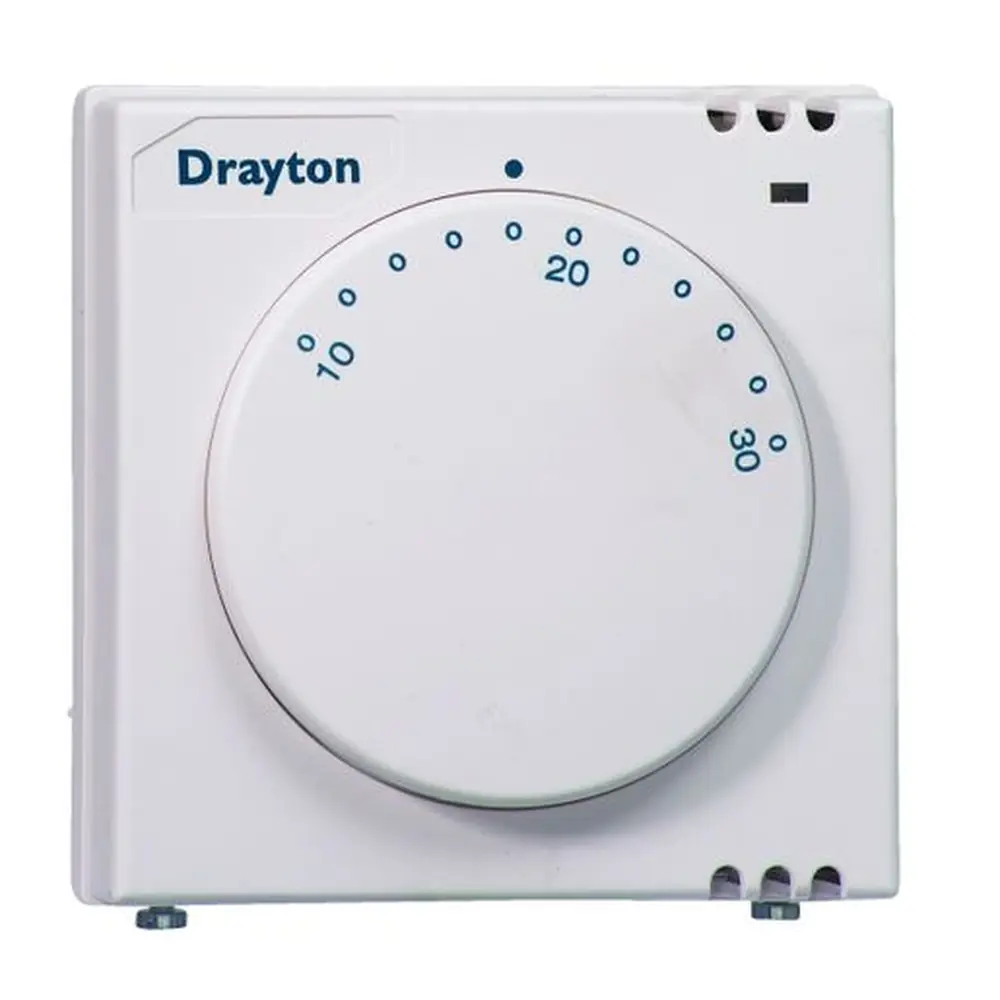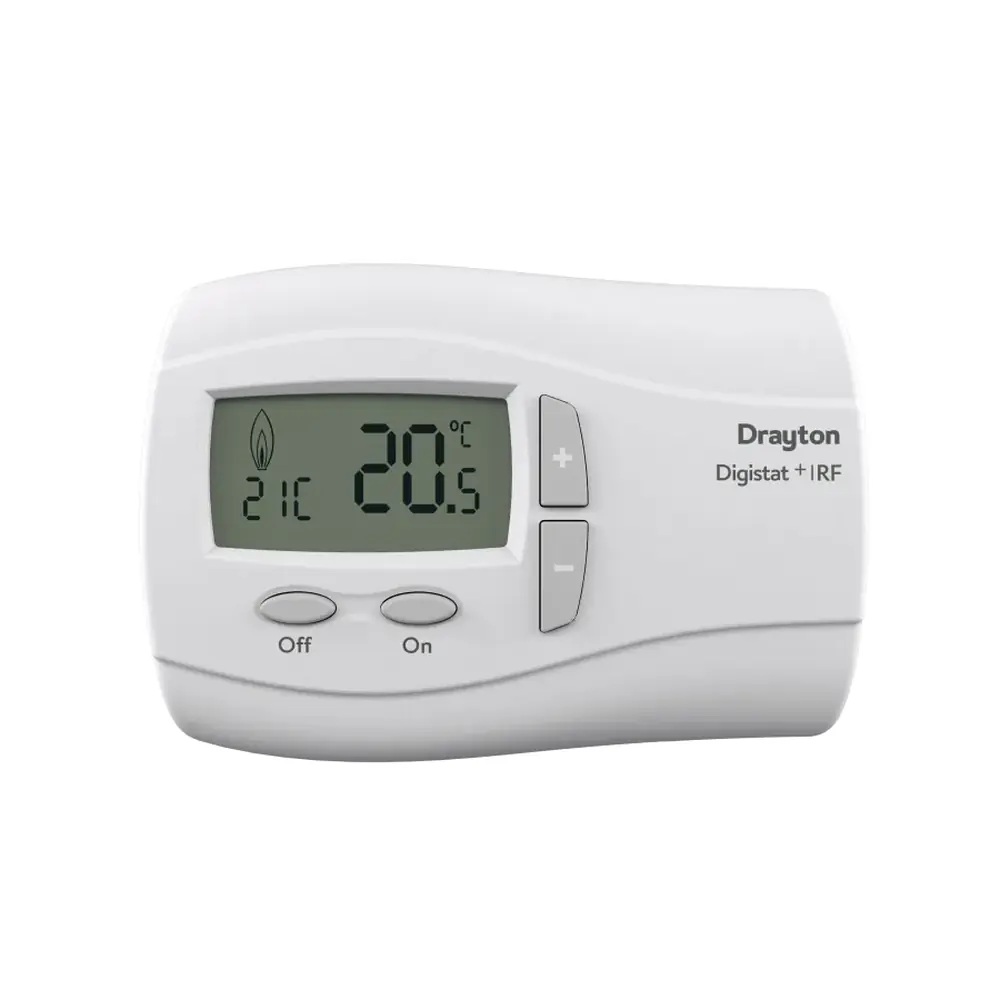
Drayton Digistat RF2 Thermostat Instruction Manual

Drayton Digistat RF2 Thermostat


Drayton Digistat RF2 Instructions
Here we offer the Drayton Digistat RF2 Thermostat manual completely free and in English. We have cataloged this manual in the Thermostats section on Manualverse, and it has been rated by 1 users with an average rating of 5. If you have any specific questions about Drayton Digistat RF2 Thermostat, we suggest checking the Frequently Asked Questions (FAQs) section of this manual.
Product Images
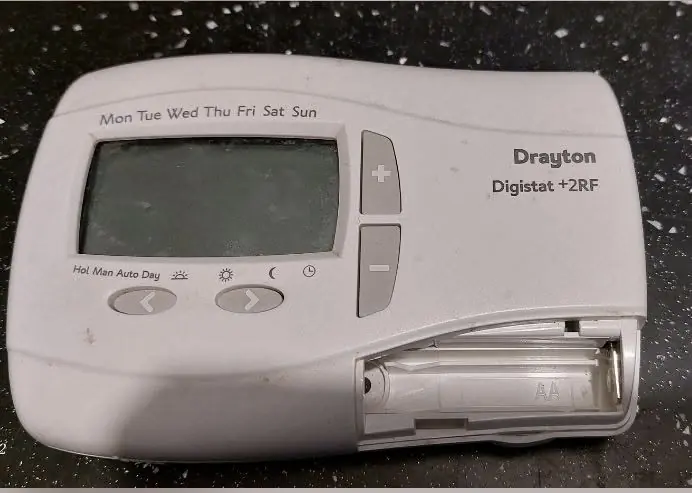
Drayton Digistat RF2 Thermostat Specifications
| Feature | Specification |
|---|---|
| Product Name | Drayton Digistat+ 2RF |
| Model | RF700/22090 |
| Product Type | Programmable Room Thermostat, Wireless, 24 Hour |
| Programming Type | 24-hour (same program for every day of the week) |
| Maximum Time/Temperature Events per Day | 6 |
| Selectable Number of Events per Day | 2, 4 or 6 (default 6) |
| Thermostat Power Supply | Battery |
| Battery Type | 2 x 1.5V IEC LR6 (AA) Alkaline |
| Receiver Power Supply | Mains (Digistat SCR) |
| Clock | Real-time clock, factory pre-set |
| Clock Format | 12 h or 24 h (default 24 h) |
| Automatic Summer/Winter Time Change | On/Off (default On) |
| Built-in Pre-set Programs | 3 (default Program 1) |
| Temperature Offset Range | -5 °C to +5 °C (default 0 °C) |
| Frost Protection Set Point | 7 °C |
| Holiday Mode Countdown Range | 1 to 23 hours or 1 to 199 days |
| Override/Manual Activation Delay | 5 seconds |
| User Options Menu Access | Press < and > simultaneously for 3 seconds |
| User Menu Automatic Timeout | 2 minutes without button presses |
| OFF Function Activation | Press + and - simultaneously for 5 seconds |
| OFF Function Disable Option | On/Off (default On) |
| Access Protection Lock | On/Off (default Off) |
| Number of User Options | 9 |
| User Guide Reference | 06490097001 Iss C |
| Technical Helpline | 0333 7000 622 |
| Manufacturer | Drayton Controls, Plymouth, United Kingdom |
Drayton Digistat RF2 Thermostat Details
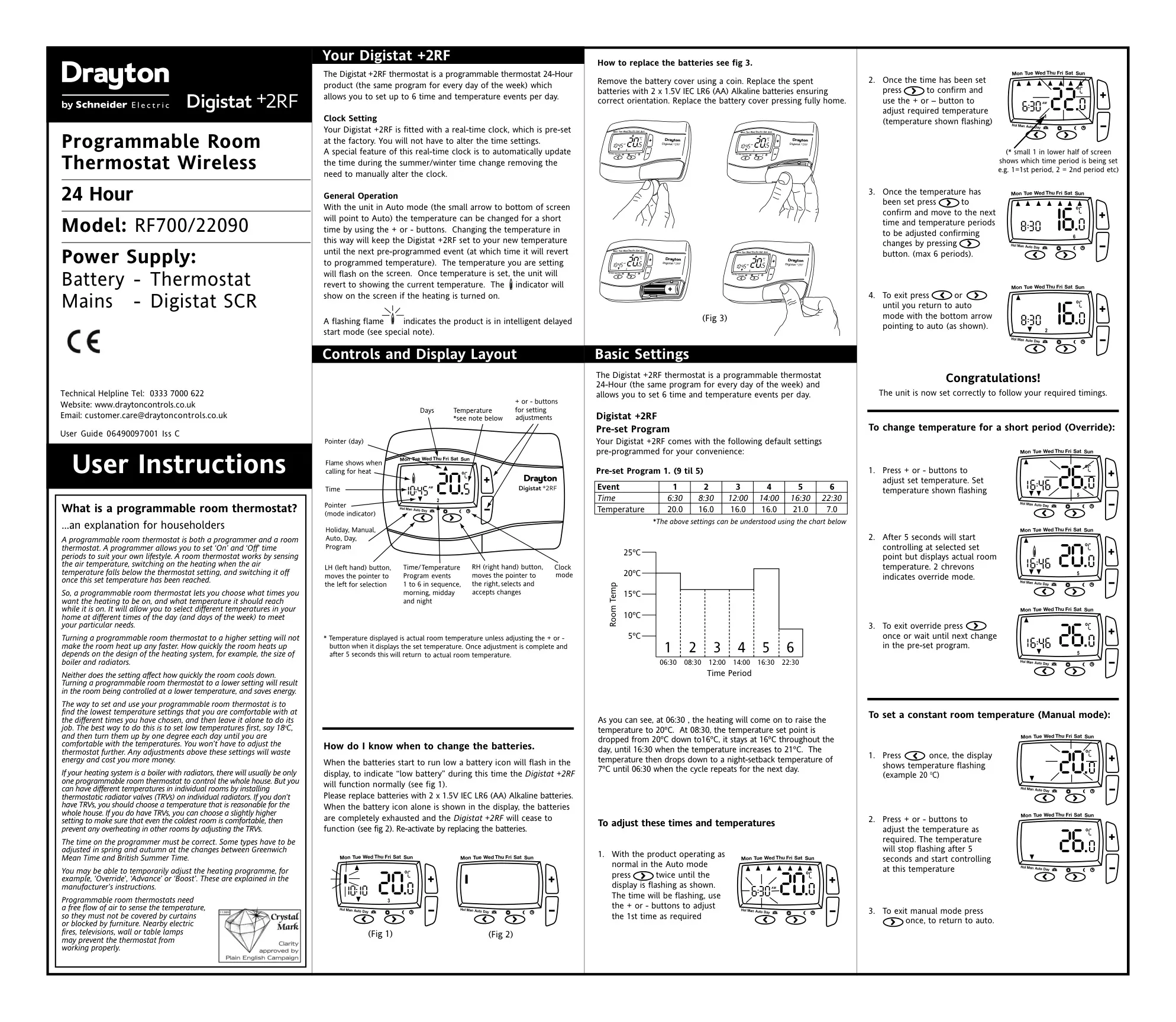
The Drayton Digistat+ 2RF combines a programmer and a room thermostat in one wireless unit. It lets householders choose when the heating runs and what temperature each room should reach during those periods. The manual points out that a higher setting does not heat the room any faster. Warm-up speed depends on the heating system itself, such as the size of the boiler and radiators, so lower settings simply hold the room at a lower temperature and save energy.
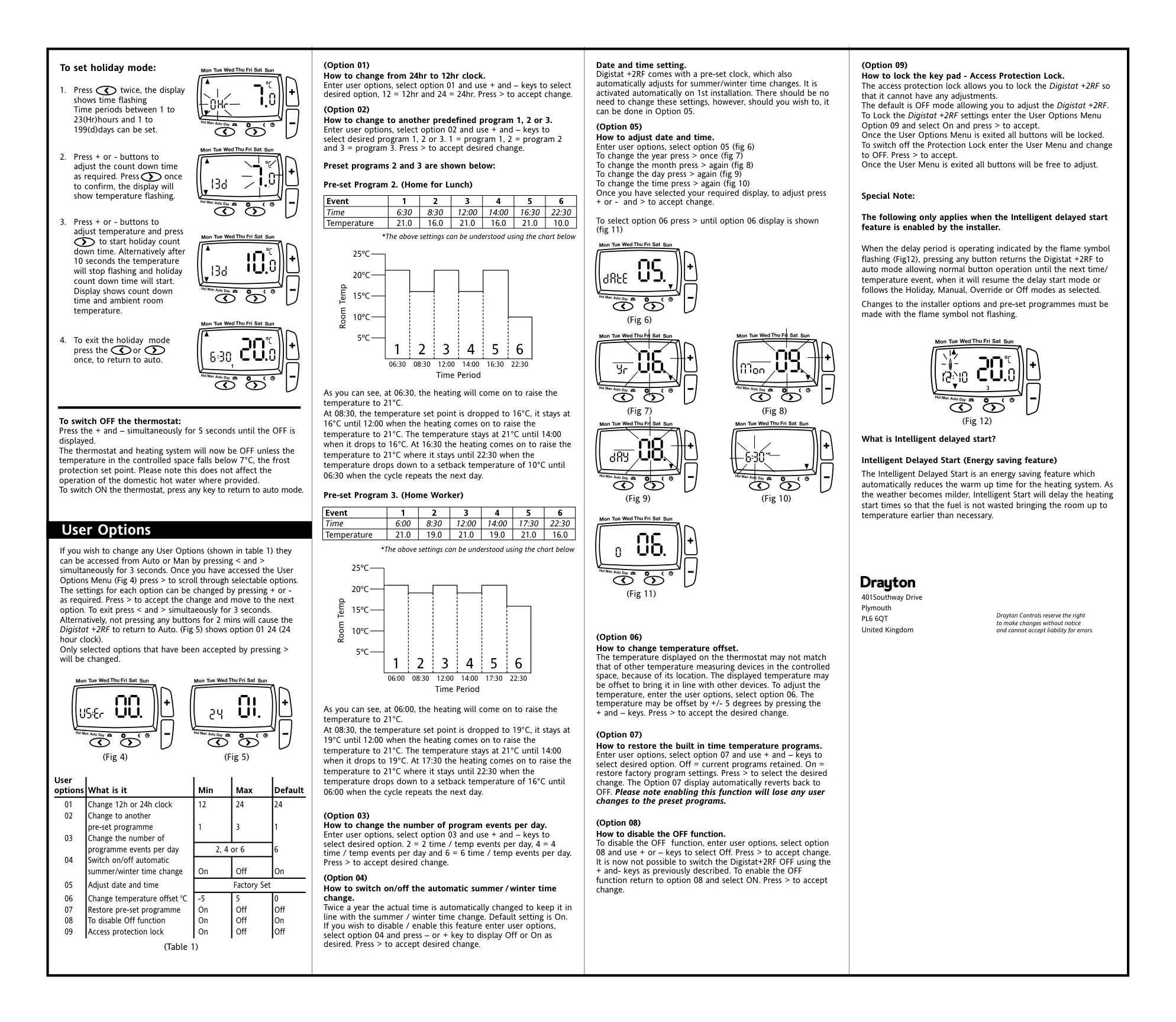
The unit ships with three pre-set profiles. Program 1 (9 til 5) heats to 20 °C at 06:30, holds 16 °C through the day, rises to 21 °C at 16:30 and sets back to 7 °C at 22:30. Program 2 (Home for Lunch) adds a 21 °C period from 12:00 to 14:00 and sets back to 10 °C overnight. Program 3 (Home Worker) starts at 06:00 and alternates between 21 °C and 19 °C until 22:30, then sets back to 16 °C.
To edit a program, you work through each event in turn. Times and temperatures flash while you adjust them with the + and - buttons, and a small number on the screen shows which period you are setting. Option 07 restores the factory programs, then switches itself back to Off. Restoring the factory programs deletes any changes you have made to the pre-set programs.
The thermostat has several operating modes. In Auto, an arrow at the bottom of the screen points to Auto and the program runs normally. Override holds a temporary temperature until the next programmed event, and two chevrons on the display show it is active. Manual holds a constant temperature until you return to Auto. Holiday mode shows the countdown time and the room temperature. In Off mode, frost protection still runs, and domestic hot water is not affected.
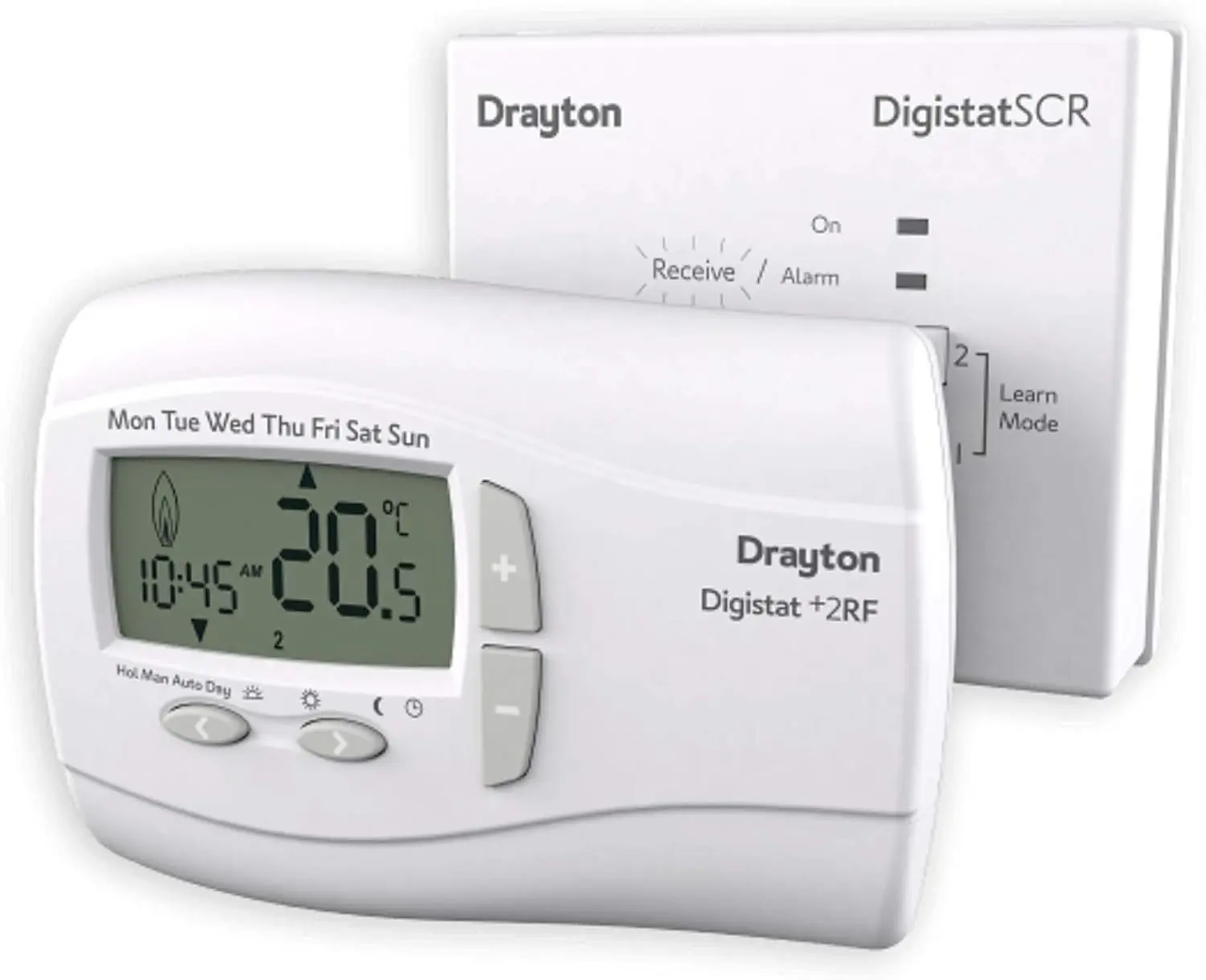
The display uses clear icons. A flame icon appears when the heating is on, and a flashing flame means the Intelligent Delayed Start feature is running. The installer has to enable this energy-saving feature. As the weather gets milder, it delays the heating start time so fuel is not wasted reaching the target temperature earlier than needed. Pressing any button during the delay returns the unit to Auto until the next event. Changes to installer options and pre-set programs must be made while the flame is not flashing.
Battery monitoring is simple. A flashing battery icon means the batteries are low, but the thermostat keeps working normally. When the battery icon is shown on its own, the batteries are flat and the unit stops working until they are replaced. You open the battery cover with a coin, fit new cells the right way round, then press the cover fully back into place.
Option 05 lets you adjust the year, month, day and time one after another. The temperature offset helps the reading match other thermometers when the thermostat's location affects it. For accurate readings, the thermostat needs a free flow of air. Do not cover it with curtains or block it with furniture, and keep it away from heat sources such as electric fires, televisions and lamps. The manual suggests starting at around 18 °C and raising the setting by one degree a day until you are comfortable. In homes with TRVs, individual rooms can then be balanced with the radiator valves.
Frequently Asked Questions (FAQs)
Can't find the answer you need? Here are some frequently asked questions about the Drayton Digistat RF2 Thermostat, and we answer them below.