Innova 7111 OBD2 Scanner Instruction Manual
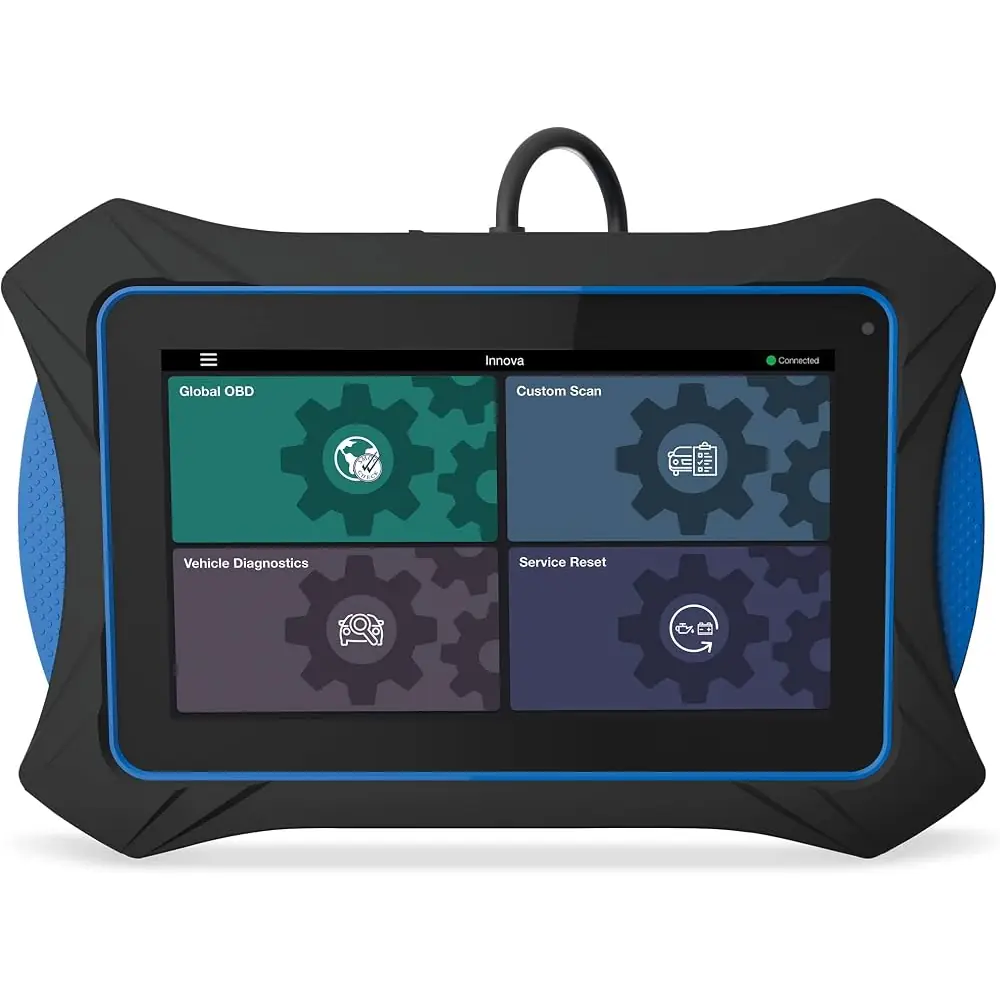
Innova 7111 OBD2 Scanner
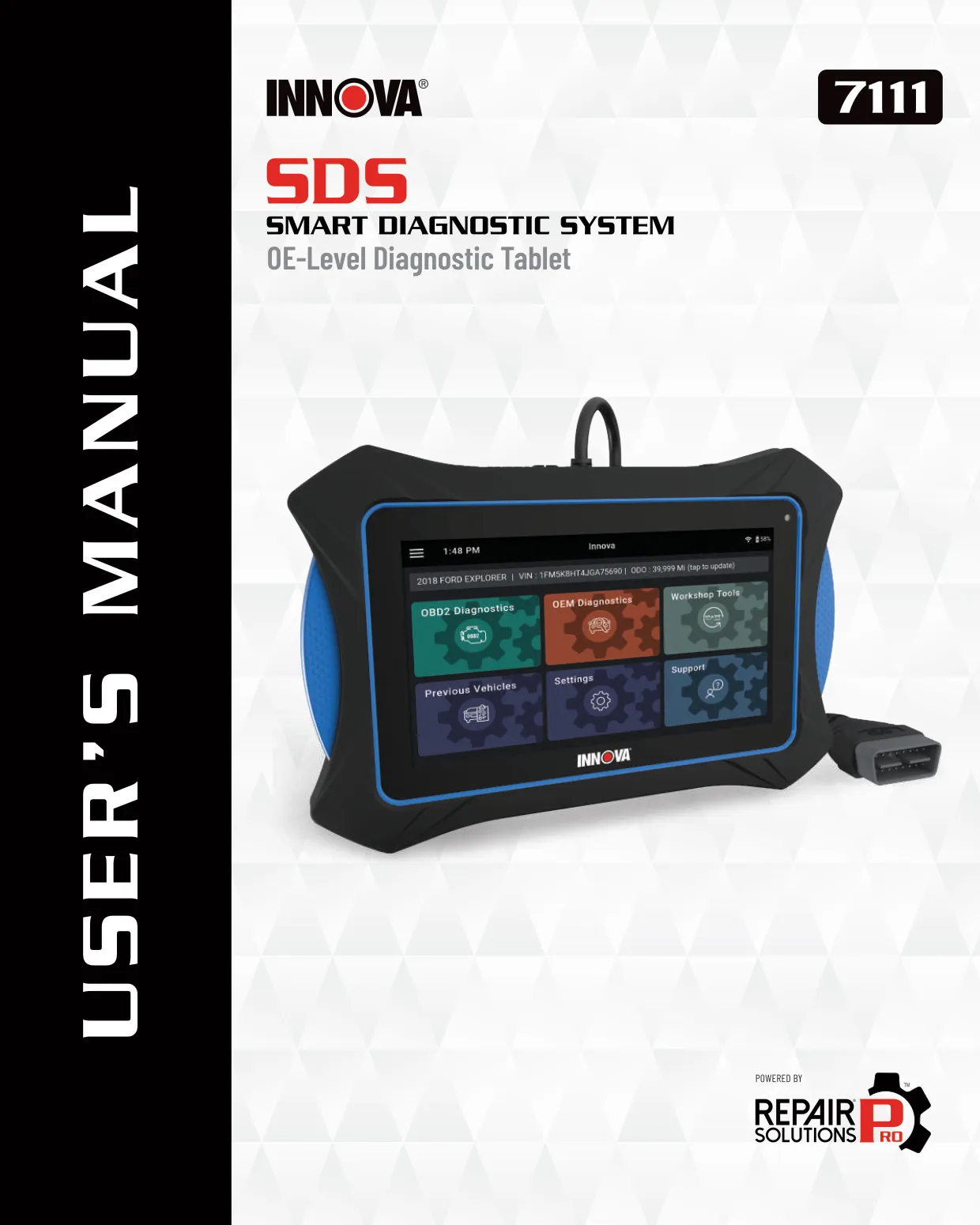
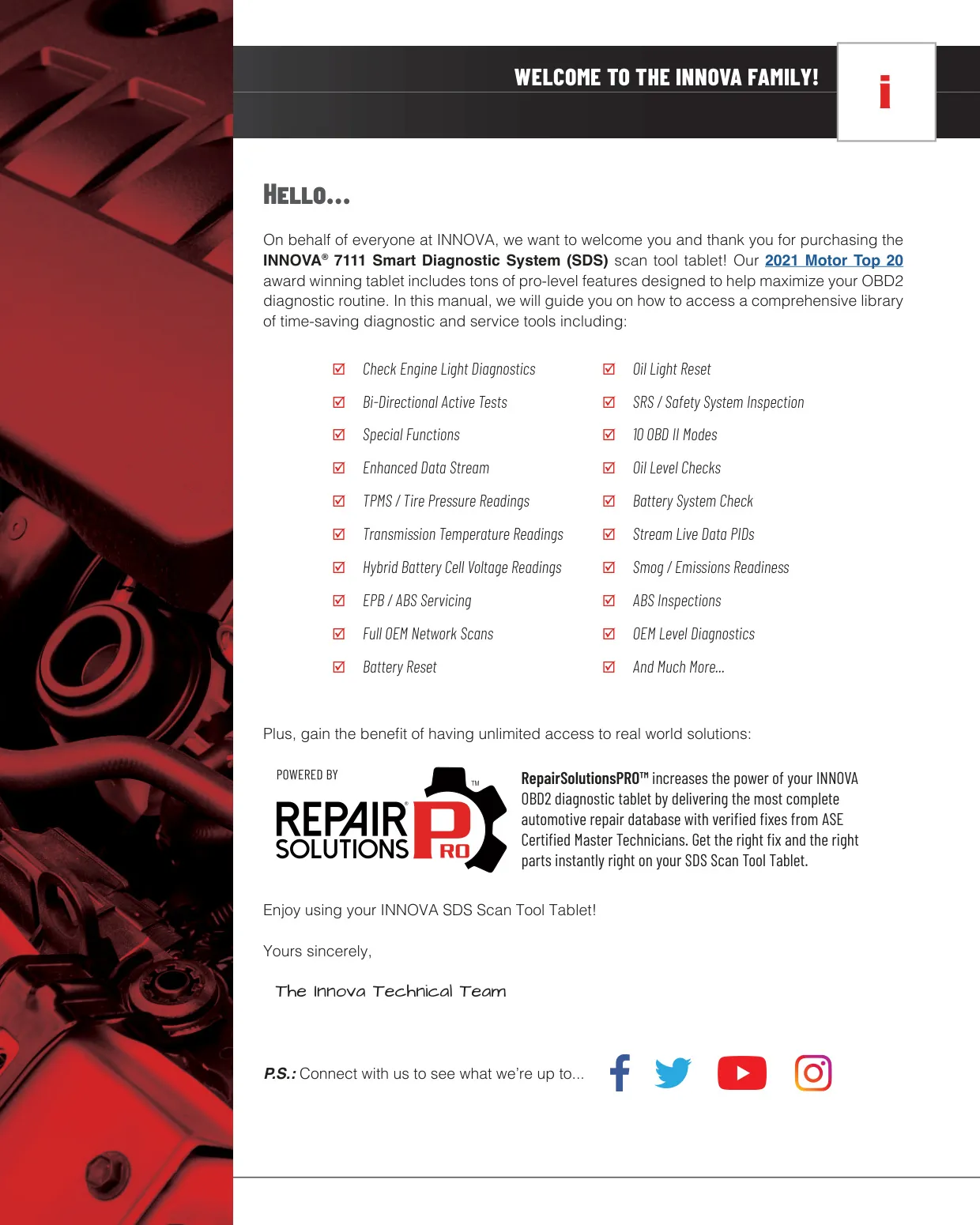


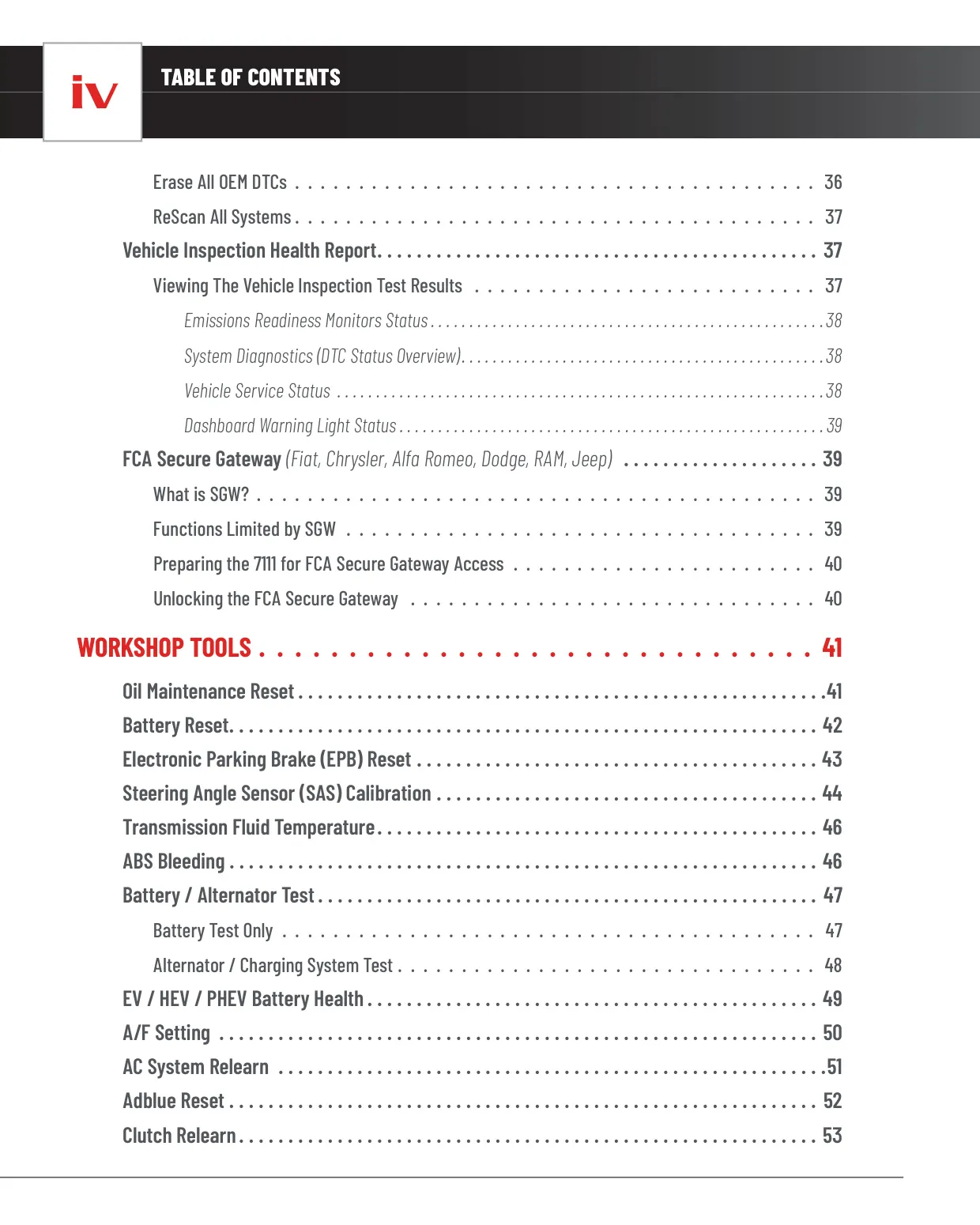
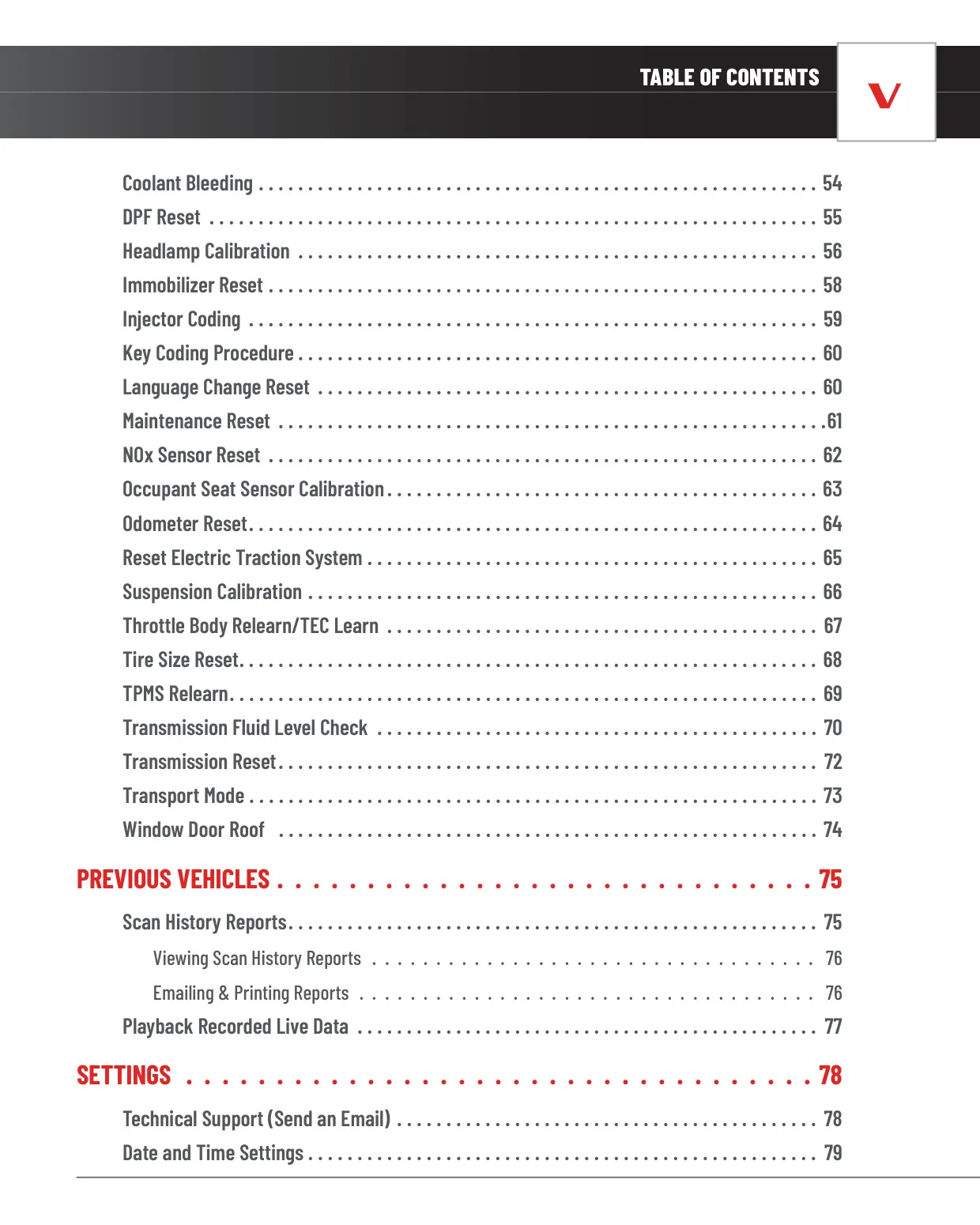




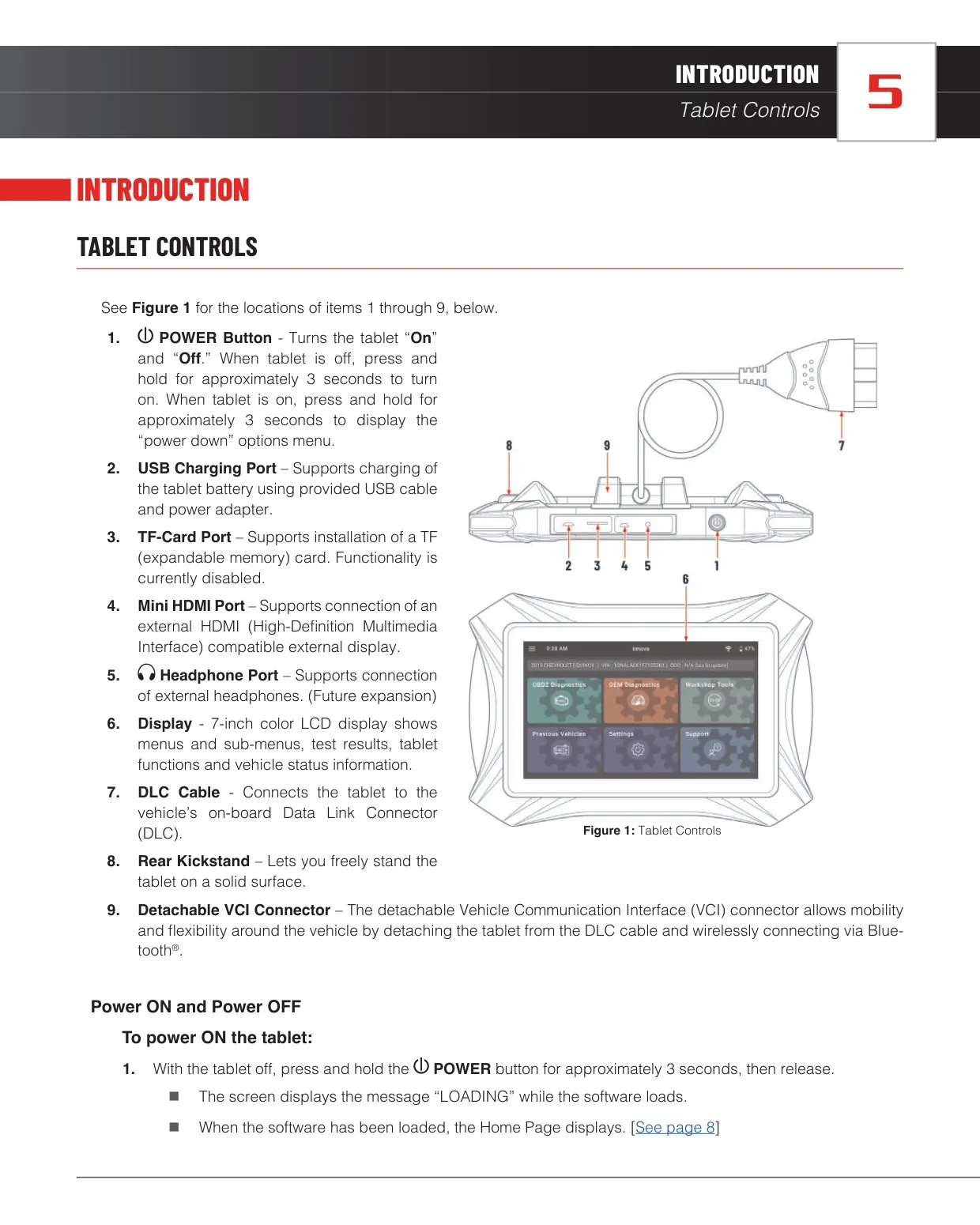


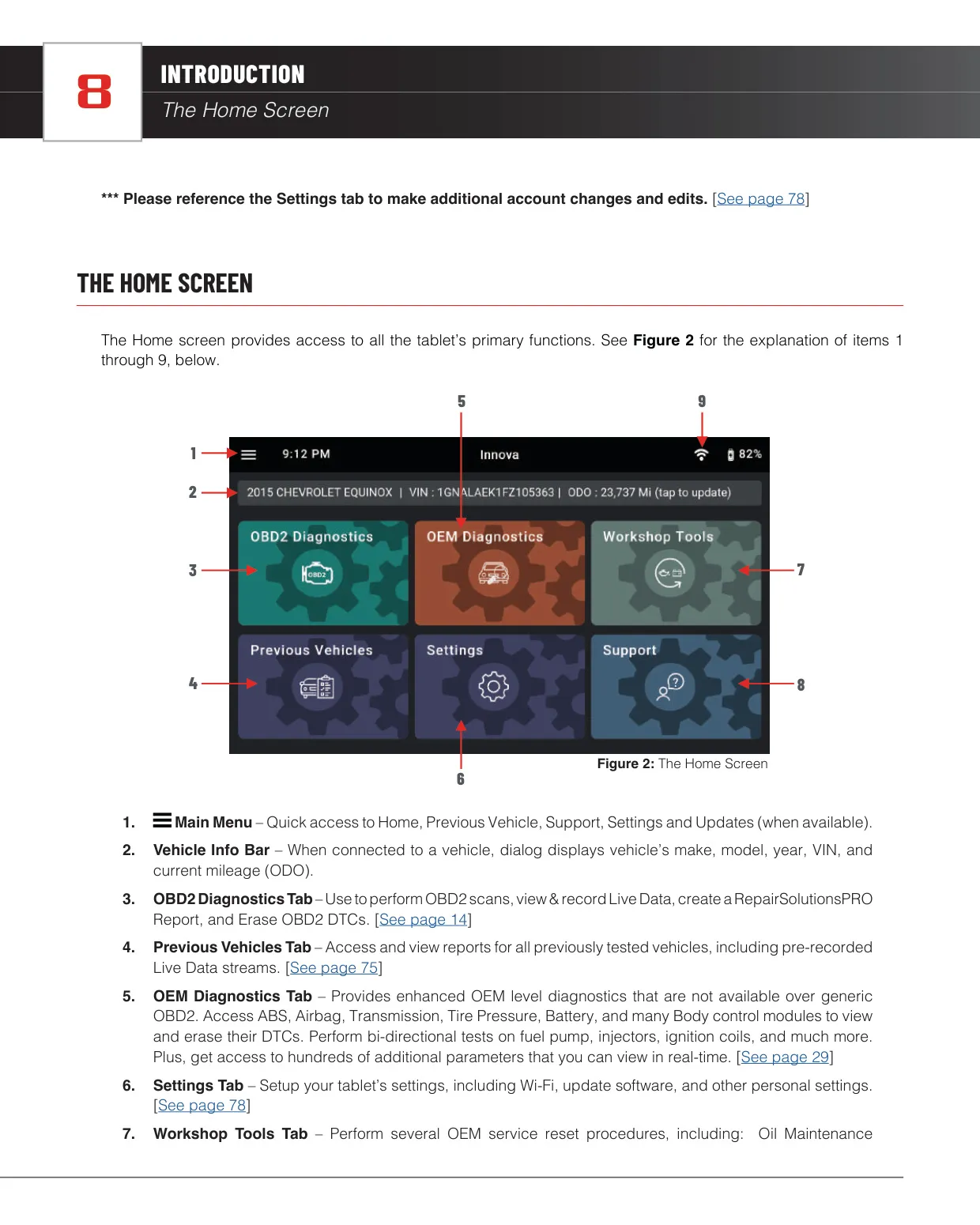





































Innova 7111 OBD2 Scanner Instructions
Here we offer the Innova 7111 OBD2 Scanner manual completely free and in English. We have cataloged this manual in the OBD2 Scanners section on Manualverse, and it has been rated by 1 users with an average rating of 5. If you have any specific questions about Innova 7111 OBD2 Scanner, we suggest checking the Frequently Asked Questions (FAQs) section of this manual.
Product Images
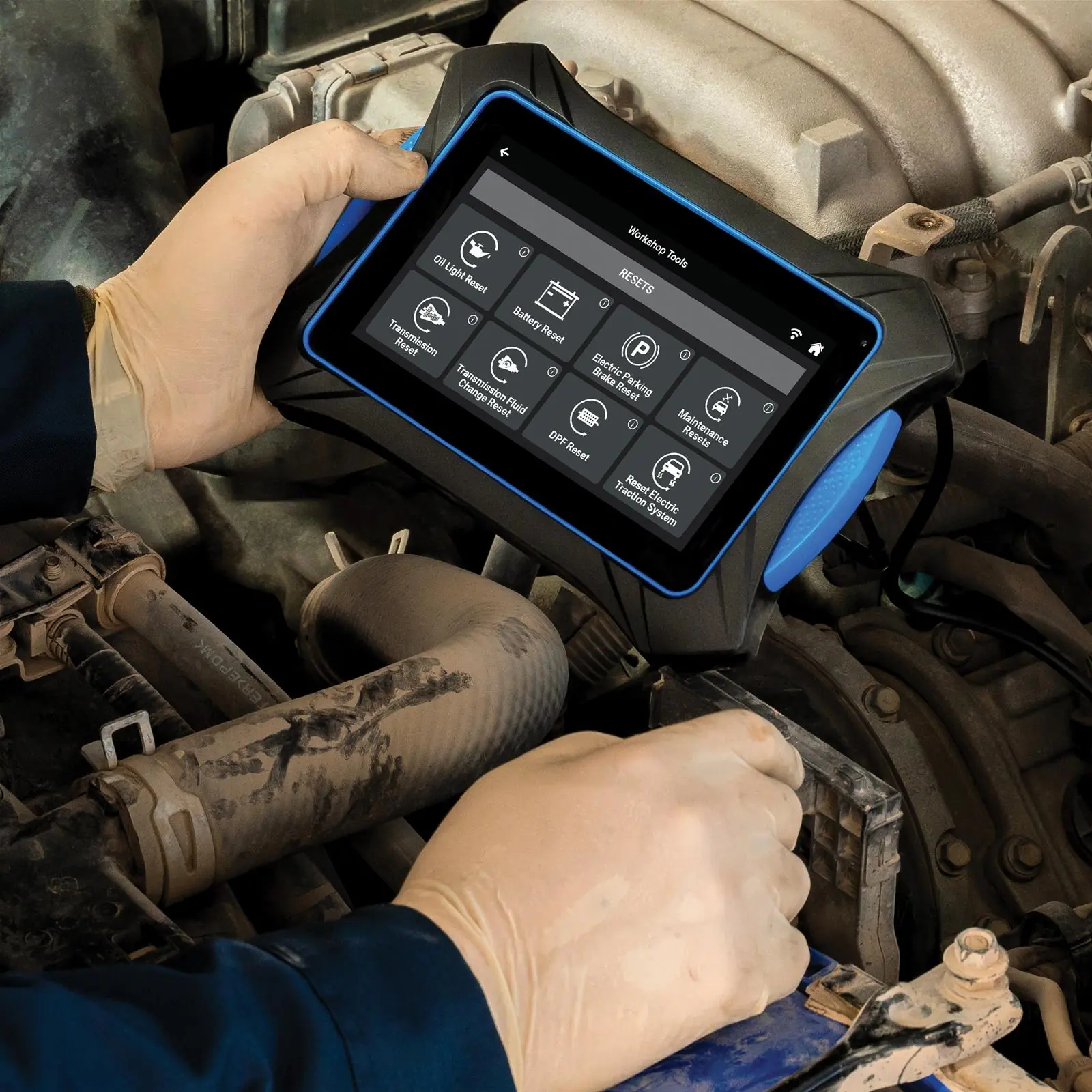
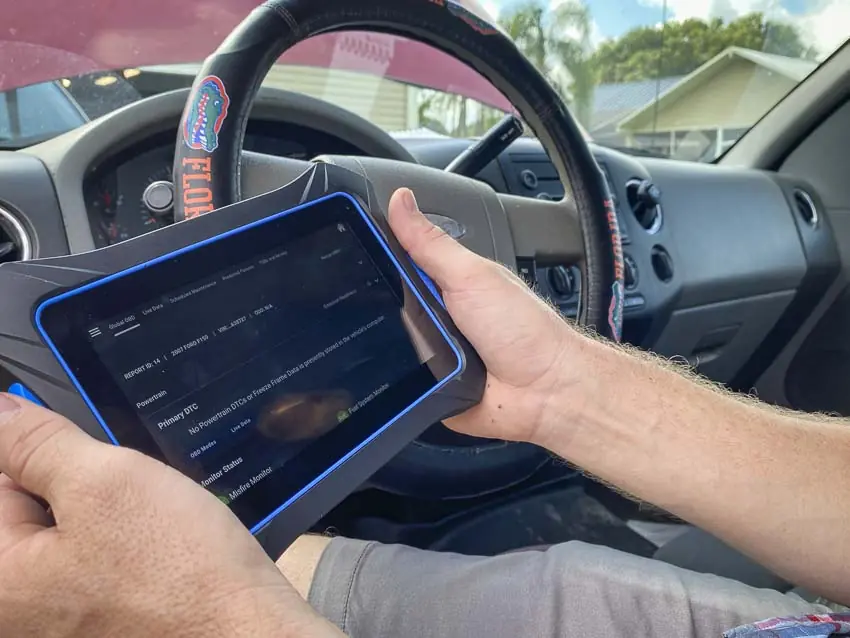
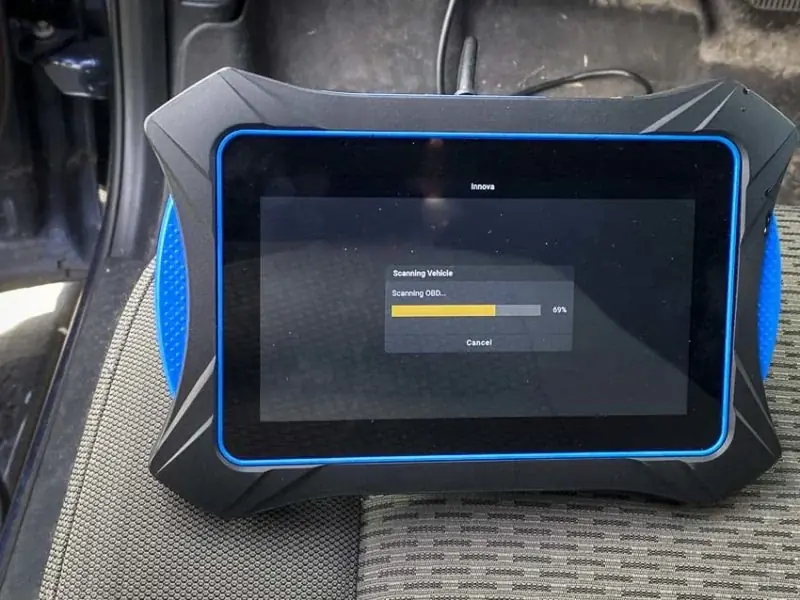
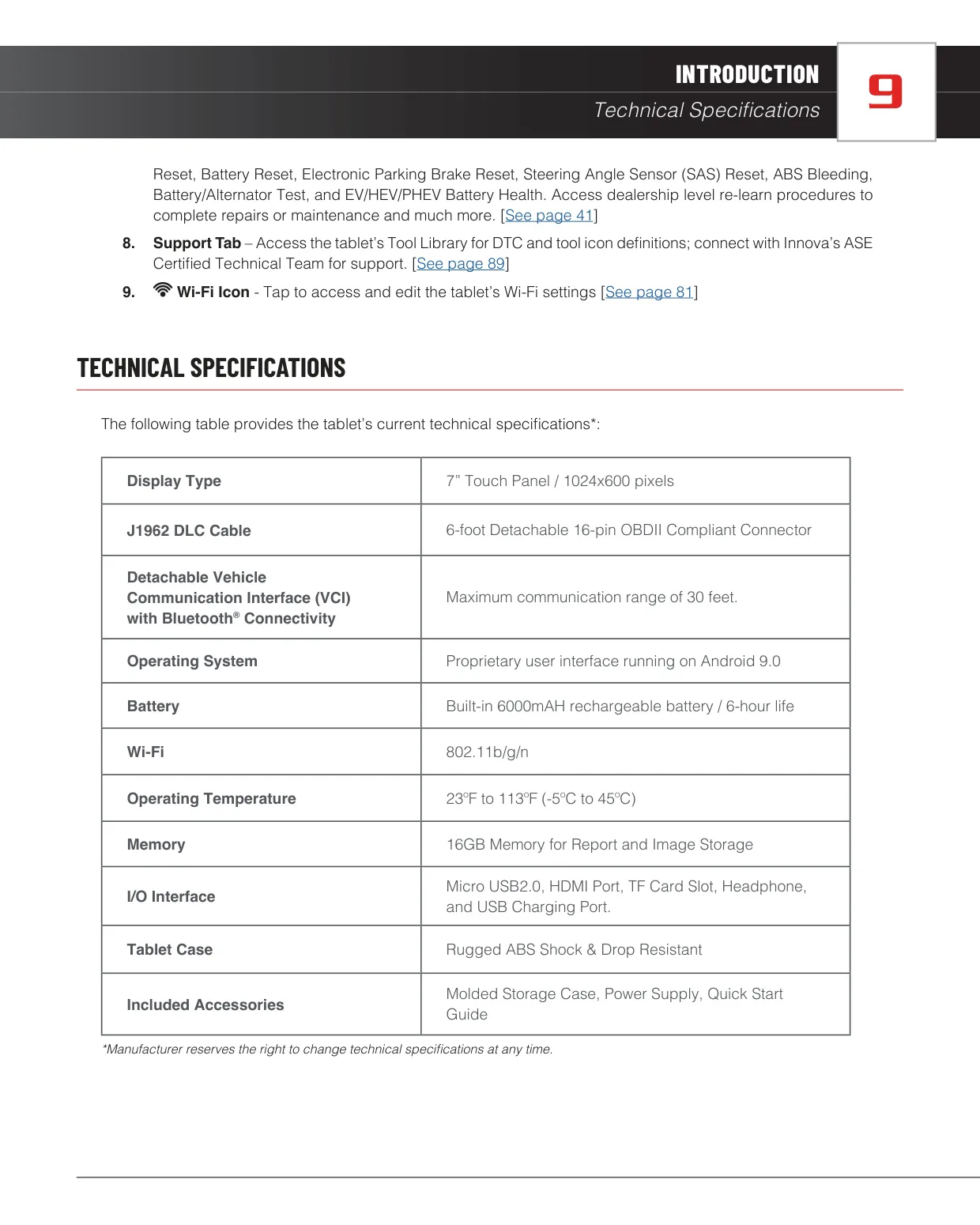
Innova 7111 OBD2 Scanner Specifications
| Feature | Specification |
|---|---|
| Product Name | INNOVA 7111 Smart Diagnostic System (SDS) Scan Tool Tablet |
| Display Type | 7-inch color LCD touch panel |
| Display Resolution | 1024 x 600 pixels |
| J1962 DLC Cable | 6-foot detachable 16-pin OBDII compliant connector |
| Vehicle Communication Interface (VCI) | Detachable, Bluetooth connectivity |
| VCI Maximum Communication Range | 30 feet |
| Operating System | Proprietary user interface running on Android 9.0 |
| Battery | Built-in 6000 mAh rechargeable battery |
| Battery Life | 6 hours |
| Wi-Fi | 802.11b/g/n |
| Operating Temperature | 23 ºF to 113 ºF (-5 ºC to 45 ºC) |
| Memory | 16 GB for report and image storage |
| I/O Interface | Micro USB 2.0, HDMI port, TF card slot, headphone port, USB charging port |
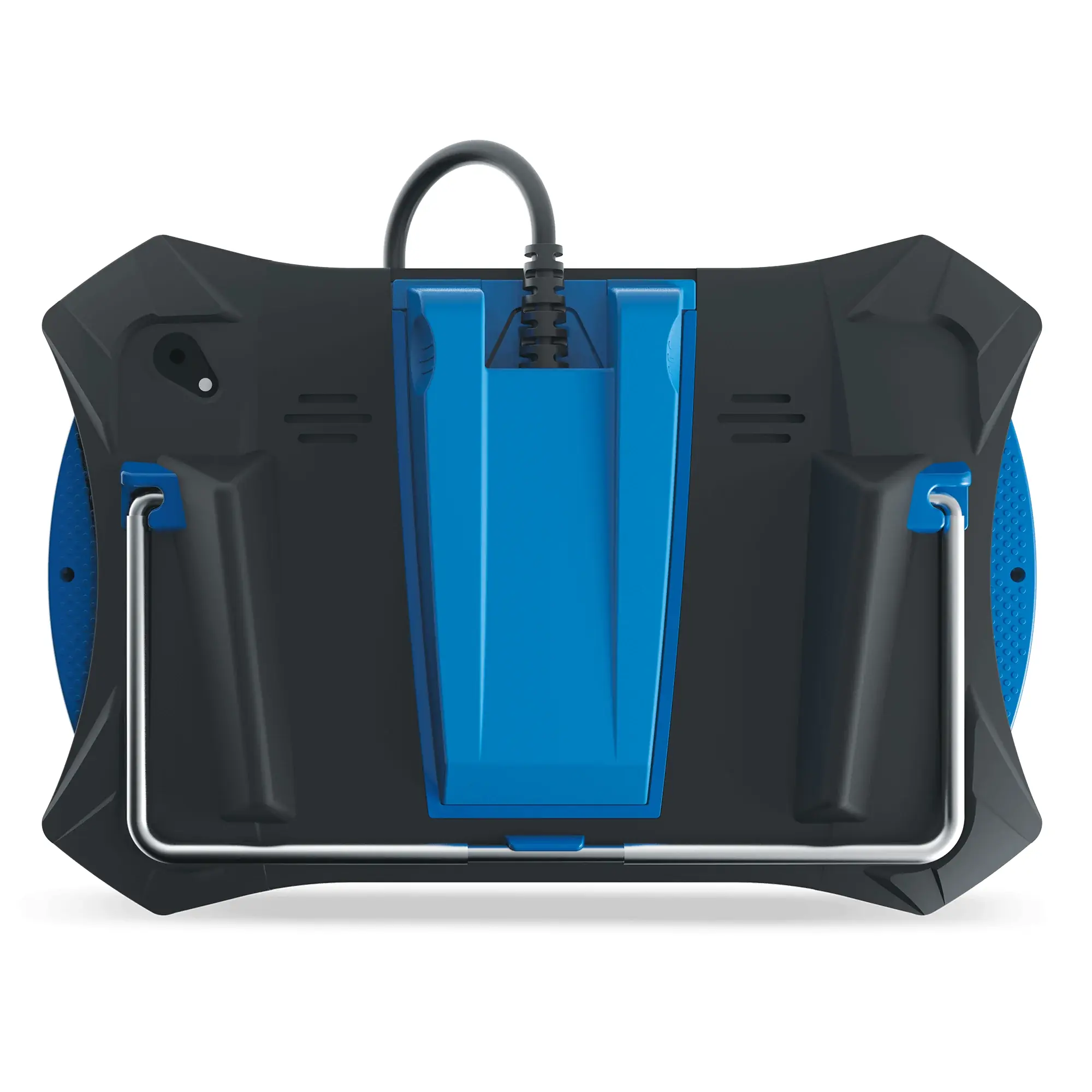
| Tablet Case | Rugged ABS, shock and drop resistant |
| Rear Kickstand | Yes |
| Included Accessories | Molded storage case, power supply, Quick Start Guide |
| Supported OBD2 Protocols | ISO 9141, Keyword 2000, J1850 PWM, J1850 VPW, CAN |
| OBD II Modes | 10 modes |
| Workshop Tools (Service Resets) | Over 30 OEM service reset procedures |
| FCA Secure Gateway Access | Fiat, Chrysler, Dodge, RAM, Jeep and Alfa Romeo models from 2018 and later (via AutoAuth) |
| Display Languages | English, Spanish |
| Units of Measurement | US (Imperial) or Metric |
| Power On/Off | Press and hold POWER button for approximately 3 seconds |
| FCC ID | 2AWLZ-7111 |
| FCC Classification | Class B digital device, Part 15 |
| Limited Warranty | 1 year from date of original purchase |
| Award | 2021 Motor Top 20 |
Innova 7111 OBD2 Scanner Details
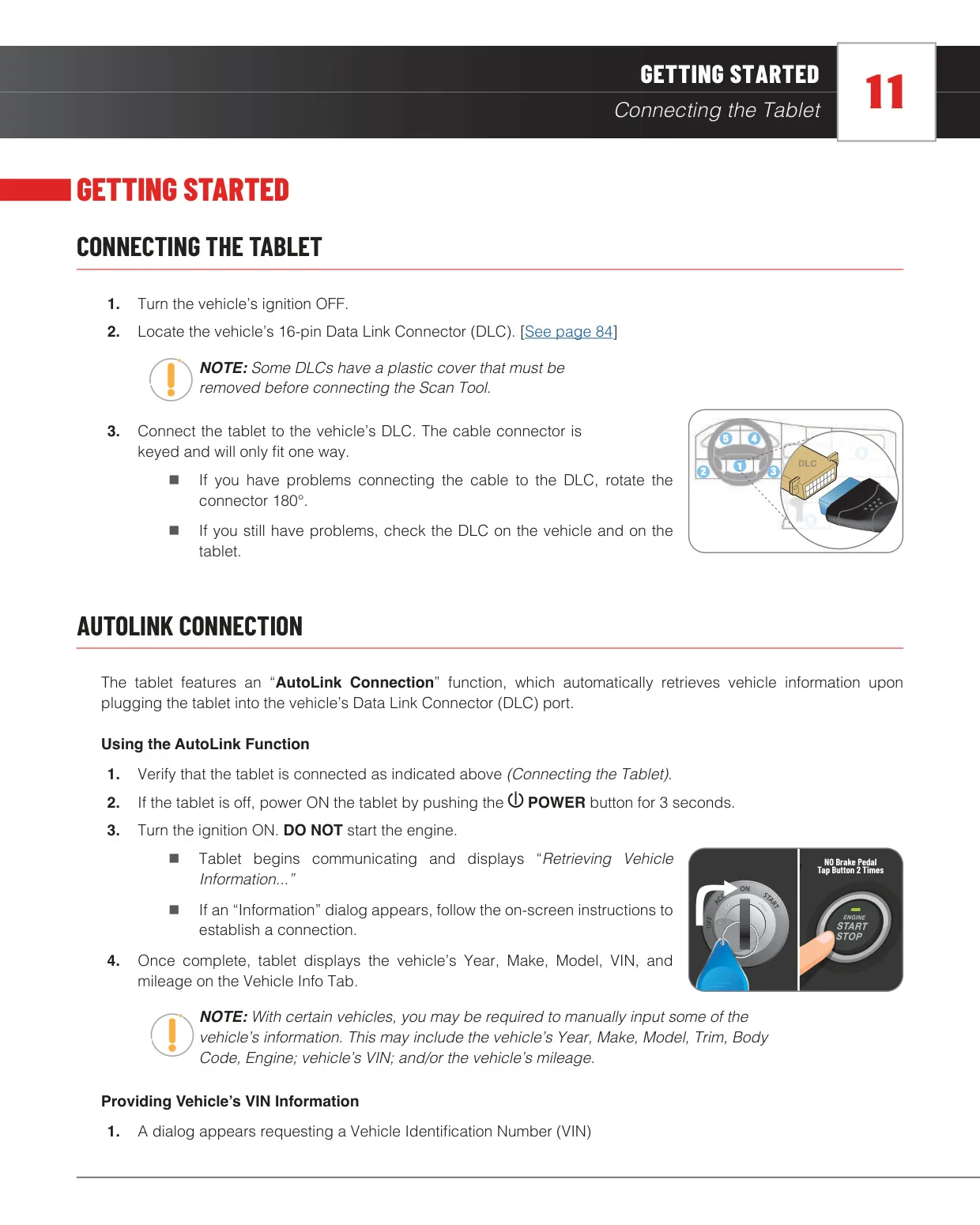
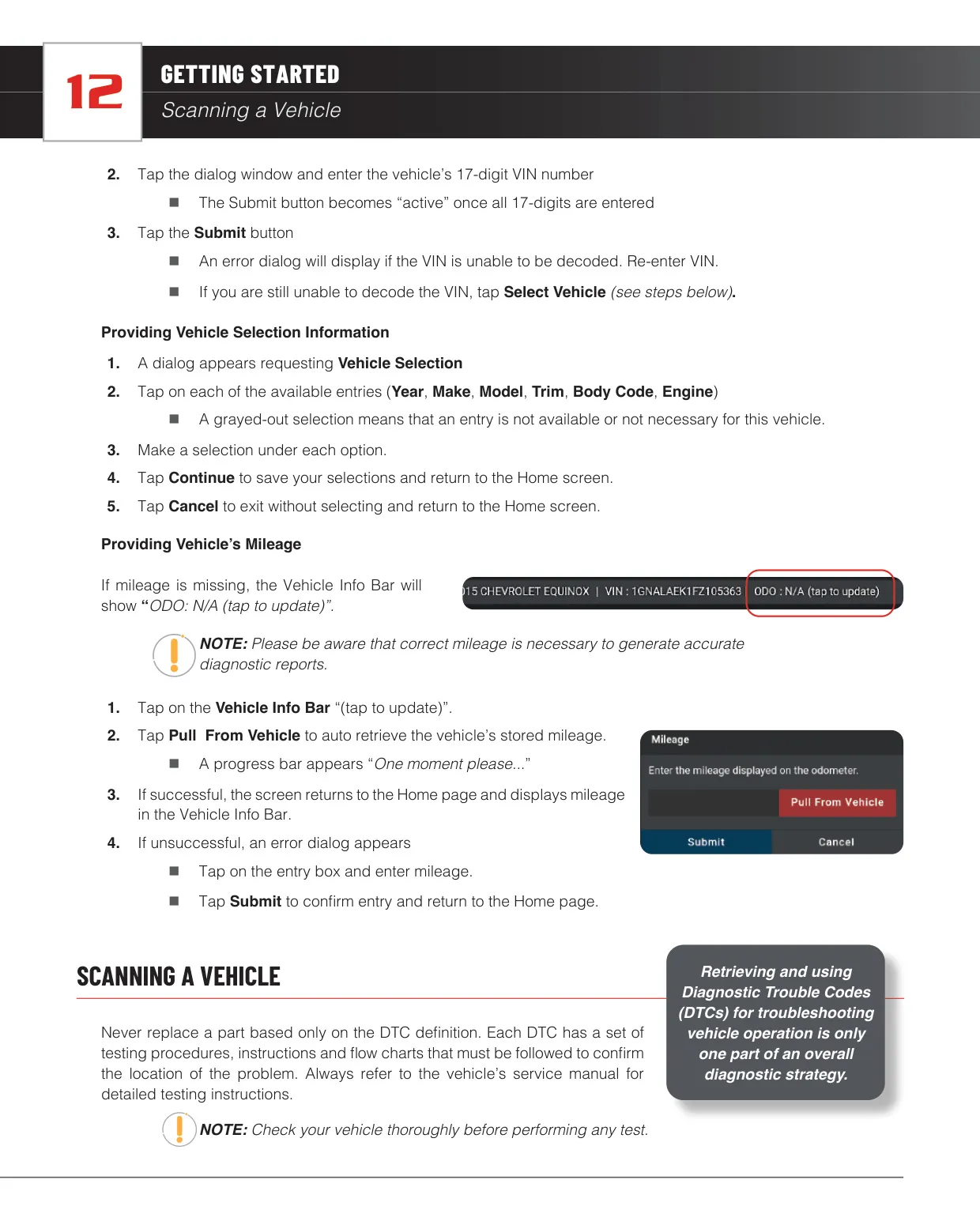
The Innova 7111 is a tablet-style diagnostic system built around an AutoLink Connection. When you plug it into the vehicle's 16-pin DLC and turn the ignition on, it automatically reads the year, make, model, VIN and mileage. If decoding fails, you can type in the 17-digit VIN or choose the vehicle by Year, Make, Model, Trim, Body Code and Engine. It can also pull the mileage straight from the vehicle, and the manual stresses that correct mileage is needed for accurate diagnostic reports.
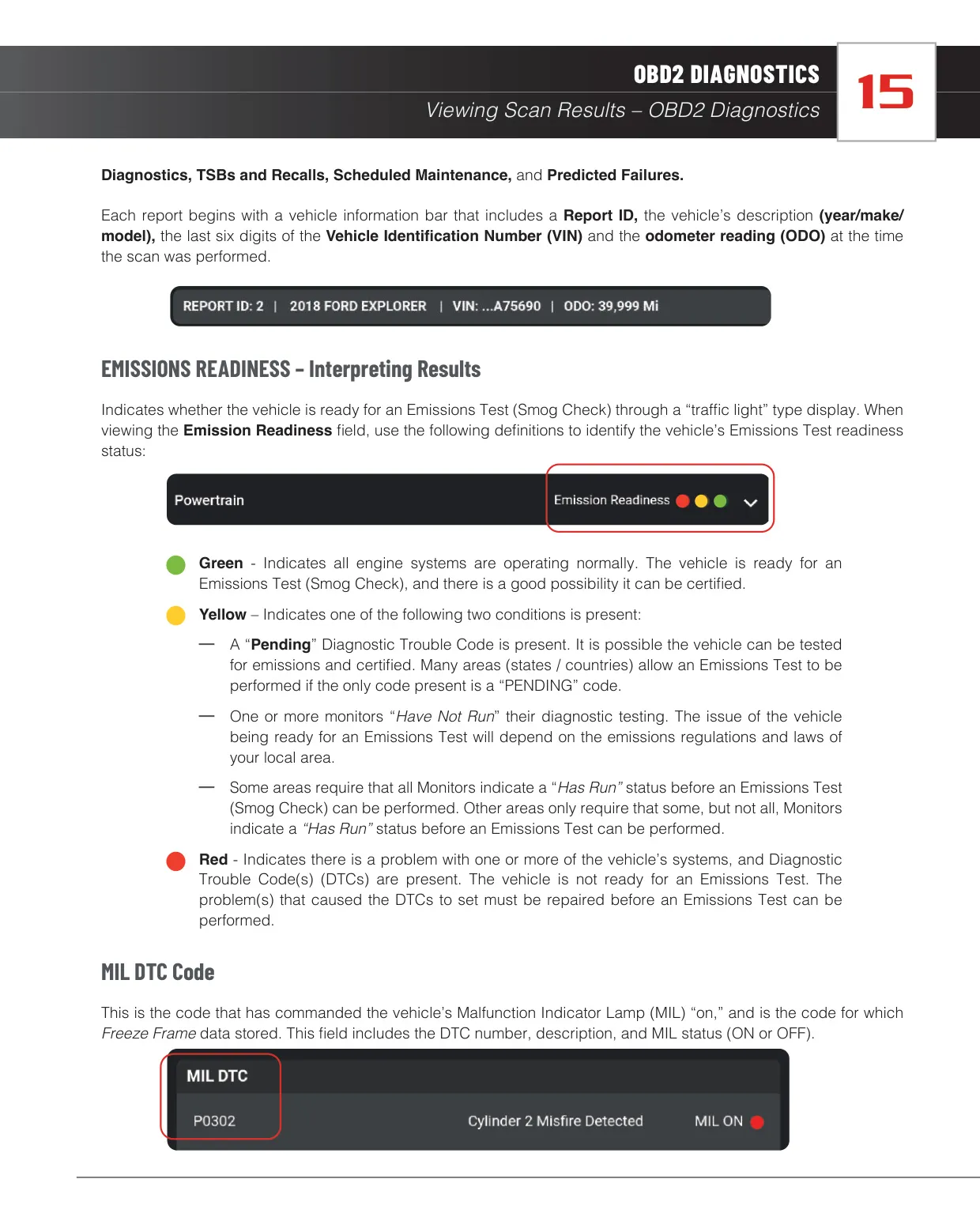
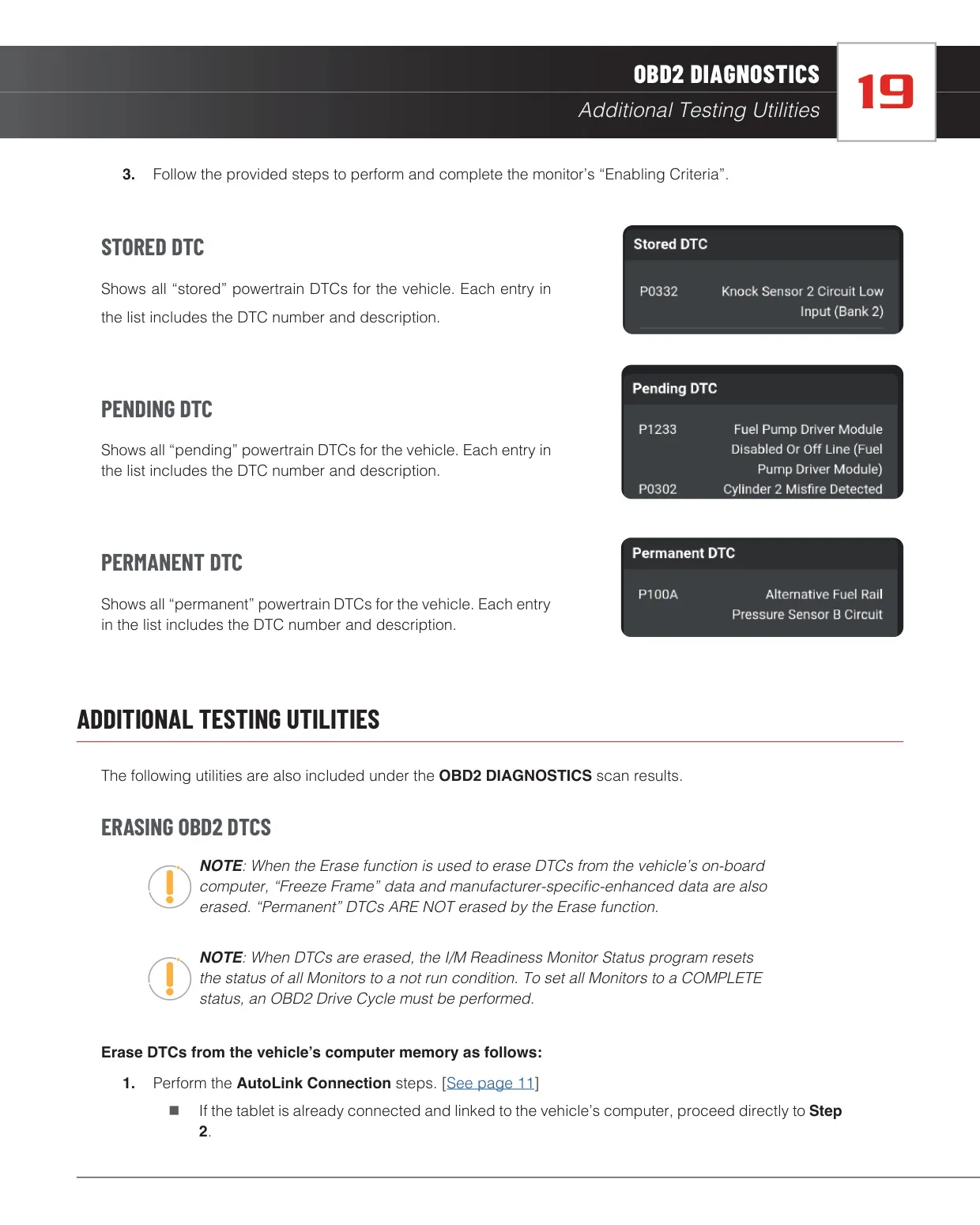
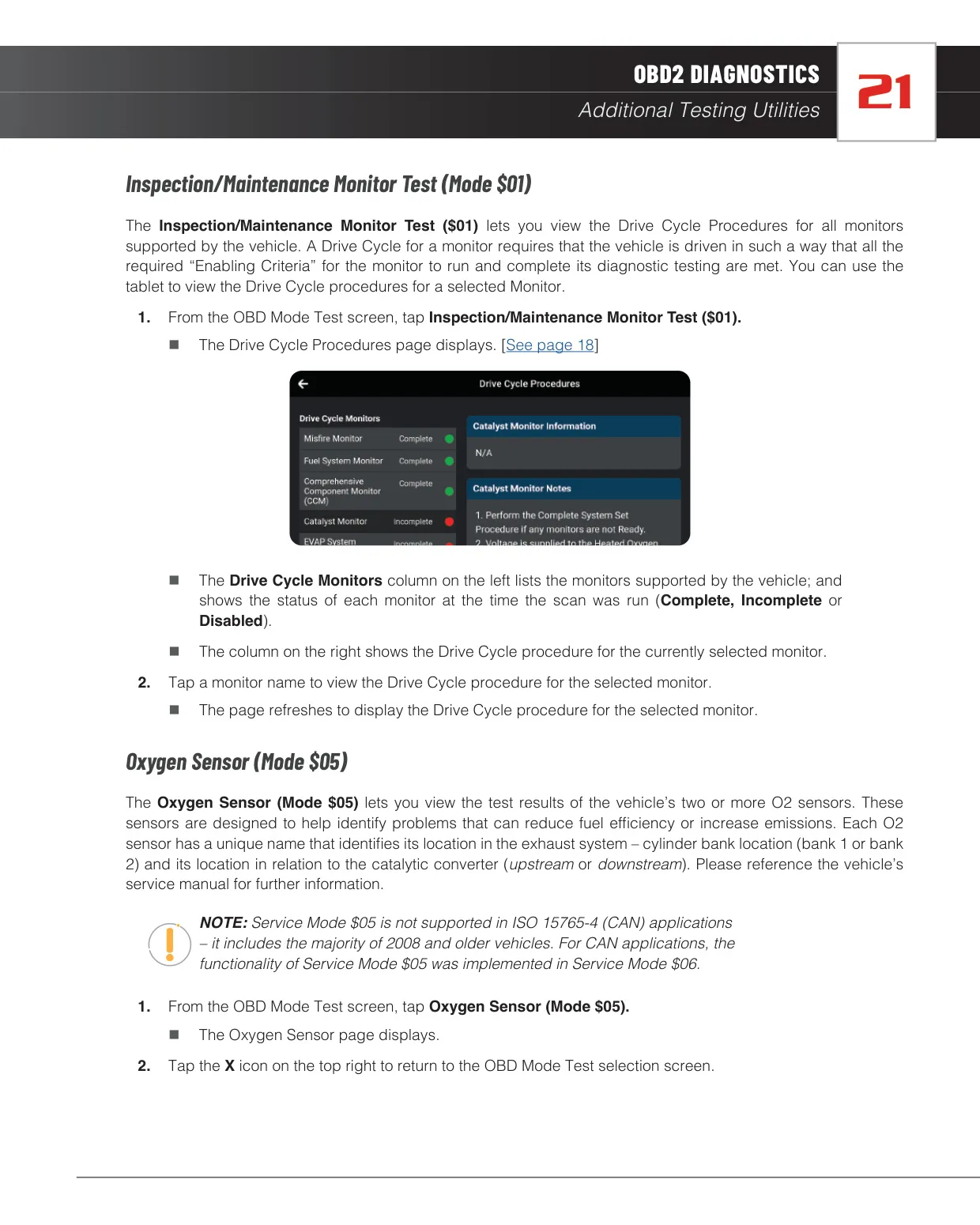
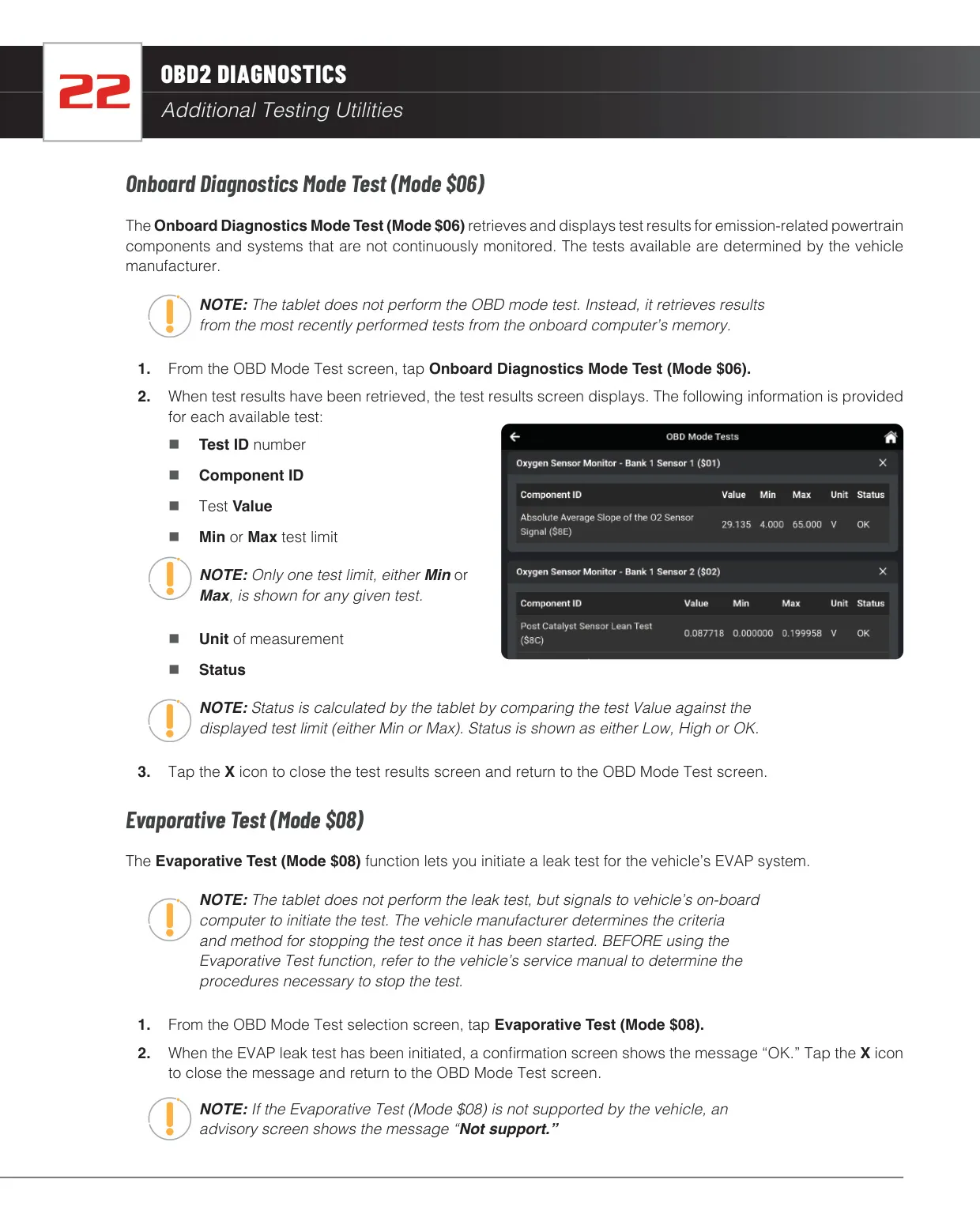
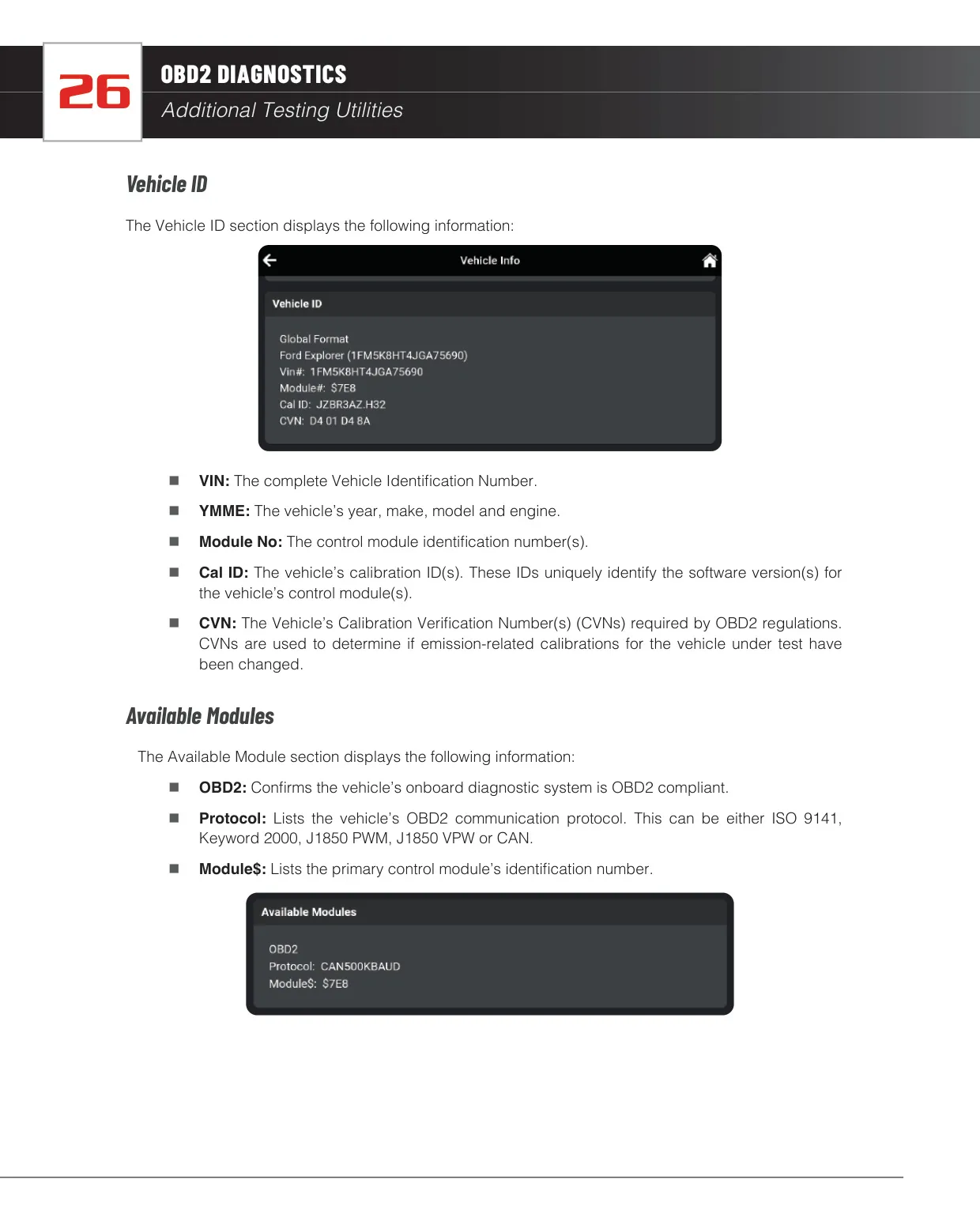
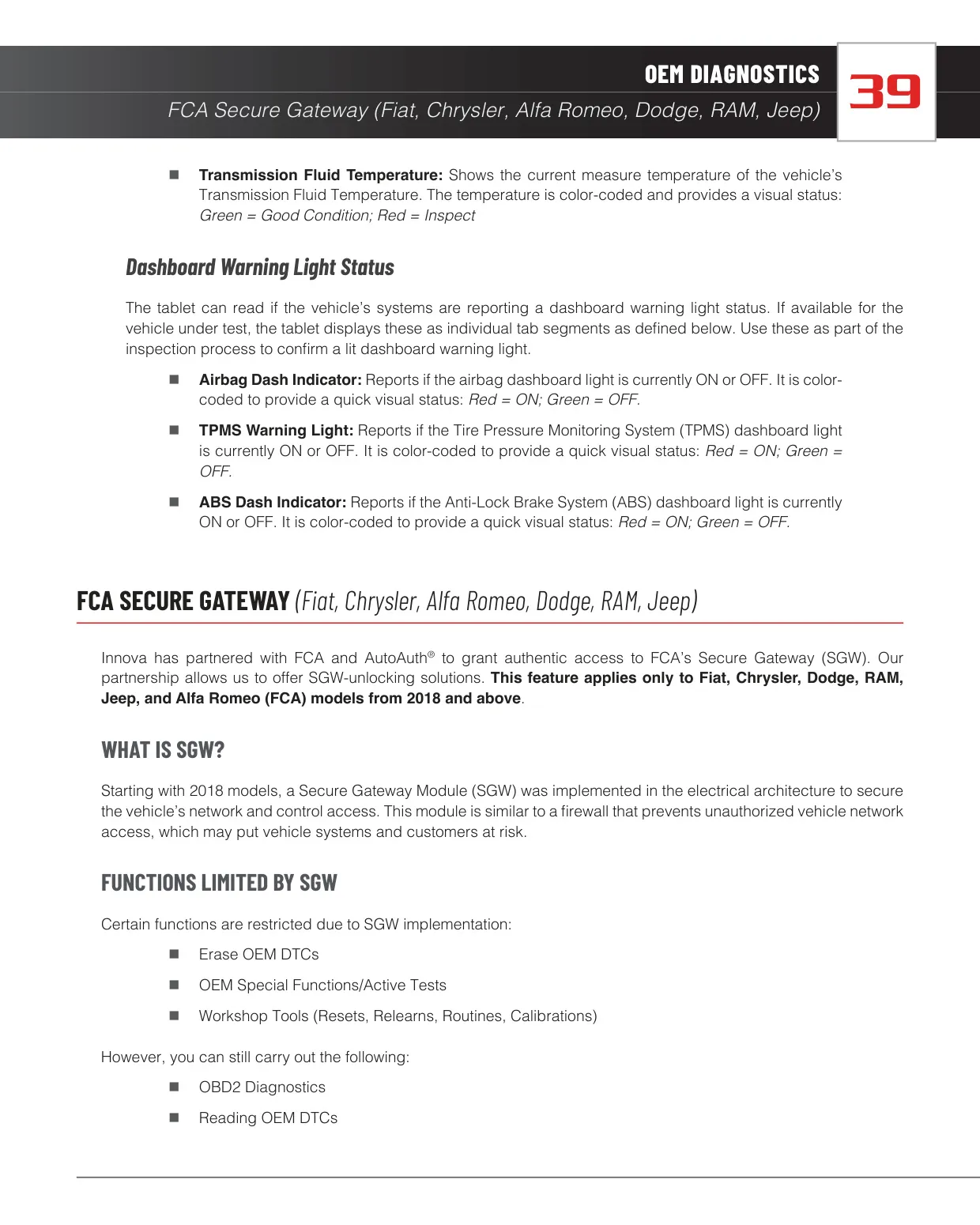
The OBD2 Diagnostics function works out which communication protocol the vehicle uses, then retrieves DTCs, Monitor Status and Freeze Frame data. A "traffic light" Emissions Readiness indicator shows whether the vehicle is likely to pass a smog check: green, yellow or red. The results list stored, pending and permanent codes, and you can open drive cycle procedures for each monitor. Utilities cover Mode $01, $05, $06 and $08 tests, In-Use Performance Tracking, Calibration IDs and CVNs.
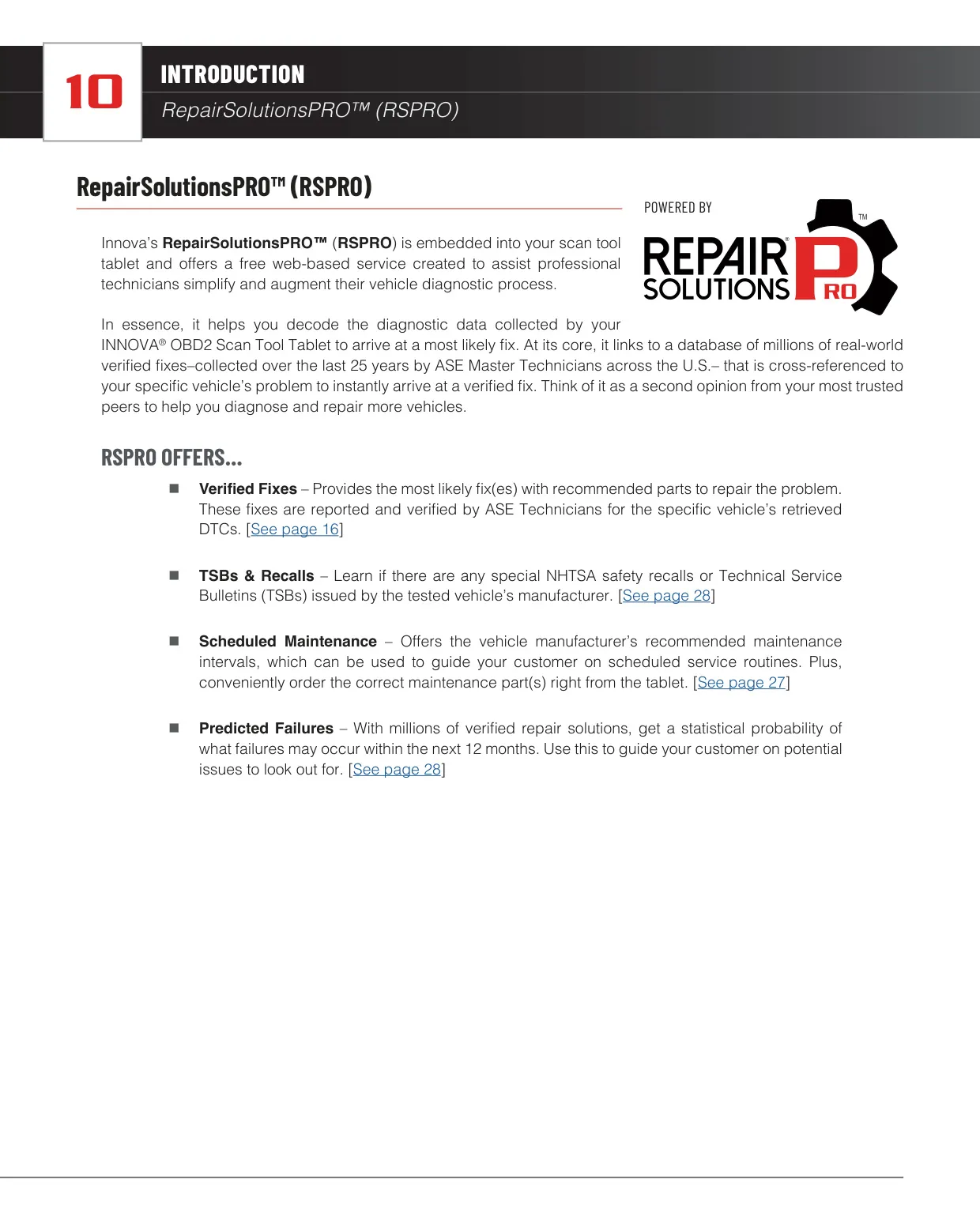
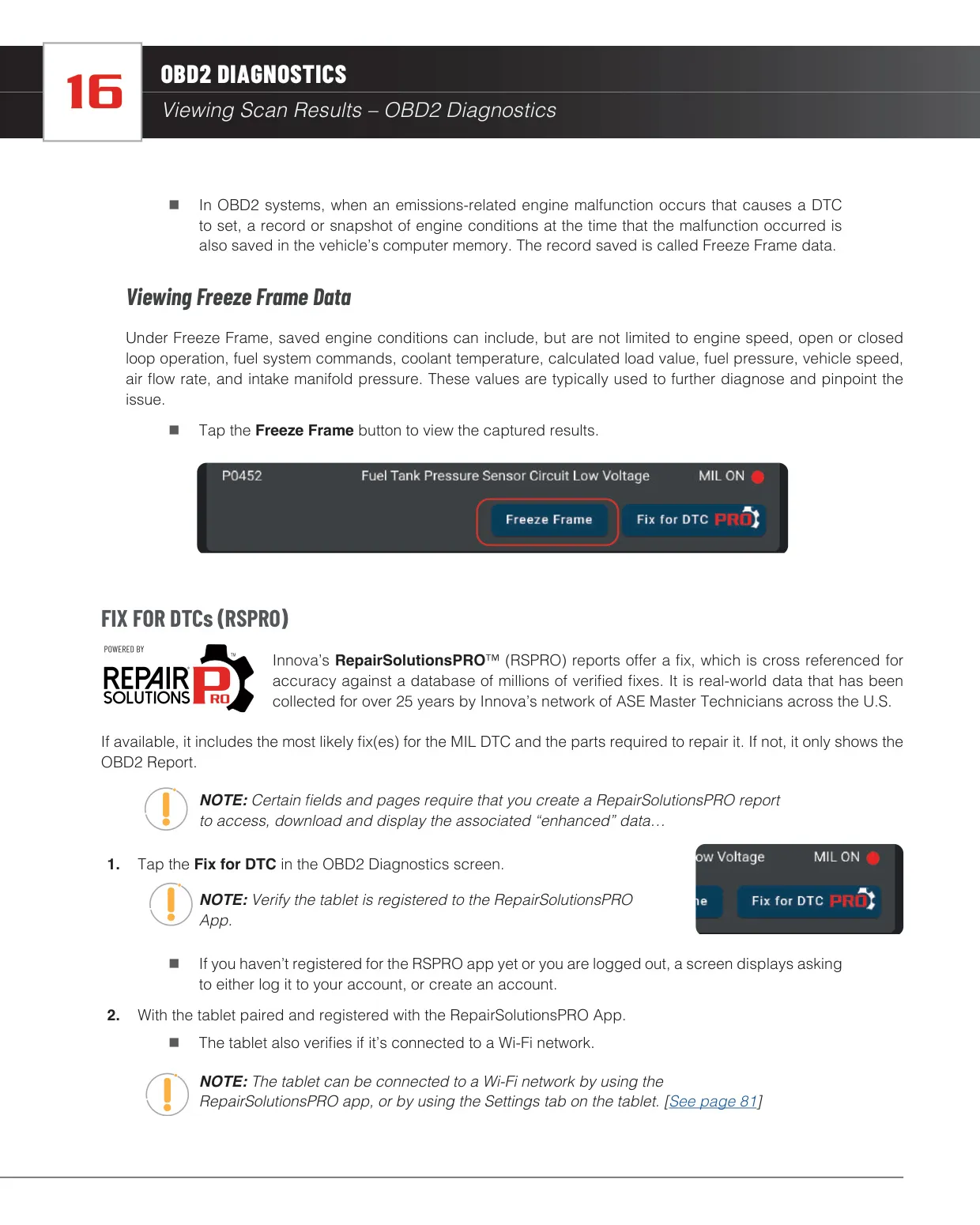
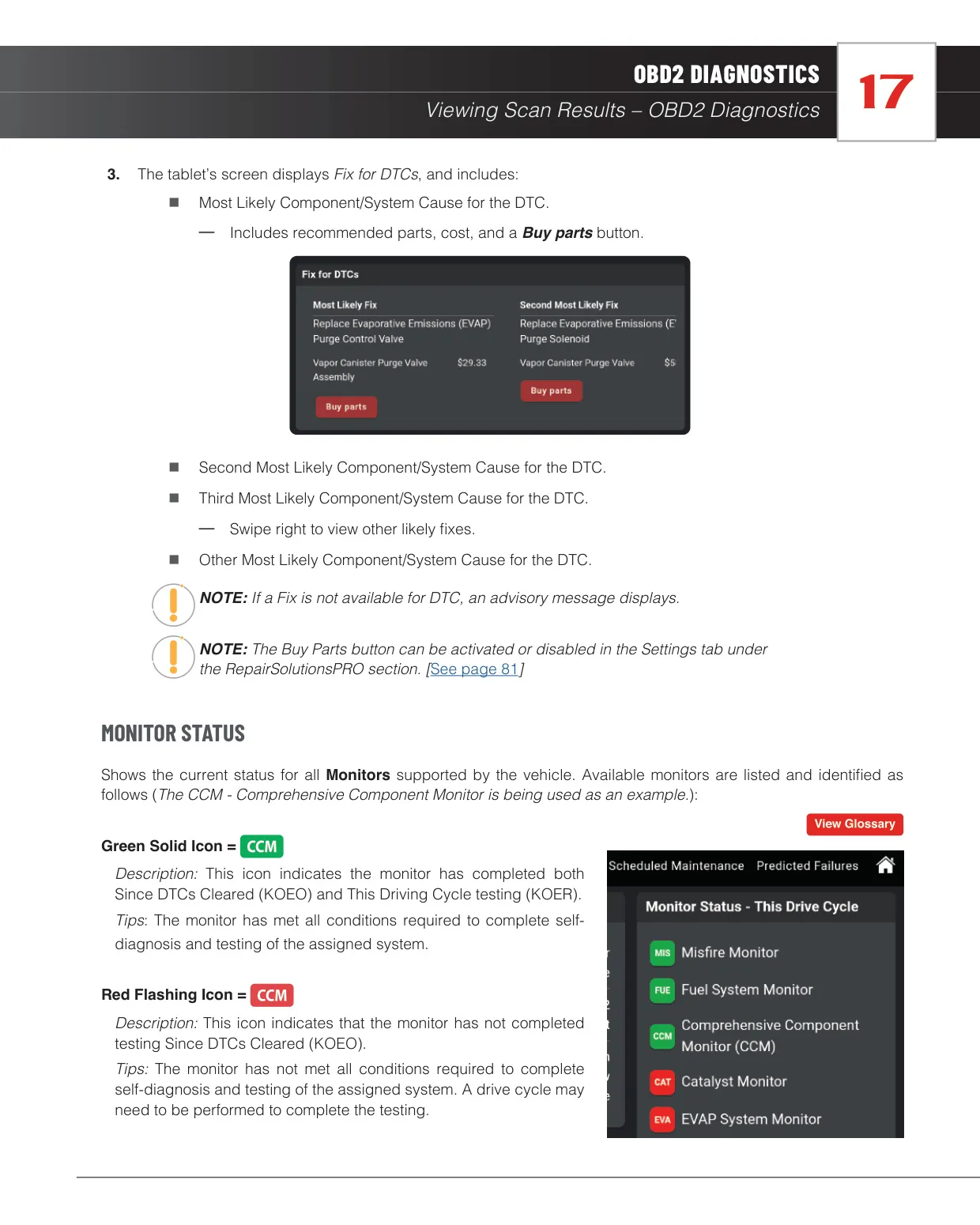
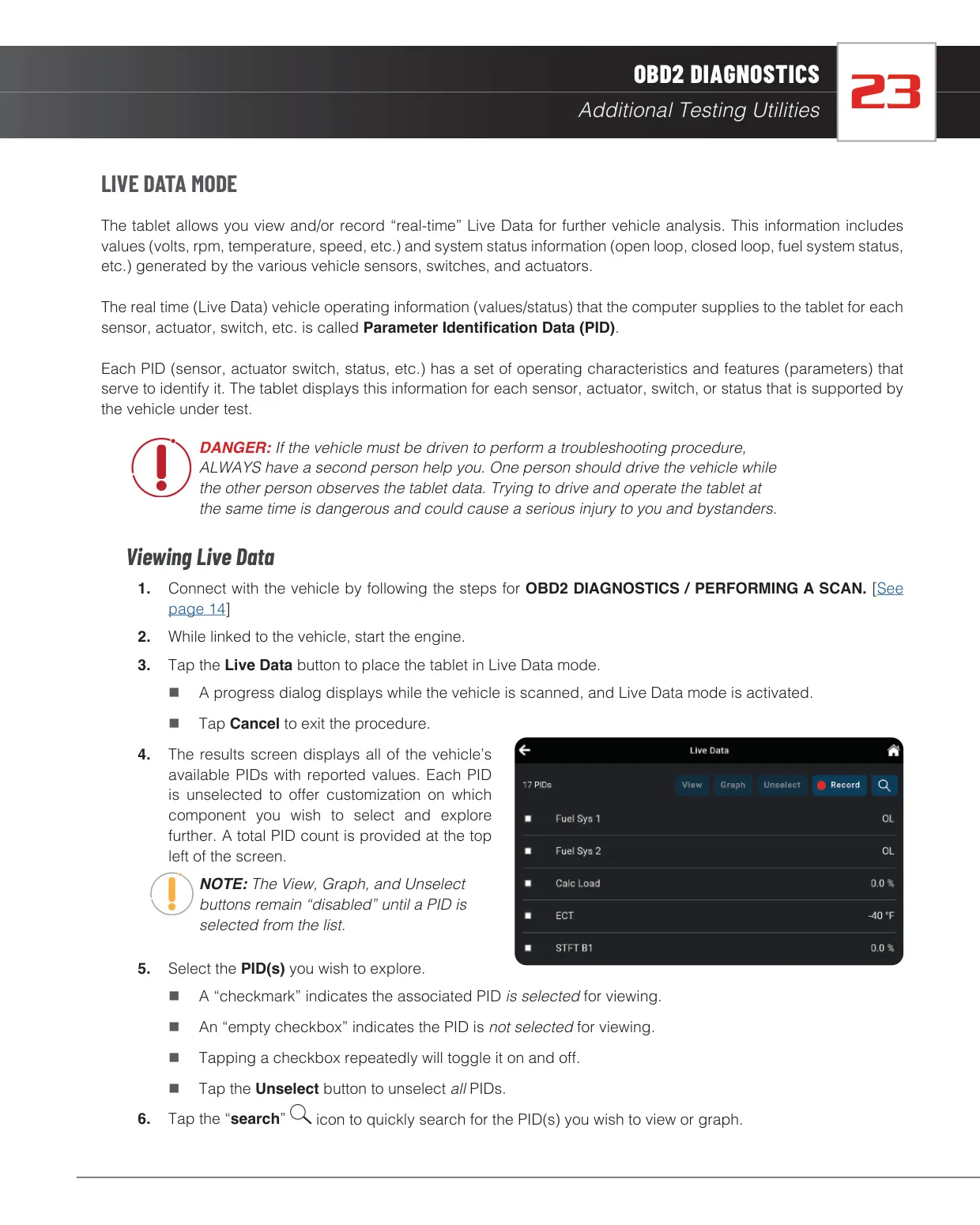
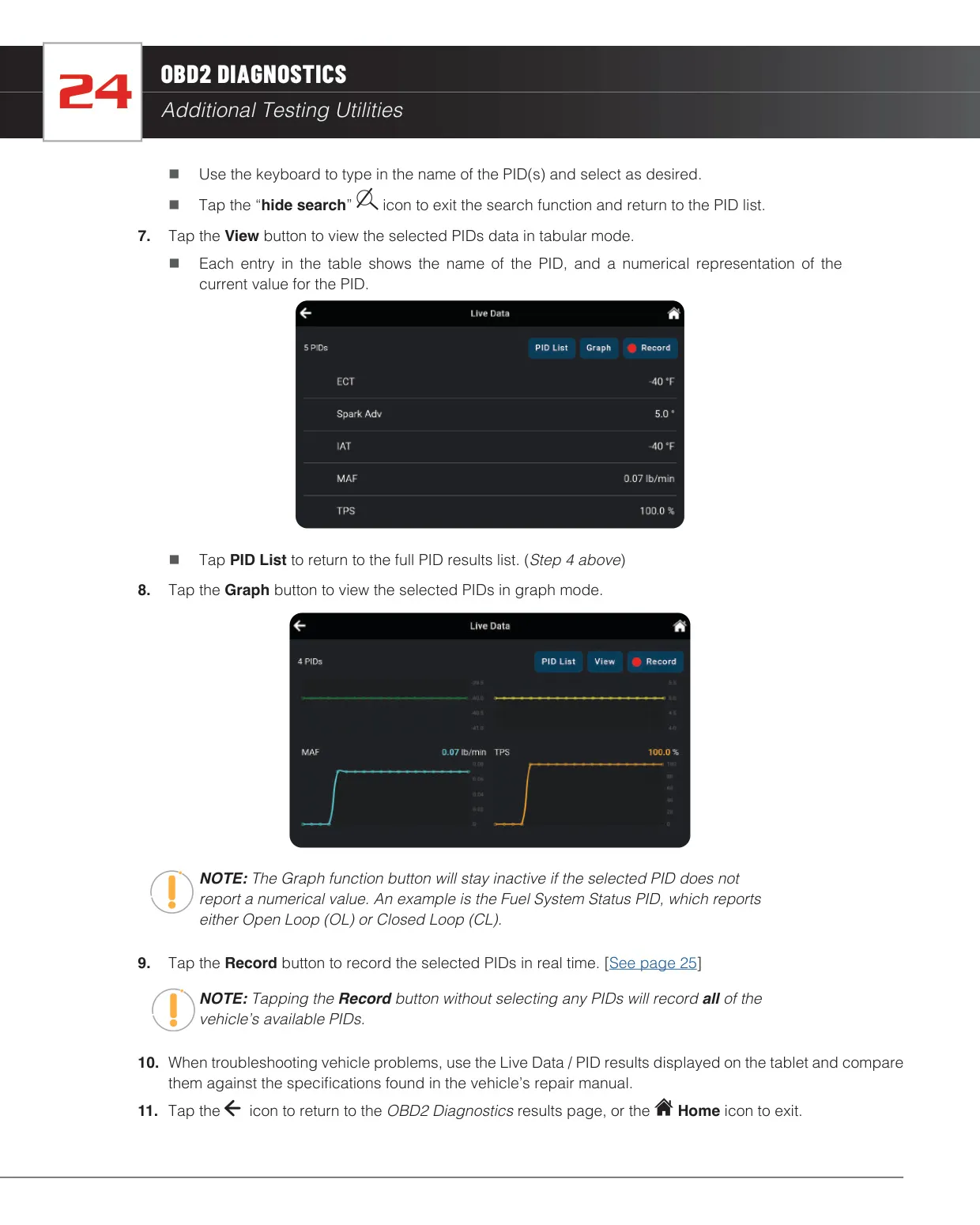
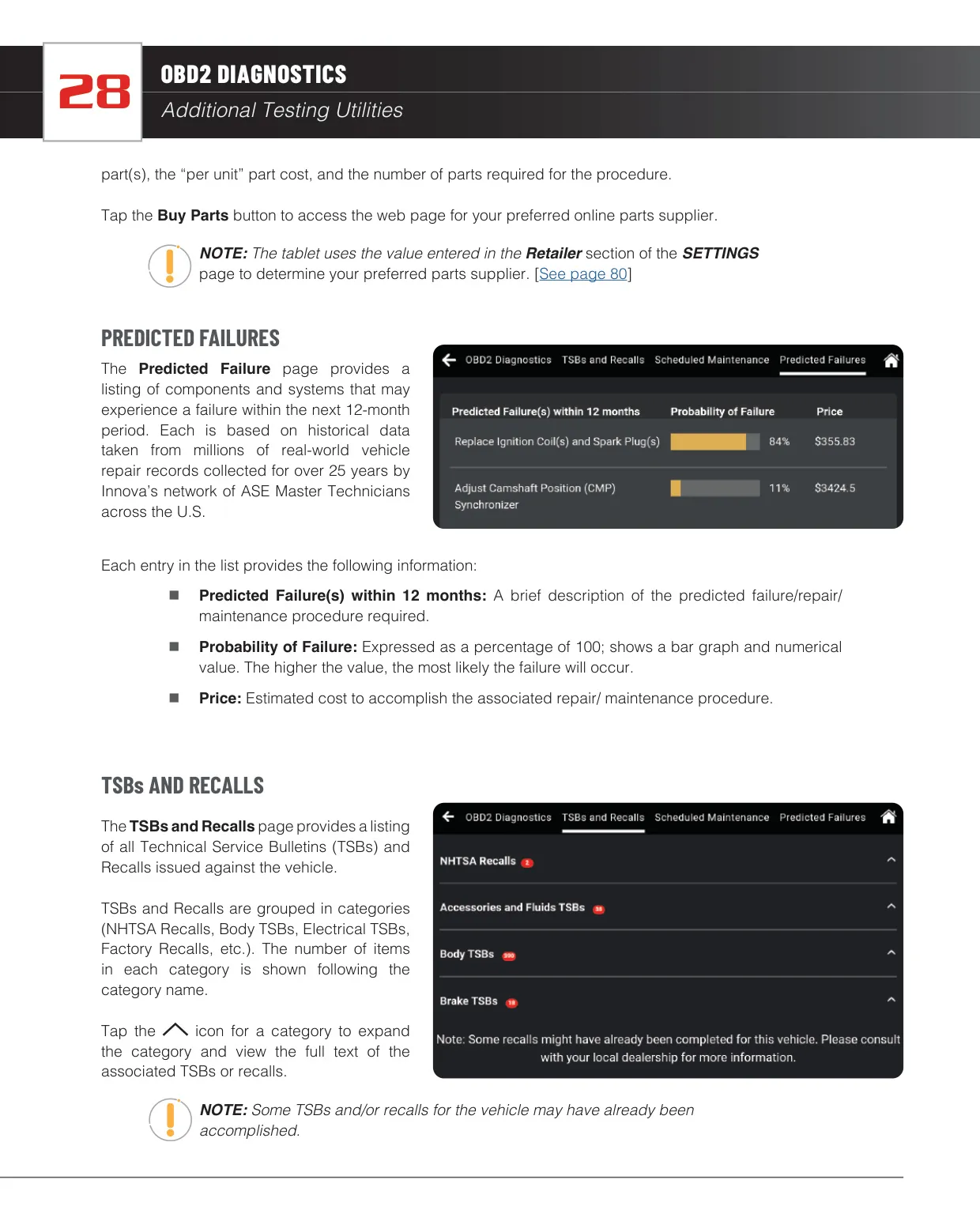
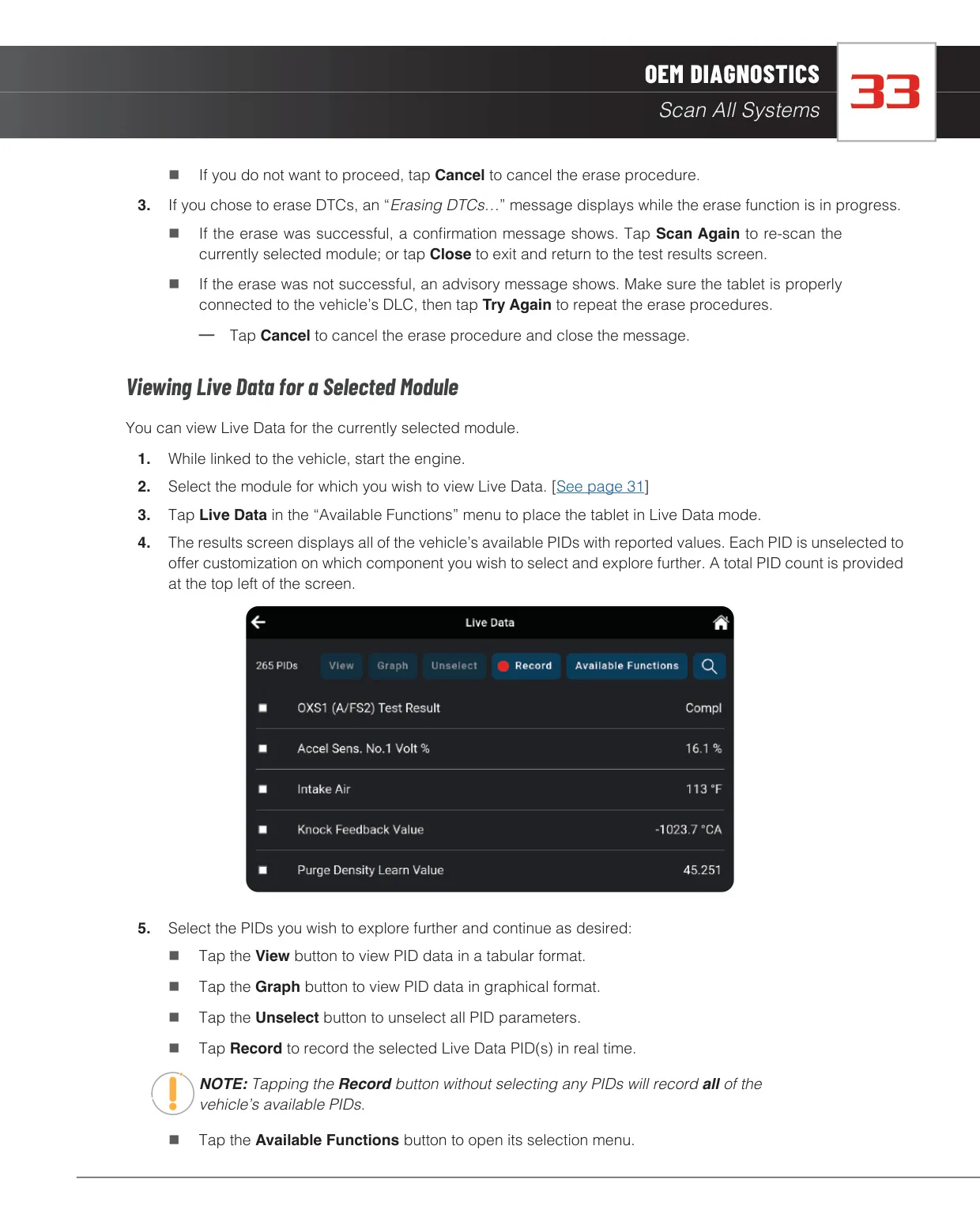
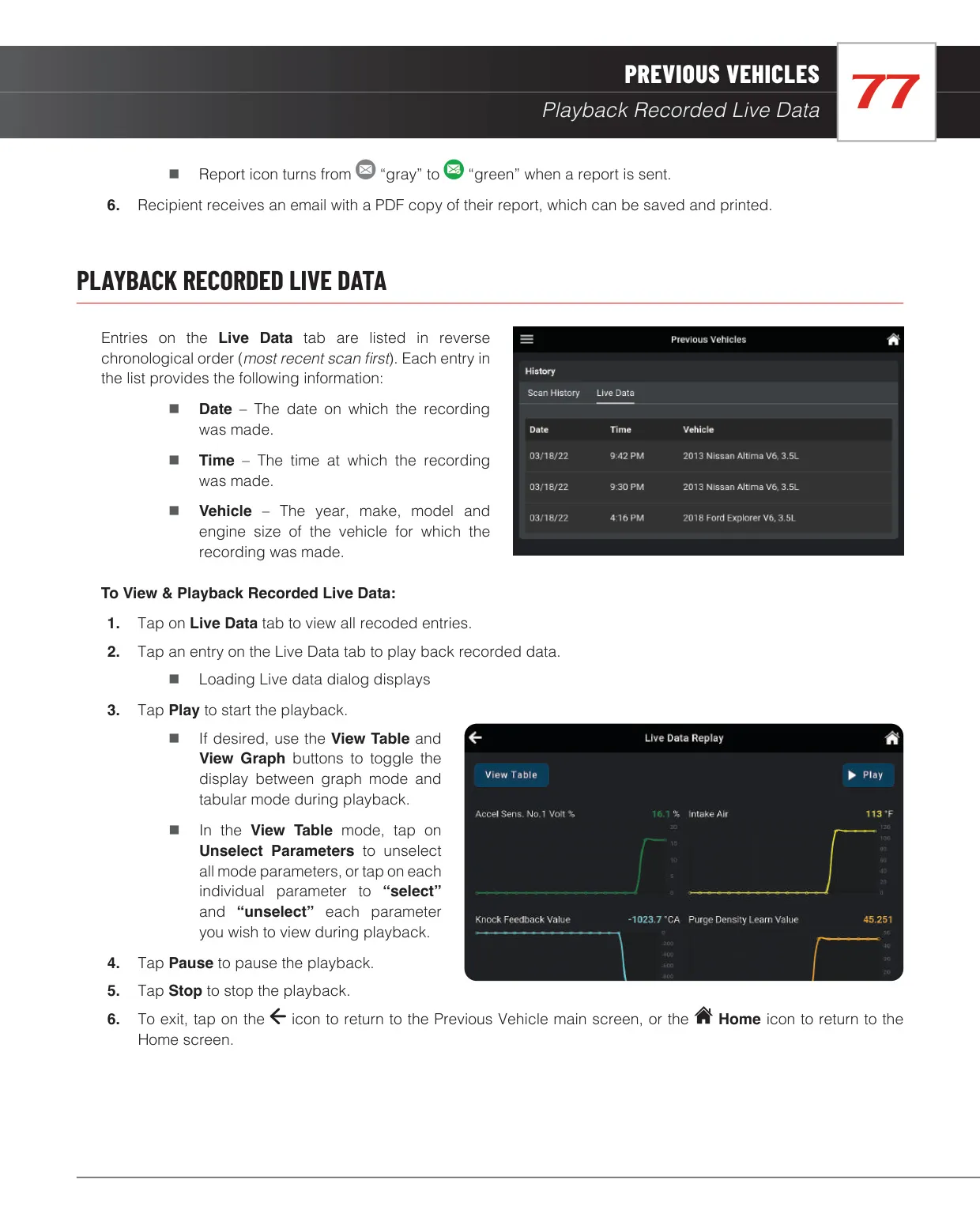
Live Data shows every PID the vehicle supports. You can search, select and view them as a table or a graph, and record them in real time to play back later. The built-in RepairSolutionsPRO service links to a database of millions of verified fixes collected over 25 years by ASE Master Technicians. It suggests the most likely fixes with parts and costs, and adds TSBs and recalls, scheduled maintenance, and predicted failures for the next 12 months with probability percentages.
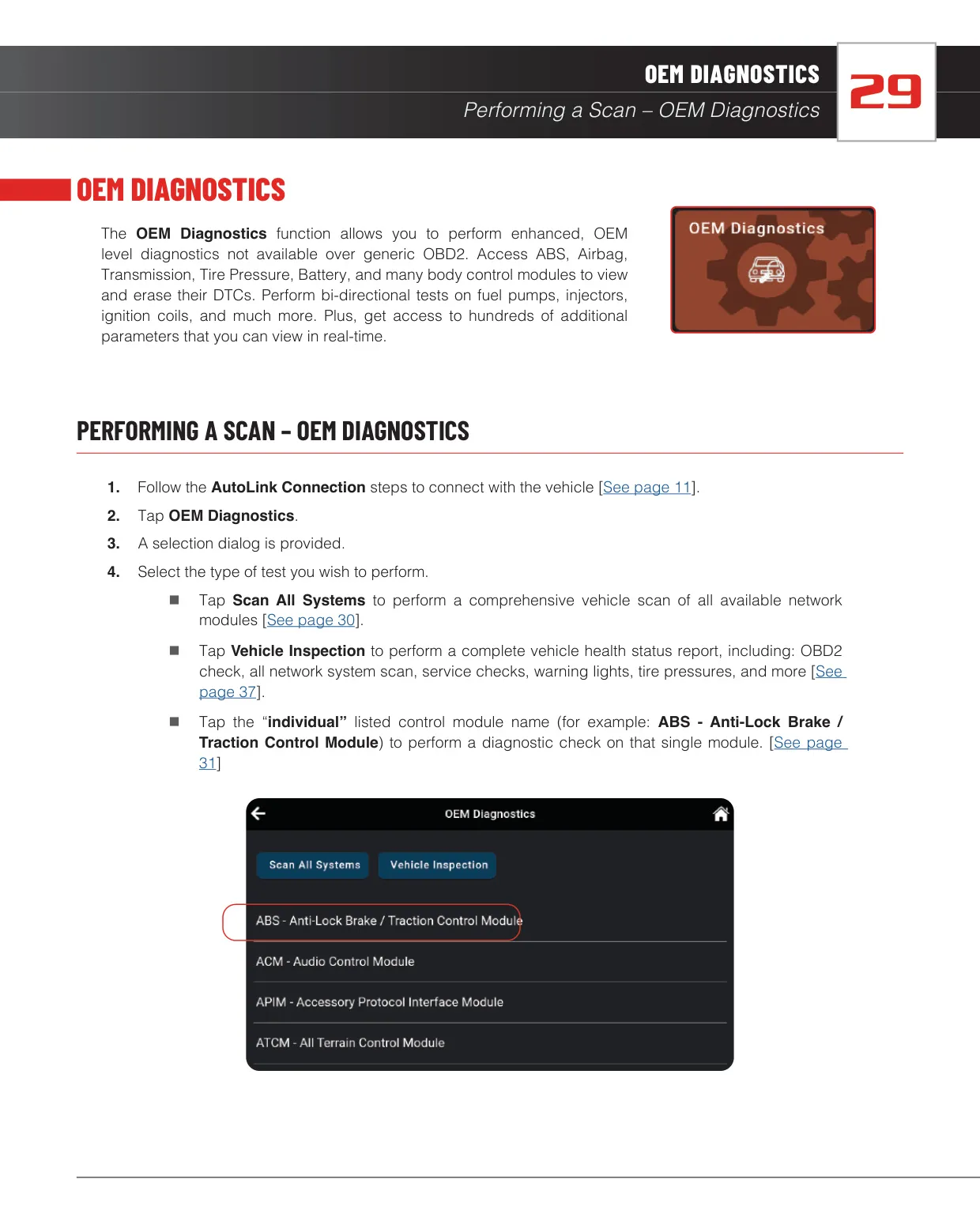
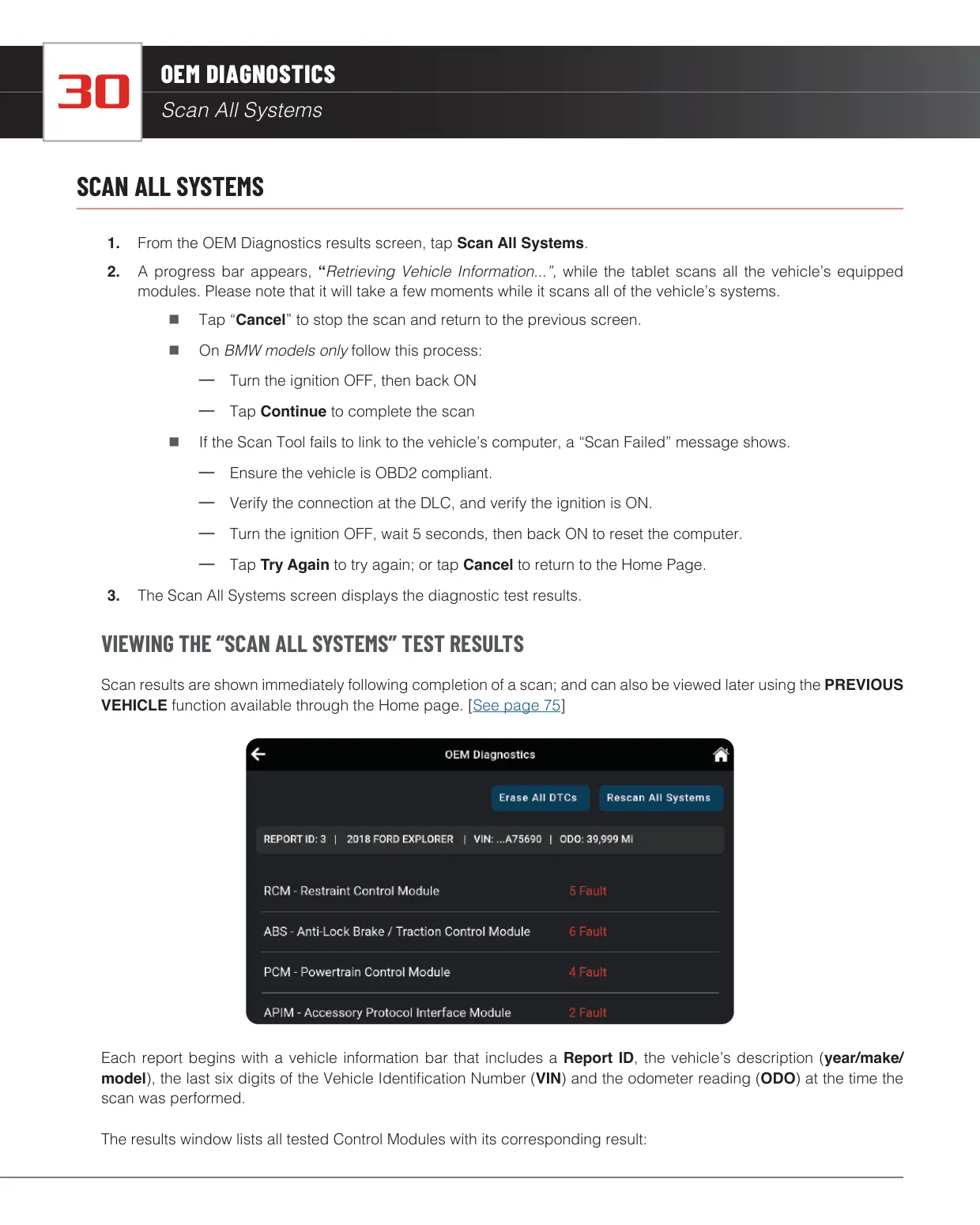
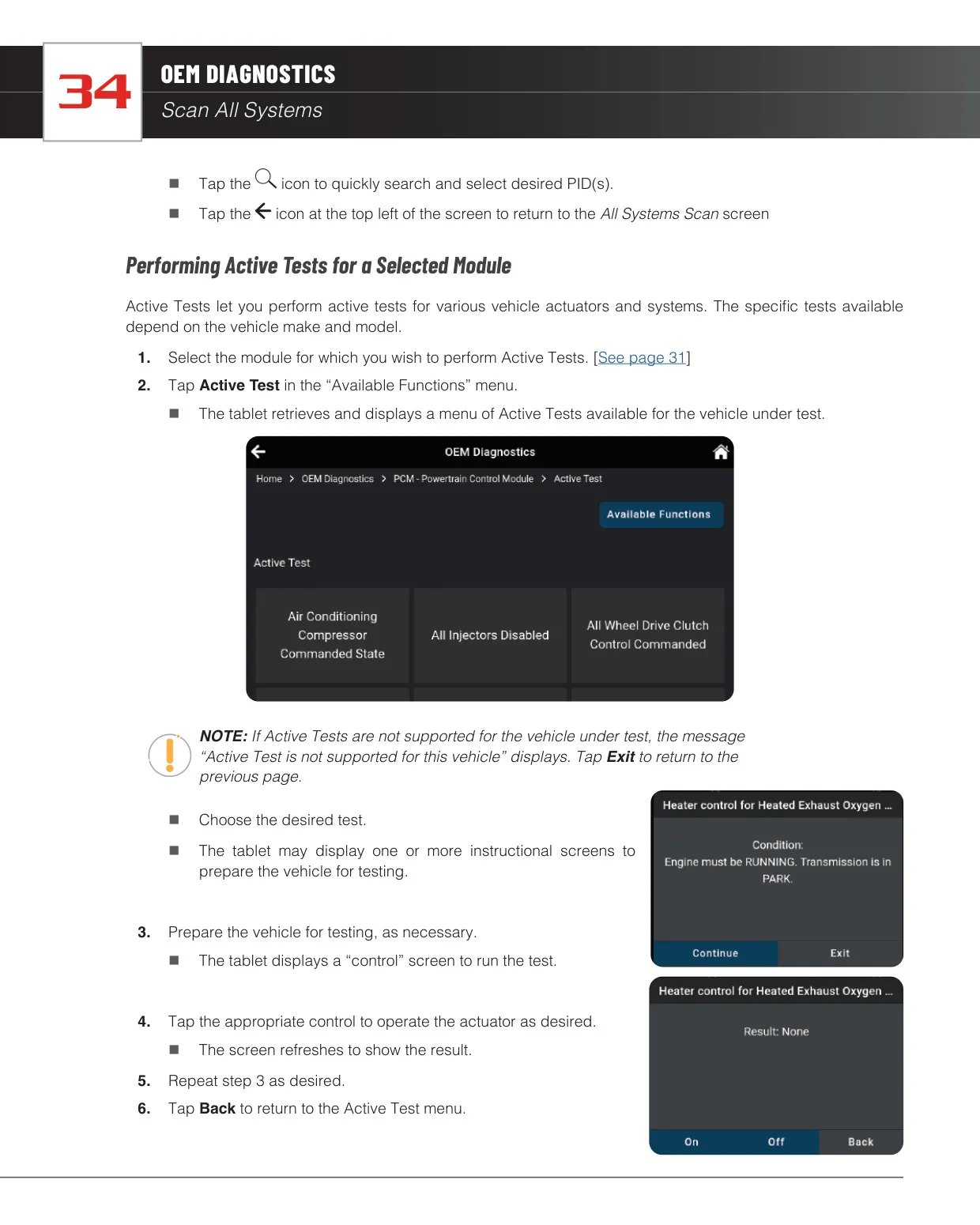
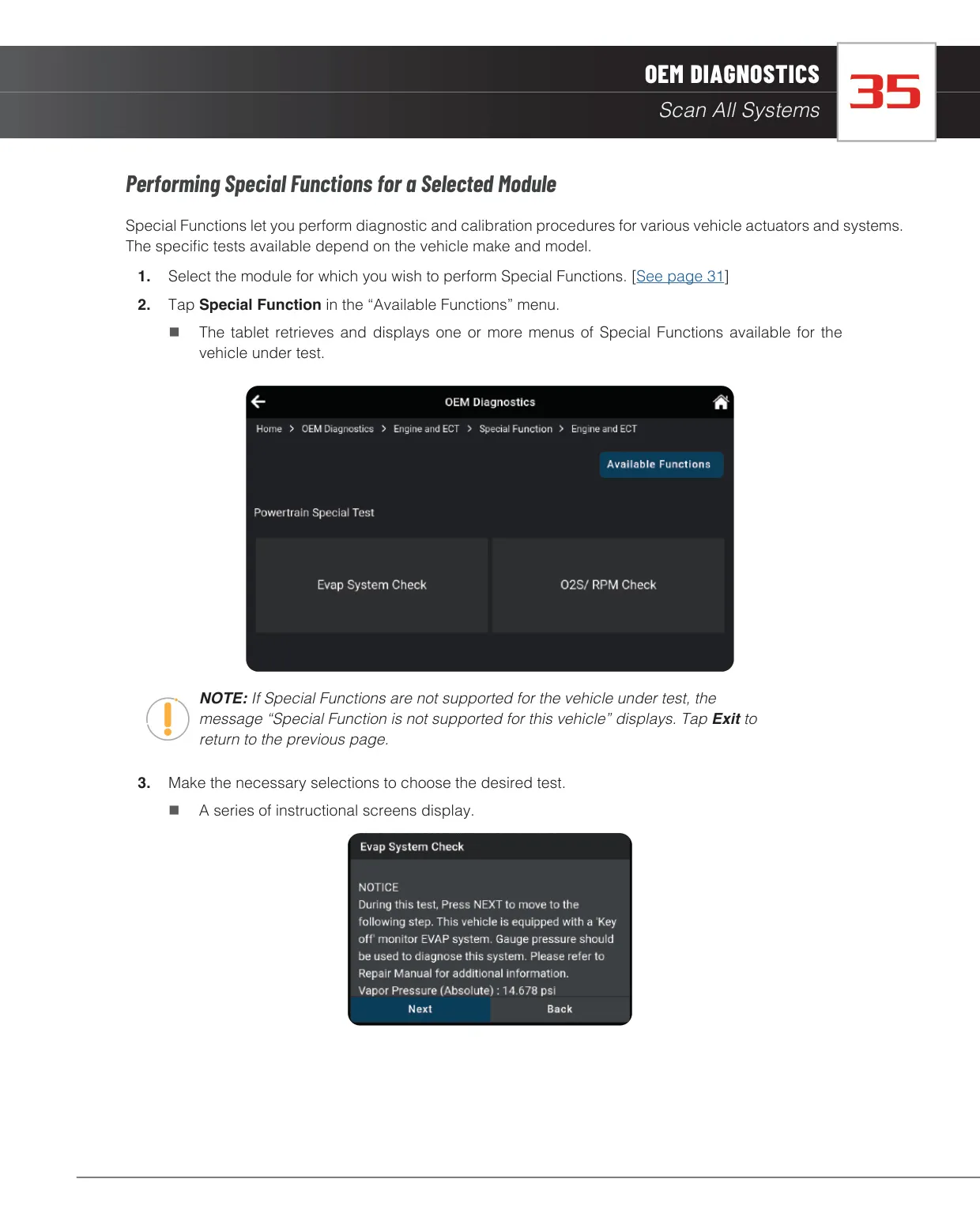
OEM Diagnostics goes past generic OBD2. It can scan all systems or single modules such as ABS, Airbag, Transmission and TPMS. For each module you can read and erase codes, view live data, and run bi-directional Active Tests and Special Functions. The Vehicle Inspection Health Report sums up emissions readiness, DTC status, battery life, tire pressures, oil life and level, coolant level, brake pad life, and whether the airbag, TPMS and ABS warning lights are on.
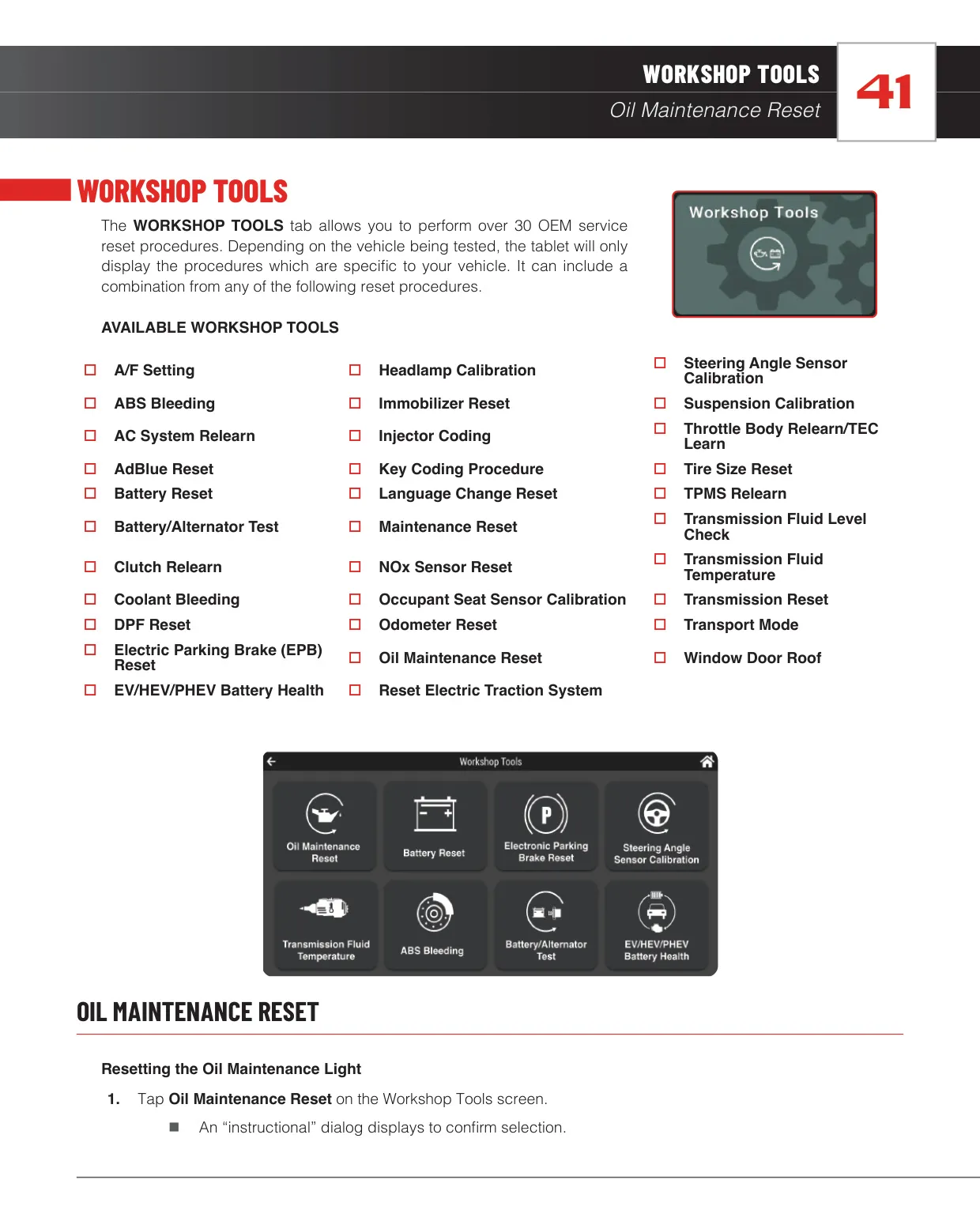
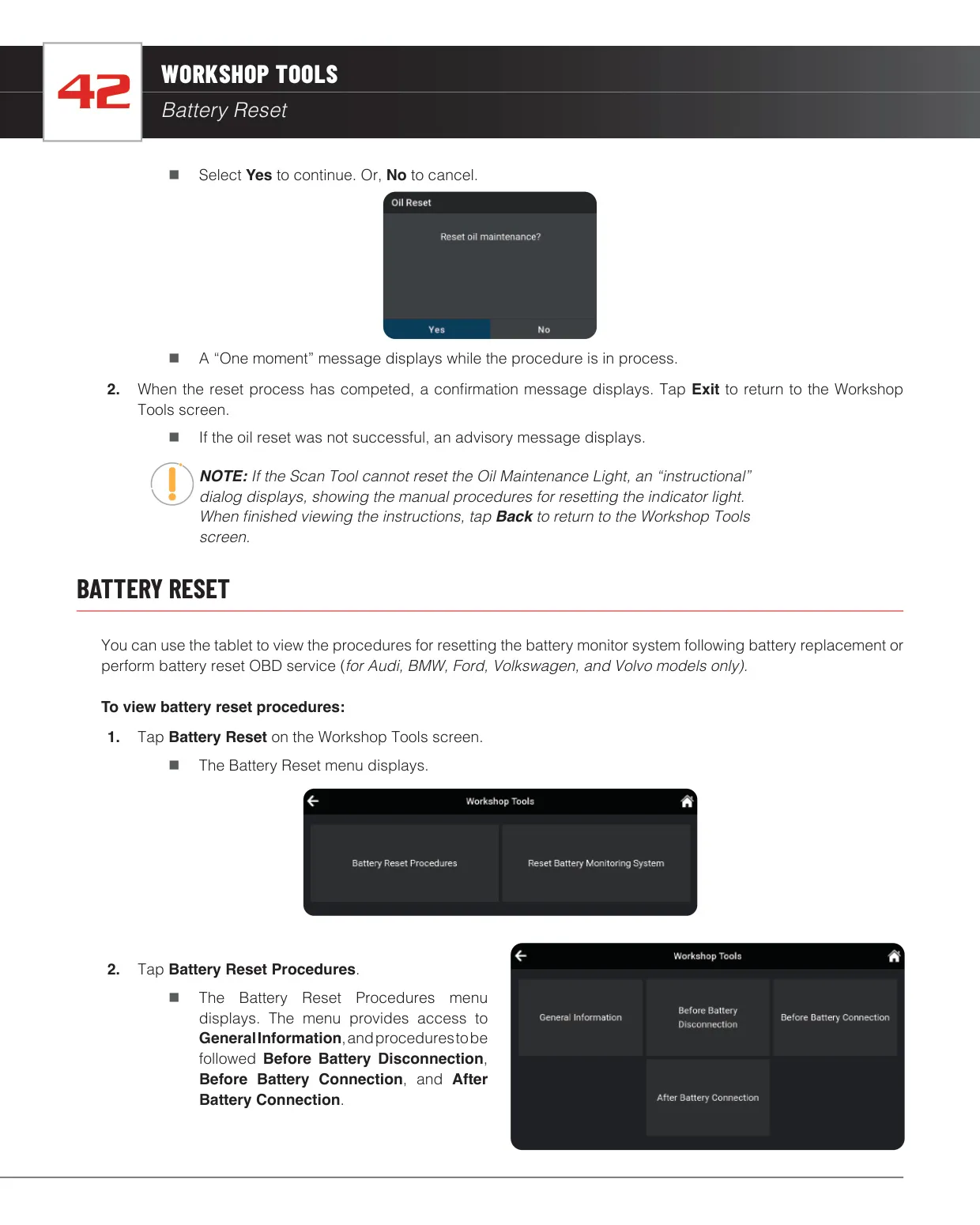
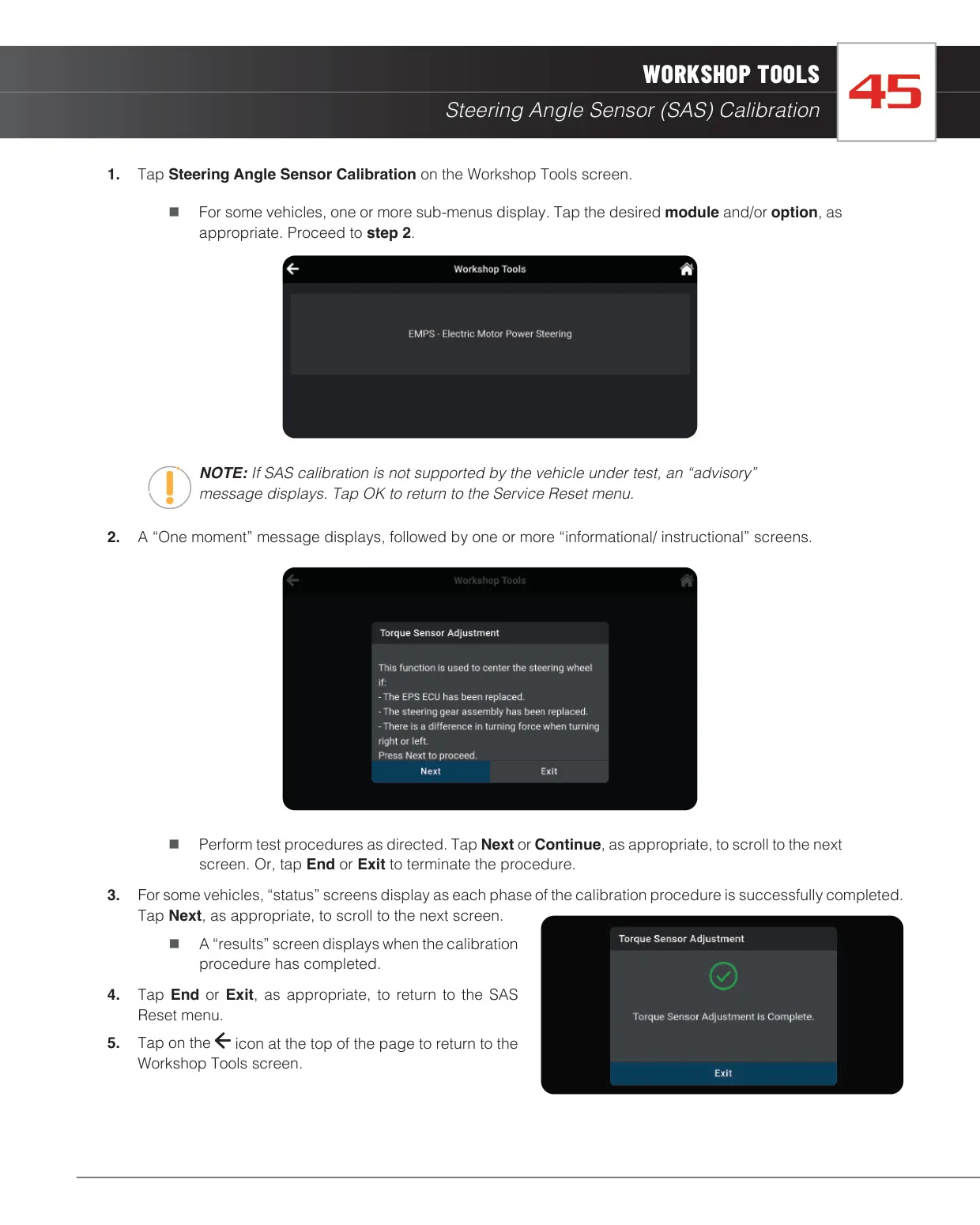
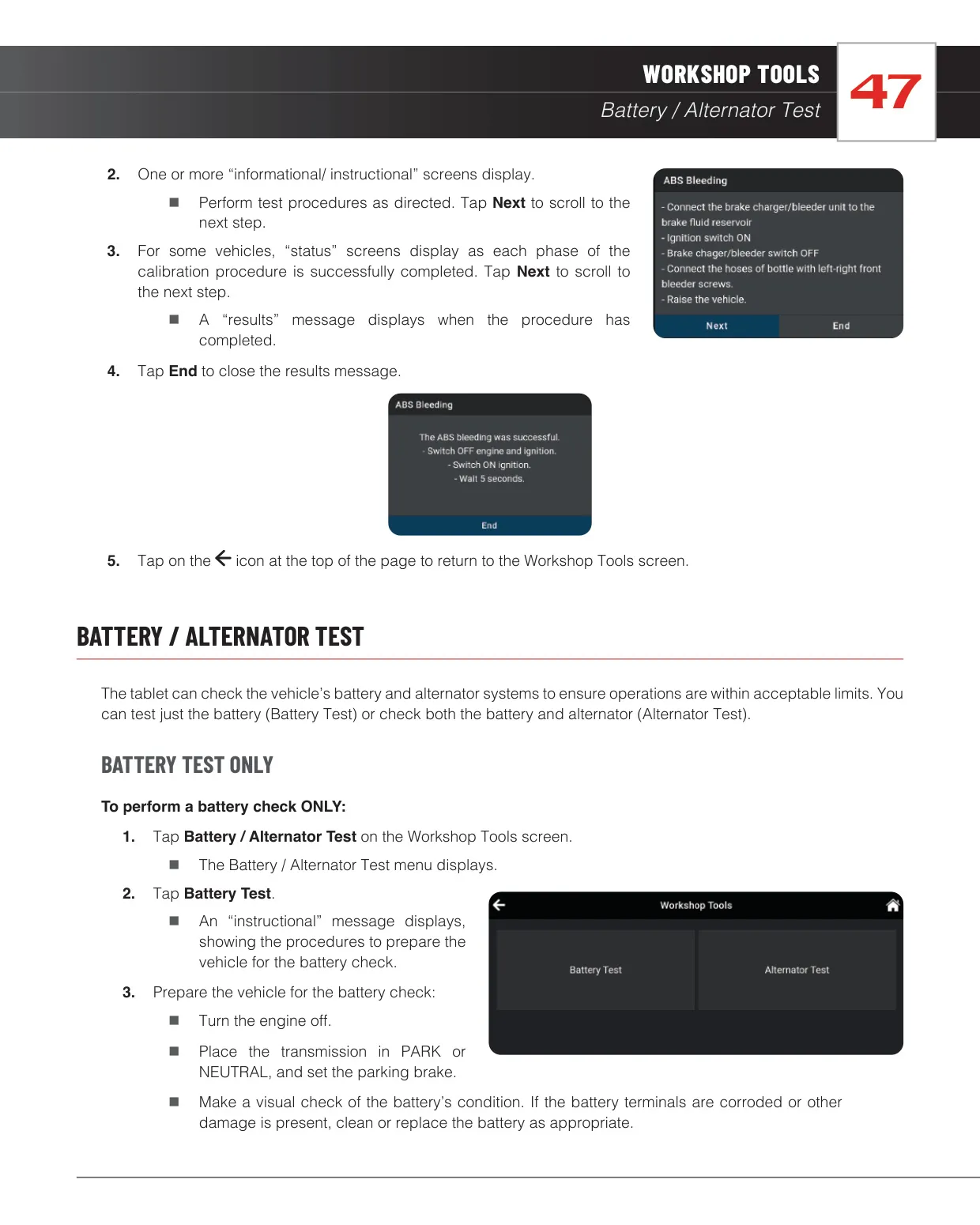
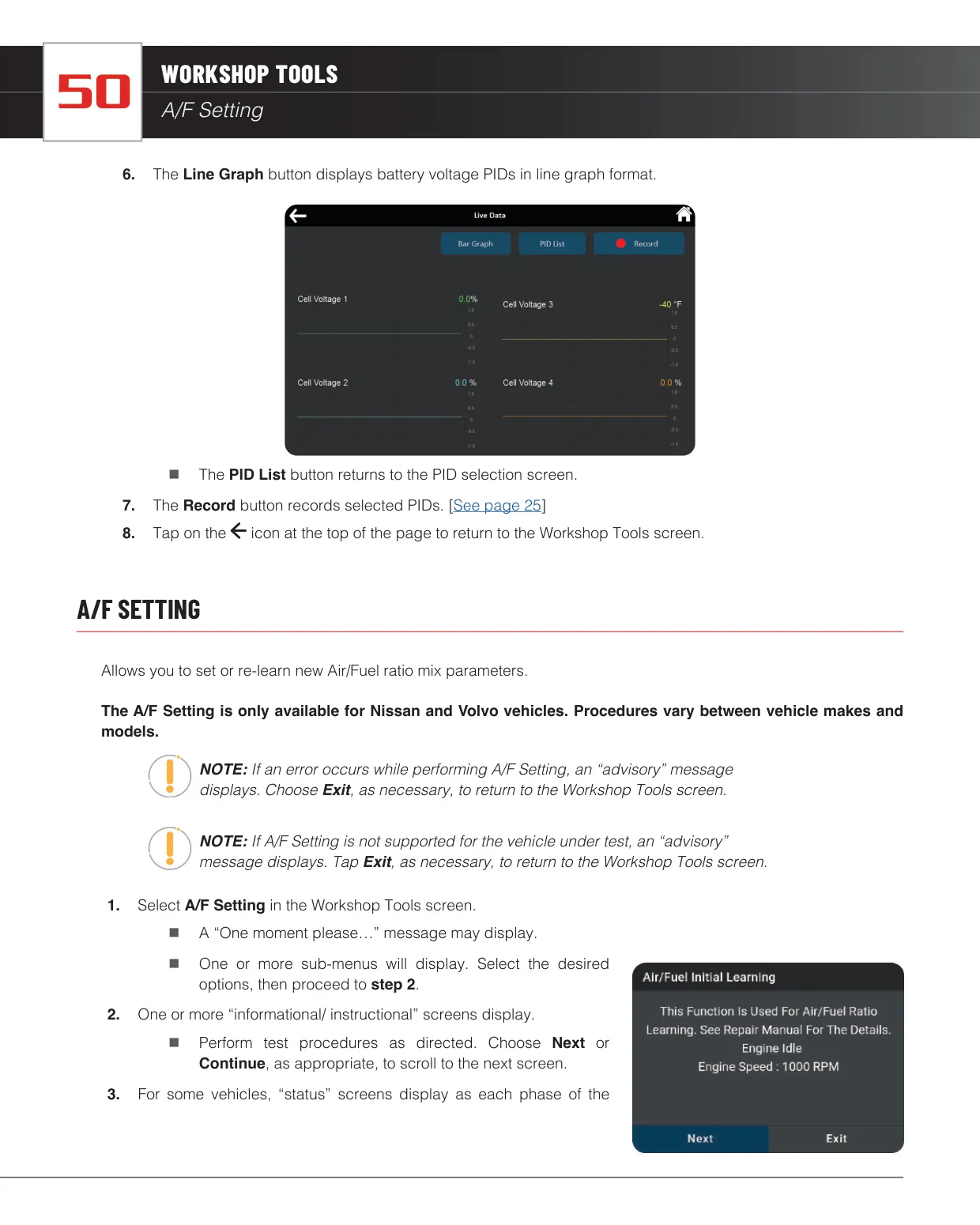
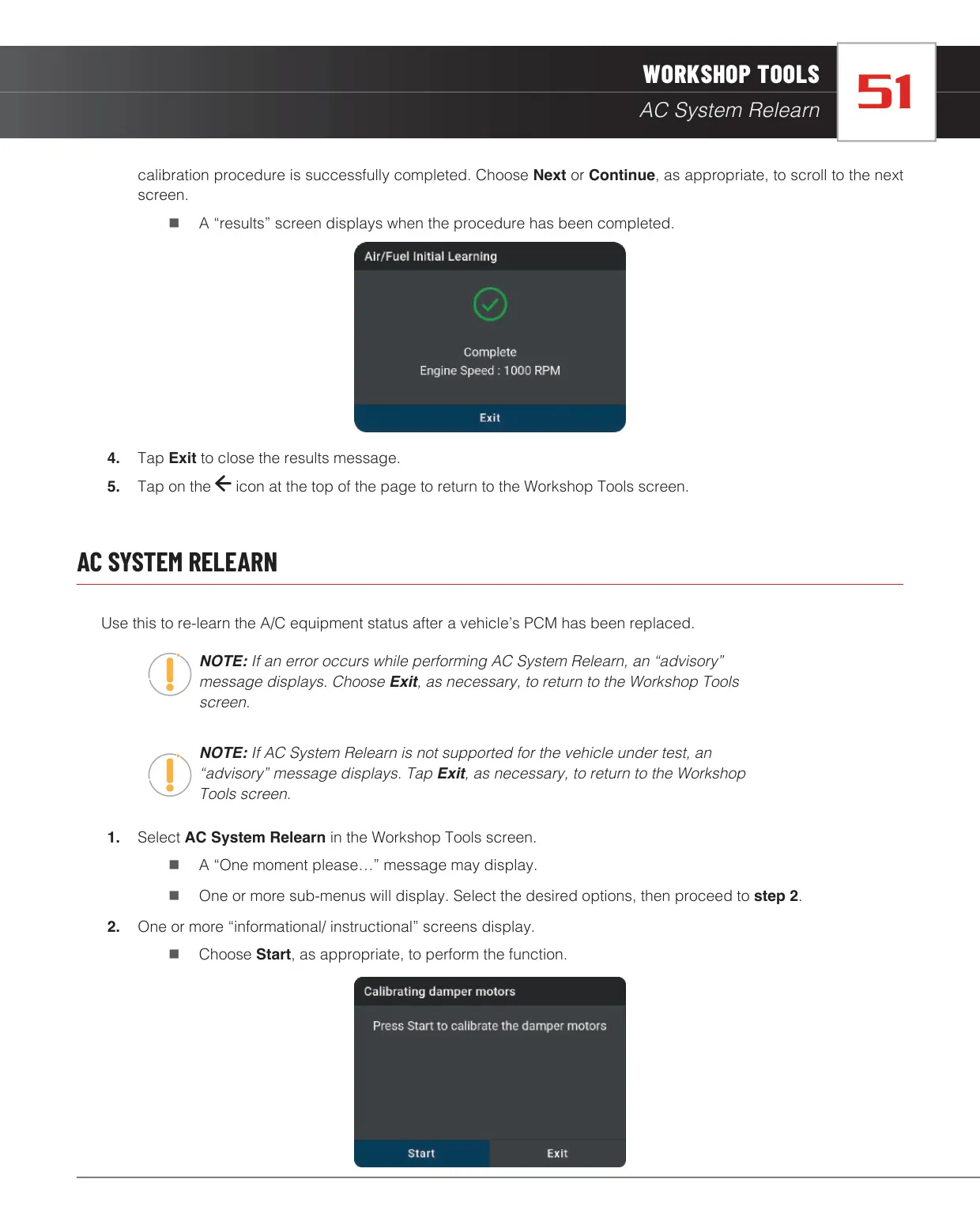
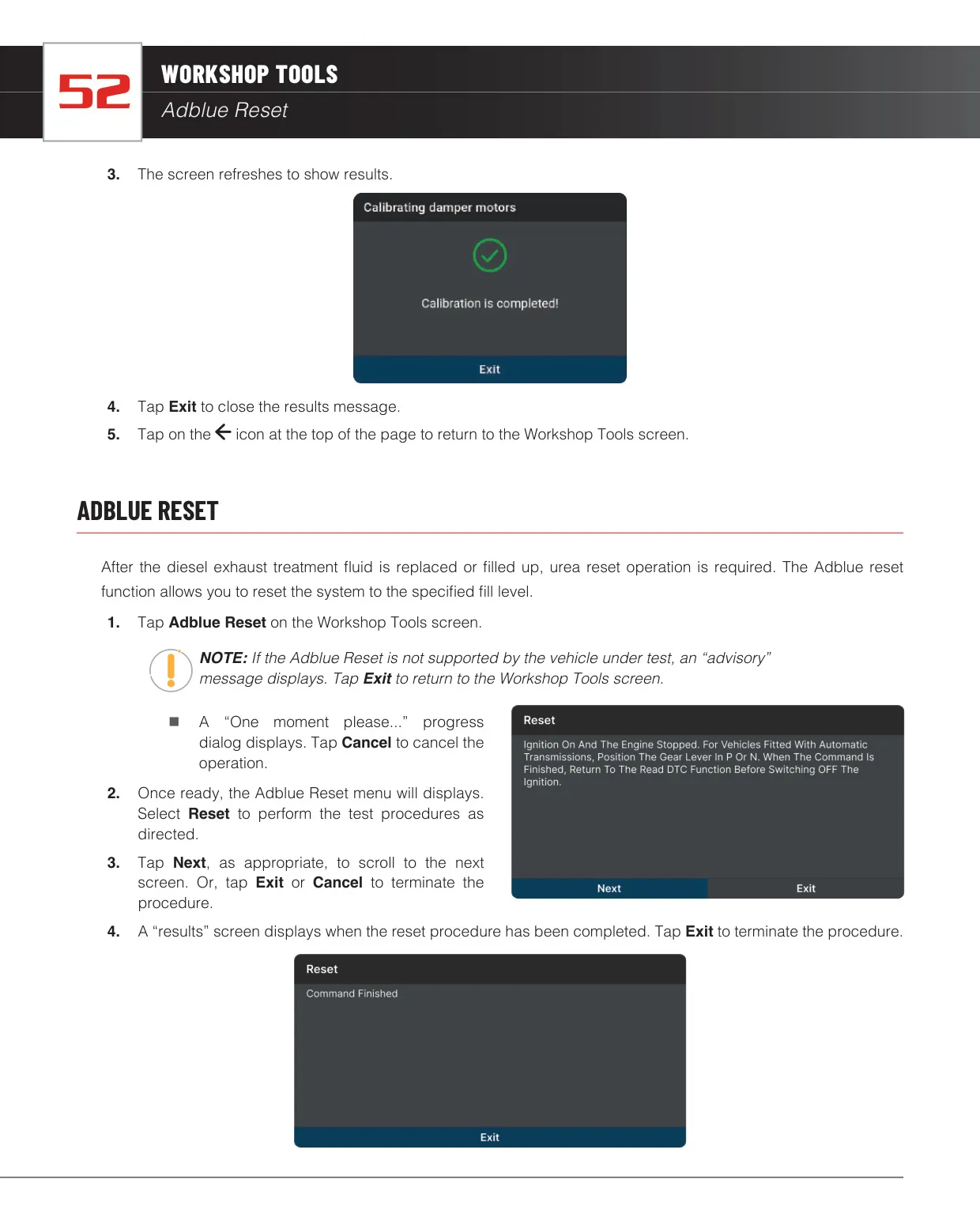
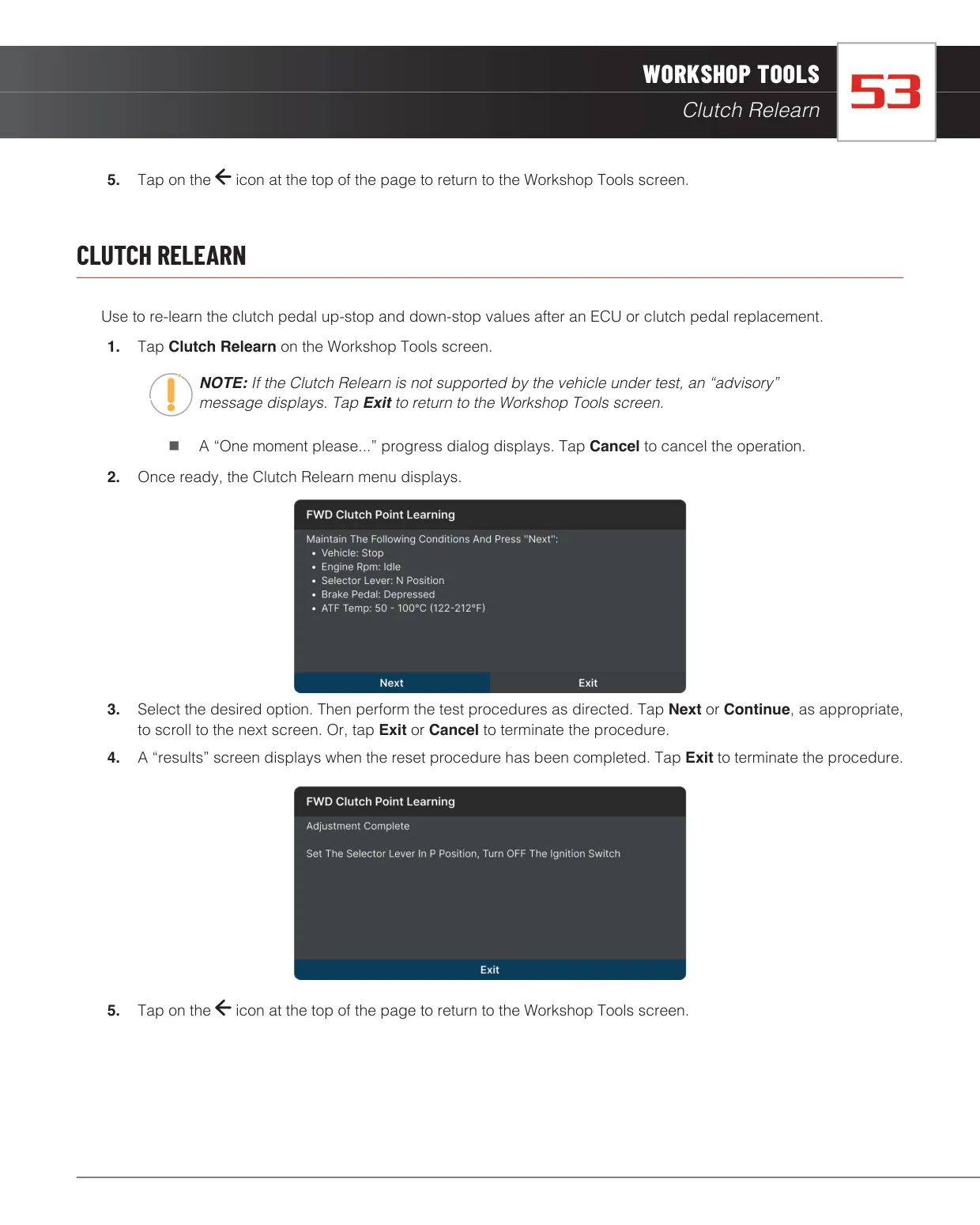
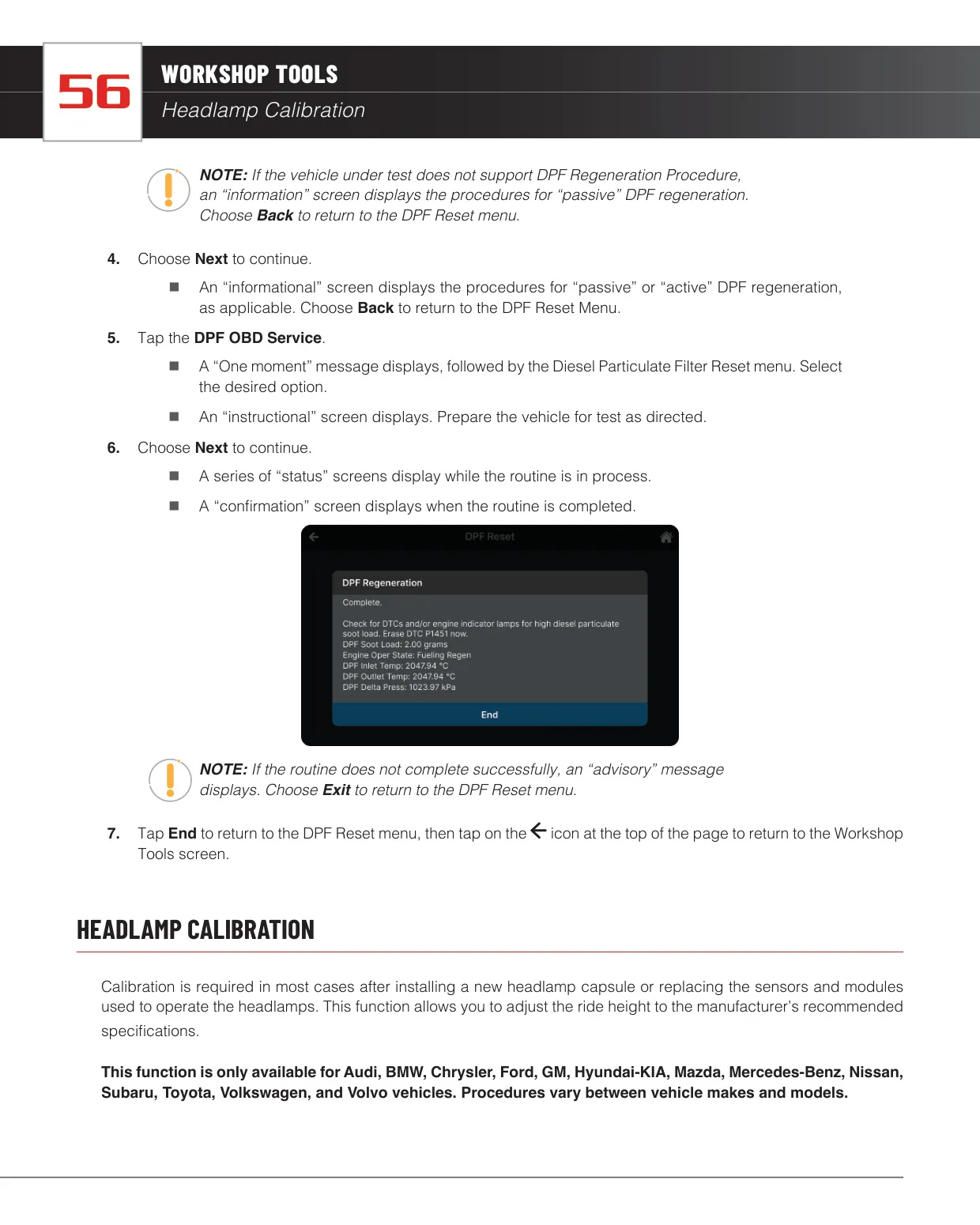
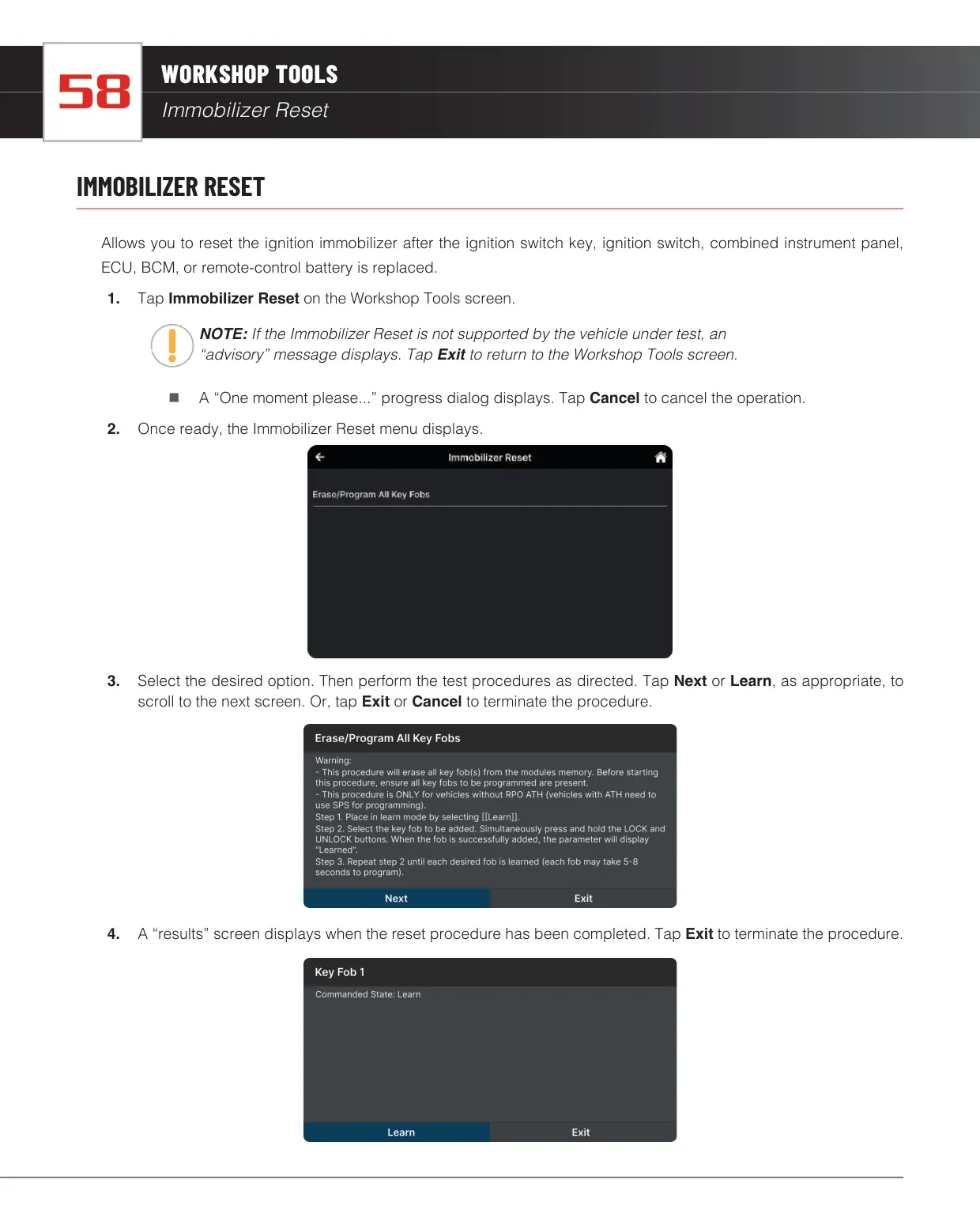
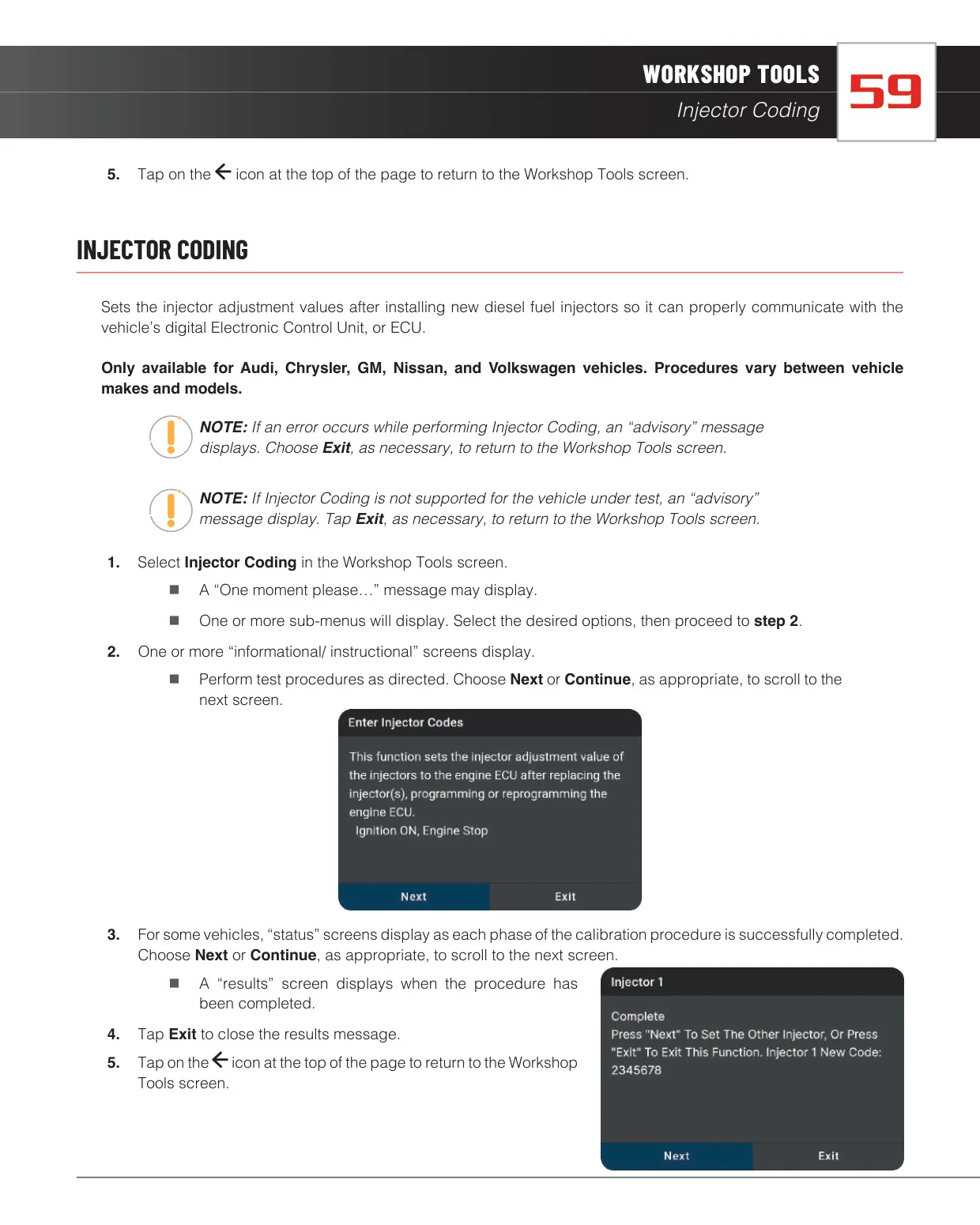
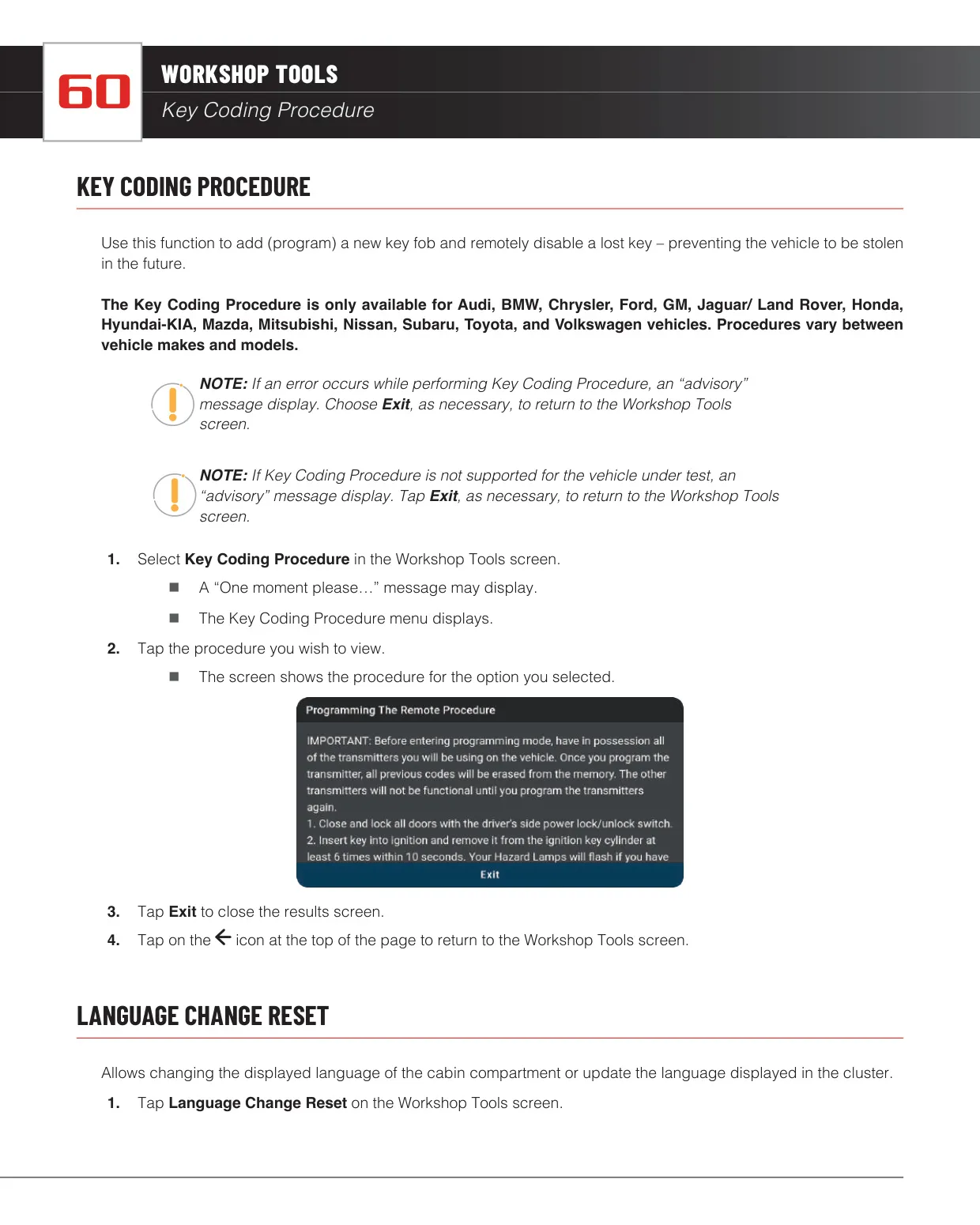
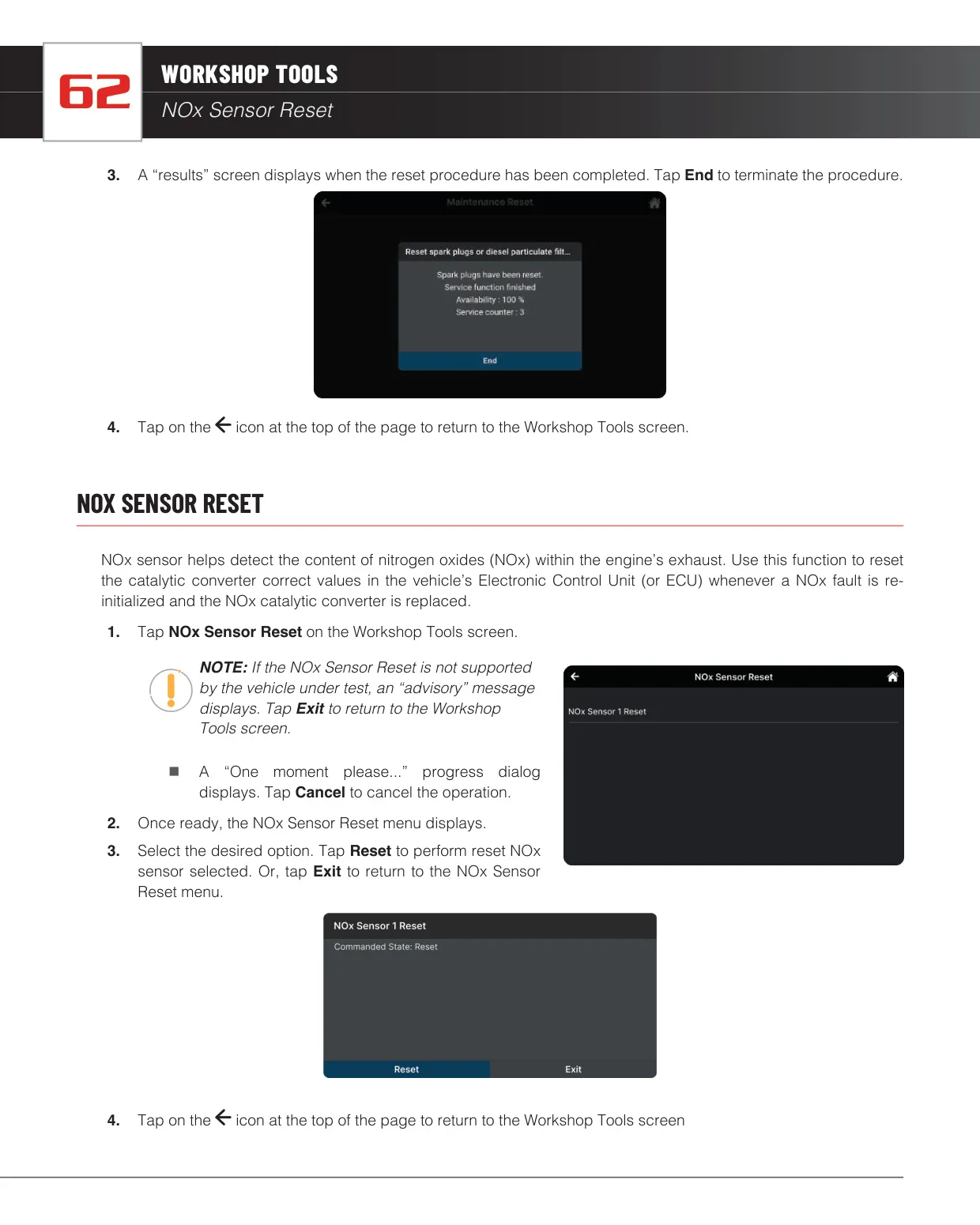
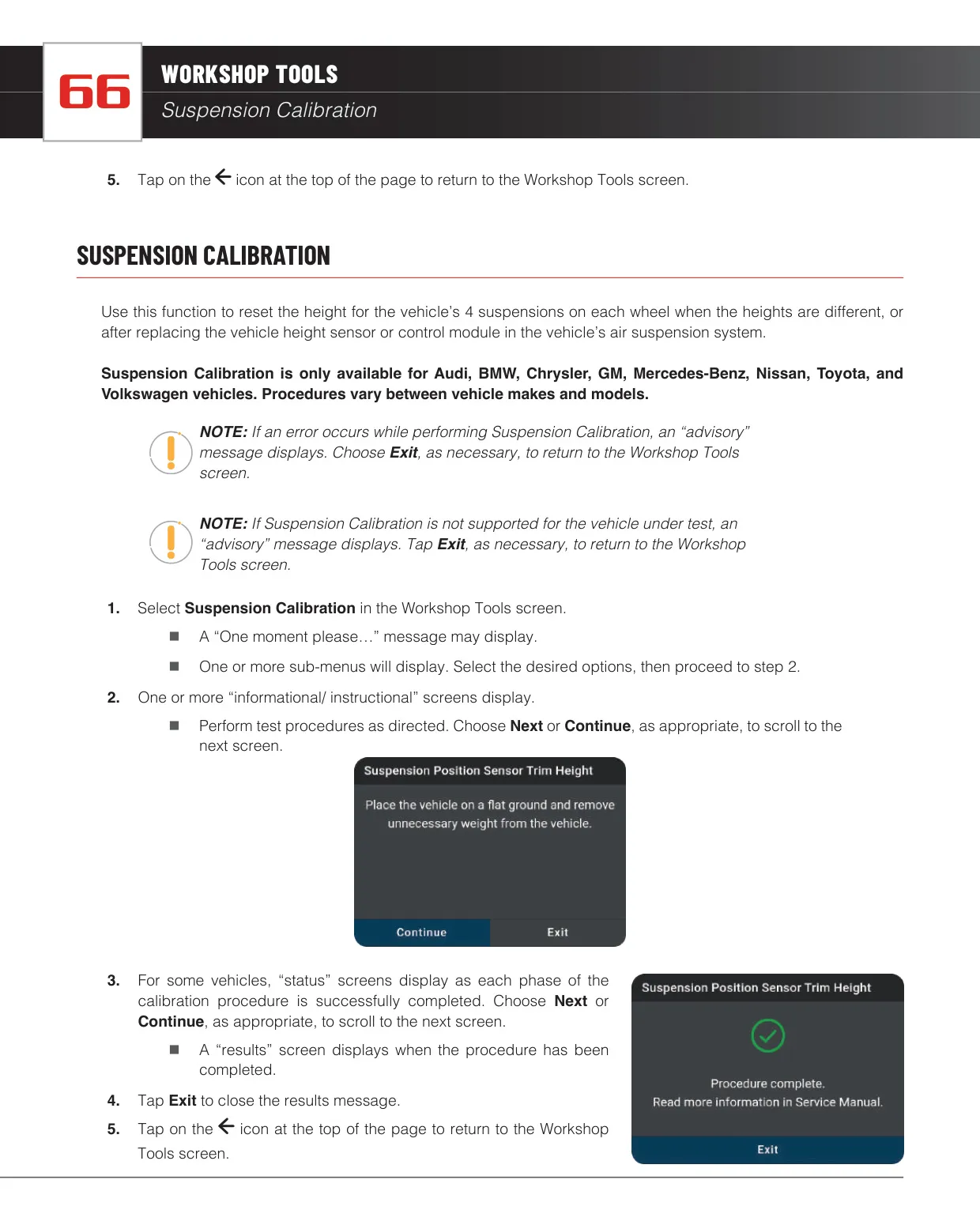
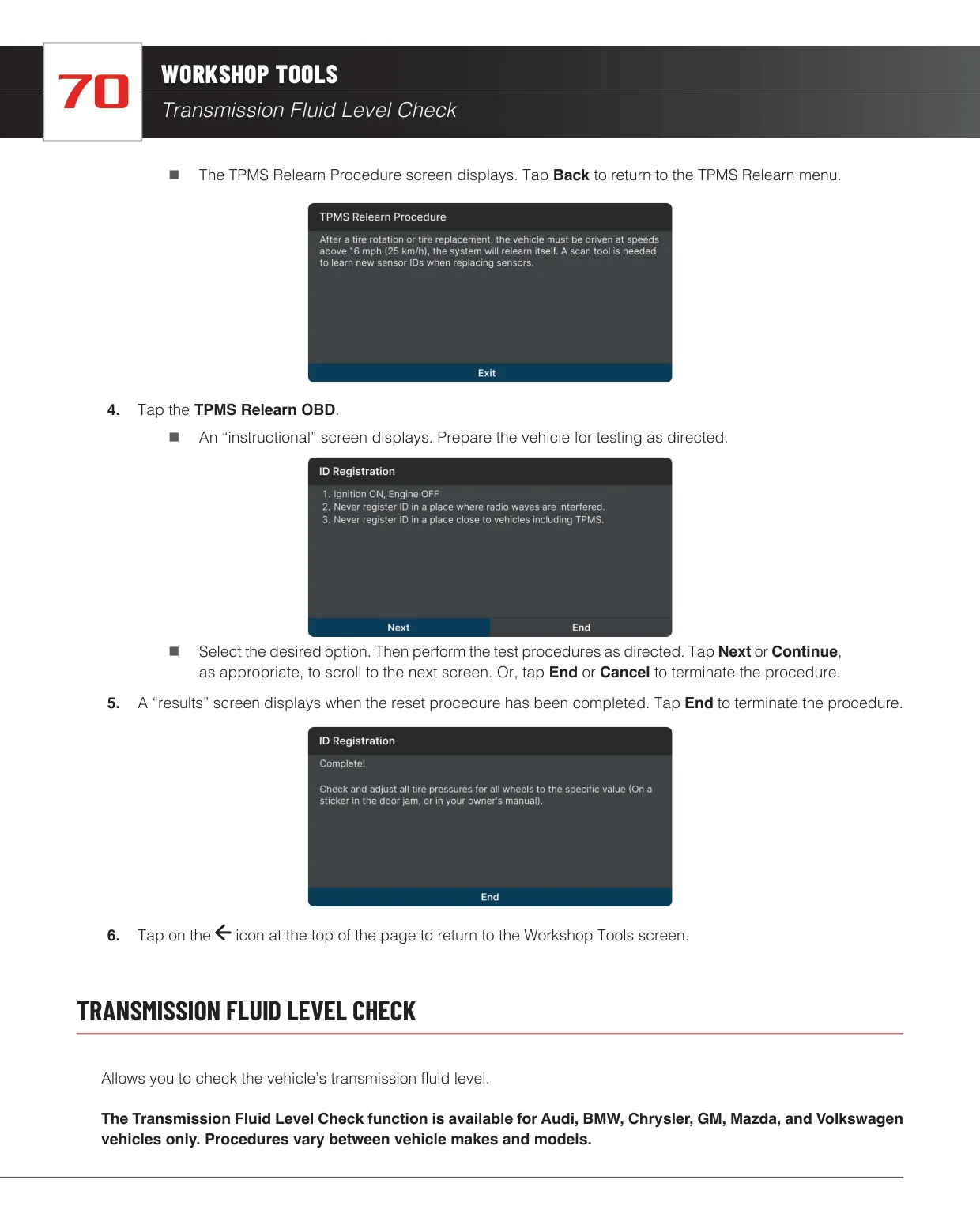
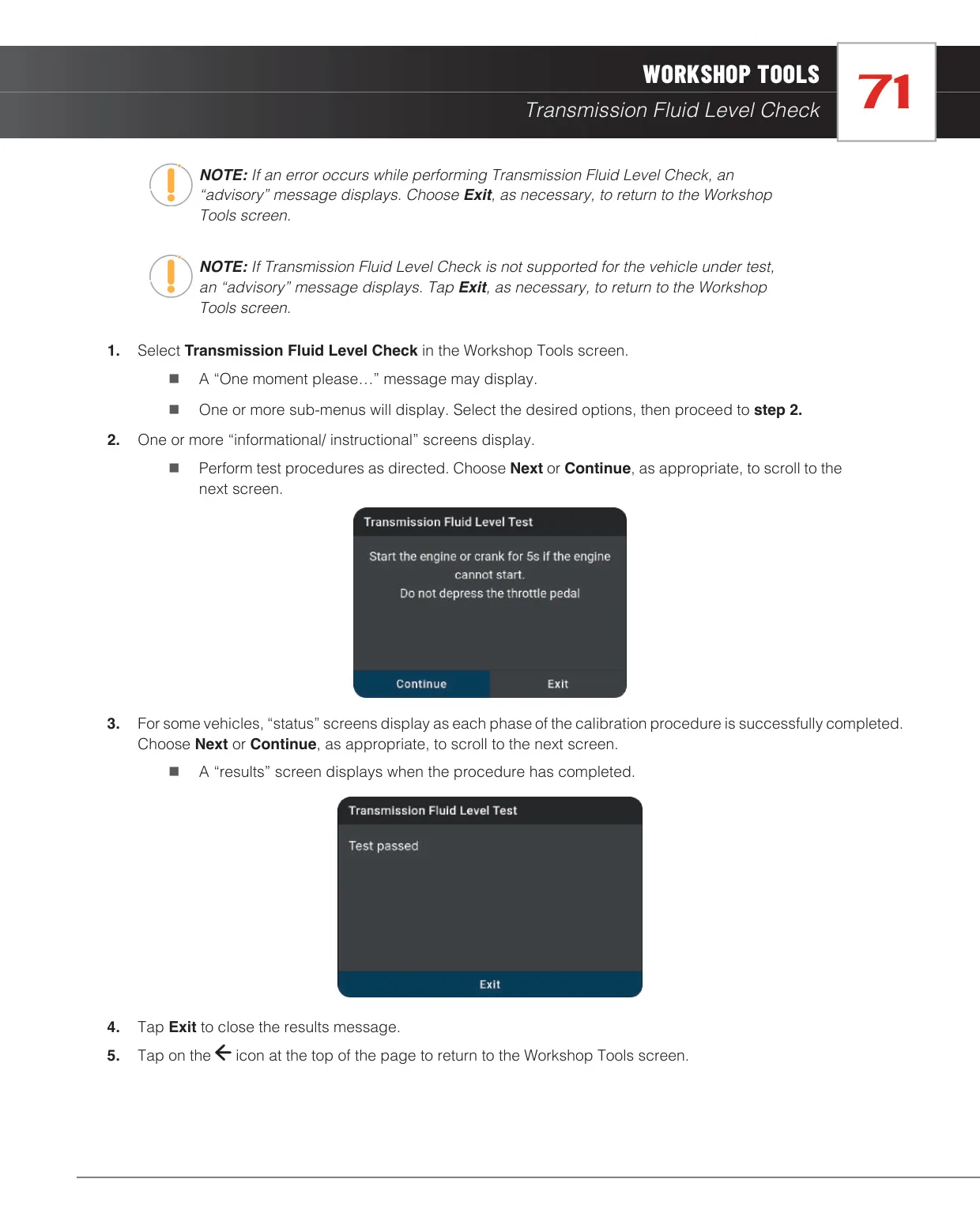
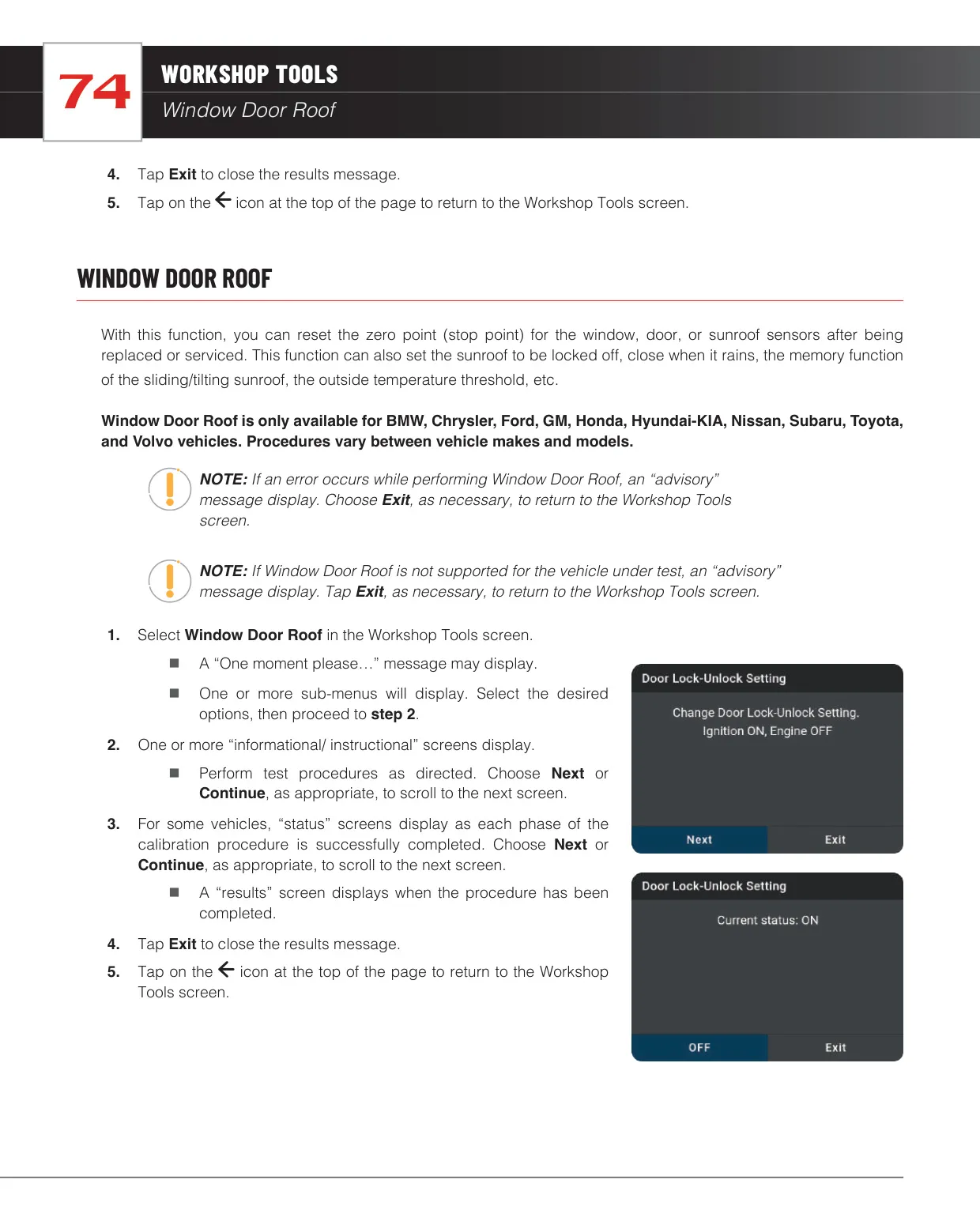
The Workshop Tools tab covers maintenance and relearn procedures. These include oil and maintenance resets, battery registration, EPB reset, SAS calibration, ABS bleeding, and a battery and alternator test that flags a battery below 12.1 volts. It also checks EV, HEV and PHEV battery health with cell voltage graphs. Further tools cover DPF, AdBlue, NOx sensor, injector coding, key coding, TPMS relearn, throttle body relearn, headlamp calibration, suspension calibration and transport mode. Which tools you see depends on the make and model.
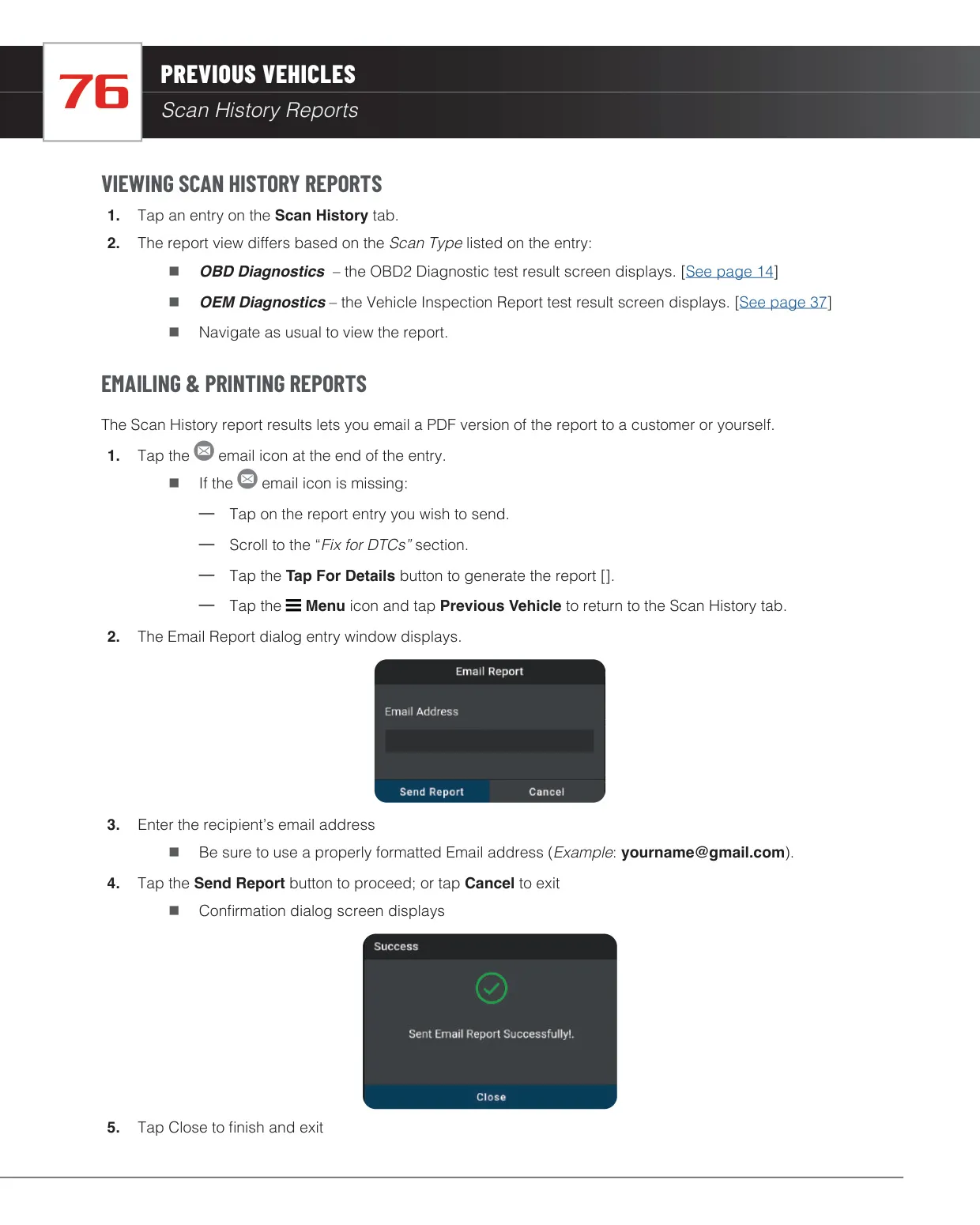
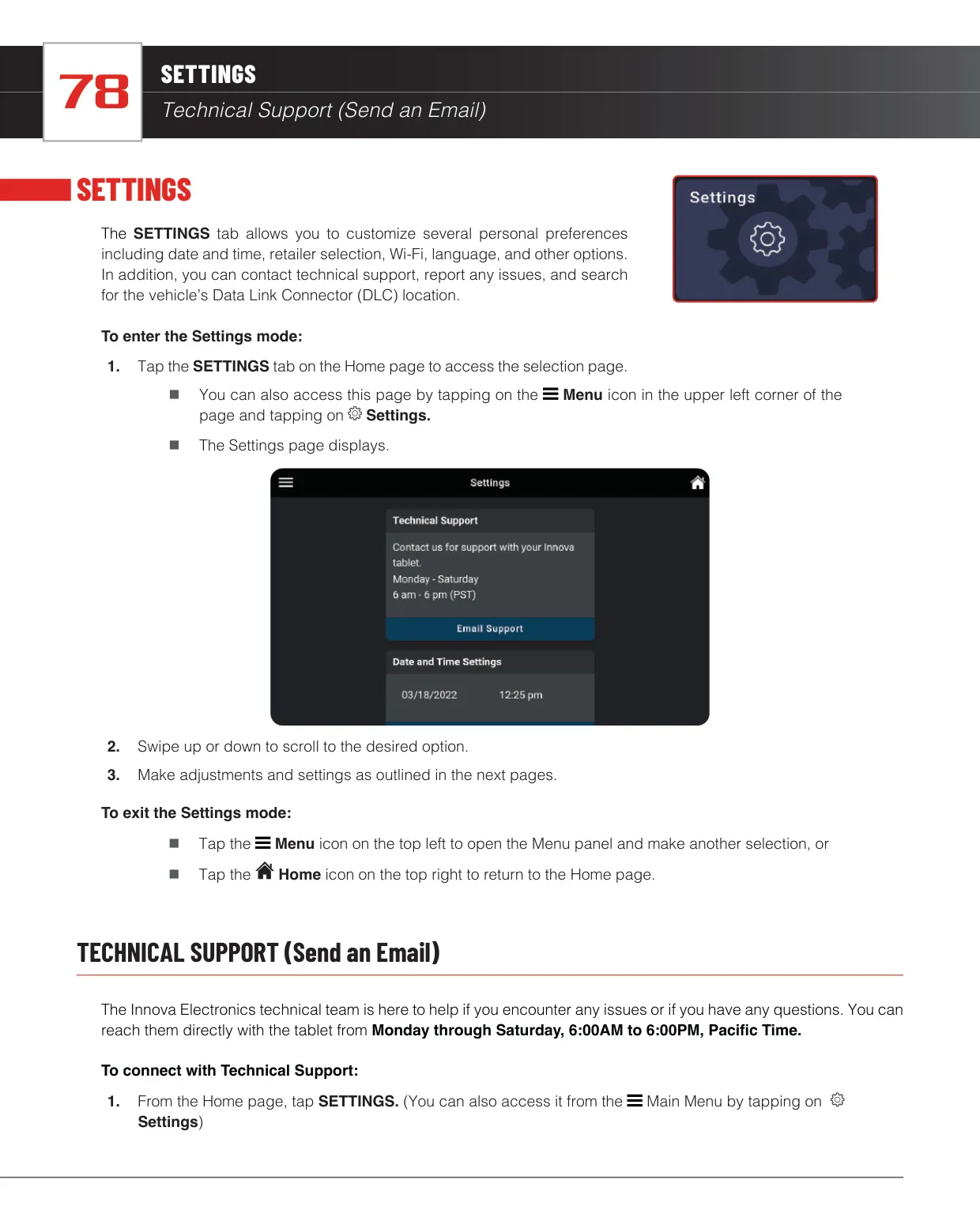
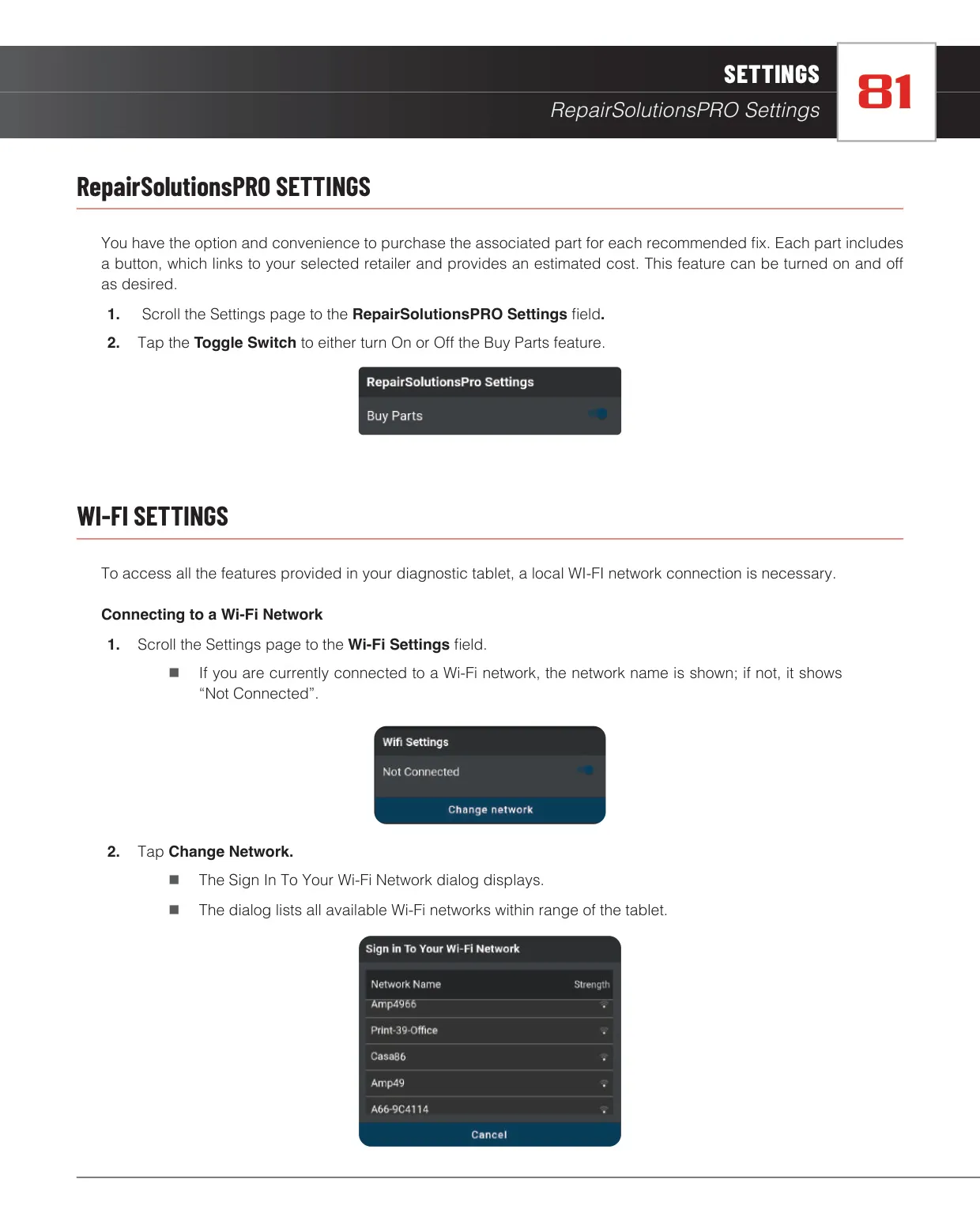
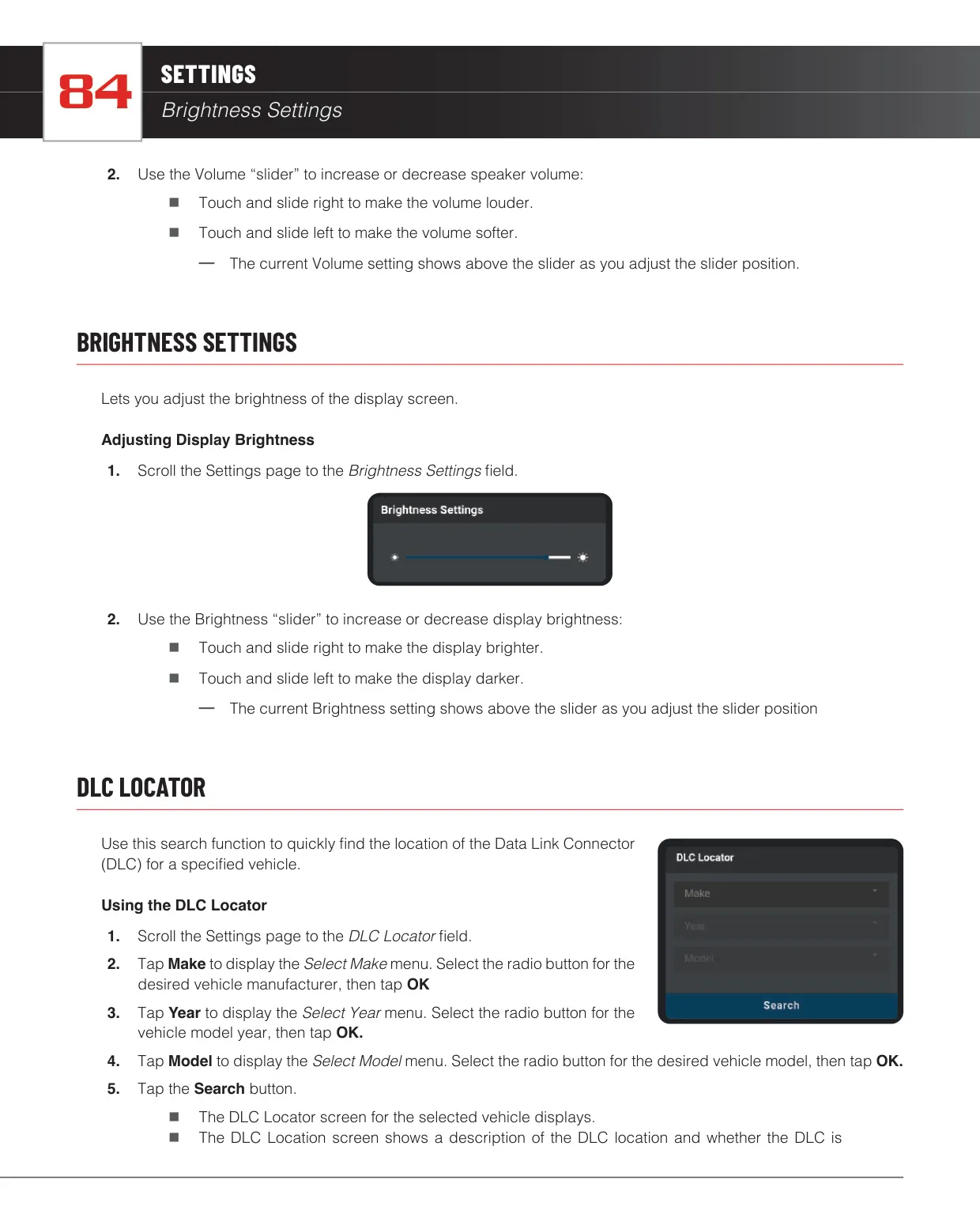
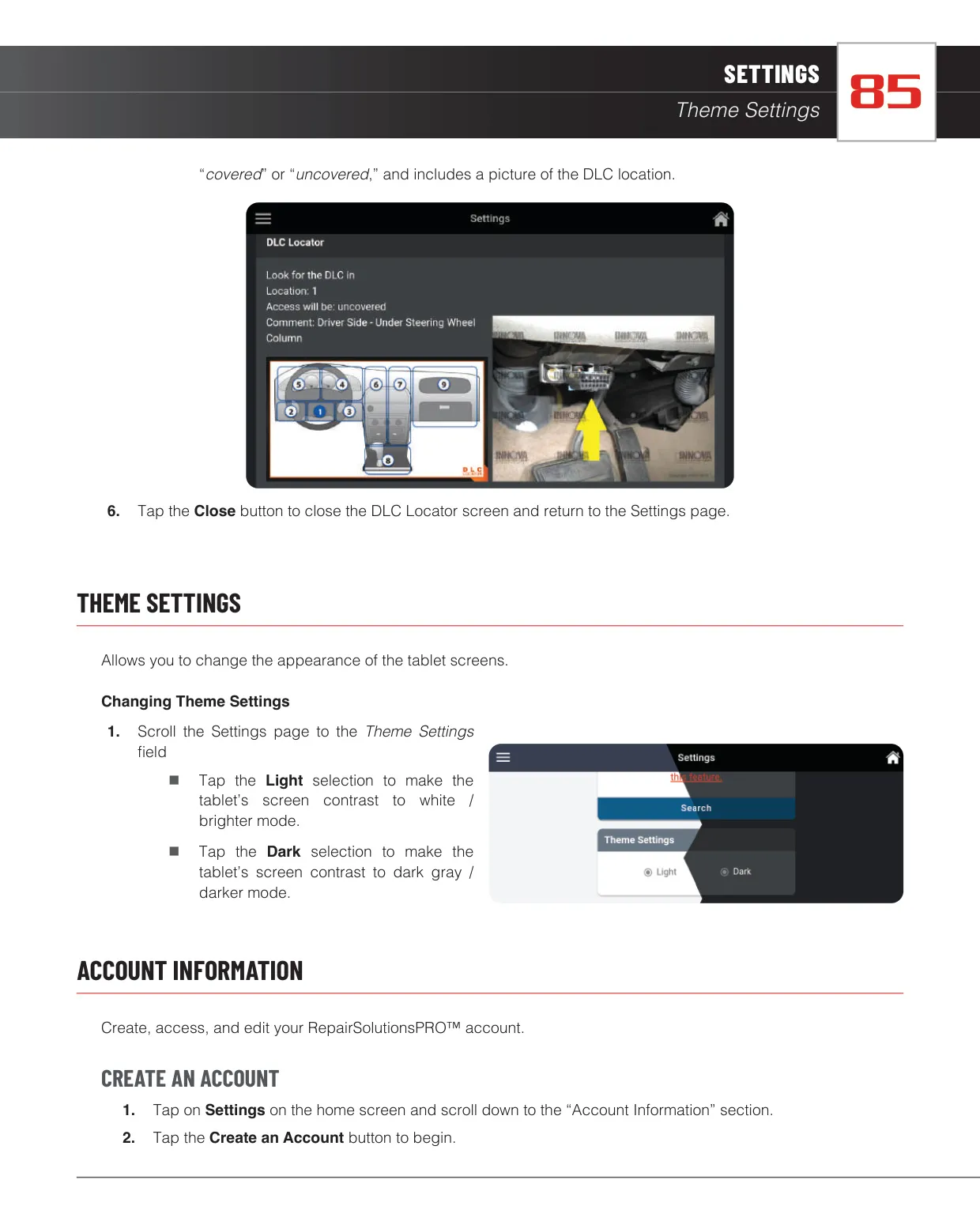
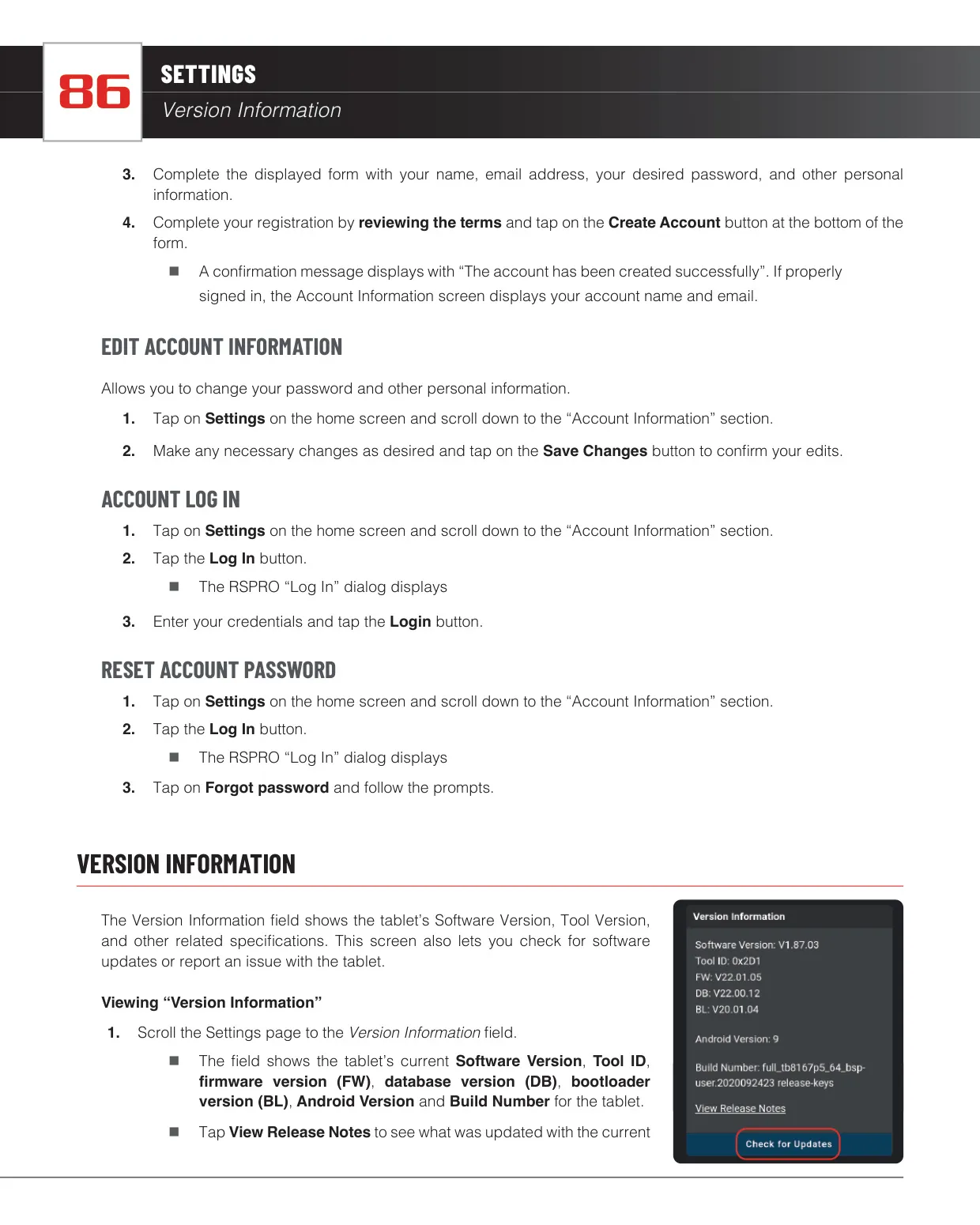
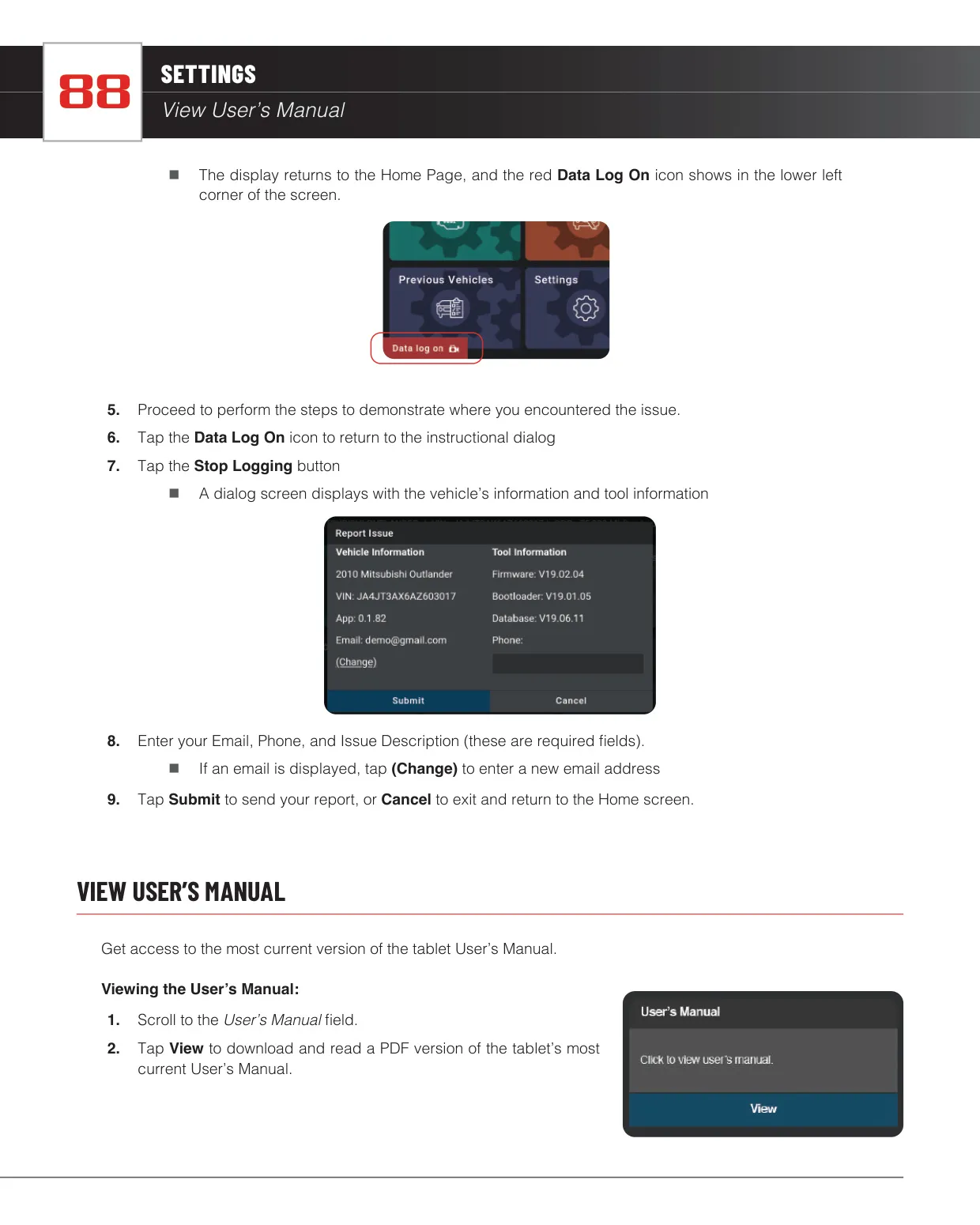
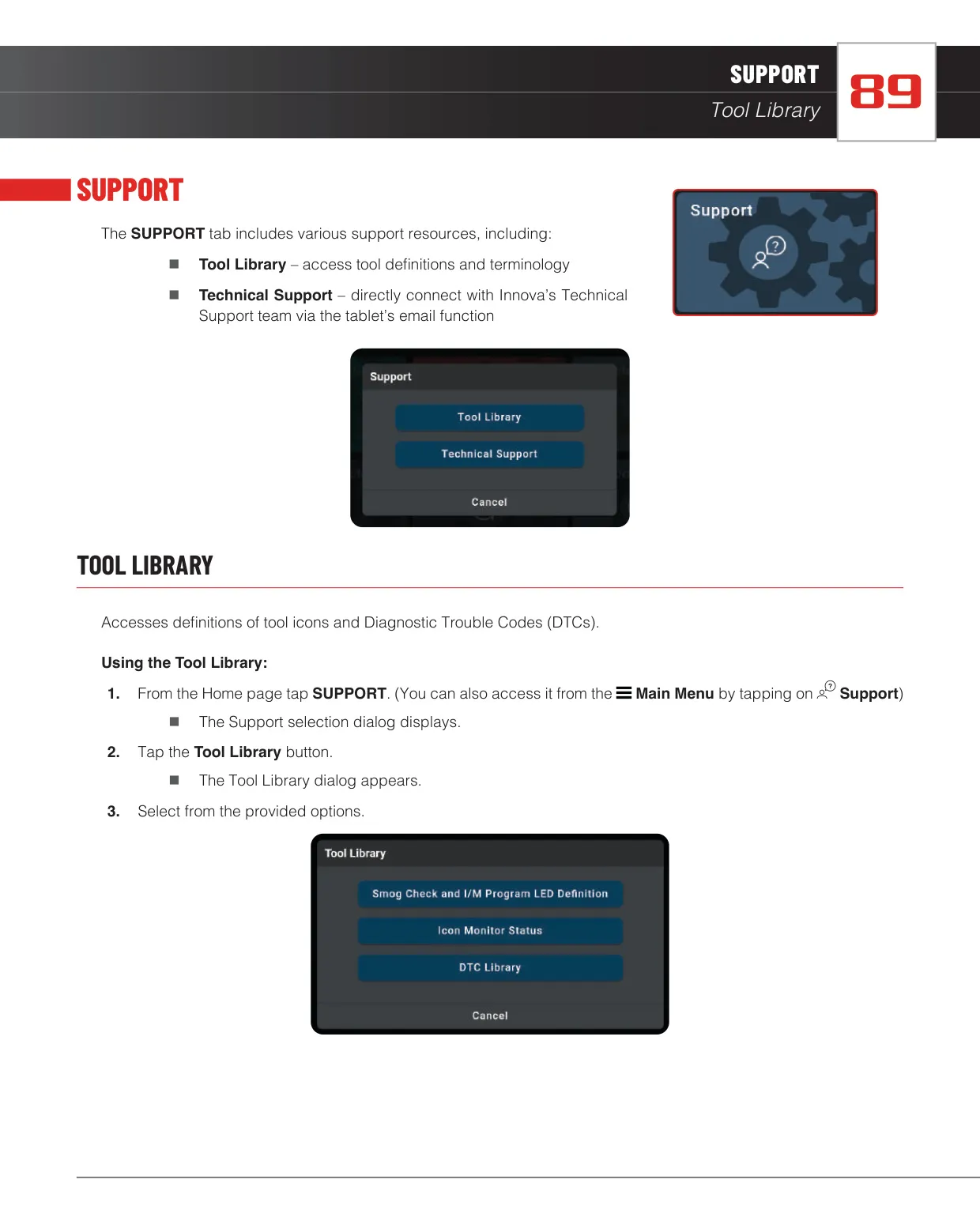
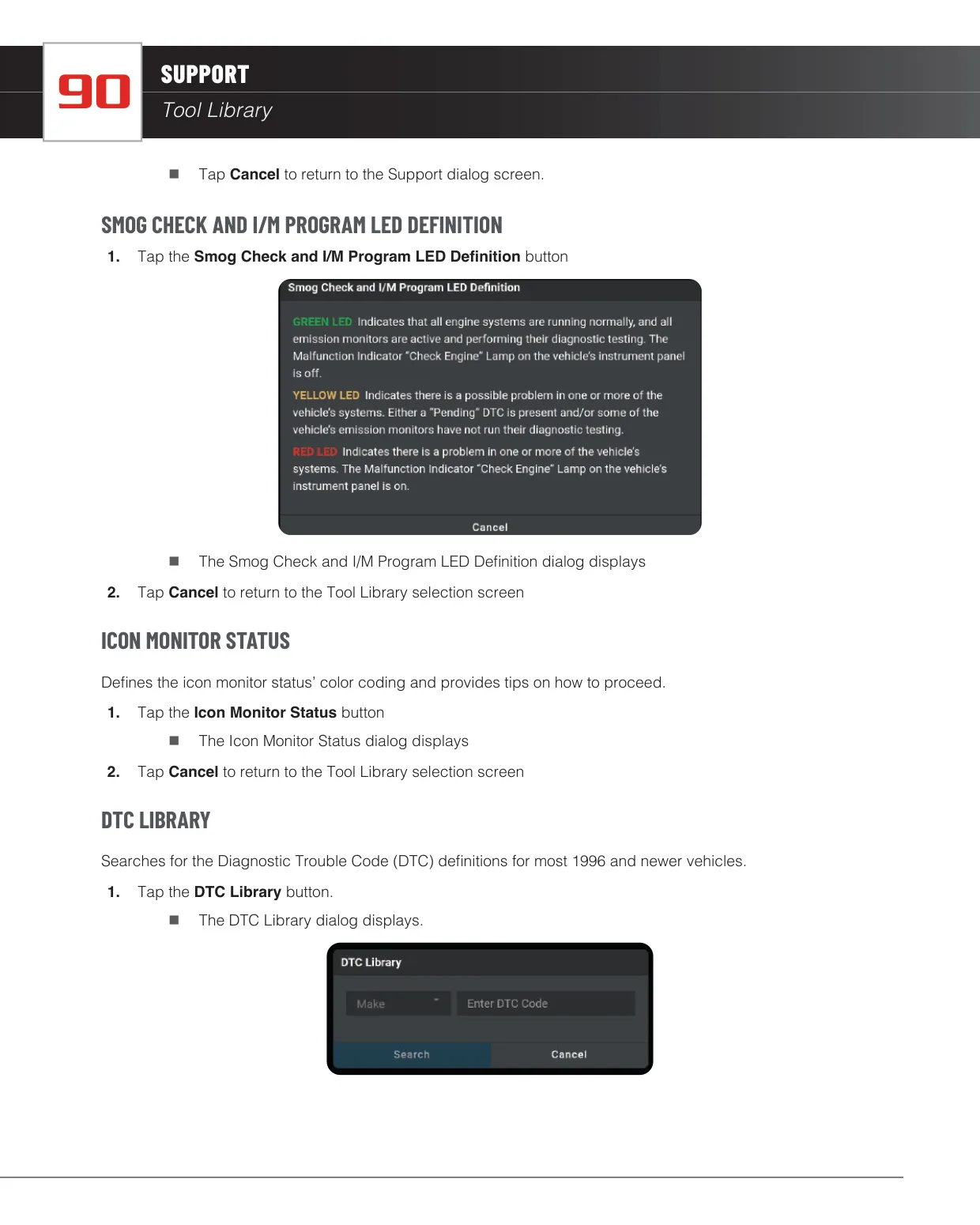
The Previous Vehicles tab keeps your scan history in reverse chronological order, and you can search it by customer name, phone, email or vehicle. Each scan can hold the customer's contact details, and you can email reports as PDFs. Settings include retailer selection, a Buy Parts toggle, idle time, volume, brightness, light or dark themes, a DLC locator and free updates. There is also a Report an Issue logging tool. The Support tab includes a DTC library covering most 1996 and newer vehicles.
Frequently Asked Questions (FAQs)
Can't find the answer you need? Here are some frequently asked questions about the Innova 7111 OBD2 Scanner, and we answer them below.