Moultrie A-300i (MCG-13337) Instruction Manual

Moultrie A-300i (MCG-13337)






Moultrie A-300i (MCG-13337)

Moultrie A-300i (MCG-13337) Instructions
Here we offer the Moultrie A-300i (MCG-13337) manual completely free and in English. We have cataloged this manual in the Digital Game Cameras section on Manualverse, and it has been rated by 1 users with an average rating of 5. If you have any specific questions about Moultrie A-300i (MCG-13337), we suggest checking the Frequently Asked Questions (FAQs) section of this manual.
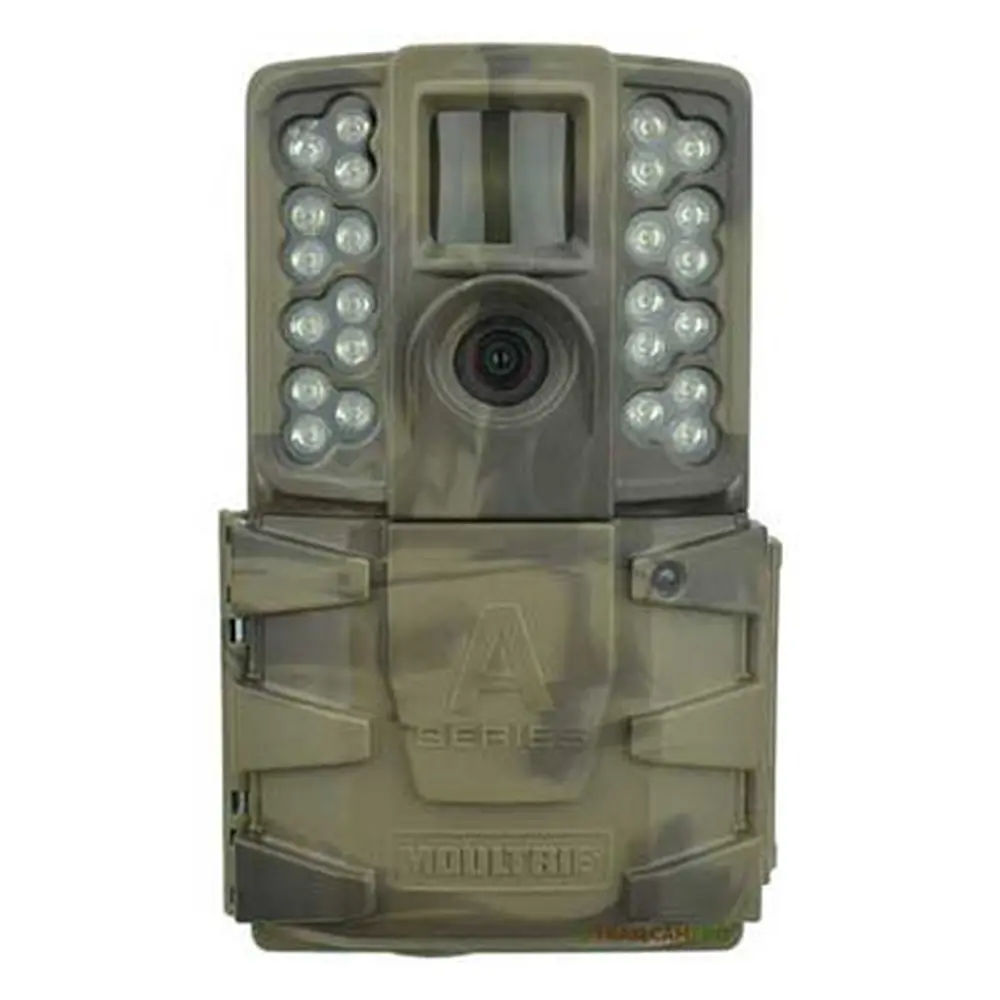
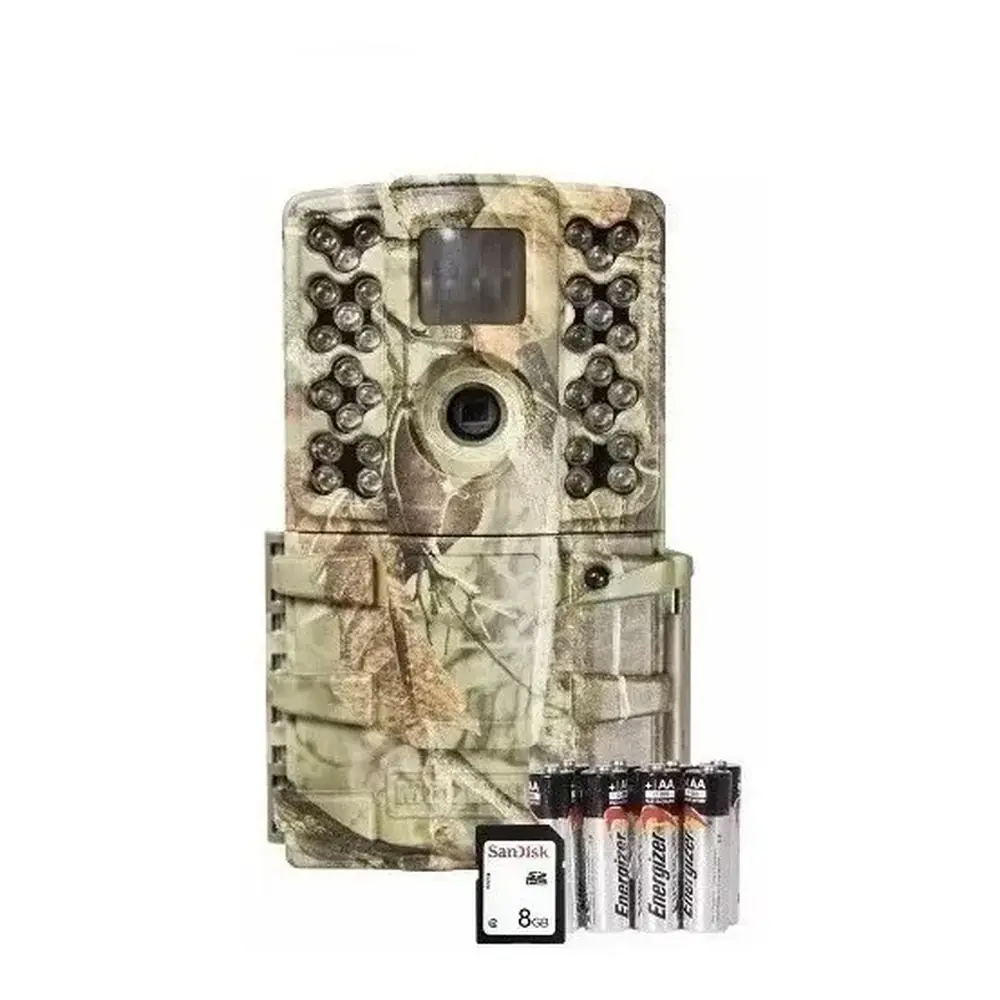
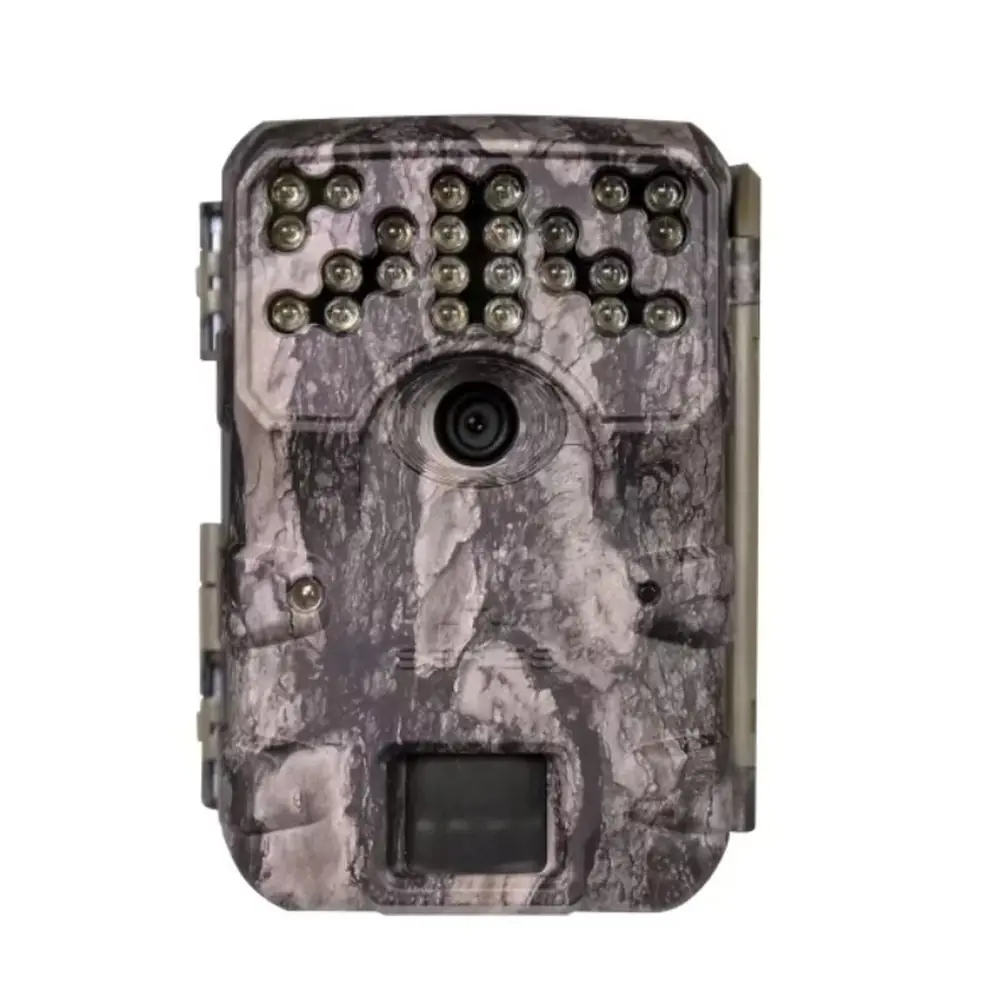
Product Images


Moultrie A-300i (MCG-13337) Digital Game Camera Specifications
| Feature | Specification |
|---|---|
| Resolution | 12 MP |
| Trigger Speed | 0.9 seconds |
| Detection Range | 50 feet |
| Flash Type | Invisible Infrared (IR) |
| Flash Range | 50 feet |
| Video Recording | HD 720p |
| Memory Card Support | SDHC Class 10 up to 32 GB |
| Battery Type | 8 AA Alkaline or Lithium batteries |
| Expected Shots per Battery Set | 17,000 |
| Moultrie Mobile Compatibility | Yes (requires Moultrie Field Modem) |
| Warranty | 2 years |
Moultrie A-300i (MCG-13337) Details
The Moultrie A-300i (MCG-13337) digital game camera offers a straightforward setup process to get users into the field quickly. Initial preparation involves opening the camera cover to install eight (8) AA batteries, carefully observing the indicated positive and negative polarities. Following battery installation, an SDHC Class 10 SD card, with a capacity of up to 32 GB, must be inserted into the designated slot until an audible click confirms it is fully seated. This sequence ensures the camera is powered and ready for image and video storage.
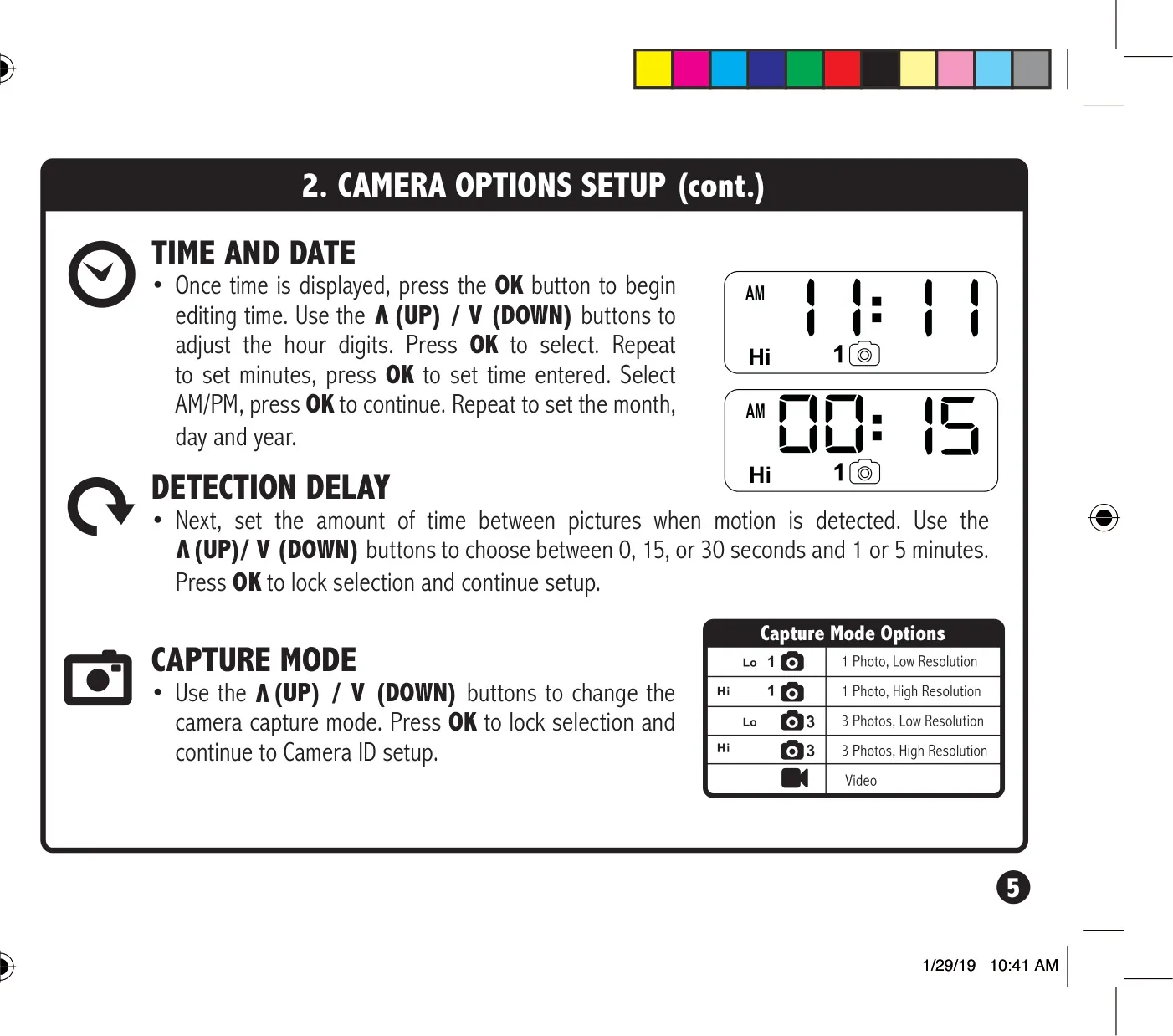
Once powered, the camera’s mode switch can be set to the SETUP position, allowing for essential configuration. Users can easily adjust the time and date via the OK, UP, and DOWN buttons, proceeding through hours, minutes, AM/PM, month, day, and year. A notable feature in SETUP mode is the activation of the STATUS LED for one second upon motion detection, aiding in precise aiming to ensure the camera covers the desired target area effectively. This visual feedback helps optimize placement before deployment.
Further customization options include setting the detection delay, which determines the waiting period between successive captures when motion is detected. This can be configured for 0, 15, or 30 seconds, or 1 or 5 minutes, providing flexibility for various monitoring scenarios. The Moultrie A-300i also supports a "Capture Mode" for recording images and videos, including Multi-Shot Capability for capturing multiple images per trigger. Users can also assign a unique Camera ID (1-9) to their device, which will be displayed on captured images, aiding in multi-camera setups.
Optimal camera placement is crucial for effective game monitoring. The A-300i is designed for strap mounting to a tree or pole, ideally positioned approximately three feet from the ground, with minor adjustments possible for uneven terrain. Tips for improved results include facing the camera North or South to prevent overexposure from direct sunlight and clearing away any brush from the camera's front to avoid false triggers. When monitoring a game trail, it is recommended to aim the camera down the trail rather than directly across it for better coverage.
Maintaining battery health is vital for prolonged field operation. The A-300i requires eight AA batteries, with Alkaline or Lithium types from brands like Energizer™ or Moultrie being recommended. It is important to always replace all batteries at the same time and avoid mixing old and new ones, or different types (alkaline, lithium, rechargeable). The camera will display a "bL:L0" message and shut off if the battery level drops to 15% or below. For periods of inactivity, removing the batteries is advised to prevent leakage.
The Moultrie A-300i (MCG-13337) comes with a 2-year limited warranty, which requires online registration for activation. The manufacturer also provides comprehensive support resources through their website for troubleshooting common issues and handling returns or repairs. Additionally, the camera is compatible with the Moultrie Mobile® cellular service when paired with a Moultrie® Field Modem, allowing for remote monitoring and image transmission, offering enhanced convenience for remote surveillance needs.
Frequently Asked Questions (FAQs)
Can't find the answer you need? Here are some frequently asked questions about the Moultrie A-300i (MCG-13337) Digital Game Camera, and we answer them below.