Moultrie BC-400 Bundle (MCG-14013) Instruction Manual
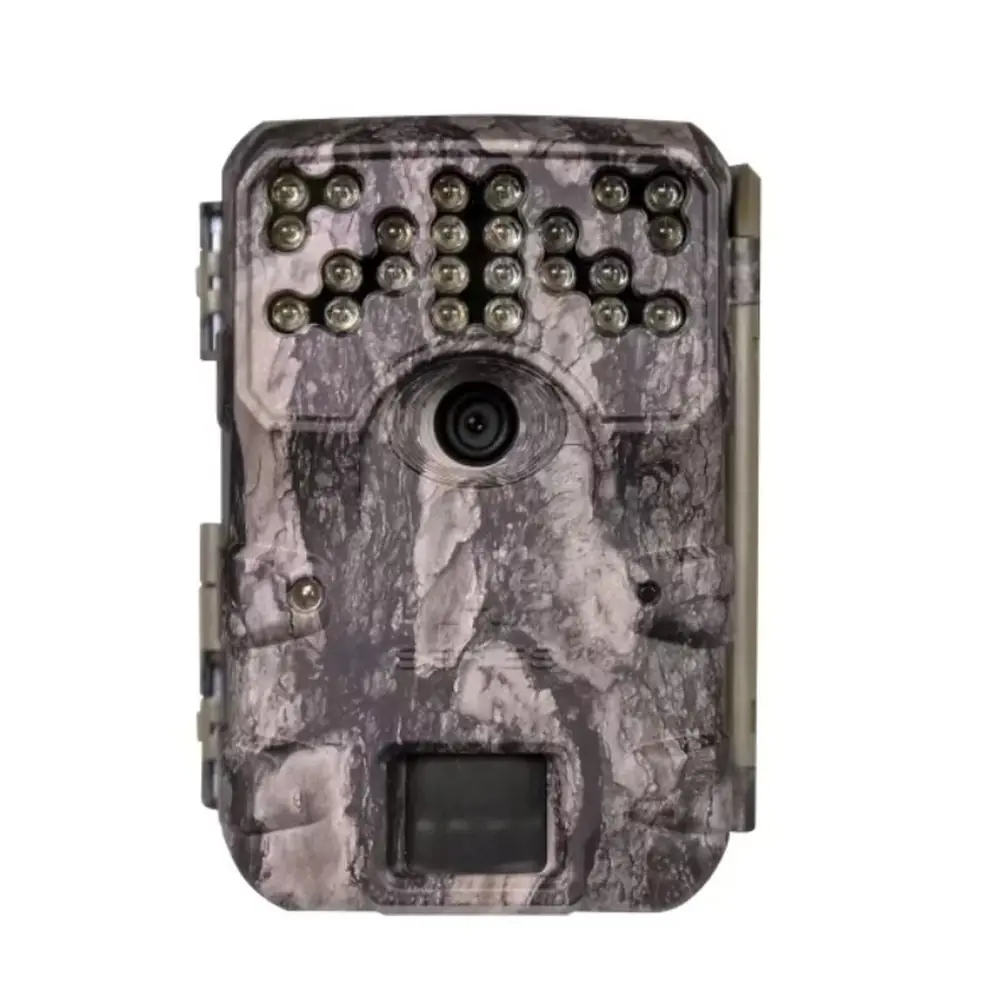
Moultrie BC-400 Bundle (MCG-14013)






Moultrie BC-400 Bundle (MCG-14013)

Moultrie BC-400 Bundle Instructions
Here we offer the Moultrie BC-400 Bundle (MCG-14013) manual completely free and in English. We have cataloged this manual in the Digital Game Cameras section on Manualverse, and it has been rated by 1 users with an average rating of 5. If you have any specific questions about Moultrie BC-400 Bundle (MCG-14013), we suggest checking the Frequently Asked Questions (FAQs) section of this manual.
Product Images



Moultrie BC-400 Bundle (MCG-14013) Specifications
| Feature | Specification |
|---|---|
| Model | BC-400 Bundle (MCG-14013) |
| Resolution | 30 MP |
| Trigger Speed | 0.4 seconds |
| Detection Range | 70 feet |
| Video Quality | HD 720p |
| Flash Type | Invisible Flash |
| Flash Range | 70 feet |
| Capture Mode | Multi-Shot Capability |
| Power Source | 8 AA Batteries |
| Battery Life | Up to 19,000 Shots |
| Included Accessories | Batteries, SD Card, Mounting Strap |
| Recommended SD Card | SDHC Class 10, up to 32 GB |
| External Power Port | Yes |
| Warranty | 1 year (standard), 2 years (with registration within 60 days) |
Moultrie MCG-14013 Details
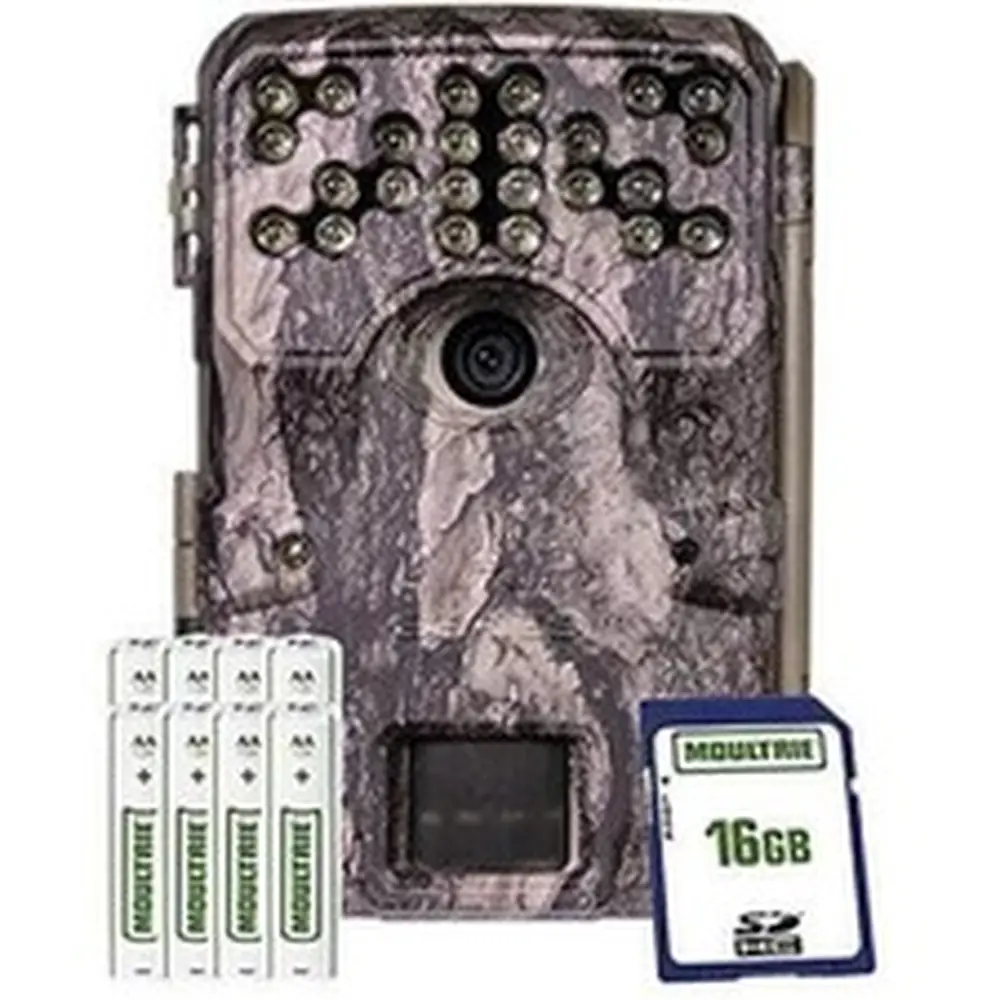
The Moultrie BC-400 Bundle (MCG-14013) provides a comprehensive solution for game monitoring, arriving ready for immediate deployment. This particular bundle stands out by including all necessary accessories: 8 AA batteries, an SD card, and a mounting strap. This means users can unbox the camera and begin setup without needing additional purchases, streamlining the initial experience and ensuring you are quickly capturing vital wildlife activity.
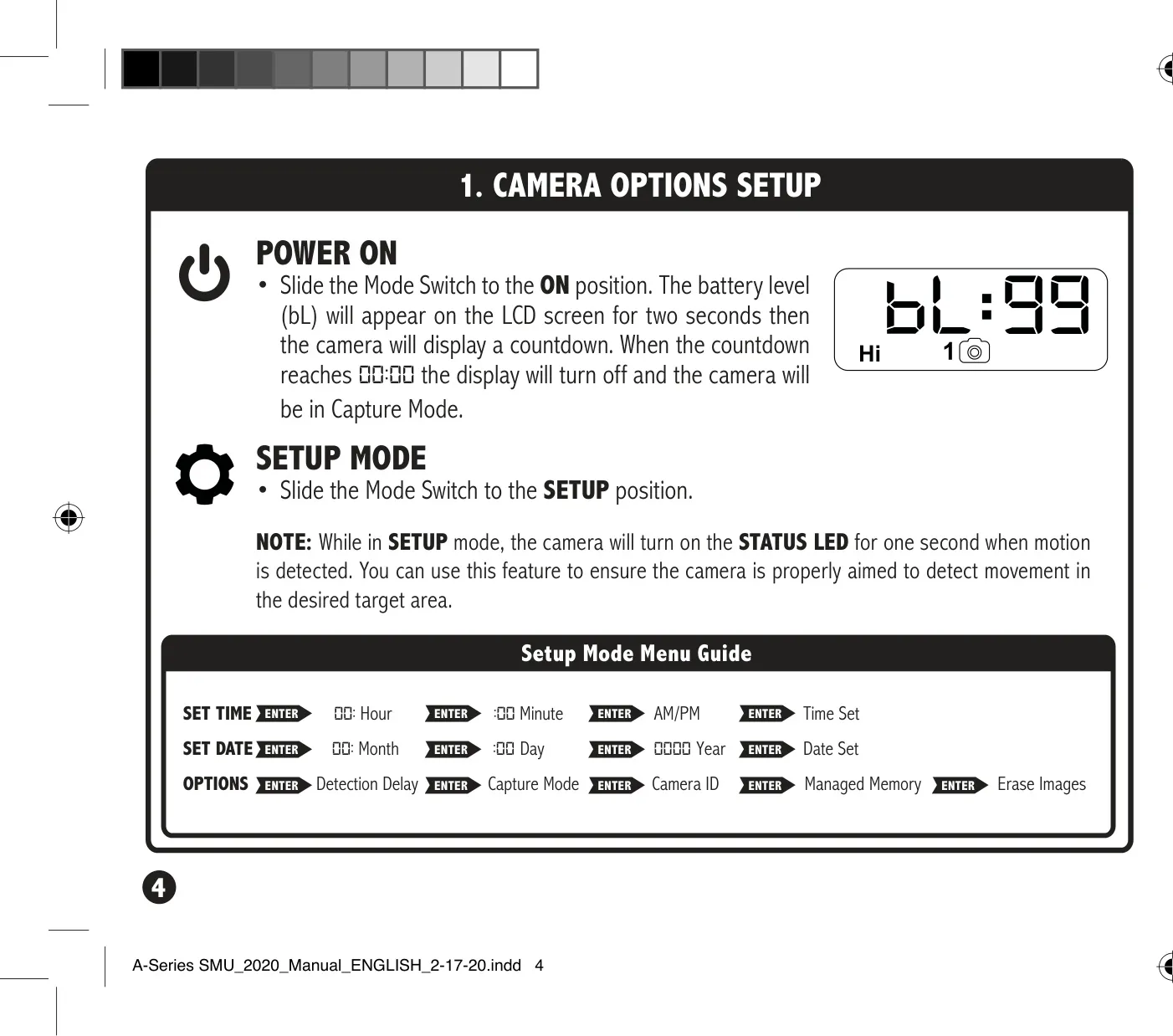
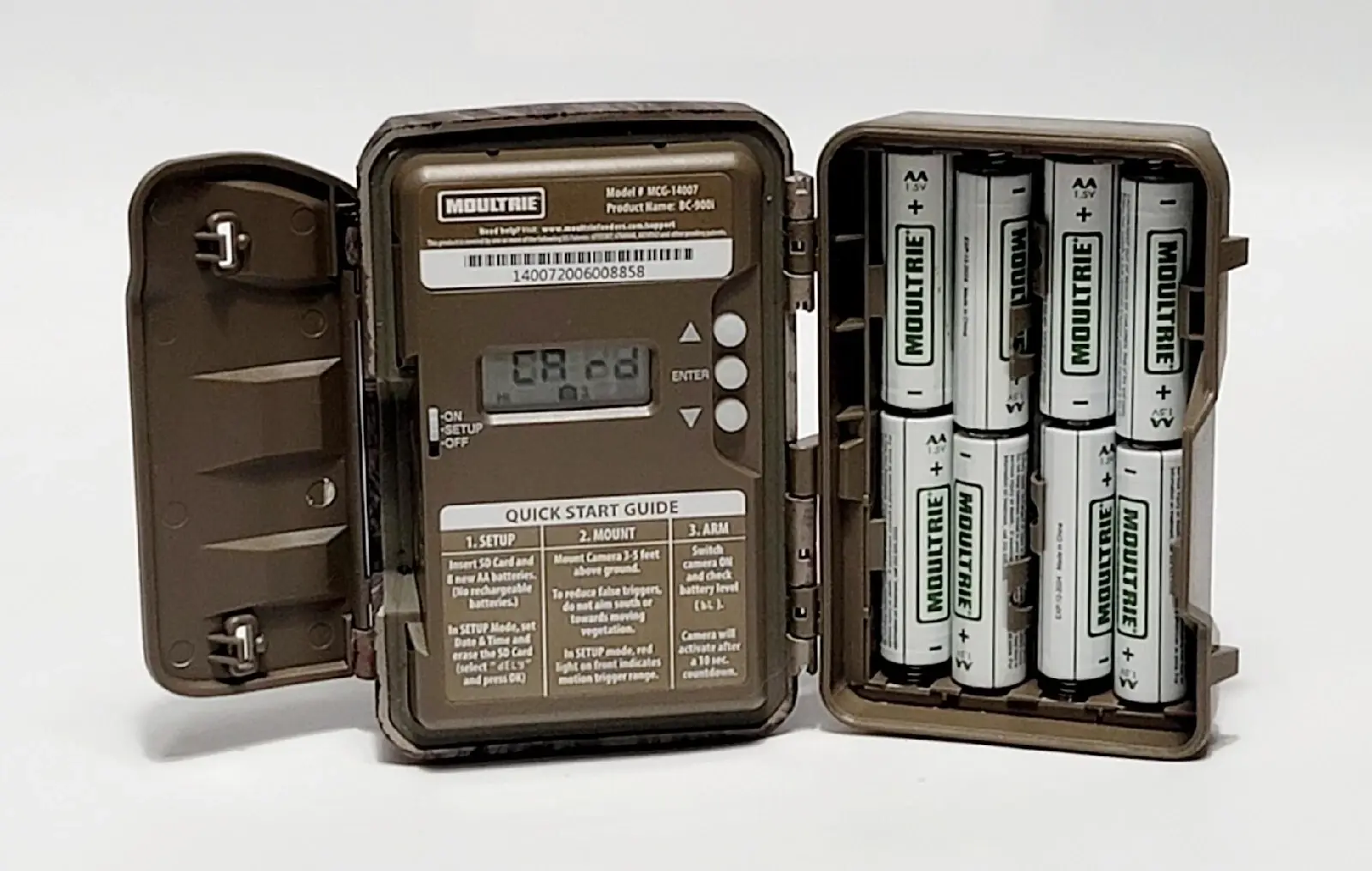
Setting up the BC-400 Bundle is designed to be straightforward. Users simply open the camera cover to install the included AA batteries, ensuring correct polarity. The provided SD card then slots into place with an audible click, confirming it is ready for image storage. A quick slide of the Mode switch to 'SETUP' allows for easy configuration of essential settings, making the camera accessible even for those new to trail cameras.
Once activated, the camera offers flexible mounting options. It is designed to be secured to a tree or pole using the included strap, ideally positioned about three feet from the ground. For optimal results, facing the camera north or south helps prevent sun overexposure. Additionally, clearing away brush from the detection area significantly reduces false triggers, ensuring that only relevant movements are captured, thereby conserving battery life and storage space.
Beyond its core functionality, the Moultrie BC-400 offers several configurable options to tailor its operation to specific needs. Users can easily set the precise time and date to accurately timestamp all captures. The detection delay feature allows adjustment of the interval between consecutive captures when motion is detected, ranging from 0 to 5 minutes. This control is crucial for managing the volume of images and videos collected.
The camera's internal settings also include important features like a Camera ID, which can be set from 1-9 to help identify which camera captured a specific image, especially useful when managing multiple units. Furthermore, the Managed Memory option prevents the SD card from filling up and stopping recording. When enabled, it automatically overwrites the oldest files with new images once capacity is reached, ensuring continuous operation.
Battery management is a key consideration for any trail camera, and the BC-400 Bundle provides clear guidelines. It recommends using only Alkaline or Lithium batteries, specifically Energizer™ or Moultrie brands, and emphasizes replacing all batteries simultaneously to avoid performance issues. For extended usage, the camera includes an external power port, allowing for connection to a 12V power source while keeping AA batteries as a backup.
Moultrie stands behind its products with a robust warranty. The BC-400 Bundle comes with a standard 1-year warranty which can be extended to 2 years upon registering the camera within 60 days of purchase. This commitment to customer satisfaction is further supported by readily available online resources for troubleshooting, returns, and repairs, ensuring users have access to assistance whenever needed.
For users seeking advanced connectivity, the BC-400 is compatible with Moultrie Mobile® cellular service. By combining the camera with a Moultrie® Field Modem, users can transform it into a cellular trail camera, enabling remote image viewing and control. This compatibility offers a significant upgrade path for those who wish to enhance their monitoring capabilities beyond traditional local storage.
Frequently Asked Questions (FAQs)
Can't find the answer you need? Here are some frequently asked questions about the Moultrie BC-400 Bundle (MCG-14013) Digital Game Camera, and we answer them below.