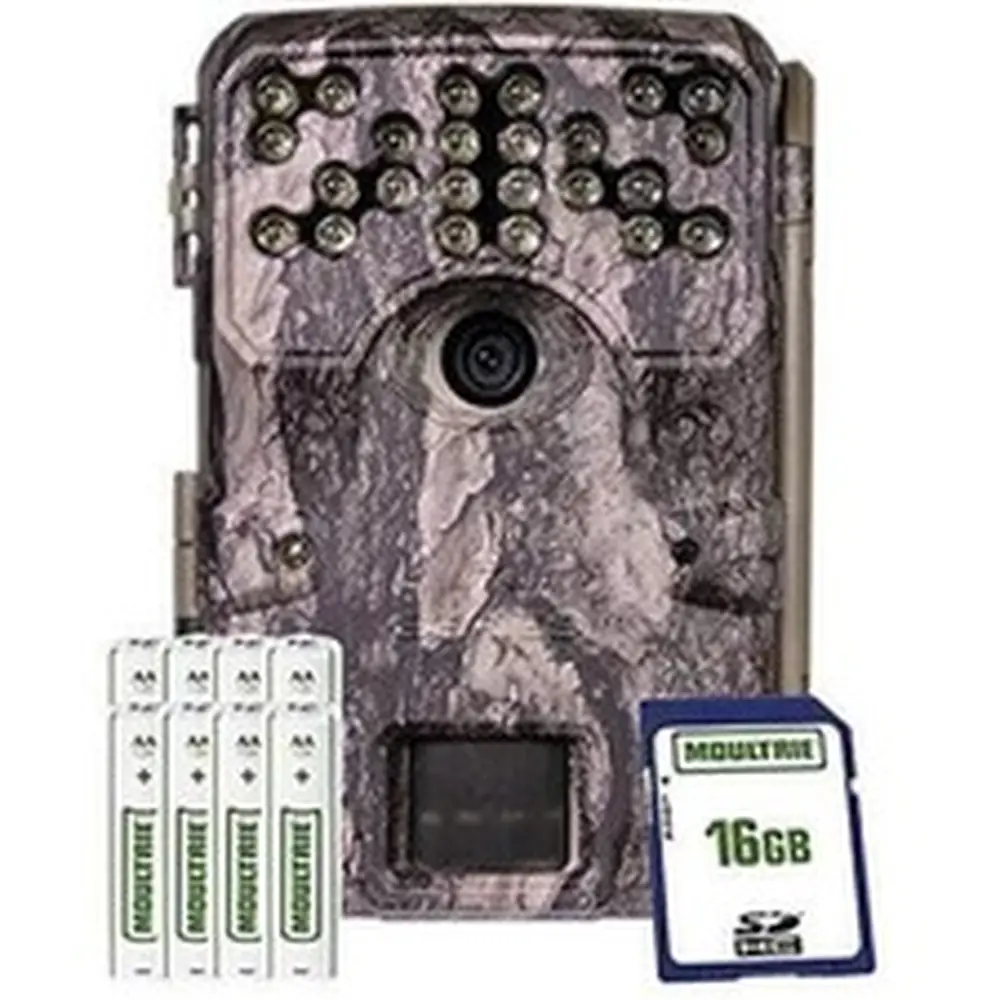
Moultrie AC-400 (MCG-14006) Instruction Manual

Moultrie AC-400 (MCG-14006)






Moultrie AC-400 (MCG-14006)

Moultrie AC-400 (MCG-14006) Instructions
Here we offer the Moultrie AC-400 (MCG-14006) manual completely free and in English. We have cataloged this manual in the Digital Game Cameras section on Manualverse, and it has been rated by 1 users with an average rating of 5. If you have any specific questions about Moultrie AC-400 (MCG-14006), we suggest checking the Frequently Asked Questions (FAQs) section of this manual.
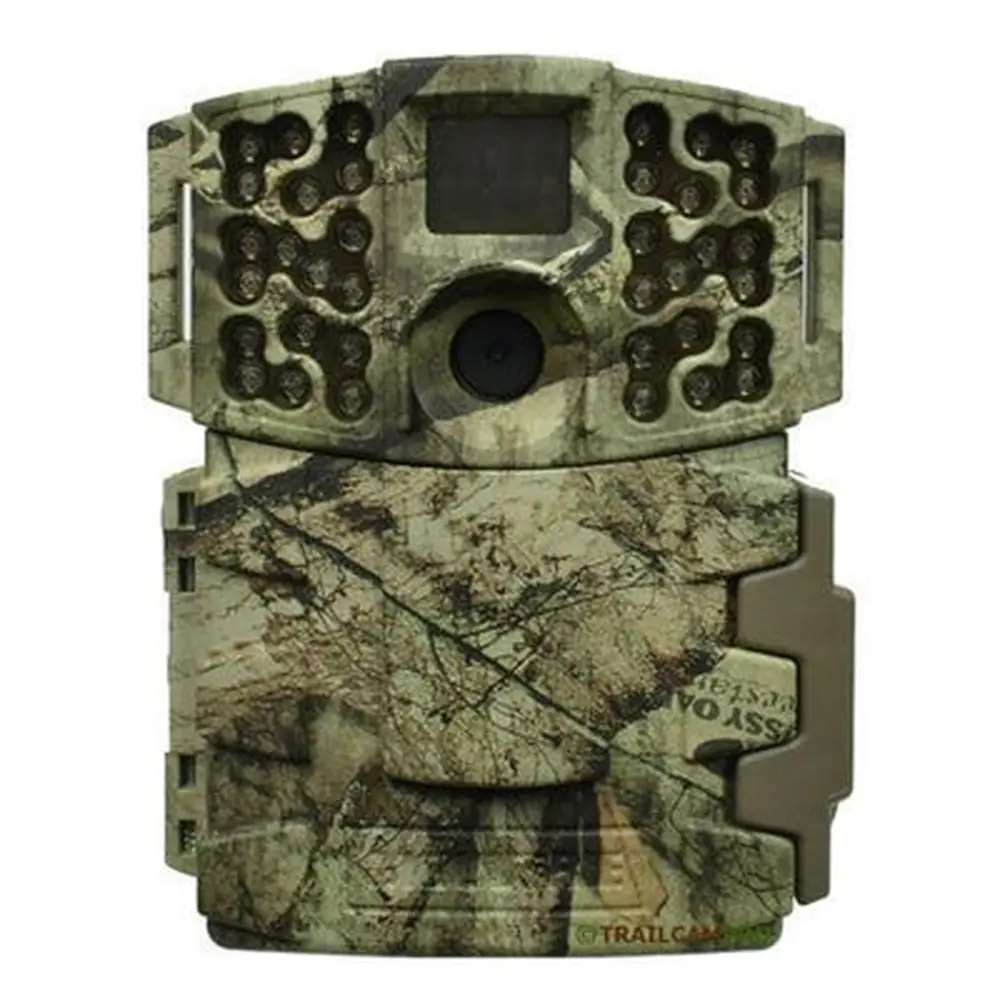
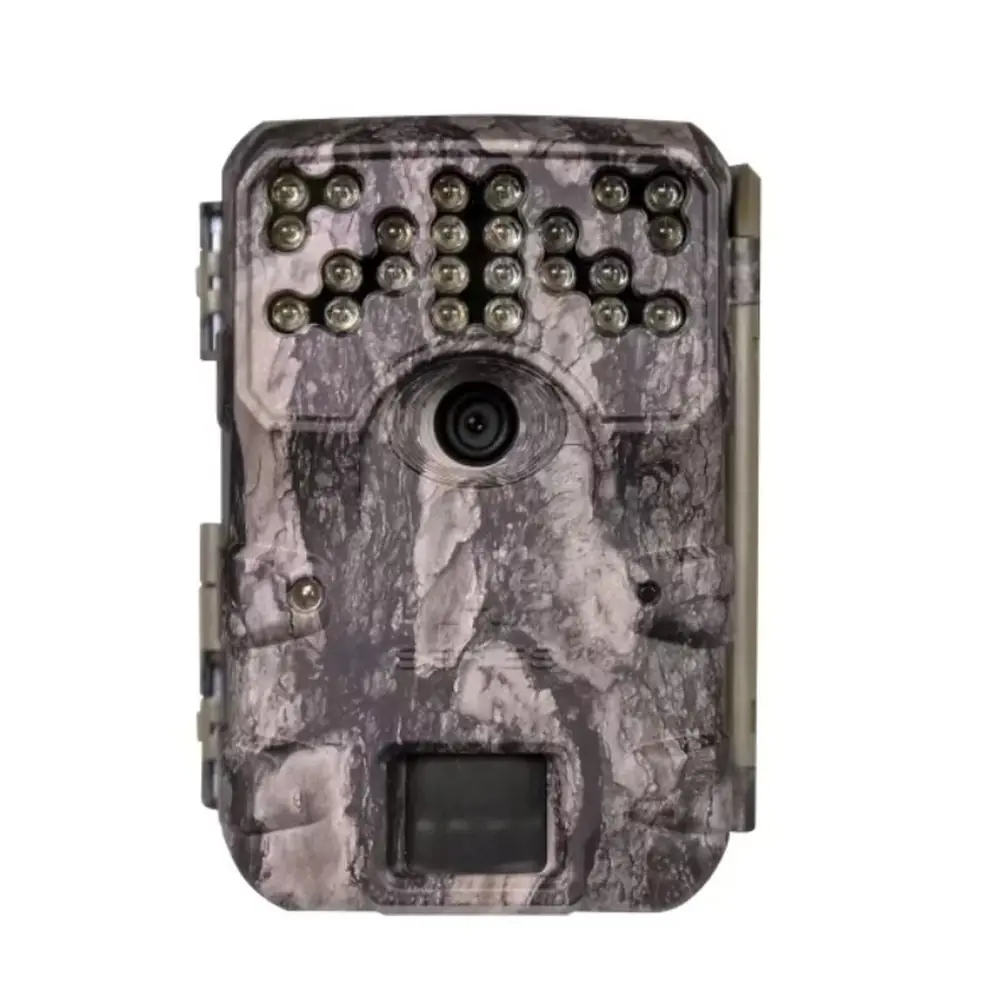
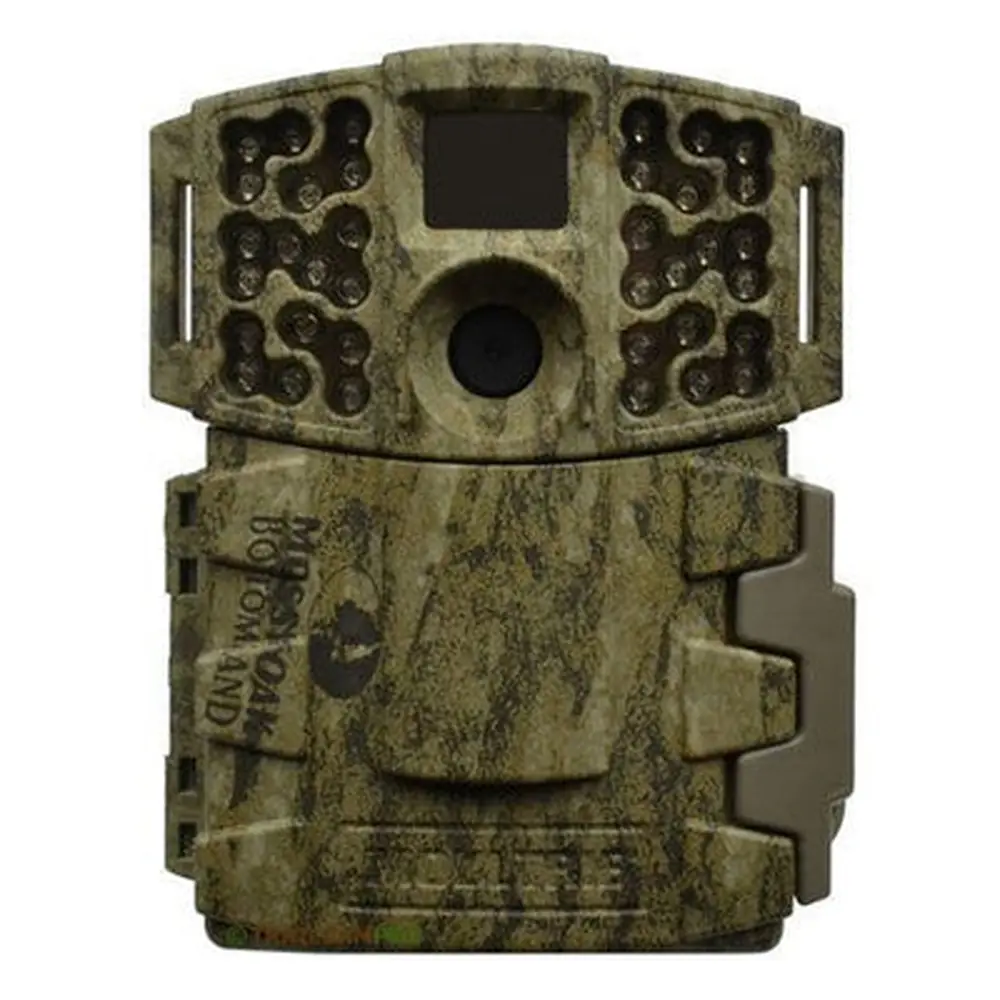
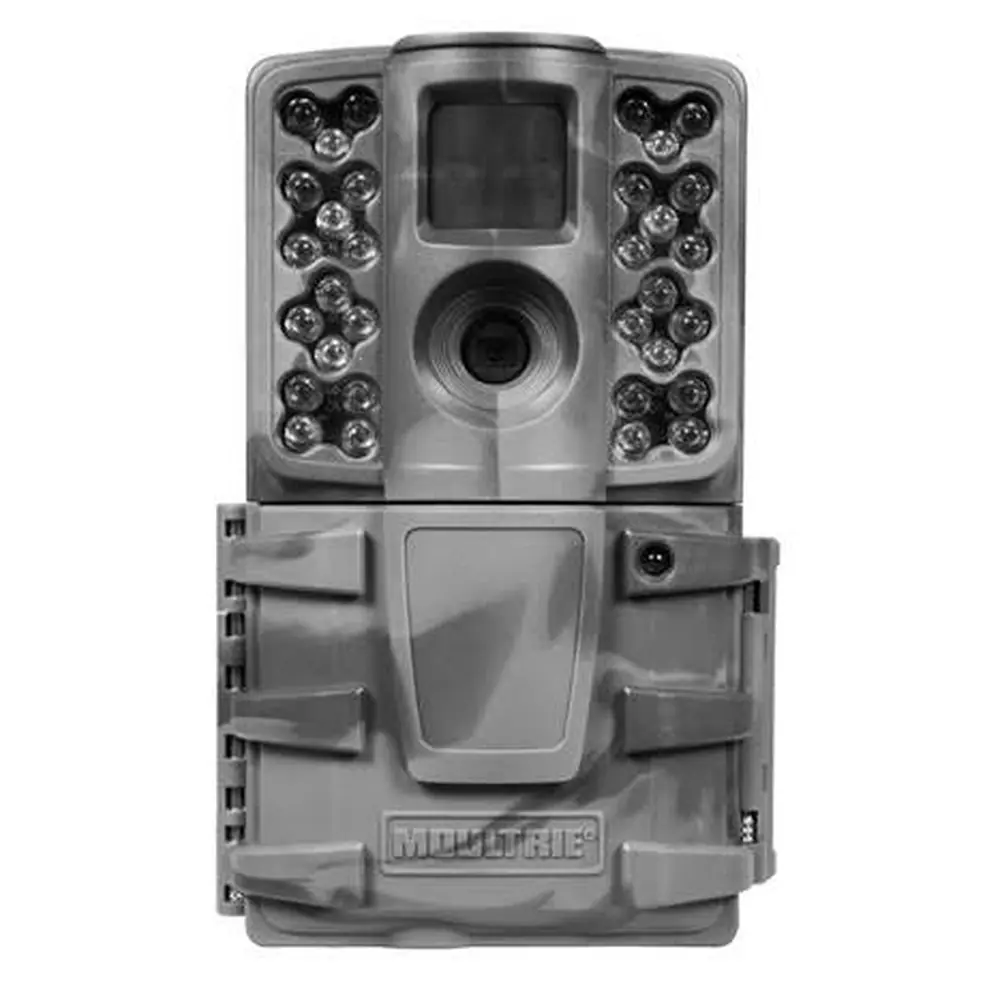
Product Images


Moultrie AC-400 (MCG-14006) Digital Game Camera Specifications
| Feature | Specification |
|---|---|
| Resolution | 30 MP |
| Trigger Speed | 0.4 seconds |
| Detection Range | 70 feet |
| Video Resolution | HD 720p |
| Flash Type | Invisible Flash |
| Flash Range | 70 feet |
| Multi-Shot Capability | Yes |
| Power Source | 8 AA Batteries |
| Estimated Battery Life | Approximately 19,000 shots |
| Memory Card Type | SDHC Class 10 |
| Maximum Memory Card Capacity | 32 GB |
| Included Accessories | Batteries, SD Card, Mounting Strap |
Moultrie AC-400 (MCG-14006) Details
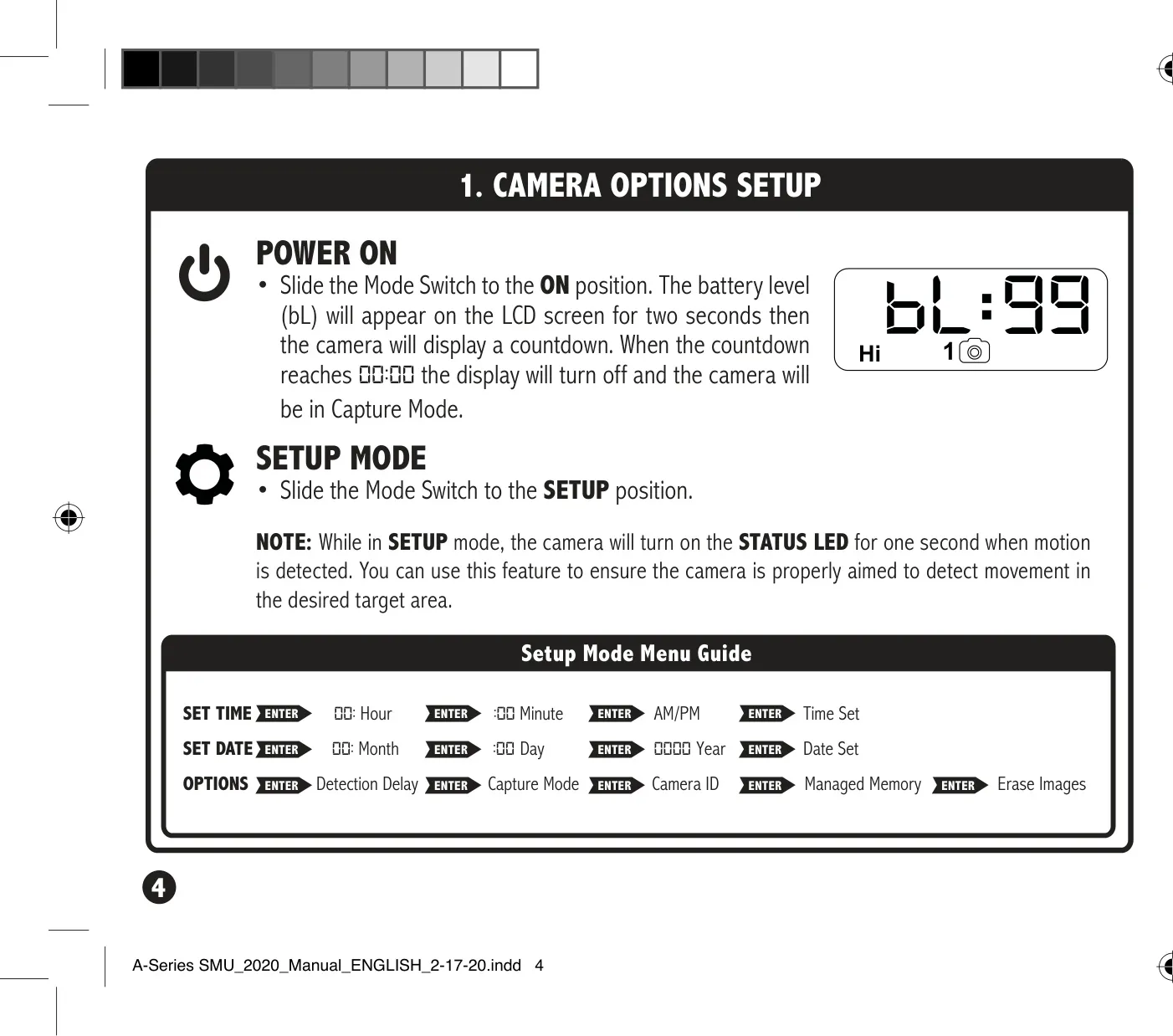
The Moultrie AC-400 (MCG-14006) camera is designed for straightforward deployment, beginning with the installation of eight AA batteries, following the indicated polarities. An essential step is to insert an SDHC Class 10 SD card, with support for capacities up to 32 GB, into its dedicated slot until an audible click confirms secure placement. The camera relies on an SD card for operation, so its presence is mandatory. For initial configuration, users will slide the Mode switch to the SETUP position to access settings like time and date, ensuring the camera is accurately synchronized before field use.
Beyond basic power, the AC-400 offers practical battery management advice. It strongly recommends using only Alkaline or Lithium AA batteries, specifically suggesting Energizer™ or Moultrie brands for optimal performance. Users are cautioned against mixing old and new batteries or different battery types (alkaline, lithium, rechargeable) to prevent damage and ensure consistent power. In situations where a 12V external power source is connected, the installed AA batteries will intelligently serve as a vital backup, providing uninterrupted operation if the primary power fails. A low battery indicator appears at 15% charge.
Effective camera placement is crucial for capturing desired images. The AC-400 manual guides users to mount the camera using the provided strap, threading it through the rear slots and securing it to a tree or pole, ideally about three feet from the ground. Adjustments might be necessary for uneven terrain. Practical tips include orienting the camera to face North or South, which helps prevent overexposure from direct sunlight. Furthermore, clearing any brush or obstacles from the camera's front detection zone minimizes false triggers, ensuring that only relevant motion activates the recording. When monitoring game trails, it's recommended to position the camera looking down the trail rather than directly across it.
The camera's SETUP mode provides a comprehensive menu for customizing operational parameters. Users can precisely set the time and date, adjusting hours, minutes, AM/PM, month, day, and year using the UP/DOWN and ENTER buttons. An important feature is the Detection Delay, which allows selection of the interval between subsequent captures after motion is detected, with options ranging from 0, 15, or 30 seconds to 1 or 5 minutes. The Capture Mode can also be adjusted, though specific modes are not detailed. A unique Camera ID (1-9) can be assigned, which will then display on captured images, simplifying multi-camera management.
Managing stored images and memory is streamlined with the AC-400's features. The camera allows users to easily erase all images stored on the SD card by selecting the 'dELY' (Delete Yes) option and pressing ENTER, which reformats the card. Additionally, the Managed Memory setting offers flexibility: choosing 'ON' will ensure that the camera continues to capture new images by overwriting the oldest files once the SD card reaches its full capacity. Conversely, selecting 'OFF' will halt image saving once the card is full, preventing any overwrites. This gives users control over their data retention strategy.
Moultrie provides a standard one-year warranty for the AC-400, protecting against defects in material and workmanship. This warranty can be extended to two years if the product is registered online within 60 days of purchase, emphasizing the importance of timely registration. For further support, troubleshooting guides, and information on returns and repairs, Moultrie directs users to its dedicated online support portal. An additional capability of this camera is its compatibility with Moultrie Mobile® cellular service, enabling remote data transmission when paired with a Moultrie® Field Modem, expanding its utility for remote monitoring scenarios.
Frequently Asked Questions (FAQs)
Can't find the answer you need? Here are some frequently asked questions about the Moultrie AC-400 (MCG-14006) Digital Game Camera, and we answer them below.