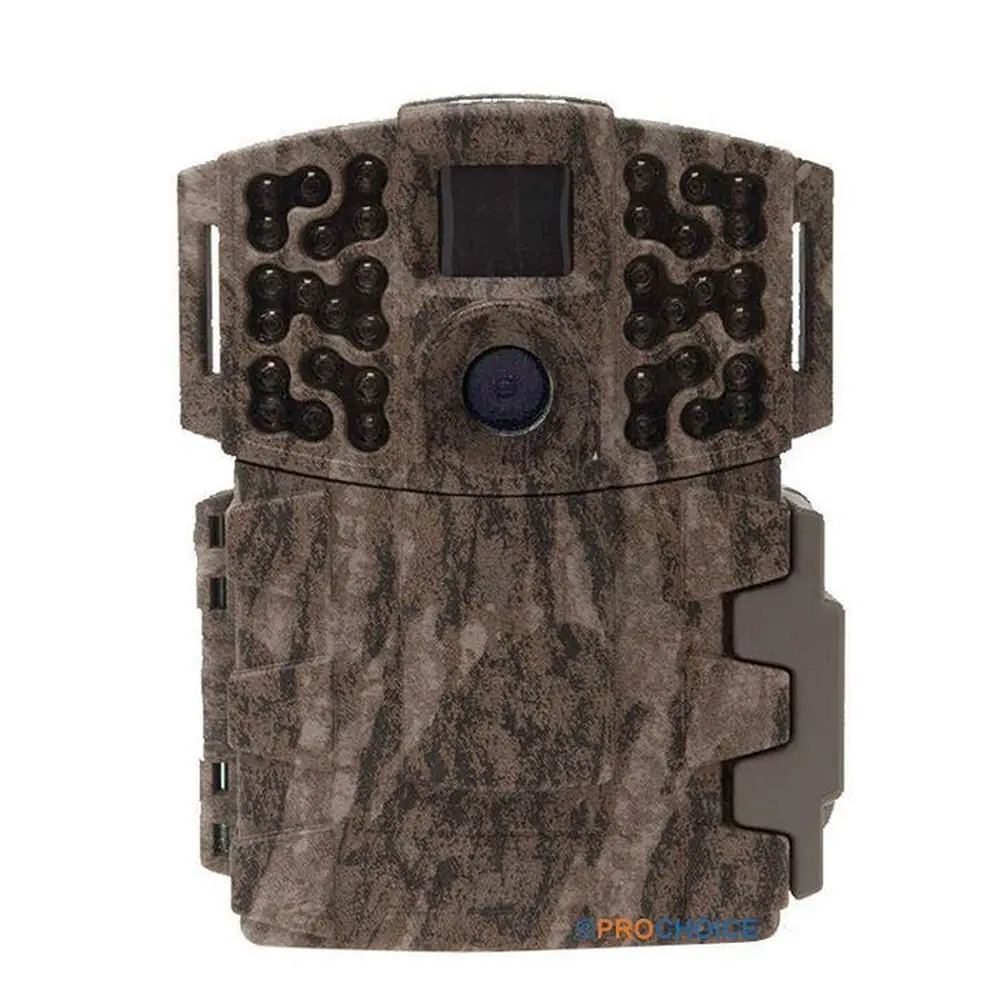
Moultrie D500 (MCG-12683) Digital Game Camera Instruction Manual

Moultrie D500 (MCG-12683) Digital Game Camera







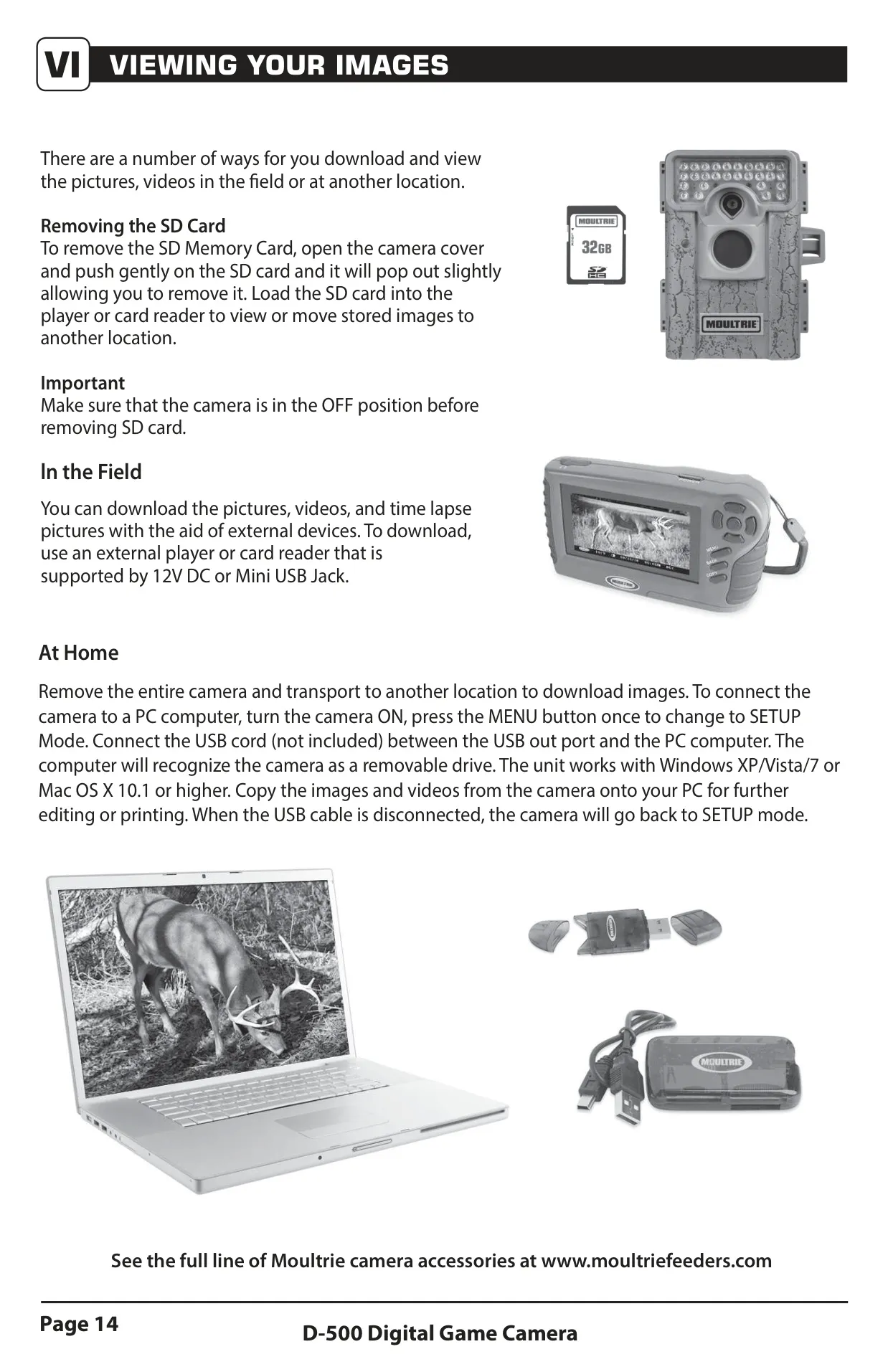




Moultrie D500 (MCG-12683) Digital Game Camera
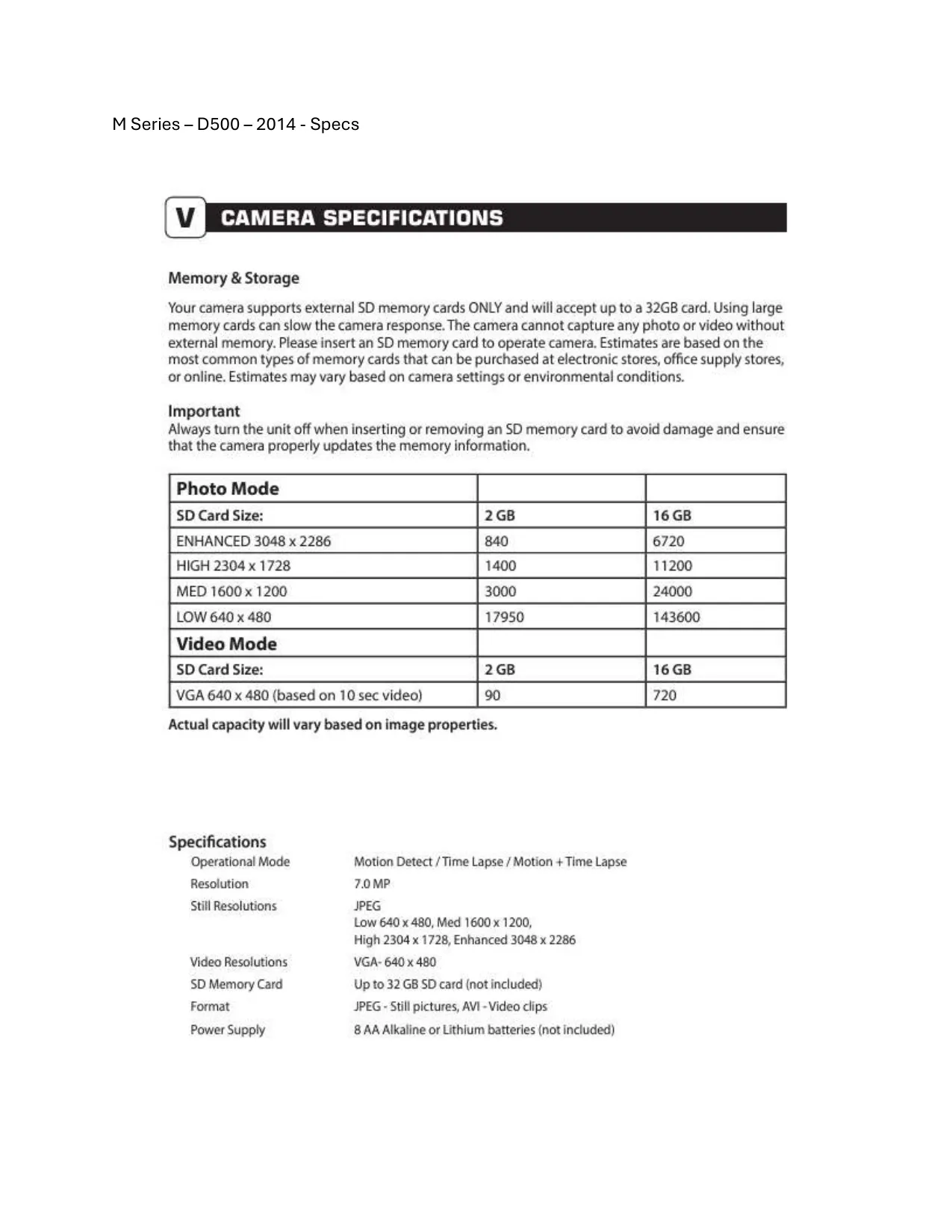
Moultrie D500 (MCG-12683) Instructions
Here we offer the Moultrie D500 (MCG-12683) Digital Game Camera manual completely free and in English. We have cataloged this manual in the Digital Game Cameras section on Manualverse, and it has been rated by 1 users with an average rating of 5. If you have any specific questions about Moultrie D500 (MCG-12683) Digital Game Camera, we suggest checking the Frequently Asked Questions (FAQs) section of this manual.
Product Images


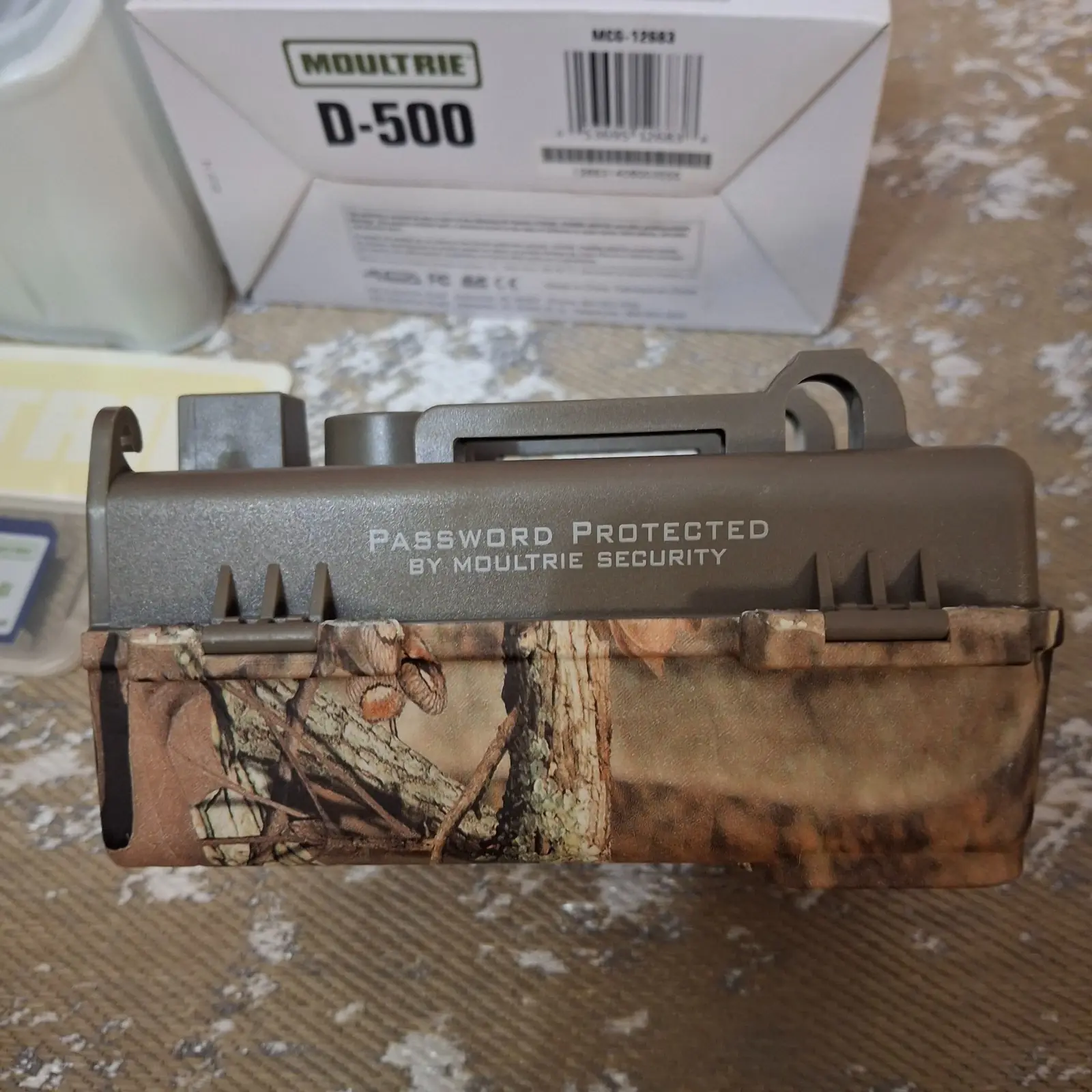
Moultrie D500 (MCG-12683) Digital Game Camera Specifications
| Feature | Specification |
|---|---|
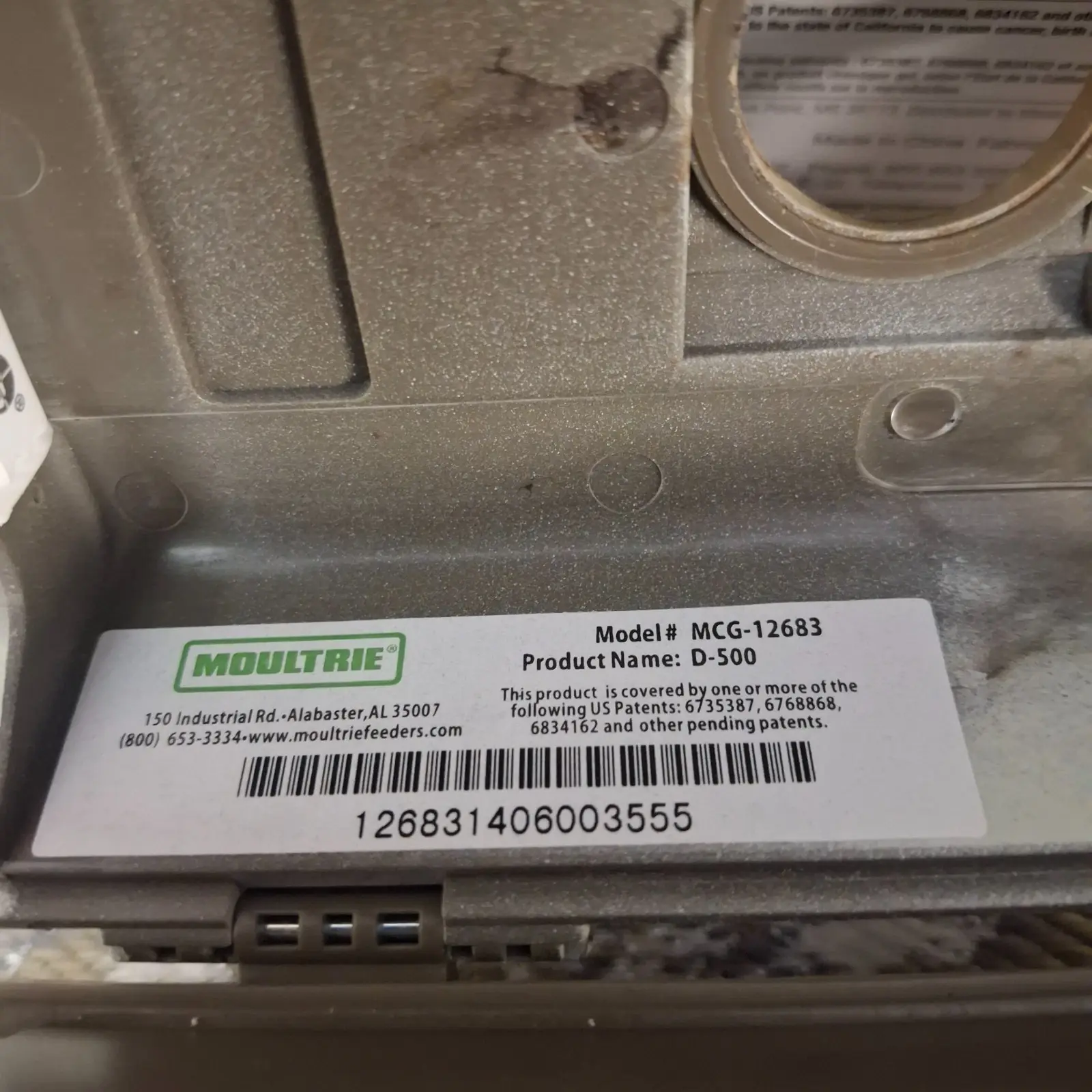
| Model Number | MCG-12683 |
| Operational Modes | Motion Detect, Time Lapse, Motion + Time Lapse |
| Resolution | 7.0 MP (Sensor) |
| Still Resolutions (JPEG) | Enhanced: 3048 x 2286 High: 2304 x 1728 Medium: 1600 x 1200 Low: 640 x 480 |
| Video Resolutions (AVI) | VGA: 640 x 480 |
| SD Memory Card Support | Up to 32 GB SD card (not included) |
| Power Supply | 8 AA Alkaline or Lithium batteries (not included) |
| External Power Port | Compatible with Moultrie PowerPanel, AC Adapter, Battery Box accessories |
| Connectivity | USB Port (Micro-B to USB cable, not included) |
| Default Photo Quality | HIGH (4 MP) |
| Default Video Length | 10 SECONDS |
| Default Motion Freeze | ON (FAST FLASH) |
| Default Detection Delay | 10 SECONDS |
| Default Multi-Shot | 1 (OFF) |
| Default Camera Name | MOULTRIECAM |
| Default Imprint Info | YES |
| Default Temperature Unit | FAHRENHEIT |
| Default Wi-Fi SD Card | NO |
| Default AC Connected | NO |
| Default Security Code | 00000 |
Moultrie D500 (MCG-12683) Details
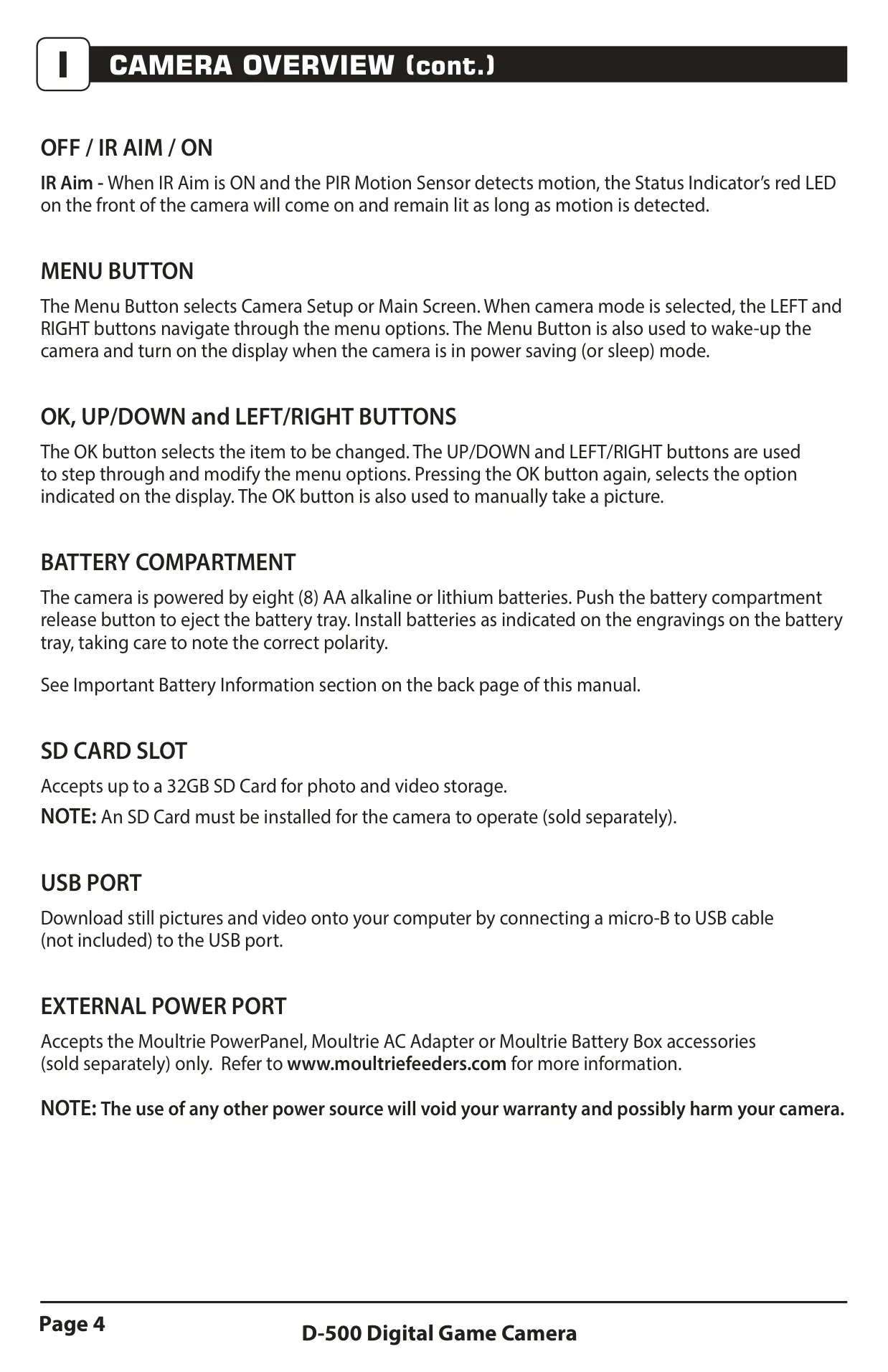
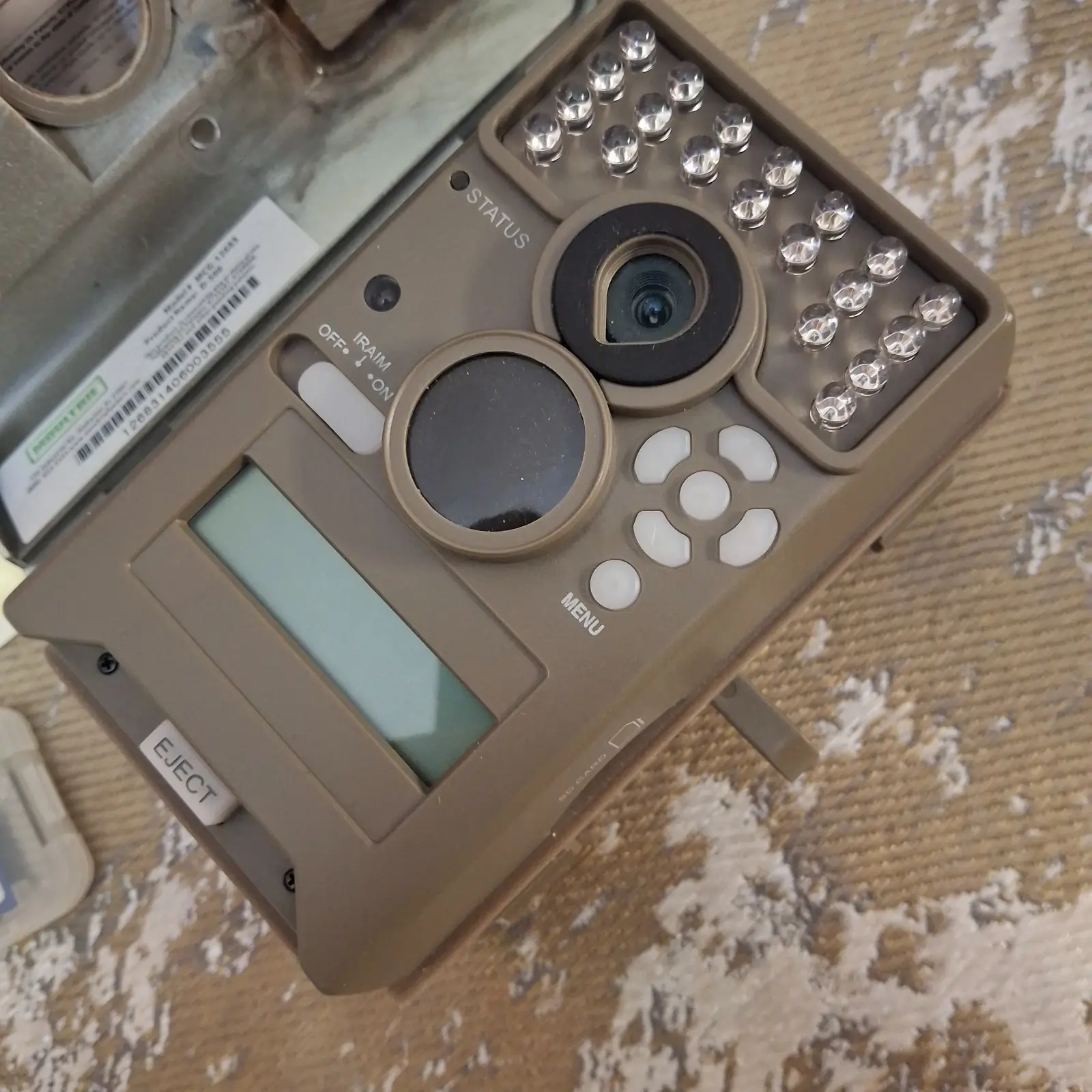
The Moultrie D500 Digital Game Camera (MCG-12683) is designed for versatile field monitoring, featuring a robust physical layout for ease of use. Key external components include an Infrared LED Flash, Camera Lens, Status Indicator, and a Motion Sensor. User interaction is facilitated through a simple interface comprising OK/Select, Light Sensor, Navigation (Up/Down/Left/Right), and Menu buttons, alongside an OFF/IR AIM/ON power switch. An LCD display provides real-time information and menu navigation.
For power and storage, the camera incorporates a push-button release for the battery compartment, accommodating eight AA batteries. It also features a dedicated SD Card Slot, essential for photo and video storage, supporting cards up to 32GB. Connectivity options include a USB Port for image and video downloads to a computer and an External Power Port compatible with Moultrie's proprietary accessories, ensuring extended operation in the field.
The camera offers three distinct capture modes: Motion Detect, which triggers photos or videos upon animal detection; Time Lapse, capturing images at user-defined intervals throughout the day; and Motion + Time Lapse, a hybrid mode combining both functionalities at different times. These modes allow users to tailor the camera's operation to specific monitoring needs, enhancing its adaptability for various wildlife tracking scenarios.
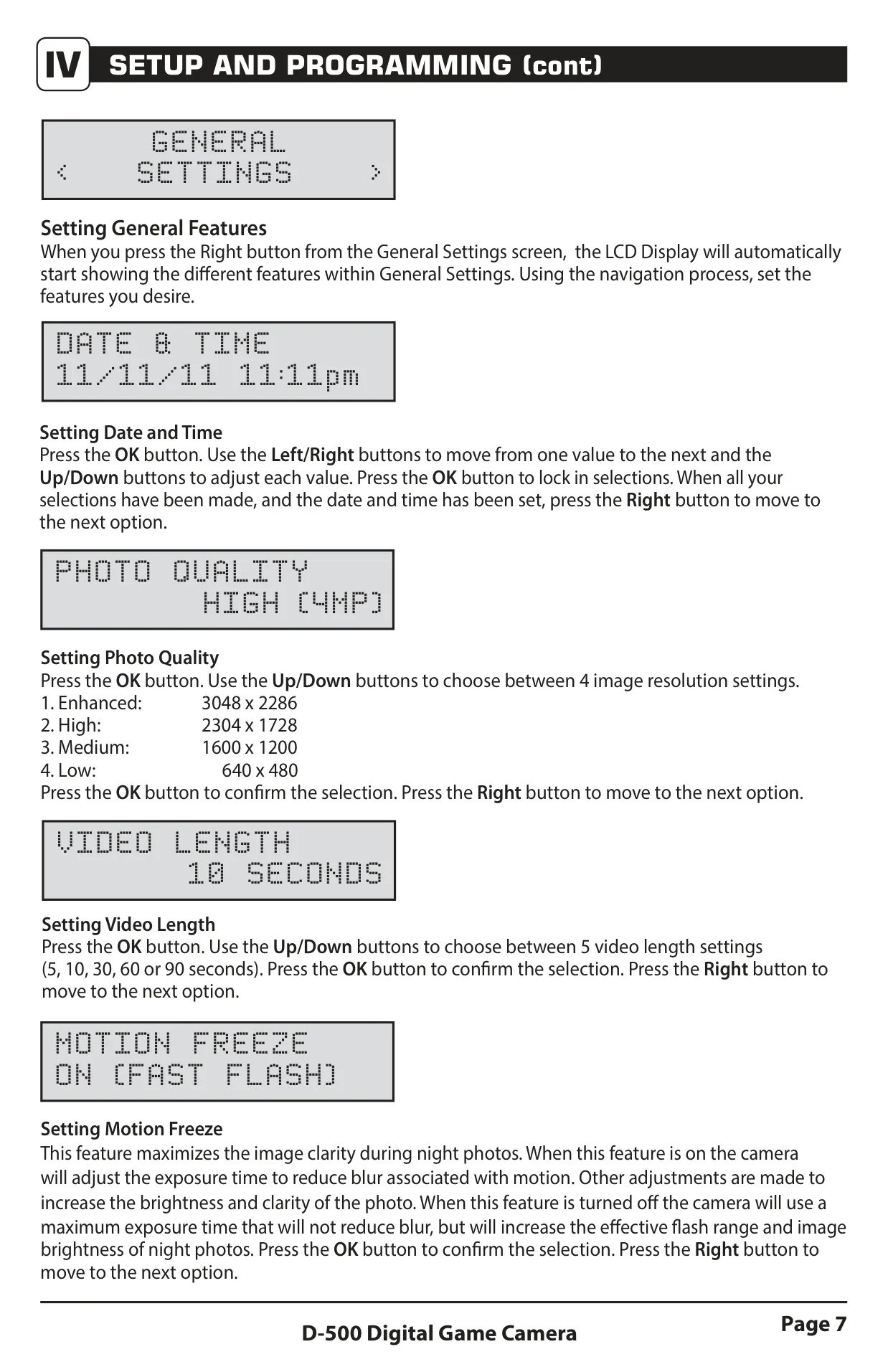
Setup and programming are straightforward, starting from the default screen. The Menu button grants access to general settings, where users can customize parameters such as date and time, photo quality (ranging from Low 640x480 to Enhanced 3048x2286), and video length (from 5 to 90 seconds). The "Motion Freeze" feature is notable, optimizing night photo clarity by adjusting exposure to reduce blur.
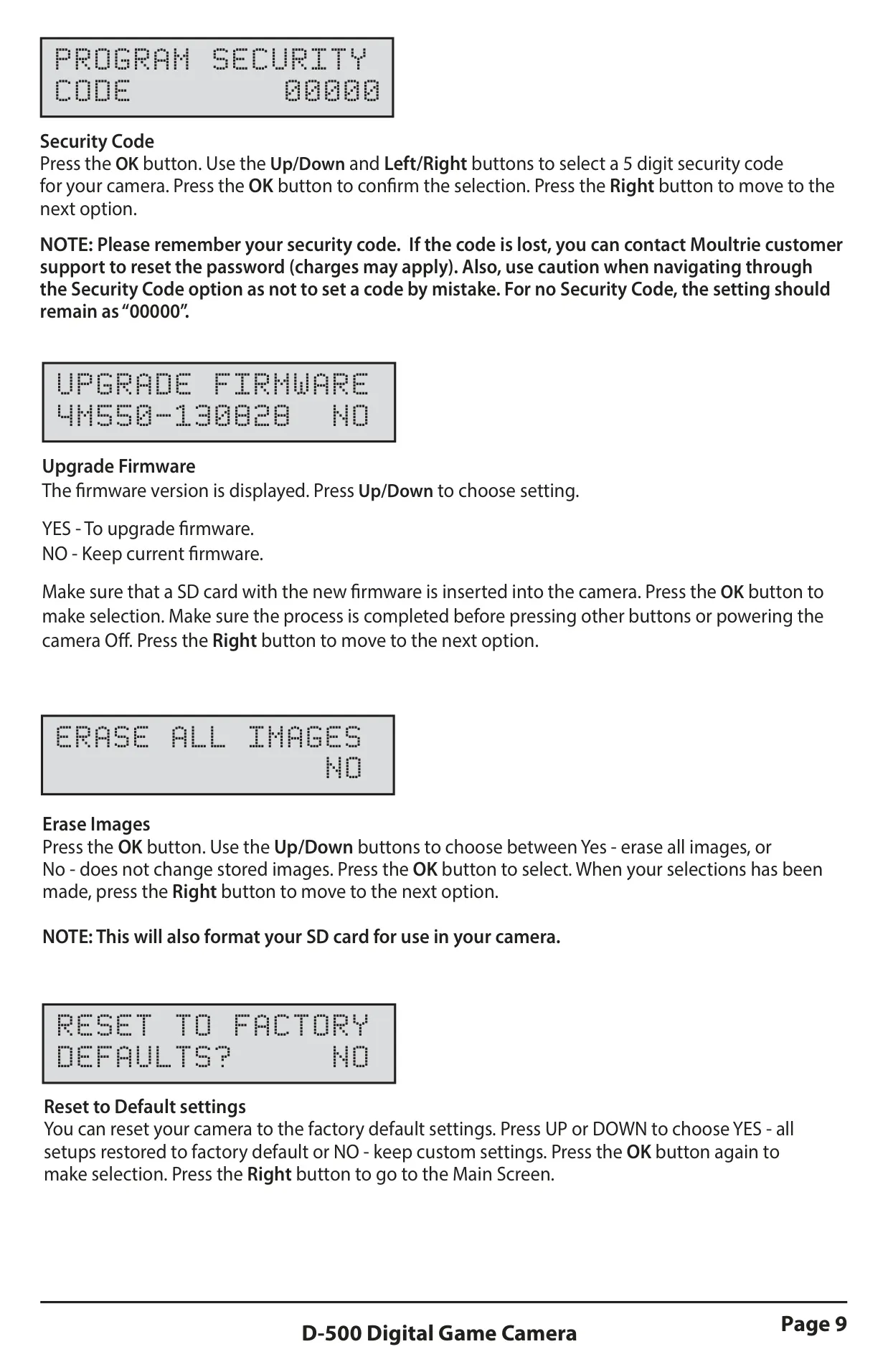
Further customization extends to camera naming, imprinting information directly onto images, and selecting temperature units (Fahrenheit or Celsius). Options for Wi-Fi SD card usage and AC power connection are also available, with the latter significantly improving camera speed and performance by preventing sleep mode between captures. A 5-digit security code option protects against unauthorized access.
The camera's flexible motion detection settings include configurable "Reset Options" offering predefined configurations for quick setup, such as "Max Performance" or "Max Battery" modes. Users can also adjust the "Detection Delay" between captures (from 5 seconds to 30 minutes) and select "Multi-Shot" options, including single photo, 3-shot burst, or 3-shot triggered sequences, to capture multiple frames per event.
For time lapse, the camera allows setting specific intervals (from 10 seconds to 1 day) and up to two programs per day, each with distinct start and stop times. Image viewing is simplified, either by removing the SD card for use with external readers or by connecting the camera directly to a PC via USB. Moultrie also provides free Time Lapse Software for advanced viewing, searching, and video creation from time-lapse sequences.
Moultrie offers a range of accessories sold separately, including a Tree Mount, AC Adapter, Camera Power Panel, and Battery Box, all designed to enhance mounting flexibility, extend battery life, or provide continuous power. The product comes with a 1-year limited warranty, requiring online registration to activate, and specific battery recommendations for optimal performance and longevity.
Frequently Asked Questions (FAQs)
Can't find the answer you need? Here are some frequently asked questions about the Moultrie D500 (MCG-12683) Digital Game Camera, and we answer them below.