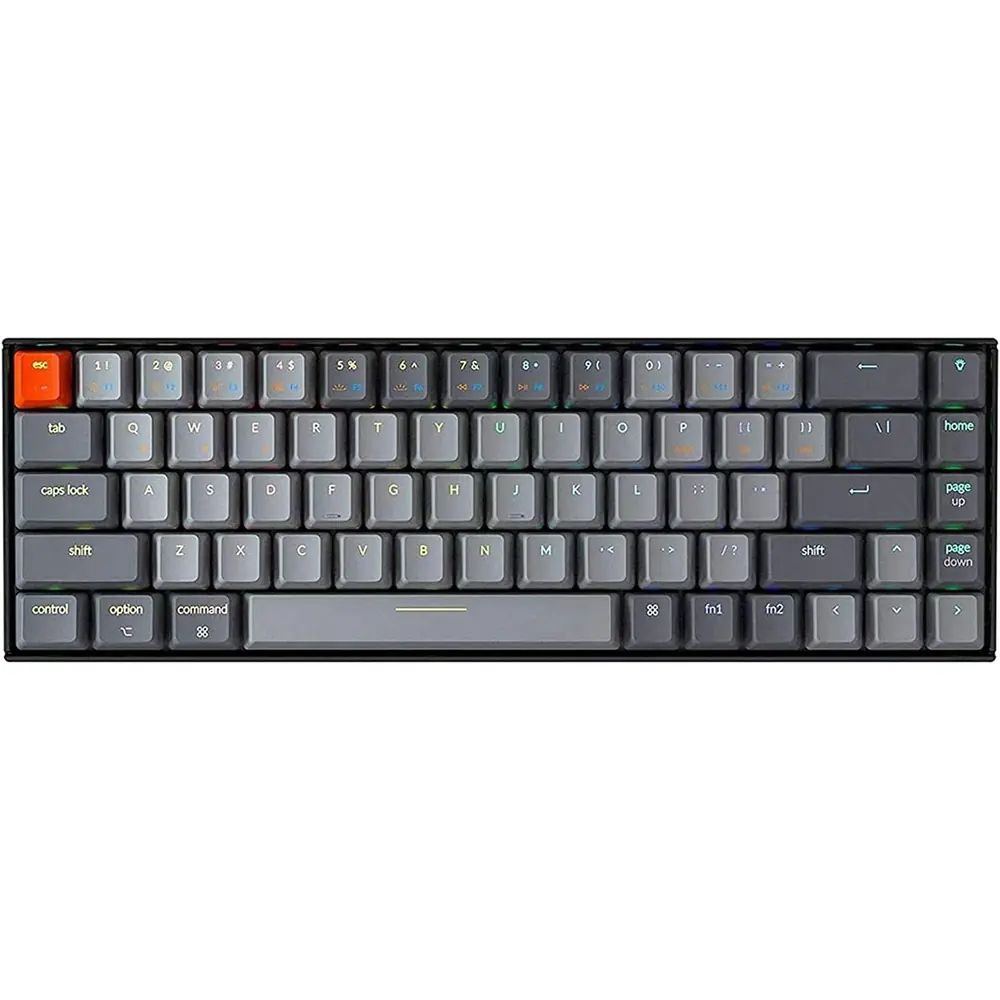
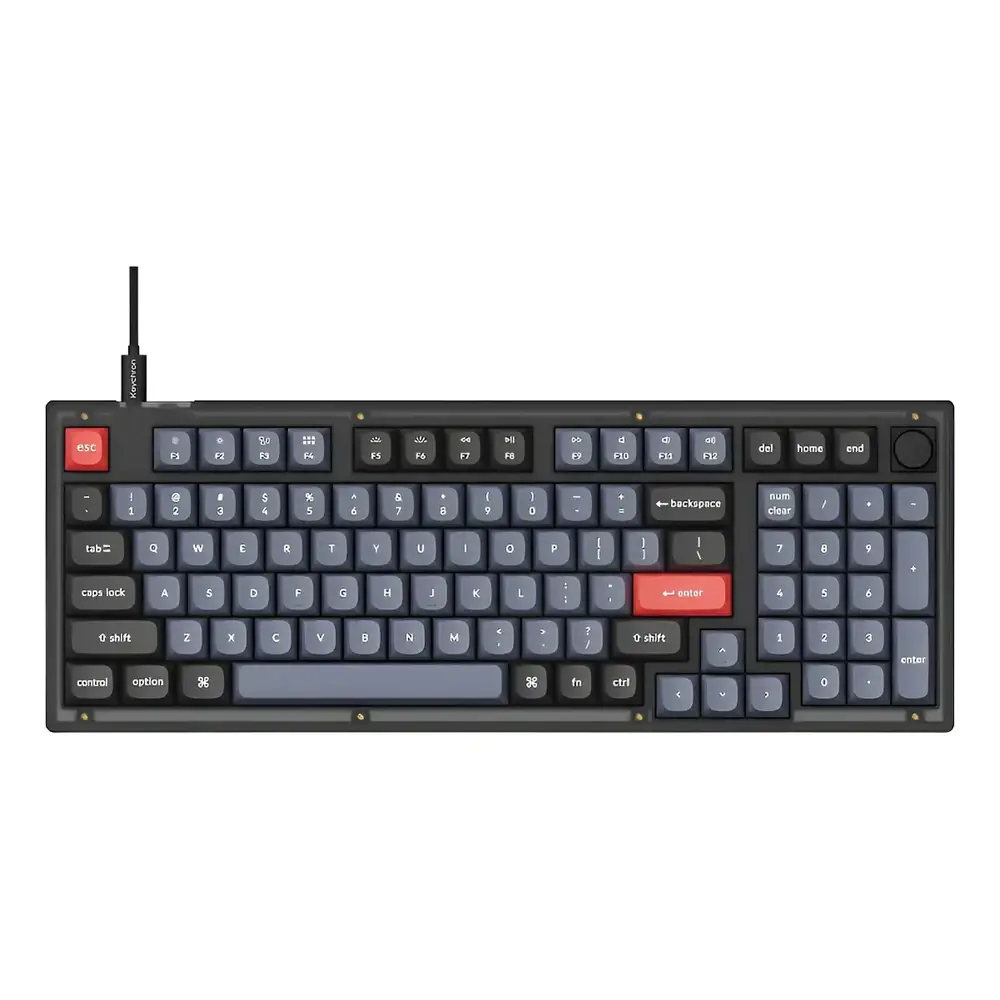
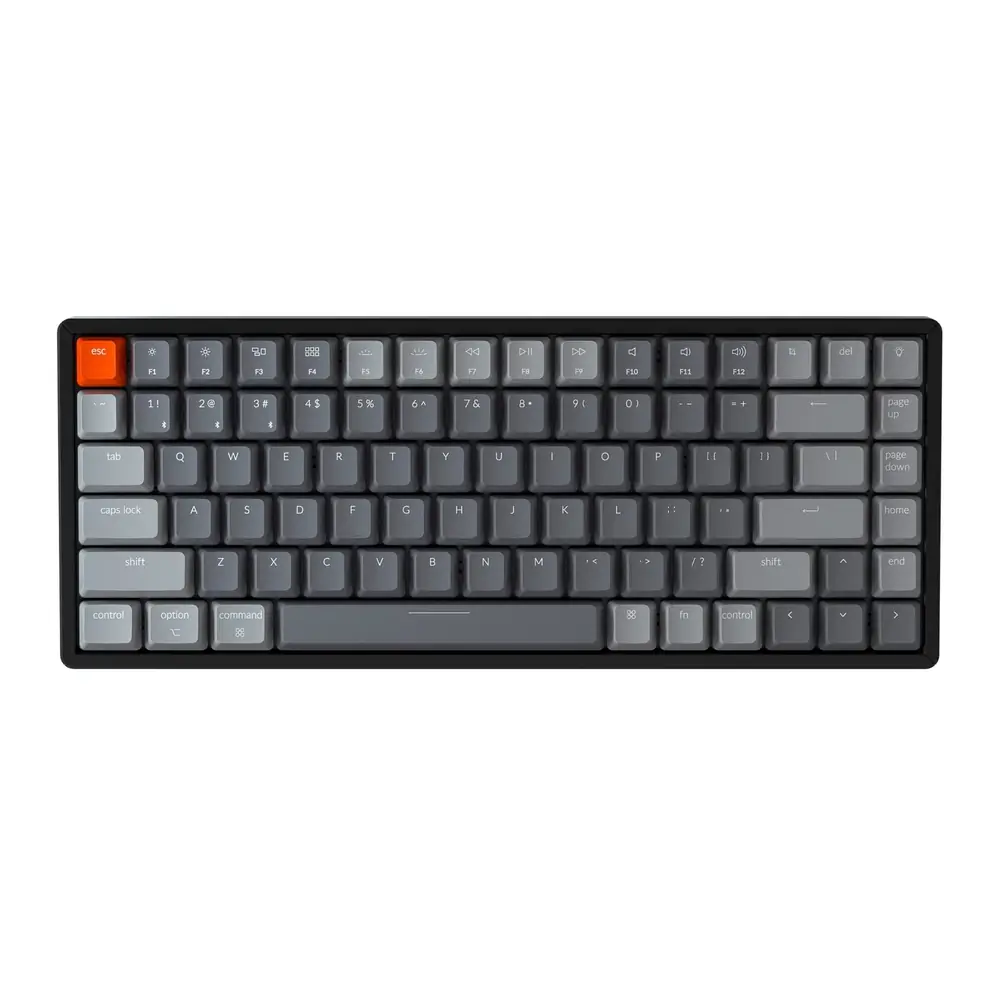
Keychron K8 Keyboard Instruction Manual
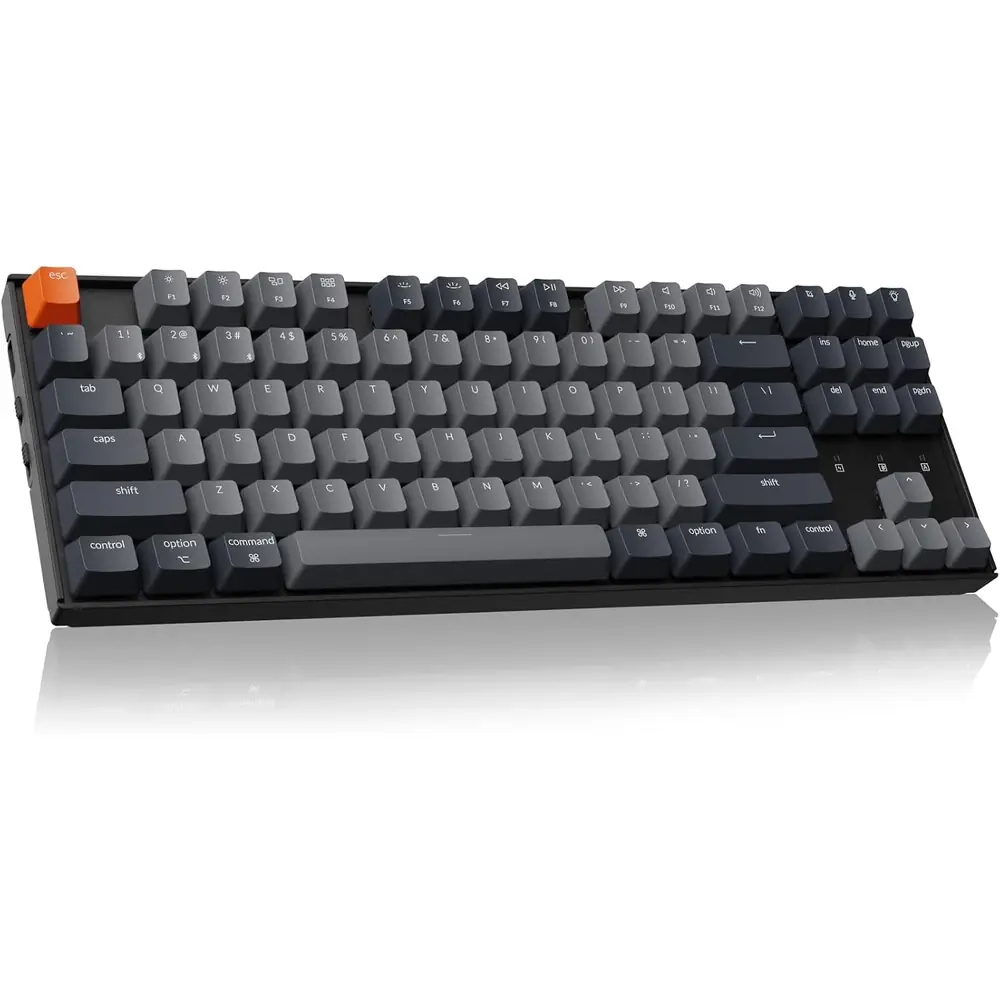
Keychron K8 Keyboard


Keychron K8 Keyboard Instructions
Here we offer the Keychron K8 Keyboard manual completely free and in English. We have cataloged this manual in the Keyboards section on Manualverse, and it has been rated by 1 users with an average rating of 5. If you have any specific questions about Keychron K8 Keyboard, we suggest checking the Frequently Asked Questions (FAQs) section of this manual.
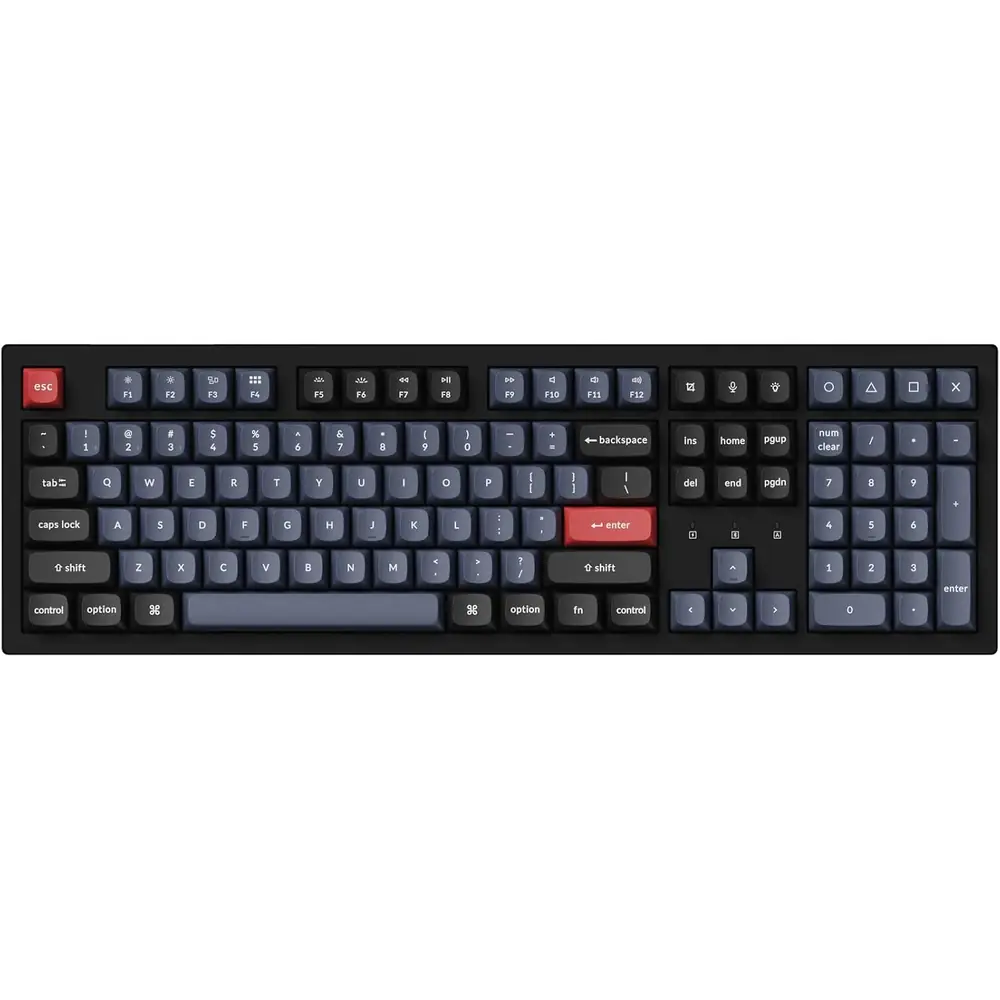
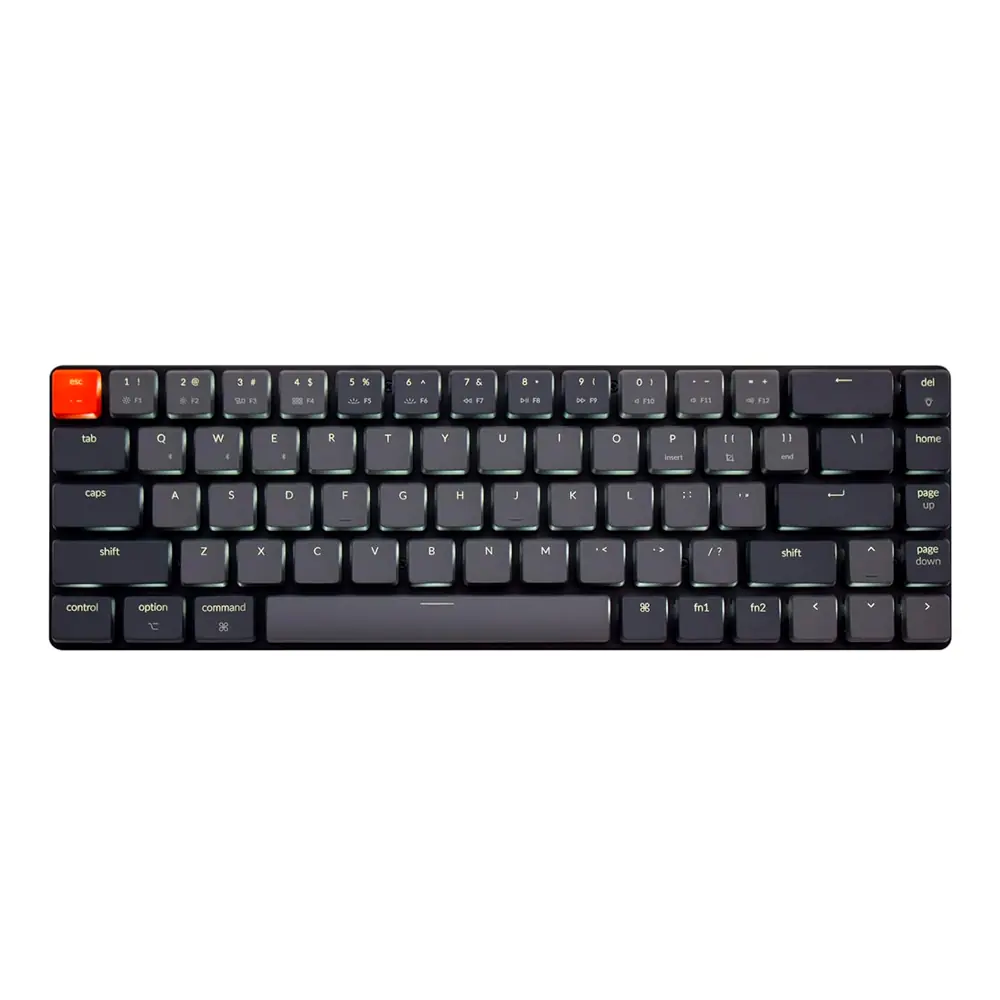
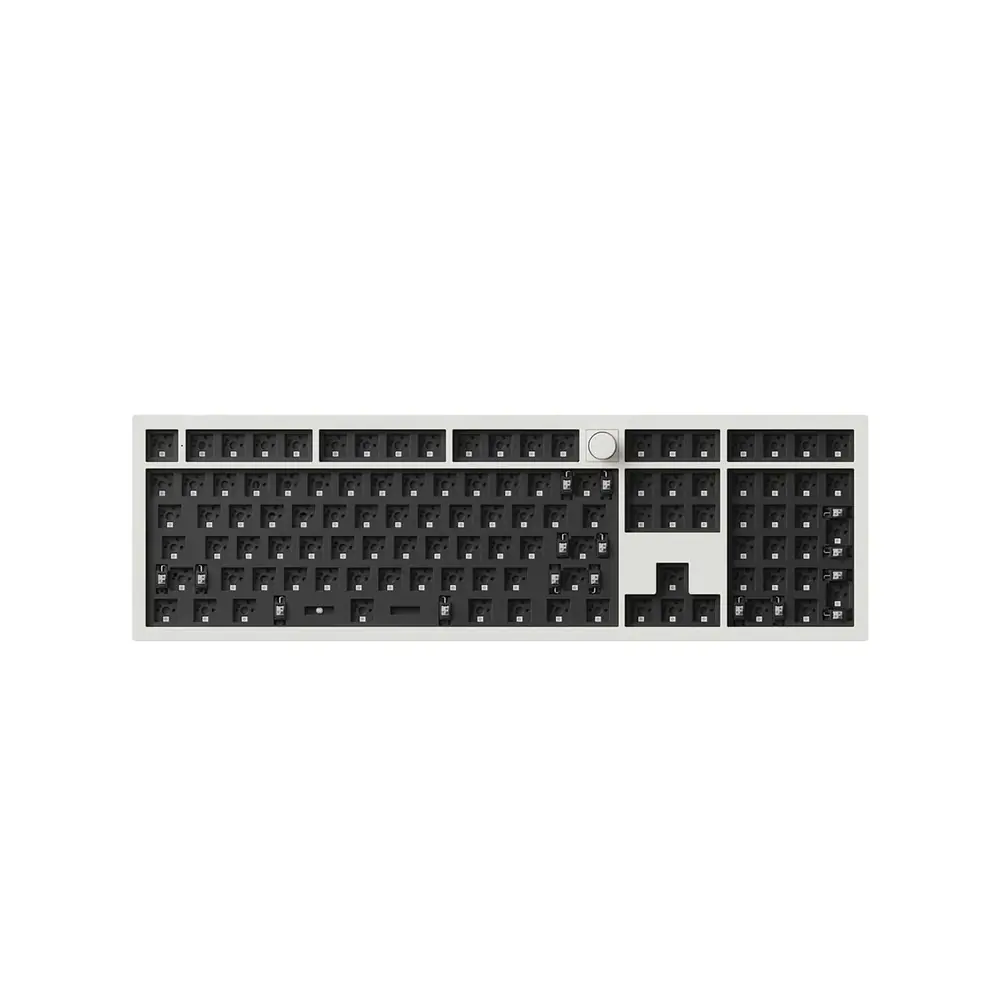
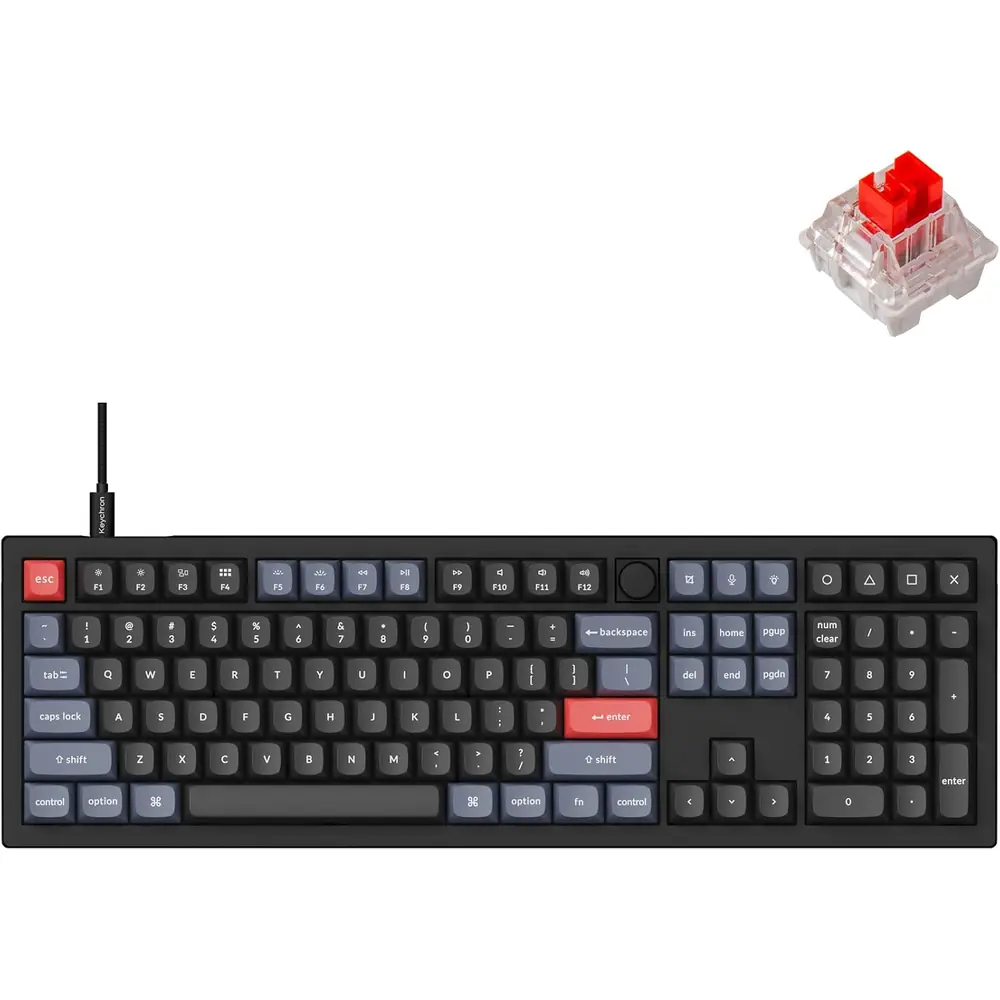
Product Images

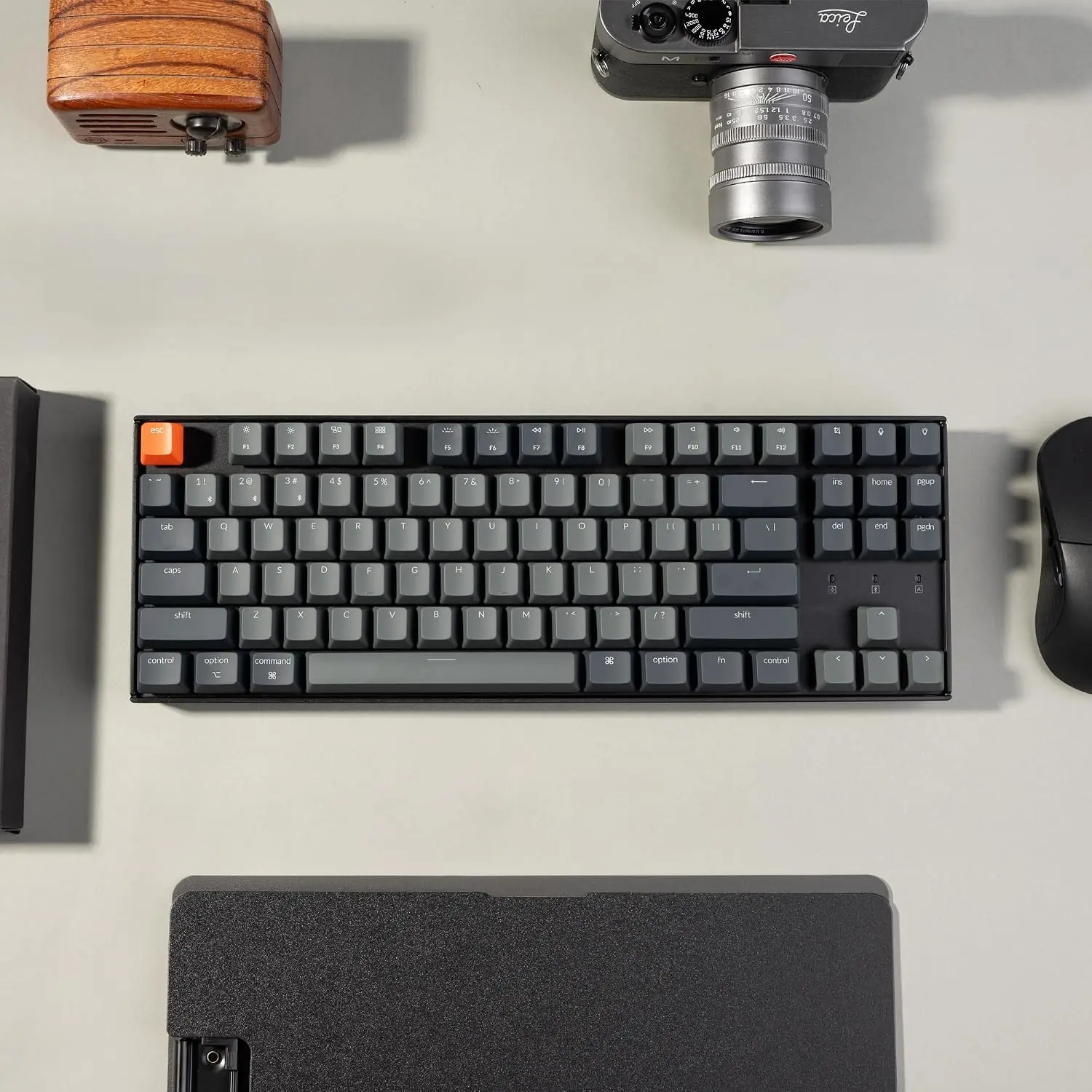
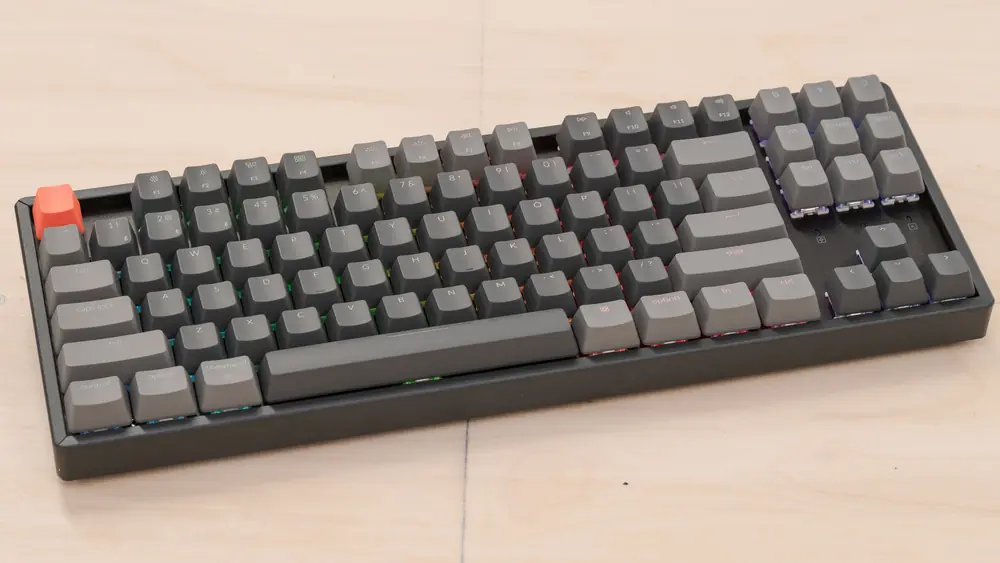

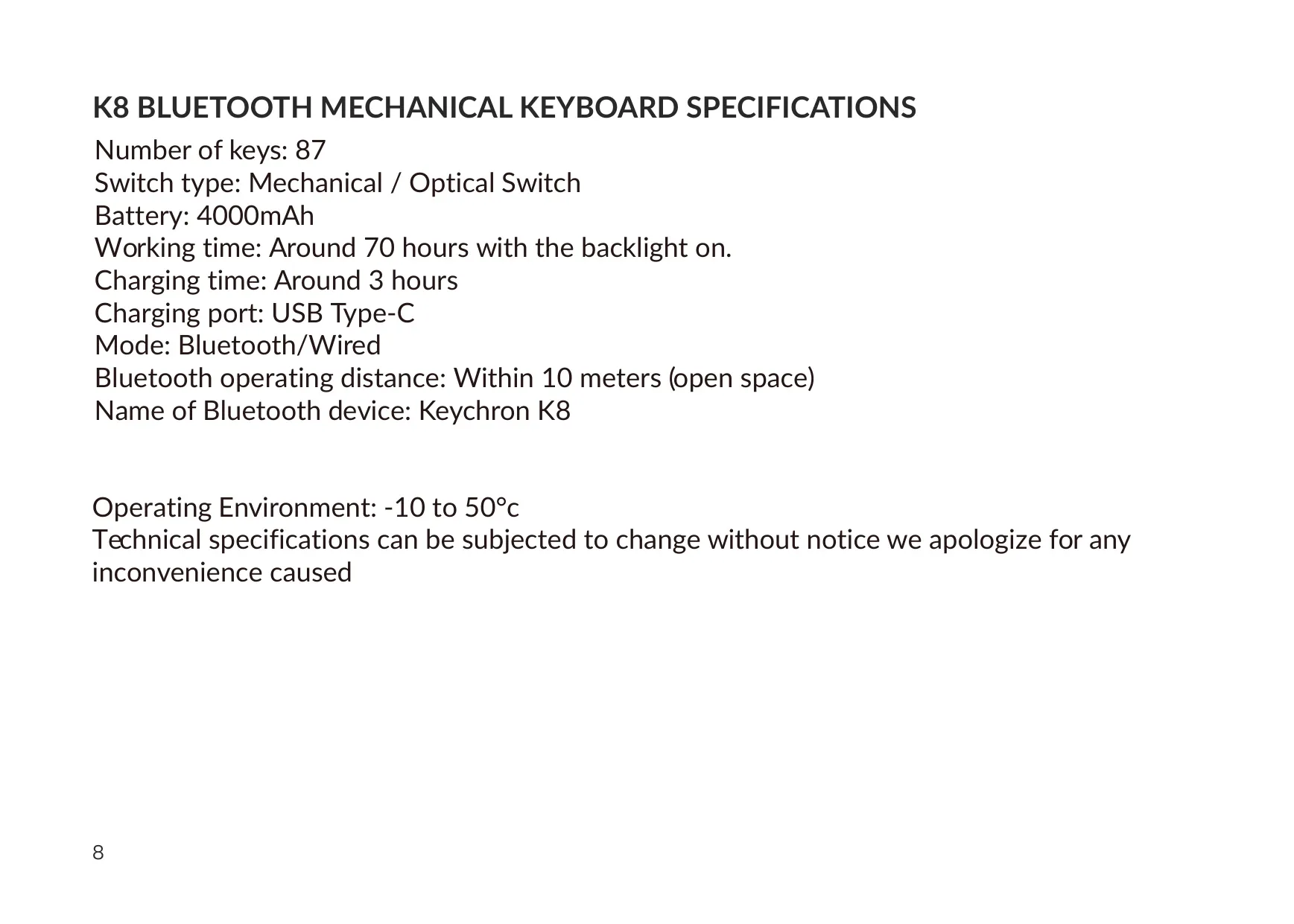
Keychron K8 Keyboard Specifications
| Feature | Specification |
|---|---|
| Product Name | Keychron K8 Bluetooth Mechanical Keyboard |
| Layout / Number of Keys | 87 keys |
| Switch Type | Mechanical / Optical Switch |
| Battery Capacity | 4000 mAh |
| Working Time | Around 70 hours with the backlight on |
| Charging Time | Around 3 hours |
| Charging Port | USB Type-C |
| Connection Modes | Bluetooth / Wired |
| Bluetooth Operating Distance | Within 10 meters (open space) |
| Bluetooth Device Name | Keychron K8 |
| Bluetooth Device Slots | 3 (fn + 1 / fn + 2 / fn + 3) |
| Maximum Charging Input | 5 V / 2 A |
| Recommended Power Source | 5 V 2 A adapter or USB 3.0 port |
| Operating Environment | -10 °C to 50 °C (5 °F to 131 °F) |
| Auto Sleep Timer | 10 minutes of inactivity (Bluetooth mode) |
| OS Toggle Switch | Mac/iOS and Windows/Android |
| Mode Toggle Switch | BT / OFF / Cable |
| Indicators | Charging, Bluetooth, Caps Lock |
| Backlight | Multiple lighting effects; adjustable colors on the RGB version |
| Package Contents | Keyboard x 1, Type-C cable x 1, Manual x 1, Quick Start Guide x 1, Extra keycaps set x 1 |
| Compliance | FCC Part 15, Class B digital device |
| Manufacturer | Keychron, Inc., Dover, DE 19901, United States |
| Country of Origin | Made in China |
Keychron K8 Keyboard Details
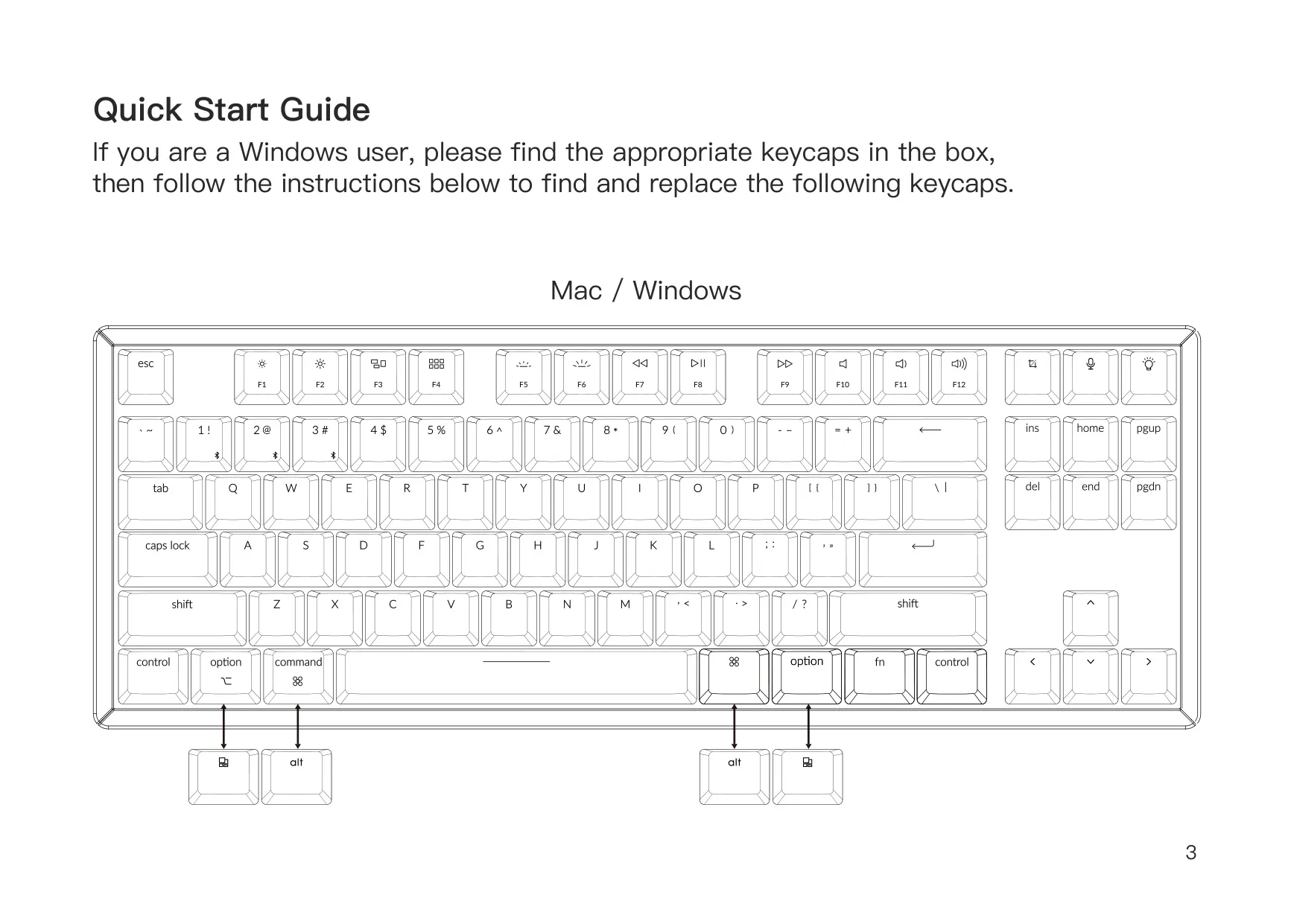
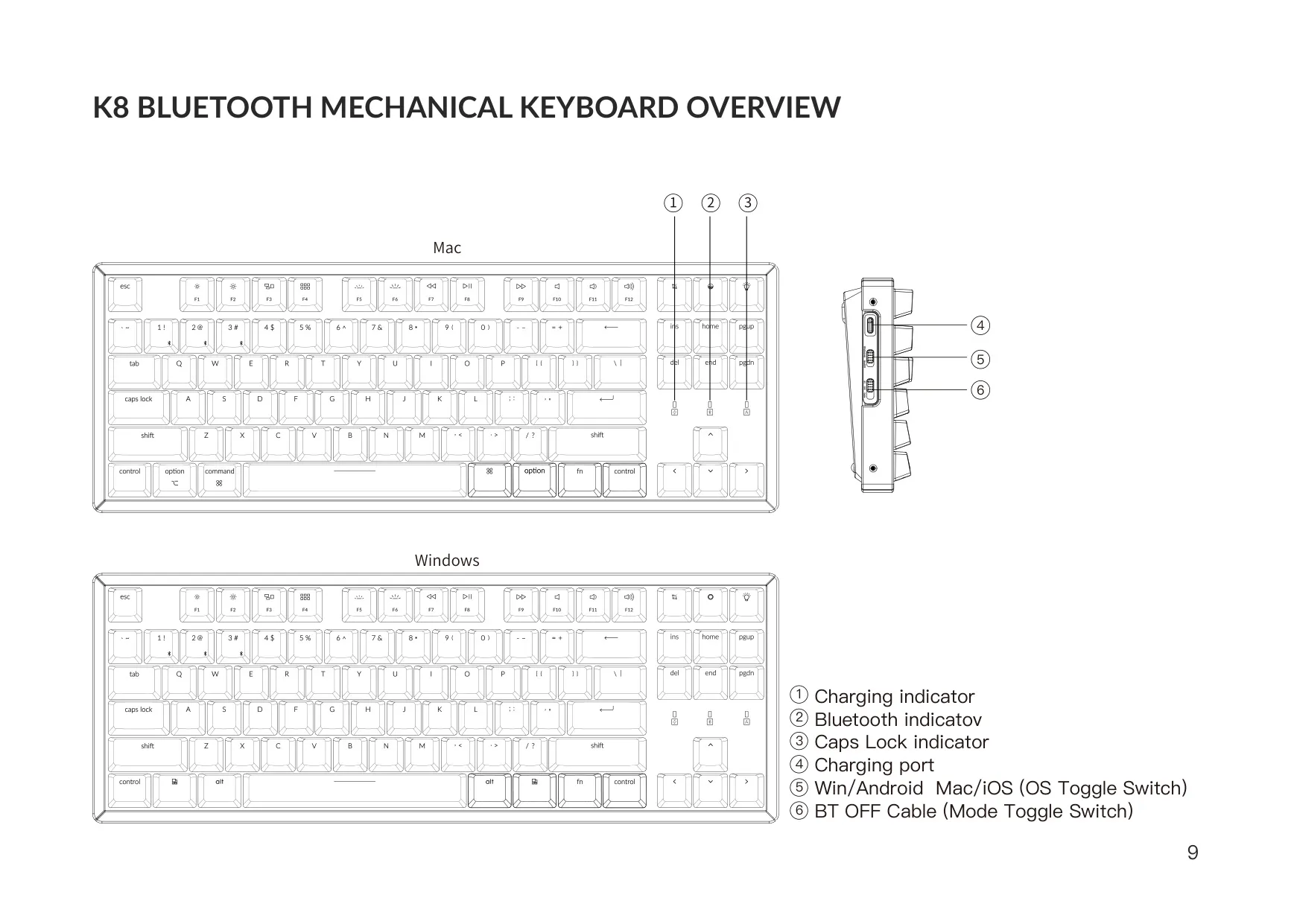
The Keychron K8 is a tenkeyless keyboard made to work with more than one operating system. It ships with Mac-oriented keycaps already fitted. Windows users will find replacement keycaps in the box and can use the Quick Start Guide to see which caps to swap. The OS toggle switch changes the key layout to match the connected system. In Windows/Android mode, the keys next to the spacebar act as Windows and Alt. On iOS, Ctrl + Space switches the input method.
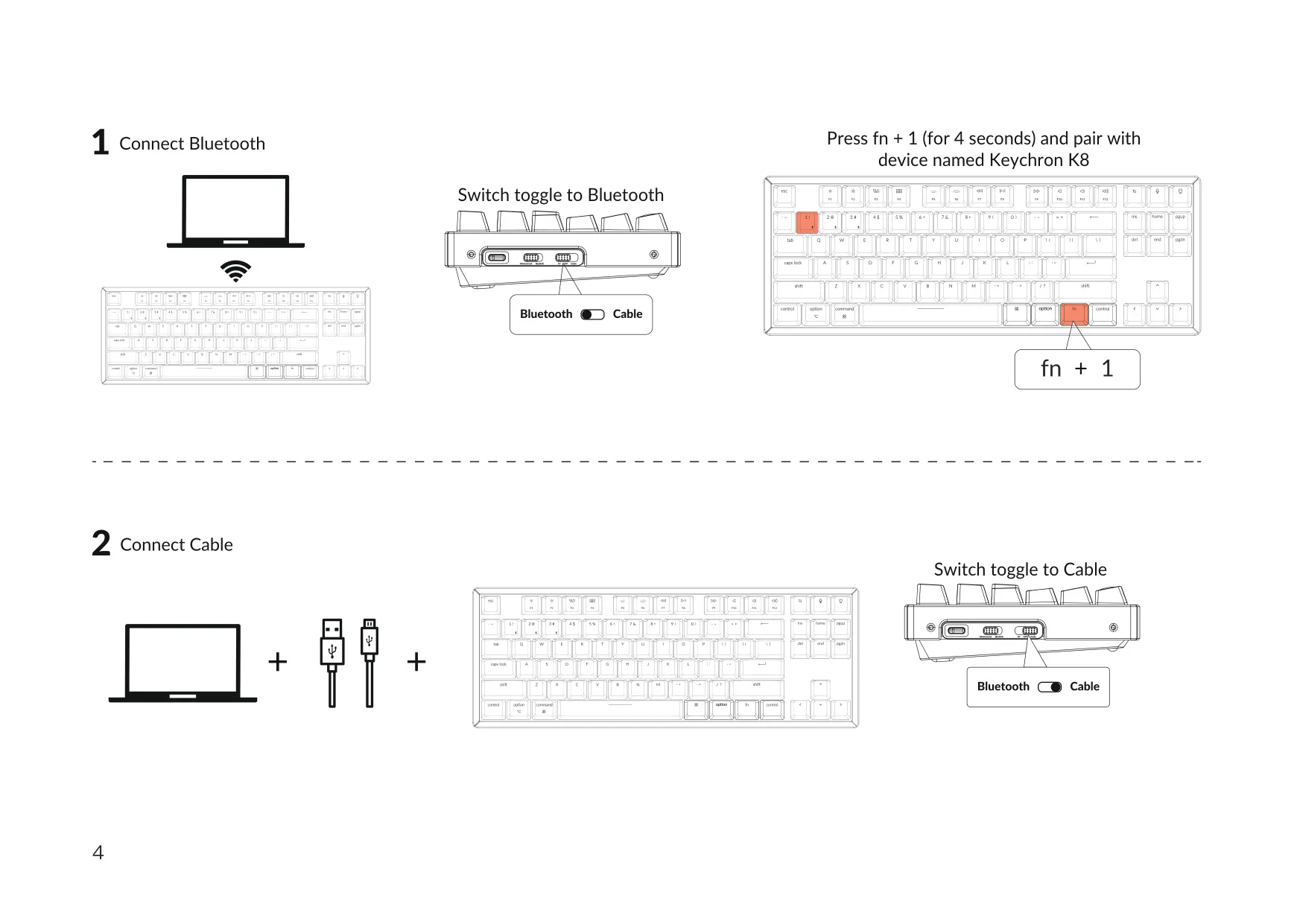
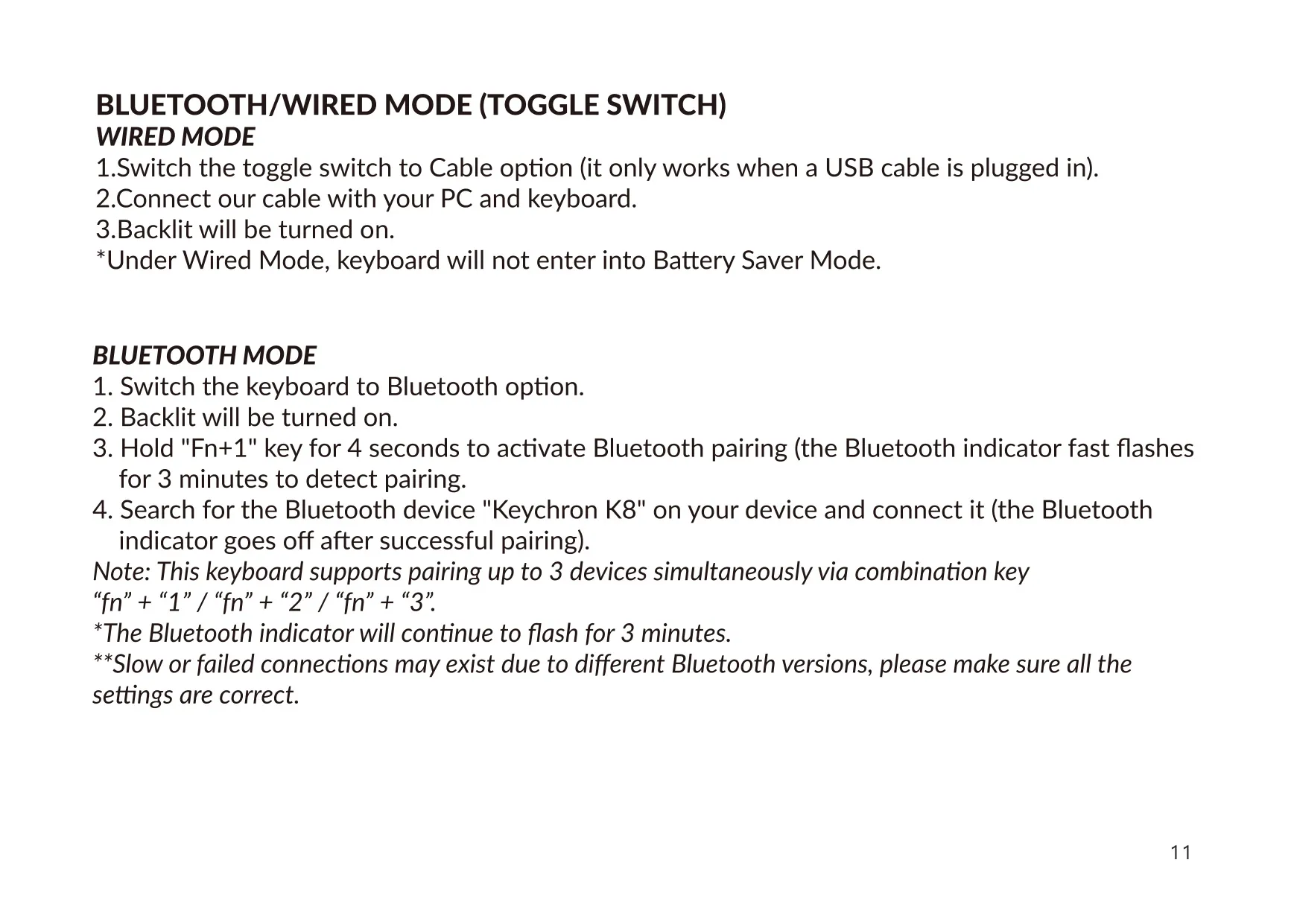
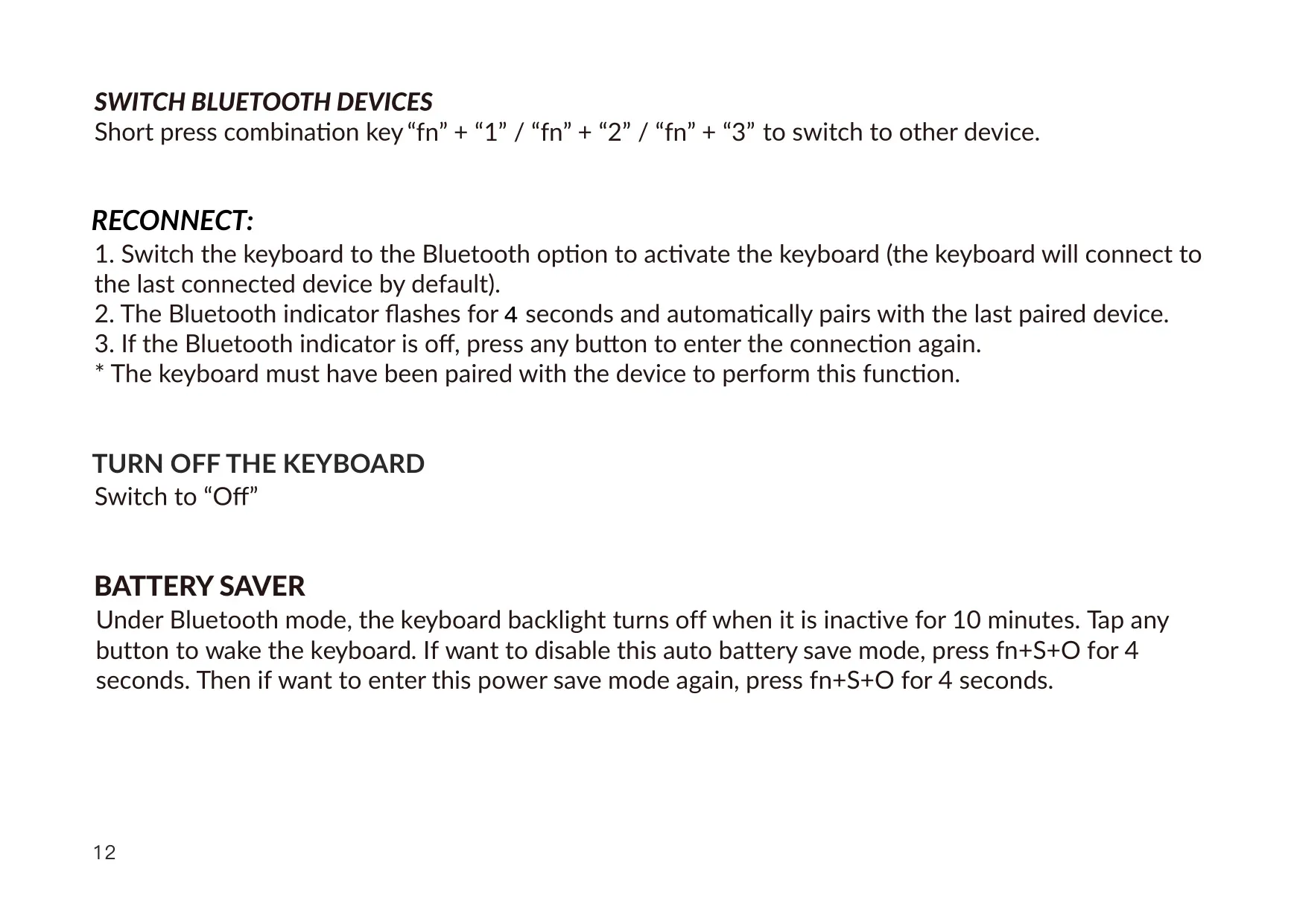
To pair the keyboard, set the mode toggle to Bluetooth and hold fn + 1 for 4 seconds. Then choose the device named Keychron K8 on your computer, tablet or phone. You can pair up to three devices, one each on fn + 1, fn + 2 and fn + 3. A short press on the same combination switches between paired devices. For a wired connection, set the toggle to Cable and plug in the included Type-C cable.
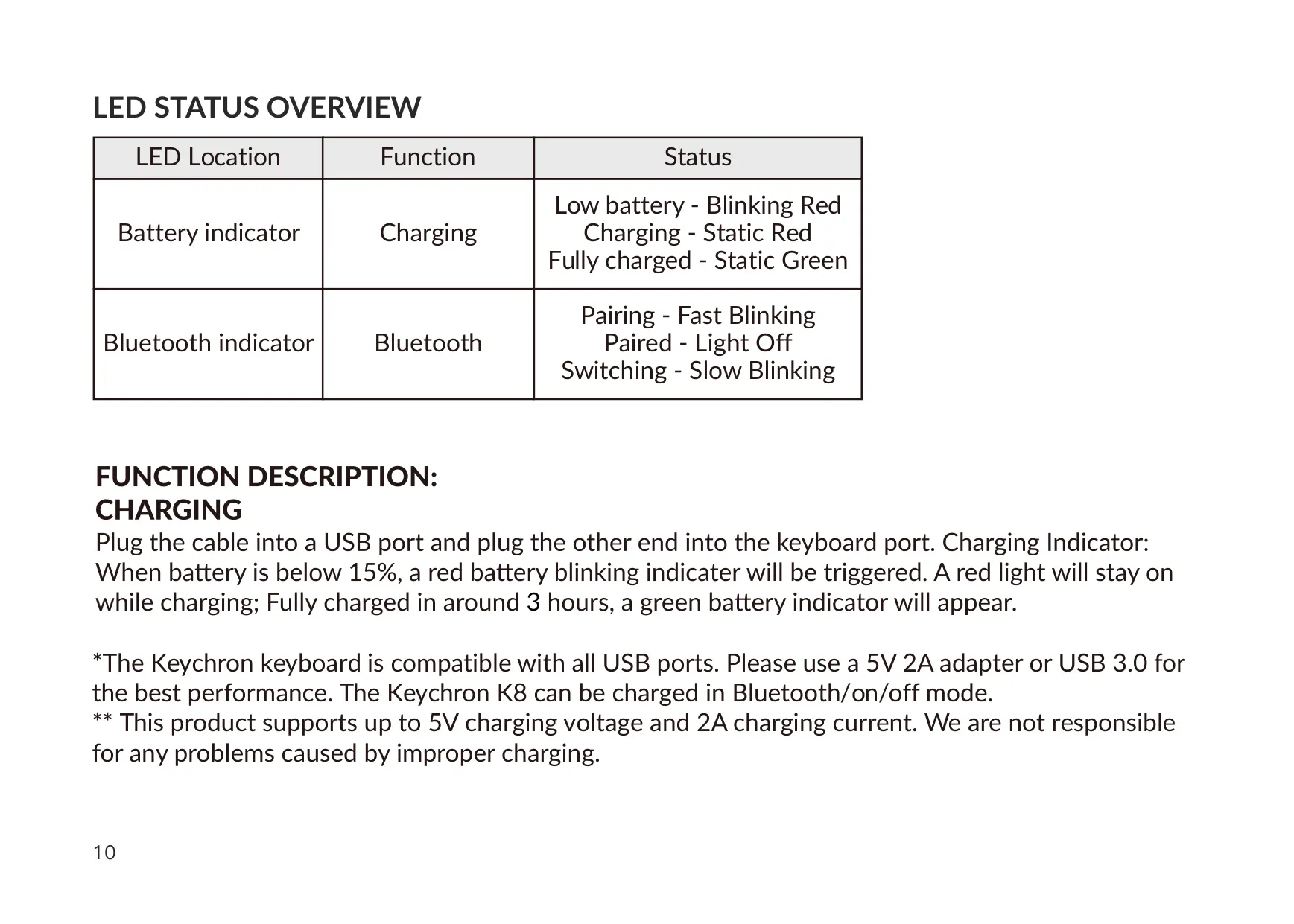
The Bluetooth indicator shows the connection status. It blinks quickly while pairing, blinks slowly while switching devices and turns off once a device is paired. The battery indicator blinks red when the battery is low, stays red while charging and turns green when fully charged. The keyboard can charge while it is in Bluetooth mode, on or off. Keychron recommends a 5V 2A adapter or a USB 3.0 port for the best charging performance.
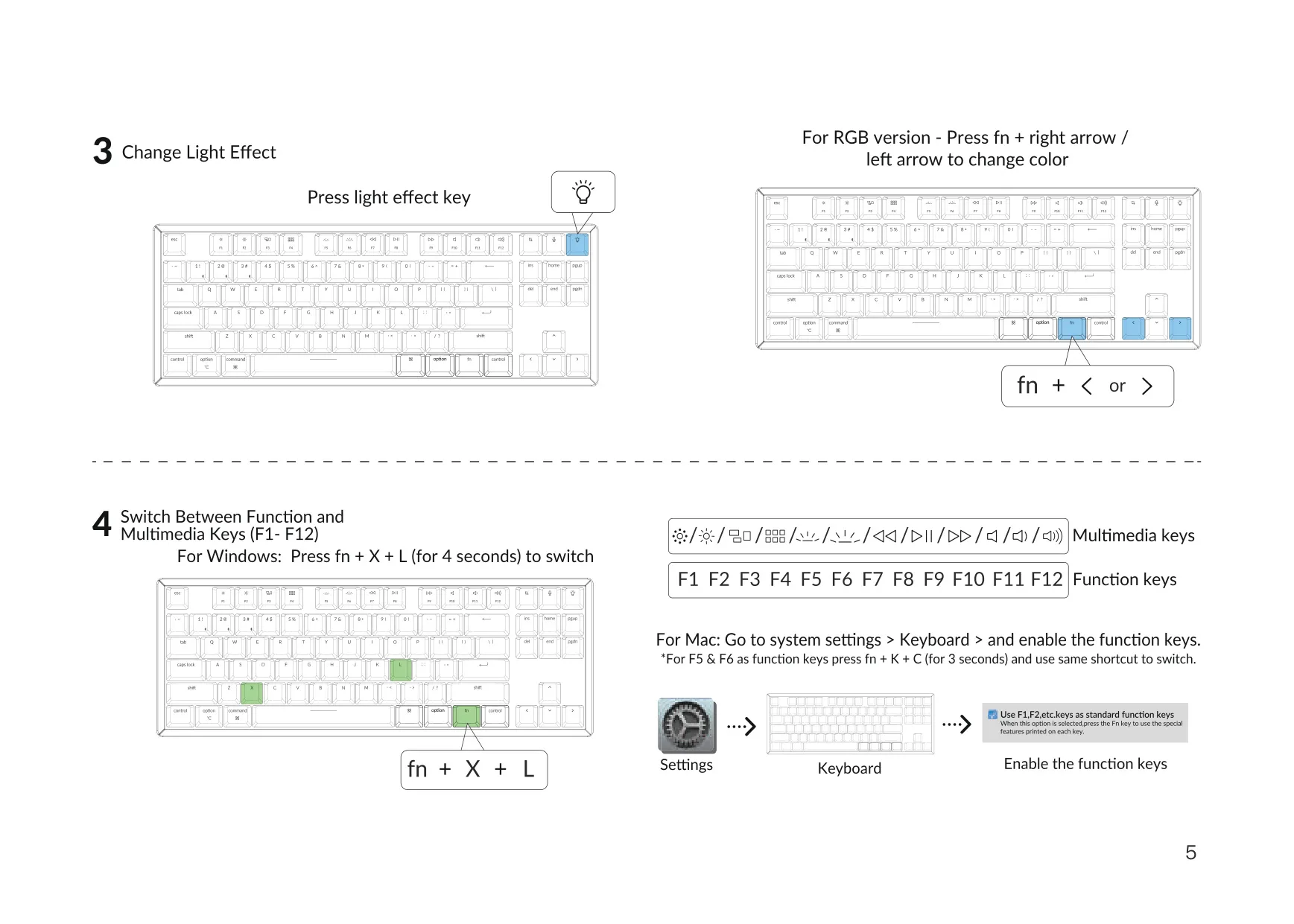
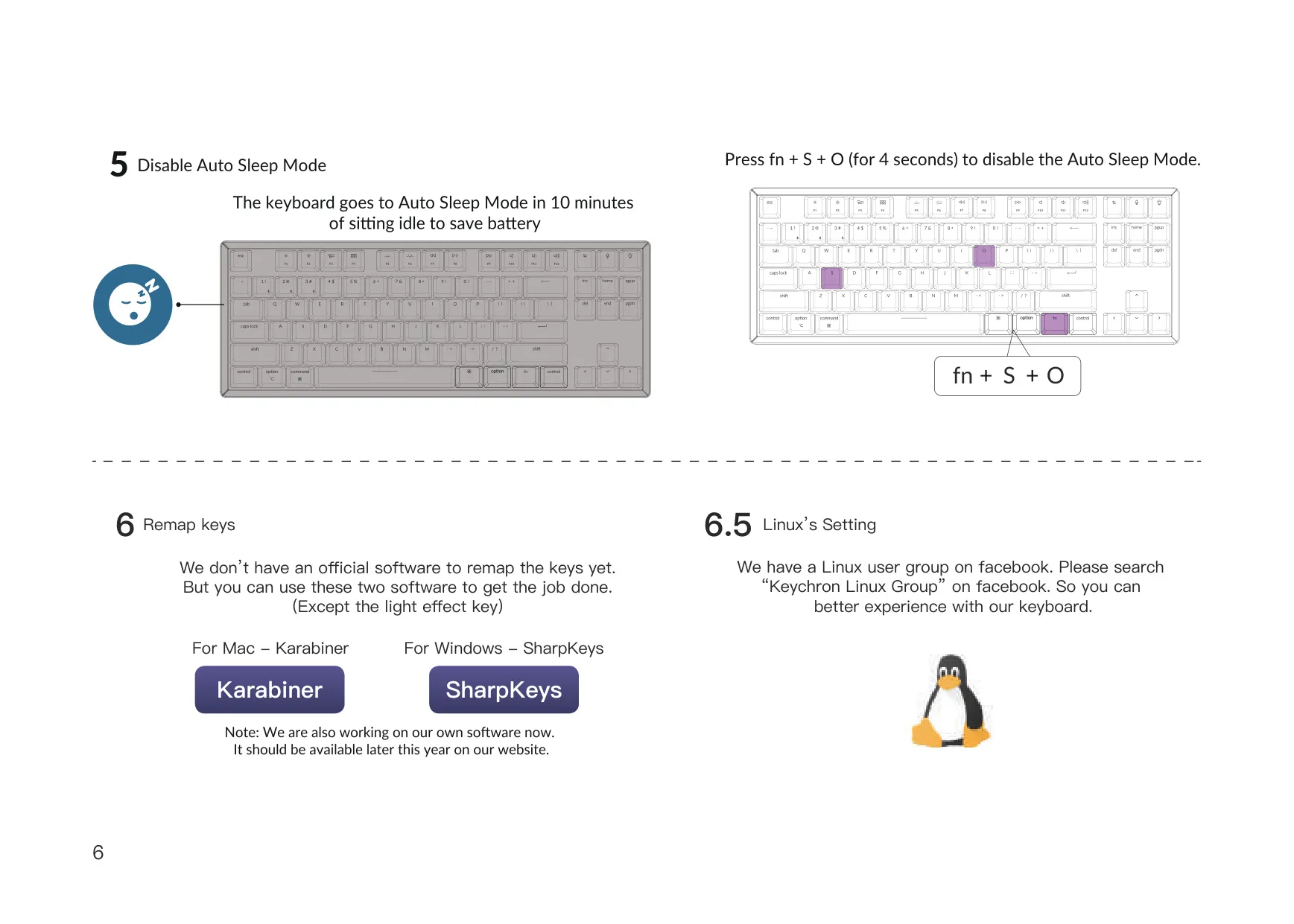
In Bluetooth mode, the keyboard goes to sleep and turns off the backlight after 10 minutes without use. Press any key to wake it. To turn off this power-saving mode, hold fn + S + O for 4 seconds, and use the same combination to turn it back on. The light effect key cycles through the lighting modes. On the RGB version, a short press on fn + left arrow or fn + right arrow changes the light color.
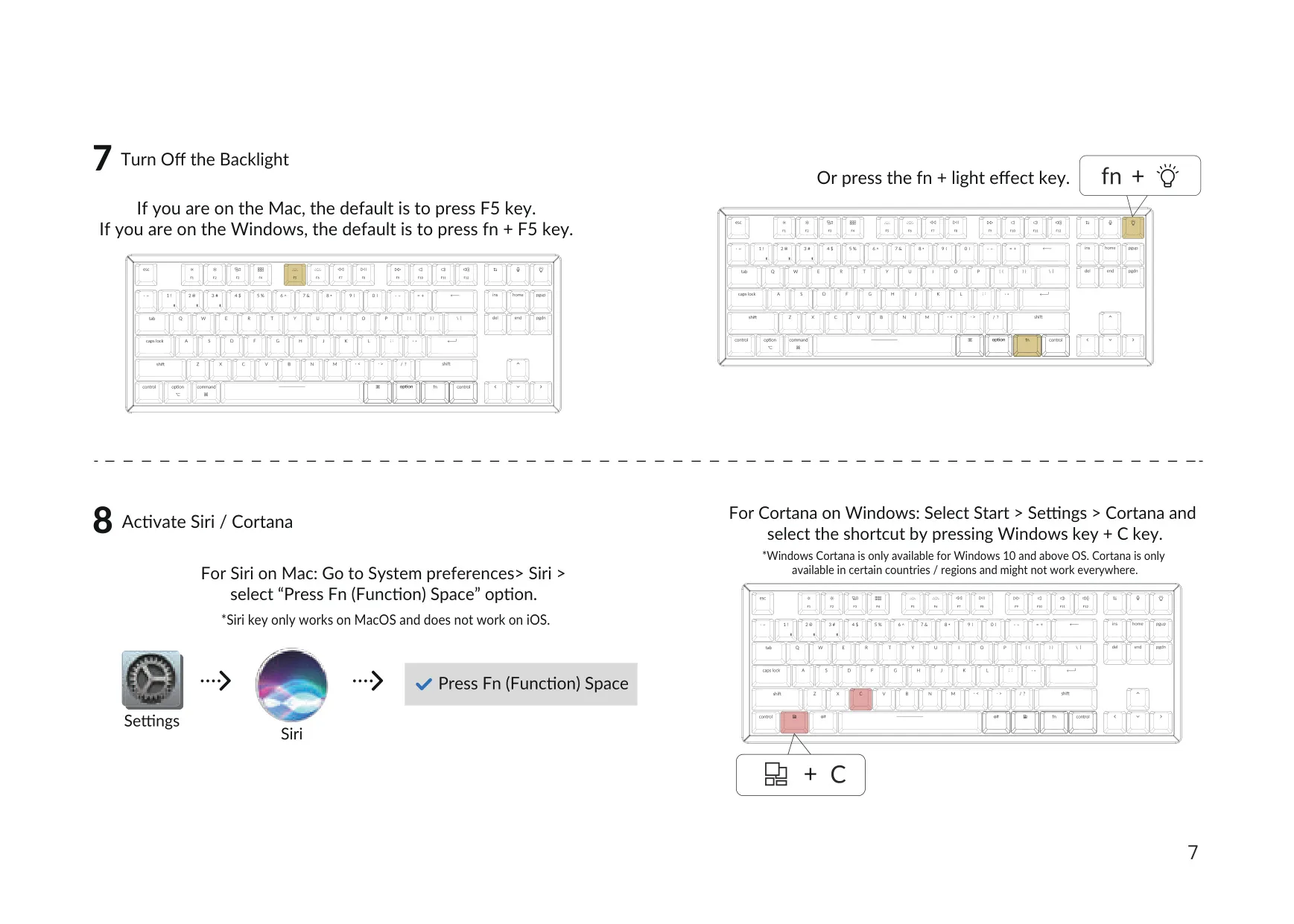
The function row works differently on each system. On a Mac, pressing F5 triggers its function directly, while on Windows the default is fn + F5. Windows users can hold fn + X + L for 4 seconds to switch this behavior. A dedicated key opens Siri on macOS but does not work on iOS. On Windows 10 and later, the same key can be mapped to Cortana with Windows key + C. Cortana is only available in certain countries and regions.
Keychron does not offer official remapping software yet. The manual suggests Karabiner for Mac and SharpKeys for Windows, which can remap every key except the light effect key. Linux users are directed to the Keychron Linux Group on Facebook. If the keyboard stops responding, turn it off and on again, remove it from your device's Bluetooth list and pair it again. Metal surfaces under the keyboard can weaken the Bluetooth signal. Keep the keyboard dry and away from children.
Frequently Asked Questions (FAQs)
Can't find the answer you need? Here are some frequently asked questions about the Keychron K8 Keyboard, and we answer them below.