Garmin GNS 430W Panel Avionics Unit Instruction Manual
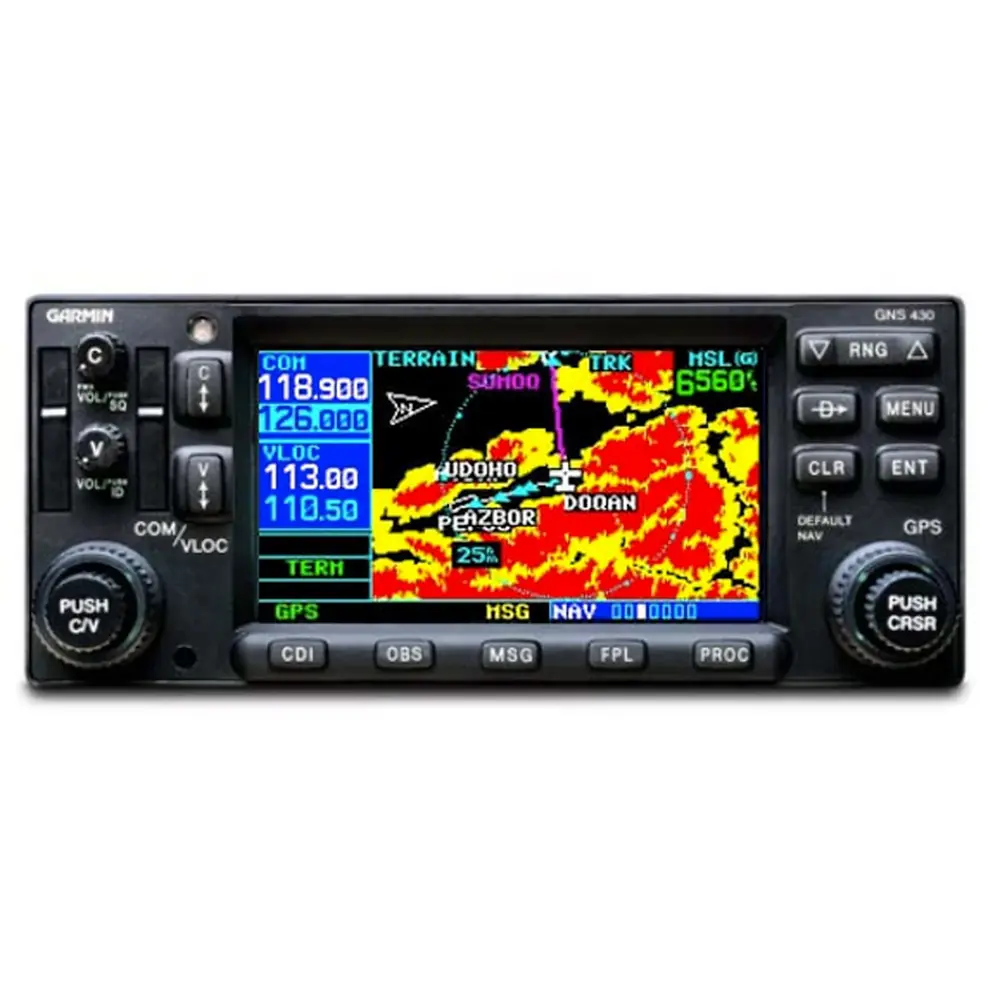
Garmin GNS 430W Panel Avionics Unit



















































































Garmin GNS 430W Panel Avionics Unit














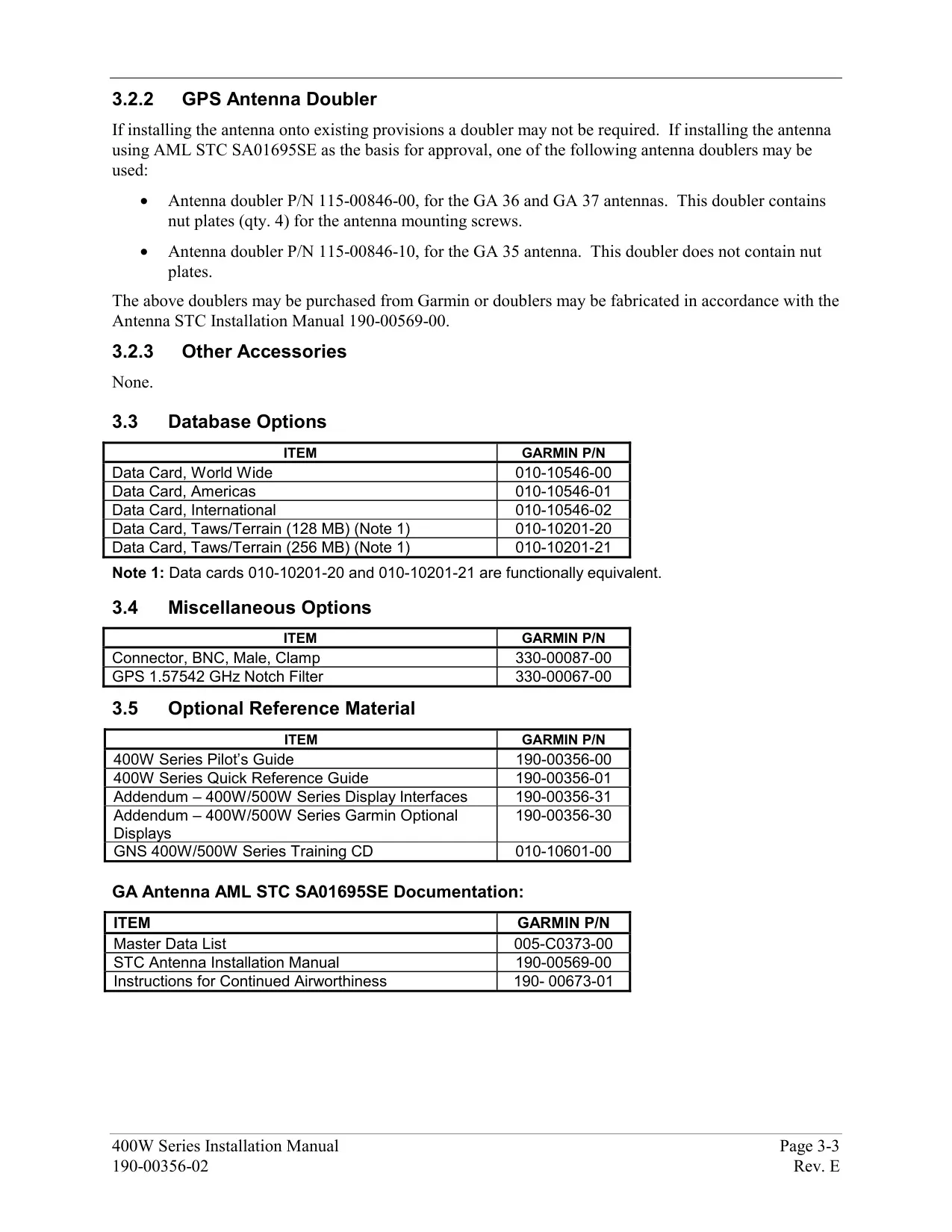
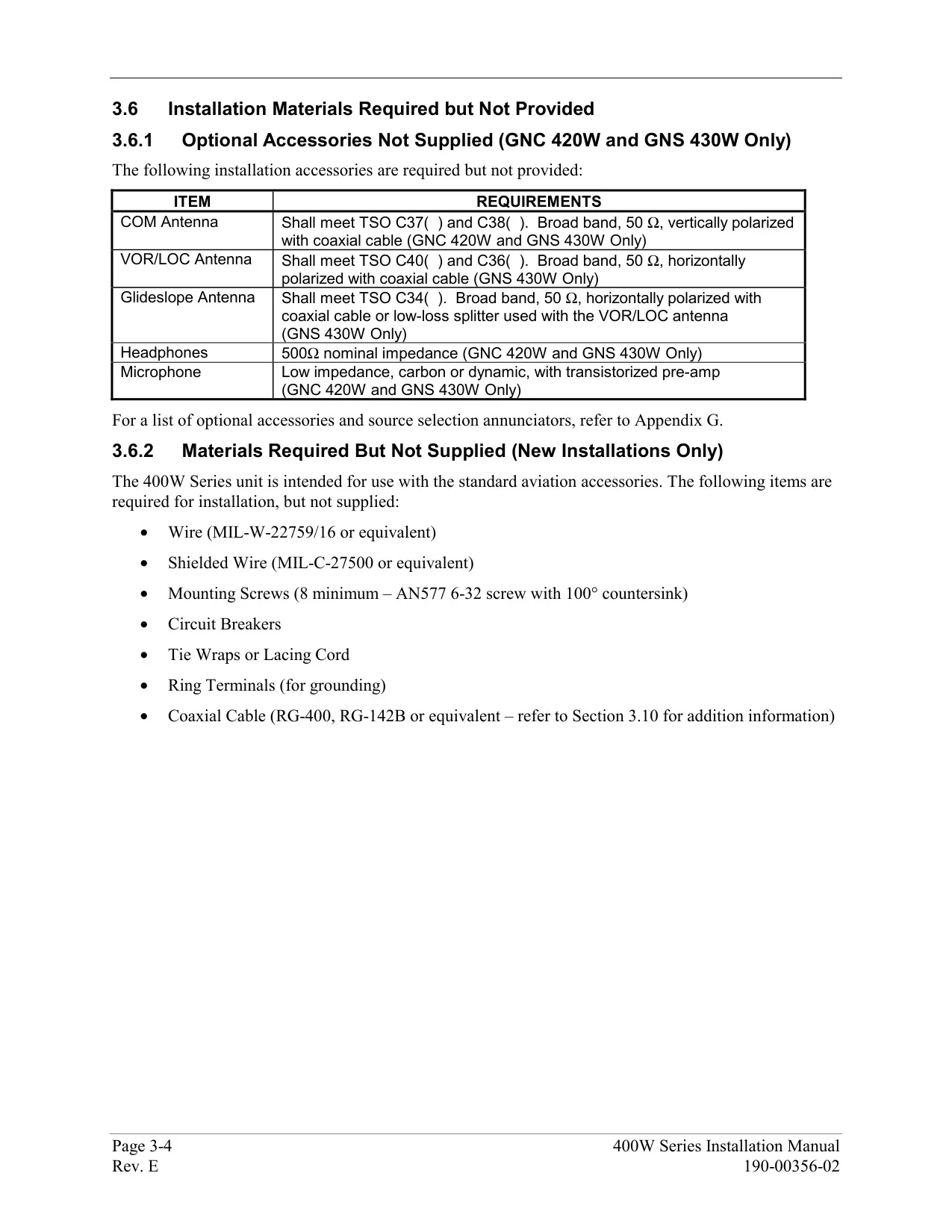


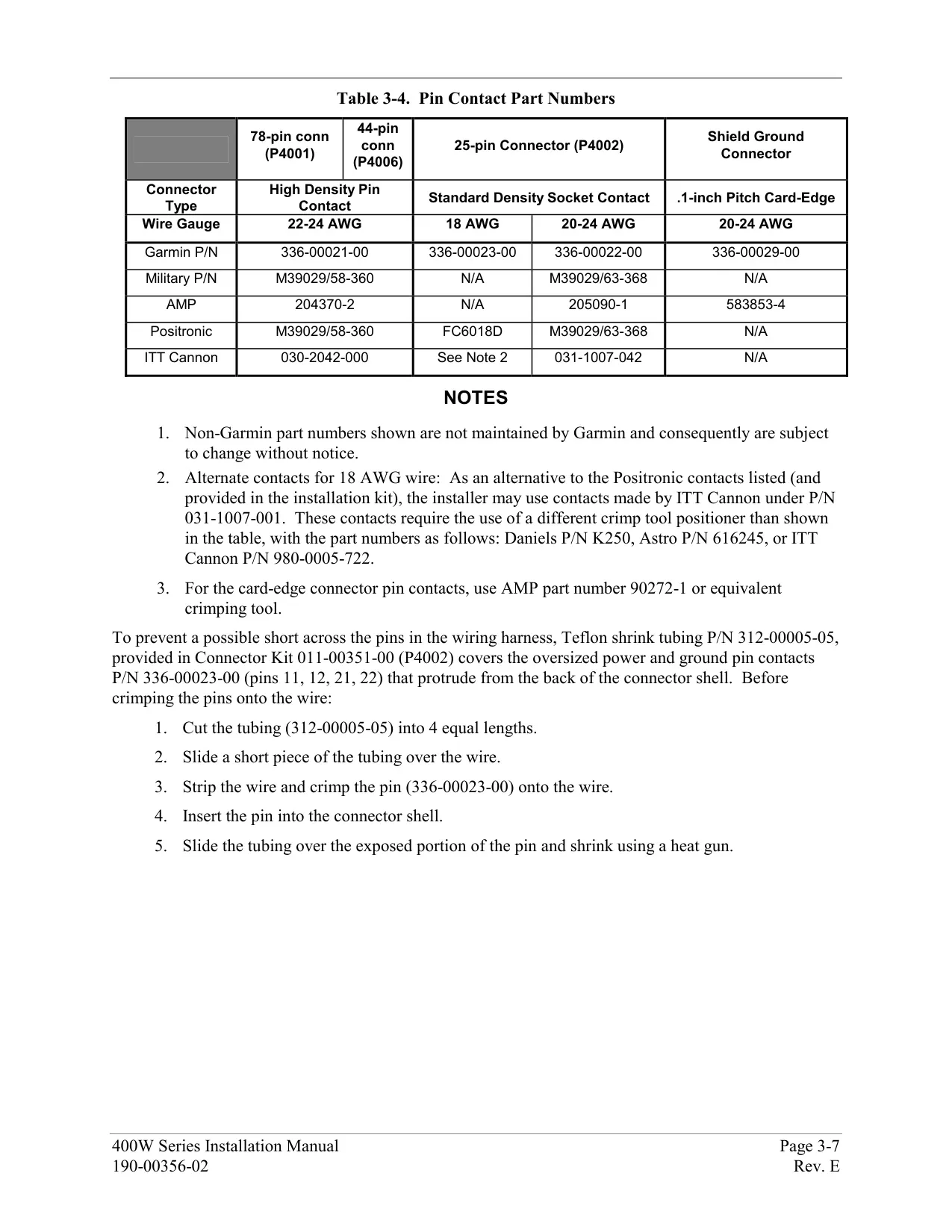
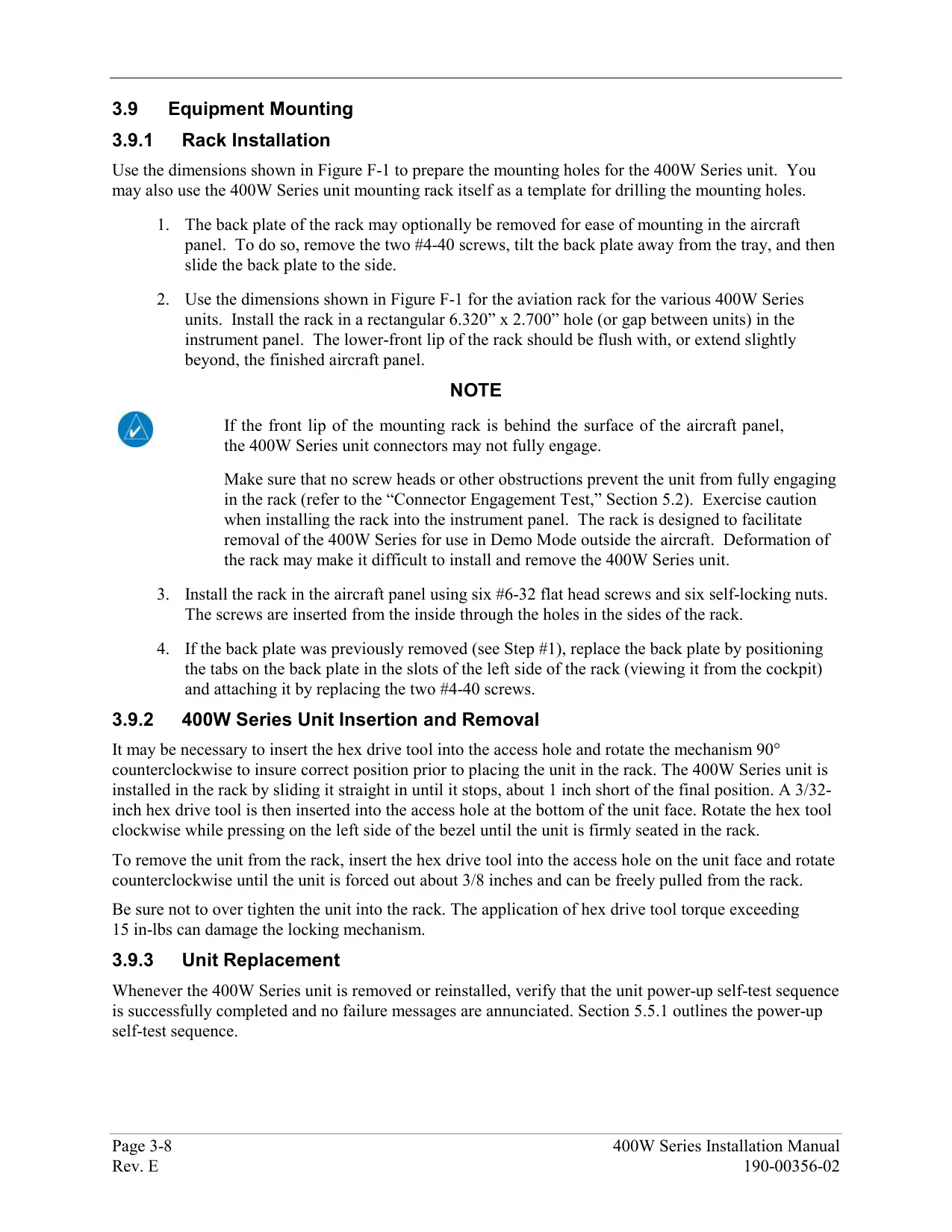



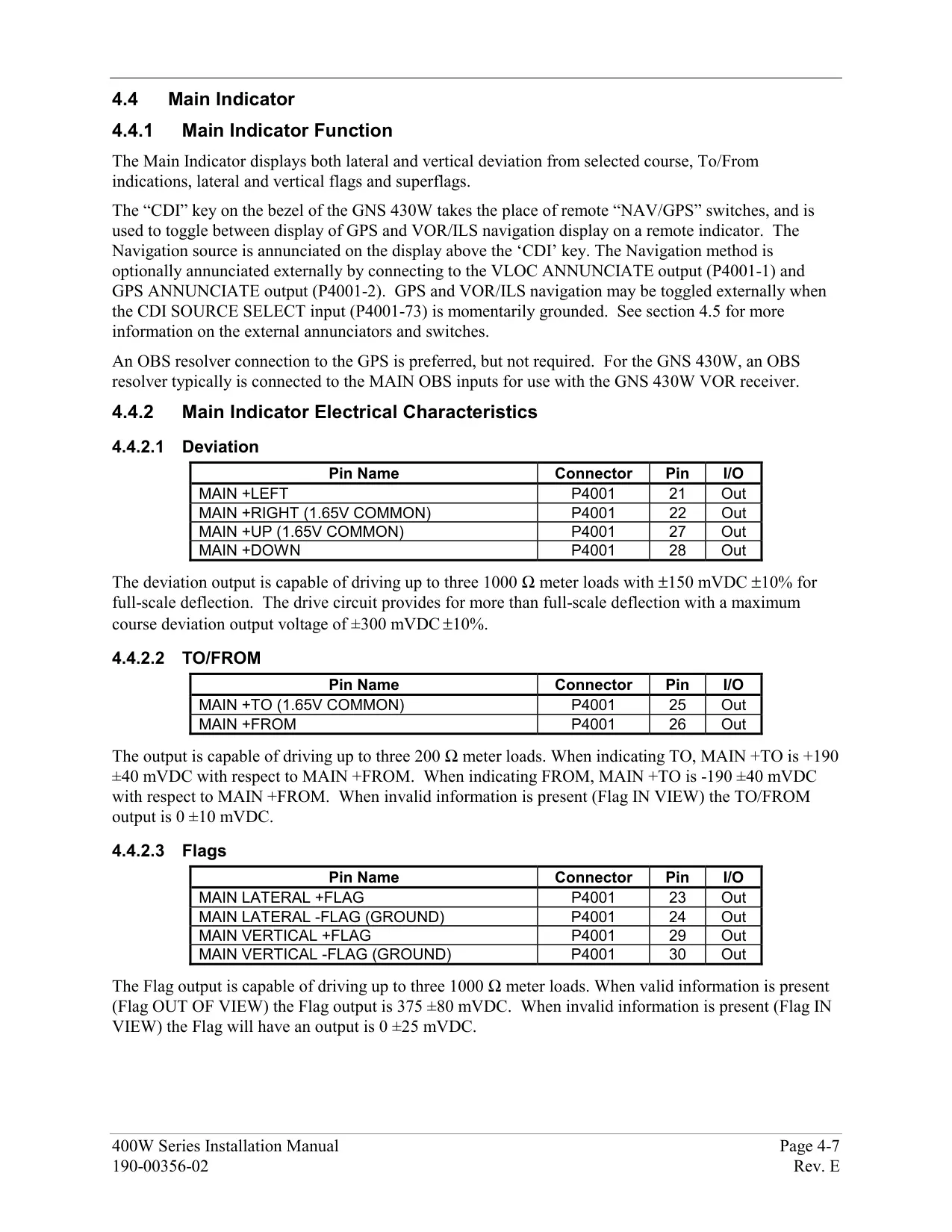

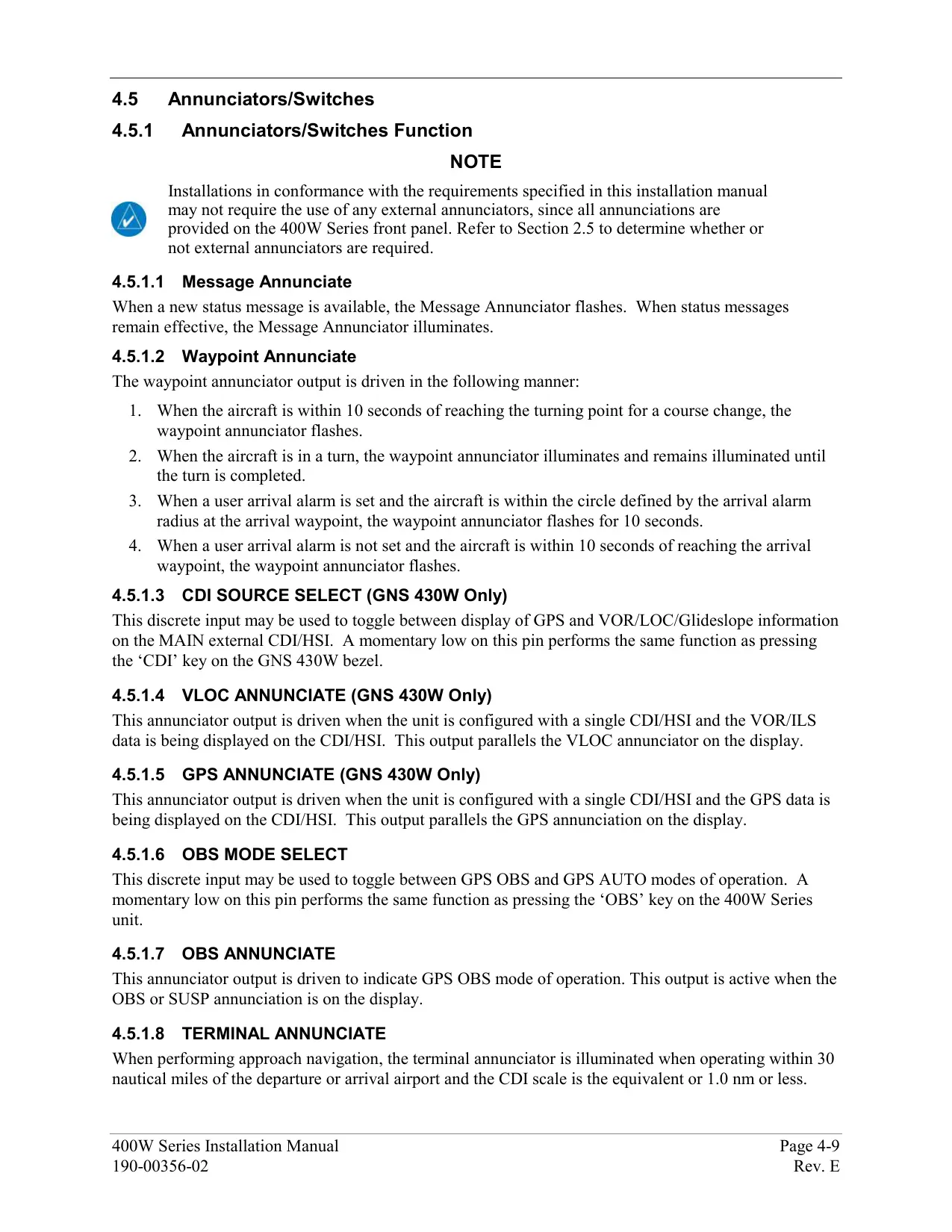
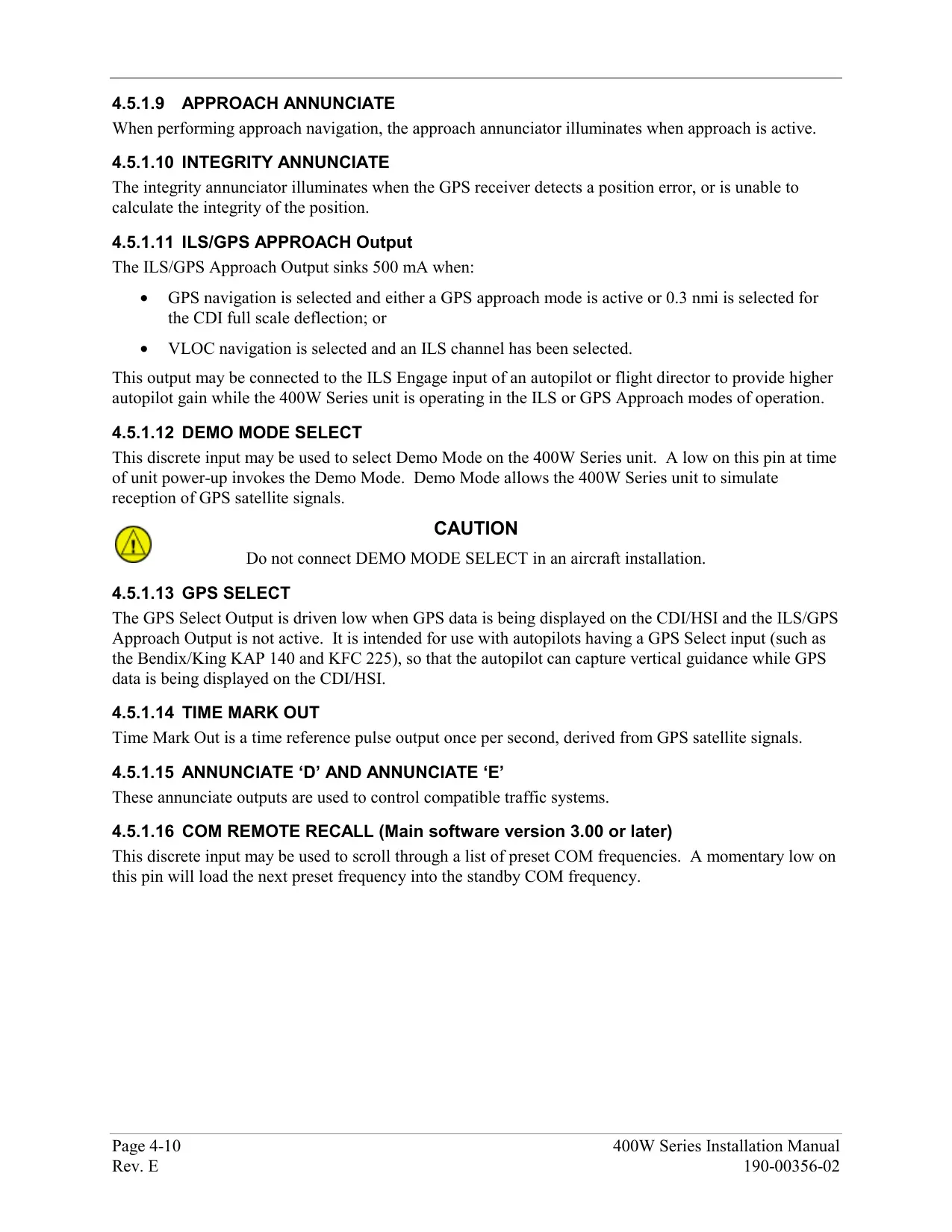
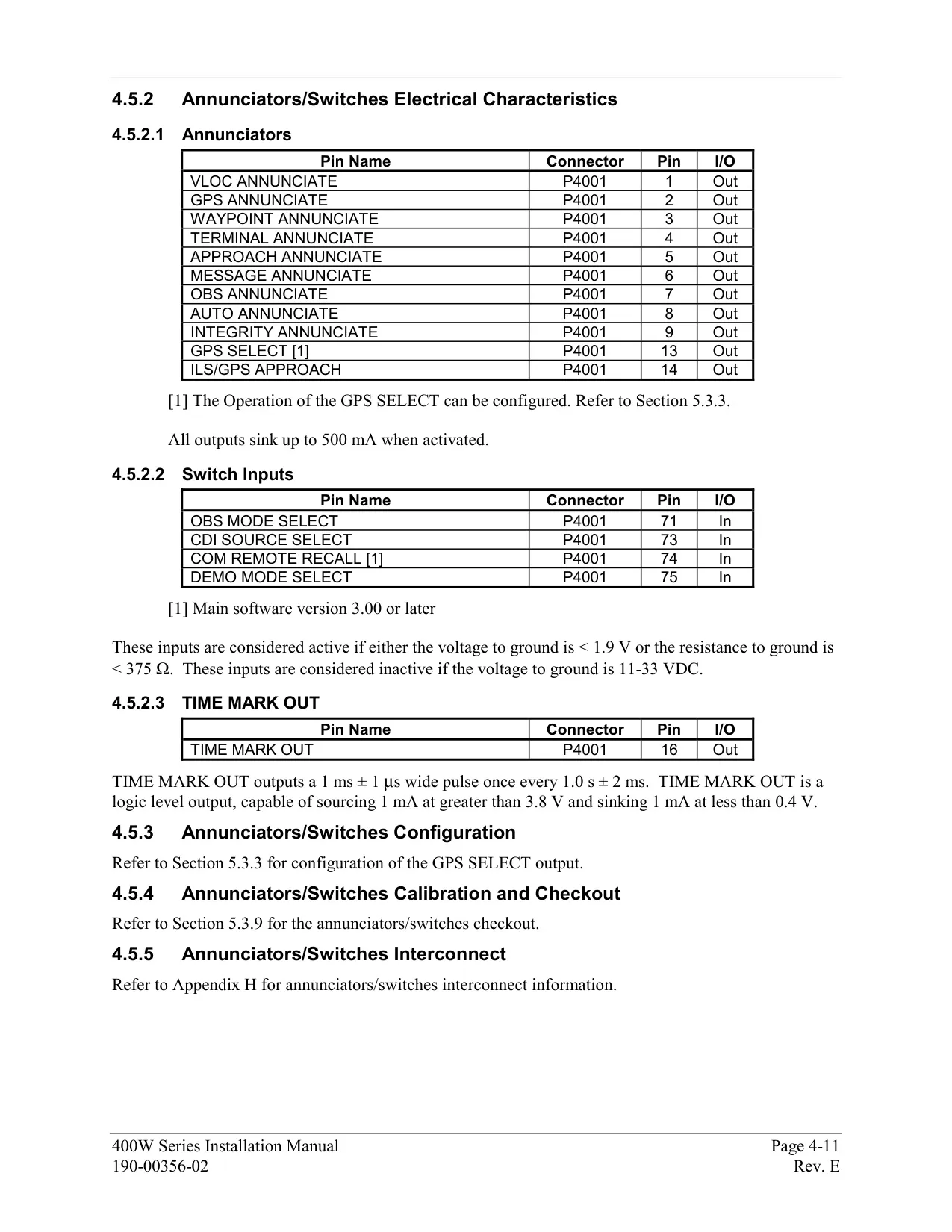




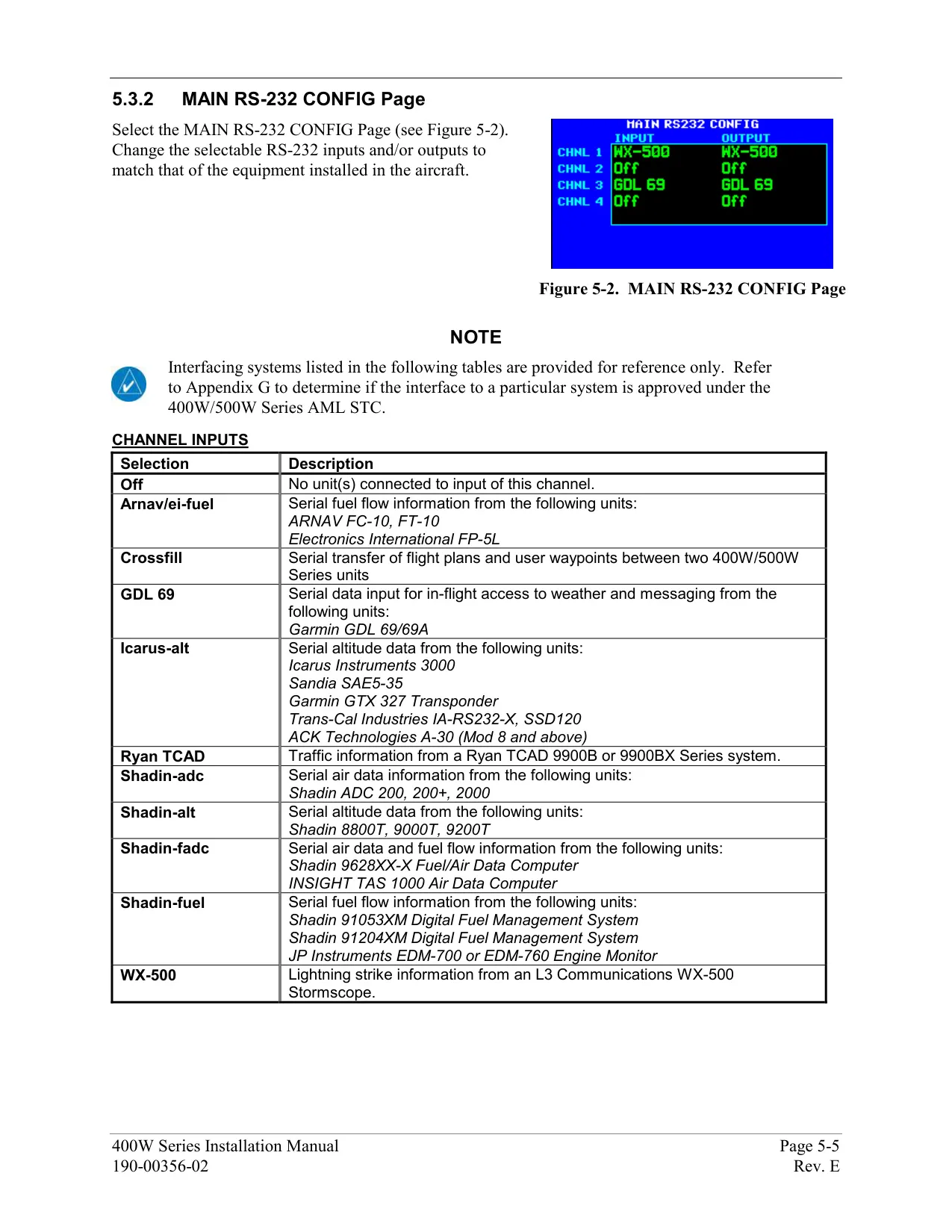
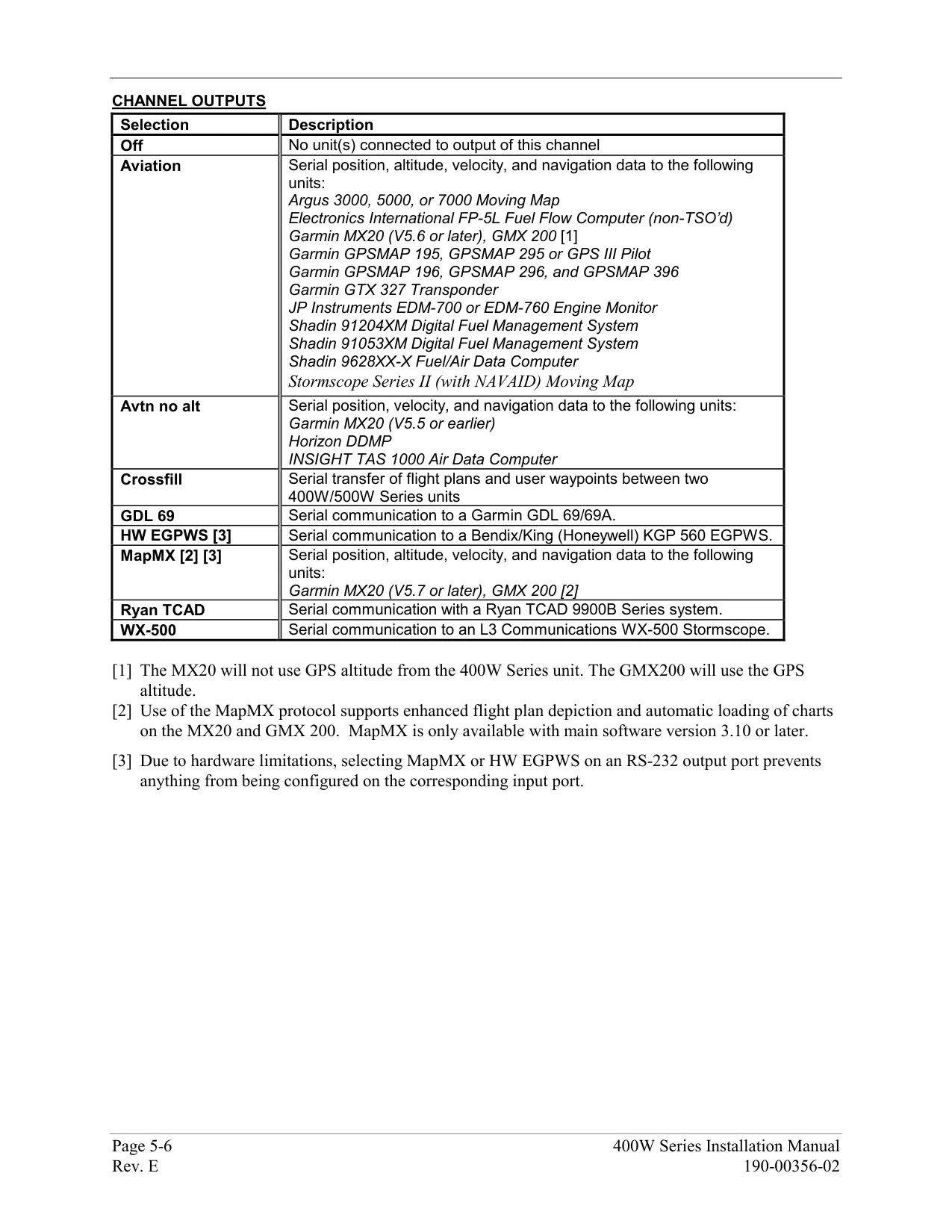
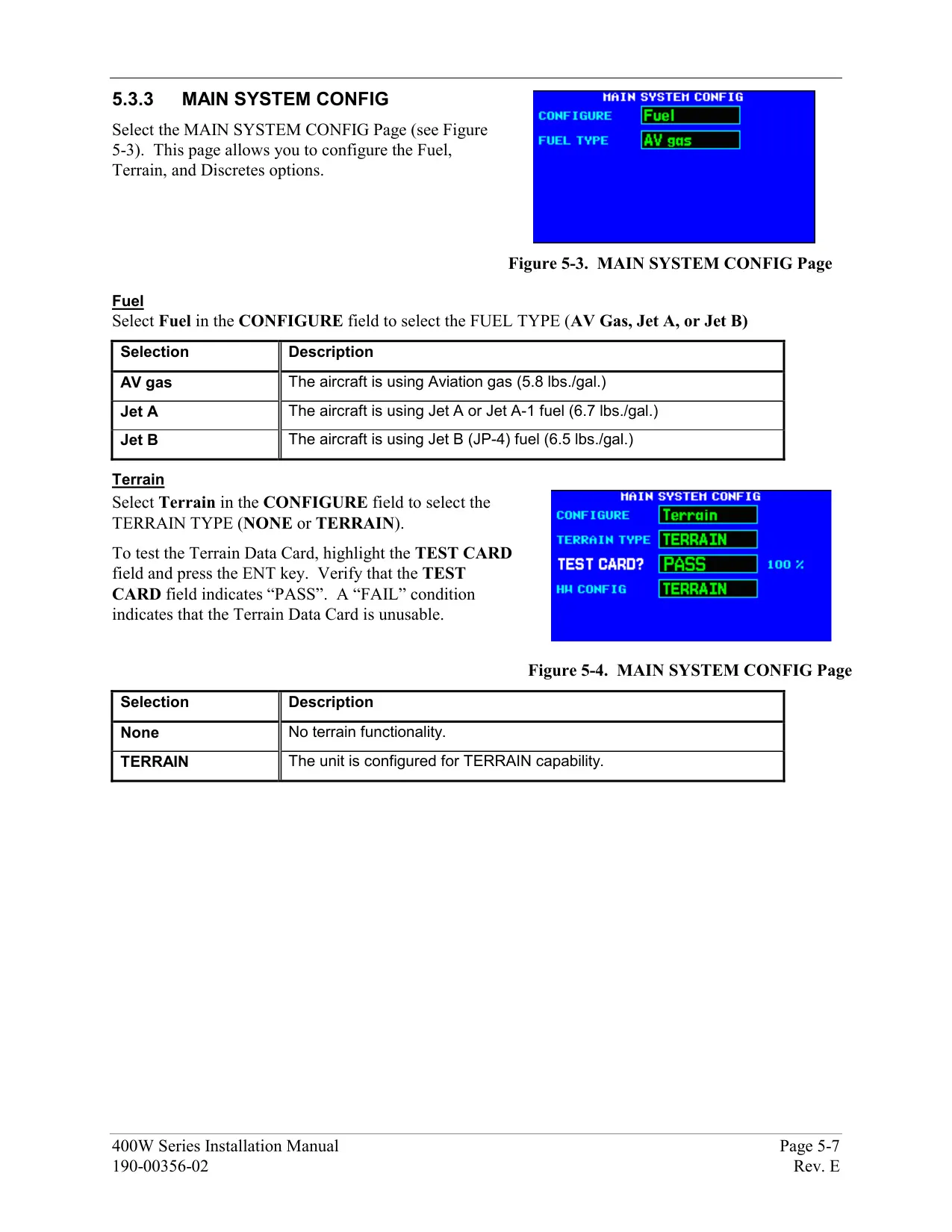
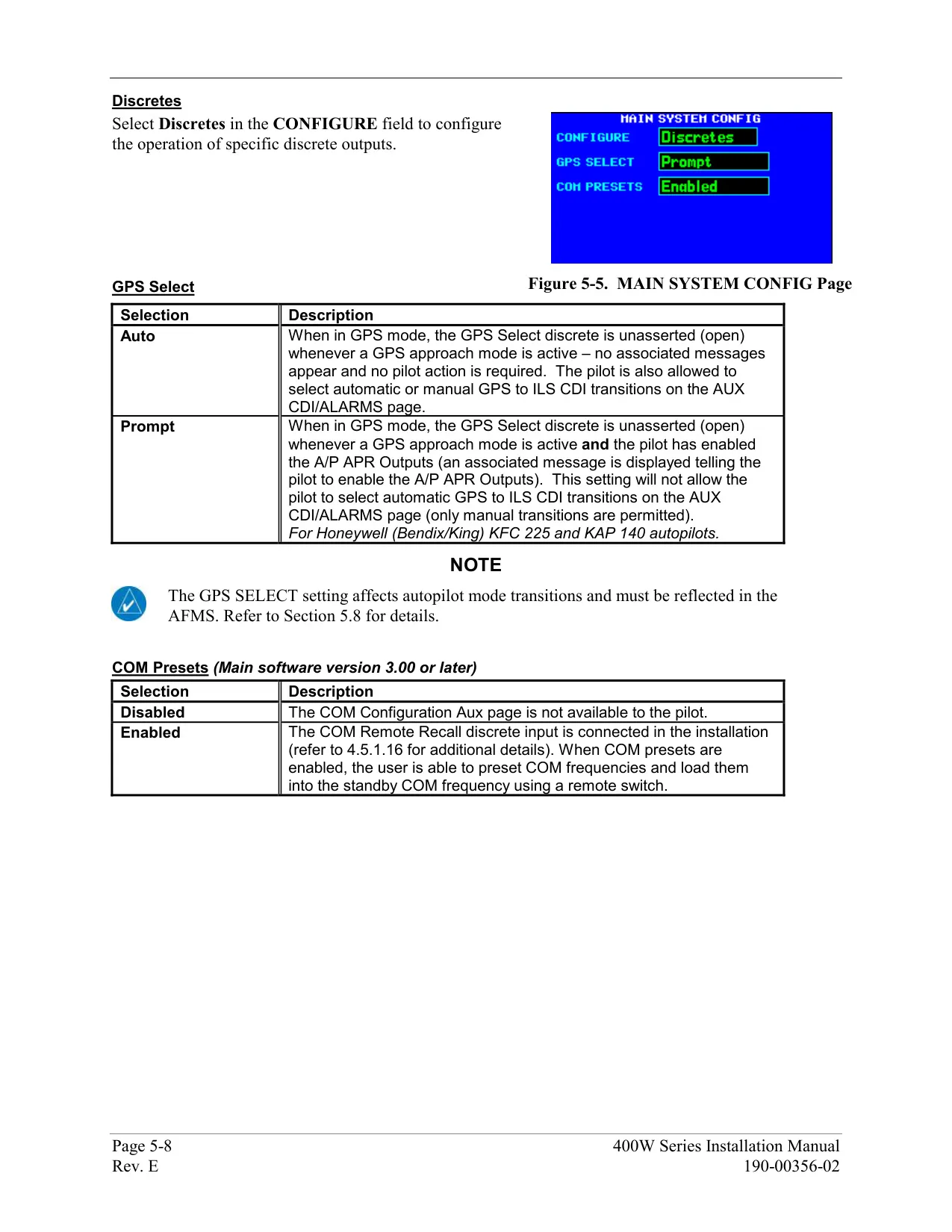














































Garmin GNS 430W Panel Avionics Unit


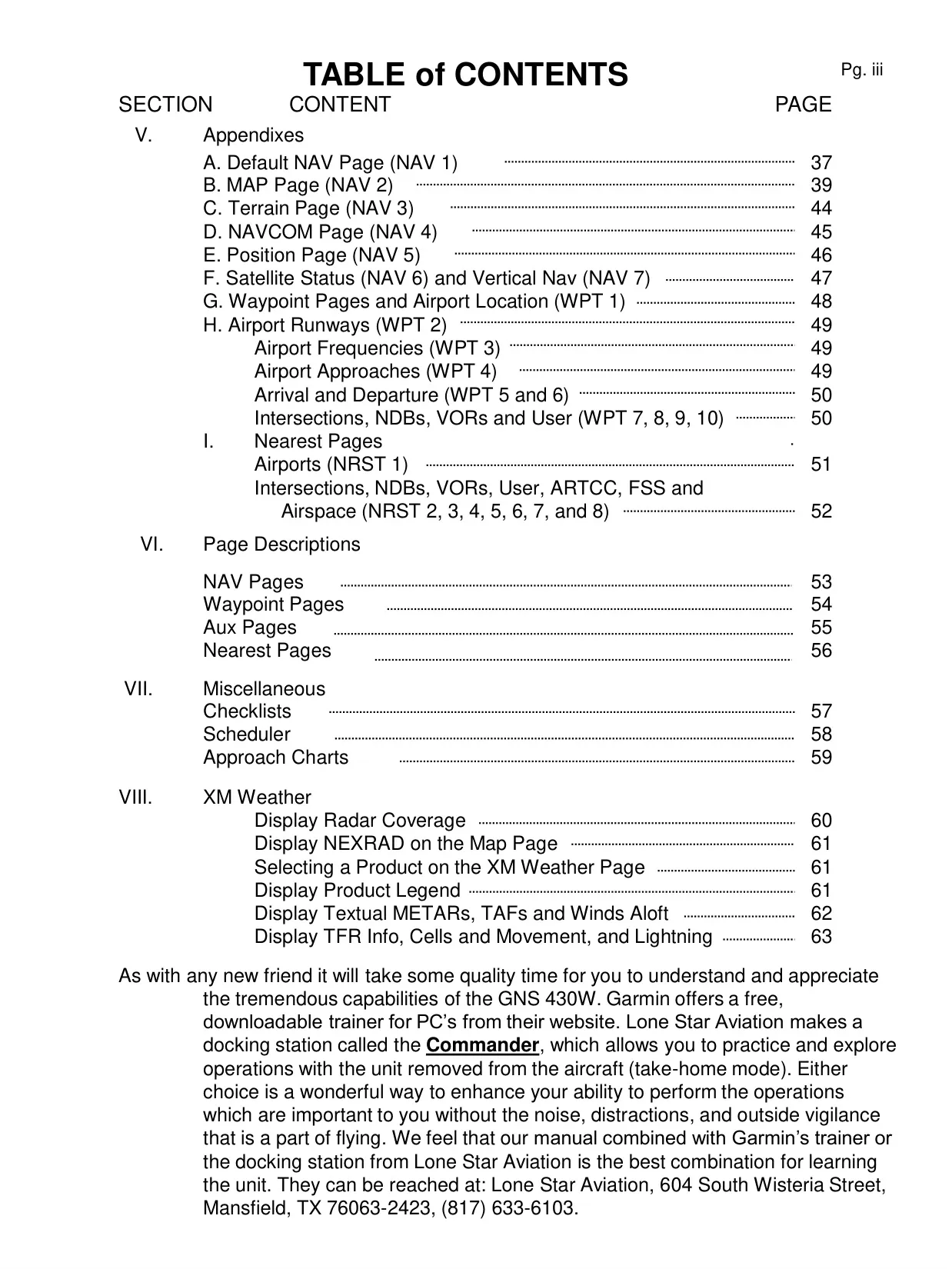
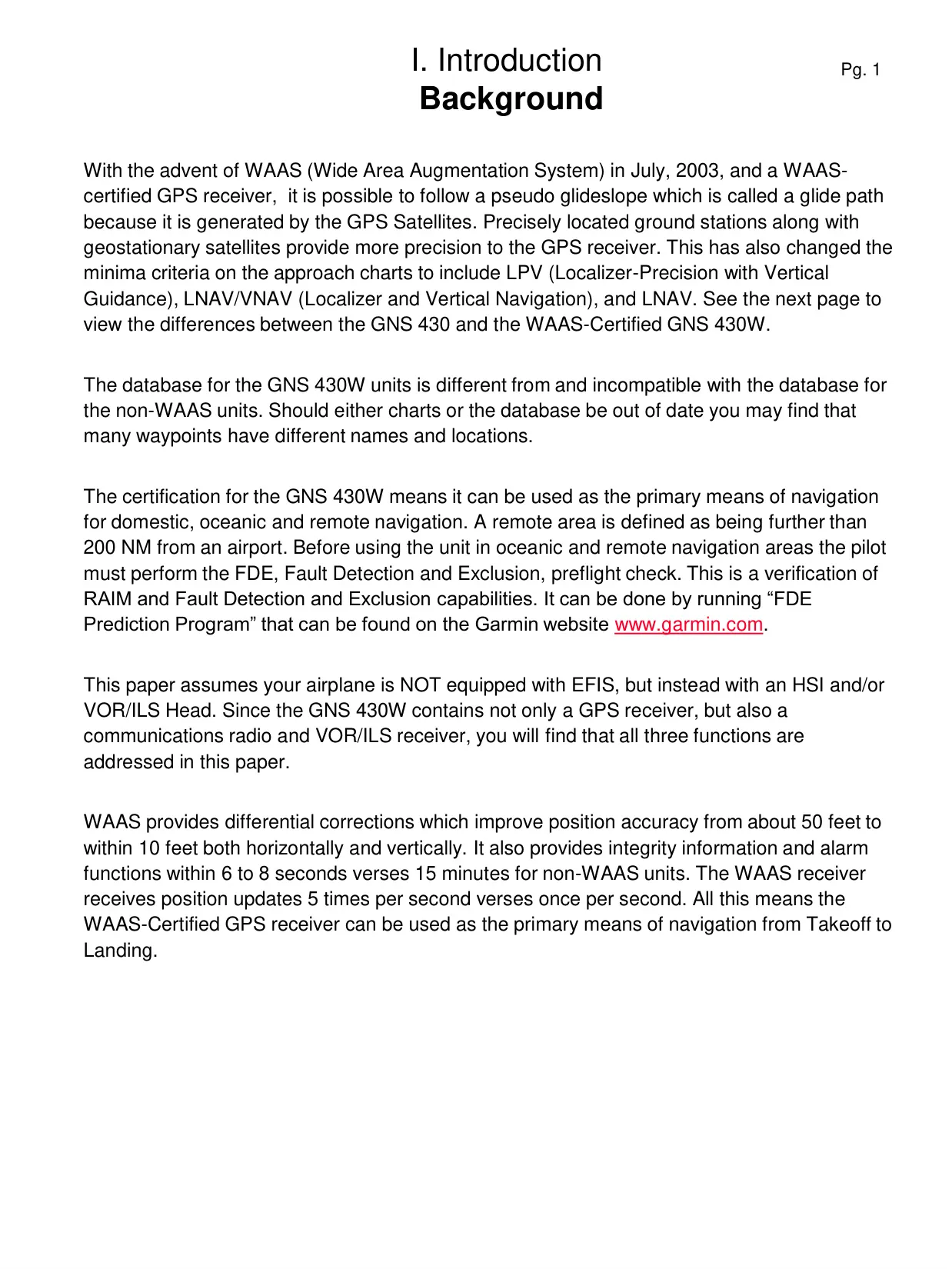


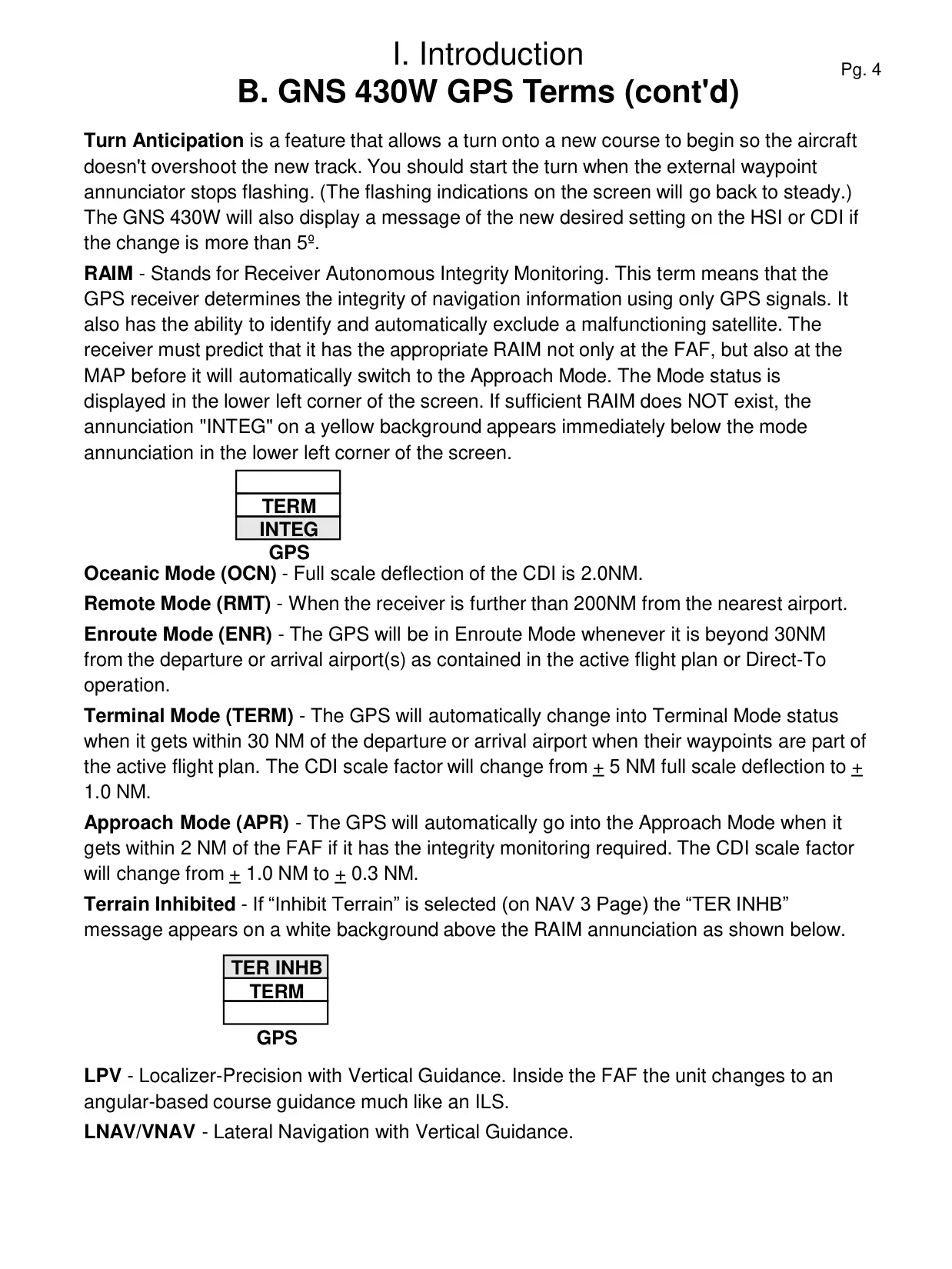
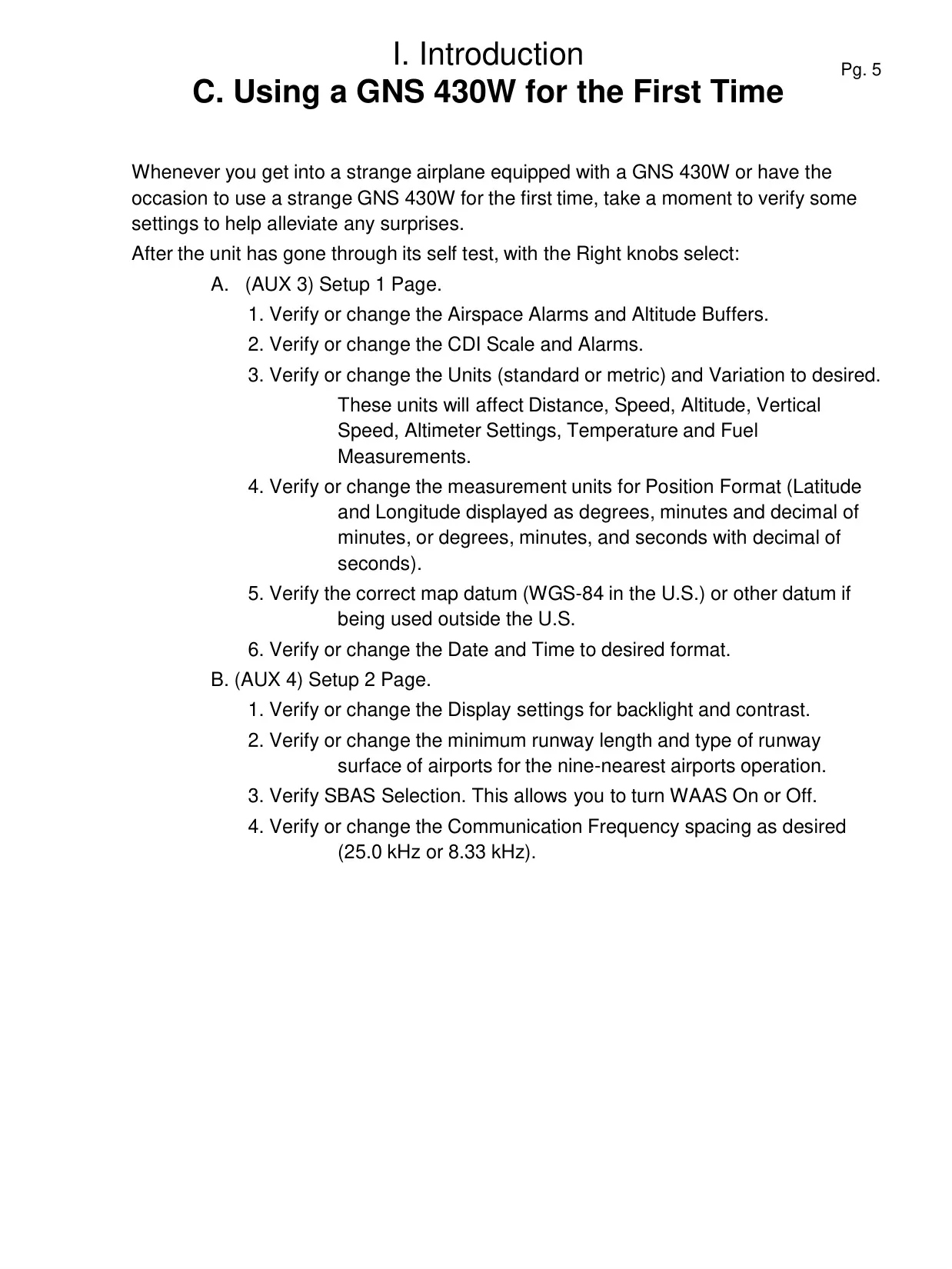







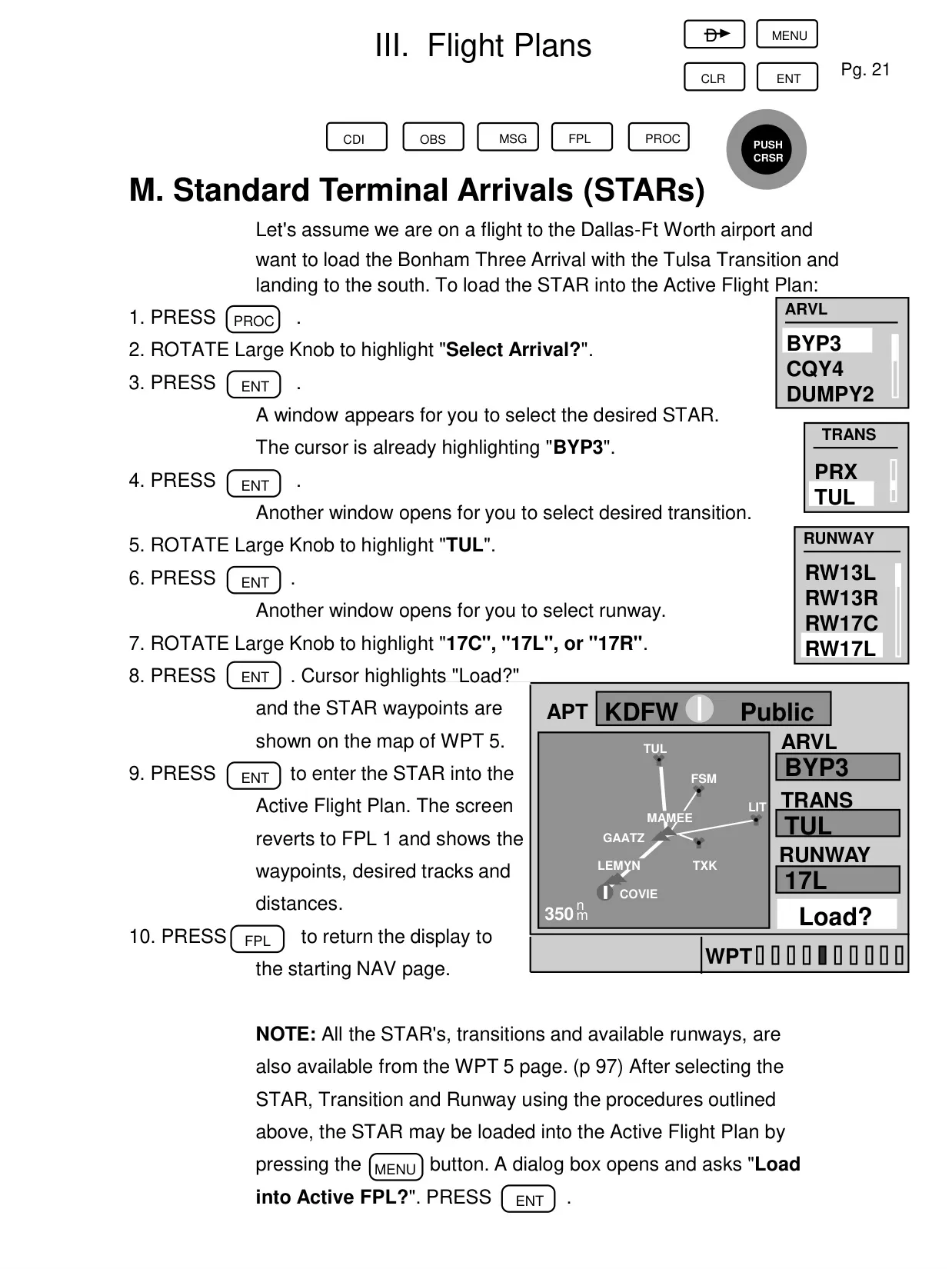
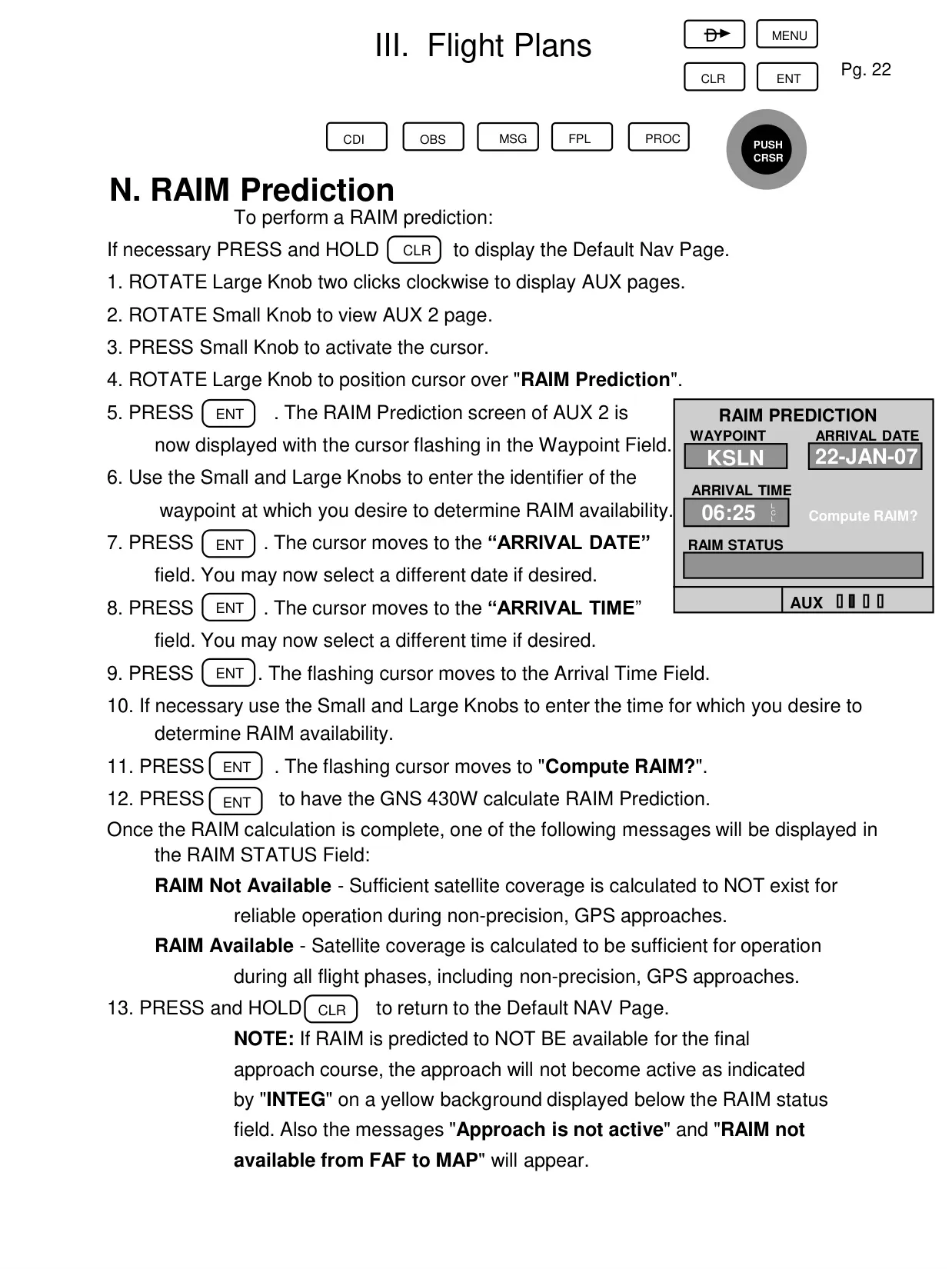
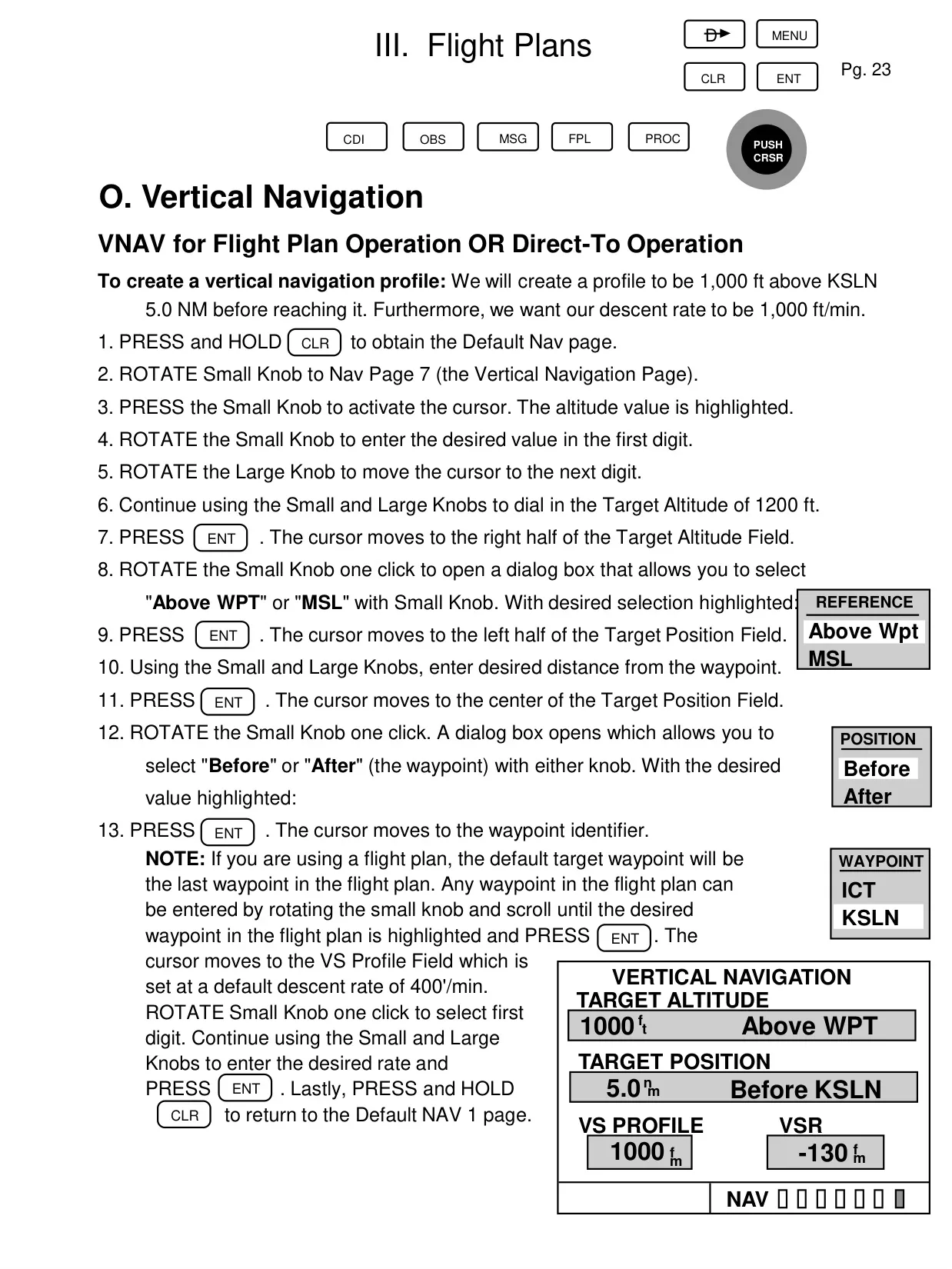
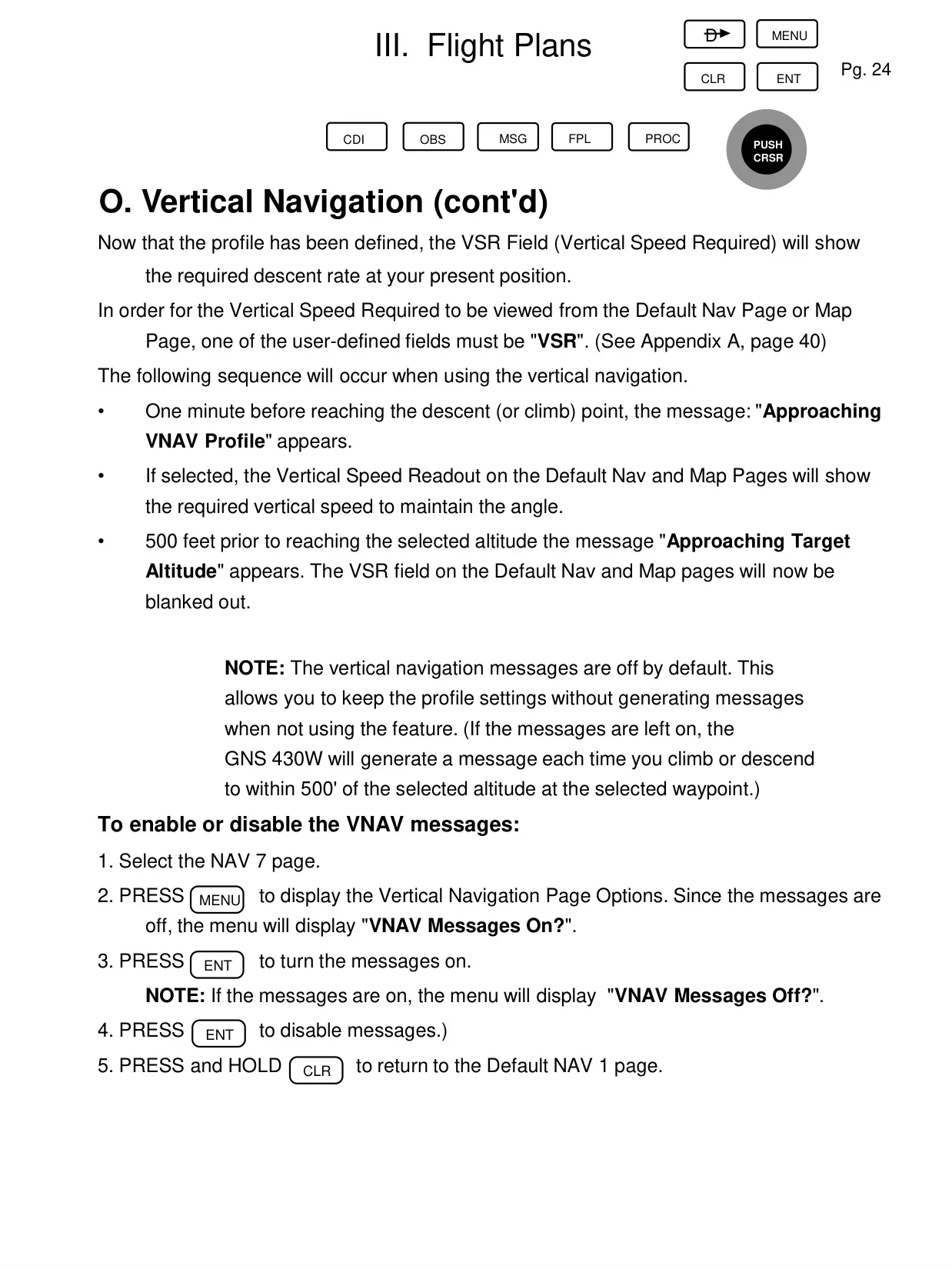

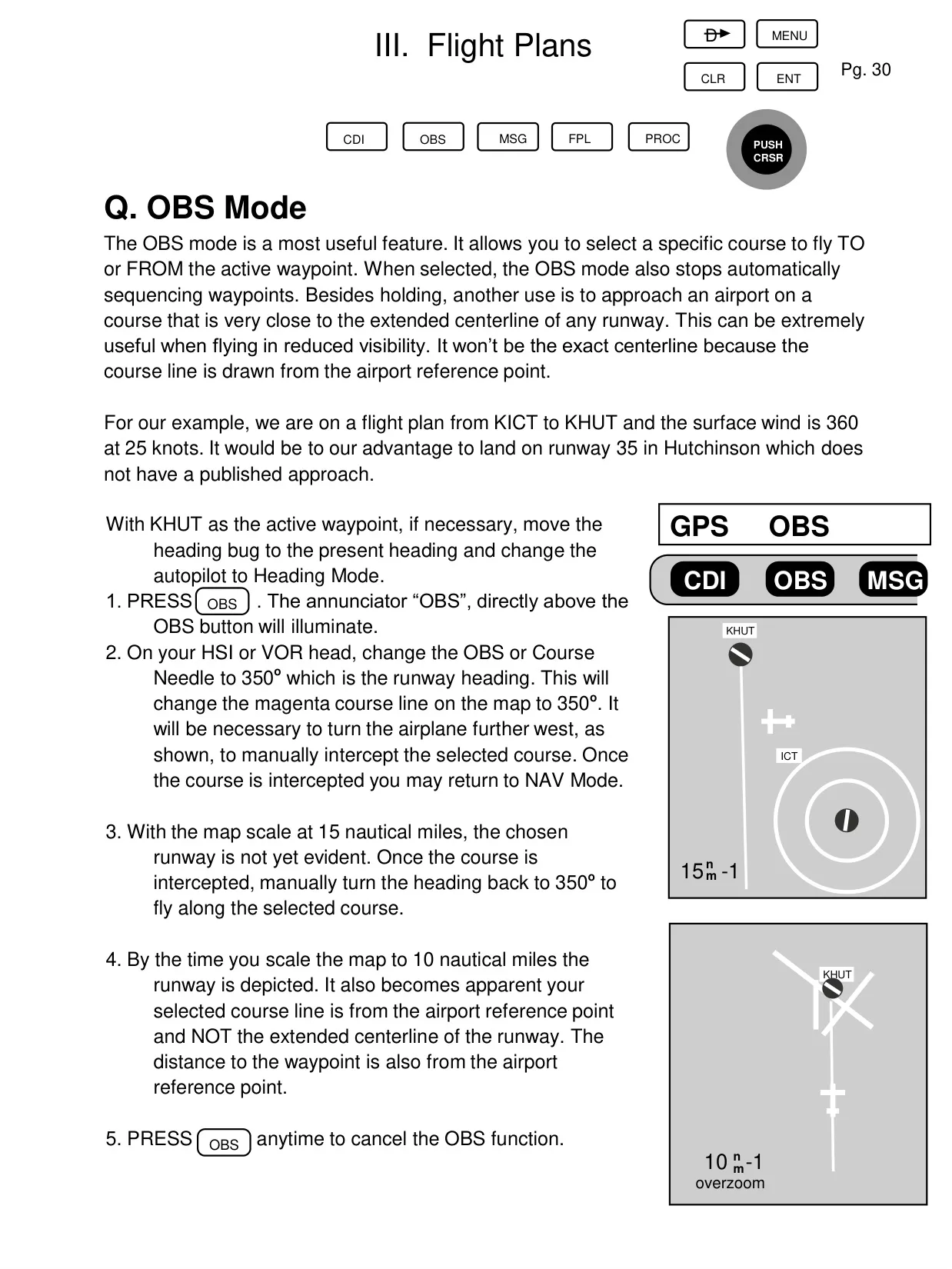


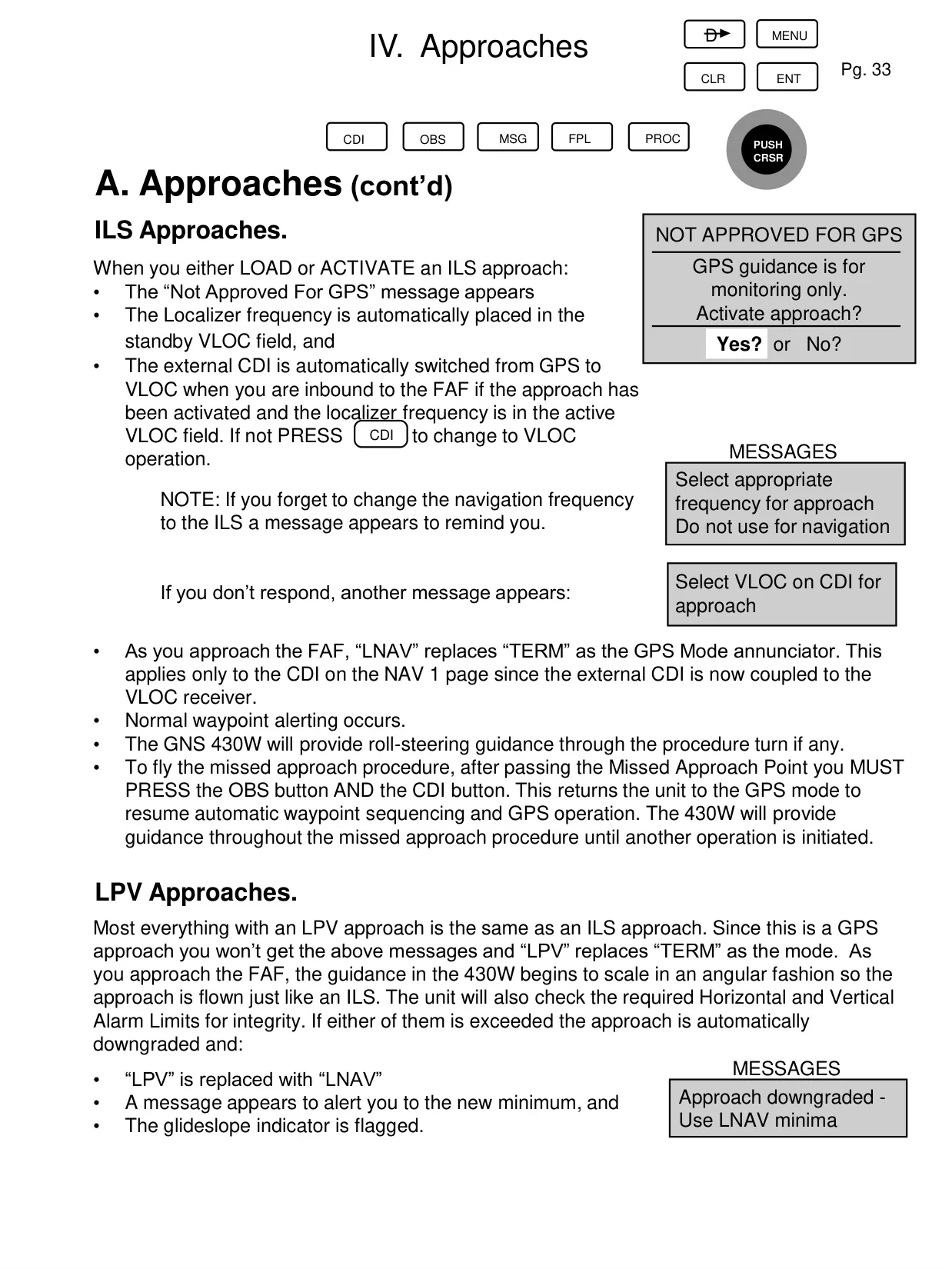
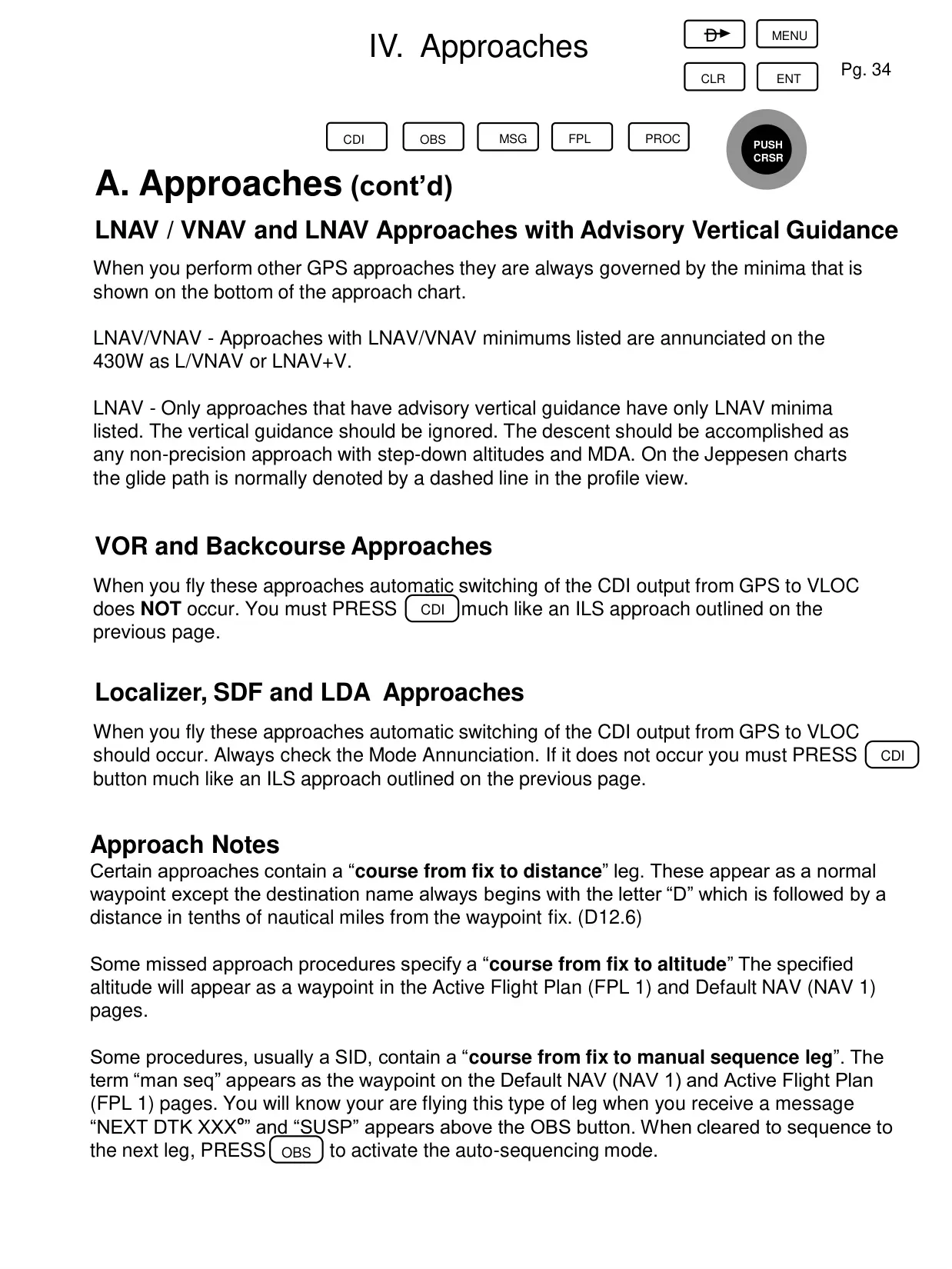

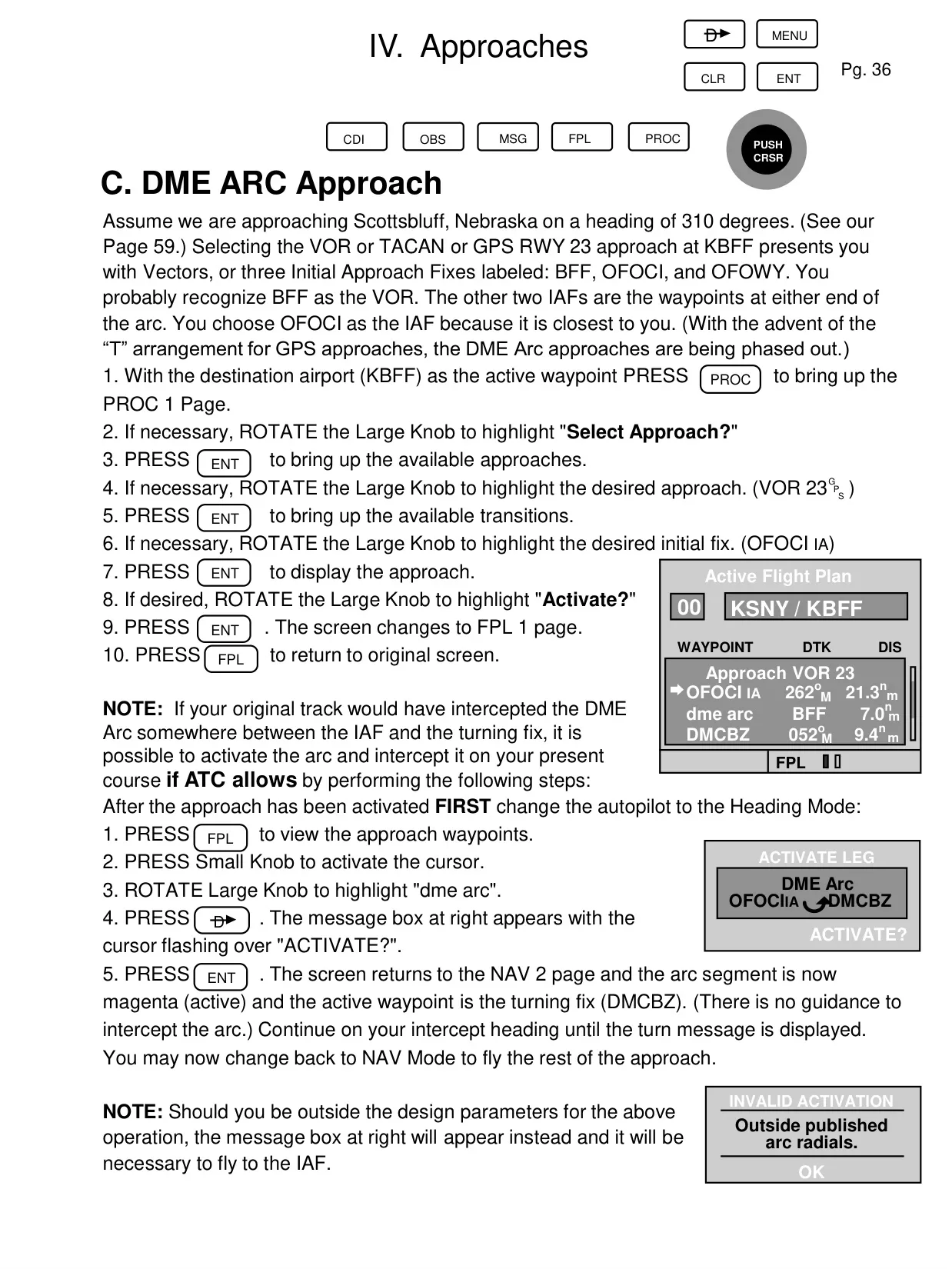






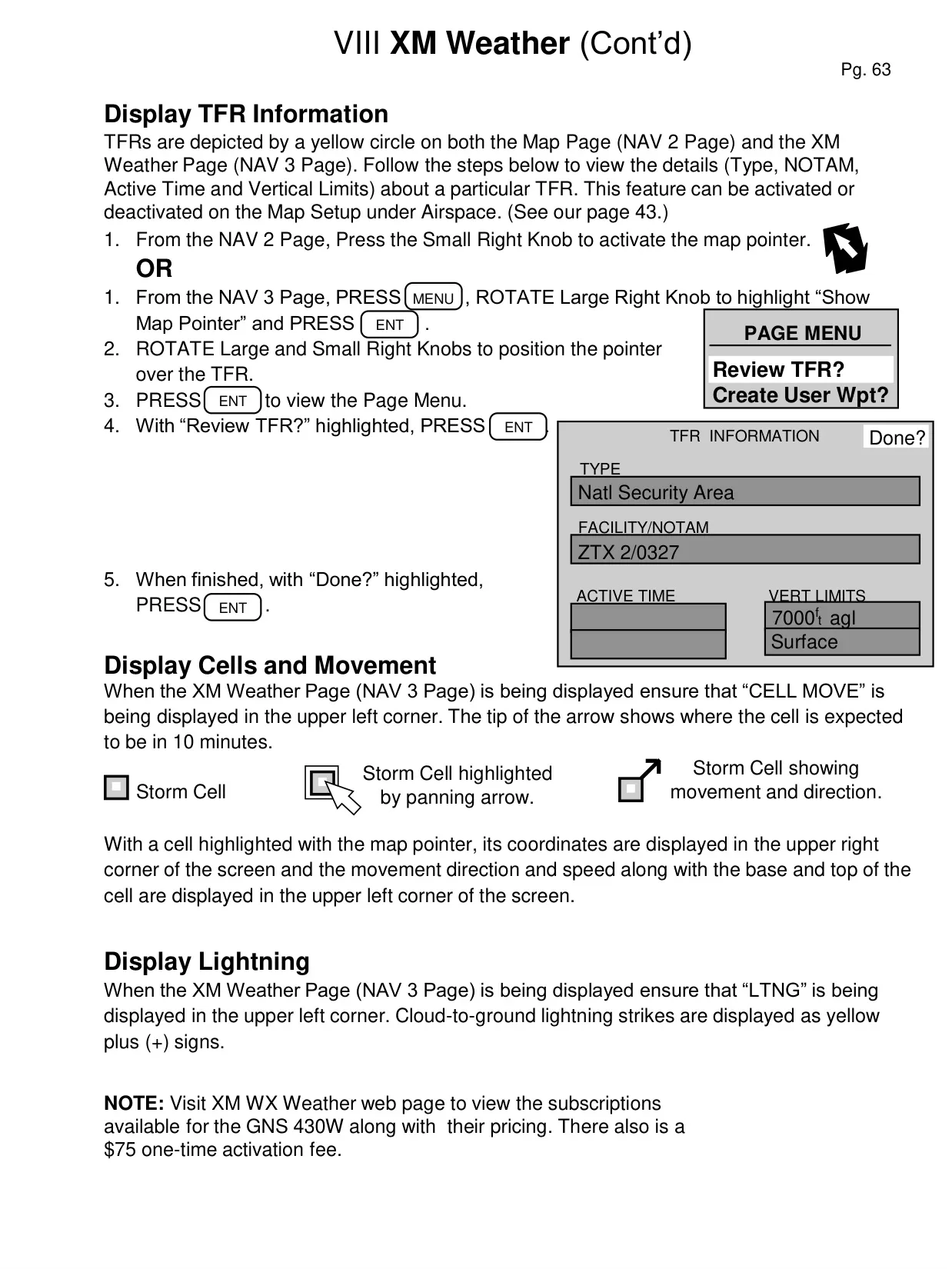
Garmin GNS 430W Instructions
Here we offer the Garmin GNS 430W Panel Avionics Unit manual completely free and in English. We have cataloged this manual in the Panel Avionics Units section on Manualverse, and it has been rated by 1 users with an average rating of 5. If you have any specific questions about Garmin GNS 430W Panel Avionics Unit, we suggest checking the Frequently Asked Questions (FAQs) section of this manual.
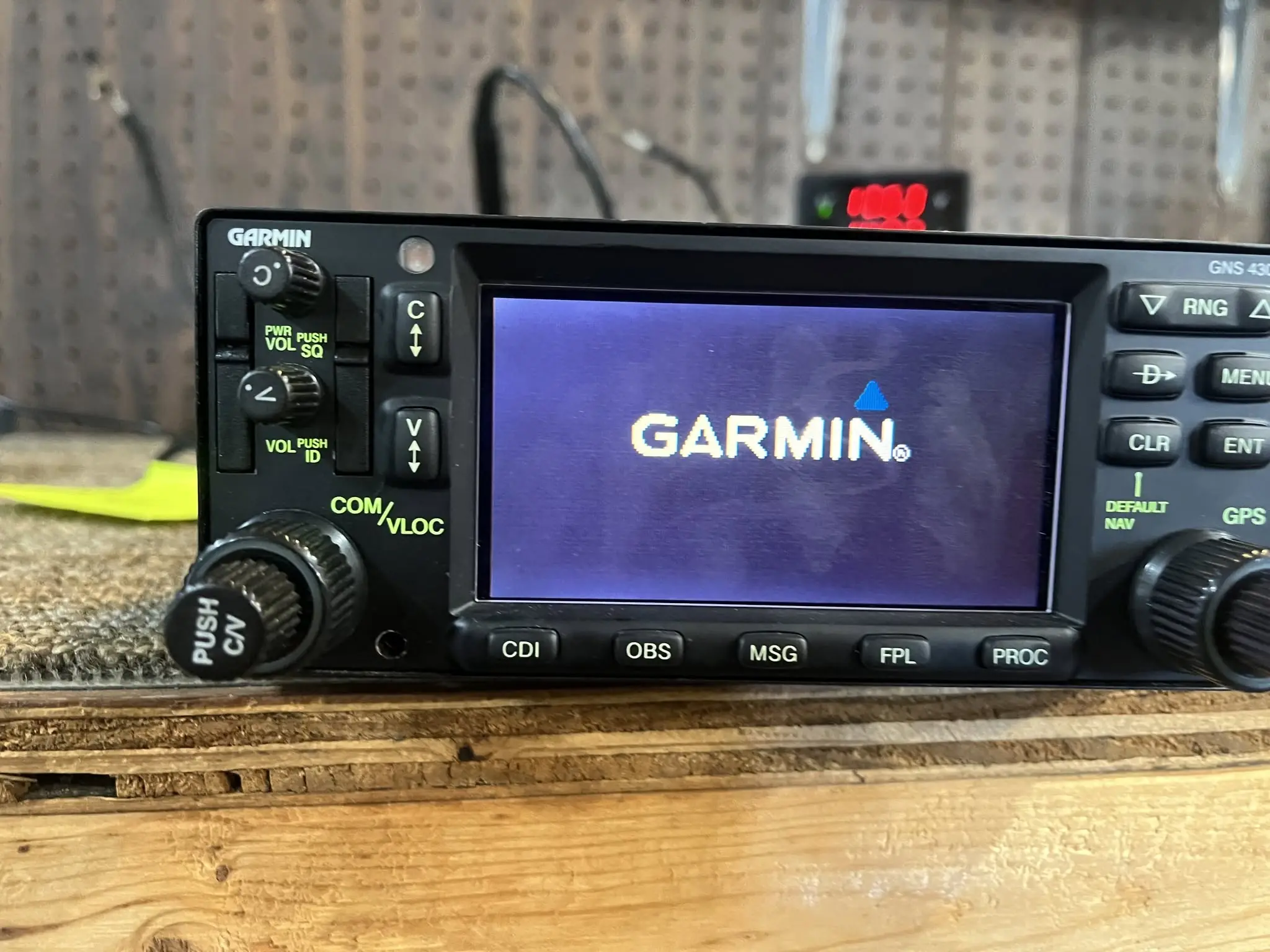
Product Images

Garmin GNS 430W Panel Avionics Unit Specifications
| Feature | Specification |
|---|---|
| Model Family | Garmin 400W-series (GPS 400W, GNC 420W/420AW, GNS 430W/430AW) |
| Unit Type | Panel-mounted IFR GPS/WAAS navigator with VHF COM transceiver and VOR/Localizer/Glideslope receivers |
| Certification | TSO C146a (Gamma-3, Class 3); meets AC 90-100A |
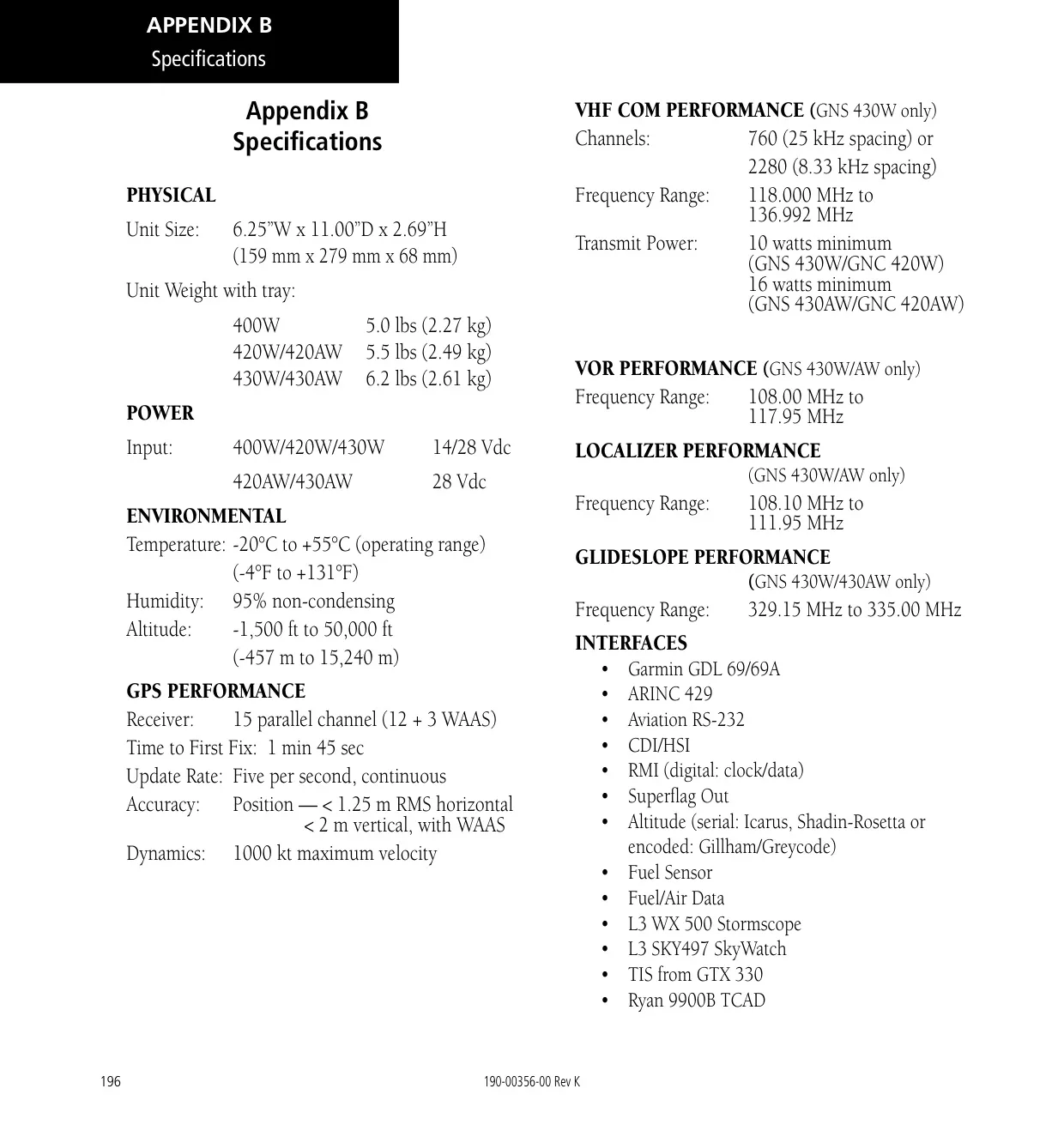
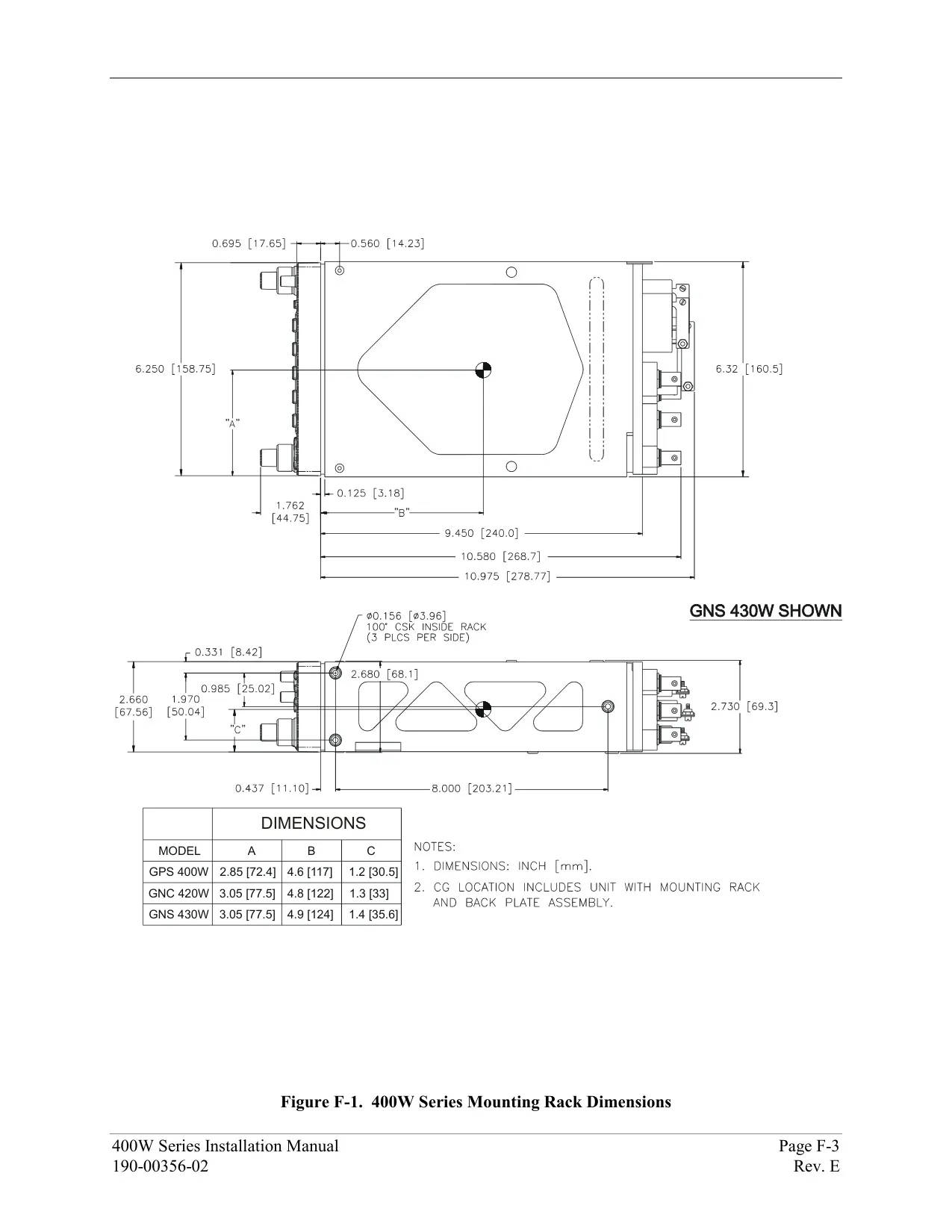
| Unit Size (W x D x H) | 6.25 in x 11.00 in x 2.69 in (159 mm x 279 mm x 68 mm) |
| Unit Weight with Tray | 6.2 lbs (GNS 430W/430AW) |
| Display | 240 x 128 pixel color LCD with anti-reflective coated lens |
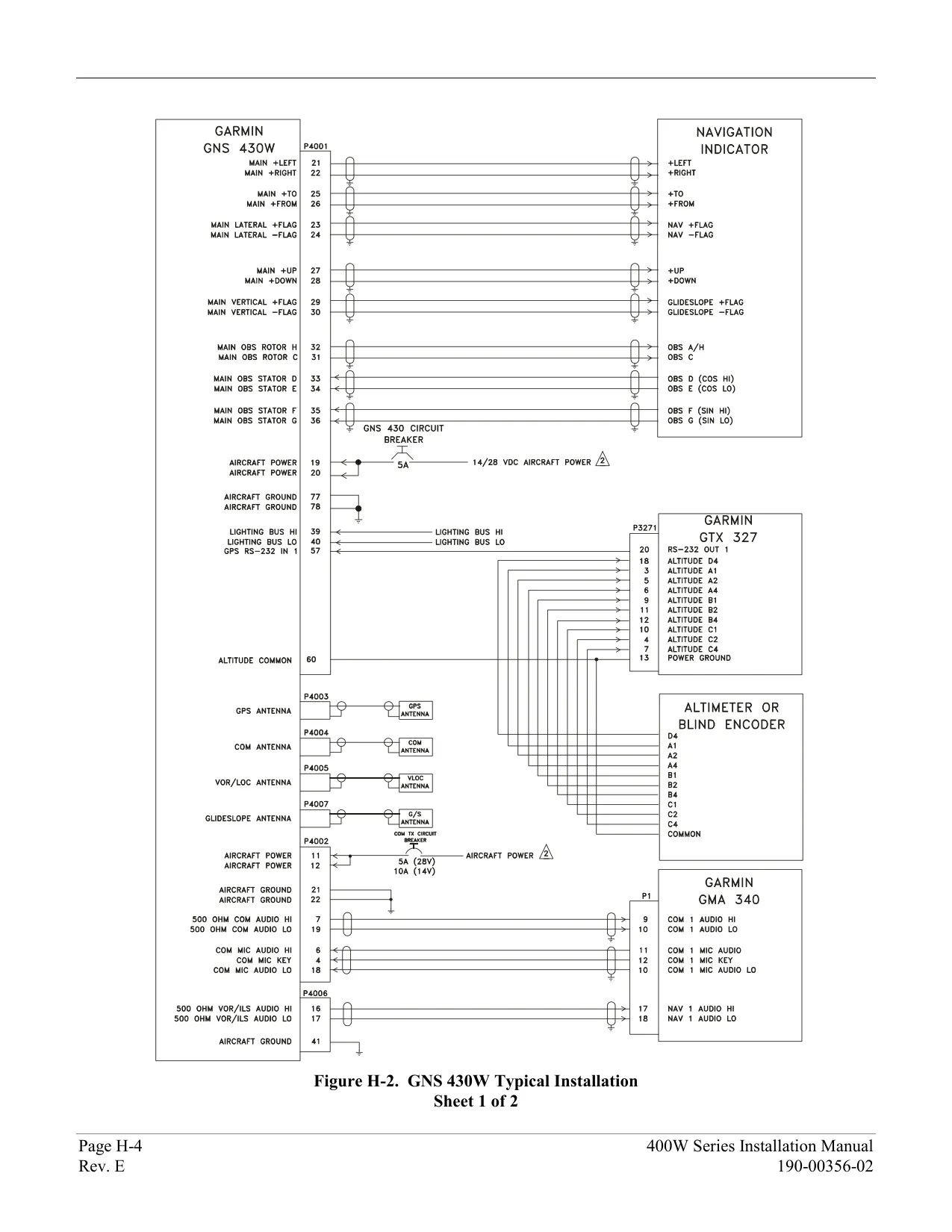
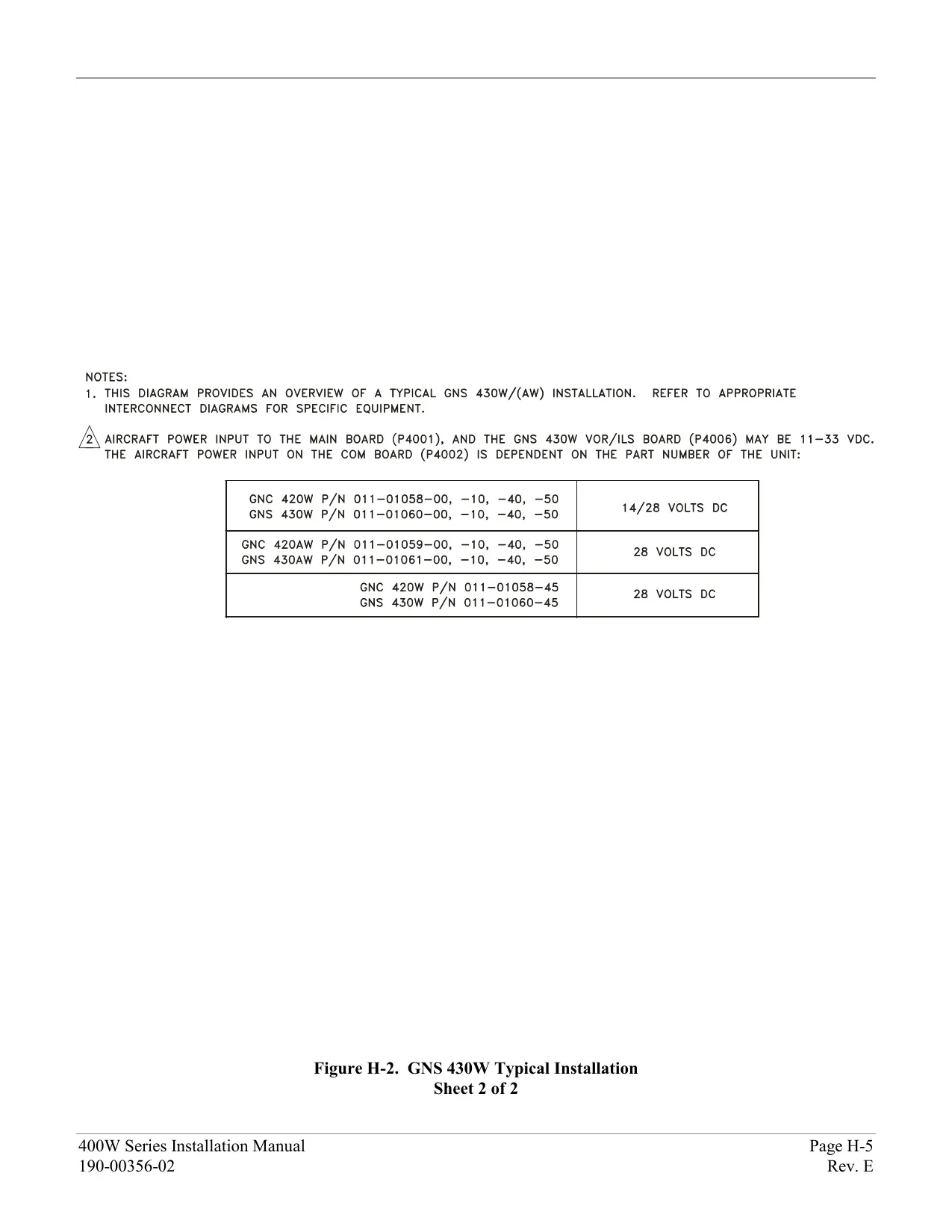
| Power Input | 14/28 Vdc (GNS 430W); 28 Vdc (GNS 430AW) |
| Operating Temperature | -20°C to +55°C (-4°F to +131°F) |
| Humidity | 95% non-condensing |
| Operating Altitude | -1,500 ft to 50,000 ft (-457 m to 15,240 m) |
| GPS Receiver | 15 parallel channels (12 + 3 WAAS) |
| Time to First Fix | 1 min 45 sec |
| Update Rate | Five per second, continuous |
| Position Accuracy | Under 1.25 m RMS horizontal, under 2 m vertical (with WAAS) |
| Maximum Velocity | 1000 kt |
| COM Frequency Range | 118.000 MHz to 136.992 MHz |
| COM Channels | 760 (25 kHz spacing) or 2280 (8.33 kHz spacing) |
| COM Transmit Power | 10 W minimum (GNS 430W); 16 W minimum (GNS 430AW) |
| Emergency Channel | 121.500 MHz (press and hold COM flip-flop for about 2 seconds) |
| Stuck Microphone Time-out | 35 seconds of continuous transmission |
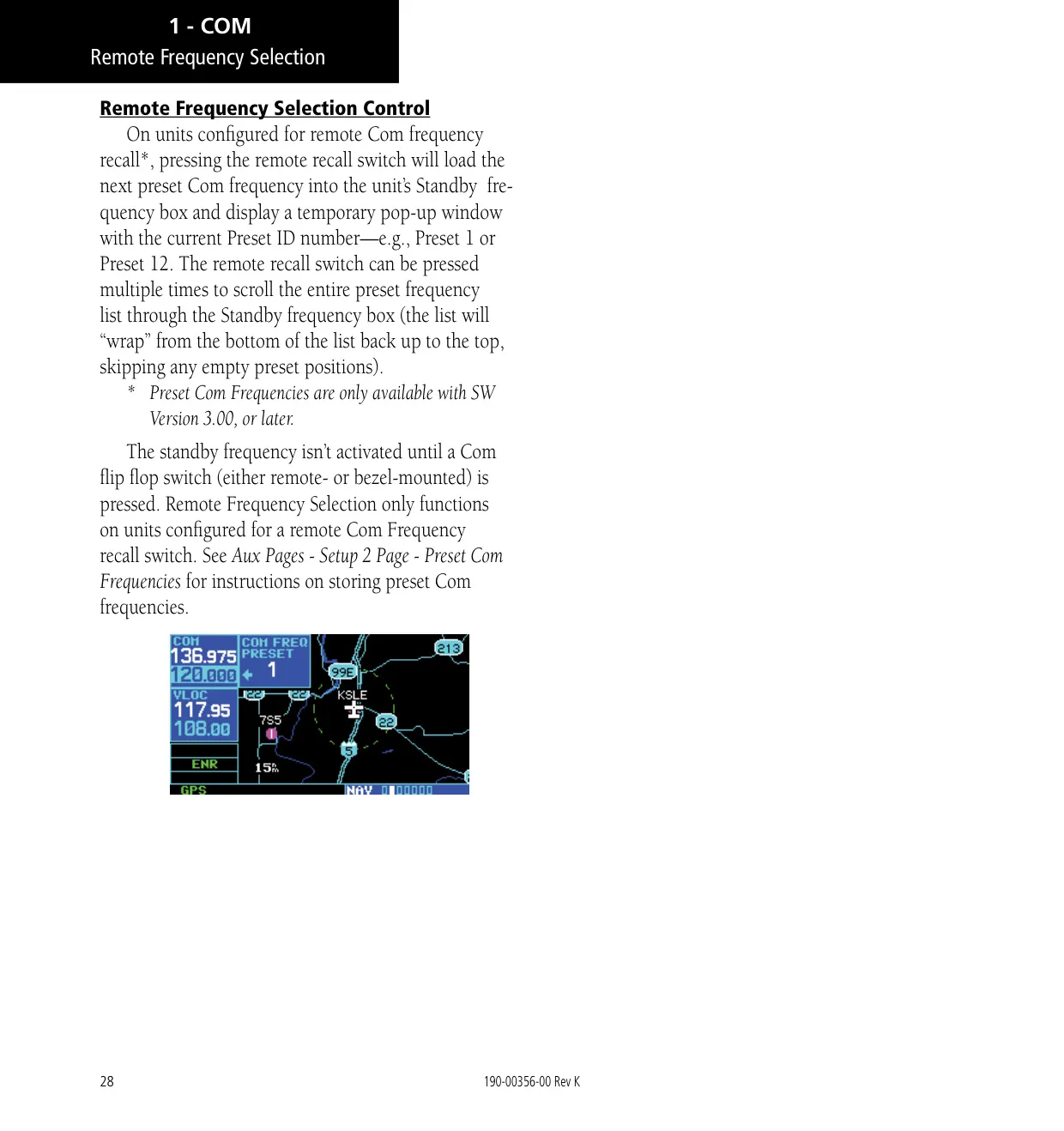
| Preset COM Frequencies | Up to 15 (SW Version 3.00 or later) |
| VOR Frequency Range | 108.00 MHz to 117.95 MHz |
| Localizer Frequency Range | 108.10 MHz to 111.95 MHz |
| Glideslope Frequency Range | 329.15 MHz to 335.00 MHz |
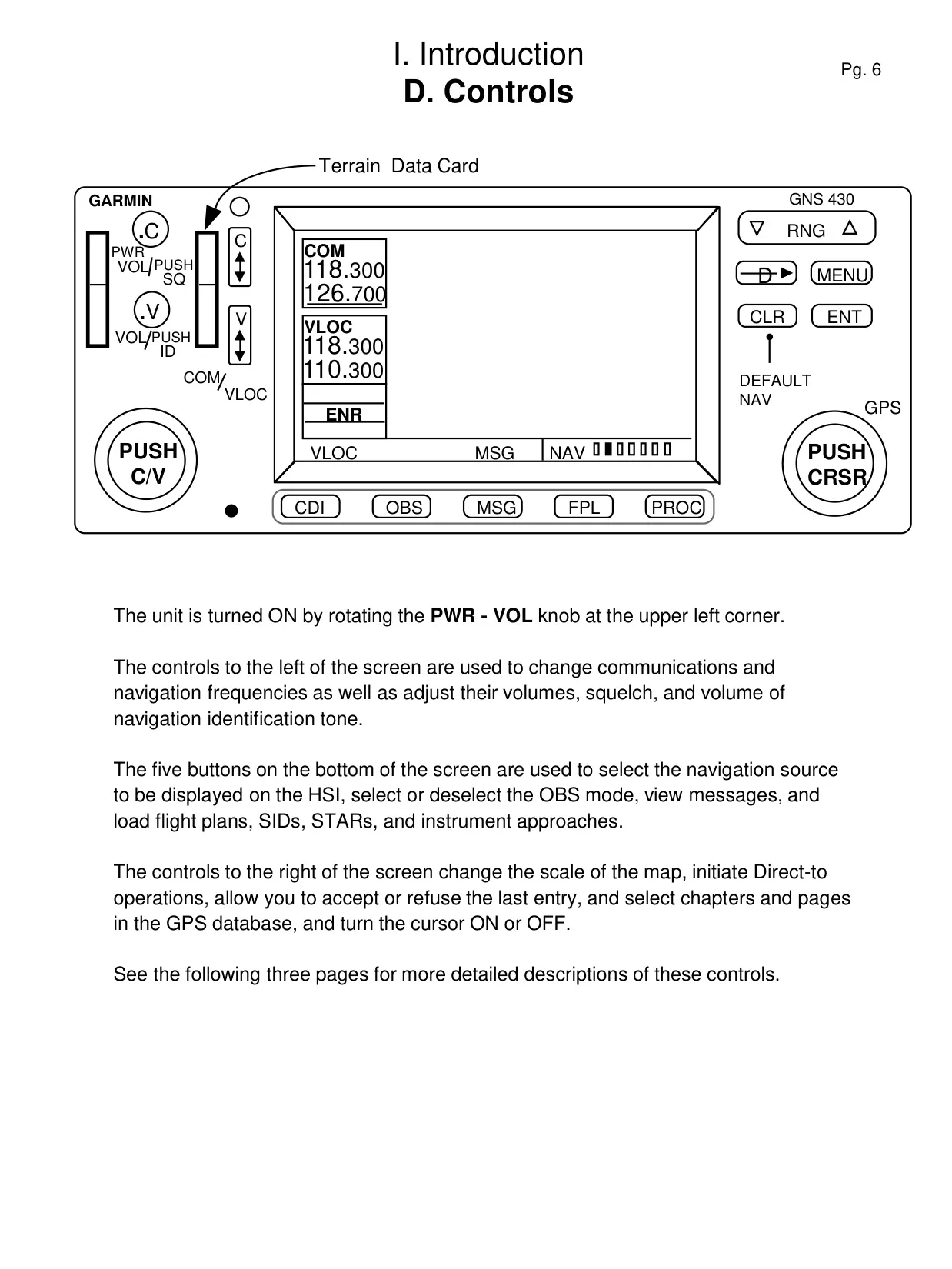
| Data Cards | 2 front-loading slots: Jeppesen NavData (left), Terrain/Obstacle (right) |
| Navigation Database Update Cycle | Every 28 days (WAAS-enabled database required) |
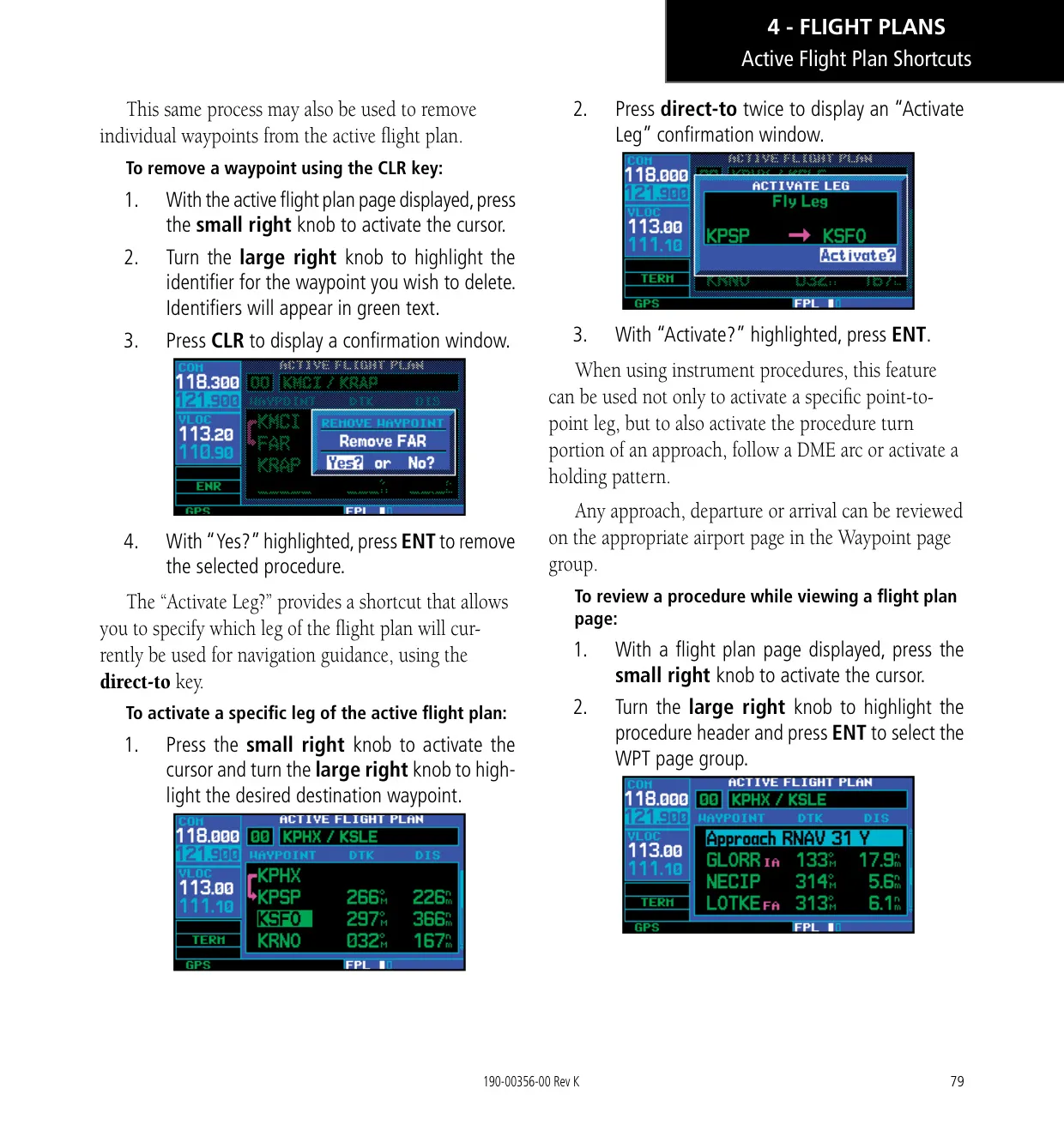
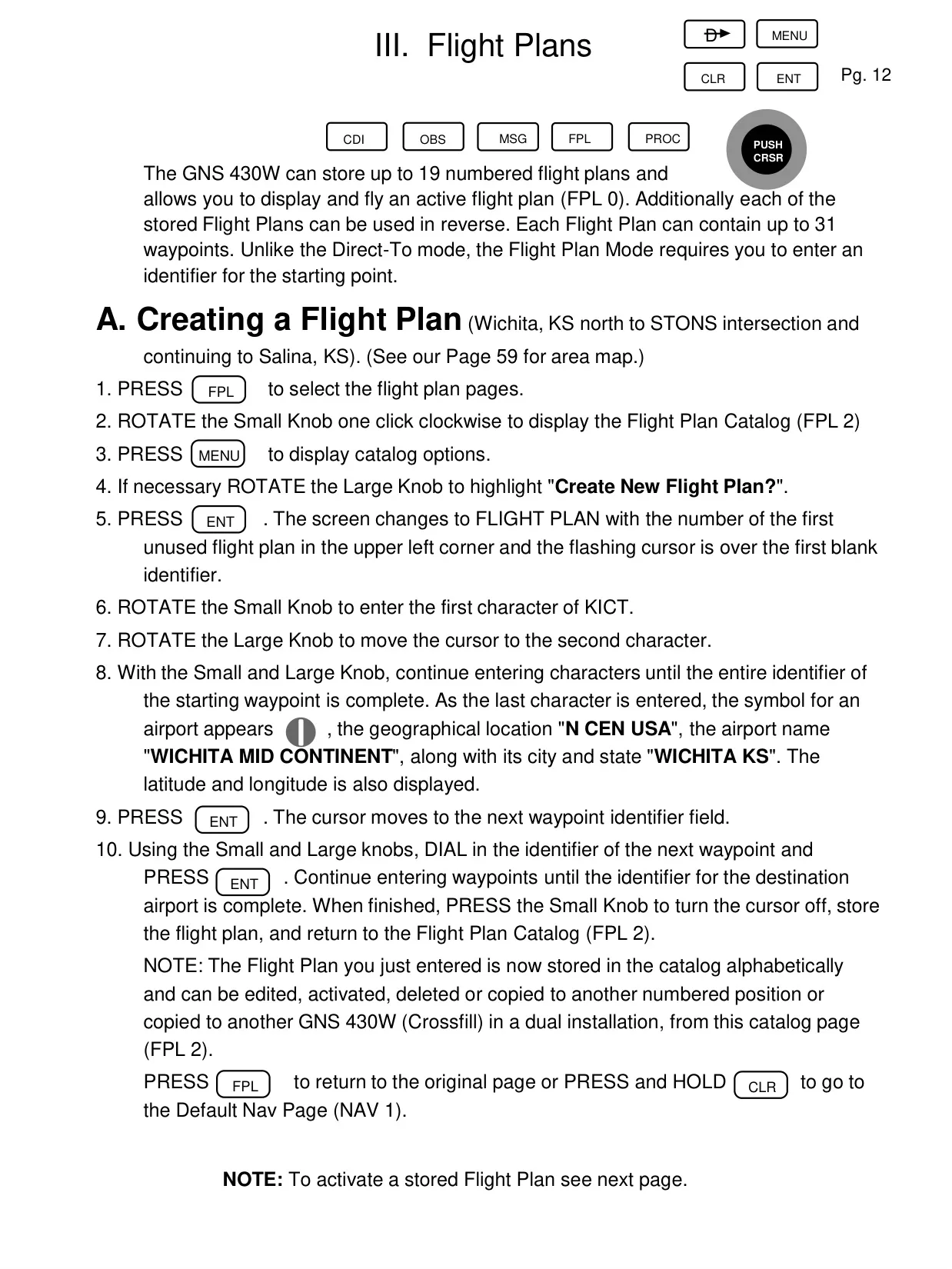
| Flight Plans | Up to 20 flight plans, up to 100 waypoints each |
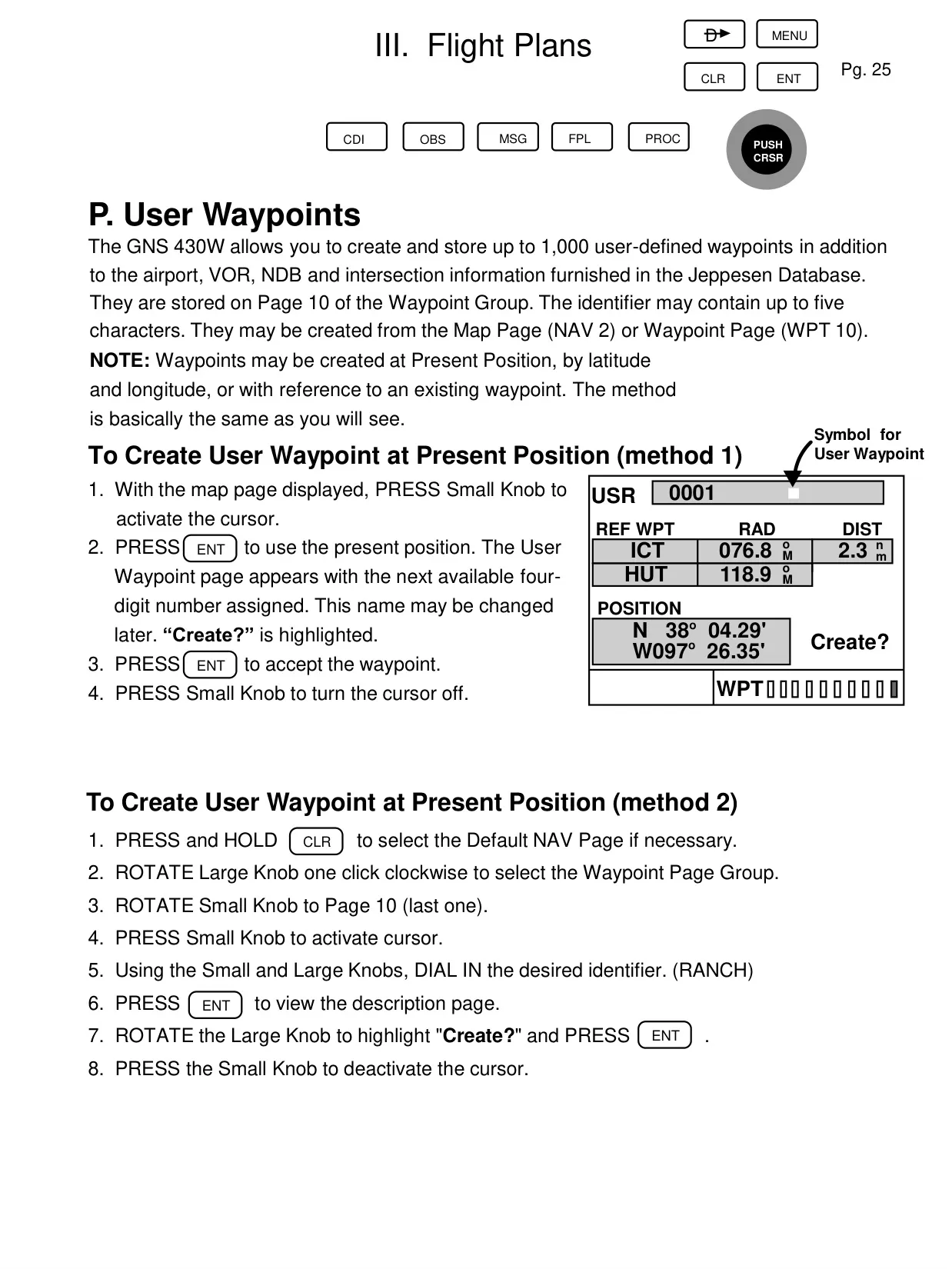
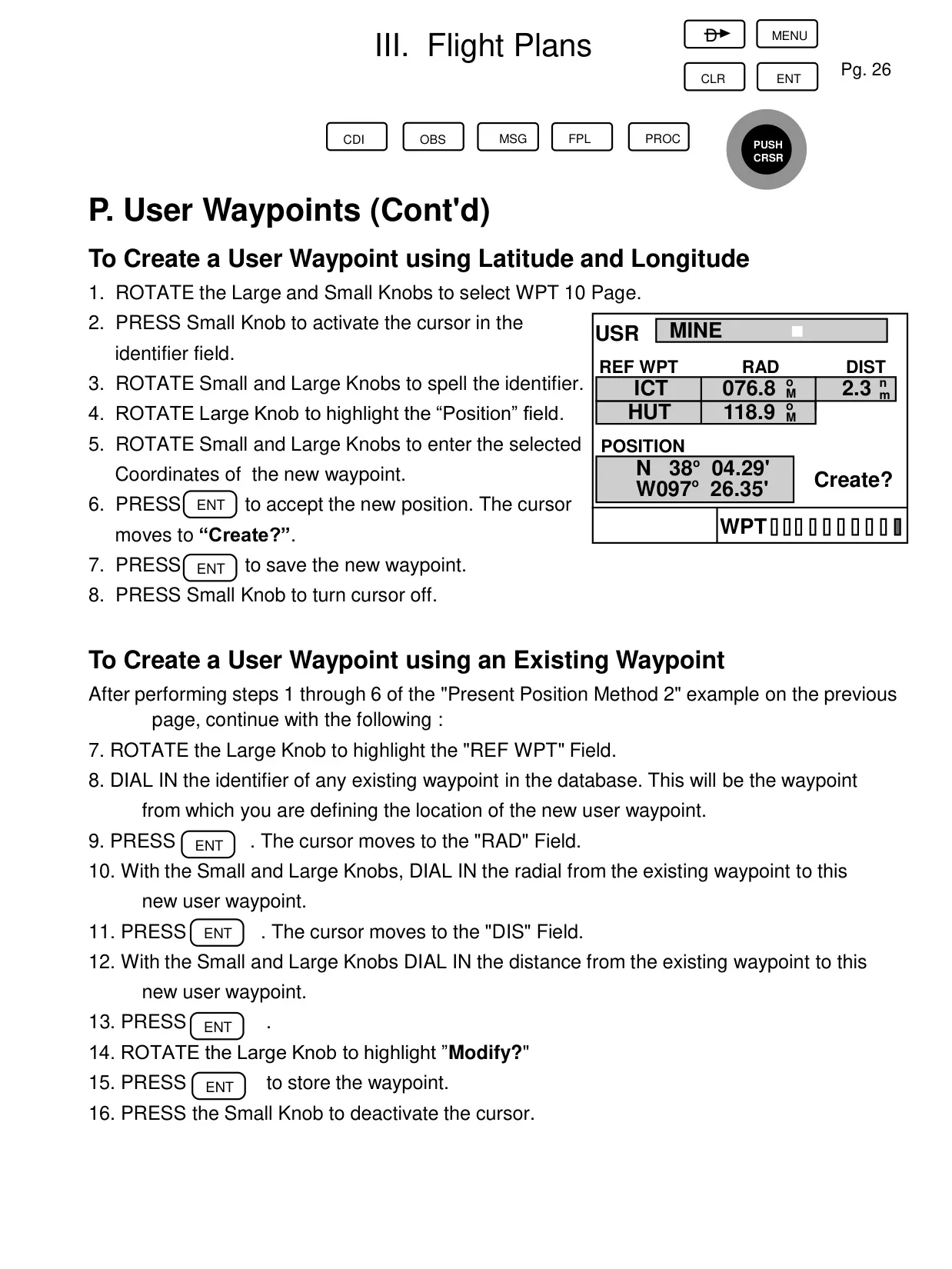
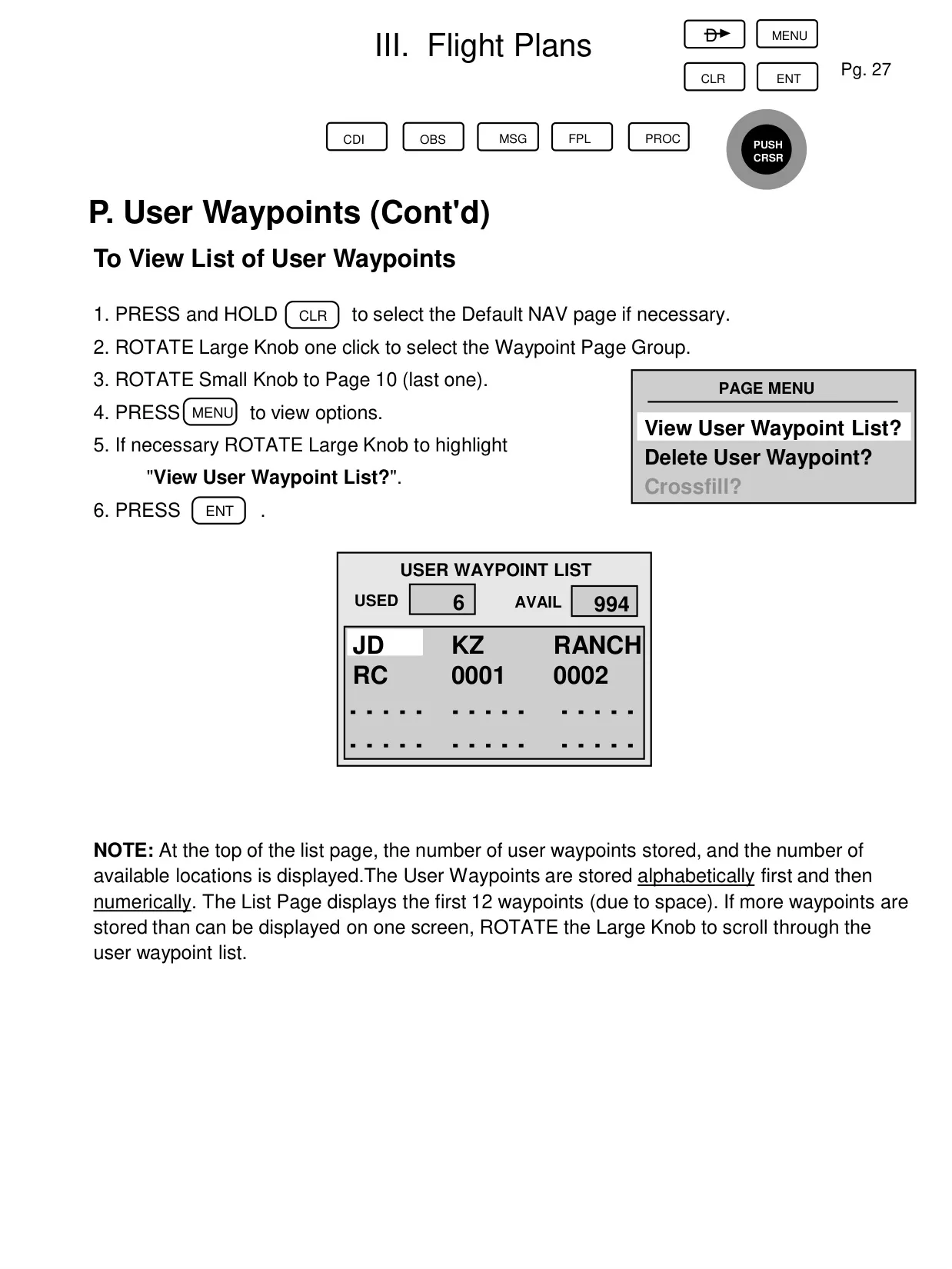
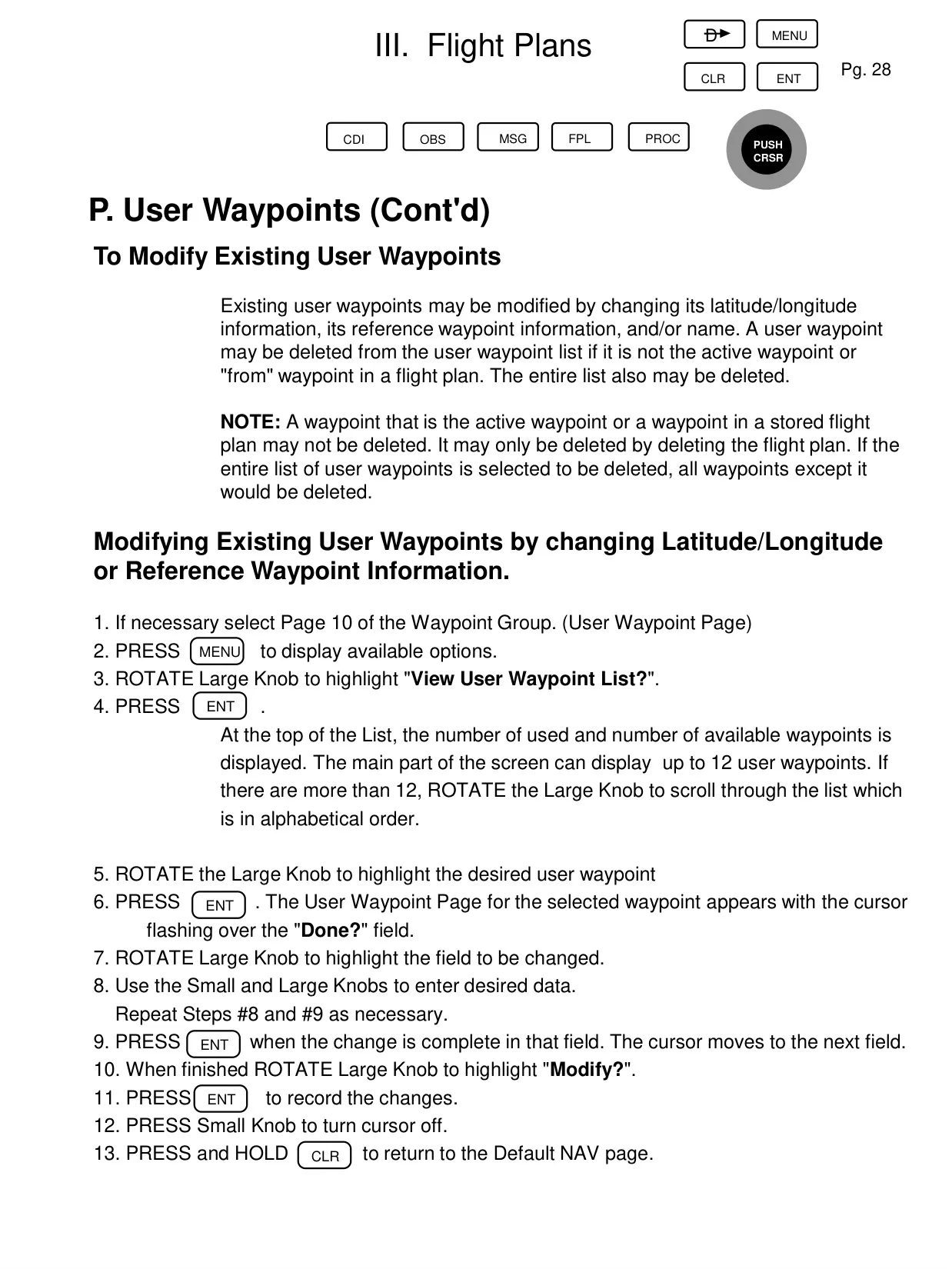
| User Waypoints | Up to 1,000 |
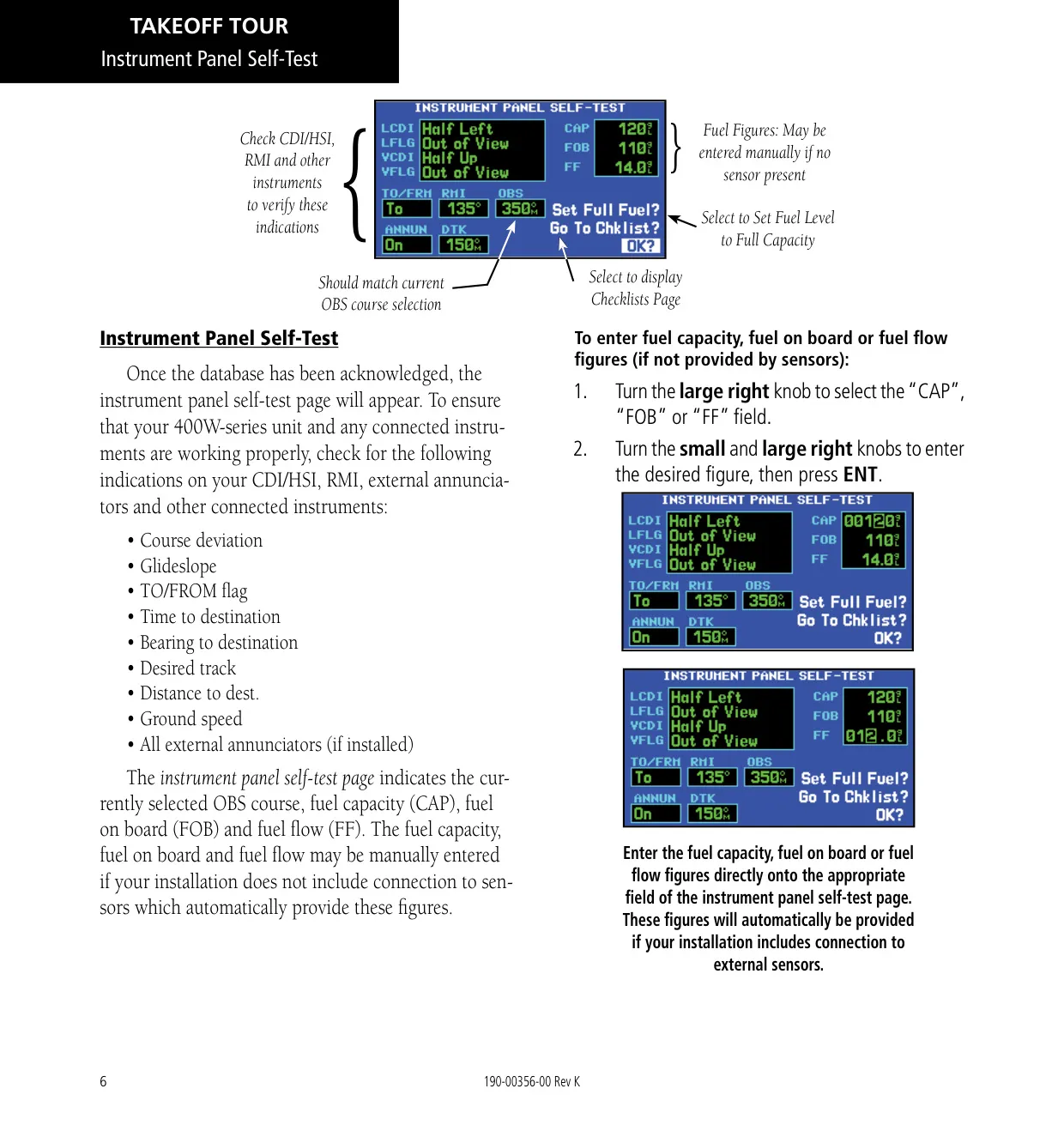
| Checklists | Up to 9 checklists, 30 items each (16 characters per item) |
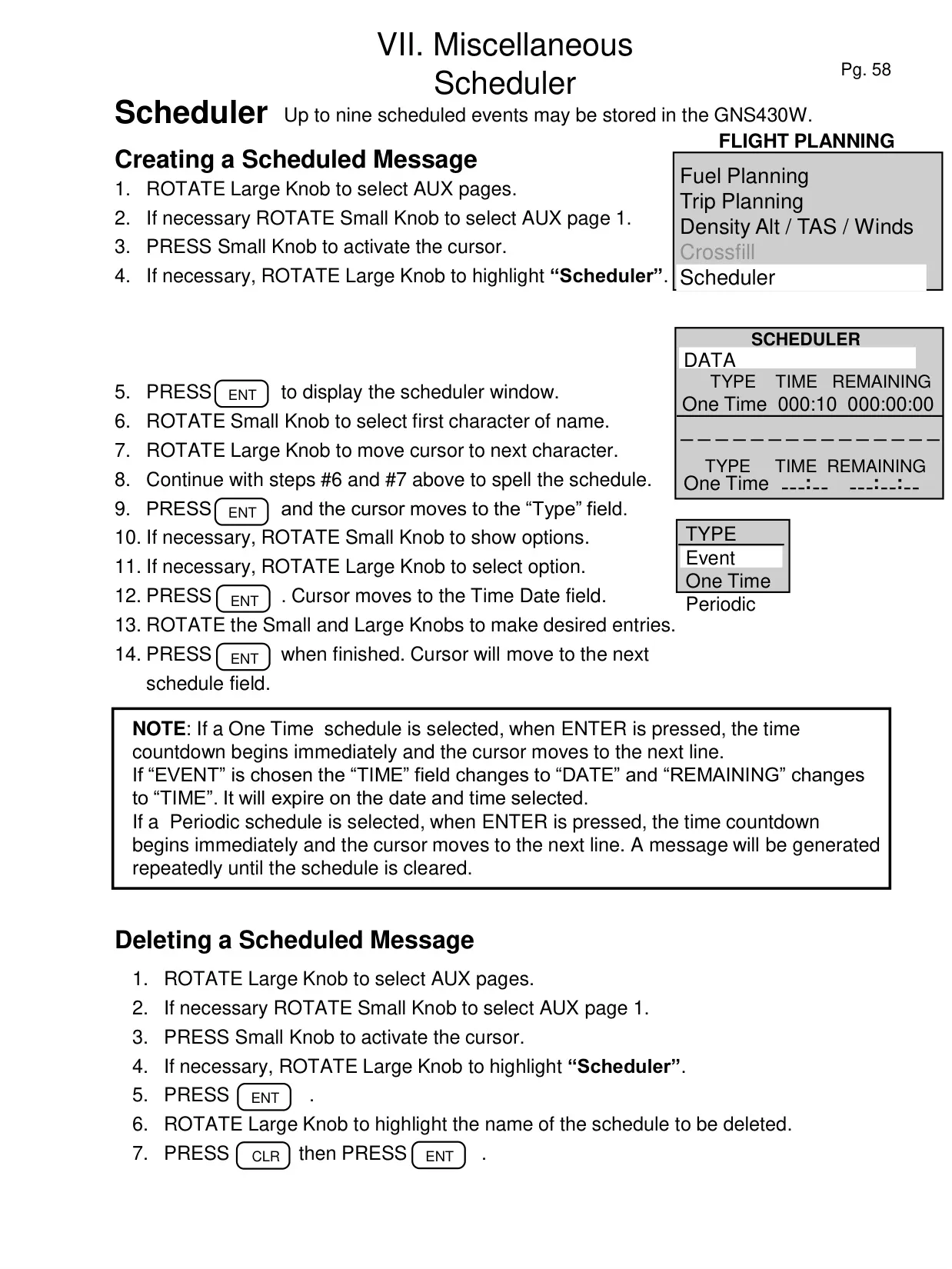
| Scheduler Messages | Up to 9 messages, 20 characters each |
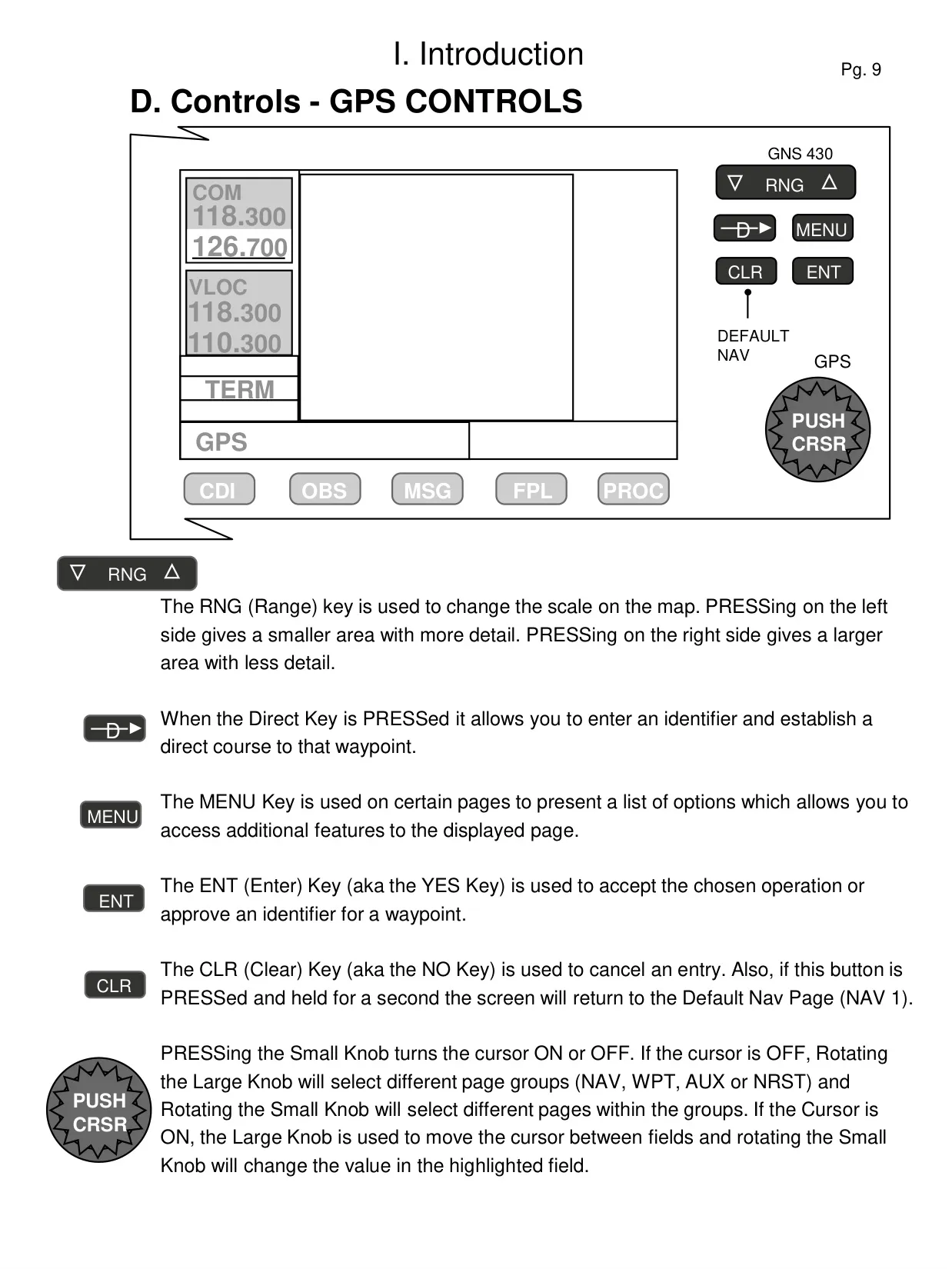
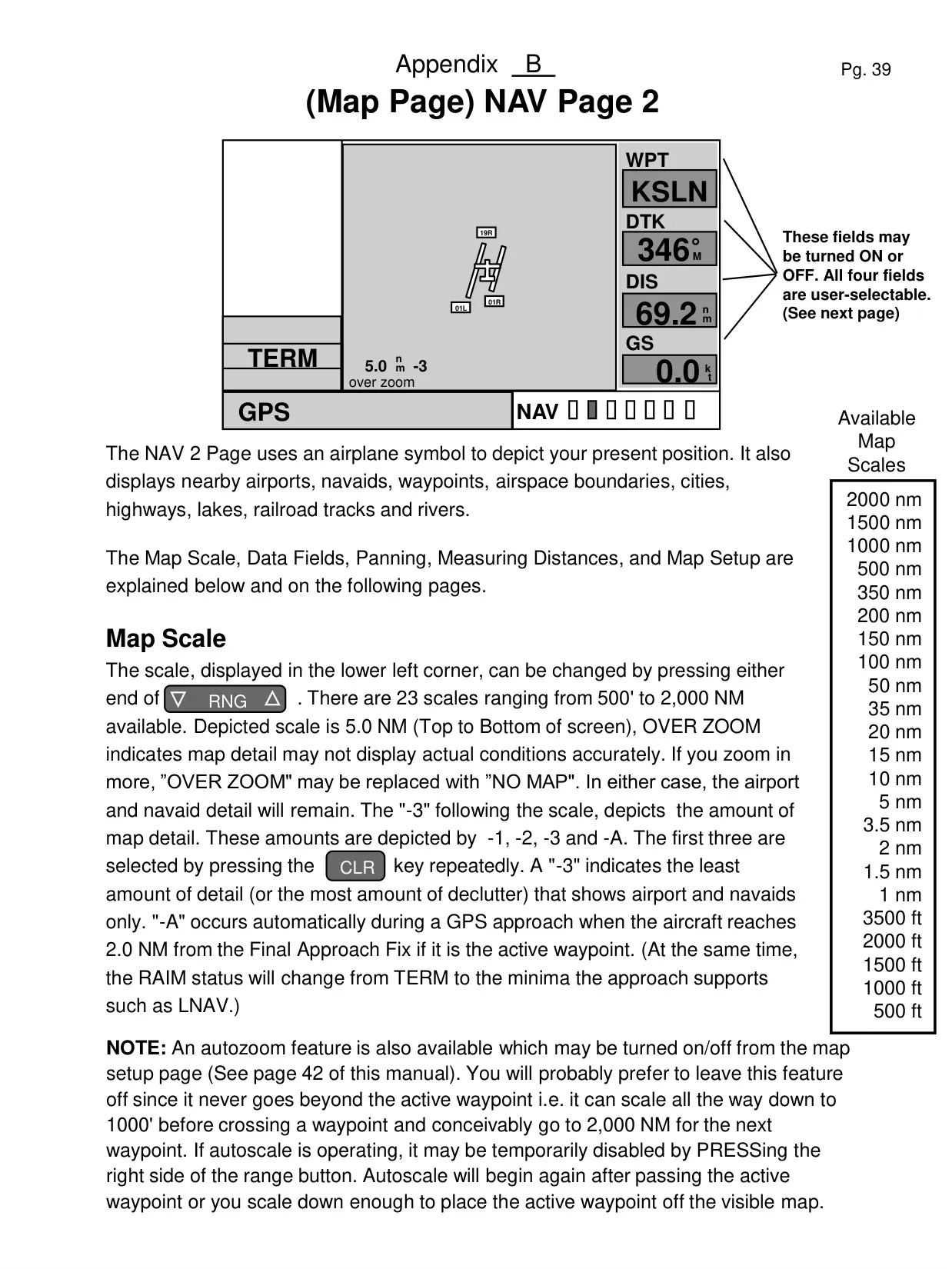
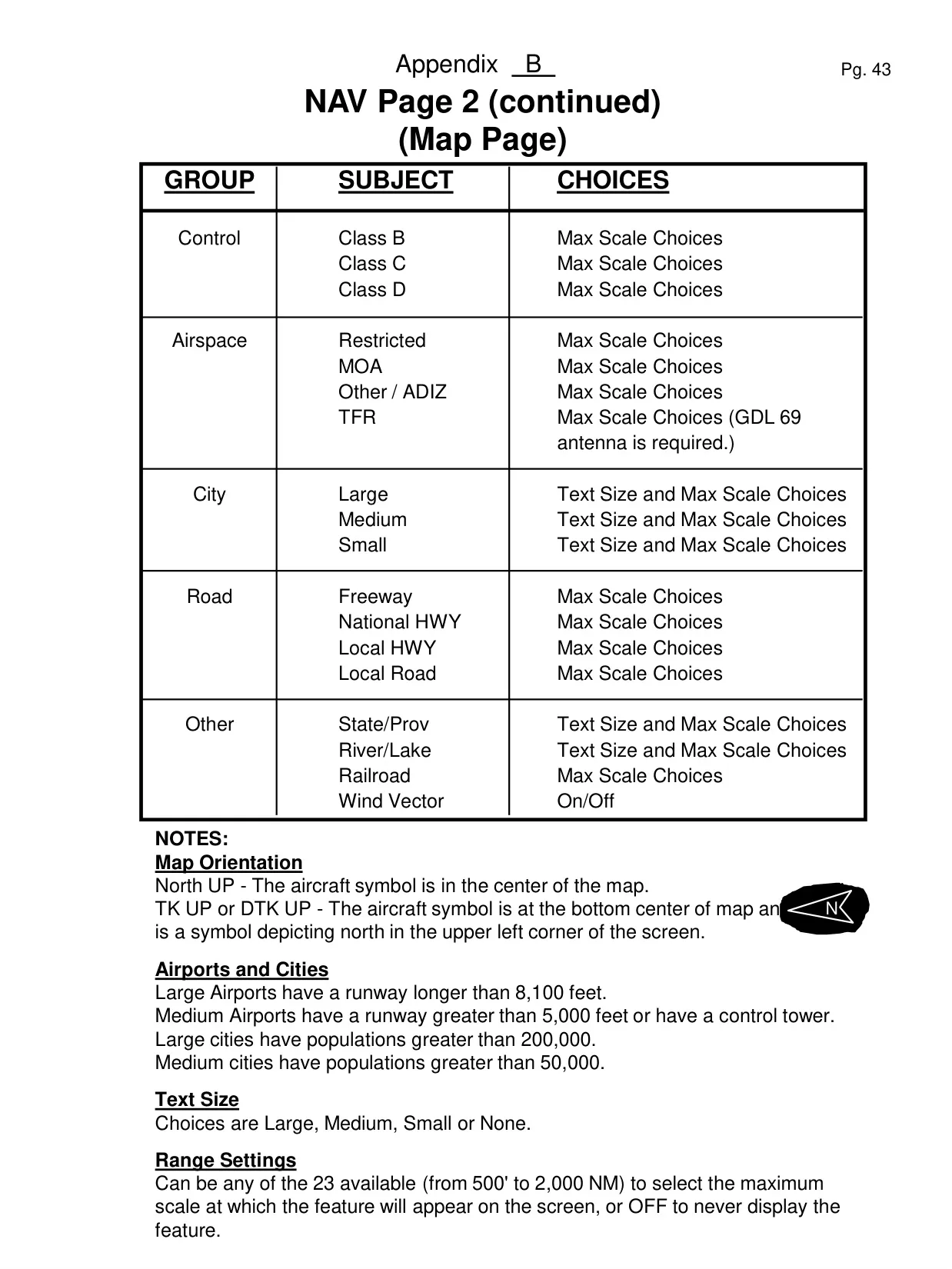
| Map Range | 23 scale settings, from 500 ft to 2000 NM |
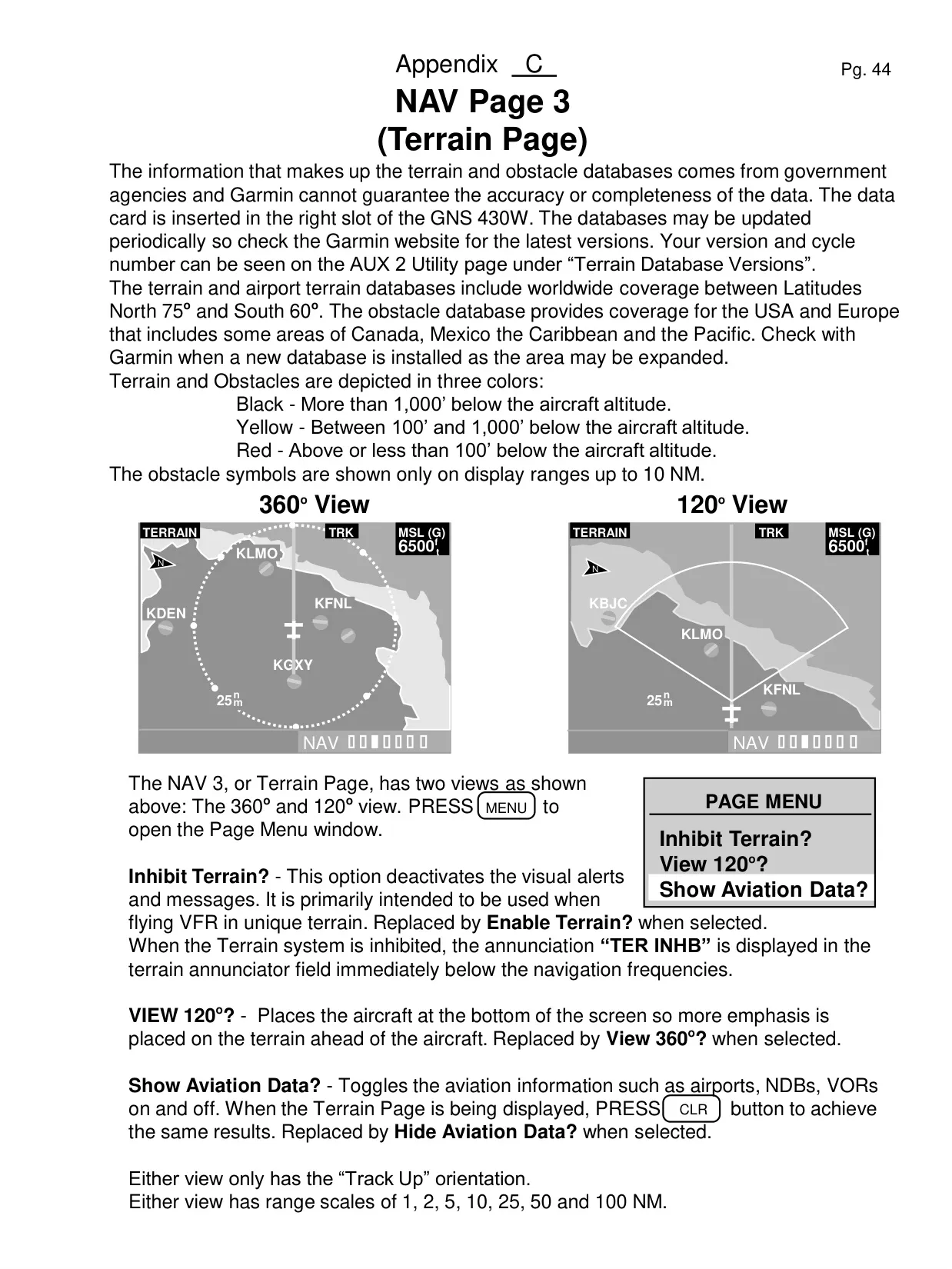
| Terrain Page Ranges | 1, 2, 5, 10, 25, 50, 100 NM (360° and 120° views) |
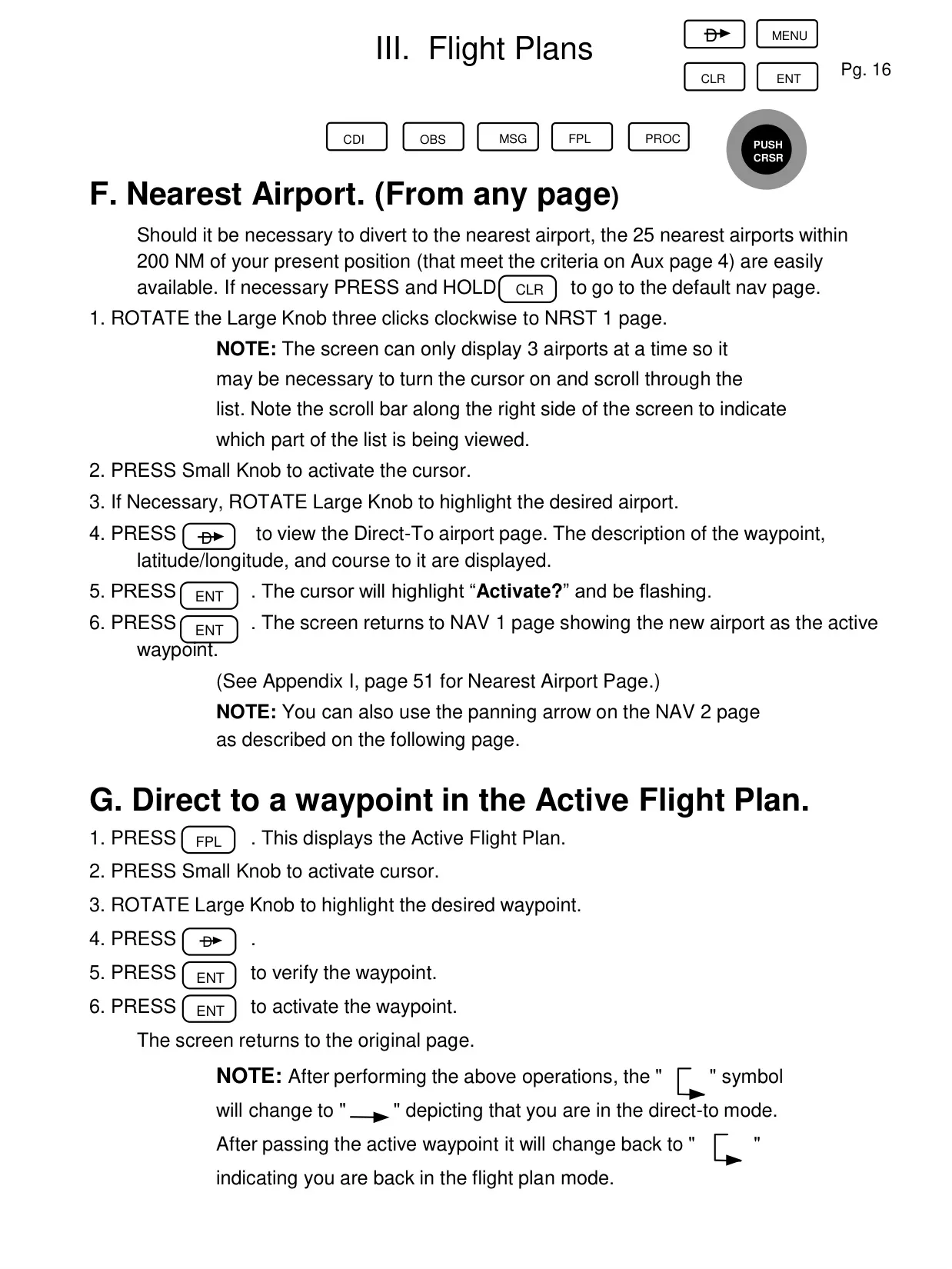
| Nearest Search | 25 nearest airports, VORs, NDBs, intersections, user waypoints within 200 NM |
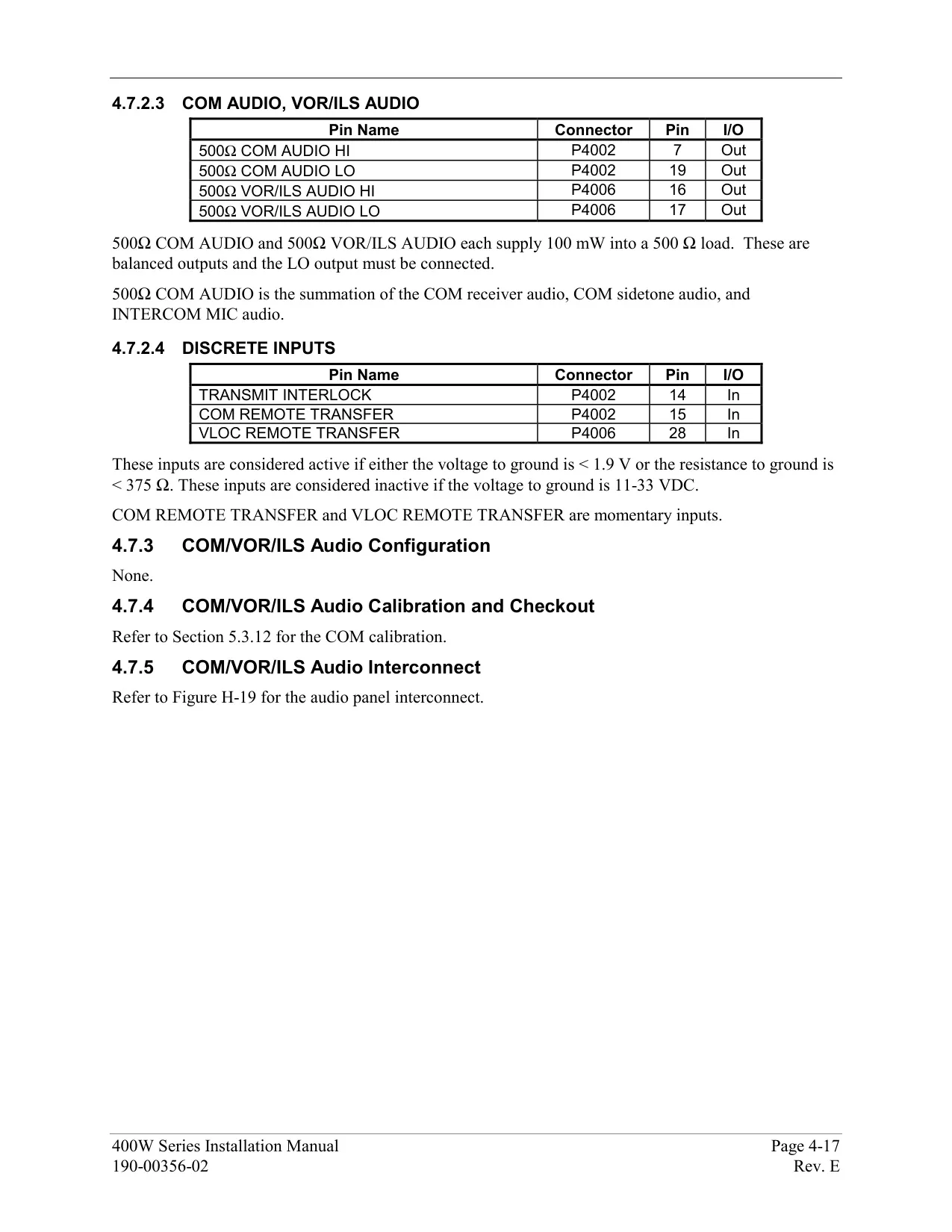
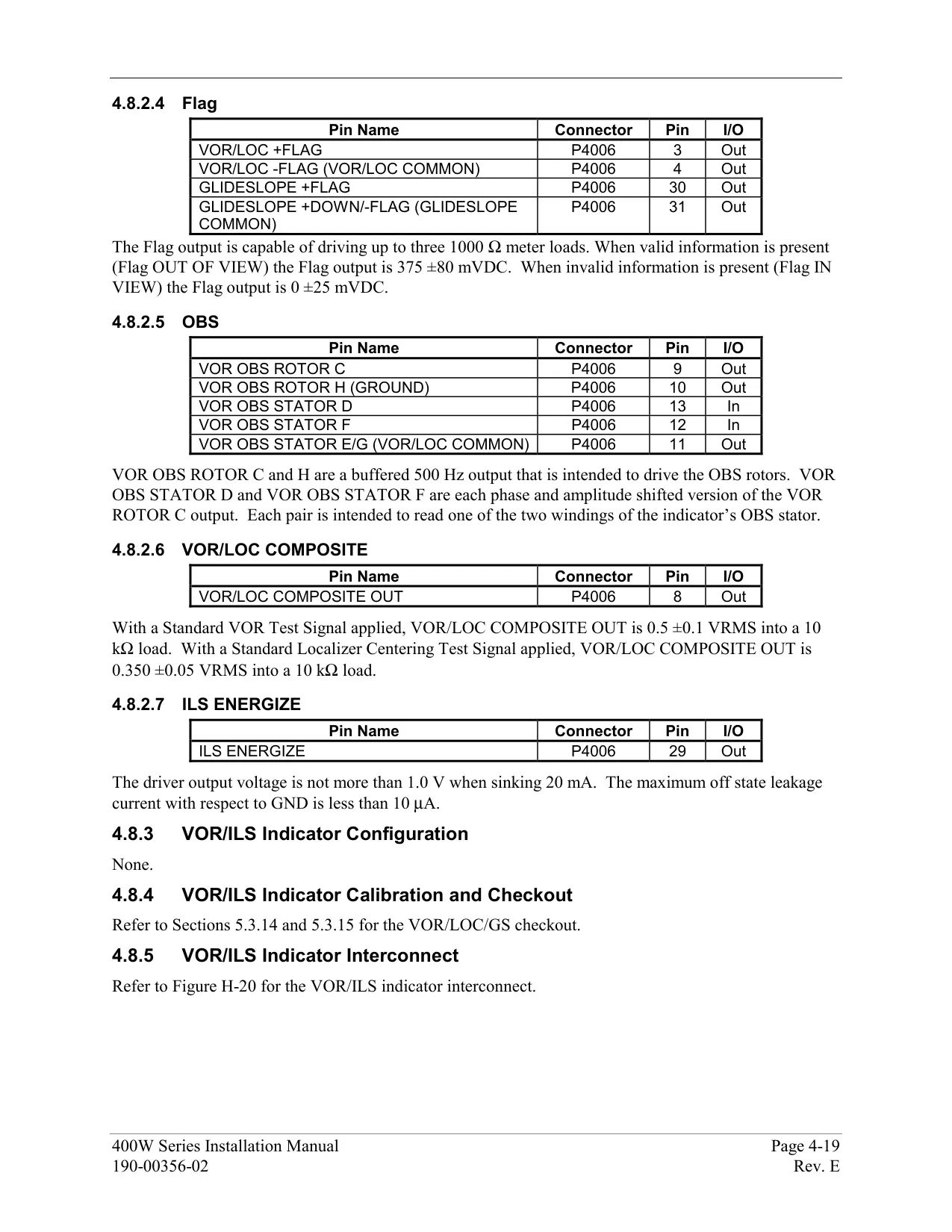
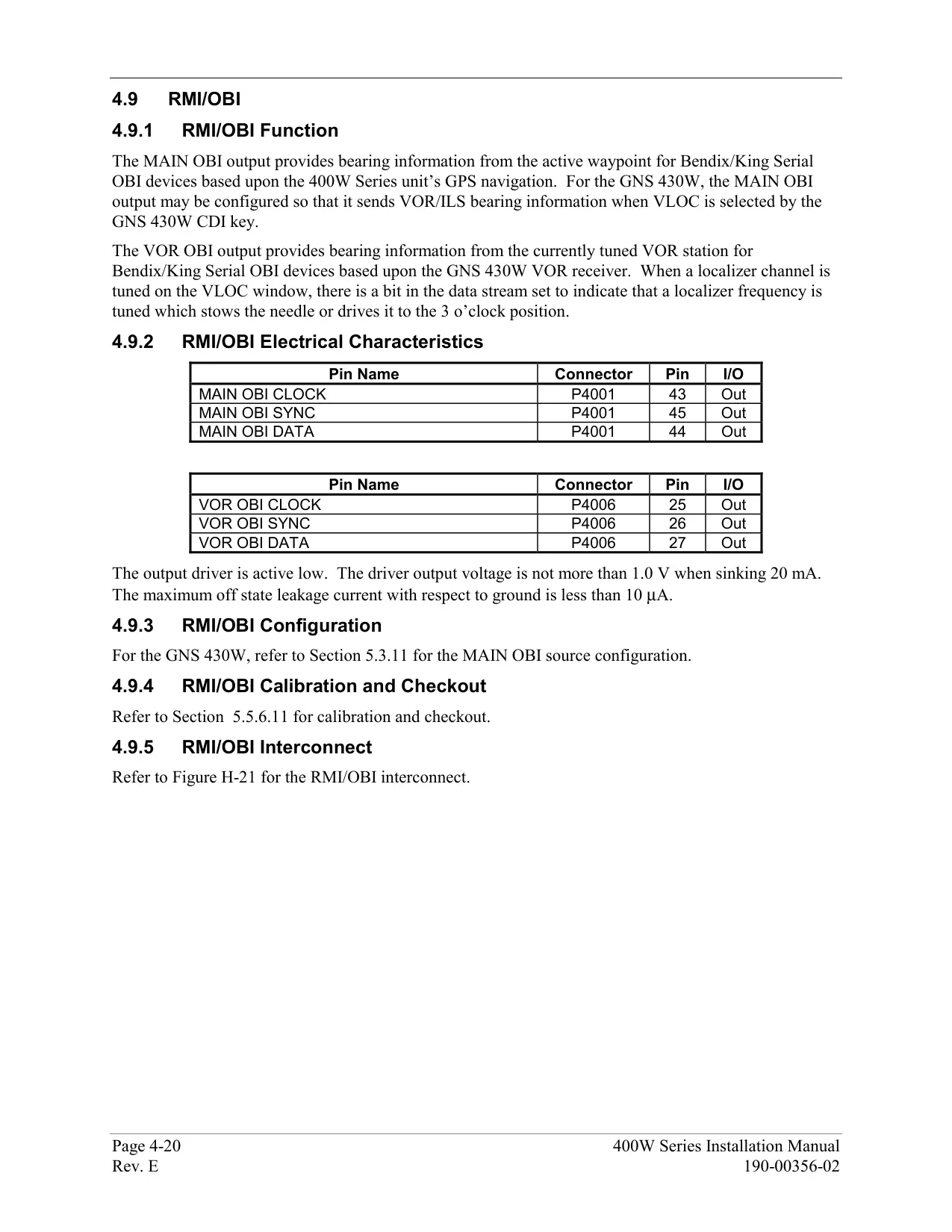
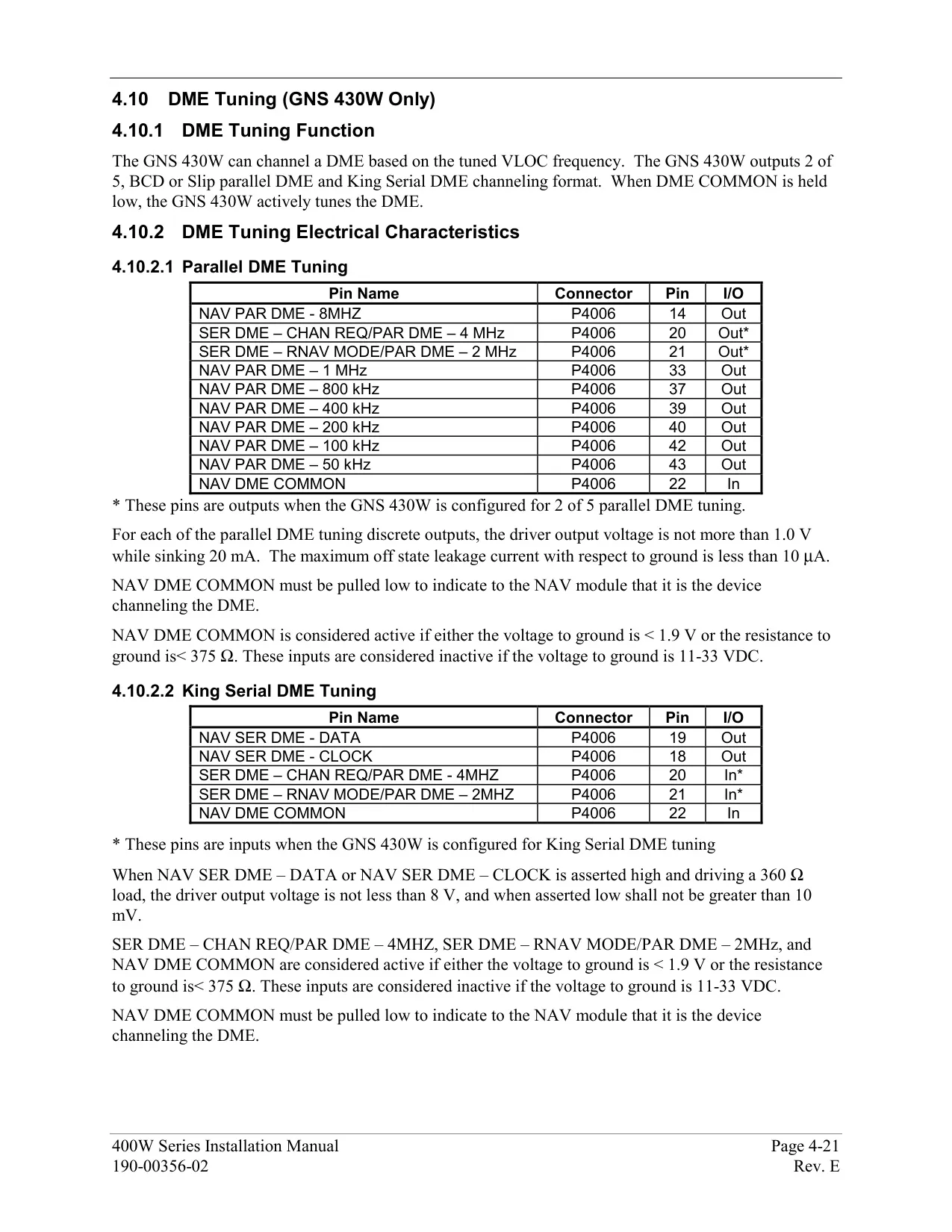
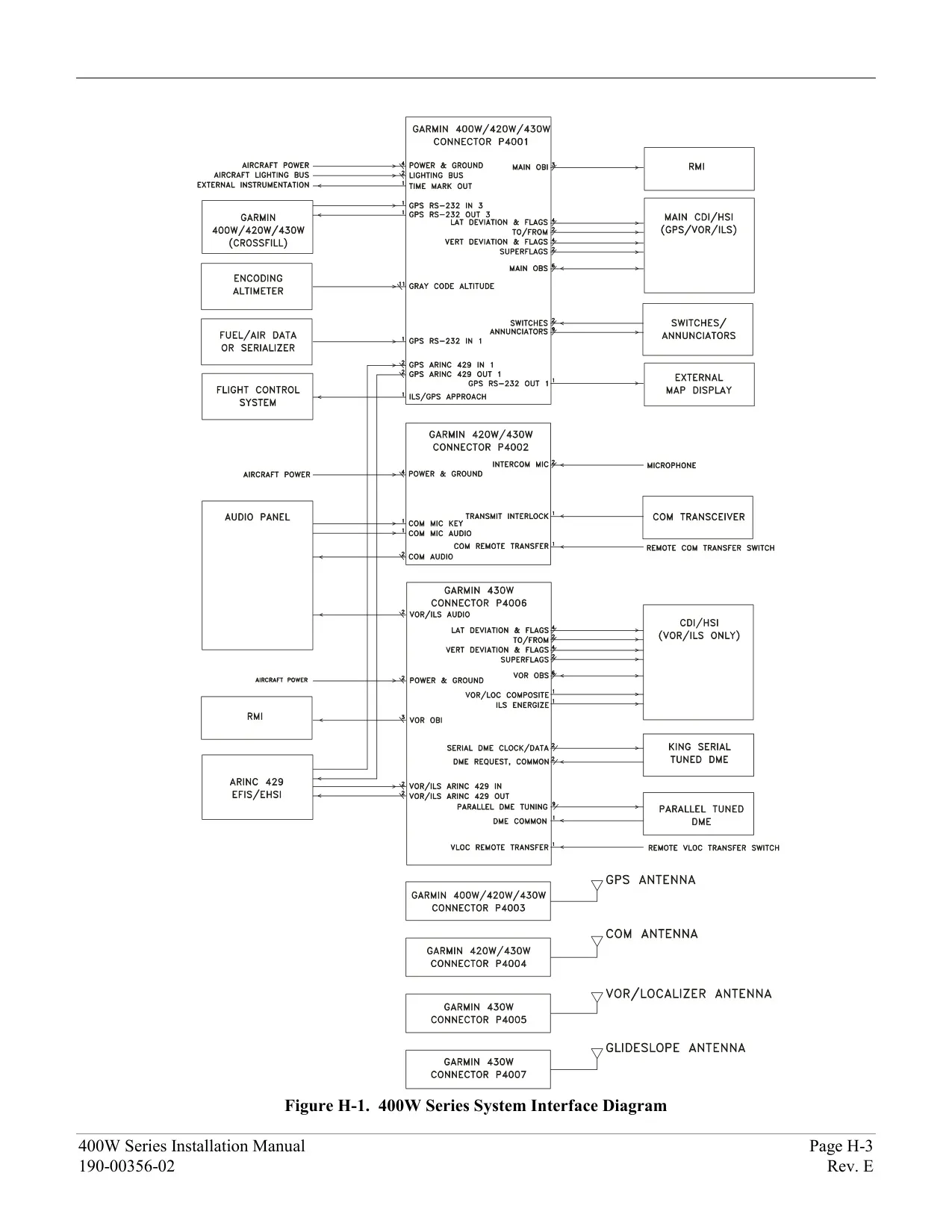
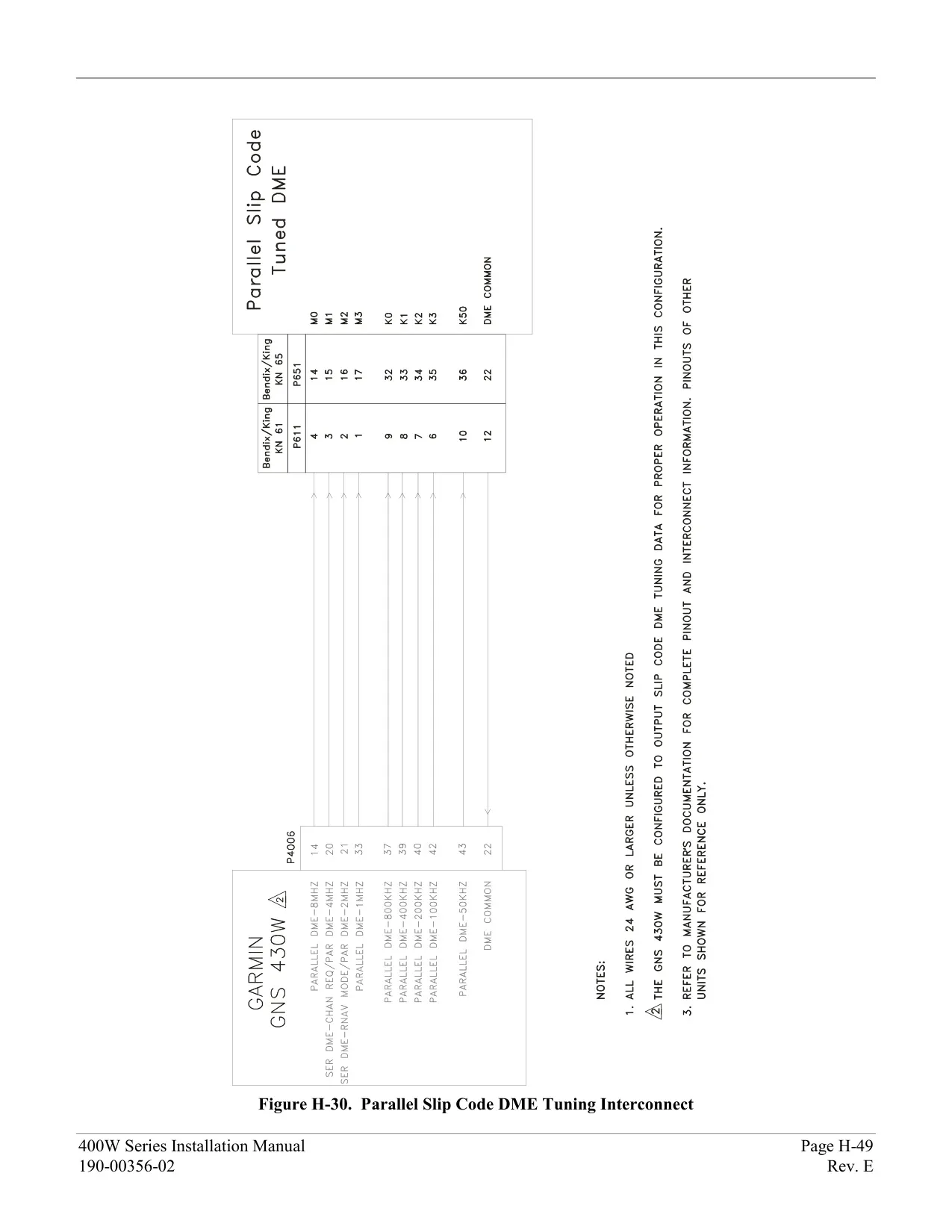
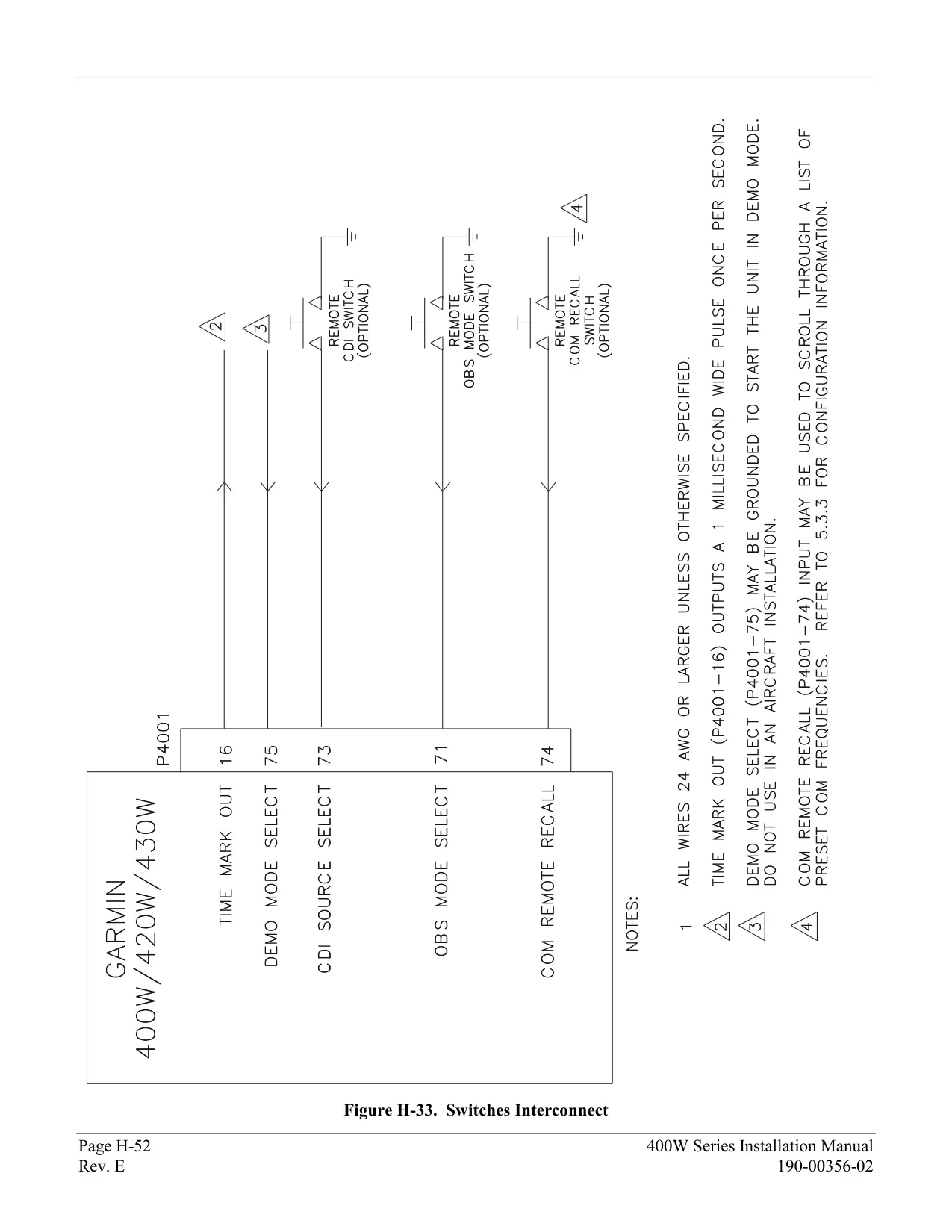
| Interfaces | Garmin GDL 69/69A, ARINC 429, Aviation RS-232, CDI/HSI, RMI, Superflag Out, Altitude (Icarus, Shadin-Rosetta, Gillham/Greycode), Fuel Sensor, Fuel/Air Data, L3 WX 500 Stormscope, L3 SKY497 SkyWatch, TIS from GTX 330, Ryan 9900B TCAD |
| Software Versions Covered | Main System Software 2.00, 3.00, 4.00, 5.00, 5.10, 5.30 or later |
| Manual Part Number | 190-00356-00 Rev K (January 2016) |
| Warranty | 2 years limited from date of purchase |
Garmin GNS 430W Details
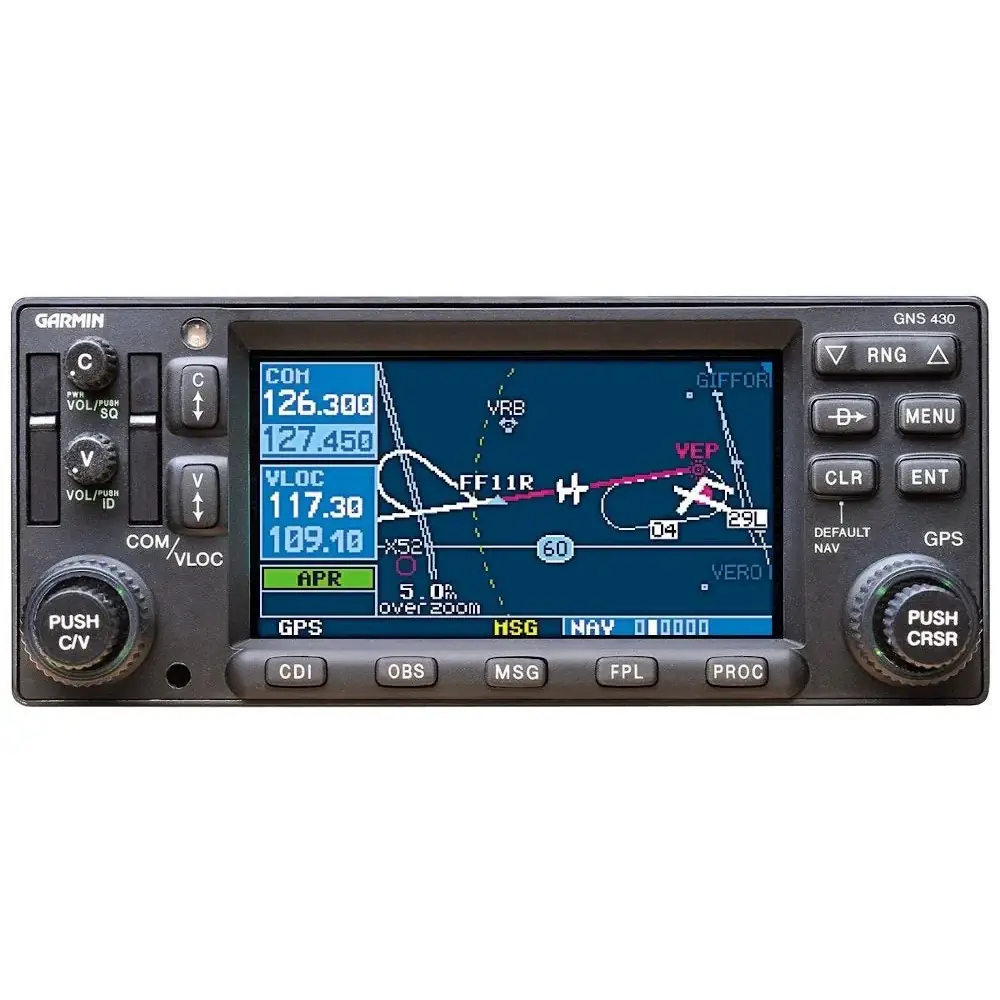
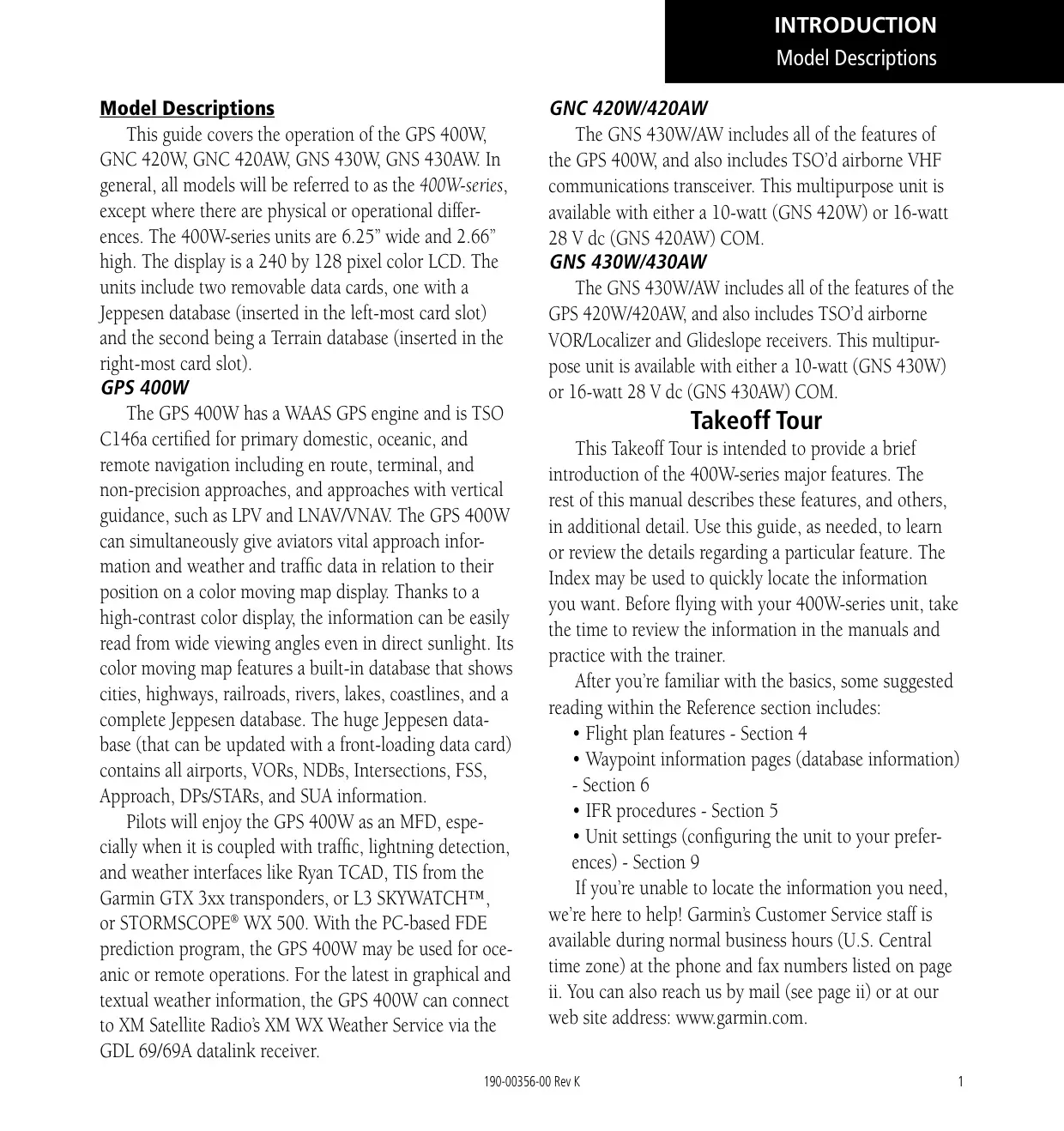
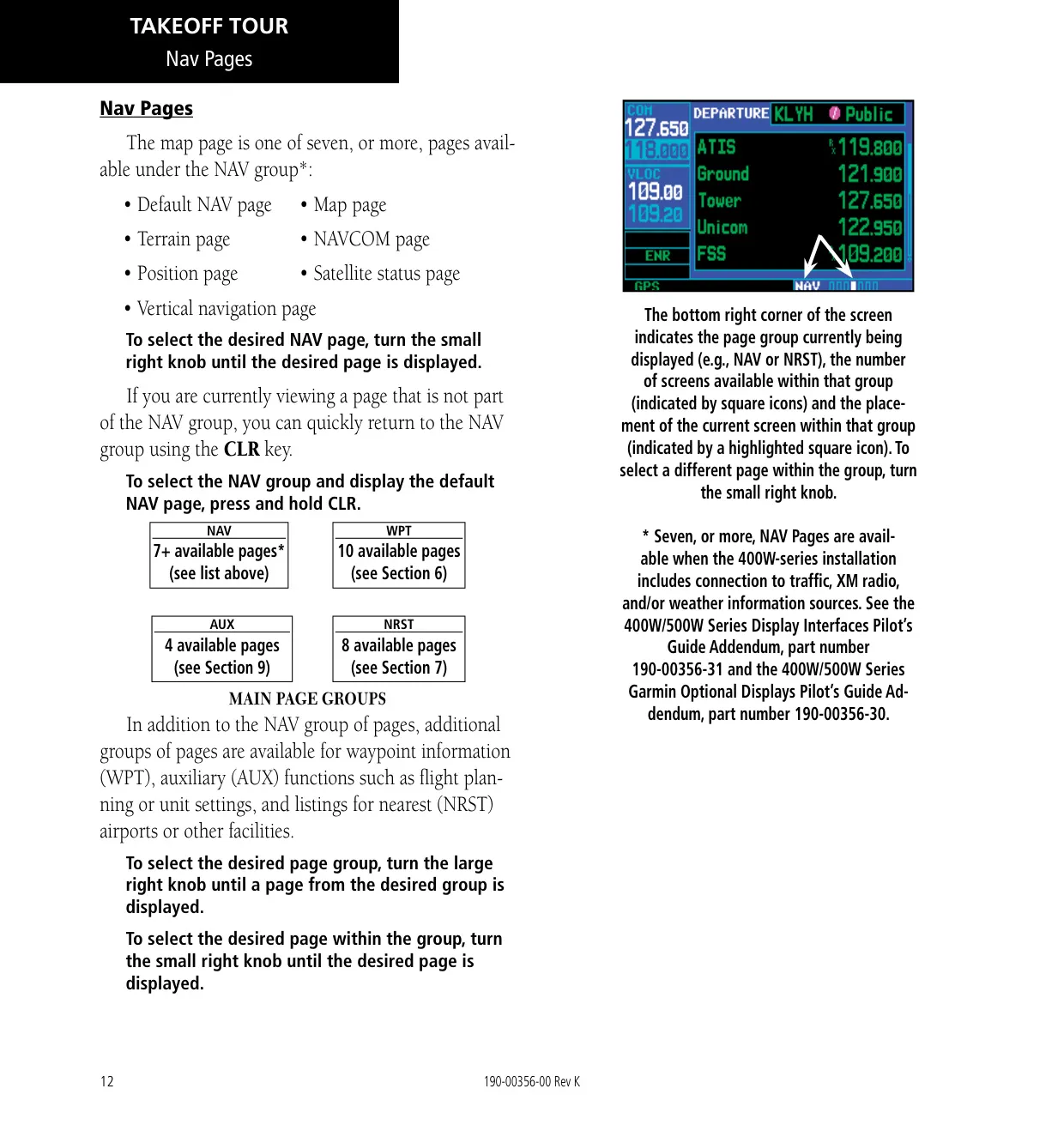
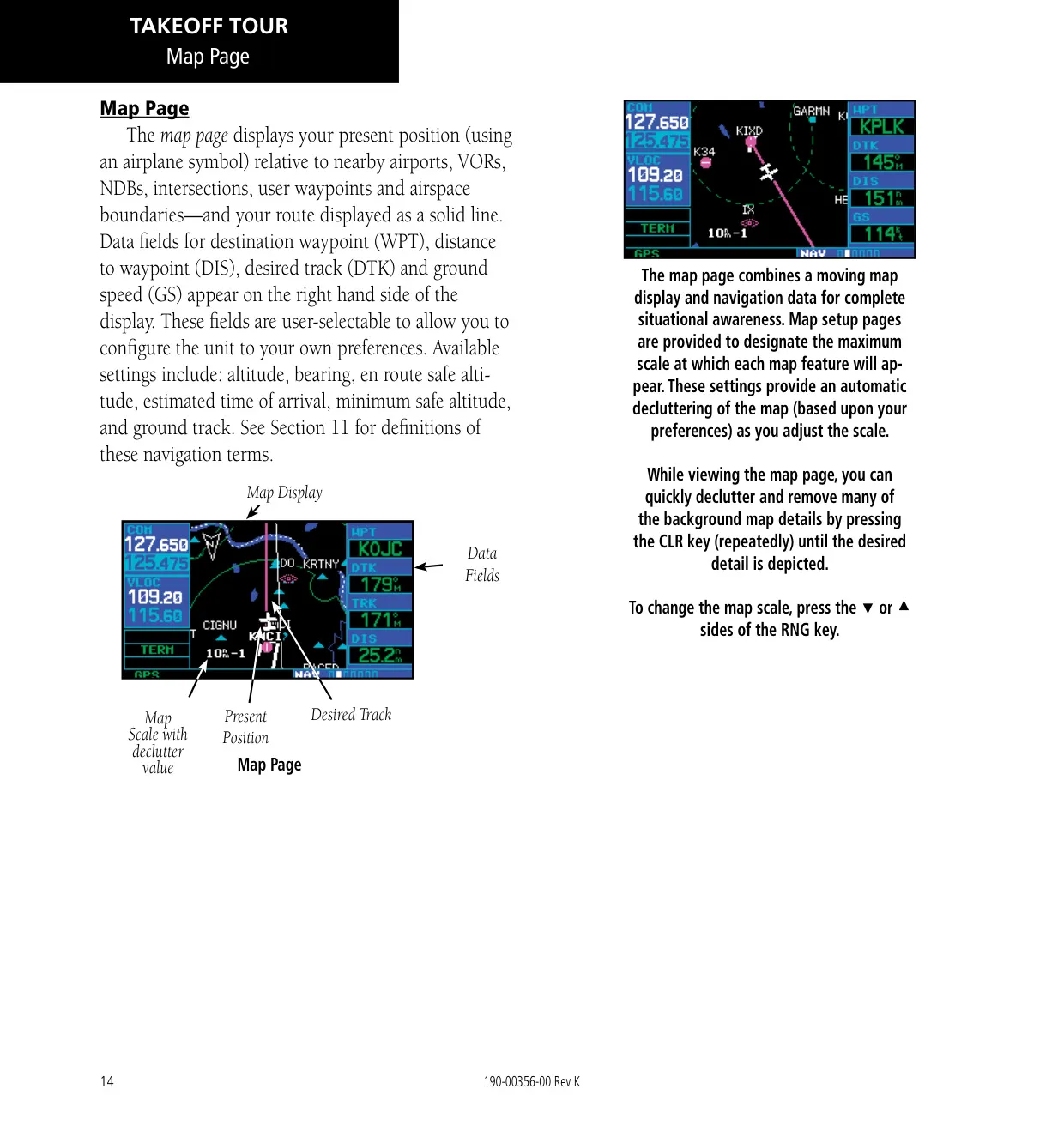
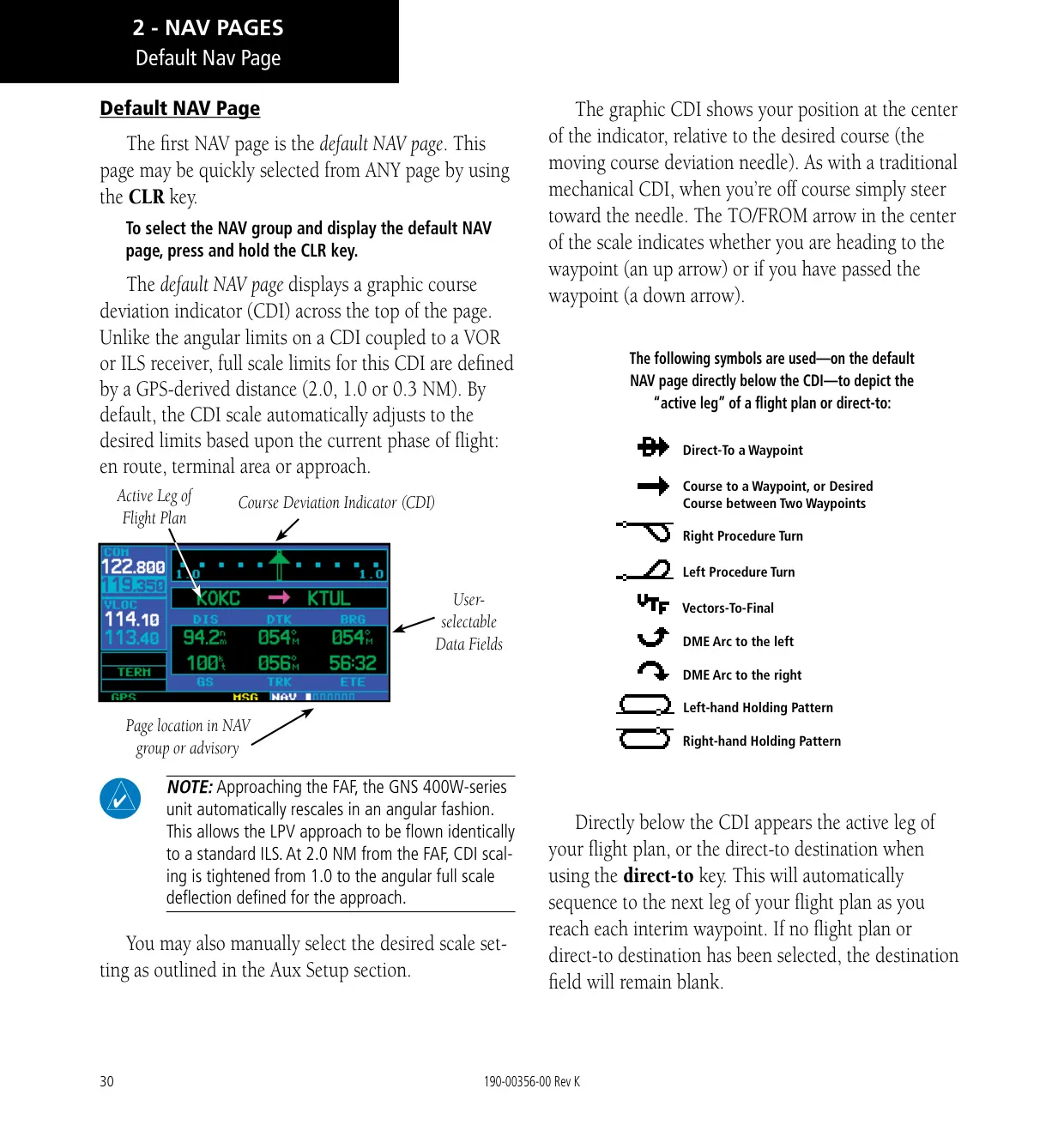
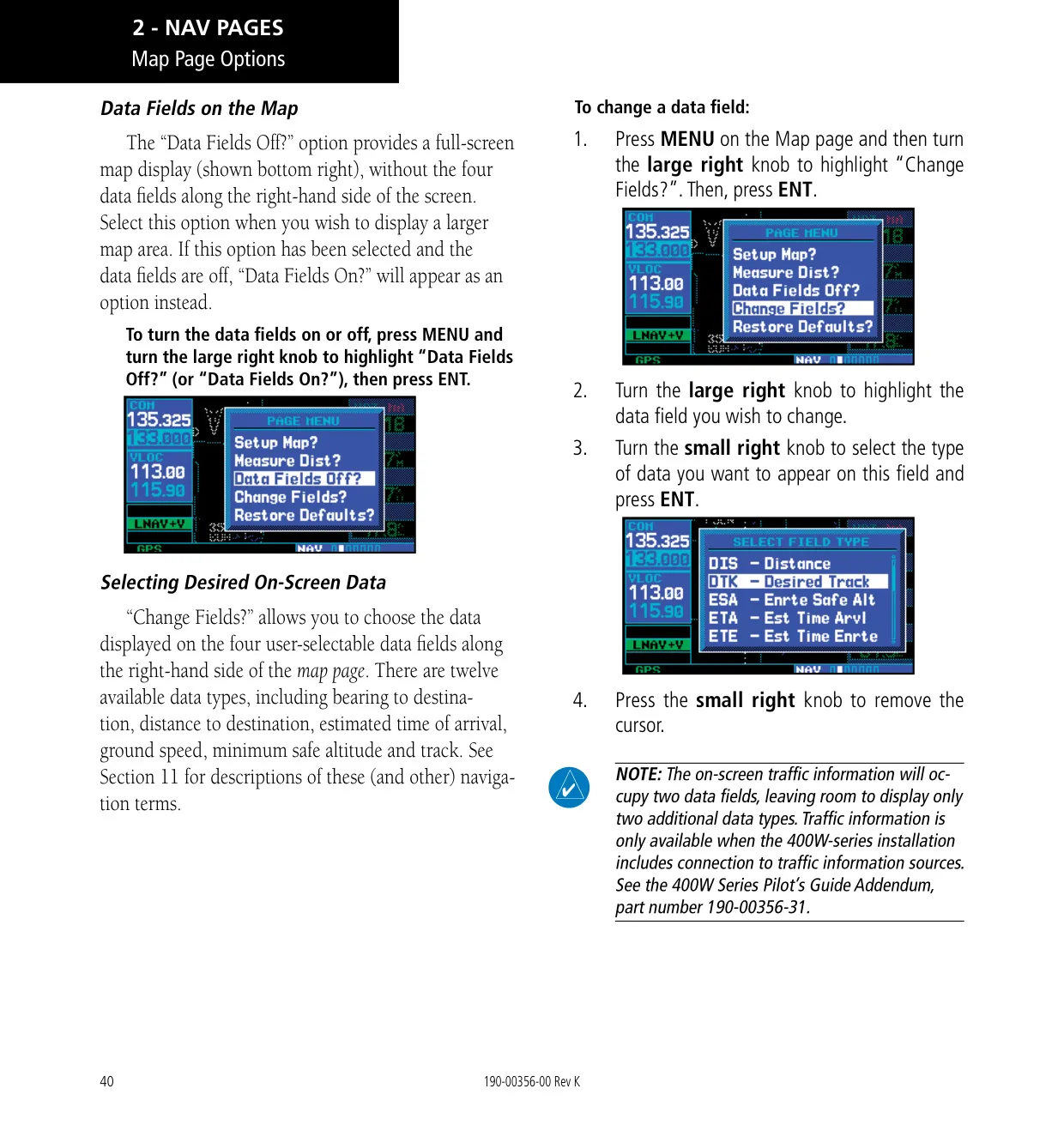
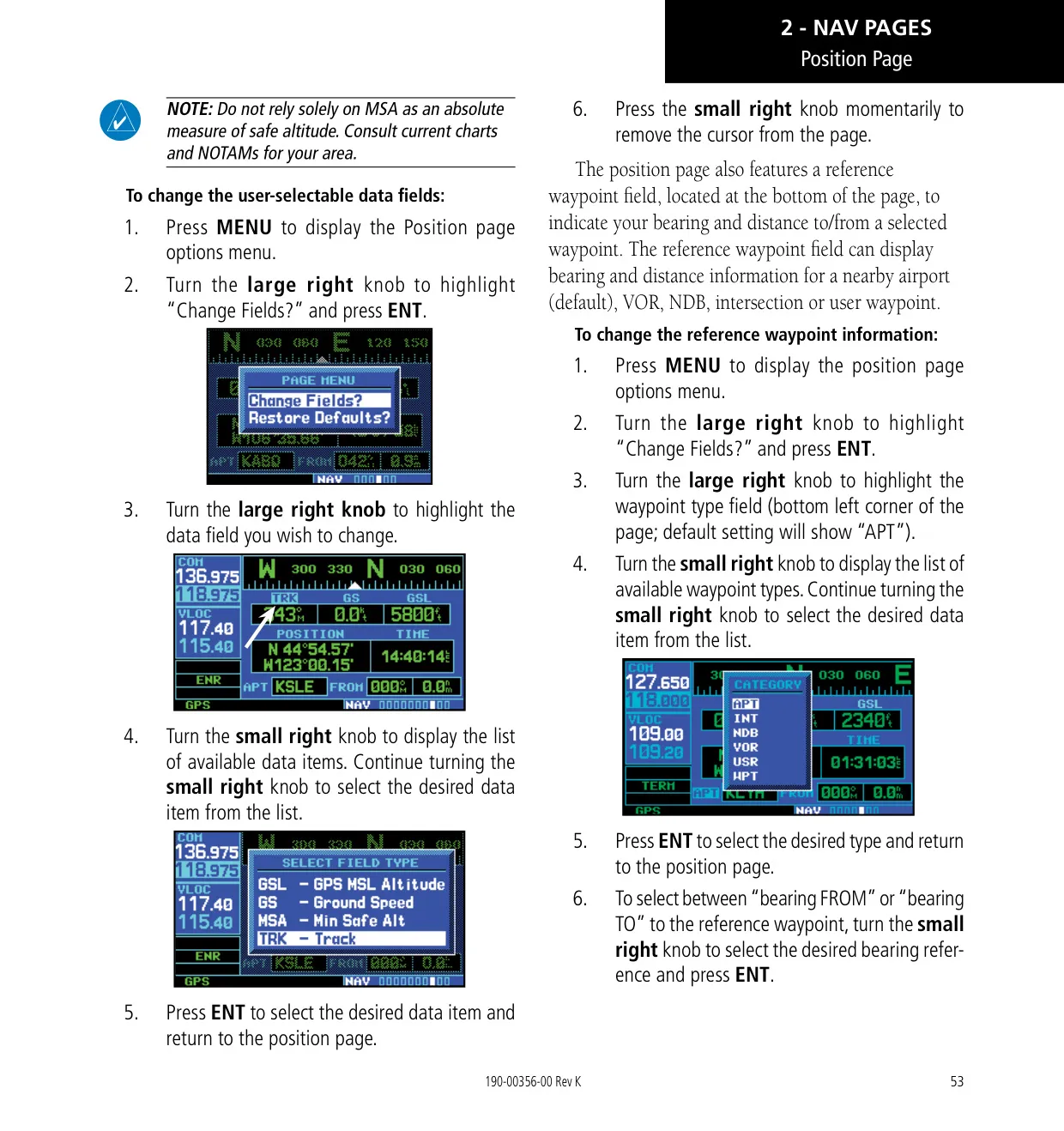
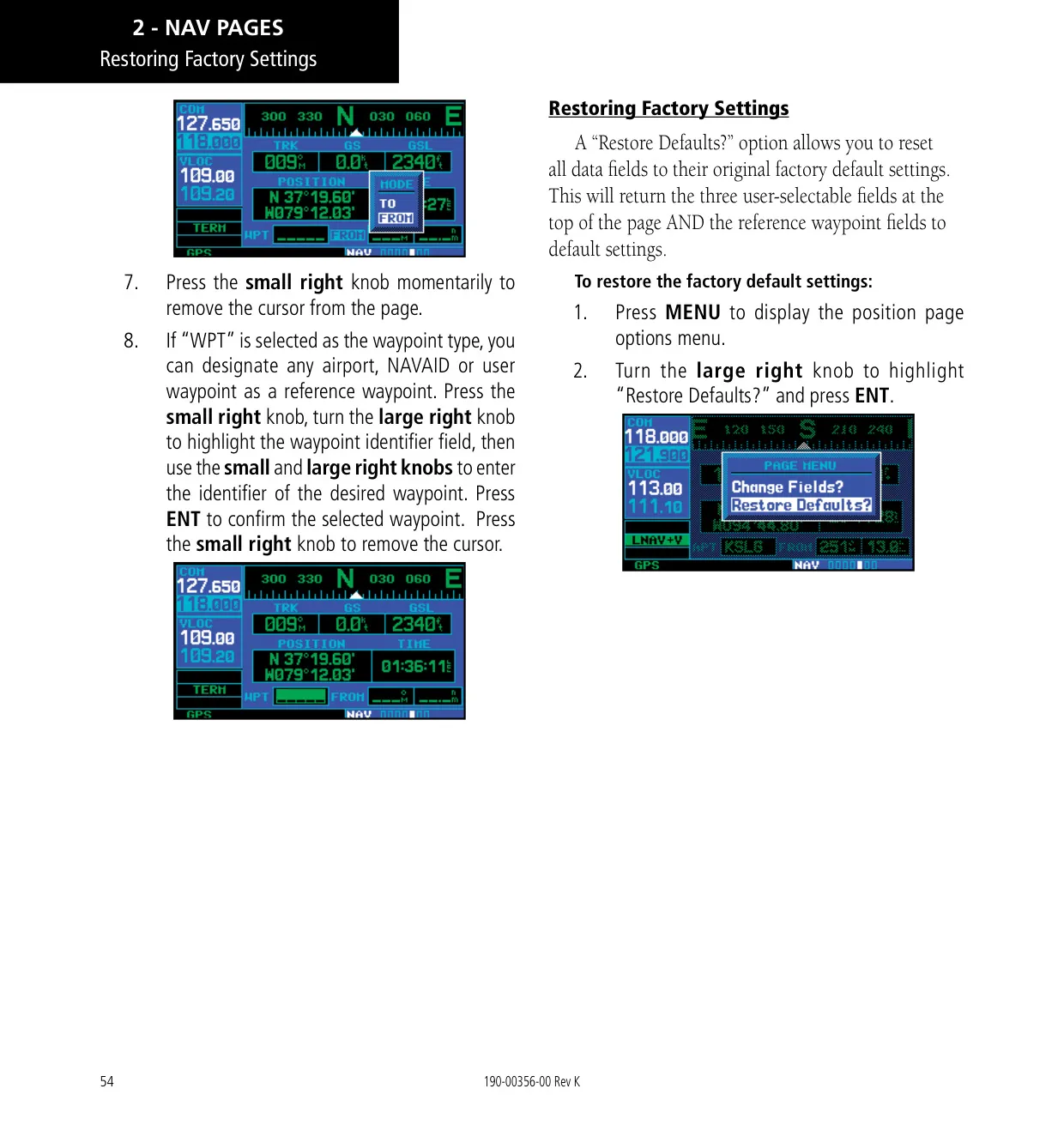
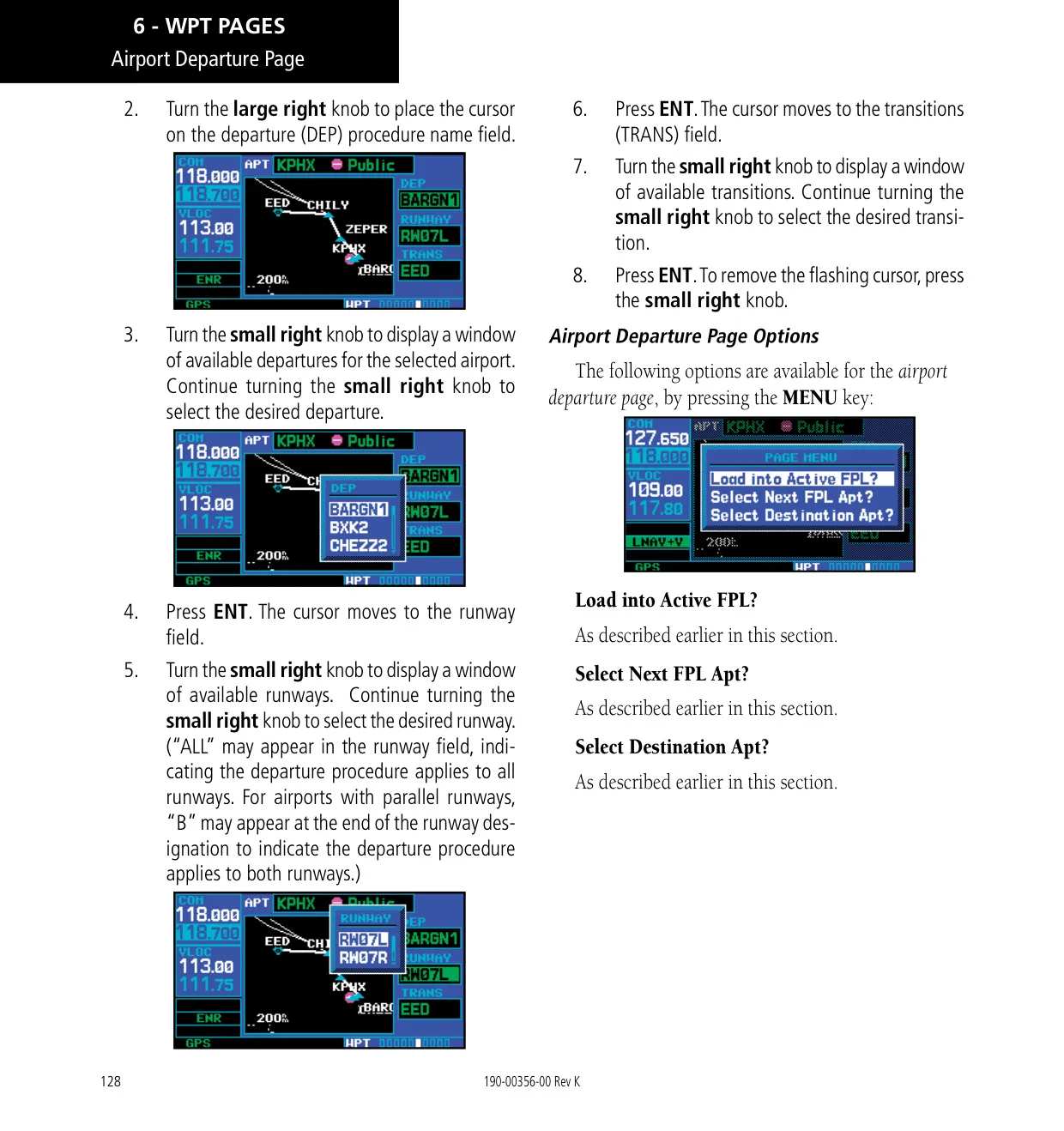
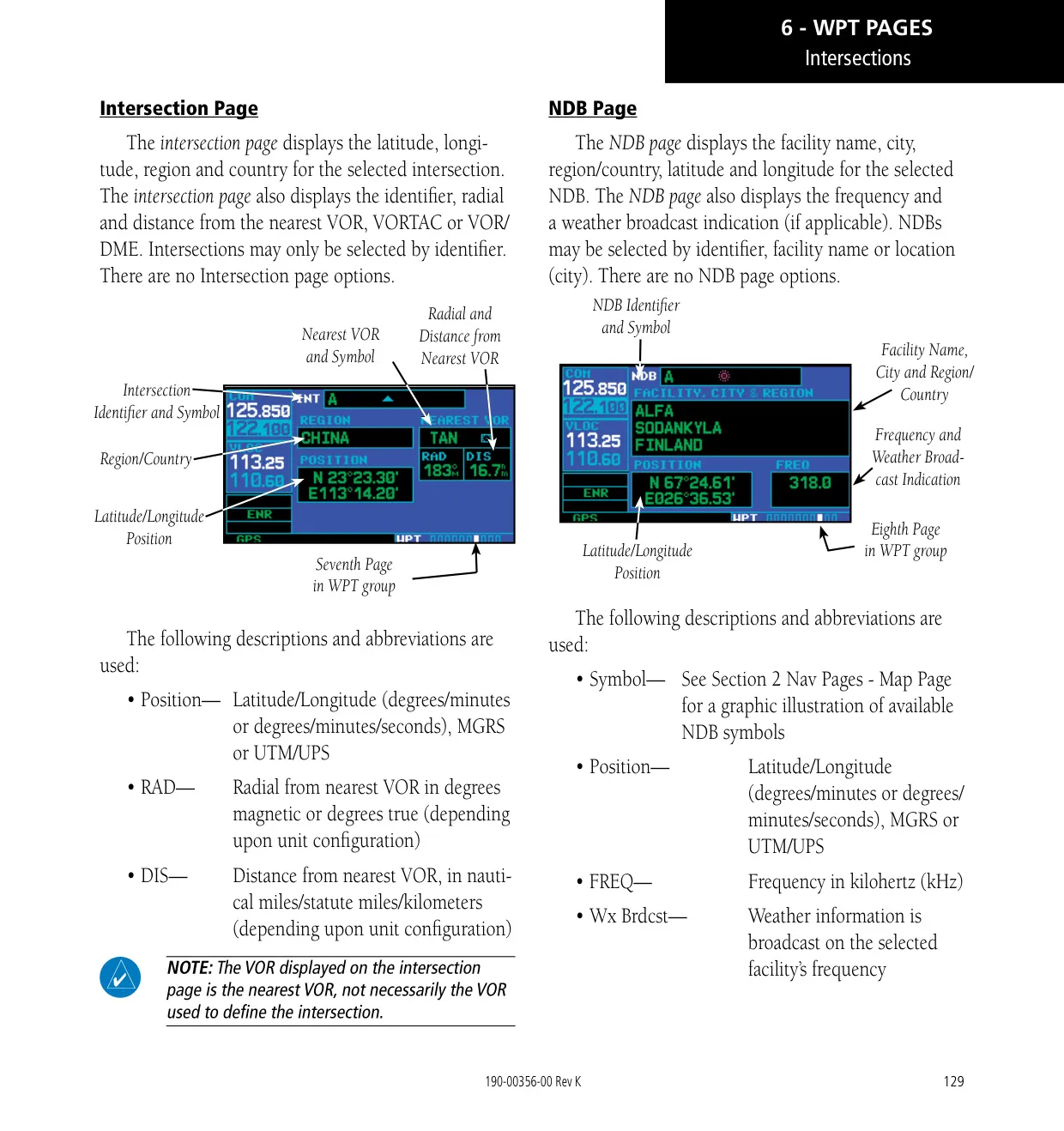
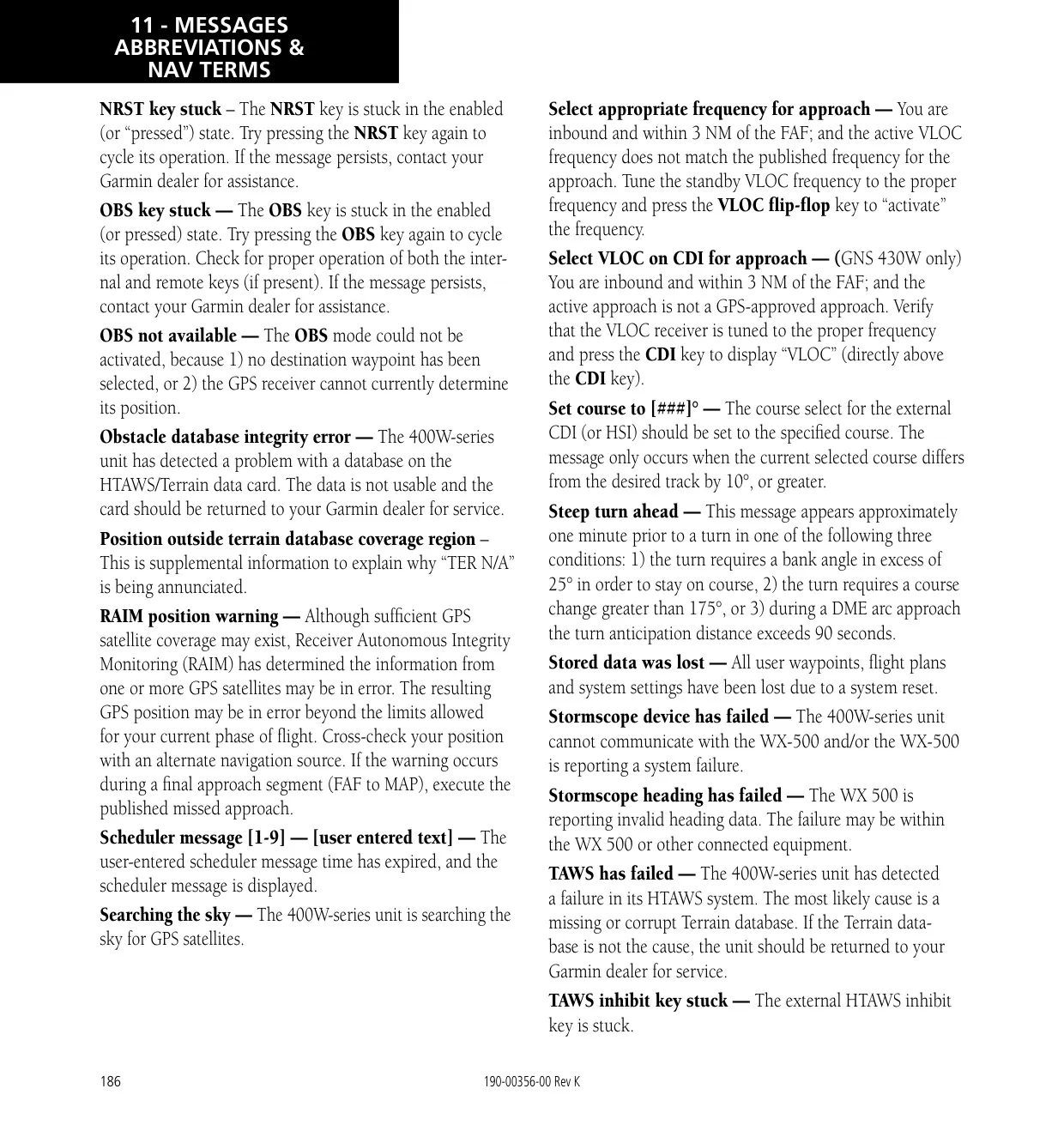
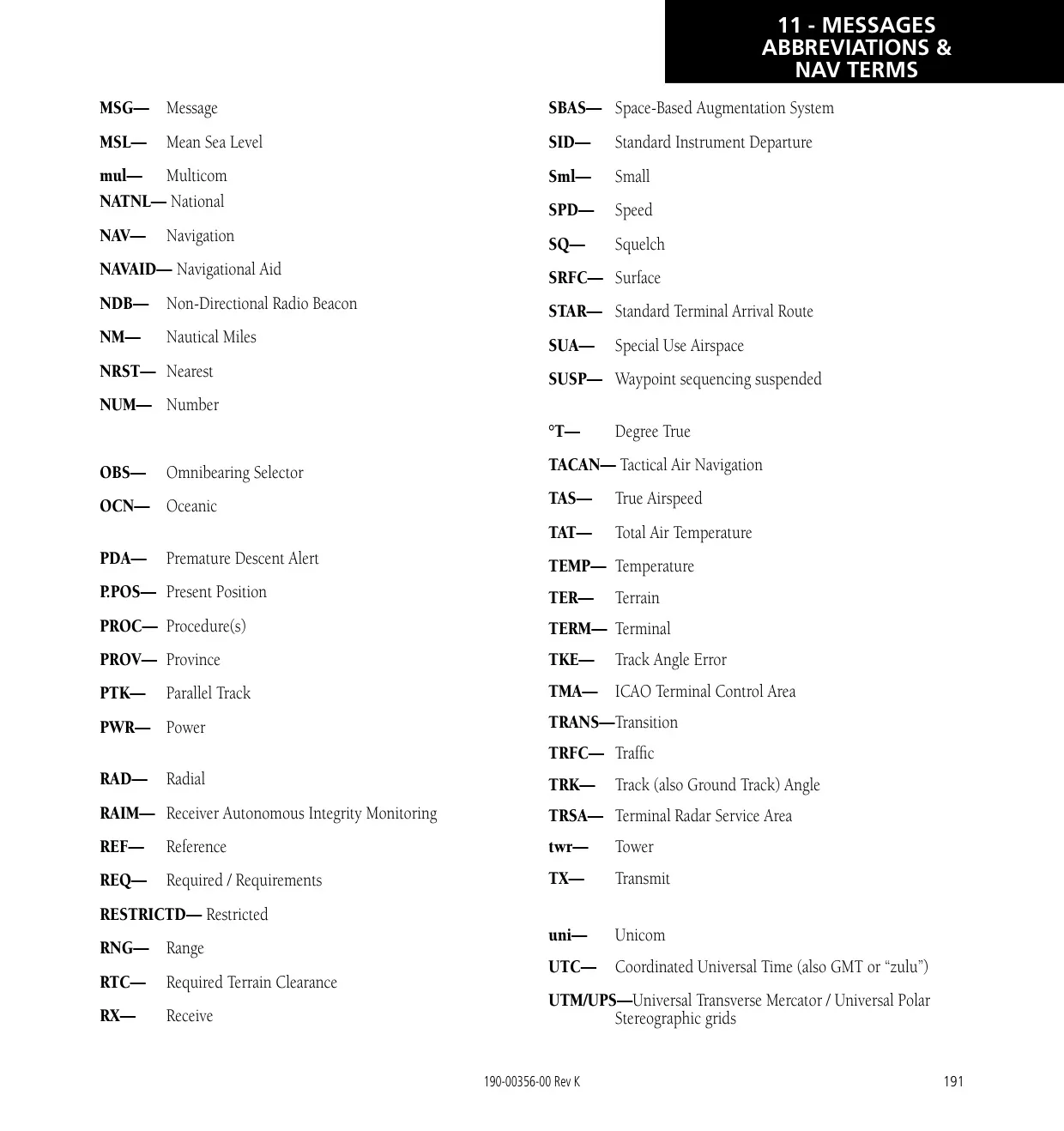
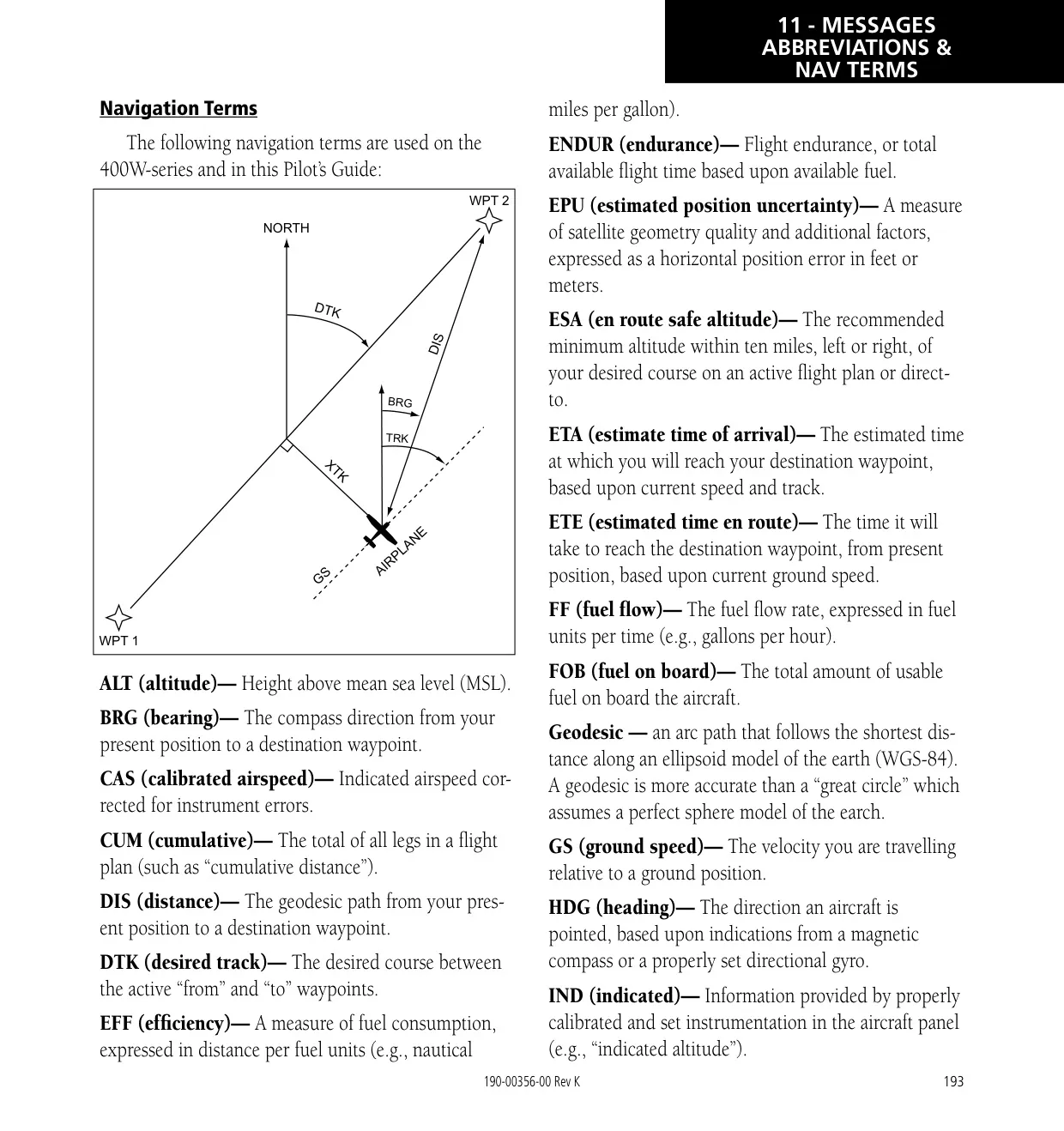
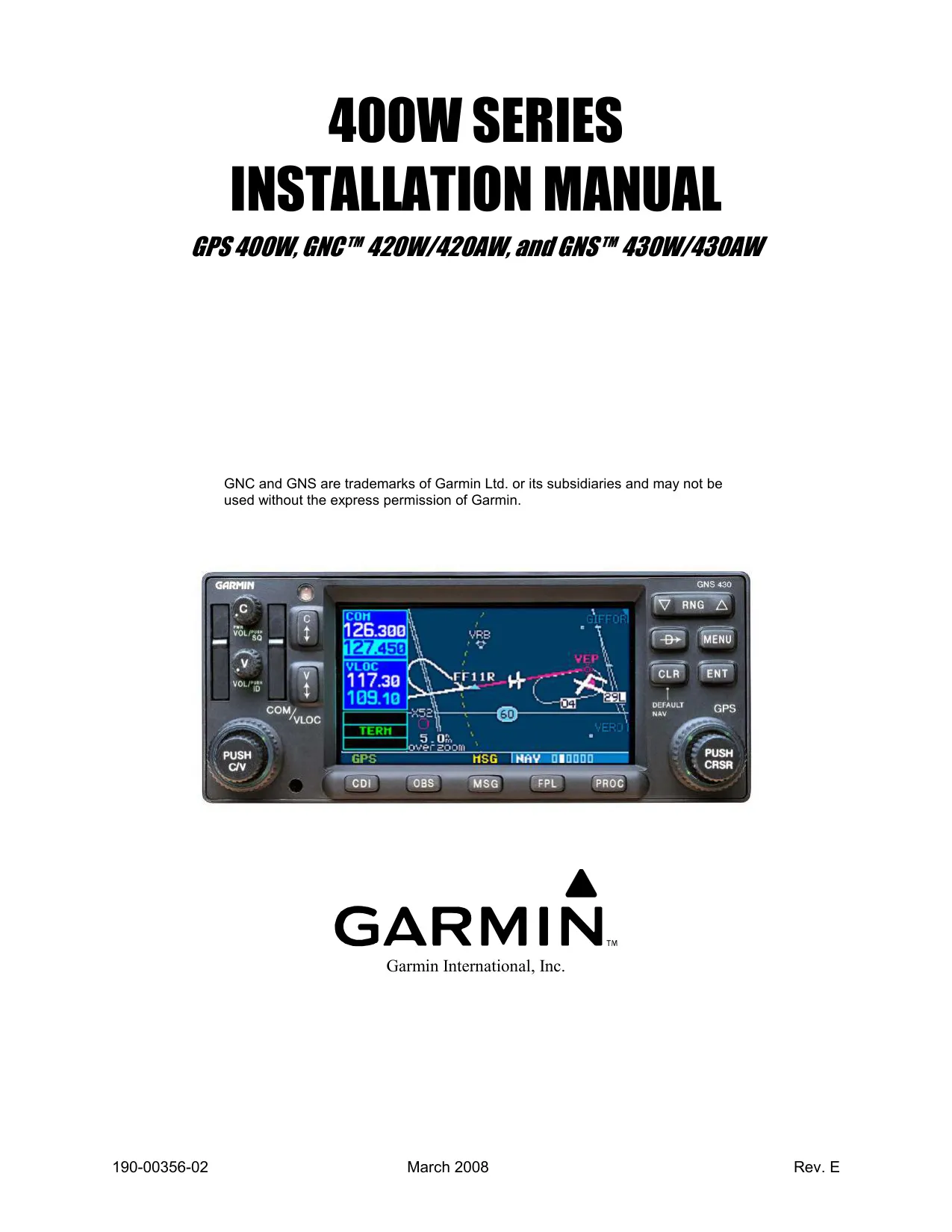
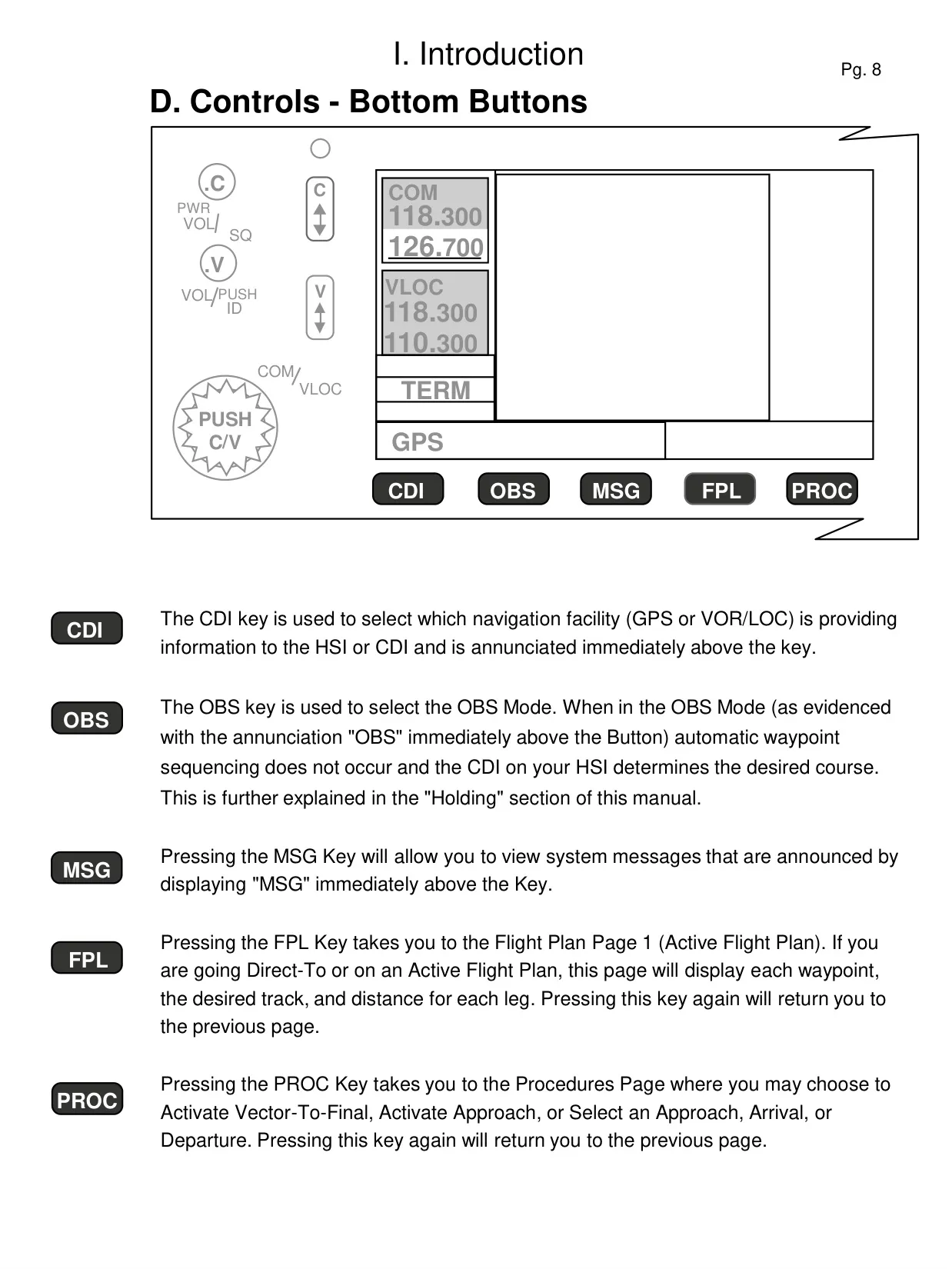
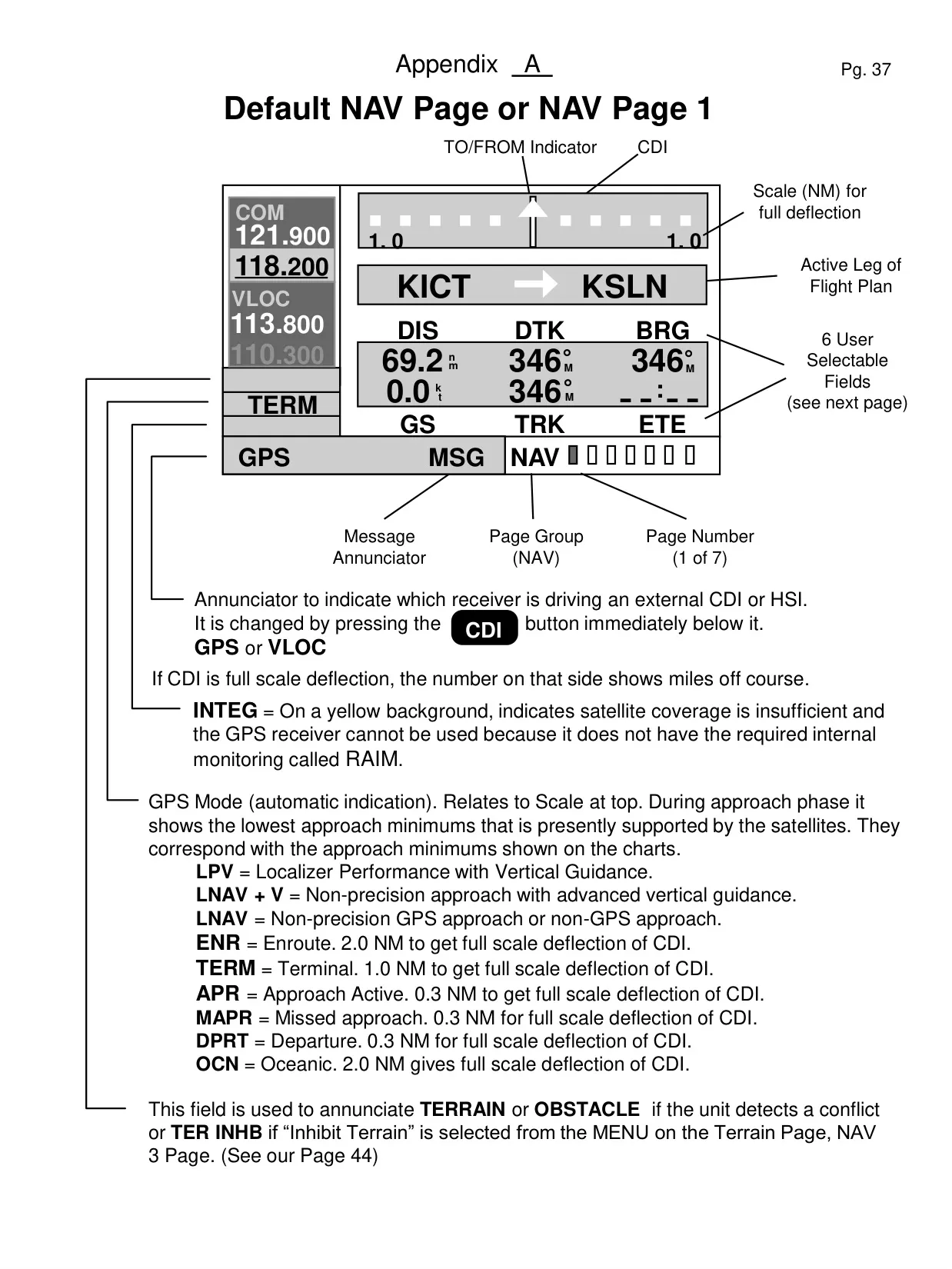
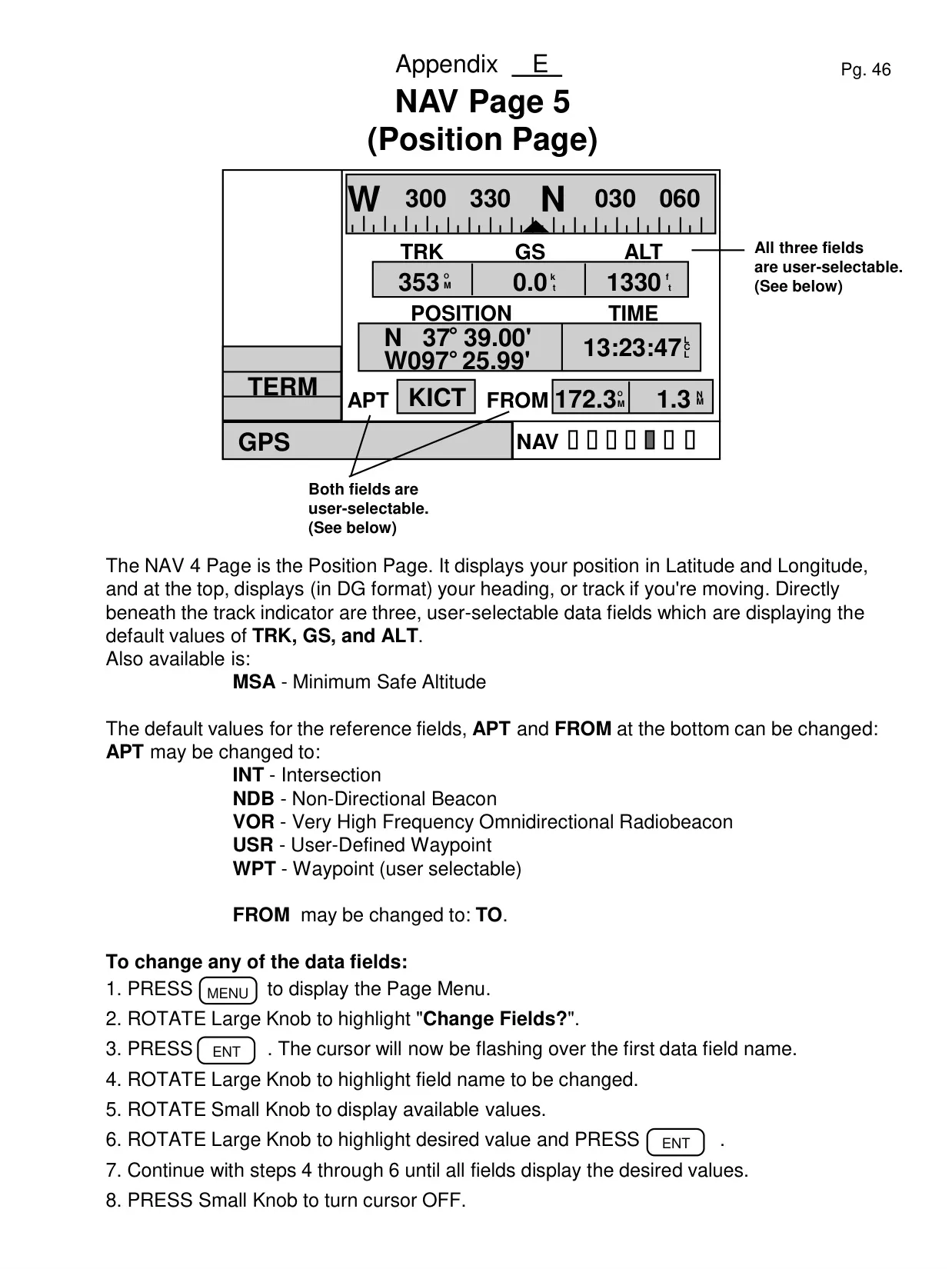
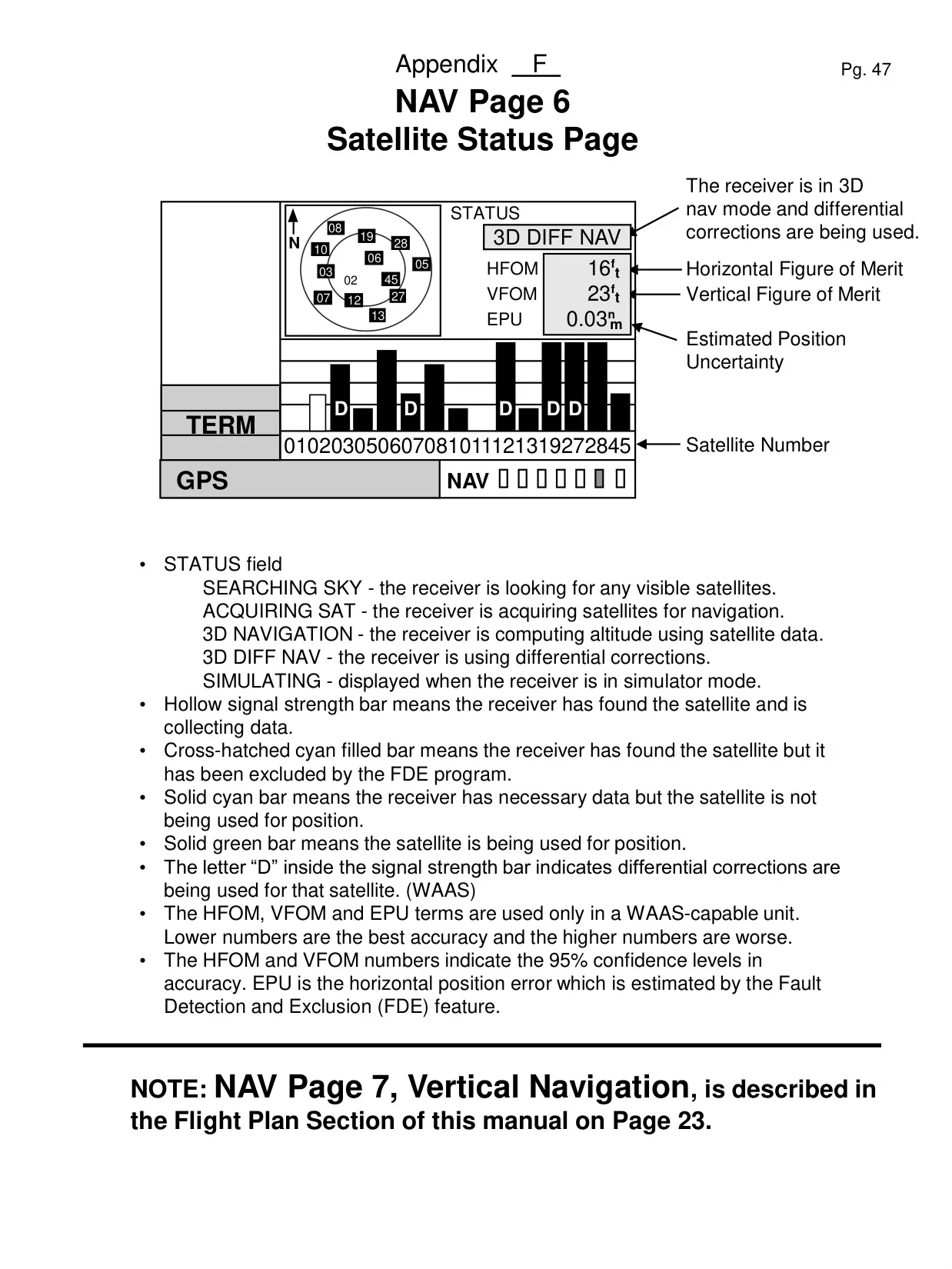
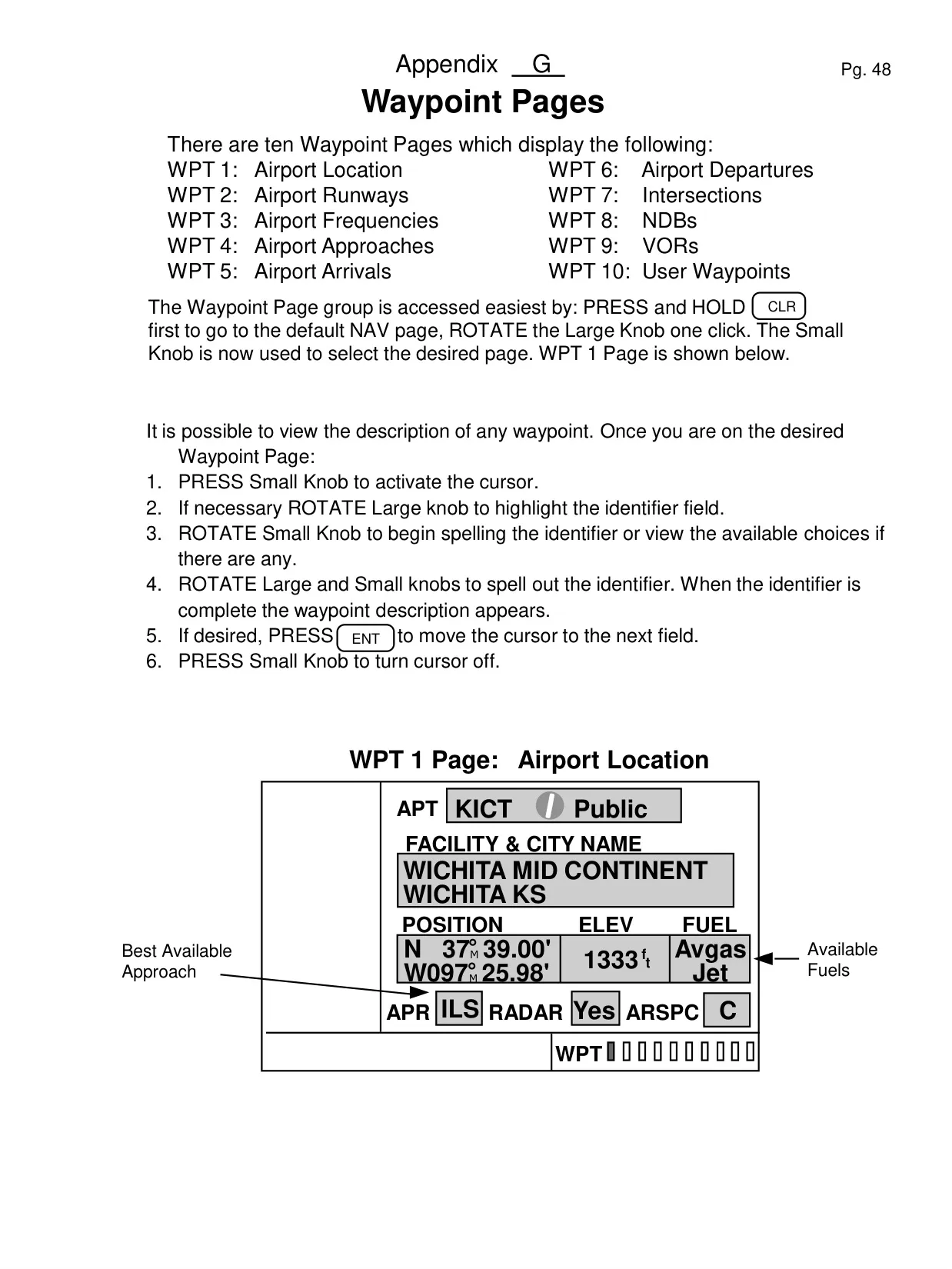
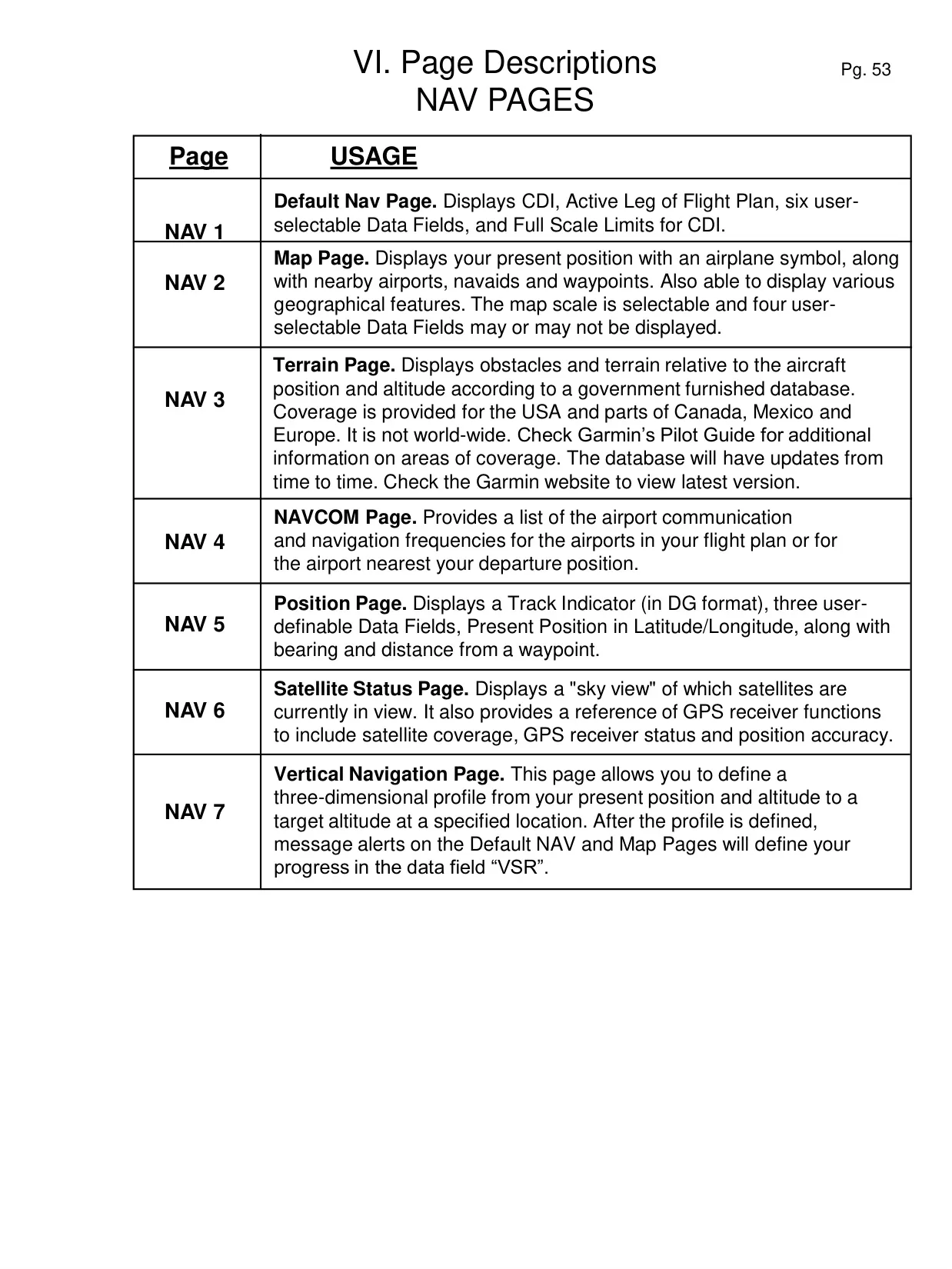
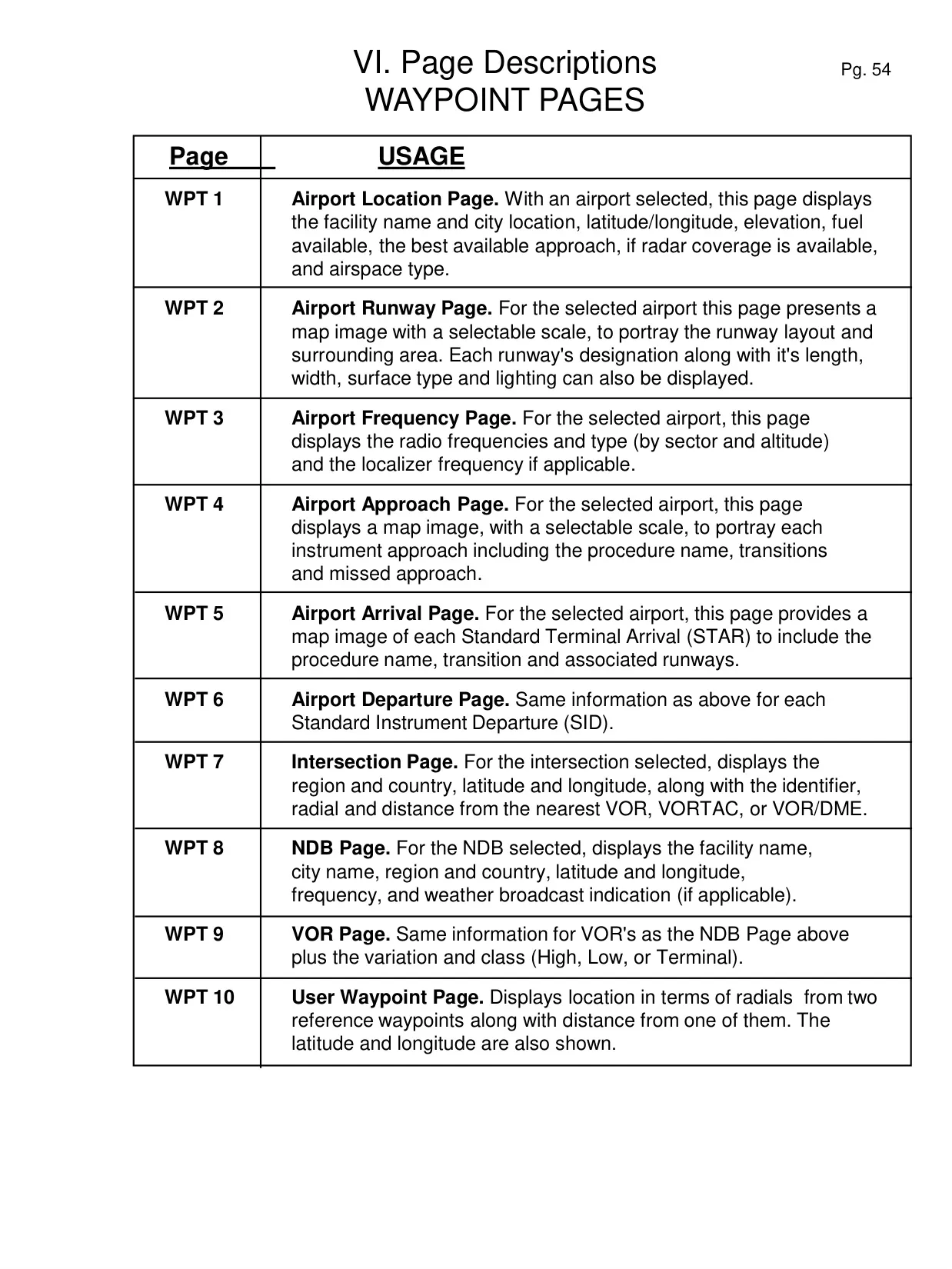
The Garmin GNS 430W puts WAAS GPS navigation, a VHF communications radio and VOR/Localizer/Glideslope receivers in one panel-mounted unit. Pages are arranged in four main groups: NAV, WPT, AUX and NRST. You switch groups with the large right knob and pages within a group with the small right knob. Pressing and holding CLR takes you back to the Default NAV page from any screen. That page shows a graphic CDI and six data fields you can customize.
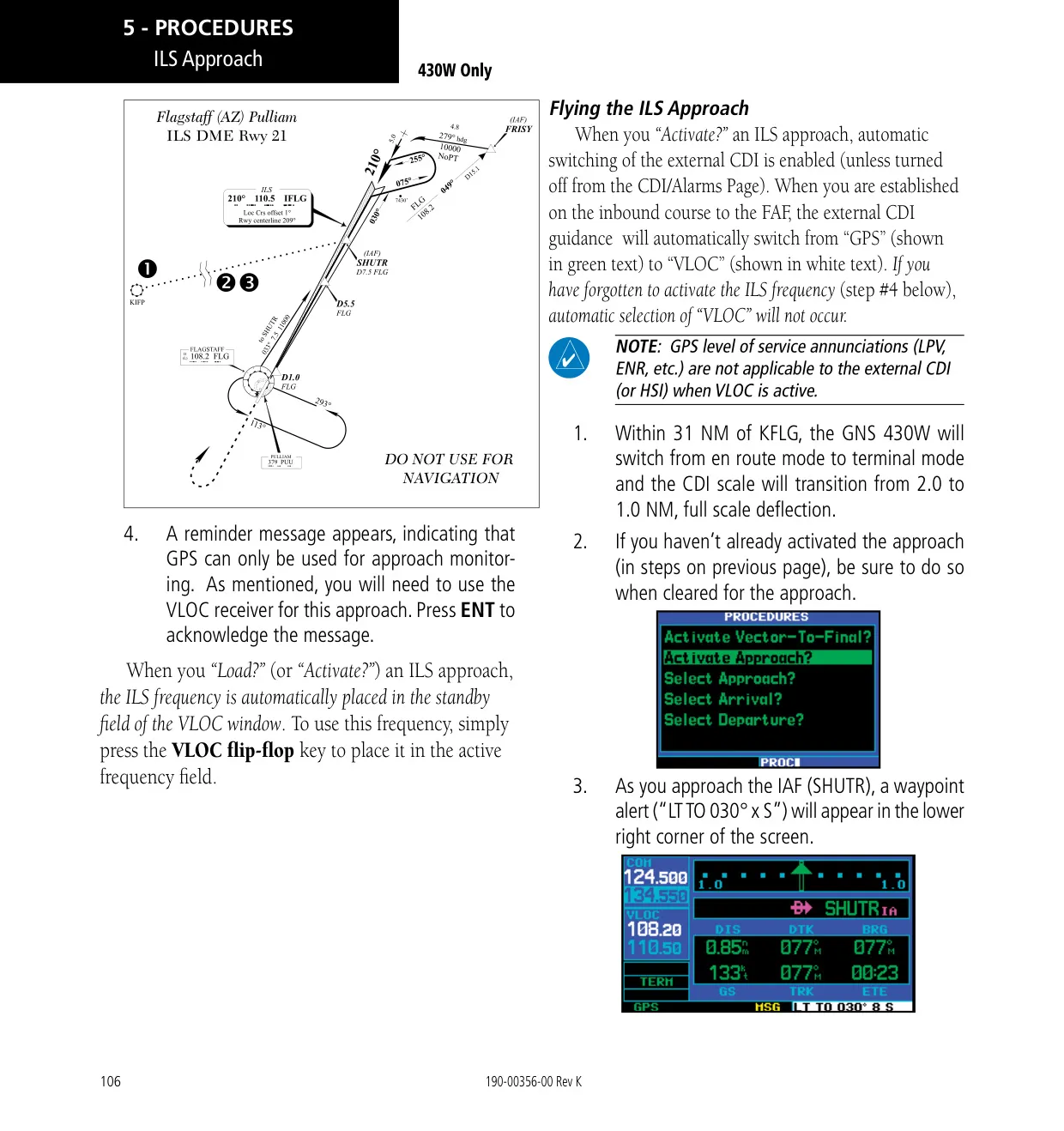
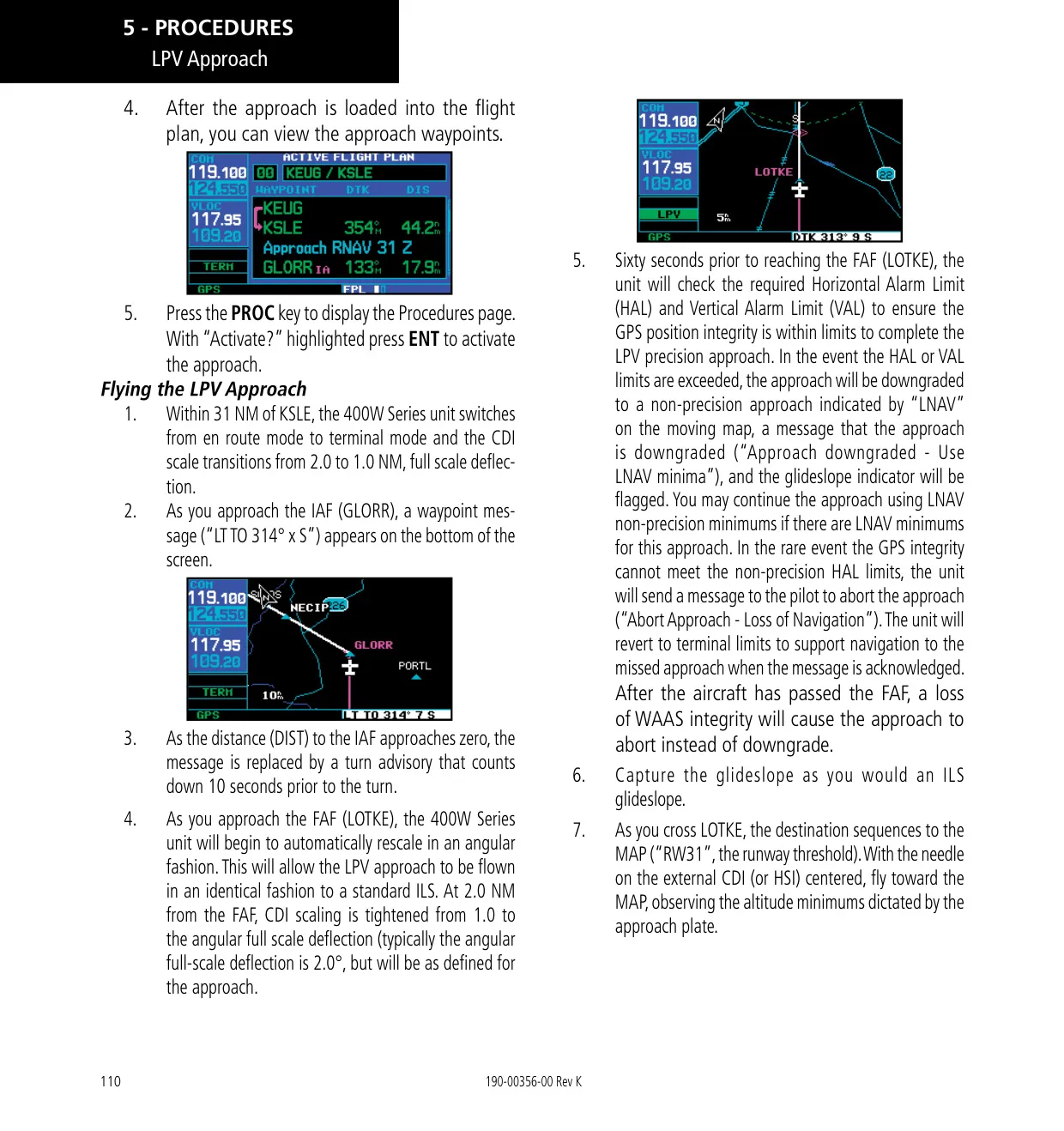
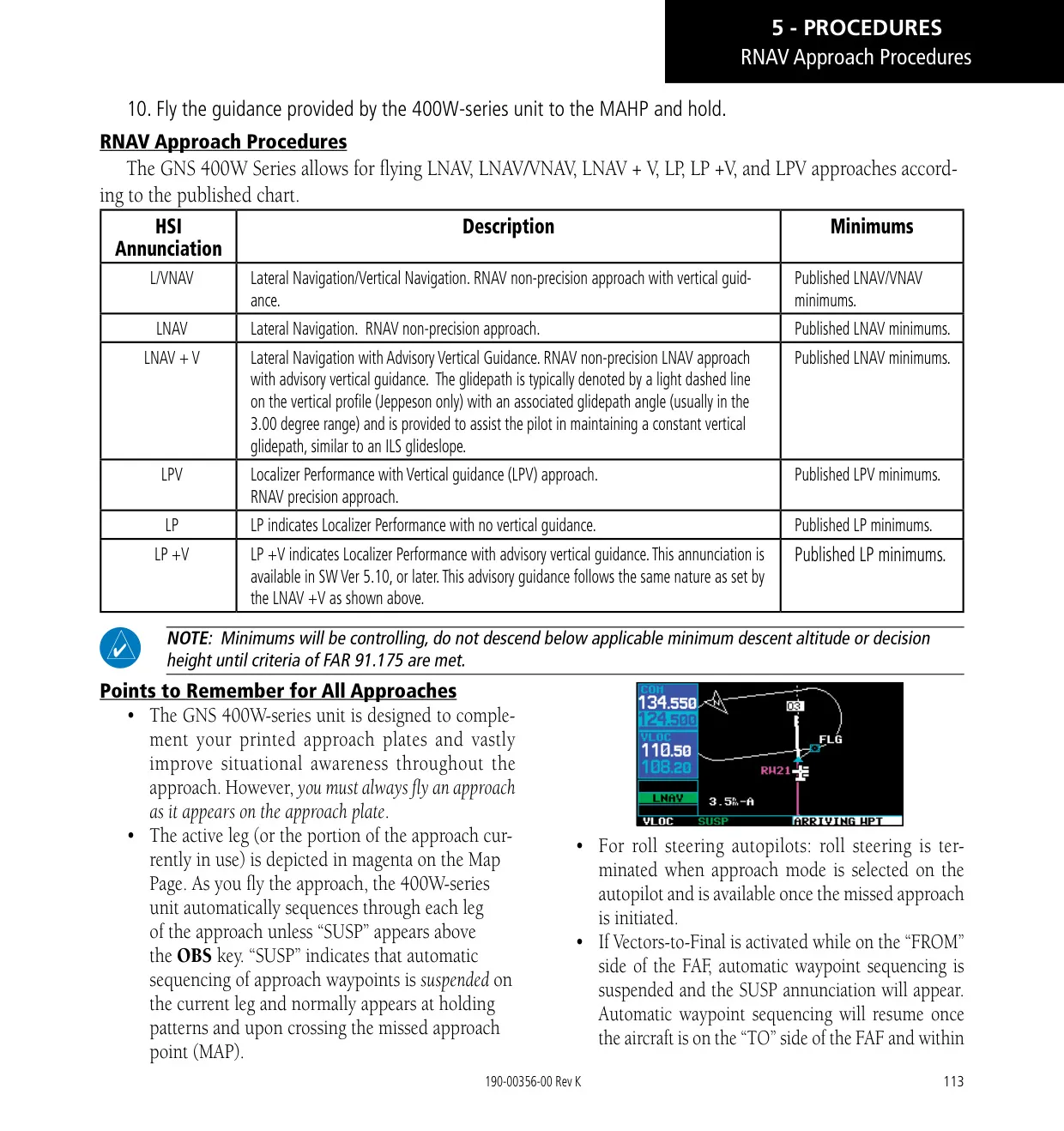
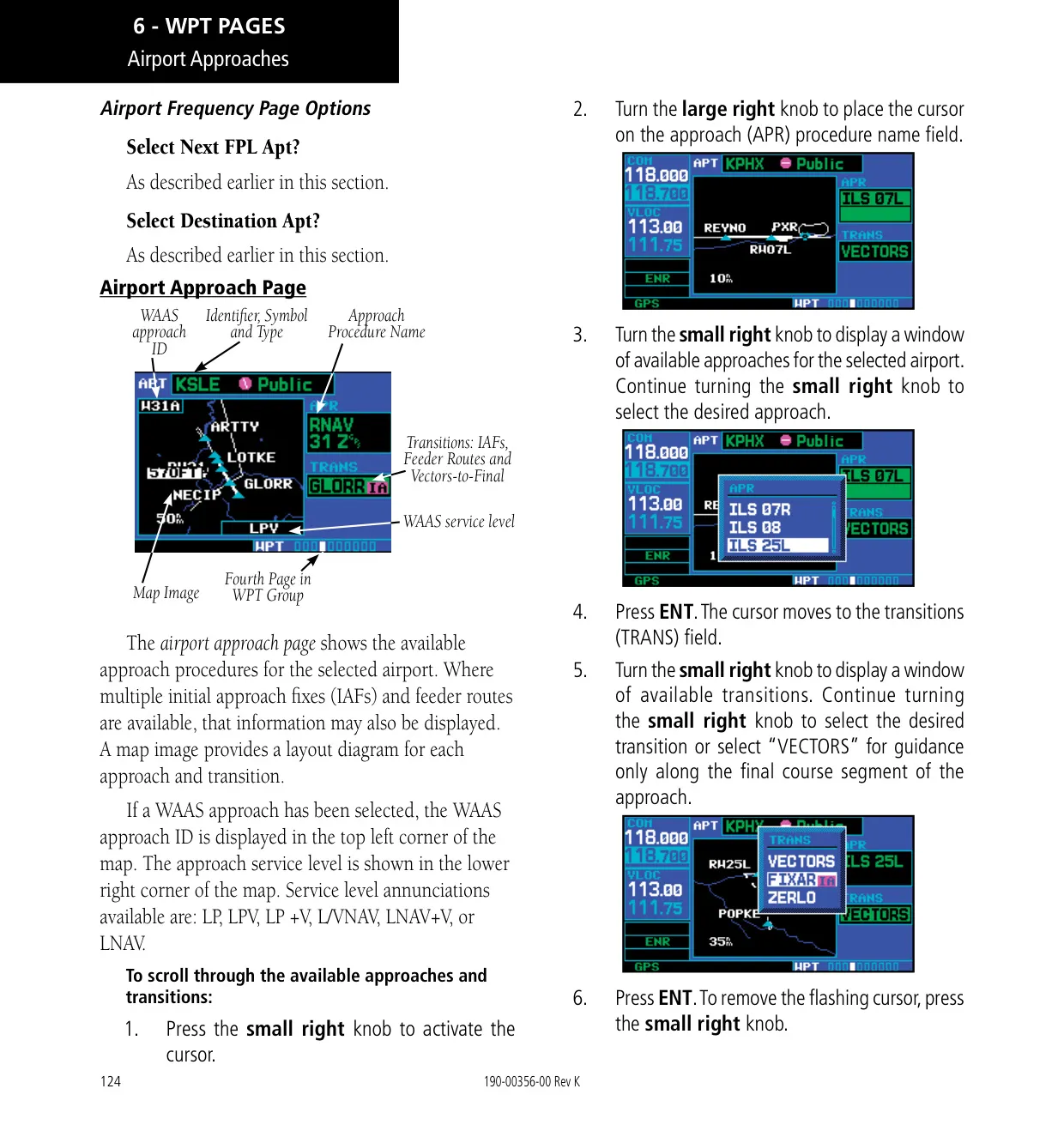
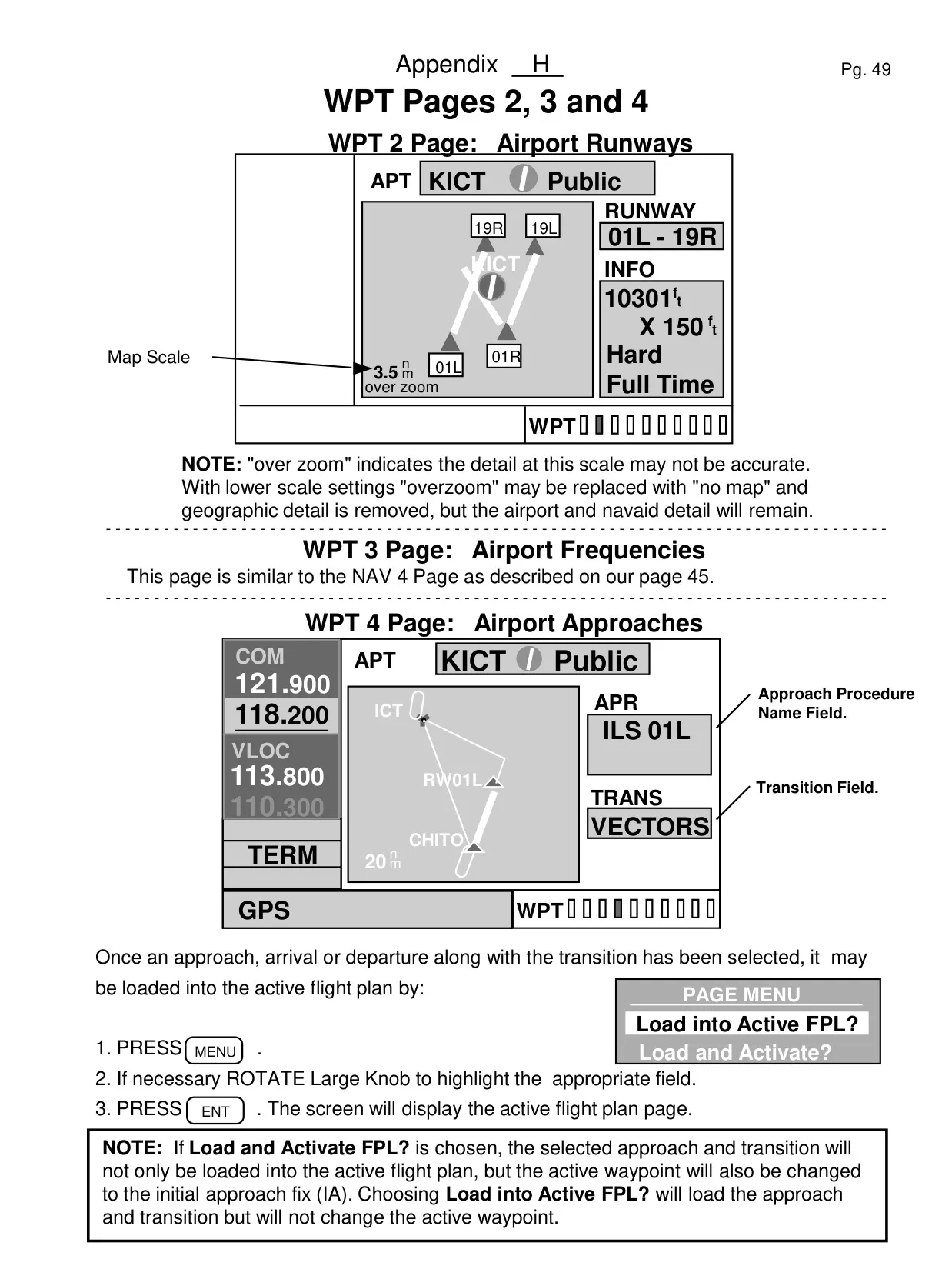
The unit supports LPV, LP, LP +V, LNAV/VNAV, LNAV+V and LNAV approaches. As you get close to the final approach fix, the CDI rescales angularly so you can fly an LPV approach the same way as an ILS. Sixty seconds before the FAF, the unit checks the horizontal and vertical alarm limits. If integrity is not good enough, it downgrades the approach to LNAV minima or tells you to abort. On ILS approaches, the external CDI can switch automatically from GPS to VLOC within 1.2 NM of the final course.
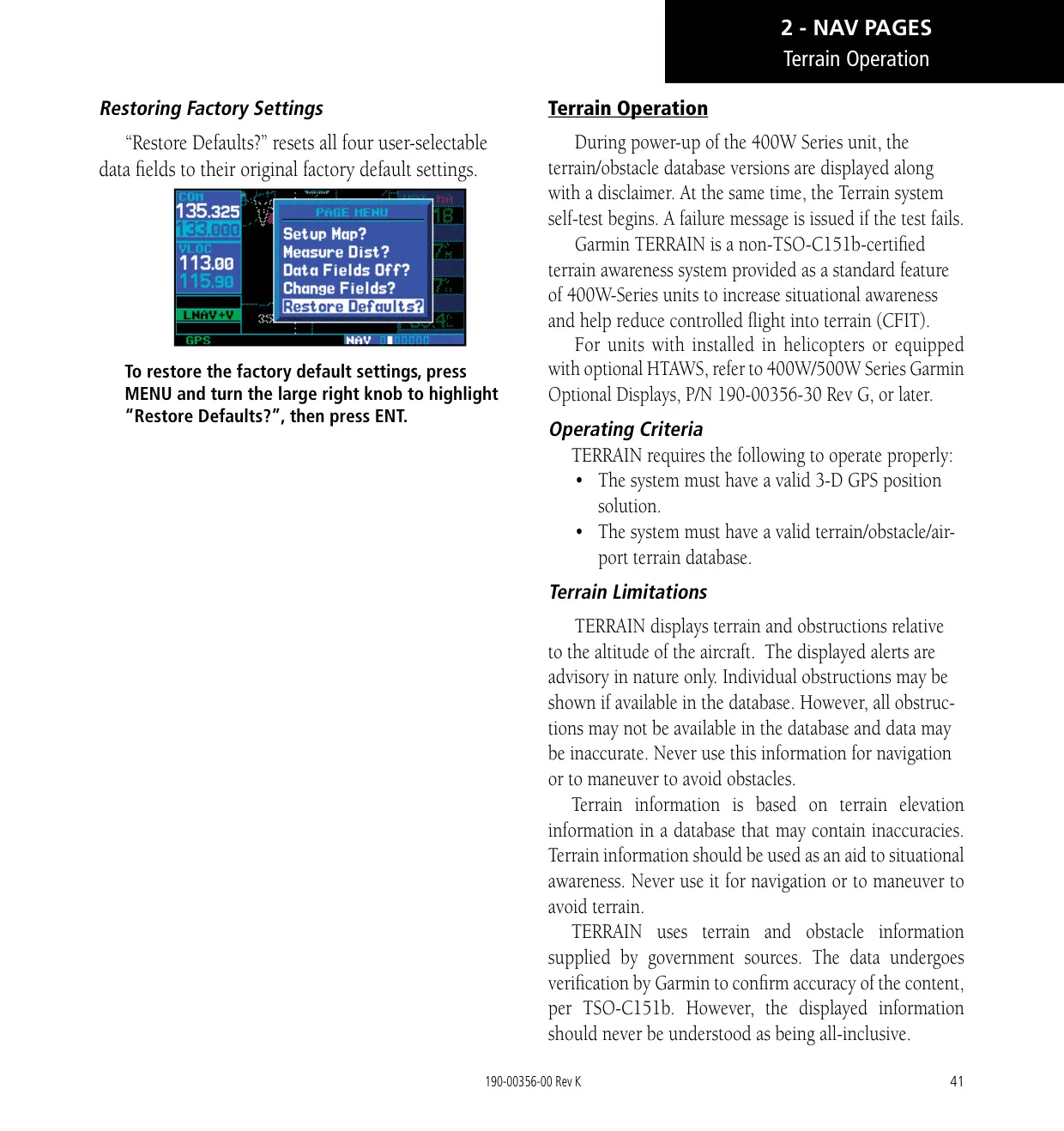
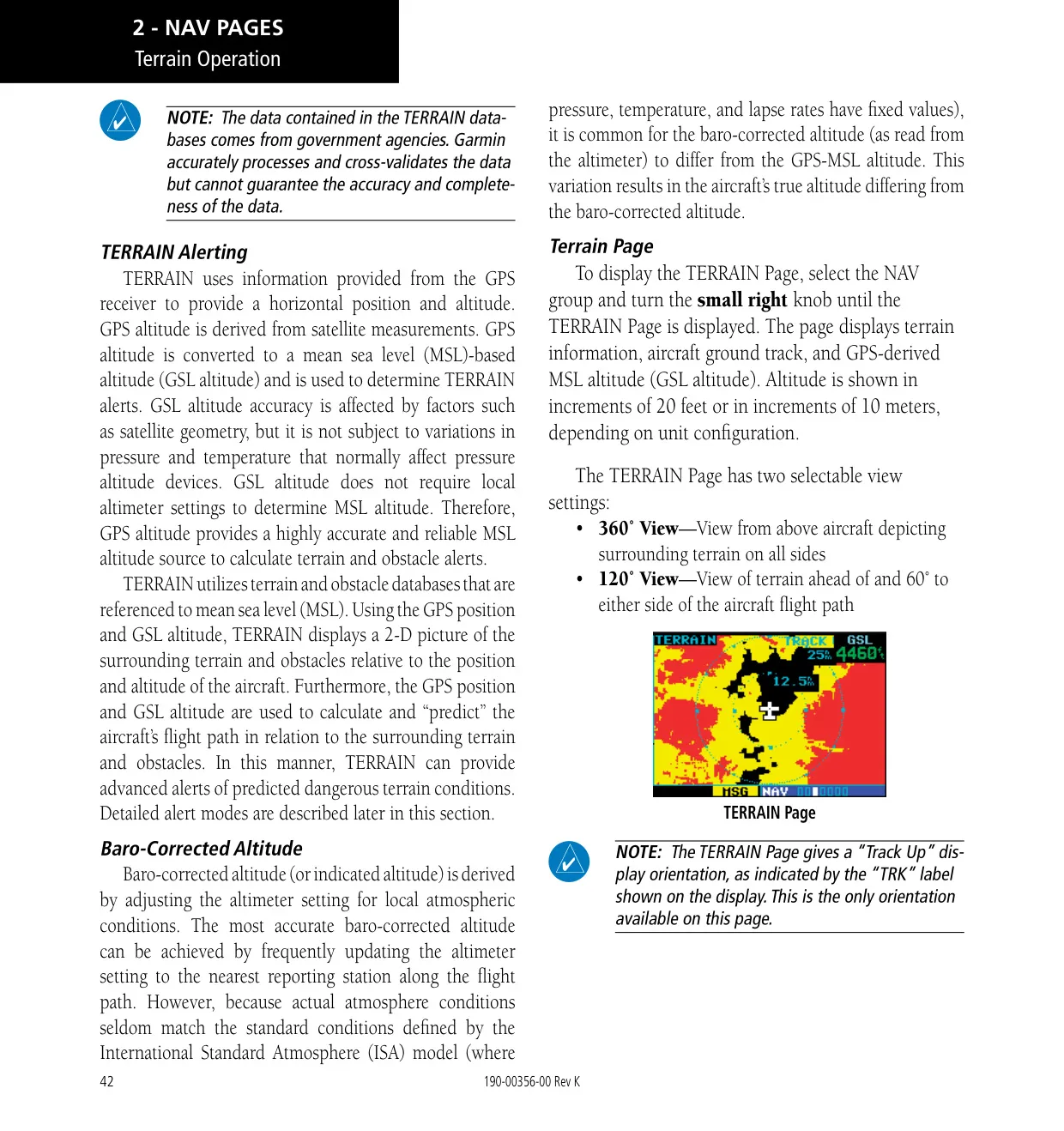
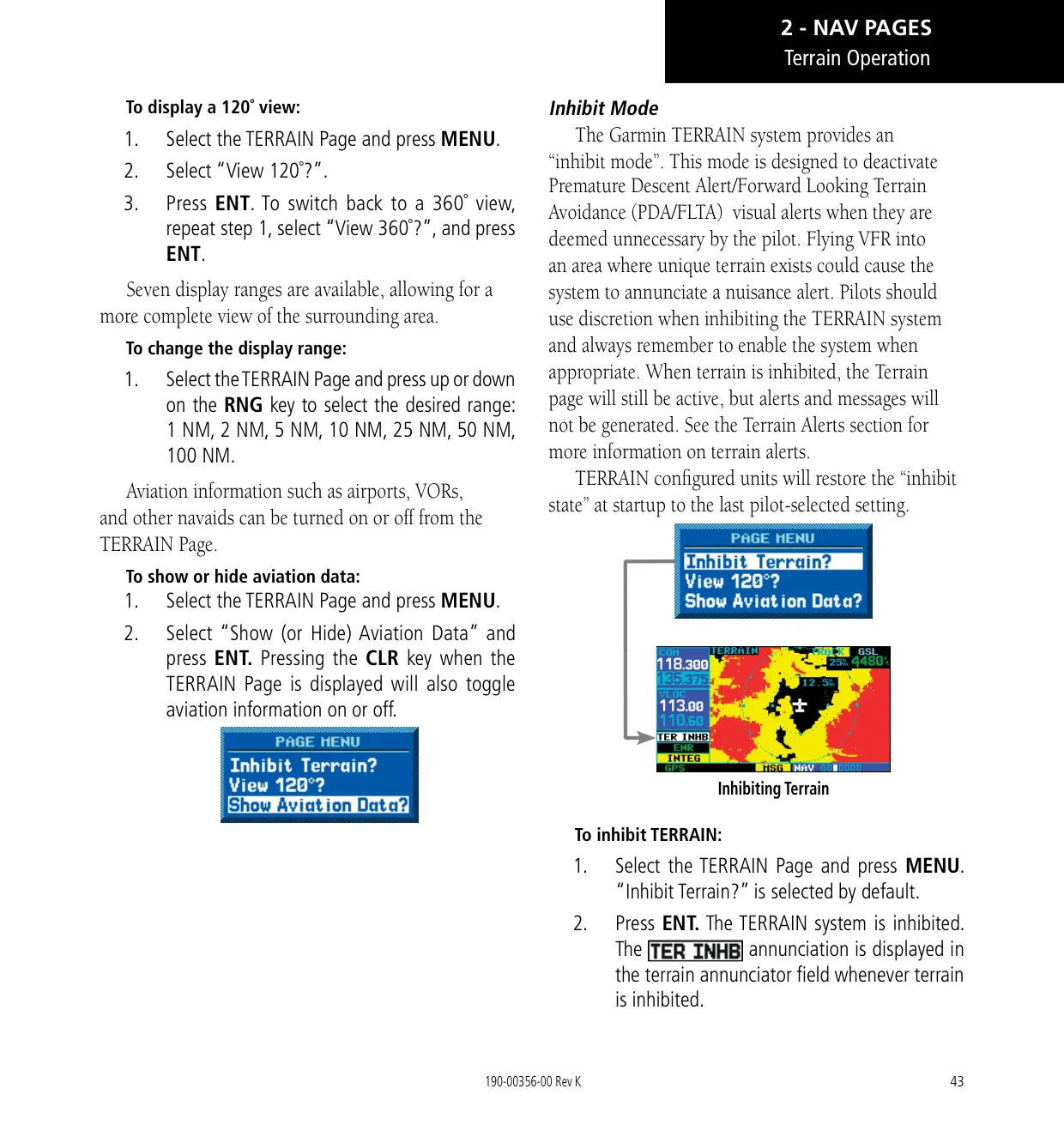
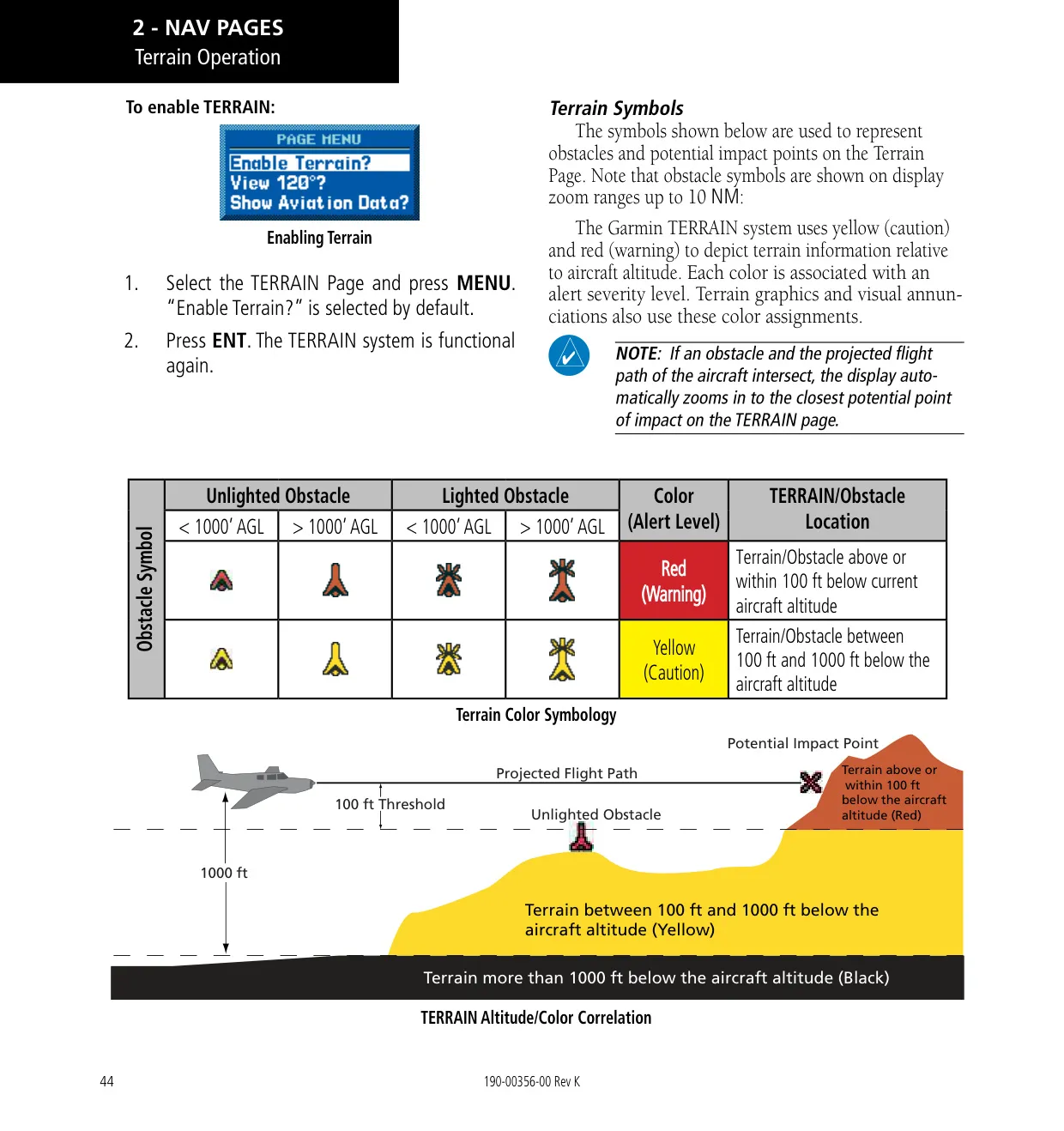
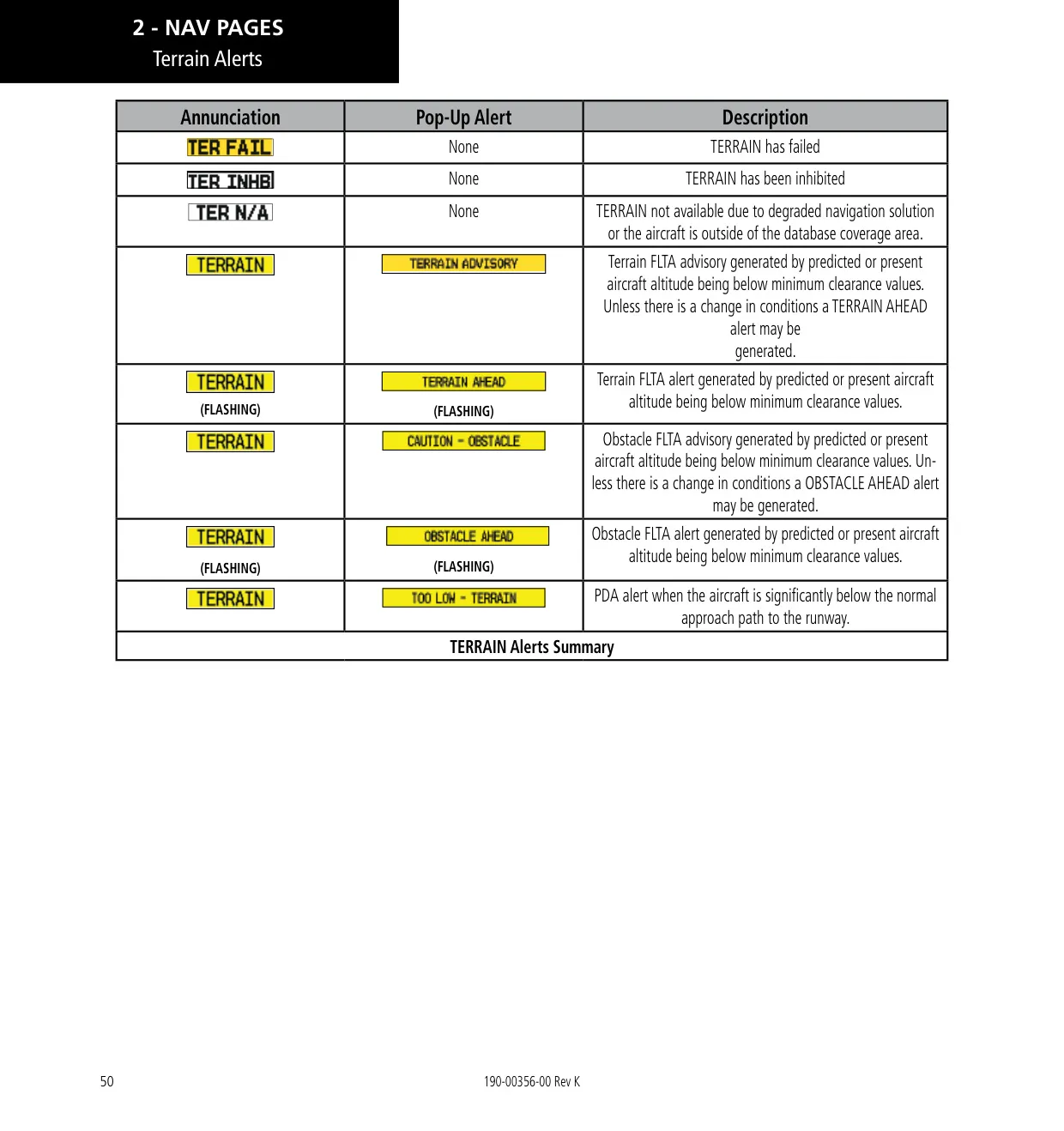
The built-in TERRAIN system uses GPS-derived MSL altitude to show nearby terrain and obstacles in red and yellow. Forward Looking Terrain Avoidance gives a warning when the predicted flight path will come too close to terrain. Required clearance runs from 700 ft en route down to 100 ft on departure. Premature Descent Alerting warns you when the aircraft is well below the normal approach path. You can inhibit alerts in areas where they would be nuisance warnings.
The vertical navigation page builds a descent profile to a target altitude, using a default rate of 400 feet per minute. It gives an alert one minute before the descent point and another 500 feet above the target altitude. If GPS position is lost while you are flying a flight plan, Dead Reckoning keeps estimating your position from the last known position and speed. This works only in en route and oceanic modes, and the unit shows a yellow aircraft symbol and a DR annunciator.
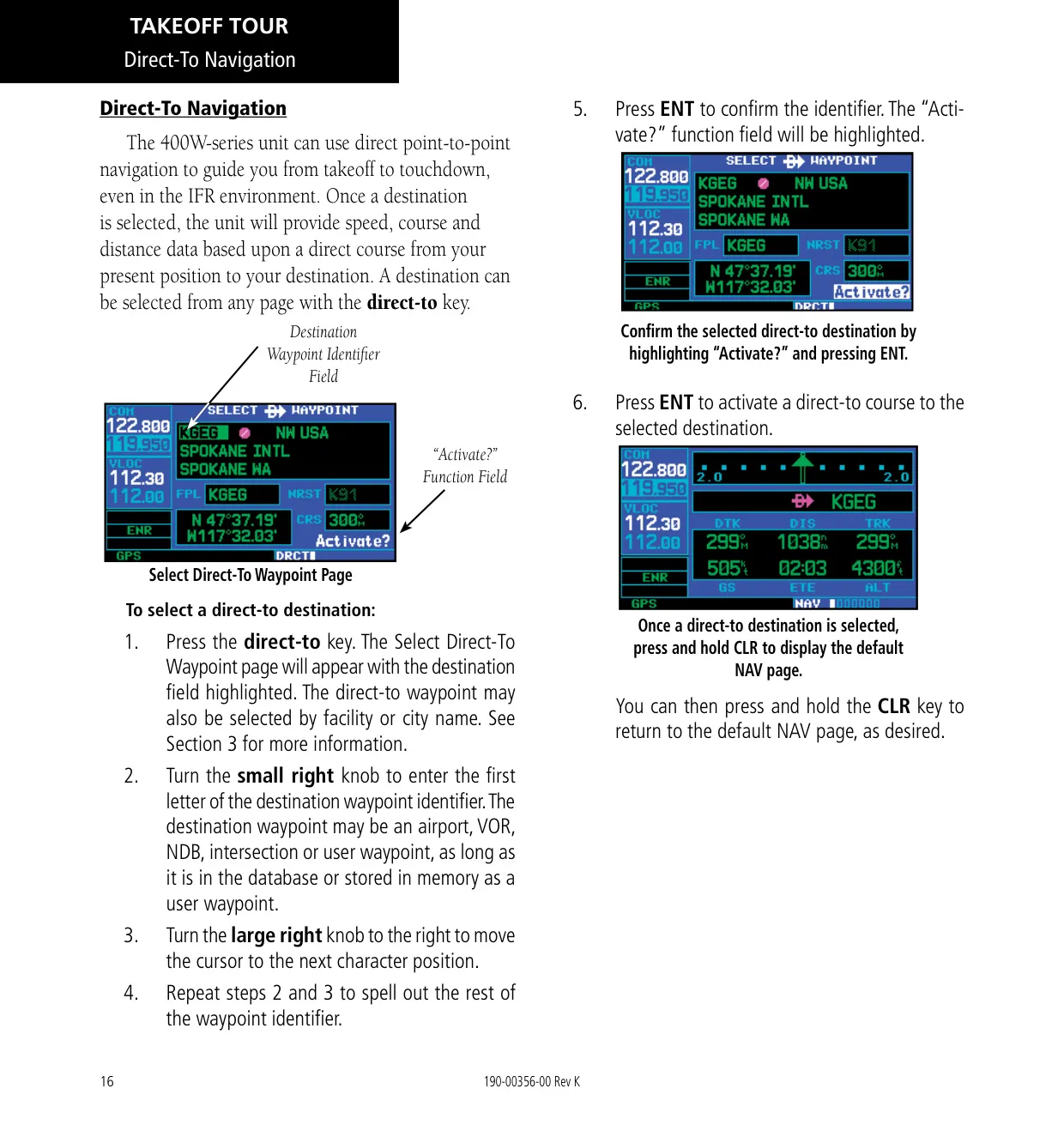
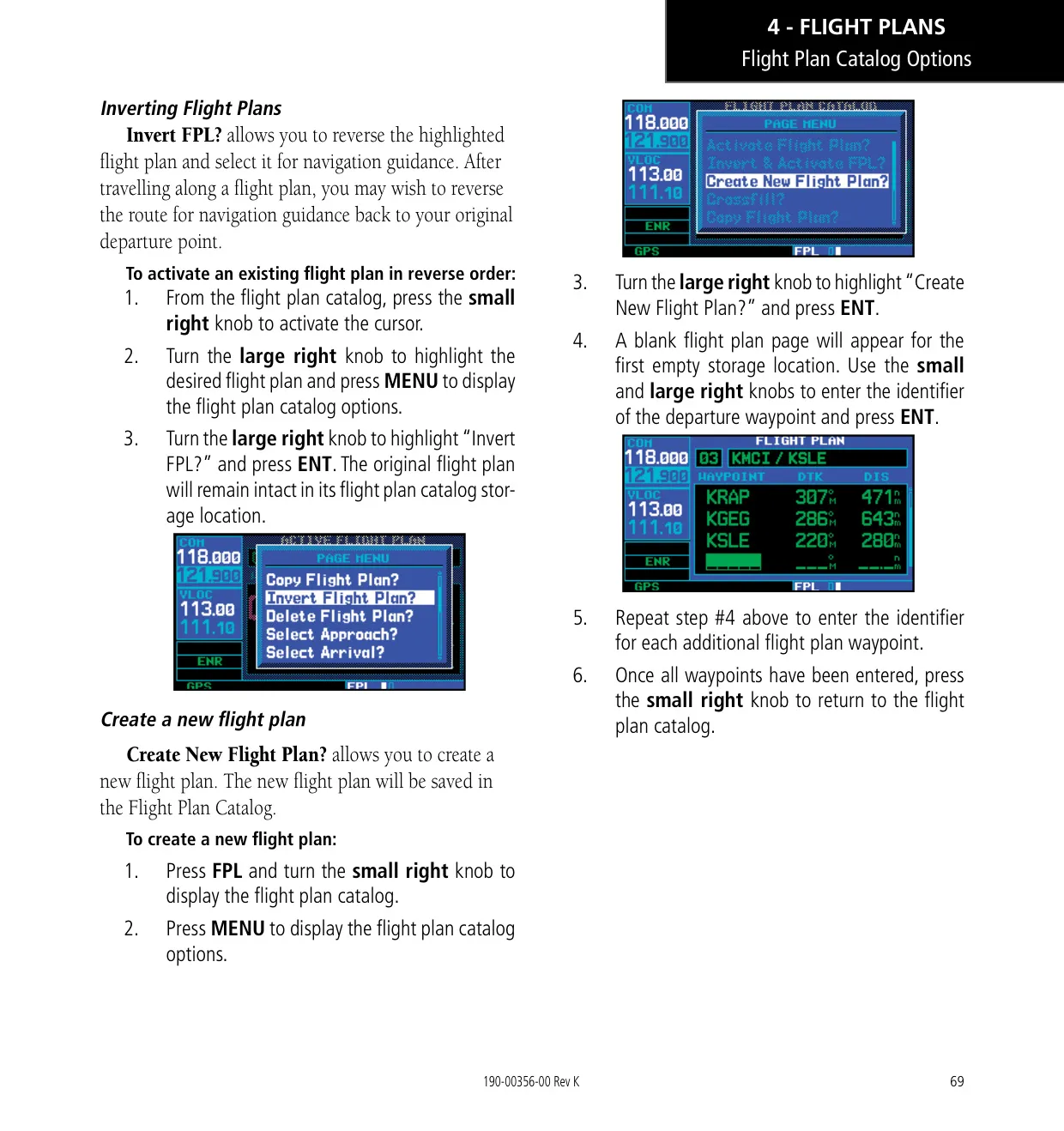
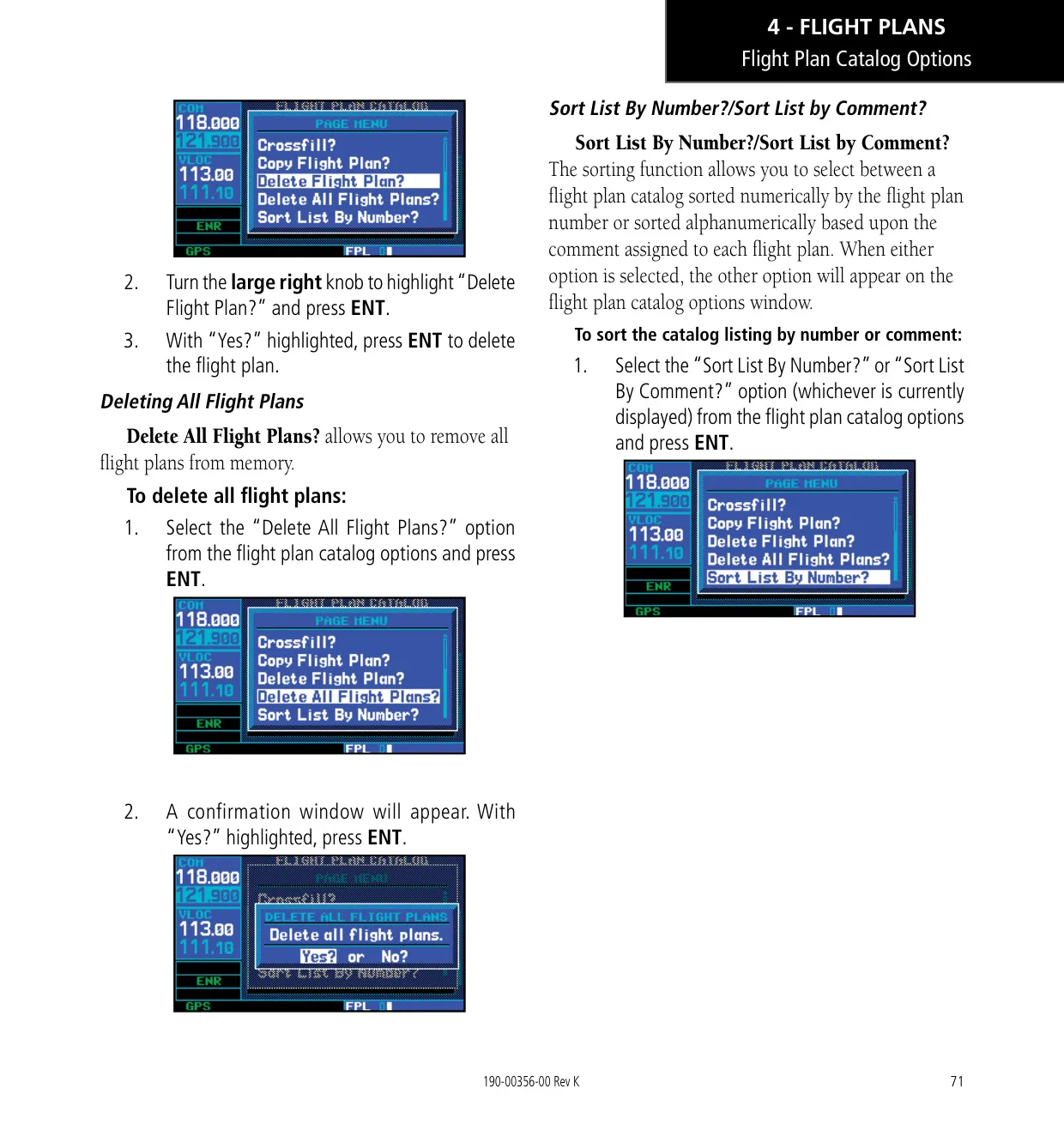
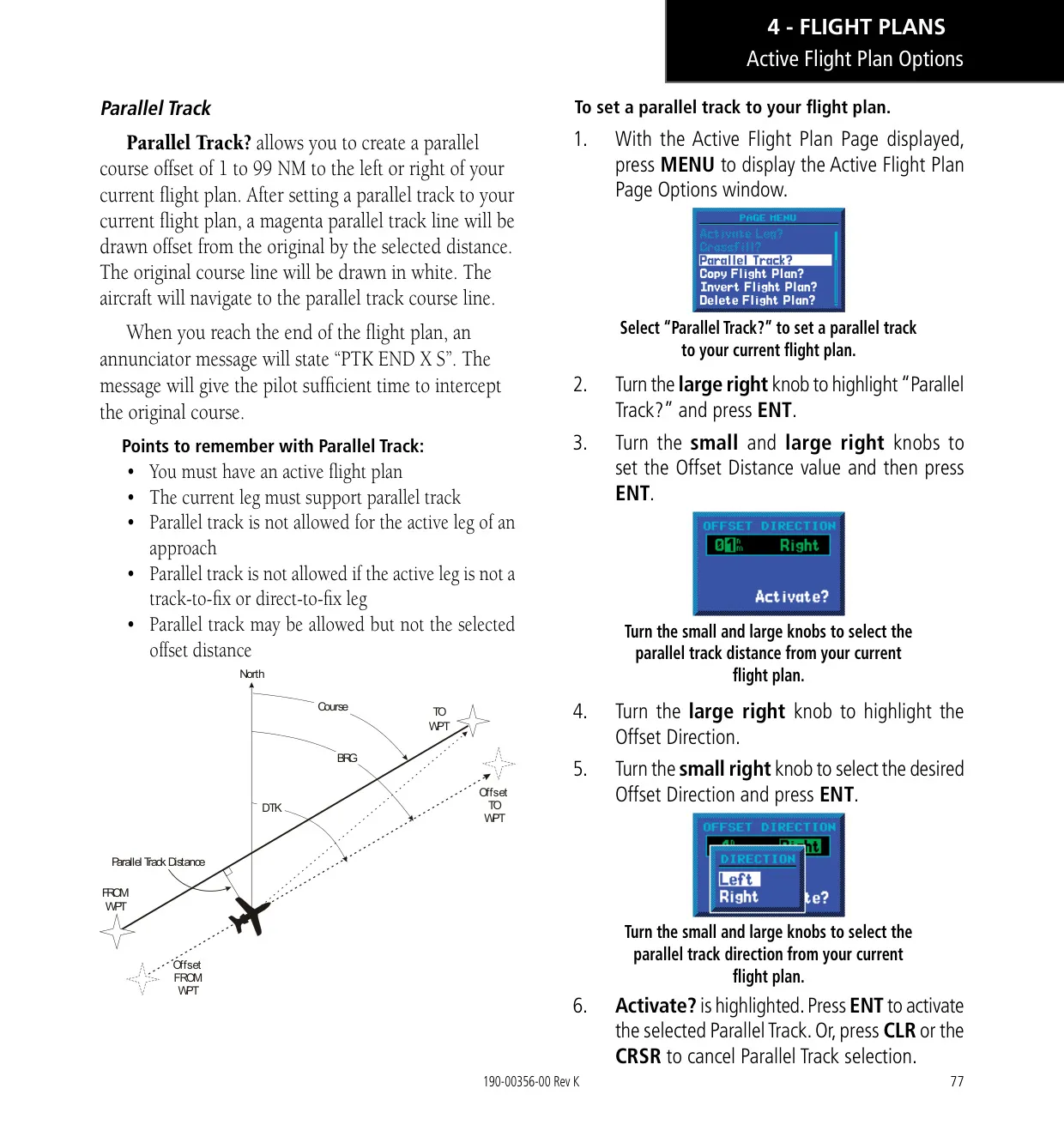
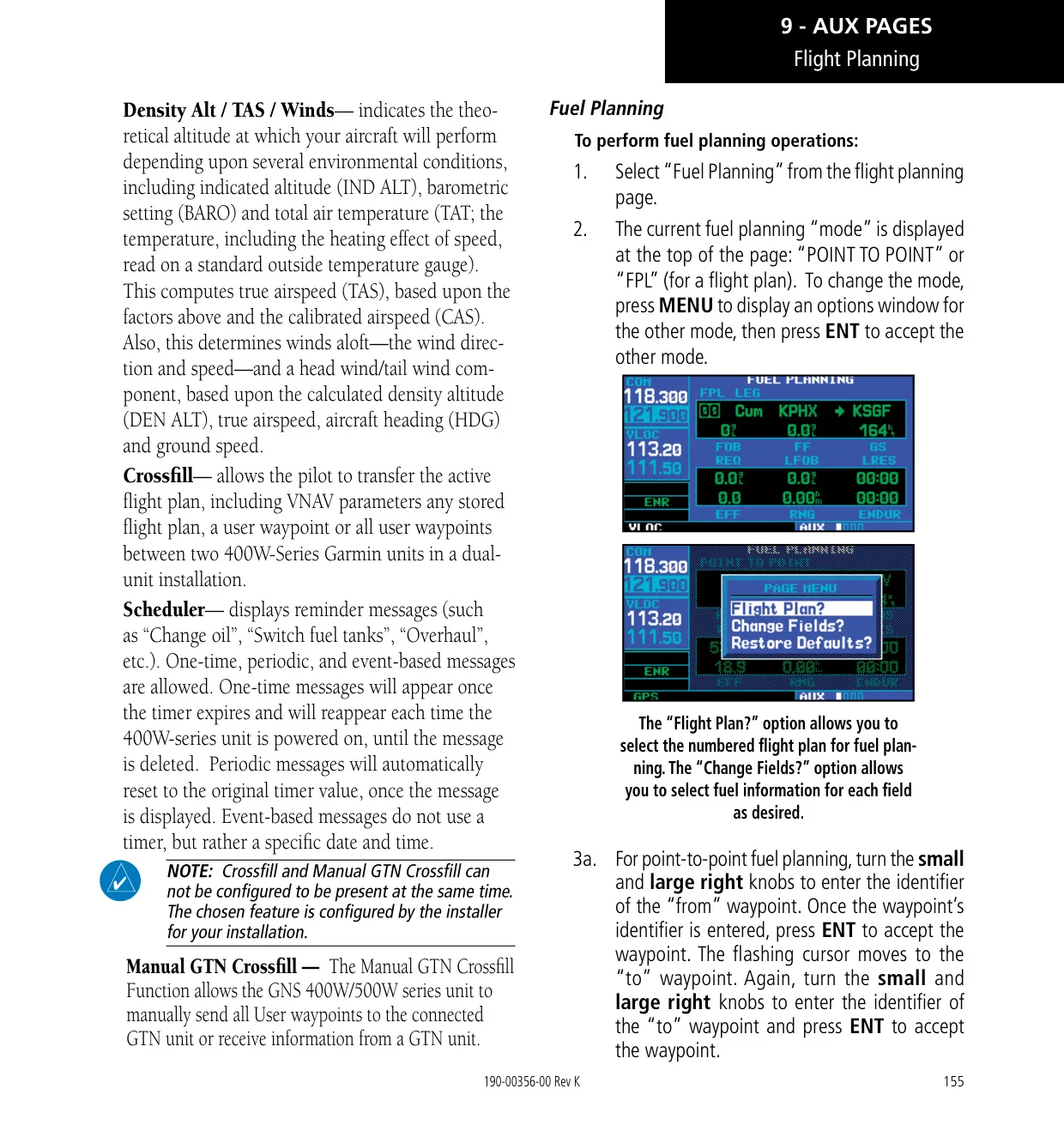
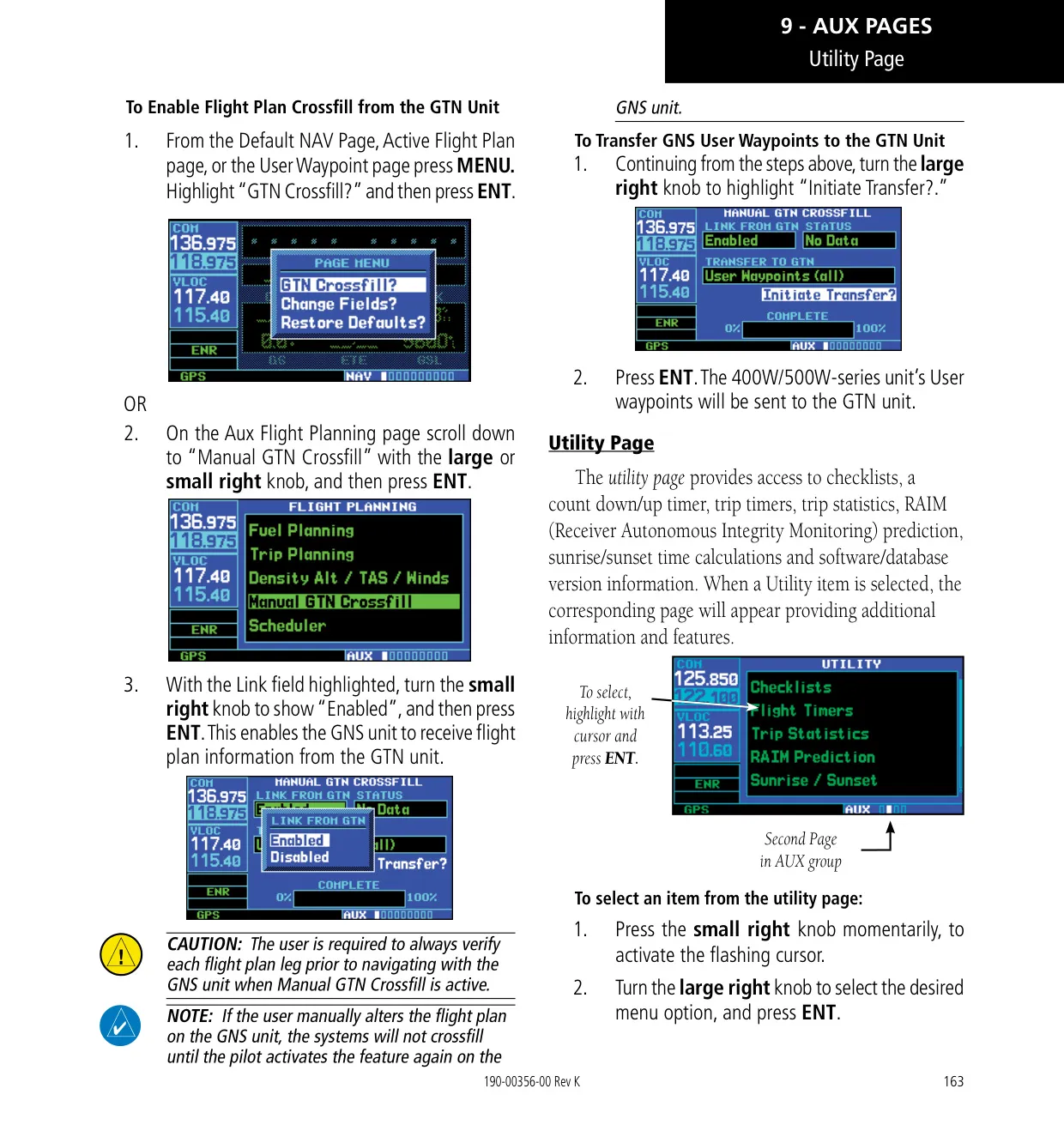
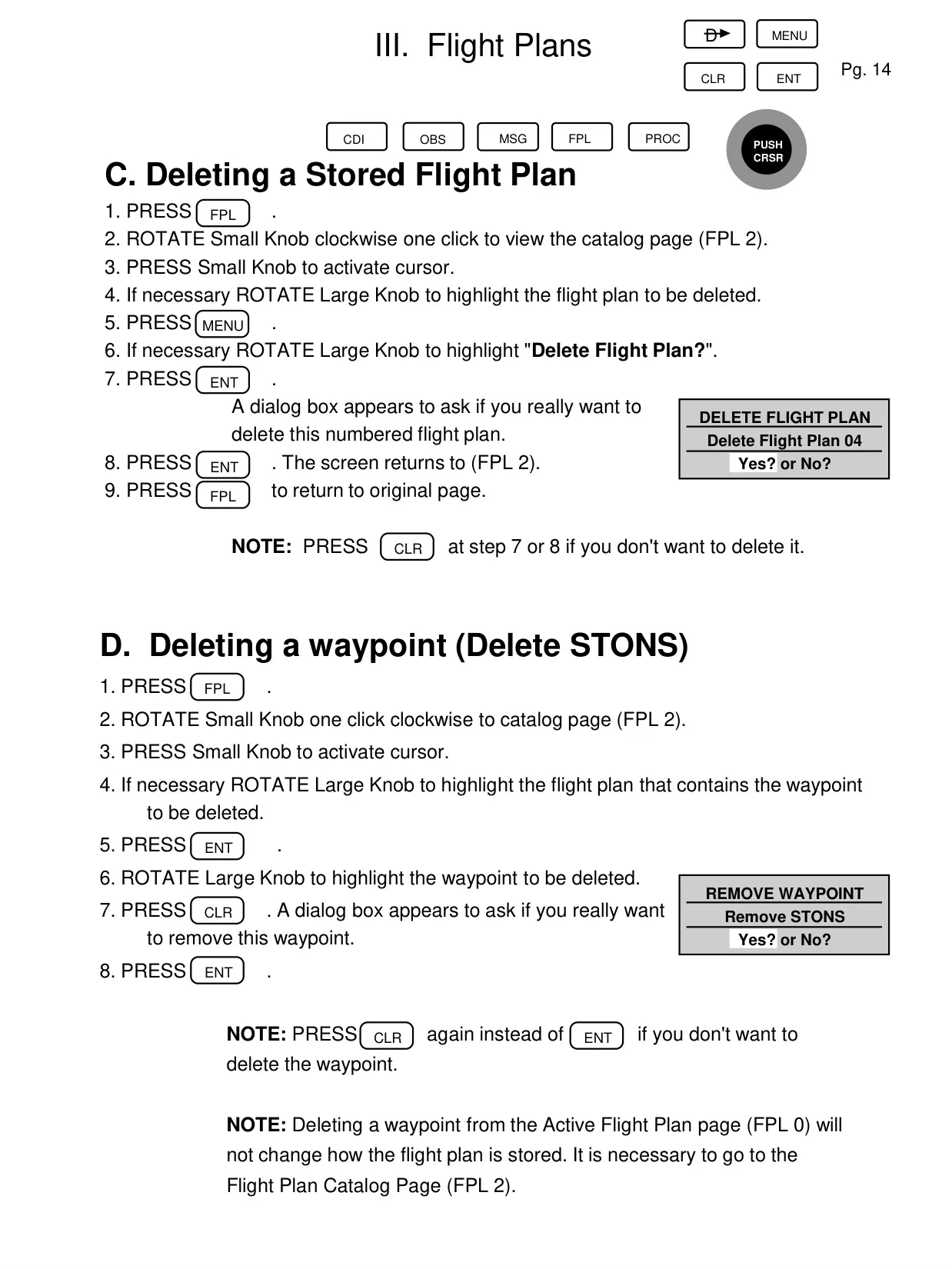
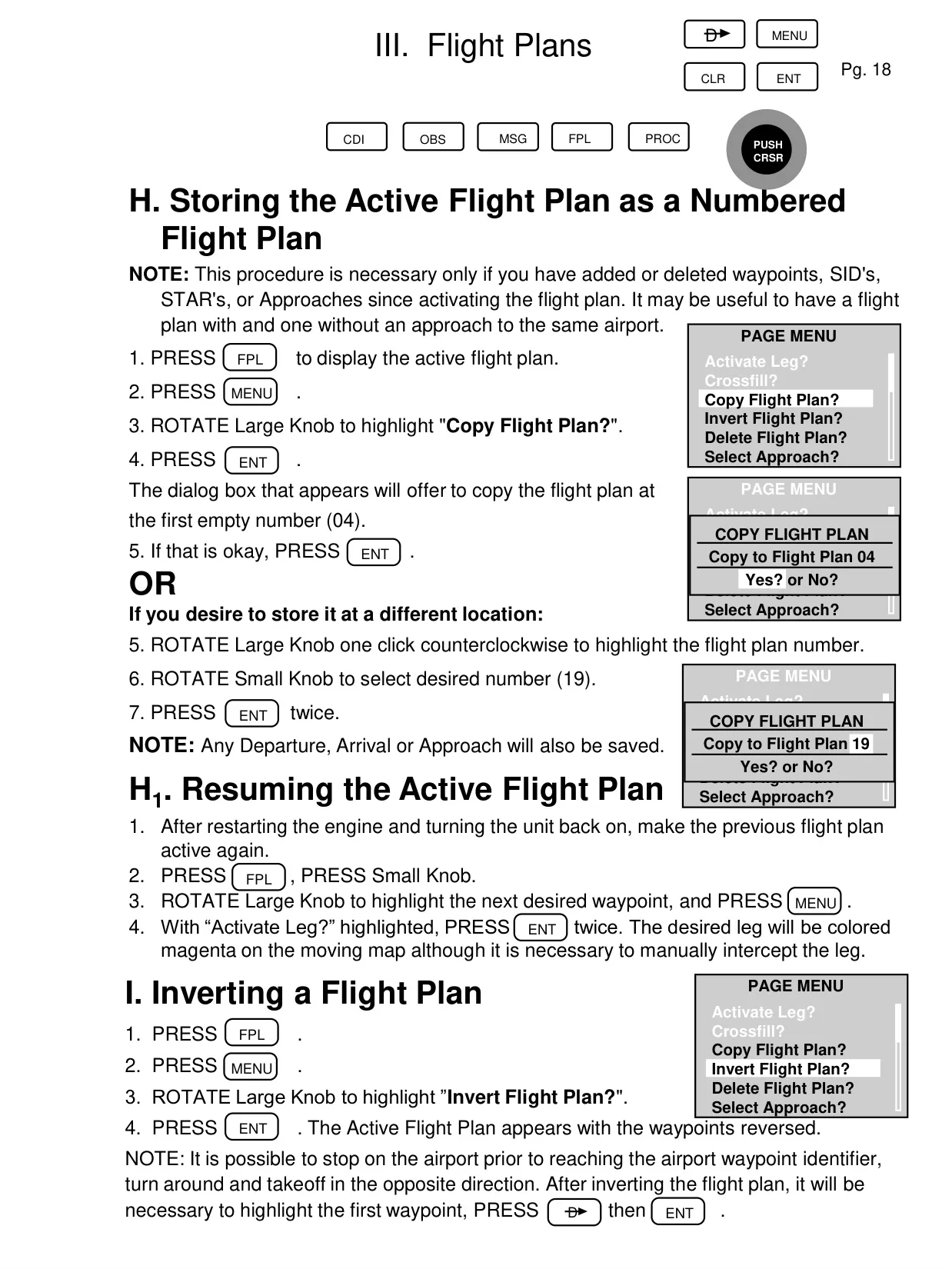
You can modify flight plans with parallel tracks offset by 1 to 99 NM, invert them, or find the closest point to a reference waypoint. In a dual-unit installation, Crossfill sends the active flight plan, VNAV parameters and user waypoints to a second 400W or 500W unit. A separate option, Manual GTN Crossfill, synchronizes with a GTN navigator. With an optional transfer kit, you can also load flight plans prepared on a PC from a data card.
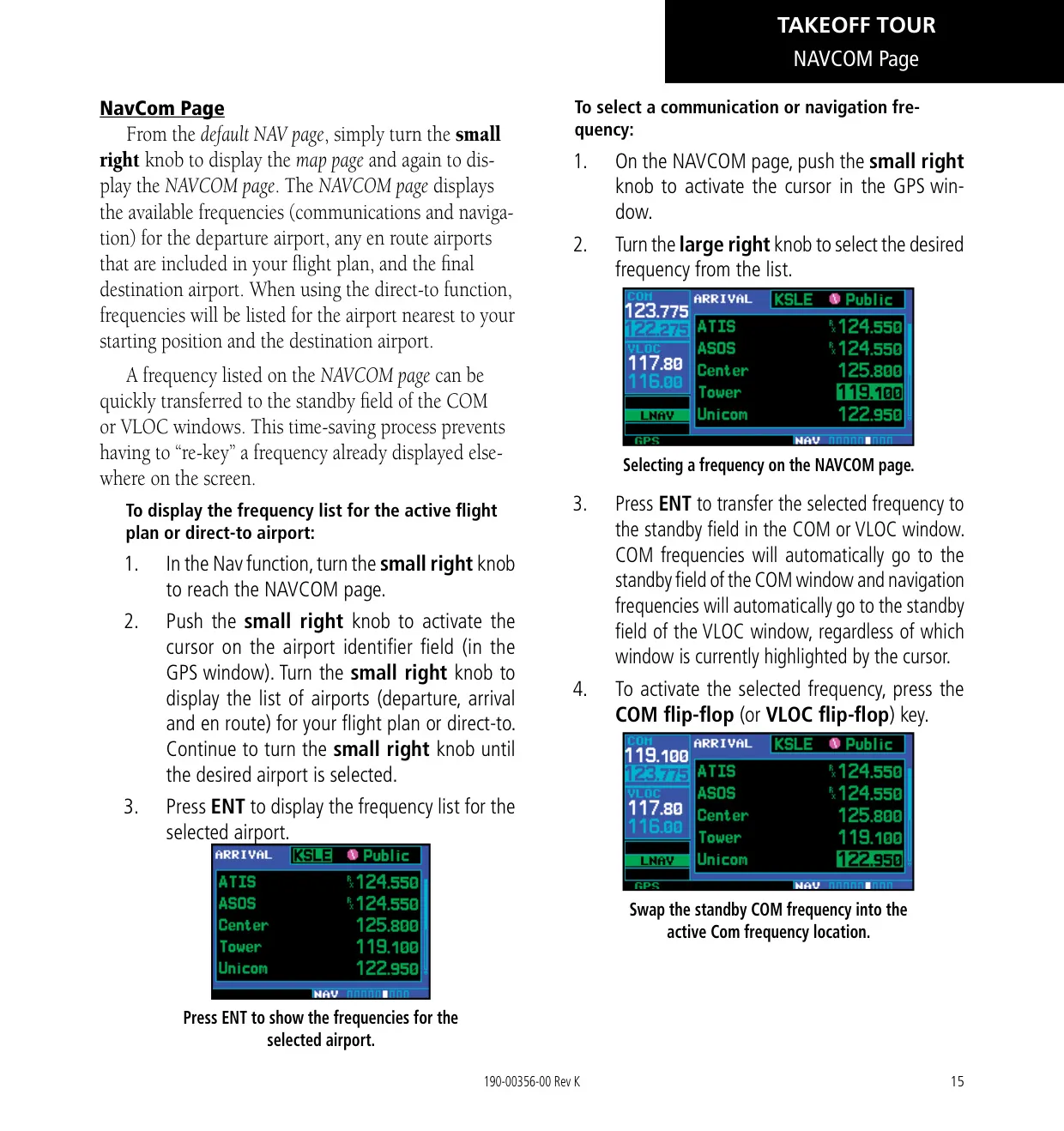
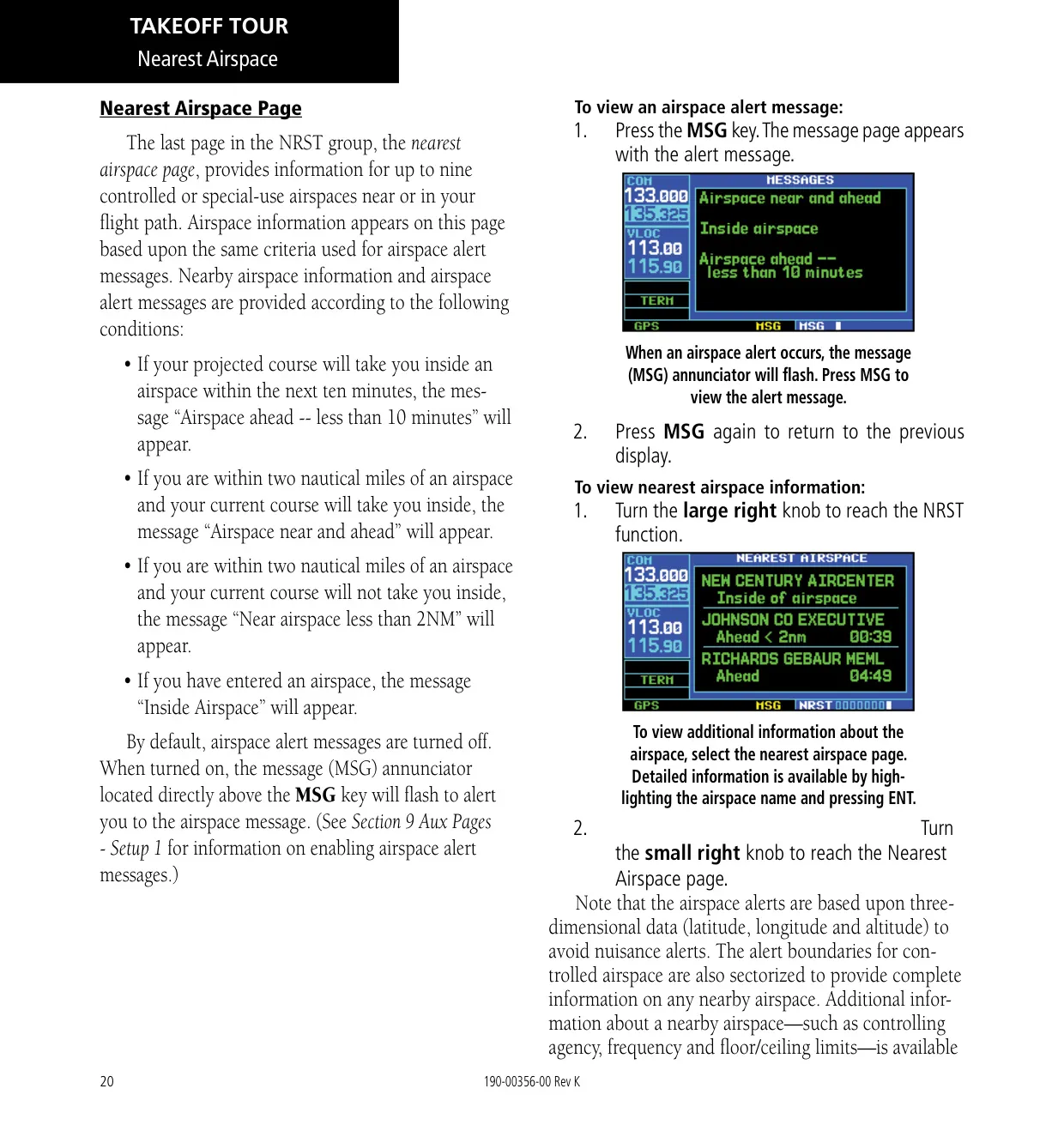
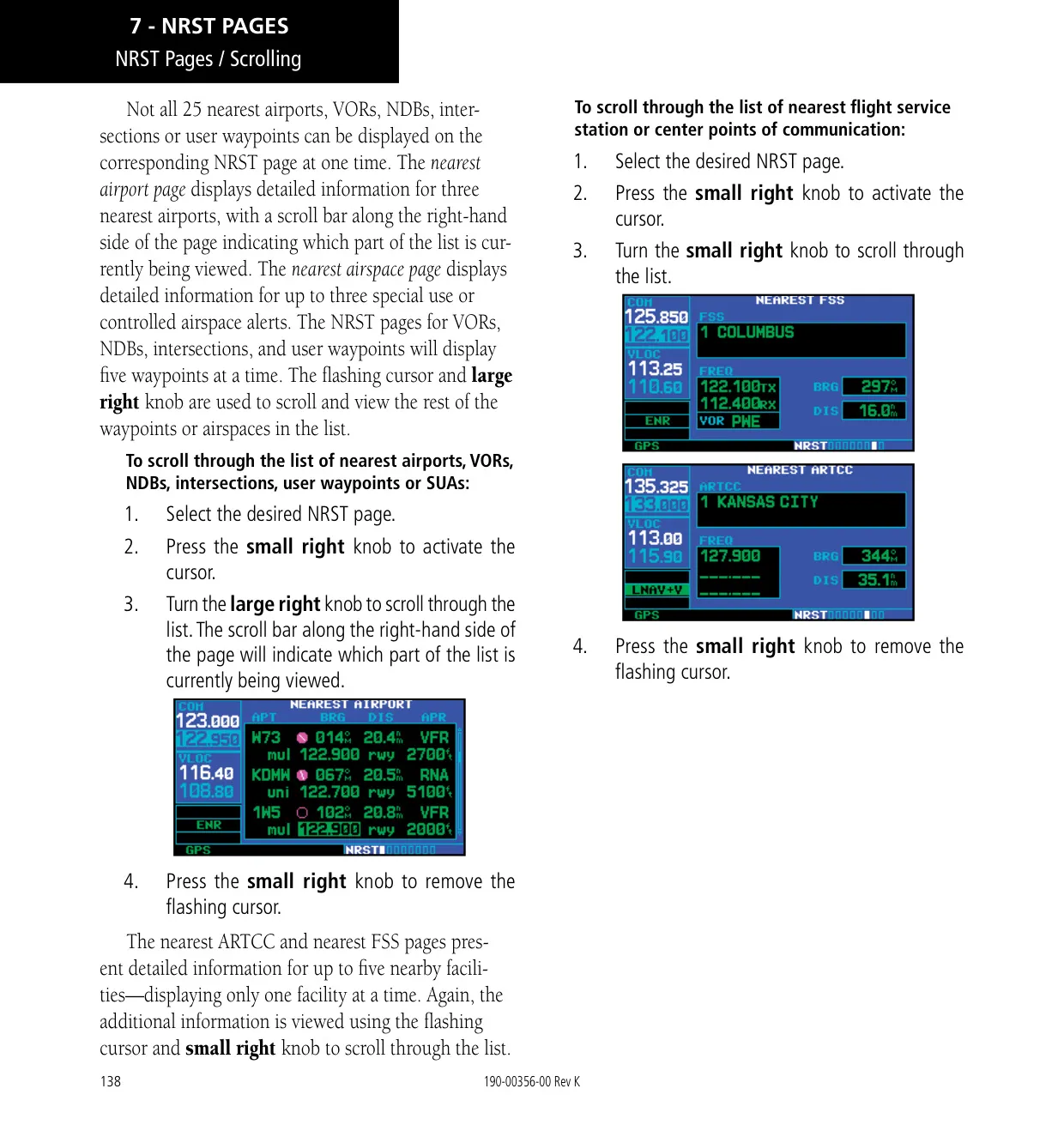
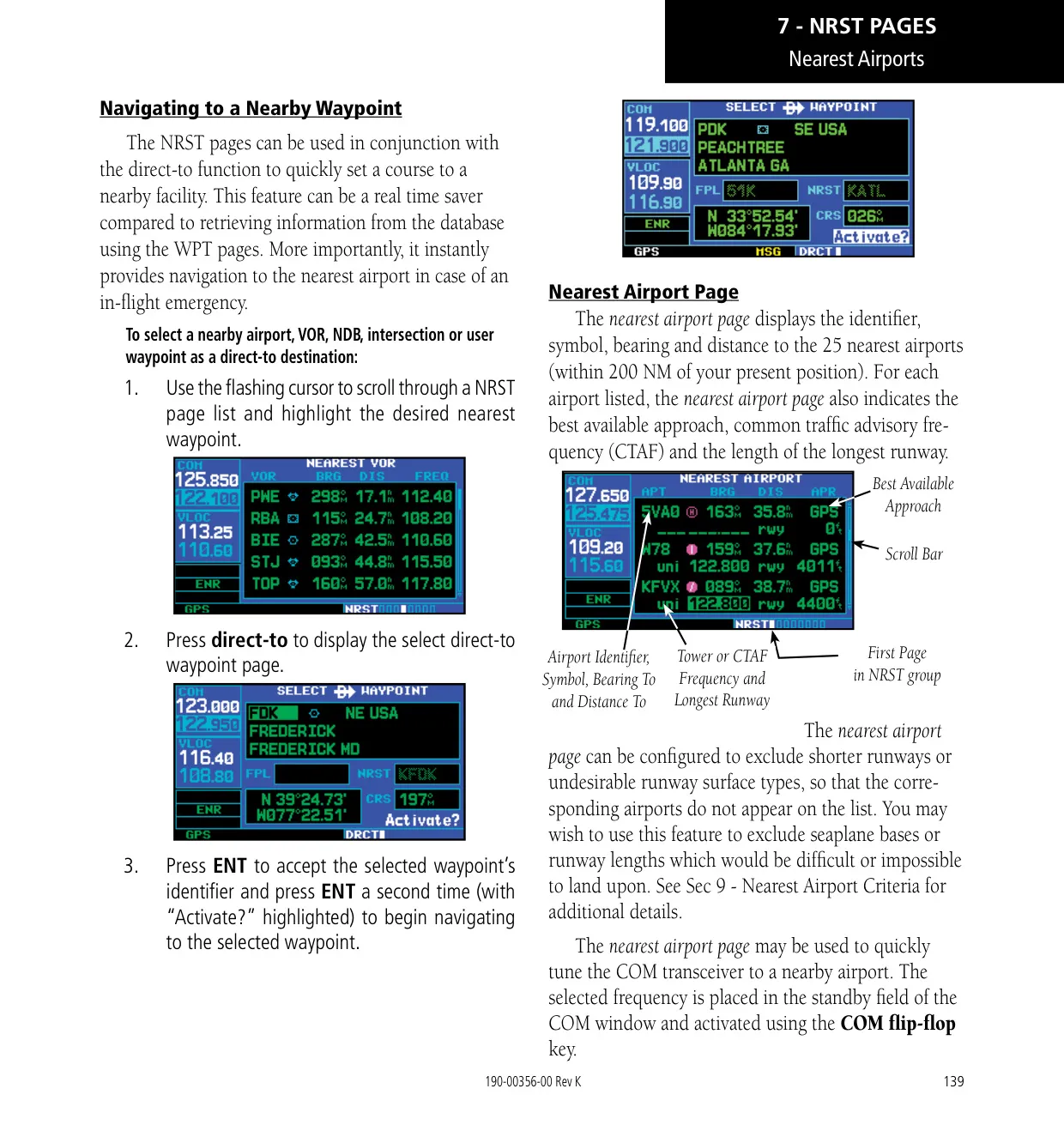
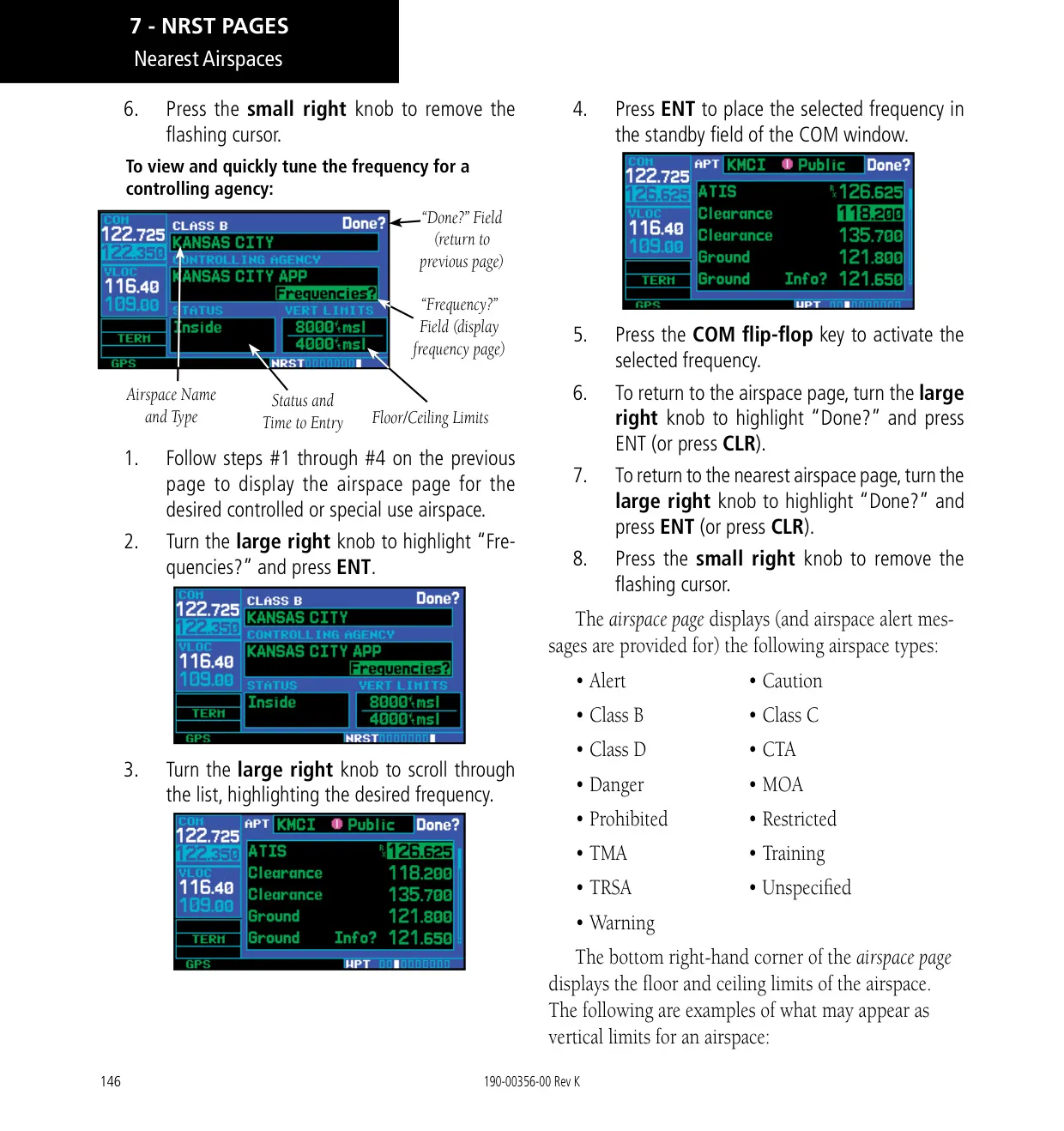
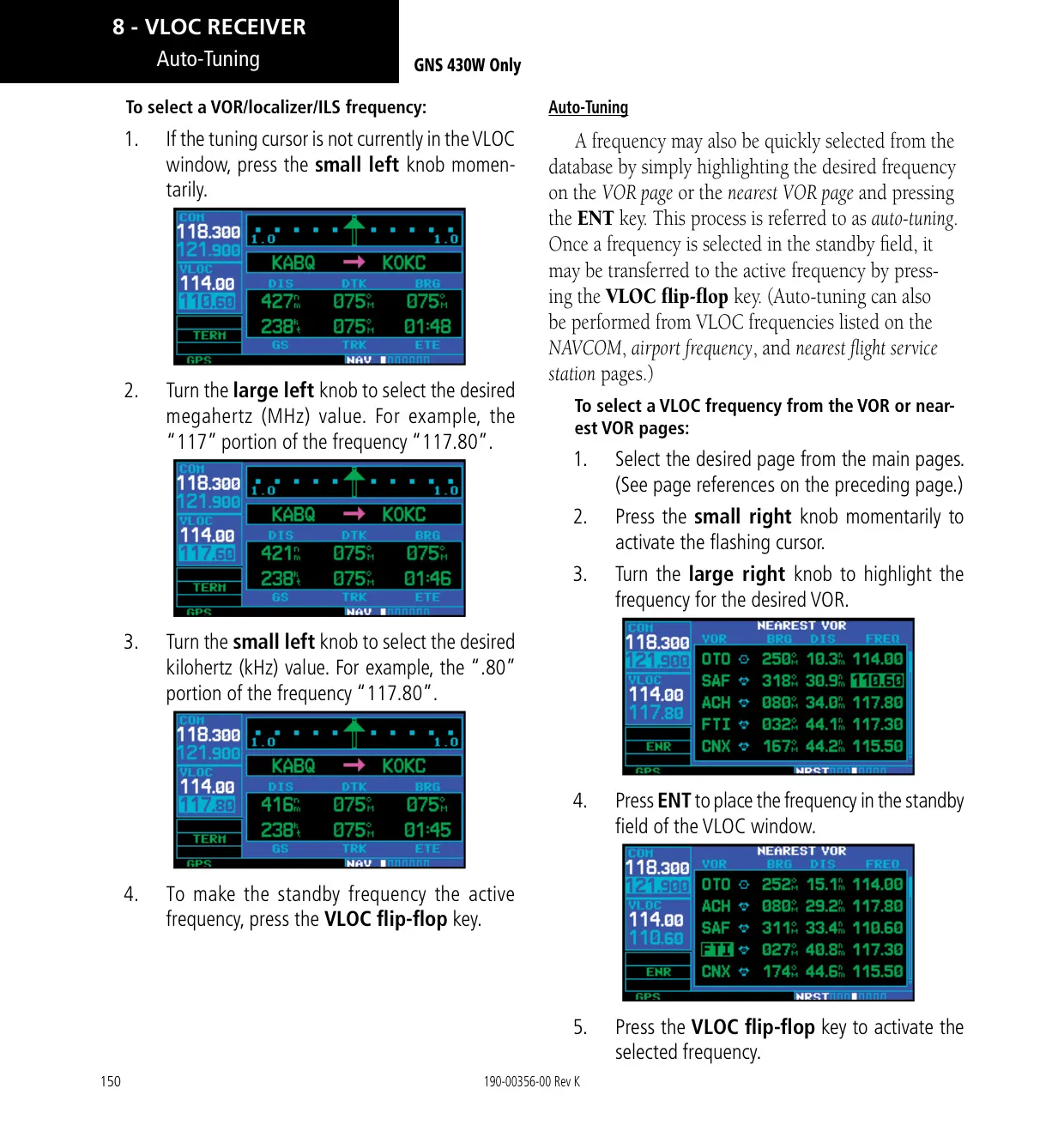
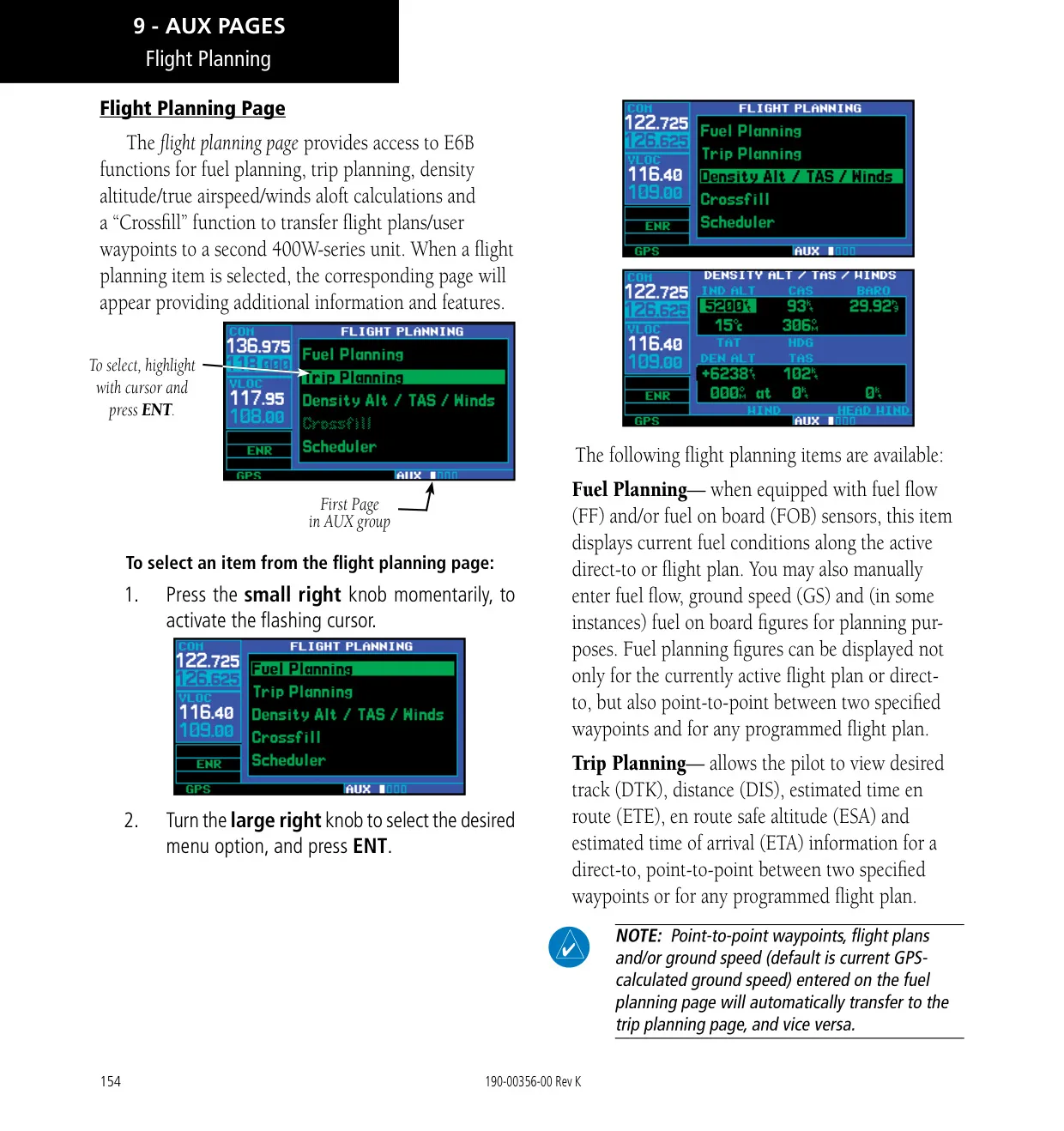
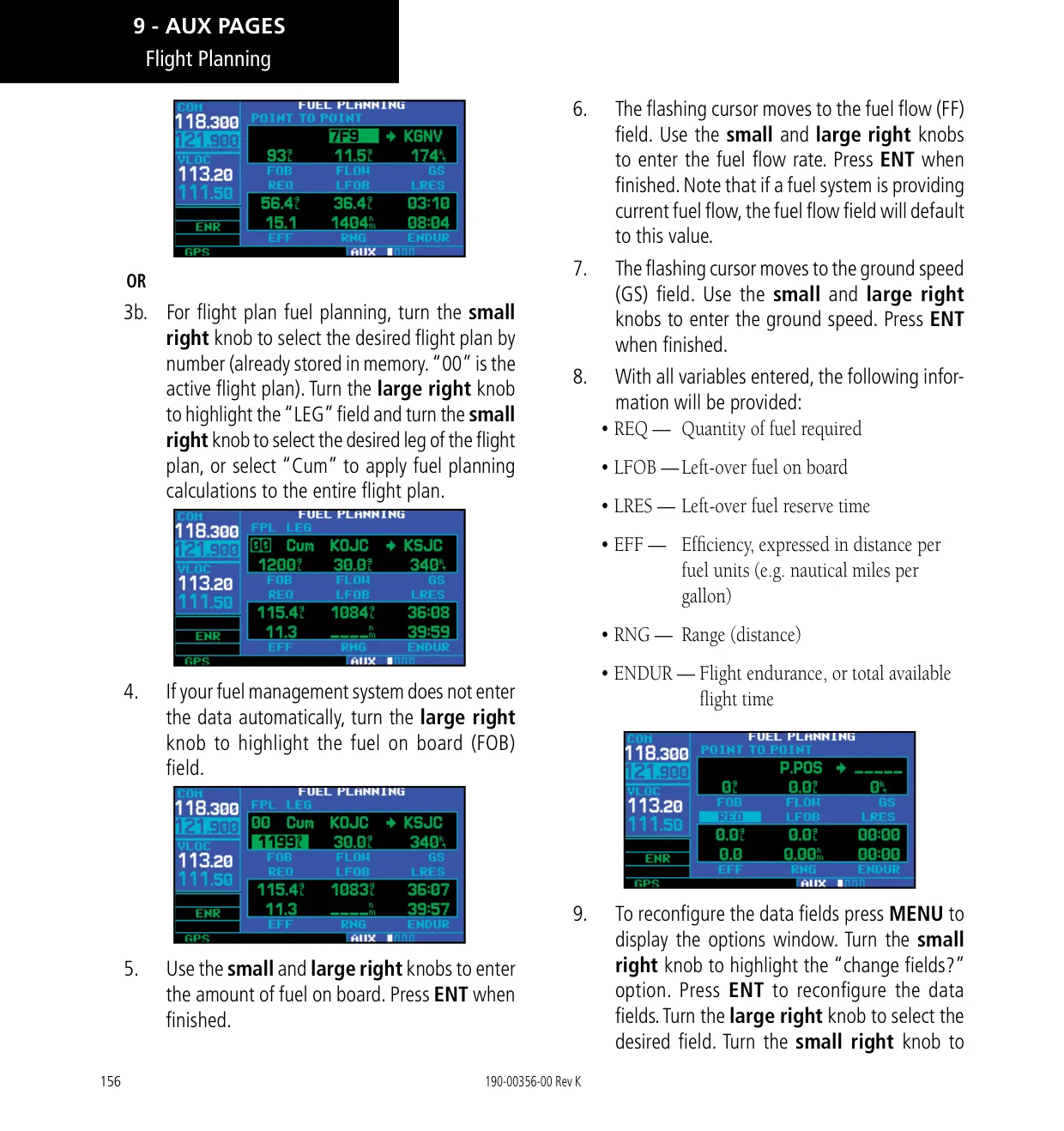
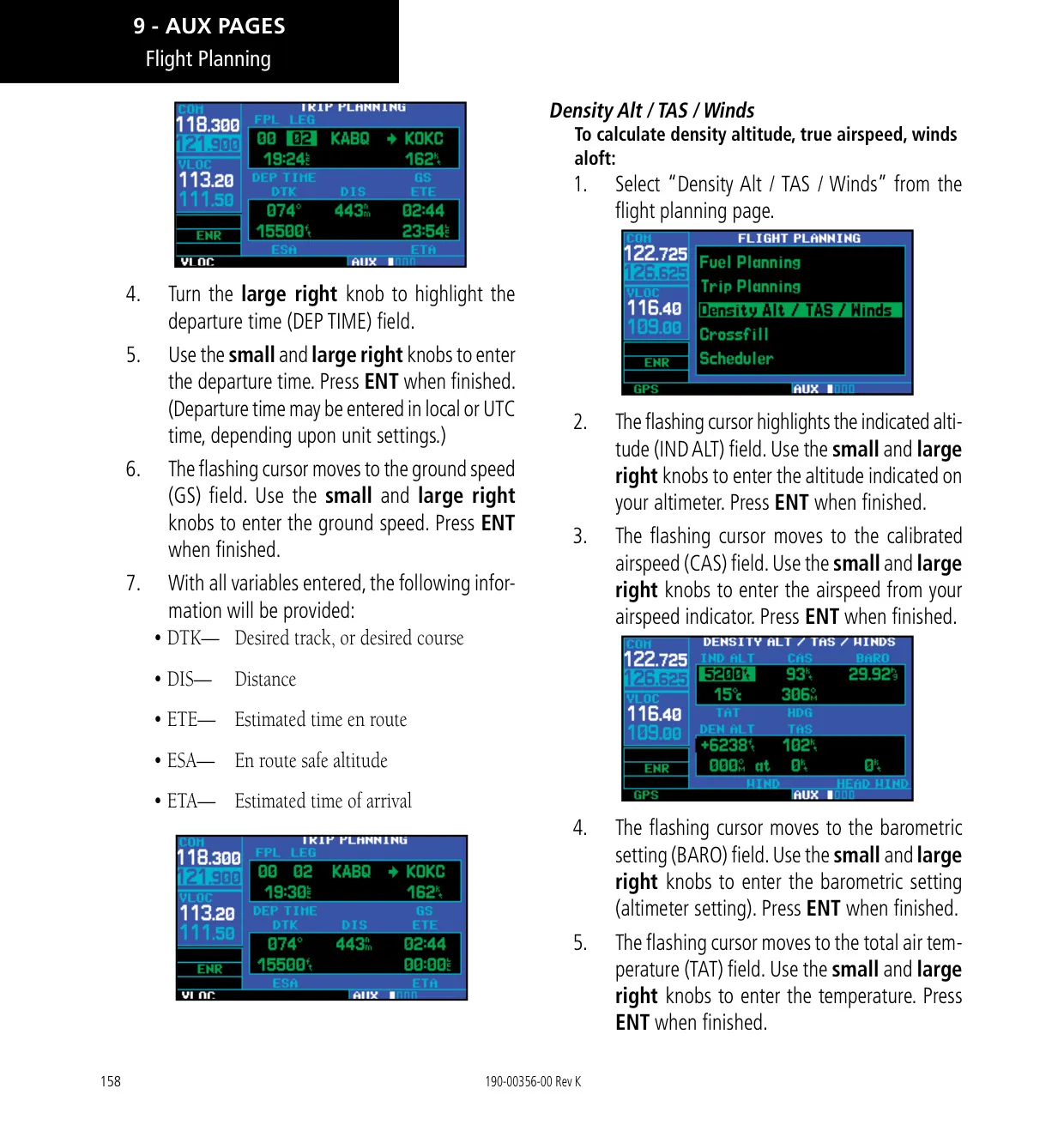
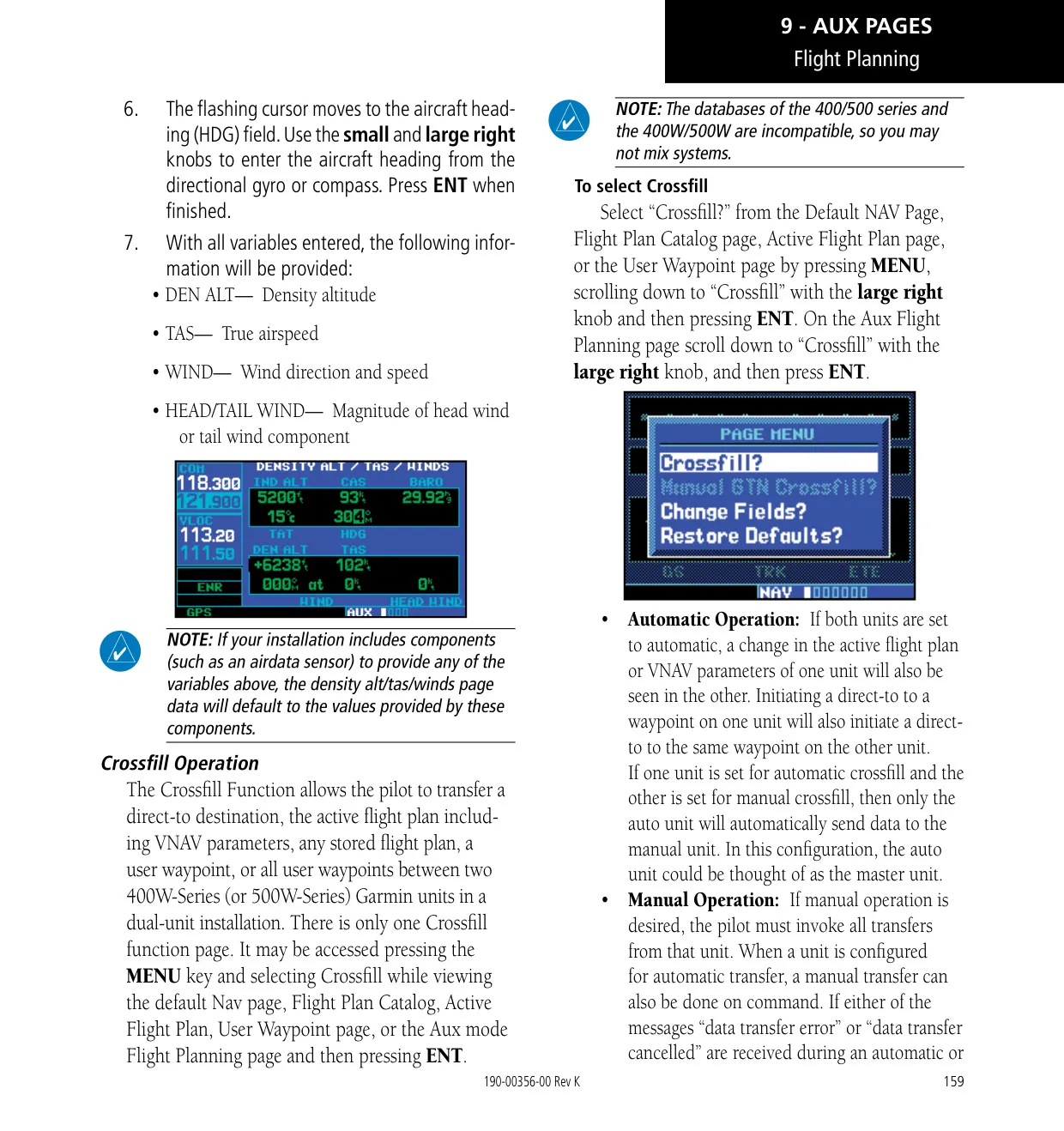
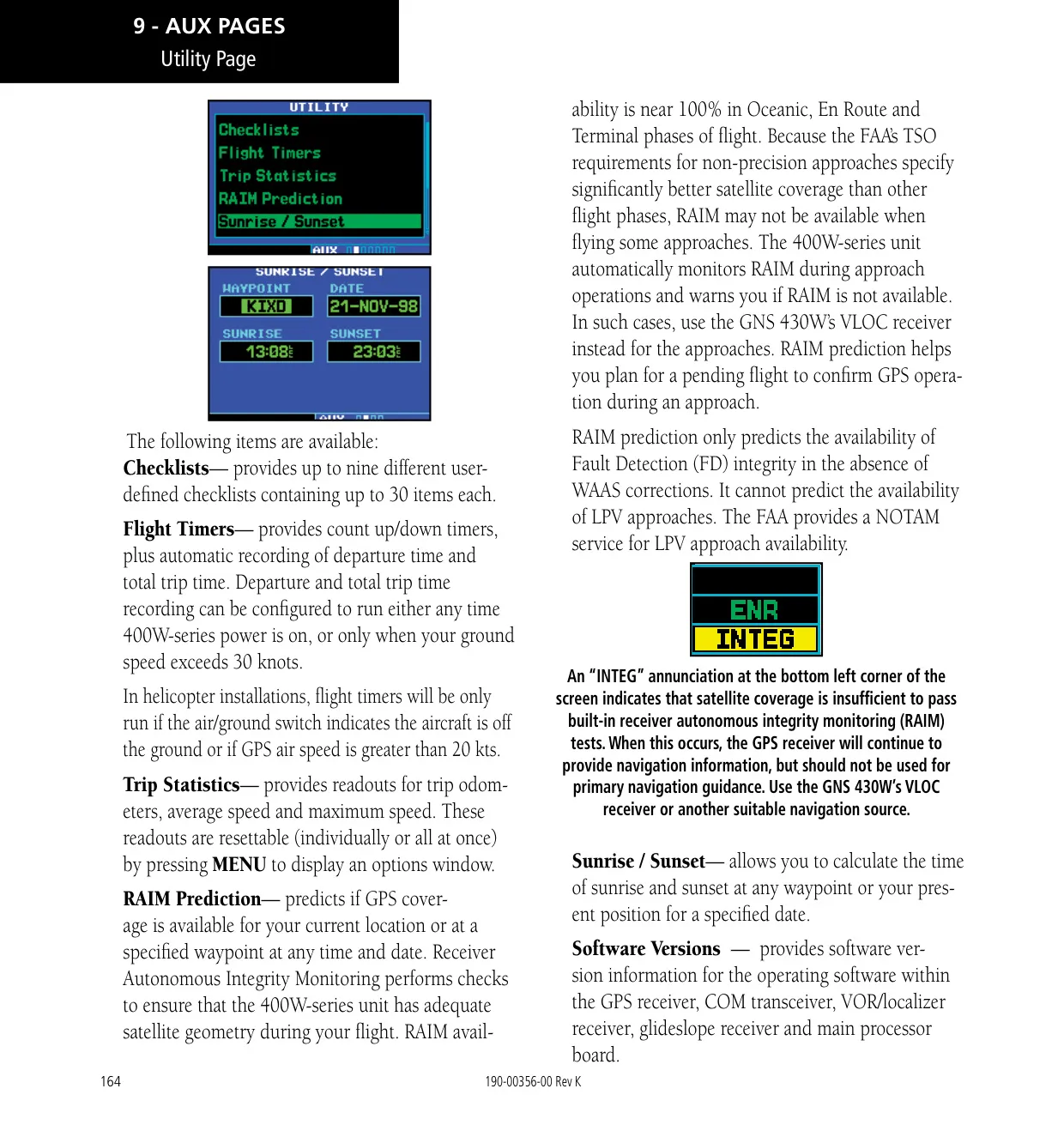
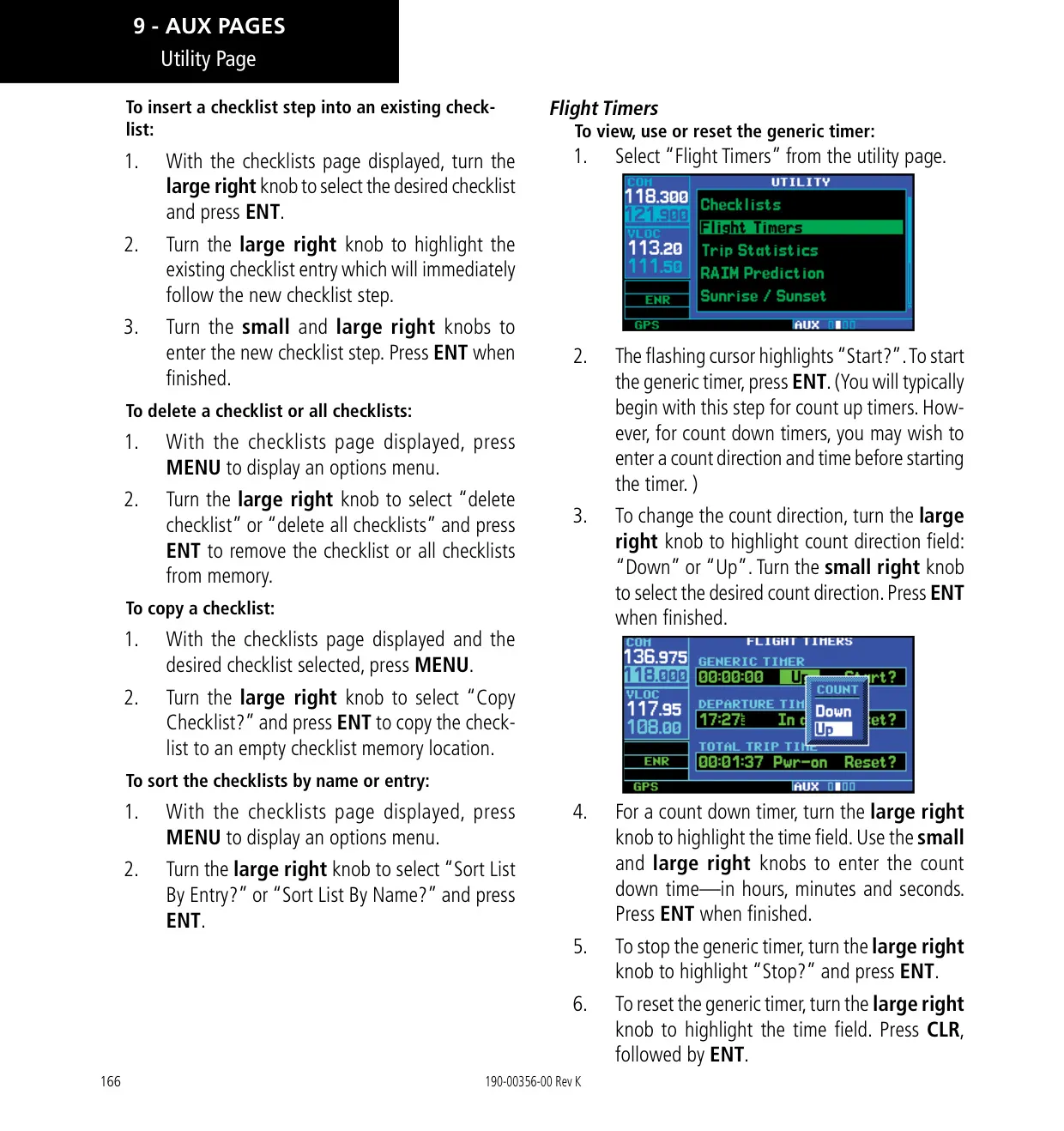
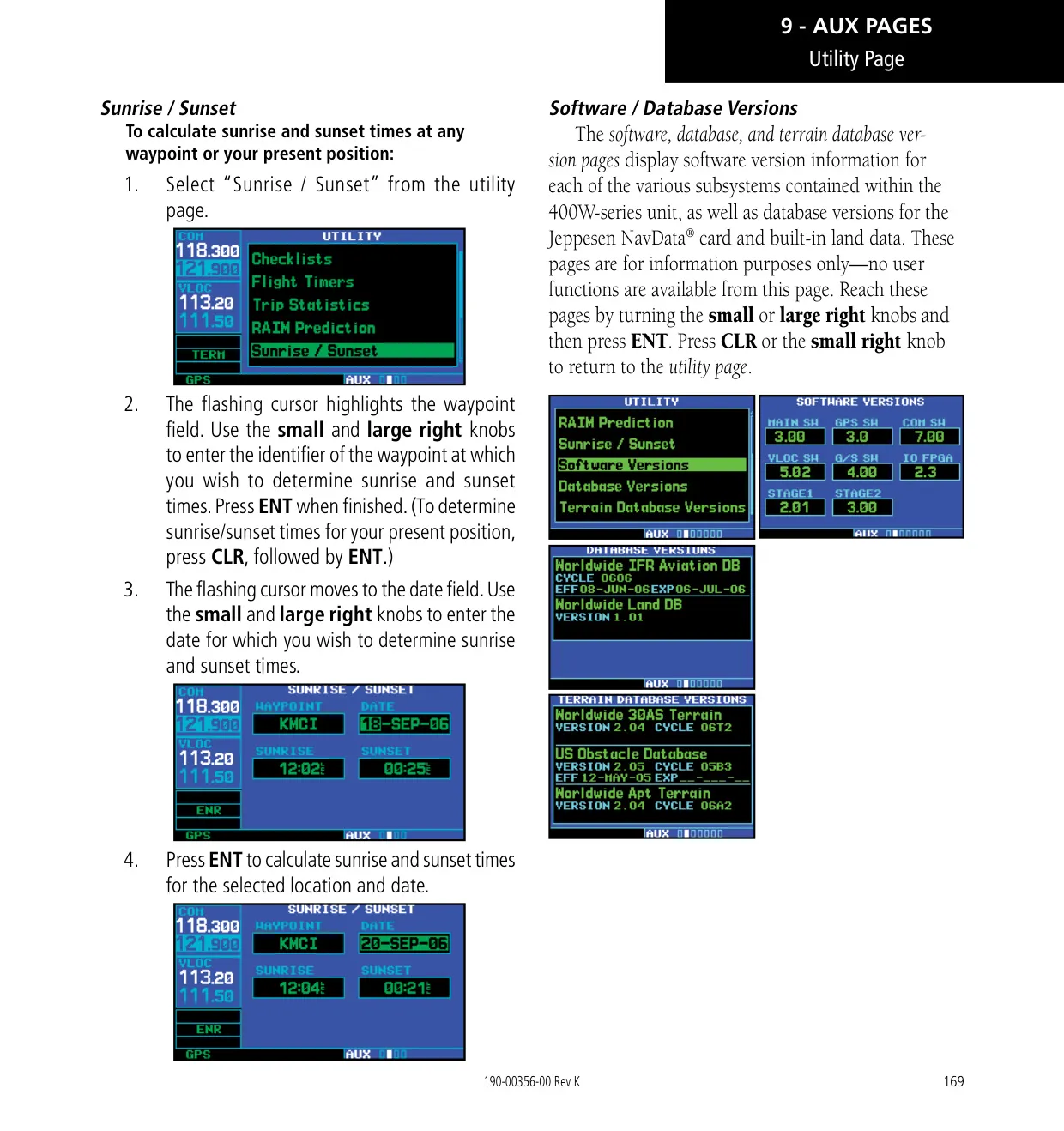
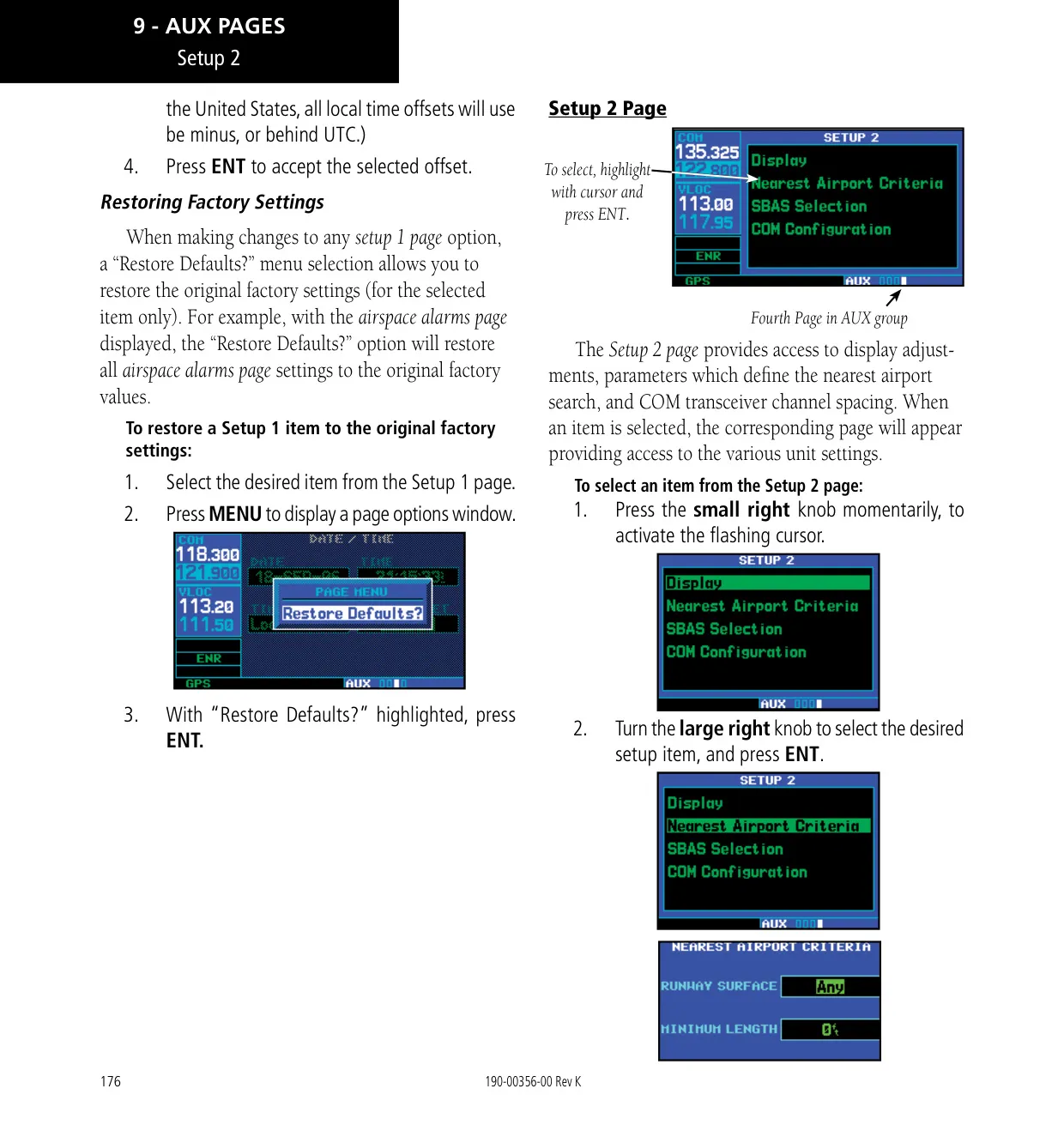
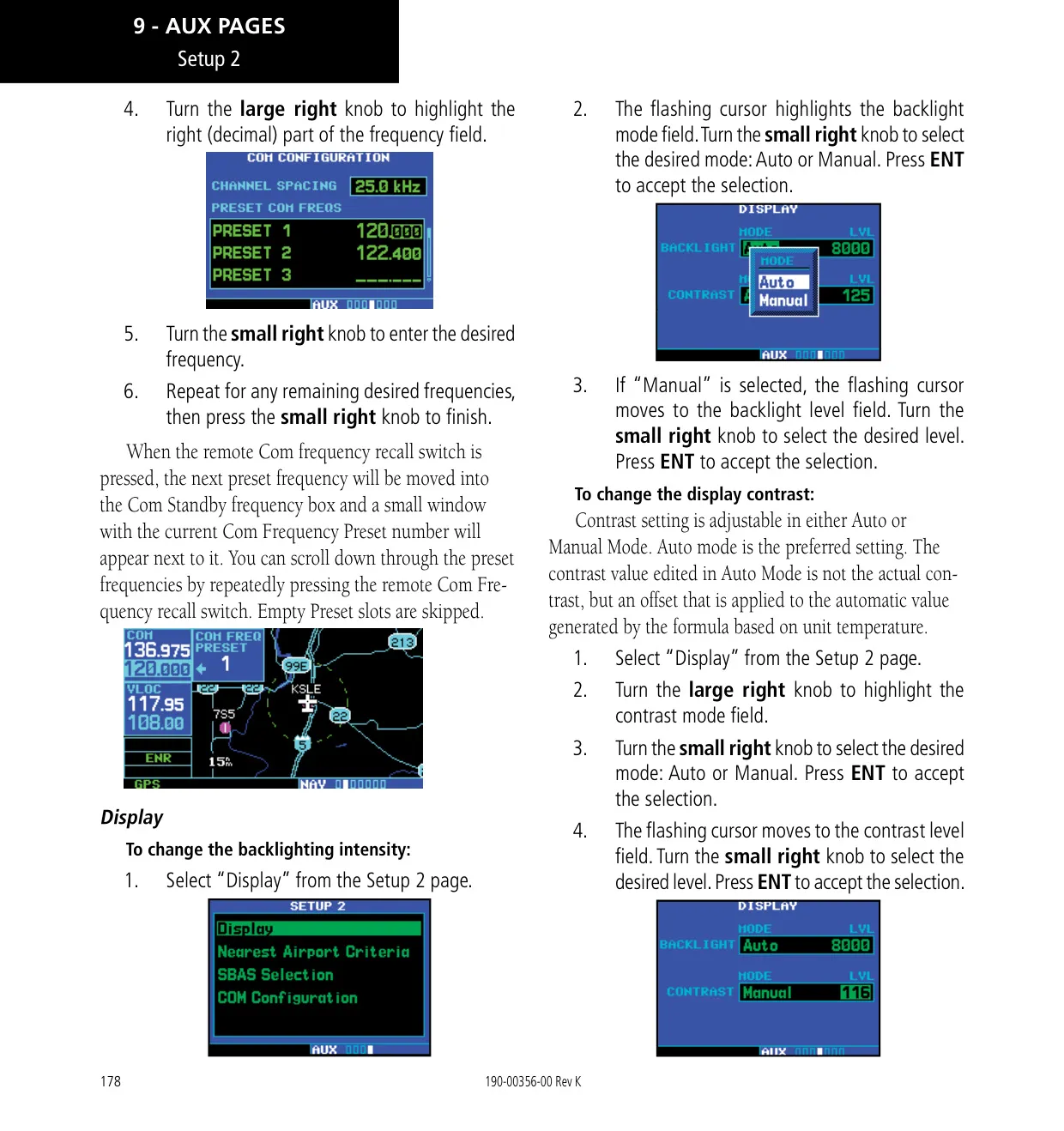
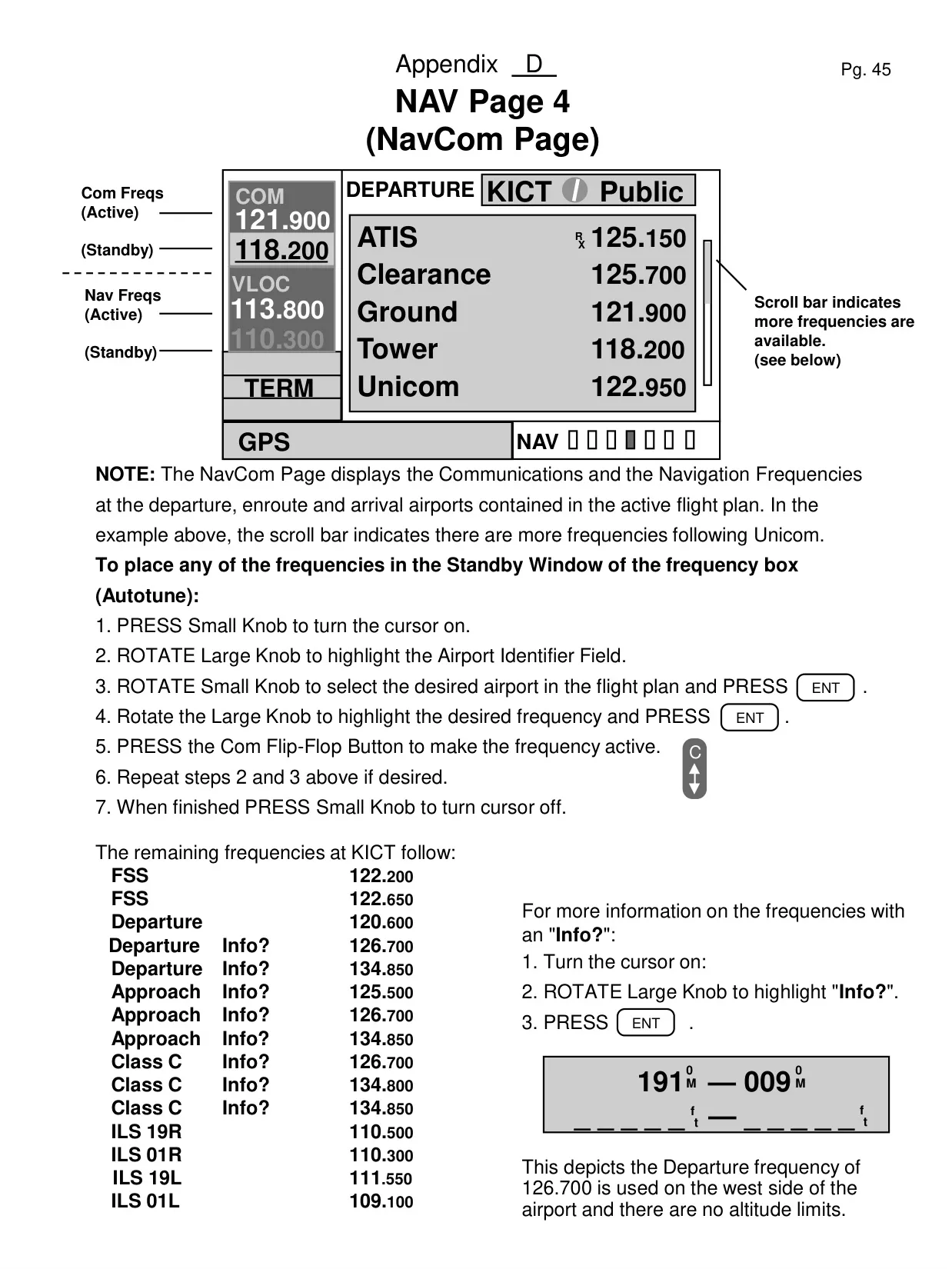
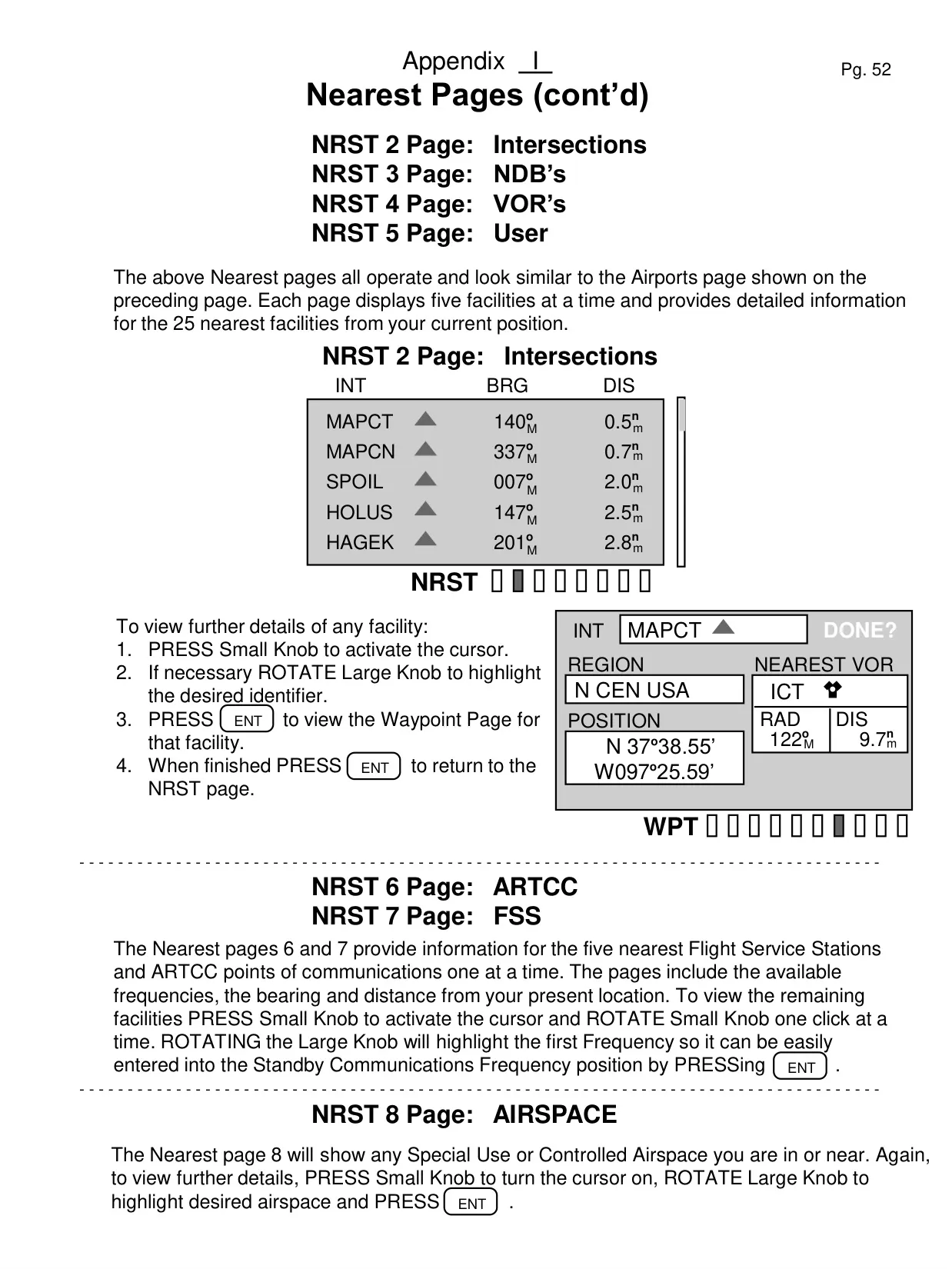
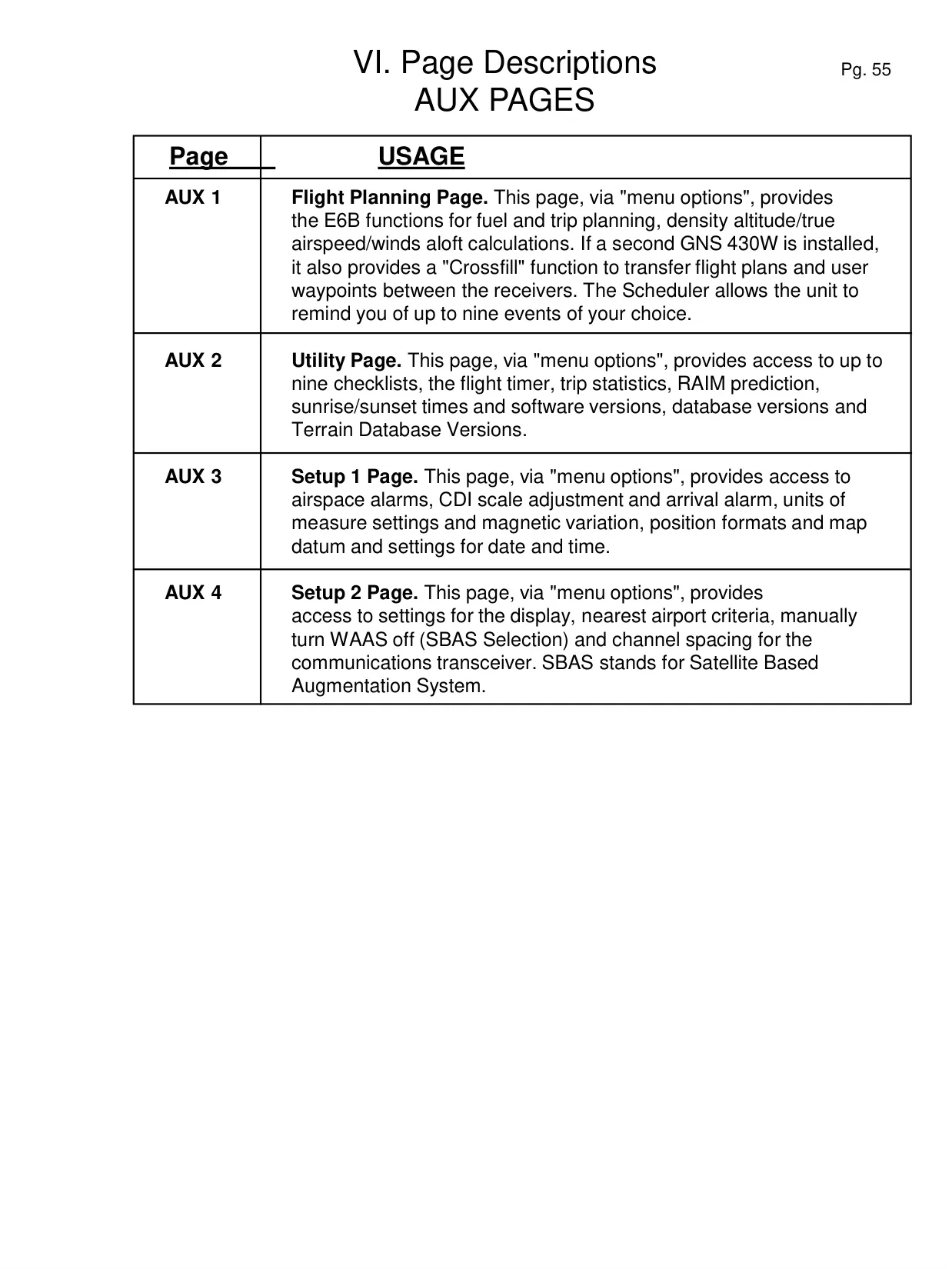
The AUX pages include E6B tools for fuel planning, trip planning, density altitude, true airspeed and winds aloft. They also offer RAIM prediction, sunrise and sunset times, flight timers and trip statistics. The NRST pages list nearby facilities and tune frequencies with a few key presses. Airspace alerts are based on three-dimensional data, and you can add an altitude buffer. Backlighting adjusts automatically with a photocell, and contrast adjusts automatically based on unit temperature.
Frequently Asked Questions (FAQs)
Can't find the answer you need? Here are some frequently asked questions about the Garmin GNS 430W Panel Avionics Unit, and we answer them below.