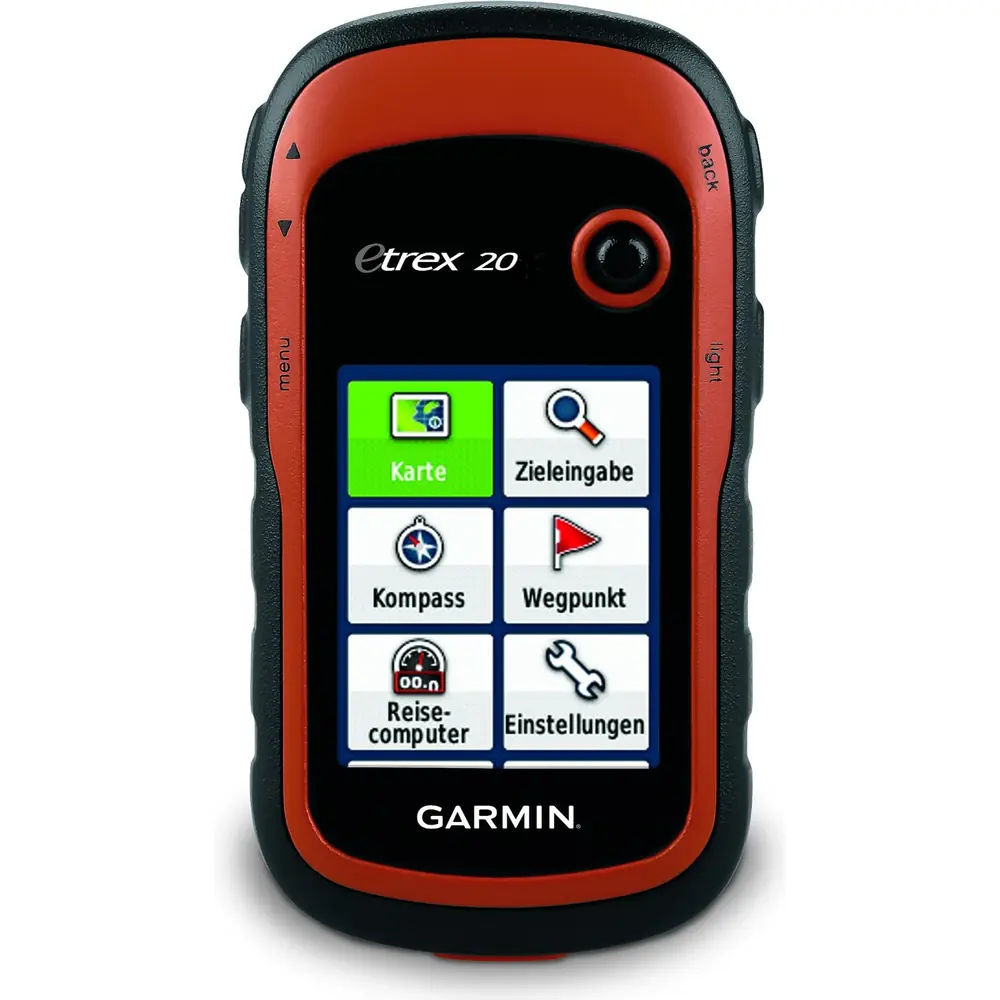
Garmin Forerunner 55 GPS Receiver Instruction Manual

Garmin Forerunner 55 GPS Receiver























Garmin Forerunner 55 Instructions
Here we offer the Garmin Forerunner 55 GPS Receiver manual completely free and in English. We have cataloged this manual in the GPS Receivers section on Manualverse, and it has been rated by 1 users with an average rating of 5. If you have any specific questions about Garmin Forerunner 55 GPS Receiver, we suggest checking the Frequently Asked Questions (FAQs) section of this manual.
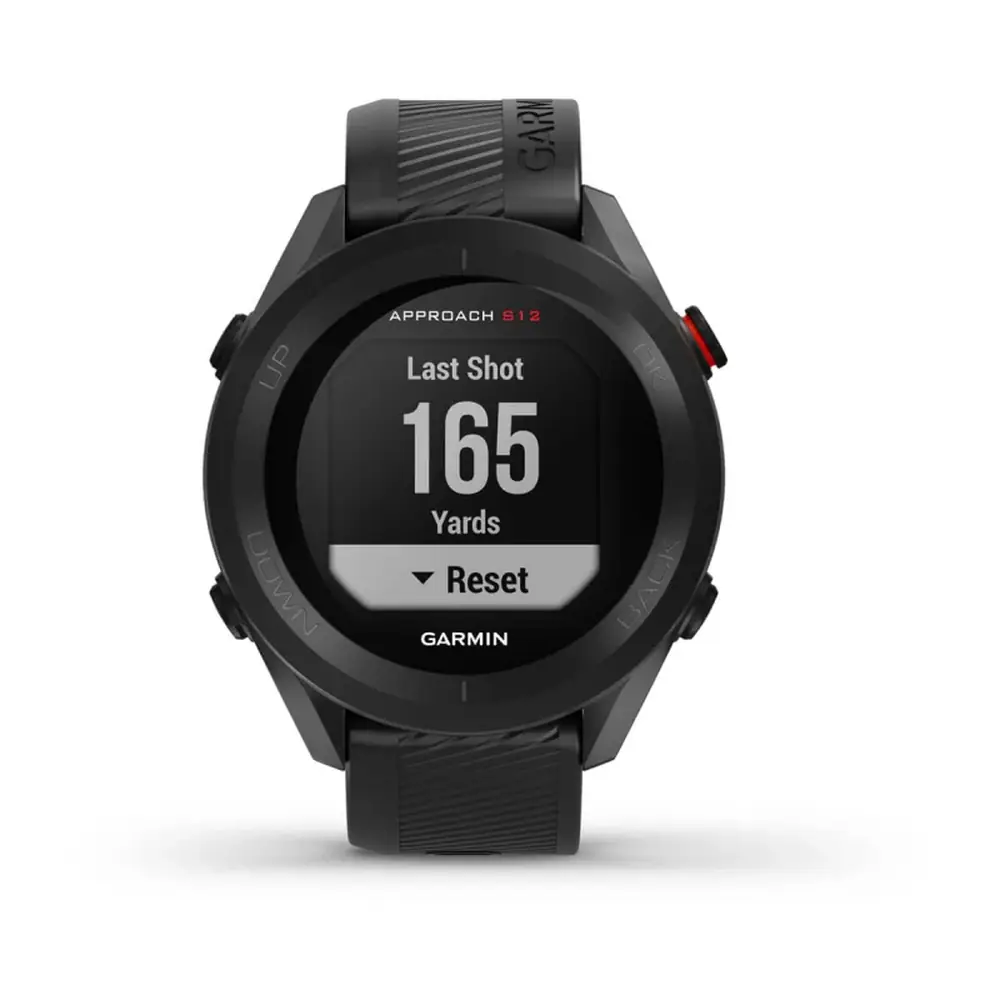
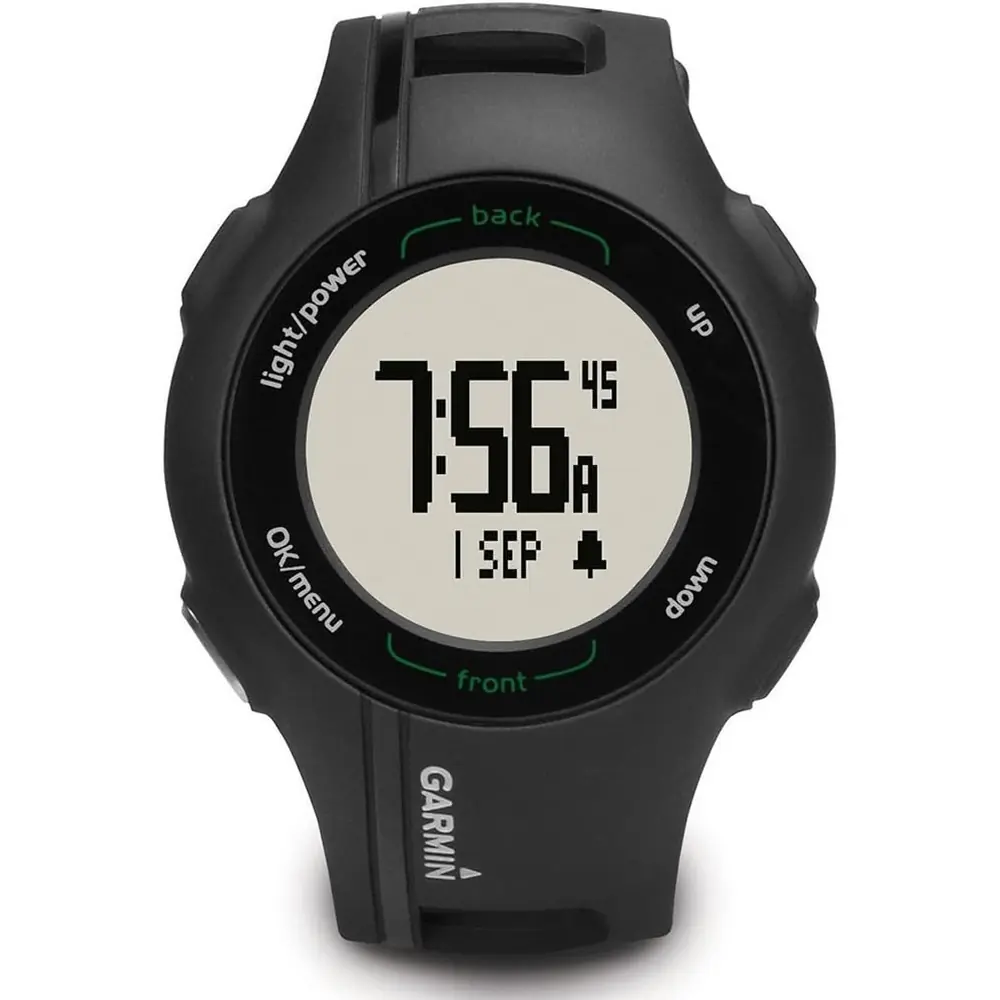
Product Images


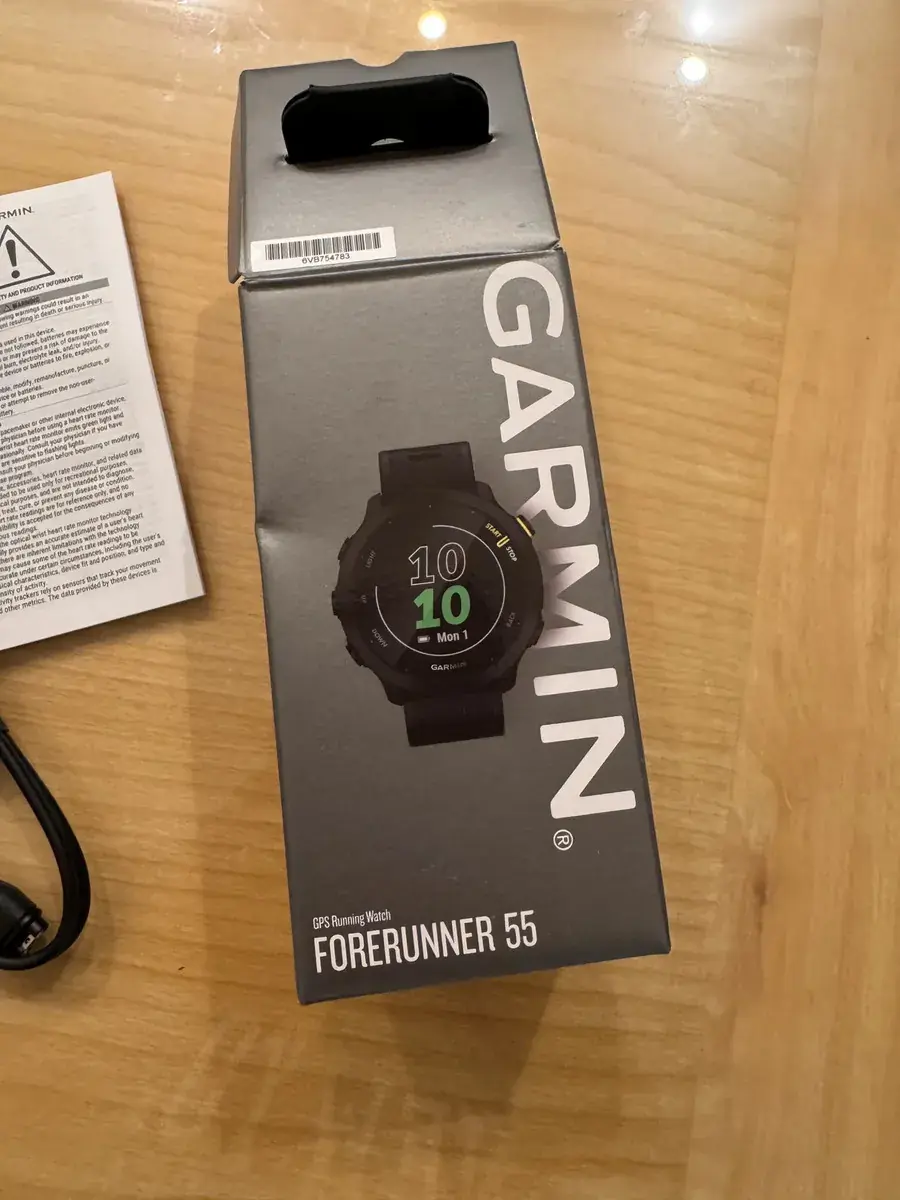

Garmin Forerunner 55 GPS Receiver Specifications
| Feature | Specification |
|---|---|
| Model Number (M/N) | A04162 |
| Battery Type | Rechargeable, built-in lithium-ion battery |
| Battery Life (Smartwatch Mode) | Up to 14 days with smart notifications and wrist heart rate |
| Battery Life (GPS Mode) | Up to 20 hours |
| Charging Time | Up to 2 hours (fully depleted battery) |
| Charging Method | Proprietary charging cable to USB-C computer port or AC adapter (5 W minimum power rating) |
| Operating Temperature Range | -20 °C to 60 °C (-4 °F to 140 °F) |
| Charging Temperature Range | 0 °C to 45 °C (32 °F to 113 °F) |
| Wireless Frequency | 2.4 GHz @ 1 dBm maximum |
| Water Rating | Swim, 5 ATM (pressure equivalent to 50 m depth) |
| Satellite Systems (GNSS) | GPS, GPS + GLONASS, GPS + GALILEO |
| Satellite Acquisition Time | 30 to 60 seconds (clear view of the sky) |
| Wireless Connectivity | Bluetooth, ANT+ |
| Phone Pairing Range | Within 10 m (33 ft.) |
| Sensor Pairing Distance | Within 3 m (10 ft.) of sensor; 10 m (33 ft.) away from other sensors |
| Data Sync Distance | Within 3 m (10 ft.) of the smartphone |
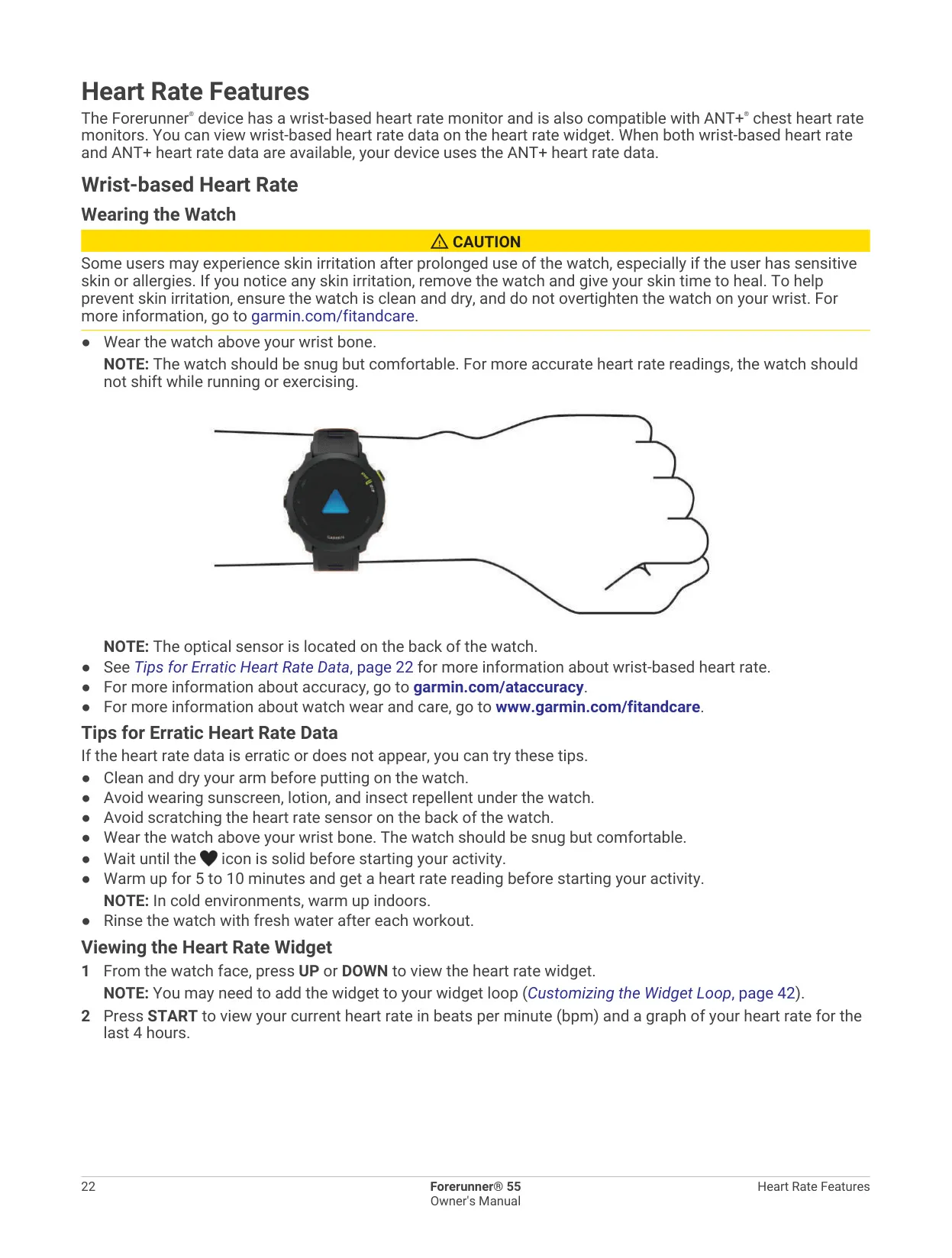
| Heart Rate Monitoring | Wrist-based optical sensor; compatible with ANT+ and Bluetooth chest monitors |
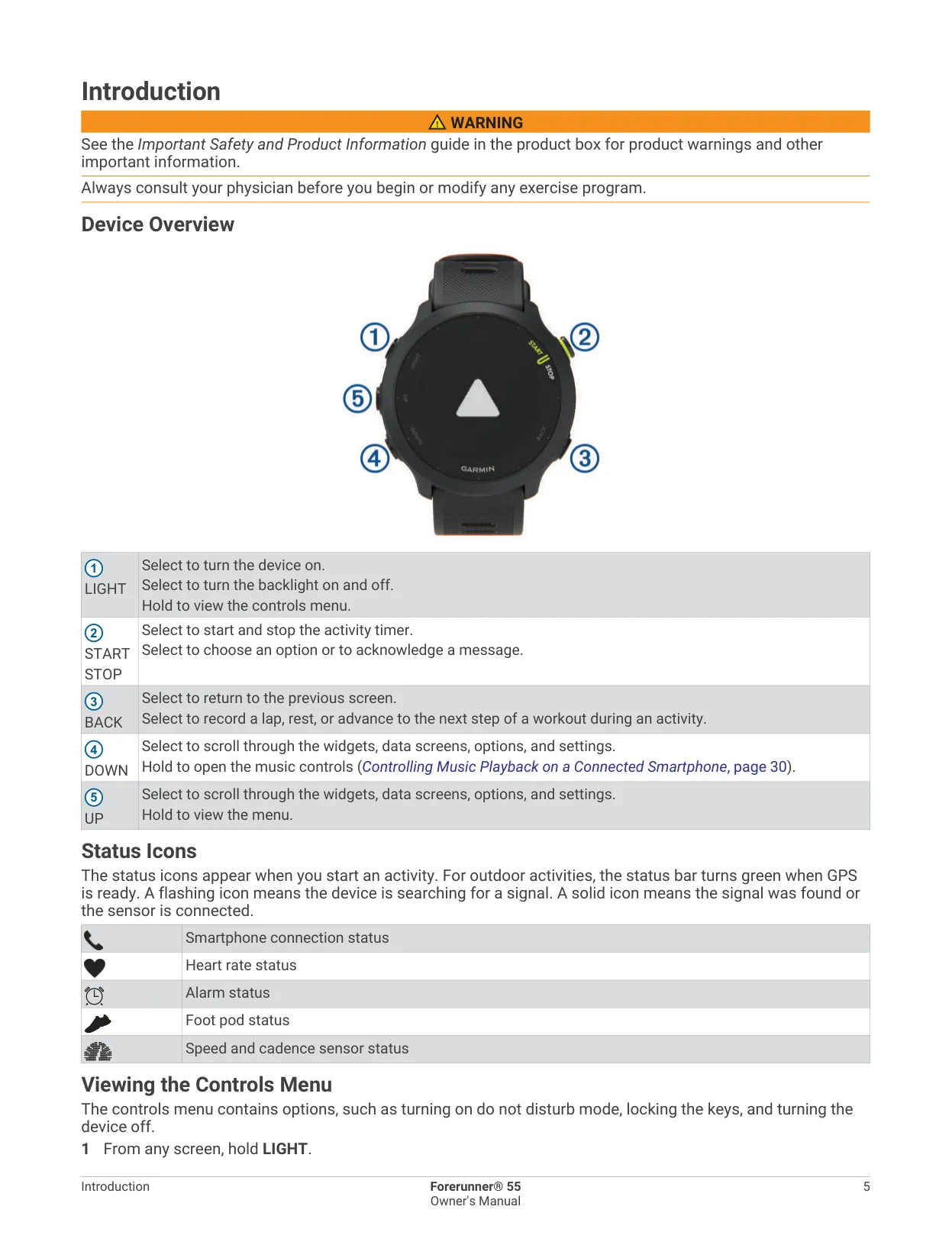
| Buttons | 5 (LIGHT, START/STOP, BACK, UP, DOWN) |
| Band Compatibility | 20 mm wide, standard quick-release bands |
| Watch Passcode | Four-digit; temporary lock after 3 wrong attempts, full lock after 5 |
| Time Format | 12-hour or 24-hour |
| Data Recording Modes | Smart (default), Every Second, optional HRV logging |
| USB Mode | Mass storage mode or Garmin mode |
| Units of Measure | Statute or Metric |
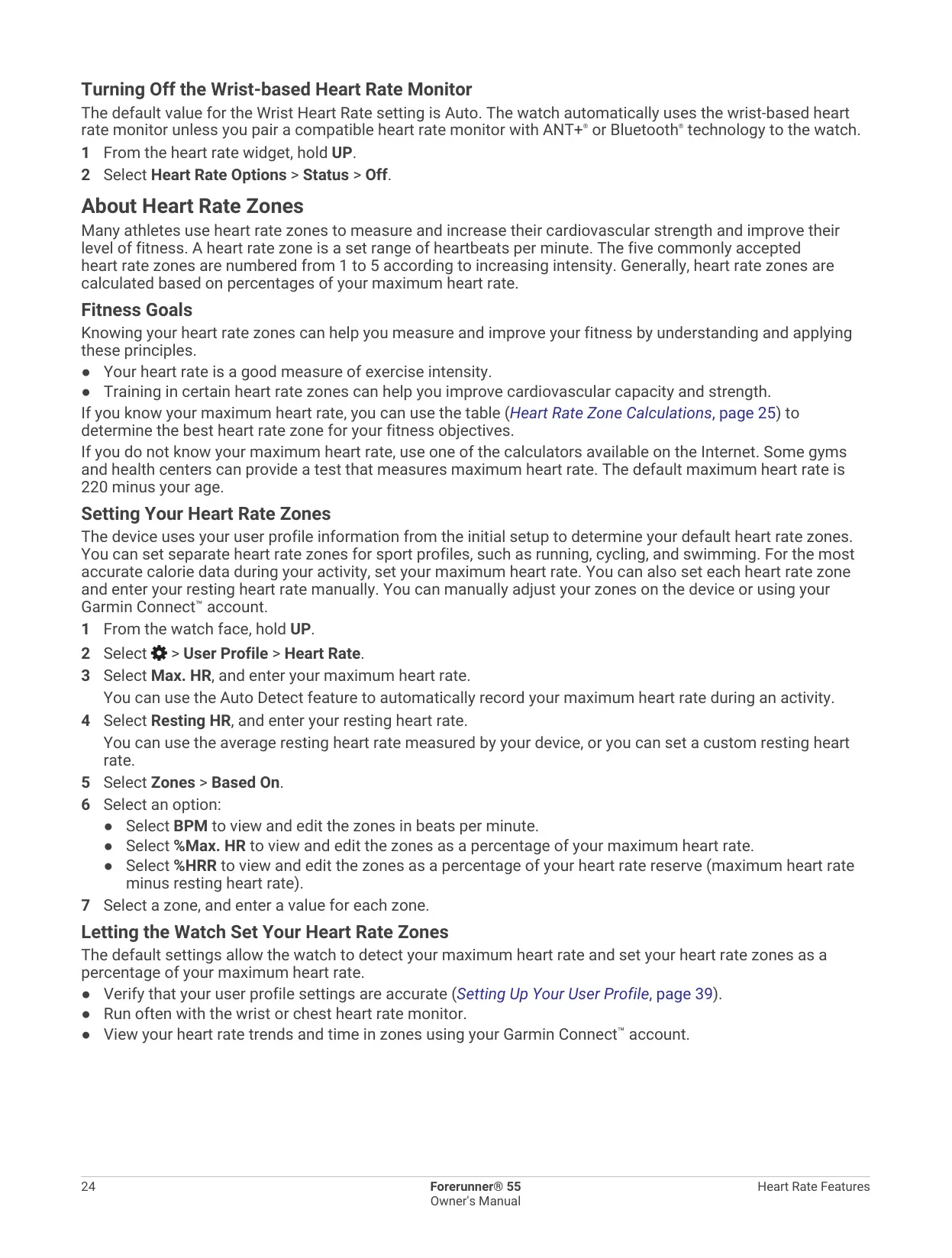
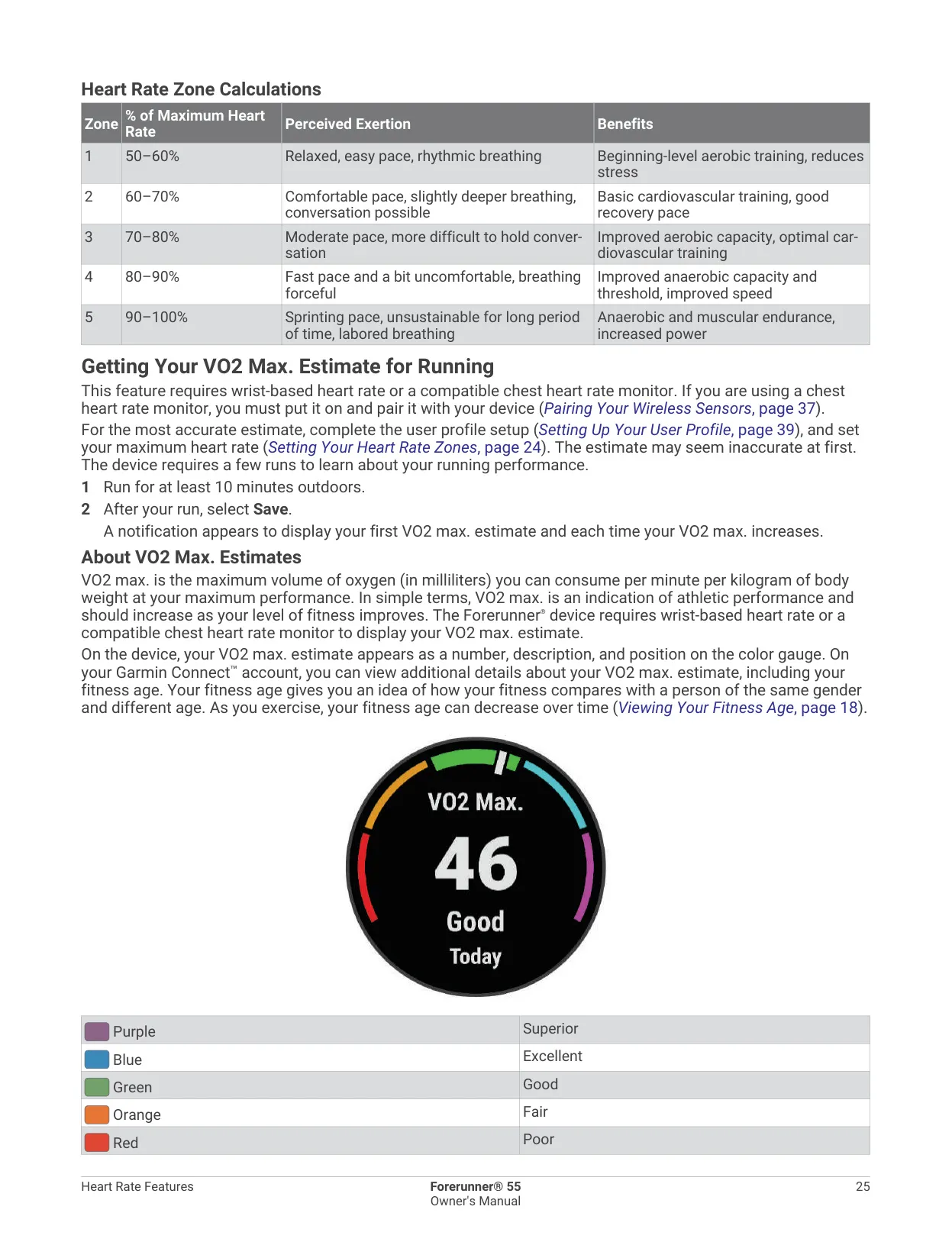
| Heart Rate Zones | 5 zones (50–100% of max. HR); default max. HR = 220 minus age |
| Body Battery Range | 5 to 100 |
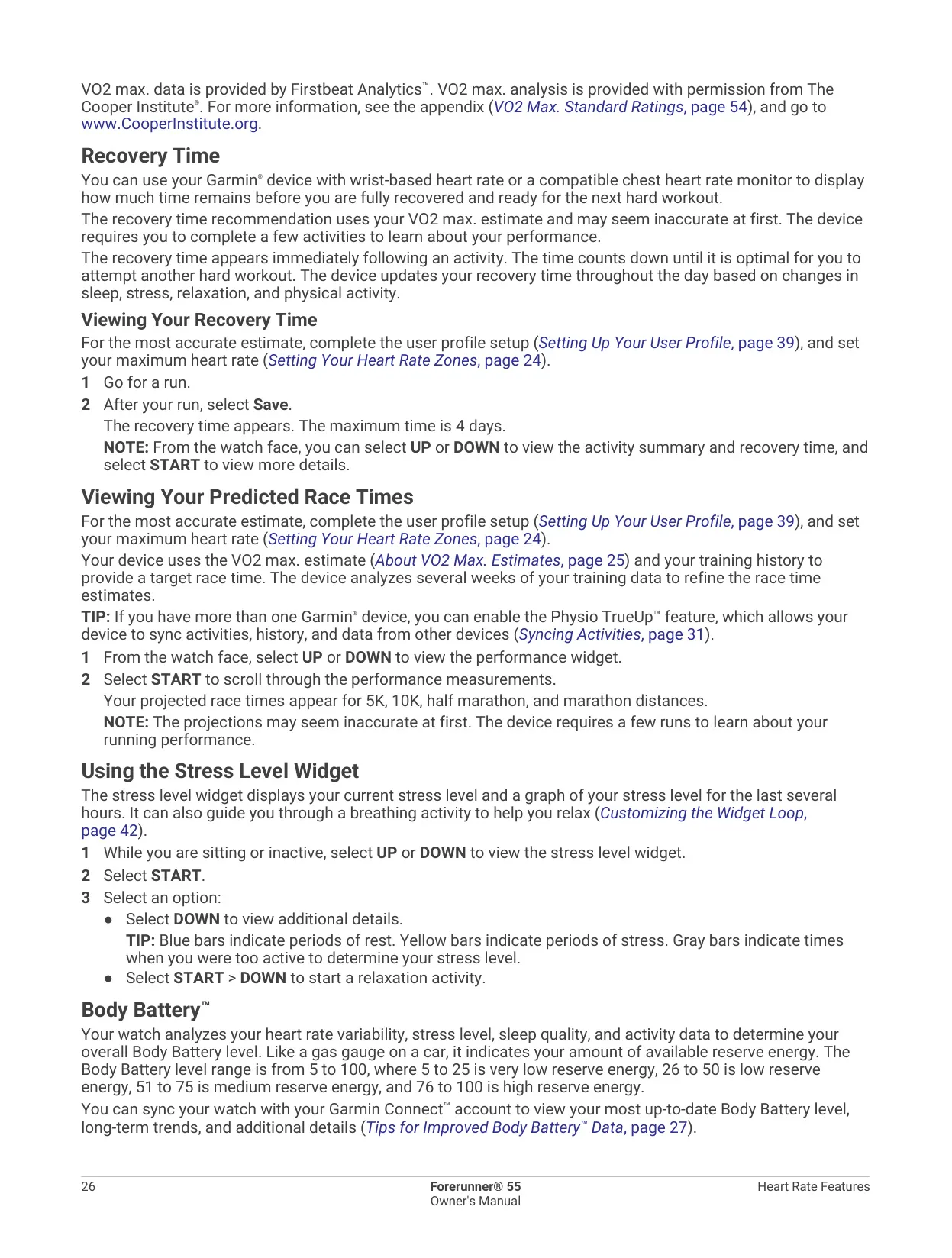
| Maximum Recovery Time | 4 days |
| Predicted Race Times | 5K, 10K, half marathon, marathon |
| Default Auto Lap Distance (Track Run) | 1600 m (four laps on a 400 m track) |
| Treadmill Calibration Minimum | 2.4 km (1.5 mi.) |
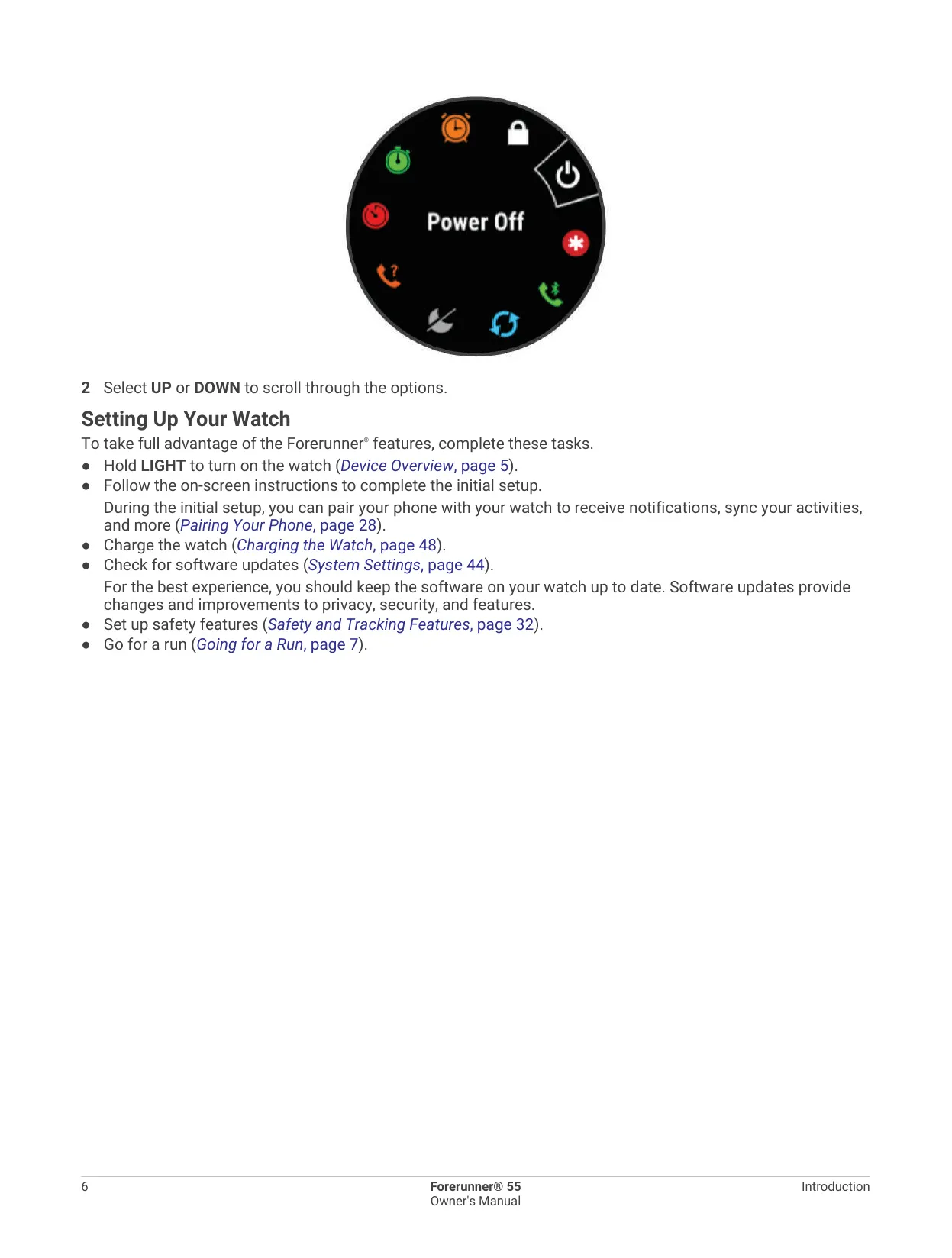
| Restart Procedure | Hold LIGHT for 15 seconds |
Garmin Forerunner 55 GPS Receiver Details
The Garmin Forerunner 55 is a GPS running watch for runners who want structured training without a complicated interface. It ships with preloaded indoor and outdoor activity profiles, including running, cycling, track run, pool swim, cardio, virtual run and HIIT. You can mark favorite activities so they appear first in the list. When you start an outdoor activity, GPS turns on automatically. A green status bar tells you that satellites, heart rate and paired sensors are ready.
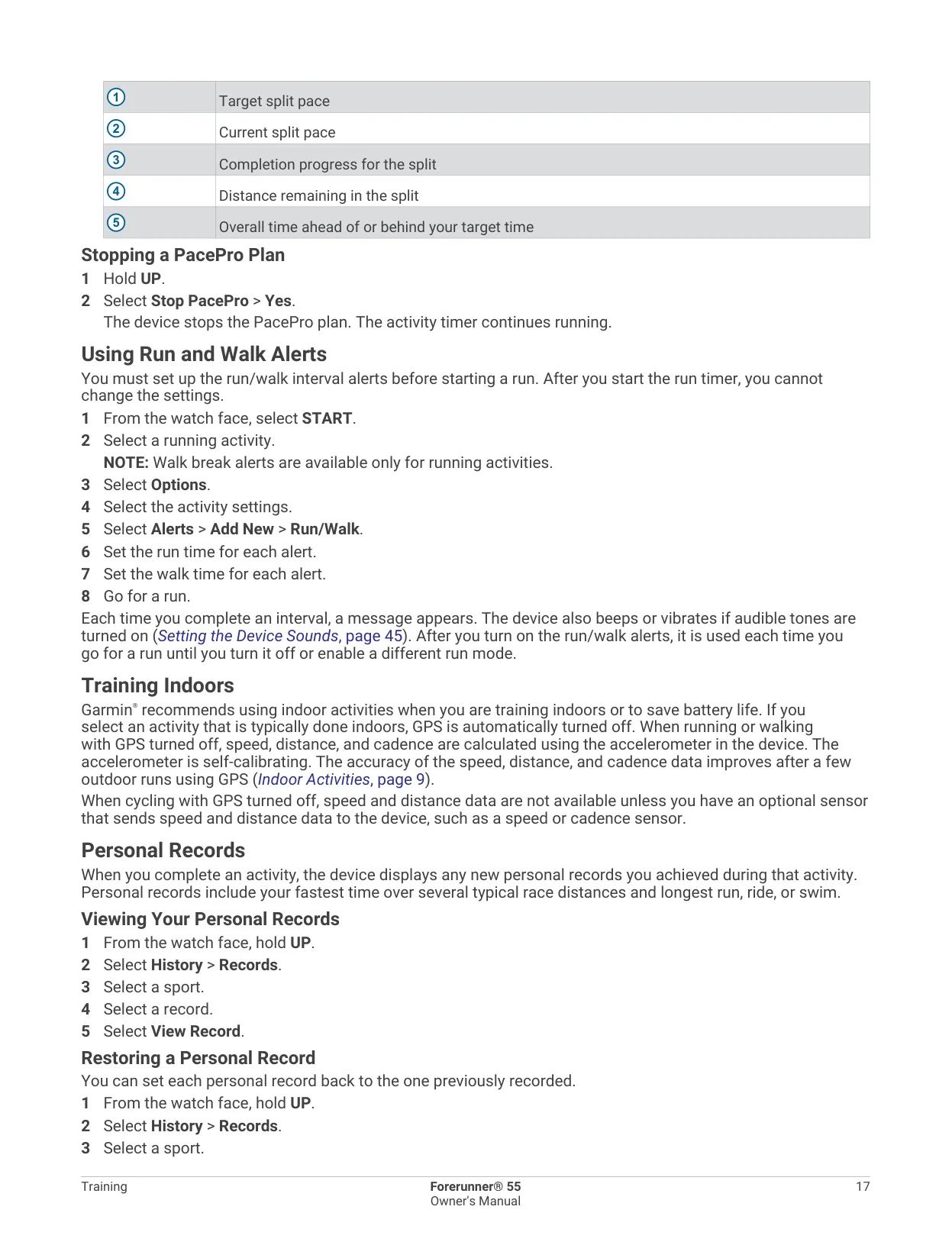
The watch has a lot of training tools. It suggests a daily workout based on your training history, VO2 max., sleep and recovery time. You can build interval workouts by distance, time or open duration, with optional warm-up and cool-down phases. Garmin Coach adaptive plans adjust to your fitness and your race date. PacePro works like a custom pace band: it shows your target split pace, your current split pace, the distance left in the split and how far ahead of or behind your target time you are.
For indoor sessions, the built-in accelerometer calibrates itself to estimate speed, distance and cadence. The Virtual Run mode sends pace, heart rate and cadence data to apps such as Zwift. HIIT recording offers five timer modes: Free, AMRAP, EMOM, Tabata and Custom. On the track, the watch learns the track's dimensions after three laps and lets you set your lane number. Run/walk alerts let you schedule walking breaks at regular intervals.
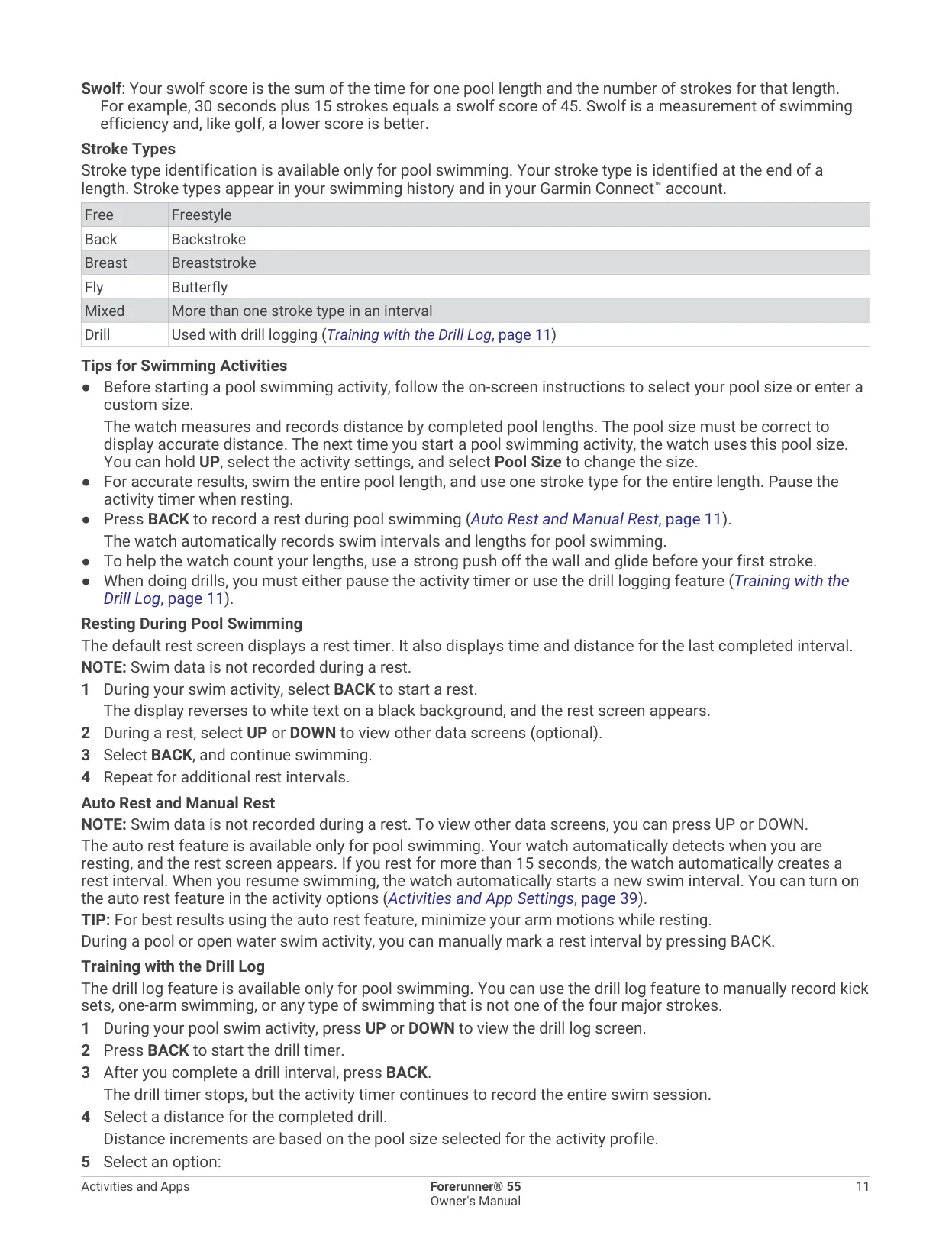
In the pool, the watch counts lengths, records intervals and identifies your stroke type: freestyle, backstroke, breaststroke, butterfly or mixed. It also calculates a Swolf efficiency score. Auto Rest creates a rest interval when you pause for more than 15 seconds. The drill log lets you record kick sets or one-arm swimming by distance. It also tracks personal records, such as fastest race times and longest sessions, and you can view, restore or clear each record.
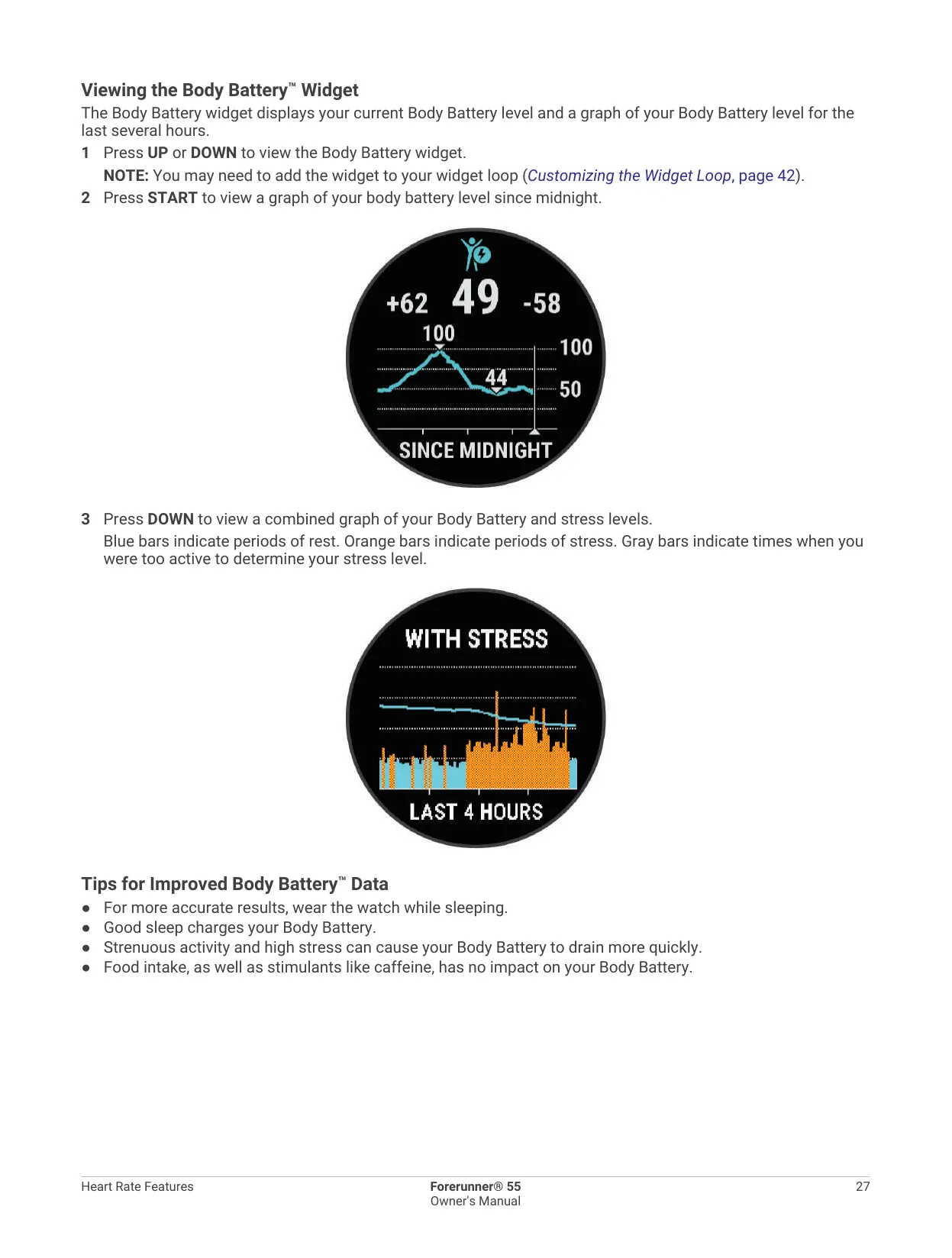
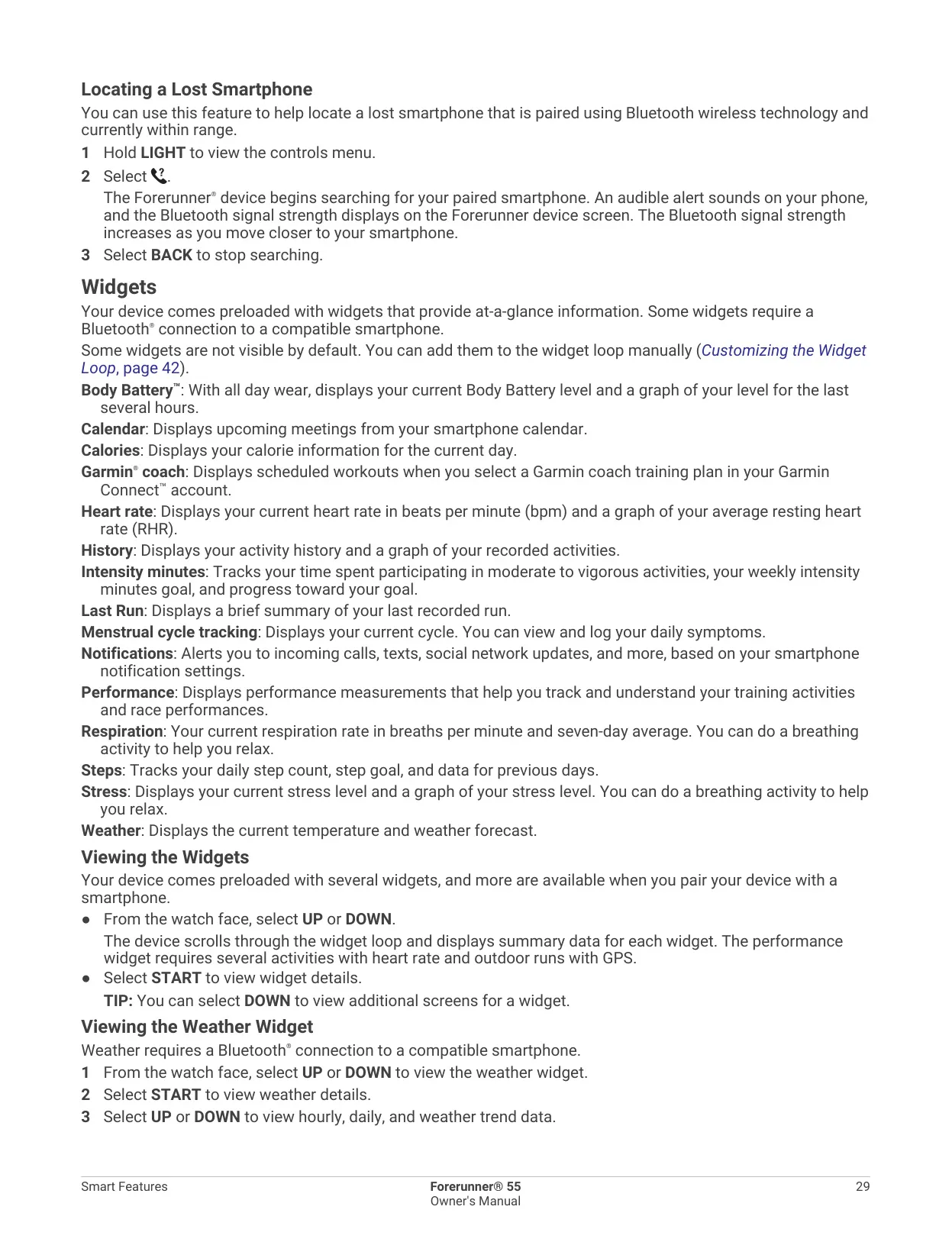
All-day tracking covers steps with an automatic goal, intensity minutes, calories, sleep stages, stress, respiration, hydration and menstrual cycles. A Move Alert appears after one hour of inactivity. Move IQ recognizes walking, running, biking, swimming and elliptical sessions that last at least 10 minutes. Body Battery combines heart rate variability, stress, sleep and activity data to estimate your energy reserves. Your fitness age compares your fitness with that of people of the same sex.
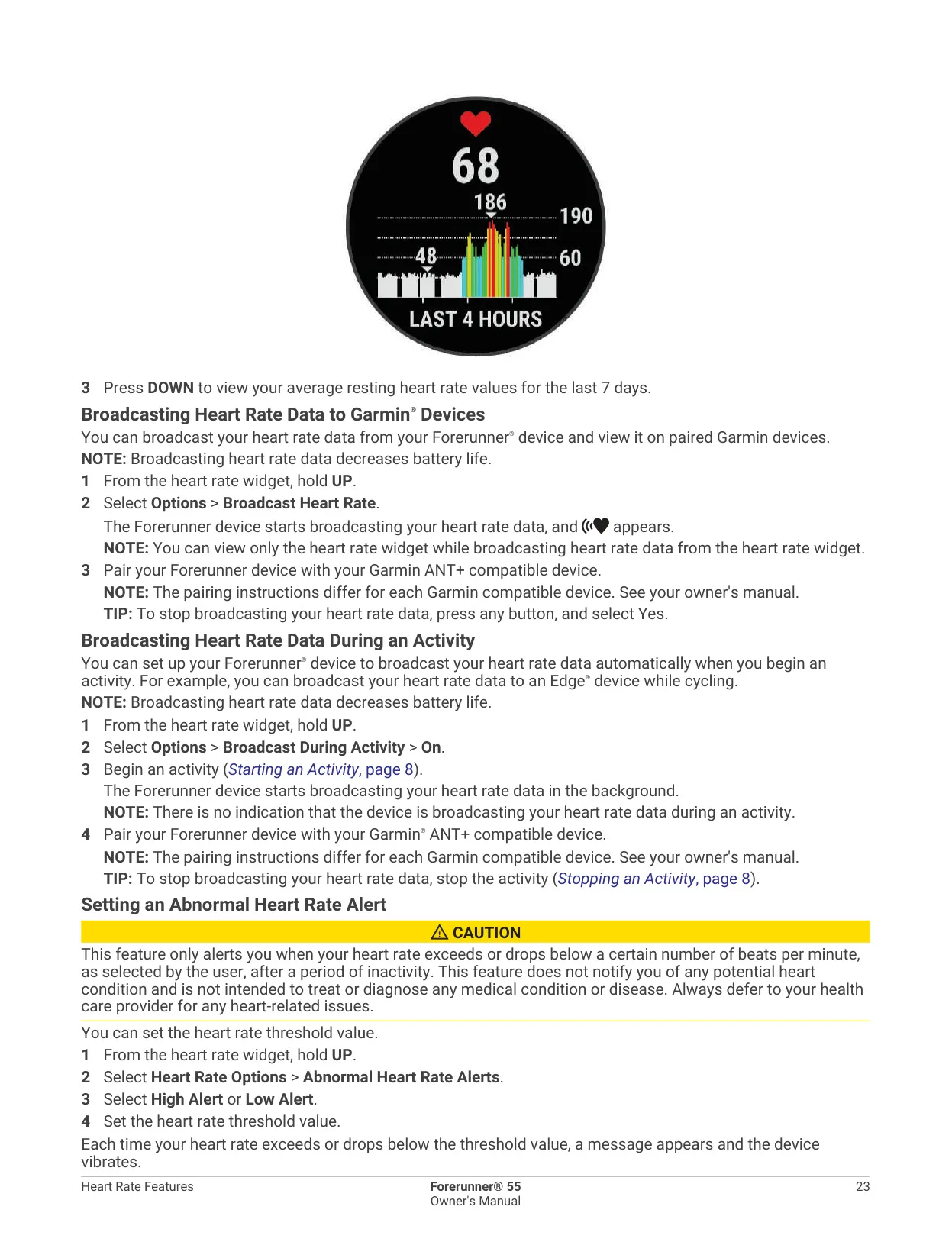
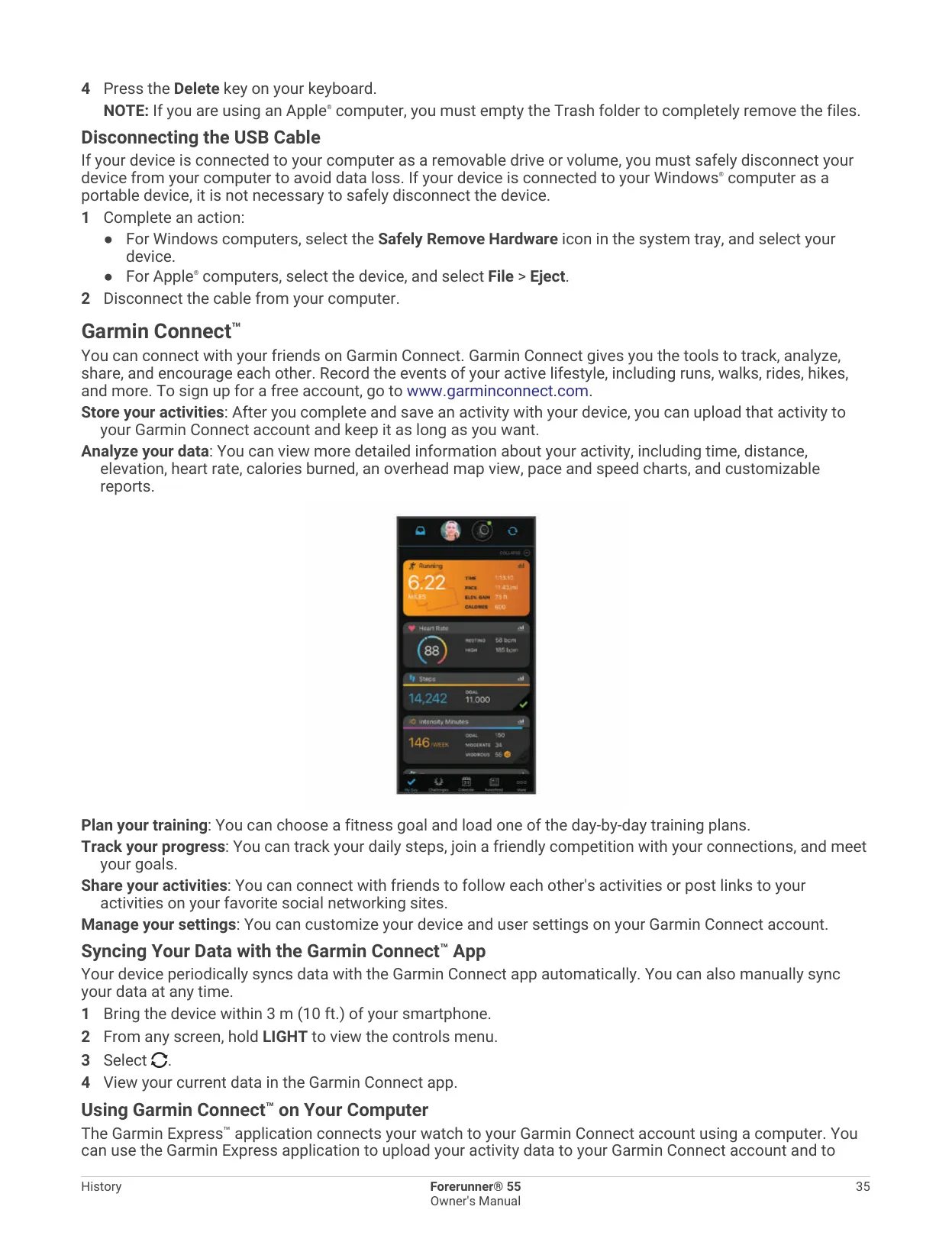
When paired with the Garmin Connect app, the watch shows phone notifications, weather updates and calendar events. It can control music on your phone, play audio prompts and help you find a lost phone. You can download extra watch faces, widgets, data fields and apps through Connect IQ. Physio TrueUp syncs activities from other Garmin devices, such as an Edge bike computer. The watch can also broadcast your heart rate to other ANT+ devices.
For safety, incident detection and assistance requests can send your name, a LiveTrack link and your GPS location to emergency contacts. To send an assistance request, hold LIGHT until you feel three vibrations. LiveTrack lets friends and family follow your activity in real time, and Live Event Sharing sends them progress updates during races. You can also customize the data screens, alerts, Auto Lap, Auto Pause, backlight gestures, alarms, timers and the stopwatch.
Frequently Asked Questions (FAQs)
Can't find the answer you need? Here are some frequently asked questions about the Garmin Forerunner 55 GPS Receiver, and we answer them below.