Garmin Approach S20 GPS Receiver Instruction Manual
Garmin Approach S20 GPS Receiver




Garmin Approach S20 Instructions
Here we offer the Garmin Approach S20 GPS Receiver manual completely free and in English. We have cataloged this manual in the GPS Receivers section on Manualverse, and it has been rated by 1 users with an average rating of 5. If you have any specific questions about Garmin Approach S20 GPS Receiver, we suggest checking the Frequently Asked Questions (FAQs) section of this manual.
Product Images


Garmin Approach S20 GPS Receiver Specifications
| Feature | Specification |
|---|---|
| Product Type | GPS golf watch |
| Battery Type | Rechargeable lithium-ion |
| Battery Life (Watch Only) | Up to 8 weeks |
| Battery Life (Playing Golf) | Up to 15 hours |
| Battery Life Factors | GPS usage time, backlight, power save mode and exposure to extremely cold temperatures |
| Operating Temperature Range | -20 °C to 60 °C (-4 °F to 140 °F) |
| Charging Temperature Range | 5 °C to 40 °C (40 °F to 104 °F) |
| Water Rating | 5 ATM (withstands pressure equivalent to a depth of 50 m) |
| Wireless Frequency / Protocol | 2.4 GHz @ 0.7 dBm nominal |
| Wireless Connectivity | Bluetooth wireless technology |
| Smartphone Pairing | Through the Garmin Connect Mobile app only |
| Satellite Acquisition Time | 30 to 60 seconds |
| Charging Method | Charging clip with posts connecting to rear contacts, via USB cable to a USB charging port |
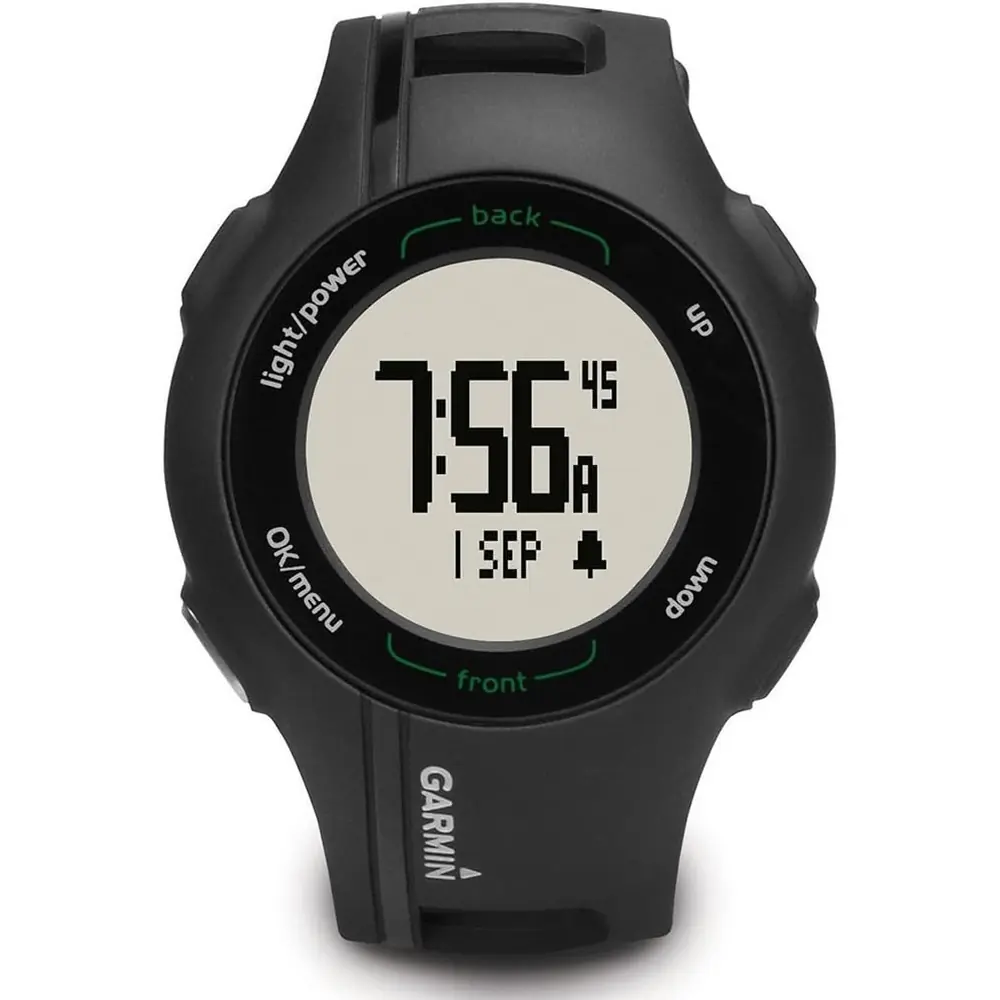
| Physical Keys | Power/backlight, UP, DOWN, OK, BACK |
| Green Distances | Front, middle (pin) and back of the green |
| Hazard and Layup Data | Par 4 and par 5 holes |
| Status Icons | Bluetooth signal, battery, calories burned, distance traveled, steps taken, sunrise, sunset |
| Color Themes | Dark and Light |
| Move Alert Trigger | After one hour of inactivity |
| User Profile Data | Gender, birth year, height, weight |
| Compatible Apps | Garmin Connect Mobile, Garmin Golf |
| Garmin Golf Leaderboards | More than 41,000 courses with weekly leaderboards |
| Compatible Accessory | Garmin TruSwing device (sold separately) |
| Regulatory Label | Electronic e-label (Main menu > About) |
| Manual Revision | May 2020, v3 |
Garmin Approach S20 GPS Receiver Details
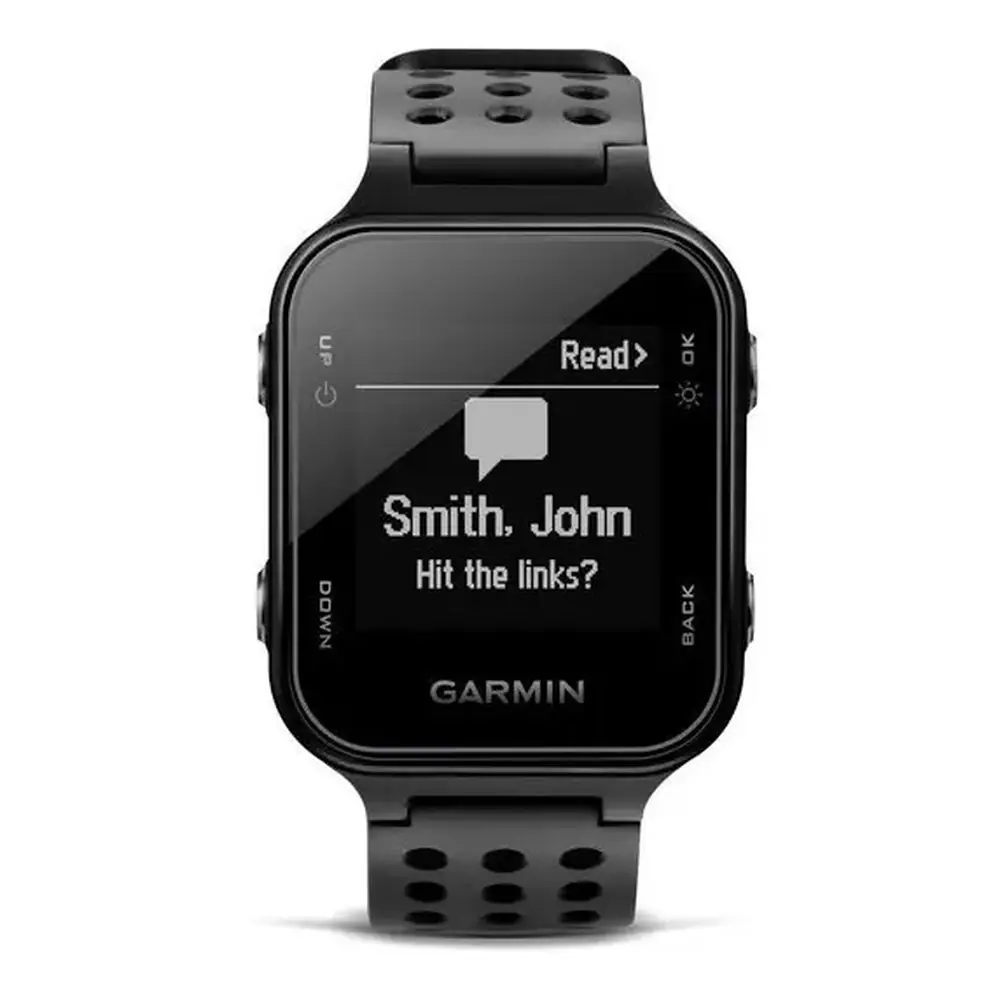
The Garmin Approach S20 is a golf GPS watch with five physical keys. The first time you power it on, an on-screen setup guides you through the system settings. To start a round, select OK and then Start Round. The watch finds satellites, works out your location and shows a list of nearby courses. After you pick a course and finish the setup prompts, the round begins and the watch moves to each new hole automatically.
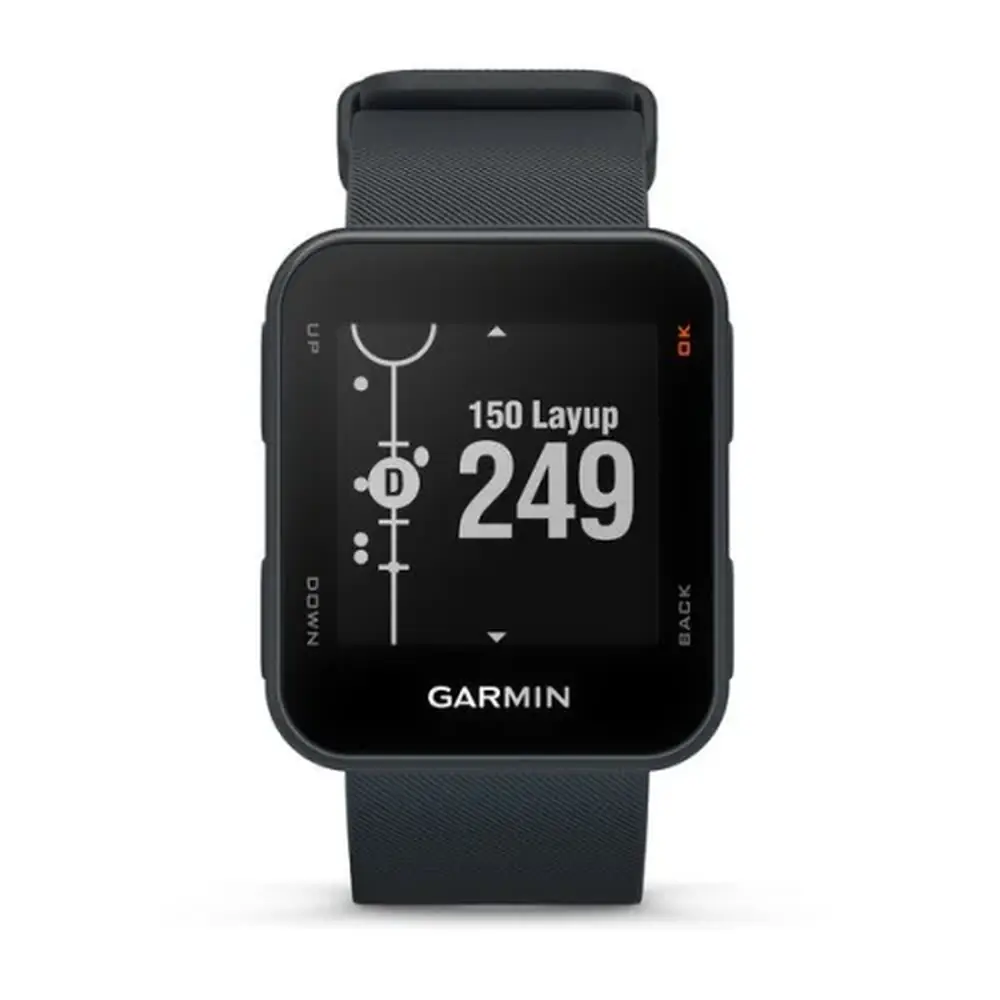
The Hole View screen shows the hole number, the par, an approximate outline of the green and distances to the front, back and pin. By default the pin distance is measured to the middle of the green. If you know the actual flag position, the Move Flag option lets you move the pin marker with the UP and DOWN keys. This gives more accurate yardages for the day's setup.
For par 4 and par 5 holes, the Hazards page shows the distance to the front and back of each hazard. Hazards are shown one at a time or in groups relative to the fairway centerline, which helps you decide whether to lay up or carry. The Layups page lists layup and dogleg distances and how far you have to hit to reach each one. Together, these pages help with planning the next shot.
When scoring is enabled, the watch uses automatic shot detection to record each fairway shot. Measure Shot shows your last shot distance, and the full list of shots is a scroll away. Detection works best when you wear the watch on your leading wrist and strike the ball cleanly. Putts are not detected. The shot distance resets when you hit again, putt on the green or move to the next hole.
The digital Scorecard asks for your score when you reach the green, and you can correct scores at any time. With statistics tracking turned on, you can also log putts and whether your tee shot hit the fairway or missed left or right. Club tracking records which clubs you use and lets you set your driver distance. The built-in Odometer records time and distance traveled. You can reset it or turn it off from the main menu.
When paired with a smartphone, the Garmin Golf app lets you join weekly leaderboards, set up tournaments, invite other players and review detailed shot analyses from uploaded scorecards. Garmin Connect Mobile also updates your most frequently played courses automatically and delivers software updates. Phone notifications show your incoming messages on the watch, and you can turn them on or off under Settings > Bluetooth.
Off the course, activity tracking counts your daily steps, distance and calories burned. The calorie total includes your base metabolism as well as activity calories. You can hide the step goal if you prefer. The move alert shows Move! after a long period of inactivity and resets after a short walk. Other features include an alarm, key and alert tones, unit selection, language options and Dark or Light color themes.
When paired with an optional TruSwing sensor mounted on a club, the watch displays swing metrics after every shot. You can change clubs, set your handedness for accurate analysis, and end the session from the TruSwing menu. For care, rinse the watch with fresh water after contact with chlorine, salt water or sunscreen, and do not press the keys underwater. Clean and dry the charging contacts before charging to prevent corrosion.
Frequently Asked Questions (FAQs)
Can't find the answer you need? Here are some frequently asked questions about the Garmin Approach S20 GPS Receiver, and we answer them below.