Garmin GNS 430 Panel Avionics Unit Instruction Manual
Garmin GNS 430 Panel Avionics Unit


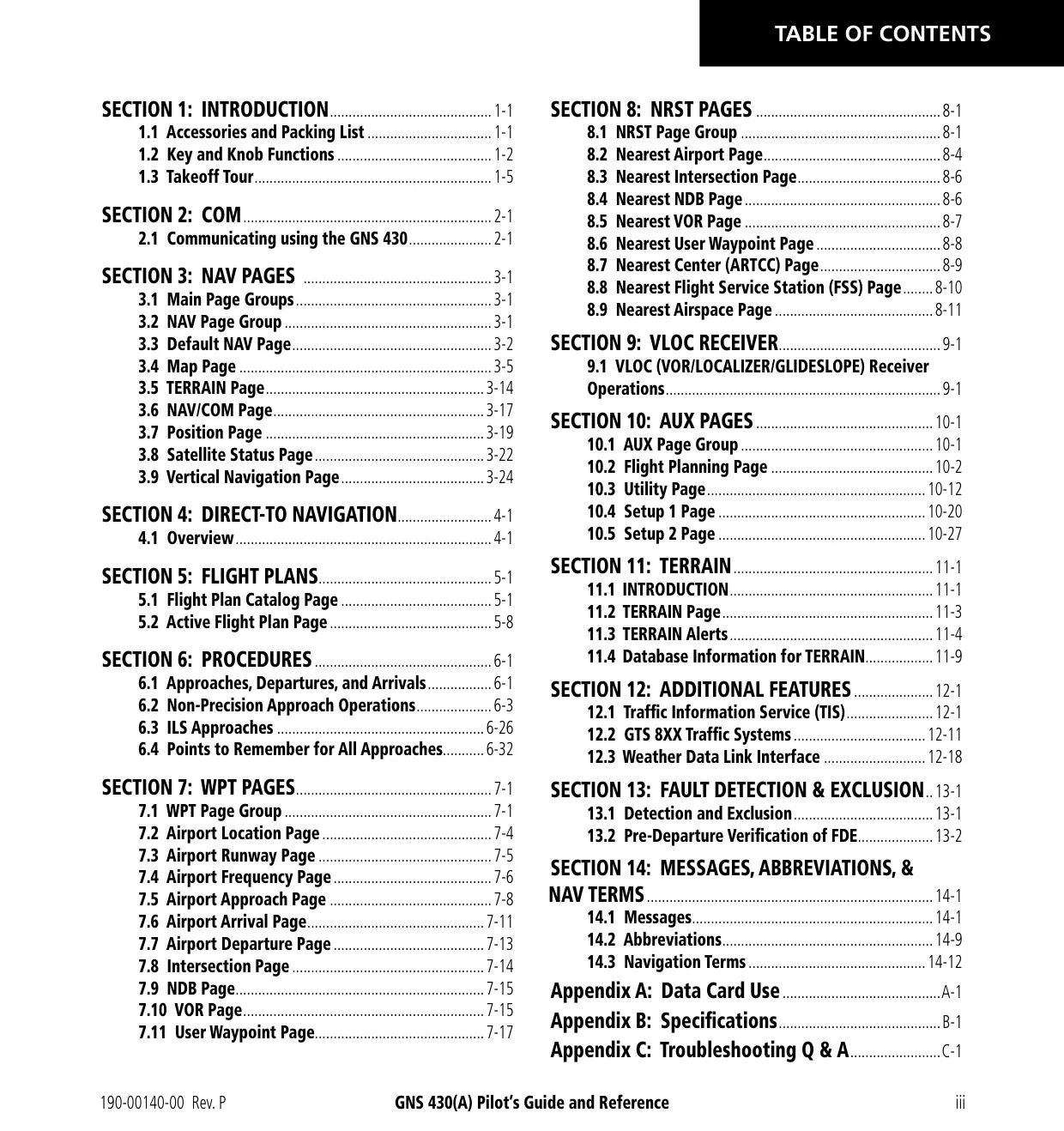




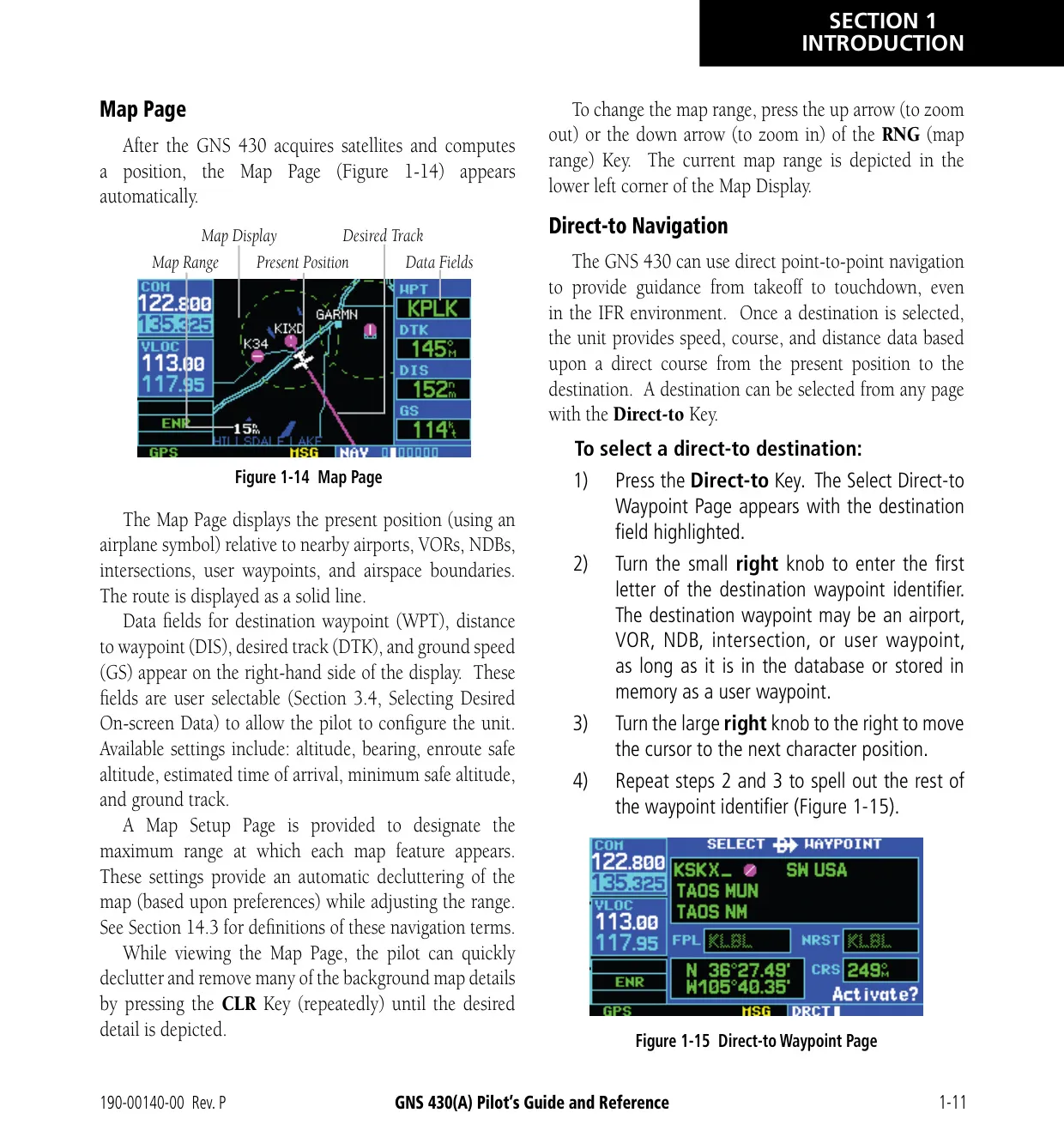
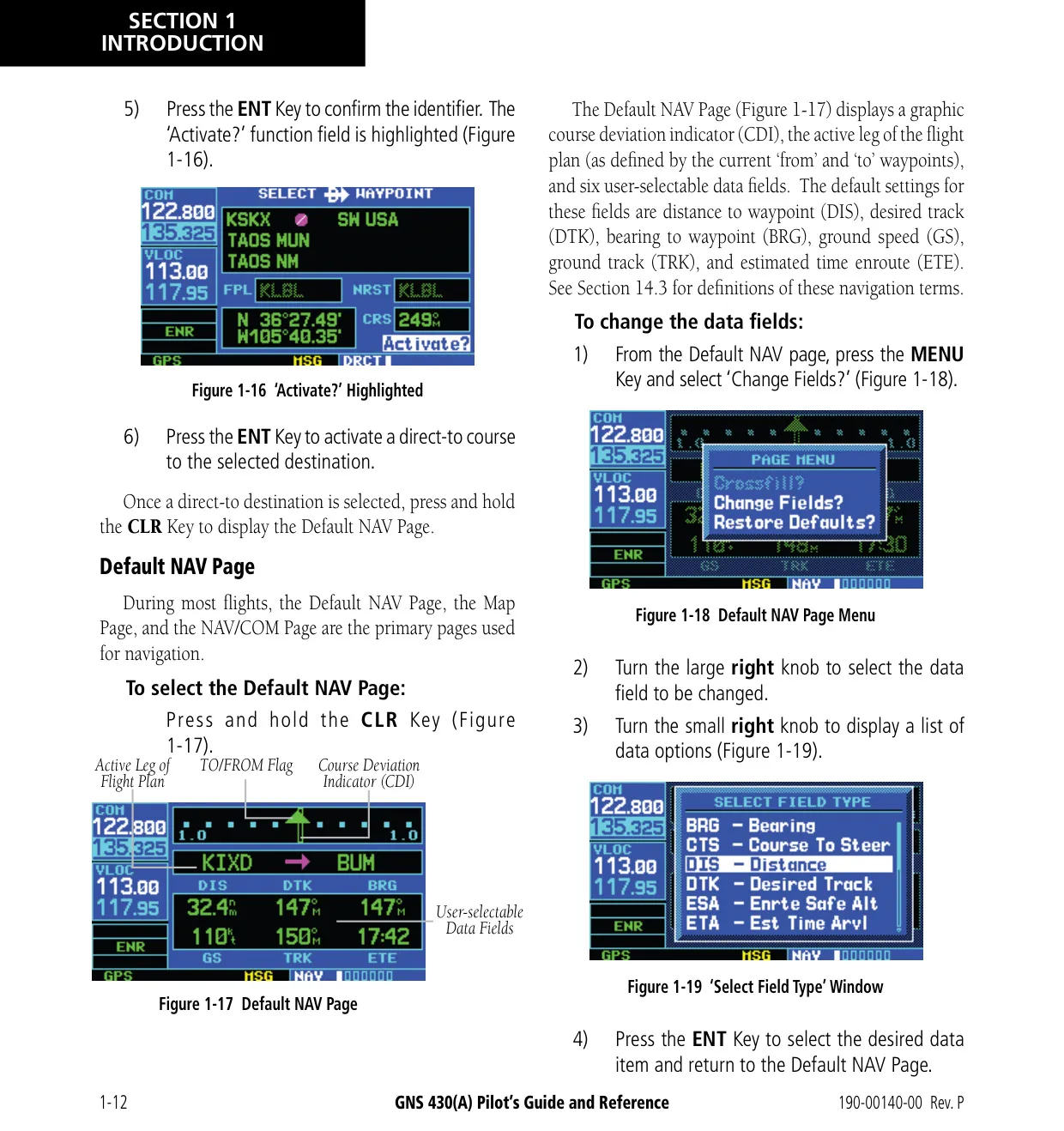













































































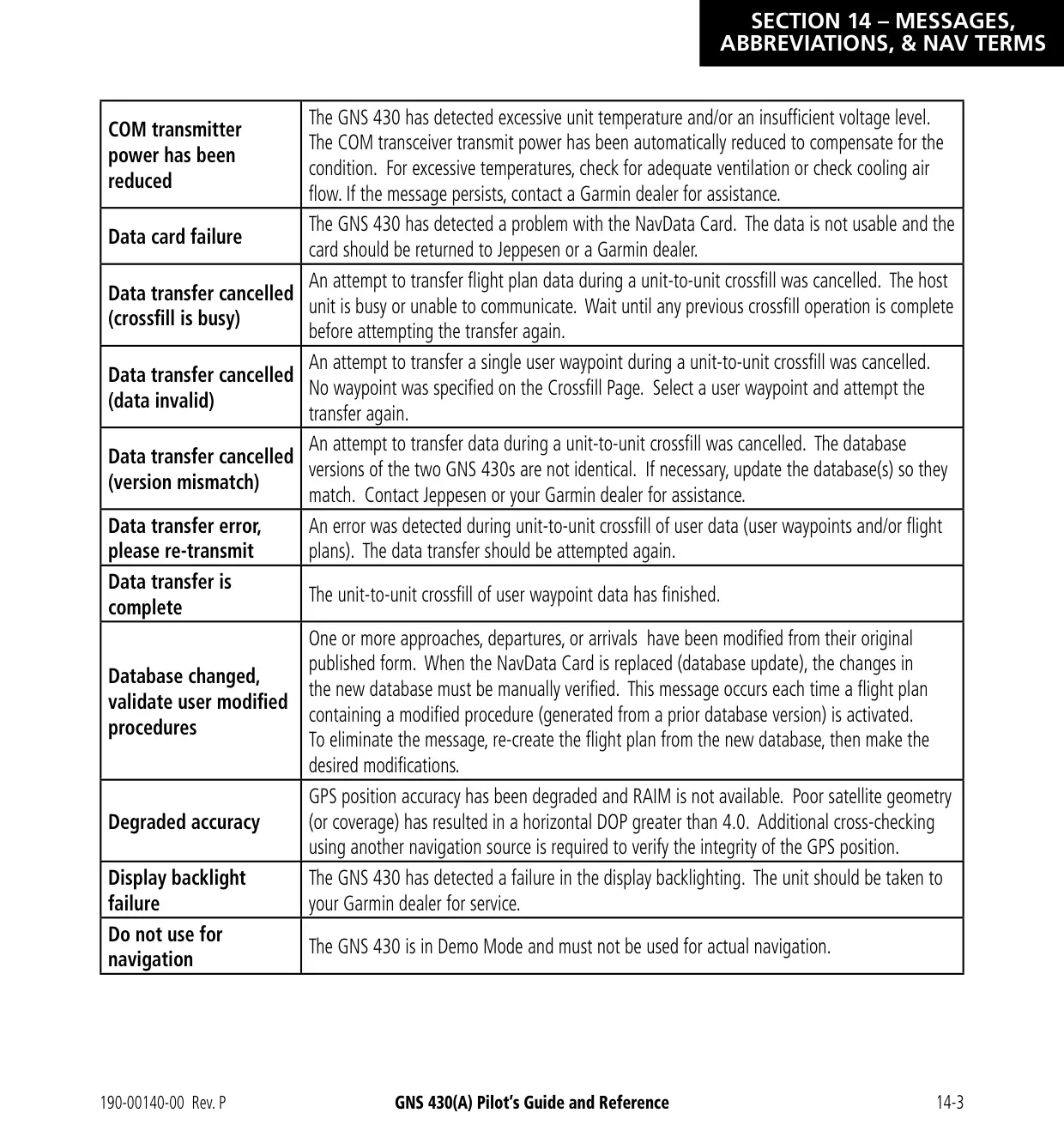


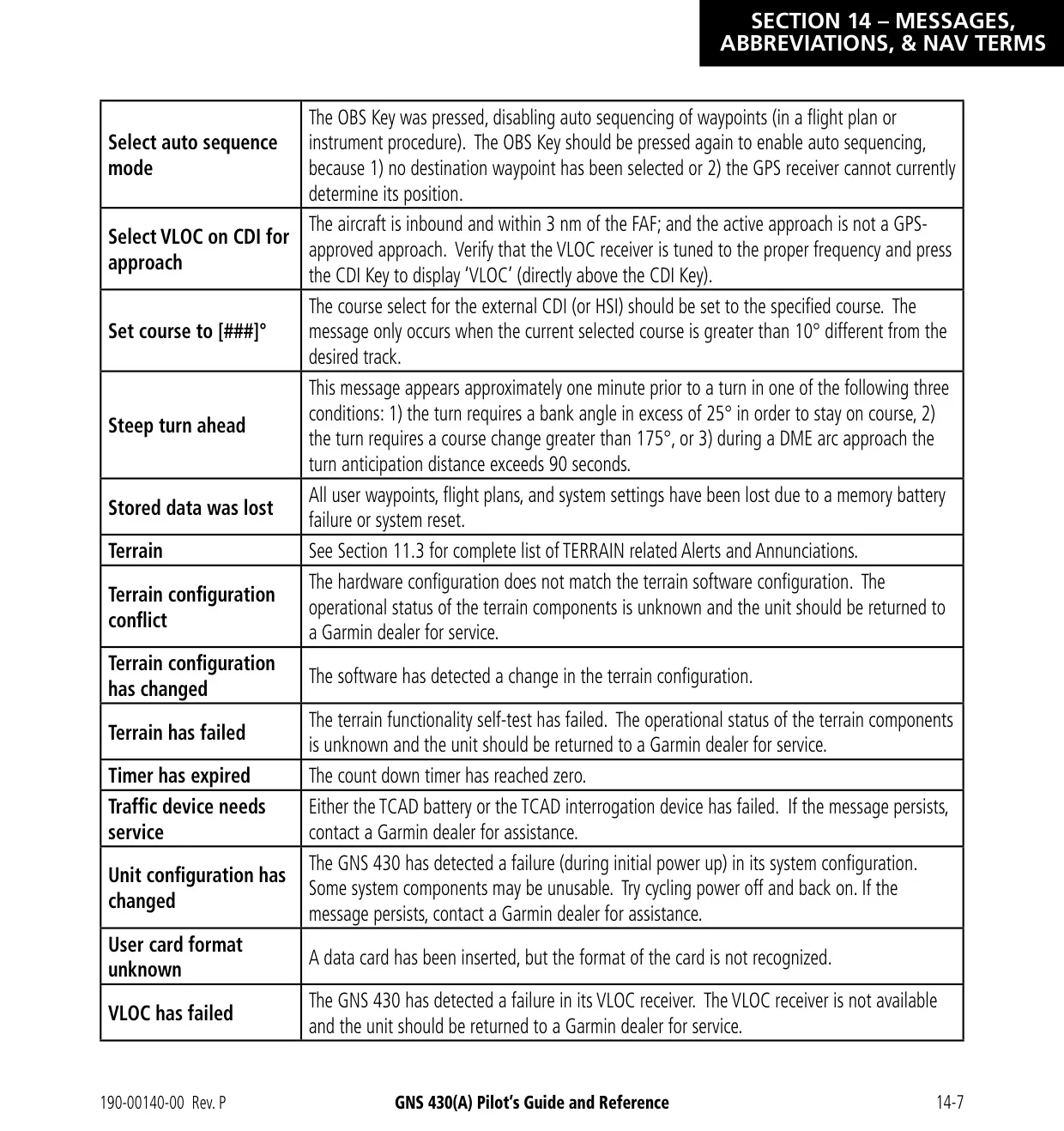


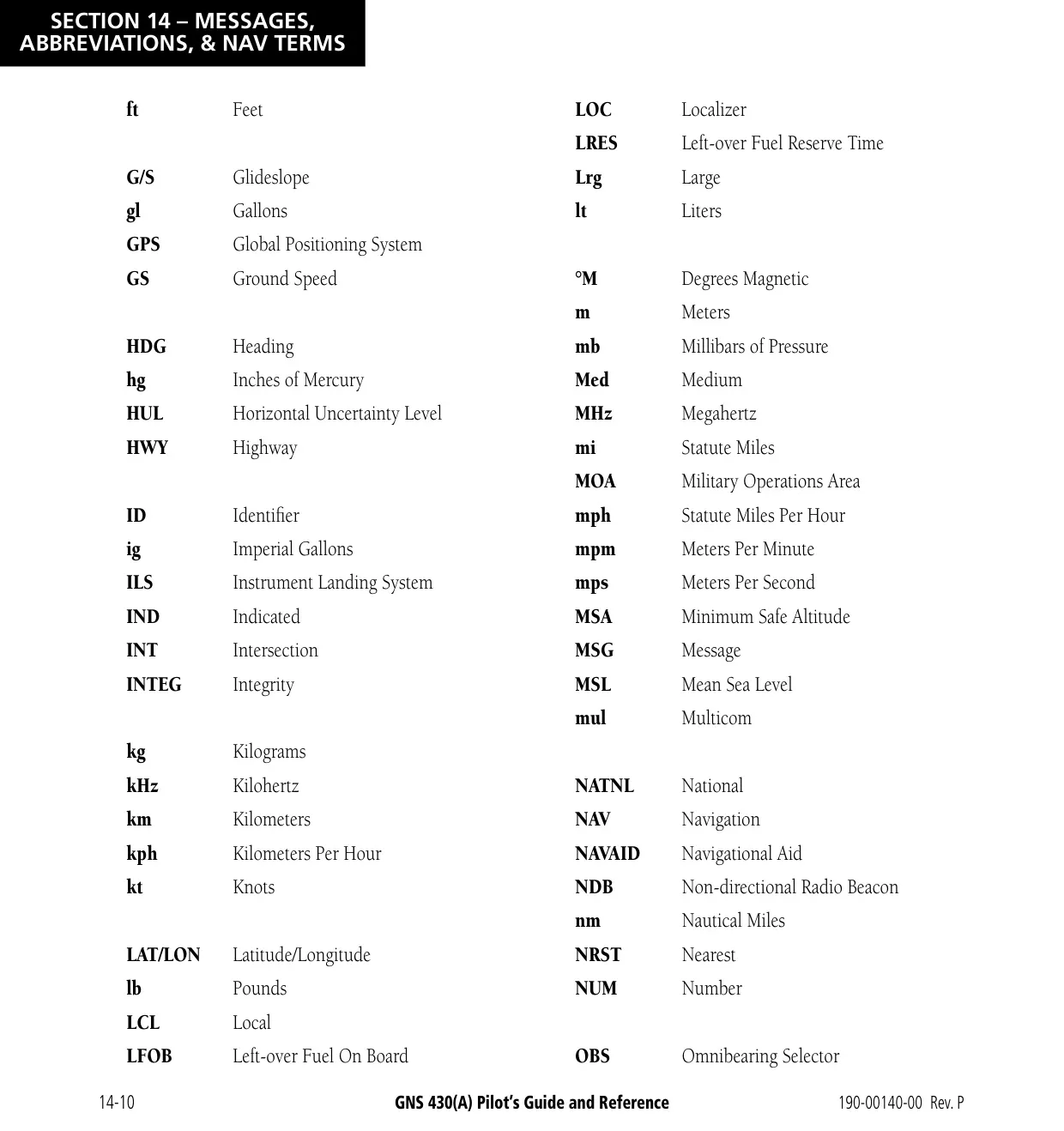


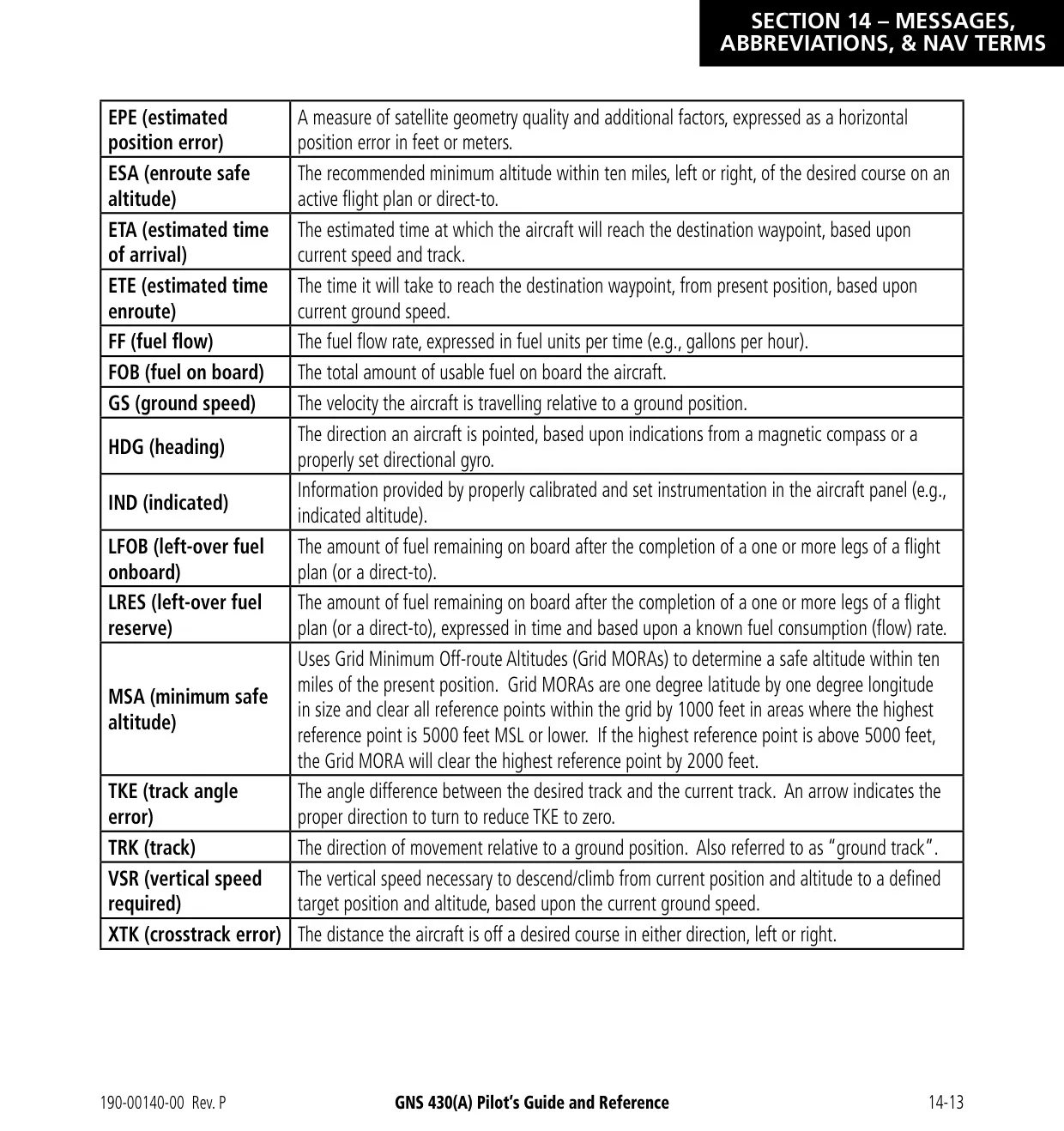



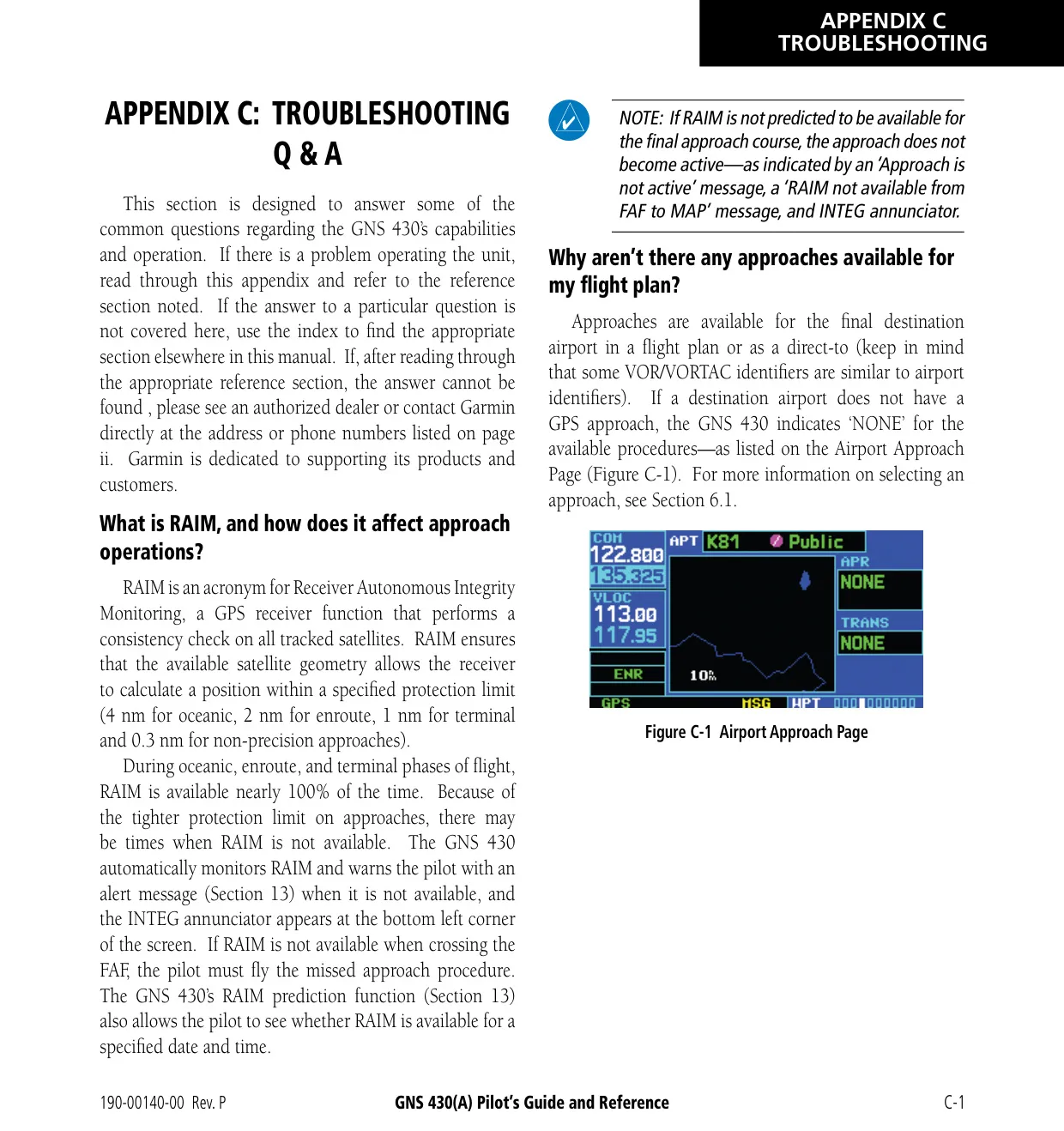
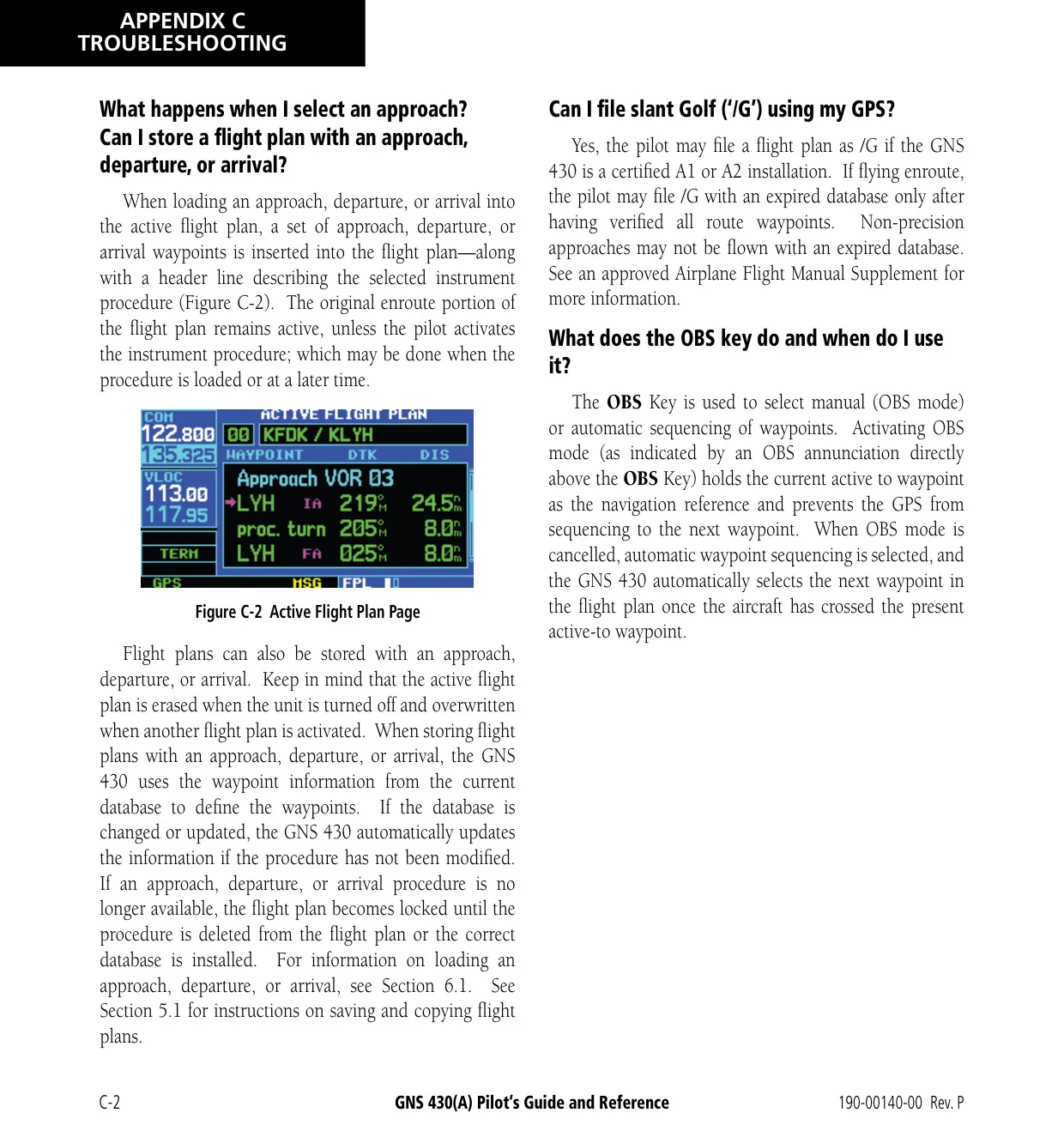


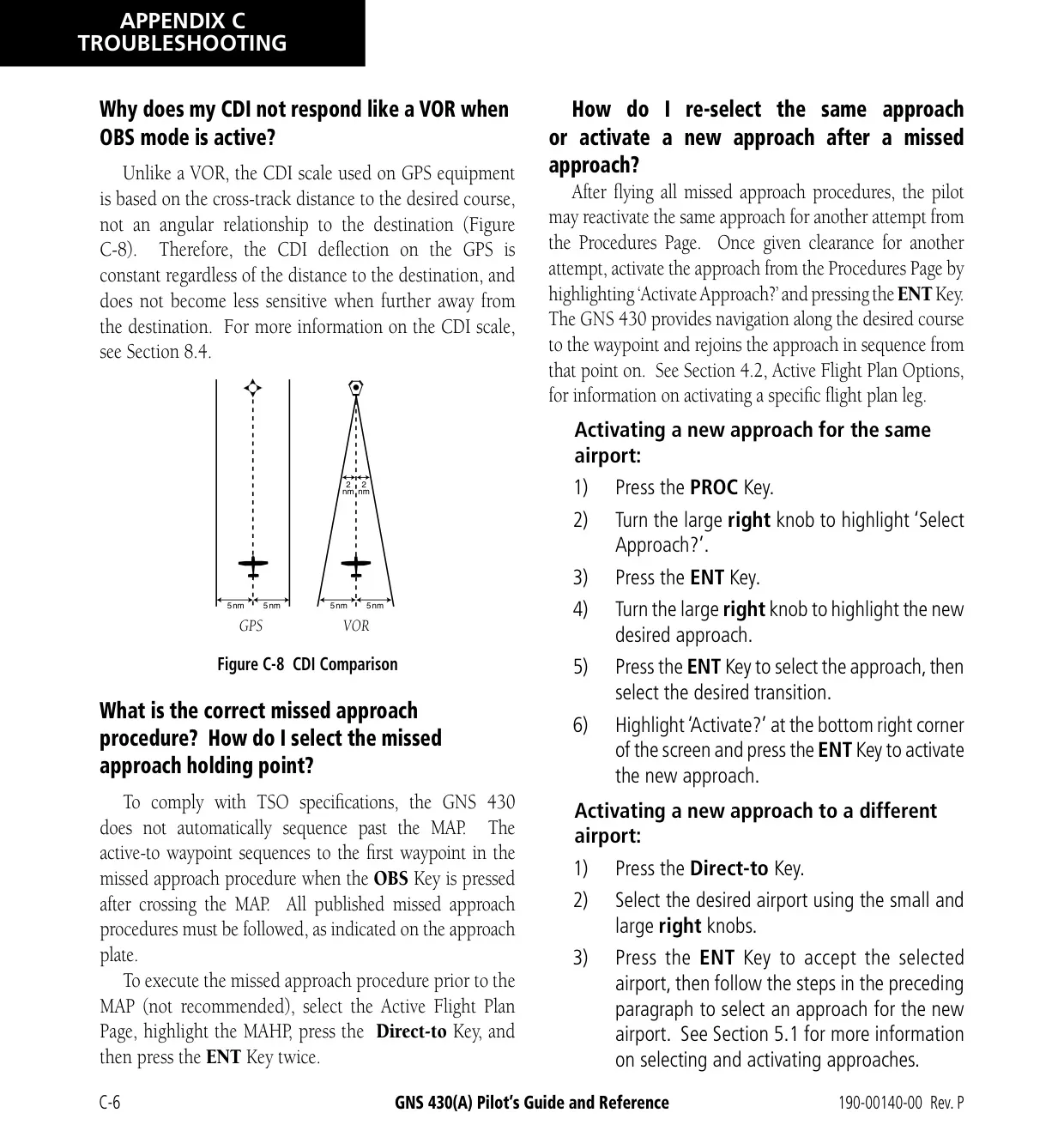






Garmin GNS 430 Panel Avionics Unit



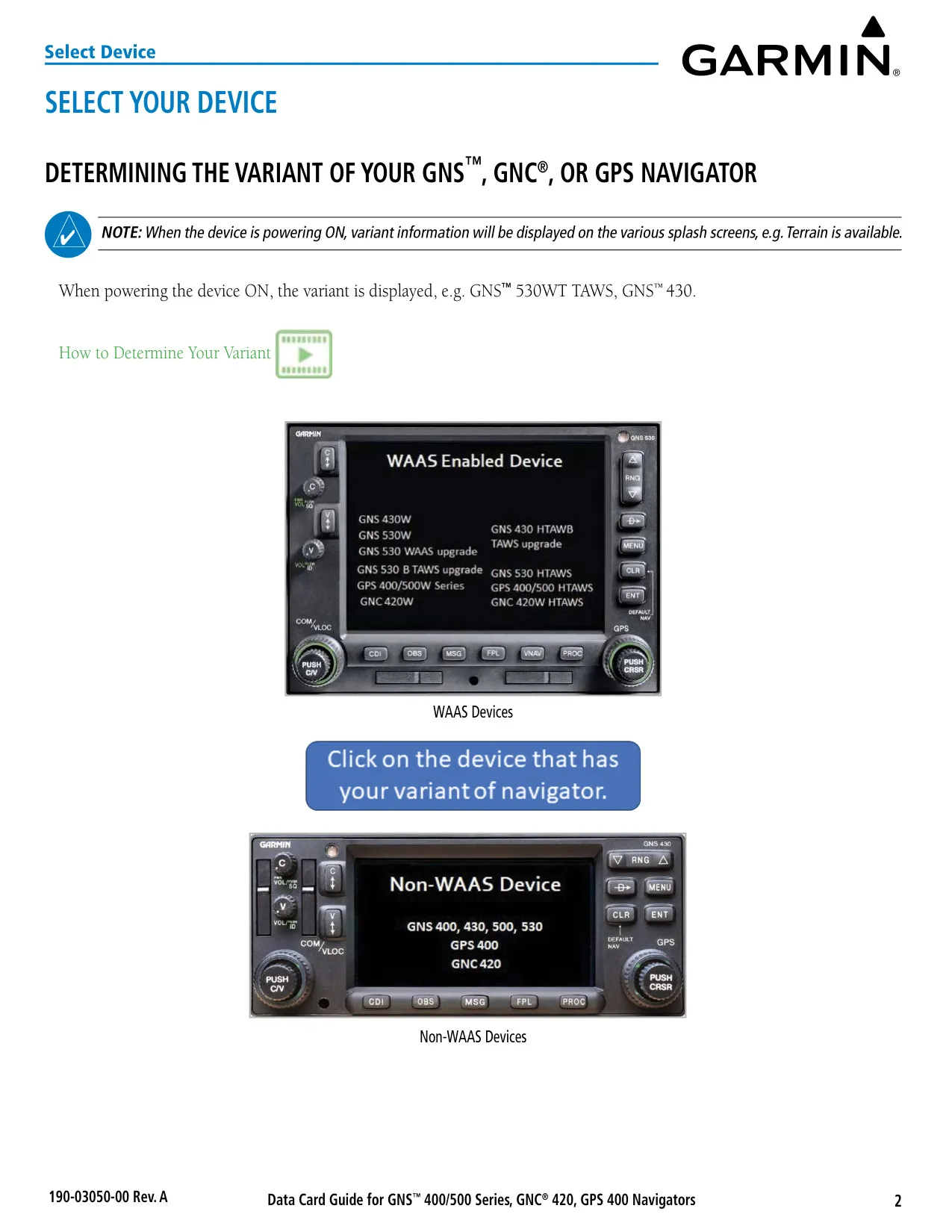
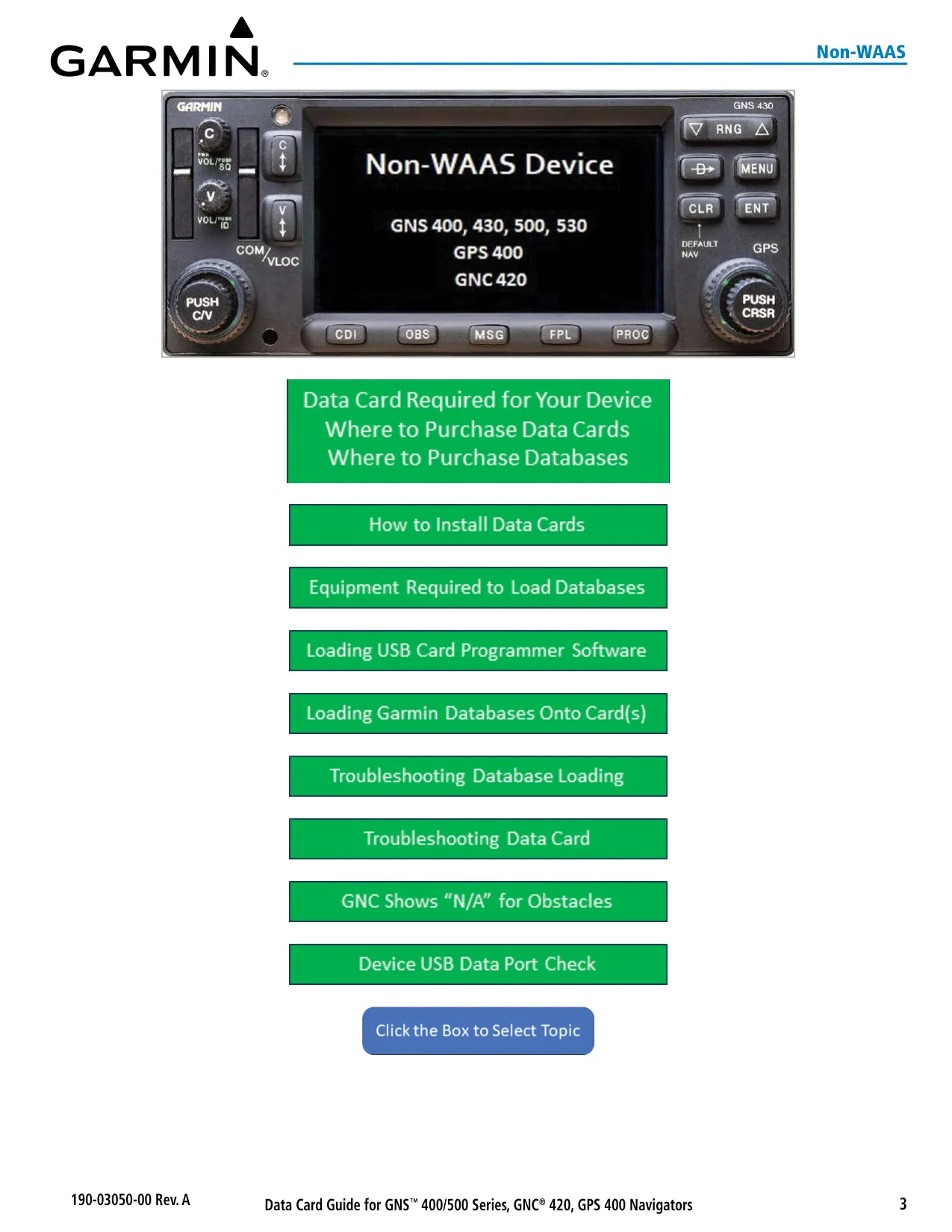








Garmin GNS 430 Panel Avionics Unit











































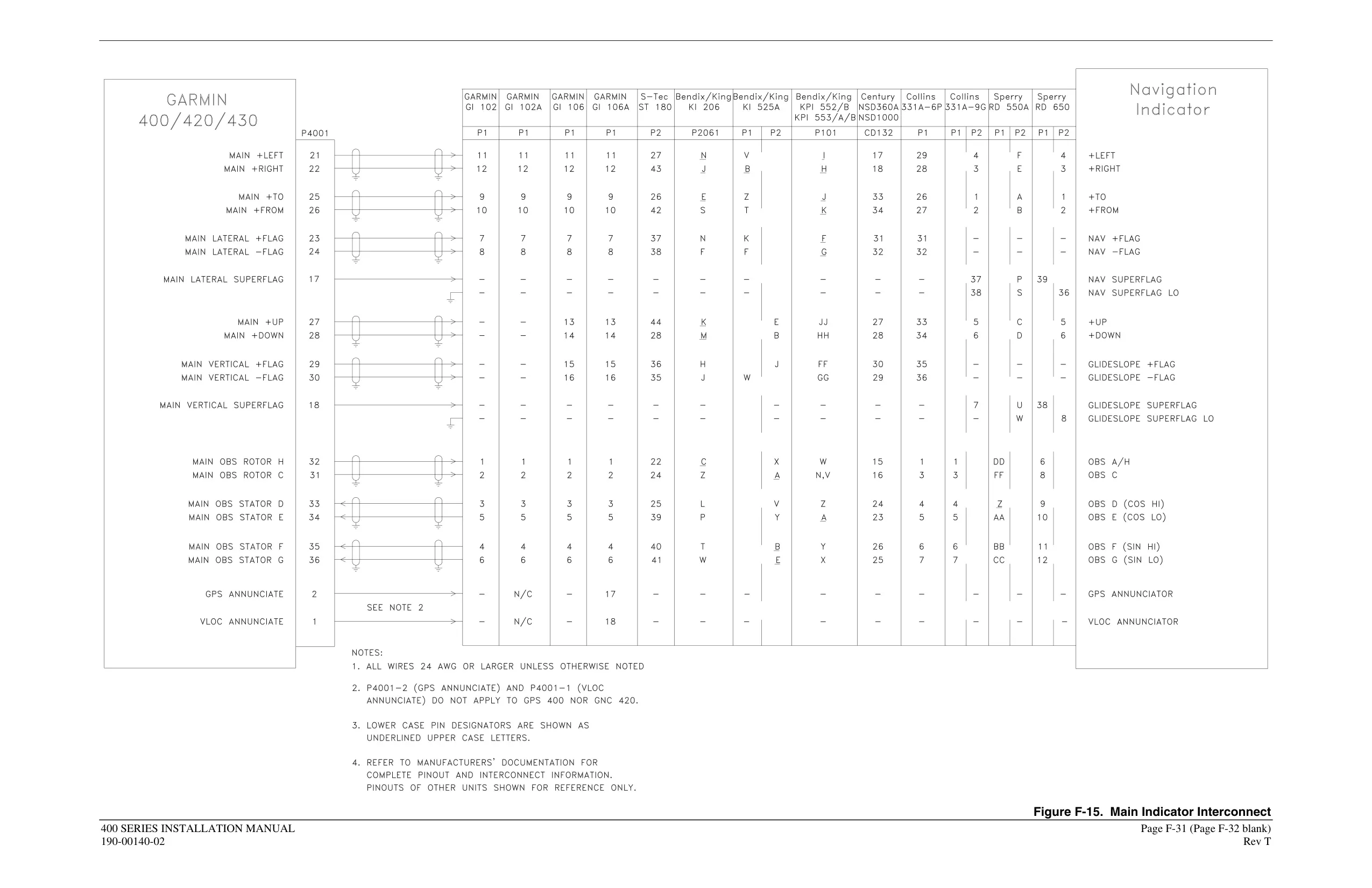
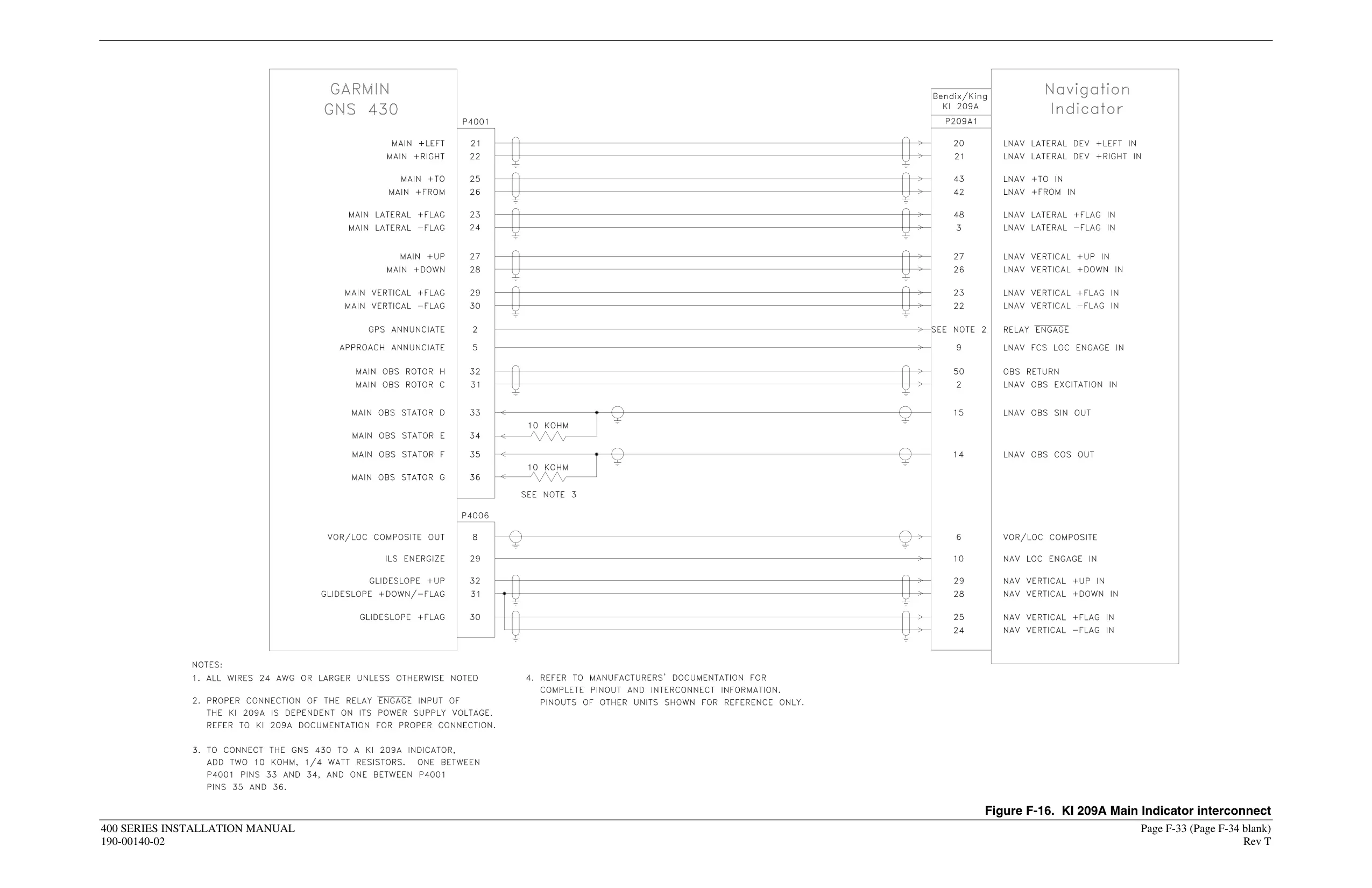

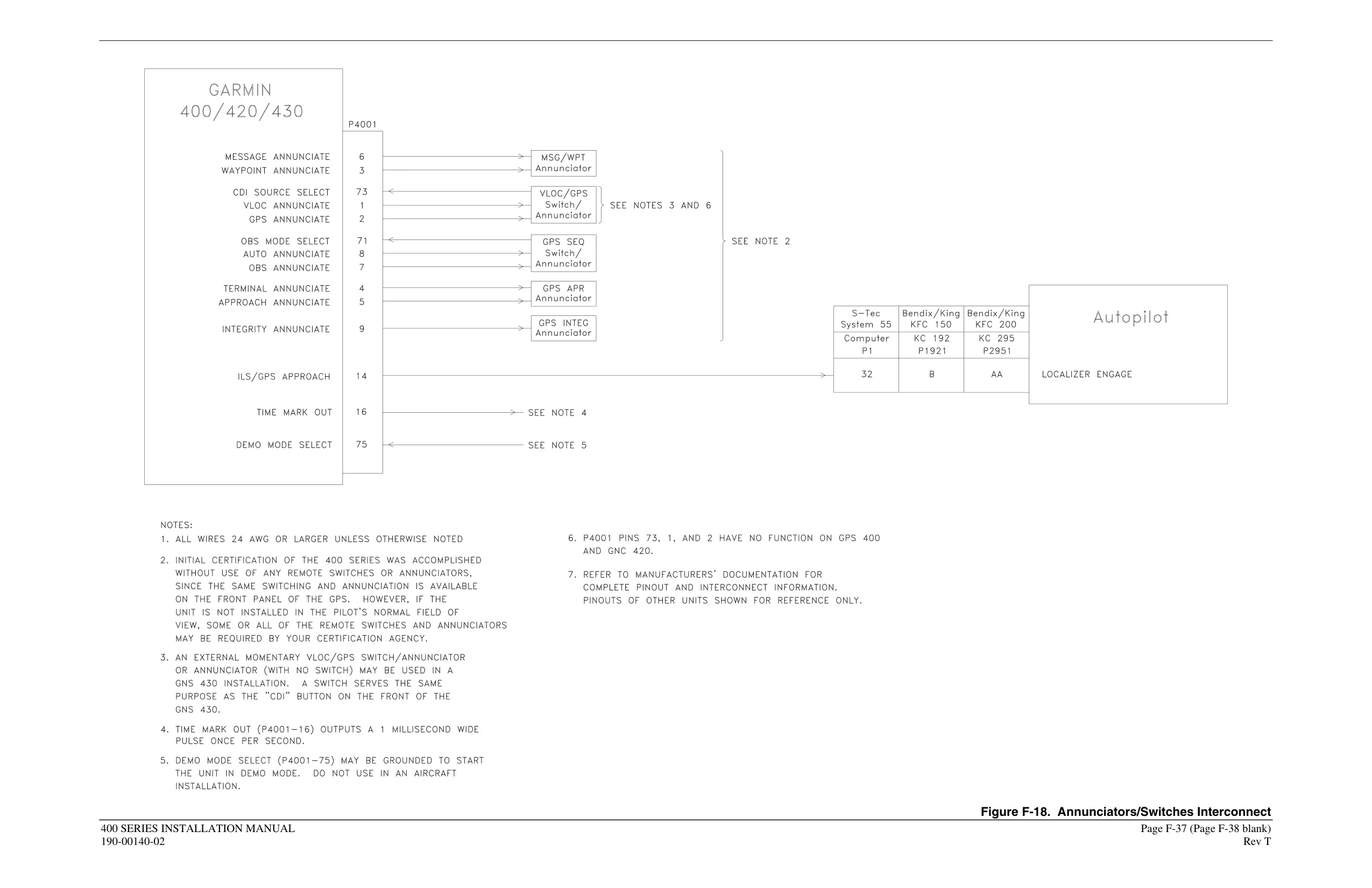


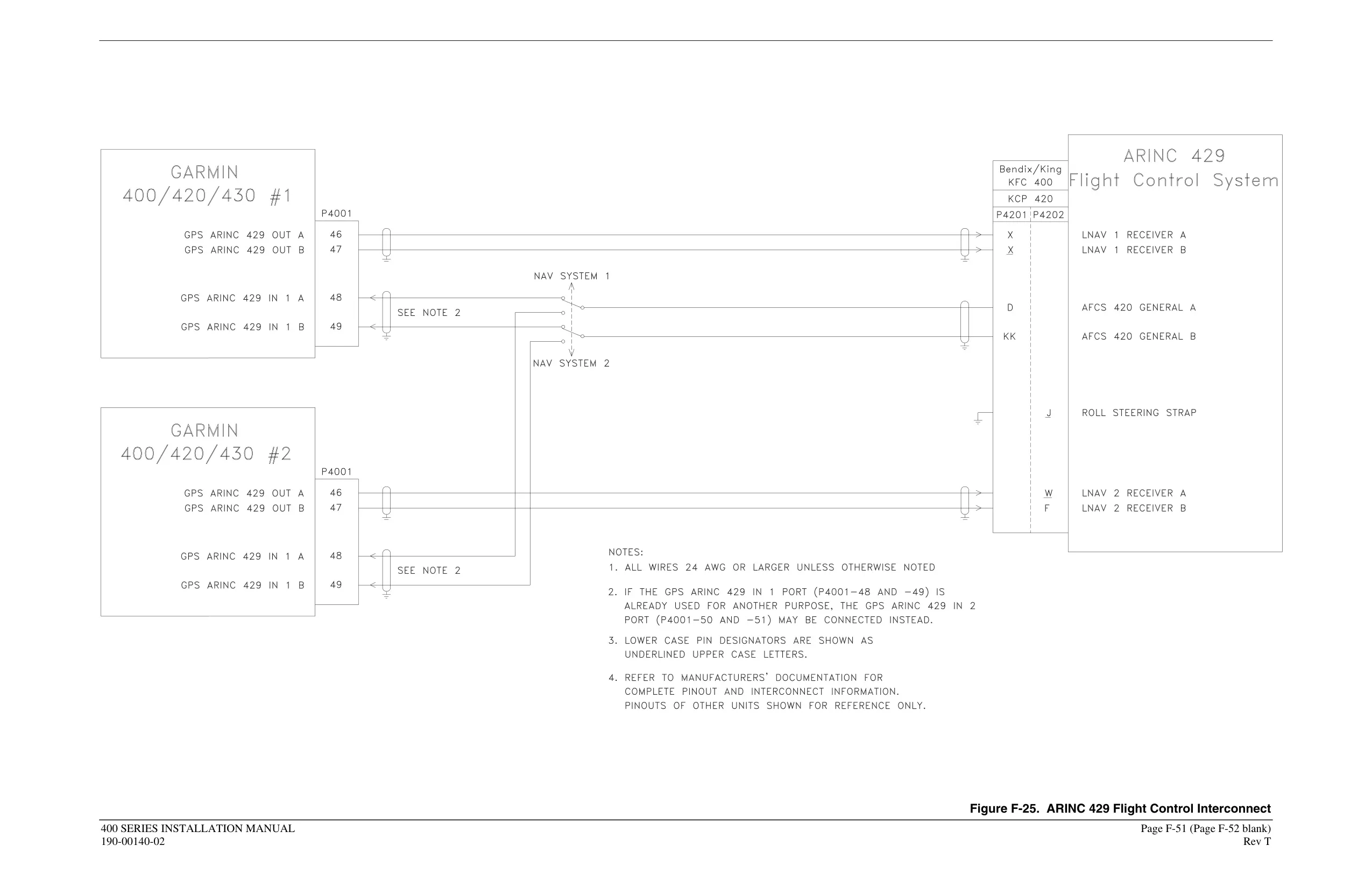



Garmin GNS 430 Panel Avionics Unit






Garmin GNS 430 Instructions
Here we offer the Garmin GNS 430 Panel Avionics Unit manual completely free and in English. We have cataloged this manual in the Panel Avionics Units section on Manualverse, and it has been rated by 1 users with an average rating of 5. If you have any specific questions about Garmin GNS 430 Panel Avionics Unit, we suggest checking the Frequently Asked Questions (FAQs) section of this manual.
Product Images



Garmin GNS 430 Panel Avionics Unit Specifications
| Feature | Specification |
|---|---|
| Product Type | Panel-mount IFR GPS/NAV/COM system |
| Covered Models | GNS 430 and GNS 430A |
| Pilot's Guide Reference | 190-00140-00 Rev. P (December 2009) |
| Main System Software Covered | Version 5.03 or later |
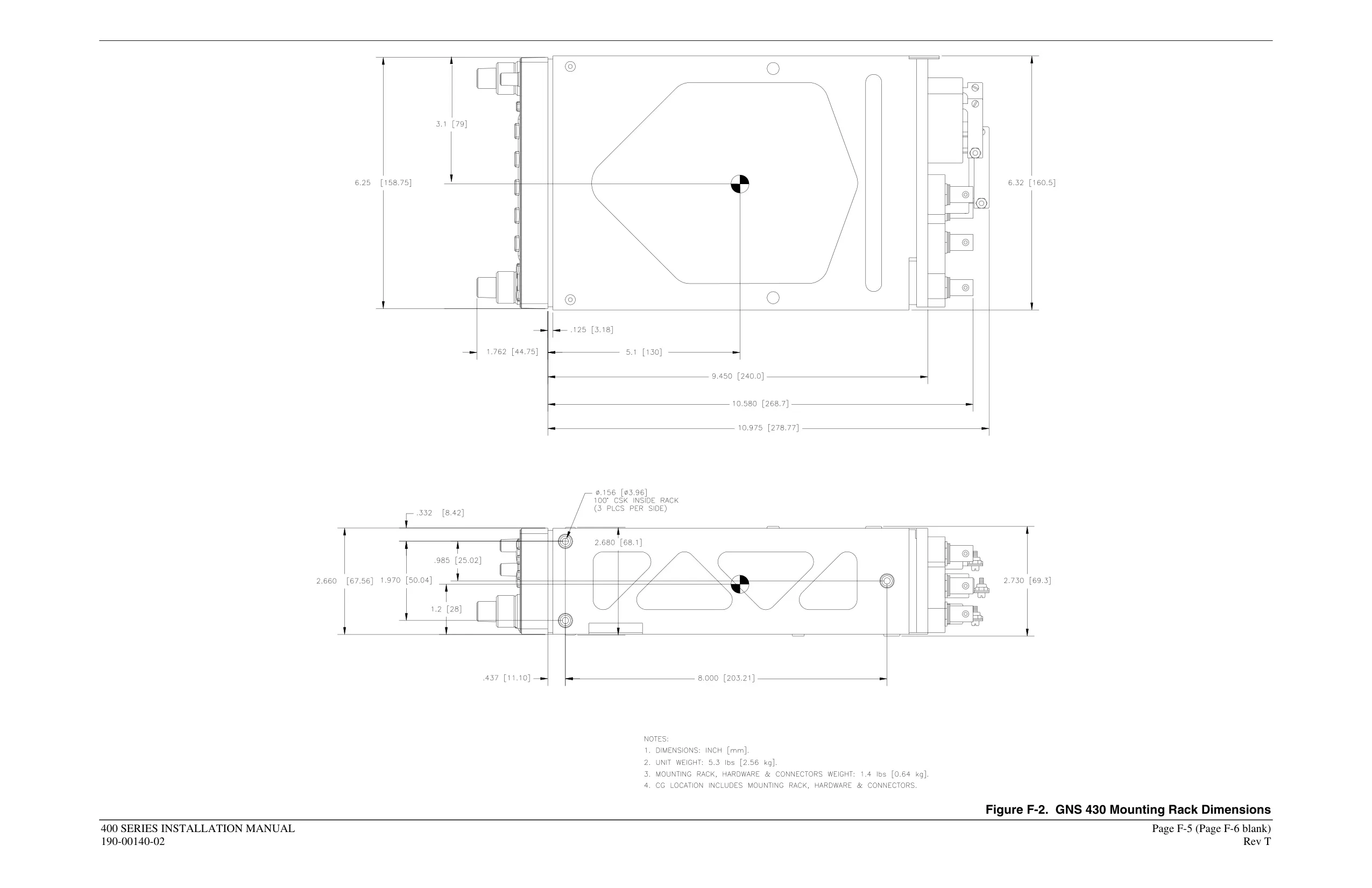
| Unit Size (W x D x H) | 6.25 in x 11.00 in x 2.65 in (159 mm x 279 mm x 67 mm) |
| Unit Weight | 6.6 lb installed (3.0 kg) |
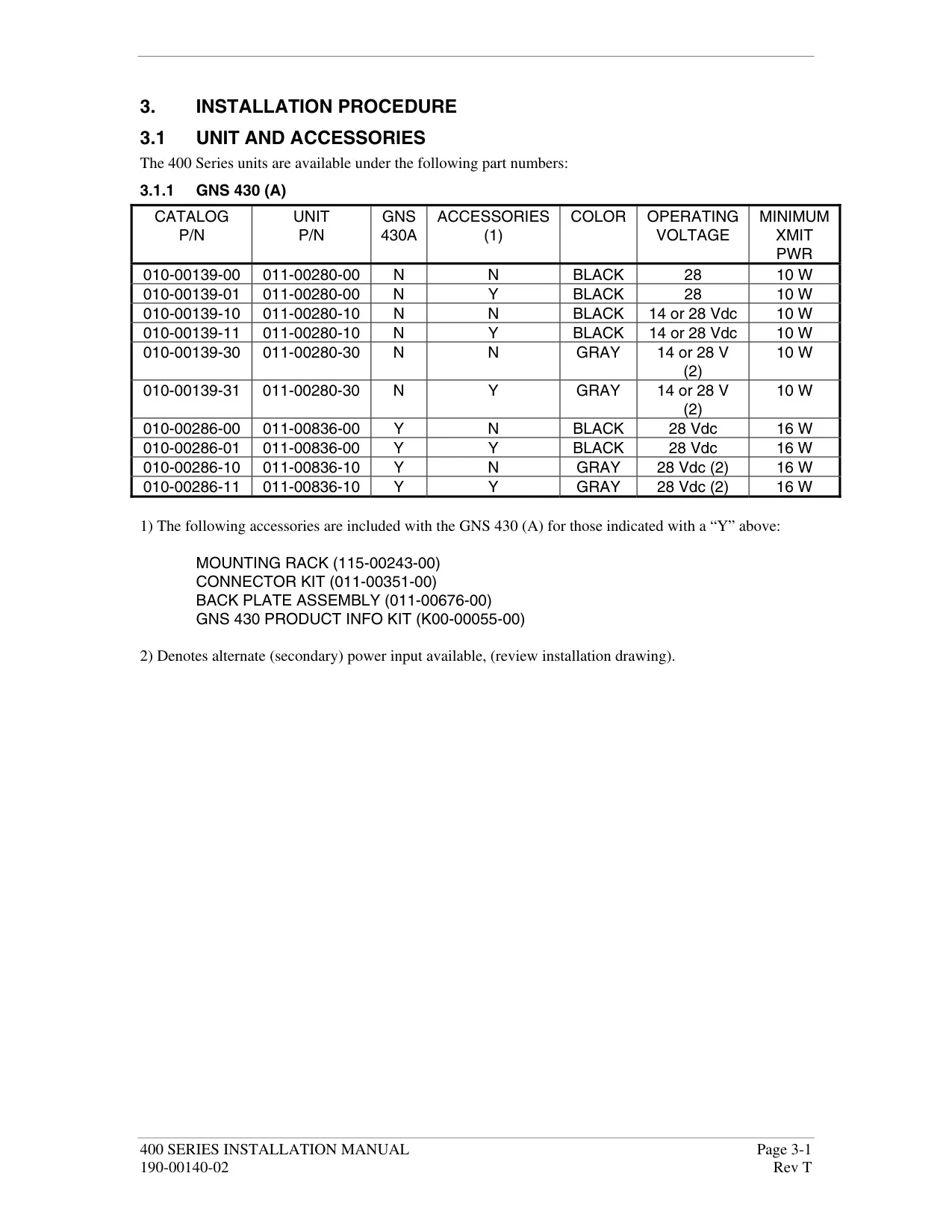
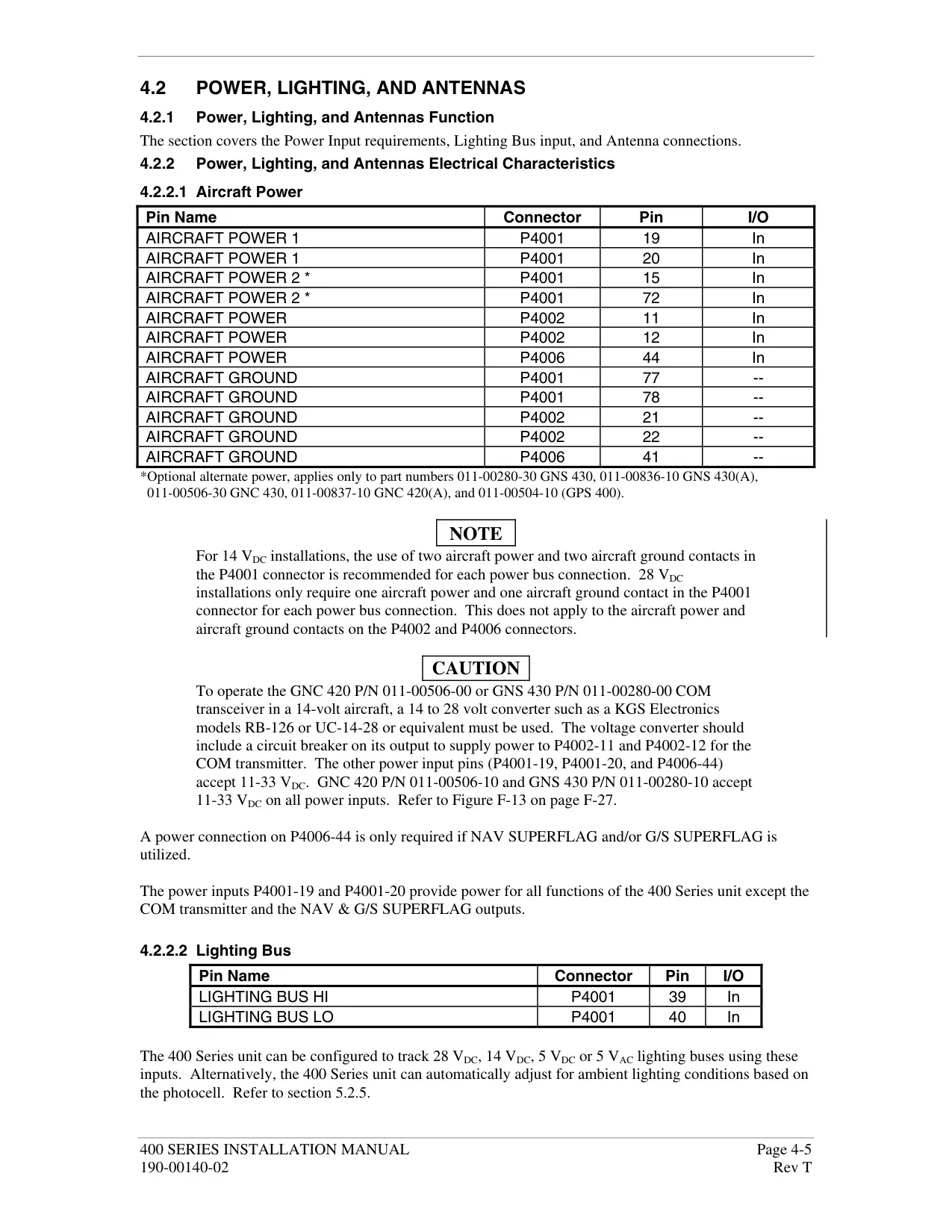
| Power Input | 28 Vdc (early 430, all 430A units); 14/28 Vdc (later 430 units) |
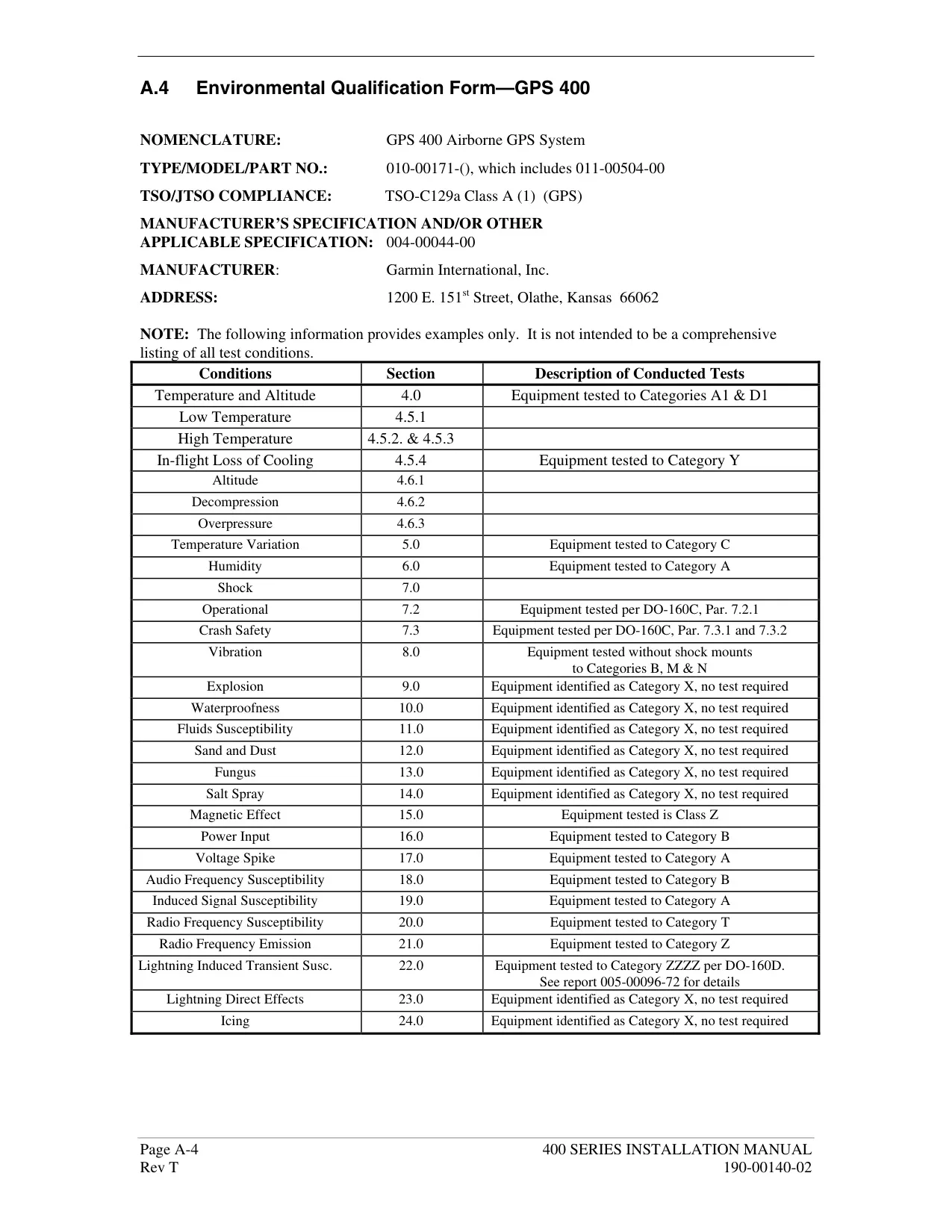
| Operating Temperature | -20°C to +55°C (-4°F to +131°F) |
| Humidity | 95% non-condensing |
| Operating Altitude | -1,500 ft to 50,000 ft (-457 m to 15,240 m) |
| GPS Receiver | 12 parallel channel PhaseTrac12 |
| GPS Acquisition Time | 12 seconds (warm); 45 seconds (cold) |
| GPS Update Rate | Once per second, continuous |
| GPS Position Accuracy | 15 m (49 ft) RMS |
| GPS Velocity Accuracy | 0.1 knot RMS steady state |
| GPS Dynamics | 999 kts maximum velocity; 6g maximum acceleration |
| COM Frequency Range | 118.000 MHz to 136.975 MHz |
| COM Channels | 760 (25 kHz spacing) or 2280 (8.33 kHz spacing) |
| COM Transmit Power | 10 W minimum (GNS 430); 16 W minimum (GNS 430A) |
| VOR Frequency Range | 108.00 MHz to 117.95 MHz |
| Localizer Frequency Range | 108.10 MHz to 111.95 MHz |
| Glideslope Frequency Range | 329.15 MHz to 335.00 MHz |
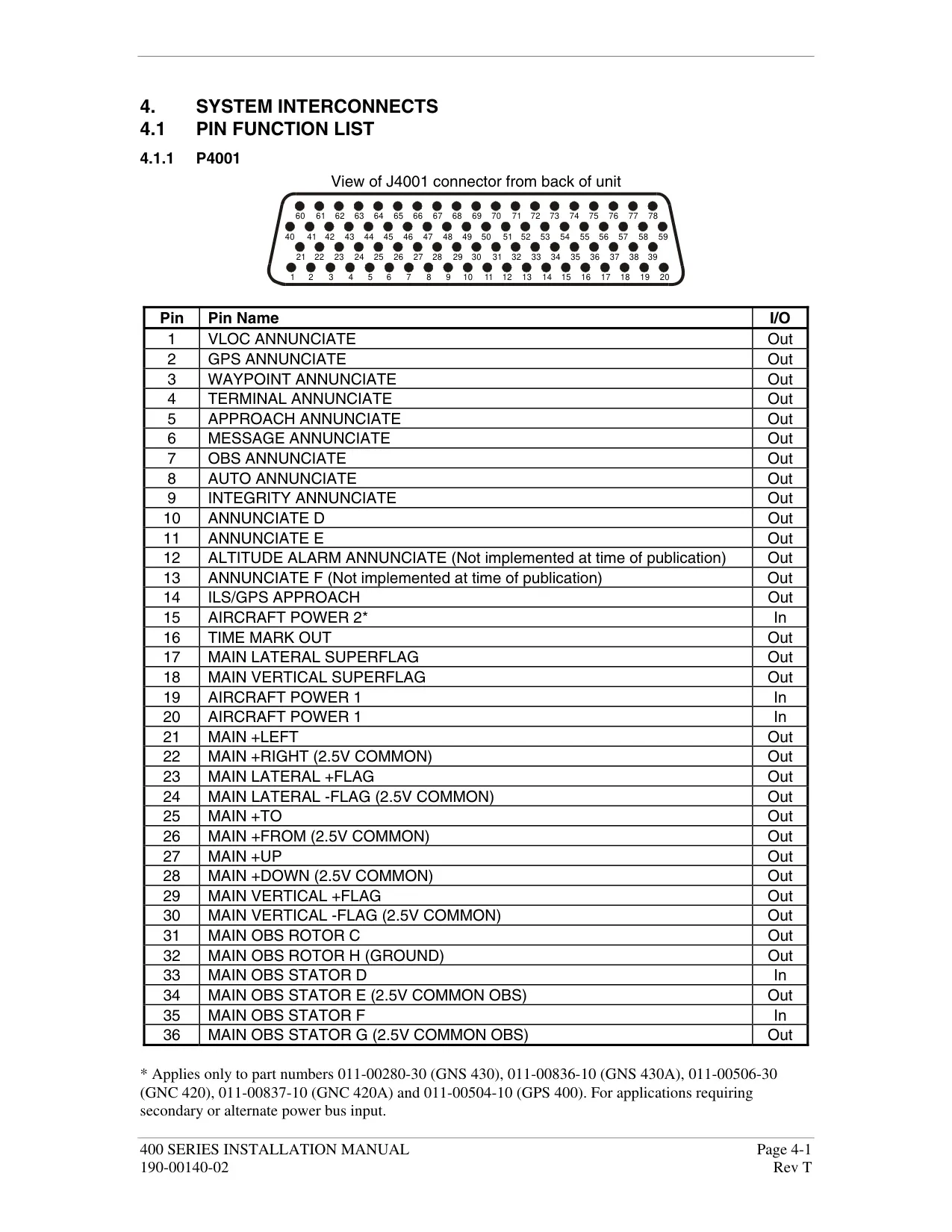
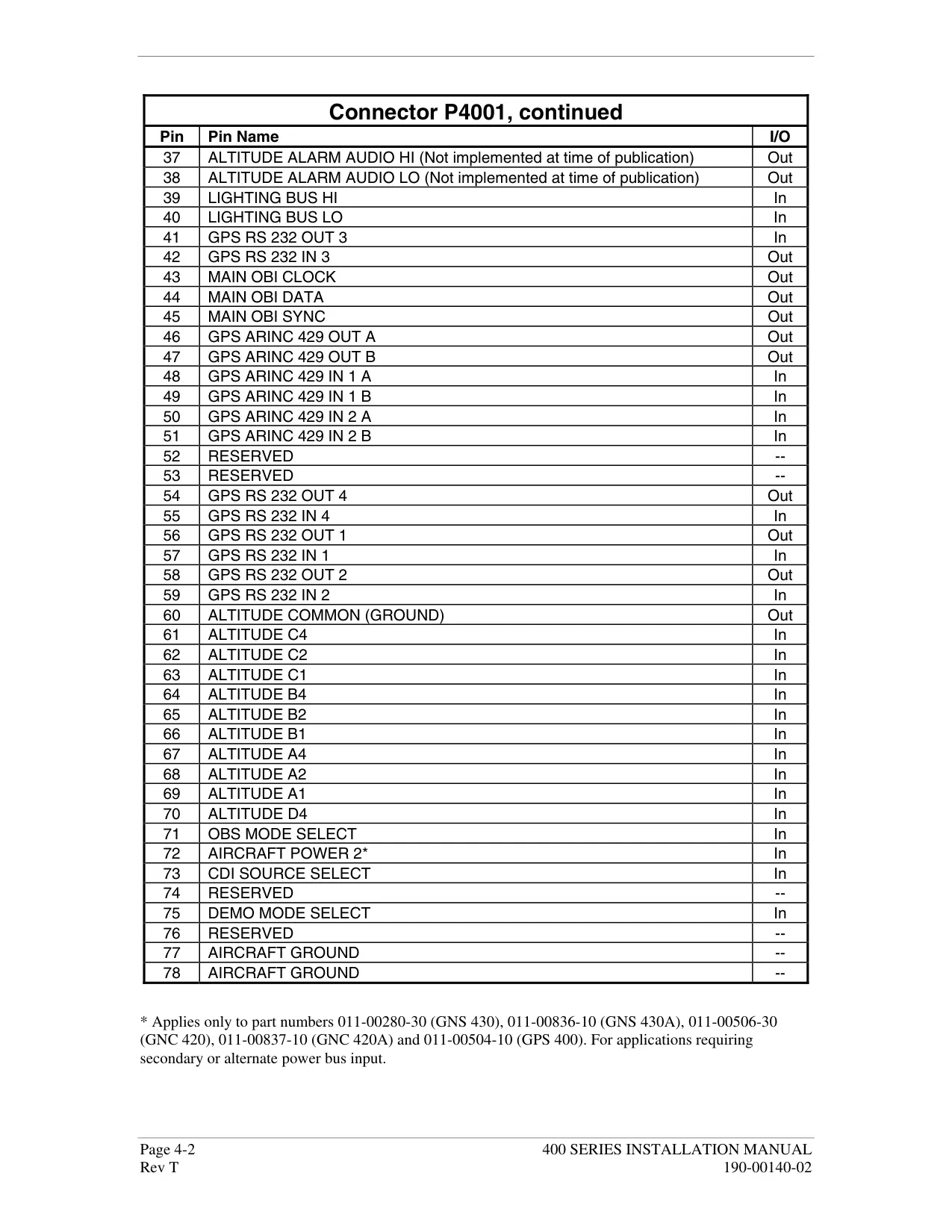
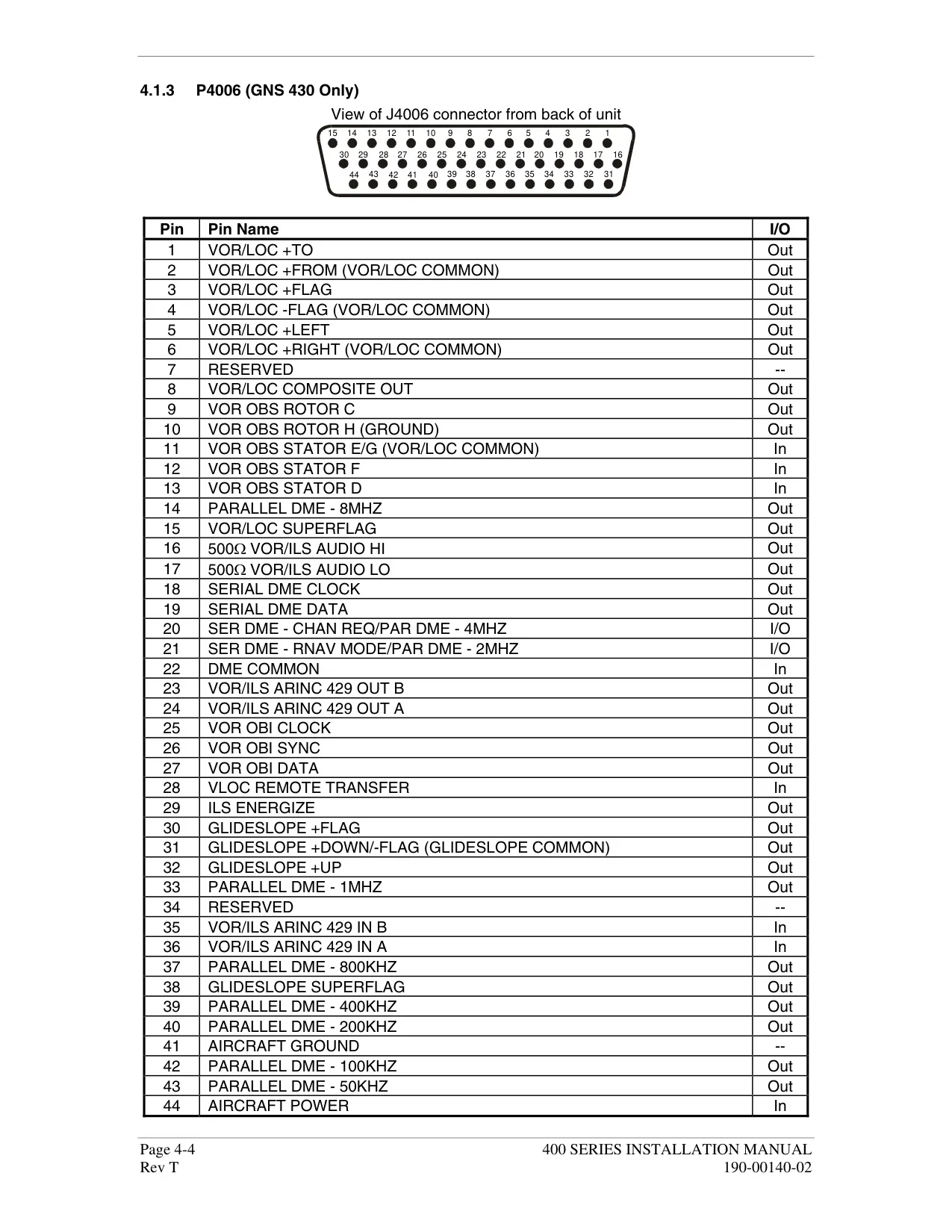
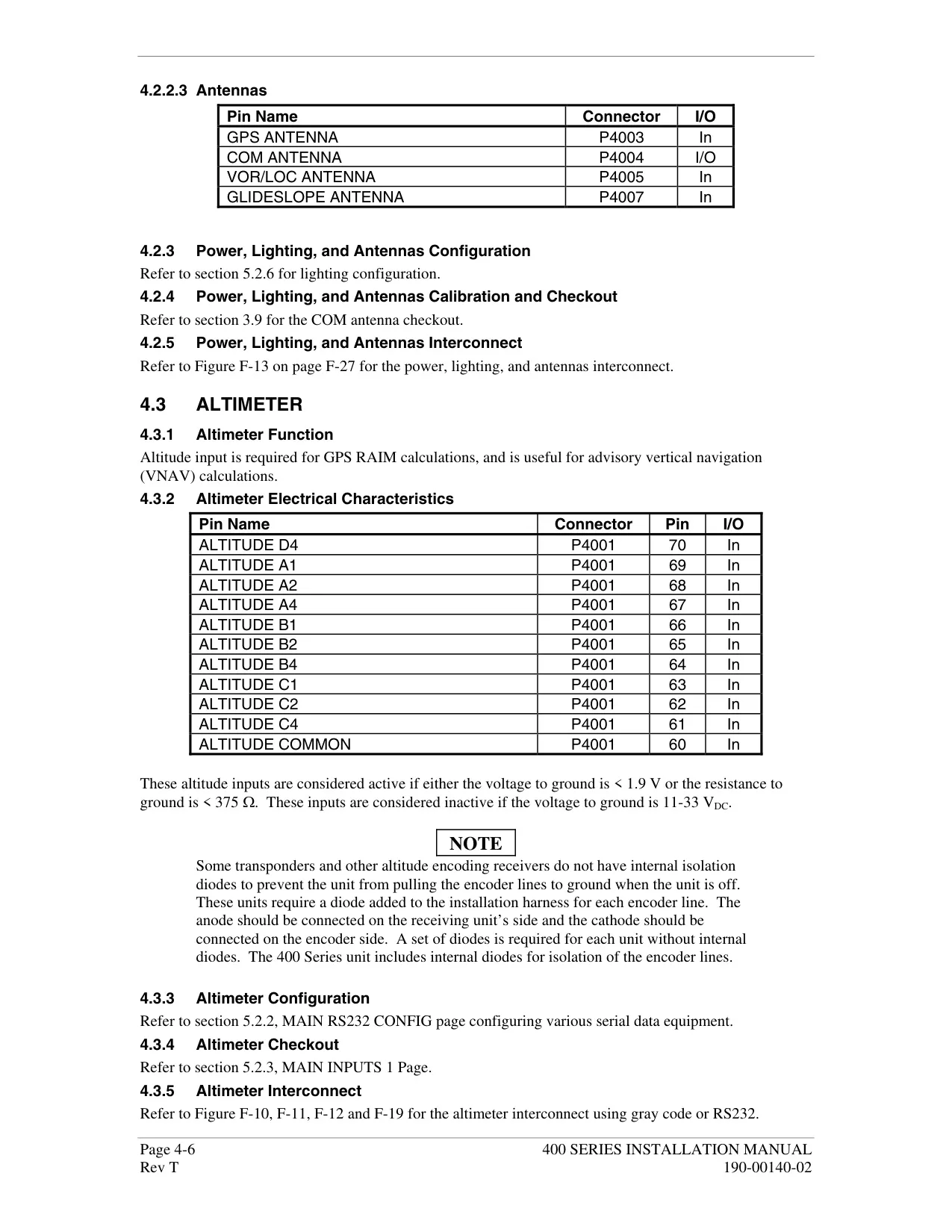
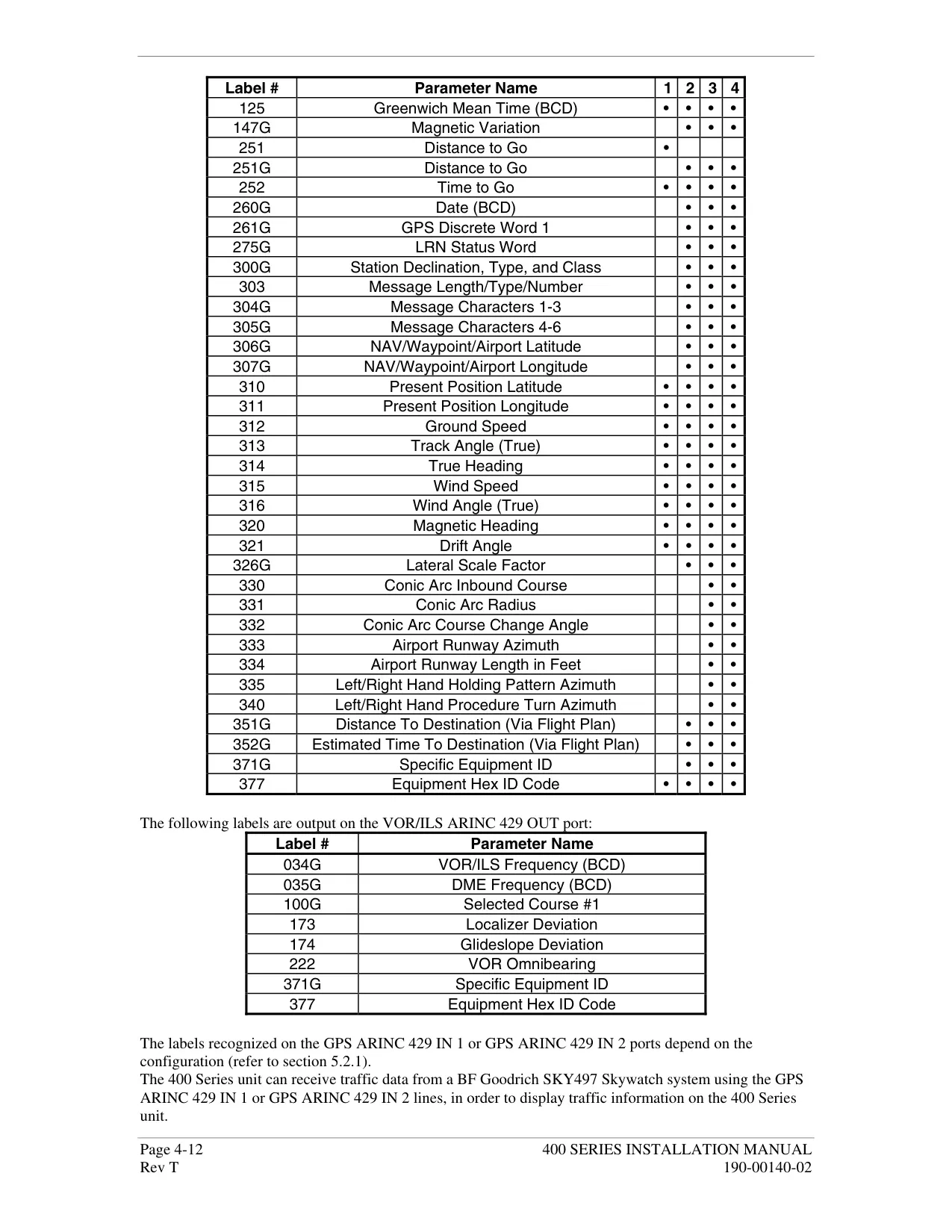
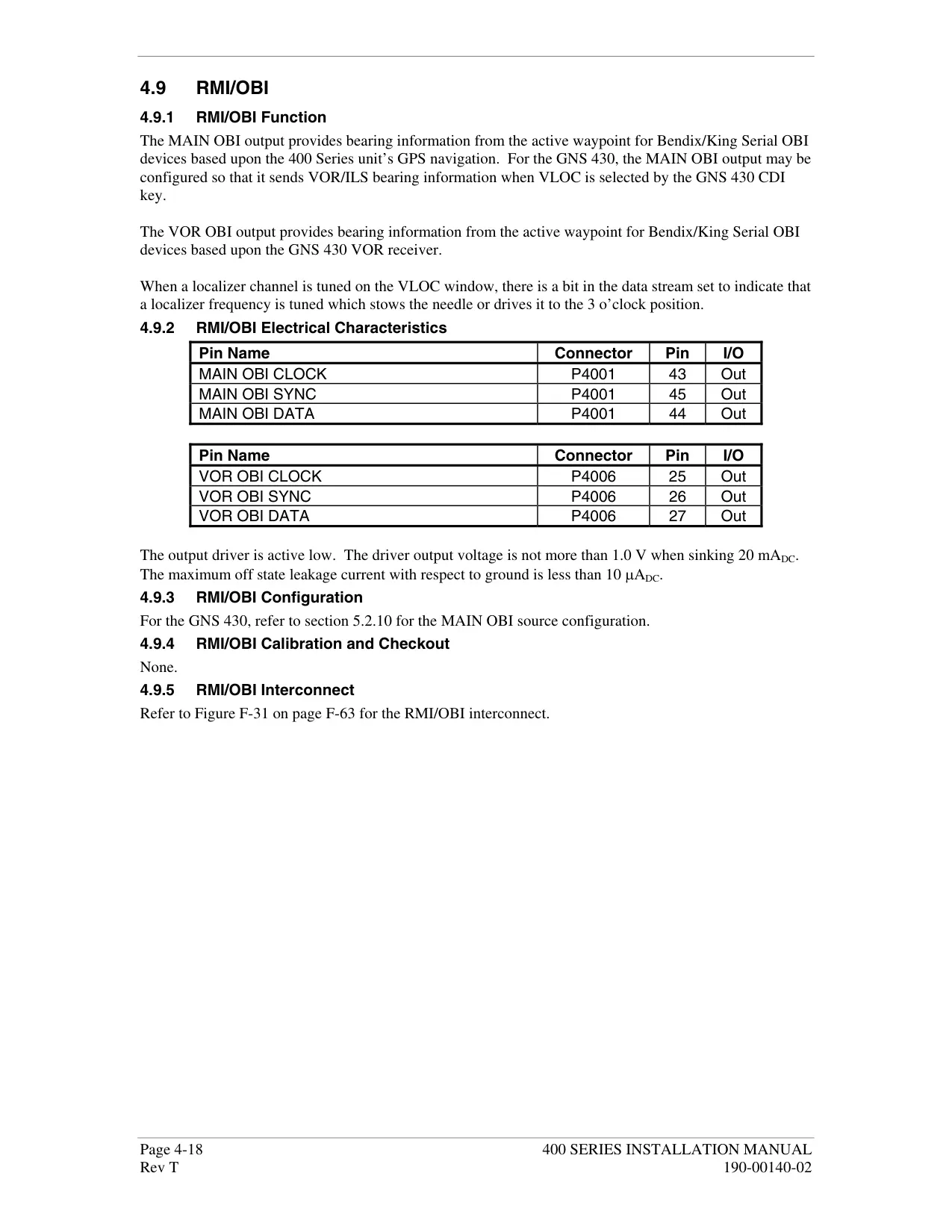
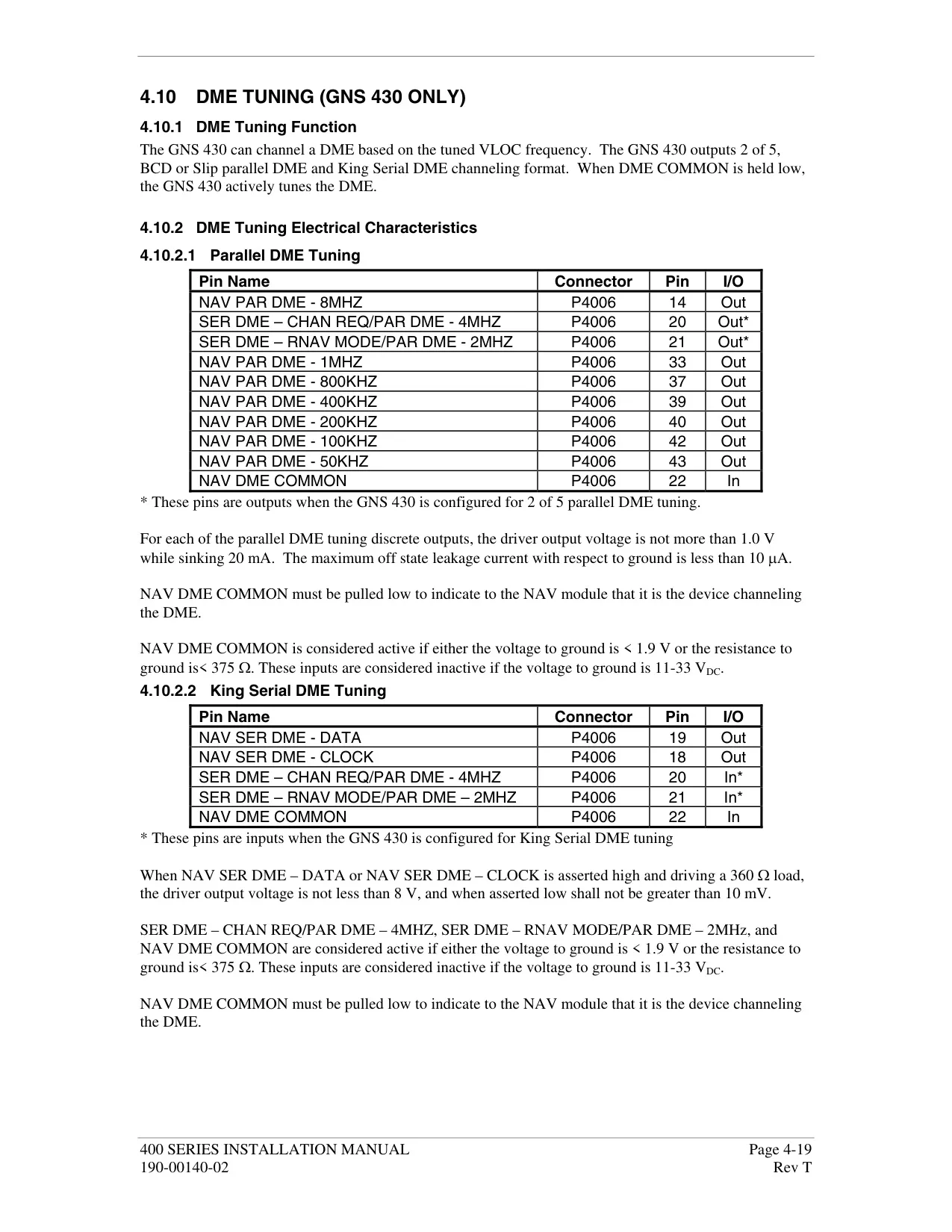
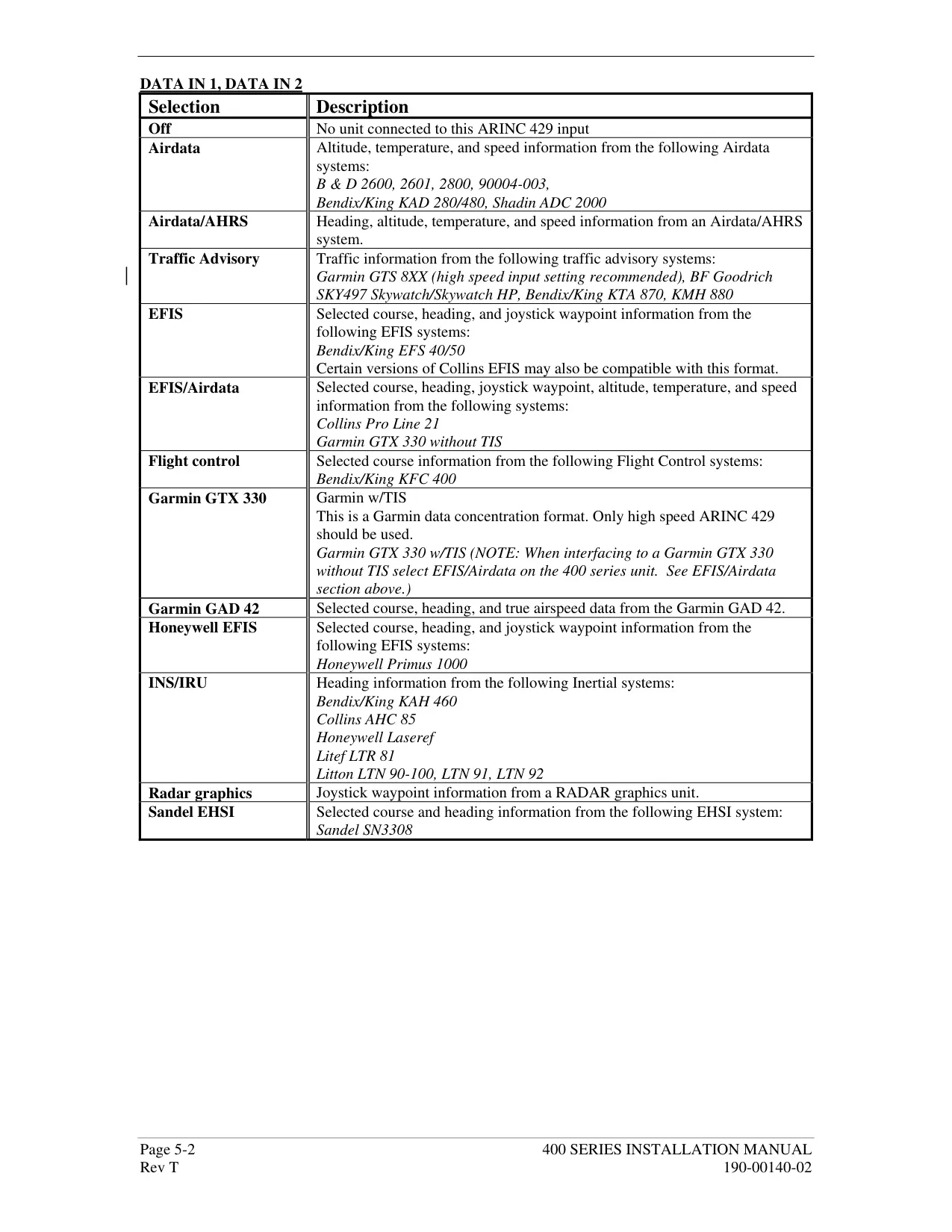
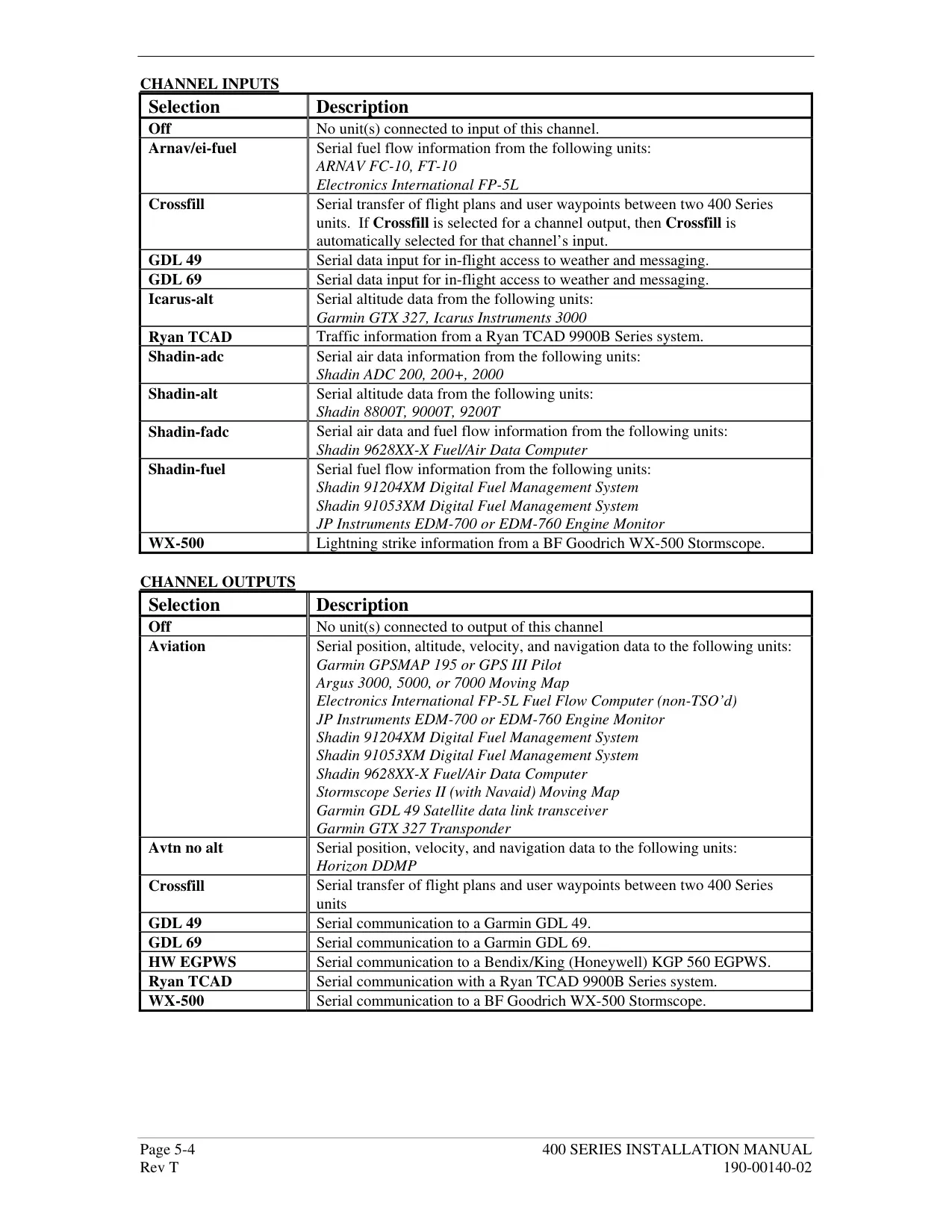
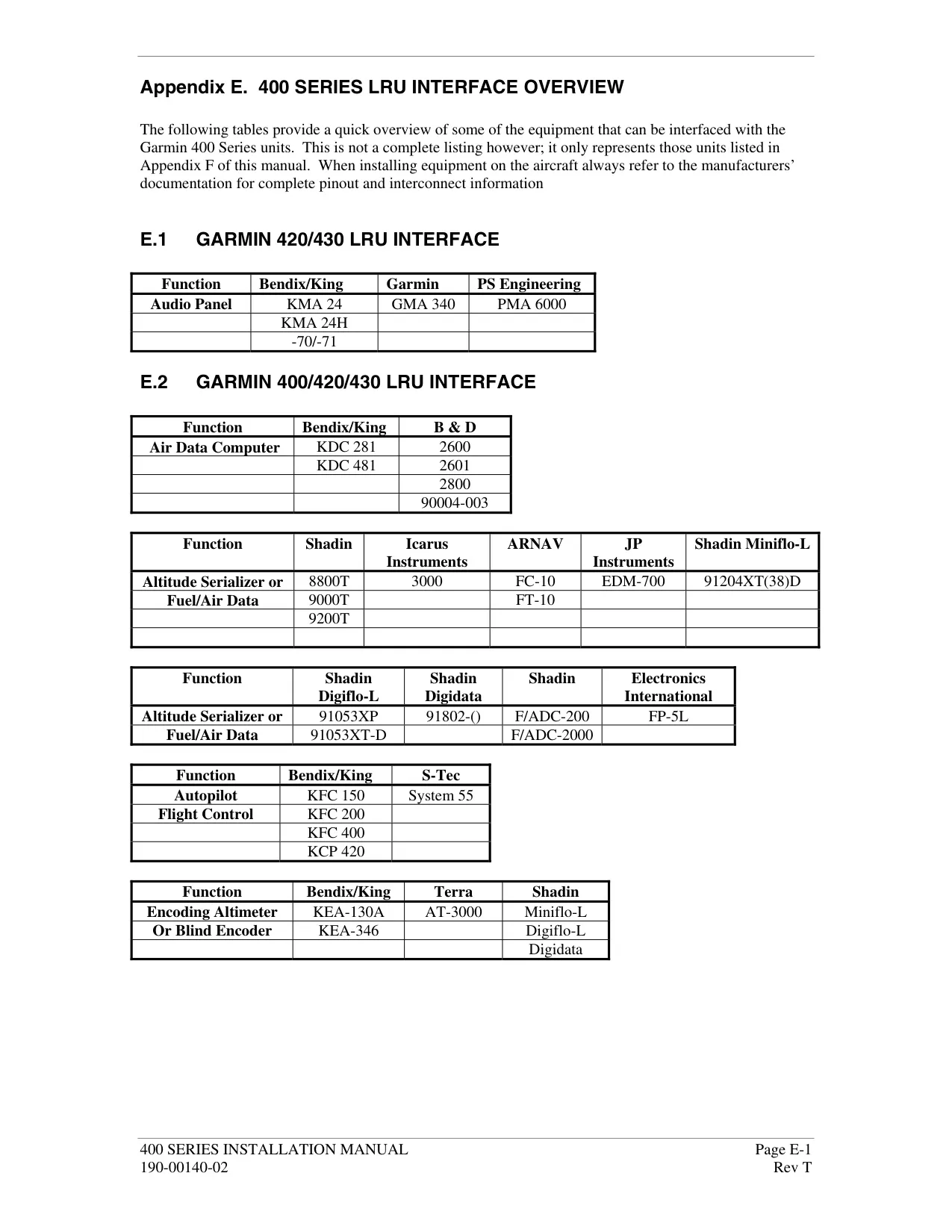
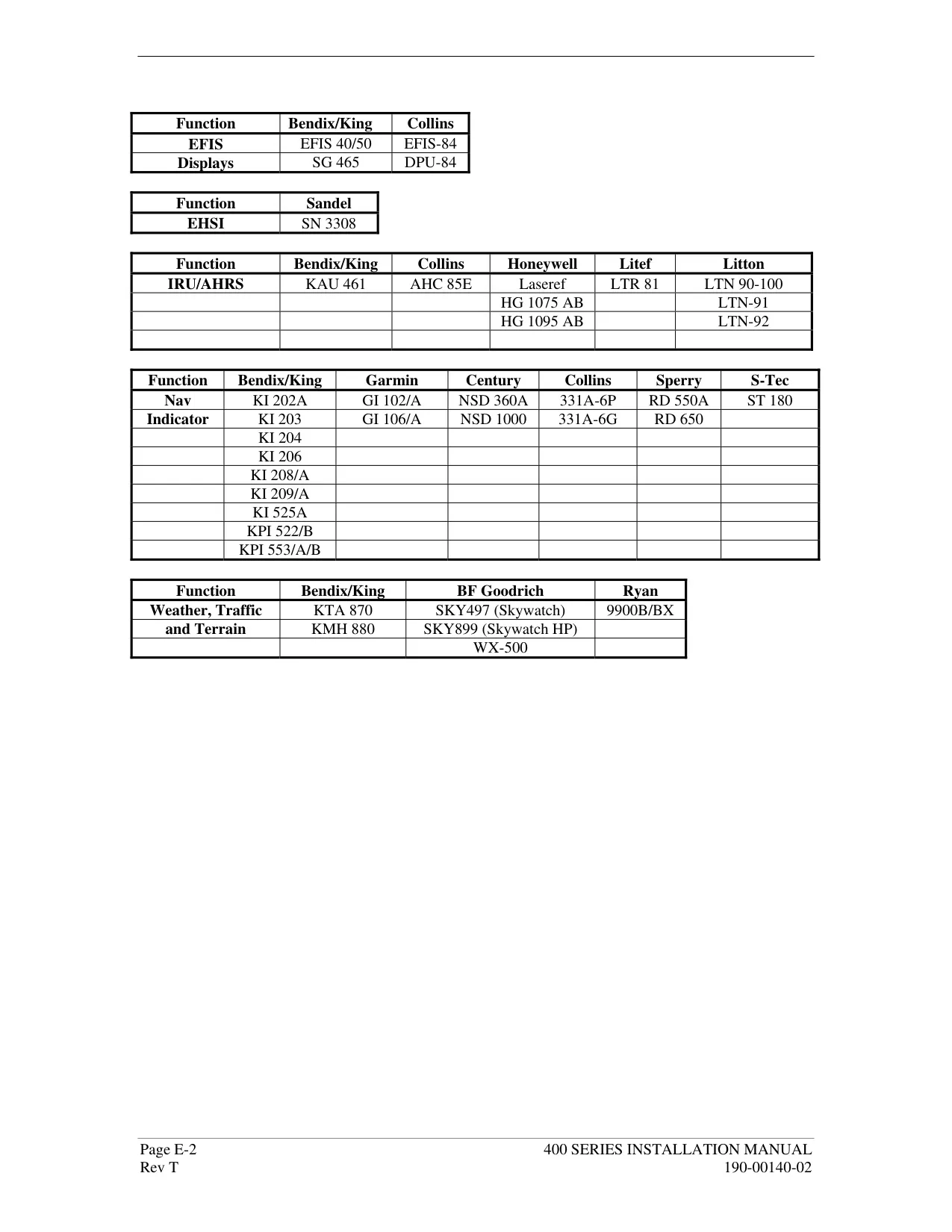
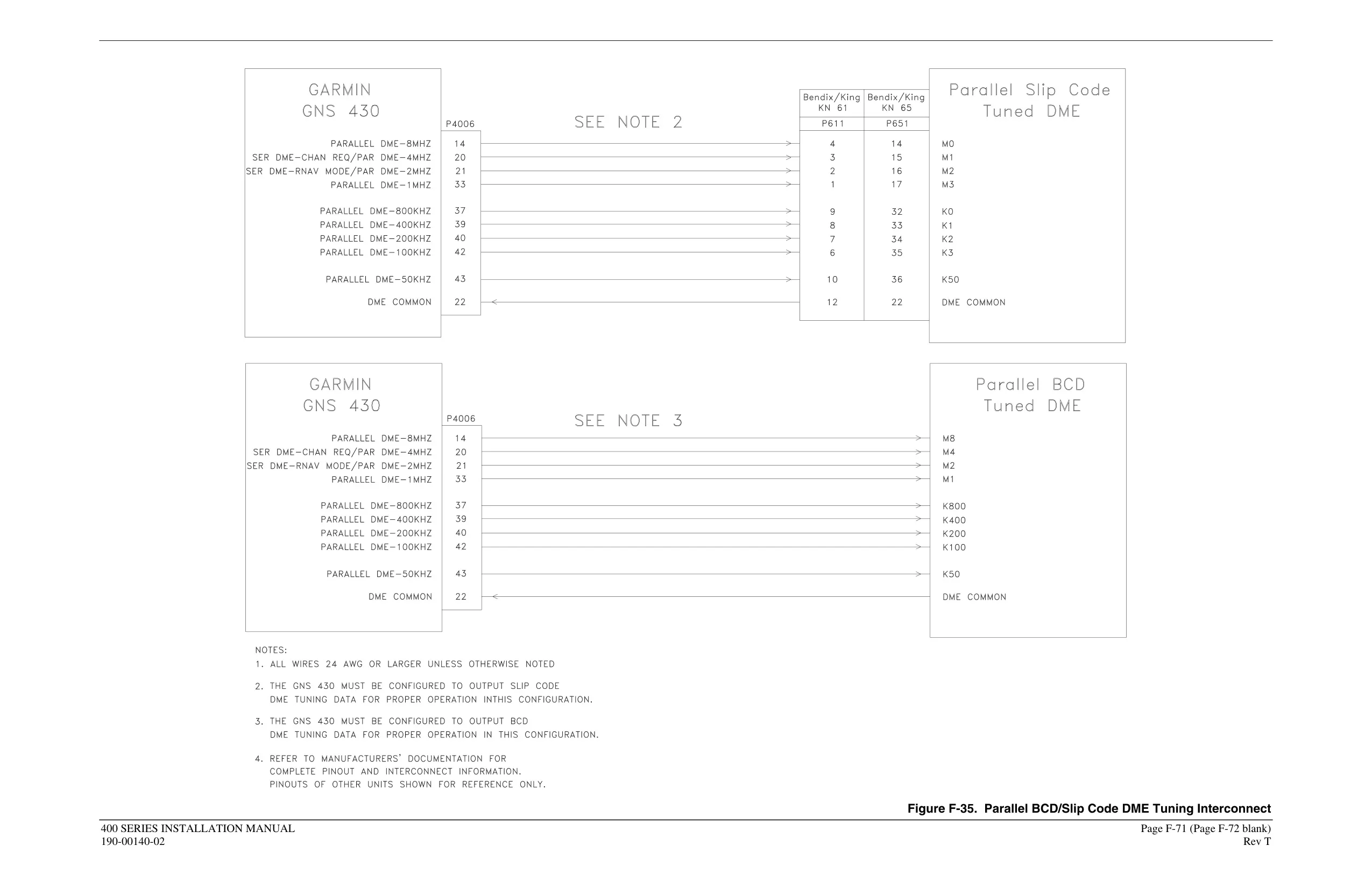
| Interfaces | ARINC 429, Aviation RS-232, CDI/HSI, RMI (digital clock/data), Superflag Out, Altitude (Icarus, Shadin, Rosetta serial or Gillham/Grey code), Fuel Sensor, Fuel/Air Data |
| Navigation Database | Jeppesen NavData Card, updated every 28 days |
| Map Datum | WGS 84 (fixed) |
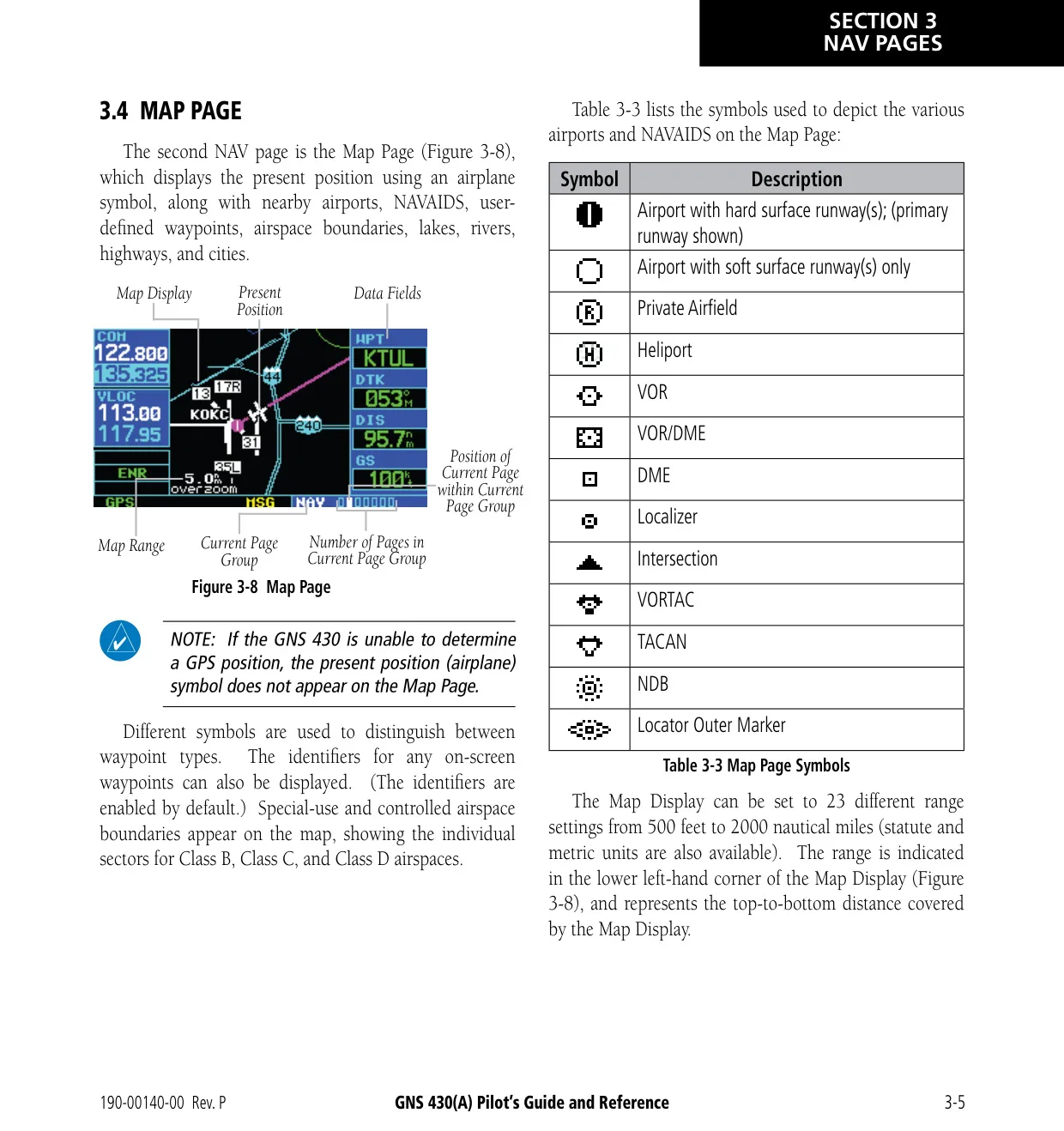
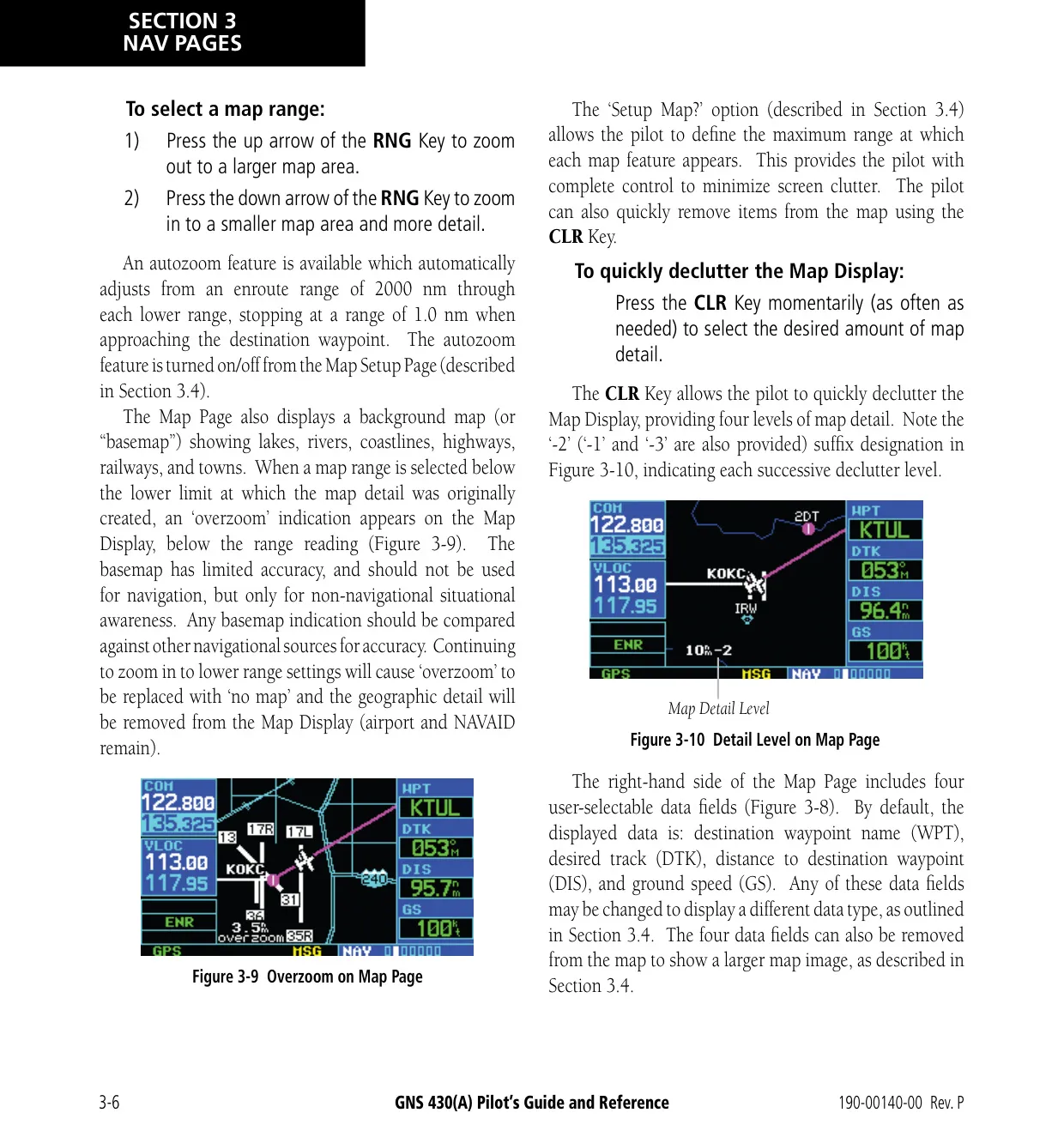
| Map Range Settings | 23 settings, 500 ft to 2000 nm |
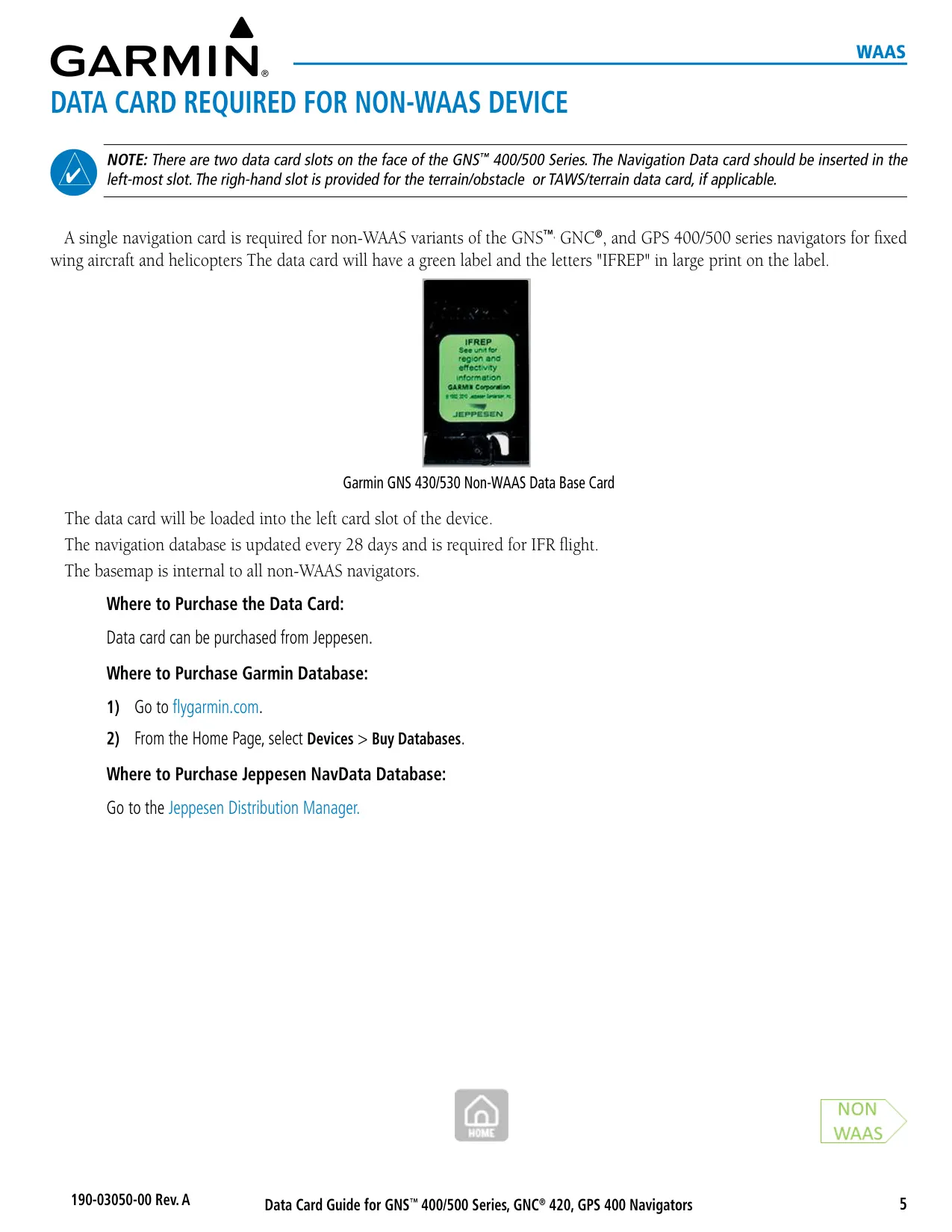
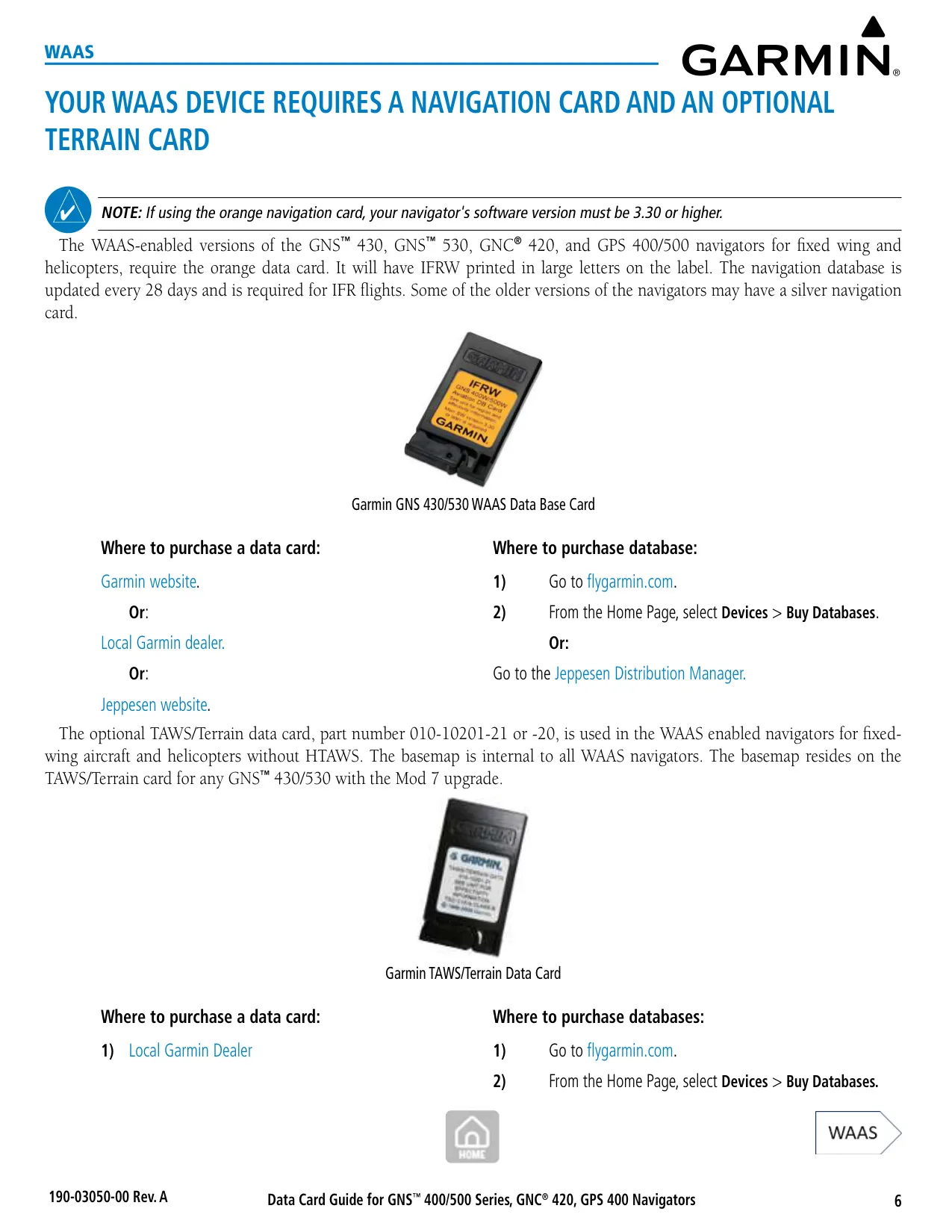
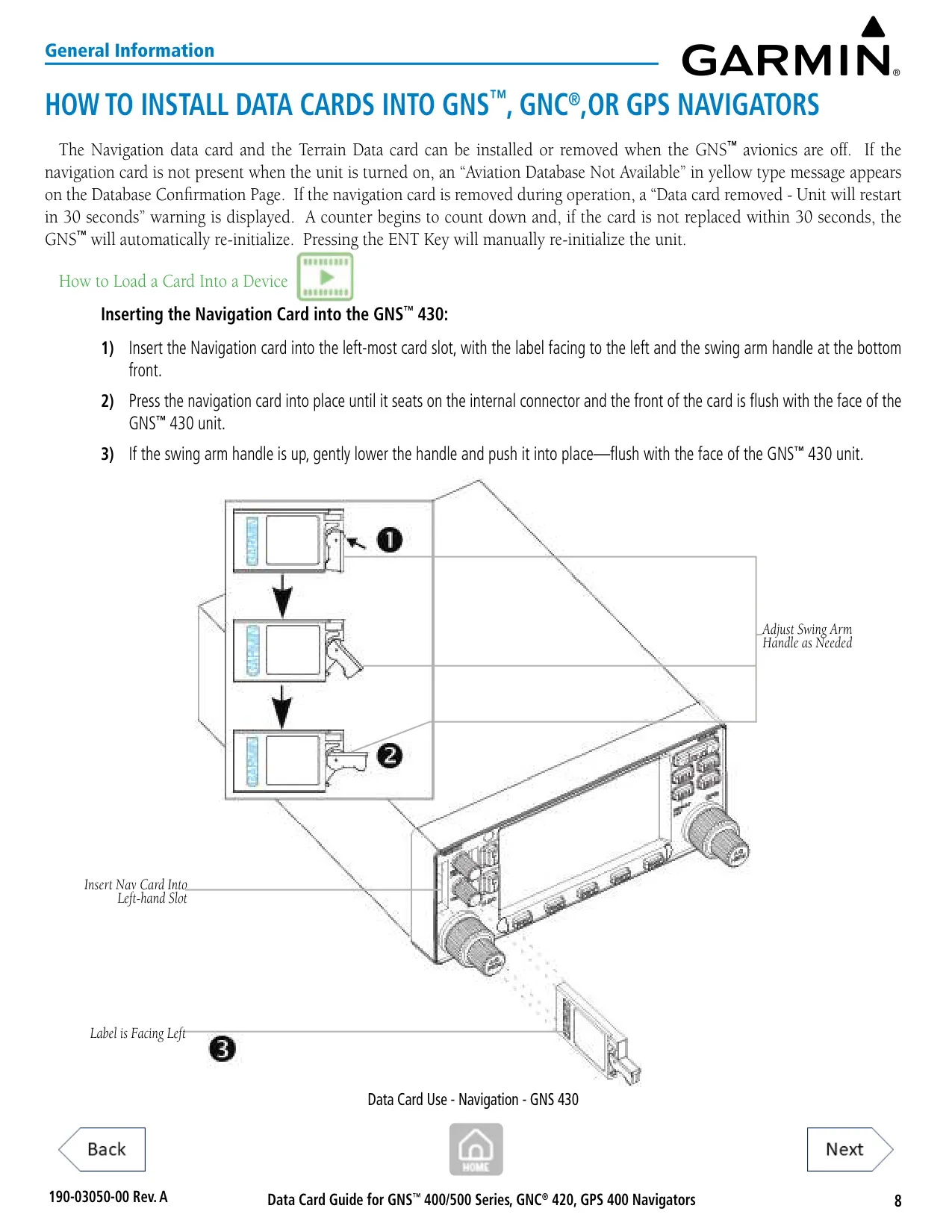
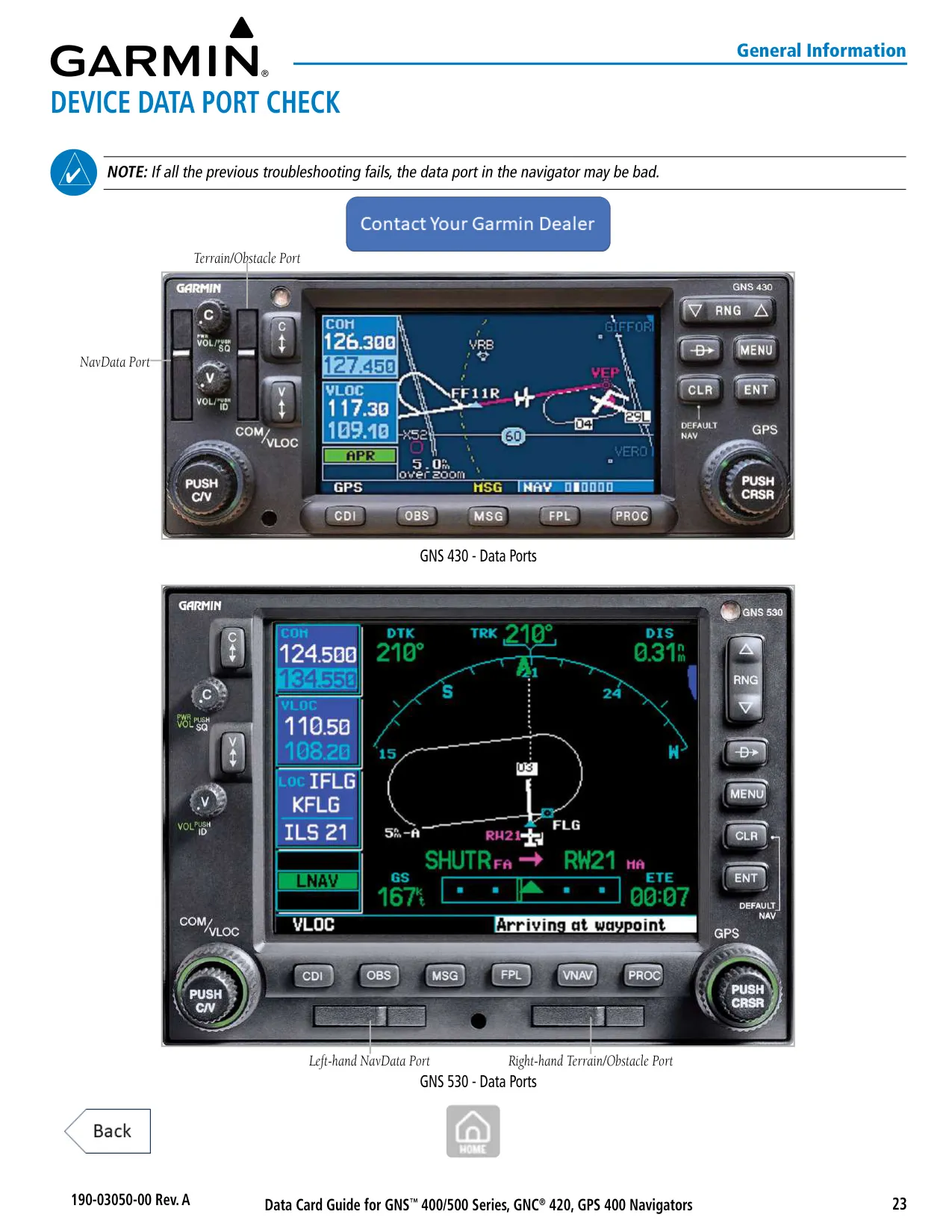
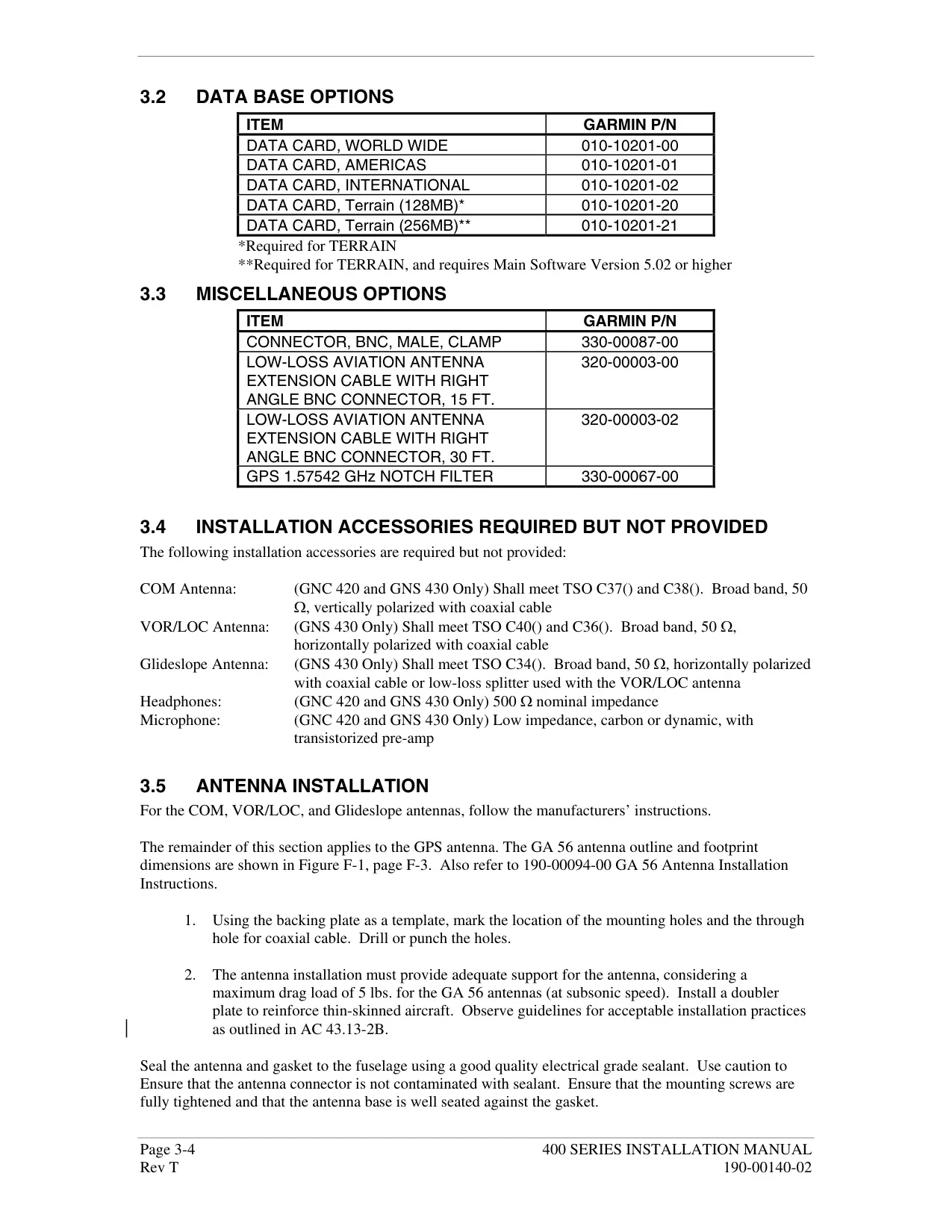
| Data Card Slots | Left slot: NavData Card; right slot: Terrain Data Card |
| Warranty (New Panel-Mount) | 2 years from date of purchase |
Garmin GNS 430 Panel Avionics Unit Details
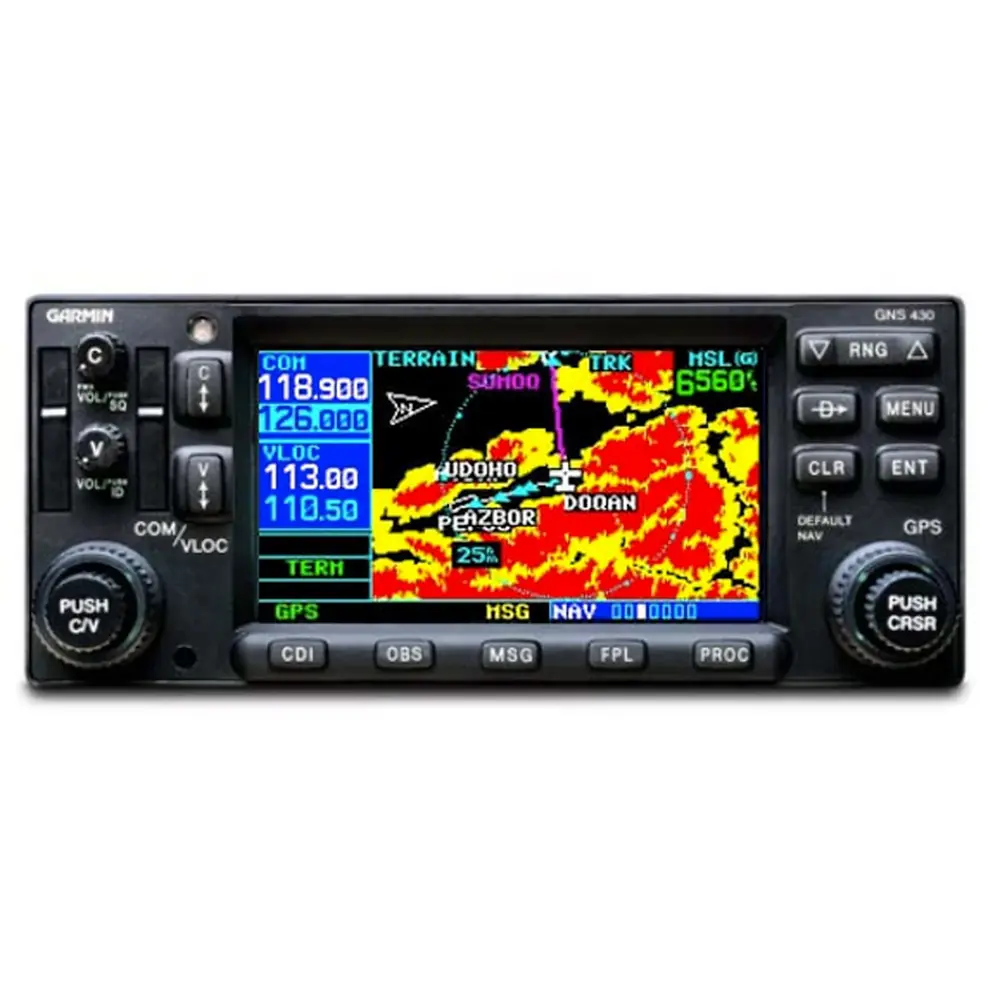
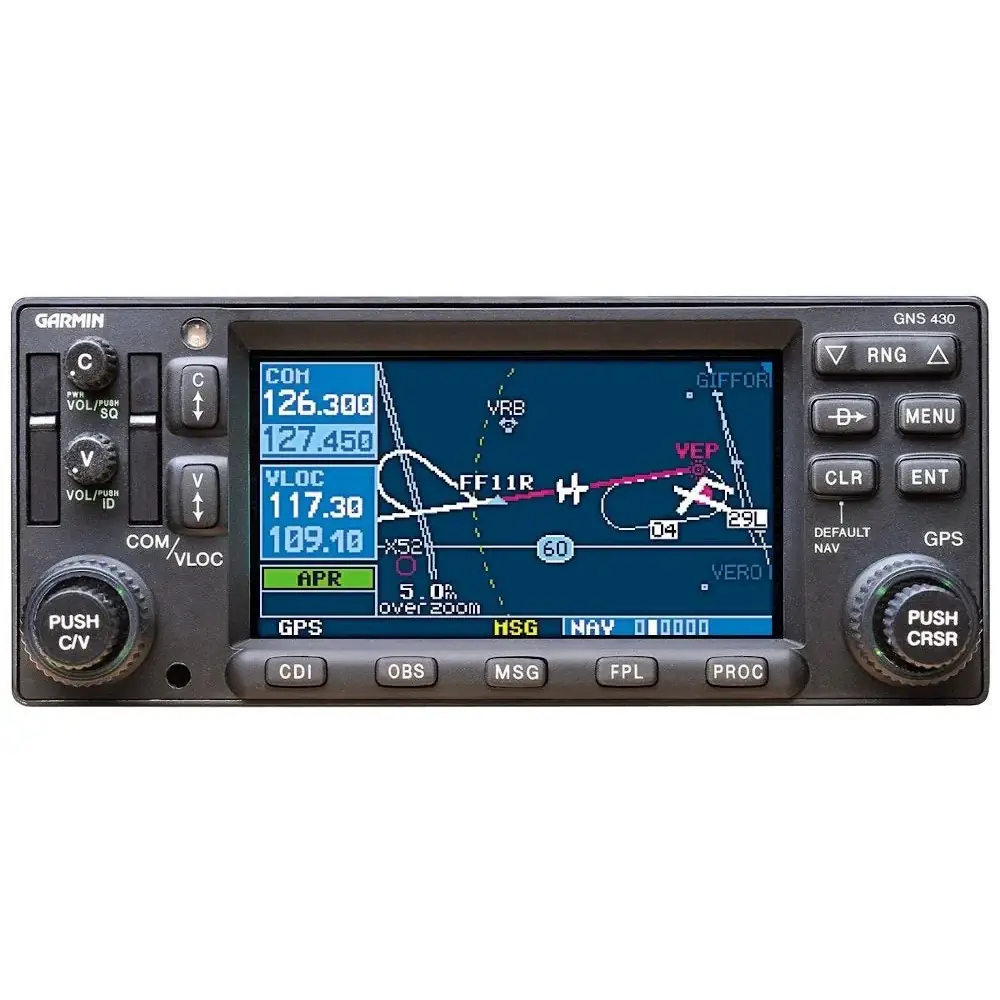
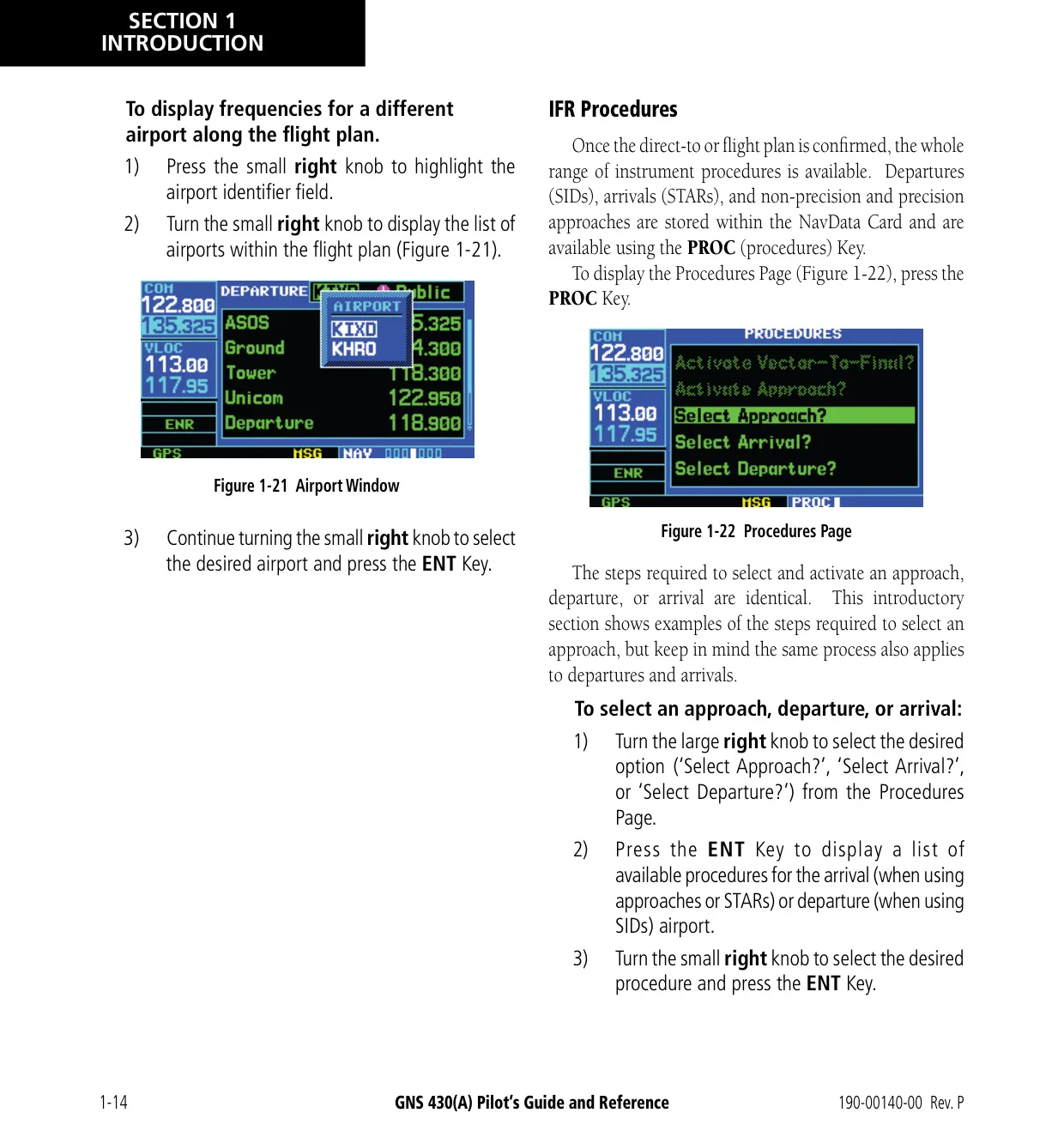
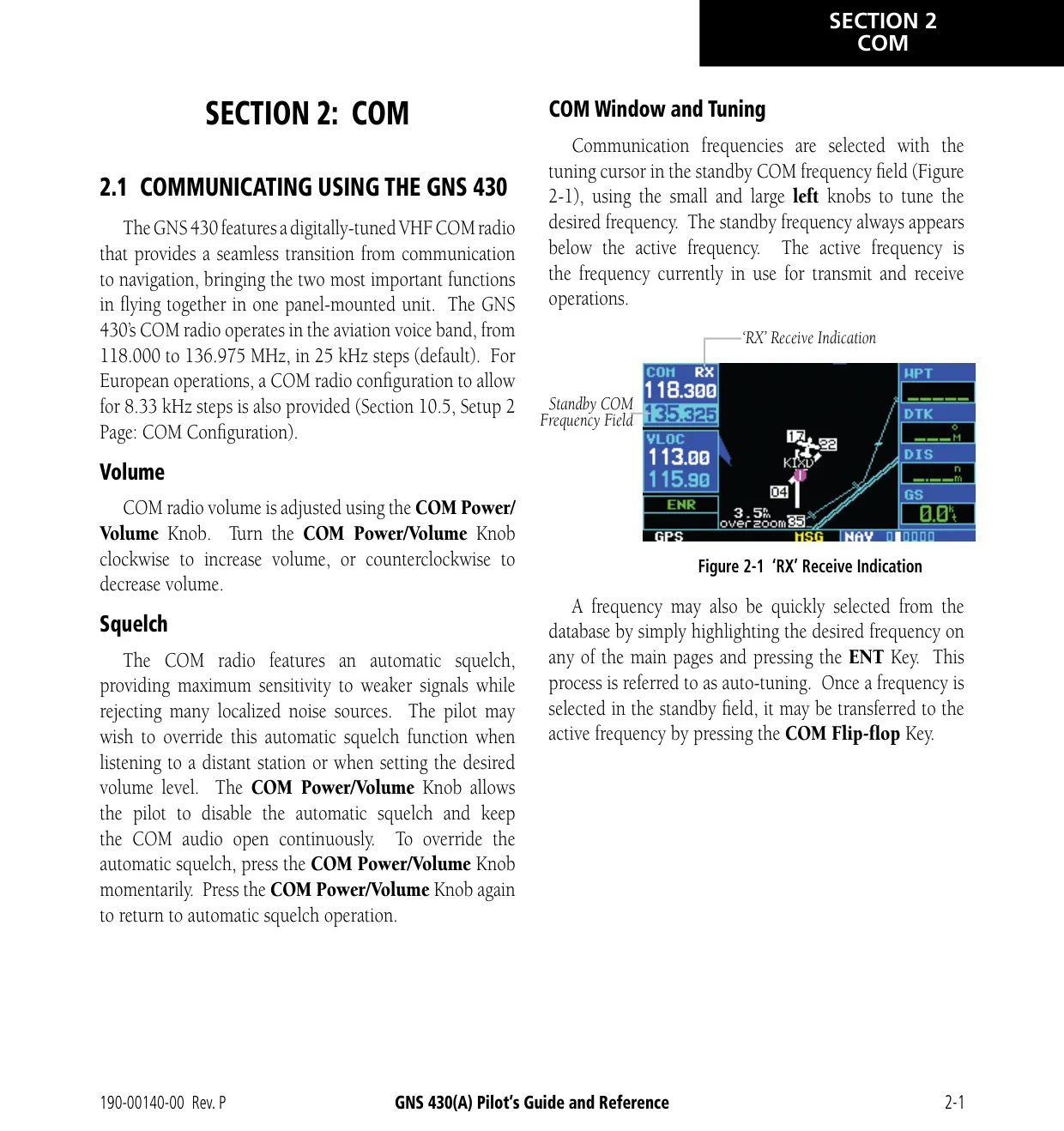
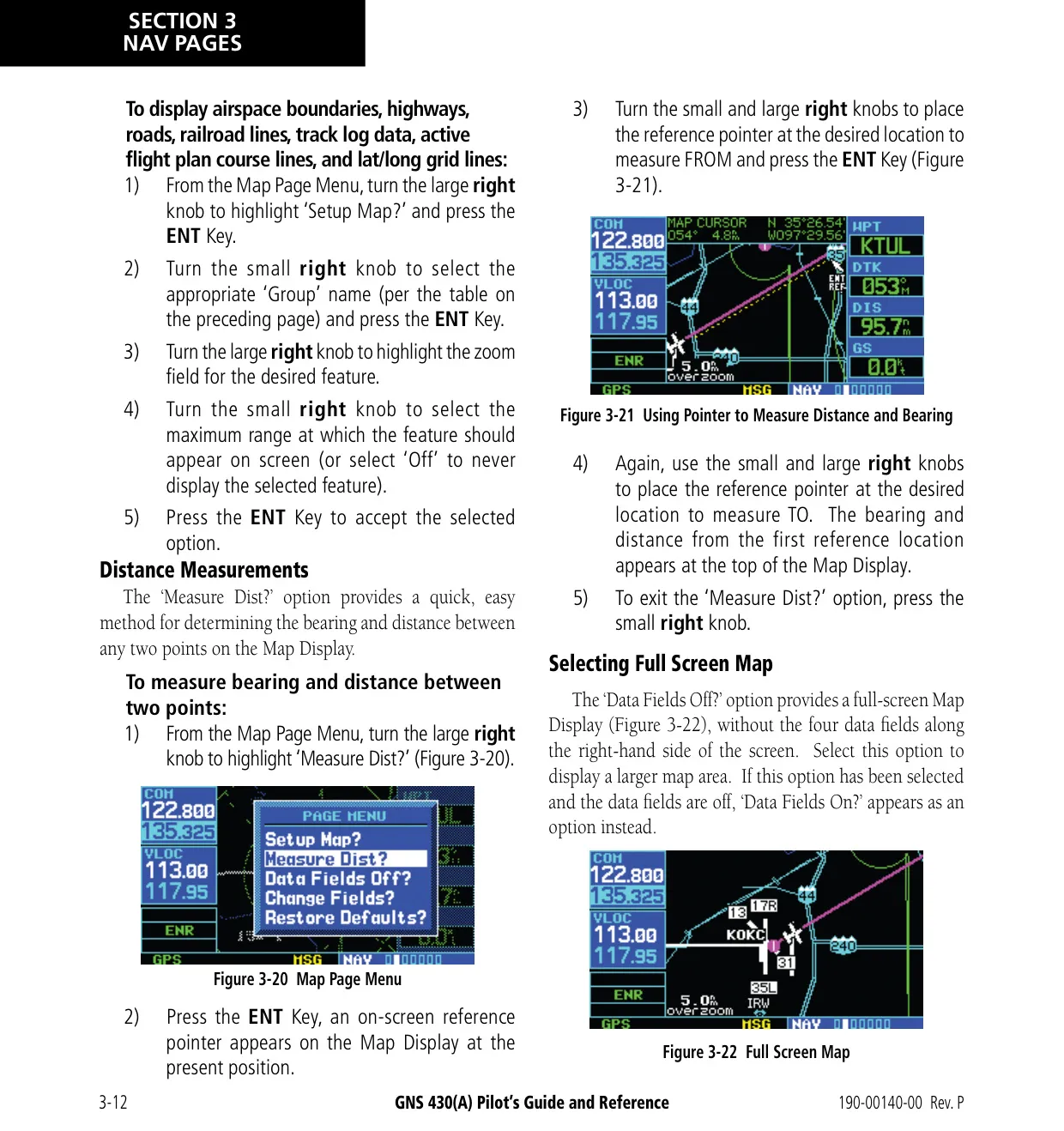
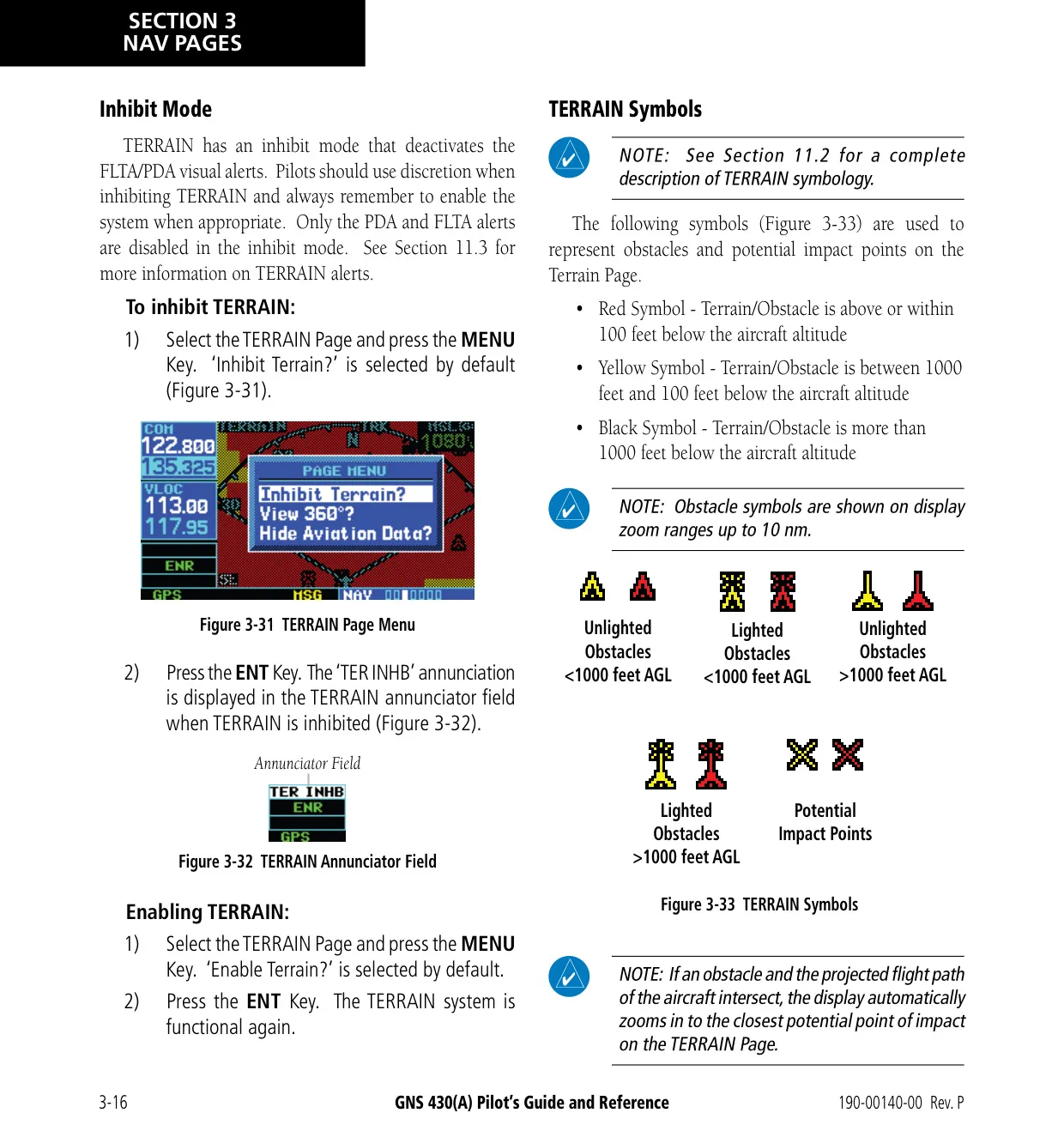
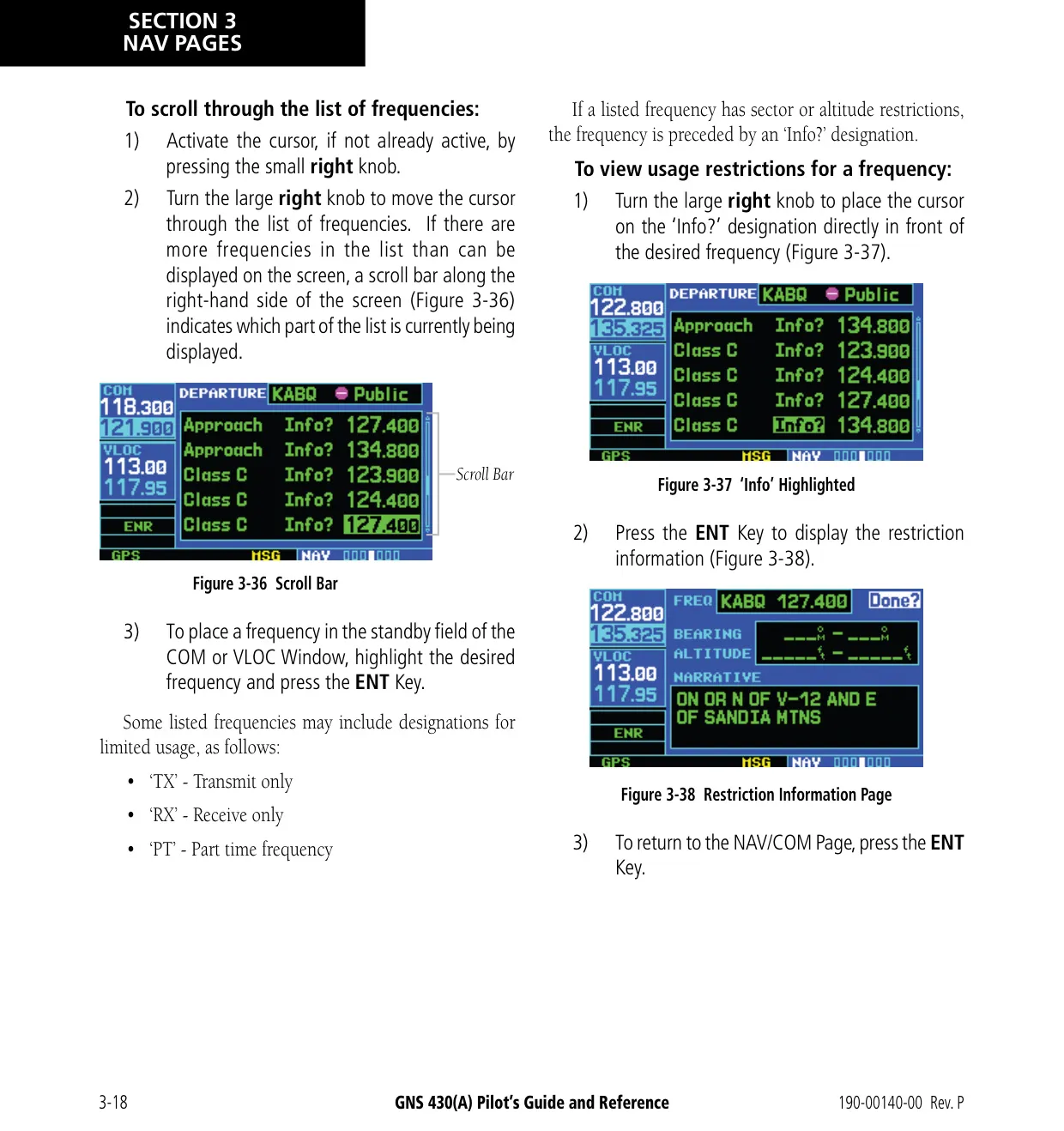
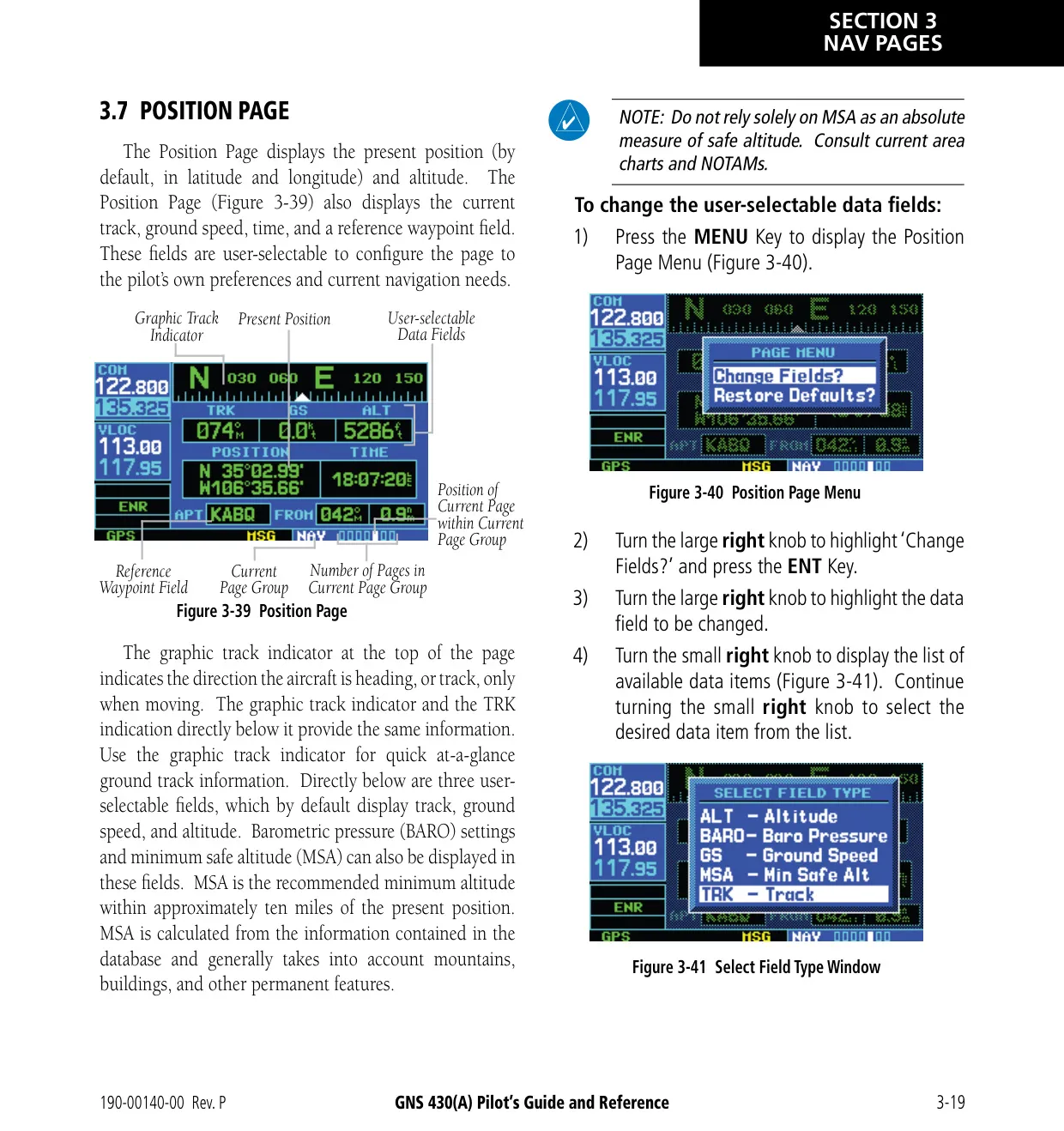
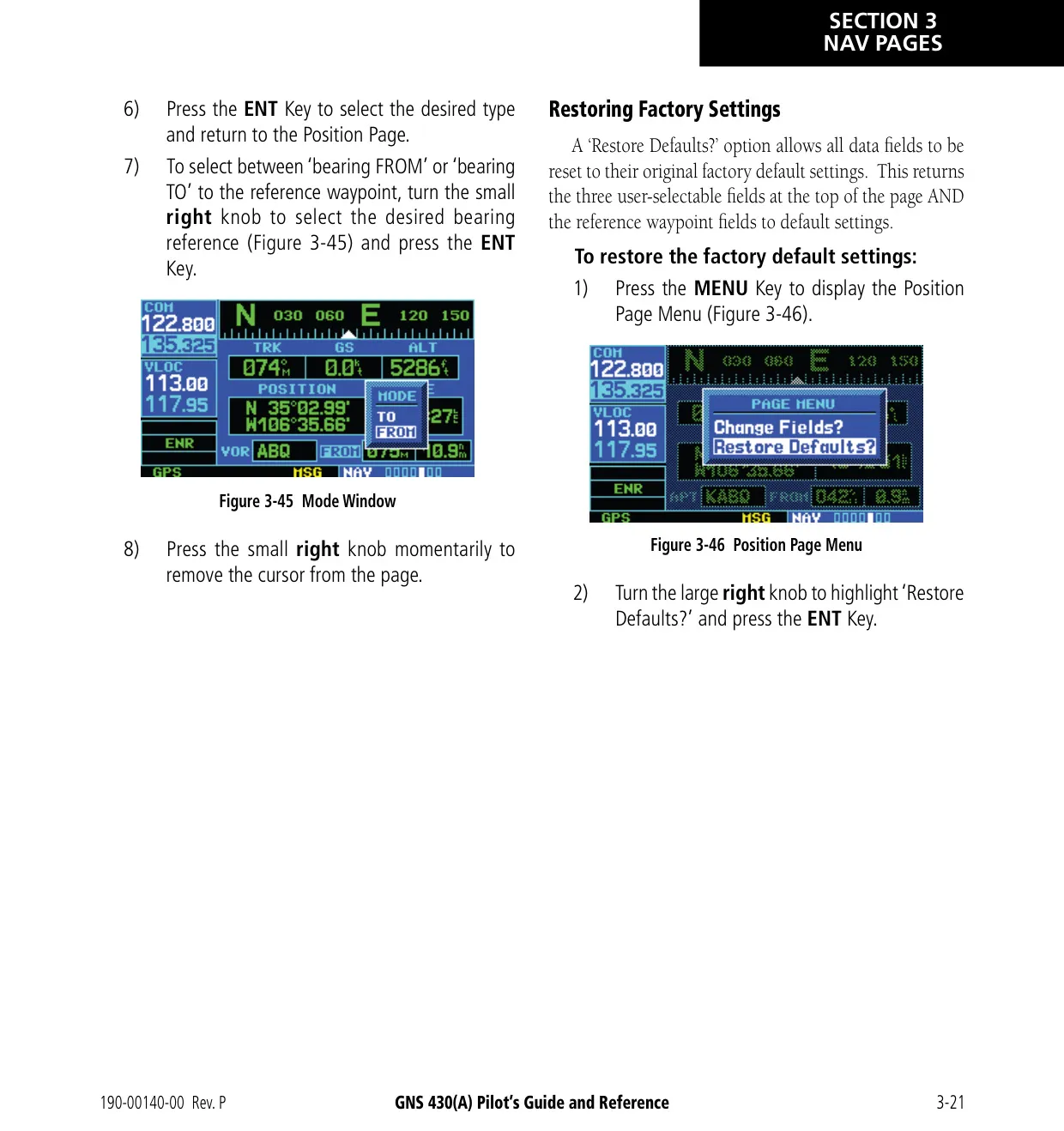
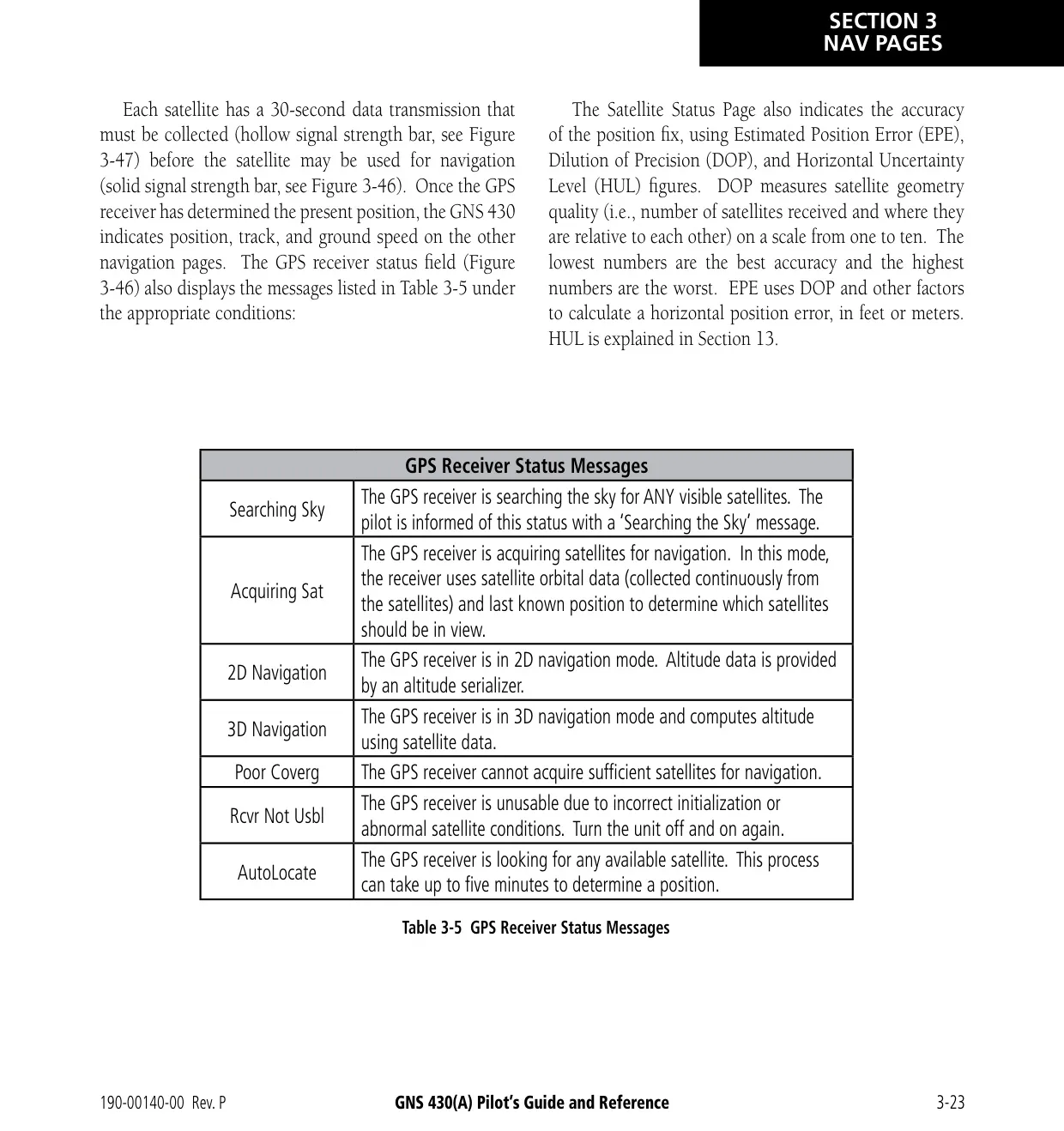
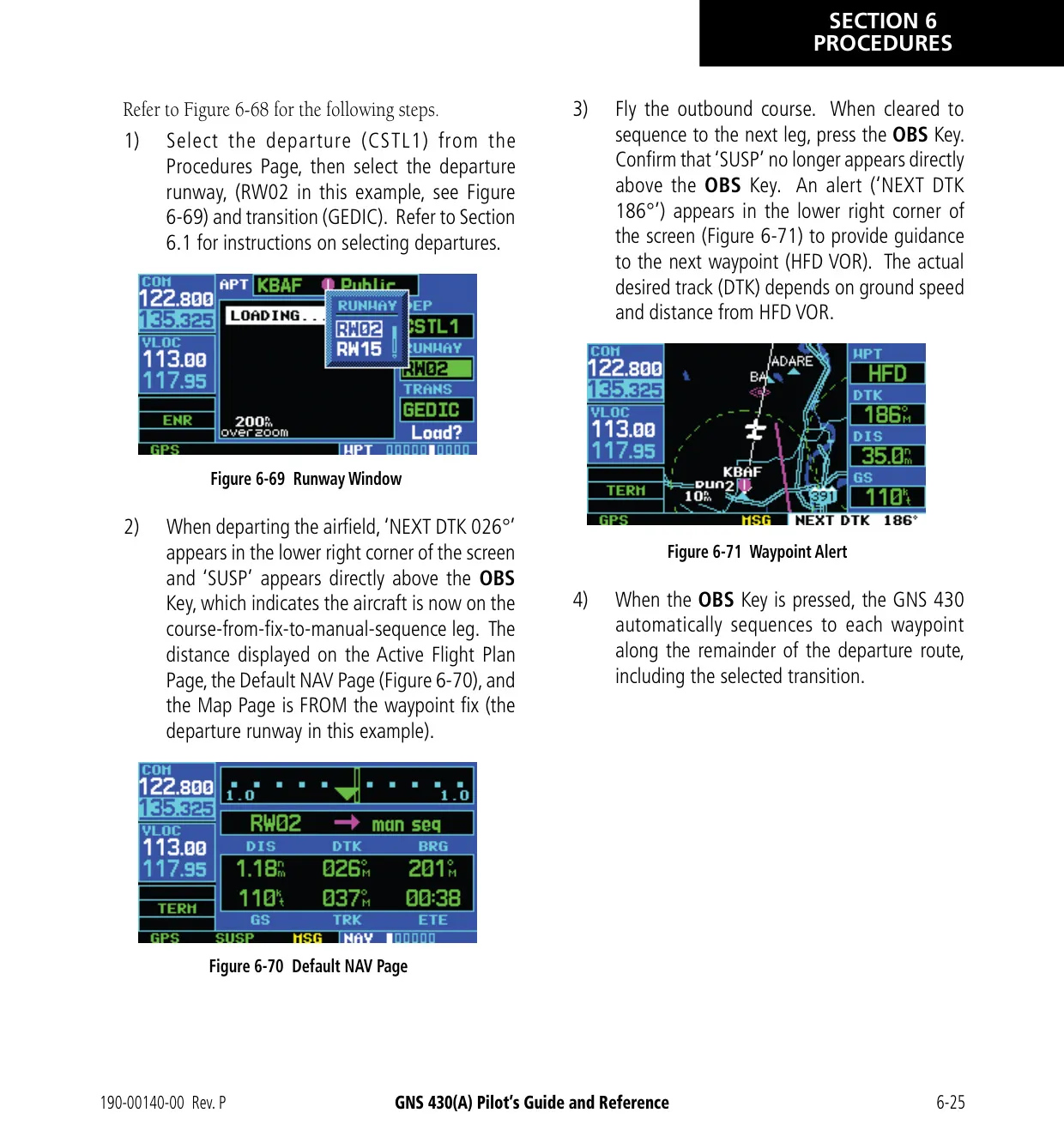
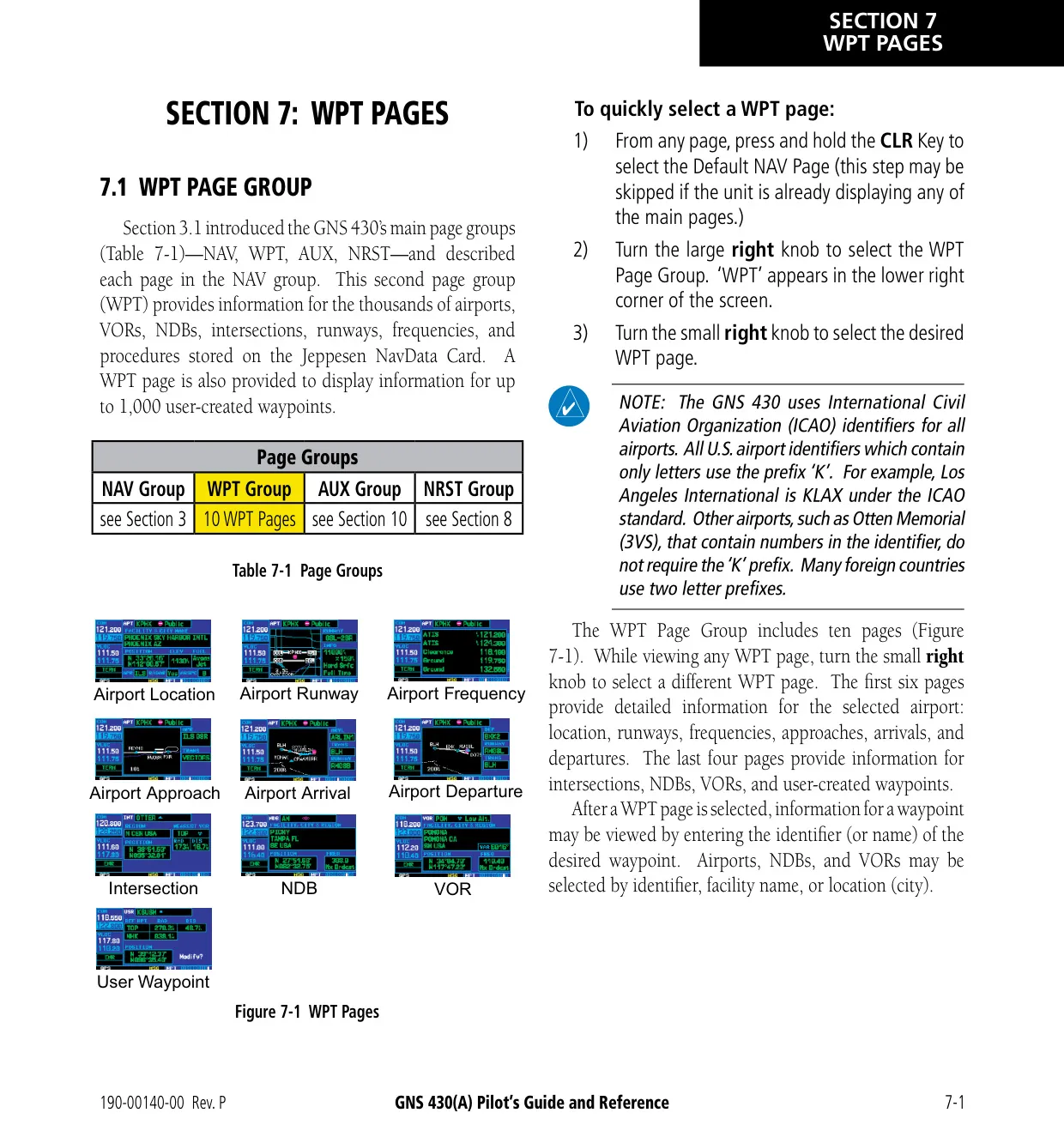
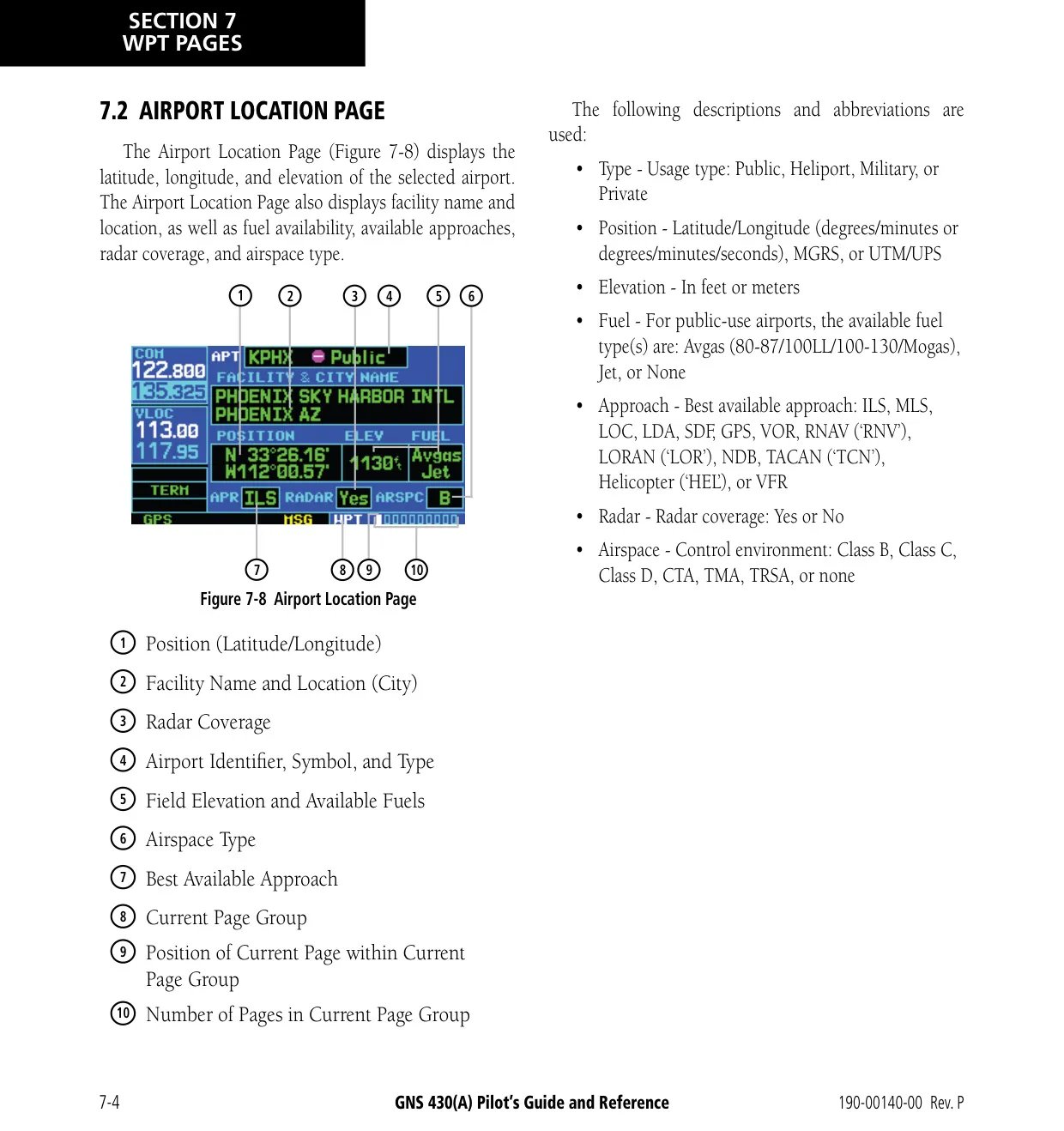
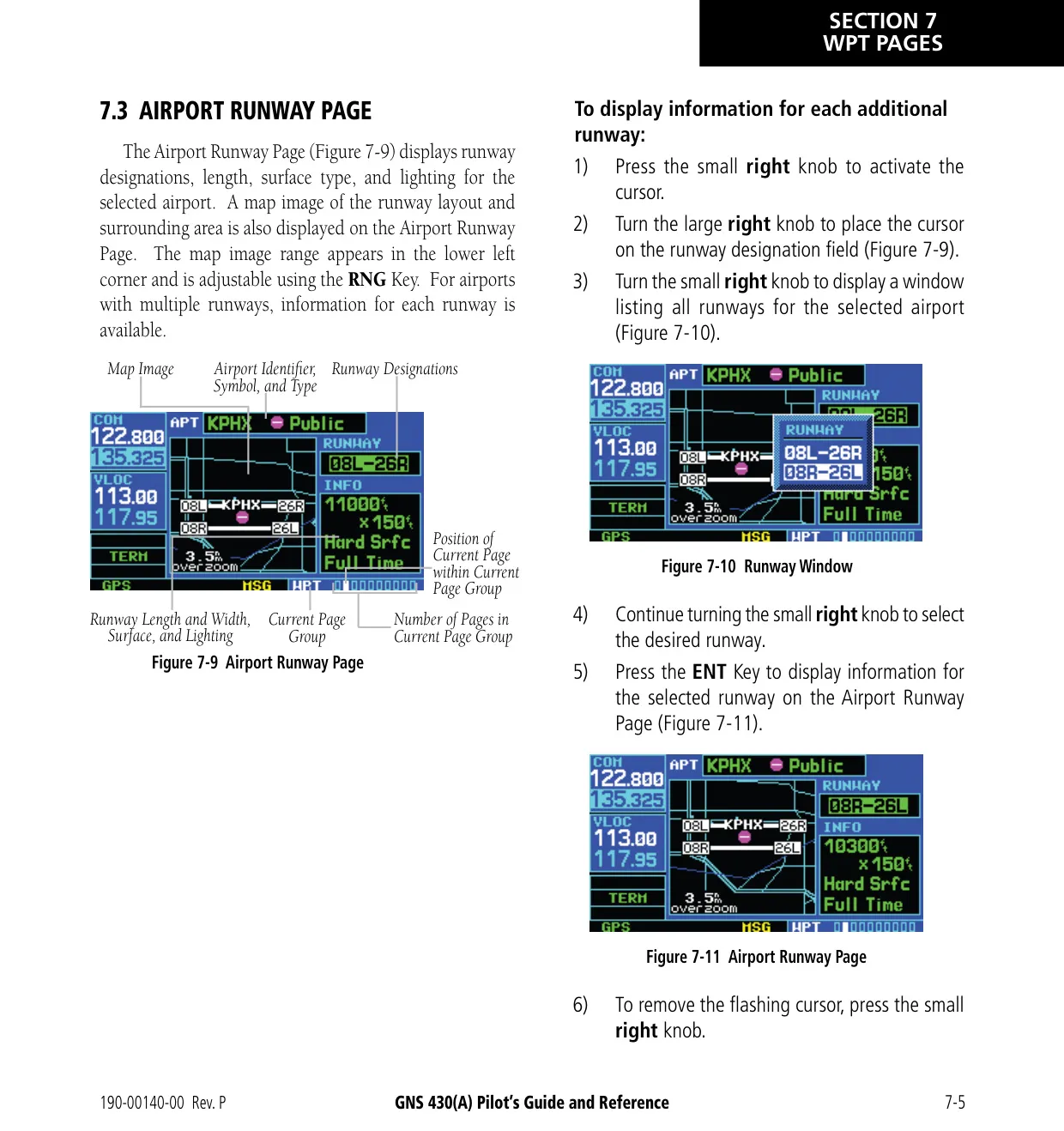
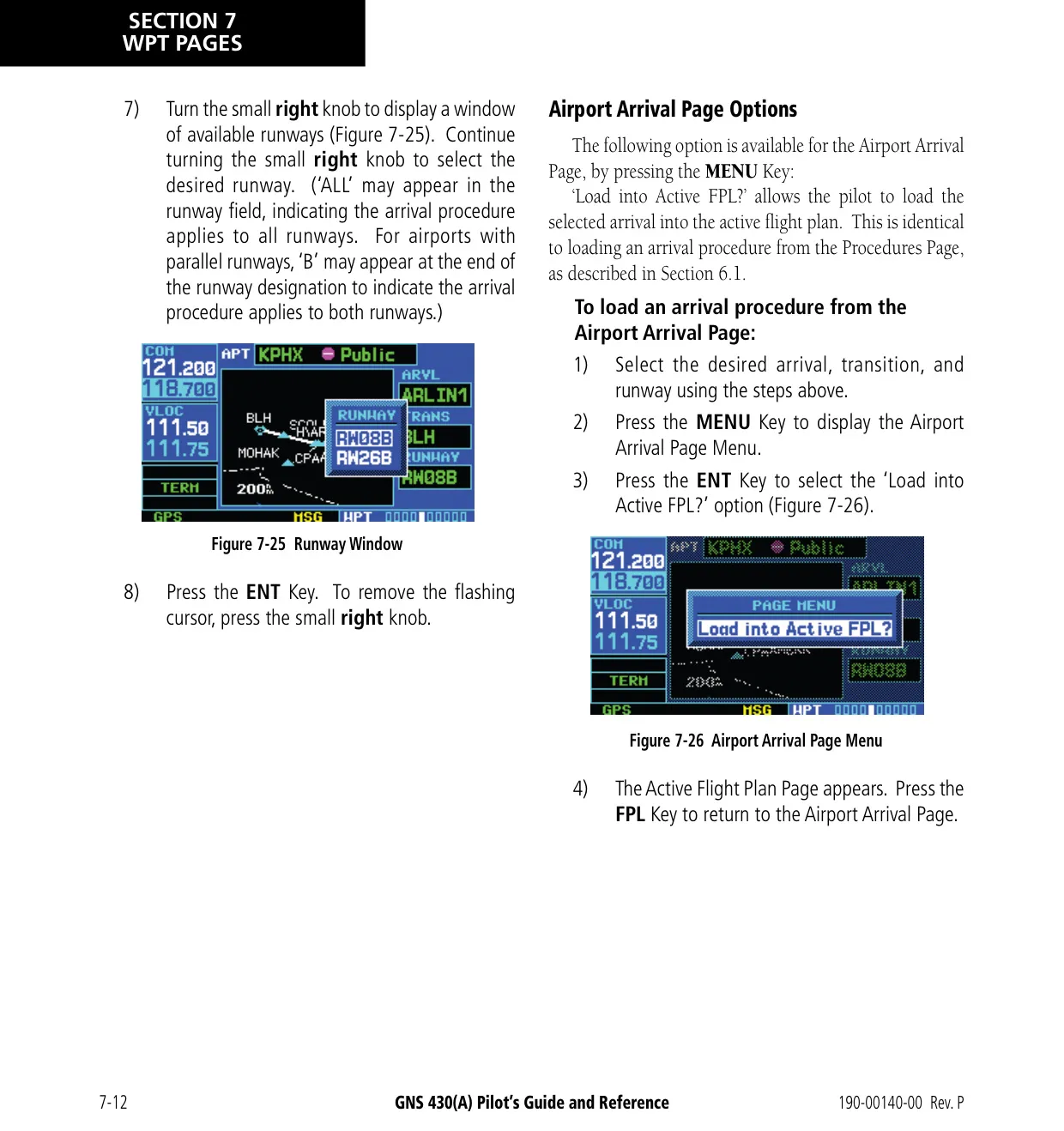
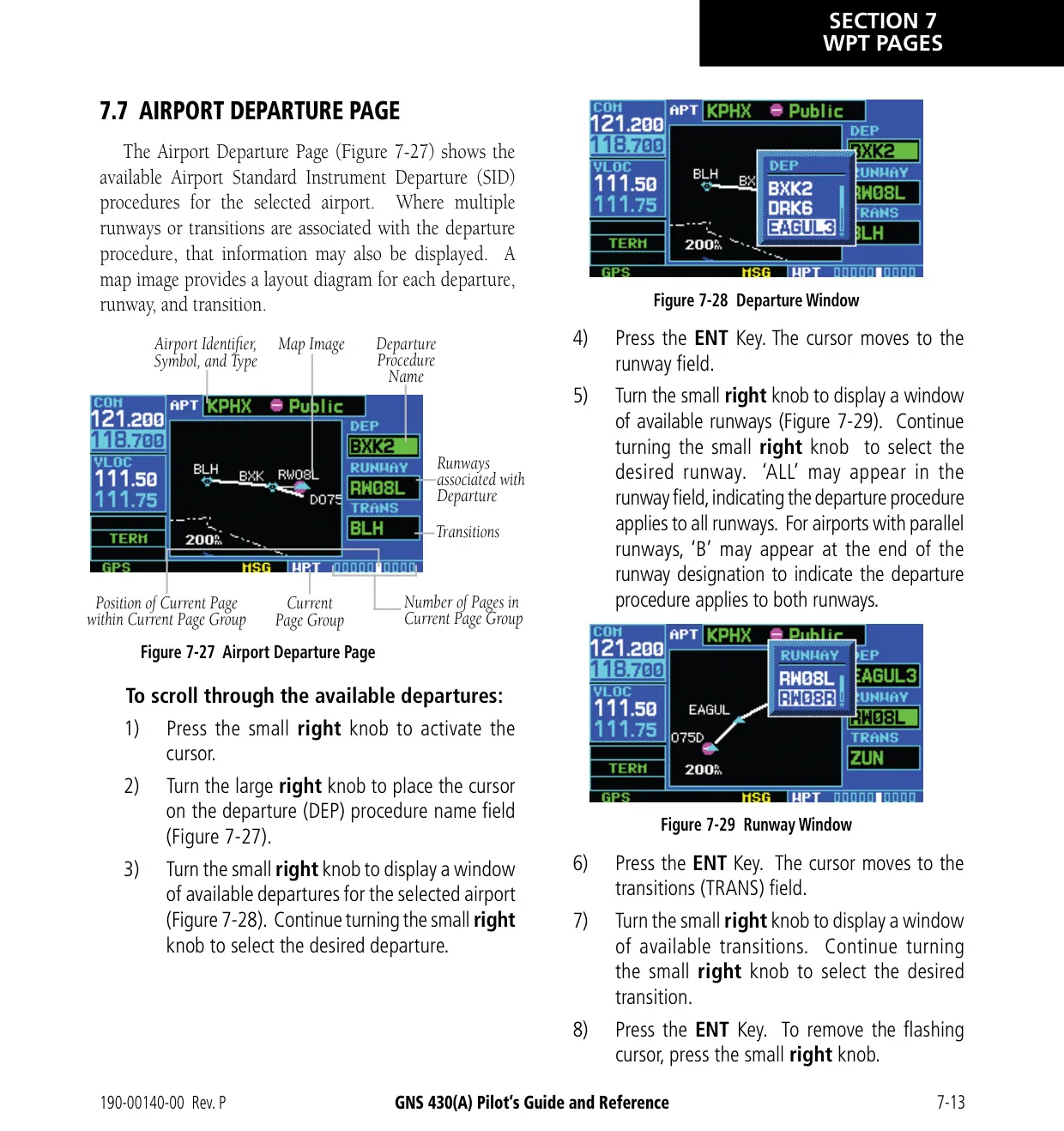
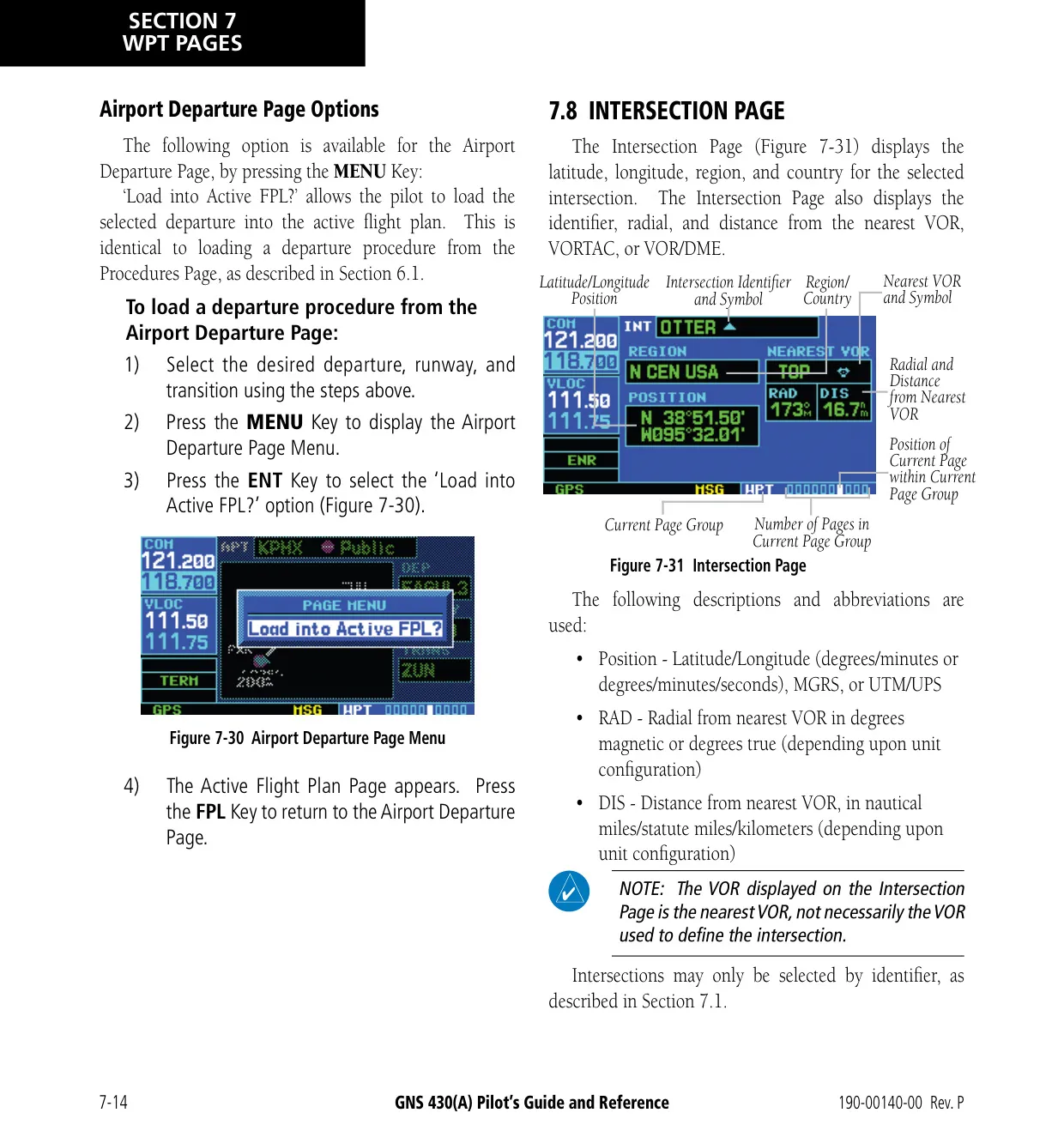
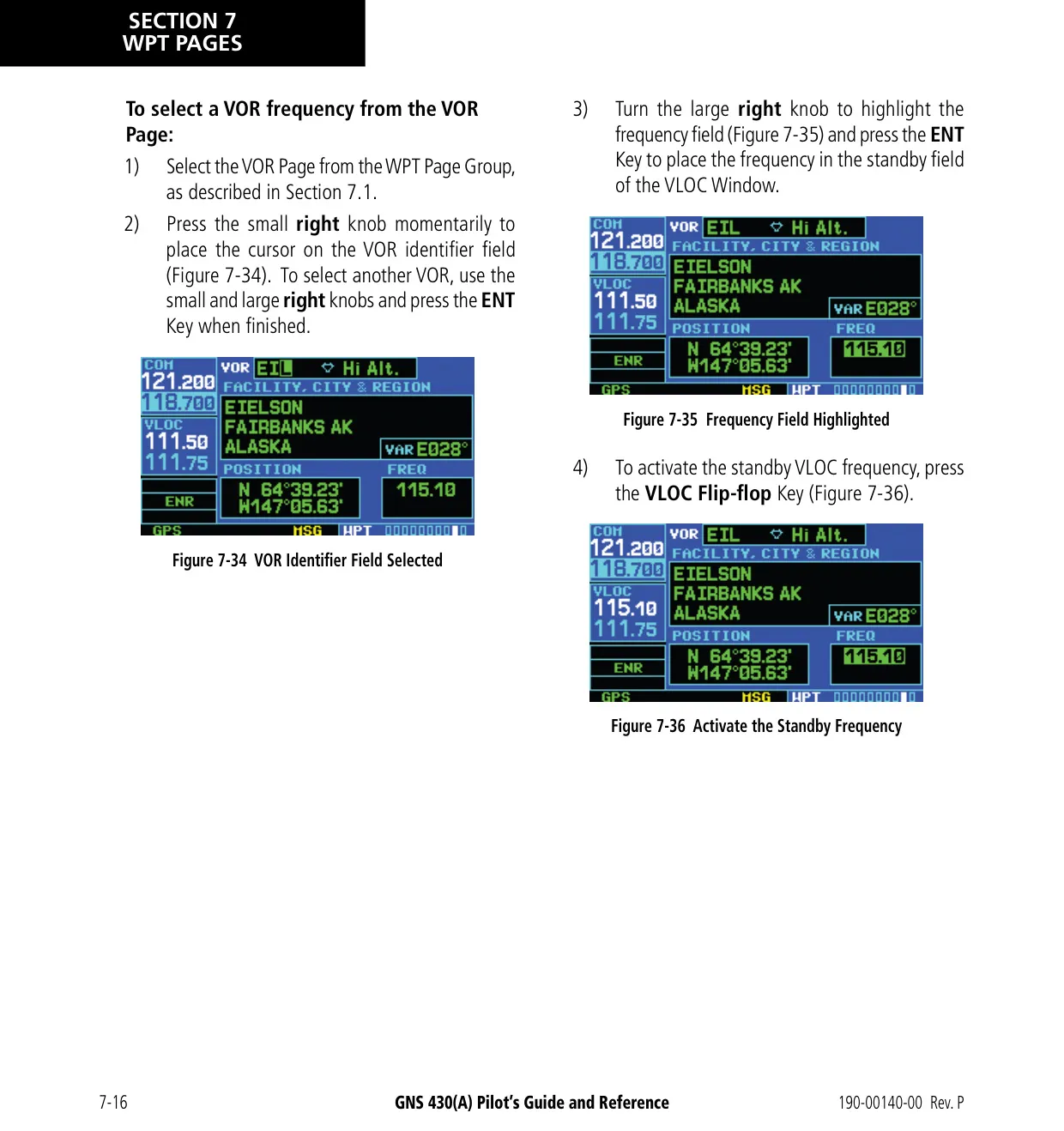
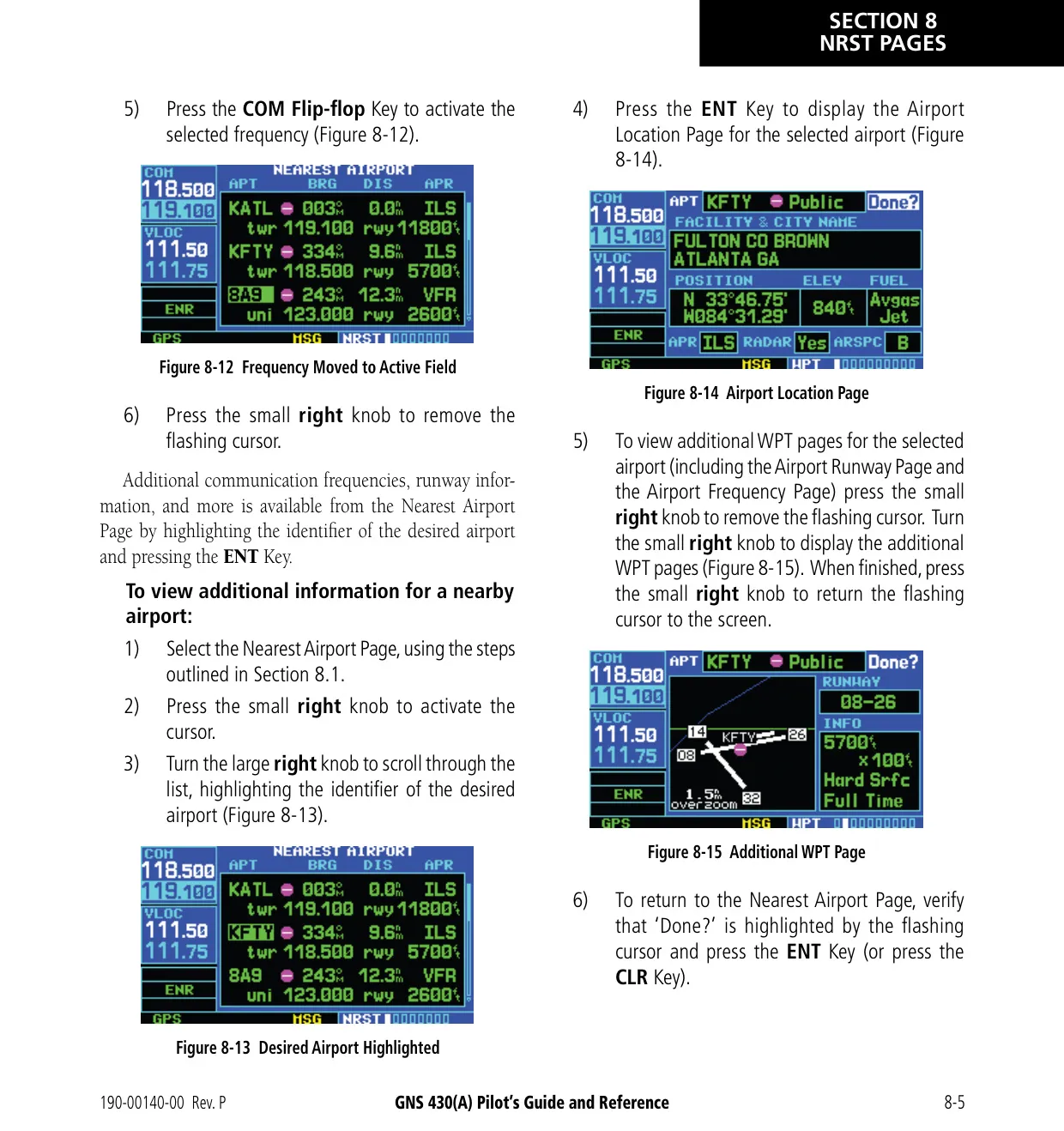
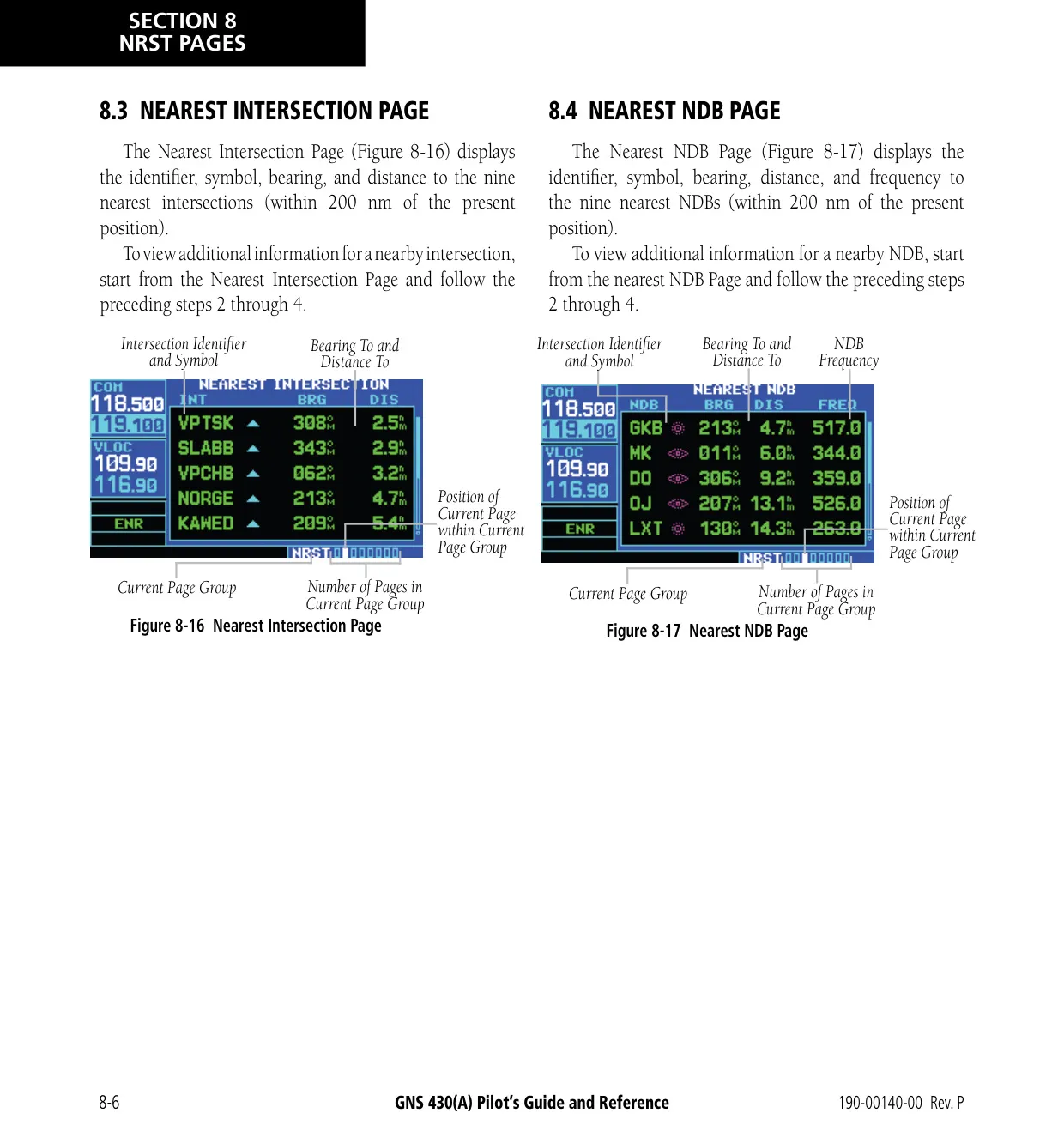
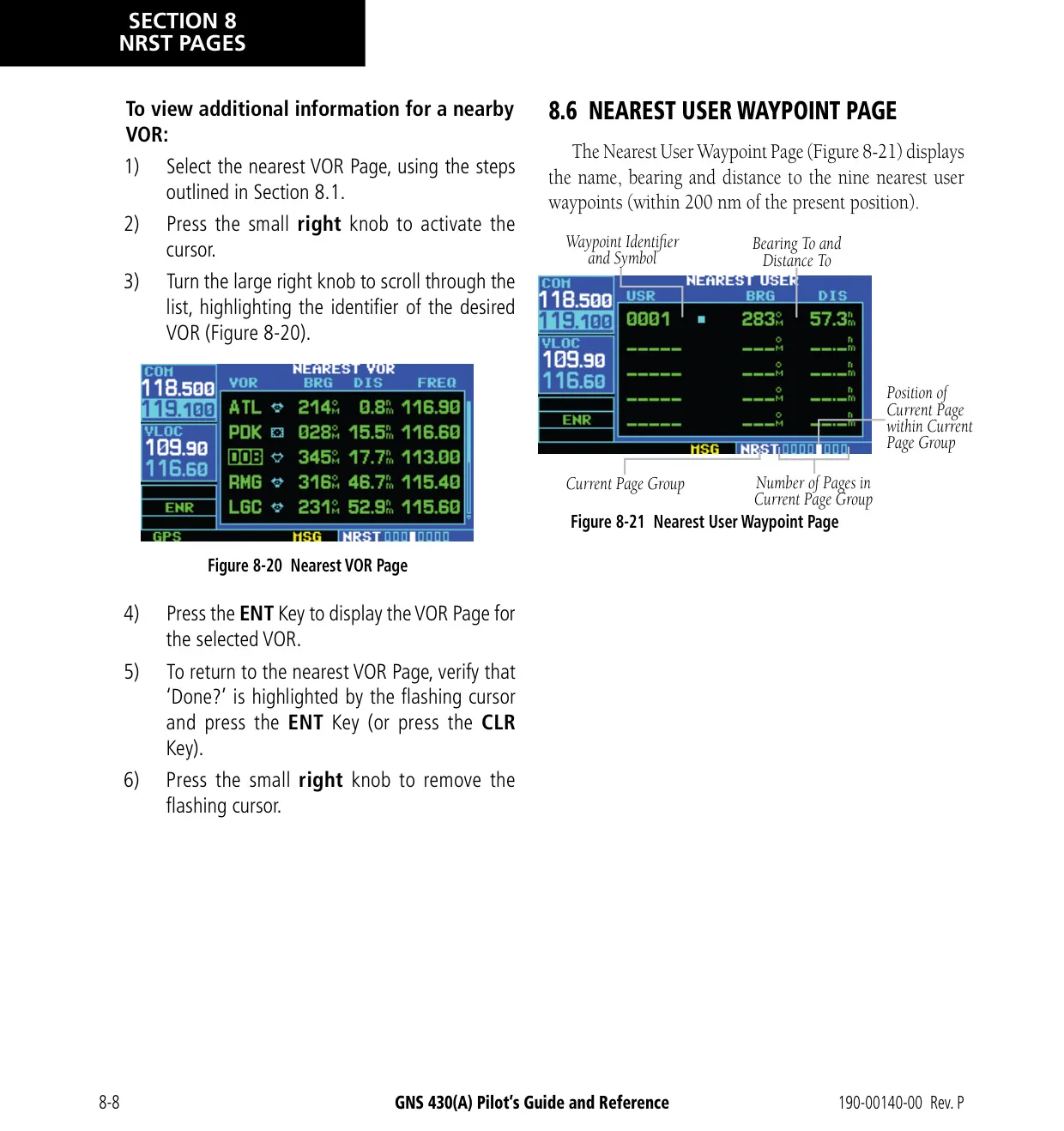
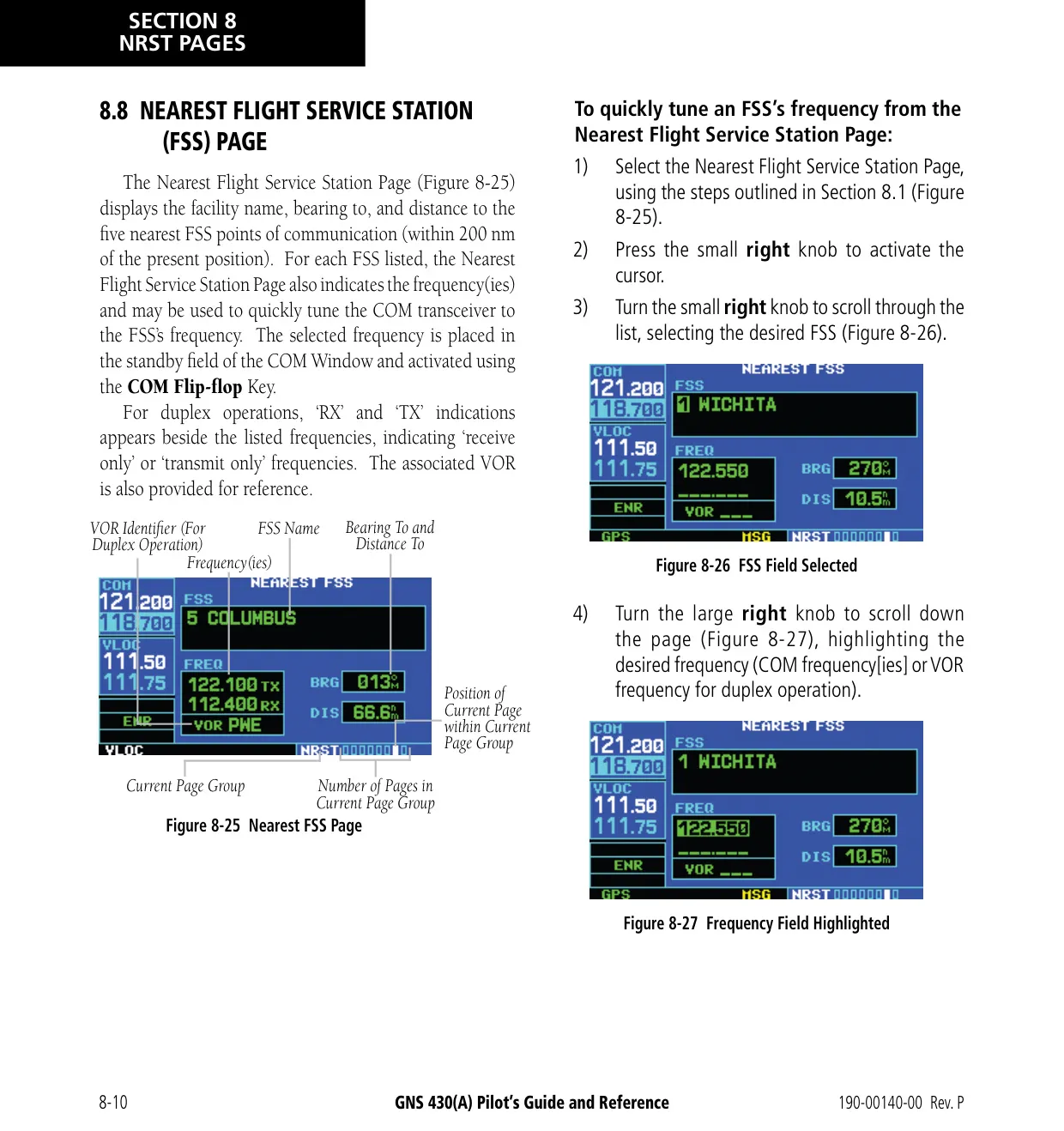
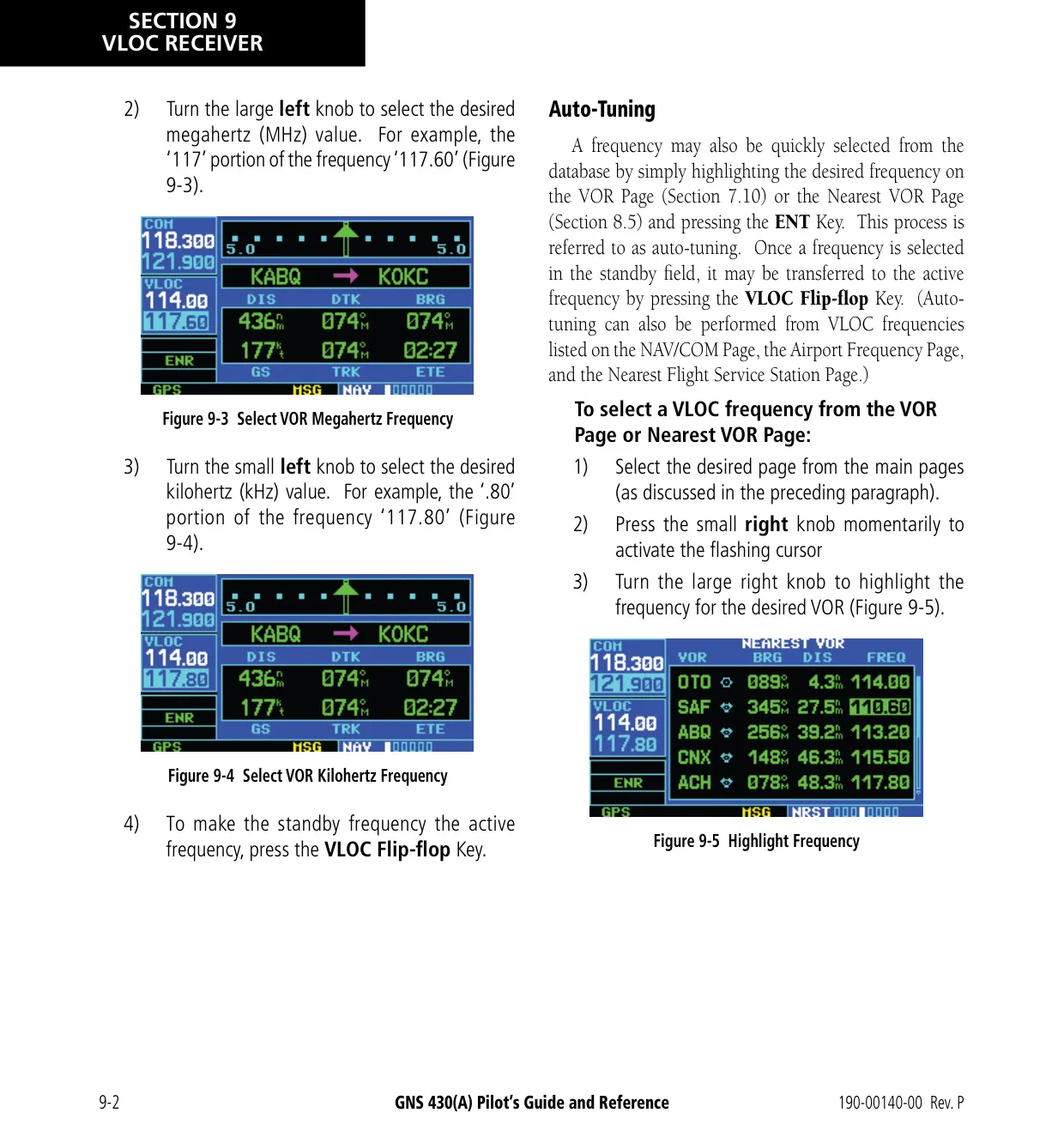
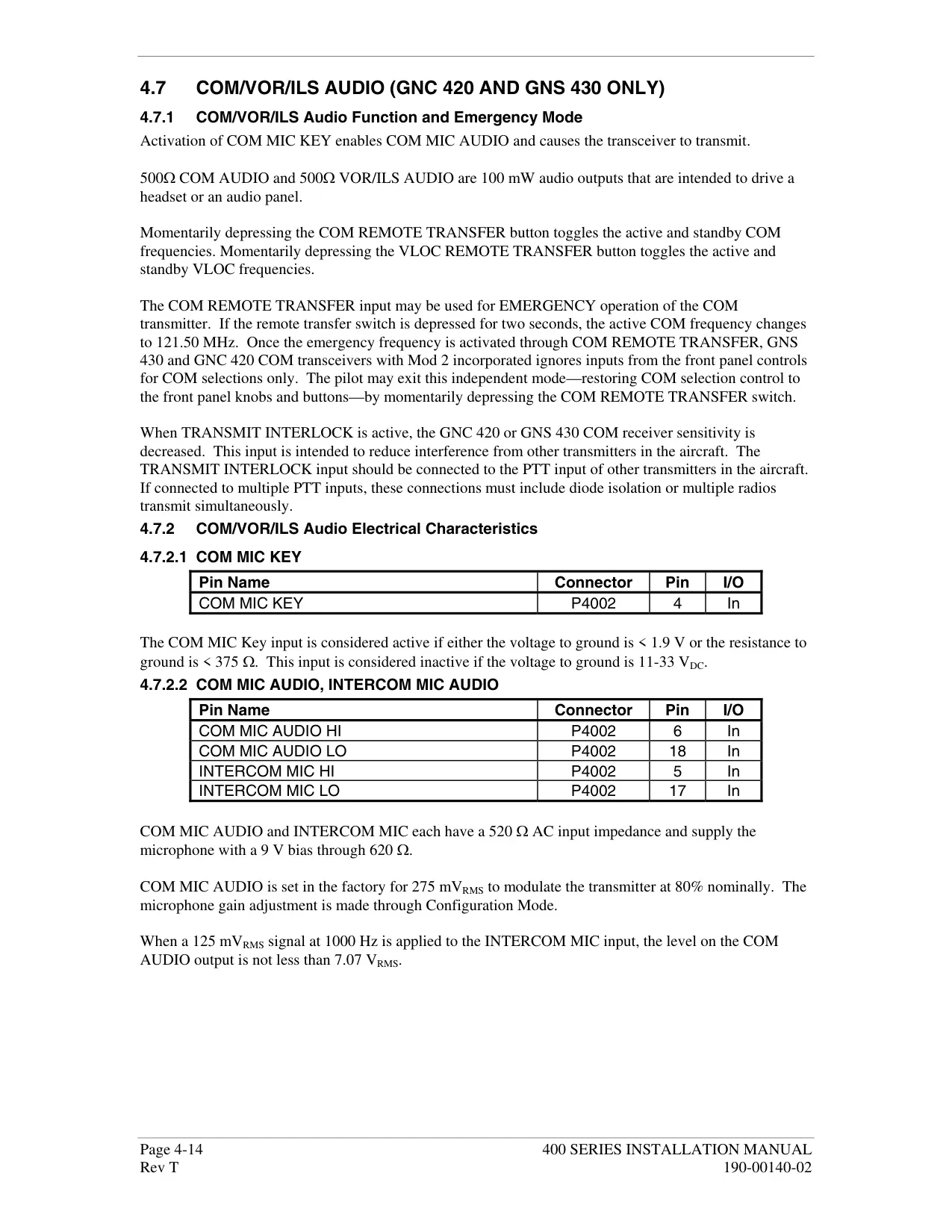
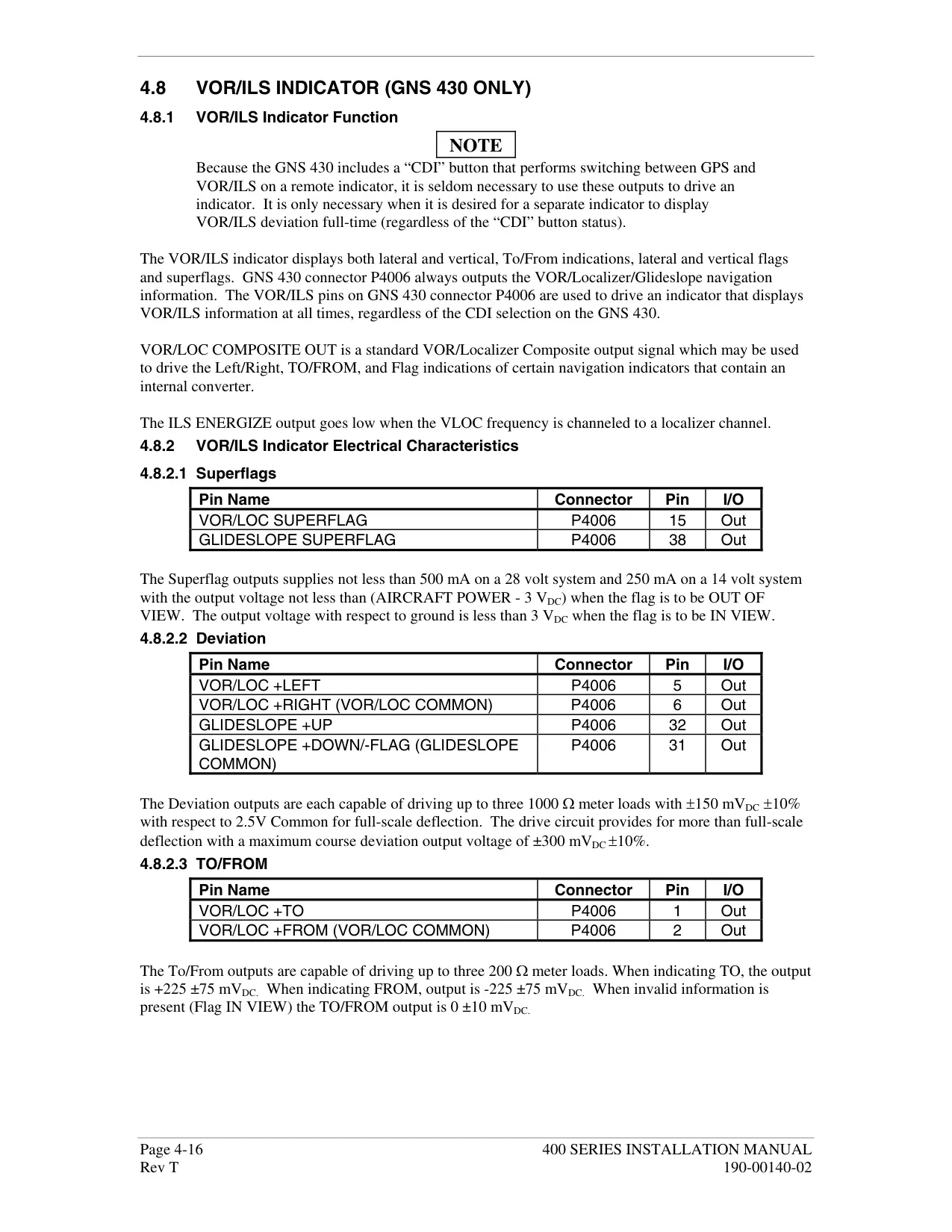
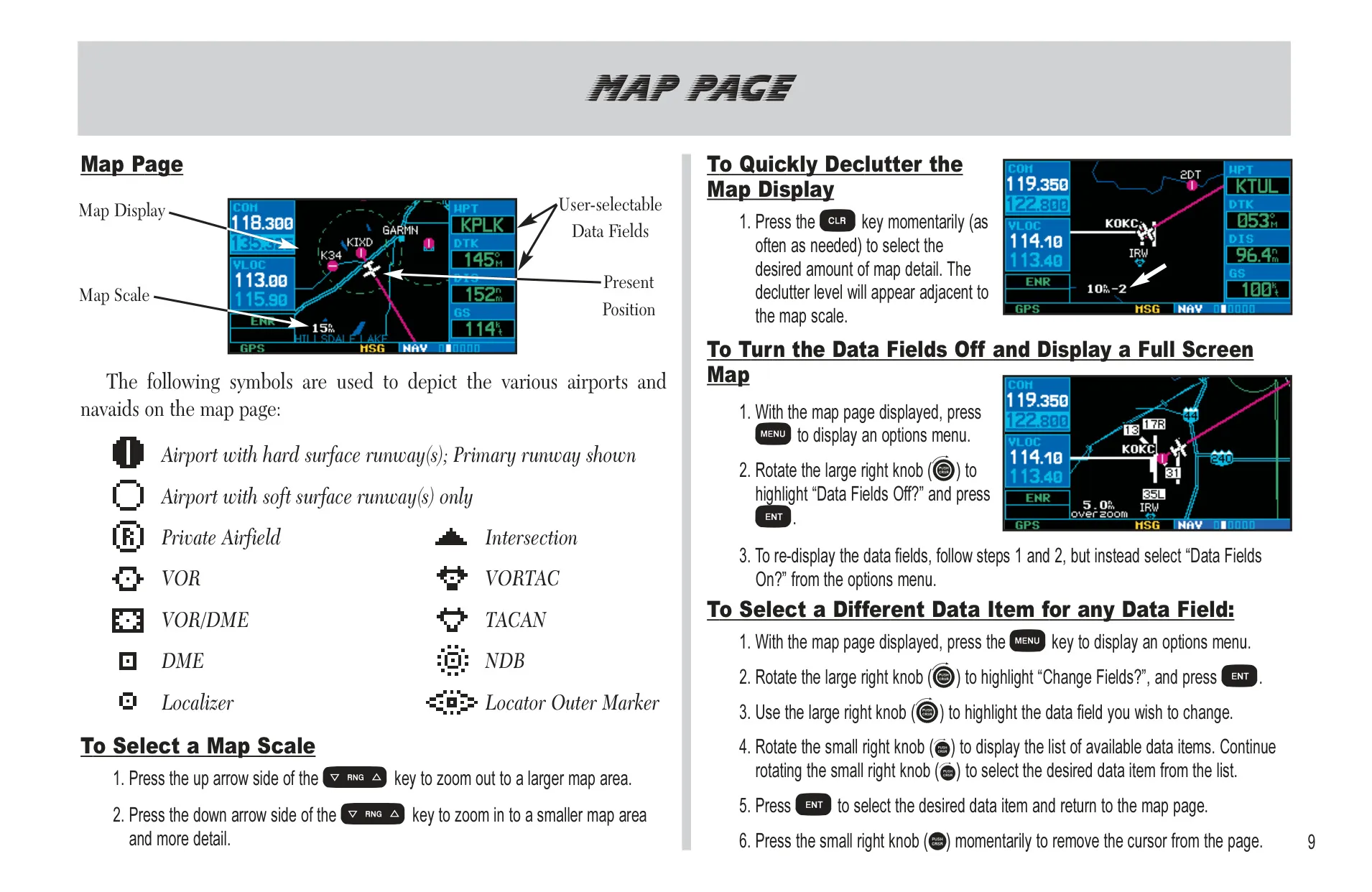
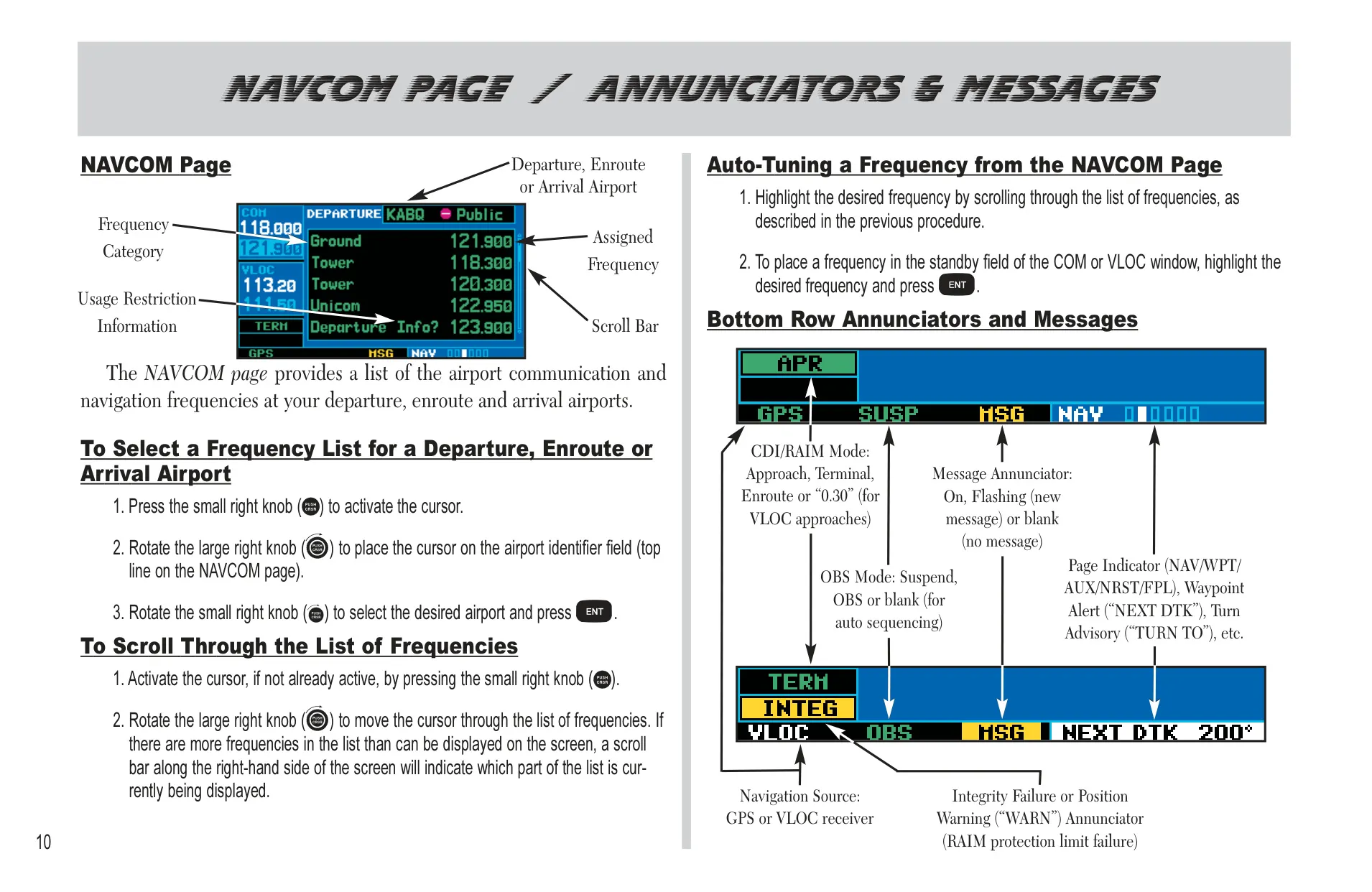
The Garmin GNS 430 puts GPS navigation, a VHF COM transceiver and VOR/localizer/glideslope receivers into one panel unit. The screen is split into COM, VLOC and GPS windows. Two left knobs tune the standby frequencies in MHz and kHz. Two right knobs move between the NAV, WPT, AUX and NRST page groups. If the tuning cursor is left in the VLOC window, it returns to the COM window after 30 seconds of inactivity. Pressing and holding CLR brings up the Default NAV Page from anywhere.
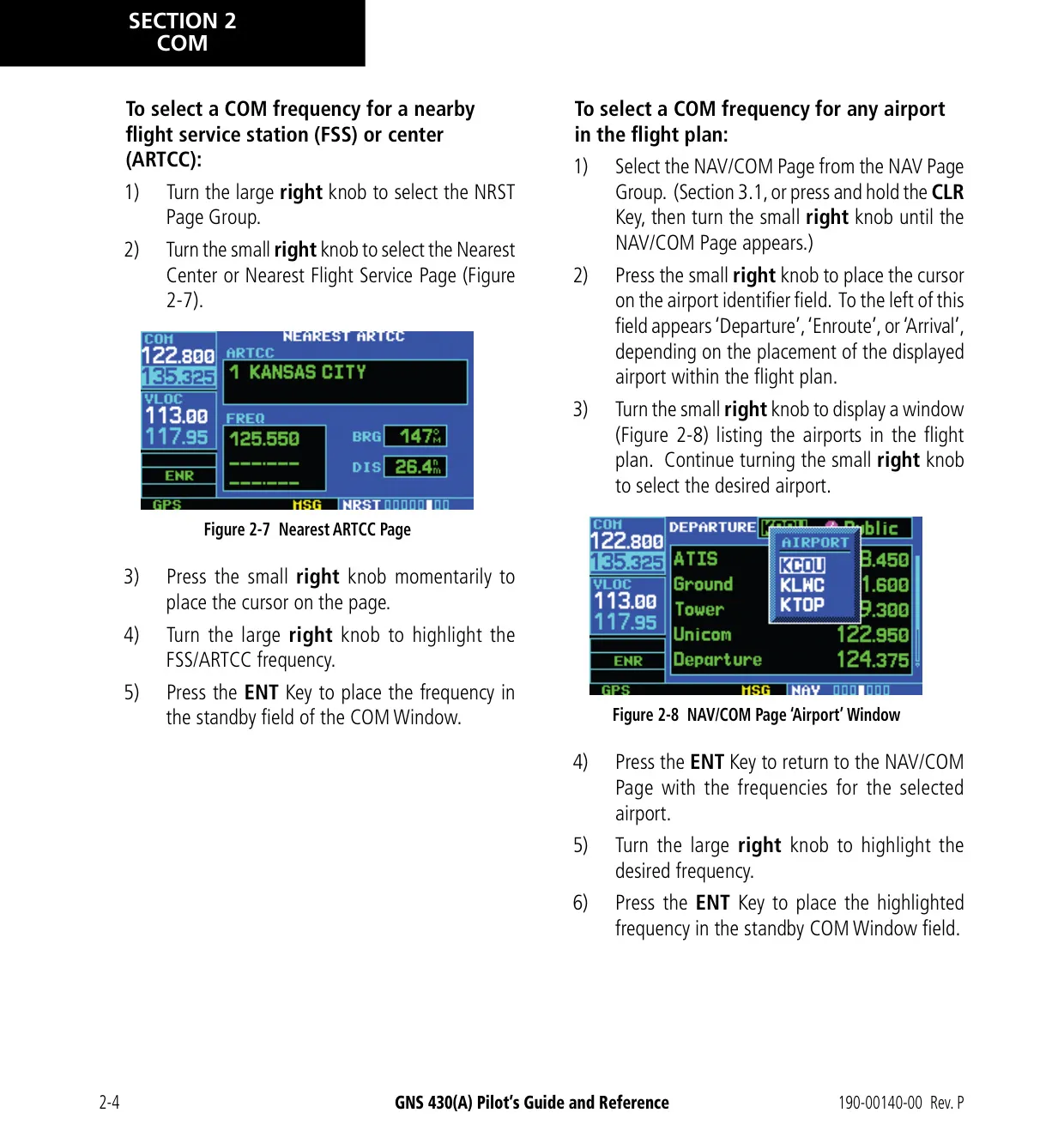
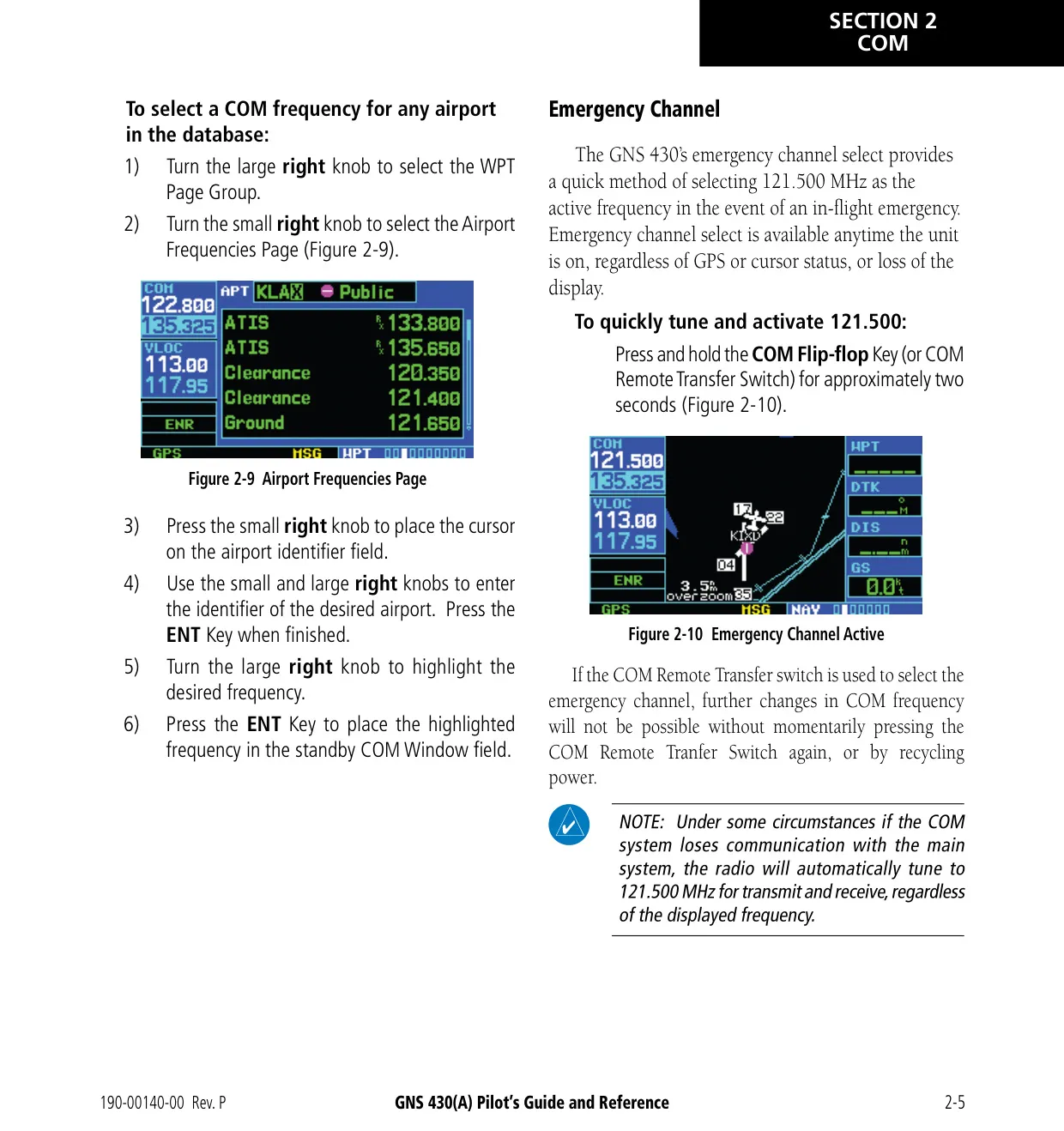
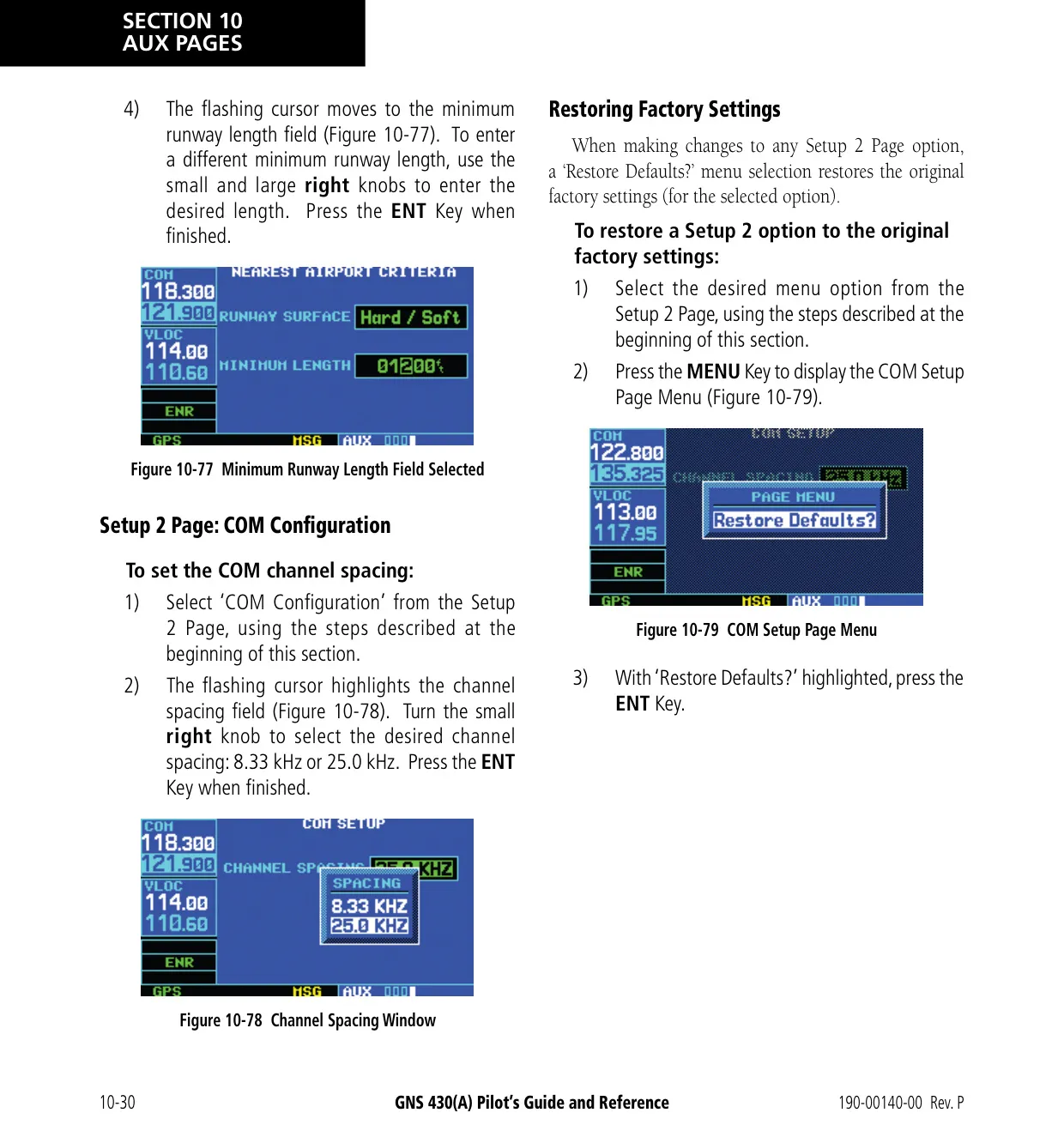
The COM radio has automatic squelch, which you can override by pressing the volume knob. Holding the COM flip-flop key for about two seconds sets the active frequency to the 121.500 MHz emergency channel. This works even if the display is lost. A stuck microphone stops transmitting after 35 seconds. Auto-tuning lets you send any frequency shown in the database to the standby field with the ENT key. The 8.33 kHz channel spacing is for Europe and is not approved for use in the United States.
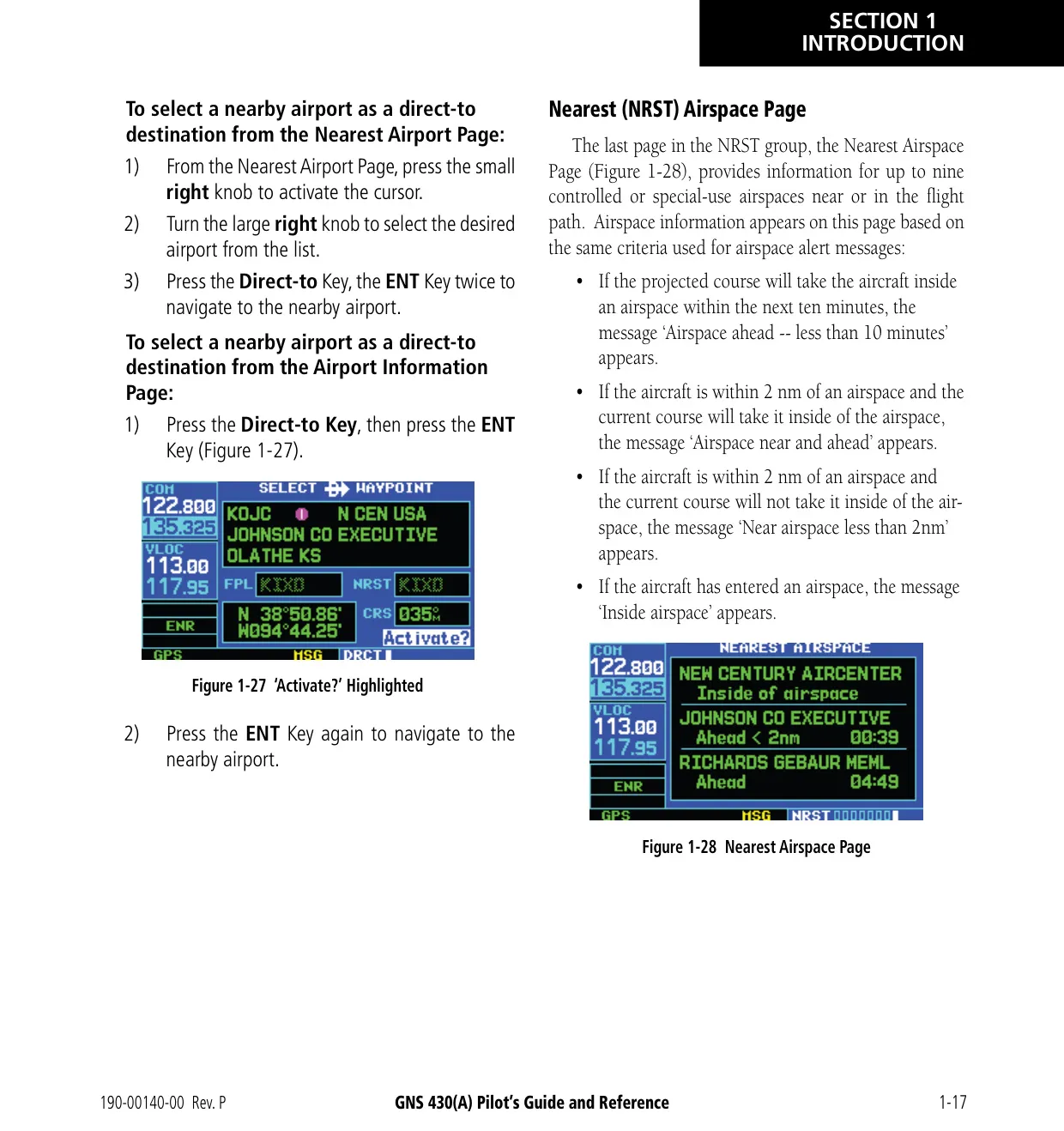
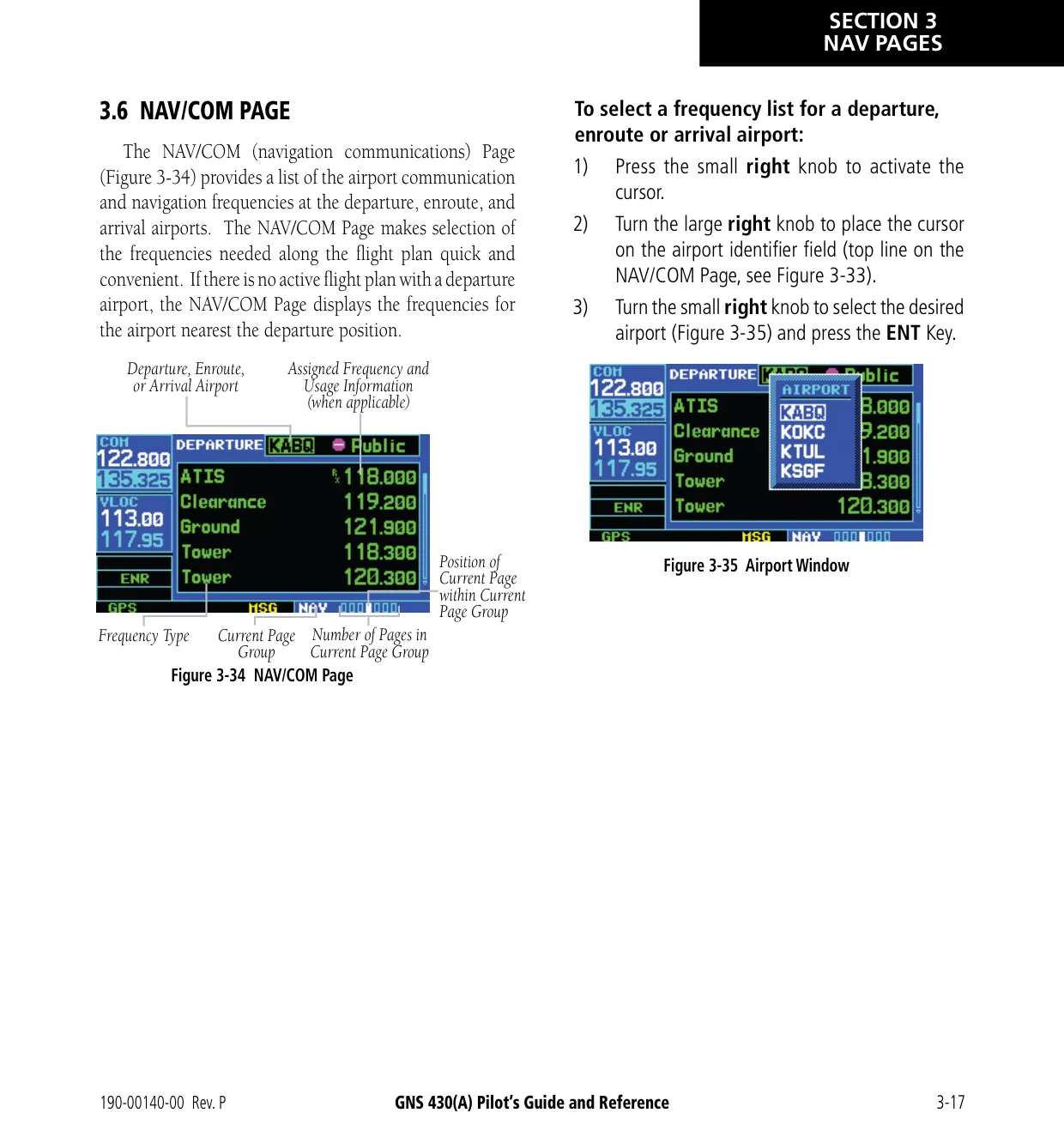
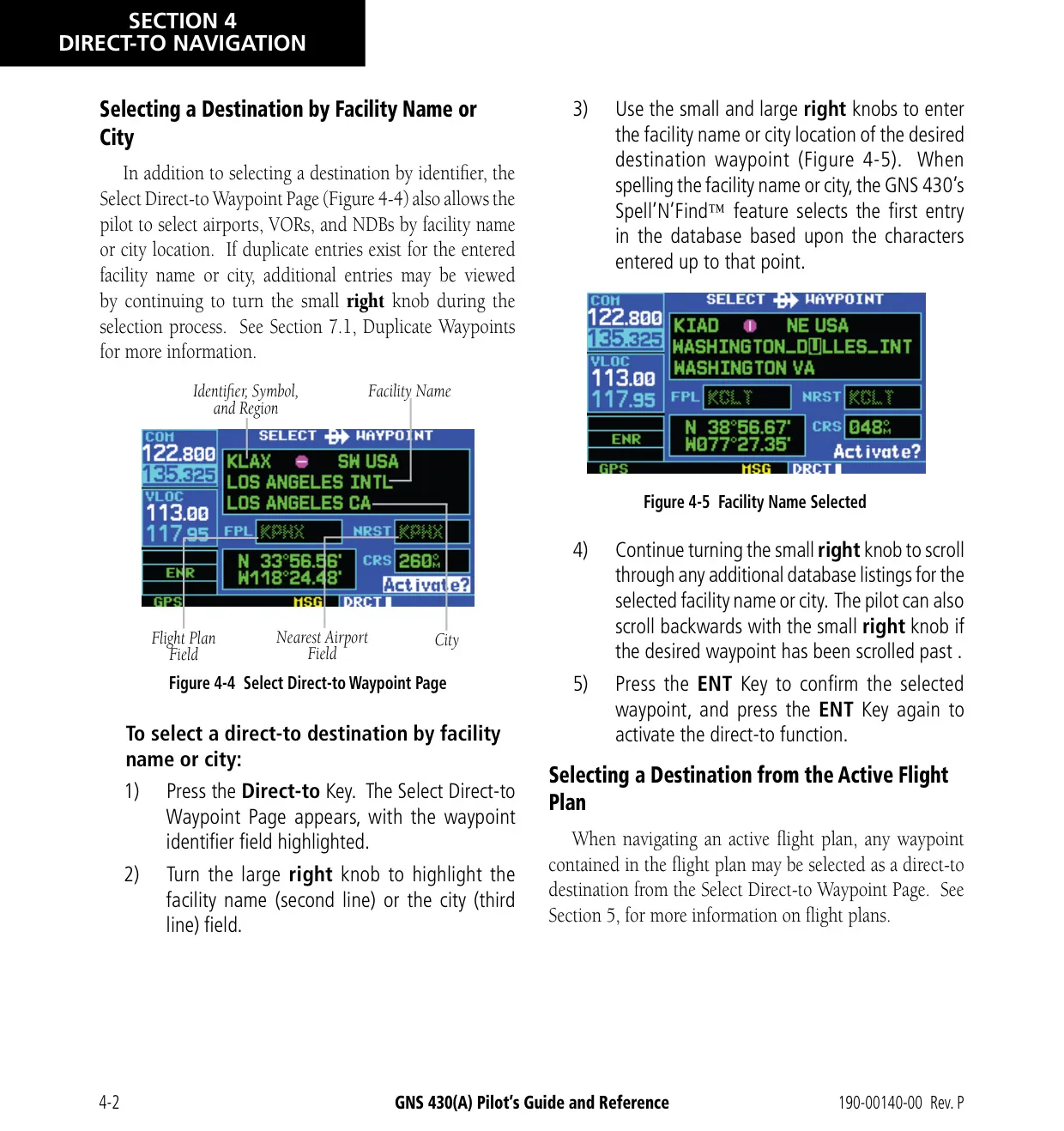
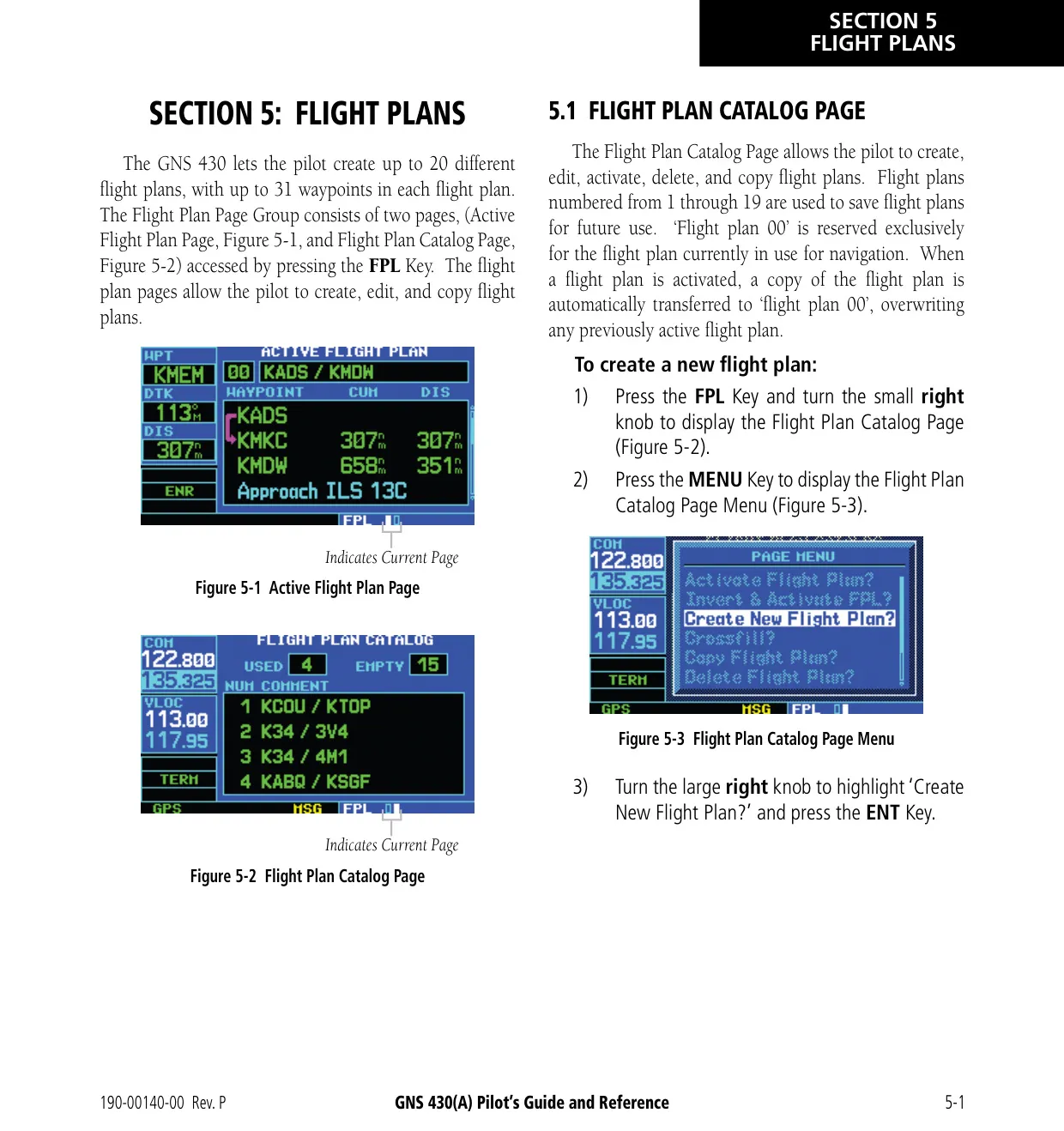
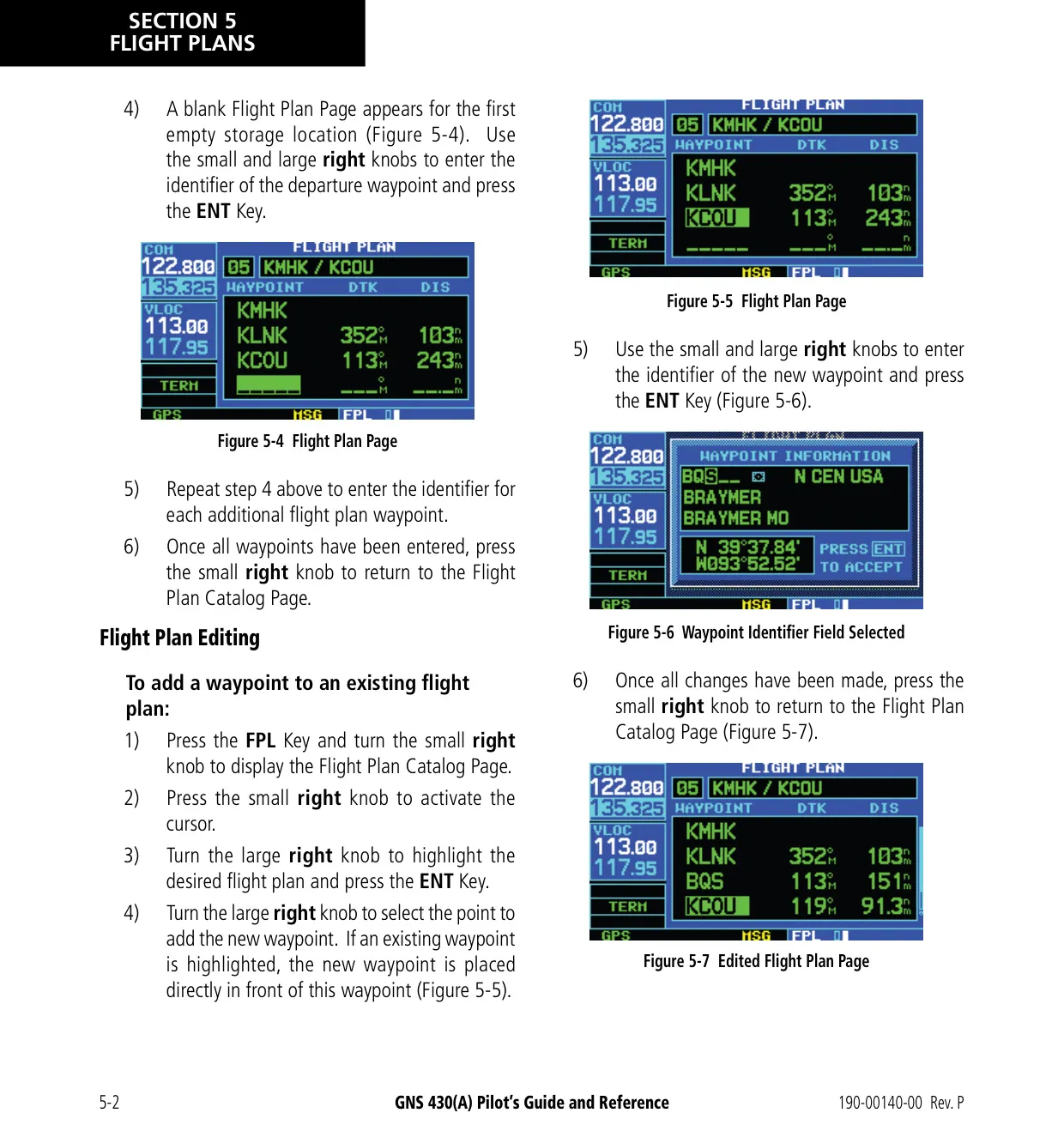
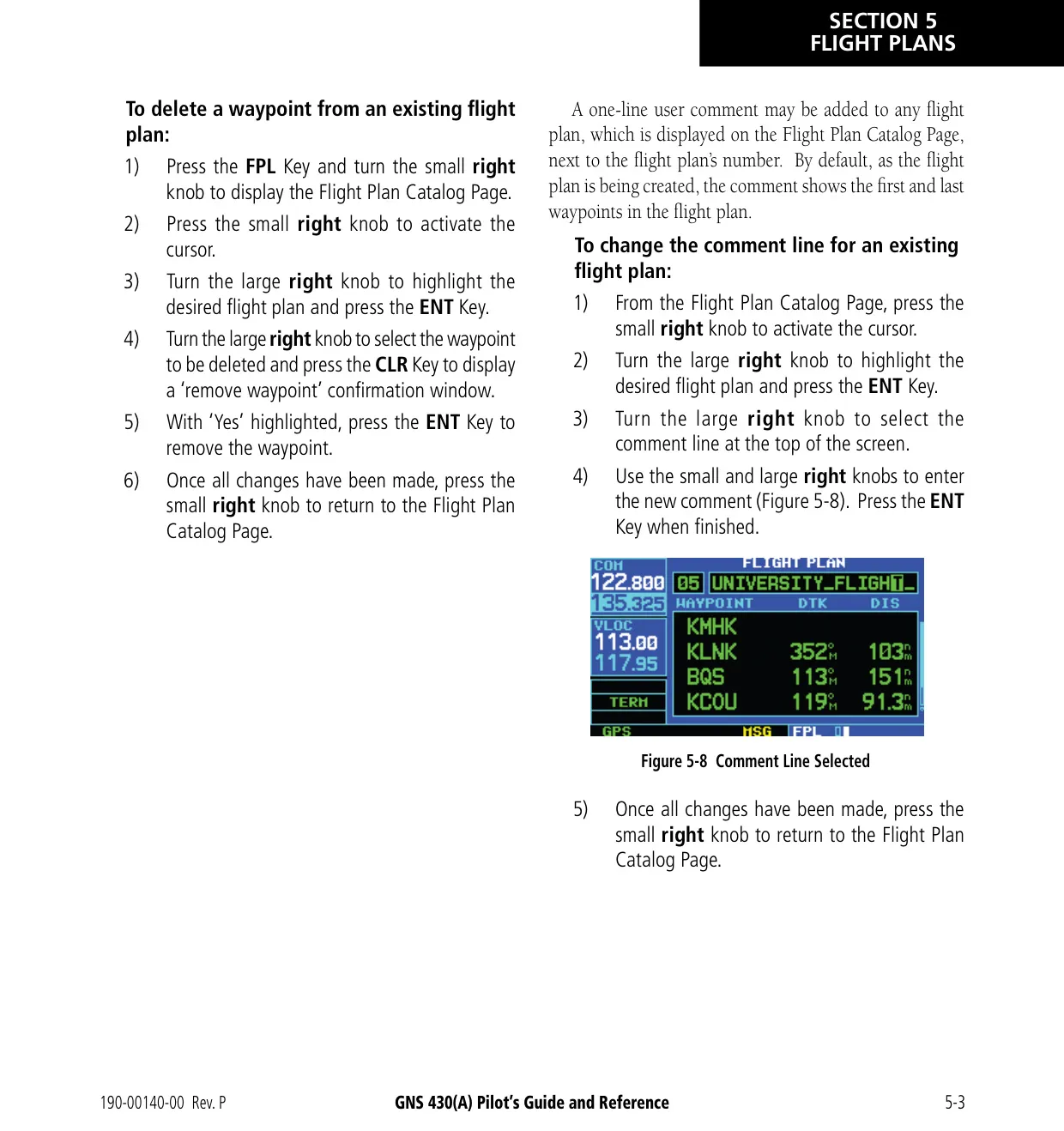
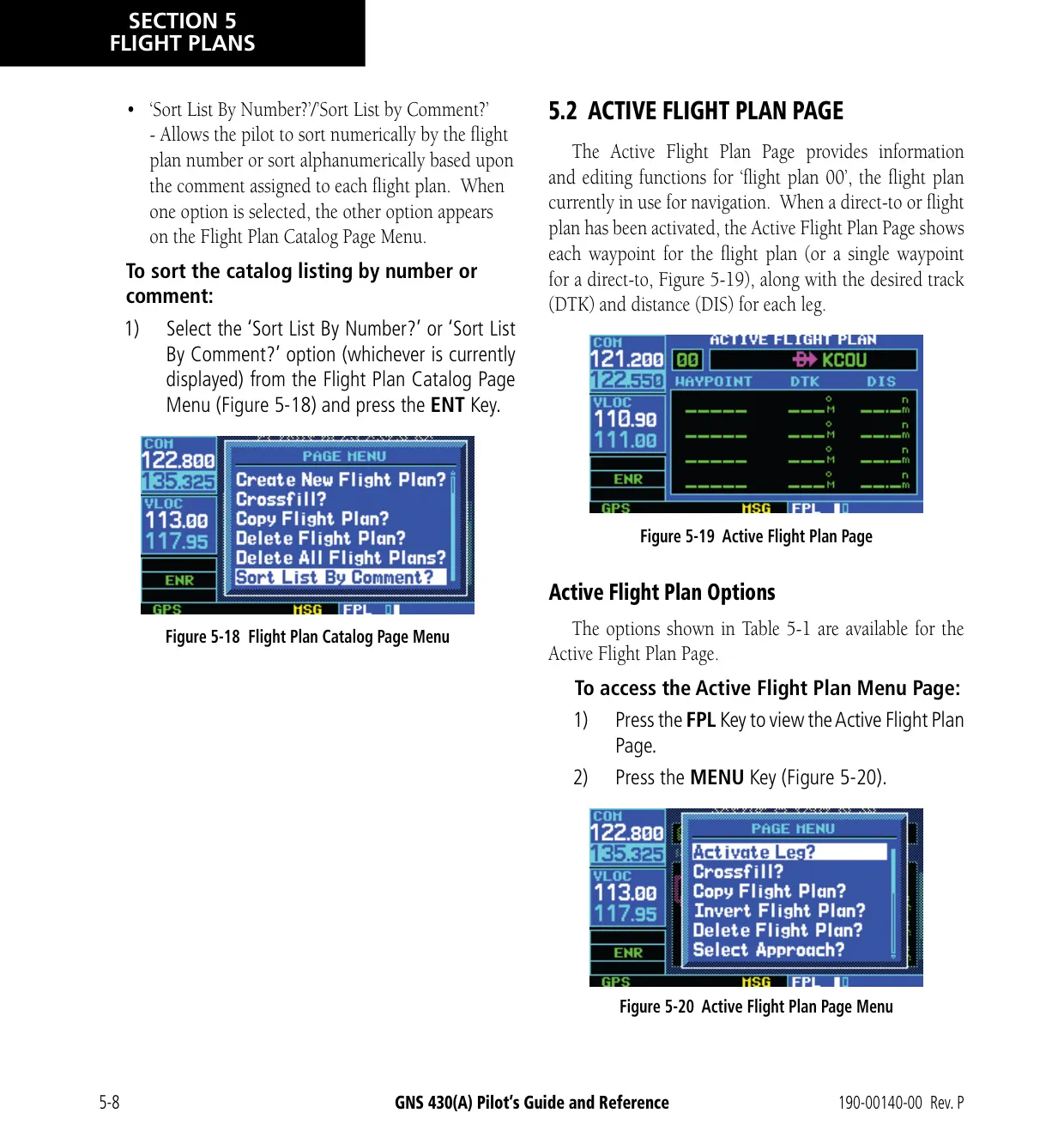
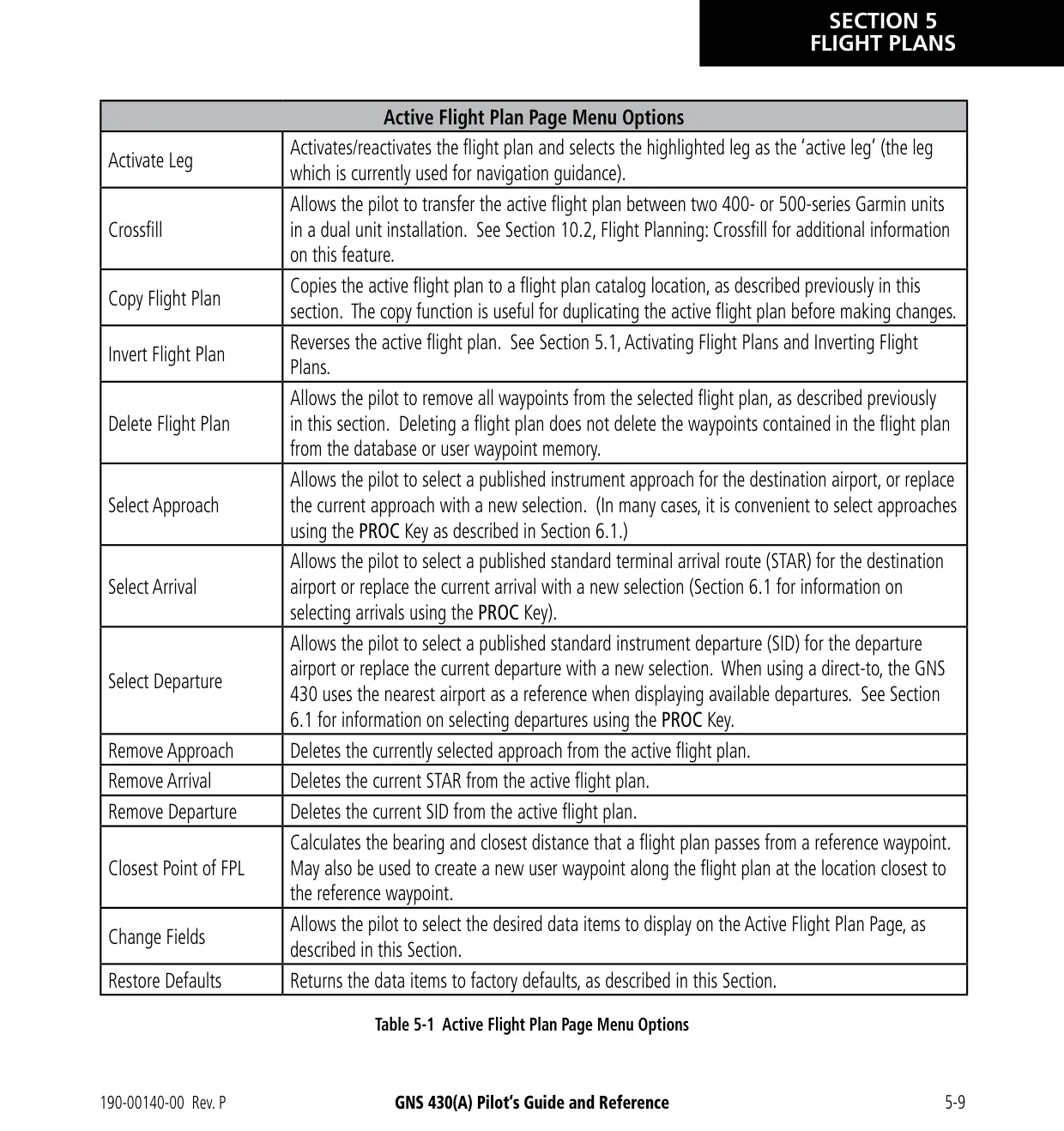
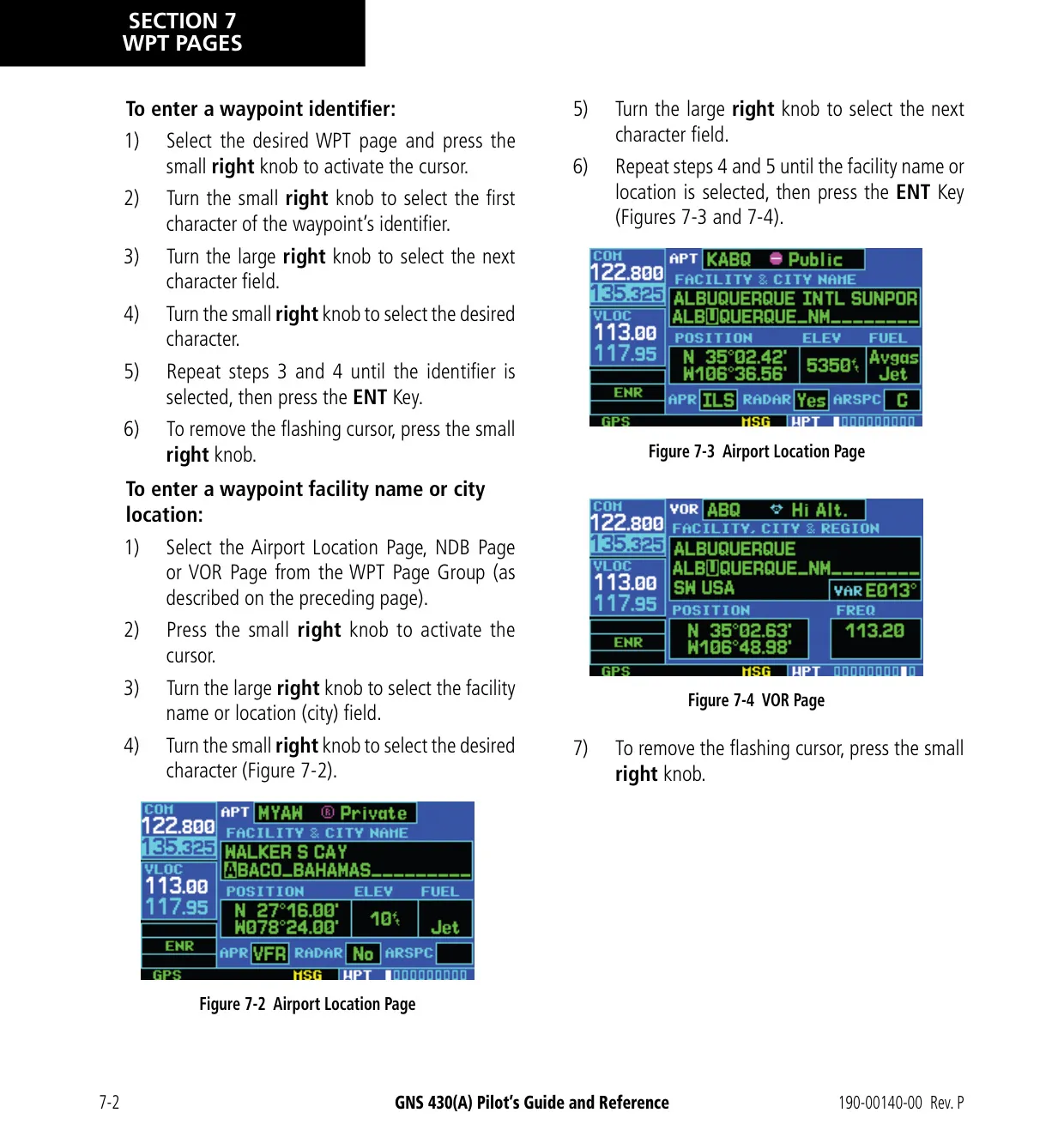
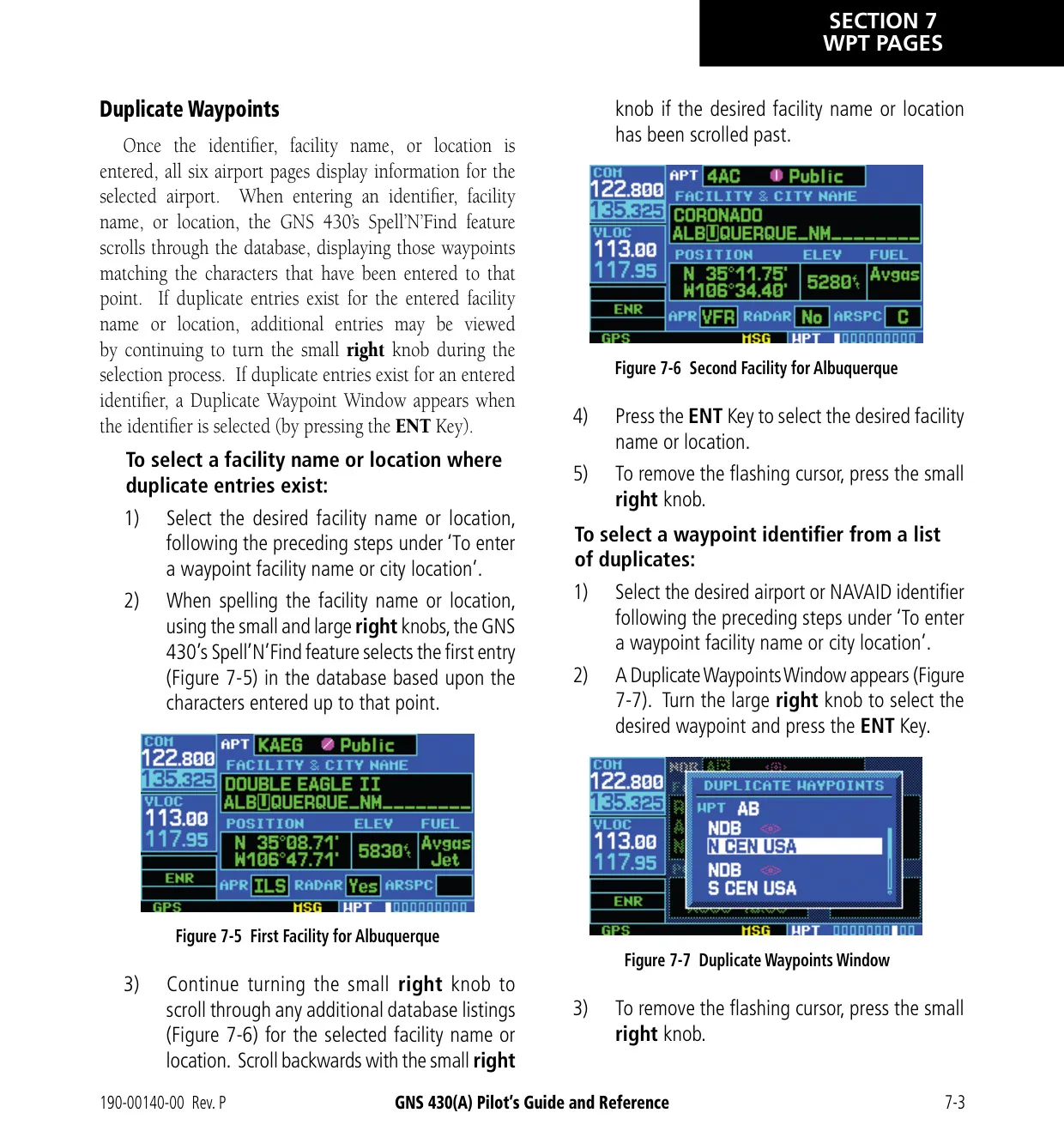
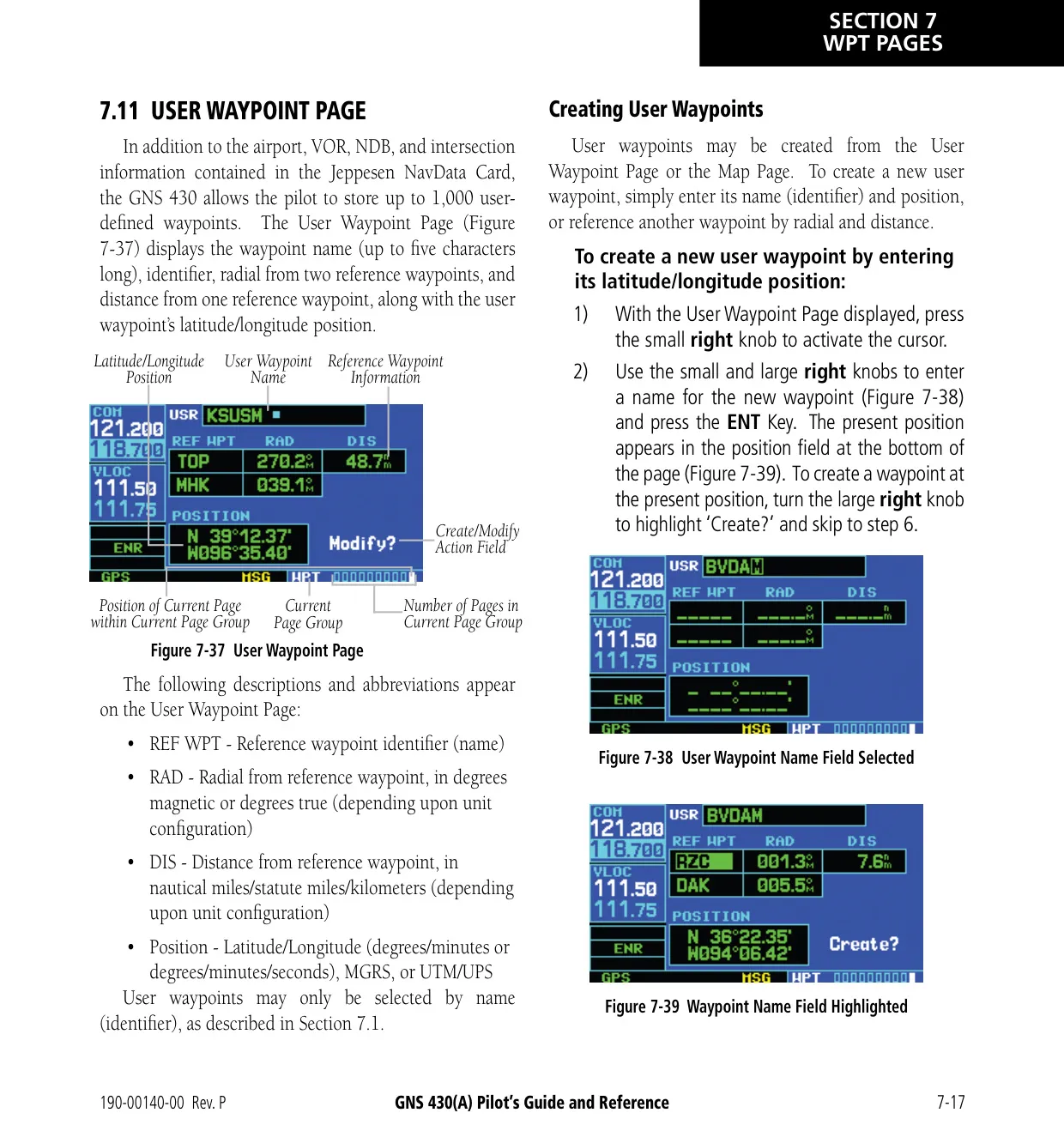
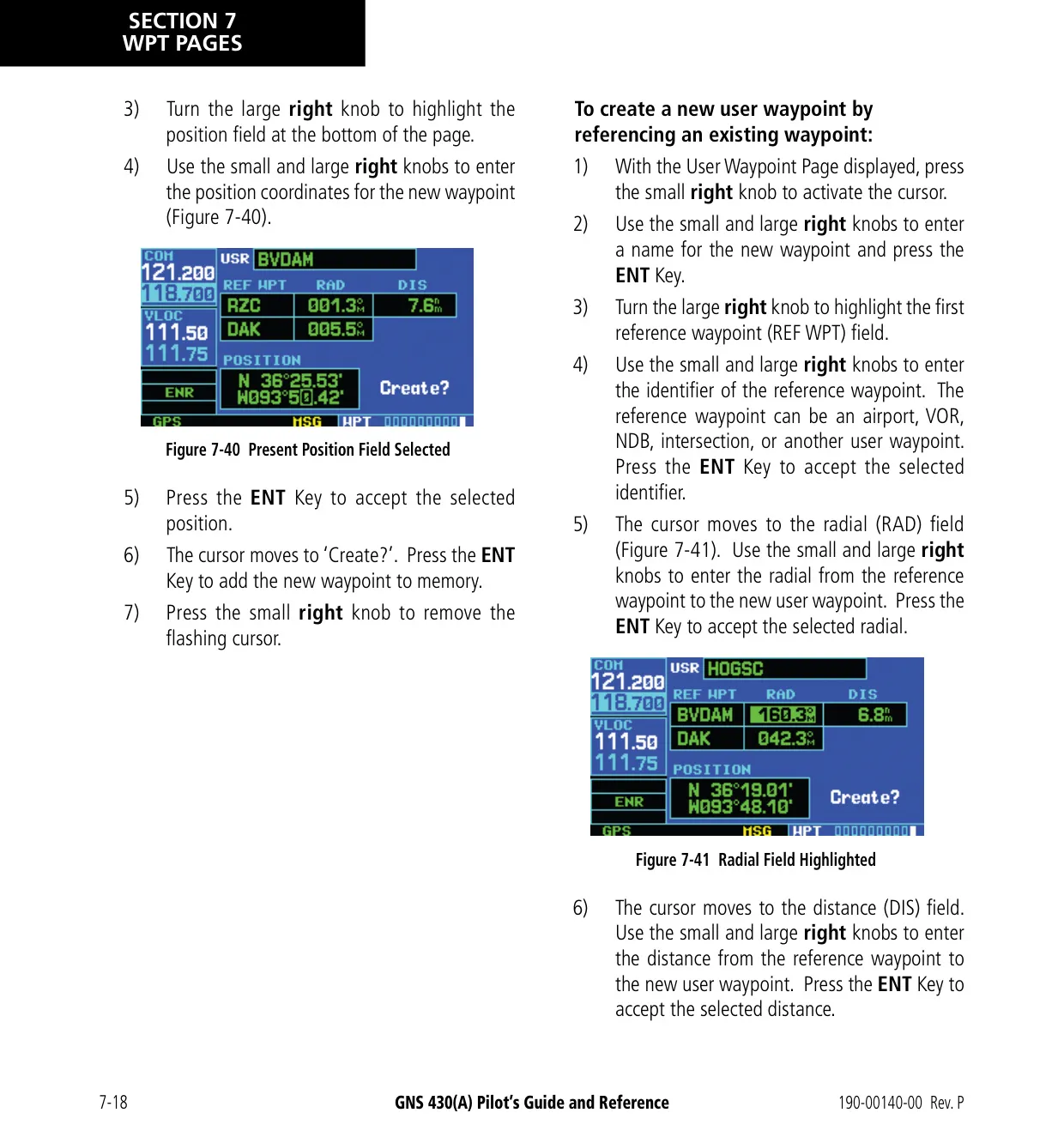
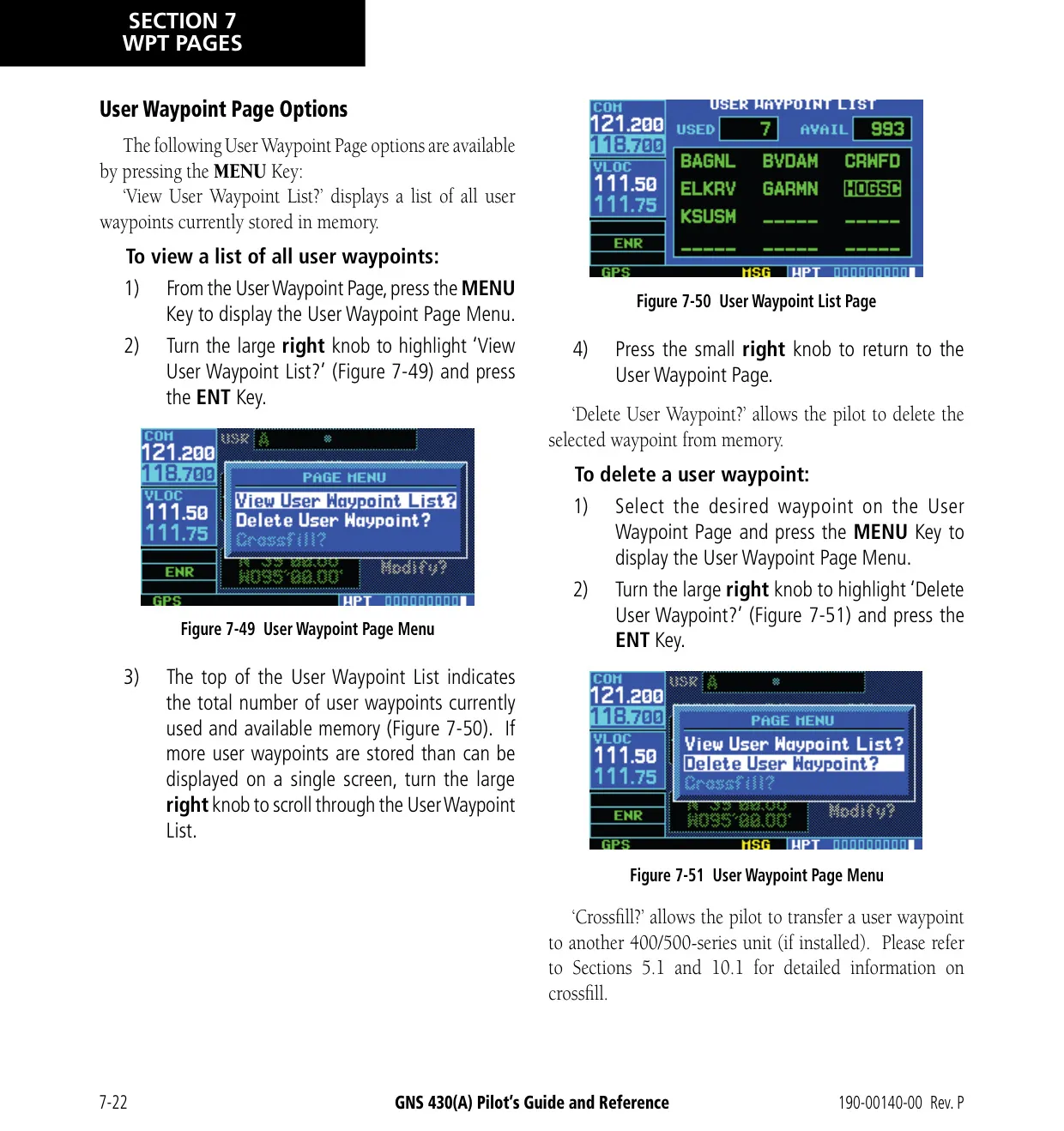
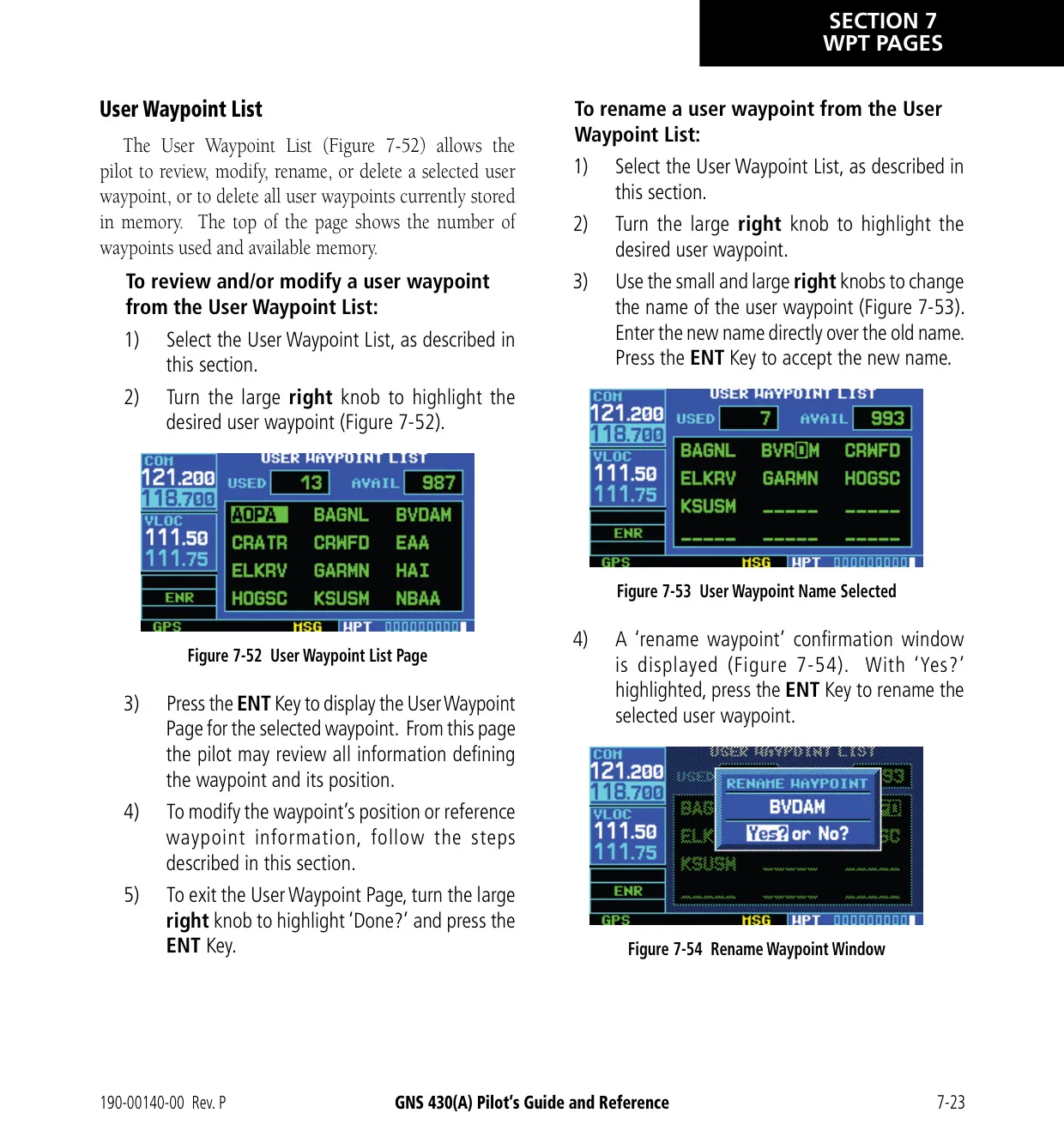
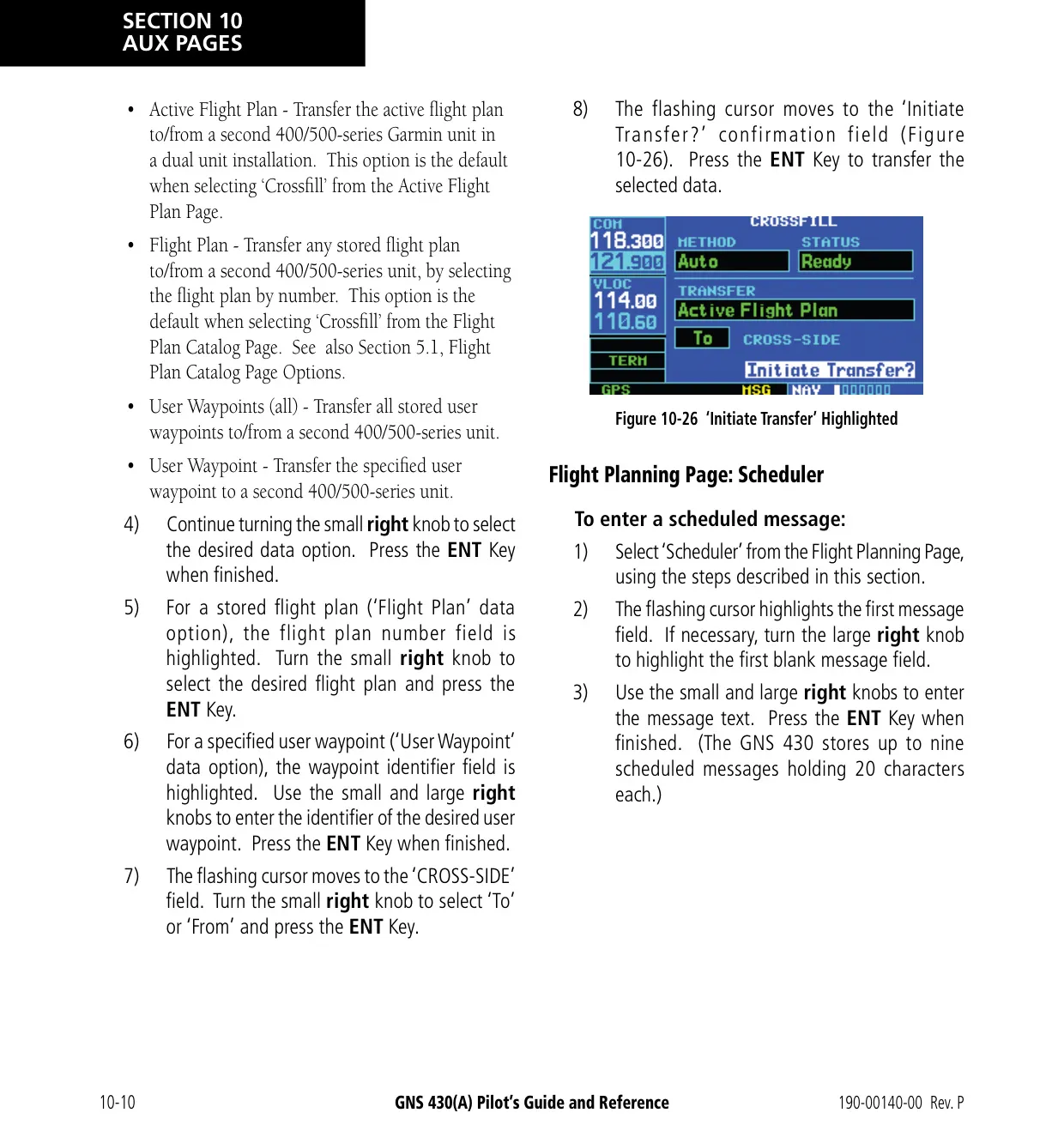
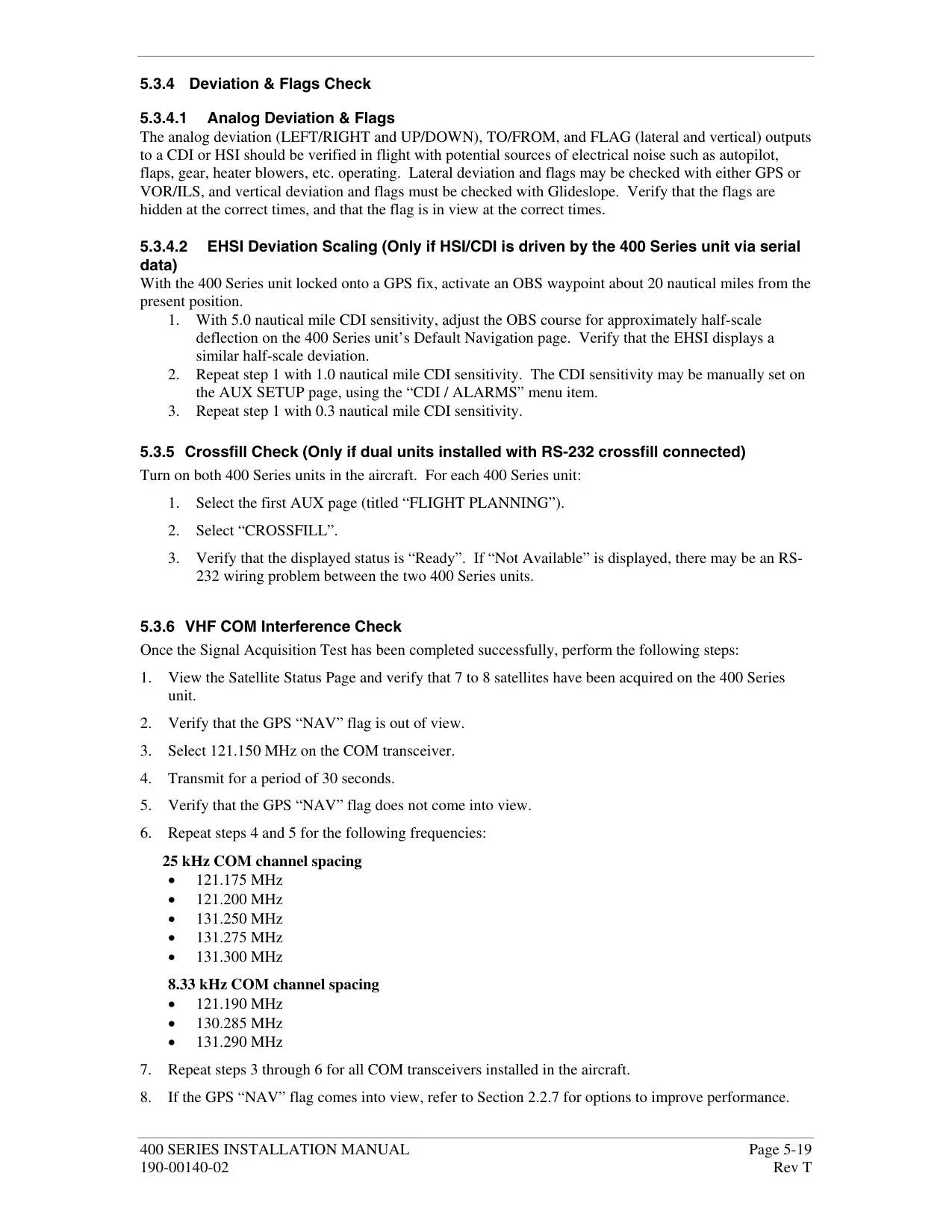
For route planning, the unit stores 20 flight plans of up to 31 waypoints each and up to 1,000 user waypoints. It also holds nine checklists of 30 items each and nine scheduled messages of 20 characters each. You can invert flight plans, copy them, add comments to them and sort them. Crossfill sends flight plans and waypoints to a second 400/500-series unit, as long as both units use the same database cycle. The Spell'N'Find feature searches facilities by name or city.
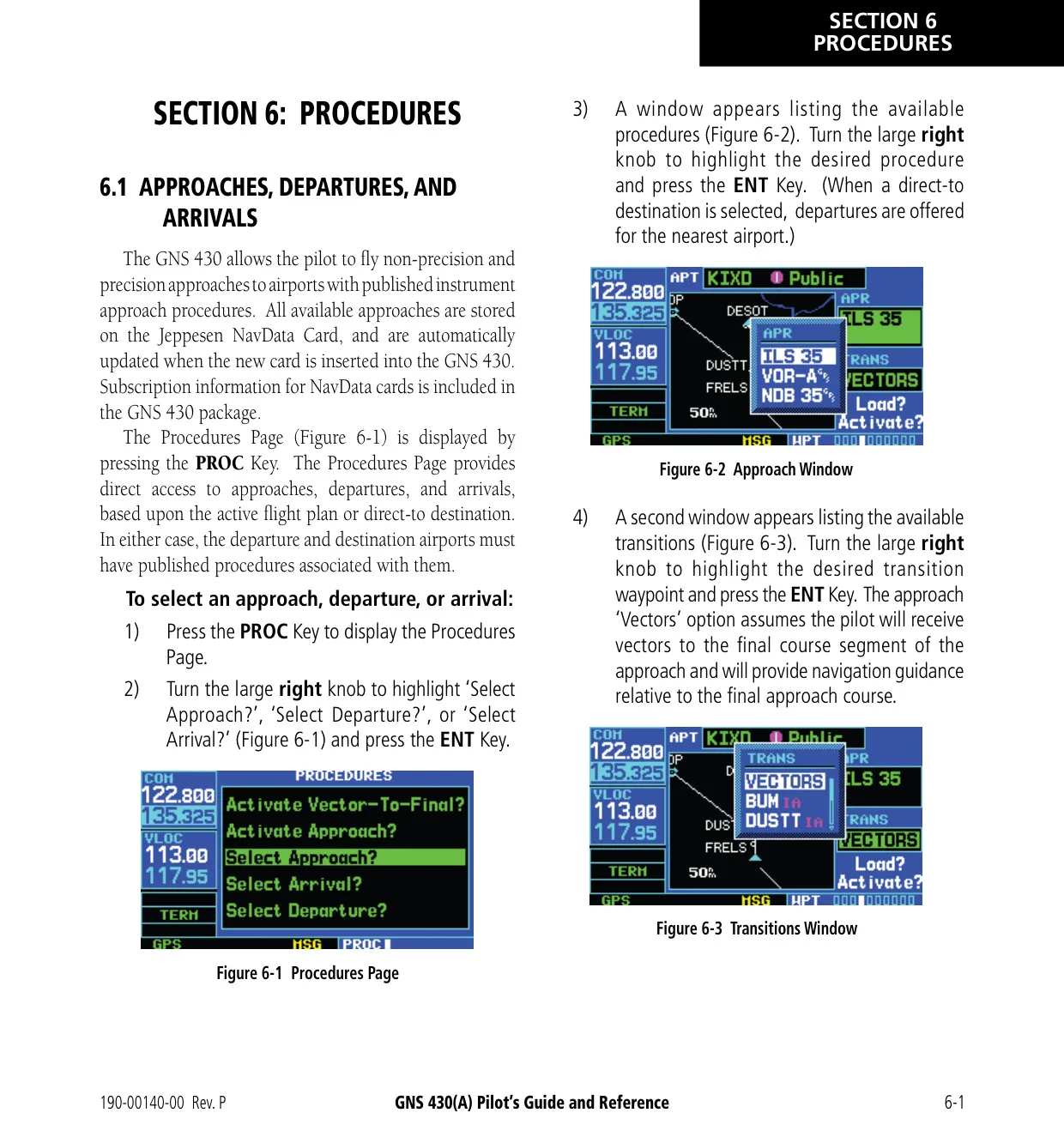
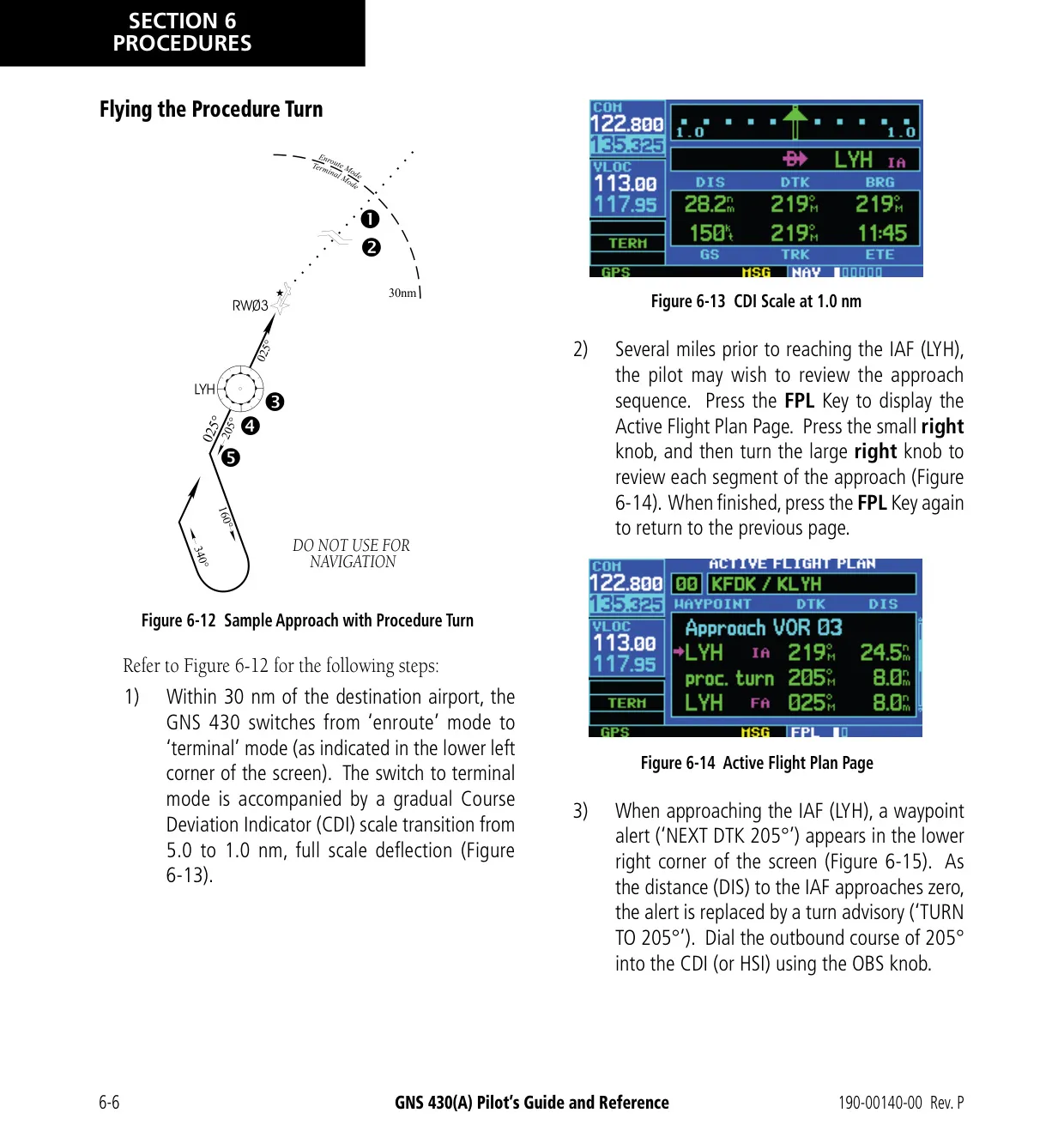
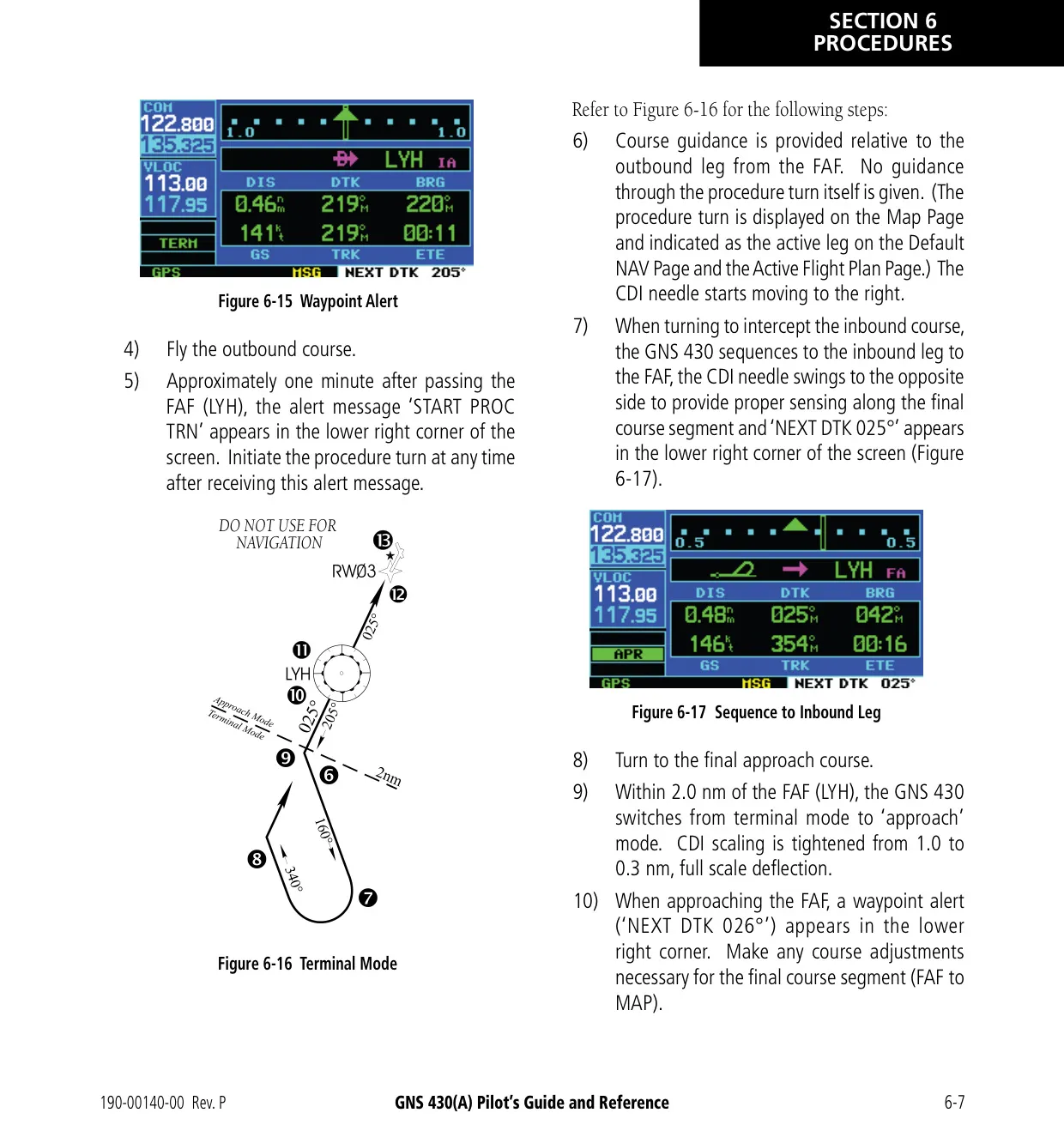
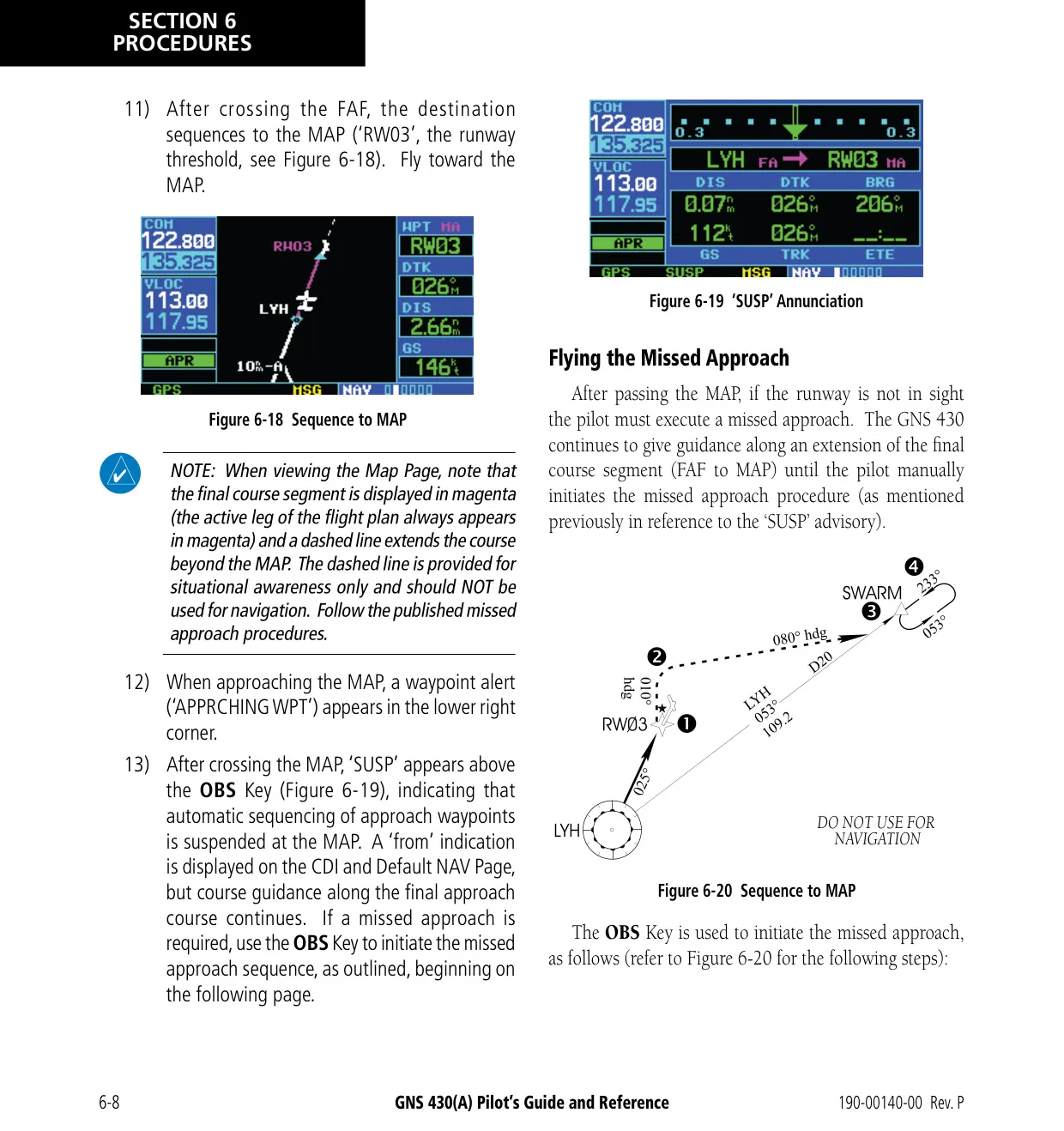
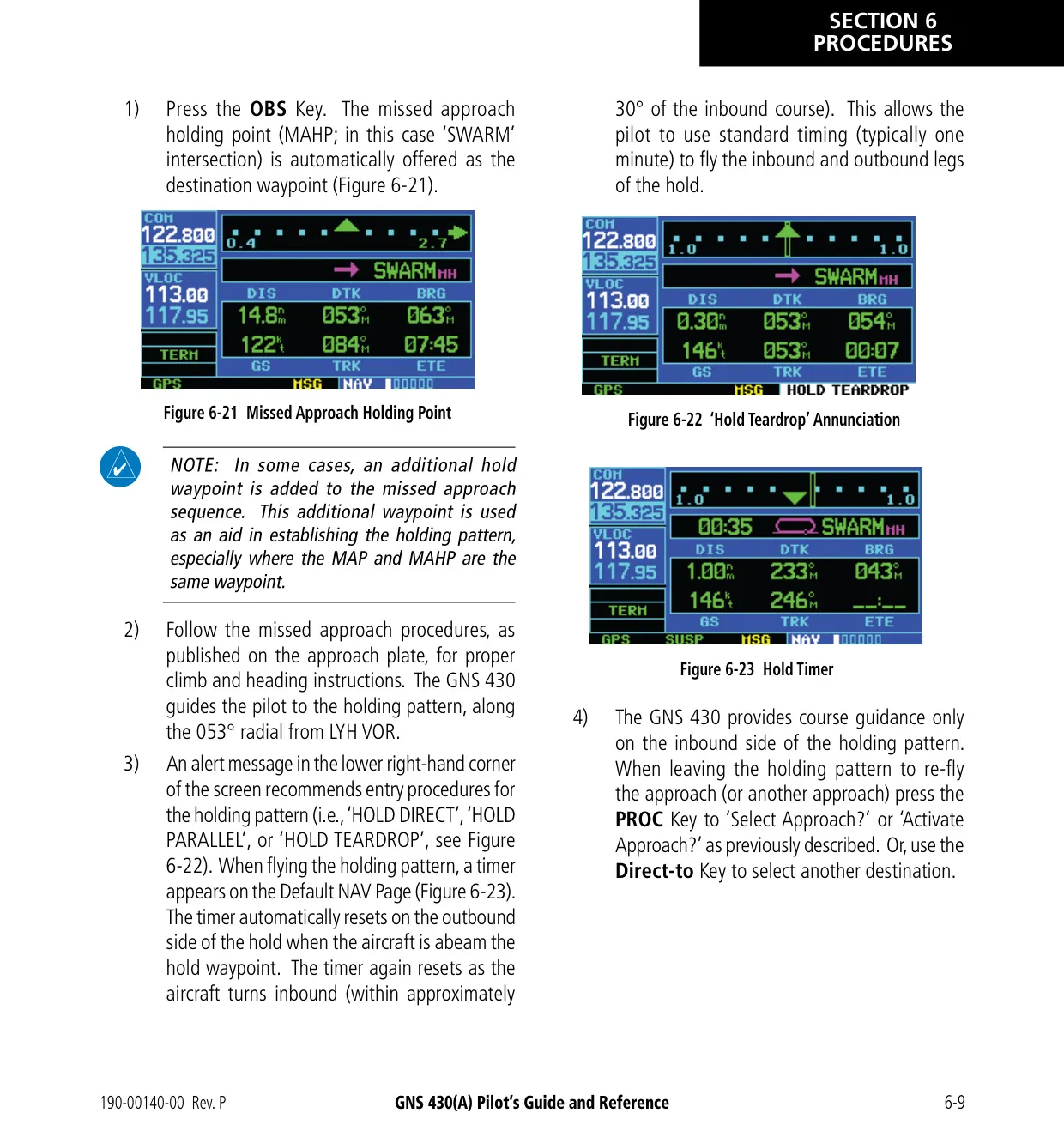
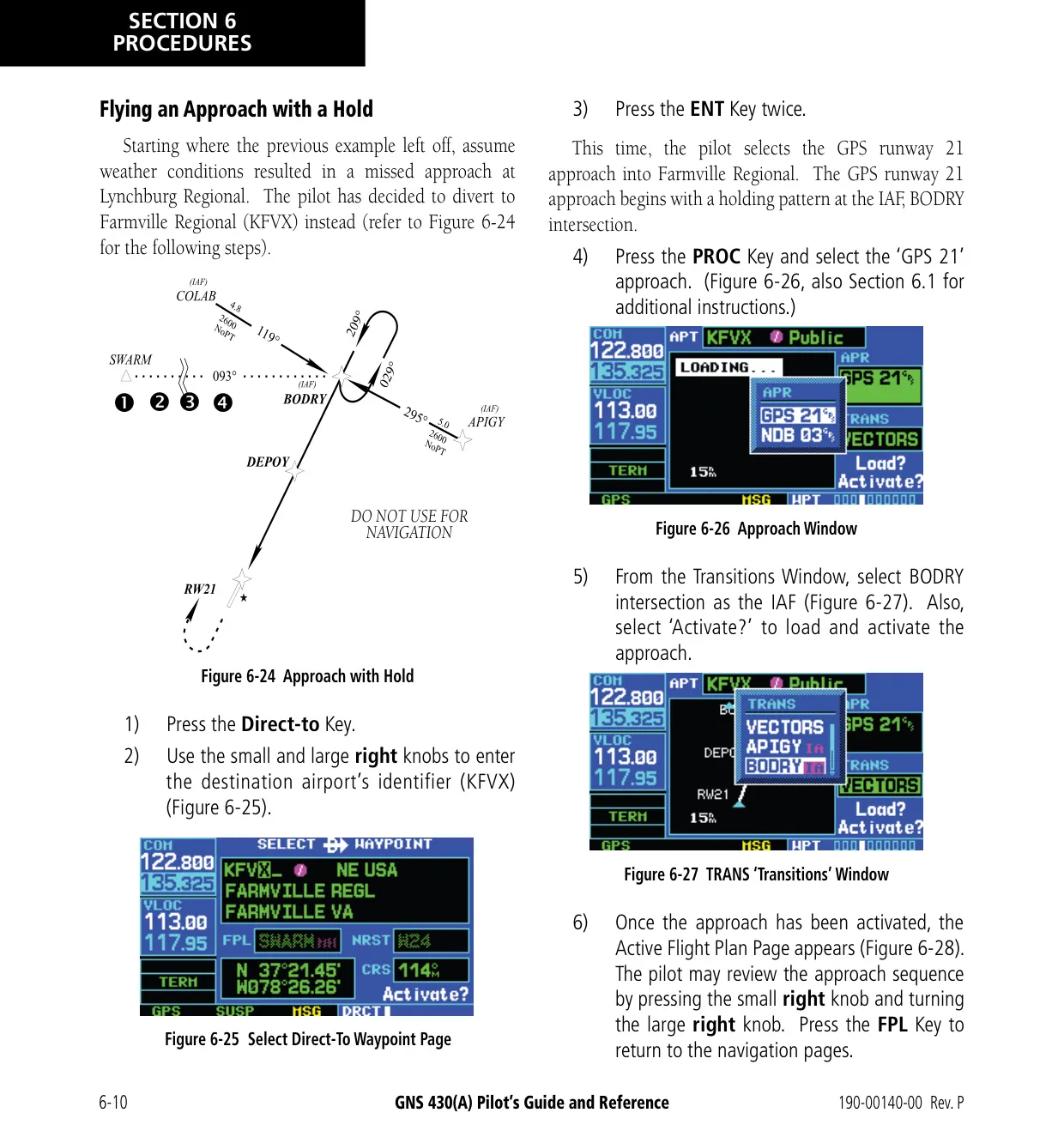
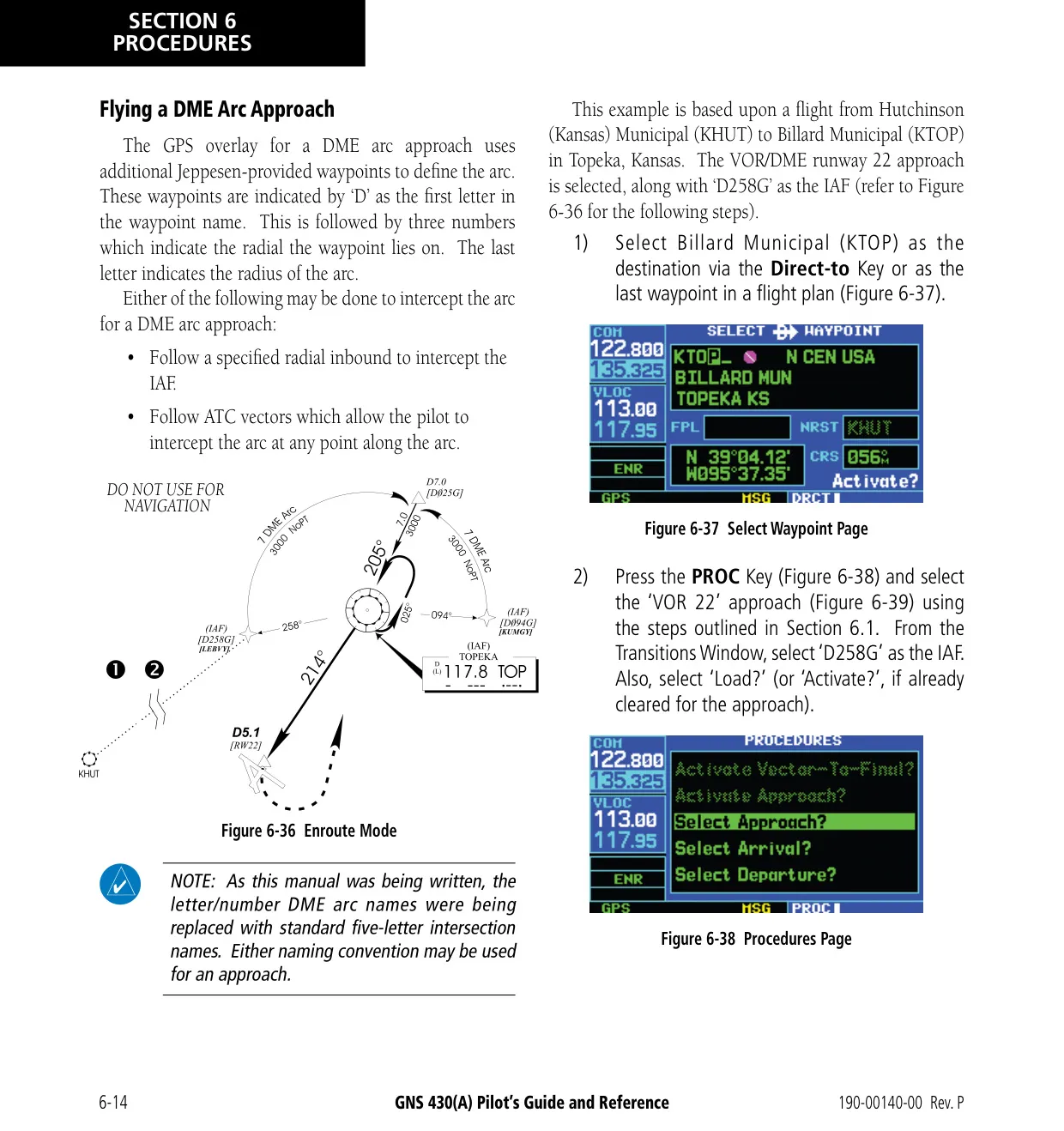
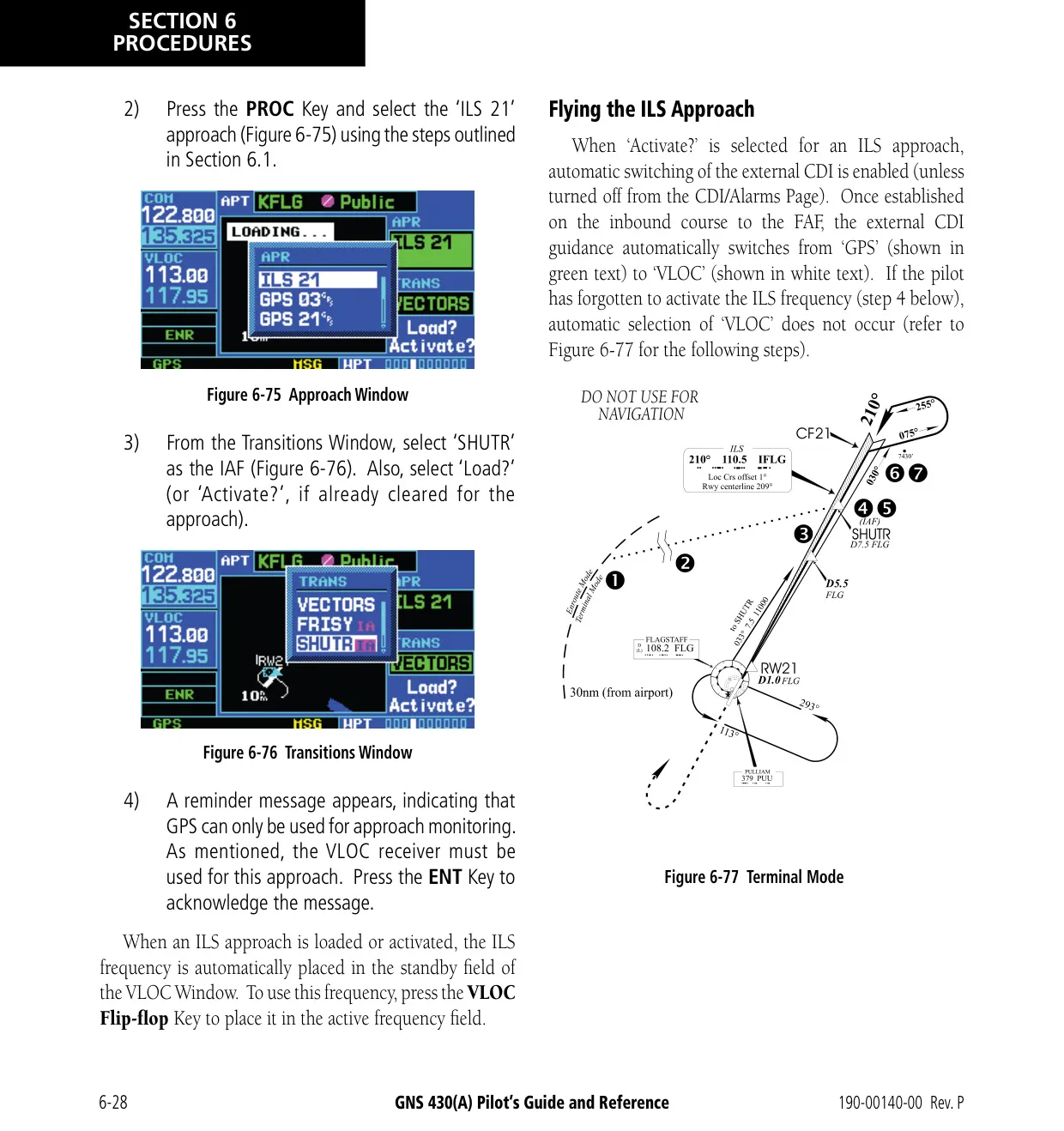
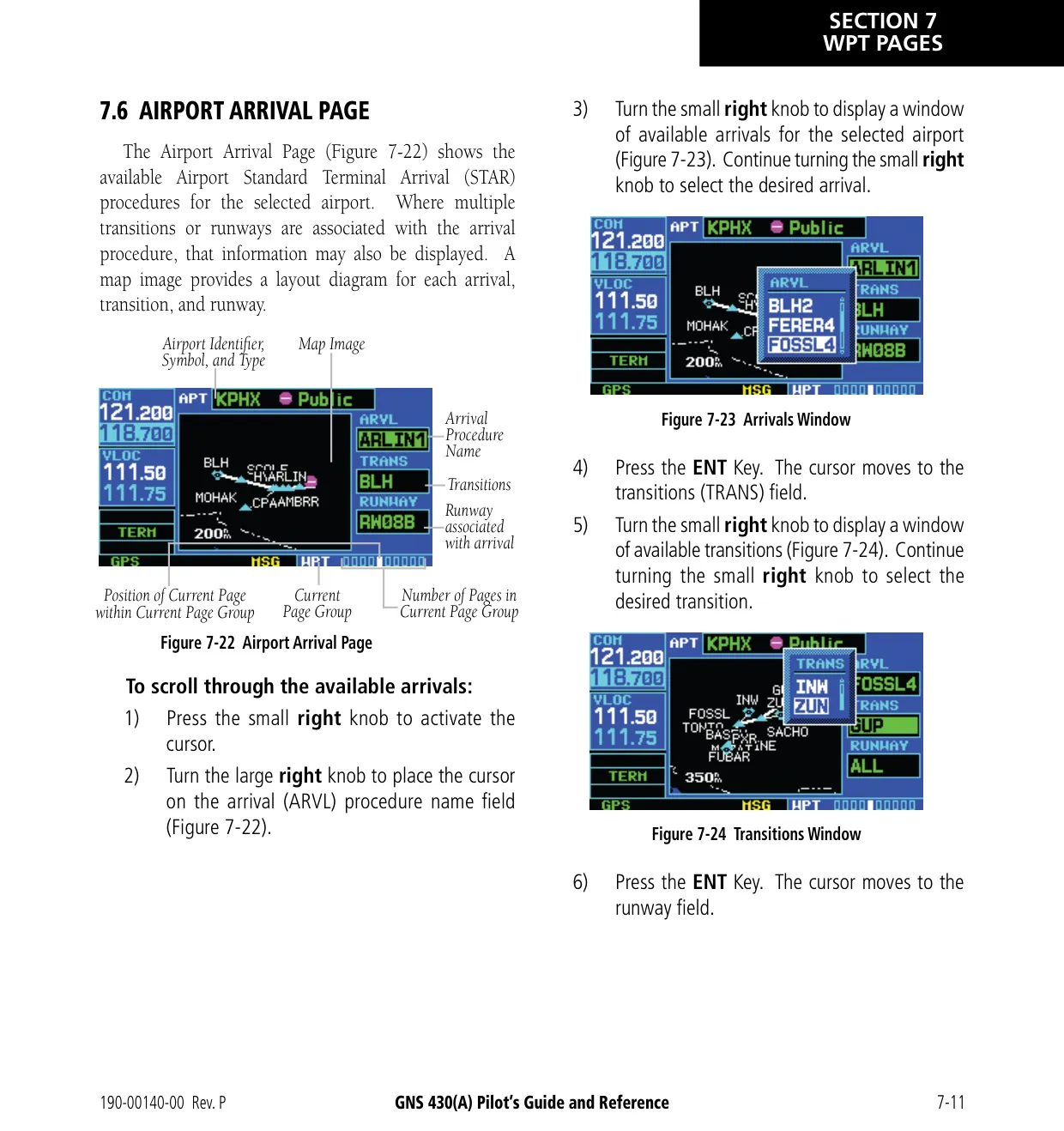
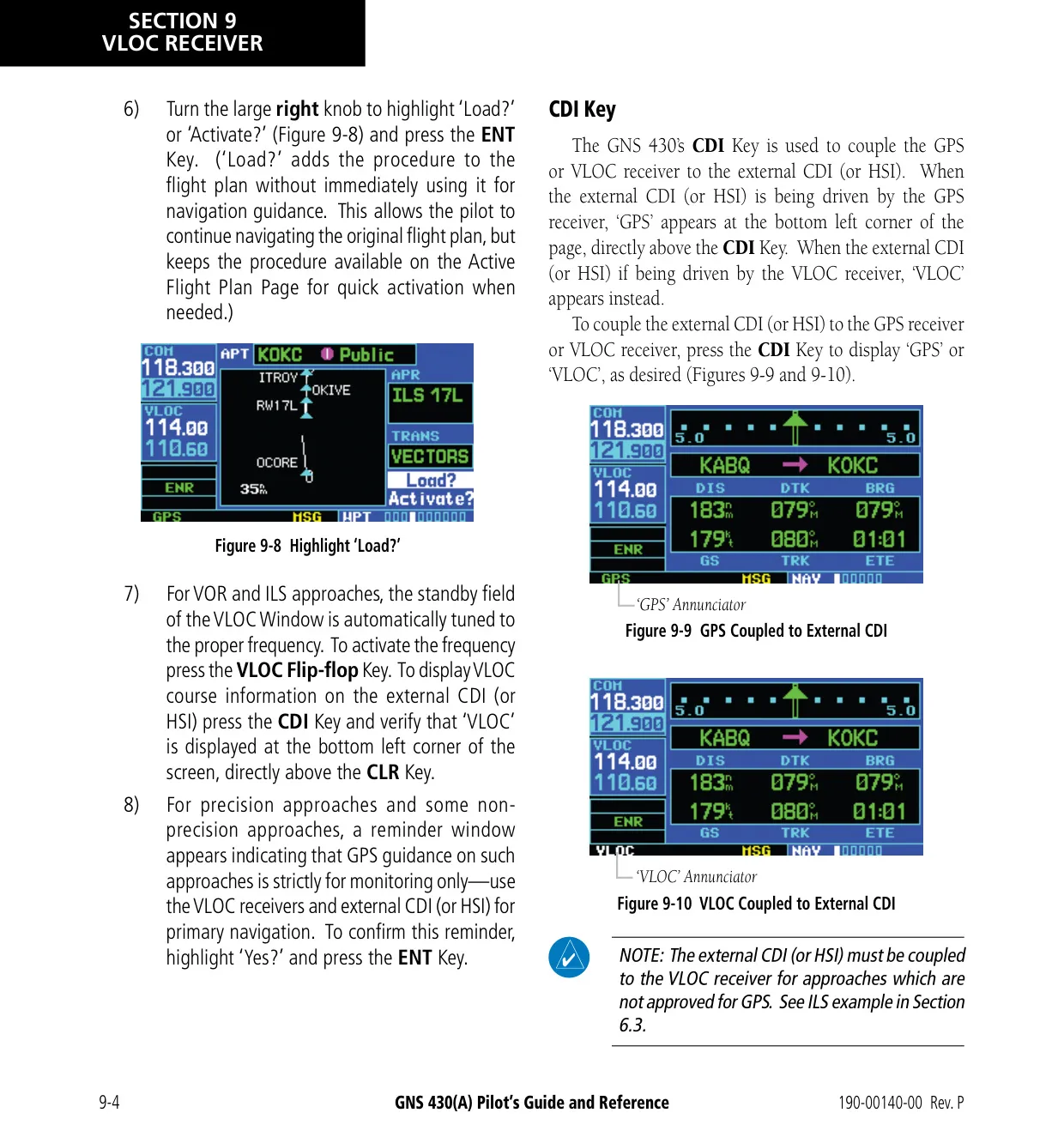
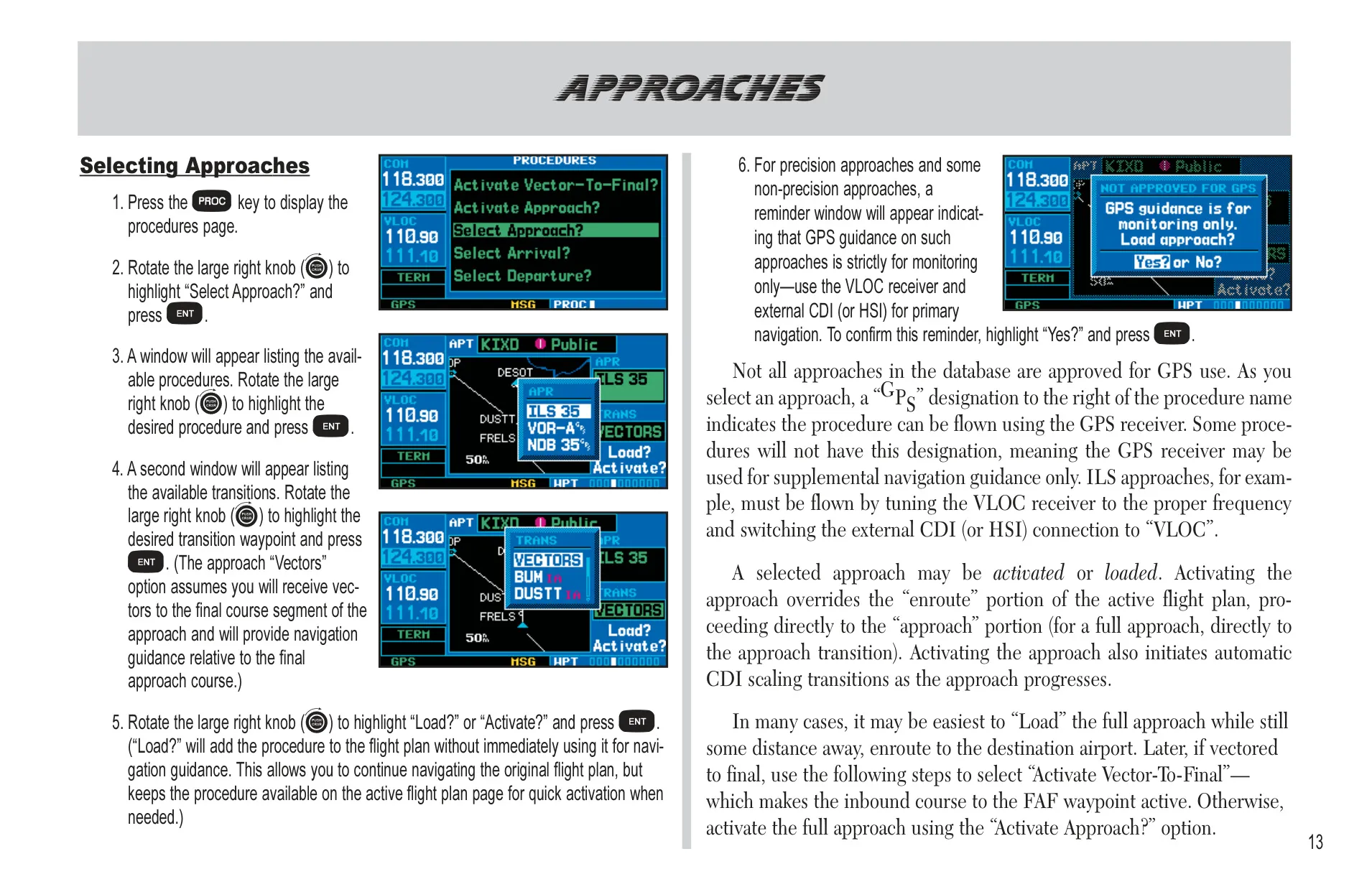
The unit handles departures, arrivals and both non-precision and precision approaches, including holds, DME arcs and vectors-to-final. CDI scaling changes on its own: 5.0 nm enroute, 1.0 nm within 30 nm of the airport, and 0.3 nm within 2 nm of the FAF. On ILS approaches, the unit can switch the CDI from GPS to VLOC within 1.2 nm of the final course. This can happen anywhere from 2 to 15 nm from the FAF.
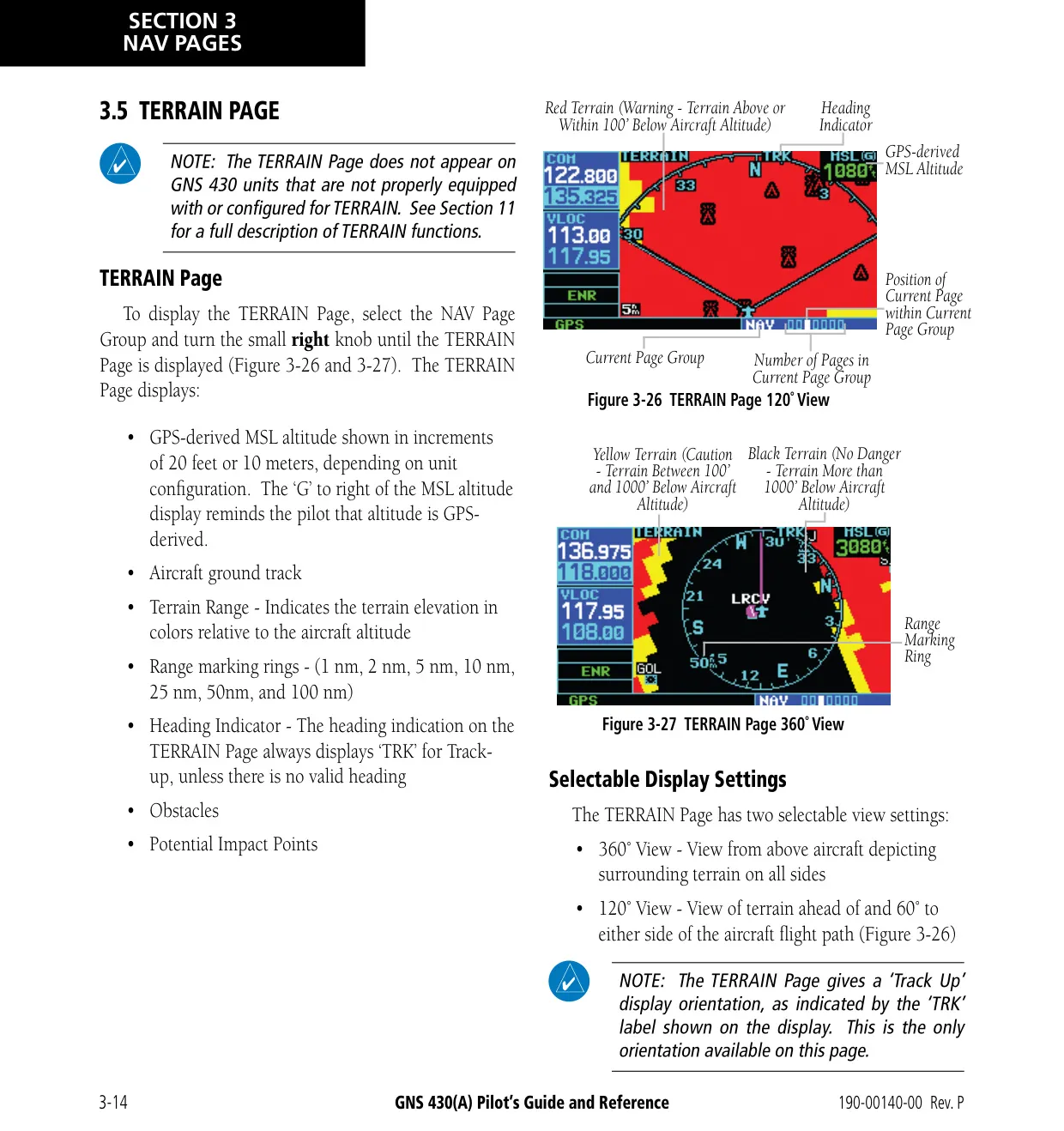
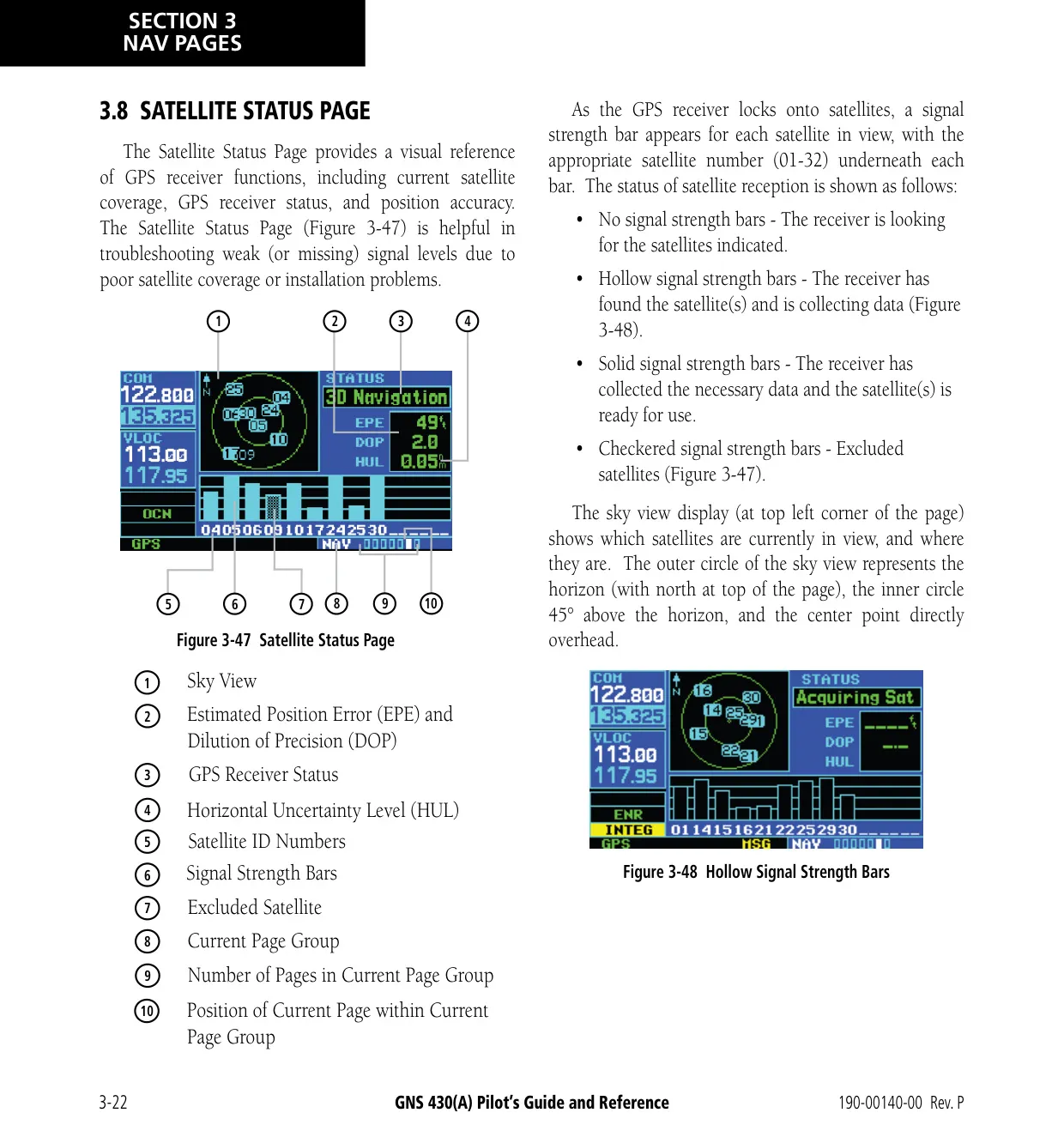
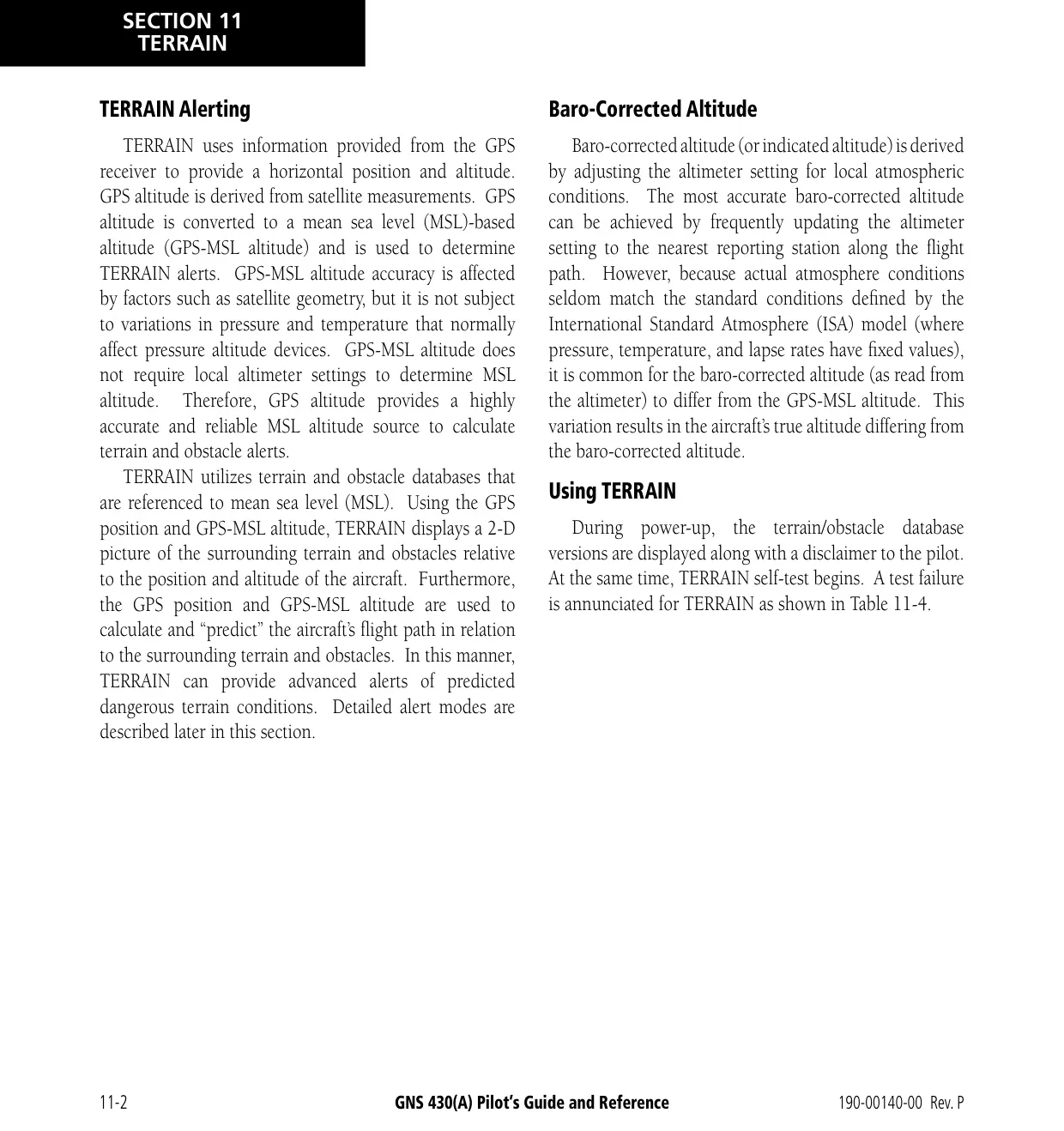
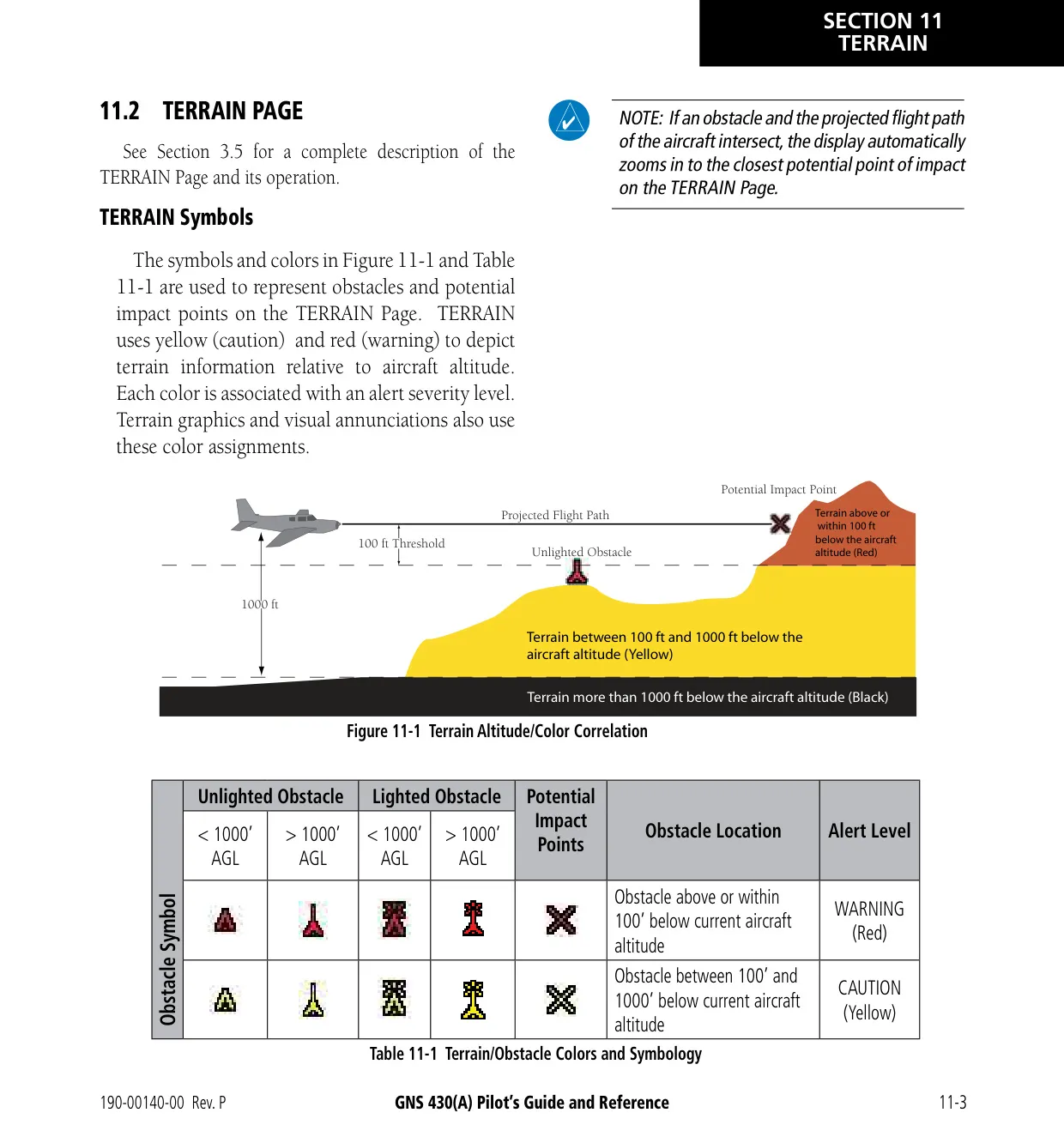
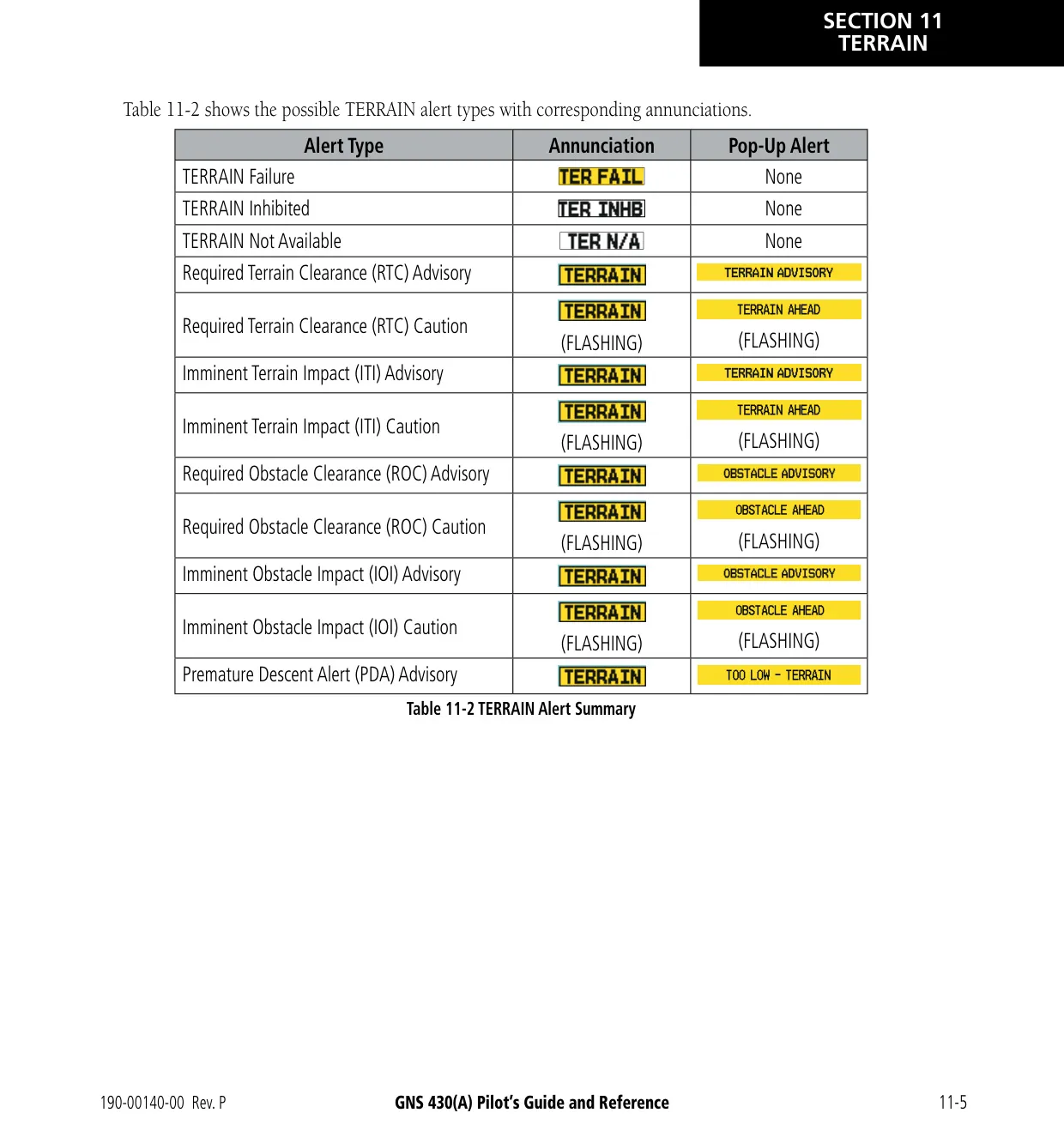
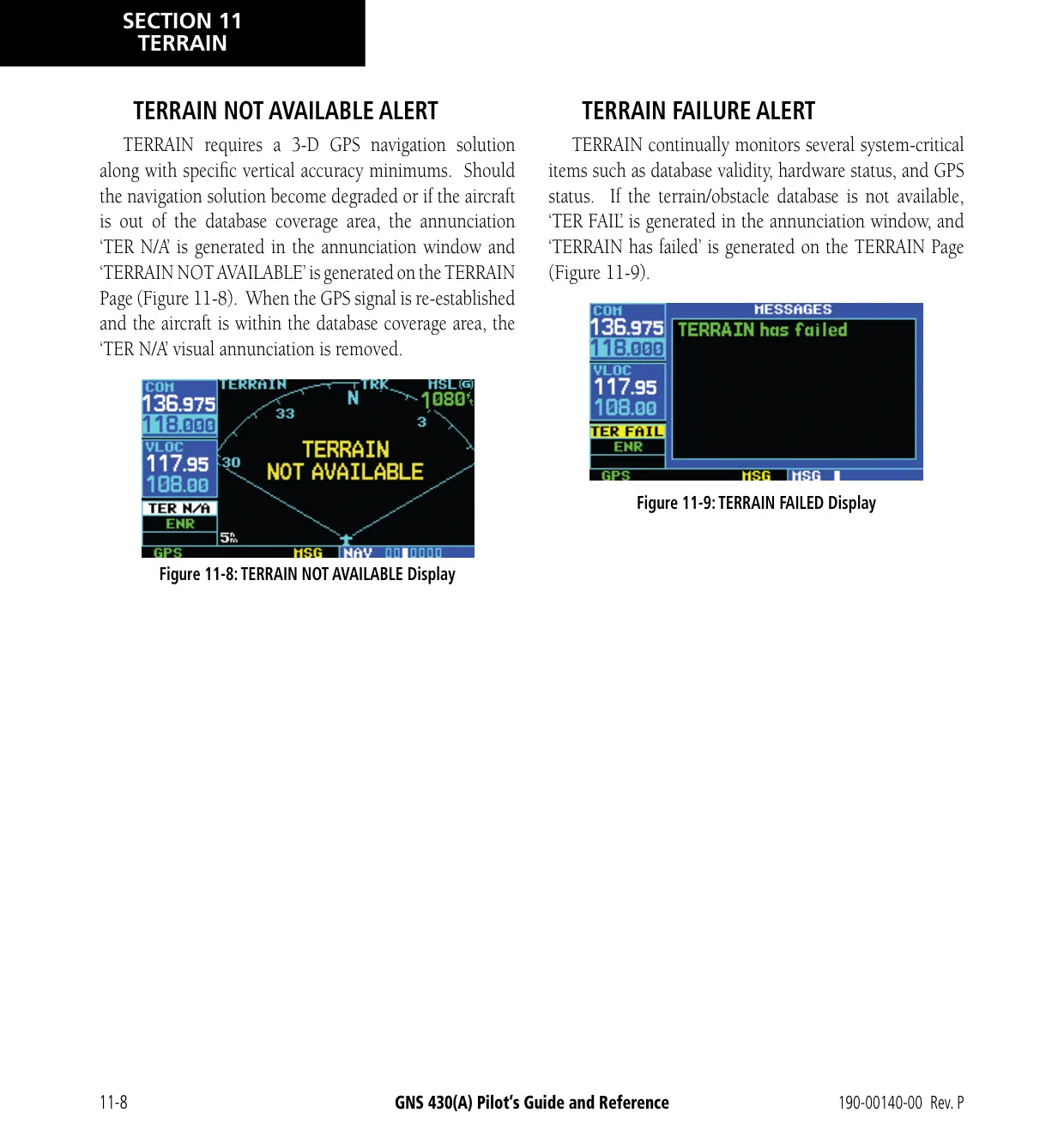
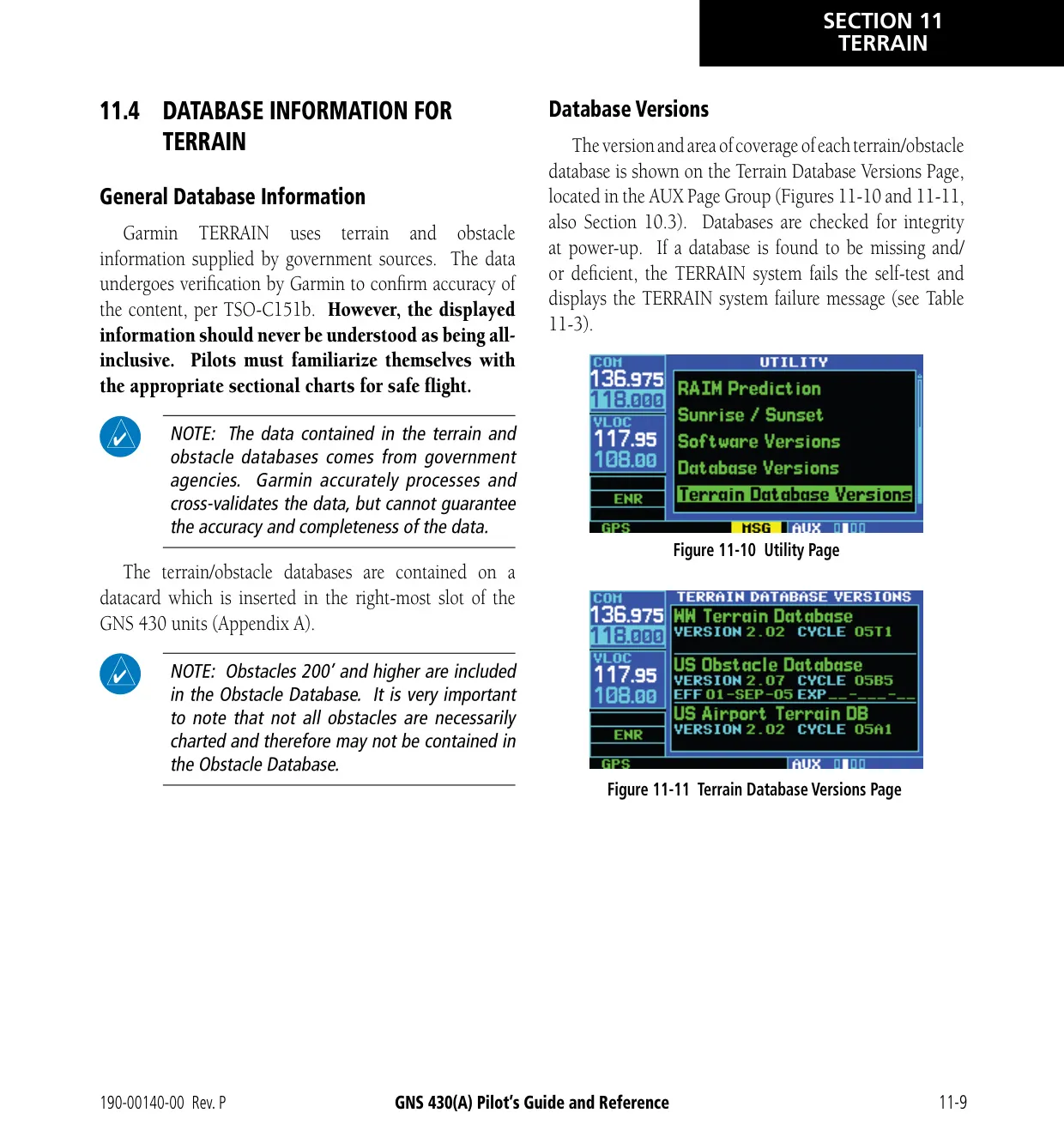
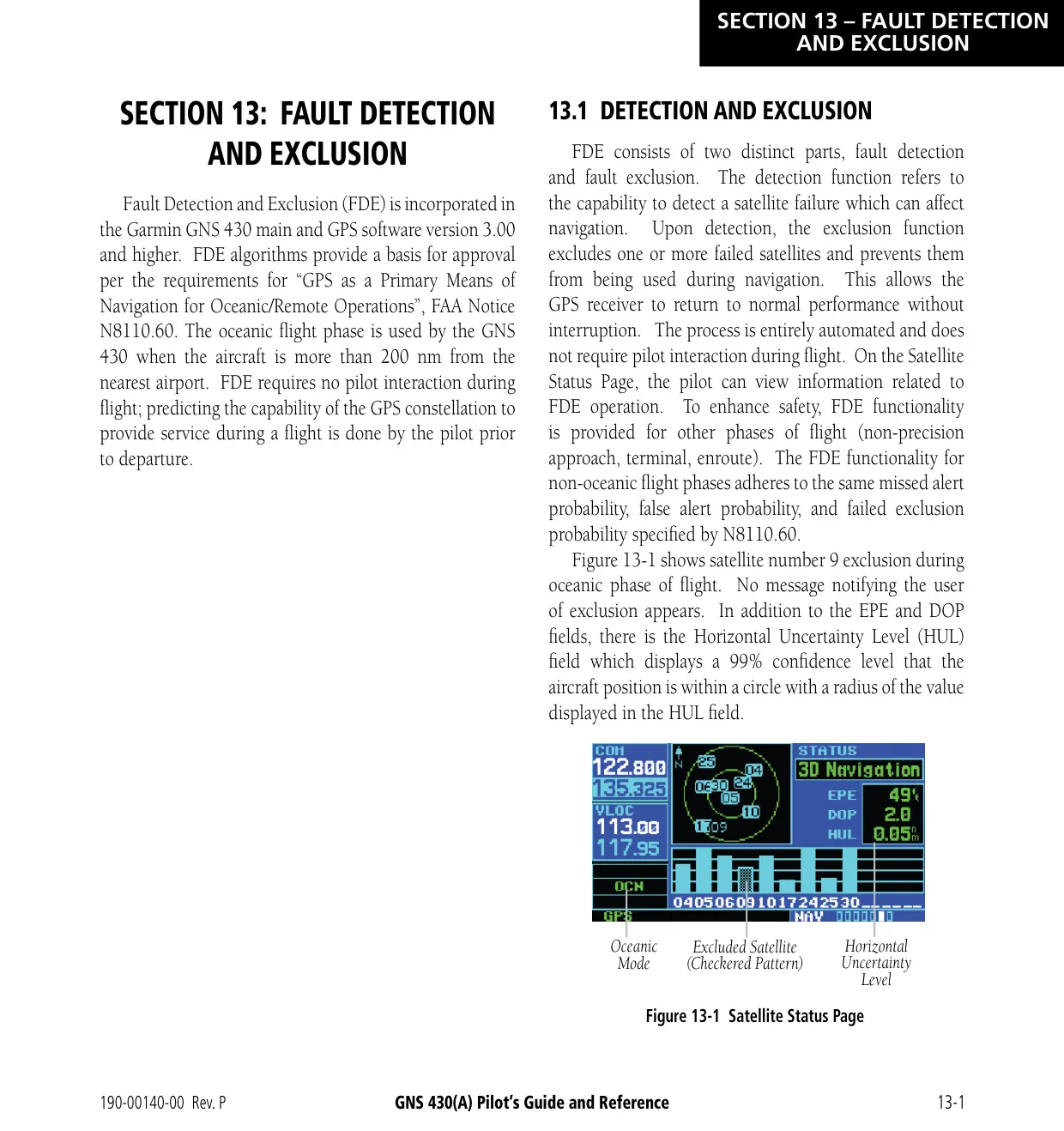
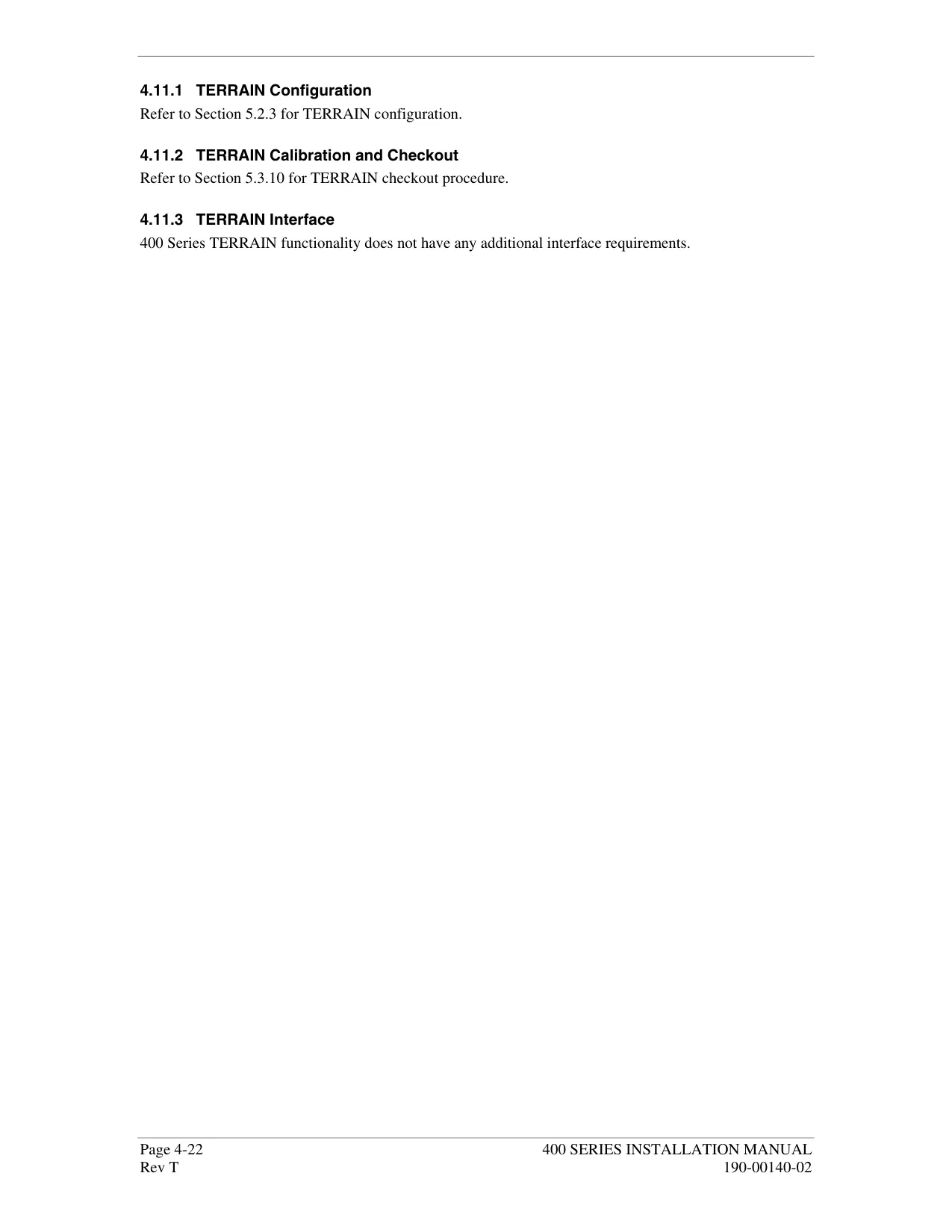
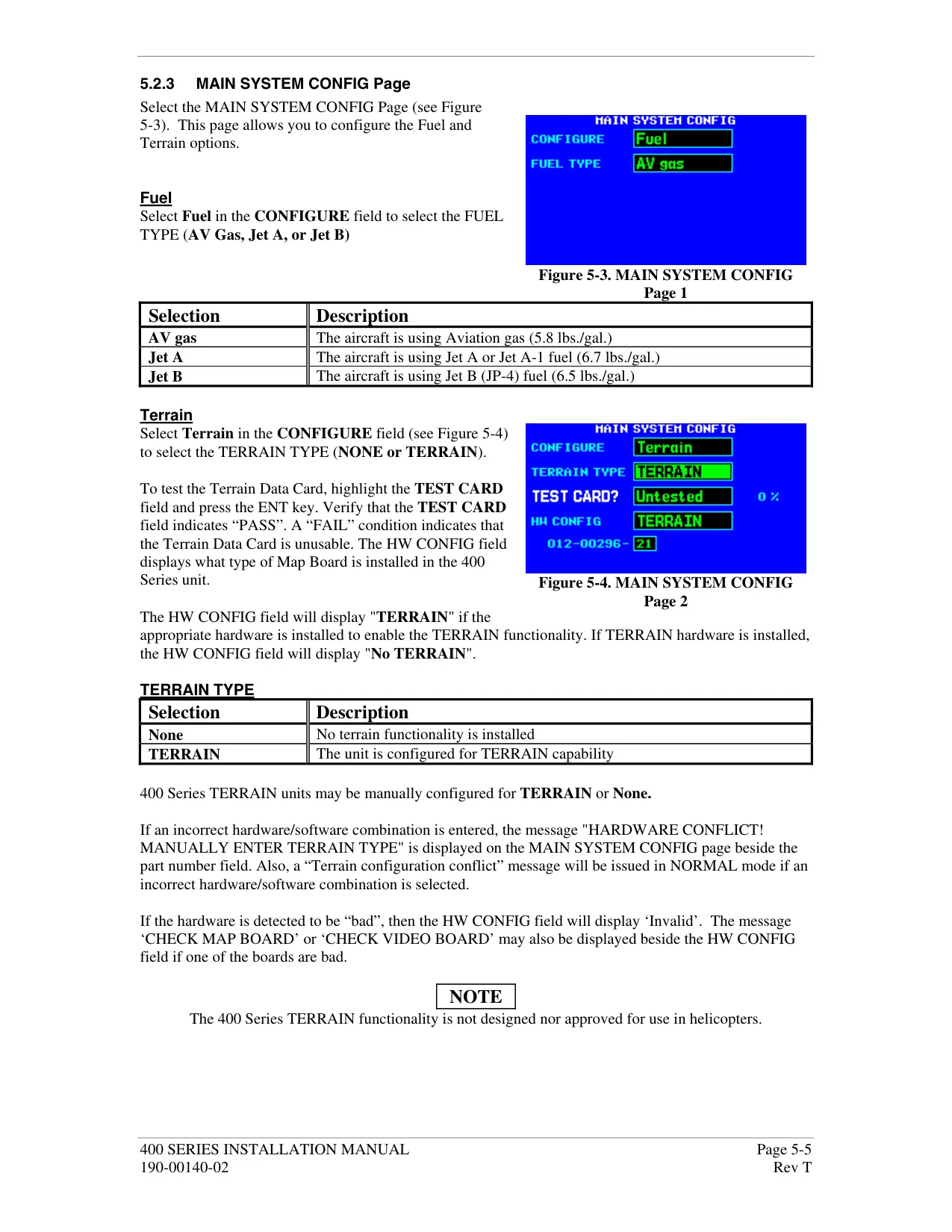
The optional TERRAIN function is not TSO-C151b certified. It shows terrain and obstacles in red, yellow or black depending on their height relative to the aircraft. It gives FLTA and premature descent alerts, and it offers 360° or 120° views across seven ranges. RAIM monitoring and Fault Detection and Exclusion support oceanic operations more than 200 nm from the nearest airport. A RAIM prediction tool checks satellite coverage within ±15 minutes of a planned date and time.
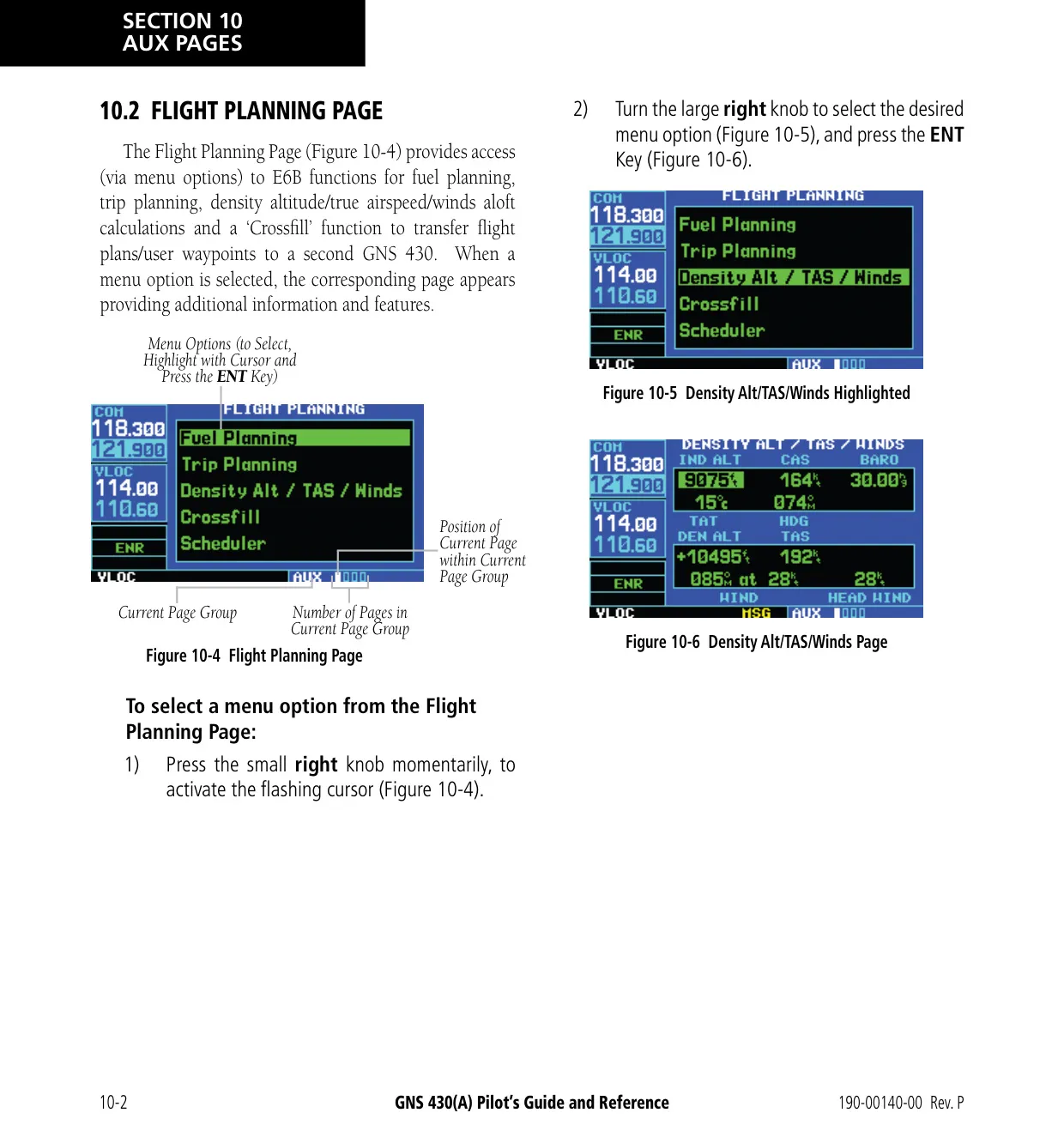
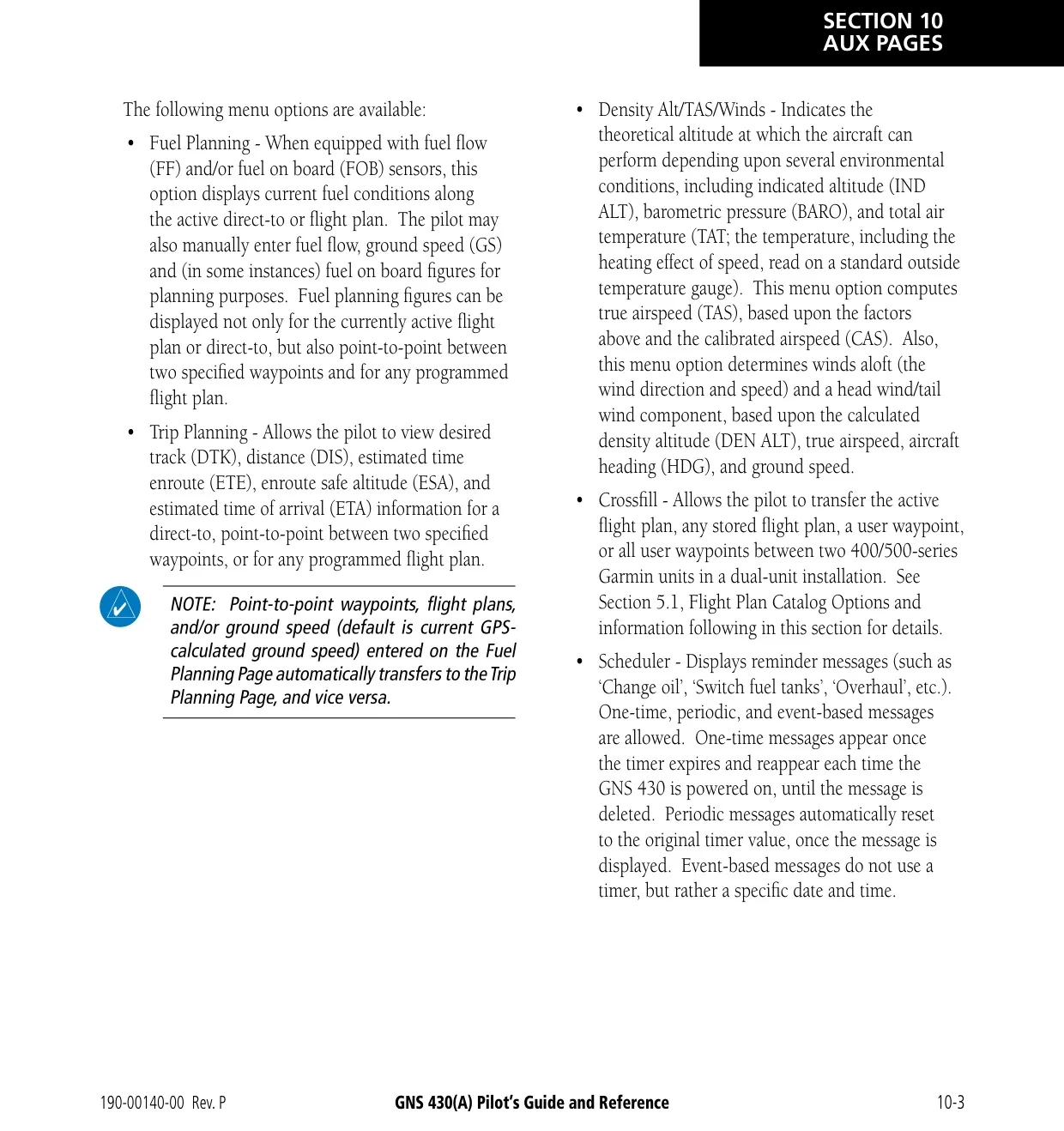
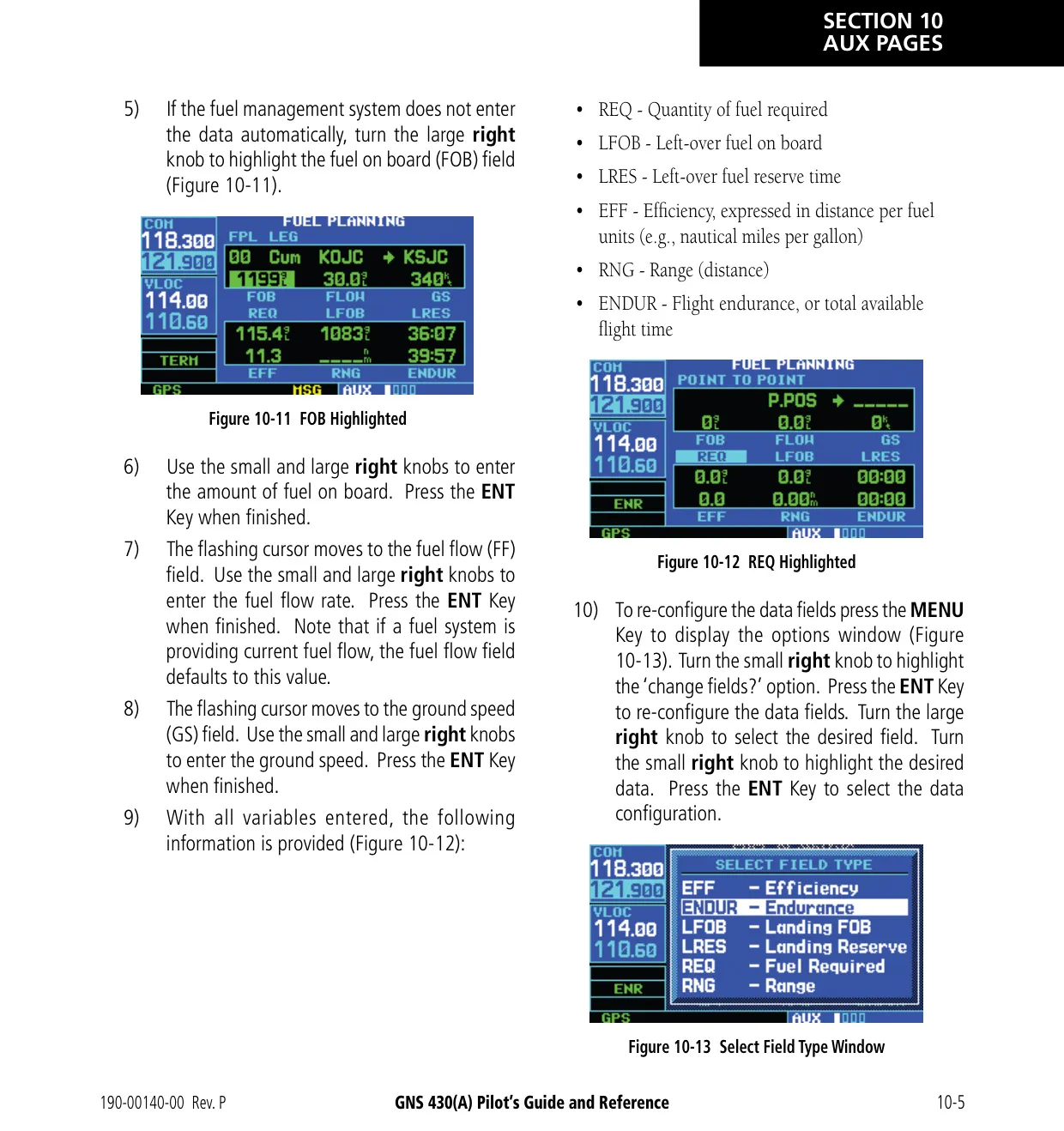
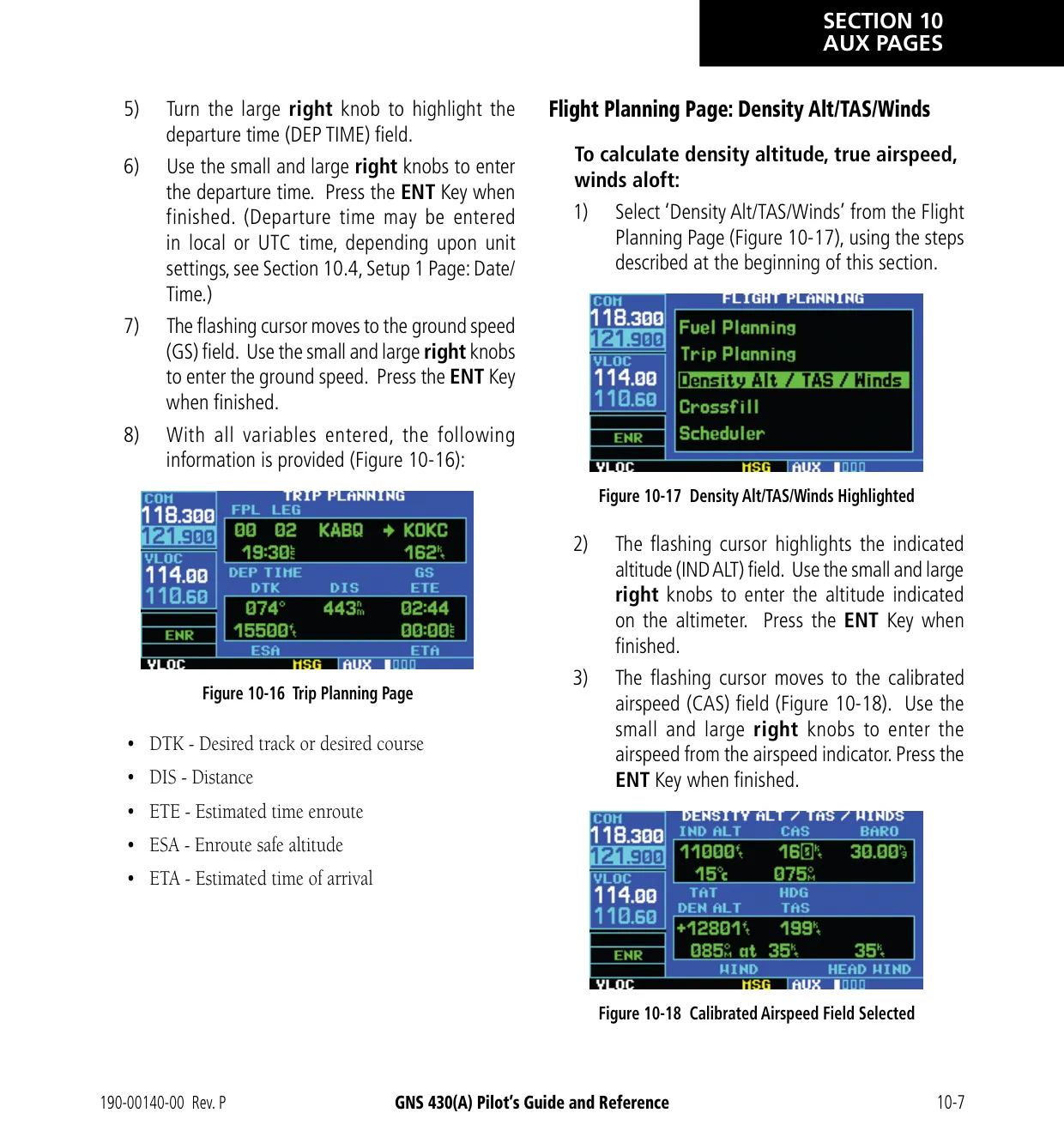
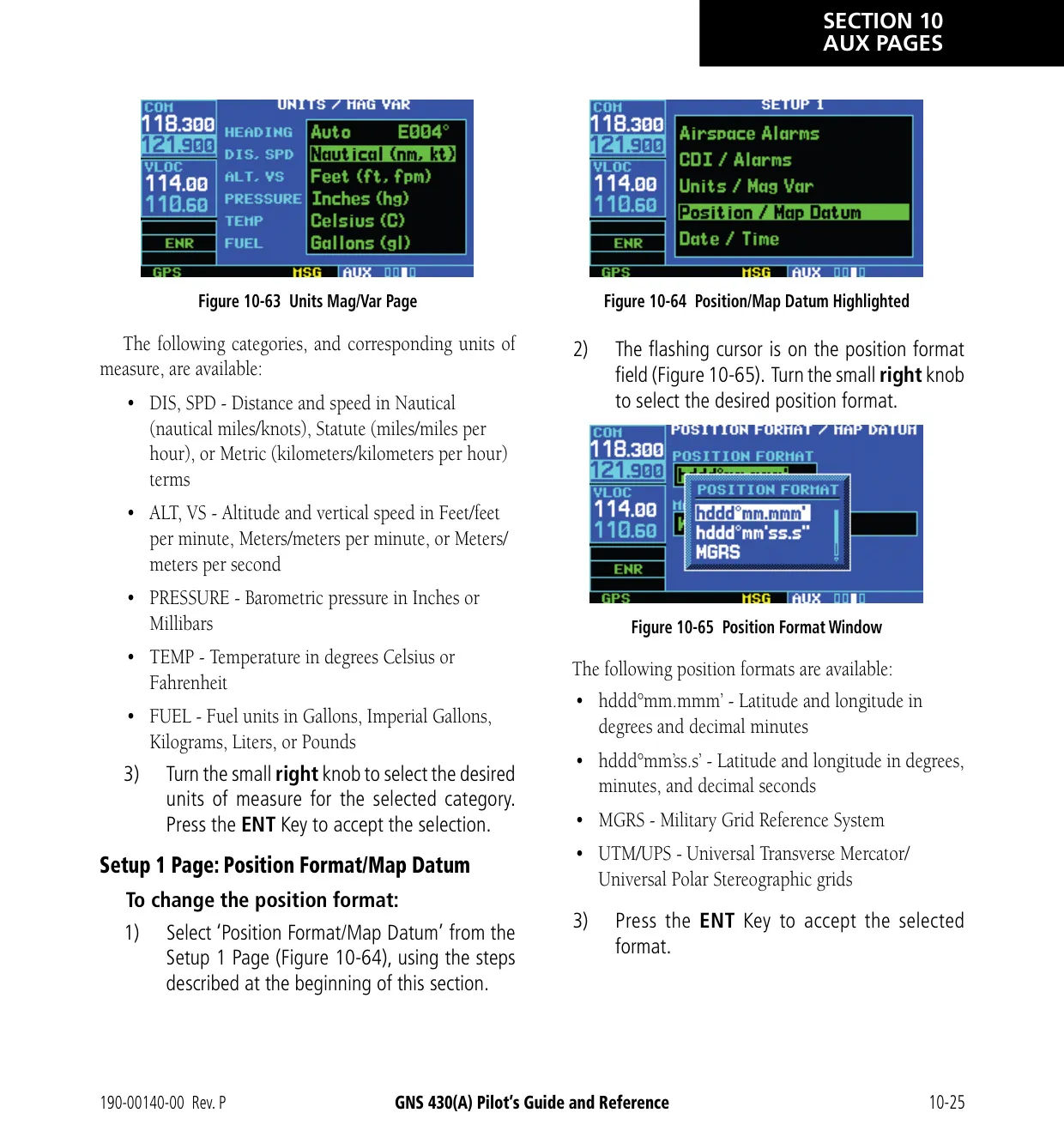
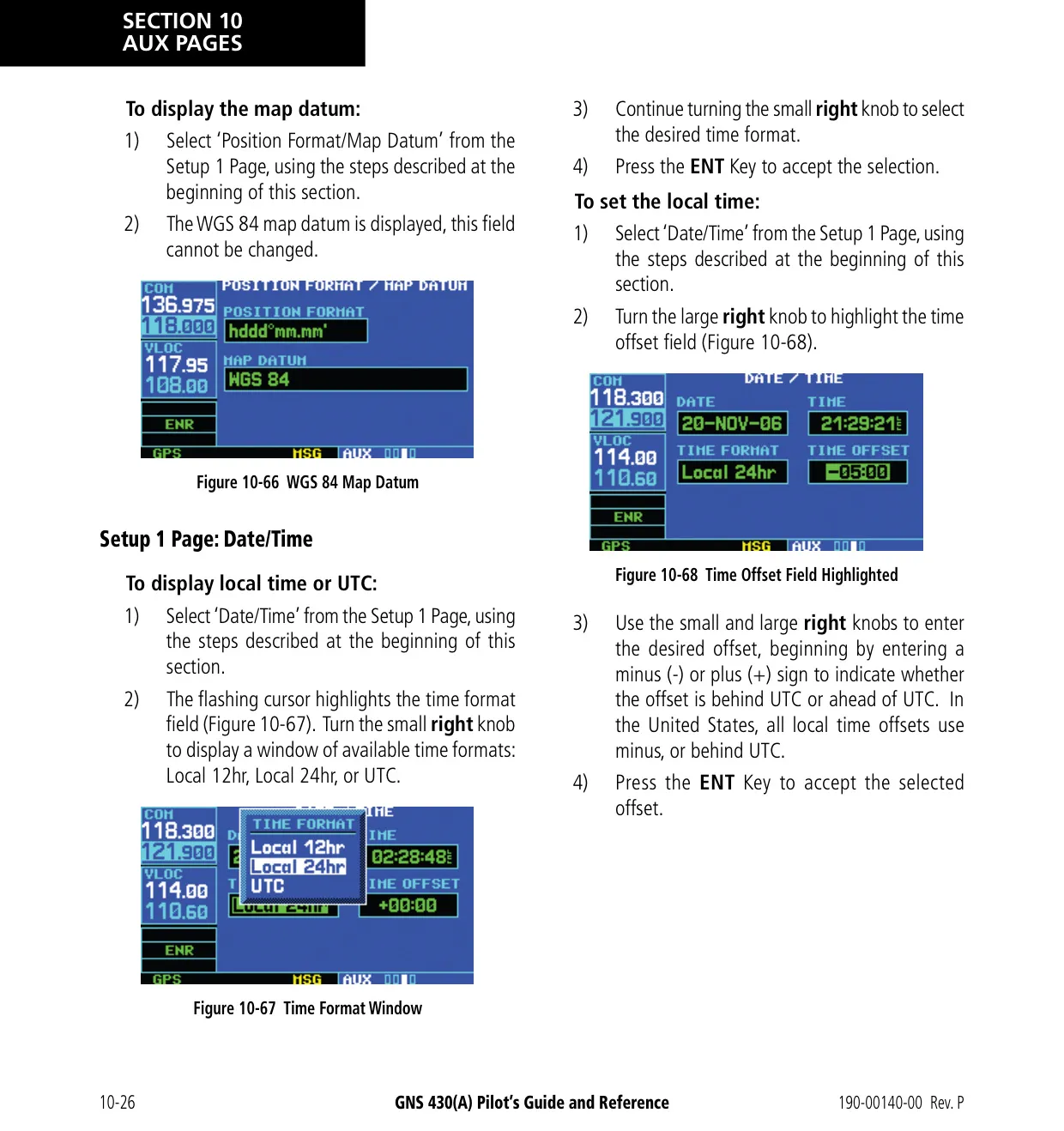
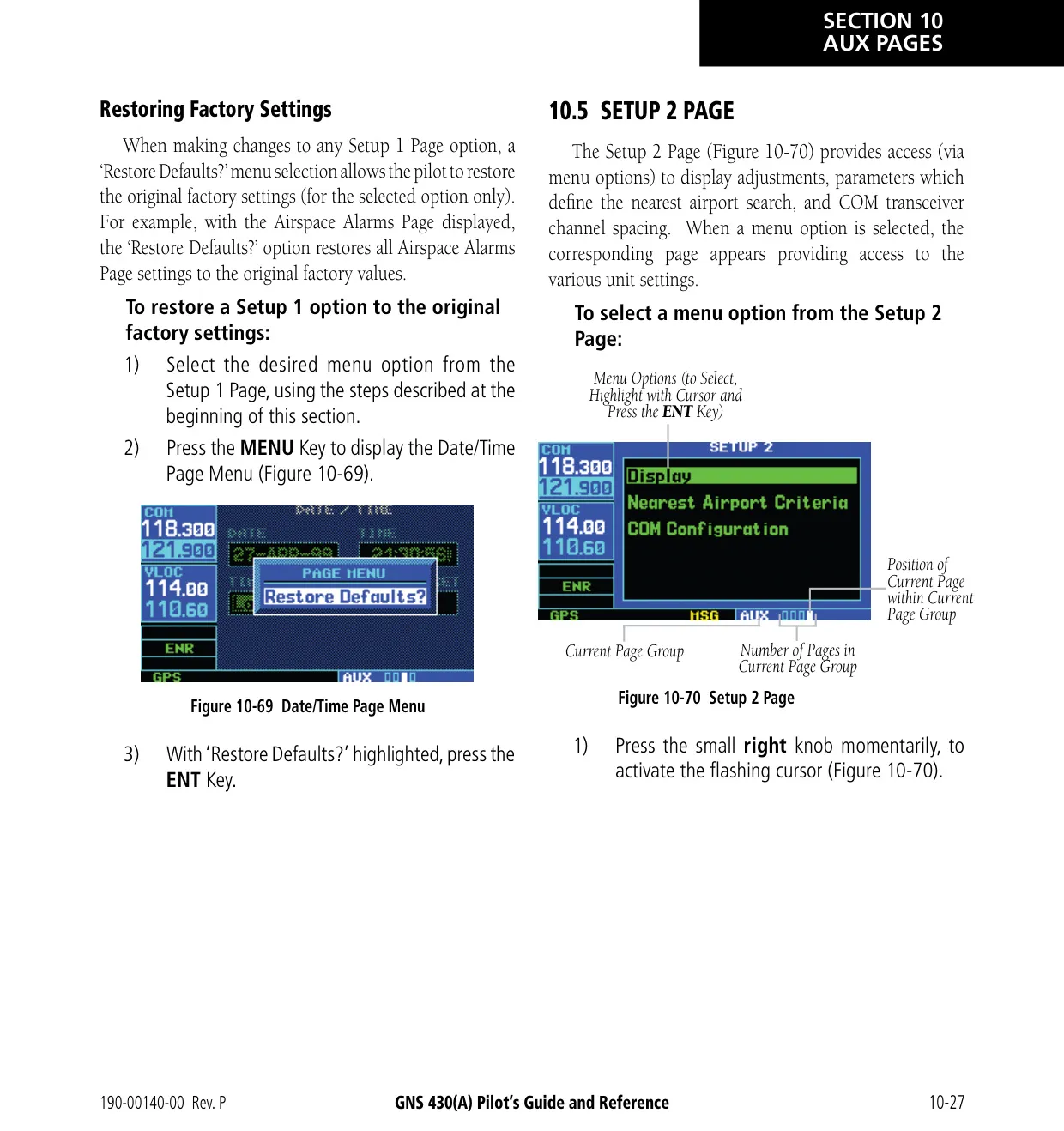
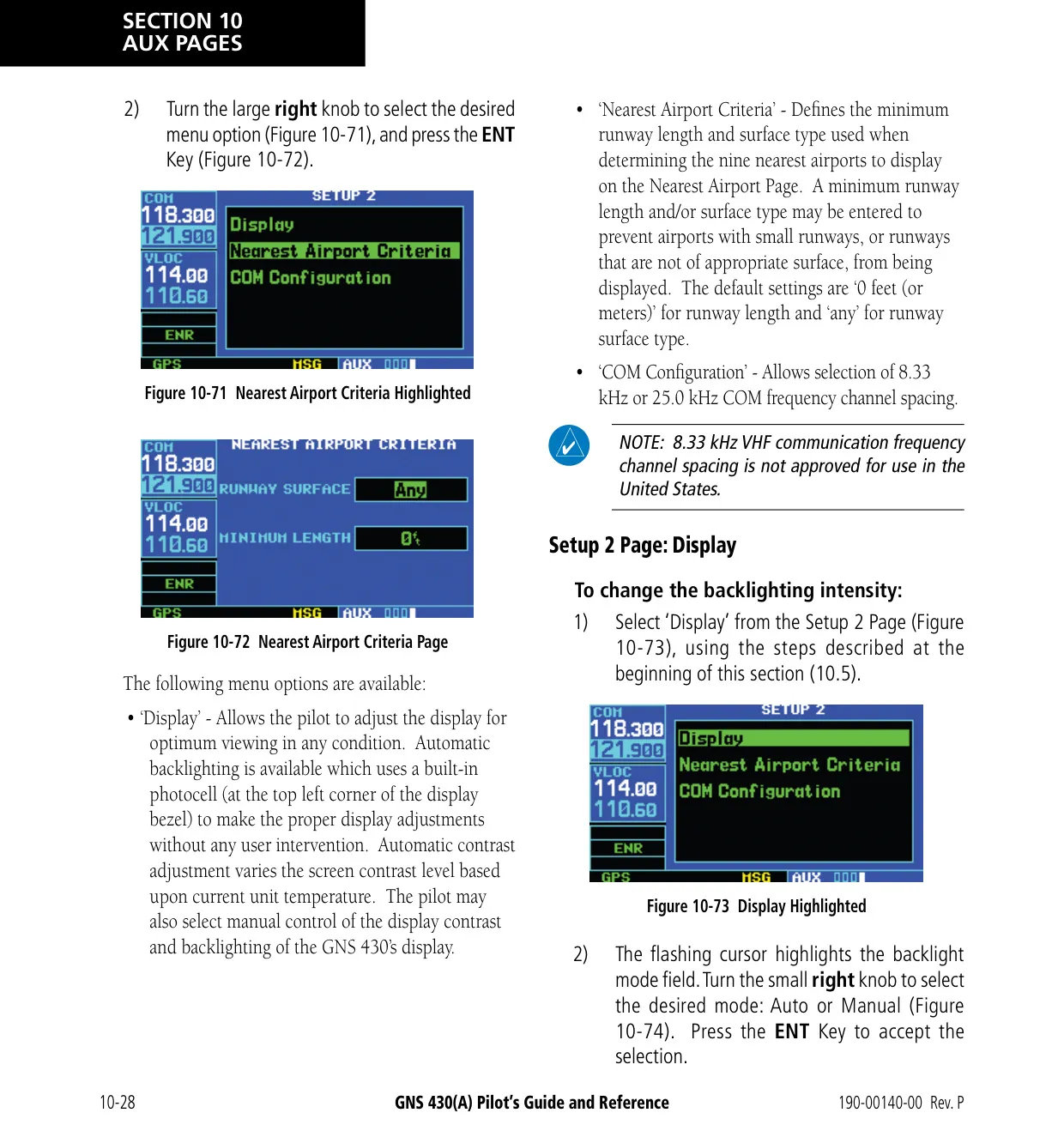
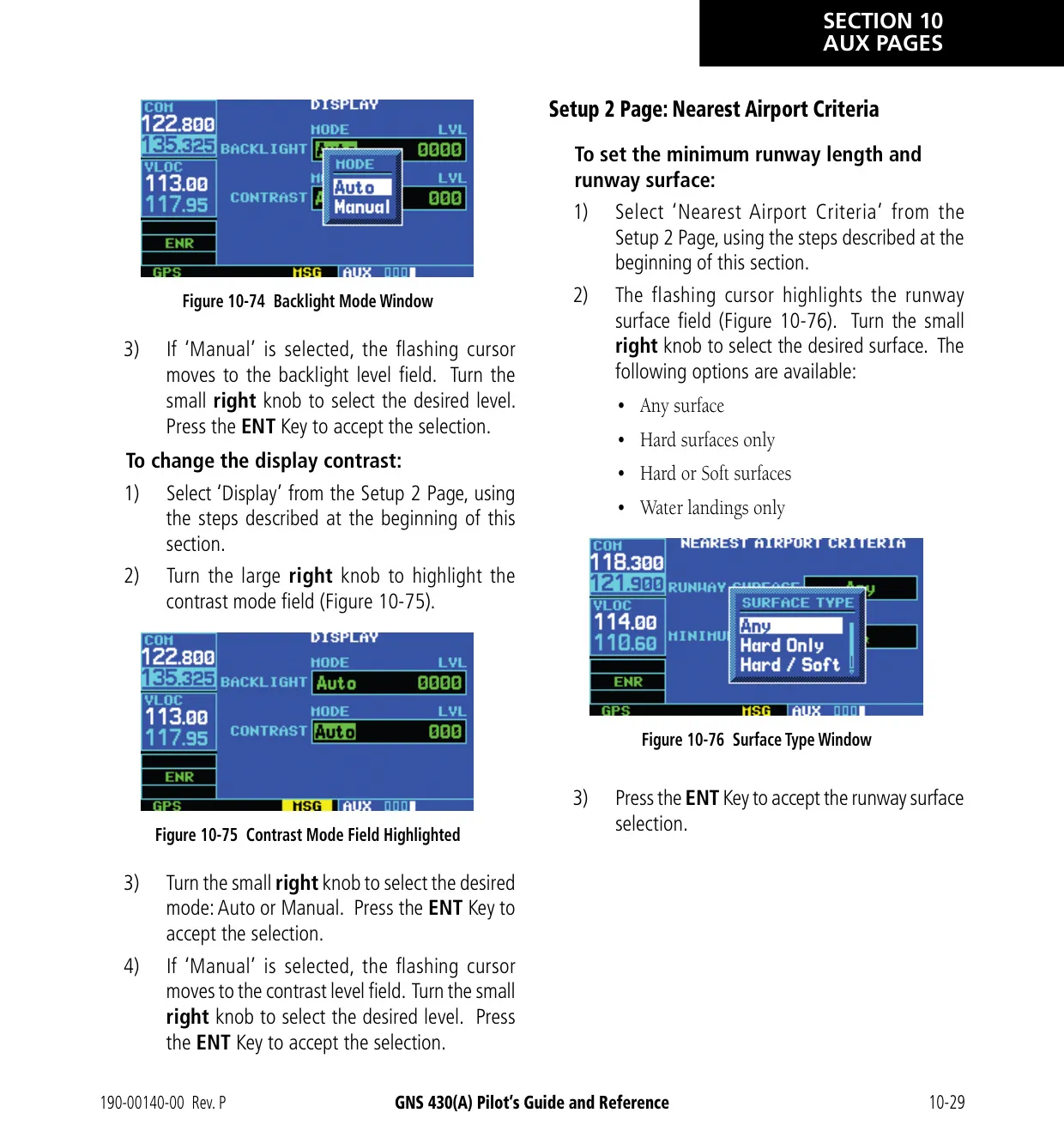
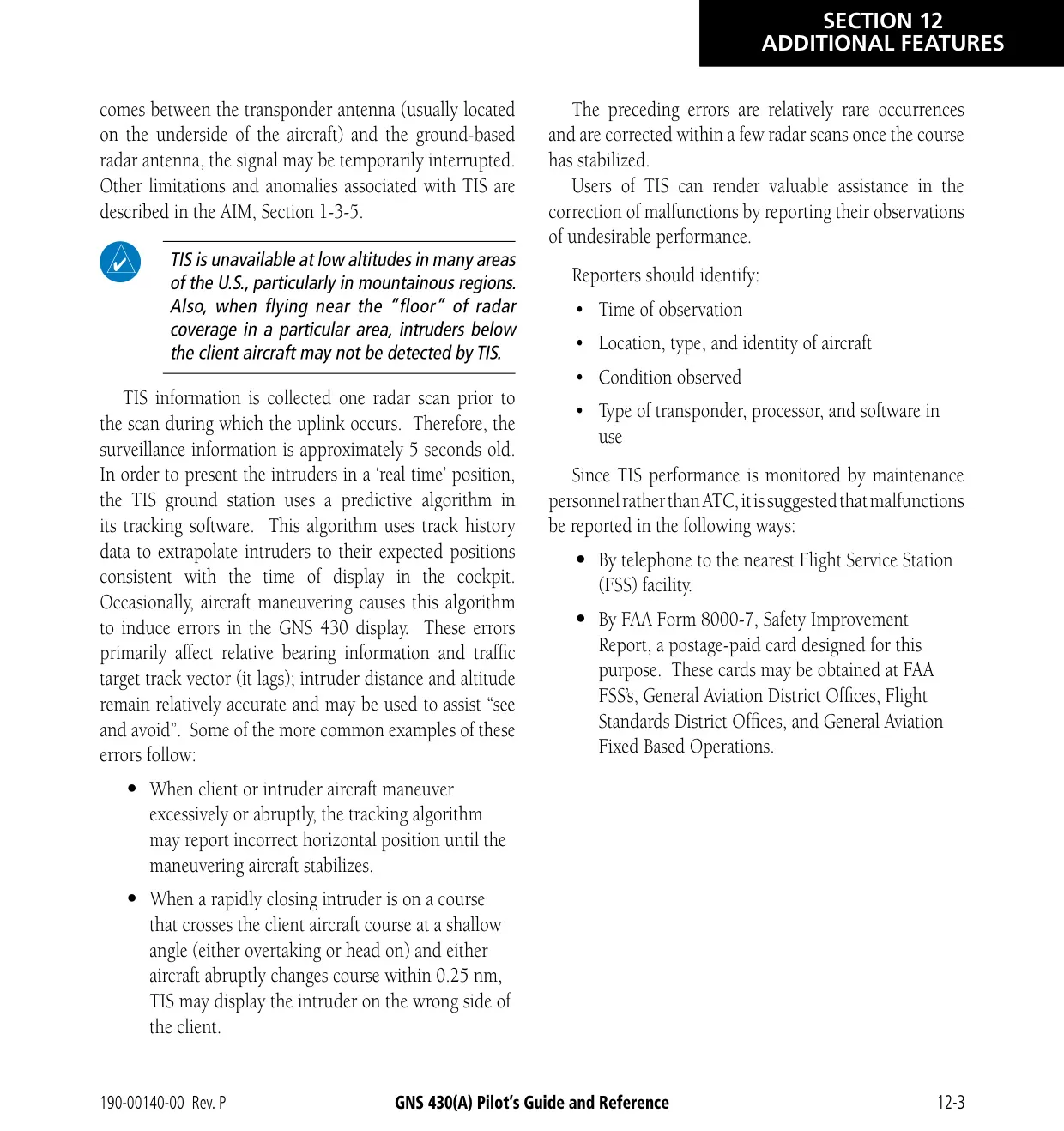
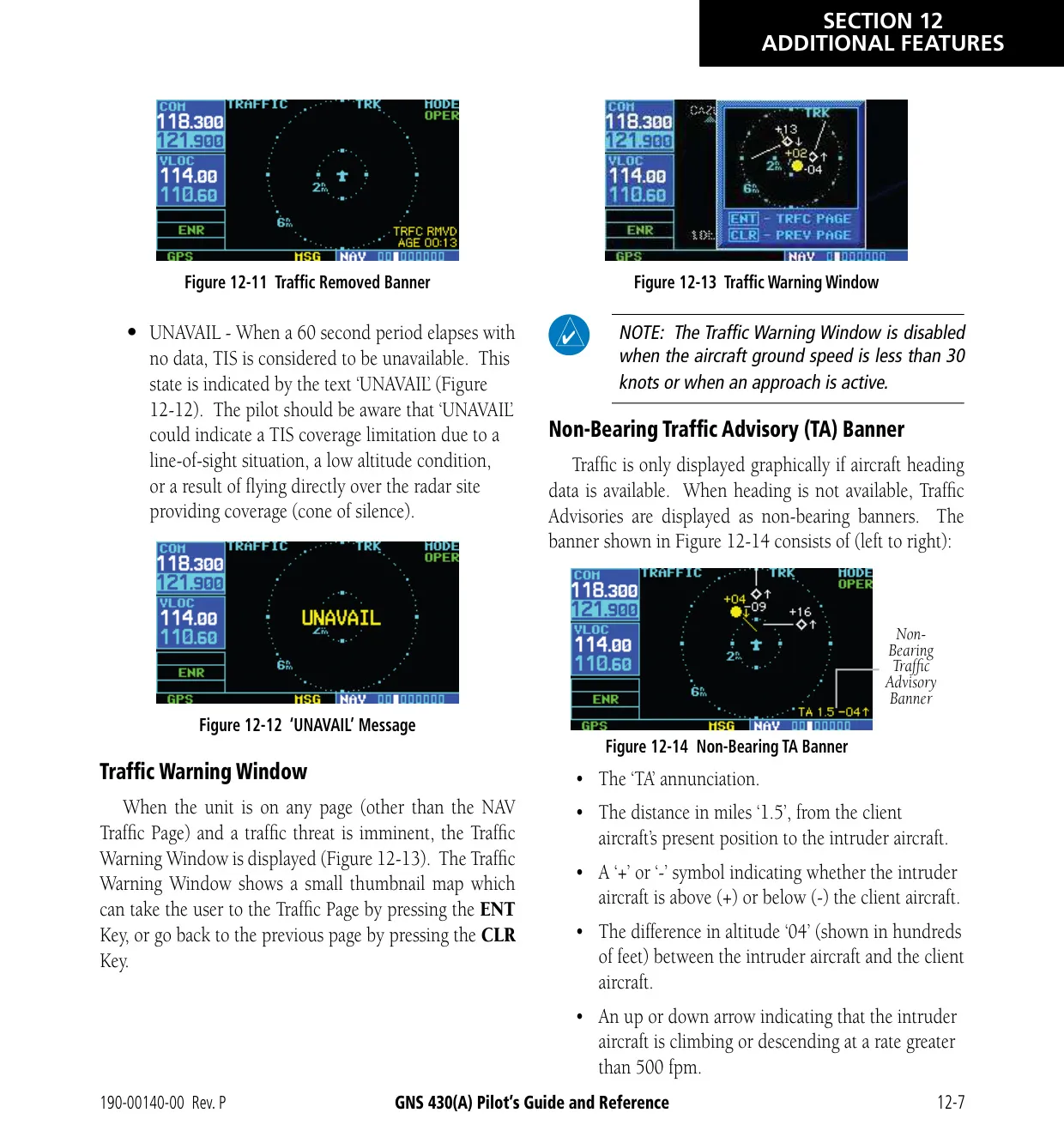
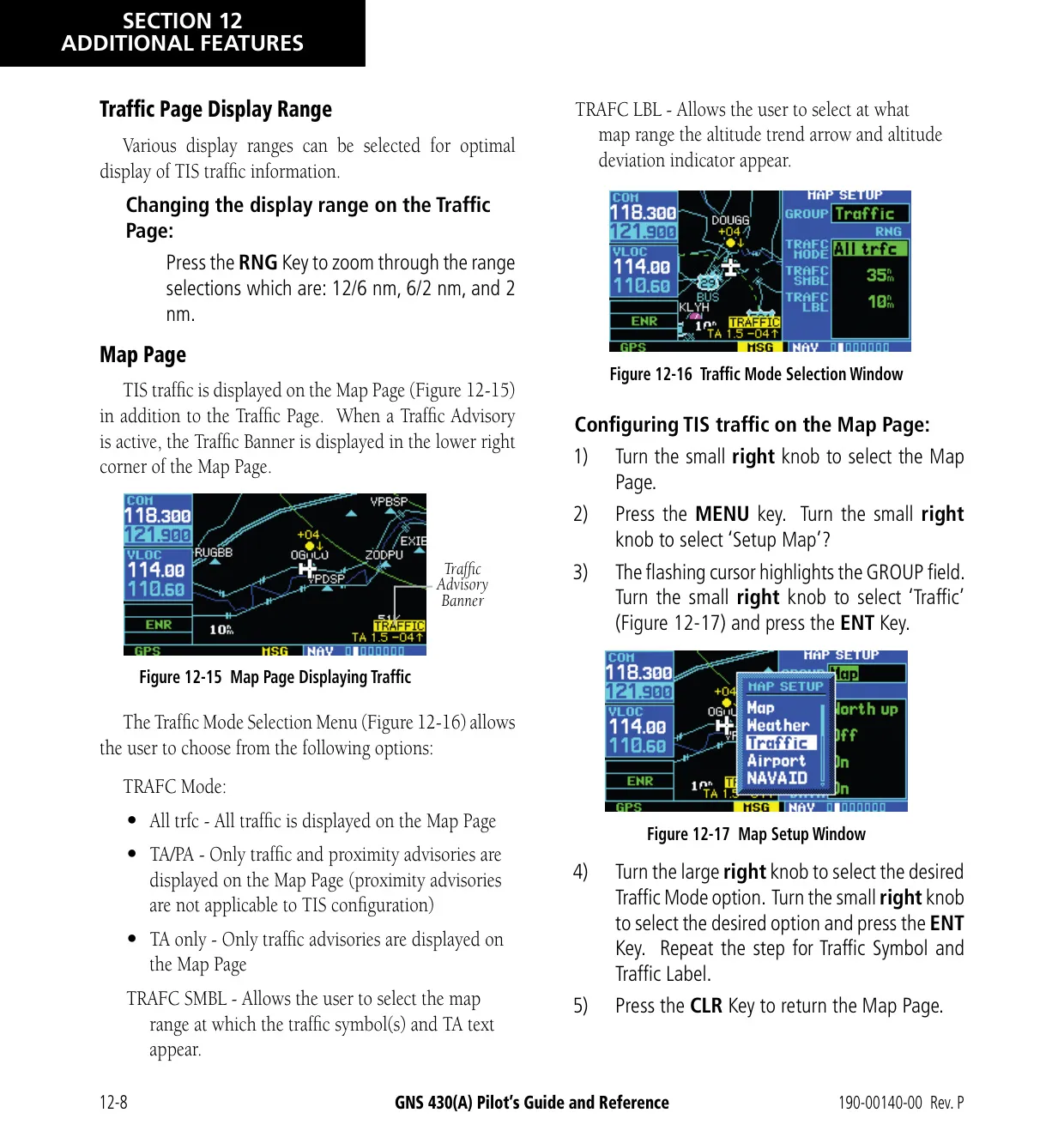
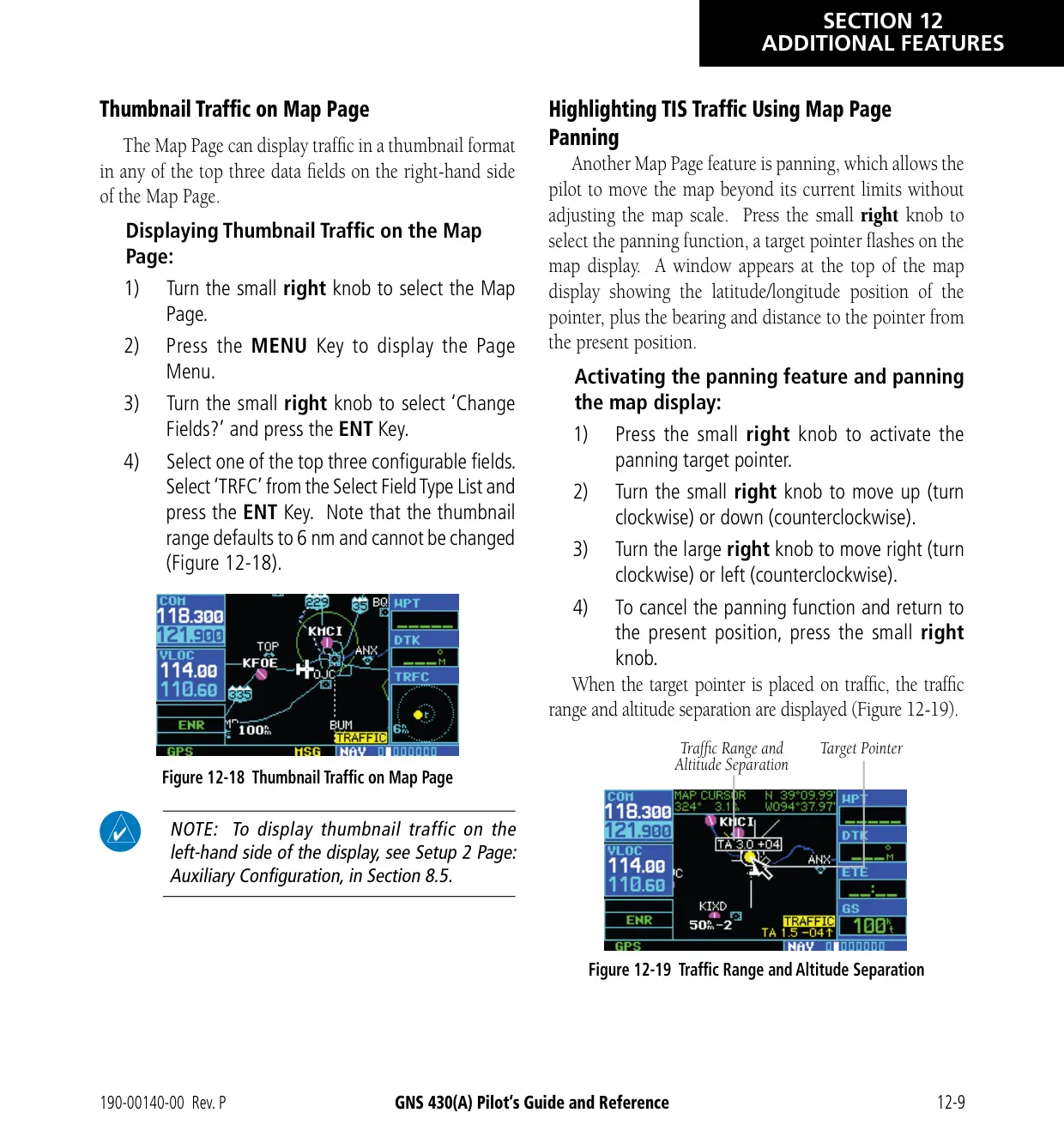
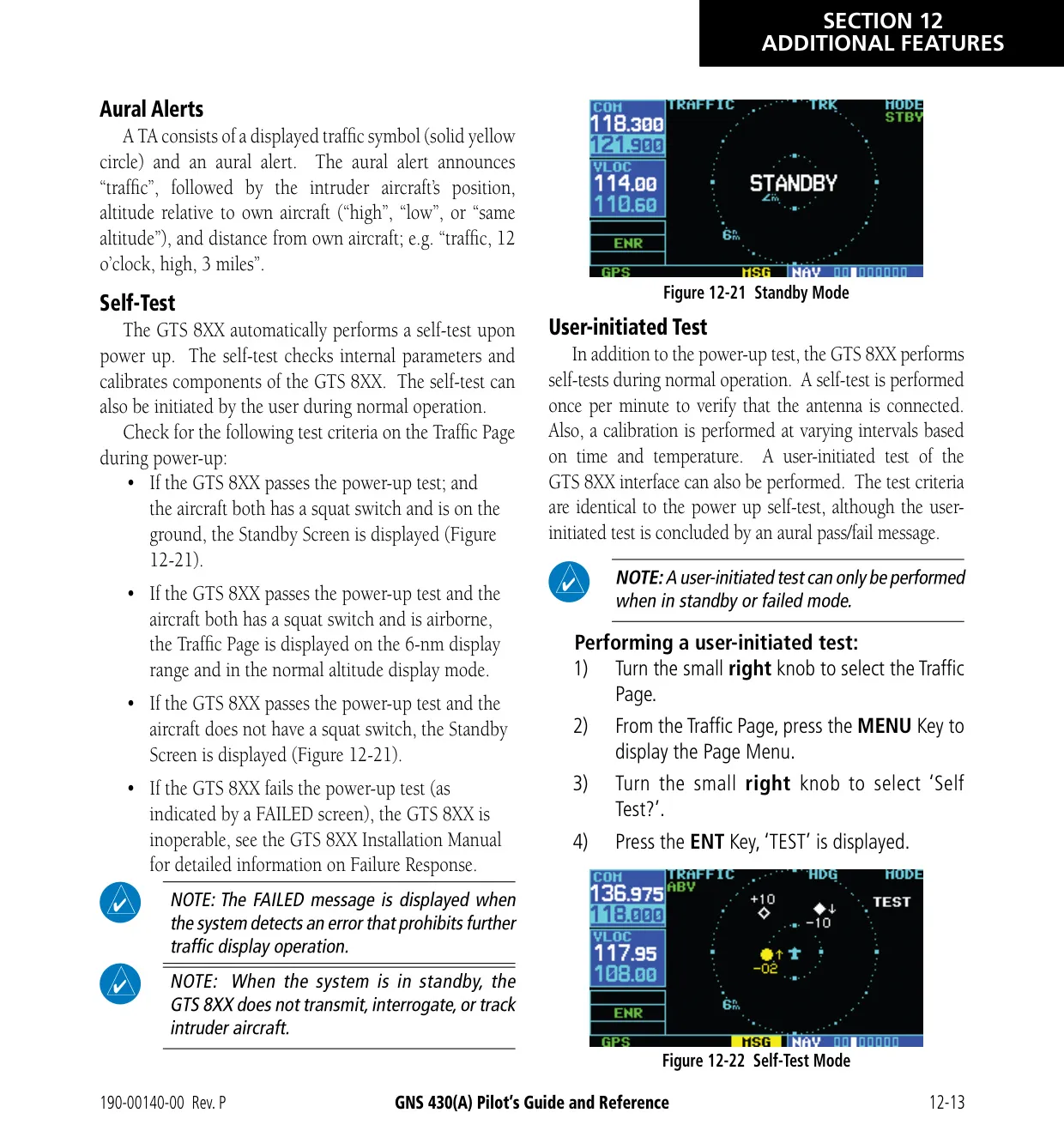
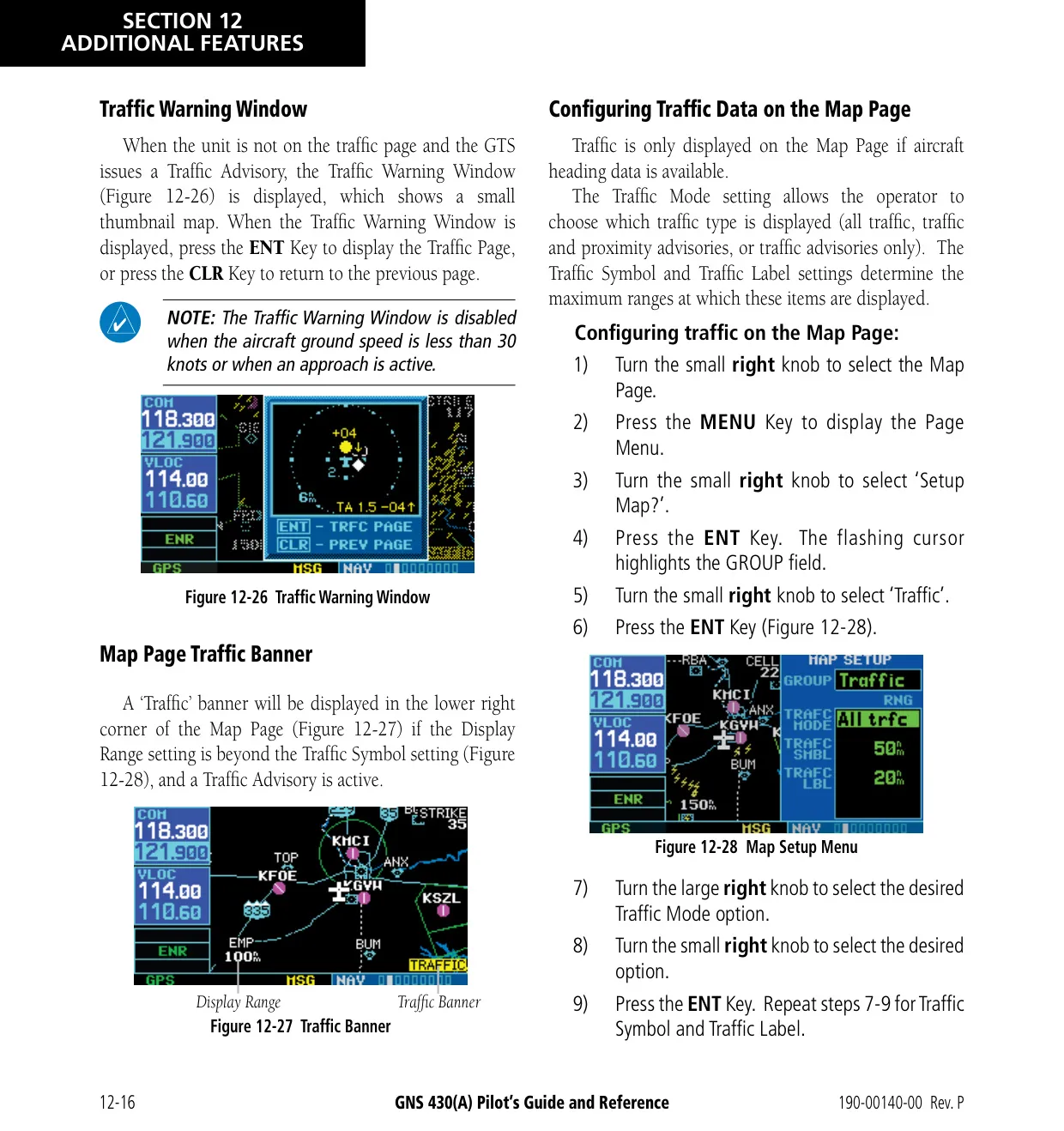
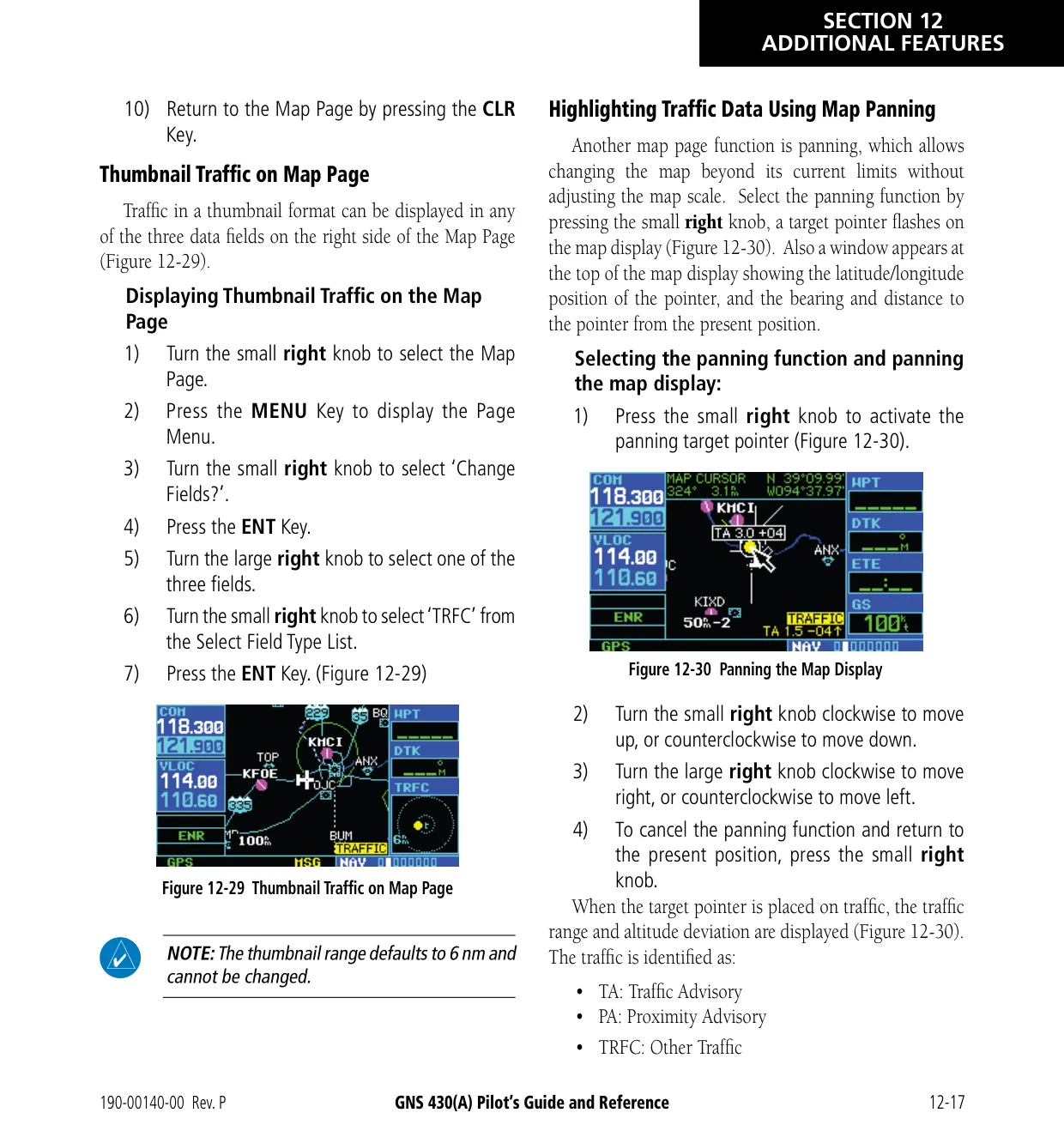
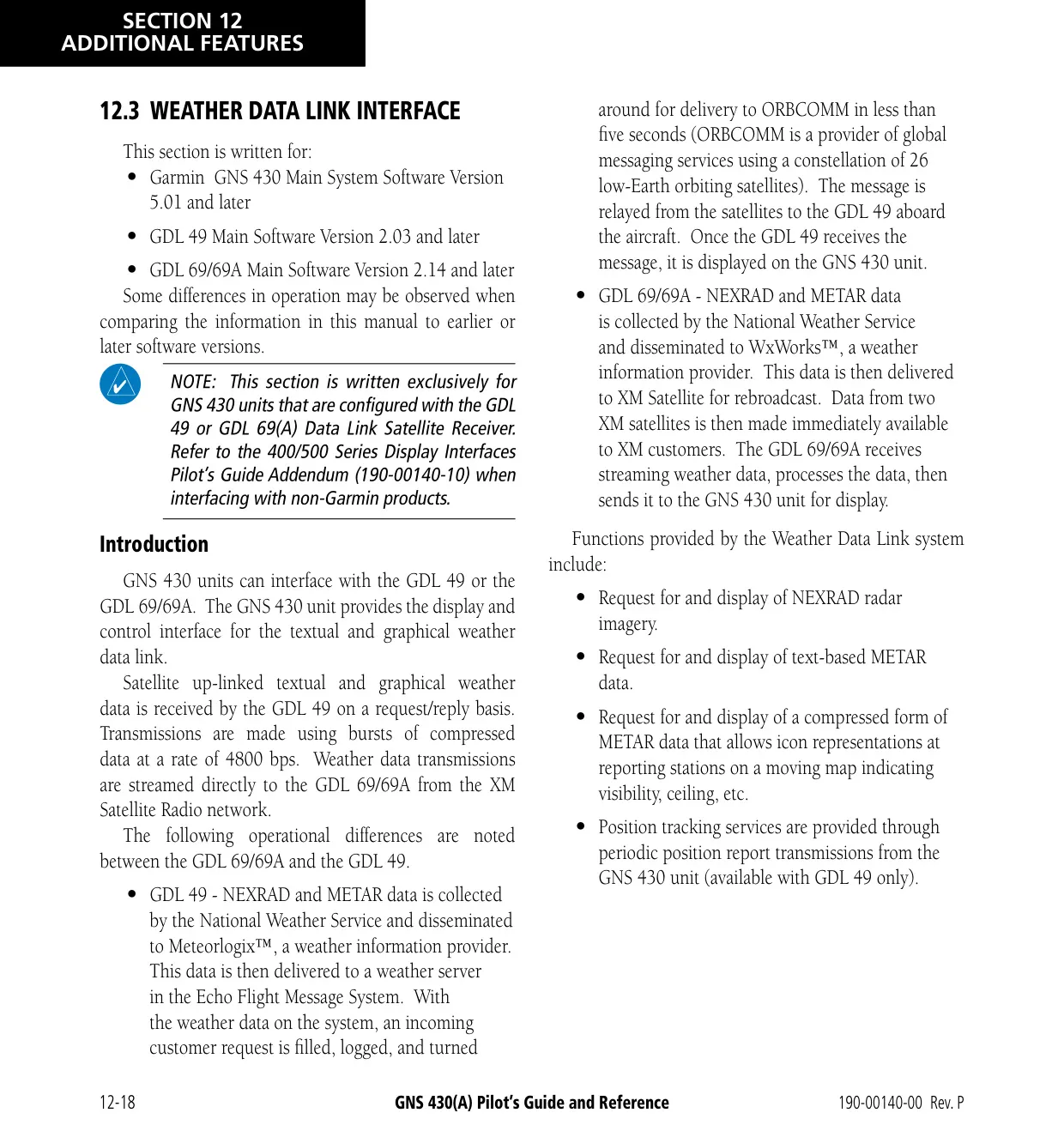
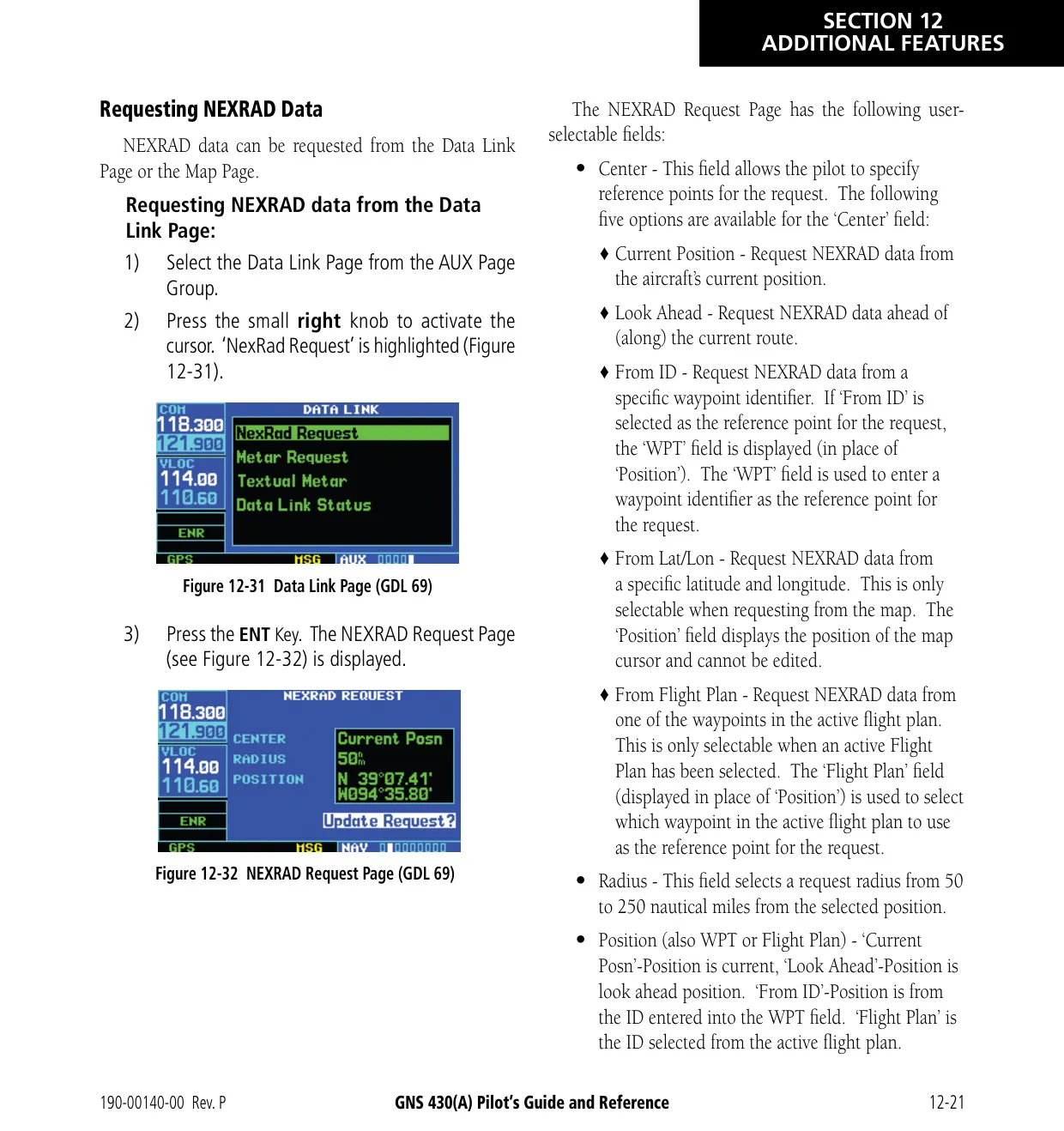
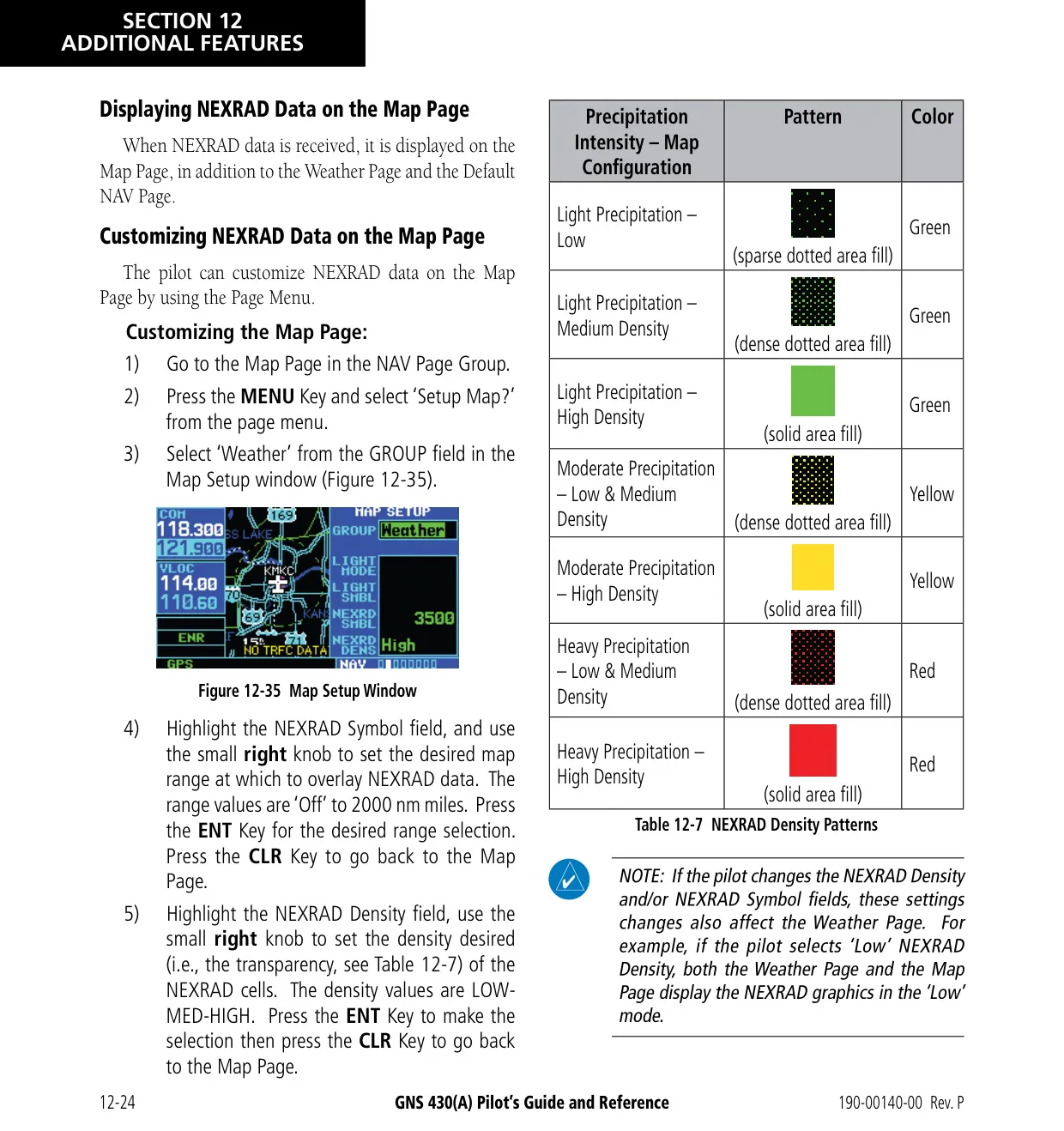
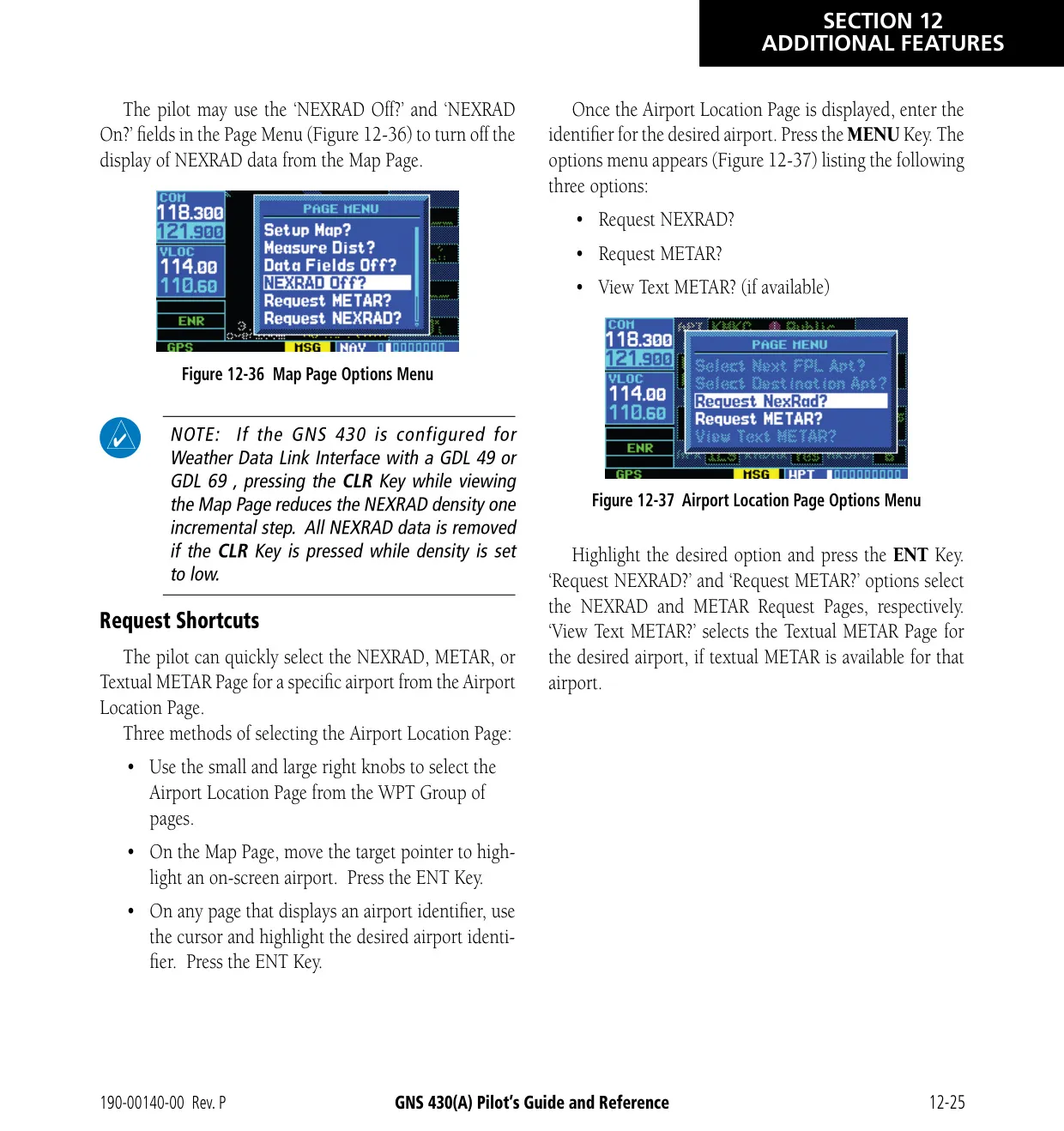
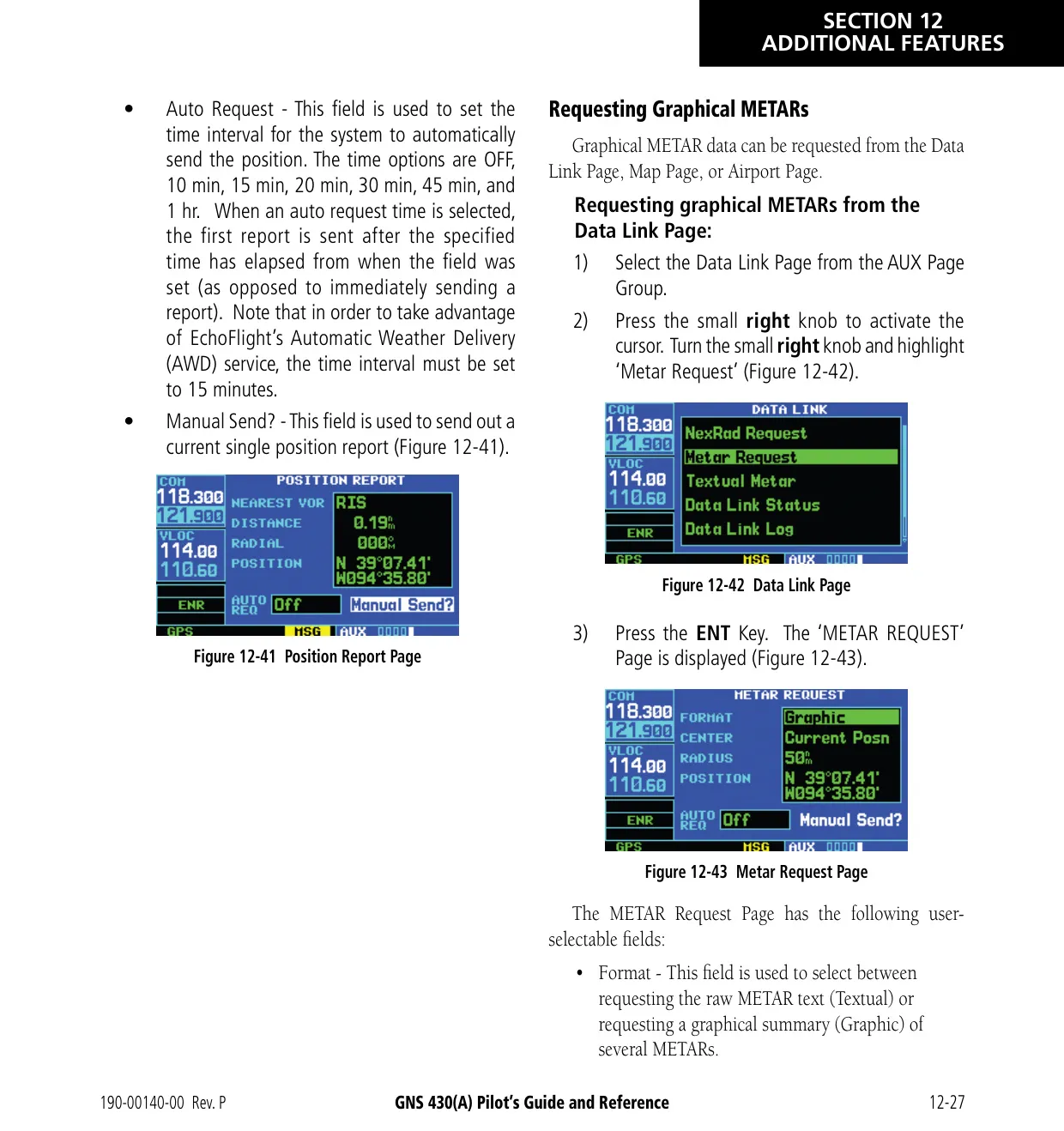
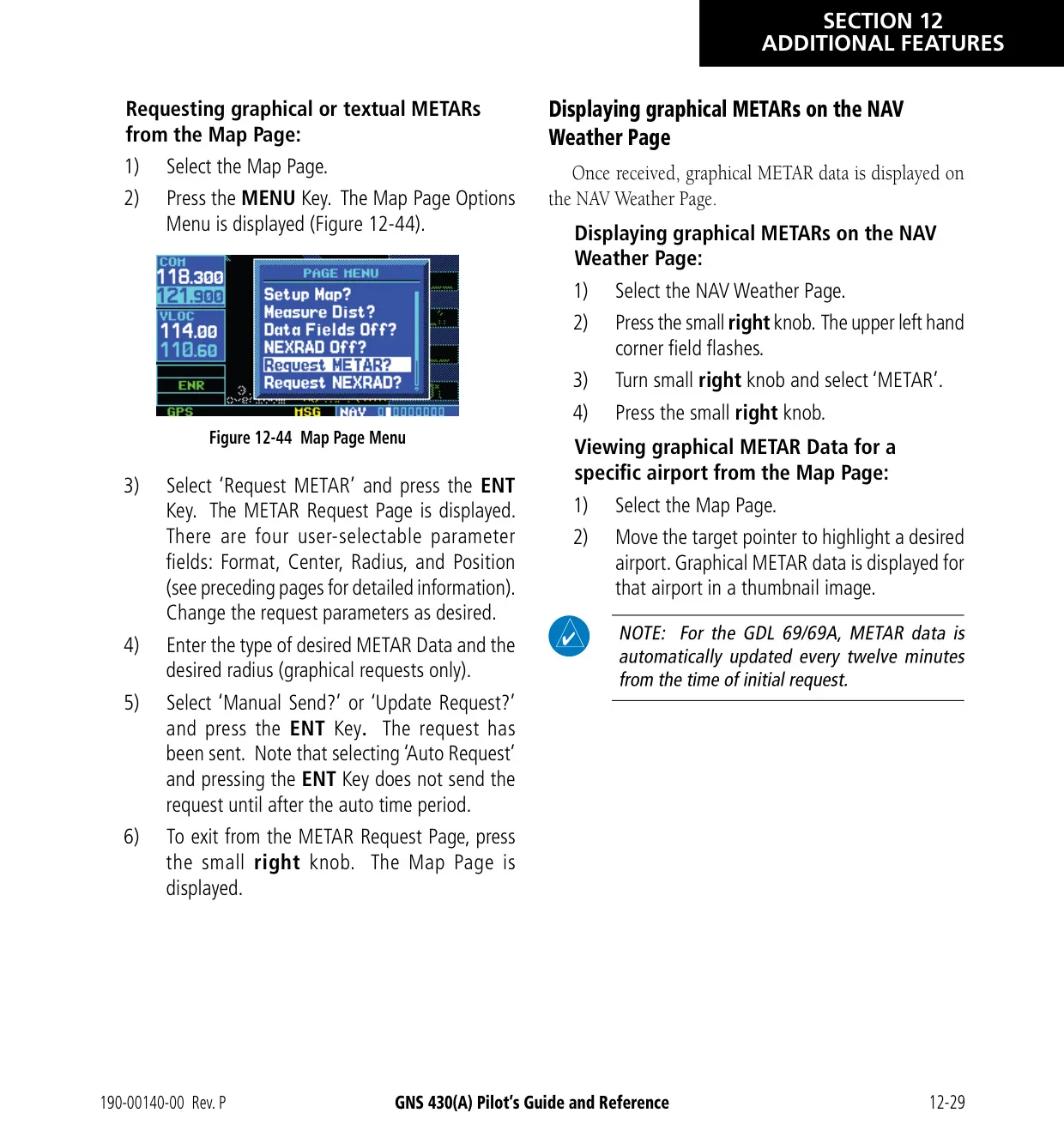
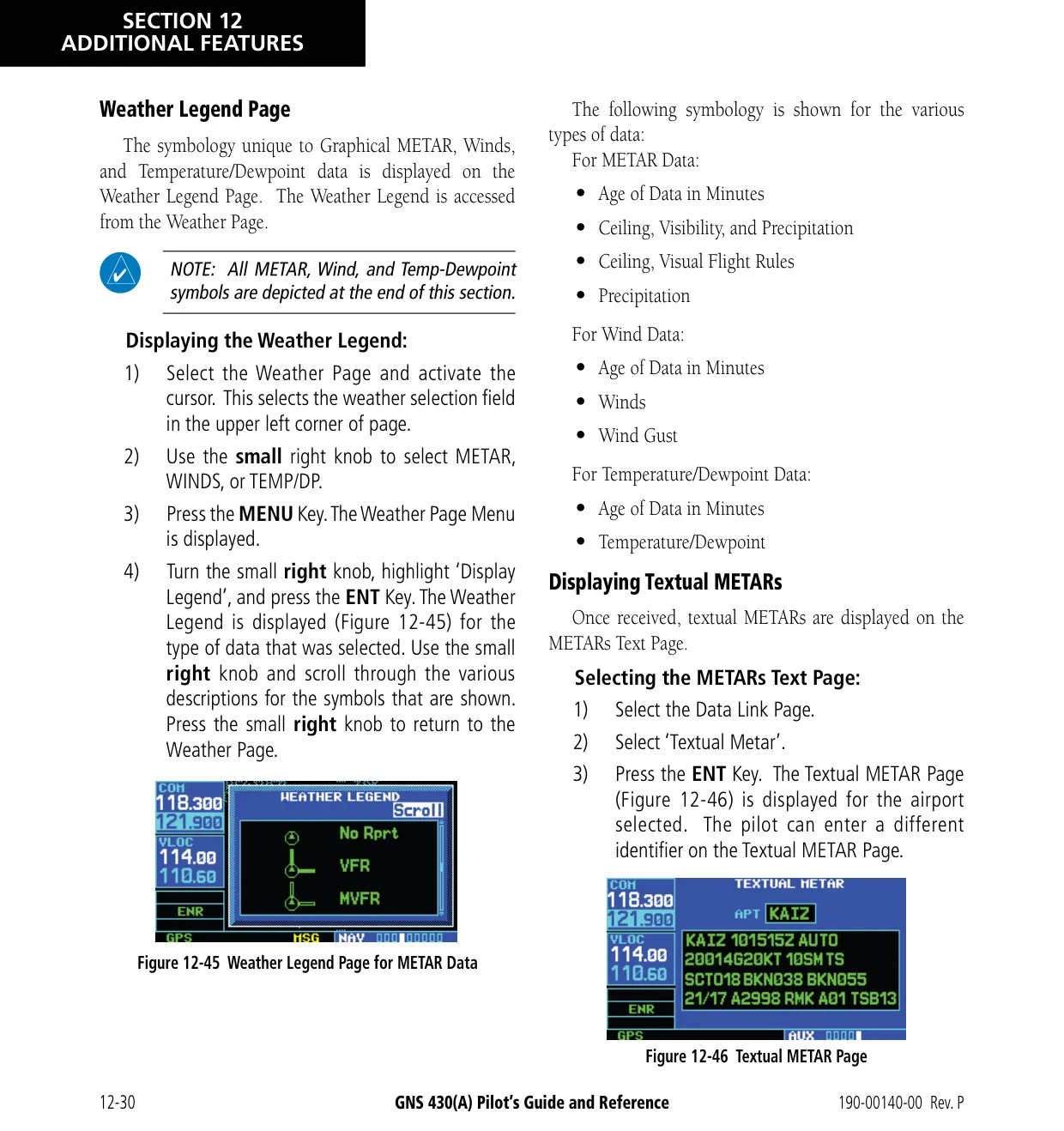
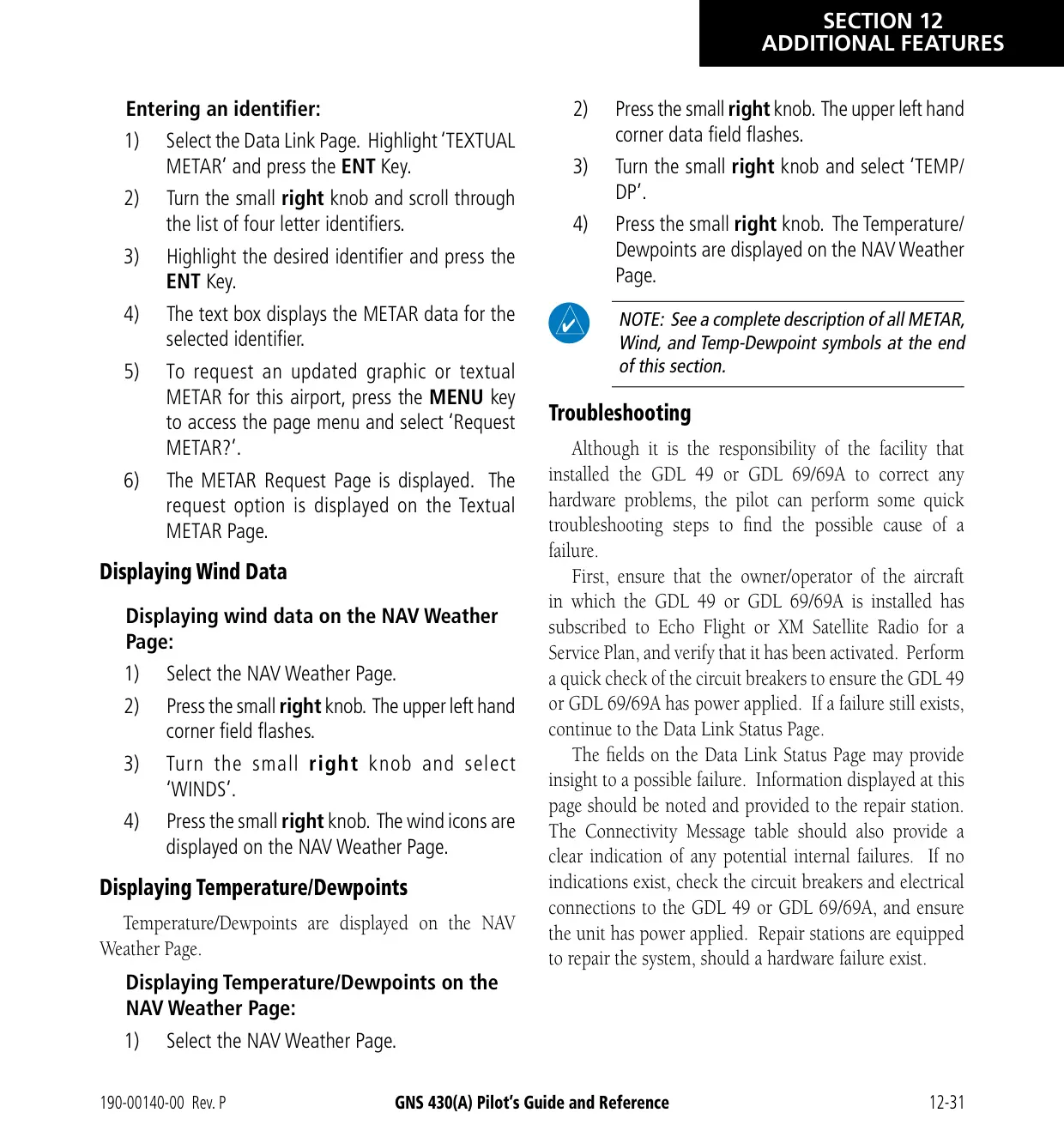
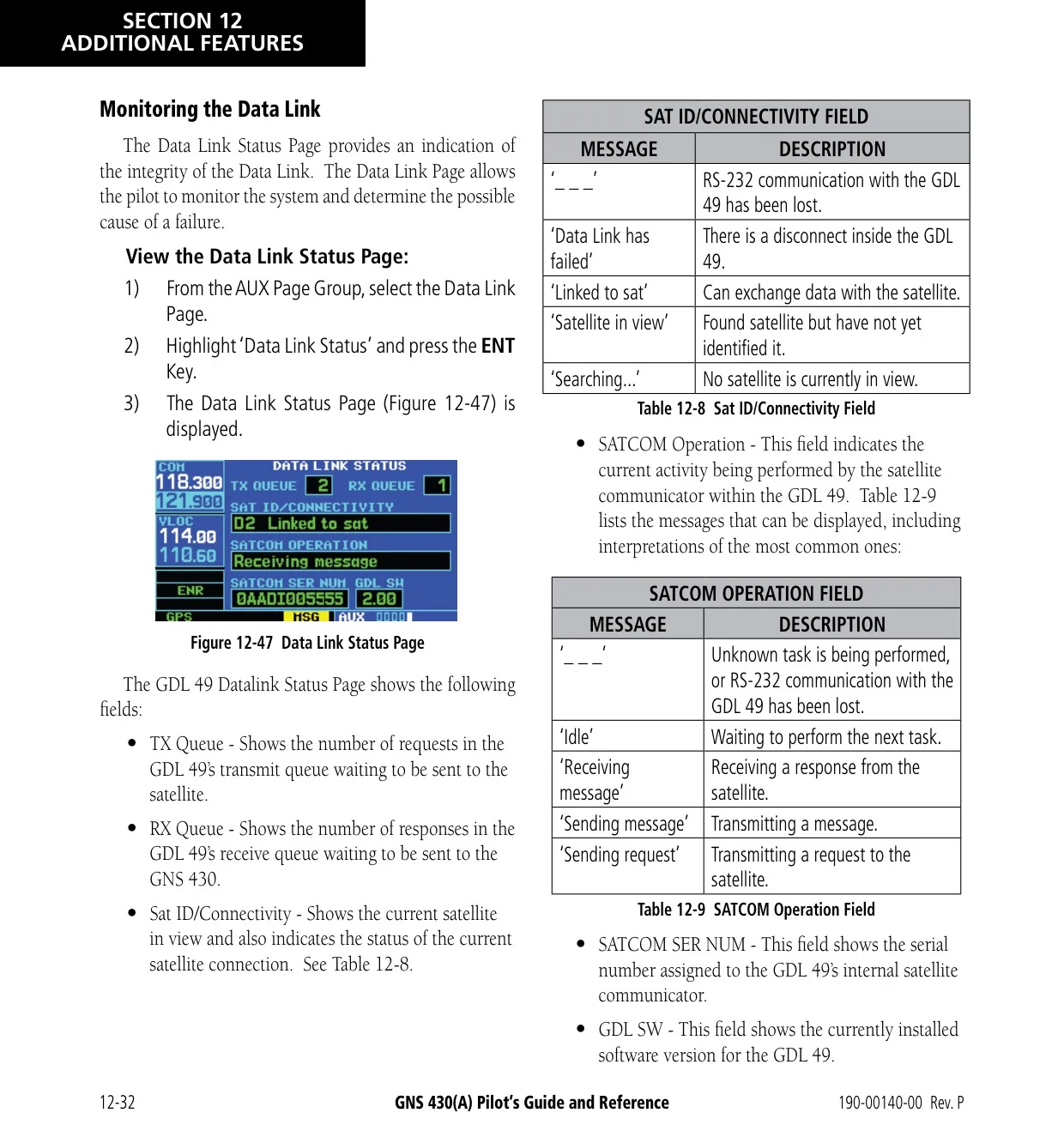
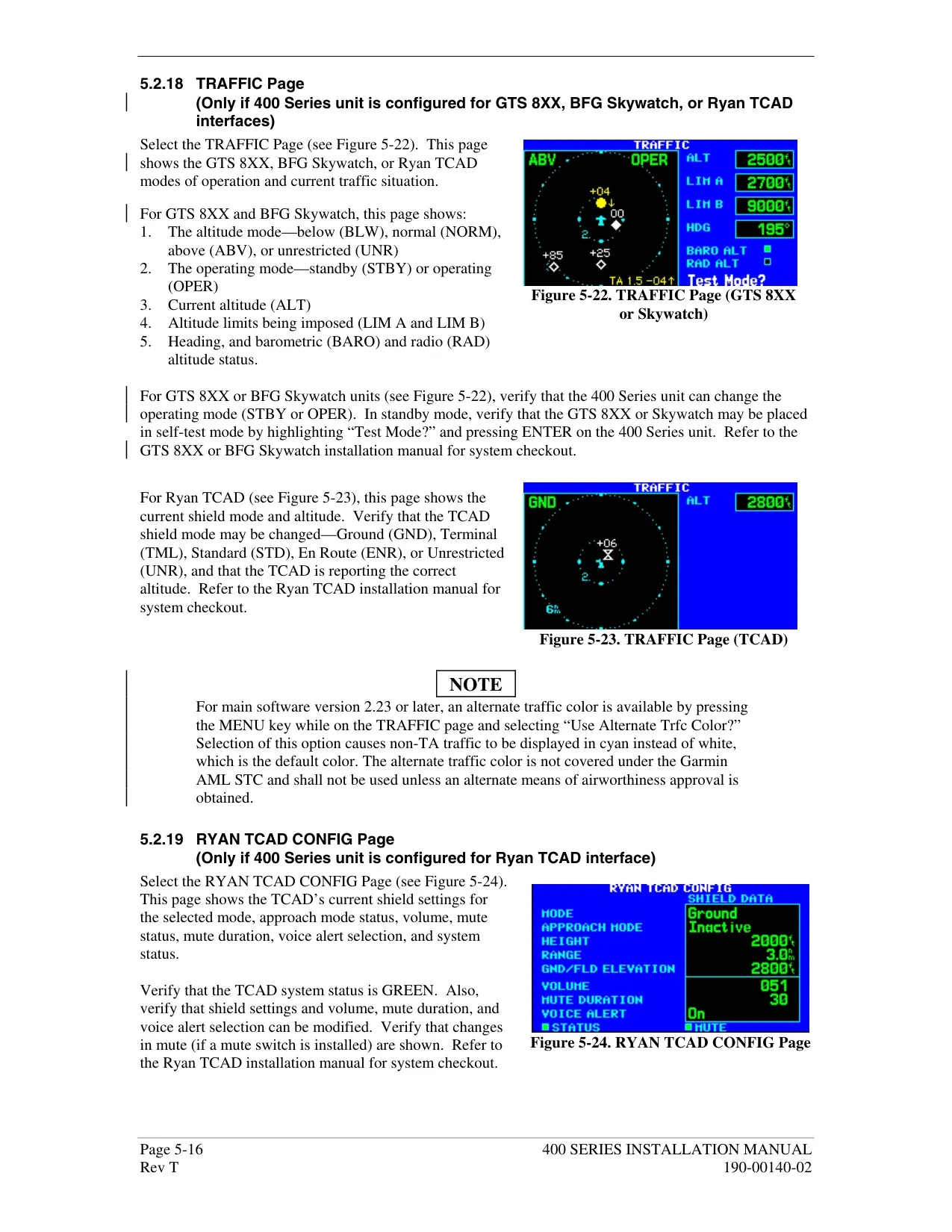
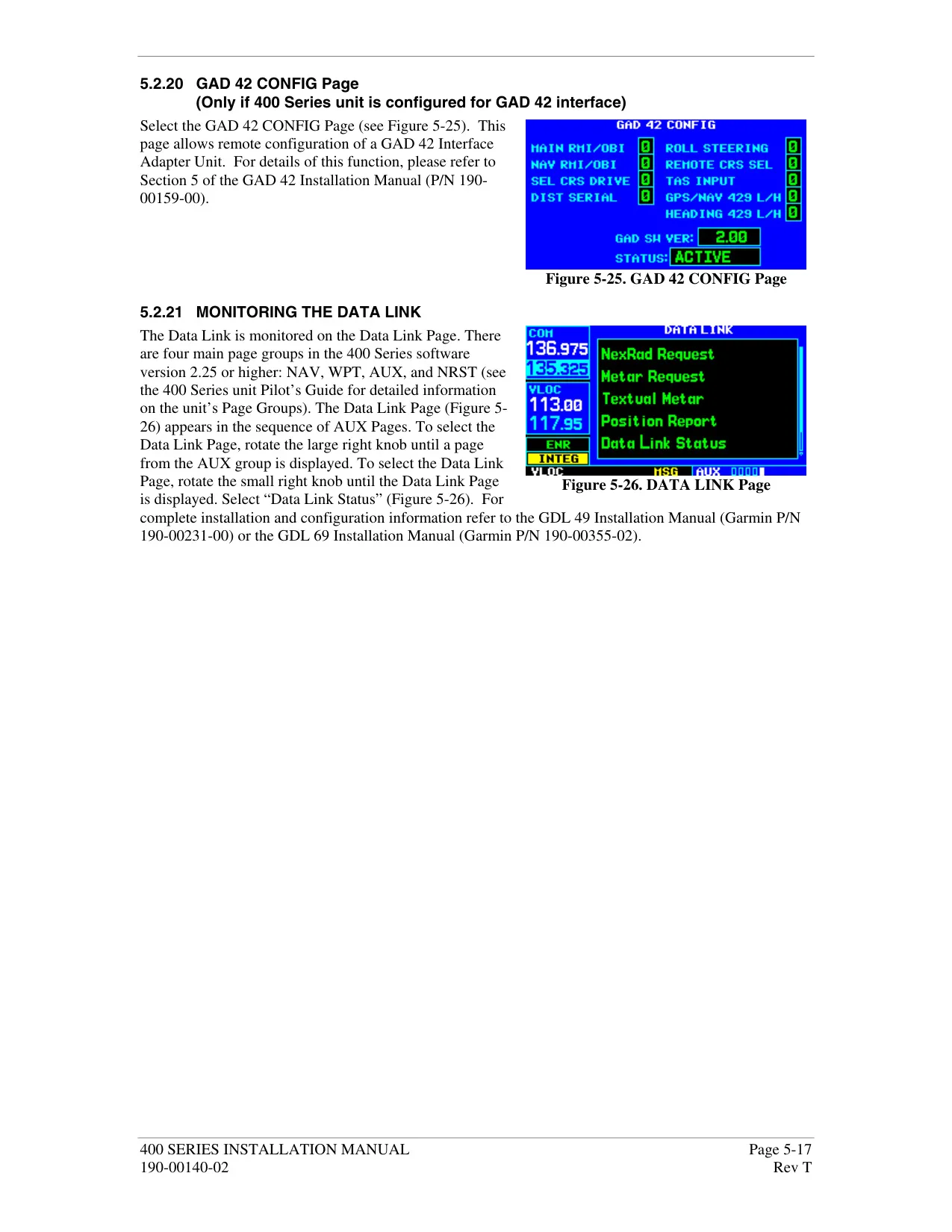
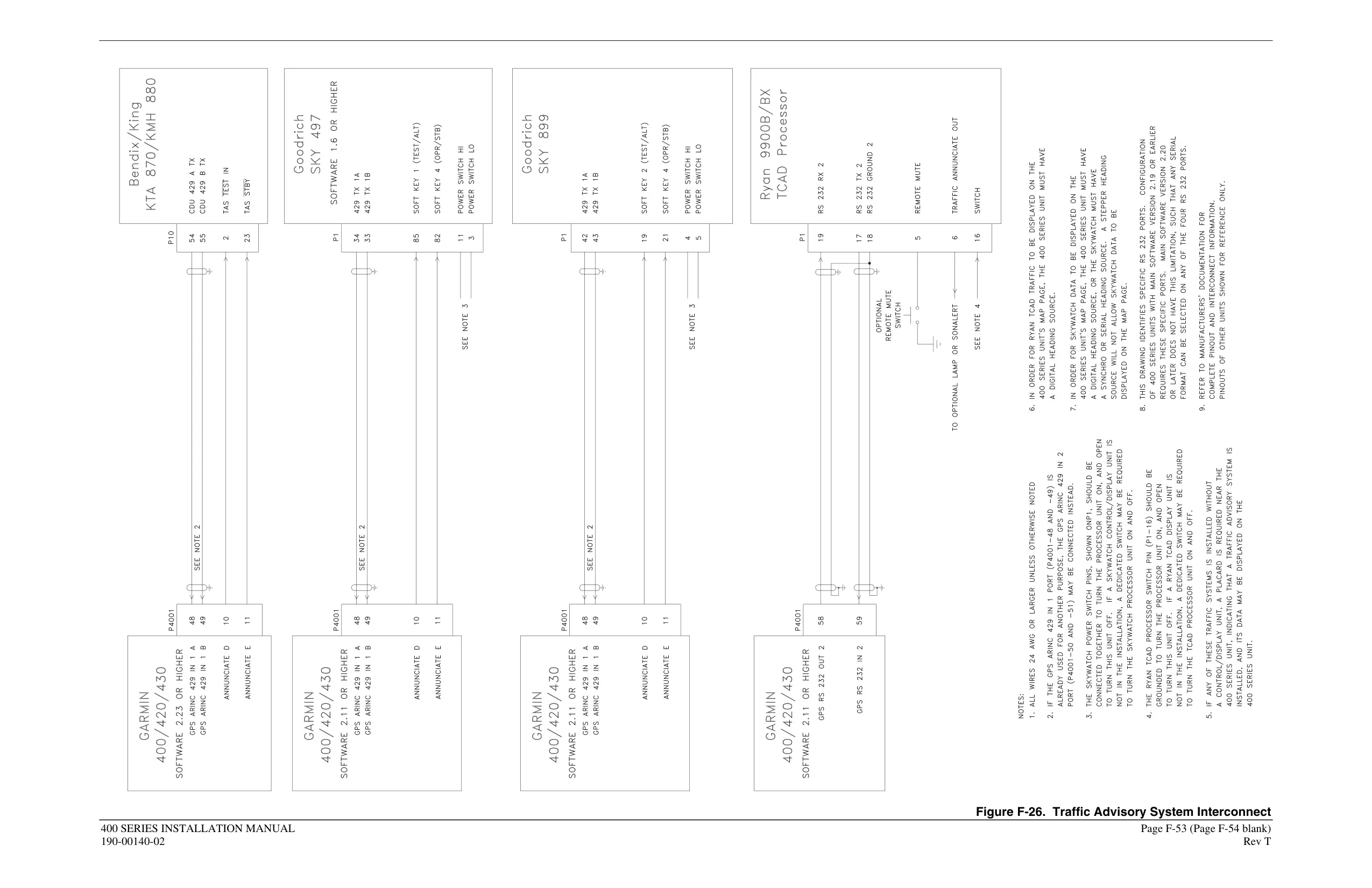
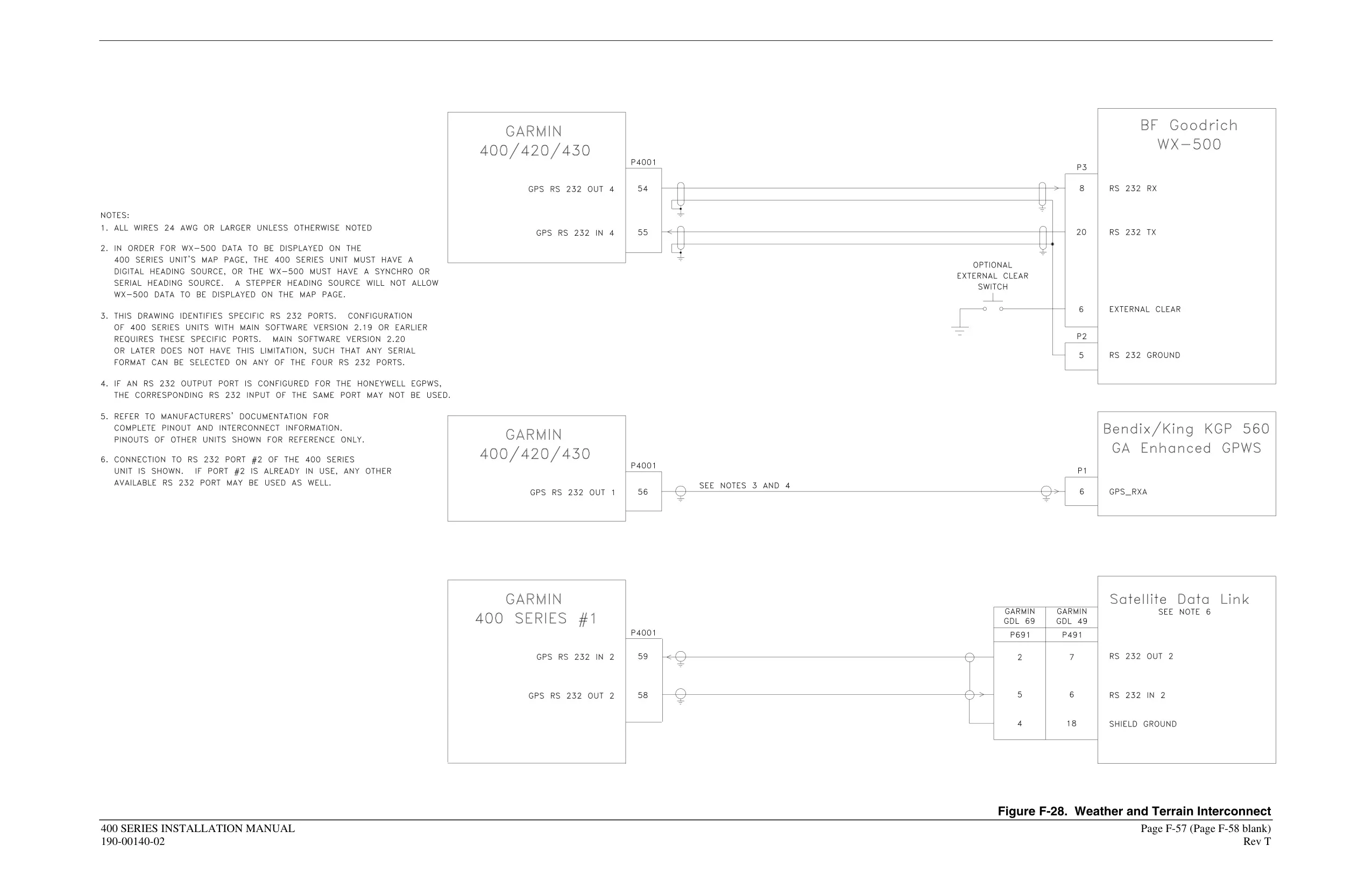
The AUX pages include E6B tools for fuel and trip planning, density altitude, true airspeed and winds aloft. They also have flight timers, trip statistics, sunrise/sunset times and settings for the display and units. The vertical navigation page builds climb and descent profiles, with a default of 400 fpm. If the unit is connected to compatible equipment, it can show TIS or GTS 8XX traffic and GDL 49/69 weather (NEXRAD, METAR, winds and temperature/dewpoint) on dedicated pages.
Frequently Asked Questions (FAQs)
Can't find the answer you need? Here are some frequently asked questions about the Garmin GNS 430 Panel Avionics Unit, and we answer them below.