Garmin eTrex 30X GPS Receiver Instruction Manual
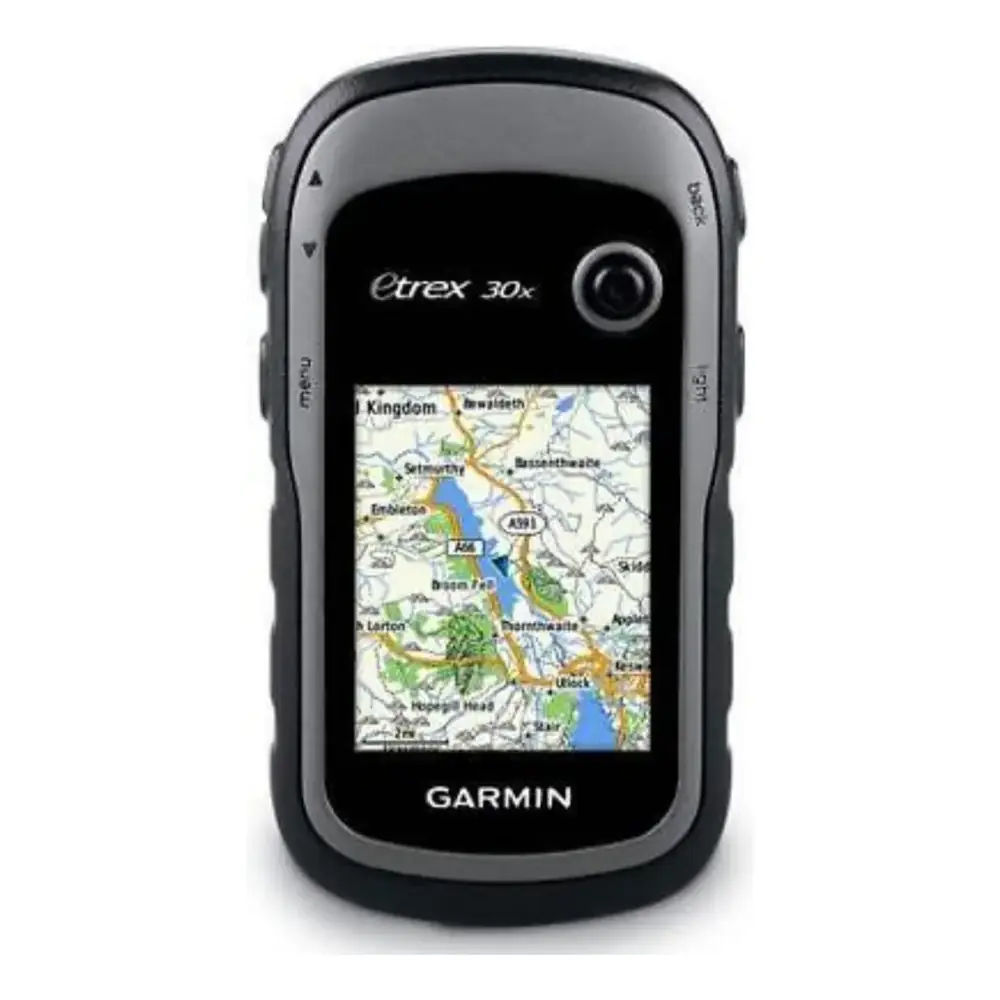
Garmin eTrex 30X GPS Receiver








Garmin eTrex 30X GPS Receiver Instructions
Here we offer the Garmin eTrex 30X GPS Receiver manual completely free and in English. We have cataloged this manual in the GPS Receiver section on Manualverse, and it has been rated by 1 users with an average rating of 5. If you have any specific questions about Garmin eTrex 30X GPS Receiver, we suggest checking the Frequently Asked Questions (FAQs) section of this manual.
Product Images

Garmin eTrex 30X GPS Receiver Specifications
| Feature | Specification |
|---|---|
| Product Type | Handheld GPS receiver |
| Power Source | 2 x AA batteries (not included) |
| Supported Battery Types | Alkaline, Lithium, Rechargeable NiMH (selectable in menu) |
| Recommended Batteries | NiMH or lithium; lithium for below-freezing conditions |
| Operating Temperature Range | -20° to 70°C (-4° to 158°F) |
| Water Rating | IEC 60529 IPX7 (accidental immersion in 1 m of water for 30 minutes) |
| Satellite Systems (GNSS) | GPS and GLONASS |
| Satellite Augmentation | WAAS/EGNOS |
| Satellite Acquisition Time | 30 to 60 seconds (outdoors, open area) |
| Electronic Compass | 3-axis, tilt-compensated electronic compass |
| Altimeter | Barometric altimeter with auto or manual calibration |
| Wireless Frequency/Protocol | 2.4 GHz @ -1.13 dBm nominal |
| Wireless Technology | ANT+ (certified) |
| Wireless Data Sharing Range | Within 3 m (10 ft) of a compatible device |
| ANT+ Sensor Pairing Distance | Within 3 m (10 ft); 10 m (33 ft) away from other ANT+ sensors |
| Computer Interface | Mini-USB port (under weather cap) |
| USB Modes | Mass storage mode or Garmin mode |
| Expandable Memory | microSD memory card slot (under battery) |
| Computer Compatibility | Windows 7 and newer; Mac OS 10.4 and newer |
| File Format Support | GPX (waypoints, geocaches) |
| Default Map Datum | WGS 84 |
| Map Orientation Modes | North Up, Track Up, Automotive Mode |
| Time Format | 12-hour or 24-hour; automatic time zone by GPS position |
| Controls | Thumb Stick controller, zoom keys, back key, menu key, power/backlight key |
| Mounting | Mounting spine on rear |
| Battery Cover | D-ring locking ring |
| External Marine Data Input | NMEA 0183 / NMEA 2000 compatible devices (depth, water temperature) |
| Software Support | Garmin Express, BaseCamp, Garmin Connect app |
Garmin eTrex 30X GPS Receiver Details
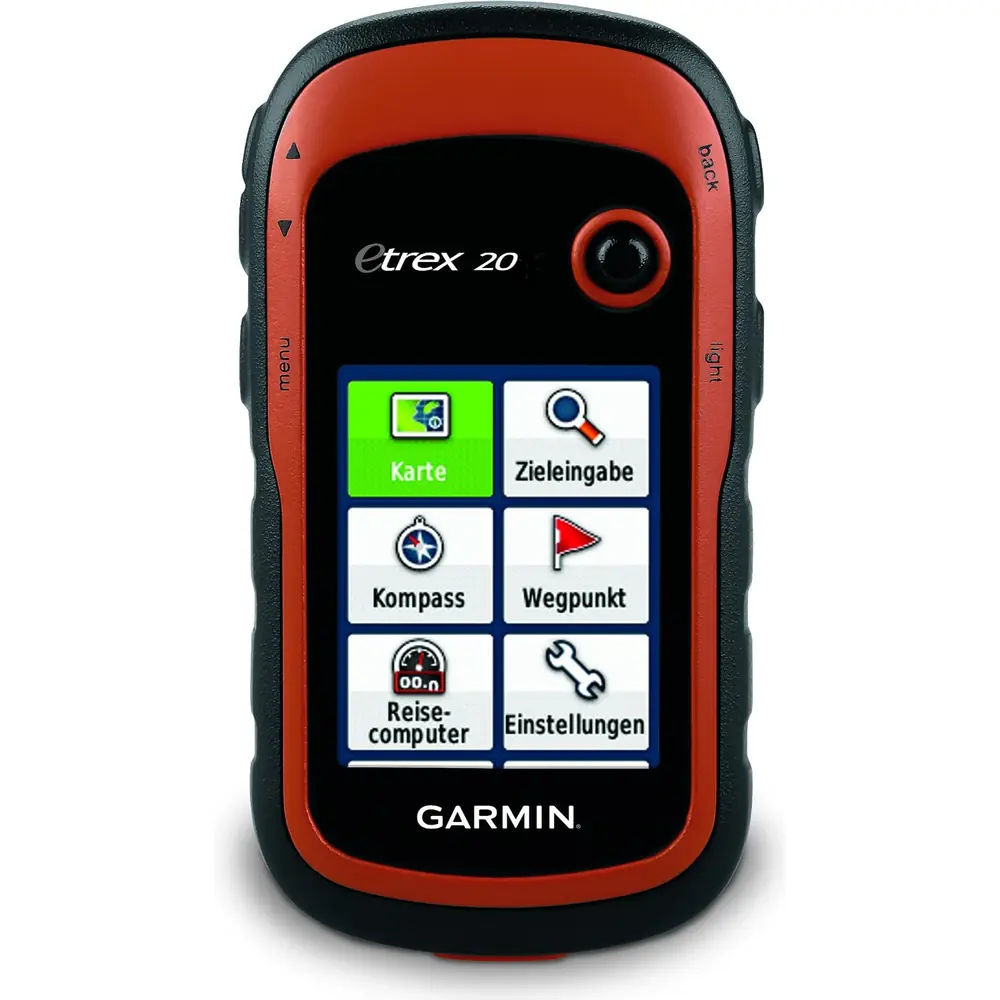
The Garmin eTrex 30X is a rugged handheld navigator designed for hiking, geocaching, hunting and light marine use. Its waypoint system lets you mark your current location, add details such as name, elevation and depth, and refine accuracy through Waypoint Averaging. For the best results, Garmin recommends collecting four to eight samples while waiting at least 90 minutes between them. You can also project a waypoint by entering a bearing and distance from an existing marked location.
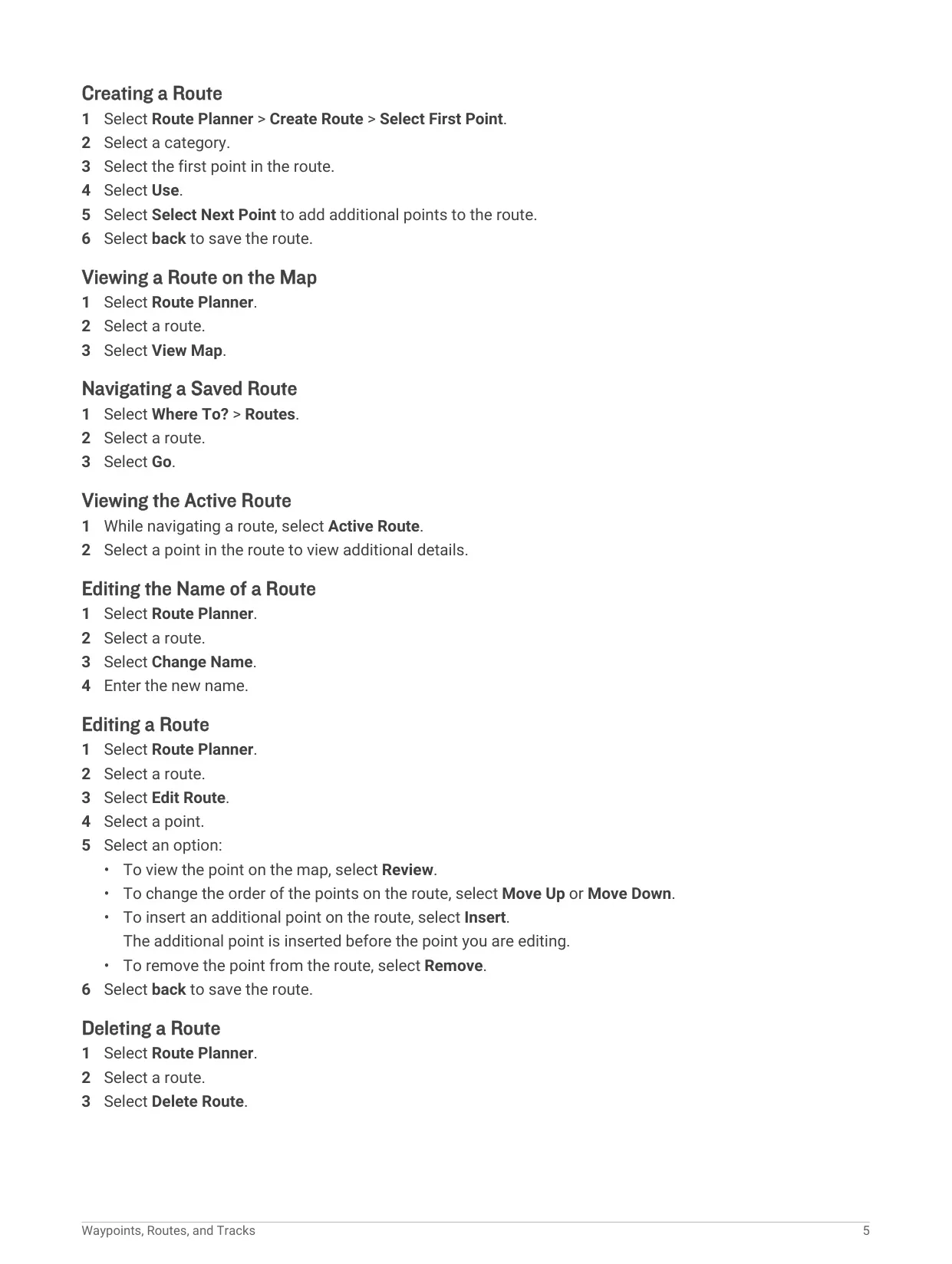
Route planning is handled through the Route Planner, where you can create, rename, edit, reverse and delete routes. Points can be reviewed, moved up or down, inserted or removed. Track logging records time, location and elevation for each point, using Auto, Distance or Time recording methods with adjustable intervals. Tracks can be saved completely or in portions, archived automatically and displayed in custom colors. Note that the included maps create pedestrian or cycling routes, not automobile navigation routes.
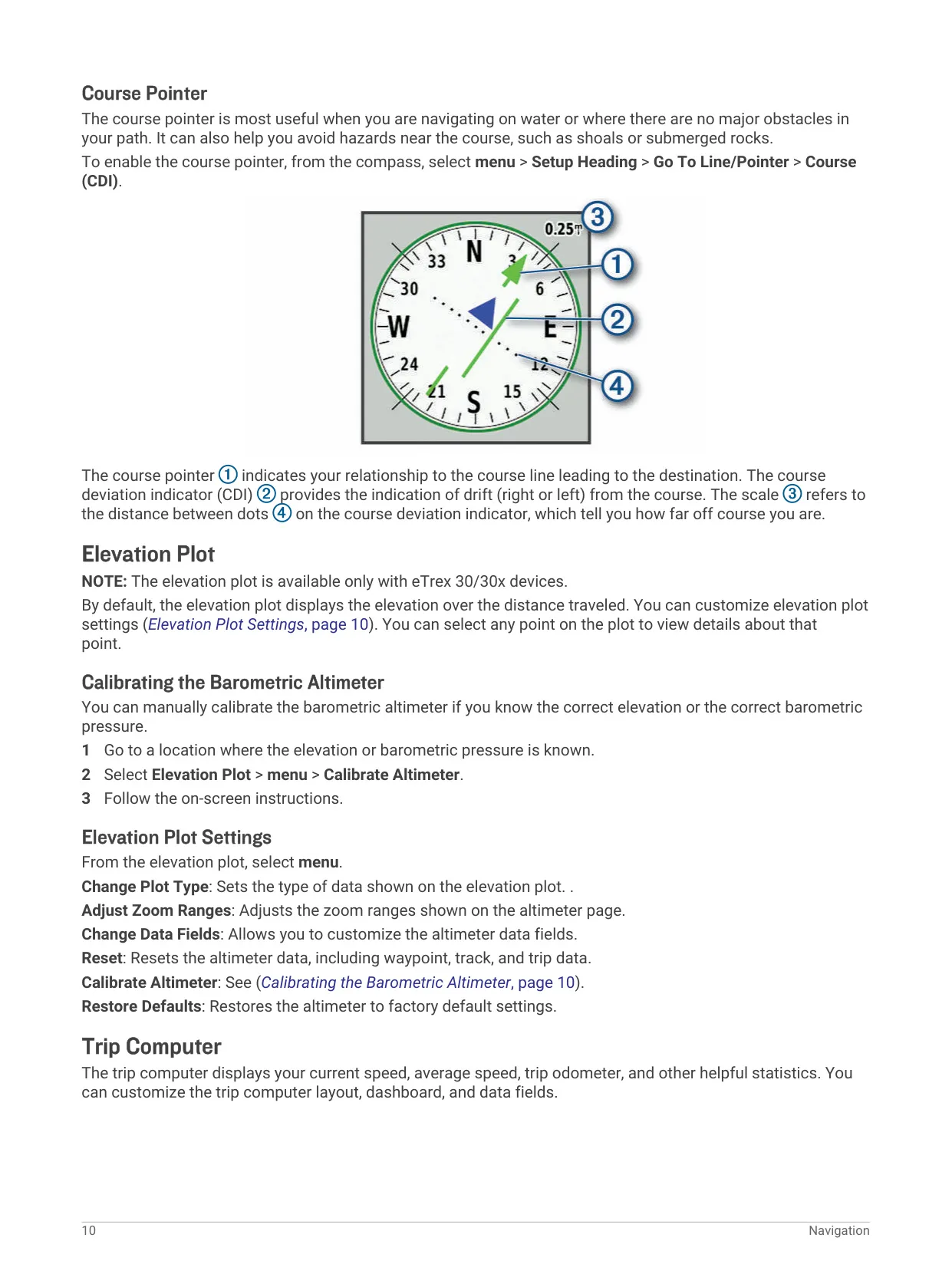
Exclusive to the eTrex 30 series, Sight 'N Go lets you point the device at a distant object, lock the direction and navigate toward it with the compass. The course pointer with course deviation indicator (CDI) shows drift left or right of the course line, which is useful on water to avoid shoals or submerged rocks. The elevation plot shows elevation over distance, and the altimeter can track pressure trends to help you watch for weather fronts.
Geocachers can load caches as GPX files, including large pocket queries from geocaching.com, and log attempts as Found, Did not Find, Needs Repair or Unattempted with comments. chirp searching helps locate Garmin chirp beacons hidden in caches. Waypoints, routes, tracks and geocaches can be shared wirelessly with compatible devices. Additional tools include Proximity Alarms, Area Calculation by walking a perimeter, an alarm clock, calculator, calendar, stopwatch, Hunt and Fish predictions and Sun and Moon data.
The interface is highly customizable. You can reorder the main menu, change the page sequence and customize data fields on the map, compass, elevation plot and trip computer. Over 70 data fields are available, including glide ratio, velocity made good, vertical speed and heart rate or cadence when connected to ANT+ sensors. Profiles store complete sets of settings for different activities, and changes are saved automatically to the active profile.
Marine users can choose Nautical or Fishing chart modes and set alarms for anchor drift, off-course distance and water depth. Routing settings include guidance method, Lock On Road, off-road transitions and avoidances. To conserve power, you can reduce backlight brightness and timeout, lower map drawing speed, turn off GLONASS or use the device with GPS off. For care, clean with a mild detergent, avoid solvents and insect repellents, and rinse with fresh water after exposure to salt or chlorinated water.
Frequently Asked Questions (FAQs)
Can't find the answer you need? Here are some frequently asked questions about the Garmin eTrex 30X GPS Receiver, and we answer them below.