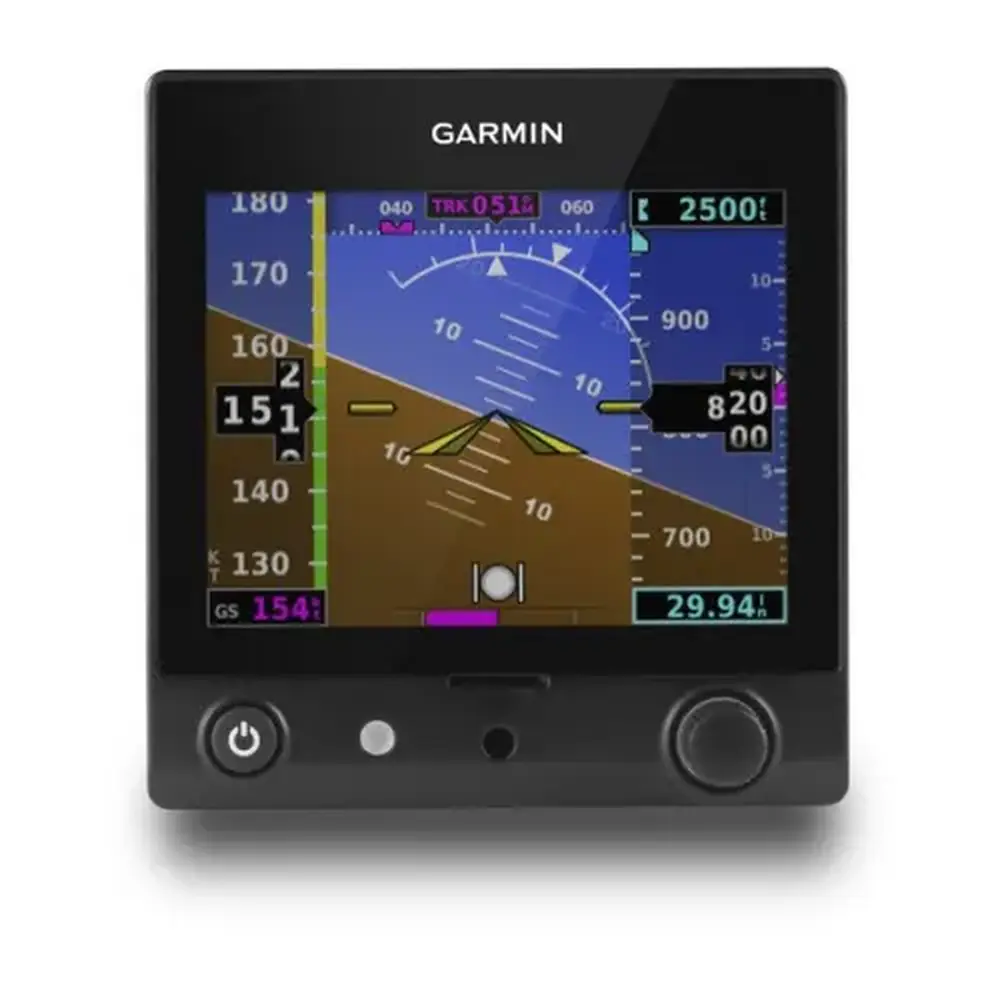
Garmin GNS 530W Panel Avionics Unit Instruction Manual

Garmin GNS 530W Panel Avionics Unit





























































Garmin GNS 530W Panel Avionics Unit












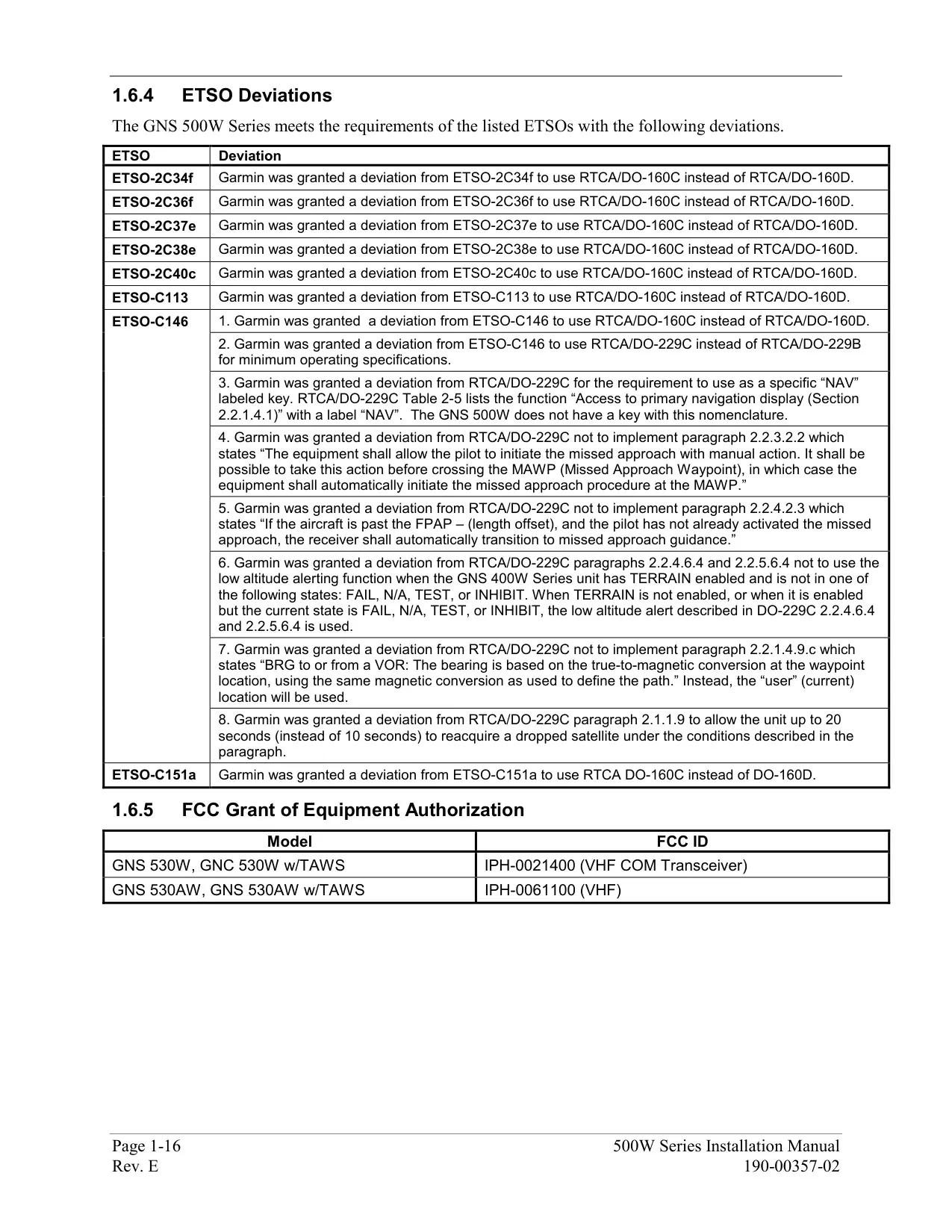
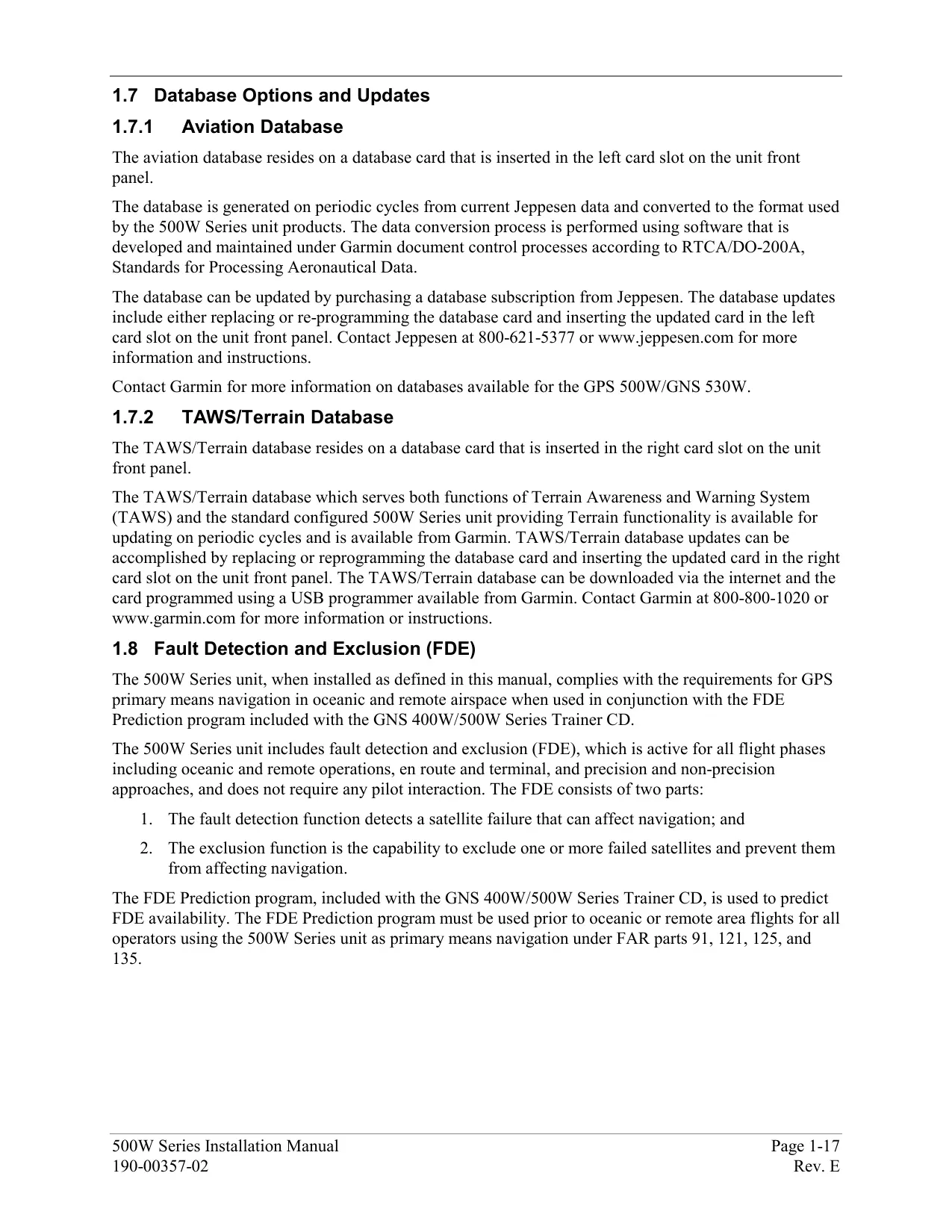

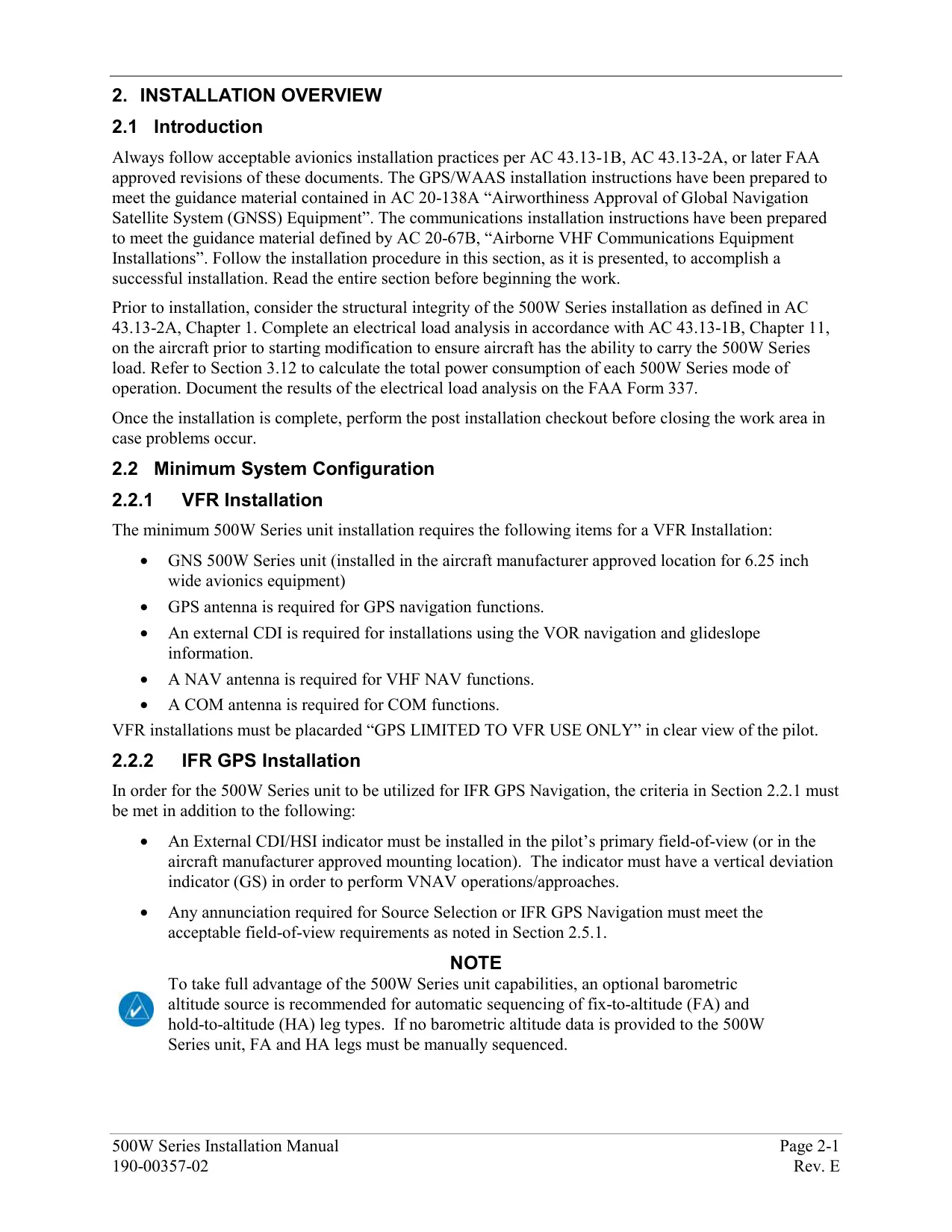

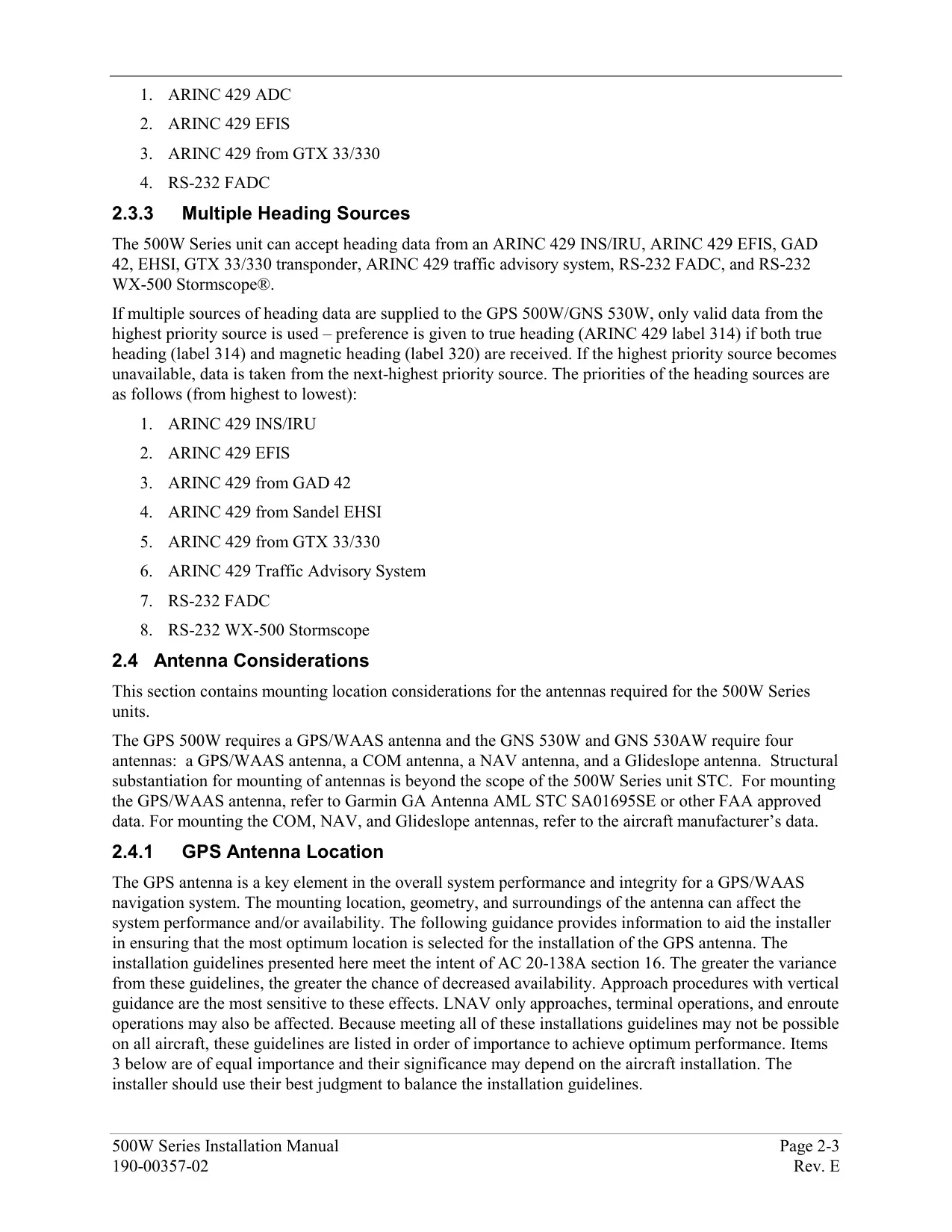


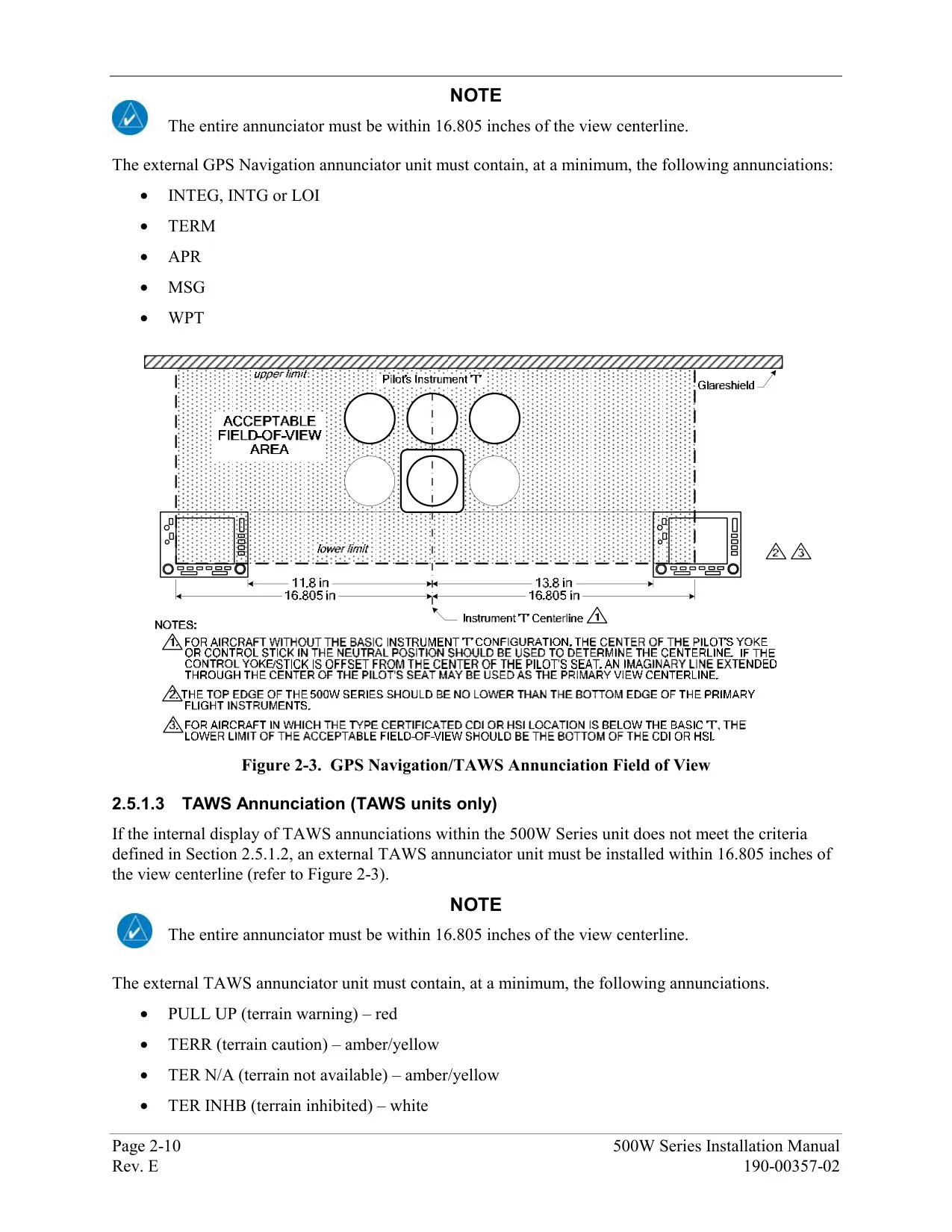
















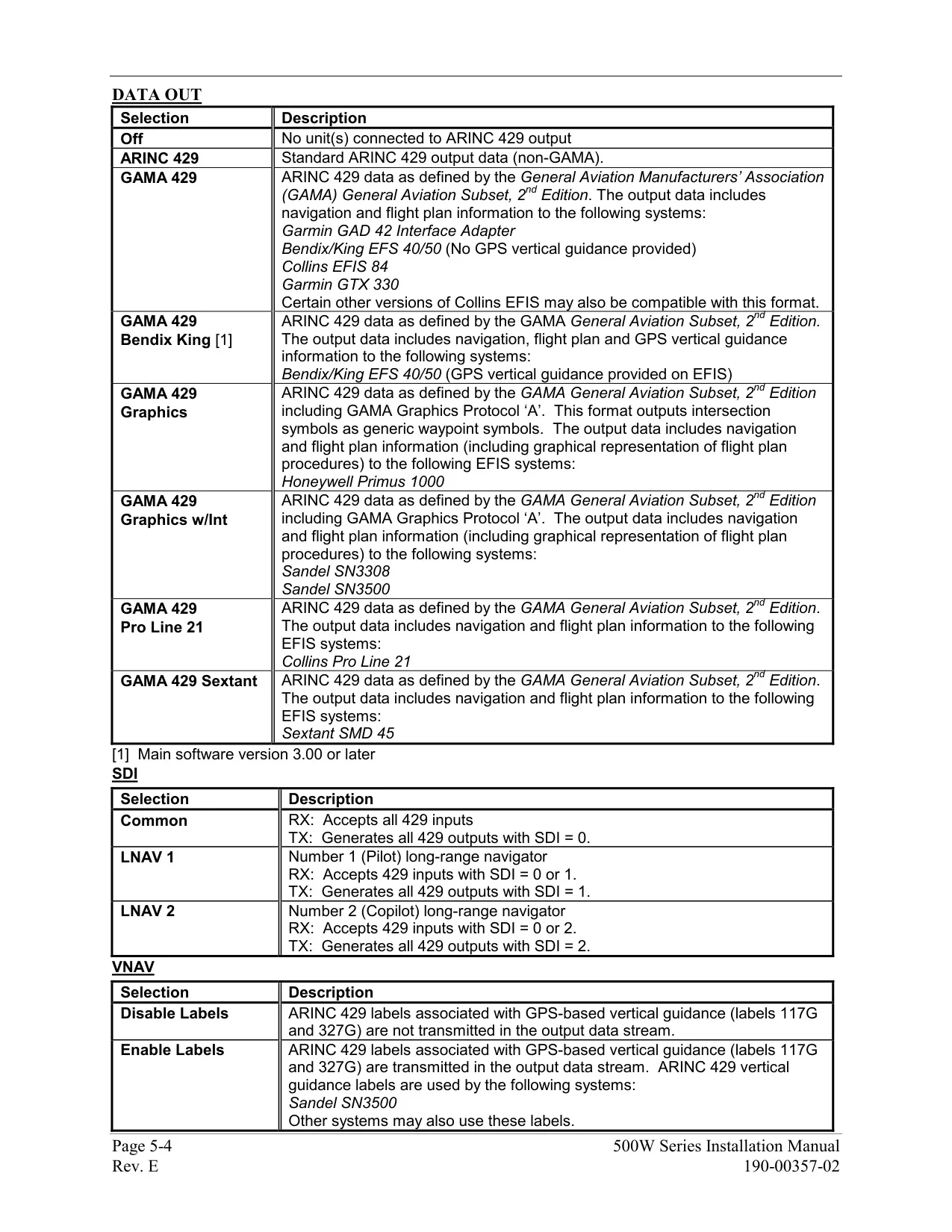


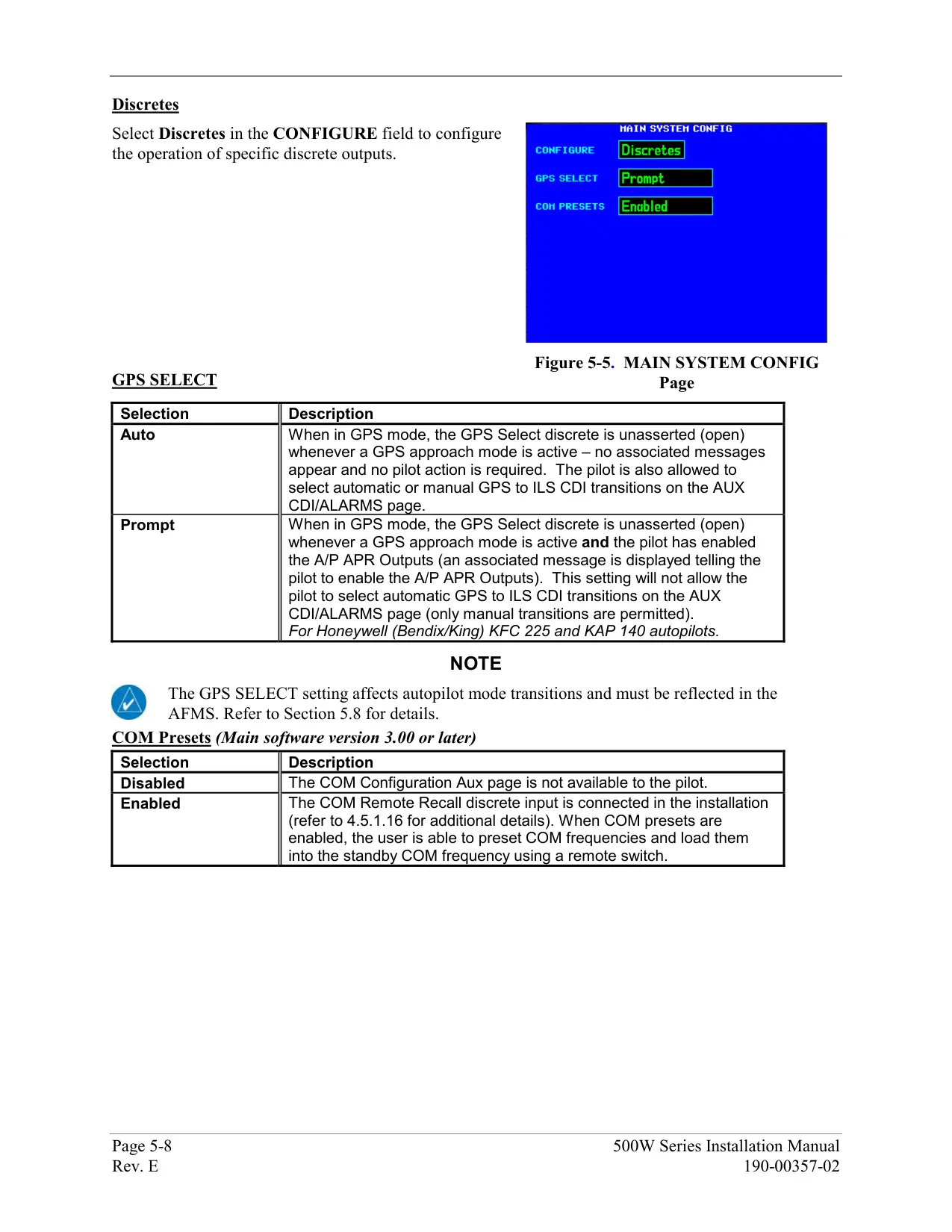

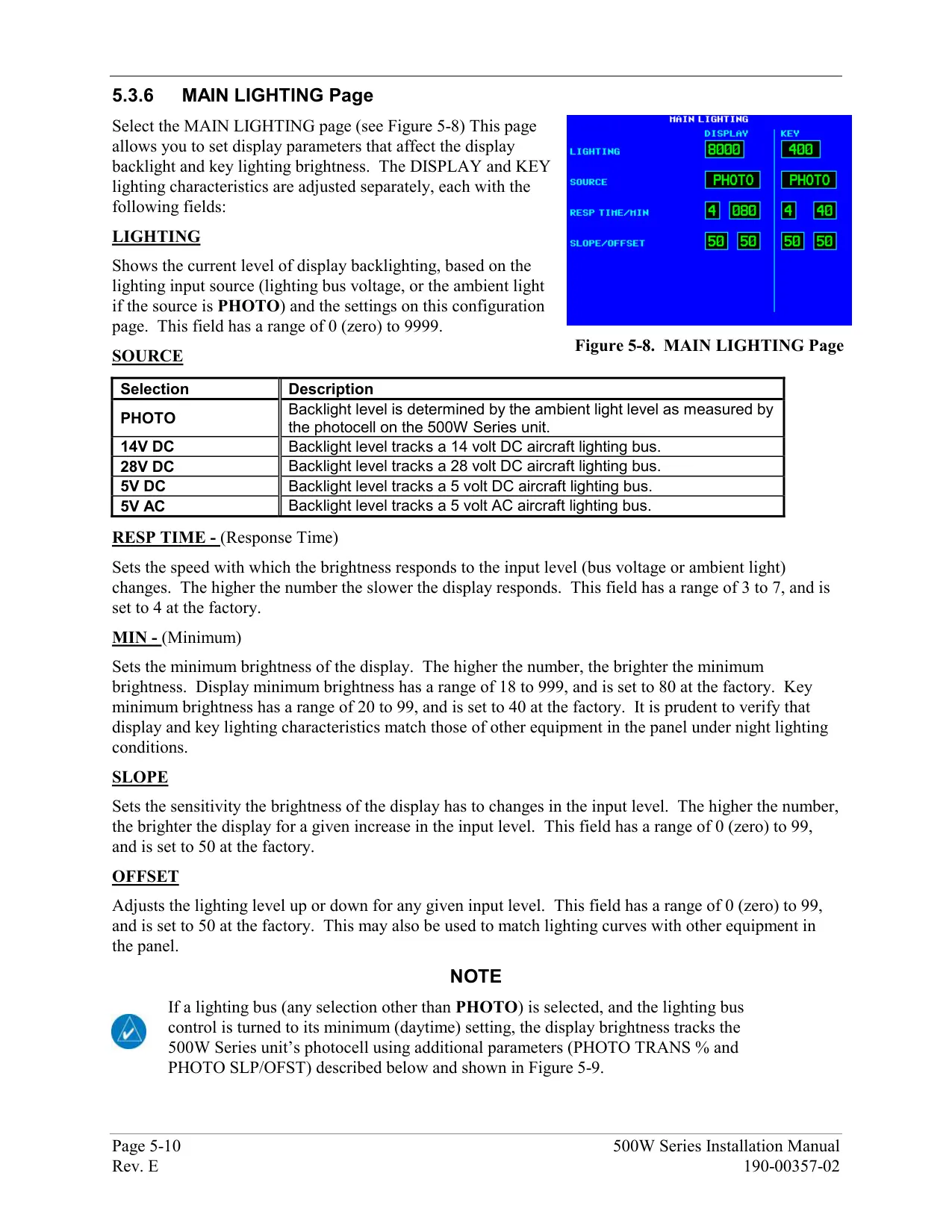


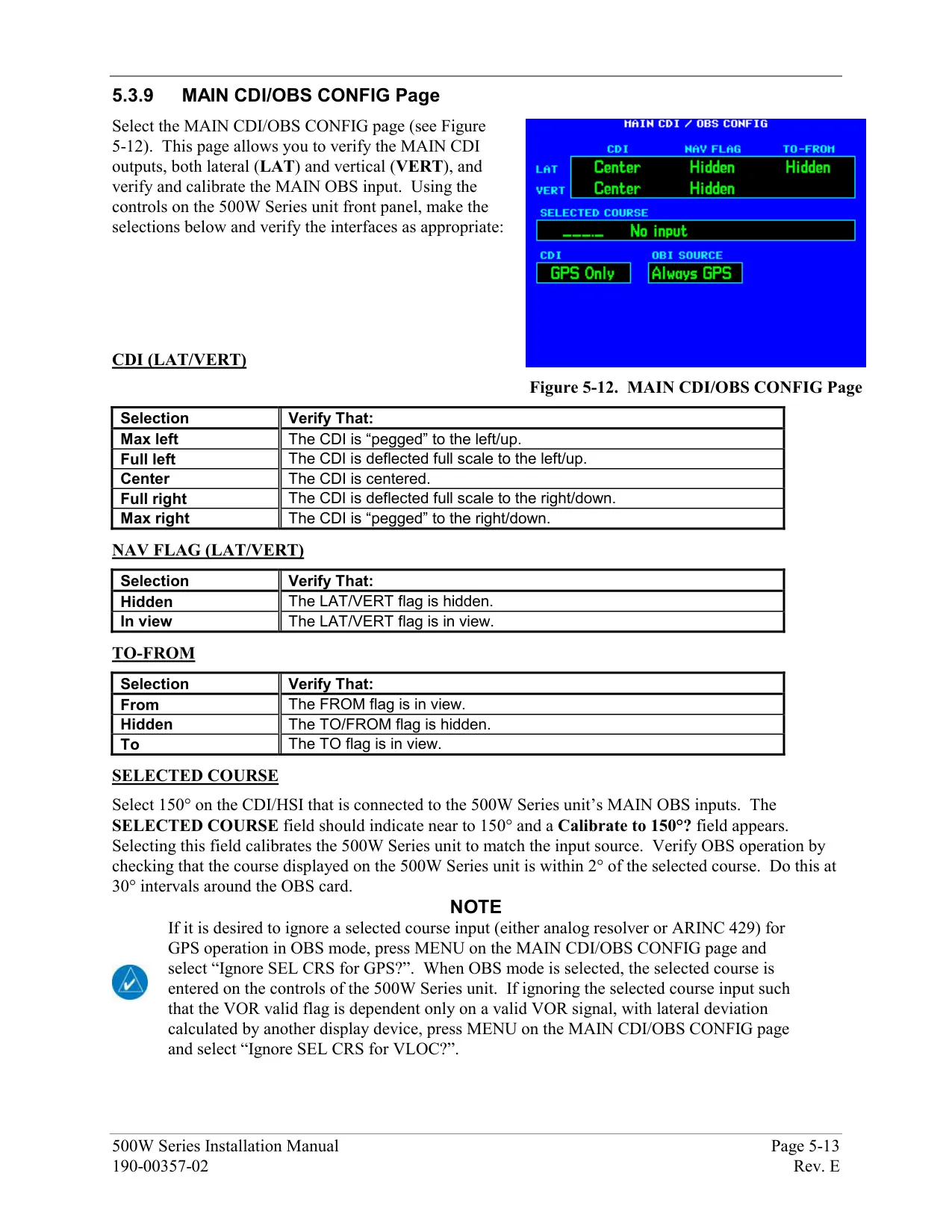








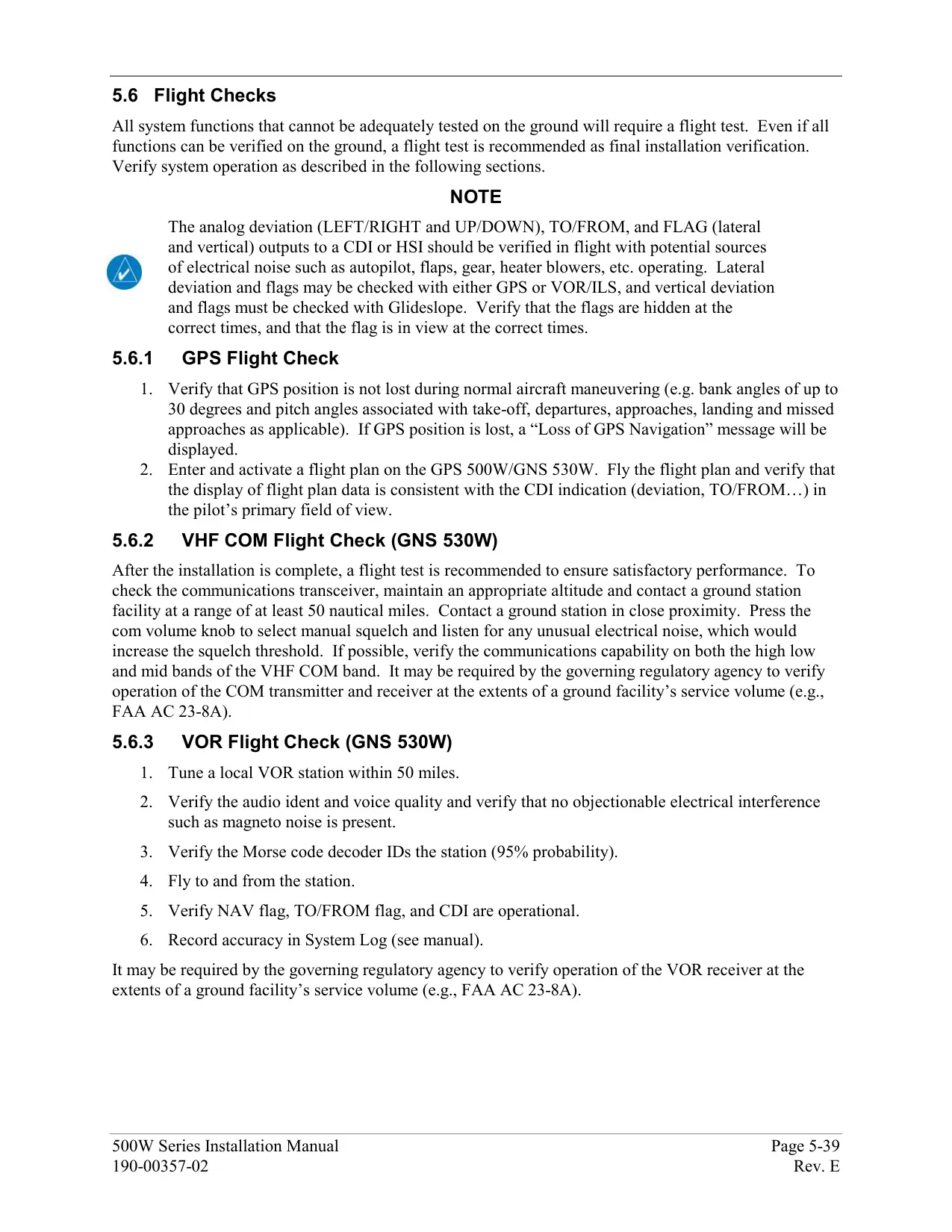


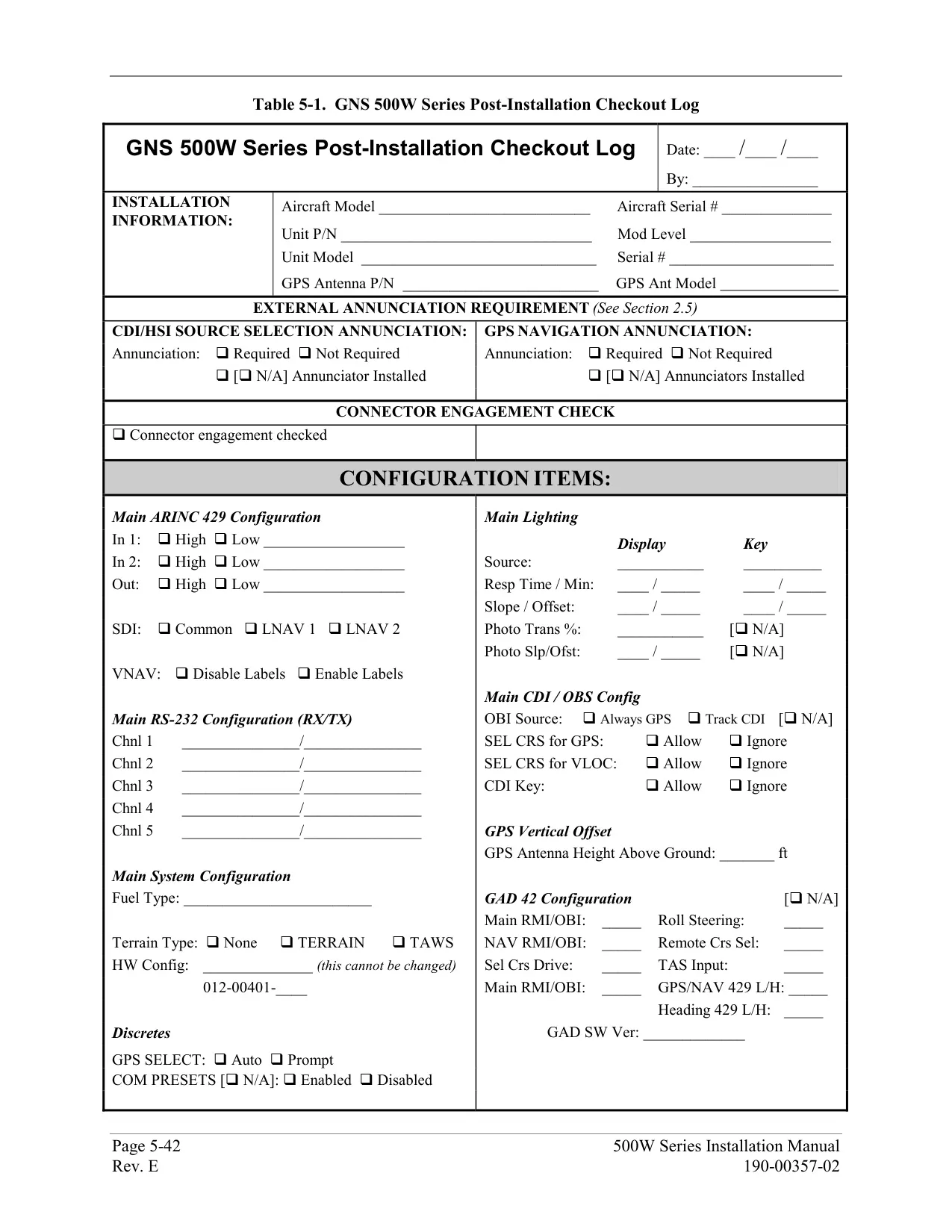


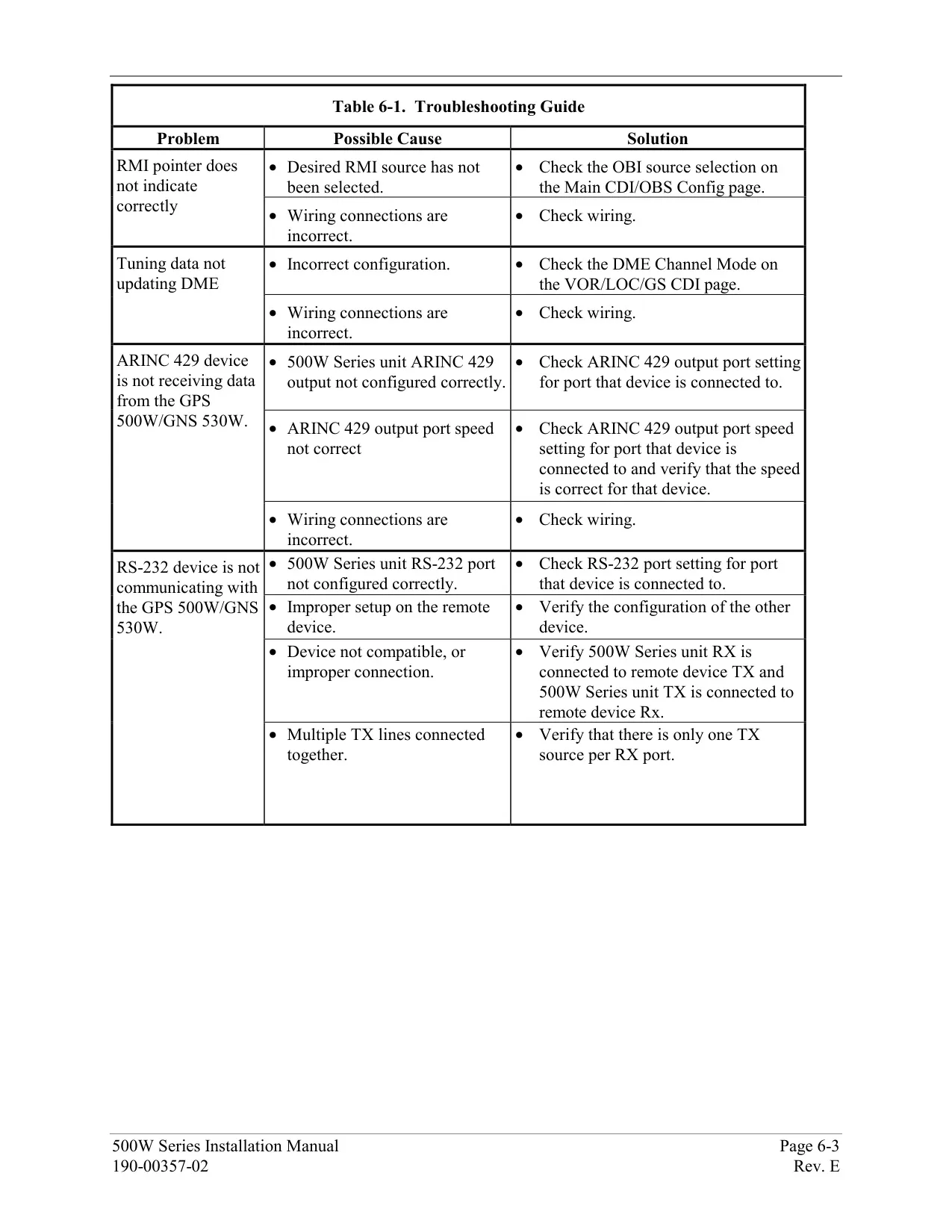


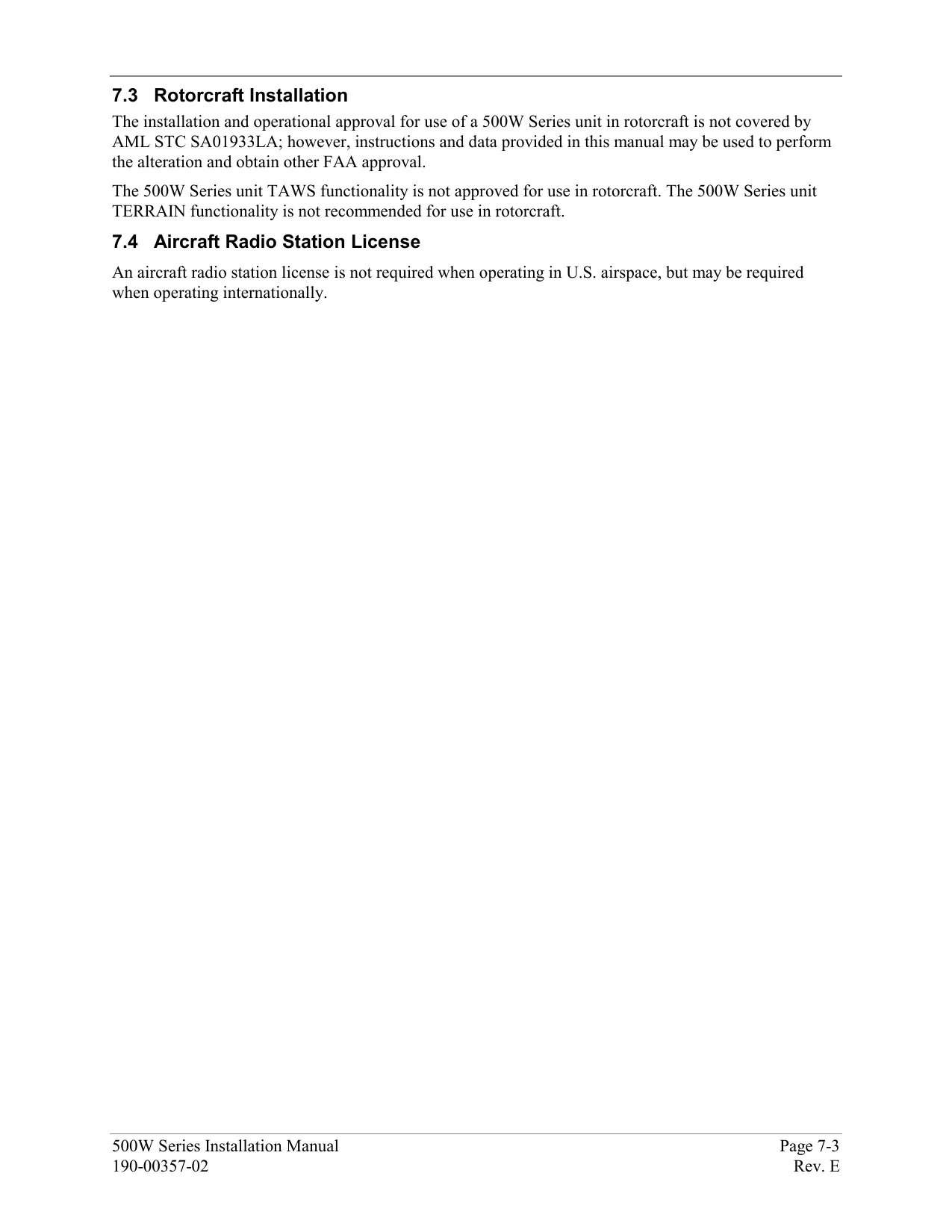

















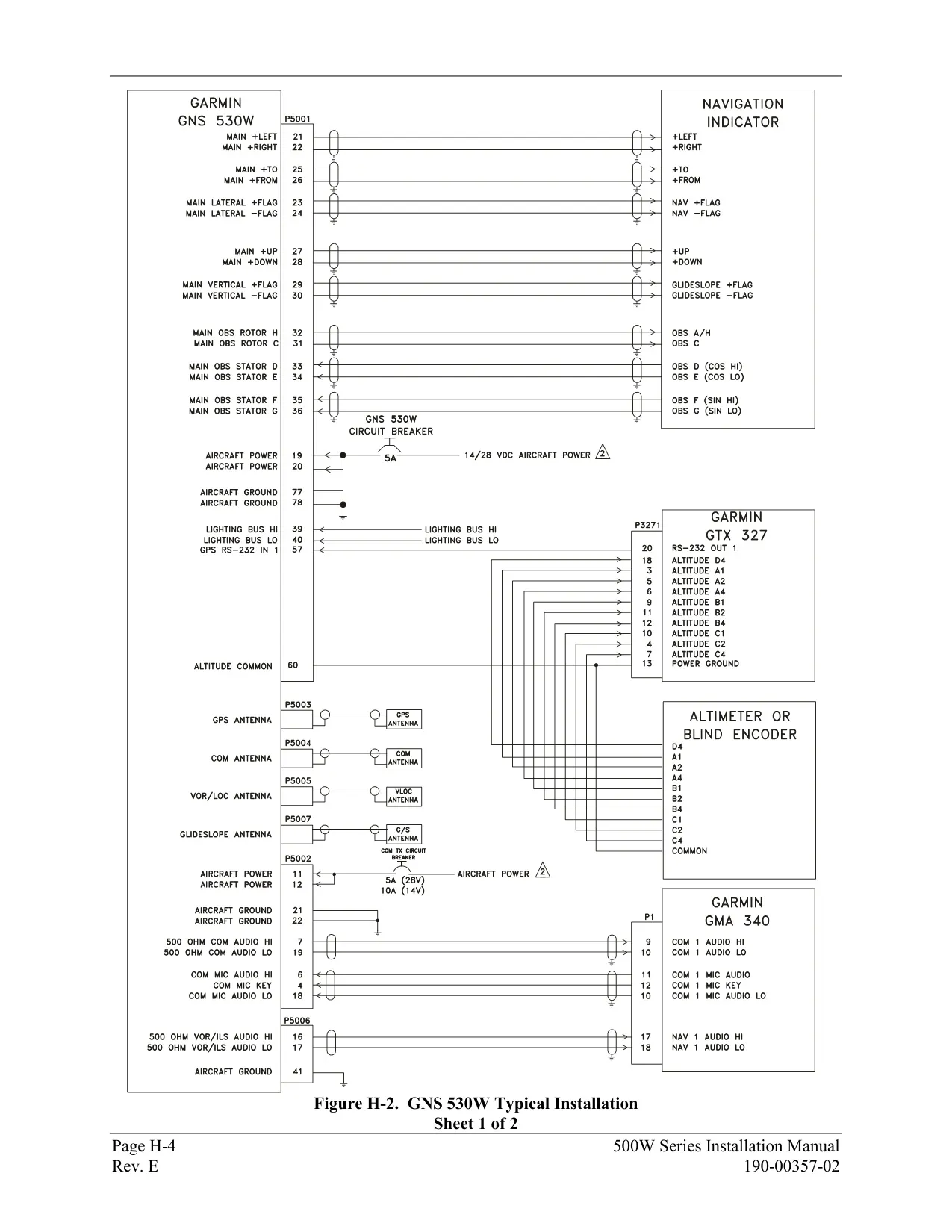


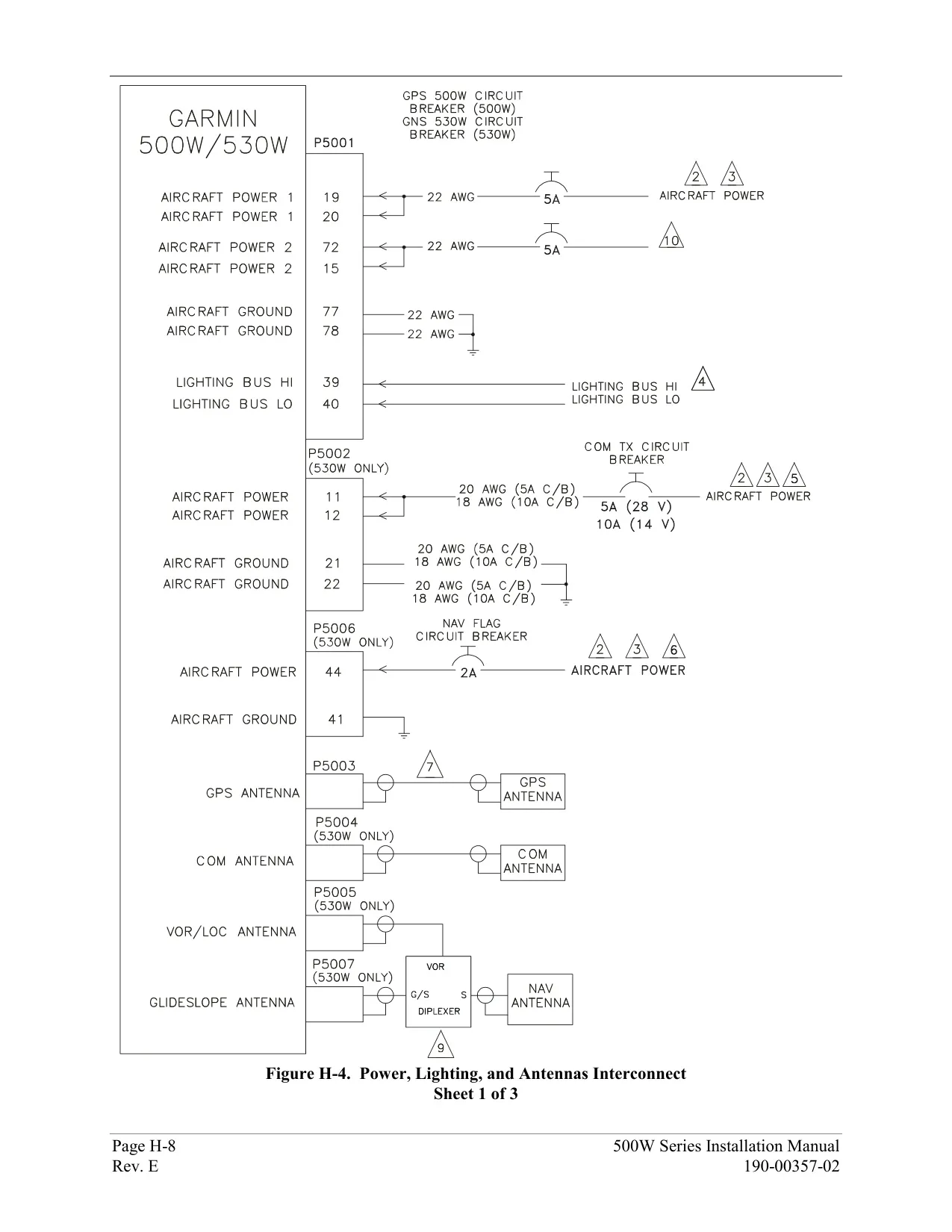

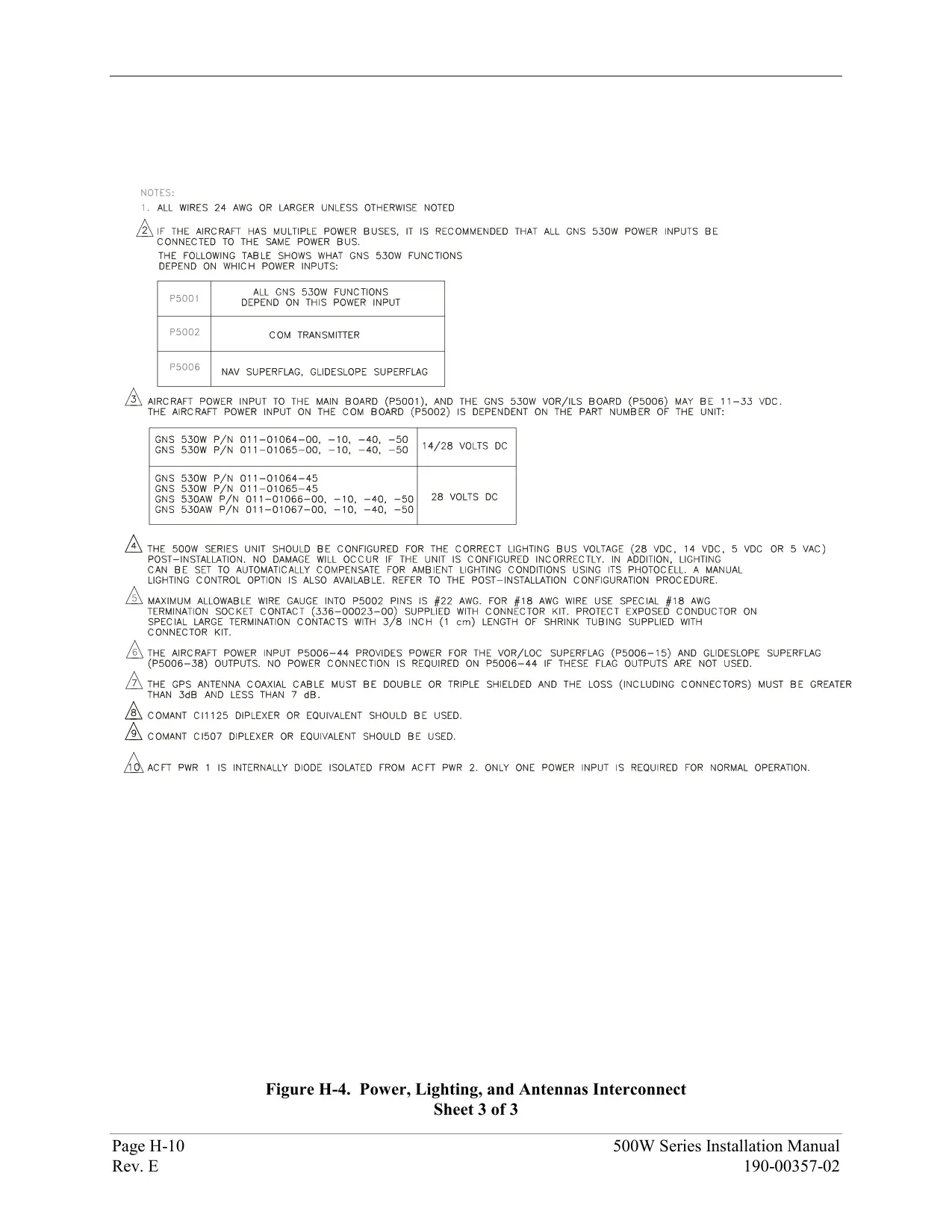
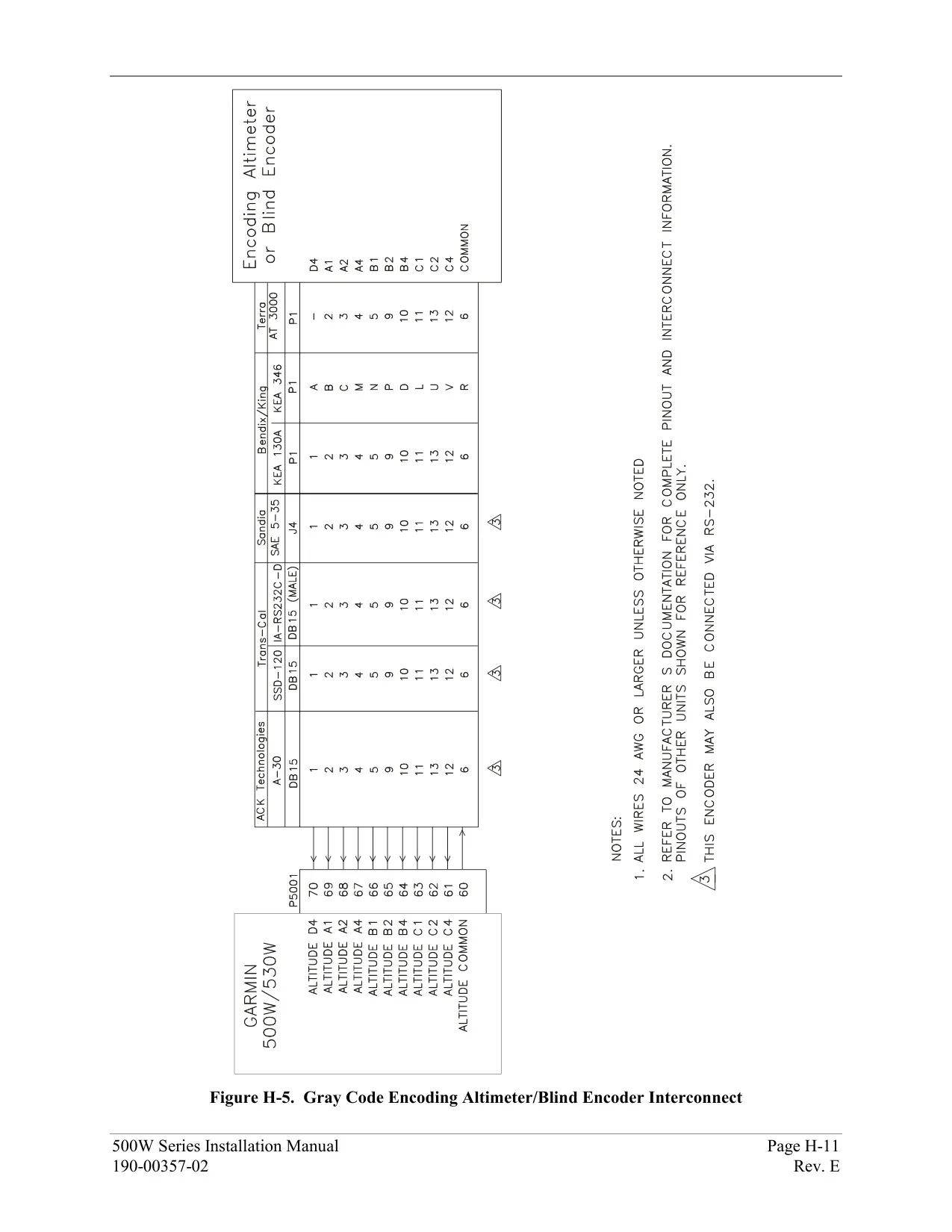













Garmin GNS 530W Panel Avionics Unit









Garmin GNS 530W Instructions
Here we offer the Garmin GNS 530W Panel Avionics Unit manual completely free and in English. We have cataloged this manual in the Panel Avionics Units section on Manualverse, and it has been rated by 1 users with an average rating of 5. If you have any specific questions about Garmin GNS 530W Panel Avionics Unit, we suggest checking the Frequently Asked Questions (FAQs) section of this manual.
Product Images


Garmin GNS 530W Panel Avionics Unit Specifications
| Feature | Specification |
|---|---|
| Product Type | Panel-mounted IFR GPS/NAV/COM with WAAS GPS engine, VHF COM transceiver, VOR/Localizer and Glideslope receivers |
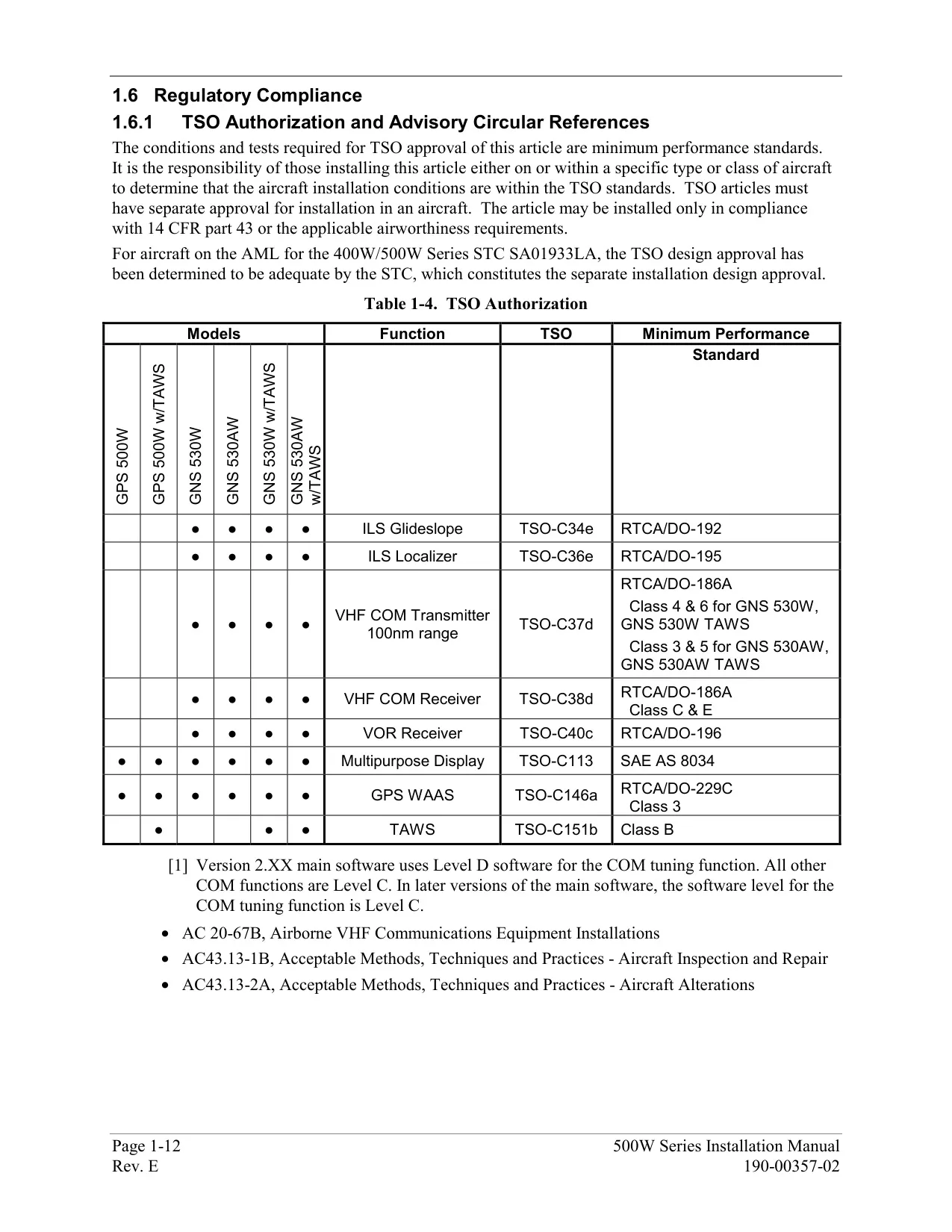
| Certification | TSO C146a Gamma-3 (Class 3) GPS navigator; AC 90-100A compliant; FDE per DO-229C |
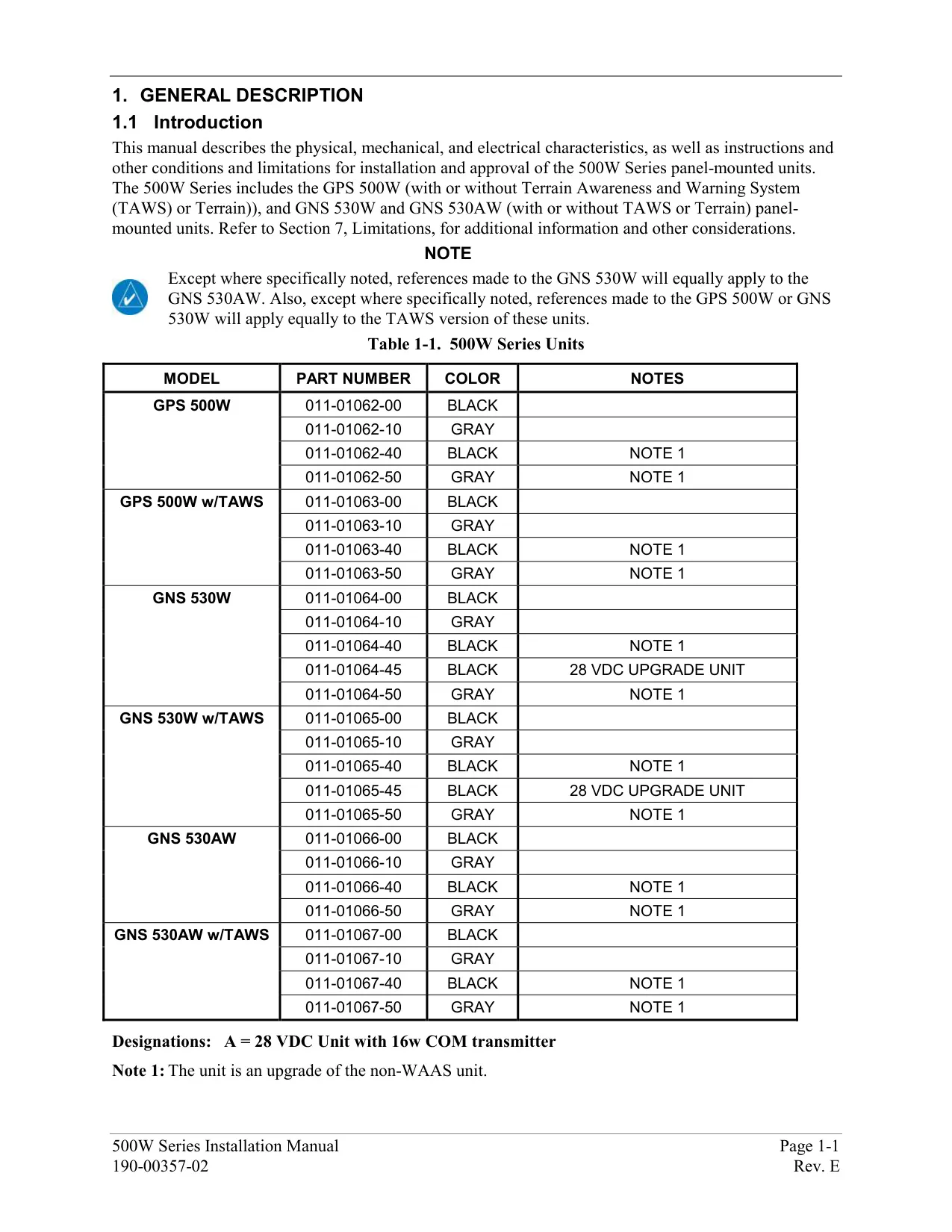
| Related Models in Series | GPS 500W (no NAV/COM), GNS 530W, GNS 530AW |
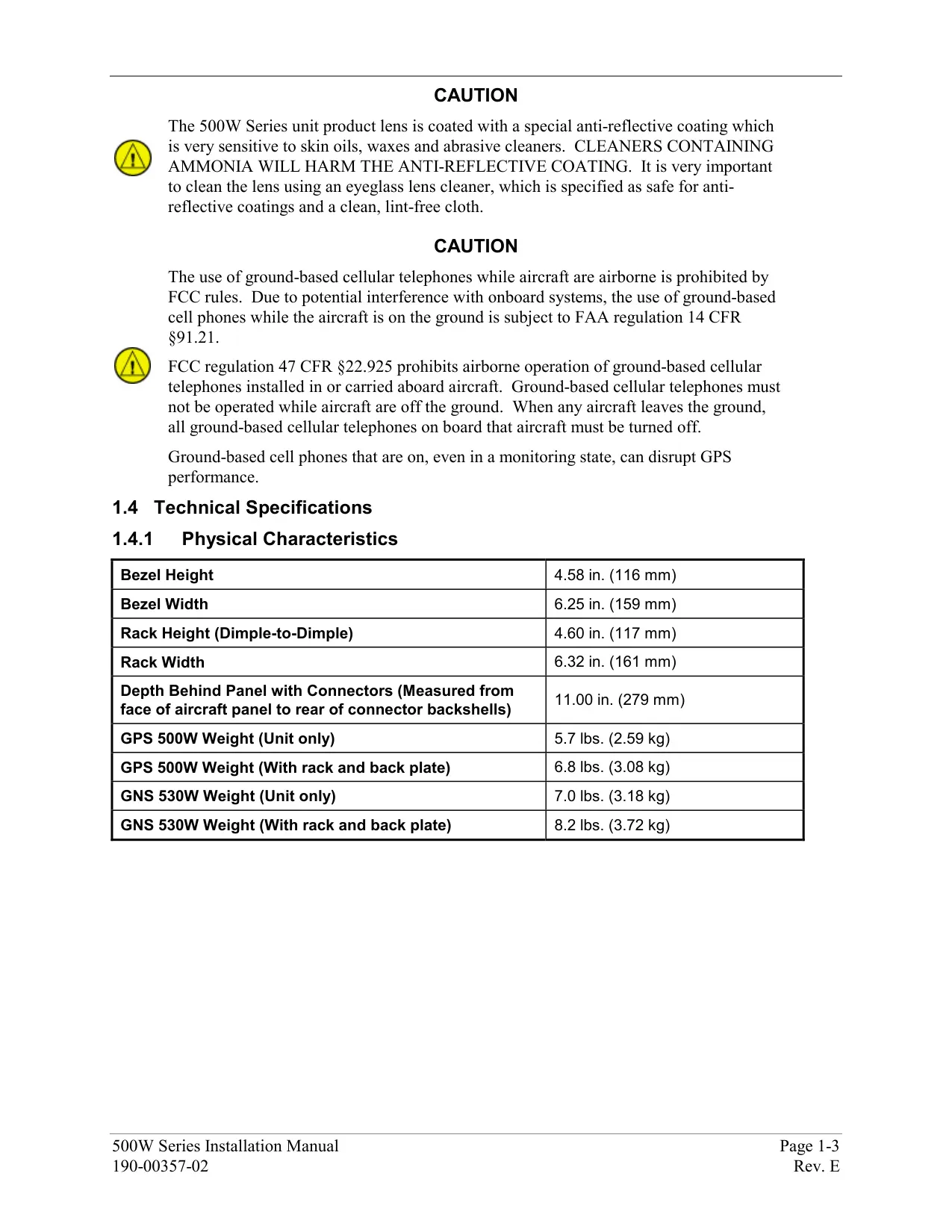
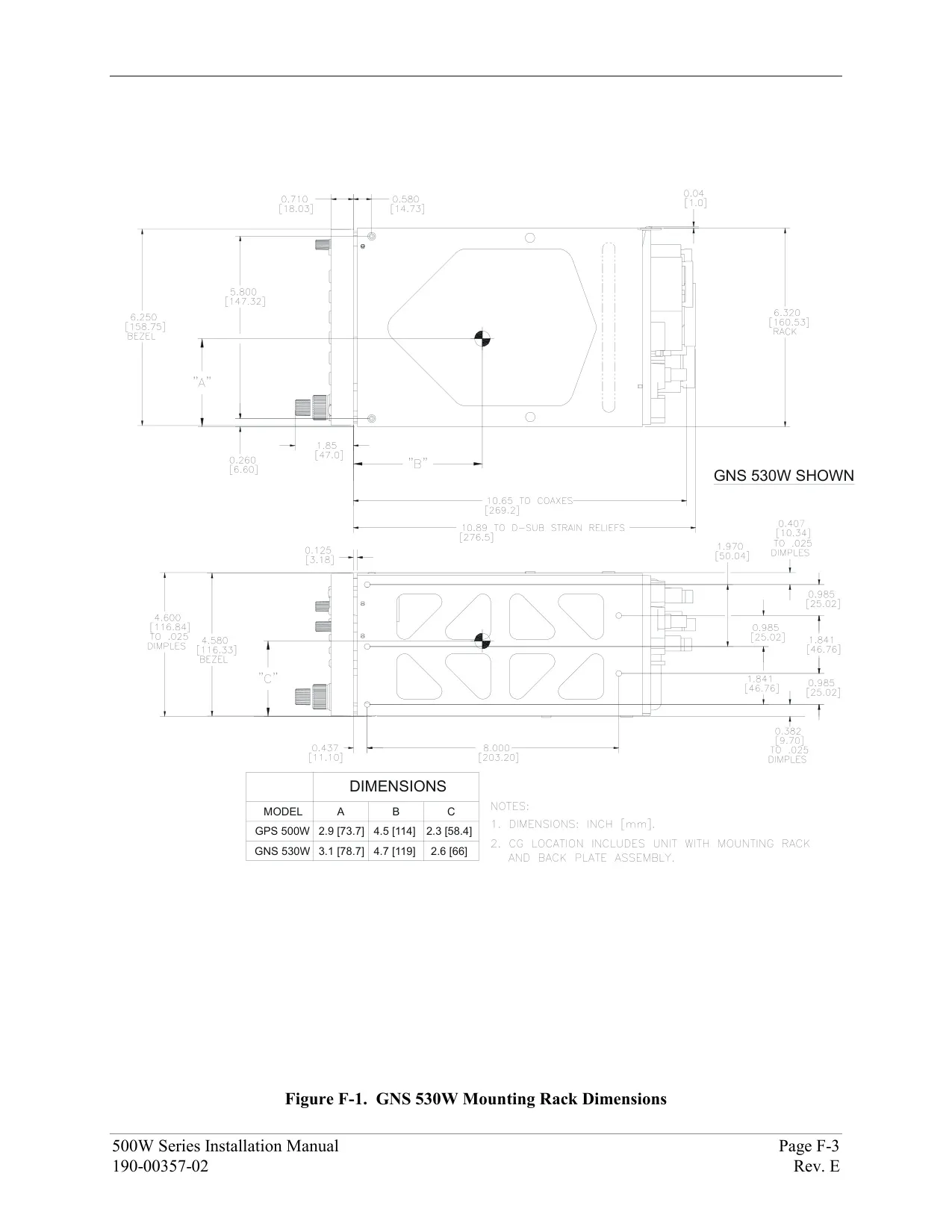
| Unit Size (W x D x H) | 6.25 x 11.00 x 4.60 in (159 x 279 x 117 mm) |
| Unit Weight with Tray | 8.2 lb (3.72 kg) |
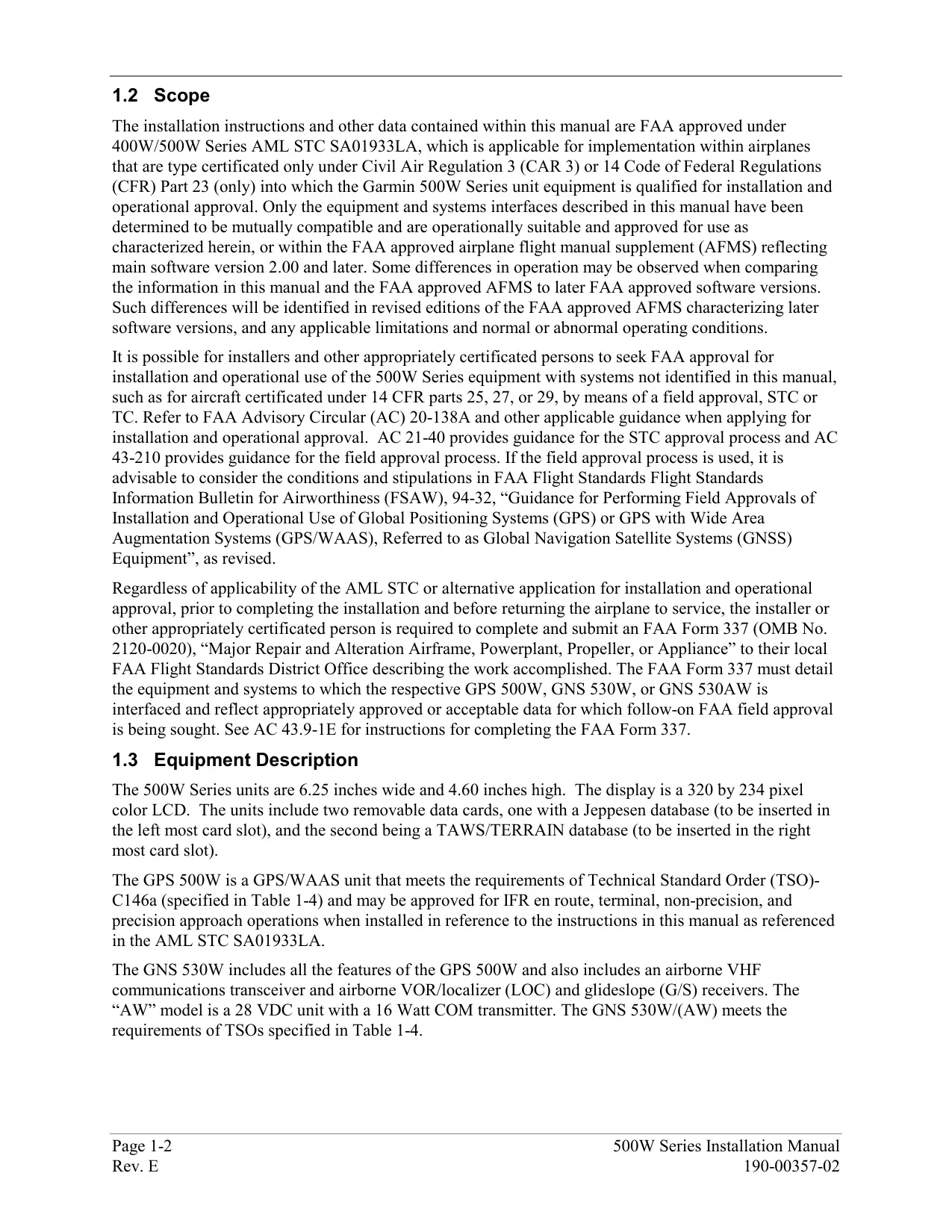
| Display | 320 x 234 pixel color LCD with anti-reflective coated lens |
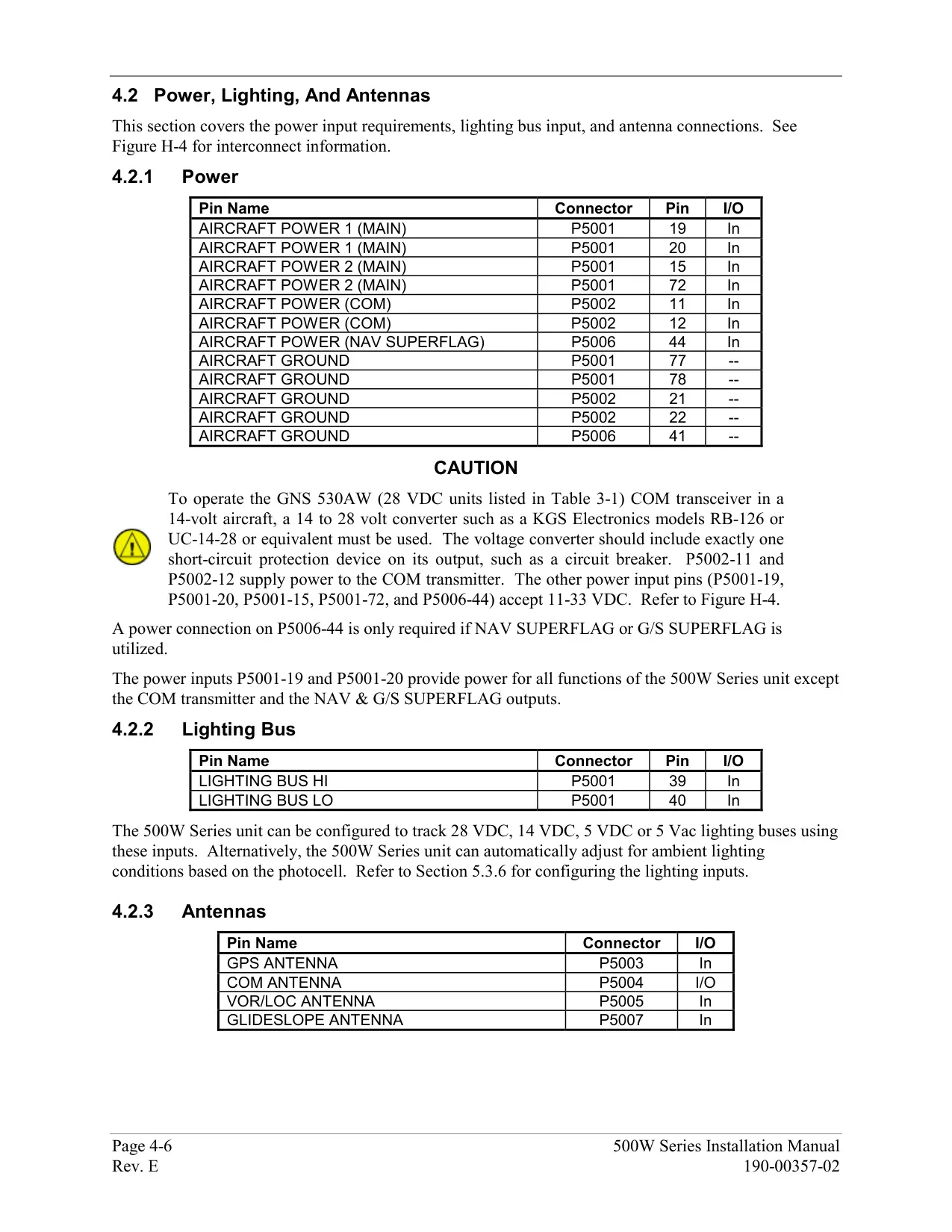
| Power Input | 14/28 VDC (GNS 530W); 28 VDC (GNS 530AW) |
| Operating Temperature | -20 °C to +55 °C (-4 °F to +131 °F) |
| Humidity | 95% non-condensing |
| Operating Altitude | -1,500 ft to 50,000 ft (-457 m to 15,240 m) |
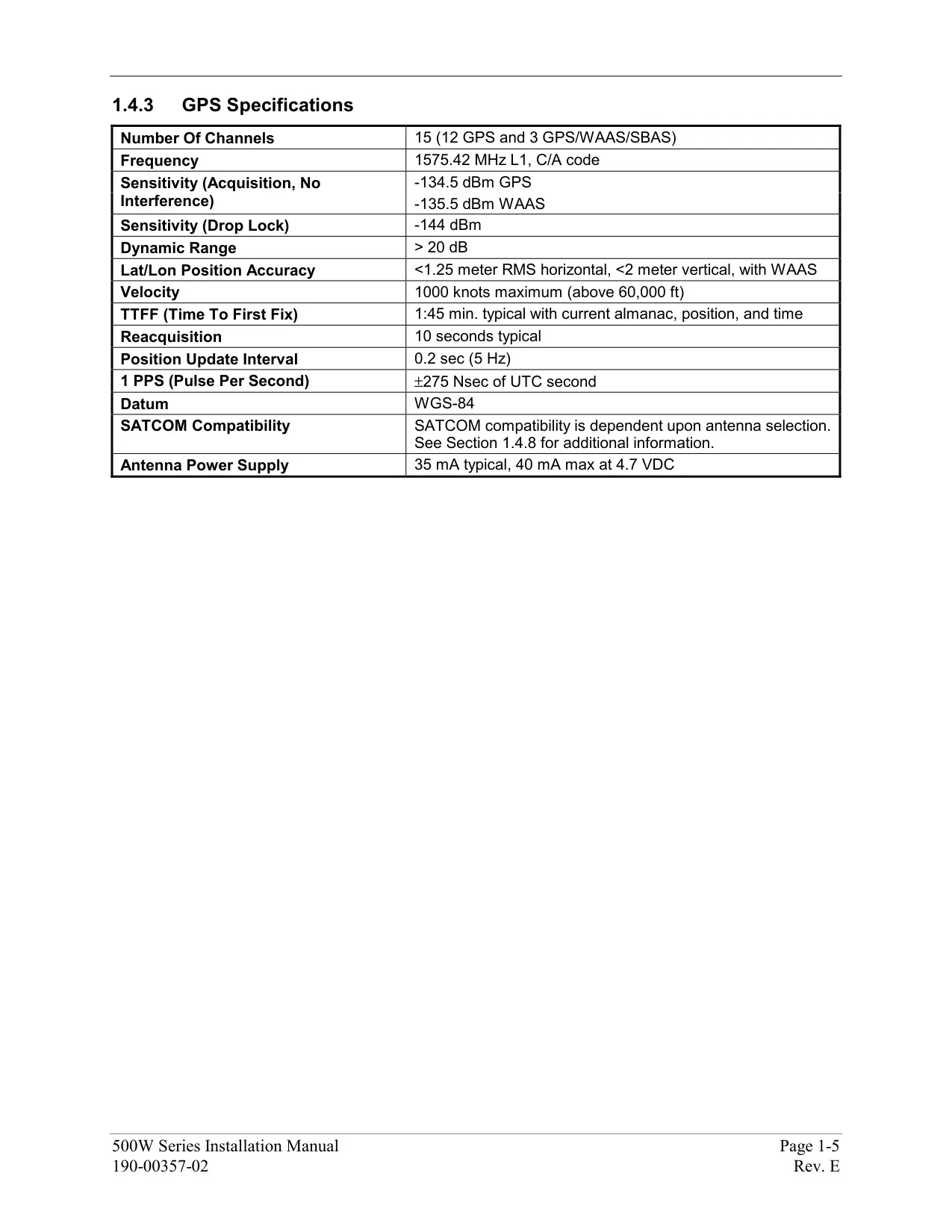
| GPS Receiver | 15 parallel channels (12 GPS + 3 WAAS) |
| Time to First Fix | 1 min 45 sec (5 to 10 min if not used for 6 months or more) |
| Position Update Rate | 5 per second, continuous |
| Position Accuracy (WAAS) | Under 1.25 m RMS horizontal, under 2 m vertical |
| Maximum Velocity | 1000 kt |
| VHF COM Frequency Range | 118.000 MHz to 136.992 MHz |
| COM Channels | 760 (25 kHz spacing) or 2280 (8.33 kHz spacing) |
| COM Transmit Power | 10 W minimum (GNS 530W); 16 W minimum (GNS 530AW) |
| Stuck Microphone Timeout | 35 seconds of continuous transmission |
| Emergency Channel | 121.500 MHz (press and hold COM flip-flop for about 2 seconds) |
| Preset COM Frequencies | Up to 15 (Main System Software 3.00 or later) |
| VOR Frequency Range | 108.00 MHz to 117.95 MHz |
| Localizer Frequency Range | 108.10 MHz to 111.95 MHz |
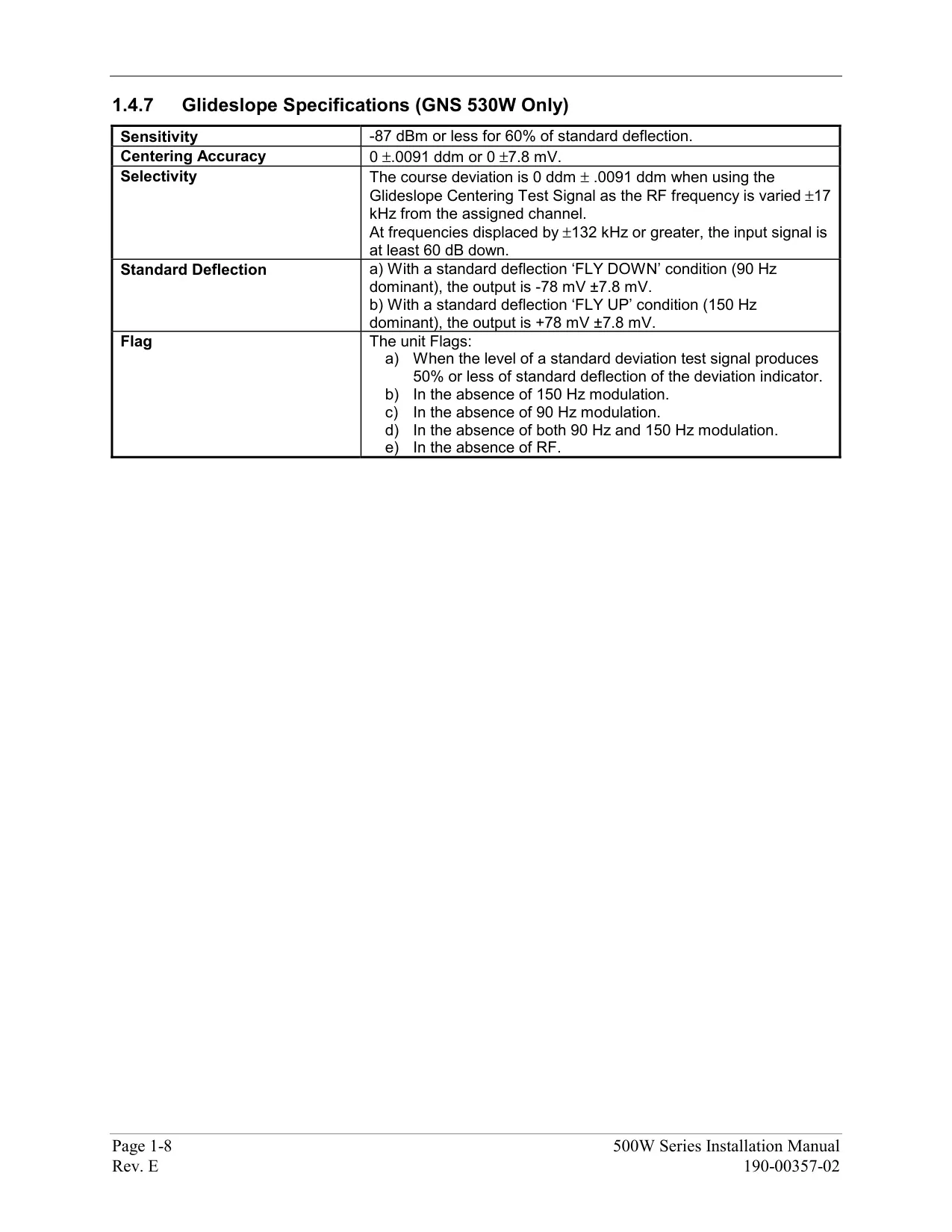
| Glideslope Frequency Range | 329.15 MHz to 335.00 MHz |
| Data Cards | 2 front slots: Jeppesen NavData (left), Terrain/Obstacle (right) |
| Navigation Database Update Cycle | Every 28 days (WAAS-enabled database required) |
| Map Datum | WGS-84 (fixed) |
| Flight Plan Storage | 20 flight plans (00 active + 1 to 19 stored), up to 100 waypoints each |
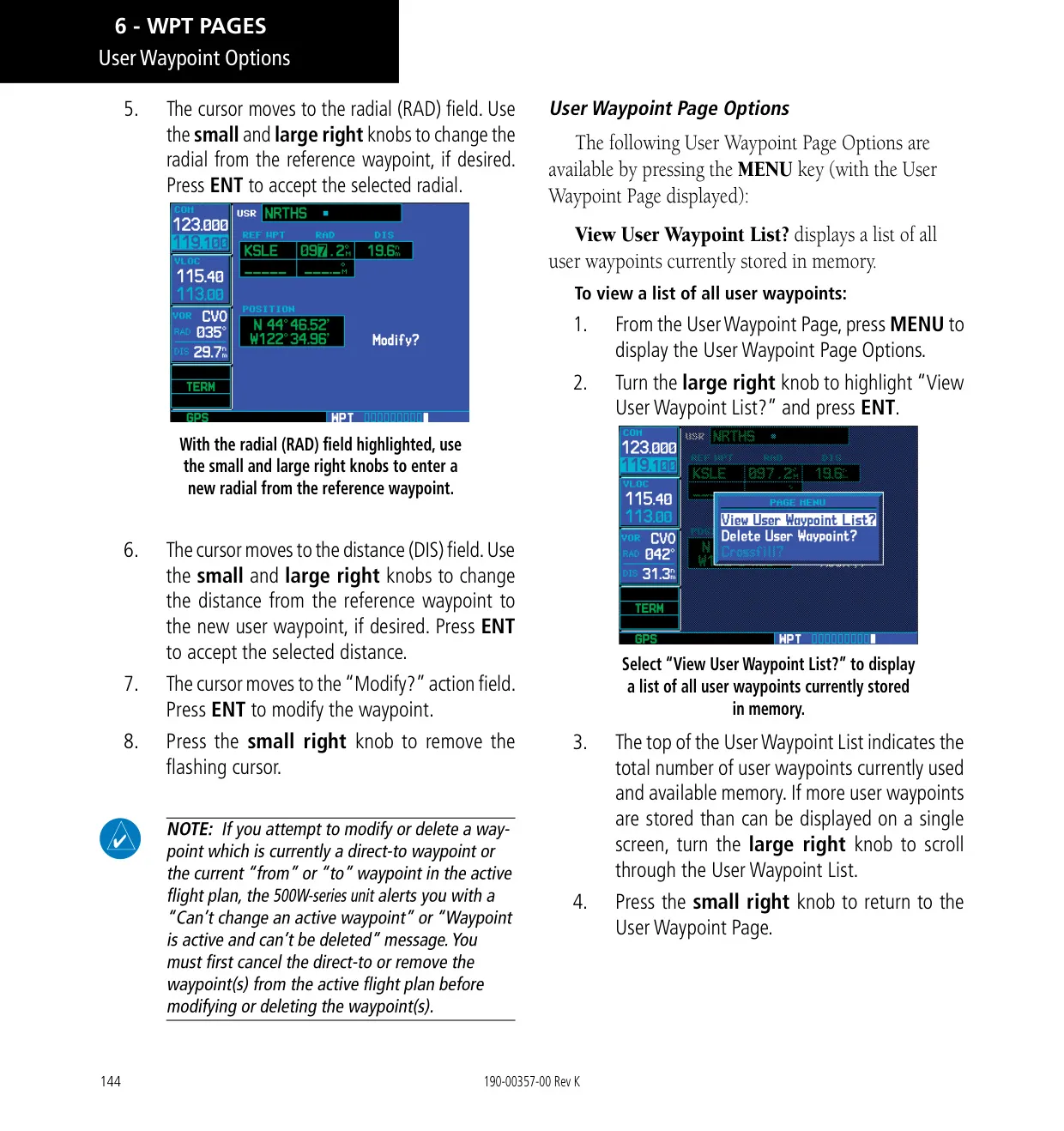
| User Waypoints | Up to 1,000 |
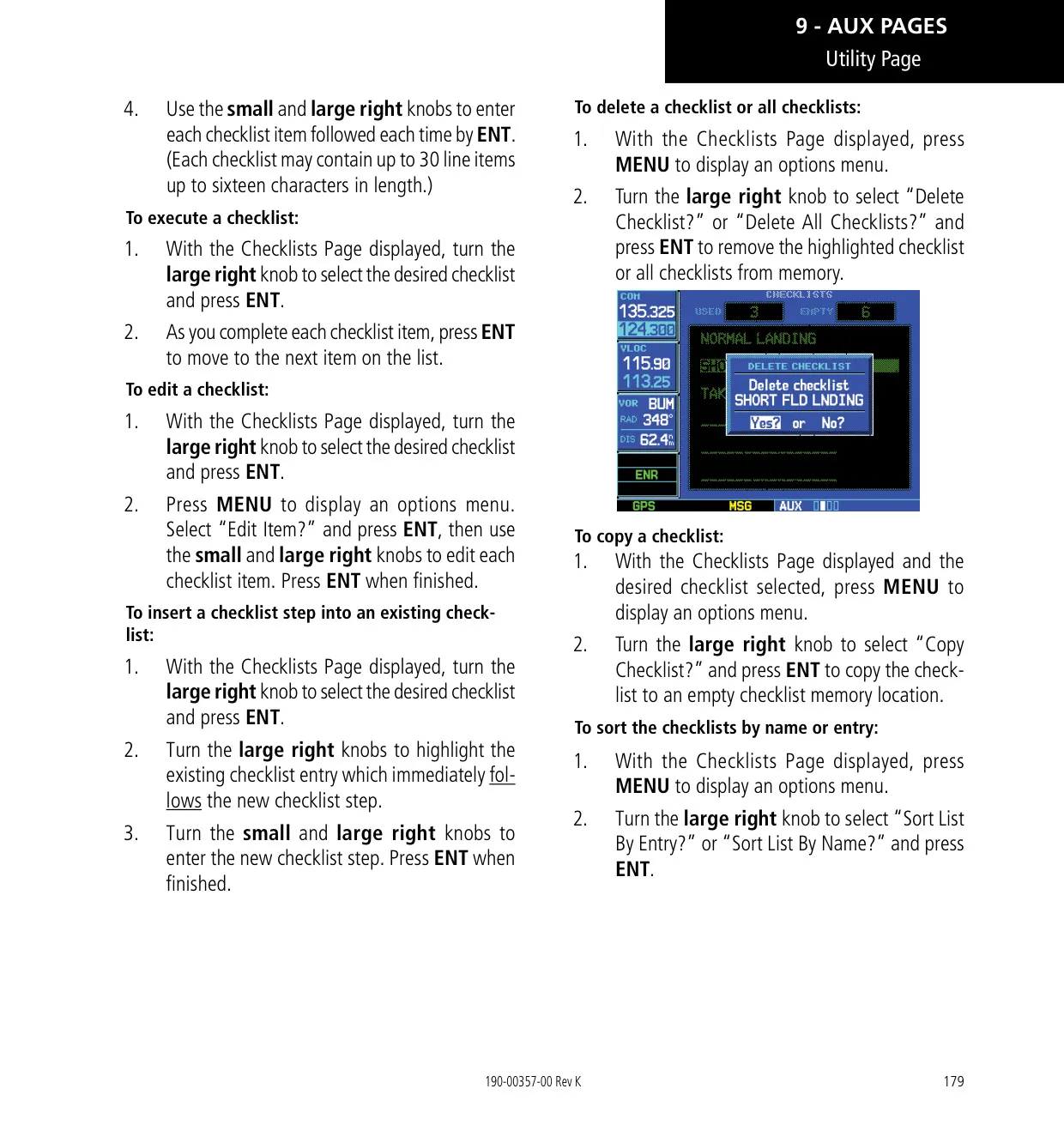
| Checklists | Up to 9 checklists, 30 items each, 16 characters per item |
| Scheduled Messages | Up to 9, 20 characters each |
| Map Range Settings | 23 ranges from 500 ft to 2000 NM |
| Default NAV Page Ranges | 9 ranges from 5.0 NM to 200 NM |
| Terrain Page Ranges | 1, 2, 5, 10, 25, 50, 100 NM; 360° and 120° views |
| Nearest Search | 25 nearest airports, VORs, NDBs, intersections and user waypoints within 200 NM; 5 nearest ARTCC and FSS |
| Parallel Track Offset | 1 to 99 NM left or right |
| VNAV Default Descent Rate | 400 ft/min (maximum displayed VSR -6000 ft/min) |
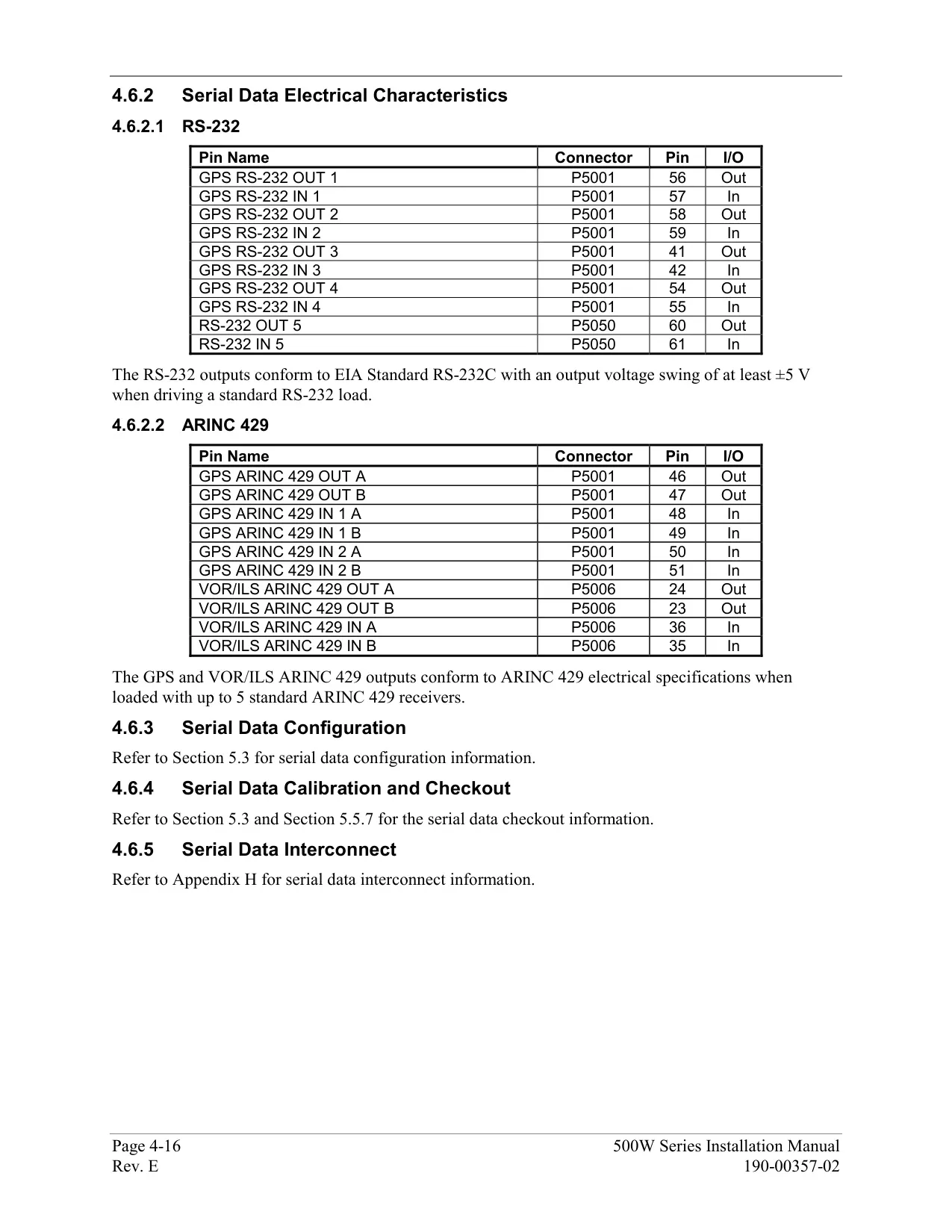
| Interfaces | ARINC 429, Aviation RS-232, CDI/HSI, RMI, Superflag, altitude (Icarus, Shadin-Rosetta, Gillham), fuel sensor, fuel/air data, GDL 69/69A, WX 500, SKY497, TIS (GTX 330), Ryan 9900B TCAD |
| Software Covered by Manual | Main System Software 2.00, 3.00, 4.00, 5.00, 5.10, 5.30 or later |
| Warranty | 2 years limited from date of purchase |
| Manual Part Number | 190-00357-00 Rev. K (January 2016) |
Garmin GNS 530W Details
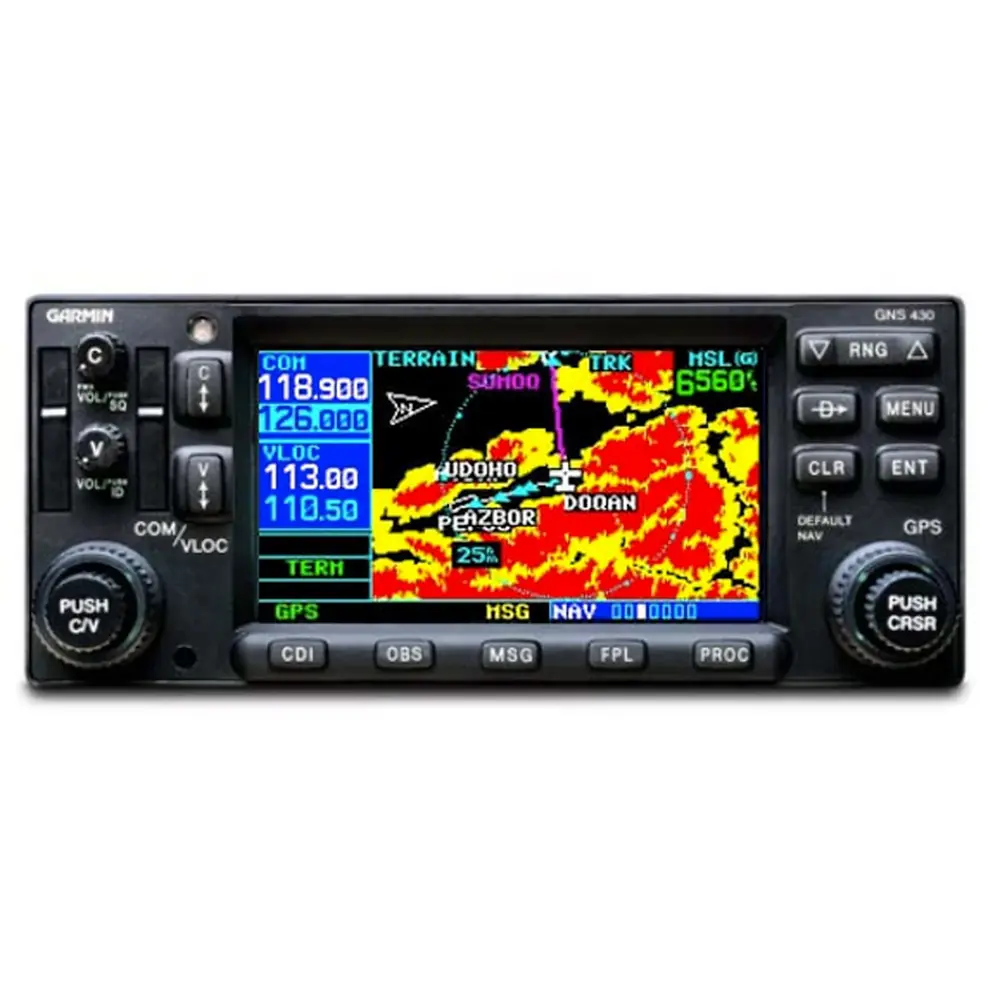
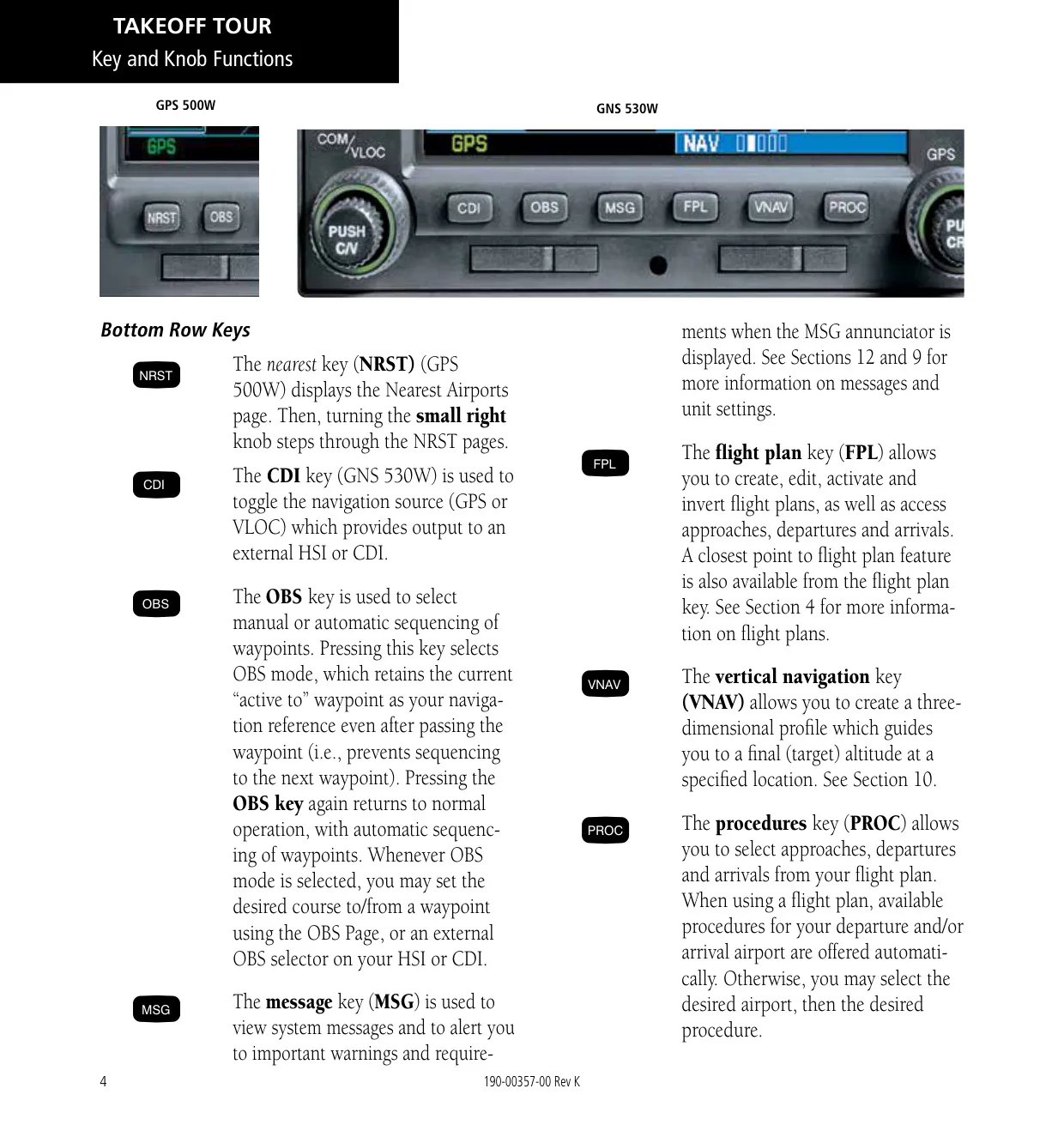
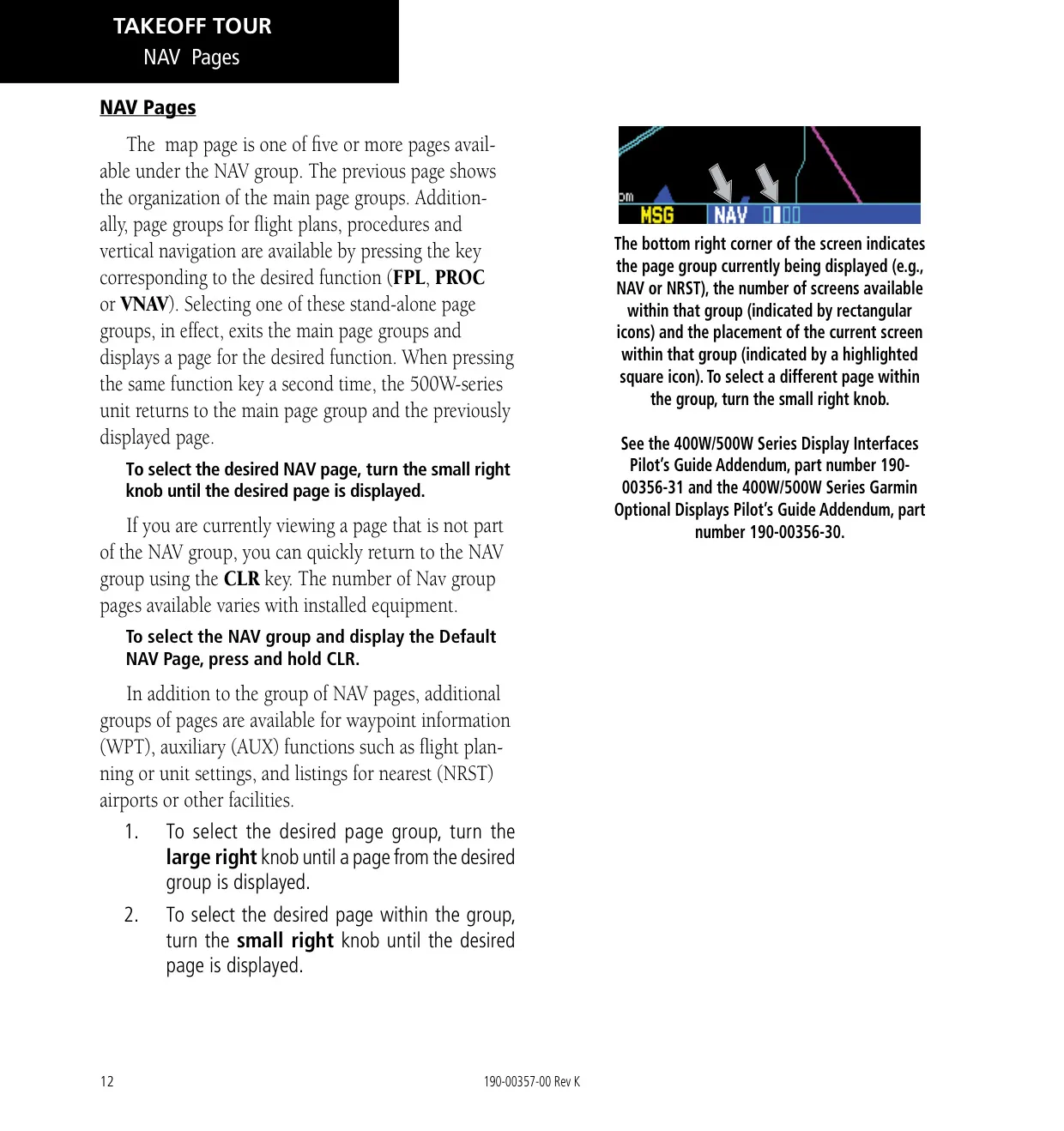
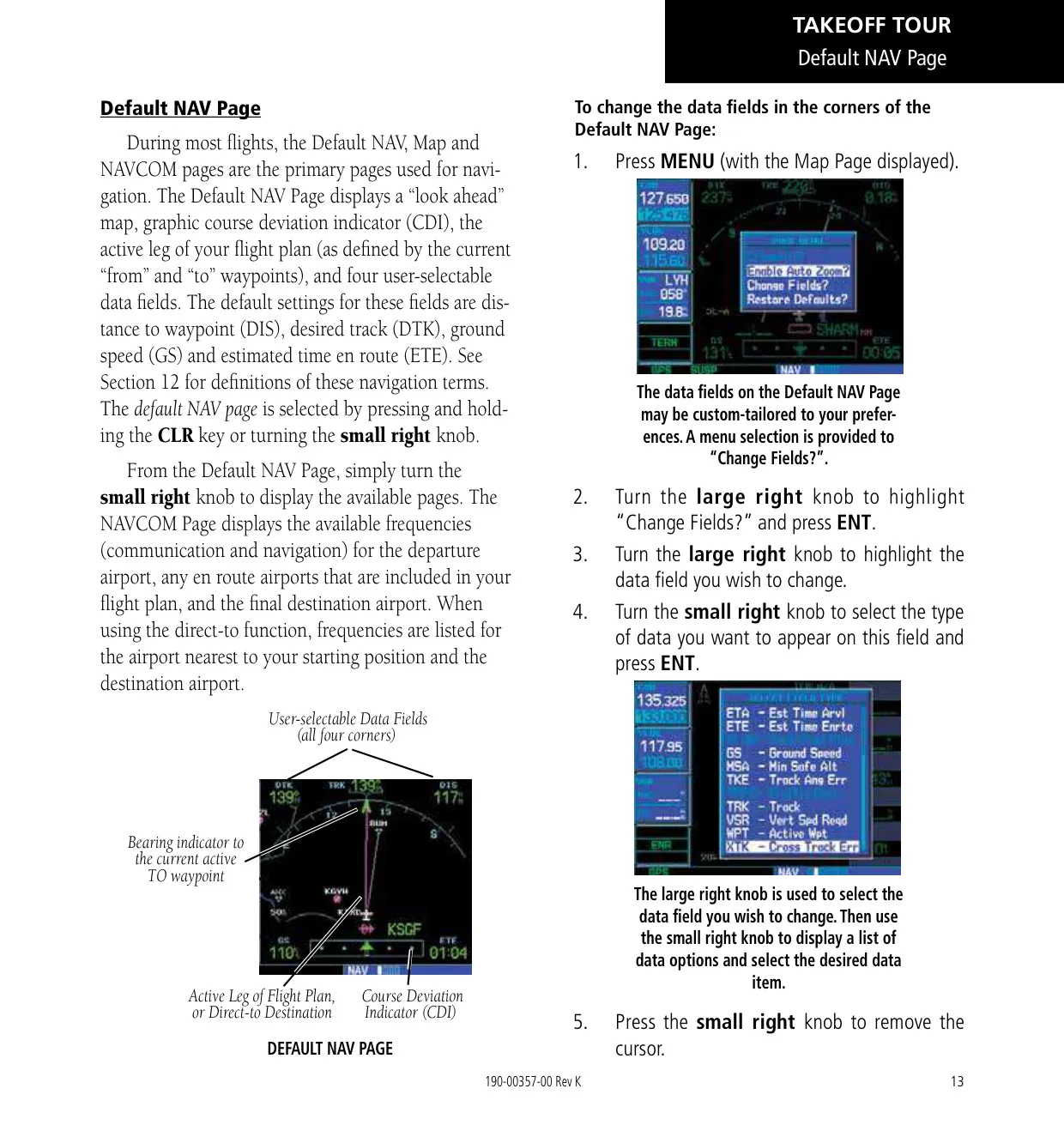
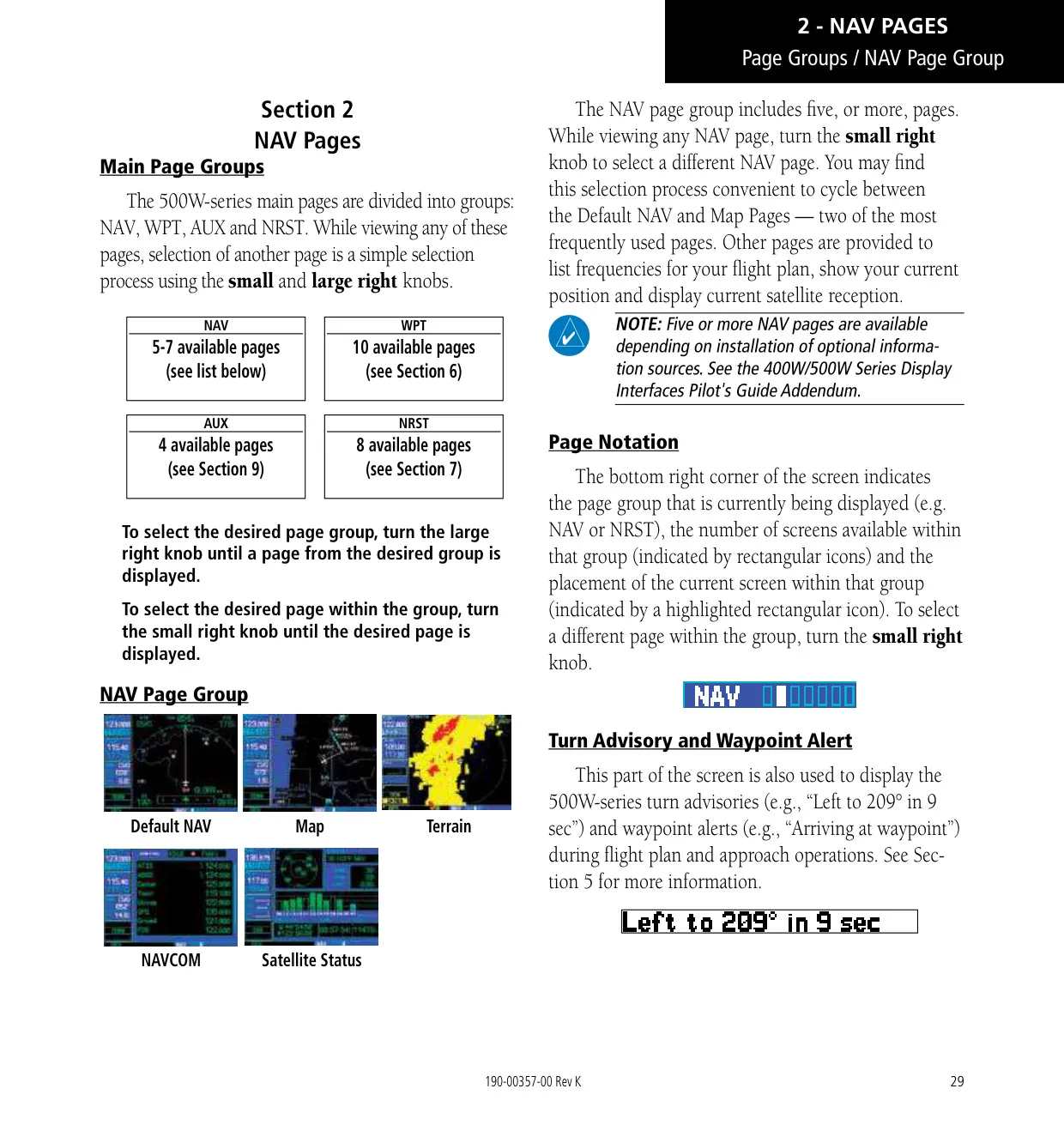
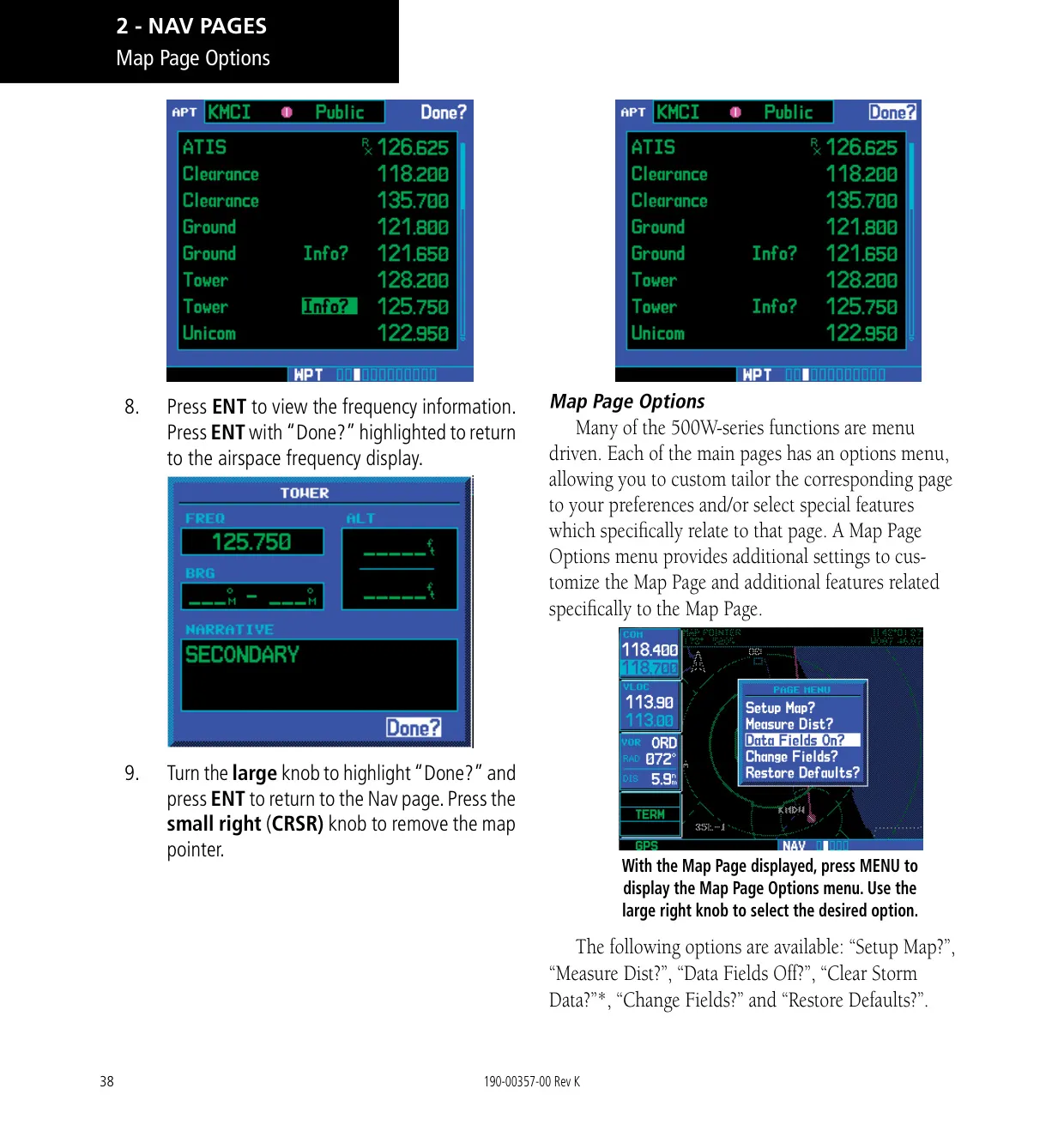
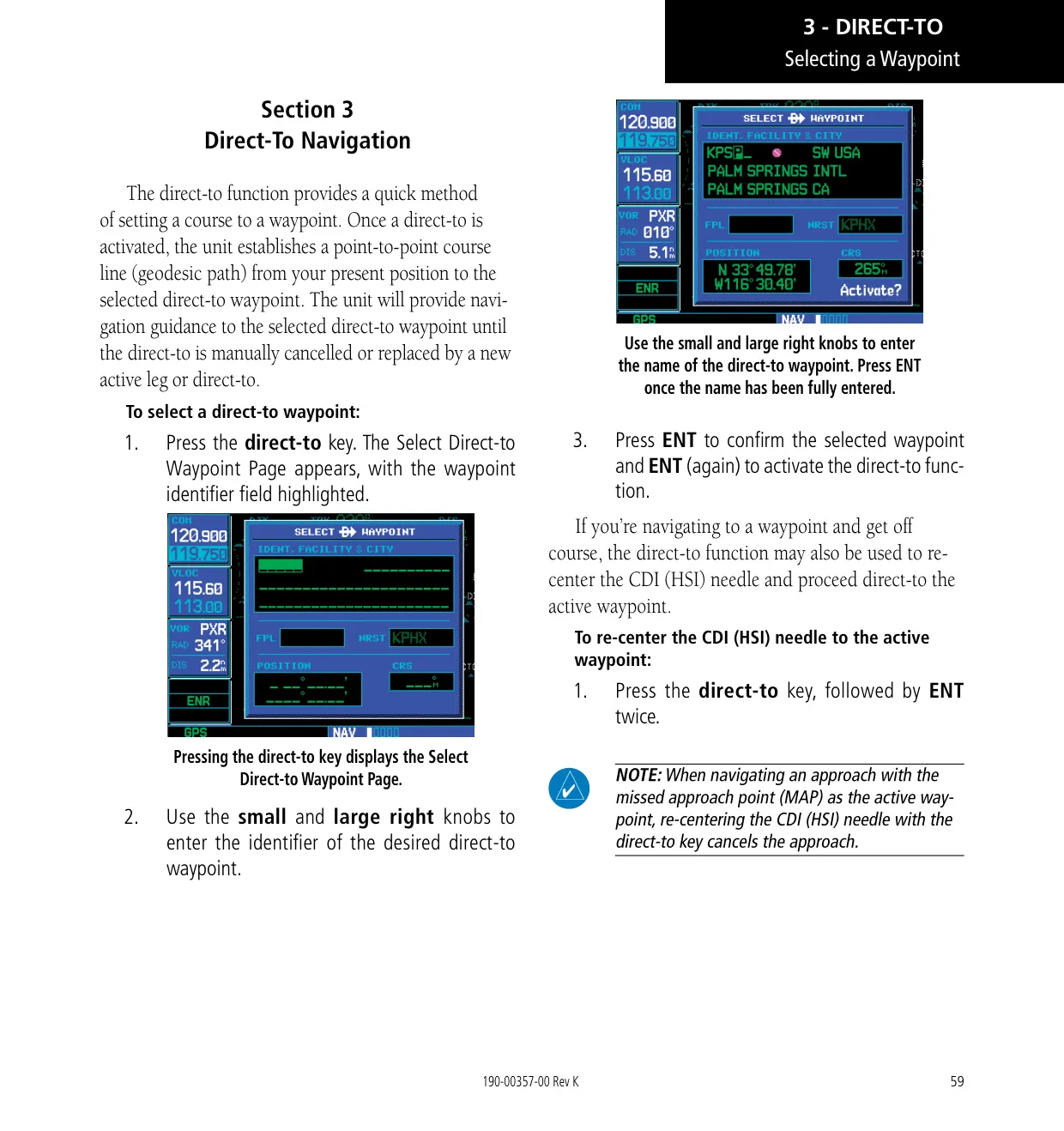
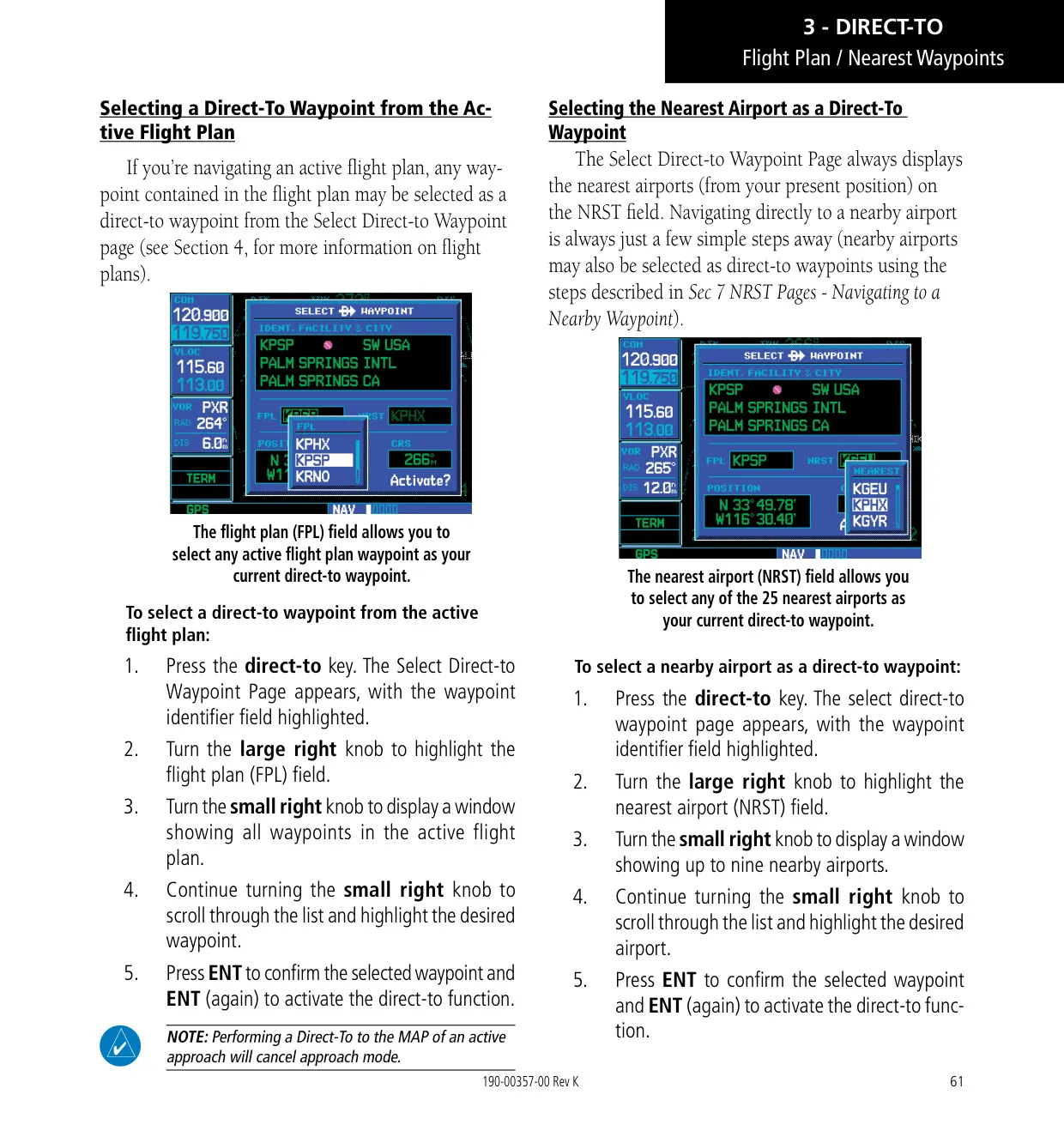
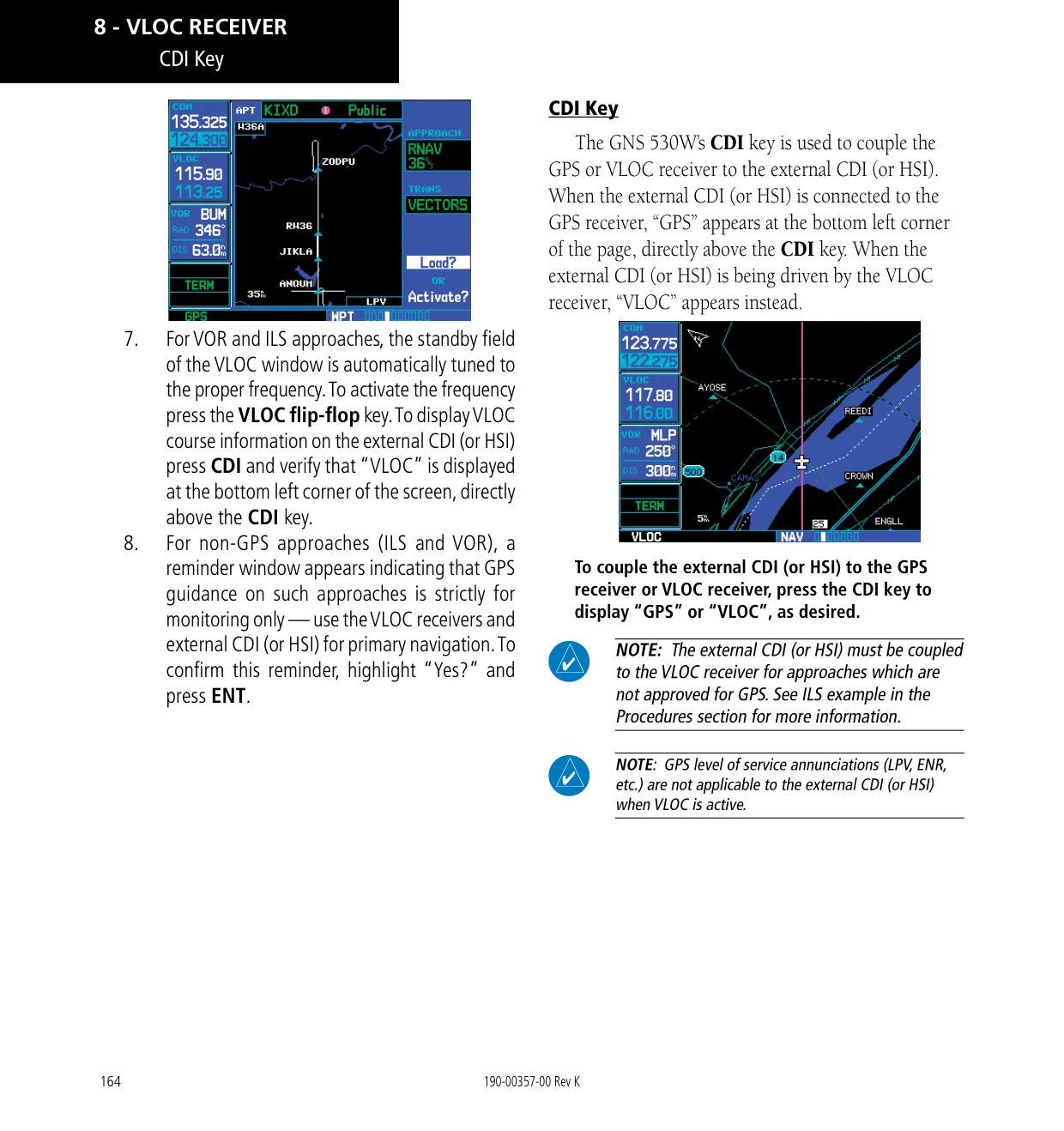
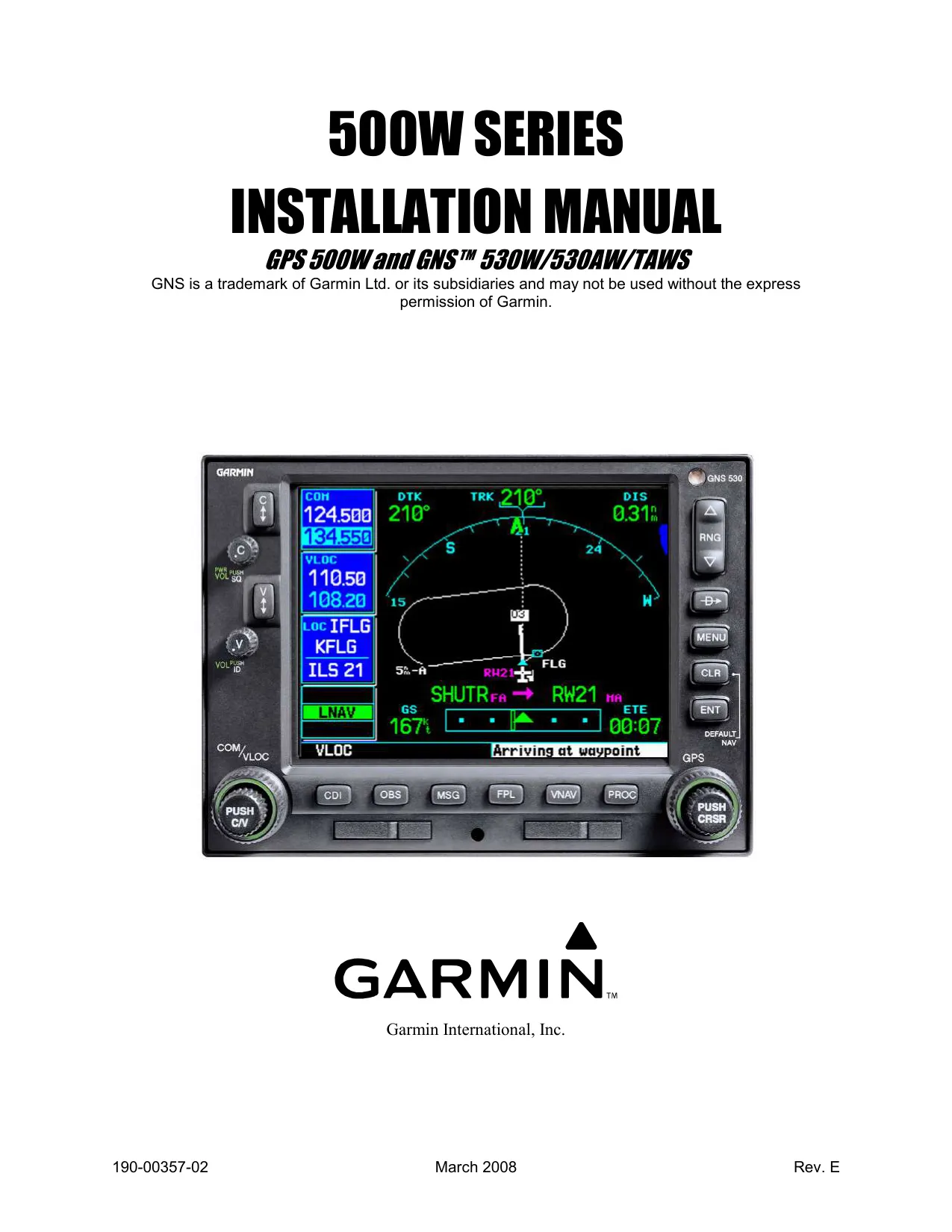
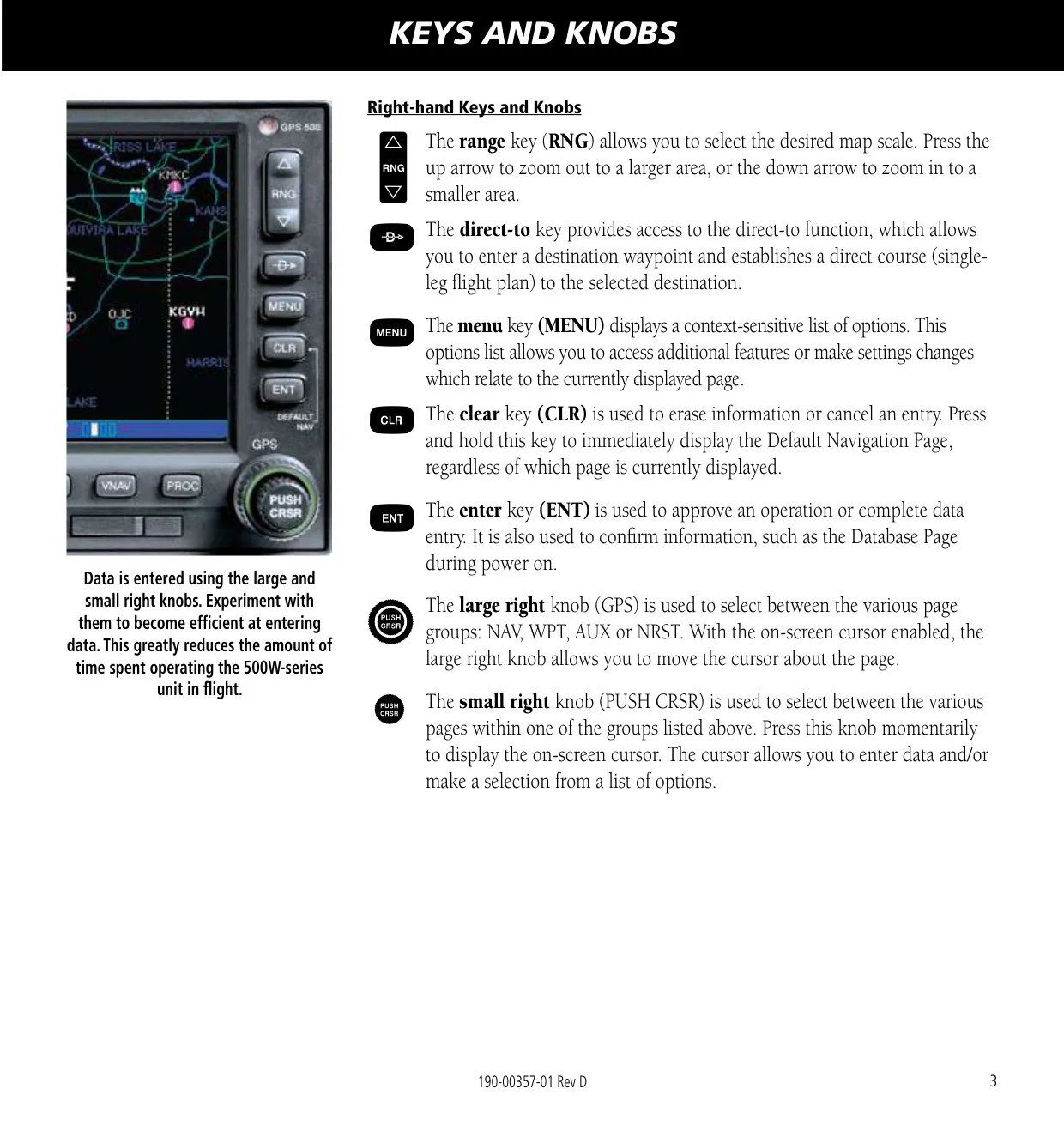
The Garmin GNS 530W combines a WAAS GPS navigator, a VHF communications radio and VOR/localizer/glideslope receivers in one panel unit. The left-hand knobs handle power, COM and VLOC volume and frequency tuning. The large and small right knobs move between the NAV, WPT, AUX and NRST page groups and enter data. Dedicated keys give direct access to Direct-To, MENU, CLR, ENT, CDI, OBS, MSG, FPL, VNAV and PROC. Pressing and holding CLR always returns you to the Default NAV Page.
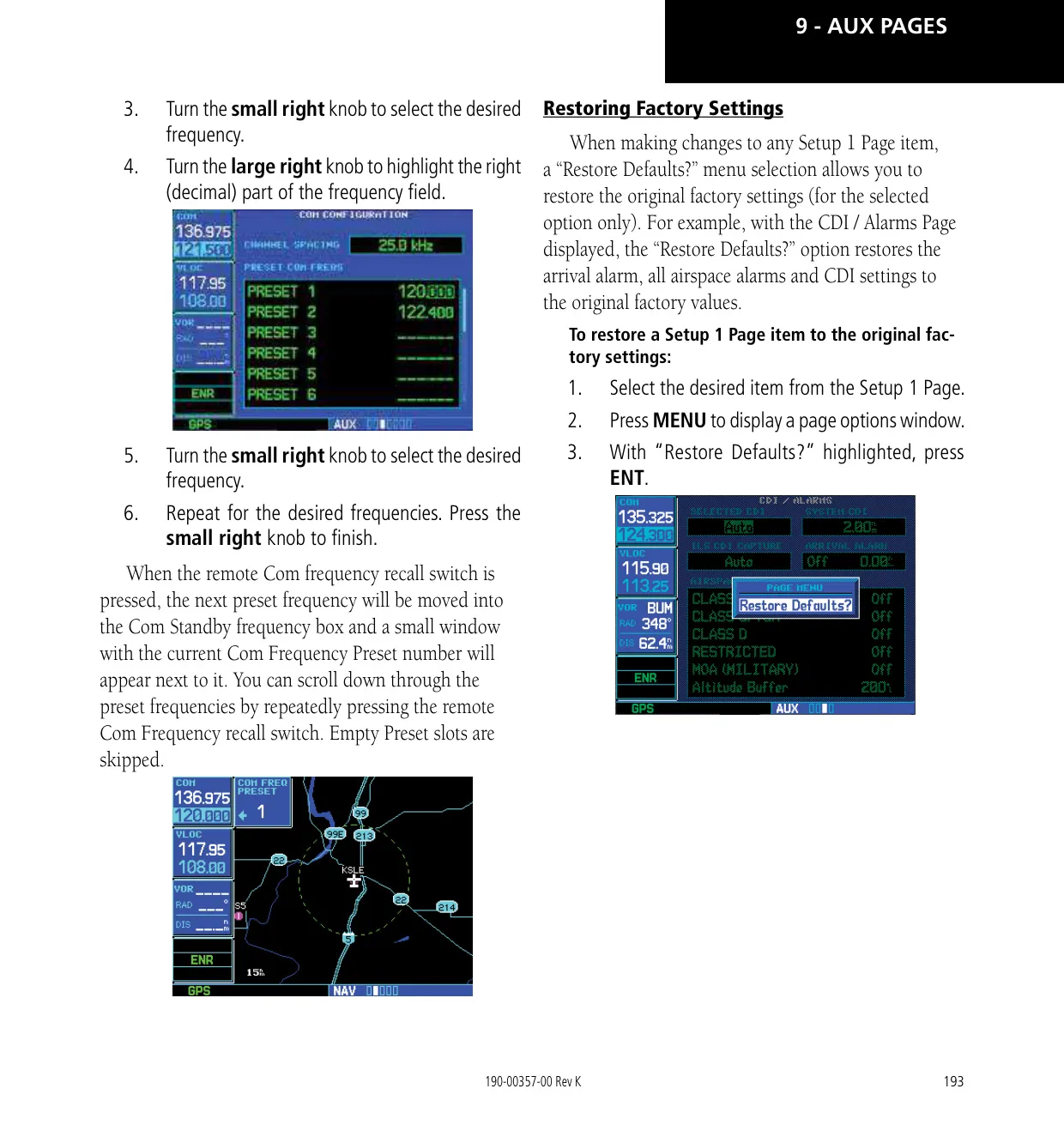
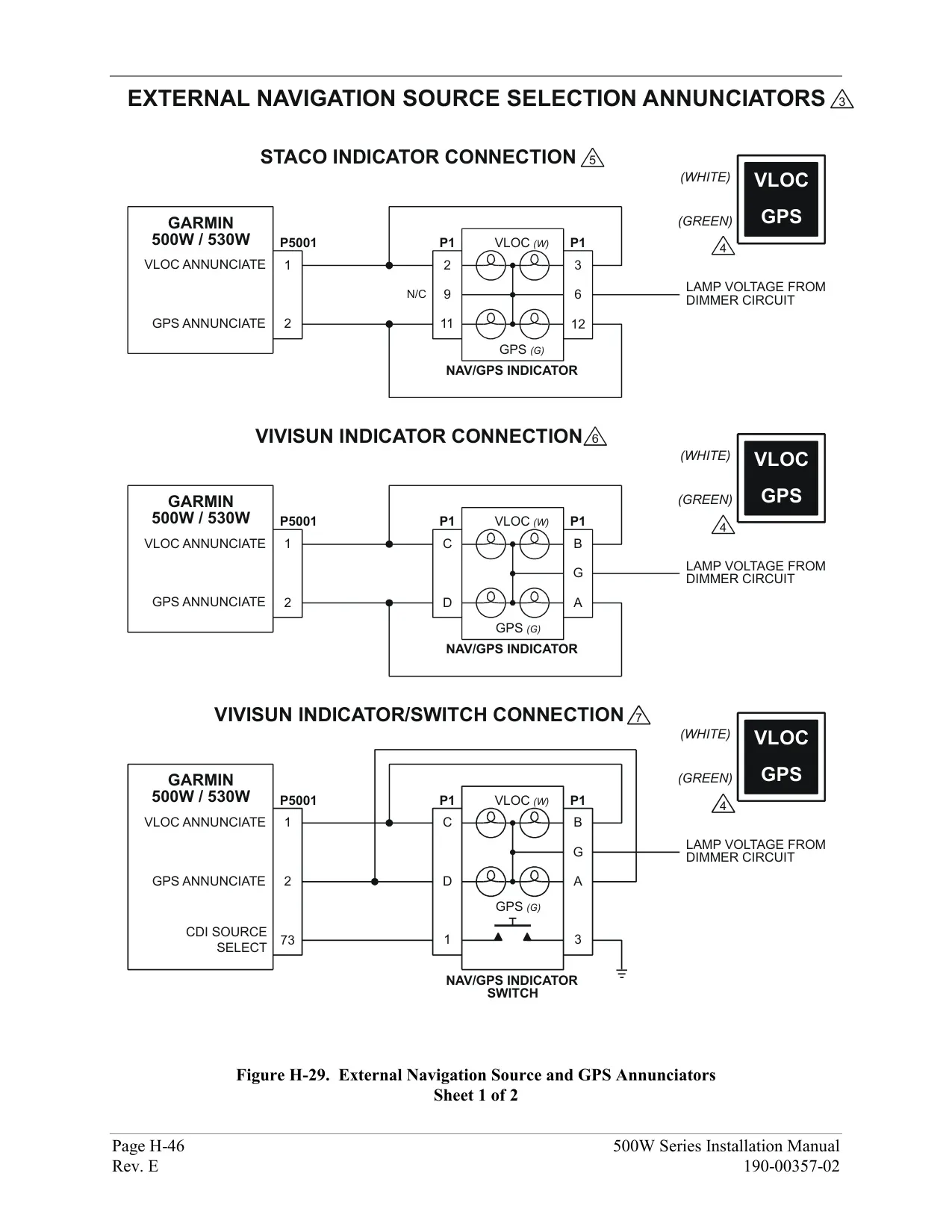
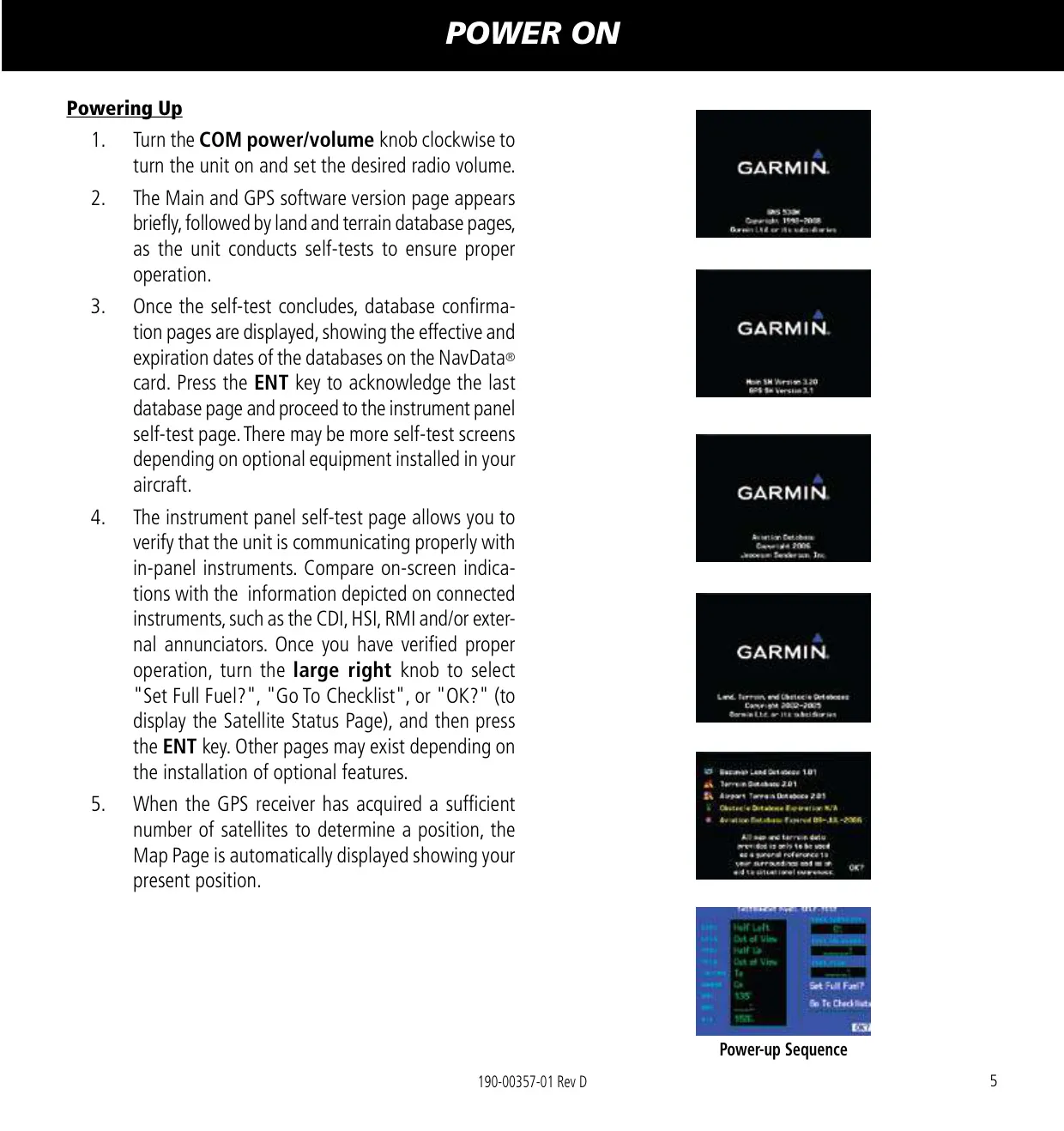
When you power on the unit, it runs a self-test, asks you to confirm the database and shows an Instrument Panel Self-Test page for checking the CDI/HSI, the flags and any external annunciators. Auto-tuning saves keystrokes: you can send any frequency shown on the NAVCOM, Nearest Airport, Airport Frequency, ARTCC, FSS or airspace pages to the standby field with ENT. When you load an ILS or VOR approach, the correct frequency goes into the VLOC standby field automatically.
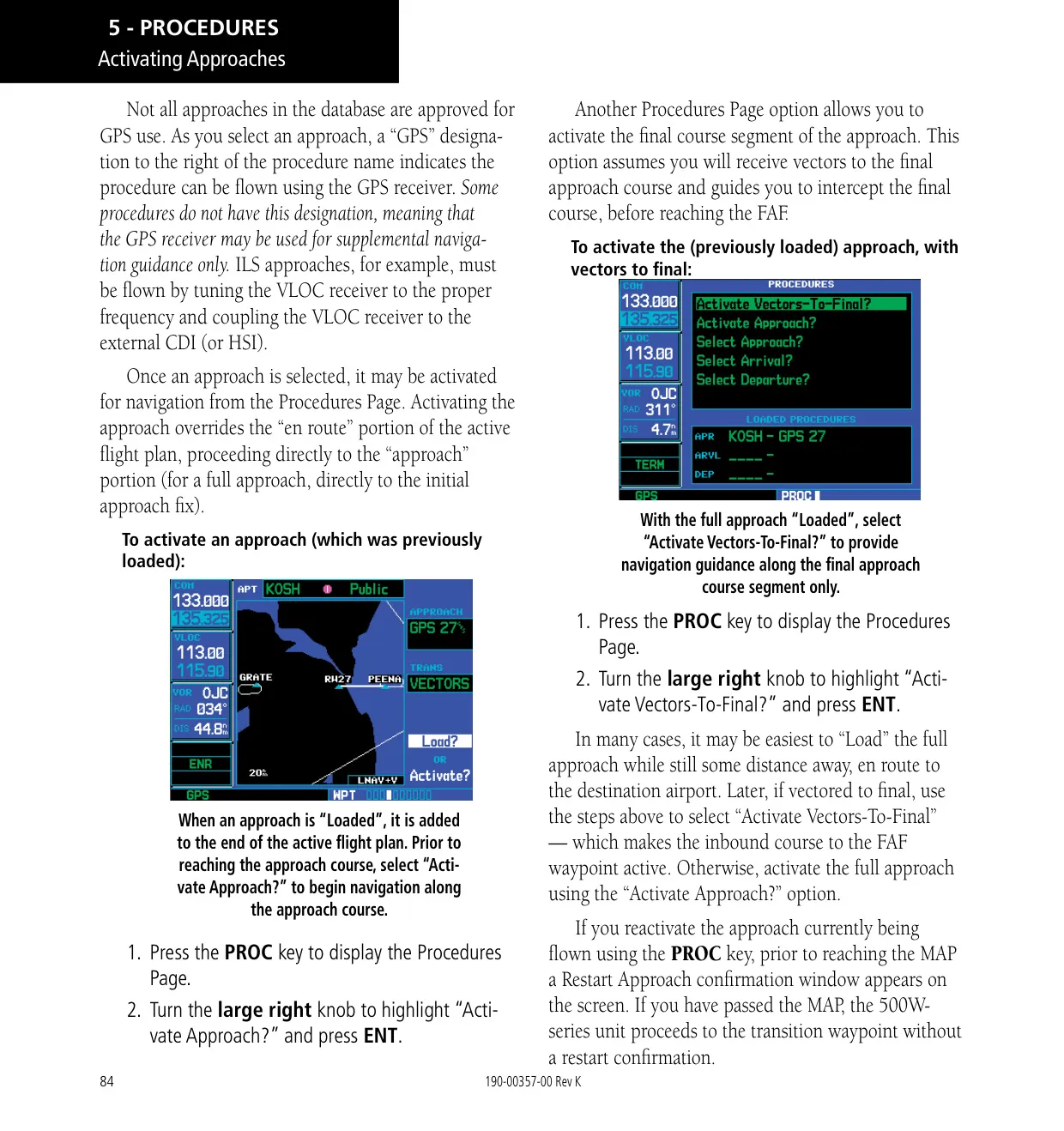
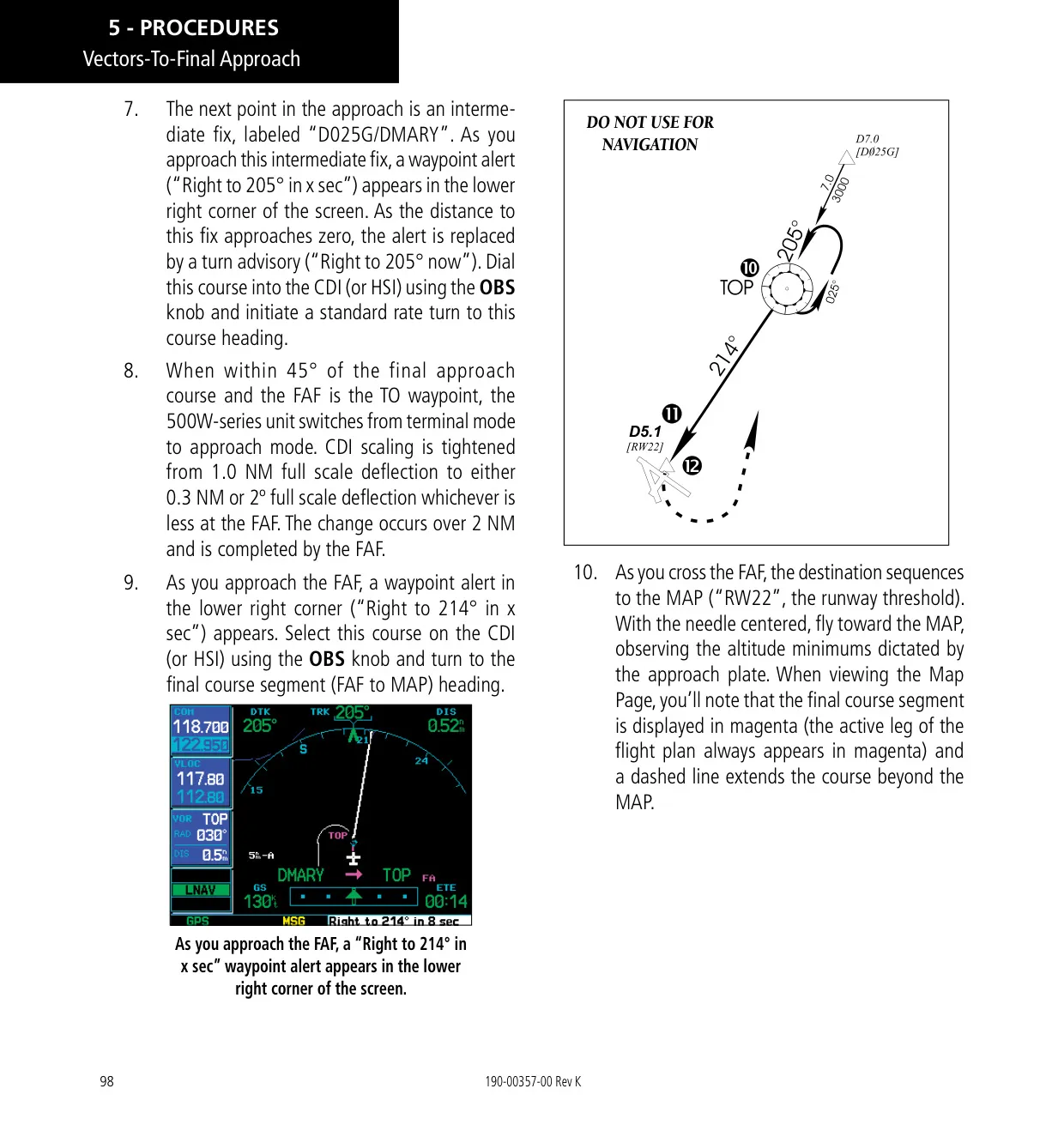
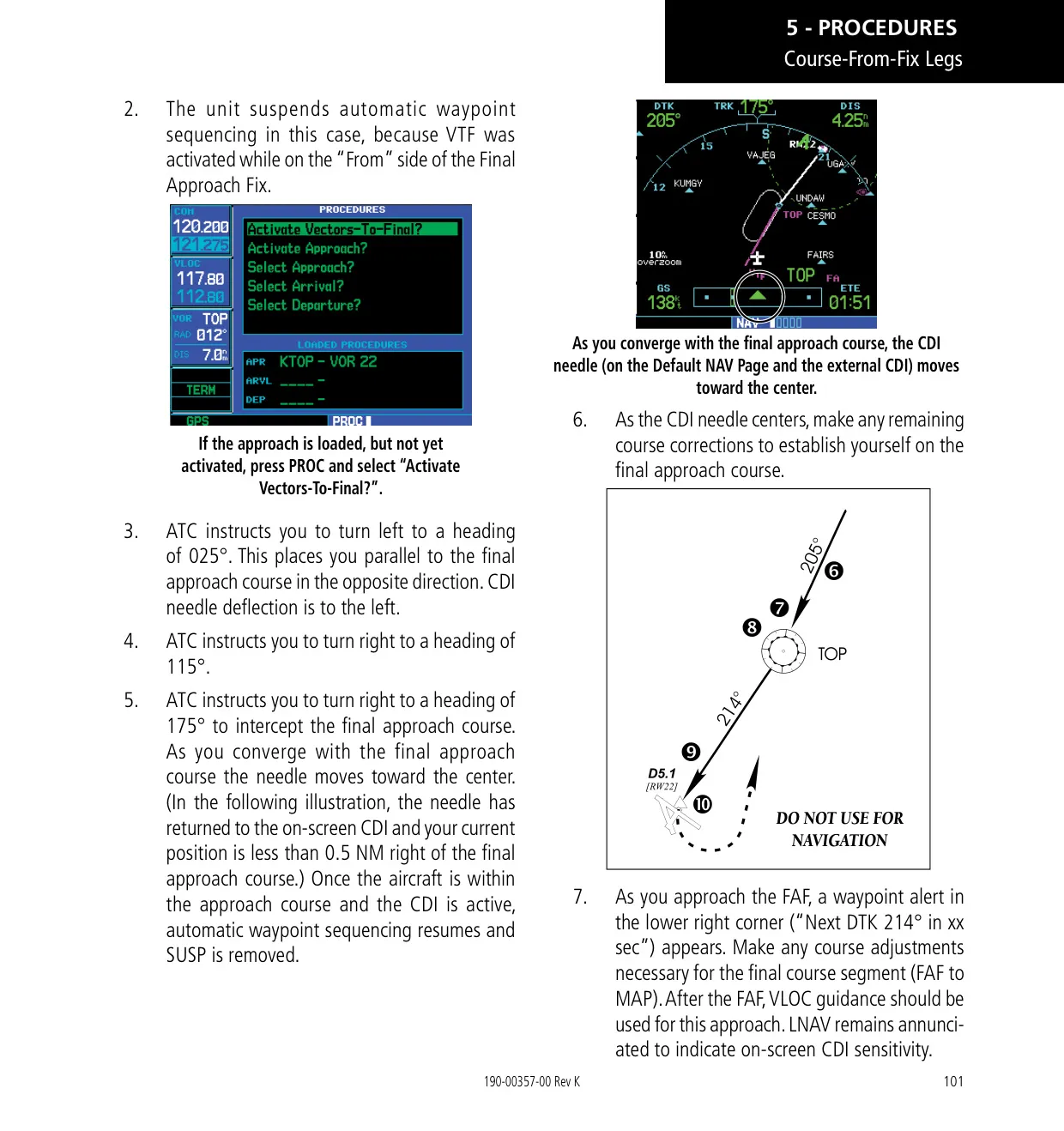
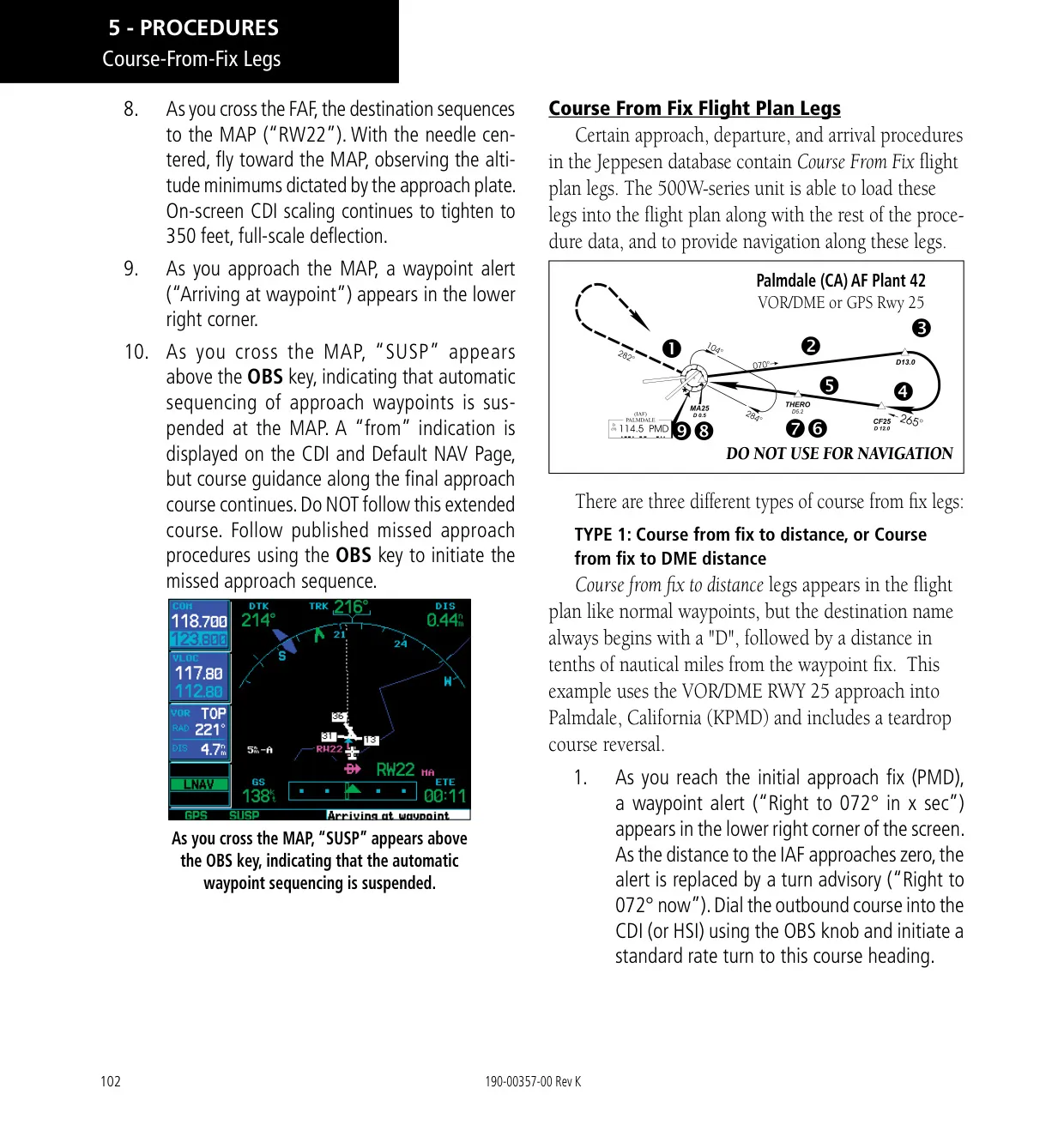
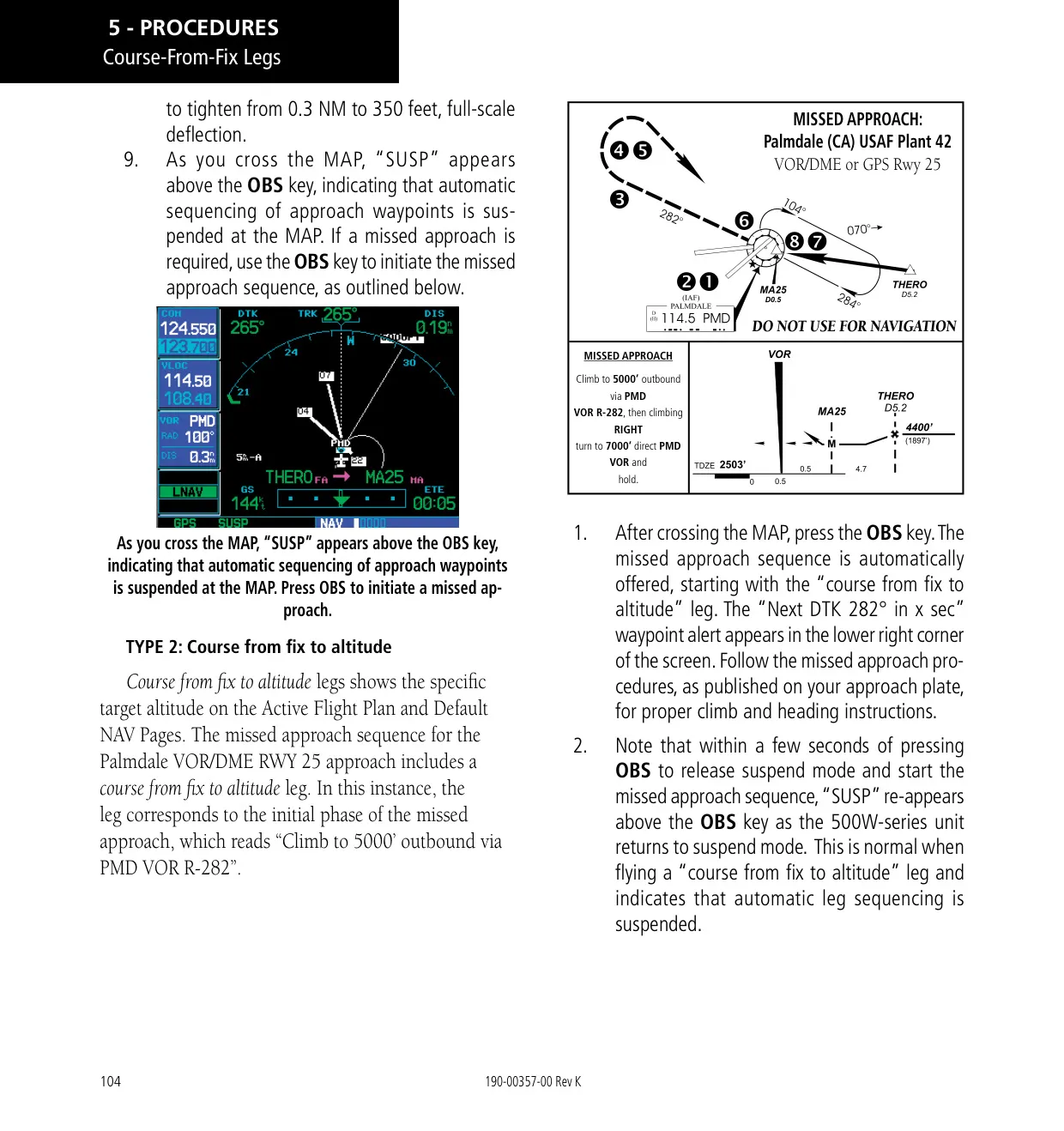
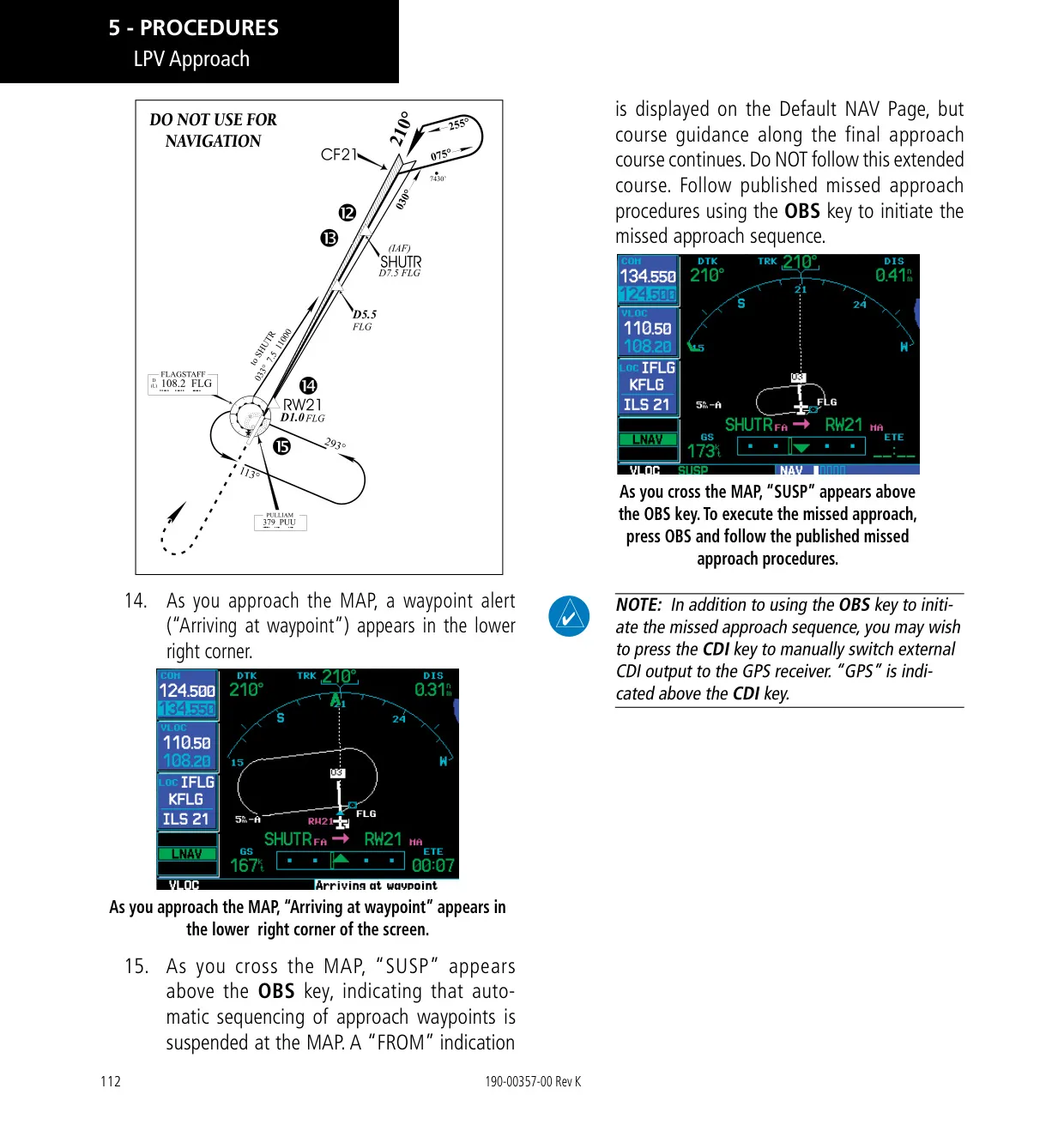
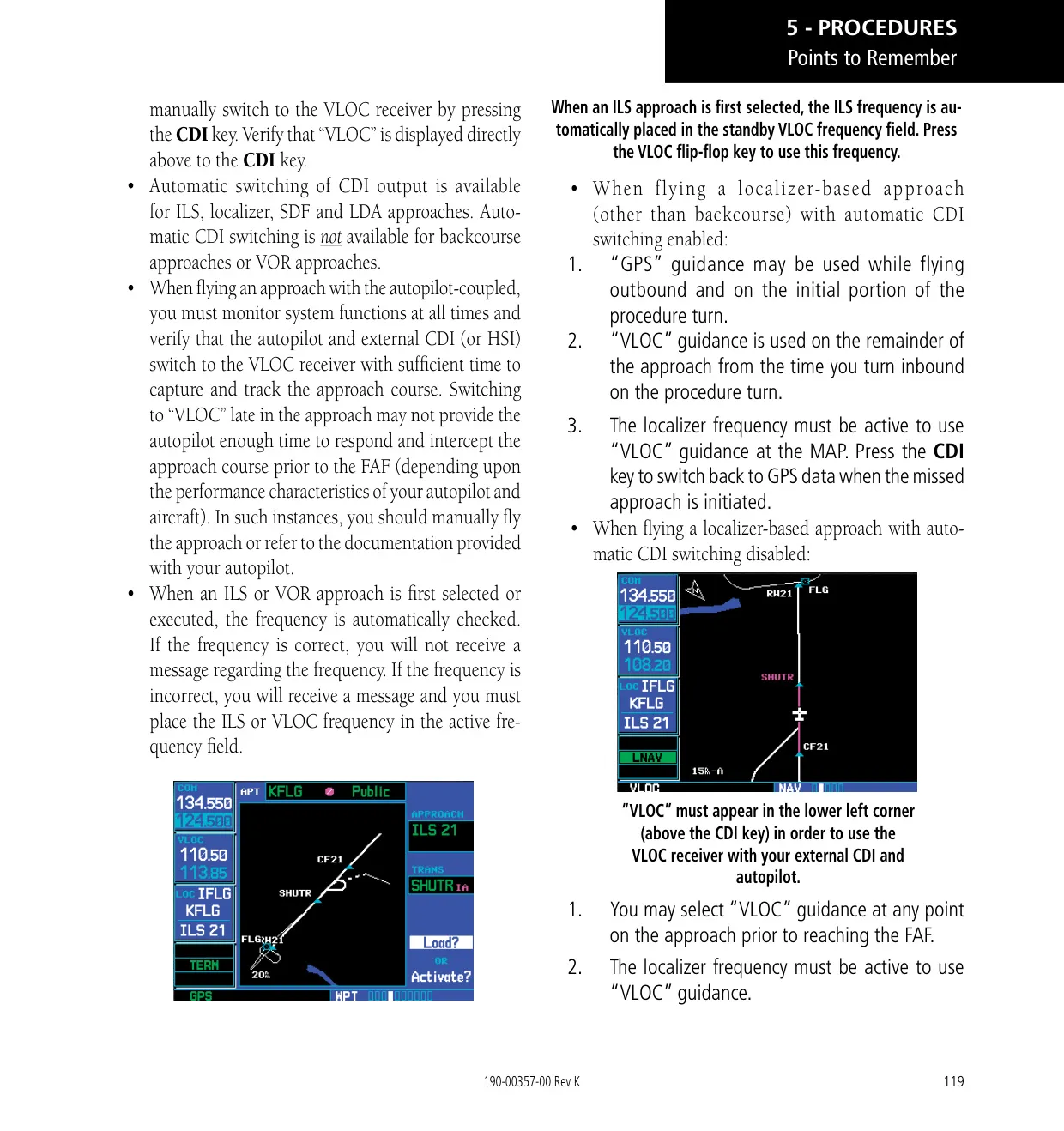
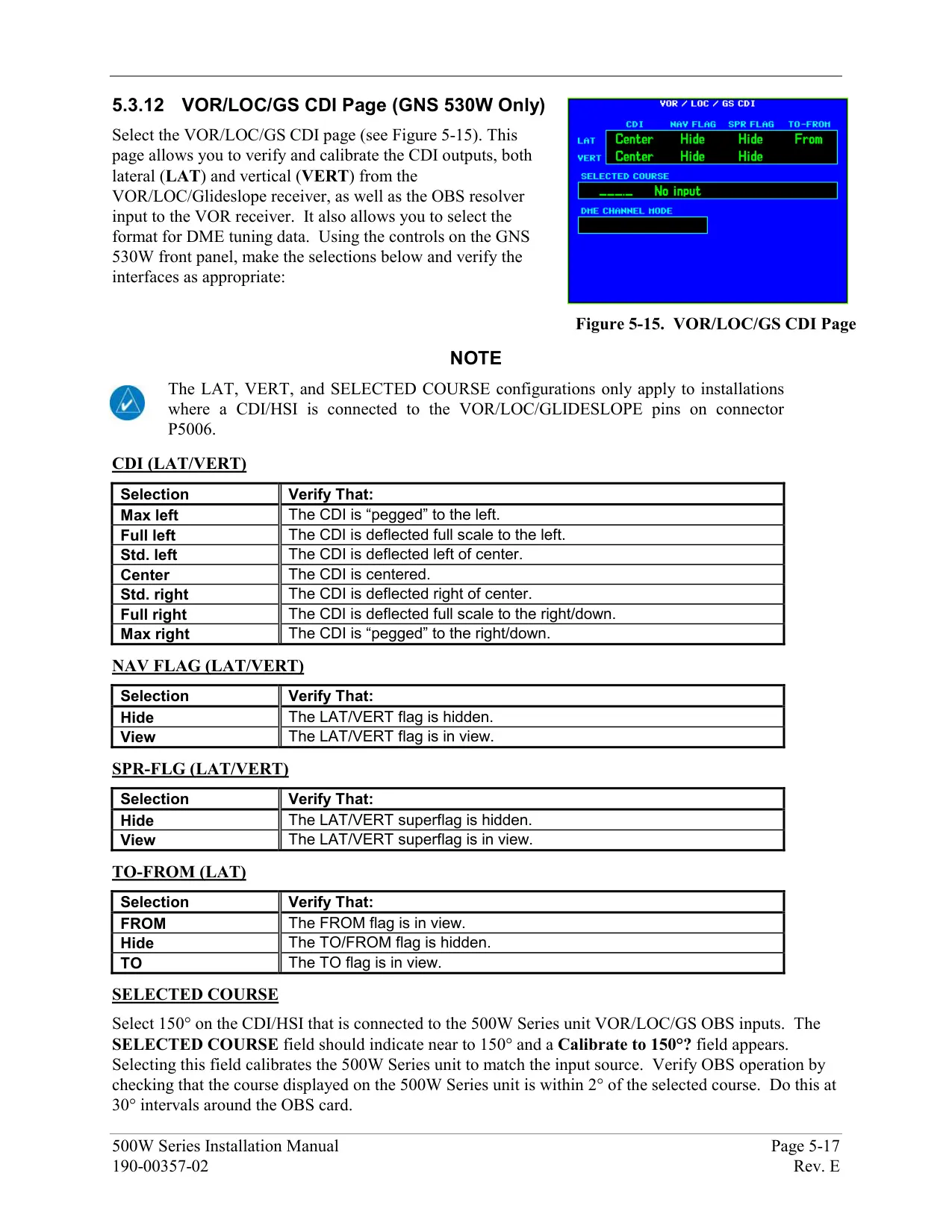
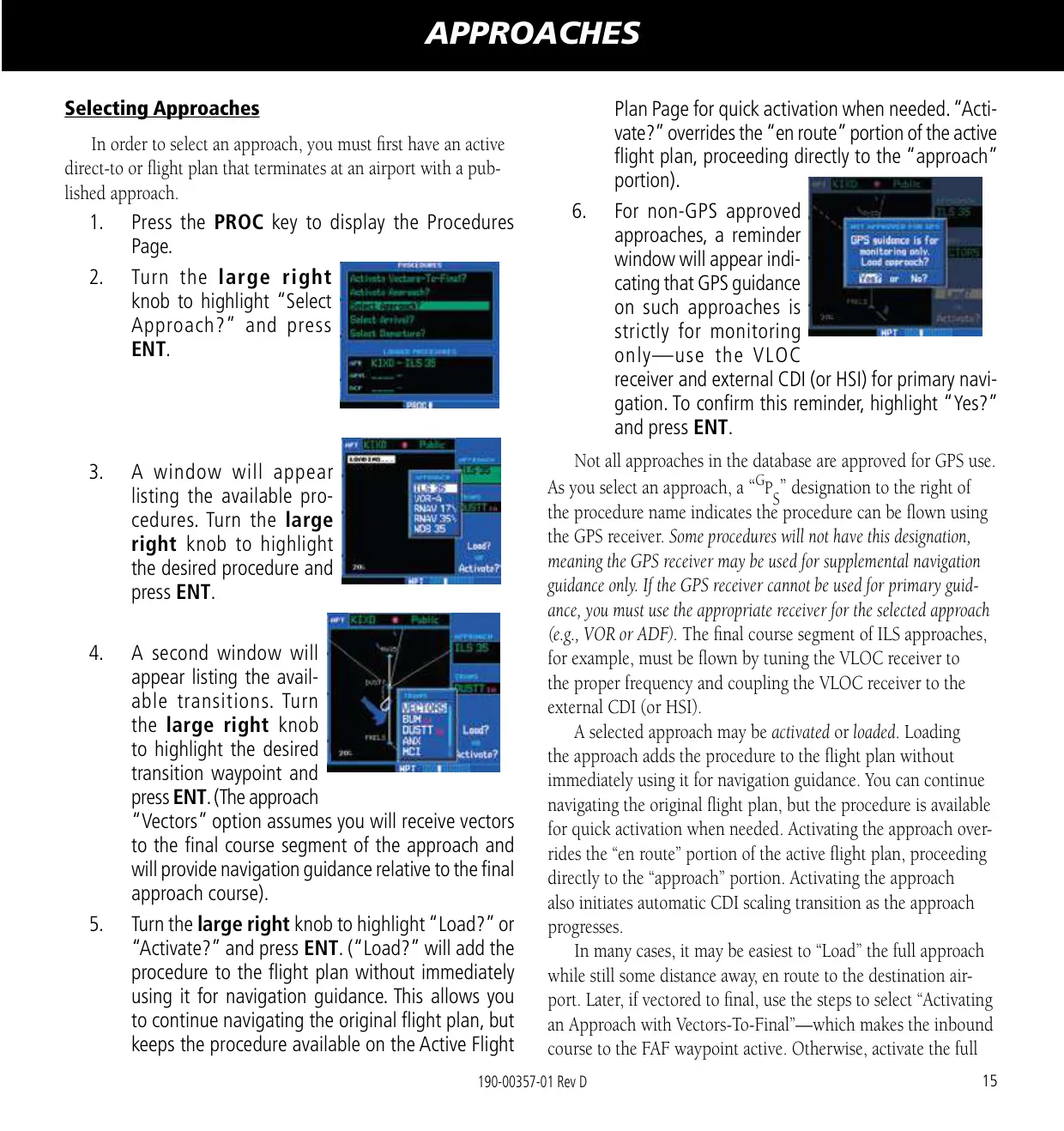
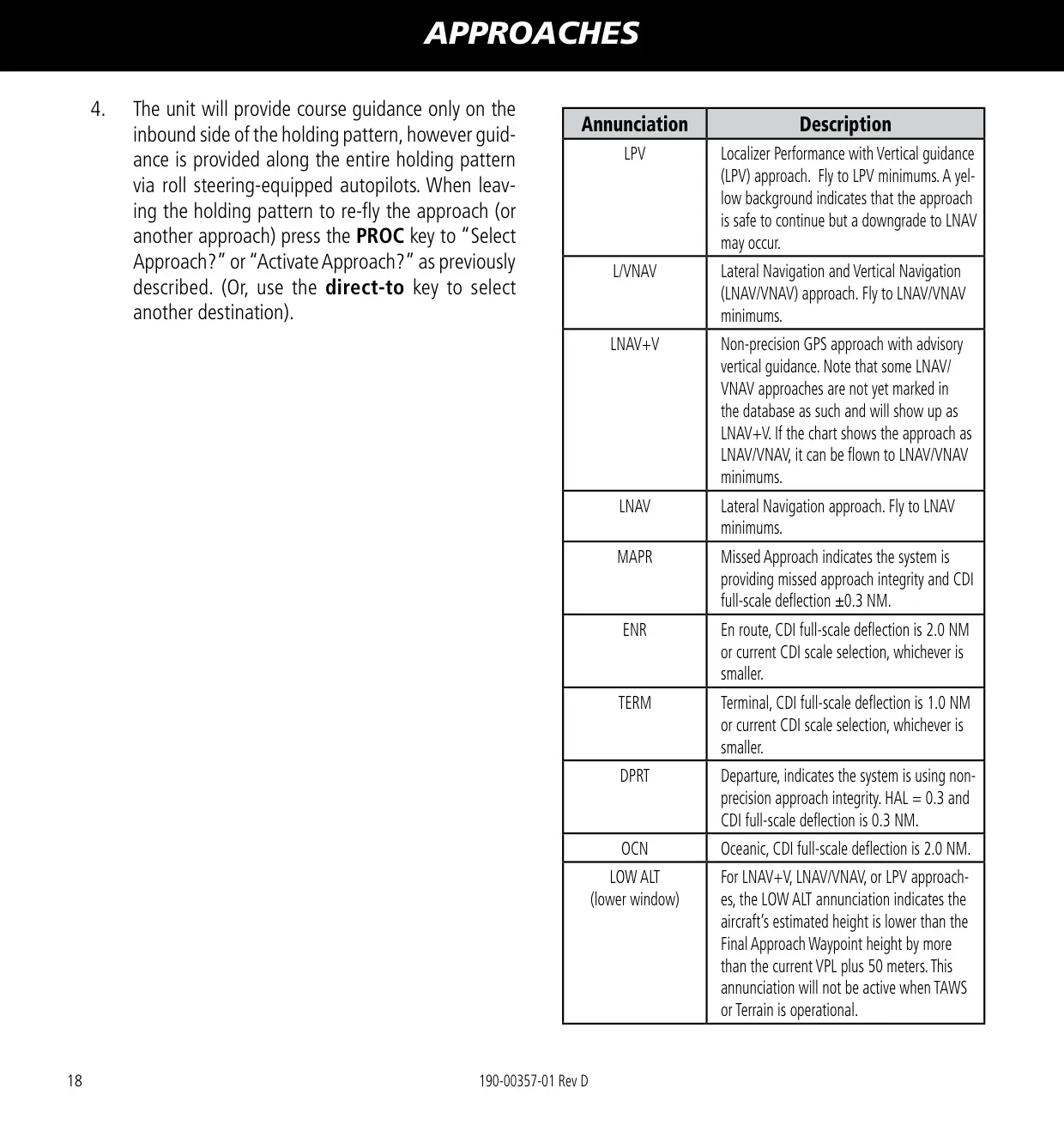
The unit supports LPV, LP, LP +V, LNAV/VNAV, LNAV+V and LNAV approaches, as well as departures and arrivals, procedure turns, holds, DME arcs and Vectors-to-Final. Sixty seconds before the final approach fix, the unit checks HAL and VAL integrity and downgrades the approach to LNAV minima if needed. On ILS approaches, the unit can switch the external CDI from GPS to VLOC automatically within 1.2 NM of the final approach course. This switch happens between 2 and 15 NM from the FAF.
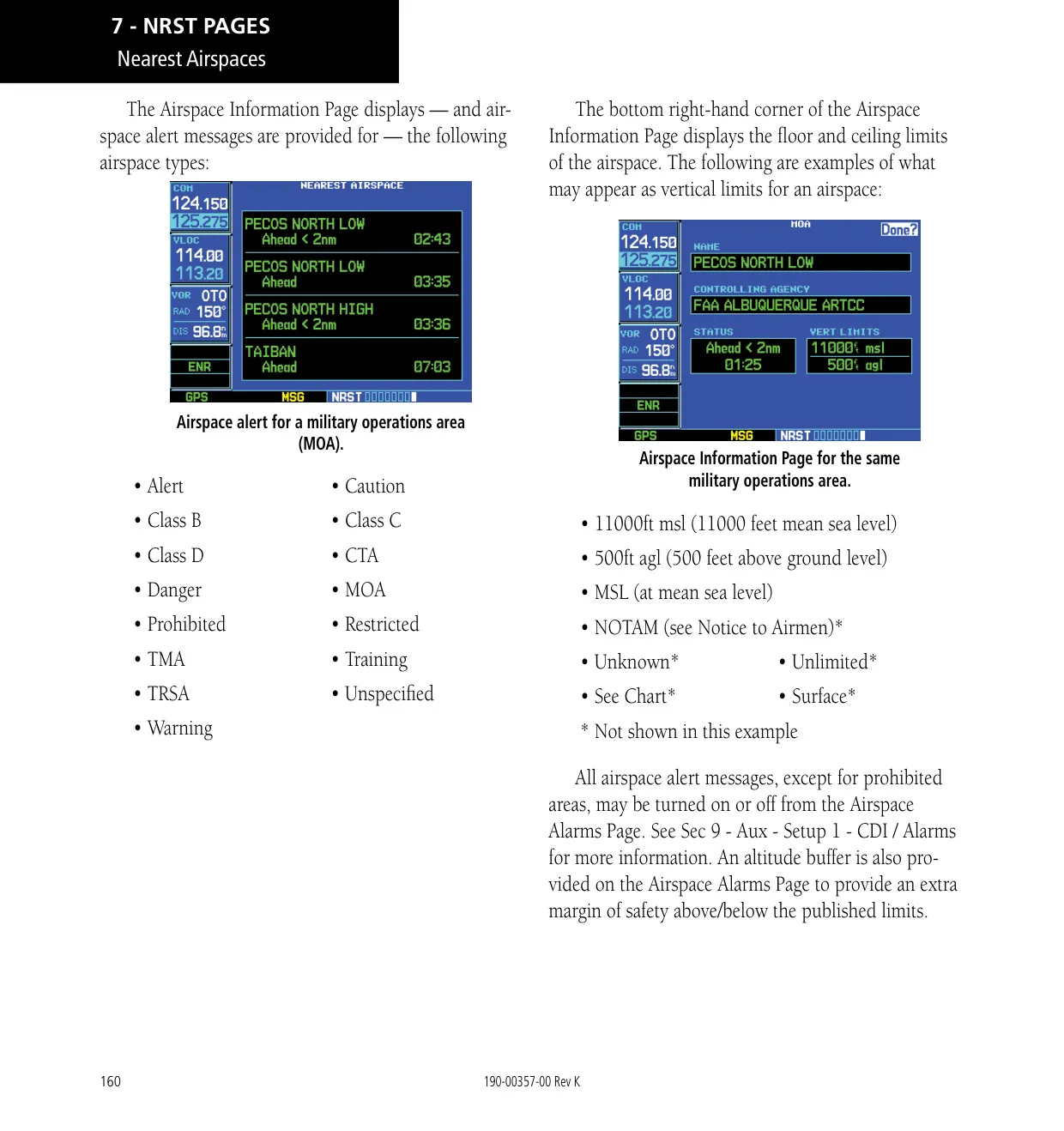
Garmin TERRAIN is included as standard and uses GPS-derived MSL altitude. It provides Forward Looking Terrain Avoidance (FLTA) and Premature Descent Alerts (PDA), with yellow caution and red warning shading. Alerts appear as pop-ups on any page. An inhibit mode silences nuisance alerts during VFR flight near unusual terrain. If you lose GPS position on an active flight plan during the en route or oceanic phase, Dead Reckoning mode keeps estimating your position and shows a DR annunciation.
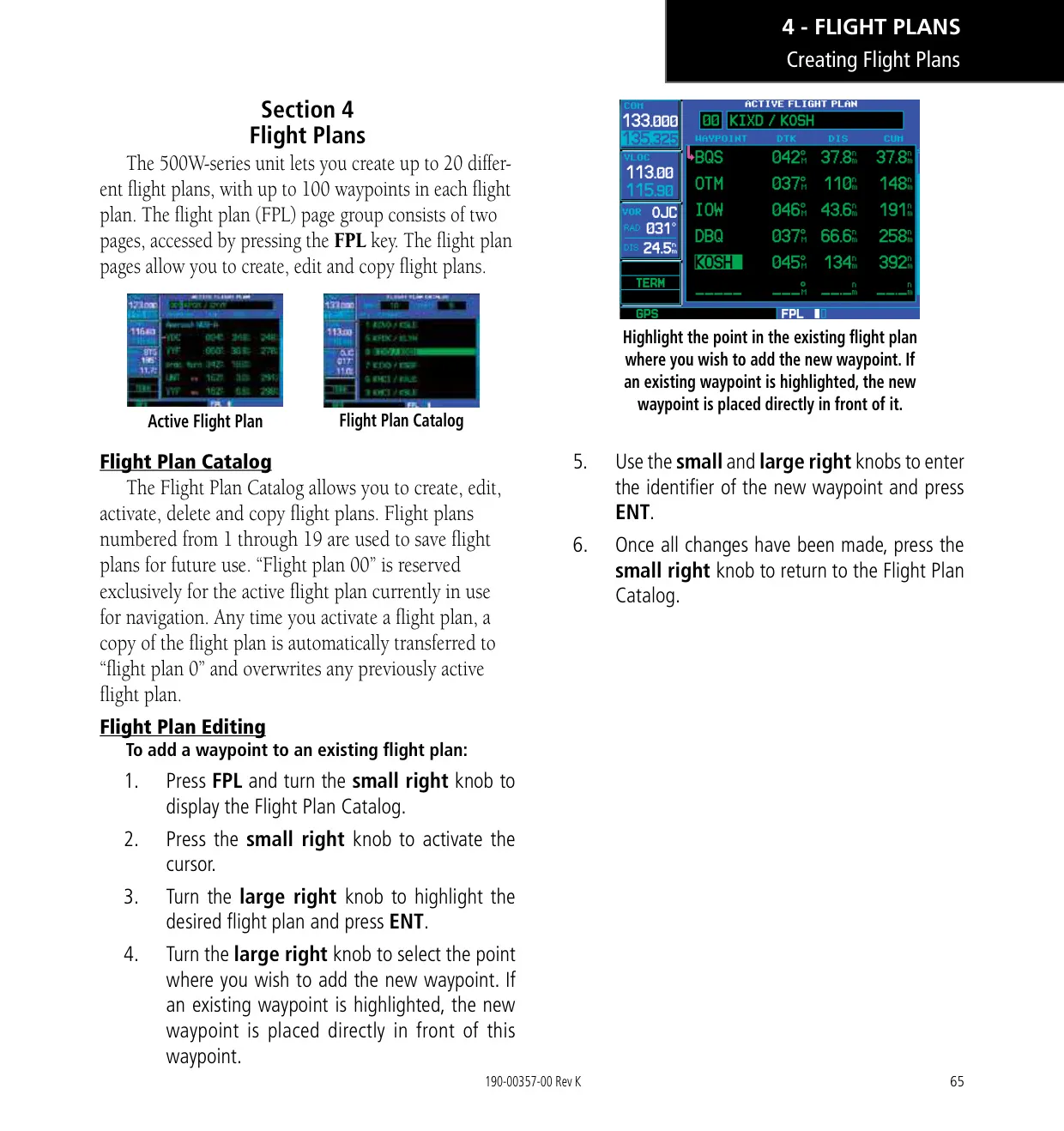
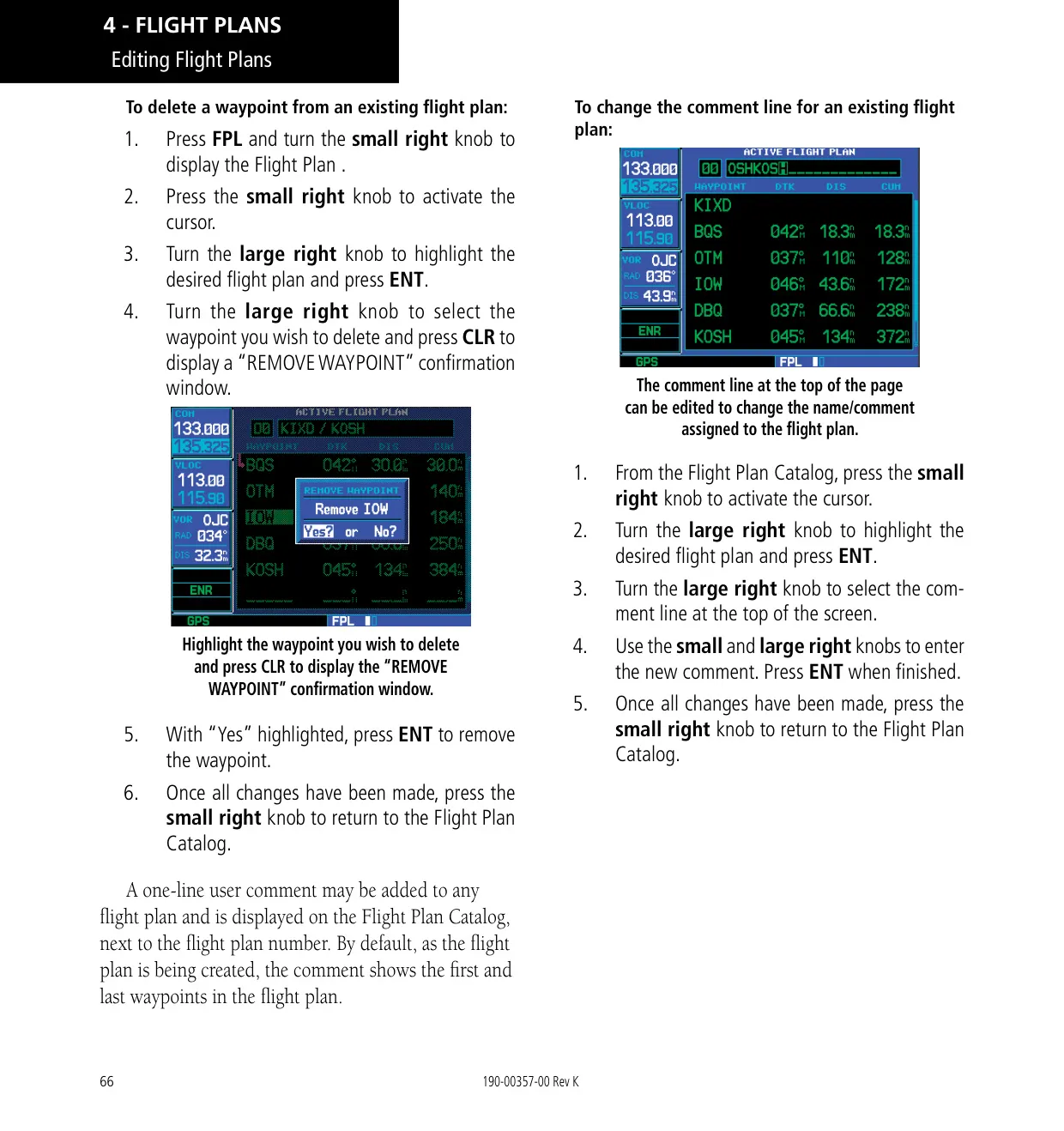
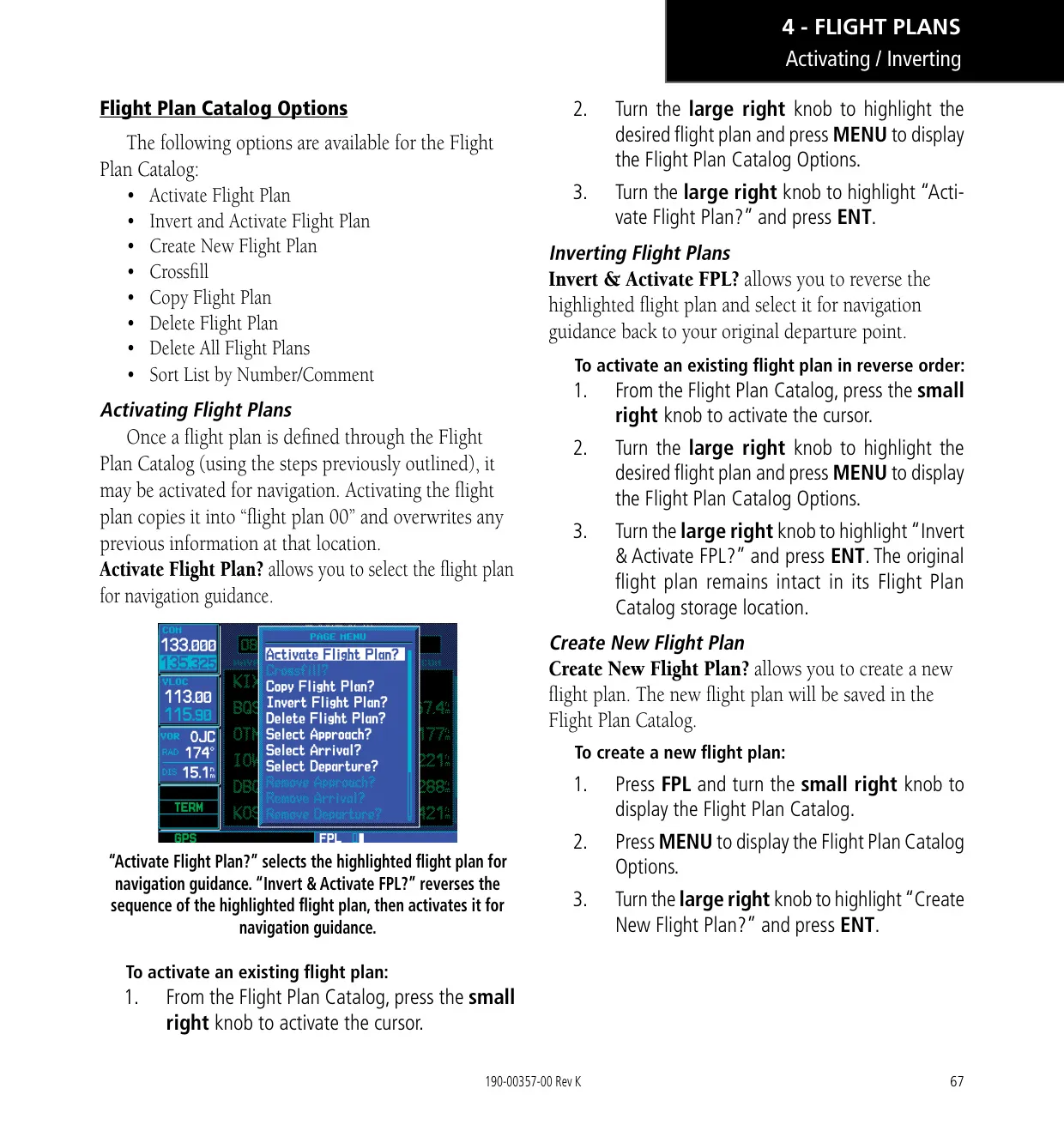
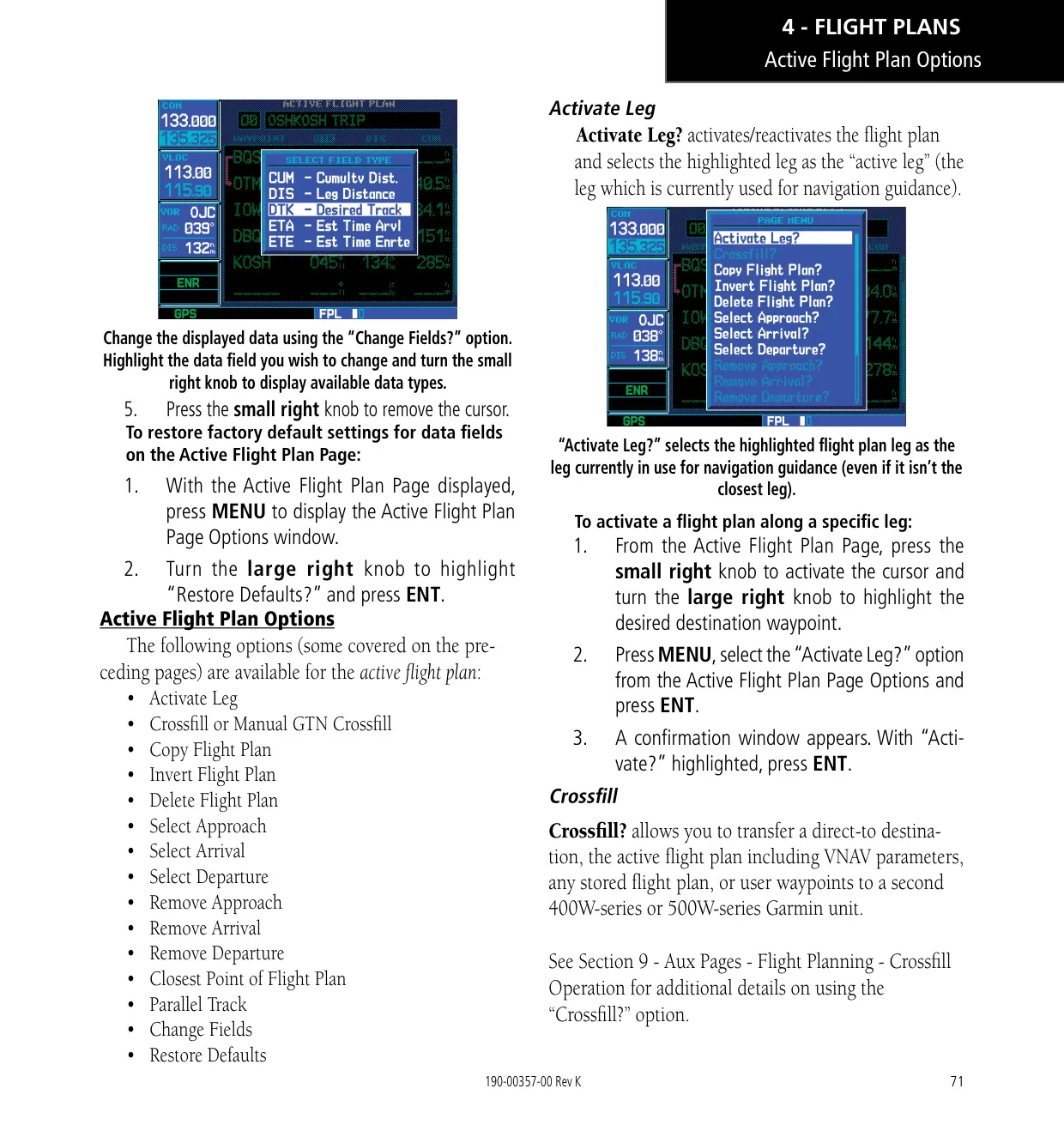
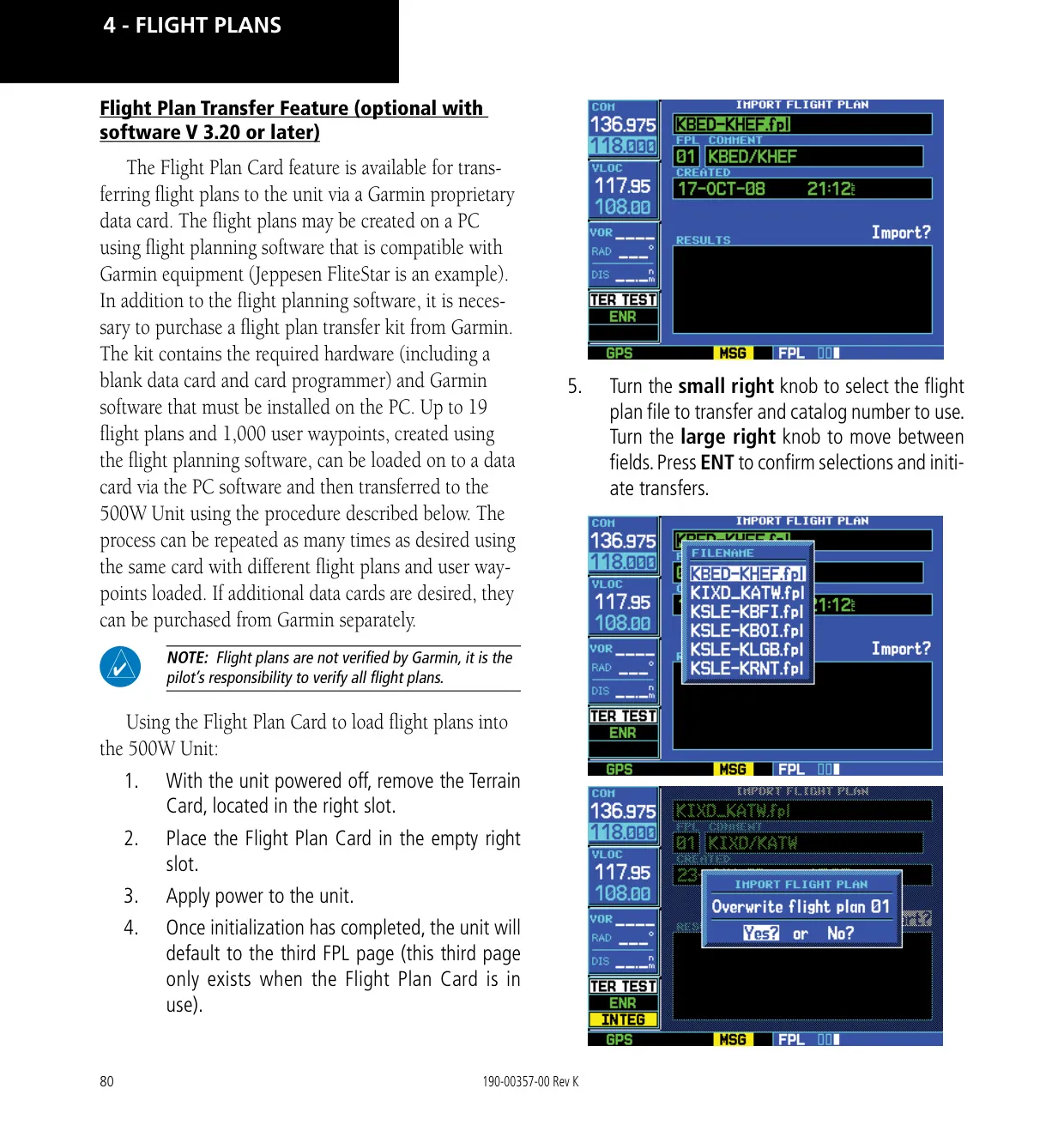
Flight planning features include inverting a plan, copying it, finding the closest point to a flight plan and creating a parallel track. Crossfill transfers direct-to destinations, active flight plans with VNAV parameters, and user waypoints to a second 400W/500W unit. As an alternative, Manual GTN Crossfill keeps the unit in sync with a Garmin GTN. With software 3.20 or later, an optional Flight Plan Card can load flight plans and user waypoints prepared on a PC while the aircraft is on the ground.
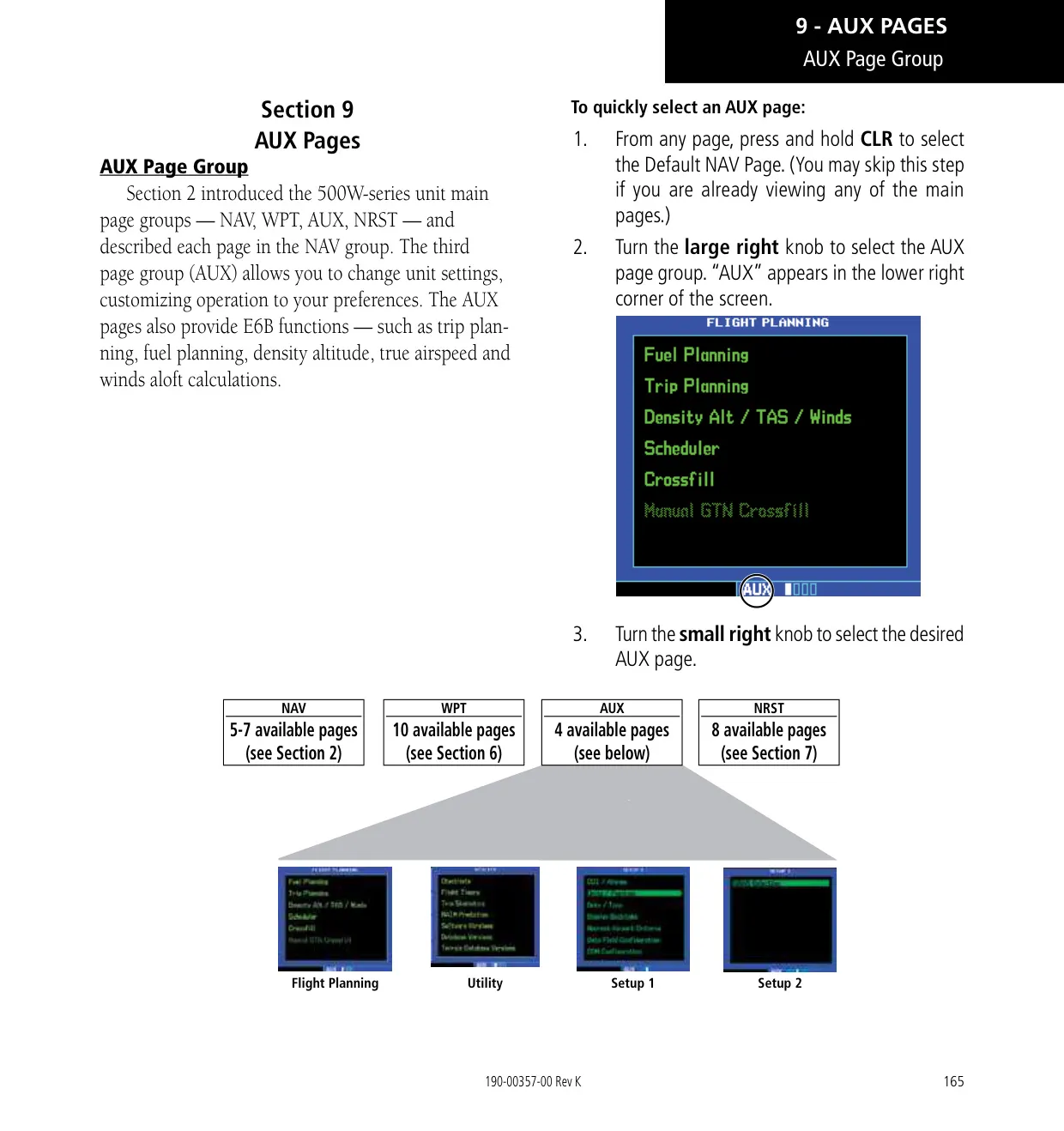
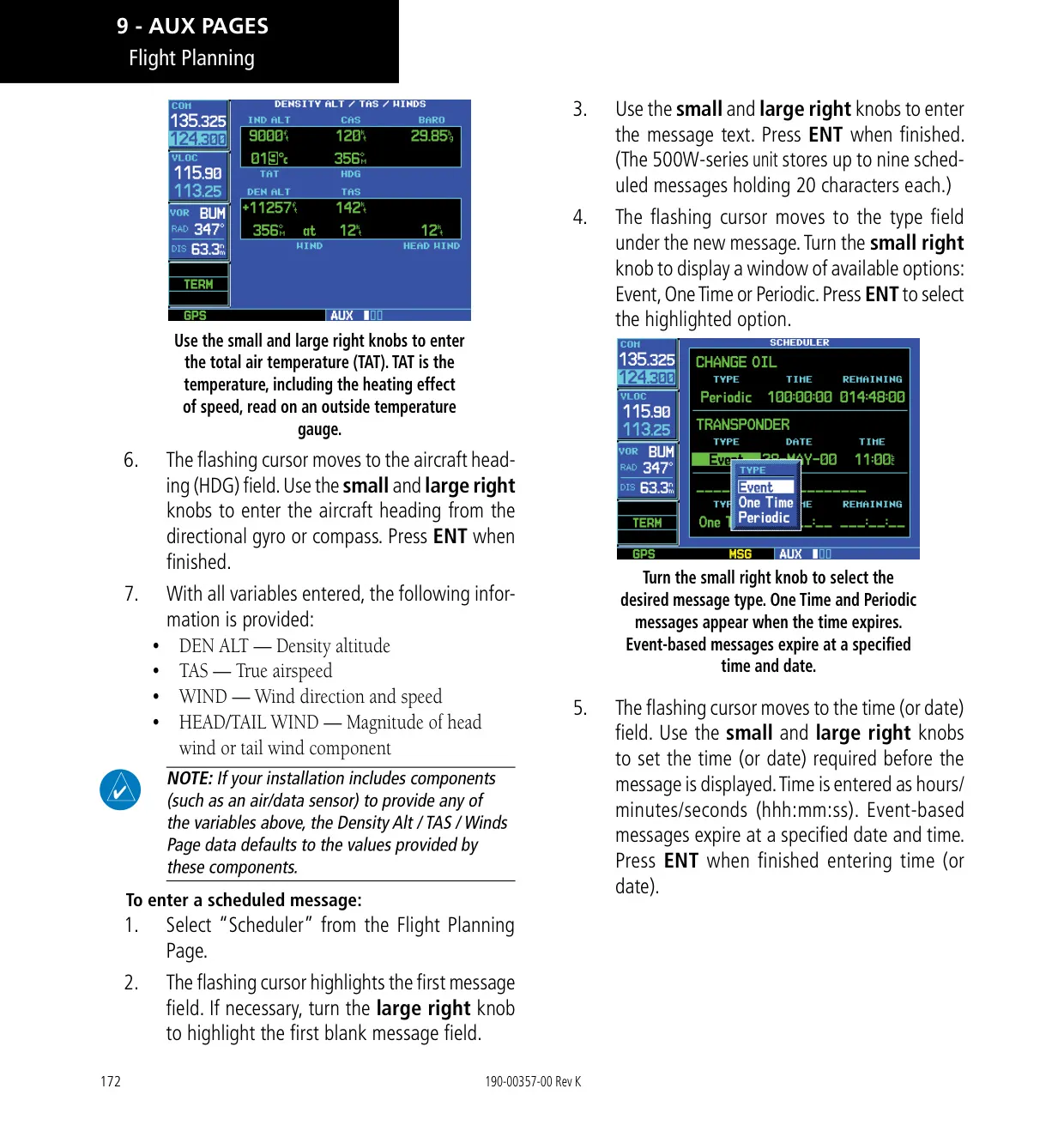
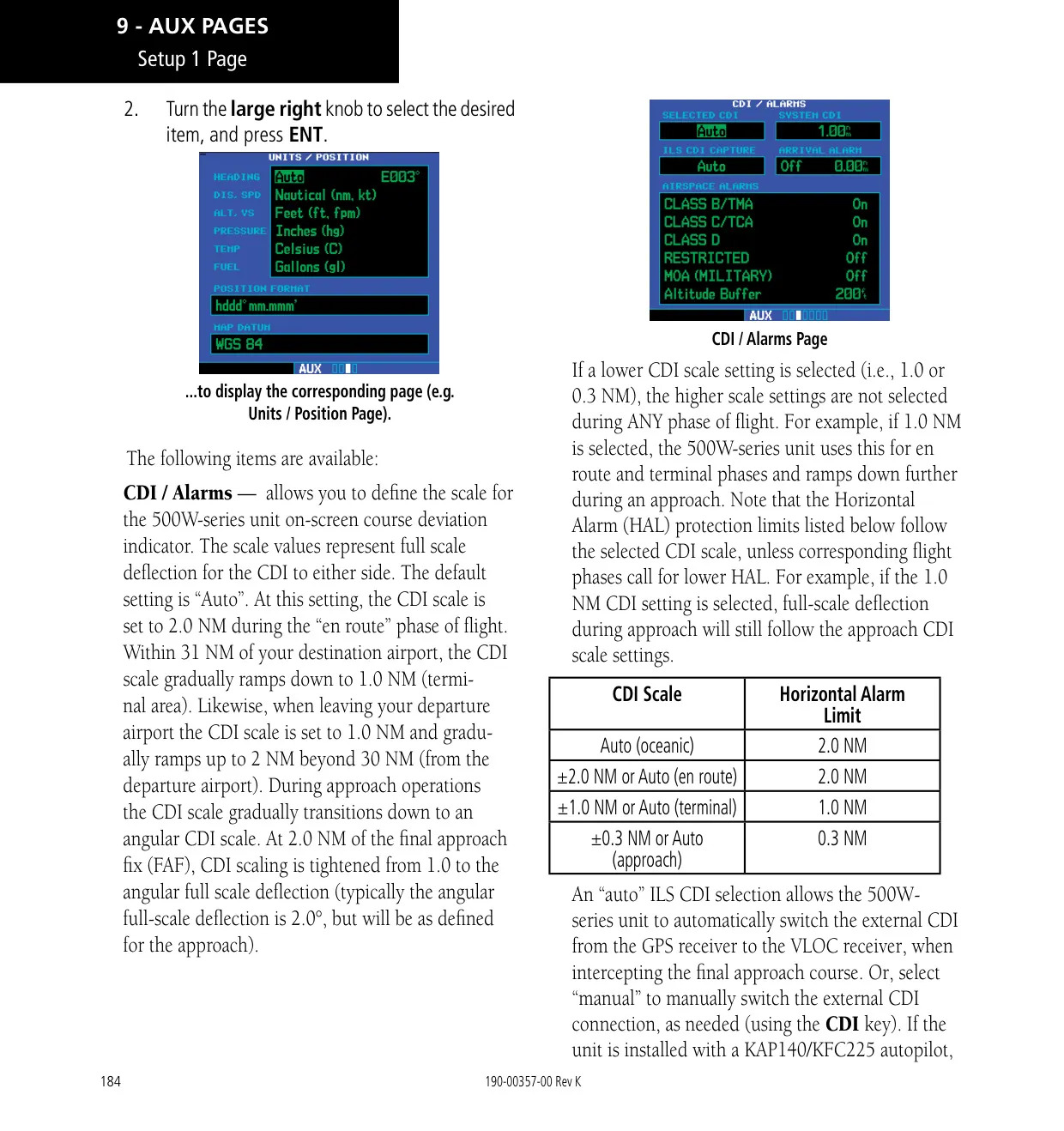
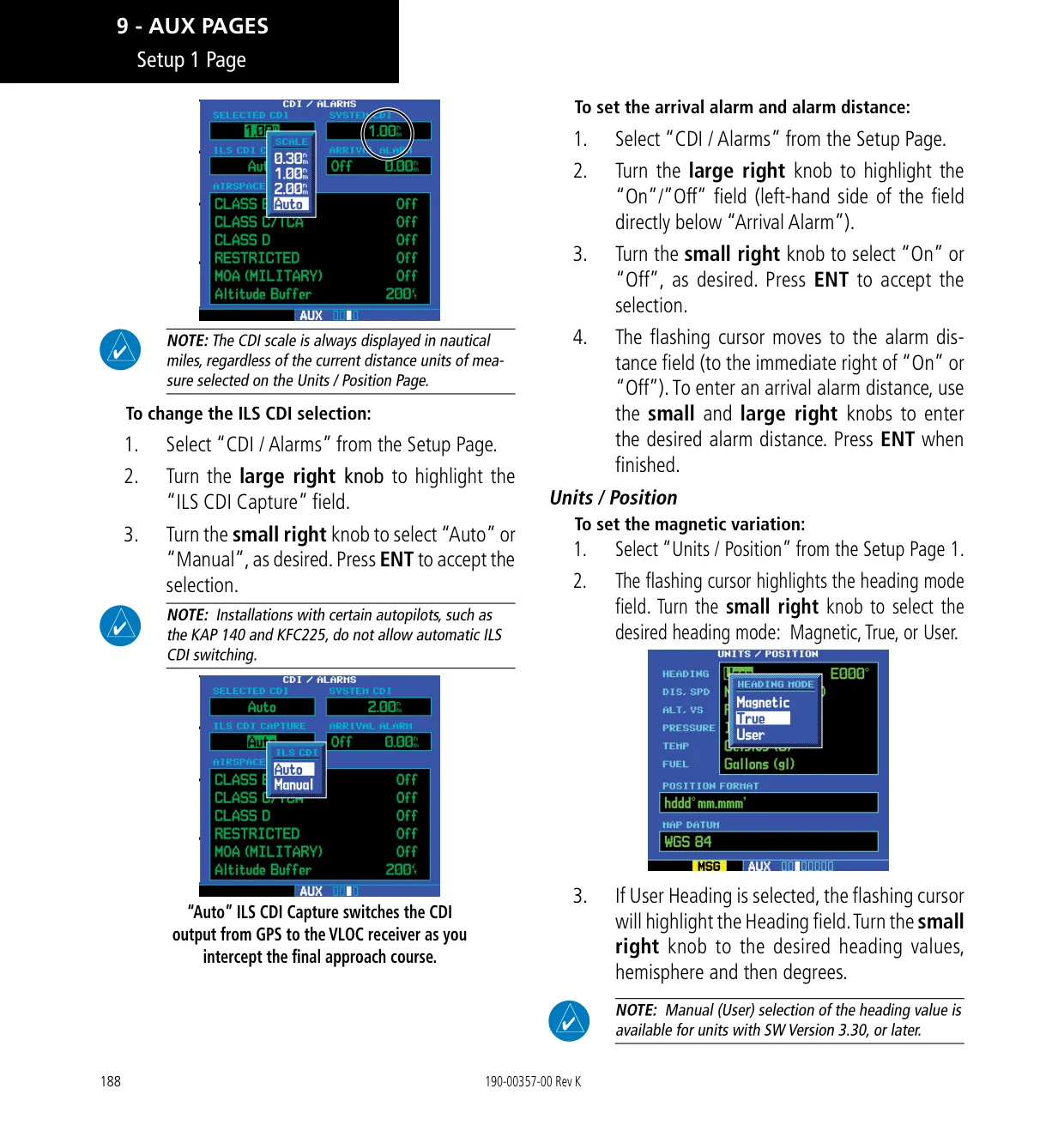
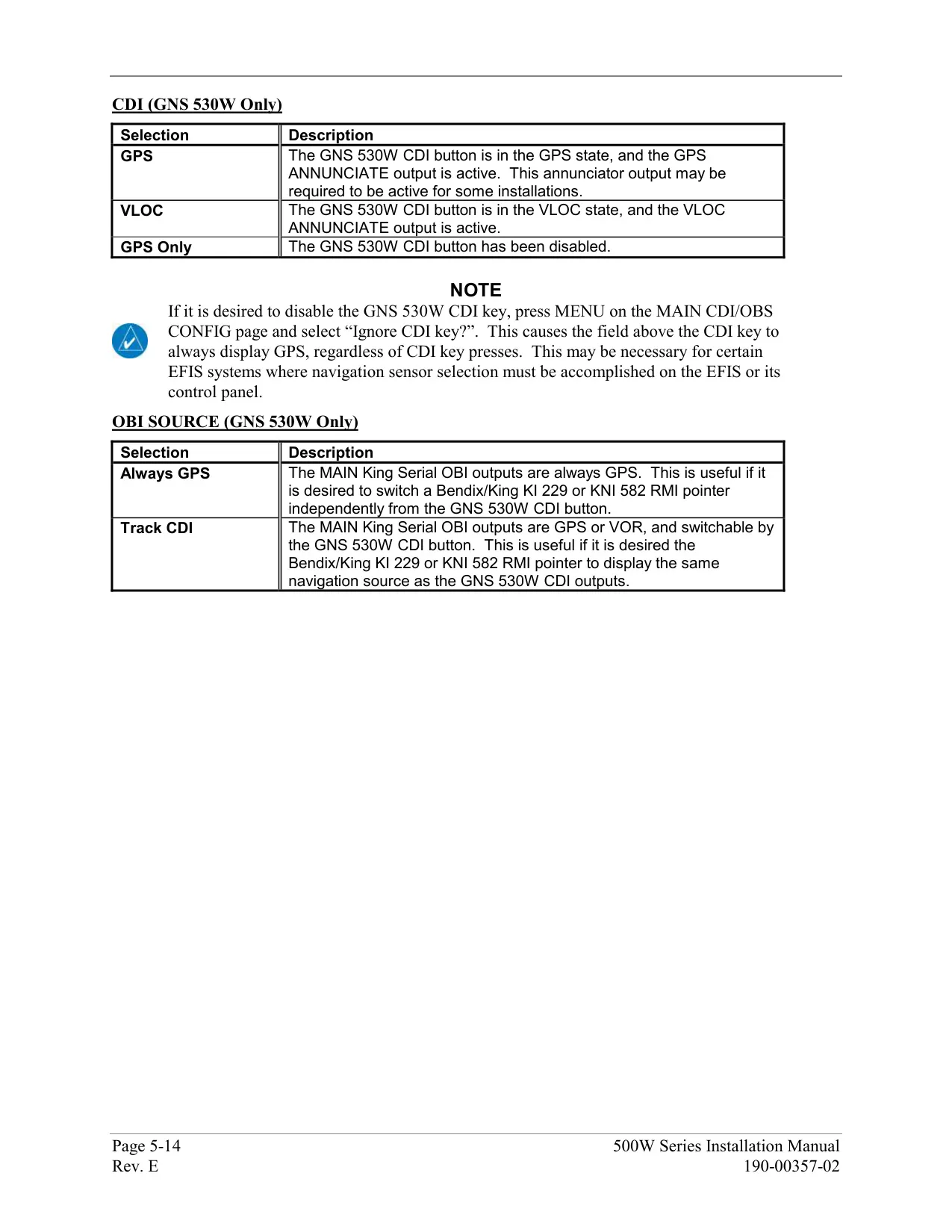
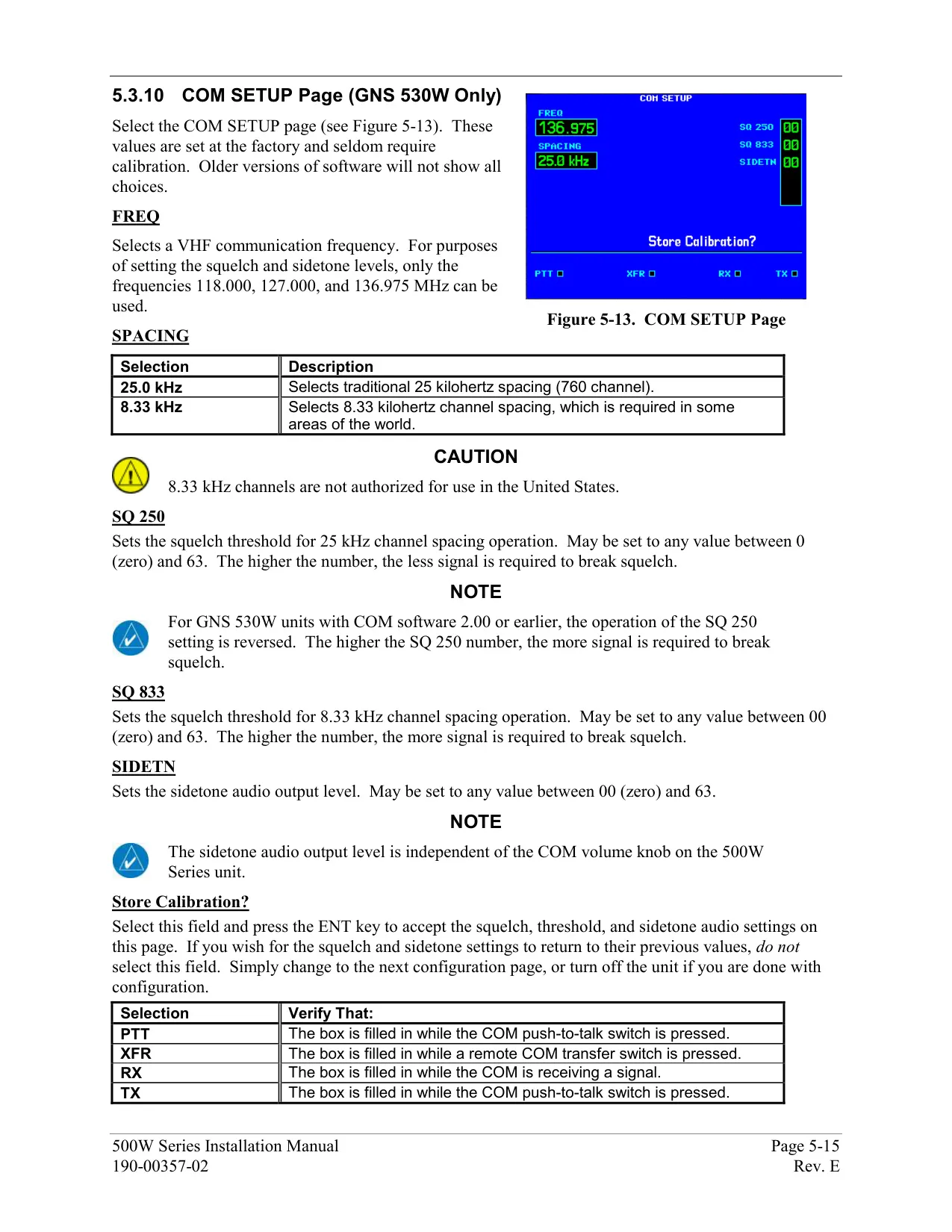
The AUX pages include E6B tools for fuel planning, trip planning, density altitude, true airspeed and winds aloft. They also offer a scheduler, flight timers, trip statistics, RAIM prediction, and software and database version pages. Setup pages cover CDI scaling, arrival and airspace alarms with an altitude buffer, units, time format, display backlight, nearest airport criteria, the data field under the VLOC window and COM channel spacing.
The VNAV function builds an advisory descent profile to a target altitude, either above the waypoint or MSL. It shows the vertical speed required and gives a message one minute before the descent point and another 500 ft before the target altitude. Fault Detection and Exclusion allows the unit to be used as a primary means of navigation in oceanic and remote areas, provided an FDE prediction is run before departure.
Frequently Asked Questions (FAQs)
Can't find the answer you need? Here are some frequently asked questions about the Garmin GNS 530W Panel Avionics Unit, and we answer them below.