Garmin GNS 530 Panel Avionics Unit Instruction Manual

Garmin GNS 530 Panel Avionics Unit






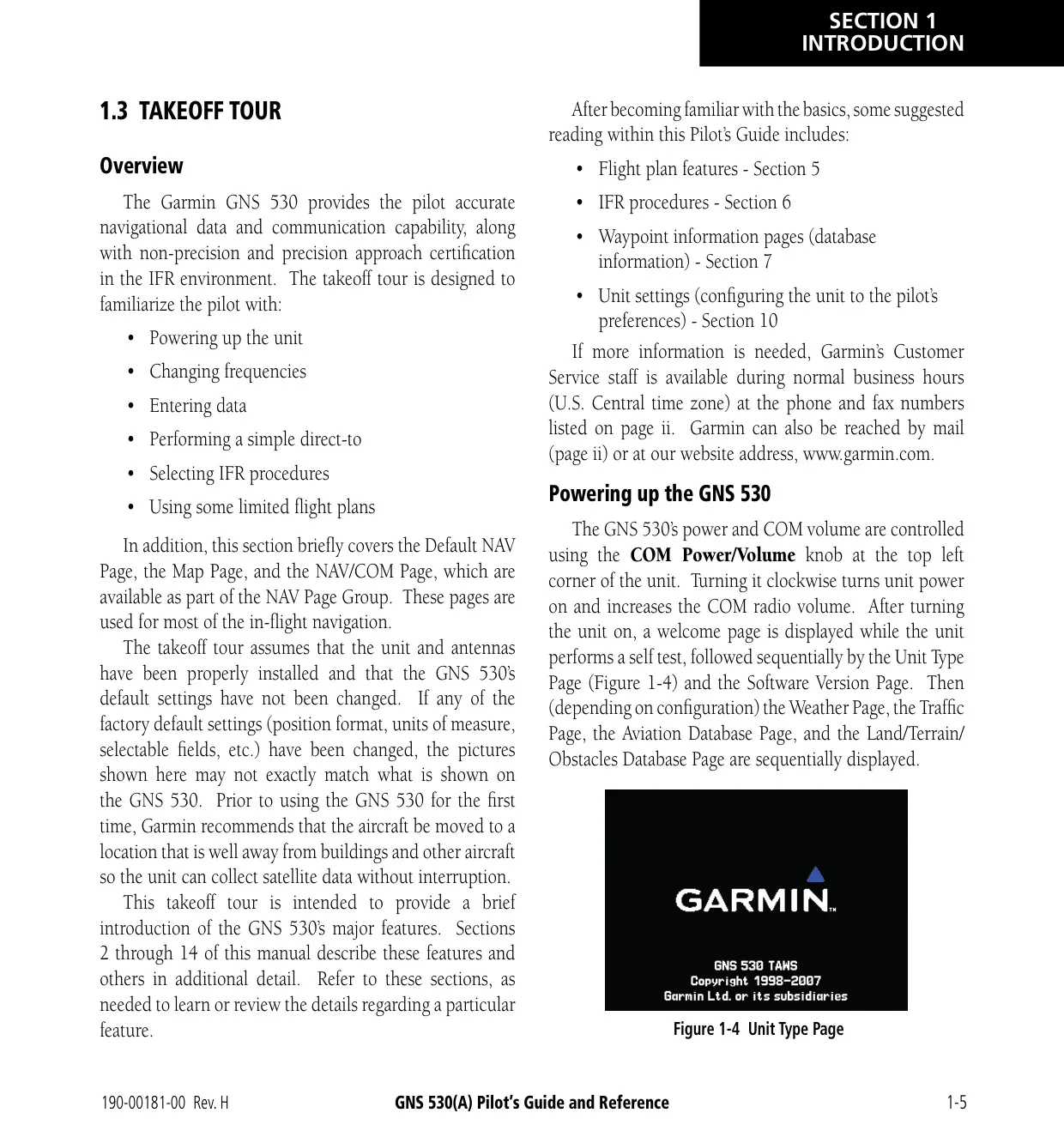


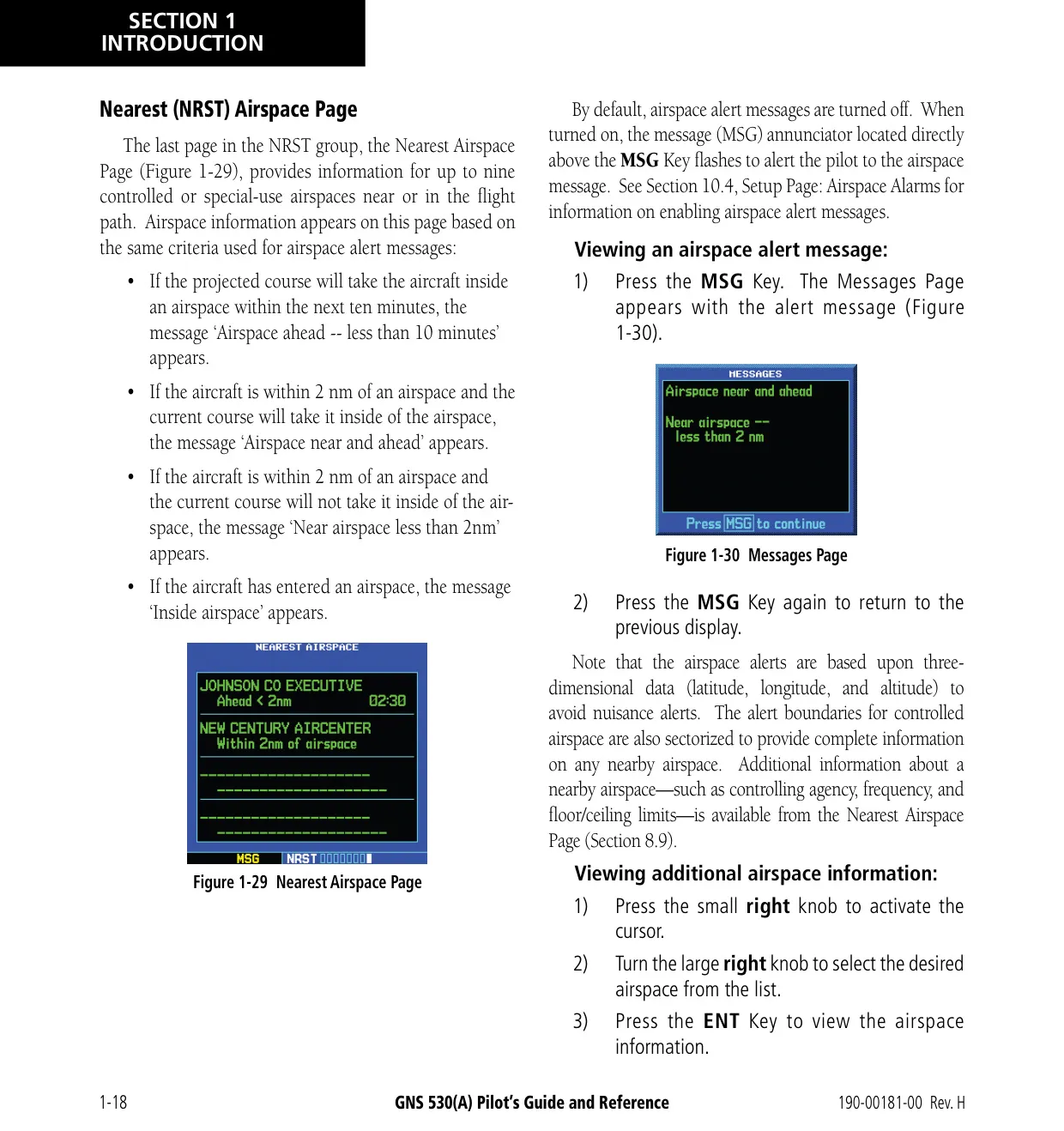


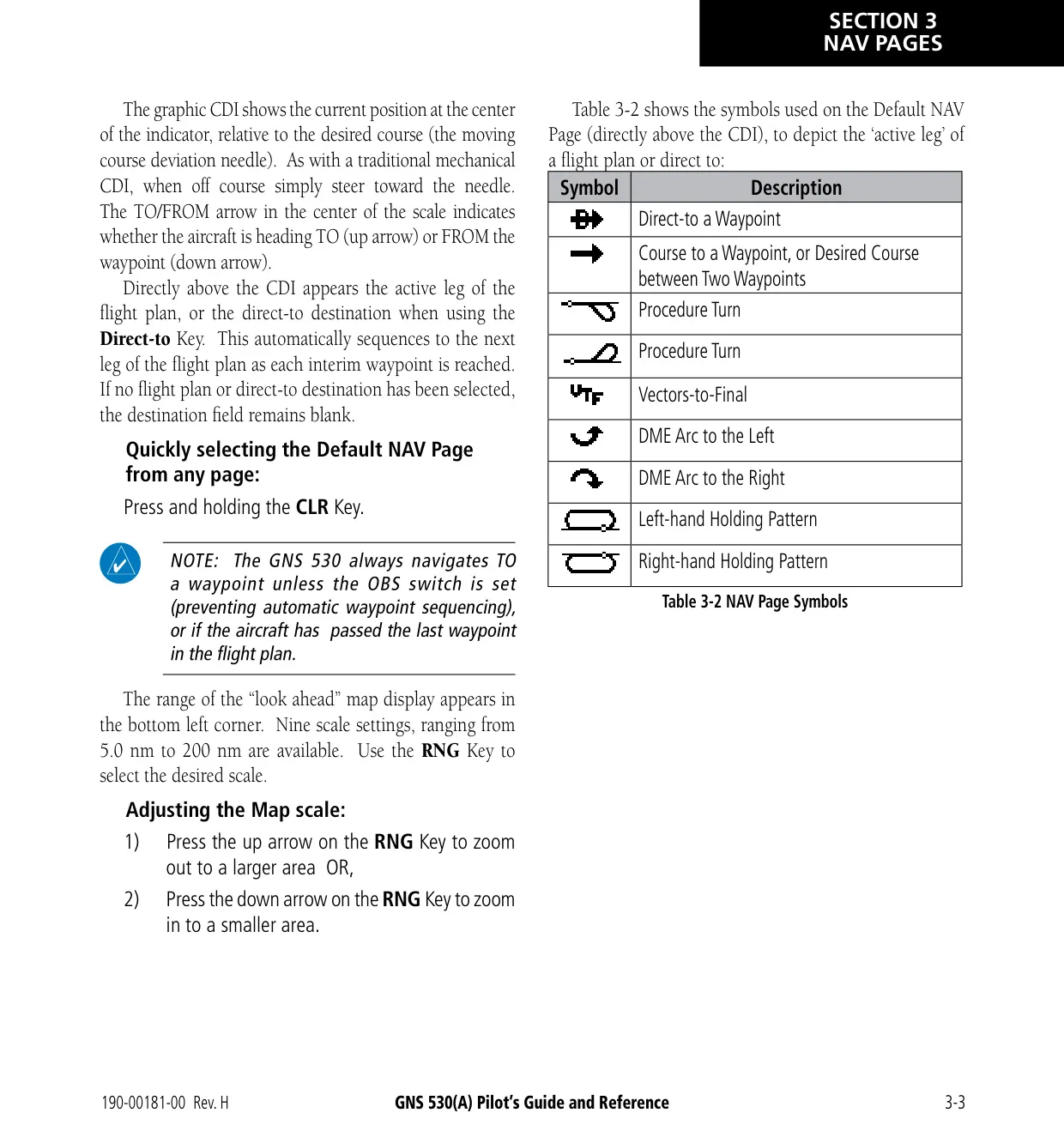


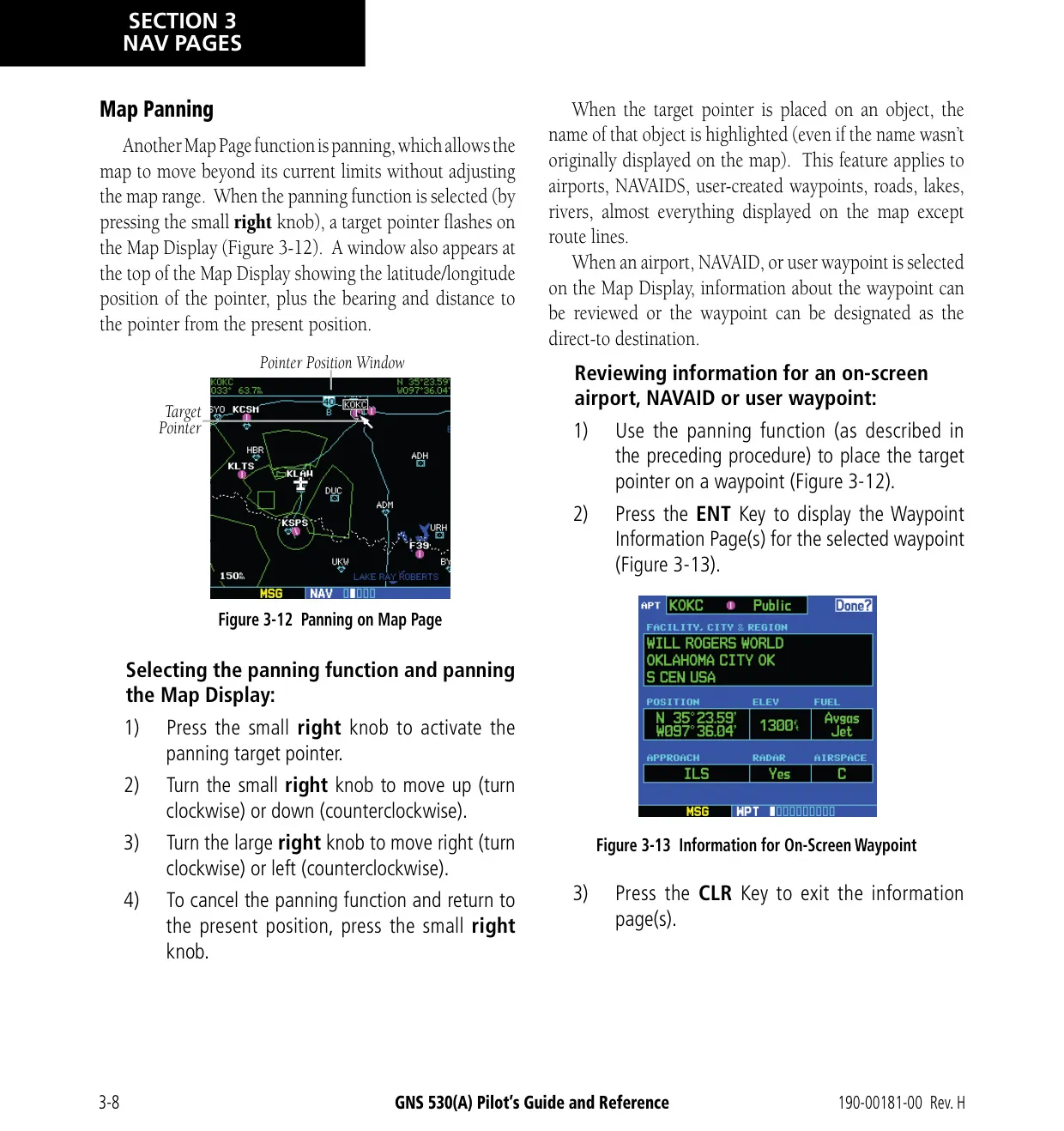














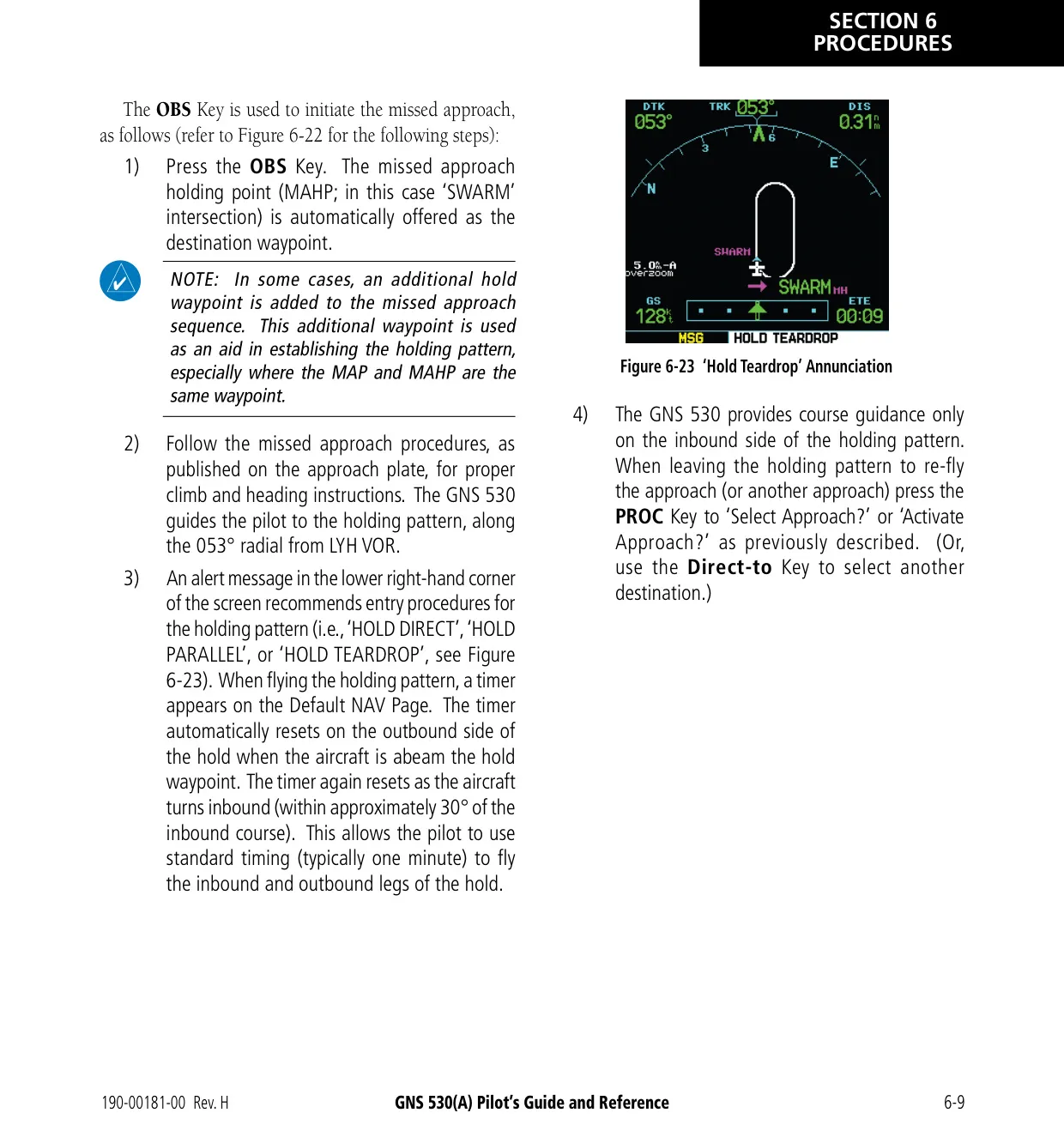


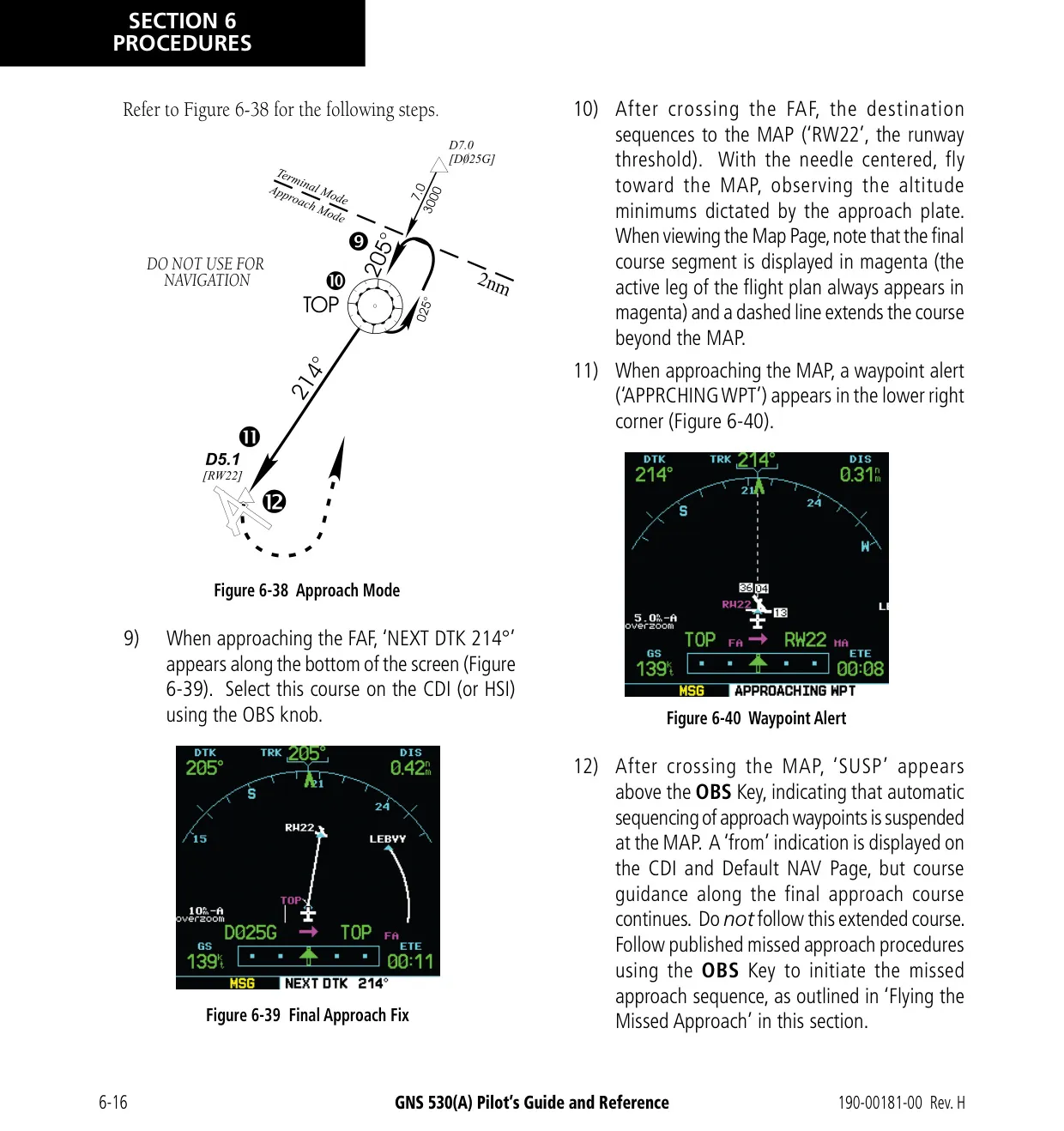


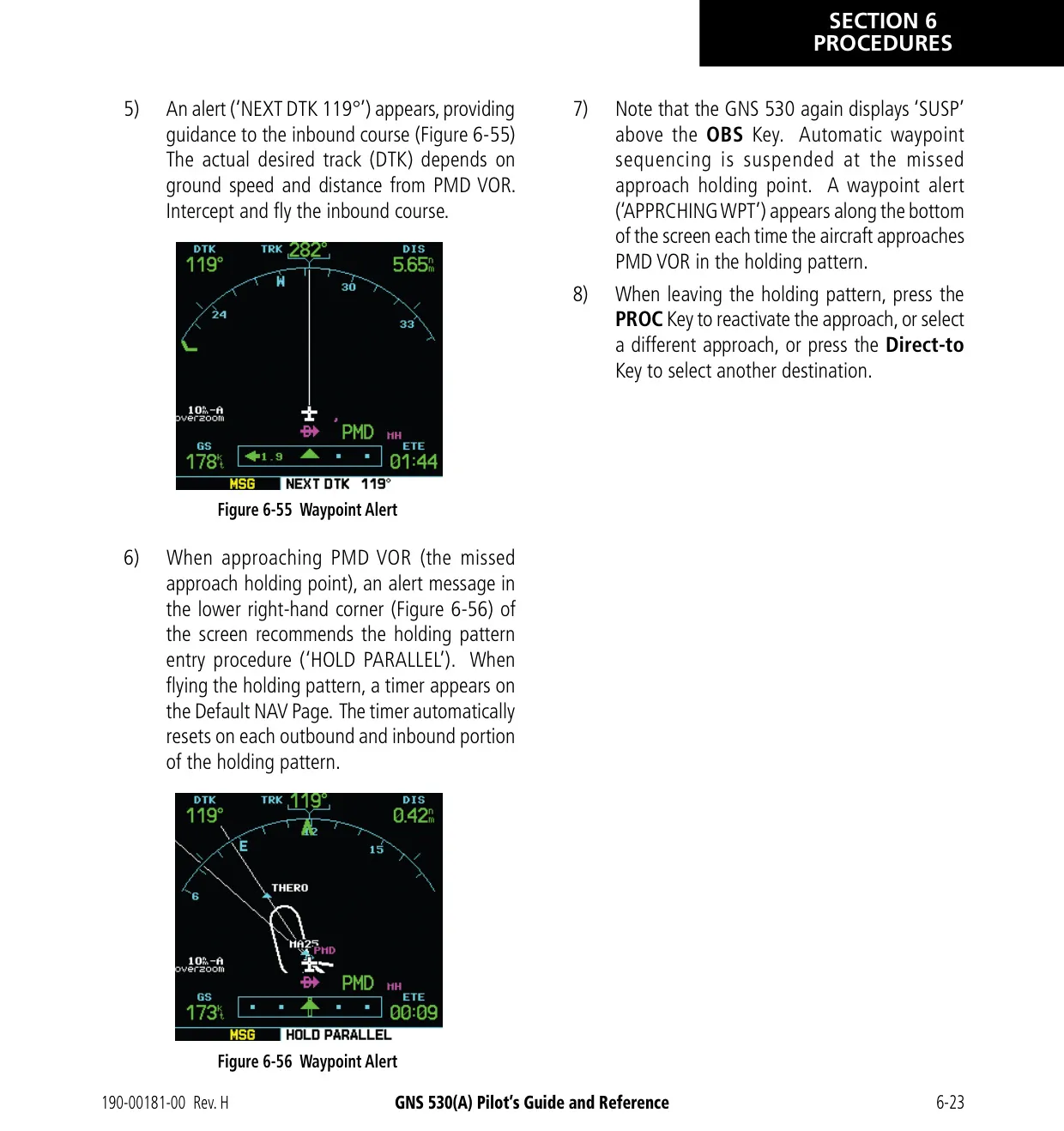


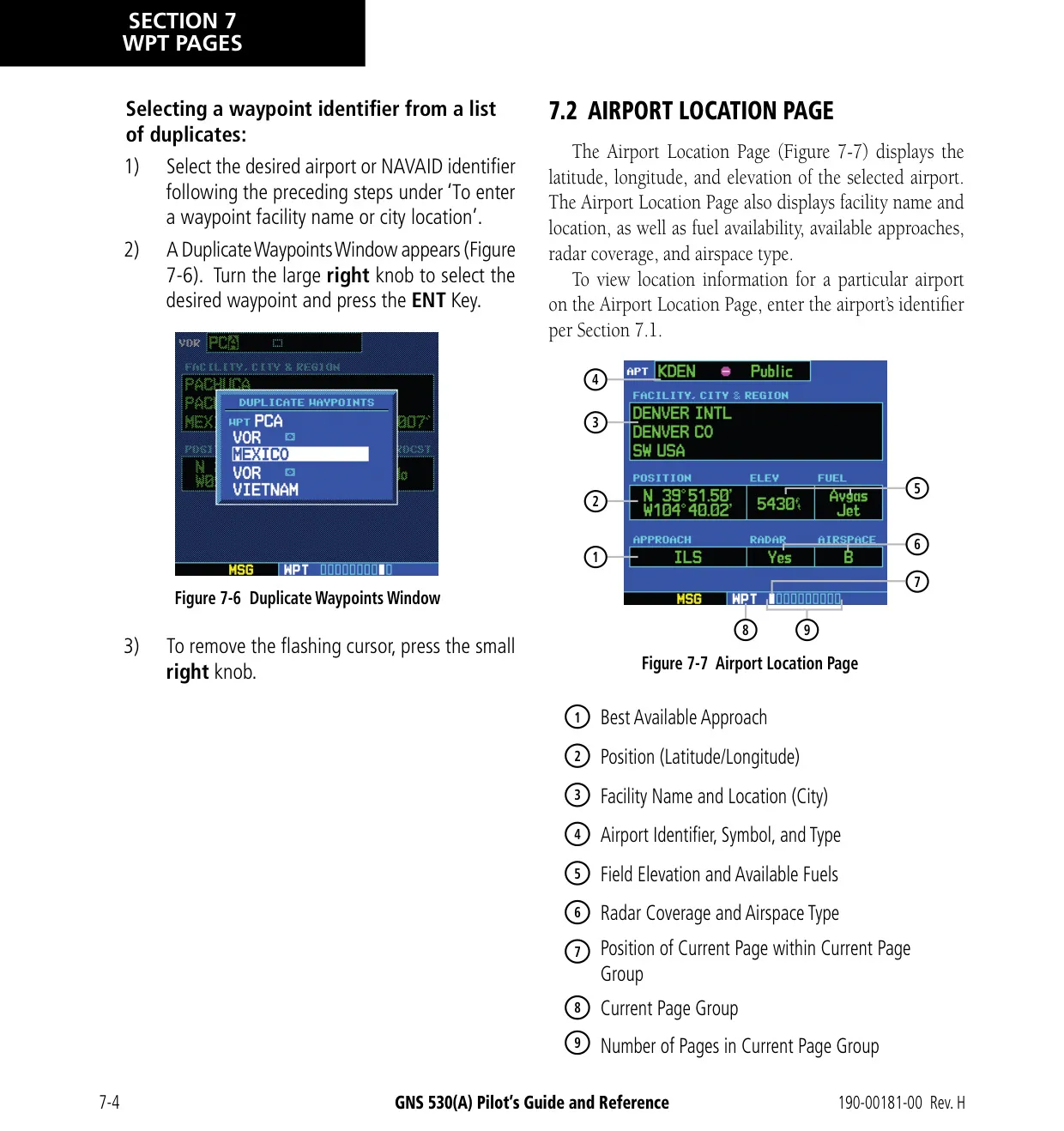


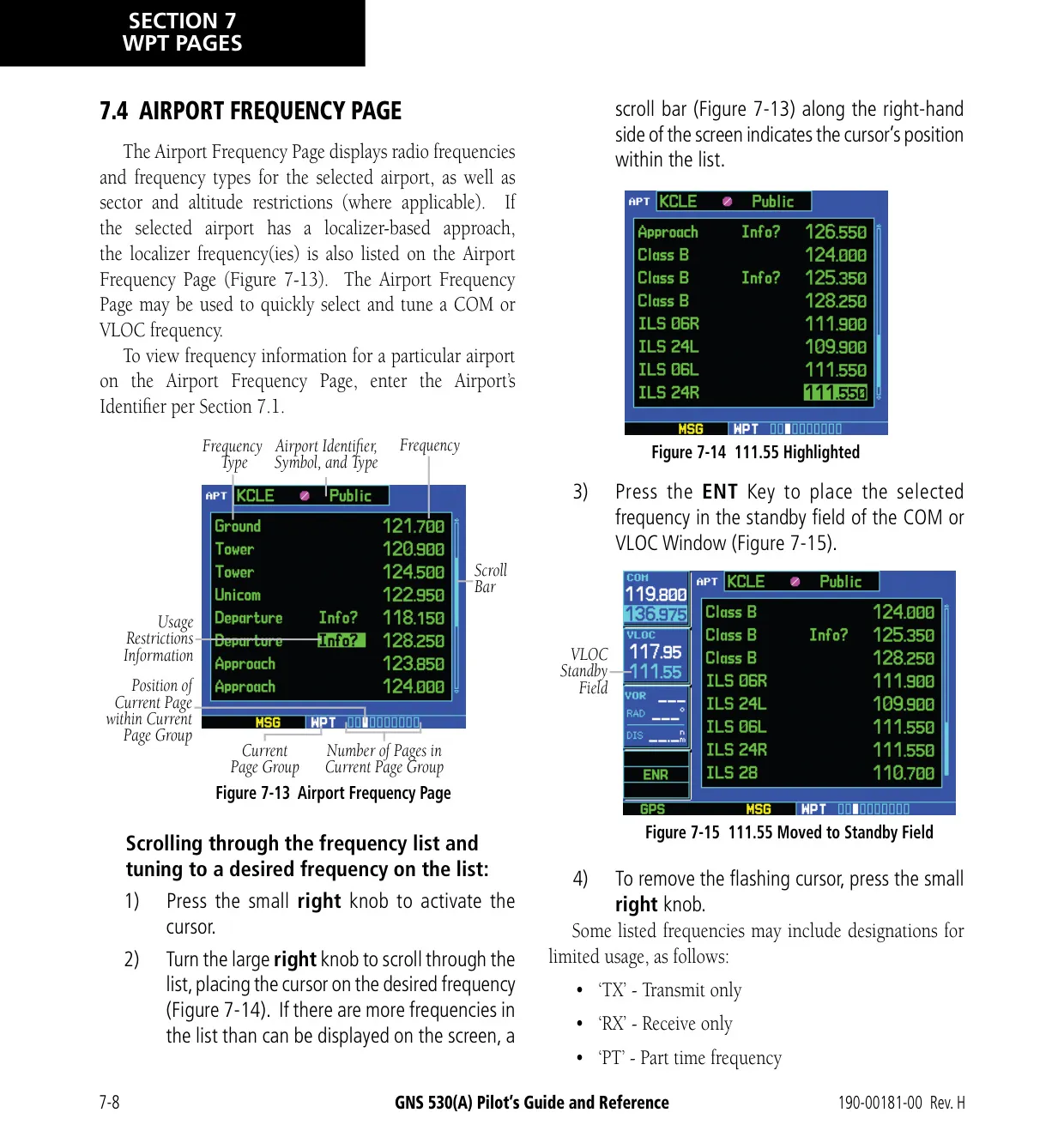


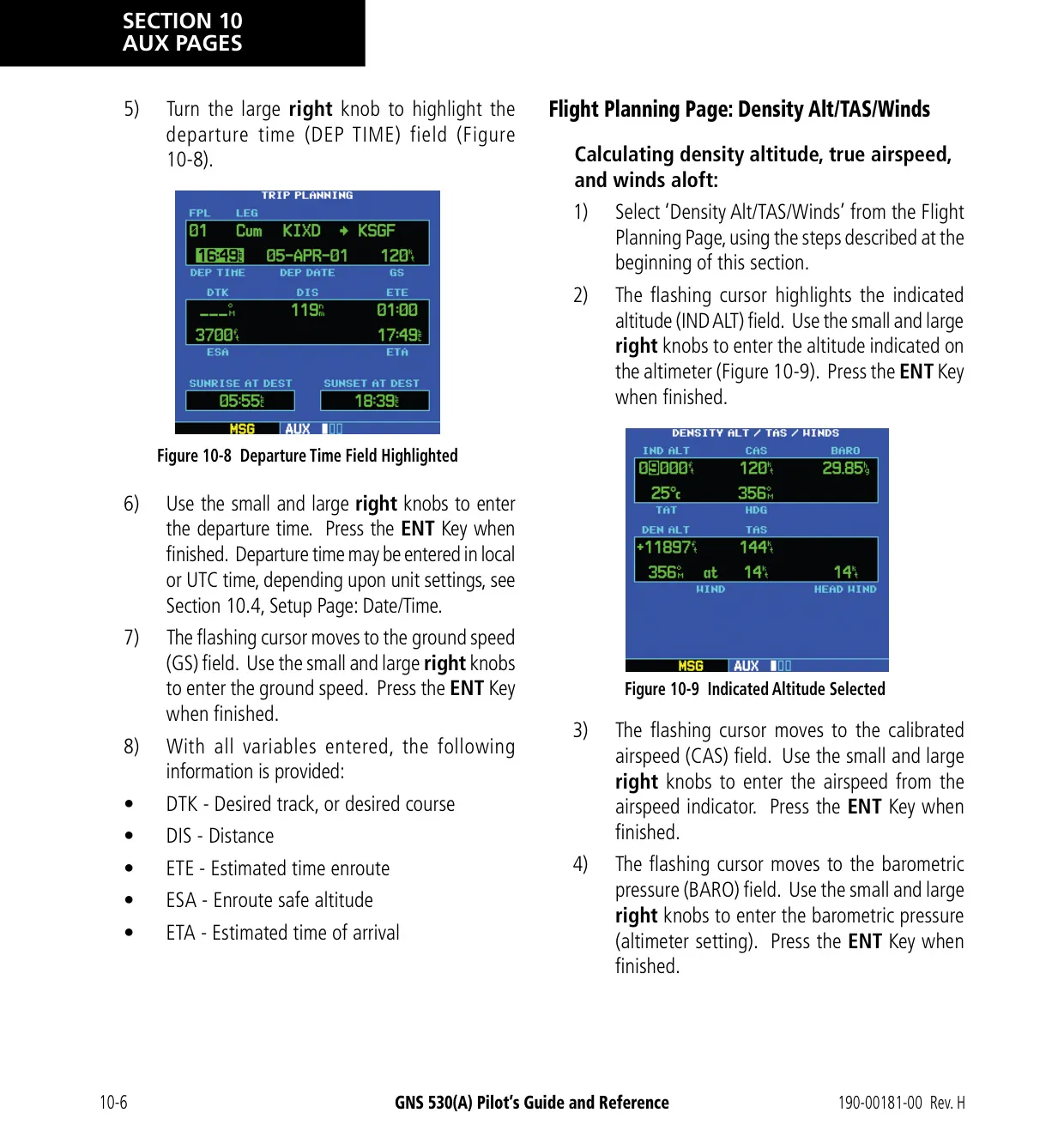
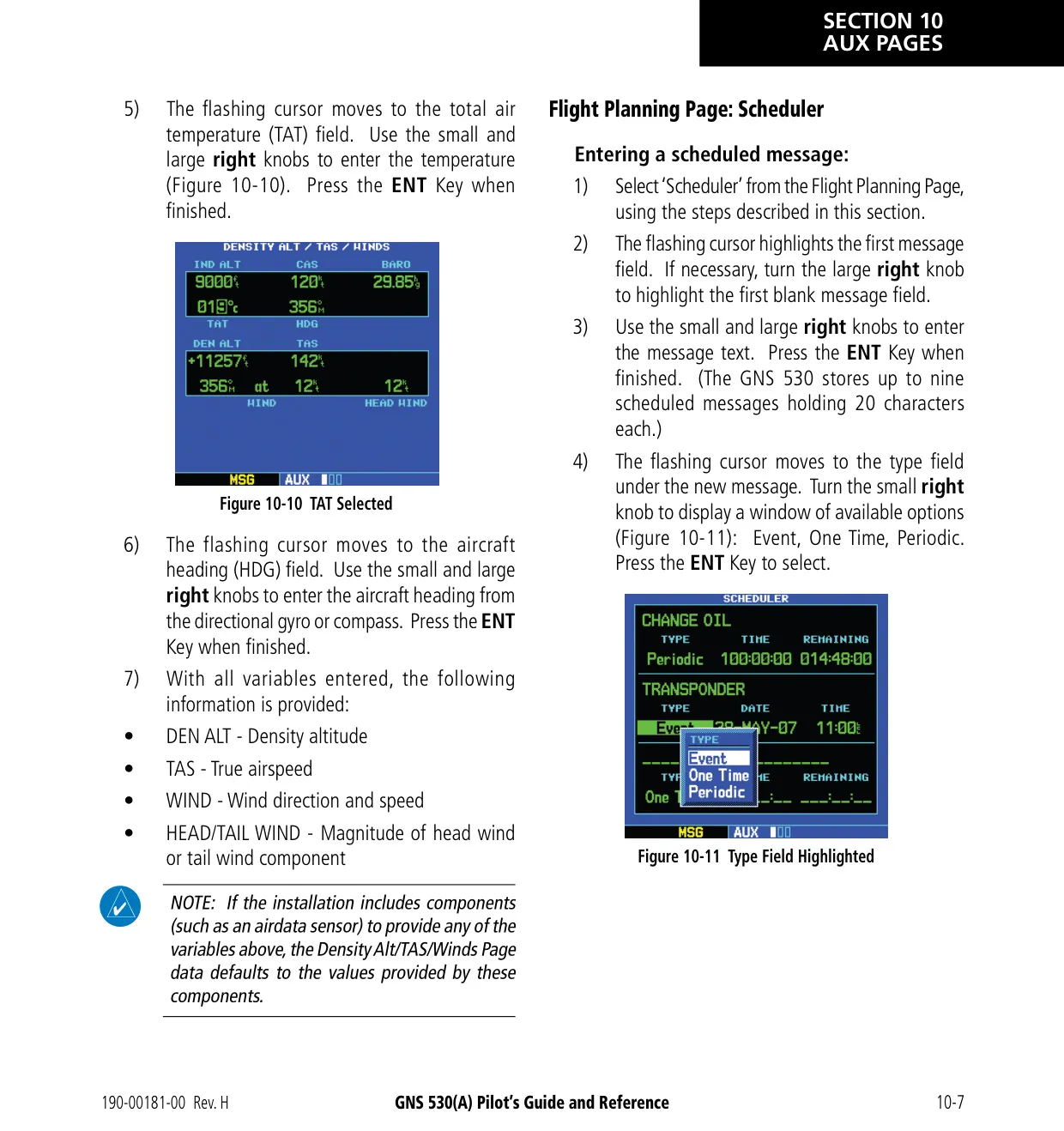
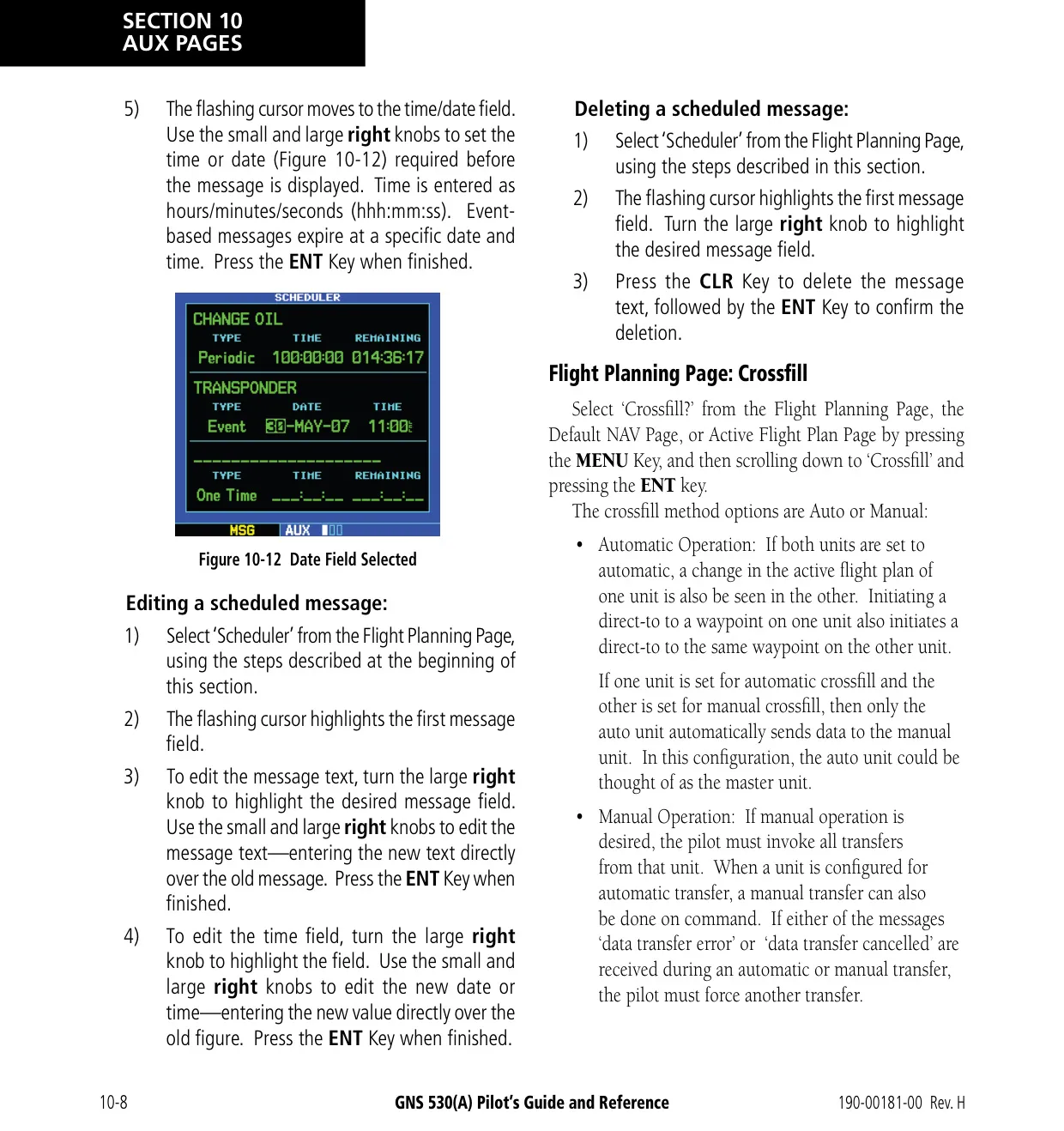


























Garmin GNS 530 Panel Avionics Unit








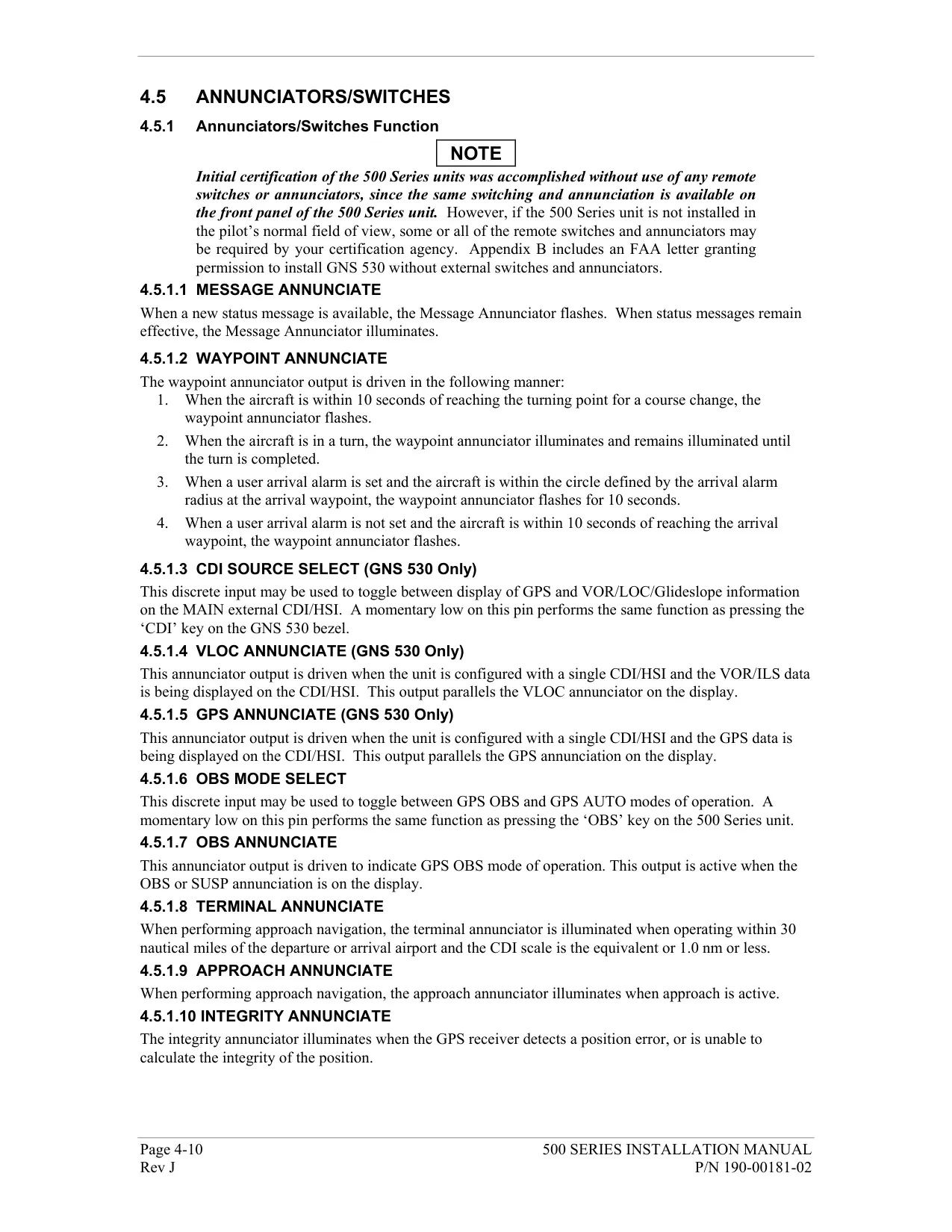


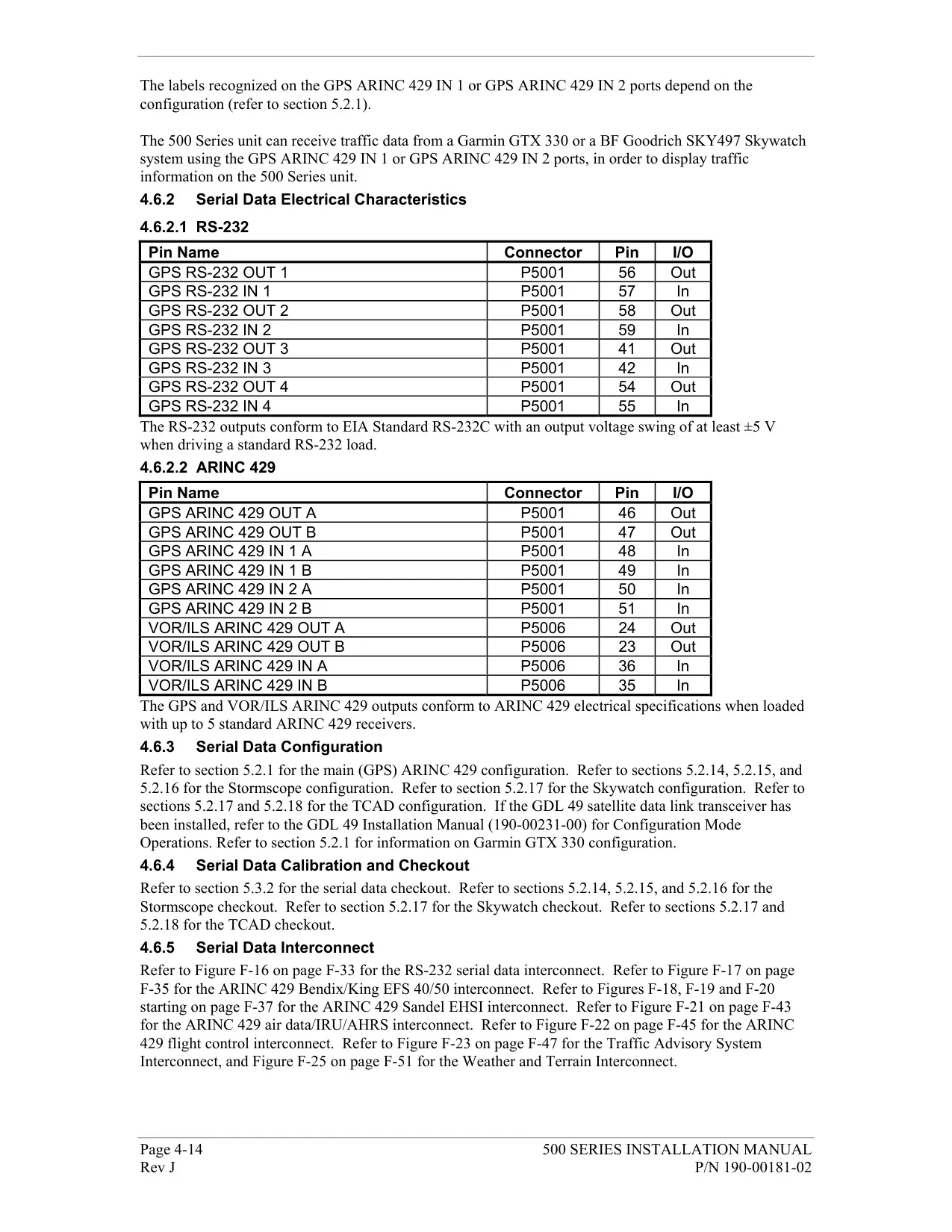
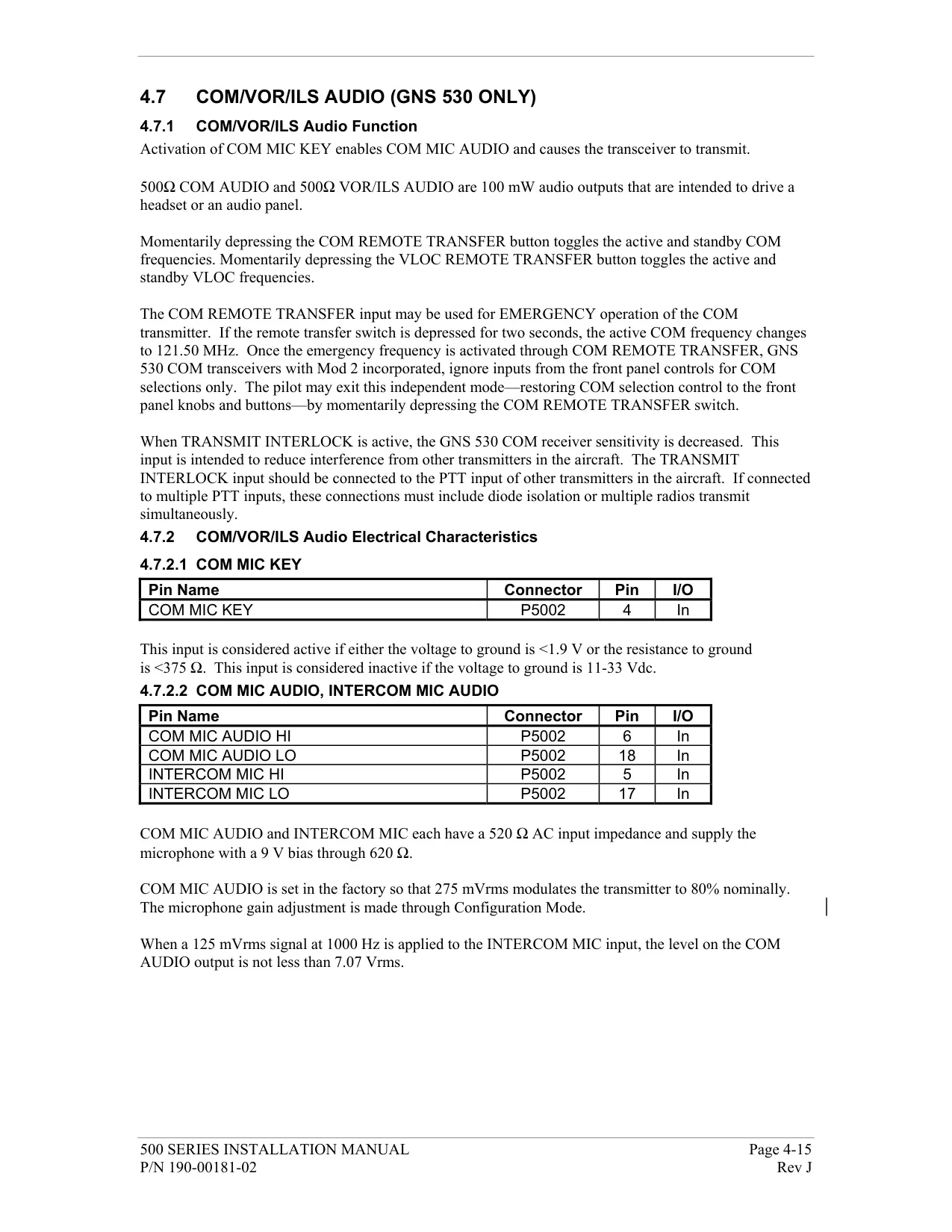


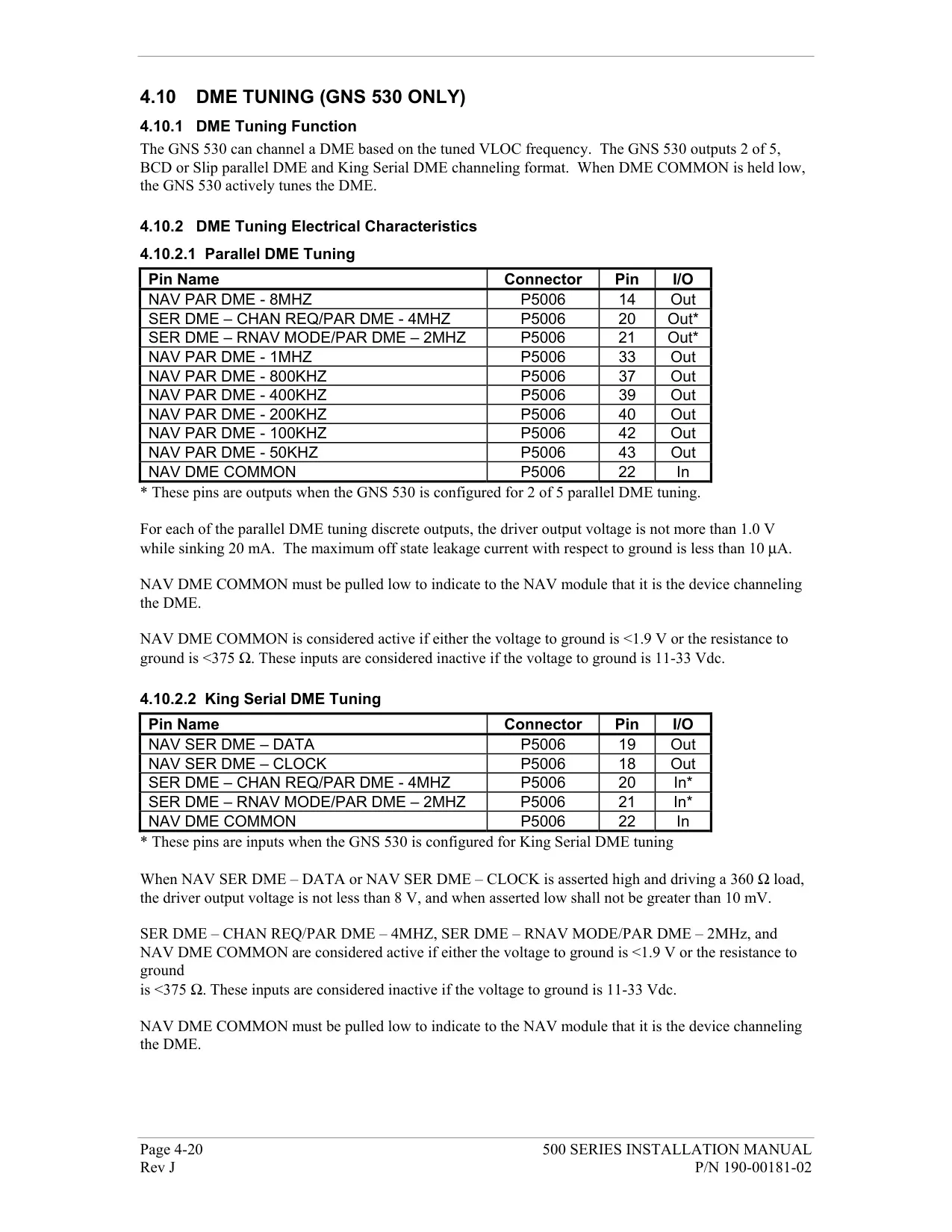







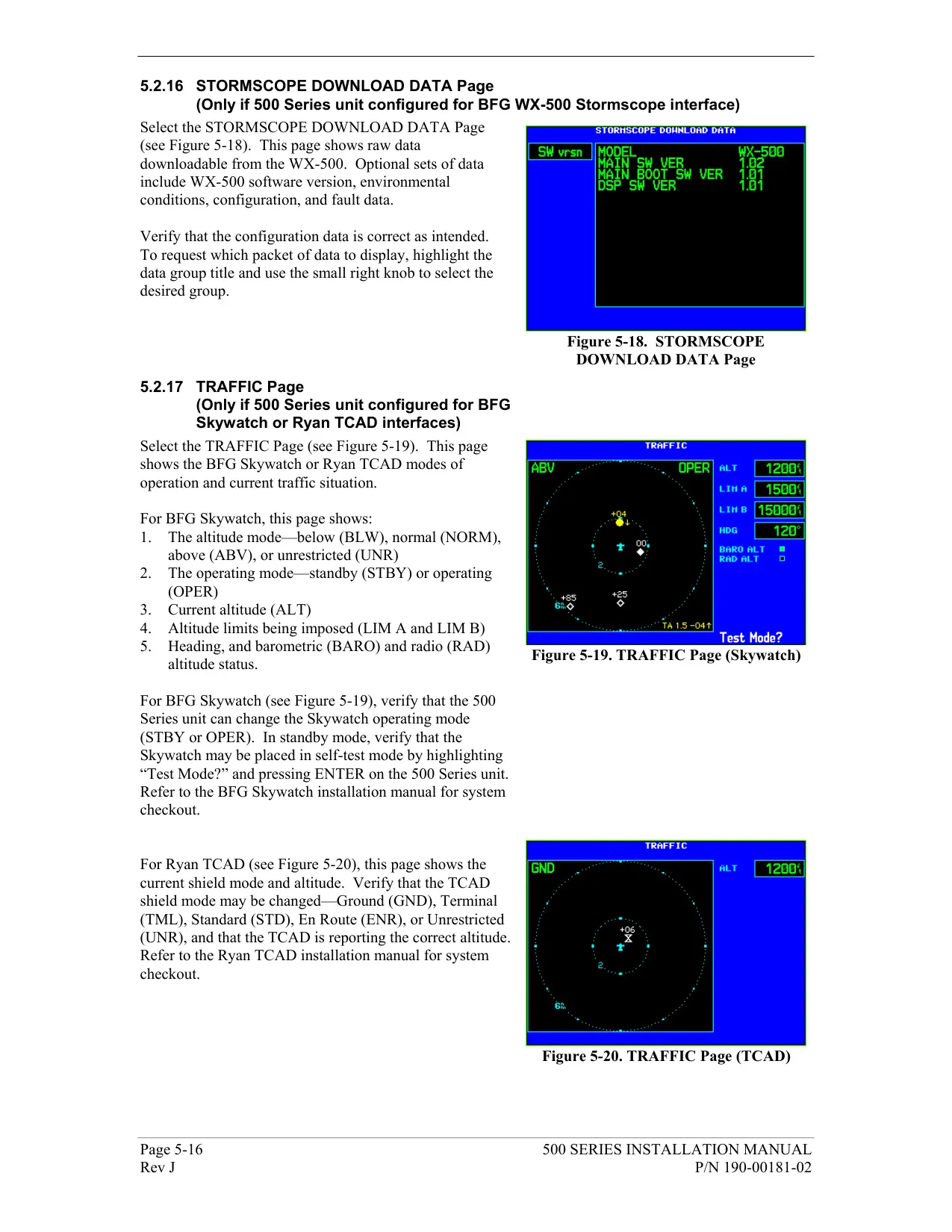


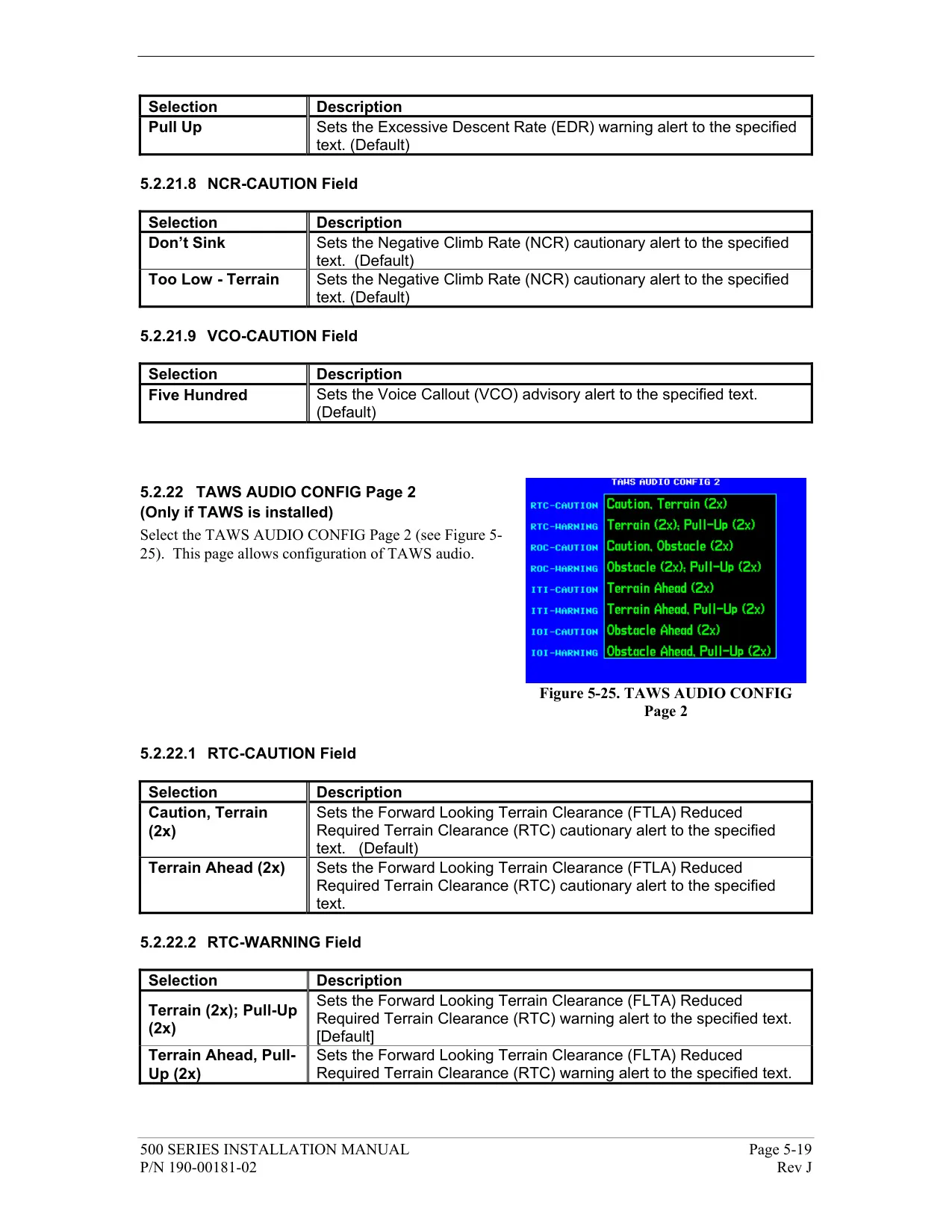

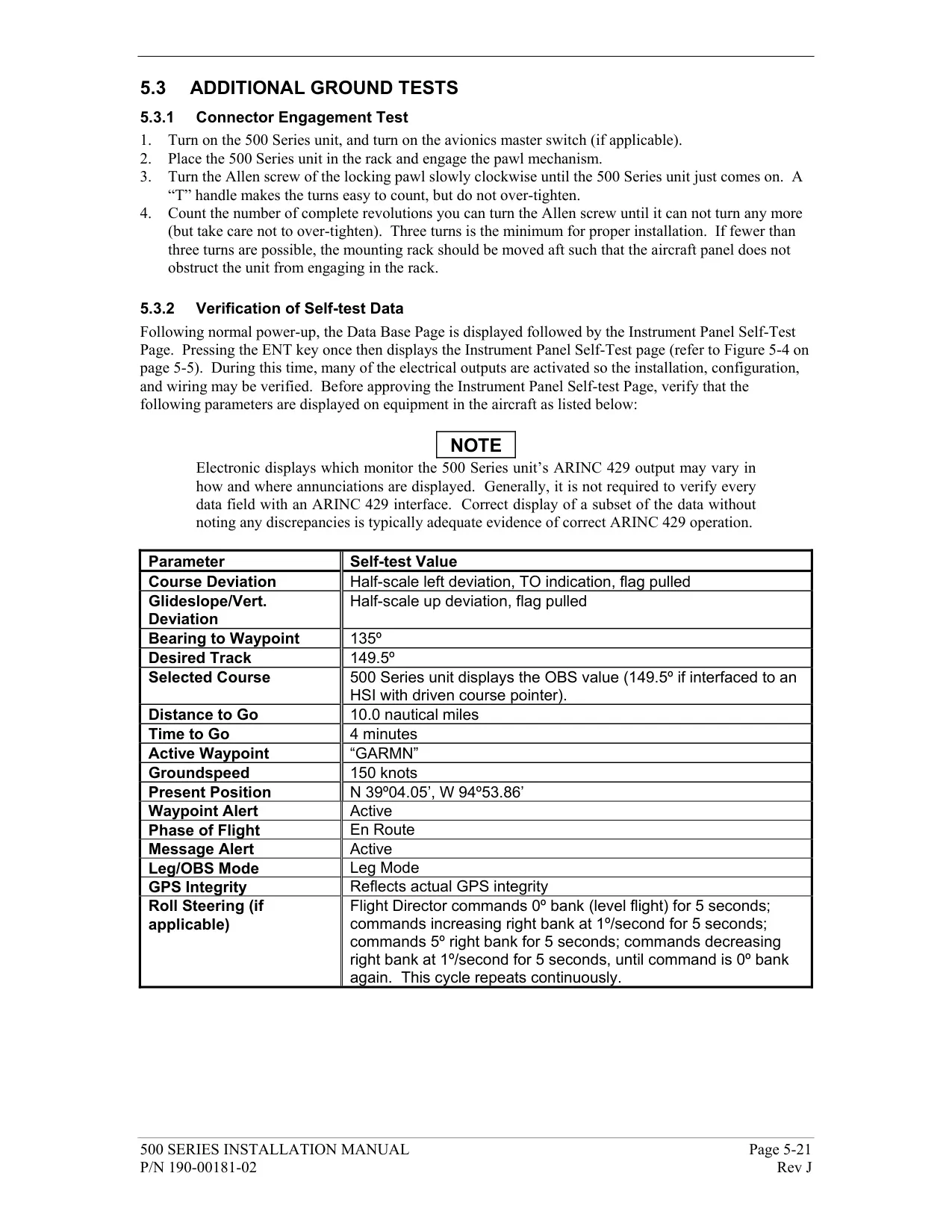


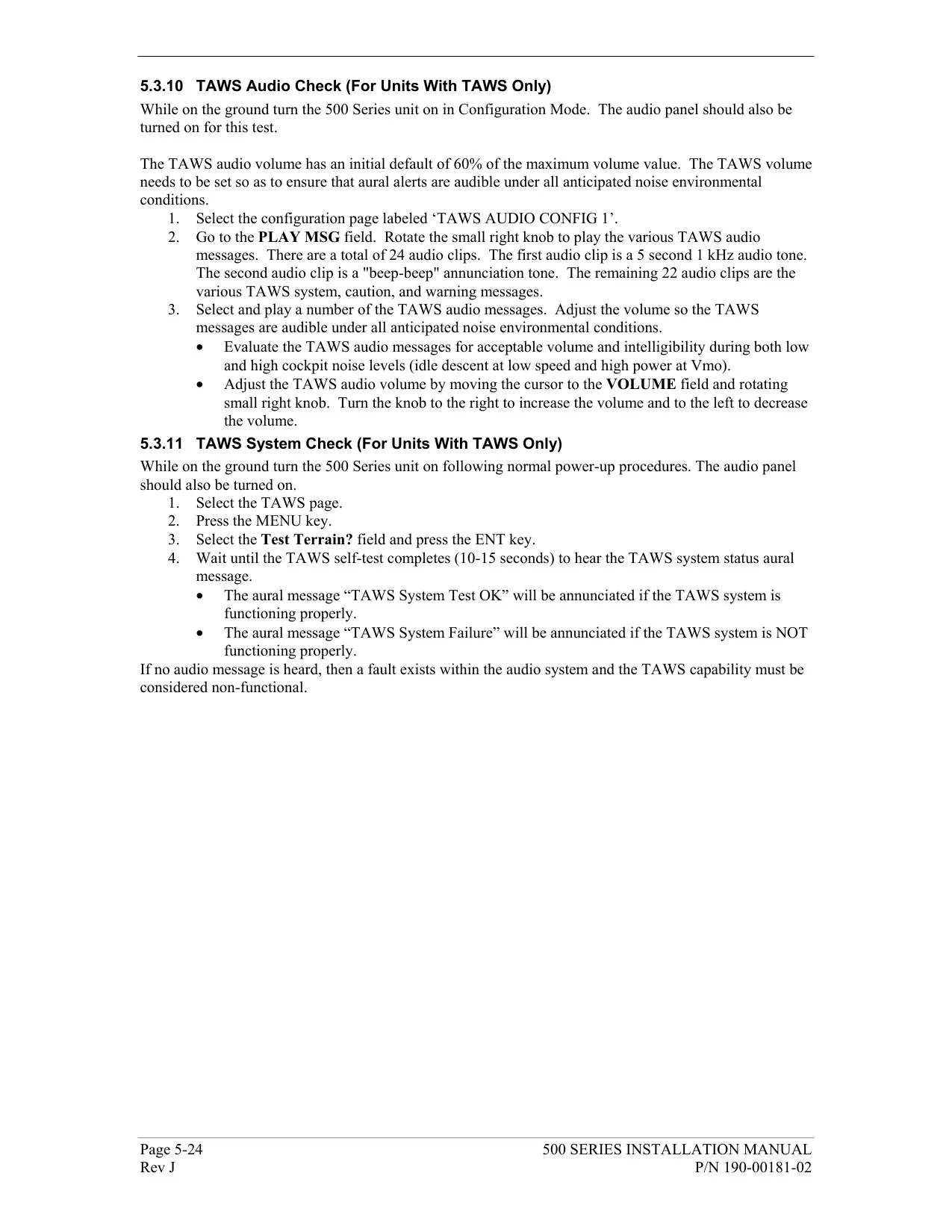






















Garmin GNS 530 Panel Avionics Unit









Garmin GNS 530 Instructions
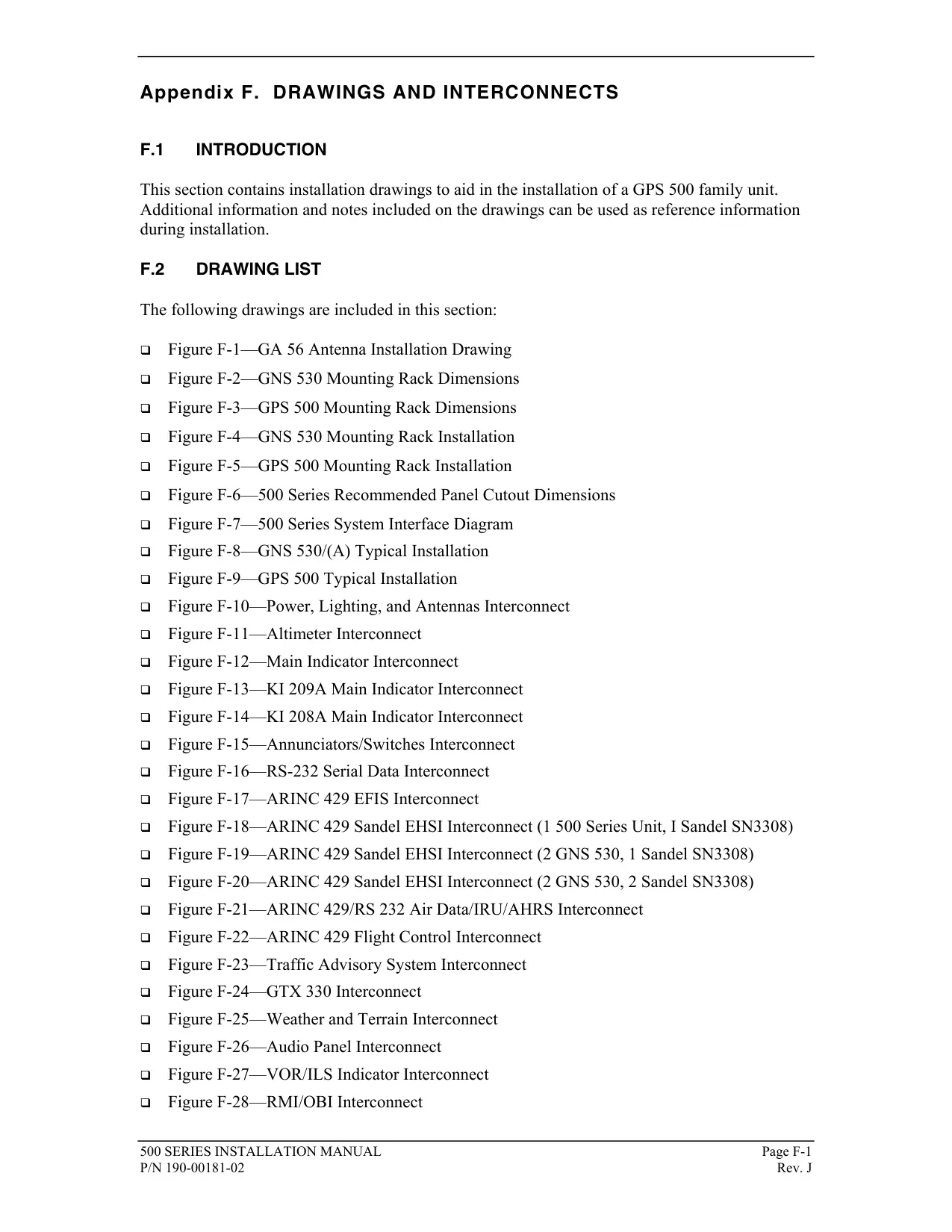
Here we offer the Garmin GNS 530 Panel Avionics Unit manual completely free and in English. We have cataloged this manual in the Panel Avionics Units section on Manualverse, and it has been rated by 1 users with an average rating of 5. If you have any specific questions about Garmin GNS 530 Panel Avionics Unit, we suggest checking the Frequently Asked Questions (FAQs) section of this manual.
Product Images


Garmin GNS 530 Panel Avionics Unit Specifications
| Feature | Specification |
|---|---|
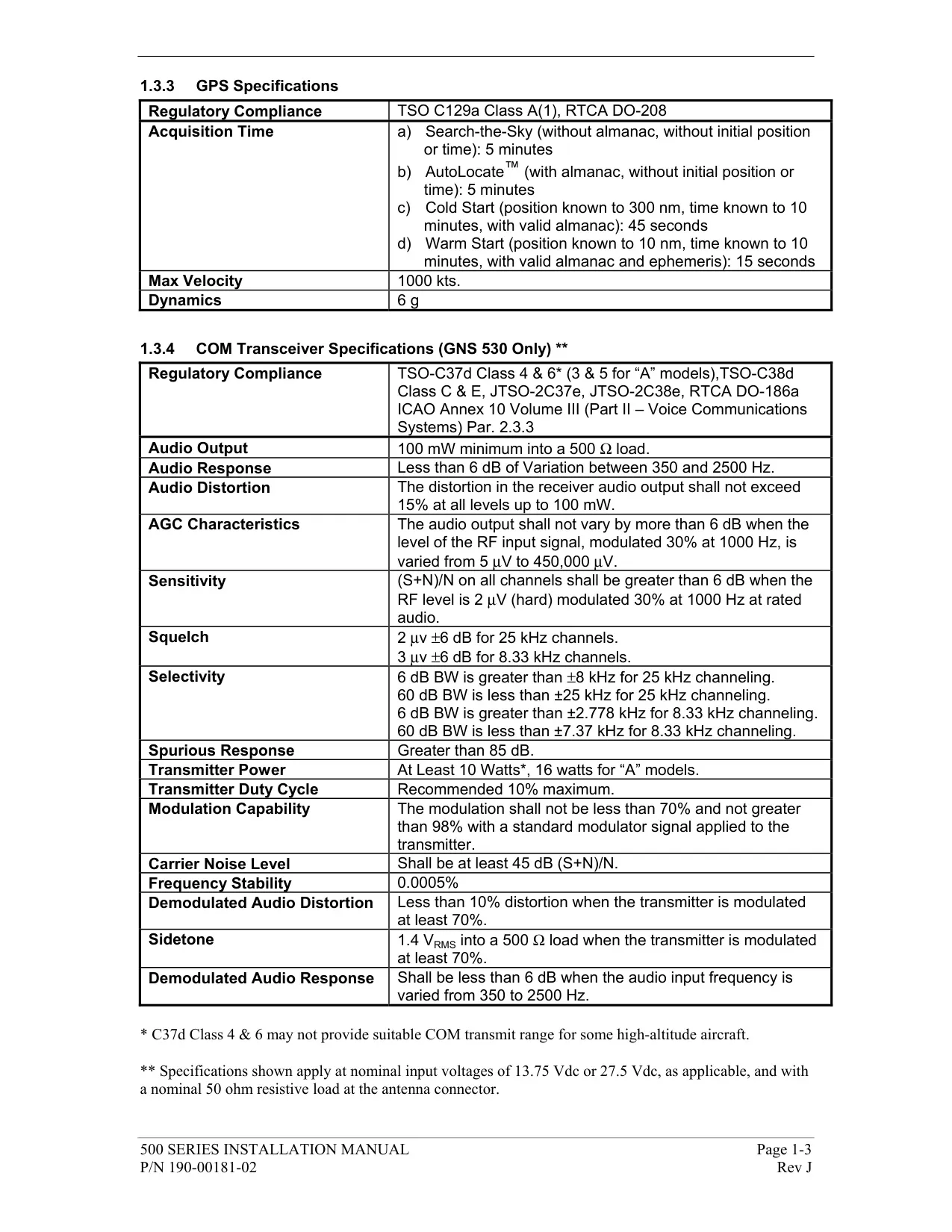
| Product Type | Panel-mount IFR GPS/NAV/COM unit (covers GNS 530, GNS 530A and GNS 530(A) w/TAWS) |
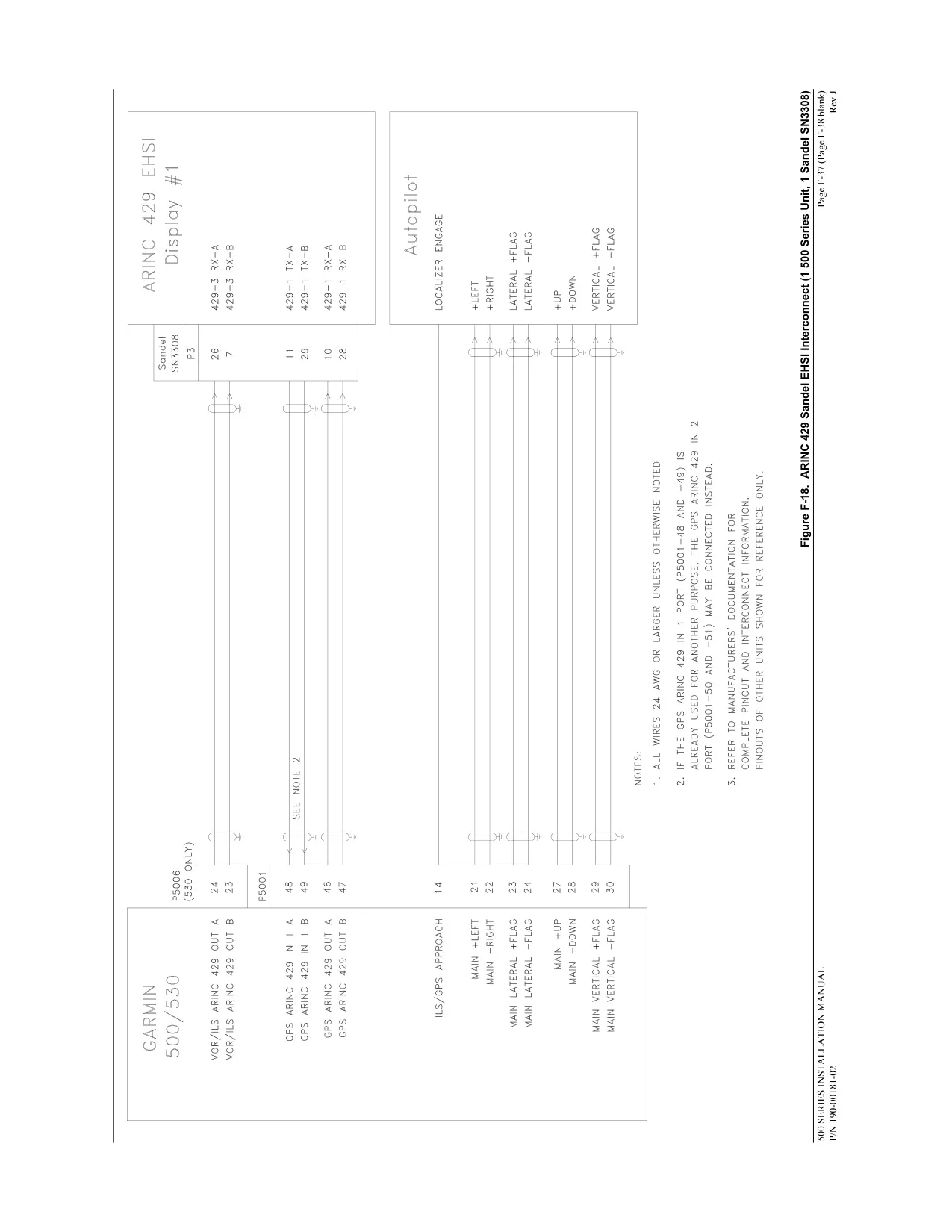
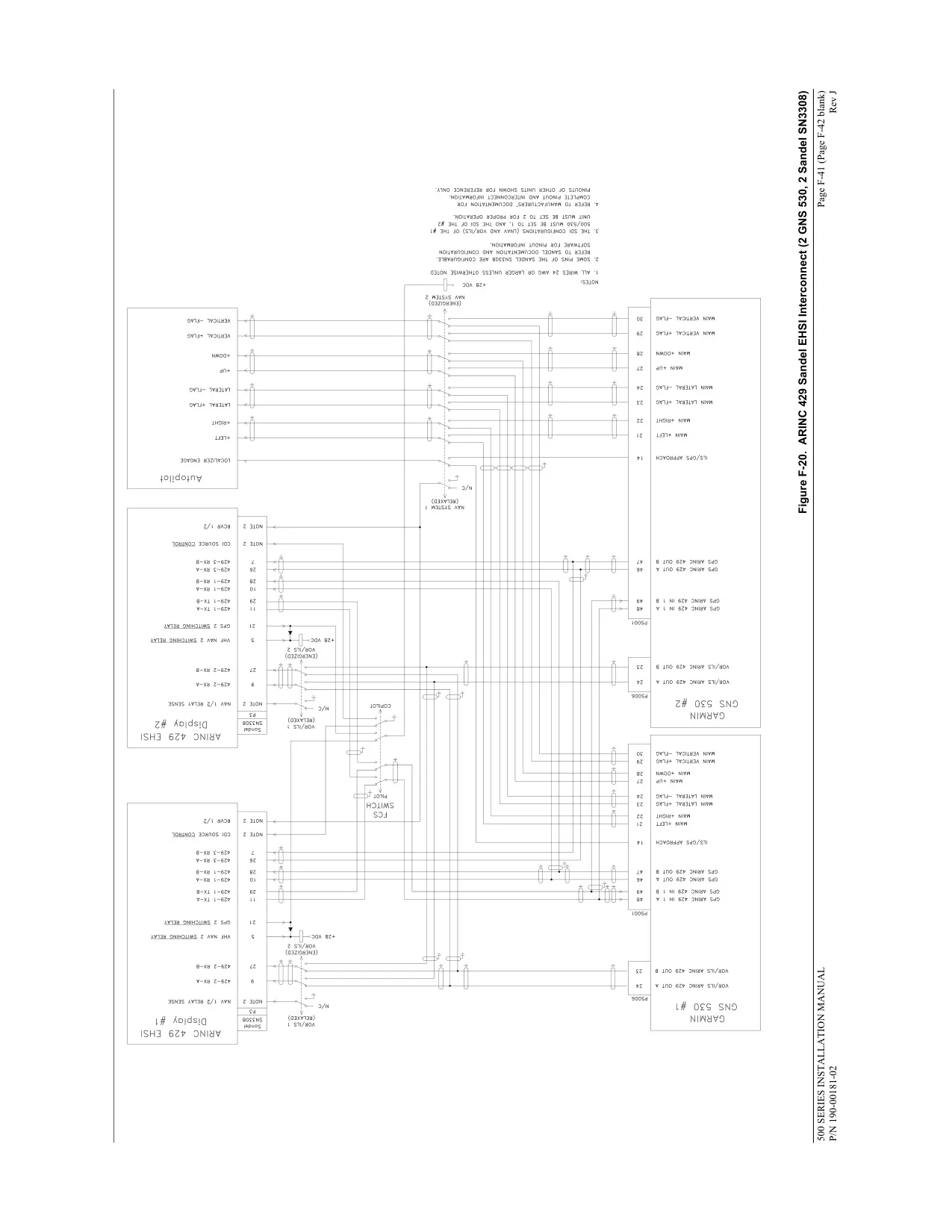
| Manual Reference | Pilot's Guide and Reference 190-00181-00 Rev. H (December 2009), Main System Software v6.03 or later |
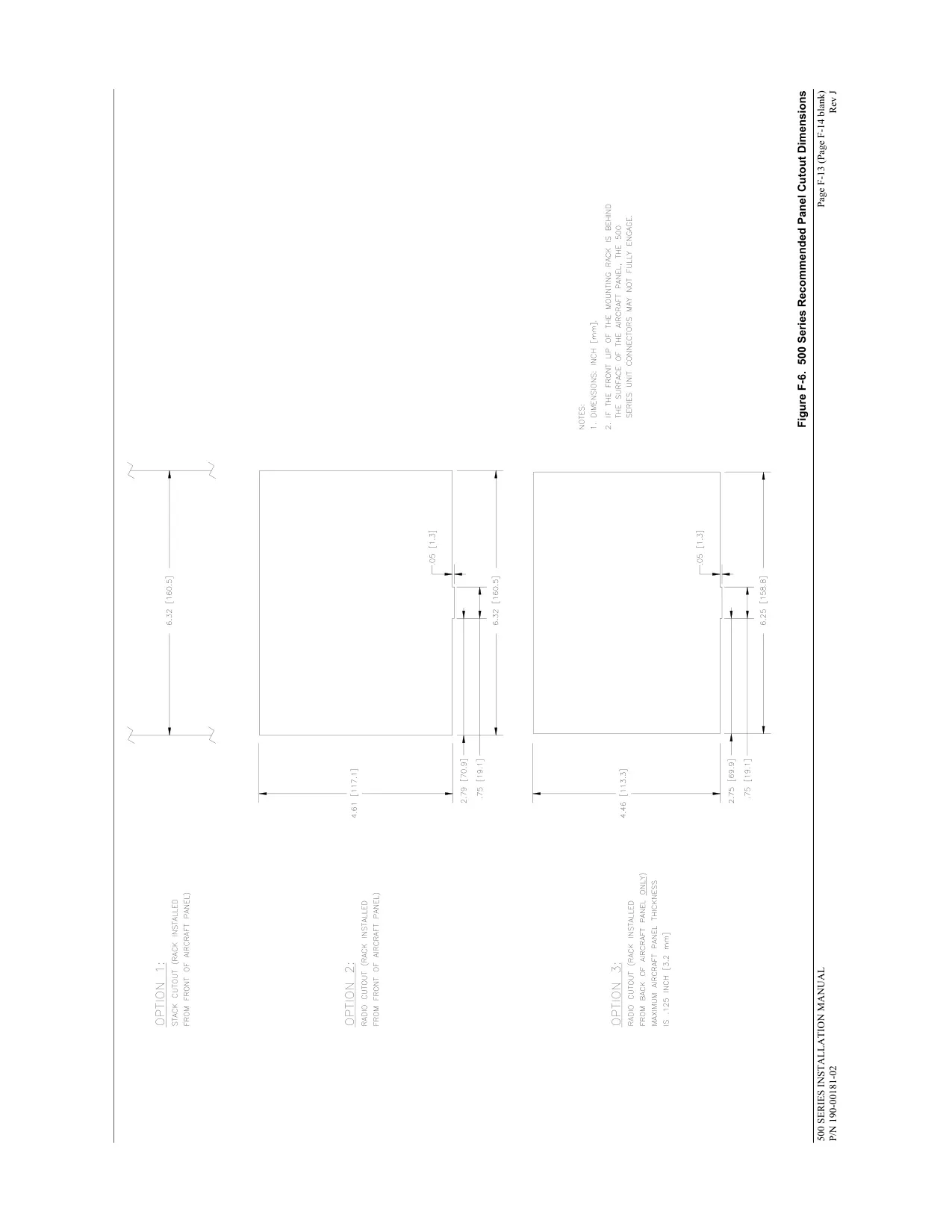
| Unit Size (W x D x H) | 6.25 x 11.00 x 4.60 in (159 x 279 x 117 mm) |
| Unit Weight | 8.5 lb installed (3.9 kg) |
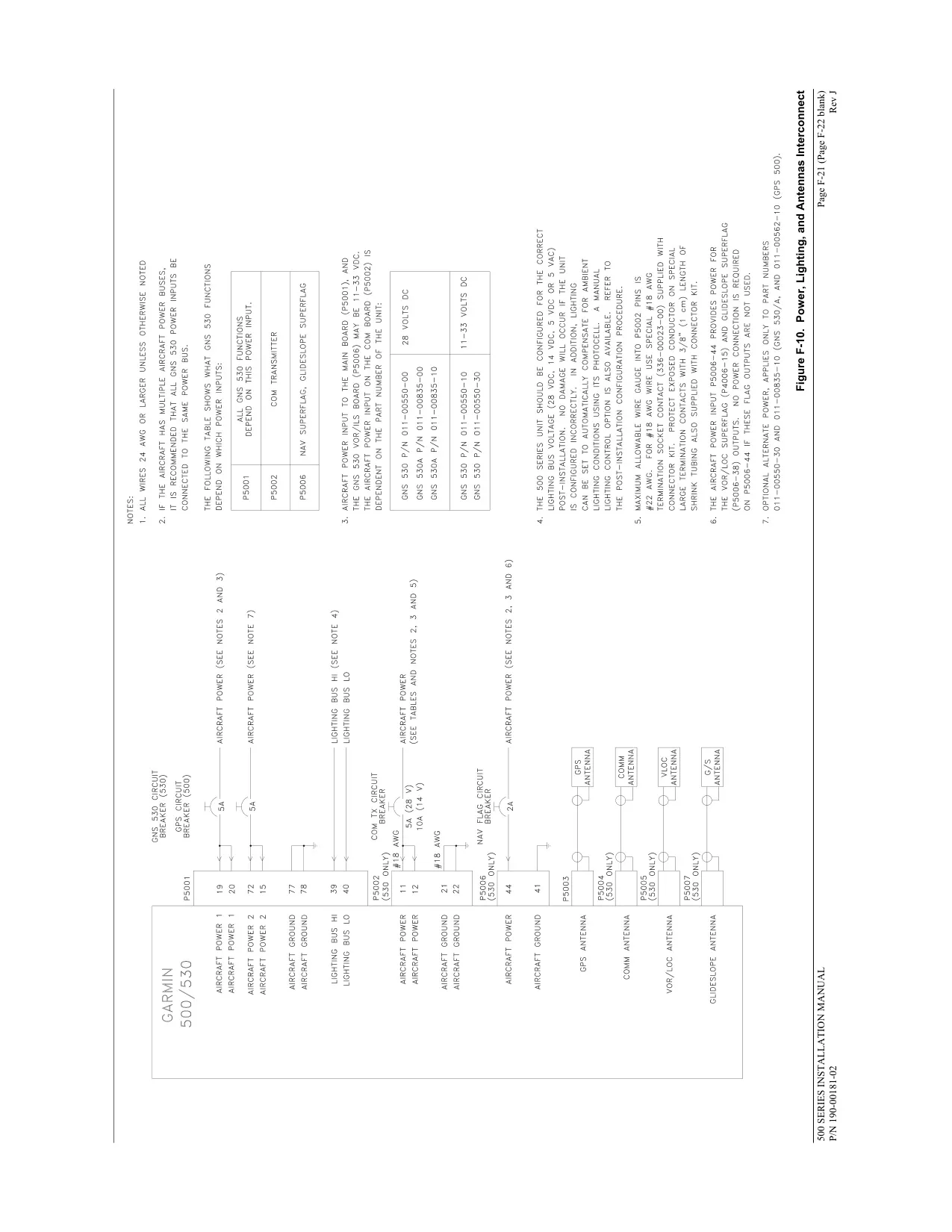
| Power Input | 28 Vdc (early GNS 530 and all GNS 530A units); 14/28 Vdc (later GNS 530 units) |
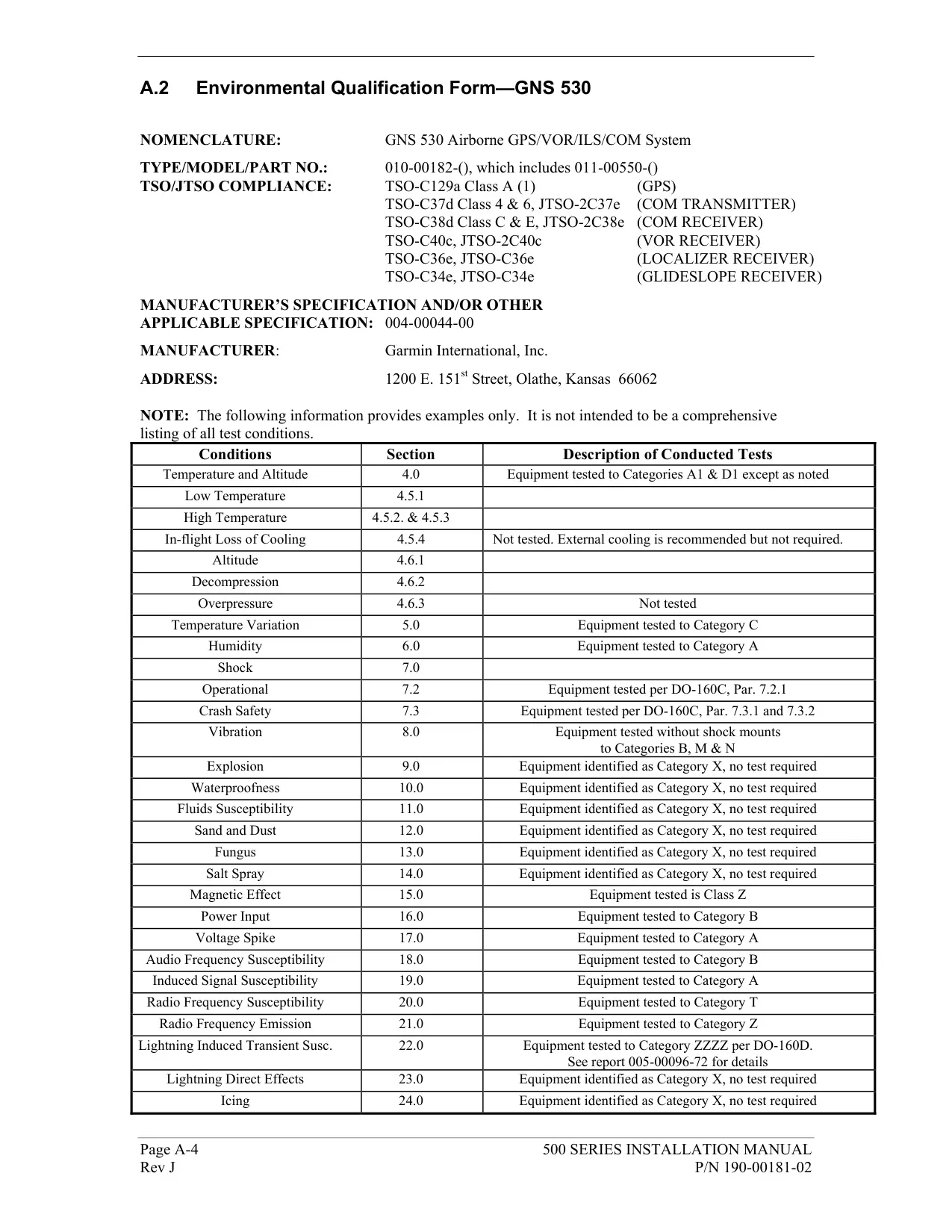
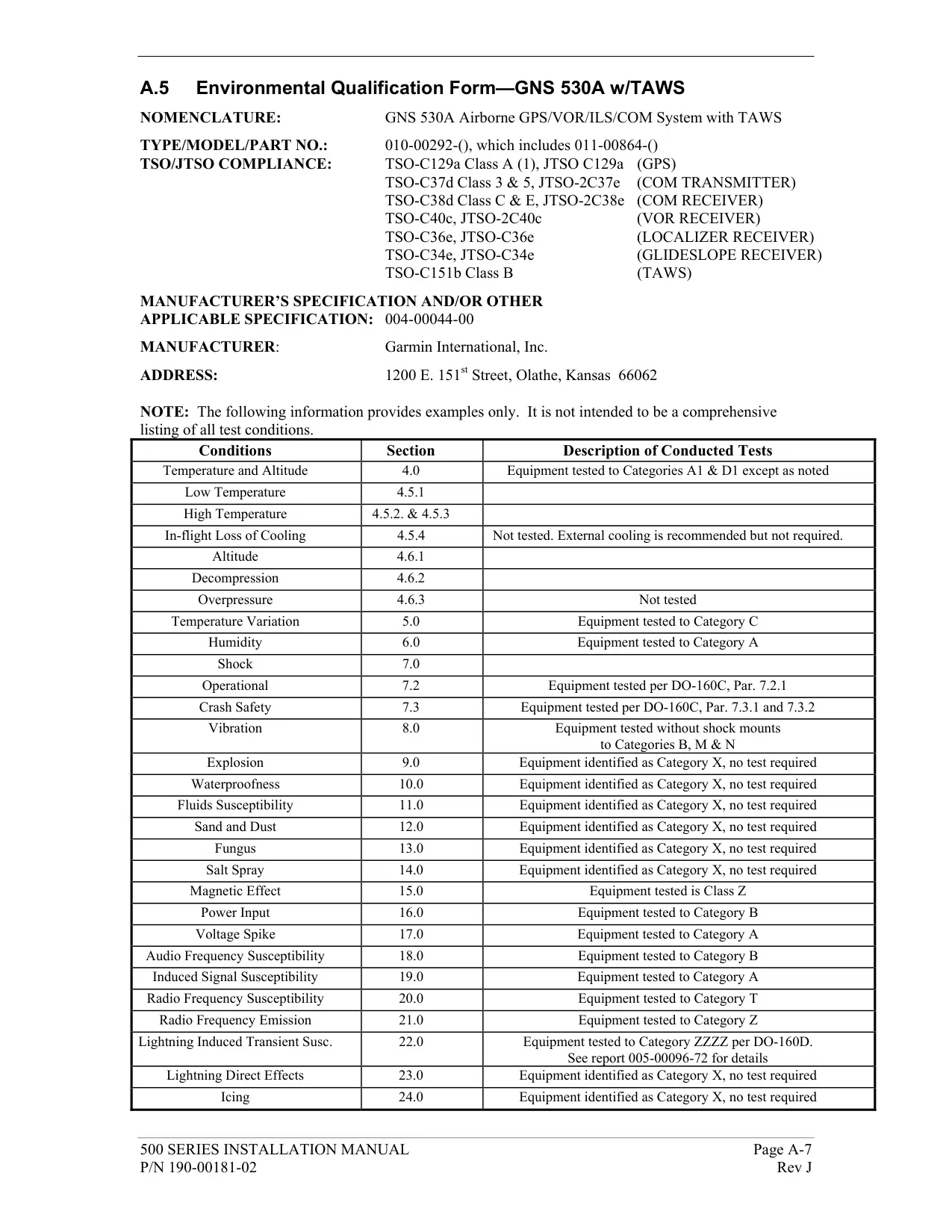
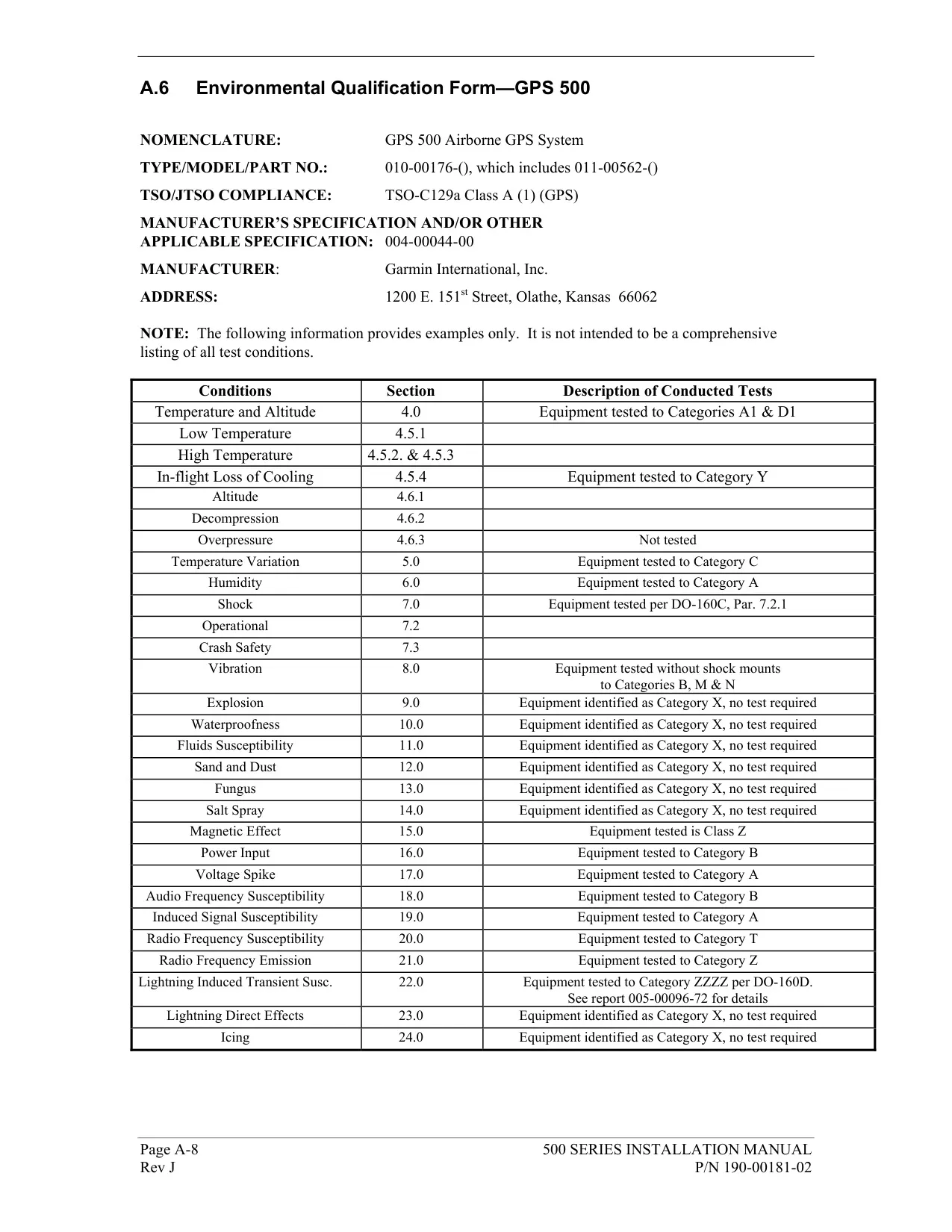
| Operating Temperature | -20°C to +55°C (-4°F to +131°F) |
| Humidity | 95% non-condensing |
| Operating Altitude | -1,500 ft to 50,000 ft (-457 m to 15,240 m) |
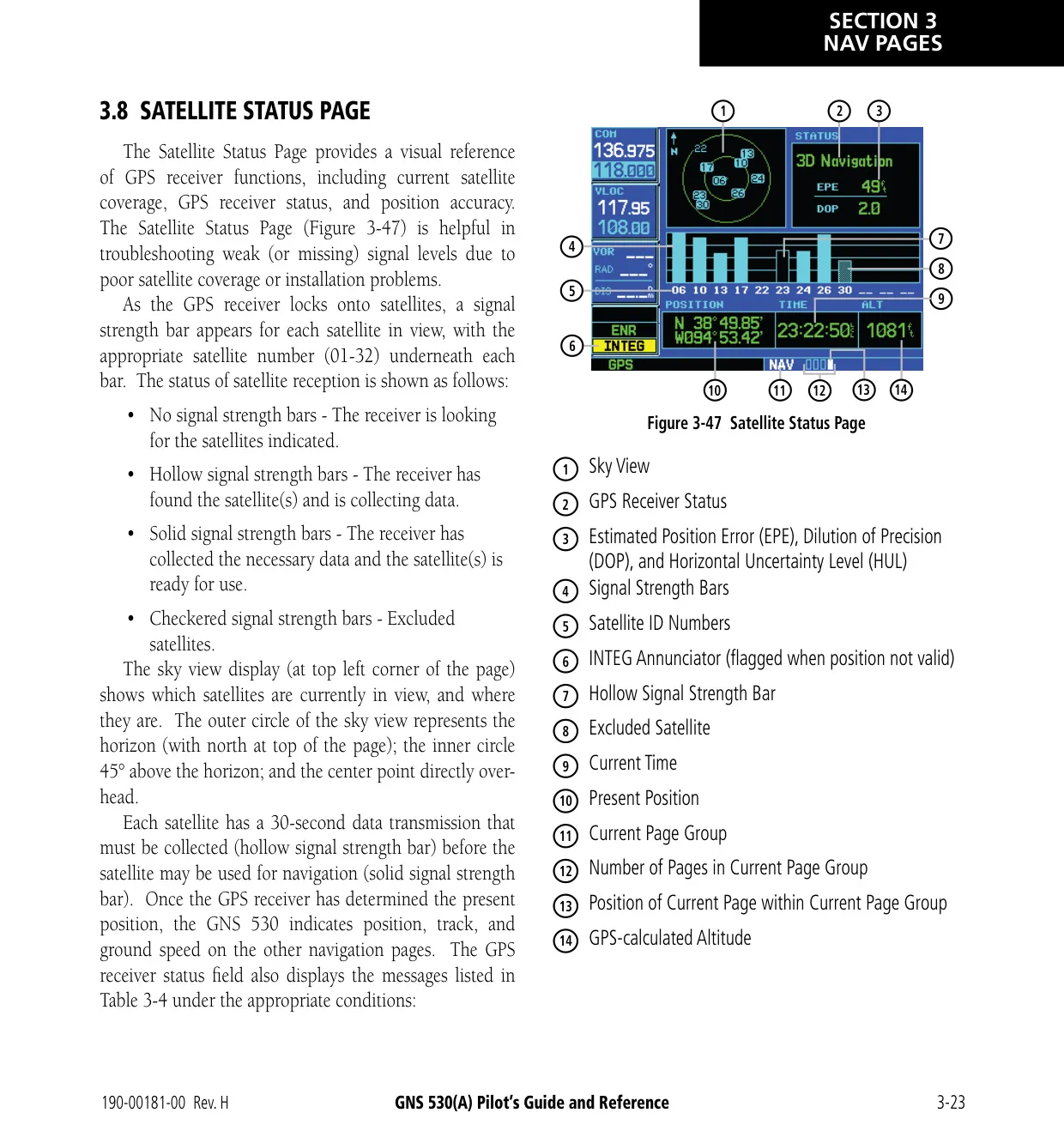
| GPS Receiver | 12 parallel channel PhaseTrac12 |
| GPS Acquisition Time | 12 seconds (warm), 45 seconds (cold) |
| GPS Update Rate | Once per second, continuous |
| GPS Position Accuracy | 15 m (49 ft) RMS |
| GPS Velocity Accuracy | 0.1 knot RMS steady state |
| GPS Dynamics | 999 kts maximum velocity, 6g maximum acceleration |
| VHF COM Frequency Range | 118.000 MHz to 136.975 MHz |
| VHF COM Channels | 760 (25 kHz spacing) or 2280 (8.33 kHz spacing) |
| COM Transmit Power | 10 W minimum (GNS 530), 16 W minimum (GNS 530A) |
| Emergency Channel | 121.500 MHz (press and hold COM Flip-flop Key for about 2 seconds) |
| Stuck Microphone Timeout | Transmitter stops after 35 seconds of continuous broadcasting |
| VOR Frequency Range | 108.00 MHz to 117.95 MHz |
| Localizer Frequency Range | 108.10 MHz to 111.95 MHz |
| Glideslope Frequency Range | 329.15 MHz to 335.00 MHz |
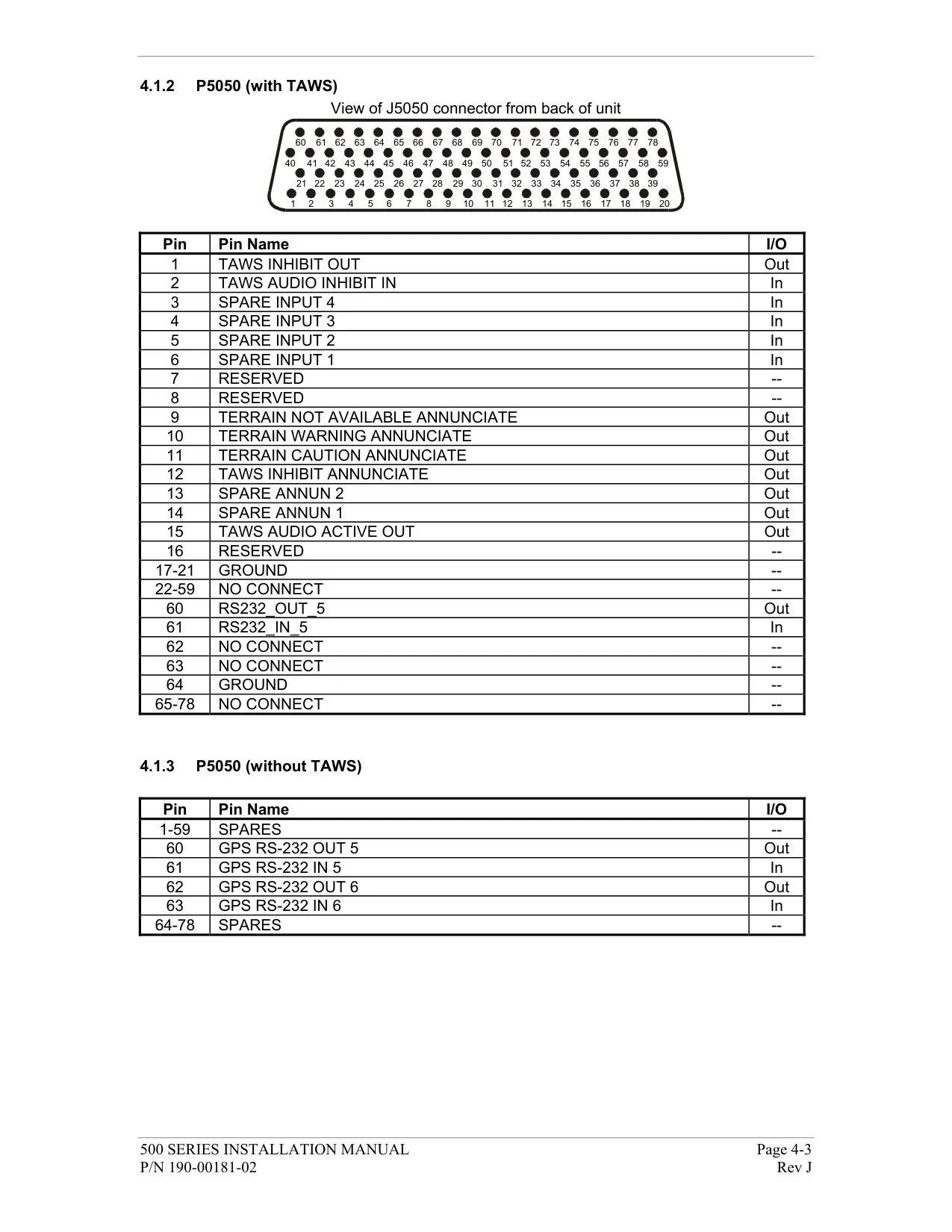
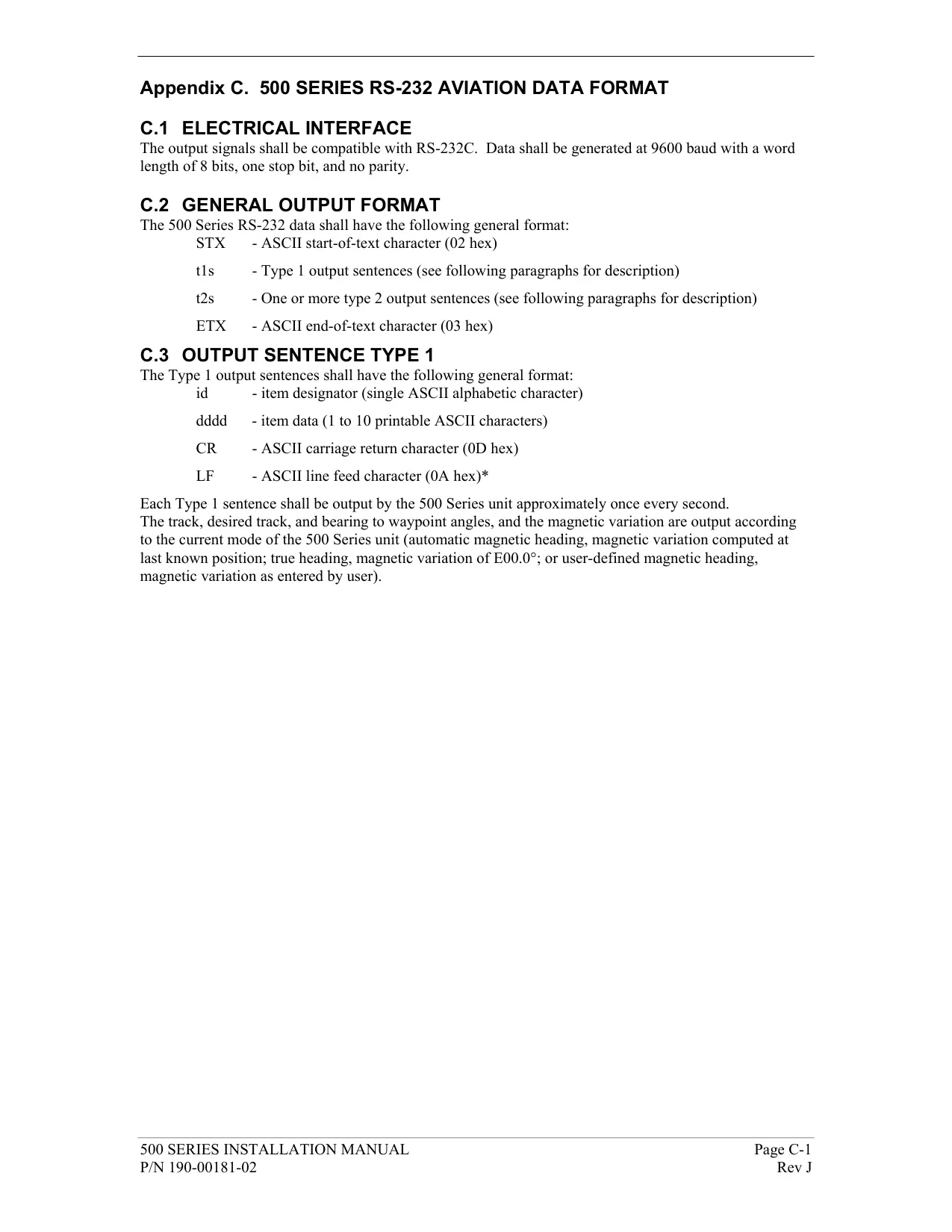
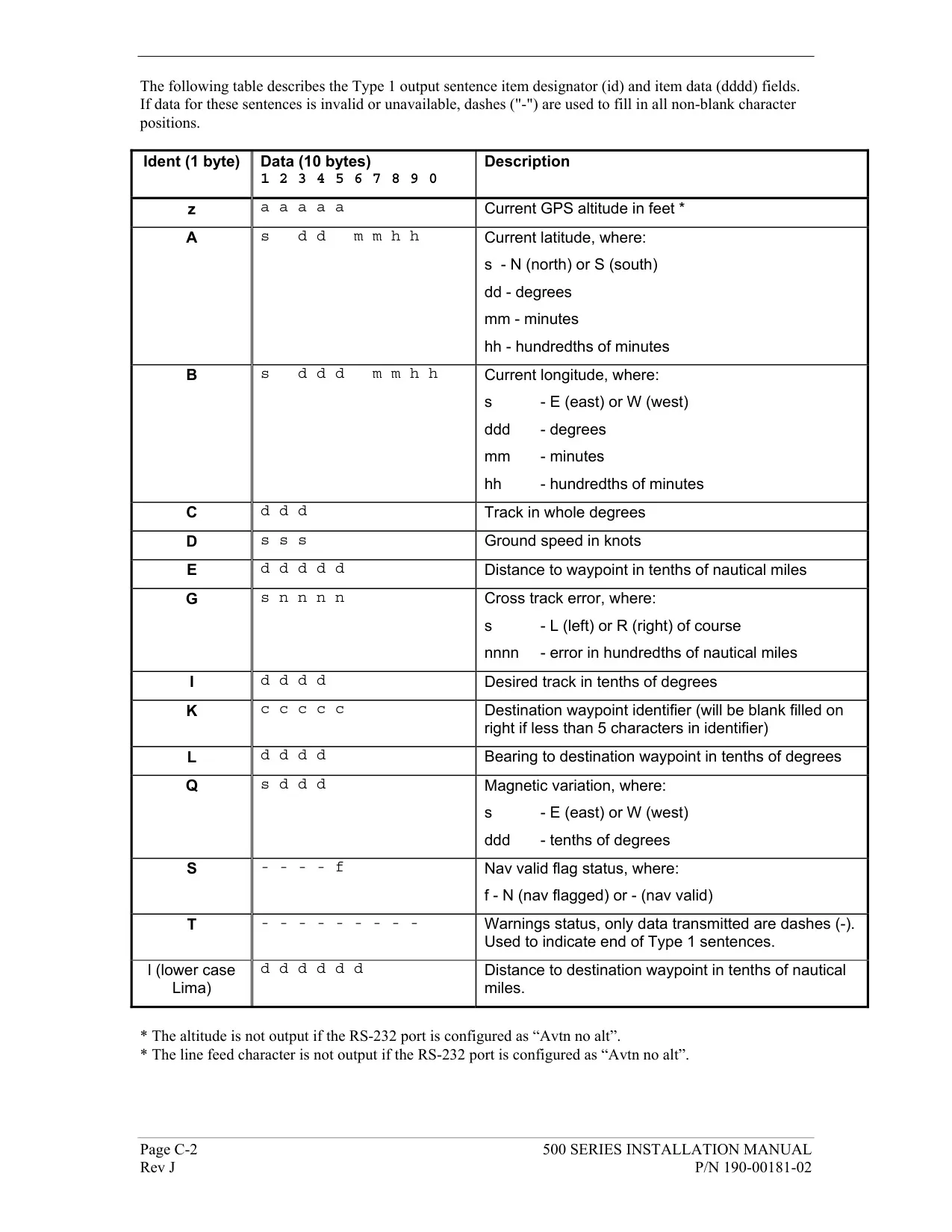
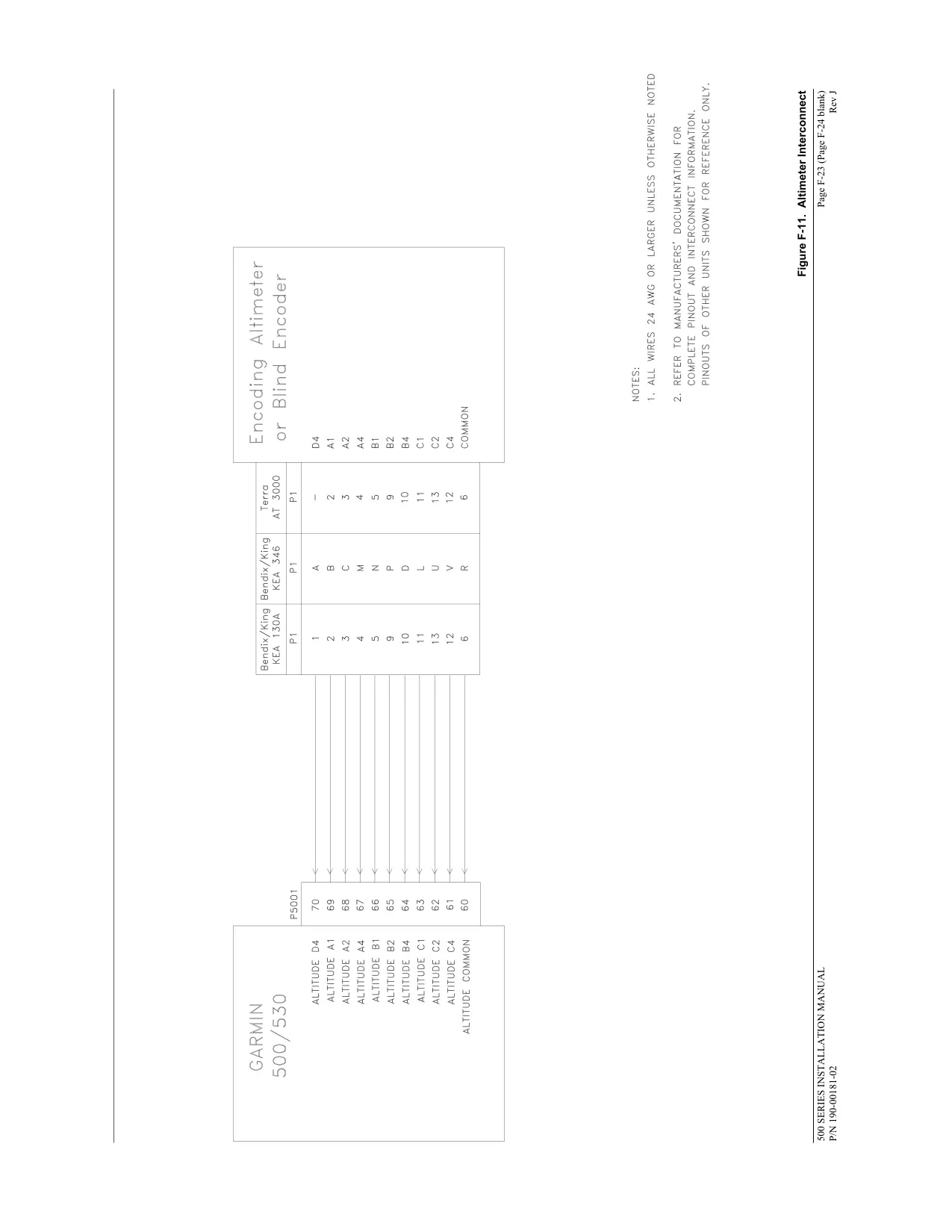
| Interfaces | ARINC 429, Aviation RS-232, CDI/HSI, RMI (digital clock/data), Superflag Out, Altitude (Icarus, Shadin, Rosetta serial or Gillham/Gray code), Fuel Sensor, Fuel/Air Data |
| Flight Plan Storage | Up to 20 flight plans with up to 31 waypoints each |
| User Waypoints | Up to 1,000 (names up to 5 characters) |
| Checklists | Up to 9 checklists, up to 30 items each (16 characters per item) |
| Map Range Settings | 23 ranges, 500 ft to 2000 nm |
| Default NAV Page Map Scales | 9 settings, 5.0 nm to 200 nm |
| Nearest Search | 9 nearest airports, VORs, NDBs, intersections and user waypoints within 200 nm; 5 nearest ARTCC and FSS |
| Navigation Database | Jeppesen NavData card (left slot), updated every 28 days |
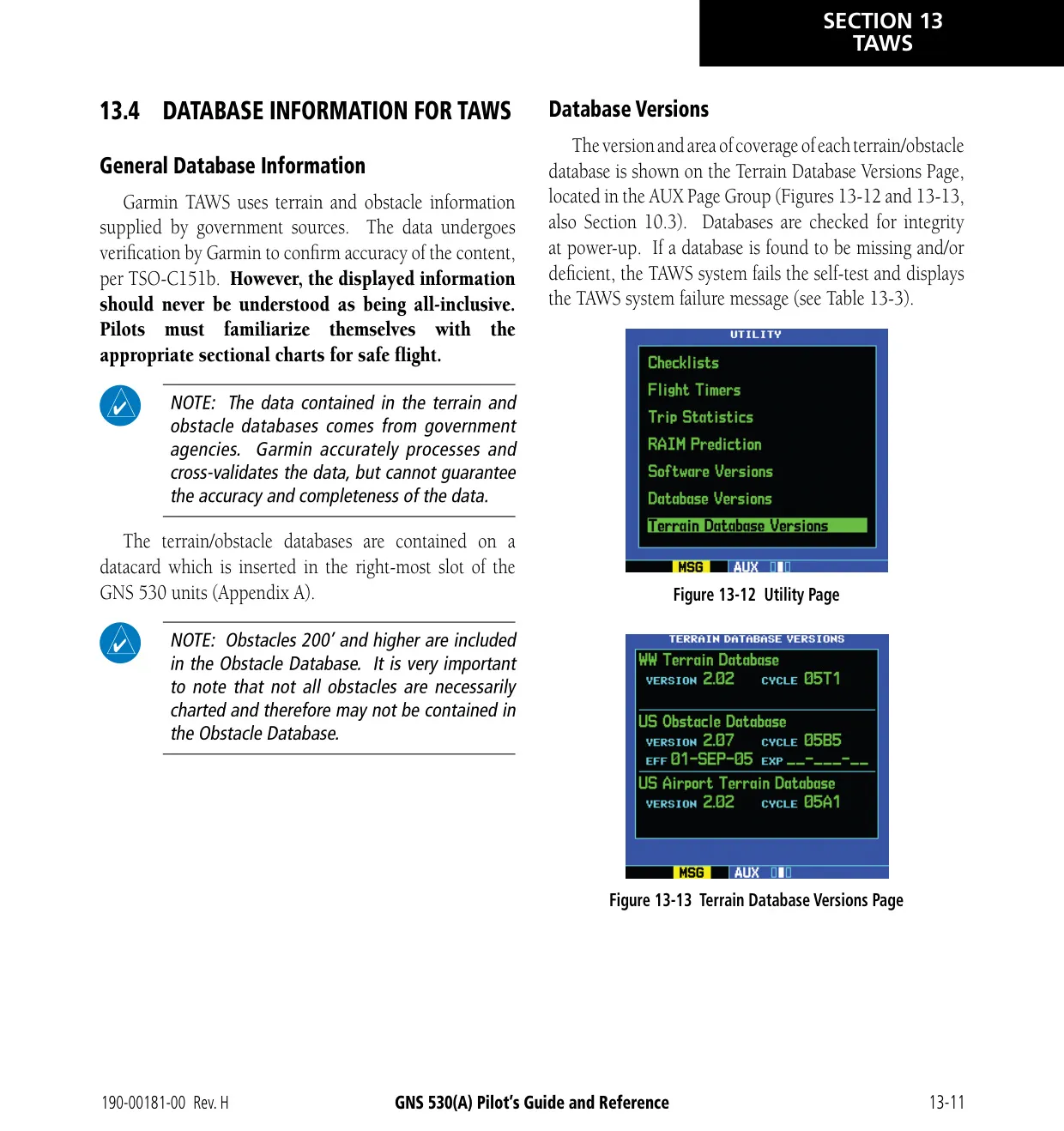
| Terrain Database | Terrain Data Card (right slot); Worldwide coverage N75 to S60 |
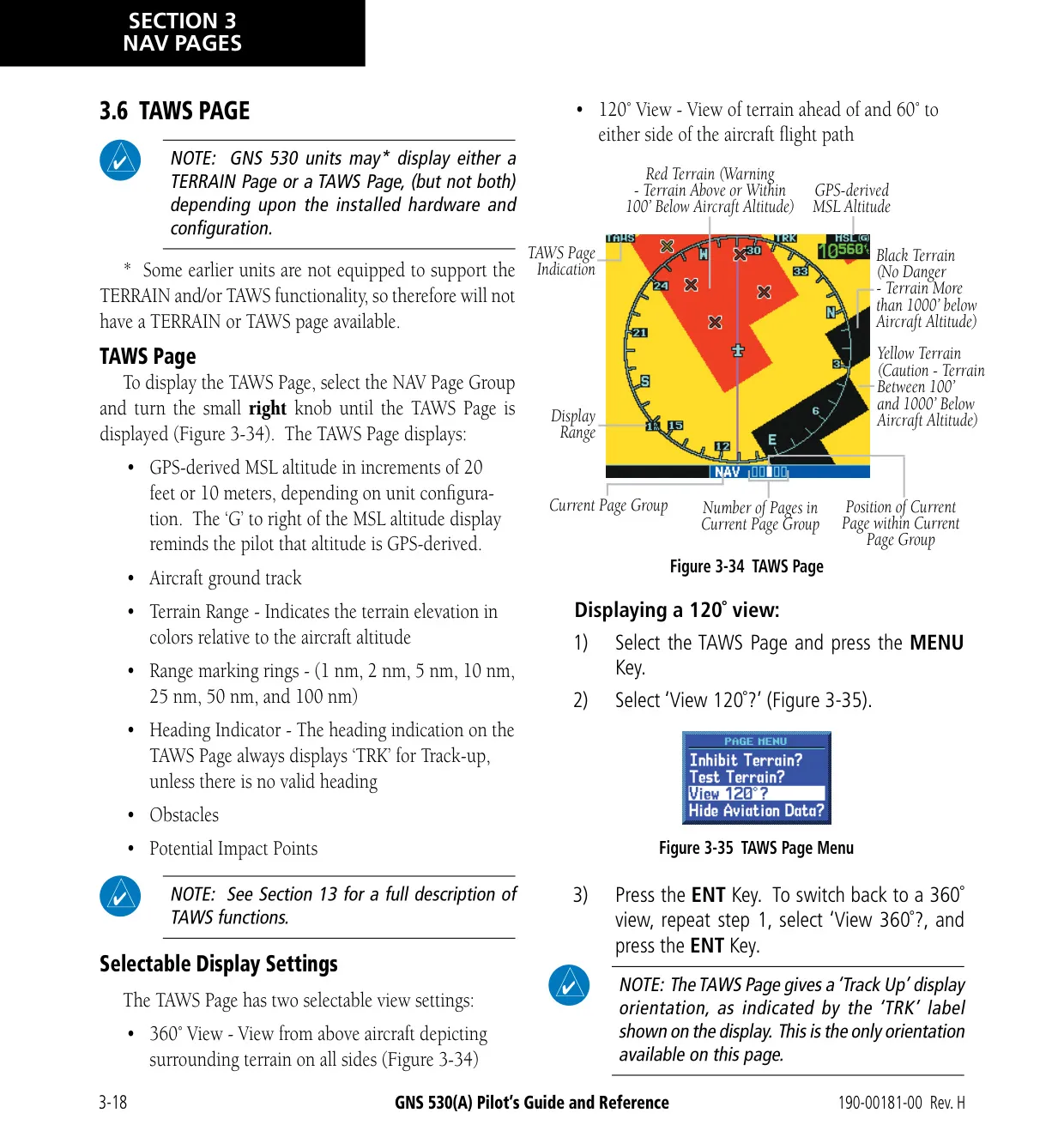
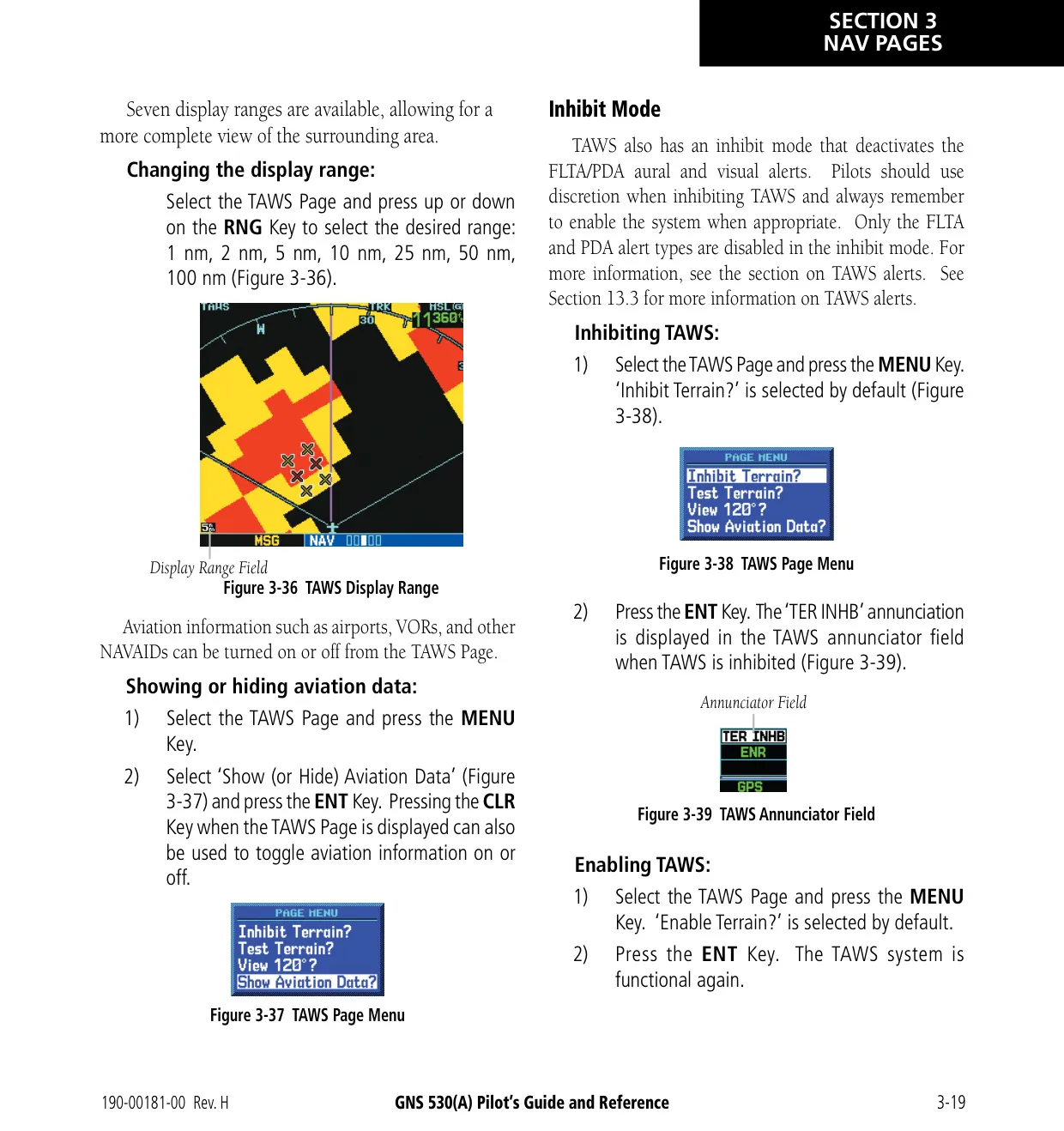
| TERRAIN / TAWS Display Ranges | 1, 2, 5, 10, 25, 50 and 100 nm; 360° and 120° views |
| TAWS Certification | TSO-C151b Class B (TAWS units); TERRAIN is non-TSO-C151b |
| Map Datum | WGS 84 (fixed) |
| Position Formats | hddd°mm.mmm', hddd°mm'ss.s", MGRS, UTM/UPS |
| Warranty | 2 years from date of purchase for new panel-mount products |
Garmin GNS 530 Panel Avionics Unit Details
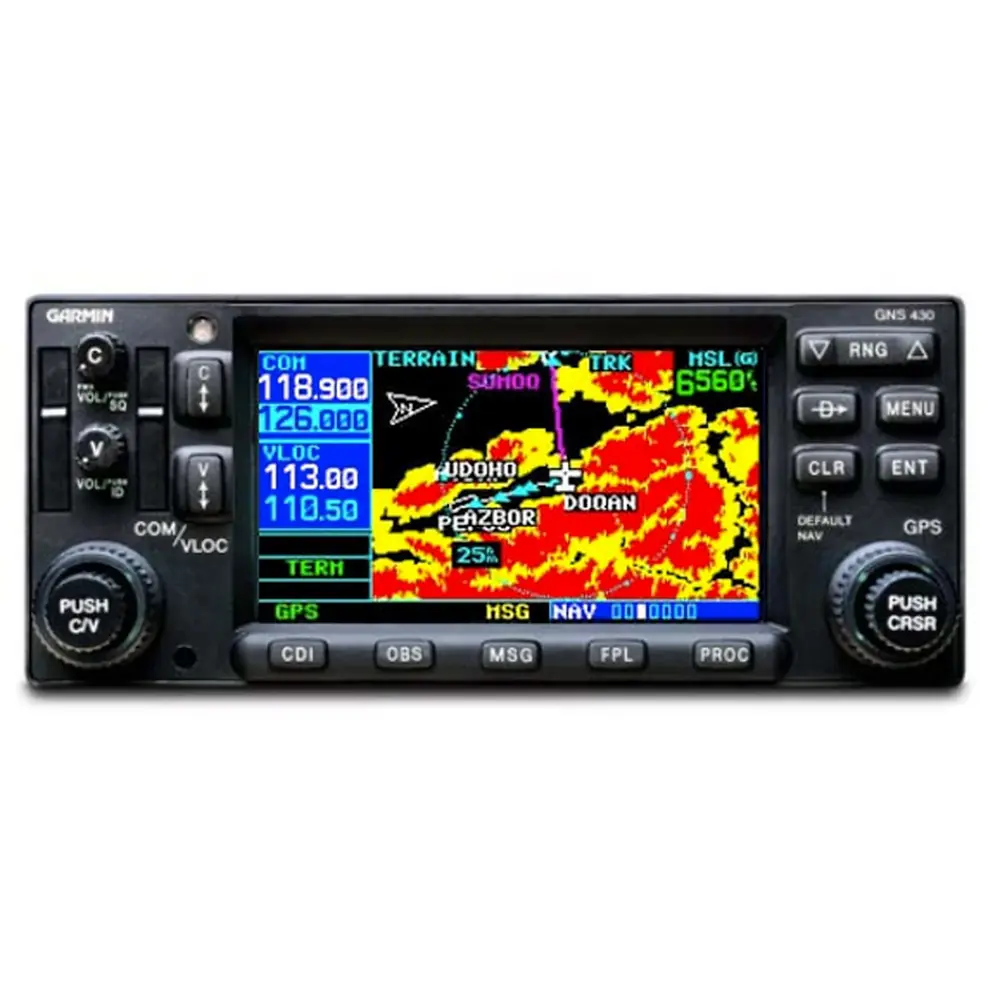
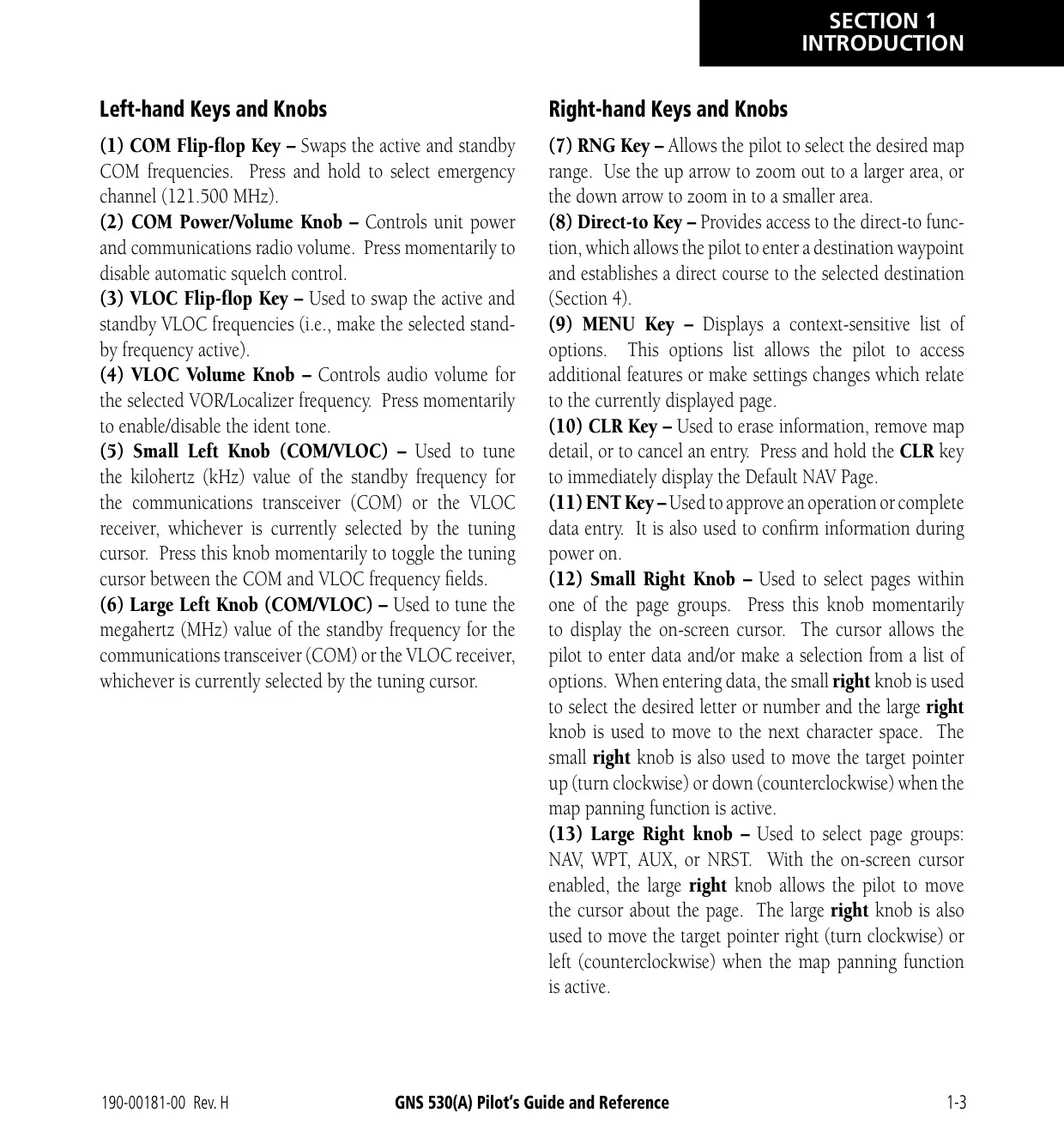
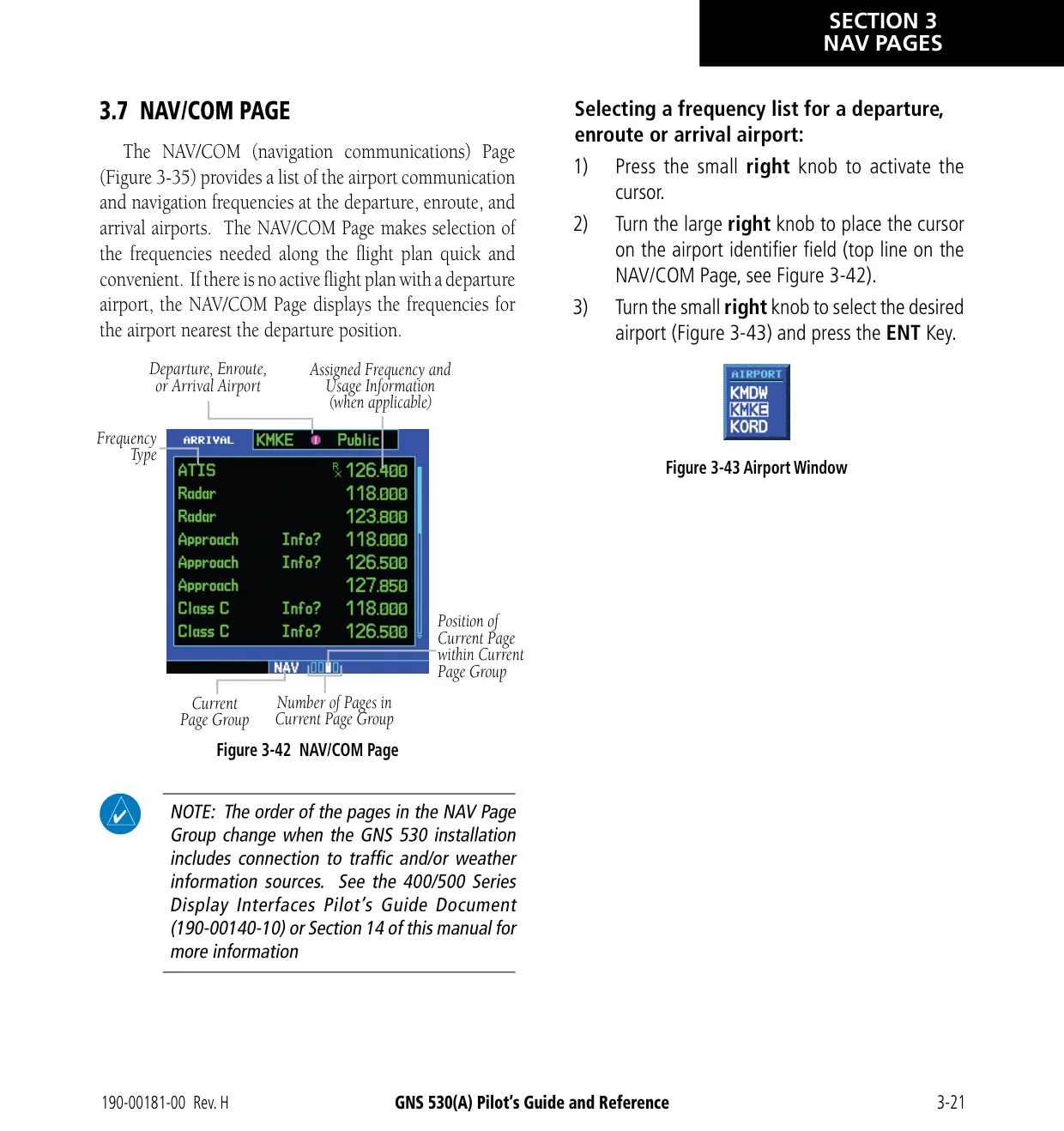
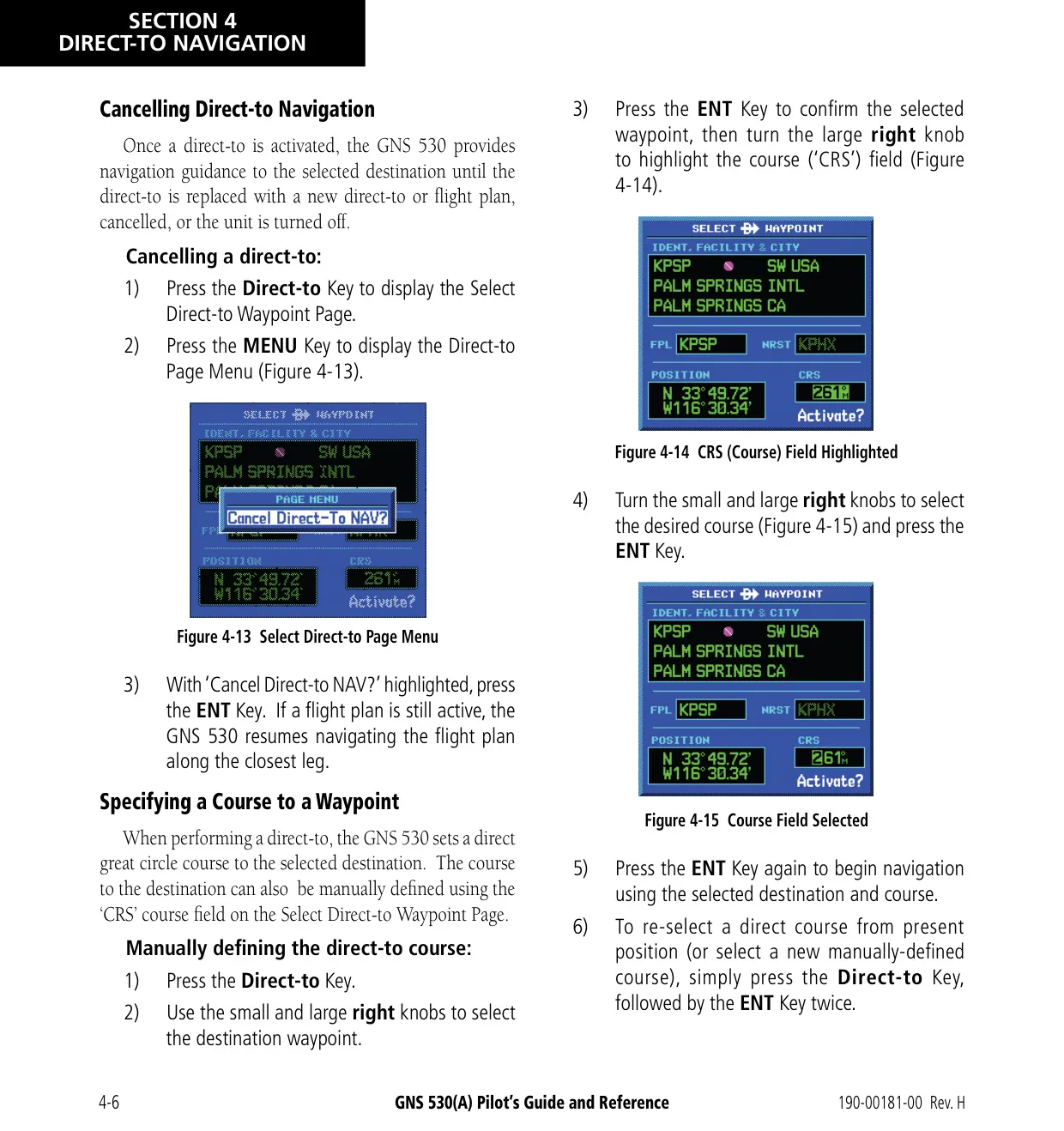
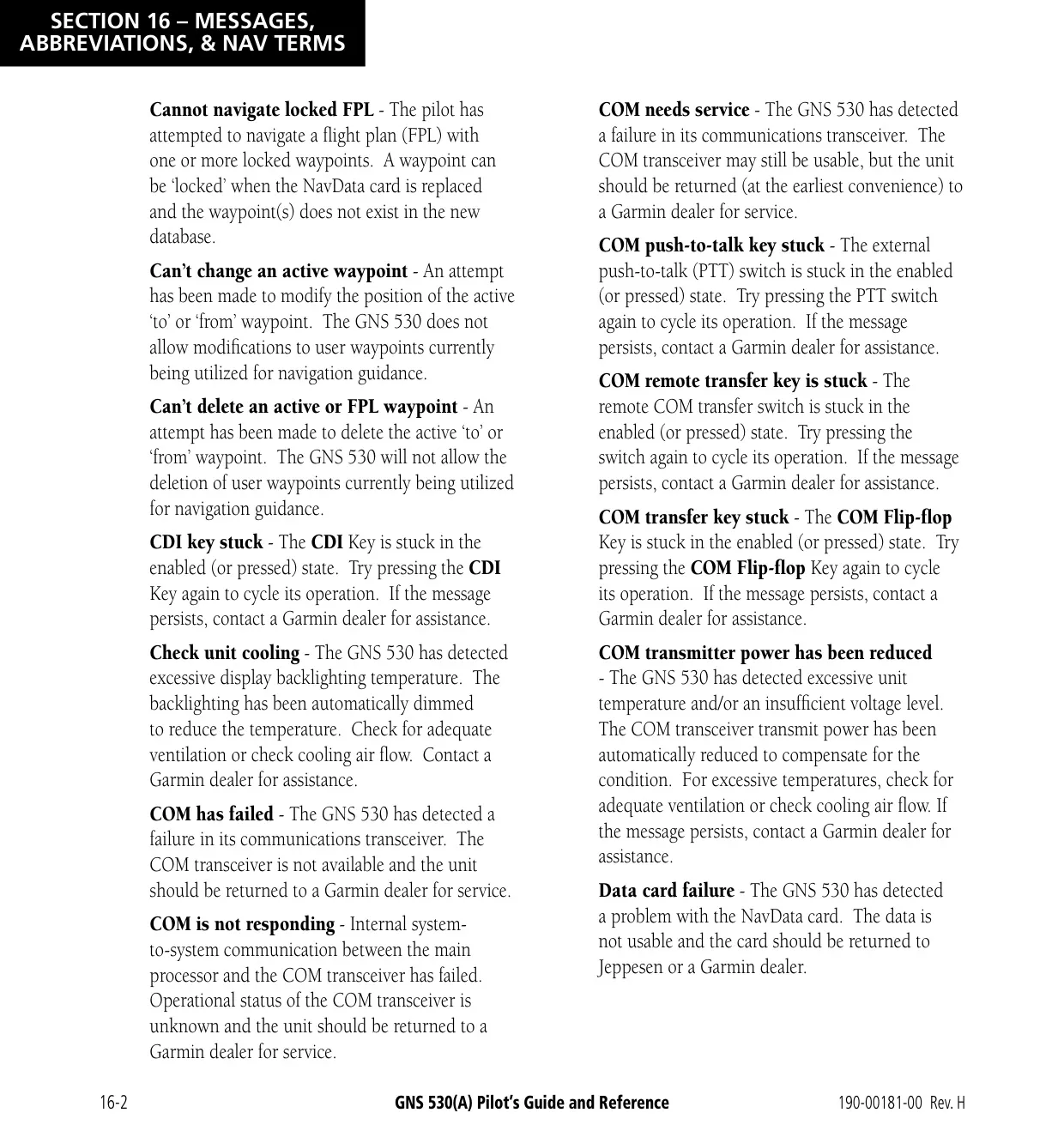
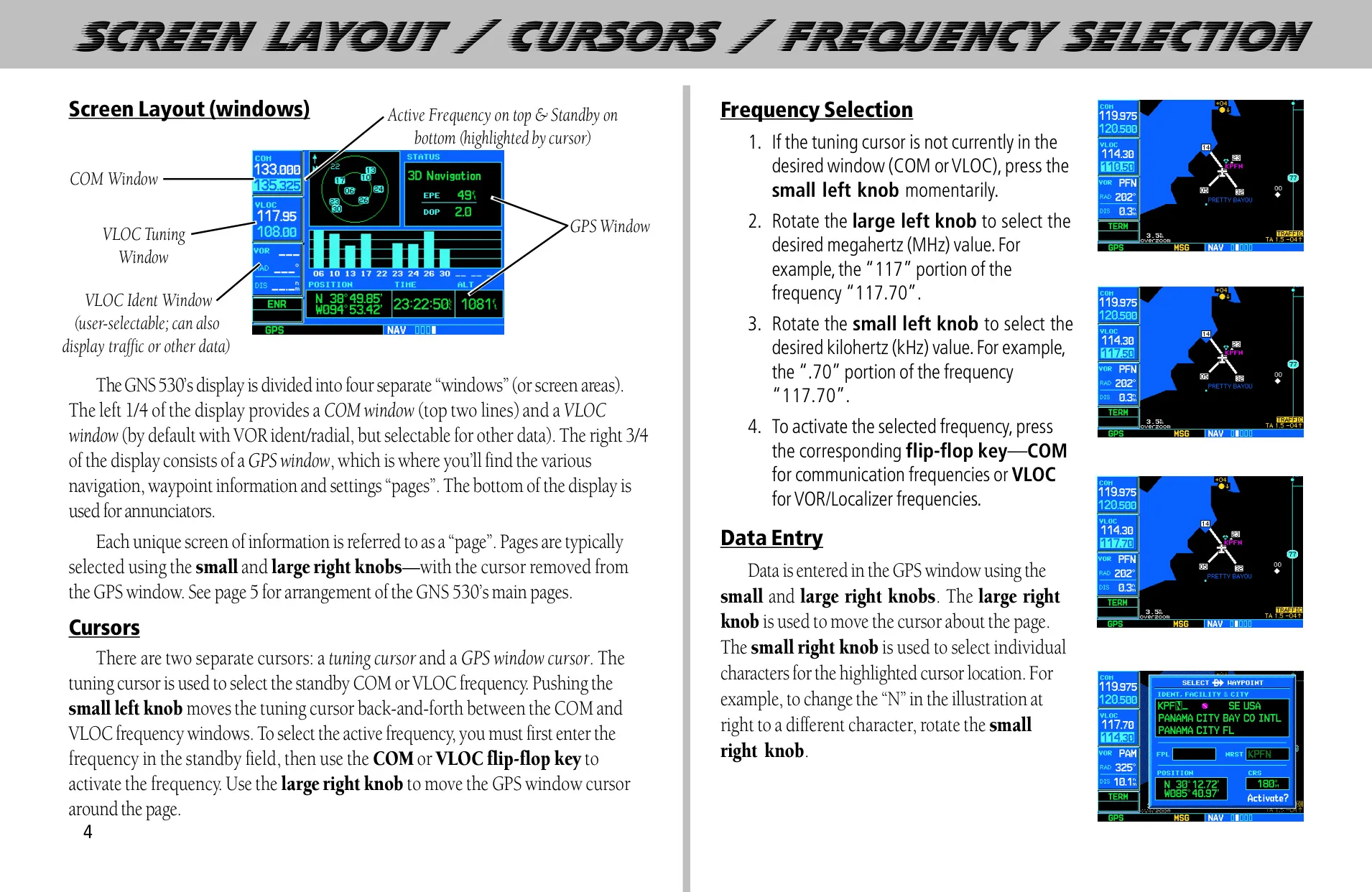
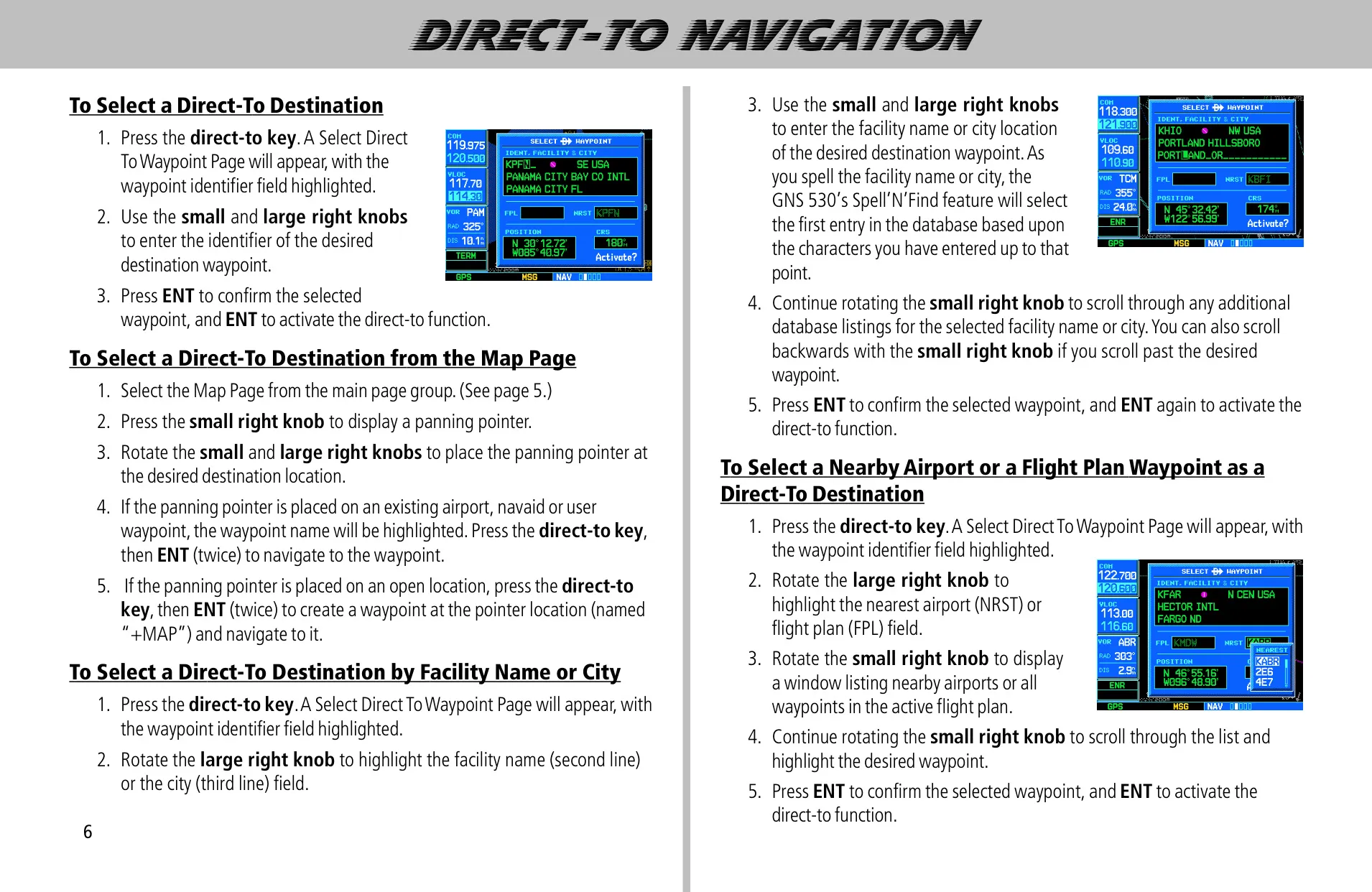
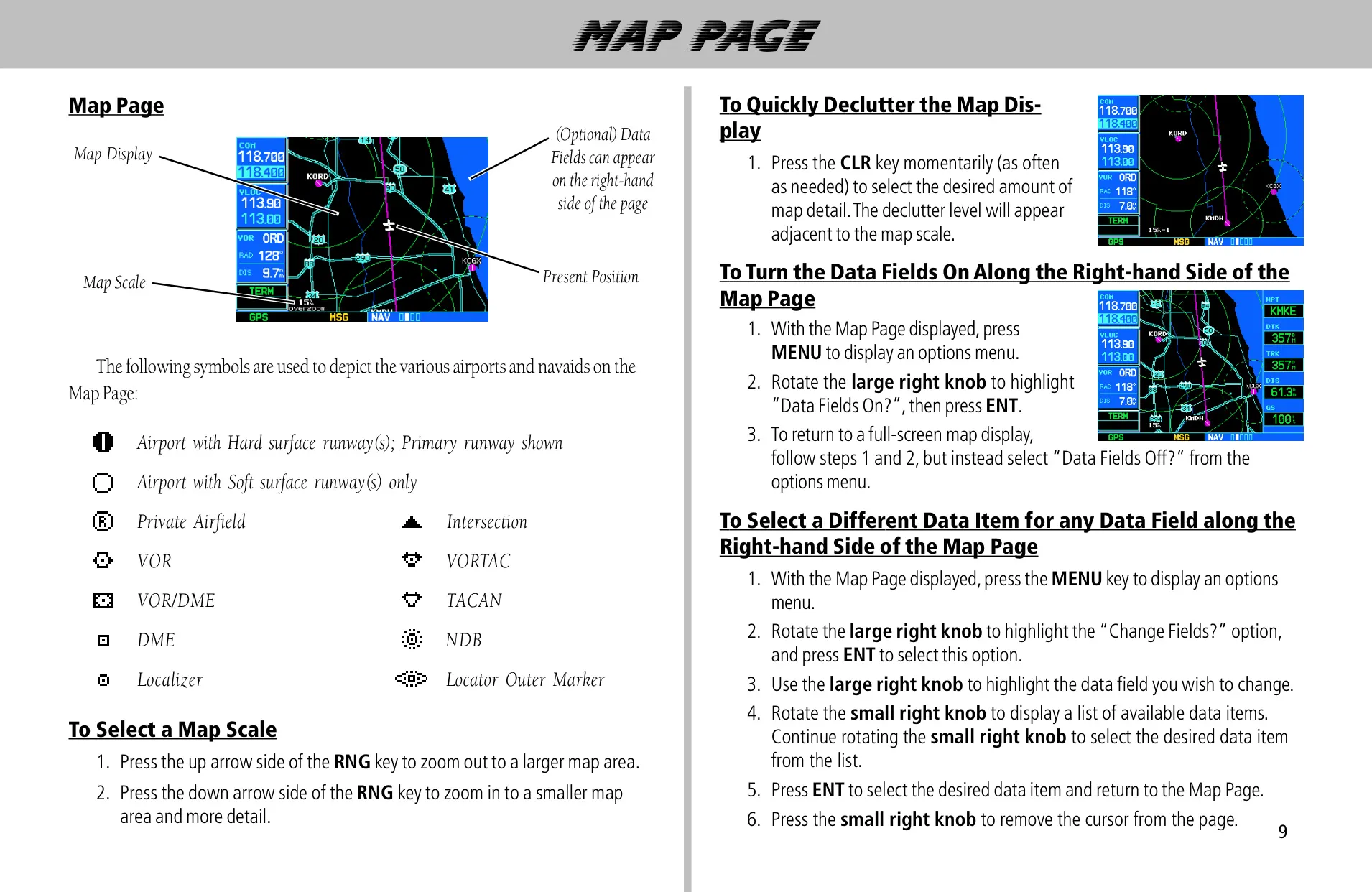
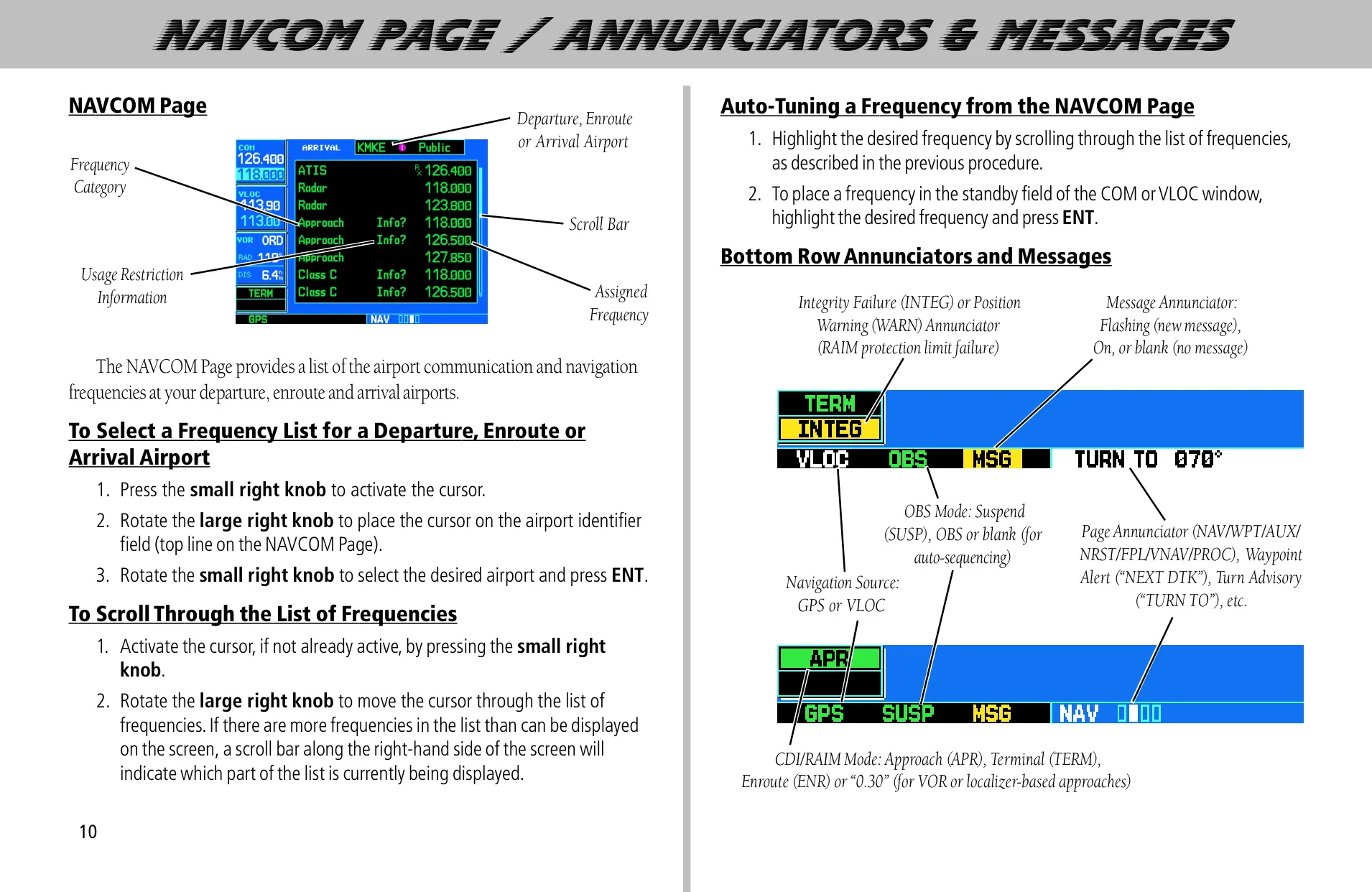
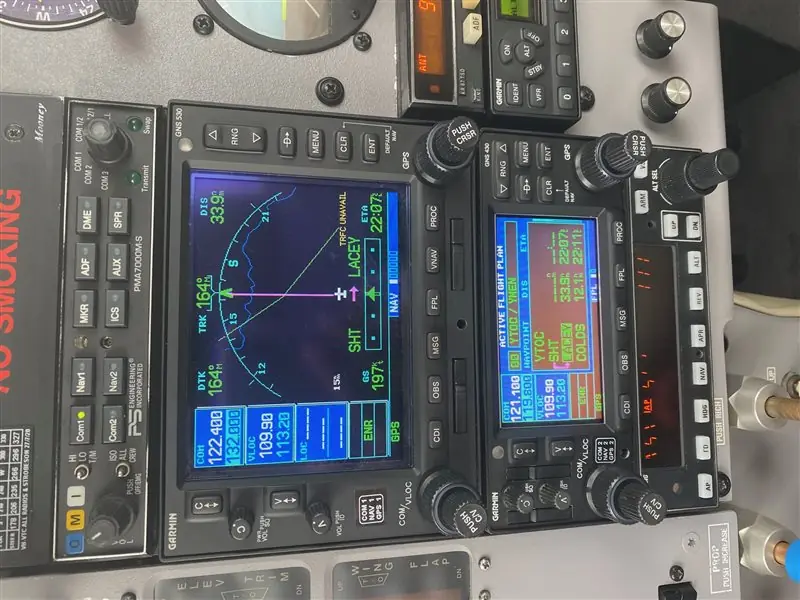
The Garmin GNS 530 puts a GPS navigator, a VHF communication radio and VOR/localizer/glideslope receivers in one panel unit. You control it with dual concentric knobs on each side plus dedicated keys such as PROC, VNAV, FPL and CDI. Pages are organized into four groups: NAV, WPT, AUX and NRST. Auto-tuning lets you send any frequency shown on screen to the standby COM or VLOC field with the ENT key, so you don't have to type it in. The automatic squelch can be overridden with a press of the volume knob.
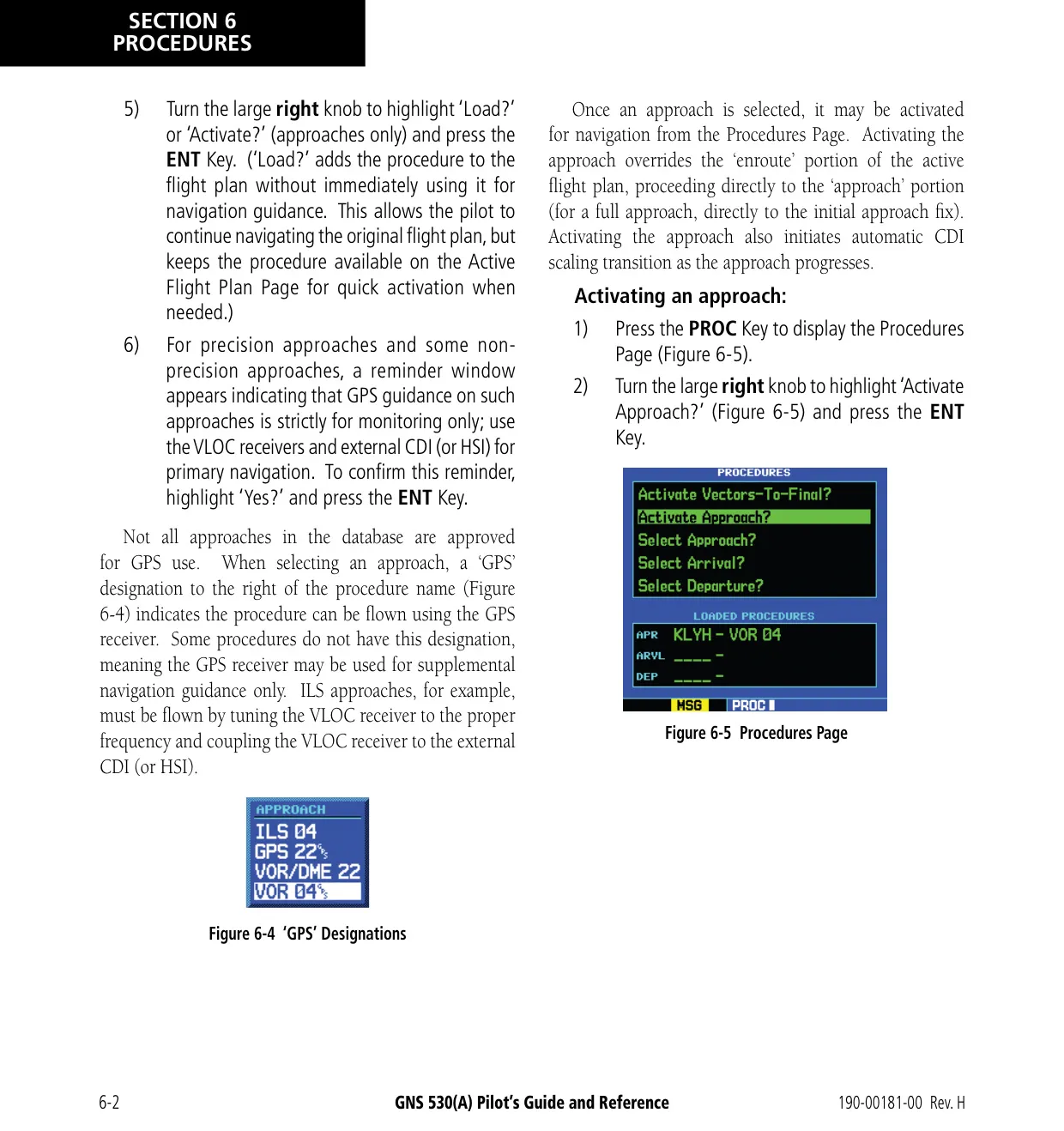
For approaches, the unit adjusts the CDI scale automatically. It moves from 5.0 nm enroute to 1.0 nm within 30 nm of the destination, and then to 0.3 nm within 2.0 nm of the final approach fix. On ILS approaches, the external CDI can switch from GPS to VLOC on its own when the aircraft is within 1.2 nm of the final course, between 2.0 and 15.0 nm from the FAF. After the missed approach point, a SUSP annunciation holds waypoint sequencing until you press the OBS key to start the missed approach.
The VNAV function builds a three-dimensional descent or climb profile to a target altitude at a chosen offset from a waypoint. The default rate is 400 feet per minute. It needs a ground speed above 35 knots and an active direct-to or flight plan. An alert appears one minute before the profile begins, and a second one at 500 feet from the target altitude. The vertical speed required (VSR) can be shown in the data fields on the Default NAV and Map pages.
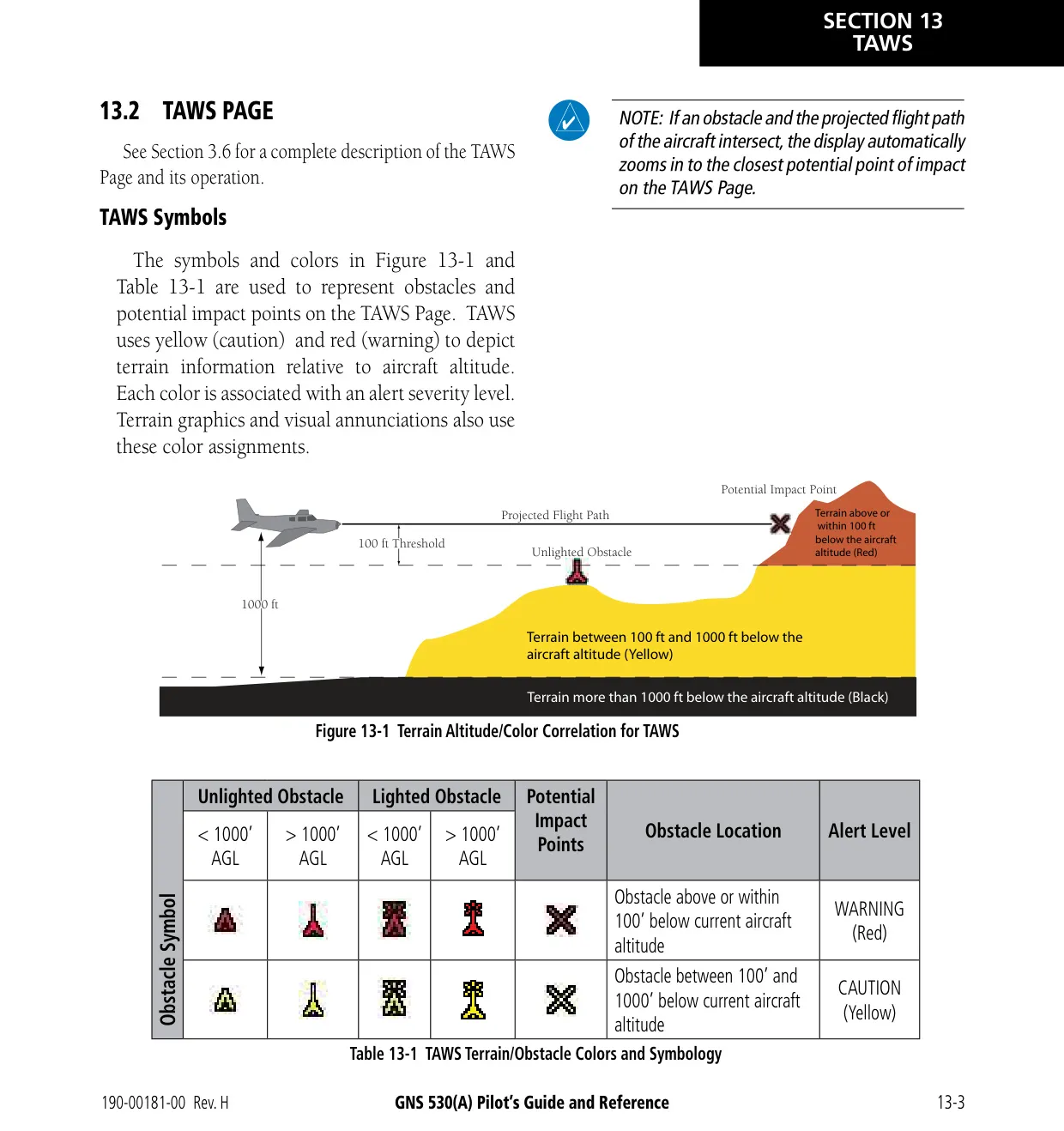
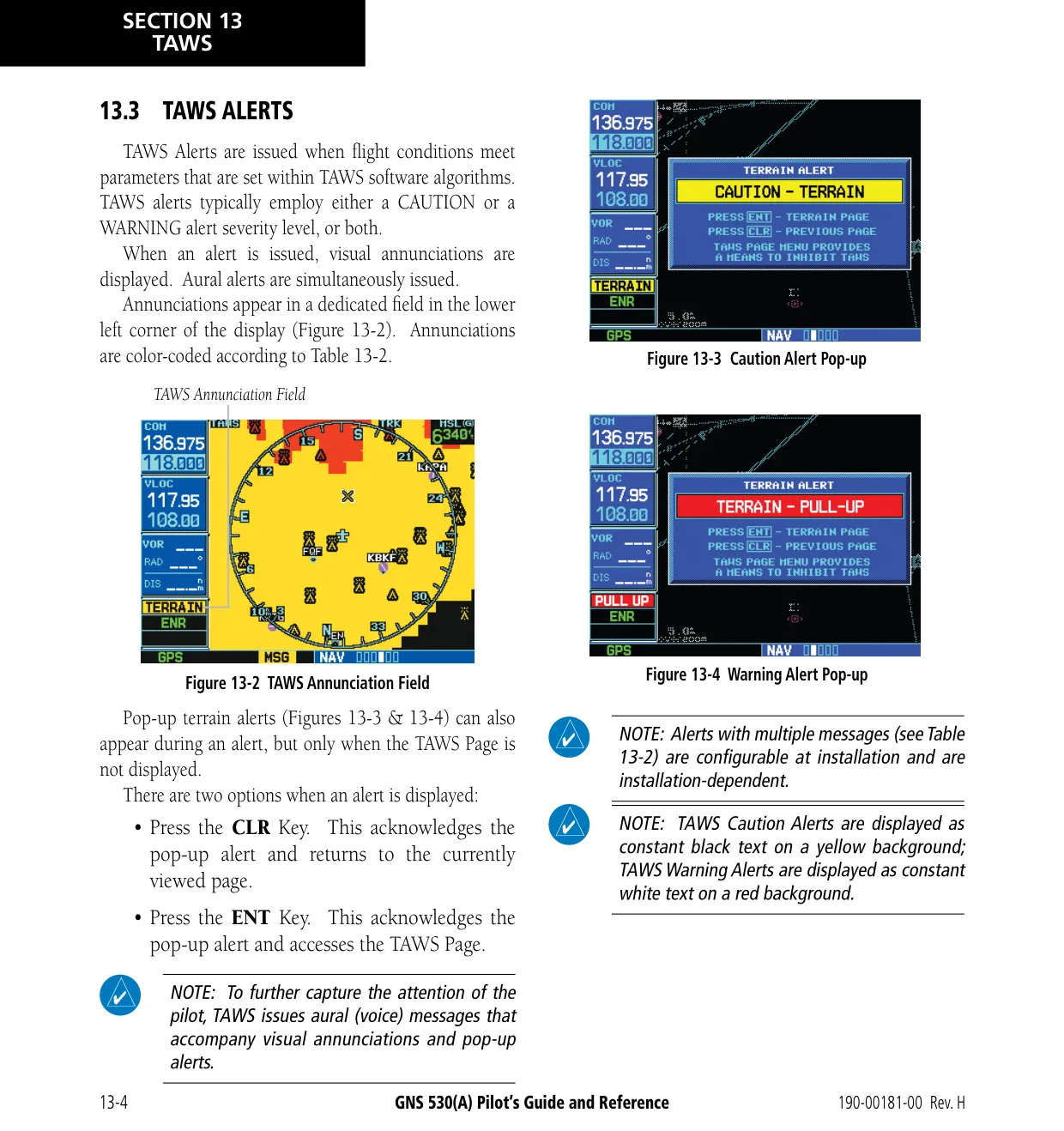
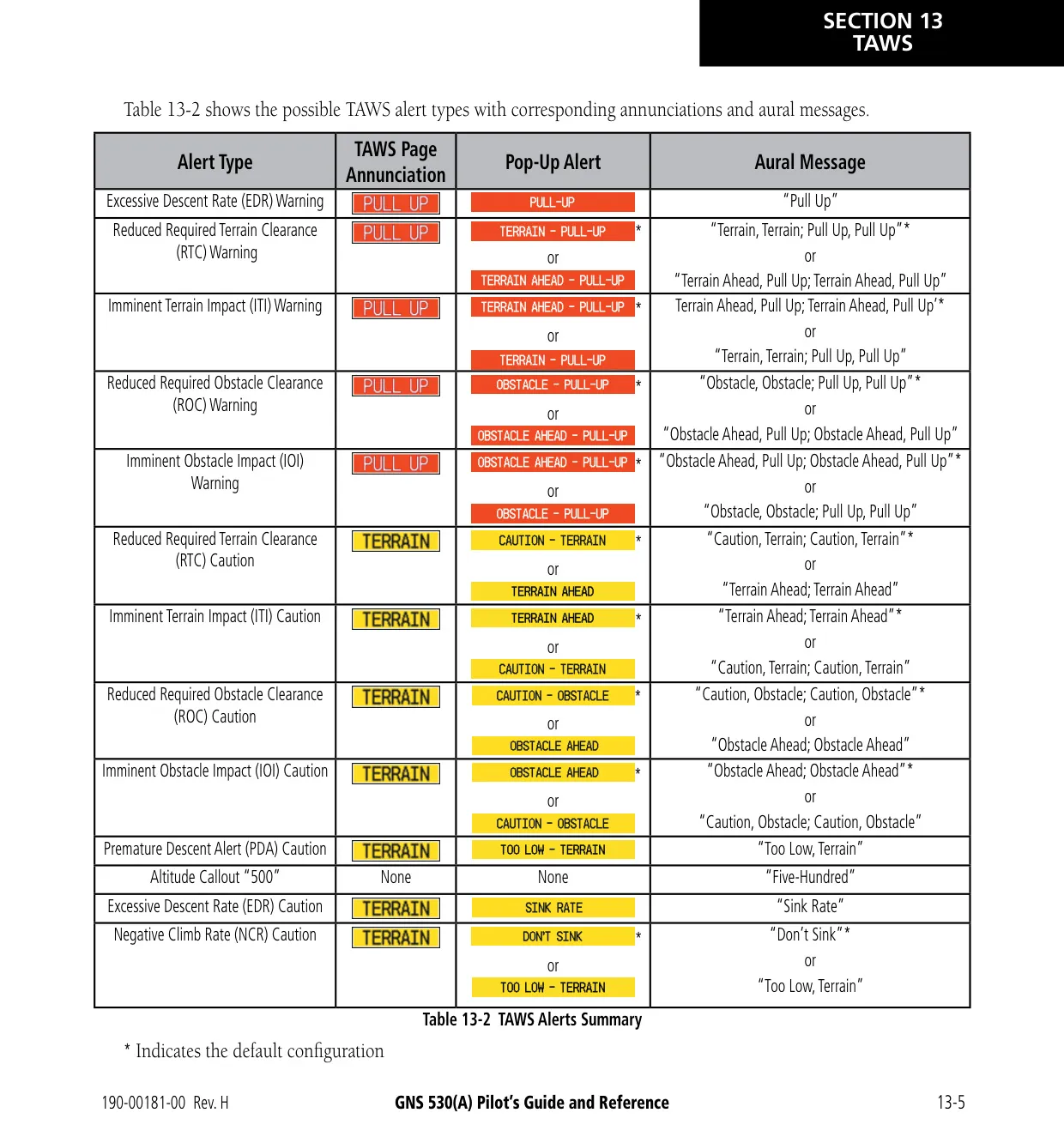
When the unit is configured for TERRAIN or TAWS, it uses GPS-derived MSL altitude to predict conflicts with terrain and obstacles. Forward Looking Terrain Avoidance uses clearance values from 700 ft enroute down to 100 ft on departure. Premature Descent Alerting is active within 15 nm of the destination. TAWS adds Excessive Descent Rate alerts, Negative Climb Rate alerts after takeoff, a "Five-Hundred" callout, voice messages and a manual system test.
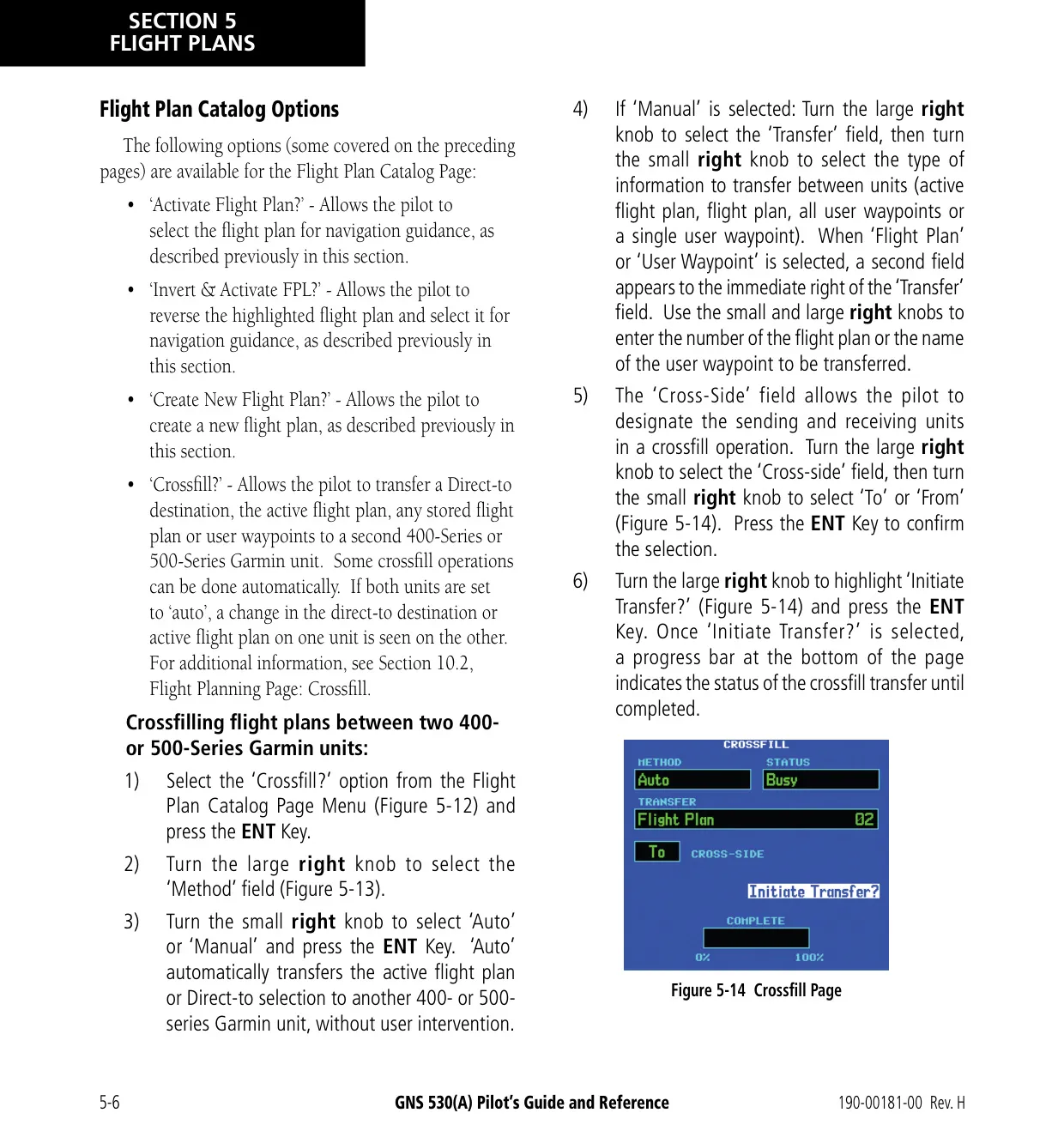
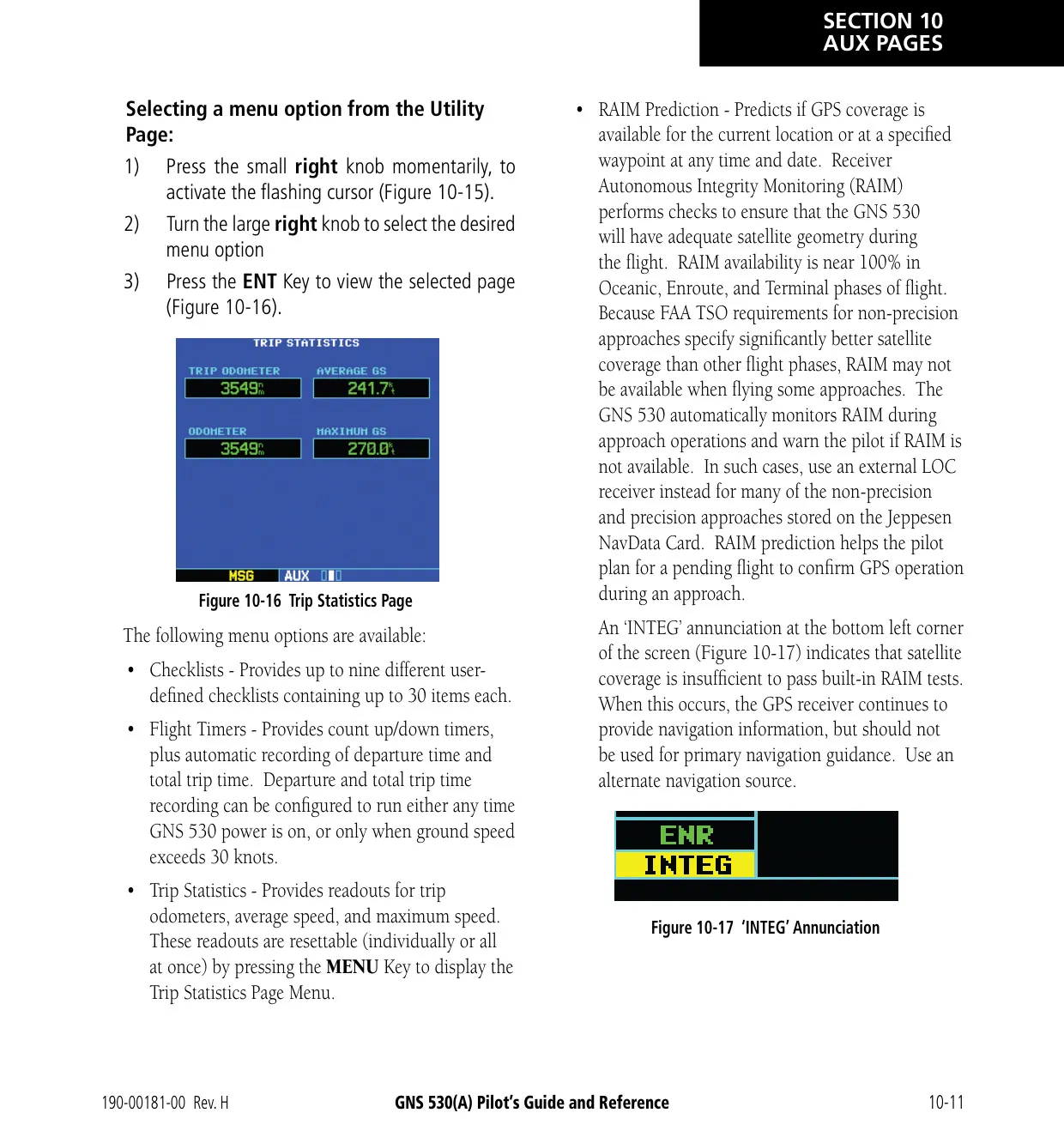
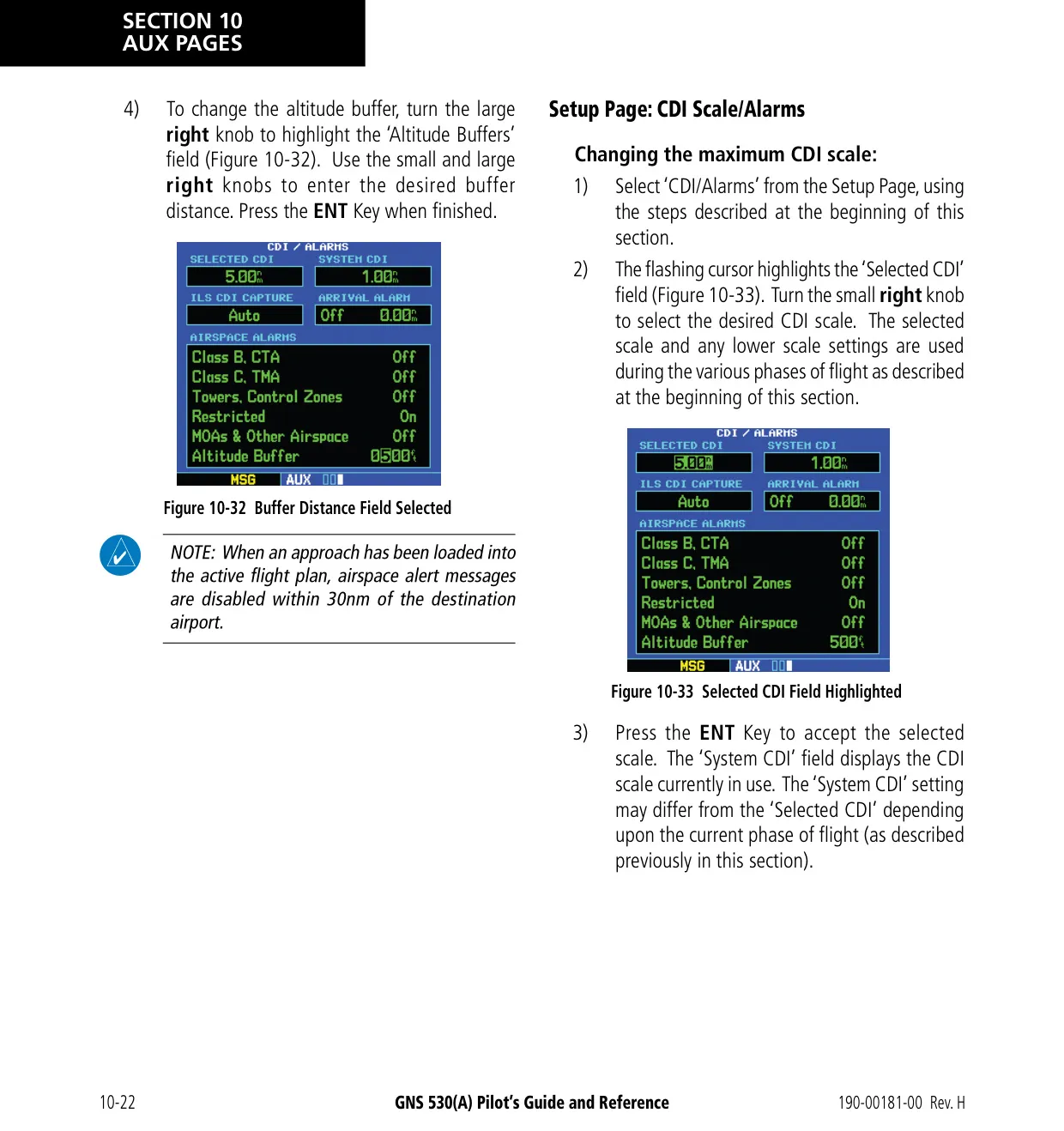
The AUX pages provide E6B tools for fuel planning, trip planning, density altitude, true airspeed and winds aloft. They also include a scheduler that holds nine reminder messages of 20 characters each, flight timers, trip statistics and RAIM prediction. Airspace alerts are based on three-dimensional data and have an adjustable altitude buffer (default 200 ft). Crossfill transfers flight plans and user waypoints to a second 400/500 Series unit, as long as both units use the same database cycle.
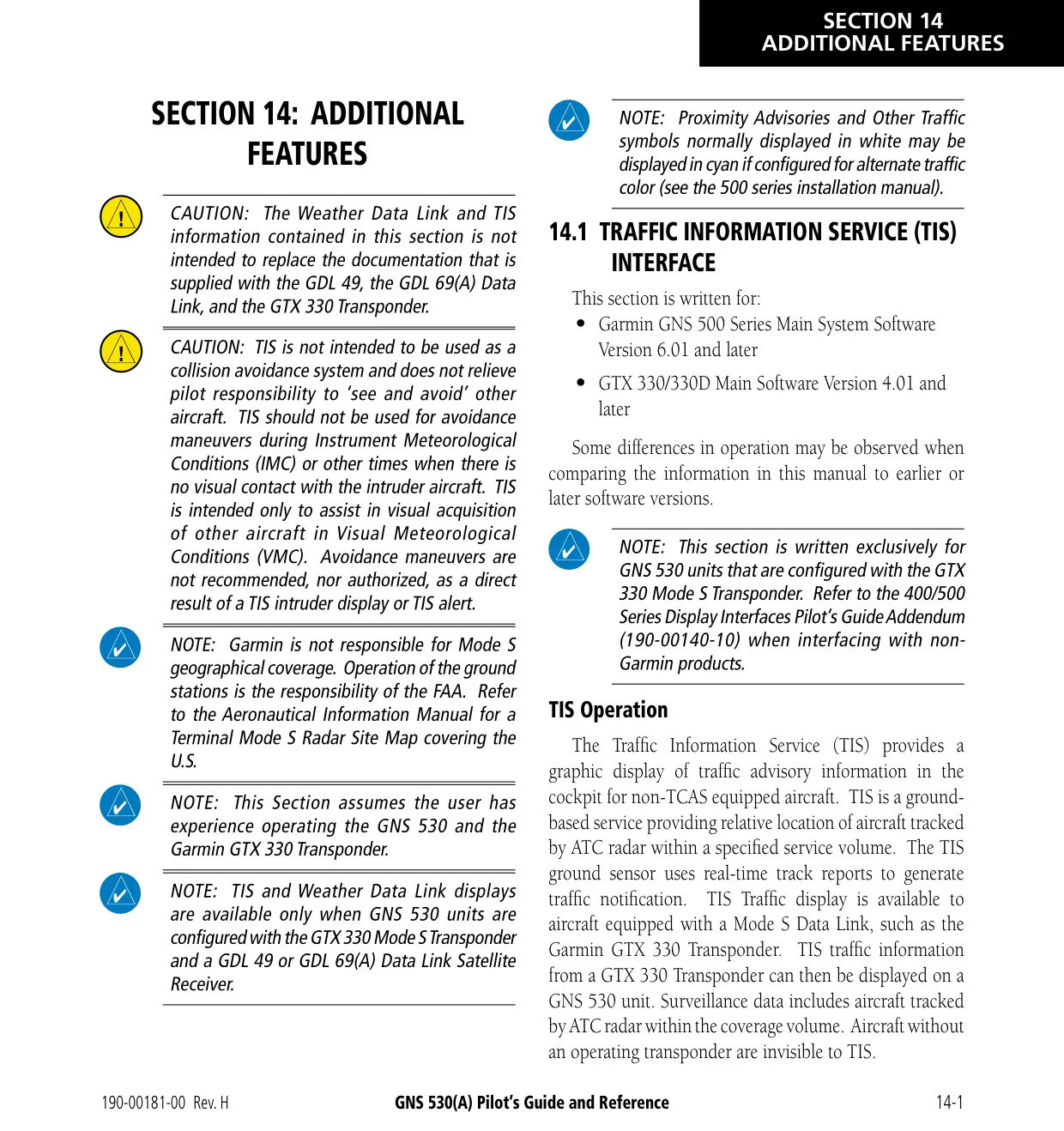
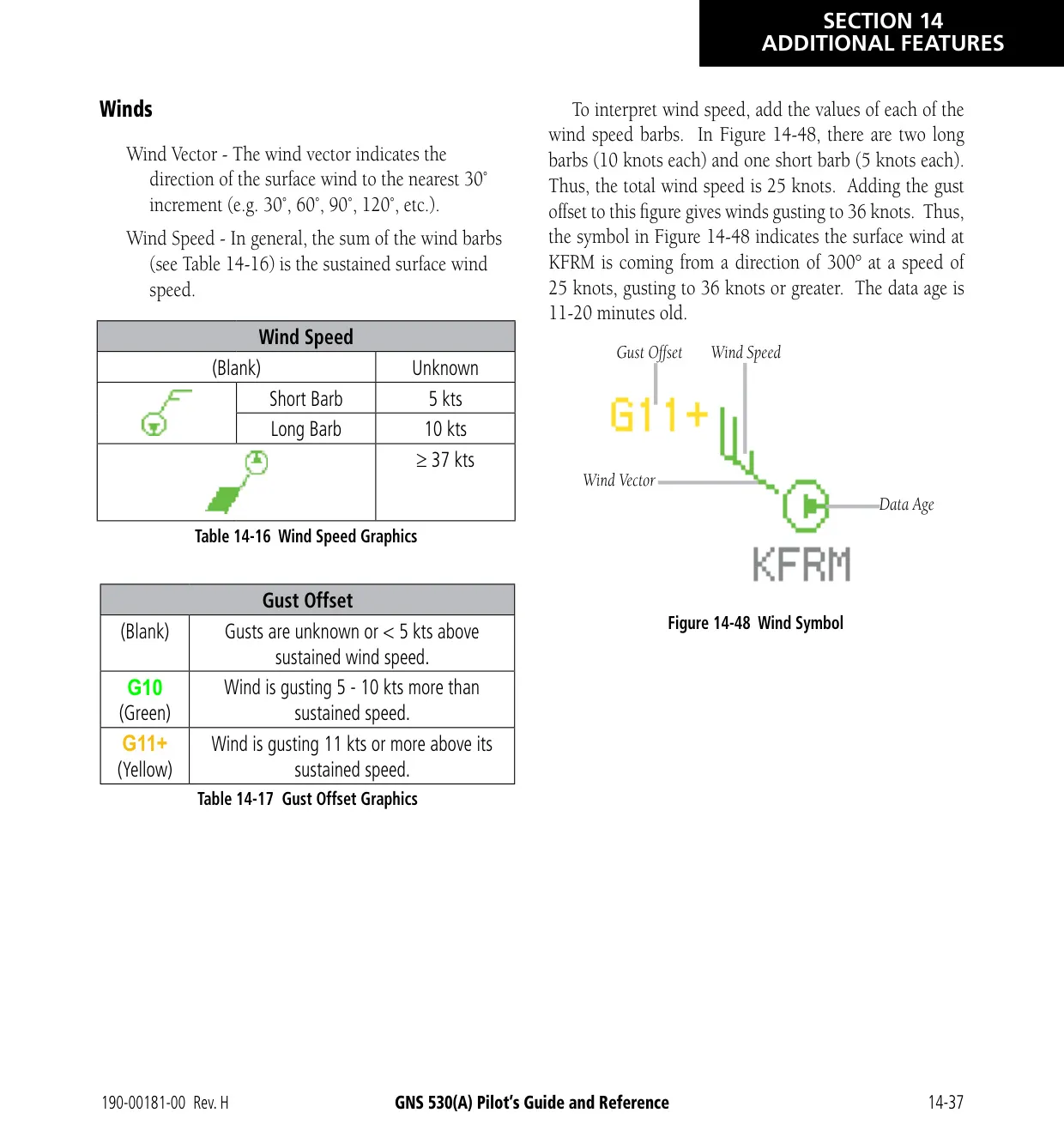
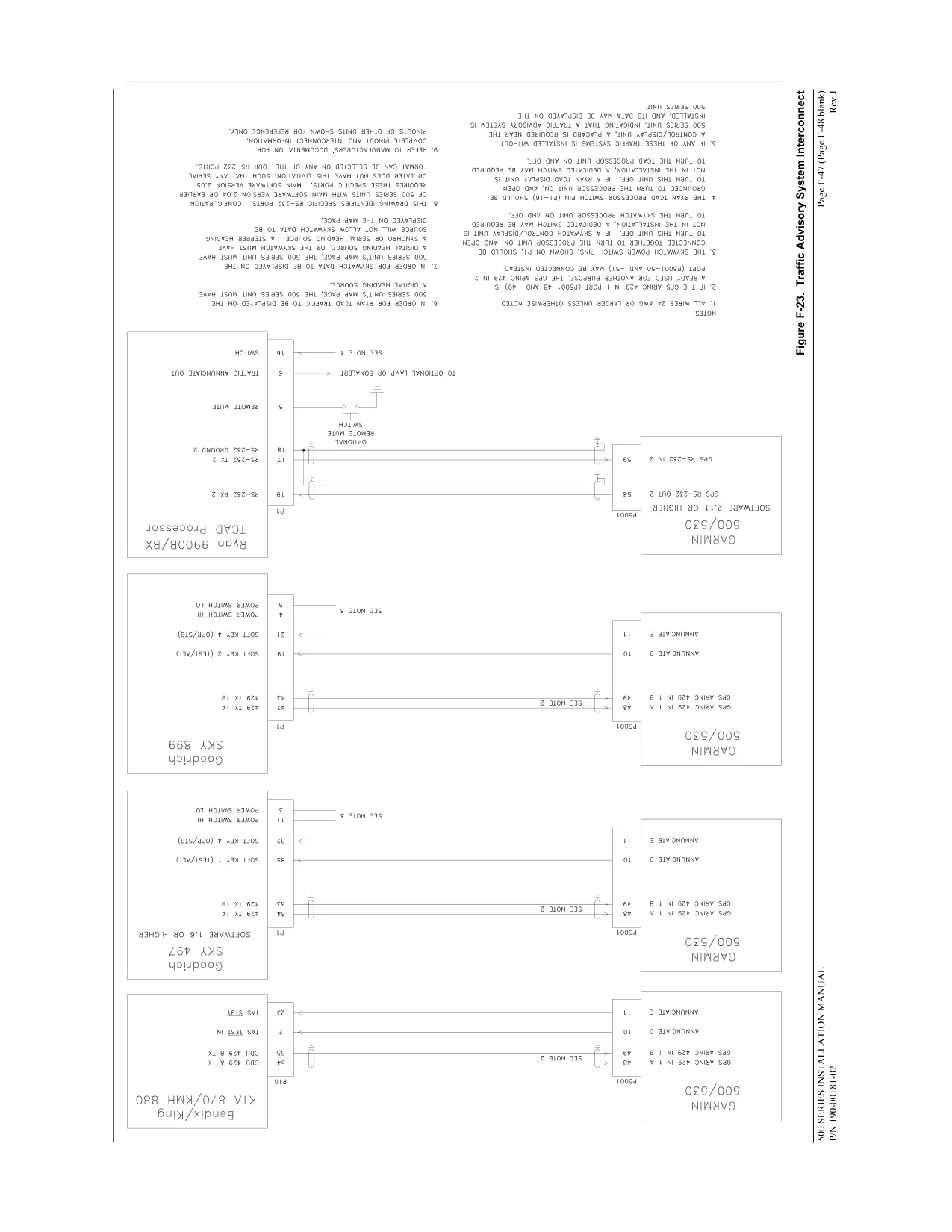
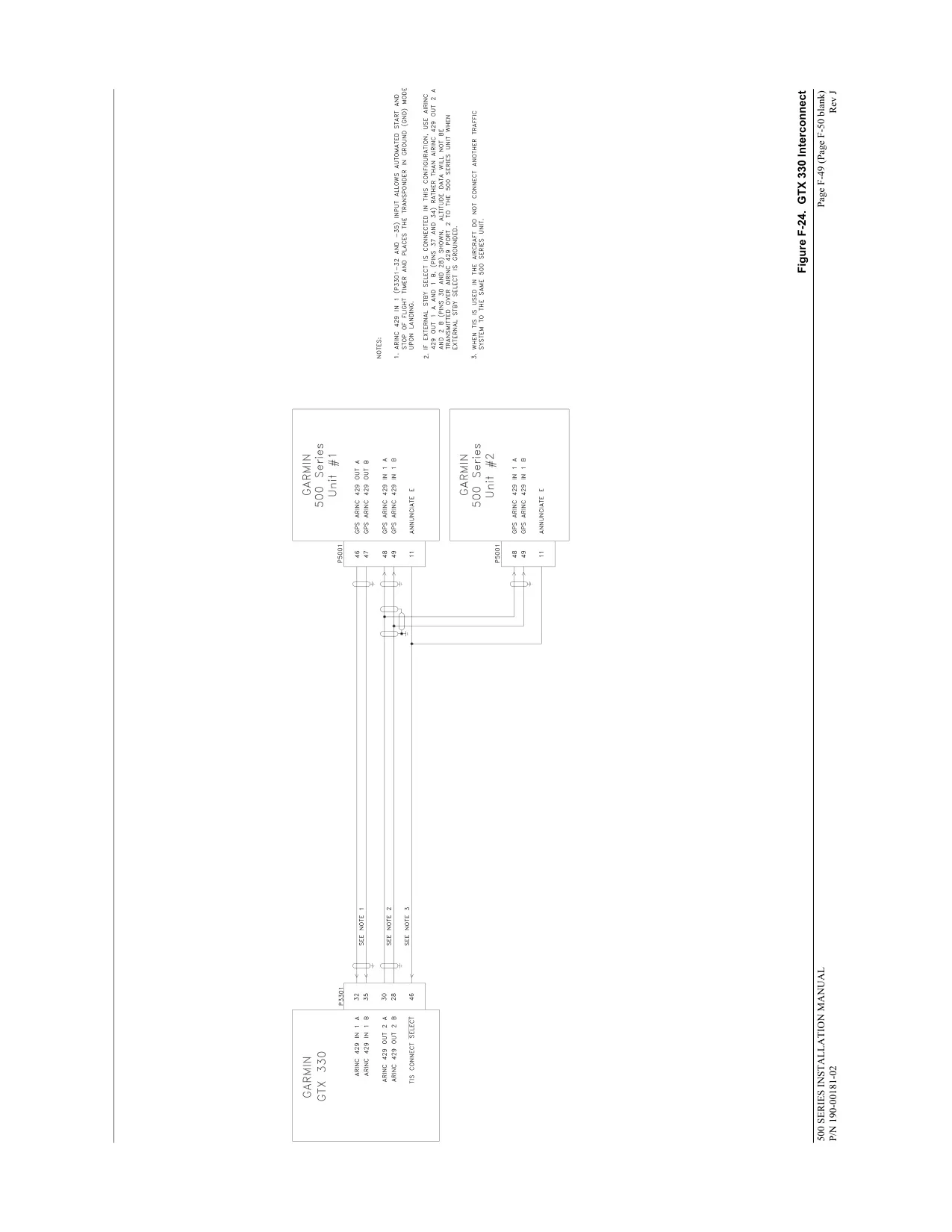
With optional equipment, the GNS 530 shows TIS traffic from a GTX 330 transponder (up to eight targets within 7 nm), TAS or TCAS I traffic from GTS 8XX systems, and NEXRAD or METAR weather from GDL 49 or GDL 69/69A receivers. Fault Detection and Exclusion supports oceanic and remote operations. The display lens has an anti-reflective coating that must never be cleaned with products containing ammonia.
Frequently Asked Questions (FAQs)
Can't find the answer you need? Here are some frequently asked questions about the Garmin GNS 530 Panel Avionics Unit, and we answer them below.