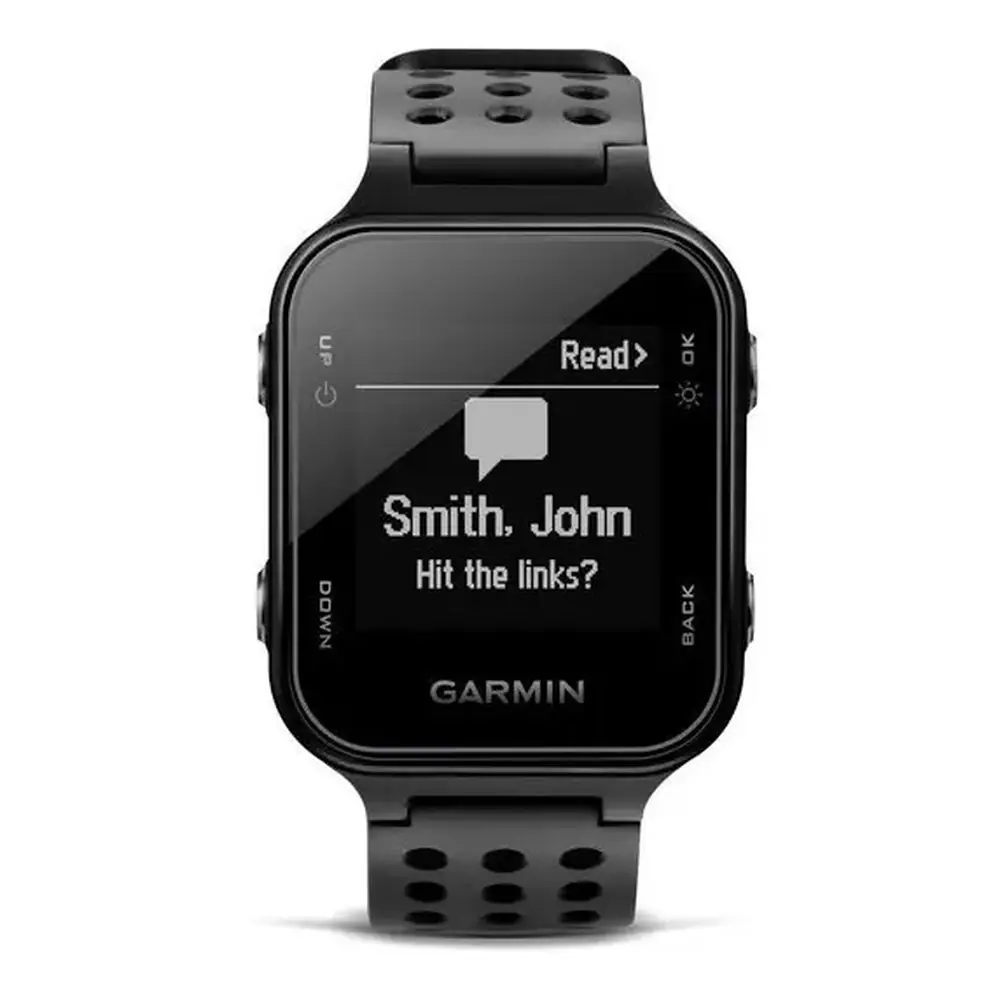
Garmin Approach S12 GPS Receiver Instruction Manual
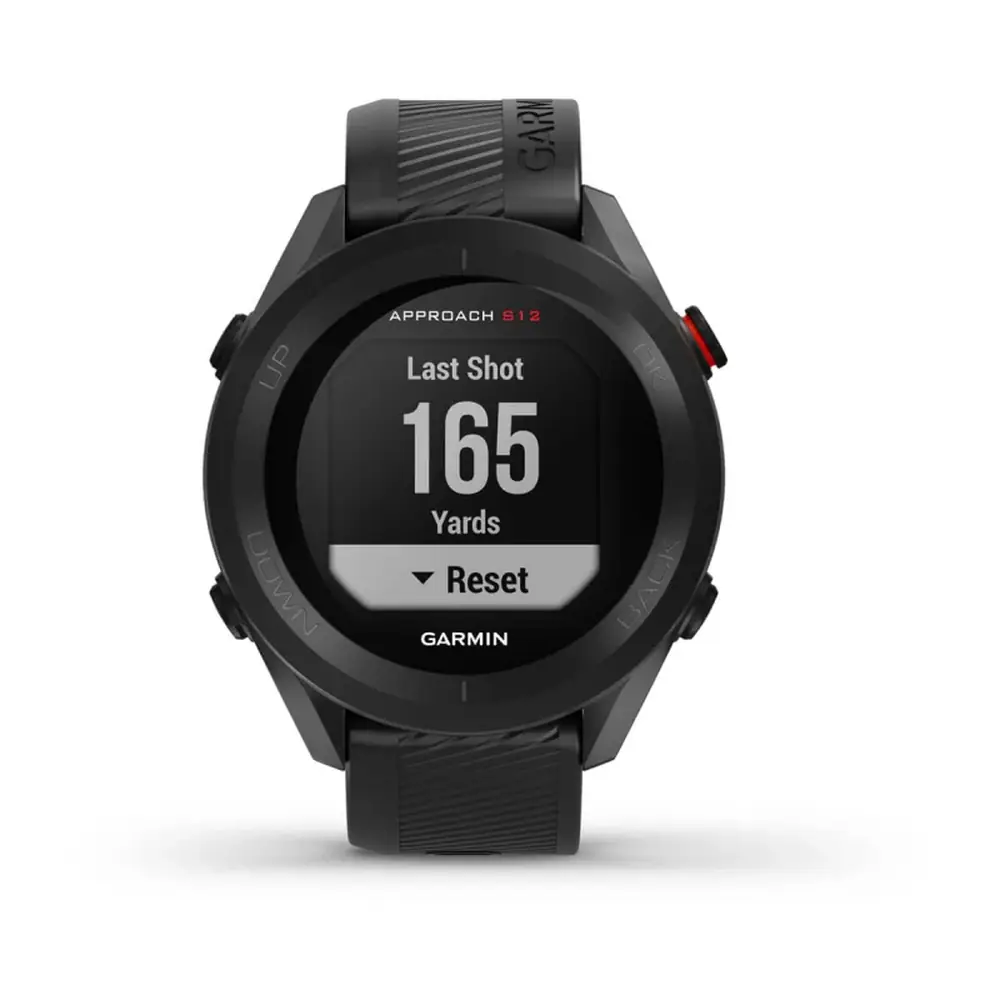
Garmin Approach S12 GPS Receiver


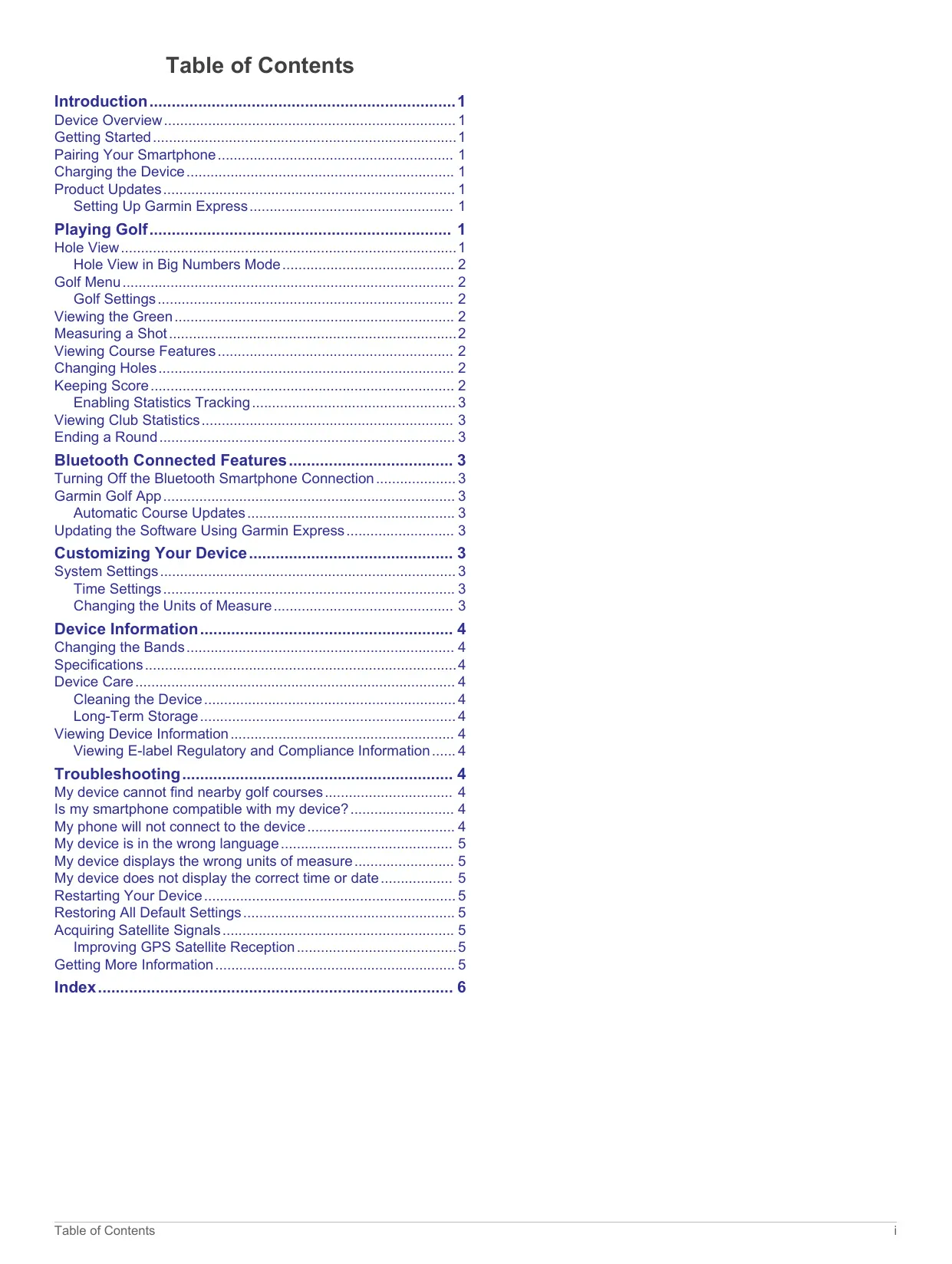






Garmin Approach S12 Instructions
Here we offer the Garmin Approach S12 GPS Receiver manual completely free and in English. We have cataloged this manual in the GPS Receivers section on Manualverse, and it has been rated by 1 users with an average rating of 5. If you have any specific questions about Garmin Approach S12 GPS Receiver, we suggest checking the Frequently Asked Questions (FAQs) section of this manual.
Product Images
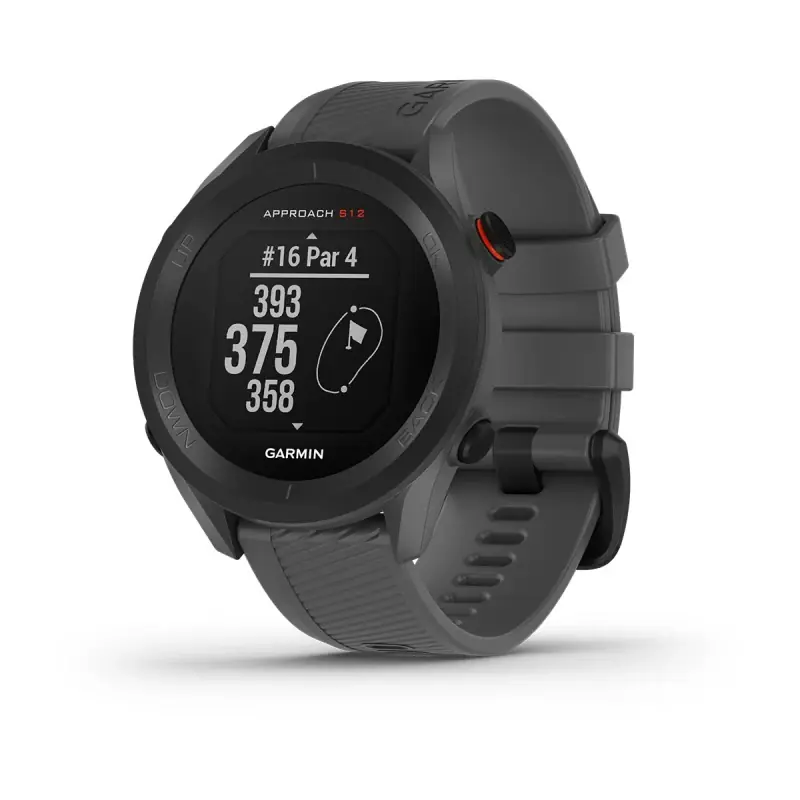
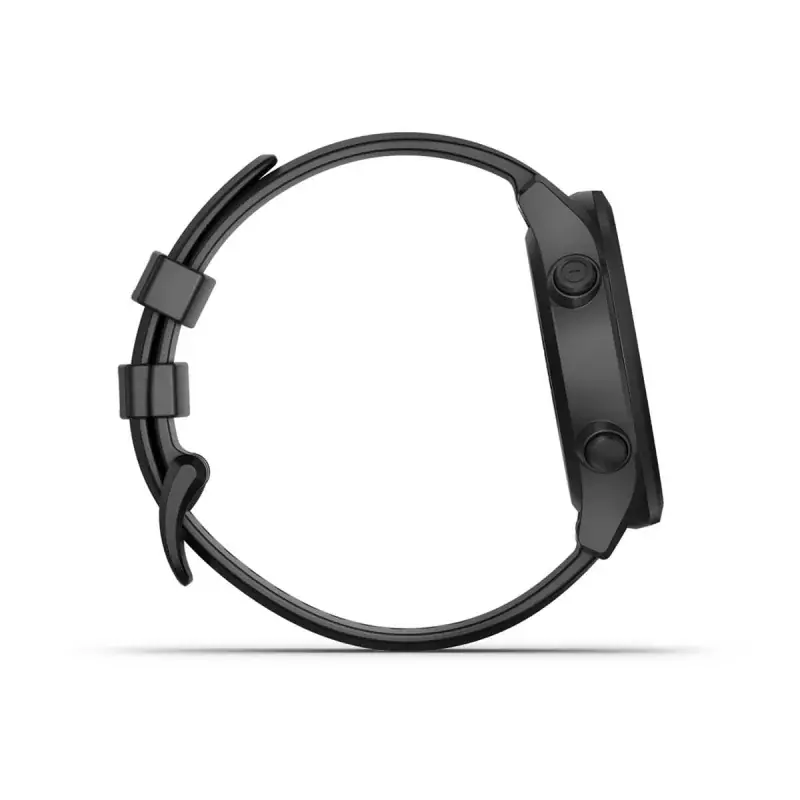

Garmin Approach S12 GPS Receiver Specifications
| Feature | Specification |
|---|---|
| Model | Approach S12 |
| Model number (M/N) | A04120 |
| Battery type | Rechargeable, built-in lithium-ion battery |
| Battery life (watch only) | Up to 10 weeks |
| Battery life (playing golf) | Up to 30 hours |
| Water rating | 5 ATM (withstands pressure equivalent to a depth of 50 m) |
| Operating temperature range | -20 °C to 60 °C (-4 °F to 140 °F) |
| Charging temperature range | 0 °C to 45 °C (32 °F to 113 °F) |
| Wireless frequency/protocol | 2.4 GHz @ 4.16 dBm maximum |
| Connectivity | Bluetooth smartphone connection, USB cable |
| Bluetooth pairing range | Within 10 m (33 ft.) |
| Satellite acquisition time | 30 to 60 seconds |
| Preloaded course coverage (Garmin Golf app) | More than 42,000 courses |
| Buttons | 4 (UP, DOWN, OK, BACK) |
| Display background color | Black or white (selectable) |
| Time format | 12-hour or 24-hour |
| USB modes | Mass storage mode or Garmin mode |
| Compatible sensors | Approach CT10 golf club sensors |
| Bands | Interchangeable, quick-release spring bar pins |
| Recommended storage charge | At least 50% |
| Regulatory label | Electronic e-label |
| Compatible software | Garmin Express (computer), Garmin Golf app (smartphone) |
Garmin Approach S12 GPS Receiver Details
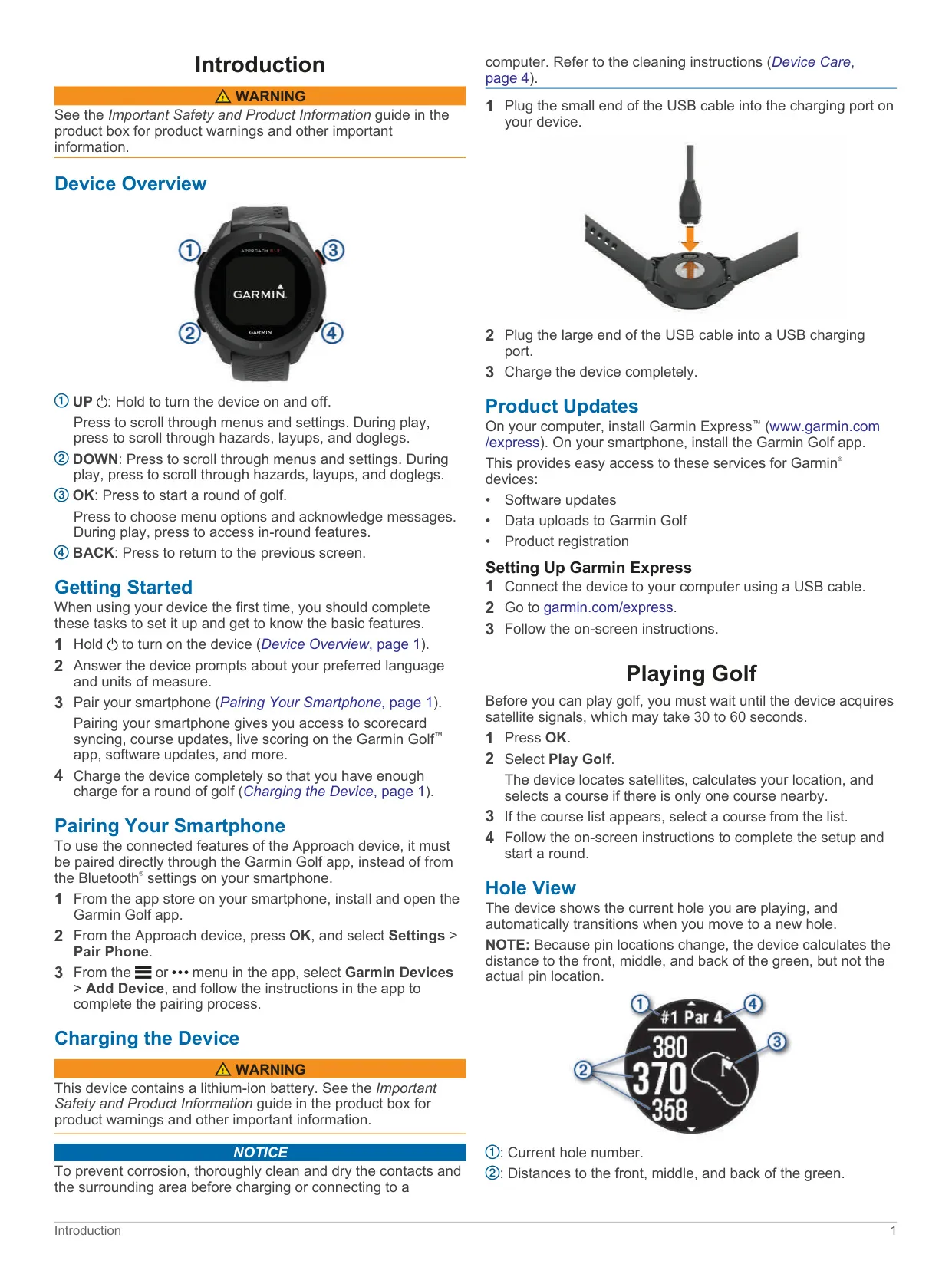
The Garmin Approach S12 is a GPS golf watch built to be simple. You control everything with four buttons. Holding UP turns the device on and off. UP and DOWN move through menus and, during a round, through hazards, layups and doglegs. OK starts a round and opens the in-round features, and BACK returns to the previous screen. When you first turn it on, the watch asks for your preferred language and units of measure, then helps you pair your smartphone.
You must pair the phone through the Garmin Golf app, not through the phone's own Bluetooth settings. Pairing unlocks scorecard syncing, live scoring, automatic course updates and software updates. The courses you play most often update automatically whenever the watch connects to your phone. On a computer, Garmin Express handles software updates, data uploads and product registration over the USB cable. Express can also repair course data if an update was interrupted before it finished.
The Hole View screen shows the current hole number, the par and the distances to the front, middle and back of the green, along with an approximate drawing of the green. The watch moves to the next hole automatically as you walk to it. Because pin positions change from day to day, the device does not know the actual pin location. The Move Flag option lets you place the pin yourself for a more precise distance, and that position is saved for the current round only.
Big Numbers mode makes the distance to the middle of the green much larger, and pressing DOWN shows all three green distances. On par 4 and par 5 holes you can scroll through the course features ahead of you. Large hazards show distances to their front and back. Small hazards, layups and doglegs show a single distance. Hazards are labeled with letters in order of their distance from the tee box, and they appear in their approximate positions relative to the fairway.
The golf menu includes Measure Shot, which tracks how far you walk to your ball, and Sunrise/Sunset, which shows the day's sunrise, sunset and twilight times. When scoring is turned on, the watch asks for your score when you reach the green. With Stat Tracking turned on, you can also record putts, whether you hit the fairway or missed left or right, and penalty strokes. Putts are used for statistics only and do not add to your score.
If you pair a full set of Approach CT10 sensors, the watch records each shot's location, distance and club type automatically. You can then review distance and accuracy for each club under Club Stats. The Gender setting applies gender-specific course ratings and par values when calculating handicaps. Scorecards you upload to Garmin Golf feed into online leaderboards and tournaments you create, and the app syncs with your Garmin Connect account.
For care, rinse the watch with fresh water after contact with chlorine, salt water, sunscreen or other chemicals. Clean and dry the charging contacts before charging, because even a little sweat can corrode them. Do not press the keys underwater. Two reset options are available: one keeps your history, and the other erases all data and restores factory settings. Satellite data downloaded during each sync helps the watch find a GPS signal faster.
Frequently Asked Questions (FAQs)
Can't find the answer you need? Here are some frequently asked questions about the Garmin Approach S12 GPS Receiver, and we answer them below.