Garmin eTrex 10 GPS Receiver Instruction Manual
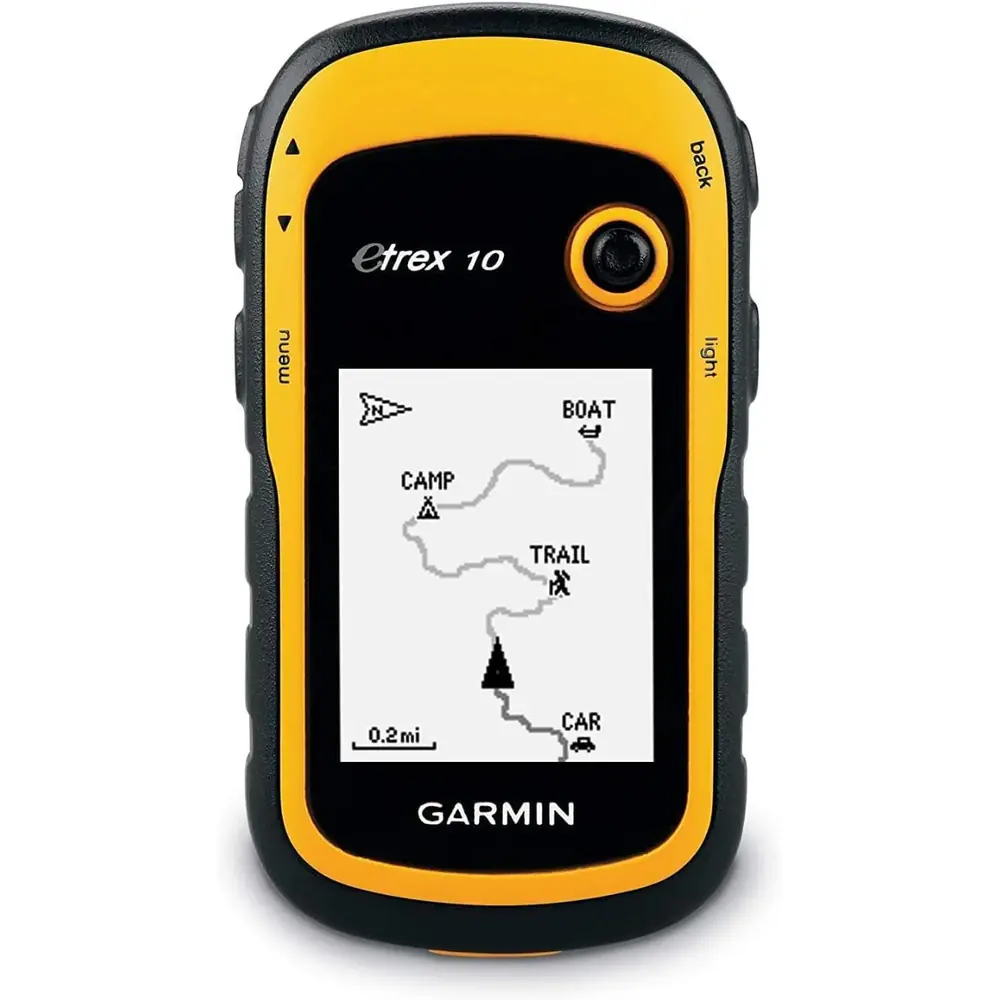
Garmin eTrex 10 GPS Receiver








Garmin eTrex 10 GPS Receiver Instructions
Here we offer the Garmin eTrex 10 GPS Receiver manual completely free and in English. We have cataloged this manual in the GPS Receiver section on Manualverse, and it has been rated by 1 users with an average rating of 5. If you have any specific questions about Garmin eTrex 10 GPS Receiver, we suggest checking the Frequently Asked Questions (FAQs) section of this manual.
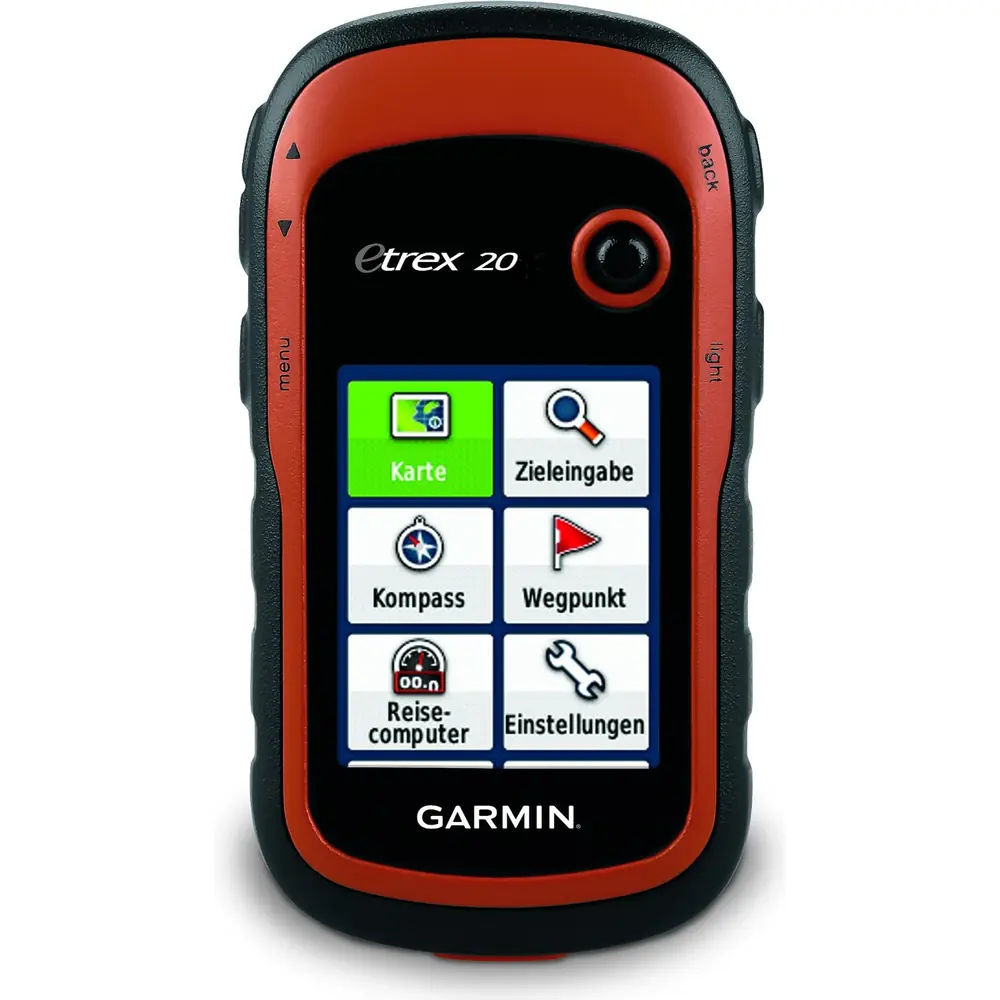
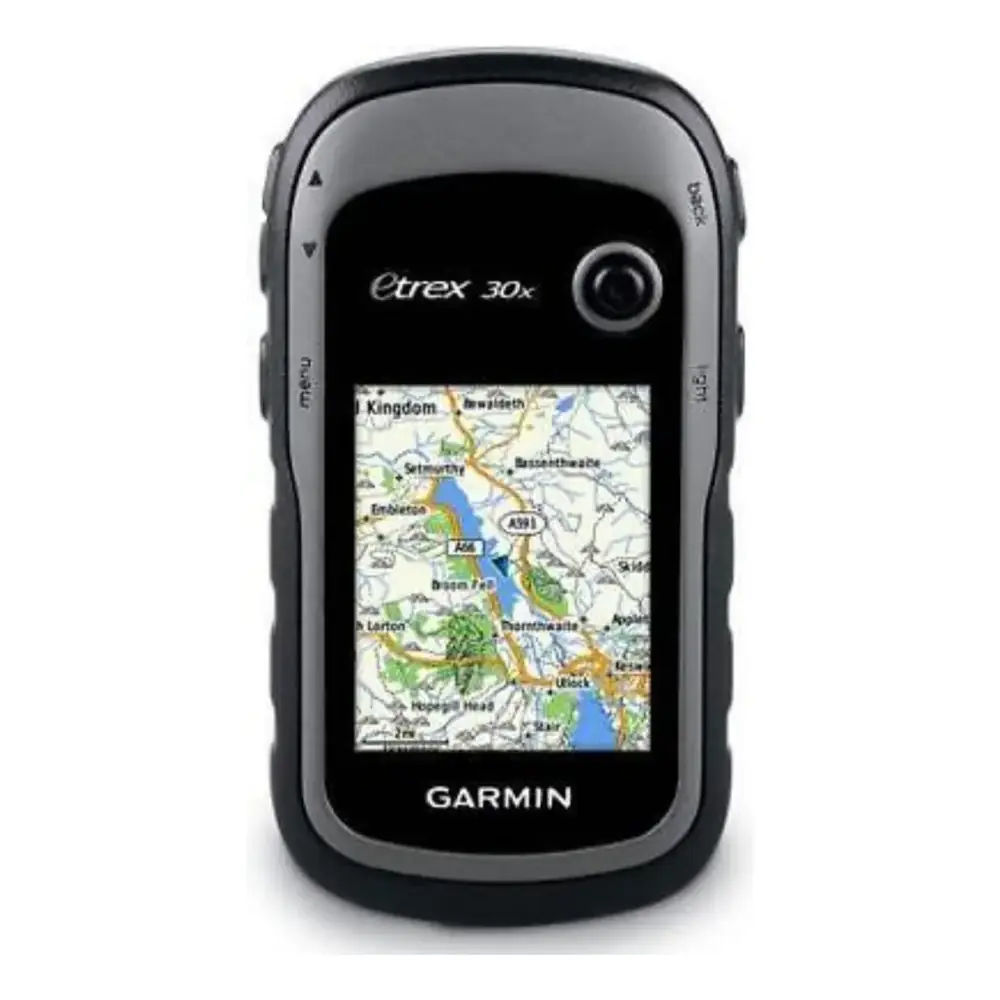
Product Images

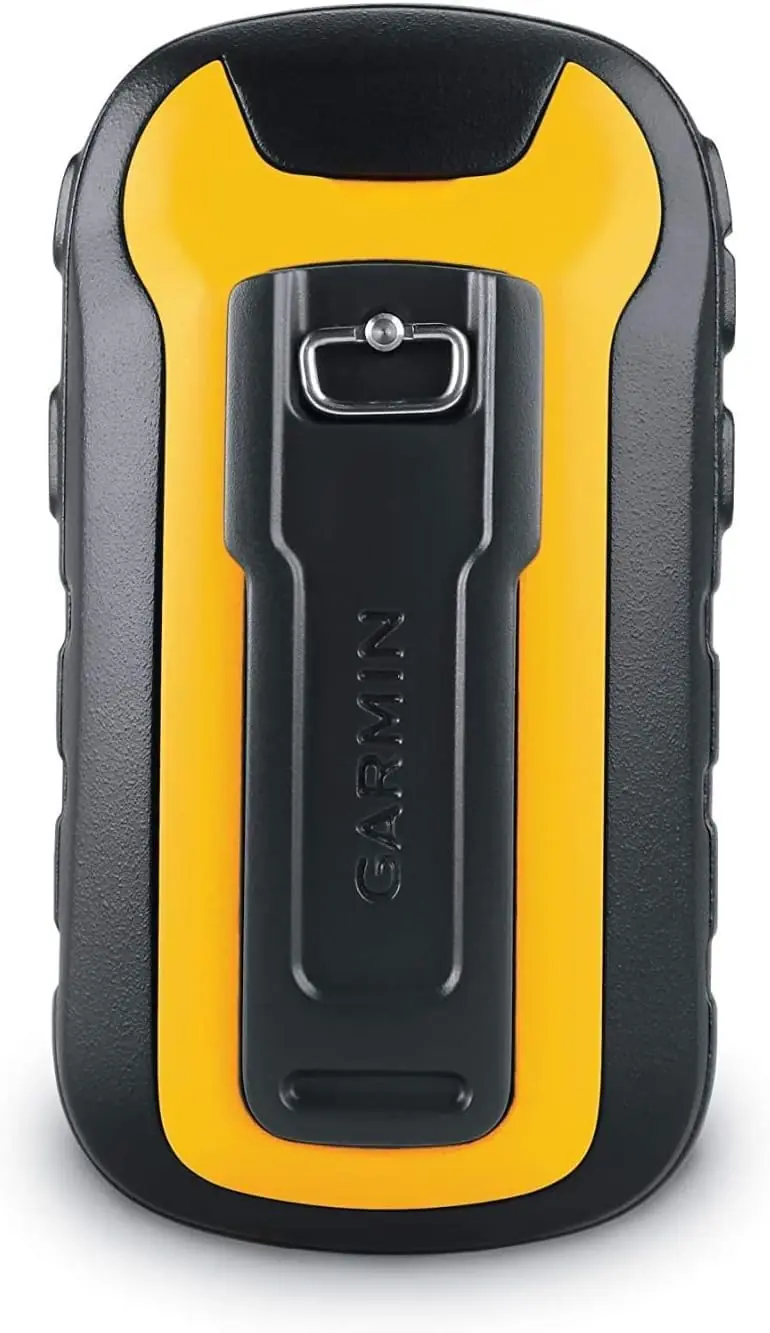
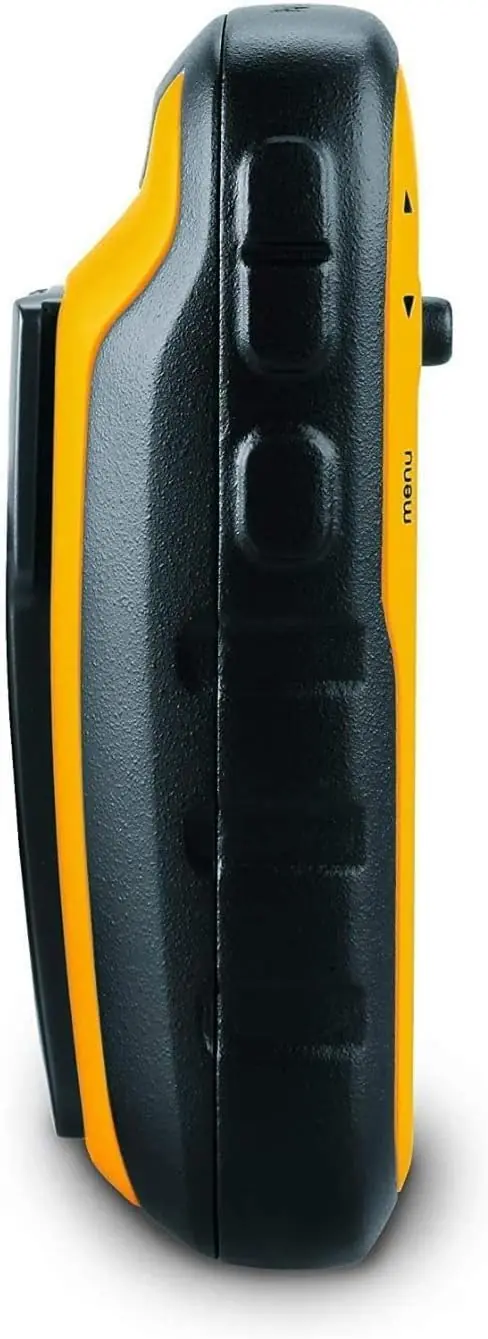

Garmin eTrex 10 GPS Receiver Specifications
| Feature | Specification |
|---|---|
| Device Type | Handheld GPS receiver |
| Power Source | 2 x AA batteries (not included) |
| Supported Battery Types | Alkaline, Lithium, Rechargeable NiMH (selectable in Setup > System > Battery Type) |
| Recommended Batteries | NiMH or lithium; lithium for below-freezing conditions |
| Operating Temperature Range | -20° to 70°C (-4° to 158°F) |
| Water Rating | IEC 60529 IPX7 (accidental immersion in 1 m of water for 30 minutes) |
| Satellite Systems | GPS (United States) and GLONASS (Russia) |
| Satellite Augmentation | WAAS/EGNOS |
| Satellite Acquisition Time | 30 to 60 seconds (outdoors, open area) |
| Position Calculation Aid | Garmin AutoLocate |
| Default Map Spheroid | WGS 84 |
| Wireless Frequency/Protocol (listed in manual) | 2.4 GHz @ -1.13 dBm nominal (applies to wireless-equipped models) |
| Computer Interface | Mini-USB port under weather cap |
| USB Modes | Mass storage mode or Garmin mode |
| Computer Compatibility | Windows 7 and newer; Mac OS 10.4 and newer |
| Supported File Format | GPX (waypoints, geocaches) via GPX folder |
| Controls | Thumb Stick controller, zoom in/out keys, back key, menu key, power/backlight key |
| Mounting | Rear mounting spine |
| Battery Cover | D-ring locking ring |
| Track Recording Methods | Auto, Distance, Time |
| Map Orientation Modes | North Up, Track Up, Automotive Mode |
| Time Format | 12-hour or 24-hour; automatic time zone by GPS position |
| Waypoint Averaging Recommendation | 4 to 8 samples, at least 90 minutes apart |
| Software Update Tool | Garmin Express (computer) |
| Regulatory Label | Electronic e-label (Setup > About) |
| Manual Revision | December 2020, v5 |
Garmin eTrex 10 GPS Receiver Details
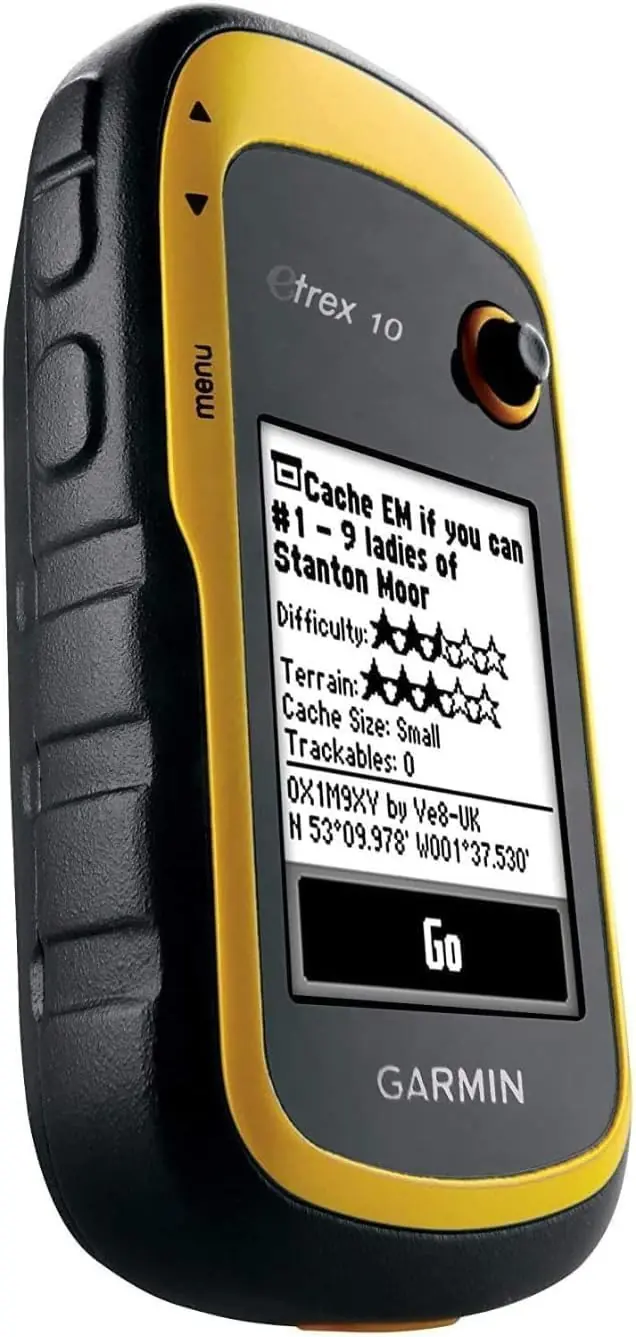
The Garmin eTrex 10 is a compact handheld navigator designed for hikers, geocachers and outdoor users who need dependable positioning without complexity. Its interface is built around the Where To? menu, which lets users search for destinations by category, find locations near another point with Search Near, or locate saved waypoints with Spell Search. Once a destination is chosen, the route appears as a magenta line on the map, and navigation can be stopped at any time from the same menu.
Waypoint management is one of the device's strongest areas. Users can mark their current position, edit names and details such as elevation and depth, delete entries, or project a waypoint by entering a bearing and distance from an existing point. The Average Location function takes multiple readings at the same spot and saves the result once the confidence bar reaches 100%, giving more accurate coordinates for important locations such as survey points or caches.
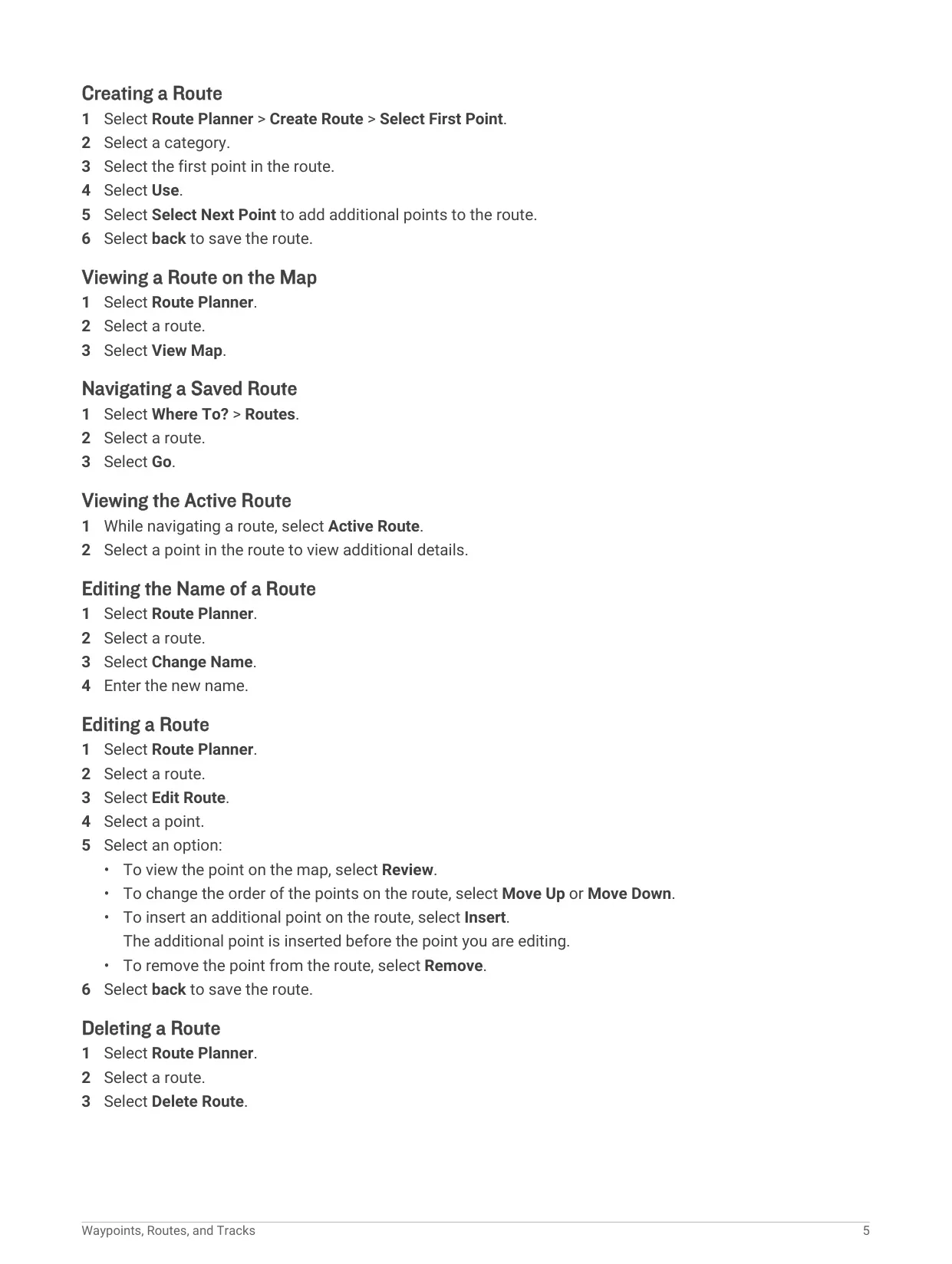
Routes are built in the Route Planner as a sequence of waypoints. Points can be reviewed on the map, moved up or down, inserted or removed, and a whole route can be renamed, deleted or reversed to travel back to the start. Tracks record your path with time, location and elevation for each point. Recording can be shown on the map or hidden, and the Auto Archive option saves and clears tracks automatically. Saved tracks, or portions of them, can be navigated later.
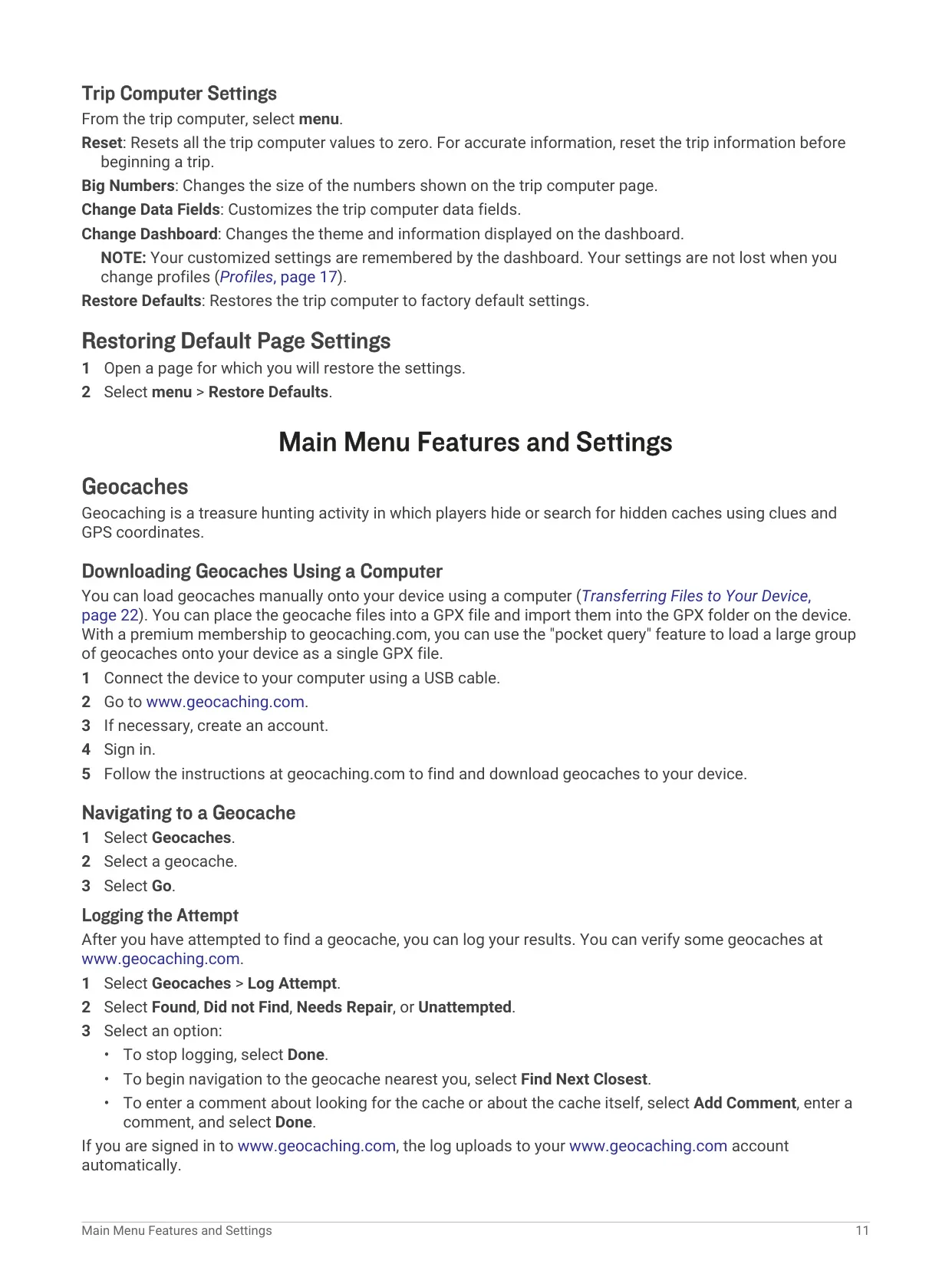
Geocaching is fully supported. Caches can be loaded as GPX files from geocaching.com, including large pocket query sets for premium members. After a search, users log the attempt as Found, Did not Find, Needs Repair or Unattempted, add comments, or jump to the next closest cache. The main menu also includes proximity alarms with user-defined radius, area calculation by walking a perimeter, an alarm clock, calculator, calendar, stopwatch, Hunt and Fish predictions, and Sun and Moon data.
Customization is extensive. The main menu items and page sequence can be reordered, added or removed, and every main page offers configurable data fields, from trip odometer and moving average speed to sunrise, sunset and GPS accuracy. The trip computer offers Big Numbers and selectable dashboards. Profiles store complete sets of settings for different activities, saving changes automatically. Units of measure, position format, map datum, routing preferences, display colors, backlight timeout and screen capture are all adjustable.
For battery management, users can lower backlight brightness and timeout, slow map drawing, or disable GLONASS. A Use with GPS Off mode allows waypoint and route maintenance indoors while conserving power, and a simulated location can be set on the map. Maintenance is simple: clean with a mild detergent, rinse after salt or chlorinated water, and dry the USB port before connecting. If the unit freezes, removing and reinstalling the batteries restarts it without losing data or settings.
Frequently Asked Questions (FAQs)
Can't find the answer you need? Here are some frequently asked questions about the Garmin eTrex 10 GPS Receiver, and we answer them below.