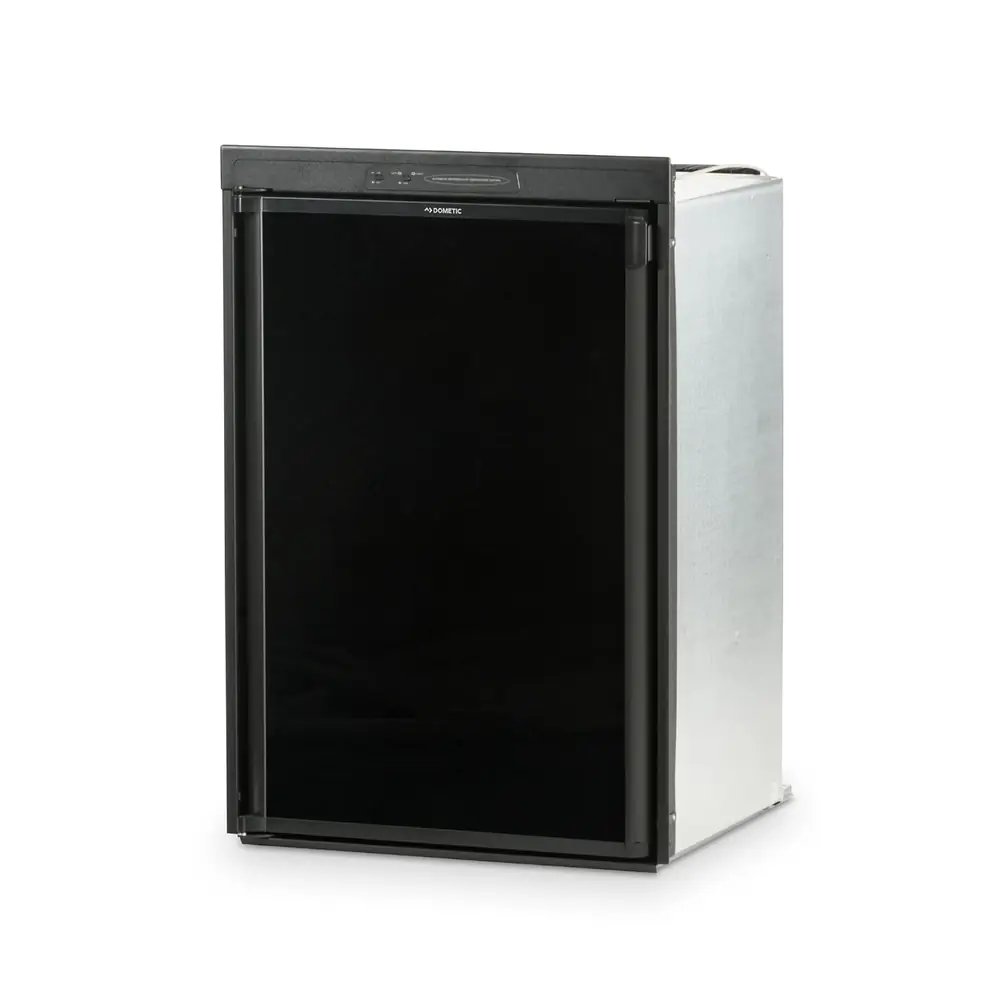
Dometic CCC2 3314082 Thermostat Instruction Manual
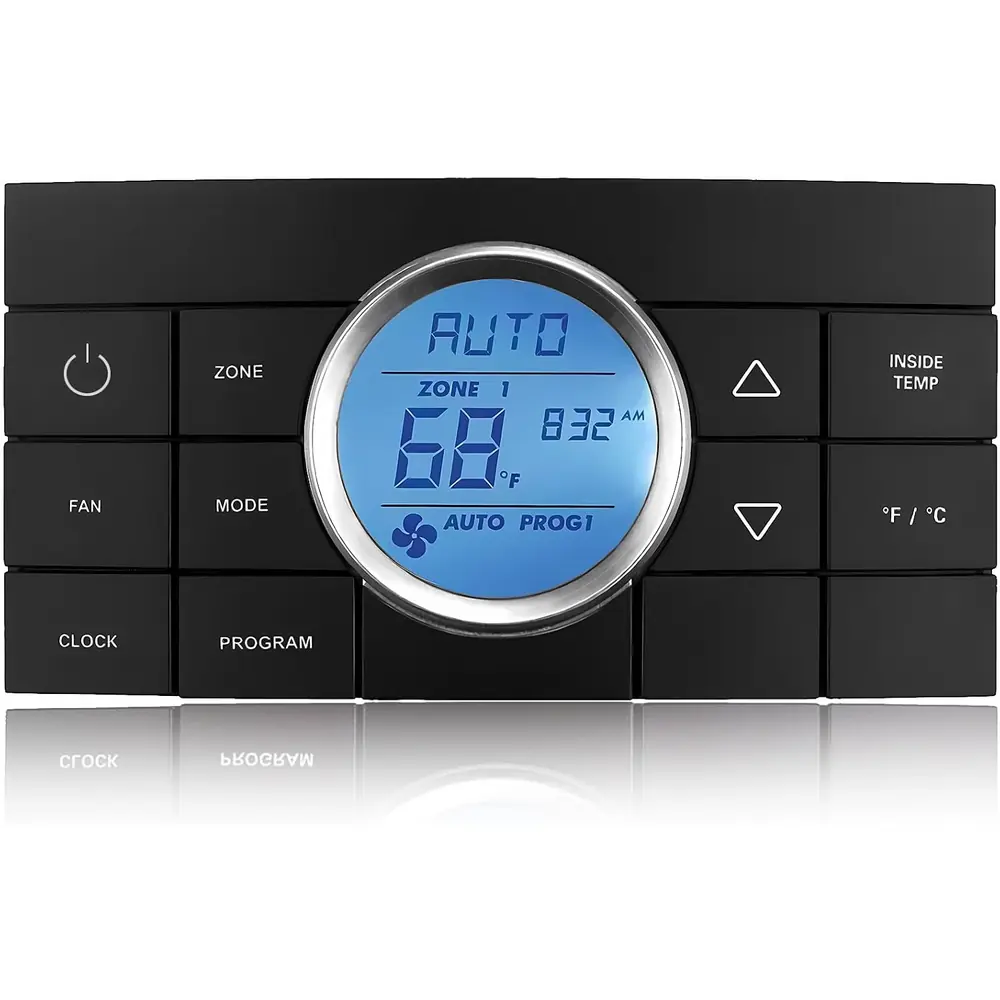
Dometic CCC2 3314082 Thermostat








Dometic CCC2 Thermostat Instructions
Here we offer the Dometic CCC2 3314082 Thermostat manual completely free and in English. We have cataloged this manual in the Thermostats section on Manualverse, and it has been rated by 1 users with an average rating of 5. If you have any specific questions about Dometic CCC2 3314082 Thermostat, we suggest checking the Frequently Asked Questions (FAQs) section of this manual.
Product Images


Dometic CCC2 3314082 Thermostat Specifications
| Feature | Specification |
|---|---|
| Product Name | Dometic Comfort Control Center 2 (CCC 2) Programmable Thermostat |
| Model Variants Covered by Manual | 3312026.XXX (with Dehumidify), 3312024.XXX (without Dehumidify) |
| Display | Liquid Crystal Display (LCD) with backlight |
| Operating Programs | 2 (Program 1 and Program 2) |
| Maximum Number of Zones | 4 independent zones |
| Remote Sensor Control Precision | Within 1 °F of set-point |
| Temperature Format | °F / °C selectable |
| Operating Modes | OFF, COOL, HP (Heat Pump), HS (Heat Strip), FAN, AUTO (Auto Change Over), FURN / AQUA |
| Fan Speeds | Auto, Low, Med, High |
| Maximum Temperature Set-Point | 90 °F |
| Minimum Heating Set-Point | 40 °F |
| Minimum Cooling Set-Point | 55 °F |
| Outside Temperature Measuring Range | -5 °F to 105 °F |
| Outside Temperature Sensor Location | Roof top unit |
| Dehumidify Set-Point Range (Select Models) | 35% to 70%, in 5% increments |
| Dehumidify Units Supported | 1 dehumidify air conditioner across the four zones |
| Furnace/Aqua ON/OFF Differential | 1 °F (dIF1) or 2 °F (dIF2) |
| Auto Change Over Differential | 2 °F above or below set-point |
| Compressor Time Delay | Approximately 2 minutes |
| Fan/Compressor Staggering Delay | Approximately 15 seconds |
| Auxiliary Heat Activation (Heat Pump Models) | Outdoor temperature below 30 °F; heat pump resumes above 35 °F |
| Defrost Cycle Temperature Window | Outdoor temperature between 30 °F and 42 °F |
| Defrost Cycle Timing | 25 min maximum compressor run time; 4.5 min defrost; 30 s fan restart delay |
| Dual Compressor Secondary Stage Differential | 3 °F (+3 °F cooling, -3 °F heating) |
| Delay Between Compressor Starts (Two Units, One Zone) | Minimum 20 to 30 seconds |
| Load Shed Signal Source | 12 VDC from AC power module board, ON 1 second before compressor relay |
| Communication Interface | CANbus (Controller Area Network) |
| Filter Reminder Interval | 1000 hours of fan run time |
| Factory Default Heating Set-Point | 68 °F / 20 °C |
| Factory Default Cooling Set-Point | 72 °F / 22 °C |
| Factory Default Auto Set-Point | 70 °F / 21 °C |
| Factory Default Relative Humidity | 50% |
| Factory Default Program Times | Program 1: 8:00 AM; Program 2: 10:00 PM |
| Error Codes | E1 to E9 |
| System Power References | 120 VAC (power module boards), 12 VDC (control circuit) |
Dometic CCC2 3314082 Thermostat Details
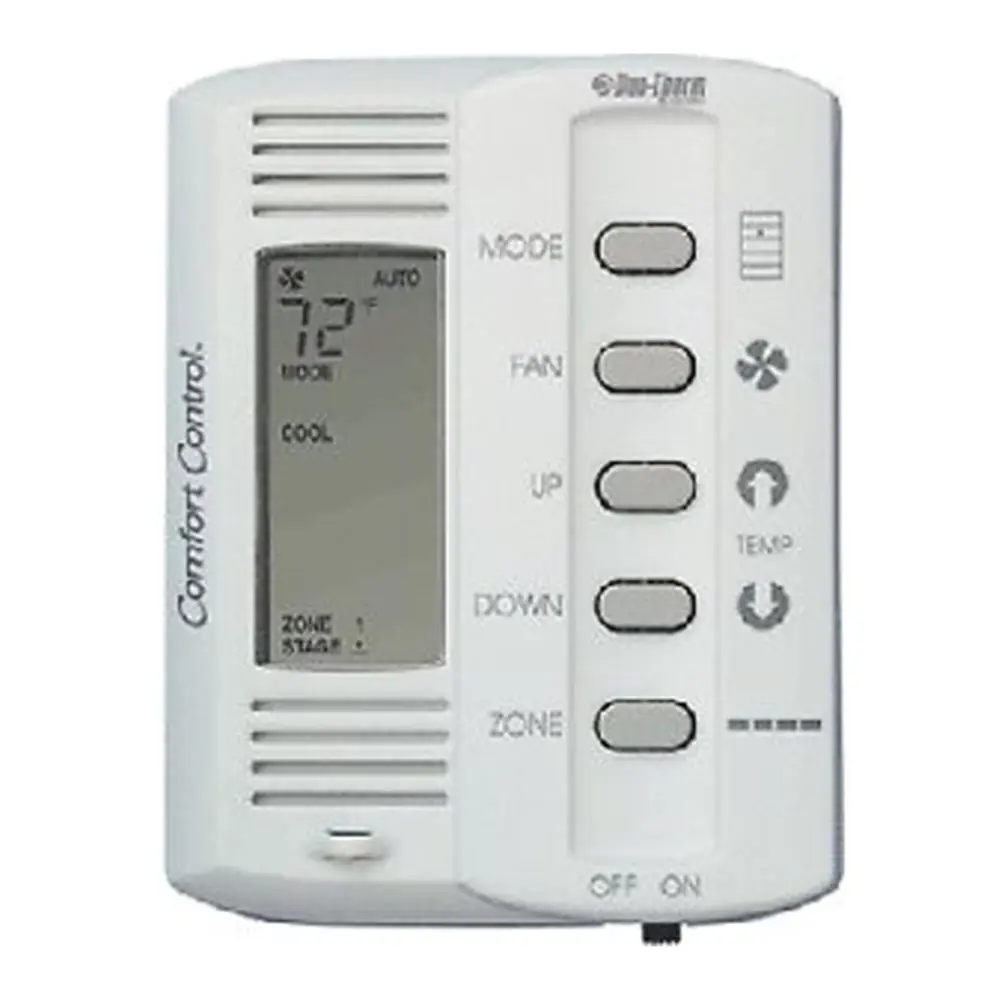
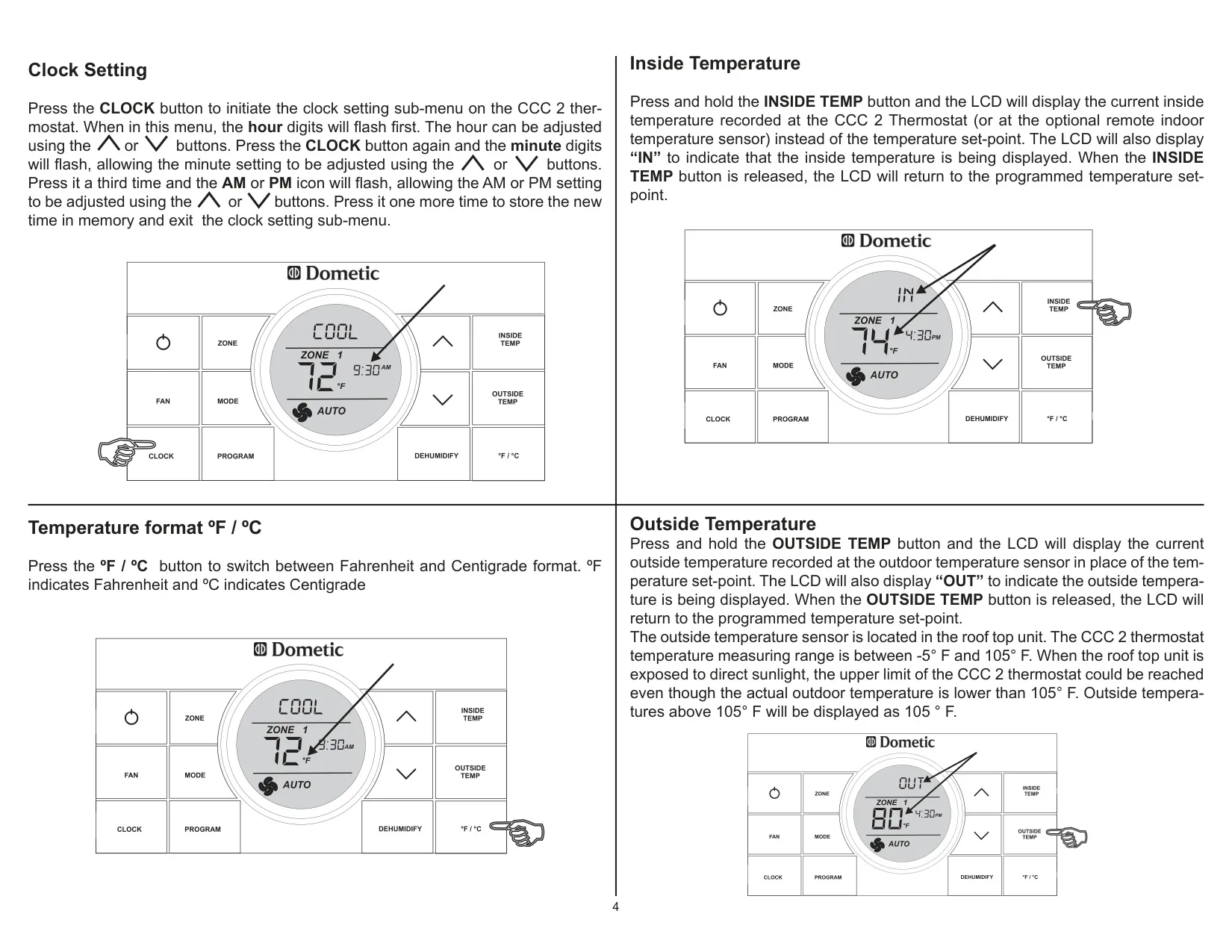
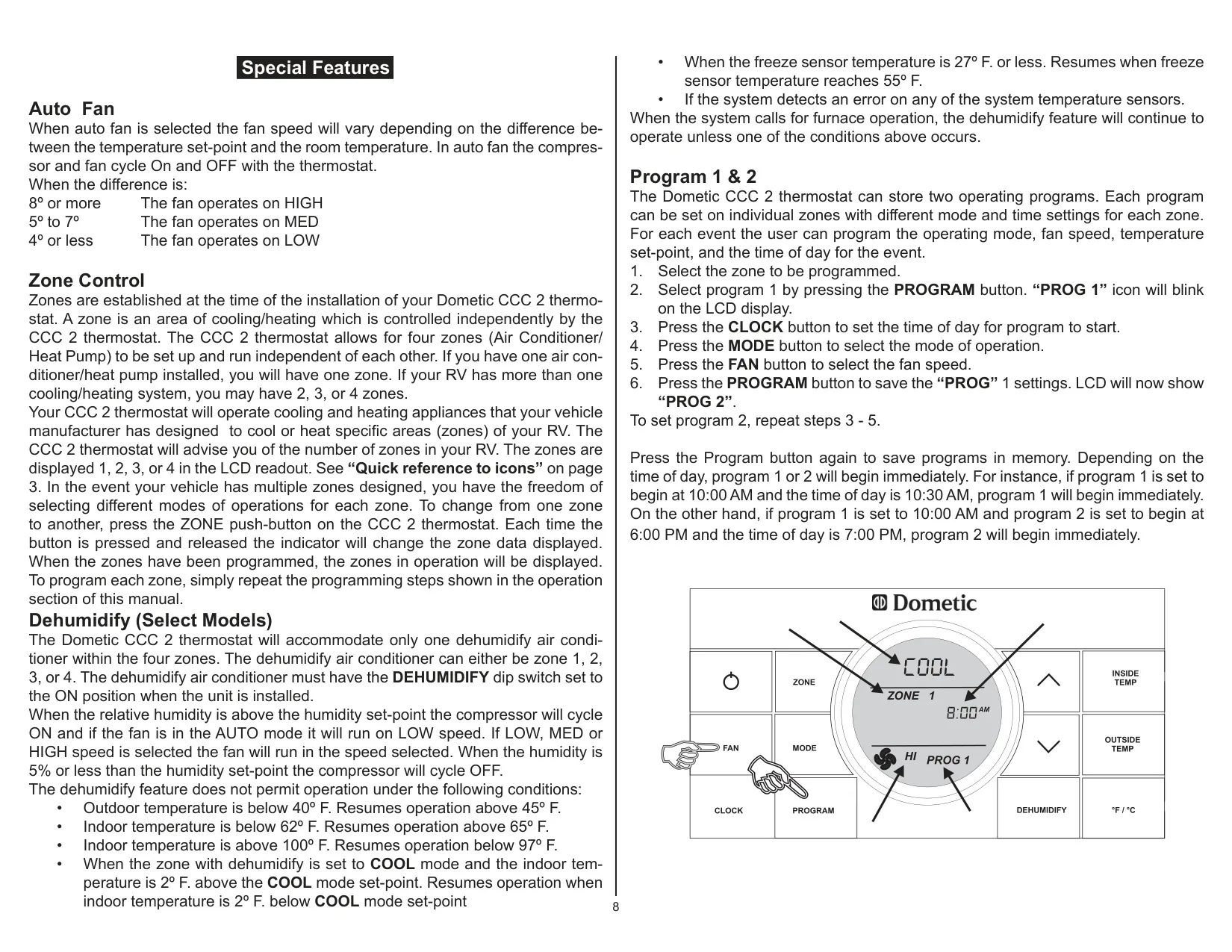
The Dometic Comfort Control Center 2 is a programmable RV thermostat. It shows the time of day at all times, and when the unit is OFF the clock is the only thing on the screen. When the backlight has gone idle, the first button press only wakes the thermostat, and it will not accept a new setting until it is awake. The clock is set with the CLOCK button, which steps through the hours, the minutes and AM/PM. You change each value with the up and down arrows.
After installation, the thermostat has to be initialized before it can recognize the zones, the types of units installed and their options. With the thermostat OFF, press the MODE and ZONE buttons together. The LCD shows "IniT" and all available zones. Release both buttons and press ON/OFF to exit. Do the same reset after any change to the DIP switches or after a memory loss. A reset always restores the factory defaults.
To see the room temperature, press and hold the INSIDE TEMP button. The display shows "IN" and the reading from the thermostat or from the optional remote sensor. Holding OUTSIDE TEMP shows "OUT" and the outdoor sensor reading. When the roof top unit sits in direct sunlight, that reading can hit its upper limit even if the real outdoor temperature is lower. Each button press cycles through the installed zones only.
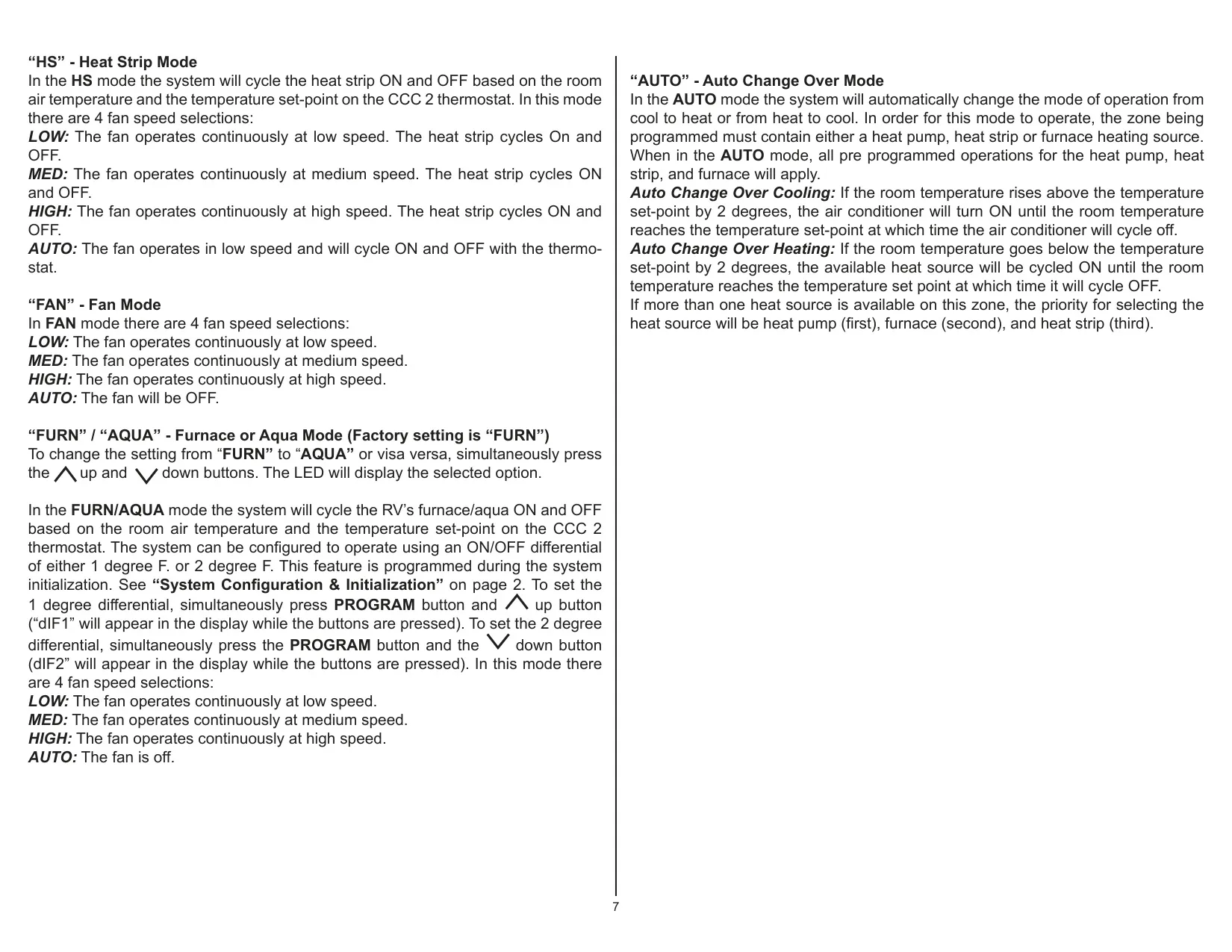
With Auto Fan, the fan speed depends on how far the room is from the set-point. A difference of 8 degrees or more runs the fan on HIGH, 5 to 7 degrees runs it on MED, and 4 degrees or less runs it on LOW. In COOL, the fan starts before the compressor. In Heat Pump mode, the compressor starts first. In Fan, Furnace and Aqua modes, choosing AUTO turns the fan off. In Heat Strip mode, AUTO runs the fan on LOW.
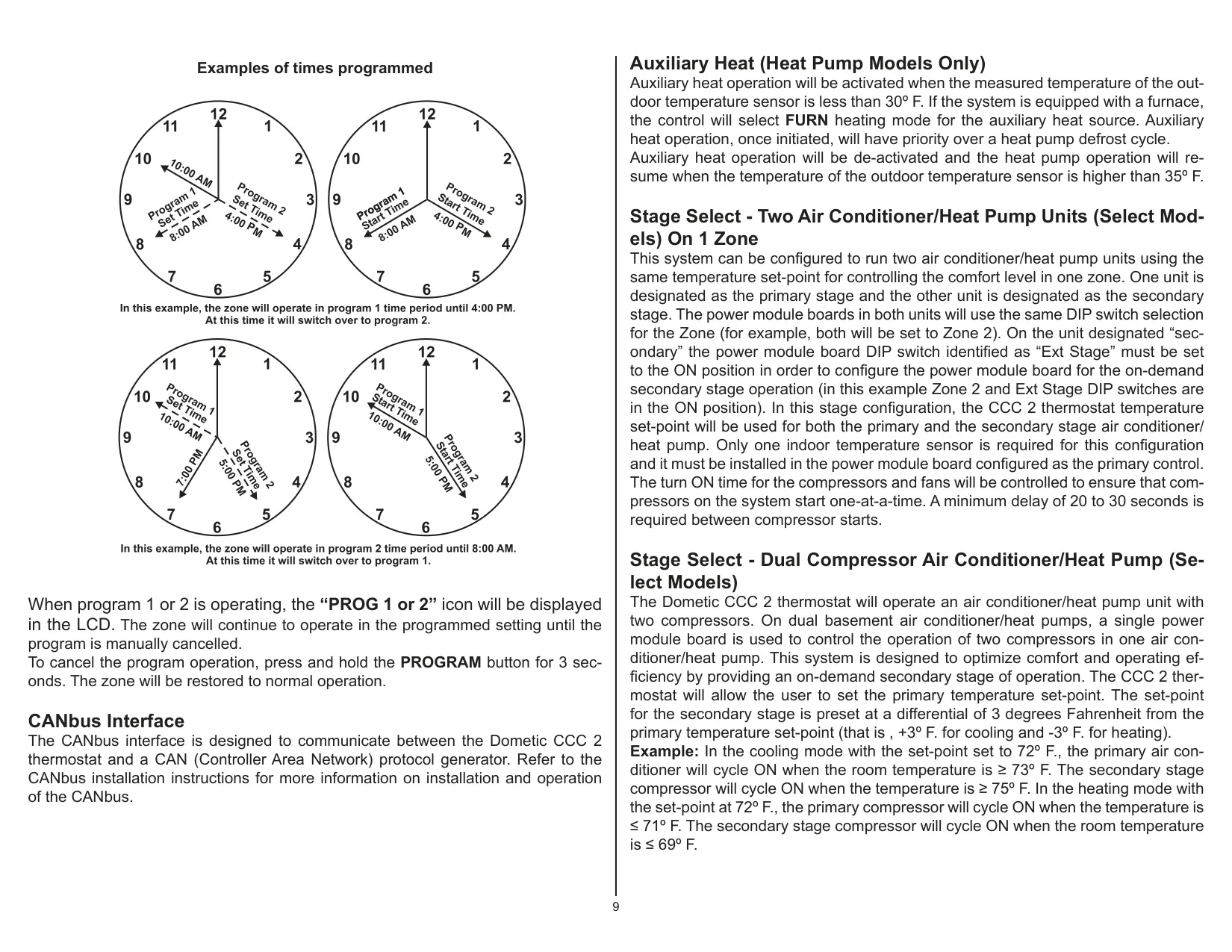
In AUTO Change Over mode, the thermostat switches between cooling and heating by itself. The zone must have at least one heat source. If more than one is available, it uses the heat pump first, then the furnace, then the heat strip. To switch between FURN and AQUA, press the up and down buttons together. To program each schedule, set its start time, mode and fan speed, then save it with the PROGRAM button. To cancel a running program, hold PROGRAM for three seconds.
Dehumidification stops when the outdoor temperature is below 40 °F, the indoor temperature is below 62 °F or above 100 °F, or the freeze sensor reads 27 °F or less. It also stops when any temperature sensor reports an error. Dehumidification can keep running while the furnace is on. You turn it off by holding the DEHUMIDIFY button for three seconds.
The optional Auto Generator Start kit uses a normally open relay on a power module board with the GEN Start DIP switch set ON. It starts the generator whenever a zone needs heating, cooling or dehumidification, then waits for the generator to warm up before running the equipment. Two air conditioners or heat pumps can share one zone and one set-point. In that setup, the secondary unit has its "Ext Stage" DIP switch set ON.
If power is lost, the system restarts with its previous set-points once power returns. When a fault occurs, the affected zone number blinks and an error code replaces the set-point on the display. To clear the filter icon, wash the filter with soap and warm water, then hold the INSIDE and OUTSIDE buttons for three seconds. Clean the thermostat with a moist soft cloth only. Do not spray water on it and do not use solvents.
Frequently Asked Questions (FAQs)
Can't find the answer you need? Here are some frequently asked questions about the Dometic CCC2 3314082 Thermostat, and we answer them below.