Honeywell Vista 15p Security System Instruction Manual
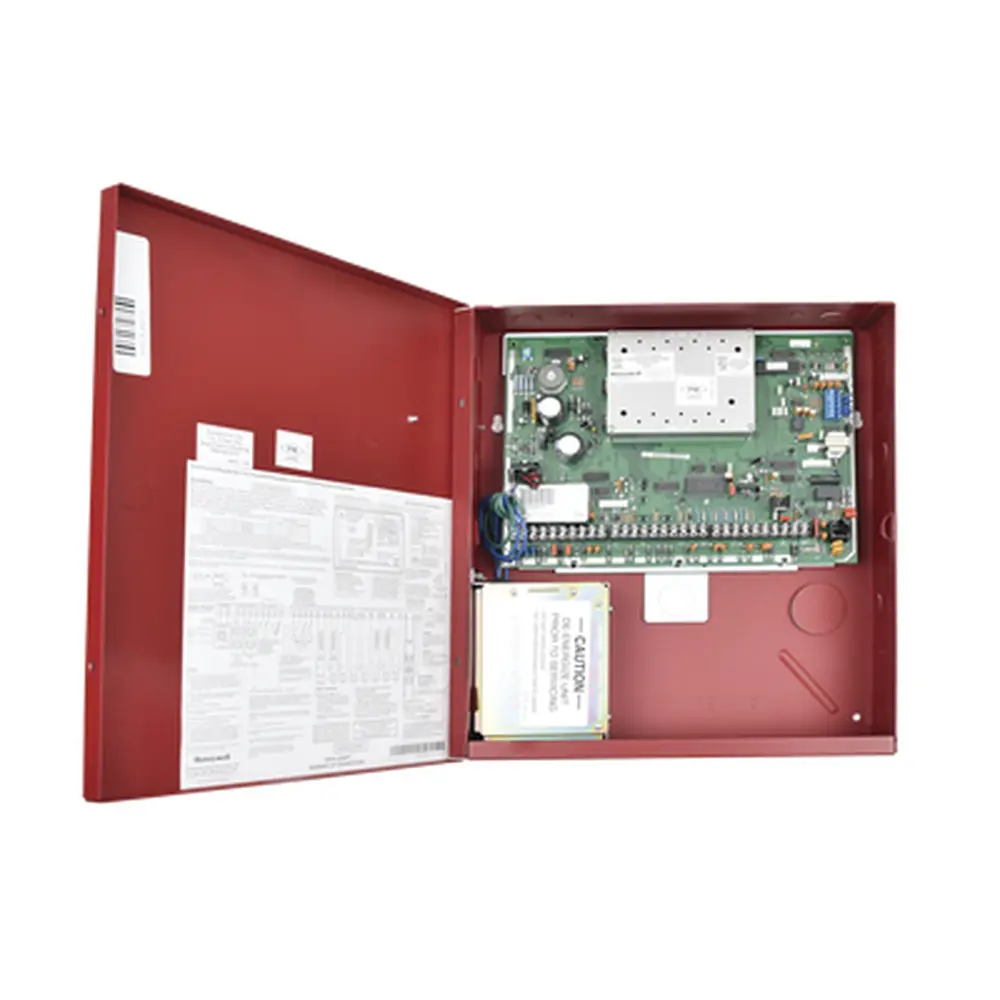
Honeywell Vista 15p Security System
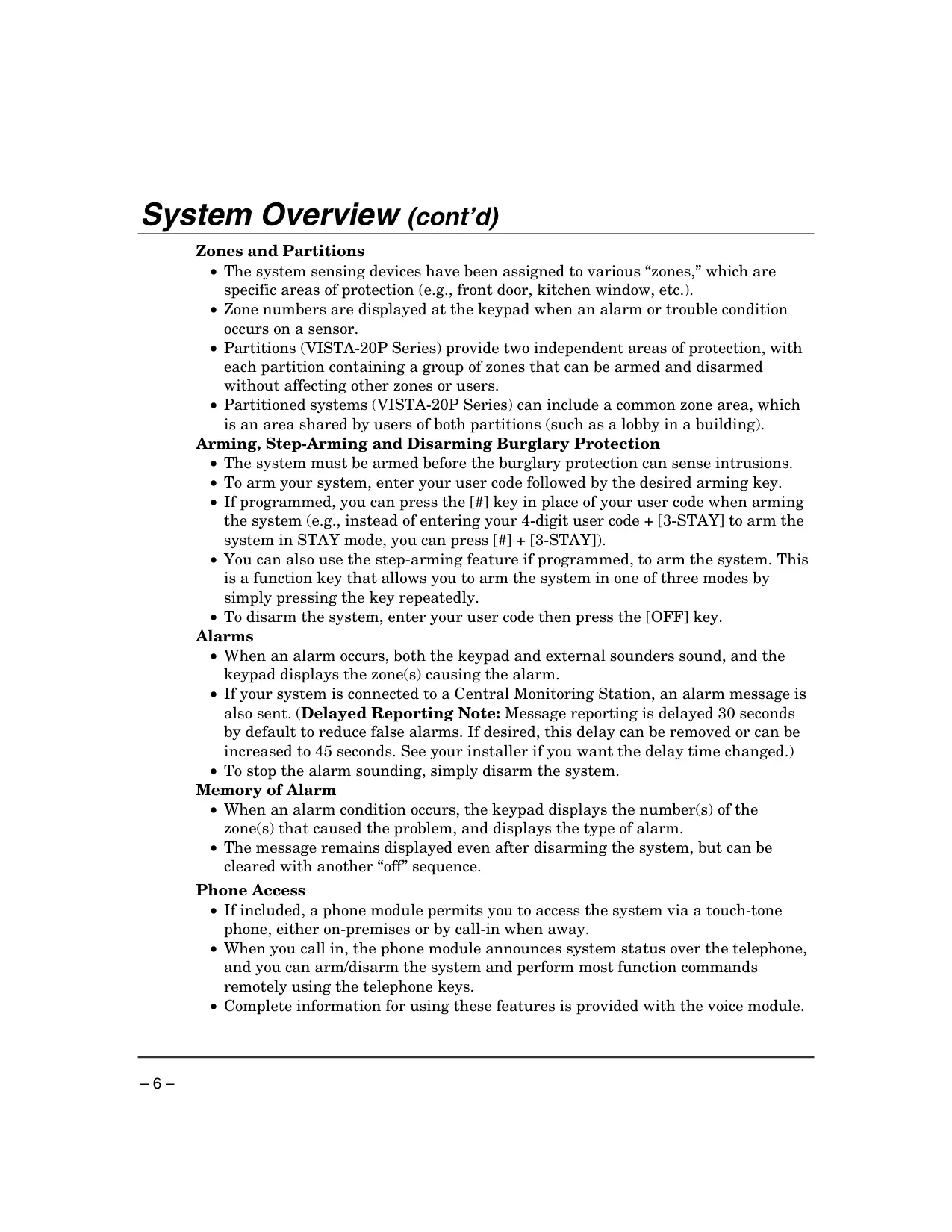
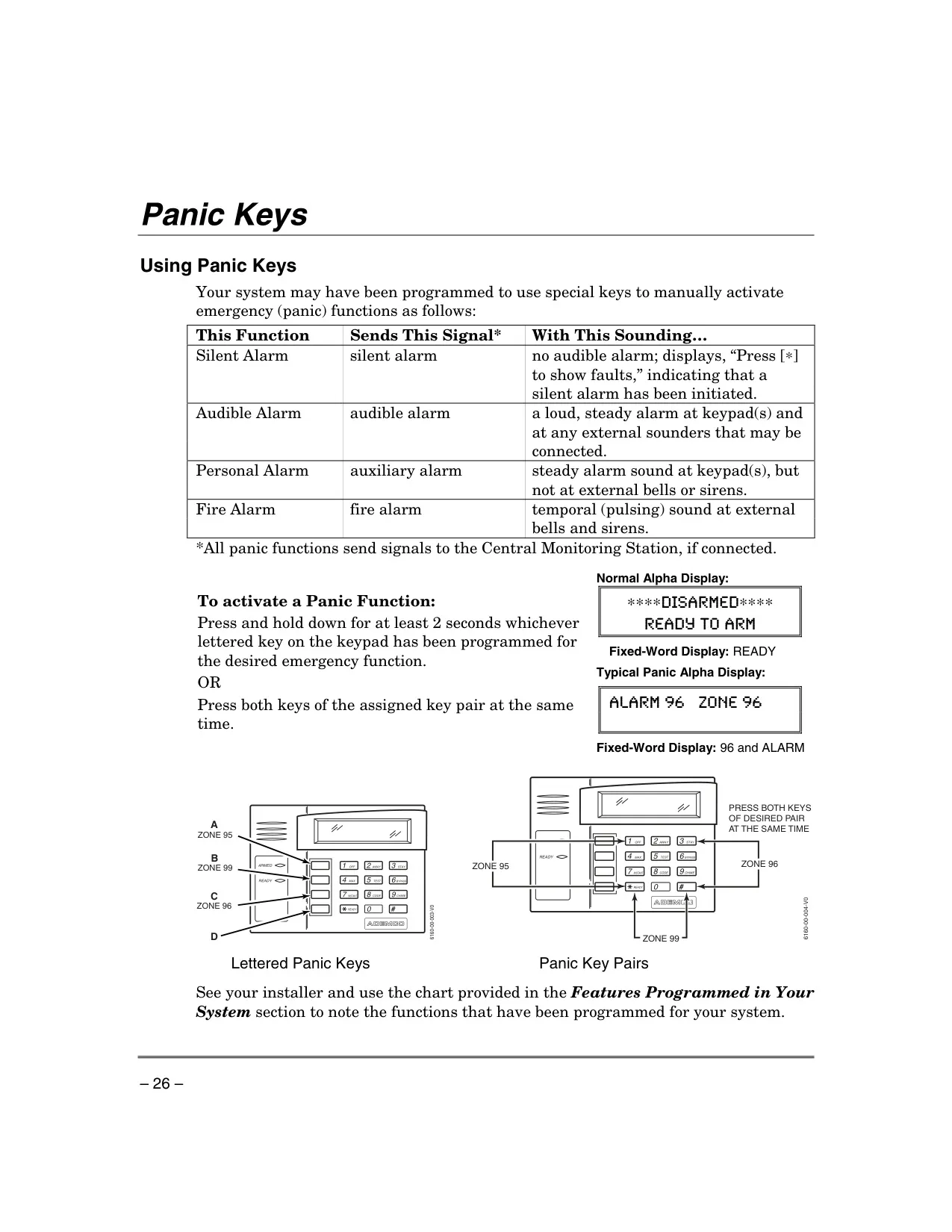
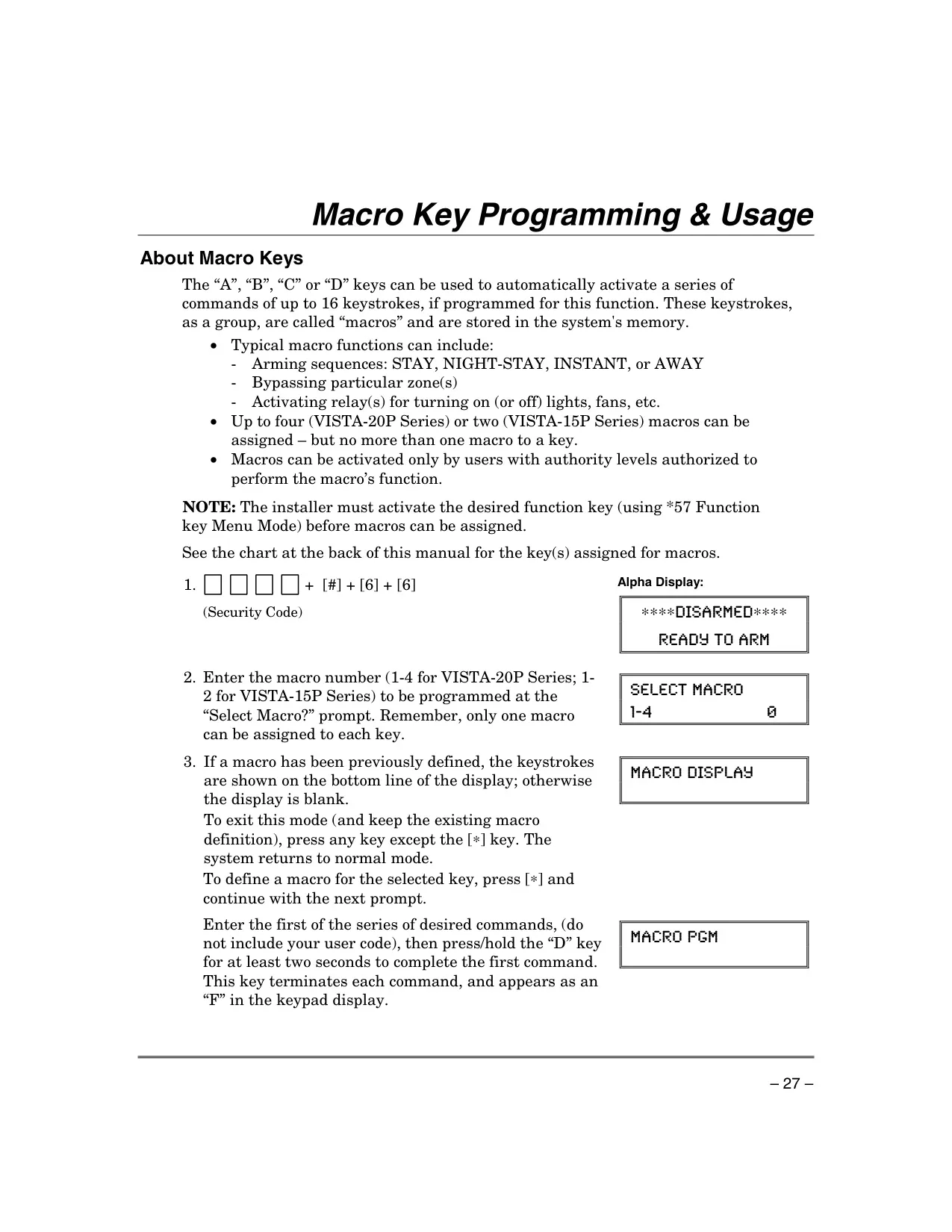
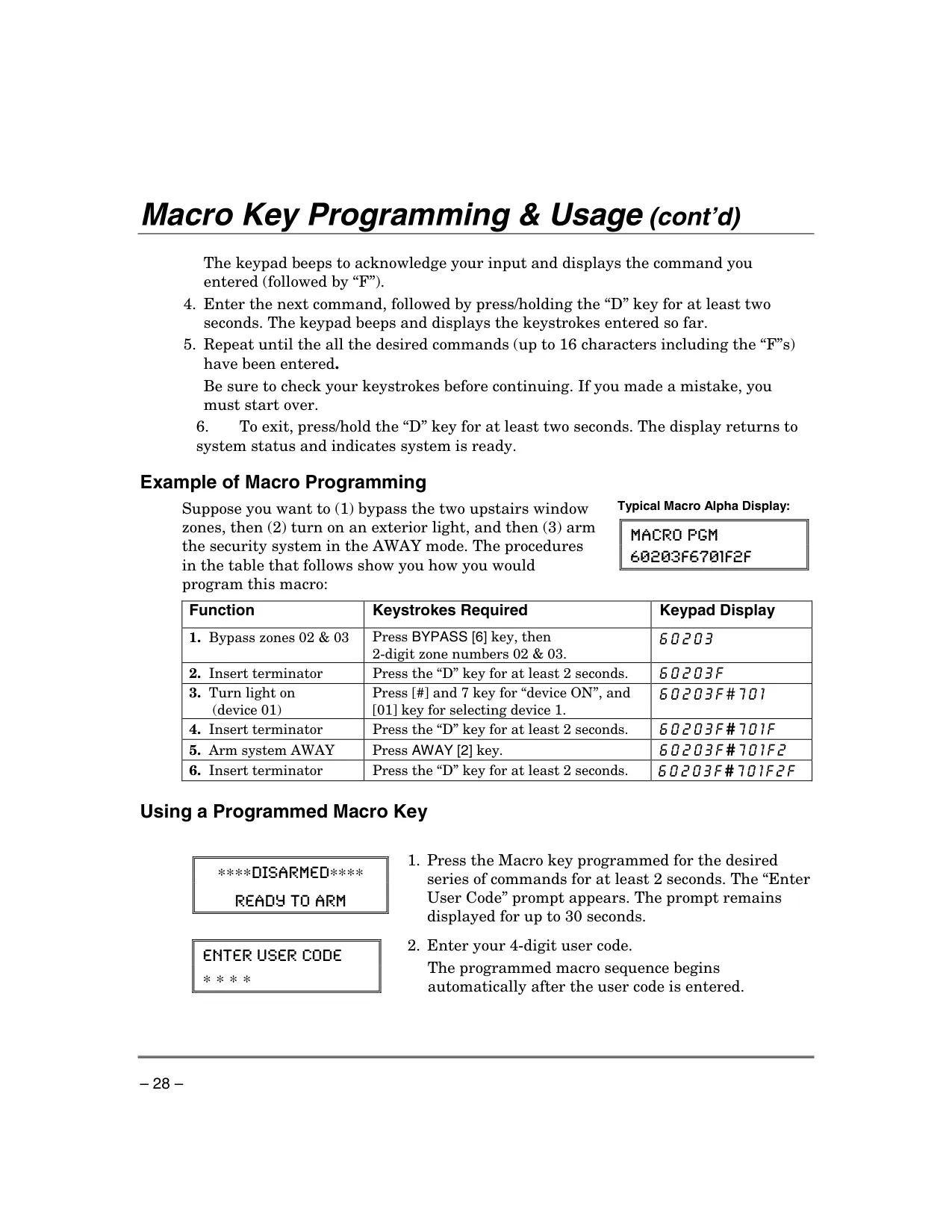
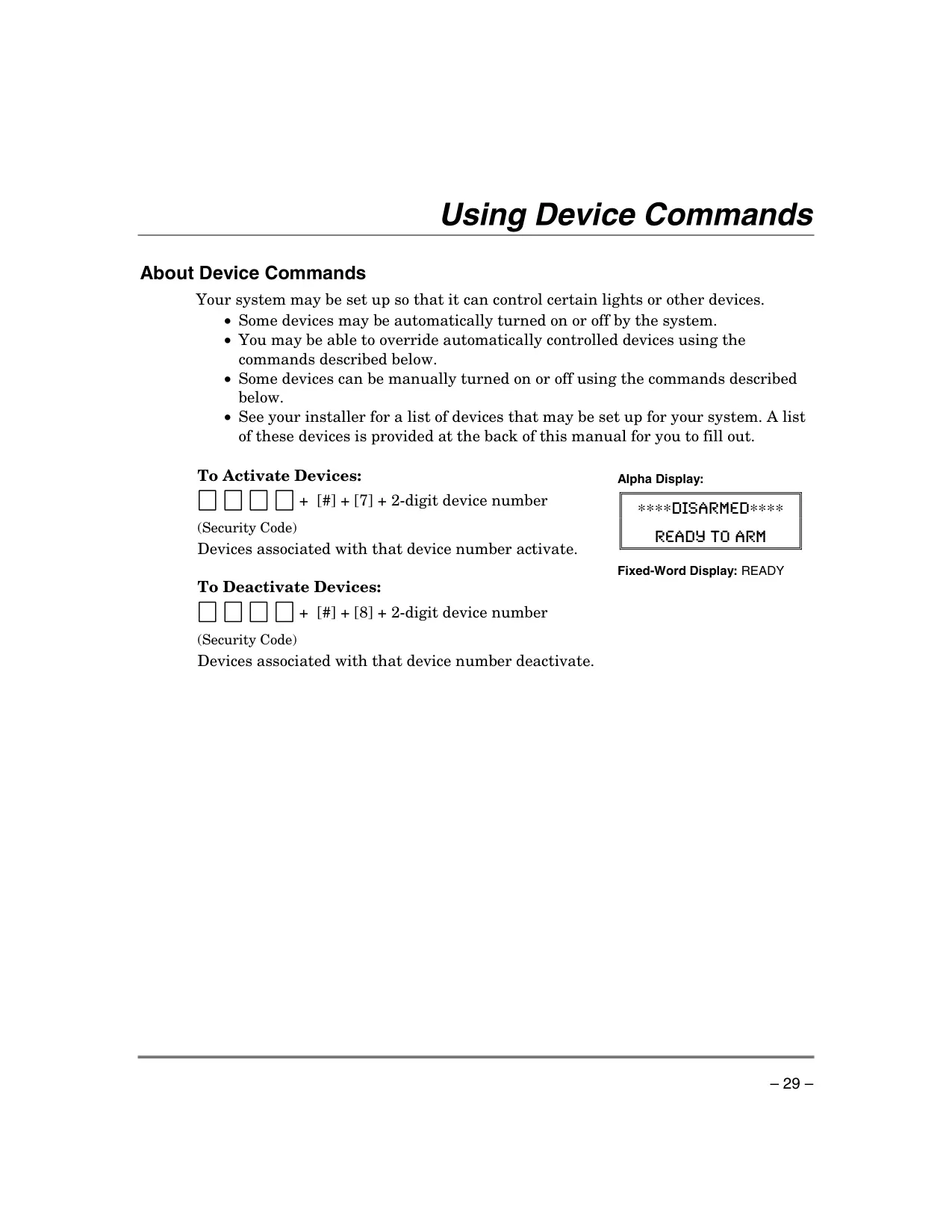
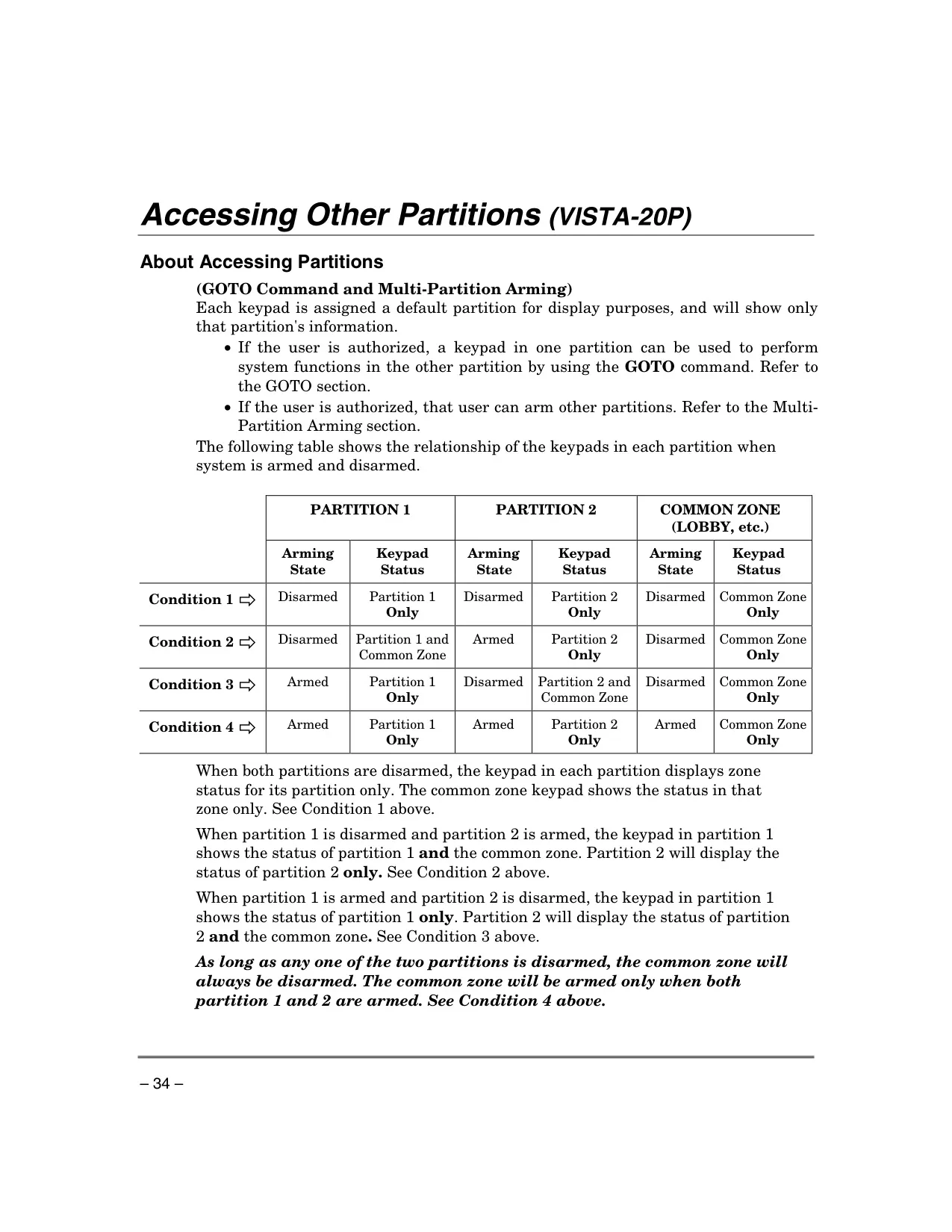
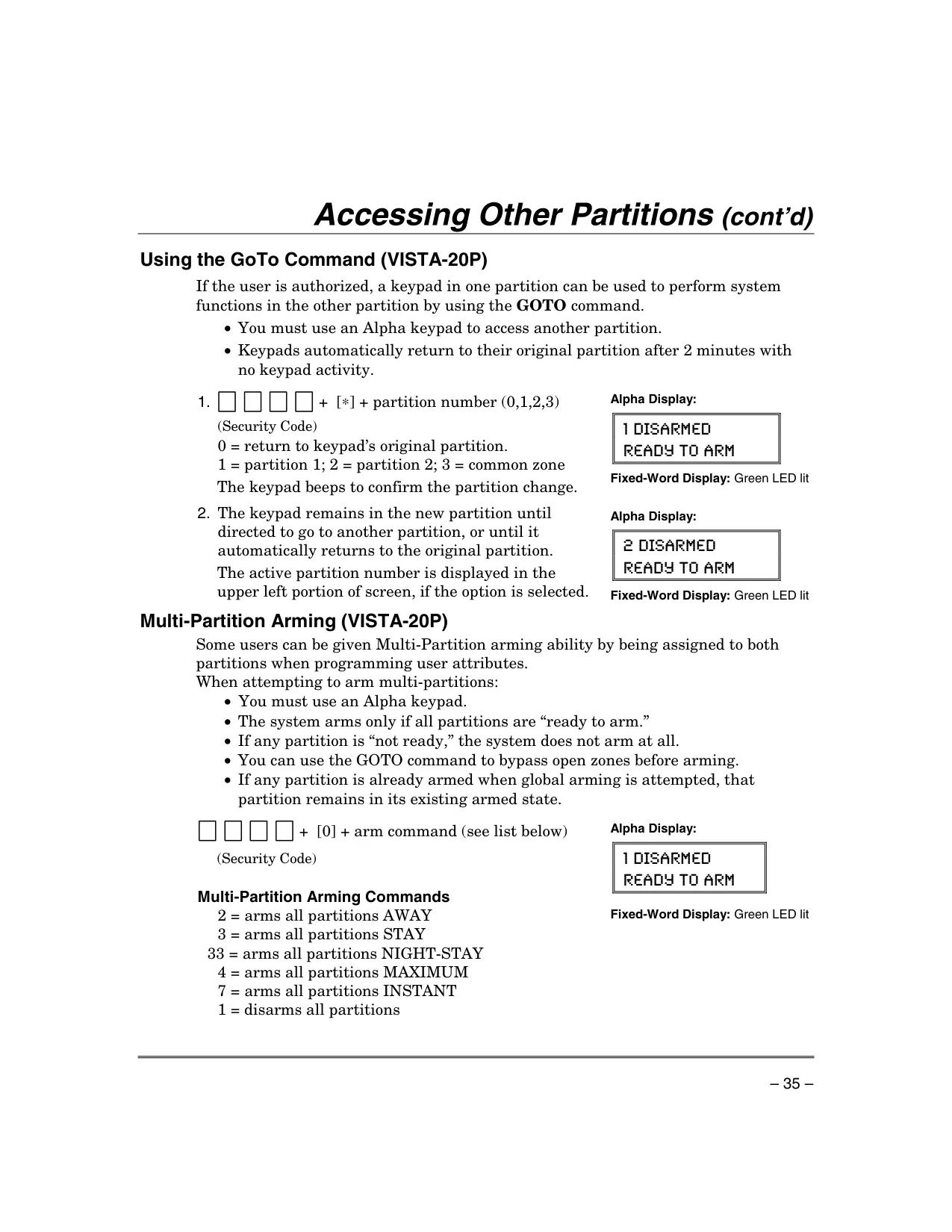
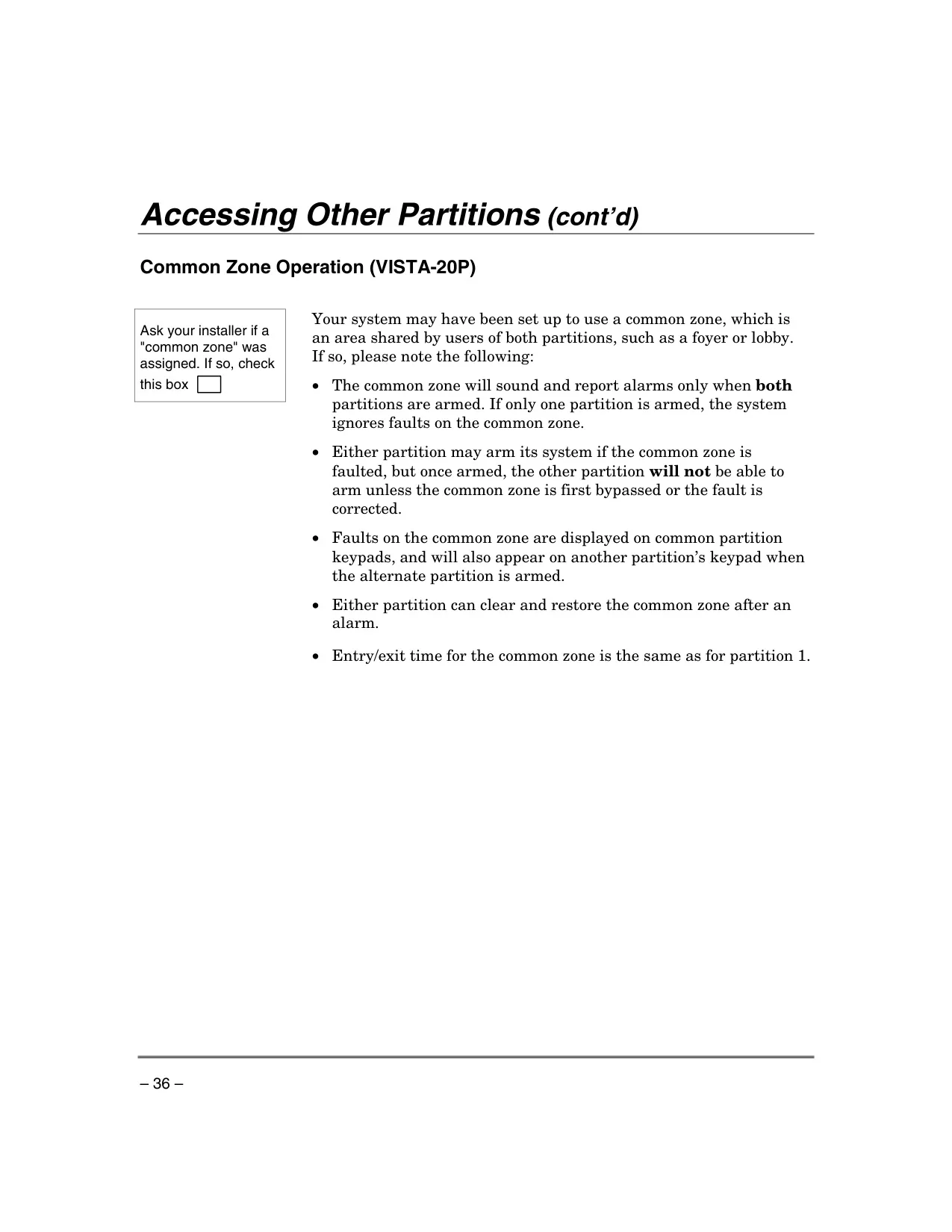
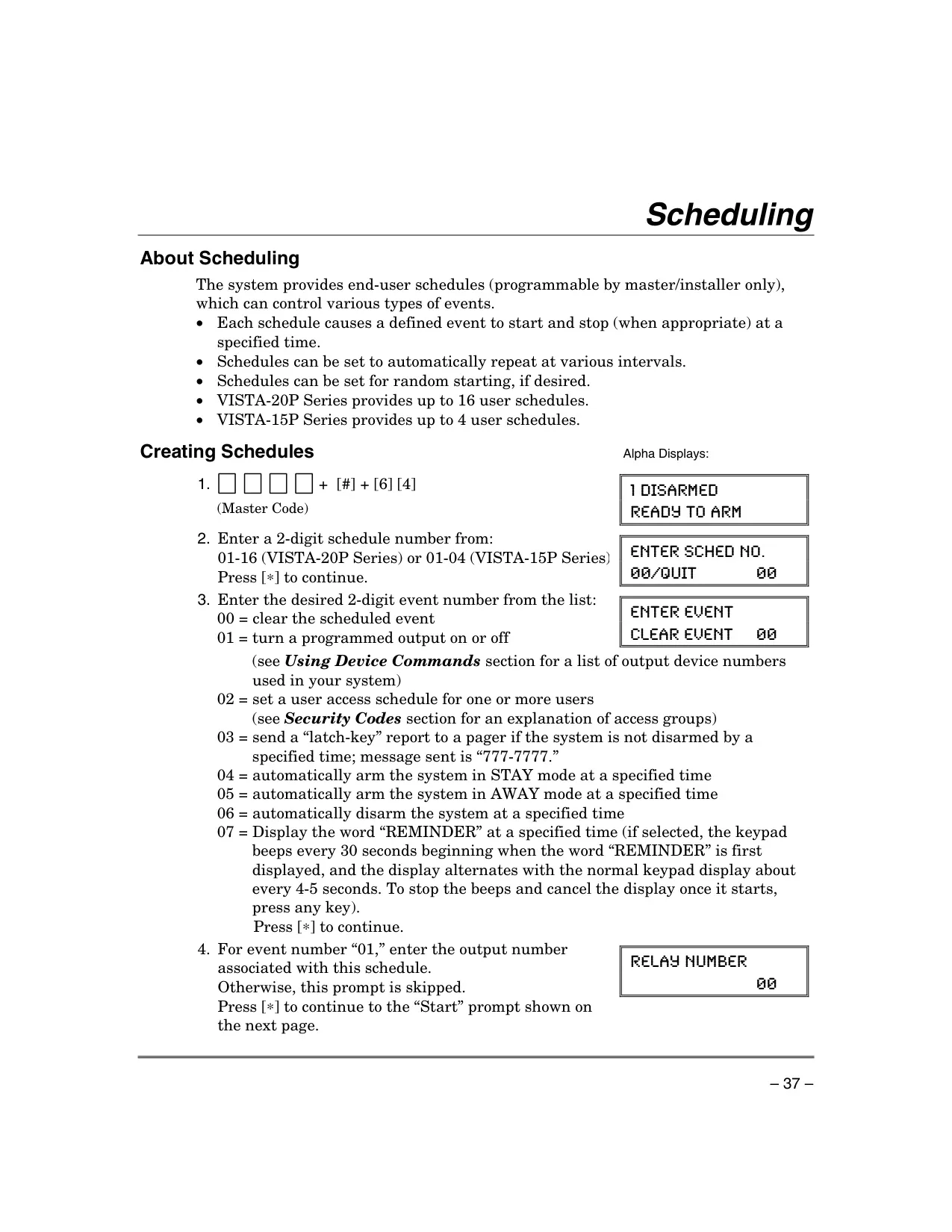
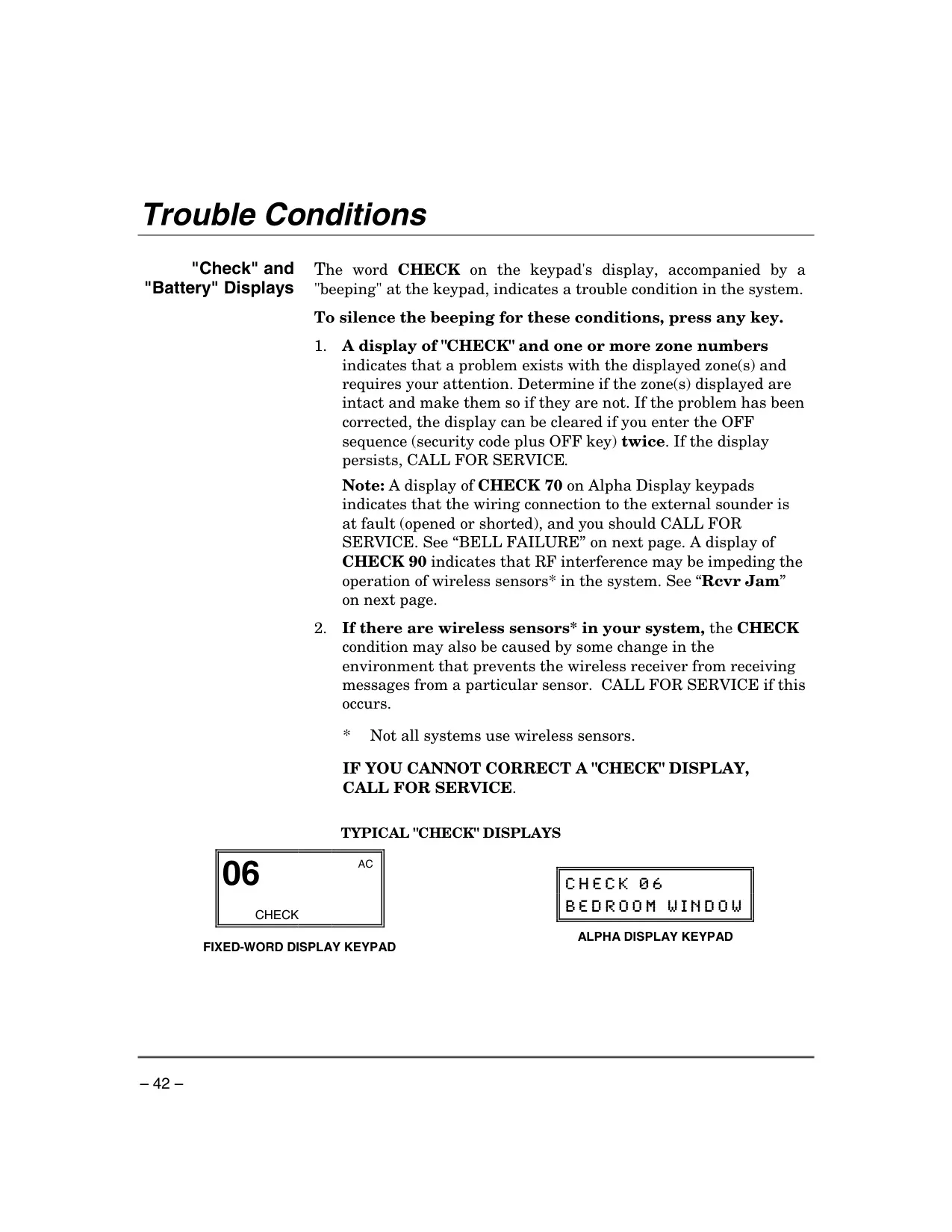
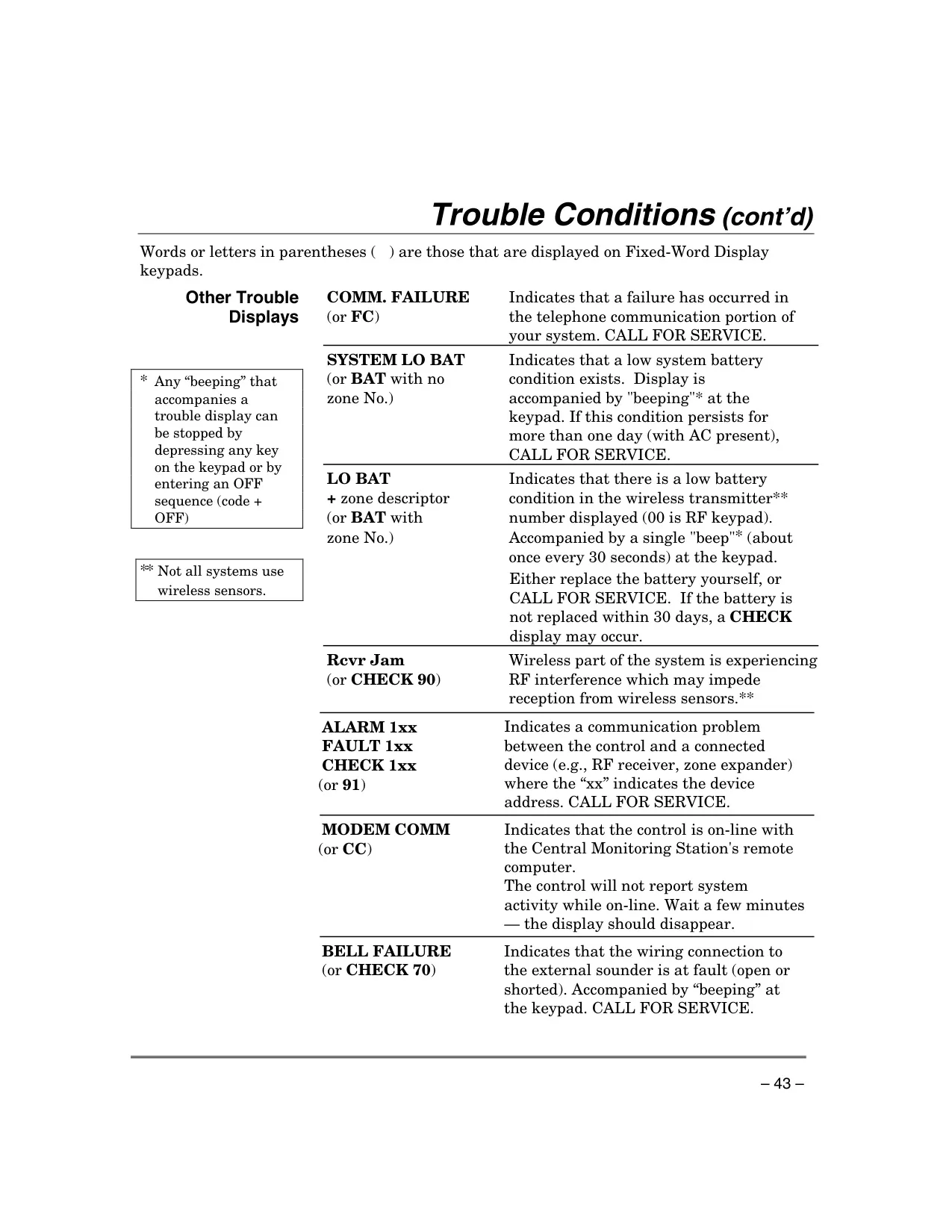
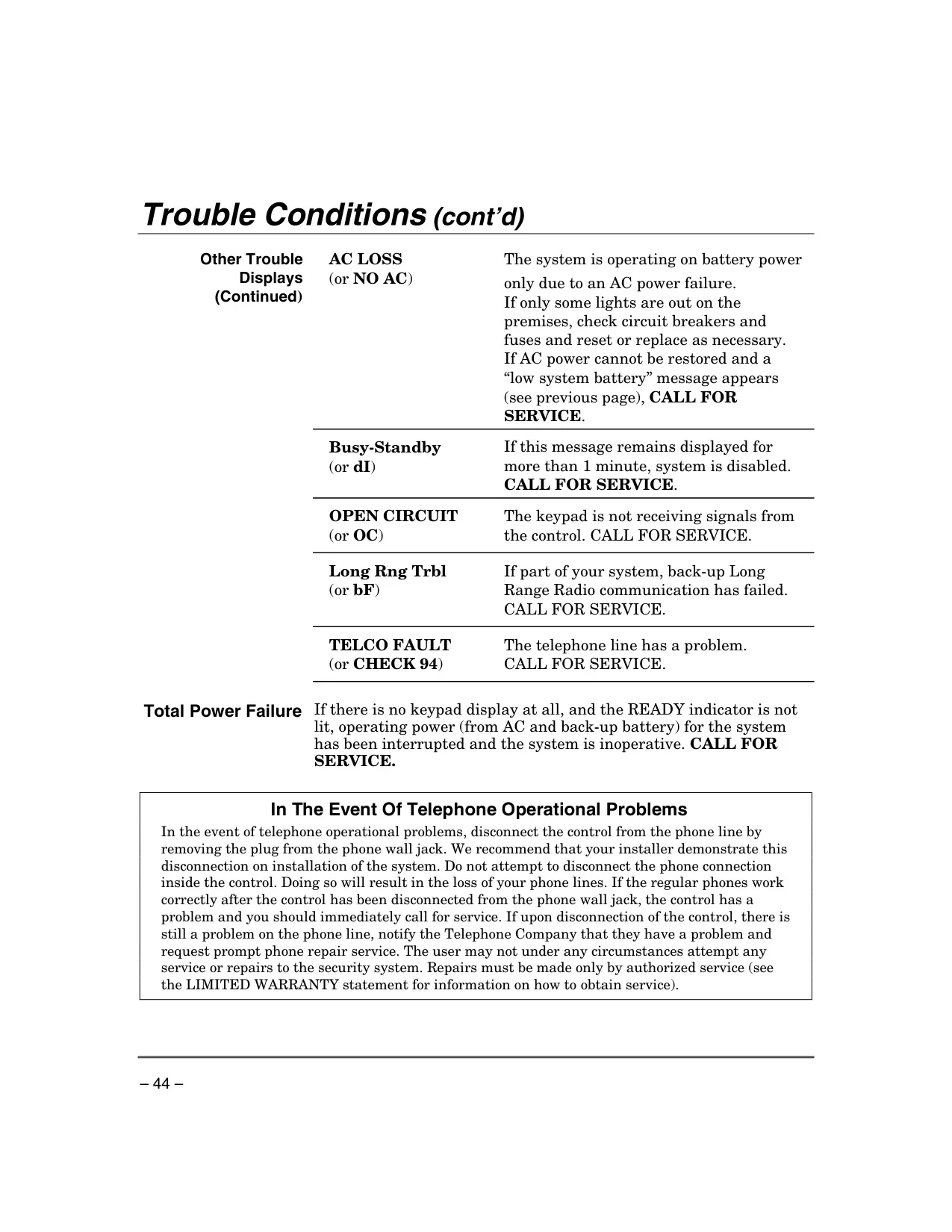
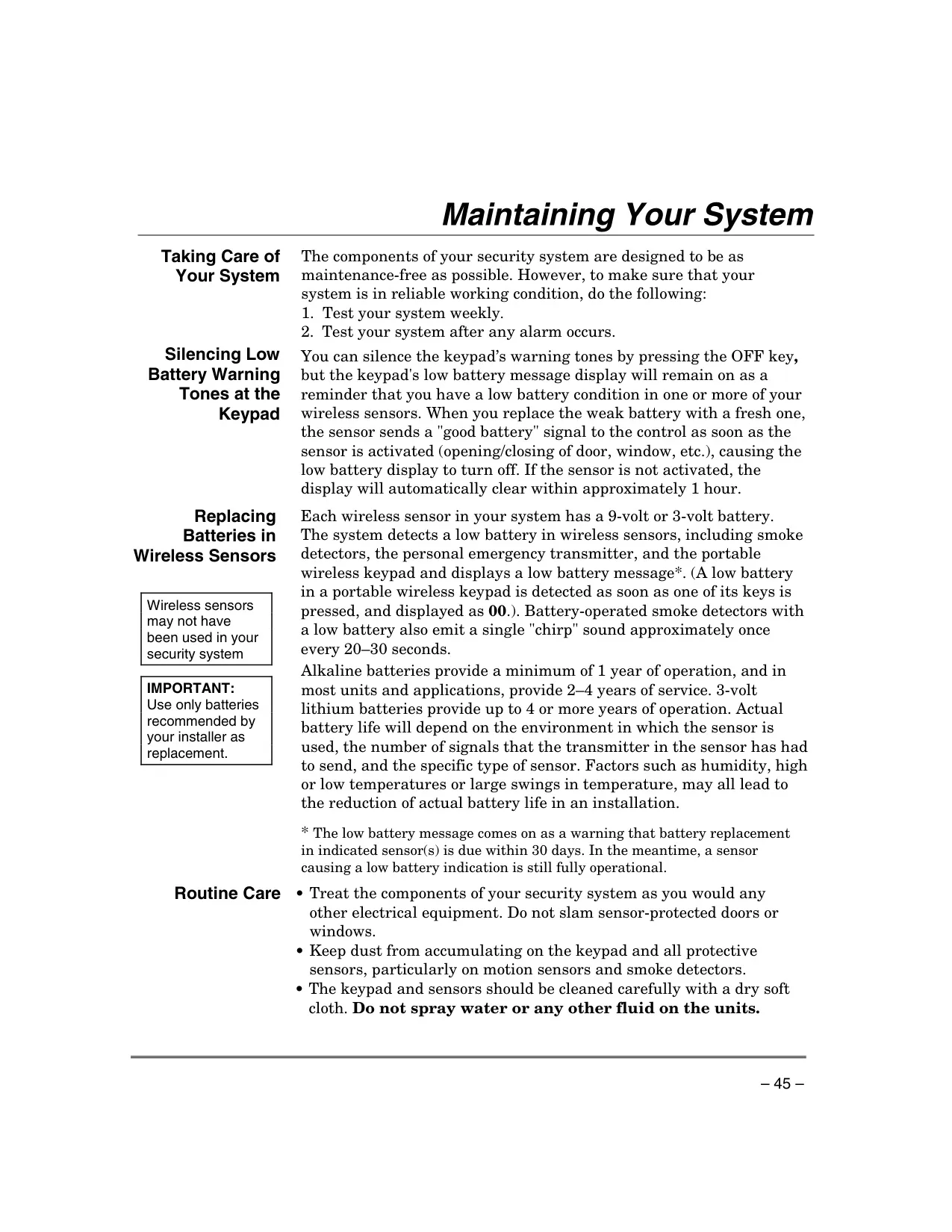




Honeywell Vista 15p Security System
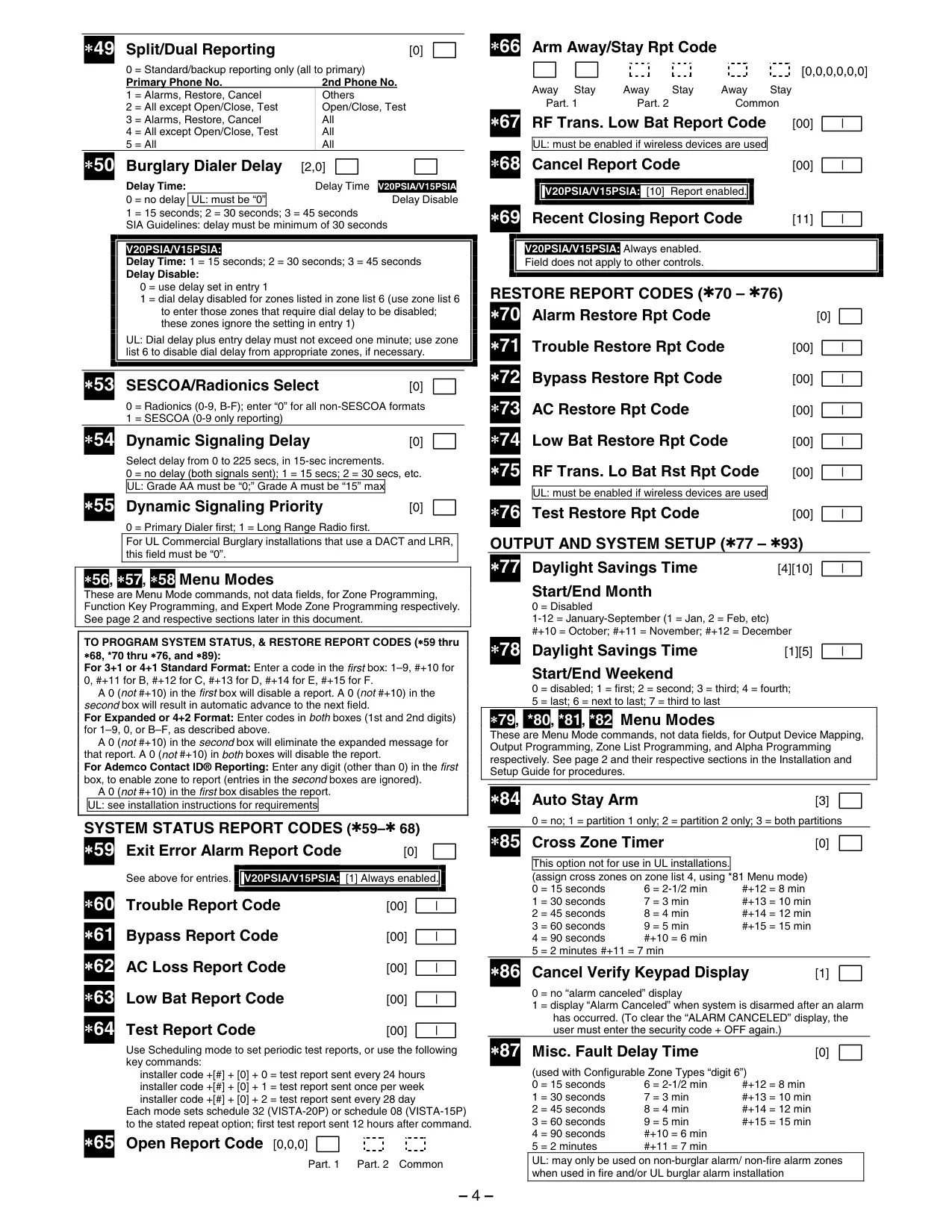
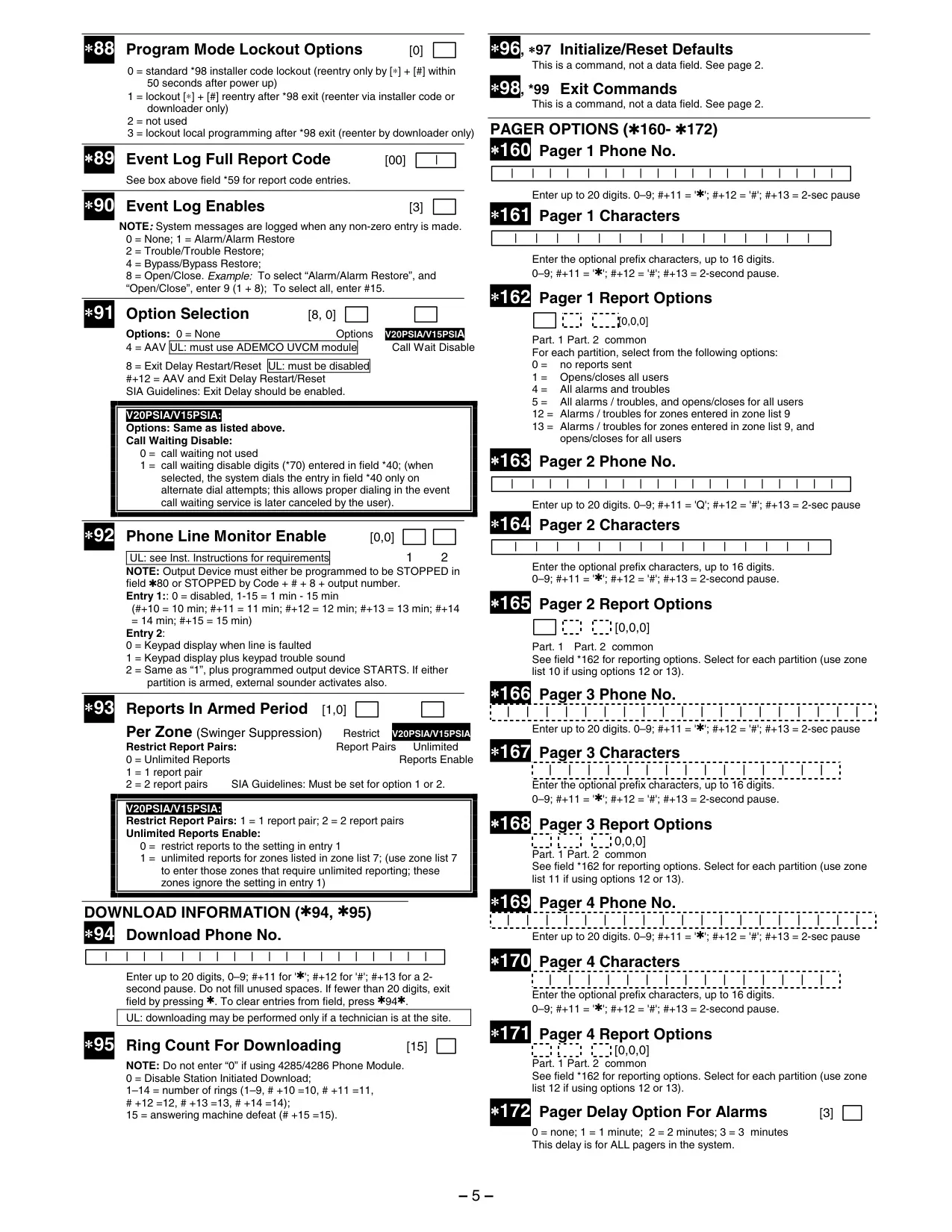
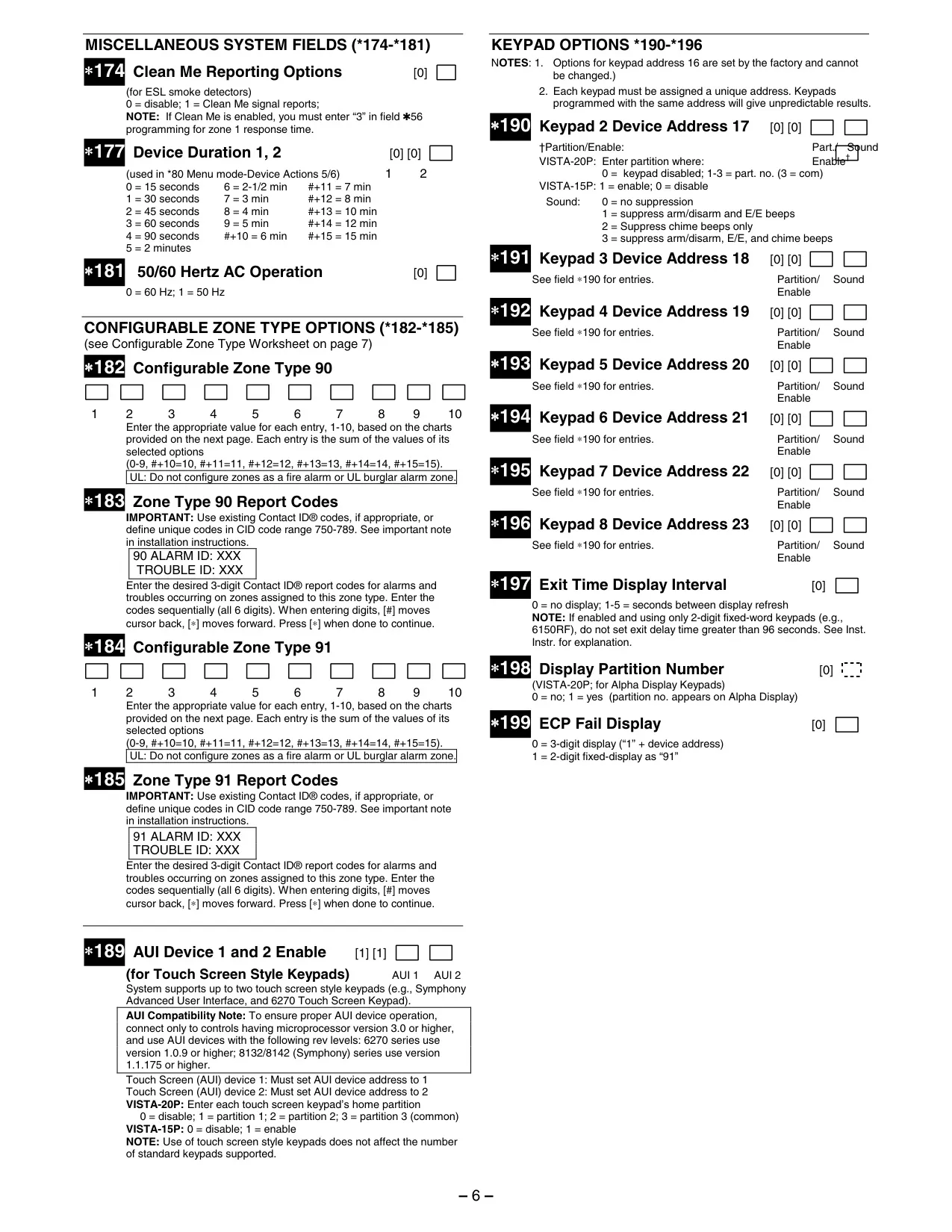
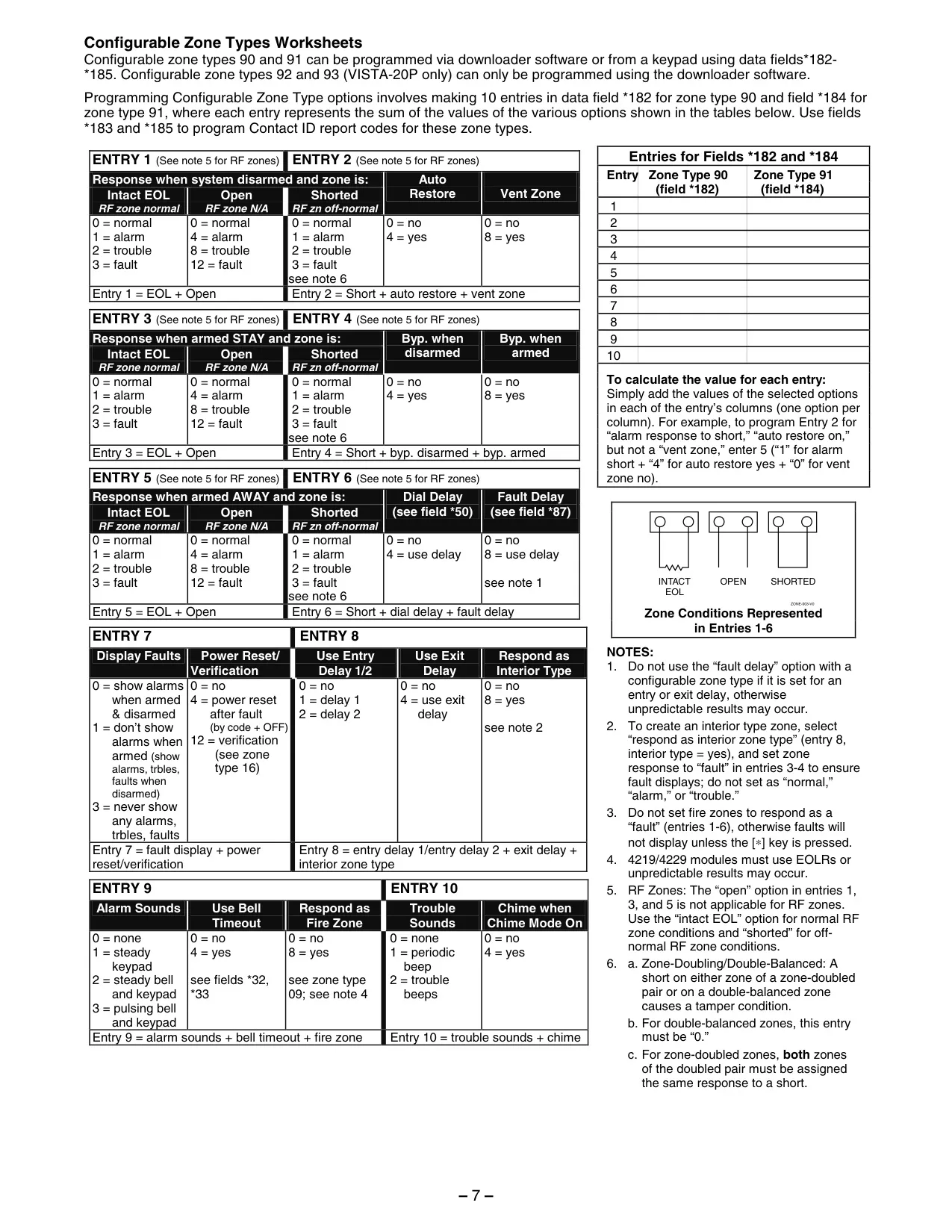
Honeywell Vista 15p Security System
Honeywell Vista 15p Instructions
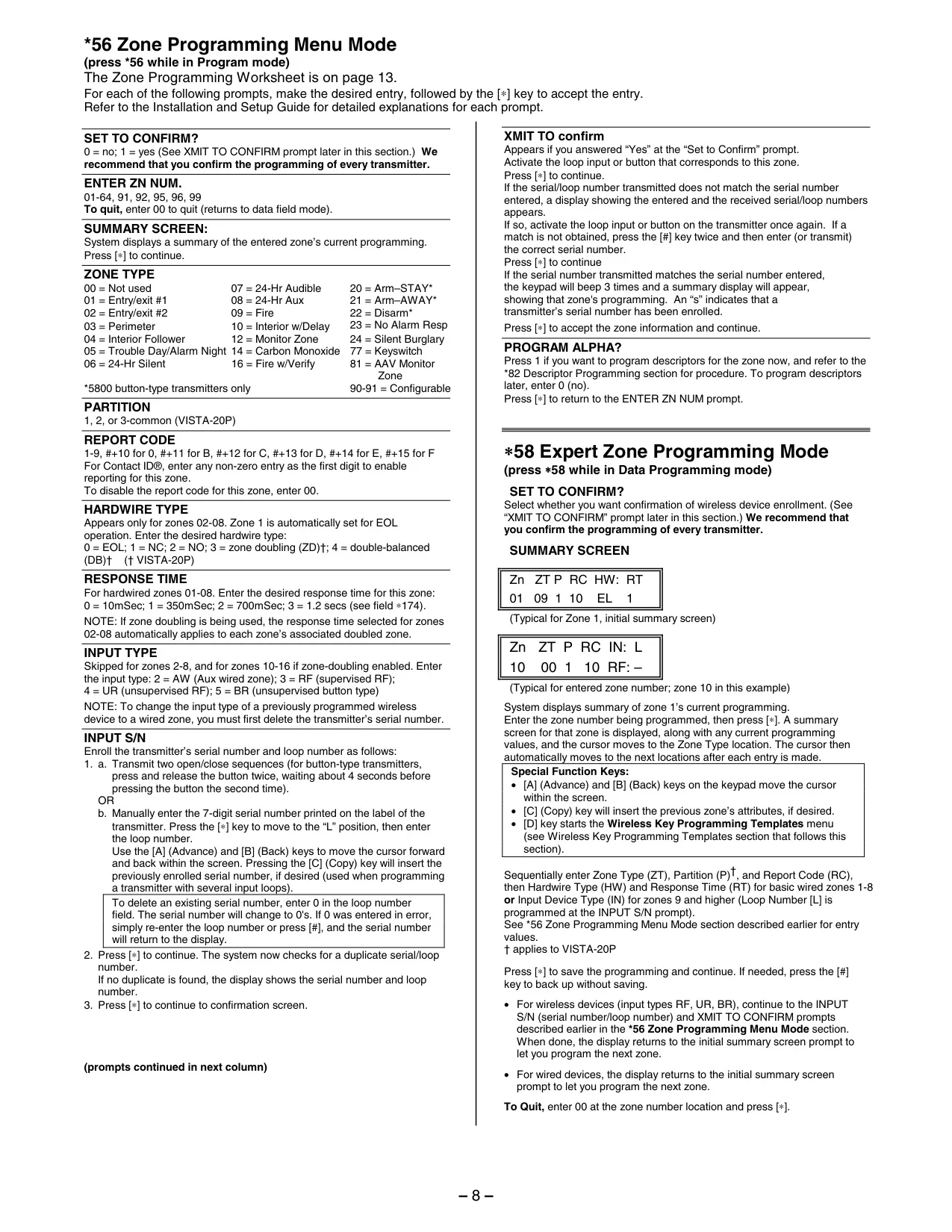
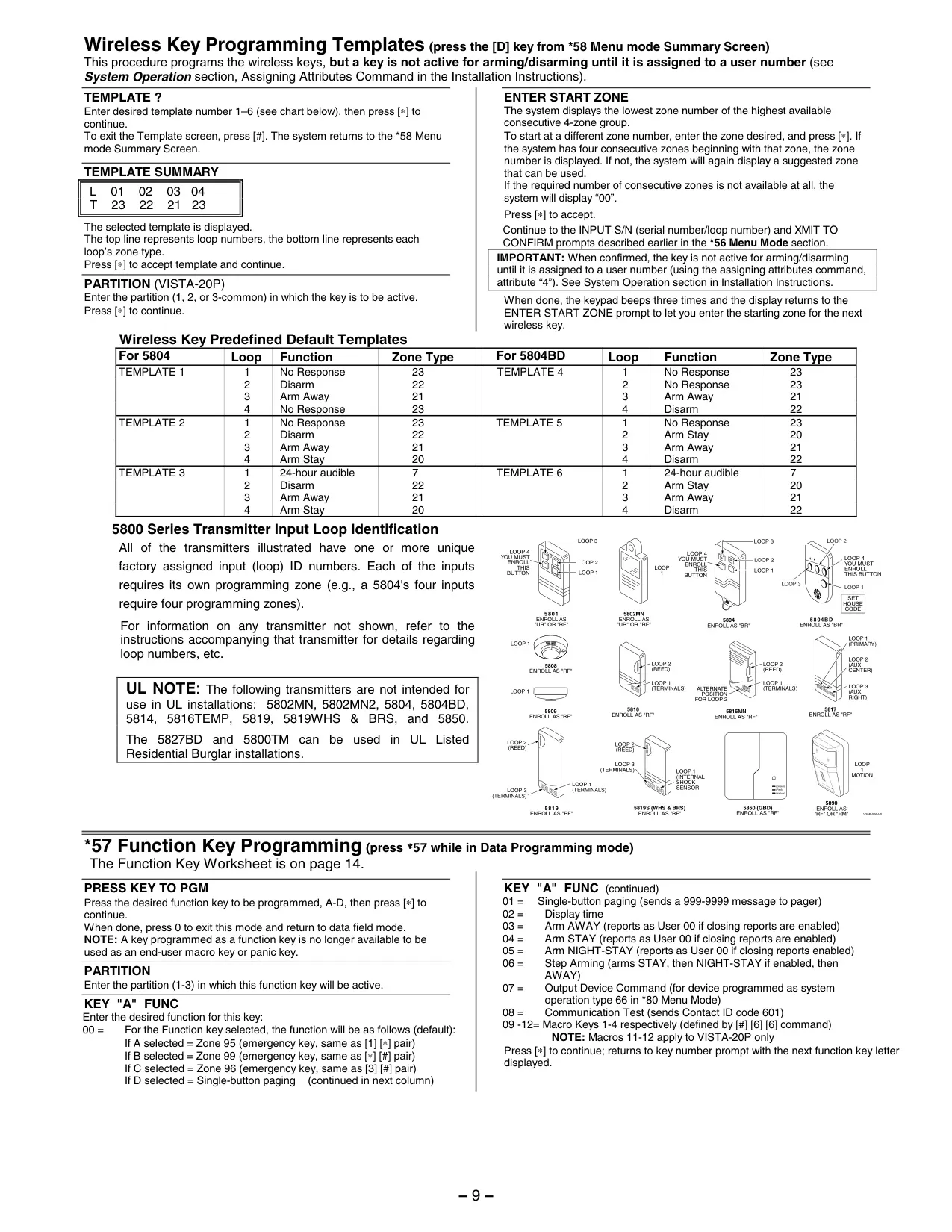
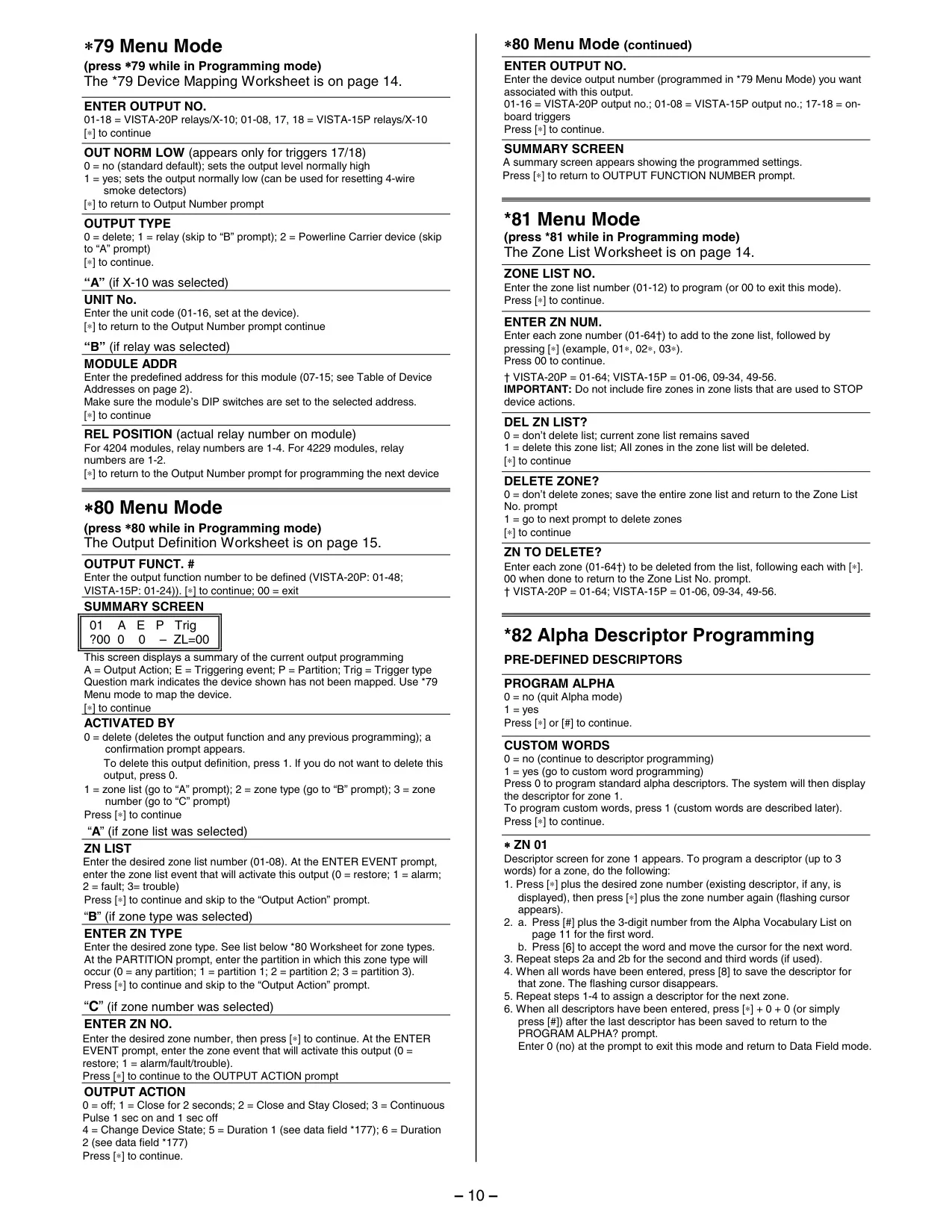
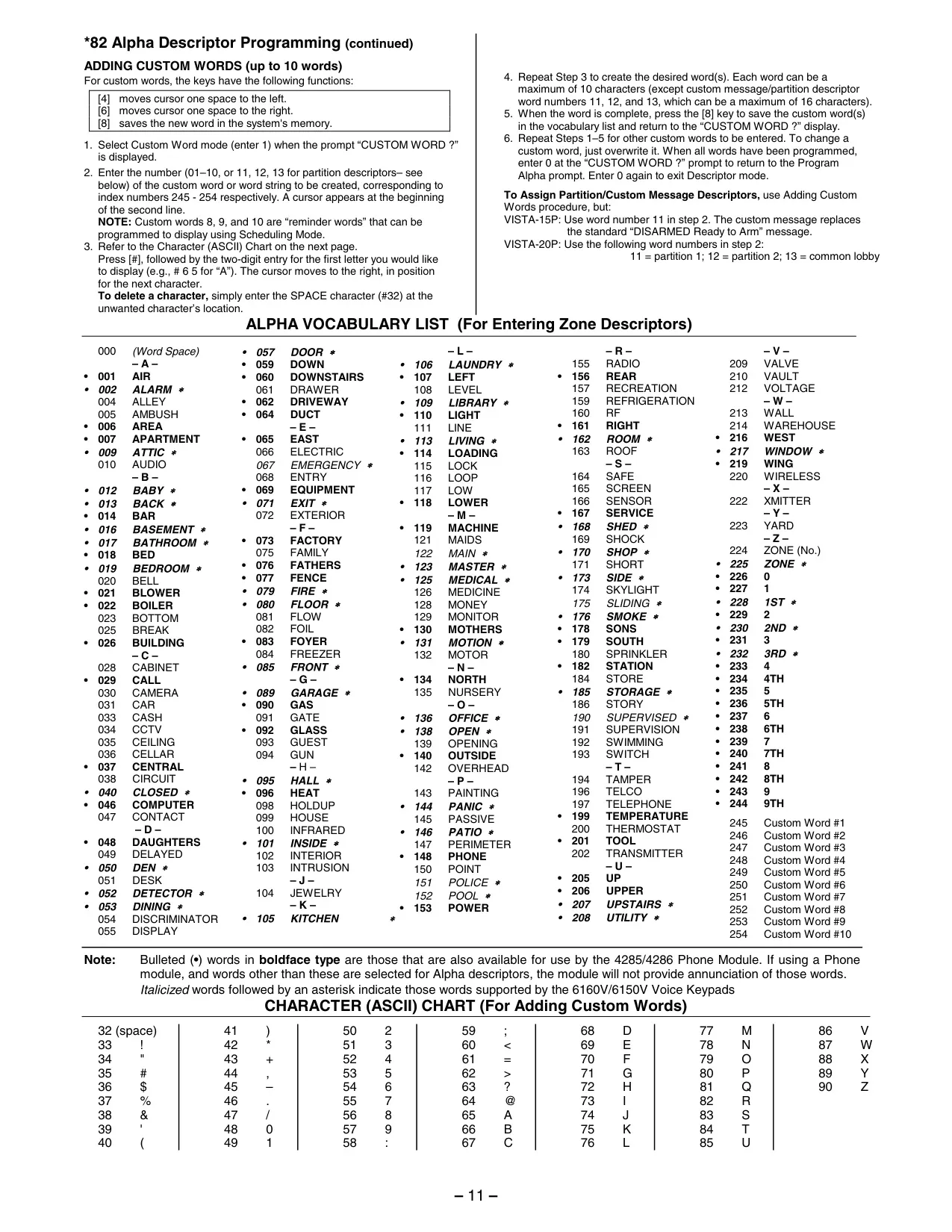
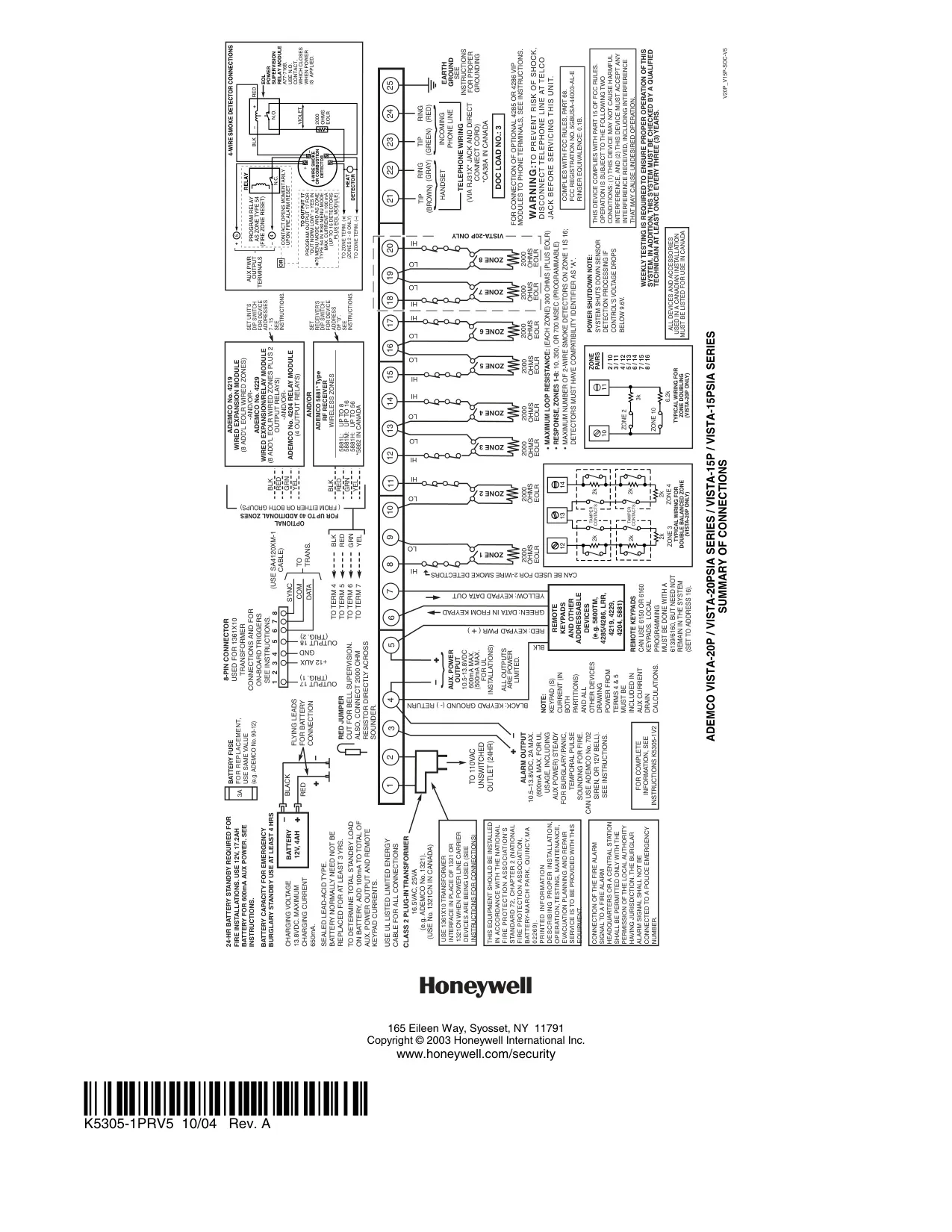
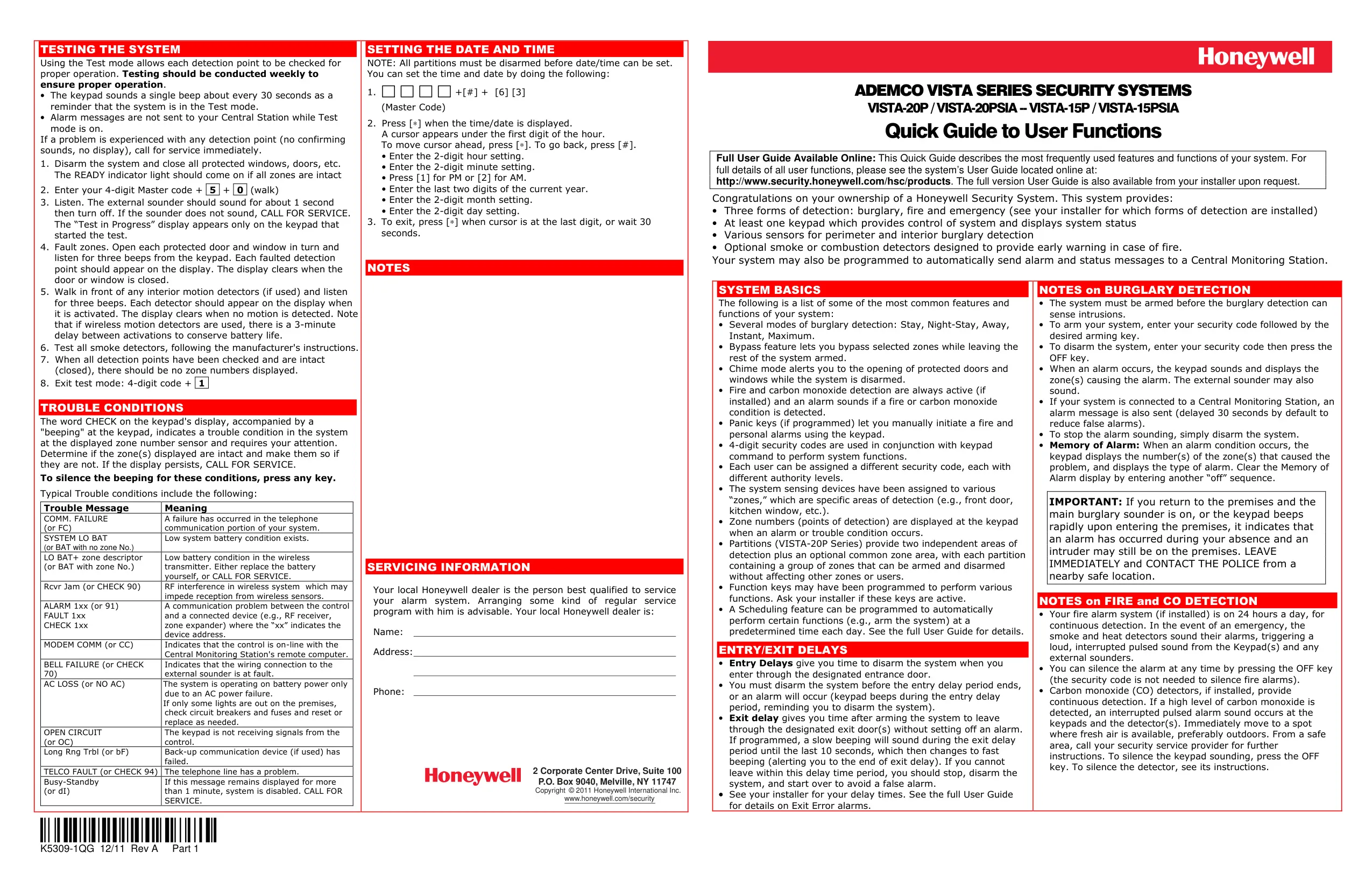
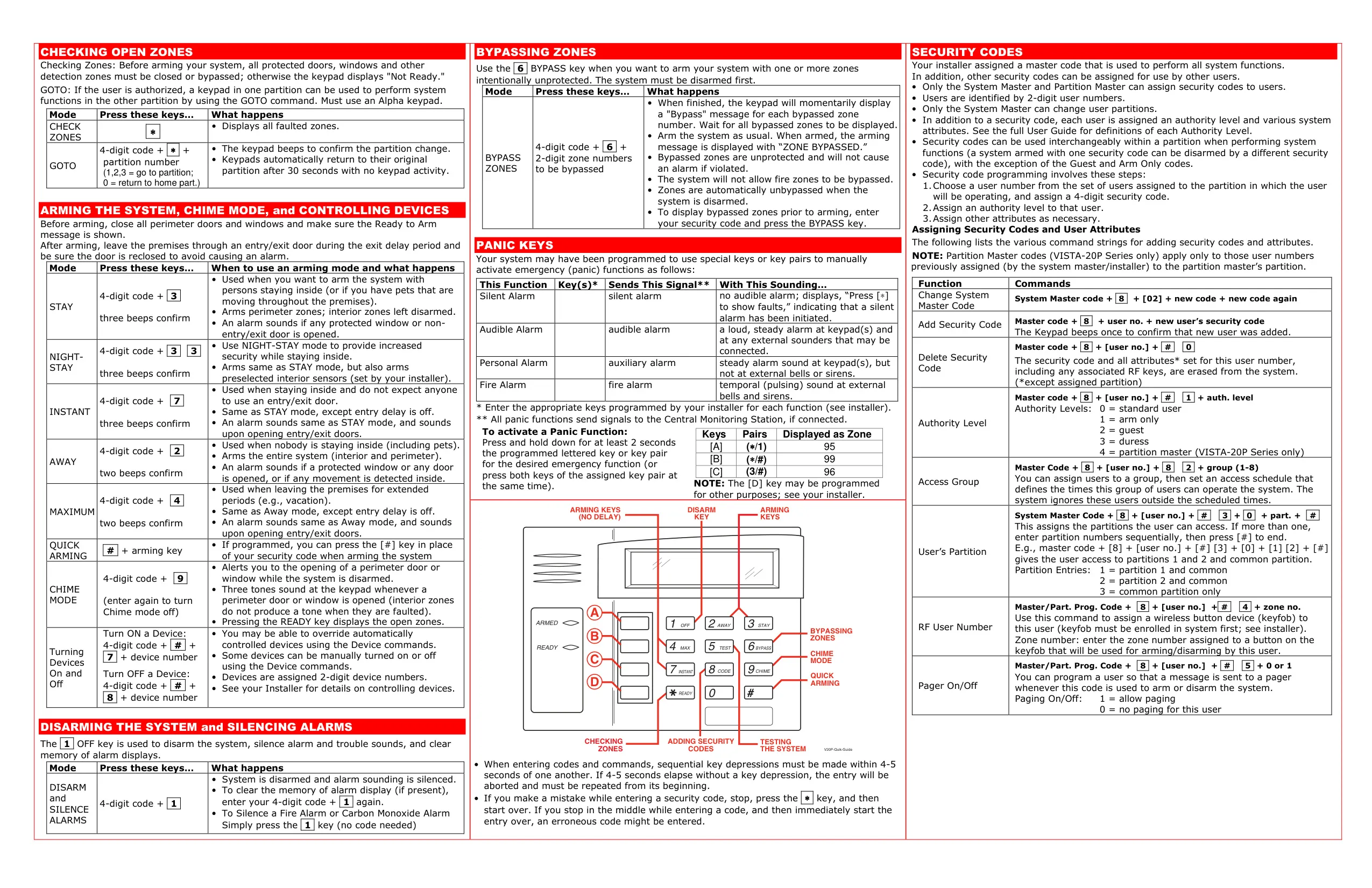
Here we offer the Honeywell Vista 15p Security System manual completely free and in English. We have cataloged this manual in the Security Systems section on Manualverse, and it has been rated by 1 users with an average rating of 5. If you have any specific questions about Honeywell Vista 15p Security System, we suggest checking the Frequently Asked Questions (FAQs) section of this manual.
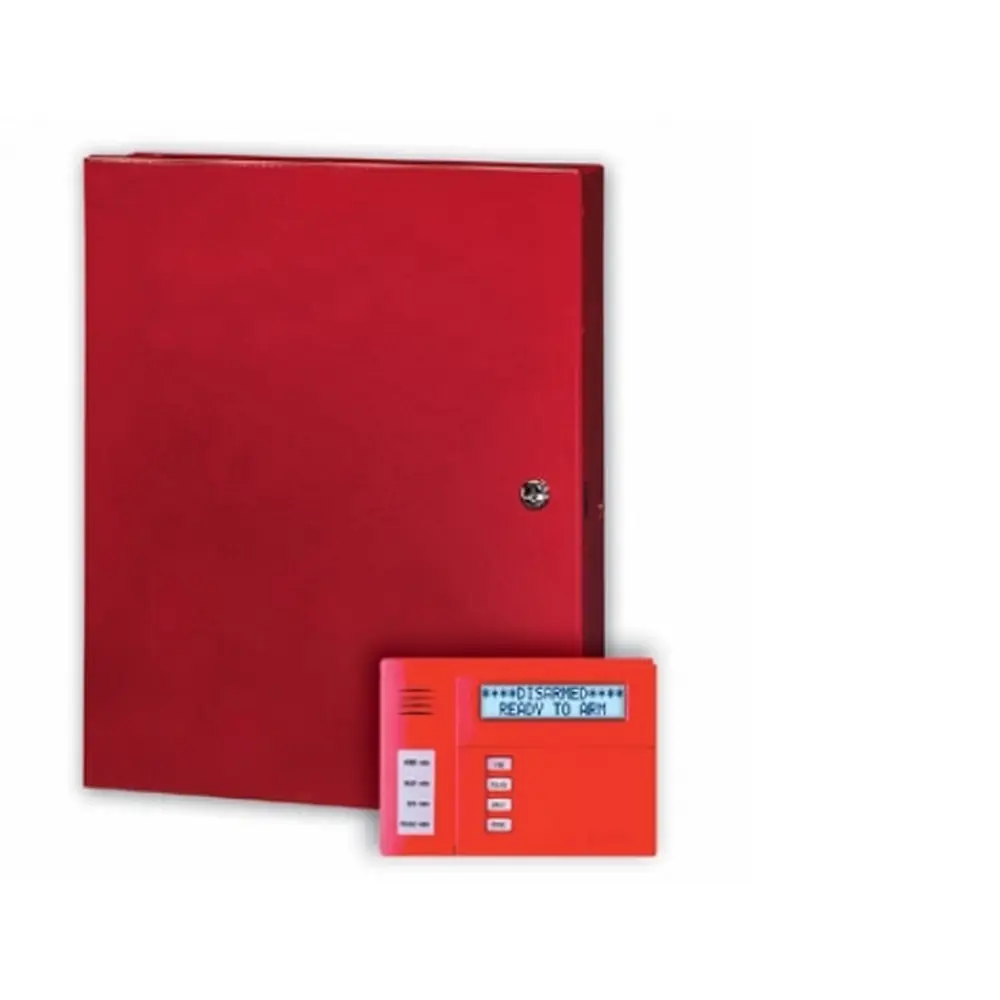
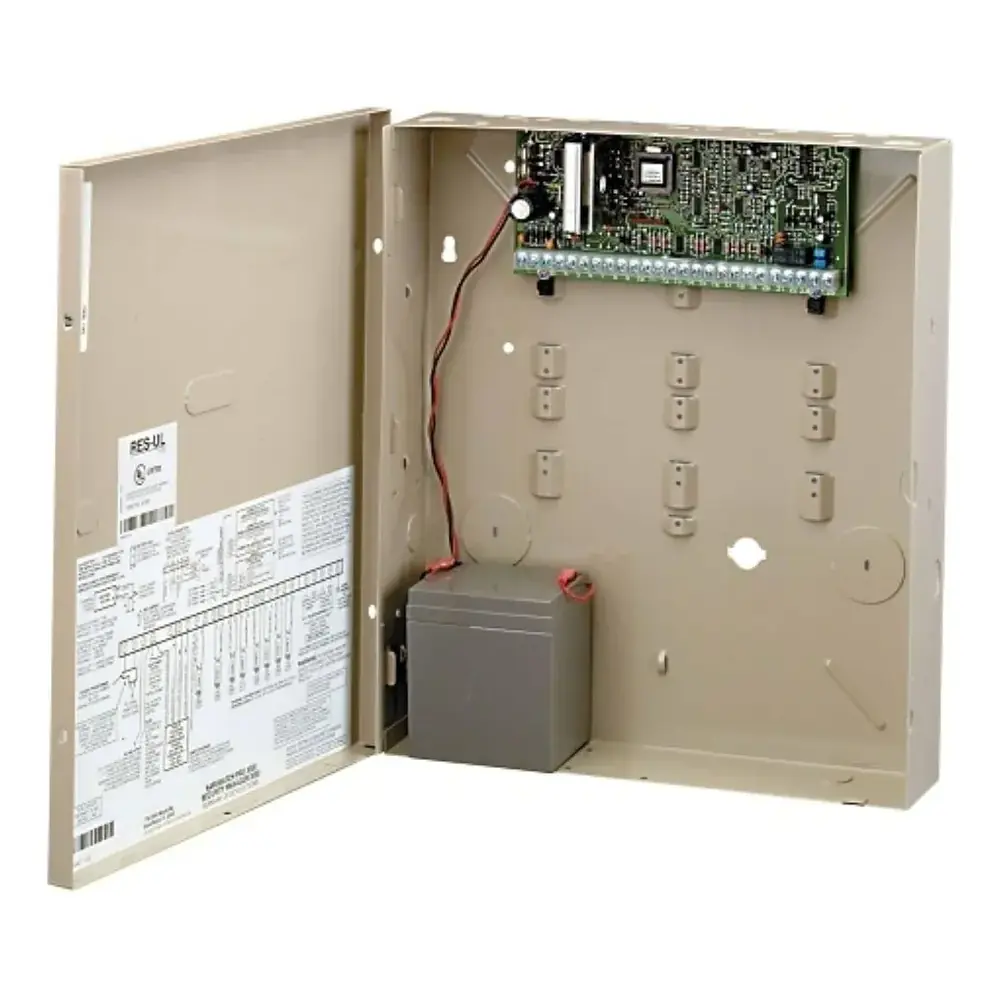
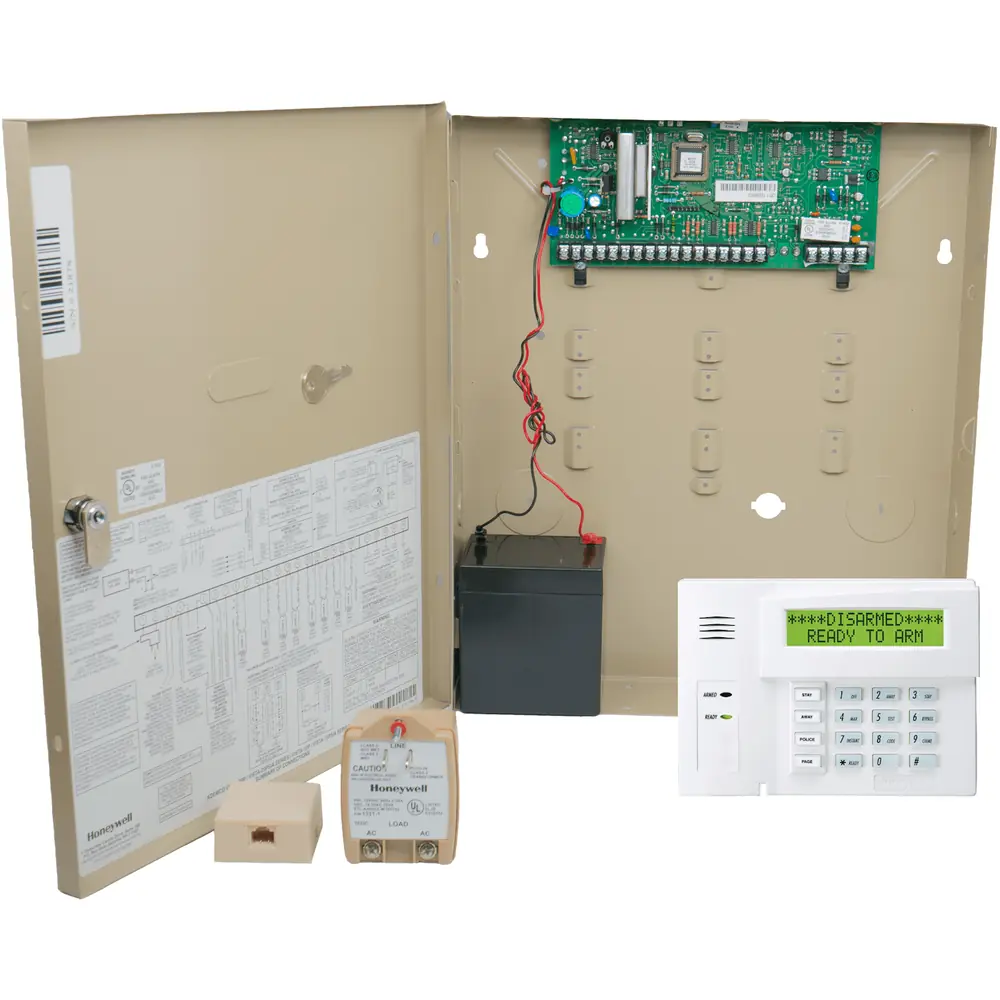
Product Images
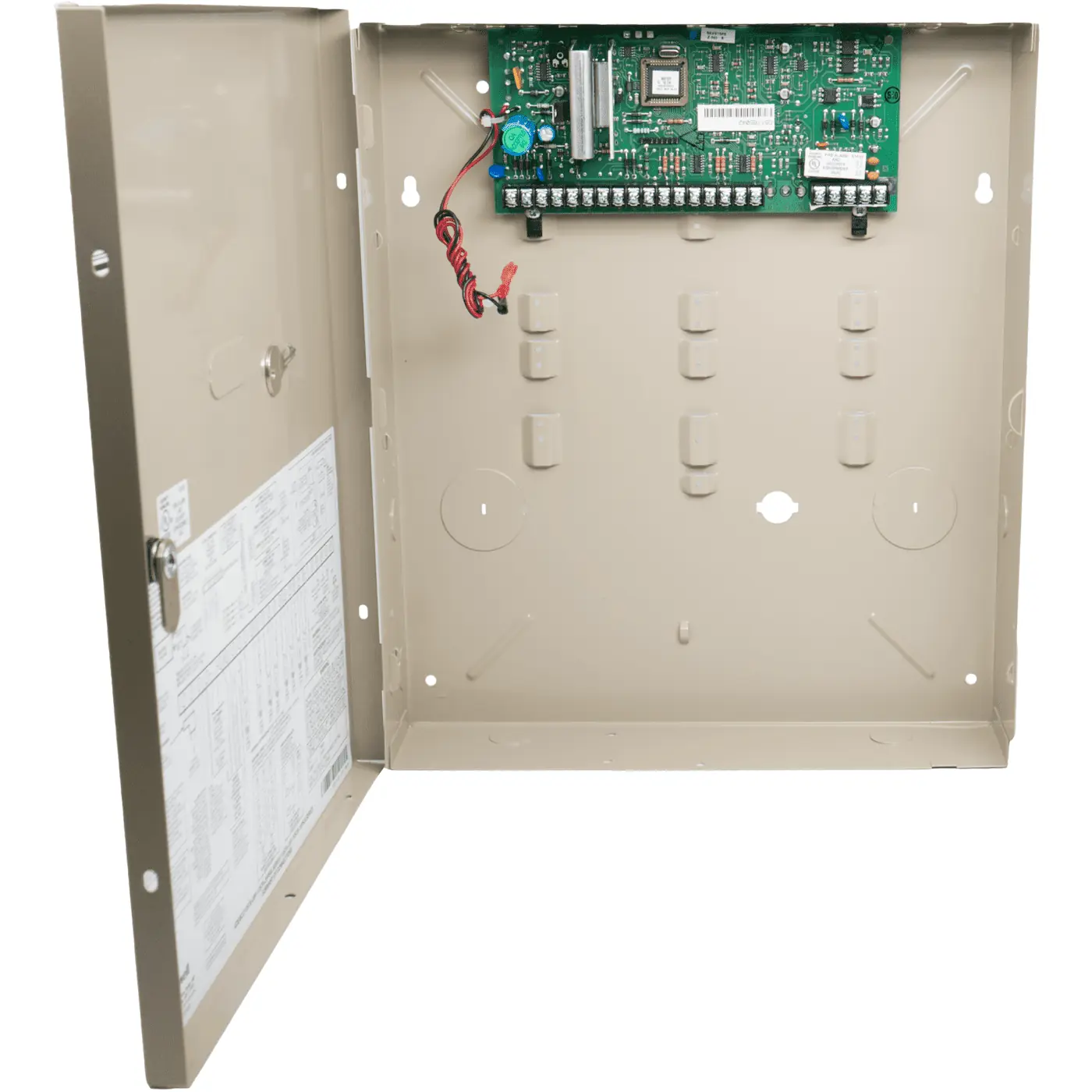
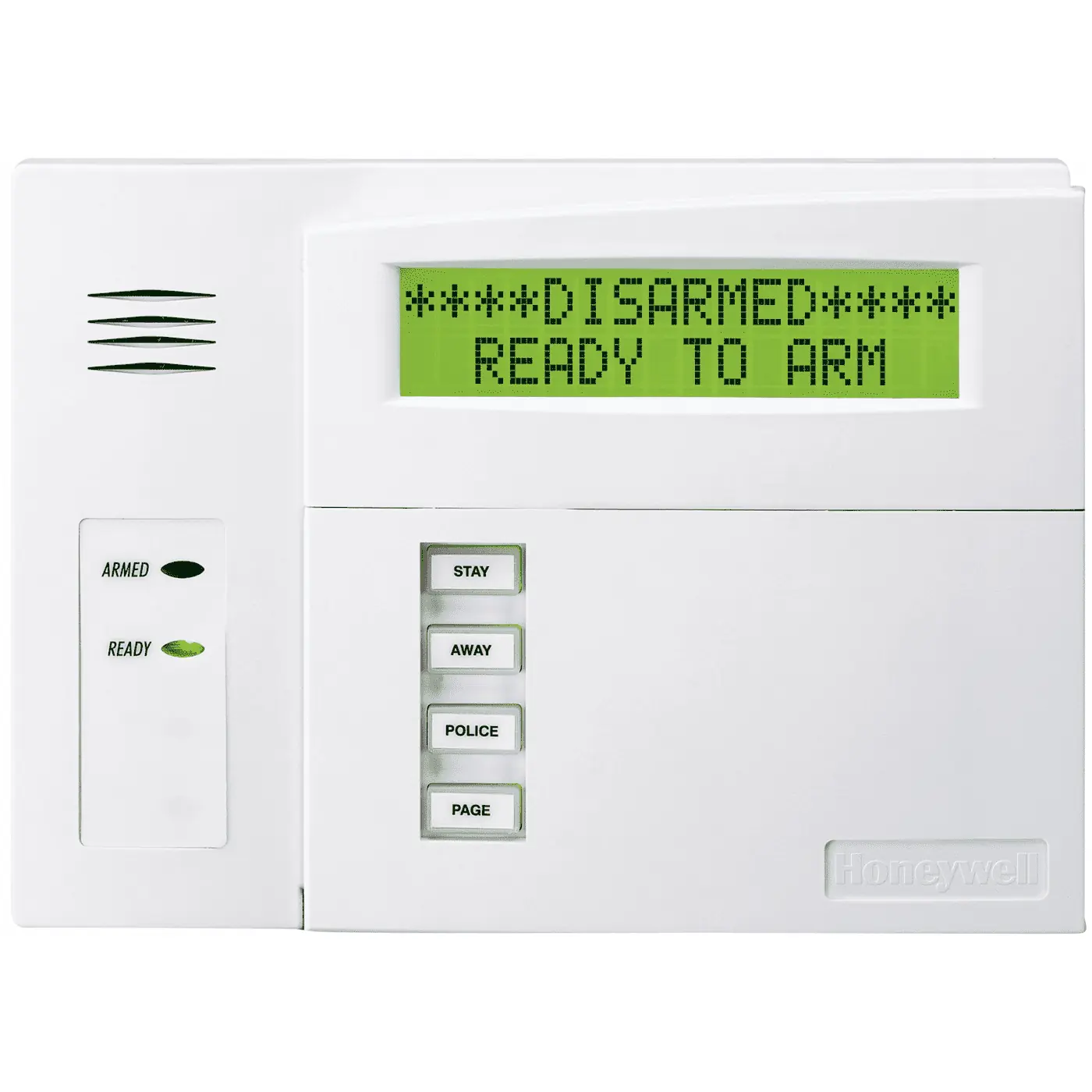
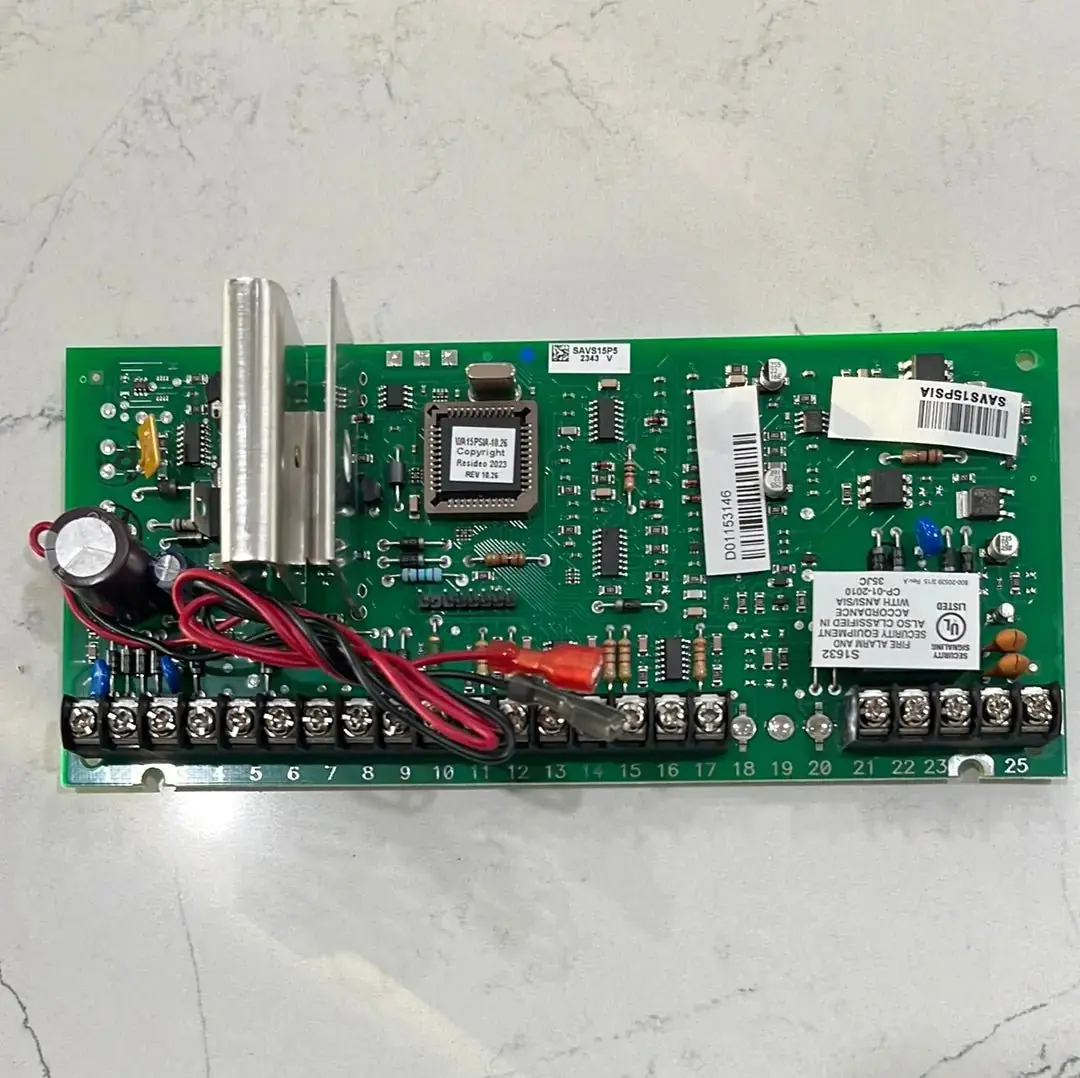
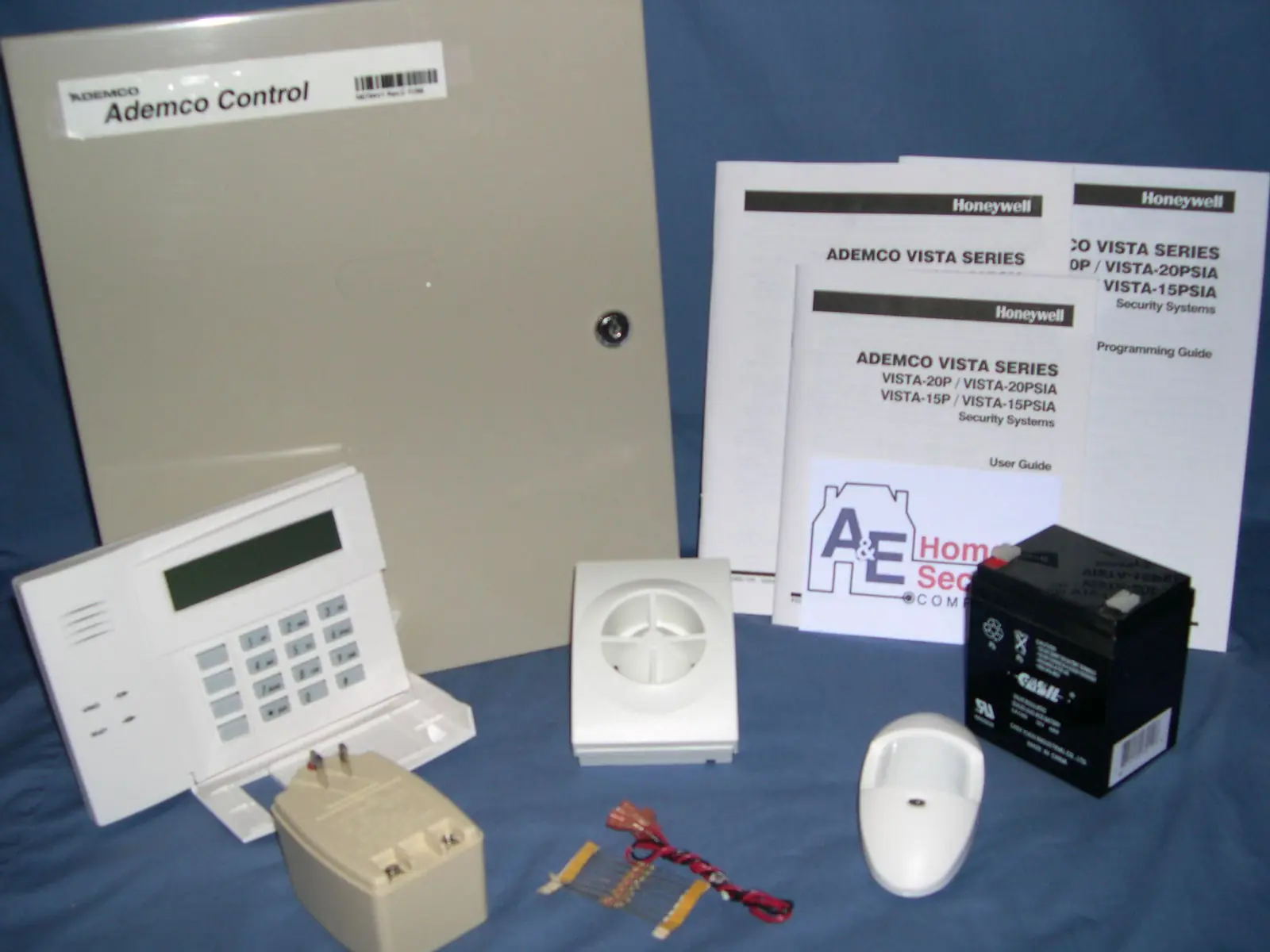
Honeywell Vista 15p Security System Specifications
| Feature | Specification (Honeywell Vista 15p) |
|---|---|
| Product Model | ADEMCO VISTA-15P Security System |
| Core Protection Types | Burglary, Fire (optional), Emergency |
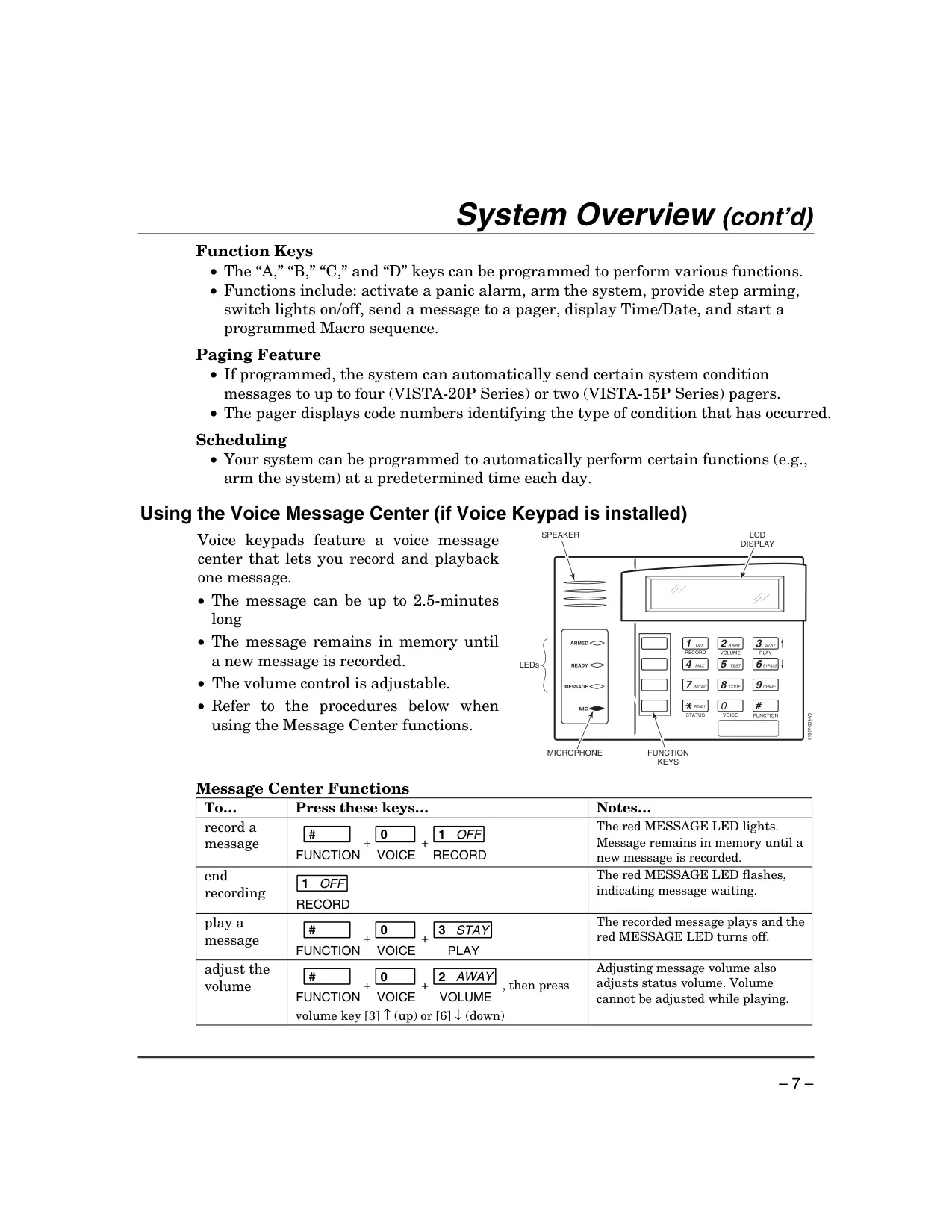
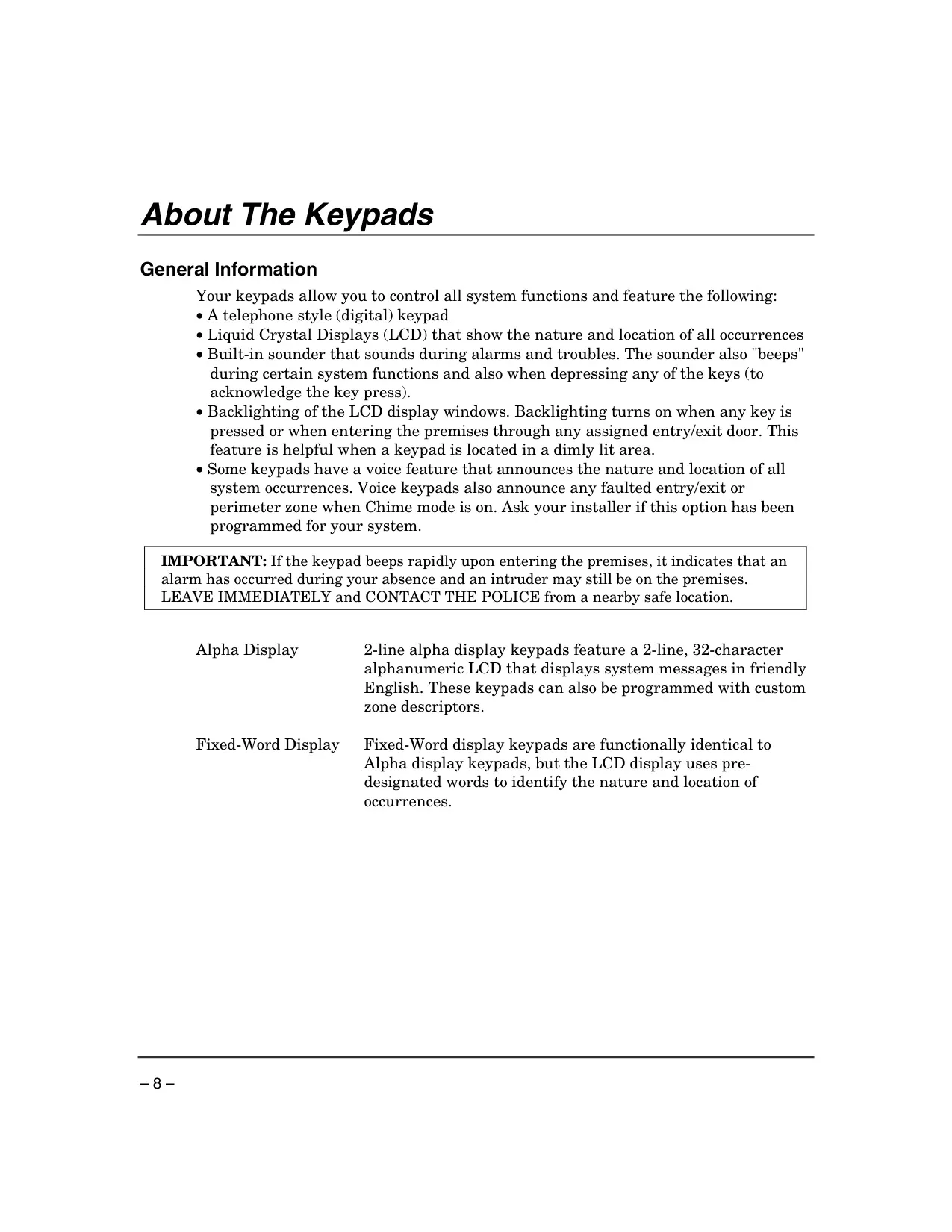
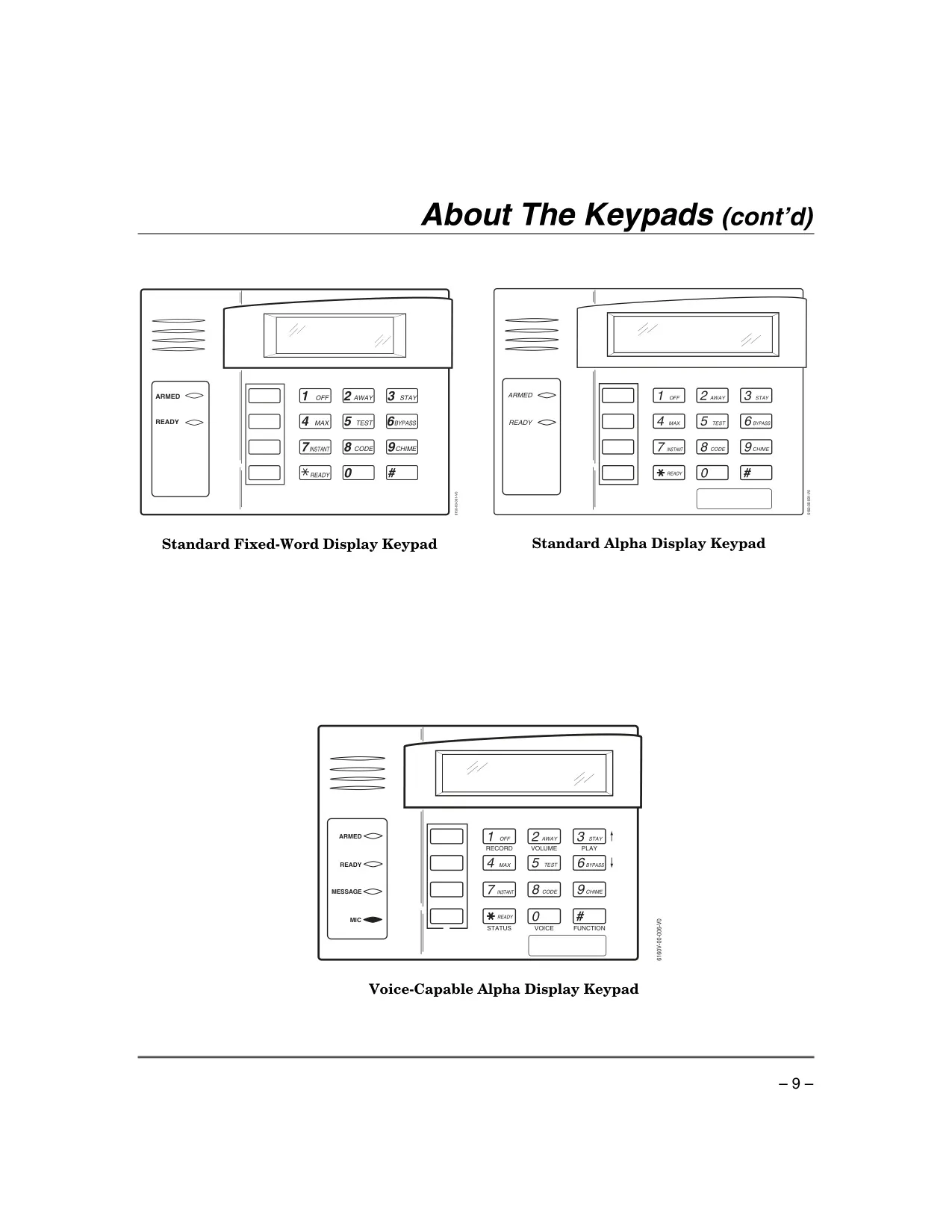
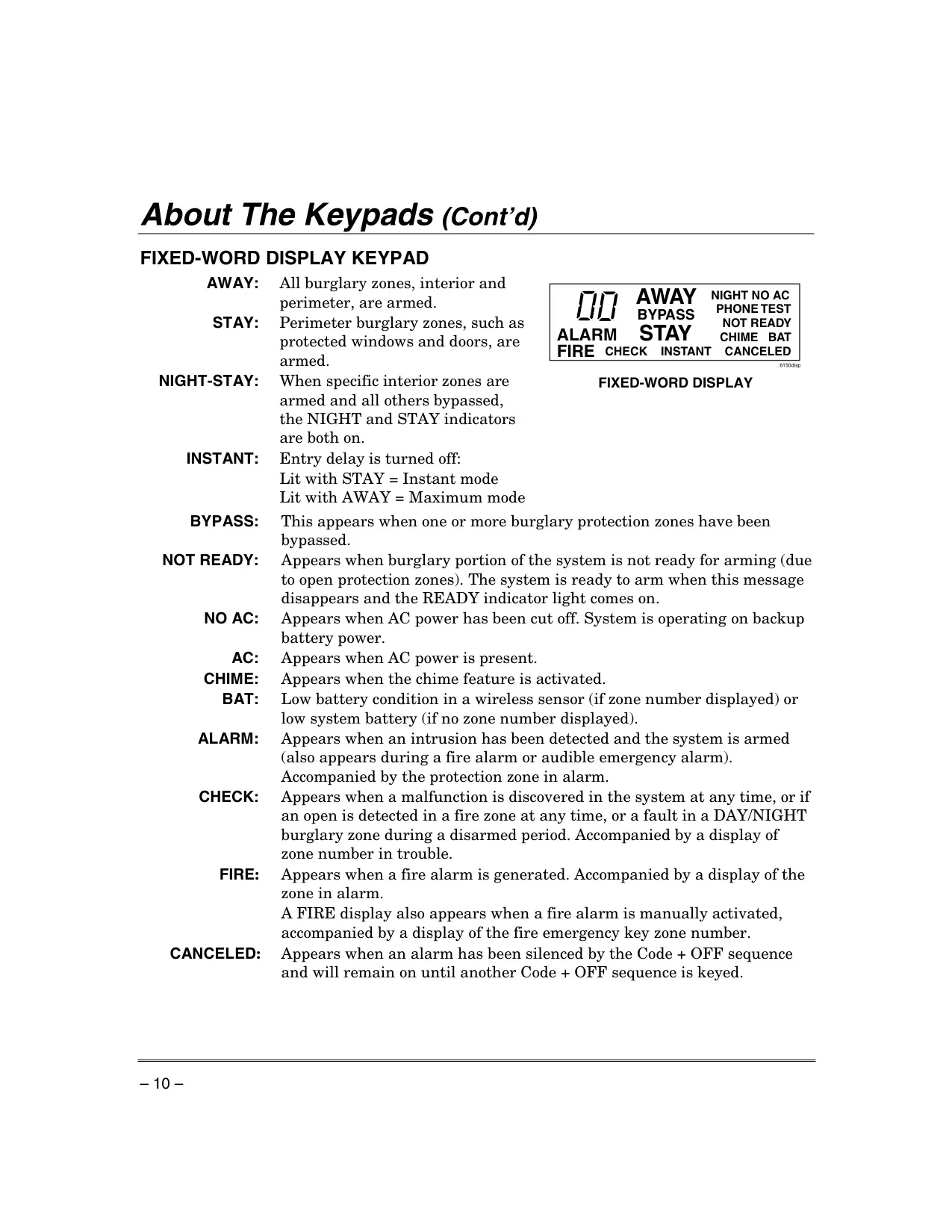
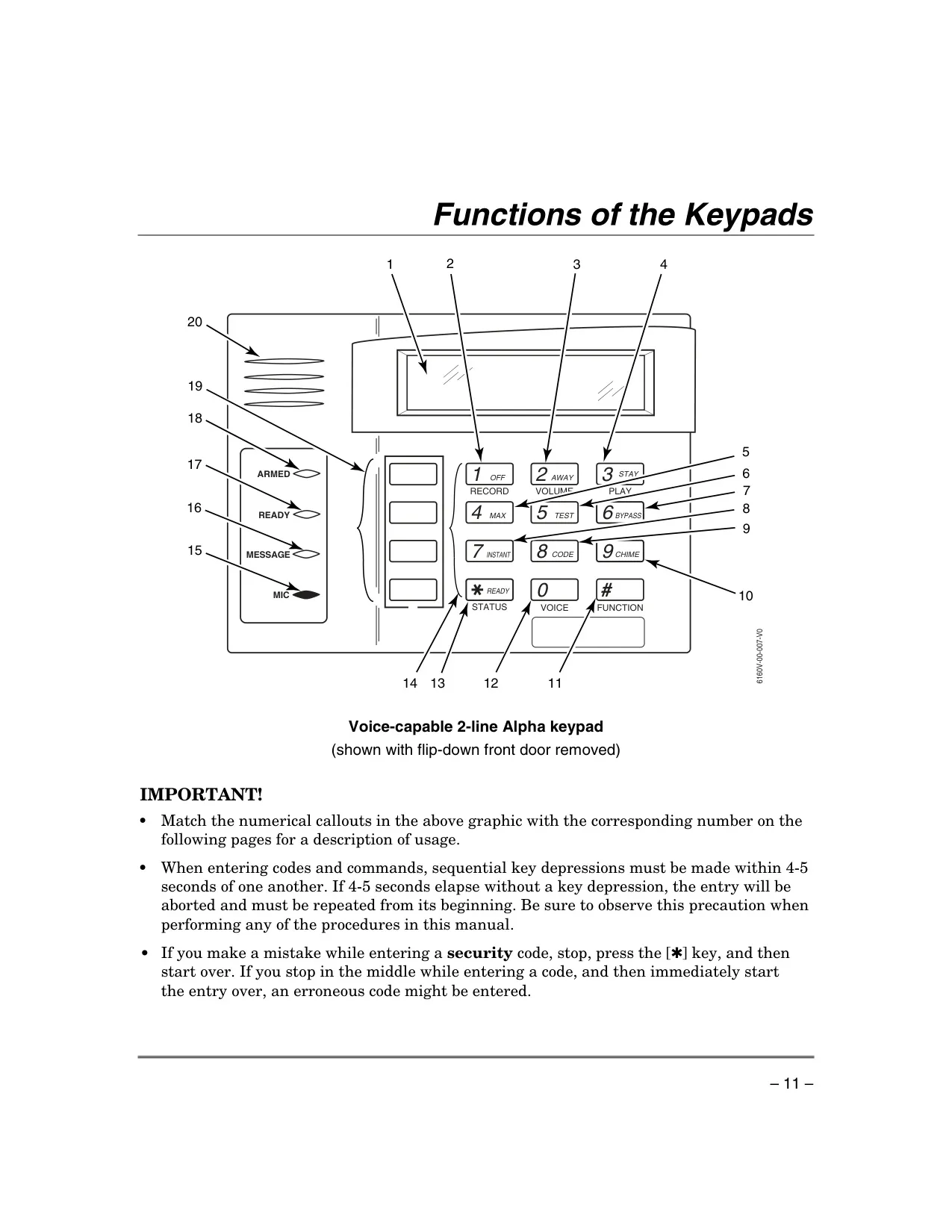
| Supported Keypad Types | Alpha Display, Fixed-Word Display, Voice-Capable Alpha Display |
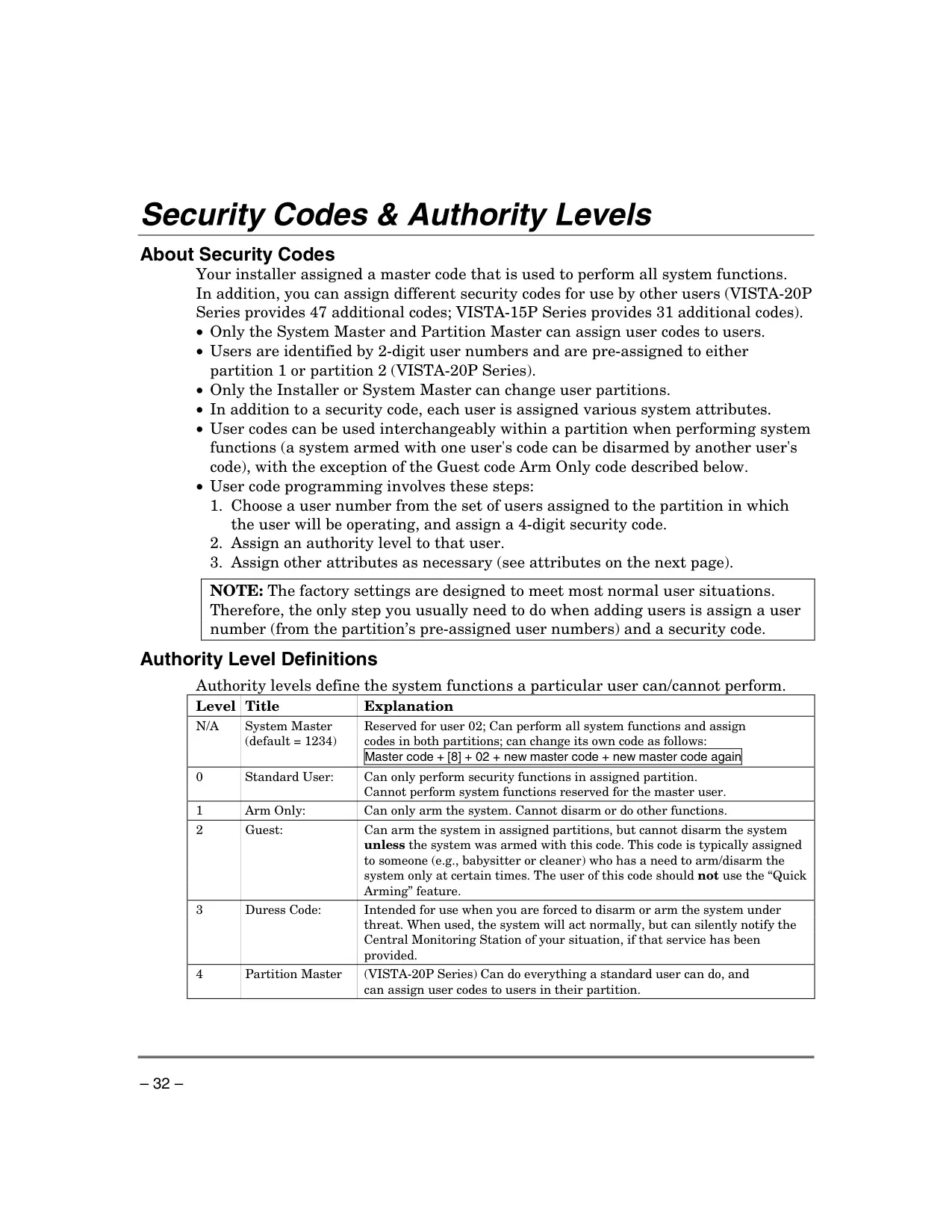
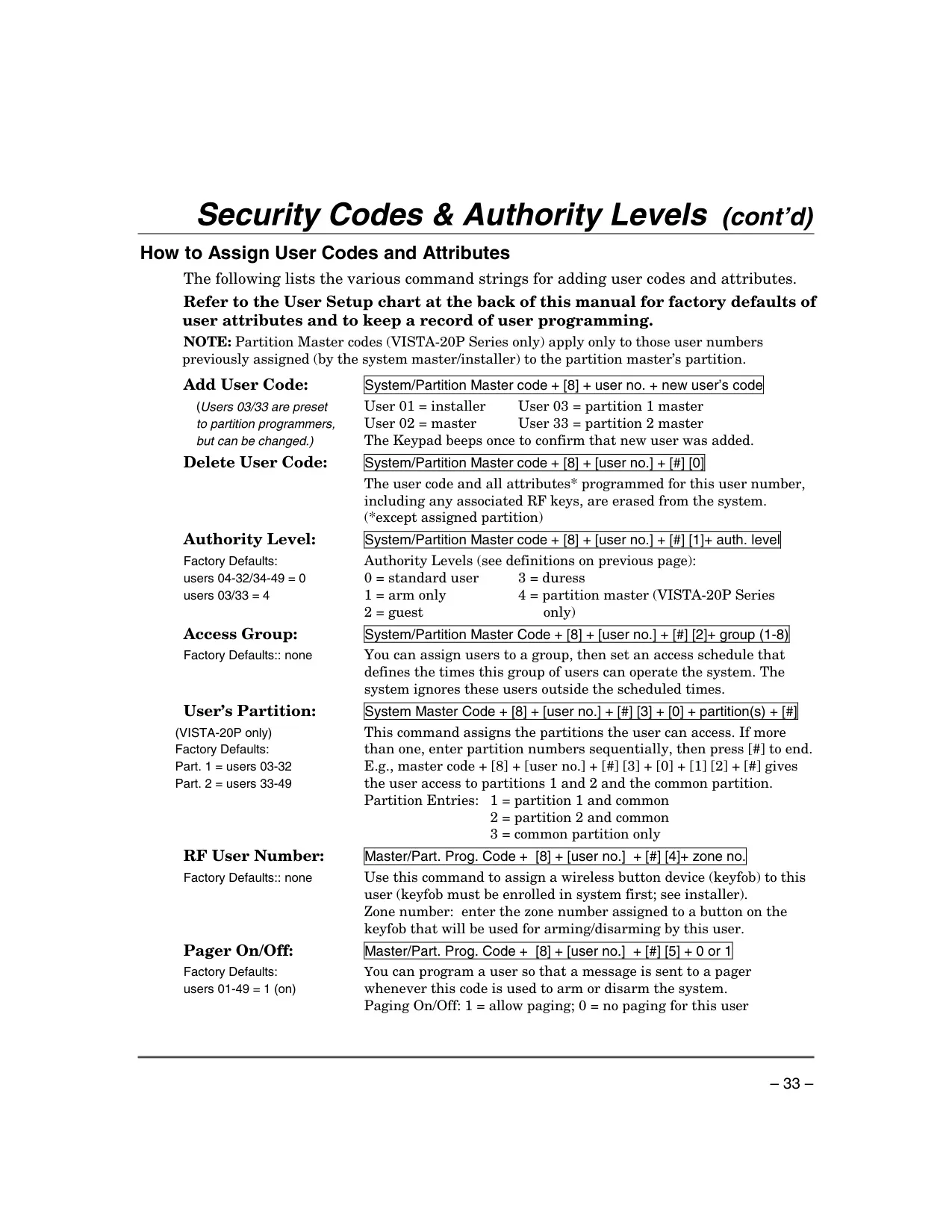
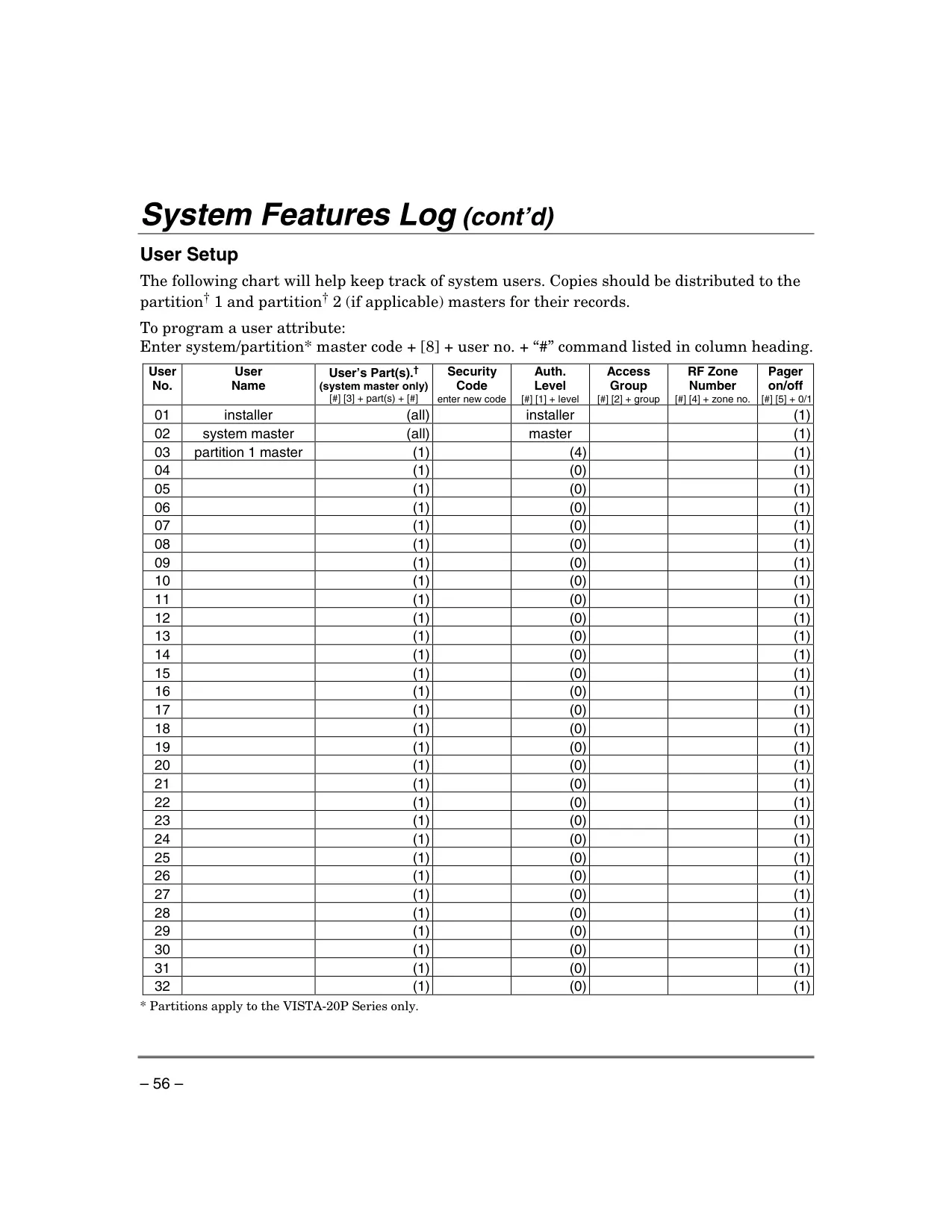
| Max. Standard User Codes | 31 additional codes (beyond Master) |
| System Partitions | Single partition system |
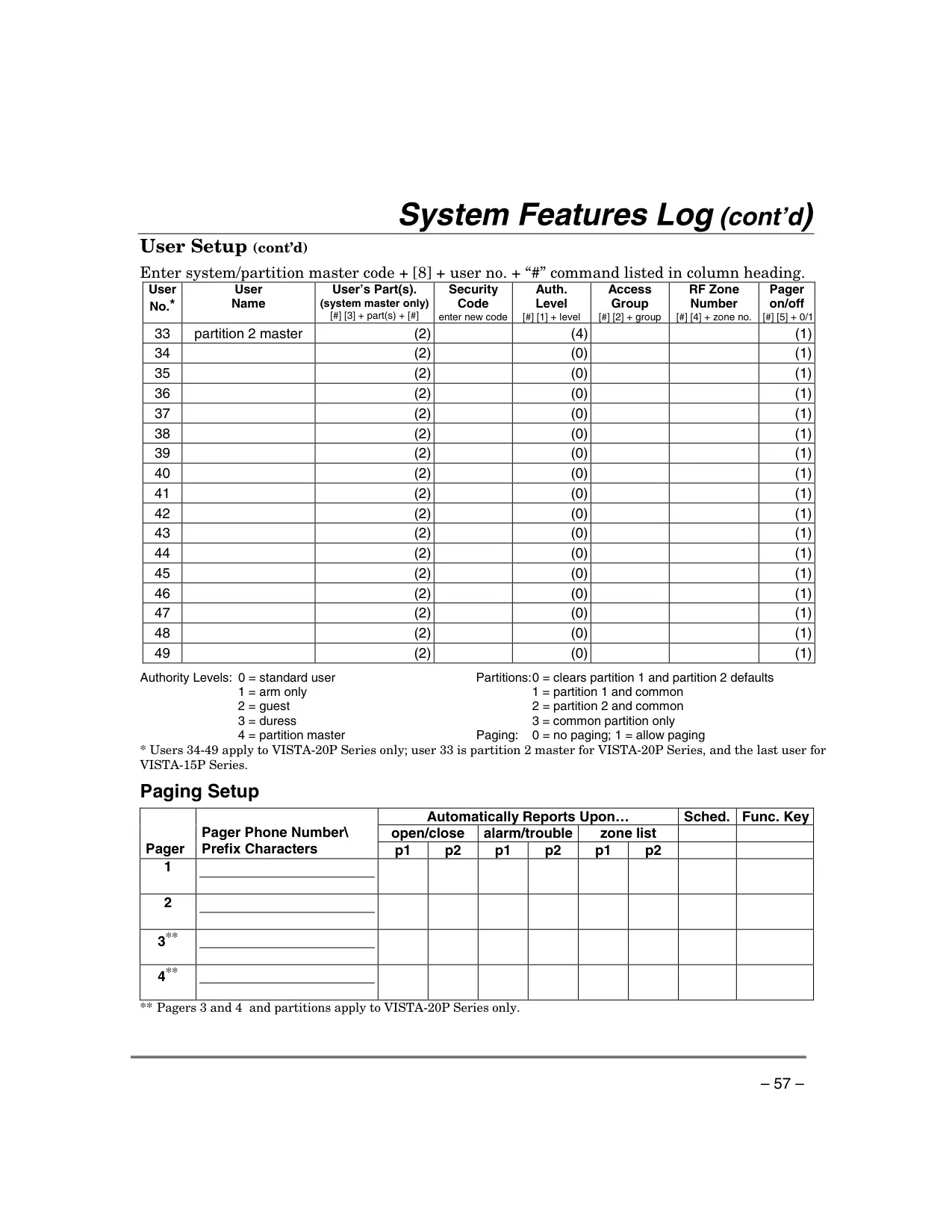
| Max. Pagers Supported | 2 pagers |
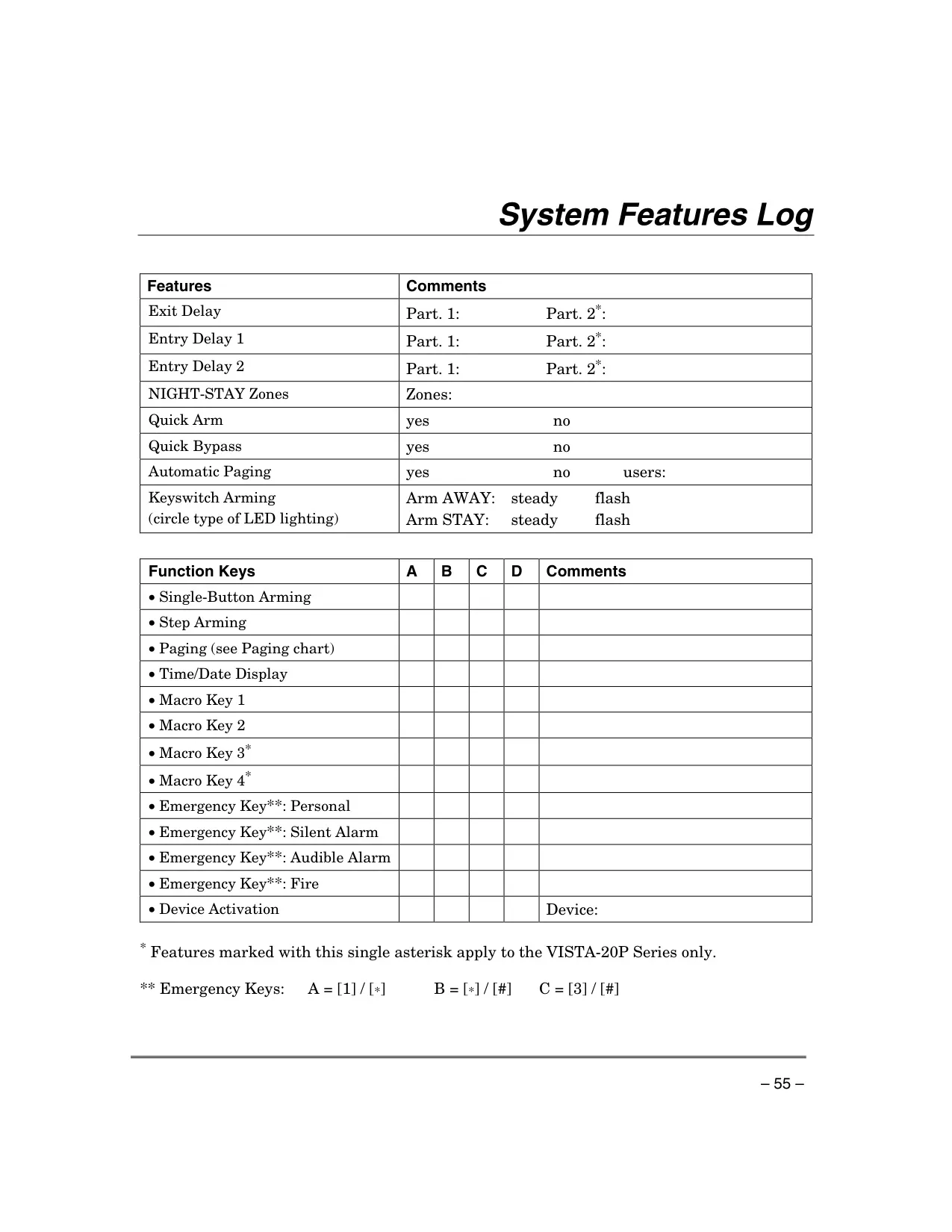
| Max. Macro Keys Supported | 2 macros |
| Event Log Capacity | Up to 50 events |
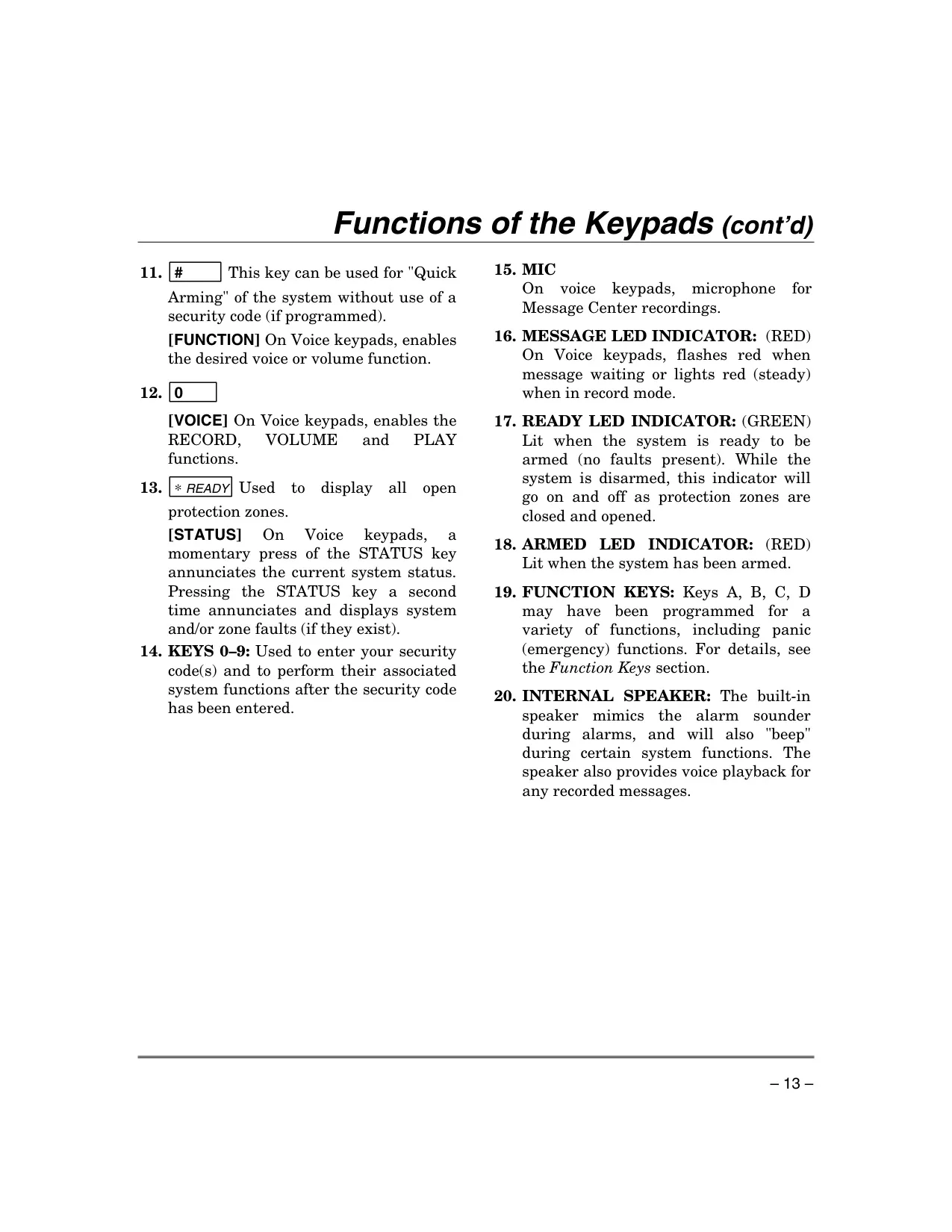
| Voice Message Recording | Up to 2.5 minutes (with Voice Keypad) |
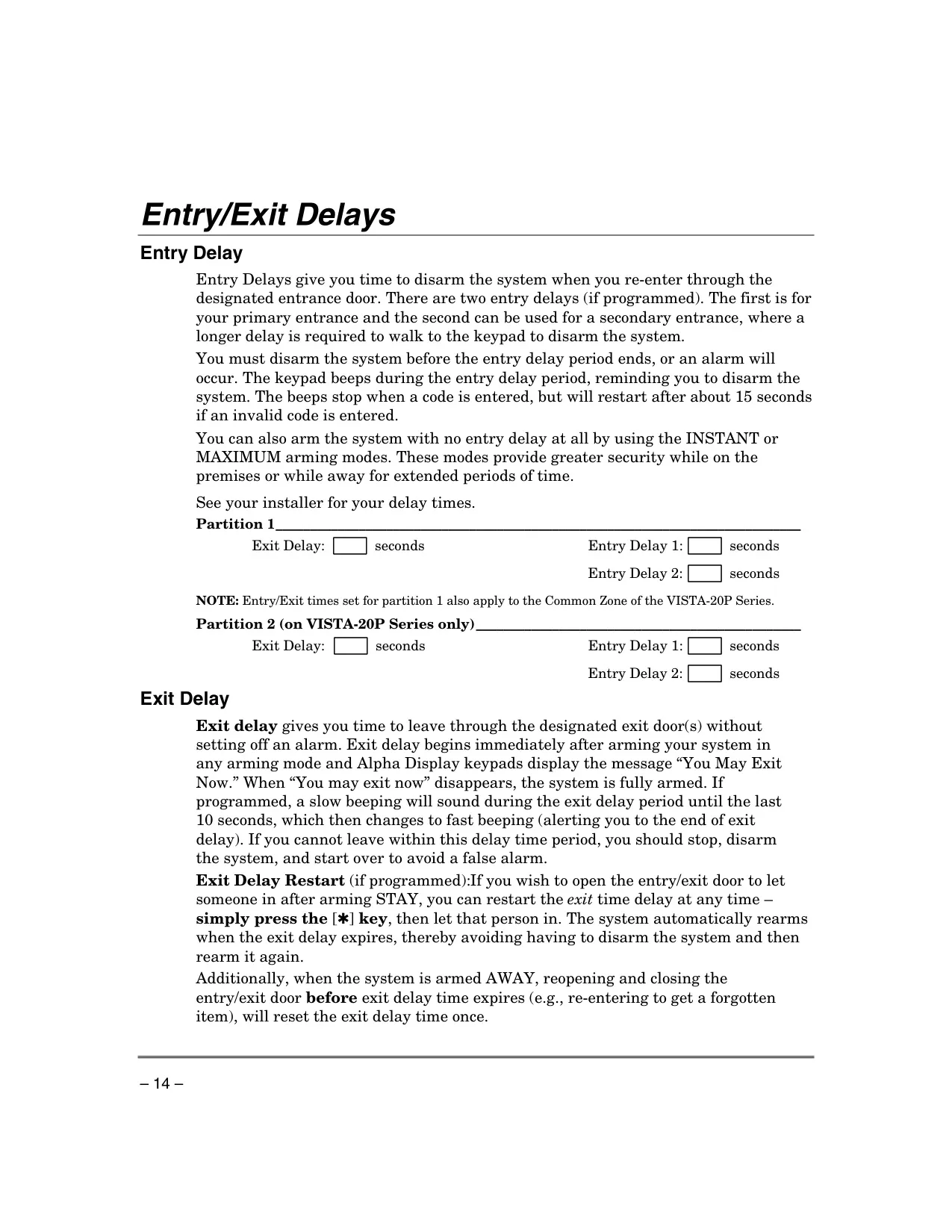
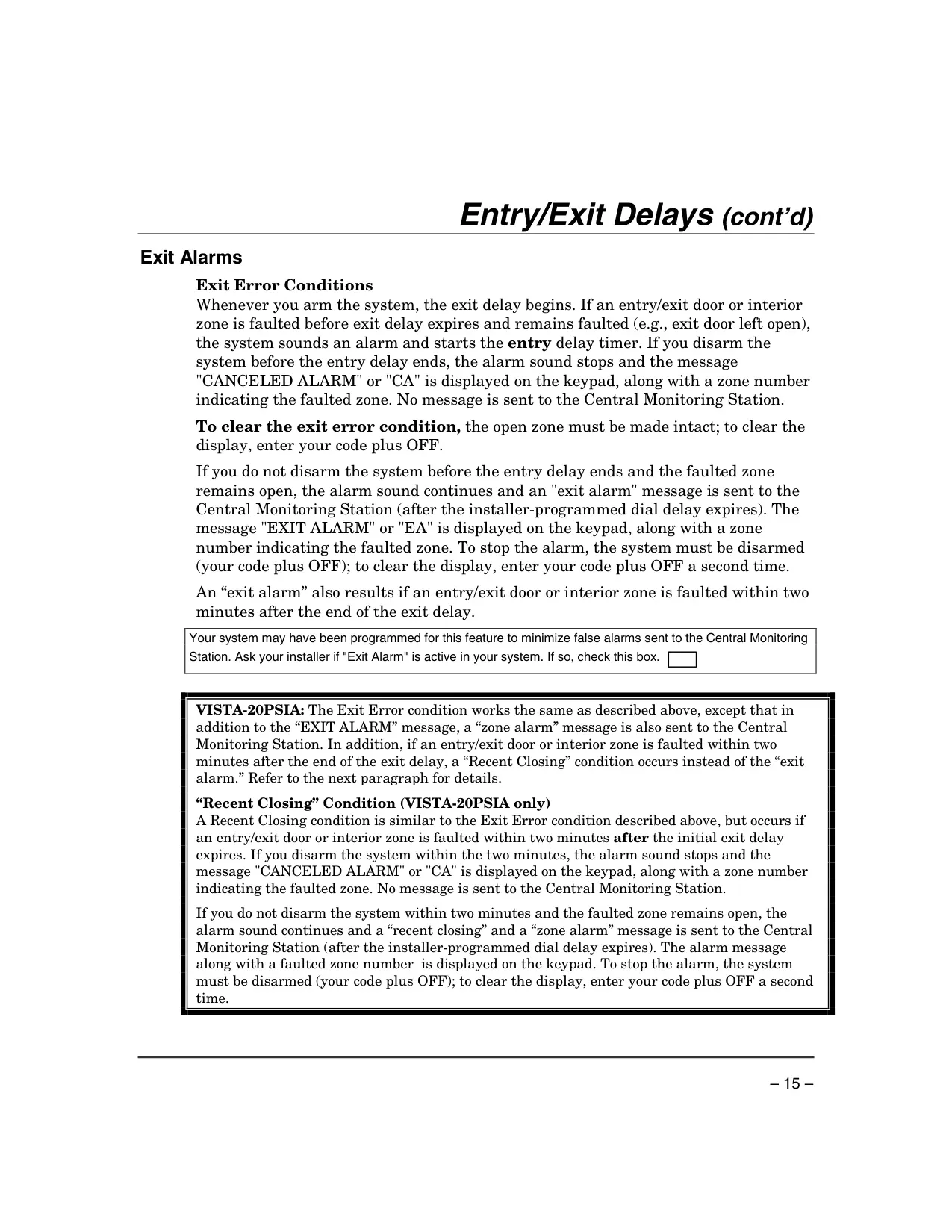
| Entry/Exit Delays | Configurable by installer (default 30s alarm reporting delay) |
| Wireless Sensor Batteries | Alkaline: 1-4 years; 3-volt Lithium: 4+ years |
| Recommended Test Frequency | Weekly |
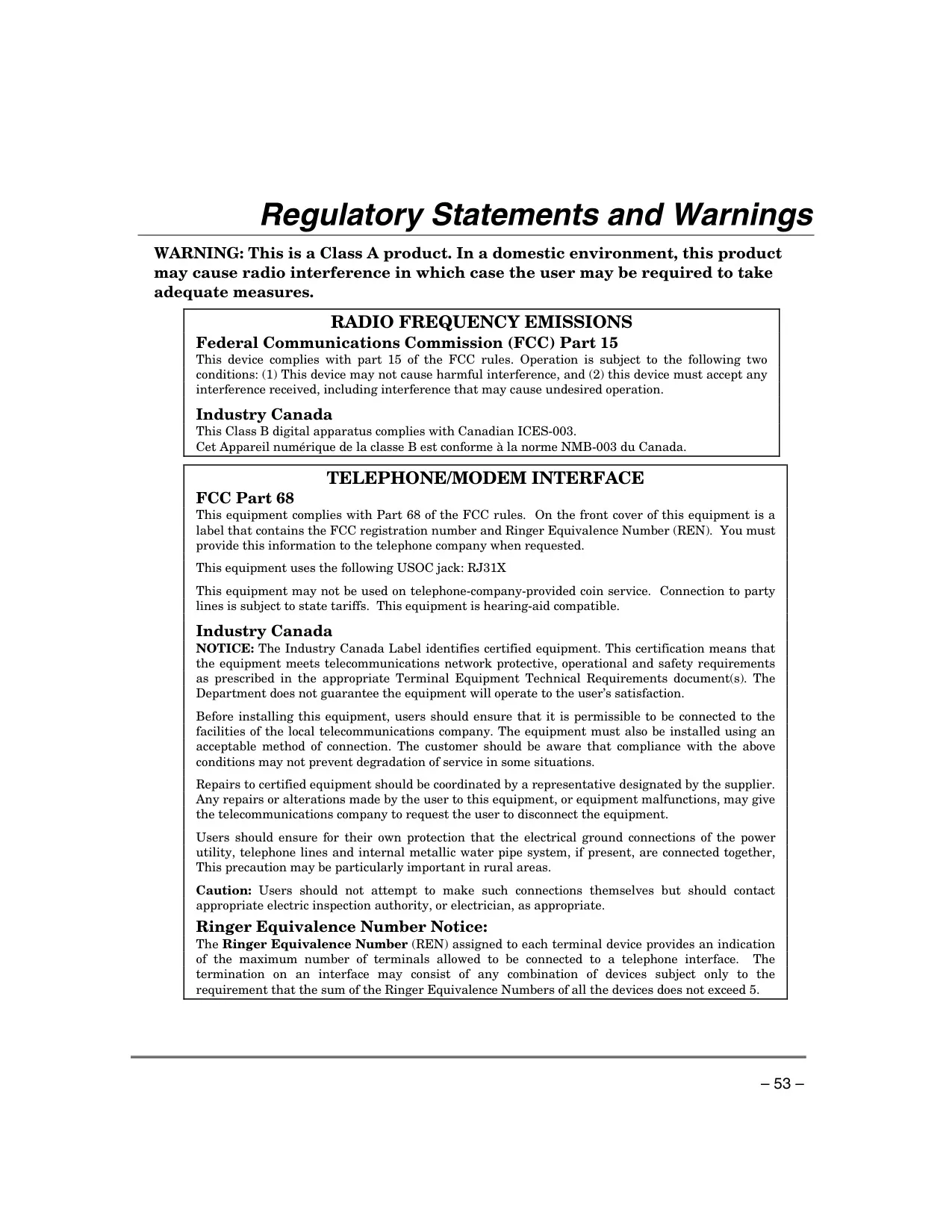
| Phone Interface | RJ31X USOC jack, FCC Part 68 compliant |
Honeywell Vista 15p Security System Details
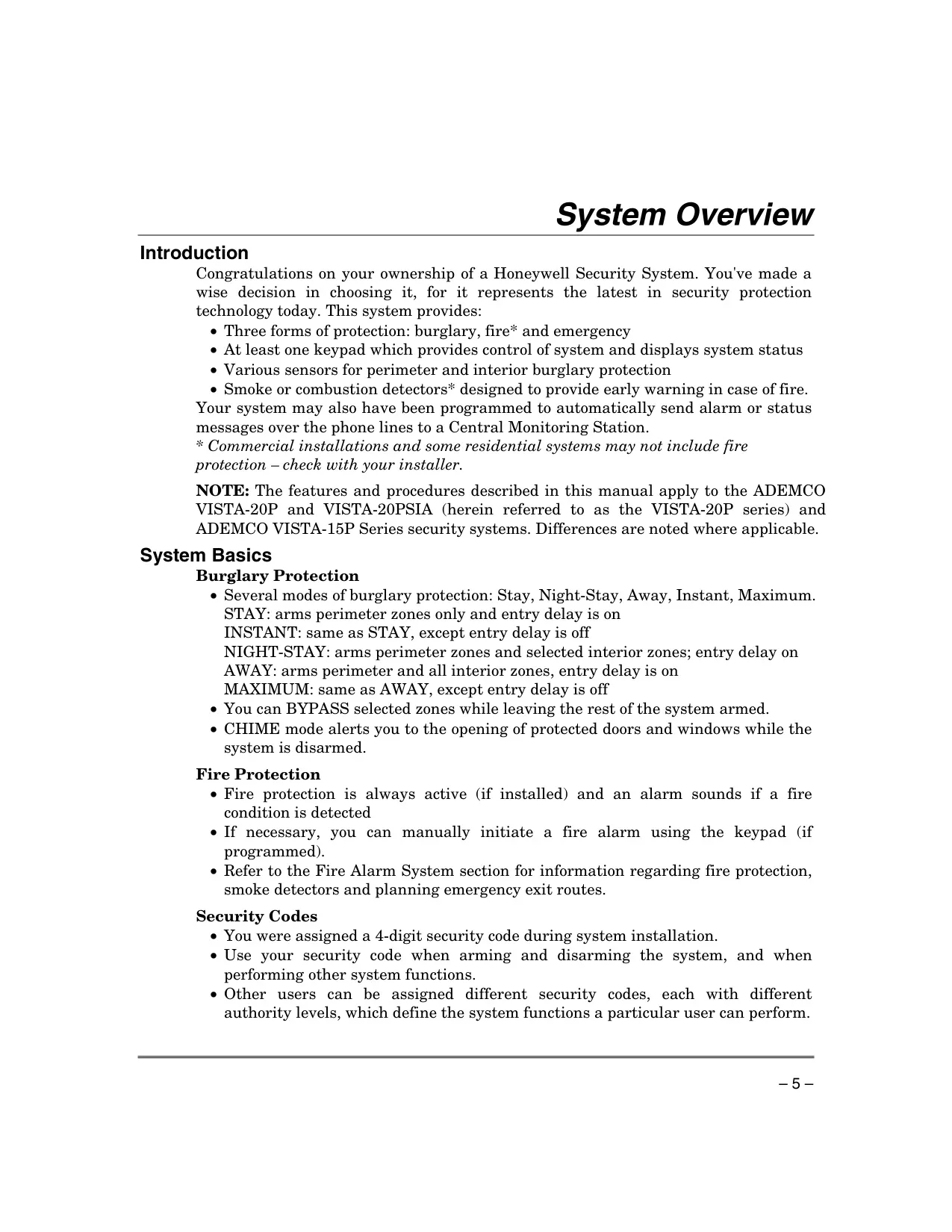
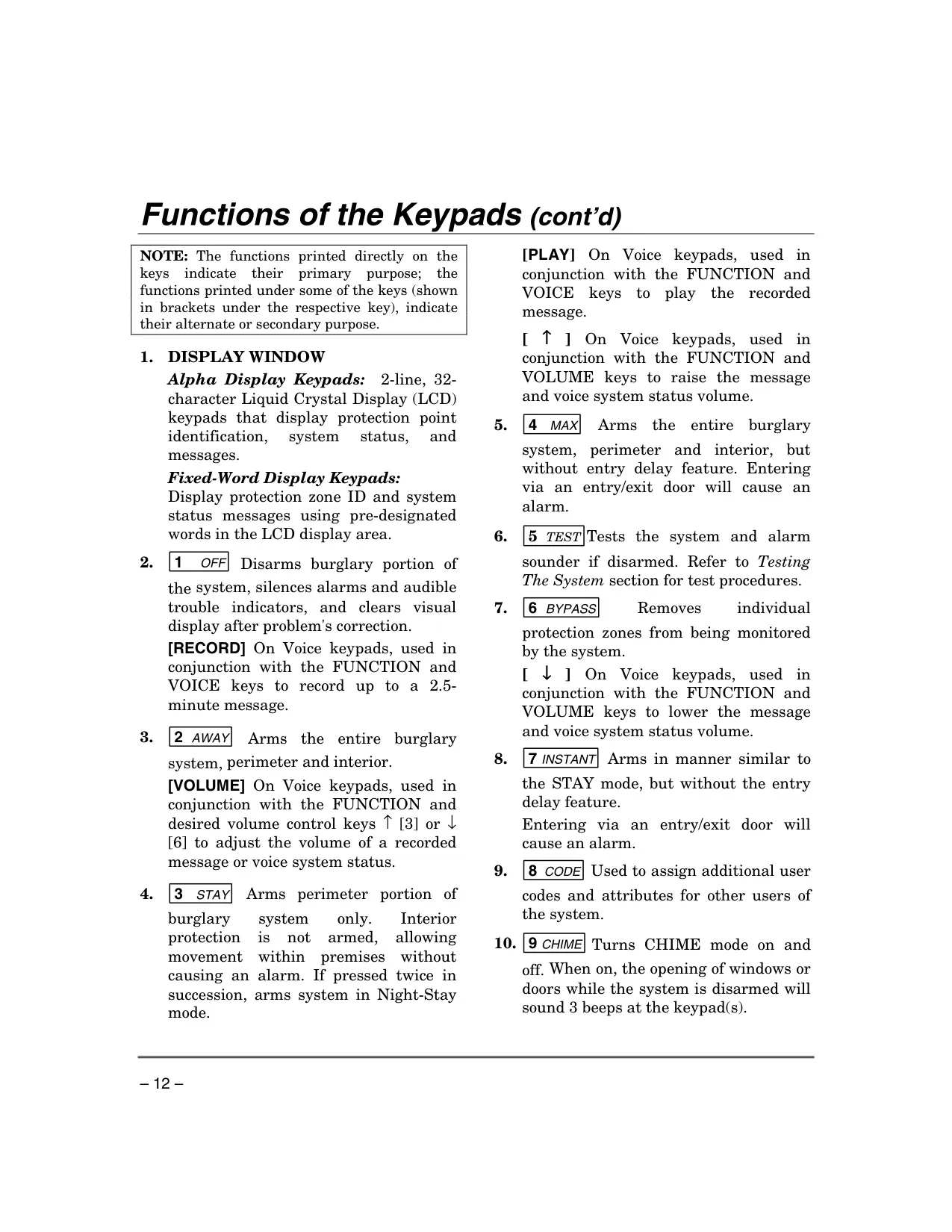
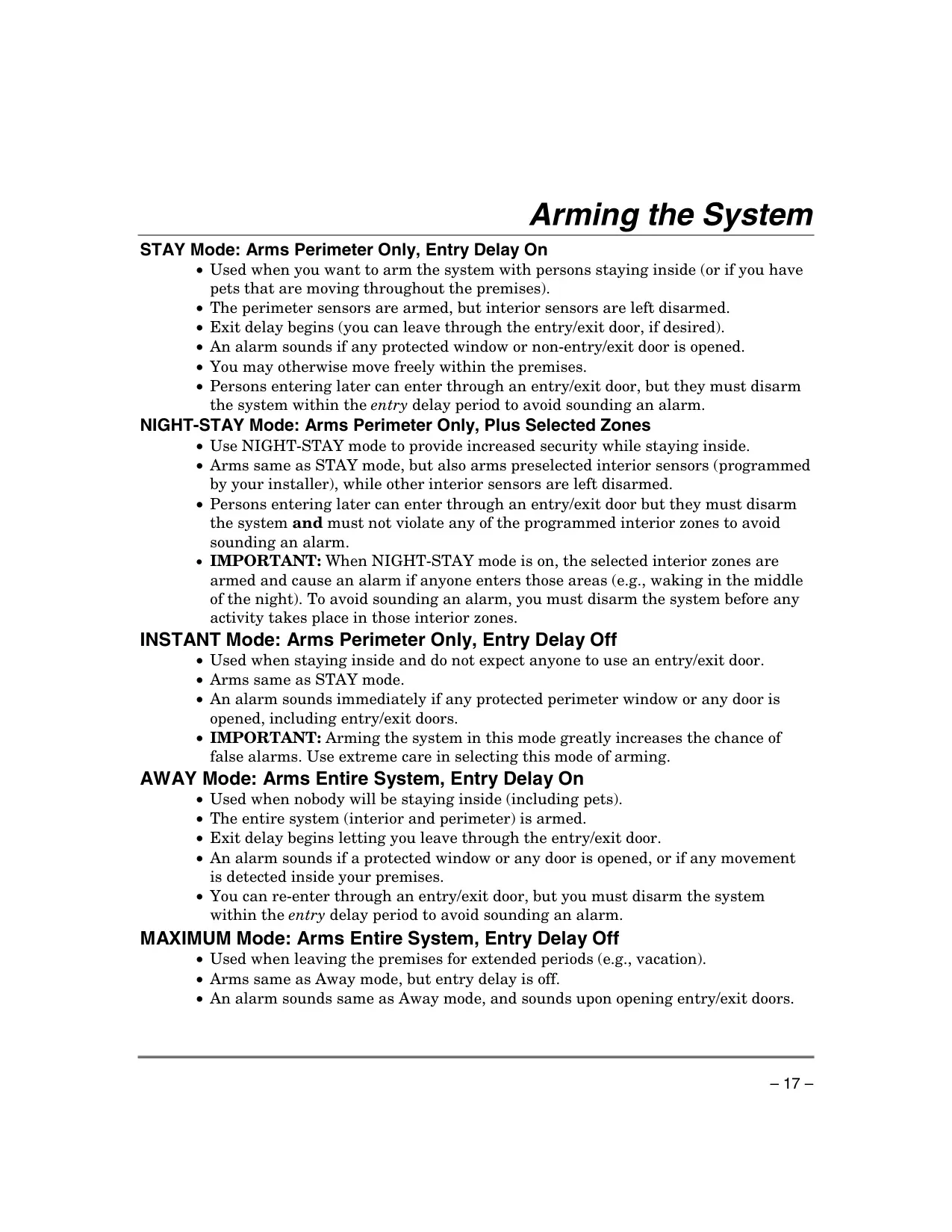
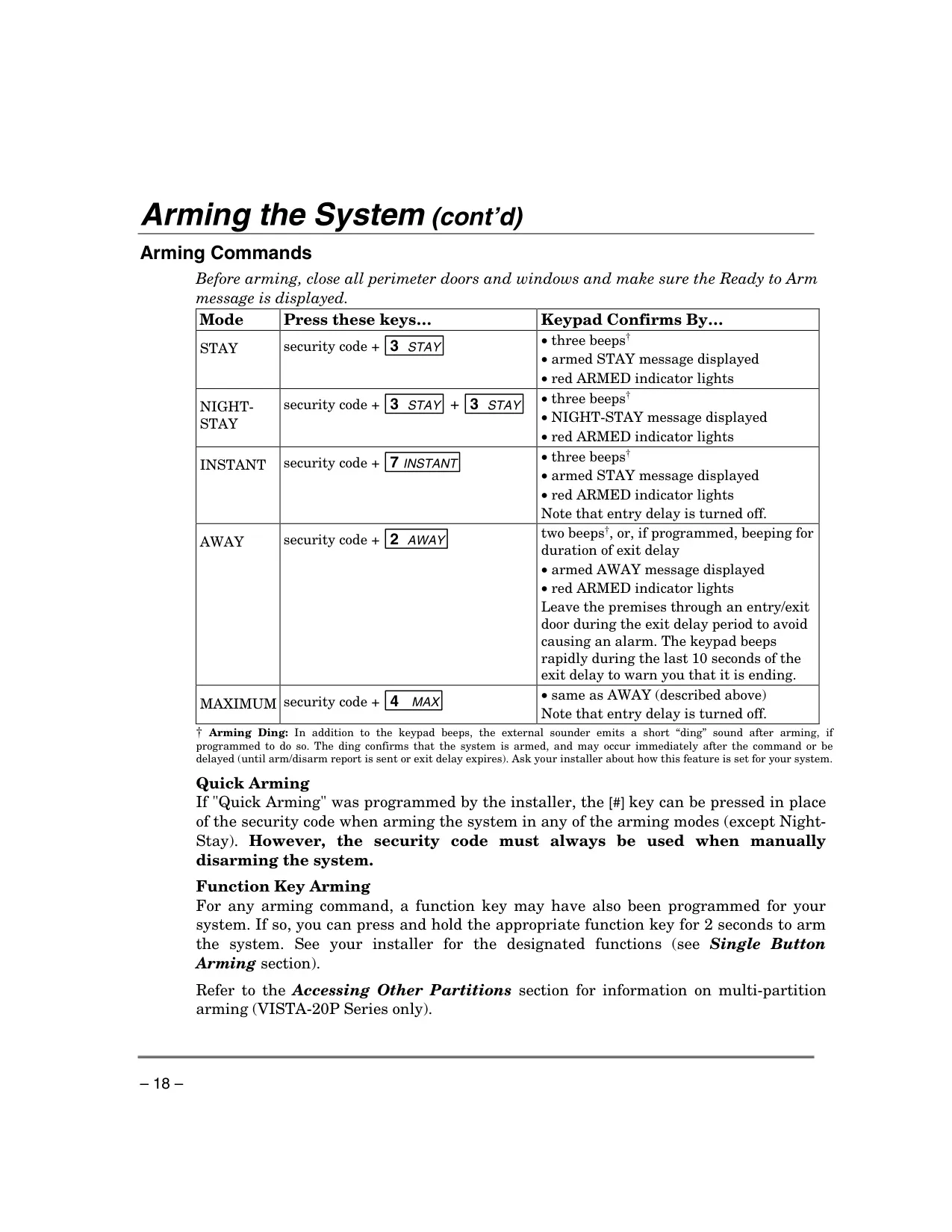
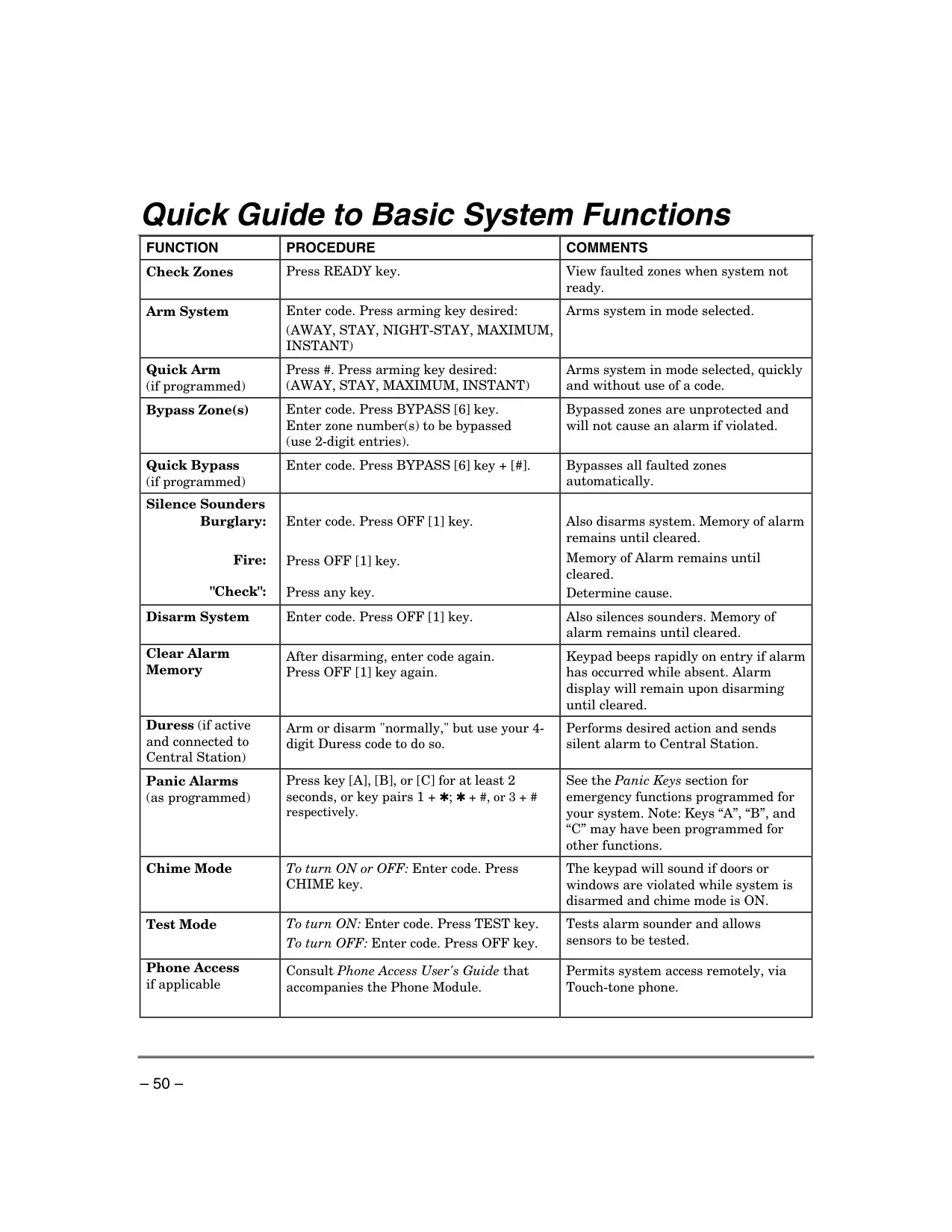
The Honeywell Vista 15p Security System offers robust protection against burglary, fire, and other emergencies. Its burglary protection is highly adaptable, featuring various arming modes. STAY mode arms perimeter zones, ideal when occupants are inside, while INSTANT mode does the same but disables entry delays for immediate alarm. For heightened overnight security, NIGHT-STAY mode extends protection to specific interior zones alongside the perimeter. When the premises are vacant, AWAY mode arms the entire system, including all interior zones, with entry delay enabled. Similarly, MAXIMUM mode arms everything but eliminates entry delays for ultimate security.
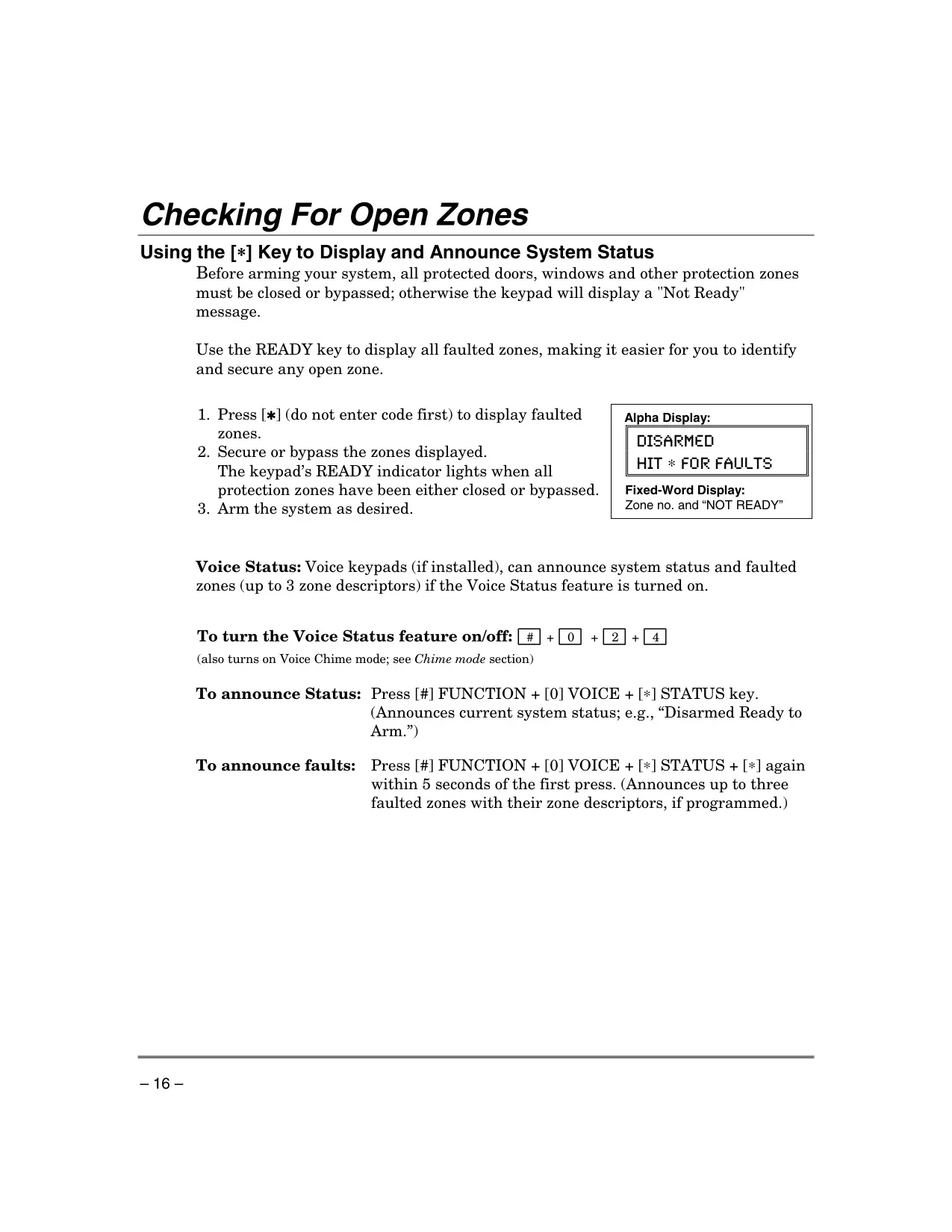
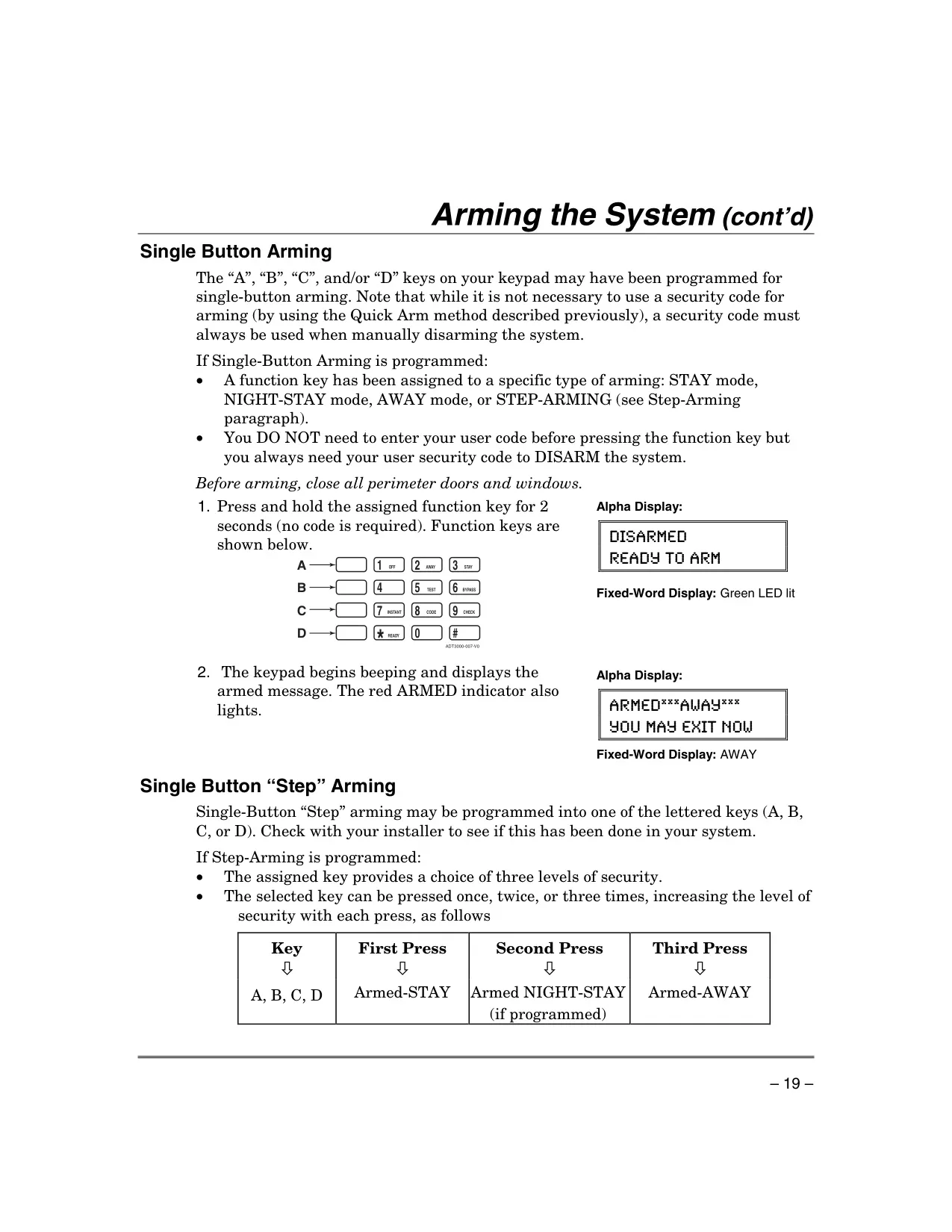
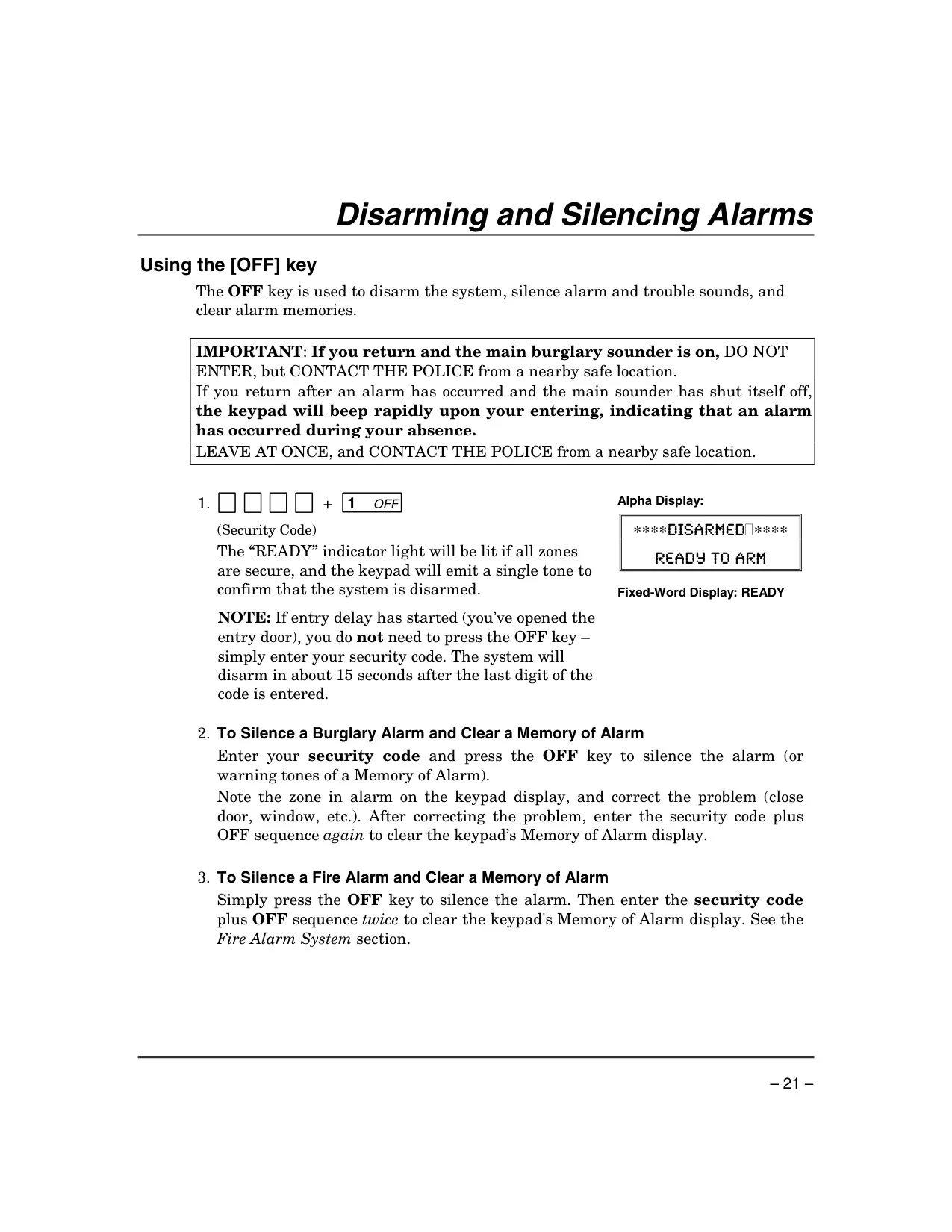
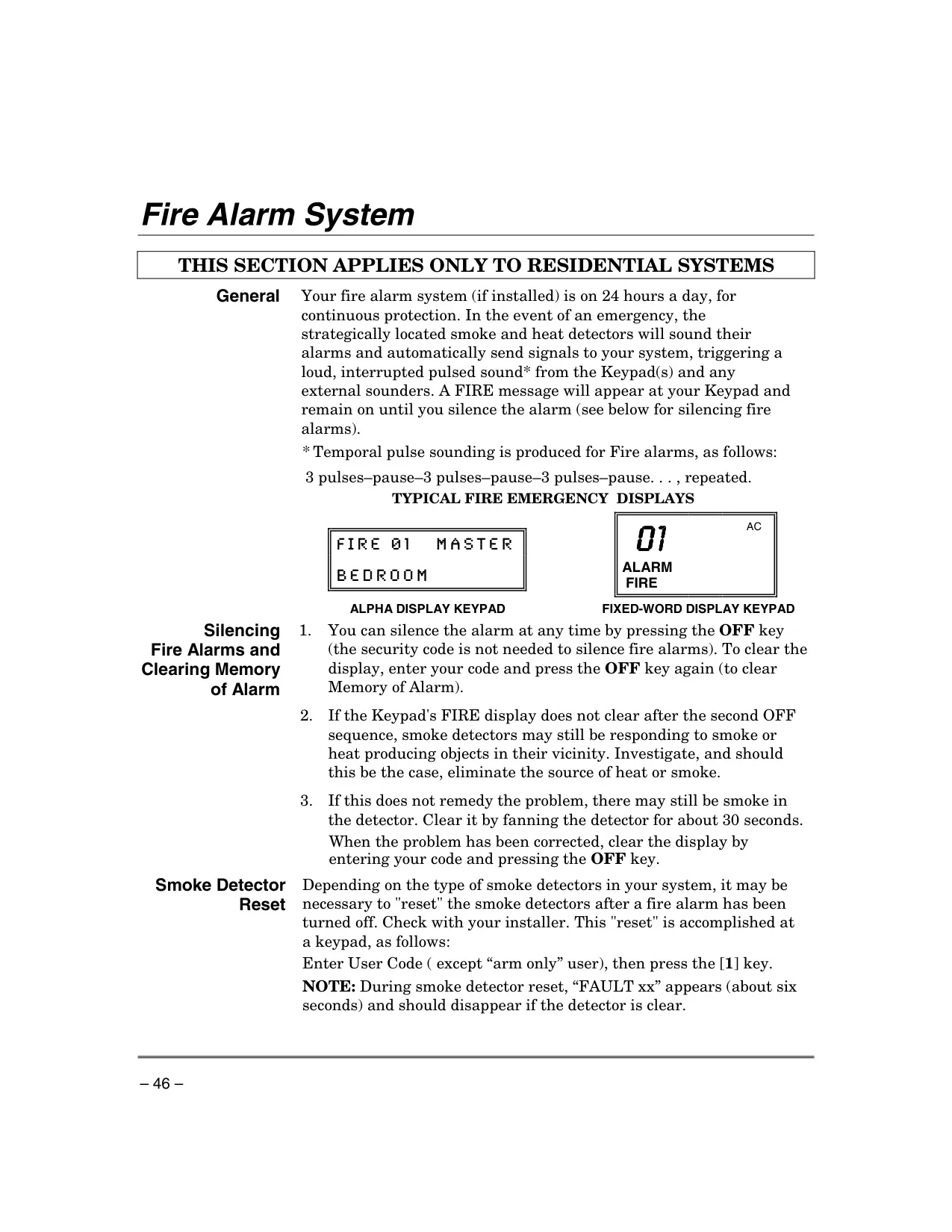
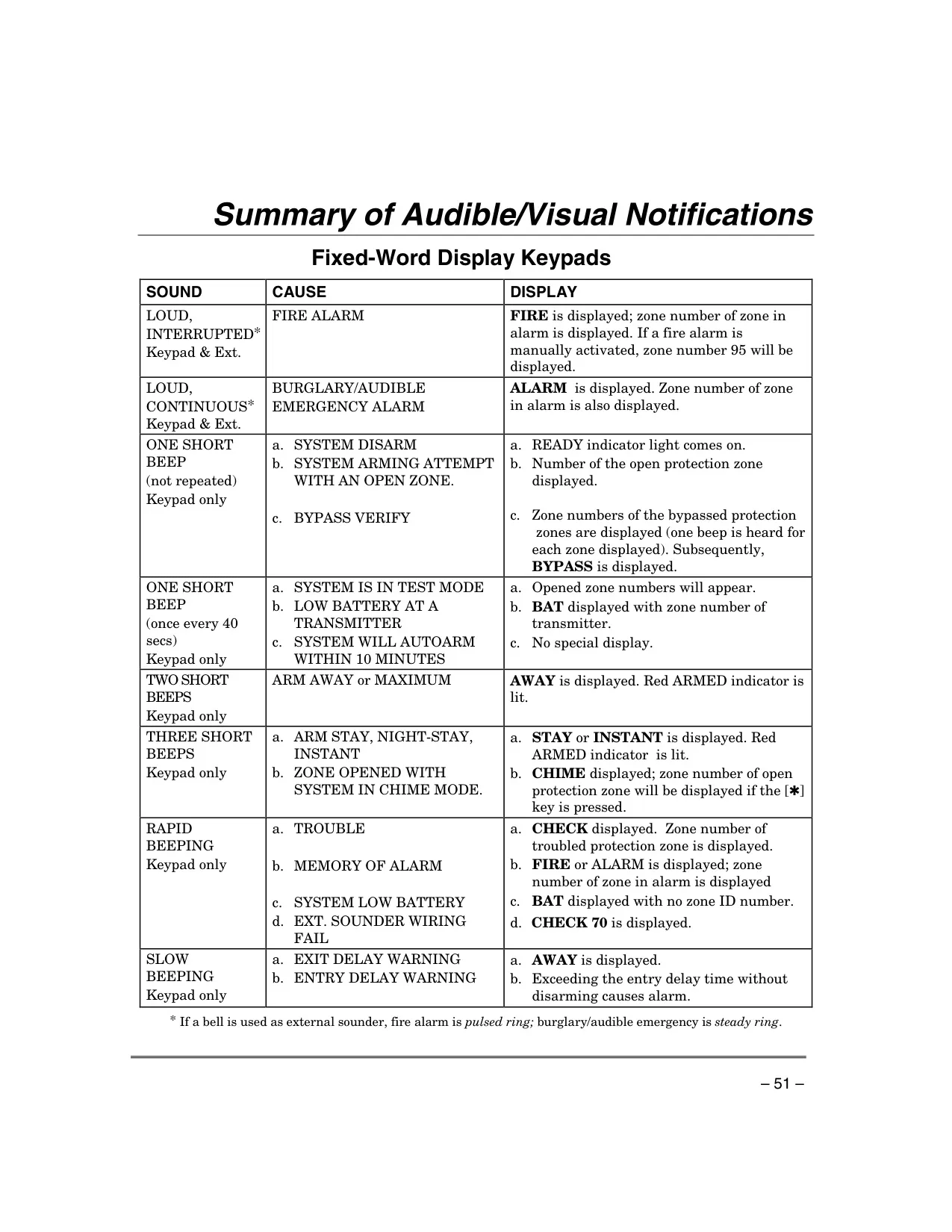
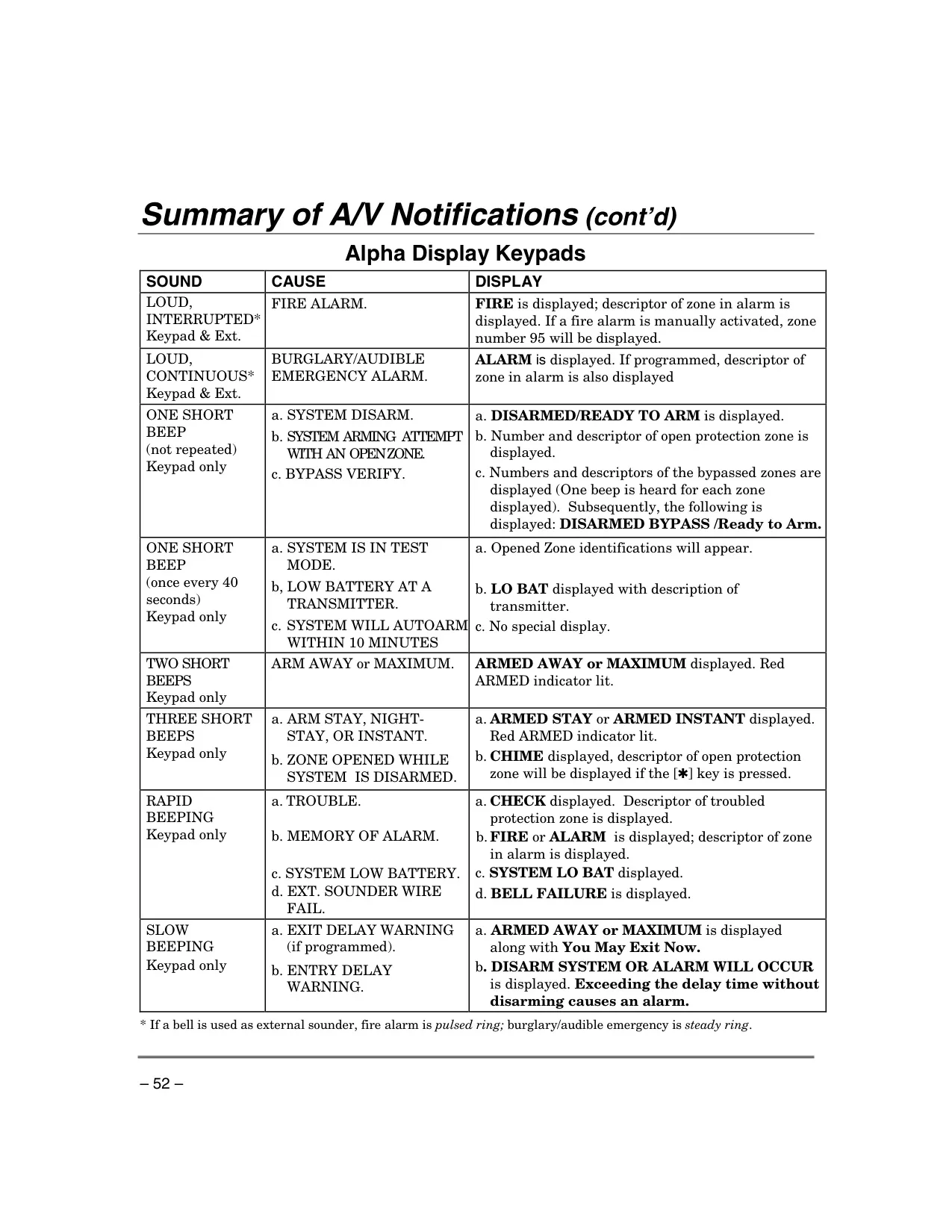
System interaction is intuitive via its sophisticated keypads, available in Alpha Display, Fixed-Word Display, and Voice-Capable Alpha Display variants. These keypads offer comprehensive control with a telephone-style input, bright LCDs, and a built-in sounder providing critical audible alerts. Backlighting ensures visibility in low-light conditions, and some models enhance user experience with voice announcements for system status and faults. A rapid keypad beep upon entry after an alarm prompts immediate caution. The flexible "Quick Arming" feature allows arming with just the # key, though disarming always requires the full security code.
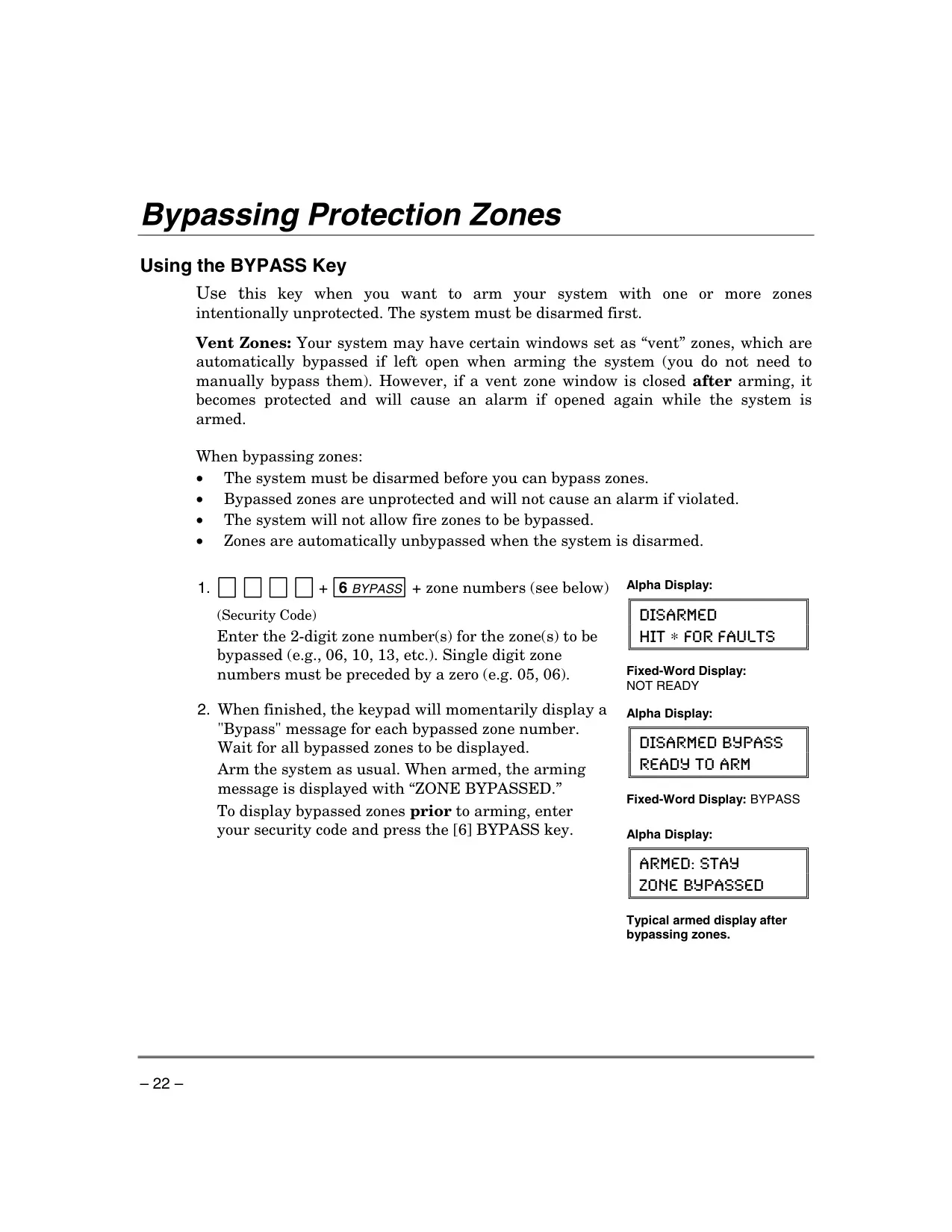
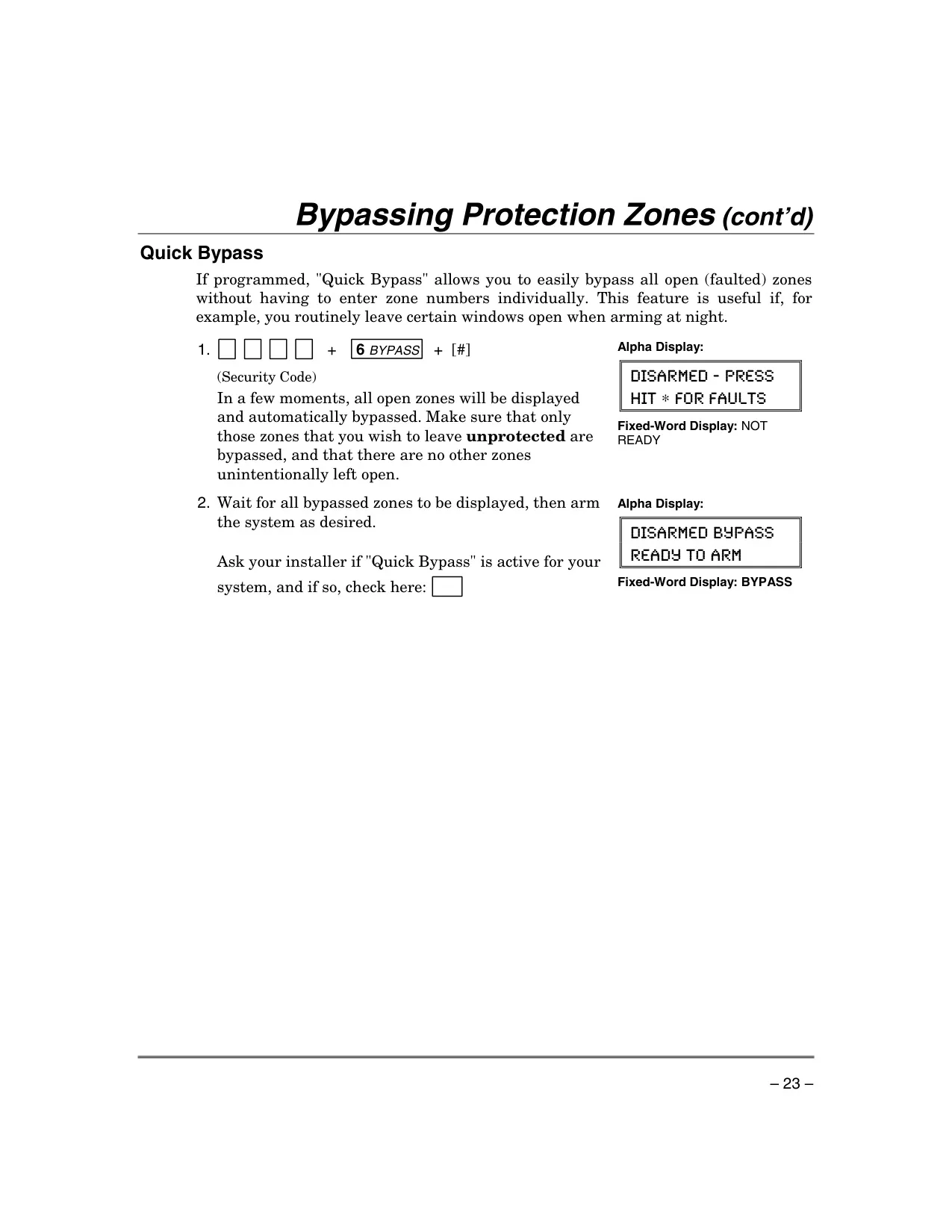
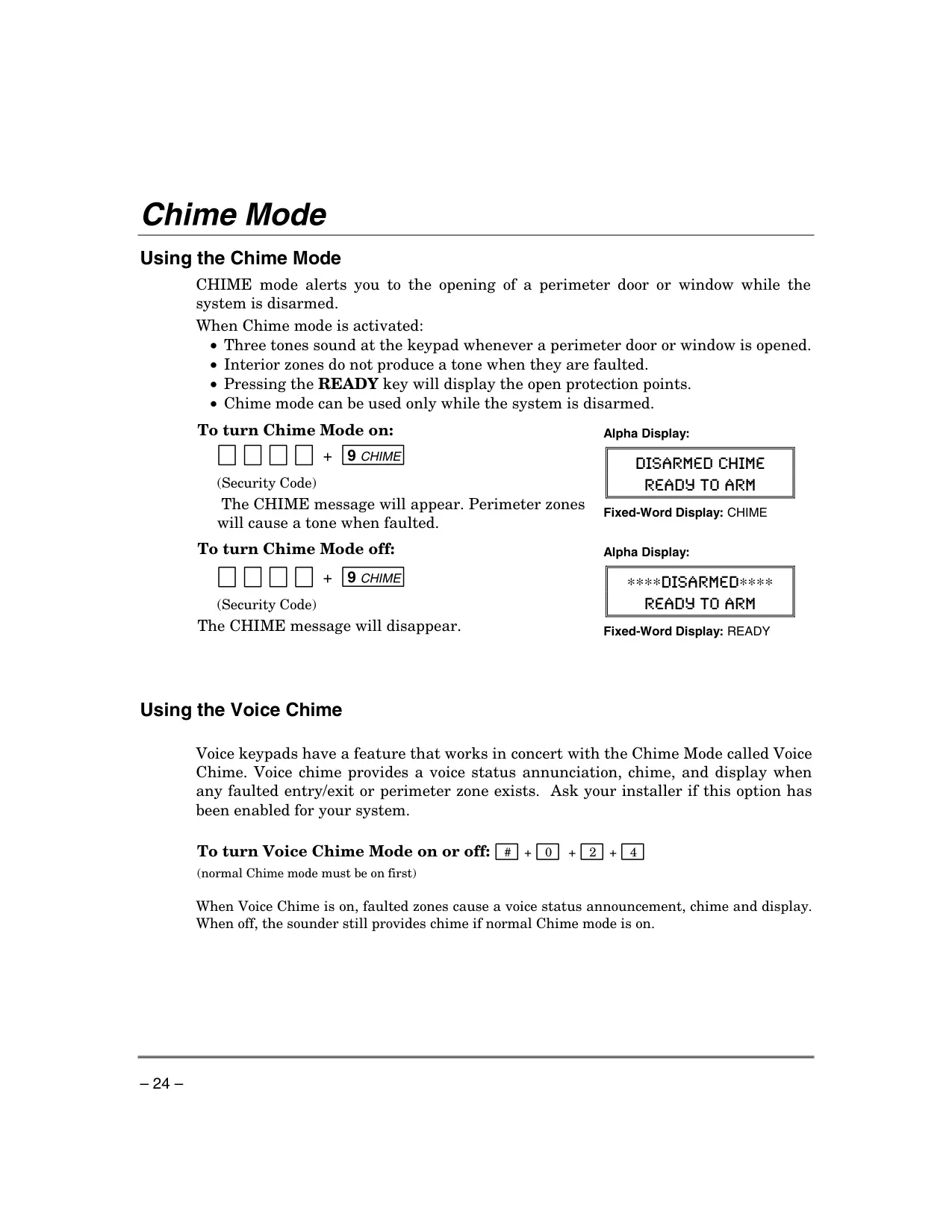
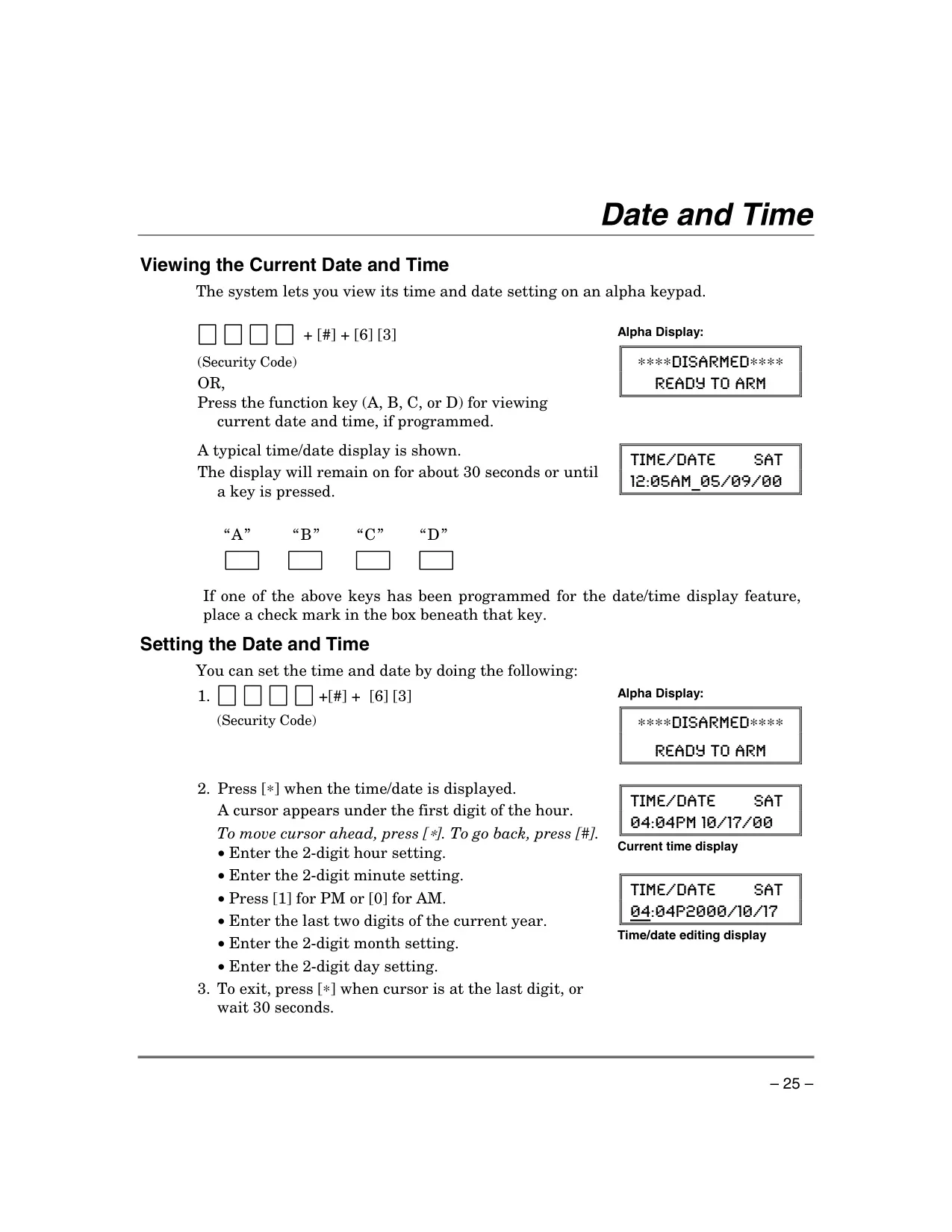
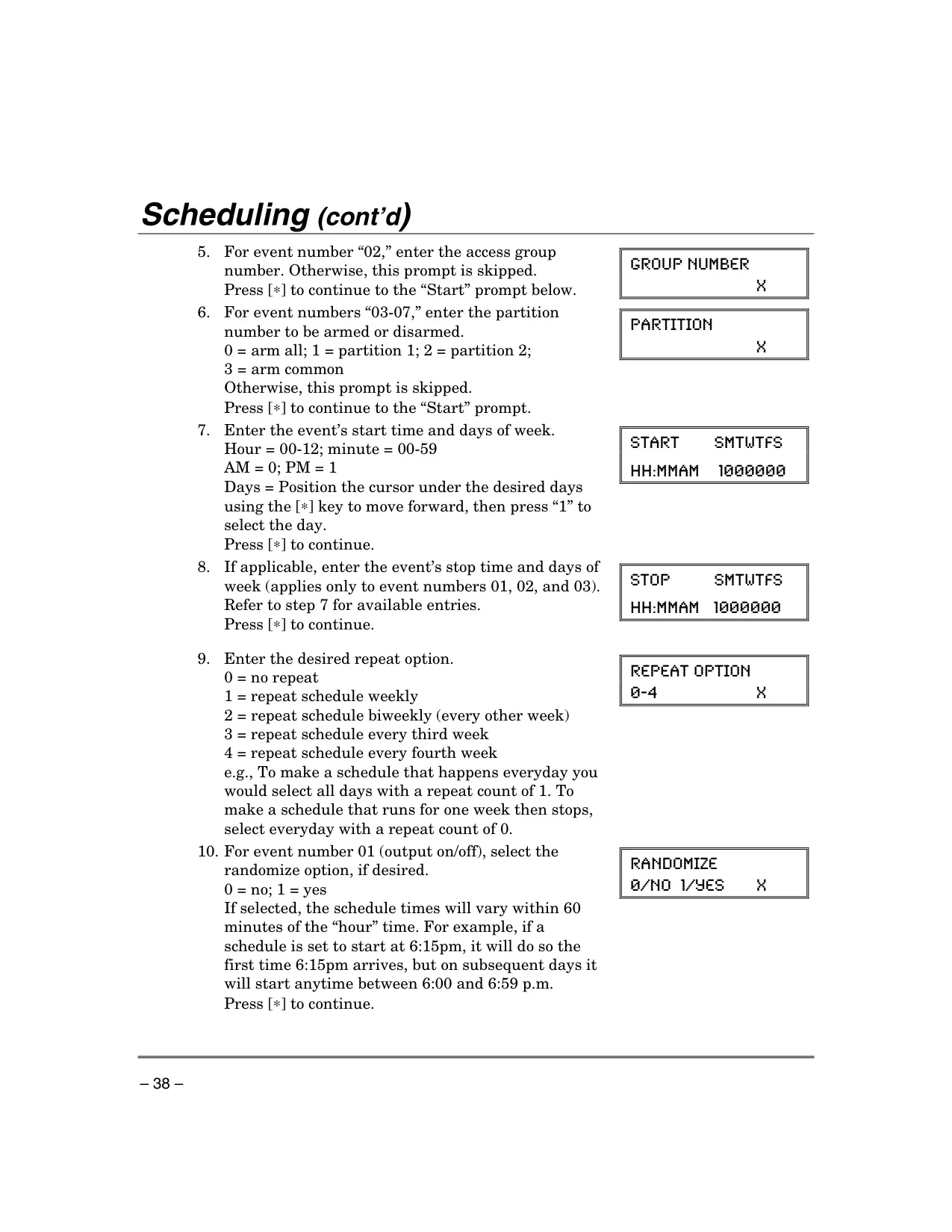
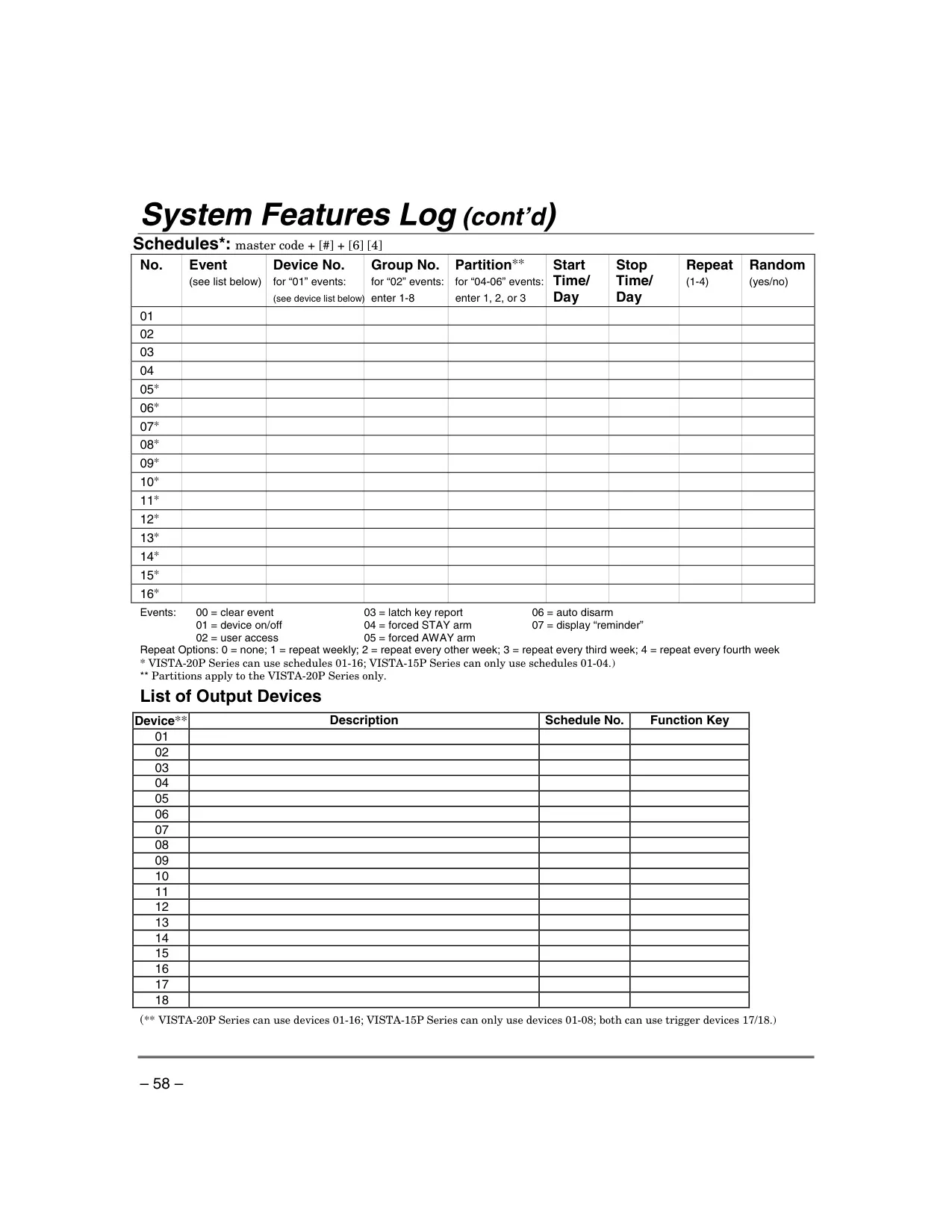
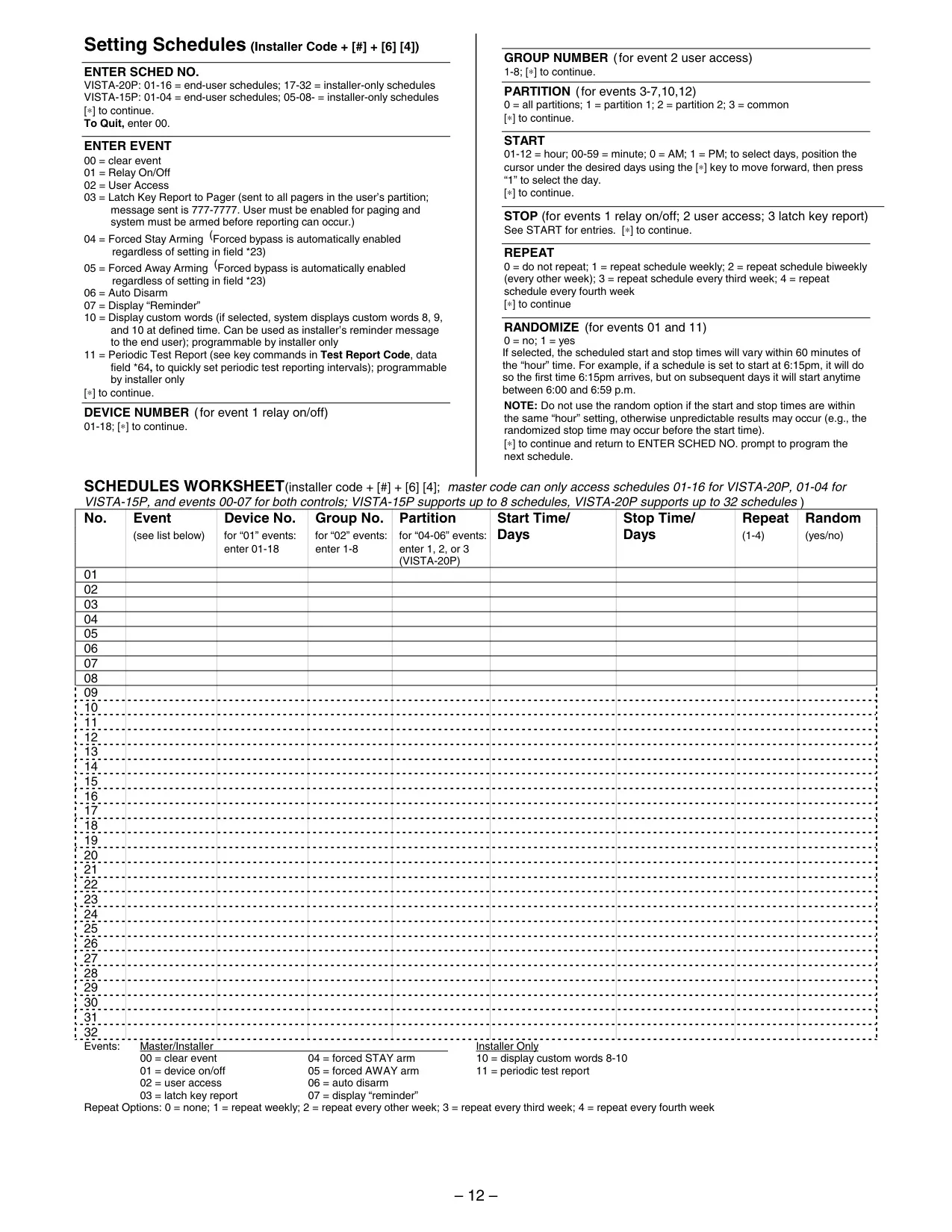
Beyond basic operations, the Vista 15p boasts several advanced customization options. The Bypass function allows users to temporarily disable specific zones, while Quick Bypass streamlines this process for all open zones. Chime Mode alerts occupants to open doors and windows when the system is disarmed, with voice keypads offering an audible Voice Chime. The system also supports Scheduling, enabling automated functions like arming/disarming, device activation (e.g., lights), and reminders at preset times. This enhances convenience and strengthens overall security management by adapting the system's behavior to daily routines.
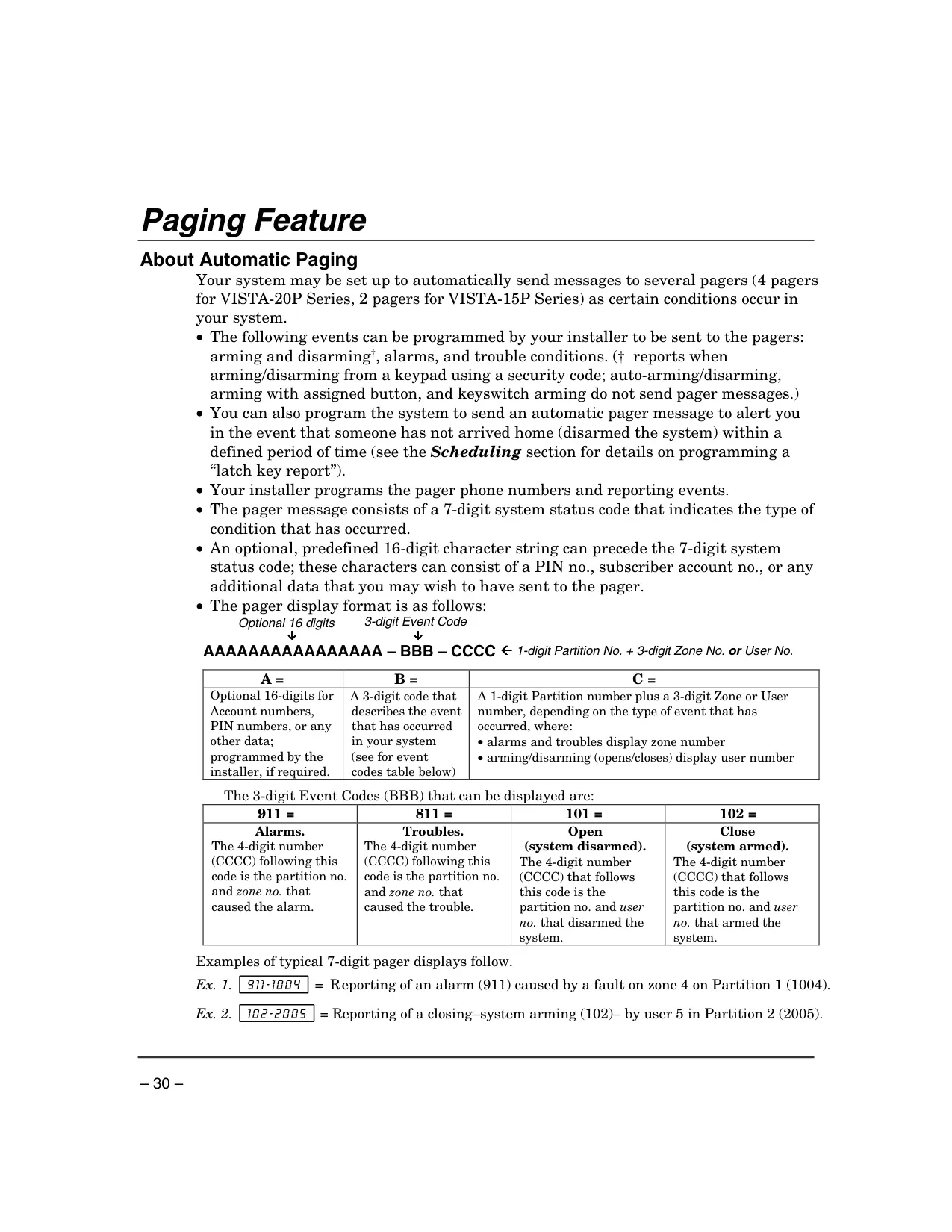
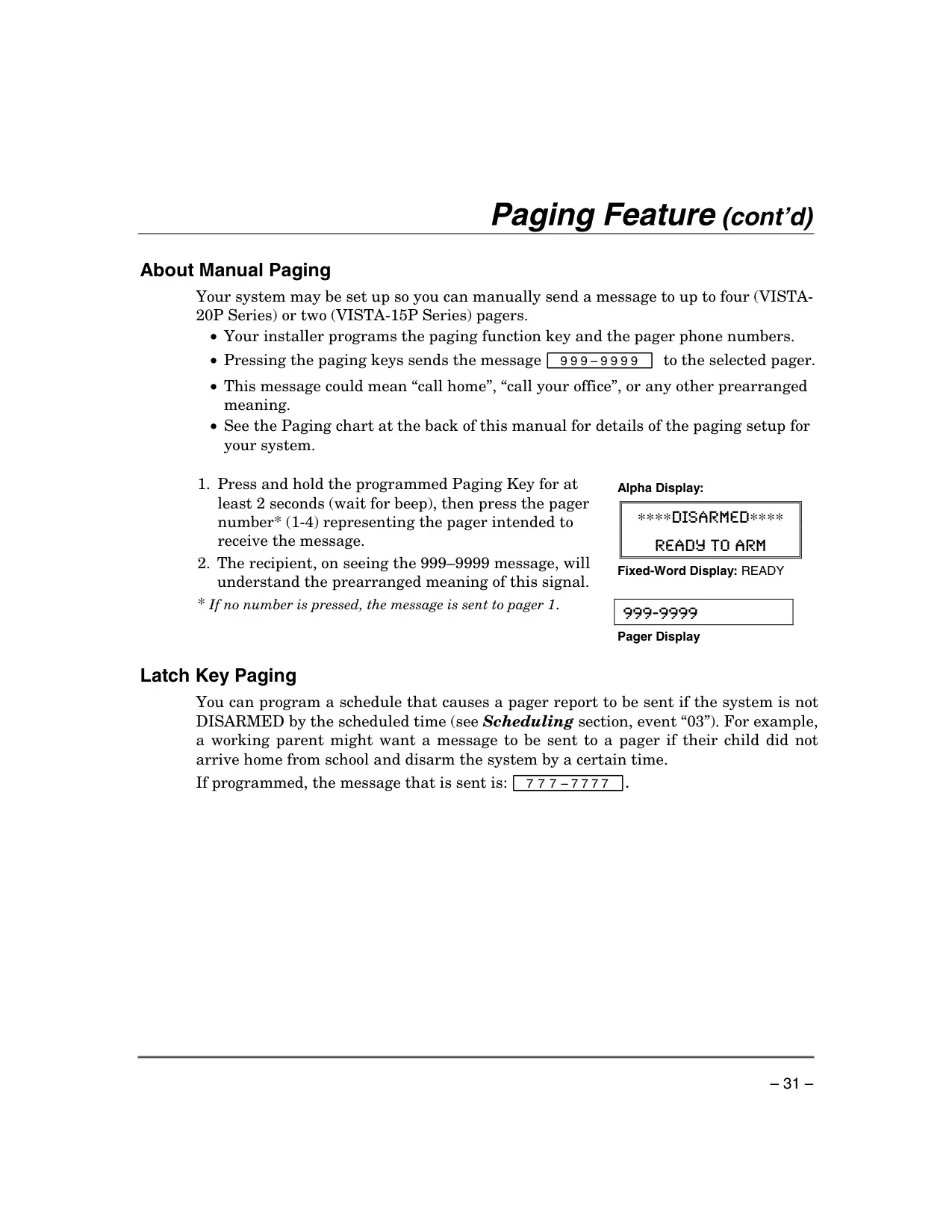
The system is designed for effective communication and monitoring. When connected to a Central Monitoring Station, alarm signals are automatically transmitted, with a configurable reporting delay to minimize false alarms. An optional phone module allows remote system access and control via a touch-tone phone, complete with voice status announcements. The Paging Feature provides automatic alerts to mobile pagers for events such as arming, disarming, alarms, and trouble conditions, using specific event codes. Latch Key Paging can also be programmed to notify if the system isn't disarmed by a certain time, enhancing oversight for family members or staff.
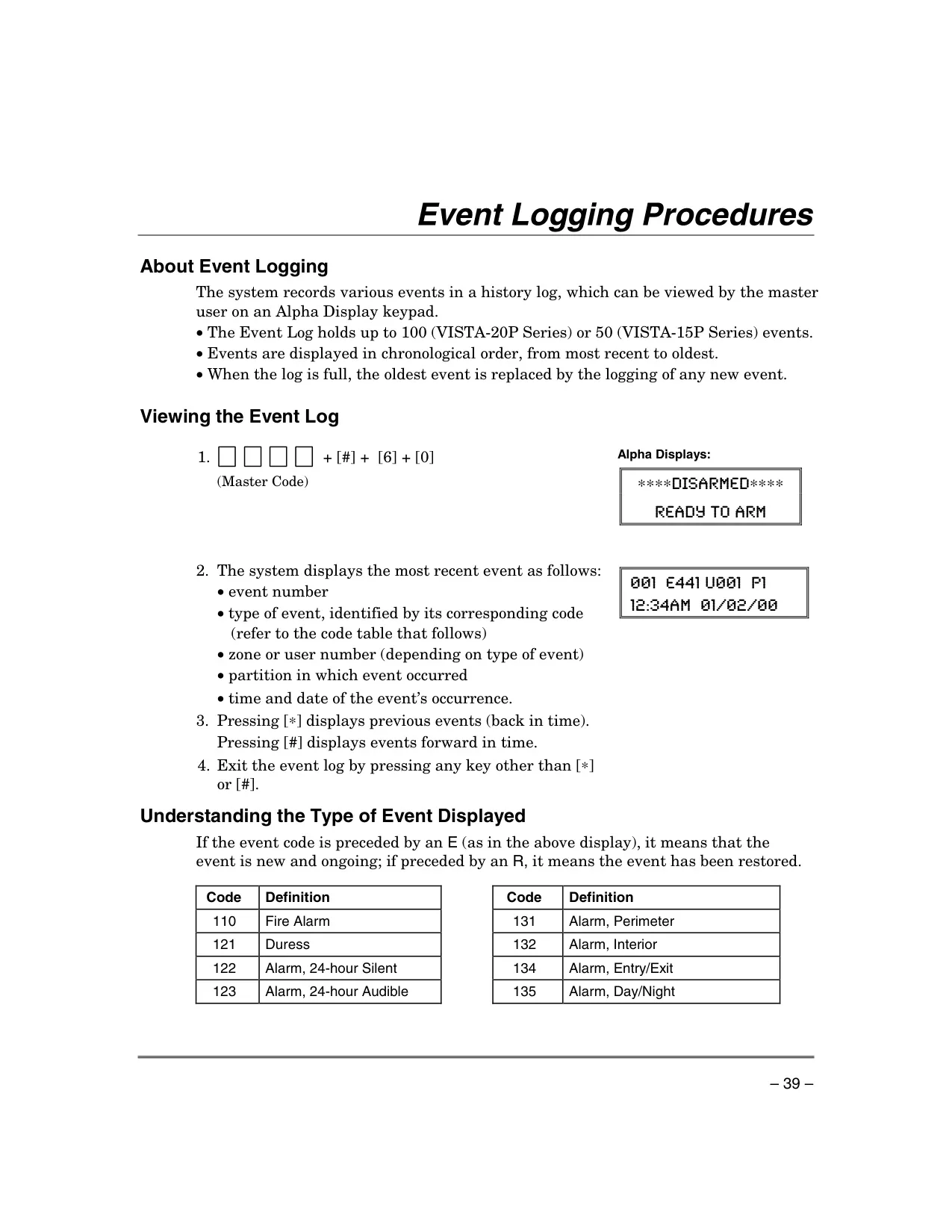
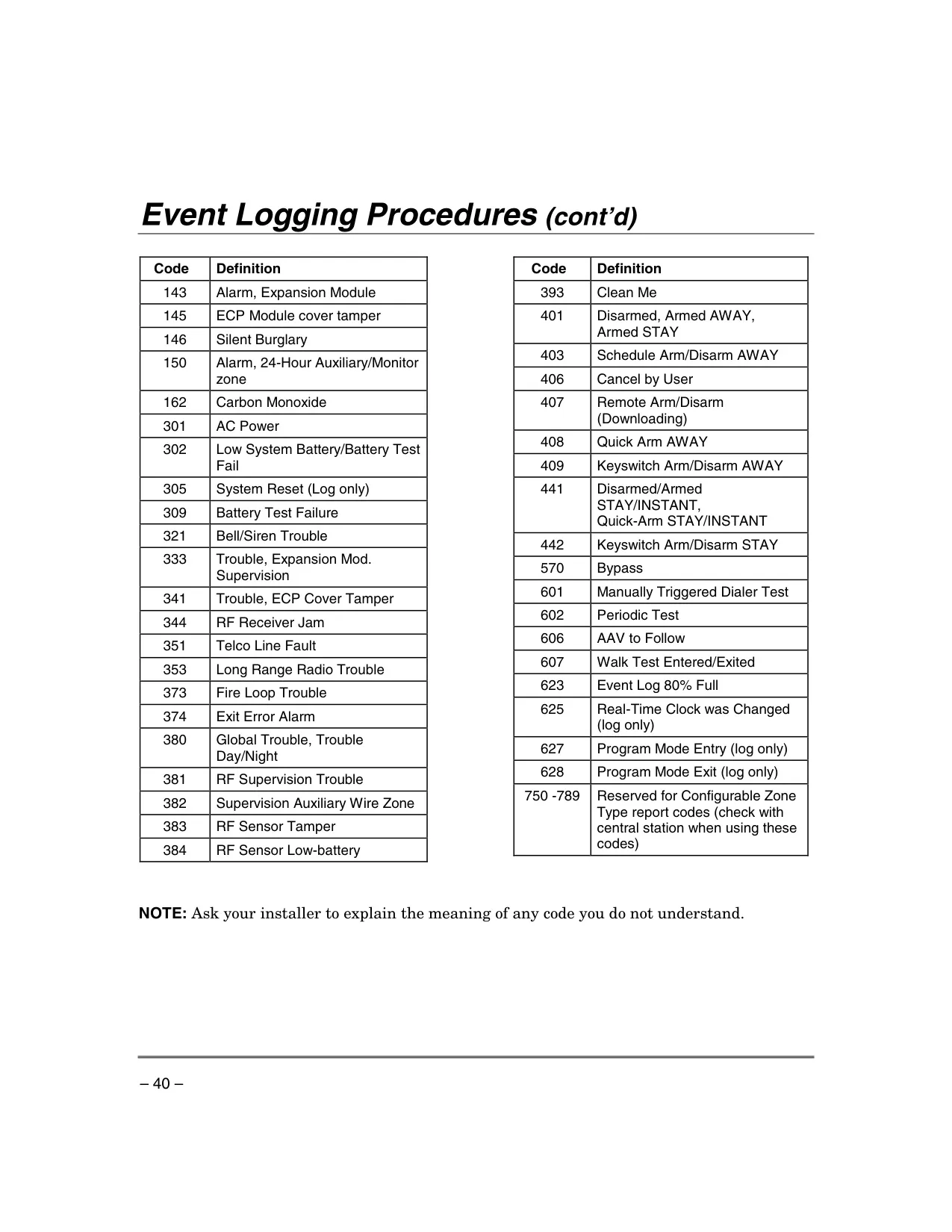
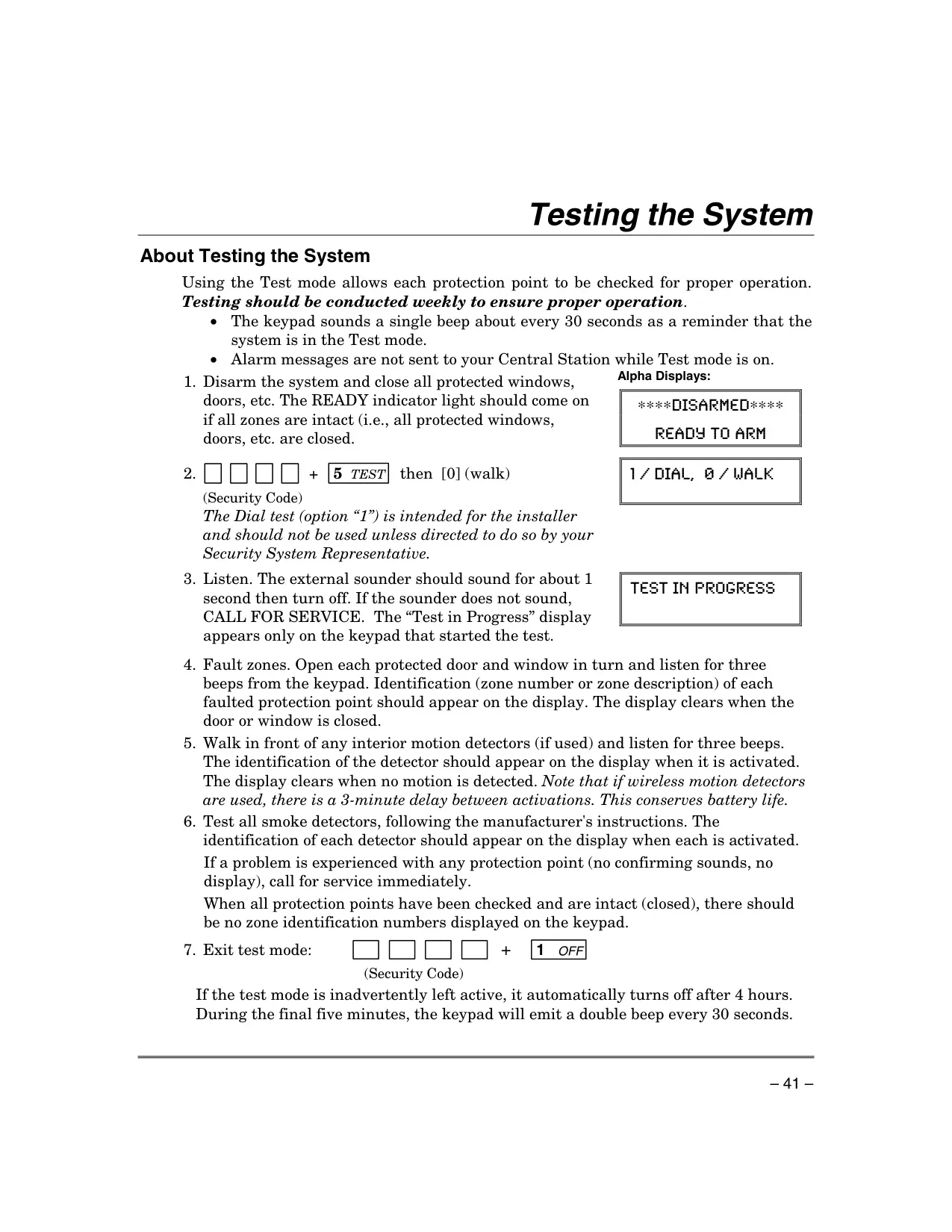
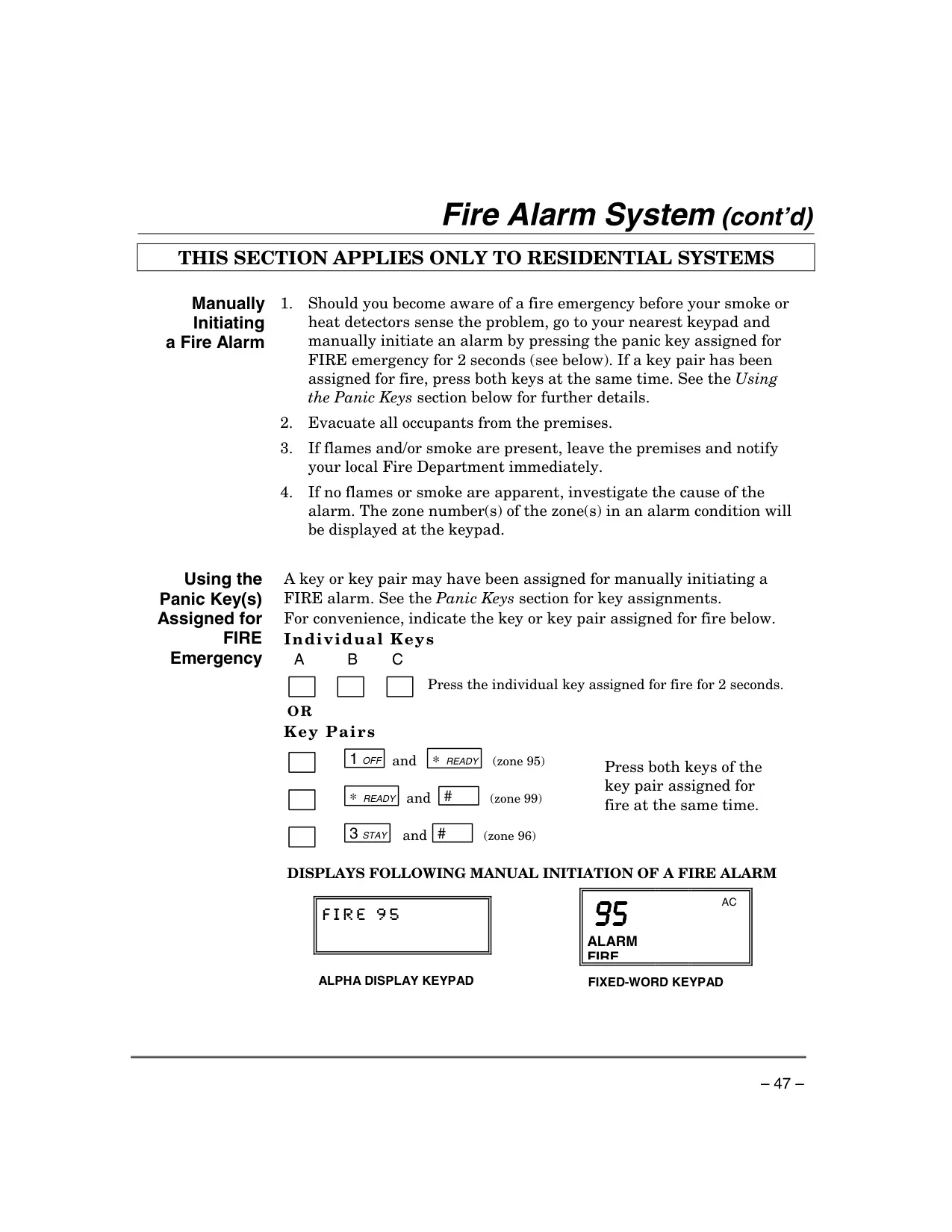
For system diagnostics and upkeep, the Vista 15p includes robust features. The Event Log stores up to 50 chronological events, viewable on alpha keypads, providing a detailed history of system activity. Various Trouble Conditions are indicated by "CHECK" messages or specific warnings like "LO BAT" (for low system or wireless sensor batteries), "COMM. FAILURE" for phone line issues, or "AC LOSS" for power outages. These visual and audible alerts prompt timely user intervention or service calls, ensuring the system remains fully operational. Weekly testing is highly recommended to confirm proper functionality of all protection points.
Frequently Asked Questions (FAQs)
Can't find the answer you need? Here are some frequently asked questions about the Honeywell Vista 15p Security System, and we answer them below.