Honeywell T3 Thermostat Instruction Manual
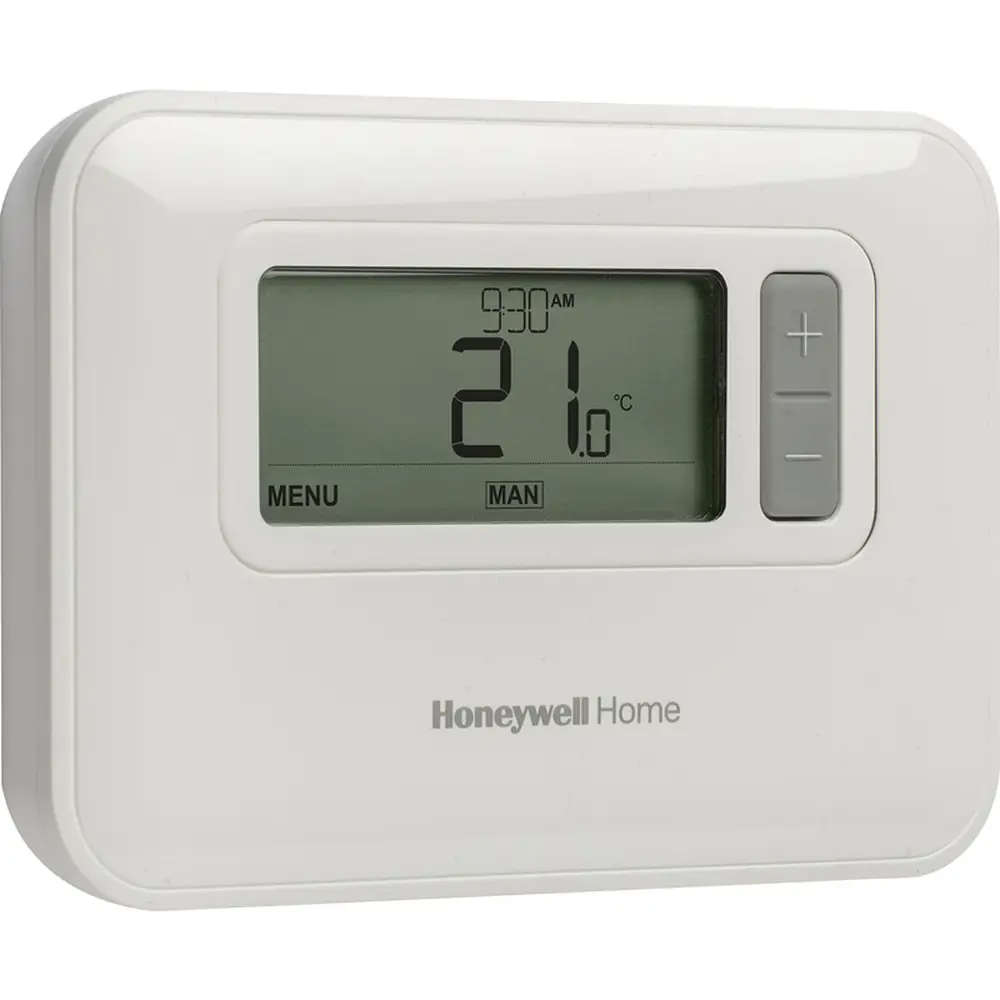
Honeywell T3 Thermostat
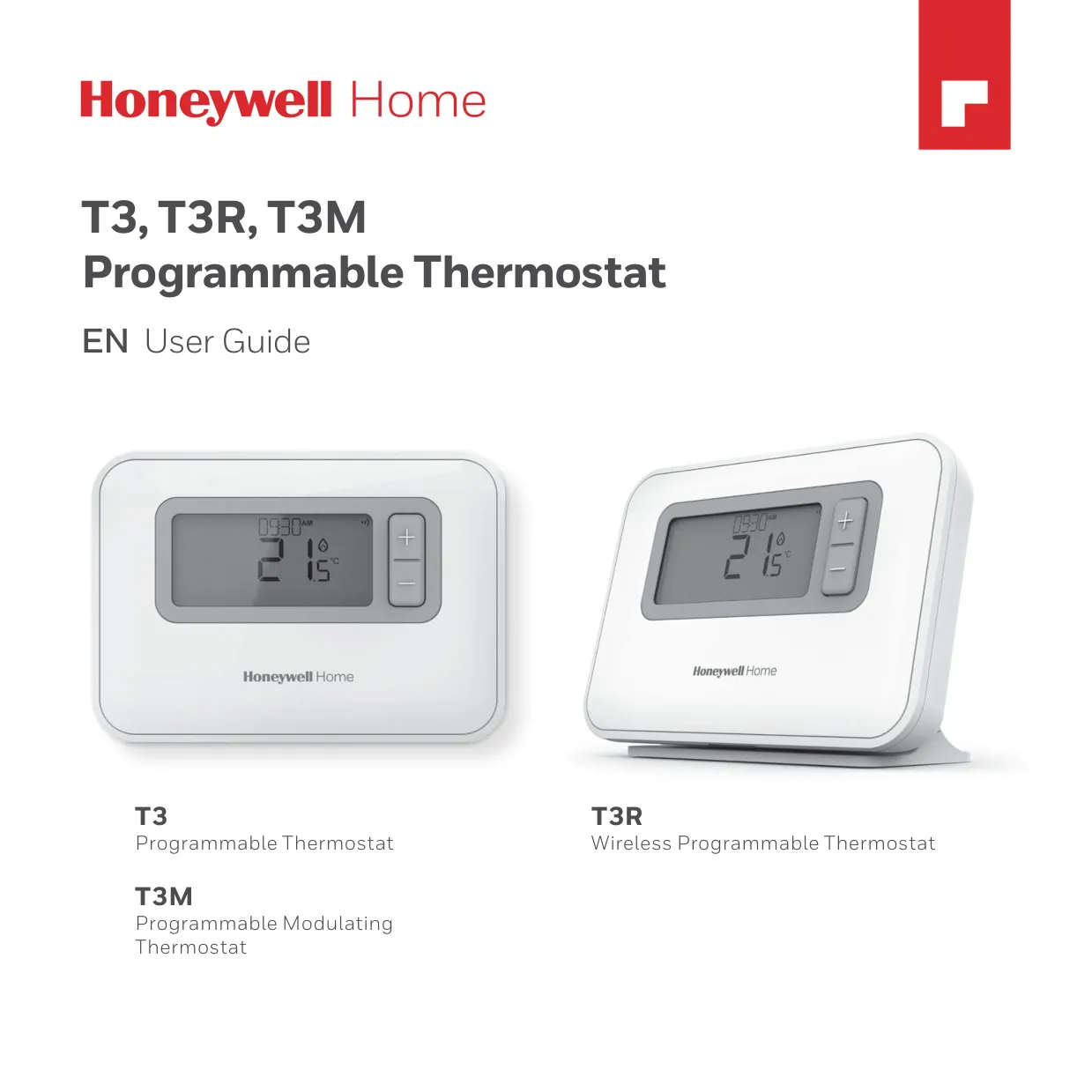






Honeywell T3 Thermostat






Honeywell T3 Thermostat Instructions
Here we offer the Honeywell T3 Thermostat manual completely free and in English. We have cataloged this manual in the Thermostats section on Manualverse, and it has been rated by 1 users with an average rating of 5. If you have any specific questions about Honeywell T3 Thermostat, we suggest checking the Frequently Asked Questions (FAQs) section of this manual.
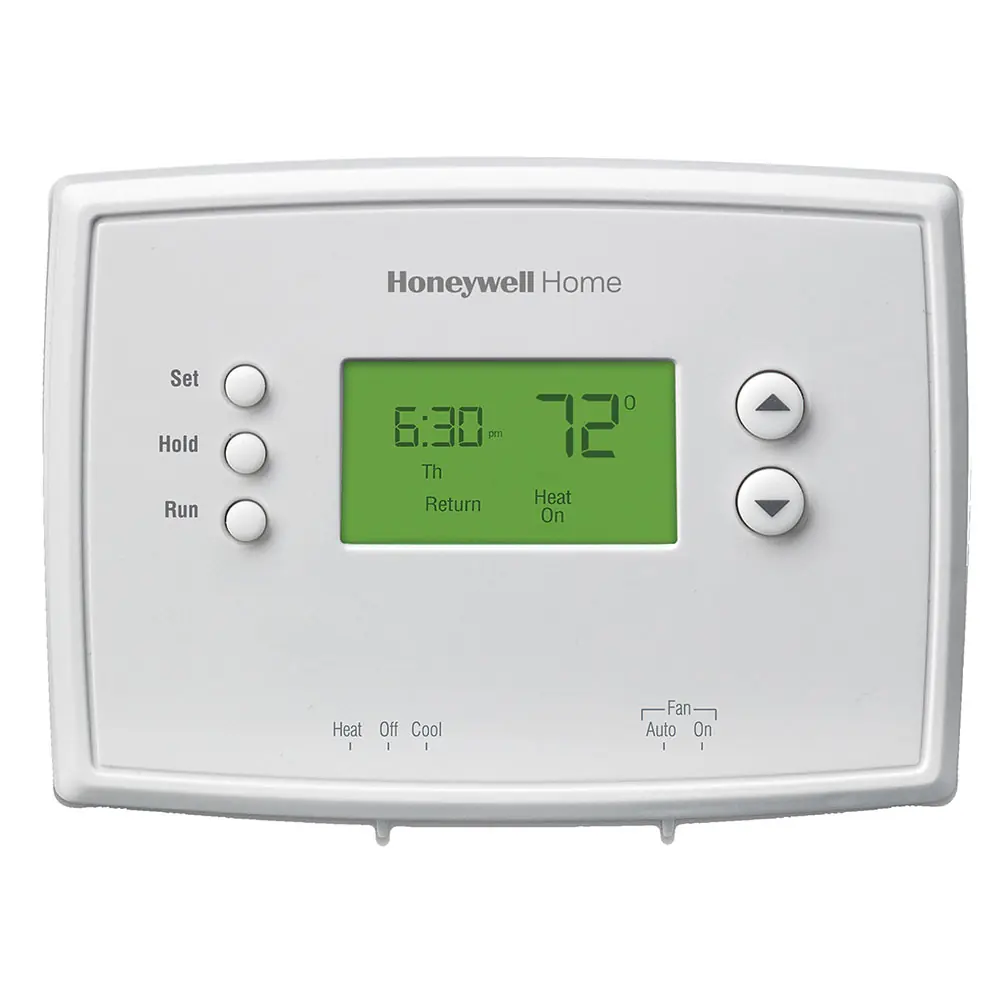
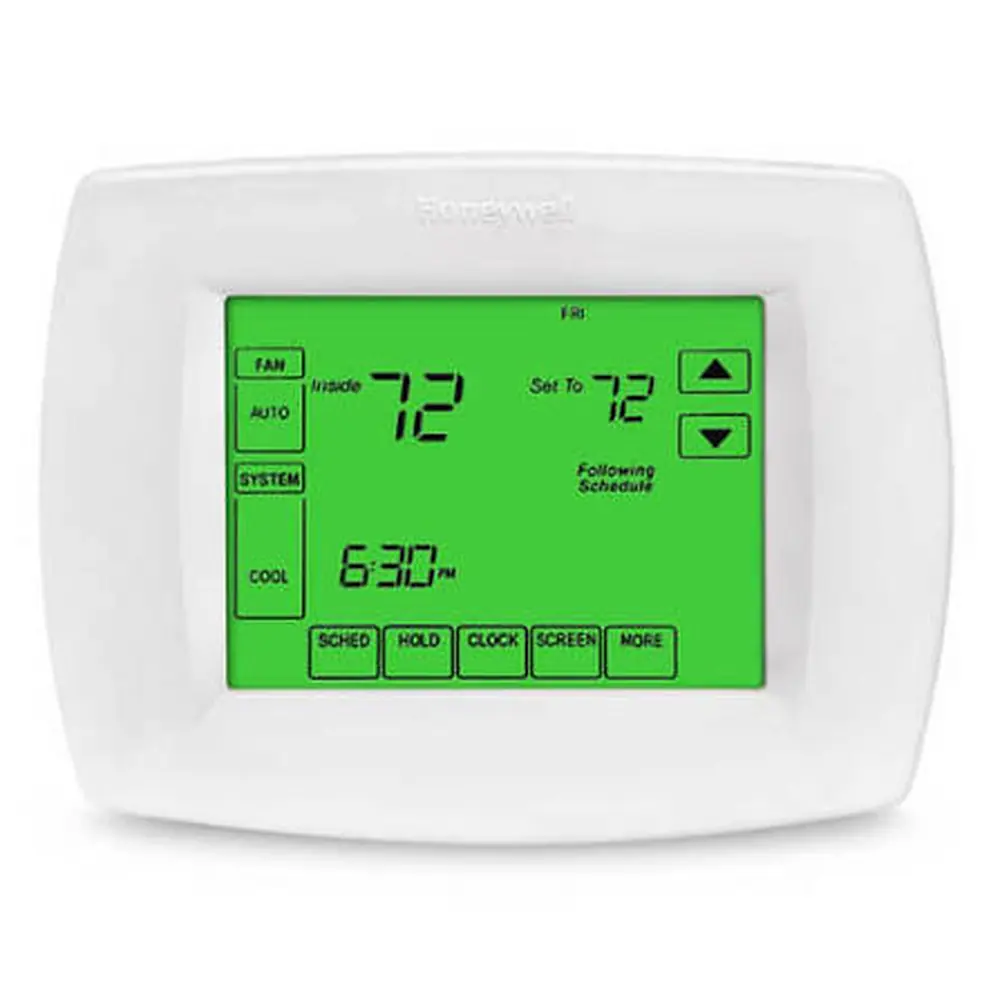
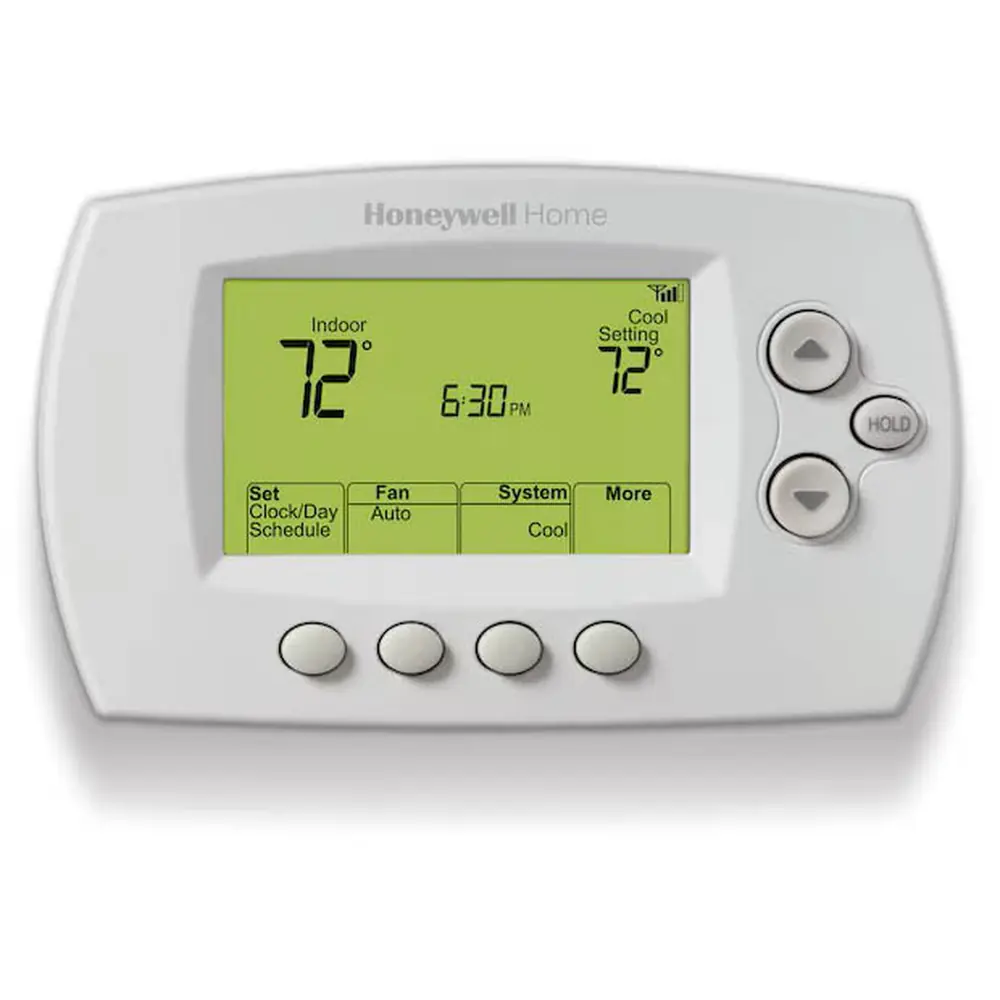
Product Images


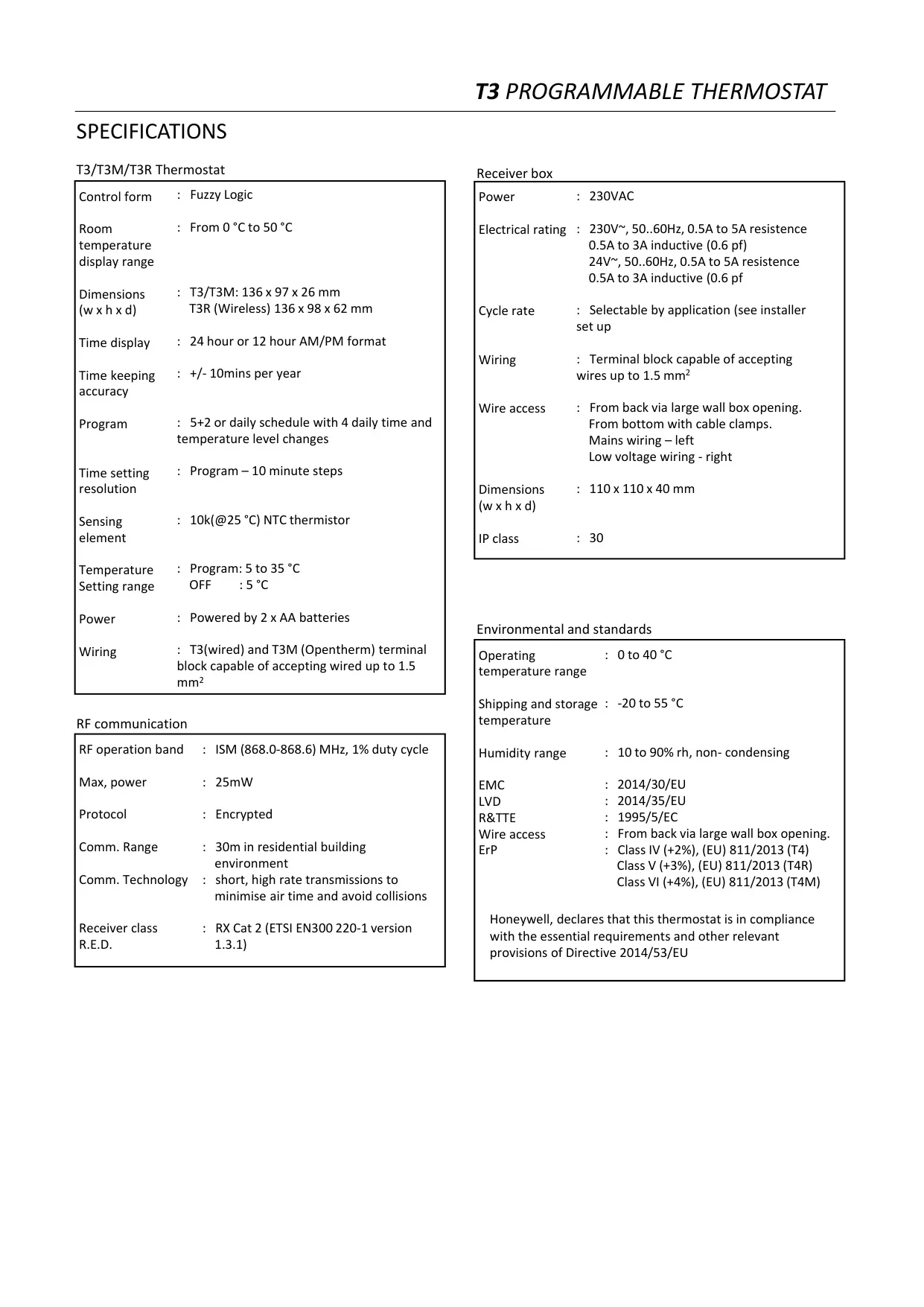
Honeywell T3 Thermostat Specifications
| Feature | Specification |
|---|---|
| Brand | Honeywell Home (Resideo Technologies, Inc.) |
| Model | T3 Programmable Thermostat (wired) |
| Order Code | T3H110A0066 |
| EAN Code | 5025121380553 |
| Product Family | T3 (wired), T3R (wireless), T3M (OpenTherm modulating) |
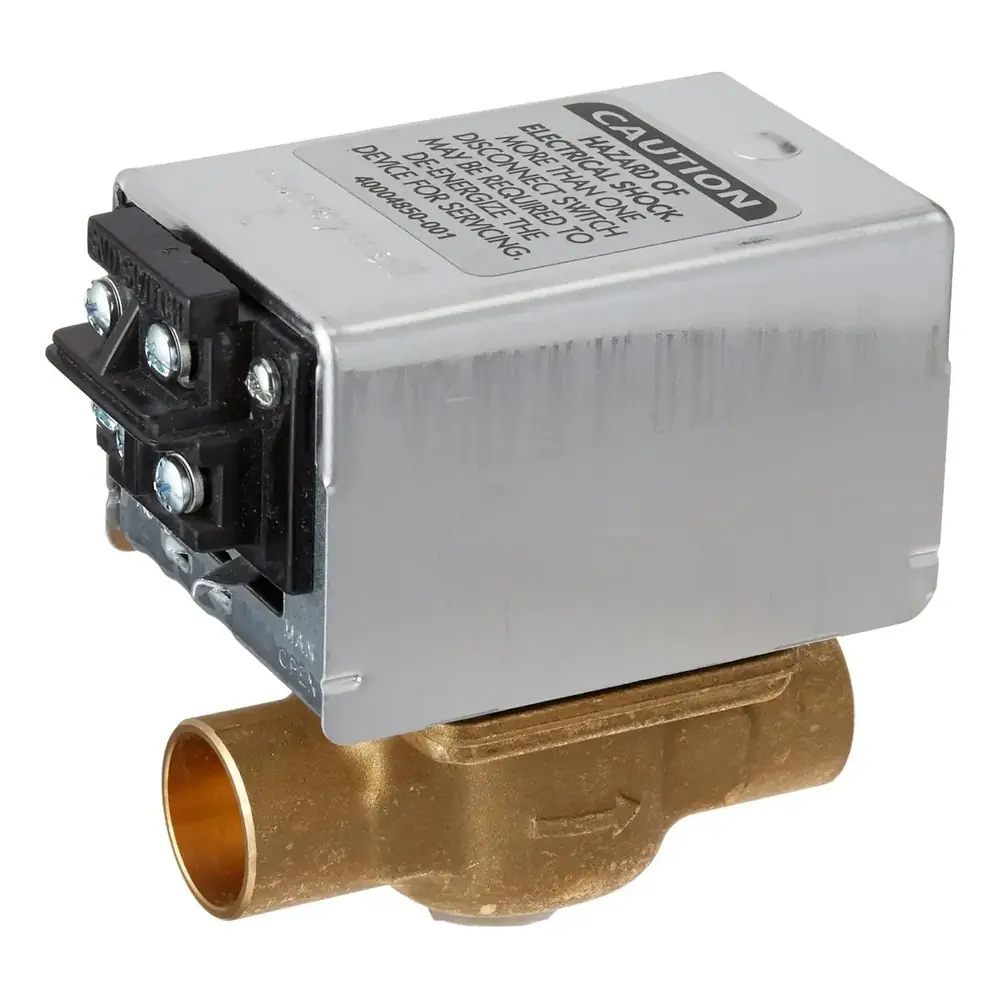
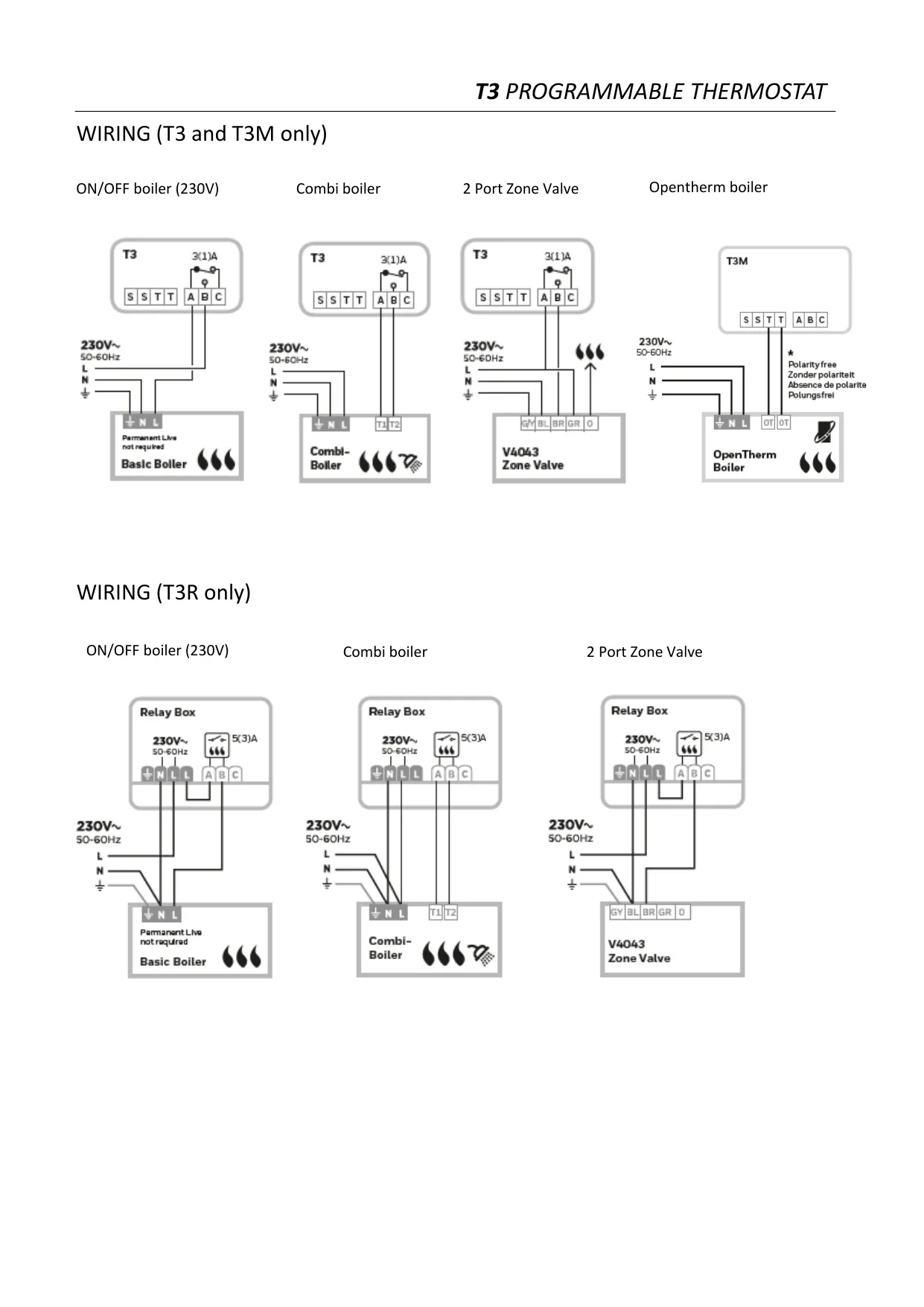
| Appliance Compatibility | 24 to 230 V on/off appliances: gas boilers, combi boilers, heat pumps and zone valves (not for 240 V electric heating) |
| Control Form | Fuzzy Logic |
| Room Temperature Display Range | 0 °C to 50 °C |
| Programmable Setpoint Range | 5 °C to 35 °C |
| OFF / Frost Protection Setpoint | 5 °C |
| Sensing Element | 10 kΩ (at 25 °C) NTC thermistor |
| Program Type | 5+2 or daily (7-day) schedule |
| Daily Periods | 4 time and temperature changes per day |
| Program Time Resolution | 10-minute steps |
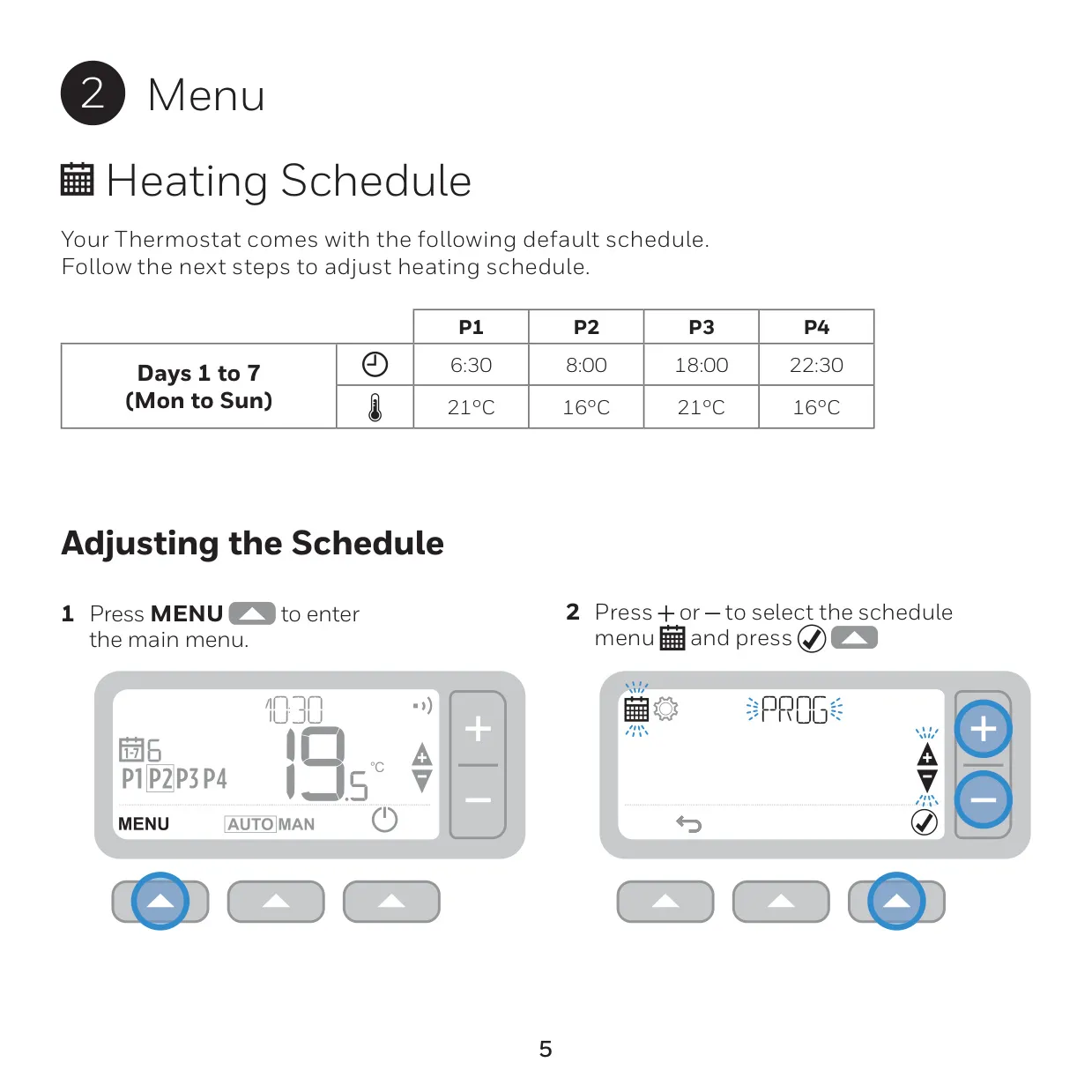
| Default Schedule (Days 1 to 7) | P1 6:30 / 21 °C, P2 8:00 / 16 °C, P3 18:00 / 21 °C, P4 22:30 / 16 °C |
| Time Display | 24-hour (default) or 12-hour AM/PM |
| Timekeeping Accuracy | ± 10 minutes per year |
| Power Supply | 2 x 1.5 V LR6 AA alkaline batteries |
| Battery Life | Approx. 2 years, depending on use |
| Low Battery Warning | At approx. 10% remaining power |
| Wiring Terminals | Terminal block accepts wires up to 1.5 mm² |
| Dimensions (W x H x D) | 136 x 97 x 26 mm |
| Display | Fixed segment display with backlight |
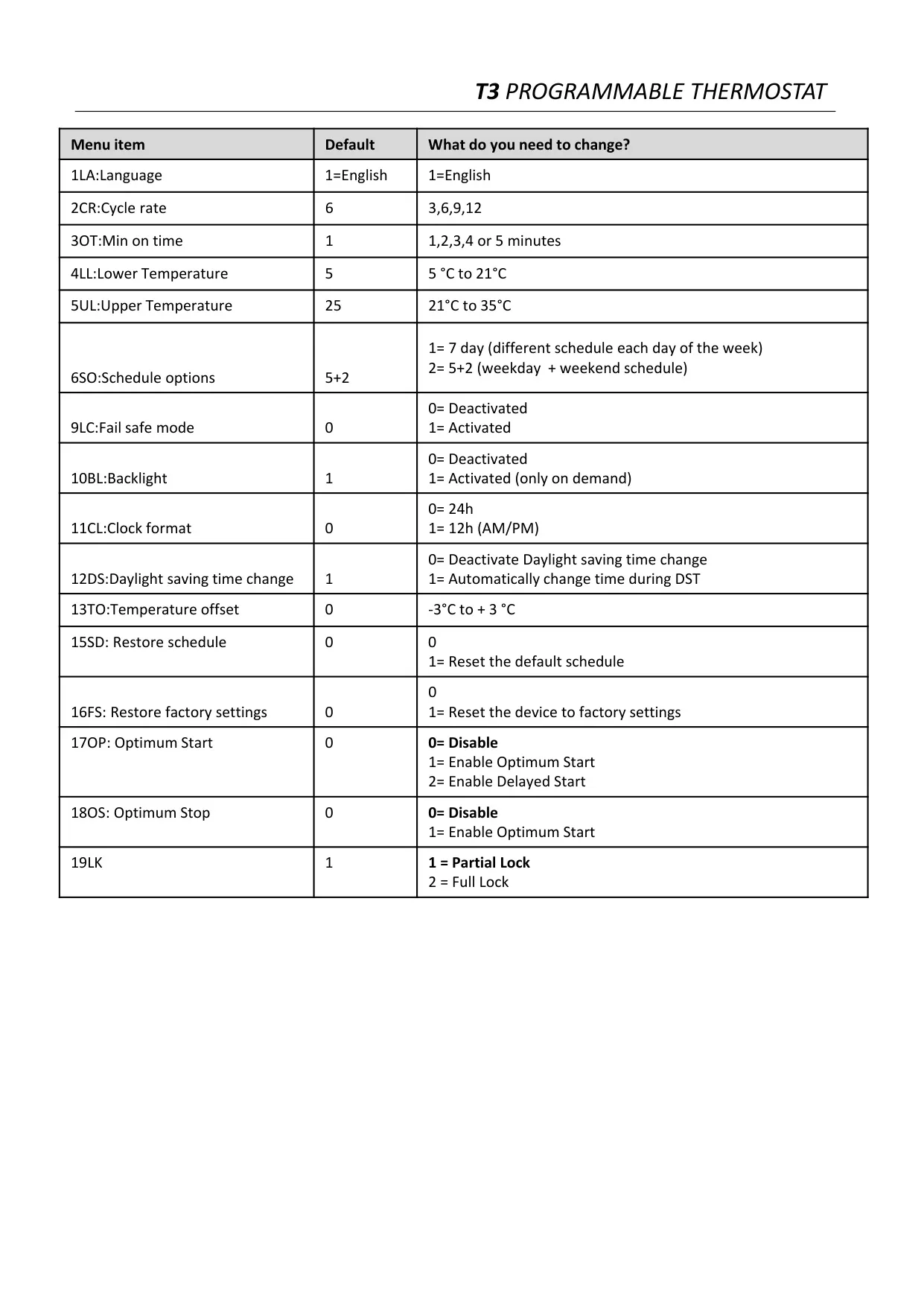
| Cycle Rate | 3, 6, 9 or 12 cycles per hour (default 6) |
| Minimum ON Time | 1 to 5 minutes (default 1) |
| Lower Temperature Limit | Adjustable 5 °C to 21 °C (default 5 °C) |
| Upper Temperature Limit | Adjustable 21 °C to 35 °C (default 25 °C) |
| Temperature Display Offset | -3 °C to +3 °C (default 0) |
| External Remote Sensor | Optional wired sensor, up to 50 m, read every 1 minute |
| Fail-Safe Cycling | 20% ON / 80% OFF when sensor fails (if enabled) |
| Recommended Mounting Height | 1.2 to 1.5 m above the floor |
| Operating Temperature | 0 °C to 40 °C |
| Shipping and Storage Temperature | -20 °C to 55 °C |
| Humidity Range | 10 to 90% RH, non-condensing |
| ErP Class | Class IV (+2%), (EU) 811/2013 |
| Compliance | EMC 2014/30/EU, LVD 2014/35/EU, RED 2014/53/EU |
| Country of Origin | UK |
Honeywell T3 Thermostat Details
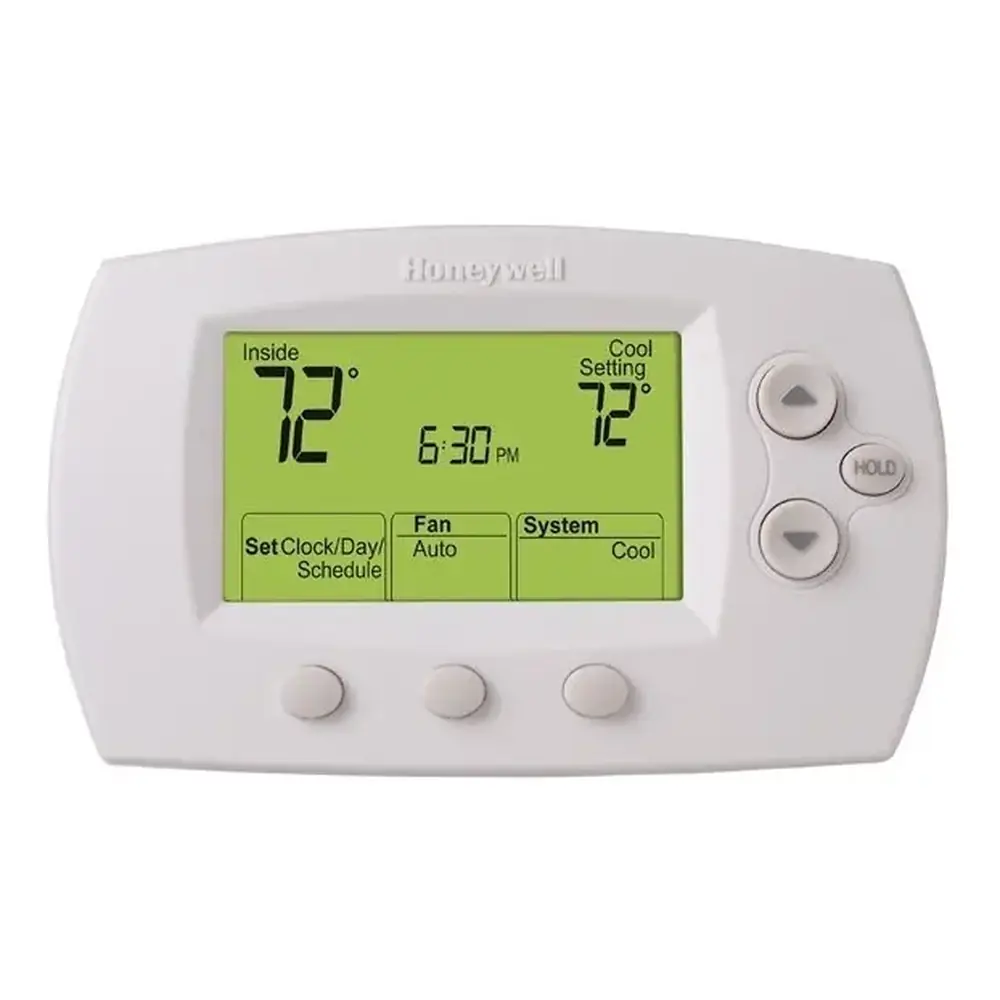
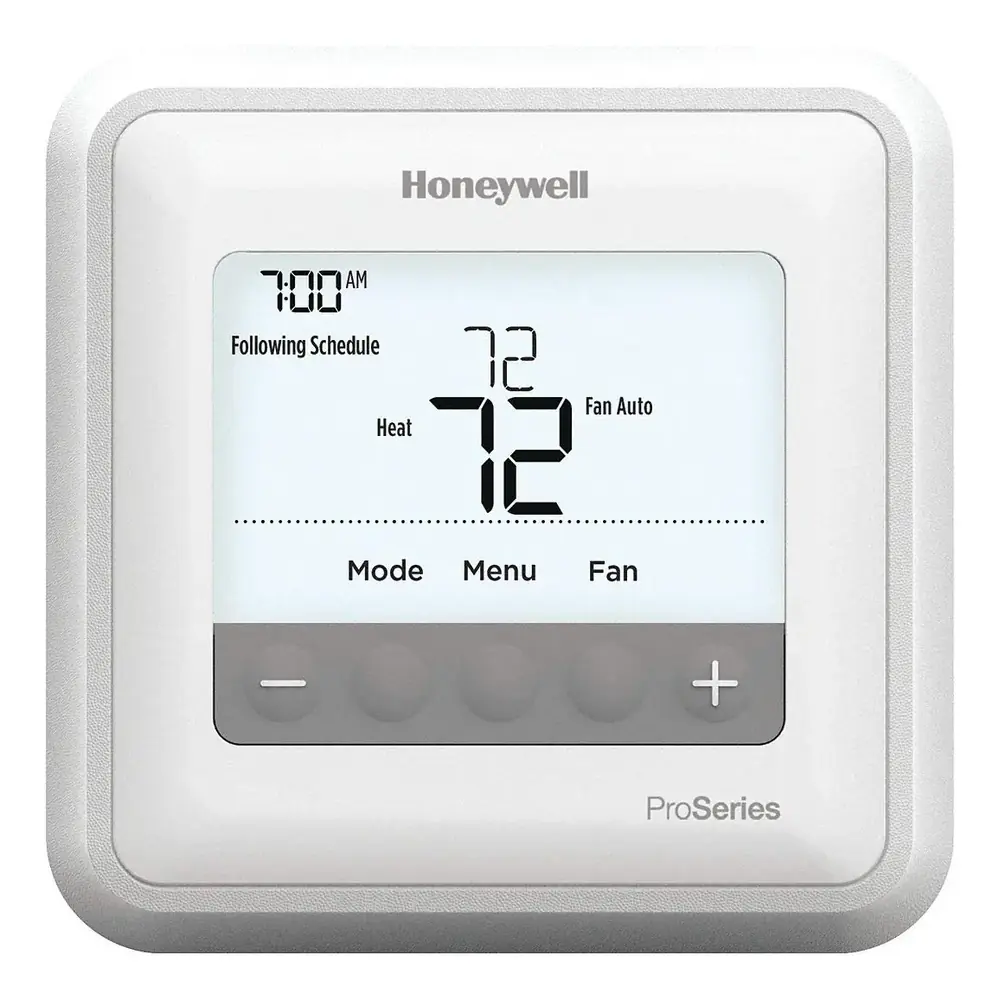
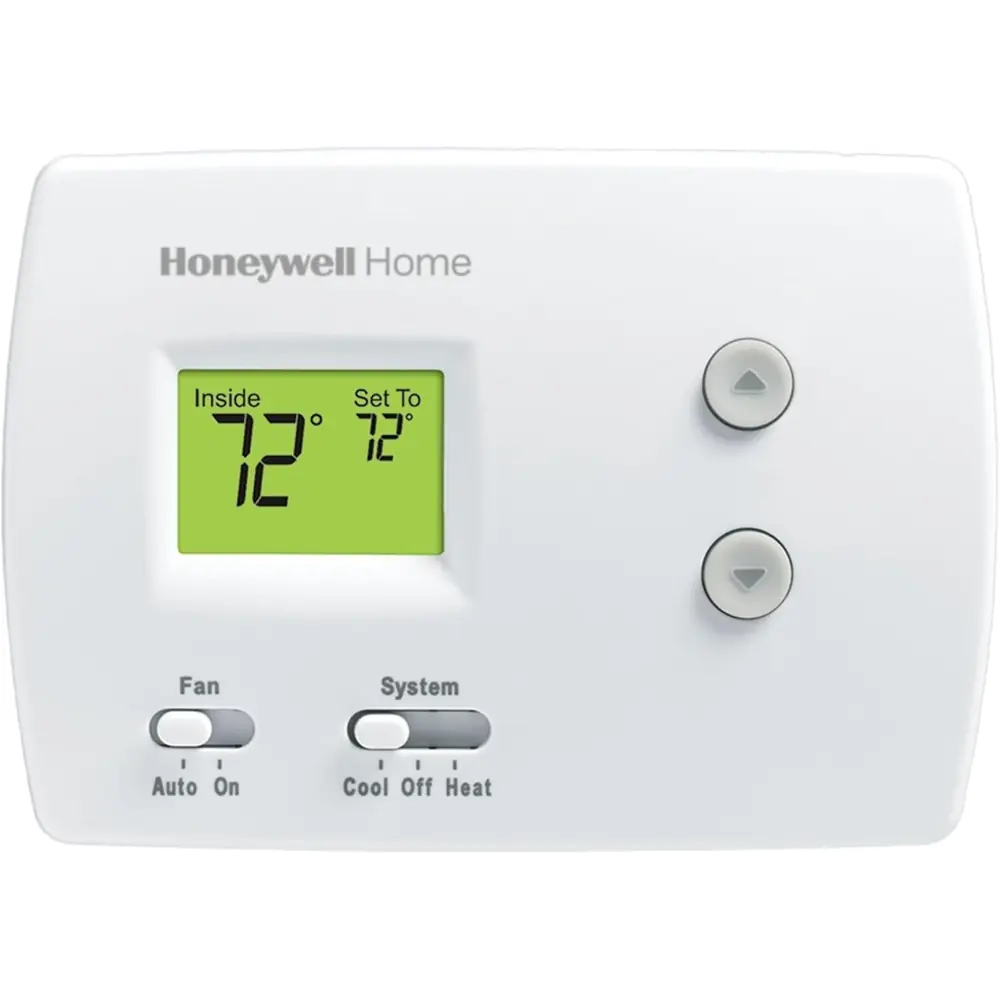
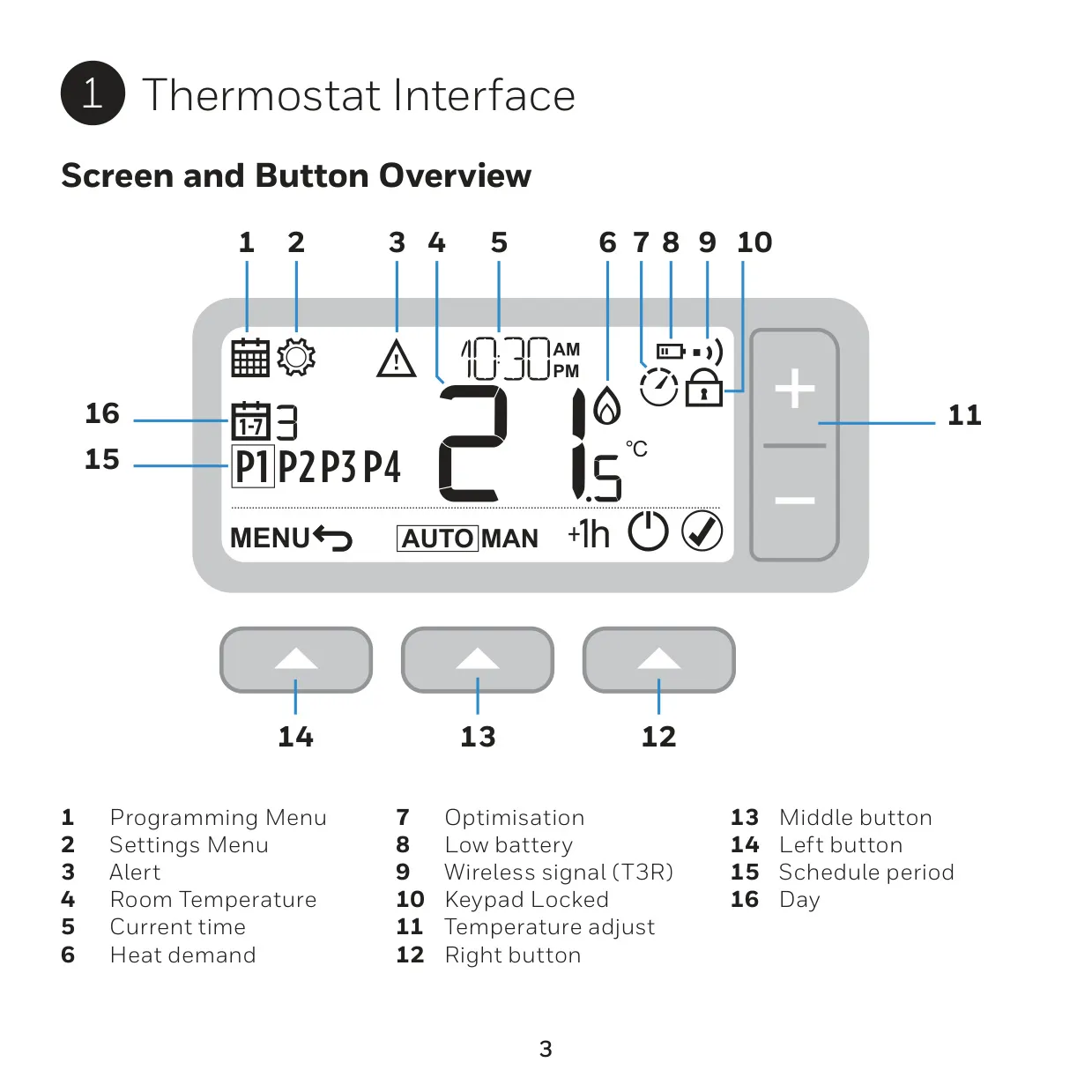
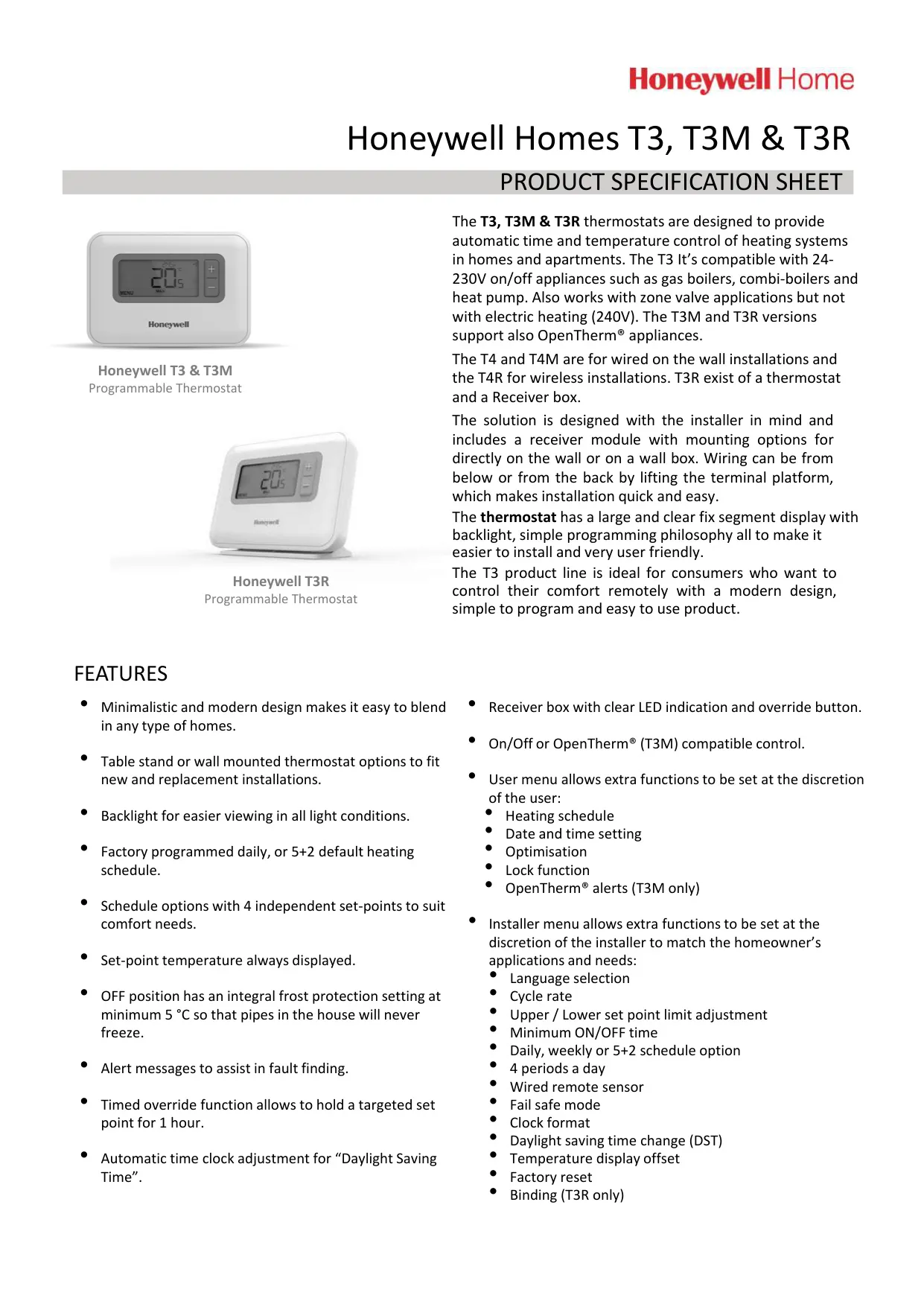
The Honeywell T3 is a wired, battery-powered programmable thermostat built to control the time and temperature of home heating systems. It has a minimalistic design meant to fit into any interior. The screen shows the room temperature, current time, day, active schedule period and status icons. These include Heat Demand, Temperature Override Active, 1 Hour Override Active, Optimisation Active, Low Battery and Keypad Locked. The setpoint temperature is always on display. Three buttons at the bottom of the front panel (left, middle and right) work with the MENU key to move through the menus.
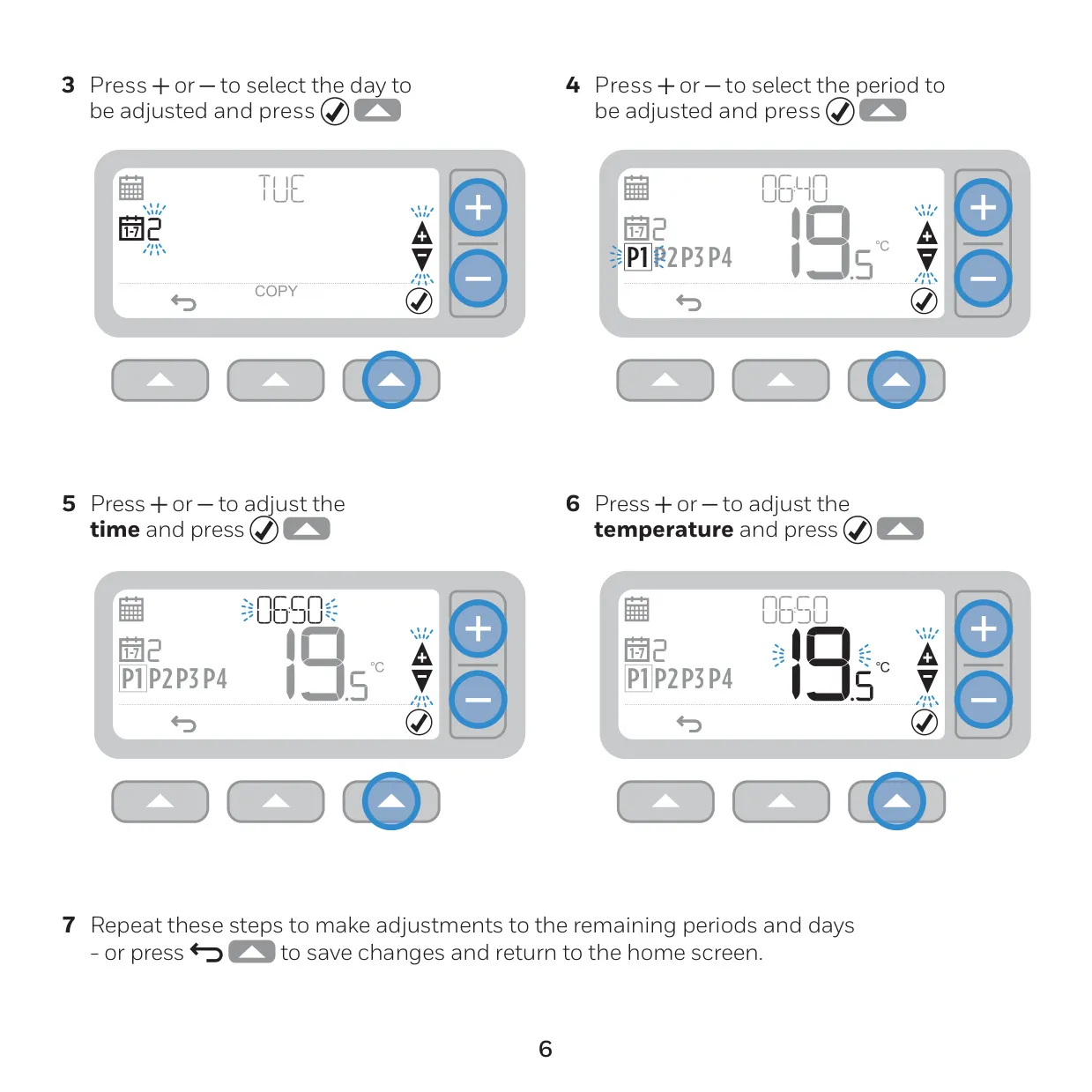
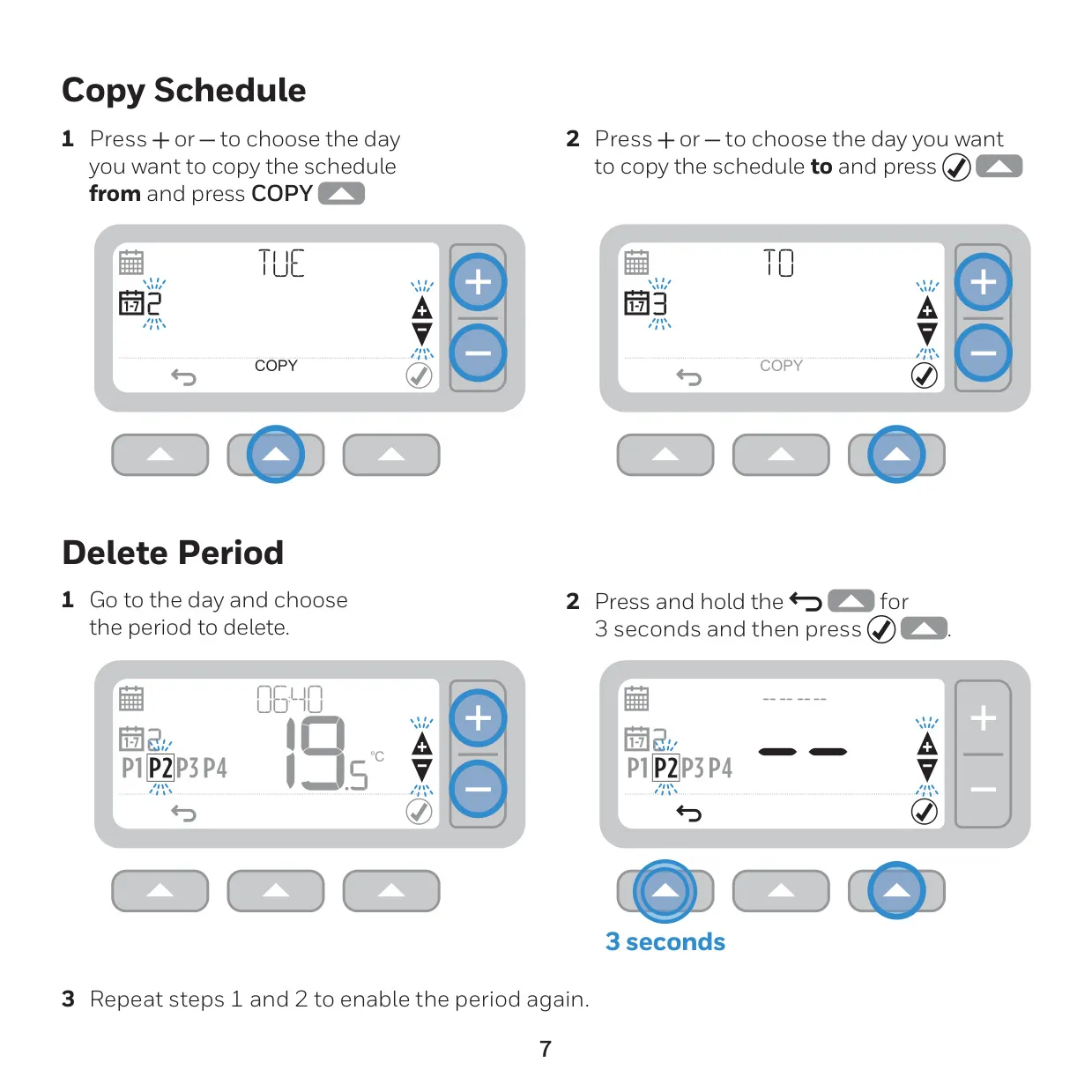
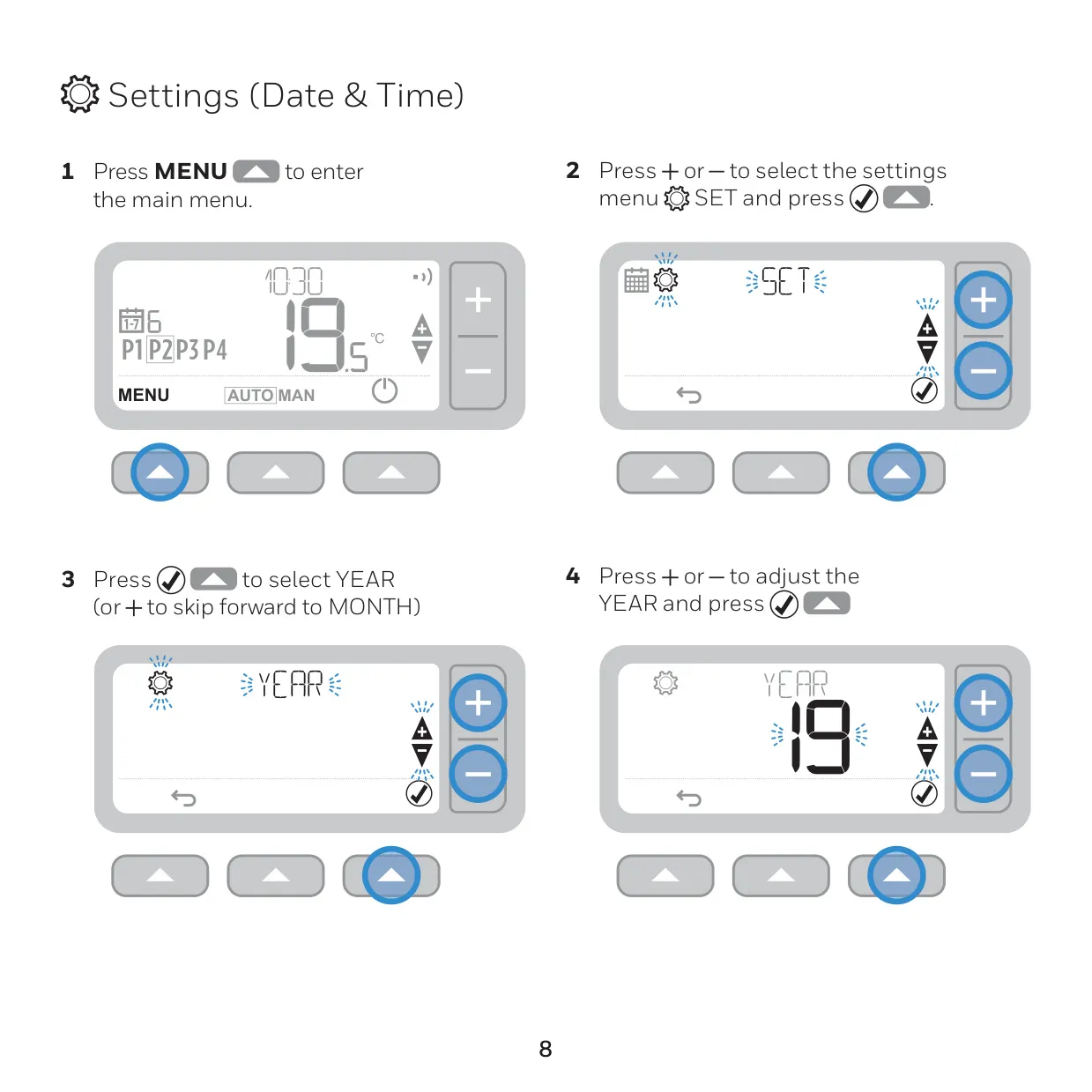
Navigation is simple. Press MENU, select a menu item (it flashes when selected) and confirm it. Then use the plus and minus keys to adjust each value. To edit the schedule, choose a day and then a period, and set the start time and the temperature. The Copy Schedule function copies one day's program to another day, so you don't have to enter it again. To remove a period you don't need, select it and hold the button for 3 seconds. Repeat the same steps to turn the period back on. Date and time are set in this order: year, month, day, hour and minute.
The thermostat has two main operating modes. In Automatic (AUTO) mode it follows the programmed schedule. A temporary override holds a new temperature only until the next programmed setpoint. A dedicated key starts a +1hr timed override, which you cancel by pressing the same key again. In Manual (MAN) mode the unit keeps one set temperature permanently until you change it. Standby switches the heating off and the screen shows OFF. This is useful in summer or when windows stay open for a long time. Frost protection remains active in Standby.
Holding the left and right buttons together for 5 seconds turns the keypad lock on or off. The installer chooses between a partial lock and a full lock. This helps in rental homes or public places. Optimisation is disabled by default and is turned on in the installer menu. Optimum Start learns how long your home takes to warm up and starts heating early enough to reach the setpoint on time. Delayed Start starts heating slightly later when the room is already close to the setpoint. Optimum Stop turns the heating off a little before the programmed time to save fuel.
The installer menu opens with a 3-second press and has extra options. These include language, schedule type, backlight on demand, clock format and automatic daylight saving time change. It also has options to restore the default schedule or the factory settings. You can raise the lower temperature limit to protect elderly people or children. You can also lower the upper limit to keep a tenant's energy use down. An optional wired remote sensor lets the T3 control the temperature of a different room. This is helpful in commercial premises where people might tamper with the unit.
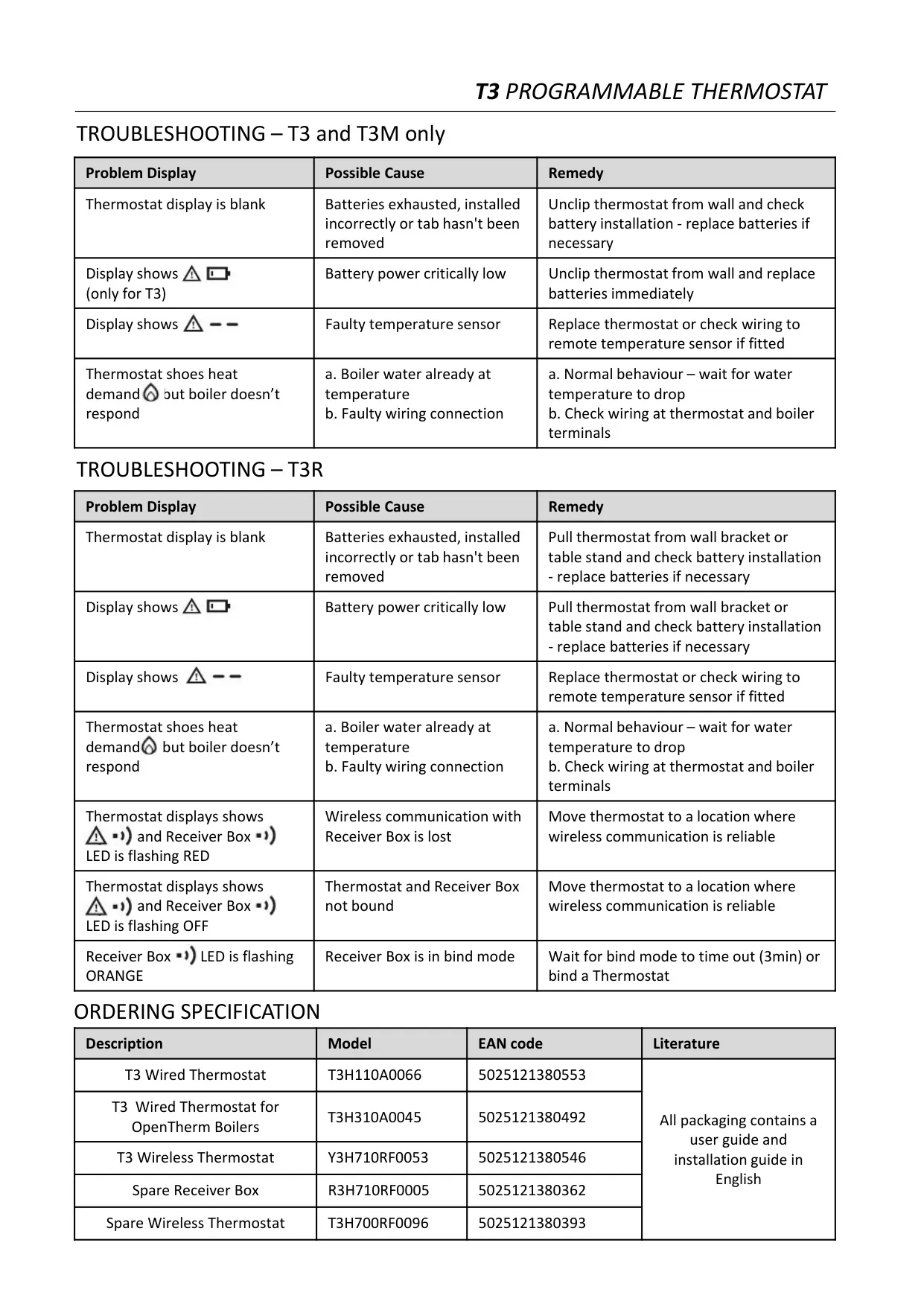
Battery warnings come in two stages. A battery icon appears at about 10% power. When power becomes critically low, a flashing alert appears and you should change the batteries straight away. Built-in troubleshooting messages cover a blank screen, a faulty temperature sensor and a boiler that does not respond while heat demand is shown. A boiler that cycles off on its own is normal behaviour. In the UK, the thermostat can also show a boiler service reminder. For best accuracy, keep the thermostat away from draughts, direct sunlight and heat sources.
Frequently Asked Questions (FAQs)
Can't find the answer you need? Here are some frequently asked questions about the Honeywell T3 Thermostat, and we answer them below.