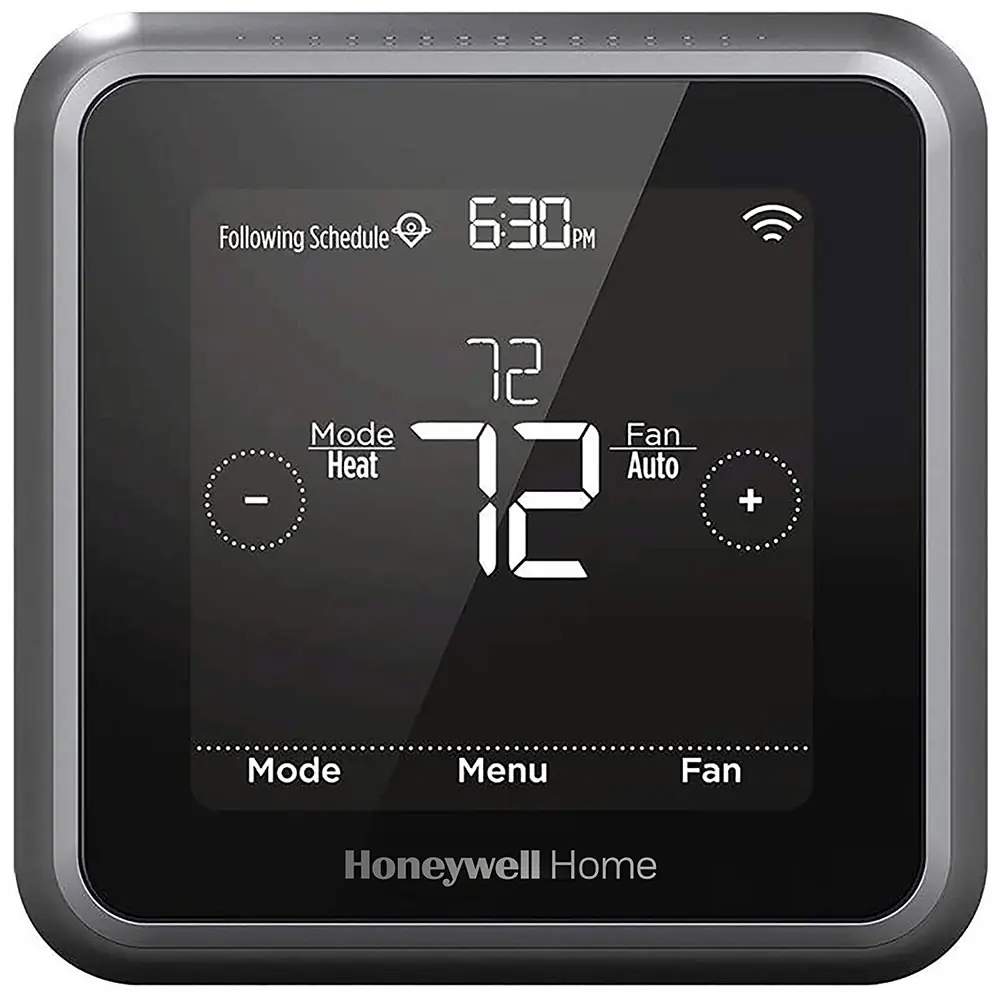
Honeywell TH3110D1008 Pro 3000 Series Instruction Manual
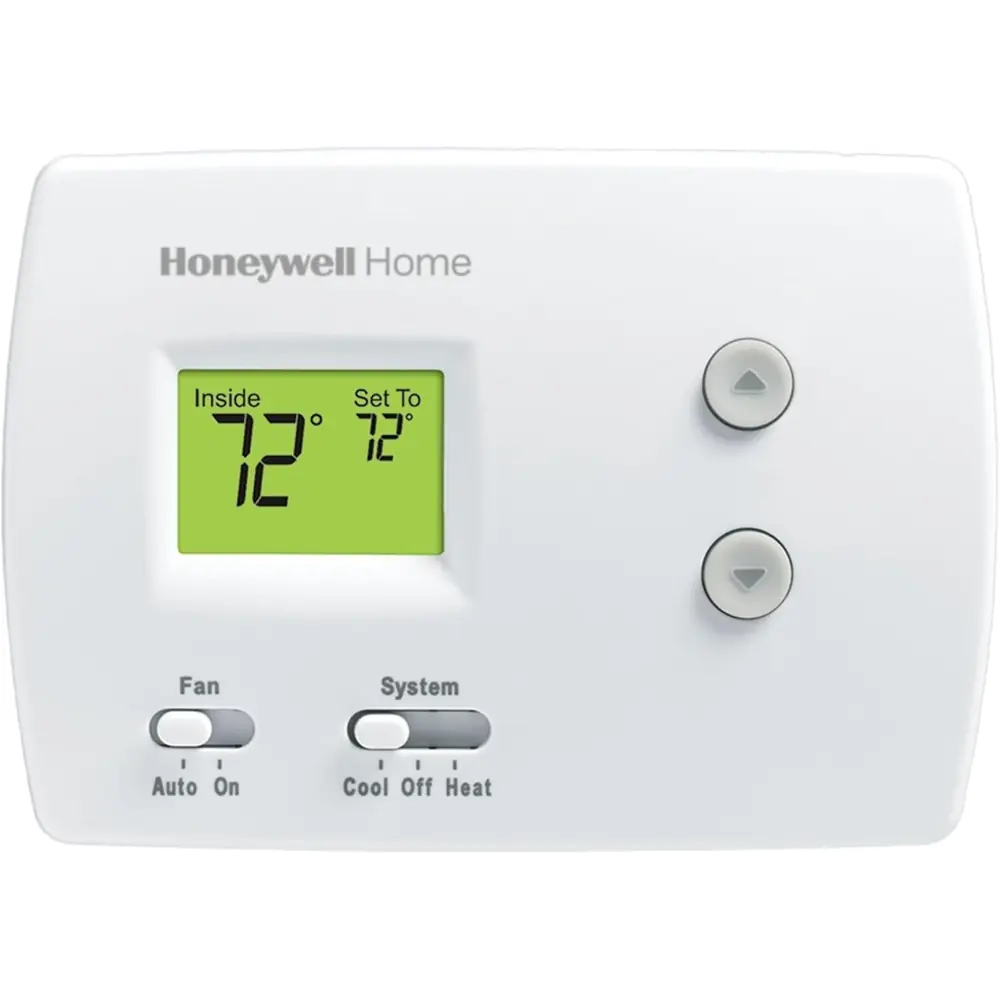
Honeywell TH3110D1008 Pro 3000 Series
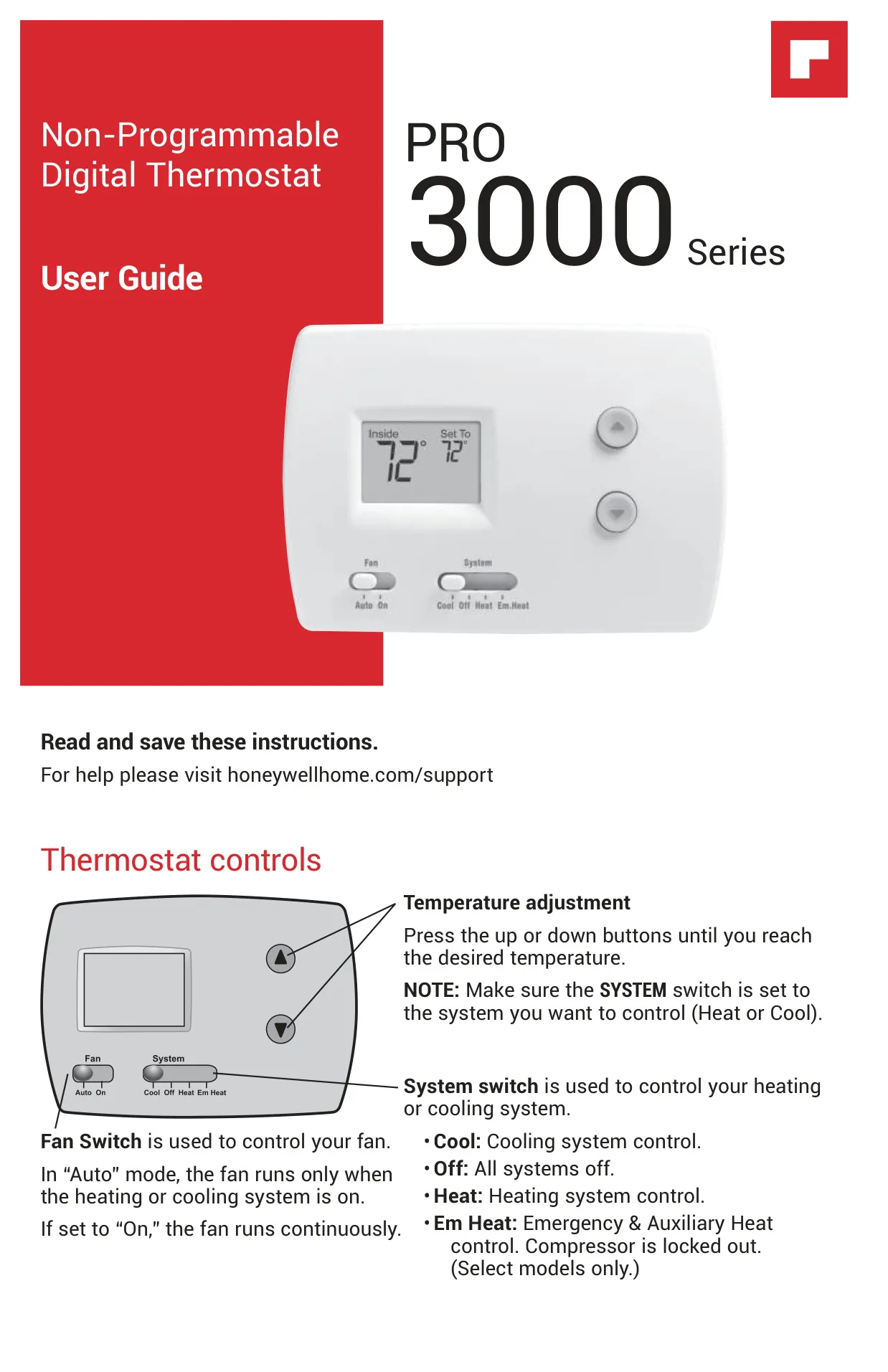
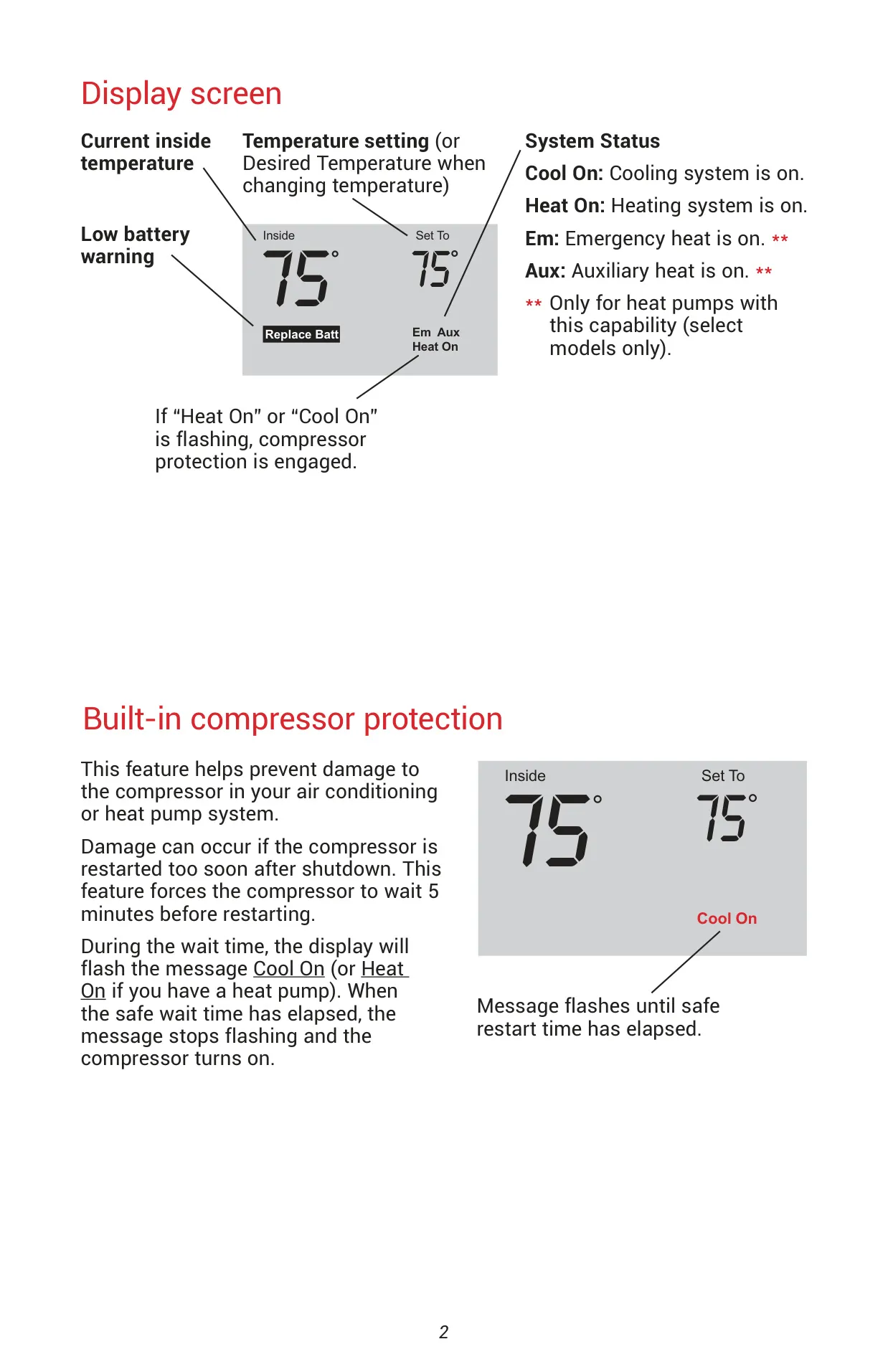


Honeywell TH3110D1008 Pro 3000 Series
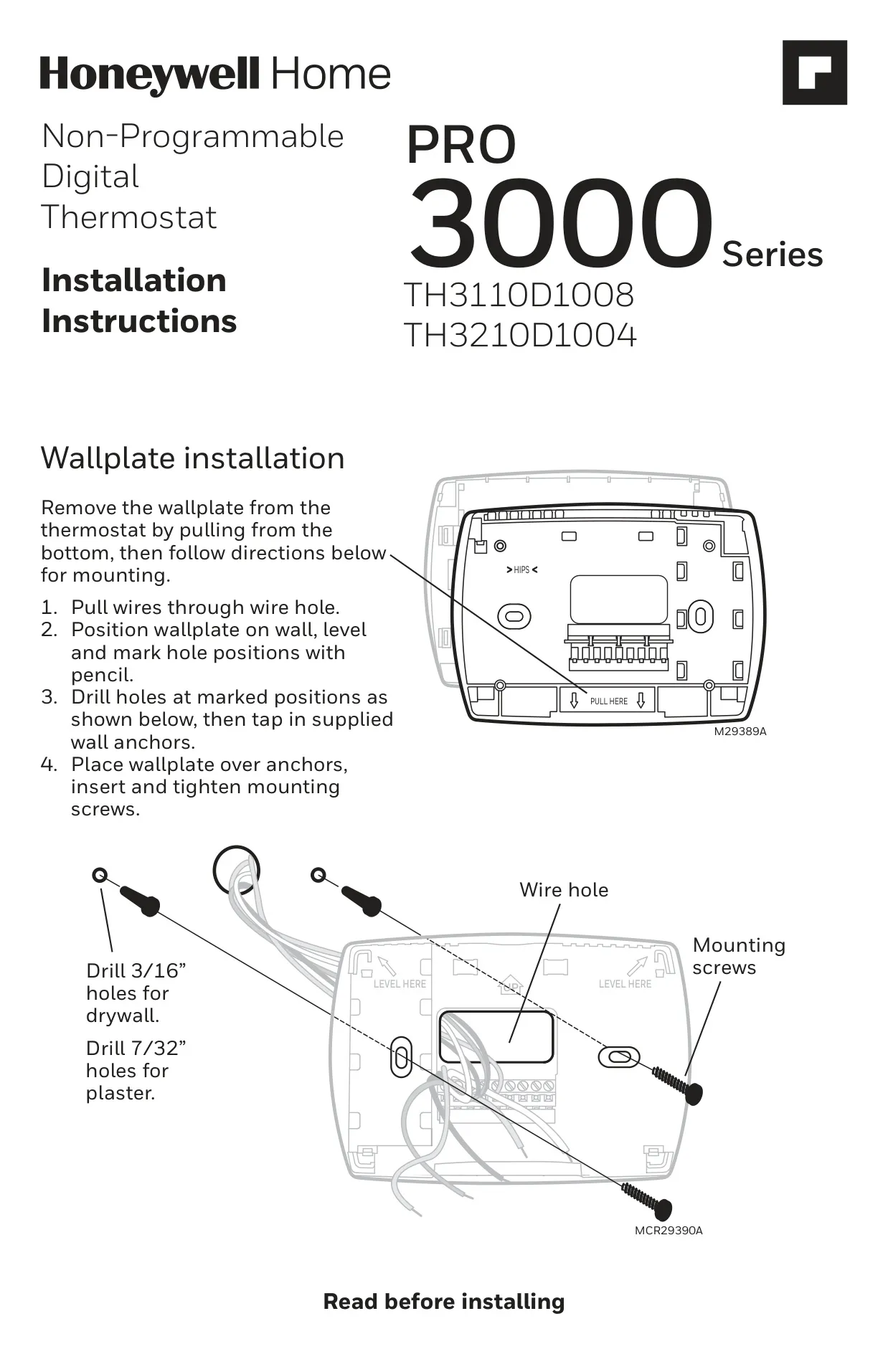

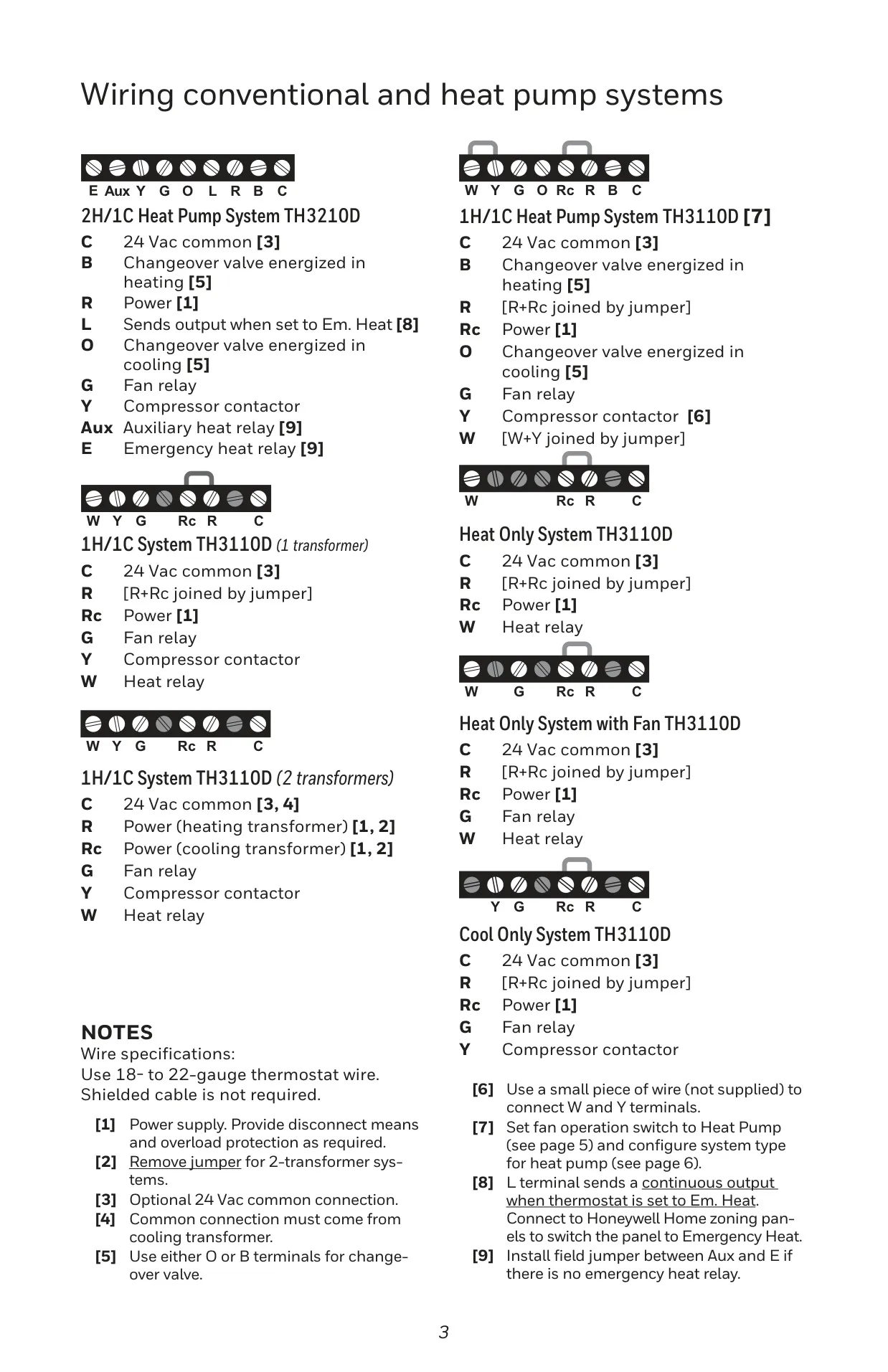
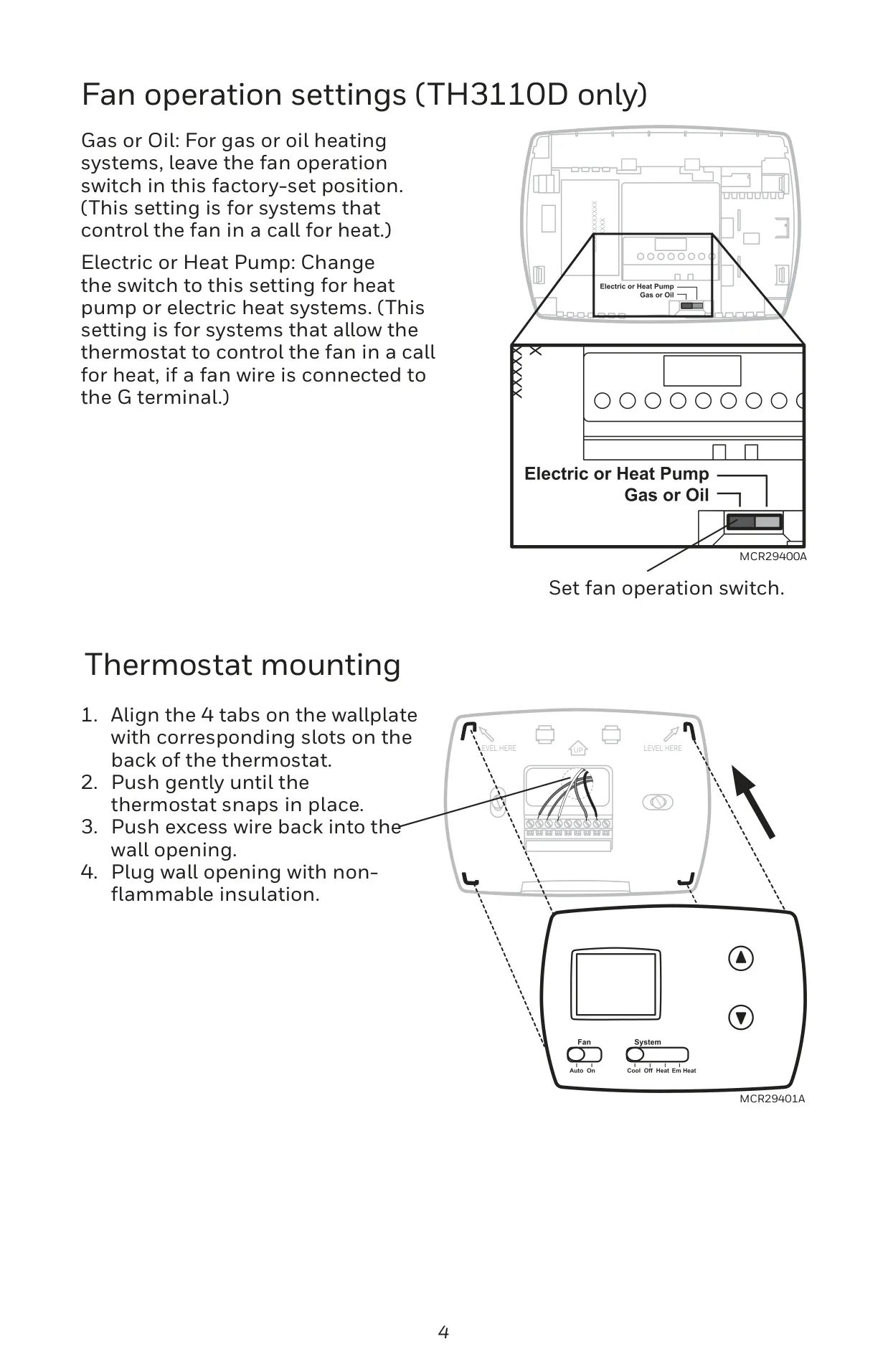
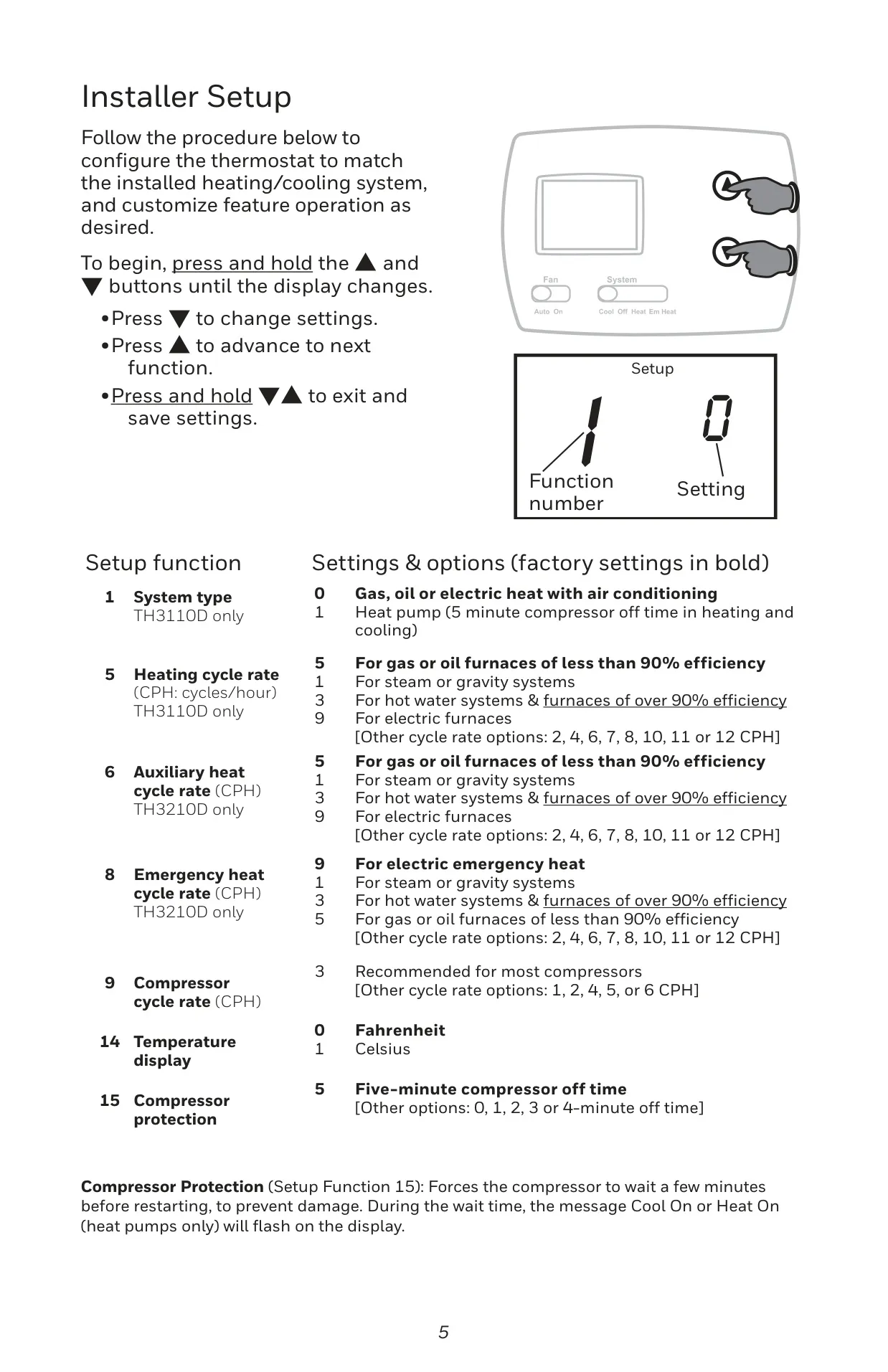
Honeywell Pro 3000 Series Instructions
Here we offer the Honeywell TH3110D1008 Pro 3000 Series manual completely free and in English. We have cataloged this manual in the Thermostats section on Manualverse, and it has been rated by 1 users with an average rating of 5. If you have any specific questions about Honeywell TH3110D1008 Pro 3000 Series, we suggest checking the Frequently Asked Questions (FAQs) section of this manual.
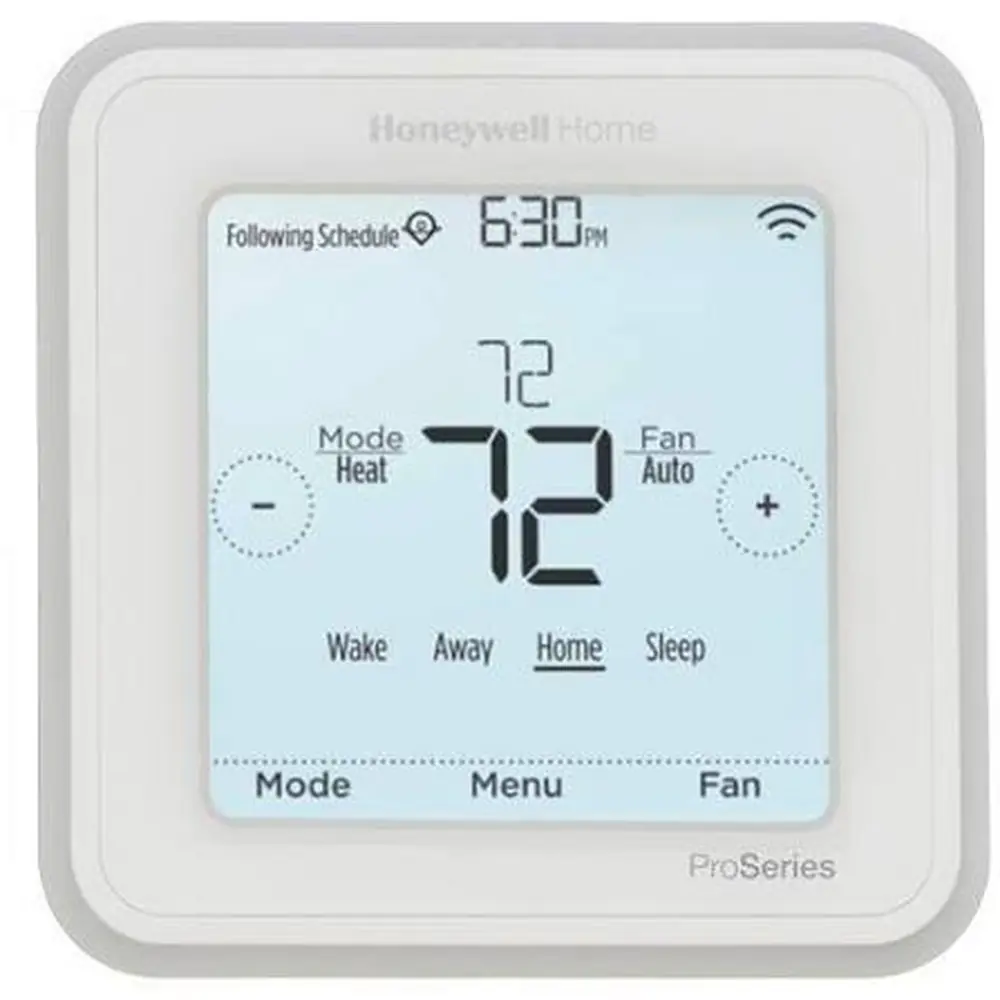
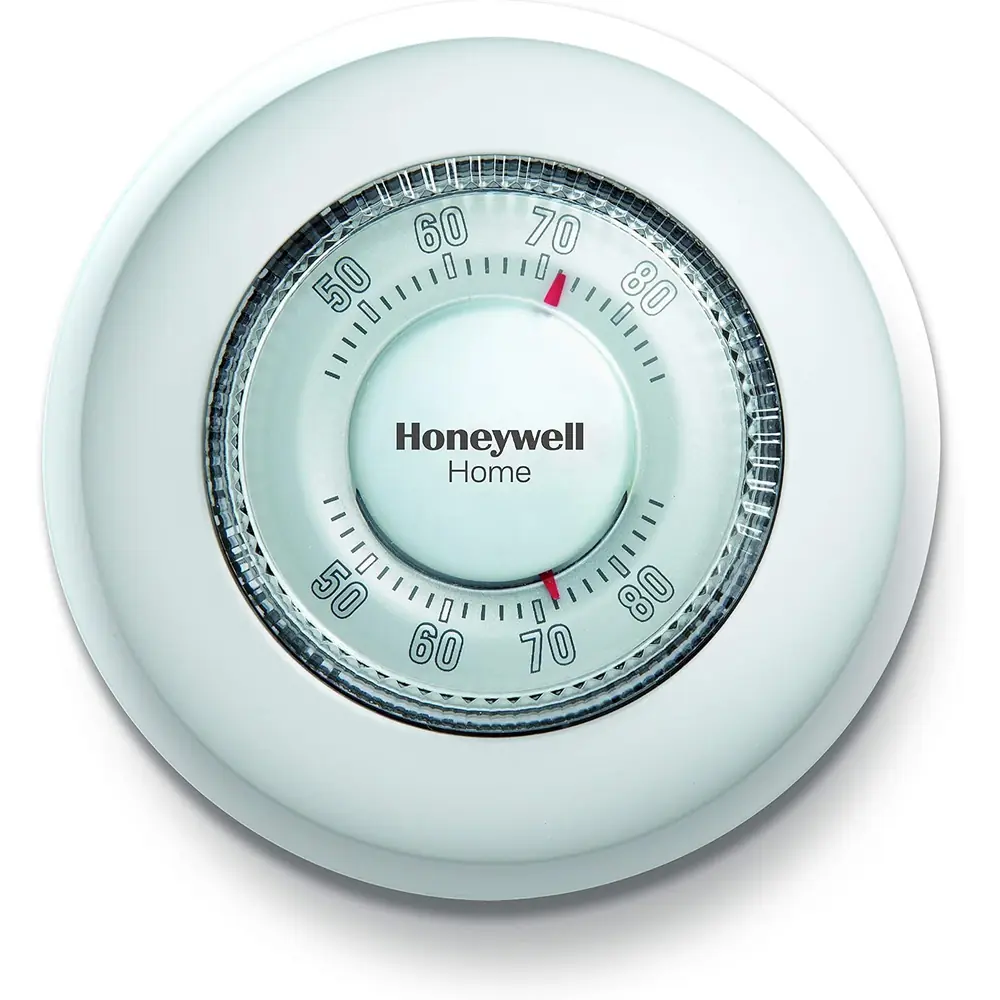
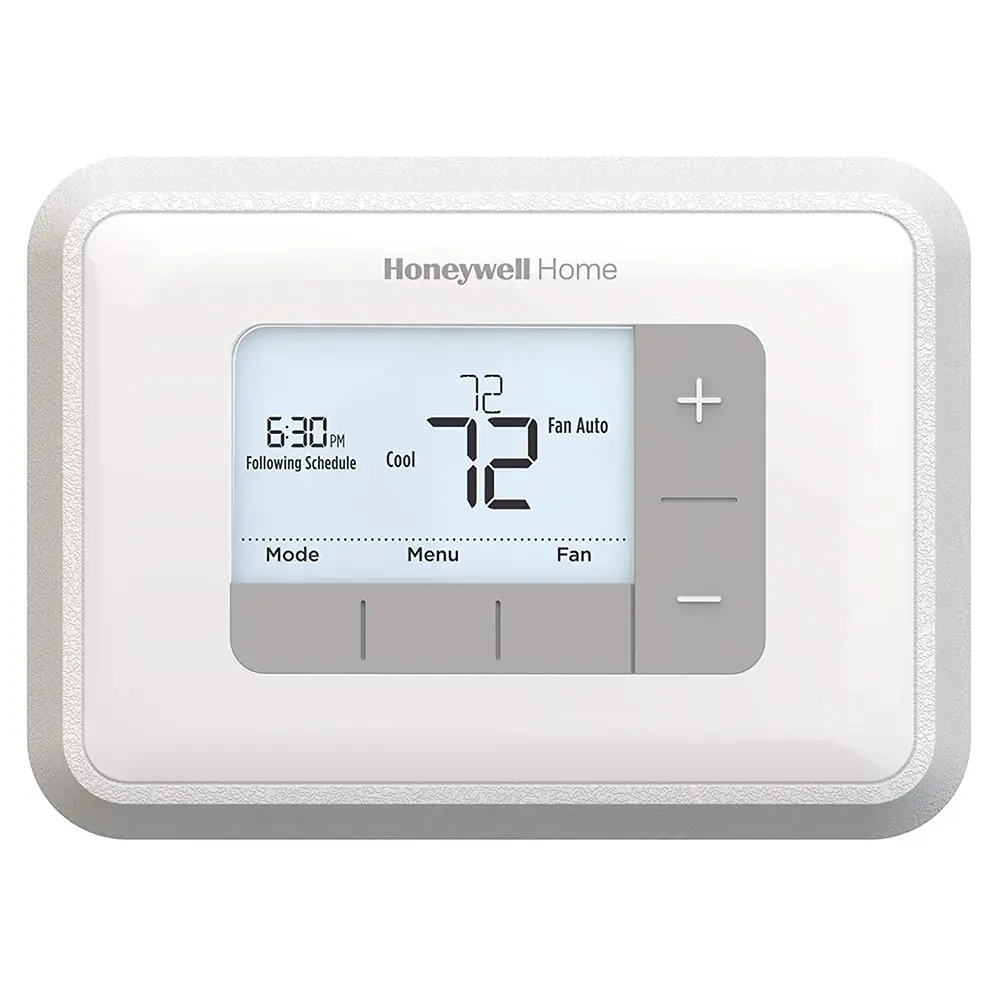
Product Images


Honeywell TH3110D1008 Pro 3000 Series Thermostat Specifications
| Feature | Specification |
|---|---|
| Model Series | PRO 3000 Series |
| Product Type | Non-Programmable Digital Thermostat |
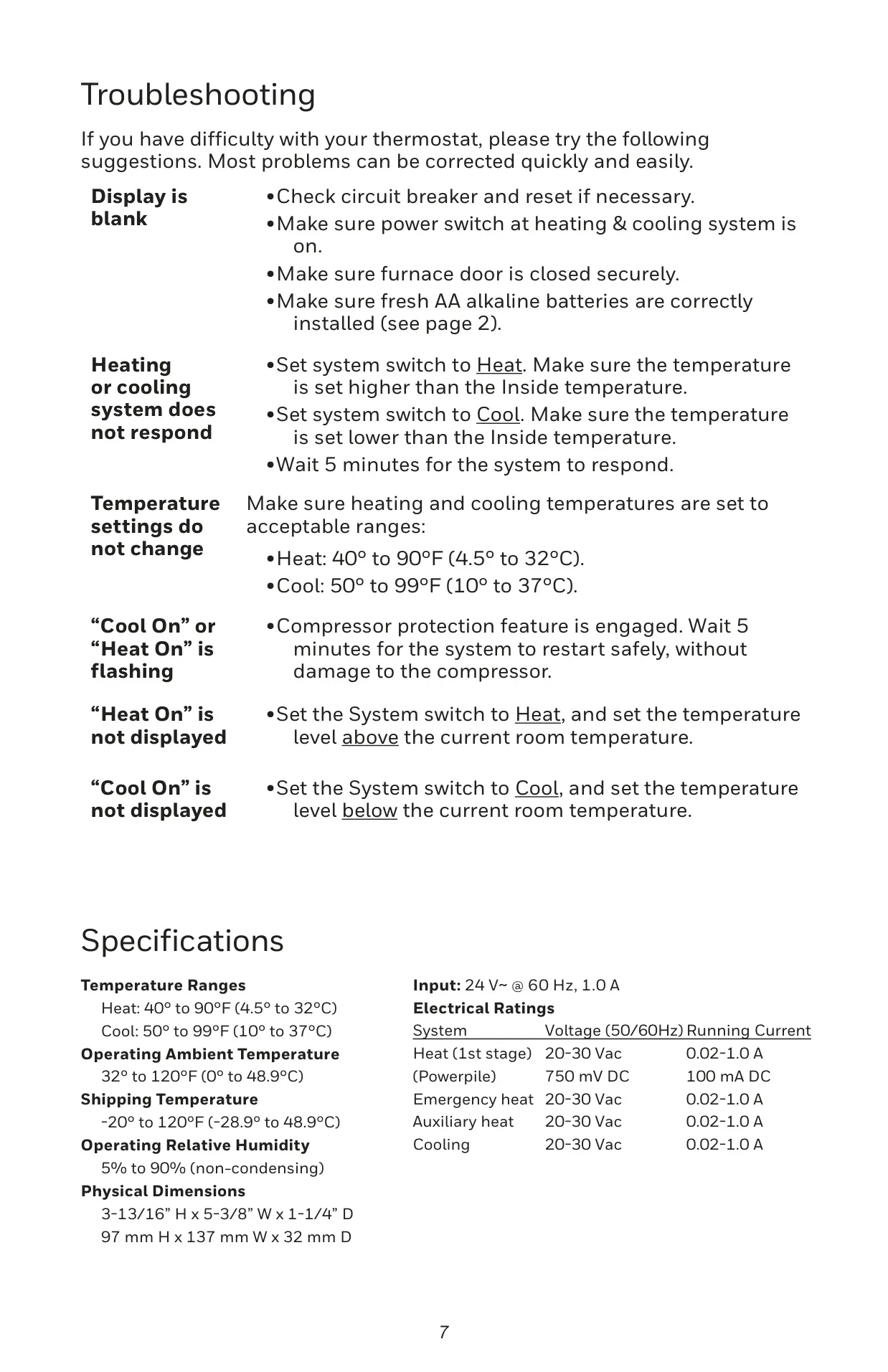
| Heat Temperature Range | 40° to 90°F (4.5° to 32°C) |
| Cool Temperature Range | 50° to 99°F (10° to 37°C) |
| Operating Ambient Temperature | 32° to 120°F (0° to 48.9°C) |
| Shipping Temperature | -20° to 120°F (-28.9° to 48.9°C) |
| Operating Relative Humidity | 5% to 90% (non-condensing) |
| Input Electrical Rating | 24 V~ @ 60 Hz, 1.0 A |
| Heat (1st stage) Electrical Rating | 20-30 Vac, 0.02-1.0 A |
| Powerpile Electrical Rating | 750 mV DC, 100 mA DC |
| Emergency Heat Electrical Rating | 20-30 Vac, 0.02-1.0 A |
| Auxiliary Heat Electrical Rating | 20-30 Vac, 0.02-1.0 A |
| Cooling Electrical Rating | 20-30 Vac, 0.02-1.0 A |
| Physical Dimensions (H x W x D) | 3-13/16” x 5-3/8” x 1-1/4” (97 mm x 137 mm x 32 mm) |
| Wire Specifications | 18- to 22-gauge thermostat wire |
| Warranty | 5-year limited warranty by Resideo |
Honeywell TH3110D1008 Details
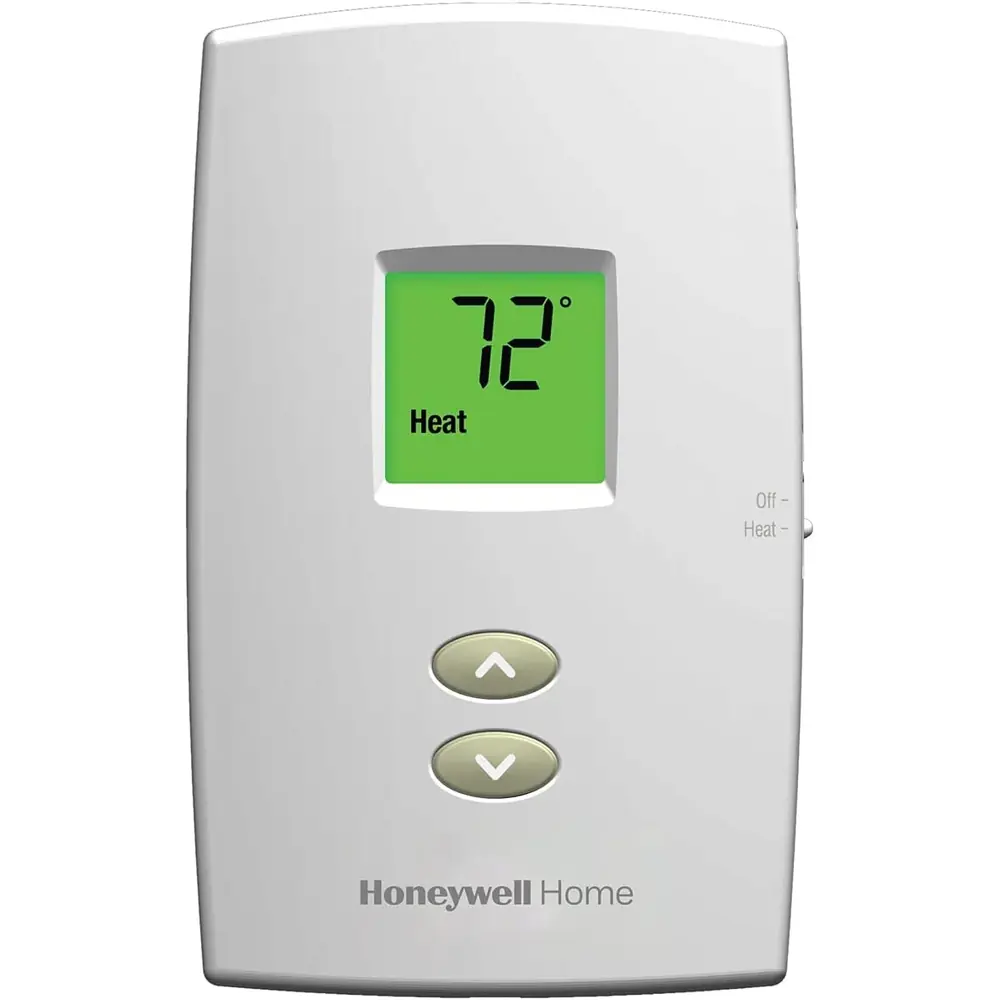
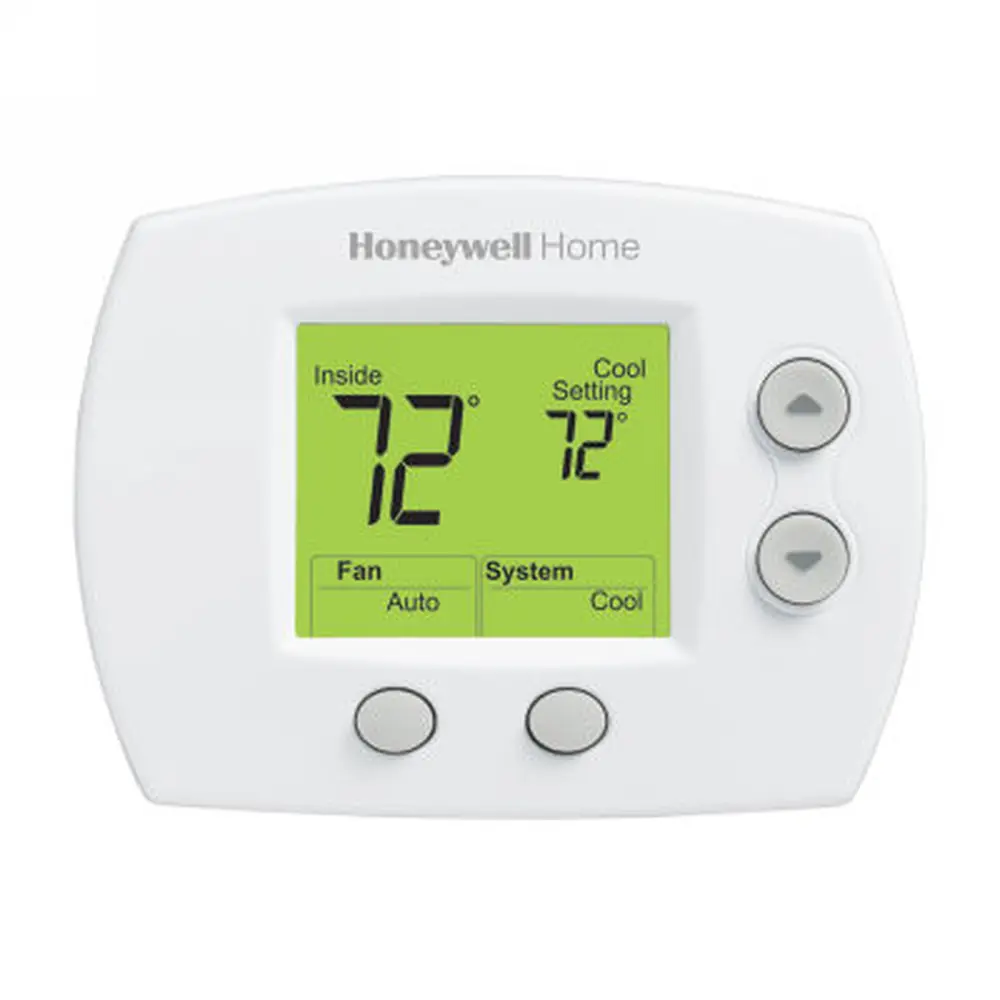
The Honeywell TH3110D1008 Pro 3000 Series thermostat is a user-friendly, non-programmable digital device designed for straightforward temperature control. Its large, clear display shows both the current indoor temperature and the desired set temperature, making it easy to monitor and adjust your home's climate. Temperature adjustments are made effortlessly using simple up and down arrow buttons.
This model features a System switch that allows users to select between "Cool," "Off," and "Heat" modes, providing essential control over their heating and cooling systems. A separate Fan switch offers "Auto" mode, where the fan runs only when the heating or cooling system is active, or "On" mode for continuous fan operation, enhancing air circulation as desired.
A critical safety feature is the built-in compressor protection. This intelligently prevents damage to your air conditioning or heat pump system by enforcing a 5-minute delay before the compressor restarts after shutdown. During this brief wait period, the display conveniently flashes "Cool On" or "Heat On" (for heat pumps) to indicate the engaged protection.
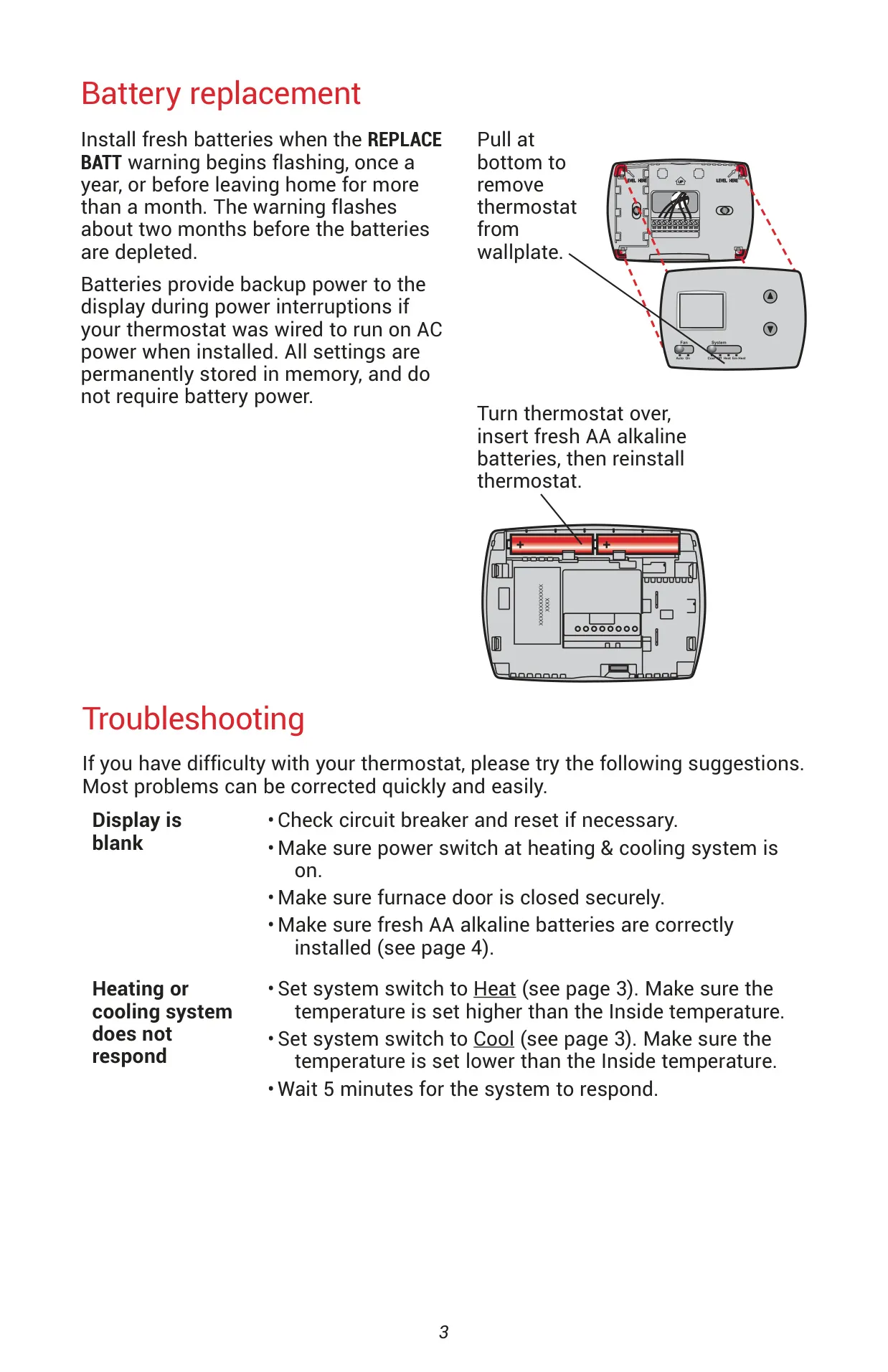
The thermostat operates reliably with two AA alkaline batteries, which primarily serve as backup power for the display during power interruptions. All crucial settings, however, are permanently stored in memory and do not rely on battery power, ensuring that your preferred configurations are never lost. A "REPLACE BATT" warning flashes approximately two months before batteries are depleted, allowing ample time for replacement.
Installation is designed for simplicity, supporting various common systems including 1H/1C (one heat/one cool) conventional systems, heat-only, and cool-only configurations. It also accommodates systems with one or two transformers. Installers can further customize the thermostat through a dedicated setup menu, configuring system type, heating/cooling cycle rates (CPH), temperature display (Fahrenheit or Celsius), and fine-tuning compressor protection off-times.
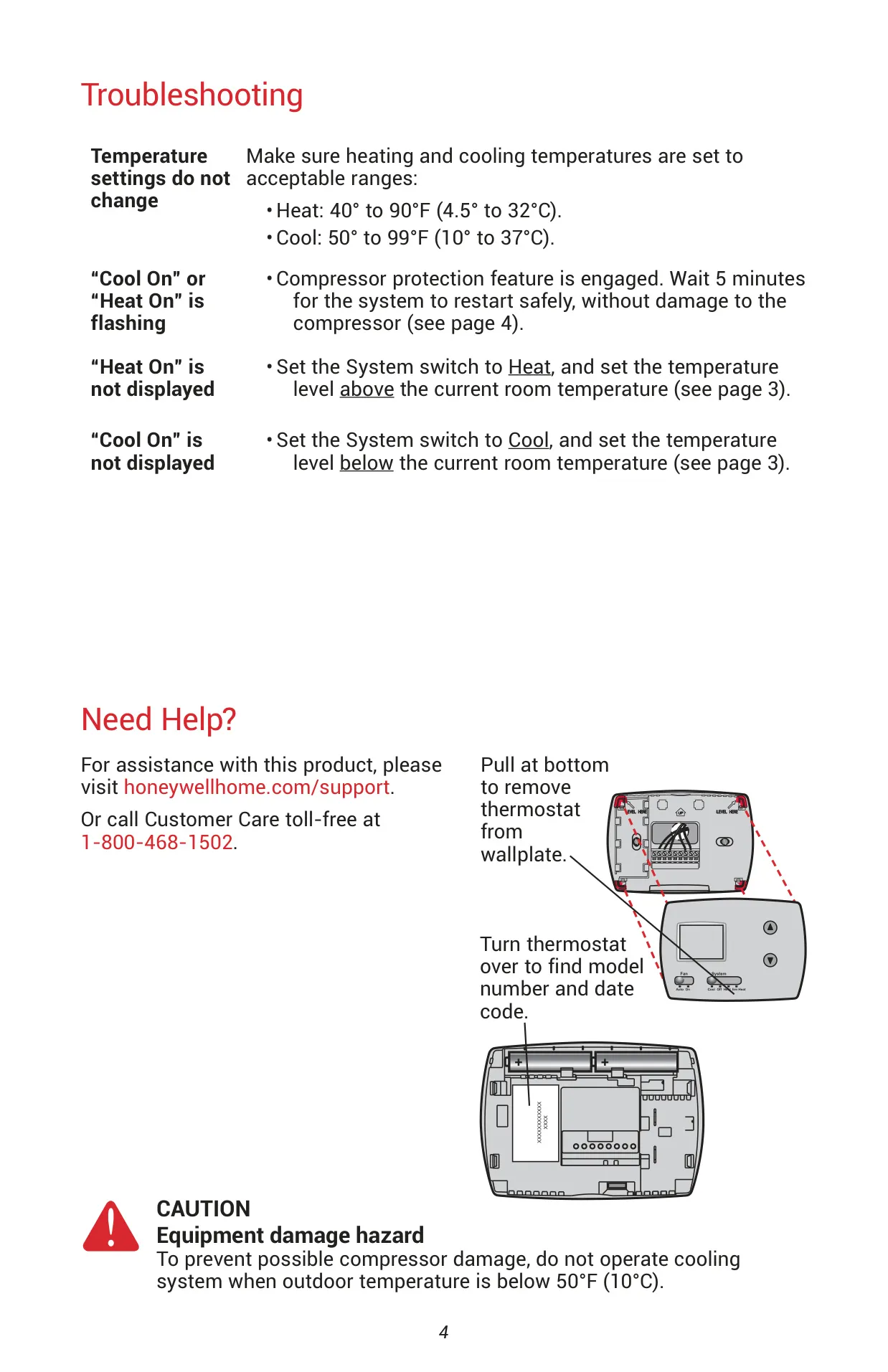
For troubleshooting, the manual provides clear guidance on common issues such as a blank display, unresponsive heating/cooling systems, and unchangeable temperature settings. It also addresses the meaning of a flashing "Cool On" or "Heat On" message. The thermostat's design prioritizes both ease of use and the protection of your HVAC equipment, ensuring comfortable and efficient home climate management.
Frequently Asked Questions (FAQs)
Can't find the answer you need? Here are some frequently asked questions about the Honeywell TH3110D1008 Pro 3000 Series, and we answer them below.