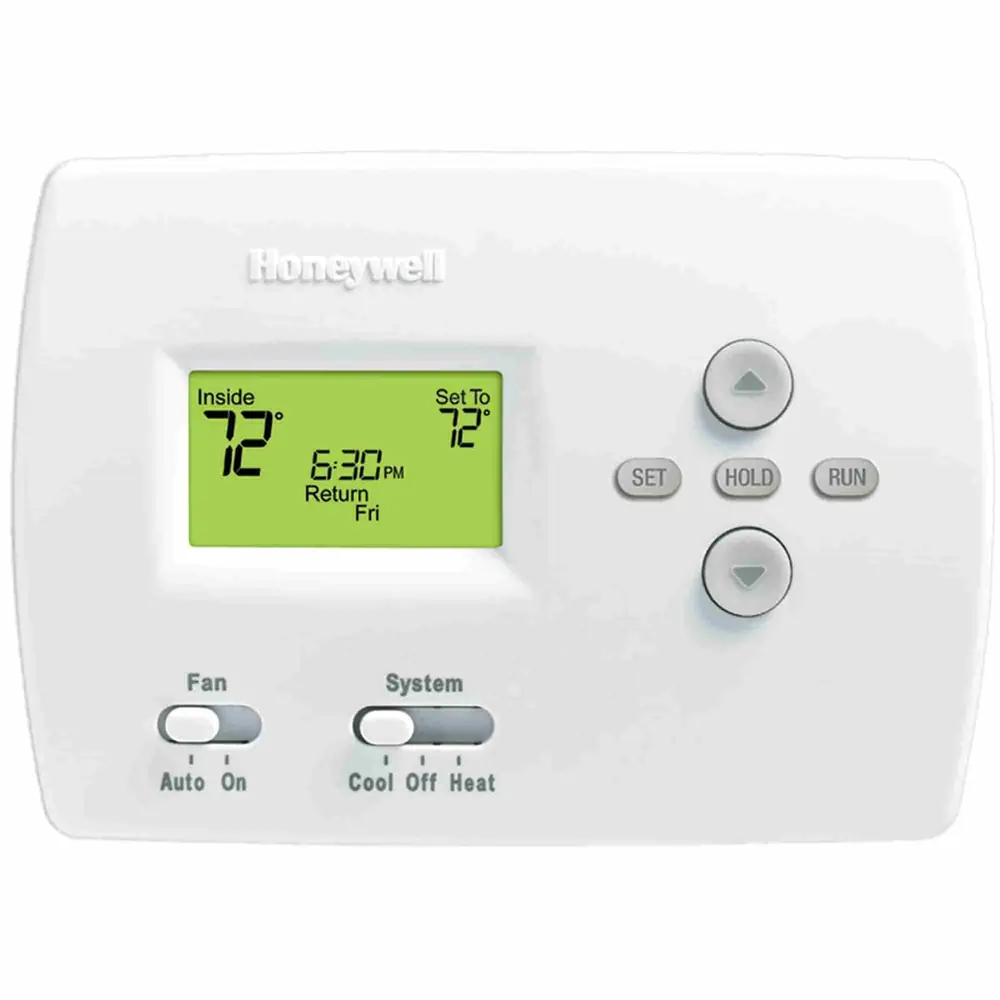
Honeywell RTH9585WF1004 Thermostat Instruction Manual
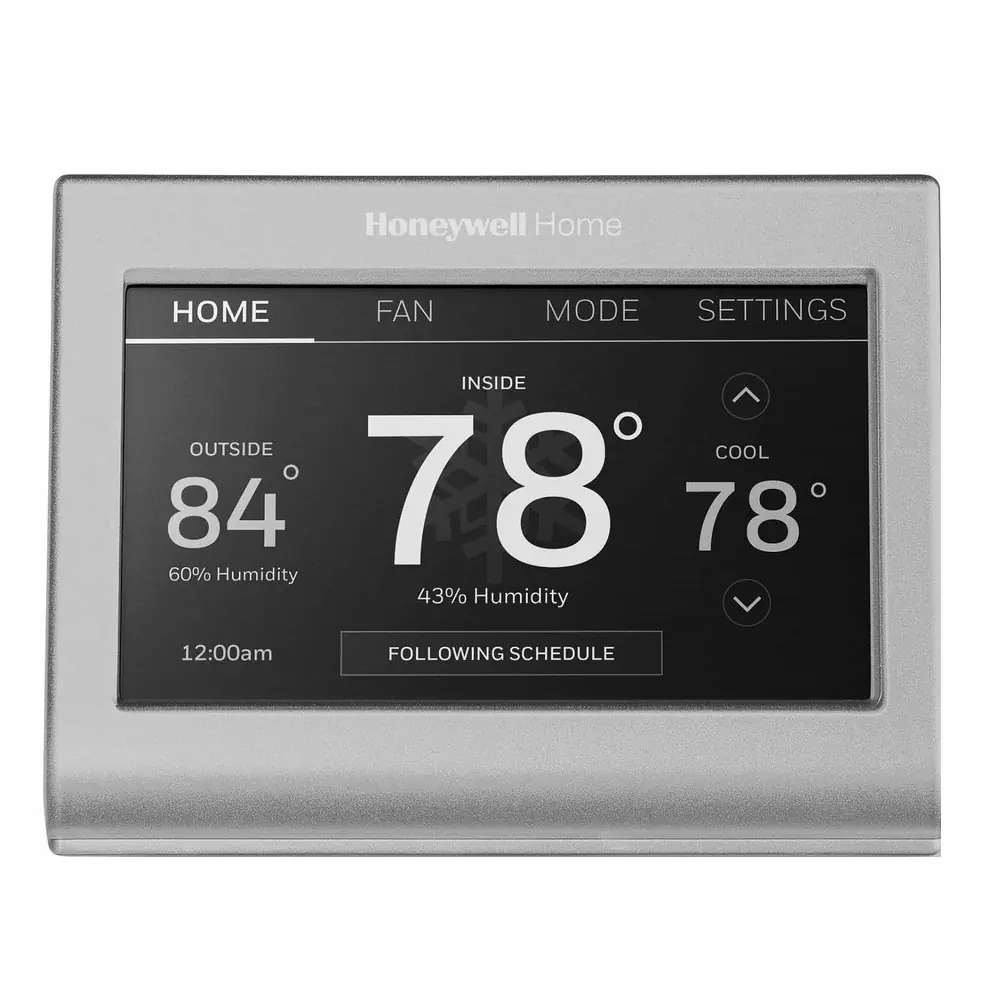
Honeywell RTH9585WF1004 Thermostat
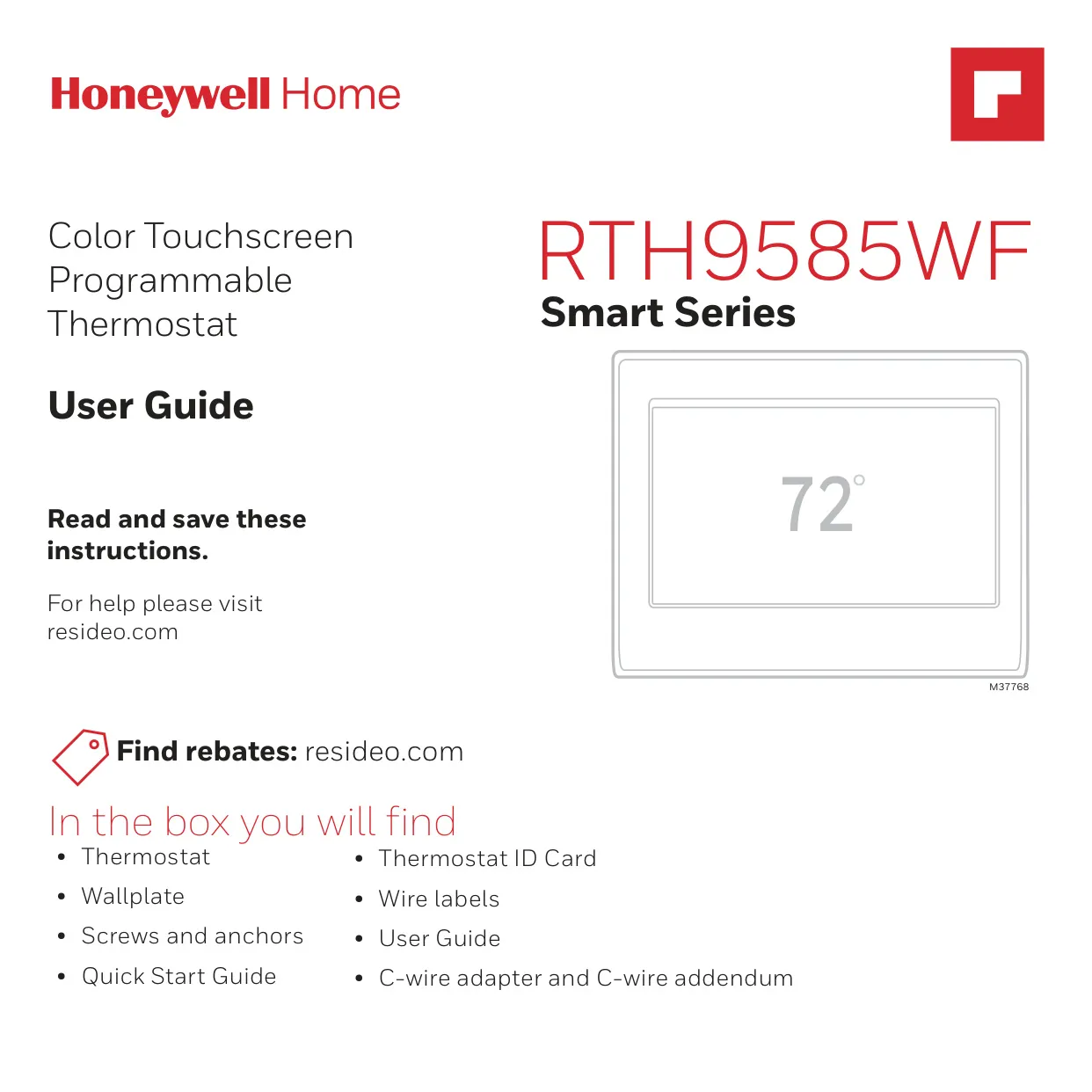
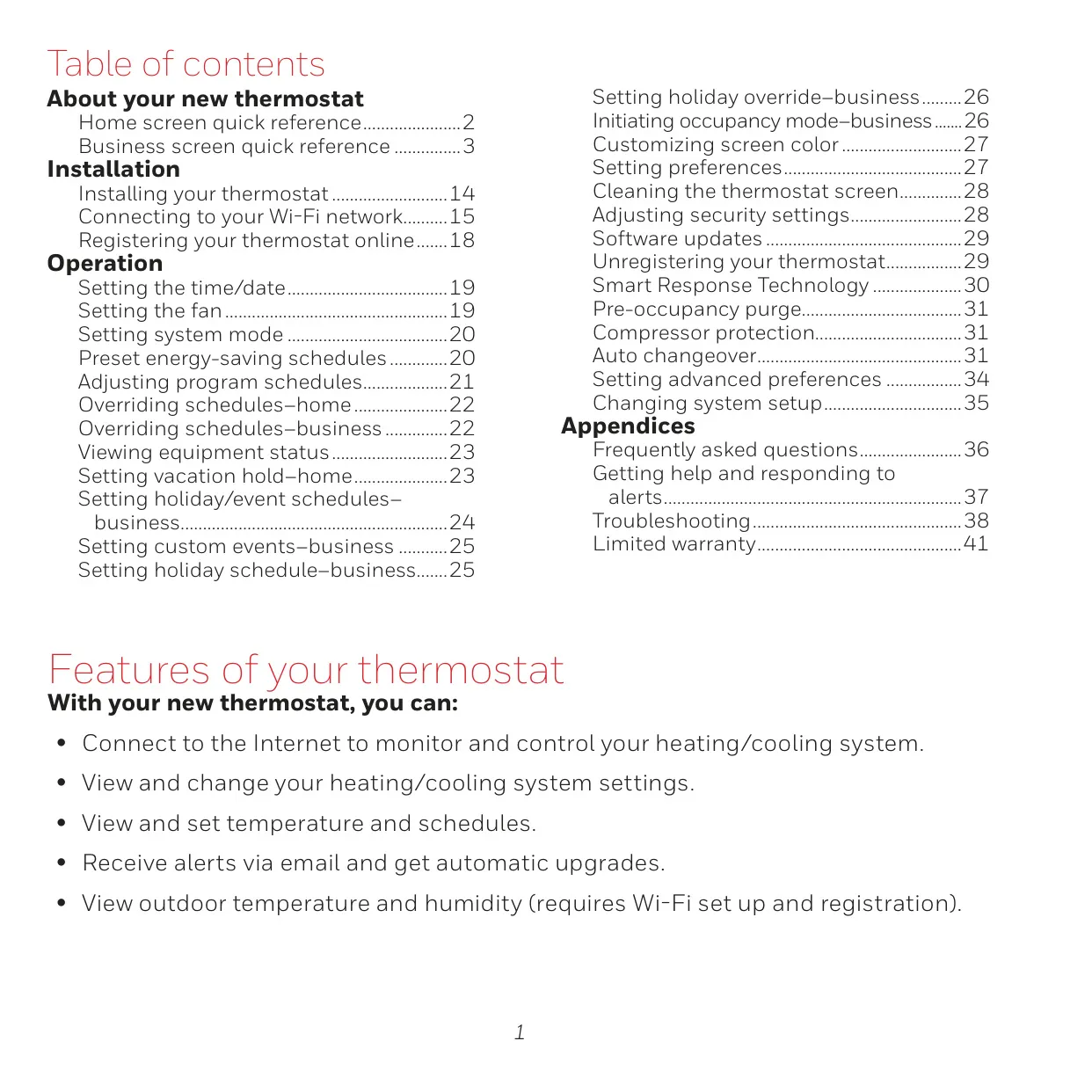
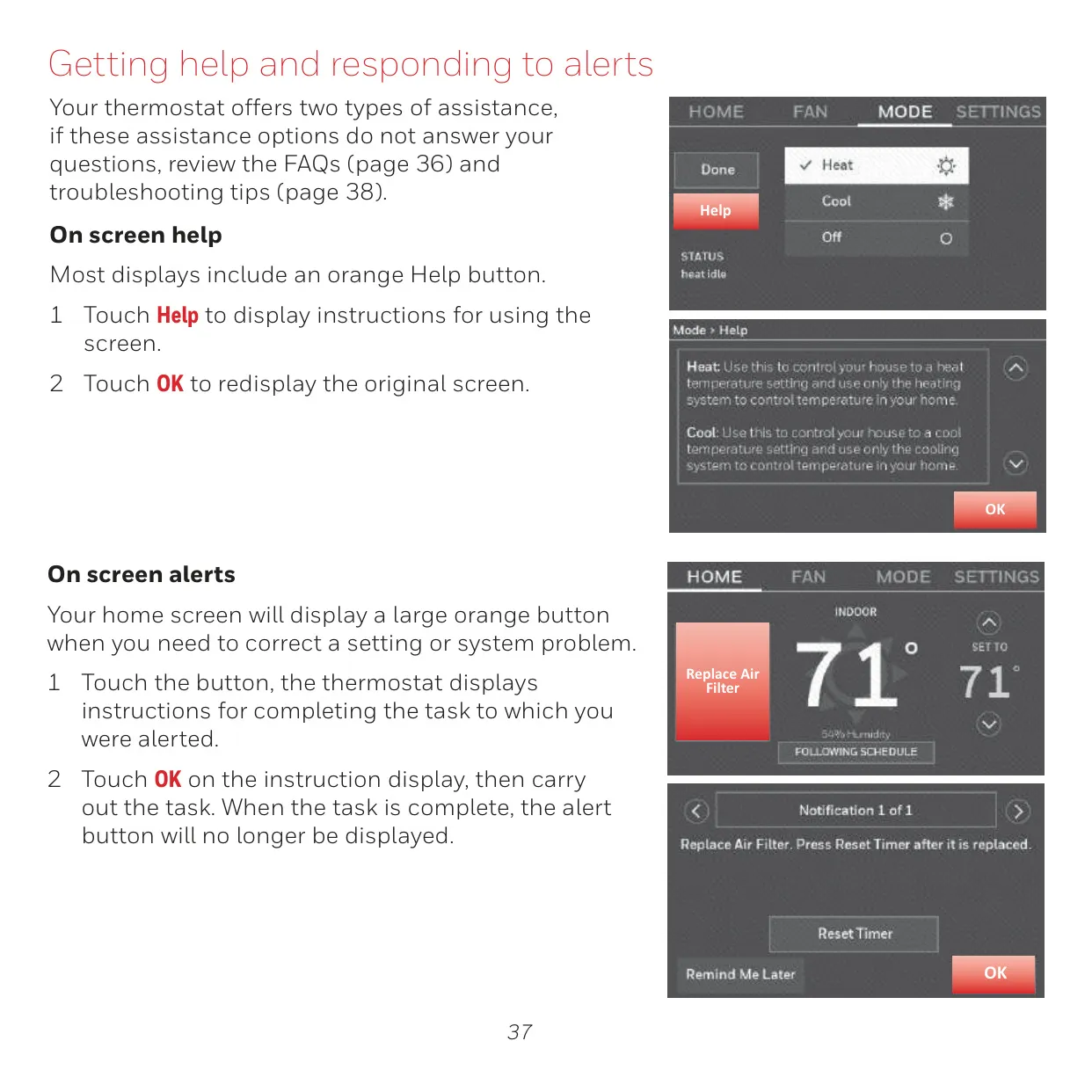
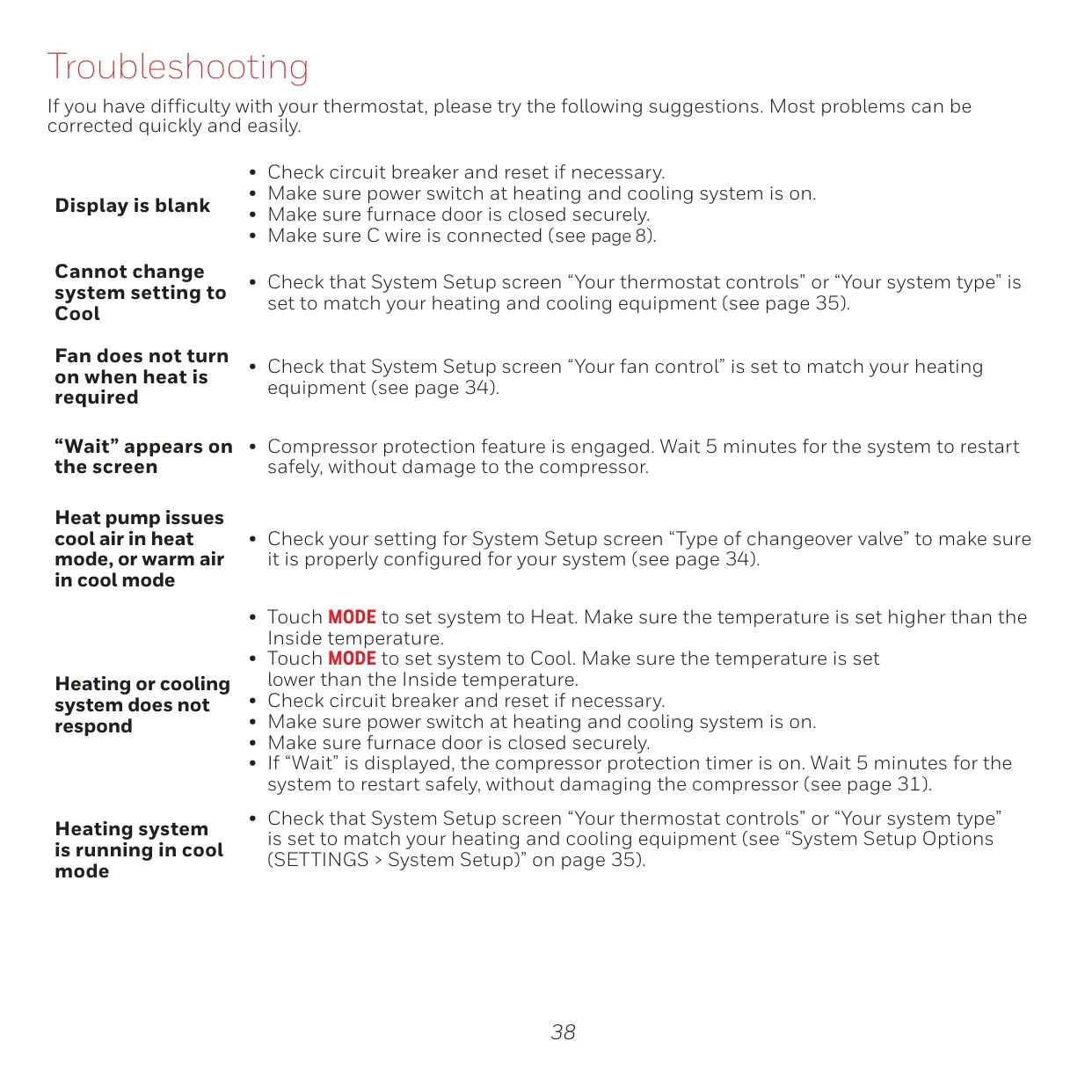
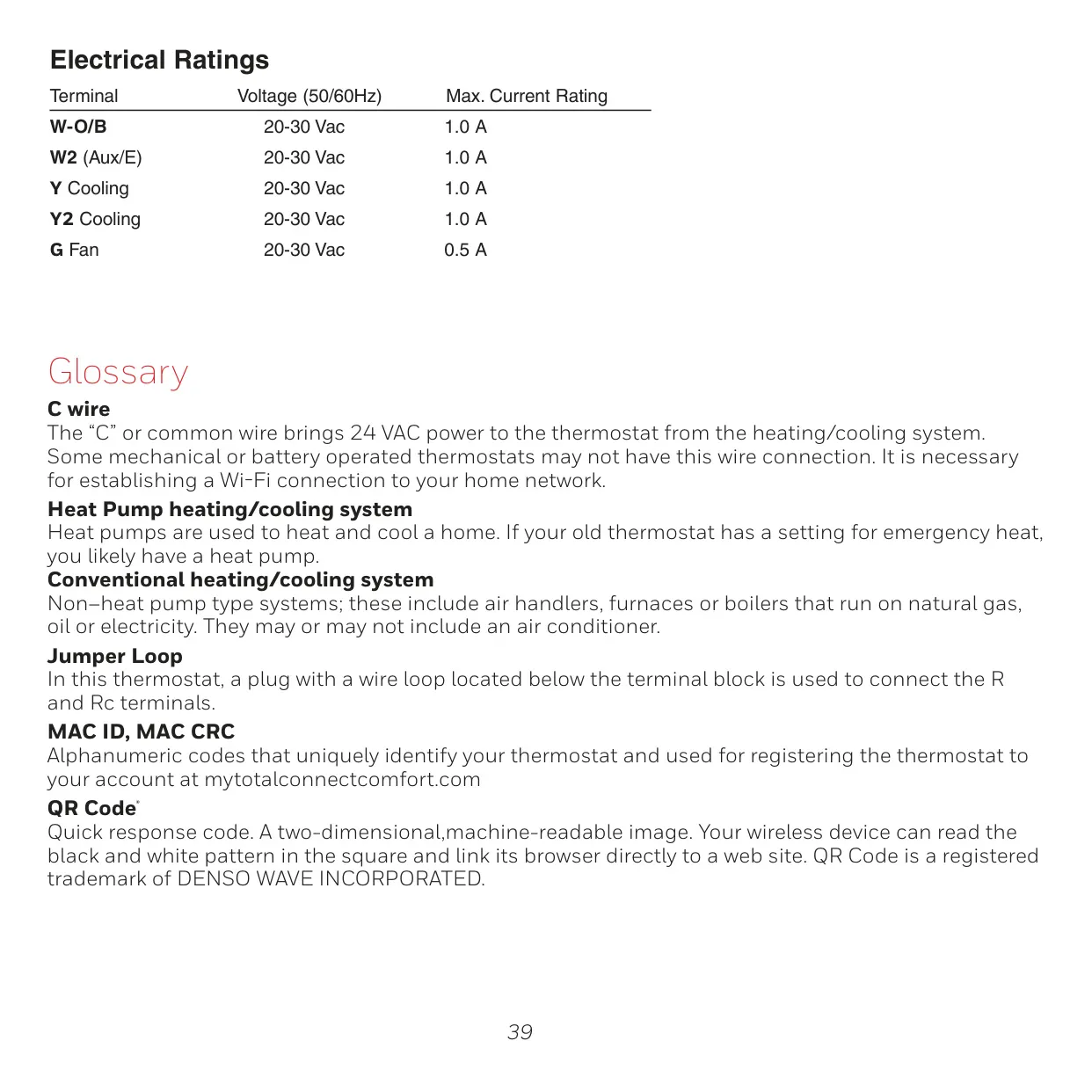
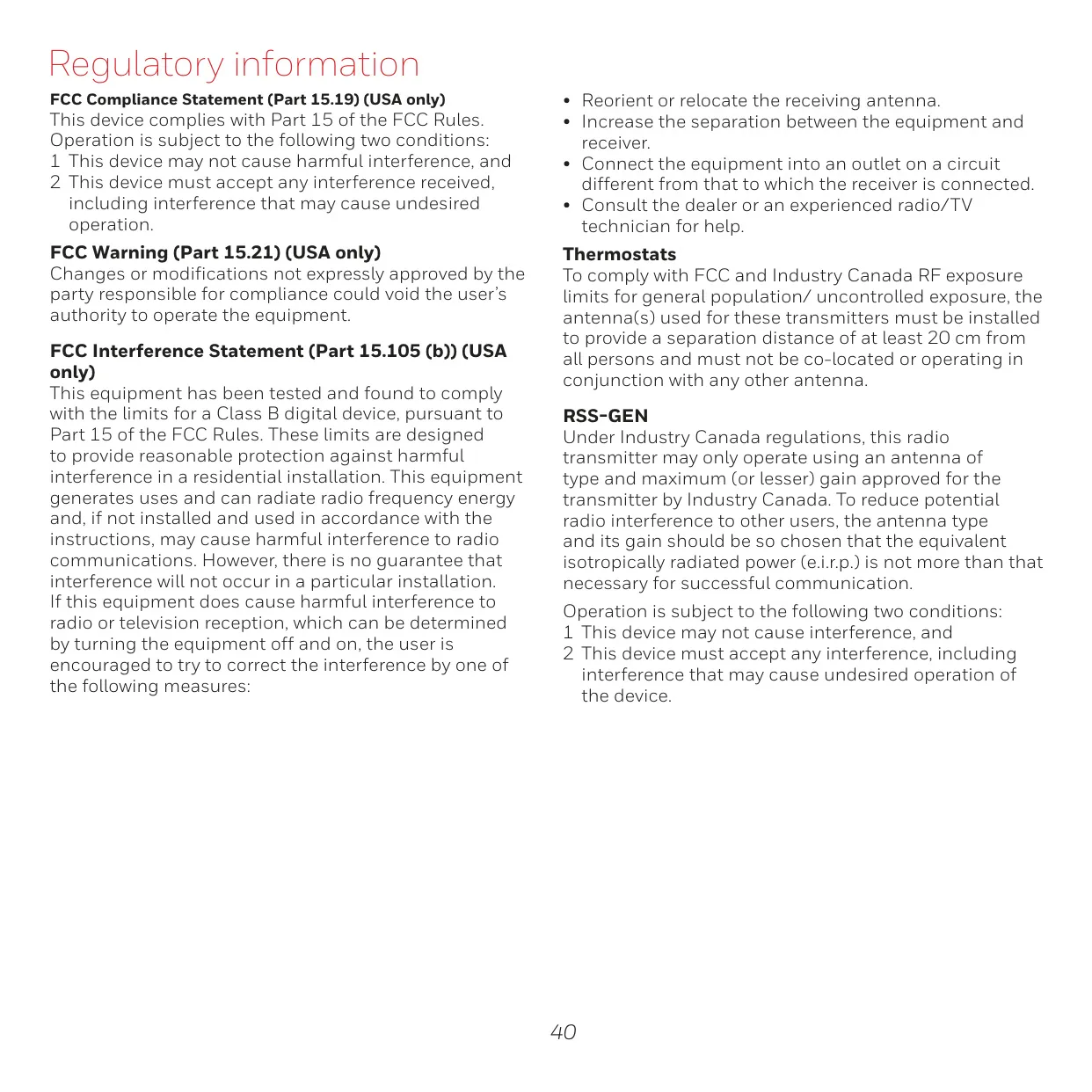


Honeywell RTH9585WF1004 Thermostat
Honeywell RTH9585WF1004 Thermostat
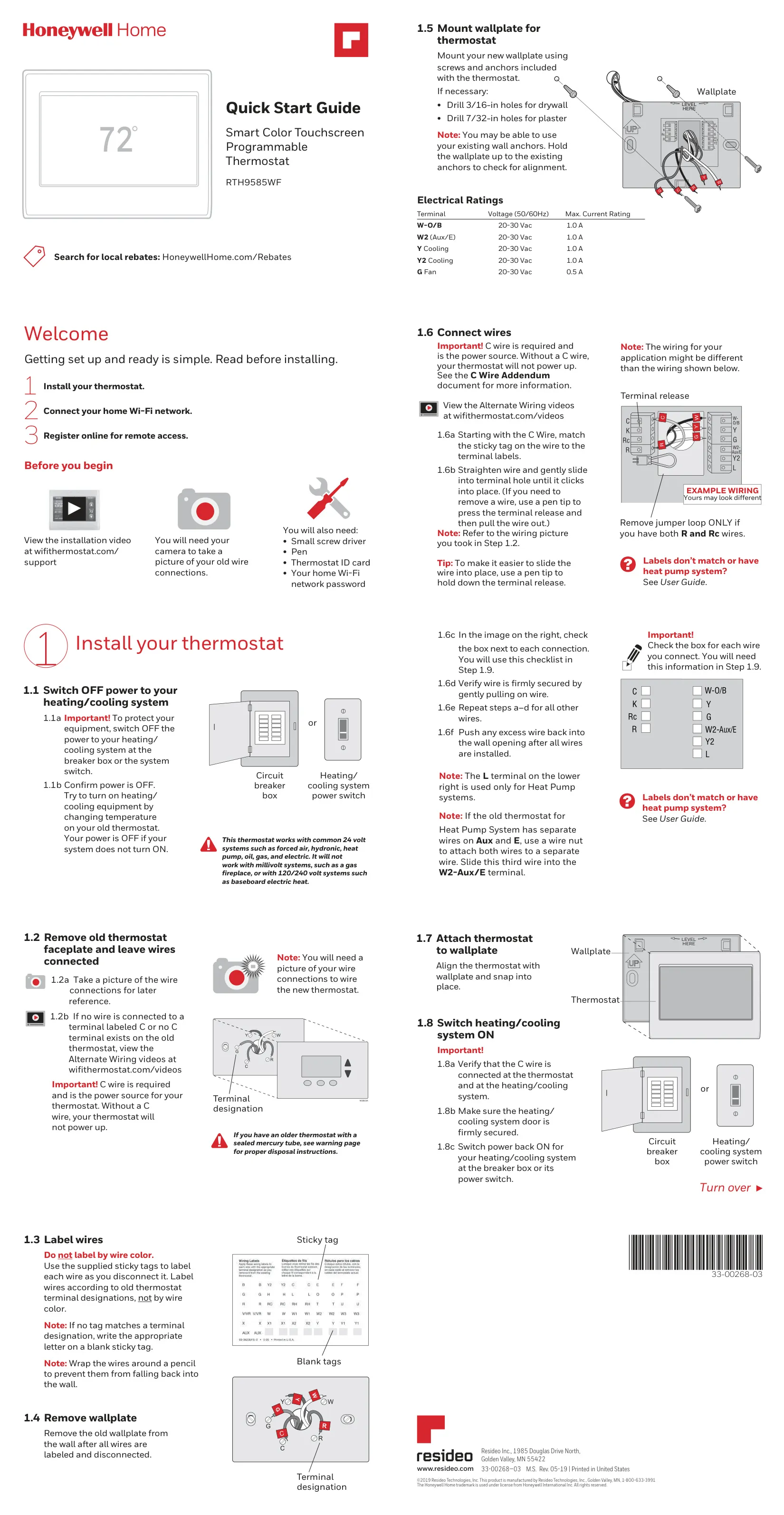
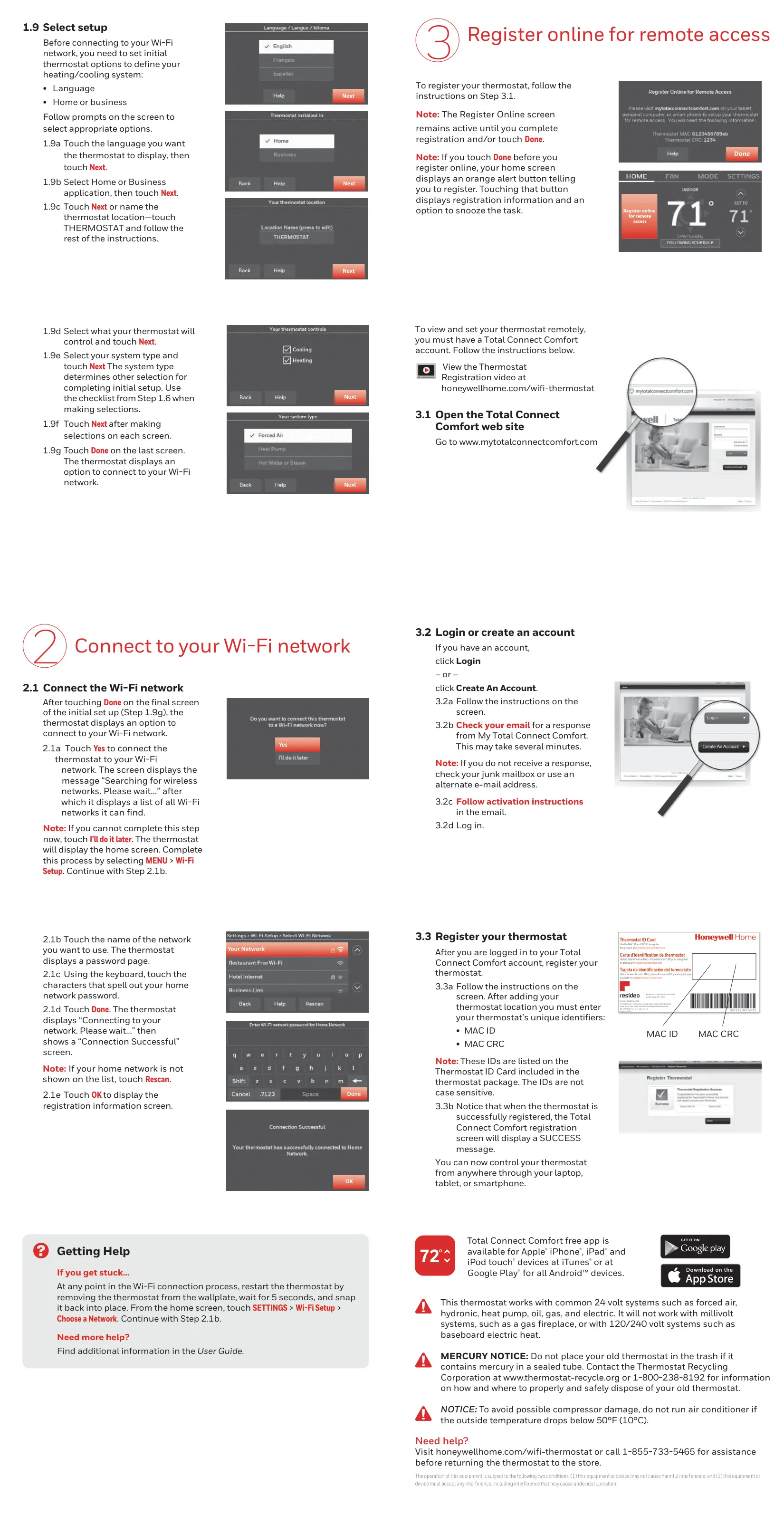
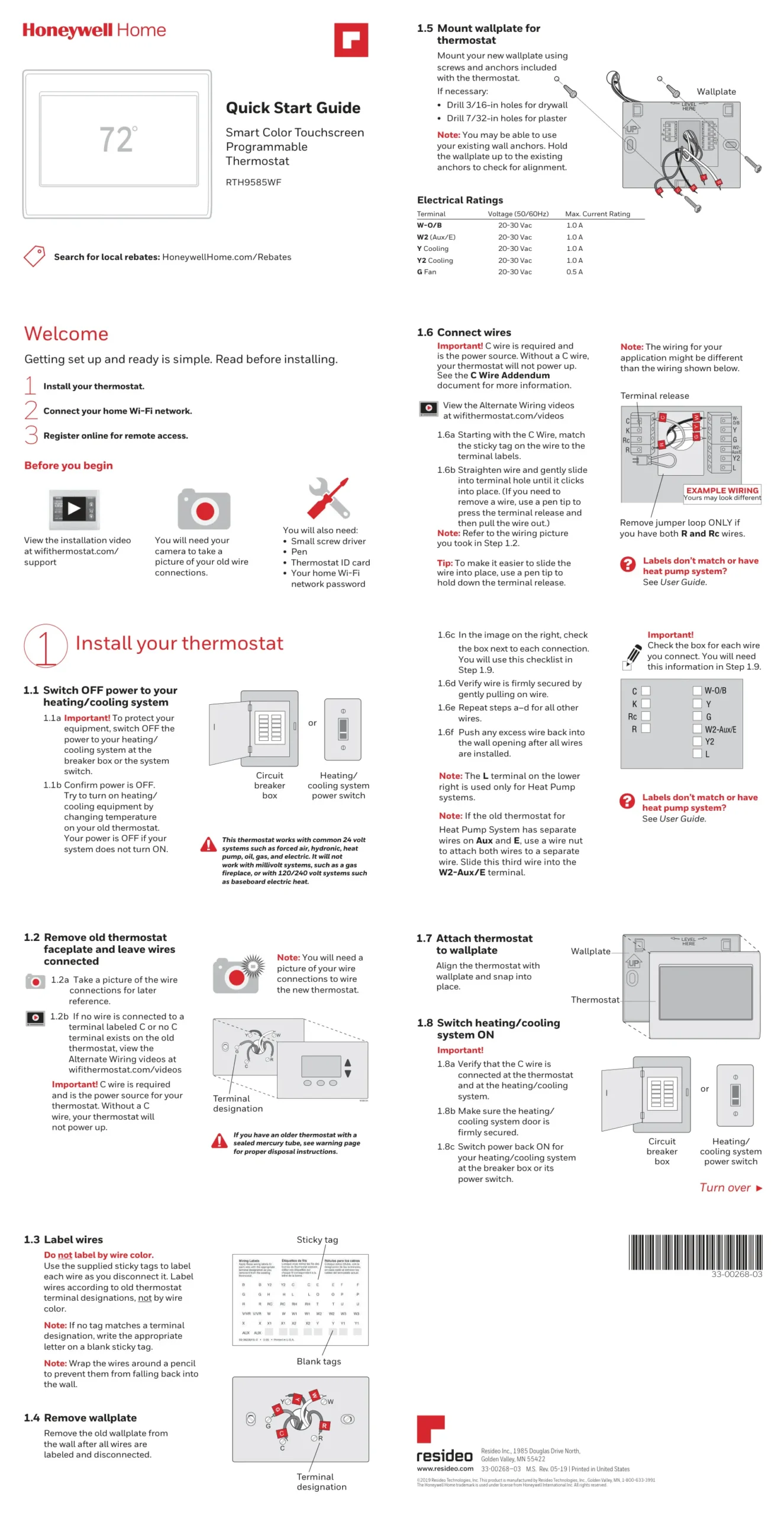
Honeywell RTH9585WF1004 Instructions
Here we offer the Honeywell RTH9585WF1004 Thermostat manual completely free and in English. We have cataloged this manual in the Thermostats section on Manualverse, and it has been rated by 1 users with an average rating of 5. If you have any specific questions about Honeywell RTH9585WF1004 Thermostat, we suggest checking the Frequently Asked Questions (FAQs) section of this manual.
Product Images
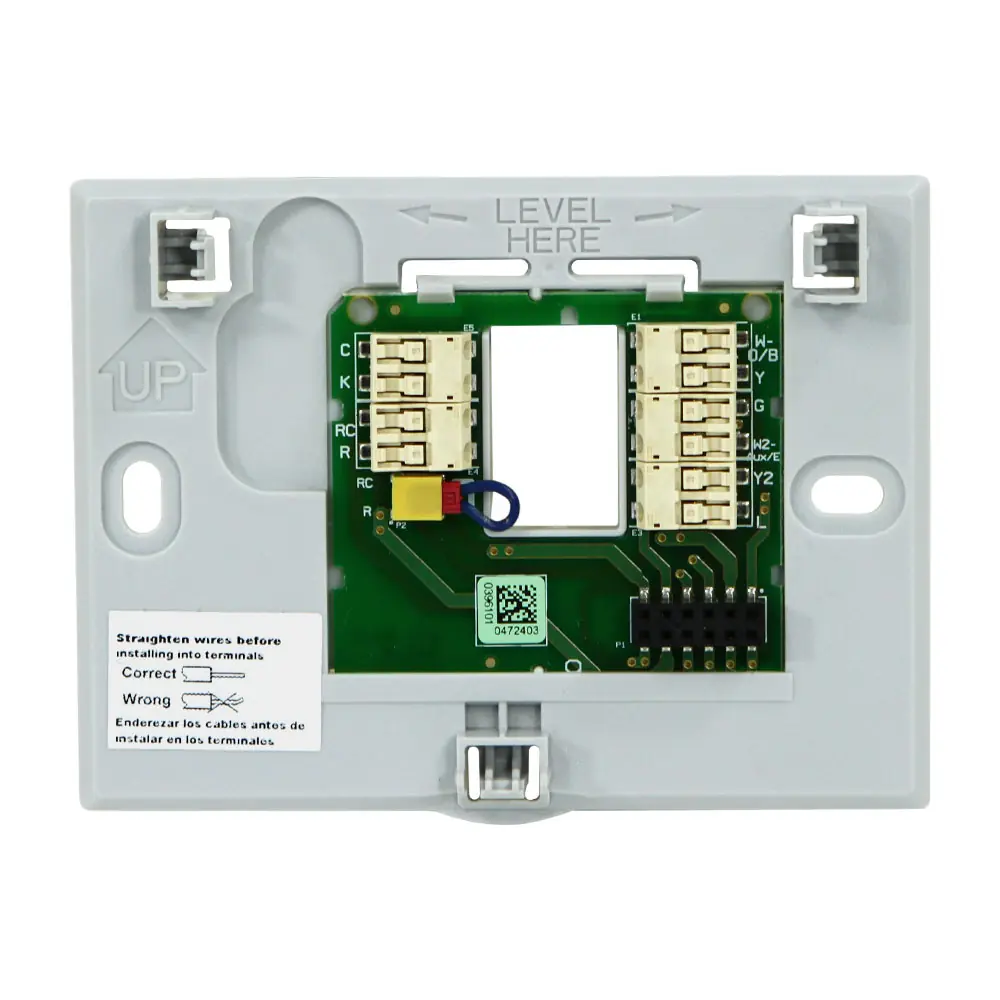
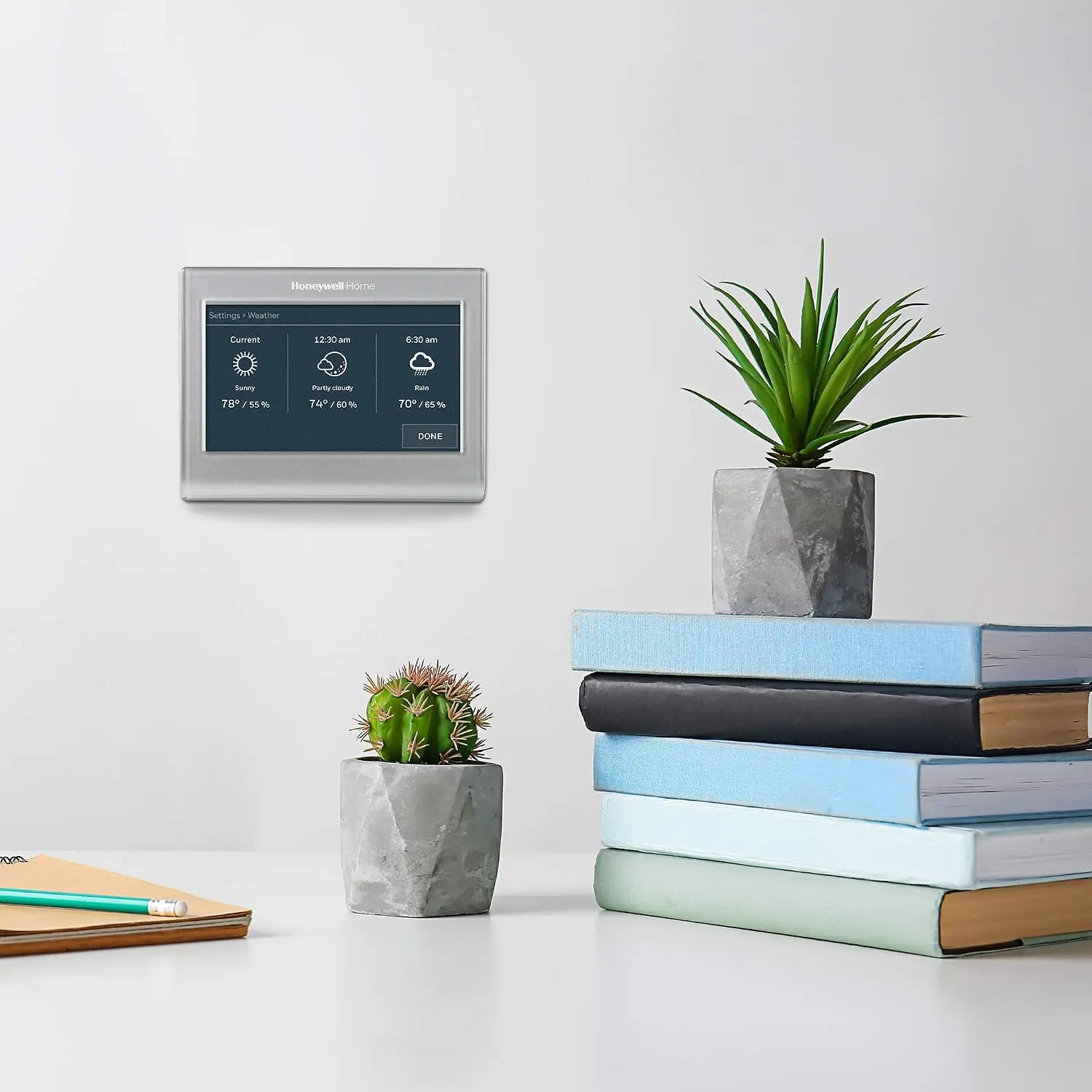
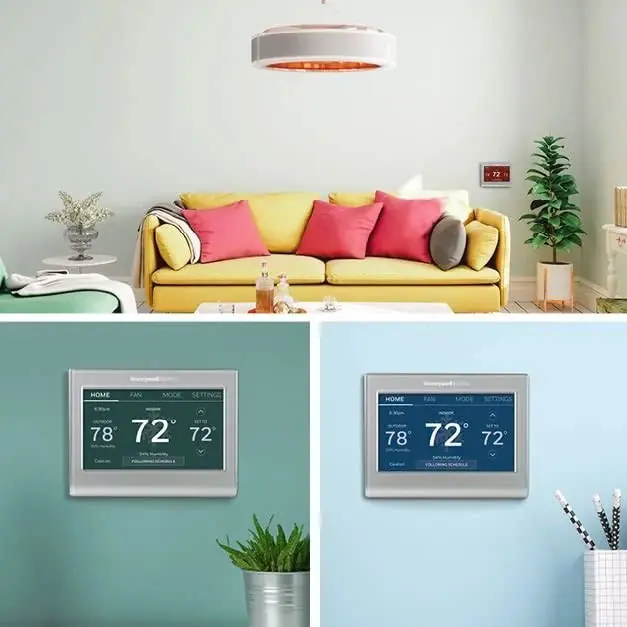
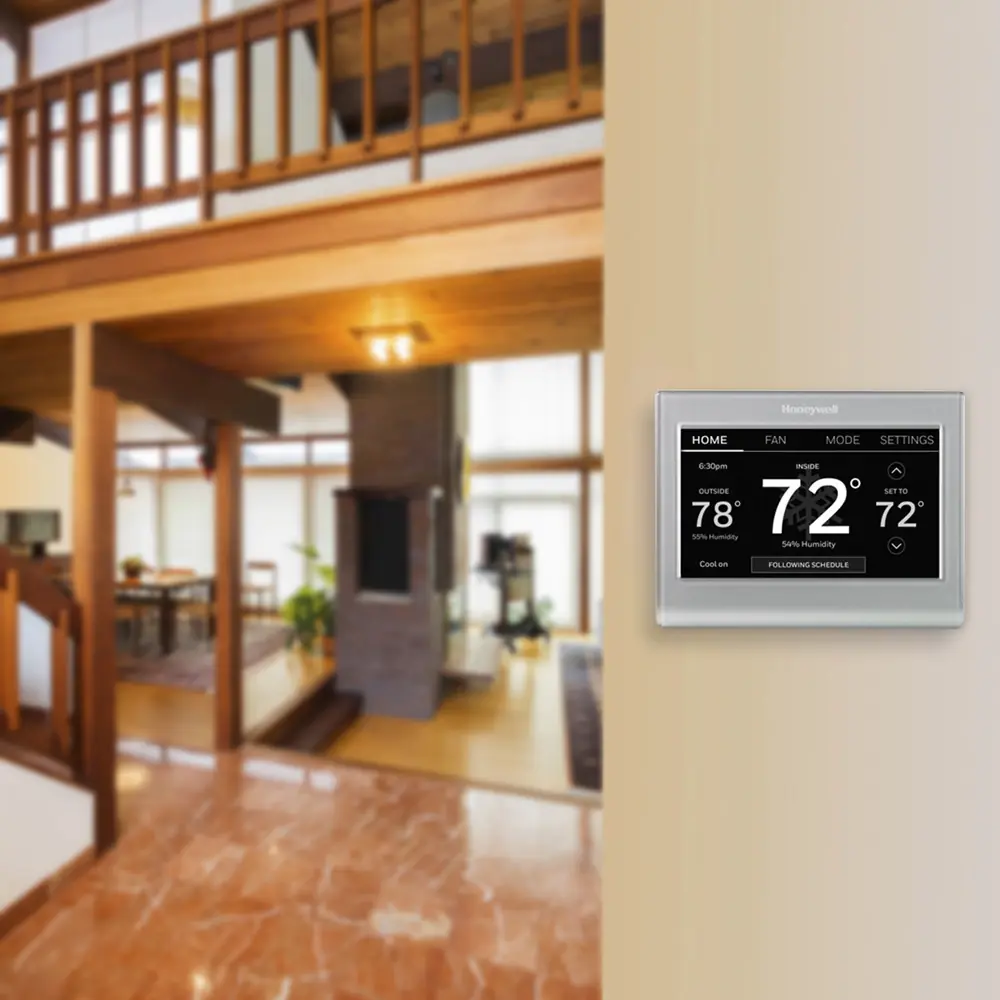
Honeywell RTH9585WF1004 Thermostat Specifications
| Feature | Specification |
|---|---|
| Model Number | RTH9585WF1004 (also RTH9585WF1012) |
| Product Type | Color Touchscreen Programmable Thermostat |
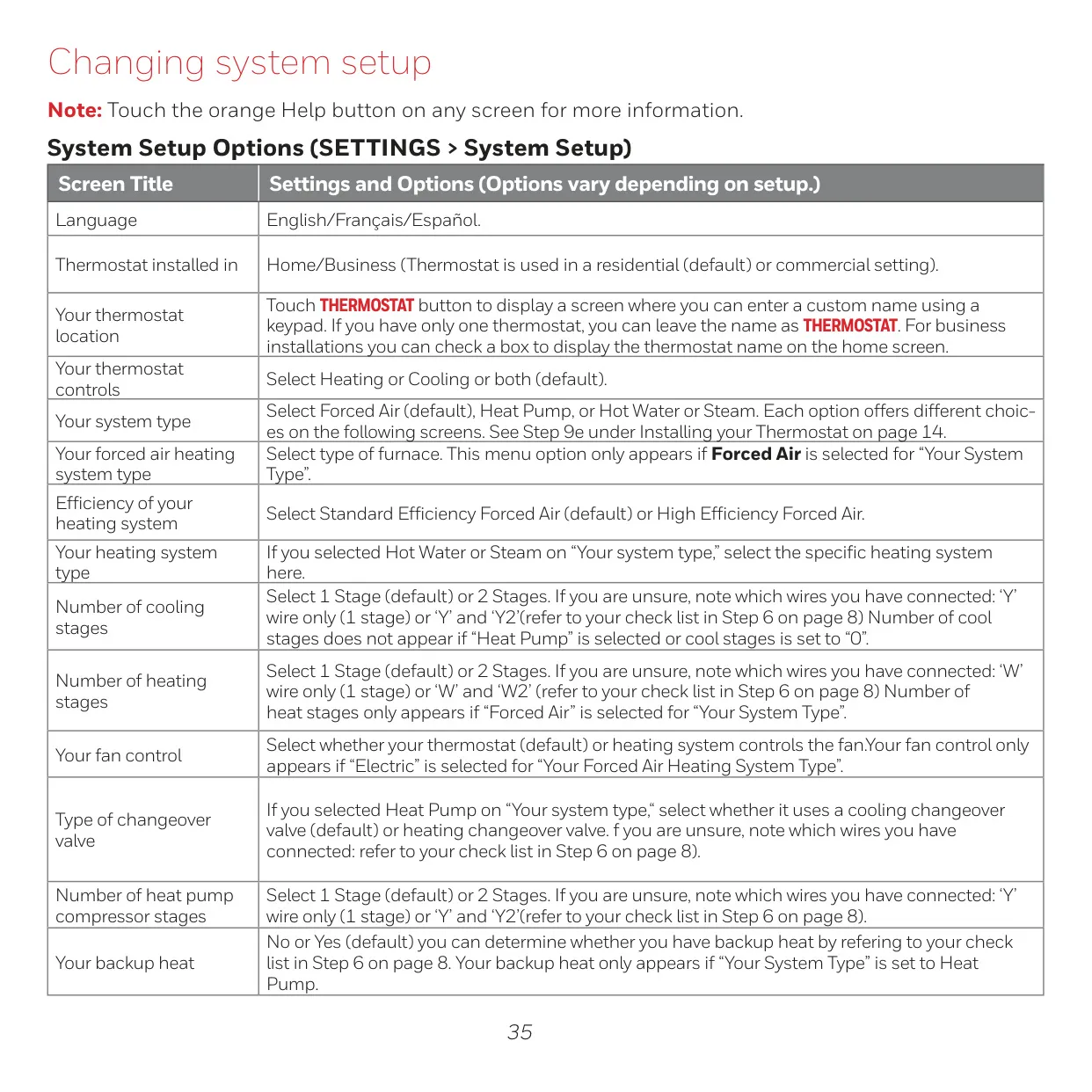
| Compatibility | Common 24V Systems (Forced Air, Hydronic, Heat Pump, Oil, Gas, Electric) |
| Incompatibility | Millivolt systems (gas fireplace), 120/240V systems (baseboard electric heat) |
| Connectivity | Wi-Fi (IEEE 802.11 b/g/n @ 2.4GHz) |
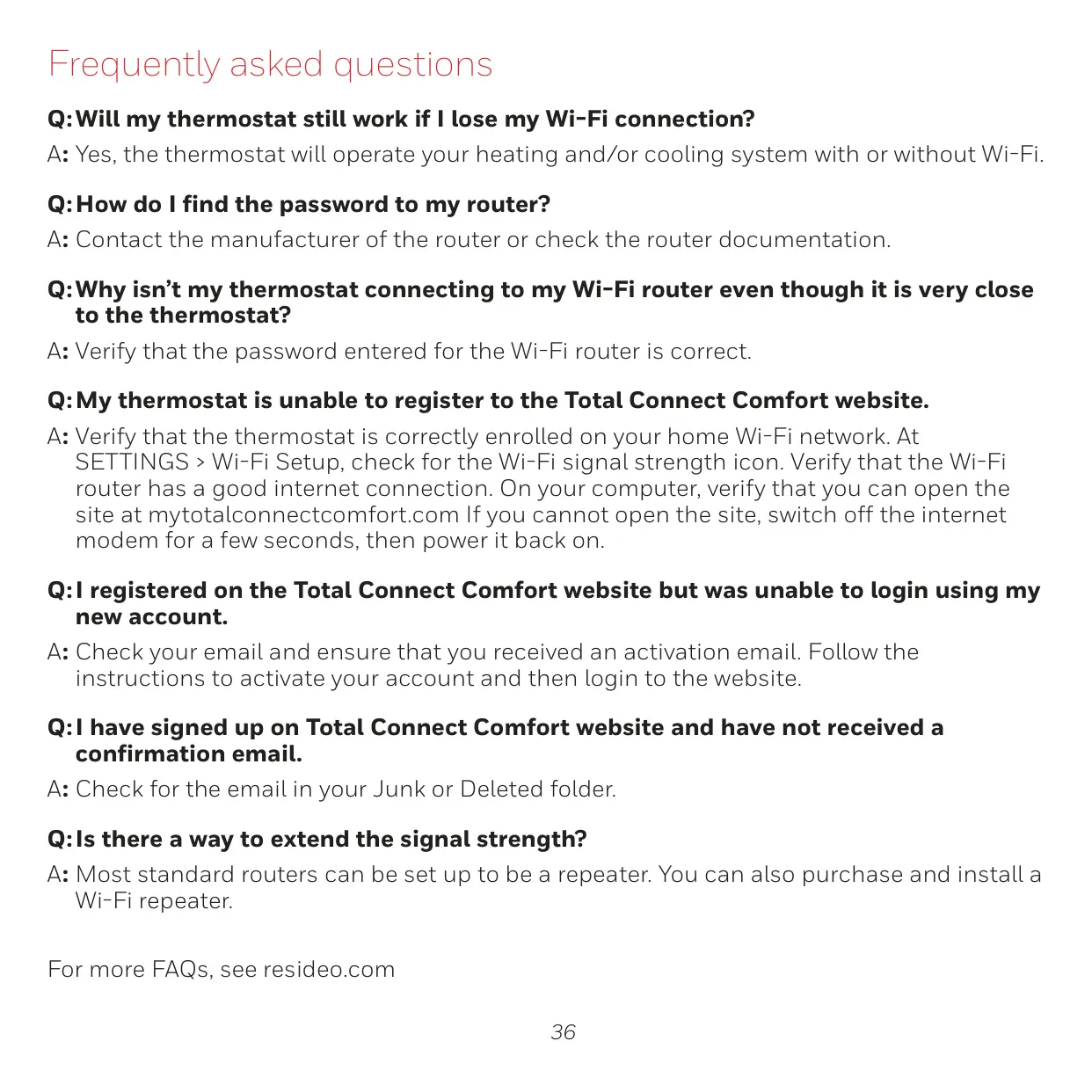
| Remote Control | Yes, via Total Connect Comfort app/website |
| Outdoor Data Display | Temperature & Humidity (requires Wi-Fi & registration) |
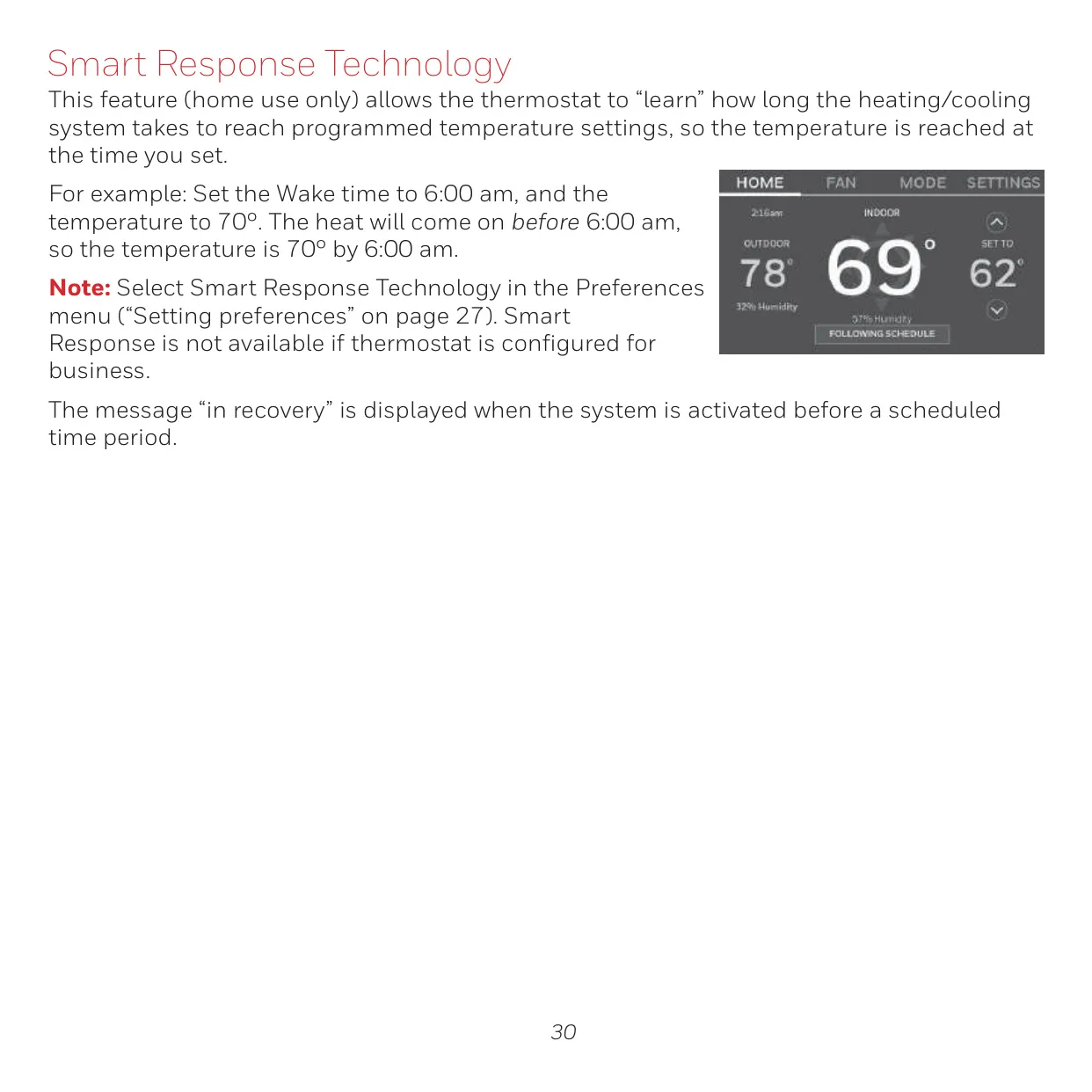
| Smart Response Technology | Yes (Home use only) |
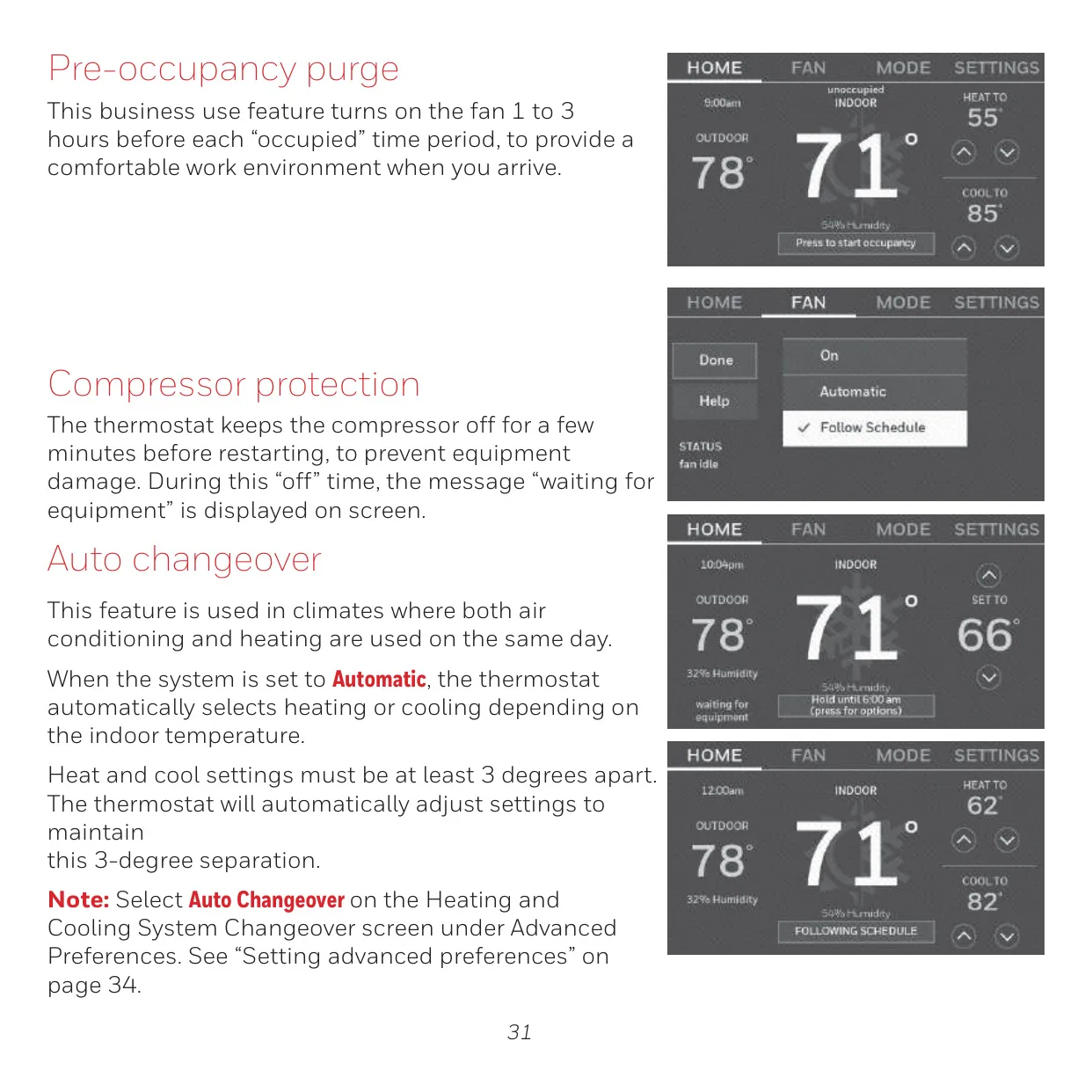
| Pre-occupancy Purge | Yes (Business use only, 1-3 hours fan operation) |
| Compressor Protection | Yes (5-minute delay before restart) |
| Auto Changeover | Yes (Heat/cool settings must be ≥ 3 degrees apart) |
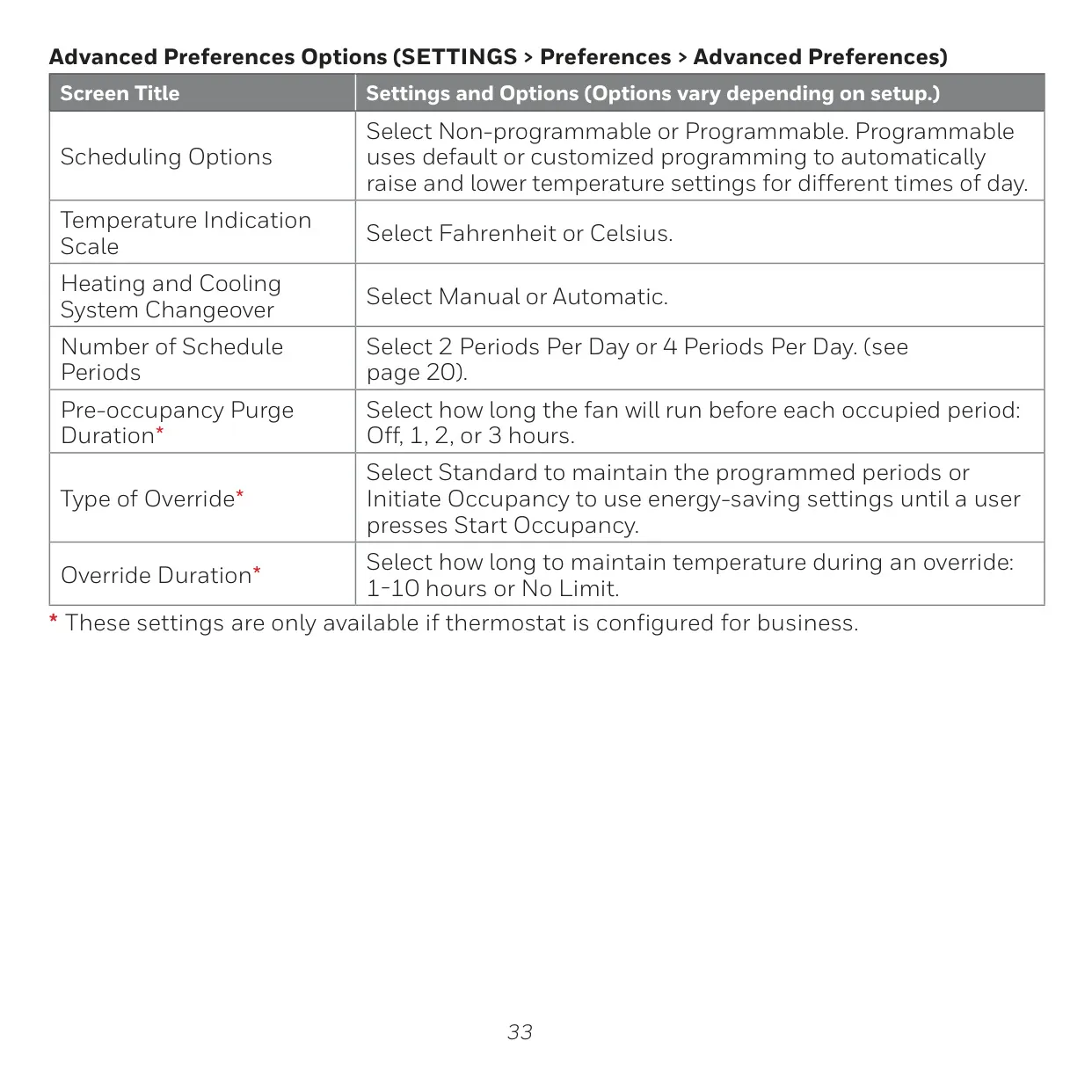
| Scheduling Options | Non-programmable, Programmable (2 or 4 periods per day) |
| Temperature Scale | Fahrenheit or Celsius |
| Power Requirement (C-wire) | 24 VAC common wire is required |
| Max. Current (W-O/B, W2, Y, Y2) | 1.0 A |
| Max. Current (G-Fan) | 0.5 A |
| Voltage (All Terminals) | 20-30 Vac (50/60Hz) |
Honeywell RTH9585WF1004 Details
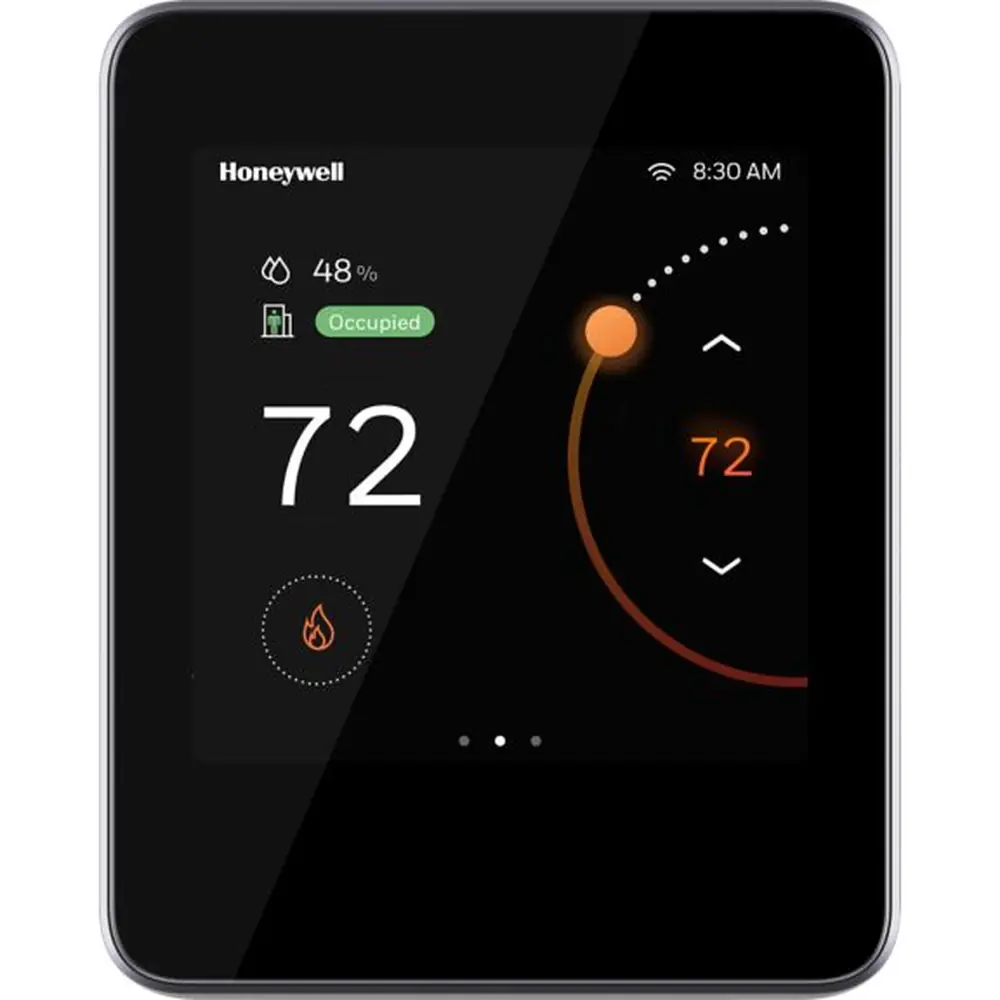
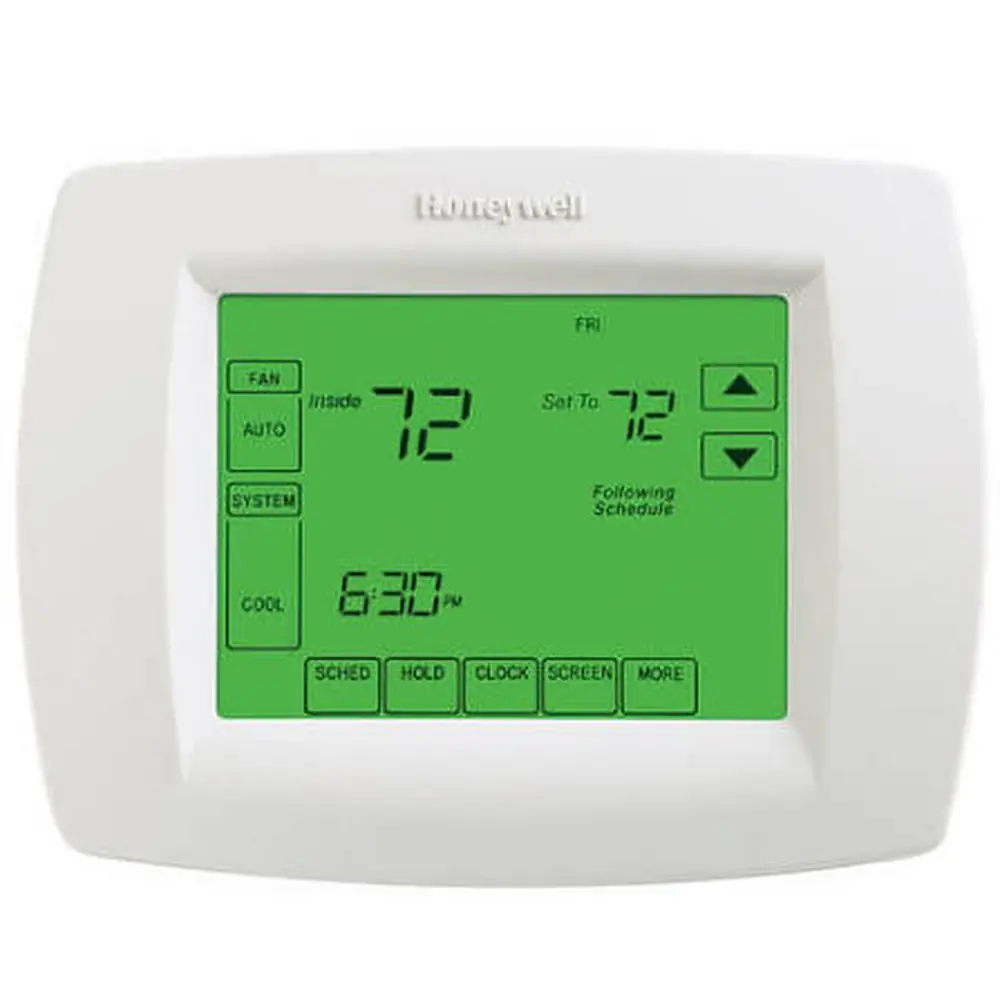
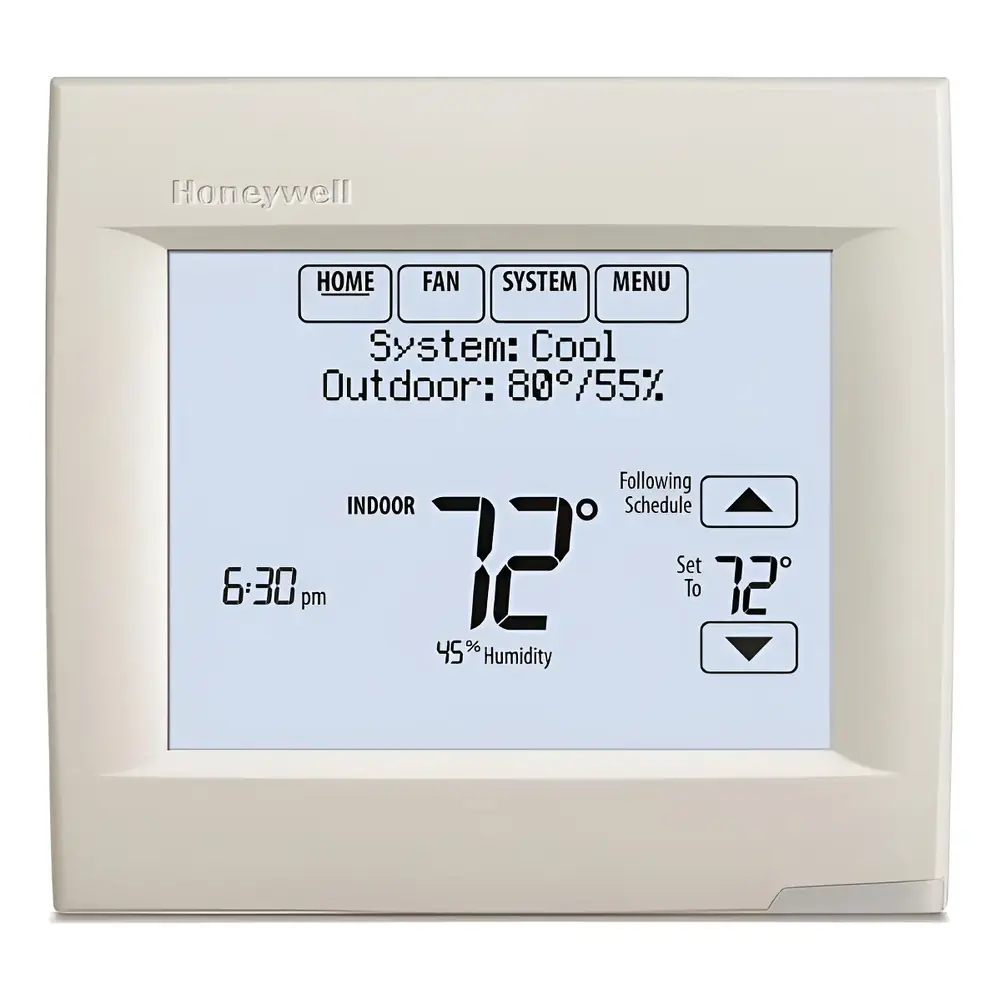
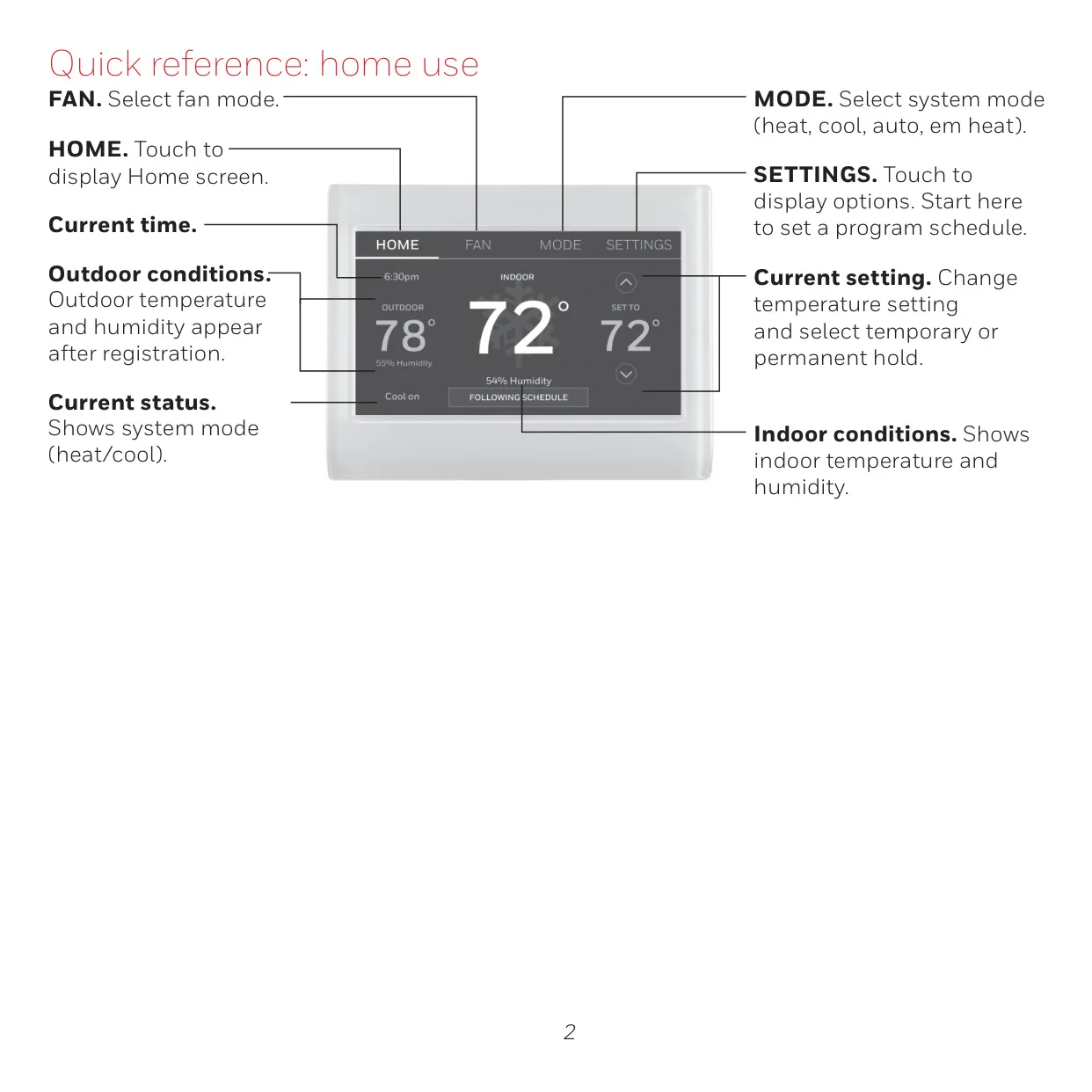
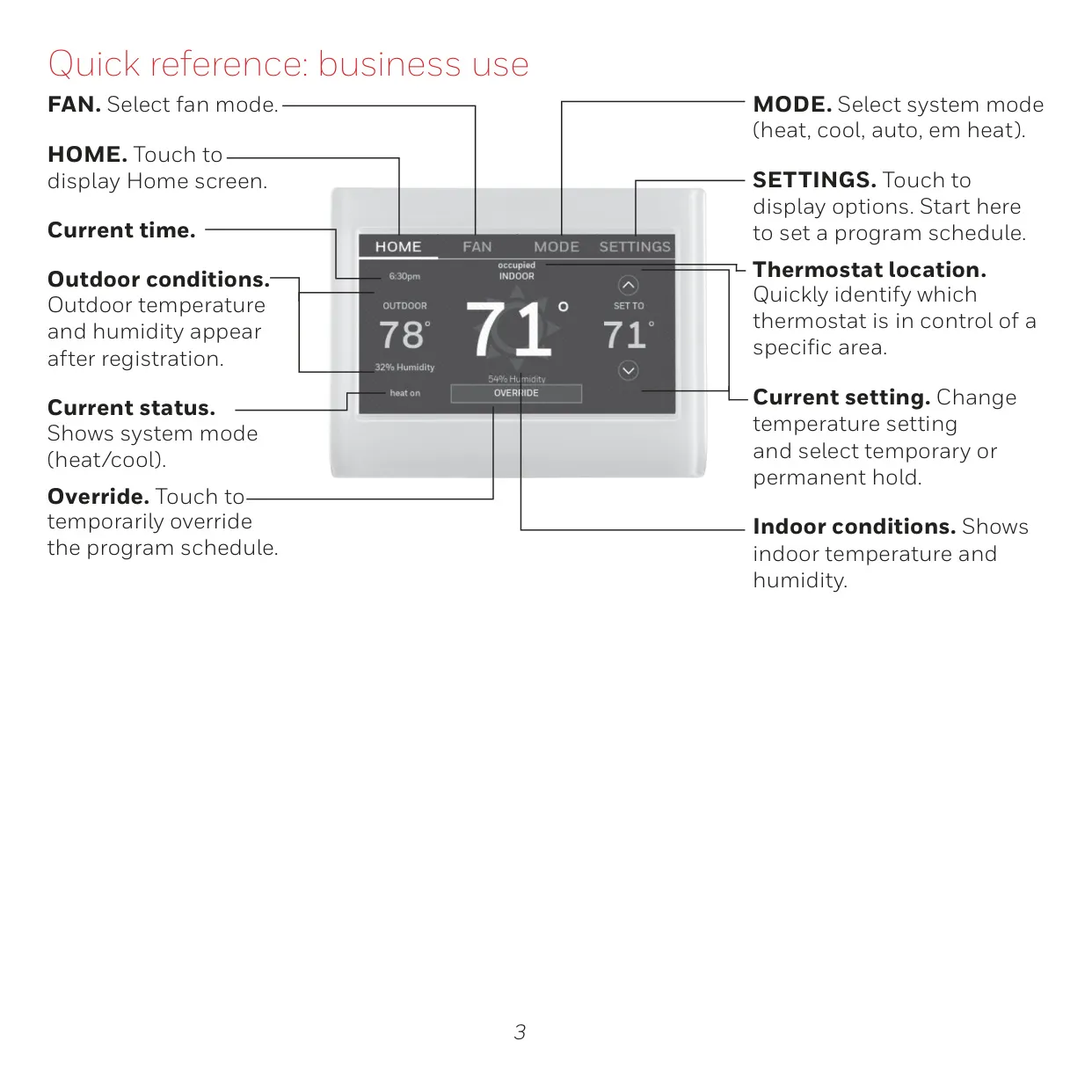
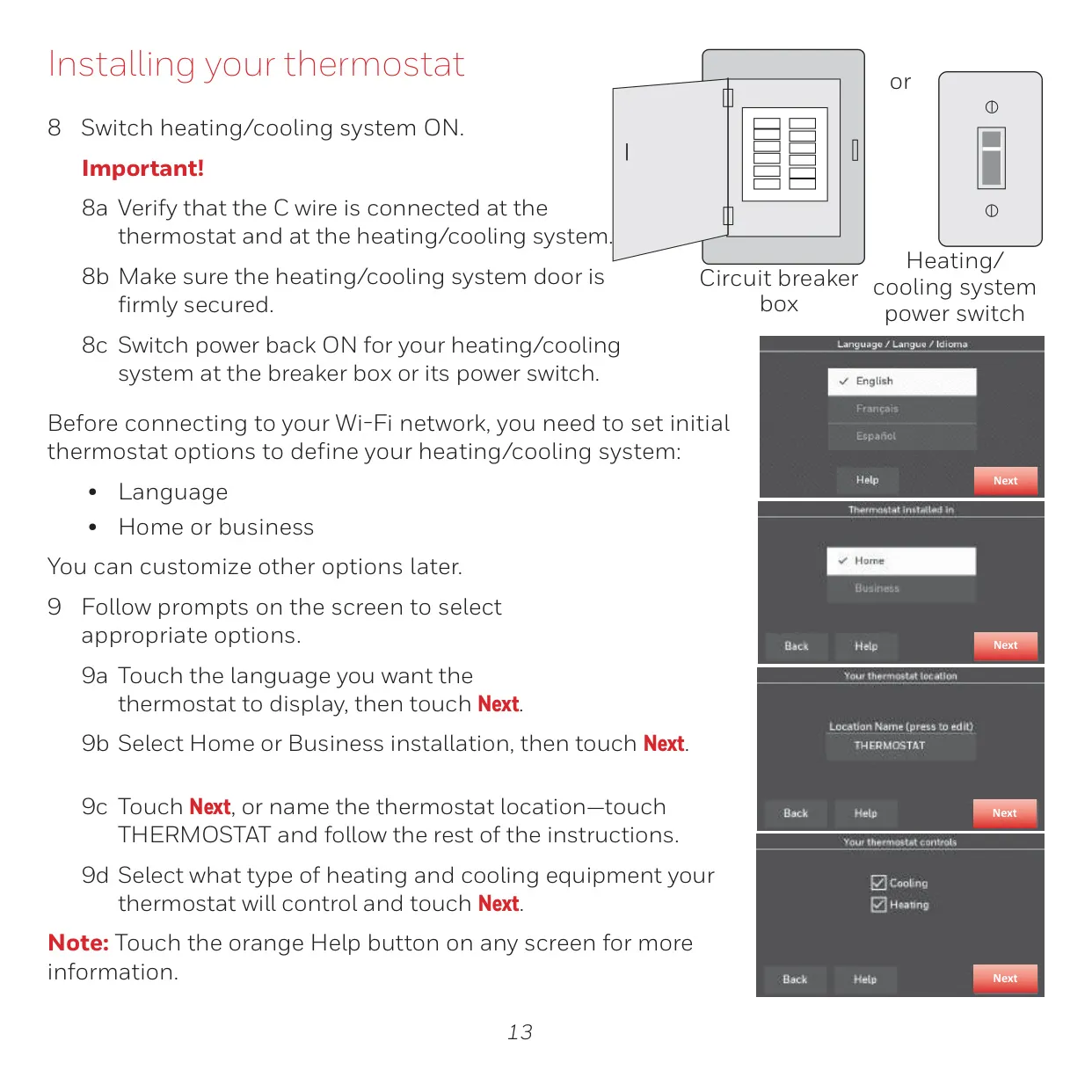
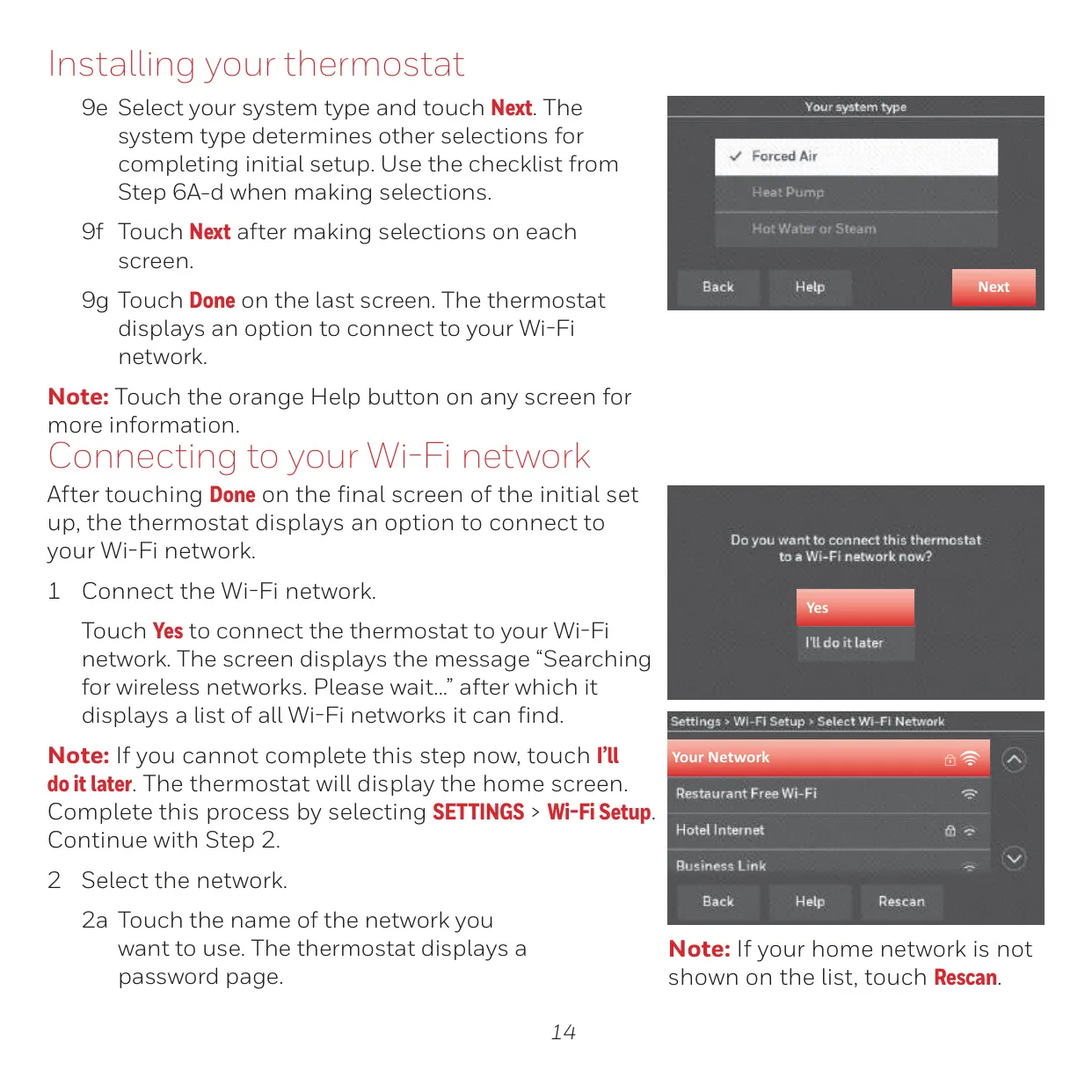
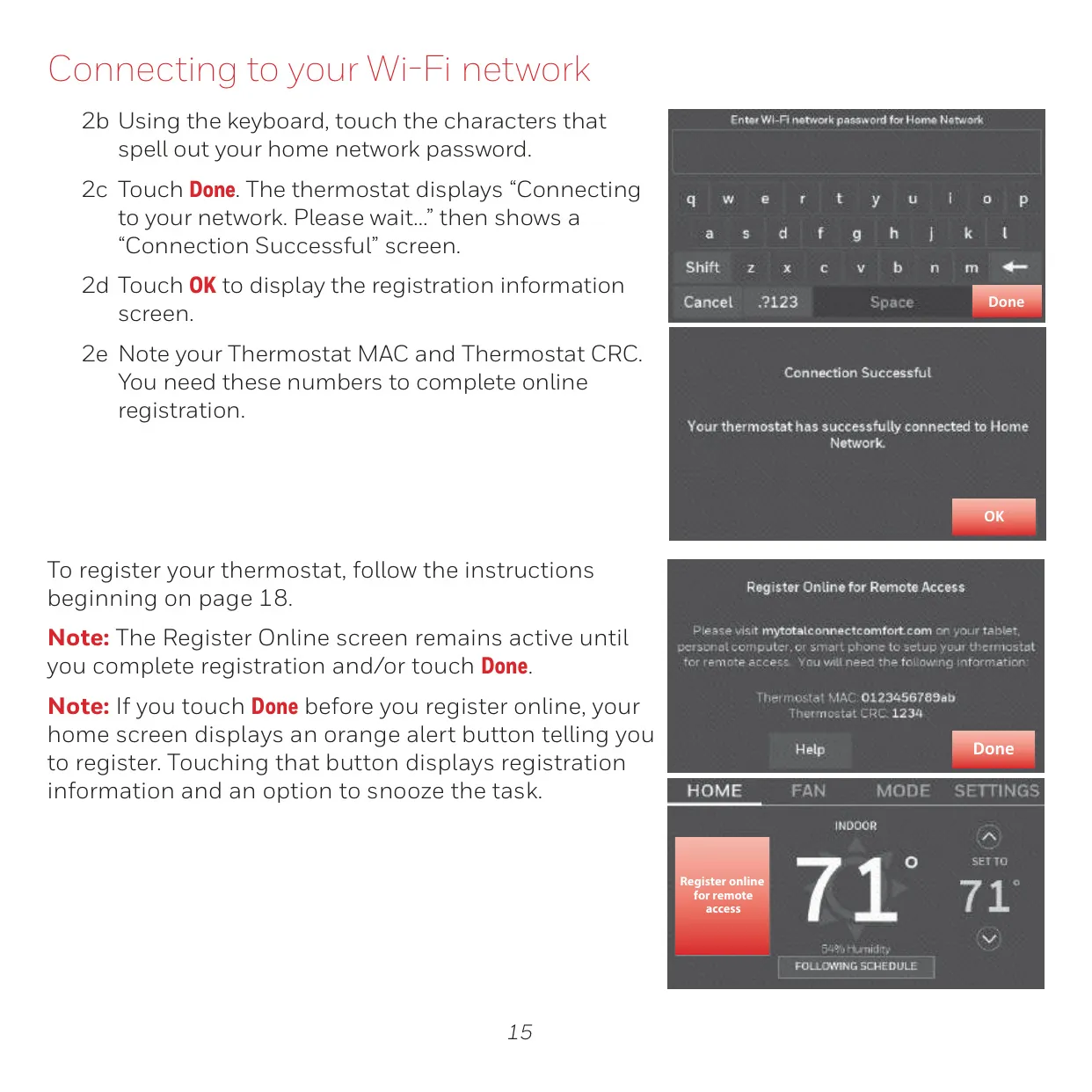
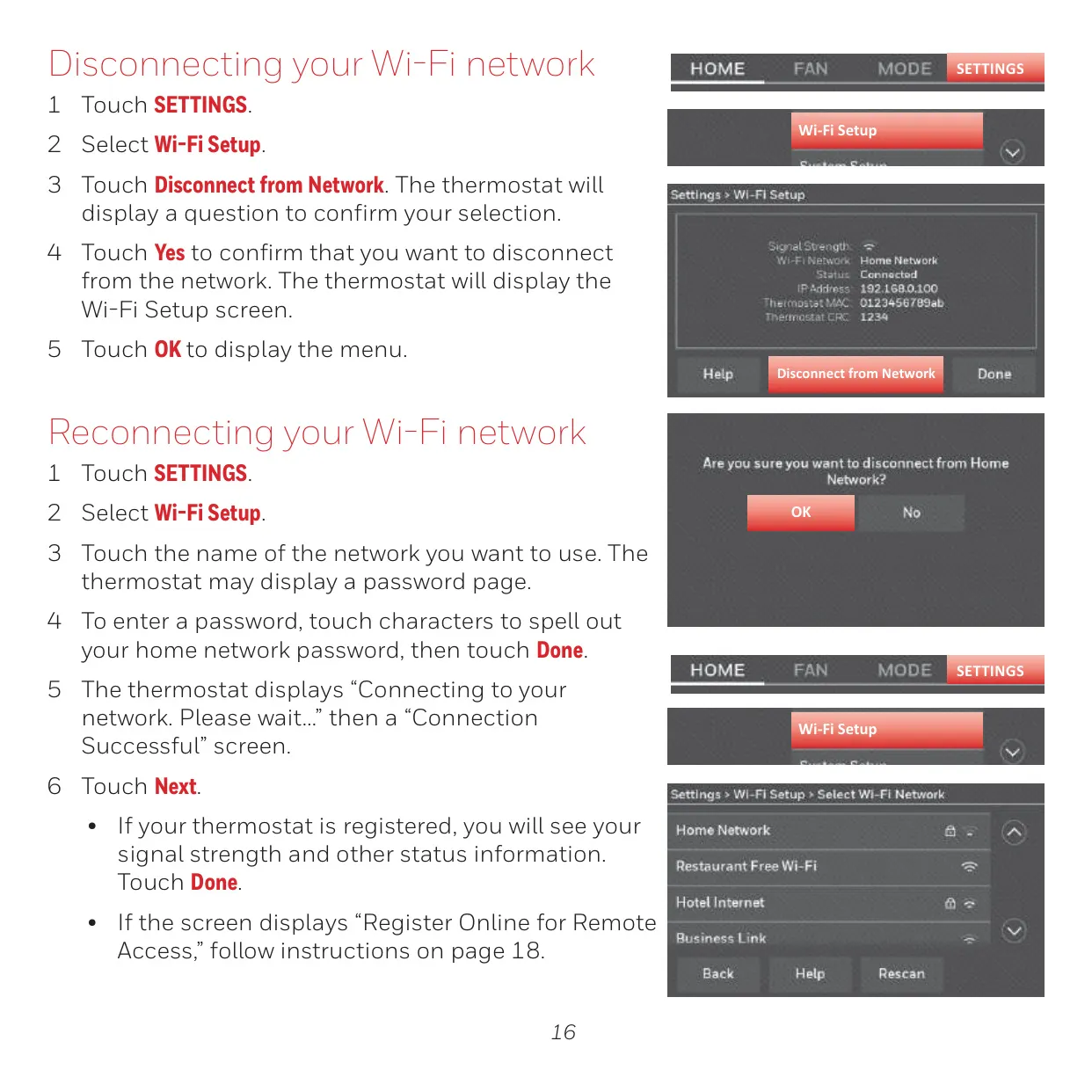
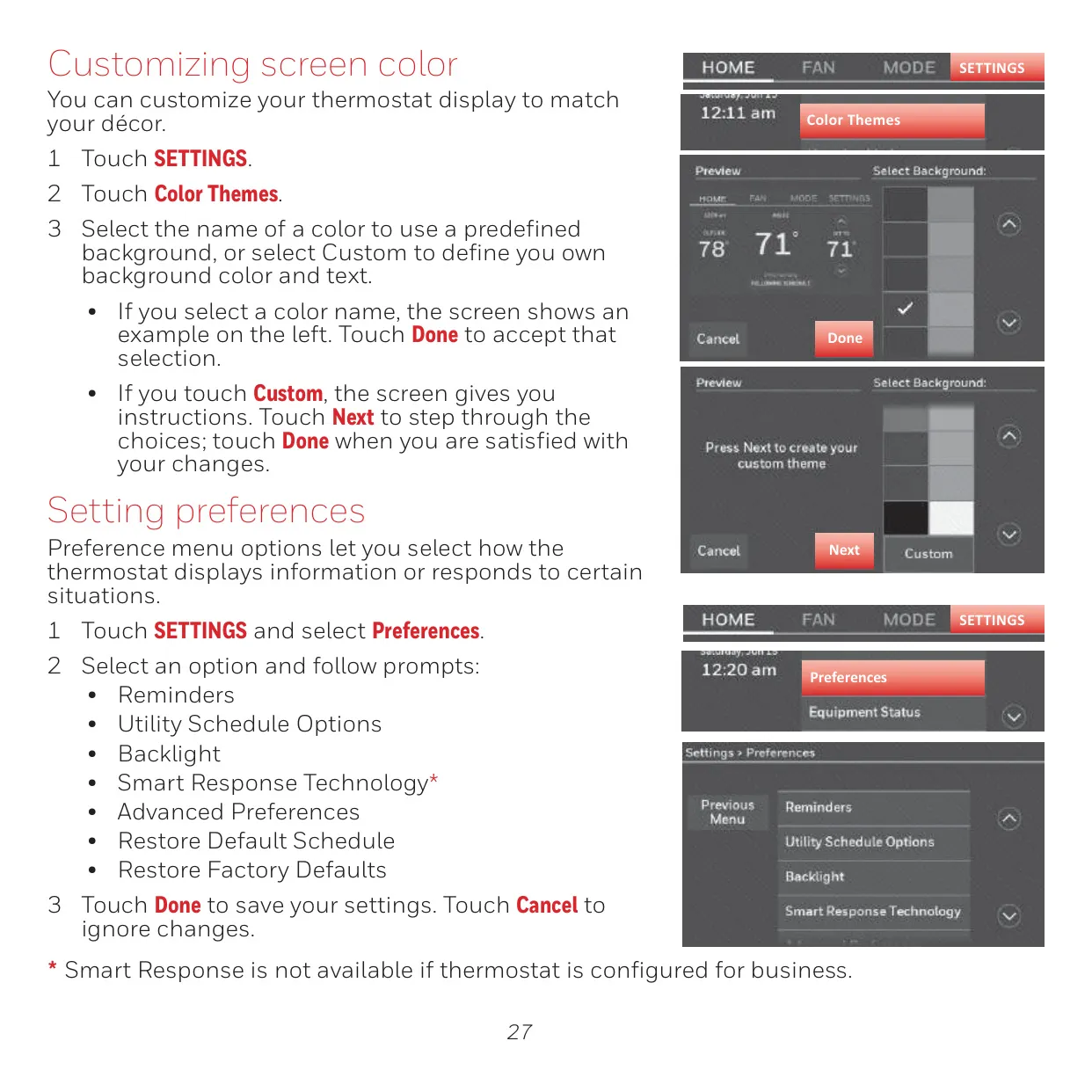
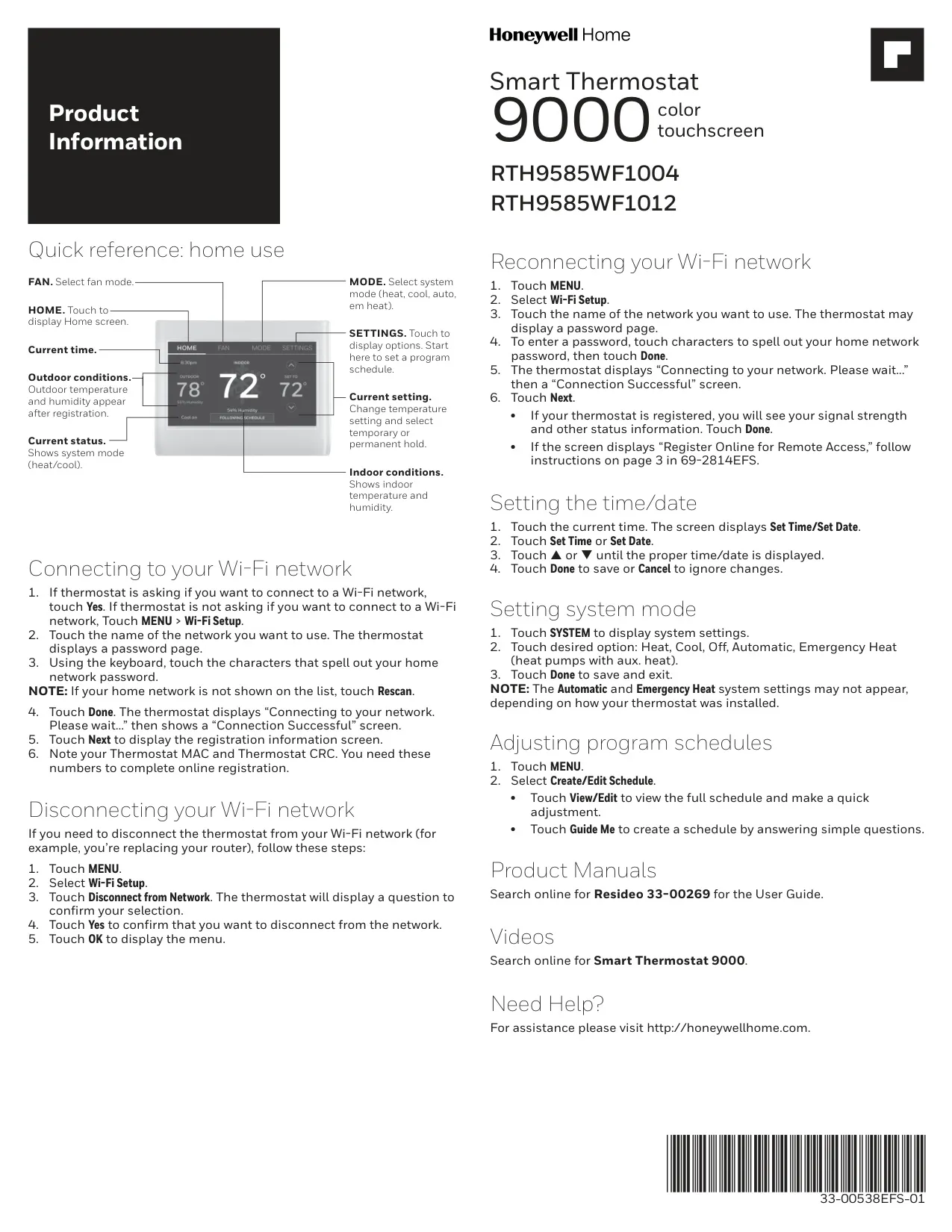
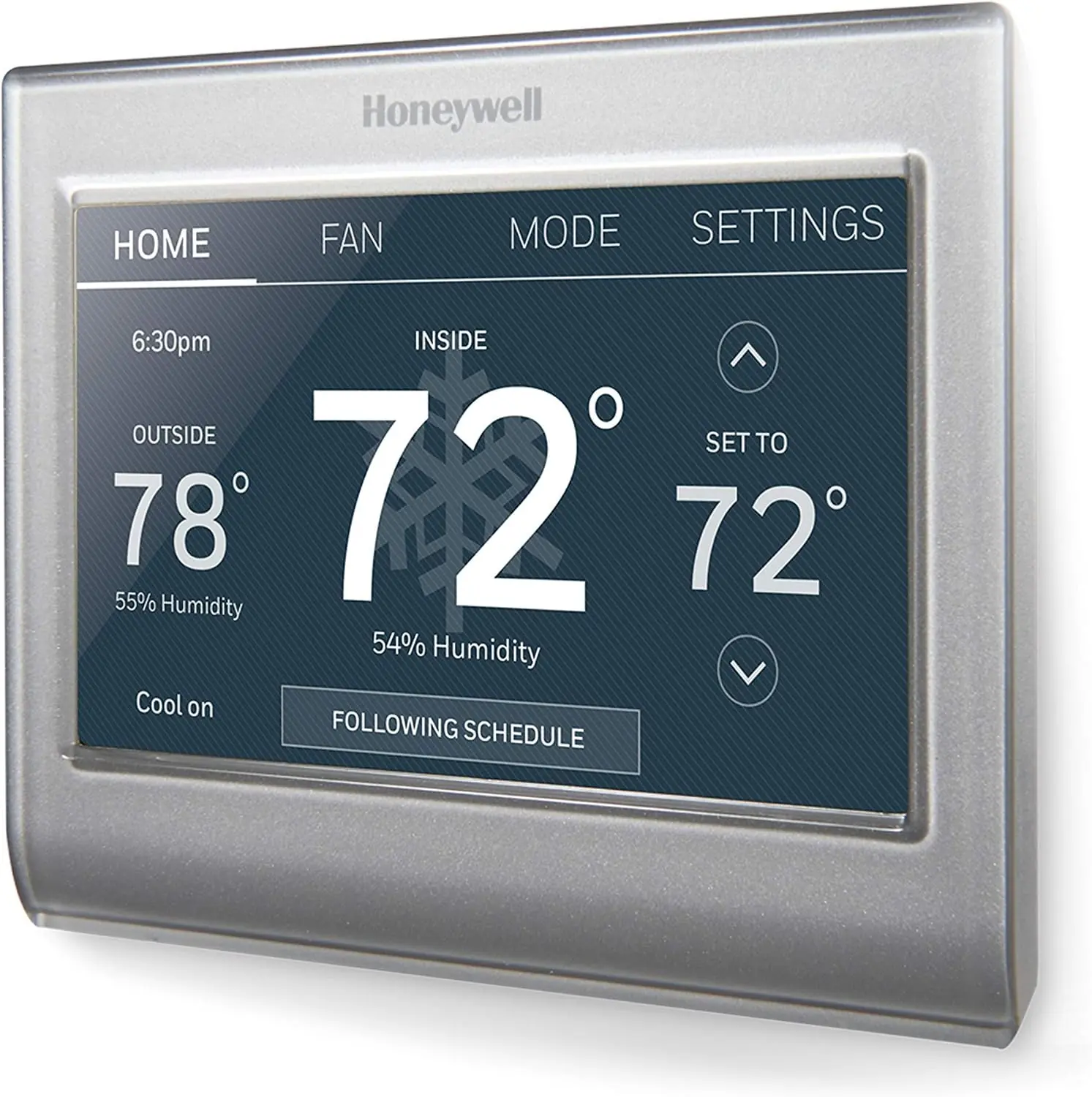
The Honeywell RTH9585WF1004 Smart Series Thermostat offers a sophisticated yet user-friendly experience with its vibrant color touchscreen display. This intuitive interface simplifies navigation and allows for quick adjustments, making comfort control straightforward for both home and business environments. Its design not only enhances usability but also allows for personalized aesthetics, as users can customize screen colors to match their interior décor.
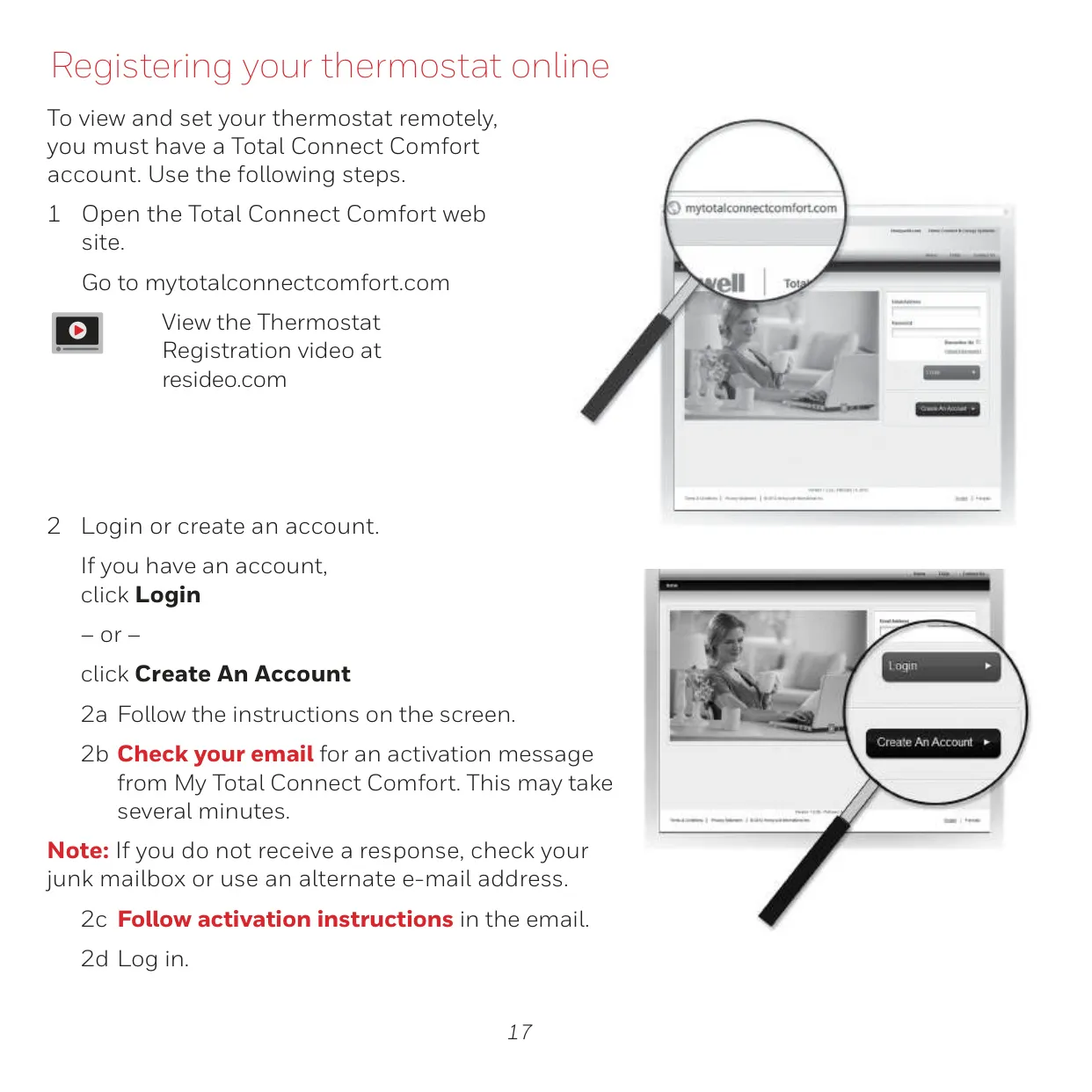
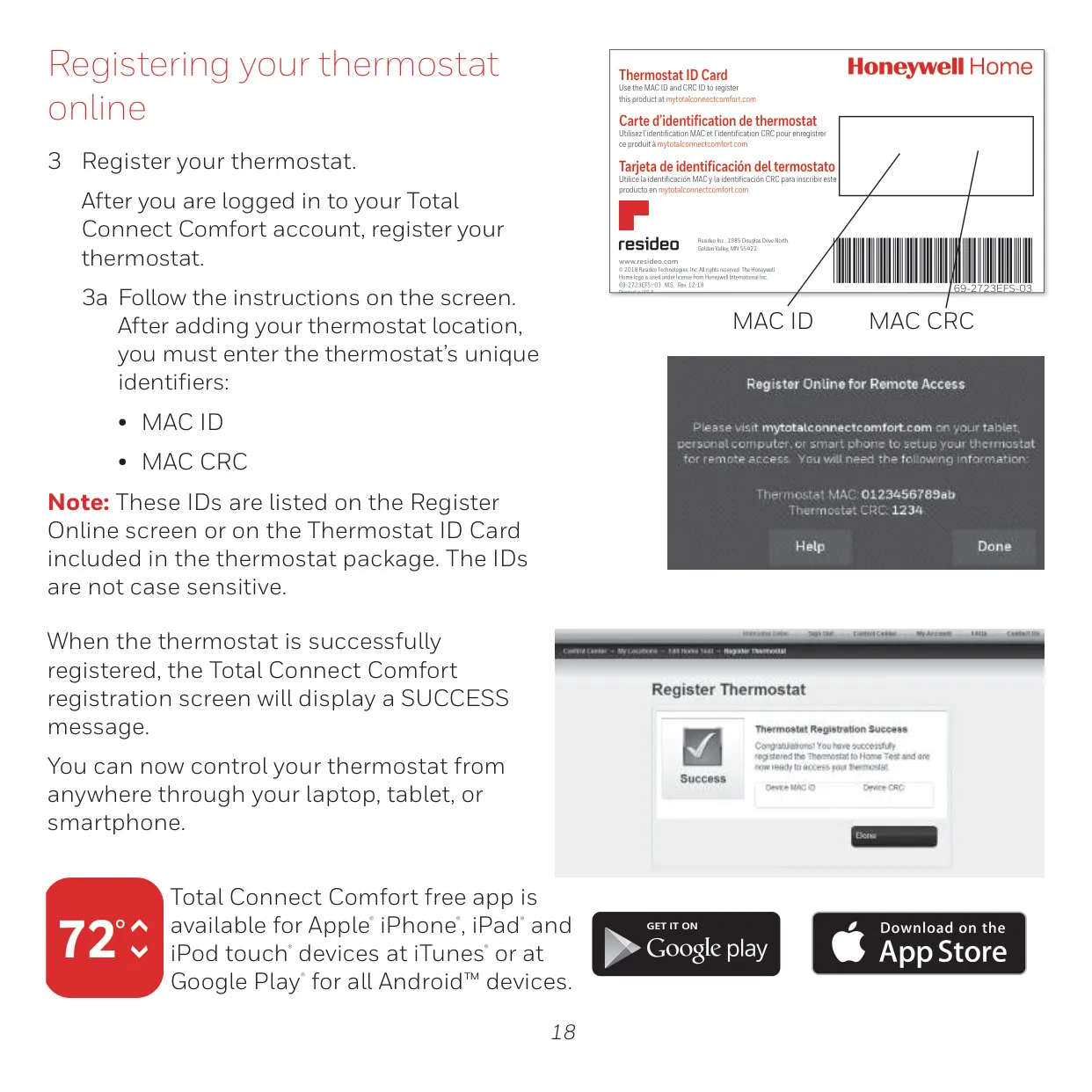
One of the thermostat's standout features is its integration with the Total Connect Comfort platform. This allows users to remotely monitor and control their heating and cooling systems from anywhere, providing unparalleled convenience and peace of mind. Whether you're traveling, managing a vacation home, or overseeing a business, staying connected to your comfort system is effortless through a smartphone, tablet, or laptop.
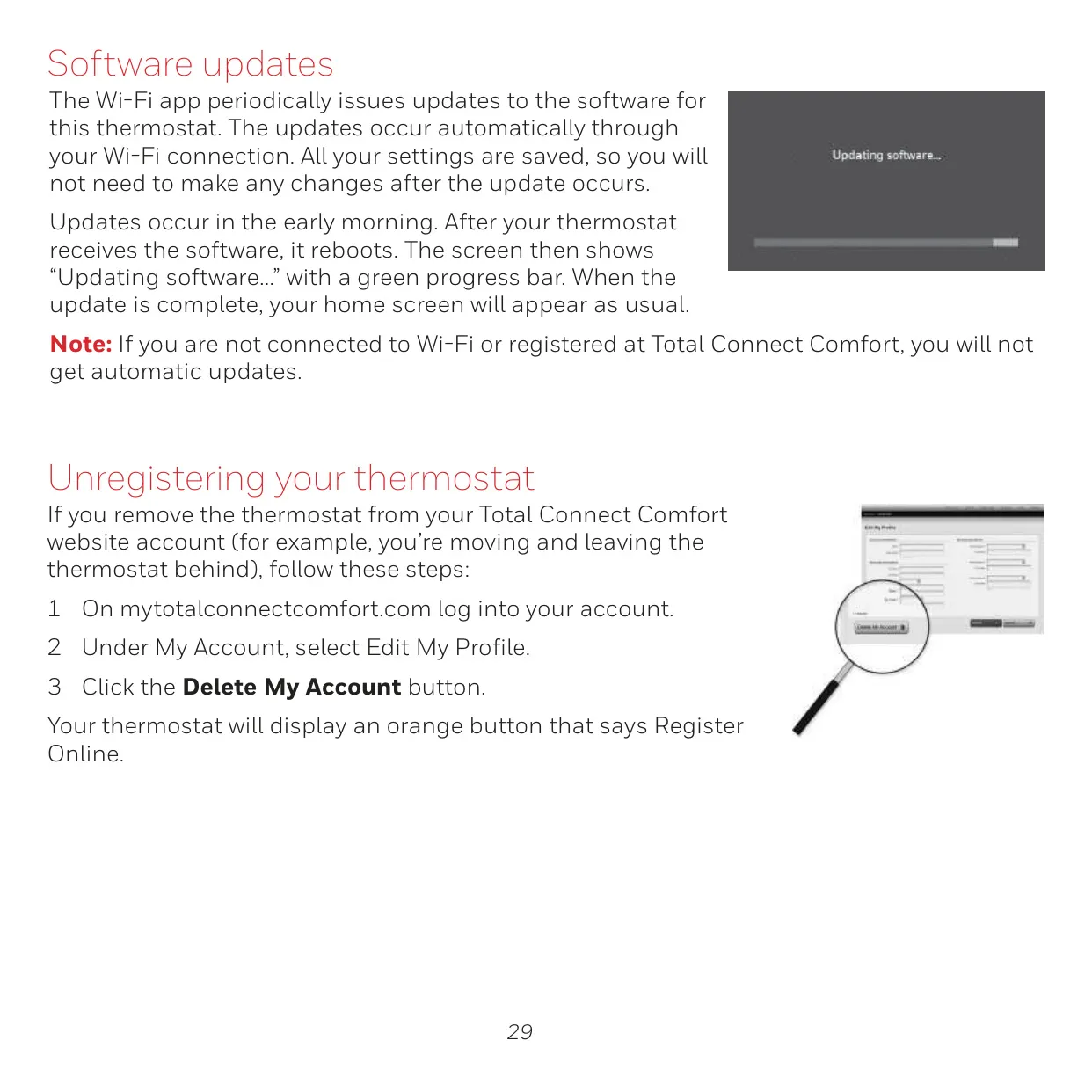
The thermostat comes equipped with automatic software updates delivered via your Wi-Fi connection, ensuring you always have the latest features and improvements without manual intervention. All your personalized settings are automatically saved during these updates, so there's no need to reconfigure anything afterwards. This commitment to continuous improvement enhances the thermostat's longevity and performance.
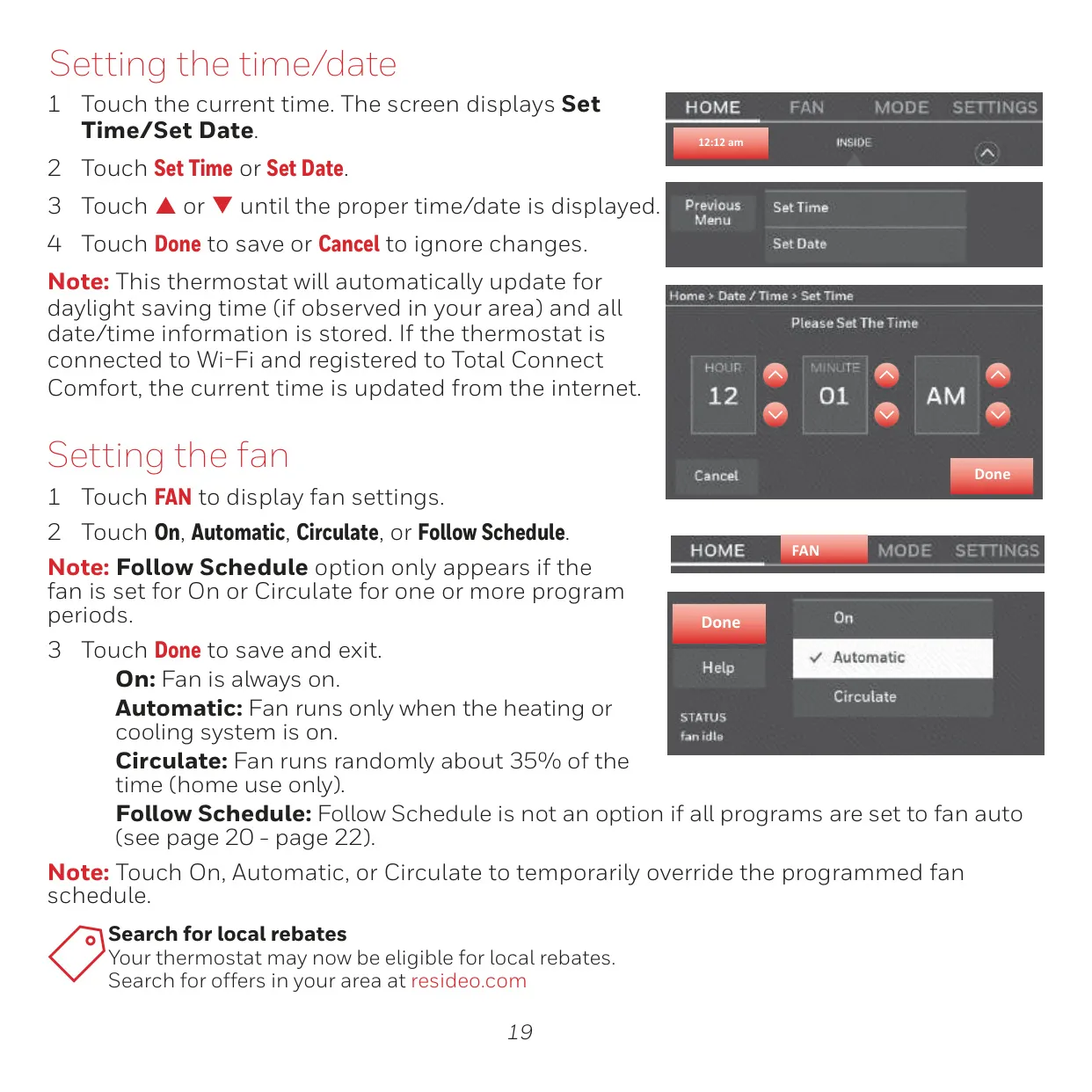
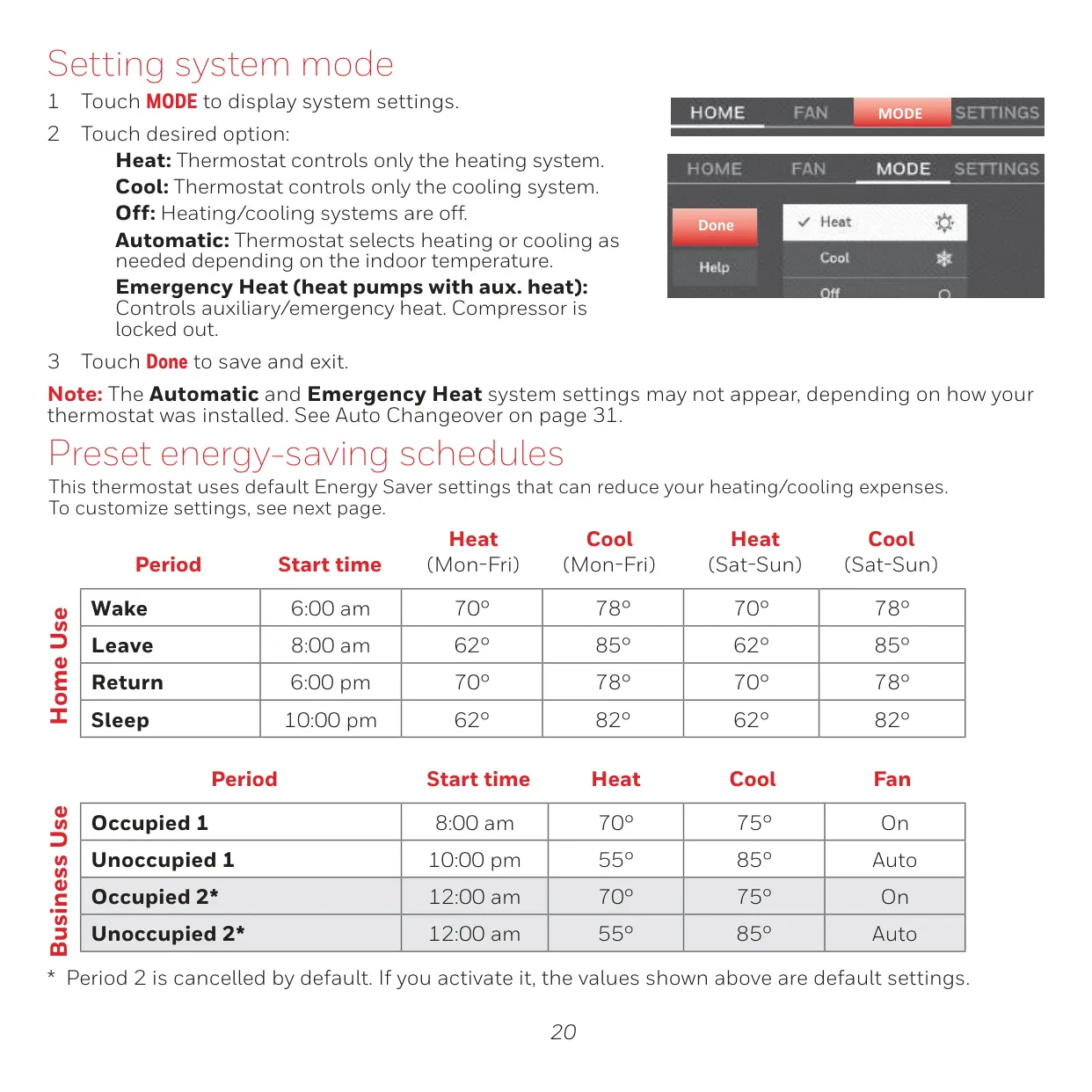
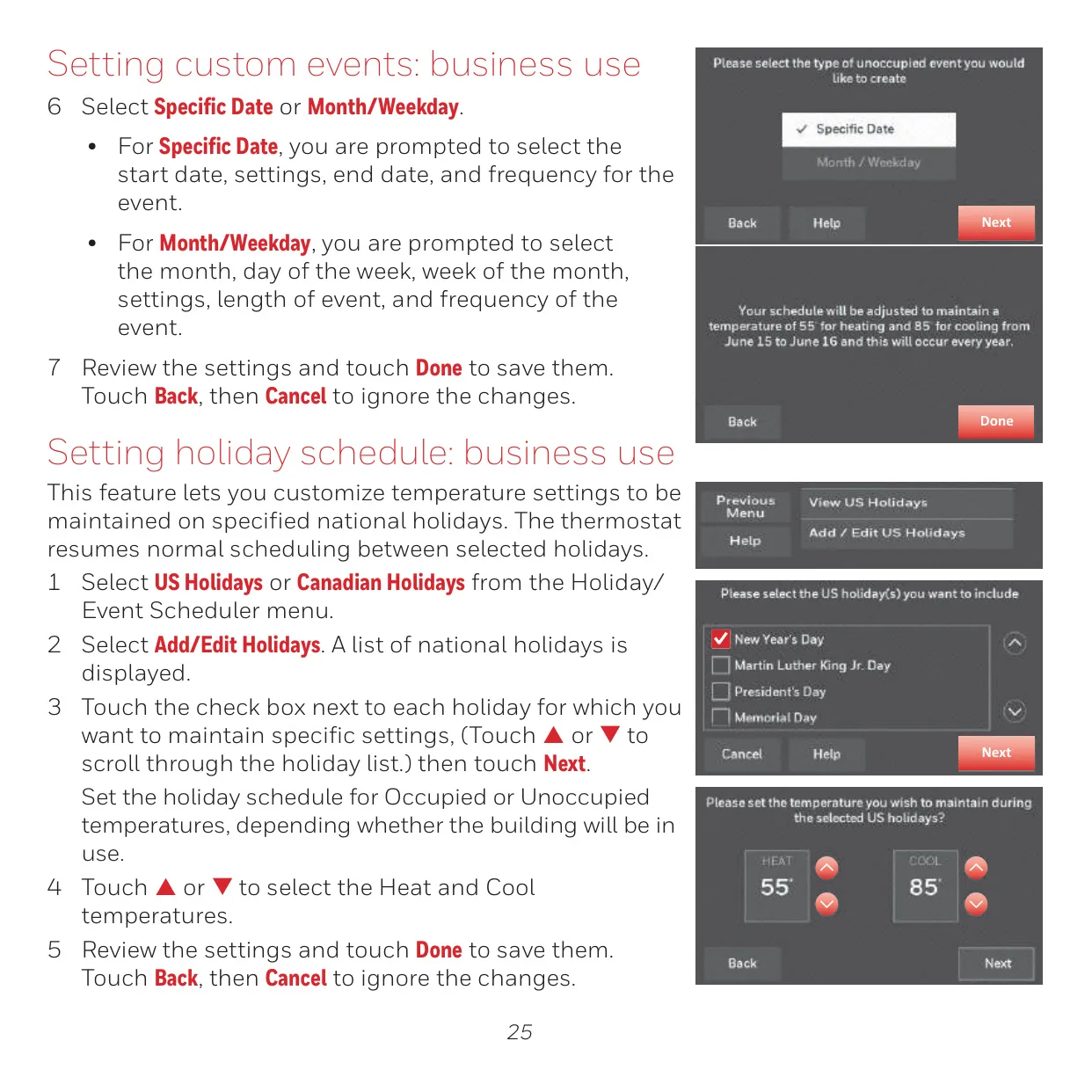
Beyond basic temperature control, the RTH9585WF1004 offers extensive scheduling capabilities. For home users, it includes preset energy-saving schedules and options to customize daily programs with "Wake," "Leave," "Return," and "Sleep" periods. Business users benefit from "Occupied" and "Unoccupied" periods, along with specific features like "Pre-occupancy Purge" that runs the fan before arrival for optimal air circulation.
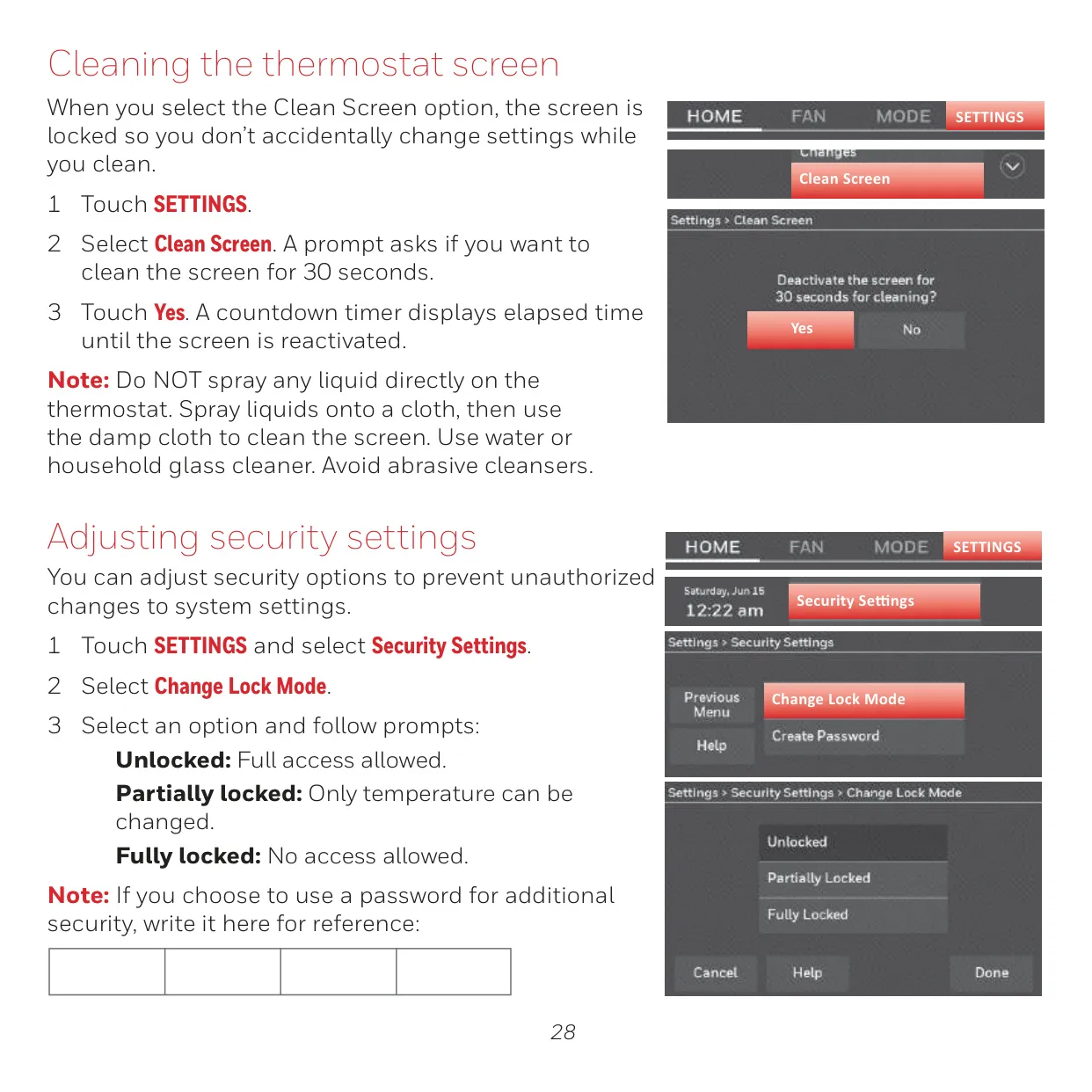
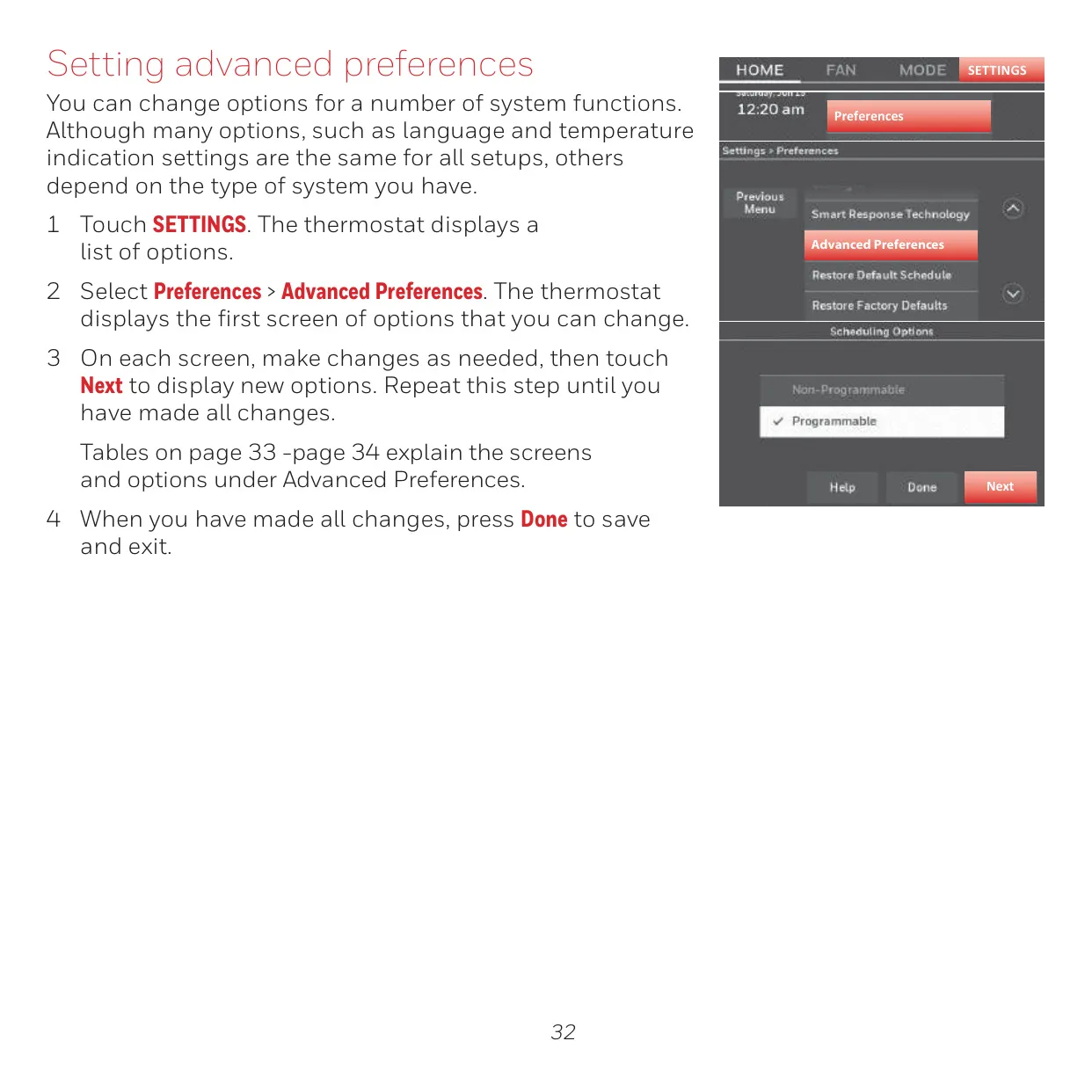
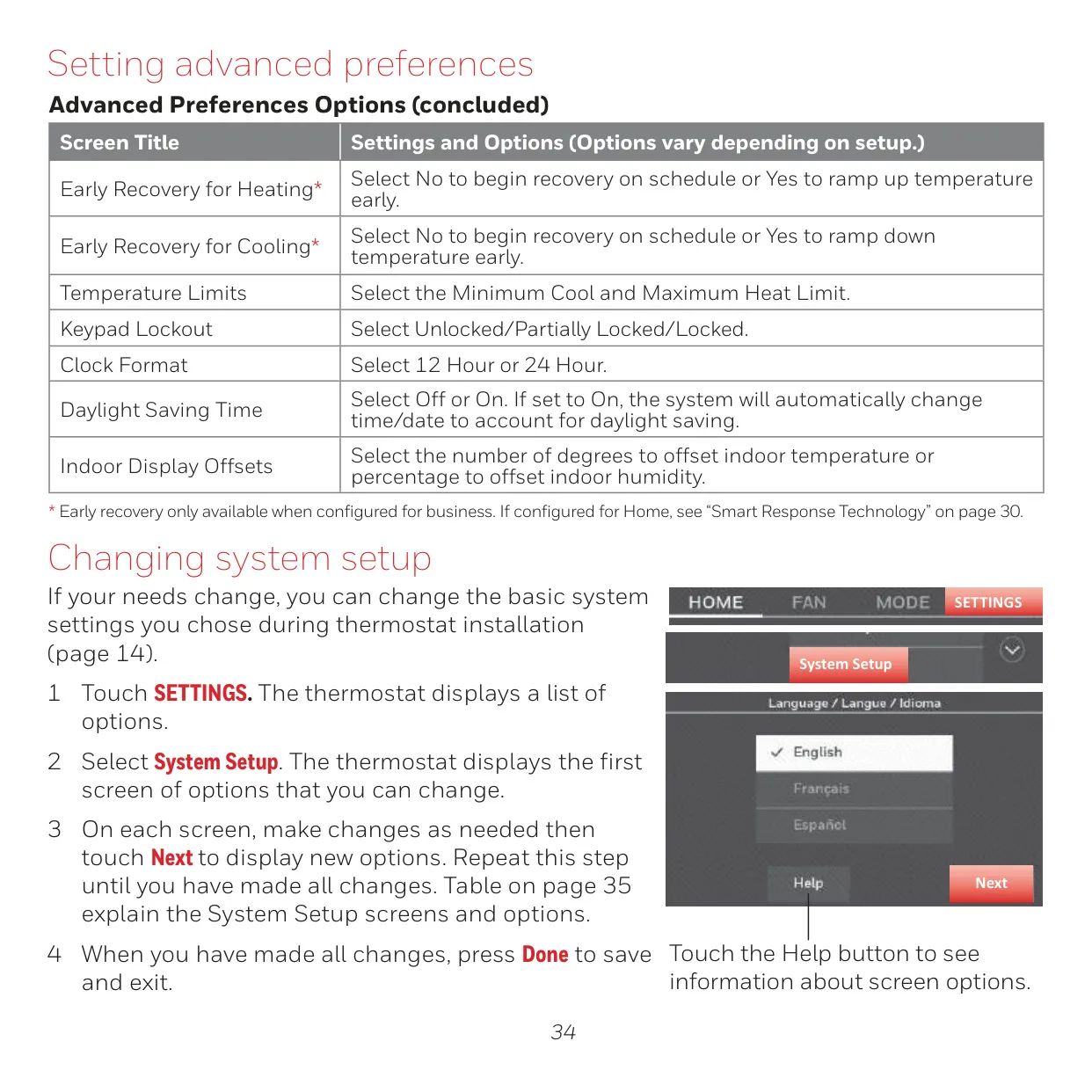
Advanced preference settings provide granular control over various system functions. Users can adjust reminders, configure backlight behavior, and even fine-tune settings like "Early Recovery" for heating and cooling to ensure desired temperatures are reached precisely at scheduled times. Security settings are also comprehensive, offering options from unlocked to fully locked modes, with password protection to prevent unauthorized changes.
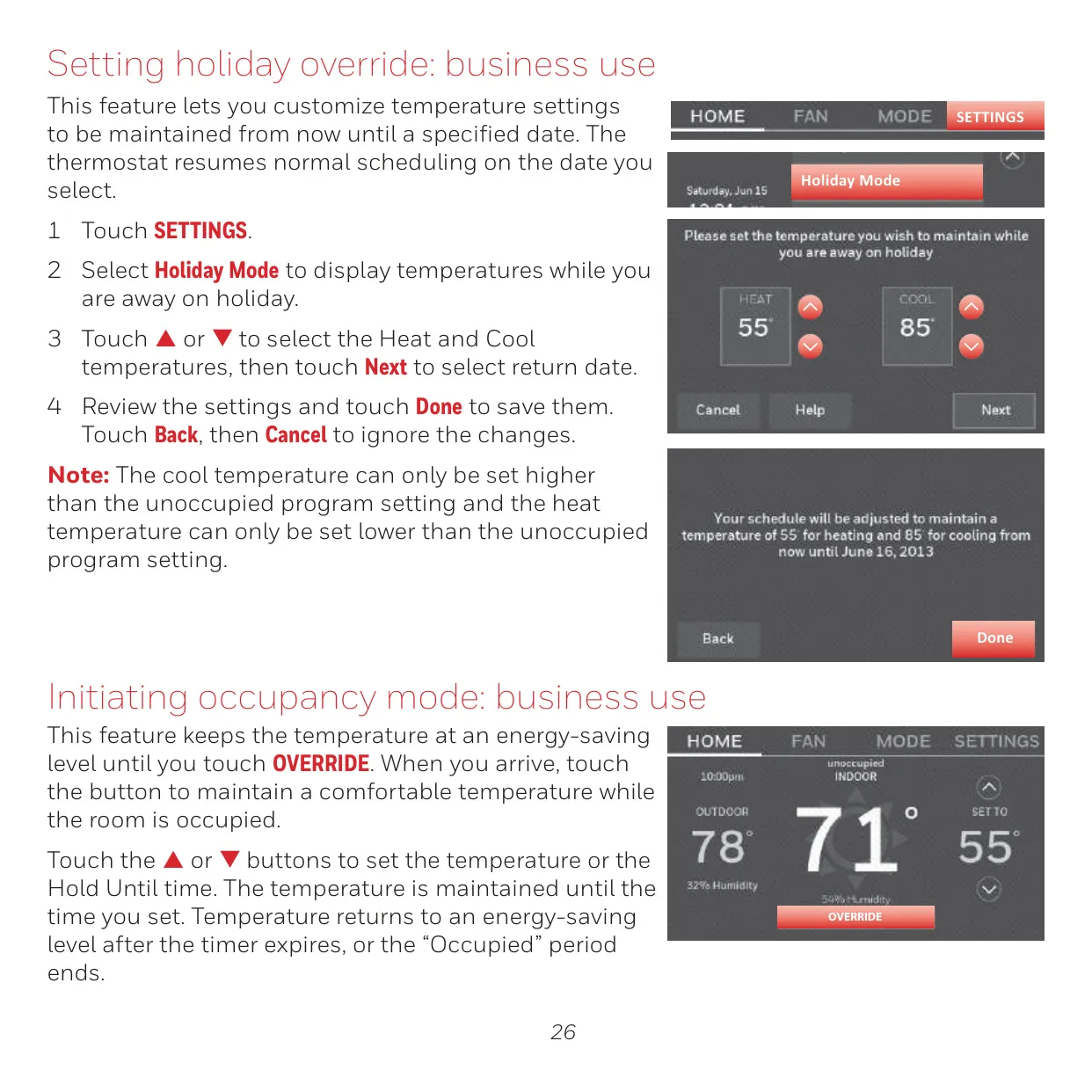
For those requiring temporary adjustments, the thermostat supports both temporary and permanent holds for home use, and a flexible override function for business settings. Its "Vacation Mode" (home) and "Holiday/Event Scheduler" (business) features allow for energy conservation during extended absences, automatically restoring comfort settings upon return or at the end of a scheduled event.
Frequently Asked Questions (FAQs)
Can't find the answer you need? Here are some frequently asked questions about the Honeywell RTH9585WF1004 Thermostat, and we answer them below.