Honeywell TH1210DV1007 Pro 1000 Instruction Manual
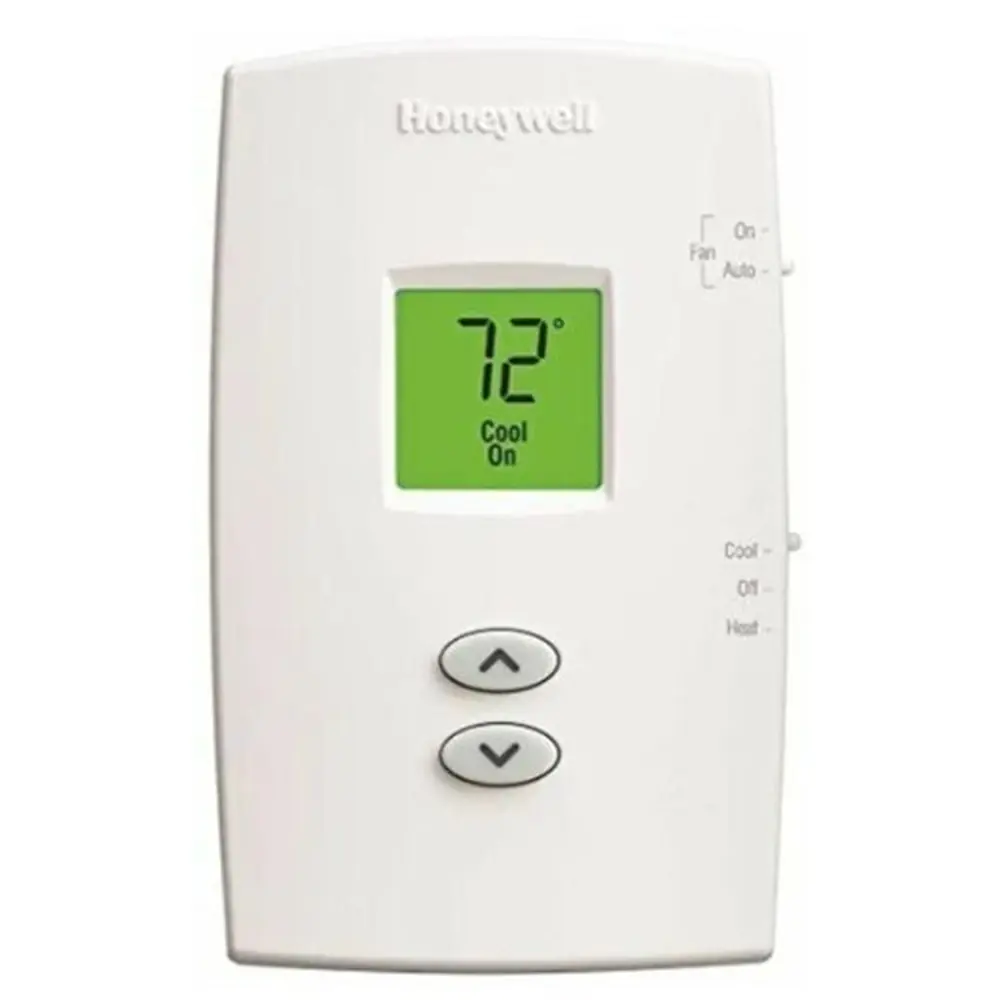
Honeywell TH1210DV1007 Pro 1000

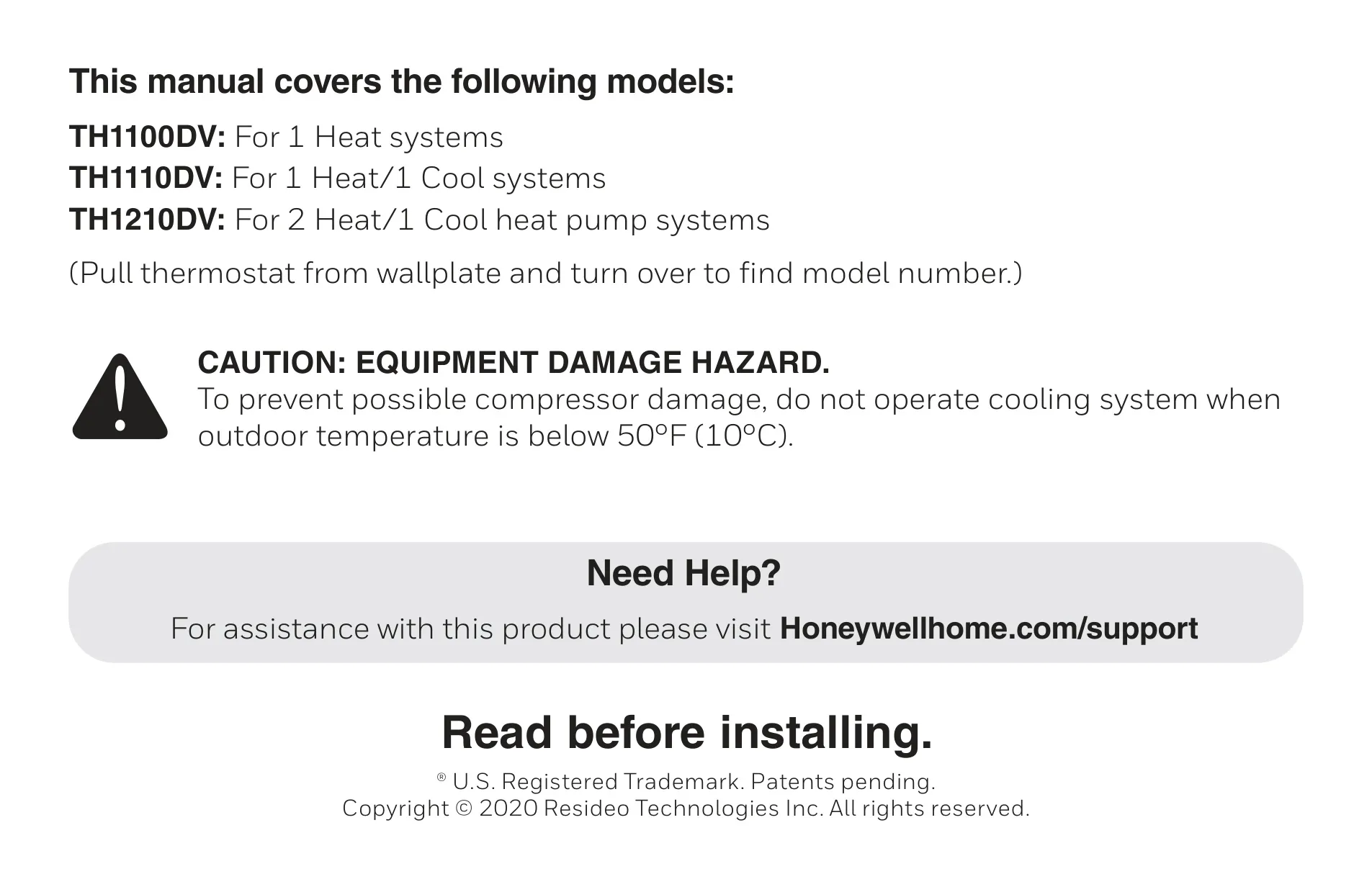
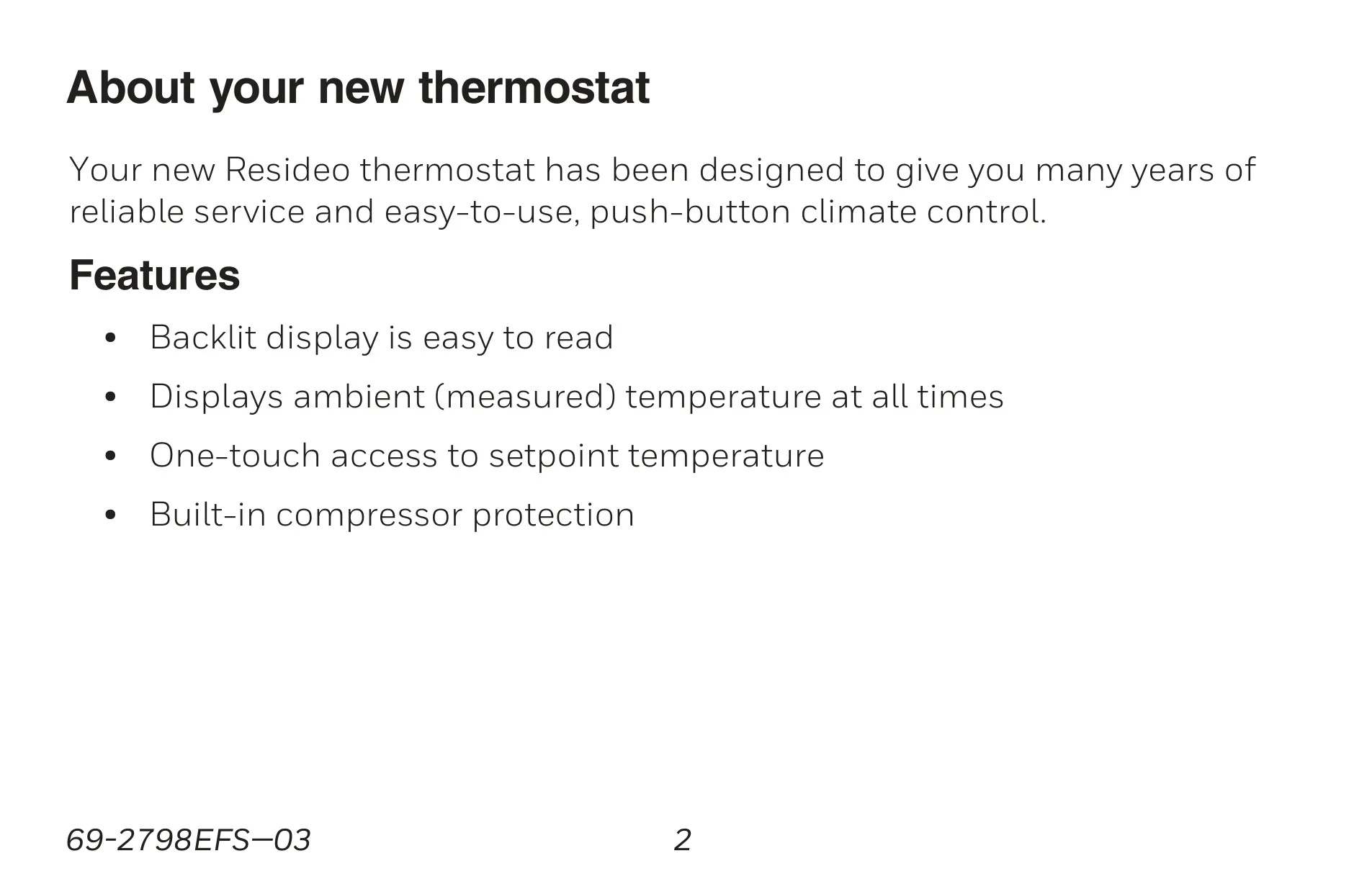






Honeywell TH1210DV1007 Pro 1000

Honeywell TH1210DV1007 Instructions
Here we offer the Honeywell TH1210DV1007 Pro 1000 manual completely free and in English. We have cataloged this manual in the Thermostats section on Manualverse, and it has been rated by 1 users with an average rating of 5. If you have any specific questions about Honeywell TH1210DV1007 Pro 1000, we suggest checking the Frequently Asked Questions (FAQs) section of this manual.
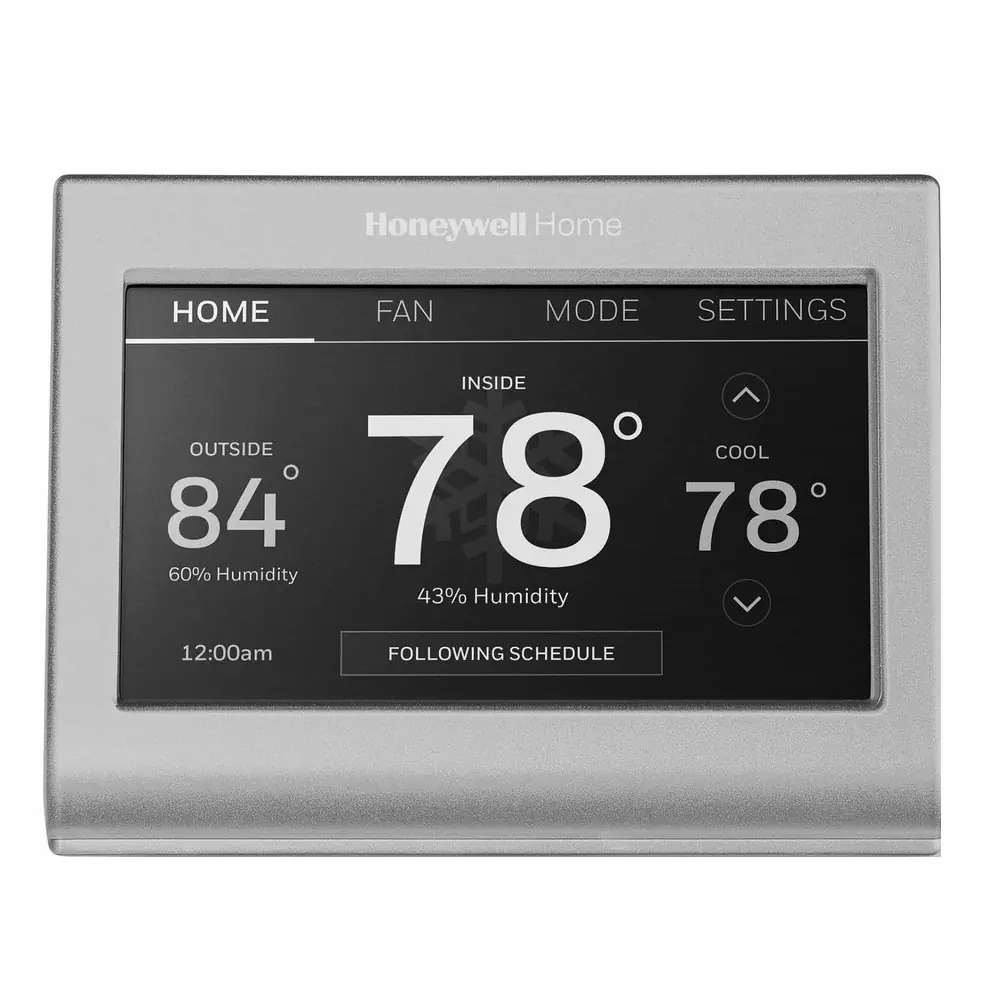
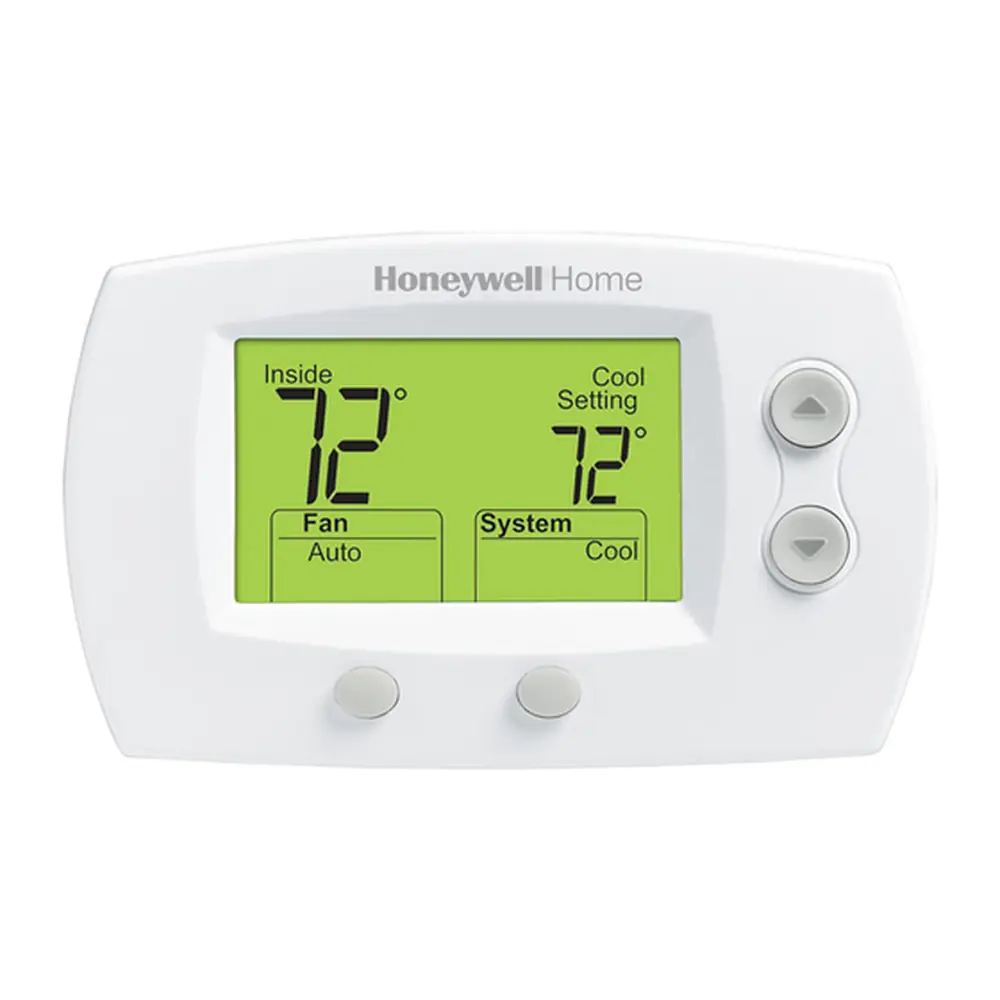
Product Images


Honeywell TH1210DV1007 Pro 1000 Thermostat Specifications
| Feature | Specification |
|---|---|
| Model Number | TH1210DV1007 Pro 1000 |
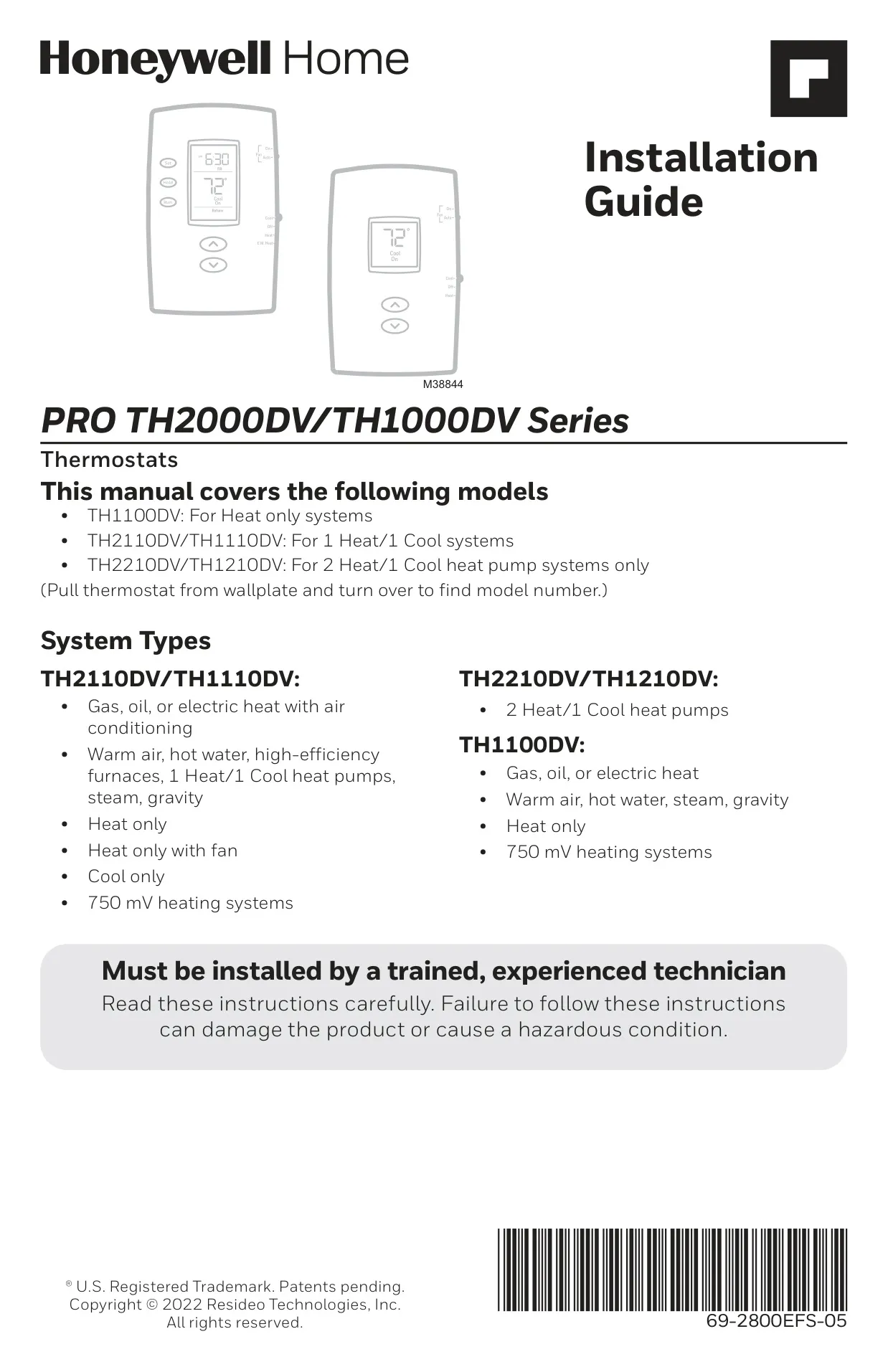
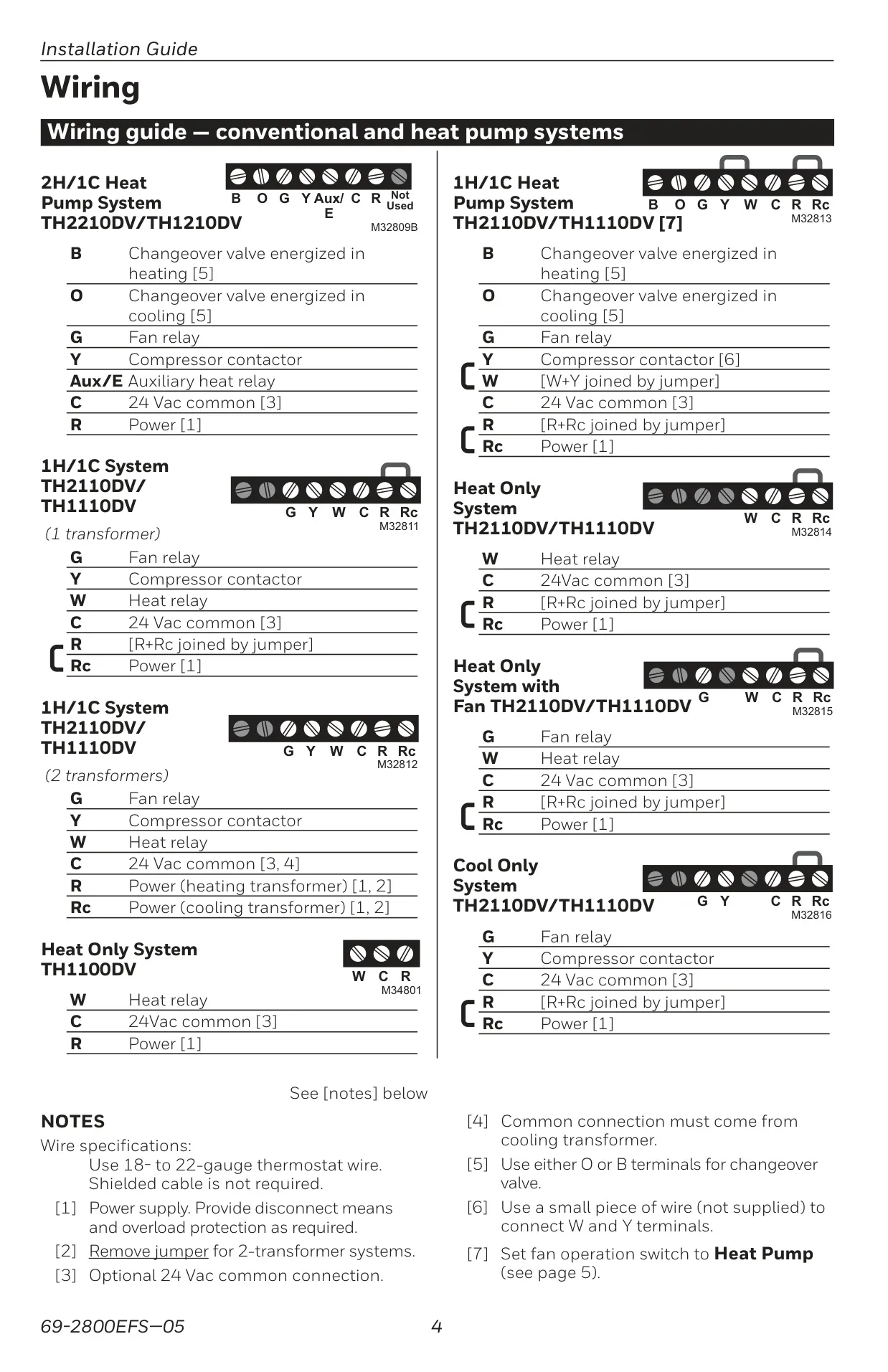
| System Compatibility | 2 Heat/1 Cool Heat Pump Systems |
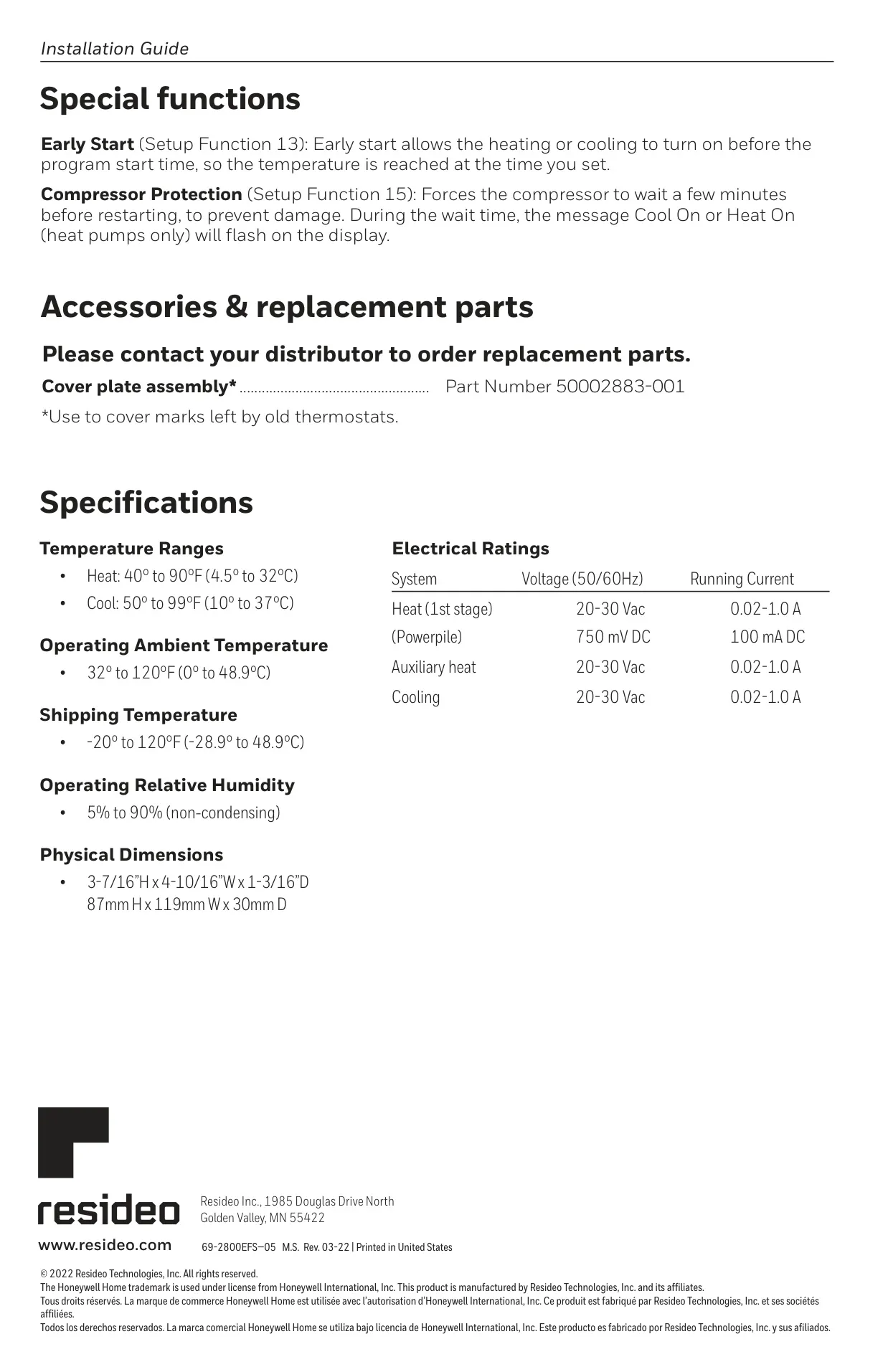
| Heating Temperature Range | 40° to 90°F (4.5° to 32°C) |
| Cooling Temperature Range | 50° to 99°F (10° to 37°C) |
| Operating Ambient Temperature | 32° to 120°F (0° to 48.9°C) |
| Shipping Temperature | -20° to 120°F (-28.9° to 48.9°C) |
| Operating Relative Humidity | 5% to 90% (non-condensing) |
| Electrical Rating (Heat 1st stage) | 20-30 Vac, 0.02-1.0 A |
| Electrical Rating (Auxiliary heat) | 20-30 Vac, 0.02-1.0 A |
| Electrical Rating (Cooling) | 20-30 Vac, 0.02-1.0 A |
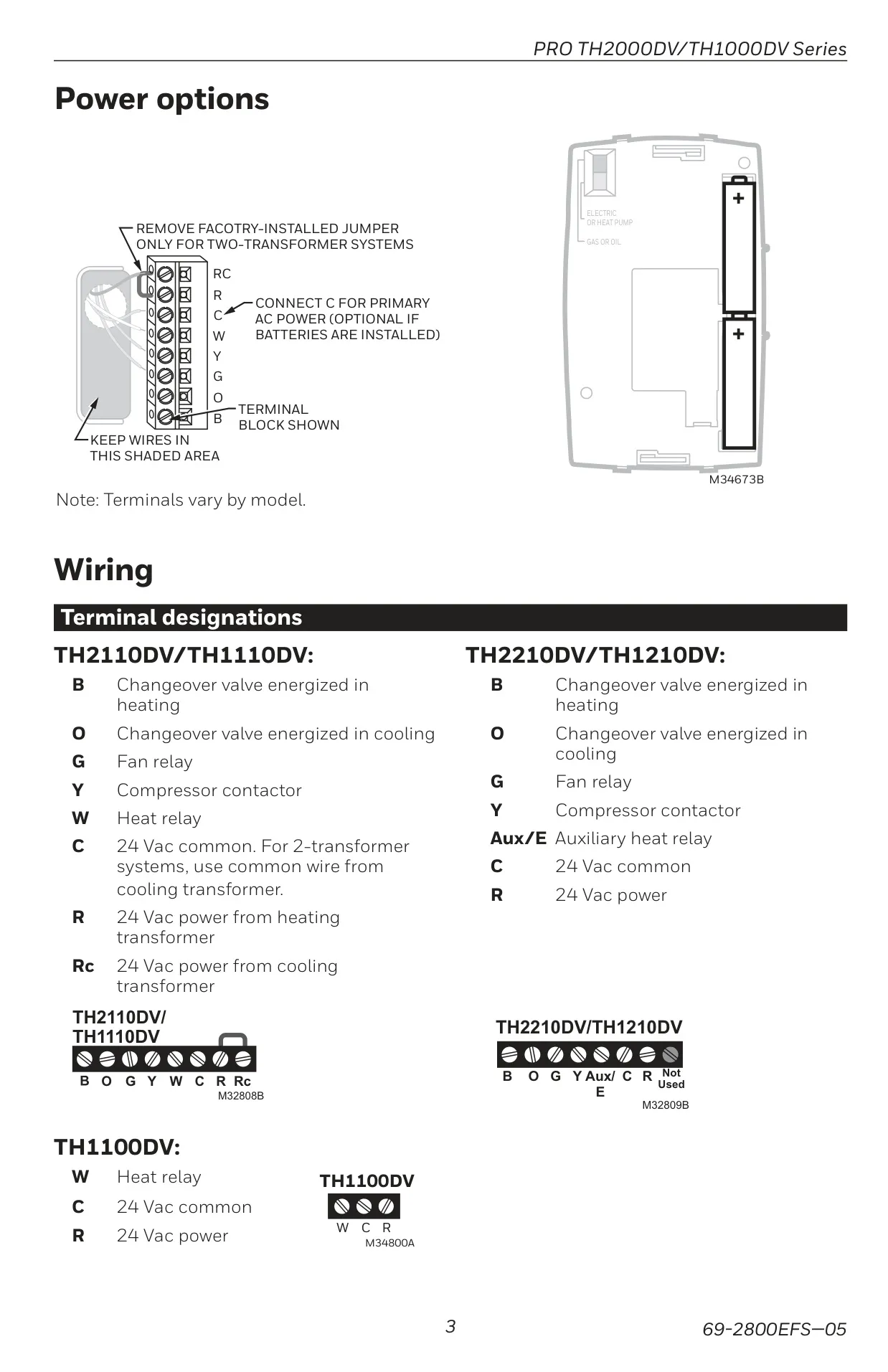
| Power Supply | 24 Vac or 2 AAA alkaline batteries |
| Physical Dimensions (H x W x D) | 3-7/16” x 4-10/16” x 1-3/16” (87mm x 119mm x 30mm) |
Honeywell TH1210DV1007 Pro 1000 Details
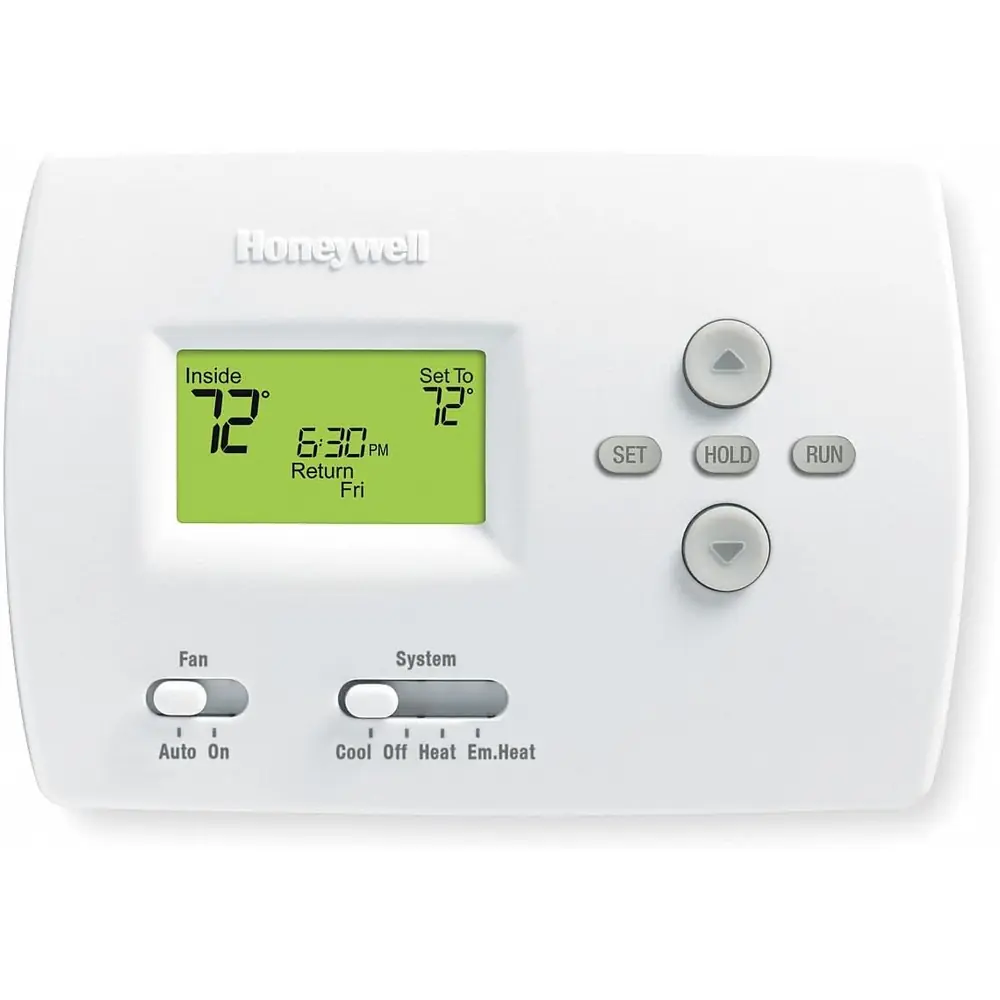
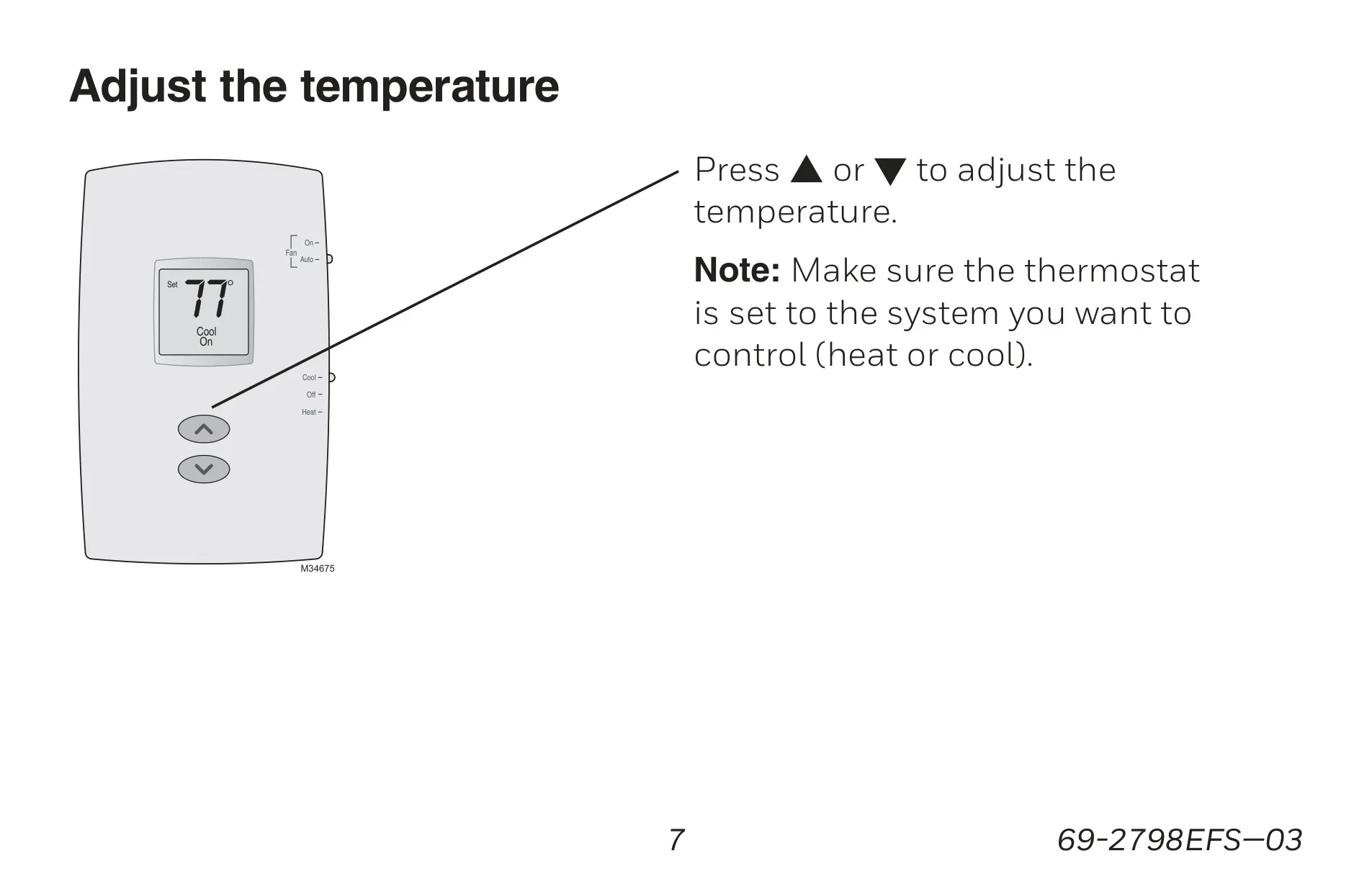
The Honeywell TH1210DV1007 Pro 1000 is a non-programmable thermostat designed to deliver years of reliable service and straightforward climate control. Its intuitive push-button interface makes adjusting your home's temperature simple and efficient. The clear, backlit display is easy to read in any lighting condition, consistently showing the ambient (measured) temperature.
Users can effortlessly access the setpoint temperature with a single touch using the dedicated Up/Down buttons. The system switch offers comprehensive control, including "Cool," "Off," "Heat," and "Em Heat" for emergency and auxiliary heating specifically for heat pump systems like this model. The "Em Heat" setting conveniently locks out the compressor when engaged.
For fan operation, a dedicated switch allows selection between "Auto" mode, where the fan runs only when the heating or cooling system is active, and "On" mode, which provides continuous fan operation. The display keeps you informed of the system's status, showing "Cool On," "Heat On," or "Aux On" for auxiliary heat. A flashing status indicates active compressor protection.
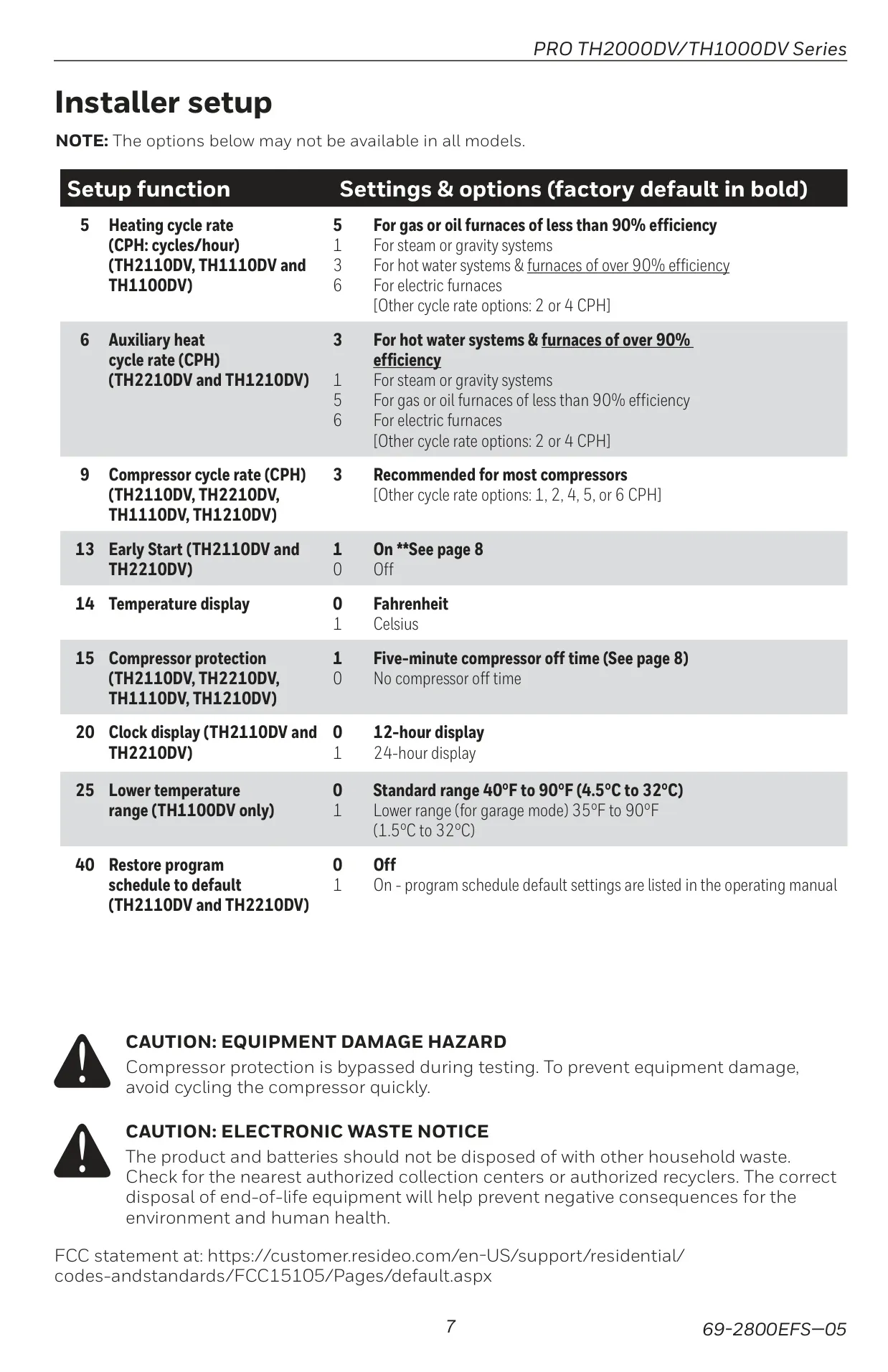
A crucial safety feature is the built-in compressor protection, which prevents potential damage by enforcing a 5-minute delay before the compressor restarts after shutdown. During this protective waiting period, the "Cool On" or "Heat On" message will flash on the screen, assuring the user that the system is operating safely.
The thermostat operates using two AAA alkaline batteries, with a "Lo Batt" warning appearing a full 60 days before depletion. Importantly, all settings are stored in non-volatile memory, ensuring they are preserved even if the batteries run out completely. This prevents the need for reprogramming after battery changes.
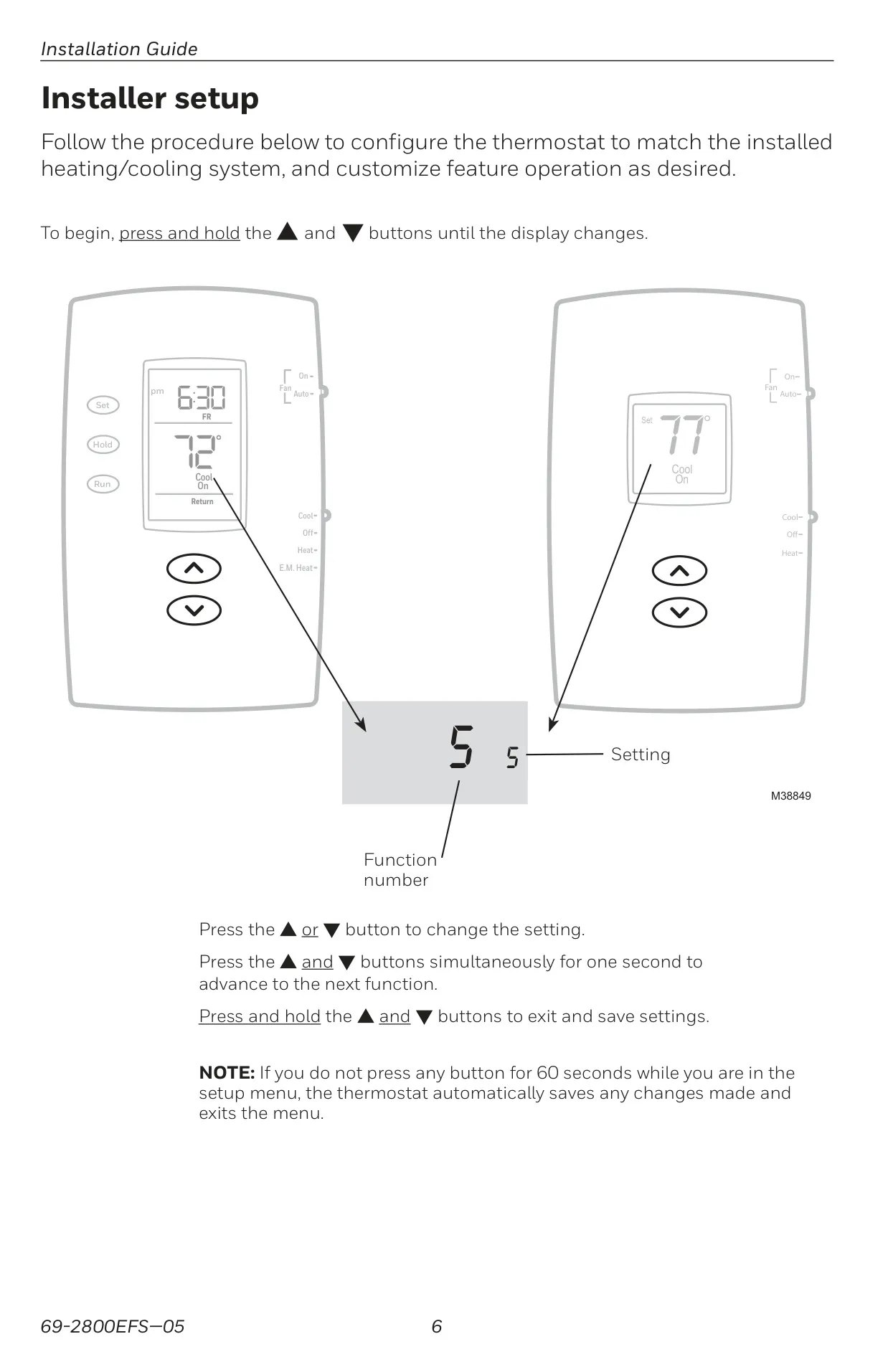
For greater control and customization, the TH1210DV1007 Pro 1000 offers several installer setup options. These include adjusting the heating, auxiliary heat, and compressor cycle rates (CPH) to optimize system performance. Furthermore, users can select their preferred temperature display unit, choosing between Fahrenheit and Celsius, to suit regional preferences.
Frequently Asked Questions (FAQs)
Can't find the answer you need? Here are some frequently asked questions about the Honeywell TH1210DV1007 Pro 1000, and we answer them below.