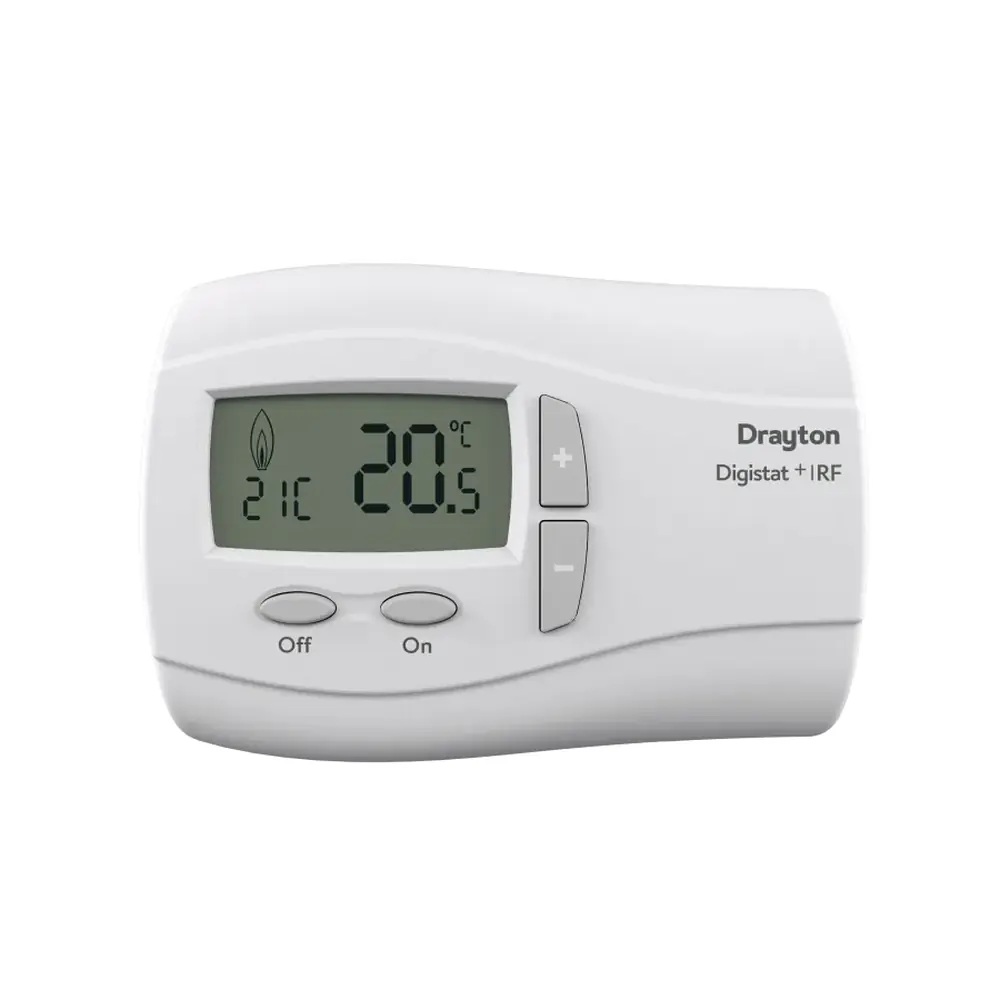
Drayton LP112 Thermostat Instruction Manual

Drayton LP112 Thermostat










Drayton LP112 Thermostat

Drayton LP112 Thermostat
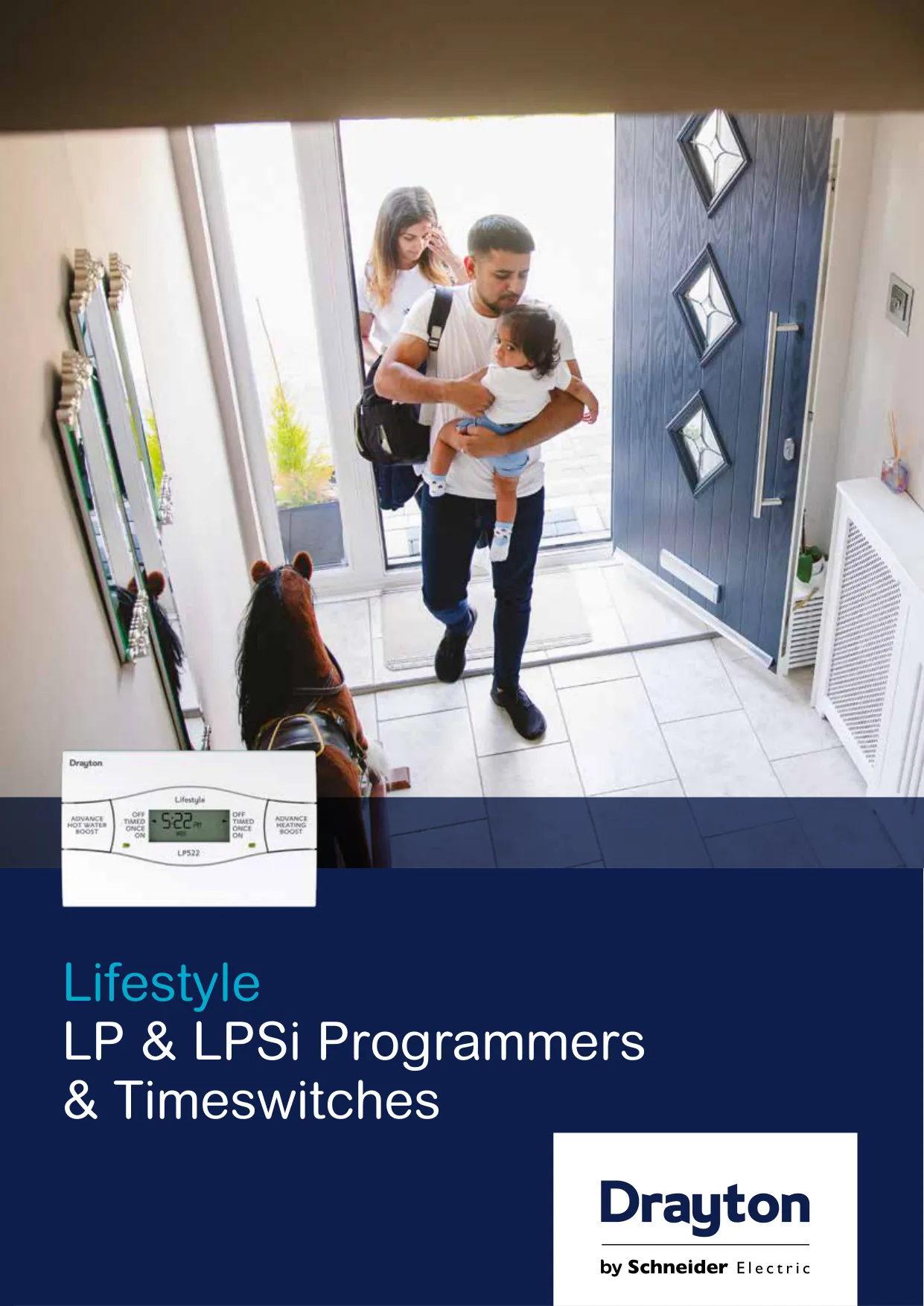
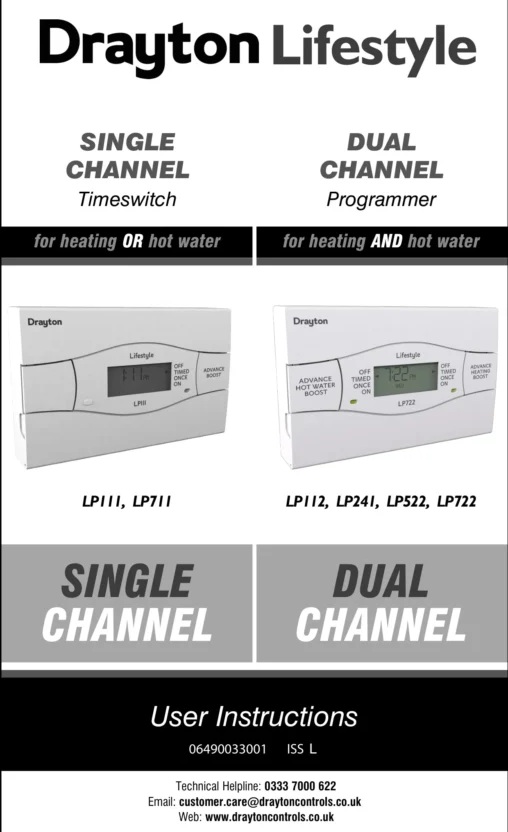
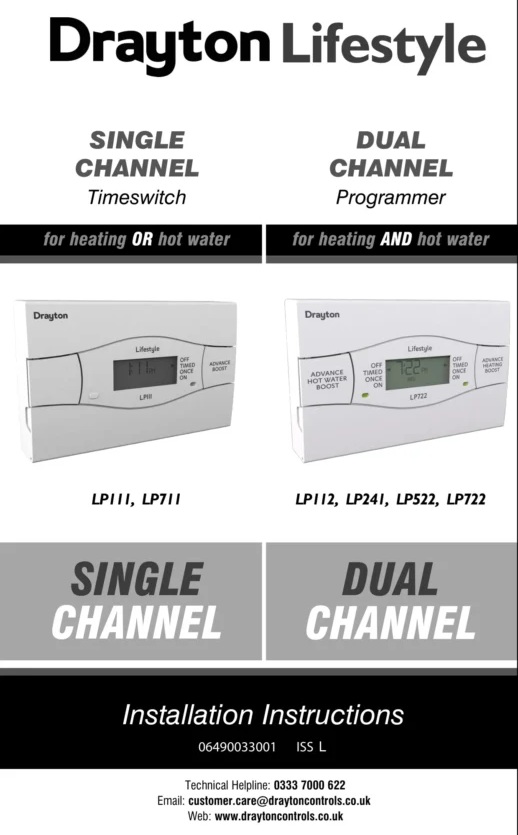
Drayton LP112 Thermostat Instructions
Here we offer the Drayton LP112 Thermostat manual completely free and in English. We have cataloged this manual in the Thermostats section on Manualverse, and it has been rated by 1 users with an average rating of 5. If you have any specific questions about Drayton LP112 Thermostat, we suggest checking the Frequently Asked Questions (FAQs) section of this manual.
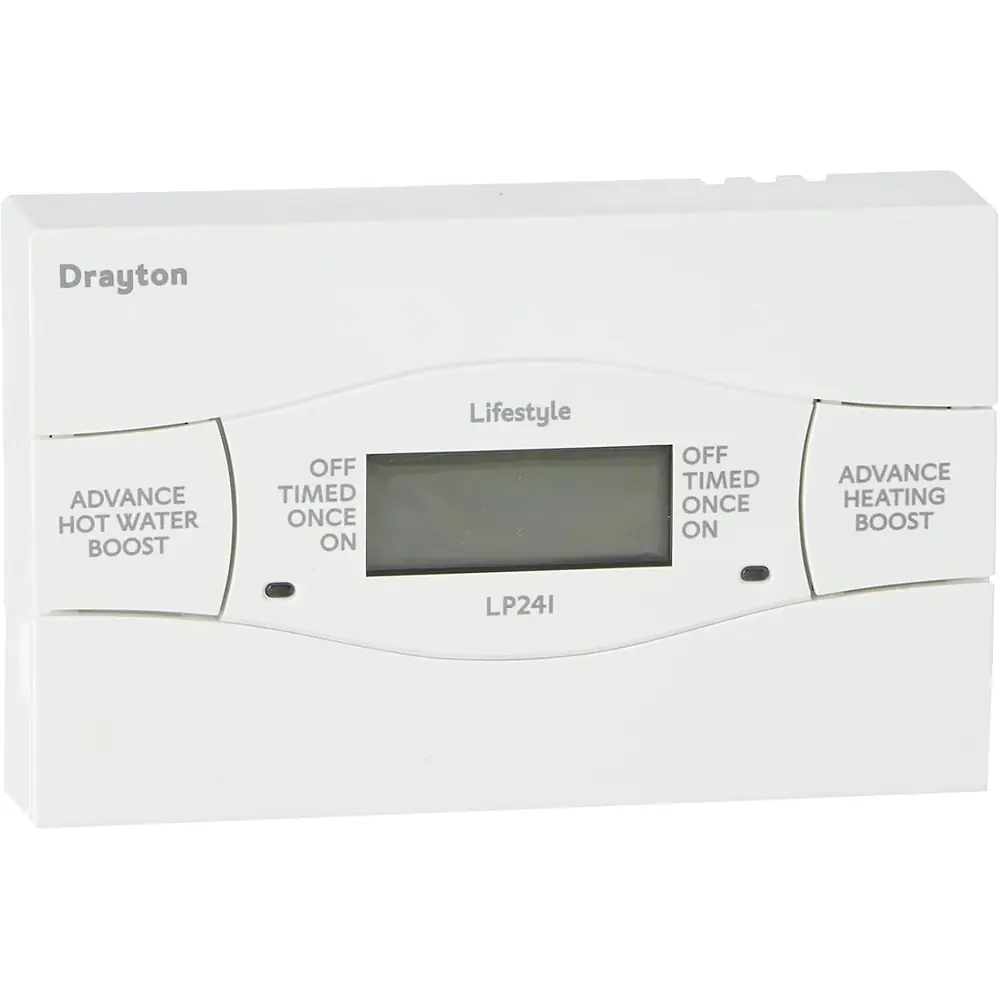
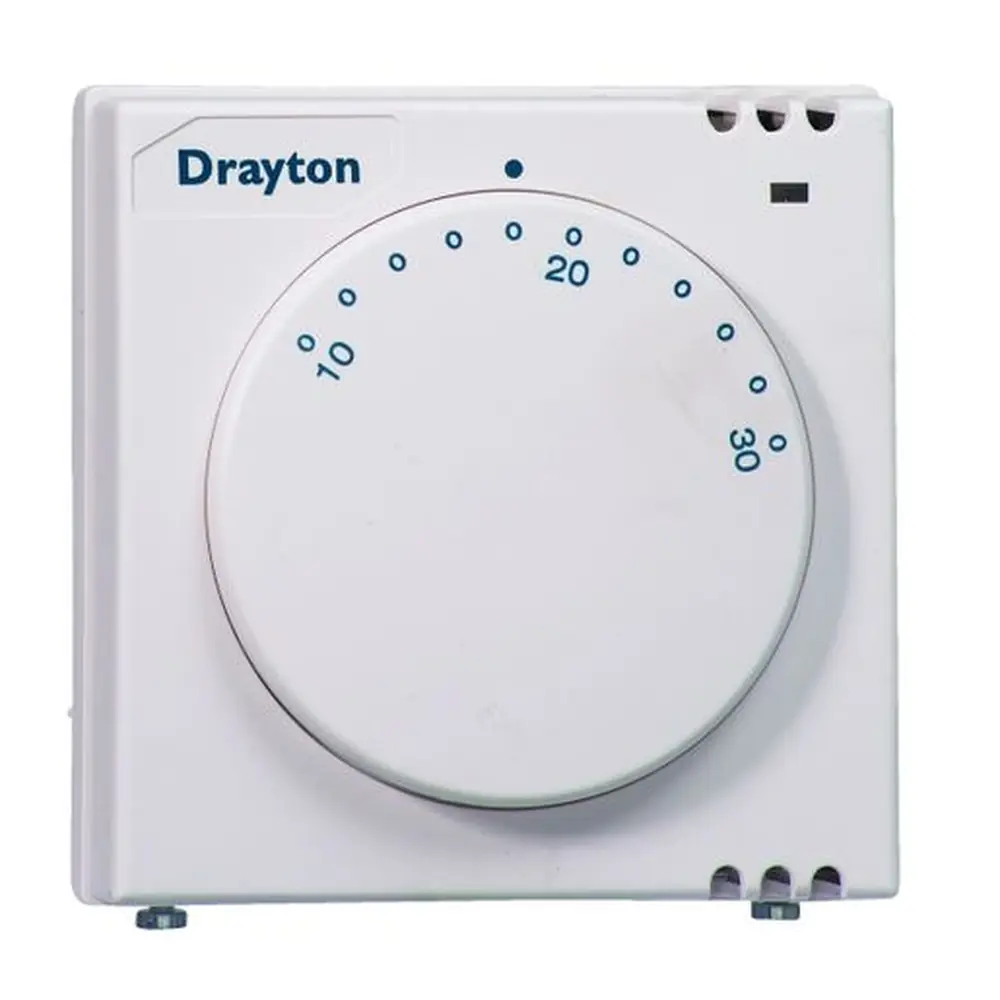
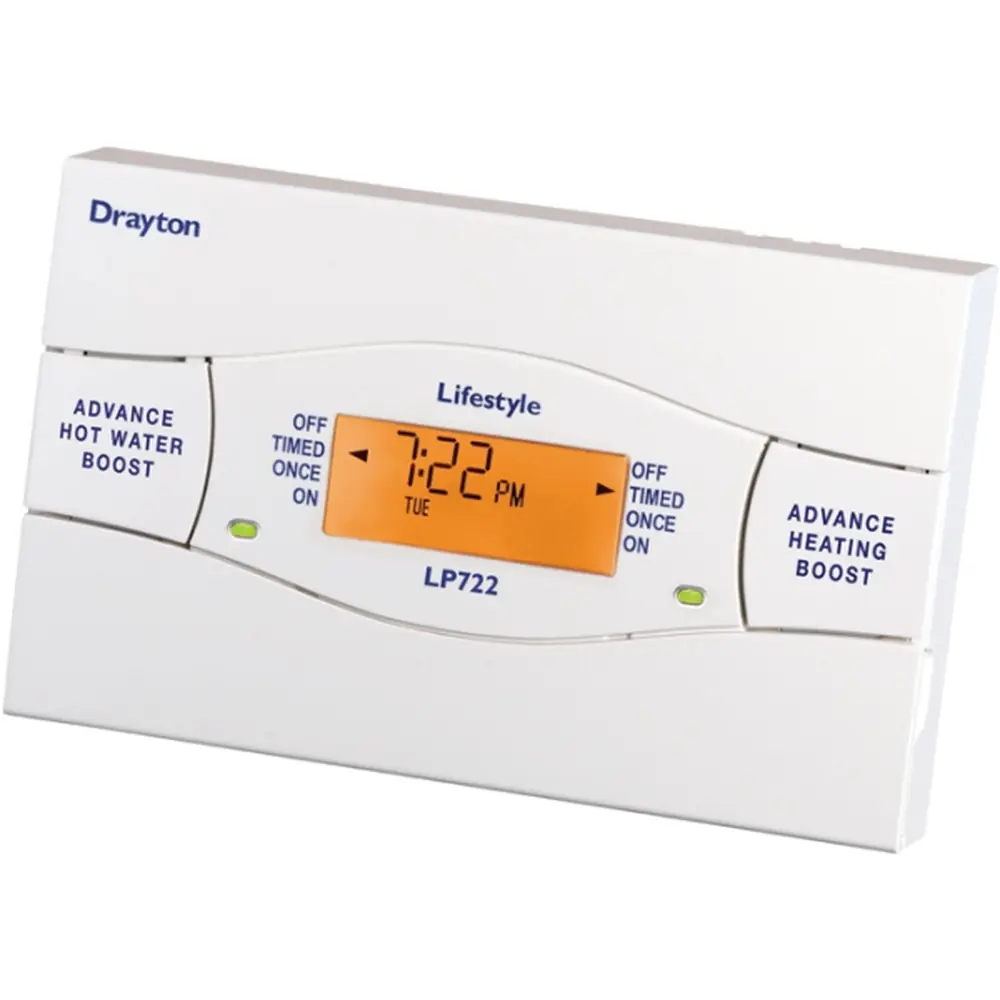
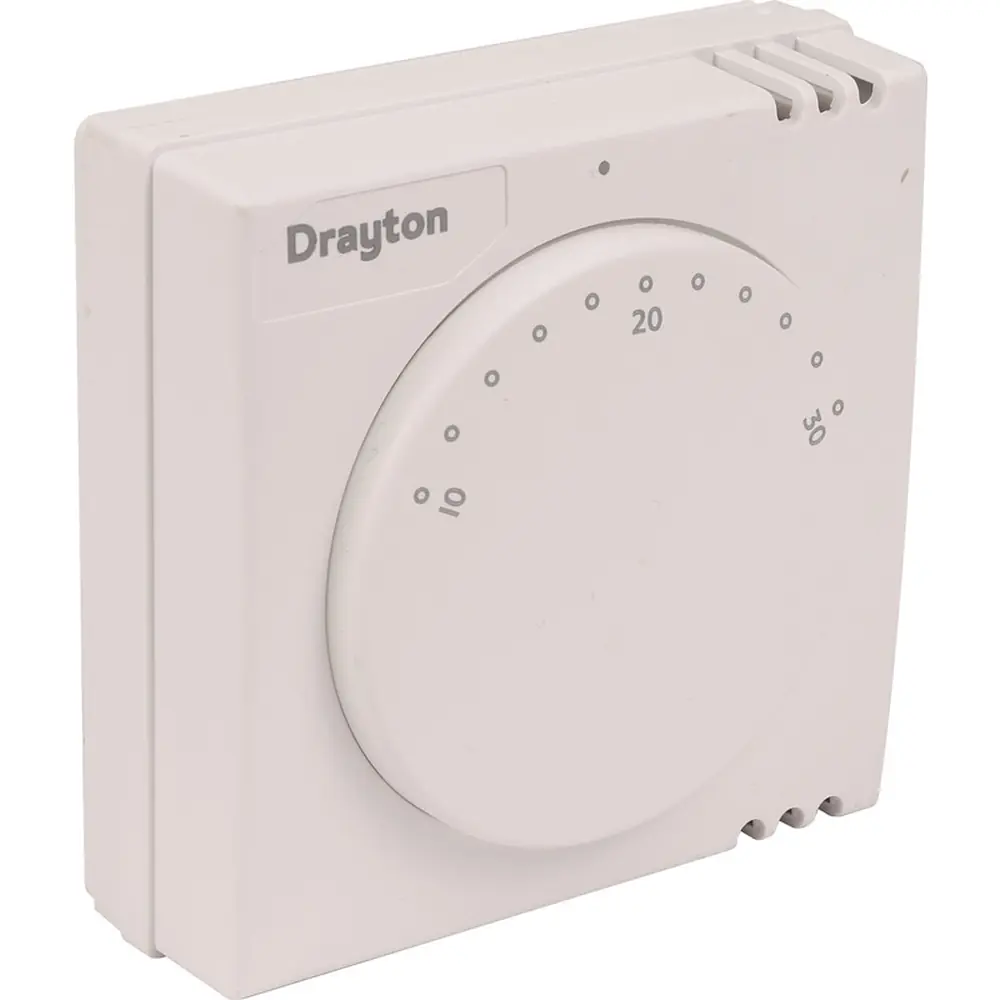
Product Images
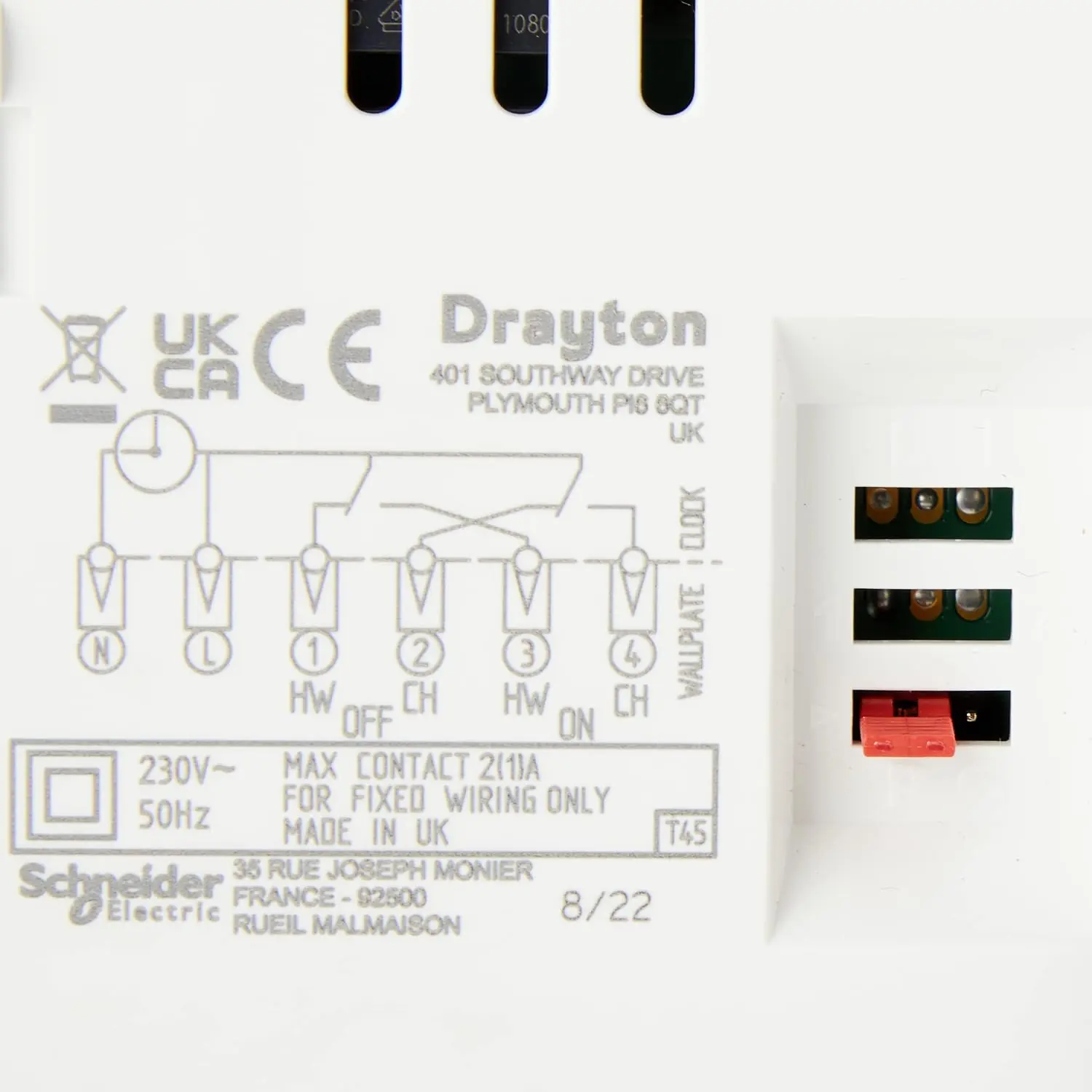
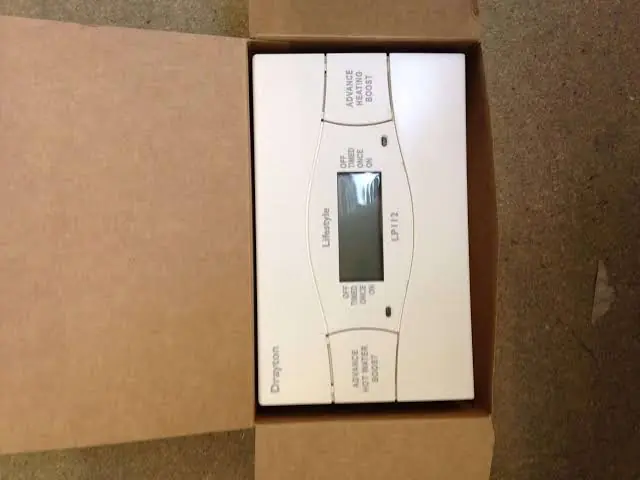
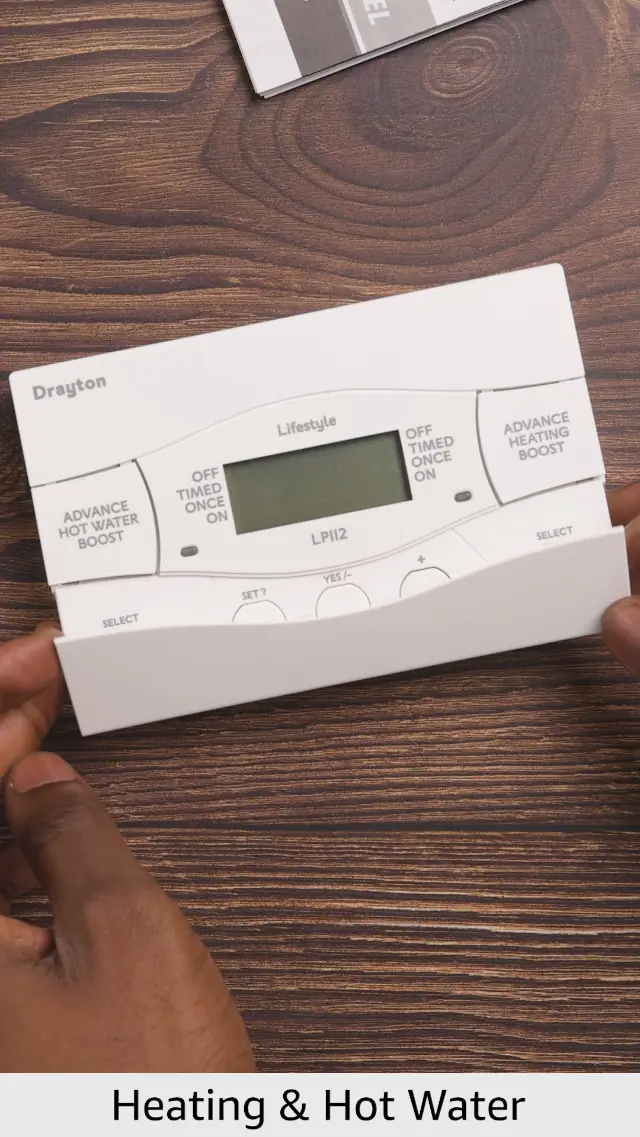
Drayton LP112 Thermostat Specifications
| Feature | Specification |
|---|---|
| Product type | Lifestyle 24-hour electronic programmer, dual channel (central heating and hot water) |
| Product part number | 25473 |
| Channel operation | Linked central heating and hot water (common timings) |
| Programme type | 24-hour, every day the same |
| Timing periods | Up to 3 ON/OFF periods per day |
| Operating modes | OFF, TIMED, ONCE, ON |
| Boost | 1, 2 or 3 hours, with LCD indication |
| Power supply | 230V a.c. +10% / -10%, 50Hz |
| Switch rating | 2(1)A 230V a.c. each switch |
| Output | 230V a.c. |
| Mains fuse | 3A |
| Operating temperature | 0 to 45°C (installation instructions) / 0 to 50°C (technical data sheet) |
| Storage temperature | -20 to 50°C |
| Operating humidity | 25% to 90% (non-condensing) |
| Storage humidity | 15% to 95% (non-condensing) |
| Timing / programming resolution | 1 minute |
| Without mains power | Display blank; time and programme always kept |
| Ball pressure test temperature | 75°C |
| Pollution degree | 2 |
| Software class | A |
| Rated impulse voltage | 2.5kV |
| Insulation | Double-insulated (no earth needed; earth continuity terminal provided) |
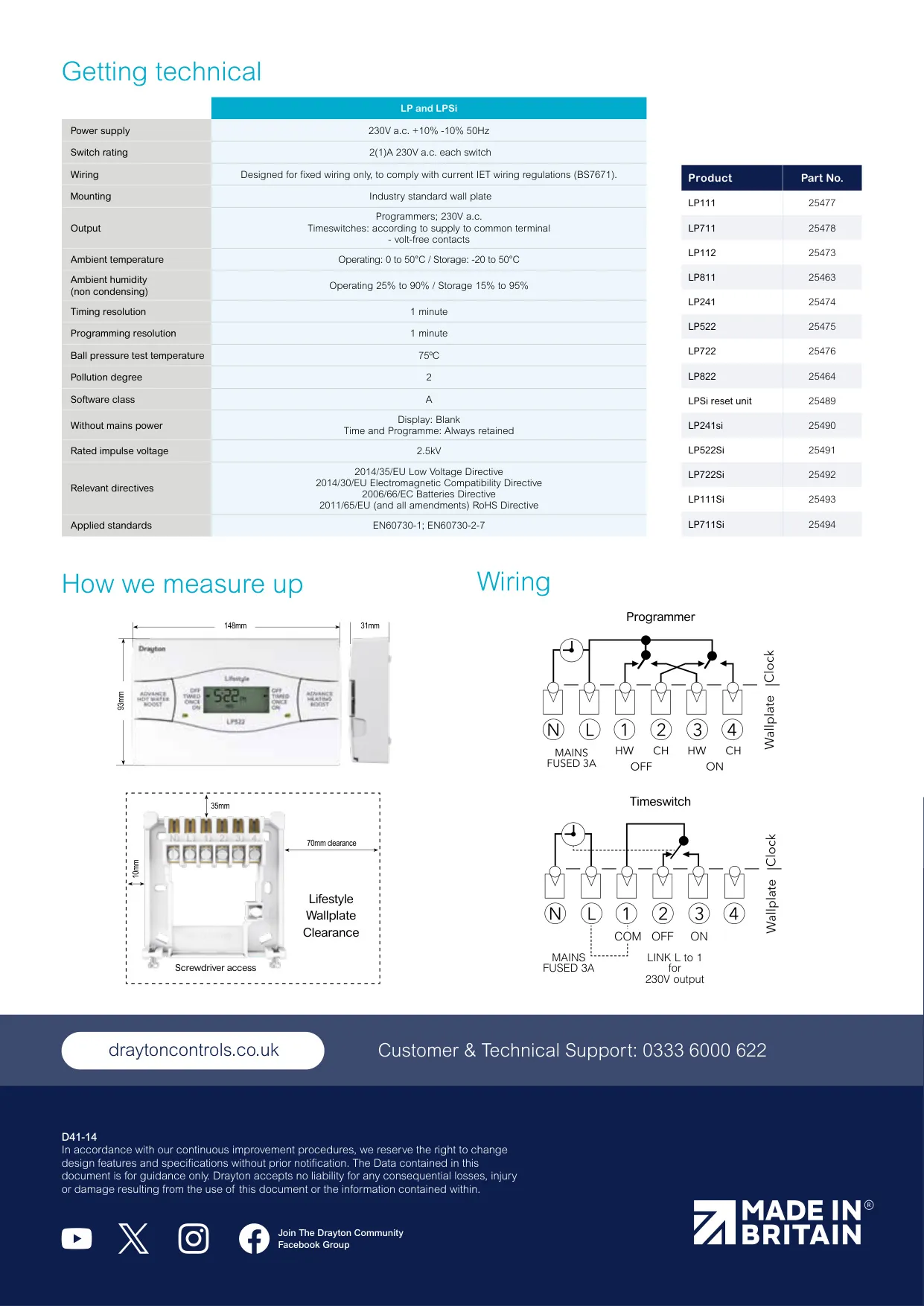
| Wiring | Fixed wiring only, to current IET wiring regulations (BS7671) |
| Mounting | Industry standard wall plate |
| Recommended mounting height | 1.4 m above floor level |
| Required clearance | 70 mm to the right, 25 mm above |
| Wall fixing | No. 6 x 1" (25 mm) woodscrews, or M3.5 x 14 bolts on a UA1 (BS4662) flush conduit box |
| System selection link | P (fully pumped) or G (gravity hot water) |
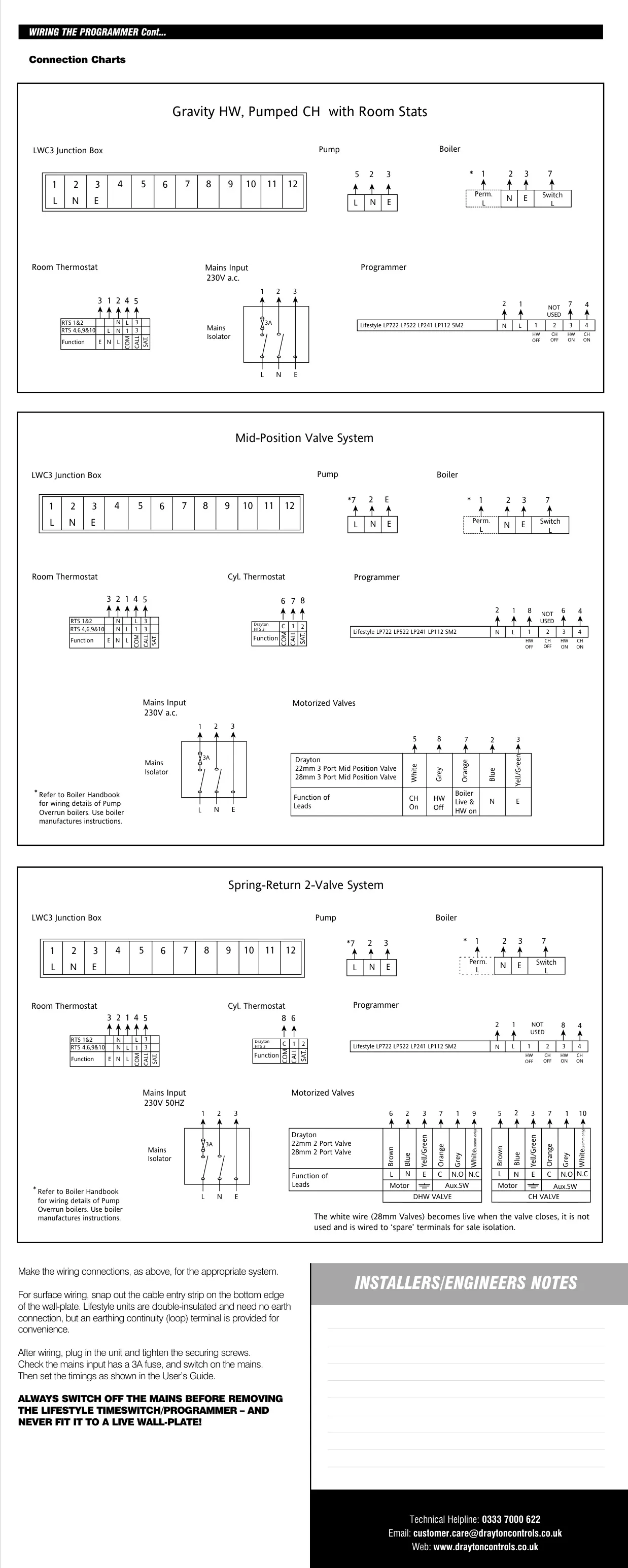
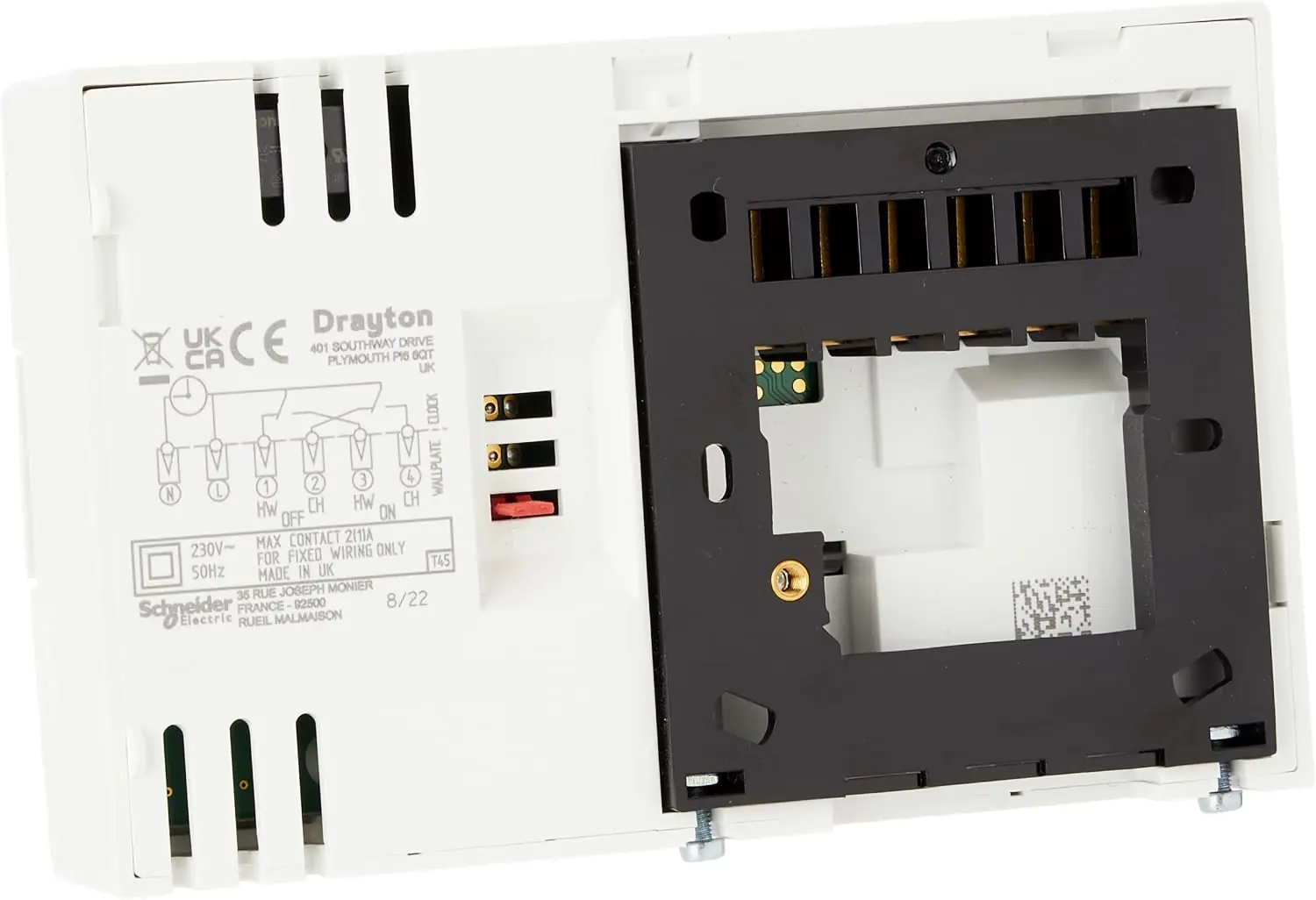
| Terminals | N, L, 1 (HW OFF), 2 (CH OFF), 3 (HW ON), 4 (CH ON) |
| Applied standards | EN60730-1; EN60730-2-7 |
| Relevant directives | 2014/35/EU LVD, 2014/30/EU EMC, 2006/66/EC Batteries, 2011/65/EU RoHS |
| Regulatory compliance | Part L compliant (Part J in Scotland) |
| Technical helpline | 0333 7000 622 |
Drayton LP112 Thermostat Details
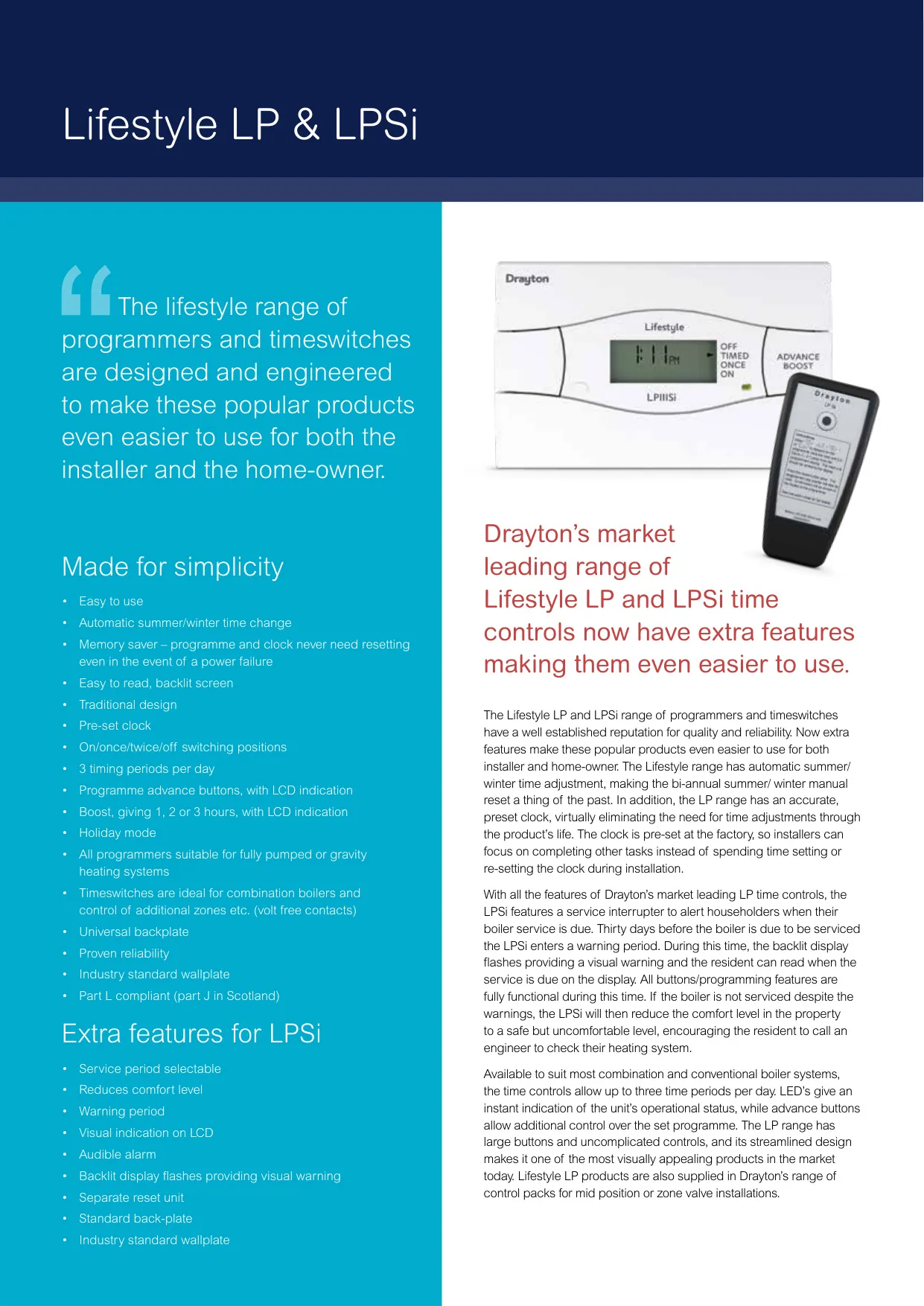
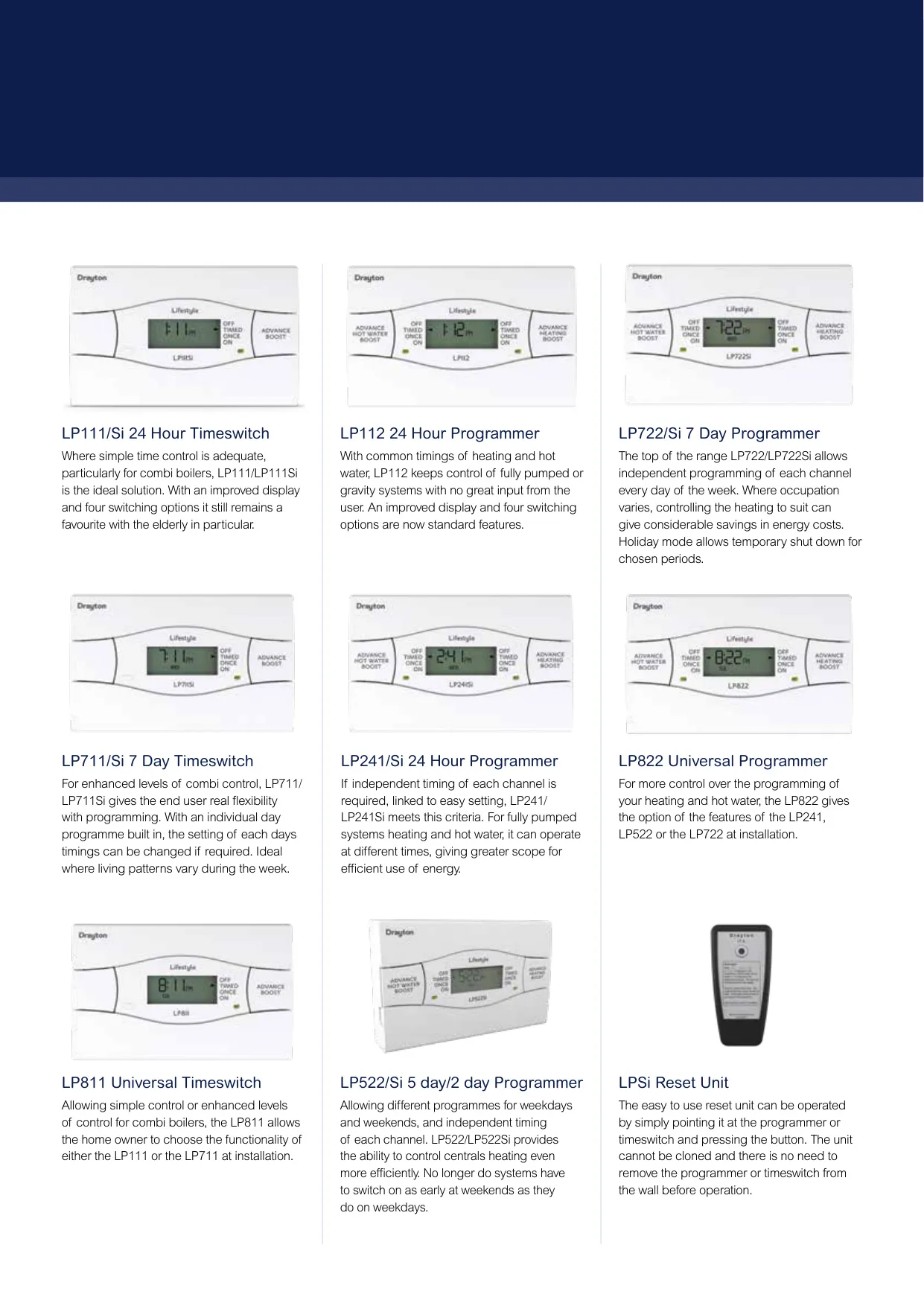
Although it is often called a thermostat, the Drayton LP112 is a 24-hour electronic programmer from the Lifestyle range. It turns the central heating and hot water on and off at times you choose. On the LP112 both services share the same timings, so the system runs with very little input from the user. Drayton describes it as a good fit for both fully pumped and gravity systems. It has an improved, easy-to-read backlit display and a red light that shows when each service is on.
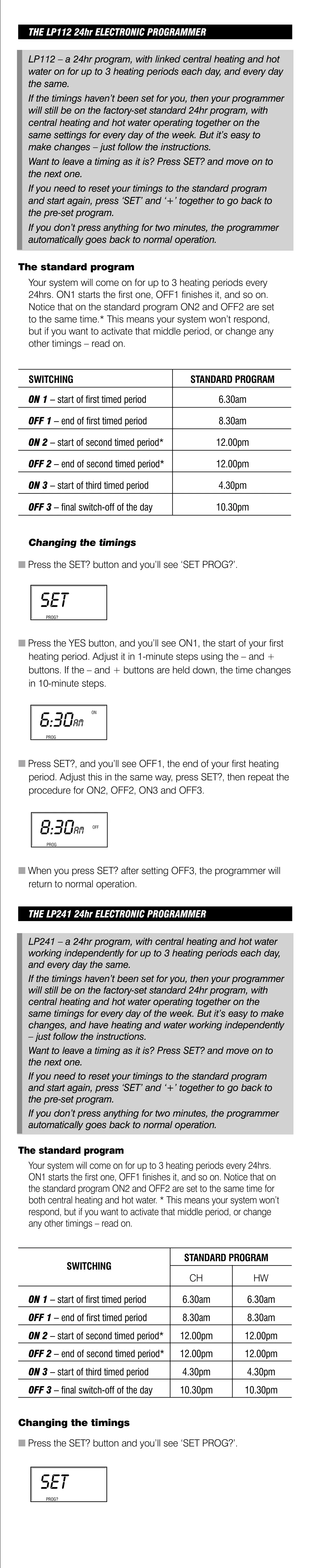
The unit leaves the factory with a standard program: ON1 at 6.30am, OFF1 at 8.30am, ON2 and OFF2 both at 12.00pm, ON3 at 4.30pm and OFF3 at 10.30pm. Because ON2 and OFF2 are set to the same time, the middle period does nothing until you change it. You can go back to this factory program at any time by pressing SET and + together.
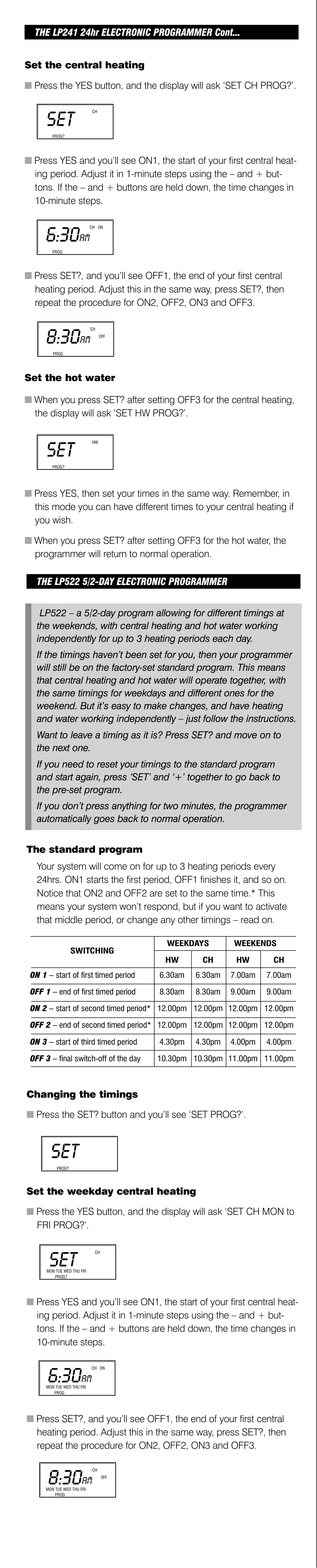
All programming uses the SET?, YES/- and + buttons under the bottom flap. Press SET?, confirm SET PROG? with YES, then adjust ON1 in 1-minute steps. Hold the buttons down to move in 10-minute steps. Press SET? to step through OFF1, ON2, OFF2, ON3 and OFF3. Times must be entered in order, and the display flashes a warning if they are out of sequence. If no button is pressed for two minutes, the programmer goes back to normal operation.
There is one rule for times around midnight. ON1 cannot be the last timing before midnight. OFF3 can be set after midnight, as long as it is no more than 23 hours and 59 minutes after ON1. This lets evening heating run into the early hours when needed.
For day-to-day changes, the front panel has Advance/Boost buttons. Advance switches the system on until the end of the next period, or off until the next ON period. It works only in TIMED or ONCE modes, and ADV appears on the display. Press and hold Boost to add one hour of running time (BST is displayed). Press again for two or three hours, and press once more to cancel. If the system is already on, Boost extends the ON time.
The SELECT button changes the operating mode straight away without erasing the program. OFF keeps the system off, TIMED uses up to three periods, ONCE runs one period from ON1 to OFF3, and ON keeps the system on. A holiday mode switches the system off for a set number of days (0 to 99) and then returns to normal. Each pass through midnight counts as one day.
The clock is set at the factory and changes automatically for British Summer Time. The daylight saving (DLS) setting can be switched on or off. The weekday is worked out from the date, so if the day shown is wrong, reset the date. A memory saver keeps the time and program during a power cut.
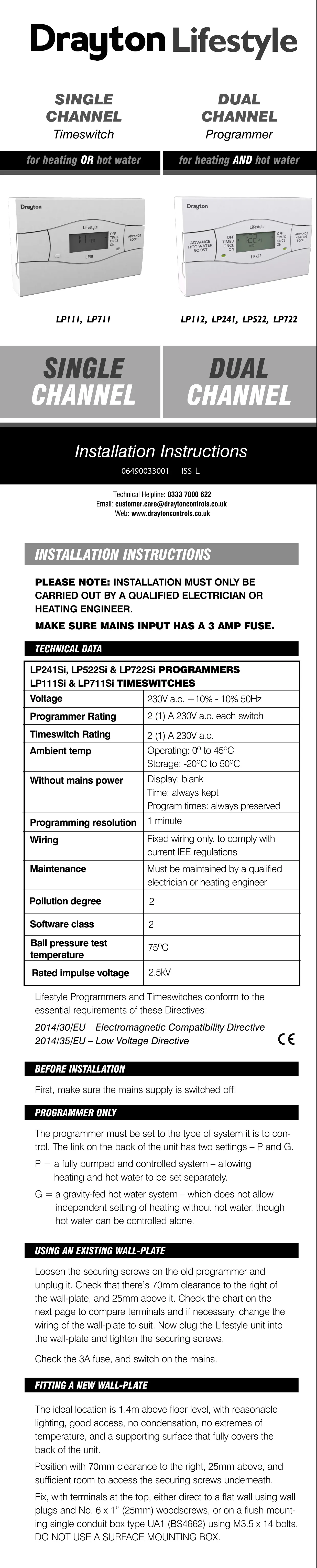
Installation must be done by a qualified electrician or heating engineer, with the mains switched off. Never fit the unit to a live wall plate. Before fitting, set the rear link to P or G to match the system. For surface wiring, snap out the cable entry strip on the wall plate. A surface mounting box must not be used. In many cases the LP112 can replace an older programmer on the same backplate without disturbing the existing wiring.
Frequently Asked Questions (FAQs)
Can't find the answer you need? Here are some frequently asked questions about the Drayton LP112 Thermostat, and we answer them below.