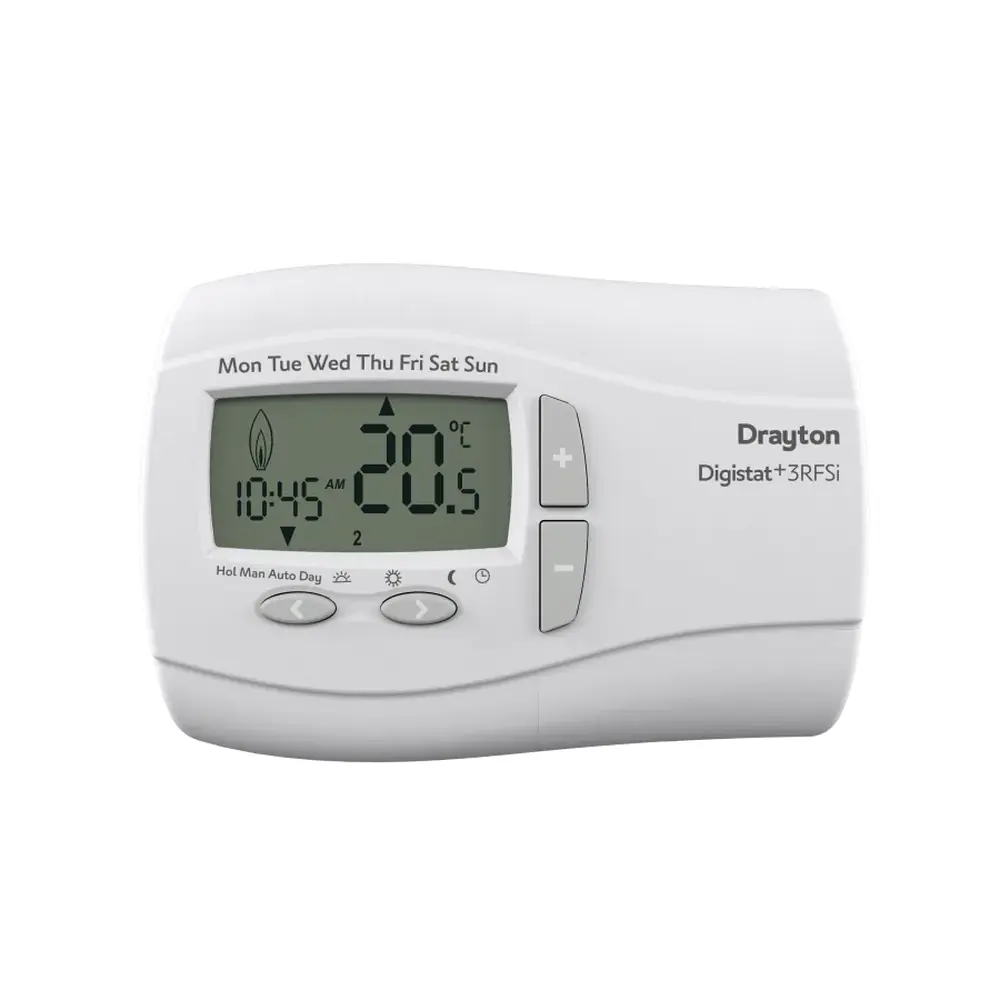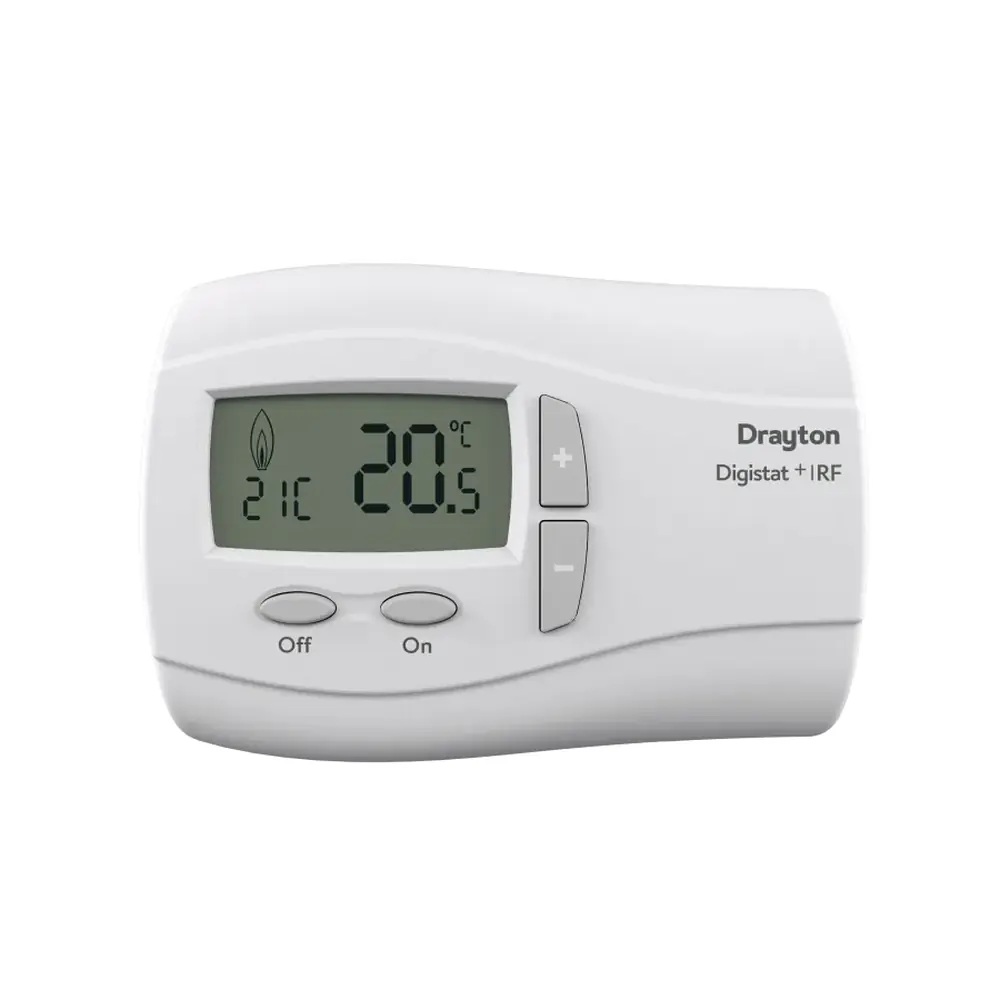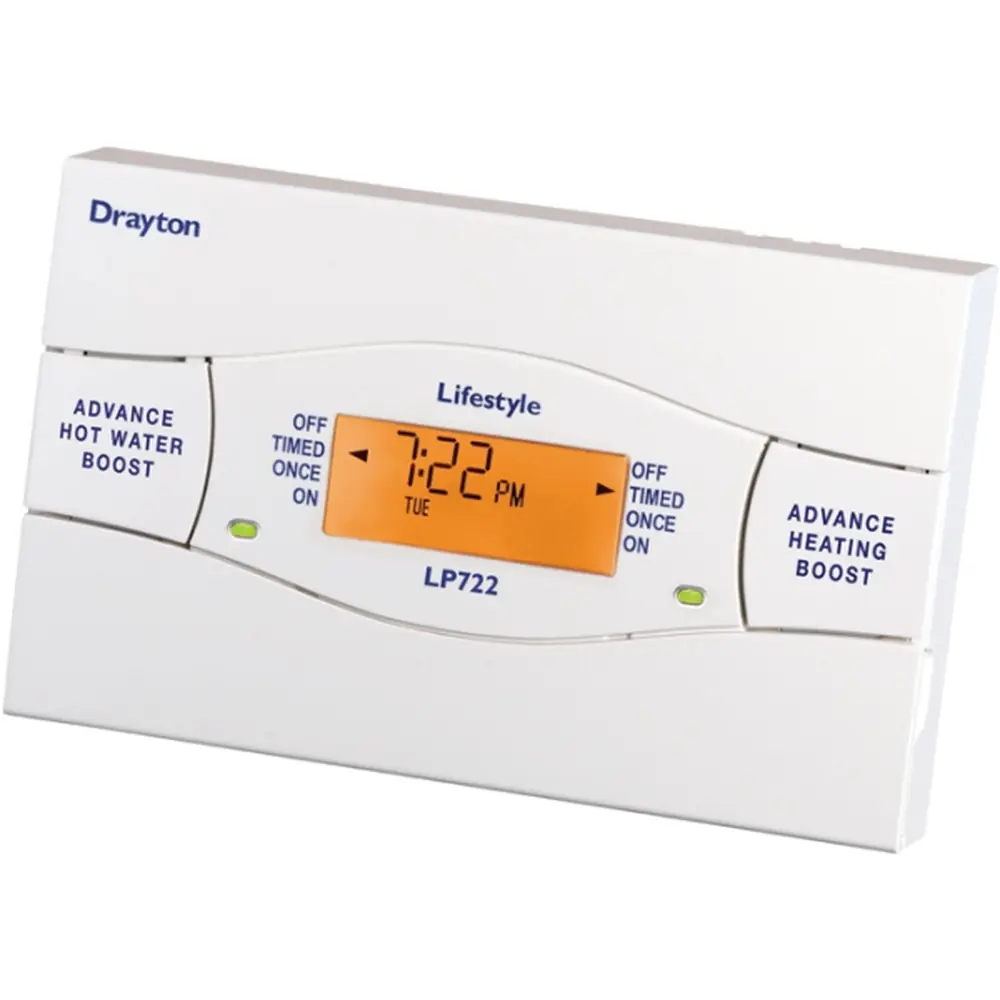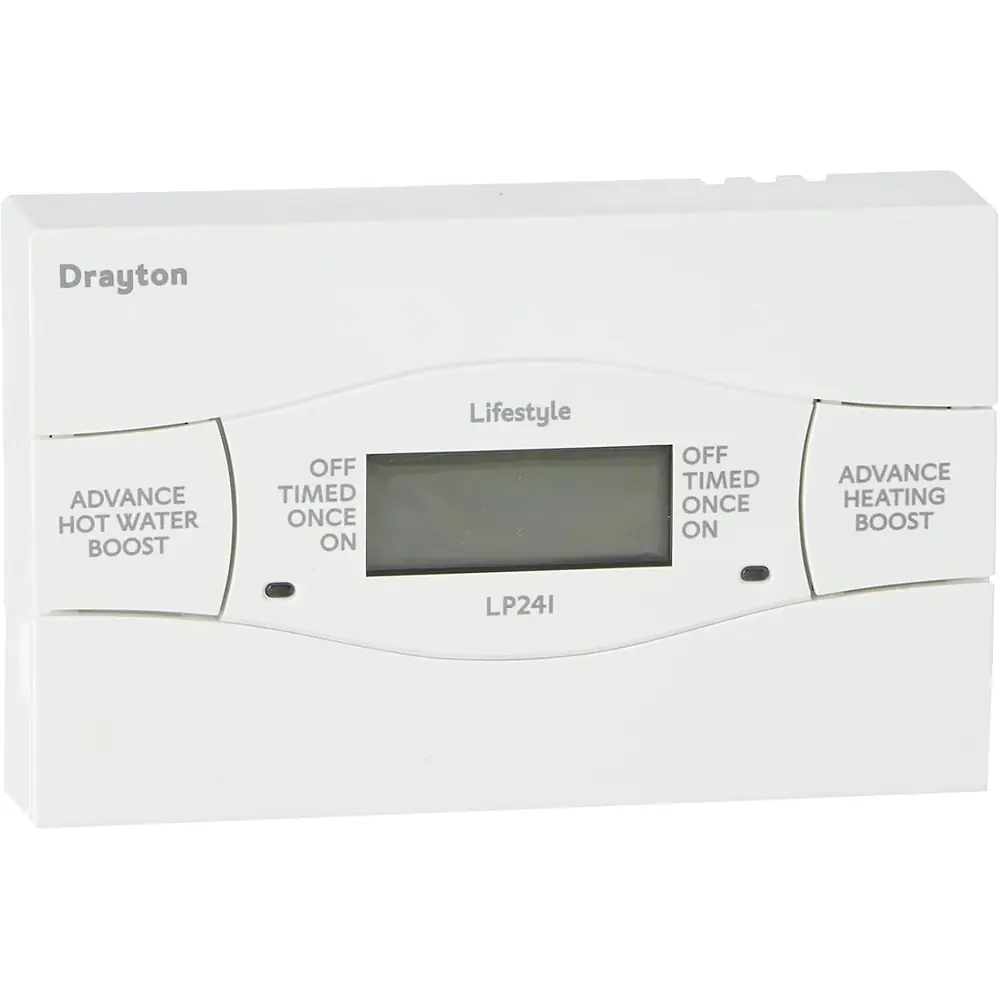
Drayton LP711 Thermostat Instruction Manual

Drayton LP711 Thermostat




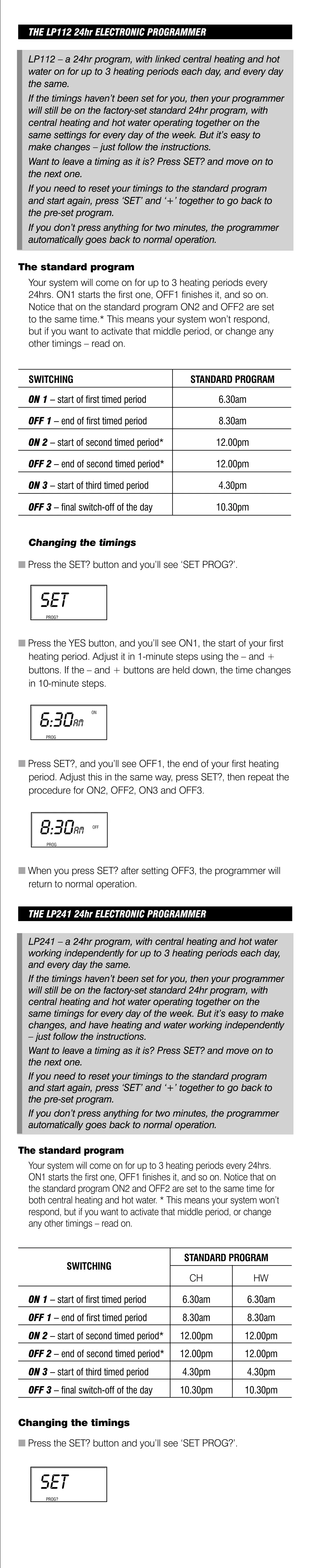






Drayton LP711 Thermostat

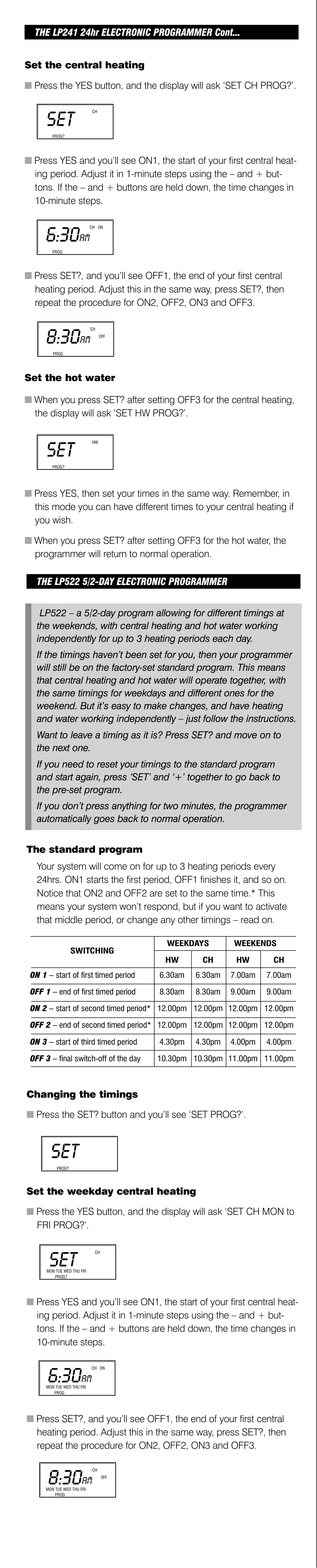
Drayton LP711 Thermostat
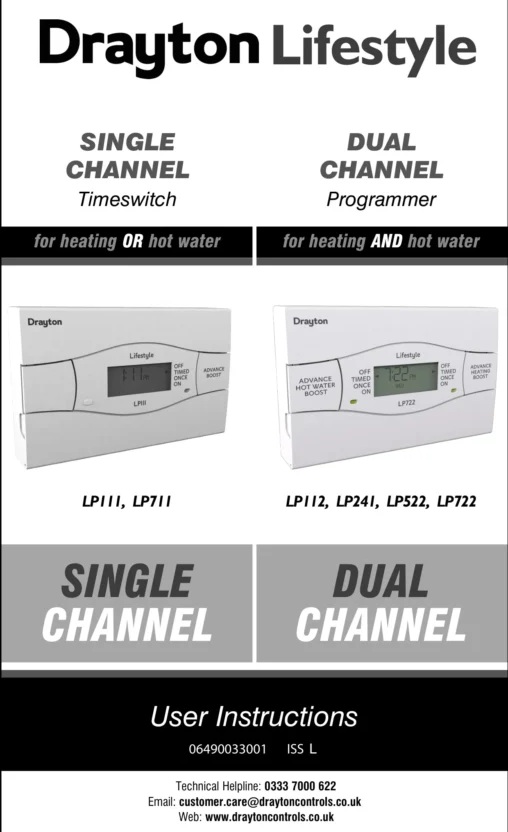
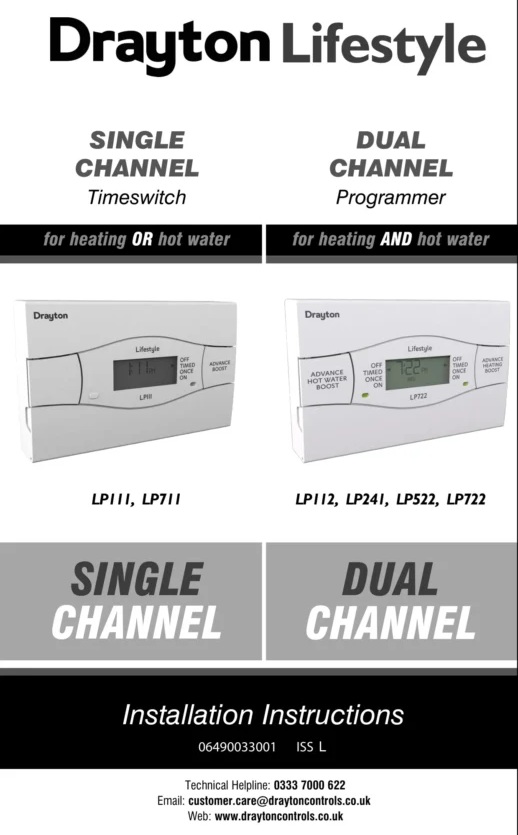
Drayton LP711 Thermostat Instructions
Here we offer the Drayton LP711 Thermostat manual completely free and in English. We have cataloged this manual in the Thermostats section on Manualverse, and it has been rated by 1 users with an average rating of 5. If you have any specific questions about Drayton LP711 Thermostat, we suggest checking the Frequently Asked Questions (FAQs) section of this manual.
Product Images
Drayton LP711 Thermostat Specifications
| Feature | Specification |
|---|---|
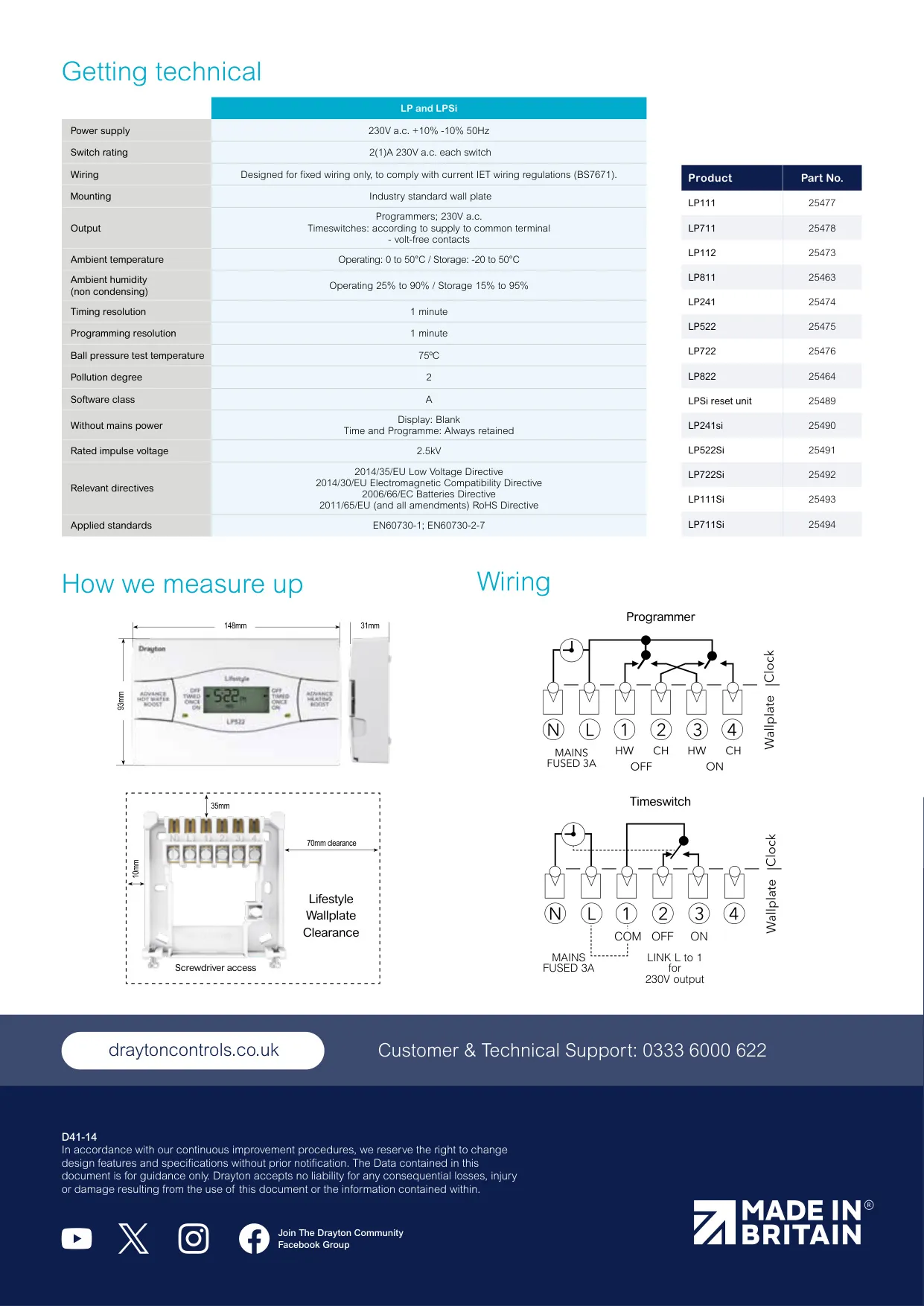
| Product type | Lifestyle 7-day single channel electronic timeswitch (heating OR hot water) |
| Product part number | LP711: 25478 (LP711Si variant: 25494) |
| Power supply | 230V a.c. +10% / -10%, 50Hz |
| Switch rating | 2(1)A 230V a.c. |
| Output | Volt-free contacts (output voltage depends on the supply to the common terminal) |
| Mains input fuse | 3A |
| Program type | 7-day, with different timings possible for each day of the week |
| Timing periods | Up to 3 ON/OFF periods per day |
| Programming / timing resolution | 1 minute |
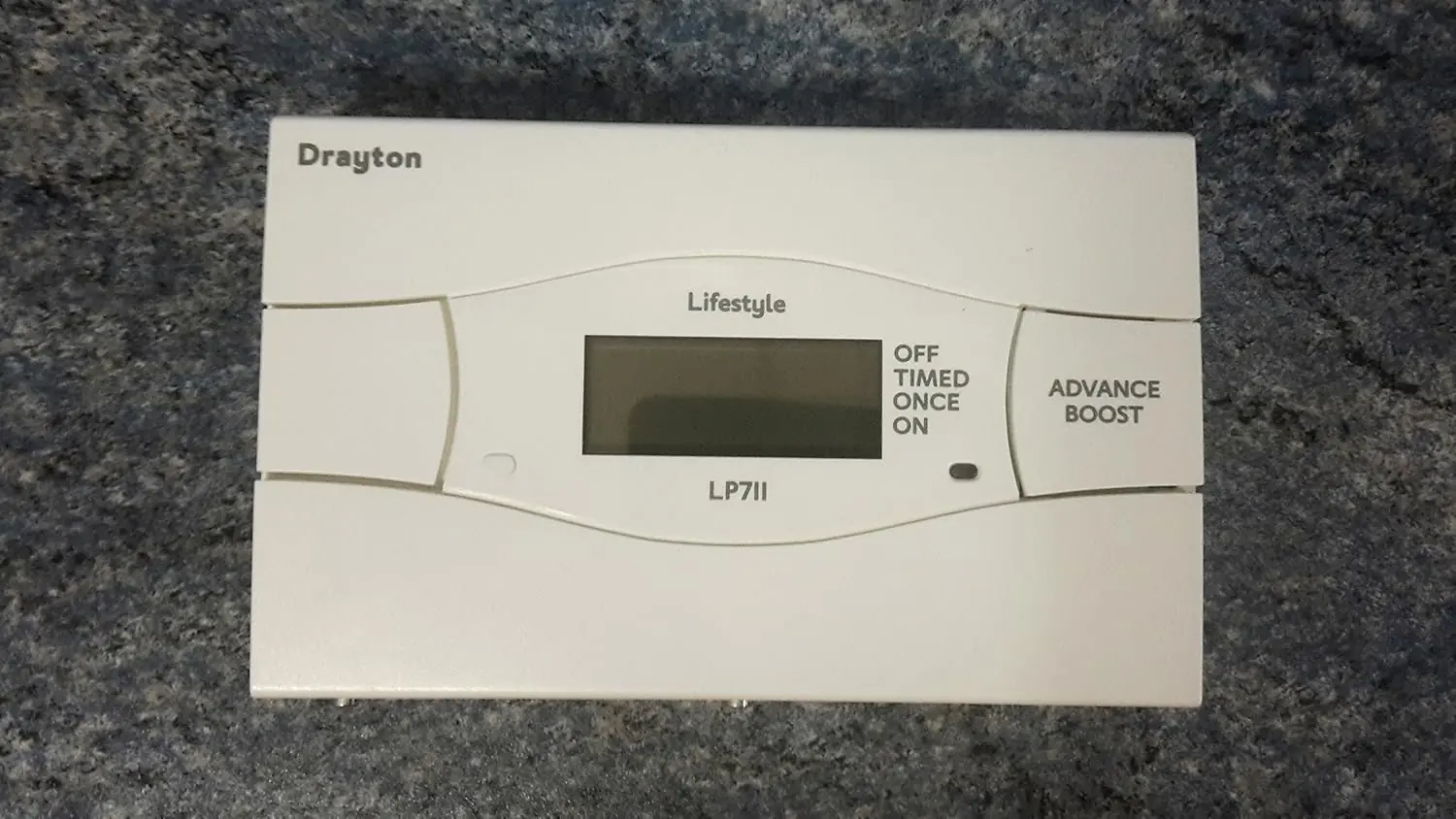
| Operating modes | OFF, TIMED, ONCE, ON |
| Temporary override | Advance button and Boost (1, 2 or 3 hours) with LCD indication |
| Holiday mode | Yes, programmable number of days off |
| Clock | Factory pre-set, automatic British Summer Time / GMT change |
| Display | Backlit LCD, red indicator light shows when output is on |
| Operating ambient temperature | 0 to 45°C (installation instructions); 0 to 50°C (technical datasheet) |
| Storage temperature | -20°C to 50°C |
| Ambient humidity | Operating 25% to 90%; Storage 15% to 95% (non-condensing) |
| Without mains power | Display blank; time and program times always retained |
| Wiring | Fixed wiring only, to current IET wiring regulations (BS7671) |
| Mounting | Industry standard wall-plate (universal backplate) |
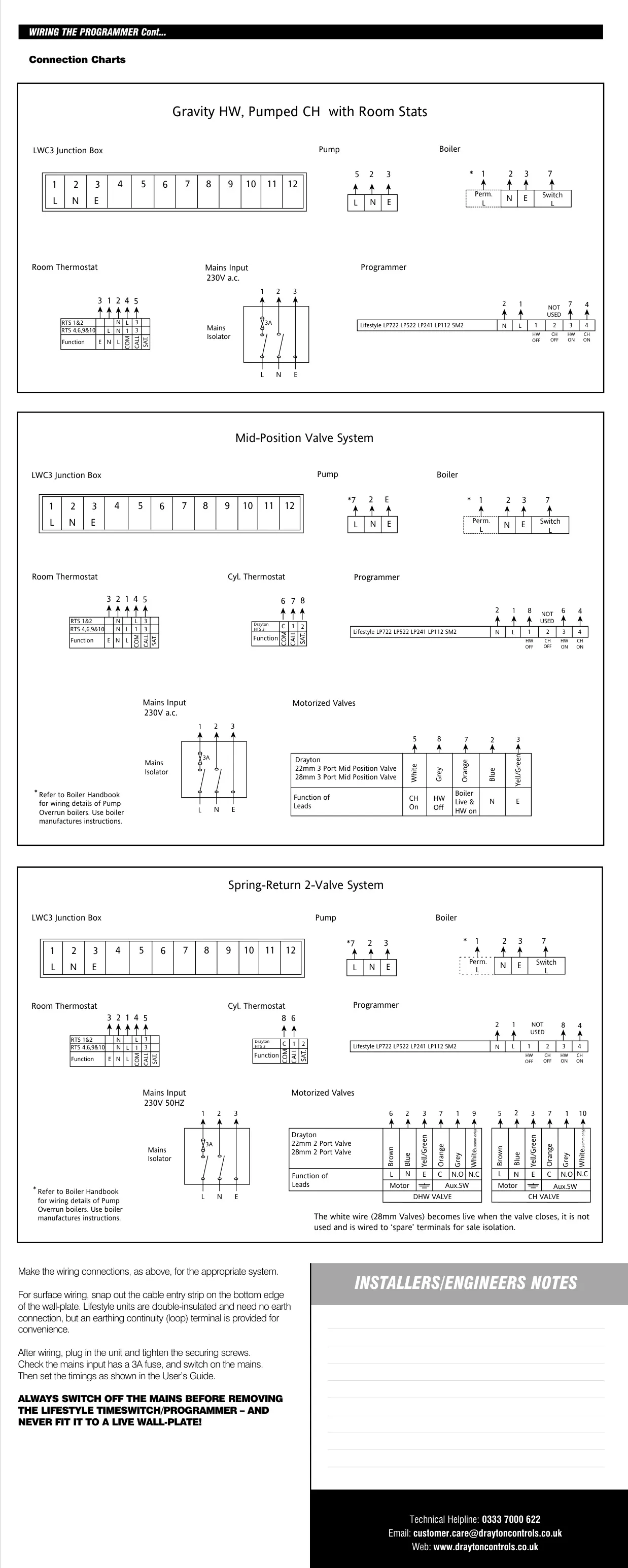
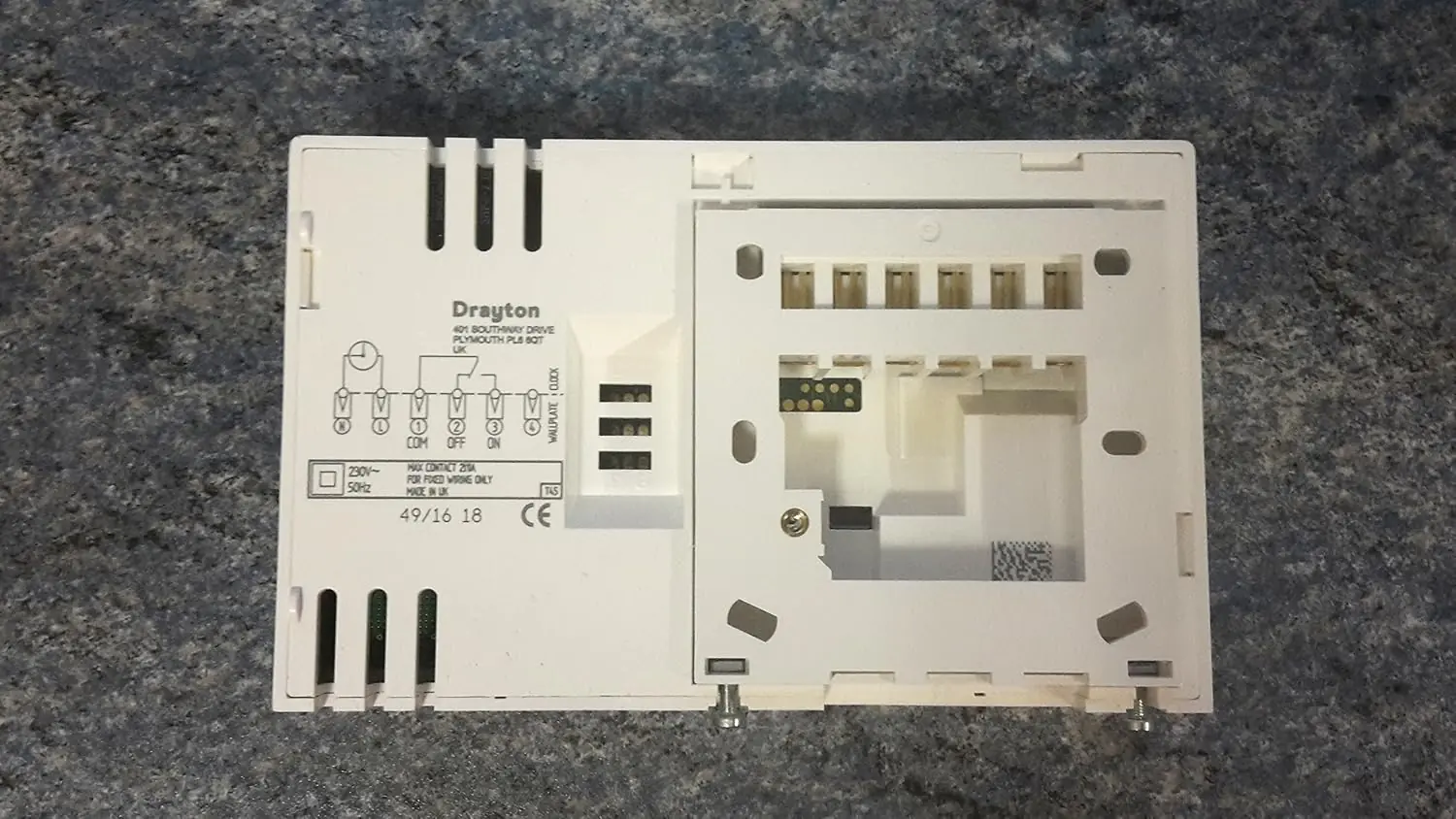
| Terminals | N, L, 1 (Common), 2 (On), 3 (Off), 4 (Spare) |
| Insulation | Double-insulated, no earth connection required (earth continuity terminal provided) |
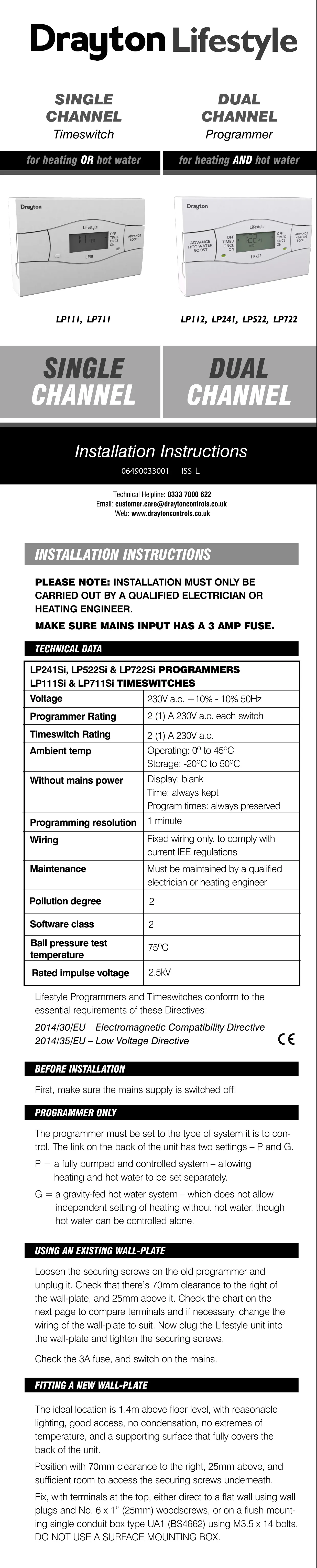
| Required clearance | 70mm to the right, 25mm above the wall-plate |
| Recommended mounting height | 1.4m above floor level |
| Pollution degree | 2 |
| Software class | A (technical datasheet); 2 (installation instructions) |
| Ball pressure test temperature | 75°C |
| Rated impulse voltage | 2.5kV |
| Applied standards | EN60730-1; EN60730-2-7 |
| Relevant directives | 2014/35/EU LVD; 2014/30/EU EMC; 2006/66/EC Batteries; 2011/65/EU RoHS |
| Regulatory compliance | Part L compliant (Part J in Scotland) |
| Manual reference | 06490033001 ISS L |
Drayton LP711 Thermostat Details
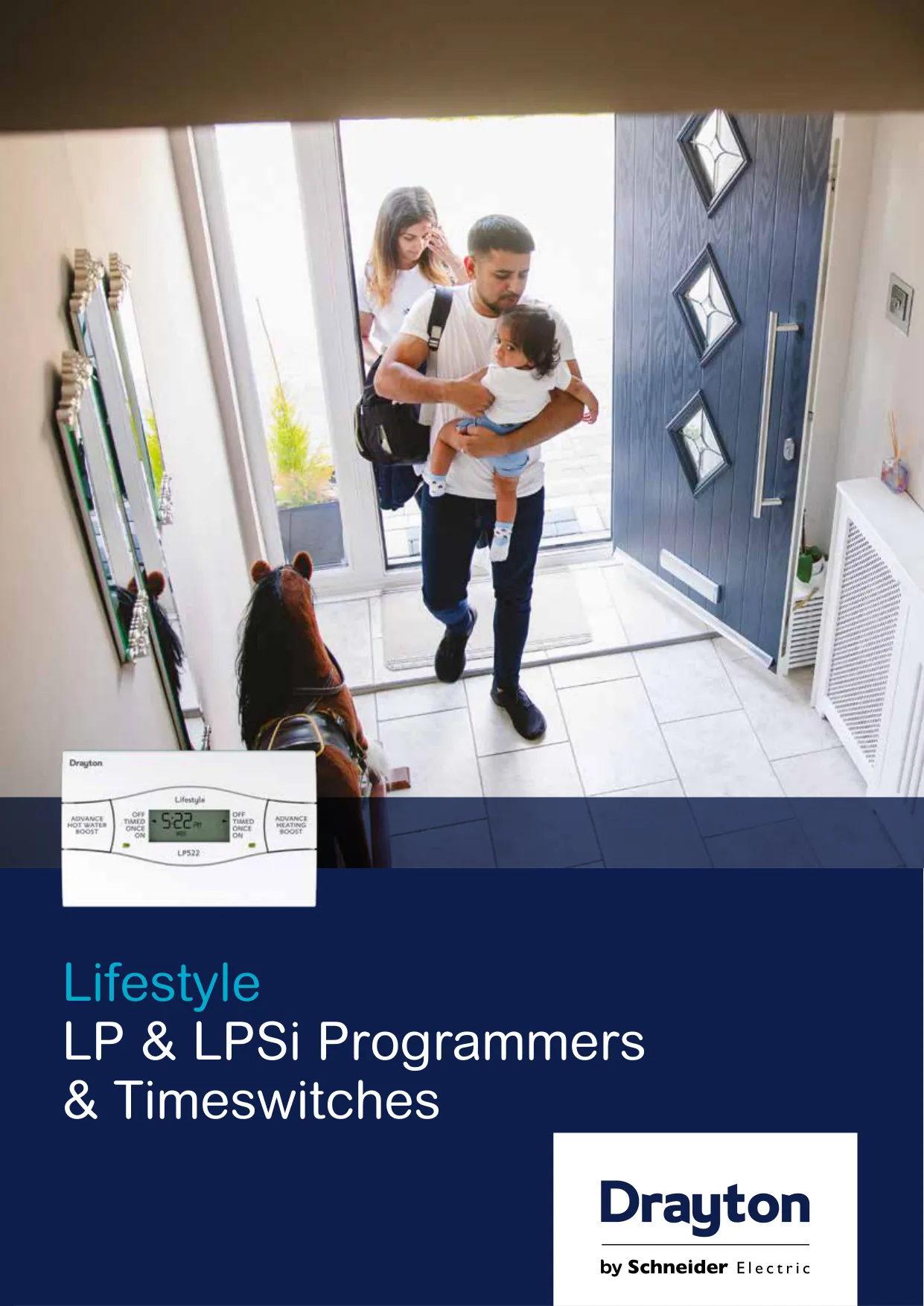
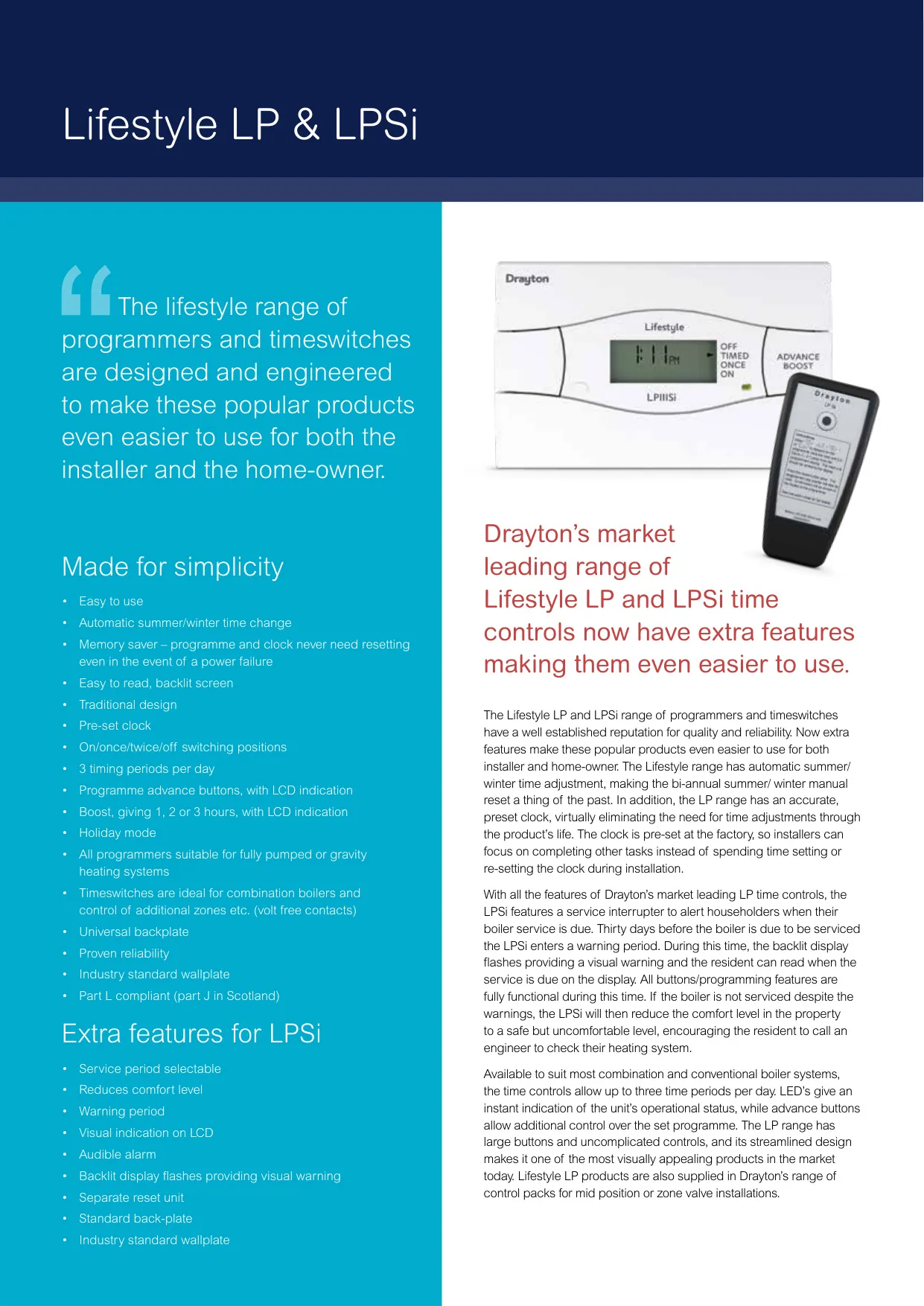
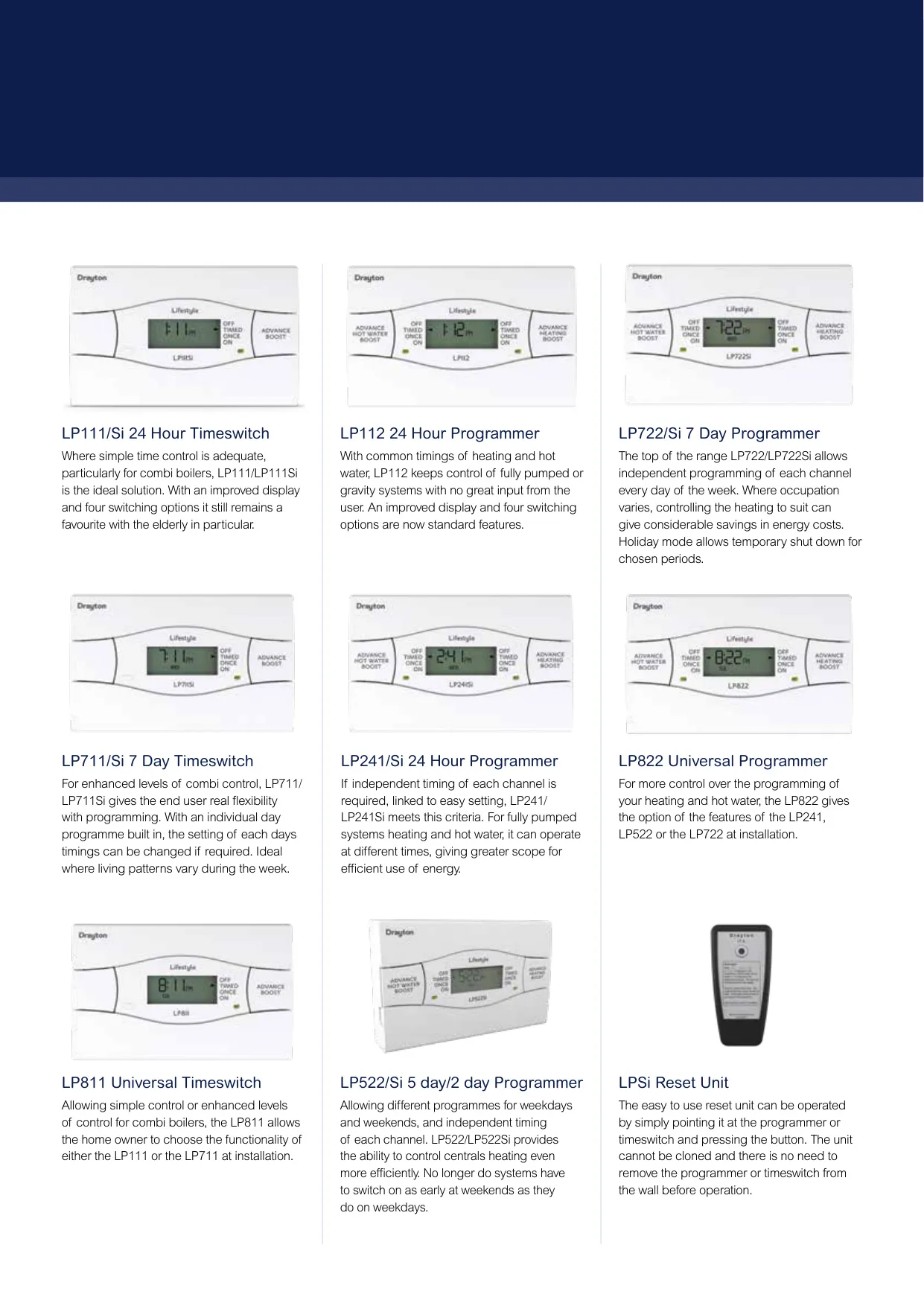
The Drayton Lifestyle LP711 is a timeswitch rather than a true room thermostat. It switches a single circuit, either central heating or hot water, on and off at times you choose. Drayton positions it for enhanced combi boiler control and for controlling additional zones, because its volt-free contacts can switch whatever supply is fed to the common terminal. It suits homes where living patterns change during the week, since every day can carry its own timings.
Out of the box, the unit runs a factory standard program. Monday to Friday it switches ON1 at 6.30am, OFF1 at 8.30am, ON3 at 4.30pm and OFF3 at 10.30pm. Saturday and Sunday use 7.00am, 9.00am, 4.00pm and 11.00pm. ON2 and OFF2 are both set to 12.00pm, so the middle period does nothing until you change it. Pressing SET and + together restores this pre-set program at any time.
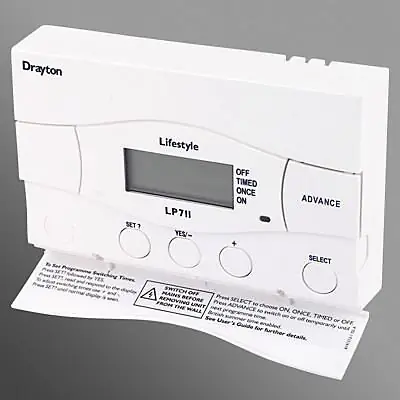
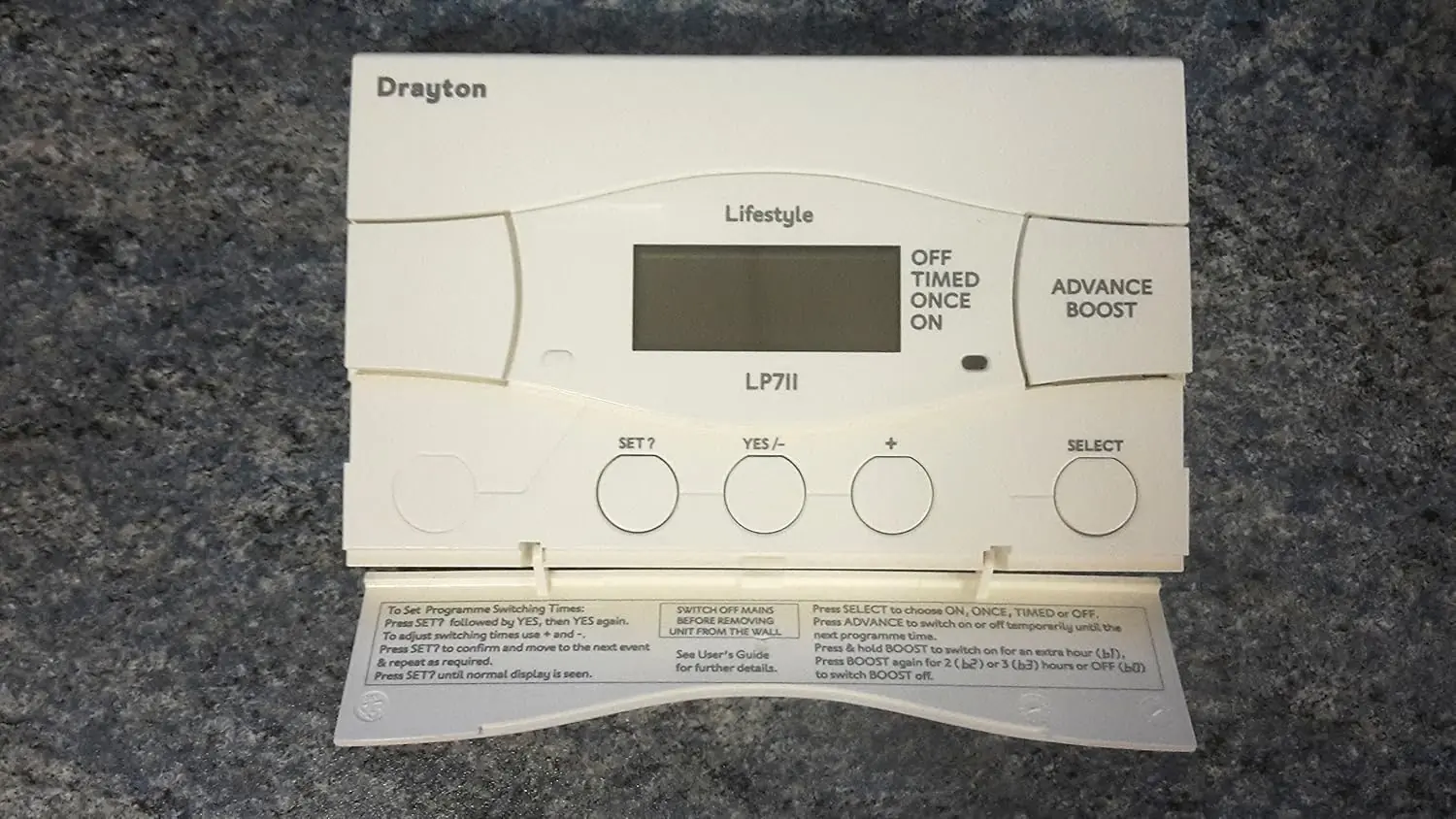
Programming uses the SET?, YES/- and + buttons under the bottom flap. After pressing SET? and YES at "SET PROG?", you first set a common Monday to Friday program, adjusting each time in 1-minute steps, or 10-minute steps if you hold the button down. You can then fine-tune individual weekdays before moving on to "SET SAT SUN PROG?" to set the weekend, and adjust Saturday or Sunday separately if you need to. To keep any timing unchanged, just press SET? to skip it.
A few rules apply. Timings must be entered in order, ON1 to OFF3, or the display flashes a warning. ON1 cannot be the last timing before midnight, but OFF3 can fall after midnight as long as it is no more than 23 hours 59 minutes after ON1. Selecting ONCE mode runs one continuous period from ON1 to OFF3. Changing modes with the SELECT button never deletes your stored timings, and choosing TIMED goes back to the program.
For day-to-day changes, the front-mounted Advance/Boost button gives quick control. Advance (shown as ADV) switches the output on until the end of the next period, or off until the next ON period. It only works in TIMED or ONCE modes. Boost (shown as BST) adds one hour, and pressing it again adds a second or third hour. If the output is already on, Boost extends the ON time. Pressing Boost again cancels it.
Holiday mode is reached by pressing SET? three times until "SET H'DAY?" appears. You set the number of days with + and -, and the display then shows H'DAY while the system stays off. The unit counts each pass through midnight as one day, so leaving on Saturday morning and wanting heat on Tuesday morning means setting 3 days. Setting the date also fixes the weekday automatically, and Daylight Saving can be switched on or off in the same menu.
Installation must be done by a qualified electrician or heating engineer. Because the contacts are volt-free, Terminal 1 needs power, either through a link from Terminal L or from a separate supply with a 3A fuse. The LP711 shares its terminal layout with many Drayton and competitor timeswitches, so it can often replace them on the existing wall-plate without rewiring. Always switch off the mains first, never fit it to a live wall-plate, and never use a surface mounting box. The LP711Si version also adds a boiler service-due reminder, which is cleared with a separate reset unit.
Frequently Asked Questions (FAQs)
Can't find the answer you need? Here are some frequently asked questions about the Drayton LP711 Thermostat, and we answer them below.