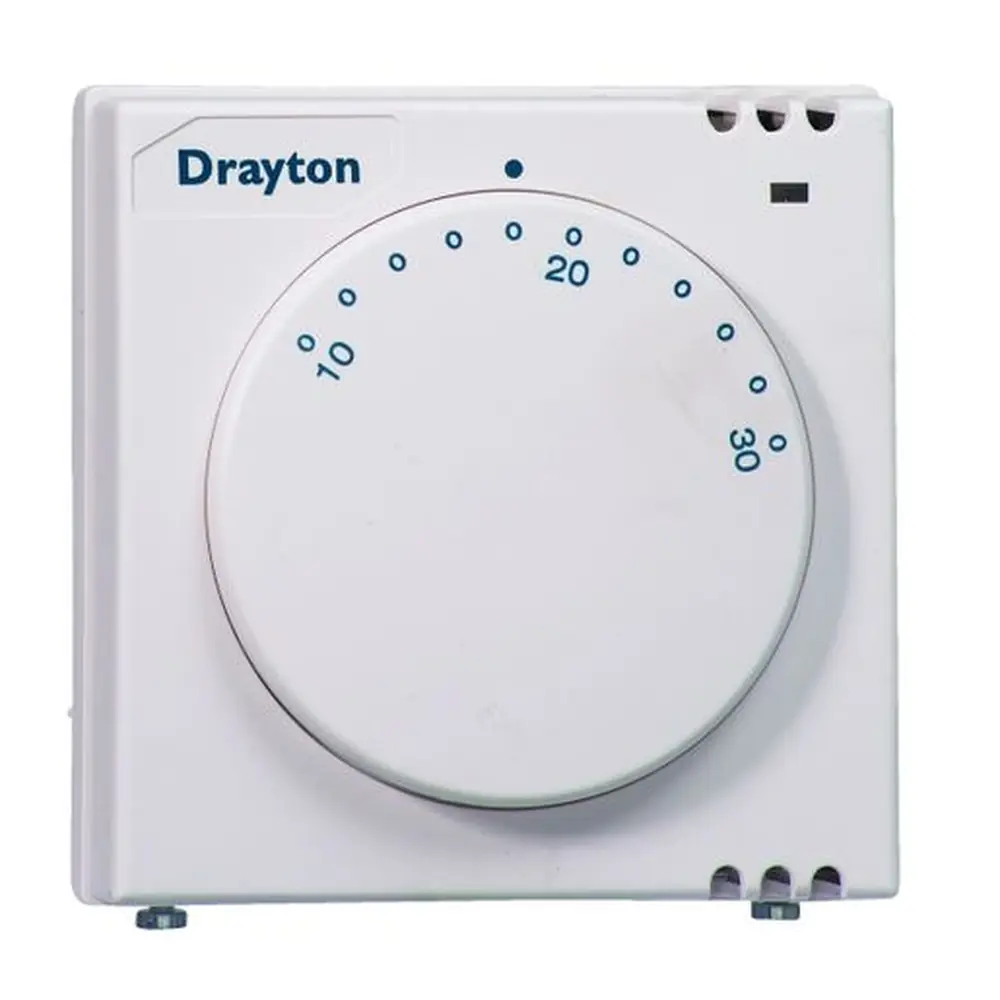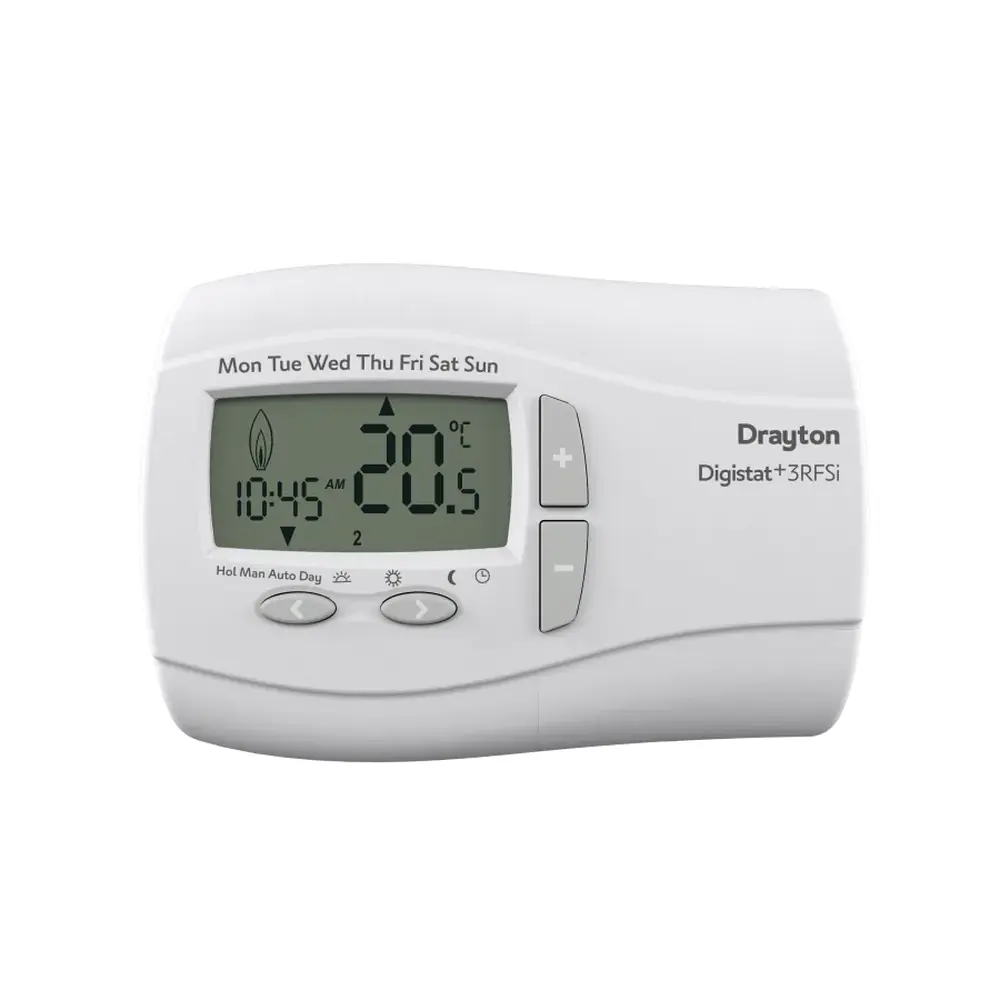
Drayton Digistat 3 Thermostat Instruction Manual

Drayton Digistat 3 Thermostat
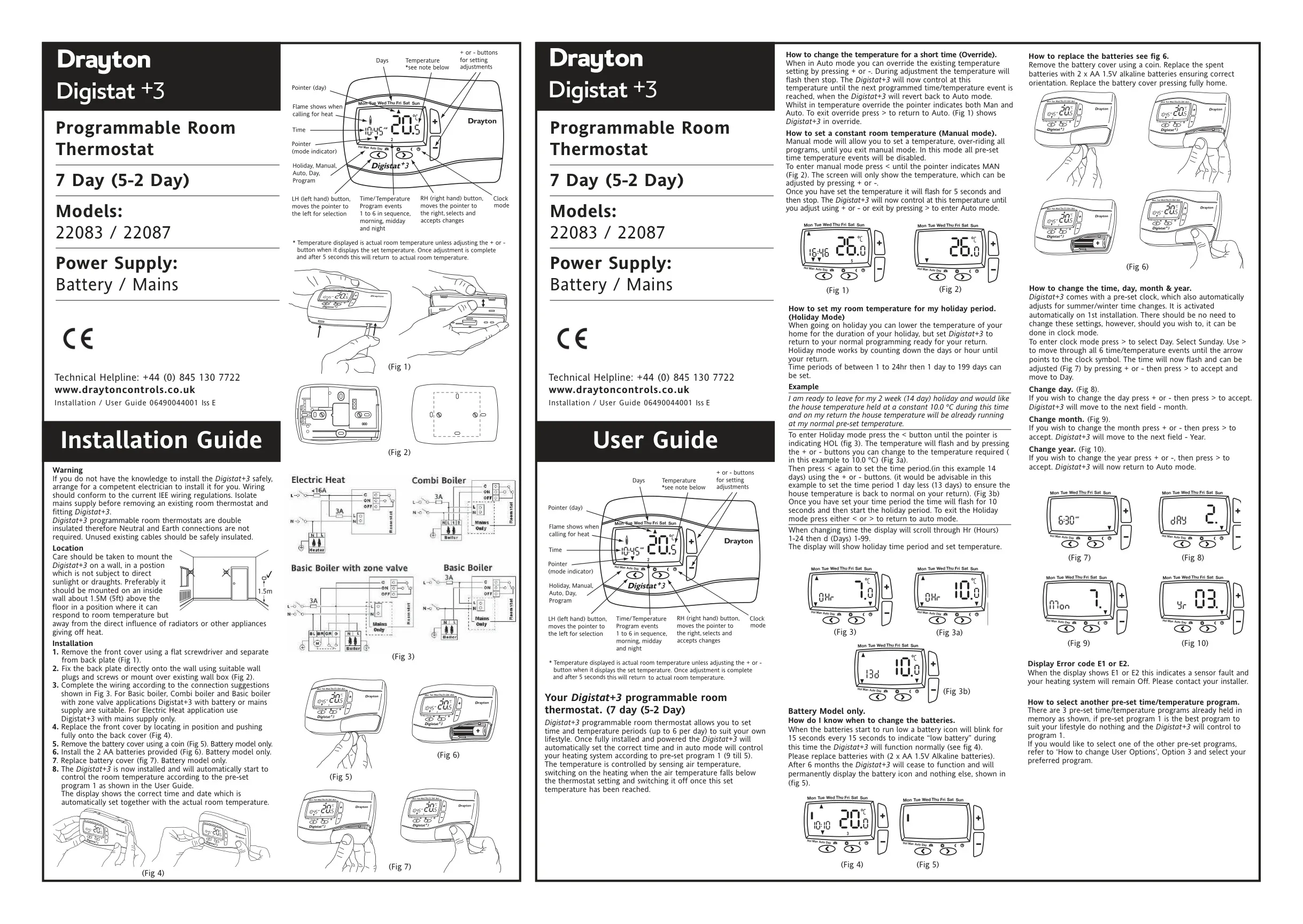
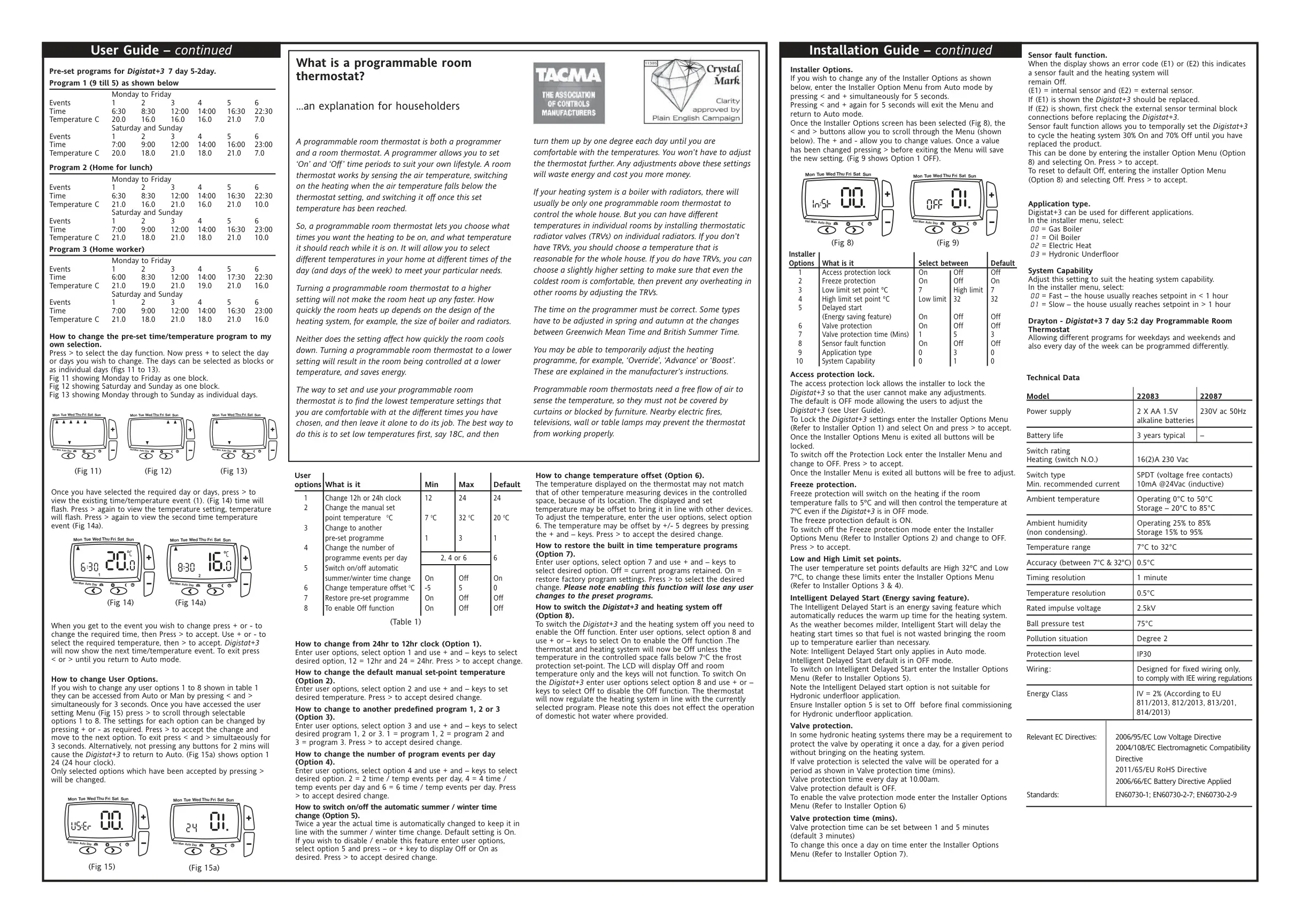


Drayton Digistat 3 Thermostat
Drayton Digistat 3 Thermostat Instructions
Here we offer the Drayton Digistat 3 Thermostat manual completely free and in English. We have cataloged this manual in the Thermostats section on Manualverse, and it has been rated by 1 users with an average rating of 5. If you have any specific questions about Drayton Digistat 3 Thermostat, we suggest checking the Frequently Asked Questions (FAQs) section of this manual.
Product Images
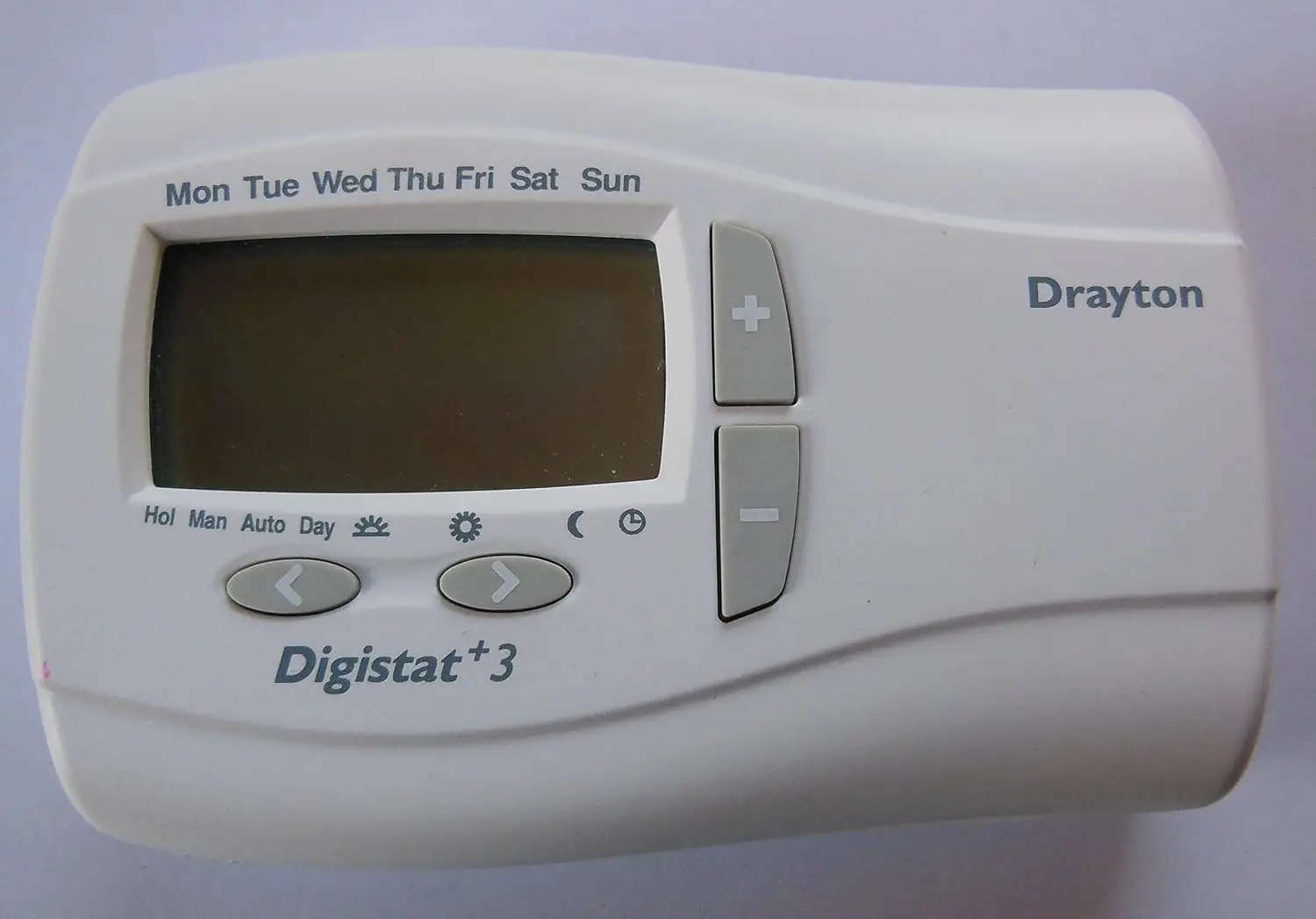
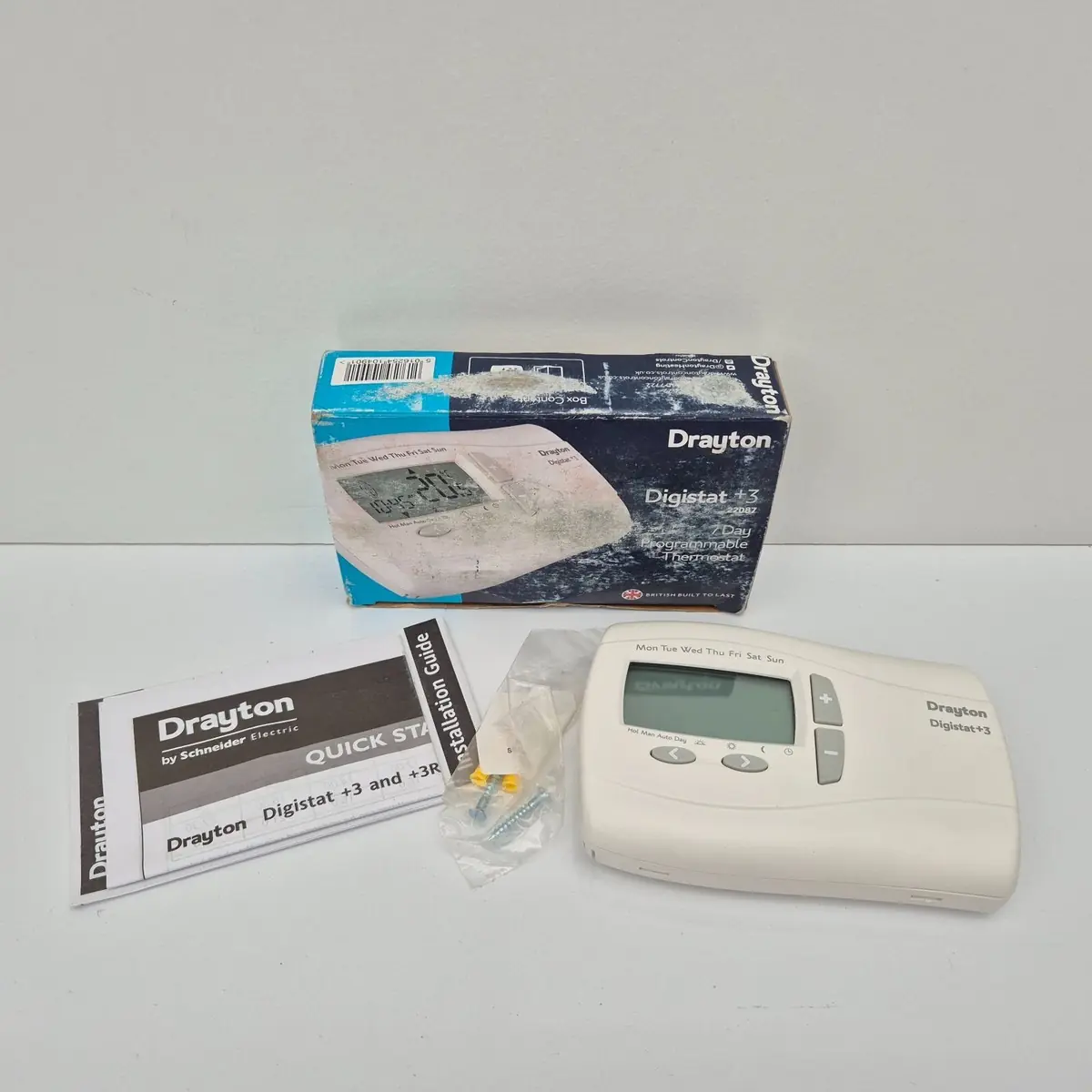
Drayton Digistat 3 Thermostat Specifications
| Feature | Specification |
|---|---|
| Product type | Programmable room thermostat, 7 day (5-2 day) |
| Models | 22083 (battery) / 22087 (mains) |
| Power supply (22083) | 2 x AA 1.5V alkaline batteries |
| Power supply (22087) | 230V ac 50Hz |
| Battery life (22083) | 3 years typical |
| Switch rating, heating (N.O.) | 16(2)A 230 Vac |
| Switch type | SPDT (voltage-free contacts) |
| Minimum recommended current | 10mA @ 24Vac (inductive) |
| Operating ambient temperature | 0°C to 50°C |
| Storage temperature | -20°C to 85°C |
| Operating humidity (non-condensing) | 25% to 85% |
| Storage humidity (non-condensing) | 15% to 95% |
| Temperature setting range | 7°C to 32°C |
| Accuracy (between 7°C and 32°C) | 0.5°C |
| Temperature resolution | 0.5°C |
| Timing resolution | 1 minute |
| Time/temperature events per day | 2, 4 or 6 (default 6) |
| Pre-set programs | 3 |
| Temperature offset | -5°C to +5°C (default 0) |
| Frost protection set-point | Switches on at 5°C, controls at 7°C |
| Valve protection time | 1 to 5 minutes (default 3), daily at 10:00 |
| Application types | Gas boiler, oil boiler, electric heat (mains model only), hydronic underfloor |
| Rated impulse voltage | 2.5kV |
| Ball pressure test | 75°C |
| Pollution situation | Degree 2 |
| Protection level | IP30 |
| Insulation | Double insulated (no Neutral or Earth needed) |
| Wiring | Fixed wiring only, to IEE wiring regulations |
| Recommended mounting height | About 1.5 m (5 ft) above the floor, on an inside wall |
| Energy class | IV = 2% (EU 811/2013, 812/2013, 813/2013, 814/2013) |
| EC Directives | 2006/95/EC LVD, 2004/108/EC EMC, 2011/65/EU RoHS, 2006/66/EC Battery |
| Standards | EN60730-1; EN60730-2-7; EN60730-2-9 |
| Technical helpline | +44 (0) 845 130 7722 |
Drayton Digistat 3 Thermostat Details
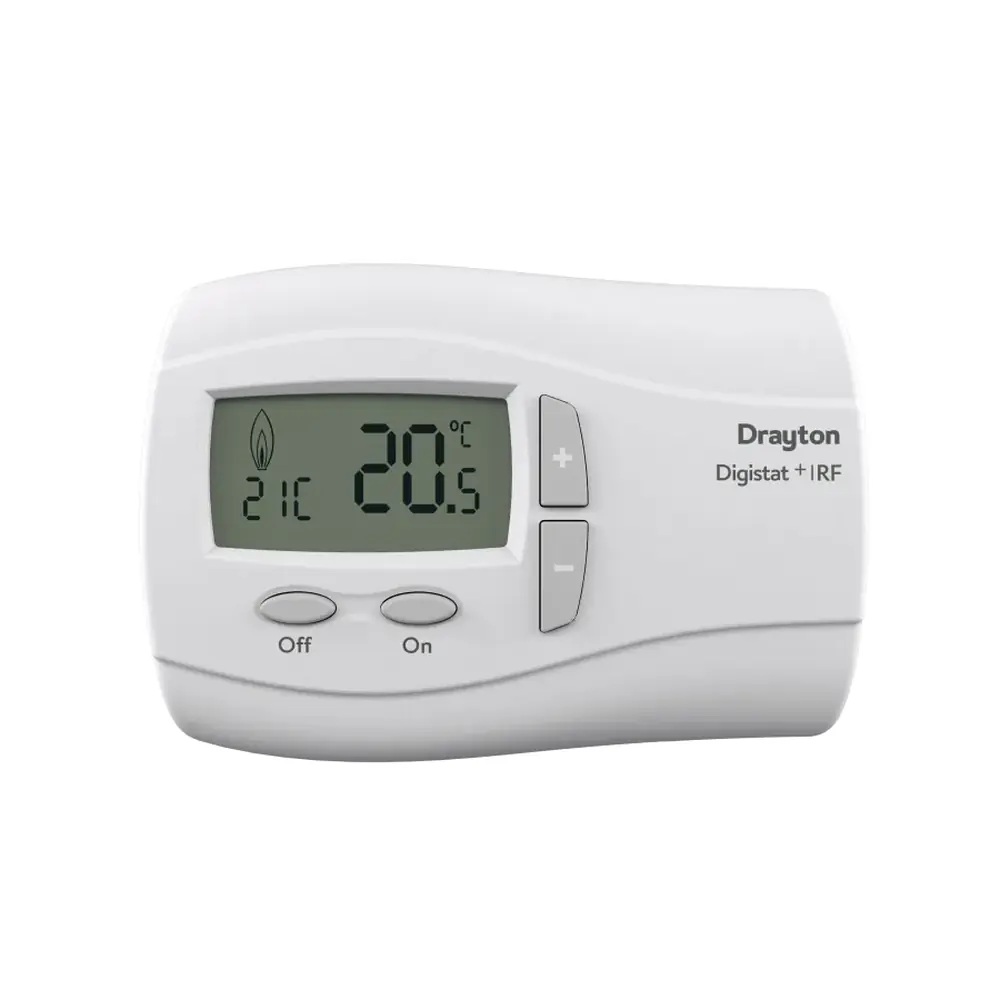
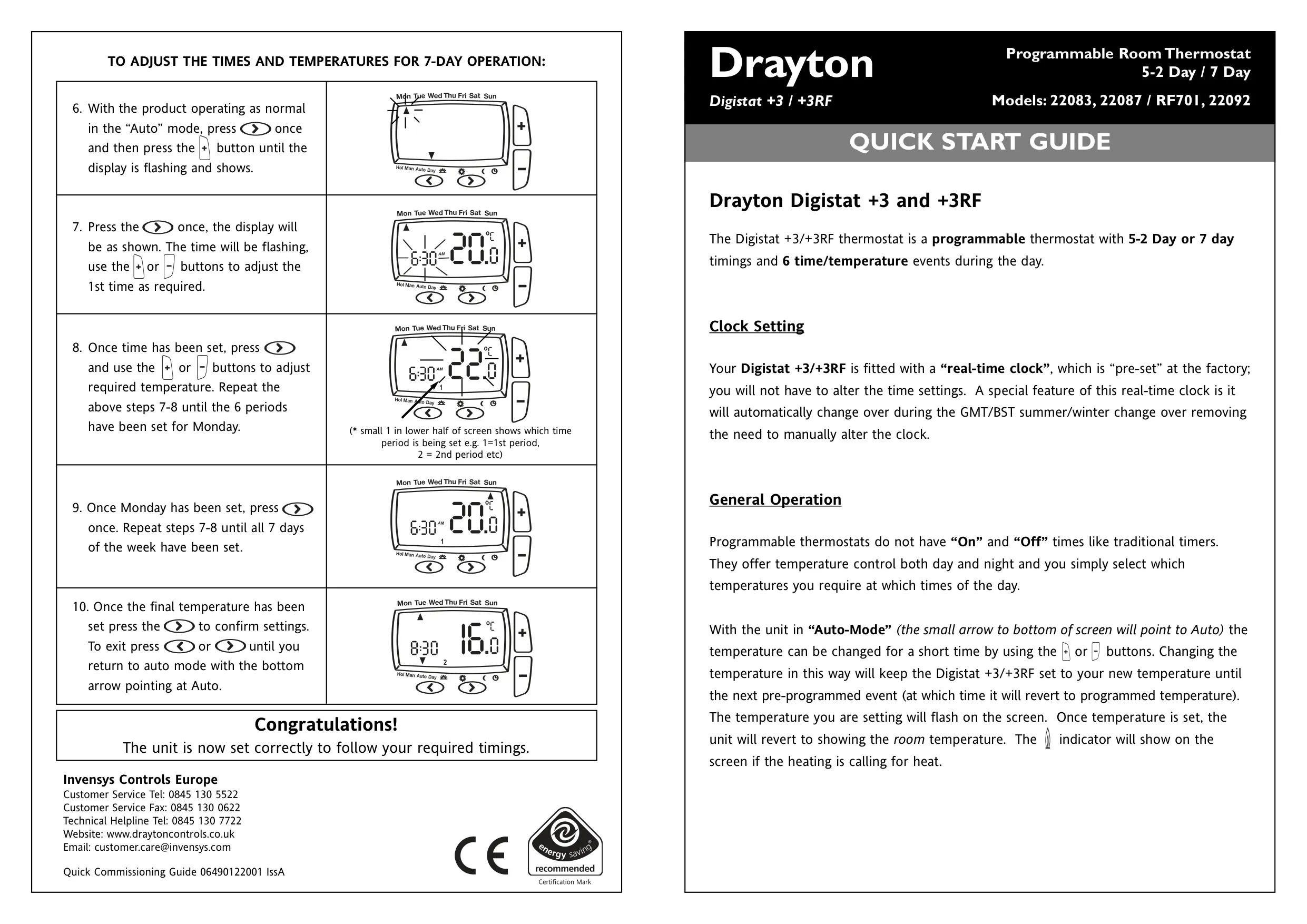
The Drayton Digistat+3 combines a programmer and a room thermostat in one wall unit. It does not use traditional On and Off times. Instead, you choose which temperature you want at each time of day. It senses air temperature and calls for heat when the room drops below the set point, then stops once that point is reached. A heating indicator shows on the screen while it is calling for heat. Once installed and powered, it starts running pre-set program 1 automatically, with the clock already set.
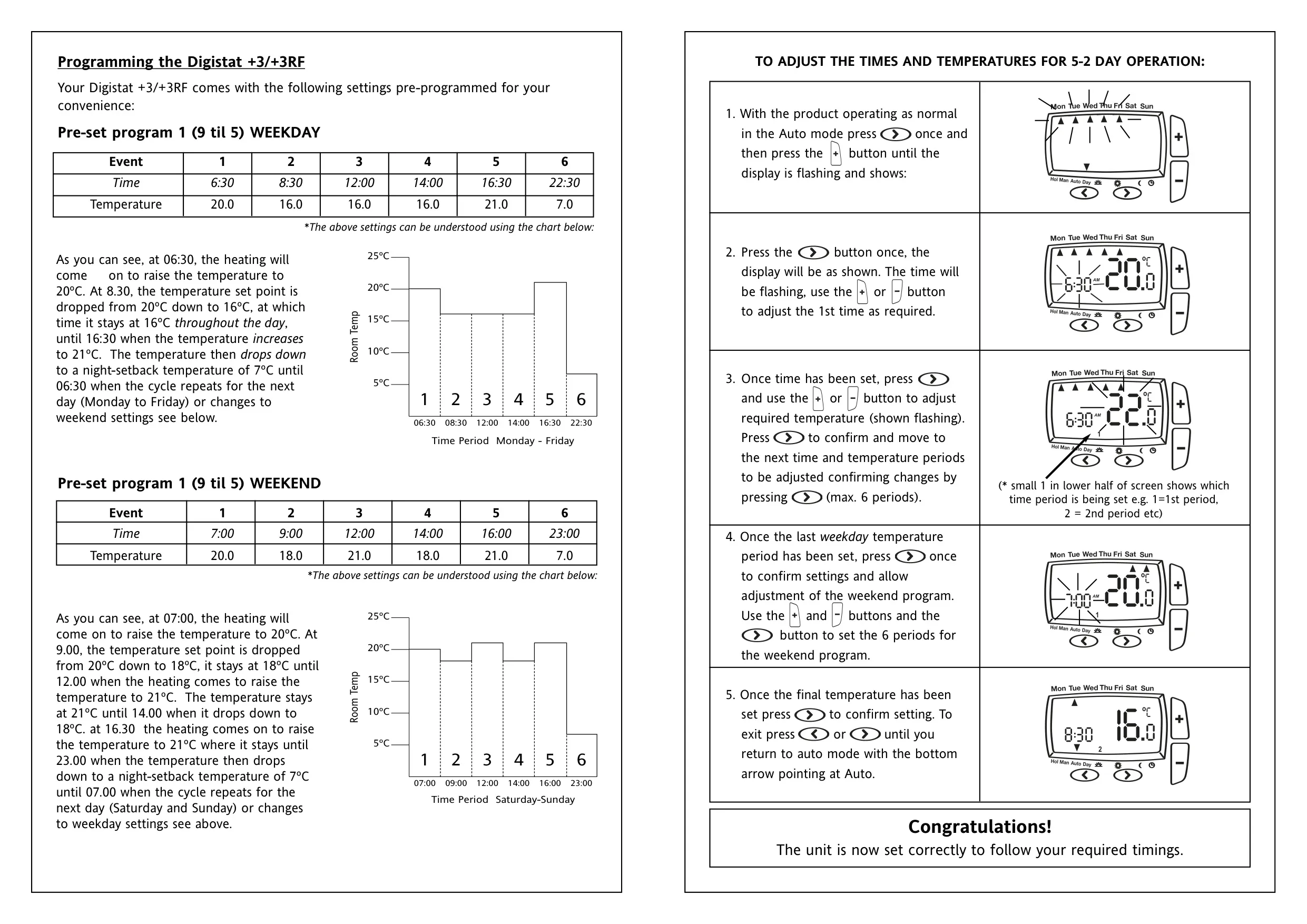
The unit has a factory-set real-time clock that switches between GMT and BST on its own, so you shouldn't need to change it. If you do, clock mode lets you adjust the time, day, month and year. Three built-in programs are stored in memory: Program 1 (9 till 5), Program 2 (Home for lunch) and Program 3 (Home worker). You can set weekdays and weekends as two blocks, or program each of the seven days separately. Option 7 restores the factory programs, but any changes you made to them will be lost.
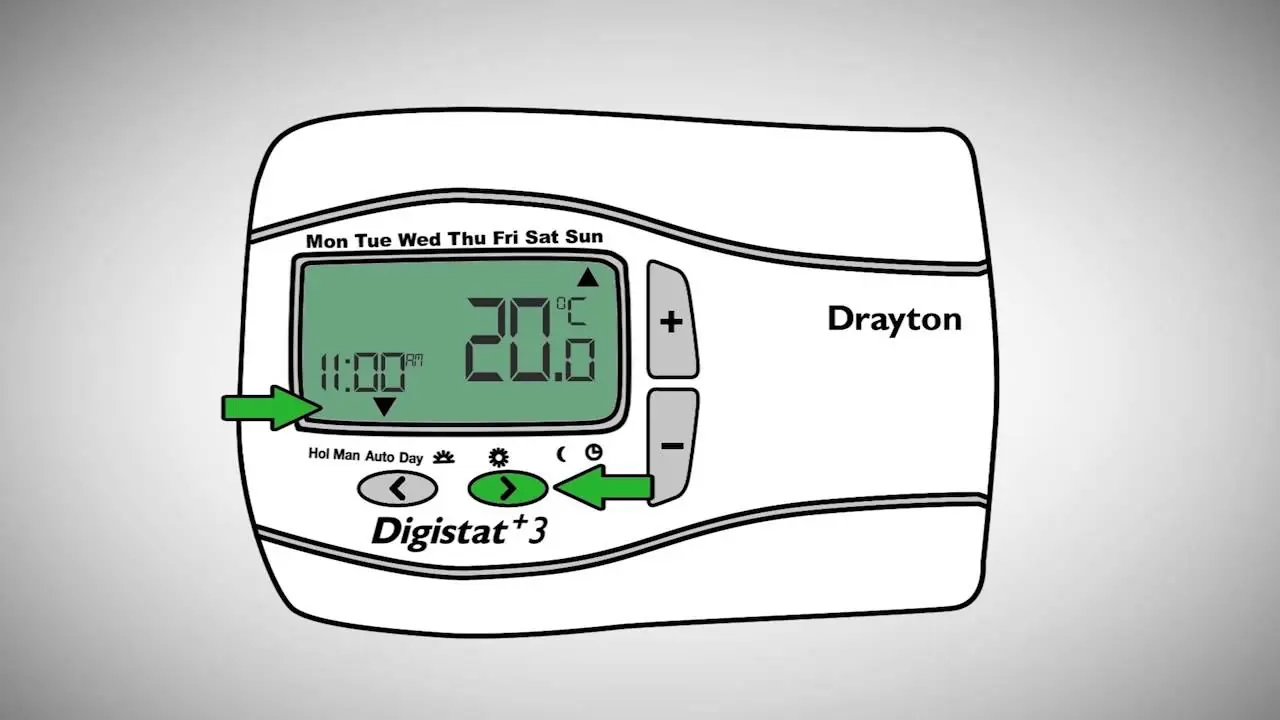
There are several ways to change the temperature. Override is for a short change: press + or - in Auto mode. The new temperature holds until the next programmed event, and then the unit goes back to Auto. Manual mode holds one constant temperature and ignores all programs until you leave it. The default manual temperature is 20°C, and you can change it in user option 2. Holiday mode keeps a lower temperature for a countdown of hours or days. Normal programming then resumes, so the house is warm when you get back.
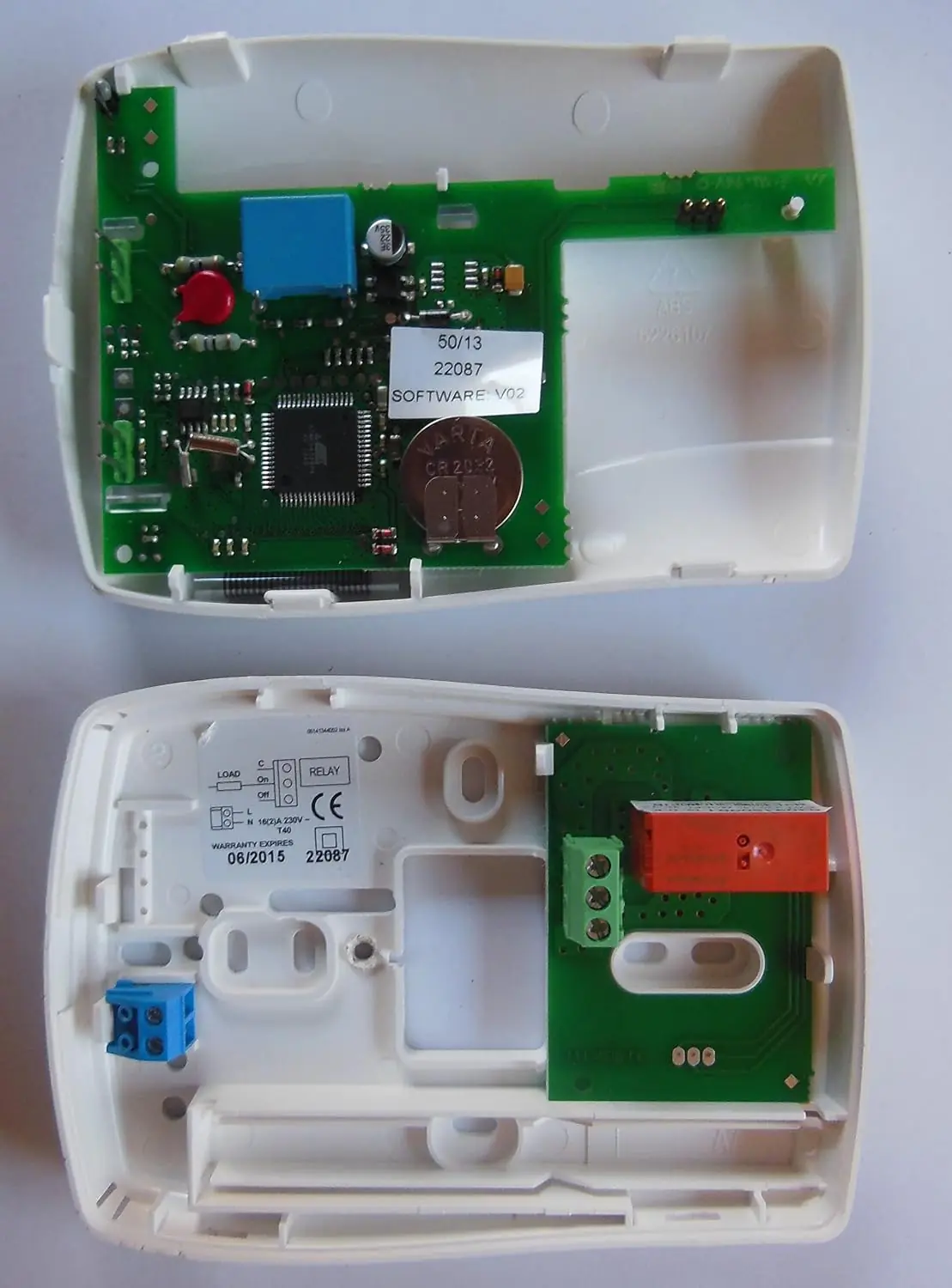
On the battery model, a low-battery icon blinks for 15 seconds, every 15 seconds. During this warning period the thermostat keeps working normally. About six months after the warning starts, the unit stops working and shows only the battery icon. To replace the batteries, open the cover with a coin and fit two AA alkaline cells the right way round. If the screen shows E1 (internal sensor) or E2 (external sensor), there is a sensor fault and the heating stays off. With E2, check the external sensor terminals before replacing the unit.
The installer can enable a sensor fault function. It runs the heating on a 30% on and 70% off cycle as a temporary measure until the faulty unit is replaced. Other installer options include an access protection lock, which locks all buttons, and adjustable low and high temperature limits. There is also Intelligent Delayed Start, an energy-saving feature that delays heating start times in milder weather. It only works in Auto mode and is not suitable for hydronic underfloor systems. You open the installer menu by holding the < and + buttons together for 5 seconds.
The System Capability setting tells the thermostat how quickly your house heats up. Choose Fast if the house usually reaches the set point in under an hour, or Slow if it takes longer. Valve protection runs the valve once a day without turning the heating on, which helps in some hydronic systems. User option 8 turns the thermostat and heating off, while keeping frost protection active. This doesn't affect domestic hot water. For accurate readings, mount the unit away from direct sunlight, draughts, radiators, lamps and televisions, and don't let curtains or furniture block it.
Frequently Asked Questions (FAQs)
Can't find the answer you need? Here are some frequently asked questions about the Drayton Digistat 3 Thermostat, and we answer them below.