Lowrance Hook2 4x Sonar Fishfinder Instruction Manual

Lowrance Hook2 4x Sonar Fishfinder









Lowrance Hook2 4x Sonar Fishfinder
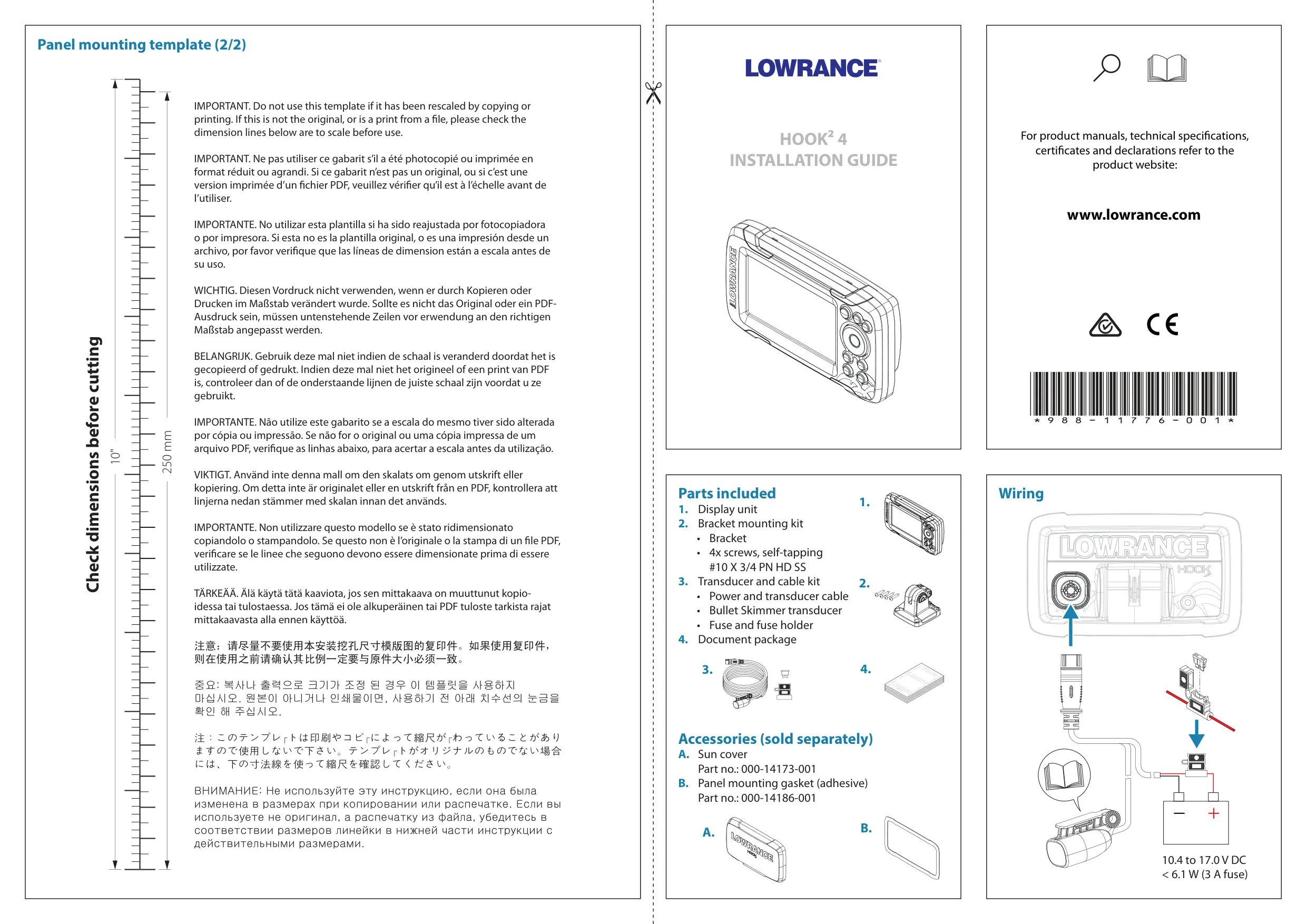
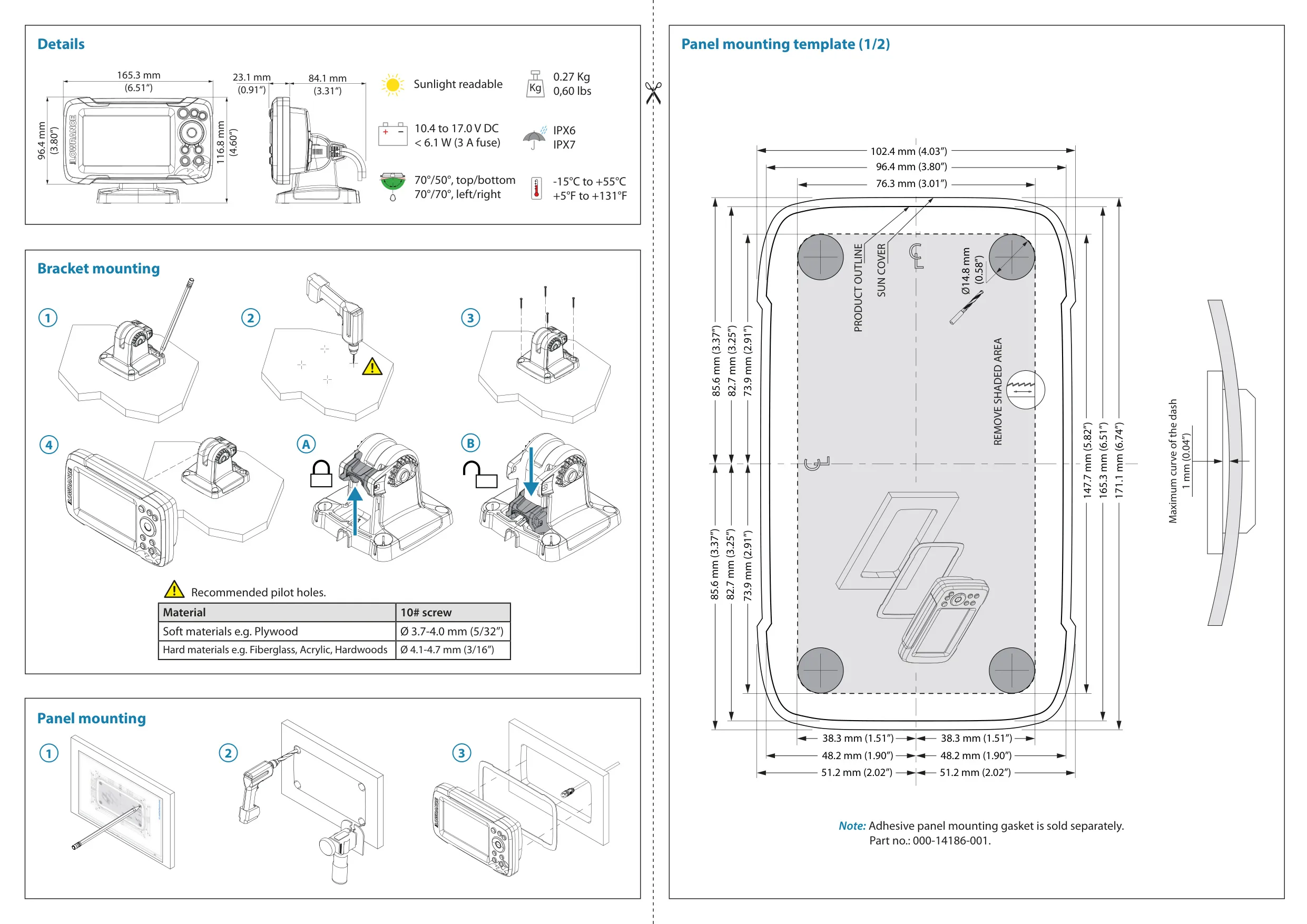
Lowrance Hook2 4x Sonar Fishfinder

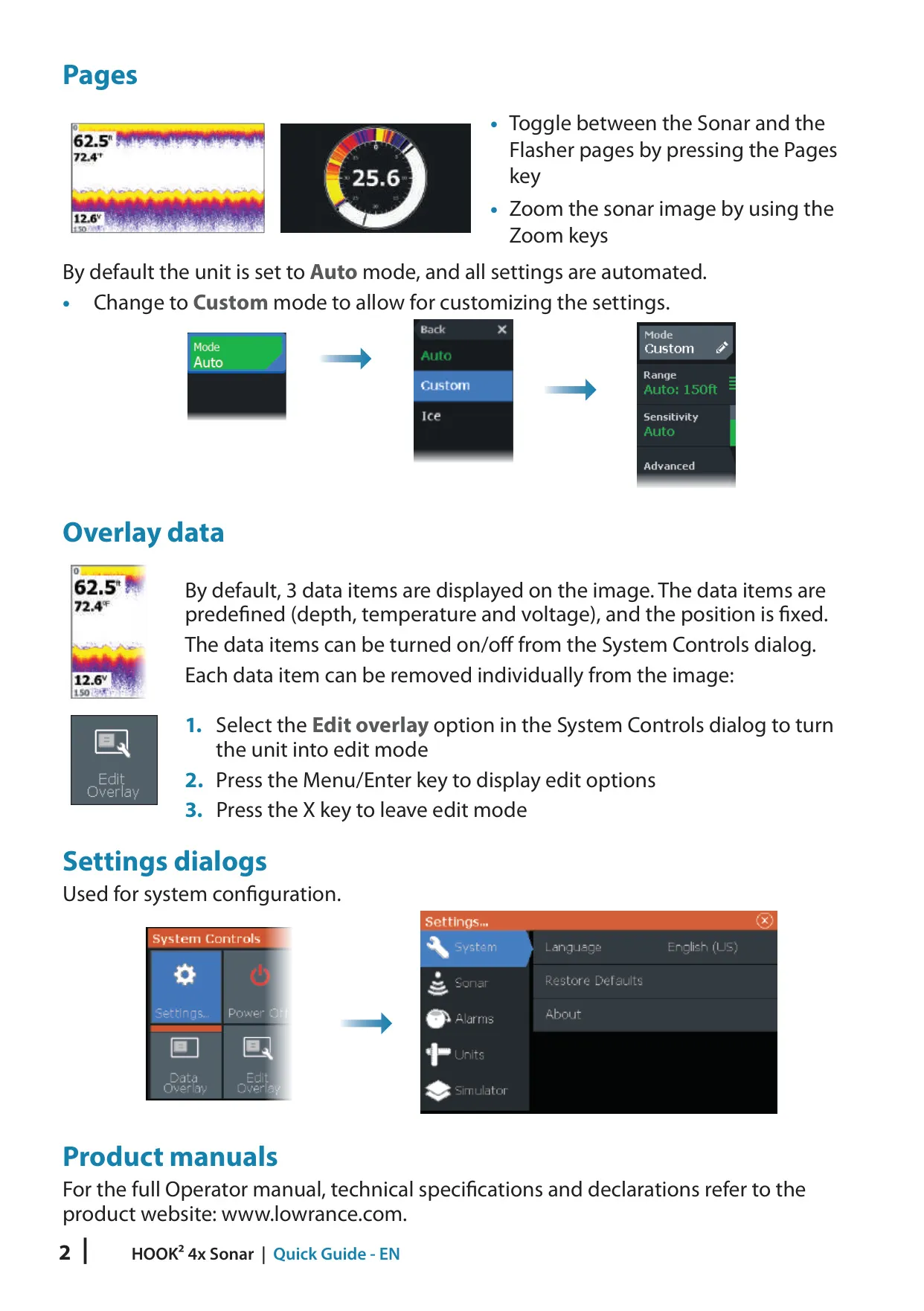
Lowrance Hook2 4x Sonar Instructions
Here we offer the Lowrance Hook2 4x Sonar Fishfinder manual completely free and in English. We have cataloged this manual in the Fishfinders section on Manualverse, and it has been rated by 1 users with an average rating of 5. If you have any specific questions about Lowrance Hook2 4x Sonar Fishfinder, we suggest checking the Frequently Asked Questions (FAQs) section of this manual.
Product Images

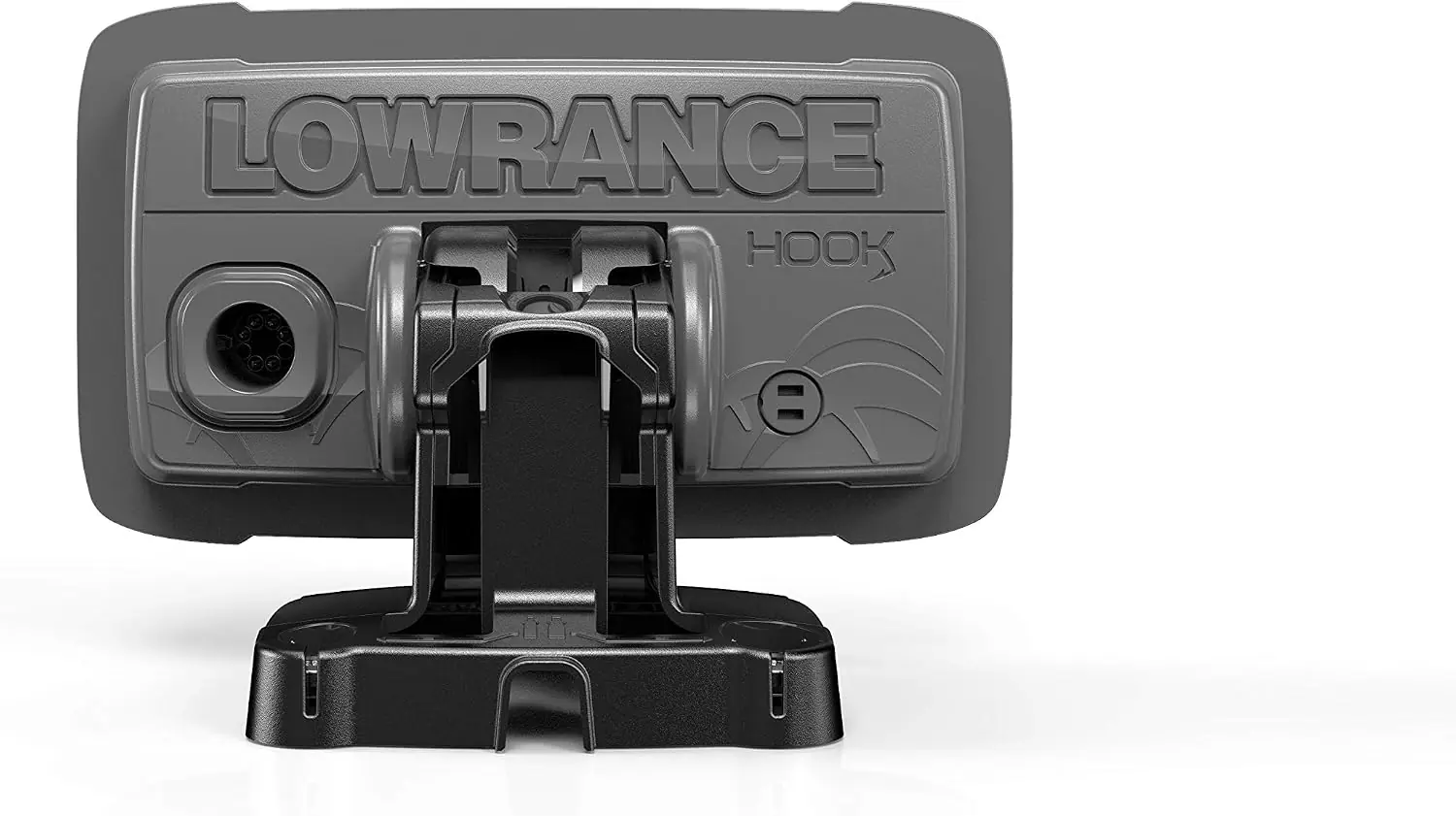
Lowrance Hook2 4x Sonar Fishfinder Specifications
| Feature | Specification |
|---|---|
| Product Series | Lowrance Hook² X Series |
| Model | Hook2 4x Sonar (sonar-only model) |
| Manufacturer | Navico Holding AS (Lowrance brand) |
| Recommended Transducer | Bullet transducer |
| Sonar Functionality | Traditional sonar only |
| DownScan Imaging | Not available (5x and 7x models only) |
| GPS Plotter | Not available on 4x Sonar models |
| Waypoints, Routes and Trails | Not available on 4x Sonar models |
| Man Overboard (MOB) Waypoint | Not available on 4x Sonar models |
| Available Pages | Sonar and Flasher |
| Sonar Modes | Auto (default), Custom, Ice Fishing |
| Fish ID | OFF (traditional fish arches) / ON (fish symbols) |
| Data Overlays | Up to 3 on the sonar page |
| Default Overlay Data Items | Depth, temperature and voltage (fixed position) |
| Front Controls | 7 keys: Pages, Zoom in/out, Arrows, Exit (X), Menu/Enter, Fish ID, Power |
| Display Illumination | Adjustable brightness with preset backlight levels, Day/Night mode |
| Depth Offset: Lowest Point of Vessel | Negative value (example: -0.3 m / -1 ft) |
| Depth Offset: Below Surface (Waterline) | Positive value (example: +0.5 m / +1.77 ft) |
| Depth Offset: Below Transducer | 0 |
| Alarm System | On-screen alarm messages with optional audible siren |
| Transducer Adapter Cables | Optional; Airmar transducers not supported |
| Field Serviceable Components | None |
| Sun Cover | Protective sun cover accessory (sold separately) |
| Compliance | CE under 2014/53/EU Directive; Radio communications (EMC) standard 2008, level 2 devices |
| Operator Manual Part Number | 988-11747-002 |
| Quick Guide Part Number | 988-11956-001 |
Lowrance Hook2 4x Sonar Fishfinder Details
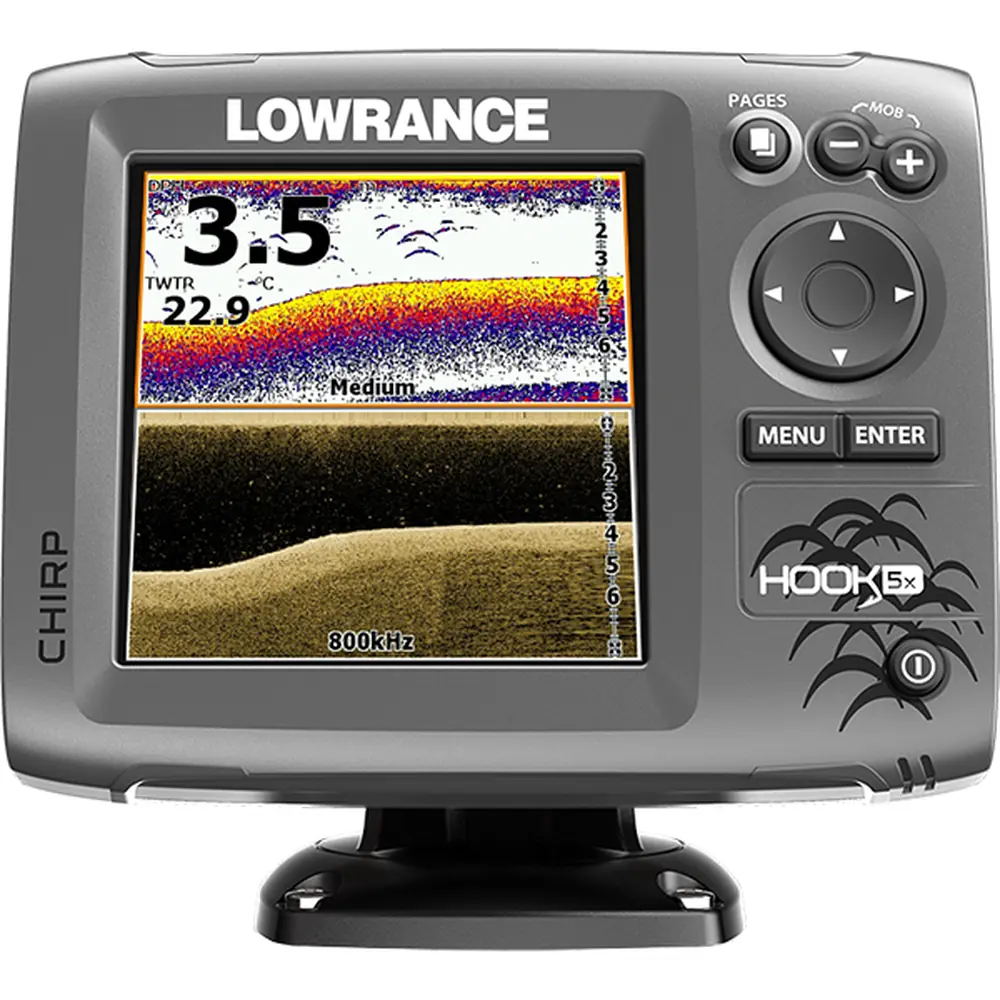
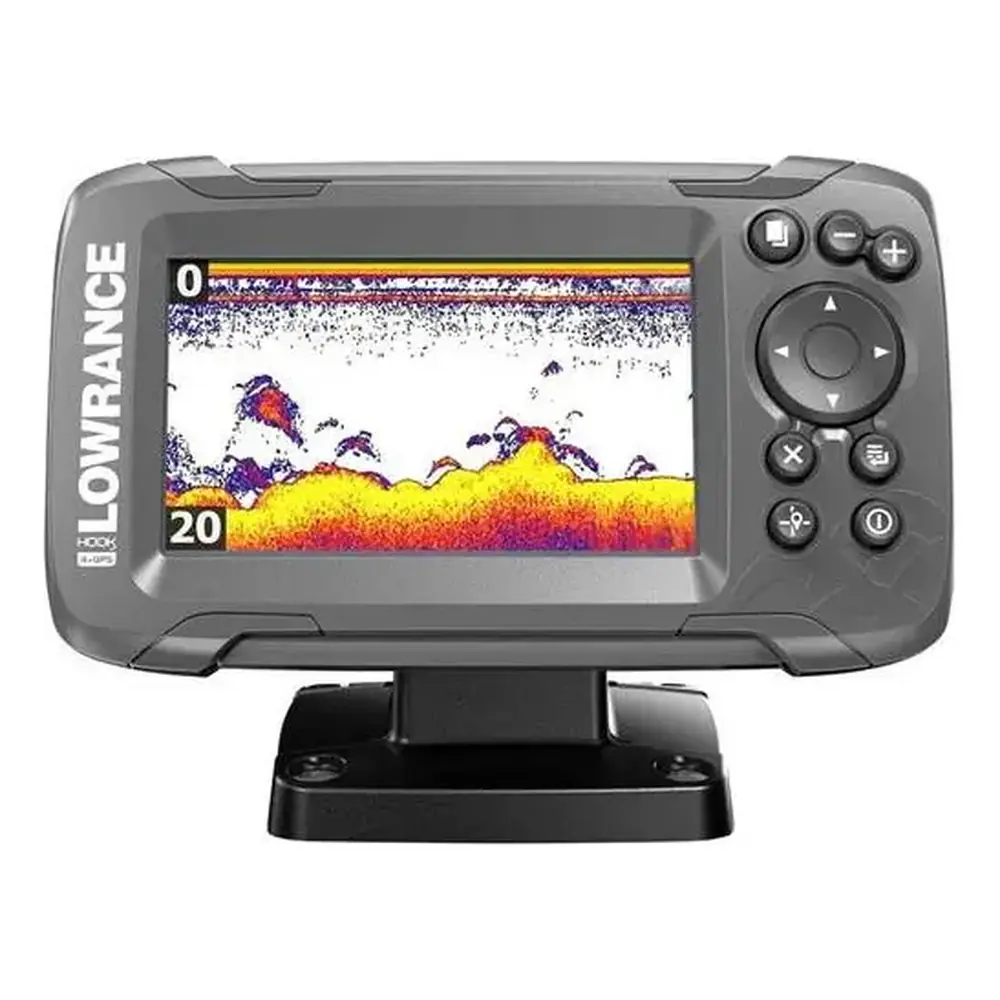
The Lowrance Hook2 4x Sonar is the simplest model in the Hook² X Series. It is built for anglers who just want clear sonar, with no GPS navigation. Everything is done from the seven front keys. The Pages key switches between the Sonar and Flasher pages, and the Zoom keys enlarge the sonar image. On other Hook² models the Cursor/Waypoint key saves waypoints, but on this model it is a Fish ID key that toggles between fish arches and fish symbols.
A short press on the Power key opens the System Controls dialog. It gives quick access to basic settings, including brightness, night mode, data overlay, edit overlay, stop sonar and the settings menus. Pressing and holding the Power key turns the unit on or off. If you release the key before shutdown finishes, the power-off is cancelled. Repeated short presses step through the preset backlight levels. Night mode changes the color palette and backlight for low light, but some panel details may be harder to see.
The data overlay applies to every page and is turned on or off from the System Controls dialog. When it is on, an orange bar appears above its icon. On the 4x Sonar the three overlay items are fixed in position. You cannot assign different data to them, but through the Edit overlay option you can pick a predefined size for each item or set it to OFF. Pressing Menu/Enter shows the edit options, and the X key leaves edit mode.
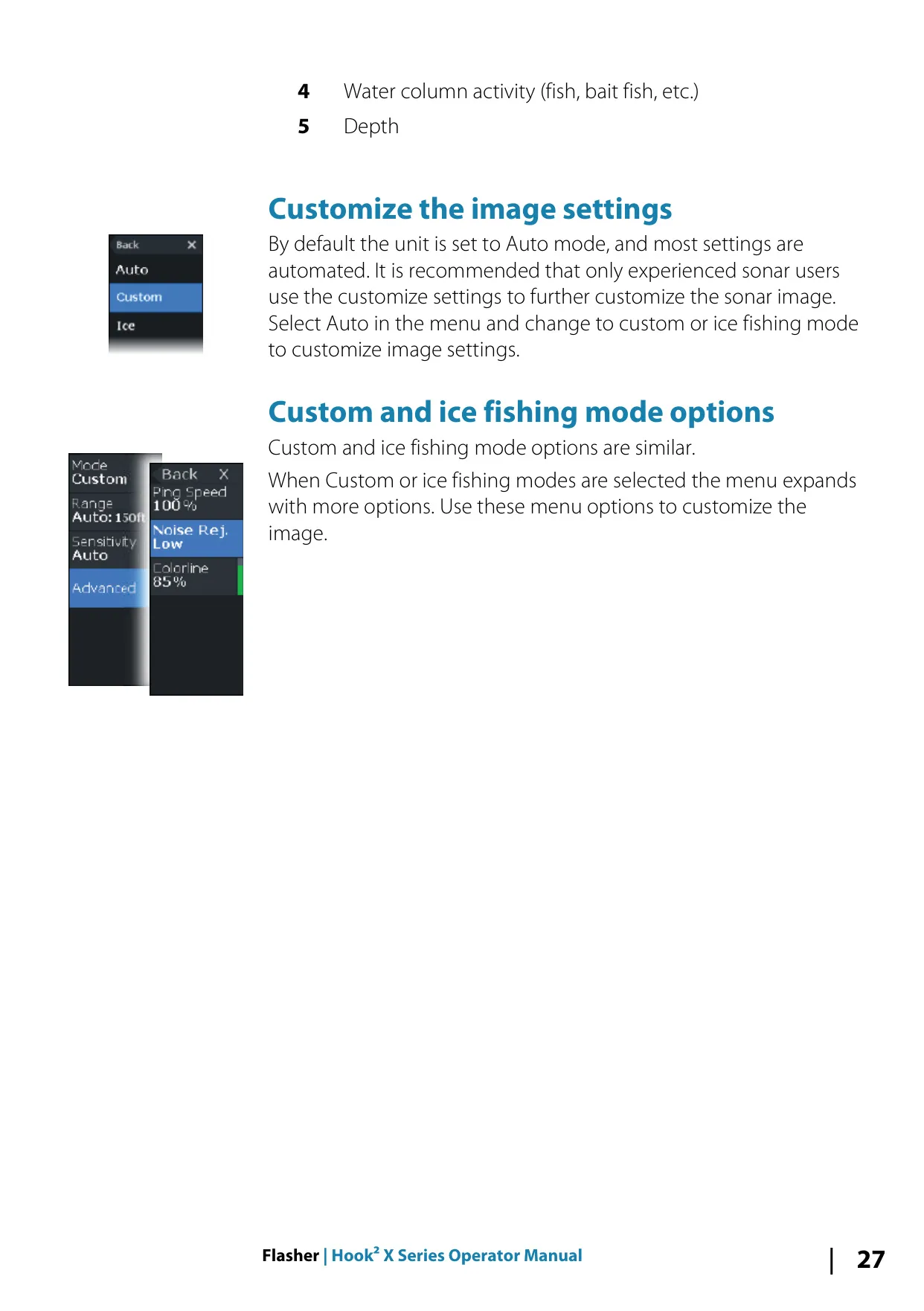
The Stop sonar function stops all sonar pinging without turning the unit off. This is useful when the boat is trailered or docked, or when you want the display on without sending signals. The sonar page shows fish arches, the data overlay, the range limit and the bottom. By default the unit runs in Auto mode, which handles most settings automatically. Lowrance recommends that only experienced sonar users switch to Custom or Ice Fishing mode, which add controls for tuning the sonar by hand.
The Flasher page shows a live digital flasher view below the transducer. It is designed for ice fishing and vertical jigging, where live returns matter more than sonar history. The ring shows surface returns, the water column with fish targets, and the bottom. The page also shows a range scale, a digital depth readout and water column activity such as bait fish. Like the sonar page, the flasher offers Auto, Custom and Ice Fishing modes, with the extra menu options appearing when a manual mode is chosen.
The alarm system constantly checks for dangerous situations and system faults while the unit is running, and shows an on-screen message when an alarm is triggered. If the siren is enabled in the Alarms dialog, you also hear an audible alarm. All alarm limits are set in the Alarms Settings dialog. For care, clean the screen with a micro-fiber or soft cotton cloth and fresh water. Avoid solvents, ammonia, alcohol, high-pressure jets and car washes. Check the connectors by visual inspection only.
Frequently Asked Questions (FAQs)
Can't find the answer you need? Here are some frequently asked questions about the Lowrance Hook2 4x Sonar Fishfinder, and we answer them below.