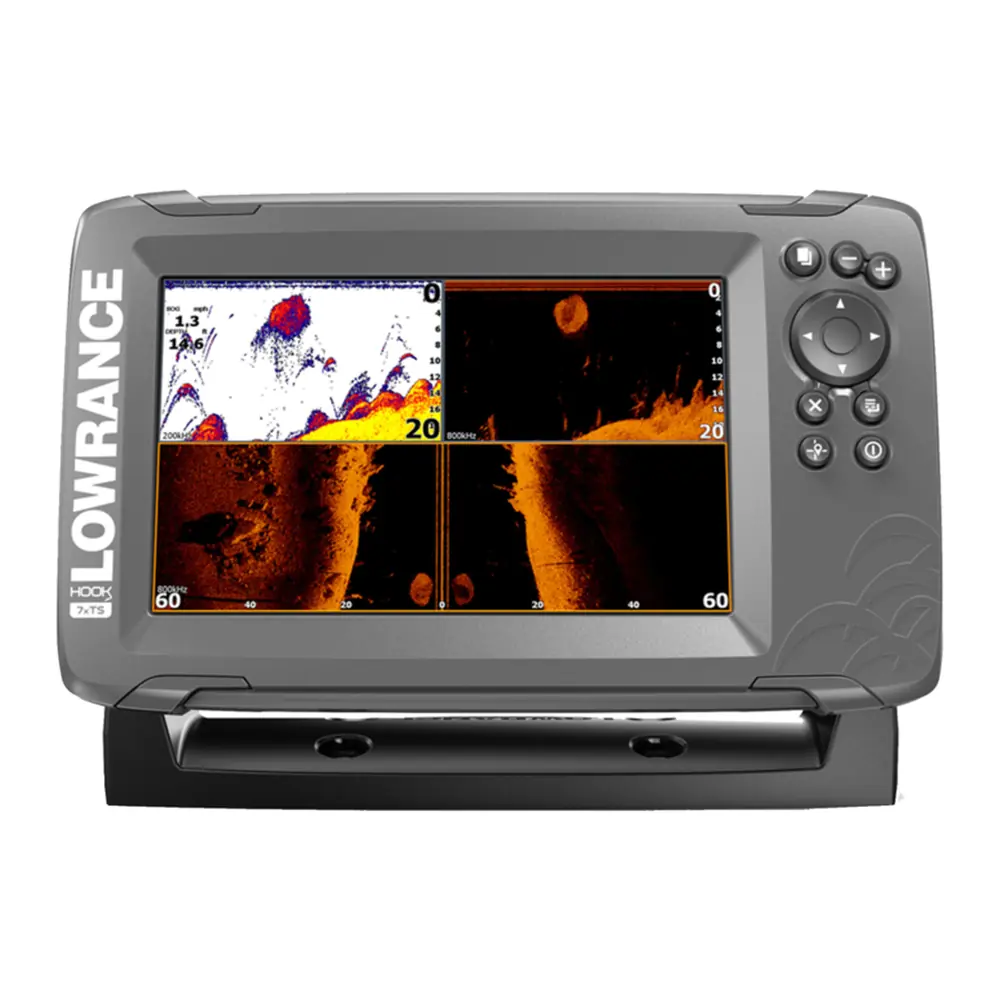
Lowrance Hook-4 Fishfinder Instruction Manual
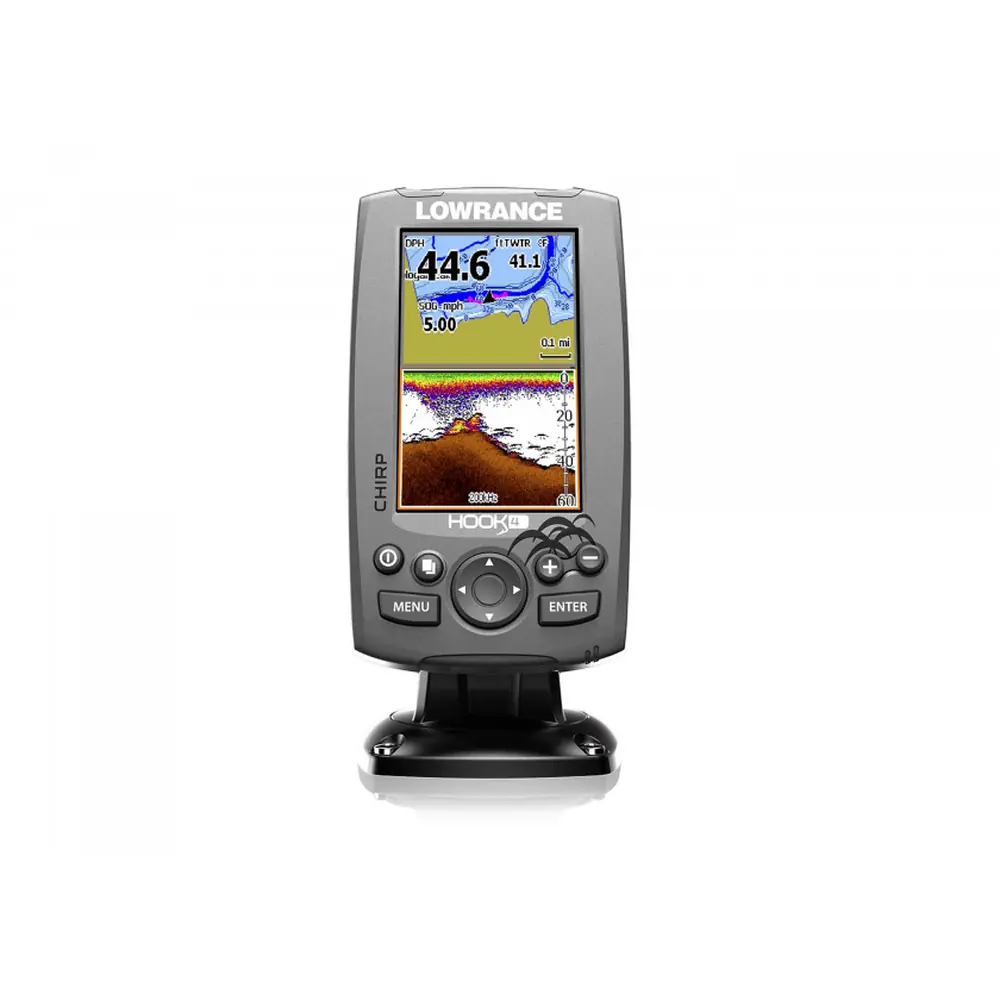
Lowrance Hook-4 Fishfinder















Lowrance Hook-4 Fishfinder Instructions
Here we offer the Lowrance Hook-4 Fishfinder manual completely free and in English. We have cataloged this manual in the Fishfinders section on Manualverse, and it has been rated by 1 users with an average rating of 5. If you have any specific questions about Lowrance Hook-4 Fishfinder, we suggest checking the Frequently Asked Questions (FAQs) section of this manual.
Product Images


Lowrance Hook-4 Fishfinder Specifications
| Feature | Specification |
|---|---|
| Model | Lowrance HOOK-4 (HOOK Series) |
| Case Size | 6.6" H (168 mm) x 3.8" W (96 mm); 7.5" H (189 mm) with bracket |
| Display | 4.3" diagonal, 16-bit color TFT LCD |
| Waterproof Standard | IPX7 |
| Backlight | LED (11 levels) |
| Communications | NMEA 0183 Input/Output (optional Power/NMEA cable 000-0127-49) |
| Regulatory Mark | 0980 |
| Transmit Power | 500 W RMS |
| Power Requirement | 12 V |
| Voltage Input | 10 to 17 V |
| Current Drain | Typical: 1.1 A |
| Fuse Type | 3-amp Automotive |
| Max Depth (455/800 kHz) | 300 ft (91 m) |
| Max Depth (83/200 kHz) | 1000 ft (305 m) |
| Max Depth (50/200 kHz) | 2500 ft (762 m) |
| Max Speed | 70 mph |
| Available Transducer Frequencies | HDI 50/200 kHz (Low/High CHIRP); HDI 83/200 kHz (Medium/High CHIRP); 83/200 kHz (Medium/High CHIRP) |
| Supported Sonar Types | Conventional (CHIRP) and DownScan |
| Transducer Cable | 20 ft (6 m) |
| Mapping Card Slot | microSD and microSDHC |
| GPS Antenna | 16 parallel channel (internal) |
| Mapping Compatibility | Lake Insight and Nautic Insight PRO, Navionics+, C-MAP MAX-N, Fishing Hot Spots PRO, Insight Genesis |
| Waypoints | Up to 3000 |
| Routes | 100 routes / 100 waypoints per route |
| Trails | 100 retraceable plot trails / up to 10,000 points per trail |
| Compliance | FCC Part 15.103; CE under RTTE directive 1999/5/EC; Radiocommunications (EMC) standard 2008, level 2 devices |
Lowrance Hook-4 Fishfinder Details
The Lowrance Hook-4 Fishfinder uses a small set of keys: LIGHT/POWER, a directional keypad, PAGES, MENU, ENTER and two ZOOM keys. Hold LIGHT/POWER for three seconds to turn the unit on or off. Pressing both Zoom keys together sets a Man Overboard waypoint, and the unit automatically creates an active route back to it. A Setup wizard appears the first time you turn the unit on. You can bring it back at any time by restoring the defaults.
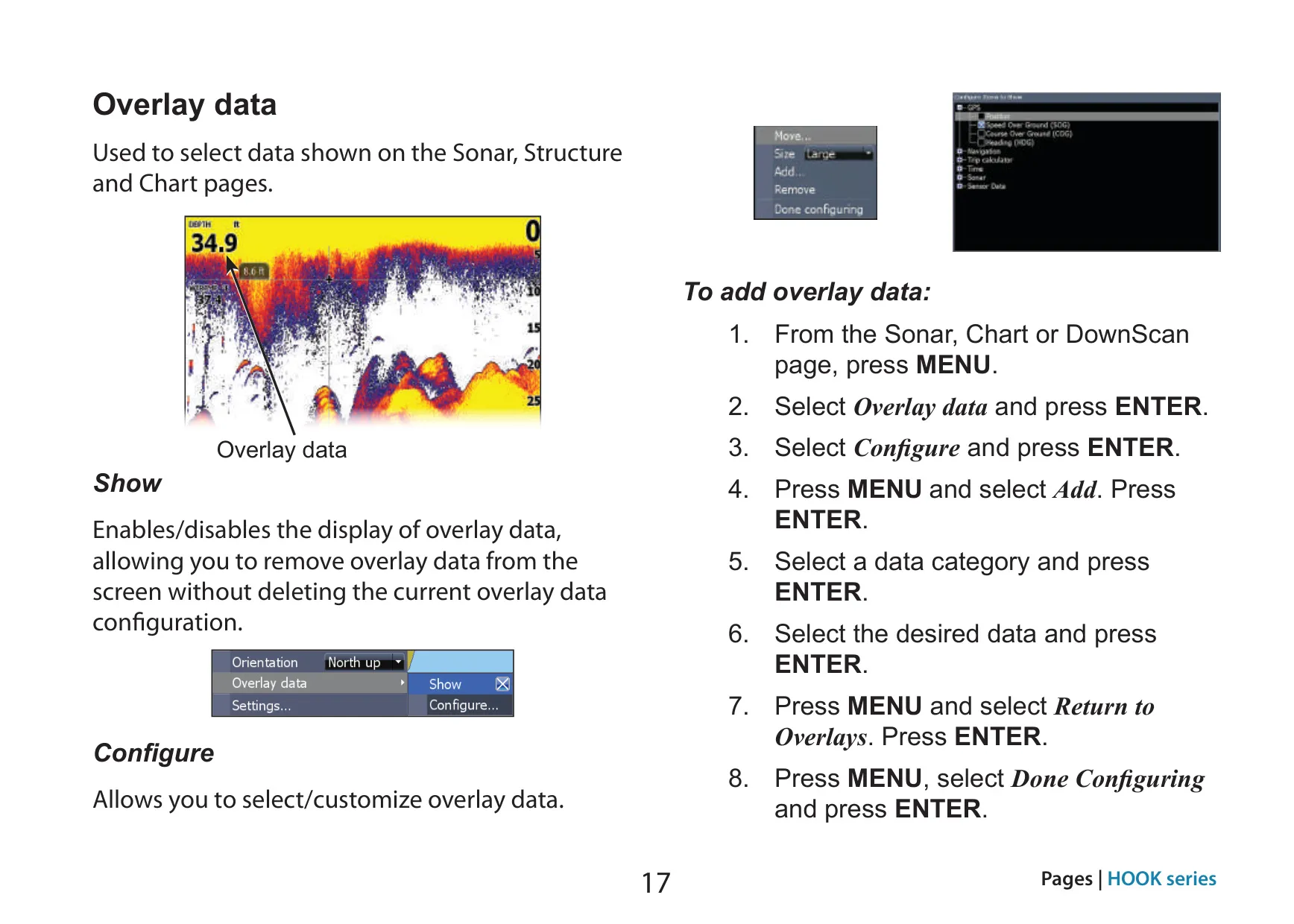
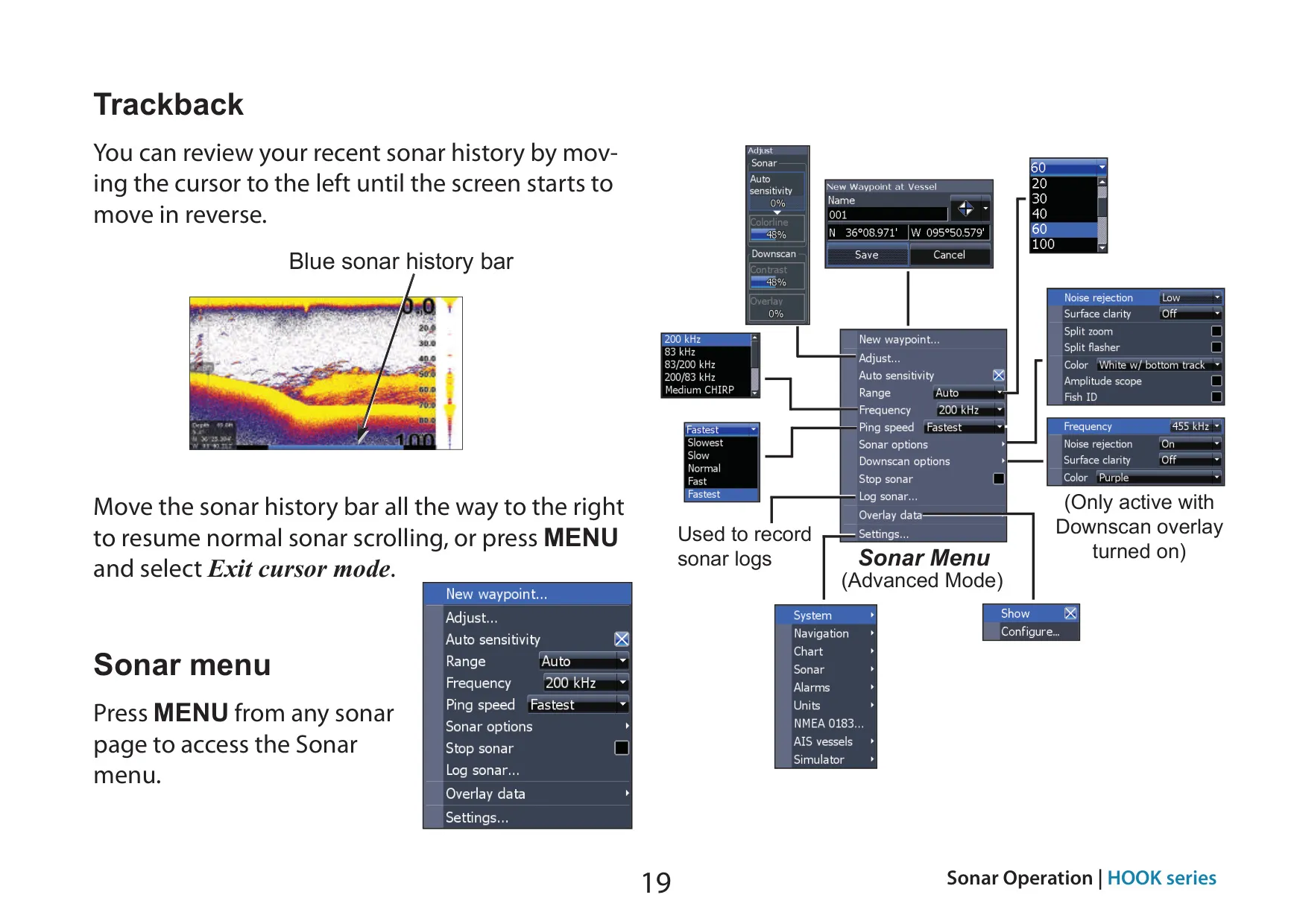
The main screens are Steer, Sonar, Downscan and Chart. Each one has its own menu that opens with the MENU key. There are also four pre-configured combo pages: Chart/Sonar, Chart/Downscan, Sonar/Downscan and Chart/Sonar/Downscan. You can change the panel size and stack the panels side by side or one over the other. Press PAGES twice to switch the active panel, which is marked with an orange border. You can also show customizable overlay data on top of the Sonar, DownScan and Chart pages.
For conventional sonar, the unit offers nine fishing modes. These are preset packages of sonar settings: General Use, Shallow Water (60 ft or less), Fresh Water, Deep Water, Slow Trolling, Fast Trolling, Clear Water, Brackish Water and Ice. The manual recommends Fresh Water mode in water shallower than 100 feet so the unit tracks the bottom properly. If you change settings while using a mode, Reset fishing mode returns that mode to its defaults.
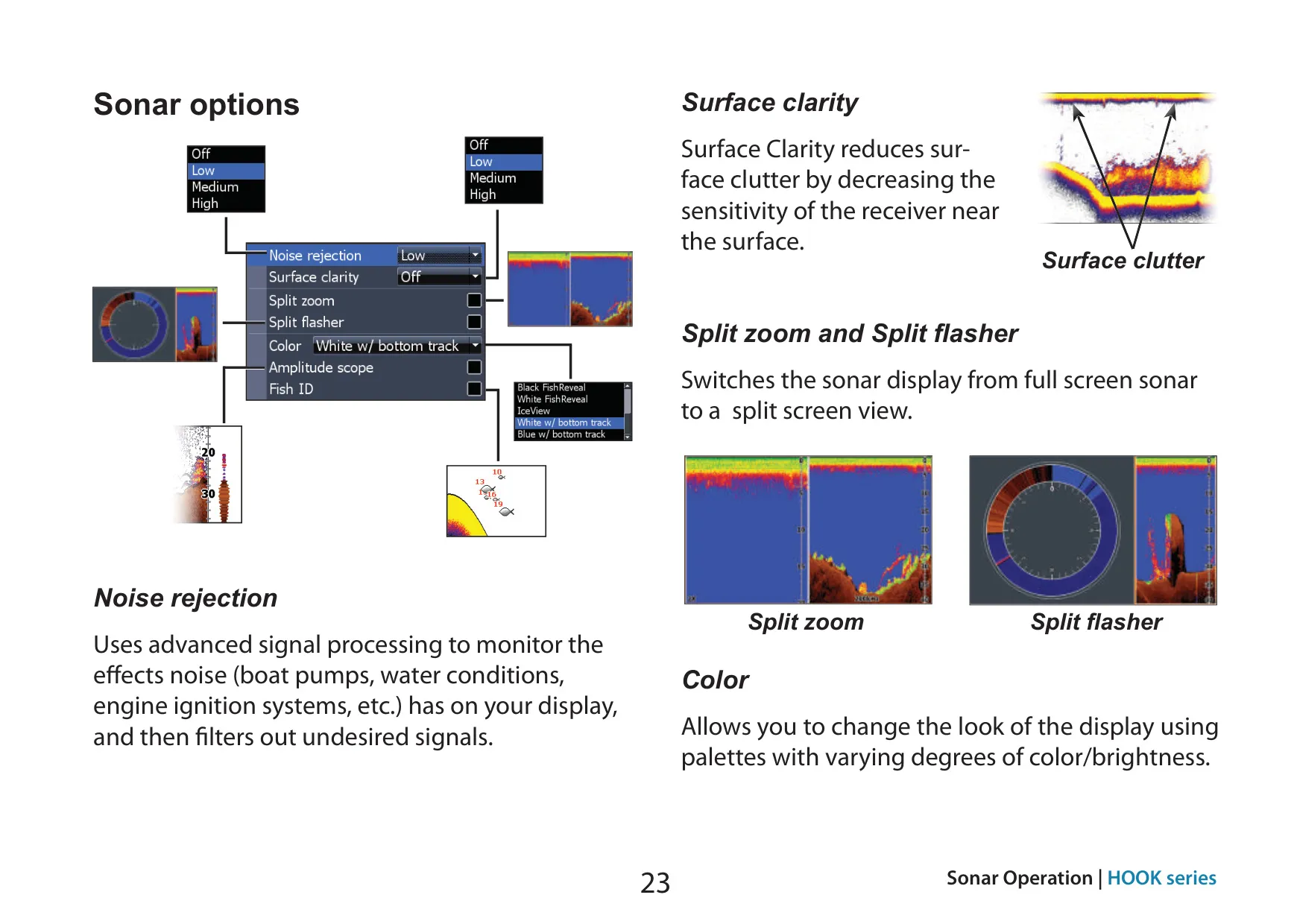
CHIRP sends a modulated pulse across a range of frequencies. This gives better image quality, better target separation and deeper penetration. Auto Sensitivity is on by default and still lets you make changes of about 40% up or down. Colorline separates hard returns from soft ones. A custom range can show just part of the water column, but the upper and lower limits must be at least 6.5 ft (2 m) apart. Other tools include Noise Rejection, Surface Clarity, Split Zoom, Split Flasher, Amplitude Scope, Fish ID symbols and Trackback for reviewing sonar history.
DownScan lets you choose between 800 kHz for the best resolution and 455 kHz for deeper penetration. A Contrast scrollbar helps suspended objects stand out from the background. The white palette works well for suspended targets, purple shows structure and bottom hardness, and sepia shows bottom detail. Both sonar types can record logs to a microSD card, and higher-quality logs use more memory. Stop sonar prevents interference when a second sonar unit is running on the boat.
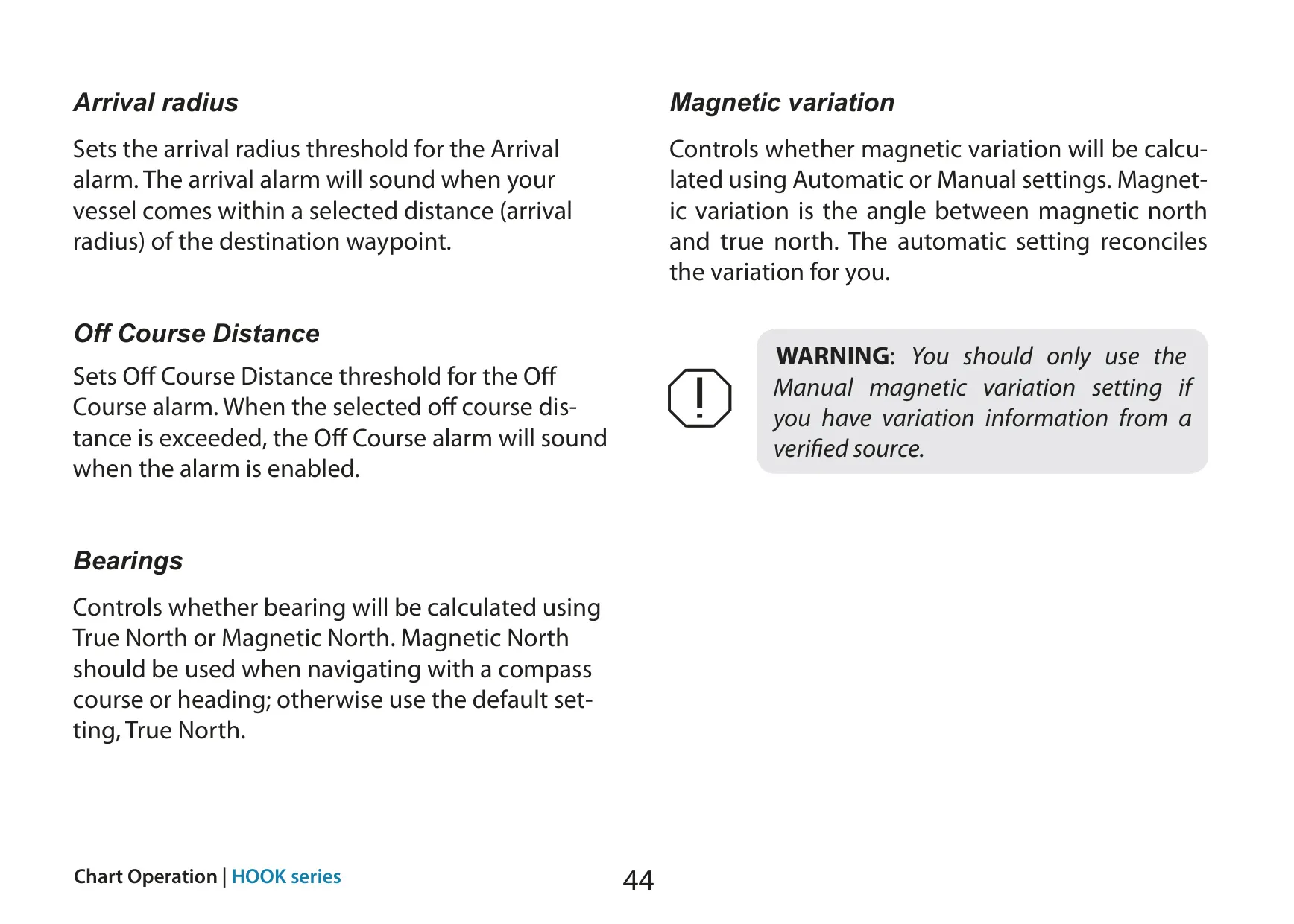
For charts and navigation, you can navigate routes forward or in reverse. To navigate a trail, first save it as a route. The map can use North Up or Course Over Ground orientation, and you can add a COG extension line and grid lines. Advanced mode adds arrival radius, off-course distance, magnetic variation, True or Magnetic North bearings, and WAAS/MSAS/EGNOS control. Waypoints can be sorted by name or by nearest.
If an AIS receiver is connected over NMEA 0183, the unit shows nearby vessels. By default, the course extension line on each target represents 10 minutes, and you can filter targets by distance and speed. The alarms are Shallow and Fish, plus Arrival, Off Course and Anchor in Advanced mode. To save a screenshot to microSD, press Power and then Zoom (+). The unit also has a Simulator, a Trip calculator and a low-power Standby mode.
Frequently Asked Questions (FAQs)
Can't find the answer you need? Here are some frequently asked questions about the Lowrance Hook-4 Fishfinder, and we answer them below.