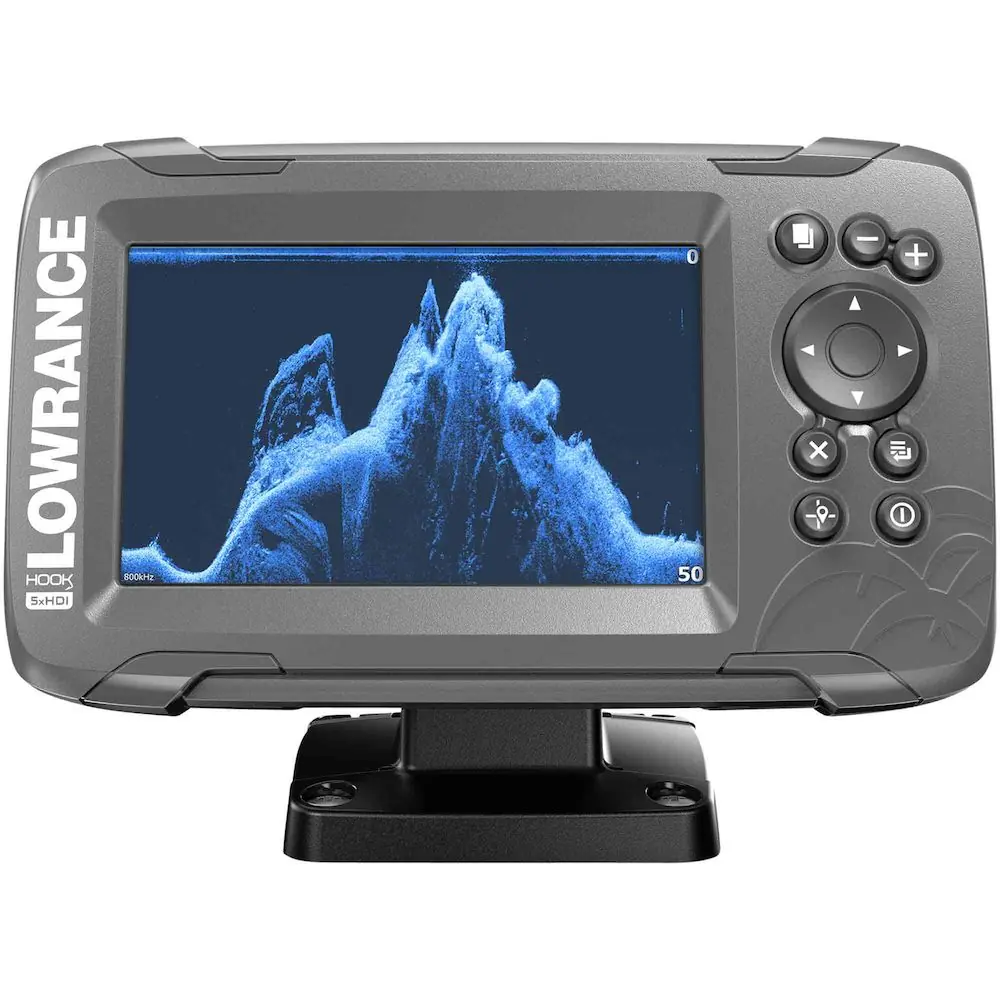
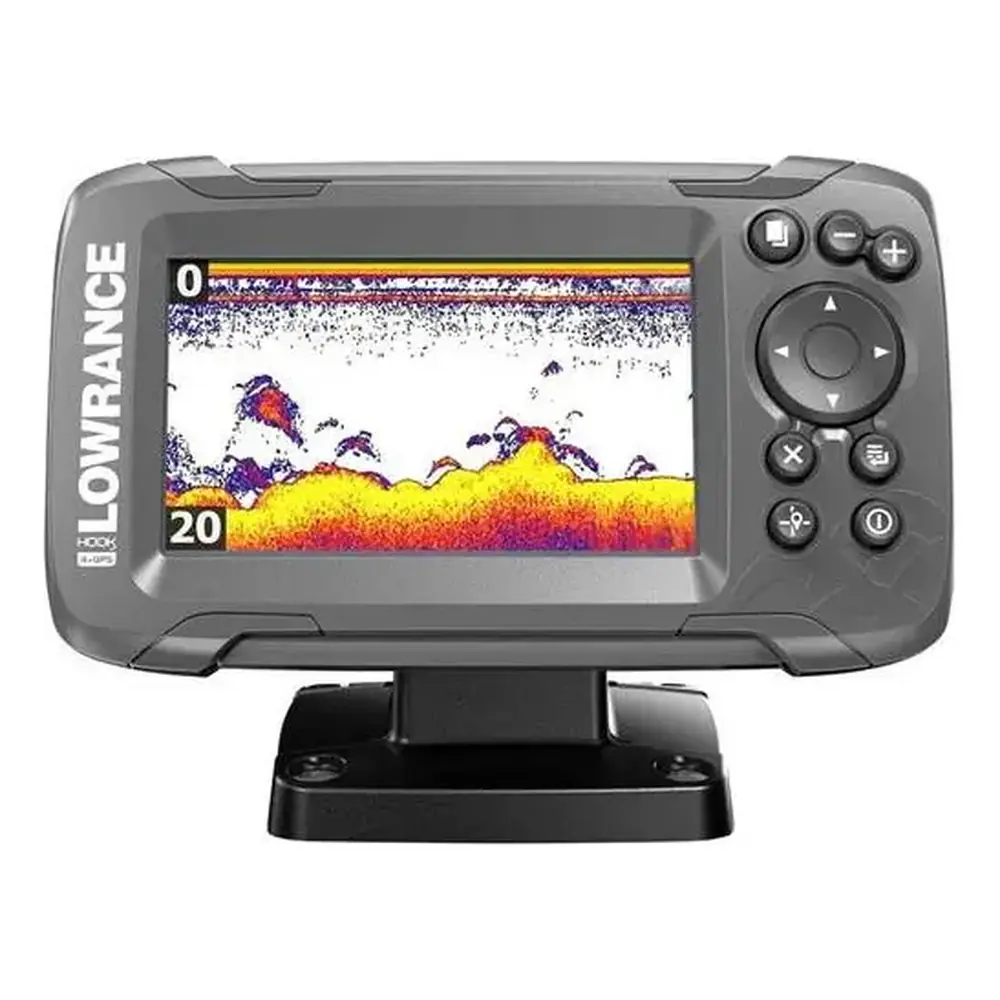
Lowrance Hook2 7 HDI Fishfinder Instruction Manual
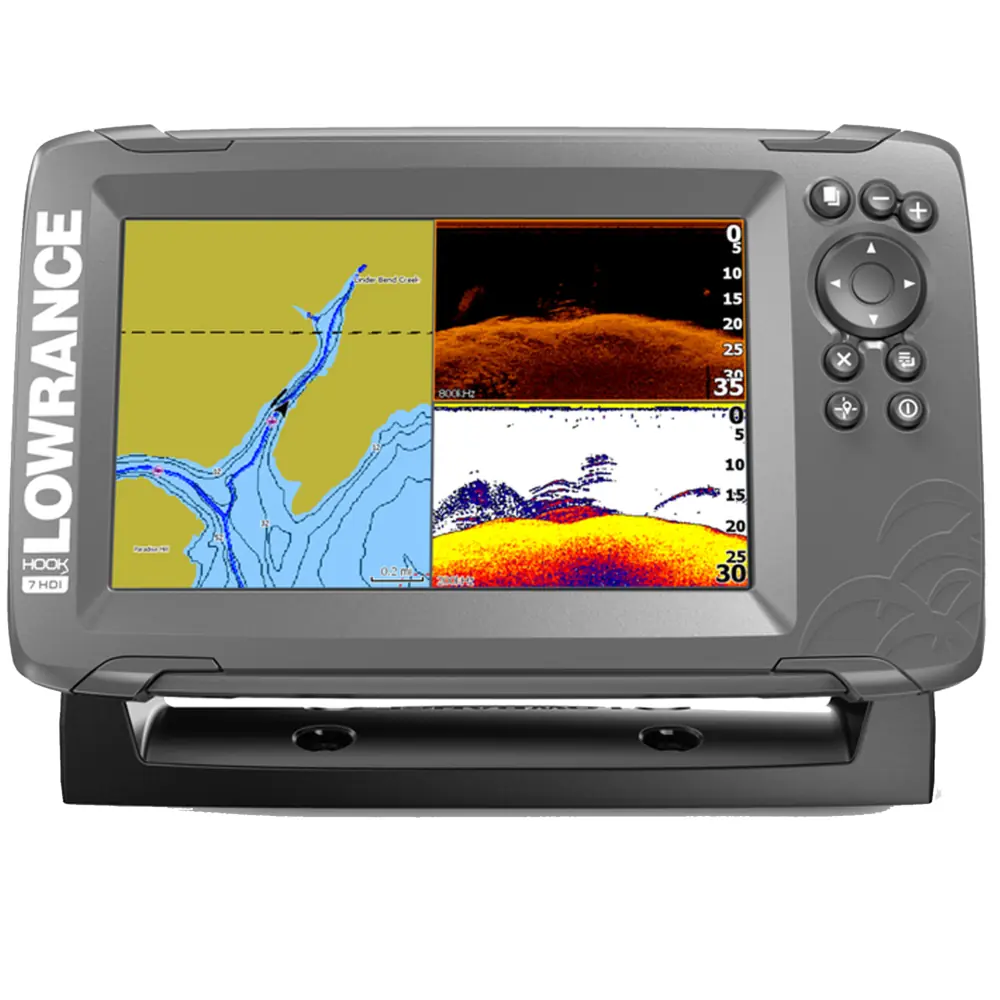
Lowrance Hook2 7 HDI Fishfinder
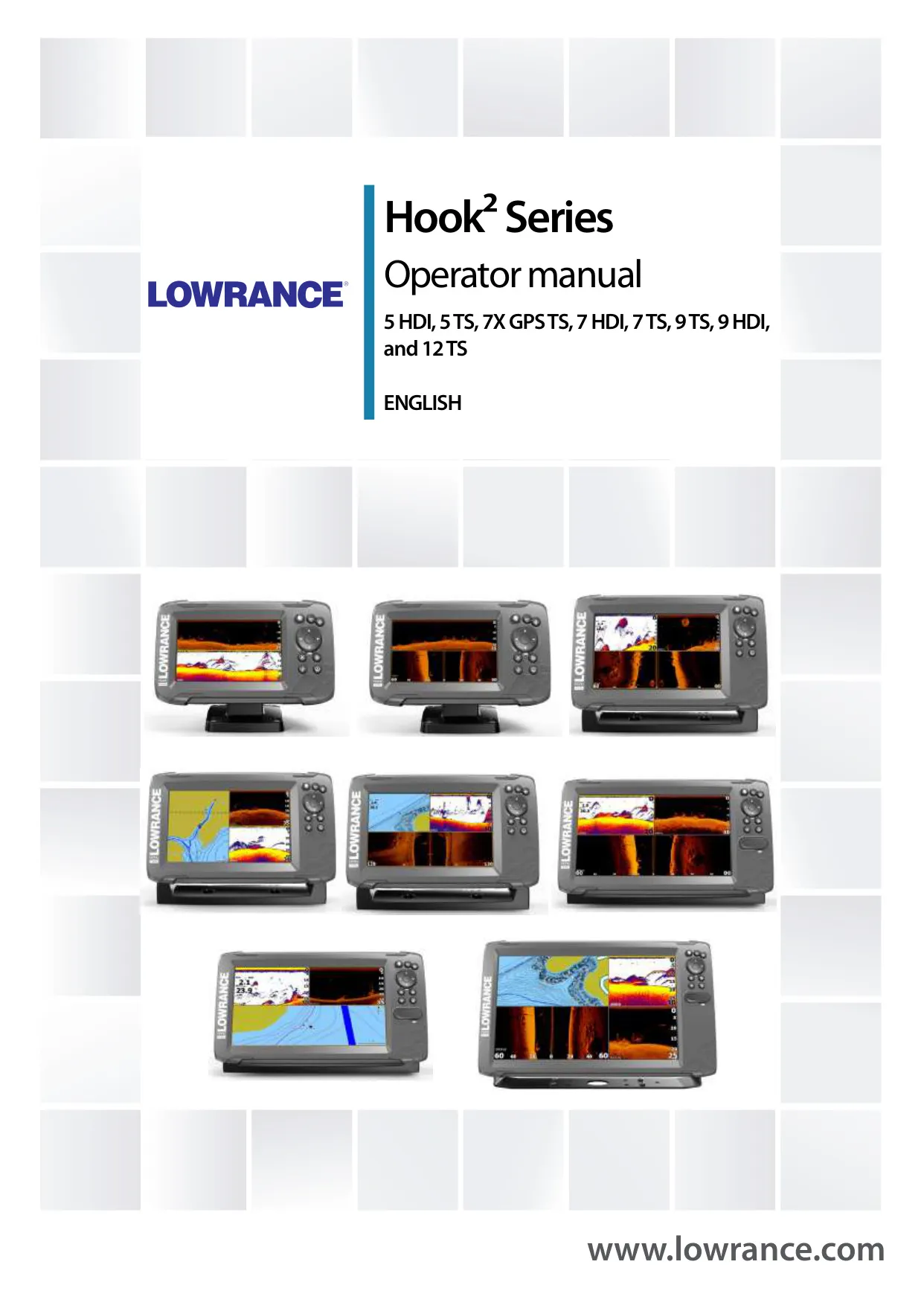















Lowrance Hook2 7 HDI Fishfinder
Lowrance Hook2 7 HDI Fishfinder

Lowrance Hook2 7 HDI Instructions
Here we offer the Lowrance Hook2 7 HDI Fishfinder manual completely free and in English. We have cataloged this manual in the Fishfinders section on Manualverse, and it has been rated by 1 users with an average rating of 5. If you have any specific questions about Lowrance Hook2 7 HDI Fishfinder, we suggest checking the Frequently Asked Questions (FAQs) section of this manual.
Product Images


Lowrance Hook2 7 HDI Fishfinder Specifications
| Feature | Specification |
|---|---|
| Brand / Manufacturer | Lowrance (Navico Group, a division of Brunswick Corporation) |
| Model | Hook2 7 HDI |
| Product Series | Hook2 Series (5 HDI, 5 TS, 7x GPS TS, 7 HDI, 7 TS, 9 TS, 9 HDI, 12 TS) |
| Display Size Class | 7-inch |
| Supplied Transducer Type | SplitShot |
| Sonar Functions | Traditional sonar and DownScan |
| StructureScan / SideScan | Not supported (available only on TripleShot/TS models) |
| StructureMap Overlay | Not supported (requires TripleShot capability) |
| DownScan Frequencies | 455 kHz and 800 kHz |
| DownScan Depth Capability | 91 m (300 ft) at 455 kHz; 46 m (150 ft) at 800 kHz |
| Sonar Operating Modes | Auto (default), Custom, Ice Fishing |
| Split Screen Zoom | 2x default, up to 8x |
| Split Screen Sonar Views | Zoom, Bottom lock, Flasher |
| Chart Page | Available (C-MAP and Navionics chart support) |
| Built-in Navionics Depth Data | Down to 20 m |
| Shallow Water Highlight Range | 0 to max. 10 m (30 ft) |
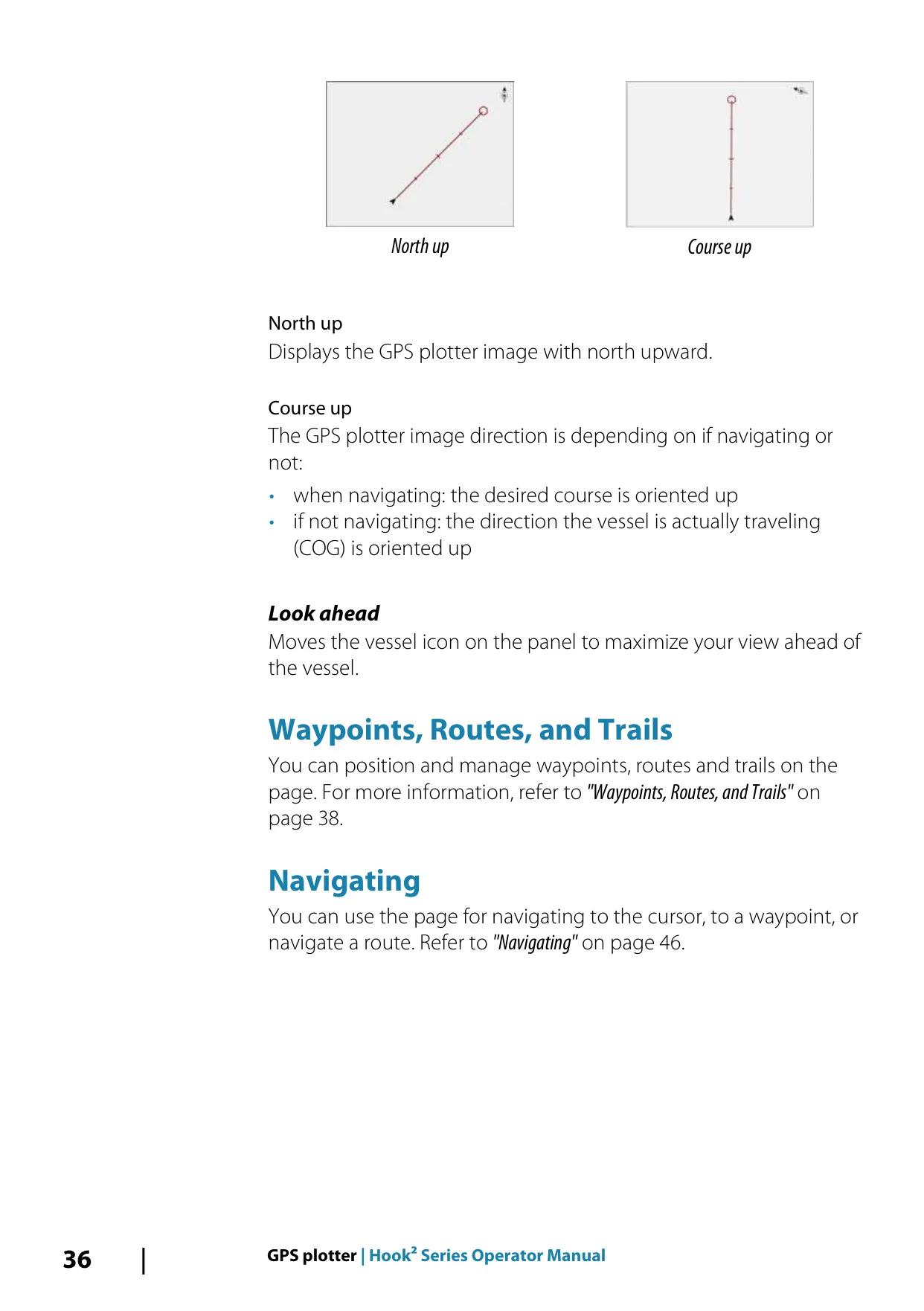
| Chart Orientation Modes | North up, Course up |
| Default Datum | WGS84 |
| Memory Card Slot | Micro SD card reader |
| Custom Pages | Maximum 9 pages; up to 4 panels per page |
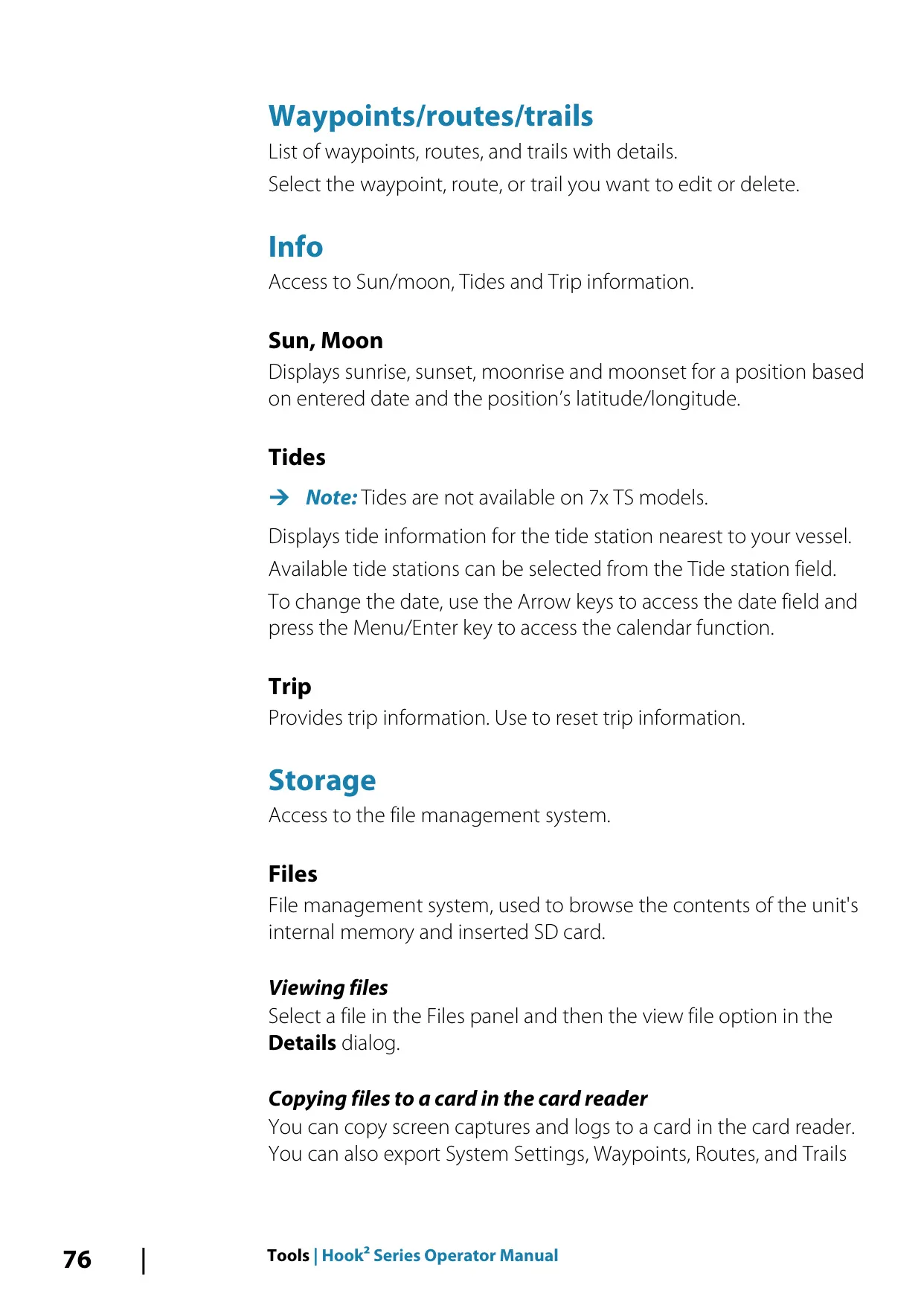
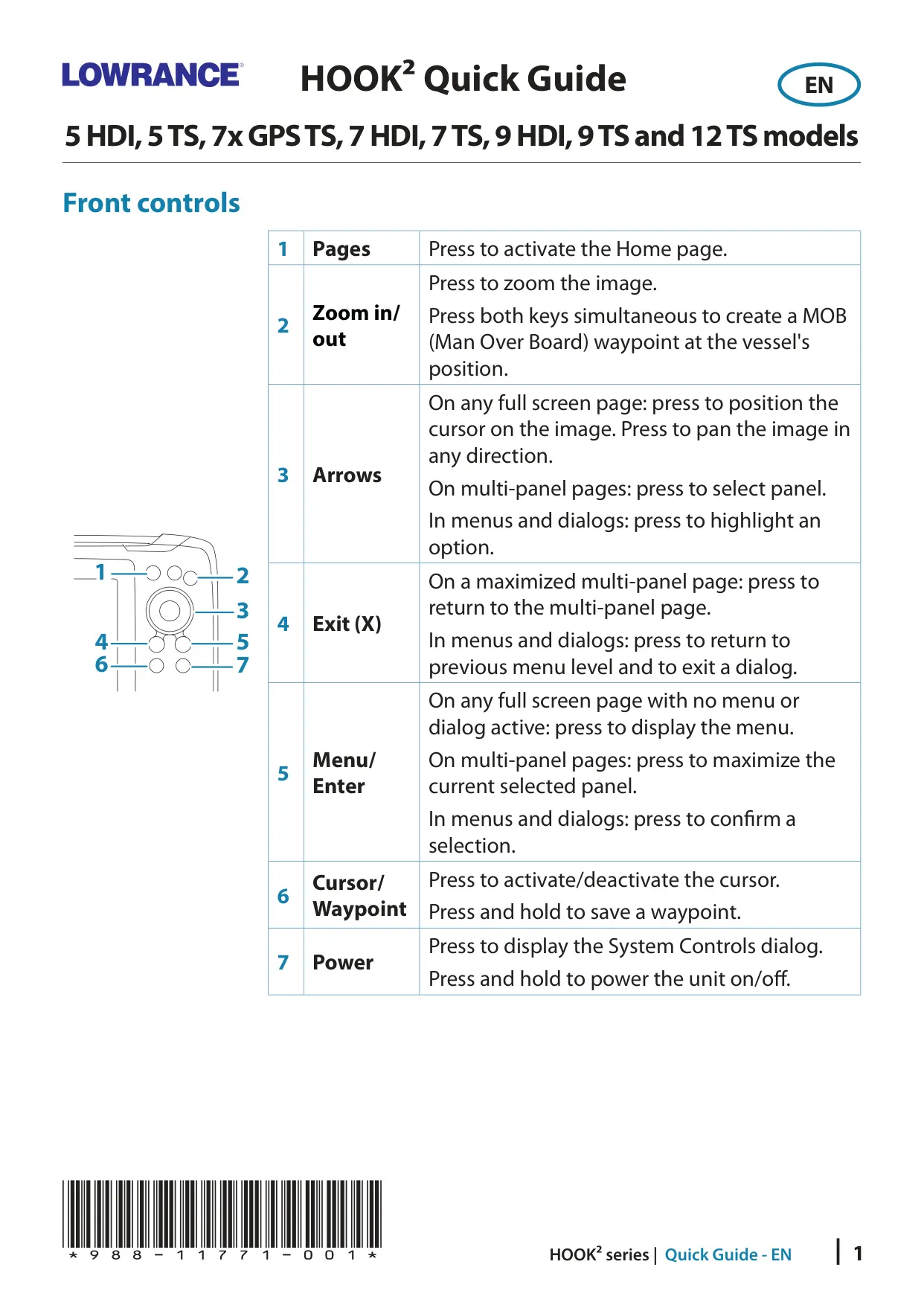
| Front Controls | 7 keys: Pages, Zoom in/out, Arrows, Exit (X), Menu/Enter, Cursor/Waypoint, Power |
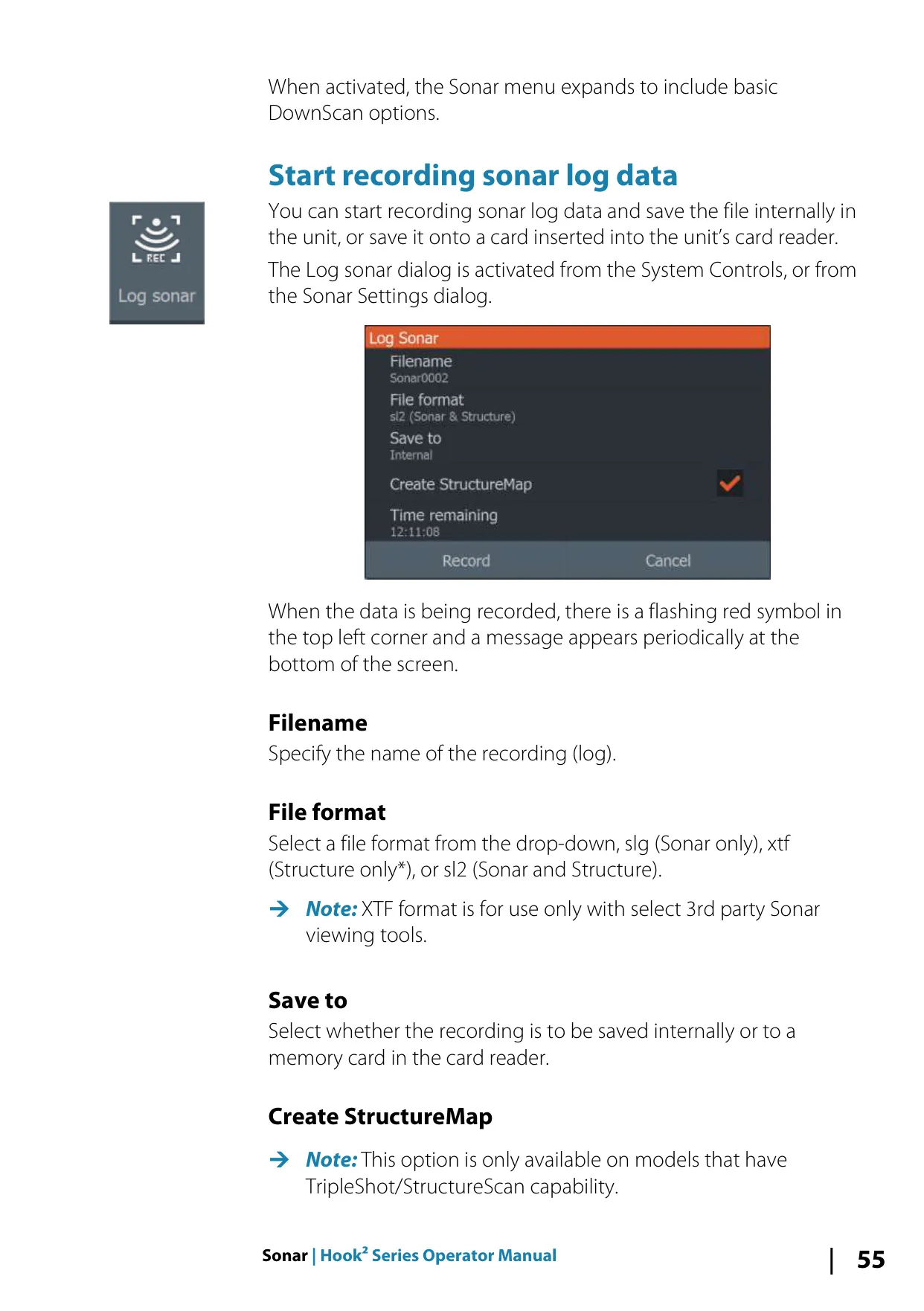
| Sonar Log File Formats | .slg (Sonar only), .sl2 (Sonar and Structure), .xtf (Structure only) |
| Log Storage Locations | Internal memory or memory card |
| Water Temperature Calibration | -9.9° to +9.9° (default 0°) |
| Depth Offset Examples | Keel offset: -0.3 m (-1 ft); waterline offset: +0.5 m (+1.77 ft); 0 for depth below transducer |
| Trail Logging Types | Auto, Distance, Time |
| User Data Export Formats | User Data File v6, v5, v4, v3 (w/depth), v2 (no depth), GPX |
| Wallpaper Image Formats | .jpg, .png |
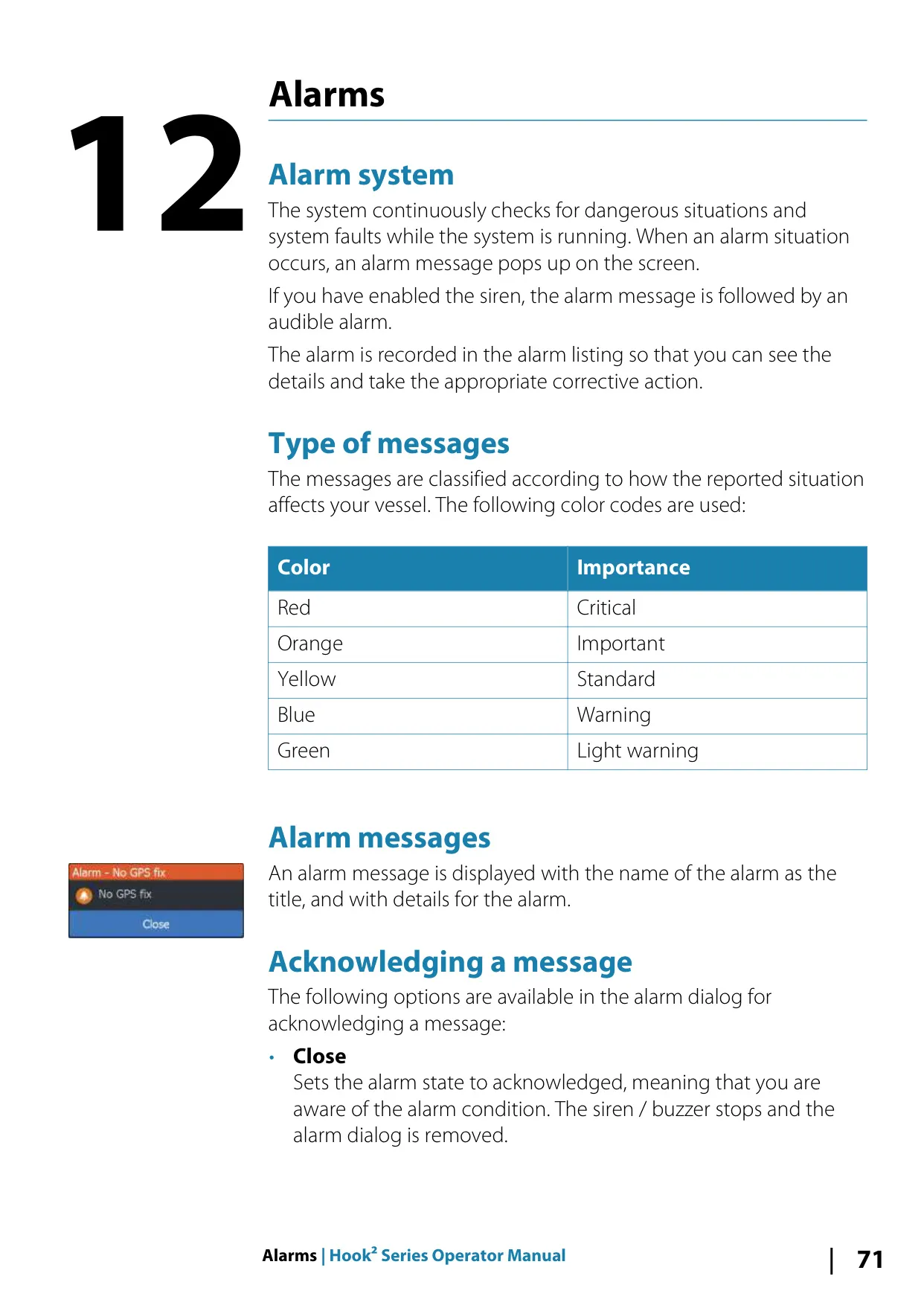
| Alarm Priority Levels | 5 (Red Critical, Orange Important, Yellow Standard, Blue Warning, Green Light warning) |
| Service Report Attachment Limit | 20 MB |
| Default Key Beep Setting | Loud |
| Default Text Size | Normal |
| Compliance | CE under 2014/53/EU Directive; Radio communications (EMC) standard 2008, level 2 devices |
| Operator Manual Part Number | 988-11760-002 |
| Quick Guide Part Number | 988-11771-001 |
Lowrance Hook2 7 HDI Fishfinder Details
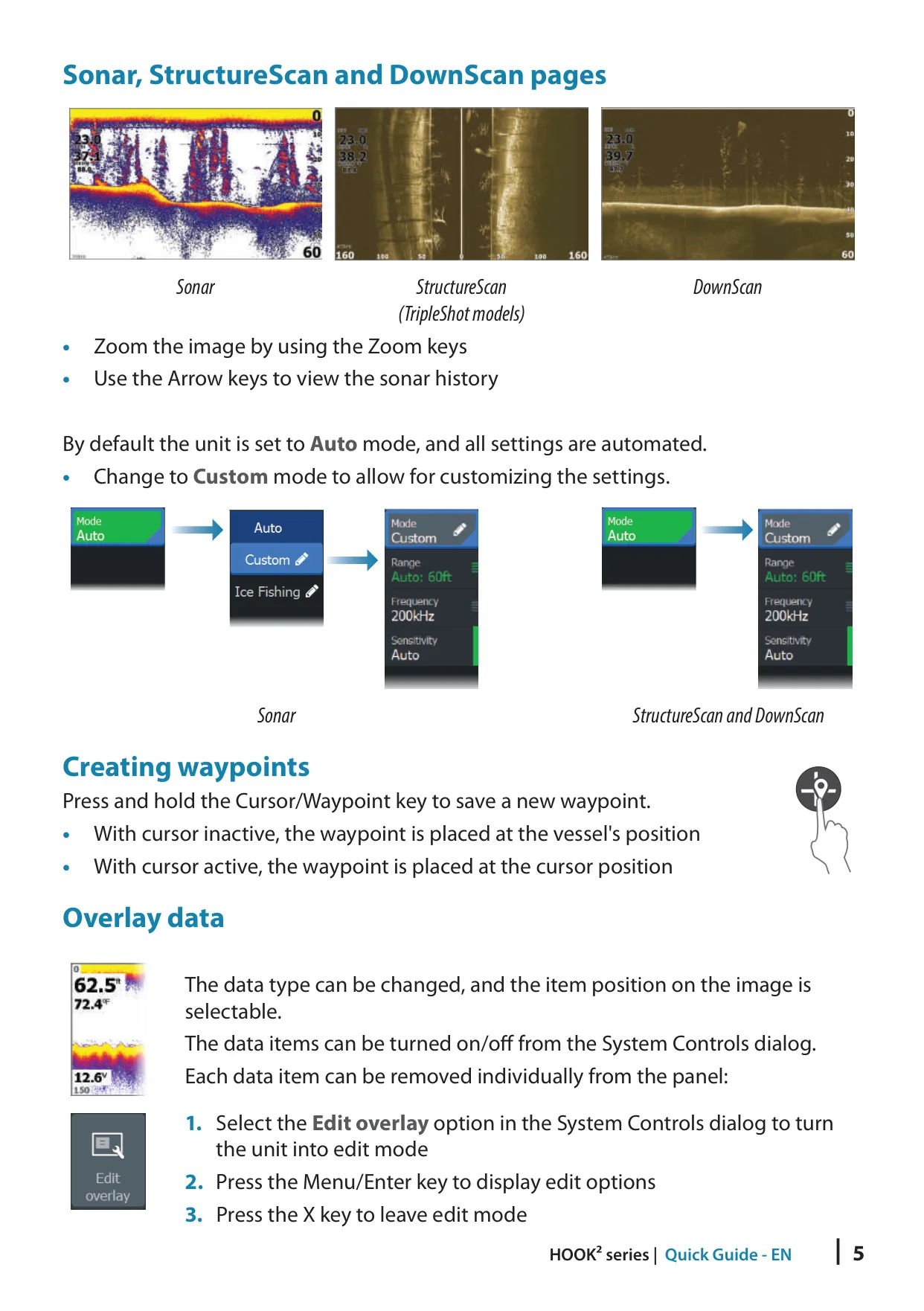
The Lowrance Hook2 7 HDI is a 7-inch fishfinder that pairs traditional sonar with DownScan imaging through the included SplitShot transducer. It is built for simple operation. By default the sonar runs in Auto mode, which automates most settings, so beginners get a clean picture right away. Experienced users can switch to Custom or Ice Fishing mode to adjust range, frequency, sensitivity, ping speed, scroll speed, noise rejection, surface clarity and Colorline by hand.
The sonar image shows fish arches, the bottom, the frequency in use and the range scale. You can add data overlays for speed over ground, depth and water temperature. The Amplitude scope displays live echoes, with the strength of each return shown by width and color intensity. Fish ID can show echoes as traditional arches, as fish symbols, or as symbols with depth labels, and it can beep when a fish is detected. The manual reminds users that not every fish symbol is an actual fish.
With a DownScan source connected, the unit can lay DownScan imagery over the regular sonar view, which helps you tell fish apart from structure. On the dedicated DownScan page, the cursor pauses the image and shows the depth and distance from the vessel. Goto cursor lets you navigate straight to a spot you have marked. Range lines make depth easier to estimate, and several color palettes are tuned for different fishing conditions.
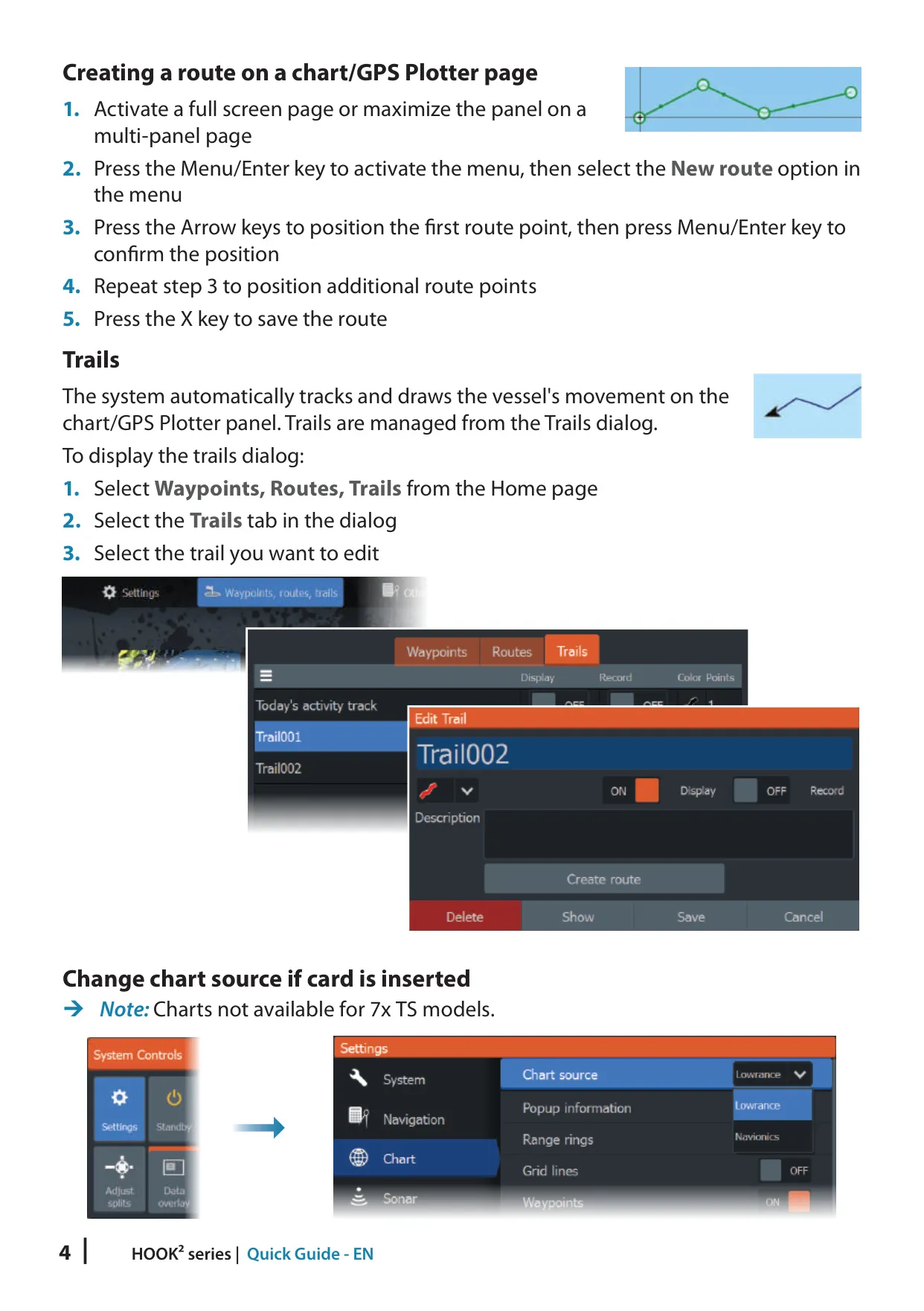
Navigation tools include waypoints, routes and trails. To save a waypoint, press and hold the Cursor/Waypoint key. The unit records your trail automatically and overwrites the oldest points when the maximum is reached. Trails can be colored and turned into routes. An arrival radius, an XTE limit and a cross-track error alarm keep you on course while you follow a route. You can also navigate to the cursor position or to a single waypoint.
The chart page supports C-MAP and Navionics cartography. Navionics options include Community edits, SonarChart Live real-time depth contours with tide correction, dynamic tide and current icons, Easy View magnification, a fishing range color band, and a choice of International or U.S. presentation. C-MAP options include chart detail levels, depth palettes, depth filters, a safety depth setting and selectable chart categories.
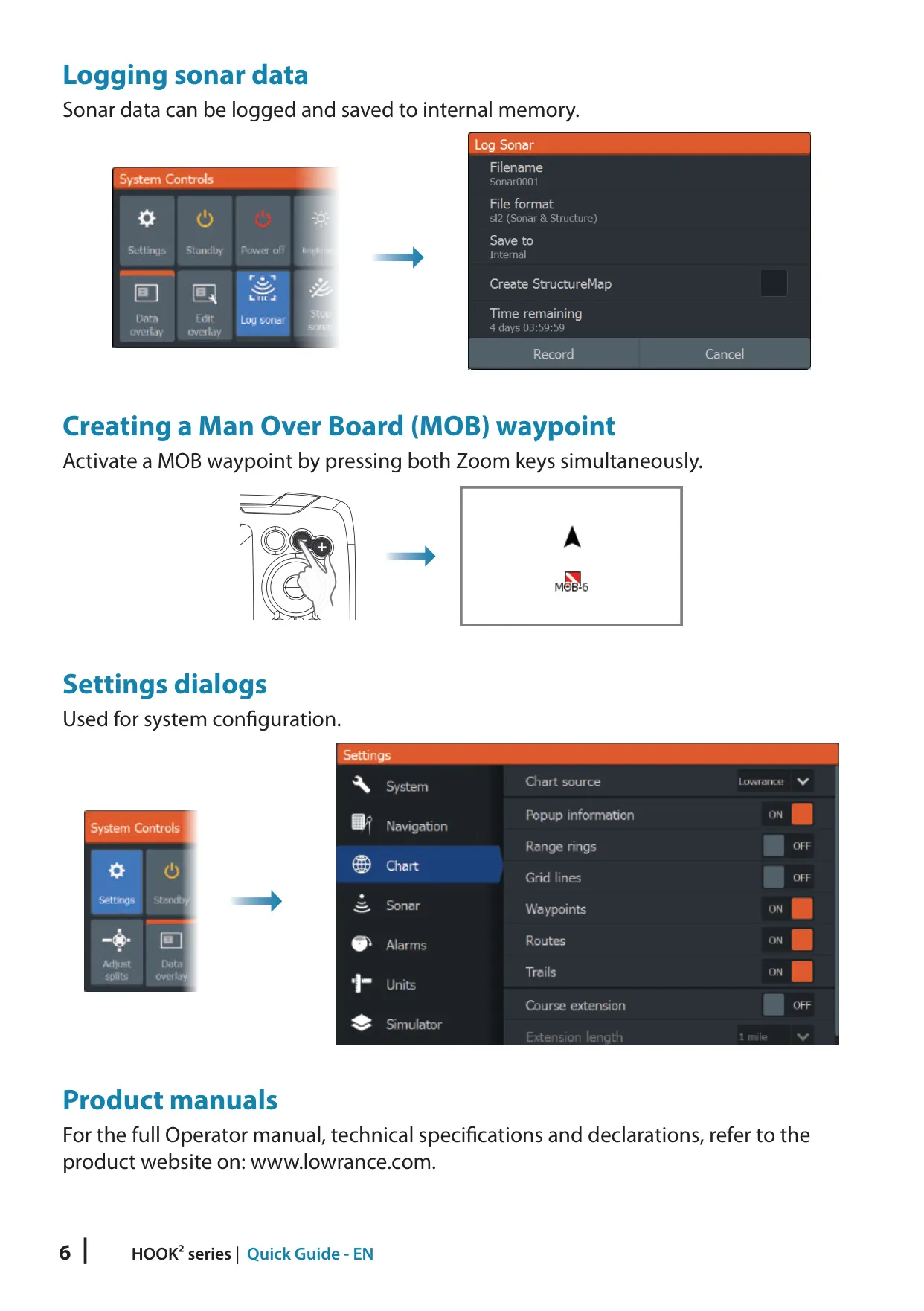
For safety, pressing both Zoom keys at the same time creates a Man Overboard waypoint and immediately shows navigation data back to that spot. The alarm system has five color-coded priority levels and an optional siren. Alarm messages do not time out: they stay on screen until you acknowledge them or the cause is removed. Standby mode turns off the sonar and backlights to save power while the system keeps running in the background.
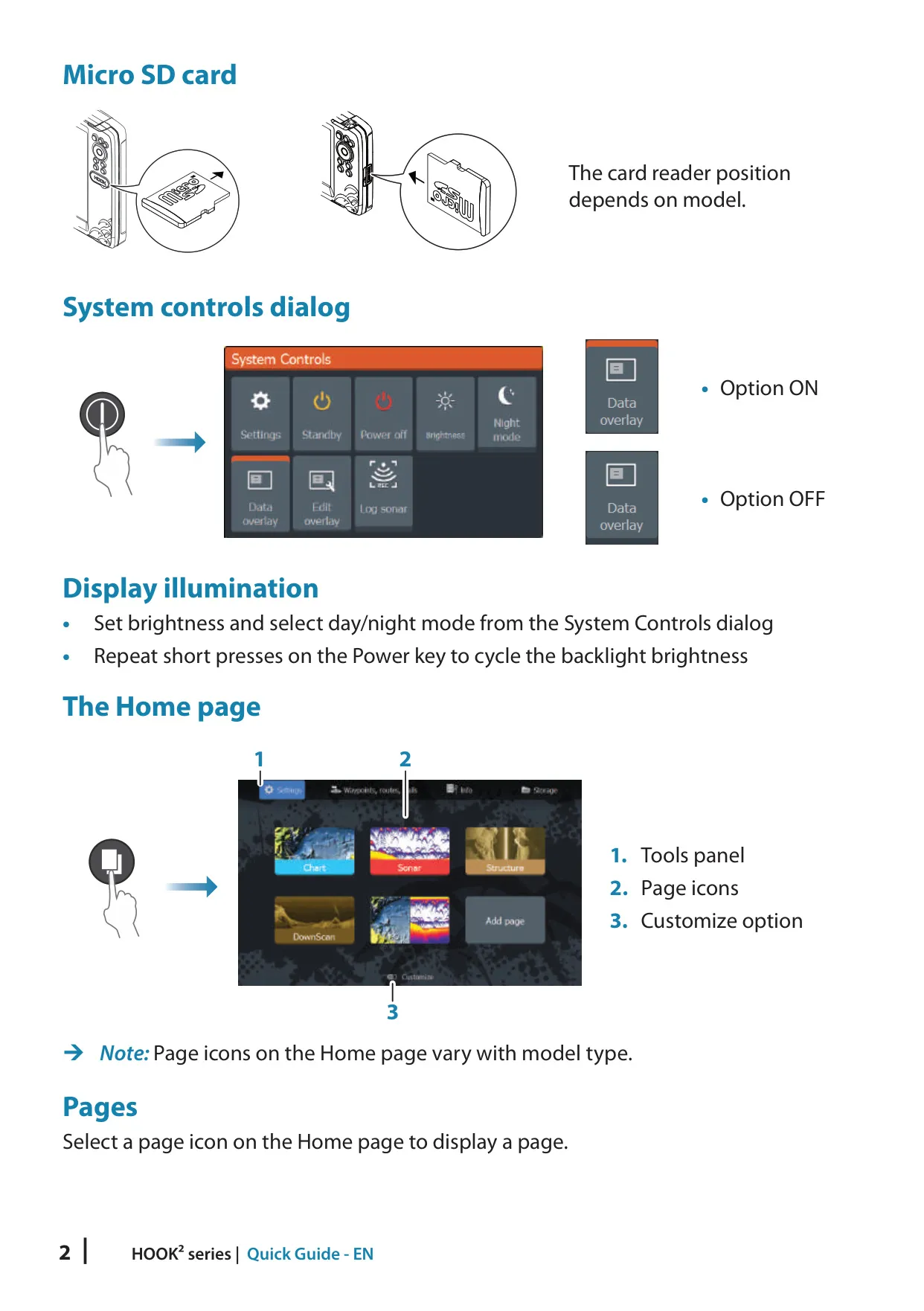
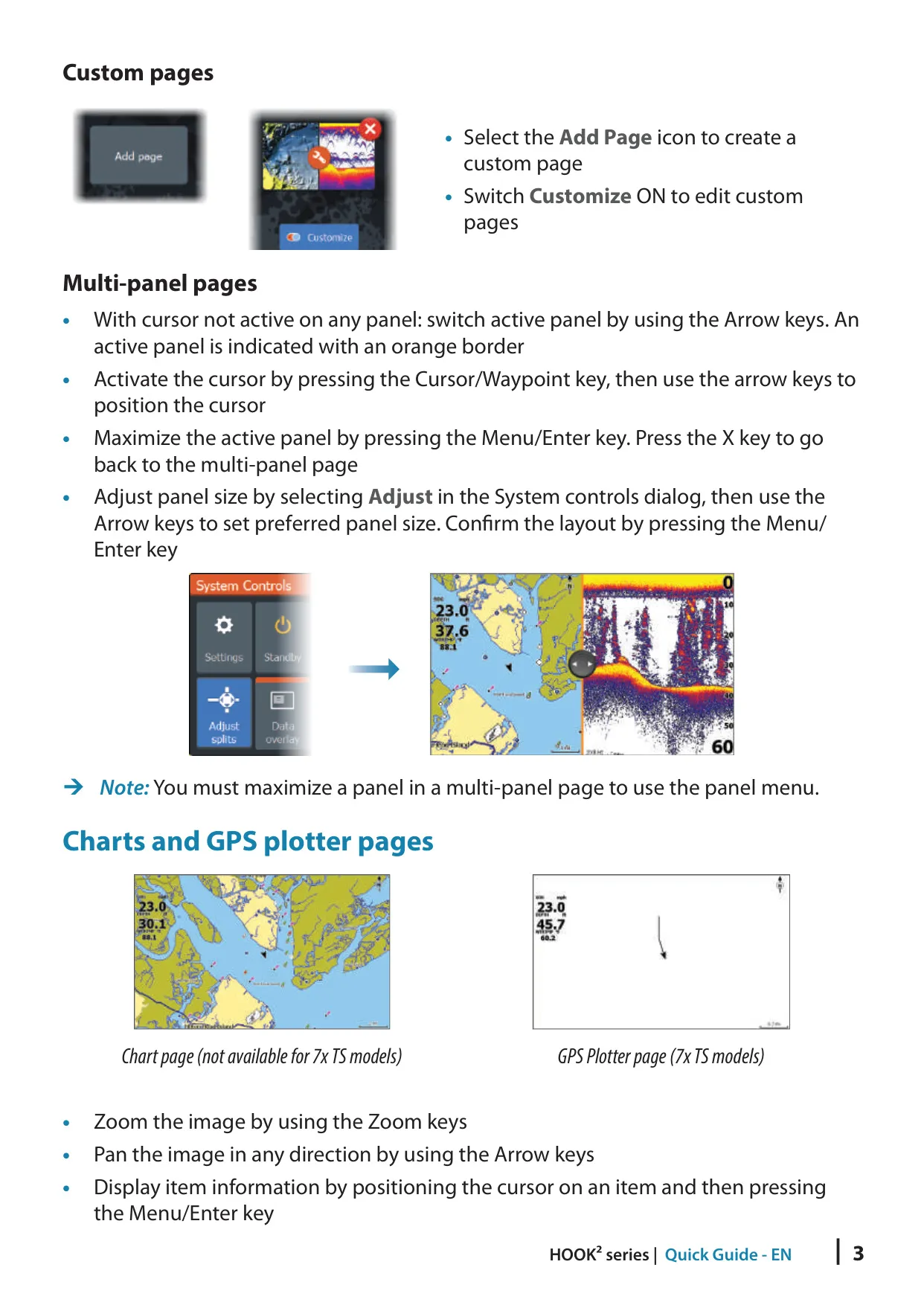
The interface can be customized. You can change the Home page wallpaper, edit data overlays, adjust the split between panels and switch on Night mode for low light. Pressing Pages and Power together saves a screen capture. The Info tools show sunrise, sunset, moonrise and moonset, tide station data and trip statistics.
For maintenance, the service assistant builds a support report on a memory card. You can back up waypoints, routes and trails, or export only a selected region. Software updates are installed from a non-mapping memory card. A built-in simulator and a Demo mode let you practice without being on the water, and you can also replay your own recorded sonar logs.
Frequently Asked Questions (FAQs)
Can't find the answer you need? Here are some frequently asked questions about the Lowrance Hook2 7 HDI Fishfinder, and we answer them below.