Moultrie D-700i Kit (MCG-13389) Instruction Manual

Moultrie D-700i Kit (MCG-13389)






Moultrie D-700i Kit (MCG-13389)

Moultrie D-700i Kit Instructions
Here we offer the Moultrie D-700i Kit (MCG-13389) manual completely free and in English. We have cataloged this manual in the Digital Game Cameras section on Manualverse, and it has been rated by 1 users with an average rating of 5. If you have any specific questions about Moultrie D-700i Kit (MCG-13389), we suggest checking the Frequently Asked Questions (FAQs) section of this manual.
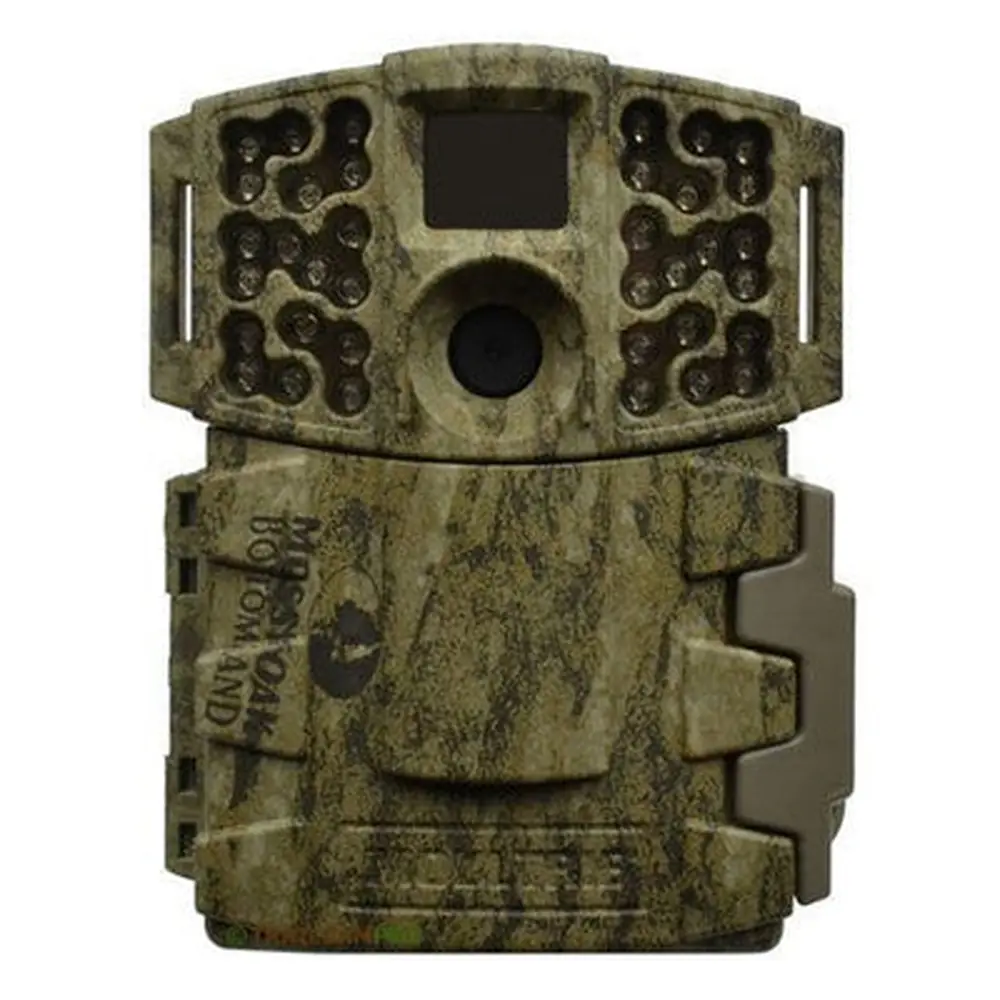
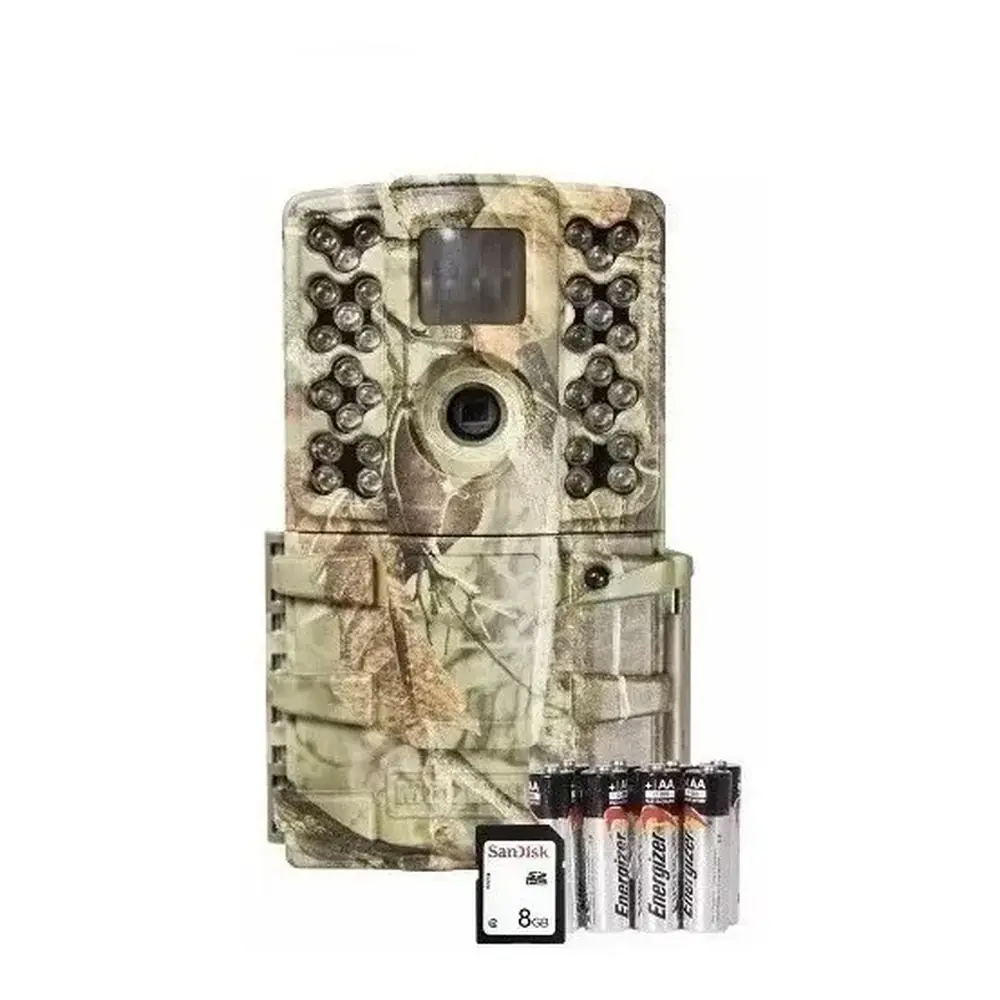
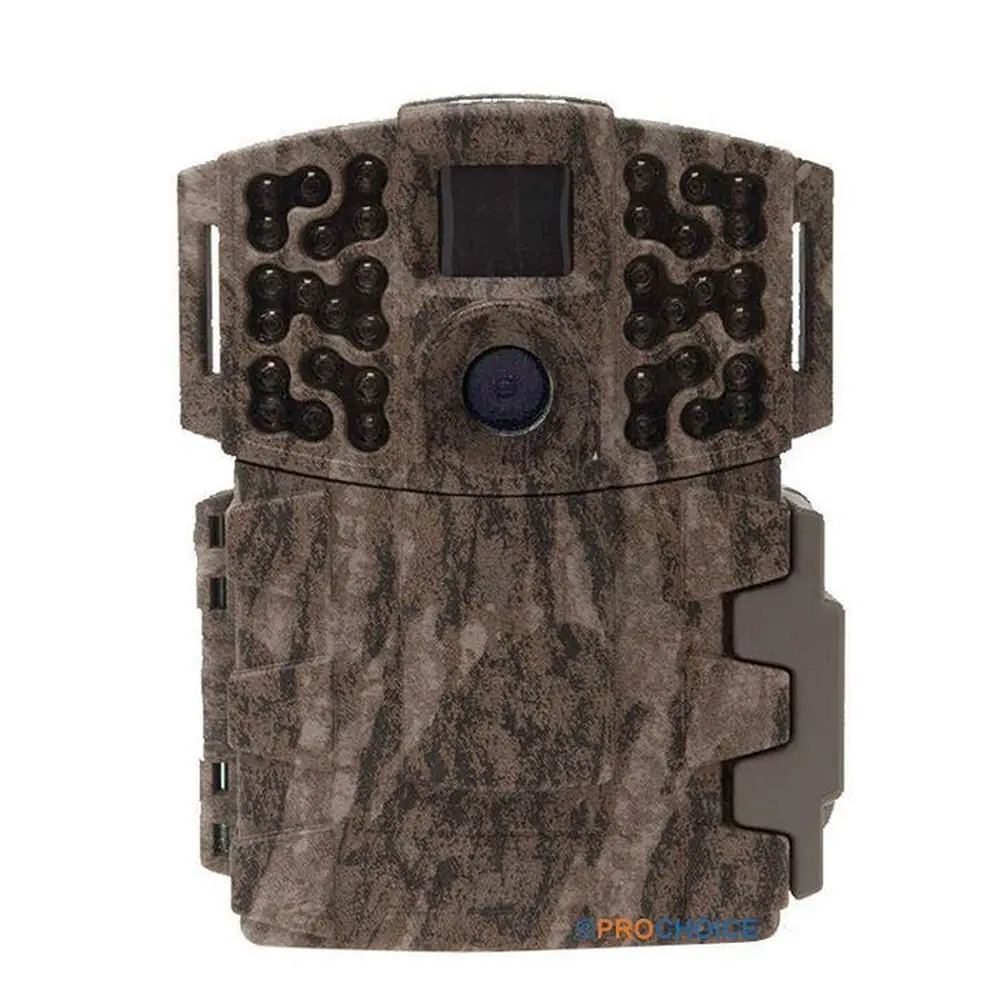
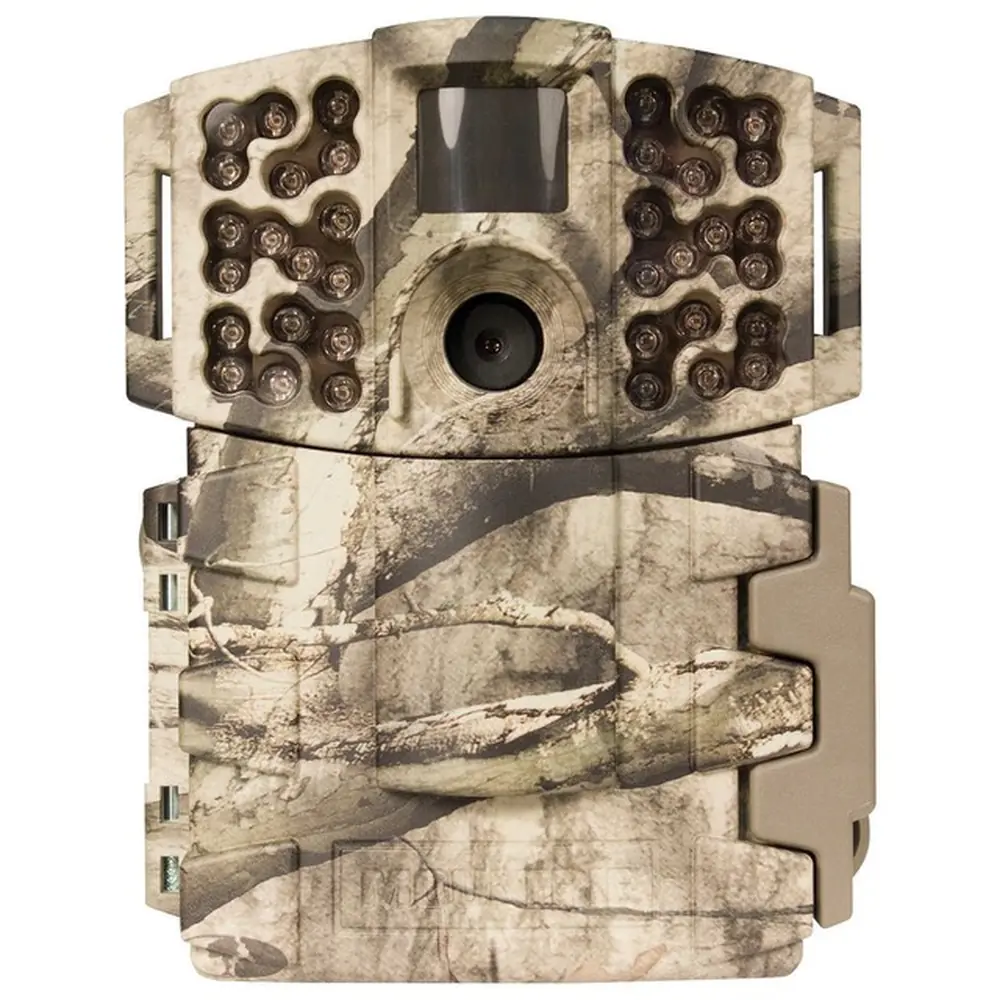
Product Images


Moultrie D-700i Kit (MCG-13389) Specifications
| Feature | Specification |
|---|---|
| Model Number | MCG-13389 |
| Resolution | 14MP |
| Trigger Speed | 0.3 seconds |
| Flash Type | Invisible Flash |
| Flash Range | 50 feet |
| Detection Range | 50 feet |
| Video Resolution | HD 720p |
| Memory Card Type | SDHC Class 10 (recommended) |
| Max Memory Card Capacity | 32 GB |
| Power Source | 8 AA Batteries |
| Estimated Battery Life | 17,000 Shots |
| External Power Port | 12V |
| USB Port | Micro USB |
| Moultrie Mobile Compatibility | Yes (with Moultrie Field Modem) |
| Warranty | 2 Years (upon registration) |
| Camera ID | 1-9 (selectable) |
| Detection Delay Options | 0, 15, 30 seconds; 1, 5 minutes |
Moultrie D-700i Kit (MCG-13389) Details
The Moultrie D-700i Kit offers an exceptionally easy setup process, designed to get users operational quickly. Initial setup involves opening the camera cover to install eight AA batteries, following clear polarity indicators. After battery installation, an SD card (SDHC Class 10 up to 32 GB recommended) is inserted until an audible click confirms it is secure. The intuitive mode switch then allows users to enter SETUP mode to configure the time and date using simple UP/DOWN buttons and an OK confirmation.
Power management is a key consideration for extended field use. The D-700i Kit specifically recommends using Alkaline or Lithium AA batteries, with a strong emphasis on not mixing old and new batteries or different battery types to prevent operational issues. For users with access to an external power source, a 12V port is available; importantly, leaving the internal AA batteries installed will ensure they act as a backup in case of power interruption, providing continuous operation.
Mounting the camera correctly is crucial for optimal performance. The manual advises threading the included strap through slots on the camera case to secure it to a tree or pole, ideally around three feet from the ground, adjusting for uneven terrain as needed. To avoid overexposure and false triggers, it's recommended to face the camera North or South and clear any brush from its immediate front. When monitoring game trails, positioning the camera to look down the trail, rather than directly across, improves detection accuracy.
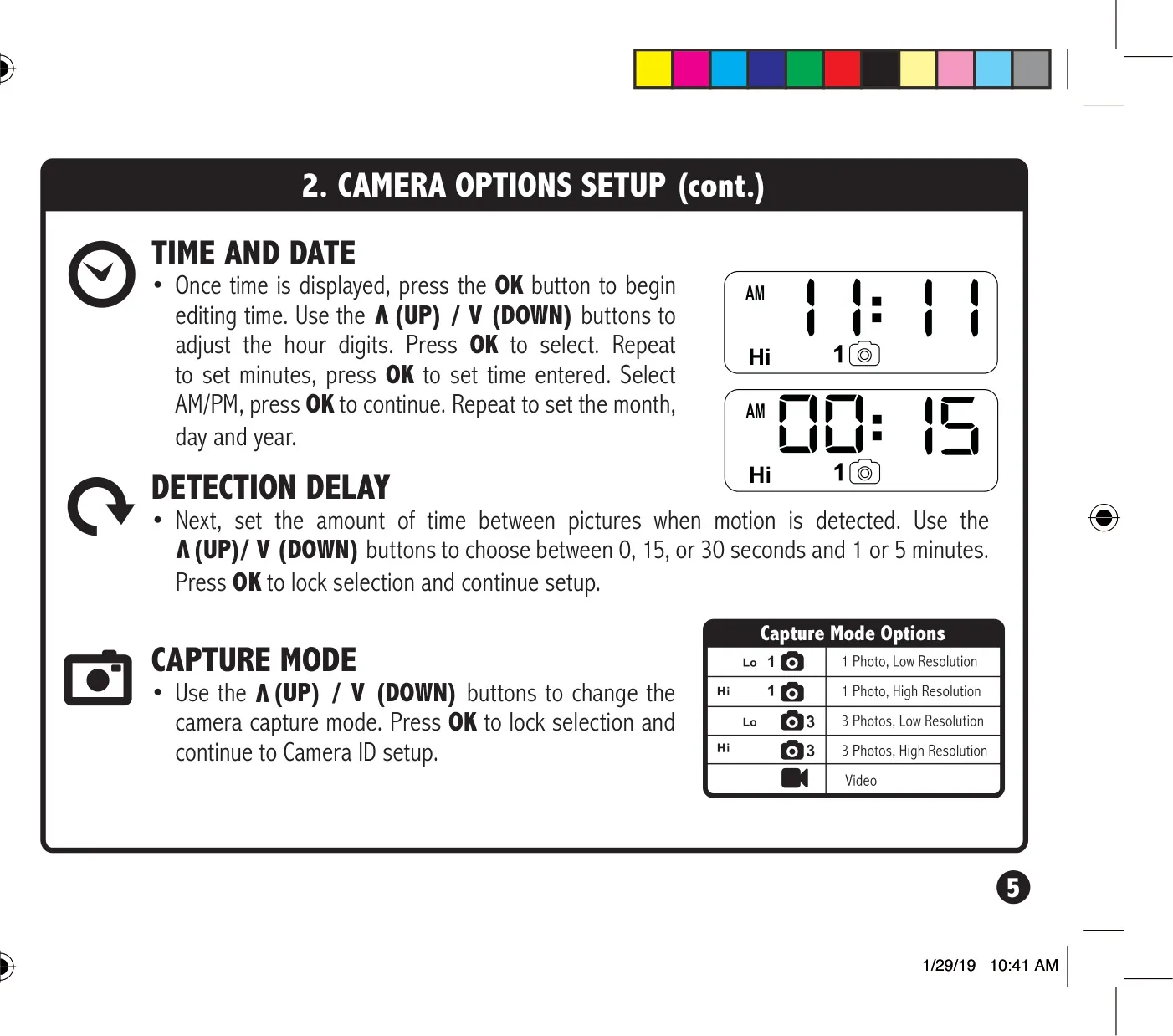
The SETUP mode offers more than just initial time configuration; it's a valuable tool for precise camera aiming. In this mode, the camera's STATUS LED illuminates for one second upon motion detection, allowing users to verify the desired target area is covered. Beyond aiming, users can customize critical settings such as the detection delay, choosing intervals from 0 seconds up to 5 minutes between captures. The capture mode options can also be adjusted here, along with a unique Camera ID (1-9) to label images for easy organization when managing multiple units.
For data management and connectivity, the Moultrie D-700i Kit provides practical features. Users can easily erase all images and reformat the SD card directly from the camera menu. The camera also includes a Micro USB port for potential data transfer. Furthermore, this model boasts compatibility with Moultrie Mobile cellular service, allowing for remote image access when combined with a separate Moultrie Field Modem, expanding its utility for long-term surveillance and monitoring in remote locations.
Frequently Asked Questions (FAQs)
Can't find the answer you need? Here are some frequently asked questions about the Moultrie D-700i Kit (MCG-13389) Digital Game Camera, and we answer them below.