Moultrie M-880 (MCG-12631) Instruction Manual
Moultrie M-880 (MCG-12631)










Moultrie M-880 (MCG-12631)
Moultrie M-880 (MCG-12631) Instructions
Here we offer the Moultrie M-880 (MCG-12631) manual completely free and in English. We have cataloged this manual in the Digital Game Cameras section on Manualverse, and it has been rated by 1 users with an average rating of 5. If you have any specific questions about Moultrie M-880 (MCG-12631), we suggest checking the Frequently Asked Questions (FAQs) section of this manual.
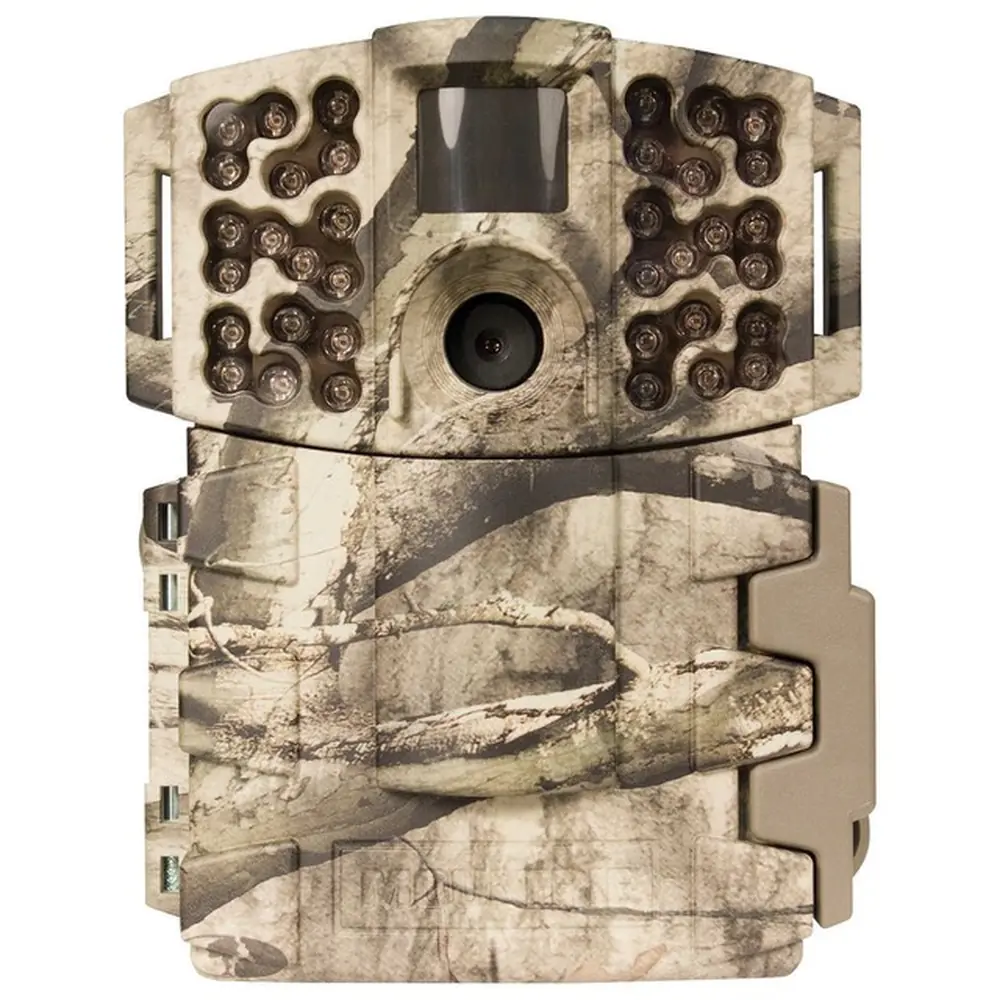
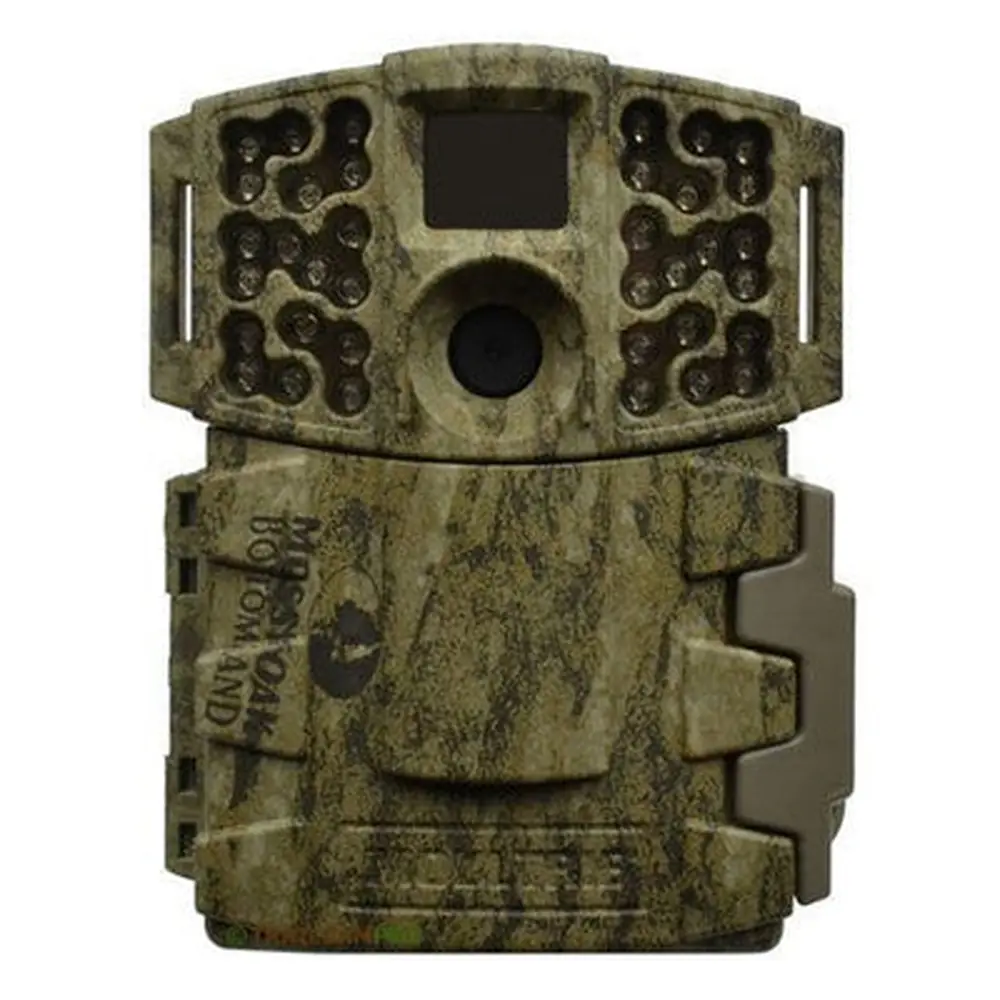
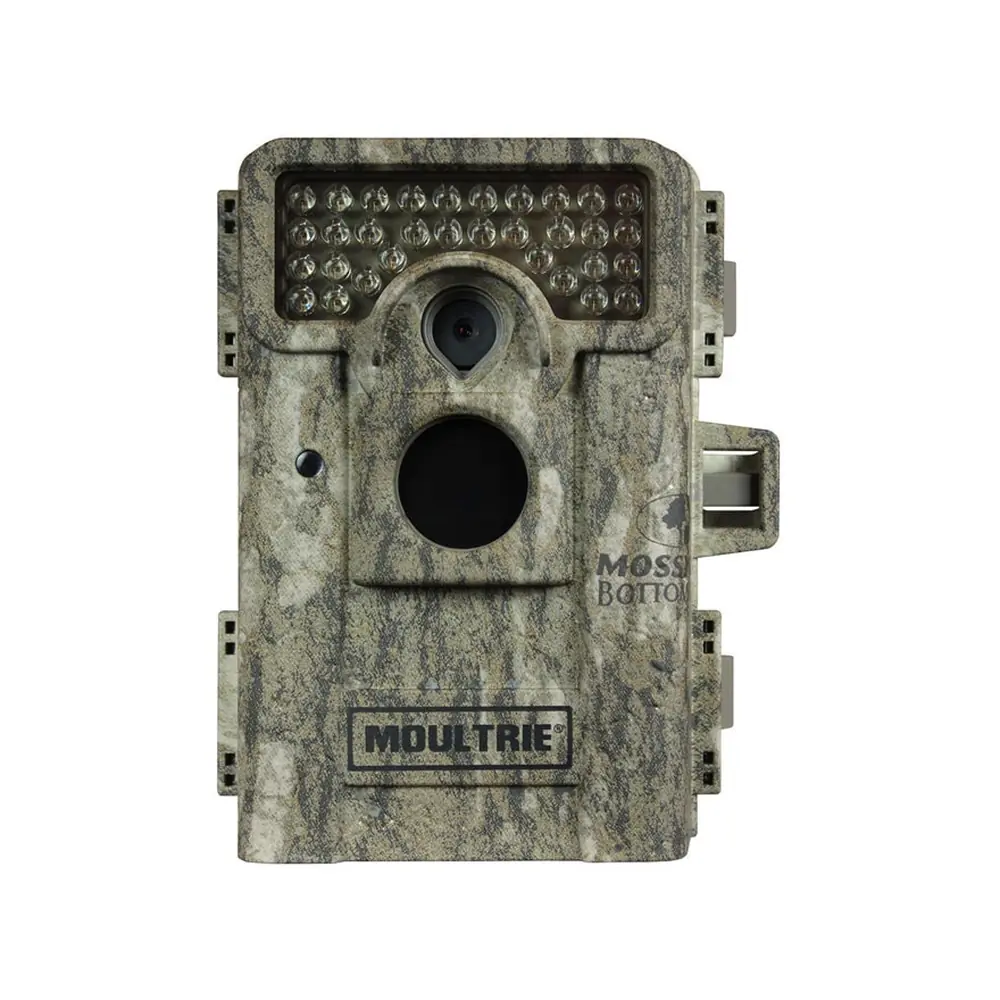
Product Images


Moultrie M-880 (MCG-12631) Digital Game Camera Specifications
| Feature | Specification |
|---|---|
| Model Identifier | MCG-12631 |
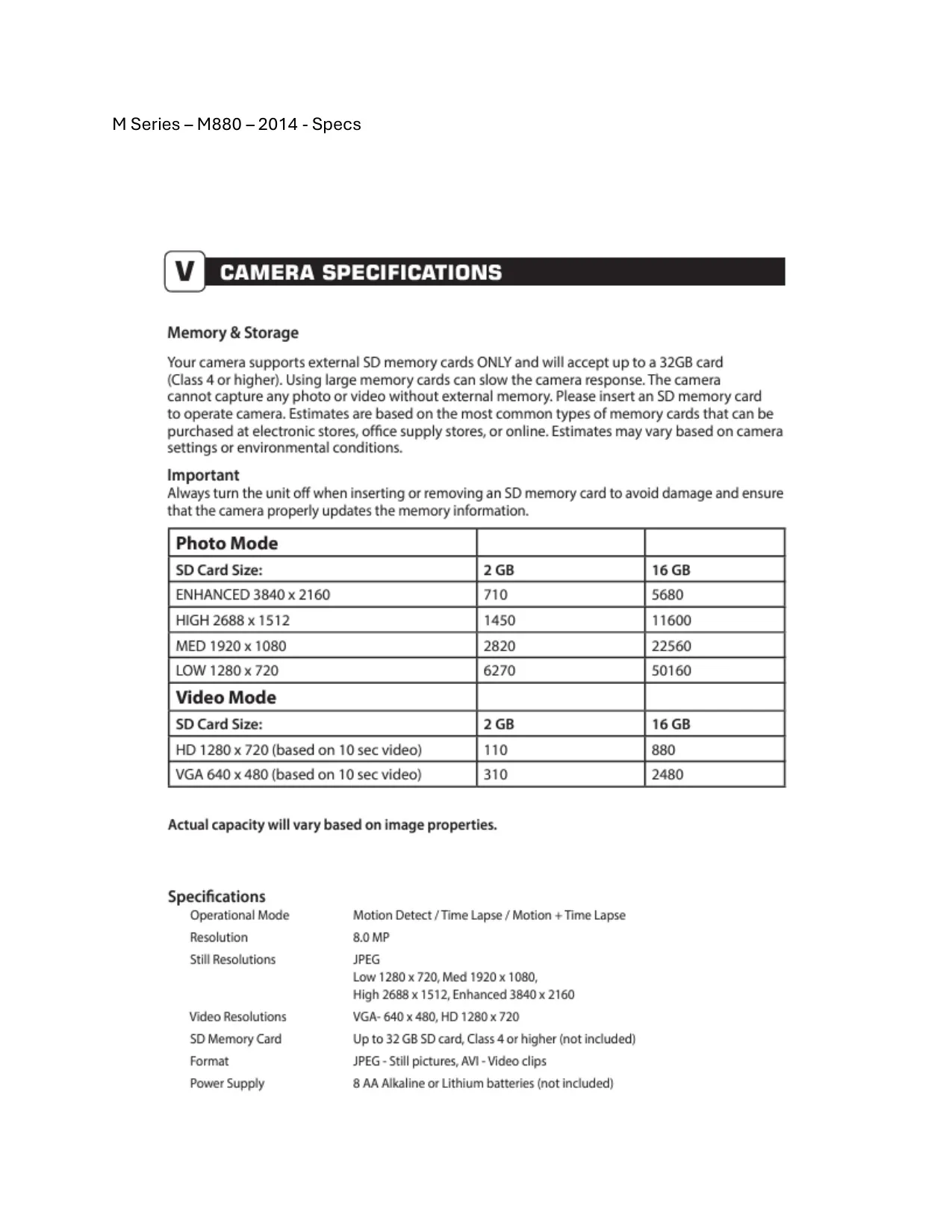
| Image Sensor Resolution | 8.0 MP |
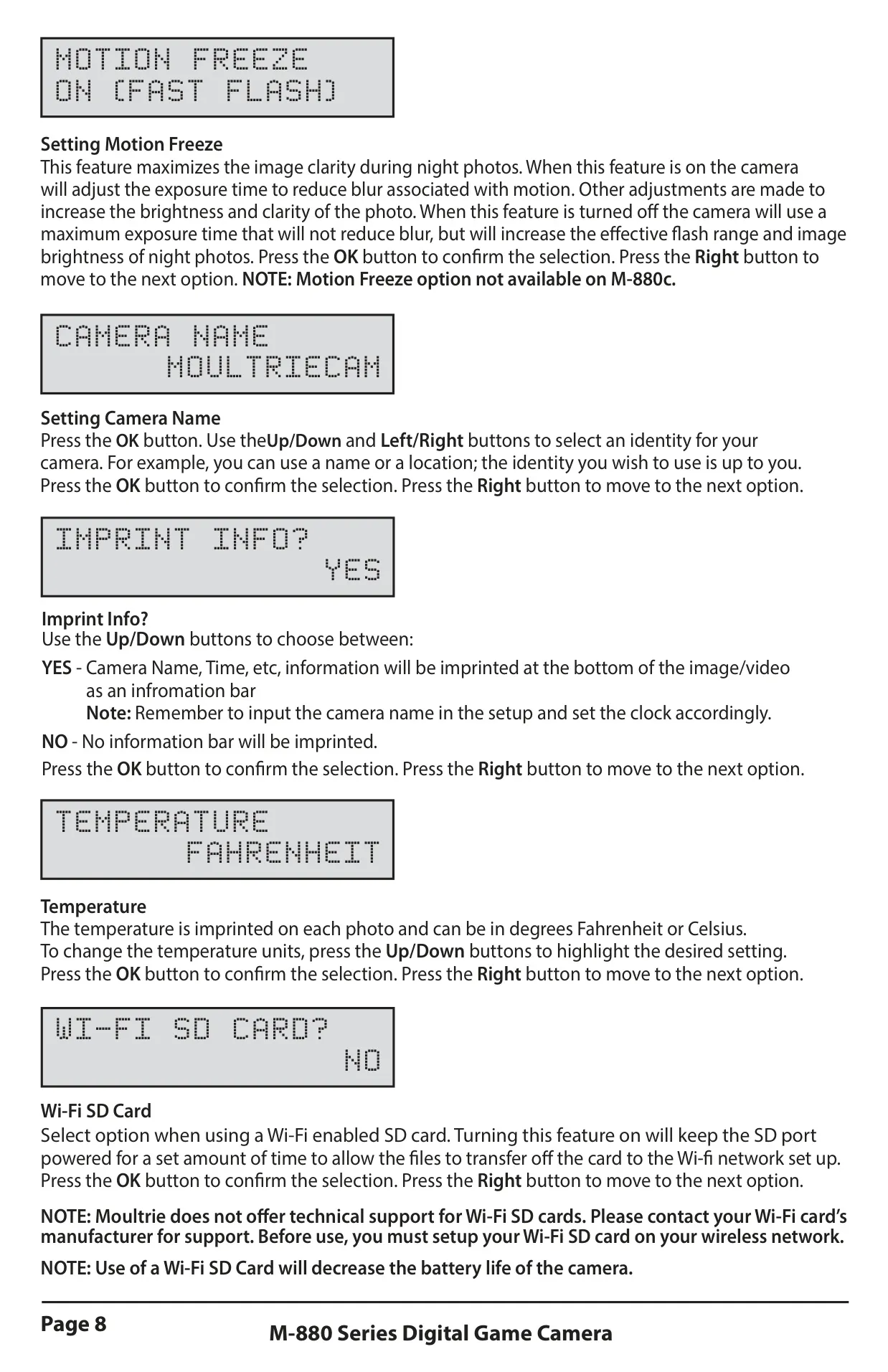
| Still Photo Resolutions | Enhanced (3840x2160), High (2688x1512), Medium (1920x1080), Low (1280x720) |
| Default Photo Quality | High (4 MP / 2688x1512) |
| Video Resolutions | HD (1280x720), VGA (640x480) |
| Default Video Quality | HD (1280x720) |
| Default Video Length | 10 Seconds |
| Operational Modes | Motion Detect, Time Lapse, Motion + Time Lapse |
| Flash Type | Infrared LED Flash |
| Motion Detection Delay | Configurable (5s, 10s, 30s, 1m, 5m, 10m, 30m); Default: 10 Seconds |
| Multi-Shot Options | 1 (Off), 3 Burst, 3 Triggered; Default: 1 (Off) |
| SD Card Support | Up to 32 GB (Class 4 or higher) |
| File Formats | JPEG (Still Pictures), AVI (Video Clips) |
| Power Supply | 8 AA Alkaline or Lithium batteries (not included) |
| External Power Port | Yes (for Moultrie accessories) |
| USB Port | Yes (Micro-B) |
| Mounting | 1/4" 20 Mount, Eyelet for strap |
| Default Imprint Info | Yes (Camera Name, Time, etc.) |
| Default Temperature Unit | Fahrenheit |
| Default Managed Memory | Do Not Overwrite |
| Default Security Code | 00000 |
| Default Time Lapse Interval | 10 Seconds |
| Default Time Lapse Programs | 2 Programs/Day |
| Default Program #1 Times | Start 6 AM / Stop 9 AM |
| Default Program #2 Times | Start 4 PM / Stop 7 PM |
| Motion Freeze Feature | On (Fast Flash) |
Moultrie M-880 (MCG-12631) Details
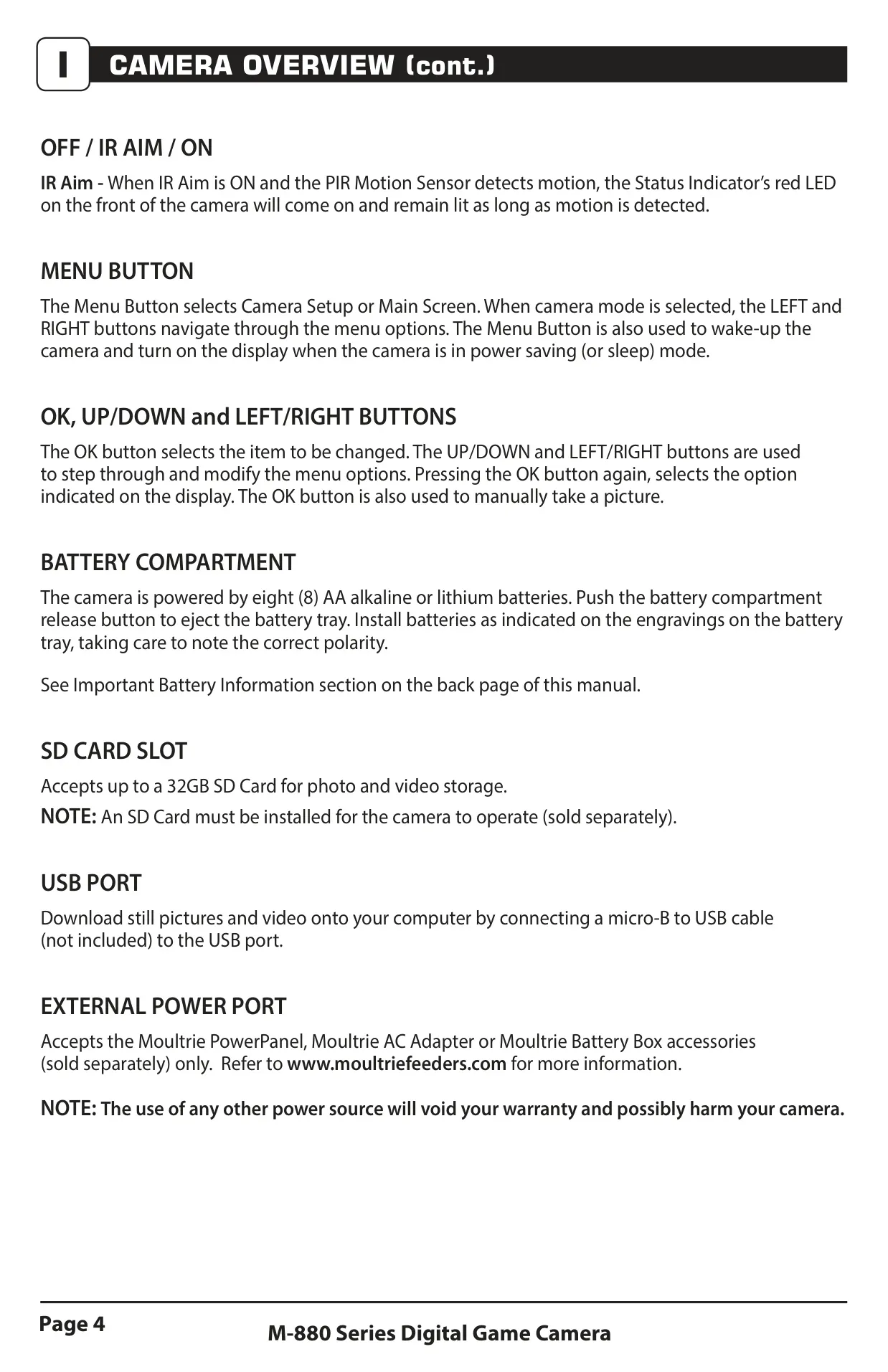
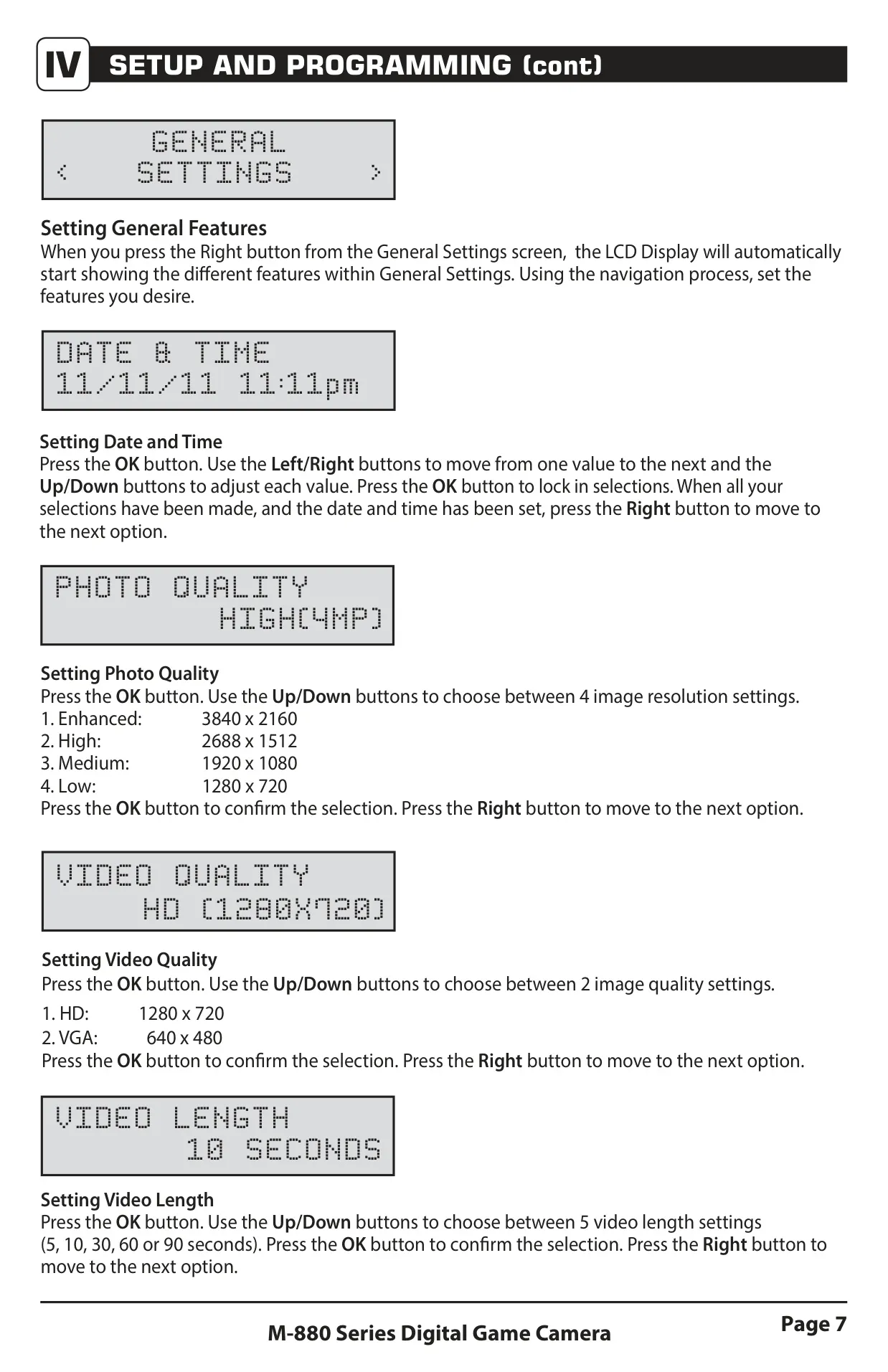
The Moultrie M-880 (MCG-12631) game camera is designed for intuitive field use, featuring a robust front view that includes an Infrared LED Flash, camera lens, and motion sensor. Navigation is streamlined through dedicated Up/Down and Left/Right buttons, complemented by an OK/Select button for confirming choices. A clear LCD display provides instant feedback on settings and status. Unique to its design is the OFF/IR AIM/ON switch, where the IR Aim mode assists in precise camera placement. This feature utilizes the status indicator's red LED, which illuminates upon motion detection, allowing users to accurately define the target area before deployment.
Beyond basic photo capture, the M-880 excels with three distinct operational modes. Motion Detect captures photos or videos only when triggered by movement, offering configurable multi-shot sequences like 3 Burst for rapid captures or 3 Triggered for multiple shots with a slight delay, ensuring the subject is fully documented. The Time Lapse mode allows for scheduled photography at specific intervals throughout the day, enabling long-term monitoring of a wide area, ideal for observing habitat changes or animal patterns. A hybrid Motion + Time Lapse mode intelligently combines these functionalities, offering unparalleled flexibility.
The M-880 includes the innovative Motion Freeze feature, which significantly enhances clarity in night photos. When active, it adjusts exposure time to minimize blur from moving subjects while increasing overall brightness and clarity, an essential advantage for nighttime observation. Powering the unit are eight AA batteries, easily accessible via a push-button release battery tray. For extended field life and reduced battery changes, the camera is compatible with optional Moultrie external power accessories such as the PowerPanel (solar), AC Adapter, or Battery Box, connecting securely via its dedicated external power port.
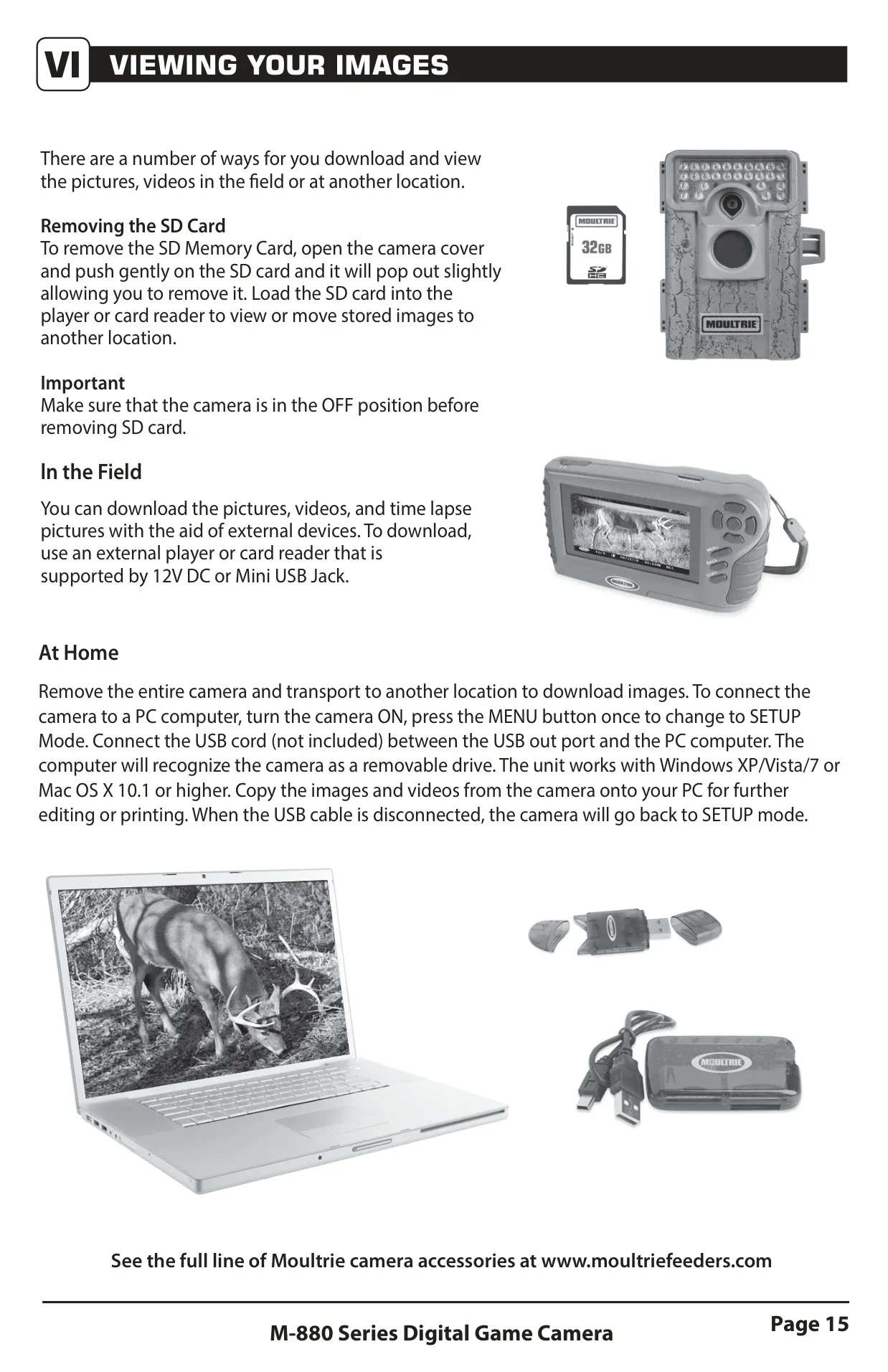
Retrieving captured media is straightforward with the M-880. Users can simply remove the SD card (up to 32GB) for viewing on compatible card readers or external devices in the field. Alternatively, for comprehensive review at home, the camera can be directly connected to a PC or Mac computer via its USB port. This allows for easy transfer and management of JPEG stills and AVI video clips, treating the camera as a removable drive. The camera also supports Wi-Fi enabled SD cards for wireless file transfer, though this may impact battery life.
The M-880 offers extensive customization through its setup menu. Users can define a unique Camera Name and choose whether to imprint information (like name, time, and temperature) directly onto images. A Security Code feature provides protection against unauthorized access to settings. The Managed Memory option allows users to control how the camera handles a full SD card, either overwriting the oldest files or ceasing capture. Furthermore, the camera's firmware can be updated via an SD card, ensuring access to the latest performance enhancements and features.
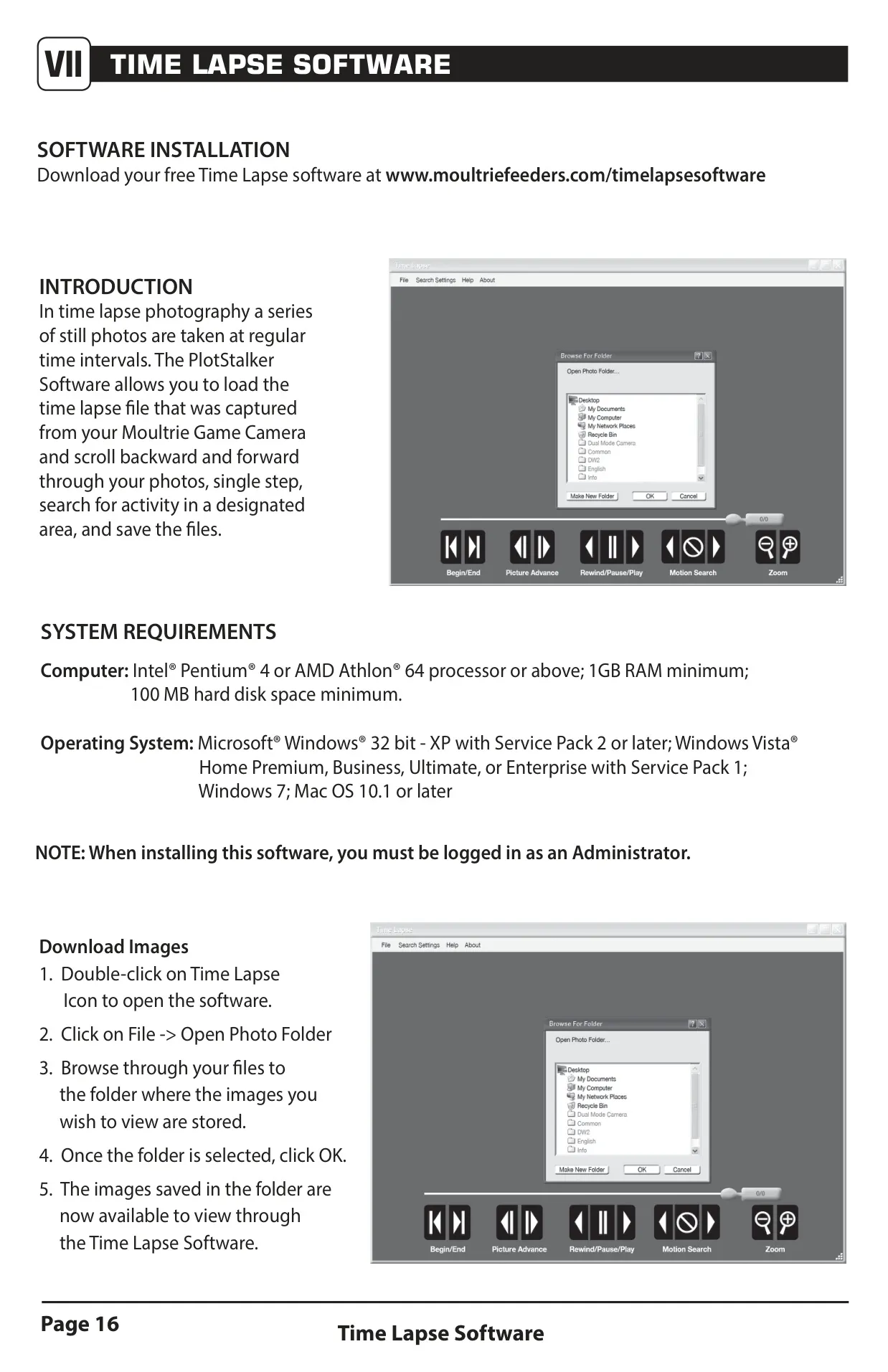
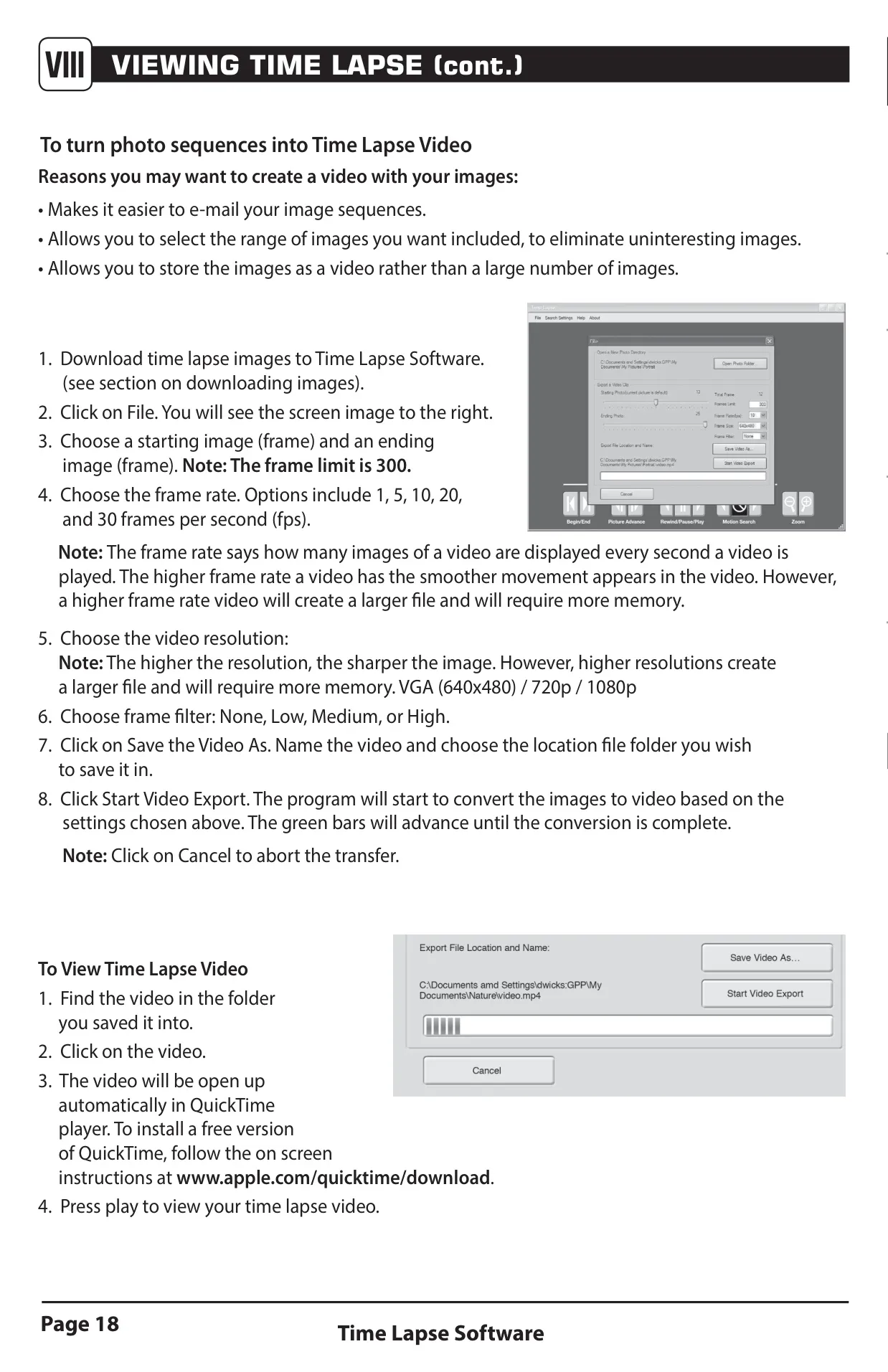
To complement its advanced time-lapse capabilities, Moultrie provides free PlotStalker Software for reviewing time-lapse sequences on Windows and Mac. This software allows users to navigate images frame-by-frame, search for changes in defined regions, and even transform photo sequences into shareable videos with adjustable frame rates and resolutions (VGA, 720p, 1080p). Alongside power solutions, various Moultrie accessories are available, including a versatile Tree Mount that securely fastens the camera to trees or poles, optimizing placement for diverse scouting needs.
Frequently Asked Questions (FAQs)
Can't find the answer you need? Here are some frequently asked questions about the Moultrie M-880 (MCG-12631), and we answer them below.