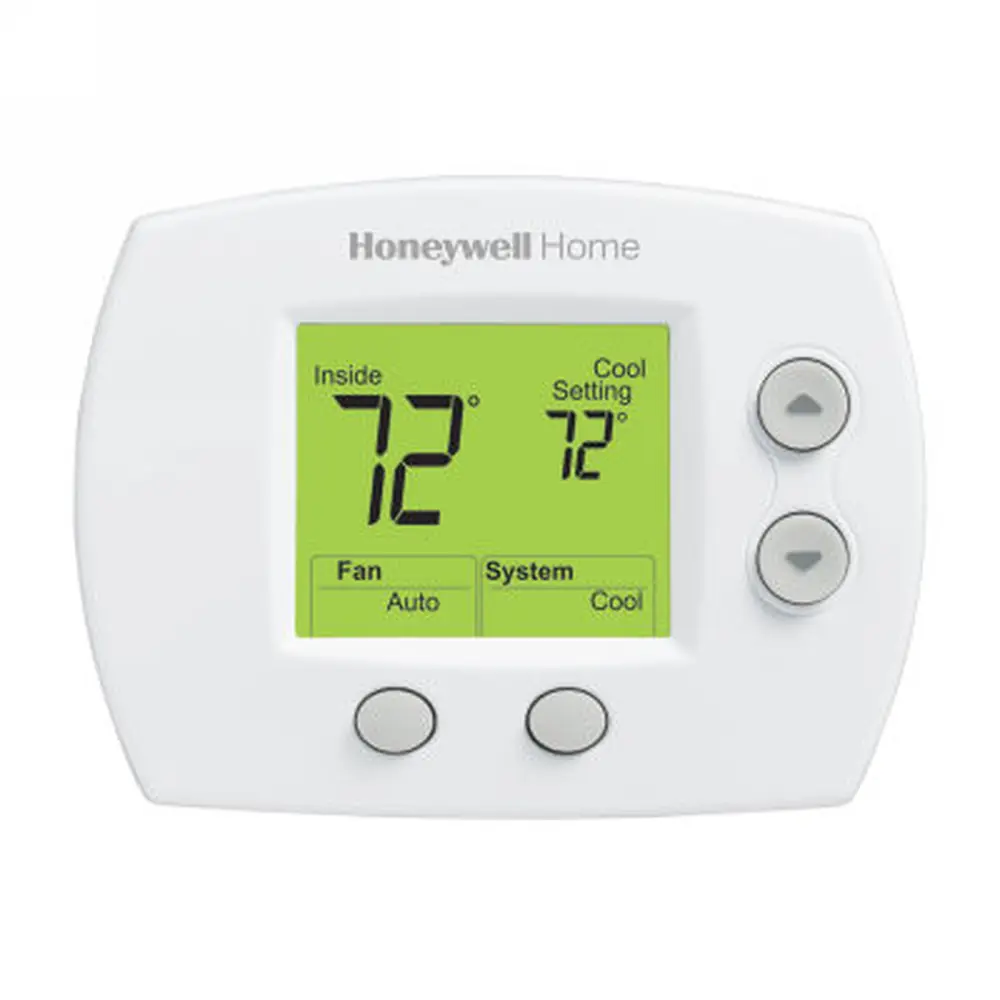
Honeywell Chronotherm IV Plus Thermostat Instruction Manual
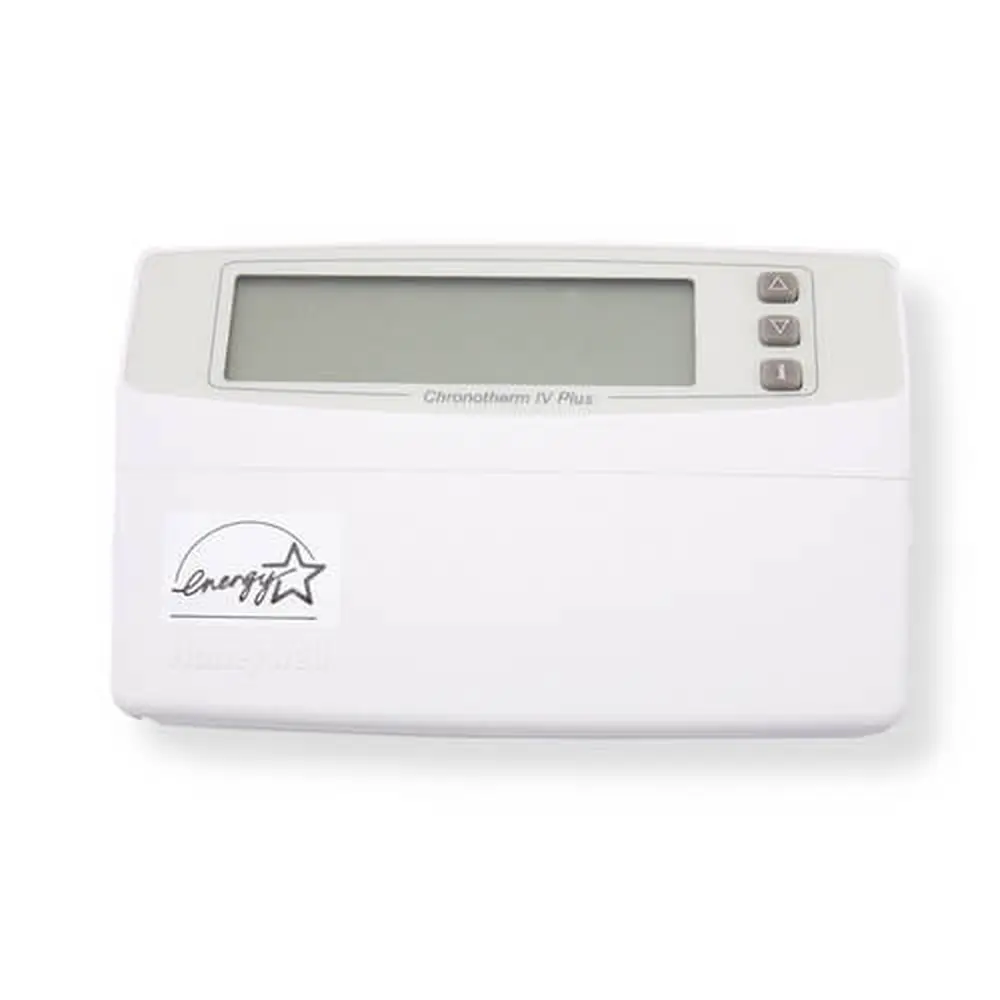
Honeywell Chronotherm IV Plus Thermostat




















Honeywell Chronotherm IV Plus Instructions
Here we offer the Honeywell Chronotherm IV Plus Thermostat manual completely free and in English. We have cataloged this manual in the Thermostats section on Manualverse, and it has been rated by 1 users with an average rating of 5. If you have any specific questions about Honeywell Chronotherm IV Plus Thermostat, we suggest checking the Frequently Asked Questions (FAQs) section of this manual.
Product Images
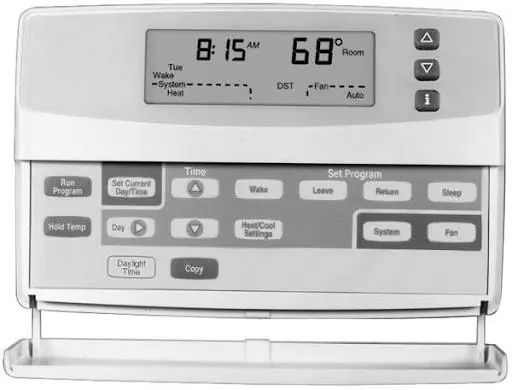
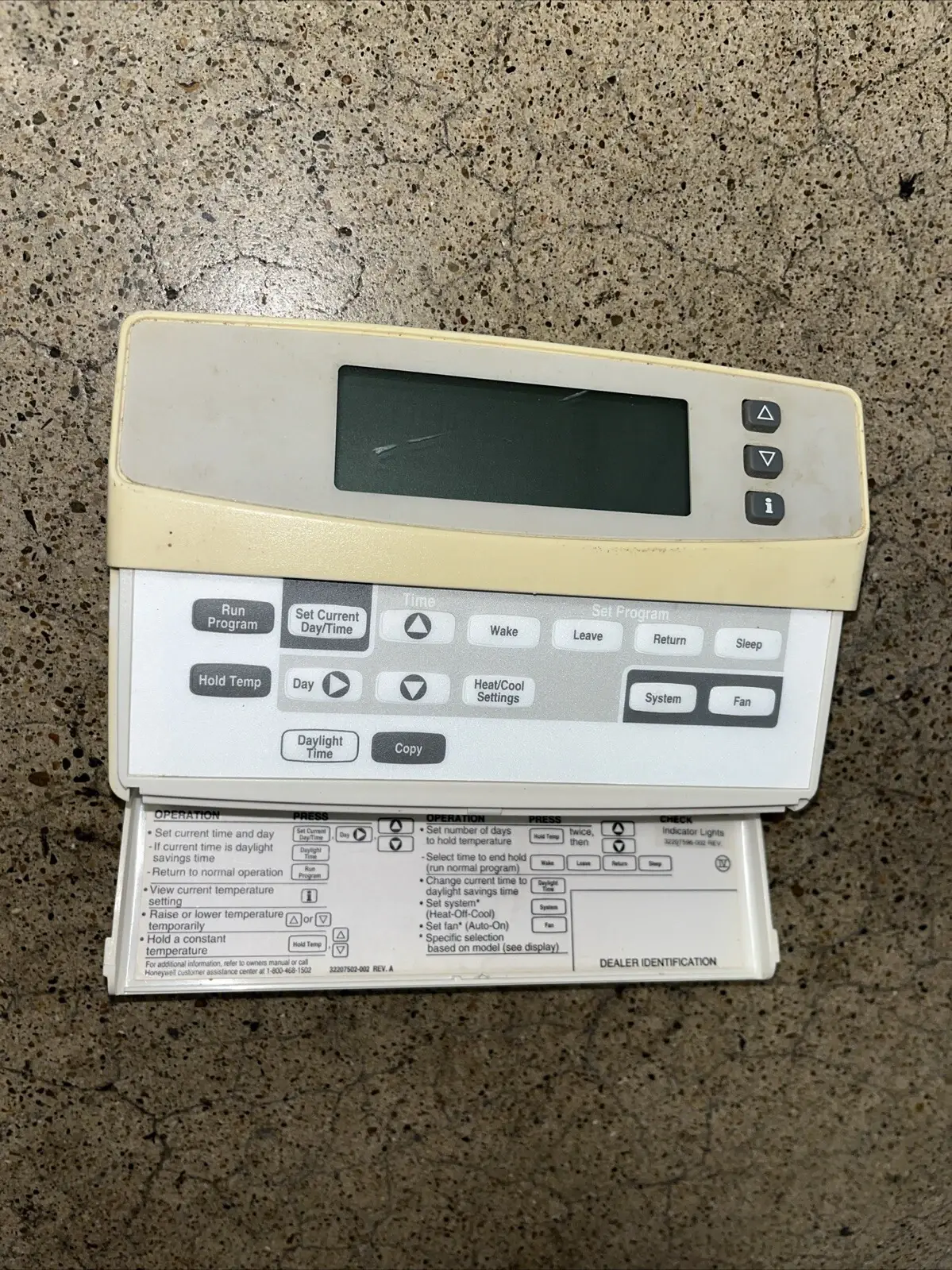
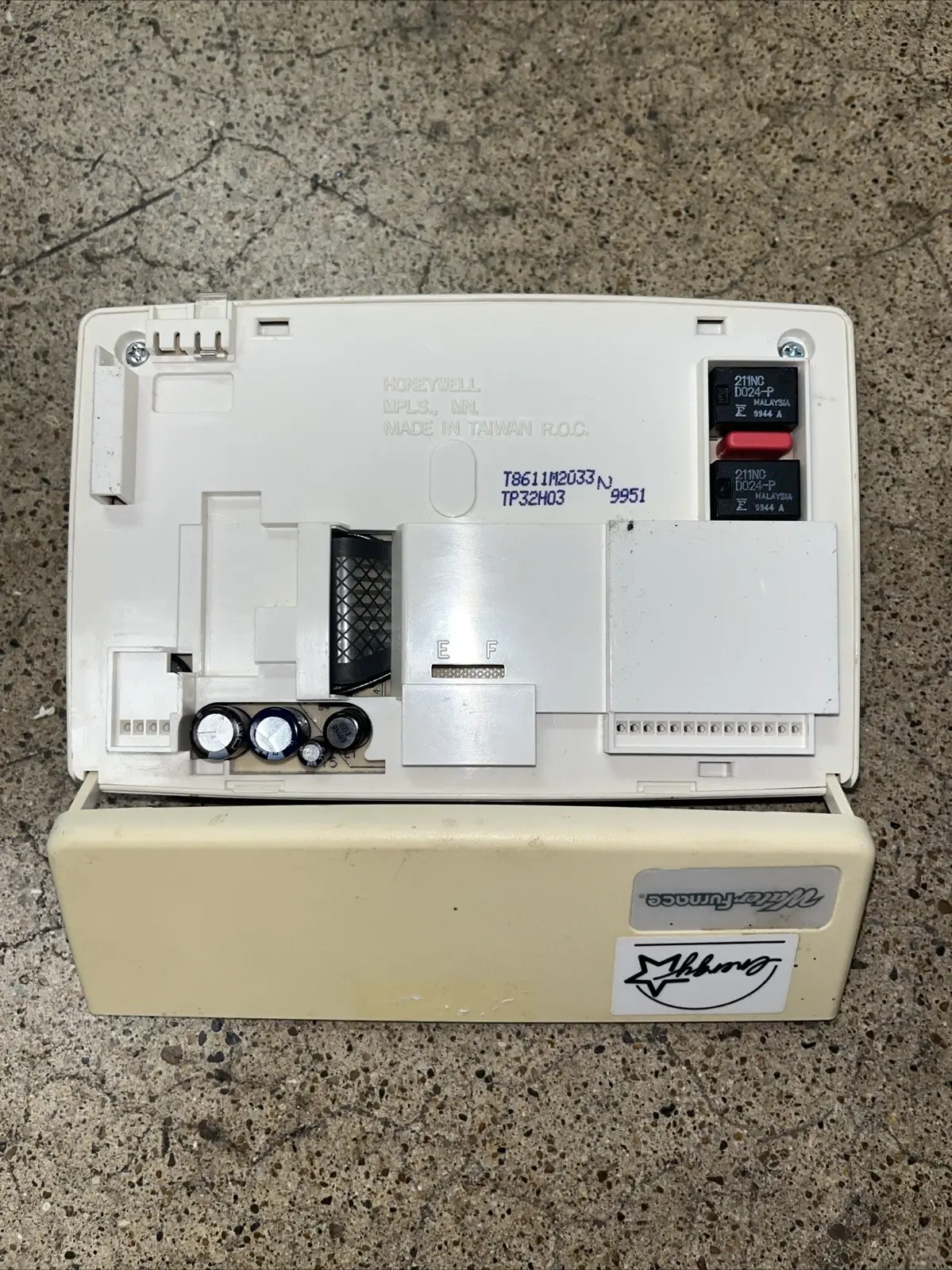

Honeywell Chronotherm IV Plus Thermostat Specifications
| Feature | Specification |
|---|---|
| Model | T8665A Chronotherm IV Wireless Thermostat |
| Thermostat Type | 7-day programmable, multi-functional (single-zone or multi-zone) |
| Zoning Compatibility | W8665E RF Zone Panel (multiple thermostats) |
| Power Source | 3 x AA alkaline batteries (installed in the wallplate) |
| Low Battery Warning | REPL BAT message flashes 1 to 2 months before the batteries run out |
| Recommended Battery Replacement | Once a year |
| Clock Retention During Battery Change | 20 to 30 seconds |
| Clock Retention During Power Outage | Minimum of 20 minutes |
| Program Memory | Schedule kept for the life of the product |
| Program Periods | 4 per day (Wake, Leave, Return, Sleep) |
| Temperature Setpoints per Day | Up to 8 (4 Heat and 4 Cool) |
| Program Time Increments | 15 minutes |
| Heating Setpoint Range | 40 to 90 °F (4 to 32 °C) |
| Cooling Setpoint Range | 55 to 99 °F (13 to 37 °C) |
| Temperature Response | Changes as small as 1 °F |
| System Modes | Heat, Off, Cool, Auto |
| Fan Modes | On, Auto (can be set for each program period) |
| Vacation Hold Range | 1 to 255 days |
| Adaptive Recovery Learning Period | 4 to 8 days |
| Compressor Protection | Compressor stays off for 5 minutes before restarting |
| Minimum Outdoor Temperature for Cooling | 50 °F (10 °C) |
| Display | Digital, backlit on demand (any keypress turns it on) |
| Default Wake Schedule | 6:00 AM, Heat 70 °F (21 °C), Cool 78 °F (25.5 °C), Fan Auto |
| Default Leave Schedule | 8:00 AM, Heat 62 °F (16.5 °C), Cool 85 °F (29.5 °C), Fan Auto |
| Default Return Schedule | 6:00 PM, Heat 70 °F (21 °C), Cool 78 °F (25.5 °C), Fan Auto |
| Default Sleep Schedule | 10:00 PM, Heat 62 °F (16.5 °C), Cool 82 °F (28 °C), Fan Auto |
| Default Clock After Power Loss | 1:00 PM (flashing) |
| FCC ID | CFS8DL5800STAT |
| Canada Certification | 1748A 12111 |
| Regulatory Compliance | FCC Part 15, Class B |
| Warranty | 1 year from date of purchase (batteries not covered) |
| Customer Support | 1-800-468-1502, Monday to Friday, 7:00 a.m. to 5:30 p.m. Central time |
| Manual Reference | 69-1536-3, Rev. 11-02 |
Honeywell Chronotherm IV Plus Details
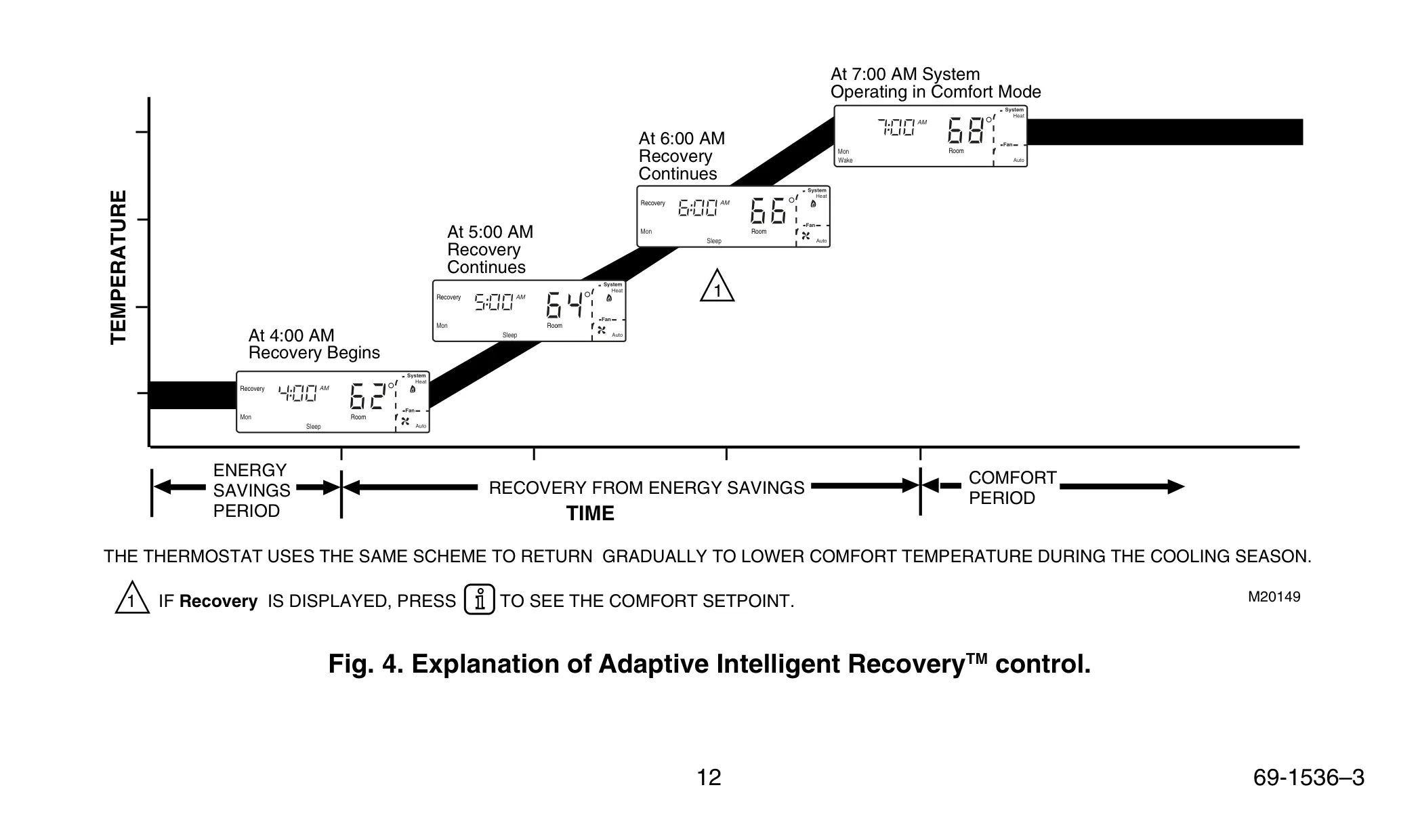
The Honeywell Chronotherm IV Plus Thermostat uses Adaptive Intelligent Recovery control. Most standard thermostats sense only the air. This one measures both the air temperature and the wall temperature, which gives a better idea of how warm or cool a room actually feels. To decide when to start heating or cooling, it looks at those two readings and the time you want to reach your comfort temperature. It then moves gradually from the energy-saving setting to the comfort setting without overshooting it.
When recovery is active, the display shows Recovery. This happens during the change from Sleep to Wake and from Leave to Return. Each day the thermostat checks how close it came to its recovery target and adjusts the next day's start time. Over time, it adapts to local weather, your routine, your home's construction and your HVAC equipment. If heating or cooling starts before the programmed time, that is normal. To disable this feature, contact a heating and air conditioning contractor.
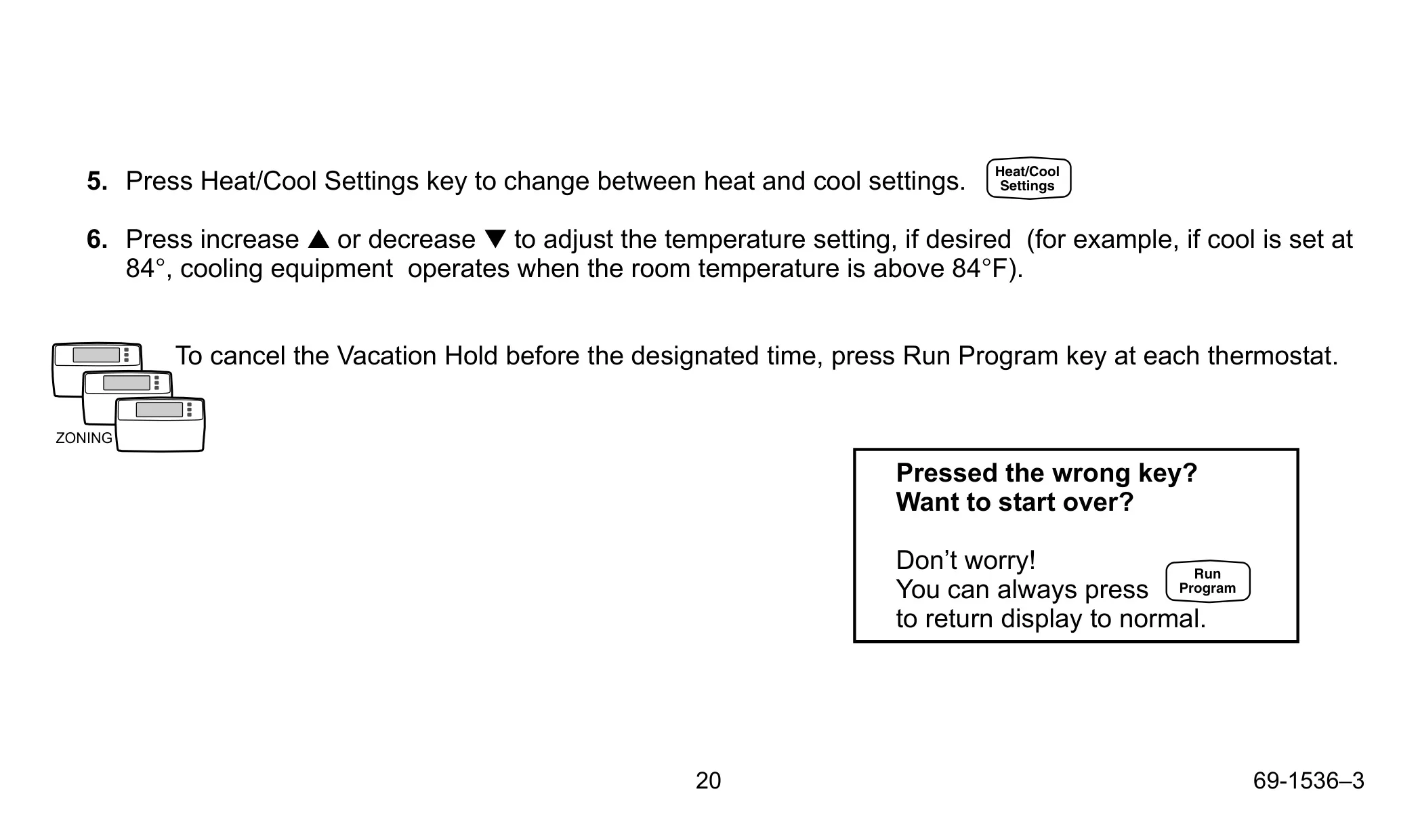
You can override the schedule in three ways. A temporary setting, made with the up and down arrow keys, lasts until the next program period and shows Temporary on the display. Pressing Hold Temp once keeps the temperature indefinitely. Pressing it twice starts Vacation Hold, where you choose the number of days and the period when normal programming resumes. That way the house is comfortable when you get home. Pressing Run Program cancels any override.
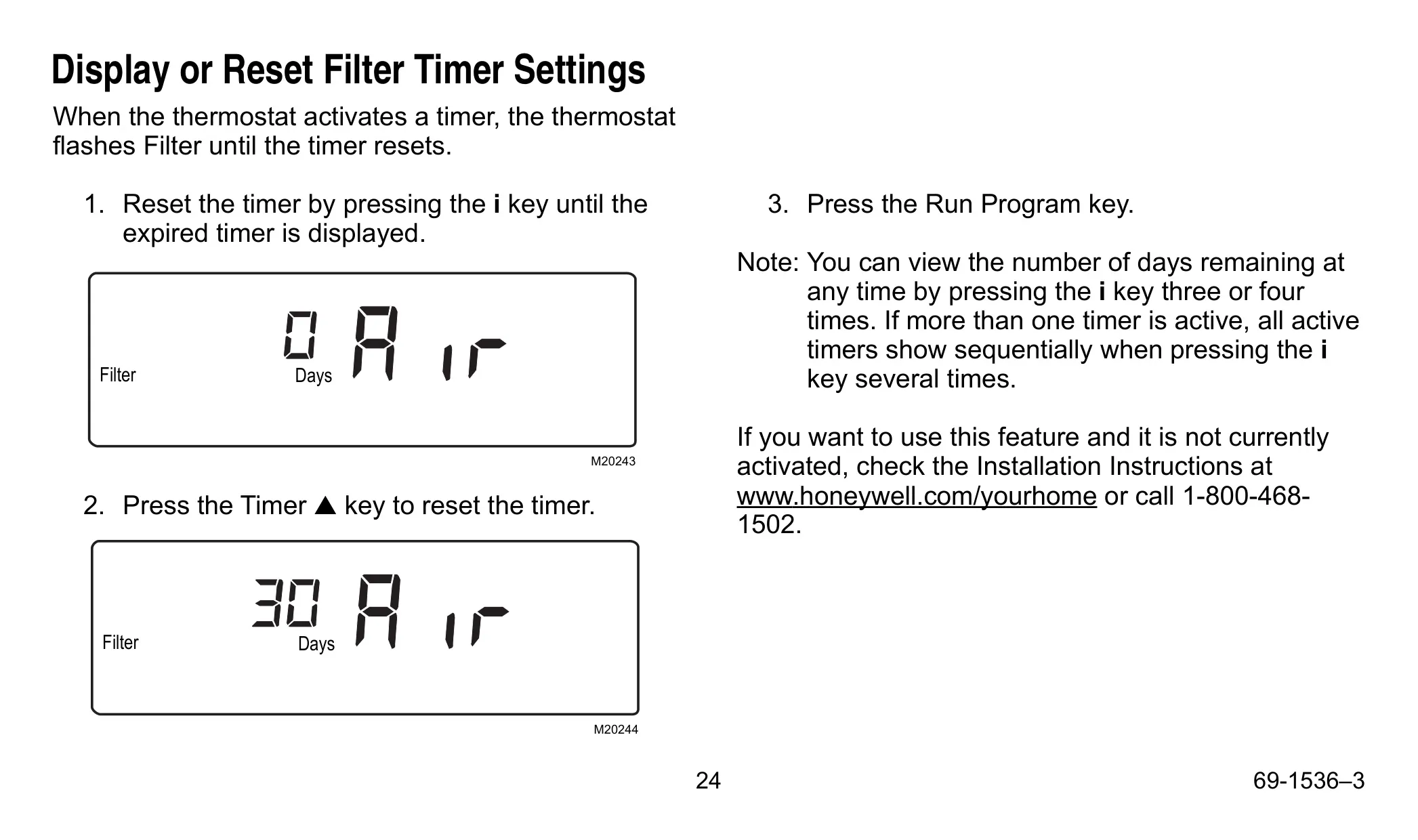
The Information key shows the setpoint of the current mode with one press and the setpoint of the inactive mode with a second press. It also handles the optional filter timer. When a timer expires, Filter flashes on the display. You reset it by using the Information key to bring up the expired timer, then pressing the Timer up key. You can check the days remaining at any time, and if several timers are active, they appear one after another.
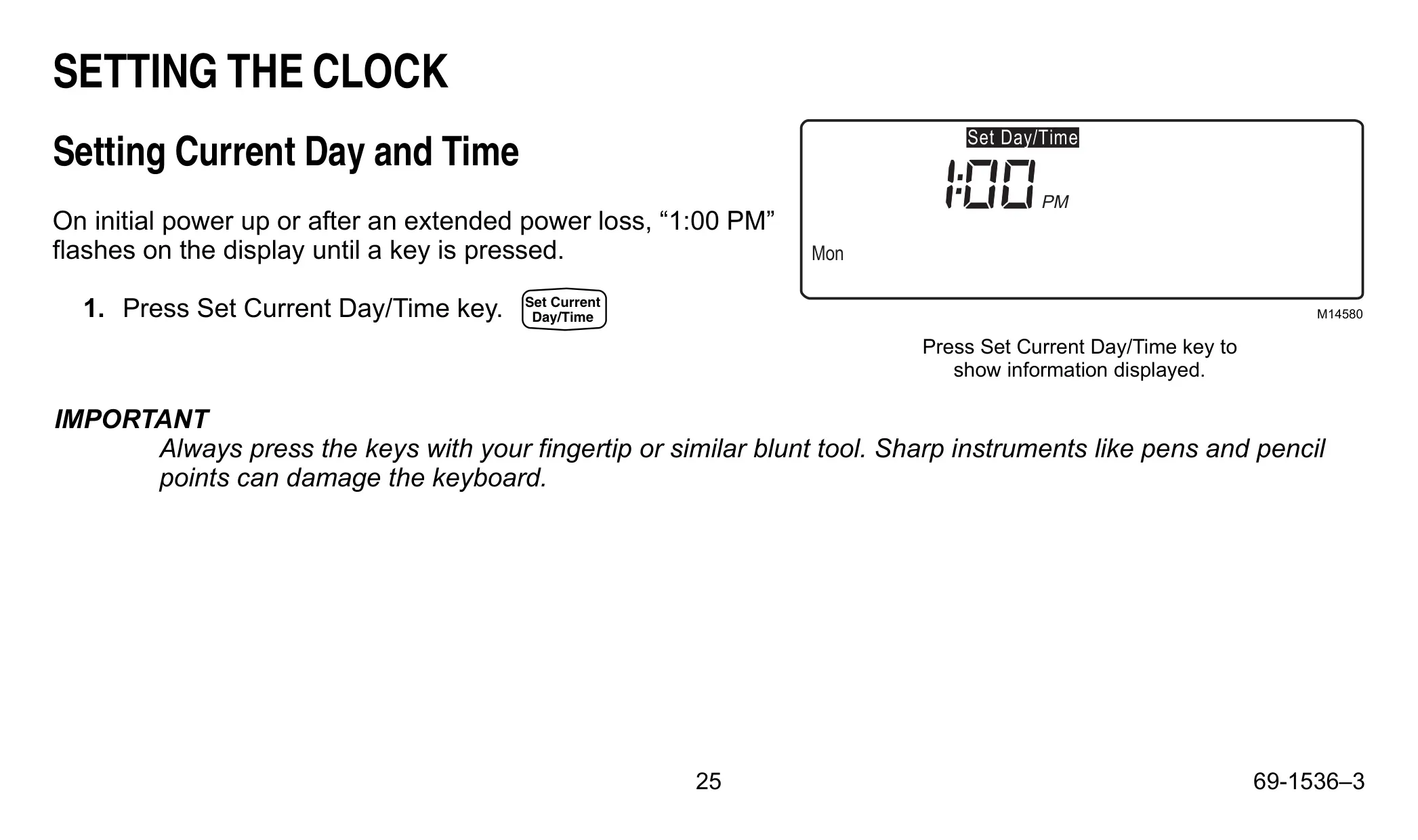
The Daylight Time key switches between standard time and daylight saving time, and the display shows DST when daylight time is on. Pressing the key several times within five minutes cycles through other time options. Six presses in that window return the clock to its original setting. When you set the clock, tapping Set Current Day/Time moves the time forward one hour at a time.
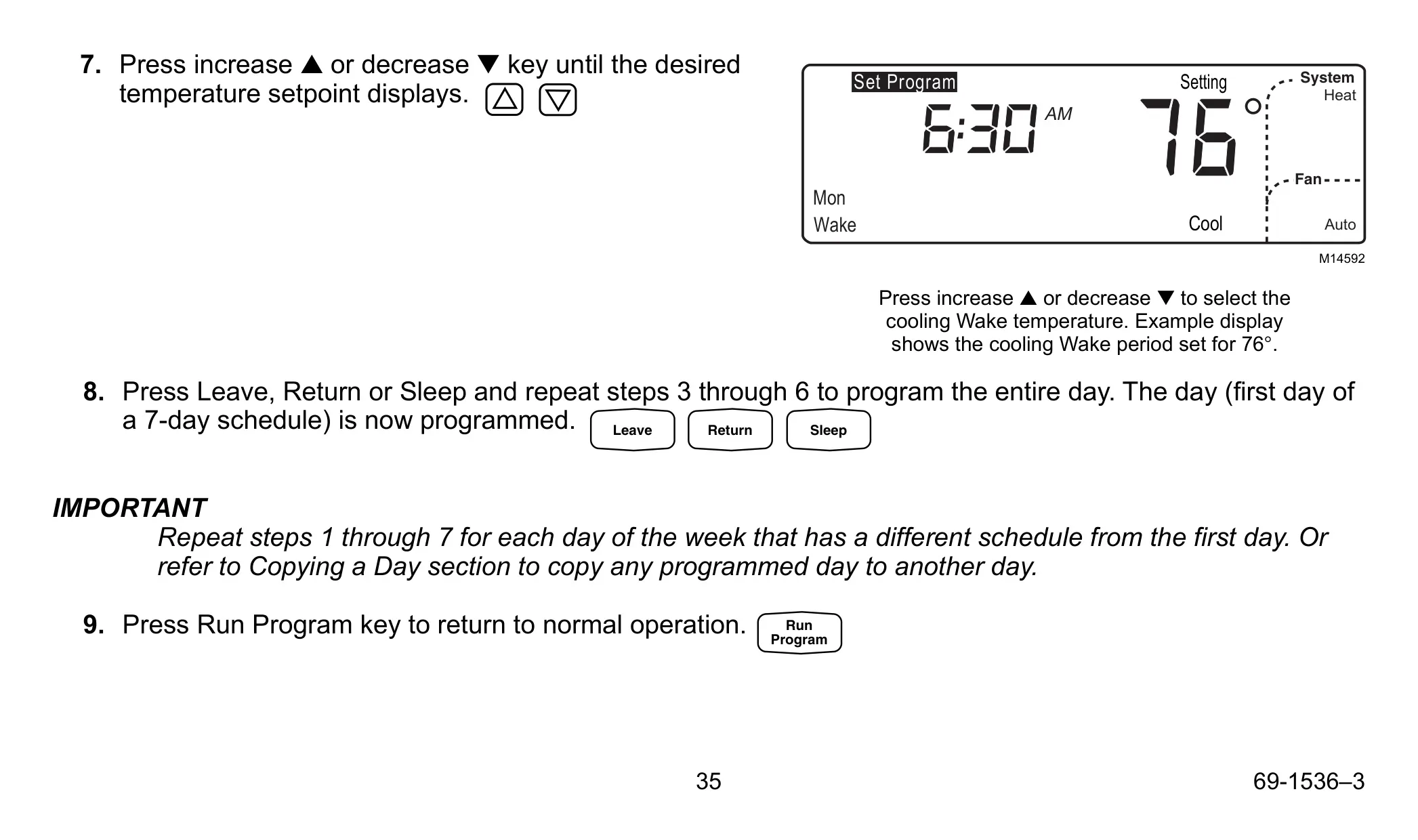
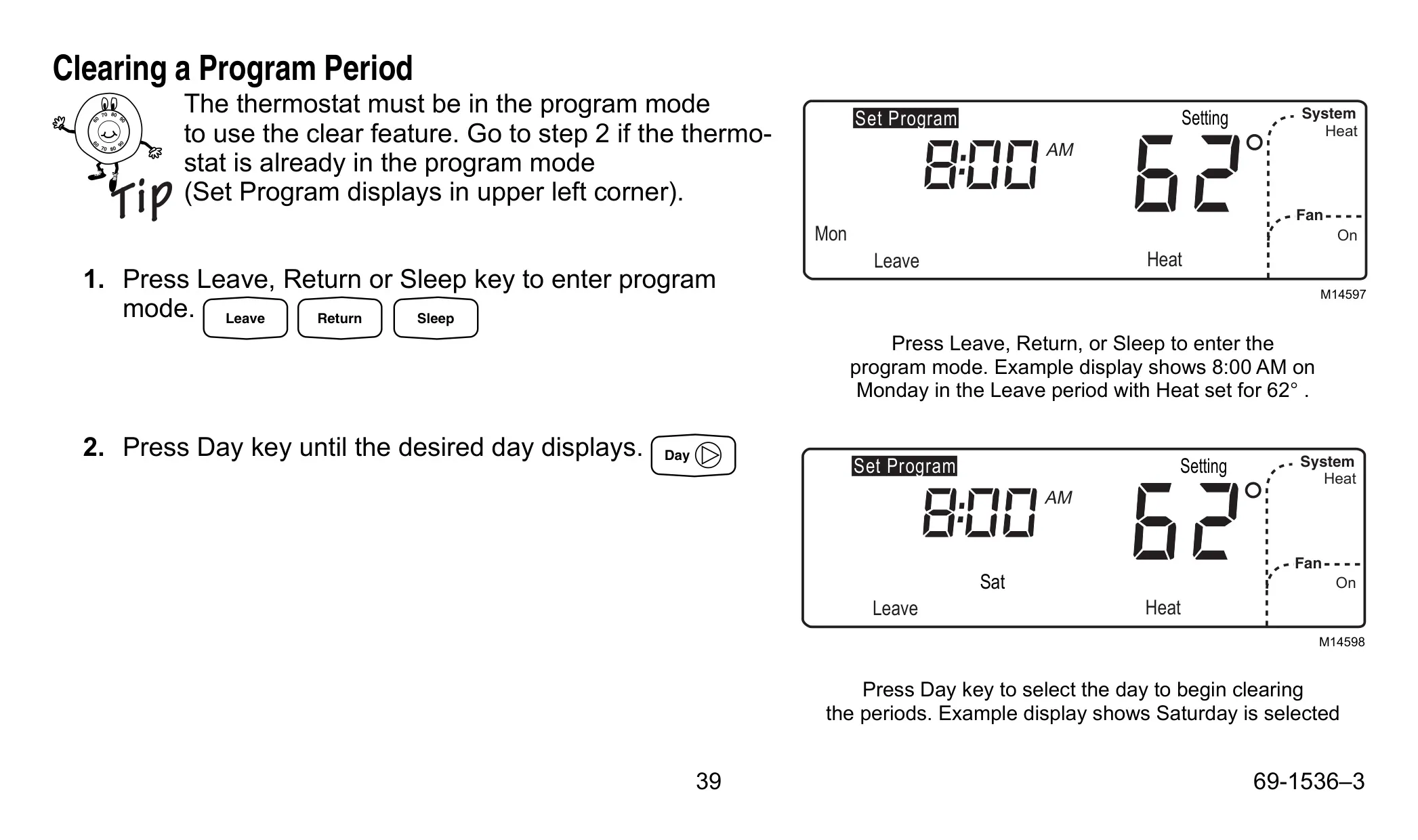
Programming is simple. Once you have programmed one day, the Copy key lets you copy it to other days, and donE appears for two seconds to confirm. You can clear the Leave, Return or Sleep periods by holding their keys for about three seconds. The Wake period cannot be cleared. If Leave and Return are cleared, the thermostat stays in Wake until the Sleep period starts.
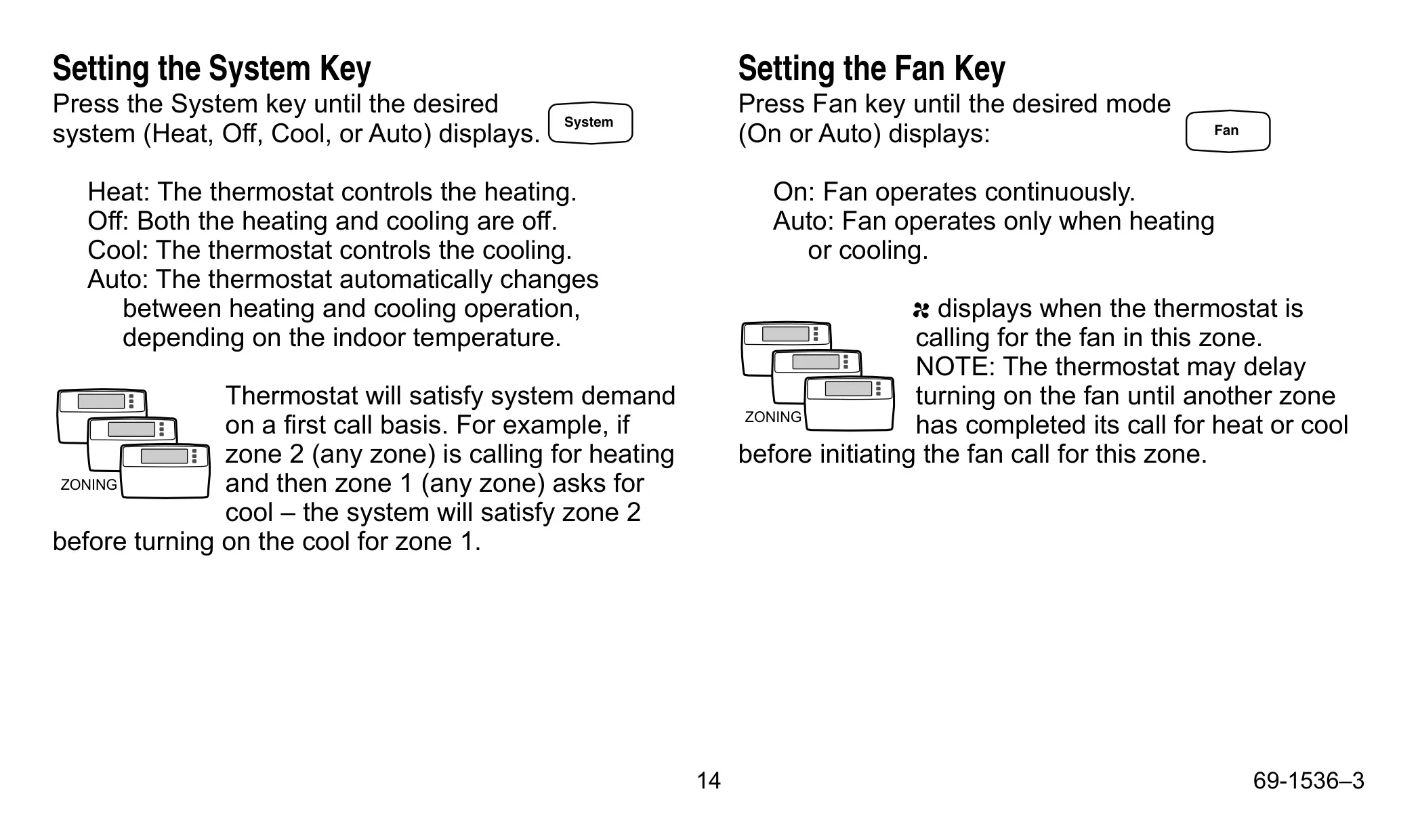
In zoned systems, the thermostat handles requests on a first call basis, so a zone already calling for heat is served before another zone gets cooling. Vacation Hold must be set on each thermostat separately. Press the keys with a fingertip, not a pen or pencil, because sharp objects can damage the keyboard. Nonalkaline batteries can leak and damage the thermostat and the wall, so Honeywell recommends Energizer alkaline batteries. Replace the batteries before leaving home for more than a month.
Frequently Asked Questions (FAQs)
Can't find the answer you need? Here are some frequently asked questions about the Honeywell Chronotherm IV Plus Thermostat, and we answer them below.