Hunter X-Core Irrigation Controller Instruction Manual
Hunter X-Core Irrigation Controller
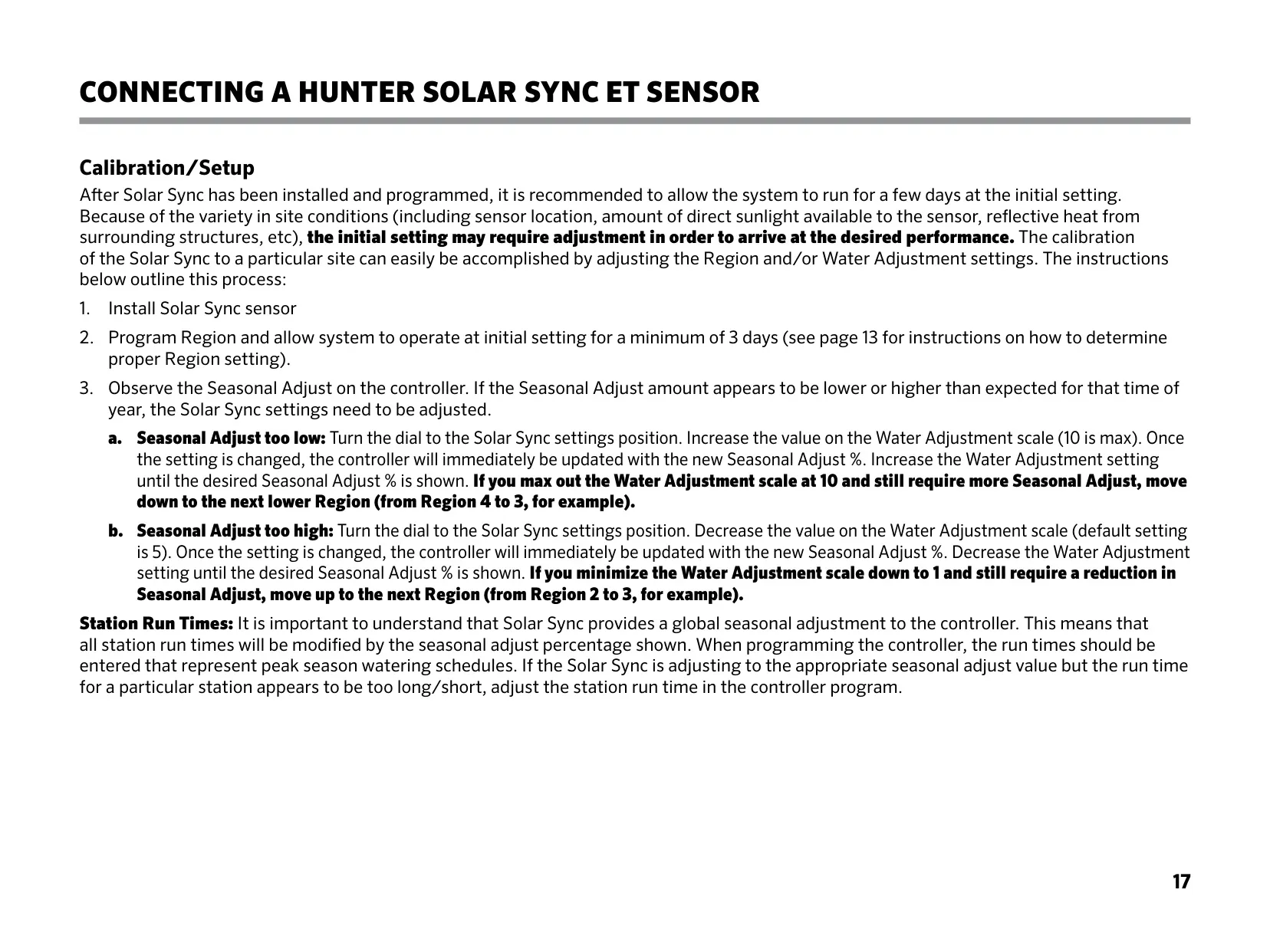
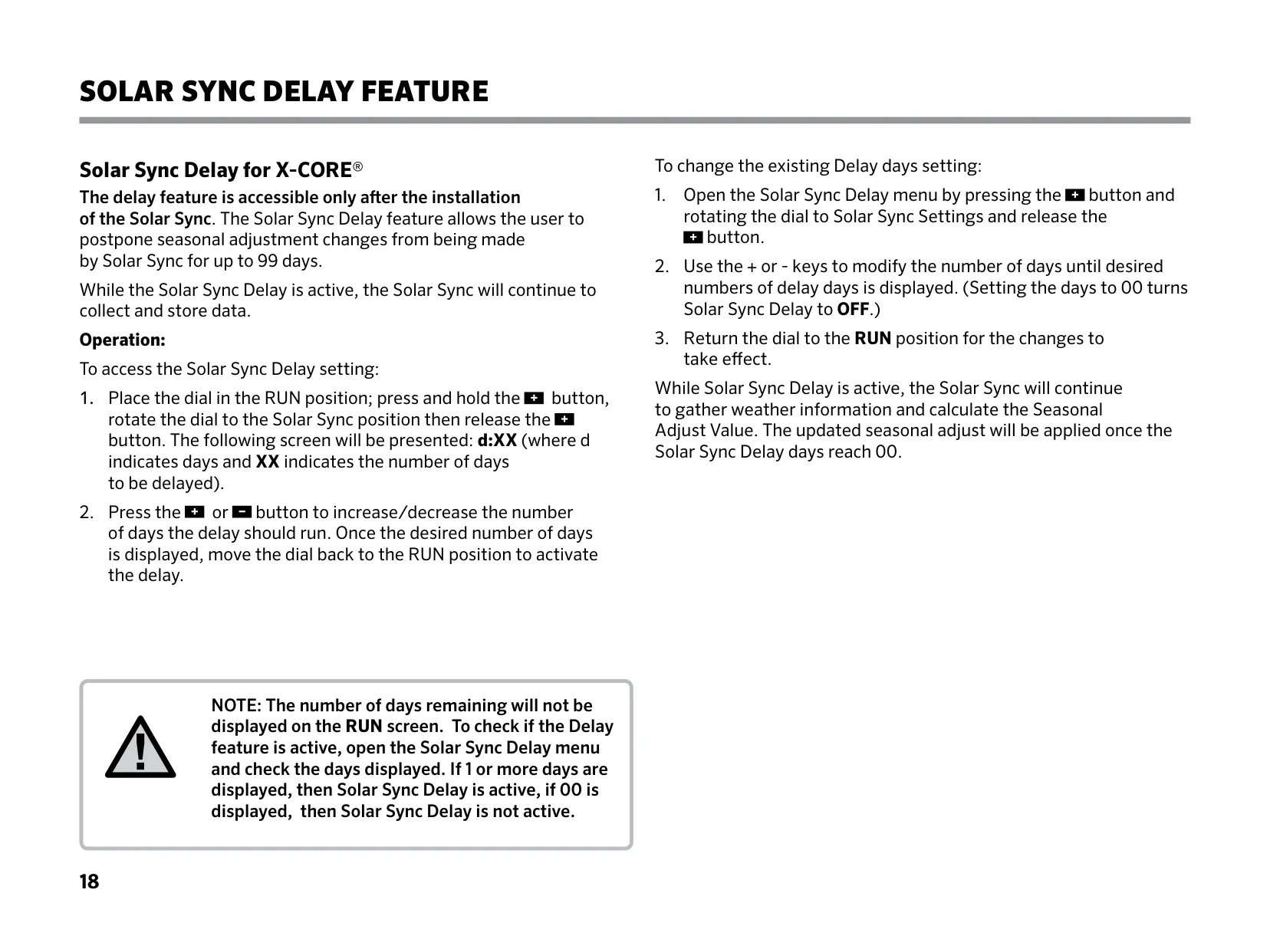
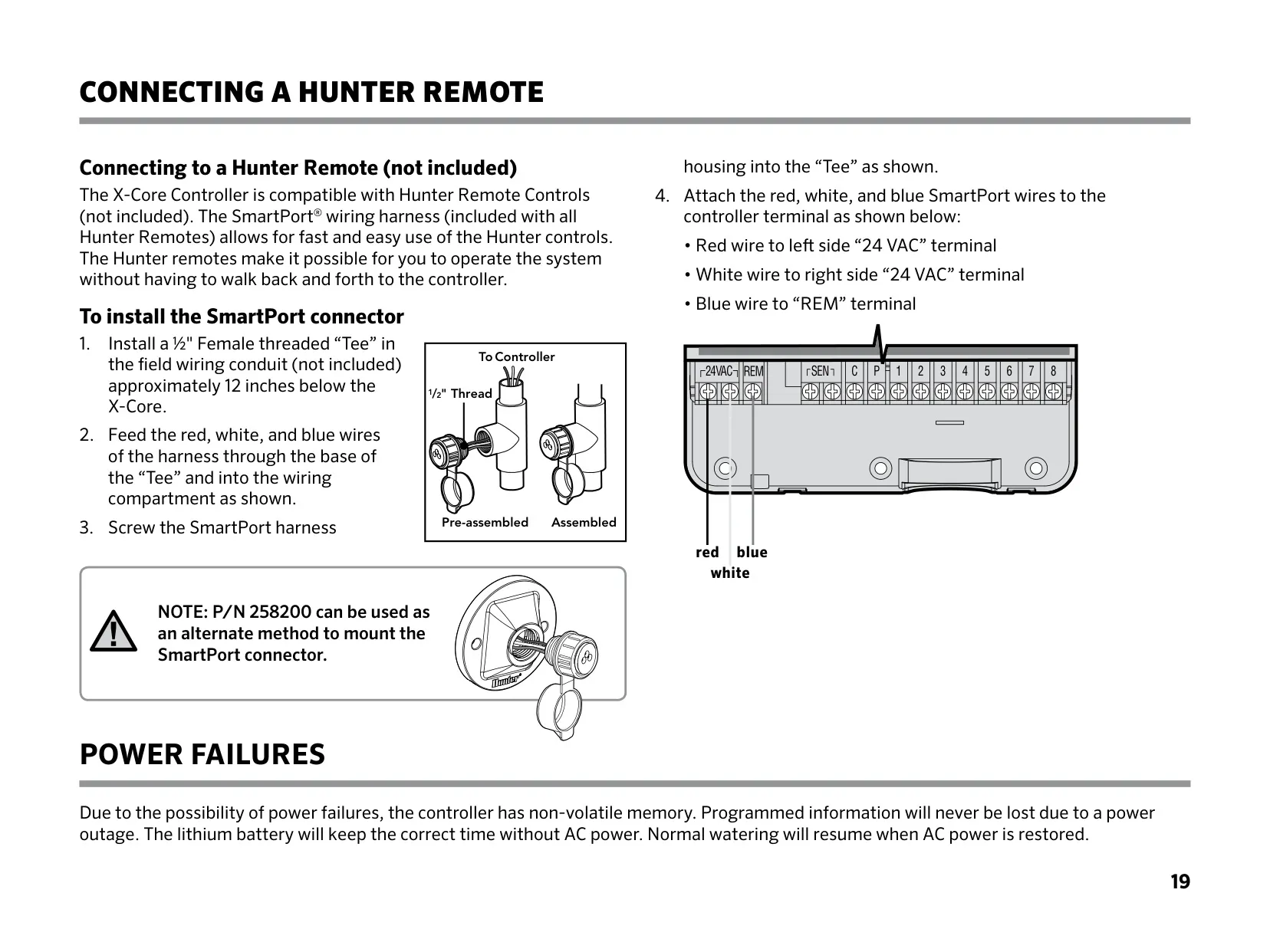
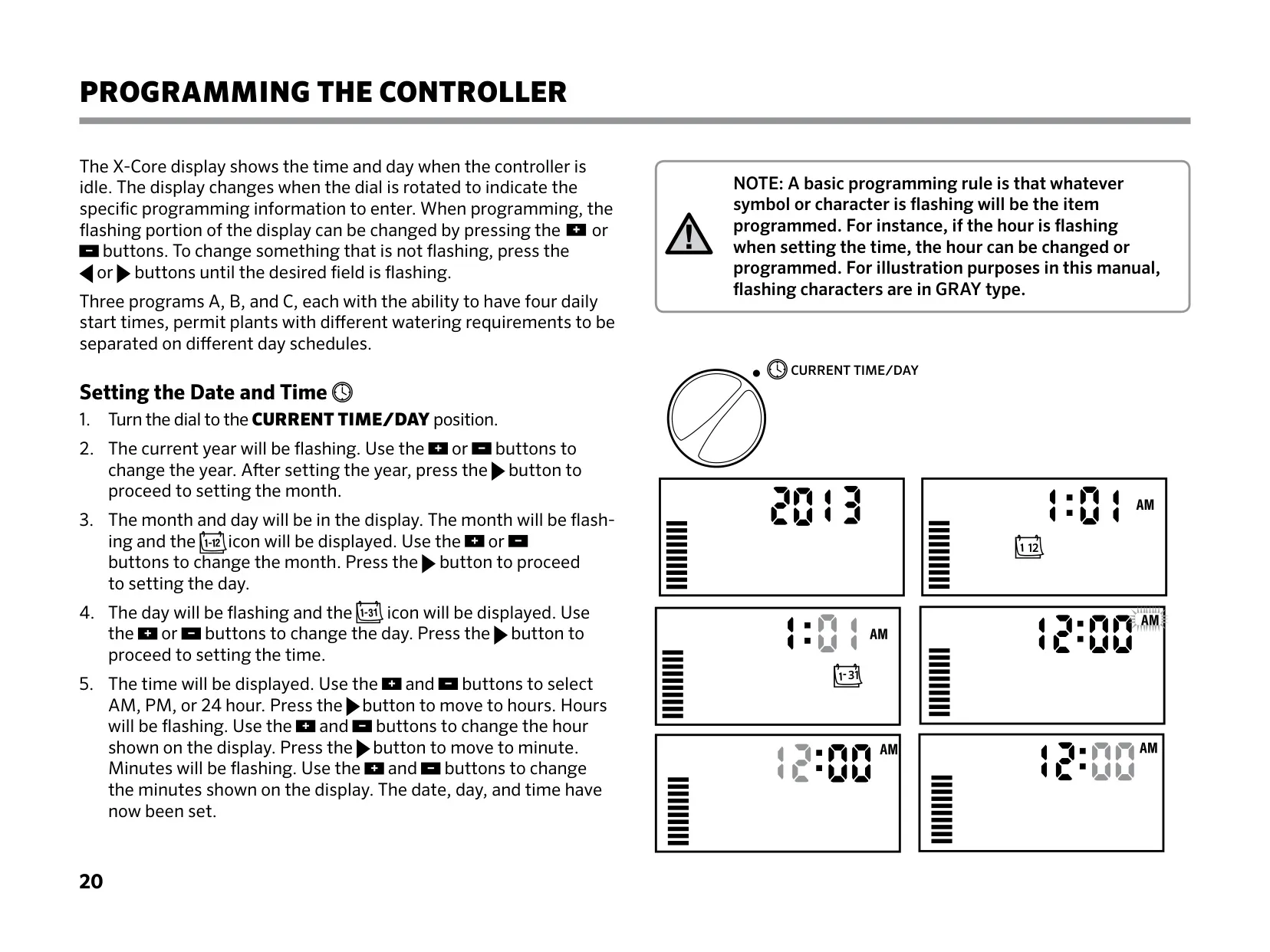
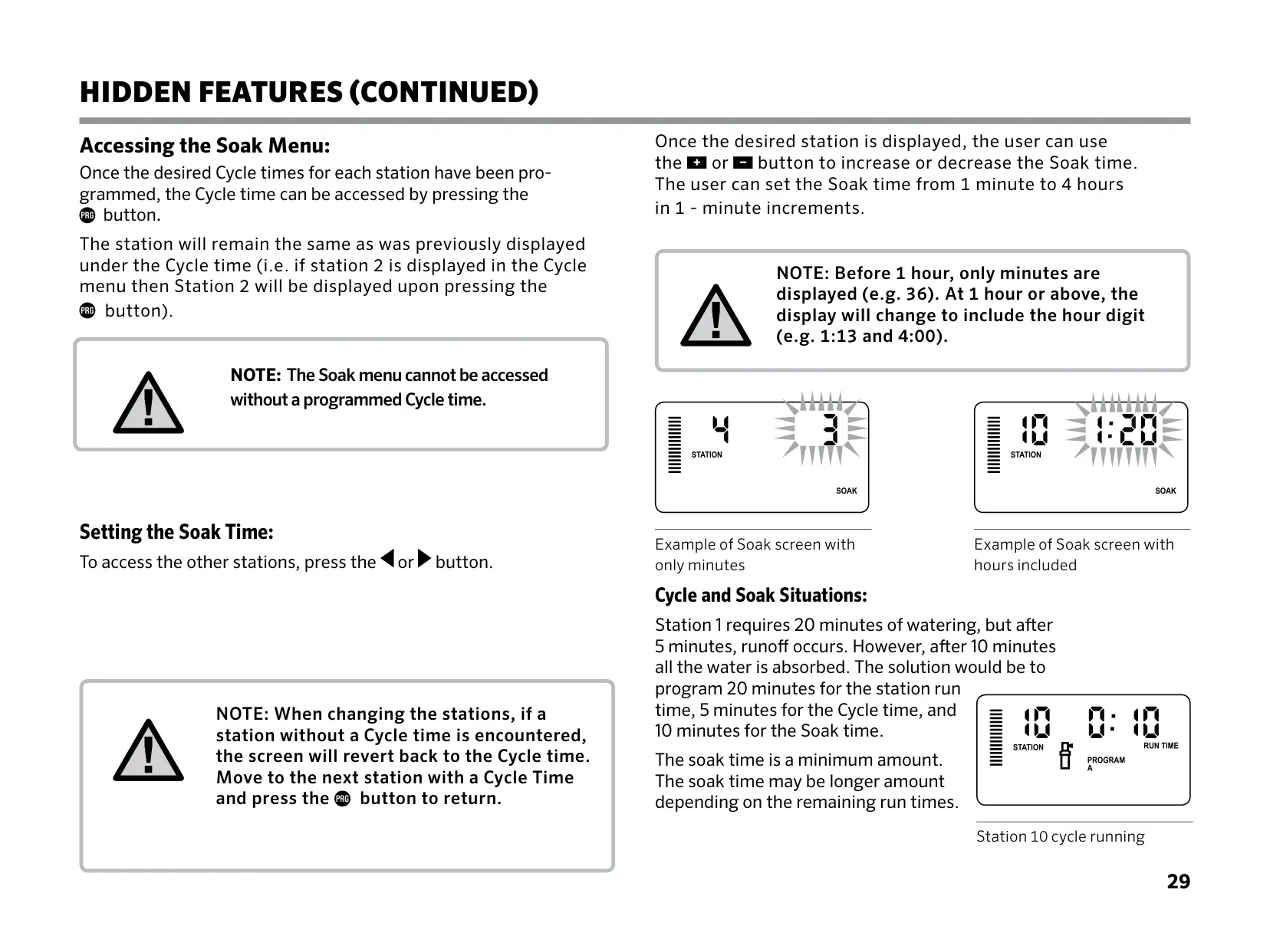
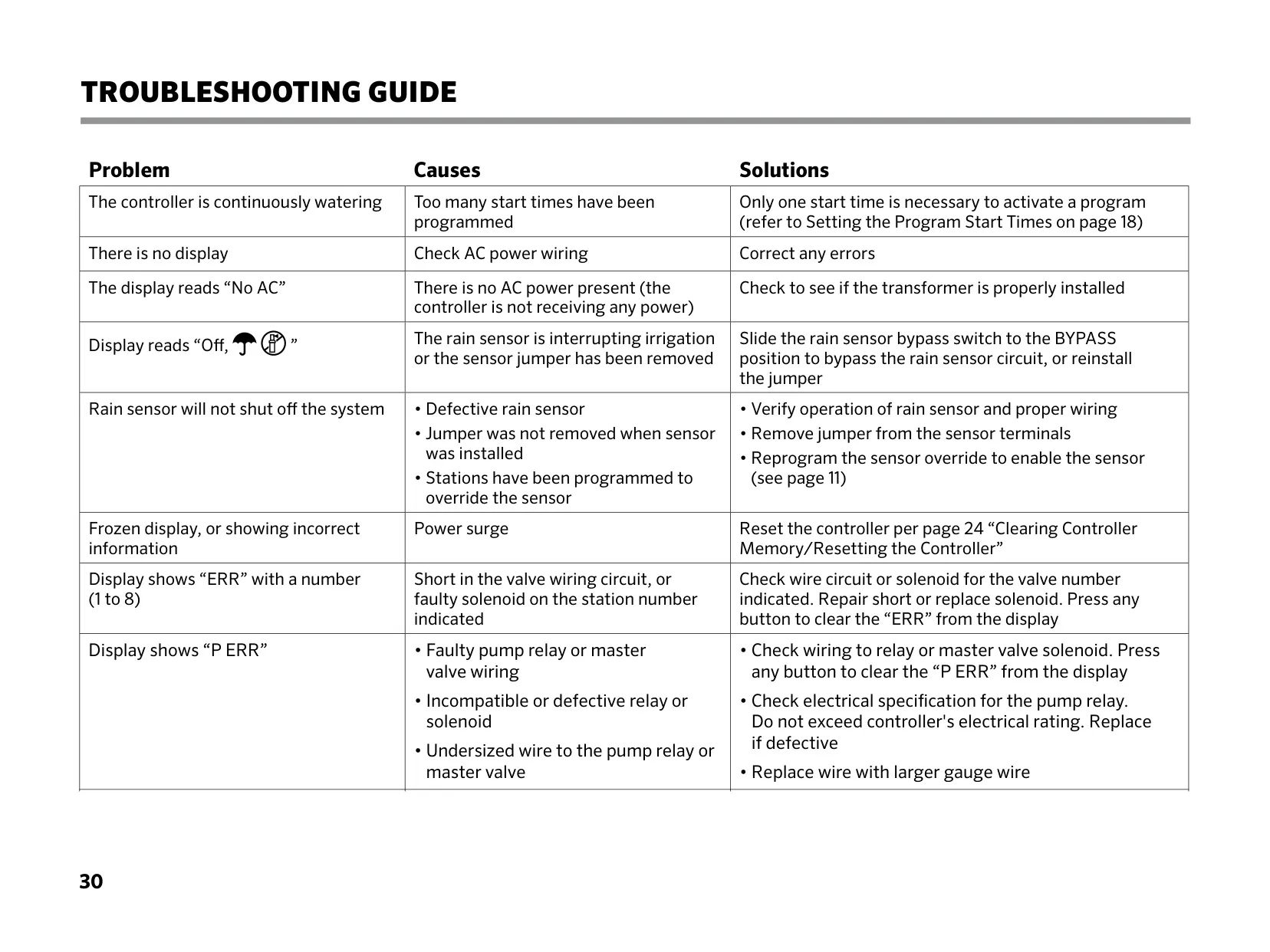
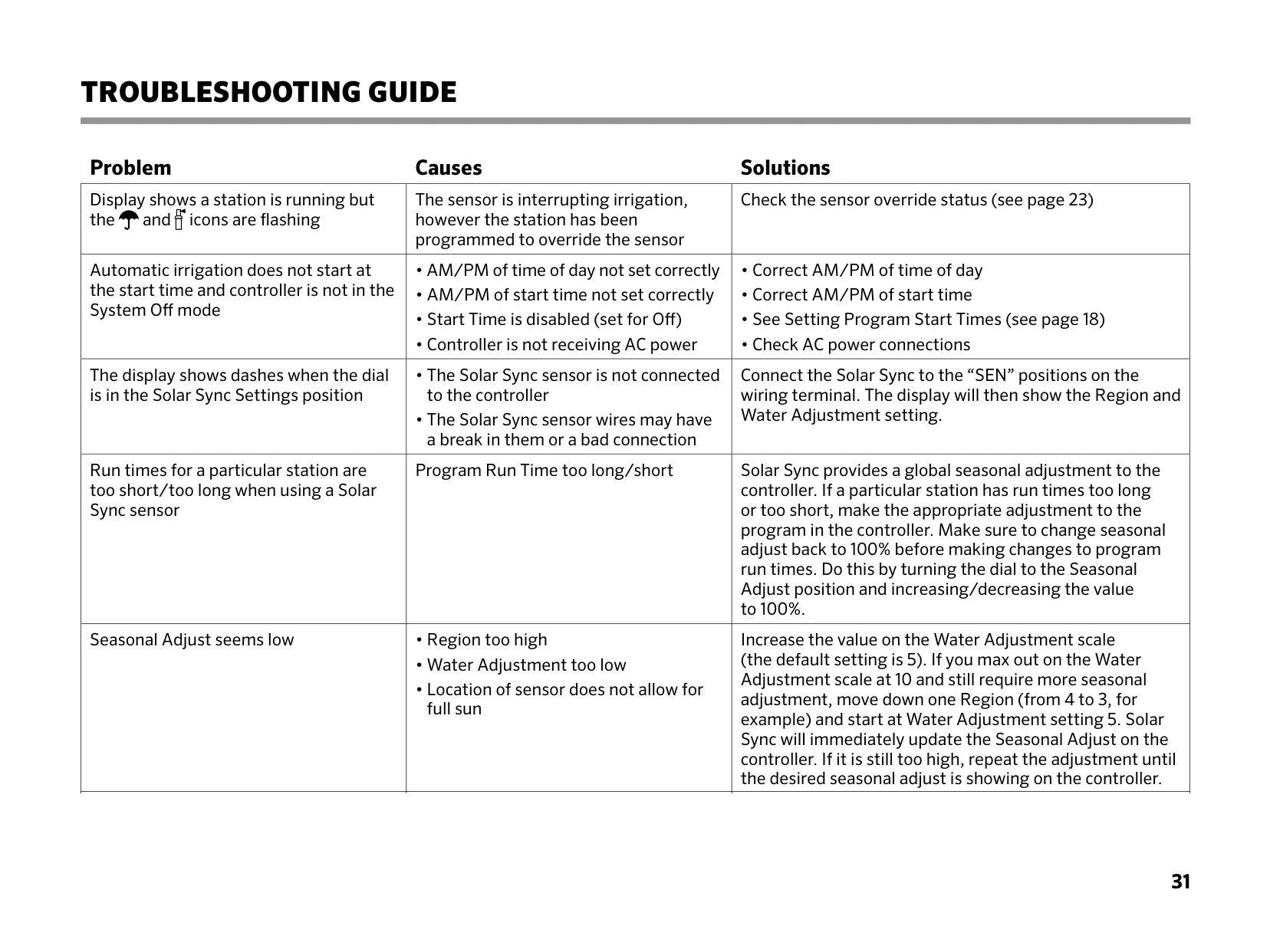
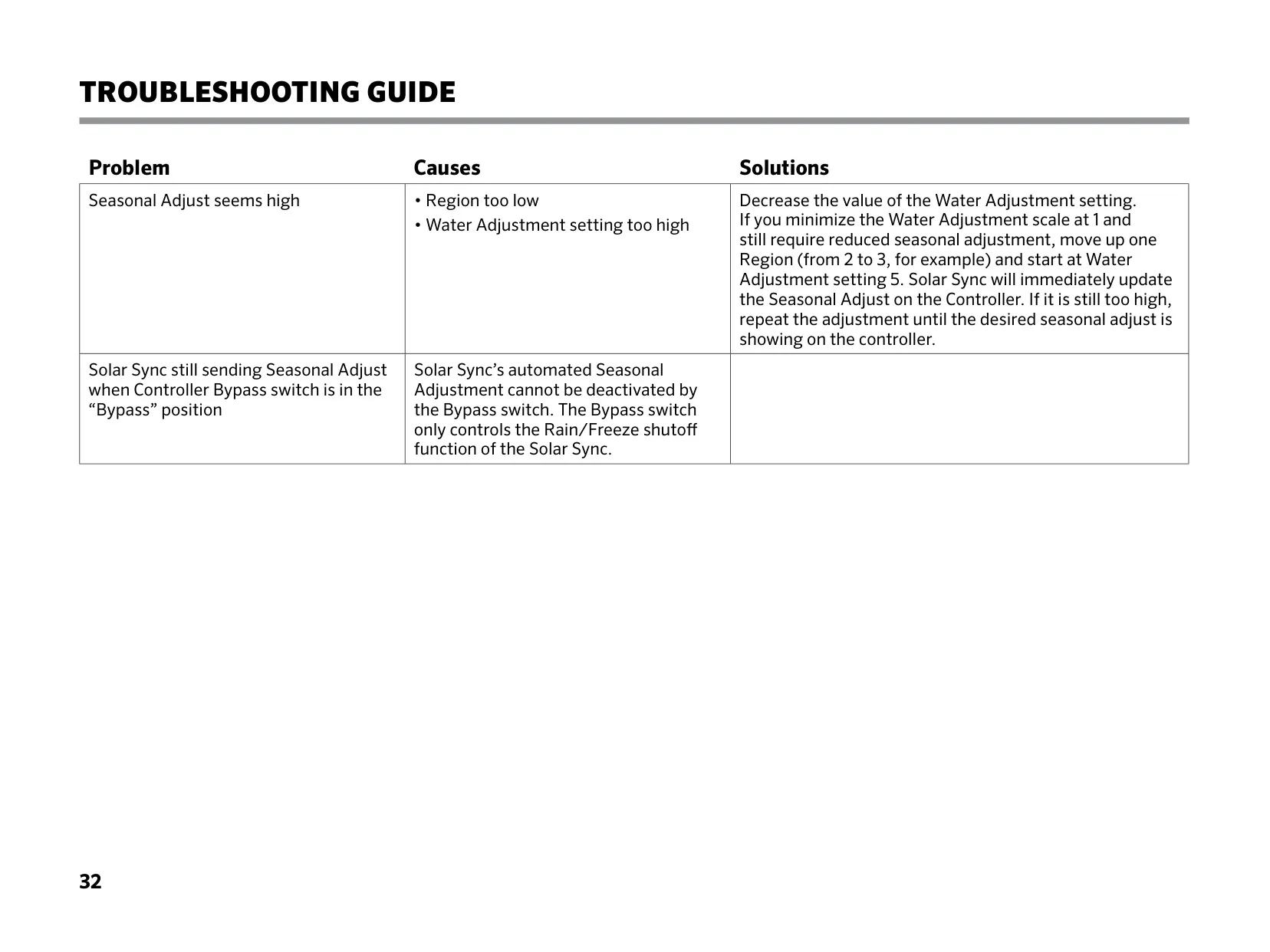




Hunter X-Core Irrigation Controller

Hunter X-Core Irrigation Controller
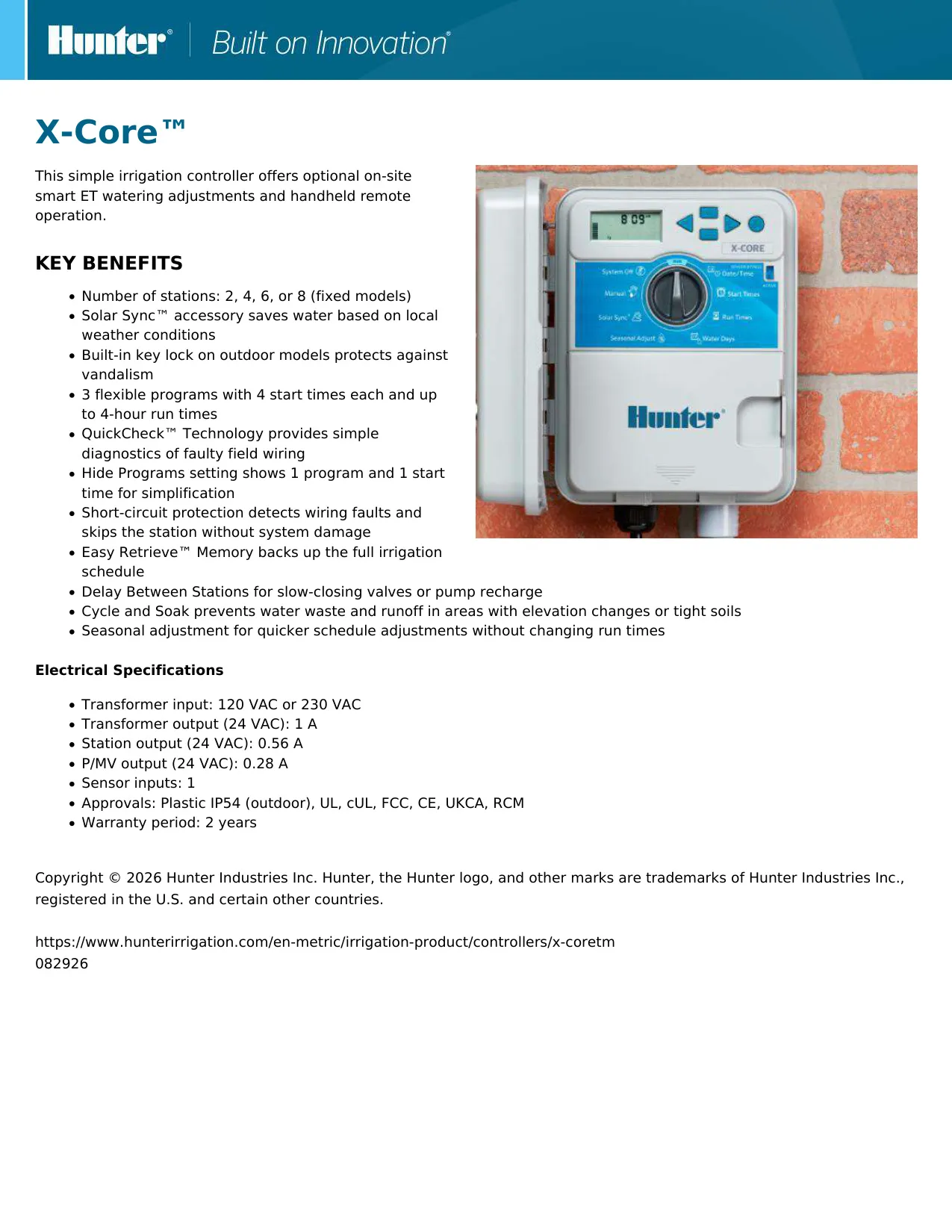
Hunter X-Core IC Instructions
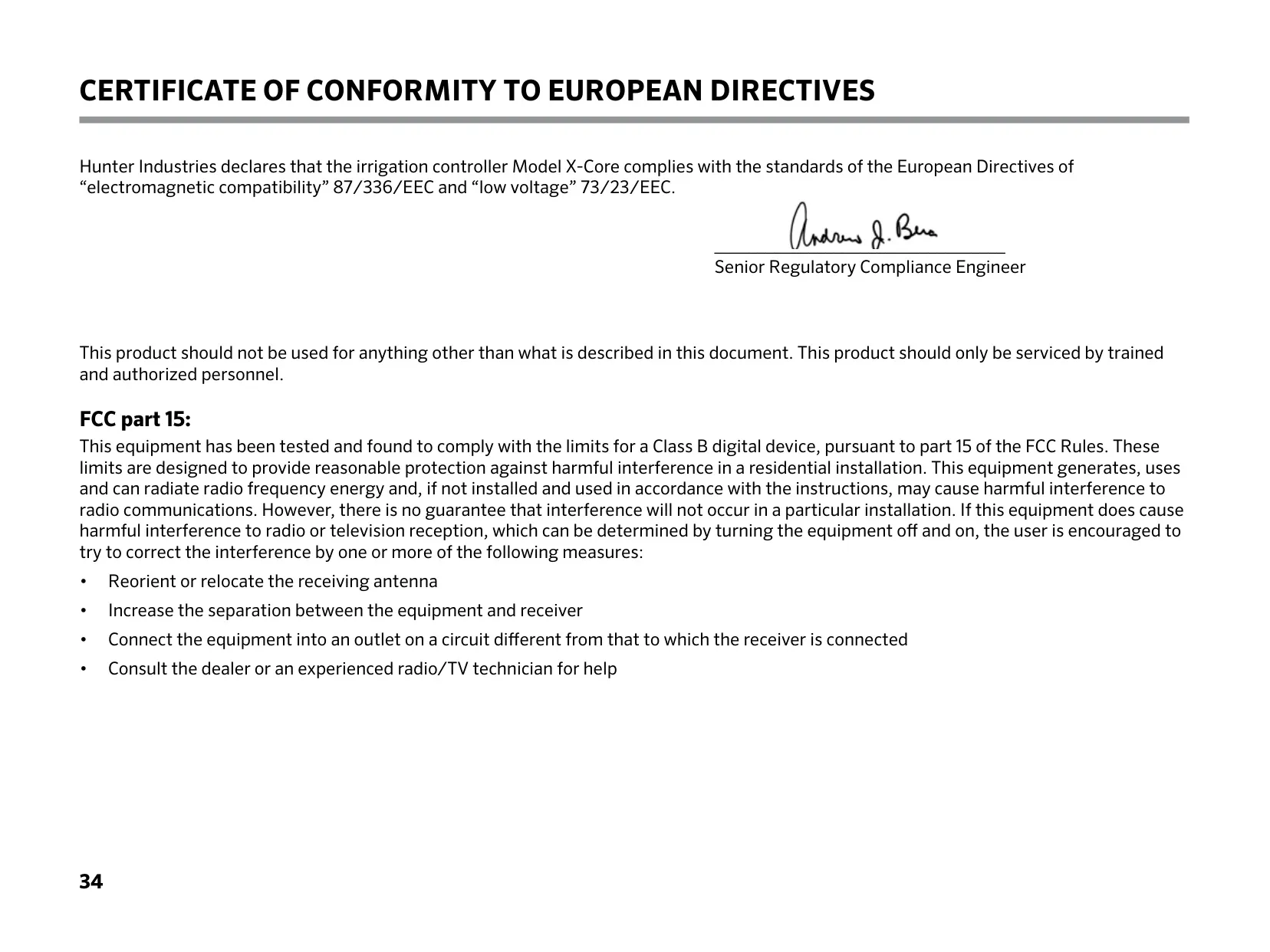
Here we offer the Hunter X-Core Irrigation Controller manual completely free and in English. We have cataloged this manual in the Irrigation Controllers section on Manualverse, and it has been rated by 1 users with an average rating of 5. If you have any specific questions about Hunter X-Core Irrigation Controller, we suggest checking the Frequently Asked Questions (FAQs) section of this manual.
Product Images
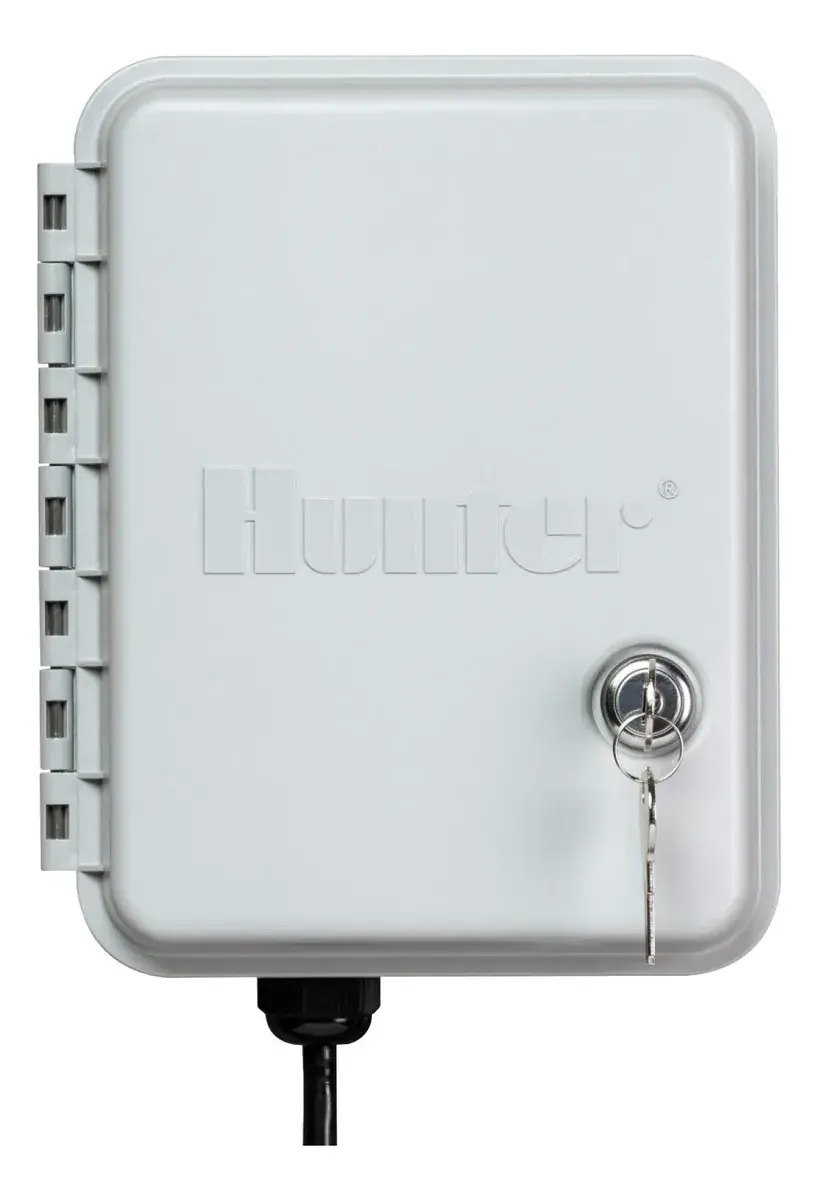
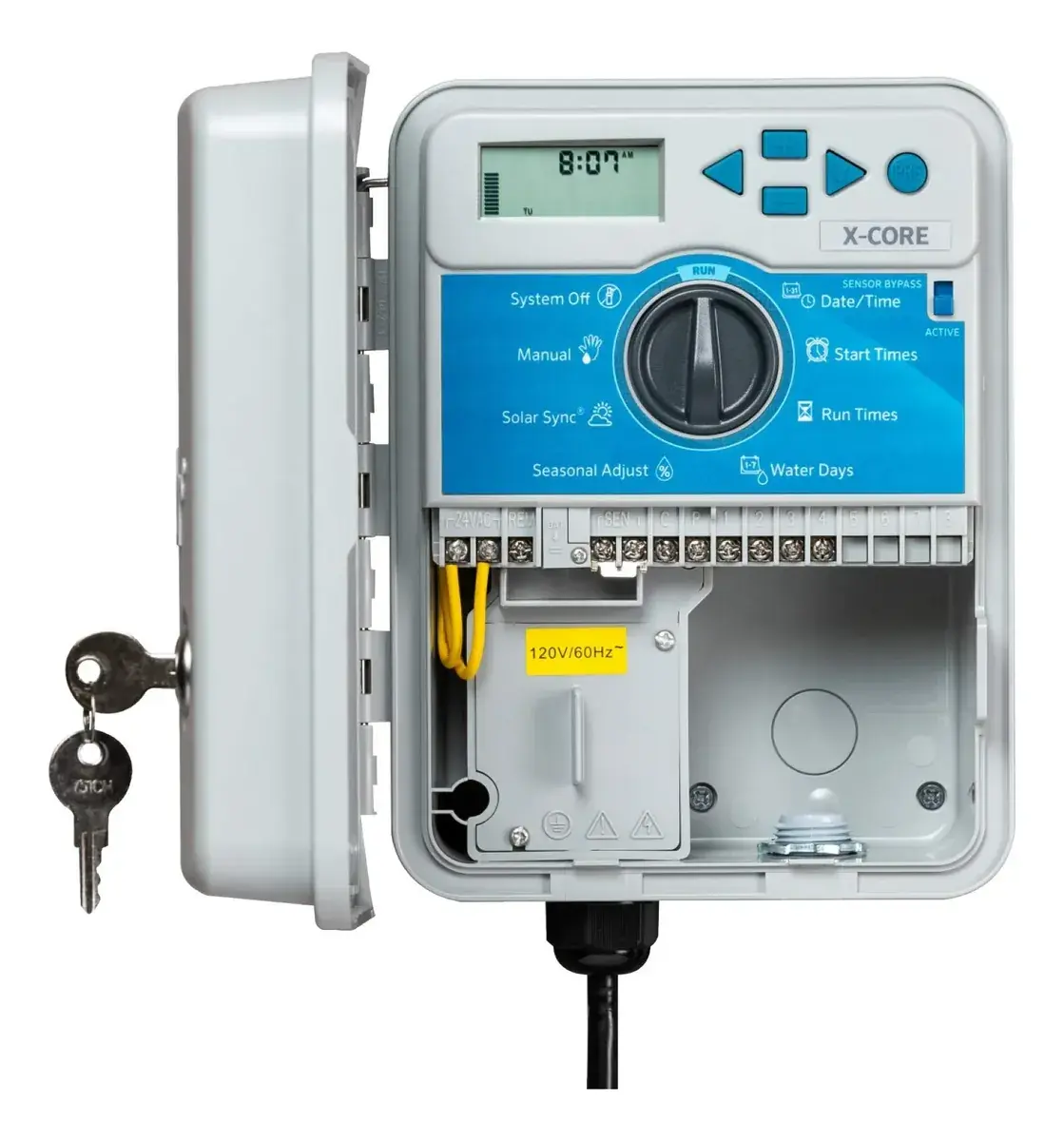
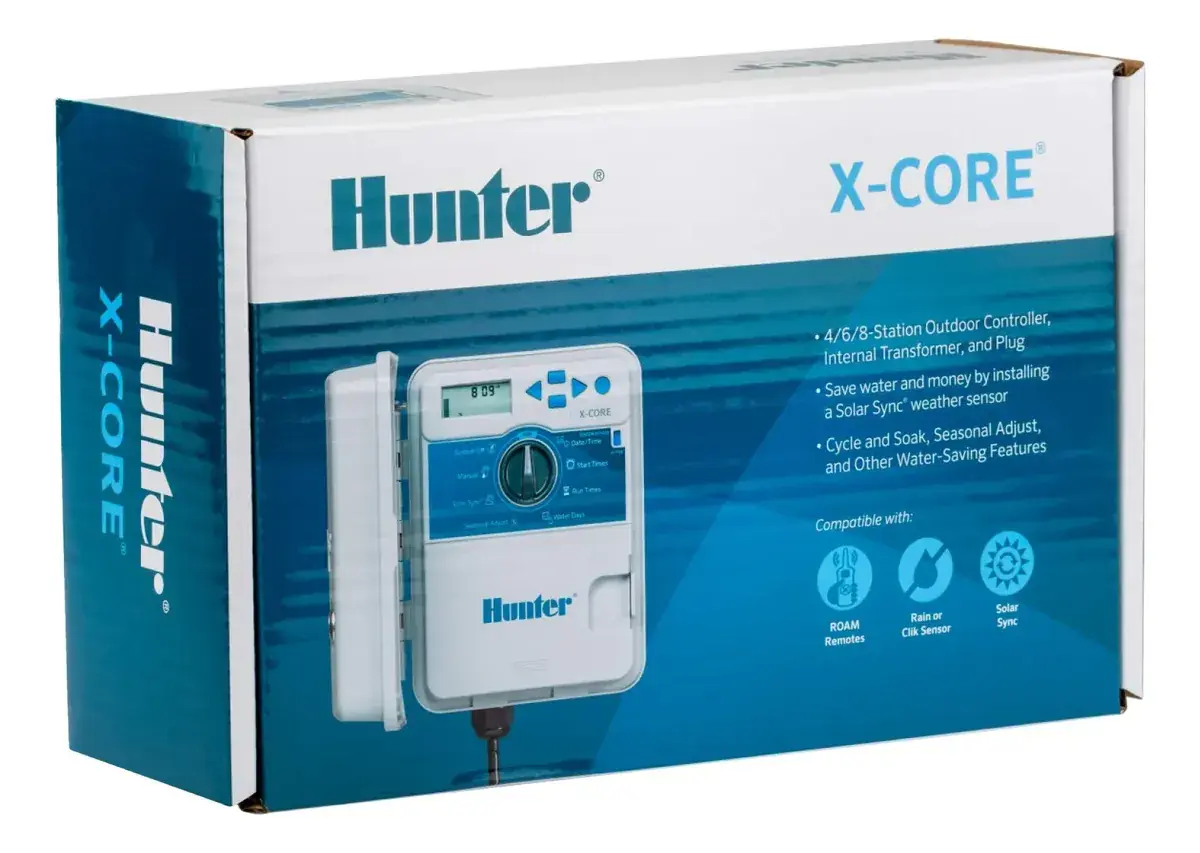
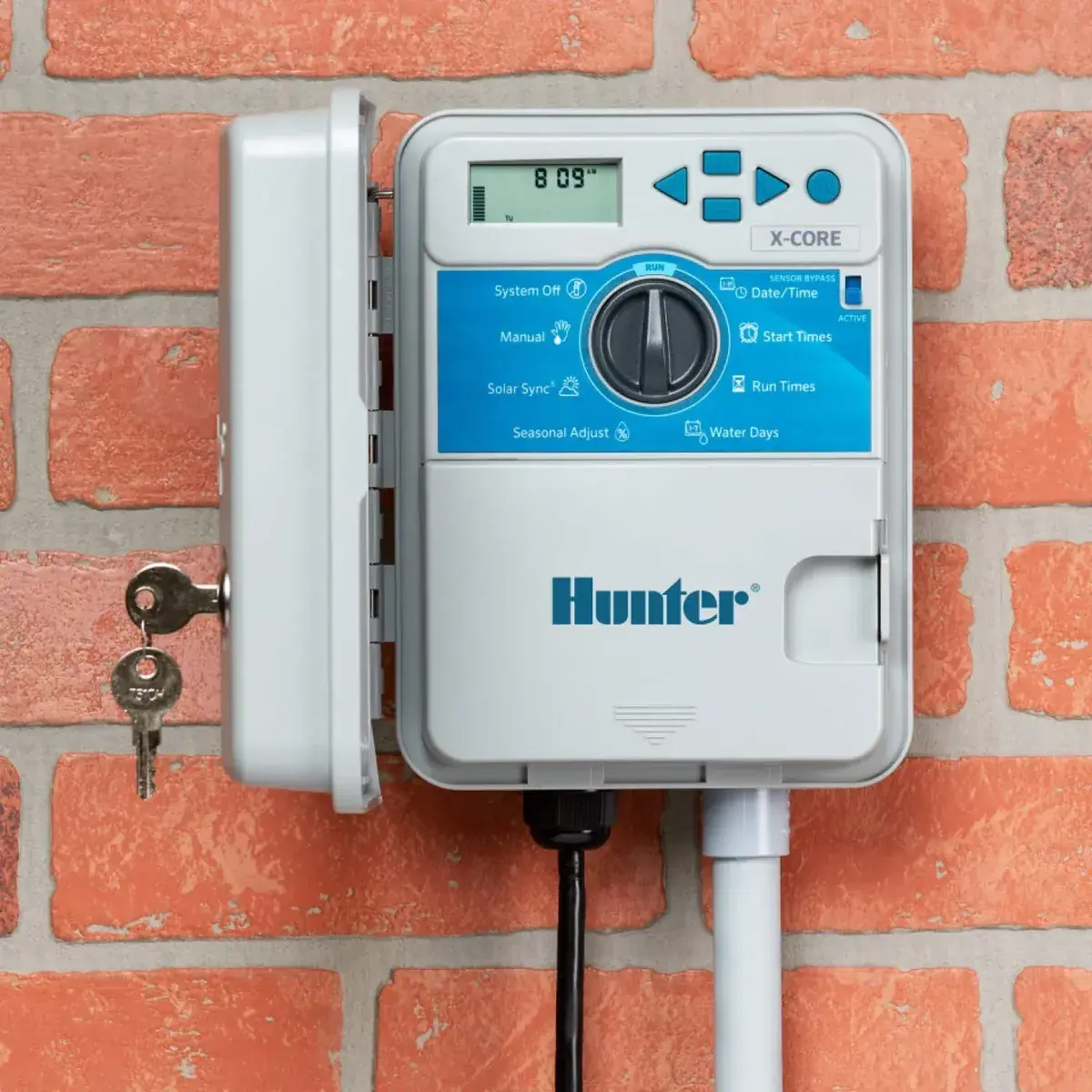
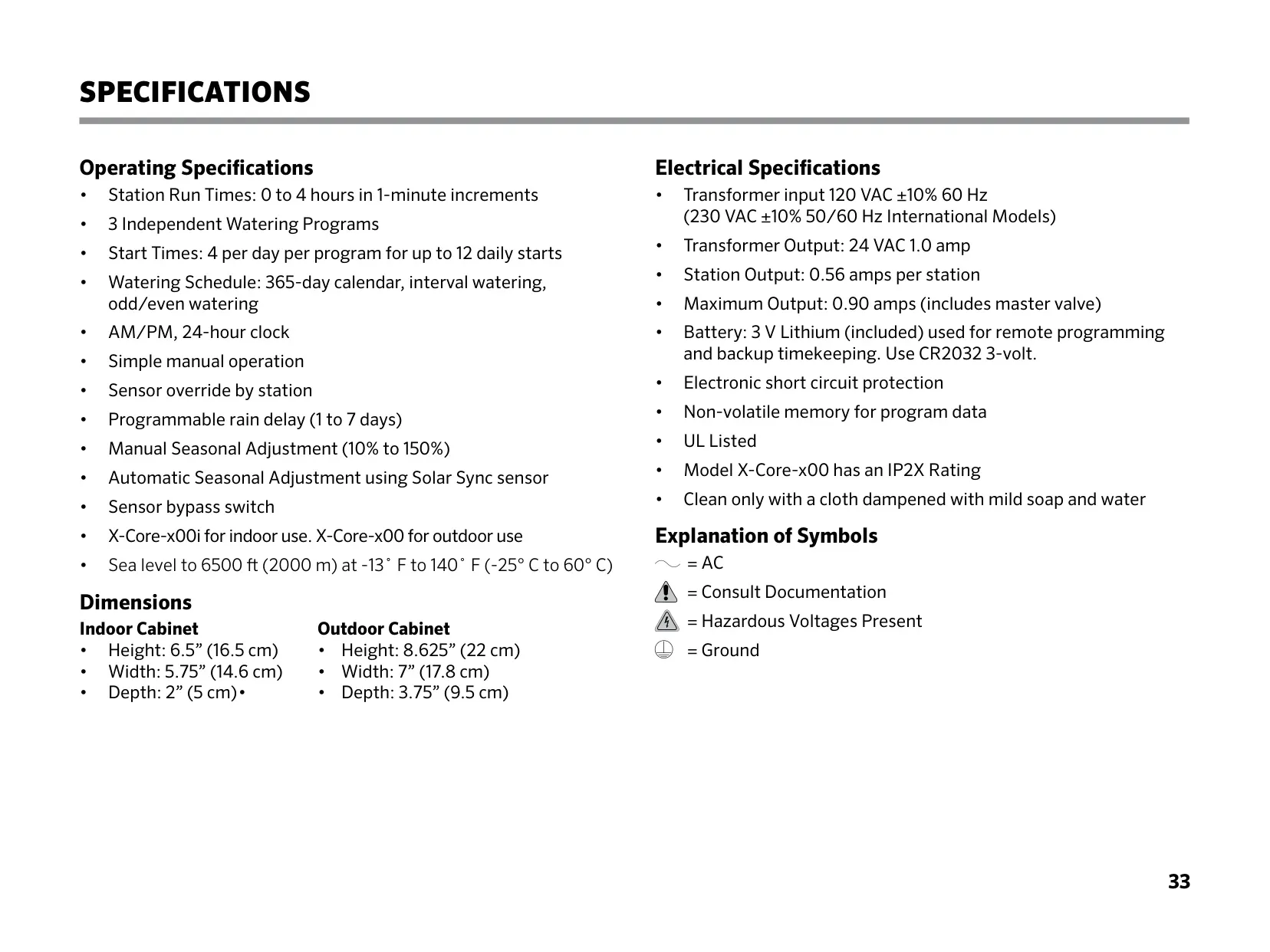
Hunter X-Core Irrigation Controller Specifications
| Specification Category | Detail |
|---|---|
| Model Variations | X-Core-x00i for indoor use, X-Core-x00 for outdoor use |
| Number of Stations | 2, 4, 6, or 8 (fixed models) |
| Independent Programs | 3 (A, B, C) |
| Start Times per Program | 4 per day (up to 12 daily starts total) |
| Station Run Times | 0 to 4 hours in 1-minute increments |
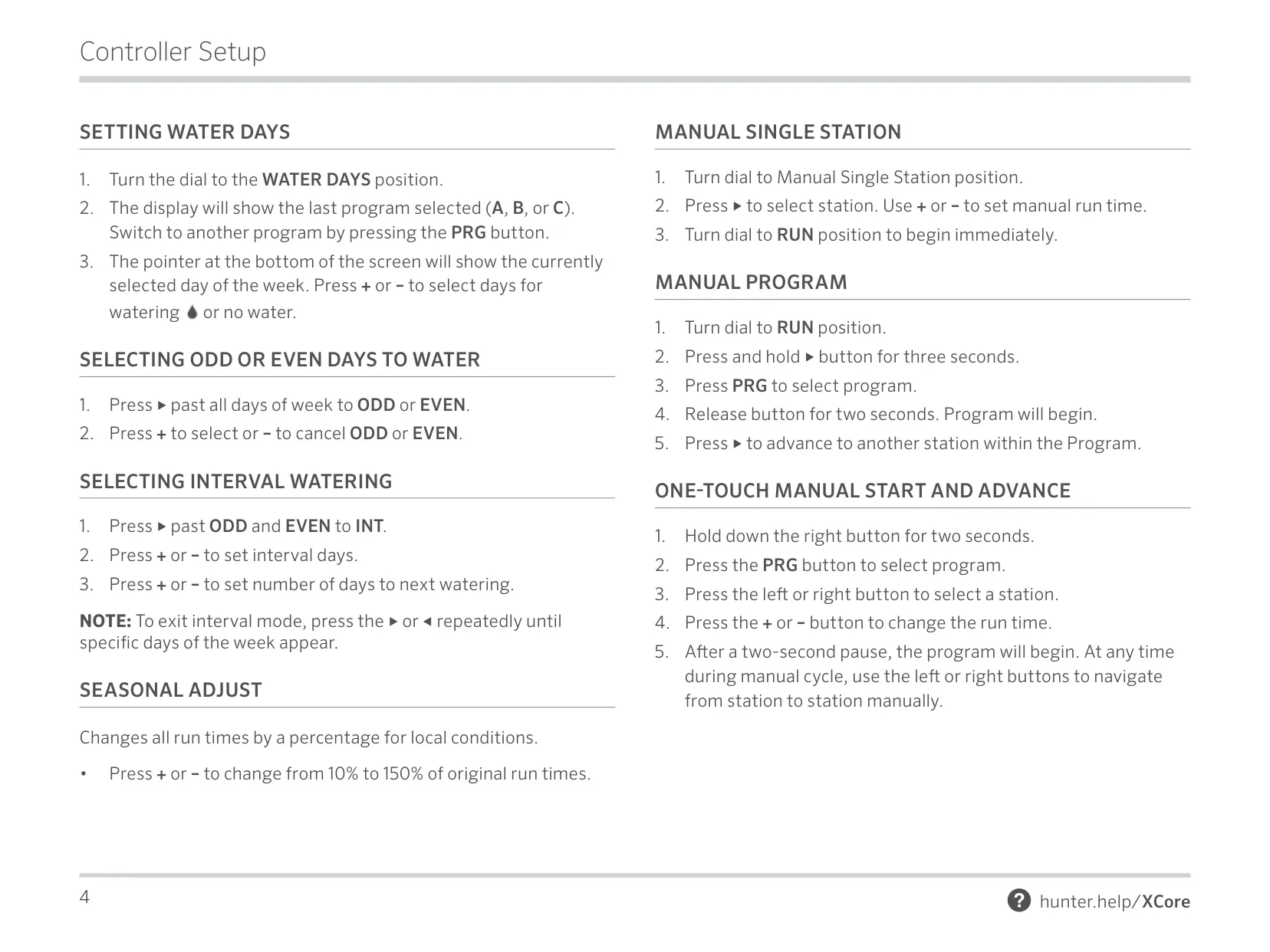
| Watering Schedule Options | 365-day calendar, interval watering, odd/even watering |
| Clock Format | AM/PM, 24-hour clock |
| Manual Operation | Simple one-touch manual start and advance |
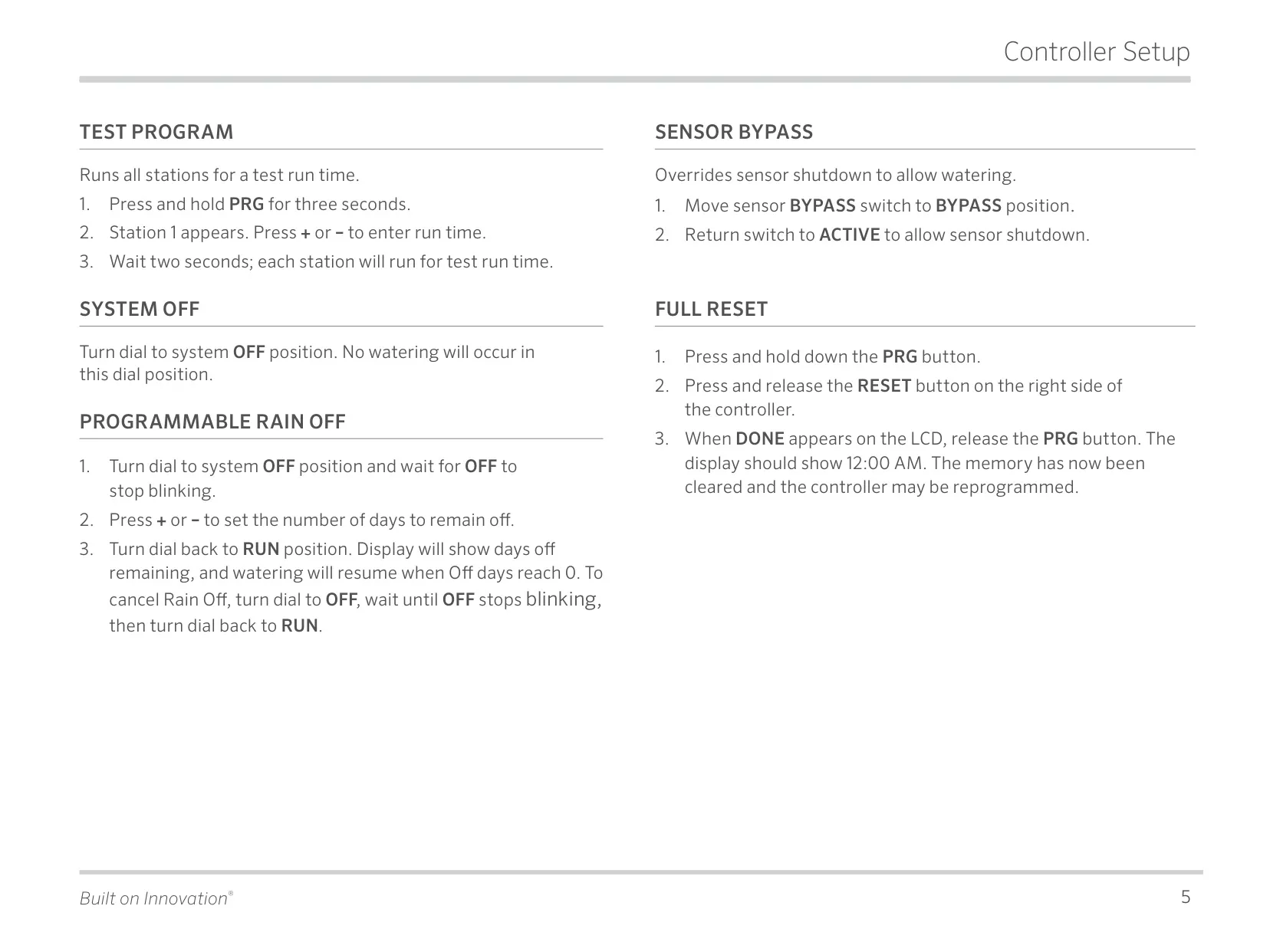
| Programmable Rain Delay | 1 to 7 days |
| Seasonal Adjustment | Manual (10% to 150%), Automatic (using Solar Sync sensor) |
| Sensor Compatibility | 1 sensor input (Hunter "Clik" weather sensors, Solar Sync ET sensor) |
| Sensor Bypass | Switch for manual override, Programmable override by station |
| Operating Temperature | -13˚ F to 140˚ F (-25° C to 60° C) |
| Operating Altitude | Sea level to 6500 ft (2000 m) |
| Transformer Input | 120 VAC ±10% 60 Hz (230 VAC ±10% 50/60 Hz for International Models) |
| Transformer Output | 24 VAC 1.0 amp |
| Station Output | 0.56 amps per station |
| Master Valve/Pump Start Output | 0.28 A |
| Maximum Output | 0.90 amps (includes master valve) |
| Battery | 3 V Lithium (CR2032 3-volt) for remote programming and backup timekeeping |
| Memory Type | Non-volatile memory for program data |
| Protection | Electronic short circuit protection |
| Approvals | Plastic IP54 (outdoor models), UL, cUL, FCC, CE, UKCA, RCM |
| Warranty Period | 2 years |
| Indoor Cabinet Dimensions | Height: 6.5” (16.5 cm), Width: 5.75” (14.6 cm), Depth: 2” (5 cm) |
| Outdoor Cabinet Dimensions | Height: 8.625” (22 cm), Width: 7” (17.8 cm), Depth: 3.75” (9.5 cm) |
Hunter X-Core Irrigation Controller Details
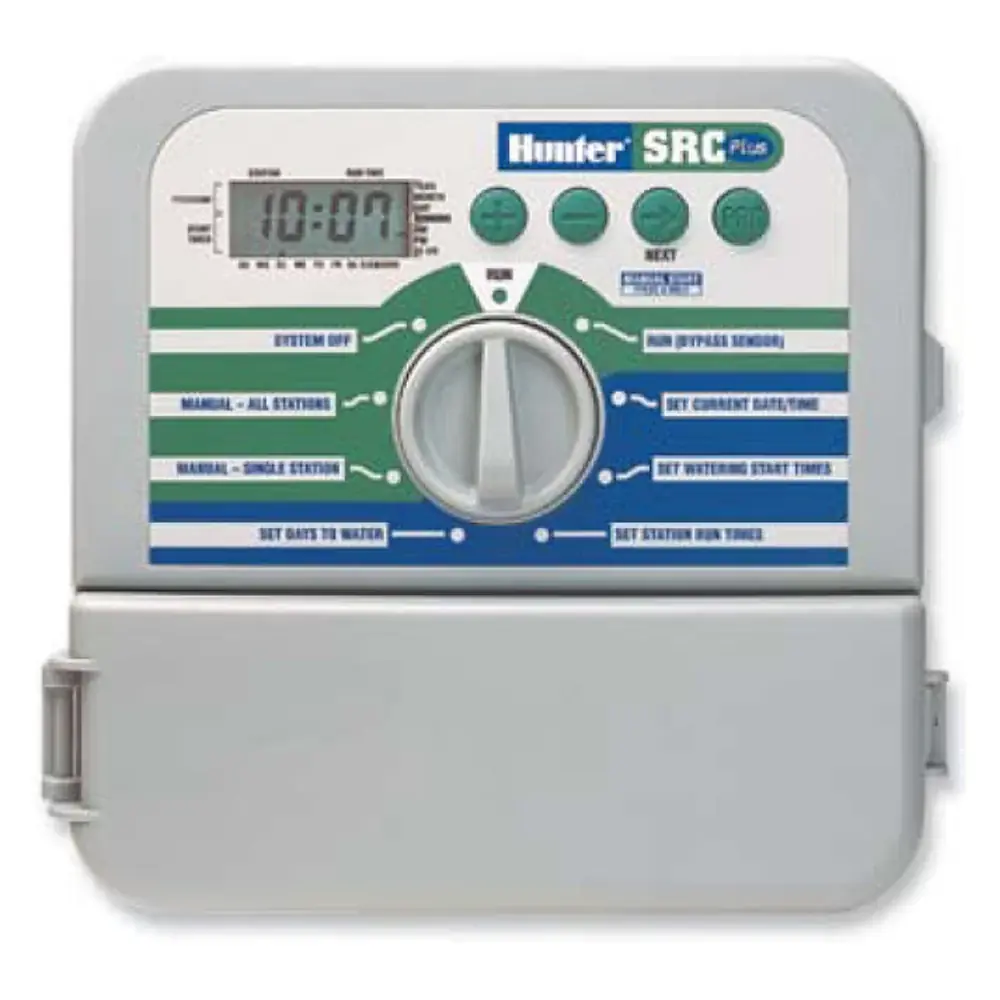
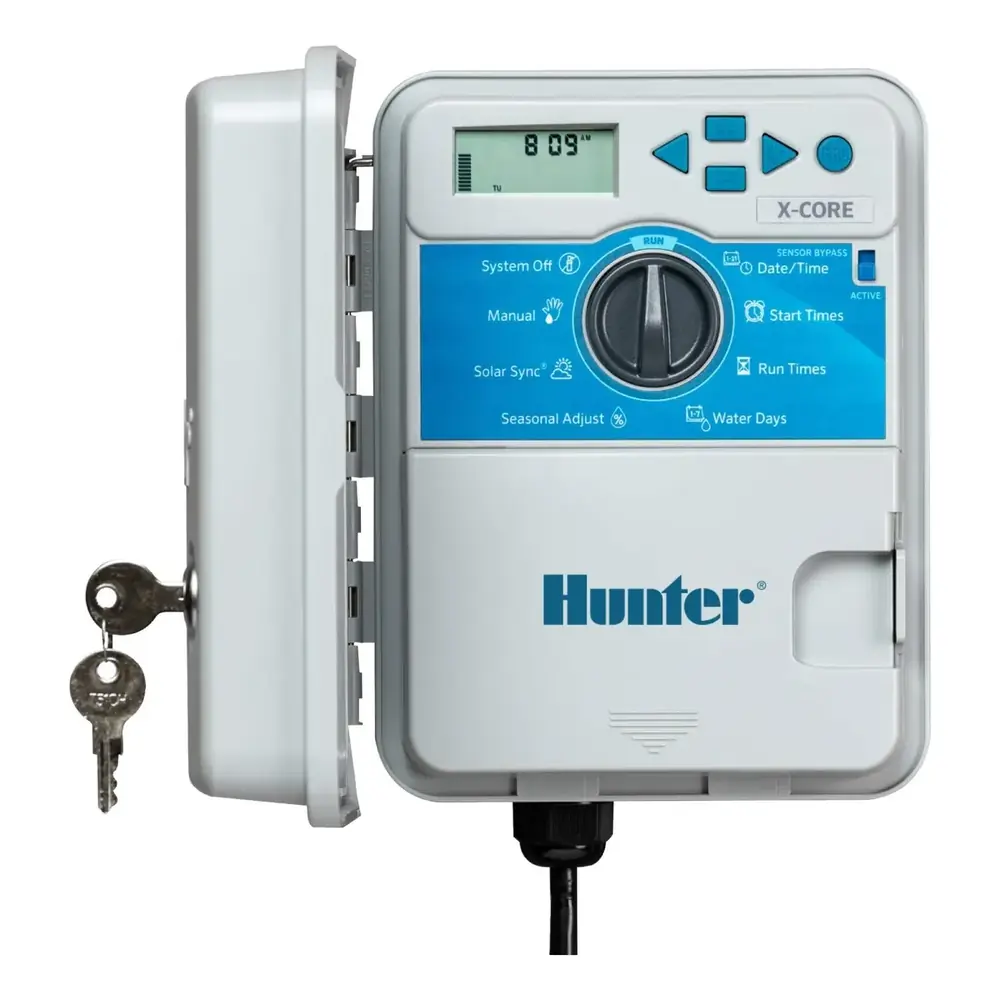
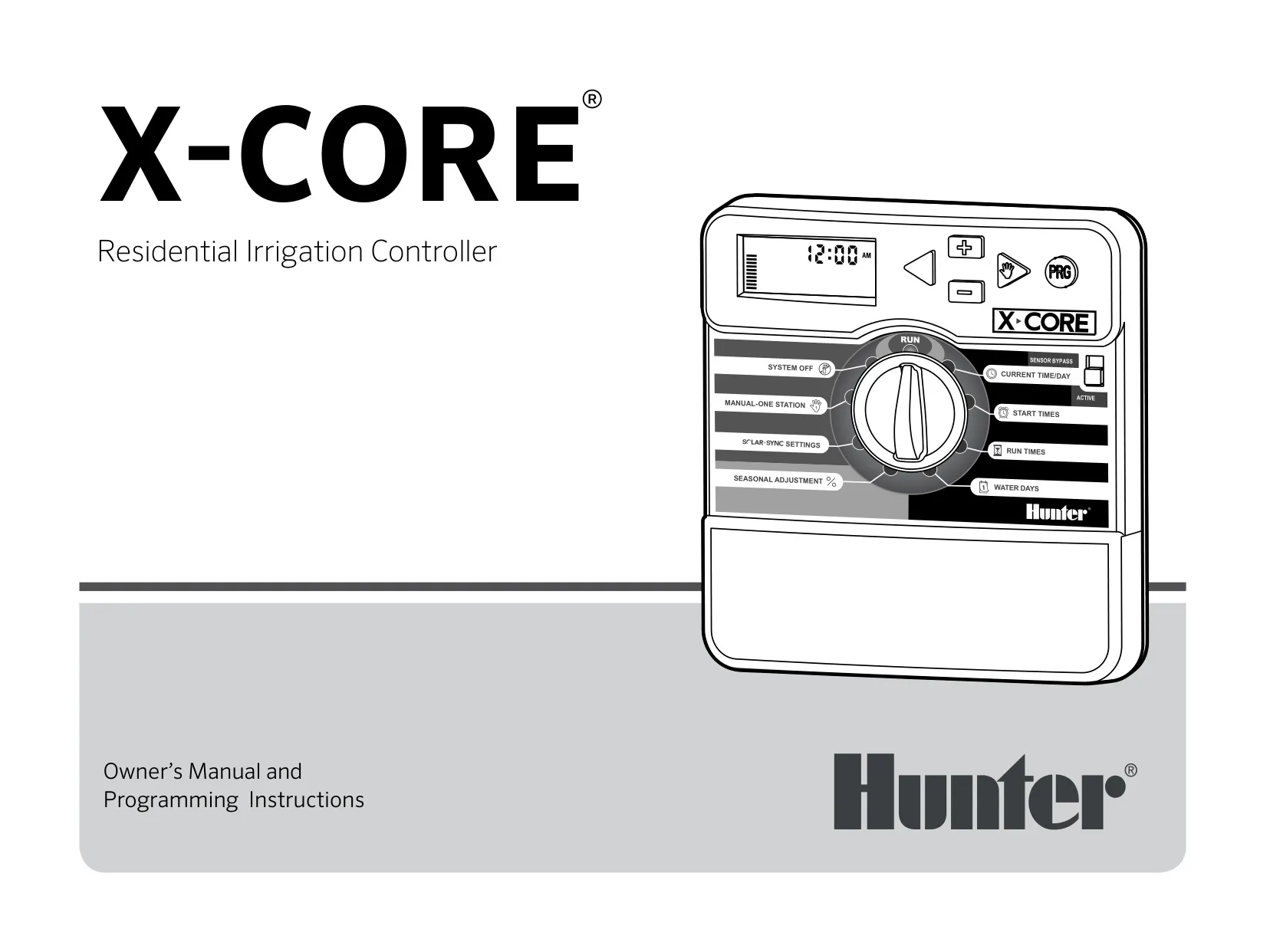
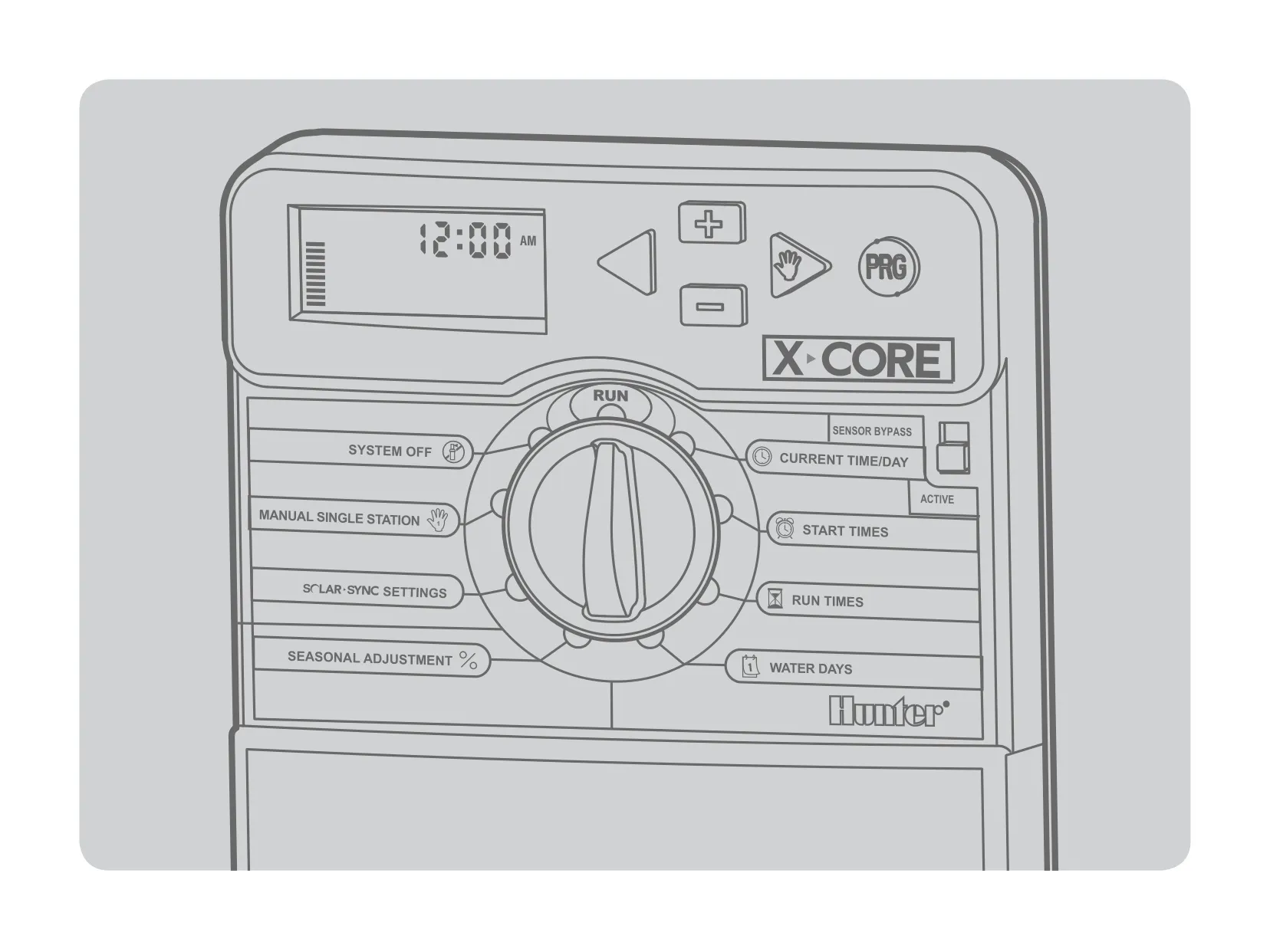
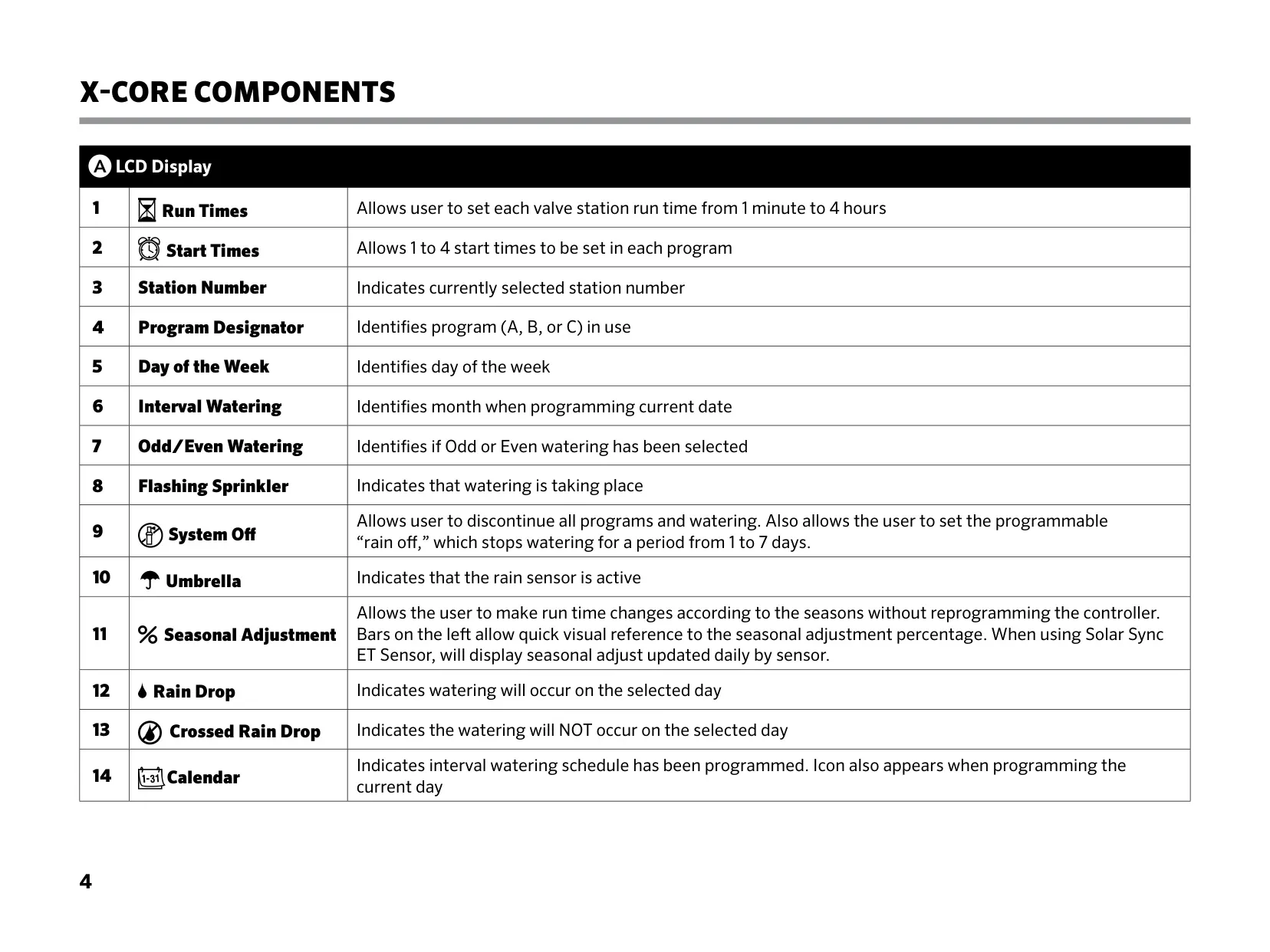
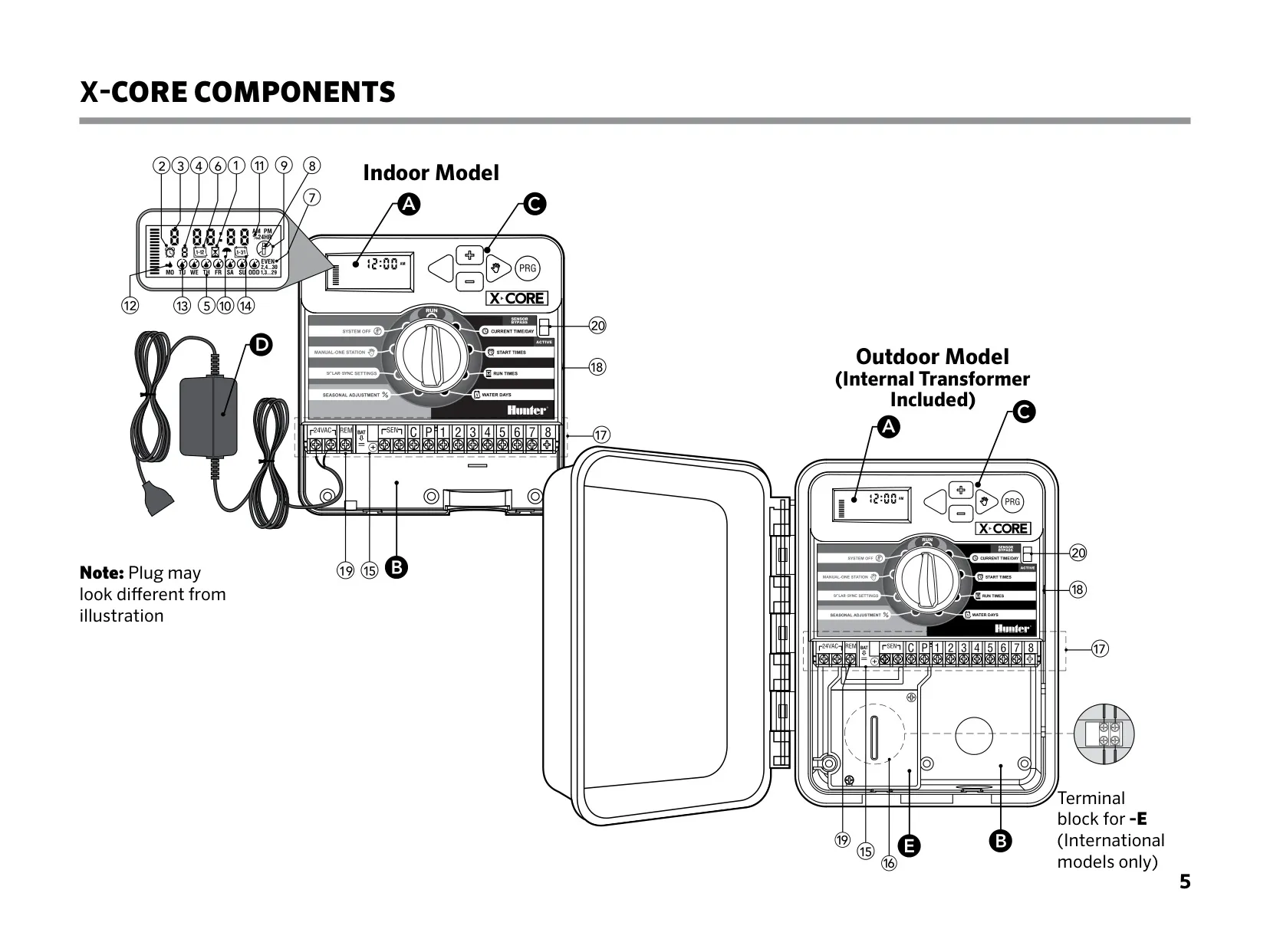
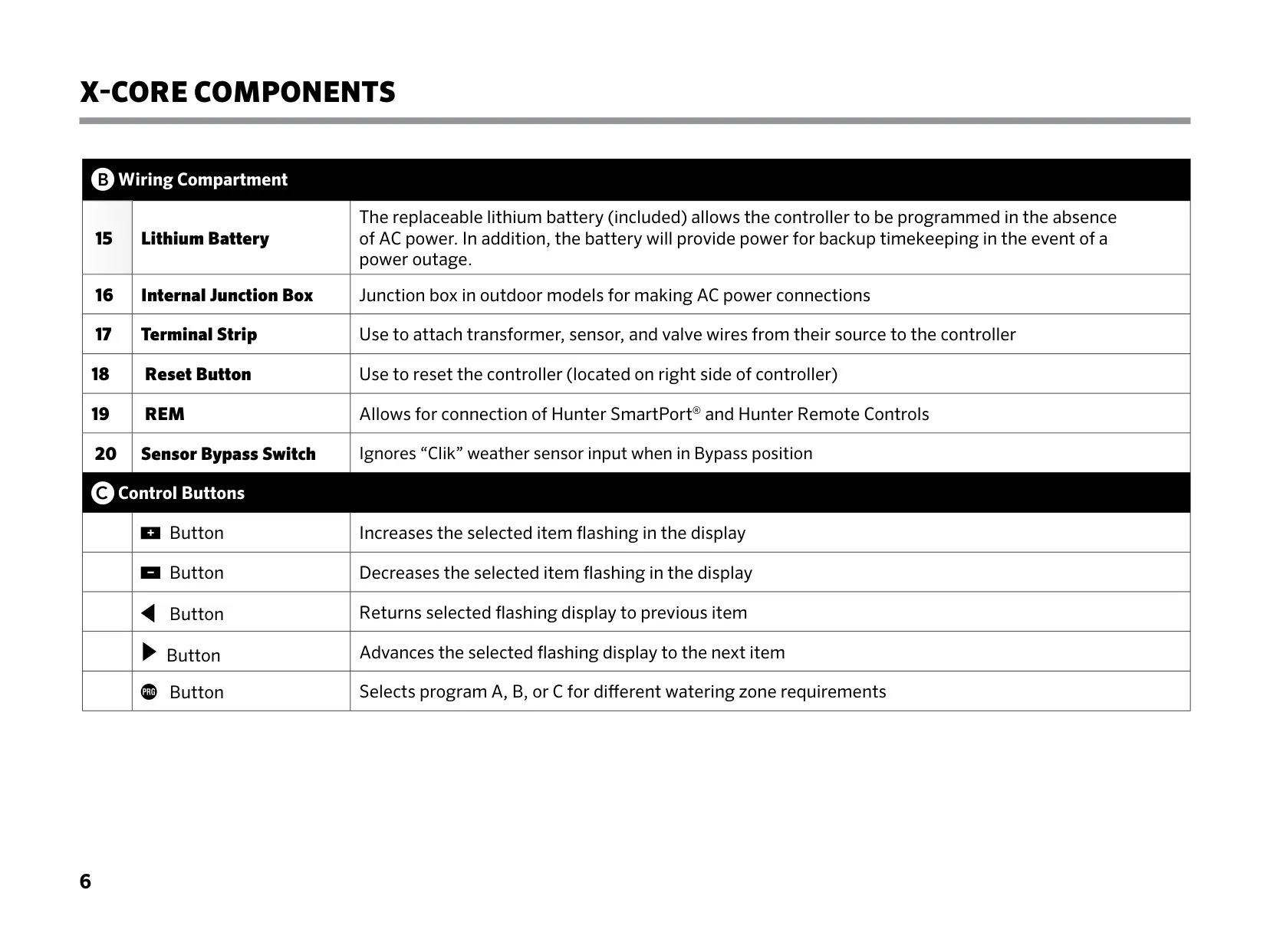
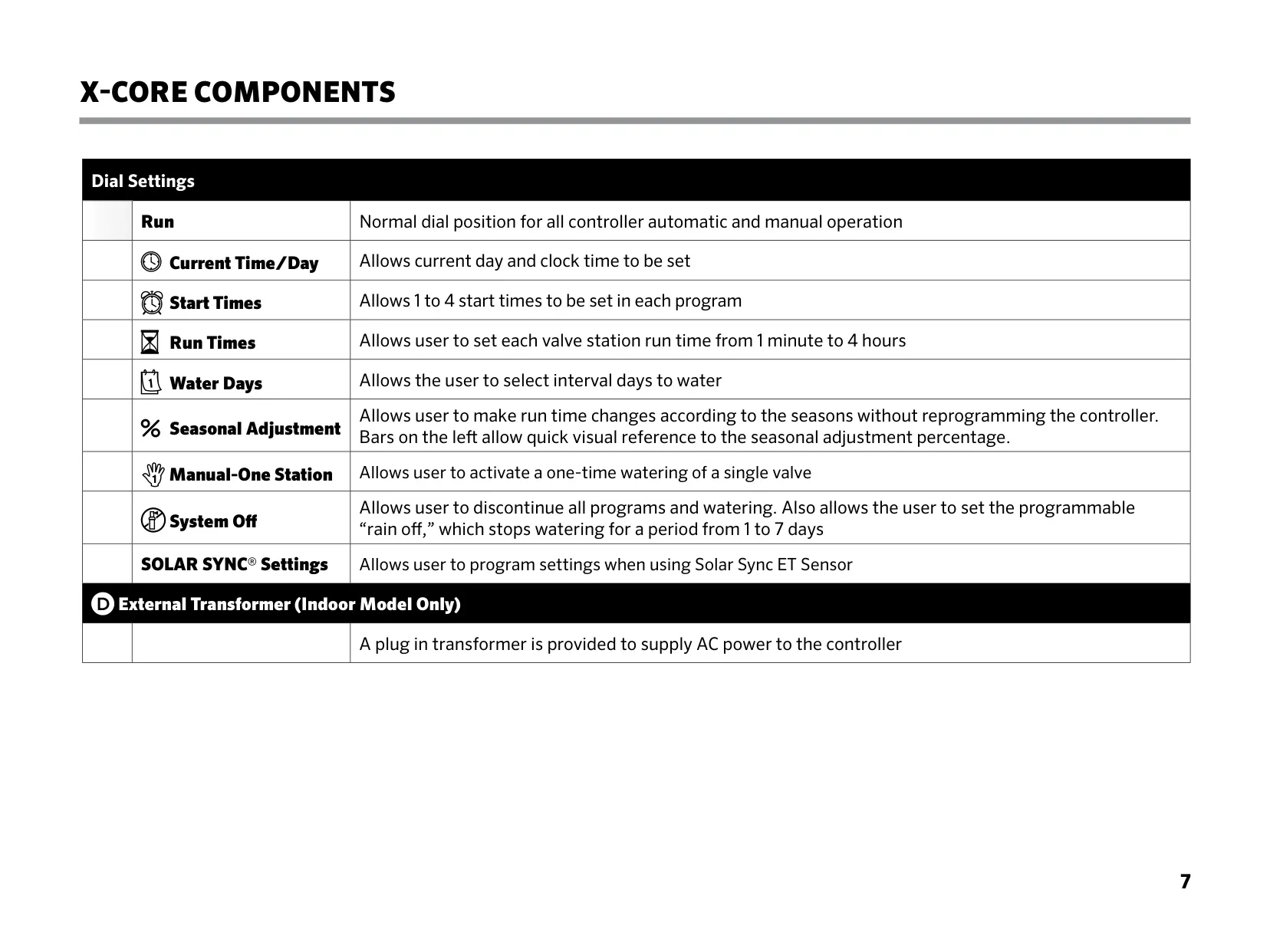
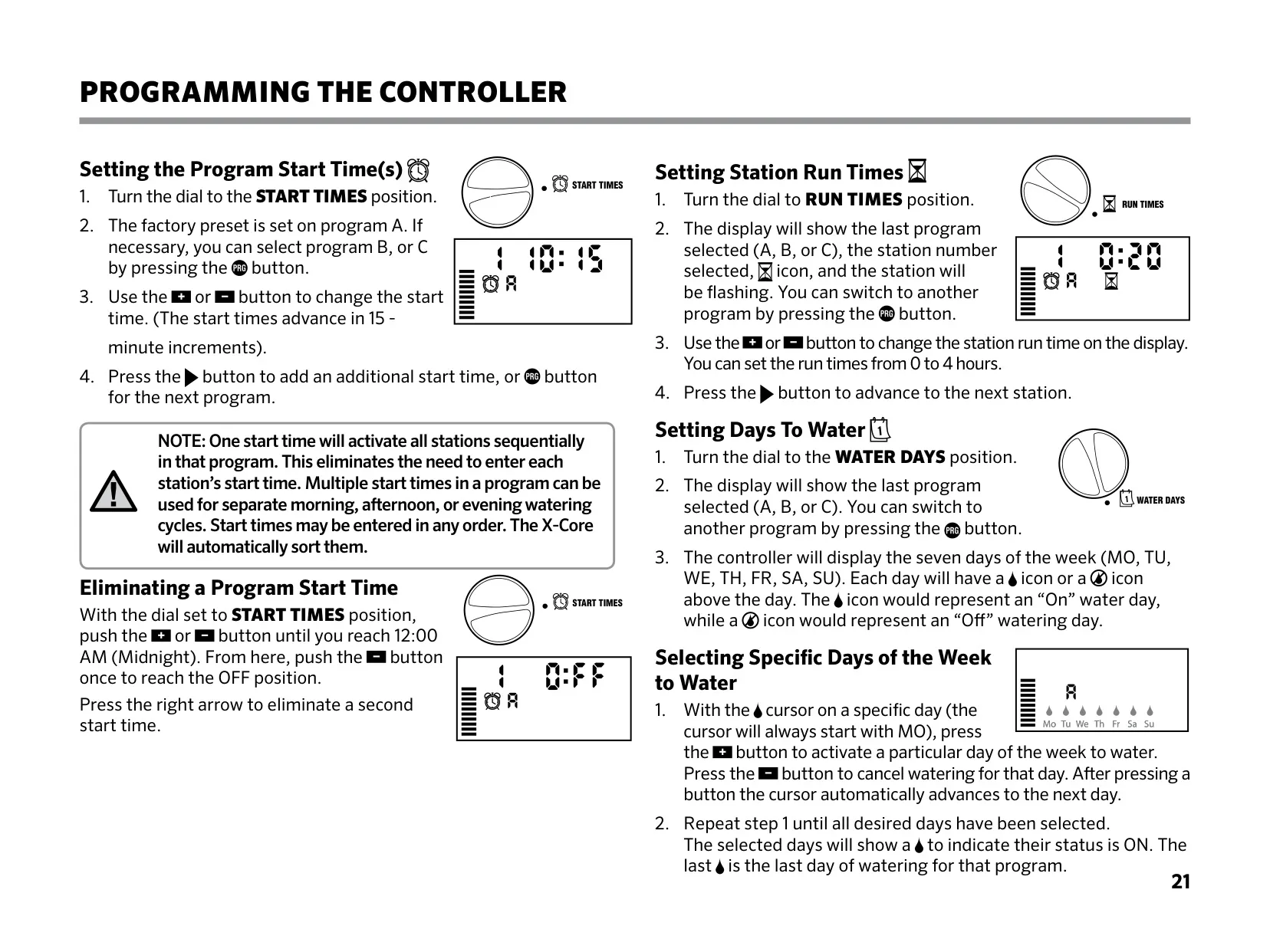
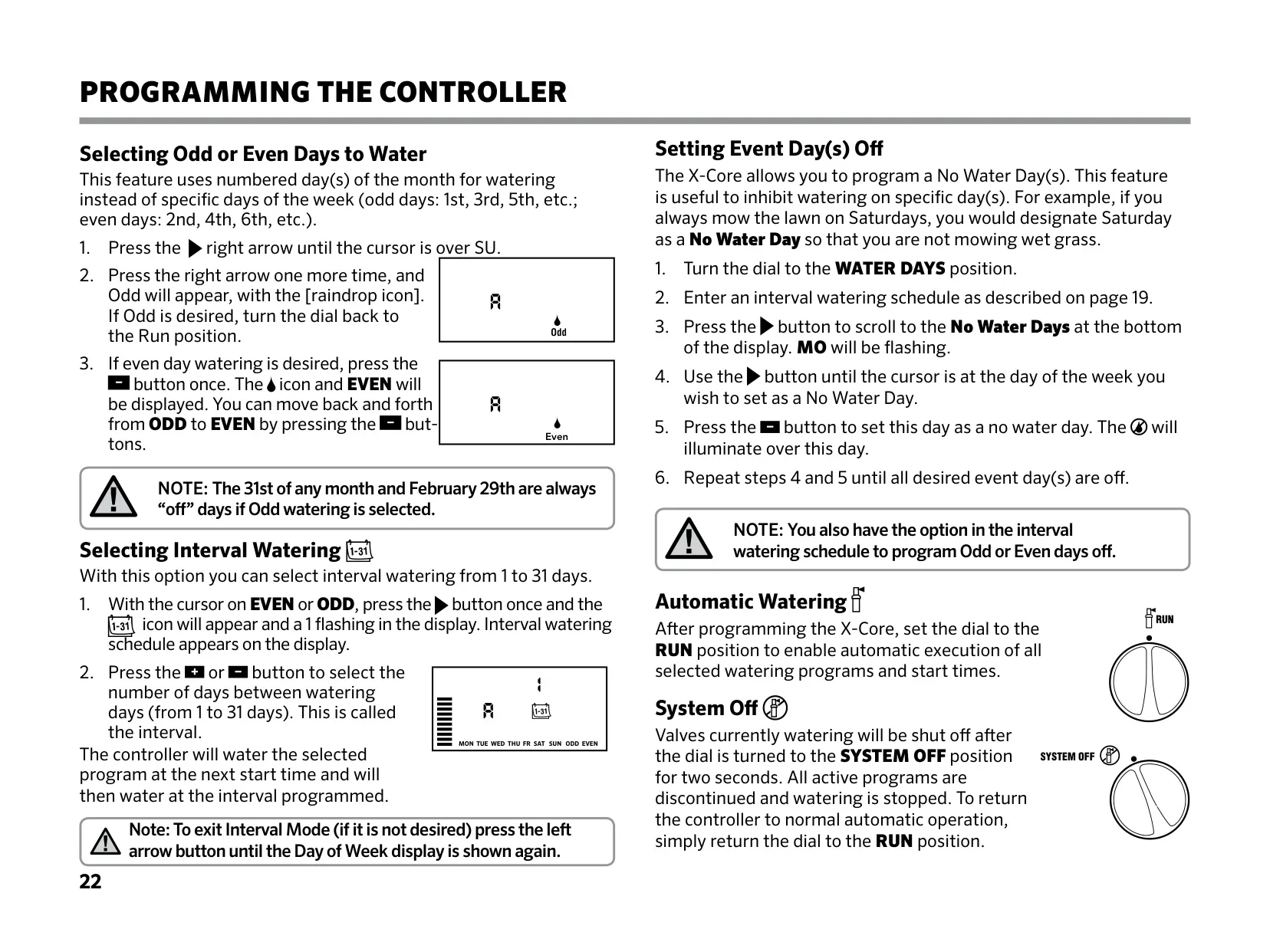
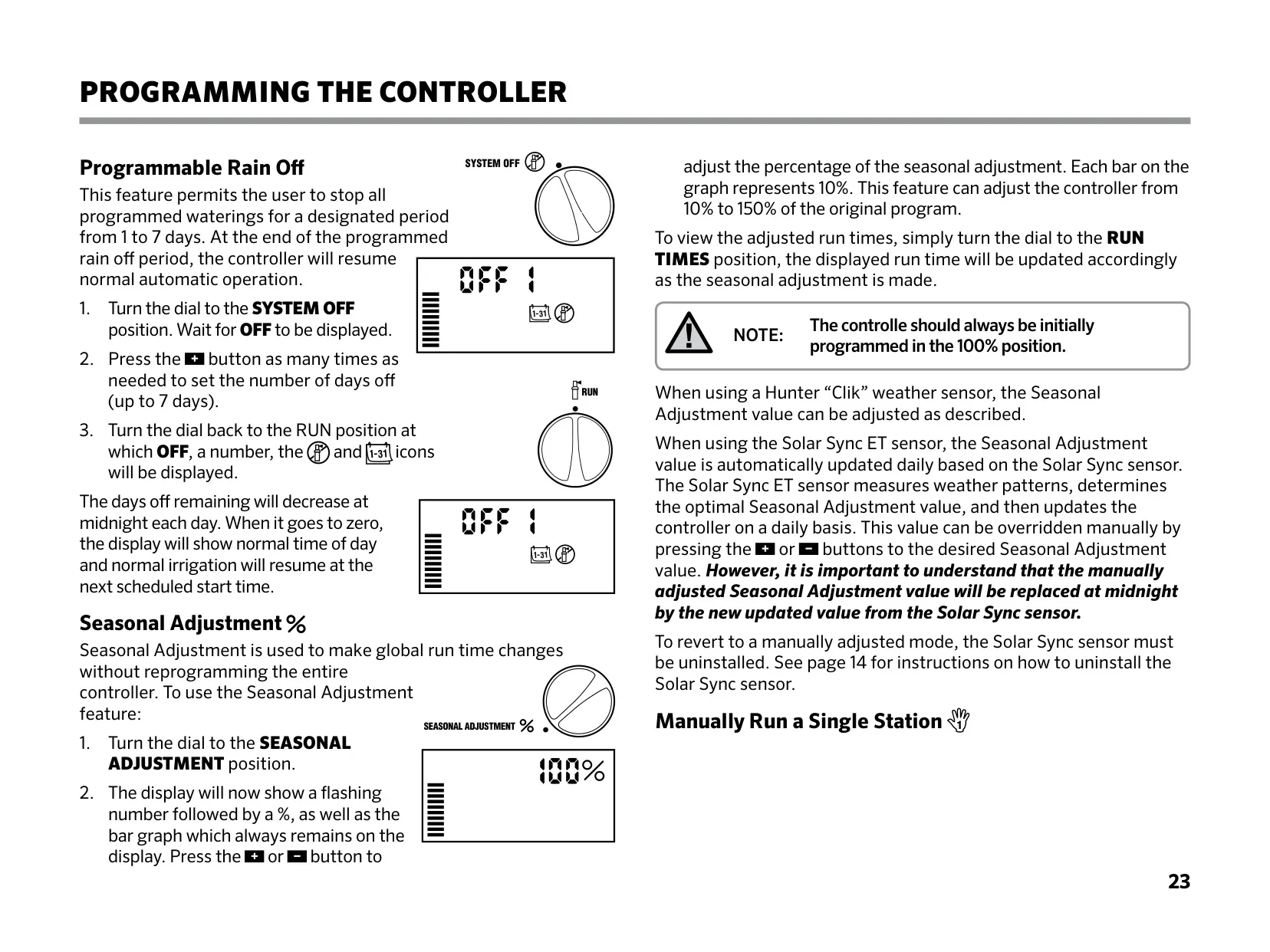
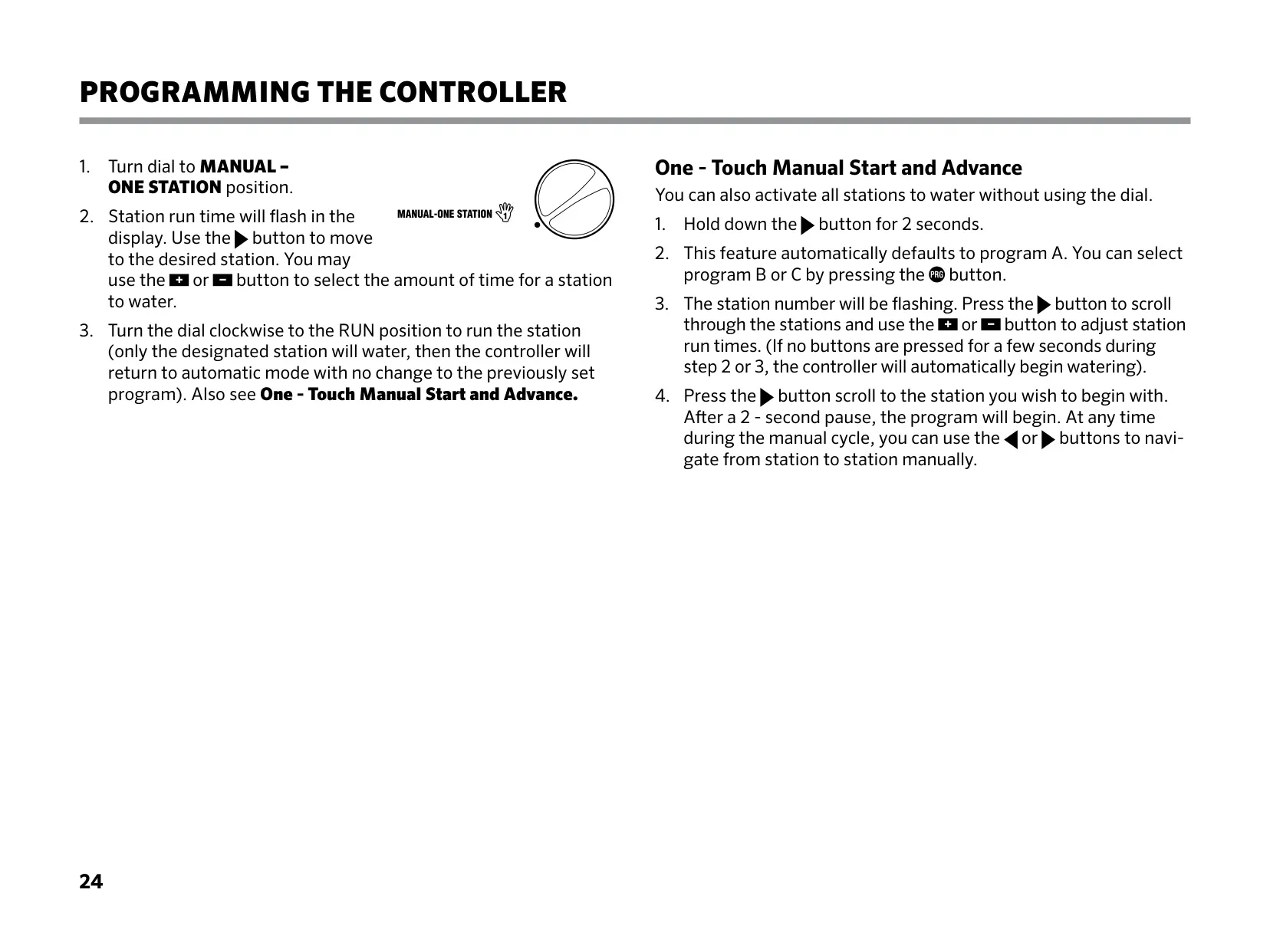
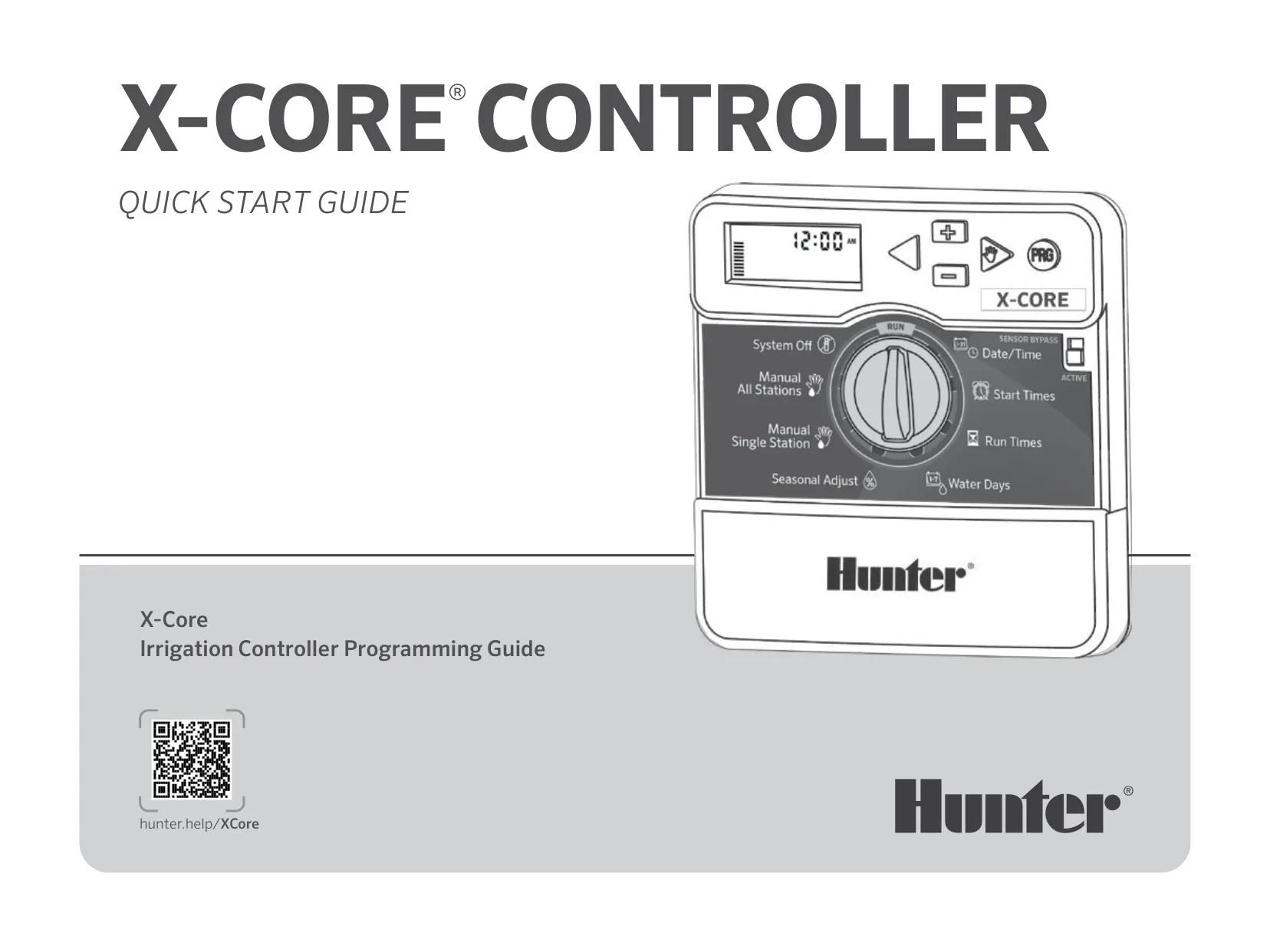
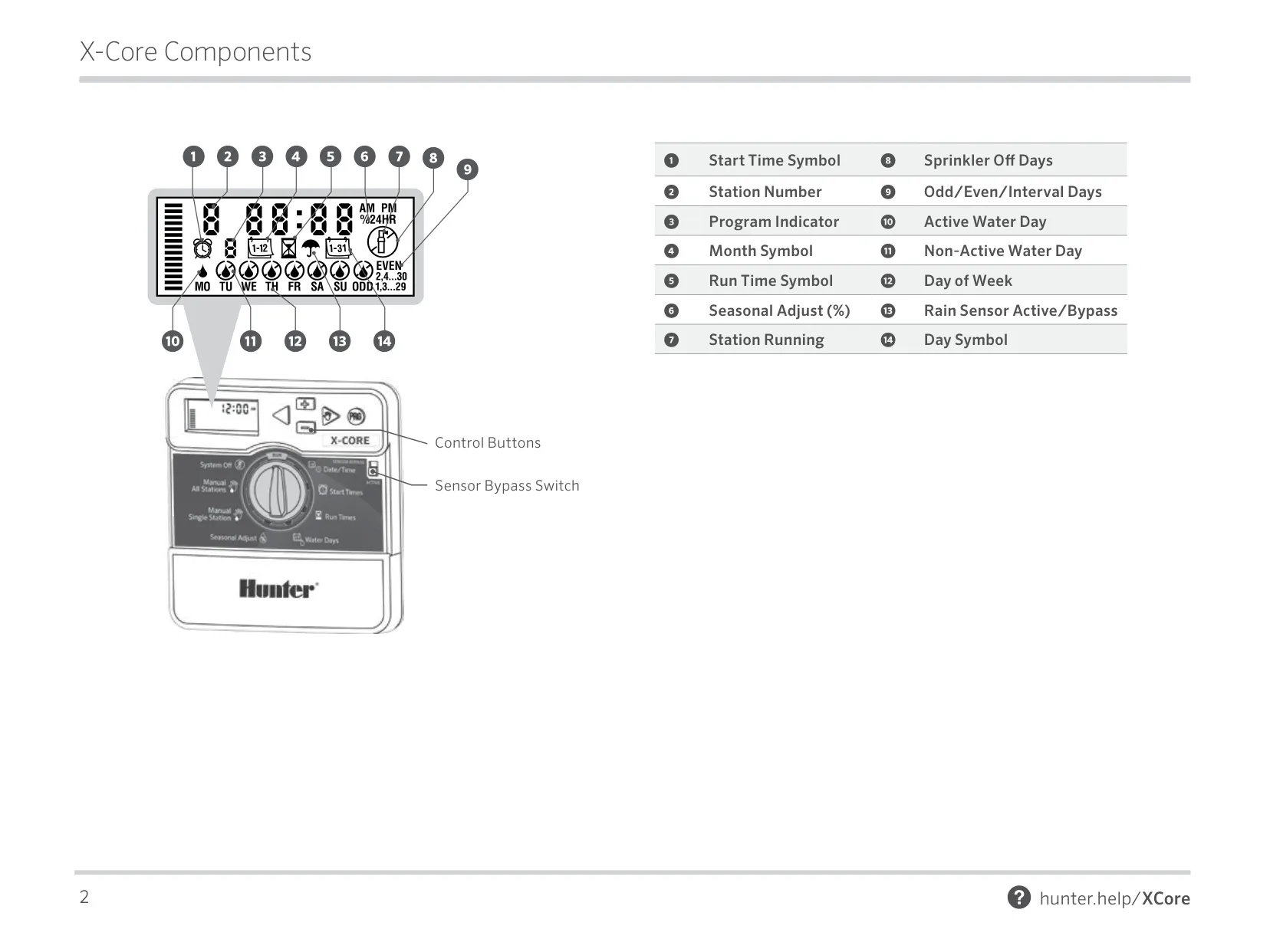
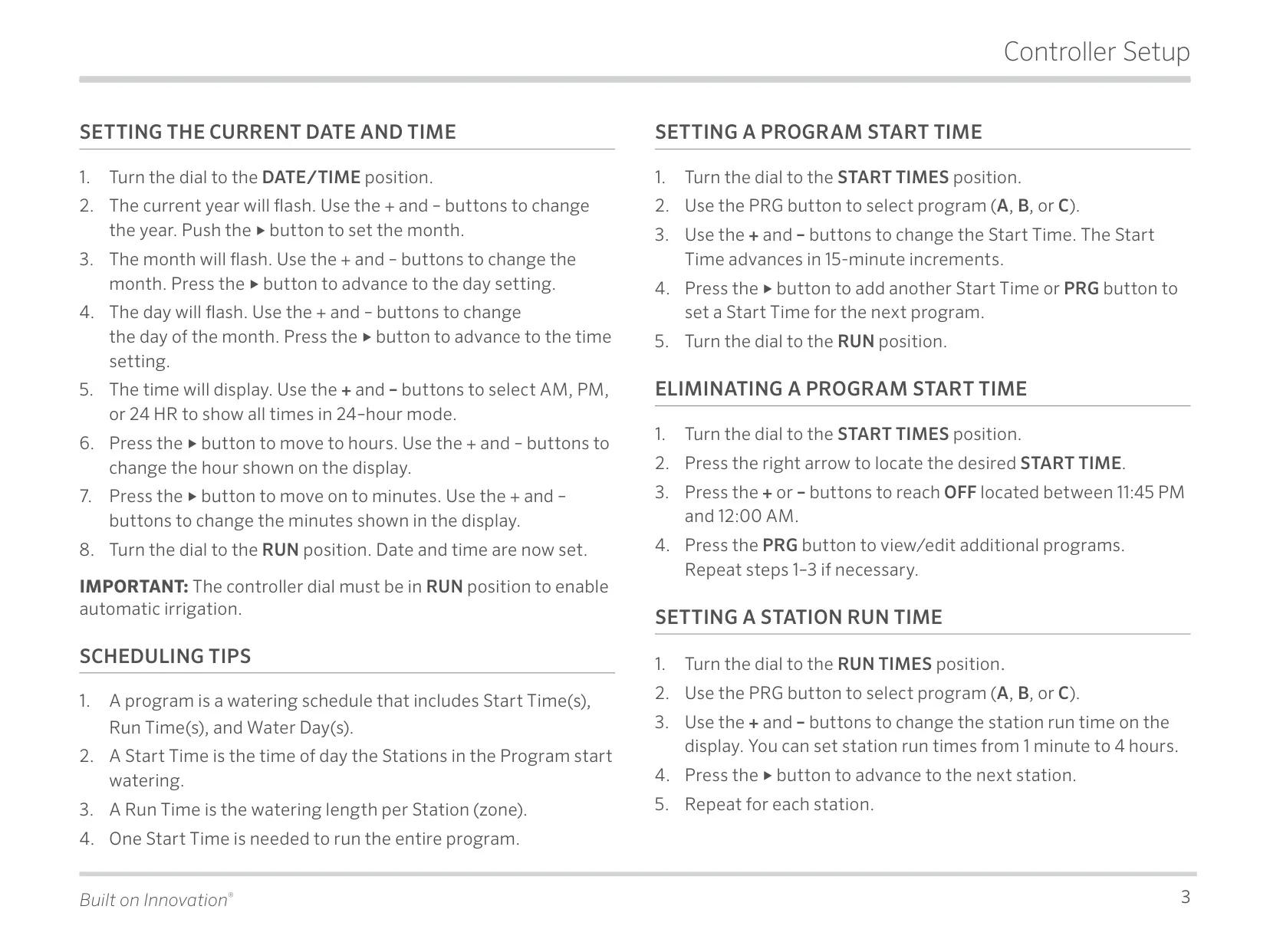
The Hunter X-Core features an intuitive user interface, designed for effortless residential irrigation management. Its central component is a clear LCD display, providing real-time status and programming feedback. Navigation is simplified via a prominent rotary dial, which allows users to select various programming modes like current time/day, start times, run times, and water days. Dedicated control buttons (+, -, <, >, PRG) enable precise adjustments to flashing values on the screen. The controller supports three independent programs (A, B, C), each capable of managing distinct watering requirements for different zones, ensuring optimal hydration across diverse landscape areas and accommodating varied plant needs.
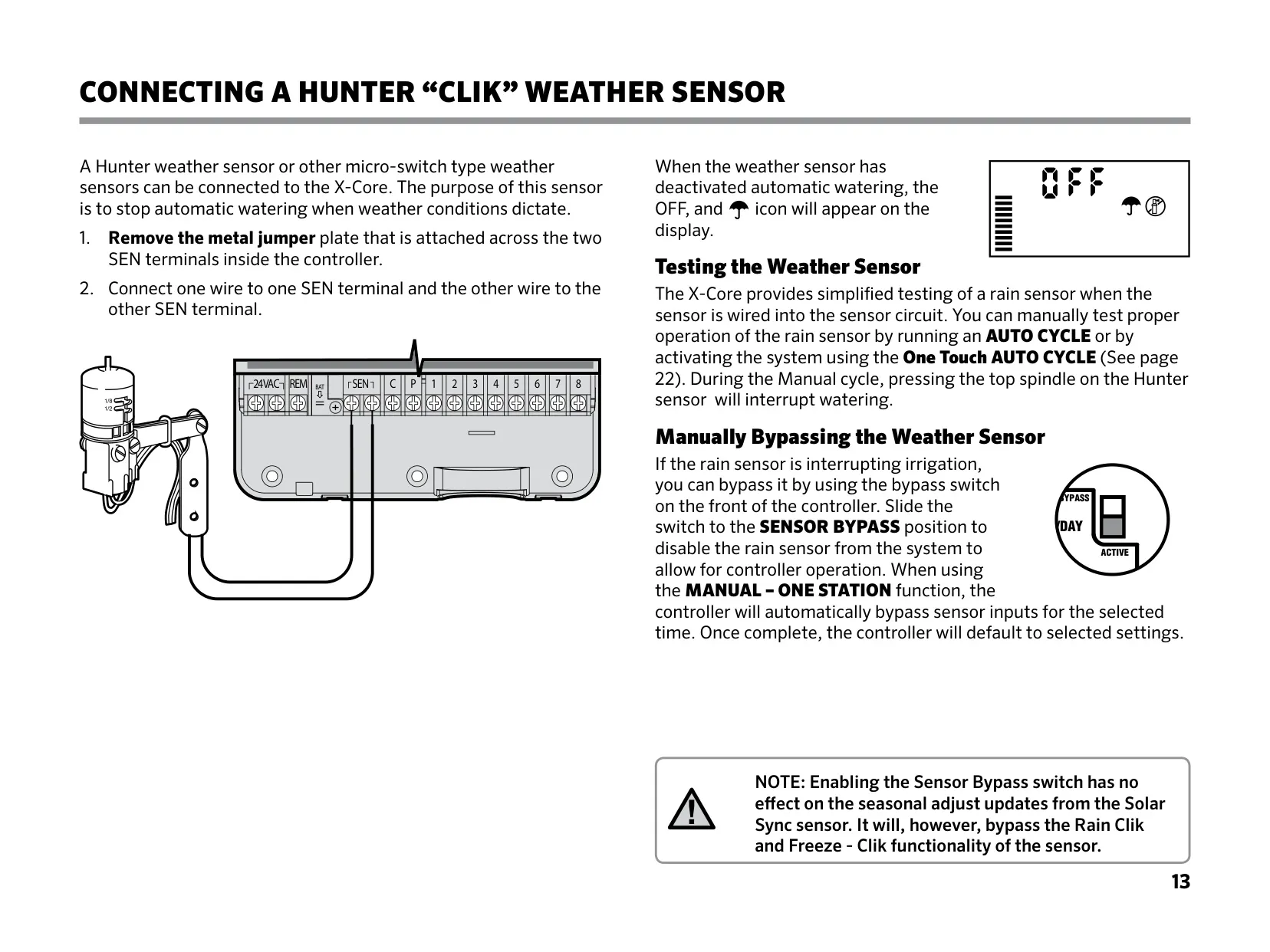
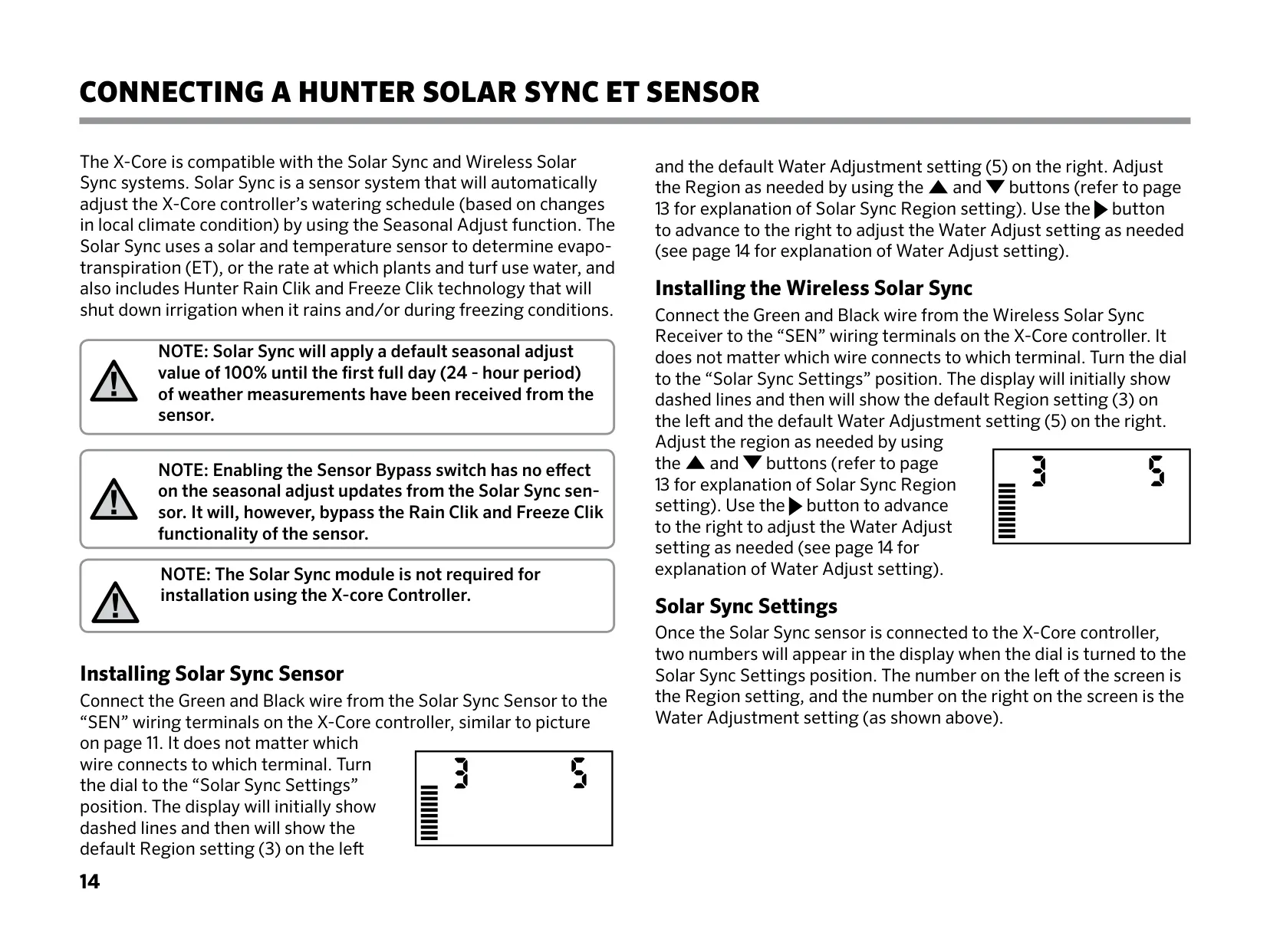
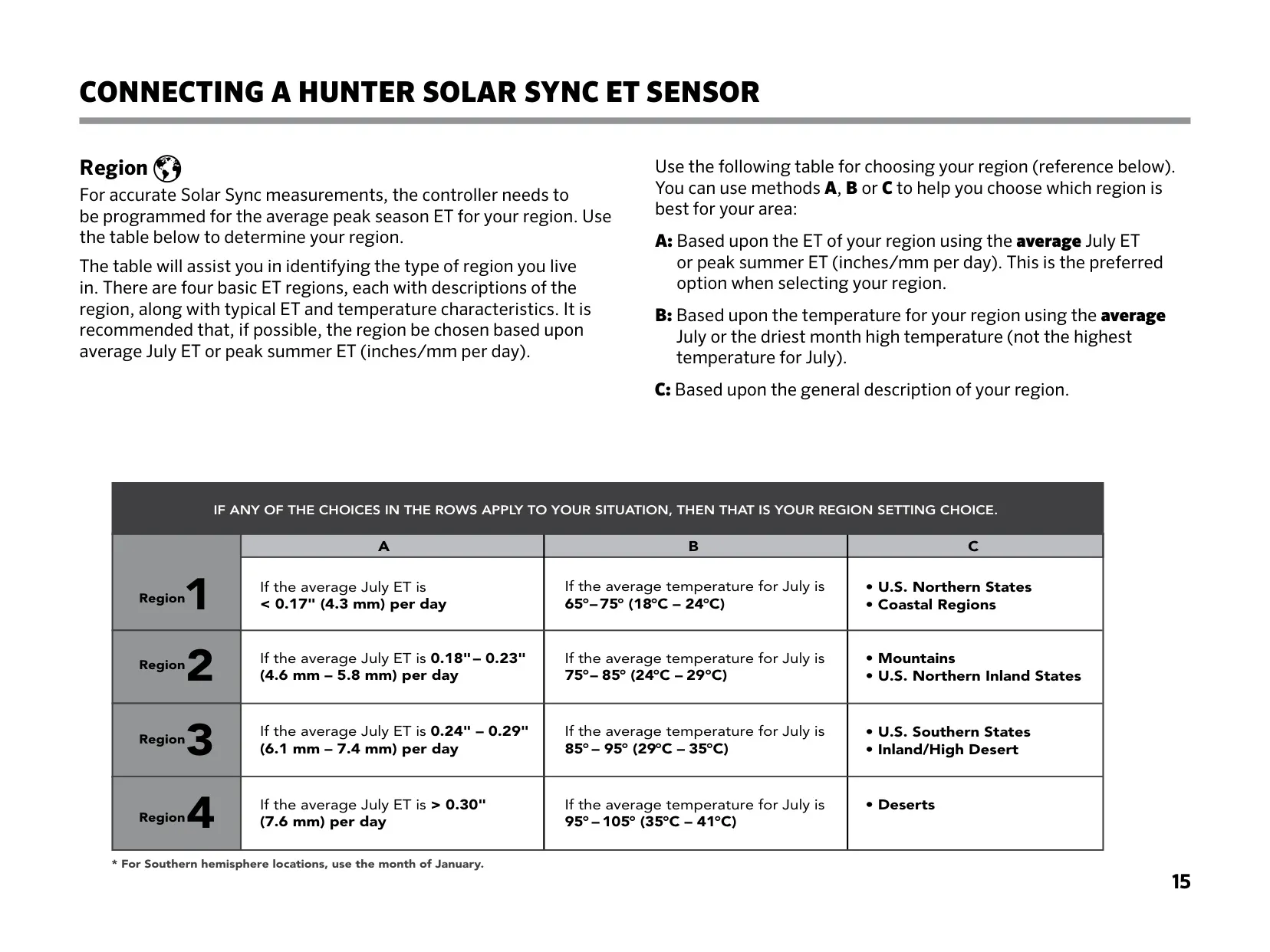
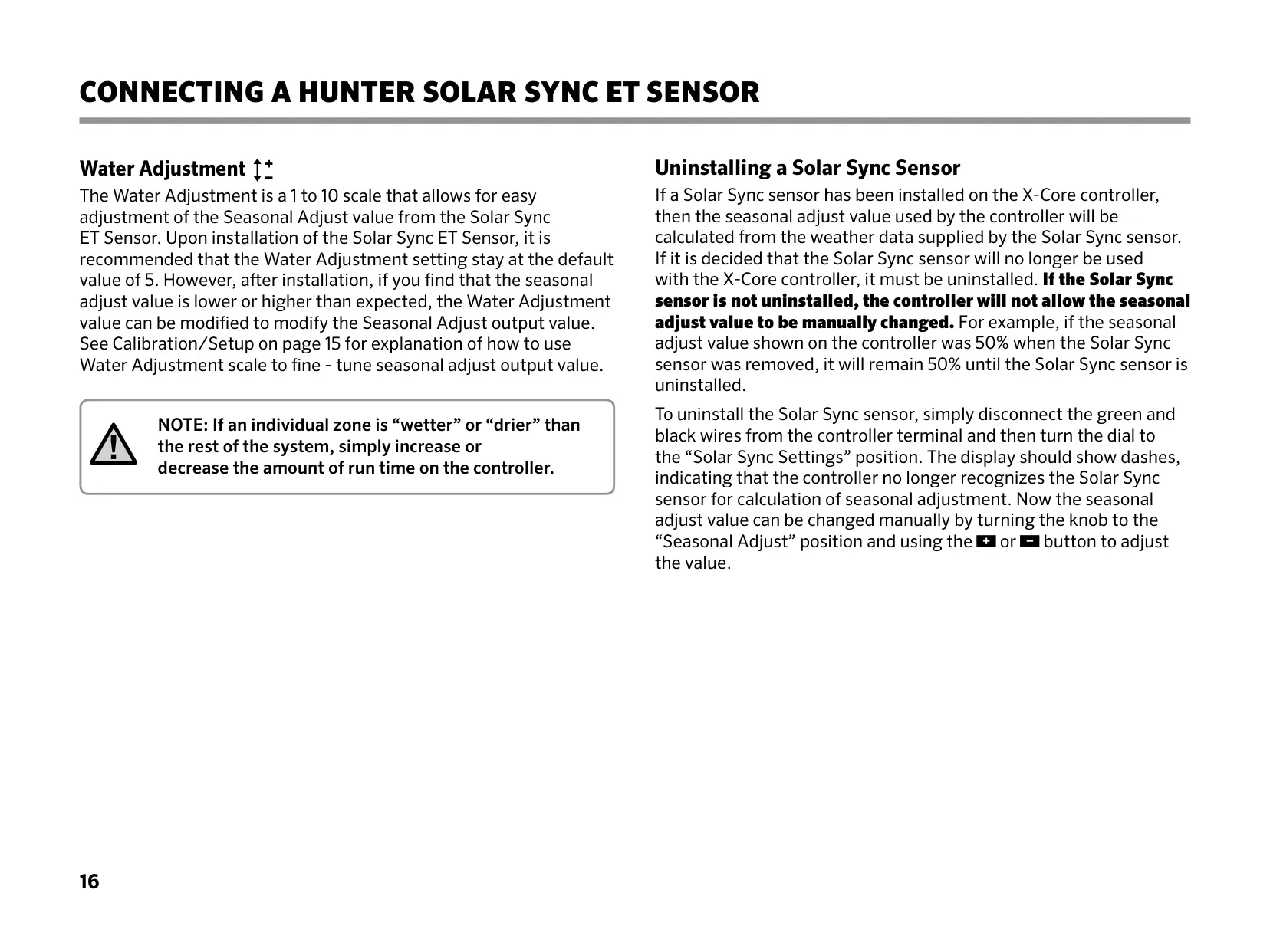
A standout capability of the X-Core is its seamless integration with Hunter's advanced weather sensors. Beyond standard "Clik" rain and freeze sensors, the controller is fully compatible with the sophisticated Solar Sync ET sensor. This sensor automatically adjusts watering schedules daily based on local evapotranspiration, temperature, and solar radiation data. It intelligently modifies the controller's seasonal adjust percentage, ensuring plants receive just the right amount of water while significantly boosting conservation efforts. This adaptive technology removes the guesswork from seasonal watering changes, promoting efficient and responsible irrigation practices.
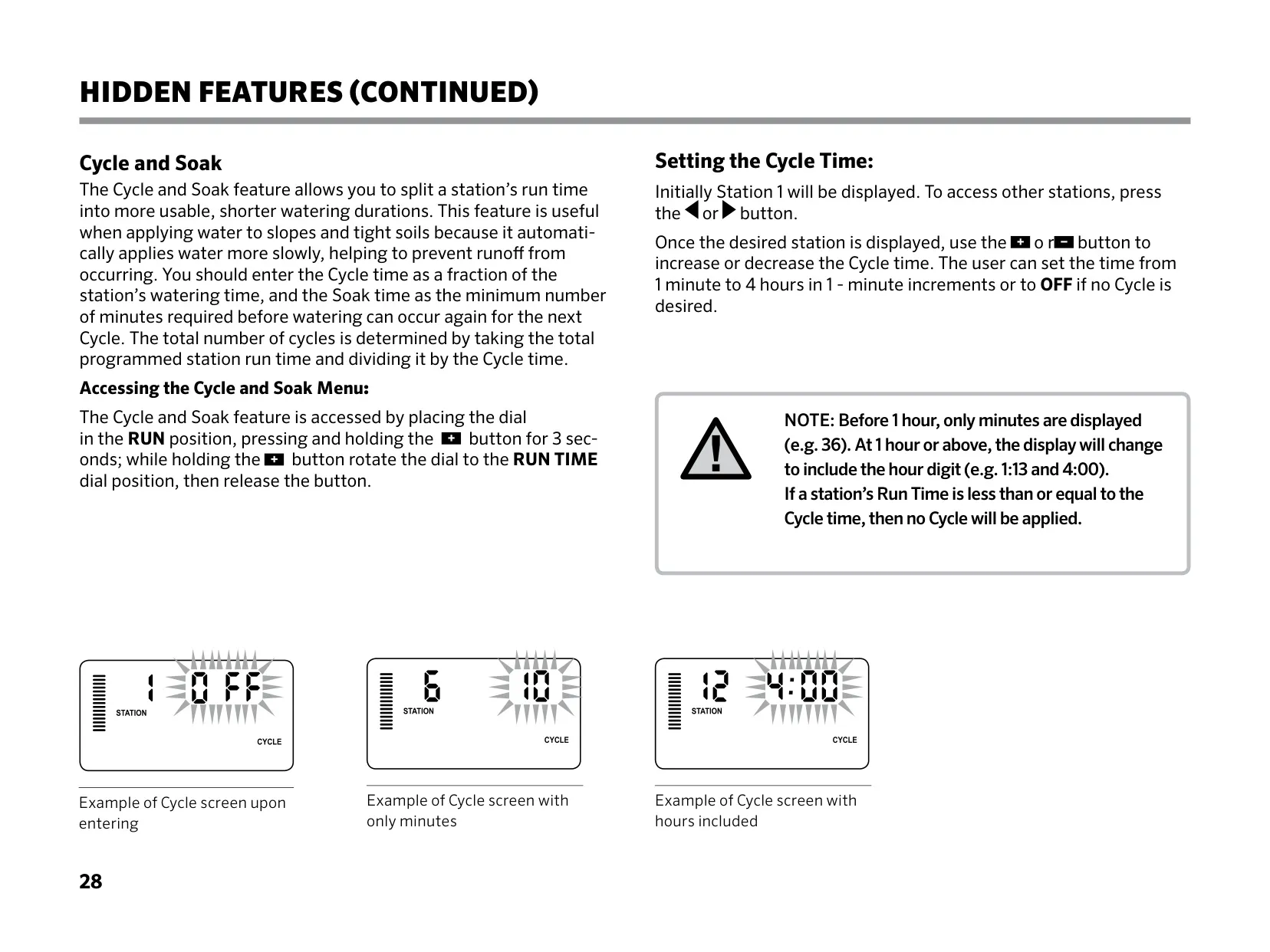
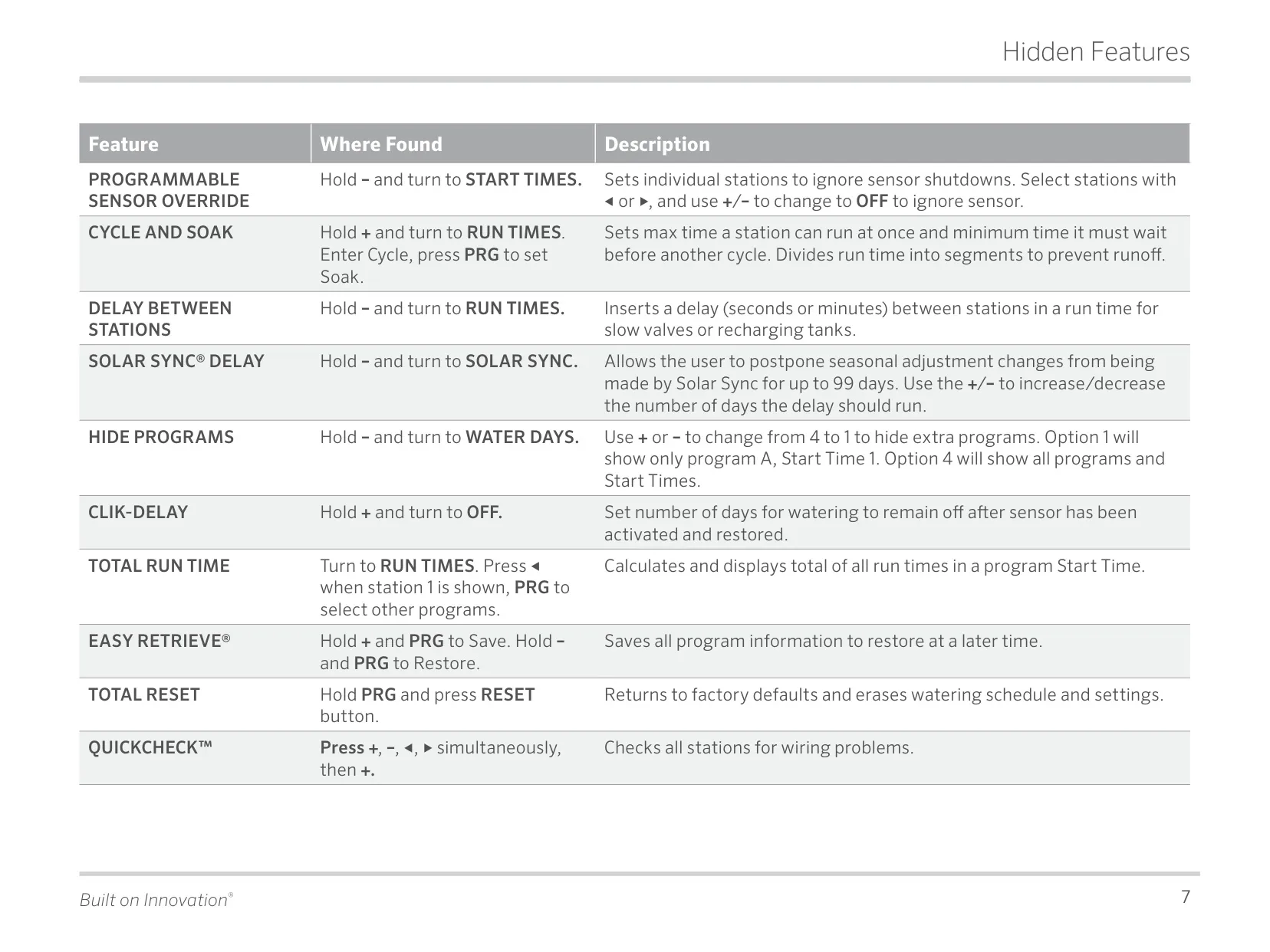
For enhanced convenience and operational flexibility, the X-Core can be connected to Hunter Remote Controls via its dedicated SmartPort connector. This feature enables operators to manage and test the irrigation system remotely, eliminating the need for frequent trips back to the controller, which is particularly beneficial for larger properties. Additionally, the controller incorporates crucial water management functionalities. The Cycle and Soak feature is invaluable for preventing runoff on slopes or in heavy soils by splitting irrigation into shorter, more effective bursts with absorption periods in between. This optimizes water penetration and minimizes water waste.
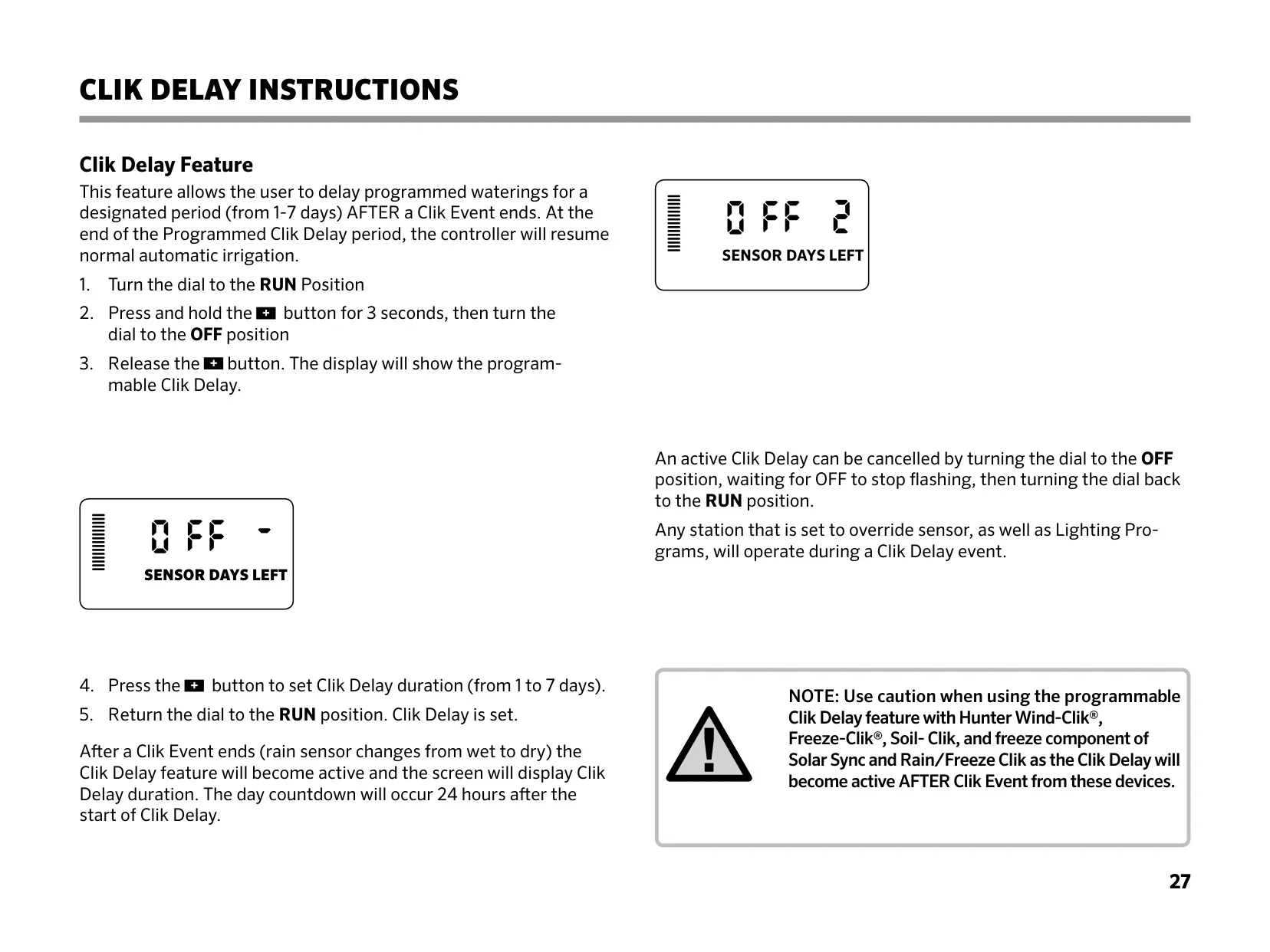
Further enhancing its sophisticated water management capabilities, the X-Core offers a Programmable Delay Between Stations. This allows users to set a specific pause between one station turning off and the subsequent one activating. This is particularly useful for accommodating slow-closing valves, preventing water hammer, or providing essential time for pump recharge. The unique Clik Delay feature provides precise post-sensor event control, enabling users to postpone seasonal adjustments or irrigation for up to 99 days after a "Clik" weather sensor returns to a dry state, offering flexible control following significant weather events.
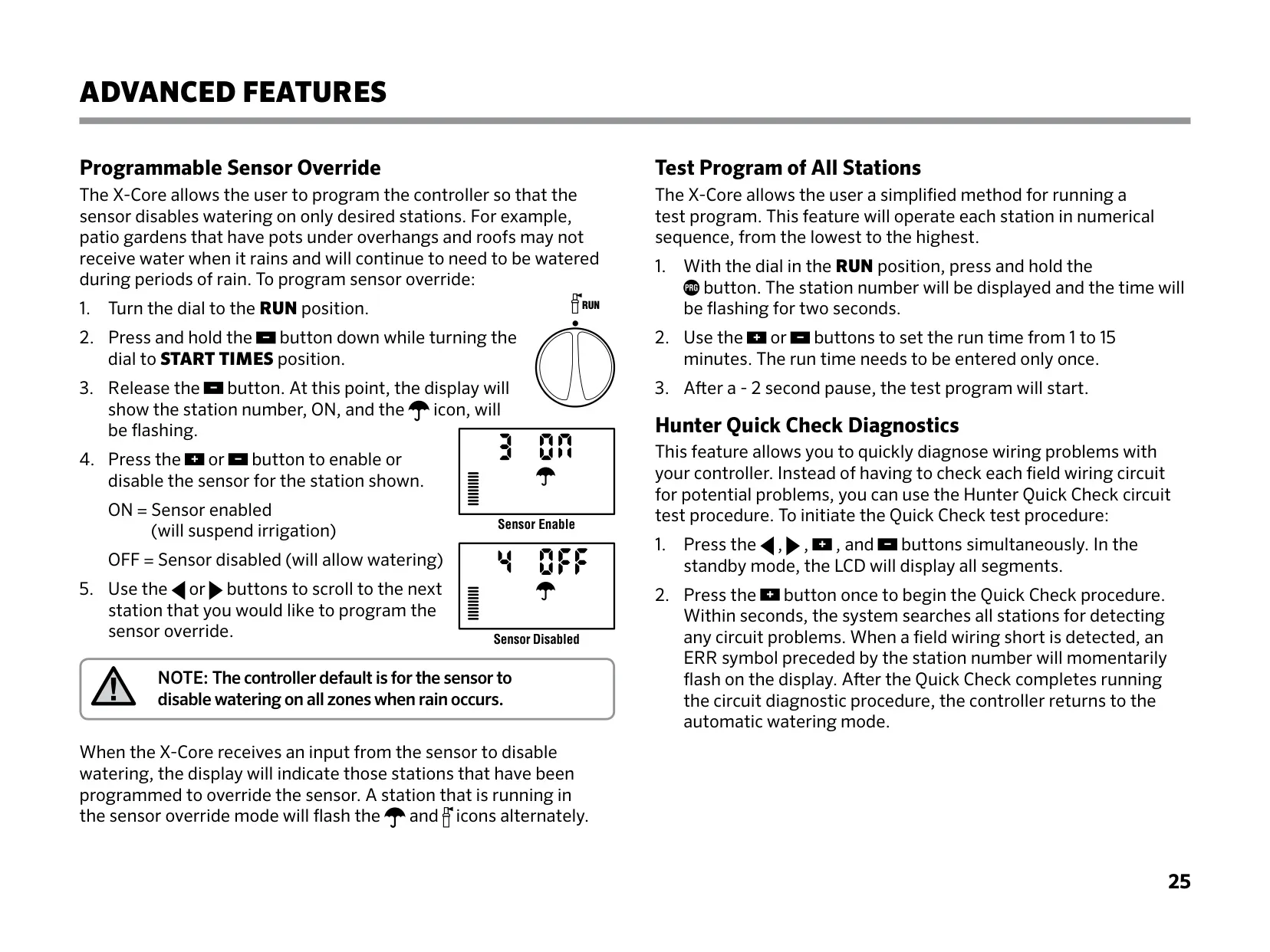
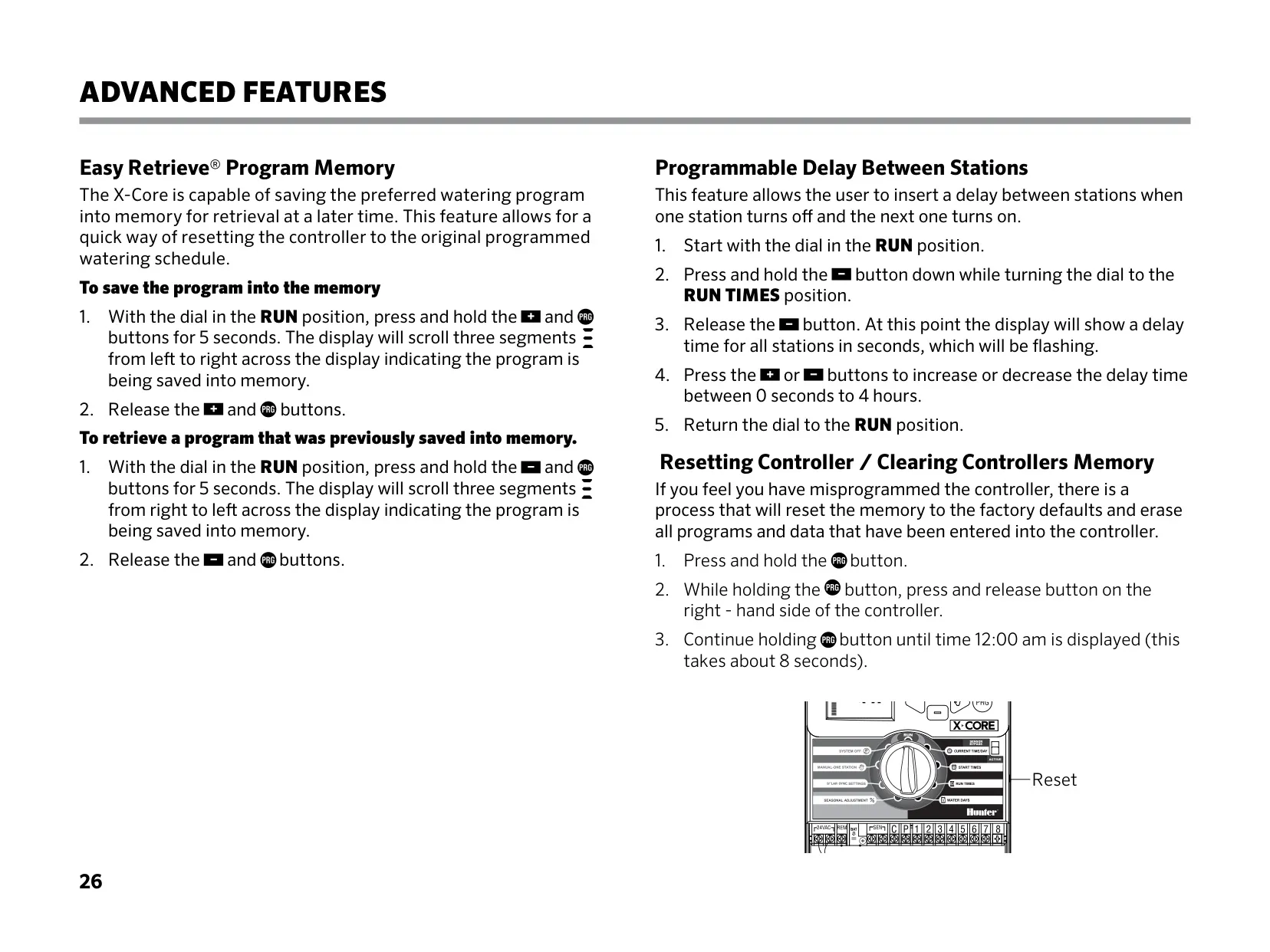
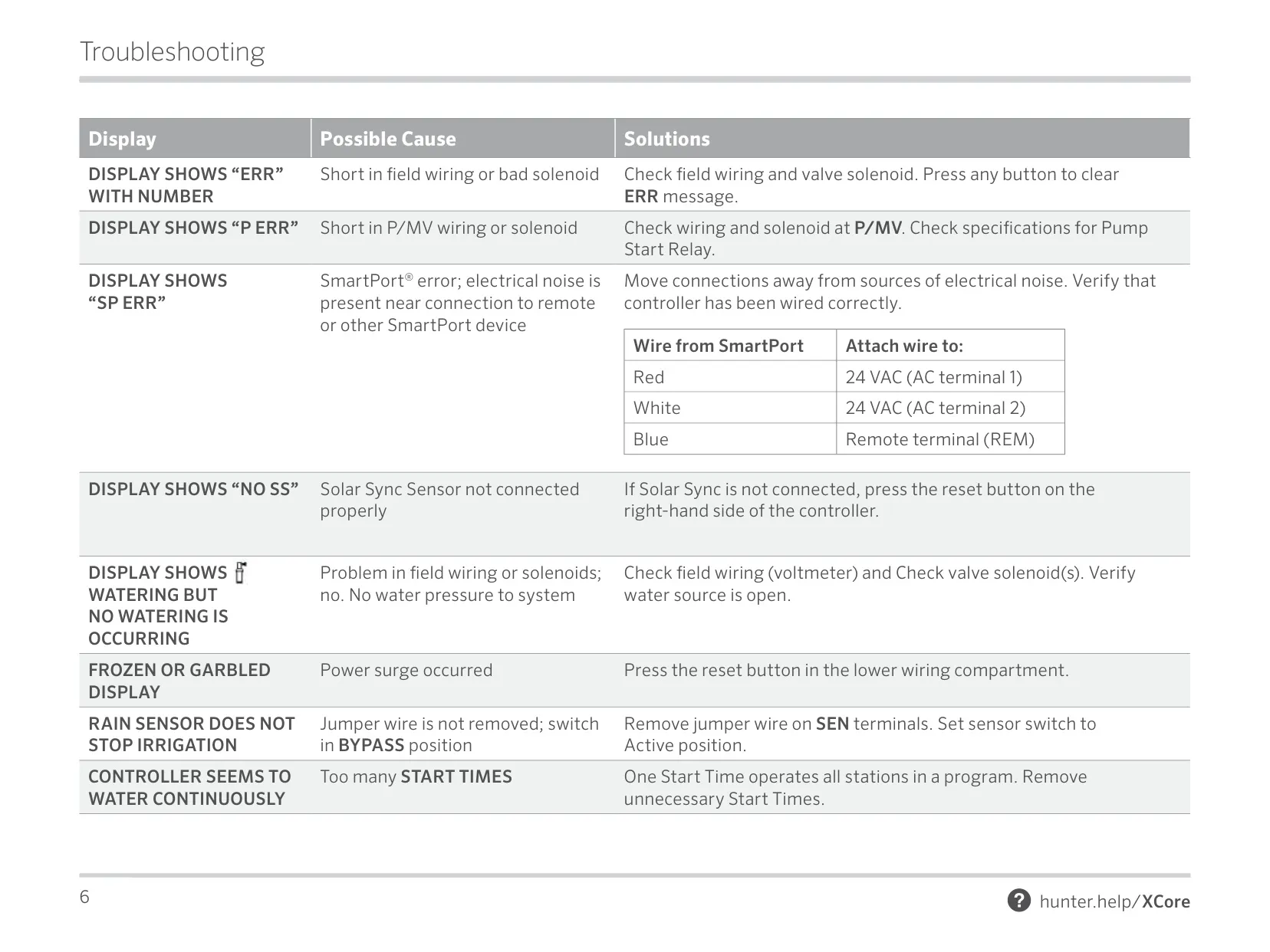
The X-Core is equipped with robust diagnostic tools and program protection measures. Hunter Quick Check Diagnostics rapidly scans all stations for potential wiring faults, quickly identifying issues like short circuits and displaying an "ERR" message with the specific station number. The Easy Retrieve Program Memory provides a critical safety net, allowing users to save a preferred watering schedule and quickly restore original settings if accidental changes or resets occur. This ensures program integrity. The controller also features non-volatile memory, safeguarding all programmed data indefinitely even without continuous AC power.
Frequently Asked Questions (FAQs)
Can't find the answer you need? Here are some frequently asked questions about the Hunter X-Core Irrigation Controller, and we answer them below.