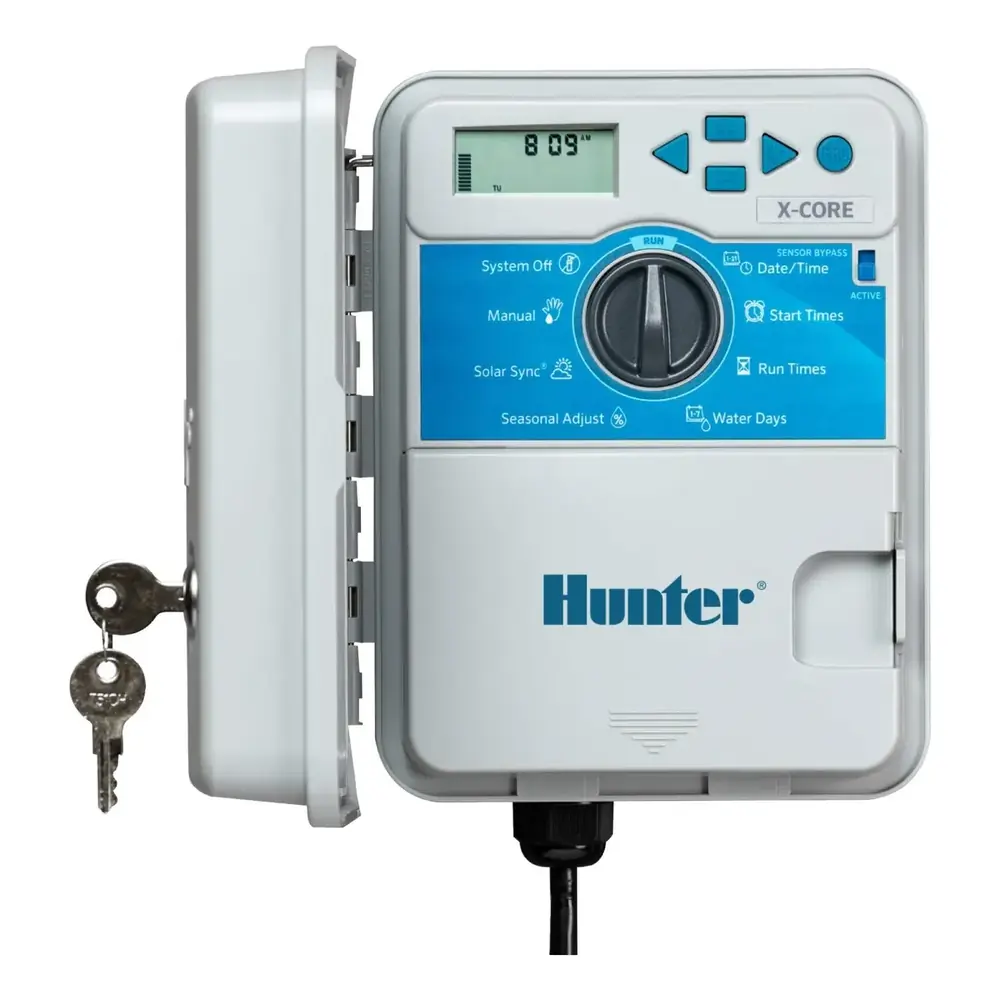
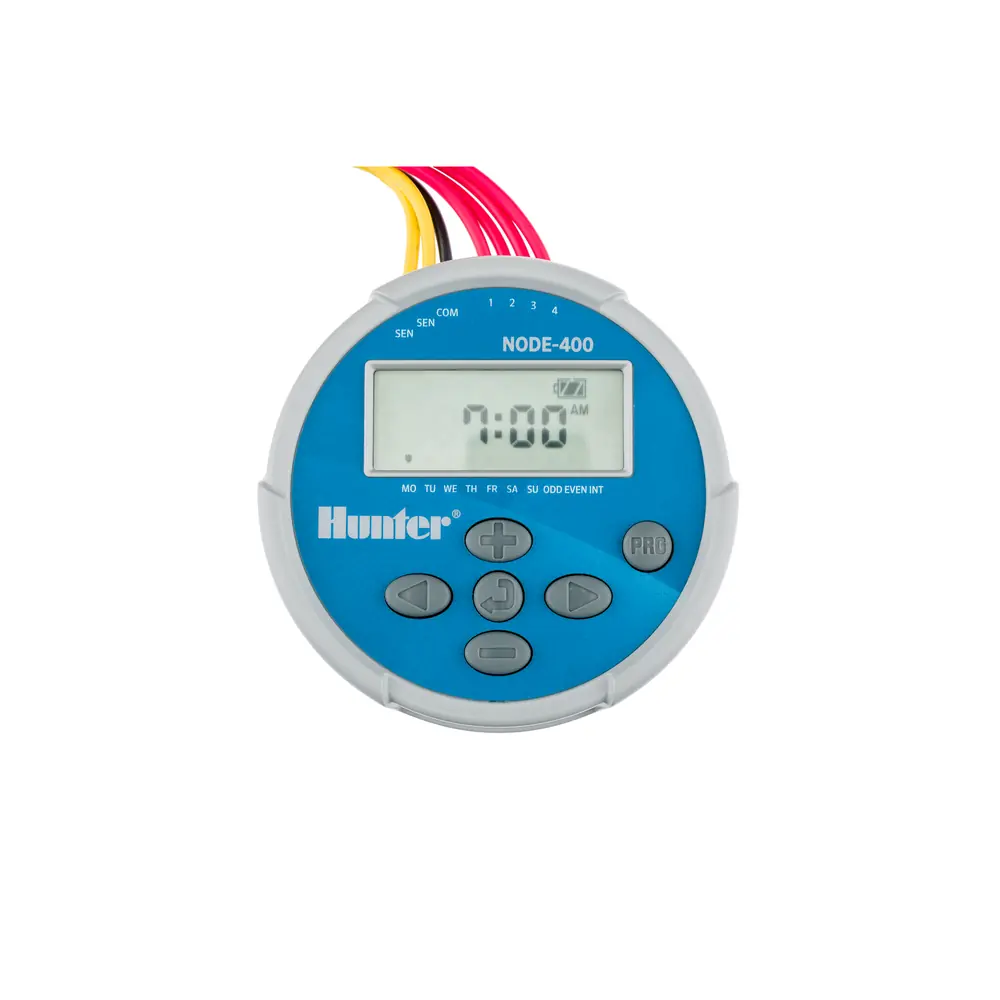
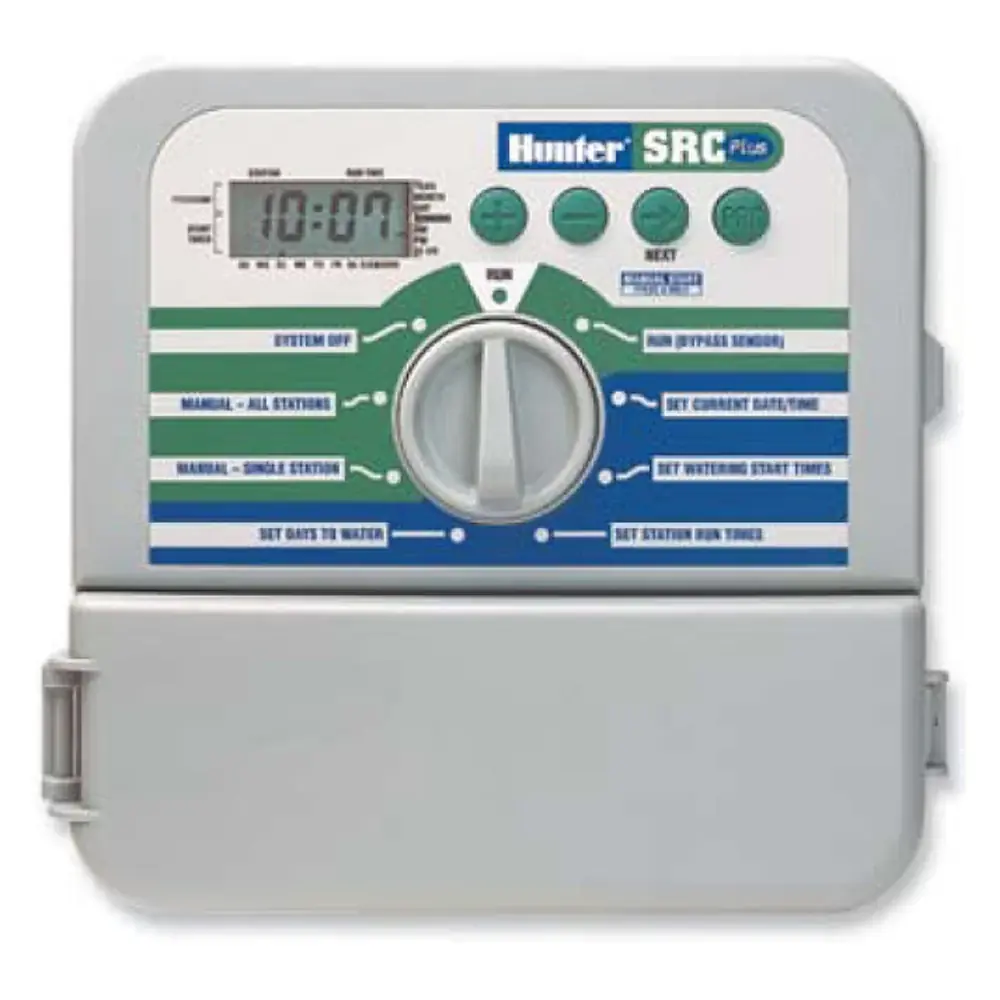
Hunter ICC Irrigation Controller Instruction Manual
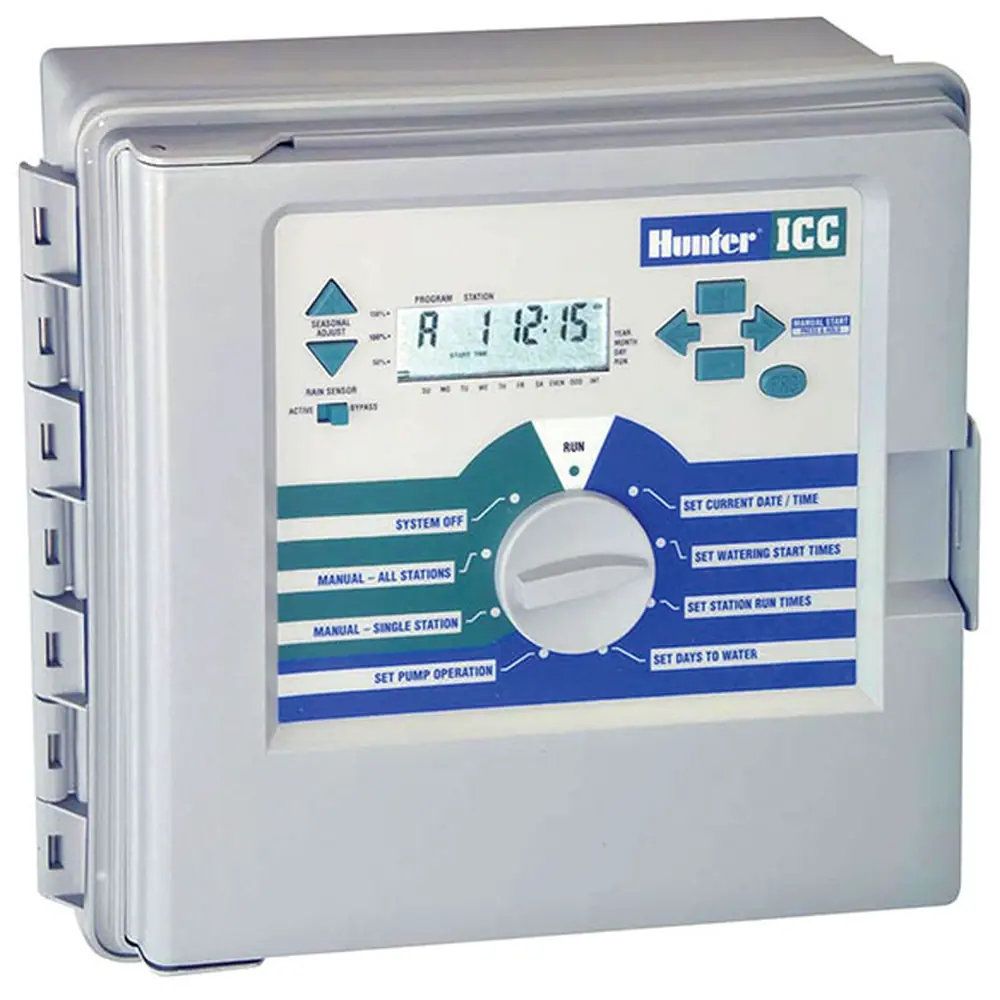
Hunter ICC Irrigation Controller
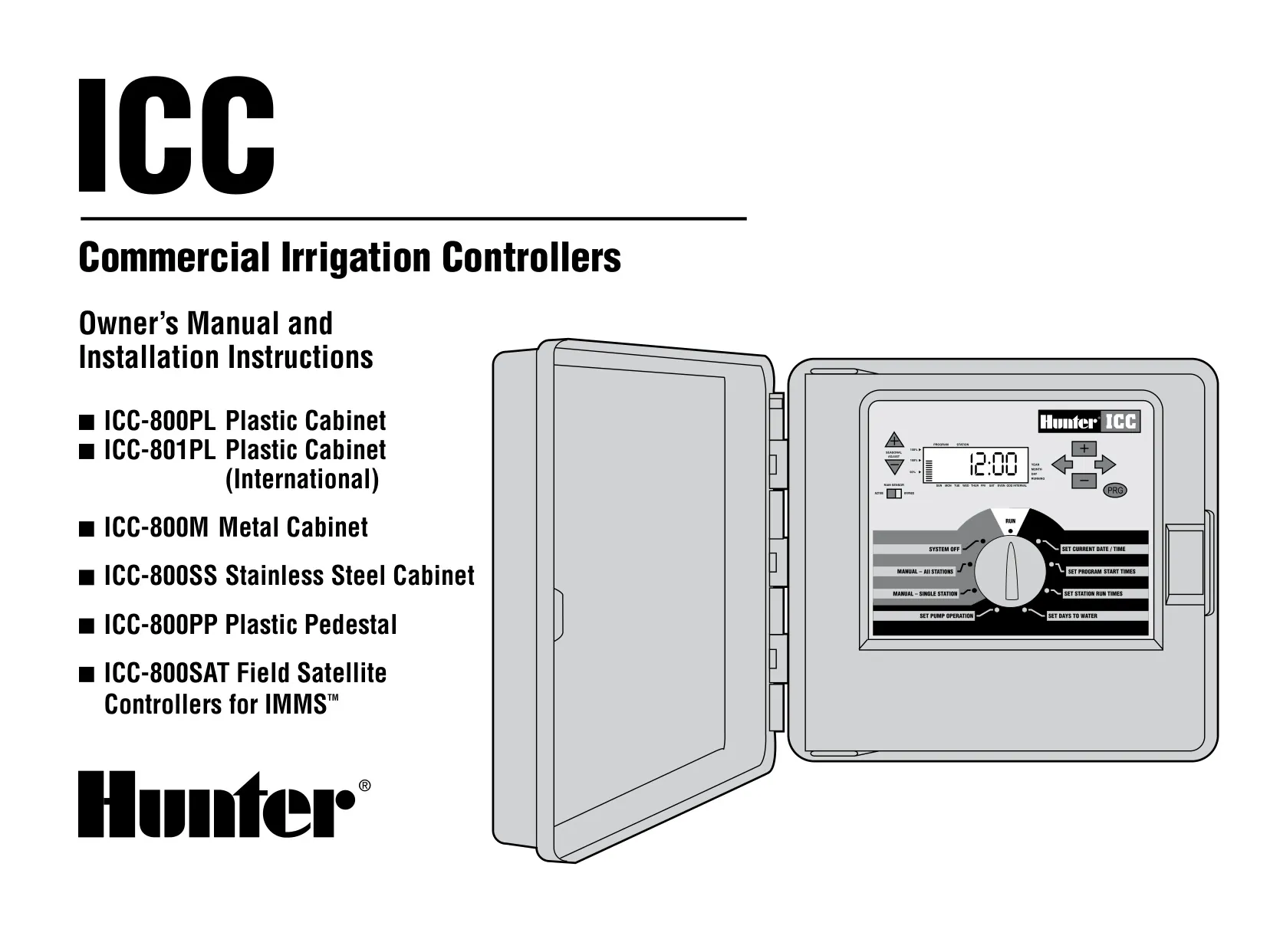















Hunter ICC Instructions
Here we offer the Hunter ICC Irrigation Controller manual completely free and in English. We have cataloged this manual in the Irrigation Controllers section on Manualverse, and it has been rated by 1 users with an average rating of 5. If you have any specific questions about Hunter ICC Irrigation Controller, we suggest checking the Frequently Asked Questions (FAQs) section of this manual.
Product Images


Hunter ICC Irrigation Controller Specifications
| Feature | Specification |
|---|---|
| Manufacturer | Hunter Industries Incorporated |
| Product Type | Institutional/Commercial Indoor/Outdoor Irrigation Controller |
| Covered Models | ICC-800PL (Plastic Cabinet), ICC-801PL (Plastic Cabinet, International), ICC-800M (Metal Cabinet), ICC-800SS (Stainless Steel Cabinet), ICC-800PP (Plastic Pedestal), ICC-800SAT (Field Satellite for IMMS) |
| Independent Programs | 4 (A, B, C, D) |
| Start Times | 8 per day, per program (up to 32 daily starts) |
| Start Time Increments | 15 minutes |
| Station Run Time (Programs A, B, C) | 1 minute to 2 hours, in 1-minute increments |
| Station Run Time (Program D) | Up to 12 hours (drip irrigation) |
| Watering Schedule Options | 7-day calendar, interval, odd or even days |
| Maximum Watering Interval | 31 days |
| Clock/Calendar | 365-day clock/calendar; AM/PM or 24-hour format |
| Factory-Installed Station Module | 1 module, up to 8 stations |
| Expansion Modules | Black ICM modules in 4- or 8-station increments (sold separately) |
| Maximum Stations (Plastic Cabinet) | 32 |
| Maximum Stations (Metal, Stainless Steel, Plastic Pedestal) | 48 |
| Transformer Input | 120 VAC, 60 Hz (230 VAC, 50/60 Hz international) |
| Transformer Output | 25 VAC, 1.5 A |
| Station Output | 24 VAC, 0.56 A per station |
| Maximum Output | 24 VAC, 1.4 A (includes master valve circuit) |
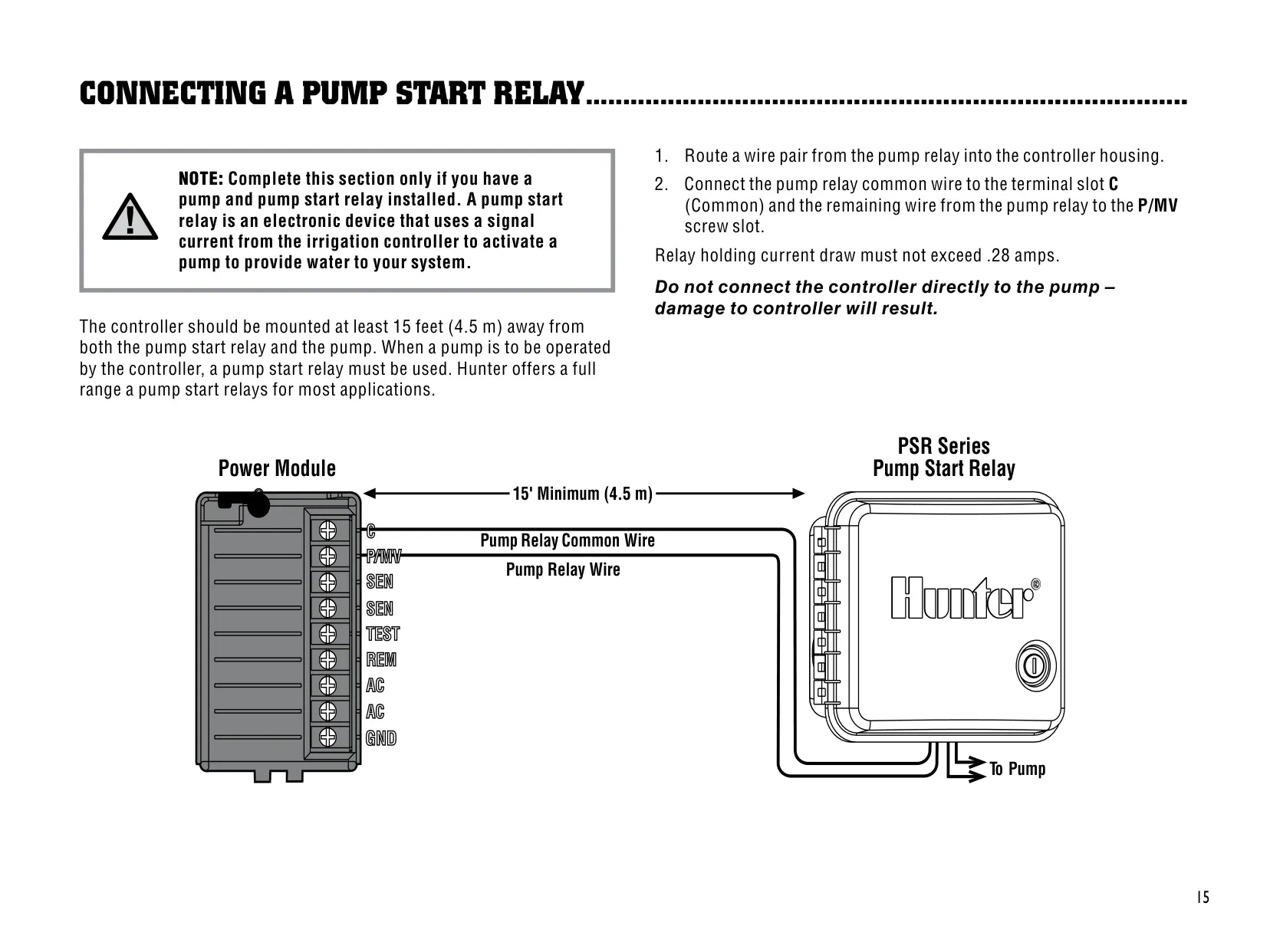
| Pump Start Relay Holding Current | Maximum 0.28 A |
| Minimum Distance to Pump/Pump Start Relay | 15 ft (4.5 m) |
| Battery Backup | 9-volt alkaline (not included), keeps time for up to 3 days |
| Program Memory | Nonvolatile, retains programs without battery |
| Seasonal Adjustment | 10% to 150%, in 10% increments |
| Programmable Rain Off | 1 to 7 days |
| Cycle Time (Cycle and Soak) | 1 to 60 minutes, in 1-minute increments |
| Default Soak Time | 10 minutes |
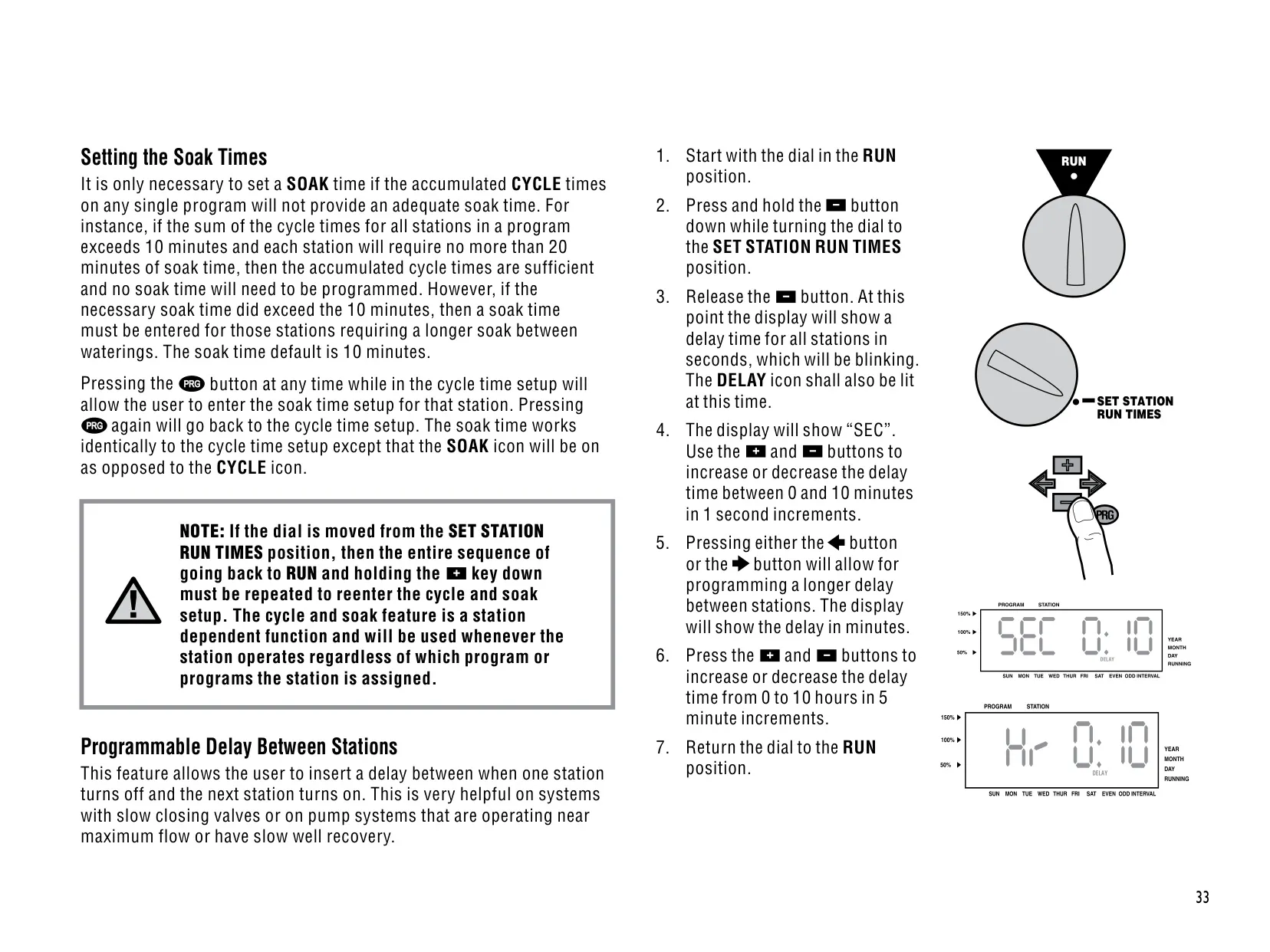
| Delay Between Stations | 0 to 10 minutes in 1-second increments; 0 to 10 hours in 5-minute increments |
| Master Valve/Pump Operation During Delay | First 20 seconds of any programmed delay |
| Test Program Run Time | Up to 15 minutes per station |
| Surge Protection | Primary and secondary, built-in |
| Weather Sensor Compatibility | Hunter Mini-Clik and other micro-switch rain, wind and freeze sensors |
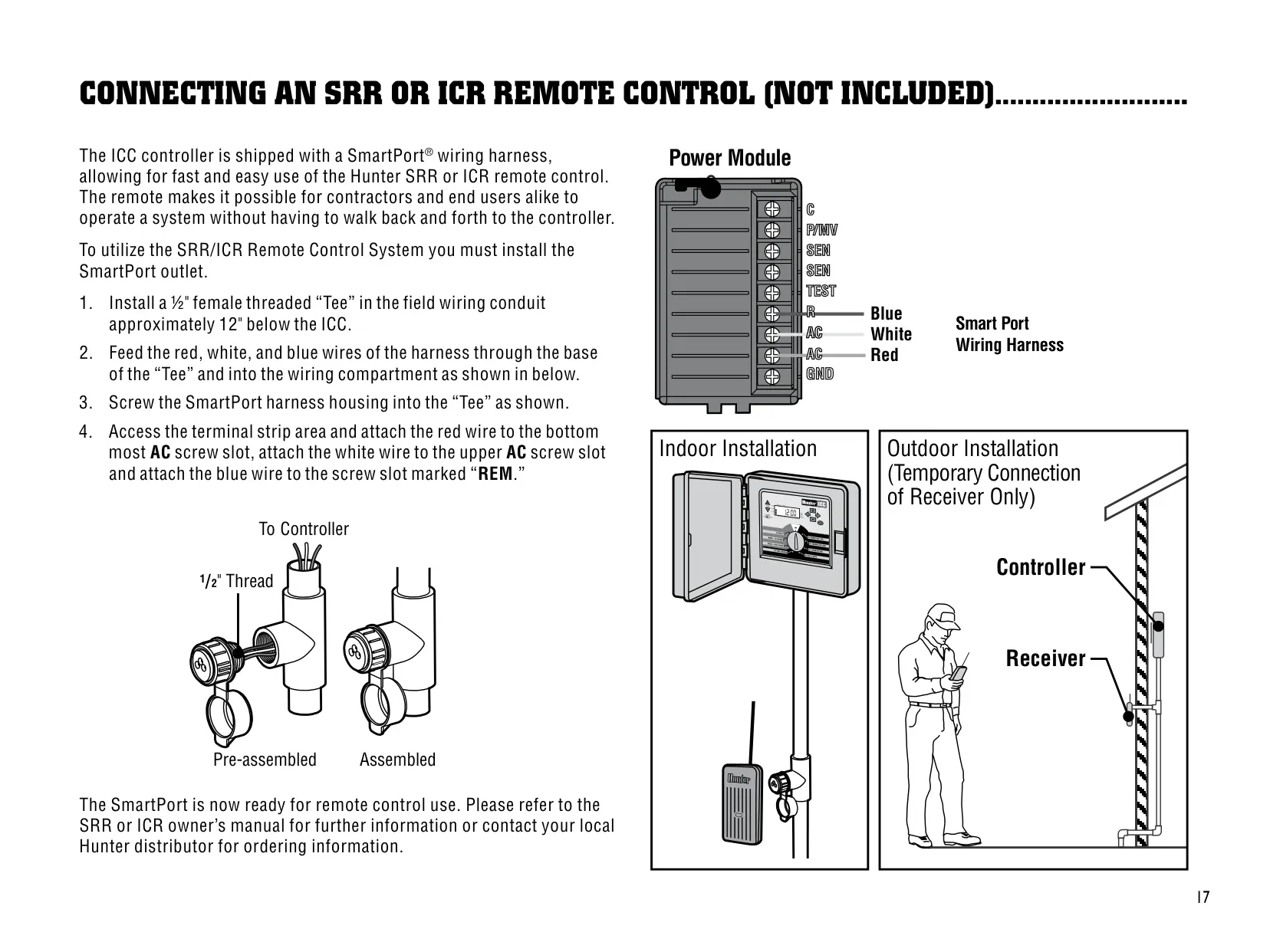
| Remote Control Compatibility | Hunter SRR and ICR via SmartPort wiring harness |
| Valve Conduit Knockout | Triple knockout for 1", 1¼" or 1½" (25, 32 or 40 mm) |
| Grounding Wire | #10 (6 mm) or #8 (10 mm) bare wire |
| Ground Rod | Copper clad, 5/8" (1.6 cm) diameter, 8 ft (2.5 m) long |
| Wall Mount Hole Size | ¼" (6 mm) |
| Plastic Cabinet Dimensions (H x W x D) | 11" x 12" x 3¾" (28 x 30.5 x 9.5 cm) |
| Metal Cabinet Dimensions (H x W x D) | 15¾" x 11⅜" x 4½" (40 x 29 x 11.4 cm) |
| Metal Pedestal Dimensions (H x W x D) | 30" x 11⅜" x 4" (76 x 29 x 10 cm) |
| Default Settings | All stations set to zero run time, no default program |
| FCC Compliance | Class B computing device, Subpart J of Part 15 |
Hunter ICC Irrigation Controller Details
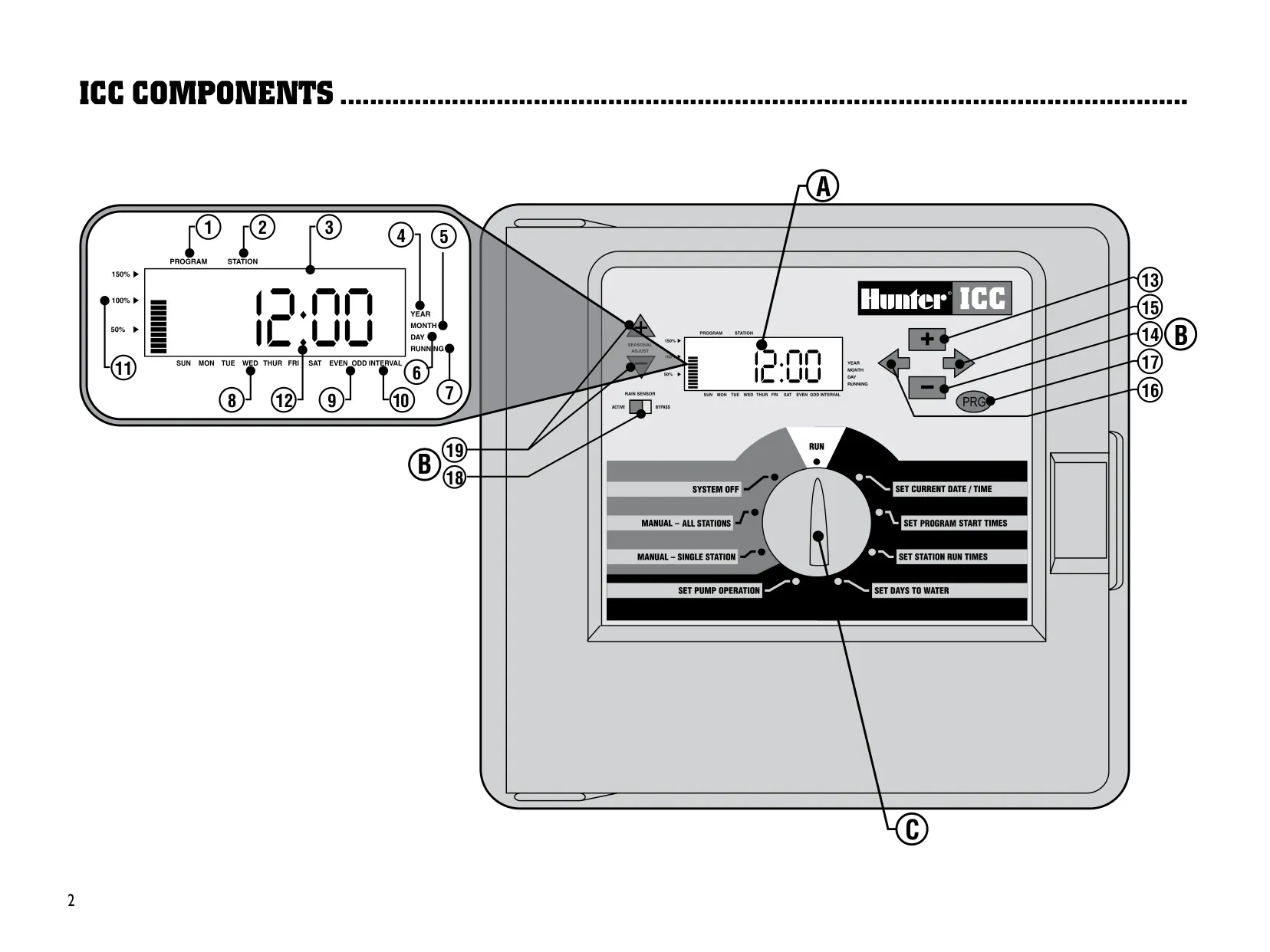
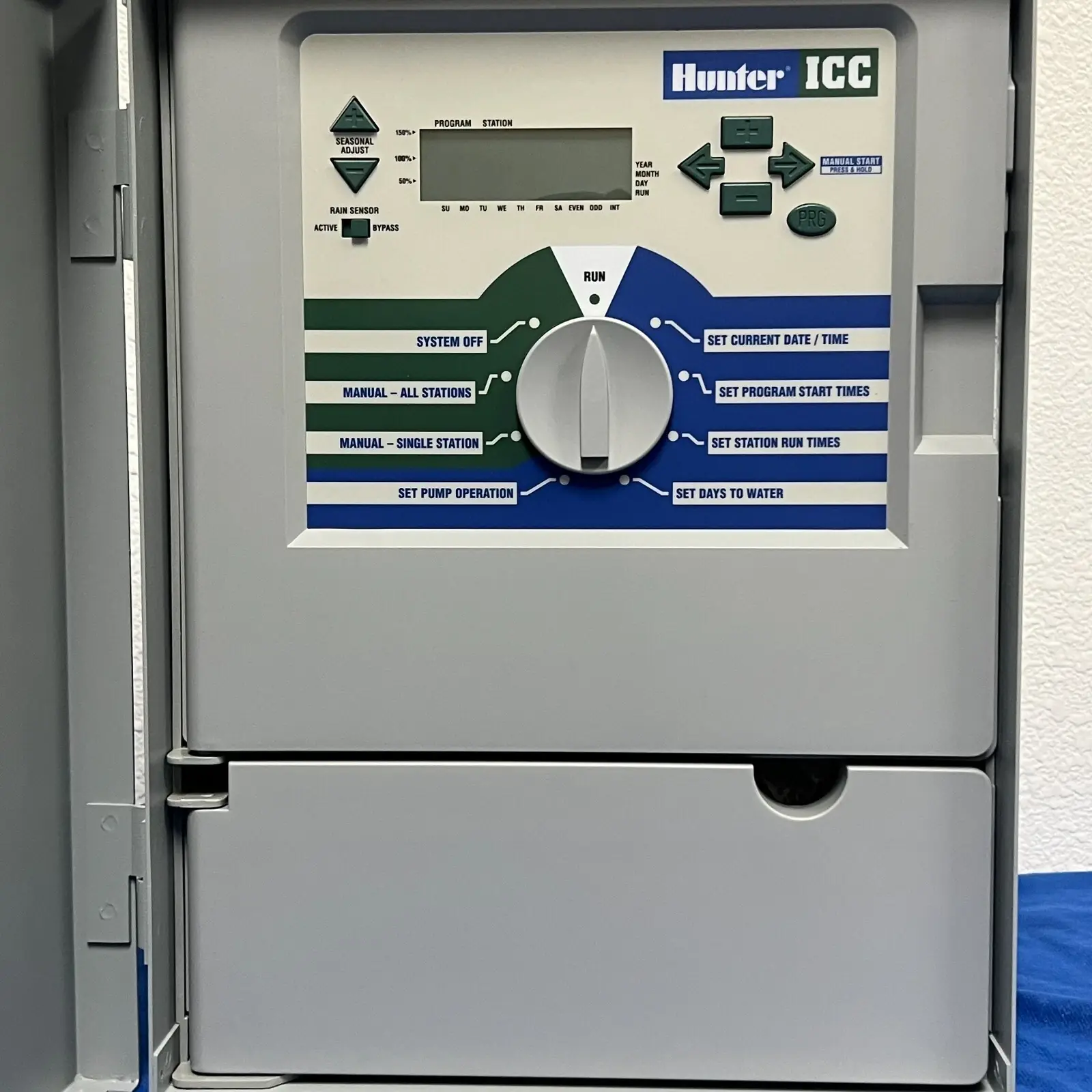
The Hunter ICC is a professional-grade controller built for commercial and institutional landscapes. Programming is done with a rotary dial, so each setup task has its own clearly labeled position: Run, Set Current Date/Time, Set Program Start Times, Set Station Run Times, Set Days to Water, Set Pump Operation, Manual Single Station, Manual All Stations and System Off. The LCD shows the active program, station number, calendar arrows and seasonal adjustment. Whatever item is flashing on the display is the one you are editing.
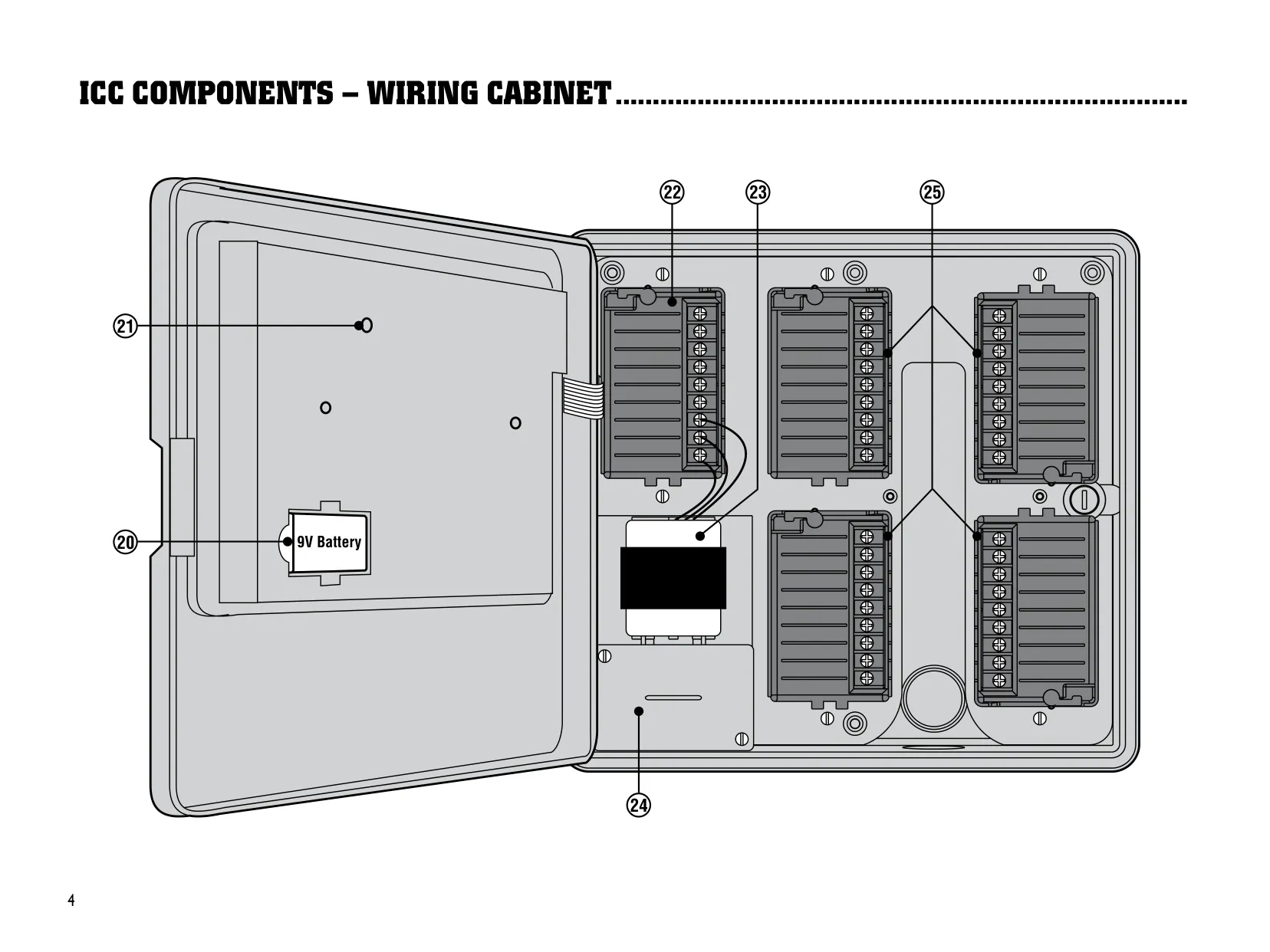
Installation is designed to be simple. The large cabinet leaves plenty of room for wiring. A TEST terminal lets you touch each field wire to it after power-up so the matching valve opens electrically. This lets you find each valve's location and put stations in a logical order without sparking the wires. ICM modules use a Positive-Lock™ lever that cuts power to the module when unlocked, so you can add or remove modules without switching off AC power. After any module change, press the reset button so the controller recognizes it.
Program D is meant for drip irrigation, and the controller prevents misuse. A station that has a run time on Program A, B or C cannot be assigned to Program D. If you try, the display shows USED. This keeps a rotor or spray zone from accidentally getting long drip-style run times. Program D can run at the same time as the other programs. When you leave the start time screen, the controller automatically sorts start times into chronological order.
Manual operation is flexible. You can water one station once, or run a custom pass through a program starting from any station you choose. One Touch Manual Start starts watering without turning the dial: hold a button for two seconds and the program begins after a short pause. If you set the dial to System Off for two seconds, any active watering stops. You can also stop just one program by turning off all of its start times. Its other settings are kept.
The controller includes several "hidden" features that you can only open by holding specific buttons while turning the dial from the Run position. These include Cycle and Soak, which splits watering into shorter runs to prevent runoff on slopes and clay soils, and a programmable delay between stations for slow-closing valves or wells that refill slowly. Cycle and Soak settings belong to the station, so they apply in whichever programs that station runs.
Diagnostics are built in. Hunter Quick Check™ scans all station circuits for high-current paths and reports shorts as a station number followed by ERR. In standby it also lights every LCD segment so you can check the display. Other display messages include P ERR for a fault in the pump or master valve wiring, NO AC for missing power, and SEN OFF when a weather sensor is stopping irrigation. A three-button reset clears the memory and restores factory defaults.
The controller connects to other Hunter products. A SmartPort® harness is included for SRR and ICR remote controls. Hunter recommends shielded cable (part SRR-SCWH) if you need to extend it. All models can work with the Hunter IMMS™ central control software. The ICC-800SAT comes with the interface pre-wired, while the other models need separate interface hardware. The front-panel Rain Sensor switch lets you bypass the weather sensor, so no external bypass switch is needed.
Frequently Asked Questions (FAQs)
Can't find the answer you need? Here are some frequently asked questions about the Hunter ICC Irrigation Controller, and we answer them below.