Hunter I-Core Irrigation Controller Instruction Manual
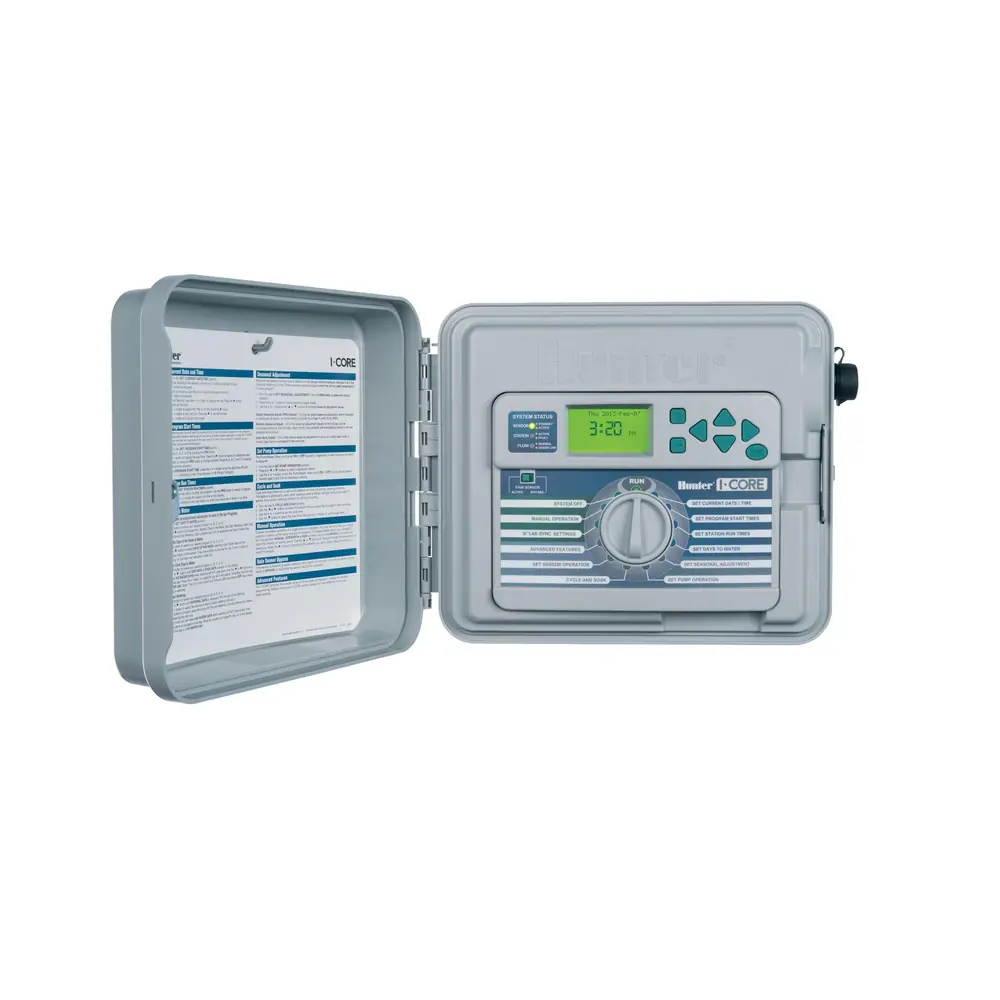
Hunter I-Core Irrigation Controller


















Hunter I-Core Instructions
Here we offer the Hunter I-Core Irrigation Controller manual completely free and in English. We have cataloged this manual in the Irrigation Controllers section on Manualverse, and it has been rated by 1 users with an average rating of 5. If you have any specific questions about Hunter I-Core Irrigation Controller, we suggest checking the Frequently Asked Questions (FAQs) section of this manual.
Product Images


Hunter I-Core Irrigation Controller Specifications
| Feature | Specification |
|---|---|
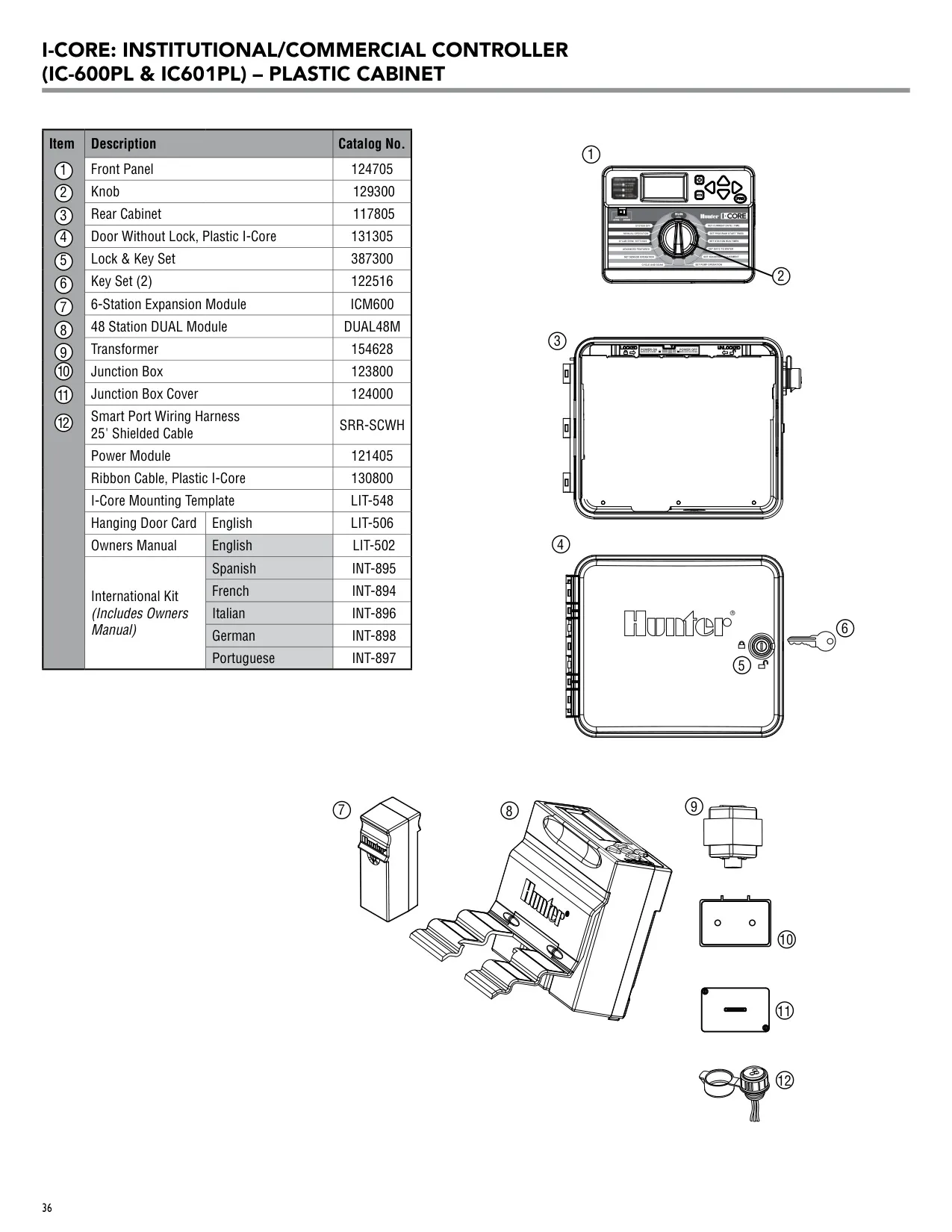
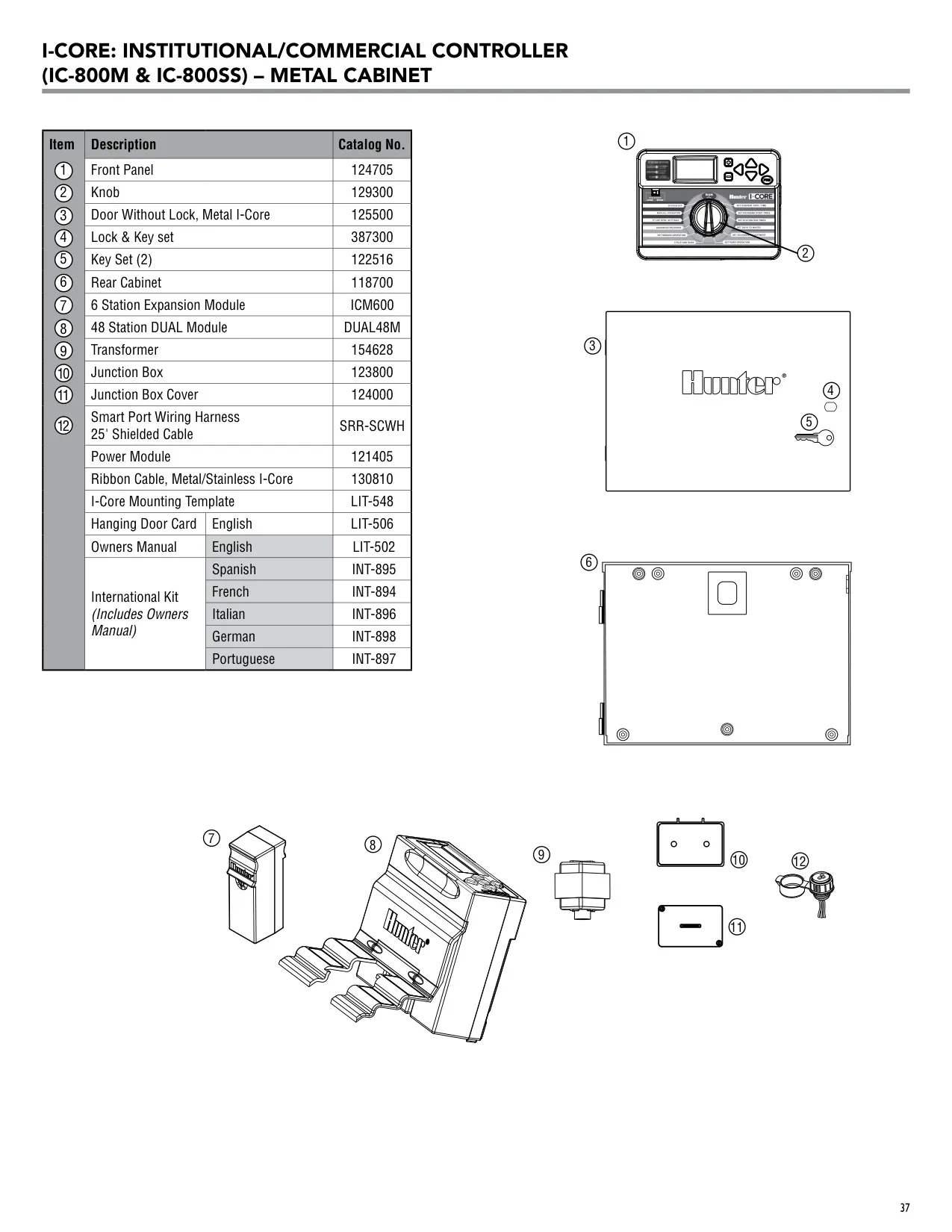
| Models | IC-600PL (plastic cabinet), IC-600M (metal cabinet), IC-600PP (plastic pedestal), IC-600SS (stainless steel) |
| Base Station Count | 6 stations (1 power module and 1 six-station module installed at the factory) |
| Expansion (Plastic Cabinet) | Up to 30 stations |
| Expansion (Metal, Stainless, Plastic Pedestal) | Up to 42 stations |
| Expansion Module | ICM600, 6-station increments |
| Independent Programs | 4 (A, B, C, D) |
| Start Times | 8 per day for Programs A, B and C; 16 per day for Program D; up to 40 daily starts |
| Concurrent Programs | 2 programs at the same time |
| Simultaneous Valves | Up to 5 stations or events |
| Station Run Time | 1 minute to 12 hours in 1-minute increments |
| Watering Schedule | 7-day calendar, interval watering up to 31 days, true odd or even days (365-day clock/calendar) |
| Seasonal Adjustment | 0% to 300%, set globally, by month or through Solar Sync for each program |
| Cycle and Soak | Cycle up to 60 minutes, Soak up to 120 minutes |
| Station Delay | 1 second to 9 hours, set for each program |
| Programmable Rain Off | 1 to 180 days |
| Solar Sync Delay | Up to 99 days (default 0) |
| Solar Sync Water Adjustment | 1 to 10 (default 5), Regions 1 to 4 |
| Transformer Input | 120 VAC, 60 Hz (230 VAC, 50/60 Hz for international use) |
| Transformer Output | 25 VAC, 1.5 A |
| Station Output | 24 VAC, 0.56 A per station (2 Hunter AC solenoids) |
| Maximum Output | 24 VAC, 1.4 A (includes Master Valve circuit) |
| Pump/Master Valve Output | 24 VAC, 0.32 A max; pump start relay holding current 0.28 A max |
| Power Source | 120 VAC (10 A) or 230/240 VAC (5 A); supply wire 14 AWG or larger |
| Battery Backup | 9 V alkaline (not included) and CR2032 3 V lithium, both for timekeeping |
| Program Memory | Nonvolatile, keeps data with no battery needed |
| Sensor Inputs | 2 (S1, S2); 3 on the I-Core Metal (S3) |
| Compatible Sensors | Mini-Clik, Rain-Clik, Wireless Rain-Clik, Freeze-Clik, Wind-Clik, Mini-Weather Station, Solar Sync, Wireless Solar Sync |
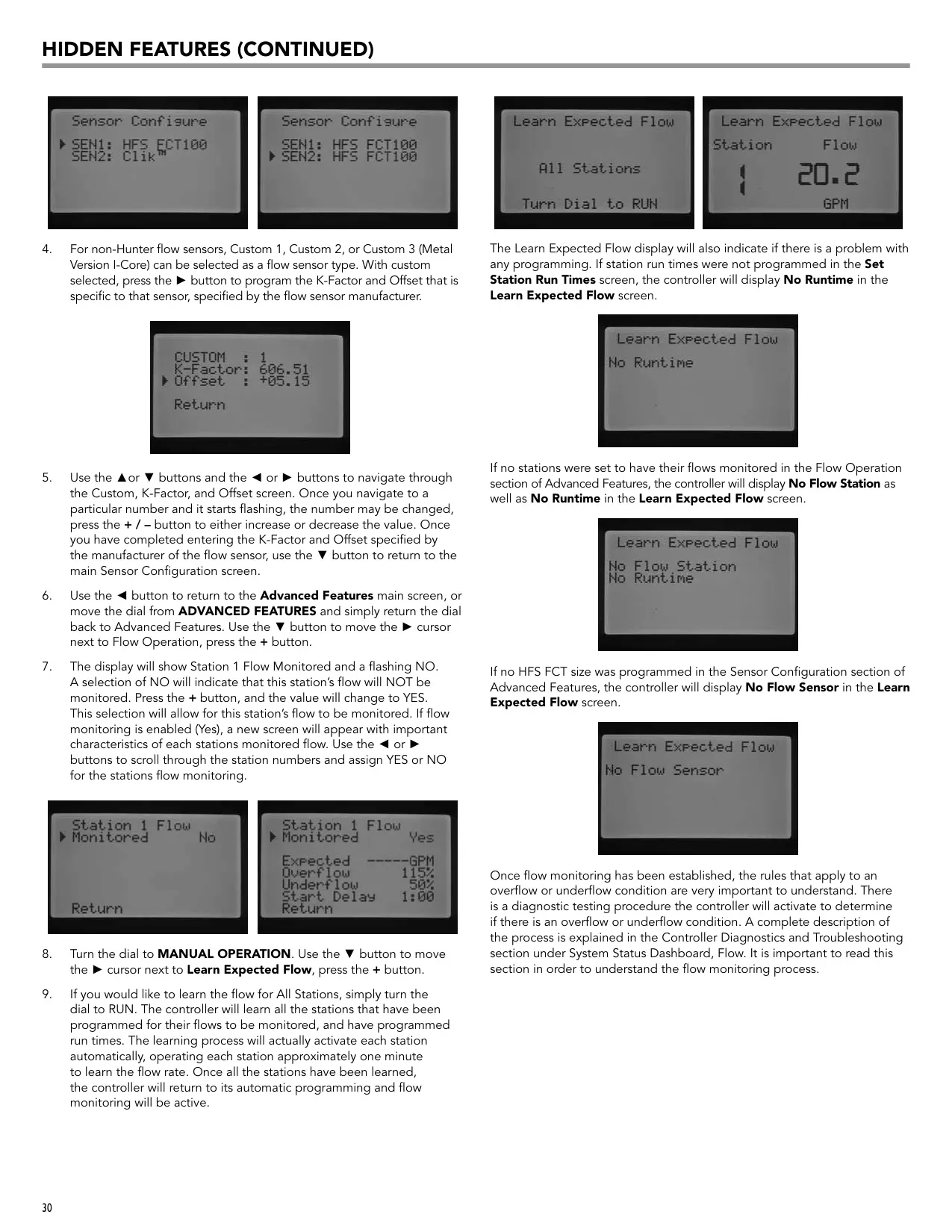
| Flow Sensors | Hunter HFS (FCT 100 to 400) or non-Hunter (Custom 1 to 3 with K-Factor and Offset); 18 AWG wire up to 1,000 ft |
| Flow Monitoring Limits | Overflow 110% to 300% (default 115%); Underflow 10% to 100% (default 50%); Start Delay 5 seconds to 10 minutes (default 1 minute) |
| Remote Compatibility | SmartPort for Hunter ICR, SRR and ROAM |
| Display Languages | English, Spanish, French, German, Portuguese, Italian |
| Flow Units | English (GPM) or Metric (LPM) |
| Operating Temperature | 0 °F to 140 °F (-18 °C to 60 °C) |
| Ingress Protection | IP44 |
| Conduit Opening | 1 to 1½" (25 to 38 mm) |
| Plastic Cabinet Dimensions | 11" H x 12" W x 3¾" D (28 x 30.5 x 9.5 cm) |
| Metal/Stainless Cabinet Dimensions | 15¾" H x 11⅜" W x 4½" D (40 x 29 x 11.4 cm) |
| Plastic Pedestal Dimensions | 38" H x 20½" W x 15" D (96 x 52 x 38 cm) |
| FCC Compliance | Class B, Part 15 Subpart J |
Hunter I-Core Irrigation Controller Details
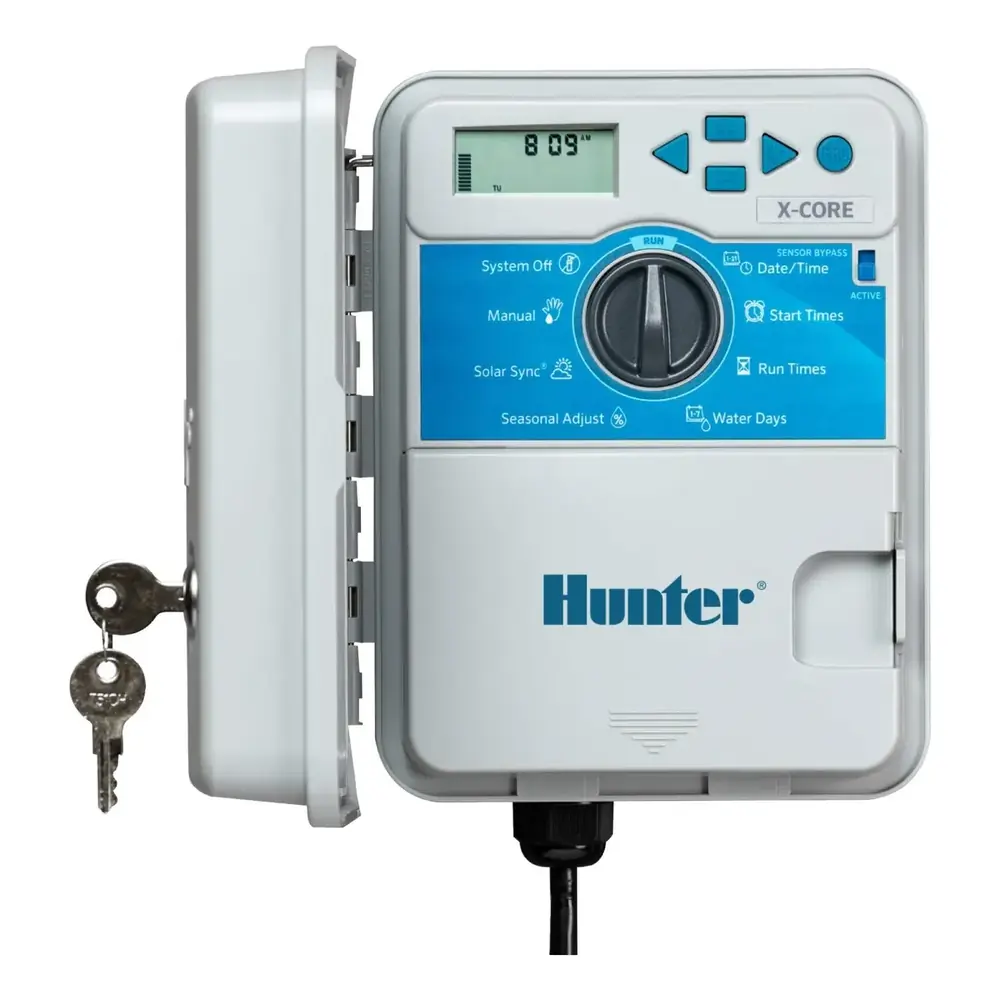
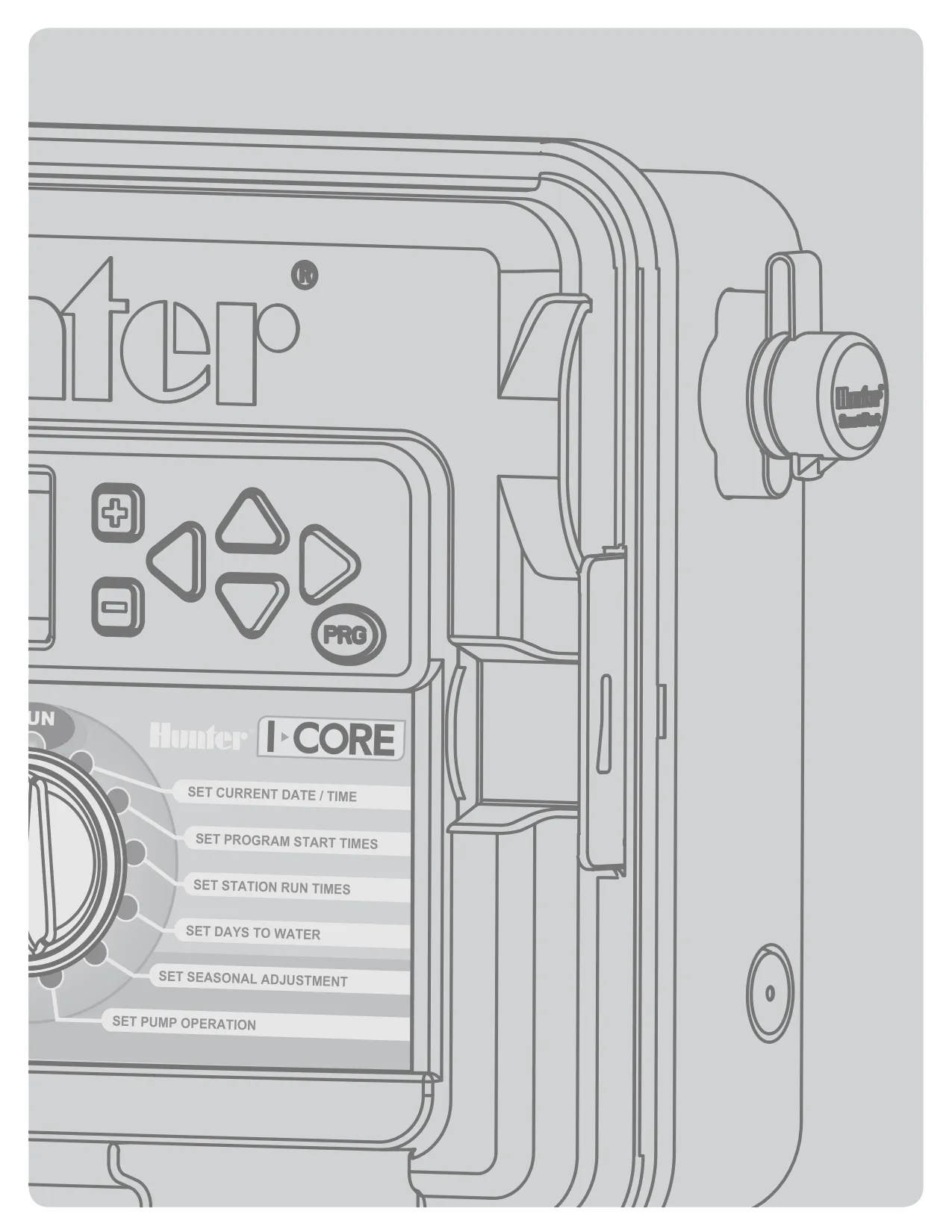
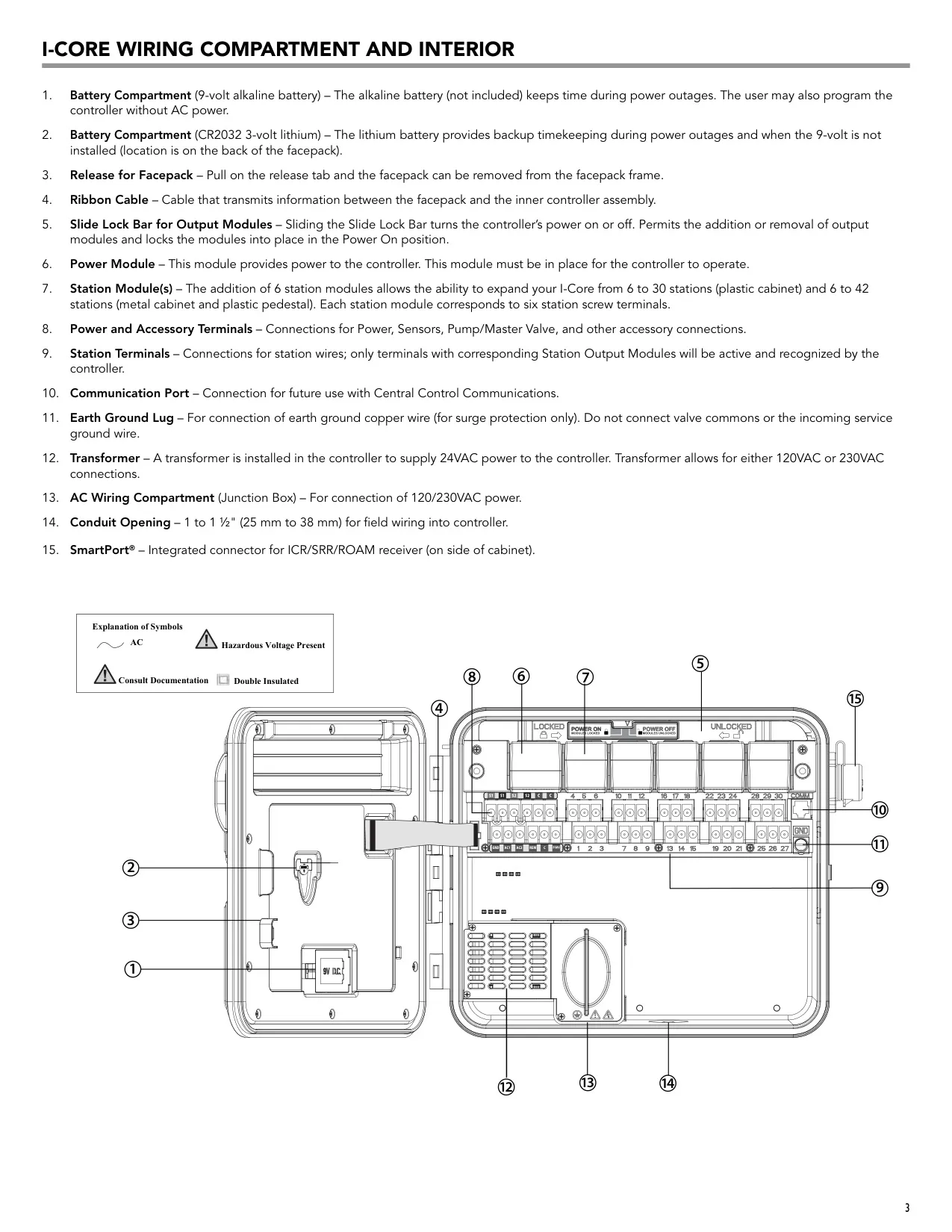
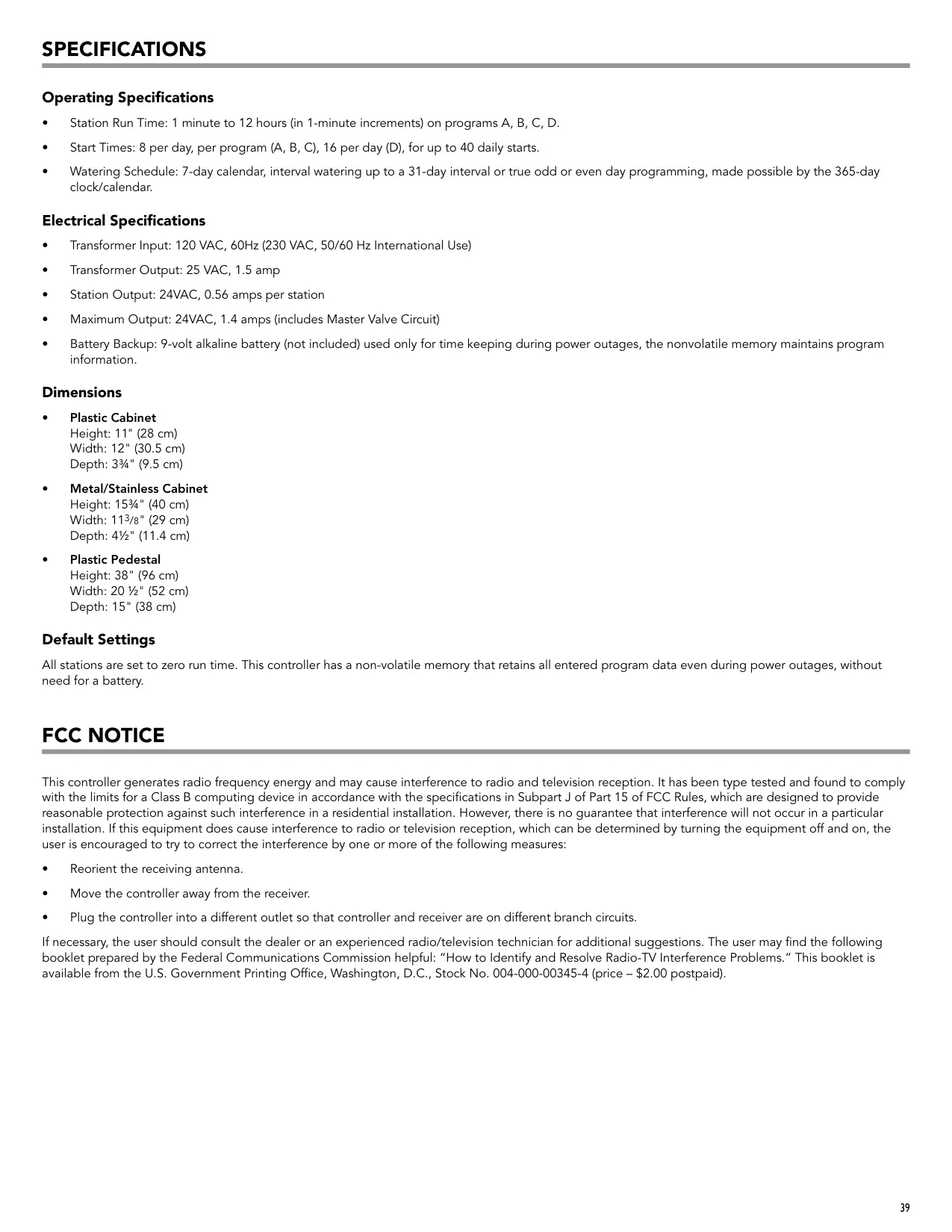
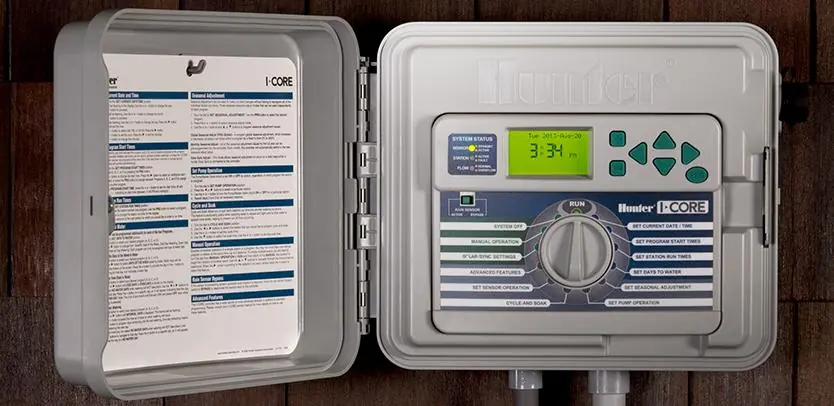
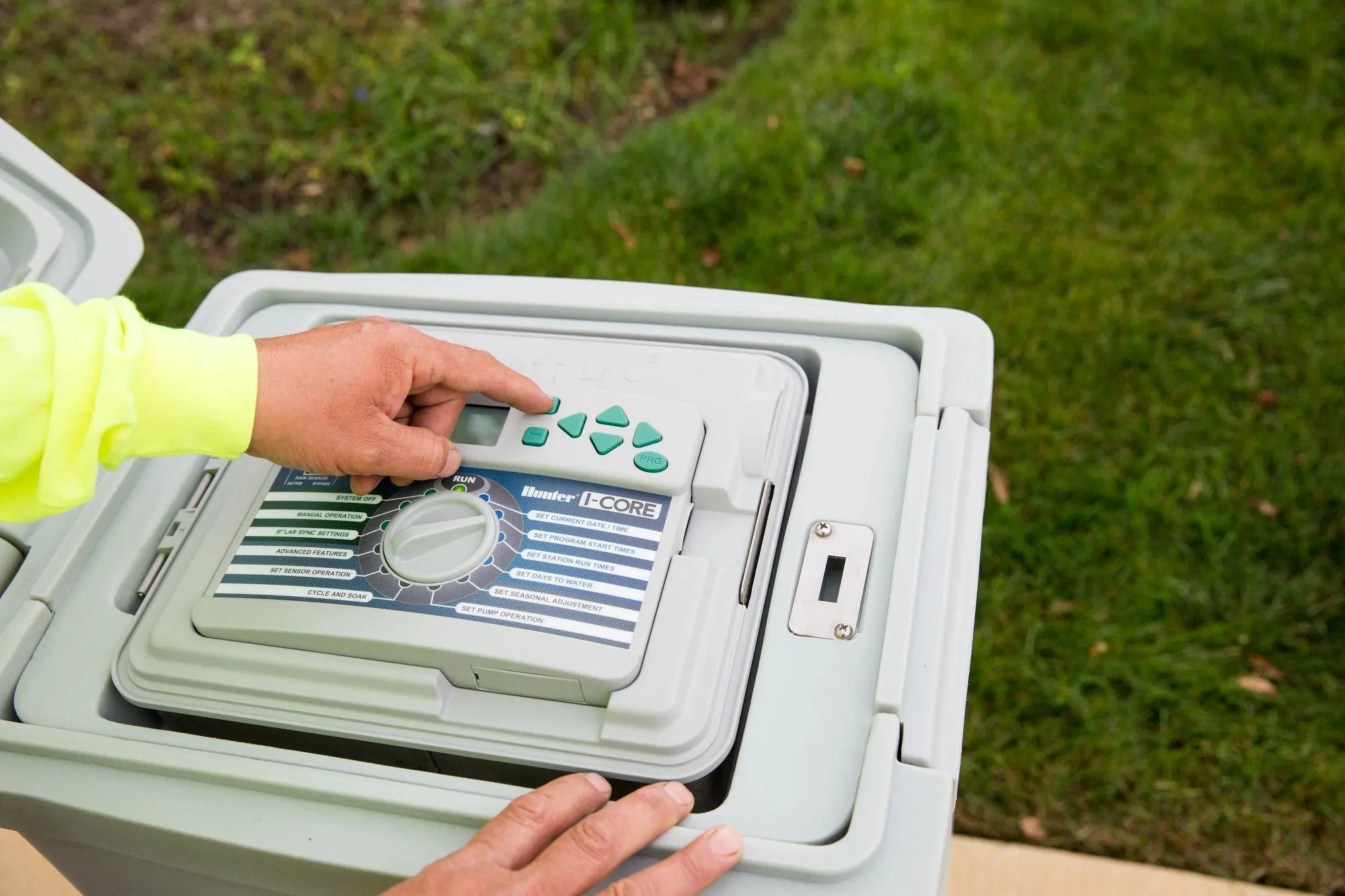
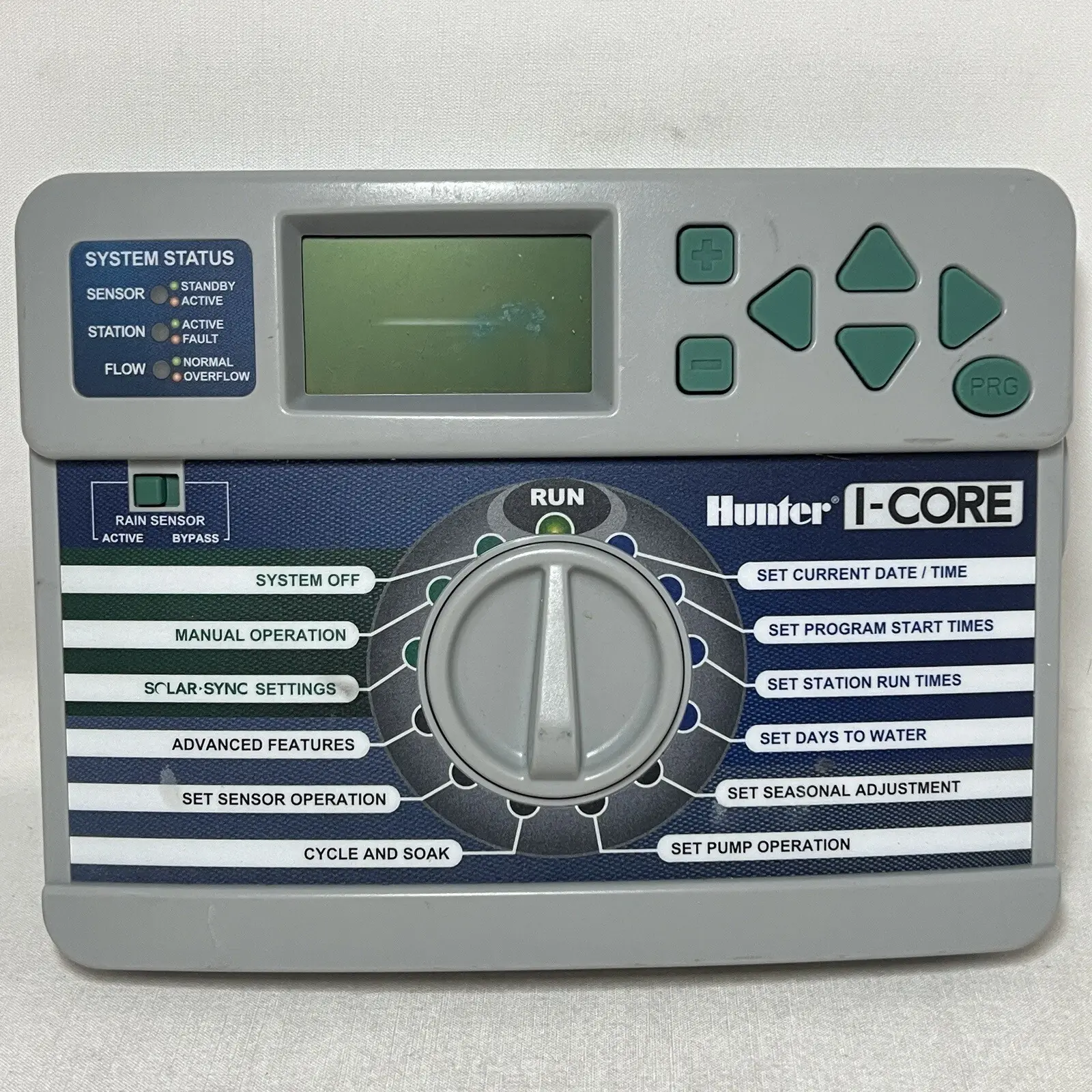
The Hunter I-Core is a modular controller for commercial and high-end residential sites. You program it with a dial, a set of arrow buttons, the + and – buttons and a PRG button. The large backlit LCD has adjustable contrast through the LCD Adjust menu. The facepack can be removed for remote programming, and a 9-volt battery lets you program it without AC power. The Slide Lock bar turns the controller on and off and locks the output modules in place.
The System Status Dashboard uses LED lights to report on the sensors, stations and flow. A green Sensor light means the sensor circuit is closed, and red means a sensor is active. The Station light flashes red when a station draws too much current, and the display shows a fault message with the station number. The Flow light shows normal flow, an overflow or underflow alarm, or water running on a station that is not being monitored.
Flow monitoring follows a set diagnostic sequence. When the controller detects an overflow or underflow, it pauses the station for about one minute and then runs it again. If the problem is still there, it shuts the station down and locks it out. The Learn Expected Flow function runs each station for about one minute to record its normal flow. The Flow Totalizer keeps a running total of water use from two resettable reference points, and an Erase All does not clear it.
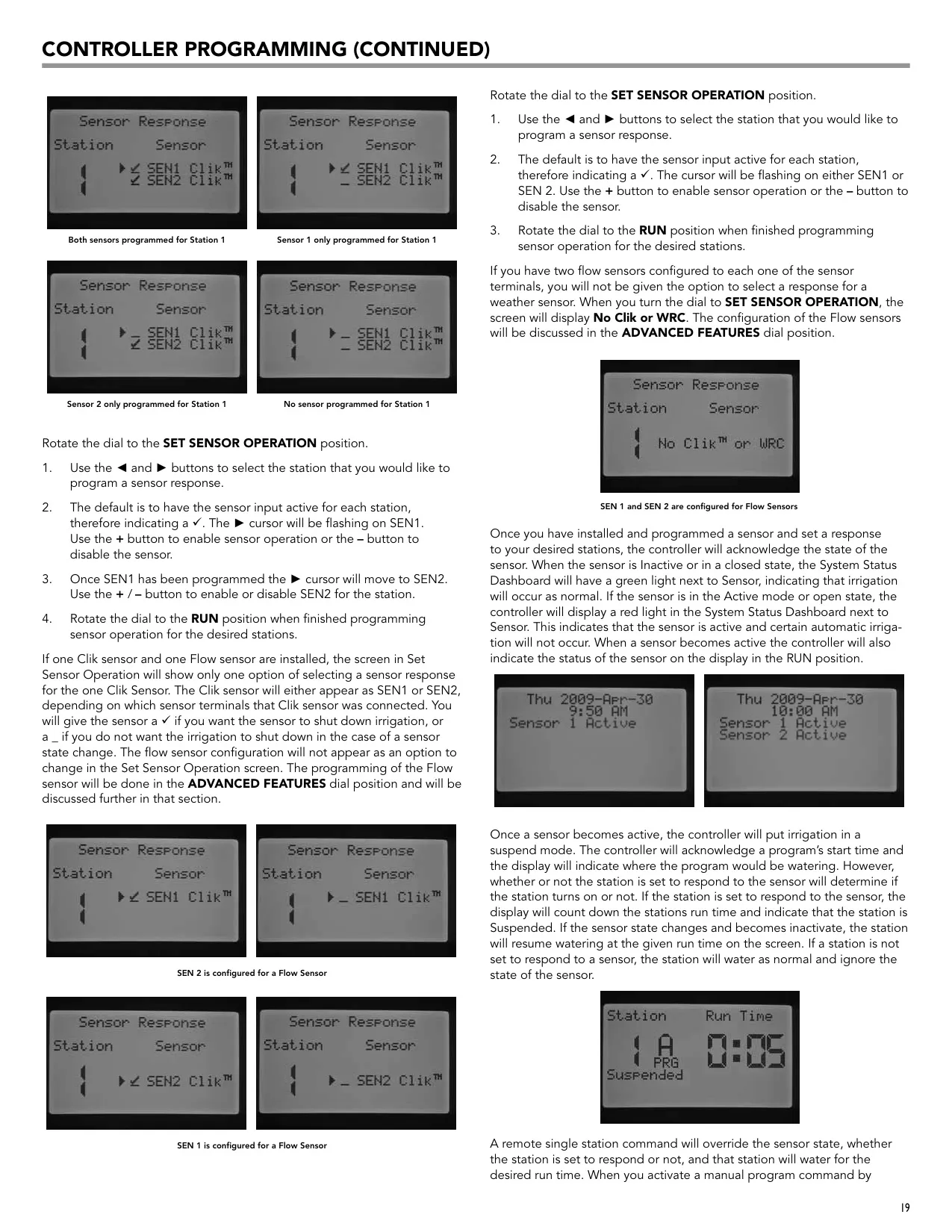
You can choose which stations respond to each sensor, so a rain or freeze event does not have to stop the whole system. A station that responds to an active sensor goes into Suspend mode and keeps counting down its run time. The front-panel Rain Sensor Bypass switch overrides Clik sensors when you need to water anyway. Manual single-station commands, whether started at the controller or from a remote, also override an active sensor.
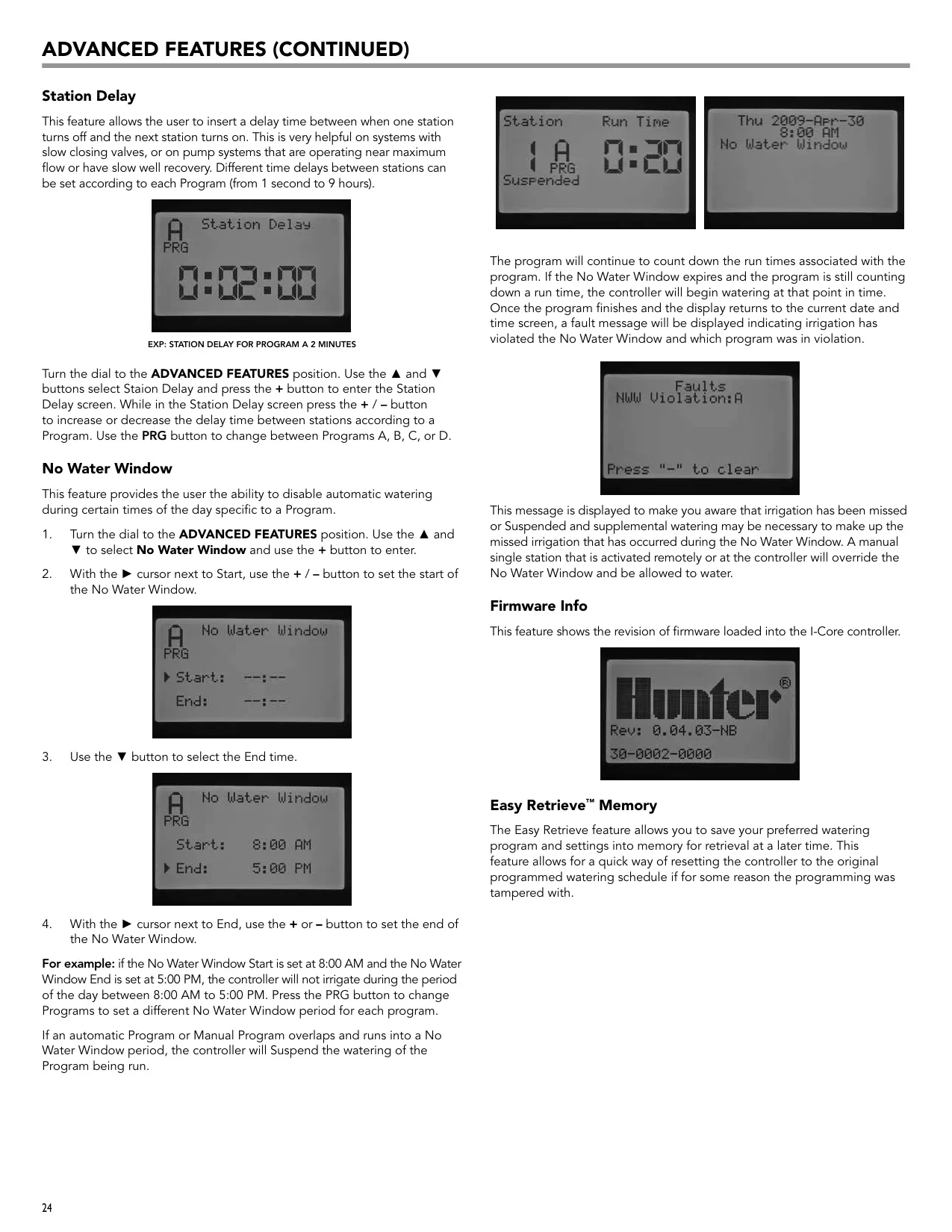
The No Water Window stops automatic watering during set hours for each program. If a program runs into the window, its watering is suspended and a violation message appears afterward. Easy Retrieve Memory saves a preferred schedule so you can restore it if someone changes the settings. Total Watering Time shows the length of each program's watering cycle. It does not include Cycle and Soak or station delay time.
The I-Core also has several shortcuts. One Touch Manual Start runs a program when you hold the right arrow button in the RUN position. The Test Program runs every station in order for 1 to 15 minutes, and you can step forward or back between stations. Hunter Quick Check scans all station terminals for wiring shorts caused by faulty solenoids or bare wires touching. Set Pump Operation turns the pump or master valve output on or off for each station.
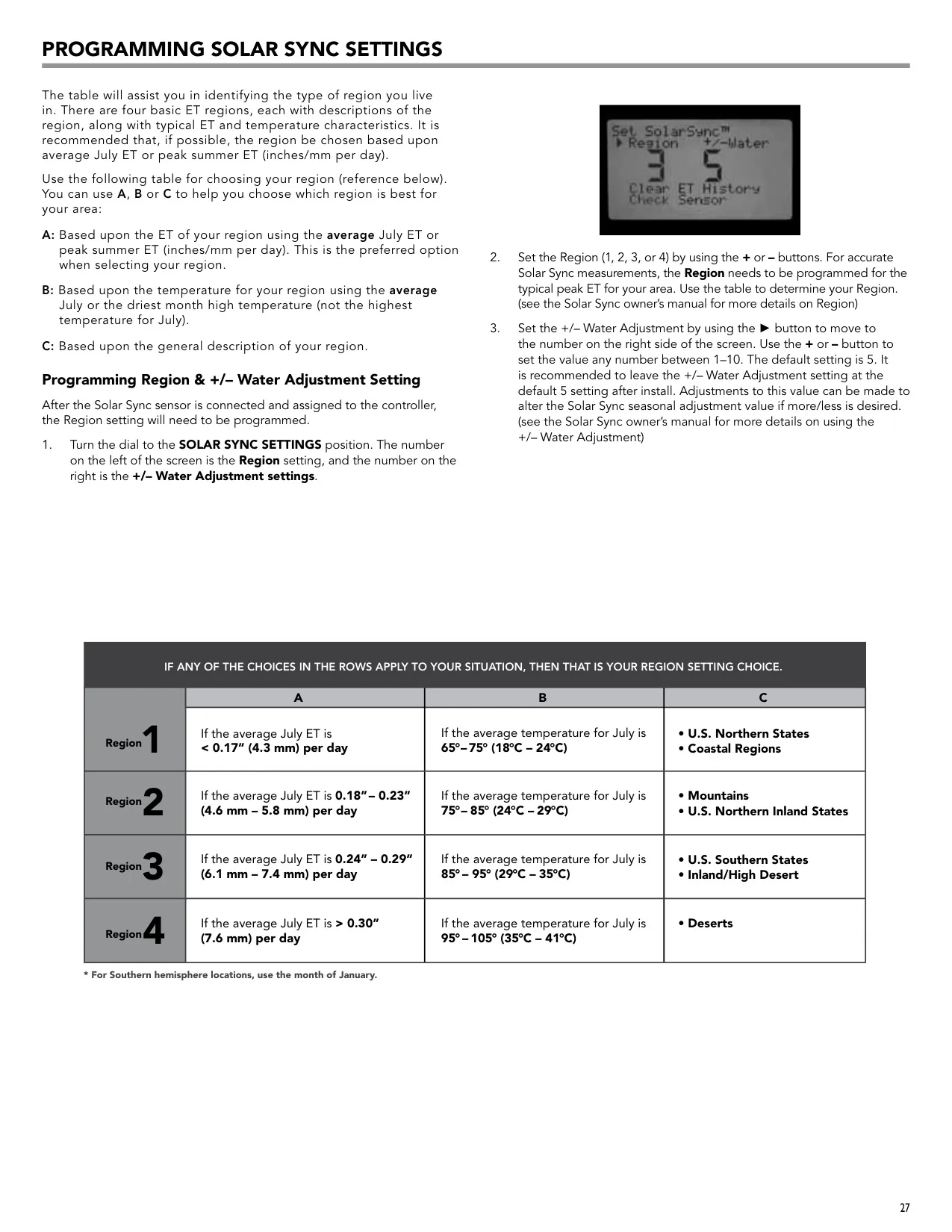
With Solar Sync built in, the controller adjusts run times every day using solar and temperature data. You choose your region from average July ET, temperature or climate type, and you can fine-tune the result with the water adjustment scale. Solar Sync also needs power module version 2.1 or later. For grounding, the manual recommends an 8-foot copper-clad rod or a copper plate, with a resistance of 10 ohms or less.
Frequently Asked Questions (FAQs)
Can't find the answer you need? Here are some frequently asked questions about the Hunter I-Core Irrigation Controller, and we answer them below.