Orbit 57596 Easy Dial 6 Station Instruction Manual
Orbit 57596 Easy Dial 6 Station








Orbit 57596 Easy Dial 6 Station Instructions
Here we offer the Orbit 57596 Easy Dial 6 Station manual completely free and in English. We have cataloged this manual in the Irrigation Controllers section on Manualverse, and it has been rated by 1 users with an average rating of 5. If you have any specific questions about Orbit 57596 Easy Dial 6 Station, we suggest checking the Frequently Asked Questions (FAQs) section of this manual.
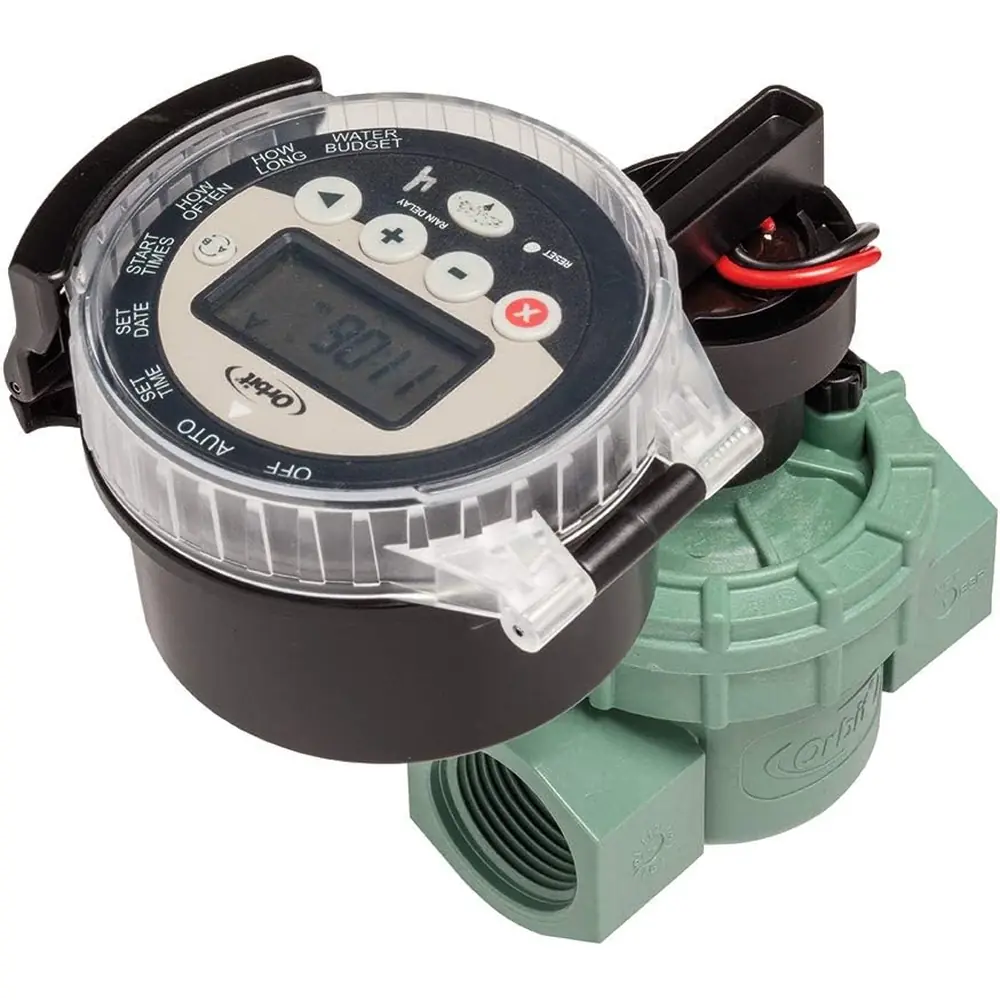
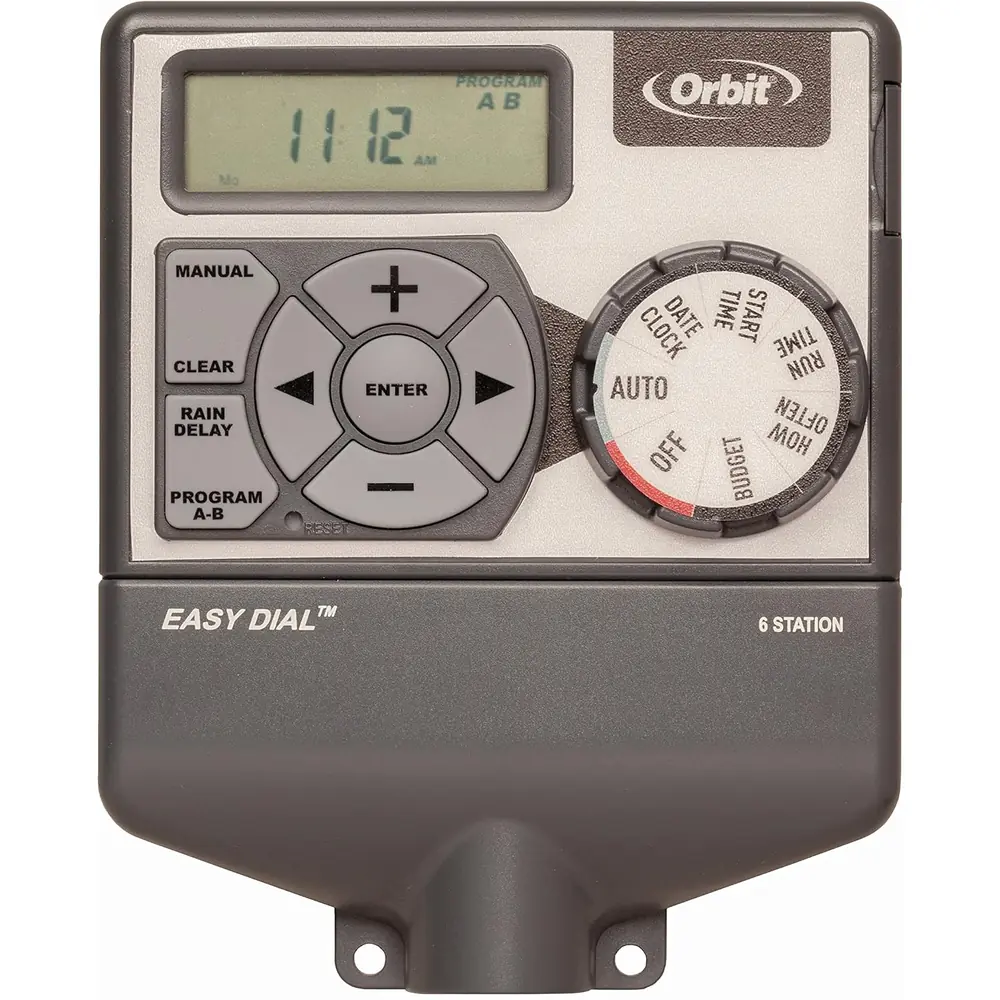
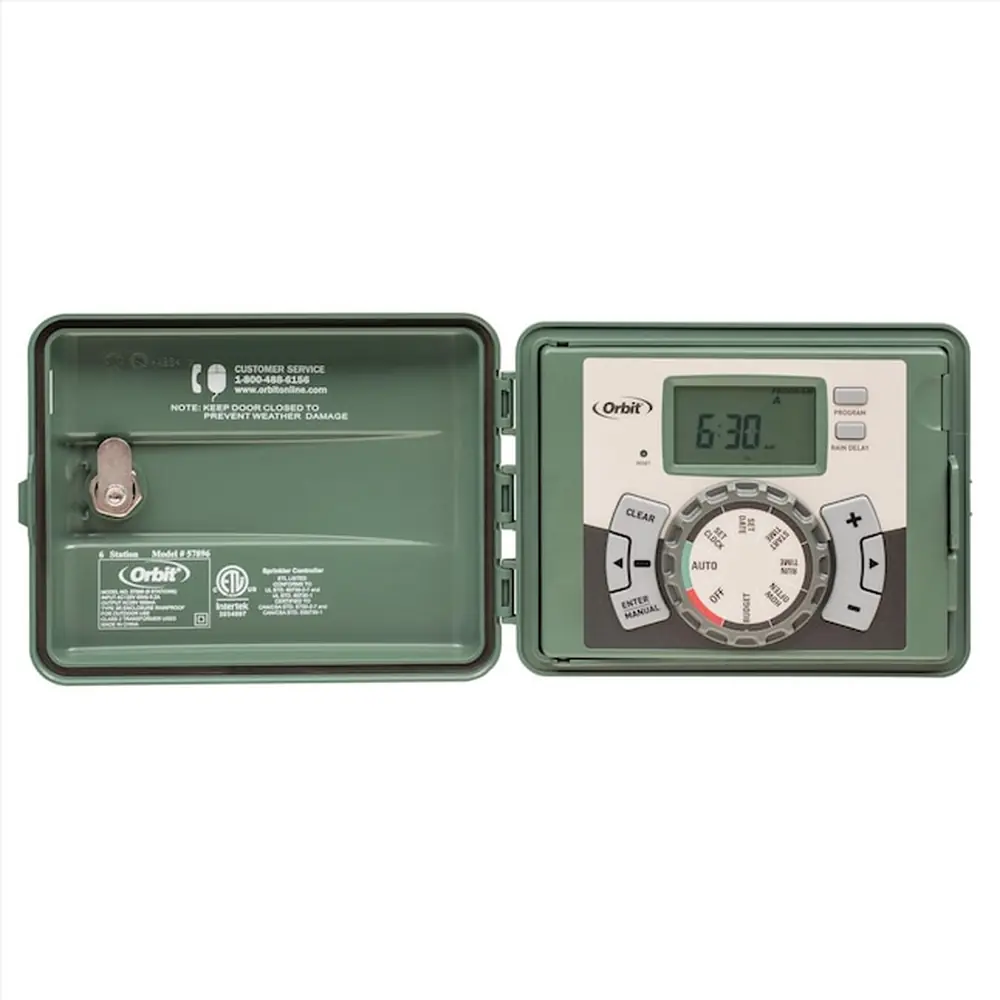
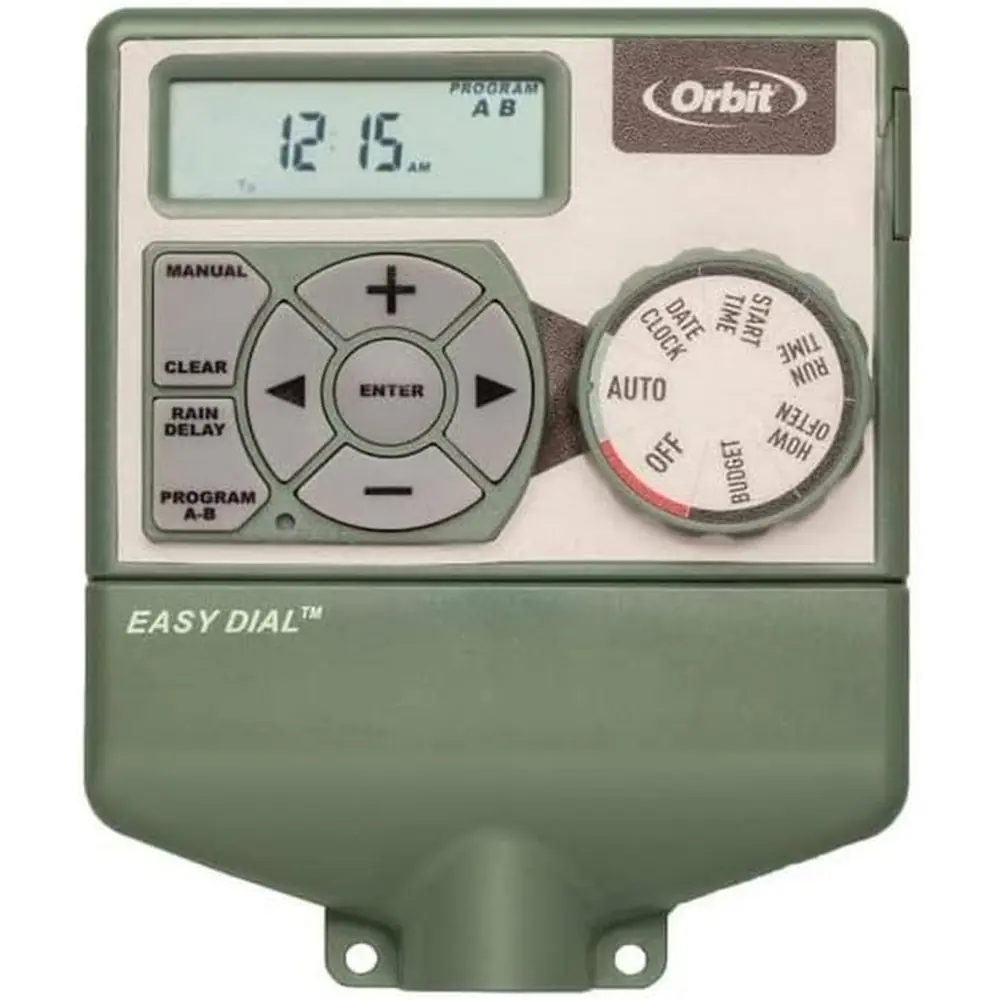
Product Images
Orbit 57596 Easy Dial 6 Station Specifications
| Feature | Specification |
|---|---|
| Model | Orbit 57596 Easy Dial |
| Number of Stations | 6 |
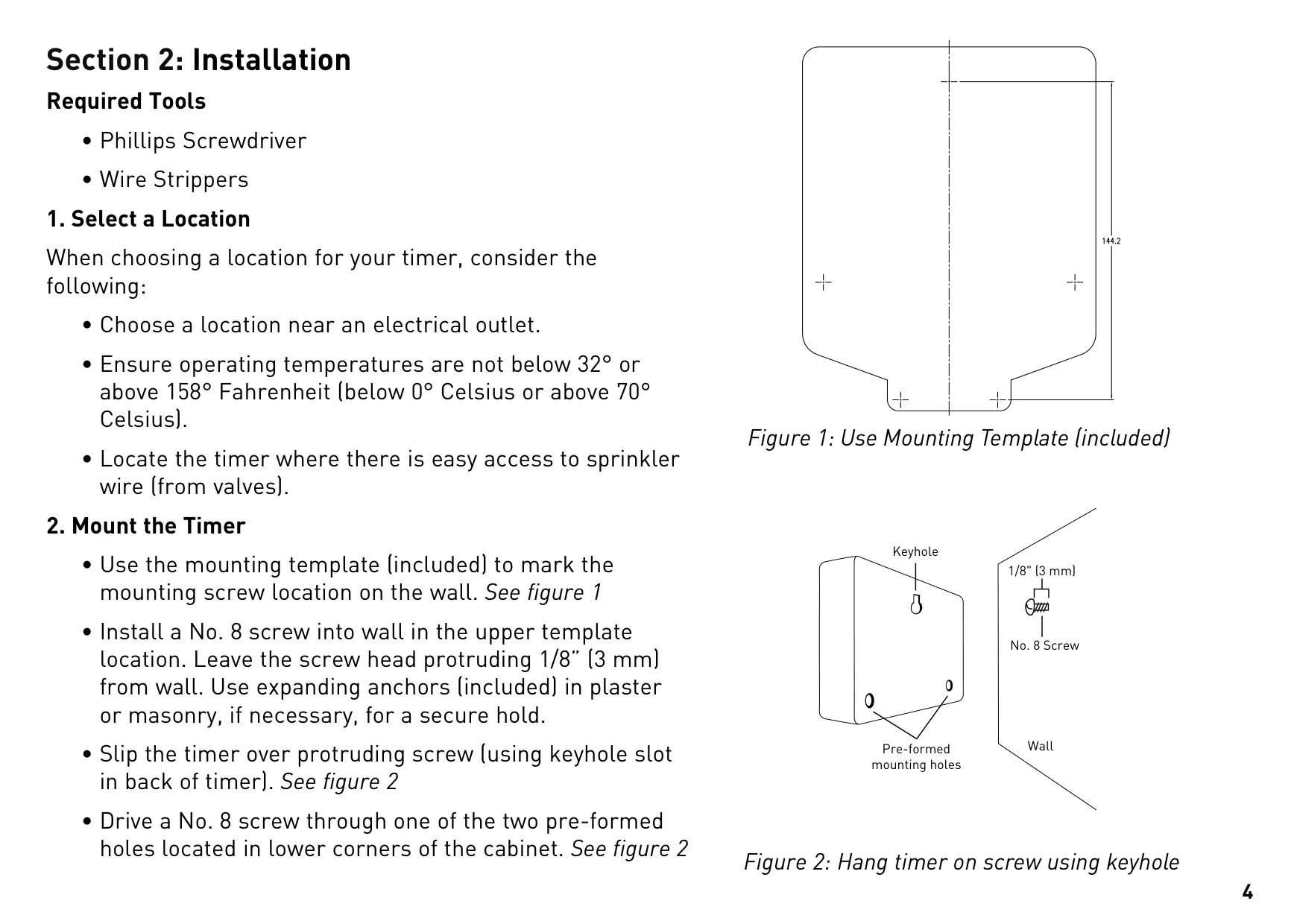
| Operating Temperature Range | 32°F to 158°F (0°C to 70°C) |
| Input Power | 120V AC (via supplied transformer) |
| Output Power (Valves) | 24V AC |
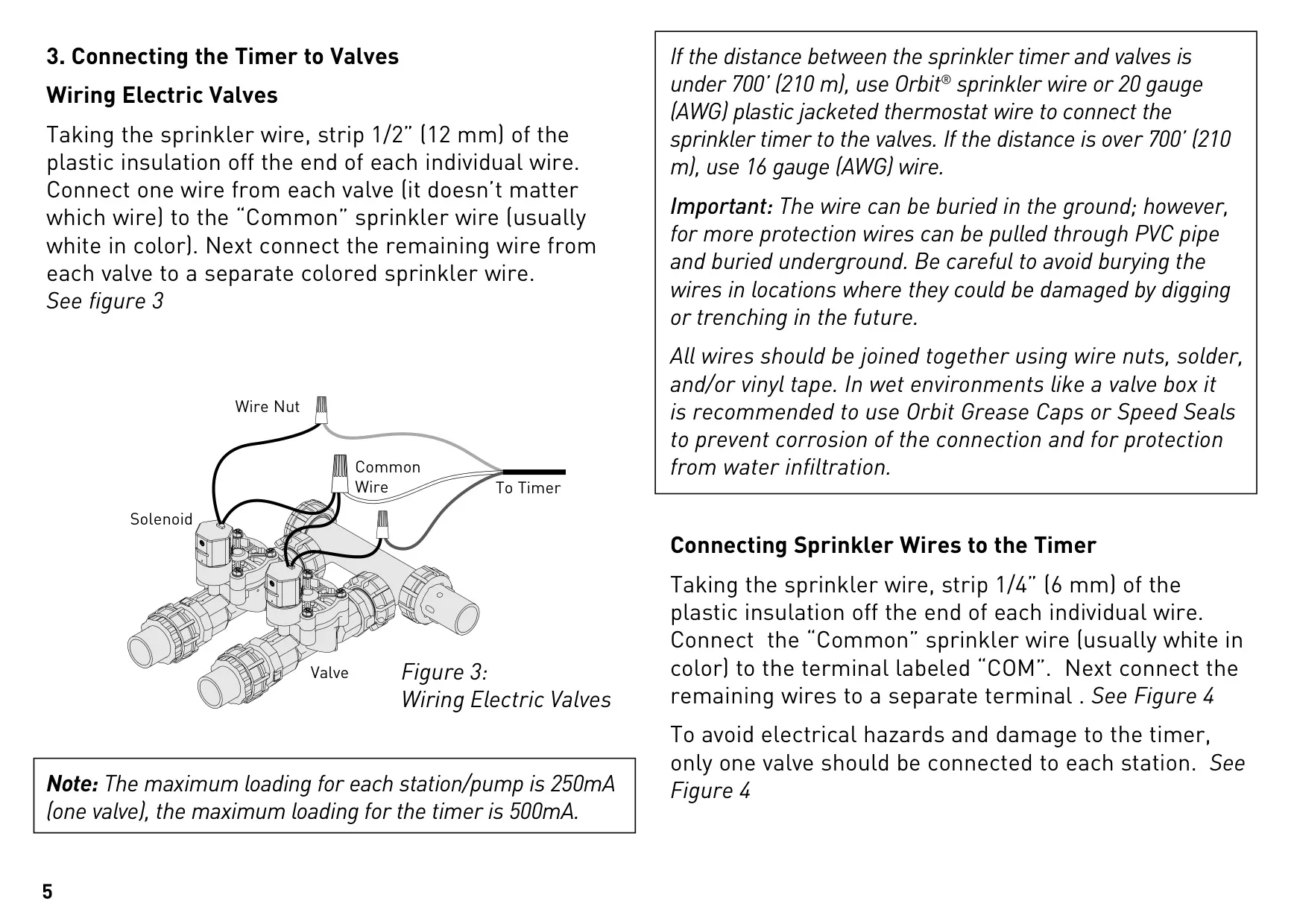
| Maximum Load per Station/Pump | 250mA (1 valve) |
| Maximum Total Timer Load | 500mA |
| Backup Battery | 1x CR2032 Lithium (included, annual replacement recommended) |
| Recommended Wire Gauge (<700ft/210m) | 20 AWG plastic jacketed thermostat wire |
| Recommended Wire Gauge (>700ft/210m) | 16 AWG wire |
| Warranty | 6 years from date of purchase |
Orbit 57596 Easy Dial 6 Station Details
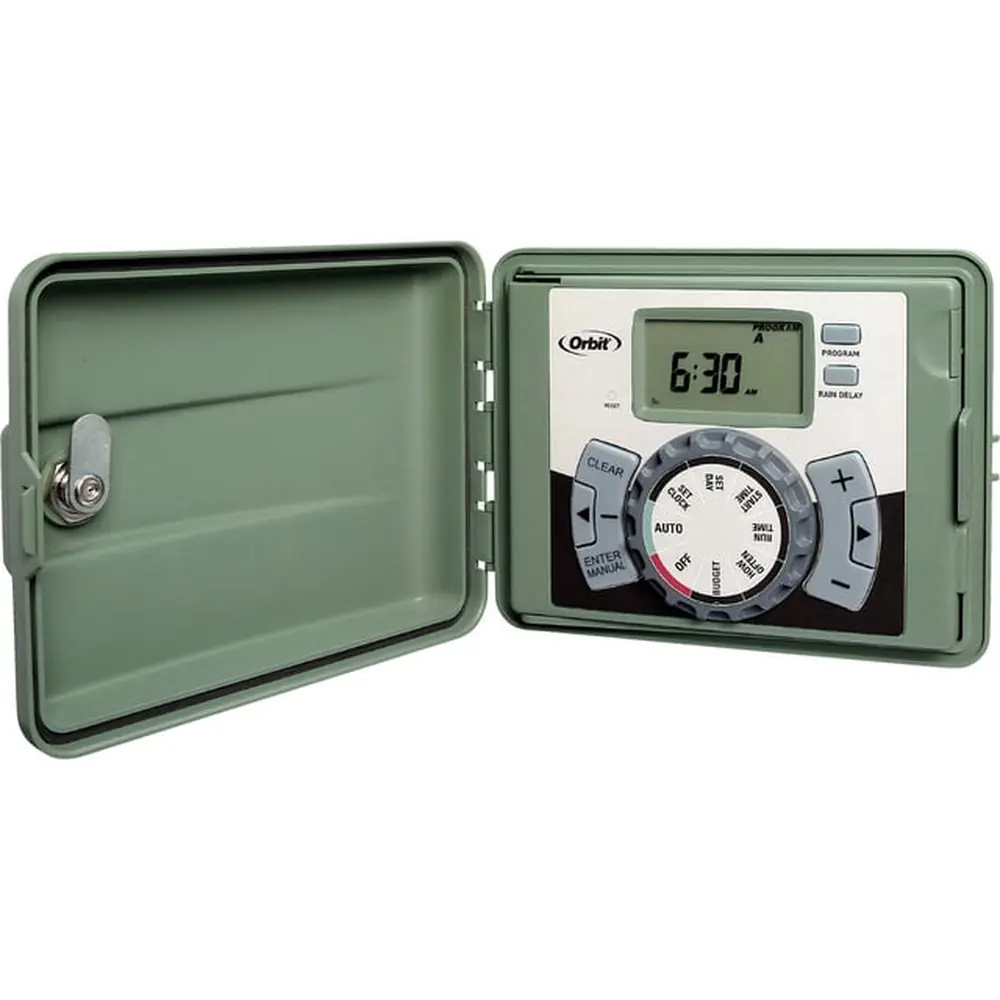
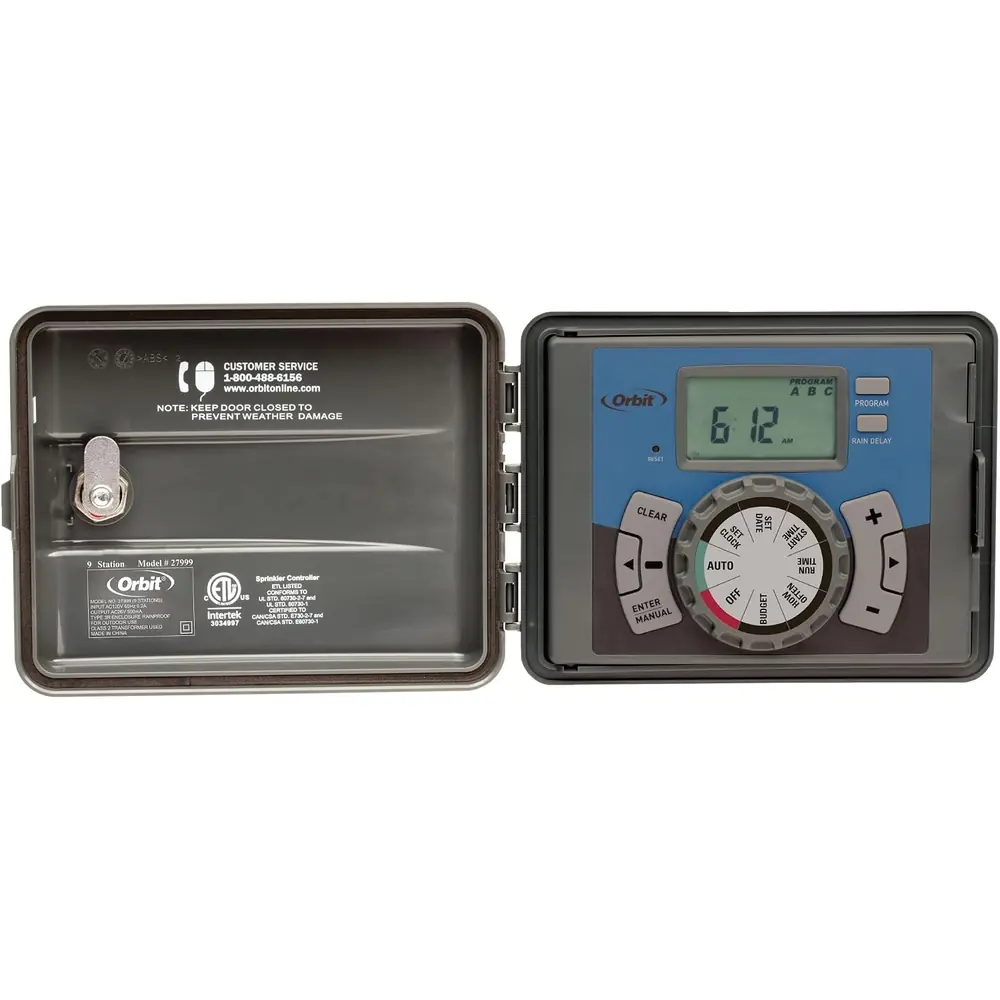
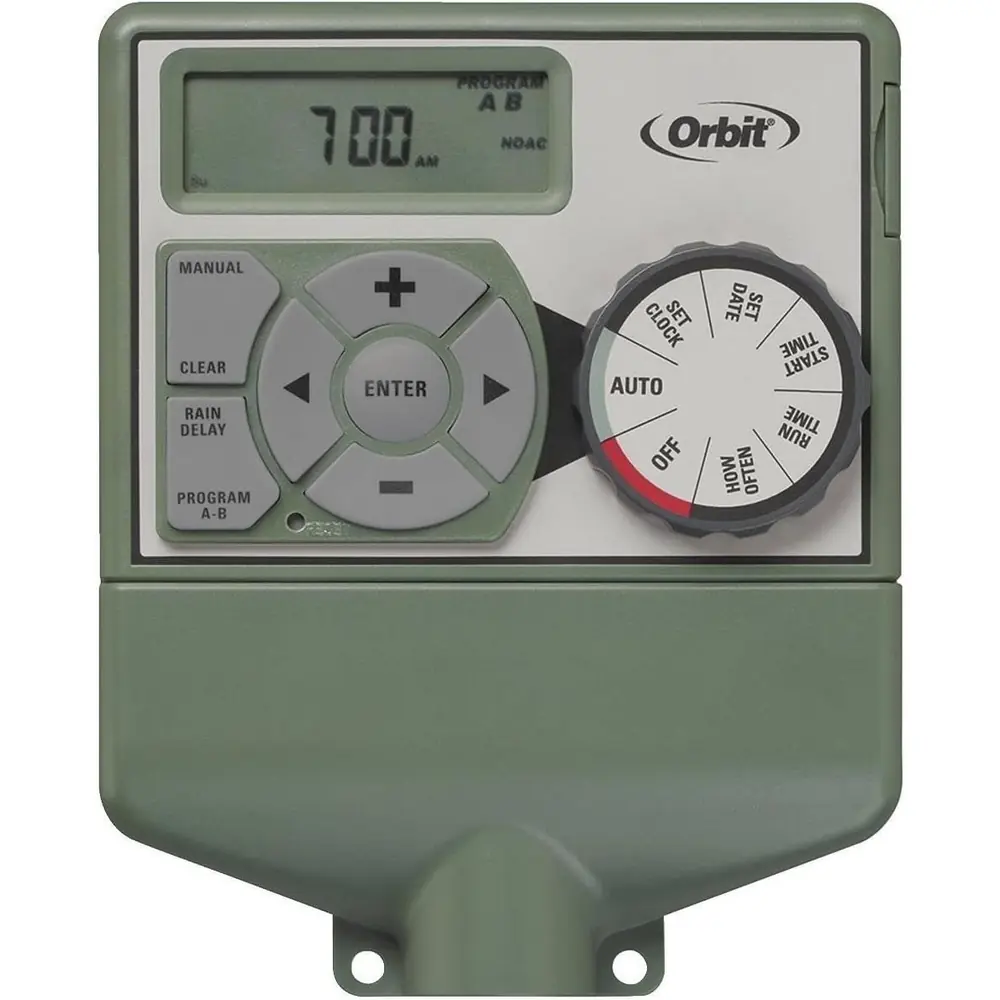
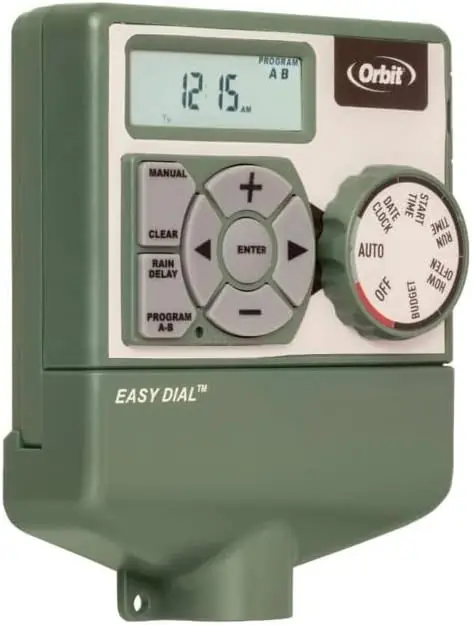
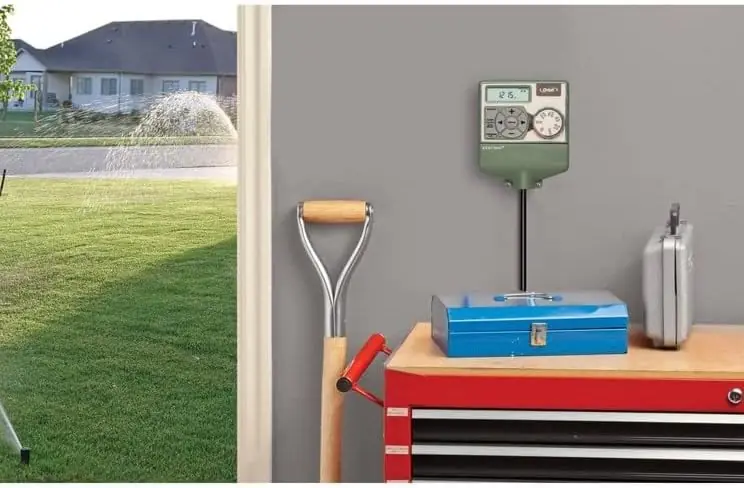
The Orbit 57596 Easy Dial 6 Station timer brings convenience and advanced technology to your irrigation system. Featuring Orbit’s exclusive Easy-Set Logic™, it simplifies programming and setup, ensuring a user-friendly experience. This timer offers versatile watering options, allowing for fully automatic, semi-automatic, or purely manual operation to suit all your landscaping needs. While not Wi-Fi enabled for direct control, the B-hyve™ Lite app can provide valuable programming recommendations and watering performance insights.
For enhanced flexibility, the timer includes two independent programs (A and B). Each program acts as a distinct schedule, comprising a group of stations with their own specific start times and run durations. This dual-program capability is particularly useful for managing diverse watering requirements, such as drip irrigation zones, newly seeded lawns, or areas served by rotary sprinklers, maximizing irrigation efficiency.
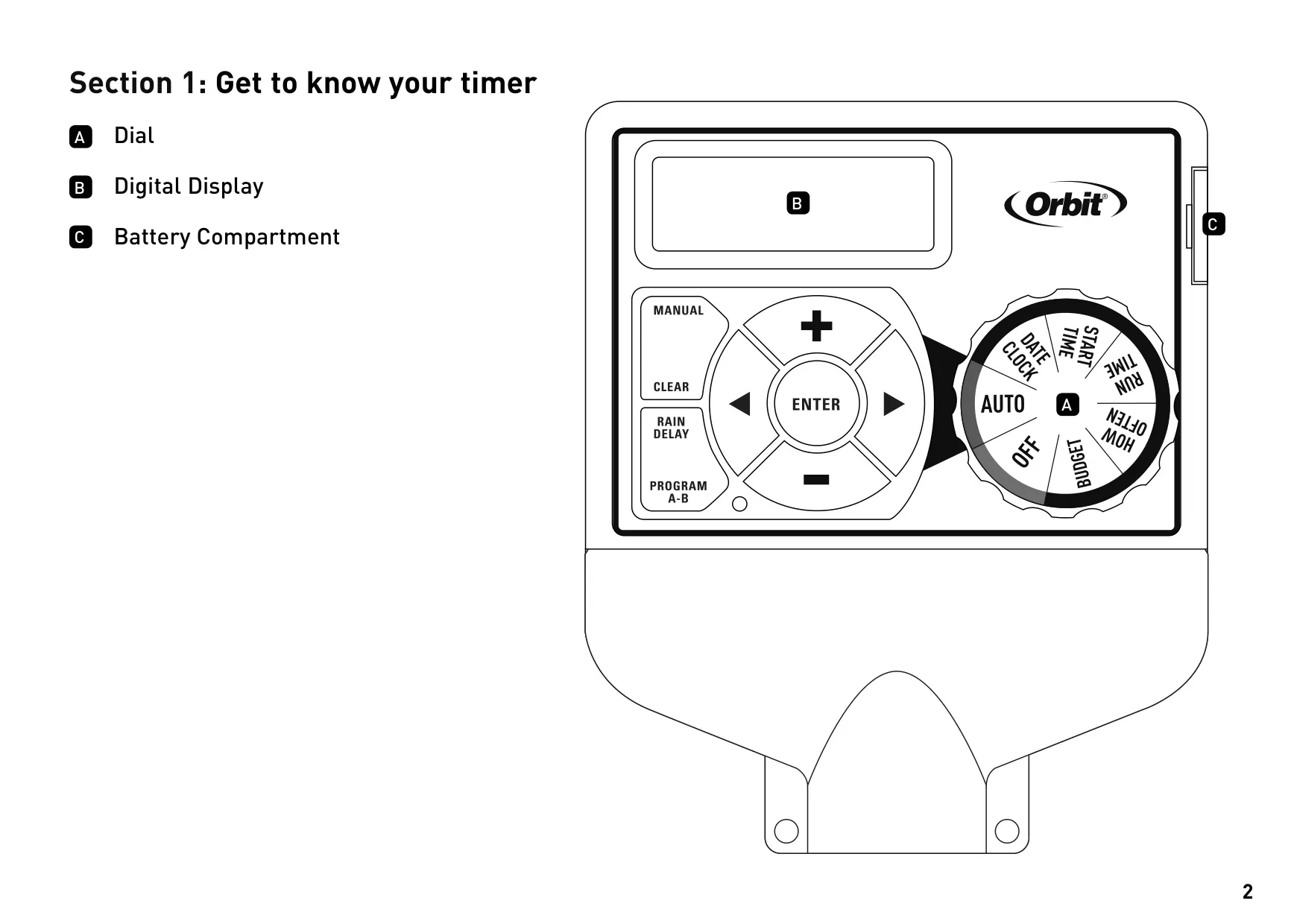
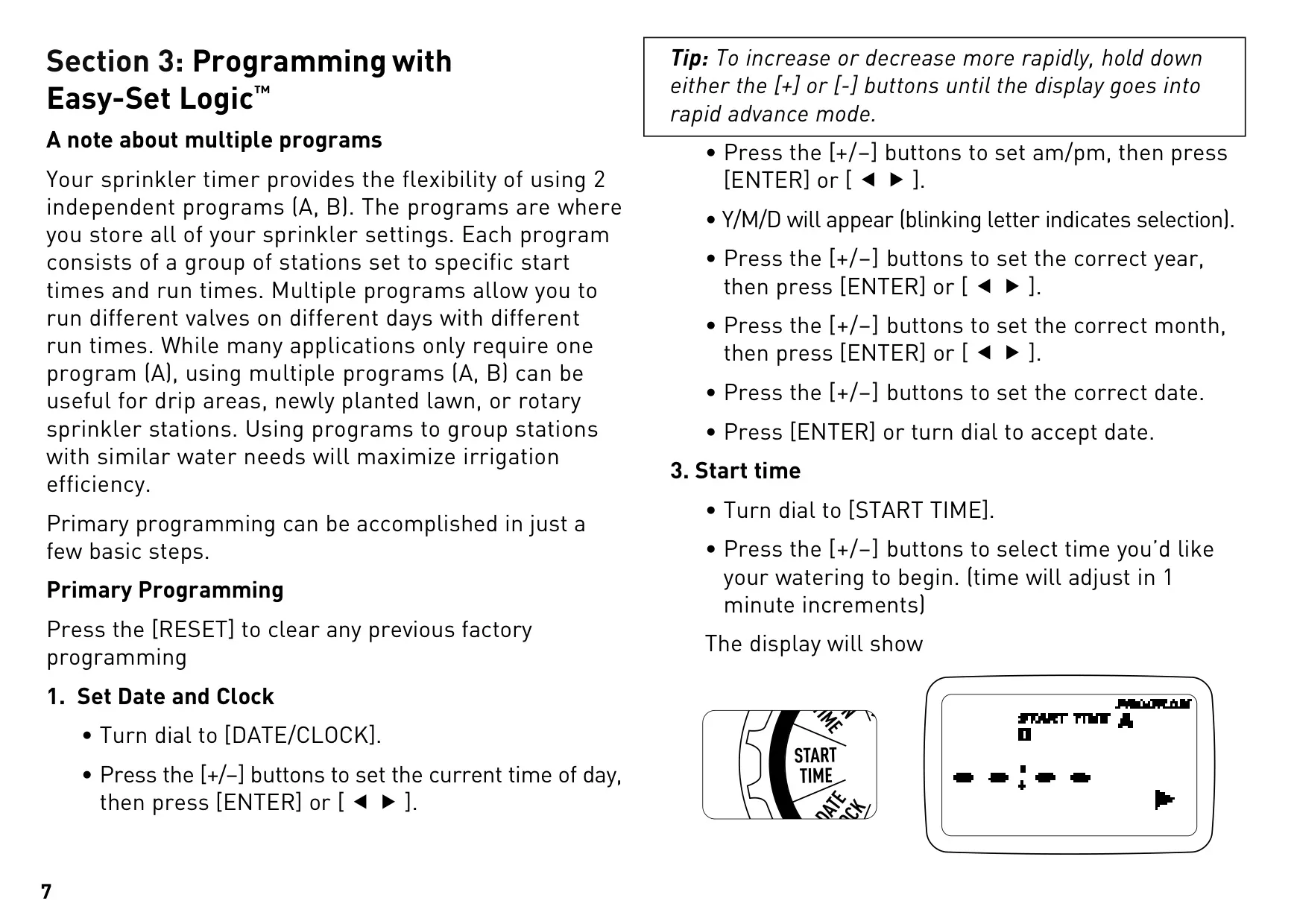
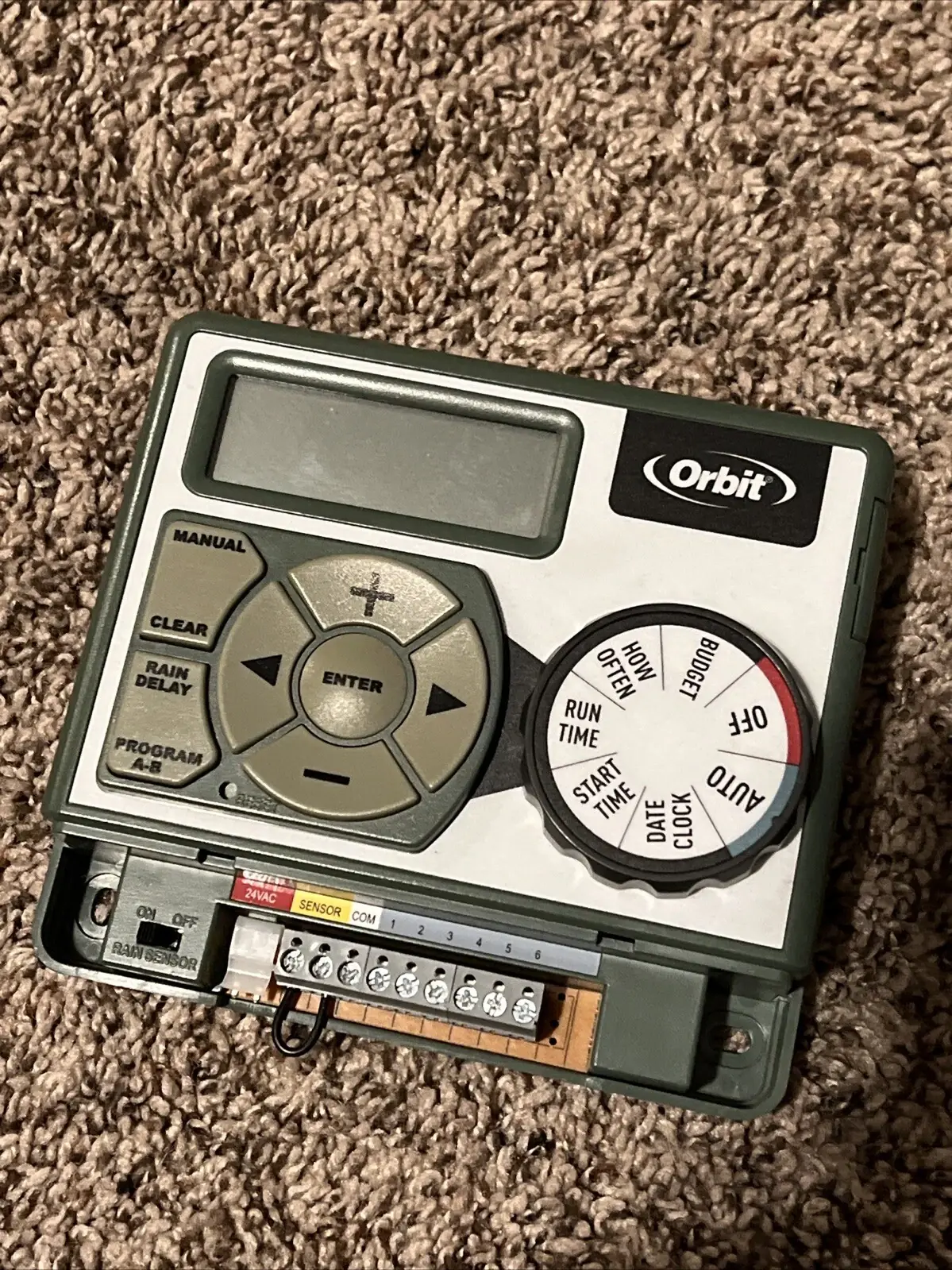
Programming is straightforward, guided by the intuitive dial and a clear digital display. The primary steps involve setting the current Date and Clock, then defining up to four separate Start Times for each program if multiple watering cycles are desired within a day. Next, you set the Run Time, which is the specific watering duration for each individual station.
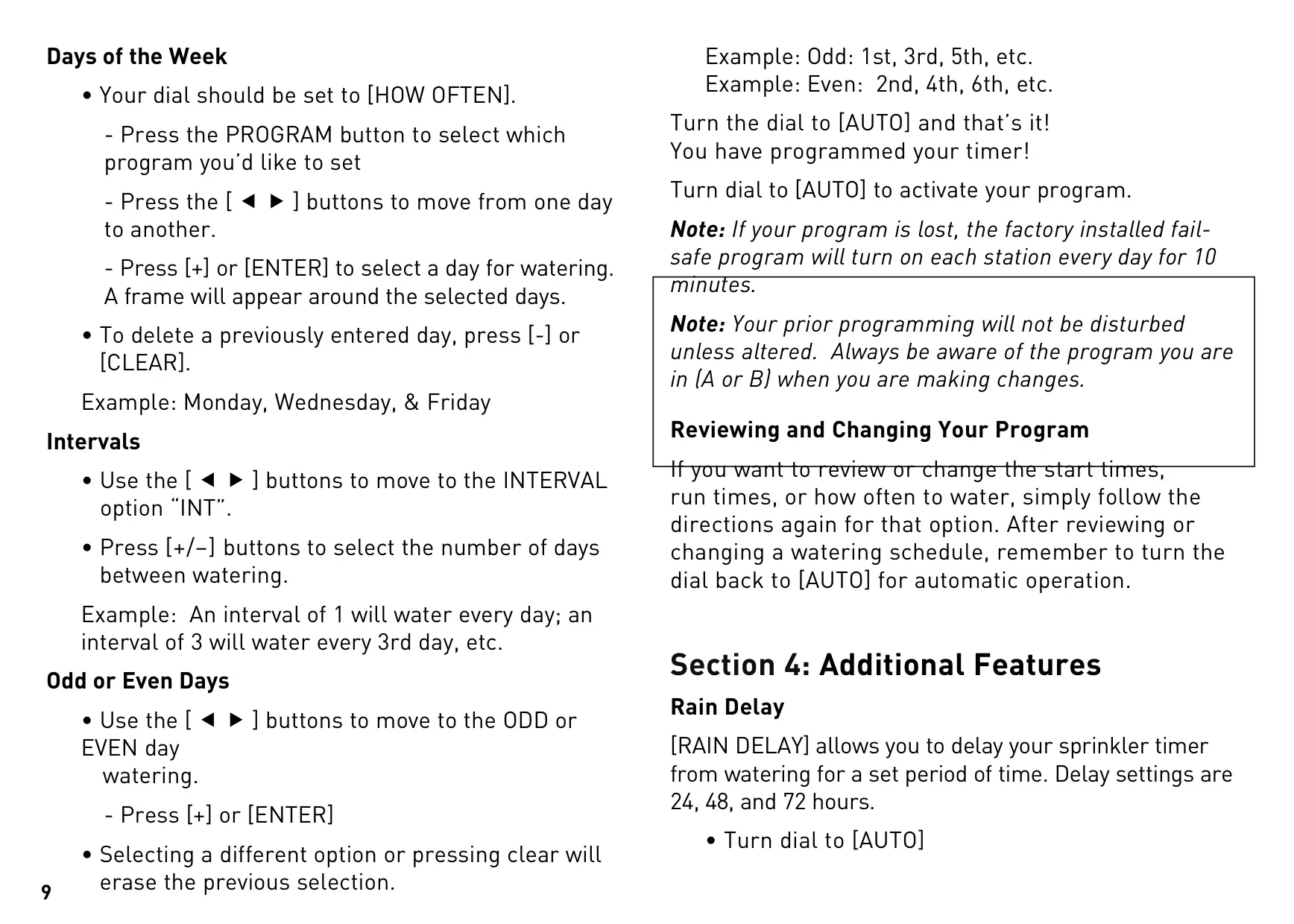
The "How Often" setting offers three flexible options: selecting specific Days of the Week (e.g., Monday, Wednesday, Friday), setting an Interval (watering every "X" number of days), or choosing Odd or Even days for watering. A factory-installed failsafe program ensures basic watering (10 minutes per station, daily) if your custom program is ever lost. You can easily review or modify any setting by simply turning the dial to the desired option.
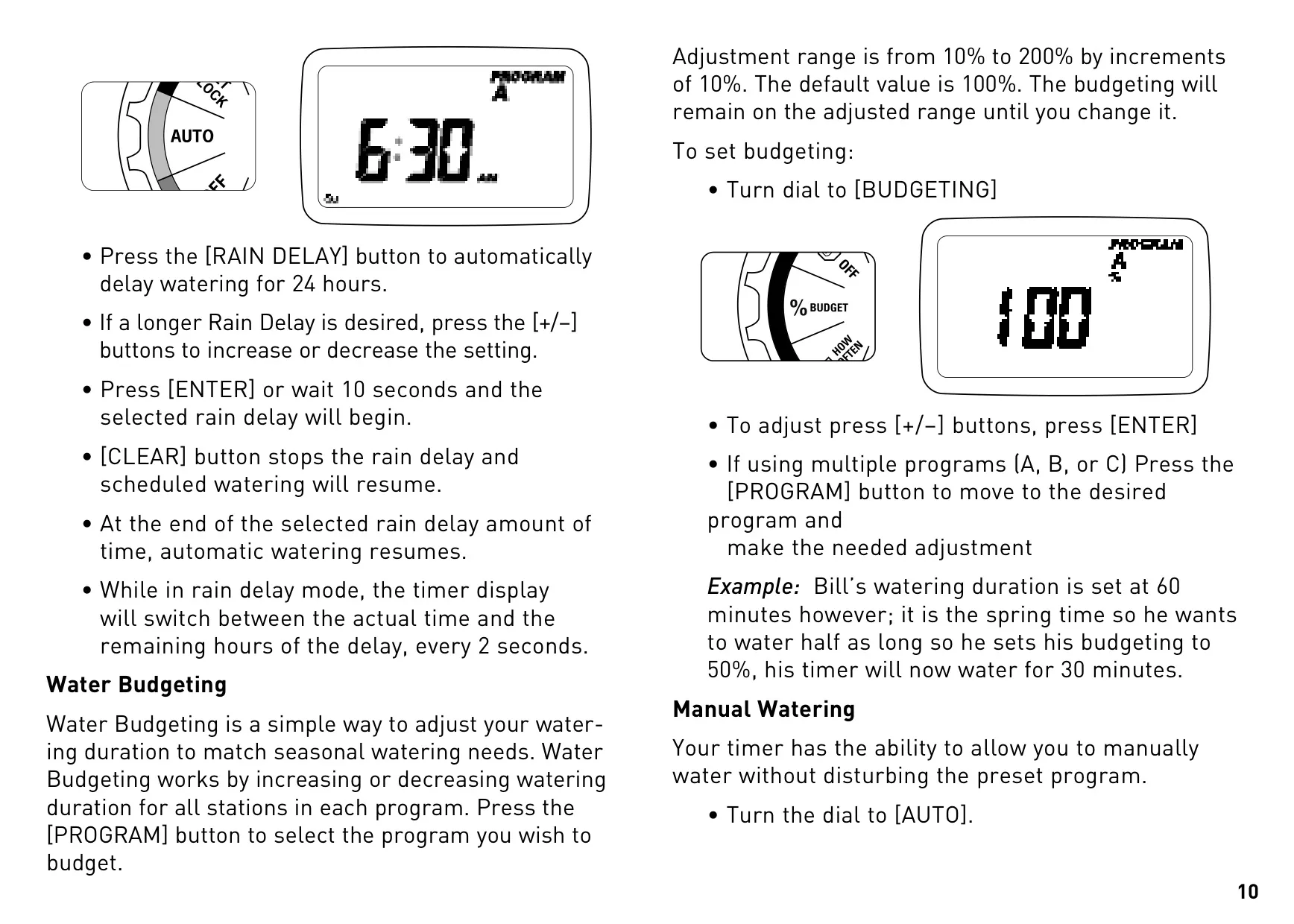
One of its helpful additional features is Rain Delay, allowing you to pause scheduled watering for 24, 48, or 72 hours due to rainfall or other factors. The display conveniently alternates between the current time and the remaining delay period. This helps conserve water and prevents overwatering during wet conditions.
For seasonal adjustments, the Water Budgeting feature is invaluable. It enables you to globally increase or decrease the watering duration for all stations within a selected program by a percentage, ranging from 10% to 200% in 10% increments. This eliminates the need to manually change individual station run times as weather conditions shift throughout the year.
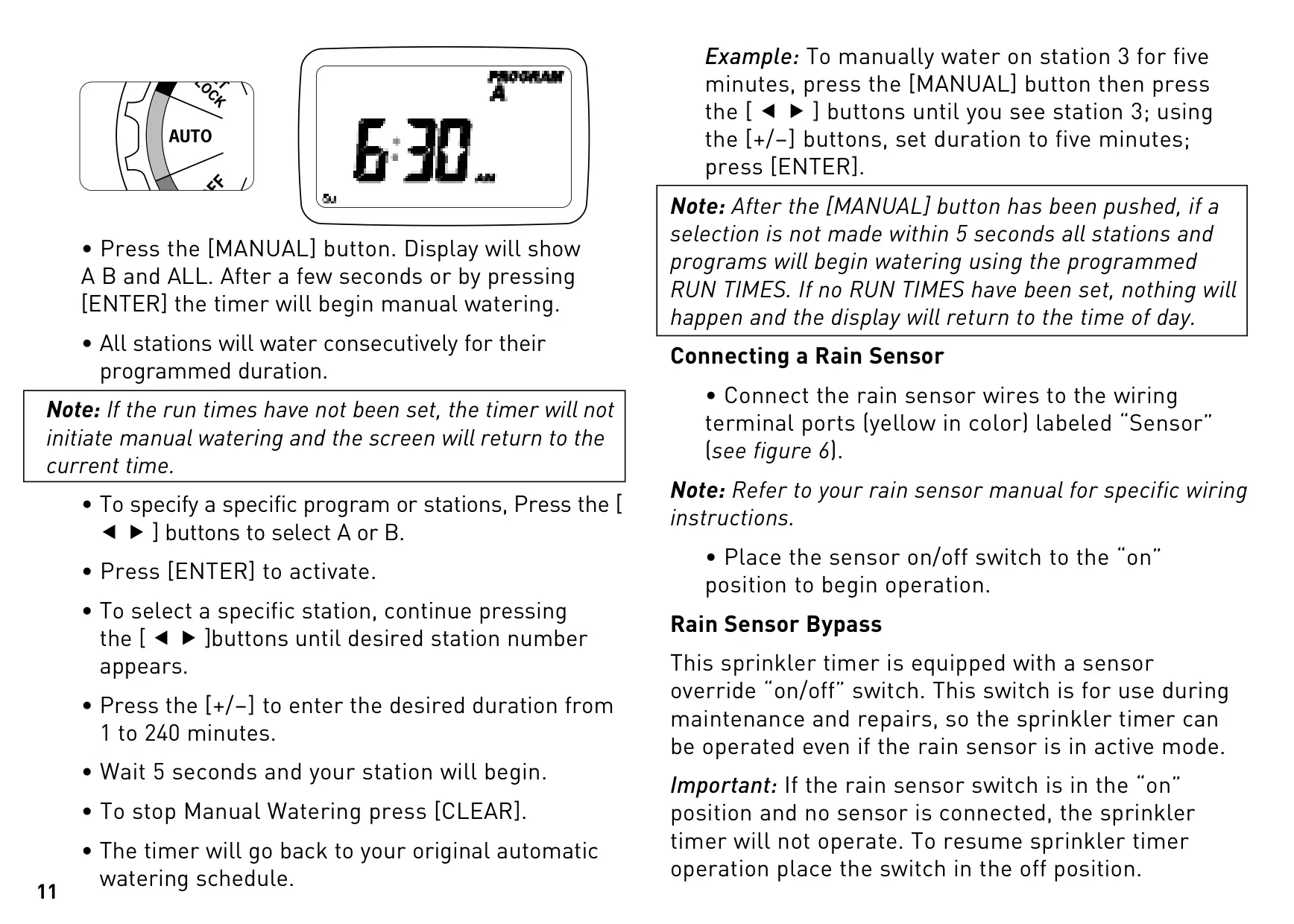
The timer also supports Manual Watering without interfering with your established automatic programs. You can choose to run all stations consecutively, select a specific program (A or B), or even pinpoint an individual station and set a custom watering duration from 1 to 240 minutes. This is ideal for spot watering or testing individual zones.
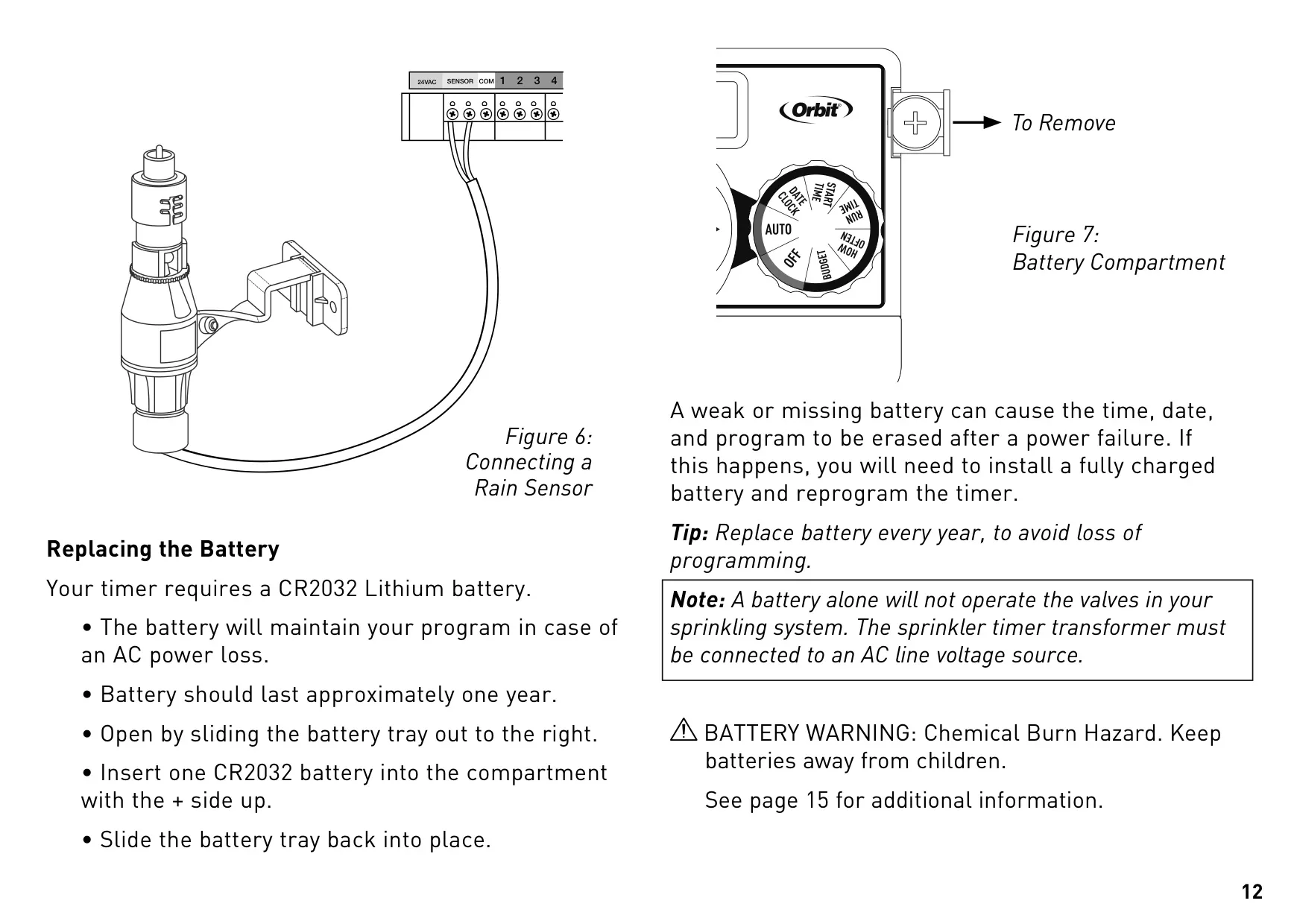
For water conservation, the timer is equipped to connect with an optional rain sensor using dedicated yellow sensor terminals. An integrated sensor bypass switch allows you to override the rain sensor's operation for maintenance or repairs. However, it's crucial to remember that if the sensor switch is "on" and no sensor is connected, the timer will not operate.
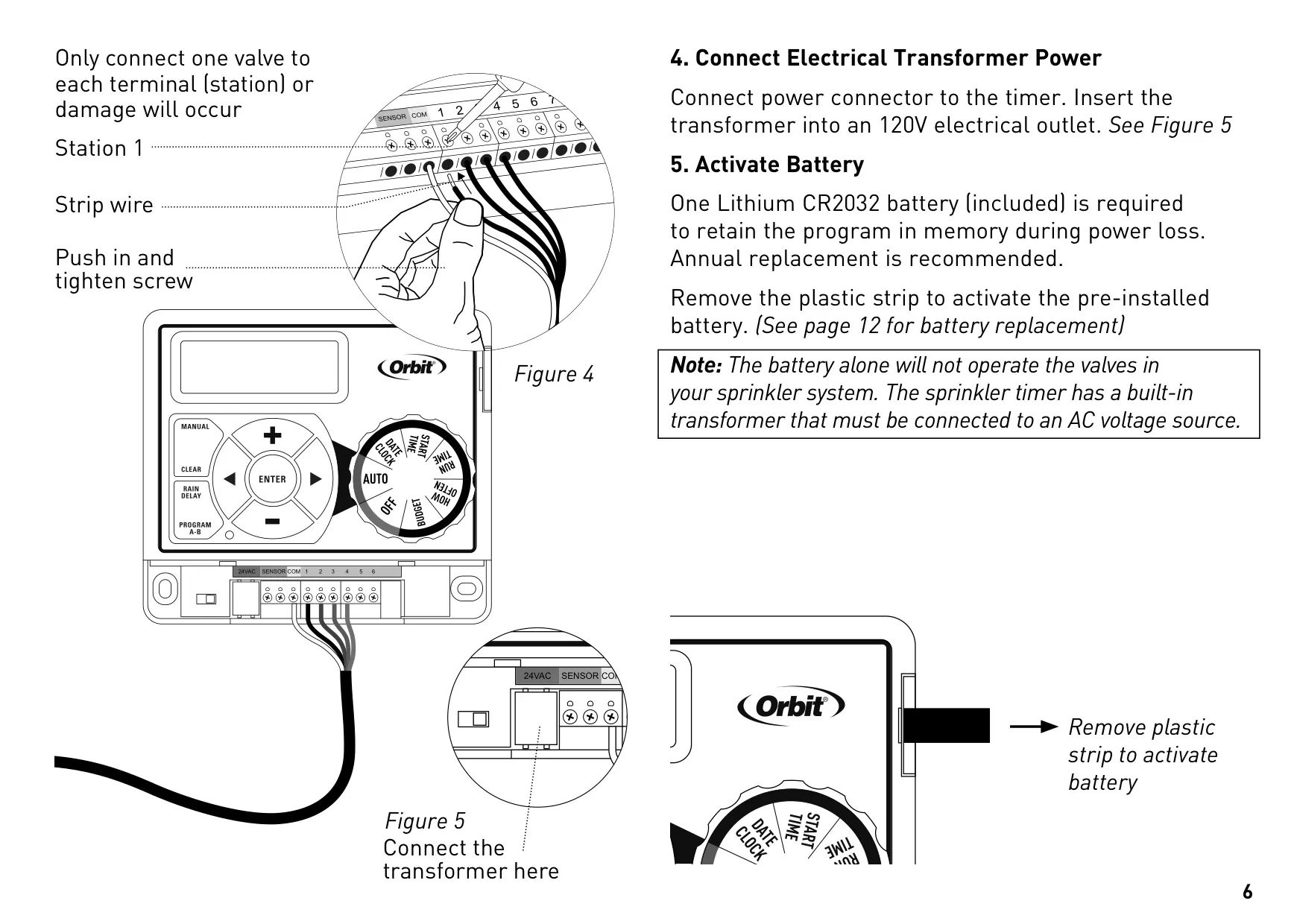
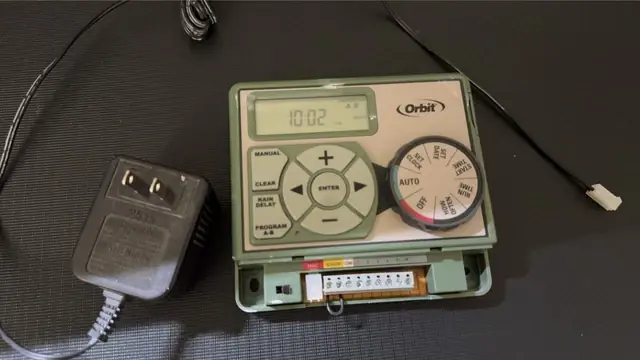
The included CR2032 Lithium battery serves a critical function: retaining your programmed settings in memory during power outages. It's important to note that this battery does not power the valves; the timer's transformer must be connected to an AC power source for valve operation. Annual battery replacement is recommended to safeguard your programming.
Frequently Asked Questions (FAQs)
Can't find the answer you need? Here are some frequently asked questions about the Orbit 57596 Easy Dial 6 Station, and we answer them below.