Orbit Model 27999 Irrigation Controller Instruction Manual
Orbit Model 27999 Irrigation Controller

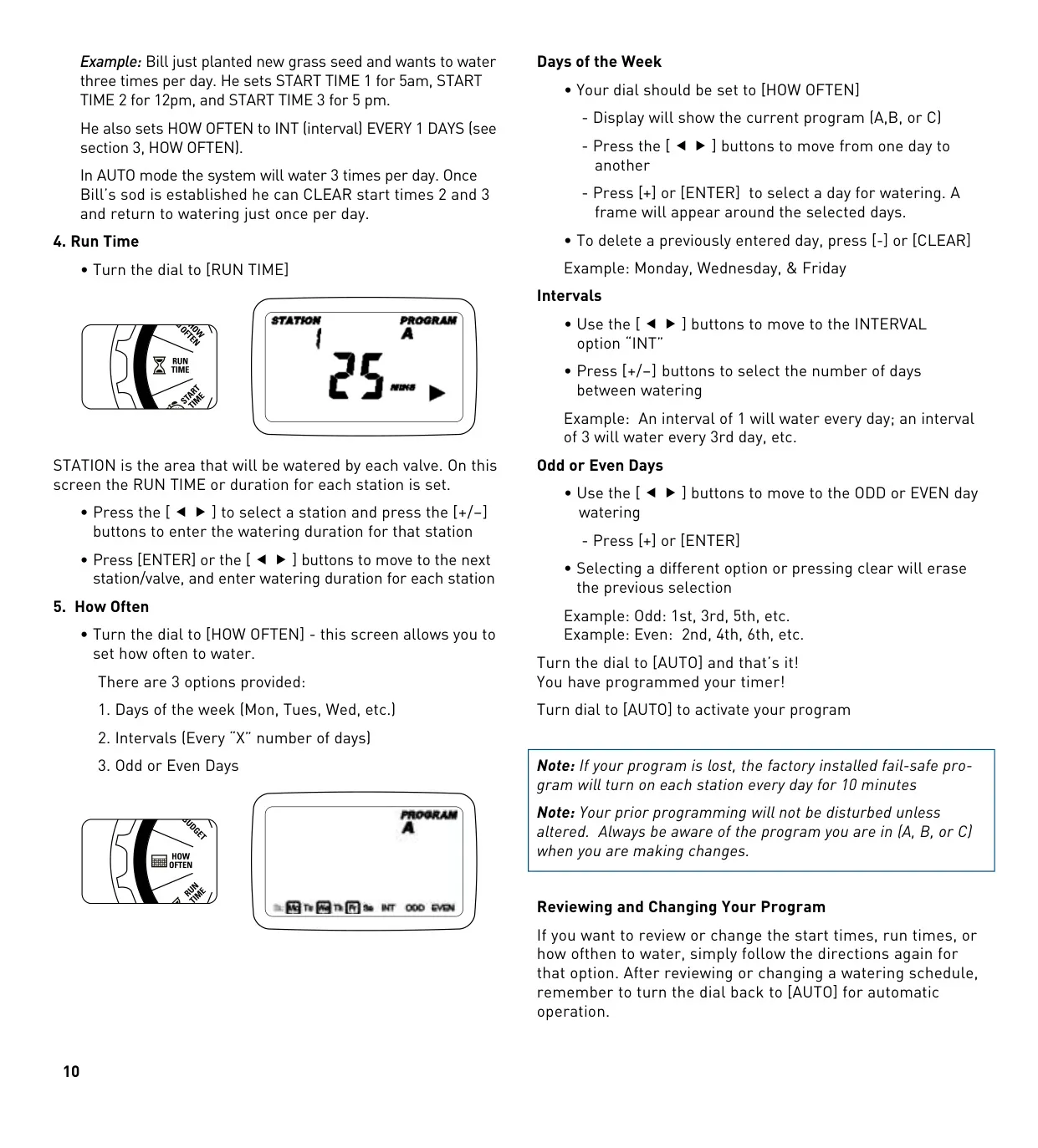
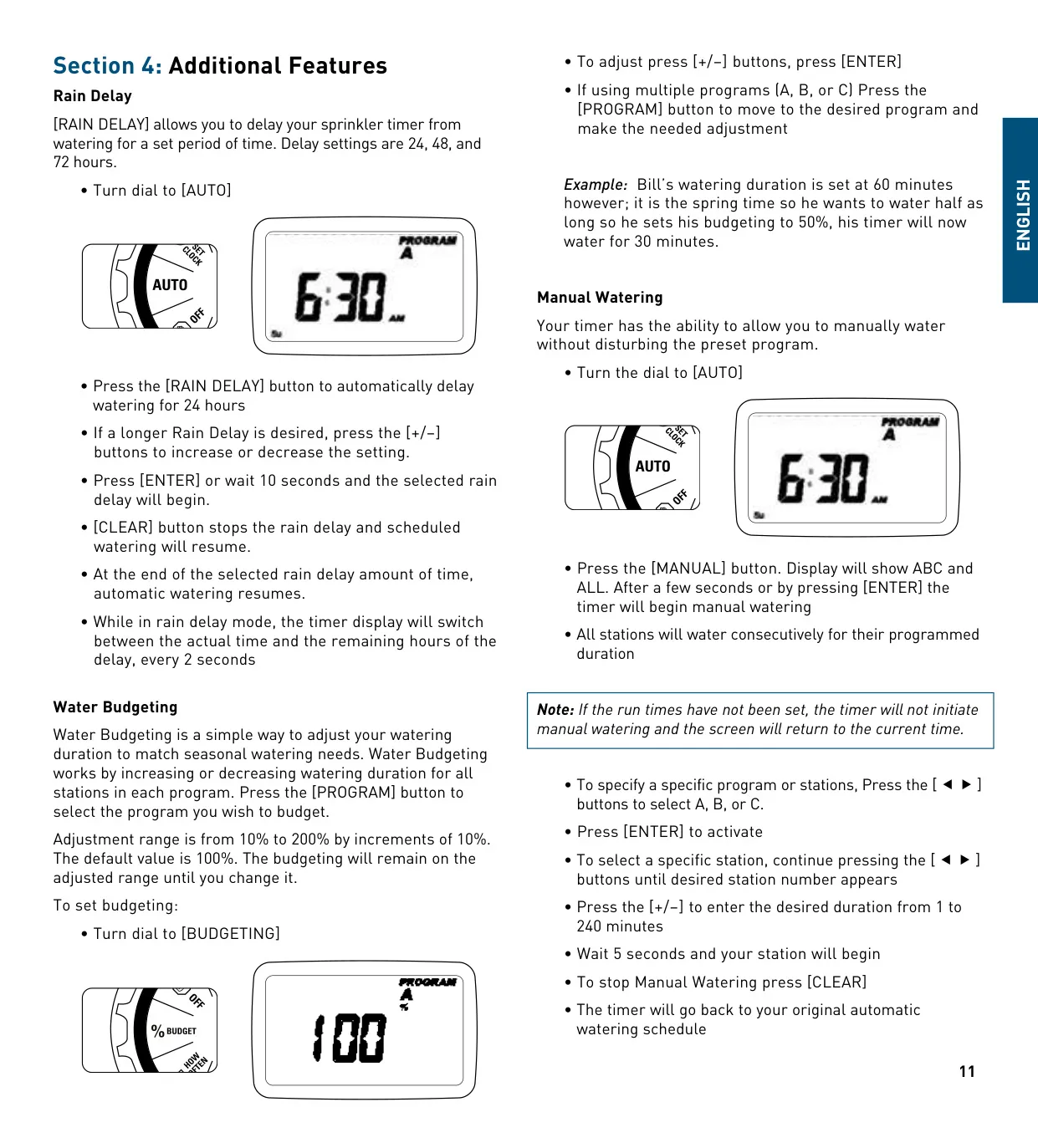
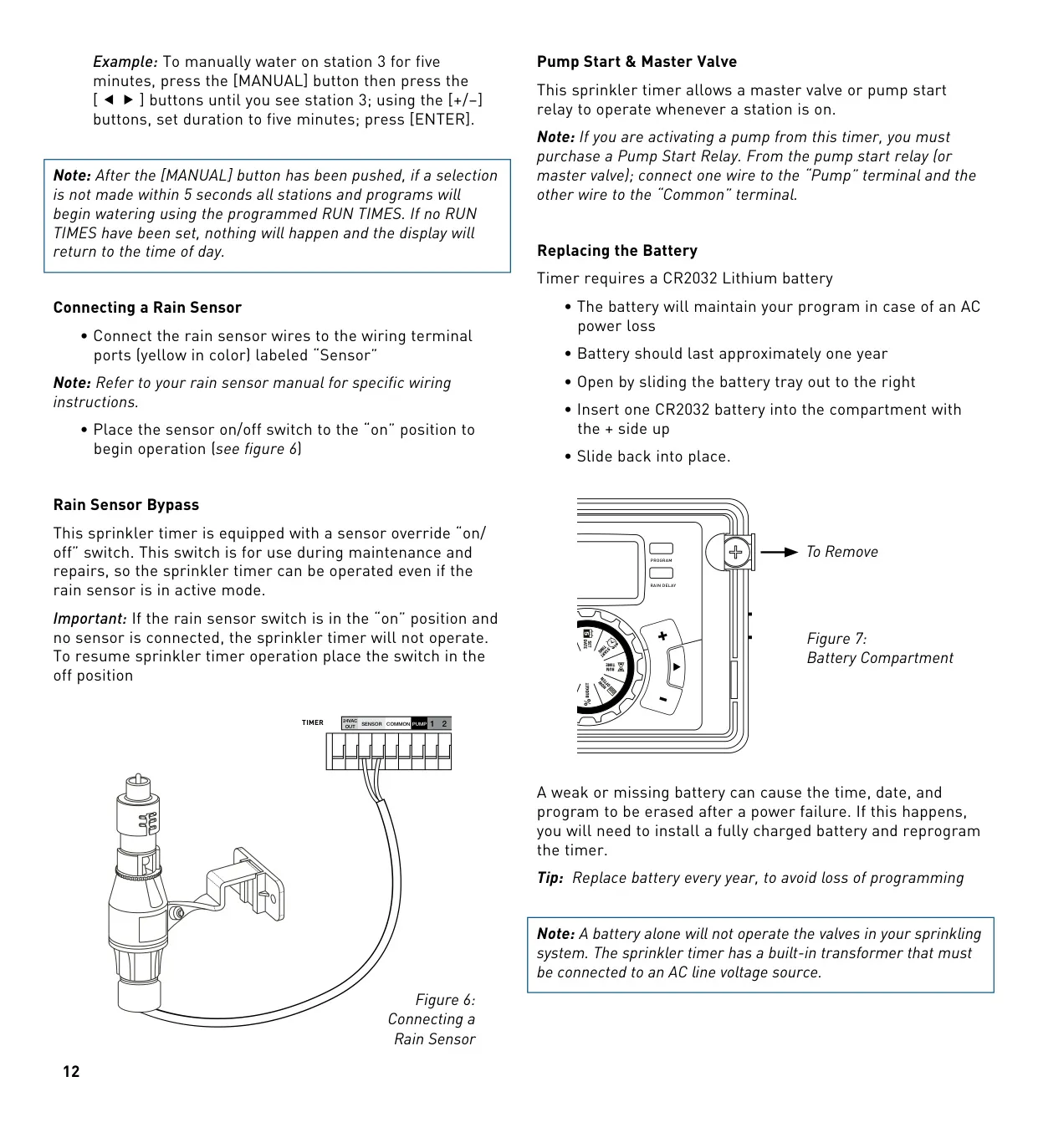
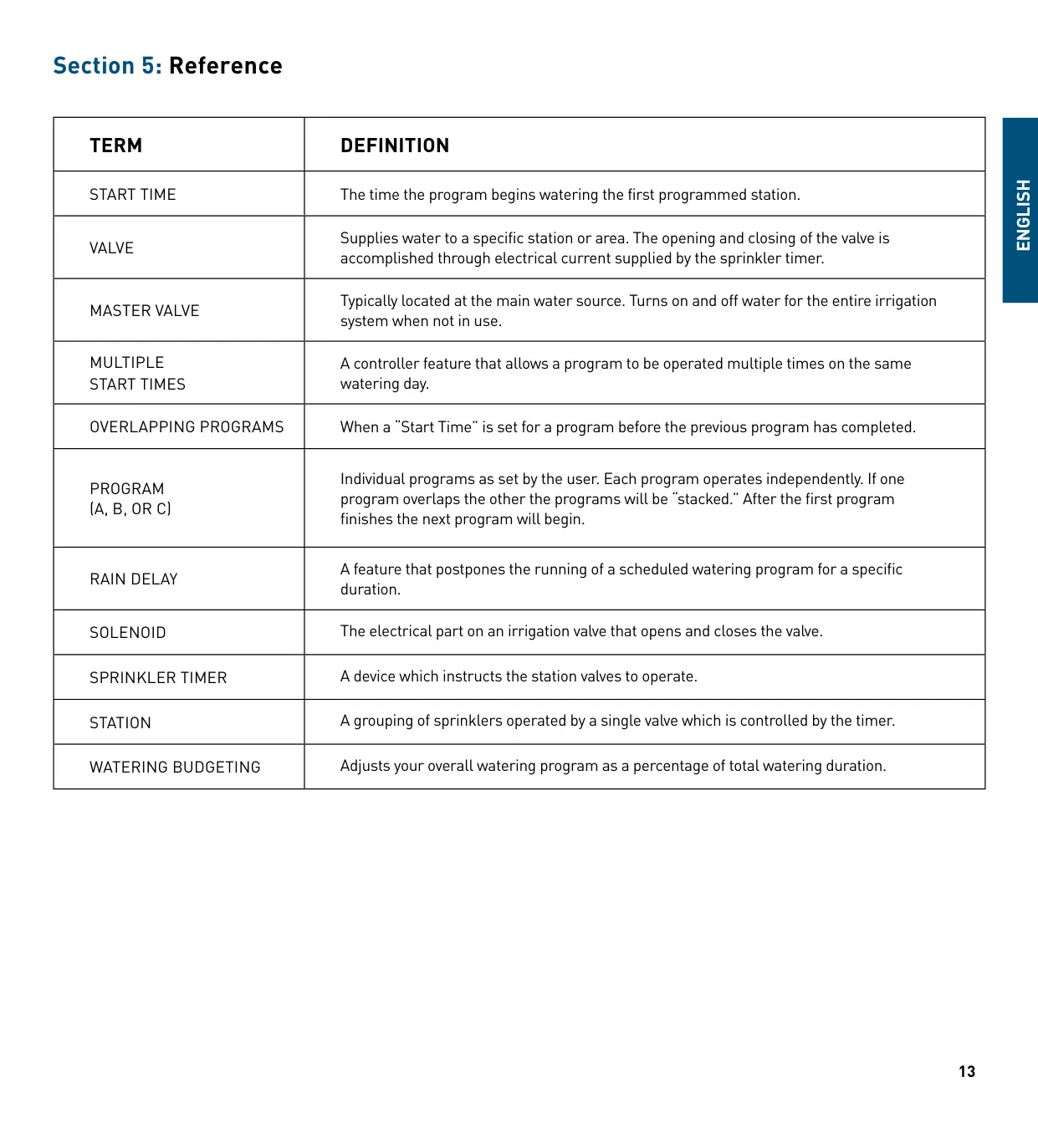



Orbit Model 27999 Irrigation Controller
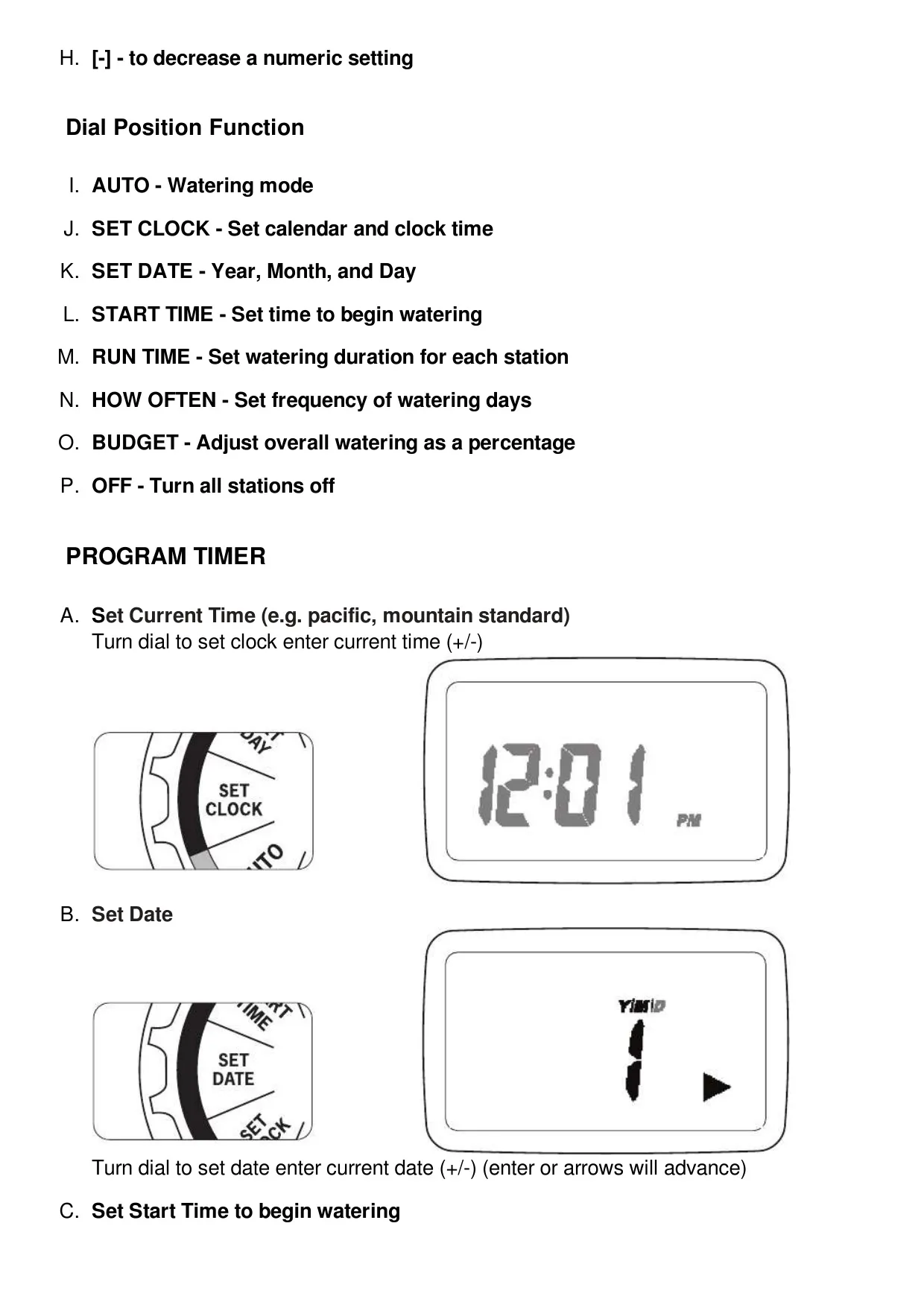
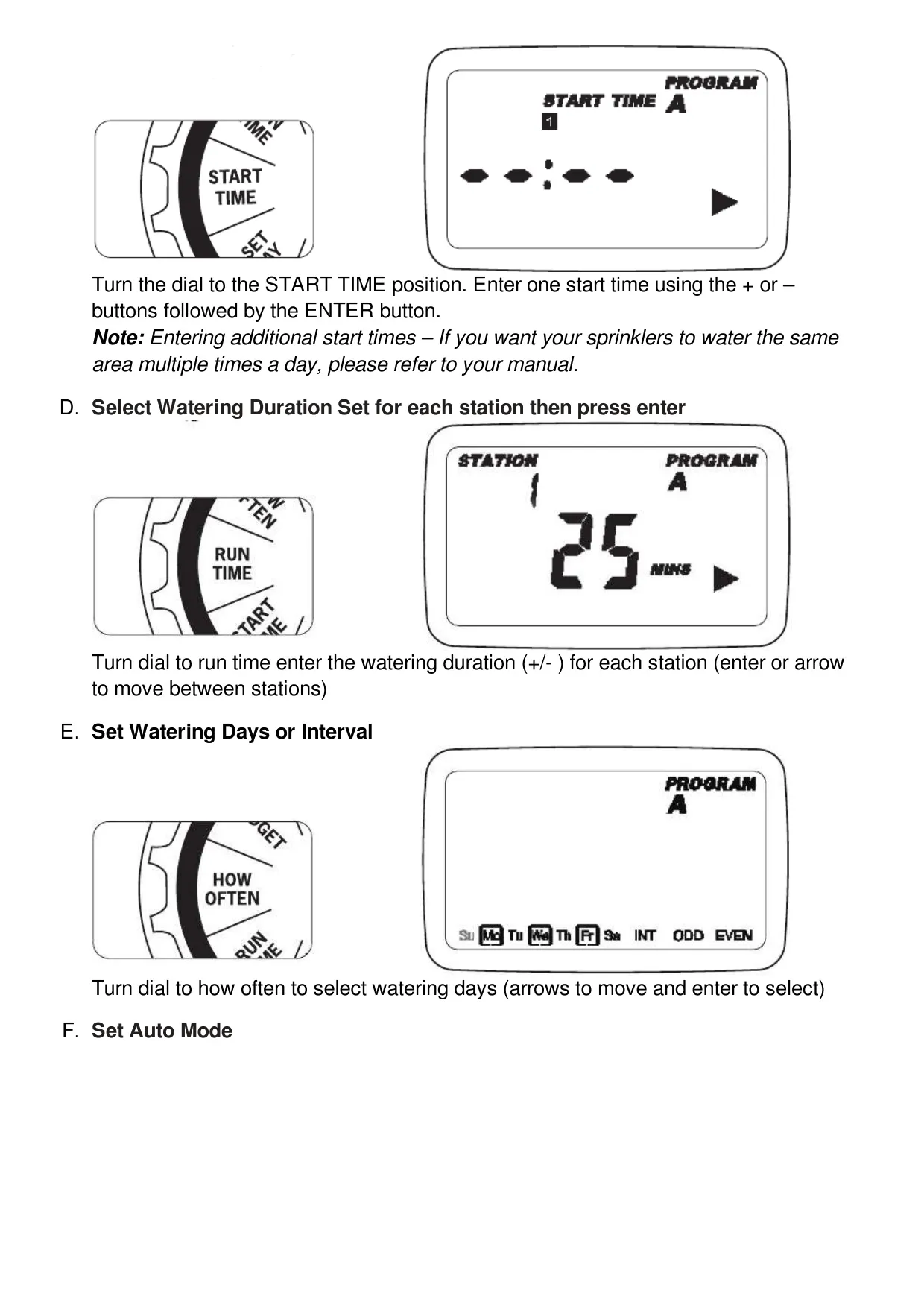
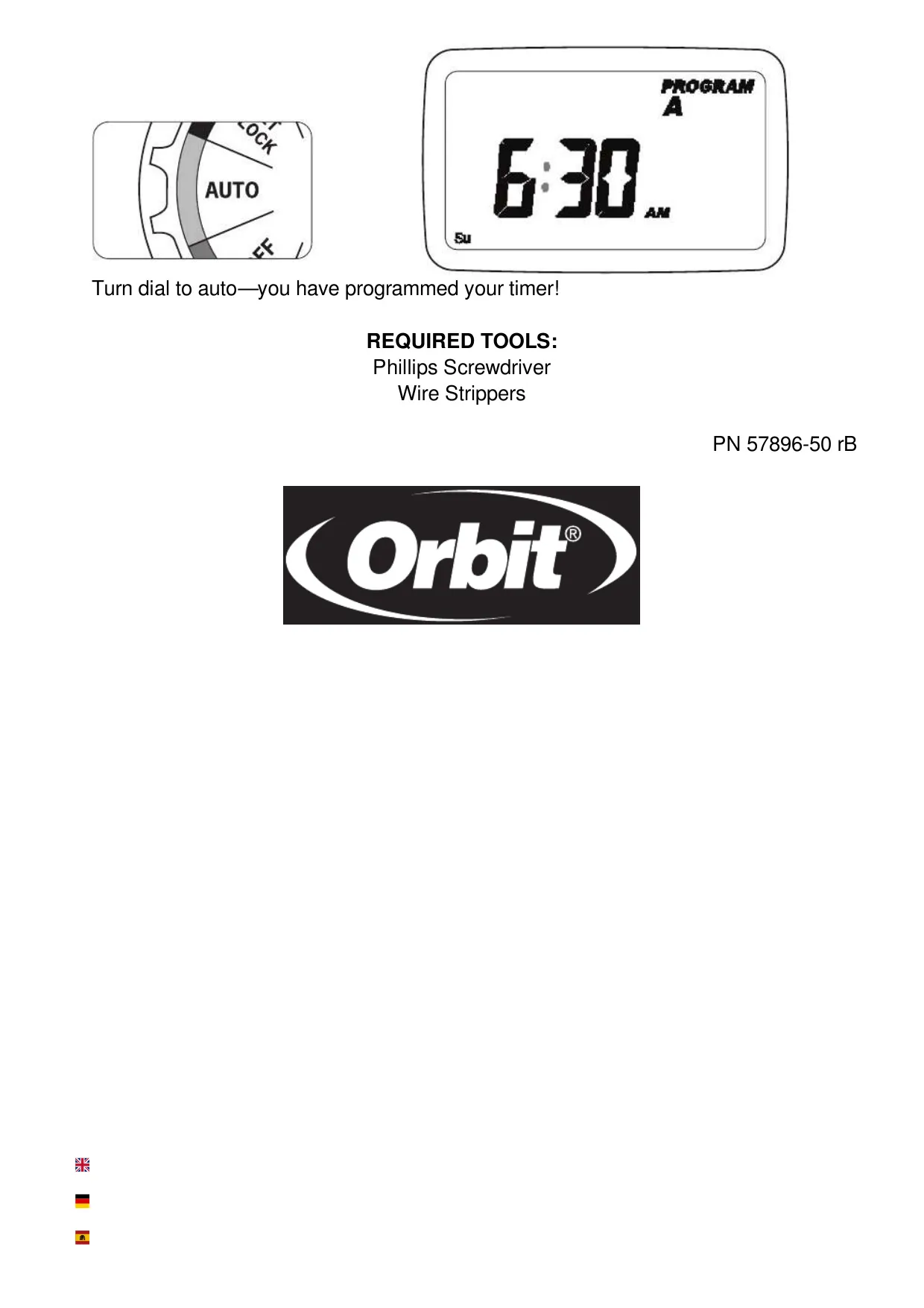
Orbit Model 27999 Instructions
Here we offer the Orbit Model 27999 Irrigation Controller manual completely free and in English. We have cataloged this manual in the Irrigation Controllers section on Manualverse, and it has been rated by 1 users with an average rating of 5. If you have any specific questions about Orbit Model 27999 Irrigation Controller, we suggest checking the Frequently Asked Questions (FAQs) section of this manual.
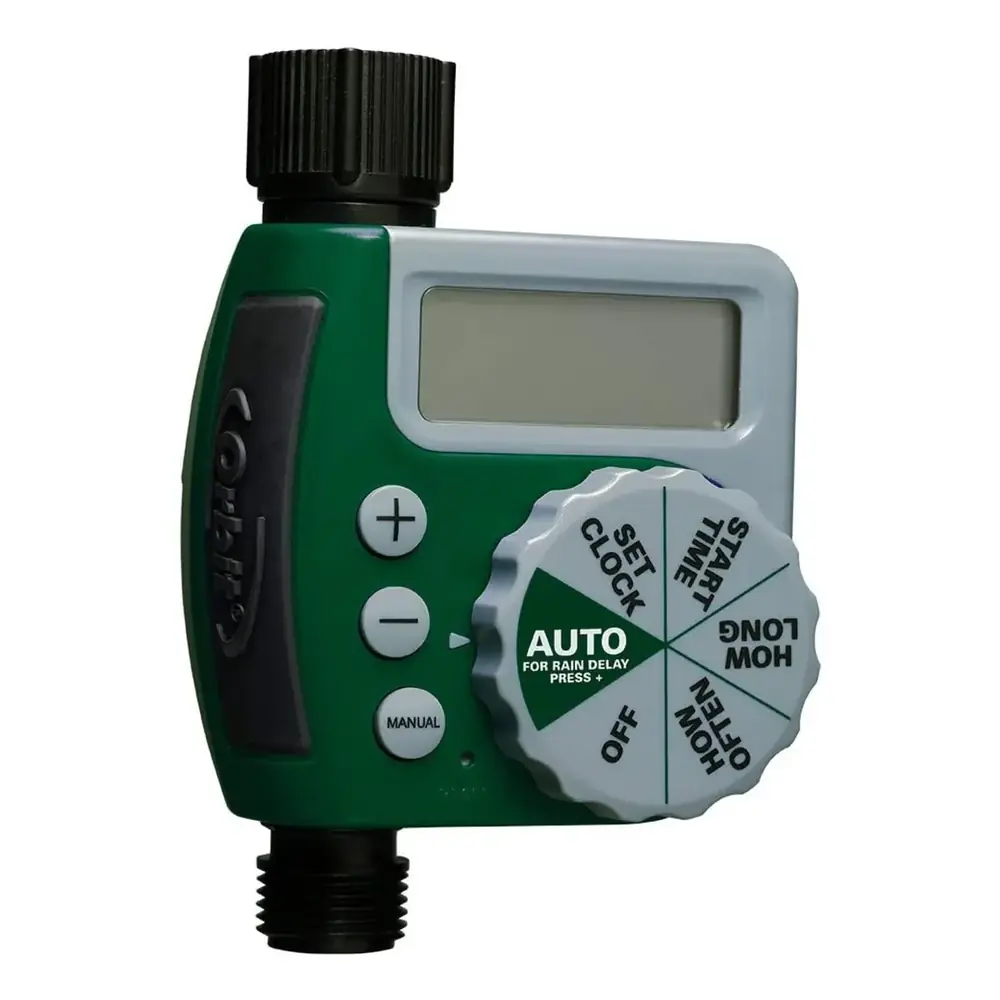
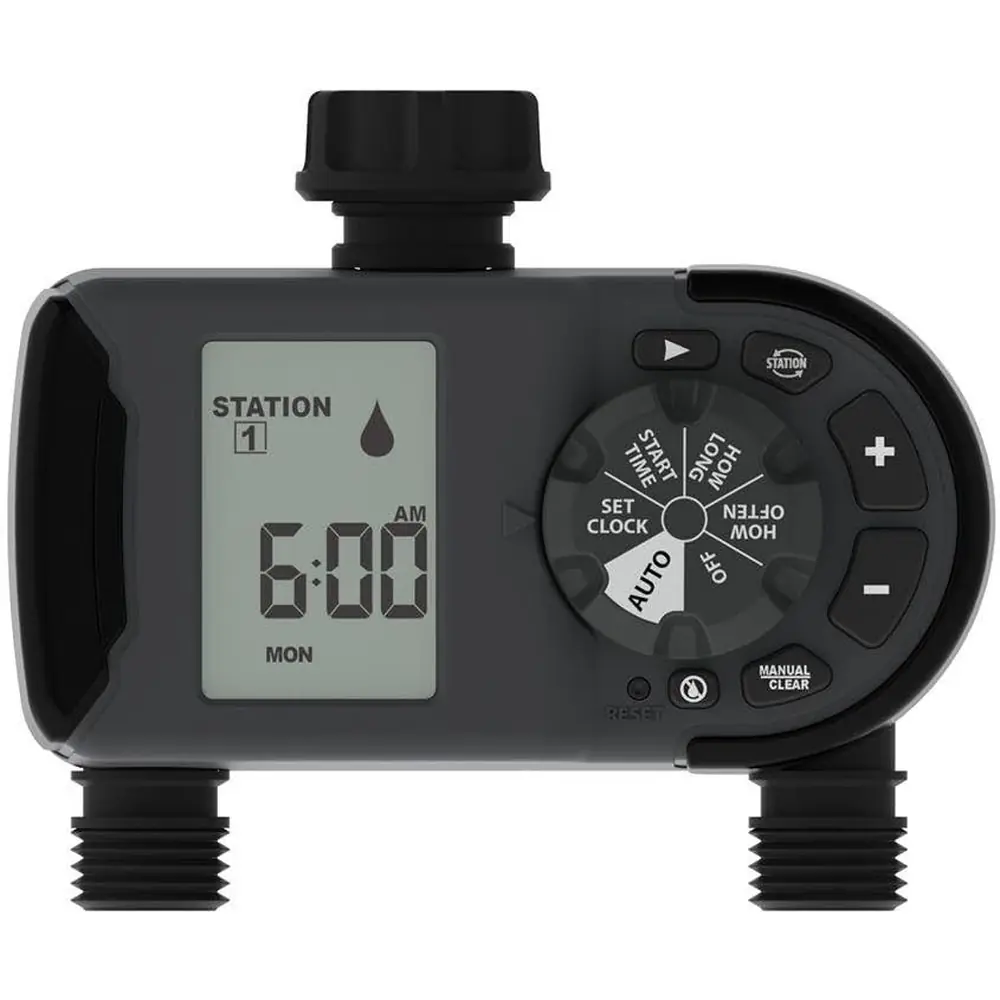
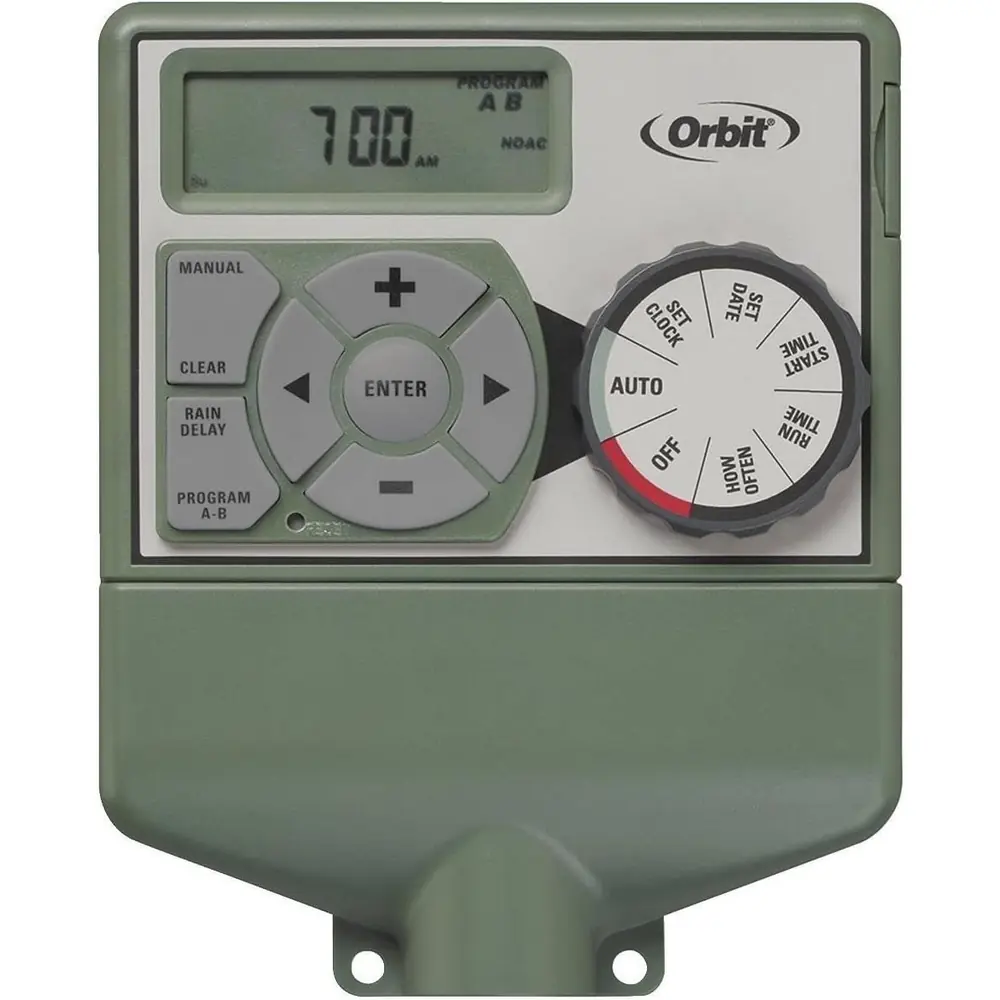
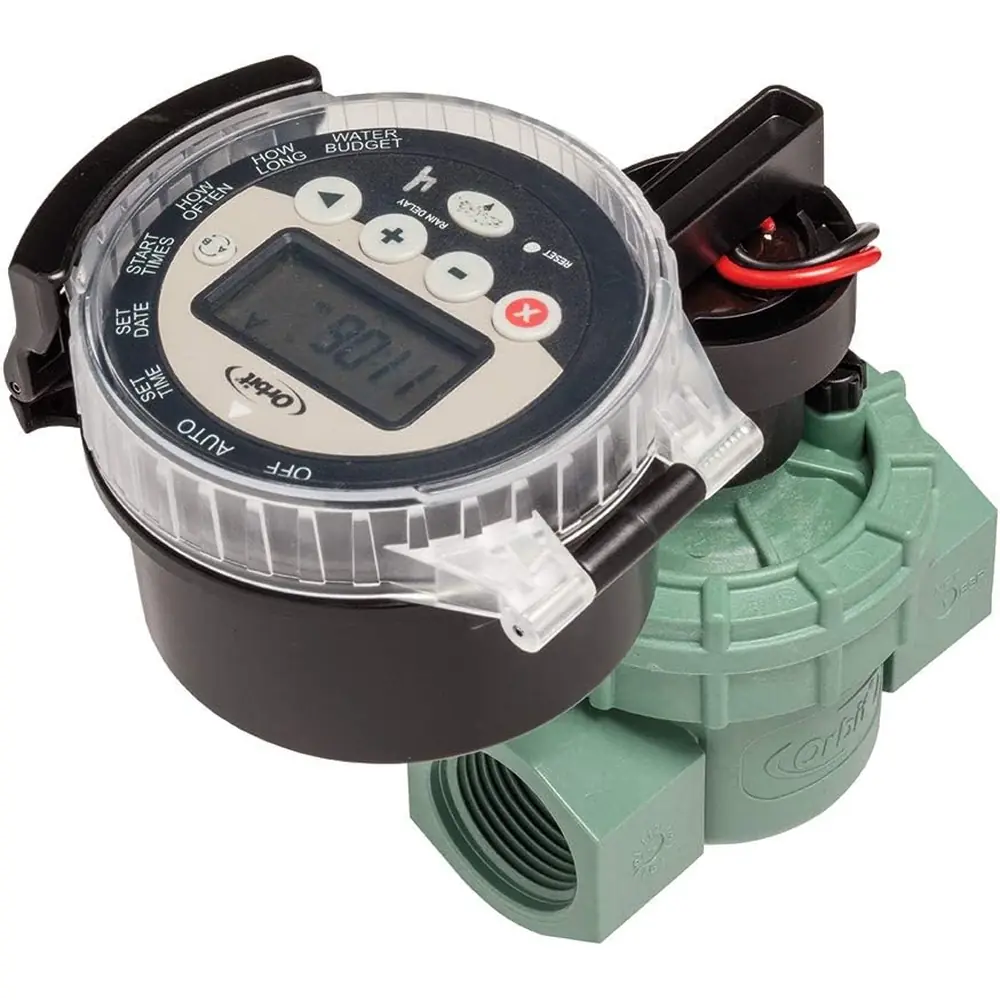
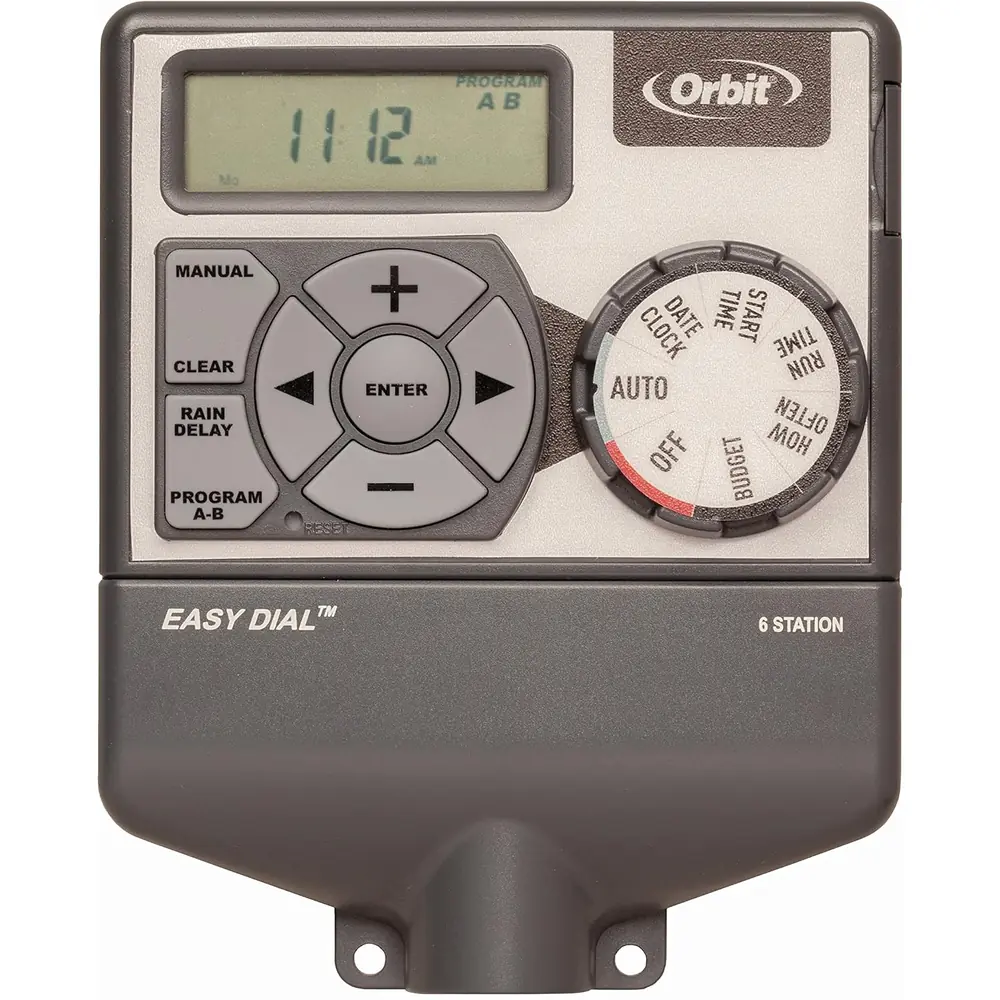
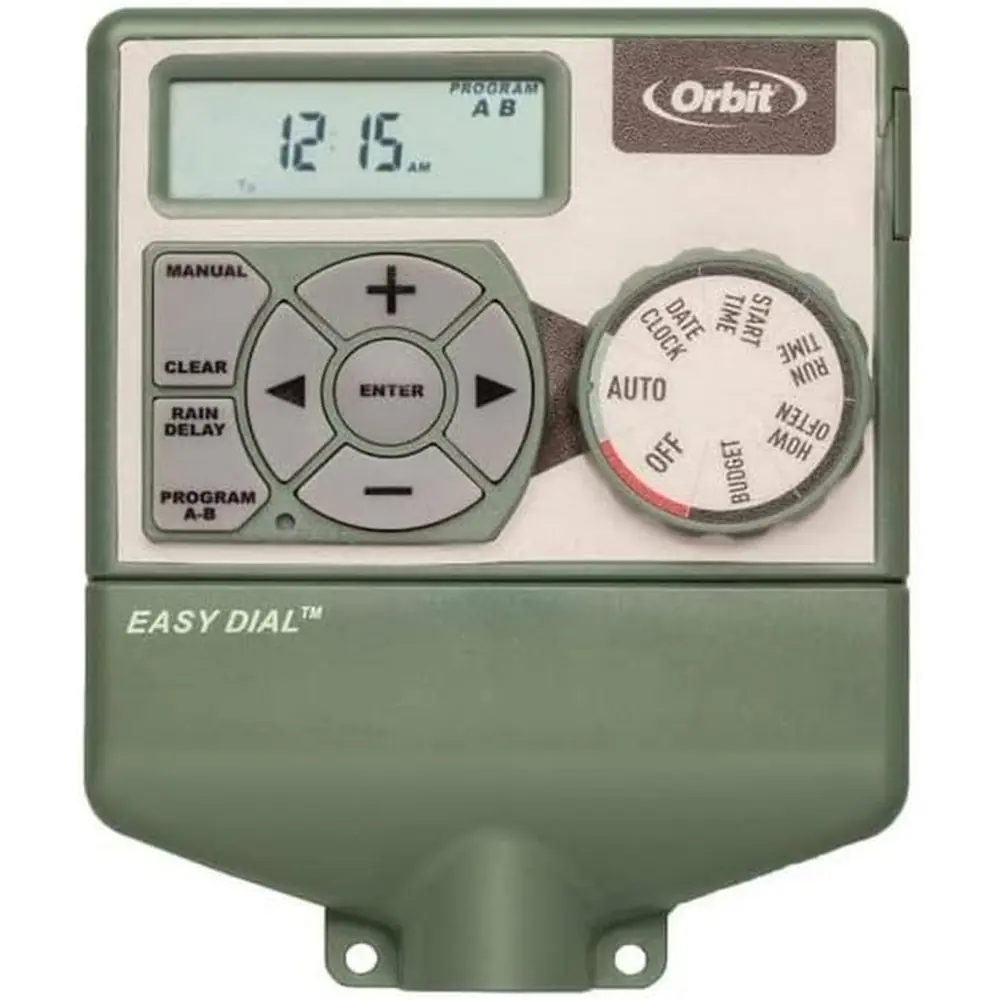
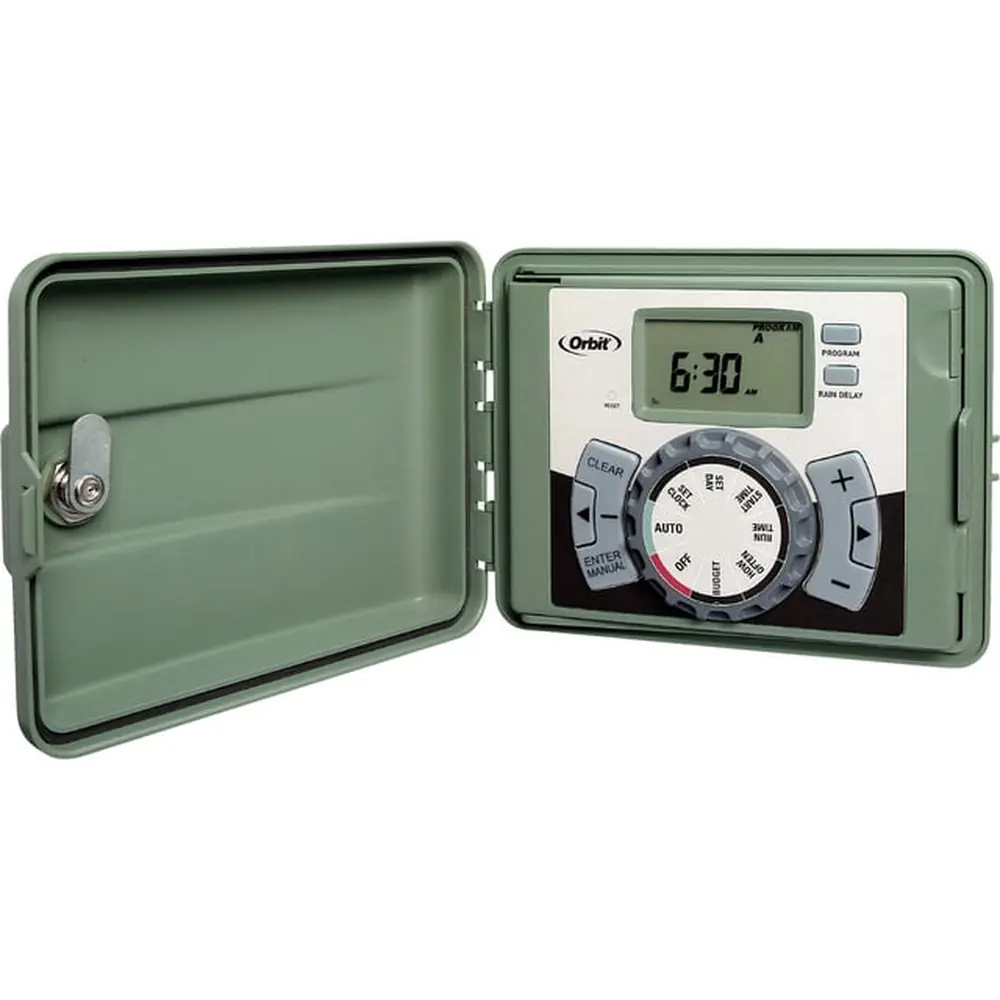
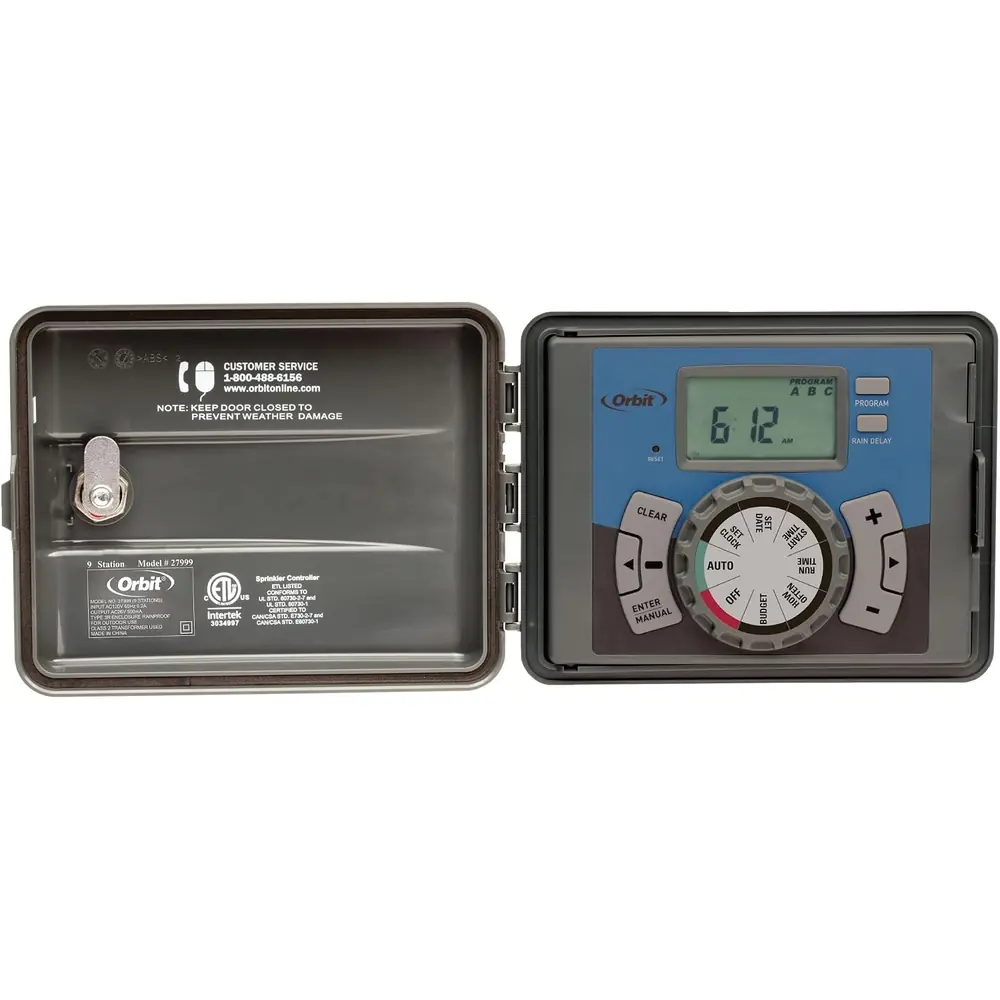
Product Images
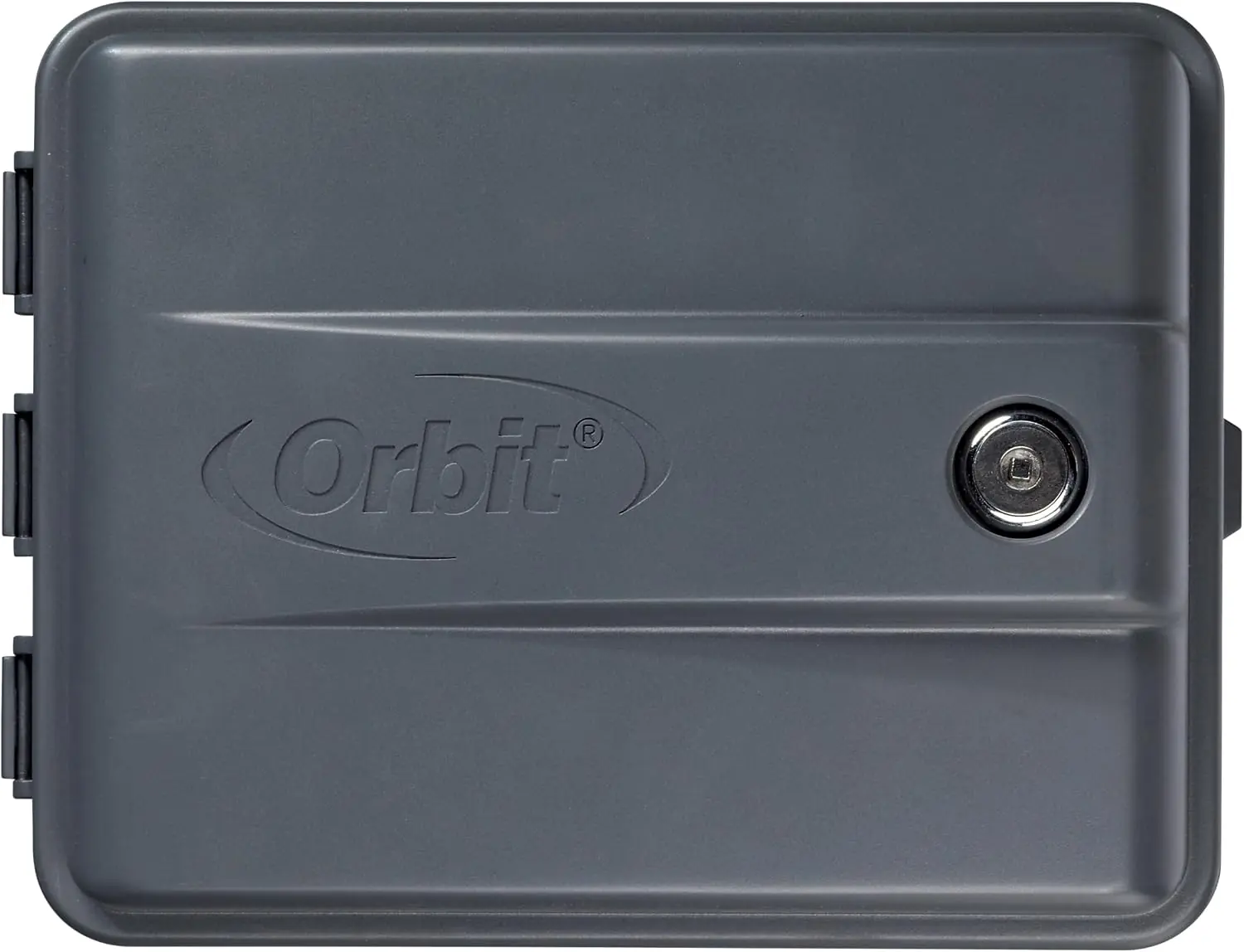


Orbit Model 27999 Irrigation Controller Specifications
| Feature | Specification |
|---|---|
| Model Series Covered | 27999, 57894, 57896, 57899, 57900, 27894, 27896, 27892, 91894, 91896, 91892, 91899 |
| Operating Temperature Range | 32°F to 158°F (0°C to 70°C) |
| Number of Independent Programs | 3 (A, B, C) |
| Maximum Start Times per Program | 4 |
| Watering Duration Range per Station | 1 to 240 minutes |
| Watering Frequency Options | Days of the week, Intervals (every "X" days), Odd or Even days |
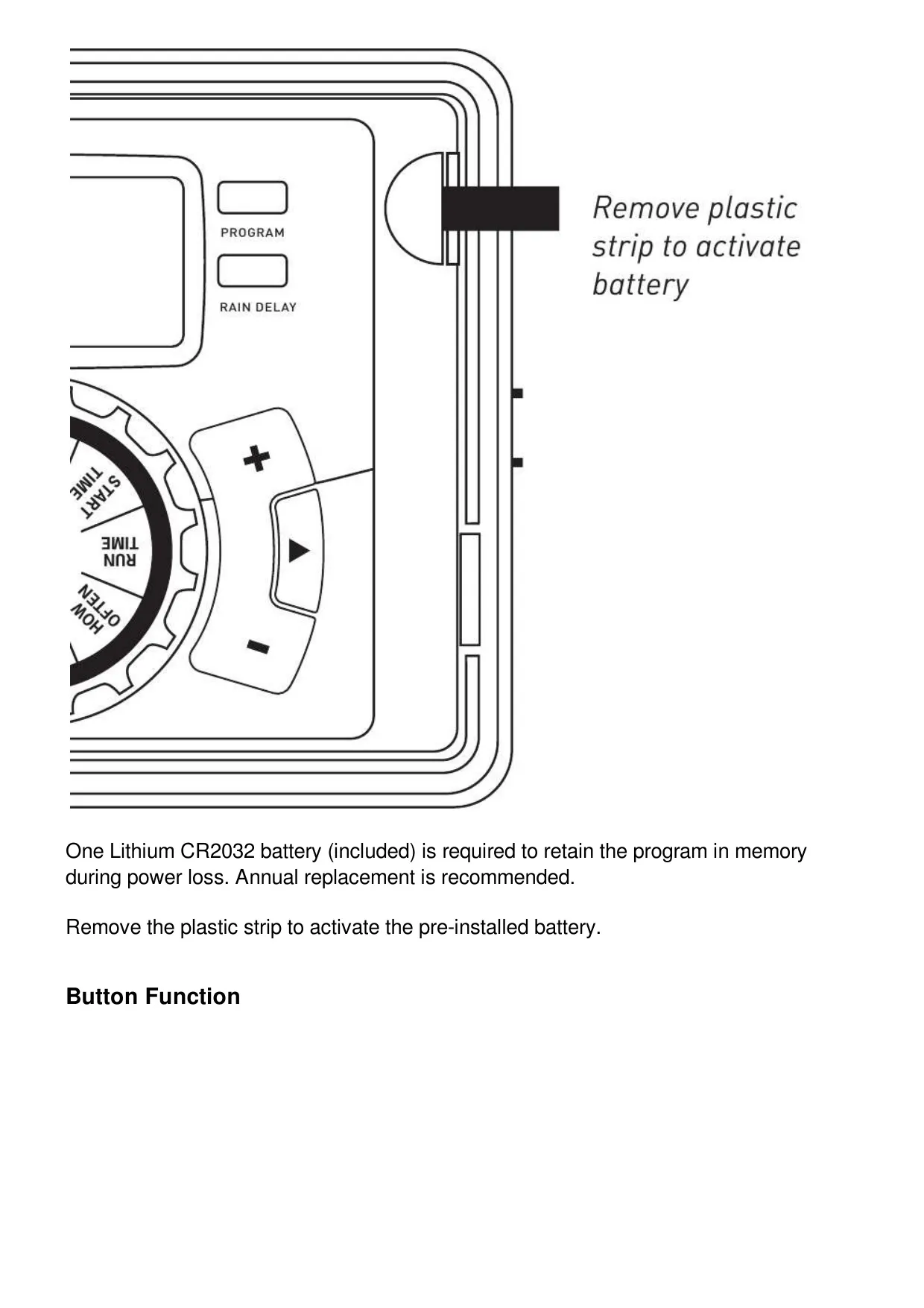
| Battery Type for Memory Retention | 1 x CR2032 Lithium (included, annual replacement recommended) |
| Maximum Loading per Station/Pump | 250mA |
| Maximum Total Timer Loading | 500mA |
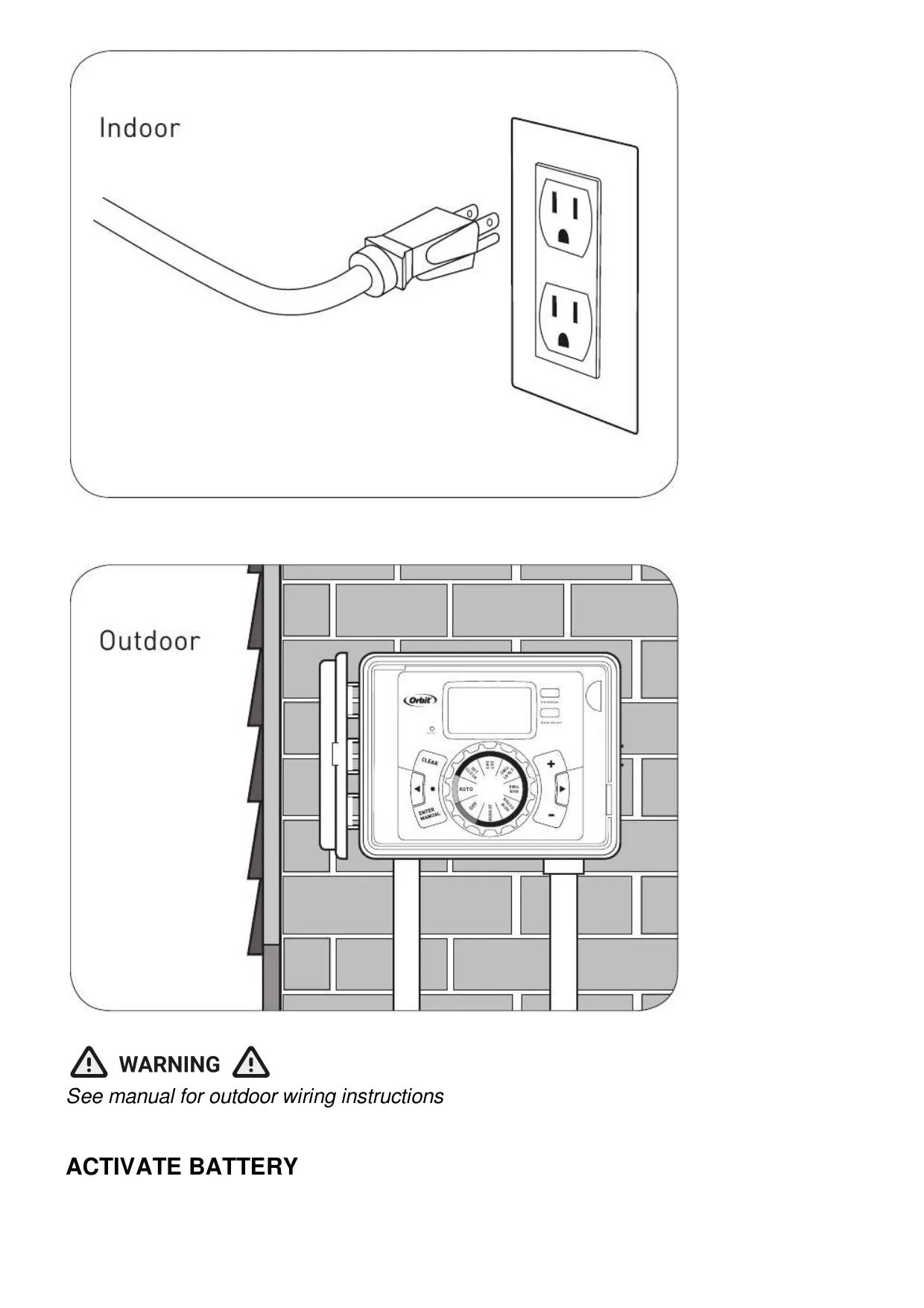
| Input Power (U.S. Retail Timers) | 110V AC electrical outlet |
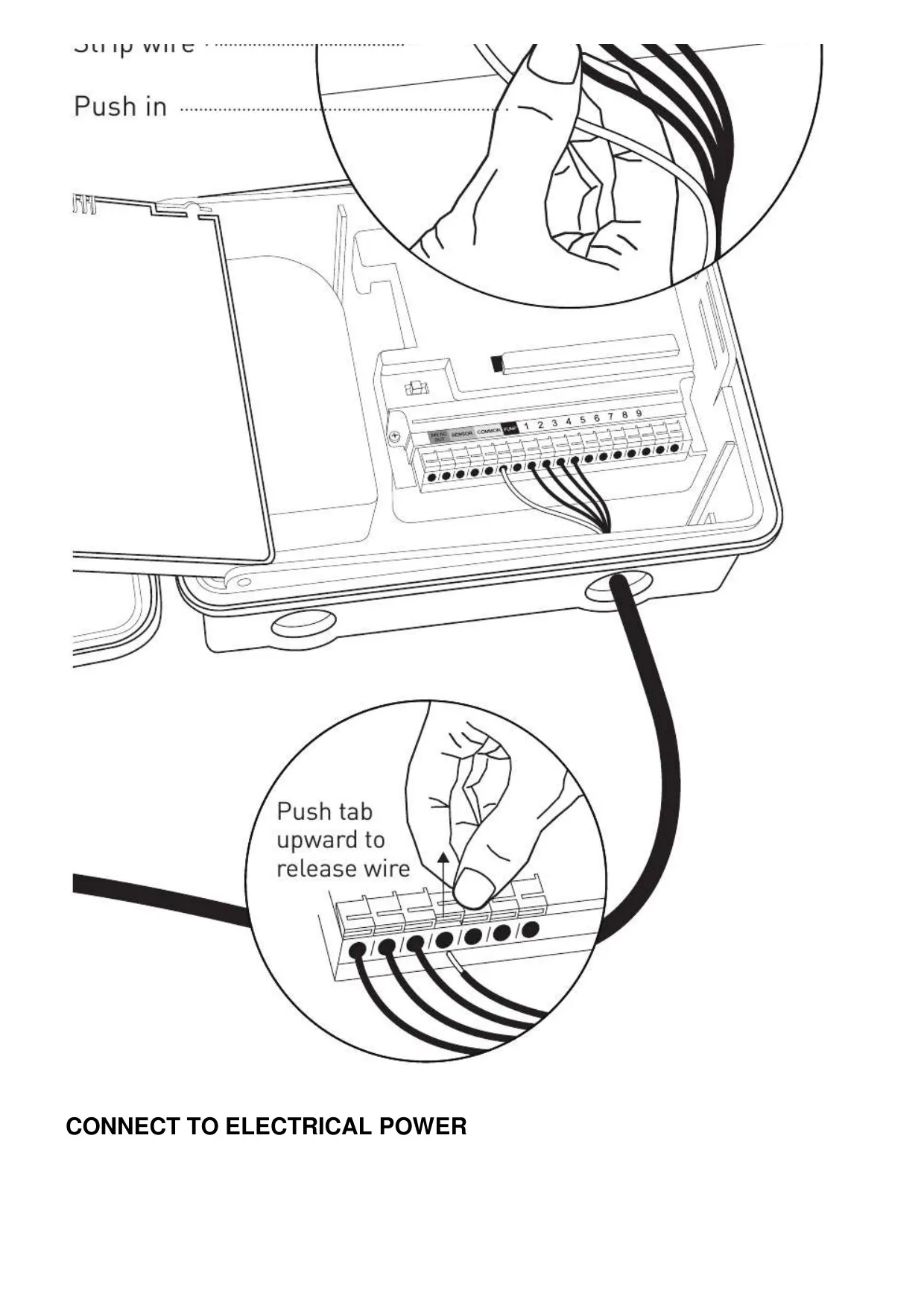
| Power Feed Wire (Permanent Outdoor Wiring) | 14 AWG minimum, temperature rating 155°F (68°C) or higher |
| Valve Wire Gauge (Under 700'/210m) | 20 AWG (Orbit® sprinkler wire or plastic jacketed thermostat wire) |
| Valve Wire Gauge (Over 700'/210m) | 16 AWG |
| Certifications & Listings | UL-50 standard, ETL® listed, CSA® and CE® approved (international models), Canadian ICES-003 Class B compliant |
| Disconnection Type | 1Y Normal Pollution situation |
| Warranty | 6 years from date of purchase |
Orbit 27999 Irrigation Controller Details
The Orbit Model 27999 Irrigation Controller is designed for optimal convenience and flexibility, featuring Orbit’s exclusive Easy-Set Logic™. This innovative system simplifies programming and setup, integrating advanced timer technology with versatile watering options. Users can effortlessly manage a fully automatic, semi-automatic, or completely manual watering program tailored to their specific landscape needs, ensuring efficient irrigation for all zones.
The controller offers the distinct advantage of three independent programs (A, B, C). Each program functions autonomously, allowing for diverse watering schedules across different areas, such as drip lines, newly seeded lawns, or rotary sprinkler zones. This multi-program capability enables users to group stations with similar water requirements, thereby maximizing irrigation efficiency. Furthermore, start-time stacking intelligently delays subsequent programs if an earlier one is still running, preventing simultaneous operation.
A practical Rain Delay function is integrated, enabling users to pause their programmed watering schedules for 24, 48, or 72 hours. This feature is particularly useful during periods of natural rainfall or unexpected weather conditions. During the delay, the controller’s display conveniently alternates between the current time and the remaining hours of the delay, keeping the user informed. The delay can be easily cancelled at any time by pressing the CLEAR button.
To adapt to changing seasonal needs, the Orbit Model 27999 includes Water Budgeting. This feature allows for the adjustment of overall watering durations for all stations within a chosen program by a percentage, ranging from 10% to 200% in 10% increments. The default setting is 100%. This functionality ensures that water usage can be easily scaled up or down without reprogramming individual station run times, optimizing water conservation efforts.
For immediate watering requirements, the controller offers versatile Manual Watering options. Users can initiate watering for all stations consecutively based on their programmed durations, or select a specific program (A, B, or C). Additionally, individual stations can be chosen and assigned a desired watering duration from 1 to 240 minutes, all without altering the established automatic schedule. This provides flexibility for quick tests or supplemental watering.
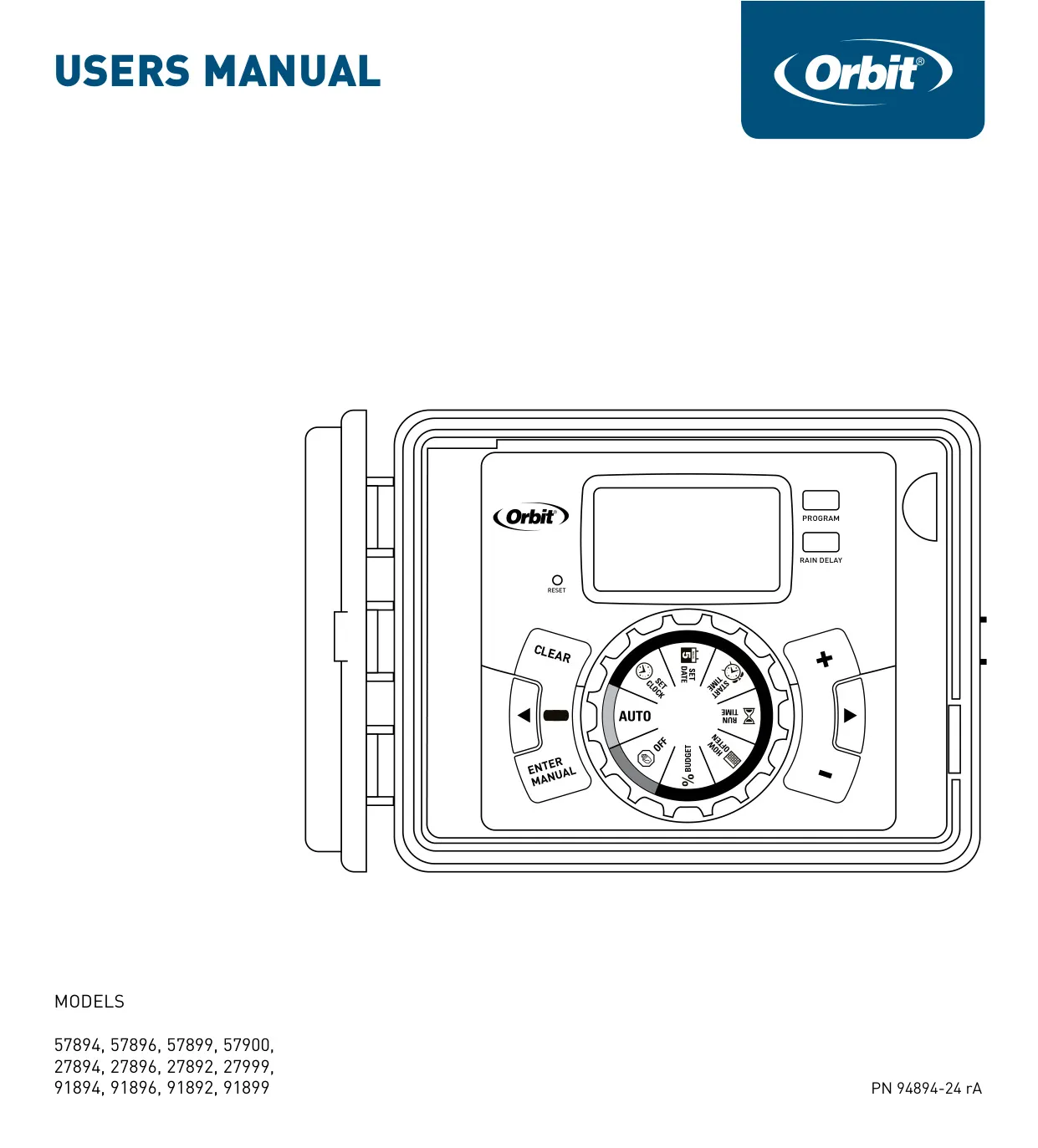
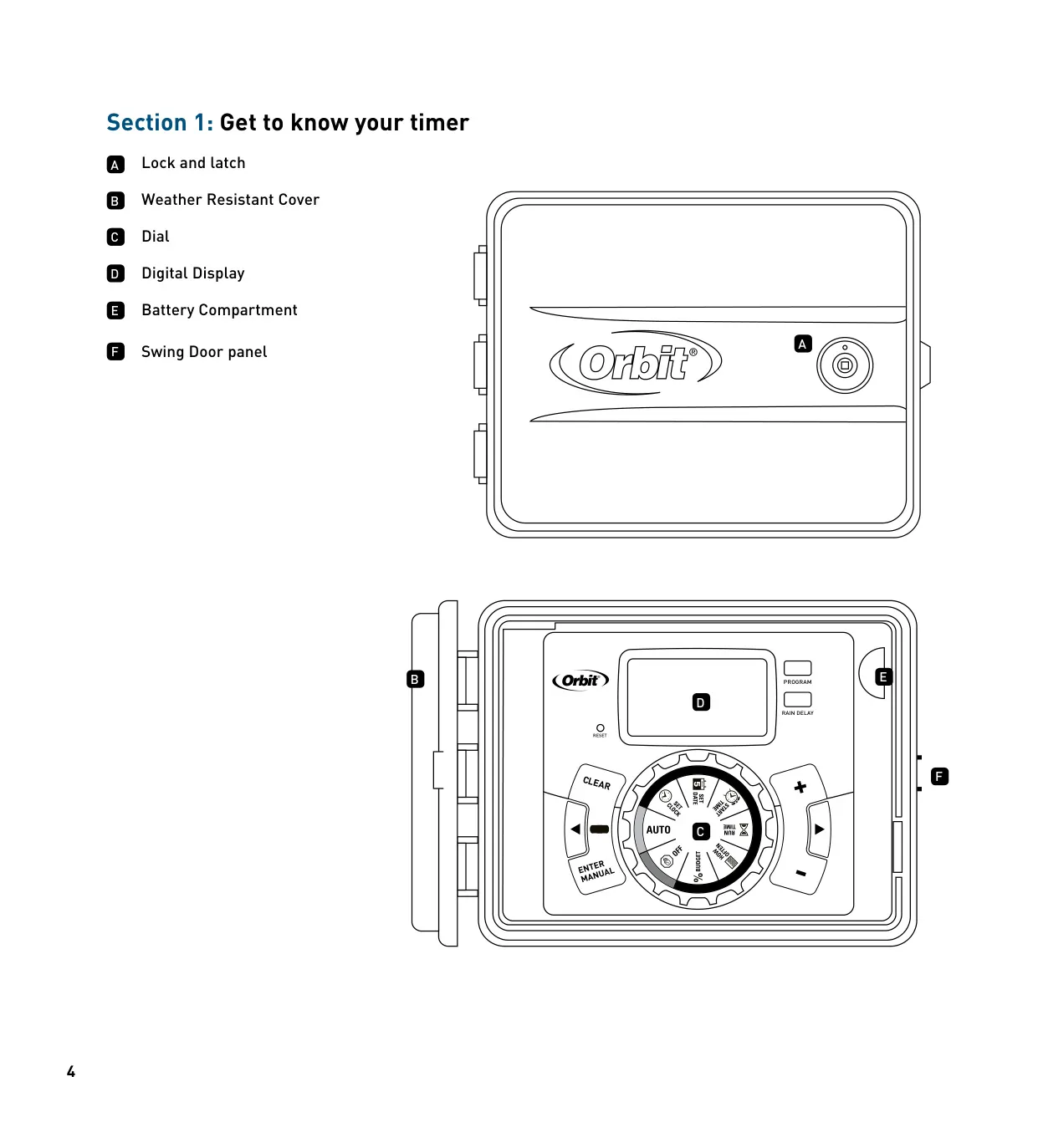
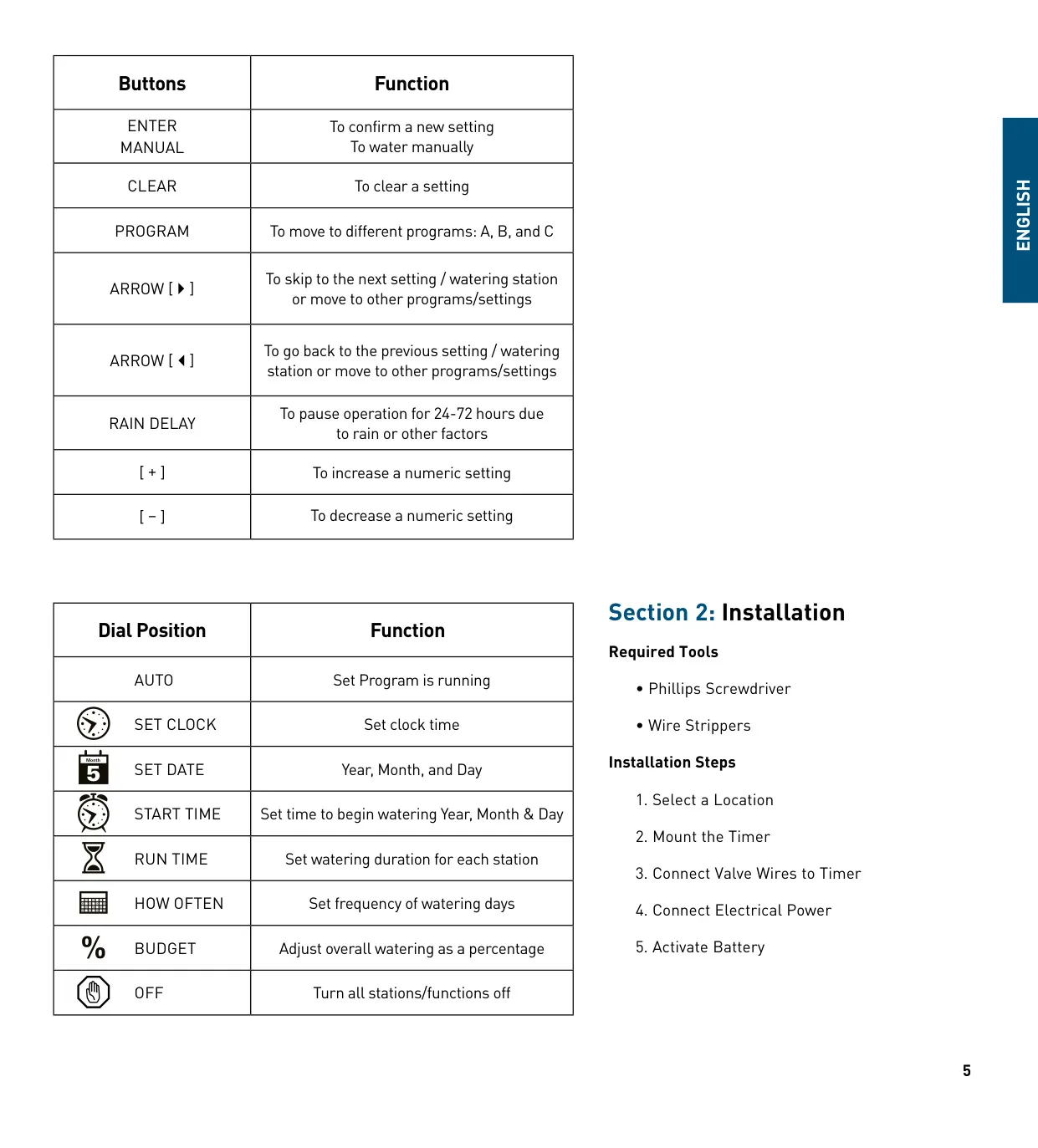
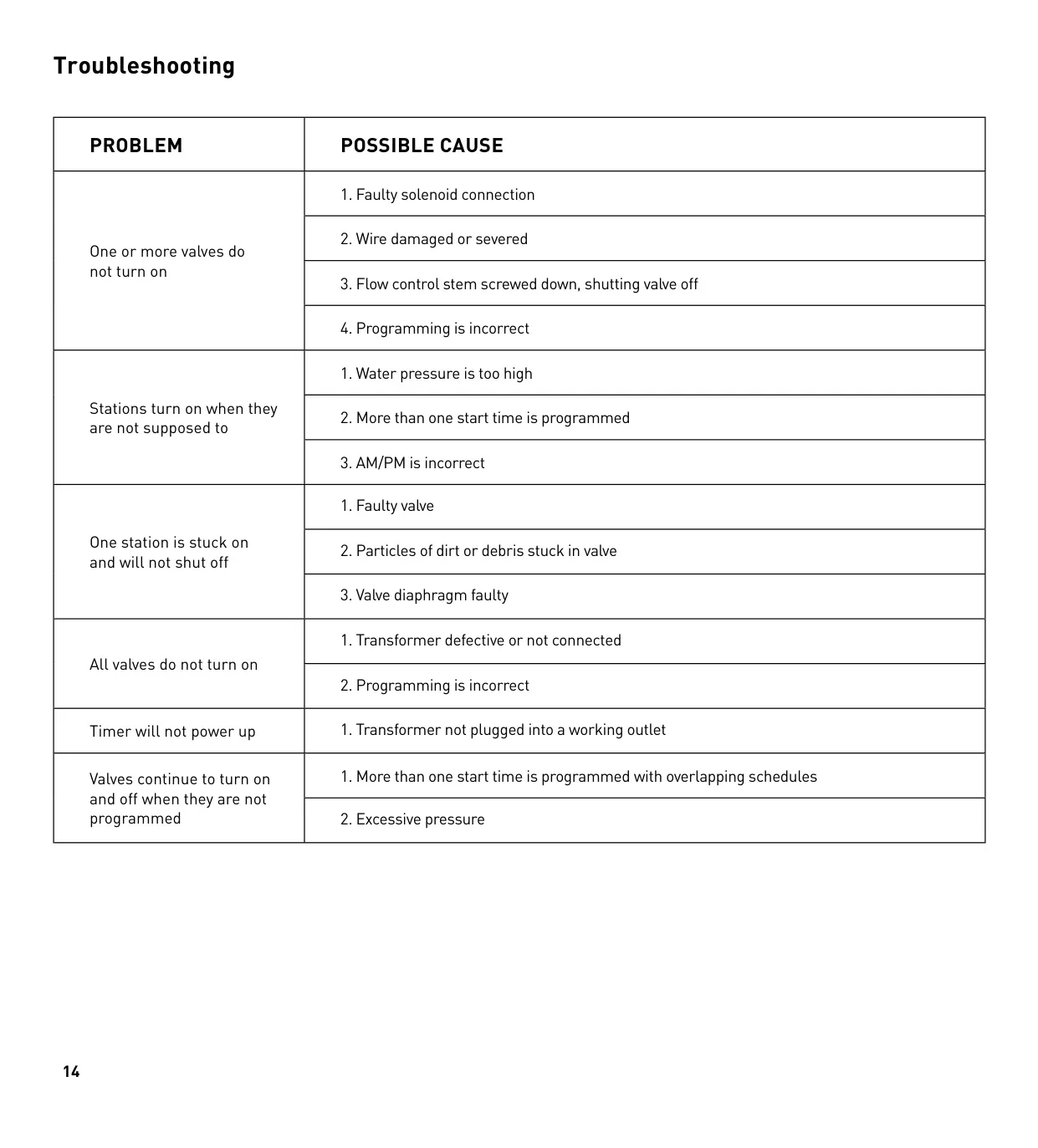
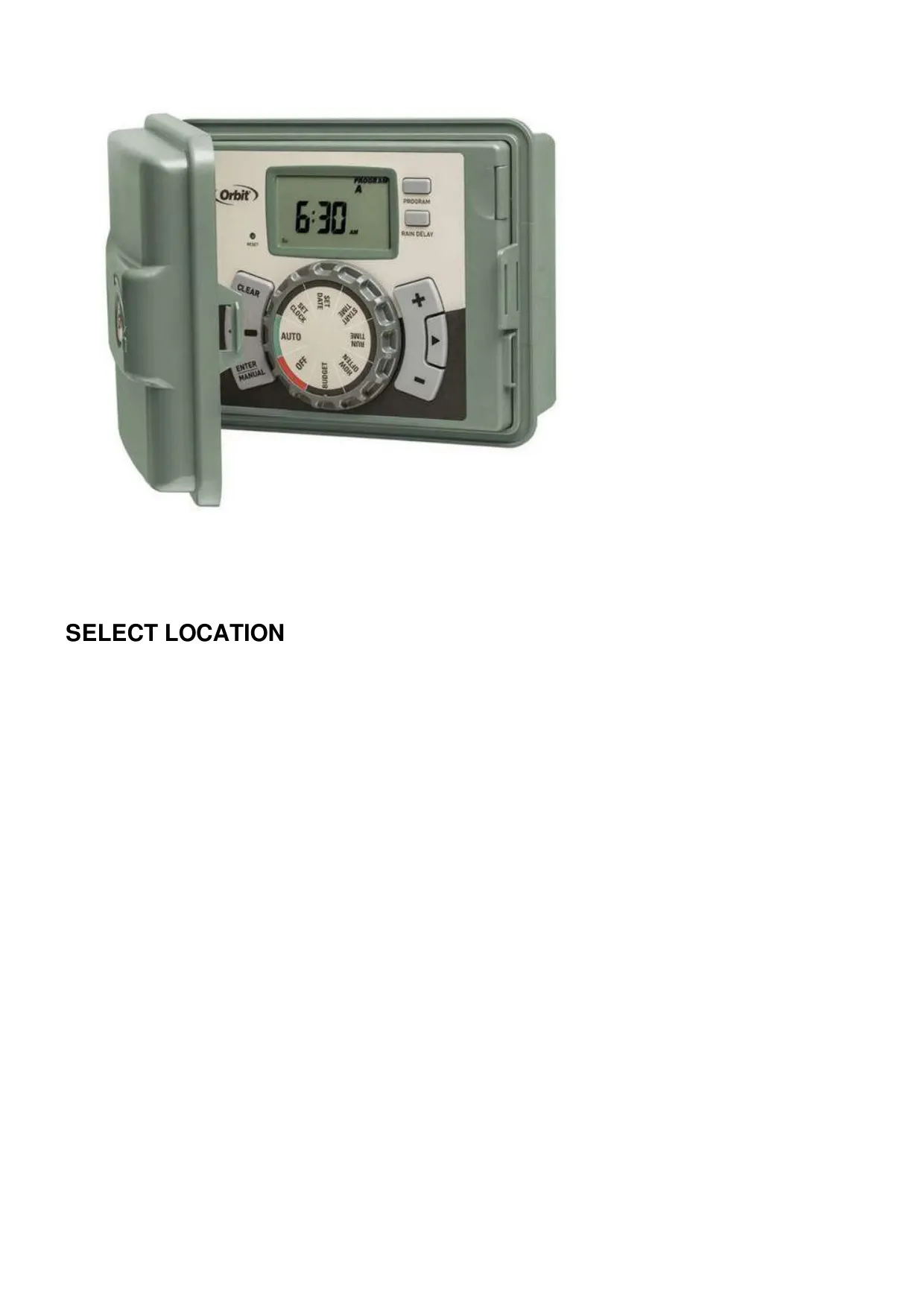
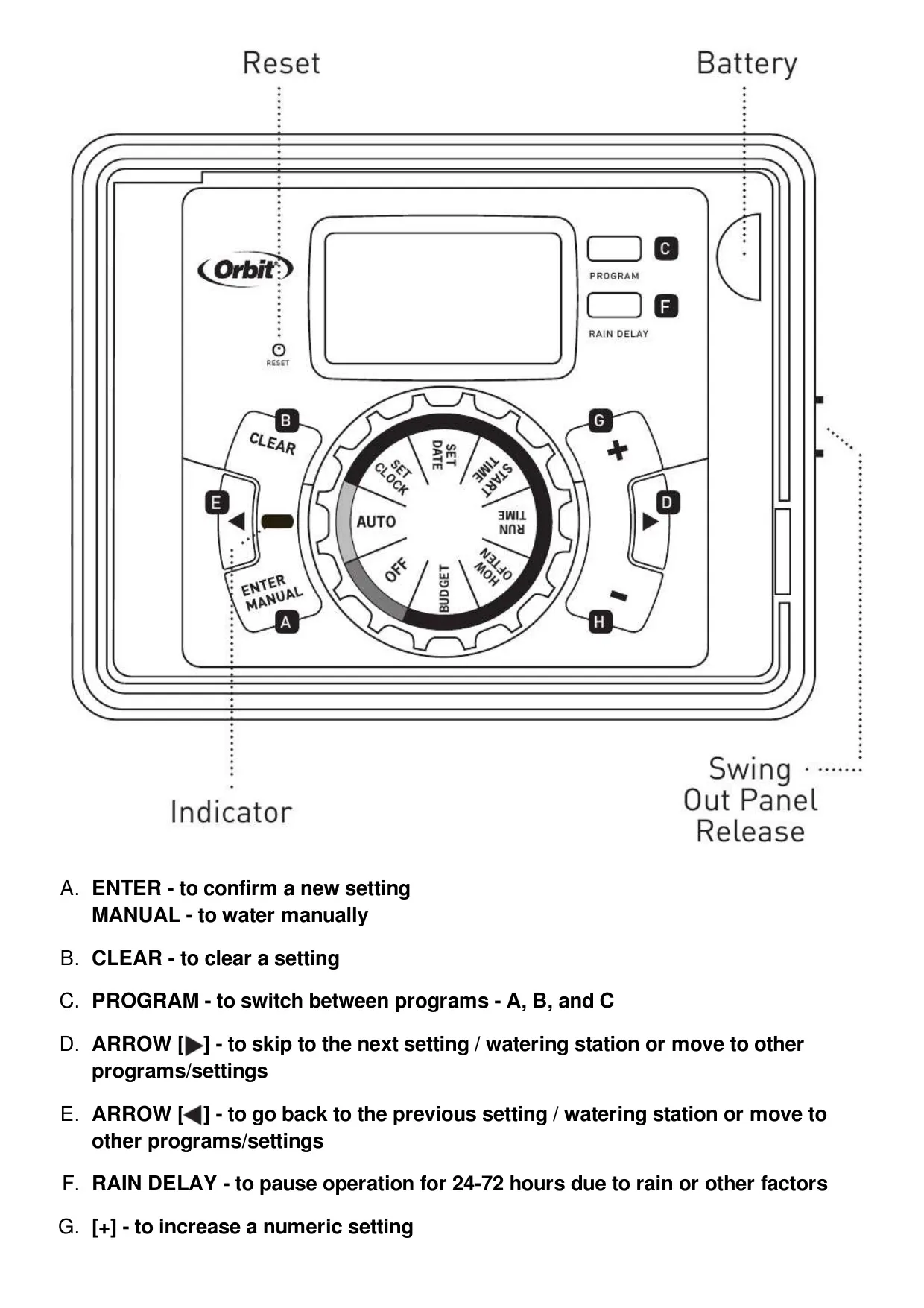
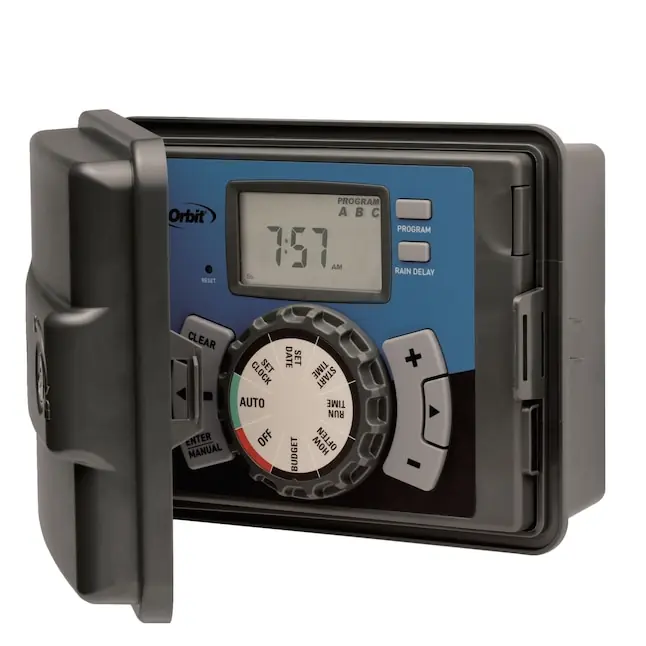
The Orbit 27999 supports a master valve or pump start relay, activating it whenever any station is active (requires a separate pump start relay). It also features dedicated "sensor" terminal ports (yellow) for connecting a rain sensor, complete with an override switch for maintenance. The intuitive user interface includes clearly labeled buttons (ENTER, MANUAL, CLEAR, PROGRAM, ARROW, RAIN DELAY, +/–) and a simple dial with positions for setting the clock, date, start times, run times, watering frequency, and budgeting.
Frequently Asked Questions (FAQs)
Can't find the answer you need? Here are some frequently asked questions about the Orbit Model 27999 Irrigation Controller, and we answer them below.