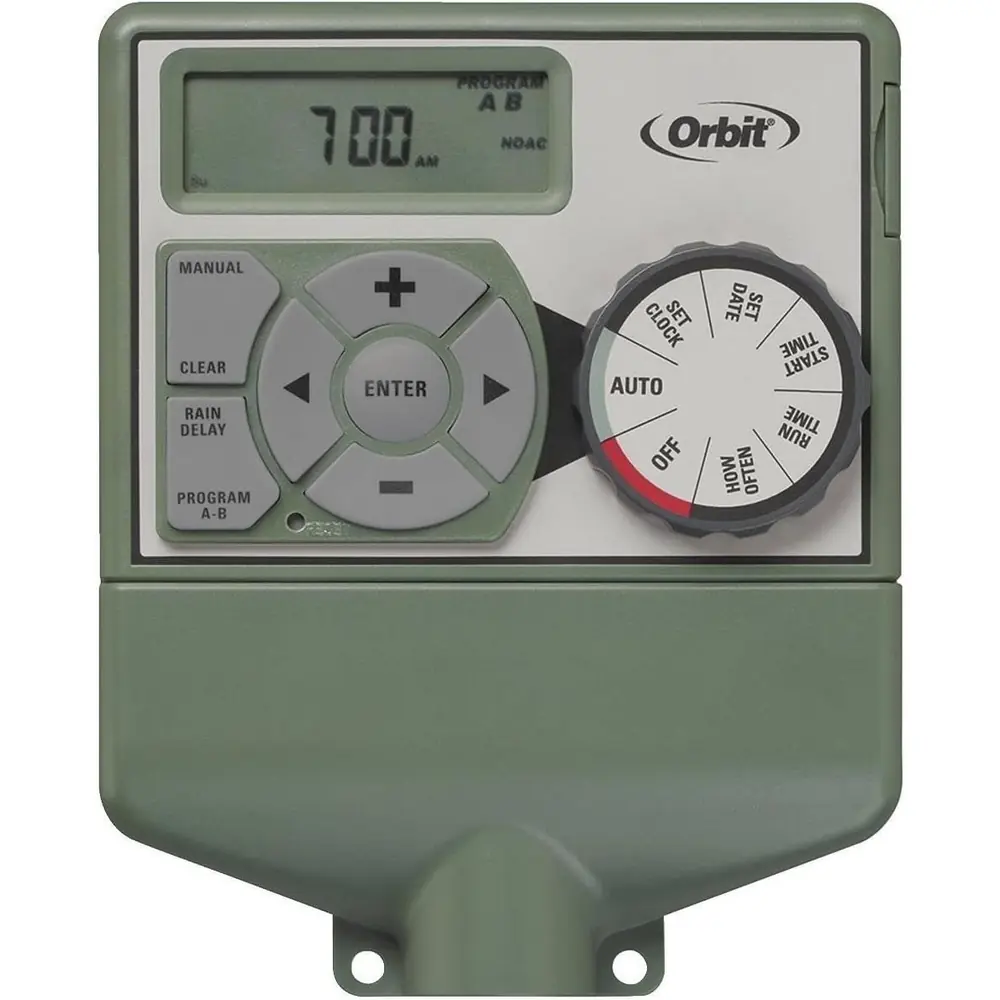
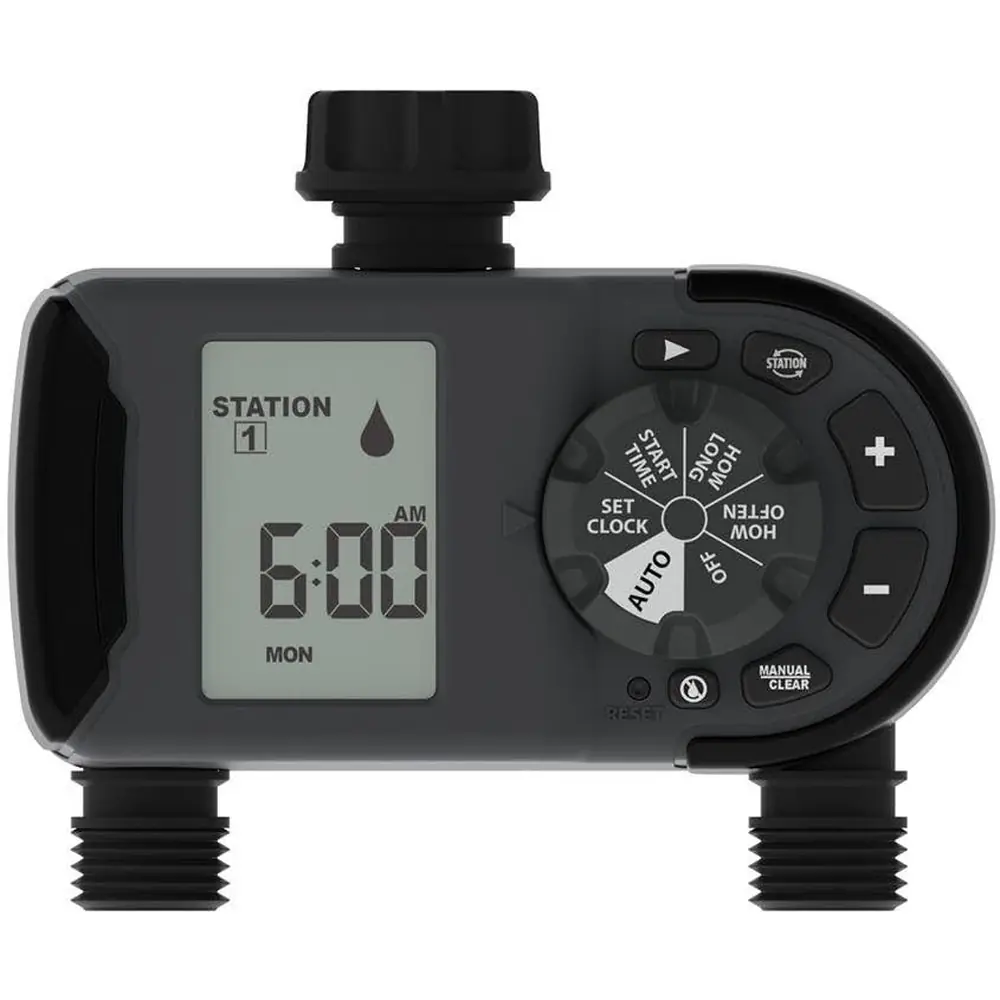
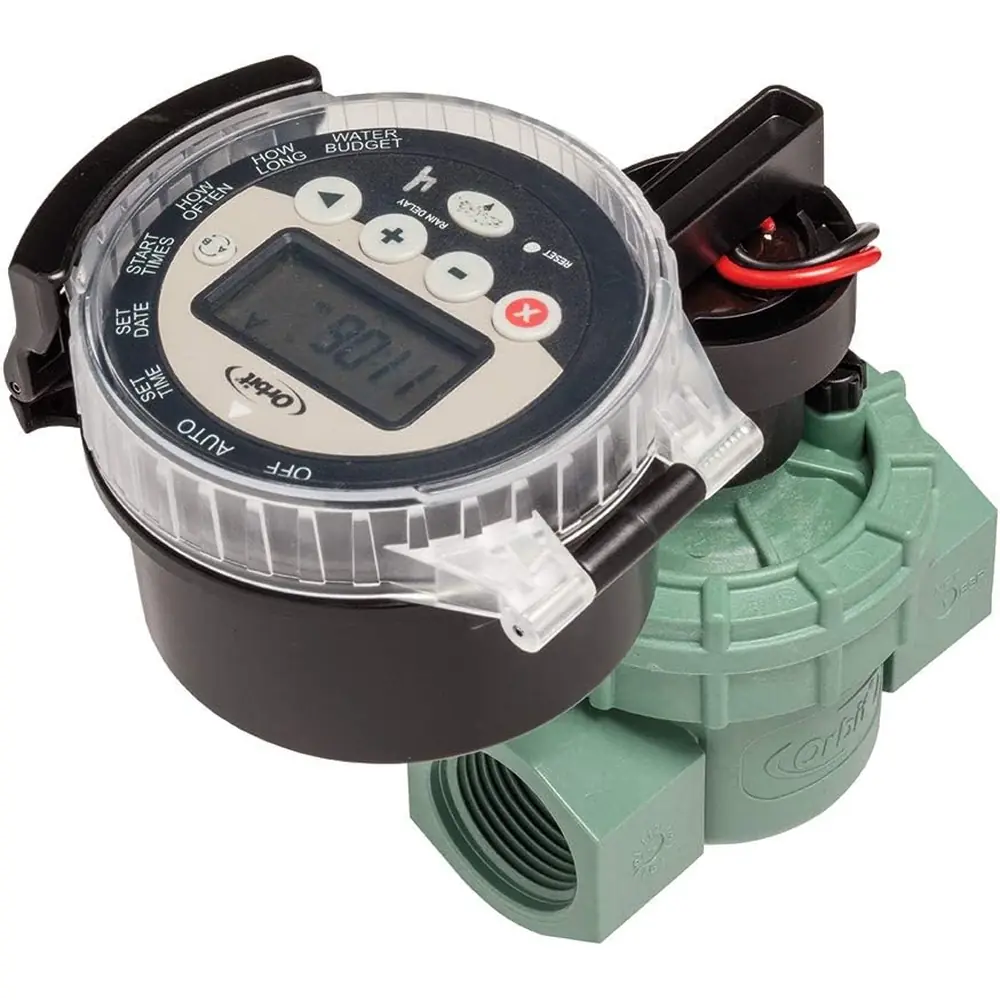
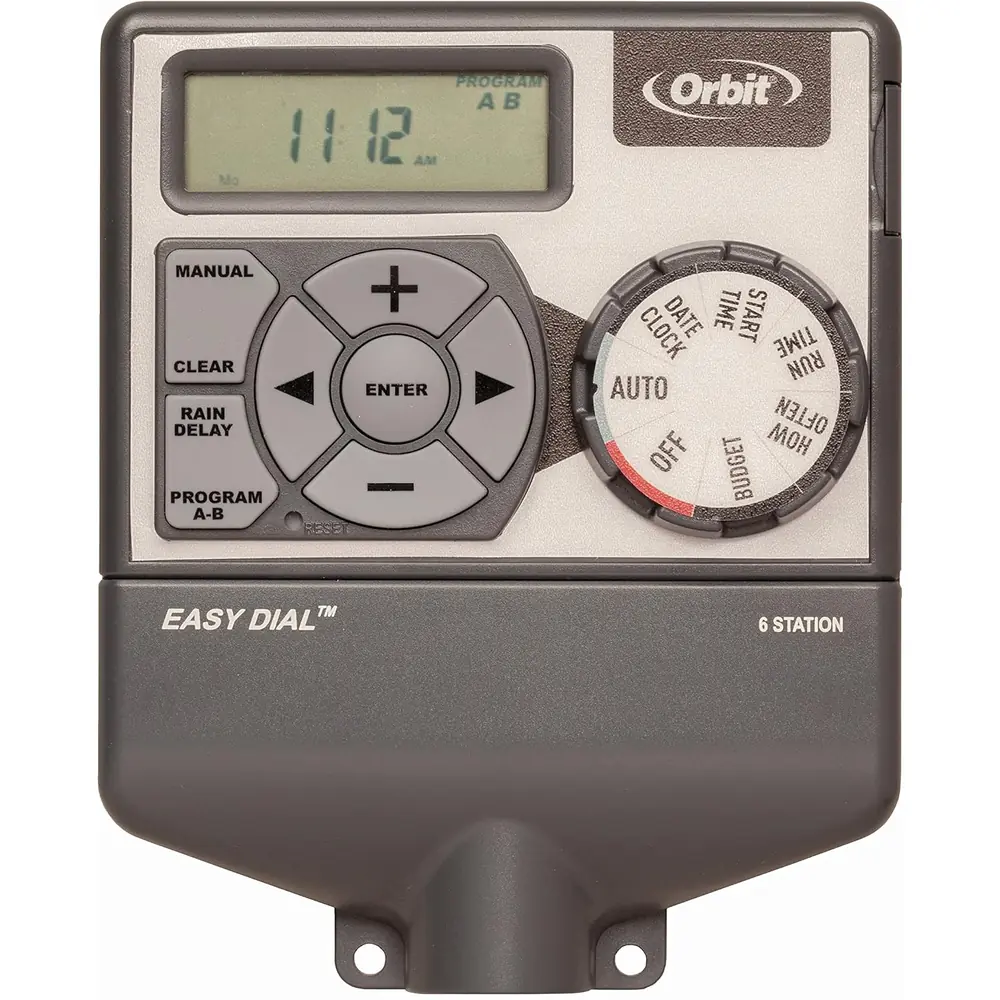
Orbit Model 57896 Irrigation Controller Instruction Manual
Orbit Model 57896 Irrigation Controller




Orbit Model 57896 Irrigation Controller
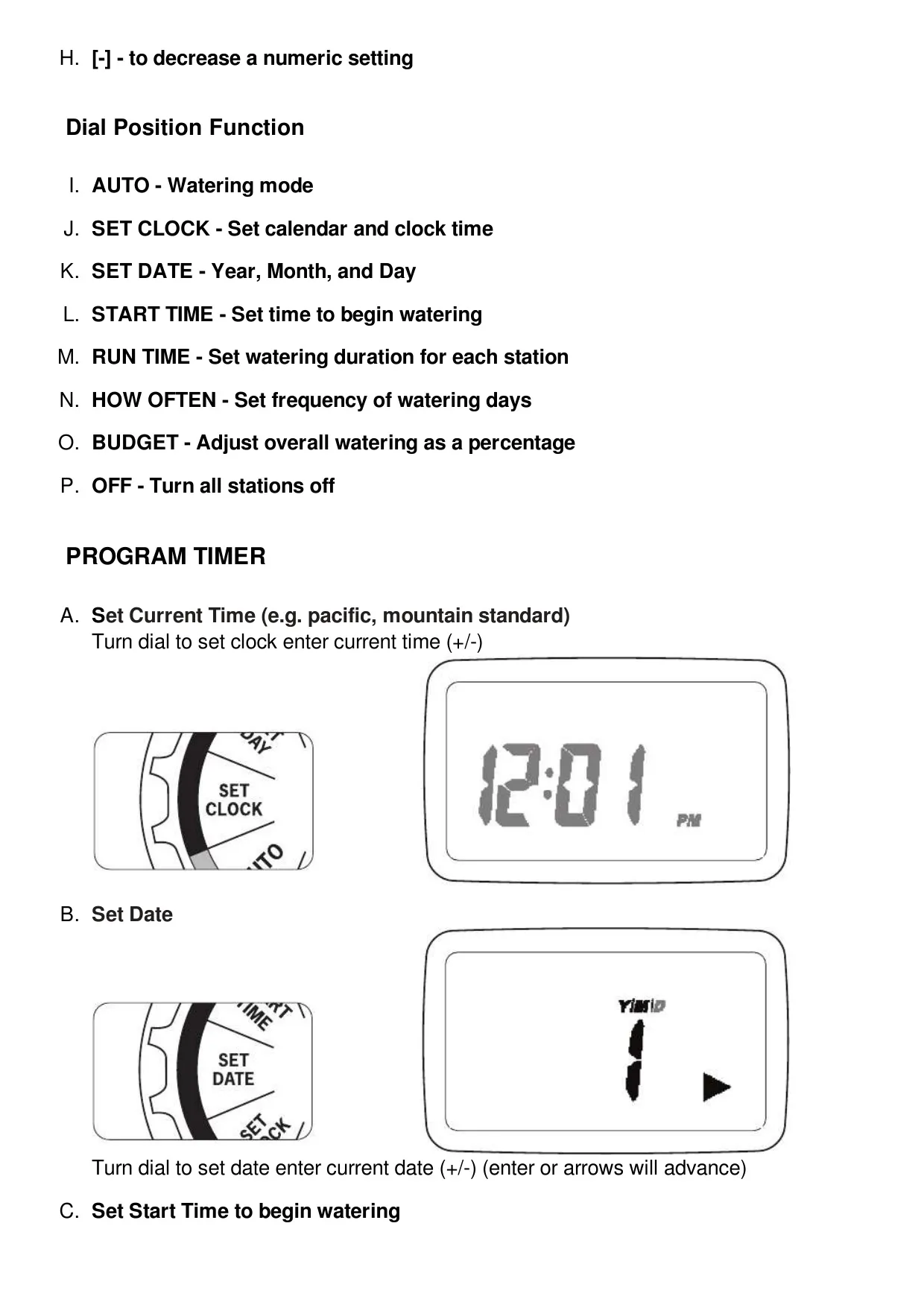
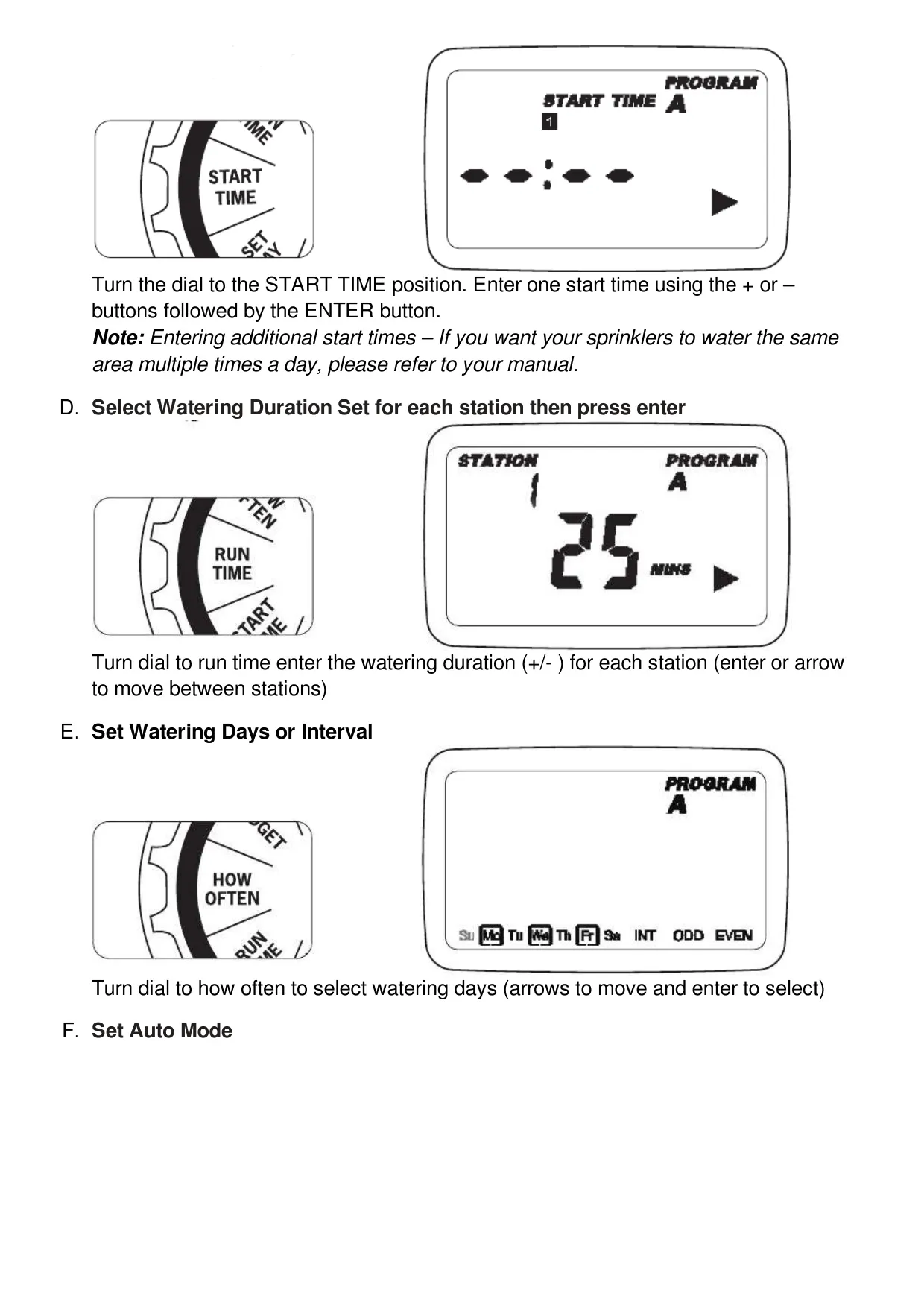
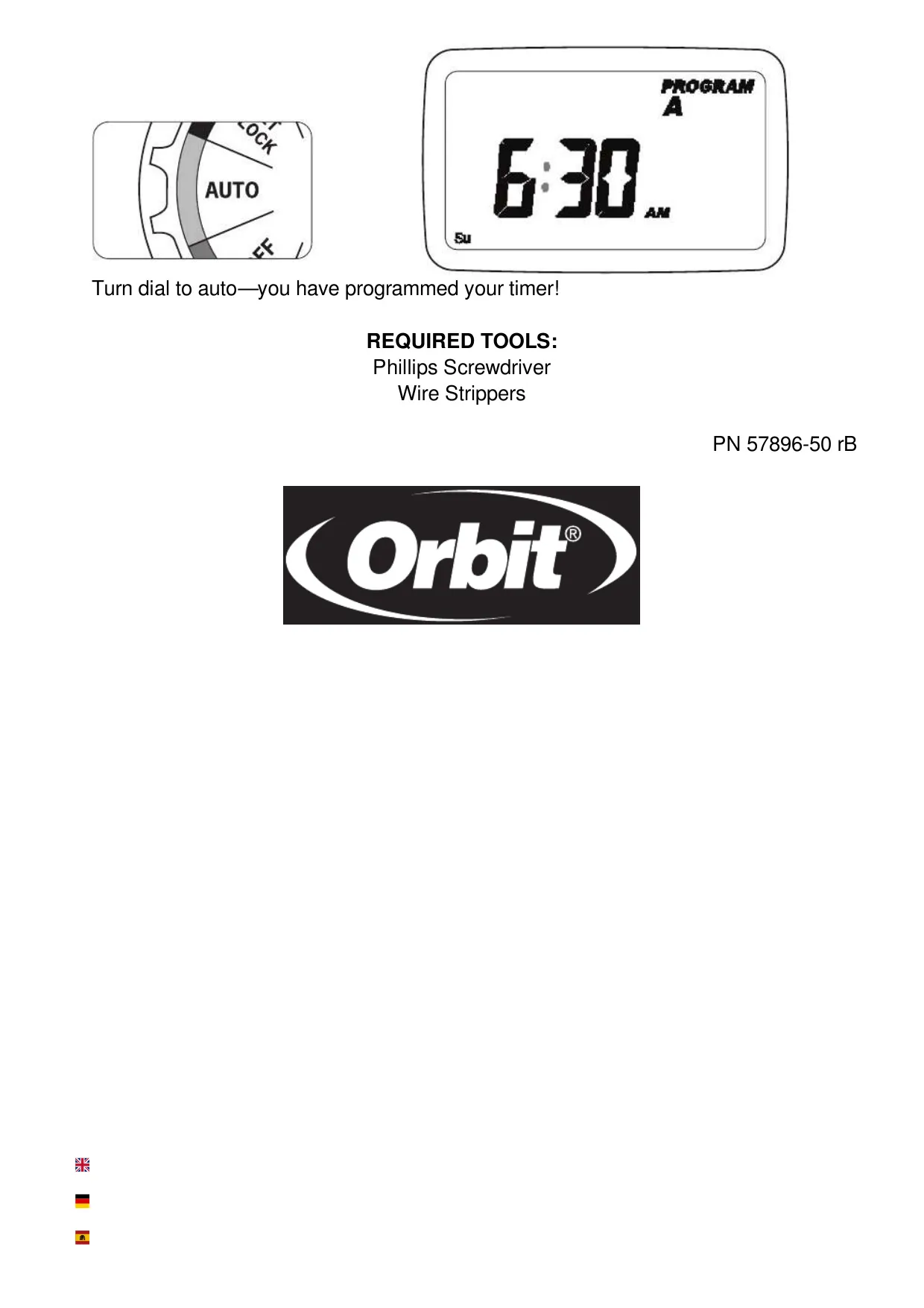
Orbit Model 57896 Instructions
Here we offer the Orbit Model 57896 Irrigation Controller manual completely free and in English. We have cataloged this manual in the Irrigation Controllers section on Manualverse, and it has been rated by 1 users with an average rating of 5. If you have any specific questions about Orbit Model 57896 Irrigation Controller, we suggest checking the Frequently Asked Questions (FAQs) section of this manual.
Product Images
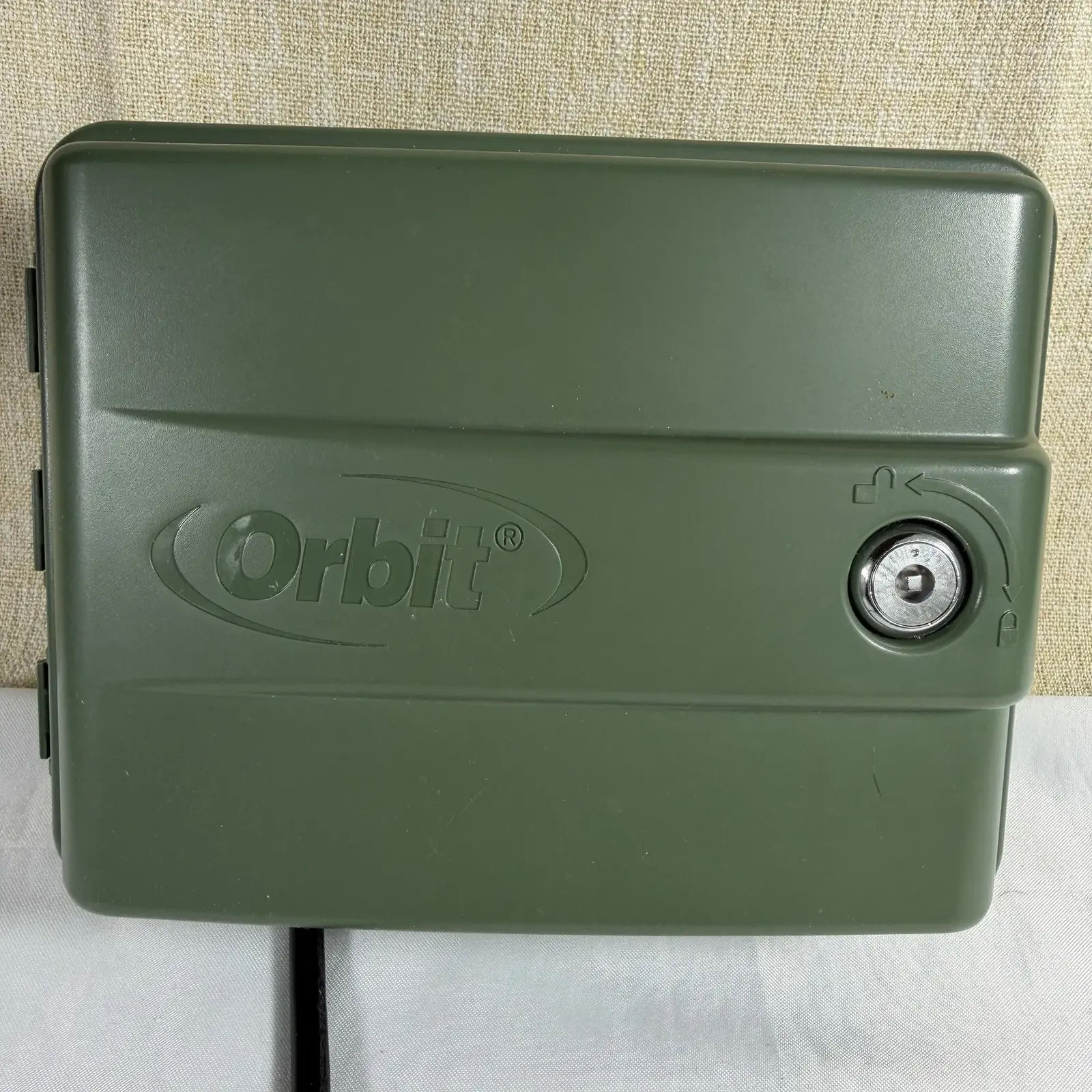
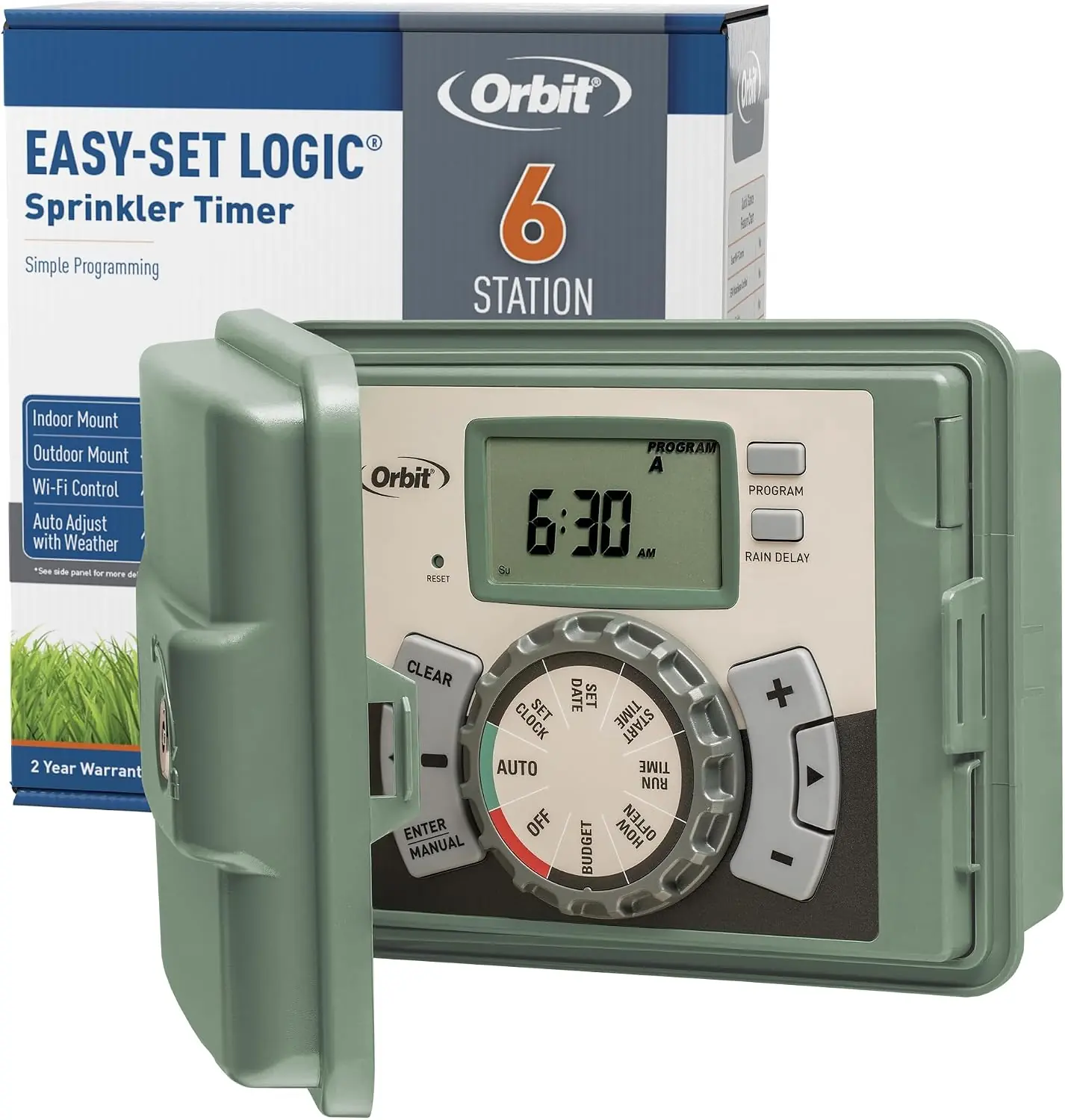
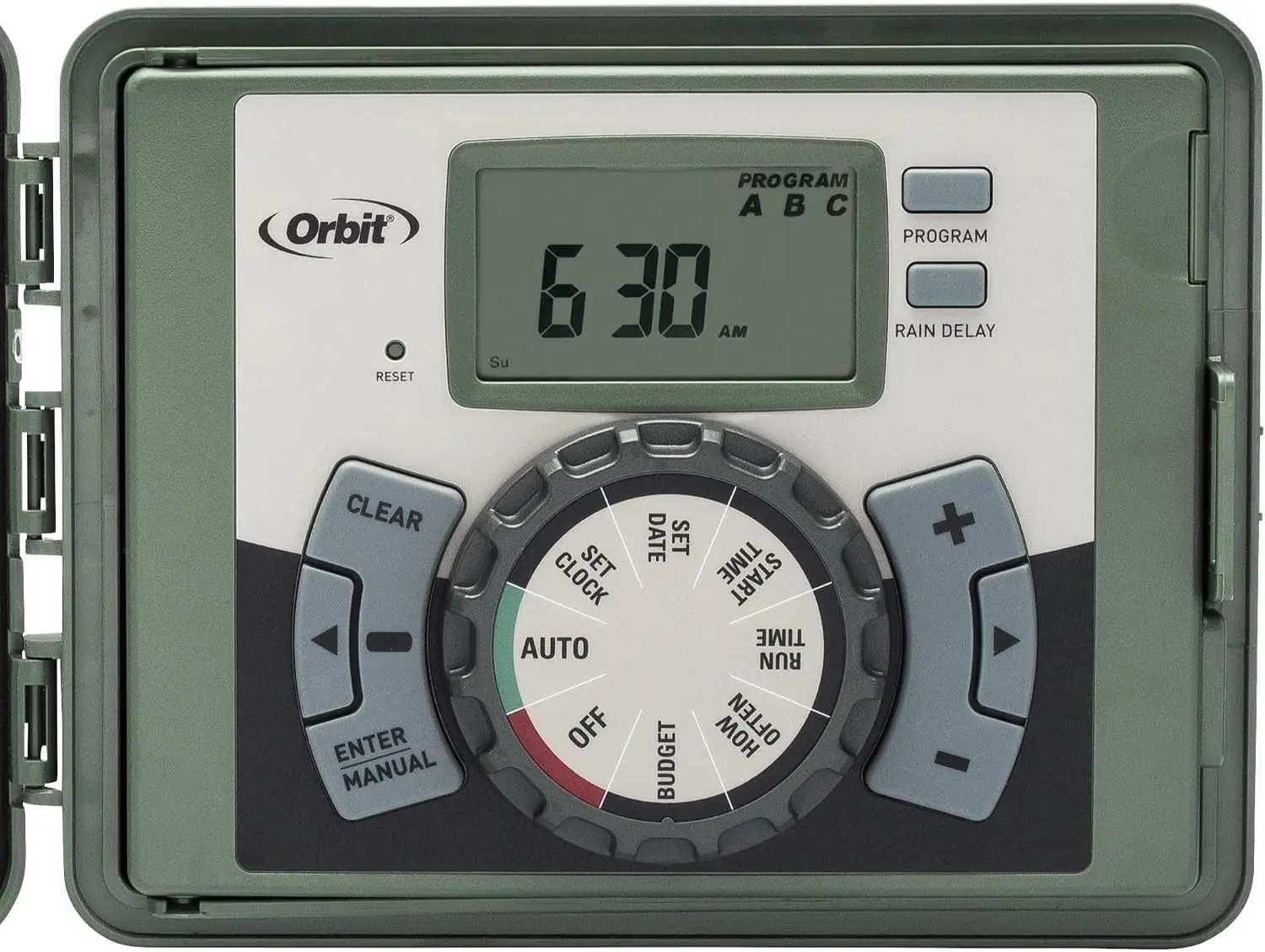

Orbit Model 57896 Irrigation Controller Specifications
| Feature | Specification |
|---|---|
| Model Number | 57896 (part of series including 57894, 57899, 57900, 27894, 27896, 27892, 27999, 91894, 91896, 91892, 91899) |
| Operating Temperature Range | 32° to 158° Fahrenheit (0° to 70° Celsius) |
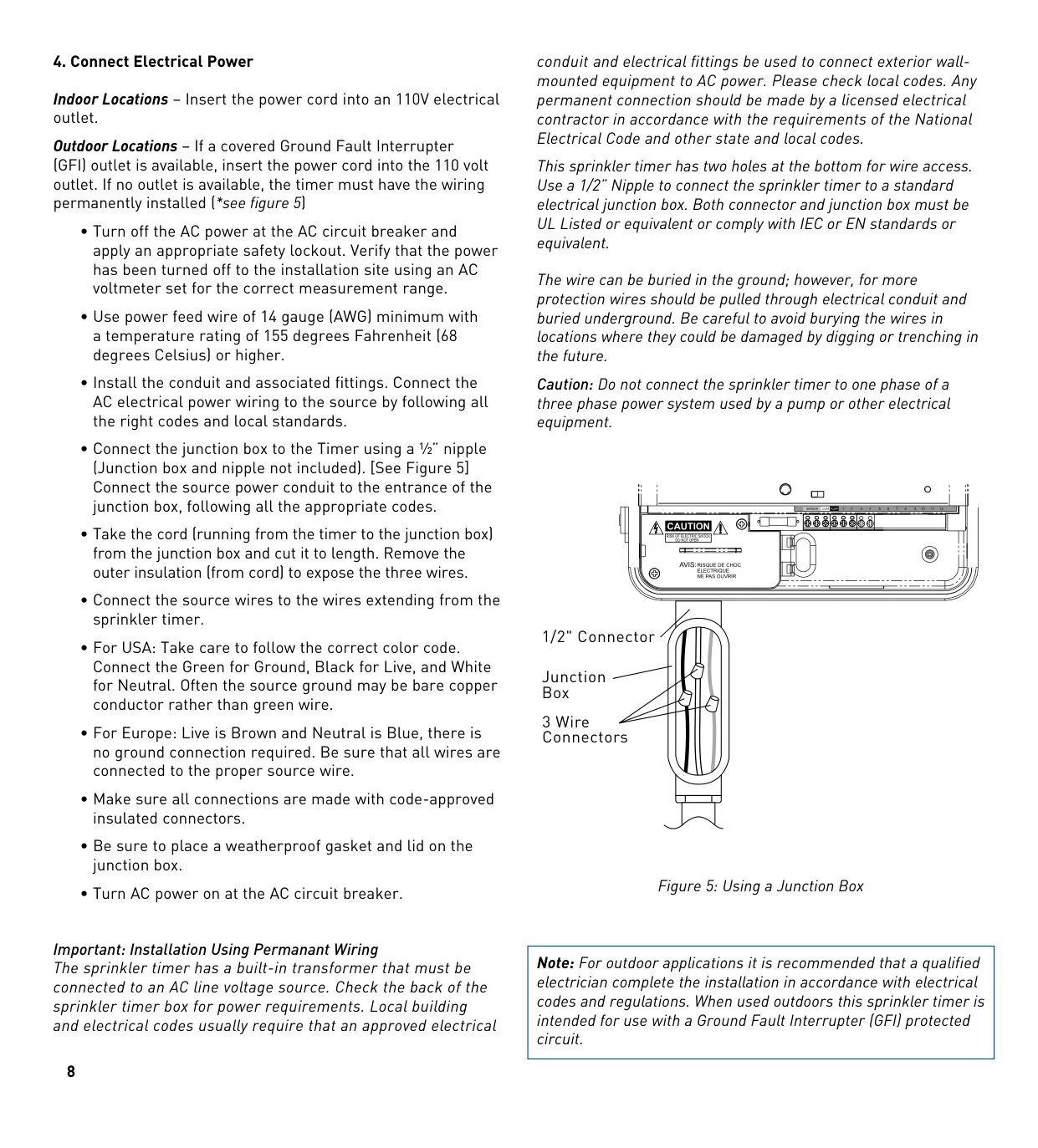
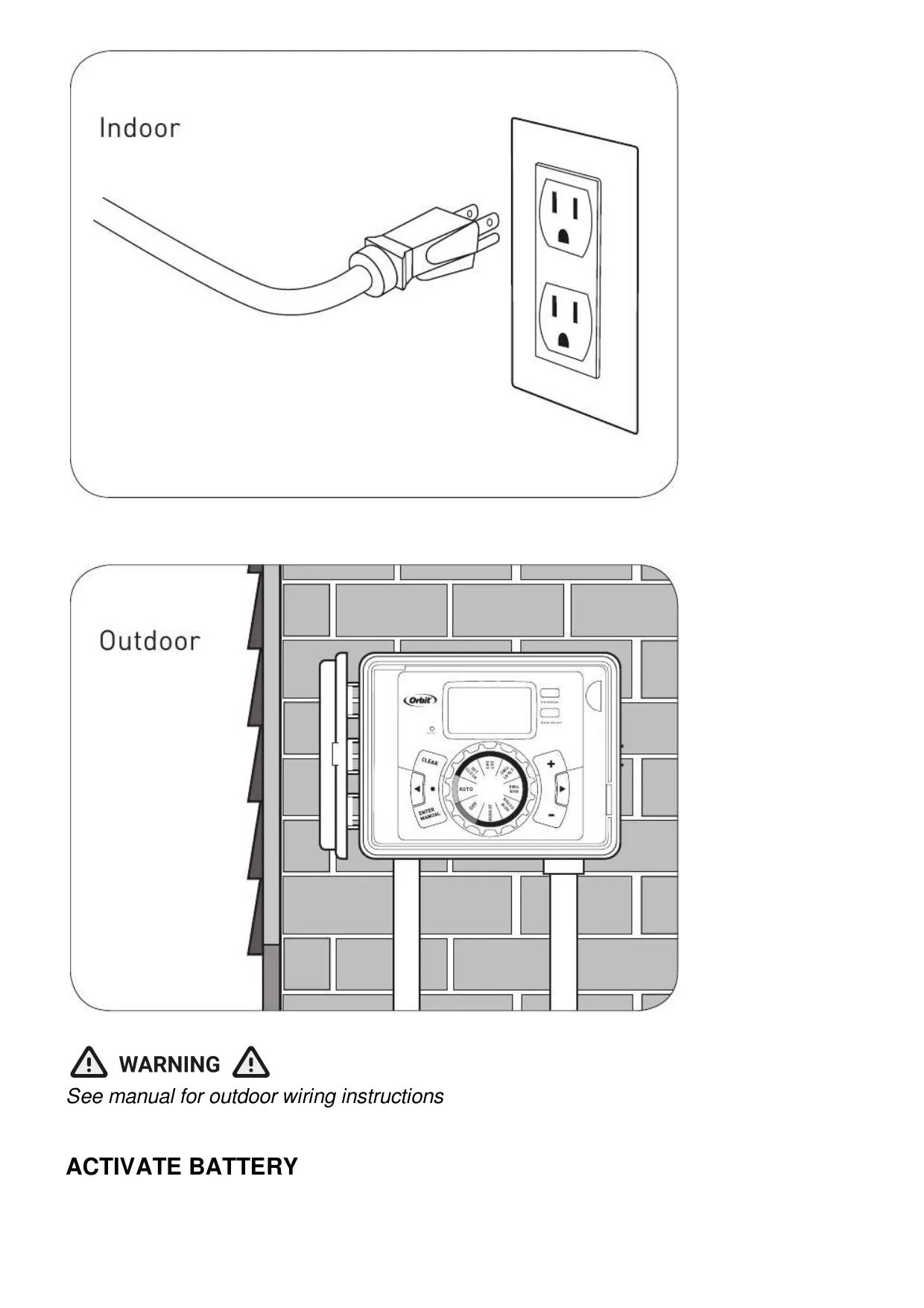
| Power Input (US Retail) | 110V AC via electrical outlet (with built-in transformer) |
| Valve Output Voltage | 24 VAC |
| Battery Type | 1x Lithium CR2032 (included, for program retention) |
| Battery Life Recommendation | Annual replacement |
| Number of Programs | 3 independent (A, B, C) |
| Start Times per Program | Up to 4 |
| Watering Duration (Run Time) | 1 to 240 minutes per station |
| Rain Delay Settings | 24, 48, 72 hours |
| Water Budgeting Adjustment Range | 10% to 200% (in 10% increments) |
| Maximum Loading per Station/Pump | 250mA |
| Maximum Total Loading for Timer | 500mA |
| Wire Gauge (under 700'/210m) | 20 gauge (AWG) plastic jacketed thermostat wire |
| Wire Gauge (over 700'/210m) | 16 gauge (AWG) wire |
| Certification | UL-50 standard & ETL® listed (Class B digital apparatus complies with Canadian ICES-003) |
Orbit 57896 Irrigation Controller Details
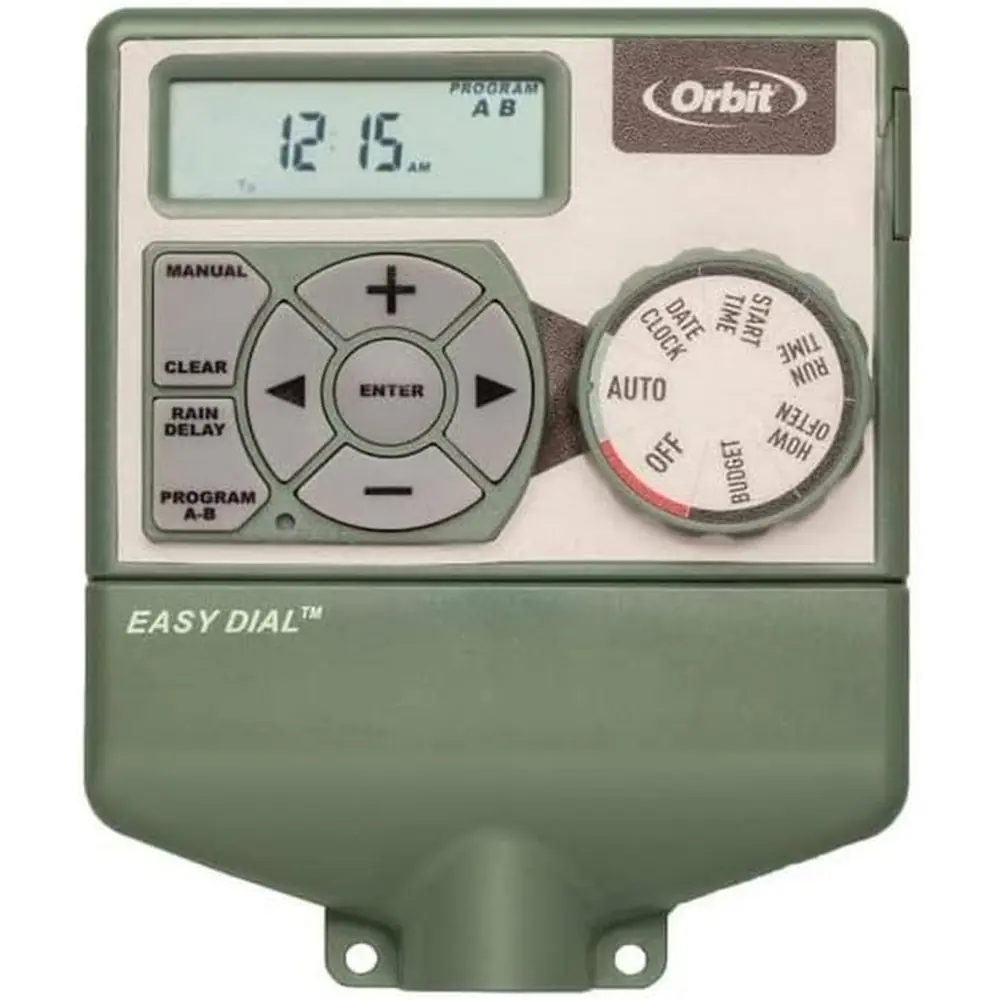
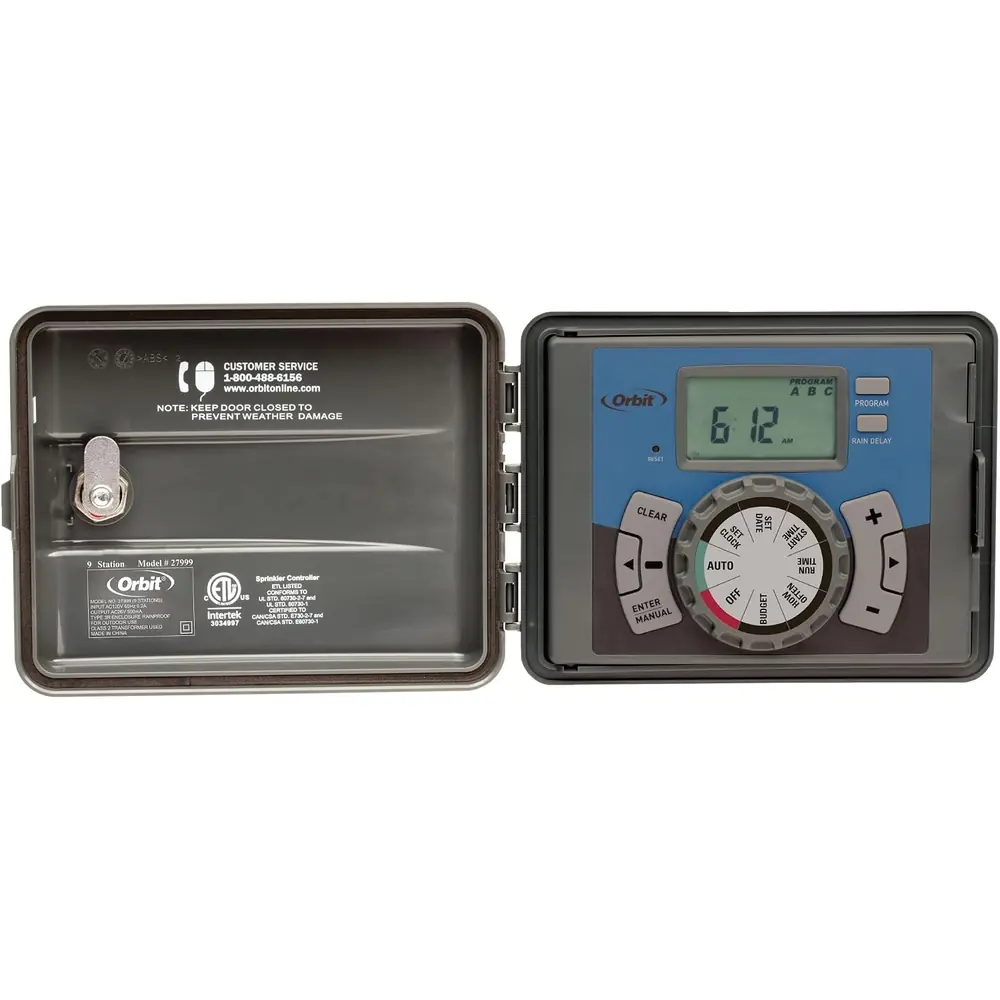
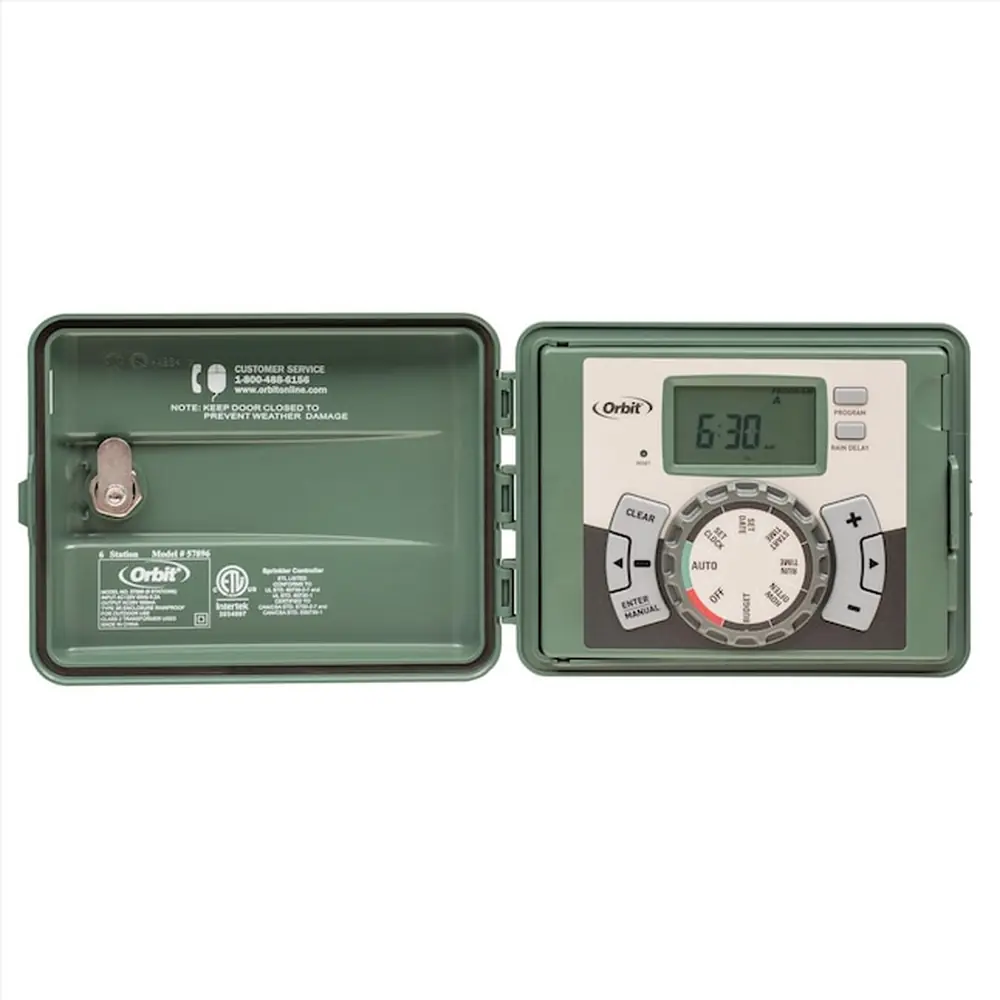
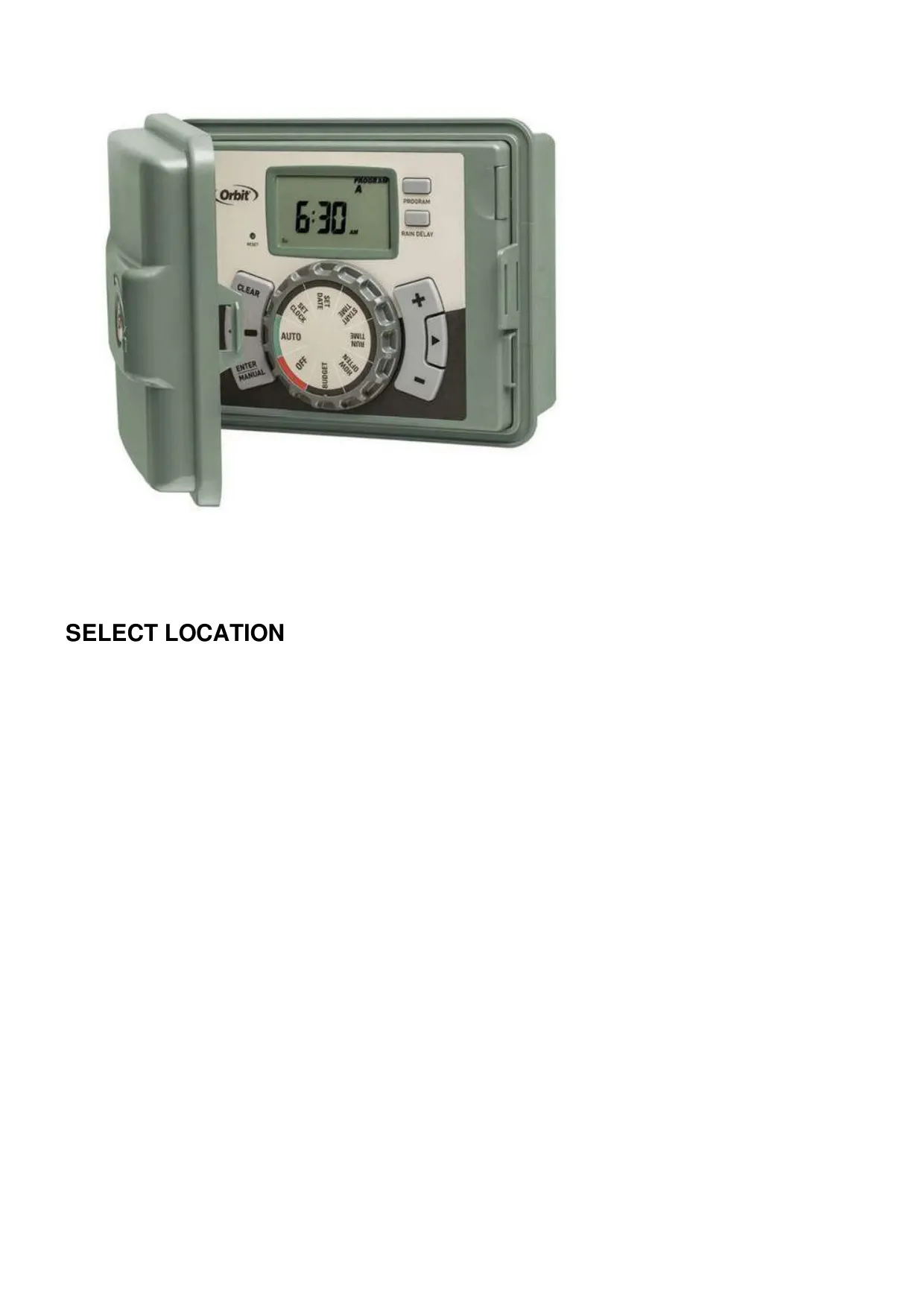
The Orbit Model 57896 Irrigation Controller is engineered for both convenience and flexibility, featuring Orbit’s exclusive Easy-Set Logic™ for straightforward programming. This intuitive interface simplifies the setup process, combining advanced timer technology with versatile watering options for fully automatic, semi-automatic, or manual operation tailored to your specific landscaping needs.
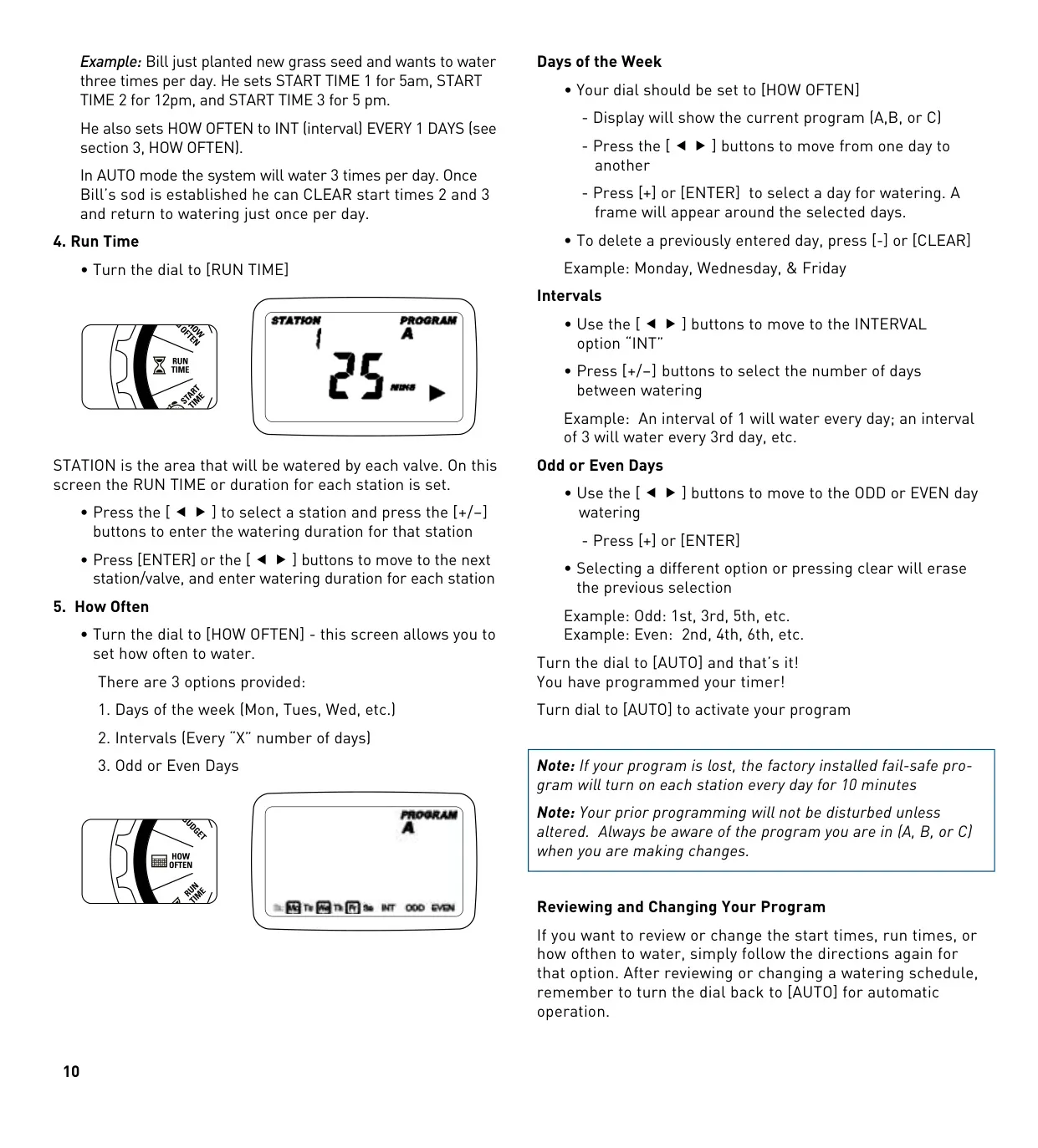
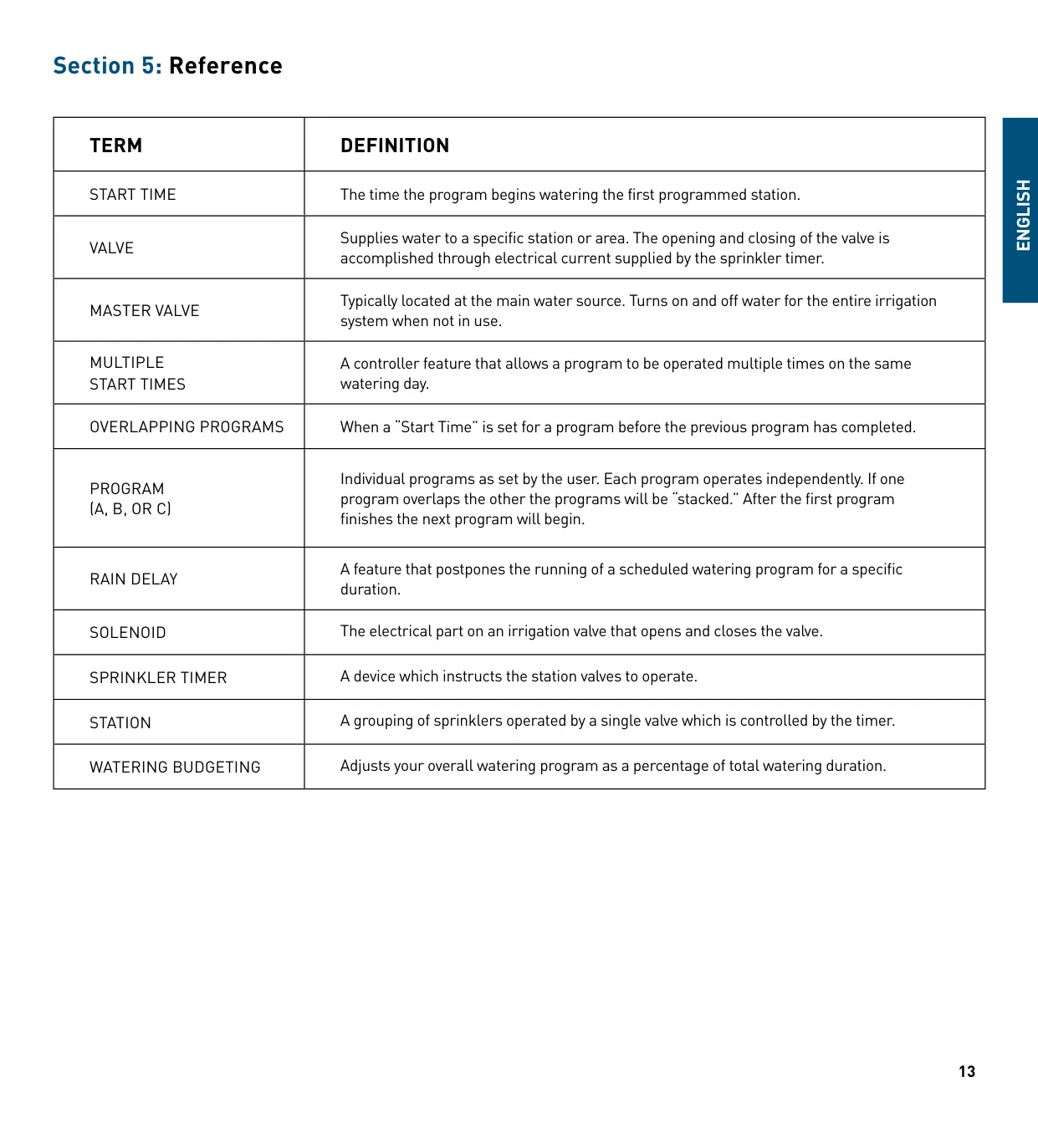
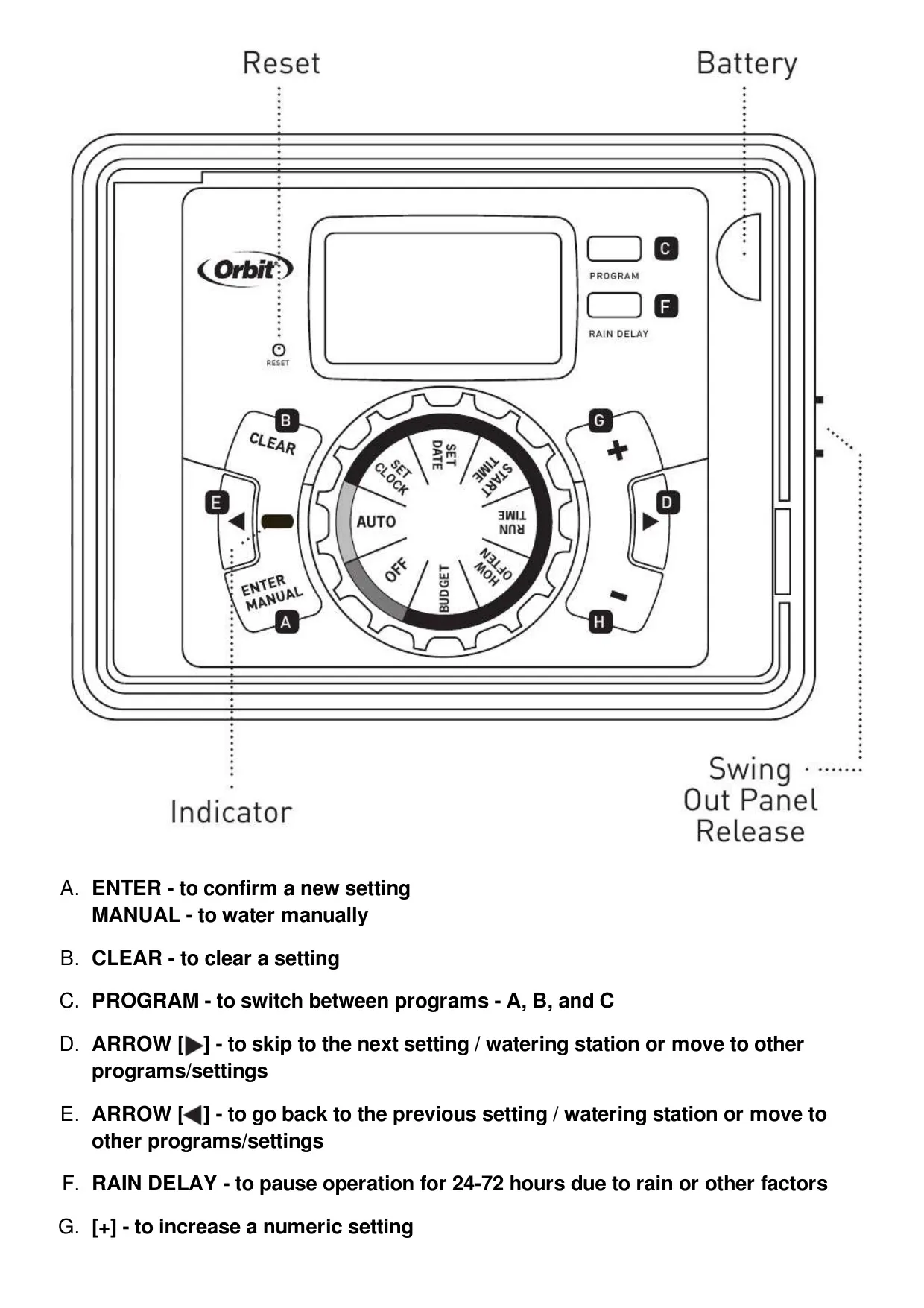
One of the key advantages of this controller is its support for three independent programs: A, B, and C. These programs function separately, allowing users to customize watering schedules for different zones, such as drip irrigation areas, newly planted lawns, or rotary sprinkler stations. Grouping stations with similar water requirements into specific programs helps maximize irrigation efficiency.
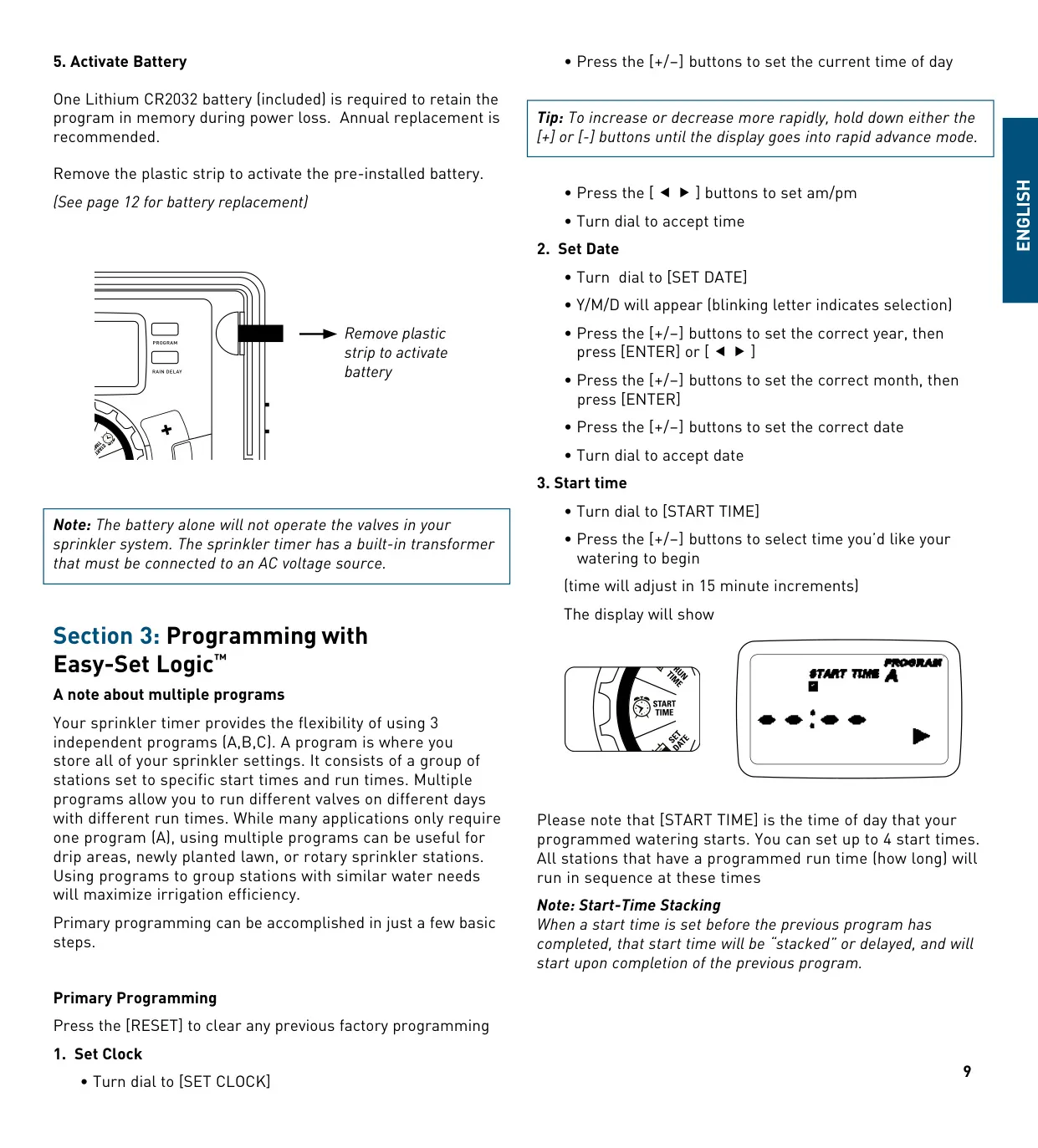
The controller handles up to four distinct start times per program. A notable feature is "Start-Time Stacking," which intelligently delays any overlapping start times until the preceding program has finished, ensuring a continuous and orderly watering sequence without interruption or simultaneous operation of multiple zones.
For immediate watering needs, the manual operation function is highly practical. Users can choose to activate all stations consecutively based on their programmed durations, or select a specific program (A, B, or C). Alternatively, it’s possible to choose an individual station and set a custom watering duration from 1 to 240 minutes, providing precise control over watering tasks.
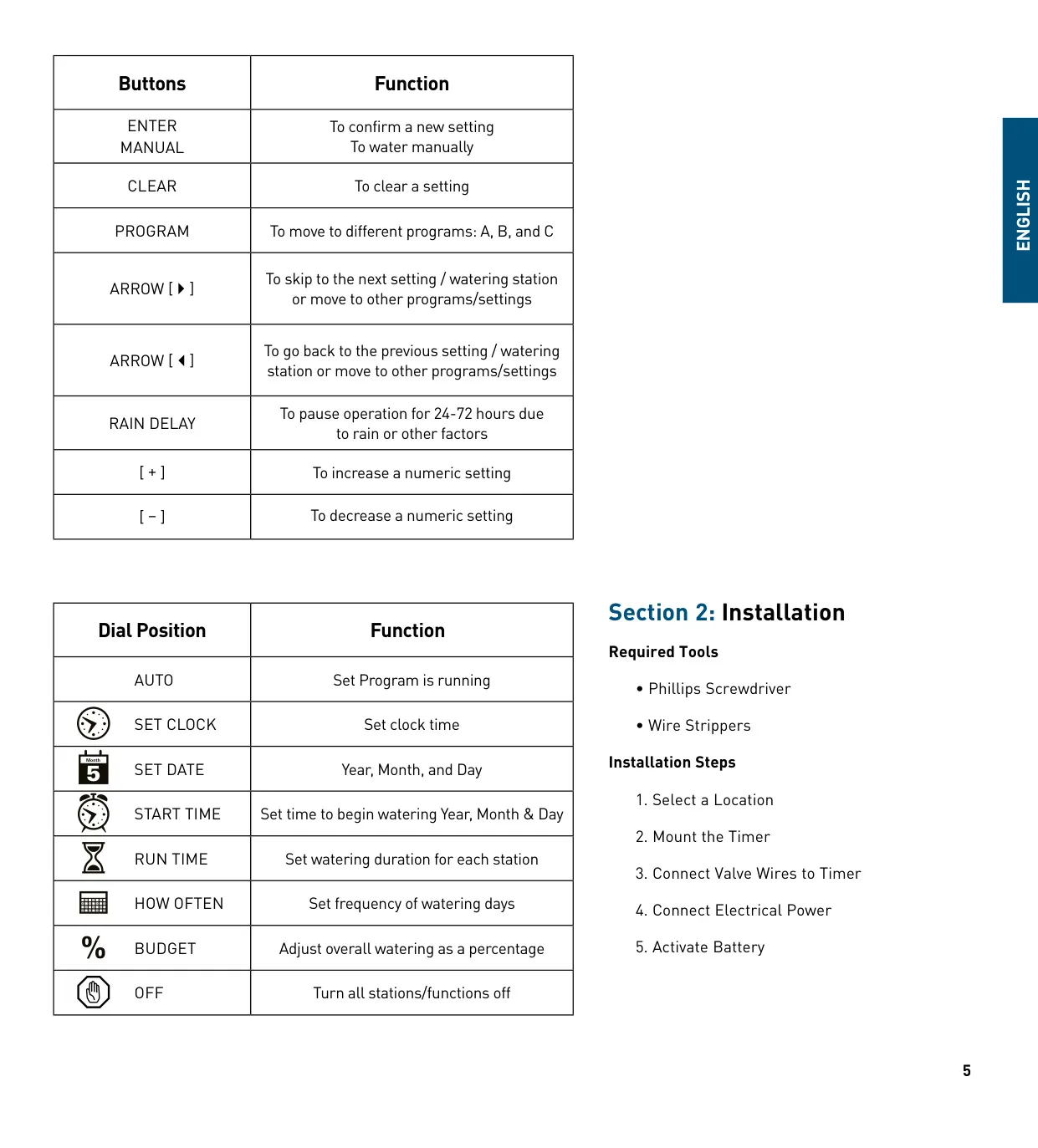
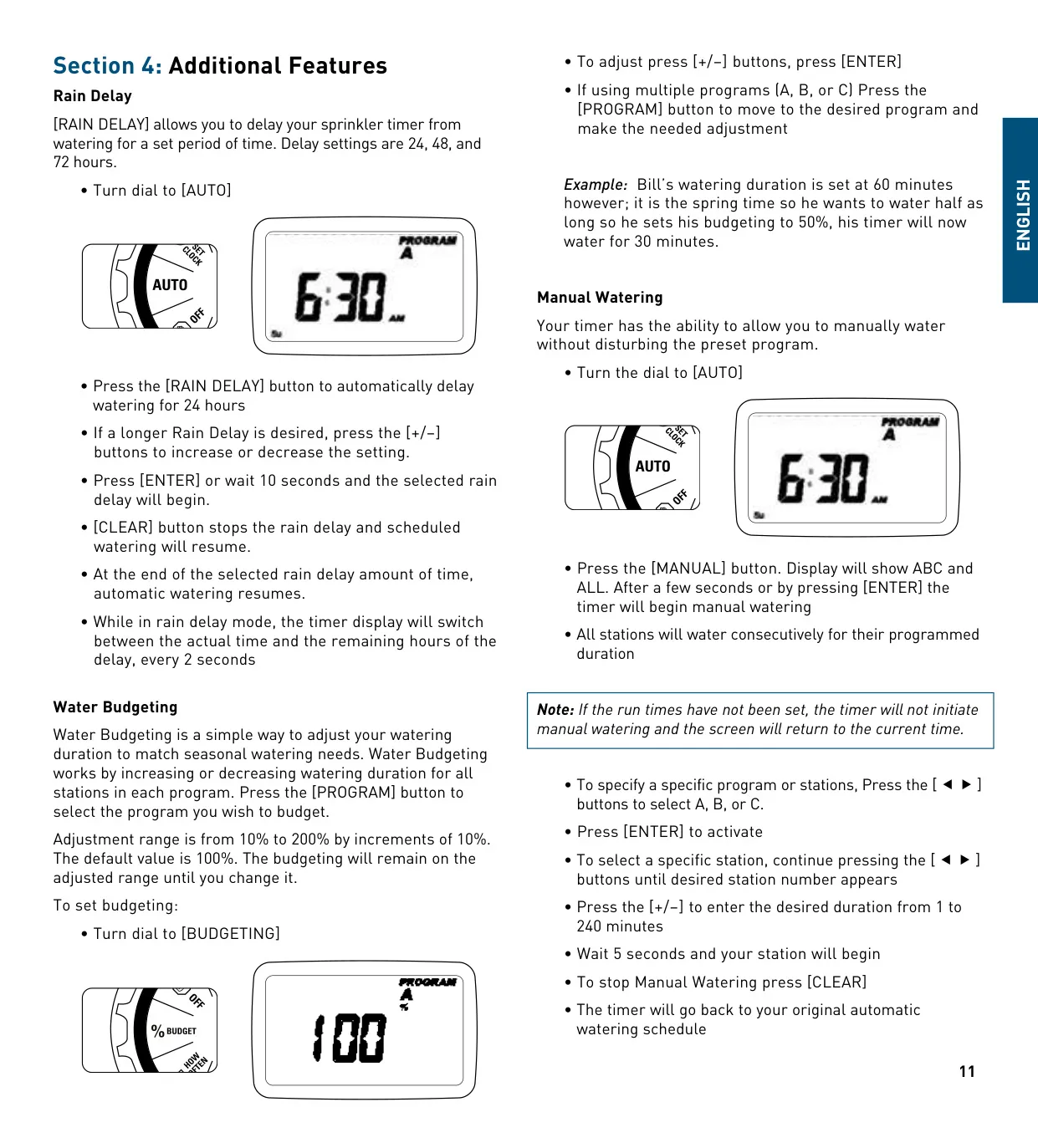
The Rain Delay feature offers a simple way to pause scheduled watering for 24, 48, or 72 hours due to precipitation or other factors. During this delay, the display alternates between showing the current time and the remaining delay duration. This function can be easily cancelled with the CLEAR button, resuming the regular schedule.
Water Budgeting provides a convenient mechanism to adjust overall watering durations seasonally. This feature allows for a percentage-based modification, increasing or decreasing watering times for all stations within a selected program from 10% to 200% in 10% increments. This eliminates the need to individually re-program each station as weather conditions change.
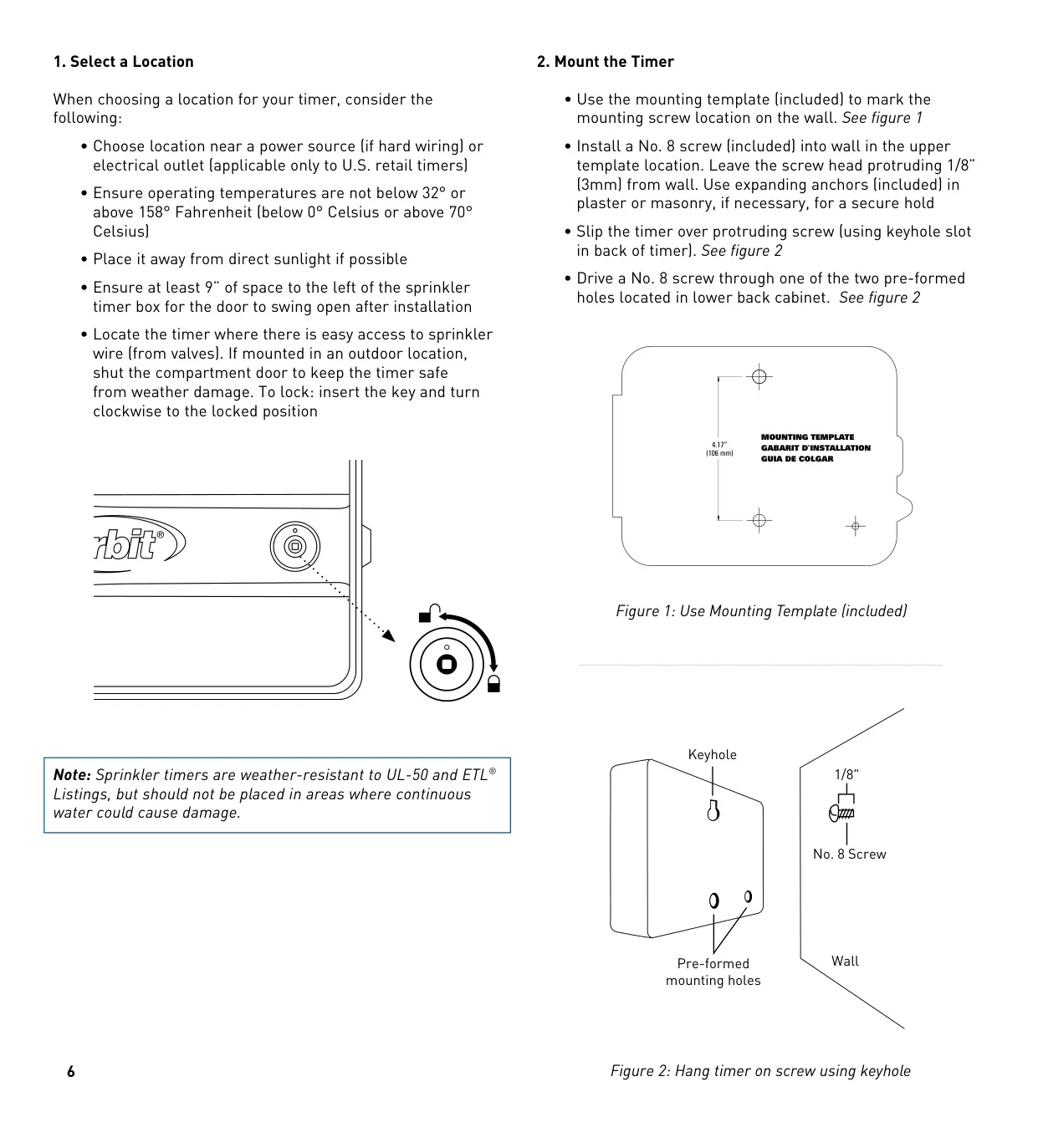
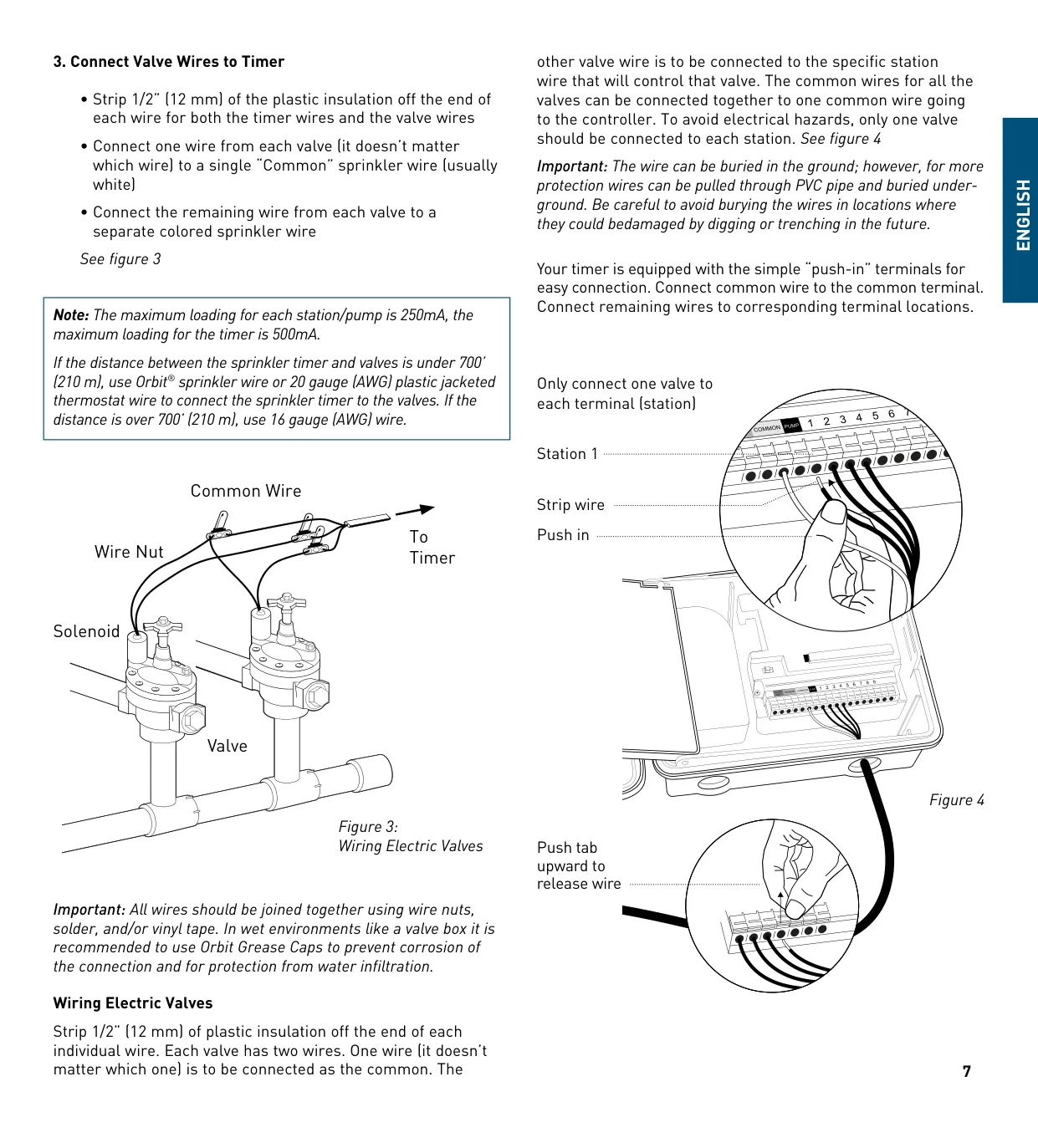
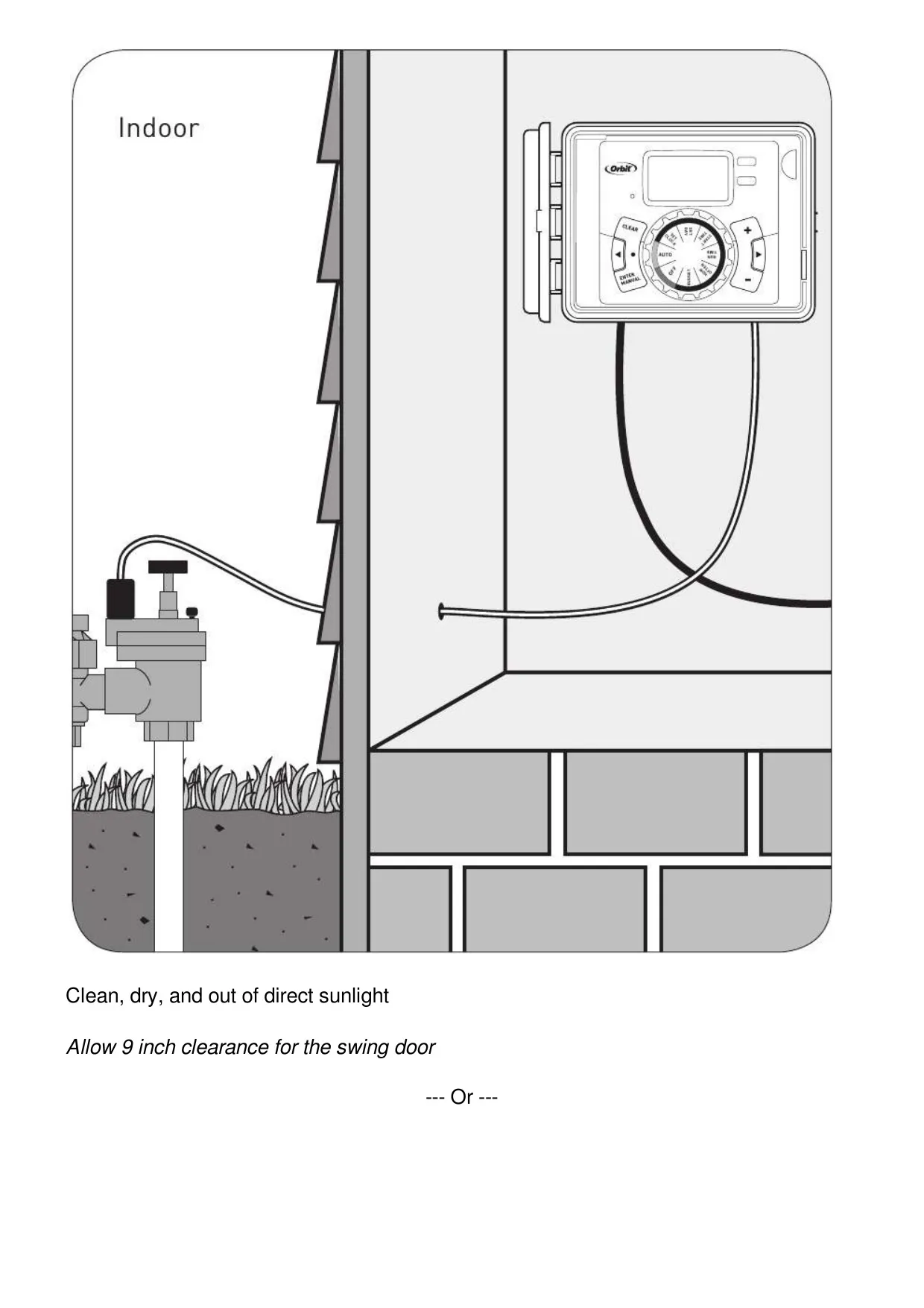
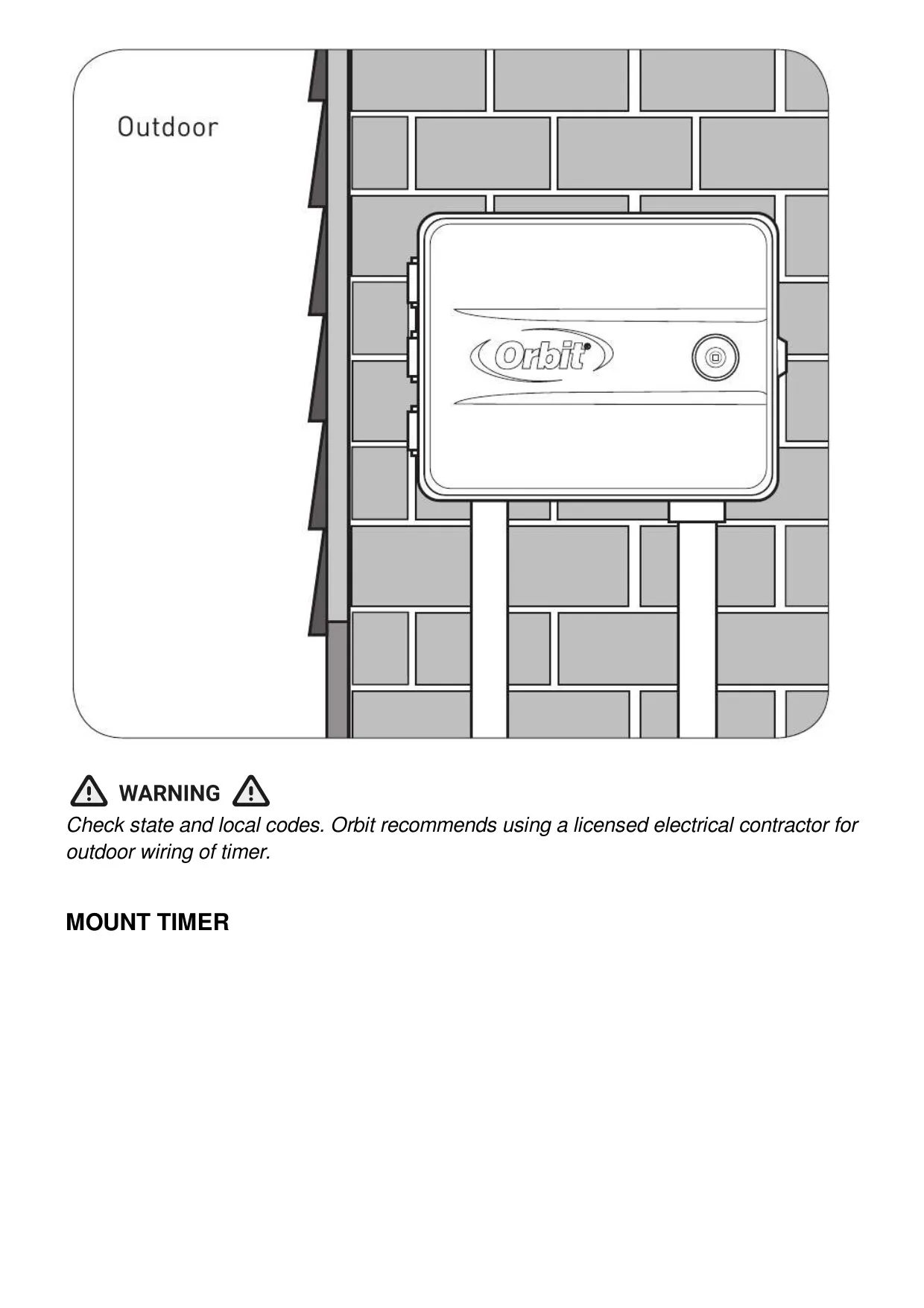
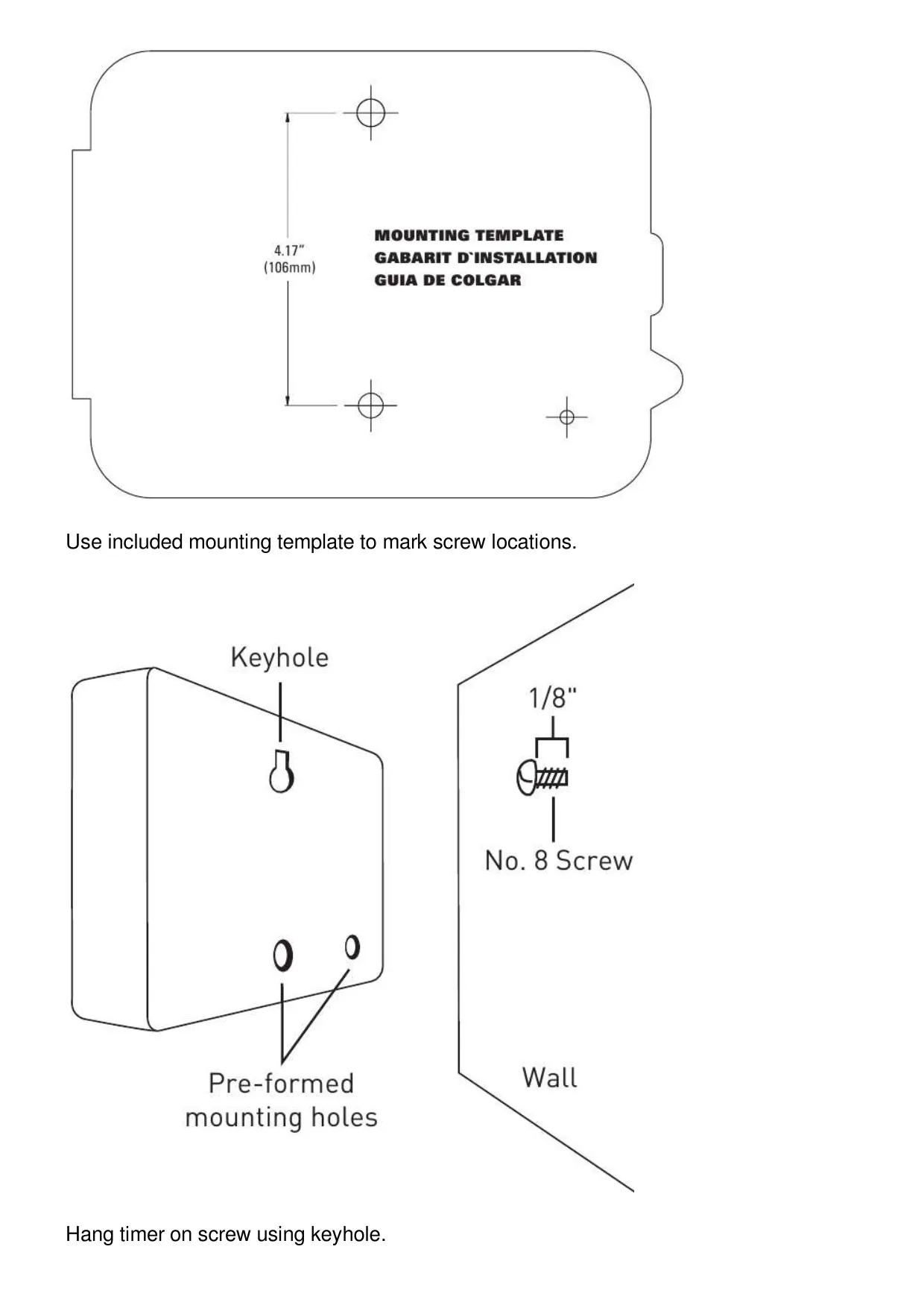
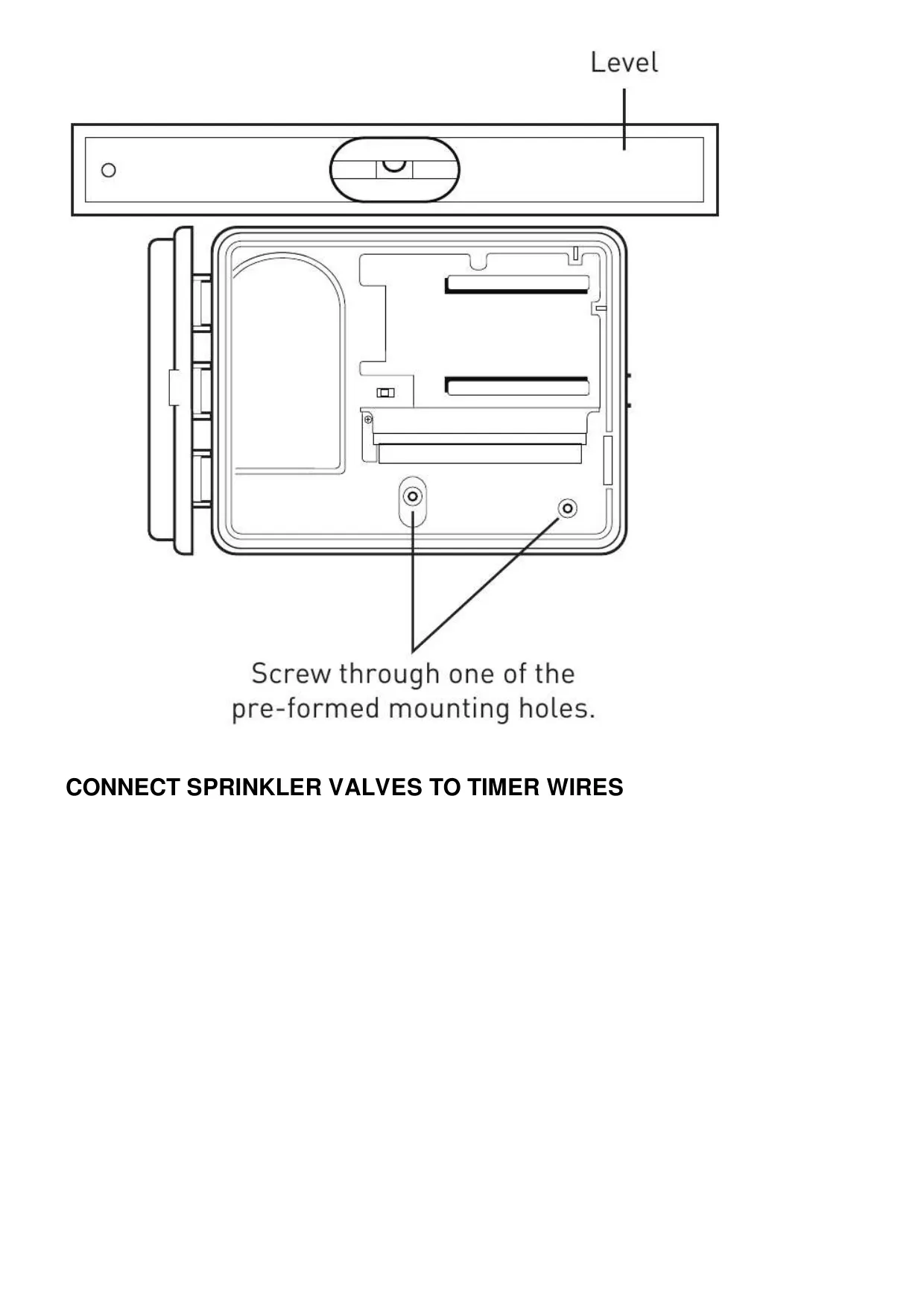
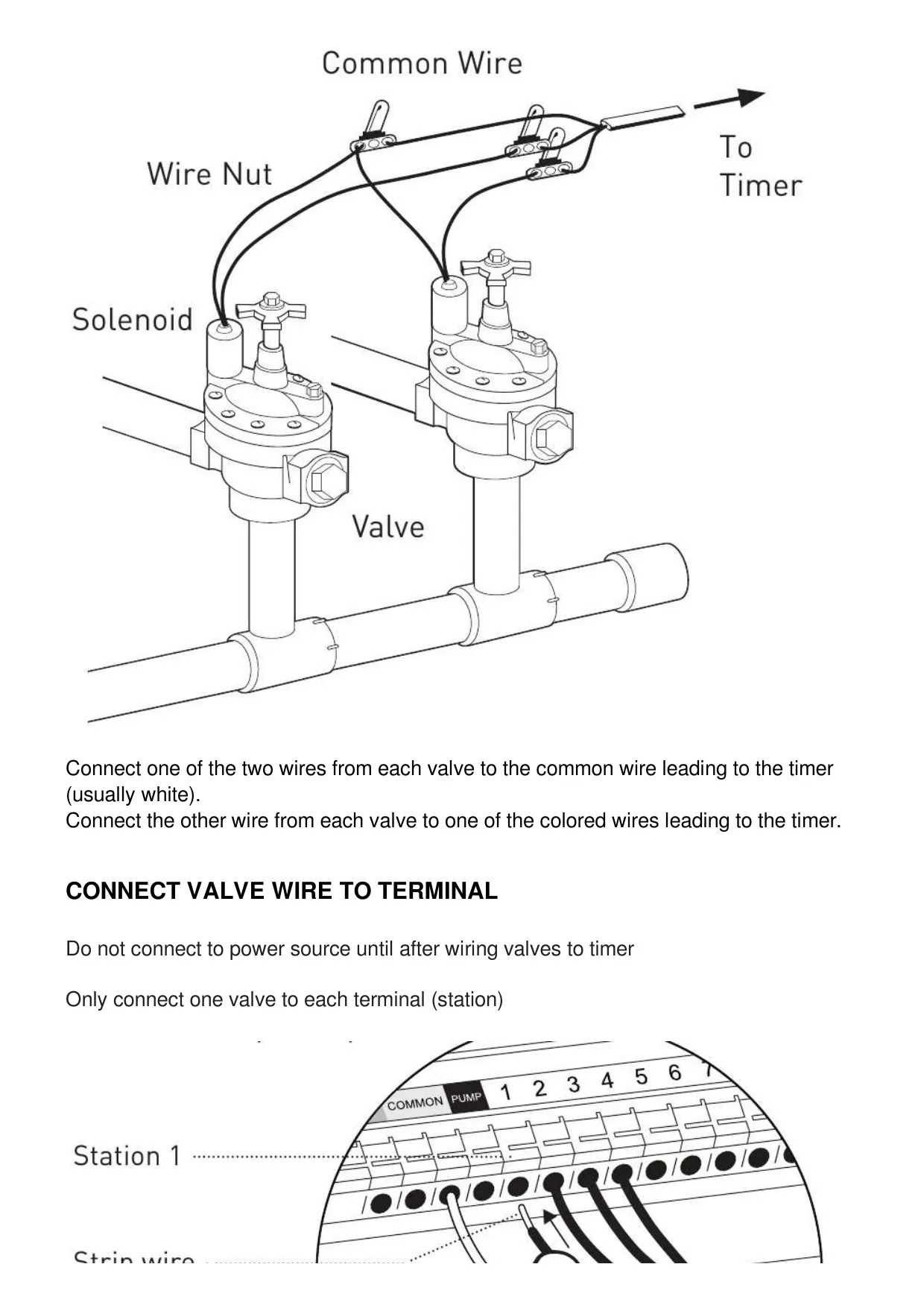
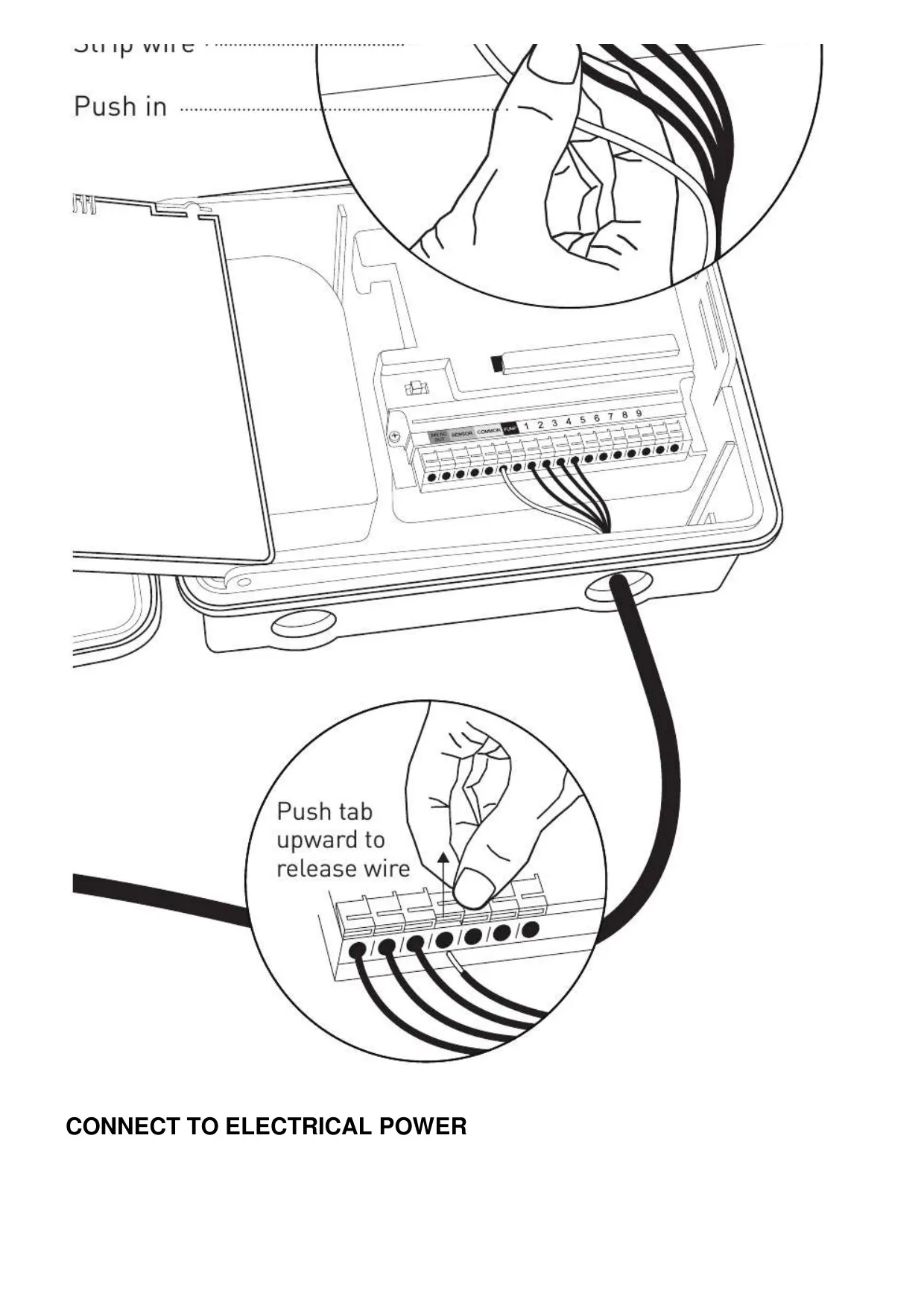
Installation is designed to be straightforward, though careful consideration of location is advised, including proximity to a power source, protection from extreme temperatures and direct sunlight, and ensuring sufficient clearance for the swing door. Wiring connections are simplified with "push-in" terminals, and instructions clarify the connection of valve wires to the common terminal and individual station terminals.
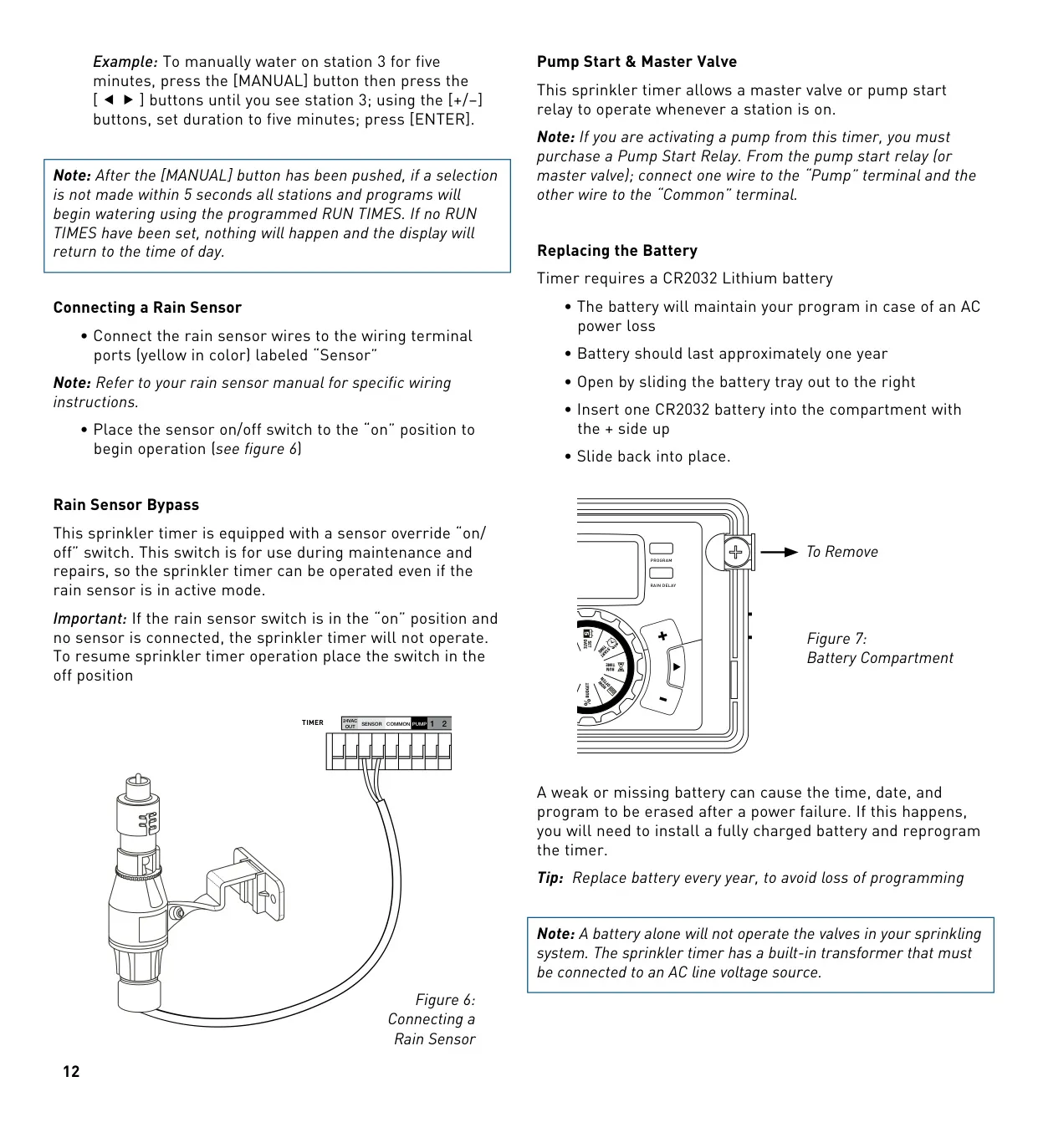
For systems incorporating a master valve or pump, the controller is equipped to activate them whenever a station is running. It's important to note that a separate pump start relay is required for pump activation. Additionally, the controller supports connecting a rain sensor, featuring an override switch for maintenance purposes.
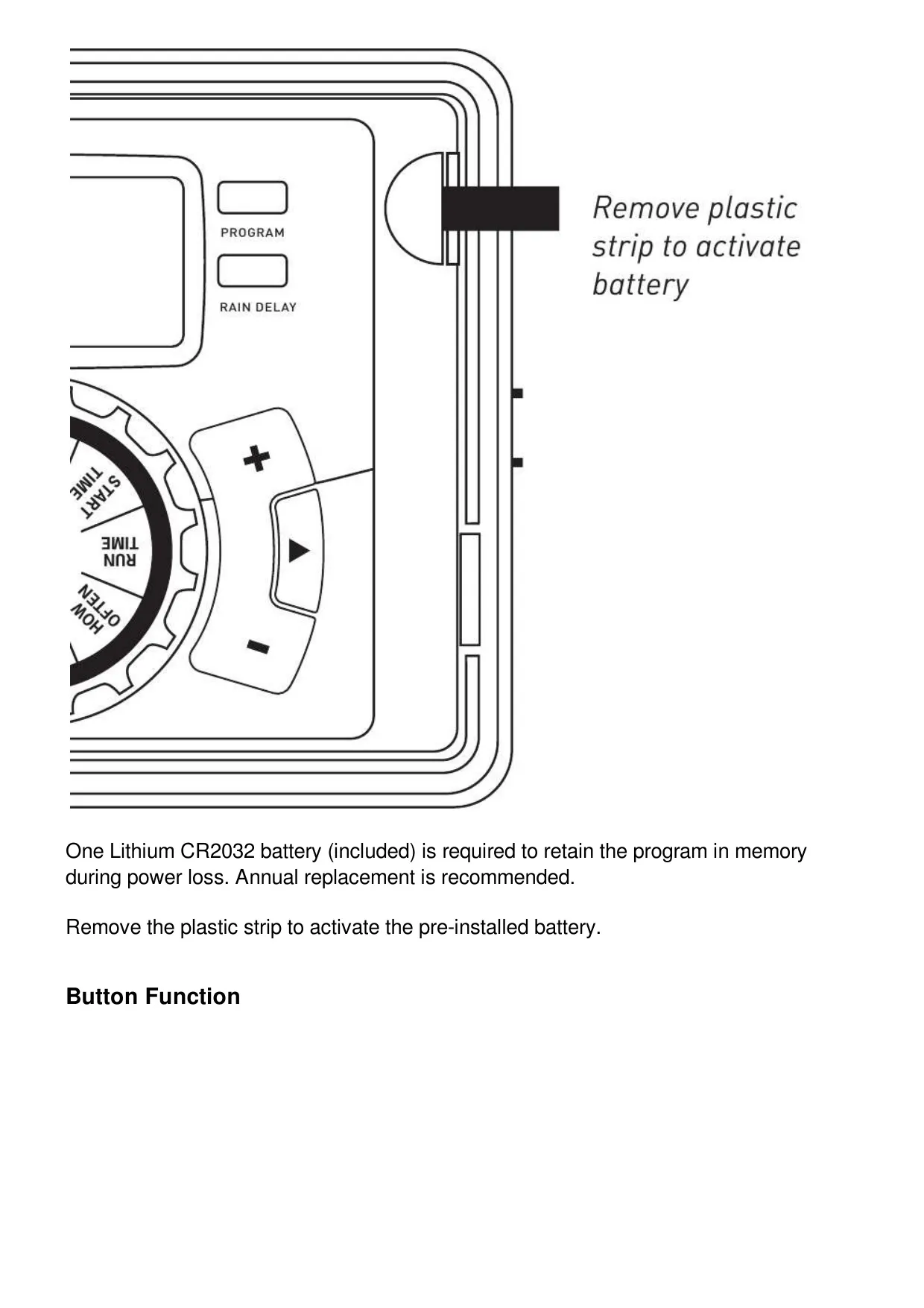
The device uses an included CR2032 lithium battery, which serves solely to retain programming in memory during power outages. It’s crucial to understand that the battery does not power the valves; the controller requires a continuous AC power source to operate the irrigation system. Annual battery replacement is recommended to prevent loss of programming.
Frequently Asked Questions (FAQs)
Can't find the answer you need? Here are some frequently asked questions about the Orbit Model 57896 Irrigation Controller, and we answer them below.