Orbit Sprinkler Timer Model 57860 Instruction Manual
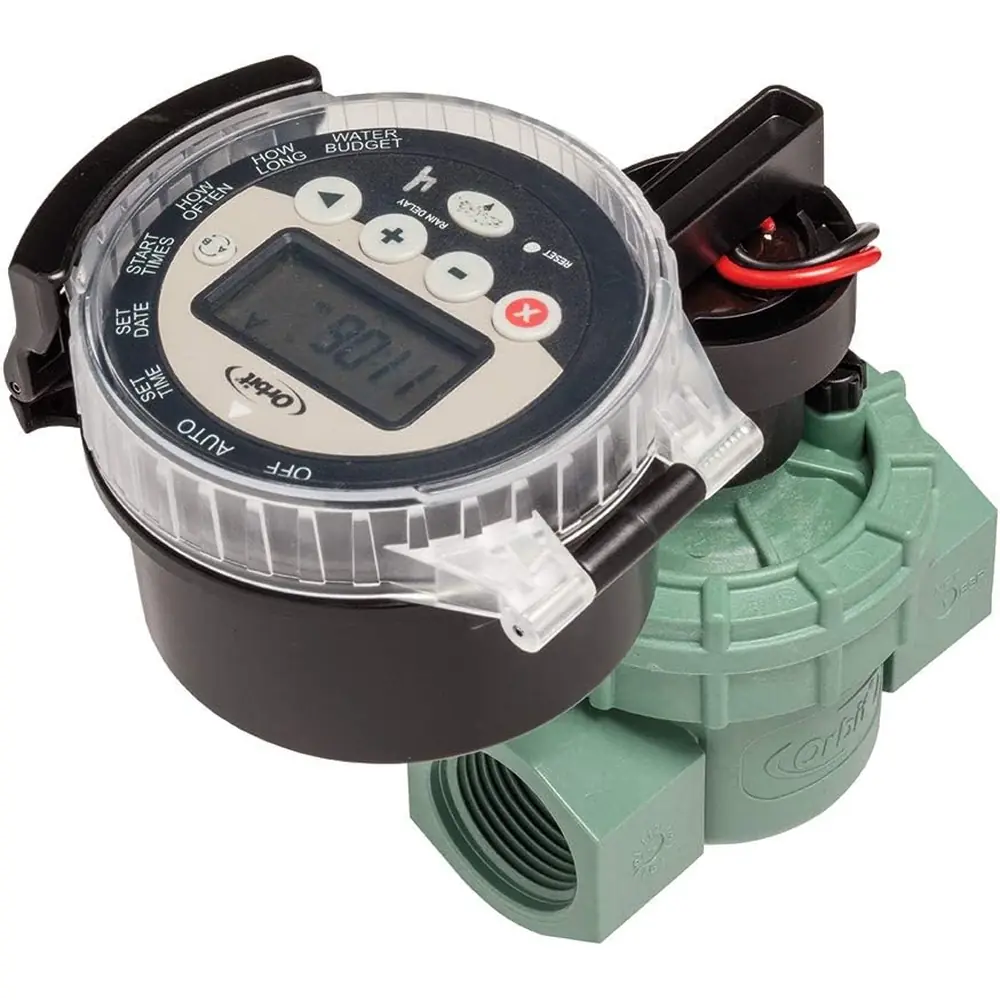
Orbit Sprinkler Timer Model 57860
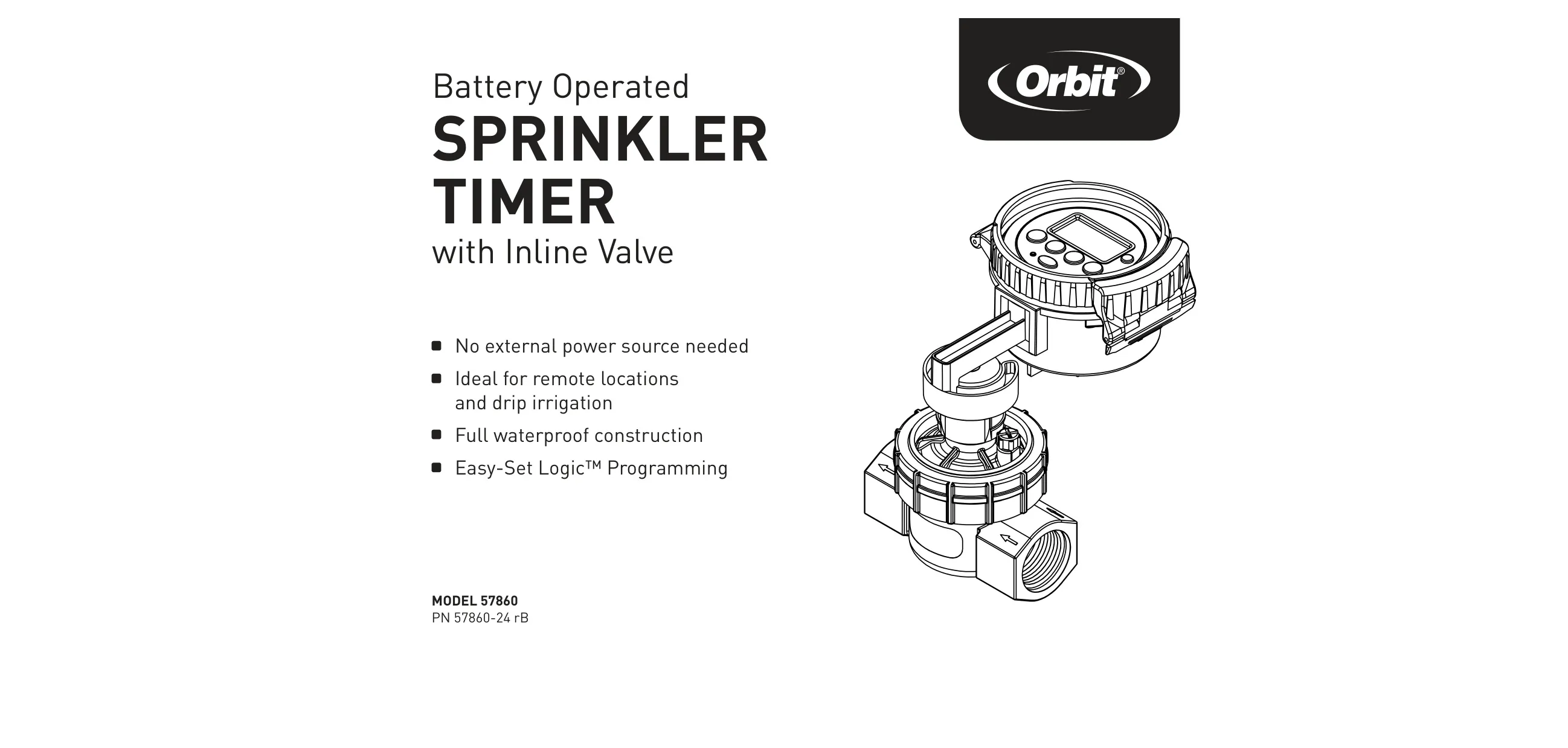




Orbit Sprinkler Timer 57860 Instructions
Here we offer the Orbit Sprinkler Timer Model 57860 manual completely free and in English. We have cataloged this manual in the Irrigation Controllers section on Manualverse, and it has been rated by 1 users with an average rating of 5. If you have any specific questions about Orbit Sprinkler Timer Model 57860, we suggest checking the Frequently Asked Questions (FAQs) section of this manual.
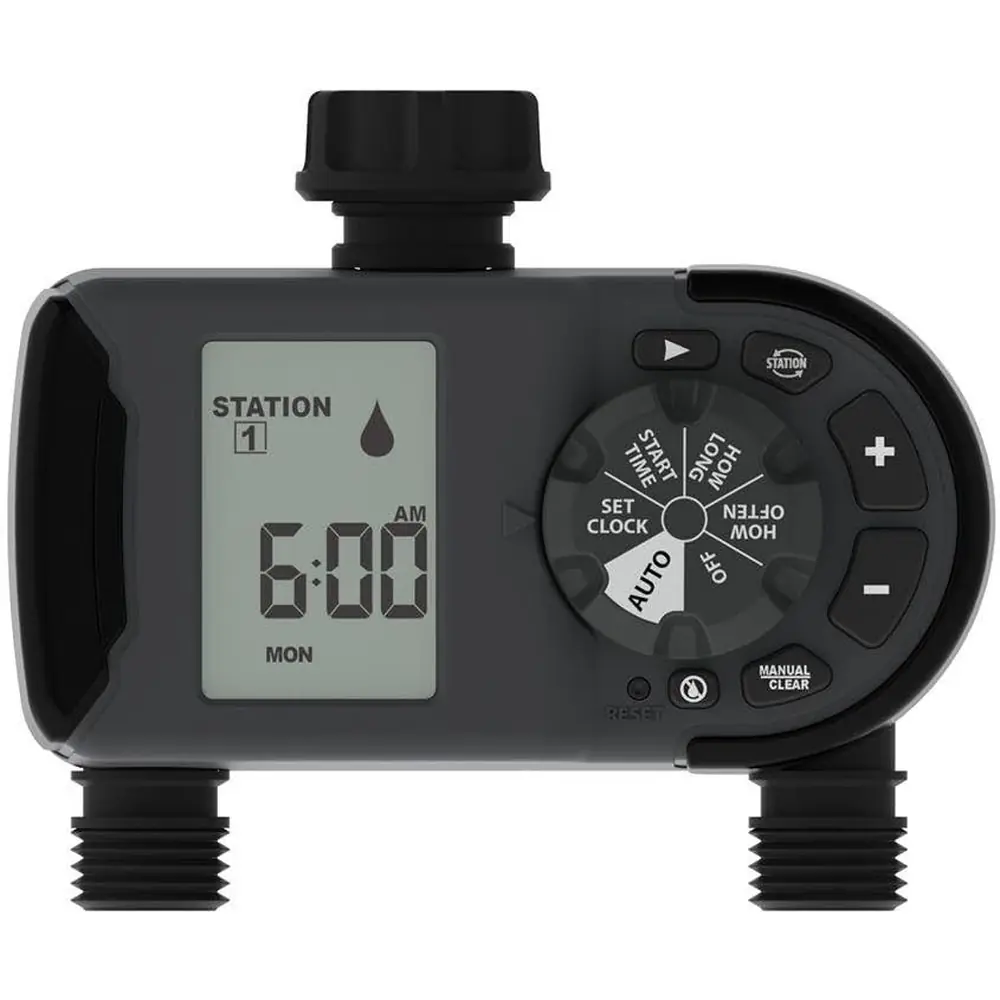
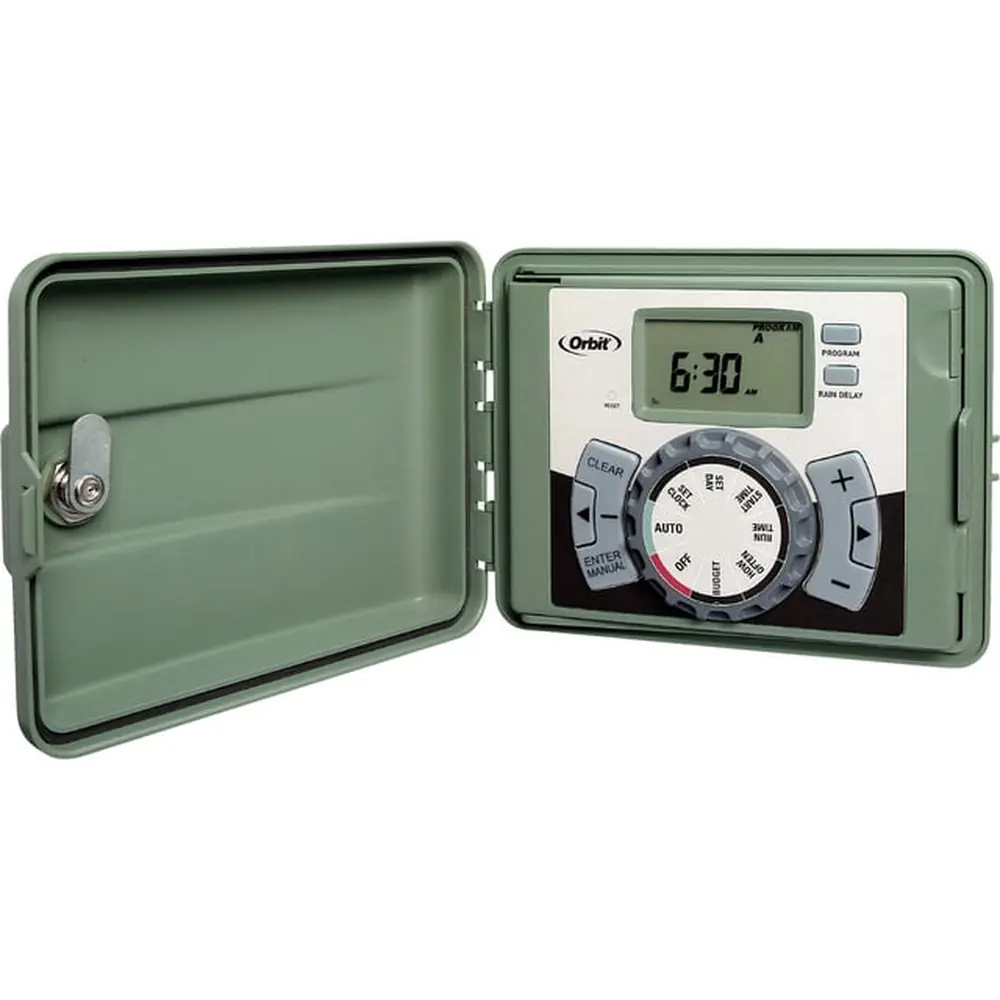
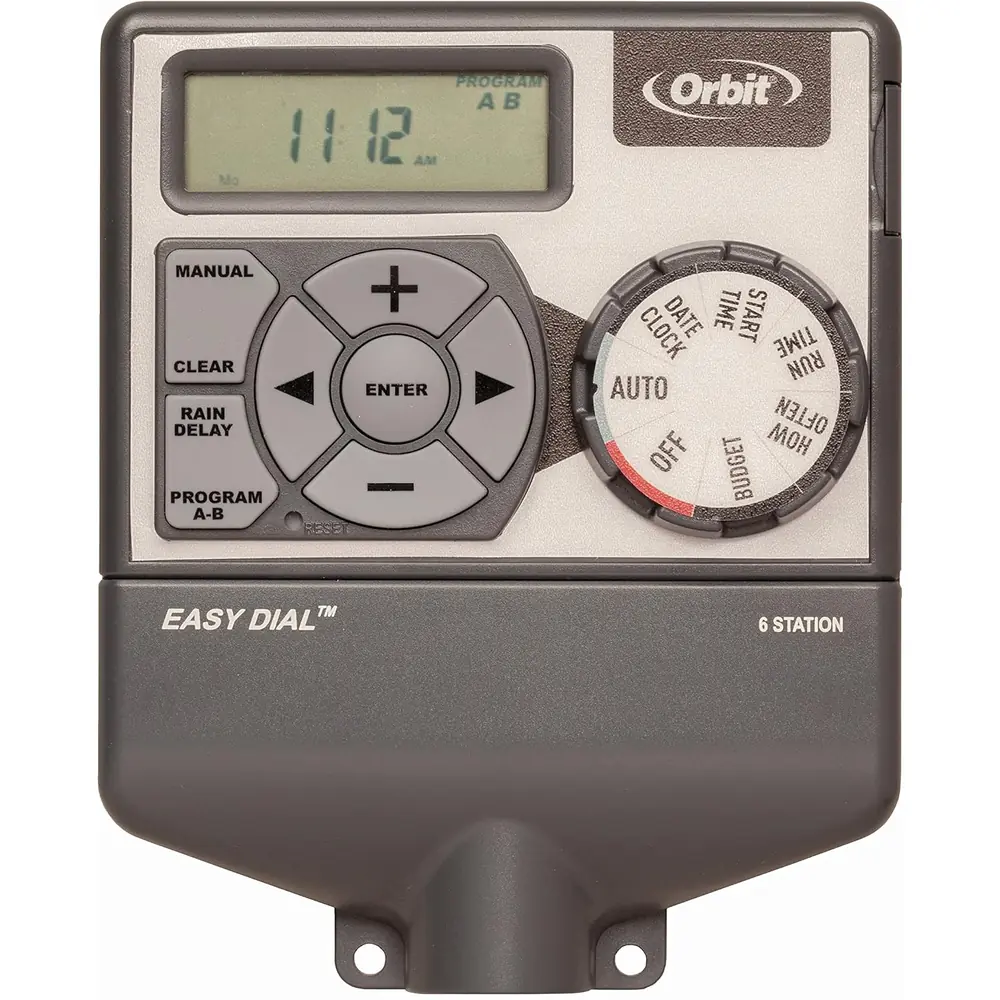
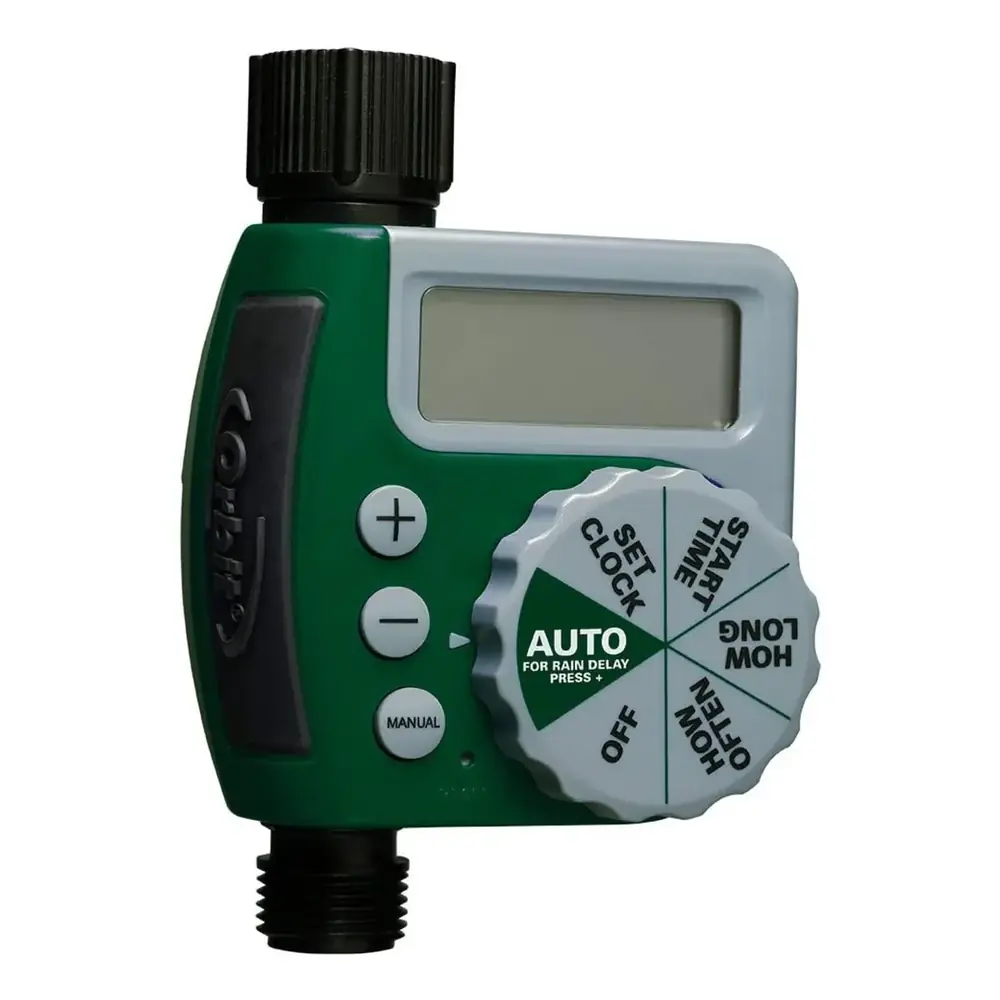
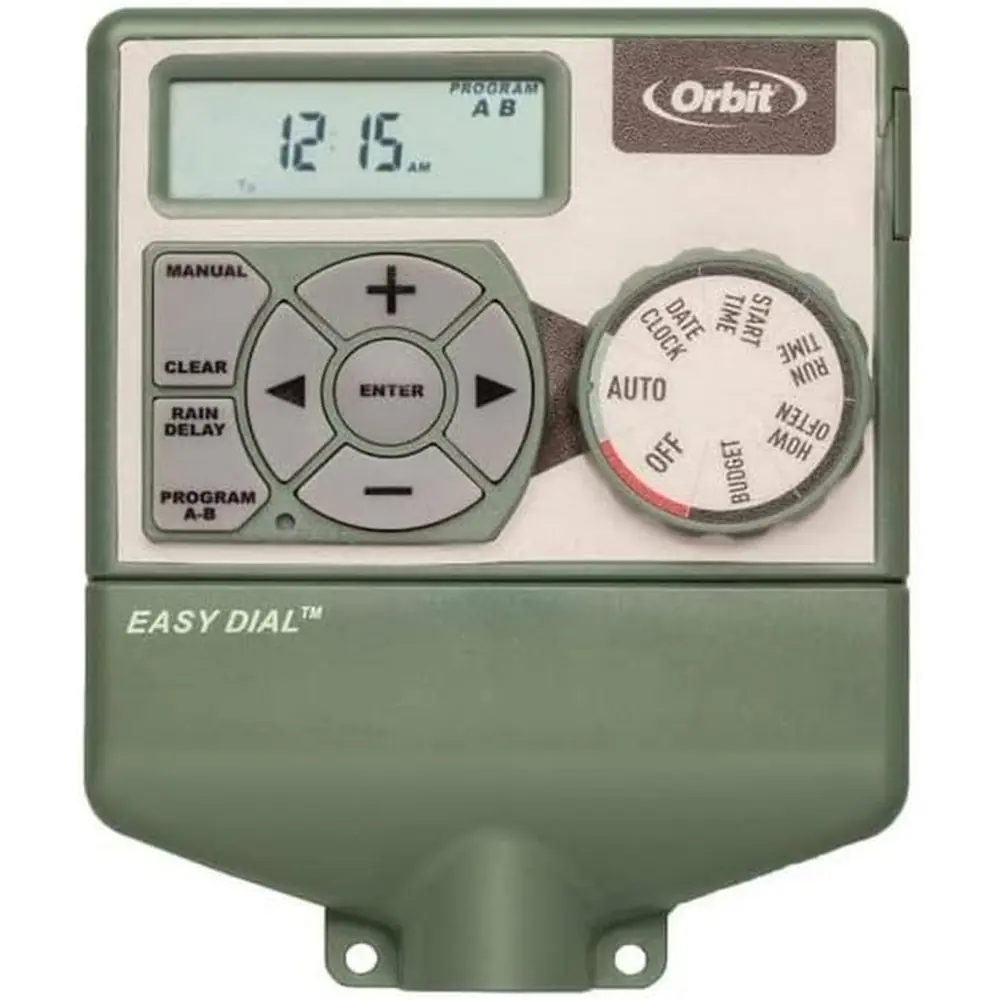
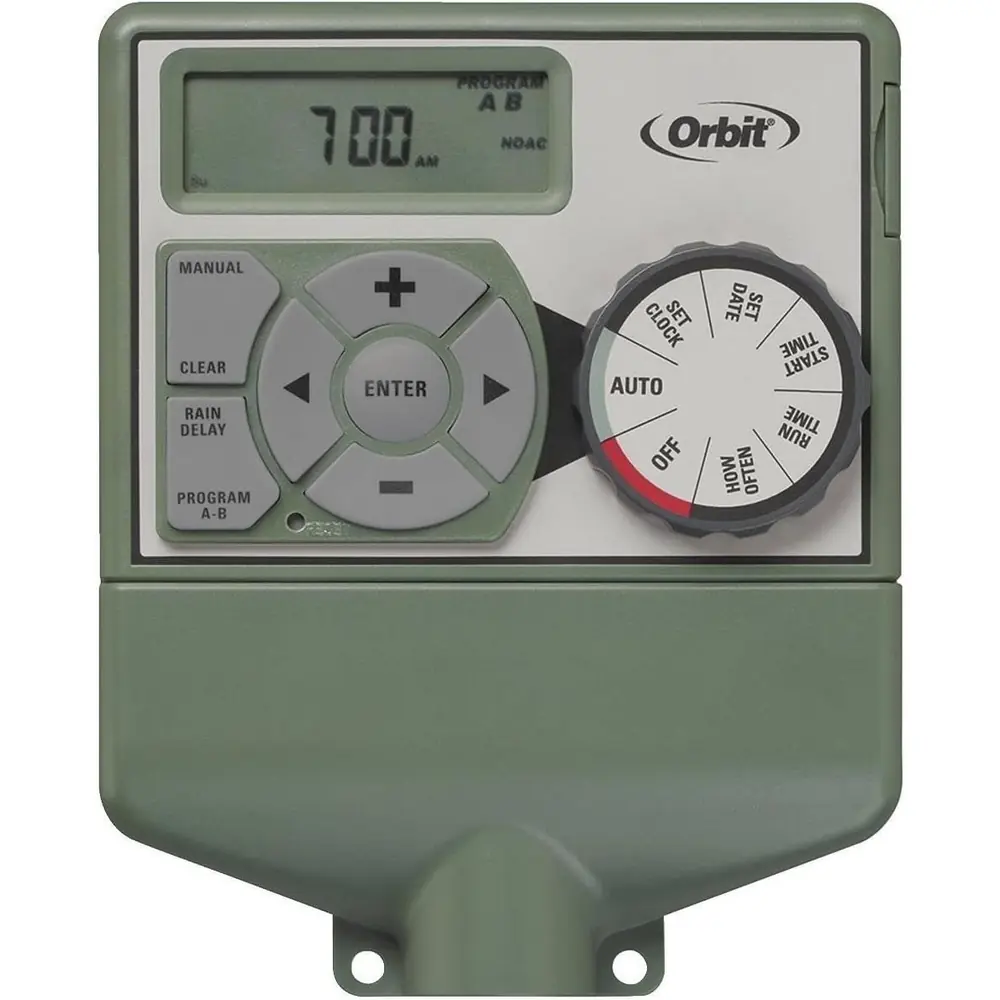
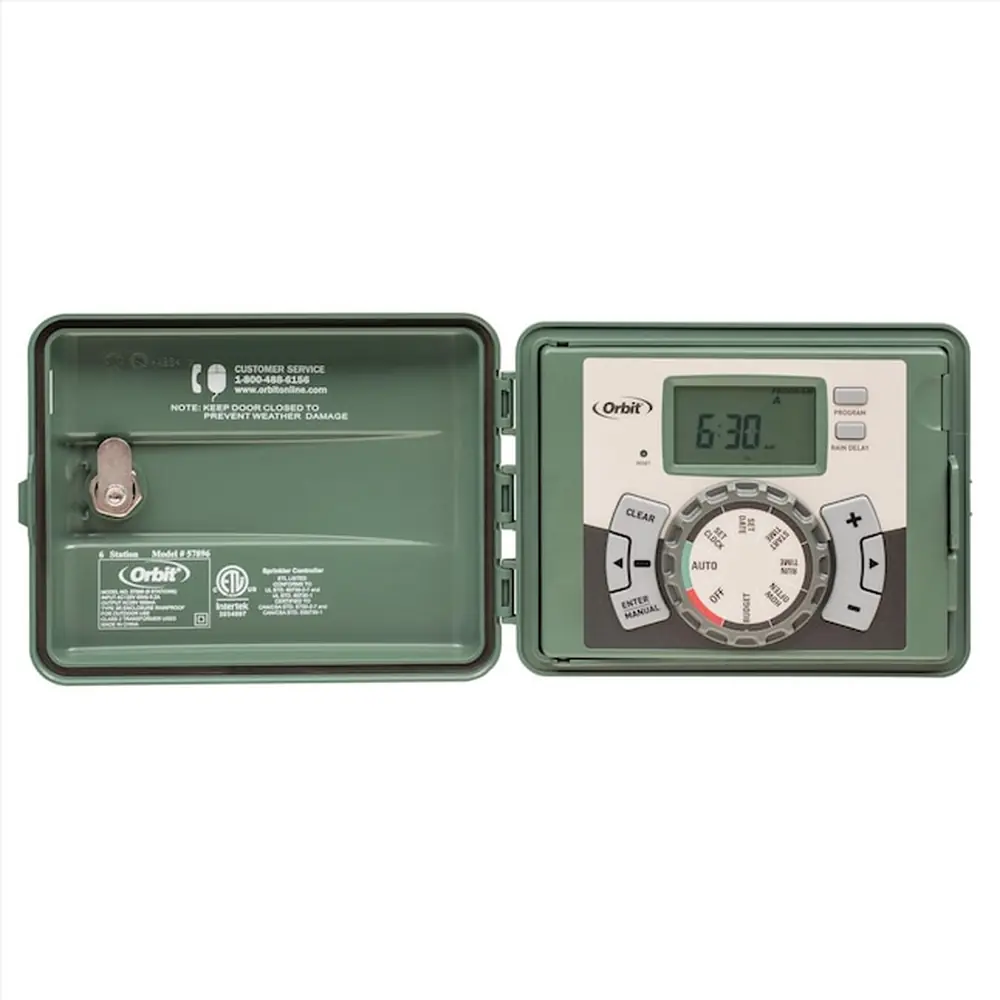
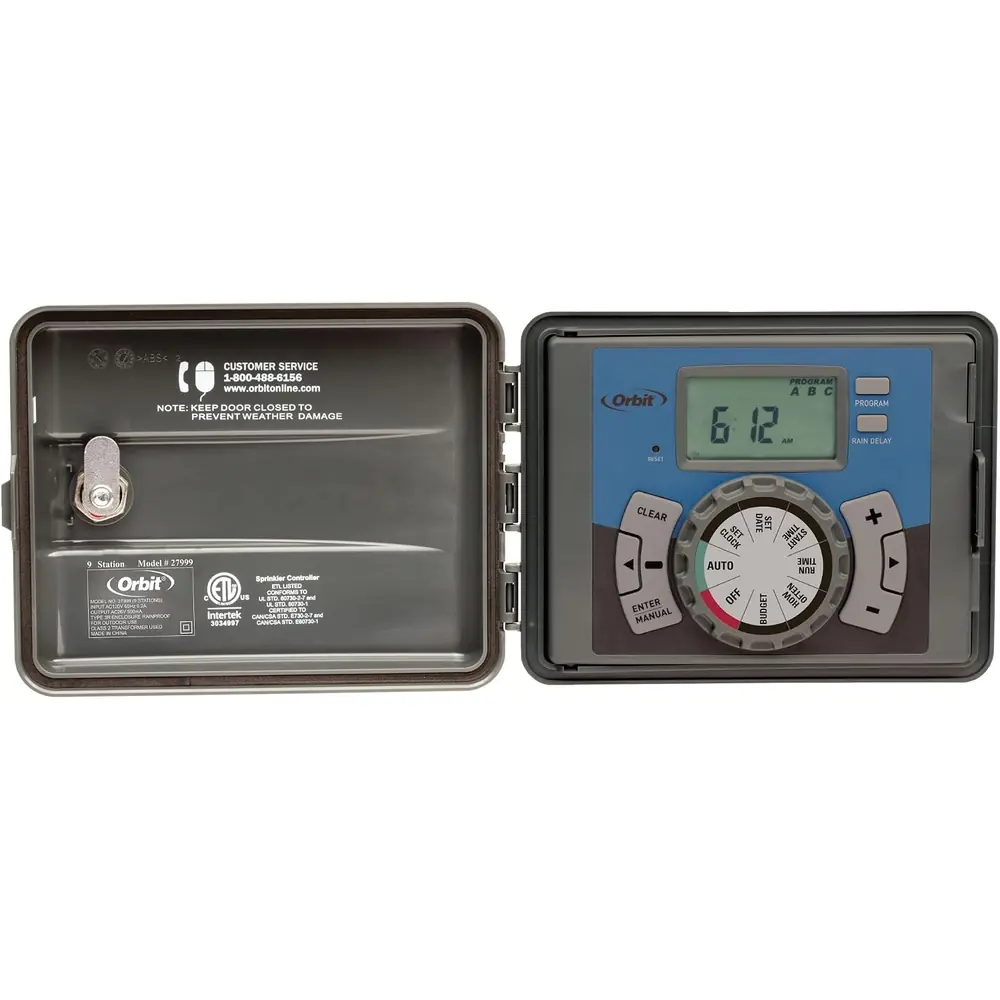
Product Images


Orbit Sprinkler Timer Model 57860 Specifications
| Feature | Specification |
|---|---|
| Model Number | 57860 |
| Power Source | Battery Operated (3 AA batteries) |
| External Power Requirement | None |
| Construction | Full waterproof |
| Programming Logic | Easy-Set Logic™ |
| Programs | A and B (Independent) |
| Start Times per Program | Up to 4 |
| Station Run Time | 0 to 240 minutes |
| Watering Frequency Options | Days of the week, Every 1 to 32 days, Odd/Even days |
| Seasonal Adjustment (Water Budget) | 10% to 200% |
| Rain Delay Options | 24hr, 48hr, or 72hr |
| Valve Compatibility | DC solenoids (included in package) |
| Regulatory Compliance | UL-1951, CE® approved |
Orbit Sprinkler Timer Model 57860 Details
The Orbit Sprinkler Timer Model 57860 is engineered for convenient, automatic irrigation, particularly in locations without easy access to external power. Its battery-operated design and full waterproof construction make it an ideal choice for remote areas or drip irrigation systems, often installed discreetly within a valve box underground. The intuitive Easy-Set Logic™ Programming simplifies the setup process, ensuring a user-friendly experience from the first use.
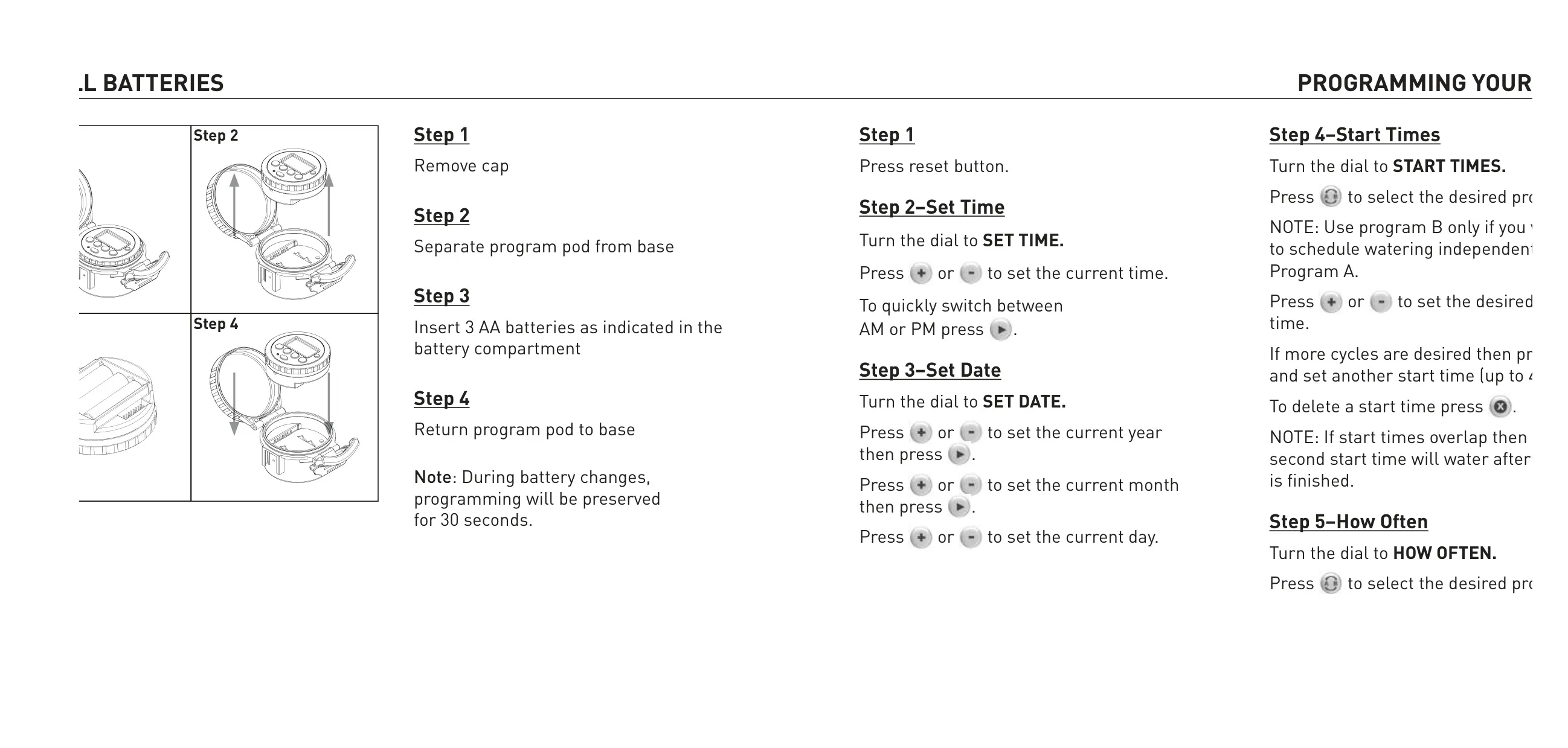
Programming the timer begins with a straightforward battery installation process; three AA batteries are required. Notably, the timer retains programming settings for 30 seconds during a battery change, providing a grace period. Users then proceed through a series of dial positions—Set Time, Set Date, Start Times, How Often, and How Long—to establish a comprehensive watering schedule tailored to their specific needs. The display clearly indicates active programs, start times, and watering days.
The device features dual programming capabilities with Programs A and B, allowing for independent watering schedules. Up to four start times can be set for each program, offering flexibility for complex watering requirements or different zones. Users can choose to water on specific days of the week, every few days (from 1 to 32), or on odd/even calendar days, catering to diverse plant needs and local watering restrictions.
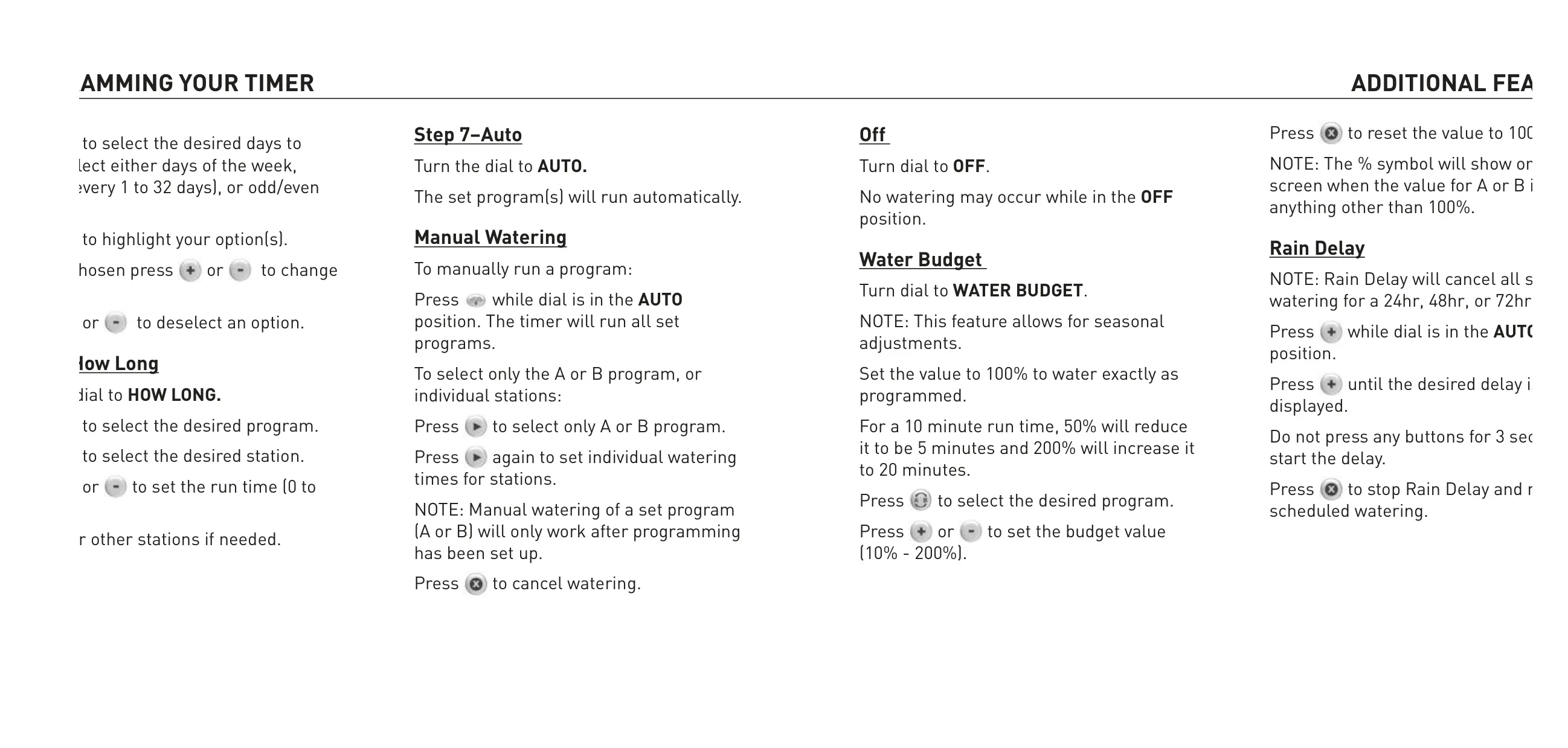
Beyond basic scheduling, the Model 57860 offers advanced features like Water Budget. This allows for seasonal adjustments, enabling users to uniformly increase or decrease watering durations across all stations by a percentage (from 10% to 200%) without reprogramming individual run times. This is incredibly useful for adapting to changing weather patterns or plant growth stages throughout the year.
Another practical feature is the Rain Delay function. When unexpected precipitation occurs, users can temporarily pause all scheduled watering for 24, 48, or 72 hours, conserving water and preventing overwatering. Manual watering is also easily accessible, allowing for on-demand irrigation of specific programs or individual stations without altering the saved schedule. This flexibility is crucial for spot watering or system testing.
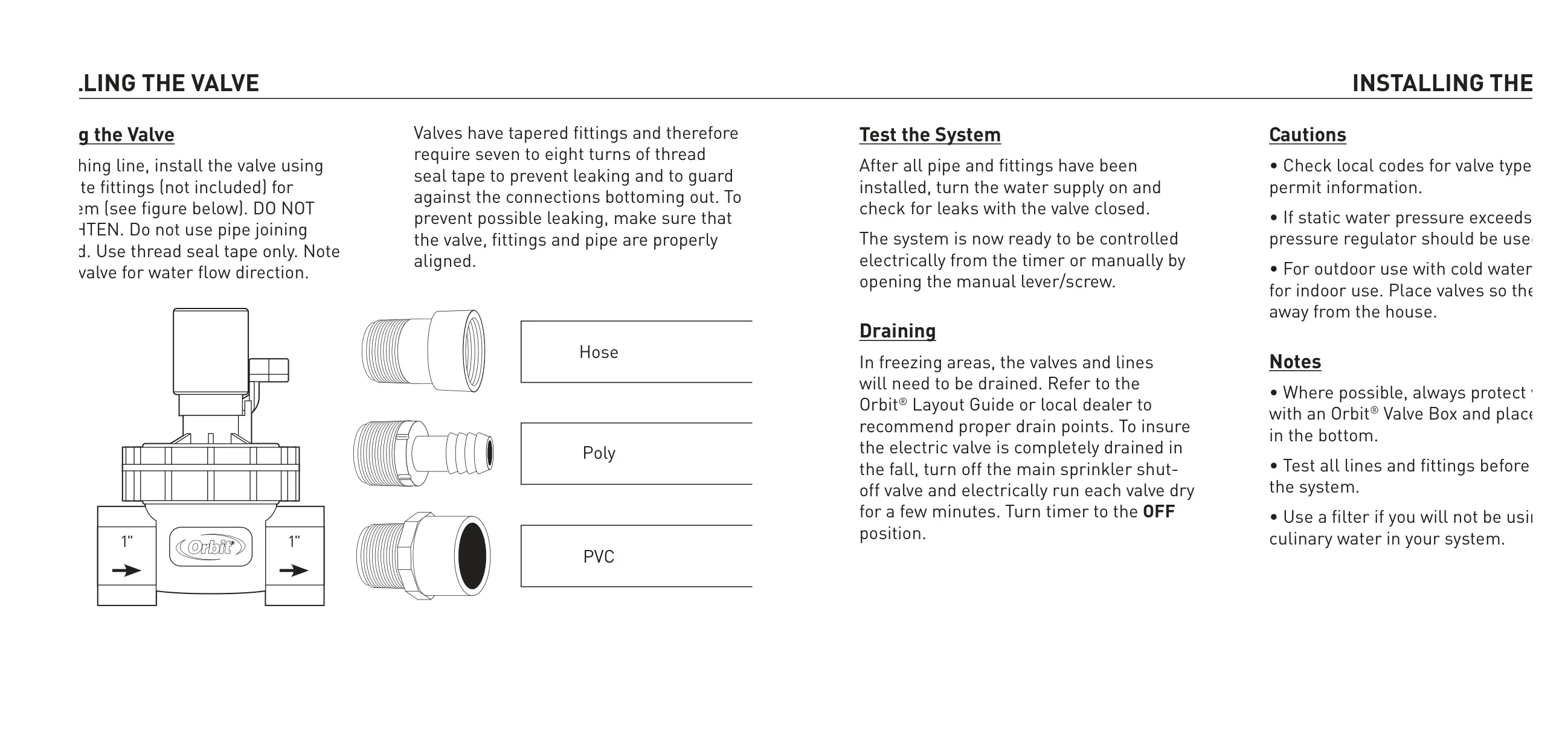
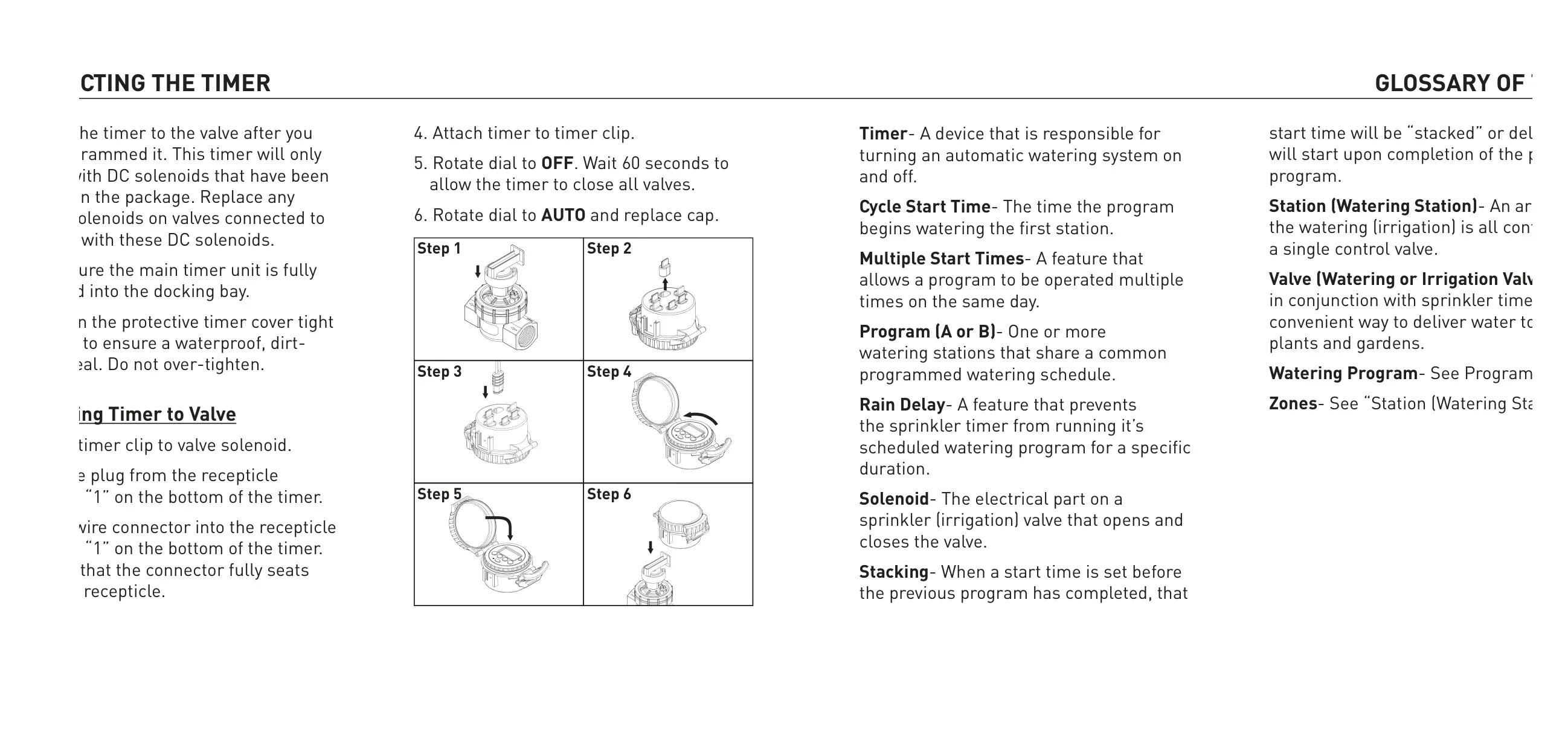
Installation of the inline valve requires careful use of thread seal tape to prevent leaks and ensure proper alignment, emphasizing the importance of a secure, watertight connection. The timer itself connects to the valve via a clip and a specific wire connector, designed to operate exclusively with DC solenoids supplied with the unit. Once connected, a protective cover seals the unit, reinforcing its waterproof and dirt-proof integrity.
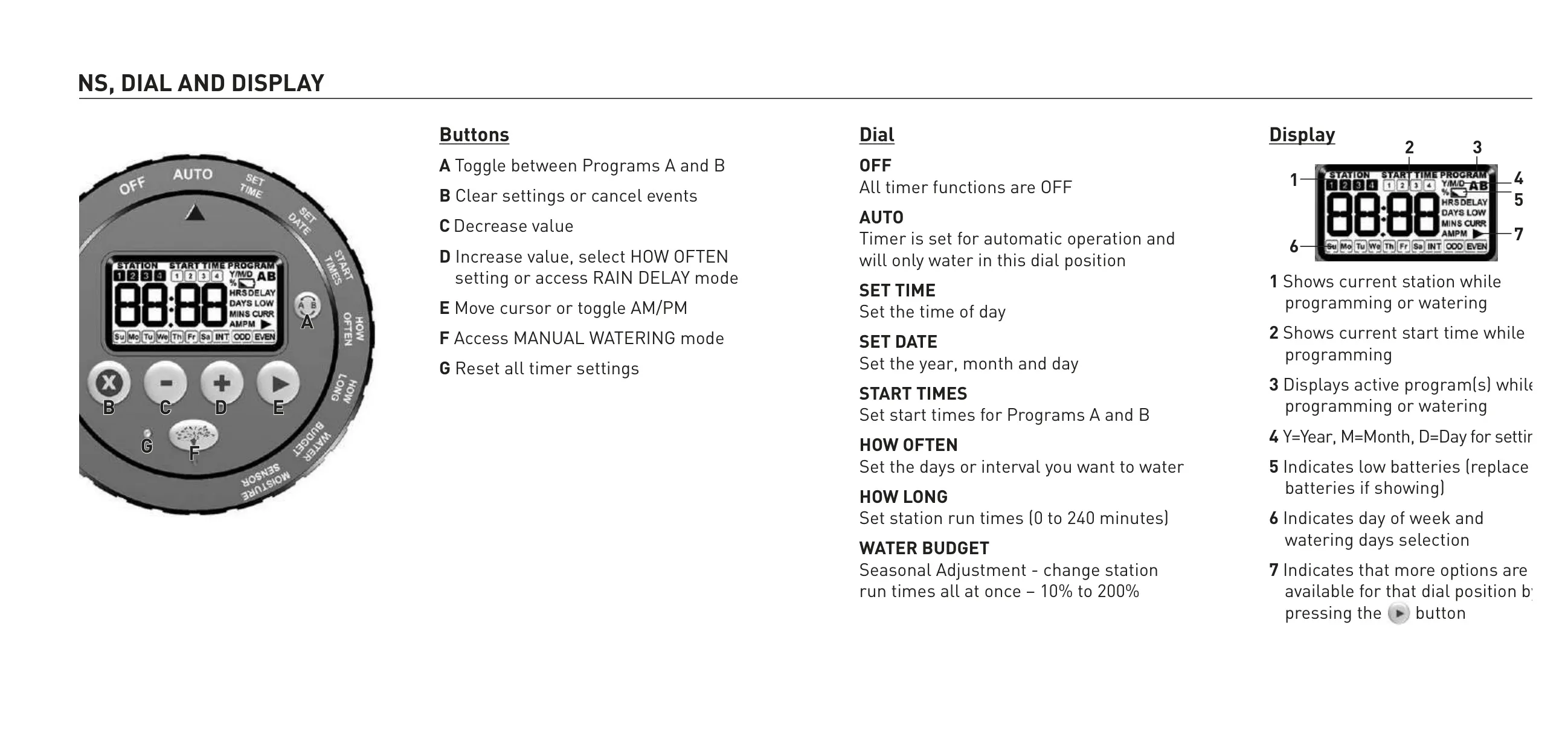
The timer's interface is clearly defined with distinct buttons for common operations like increasing/decreasing values, clearing settings, moving the cursor, and accessing special modes. A dedicated reset button allows users to clear all timer settings and start fresh. The thoughtful design, from programming logic to installation guidelines and advanced features, underscores the timer's utility for efficient and reliable irrigation management in various settings.
Frequently Asked Questions (FAQs)
Can't find the answer you need? Here are some frequently asked questions about the Orbit Sprinkler Timer Model 57860, and we answer them below.