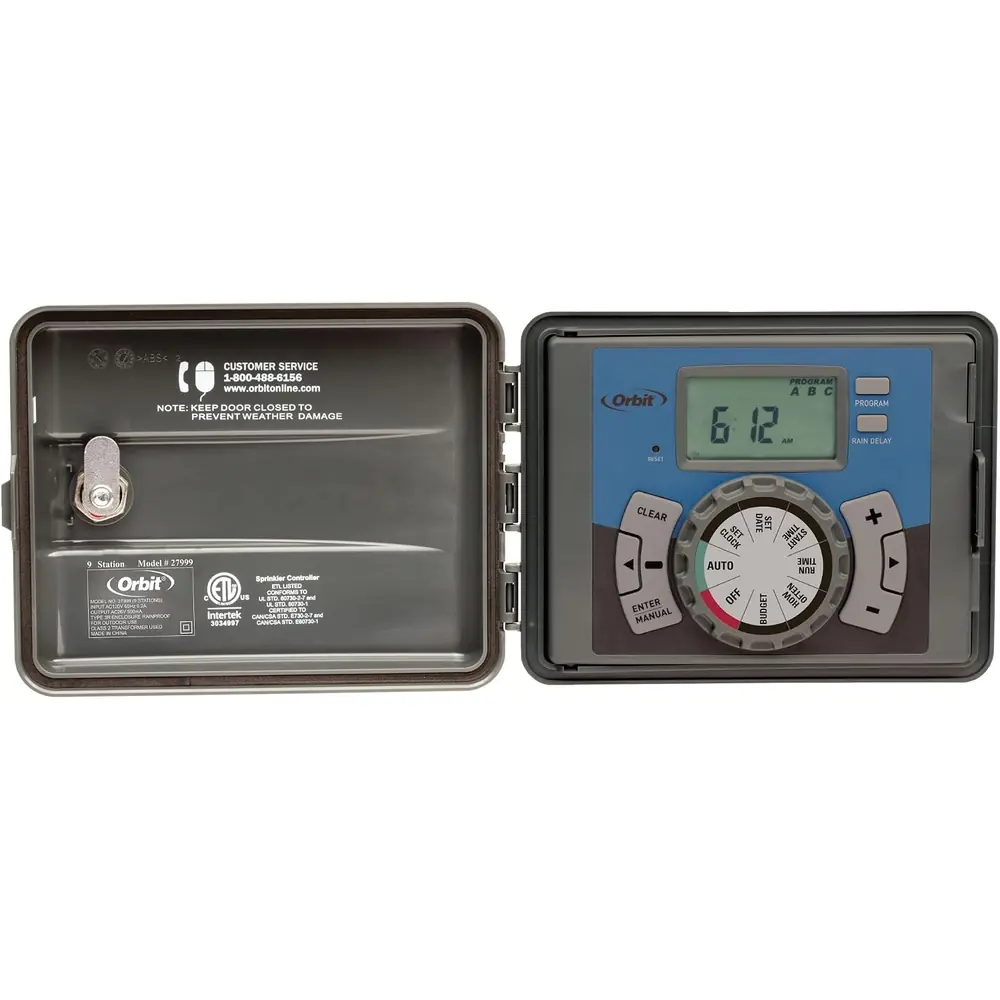
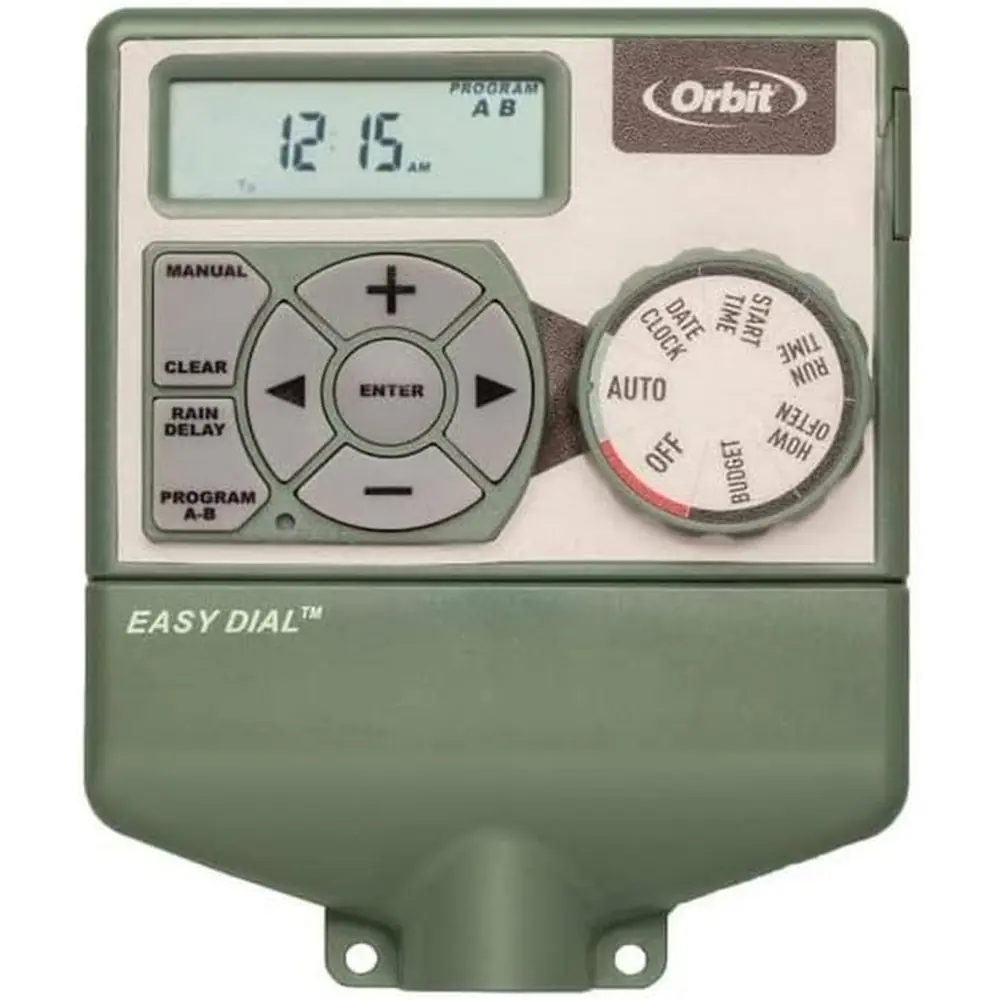
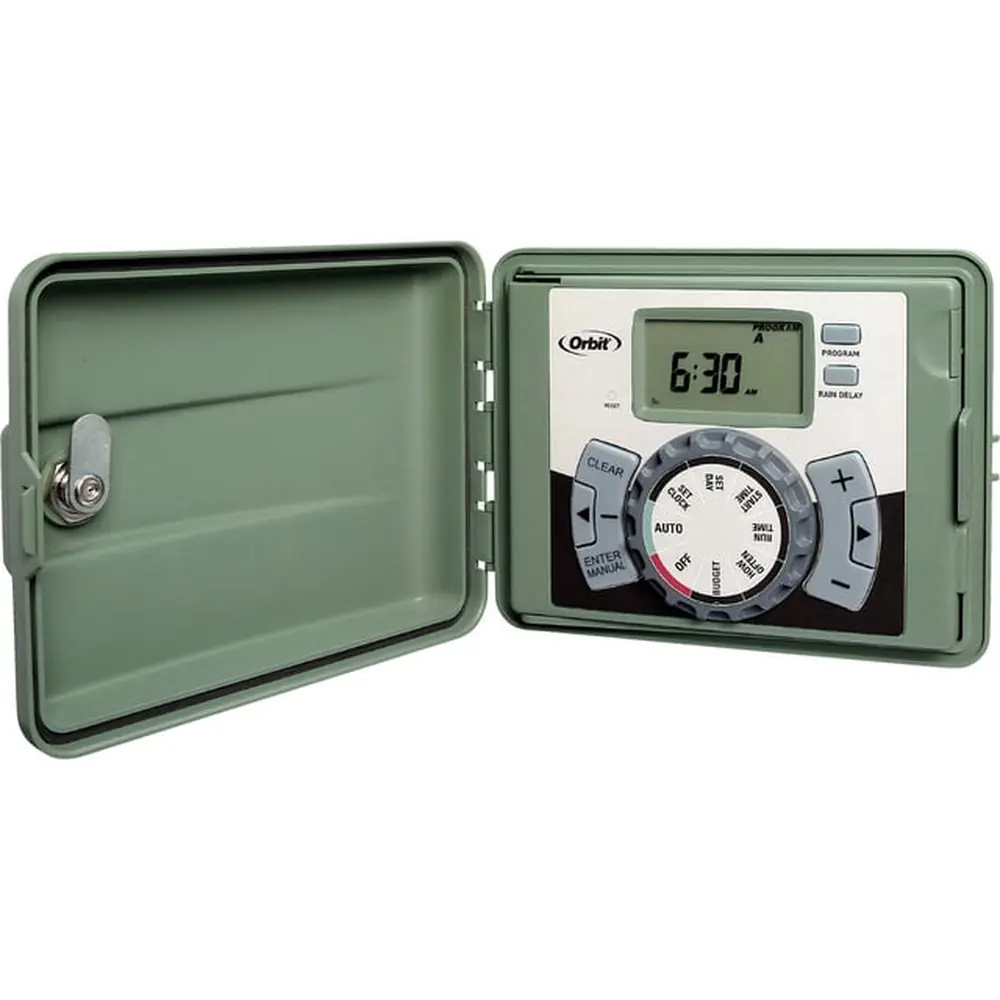
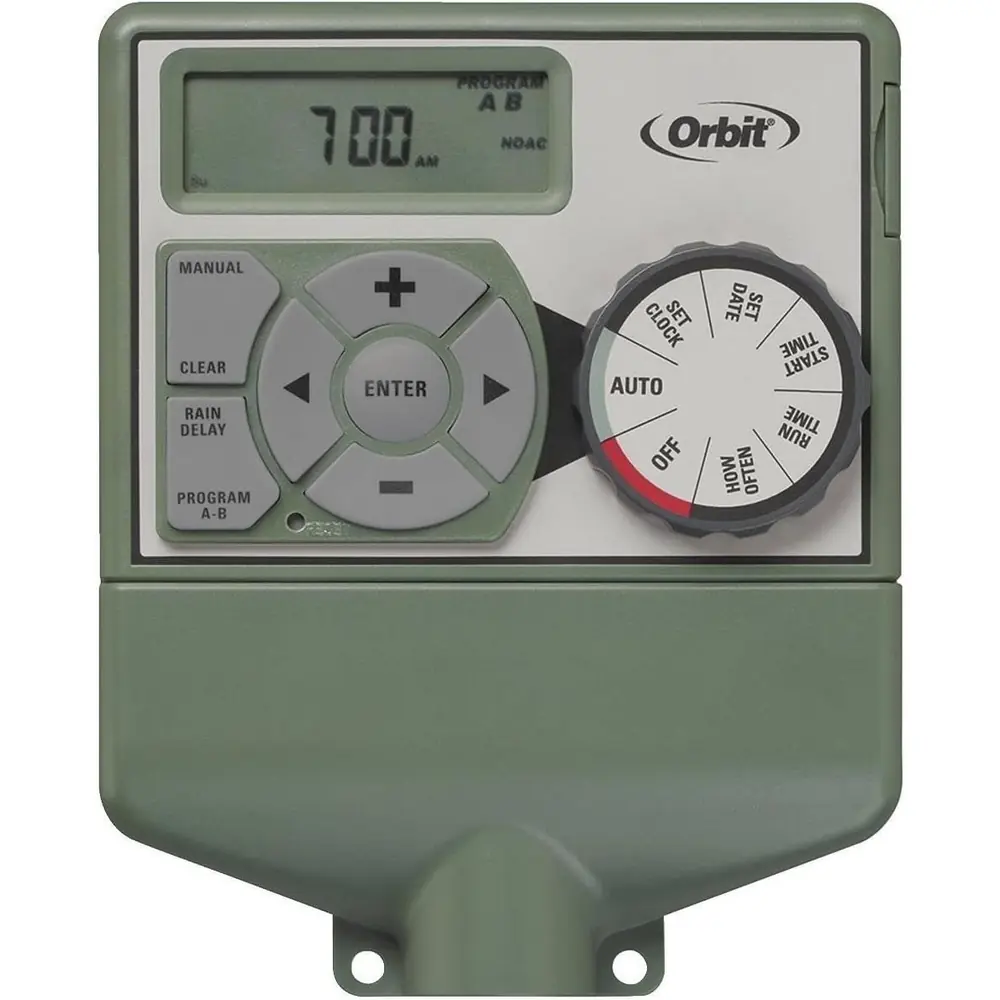
Orbit 28964 Easy Dial 4 Station Instruction Manual

Orbit 28964 Easy Dial 4 Station








Orbit 28964 Easy Dial 4 Station Instructions
Here we offer the Orbit 28964 Easy Dial 4 Station manual completely free and in English. We have cataloged this manual in the Irrigation Controllers section on Manualverse, and it has been rated by 1 users with an average rating of 5. If you have any specific questions about Orbit 28964 Easy Dial 4 Station, we suggest checking the Frequently Asked Questions (FAQs) section of this manual.
Product Images
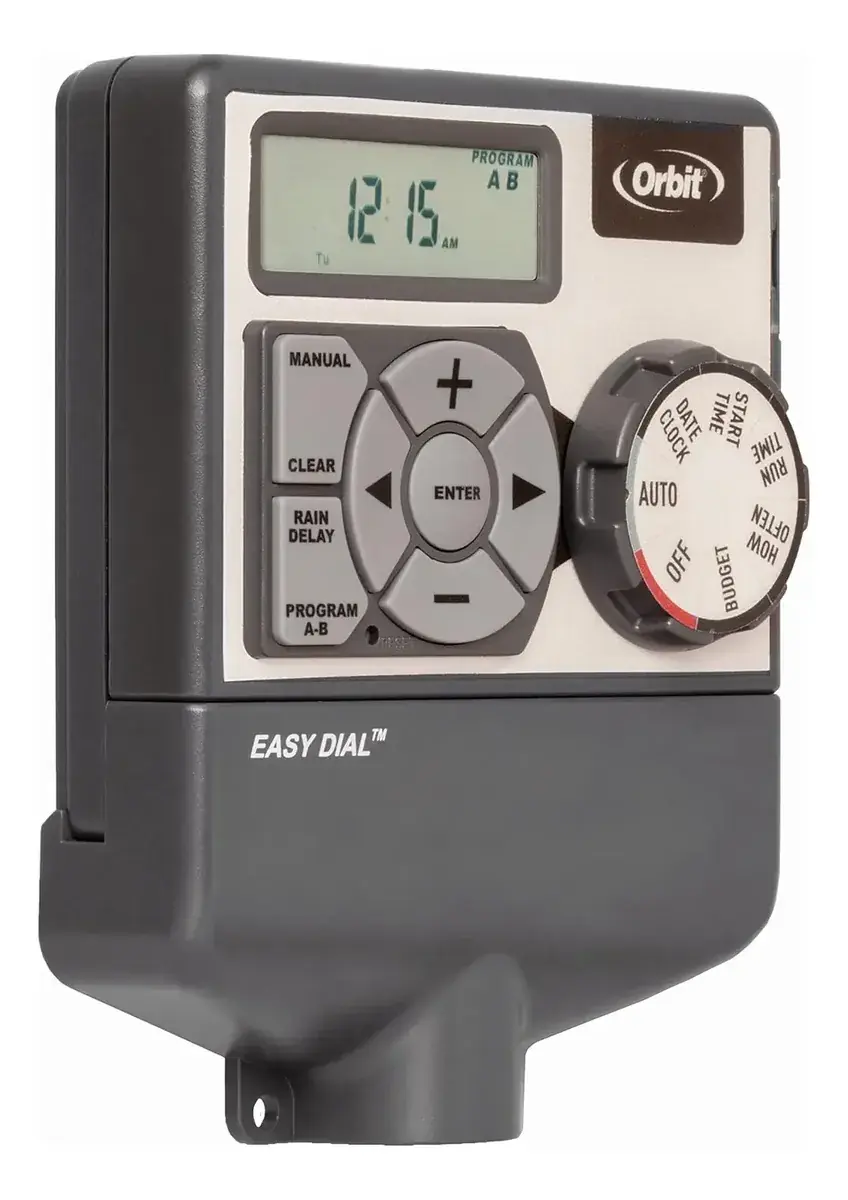
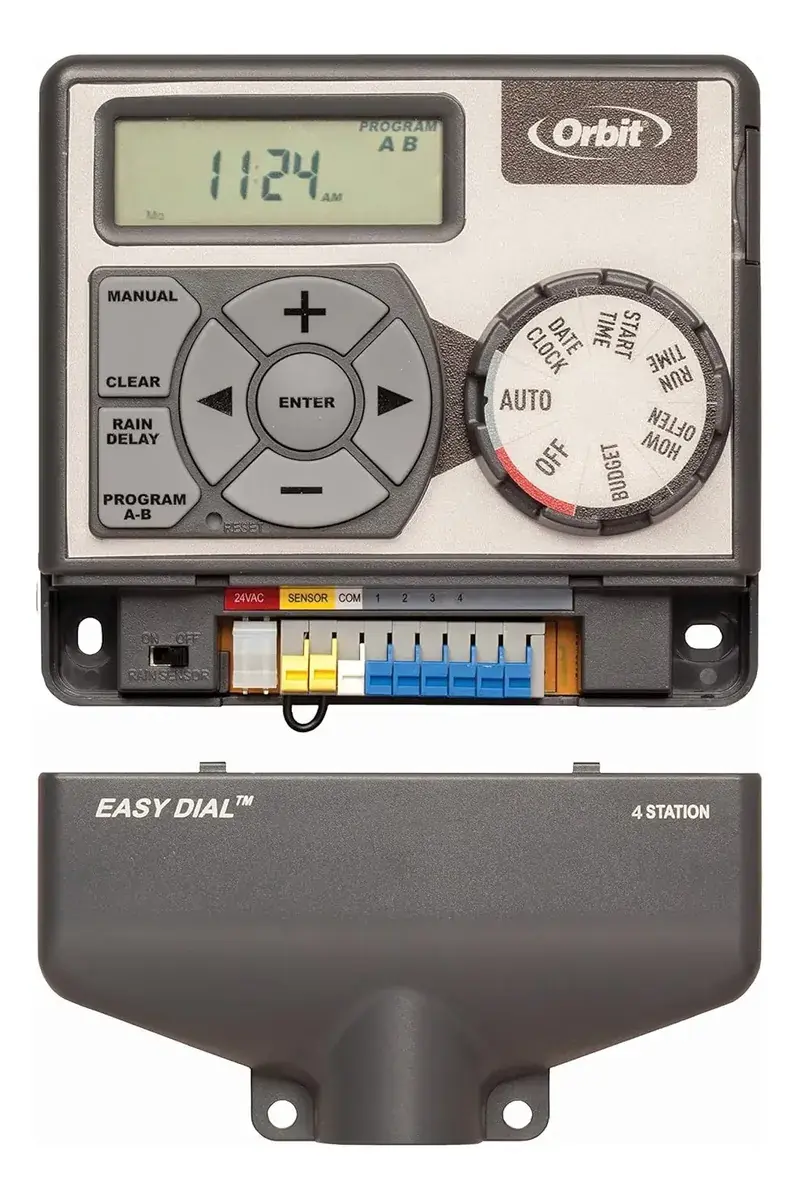
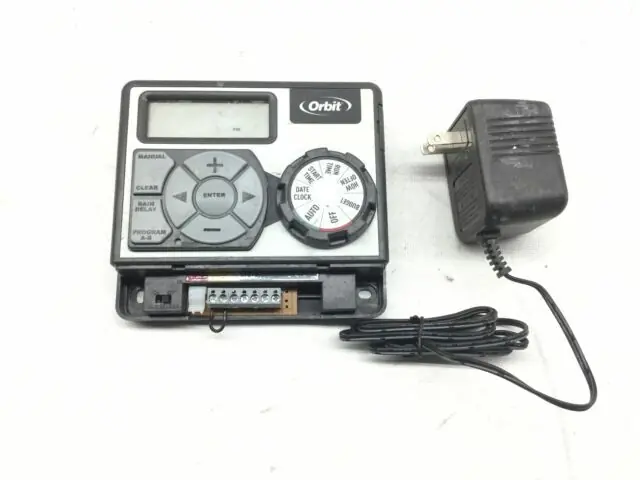

Orbit 28964 Easy Dial 4 Station Specifications
| Feature | Specification |
|---|---|
| Model Number | 28964 |
| Stations | 4 |
| Programs | 2 (A, B) independent |
| Start Times per Program | Up to 4 |
| Watering Frequency Options | Days of the week, Intervals (Every "X" days), Odd/Even days |
| Rain Delay Duration | 24, 48, or 72 hours |
| Water Budgeting Range | 10% to 200% (10% increments) |
| Manual Watering Duration | 1 to 240 minutes (per station) |
| Operating Temperature Range | 32° to 158° Fahrenheit (0° to 70° Celsius) |
| Power Input | 120V AC (for transformer) |
| Power Output to Valves | 24VAC |
| Max Load per Station/Pump | 250mA (one valve) |
| Max Timer Loading | 500mA |
| Battery Type | One Lithium CR2032 (included, for memory backup) |
| Recommended Wire Gauge (< 700 ft) | 20 AWG plastic jacketed thermostat wire |
| Recommended Wire Gauge (> 700 ft) | 16 AWG wire |
| Required Mounting Screw Size | No. 8 screw |
| Compatible Transformer Model | WR1-41-065R-1 (or WT1-41-065R) |
| Warranty | 6 years from purchase date |
Orbit 28964 Easy Dial 4 Station Details
The Orbit 28964 Easy Dial 4 Station timer is engineered for simplified irrigation management, incorporating Orbit’s exclusive Easy-Set Logic™. This design prioritizes straightforward programming and setup, making advanced timer technology accessible for all users. It offers diverse watering capabilities, allowing for fully automatic, semi-automatic, or completely manual operation to suit various landscaping needs.
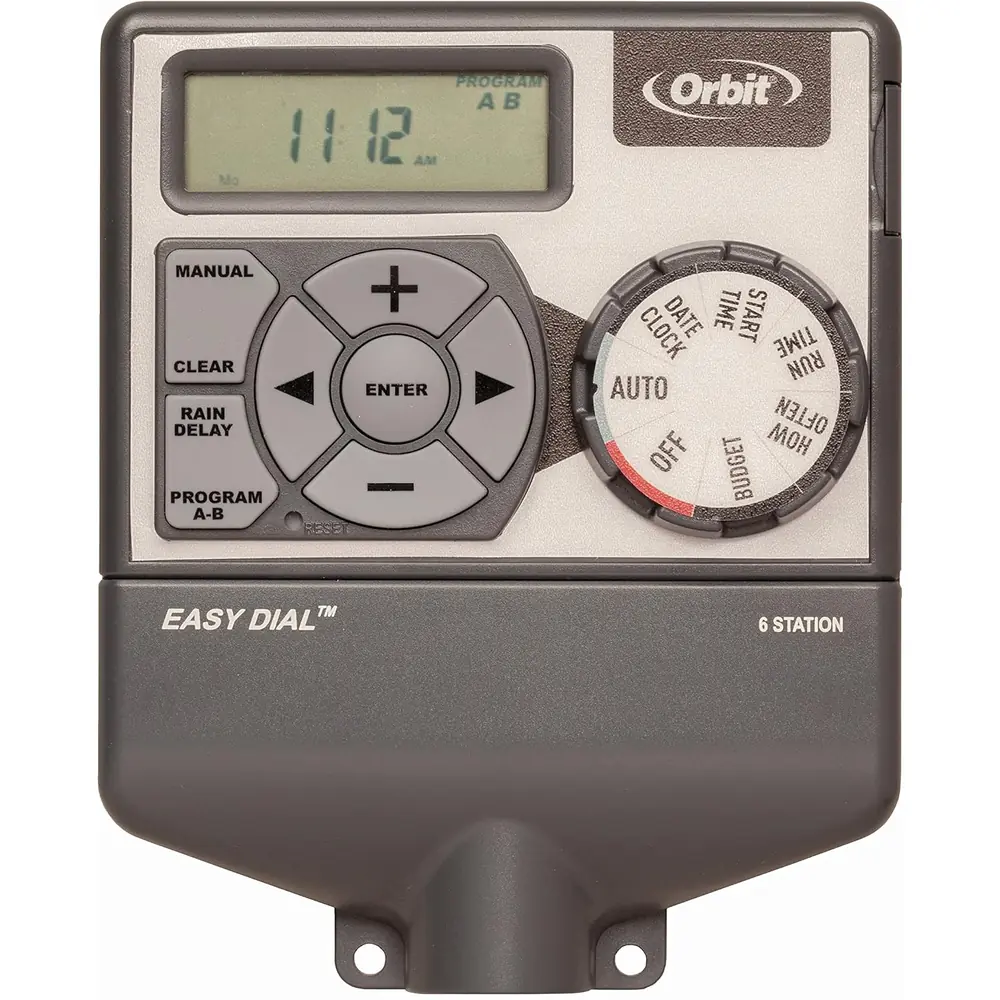
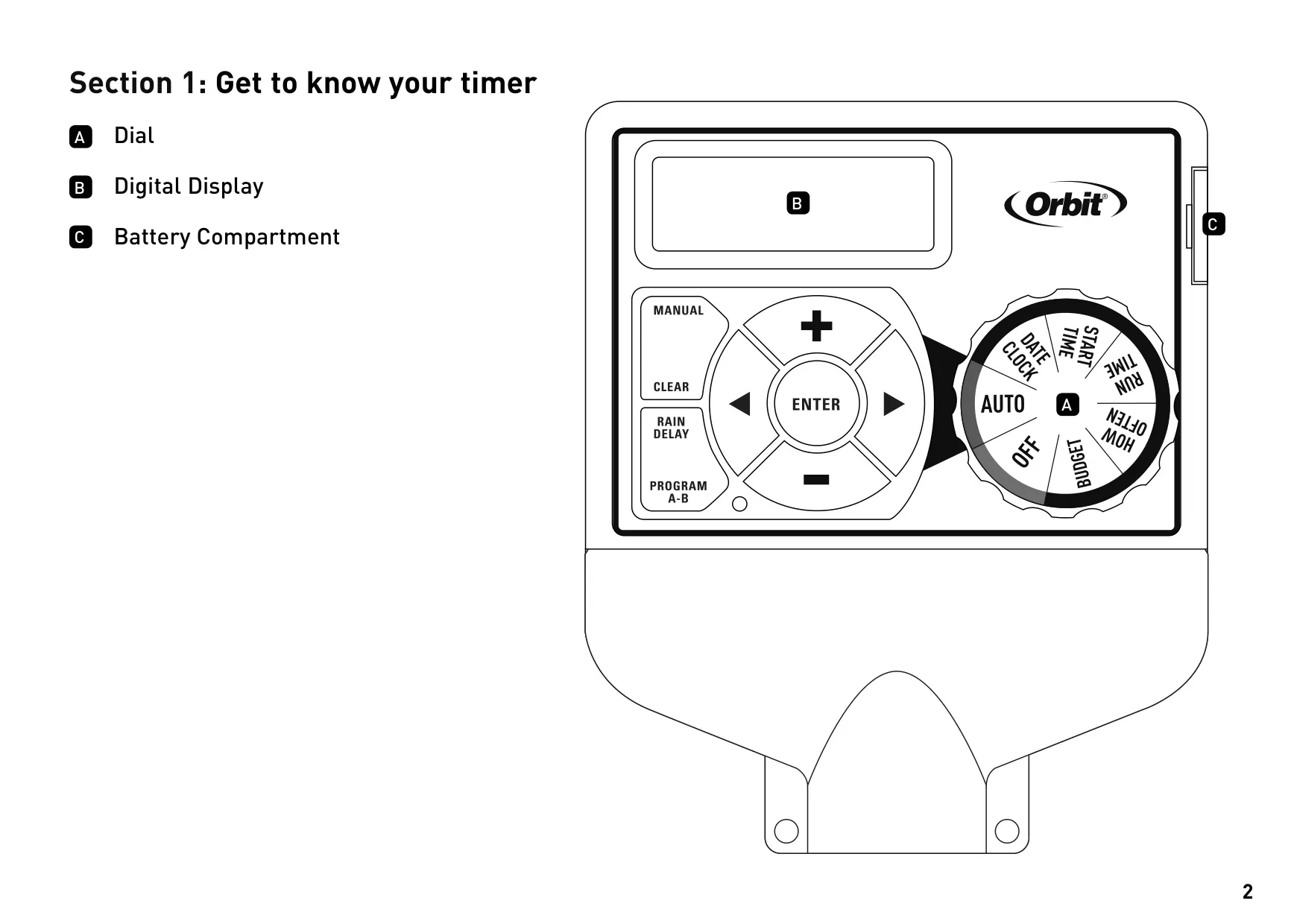
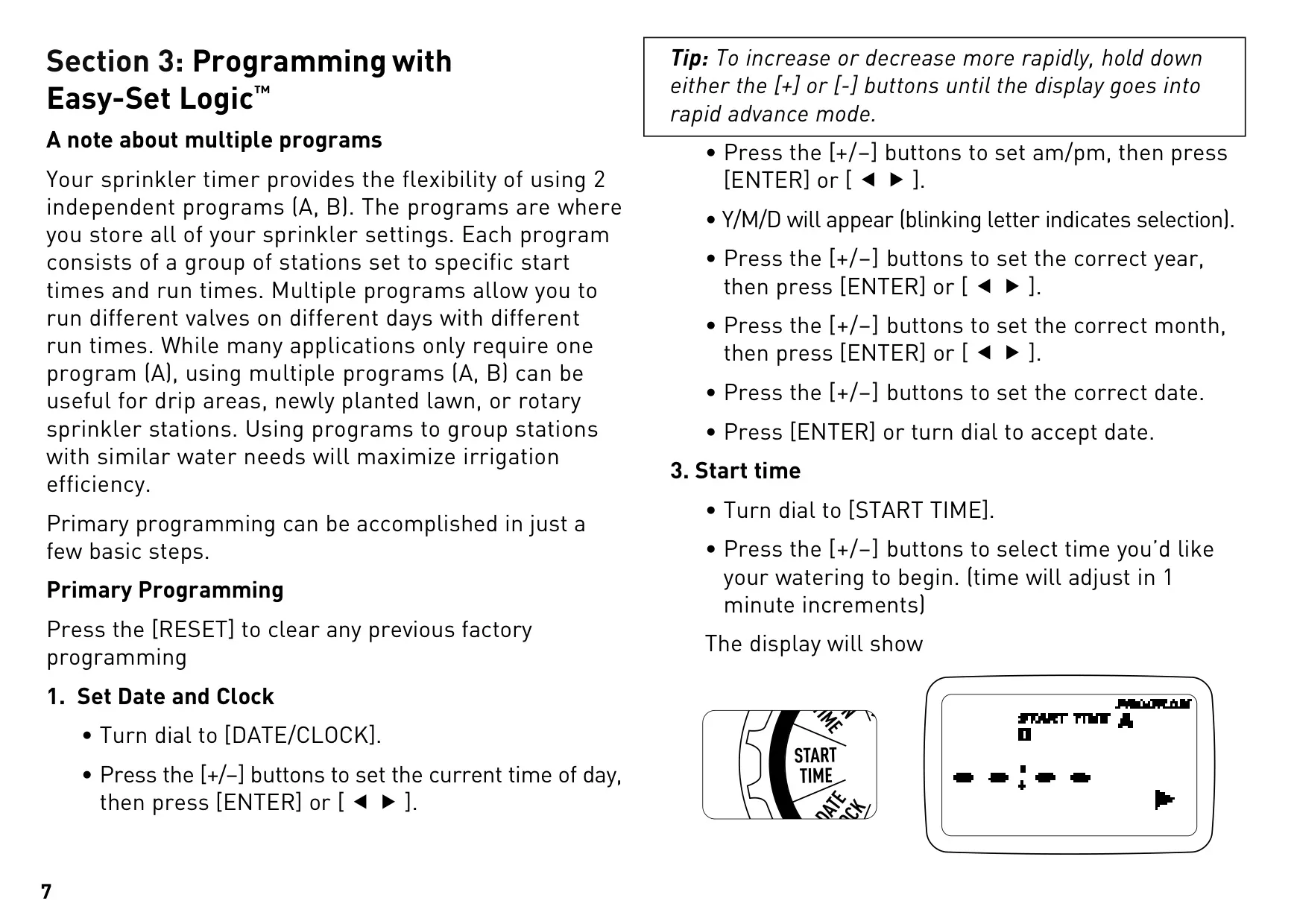
The timer's user interface features an intuitive dial for navigation between settings like DATE/CLOCK, START TIME, RUN TIME, HOW OFTEN, OFF, and BUDGET. A clear digital display provides real-time feedback, complemented by dedicated buttons for increasing/decreasing values, confirming settings, initiating manual watering, clearing entries, switching programs, and activating rain delay. This combination ensures a user-friendly experience.
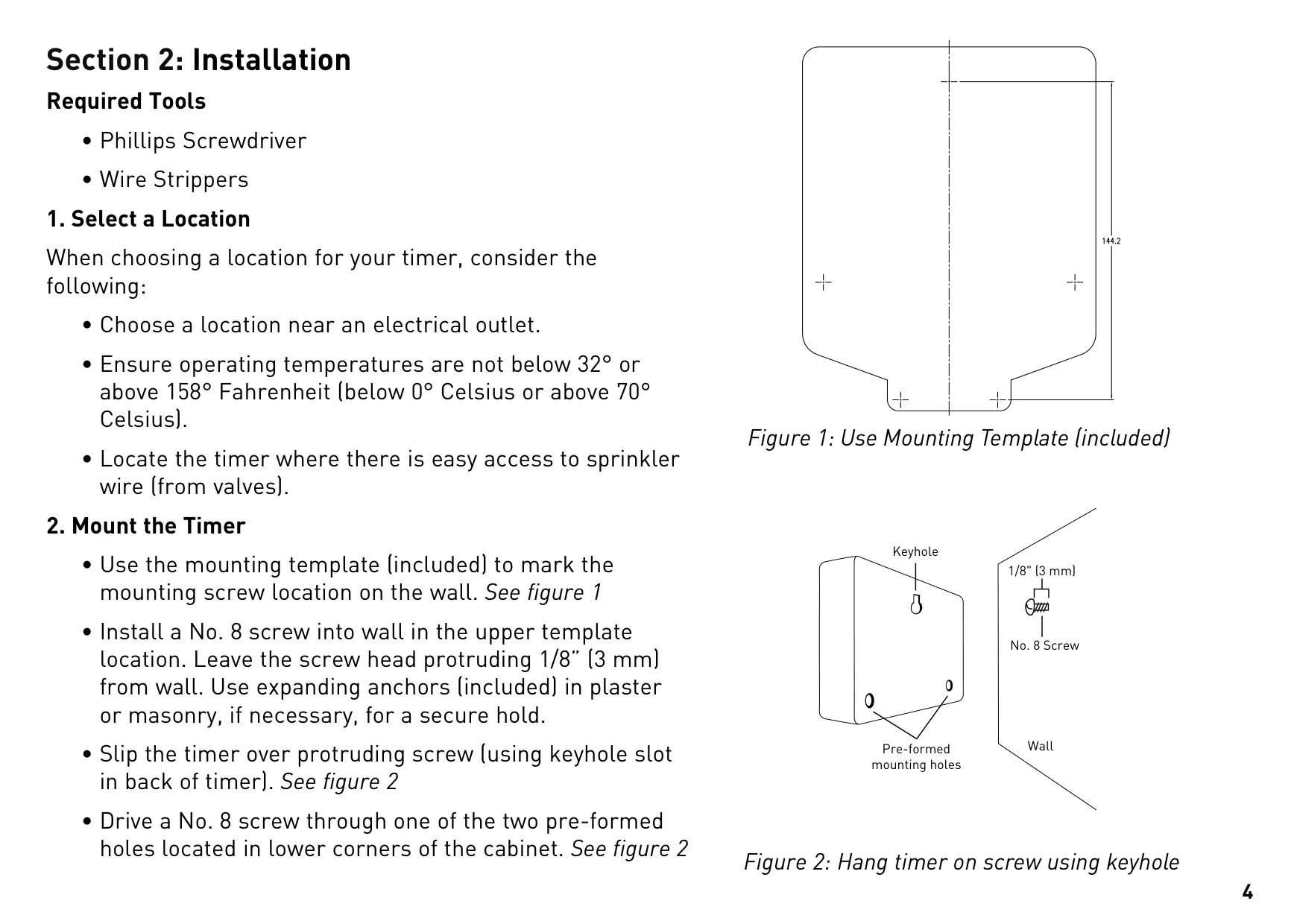
Installation is designed to be straightforward, requiring only a Phillips screwdriver and wire strippers. Users must select a location near an electrical outlet, within specified temperature limits, and with easy access to sprinkler valve wiring. Mounting involves a simple keyhole slot and screws, with included expanding anchors for masonry, ensuring a secure attachment to the wall.
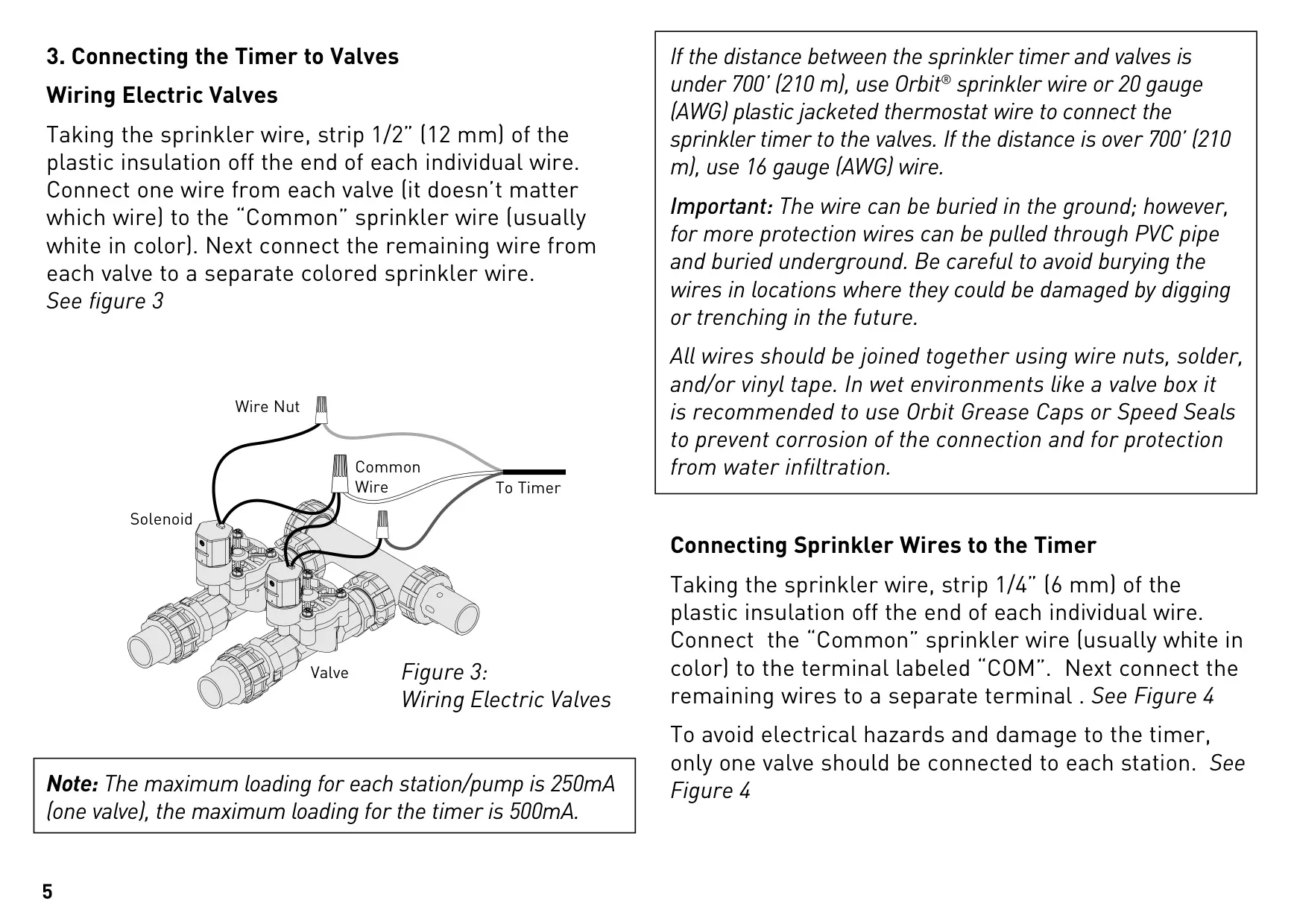
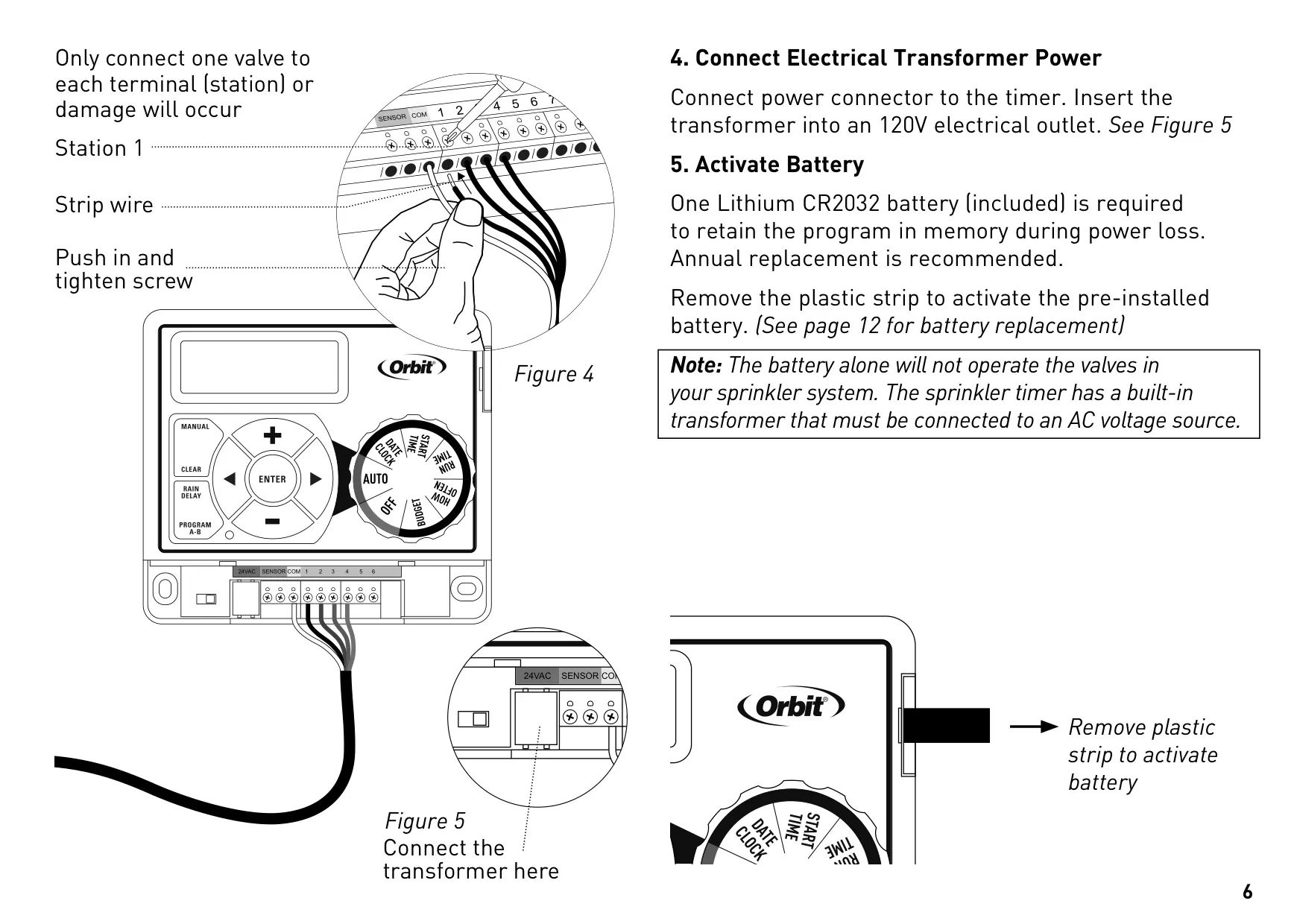
Connecting the timer to valves involves stripping wires and linking one wire from each valve to a common wire, typically white, then attaching individual valve wires to numbered station terminals. The system has specific wire gauge recommendations based on distance, ensuring optimal performance. Crucially, only one valve should be connected per terminal to prevent damage.
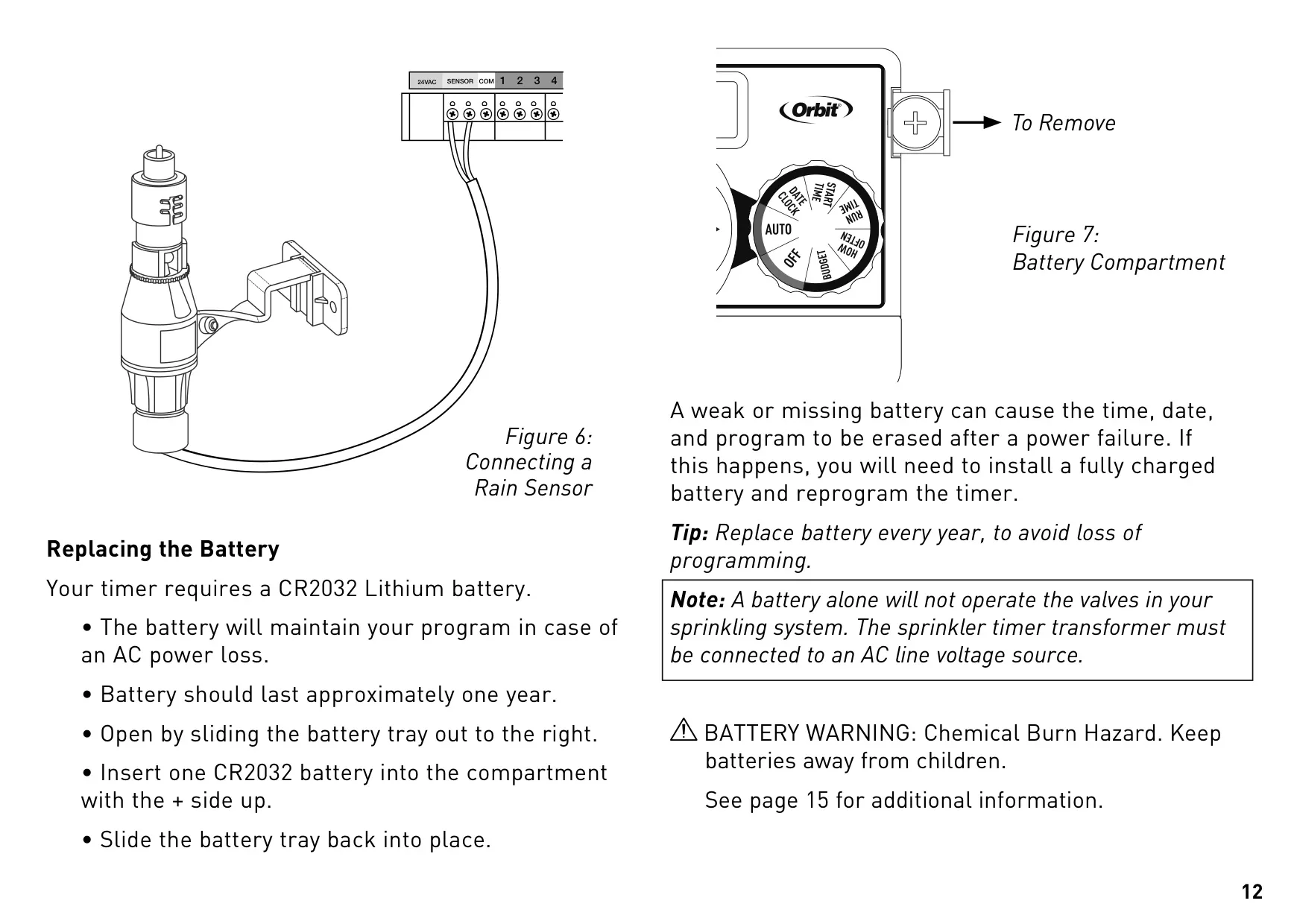
Power is supplied via an included transformer connected to a 120V electrical outlet. A pre-installed CR2032 lithium battery ensures that your programmed schedule is retained in memory during power outages, though the battery alone cannot operate the valves. Annual battery replacement is recommended to safeguard against programming loss.
Programming flexibility is a key feature, with two independent programs (A and B) available. This allows for customized watering schedules for different areas, such as drip zones, new lawns, or rotary sprinkler stations, optimizing water use. Each program supports up to four distinct start times, accommodating multiple watering cycles within a day.
The "Start-Time Stacking" feature ensures efficient watering; if a new start time is set before a previous program concludes, the new program will automatically delay and commence upon completion of the prior one. This prevents simultaneous operation and maintains system integrity, providing seamless sequential watering.
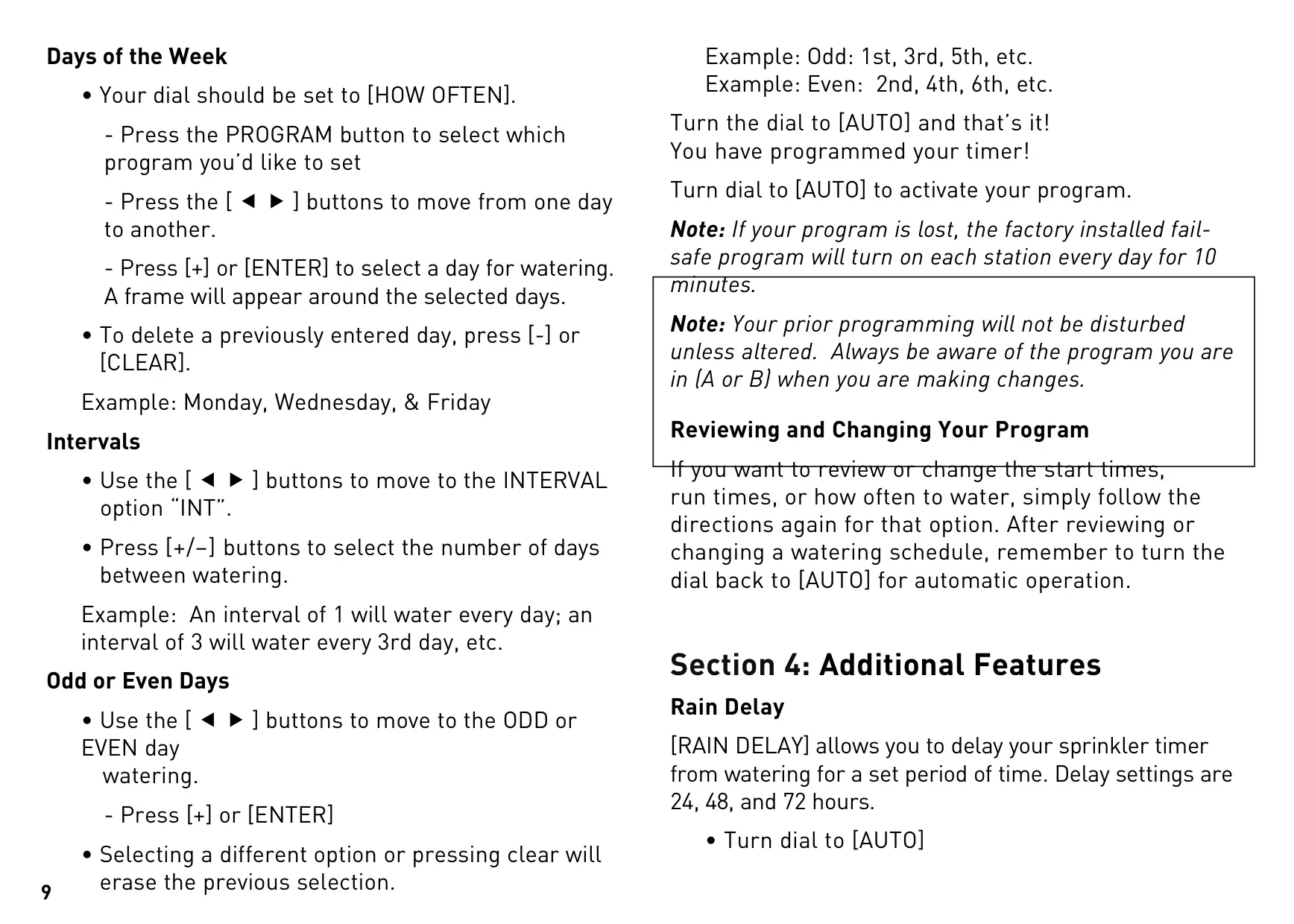
Further enhancing control, the "How Often" setting offers three methods for scheduling watering days: specific days of the week, intervals (e.g., every 3rd day), or odd/even calendar days. This versatility allows users to precisely tailor their irrigation frequency to plant requirements and local watering restrictions, maximizing efficiency.
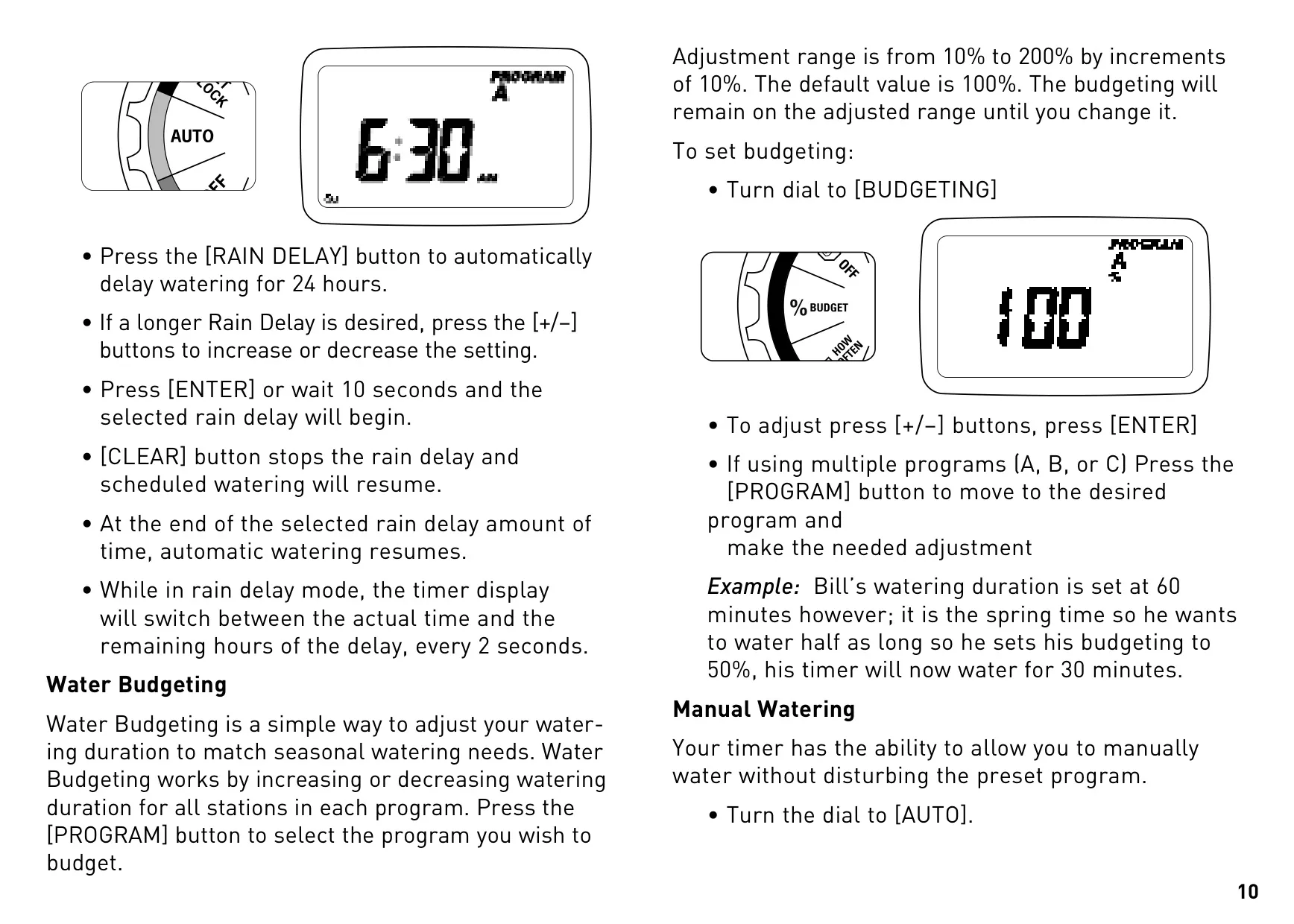
Additional functionalities include a Rain Delay, which pauses watering for 24, 48, or 72 hours, automatically resuming the schedule afterward. Water Budgeting allows for seasonal adjustments, increasing or decreasing watering durations across all stations by a percentage (10% to 200%) without reprogramming individual stations.
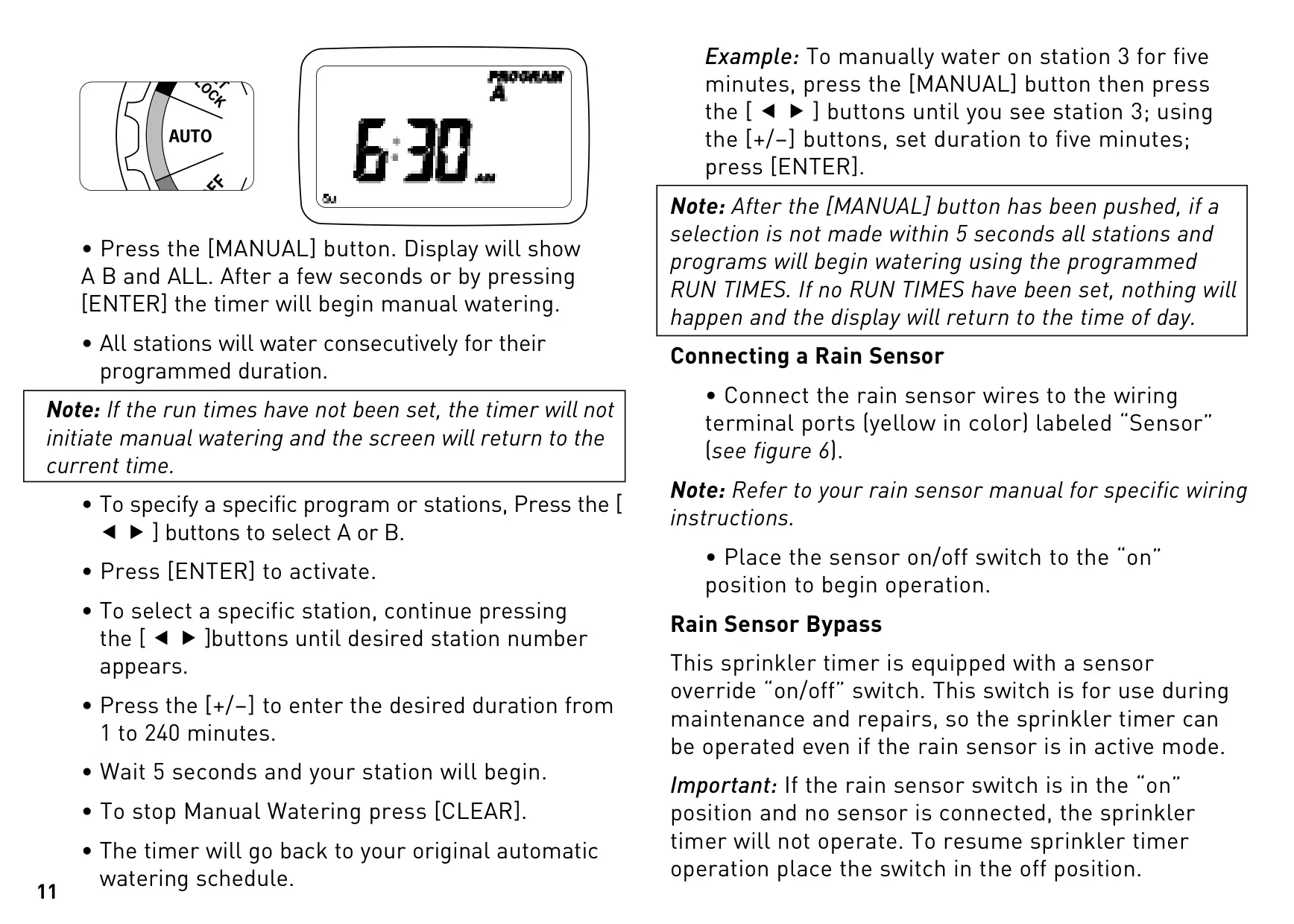
For immediate needs, Manual Watering can be initiated for all stations consecutively, or for a specific program or station with a user-defined duration, all without altering the established automatic schedule. The timer also supports external rain sensors, connecting to dedicated terminals, with a bypass switch for maintenance or troubleshooting.
Frequently Asked Questions (FAQs)
Can't find the answer you need? Here are some frequently asked questions about the Orbit 28964 Easy Dial 4 Station, and we answer them below.