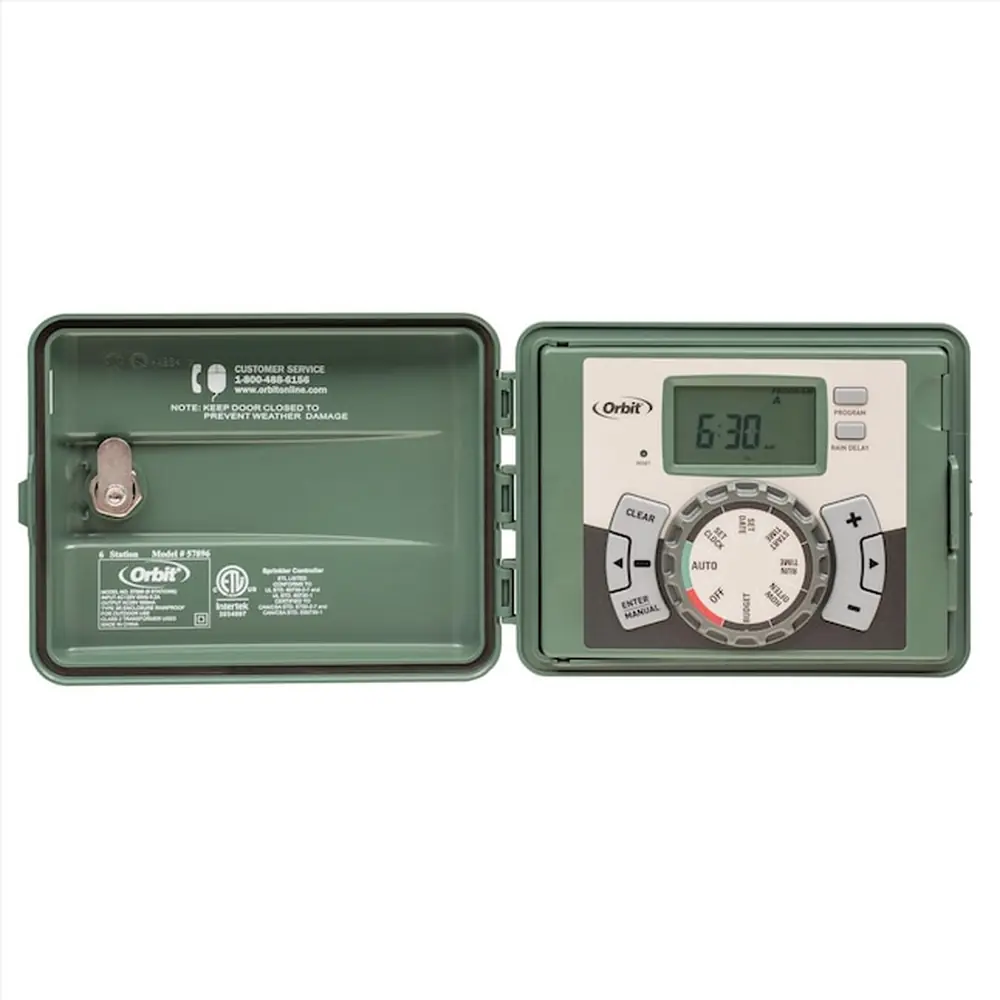
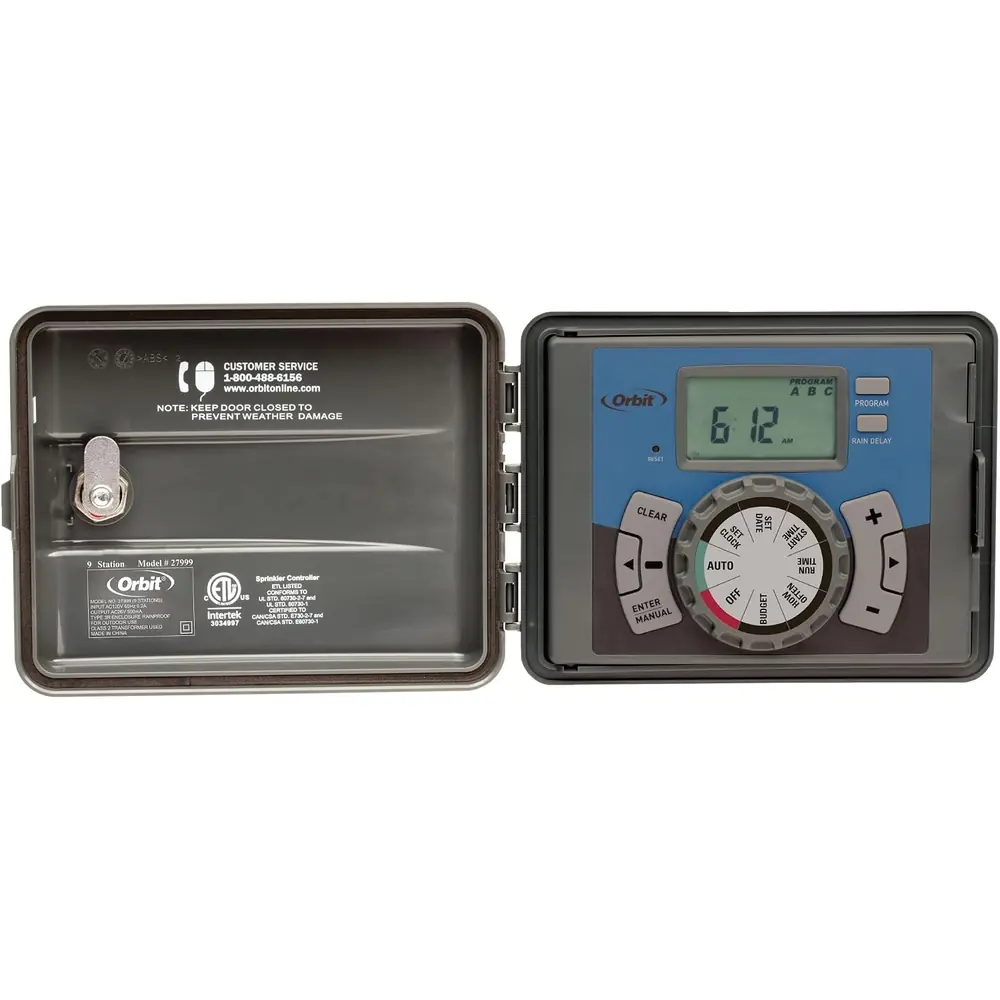
Orbit 28966 Easy Dial 6 Station Instruction Manual
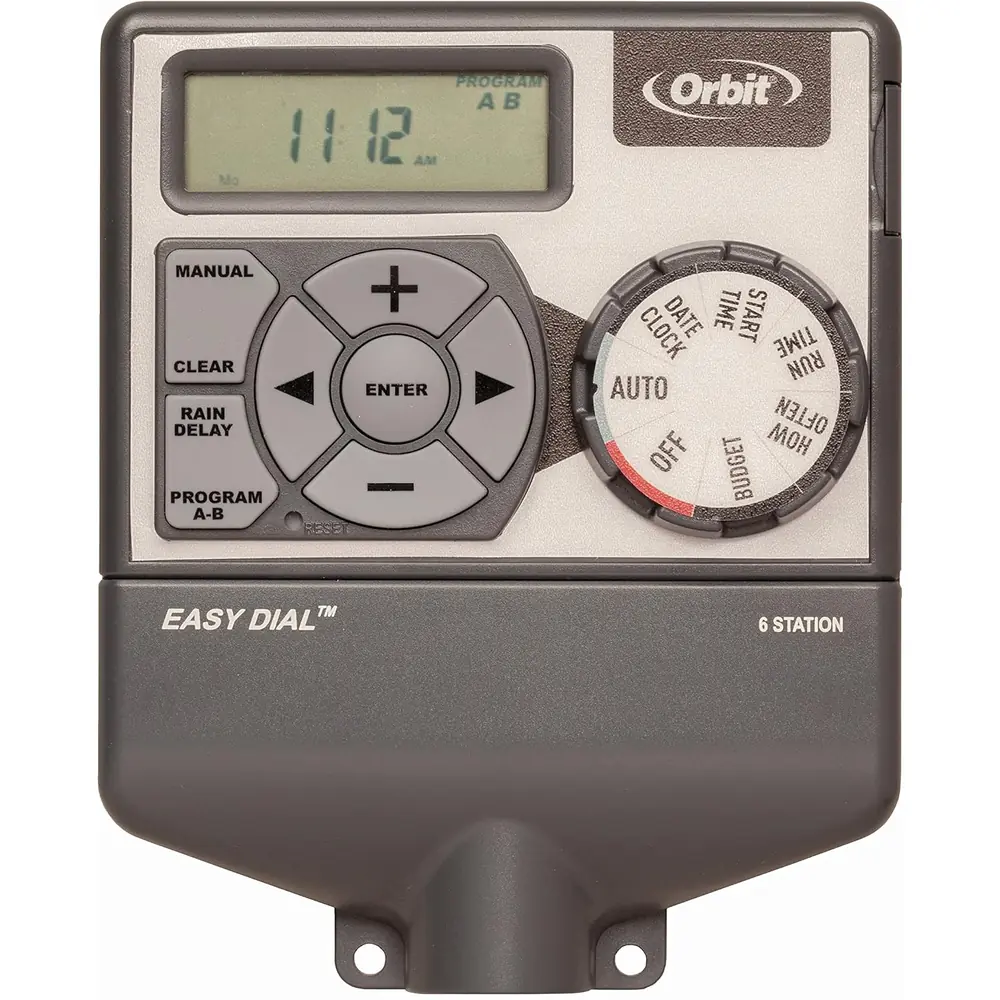
Orbit 28966 Easy Dial 6 Station








Orbit 28966 Easy Dial 6 Station Instructions
Here we offer the Orbit 28966 Easy Dial 6 Station manual completely free and in English. We have cataloged this manual in the Irrigation Controllers section on Manualverse, and it has been rated by 1 users with an average rating of 5. If you have any specific questions about Orbit 28966 Easy Dial 6 Station, we suggest checking the Frequently Asked Questions (FAQs) section of this manual.
Product Images
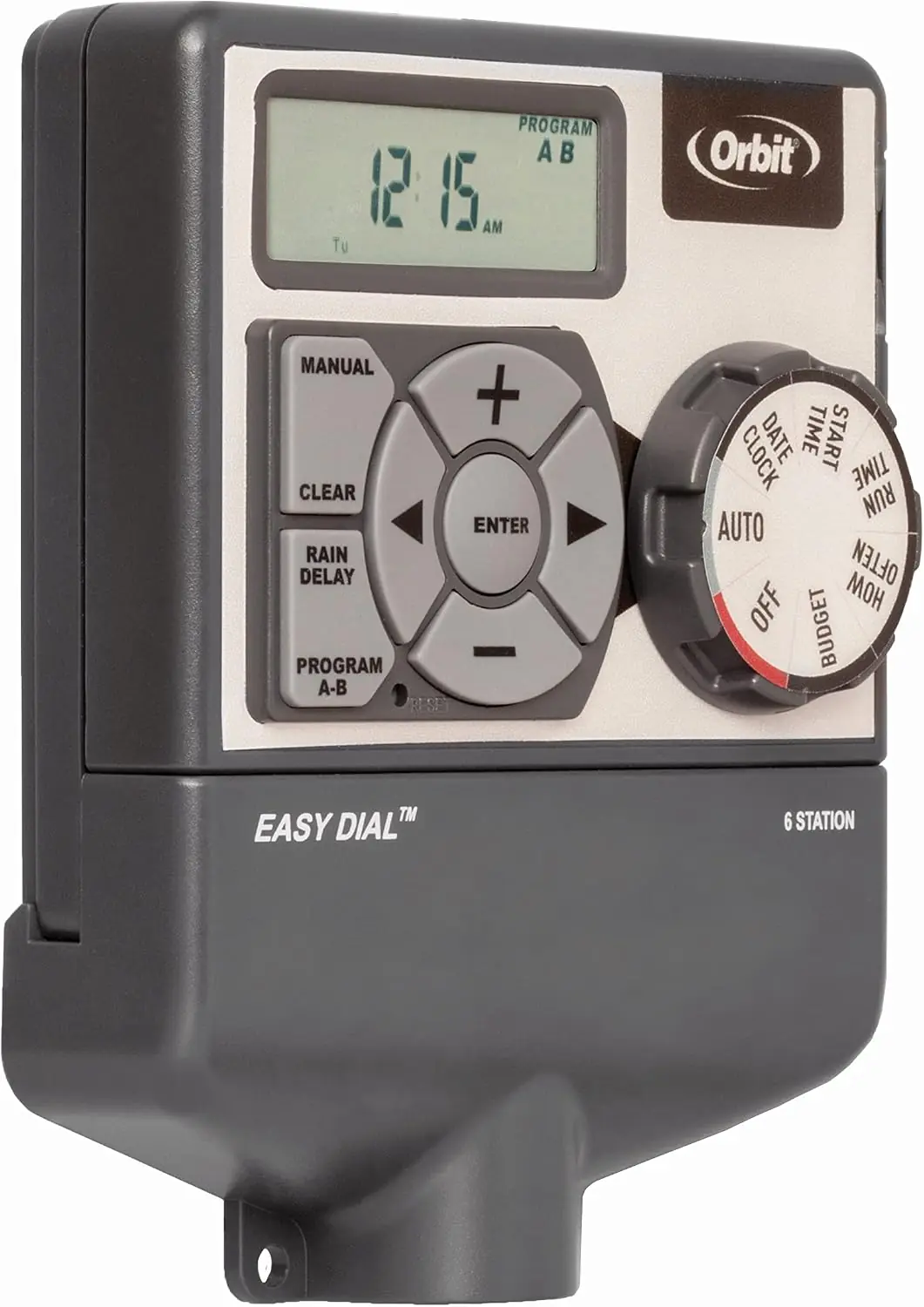
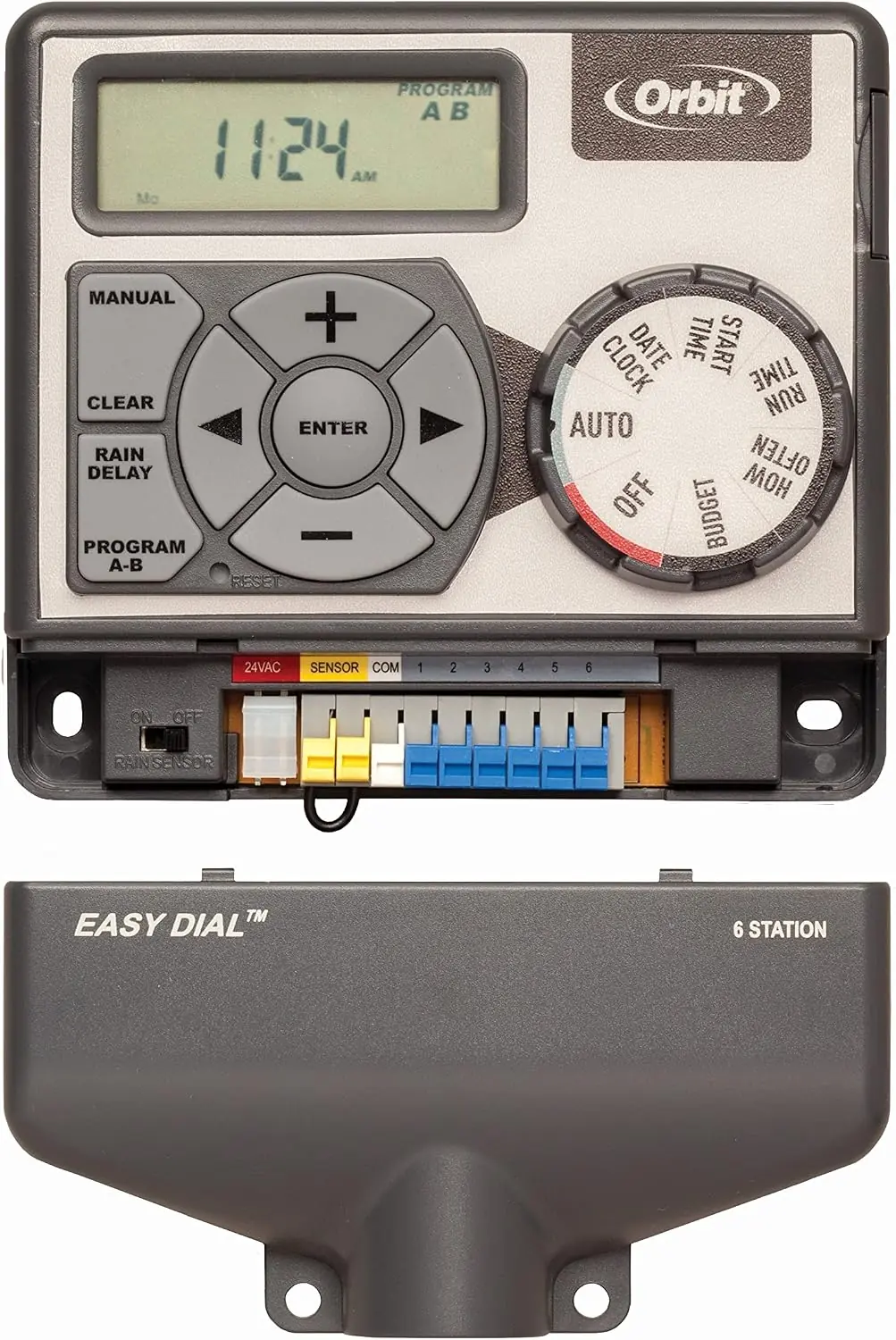
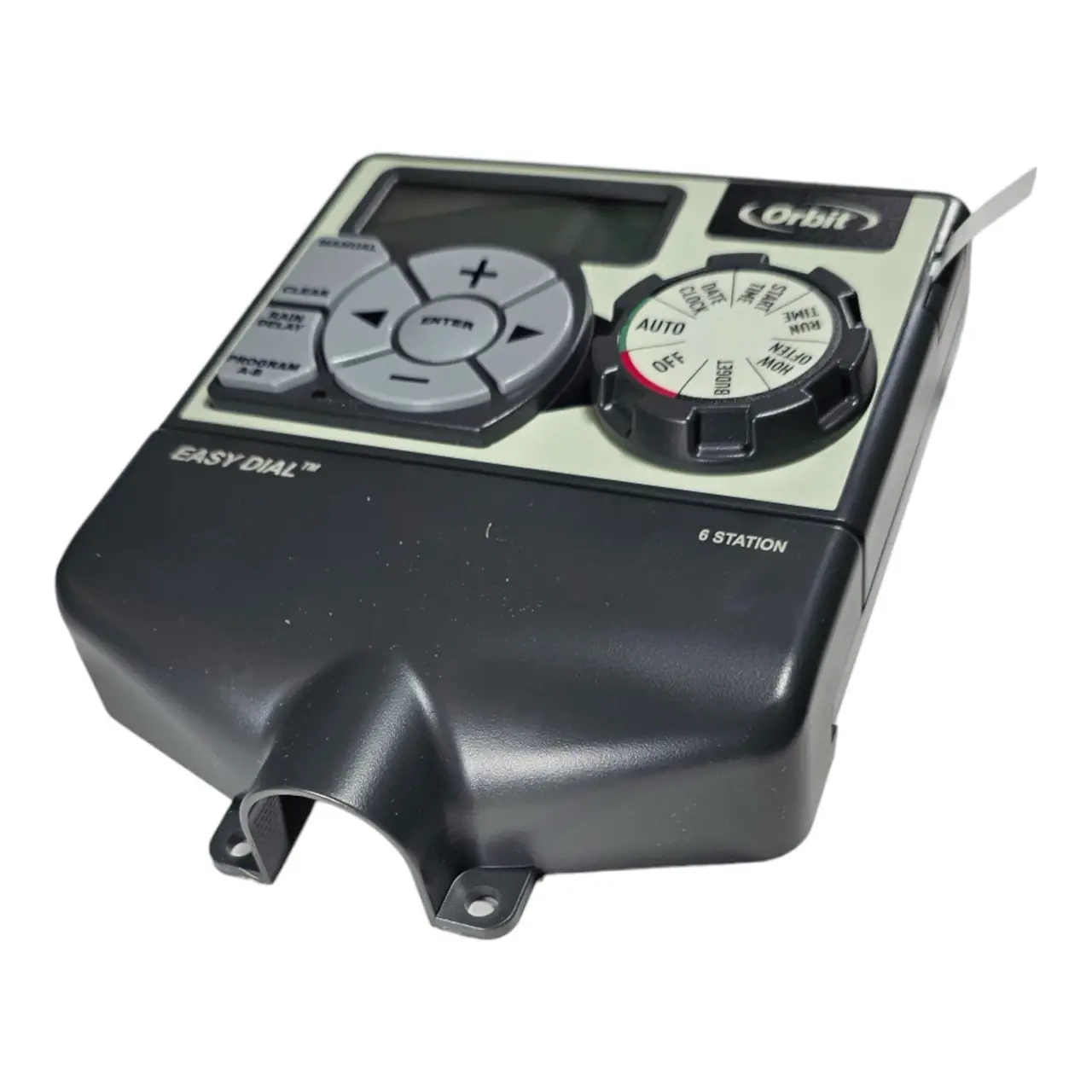
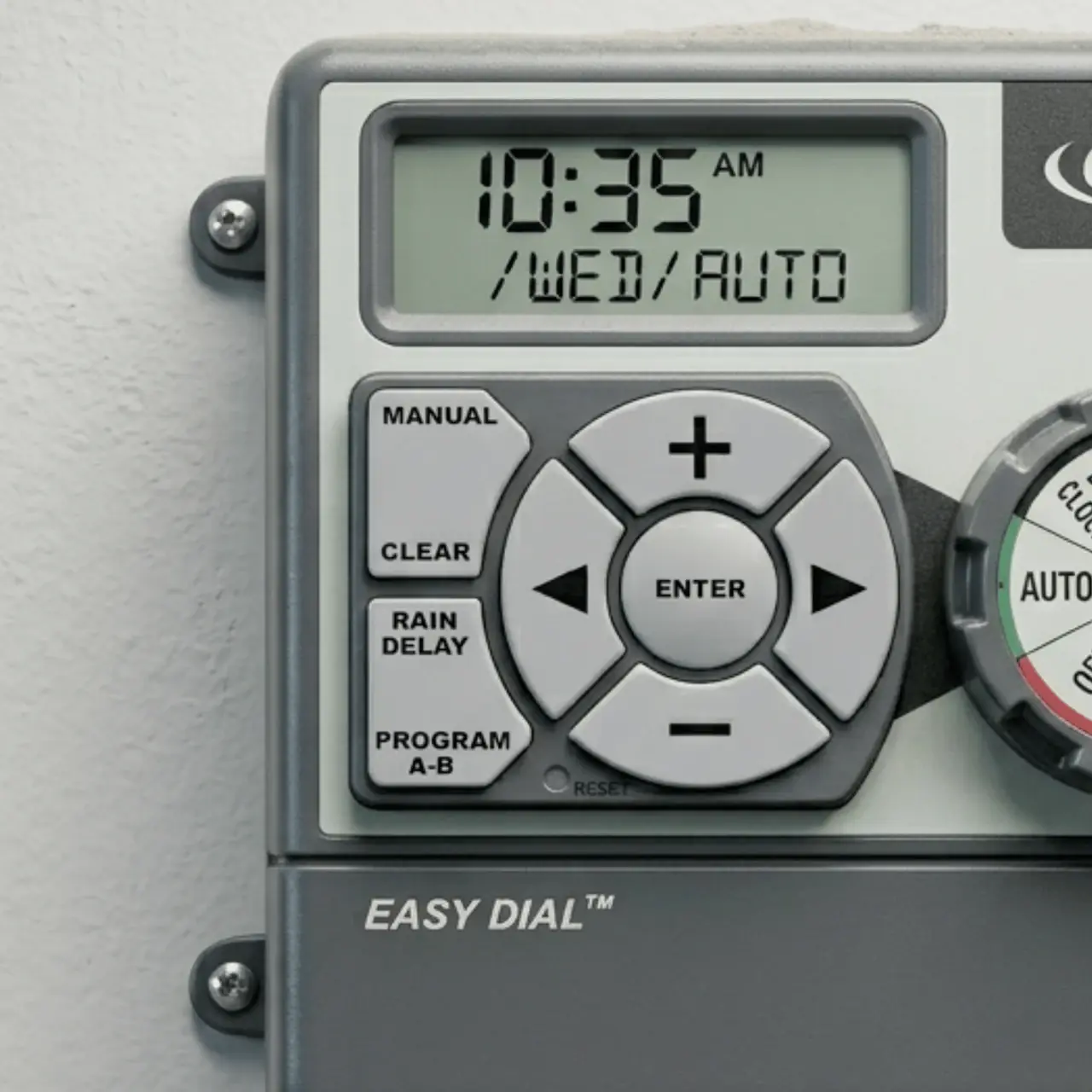
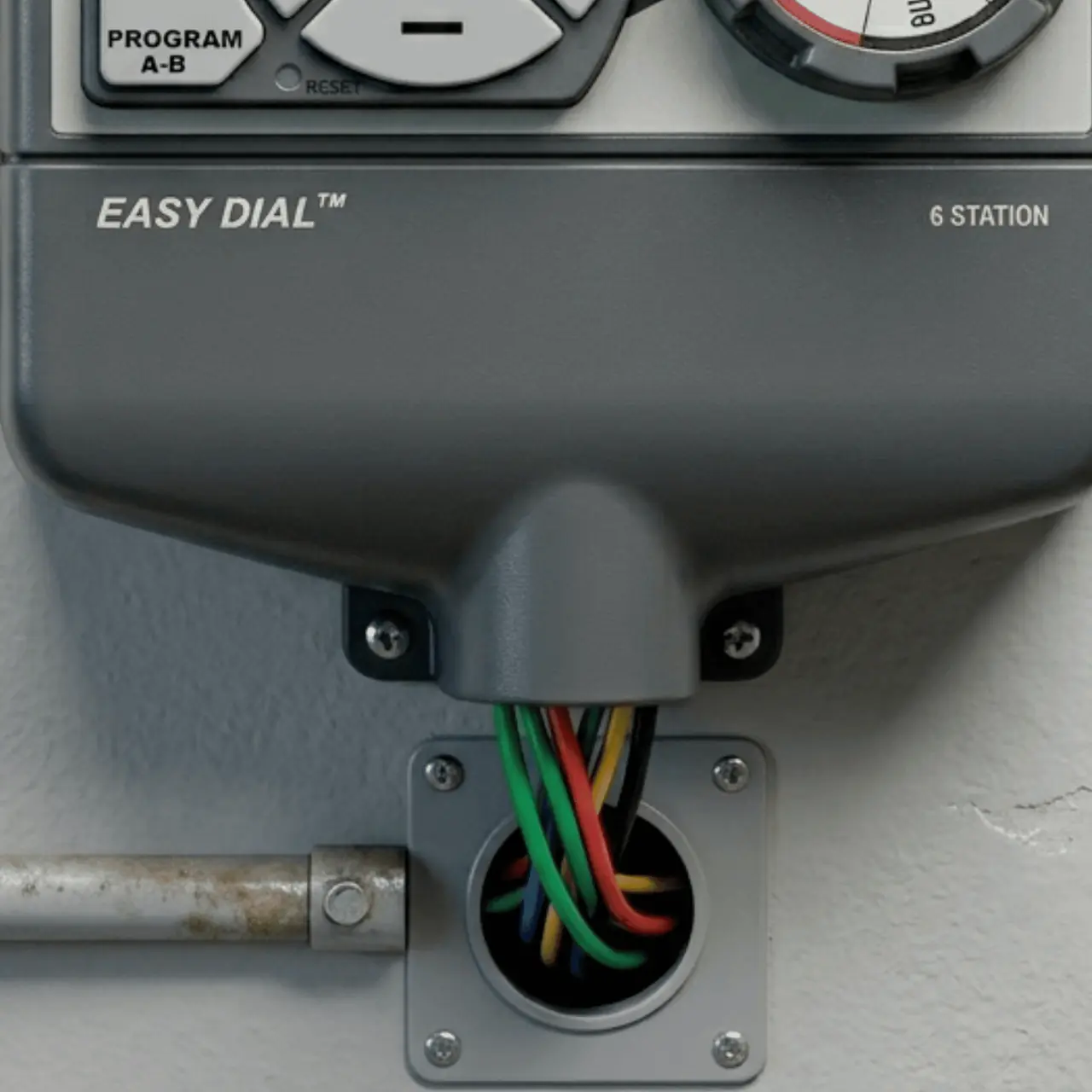
Orbit 28966 Easy Dial 6 Station Specifications
| Feature | Specification |
|---|---|
| Model Number | 28966 |
| Number of Stations | 6 |
| Operating Temperature | 32°F to 158°F (0°C to 70°C) |
| Max. Load Per Station | 250mA (one valve) |
| Max. Load Per Timer | 500mA |
| Input Power | 120V AC (via included transformer) |
| Recommended Transformer | Model WR1-41-065R-1 or WT1-41-065R |
| Battery Type | 1x CR2032 Lithium (included, for program memory) |
| Number of Programs | 2 (A and B, independent) |
| Start Times per Program | Up to 4 |
| Run Time per Station | 1 to 240 minutes |
| Rain Delay Settings | 24, 48, 72 hours |
| Water Budgeting Range | 10% to 200% (in 10% increments) |
| Recommended Wire Gauge (< 700 ft) | 20 AWG plastic jacketed thermostat wire |
| Recommended Wire Gauge (> 700 ft) | 16 AWG wire |
| Warranty Period | 6 years from date of purchase |
| Certifications | FCC Part 15 Class B, Canadian ICES-003 Class B |
Orbit 28966 Easy Dial 6 Station Details
The Orbit 28966 Easy Dial 6 Station timer offers Easy-Set Logic™ for simple programming. It supports fully automatic, semi-automatic, or manual watering, providing flexible control over your irrigation system. This design combines advanced technology with user-friendly operation, making it accessible for both novice and experienced users to manage their landscape's watering needs effectively.
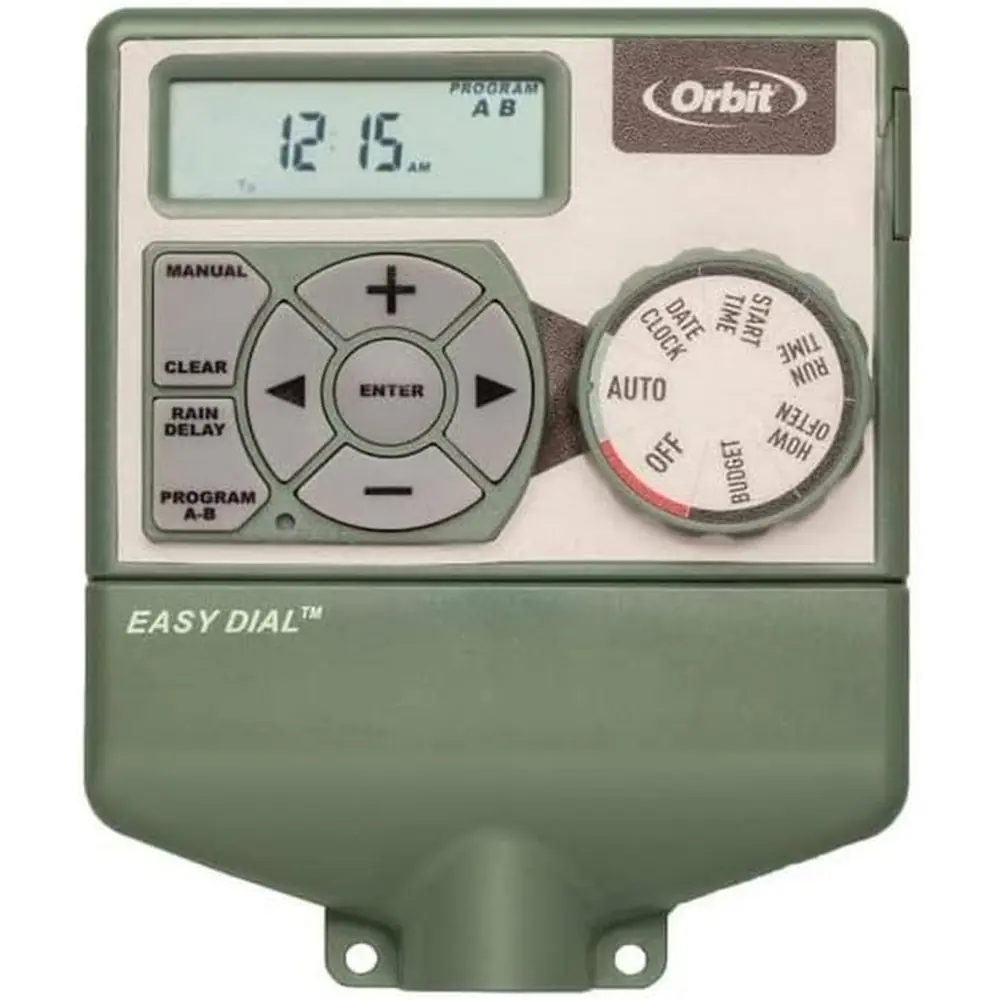
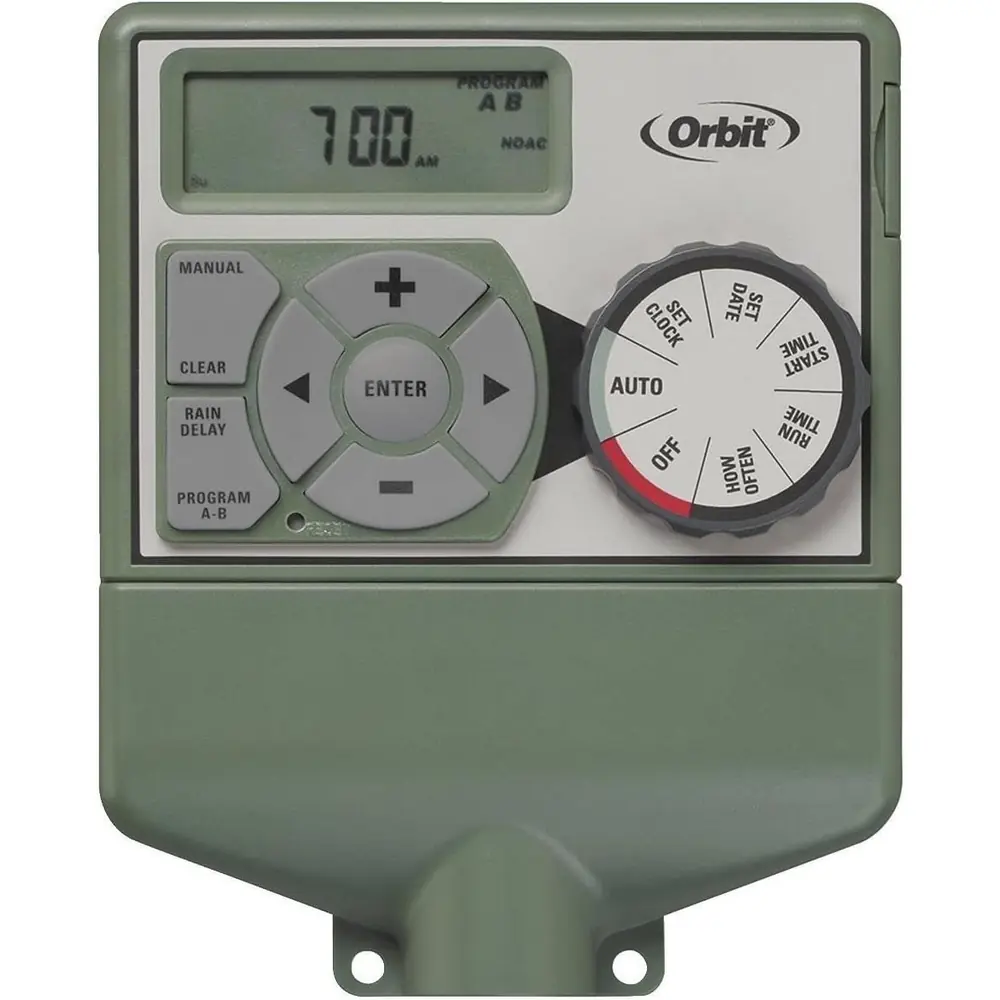
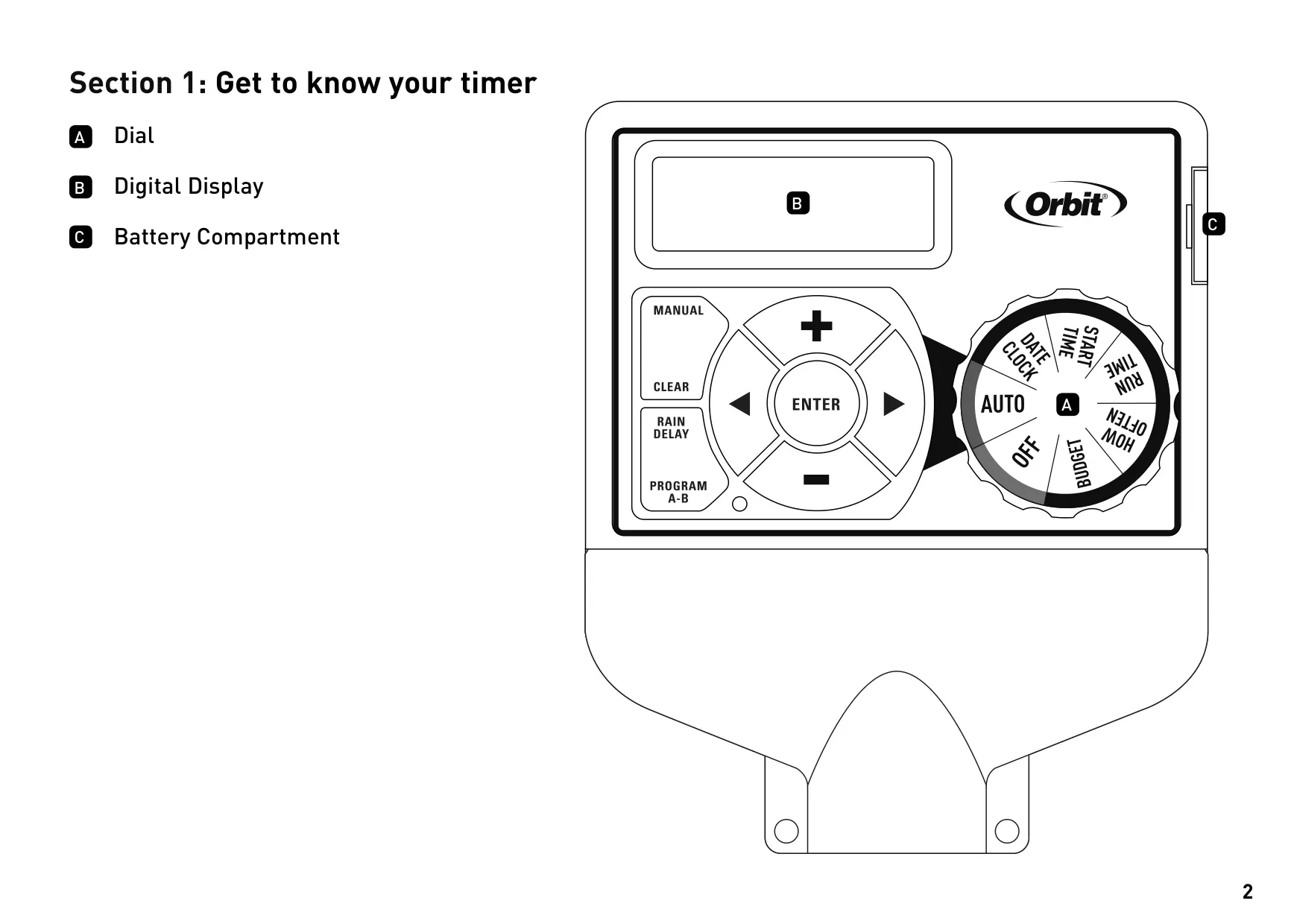
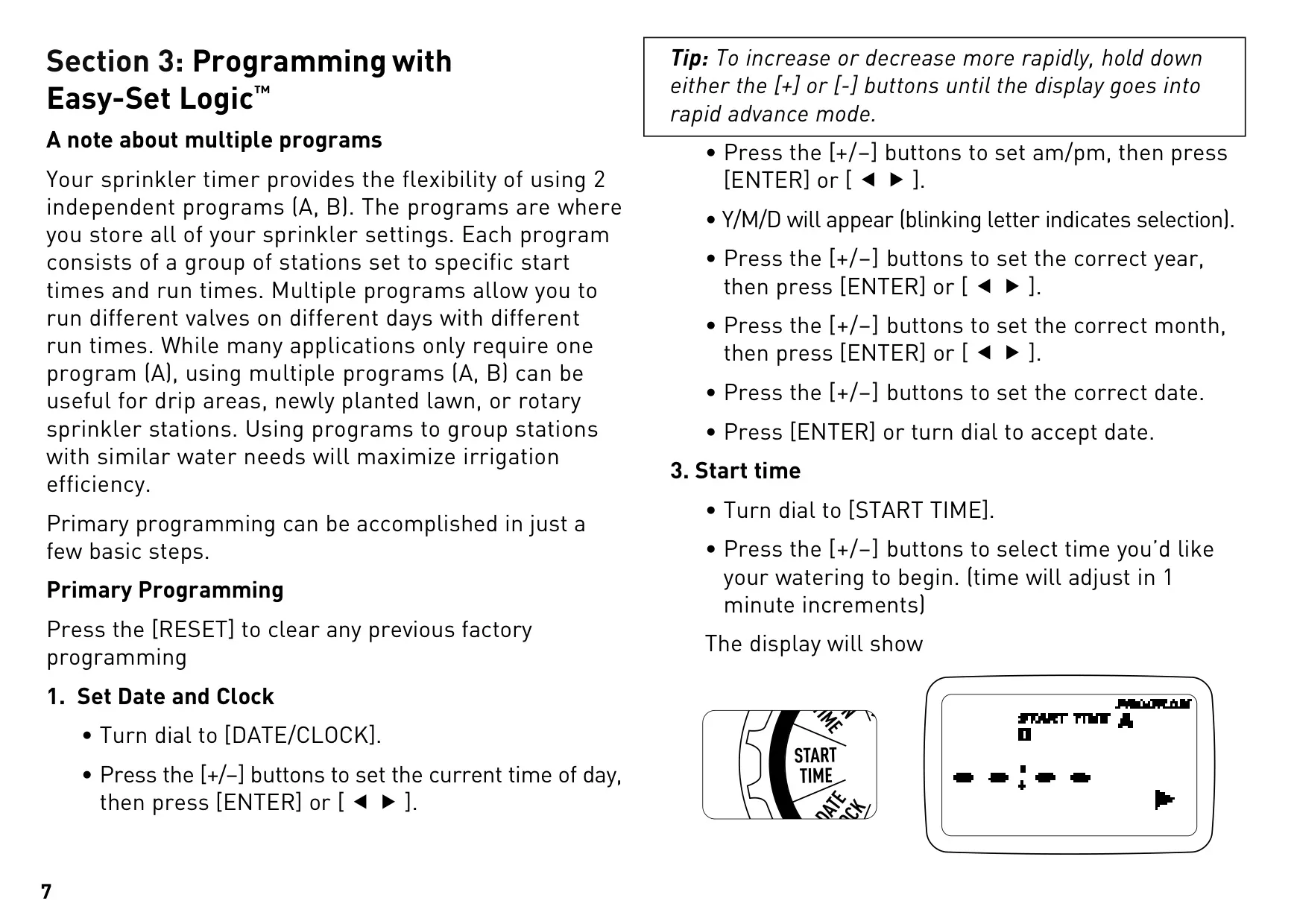
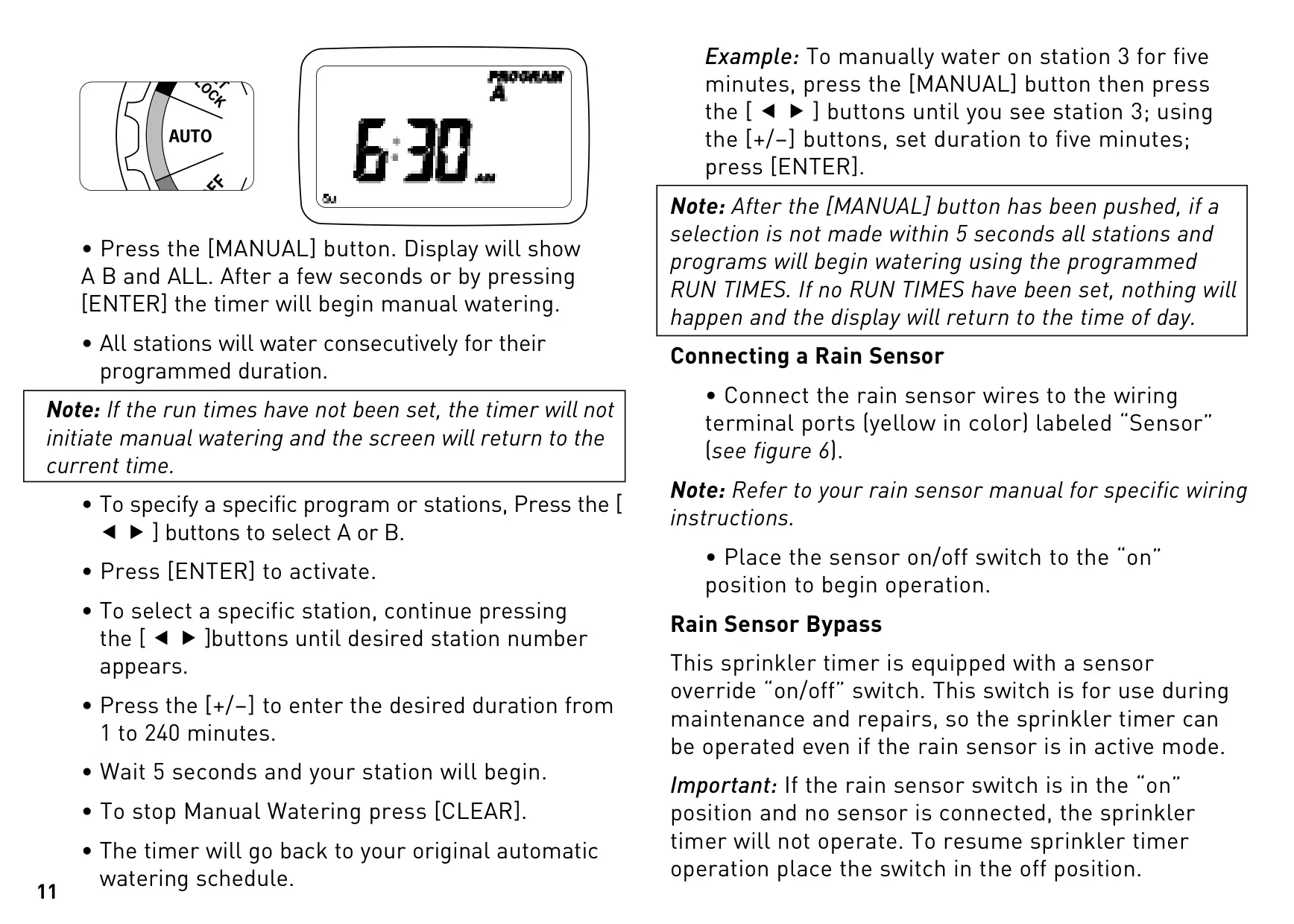
Navigation is streamlined via a central dial and dedicated buttons. The dial accesses functions like DATE/CLOCK, START TIME, RUN TIME, HOW OFTEN, OFF, and BUDGET. Buttons such as +/-, ENTER, MANUAL, CLEAR, PROGRAM, and ARROW facilitate precise adjustments and program management, ensuring that setting up or modifying your watering schedule is intuitive and hassle-free.
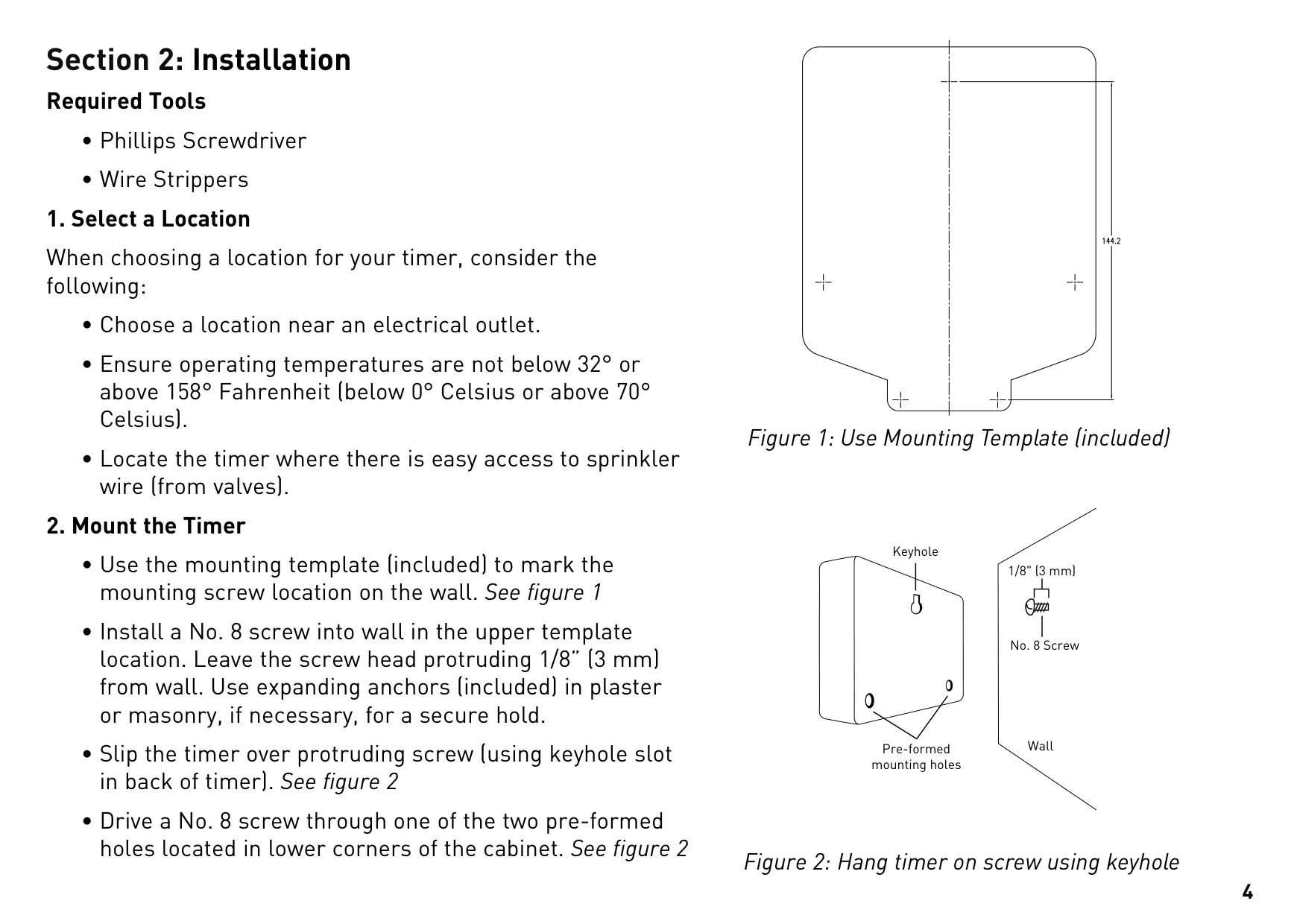
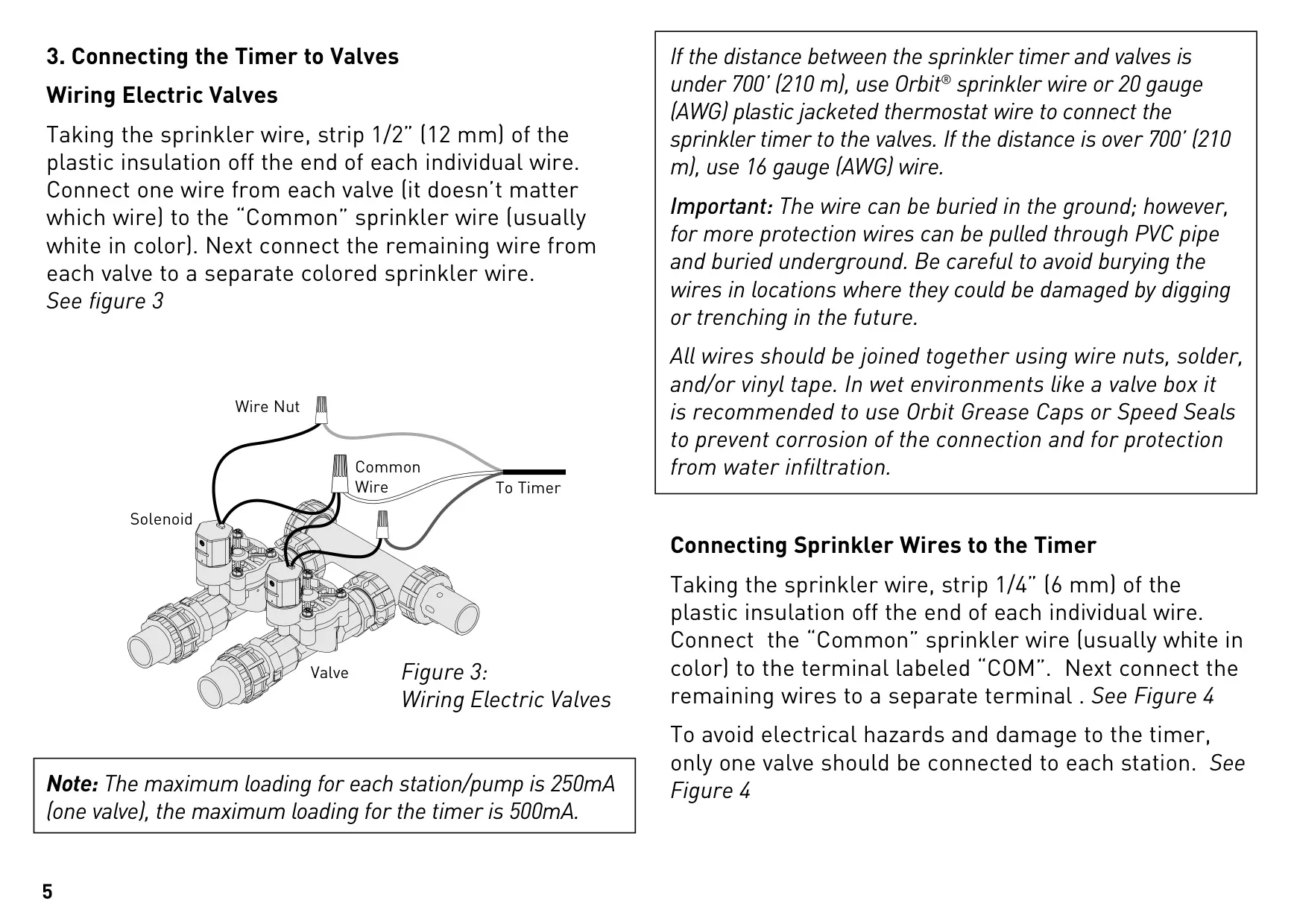
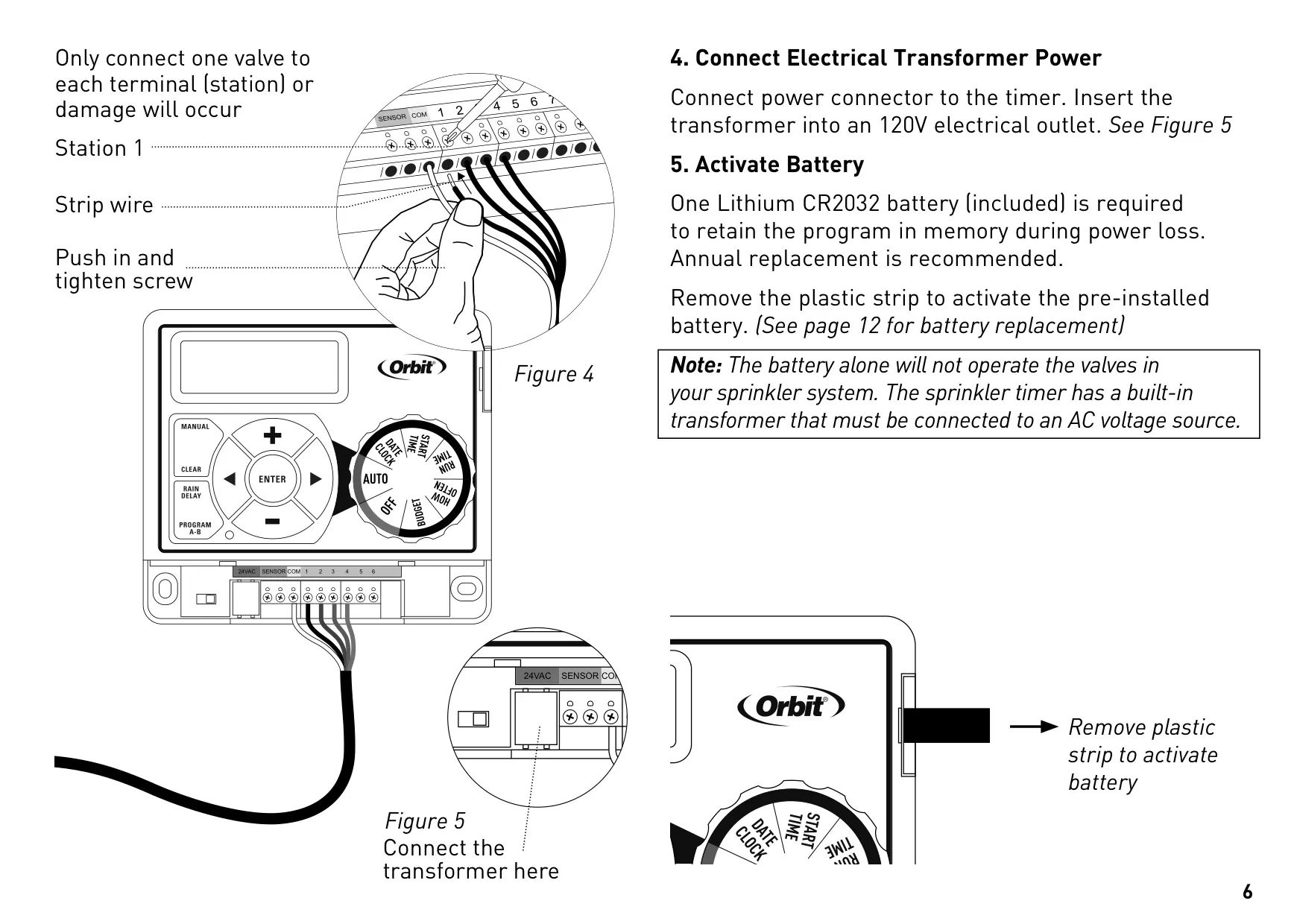
Installation requires a Phillips screwdriver and wire strippers. Select a location near power and valves, within 32°F to 158°F operating temperatures, avoiding extreme heat or cold. Proper wiring involves connecting the common wire and individual station wires. The manual specifies using 20 AWG wire for distances under 700 feet and 16 AWG for over 700 feet, recommending wire nuts or Orbit Grease Caps for secure, waterproof connections.
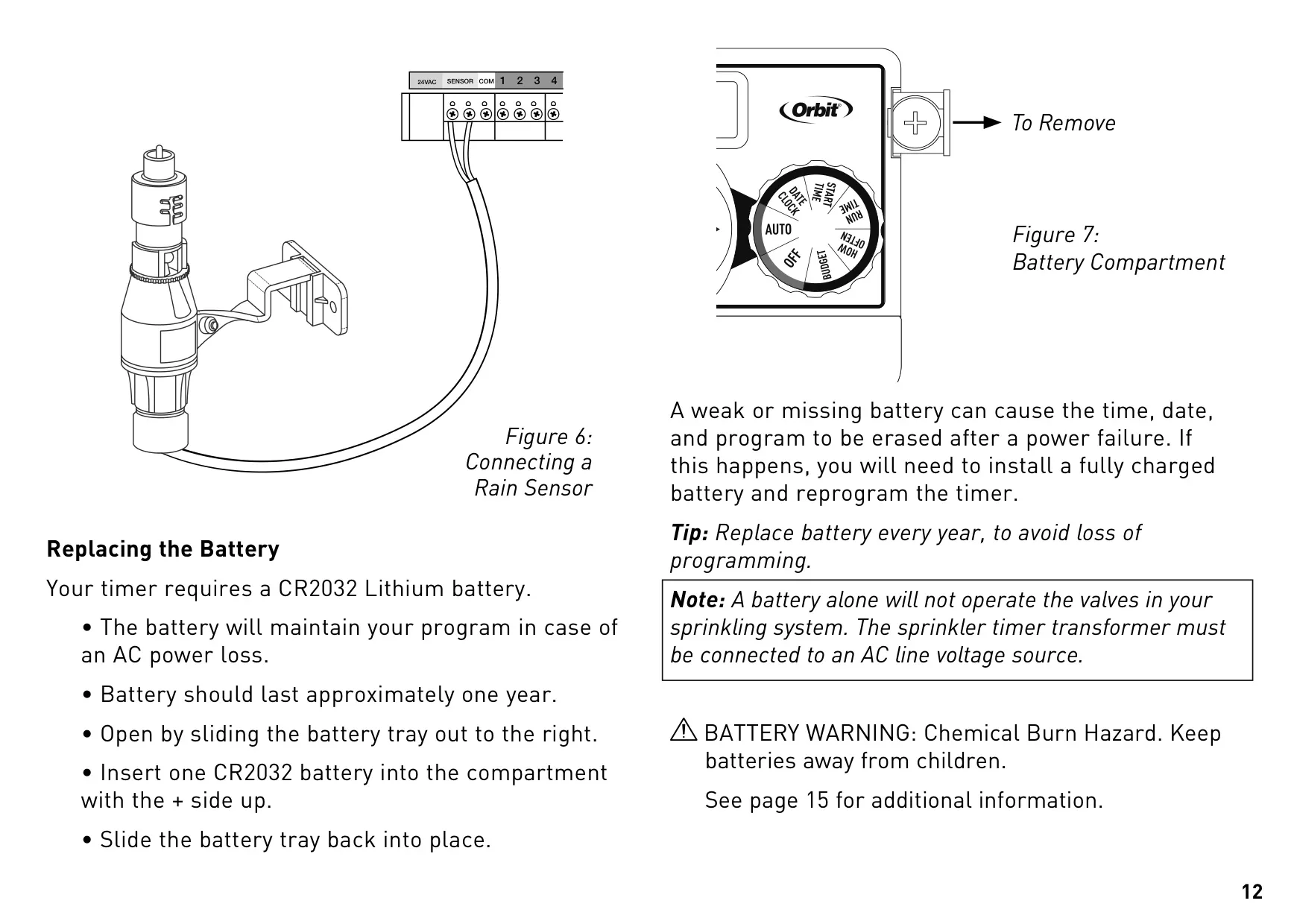
The timer runs on 120V AC power via its included transformer. A CR2032 Lithium battery retains program memory during power outages, though it doesn't operate the valves; AC power is essential for watering functionality. Activating the pre-installed battery by removing its plastic strip is crucial upon installation. Annual battery replacement ensures program integrity and prevents data loss.
With two independent programs (A and B), the Orbit 28966 allows for tailored watering. This is ideal for managing distinct zones like drip irrigation for delicate plants or new plantings that require different watering frequencies and durations from established lawns. Utilizing both programs helps maximize efficiency by grouping stations with similar water requirements.
Users can set up to four start times per program for multiple daily cycles. Individual run times (1 to 240 minutes) are definable for each of the six stations, allowing precise control over each irrigation zone. The Start-Time Stacking feature intelligently delays subsequent start times if a prior program is still running, preventing simultaneous operation and ensuring sequential watering.
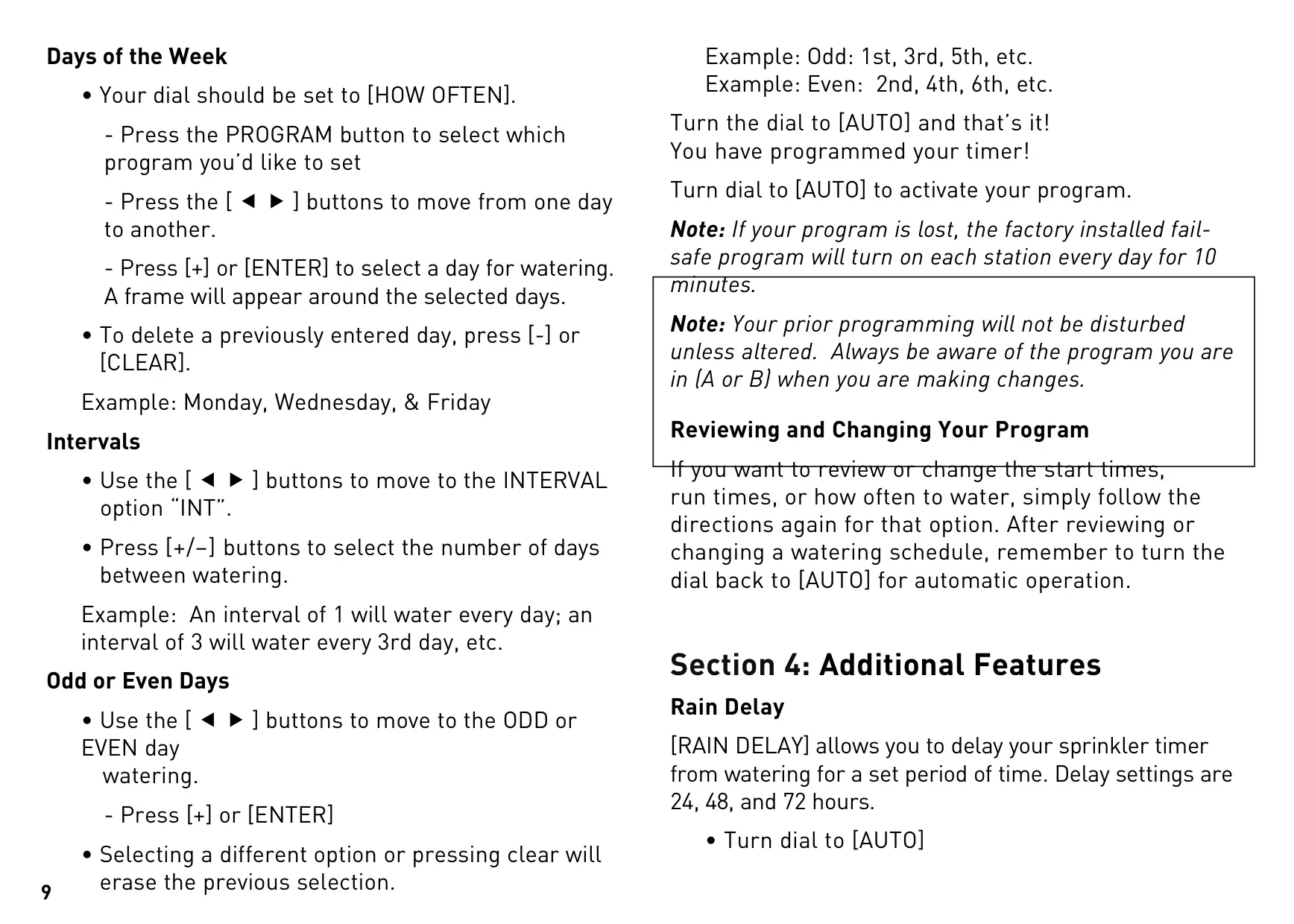
Three options are available for setting watering frequency: selecting specific days of the week (e.g., Monday, Wednesday, Friday), defining custom intervals (e.g., every 3rd day), or choosing odd/even calendar days. This adaptability ensures precise watering tailored to your landscape's needs and seasonal variations, promoting healthier plant growth and water conservation.
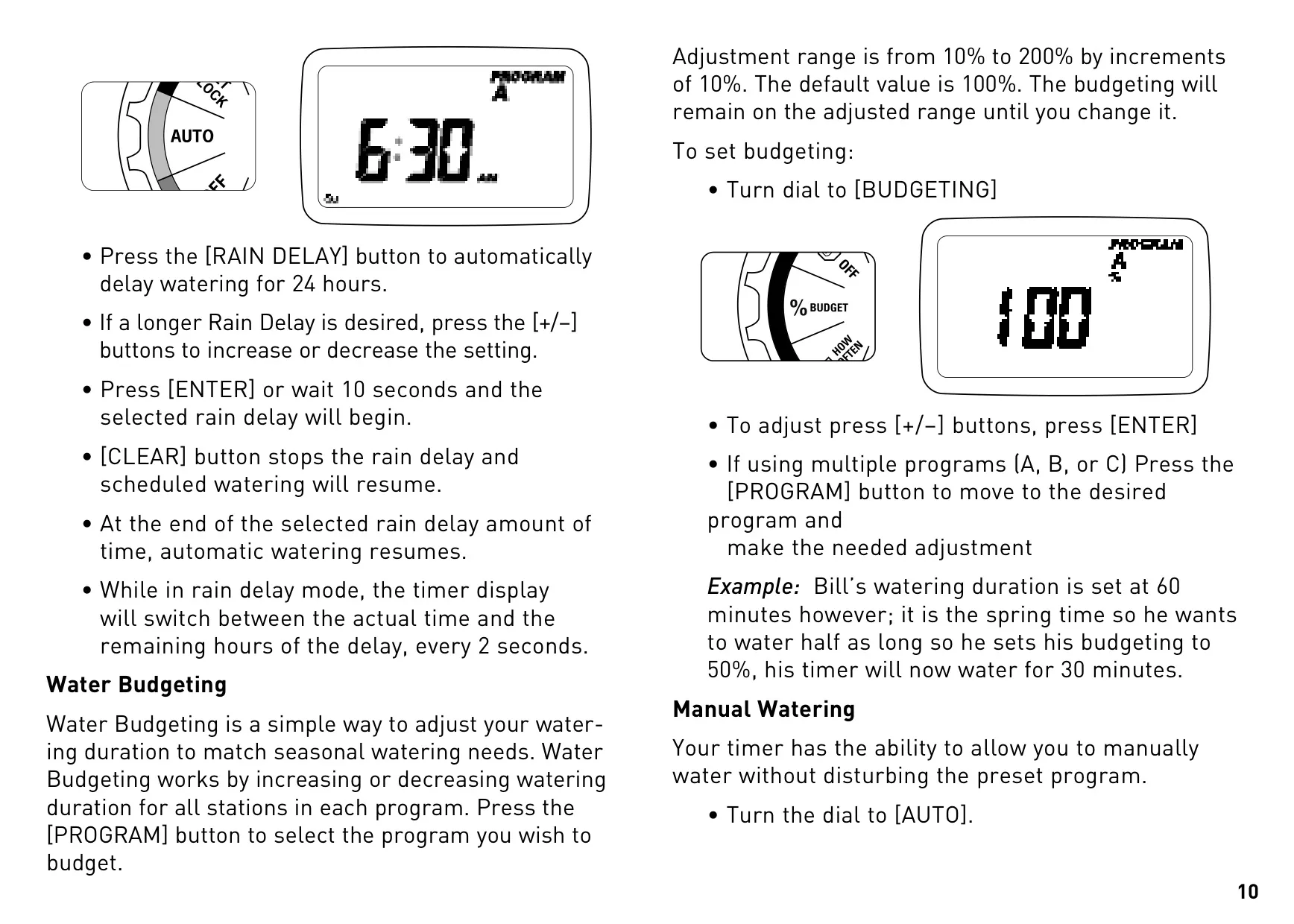
The integrated Rain Delay function allows users to pause watering for 24, 48, or 72 hours, preventing unnecessary irrigation after rainfall or during anticipated wet conditions. Additionally, Water Budgeting offers seasonal adjustment, allowing users to globally increase or decrease total watering durations from 10% to 200% for an entire program as climate conditions change.
For immediate watering, the manual function activates all stations or specific ones for a chosen duration without altering the saved program, perfect for testing or quick spot watering. The timer supports rain sensor connection to dedicated terminals, featuring a convenient bypass switch for maintenance or overriding the sensor's function when necessary.
Frequently Asked Questions (FAQs)
Can't find the answer you need? Here are some frequently asked questions about the Orbit 28966 Easy Dial 6 Station, and we answer them below.