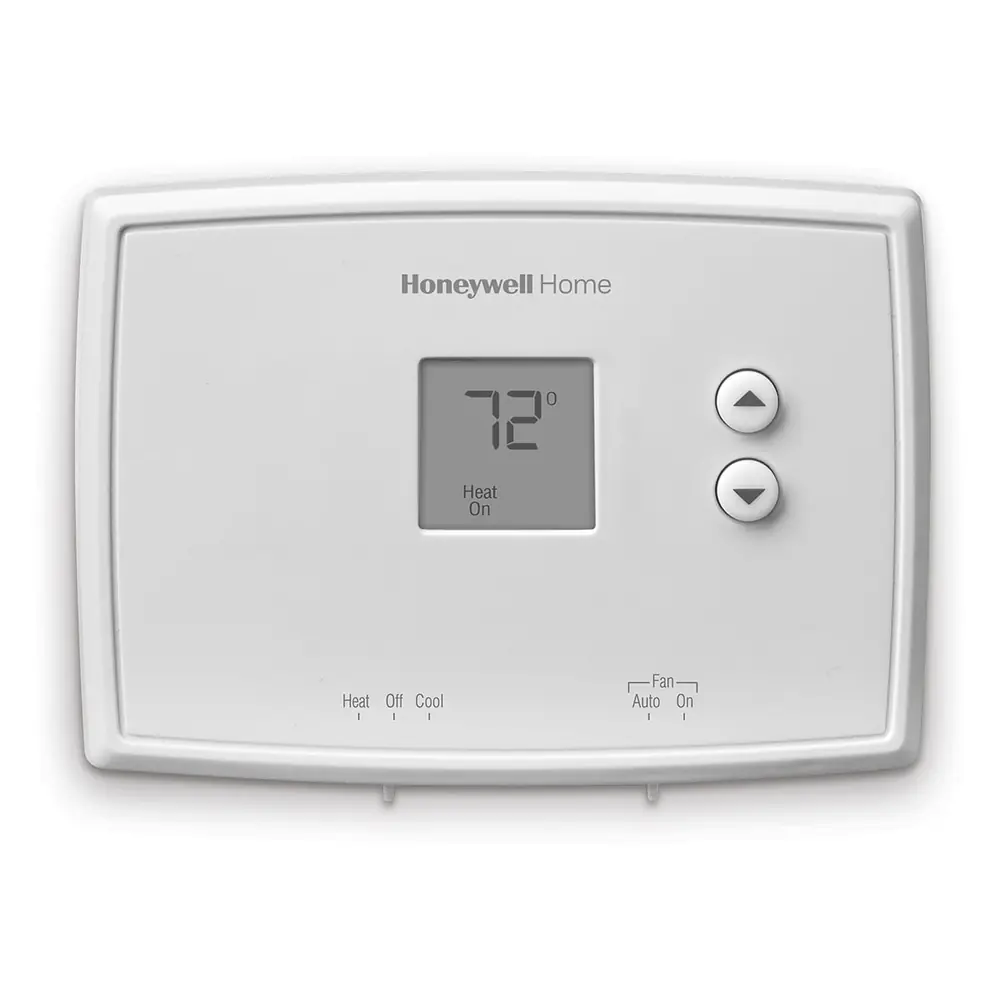
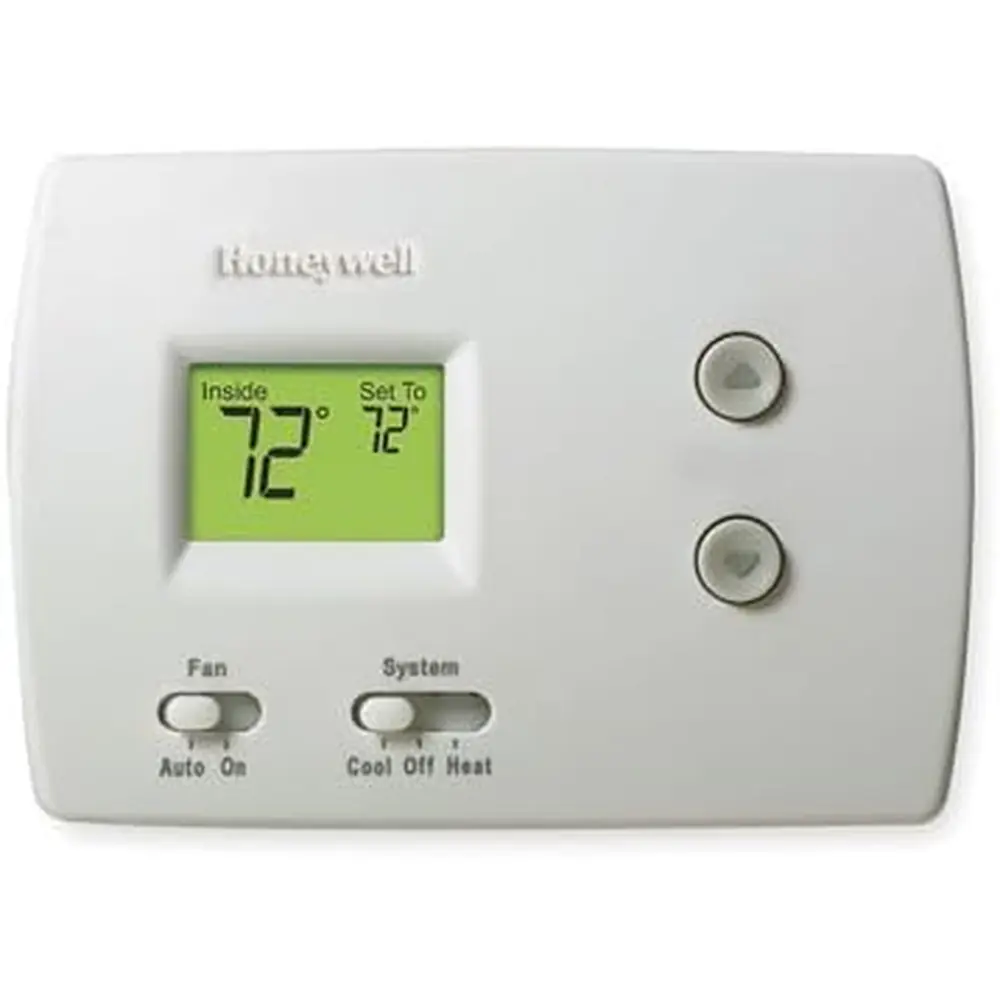
Honeywell TH4210D1005 TH4000 Series Instruction Manual
Honeywell TH4210D1005 TH4000 Series








Honeywell TH4210D1005 TH4000 Series

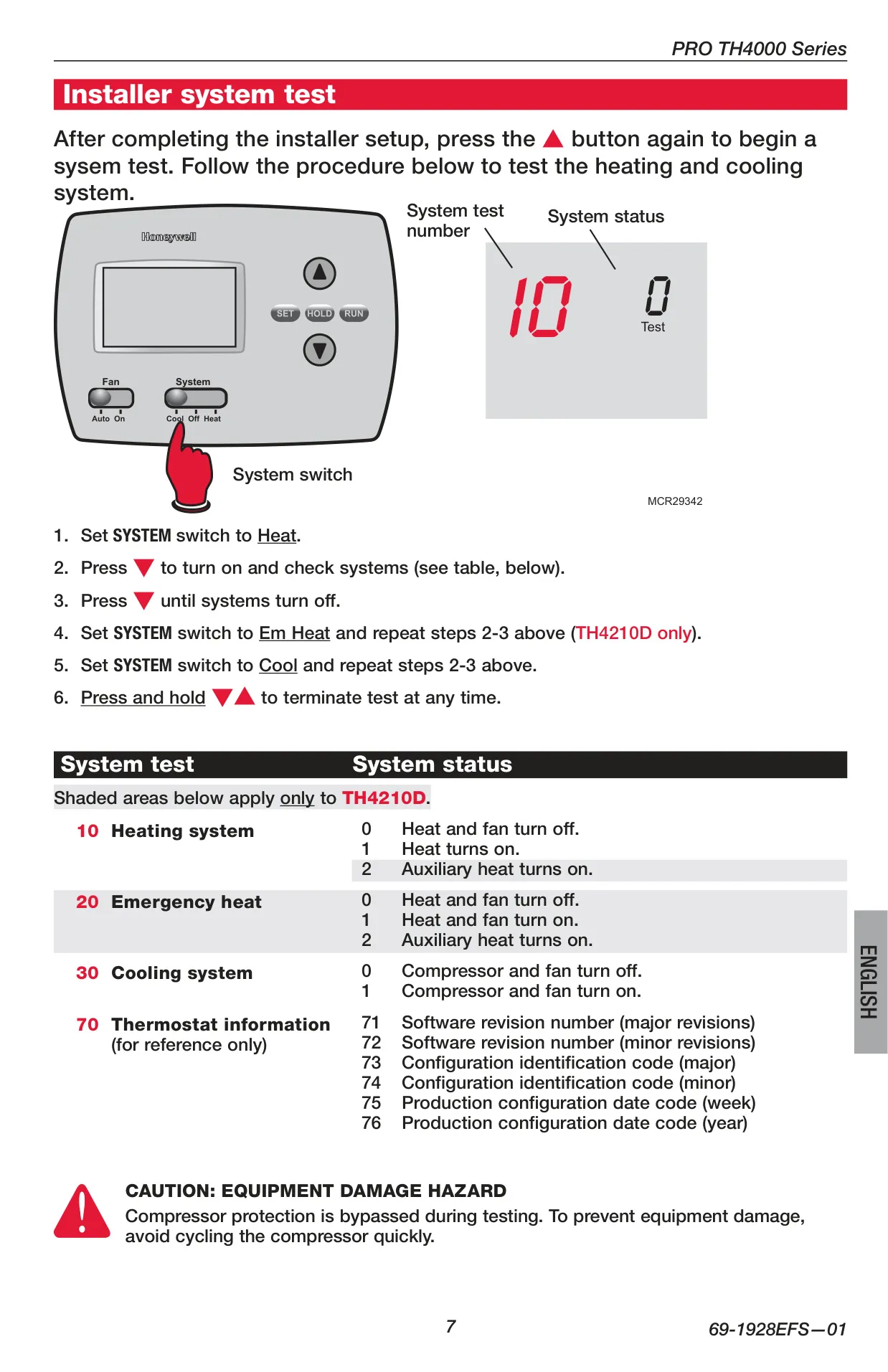
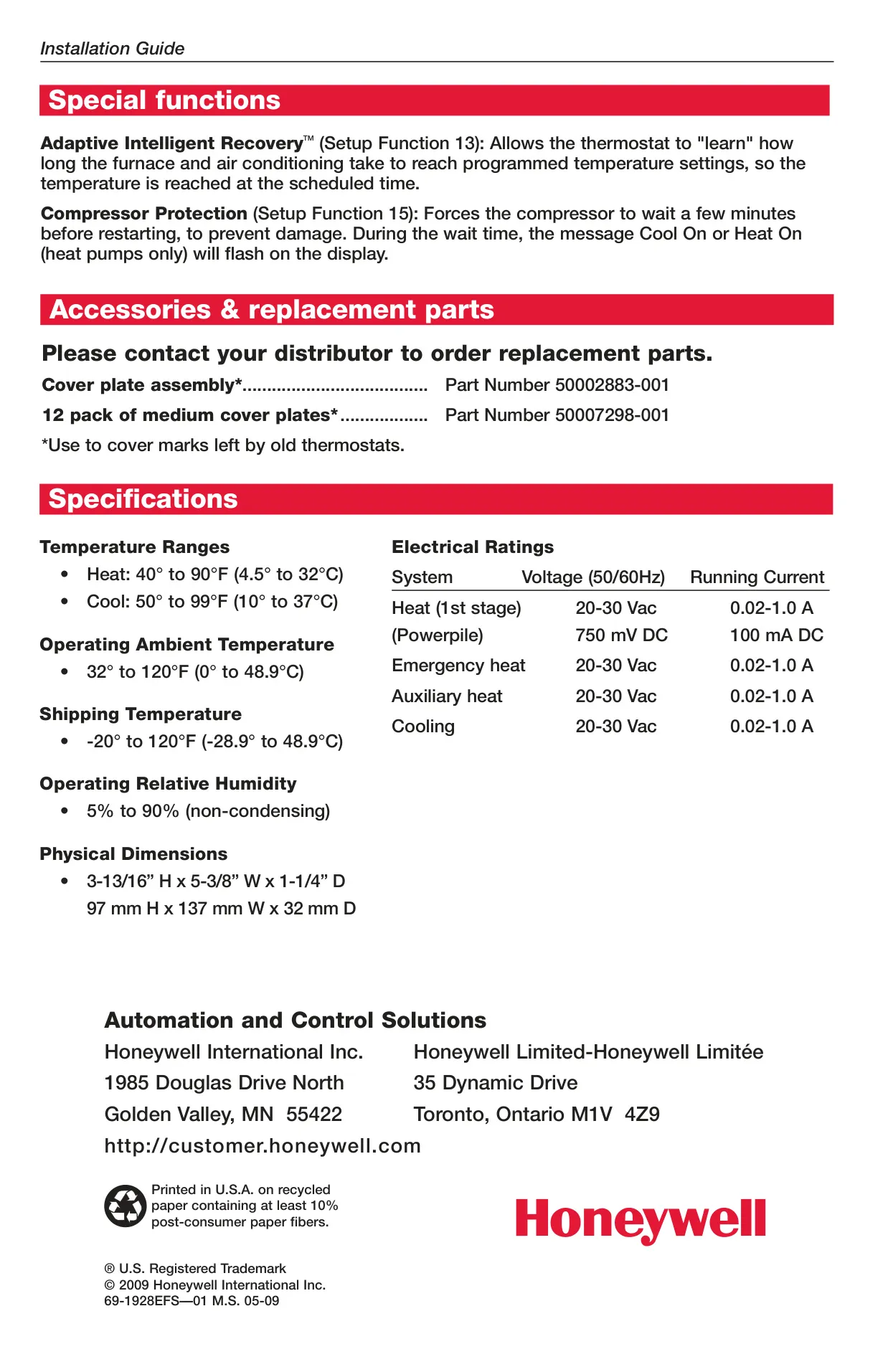
Honeywell TH4210D1005 Instructions
Here we offer the Honeywell TH4210D1005 TH4000 Series manual completely free and in English. We have cataloged this manual in the Thermostats section on Manualverse, and it has been rated by 1 users with an average rating of 5. If you have any specific questions about Honeywell TH4210D1005 TH4000 Series, we suggest checking the Frequently Asked Questions (FAQs) section of this manual.
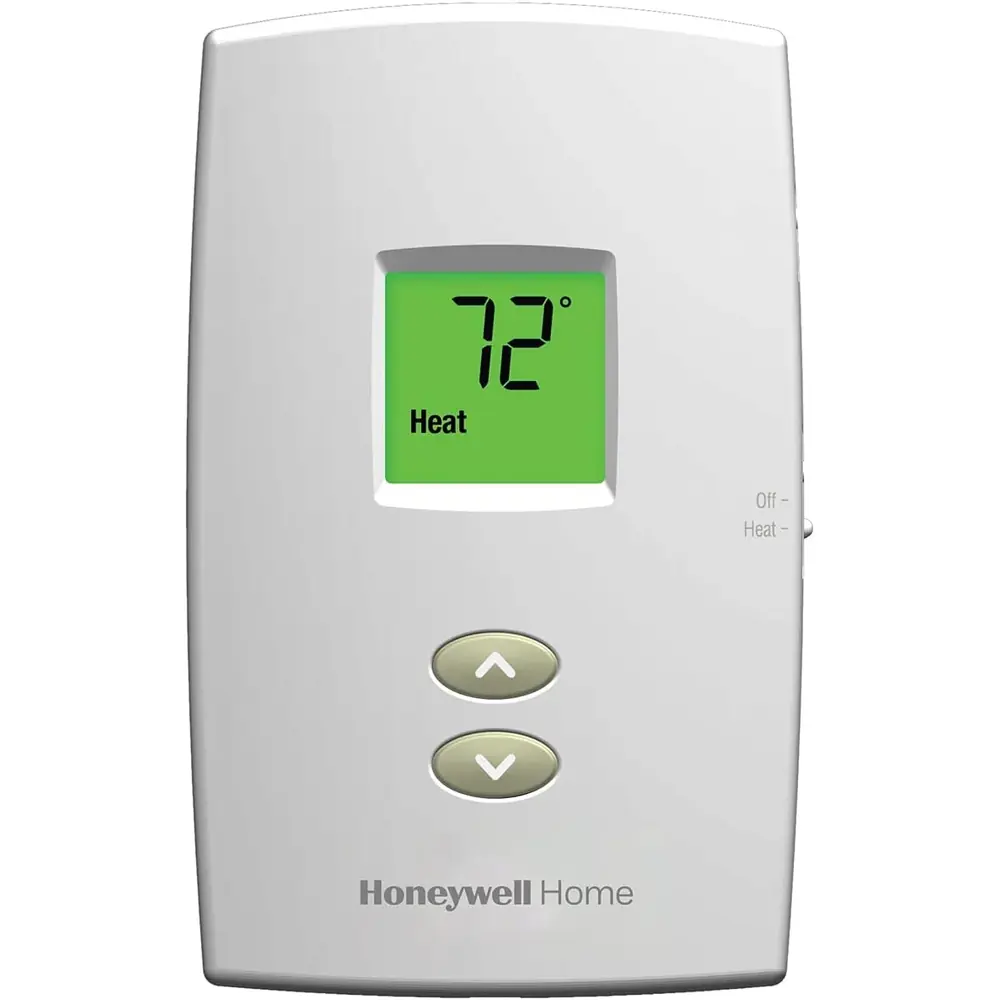
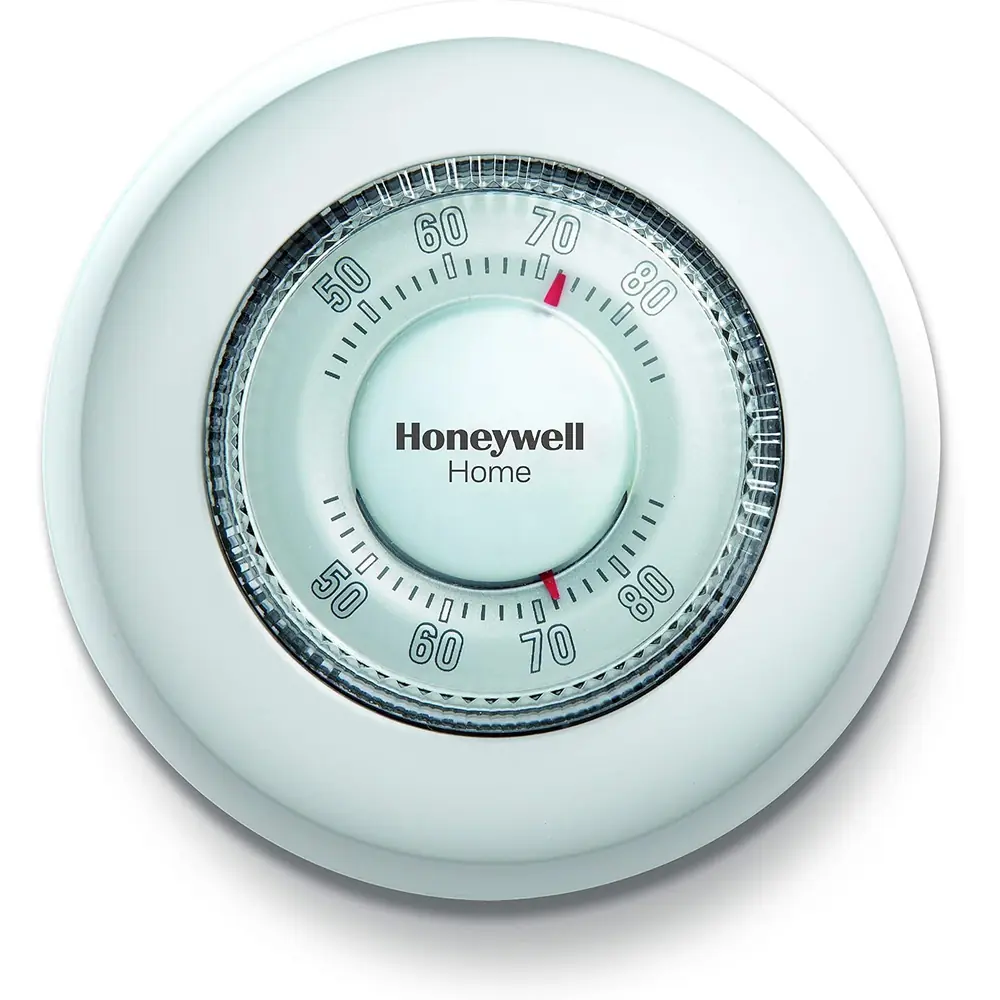
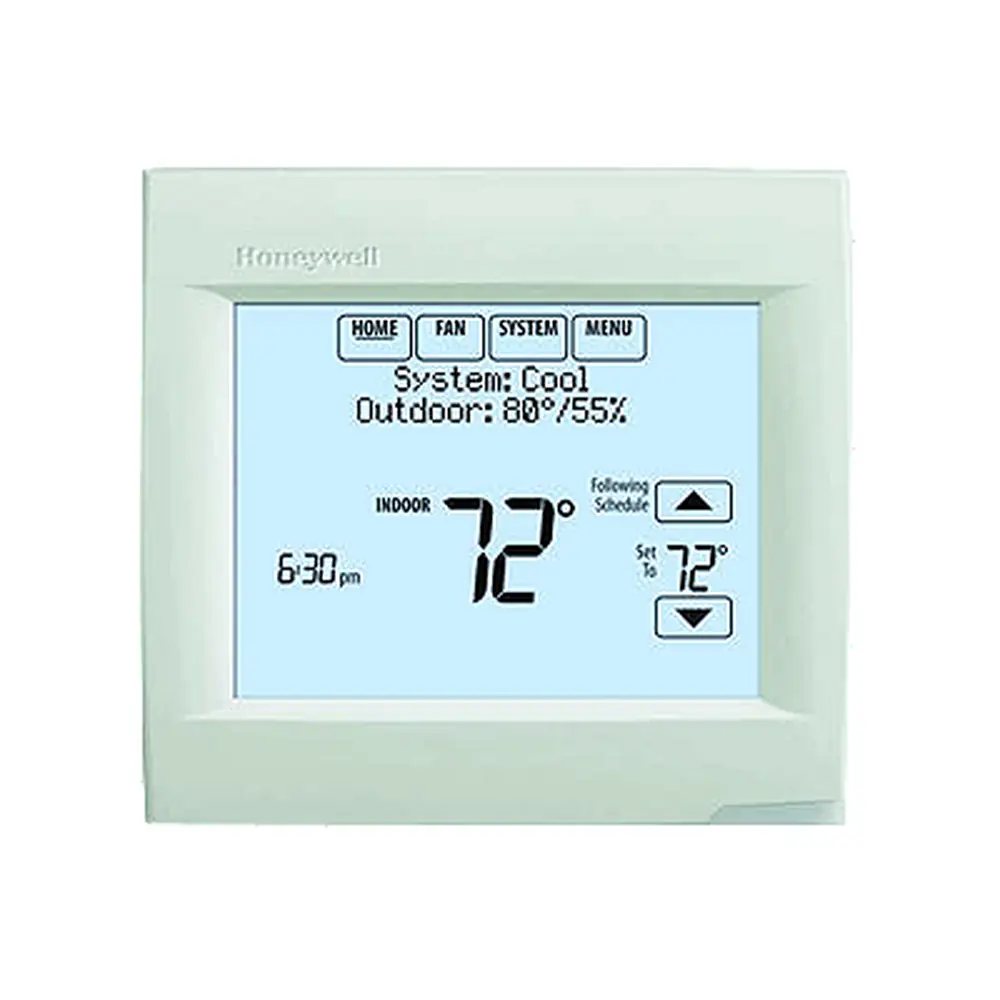
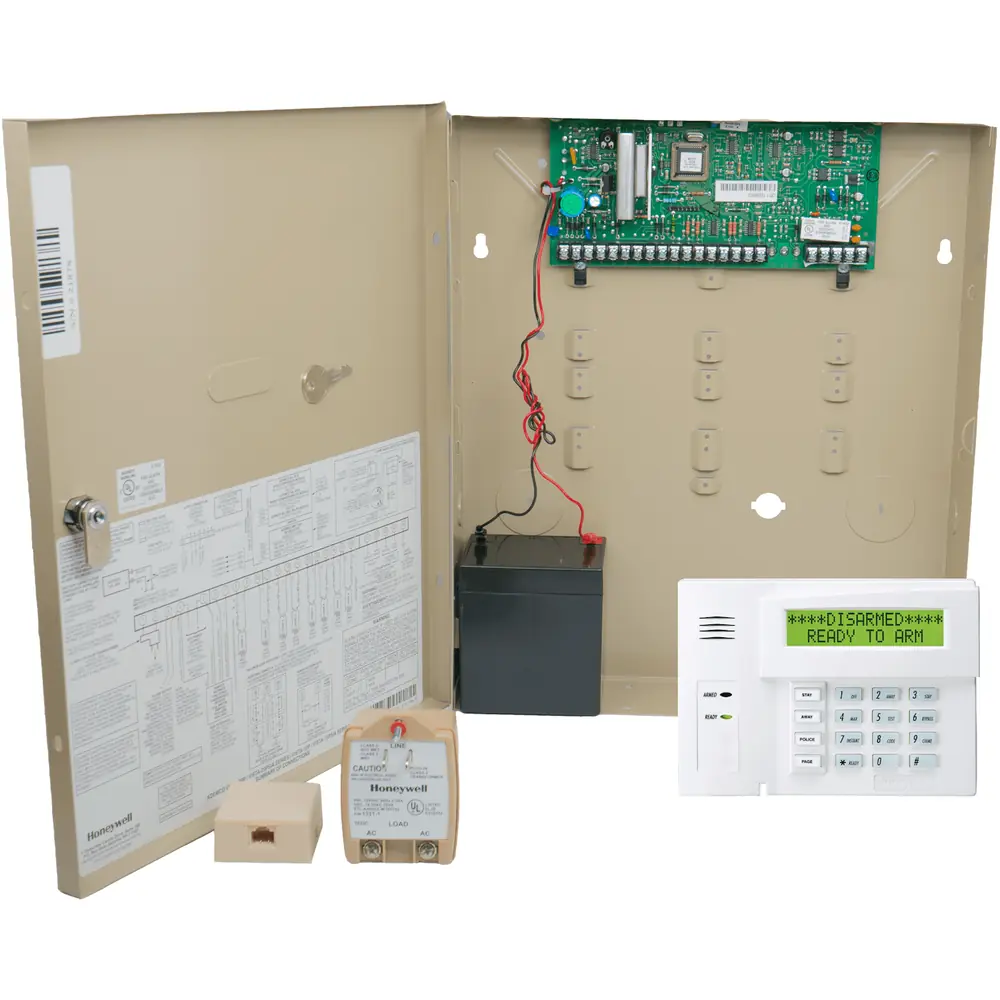
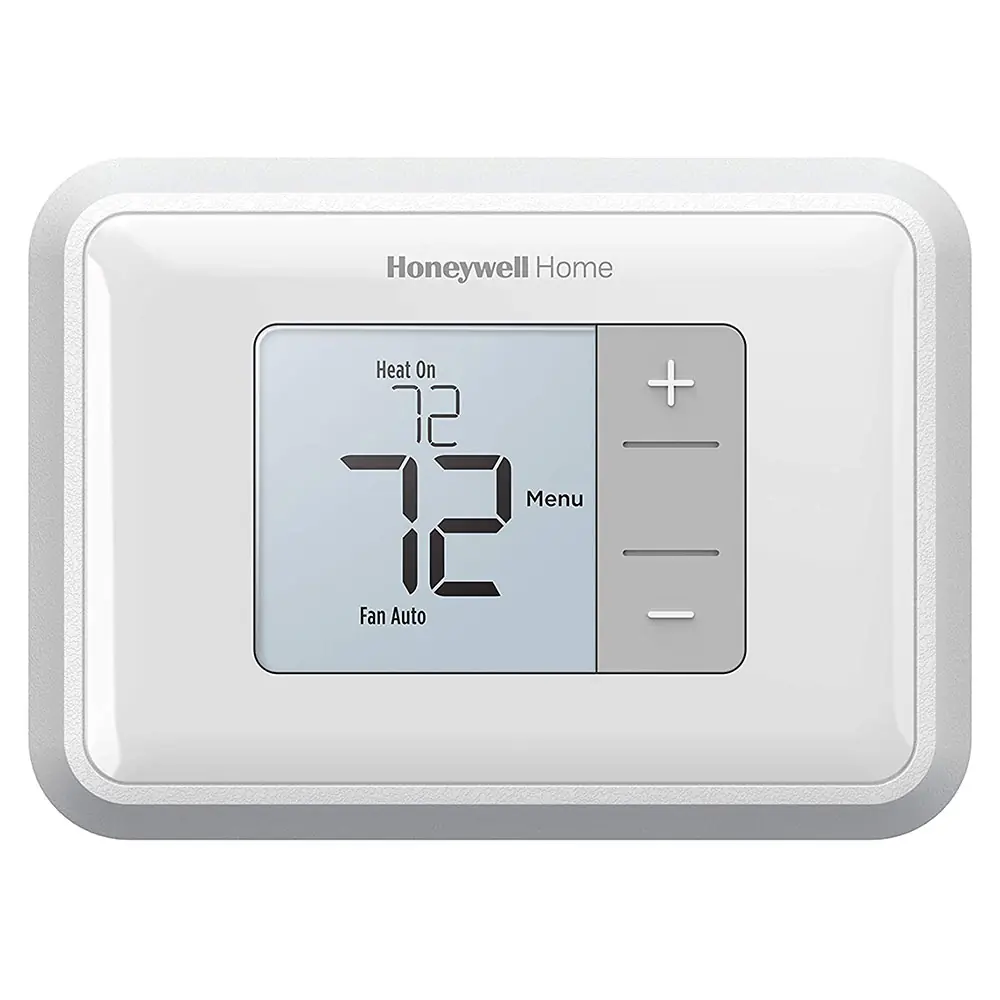
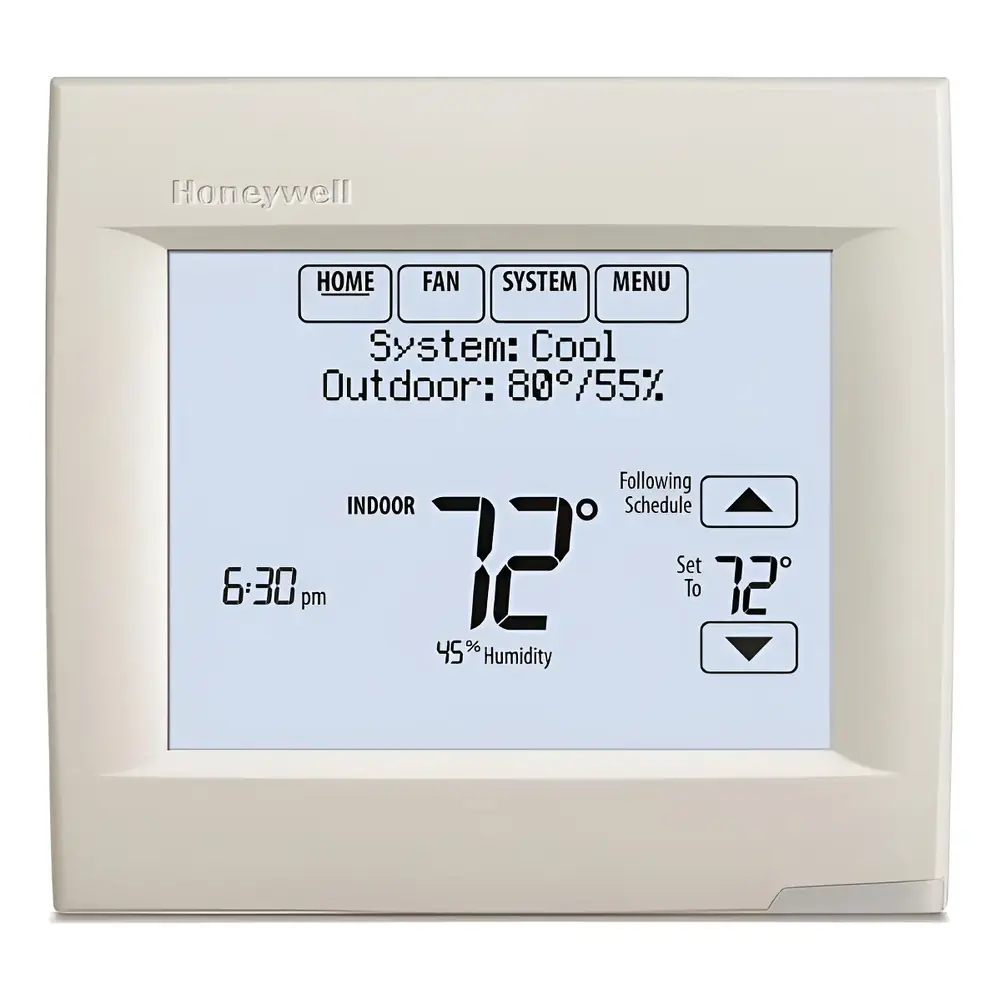
Product Images
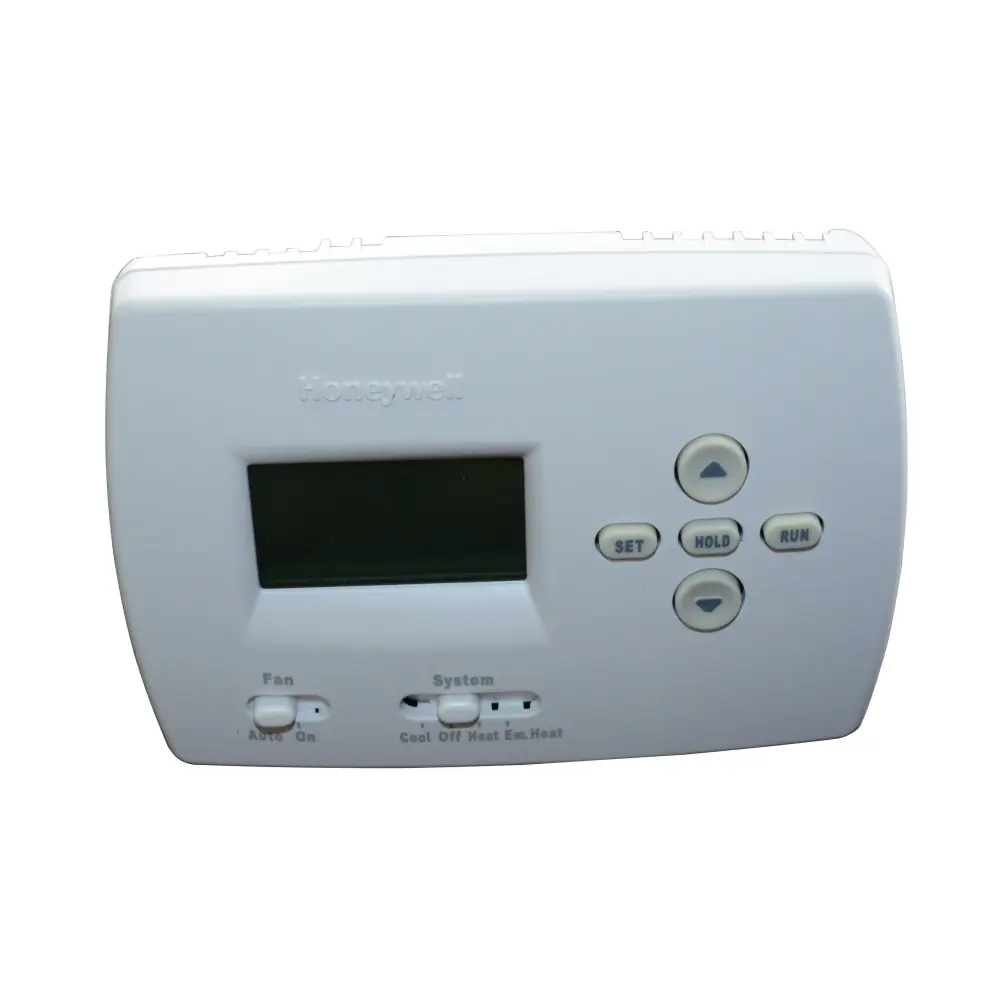
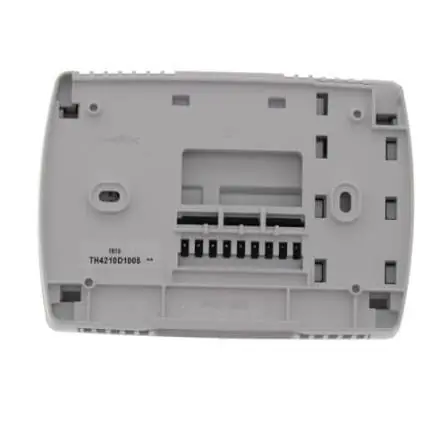
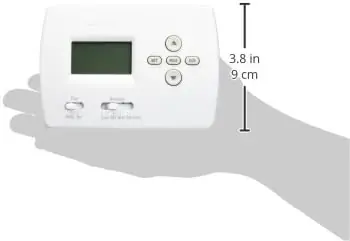
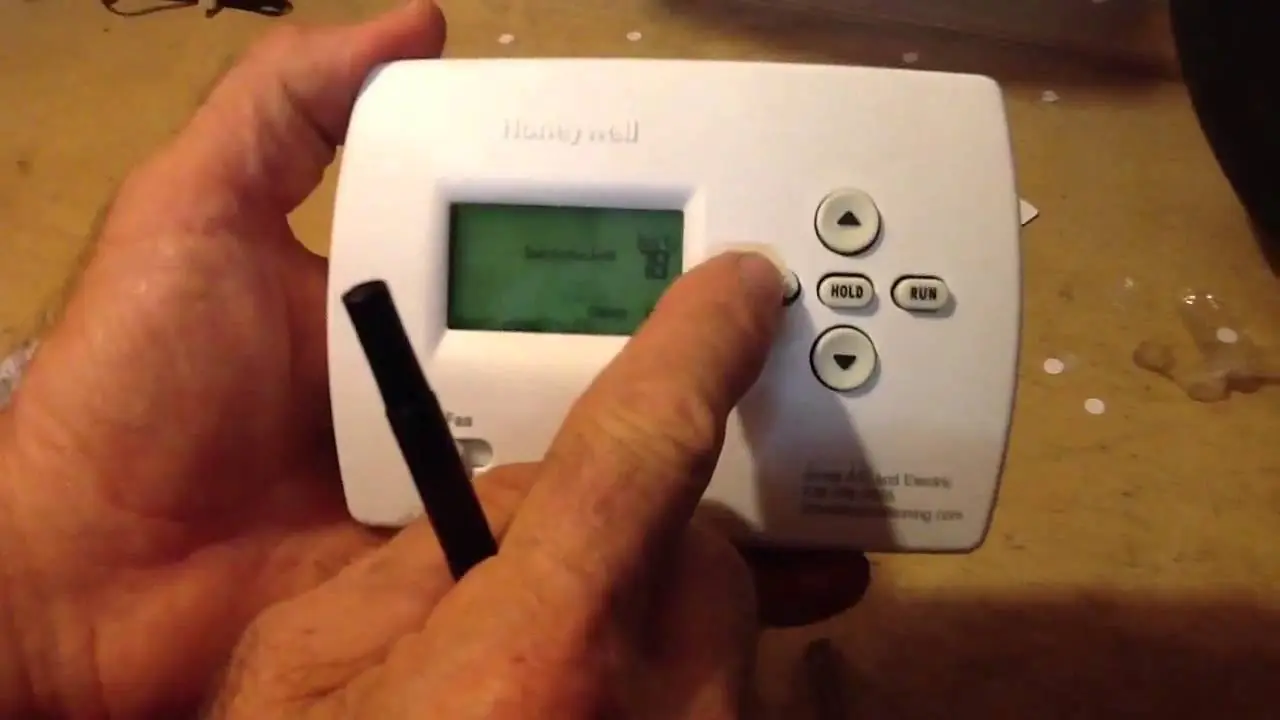
Honeywell TH4210D1005 TH4000 Series Thermostat Specifications
| Category | Specification | Details |
|---|---|---|
| Model Covered | TH4210D1005 (TH4000 Series) | For 2 Heat/1 Cool heat pump systems only |
| Temperature Ranges (Heat) | 40° to 90°F | (4.5° to 32°C) |
| Temperature Ranges (Cool) | 50° to 99°F | (10° to 37°C) |
| Operating Ambient Temperature | 32° to 120°F | (0° to 48.9°C) |
| Shipping Temperature | -20° to 120°F | (-28.9° to 48.9°C) |
| Operating Relative Humidity | 5% to 90% | (non-condensing) |
| Physical Dimensions (H x W x D) | 3-13/16” x 5-3/8” x 1-1/4” | (97 mm x 137 mm x 32 mm) |
| Electrical Ratings (Voltage 50/60Hz) |
Heat (1st stage) | 20-30 Vac |
| (Powerpile) | 750 mV DC | |
| Emergency Heat | 20-30 Vac | |
| Auxiliary Heat | 20-30 Vac | |
| Cooling | 20-30 Vac | |
| Wiring Specifications | 18- to 22-gauge thermostat wire | Shielded cable not required |
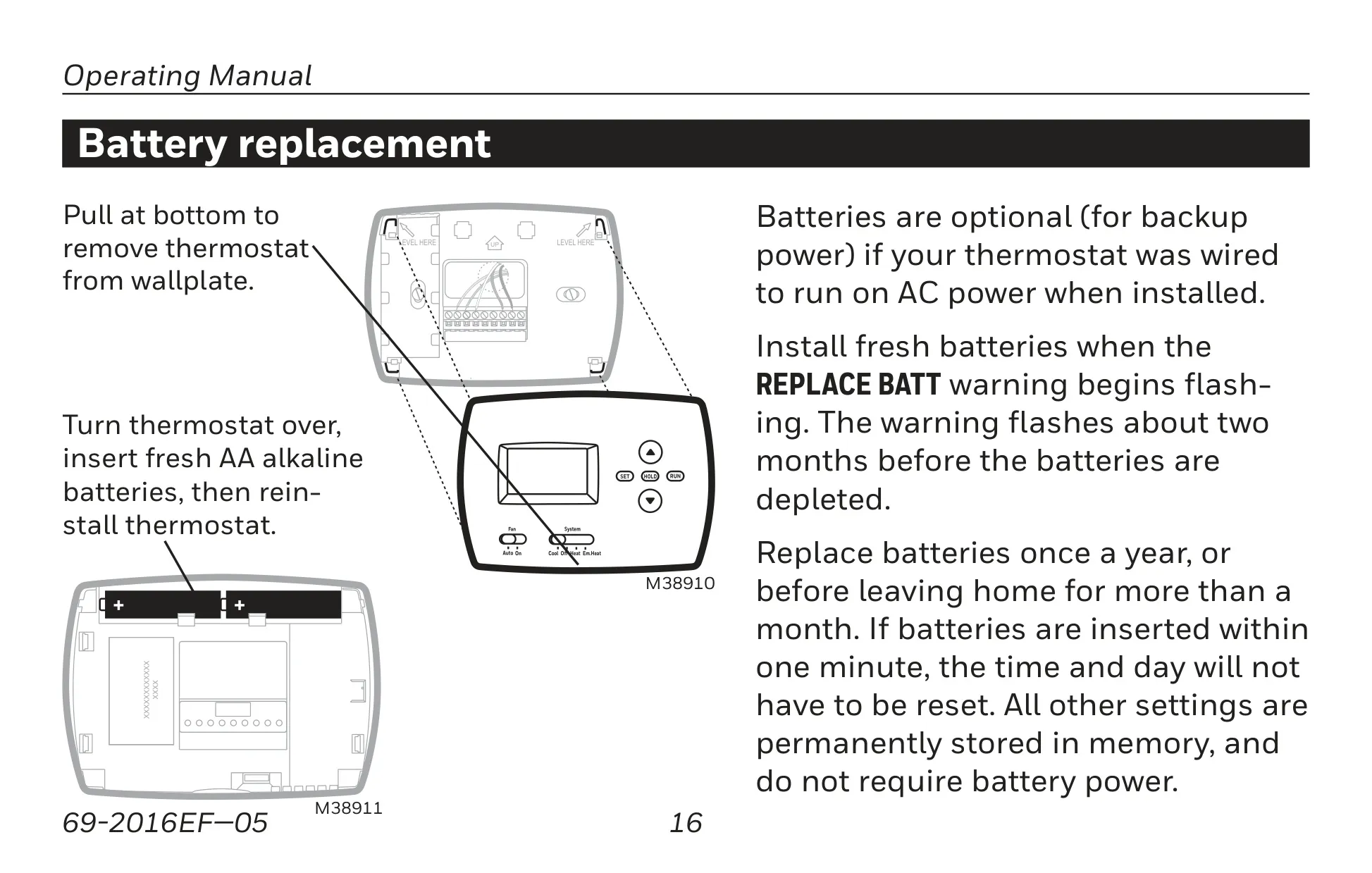
| Power Options | 24 Vac (via C-wire) or AA Alkaline Batteries | Batteries optional for backup if AC-powered |
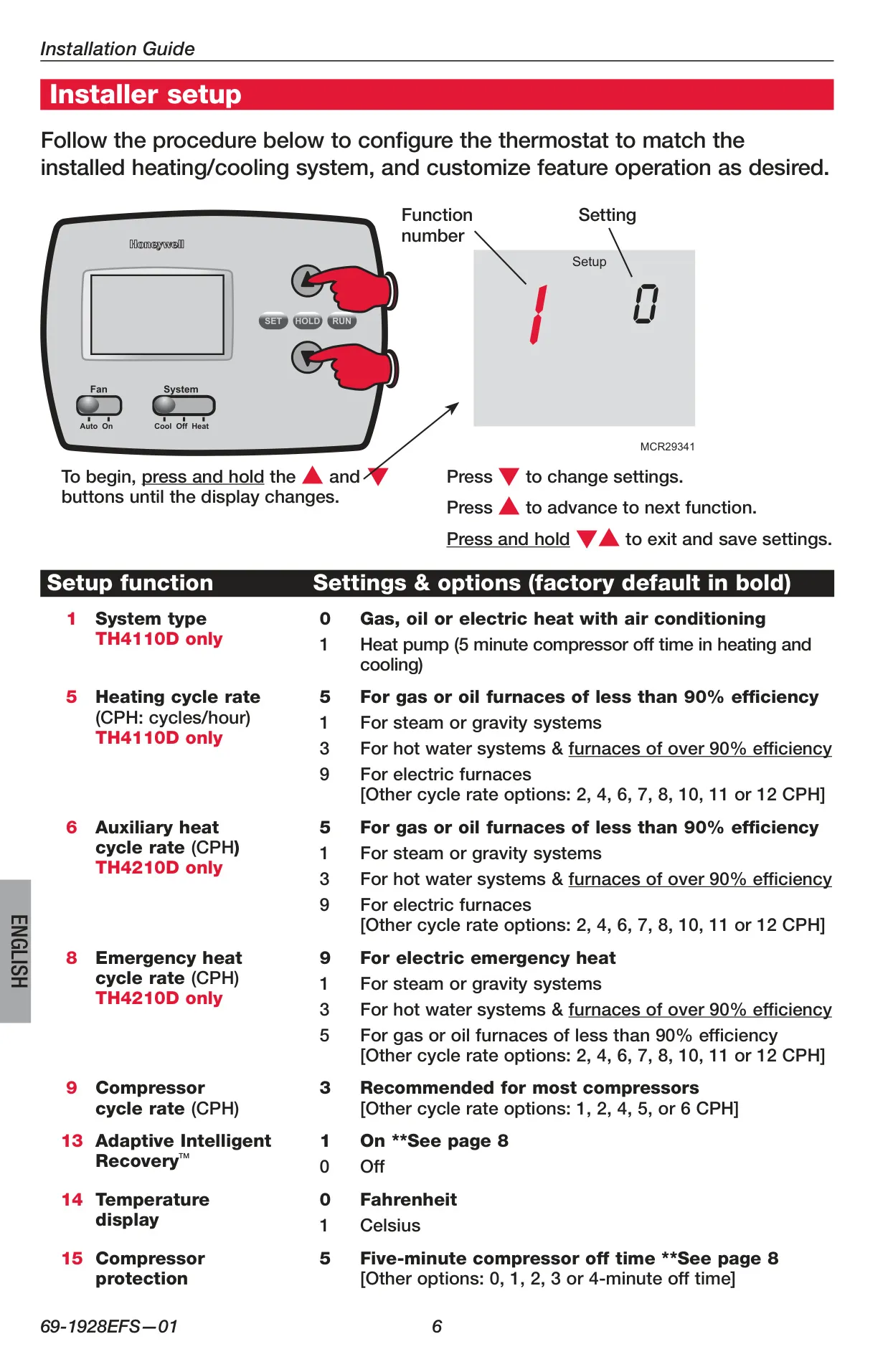
| Compressor Protection | 5-minute off time | Configurable (0-5 minutes) |
Honeywell TH4210D1005 Thermostat Details
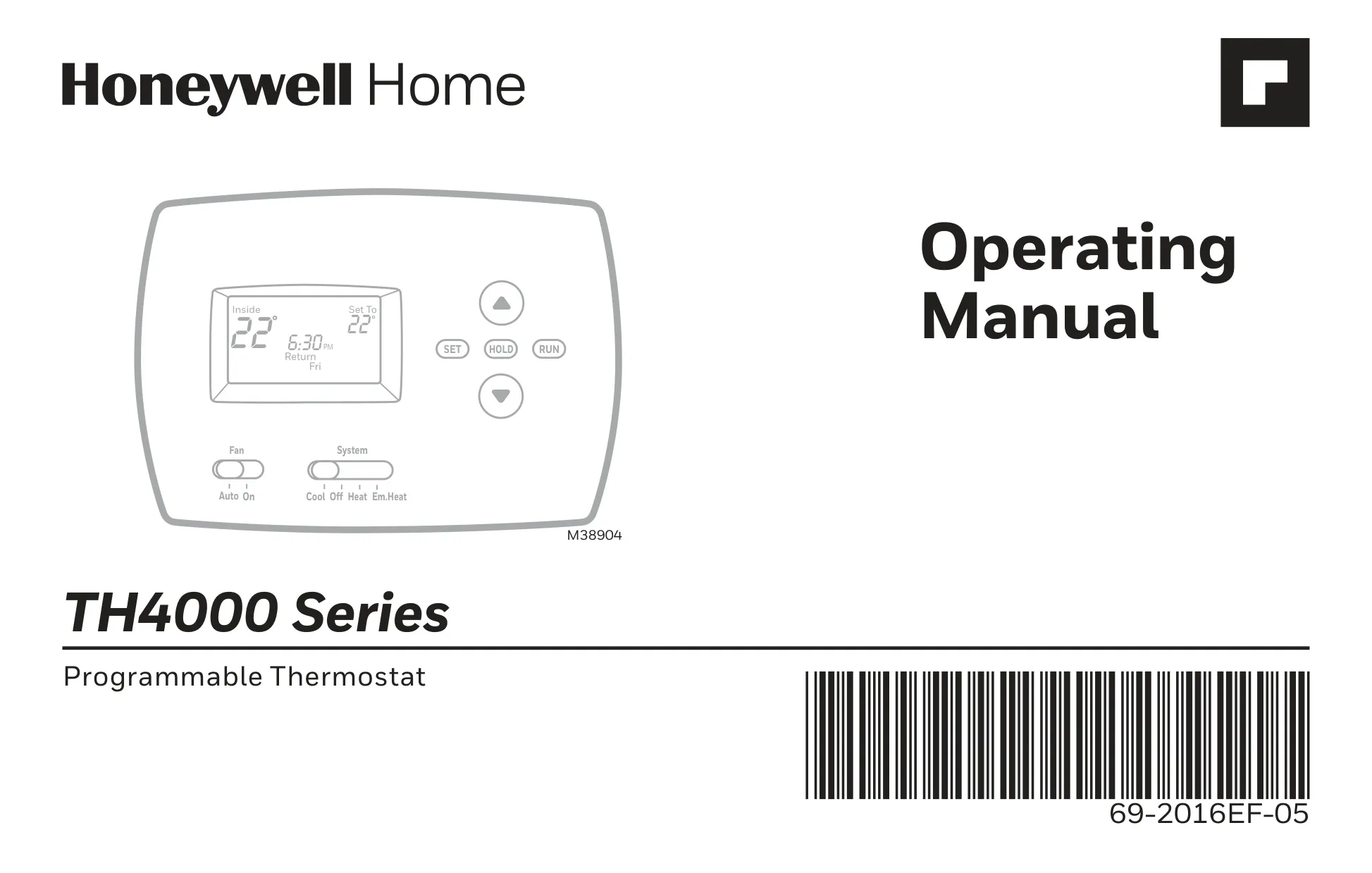
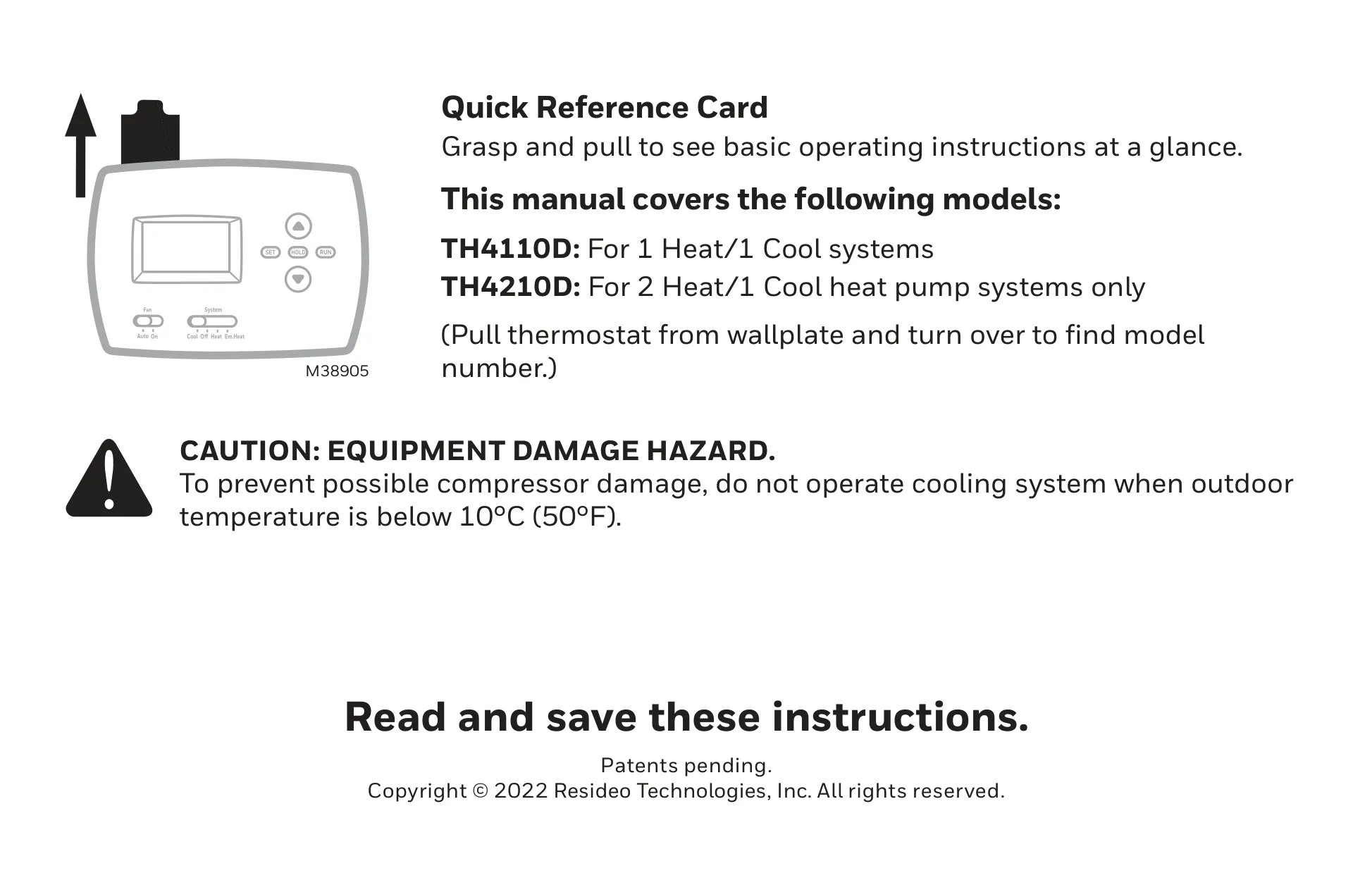
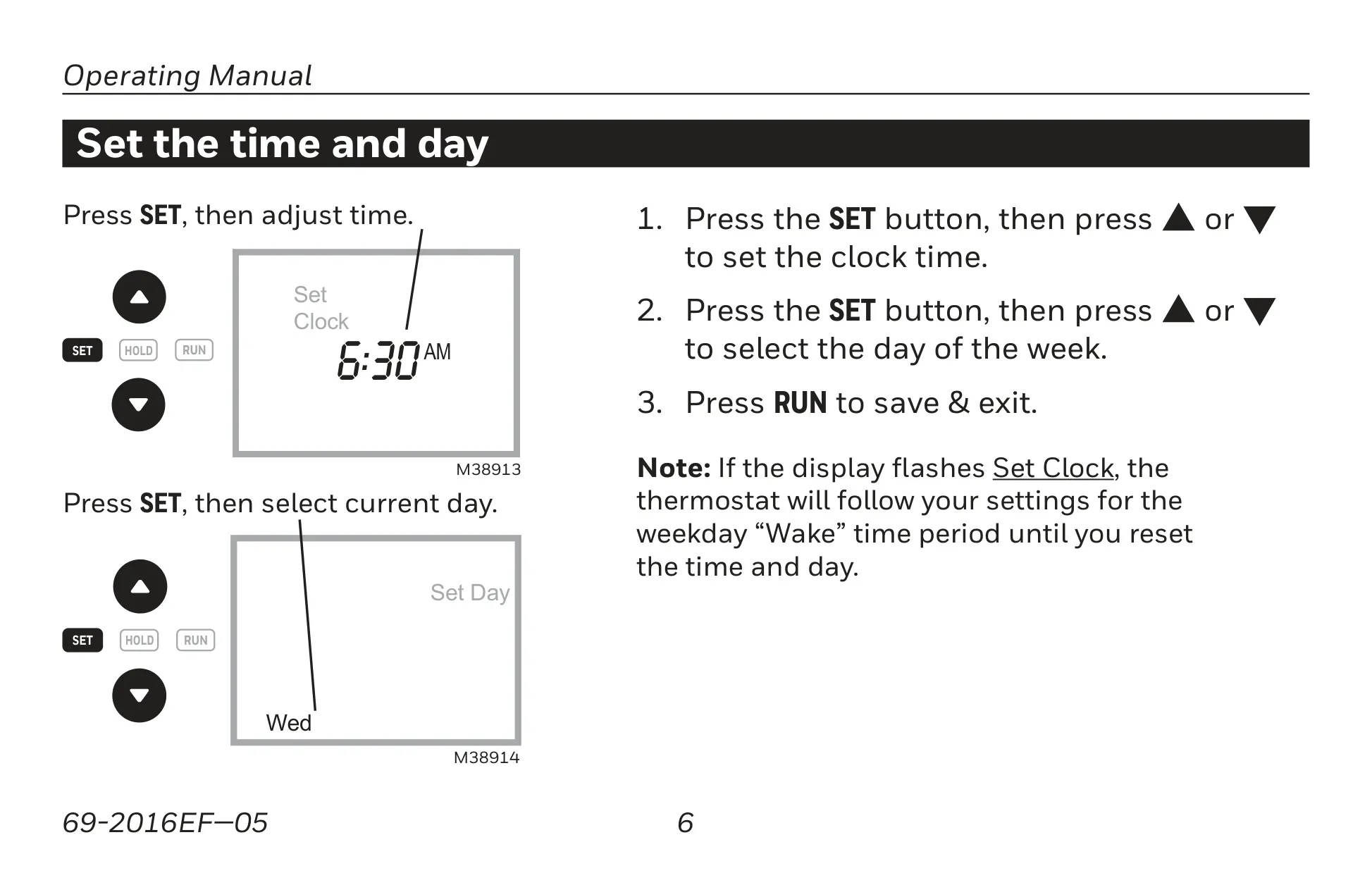
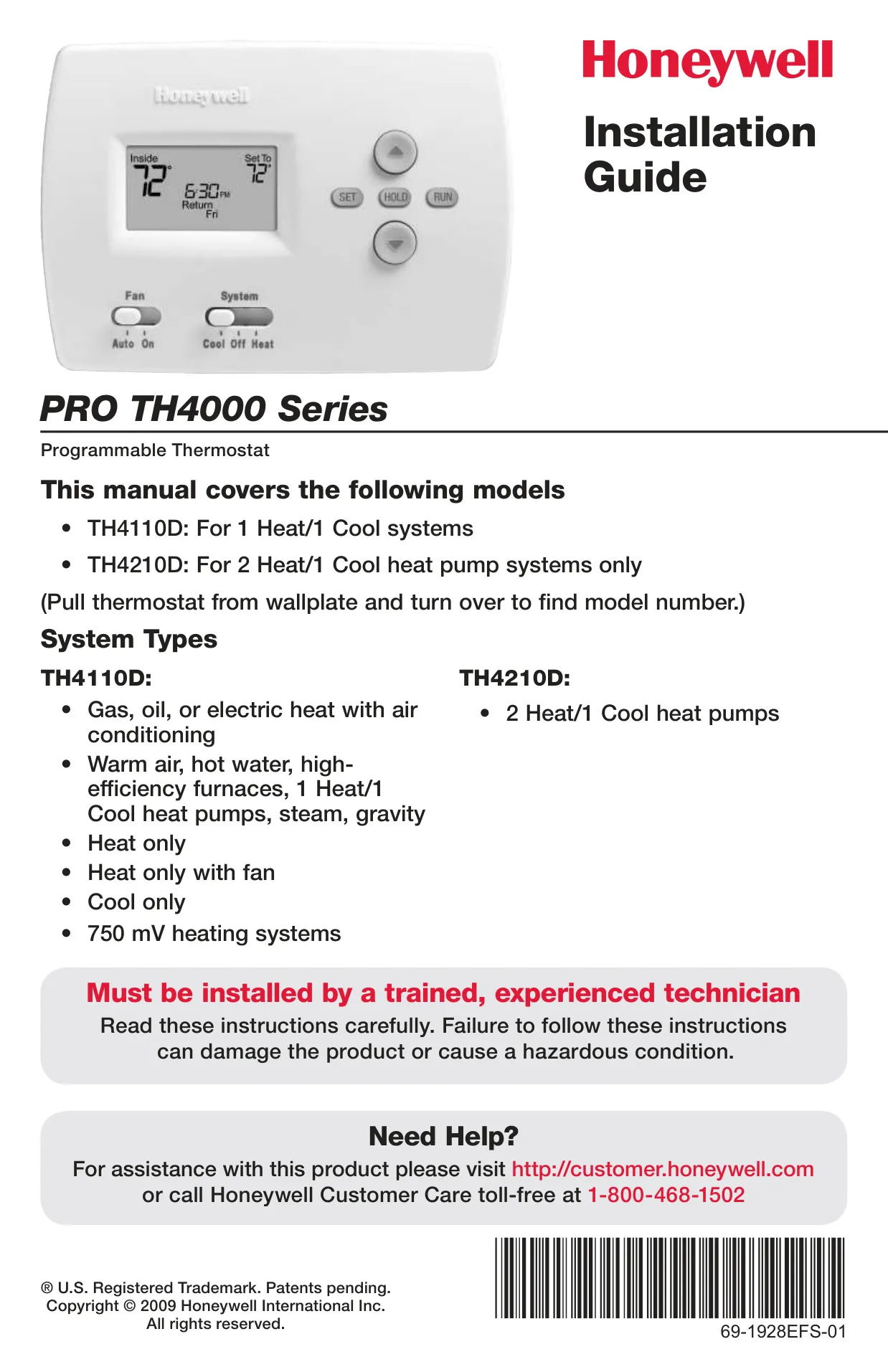
The Honeywell TH4210D1005, a member of the TH4000 Series, is specifically designed for 2 Heat/1 Cool heat pump systems only. This programmable thermostat arrives pre-programmed with energy-saving settings, meaning you primarily need to set the current time and day to begin operation. Its intuitive design aims to provide years of reliable service and straightforward climate control with push-button ease.
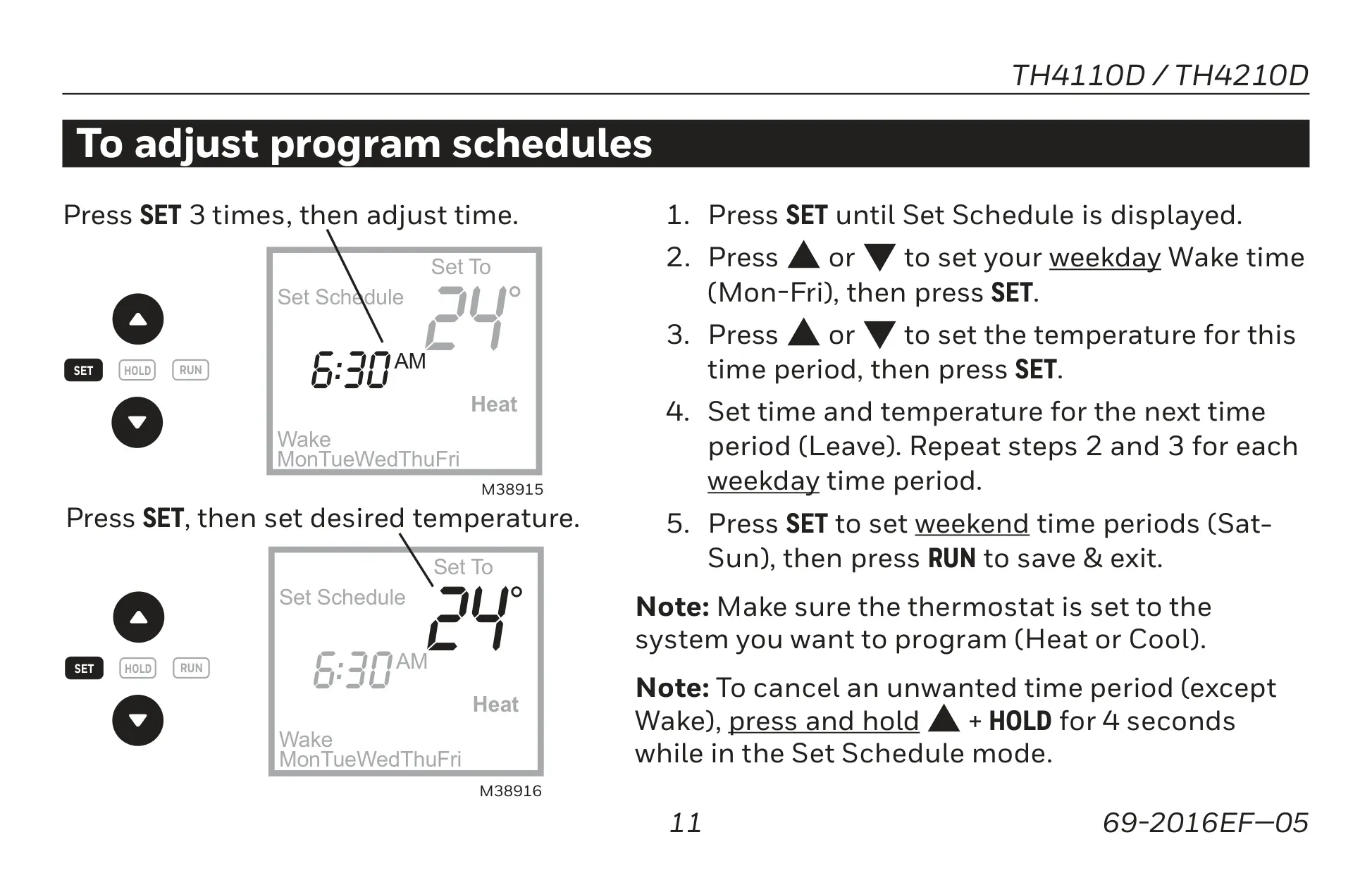
A key feature is its flexible programming capability, allowing for separately programmable weekday/weekend schedules. Users can define four distinct time periods each day—Wake, Leave, Return, and Sleep—each with custom temperature settings to optimize comfort and energy savings. This level of customization helps users manage their heating and cooling expenses effectively.
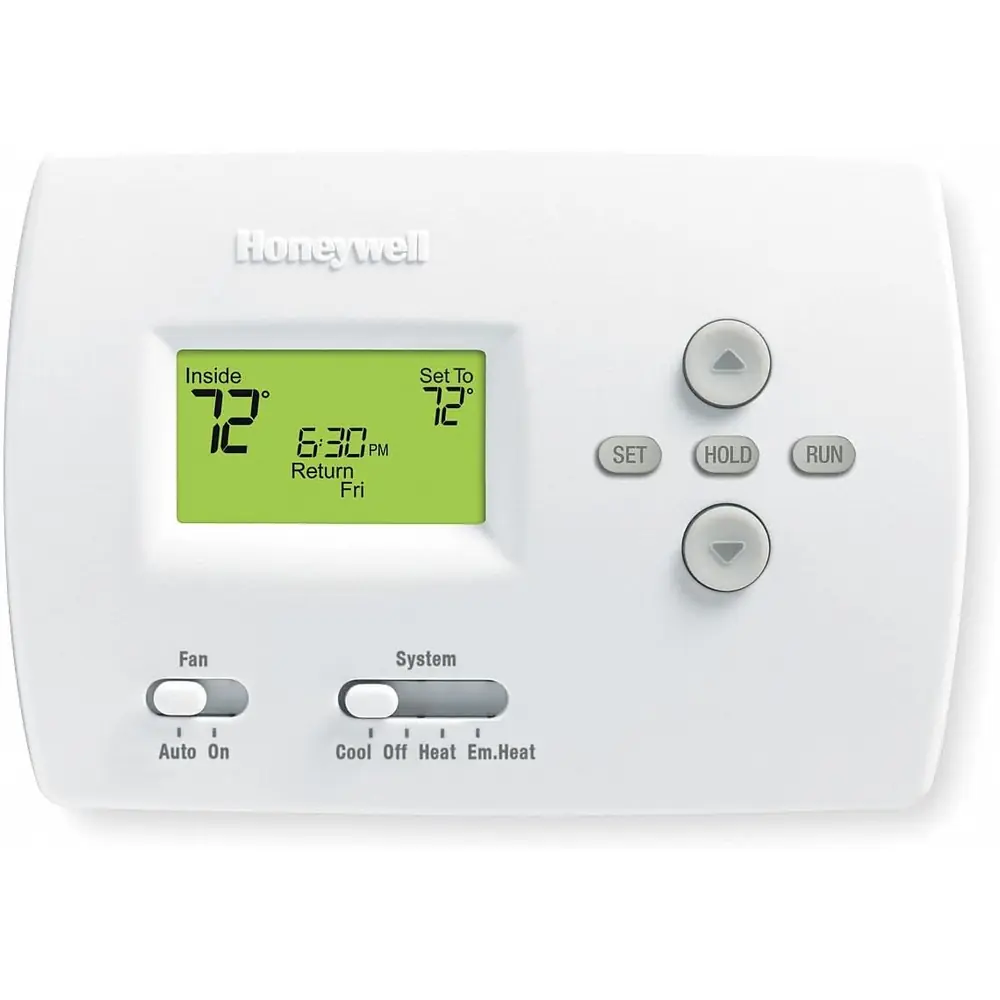
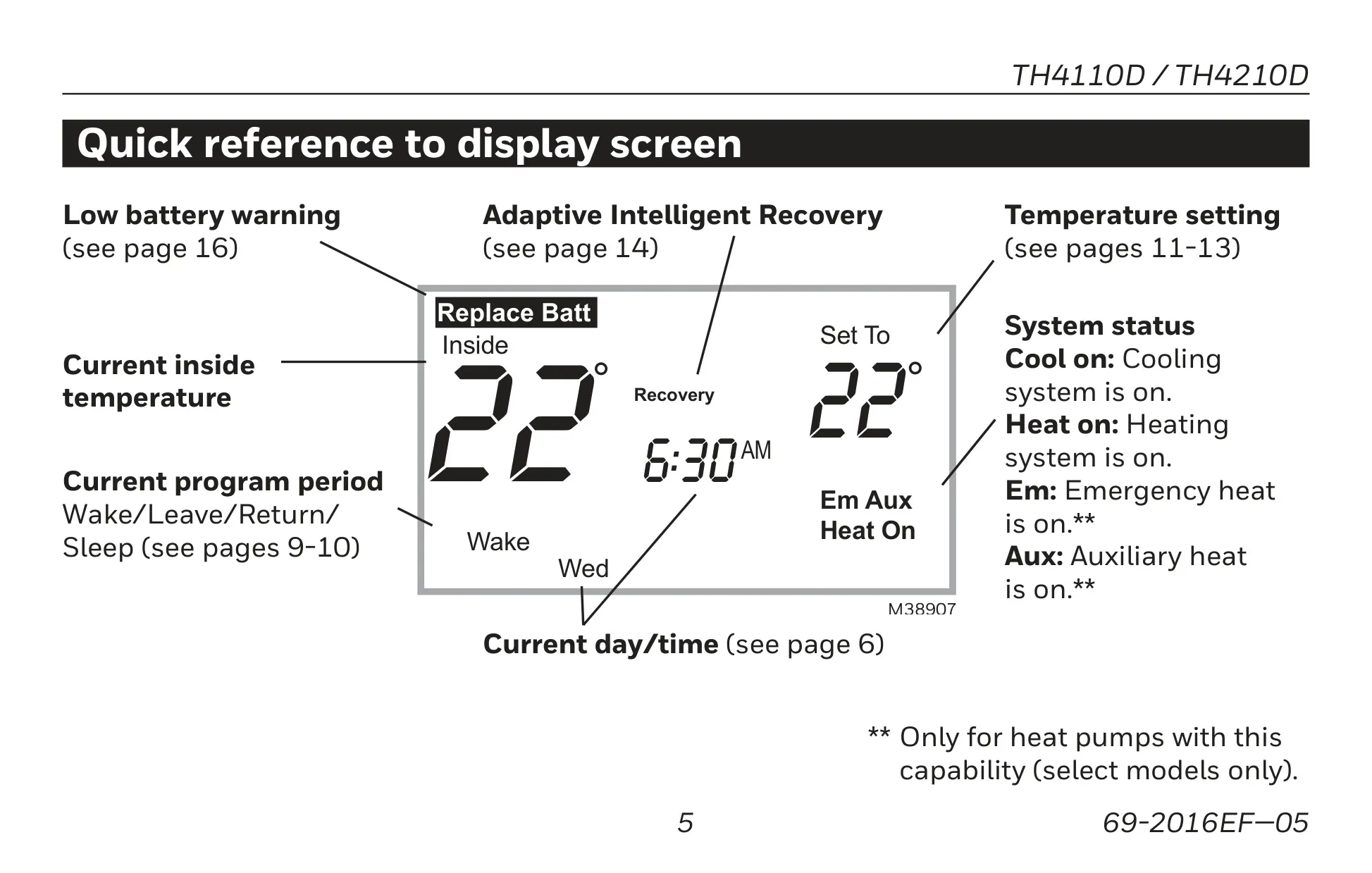
The thermostat features a large, clear, backlit display that makes it exceptionally easy to read in various lighting conditions. This display simultaneously shows both the current room temperature and the set temperature, along with the current program period, day/time, and system status, including any low battery warnings or Adaptive Intelligent Recovery indicators.
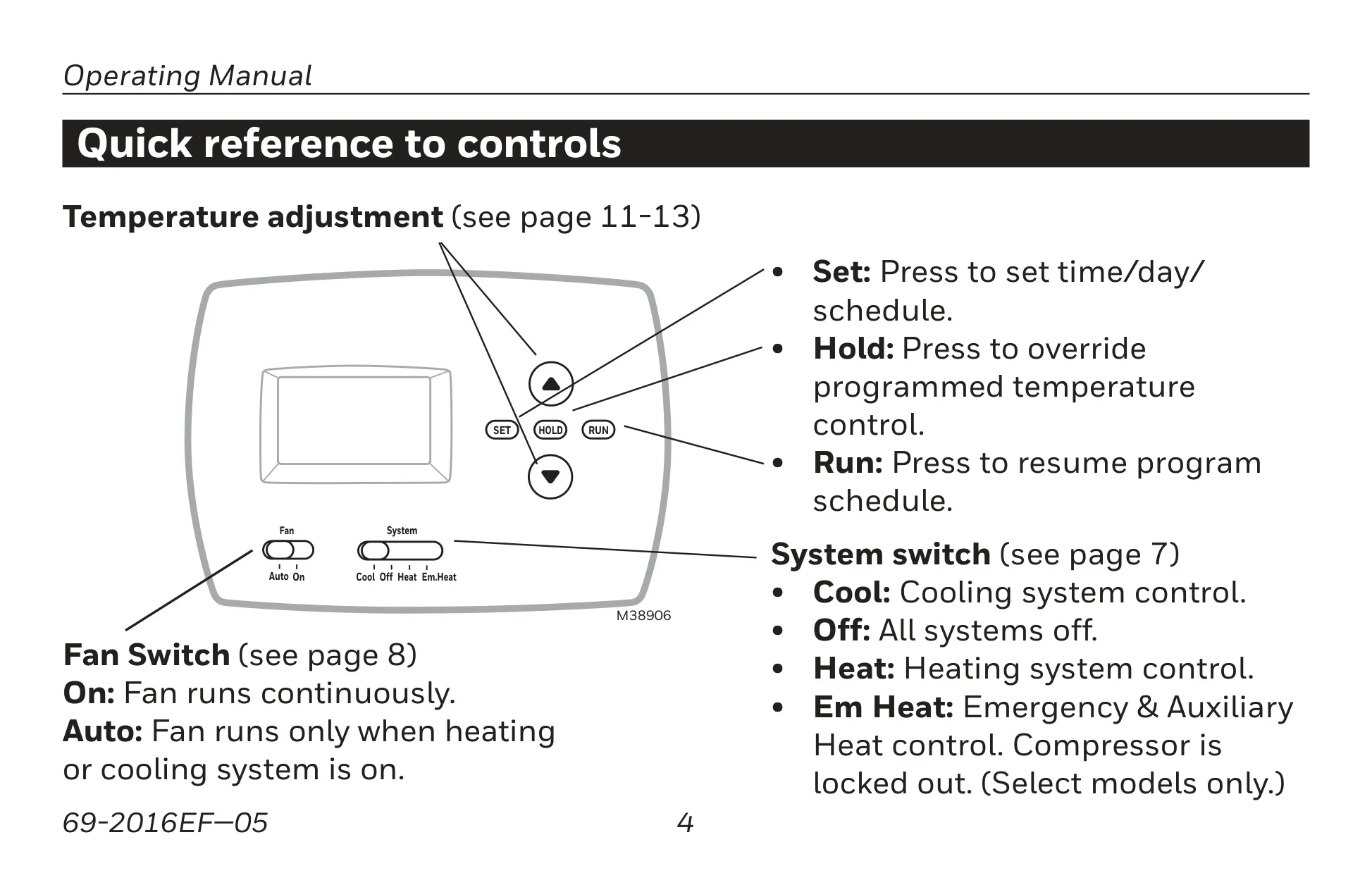
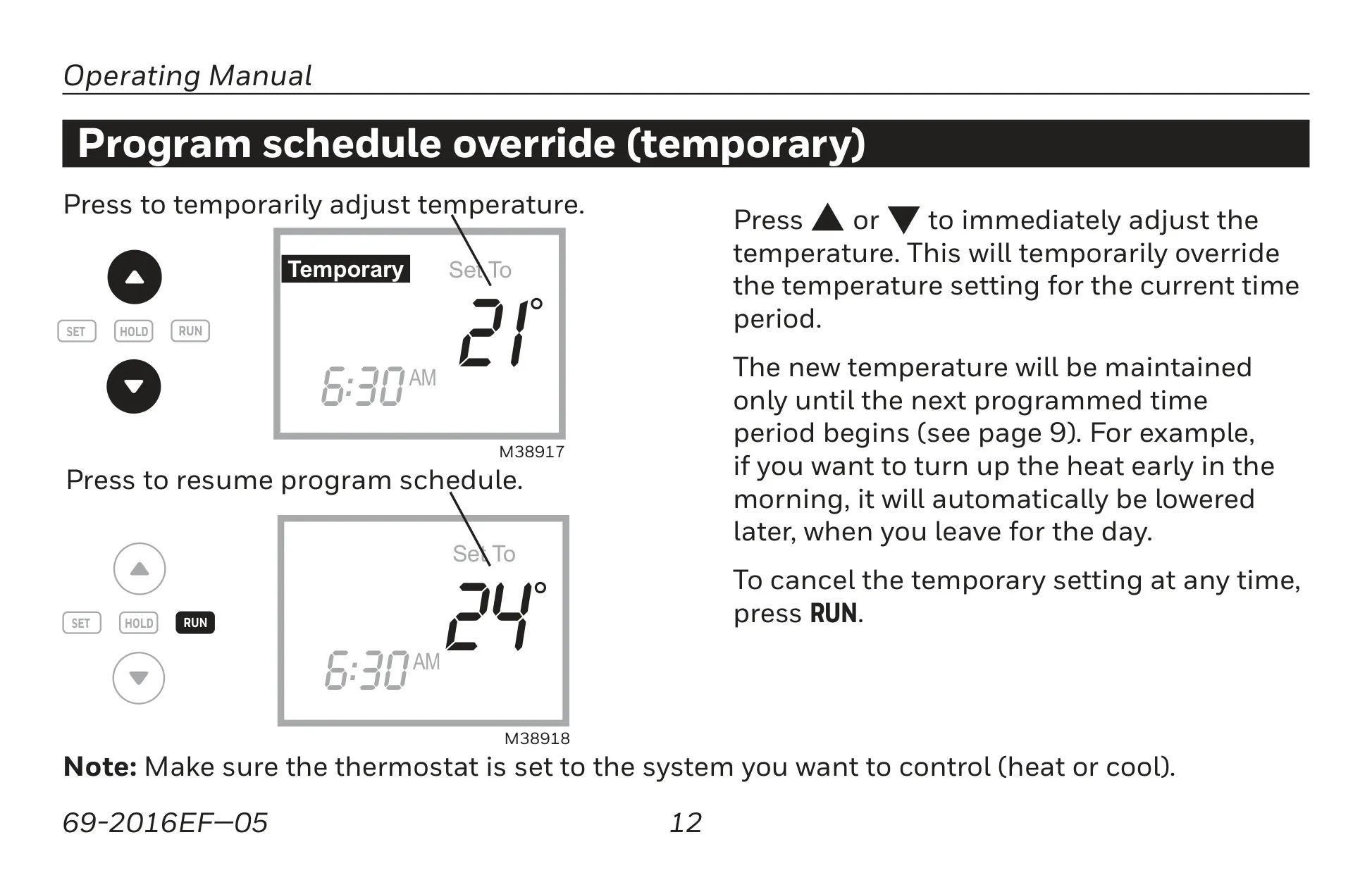
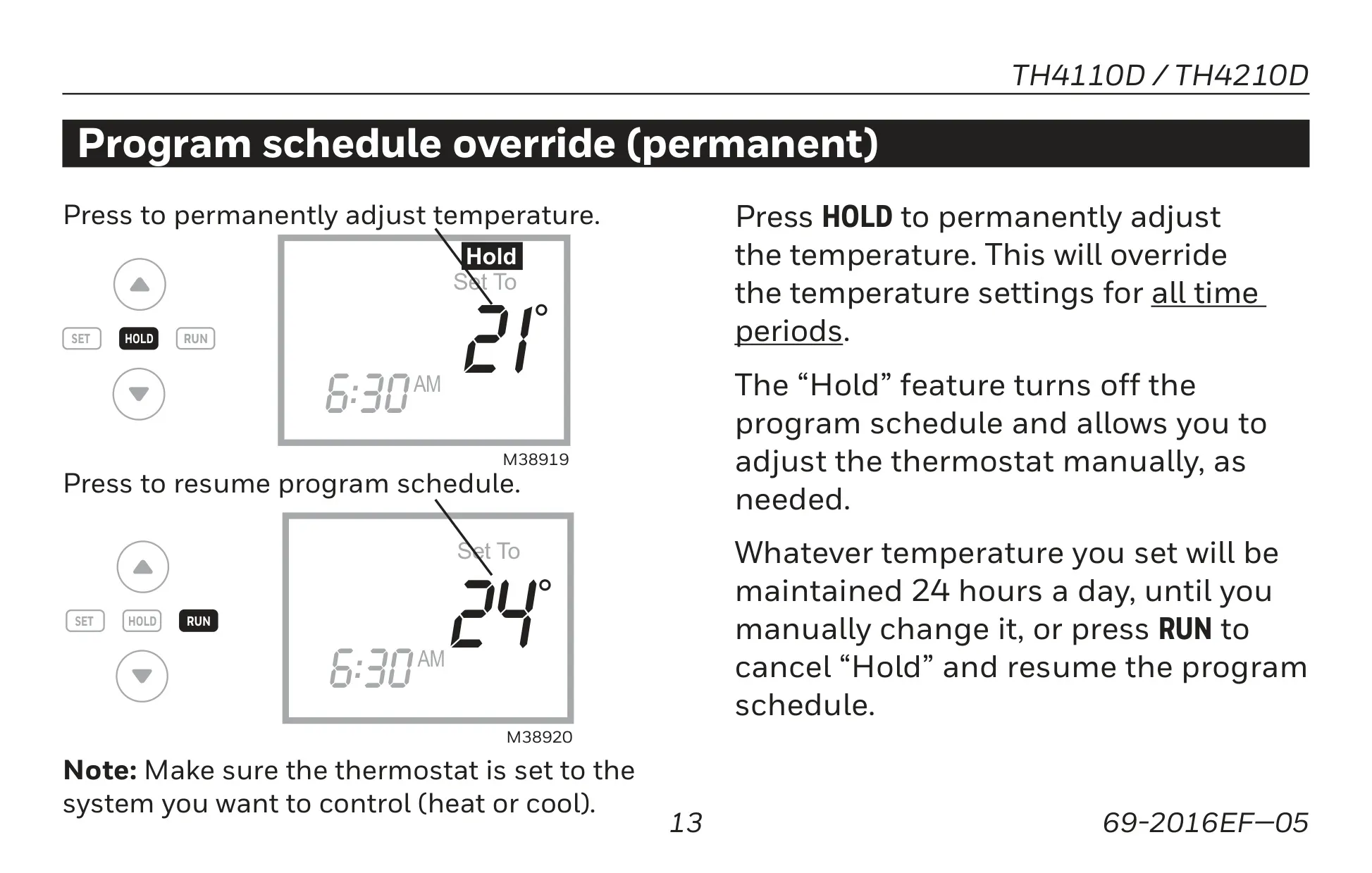
For immediate adjustments, the TH4210D1005 offers a convenient one-touch temperature control override. This allows you to temporarily adjust the temperature, with the new setting maintaining only until the next programmed time period begins. For more prolonged changes, the "Hold" feature provides a permanent override, disabling the program schedule until manually cancelled or the "RUN" button is pressed.
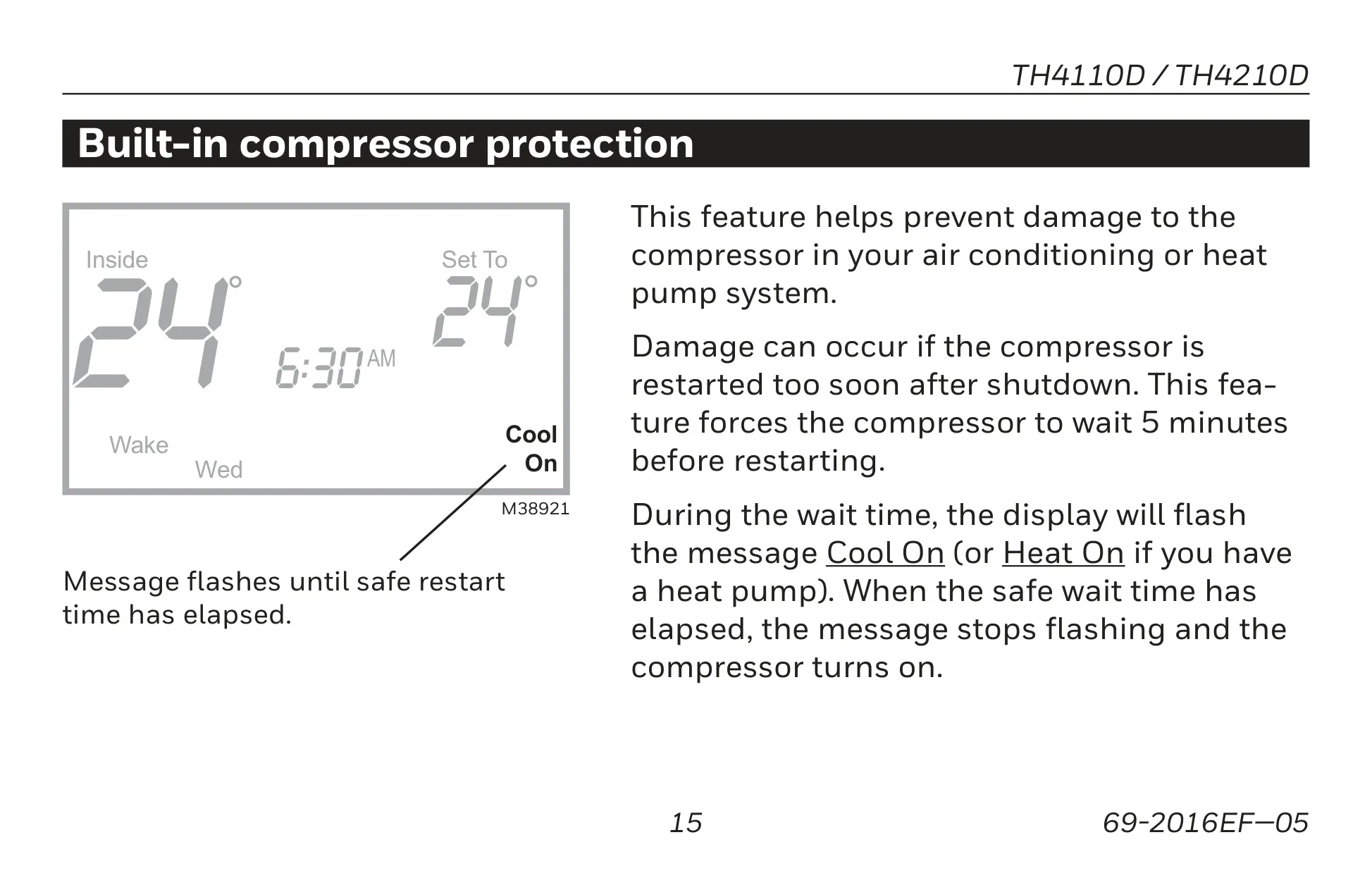
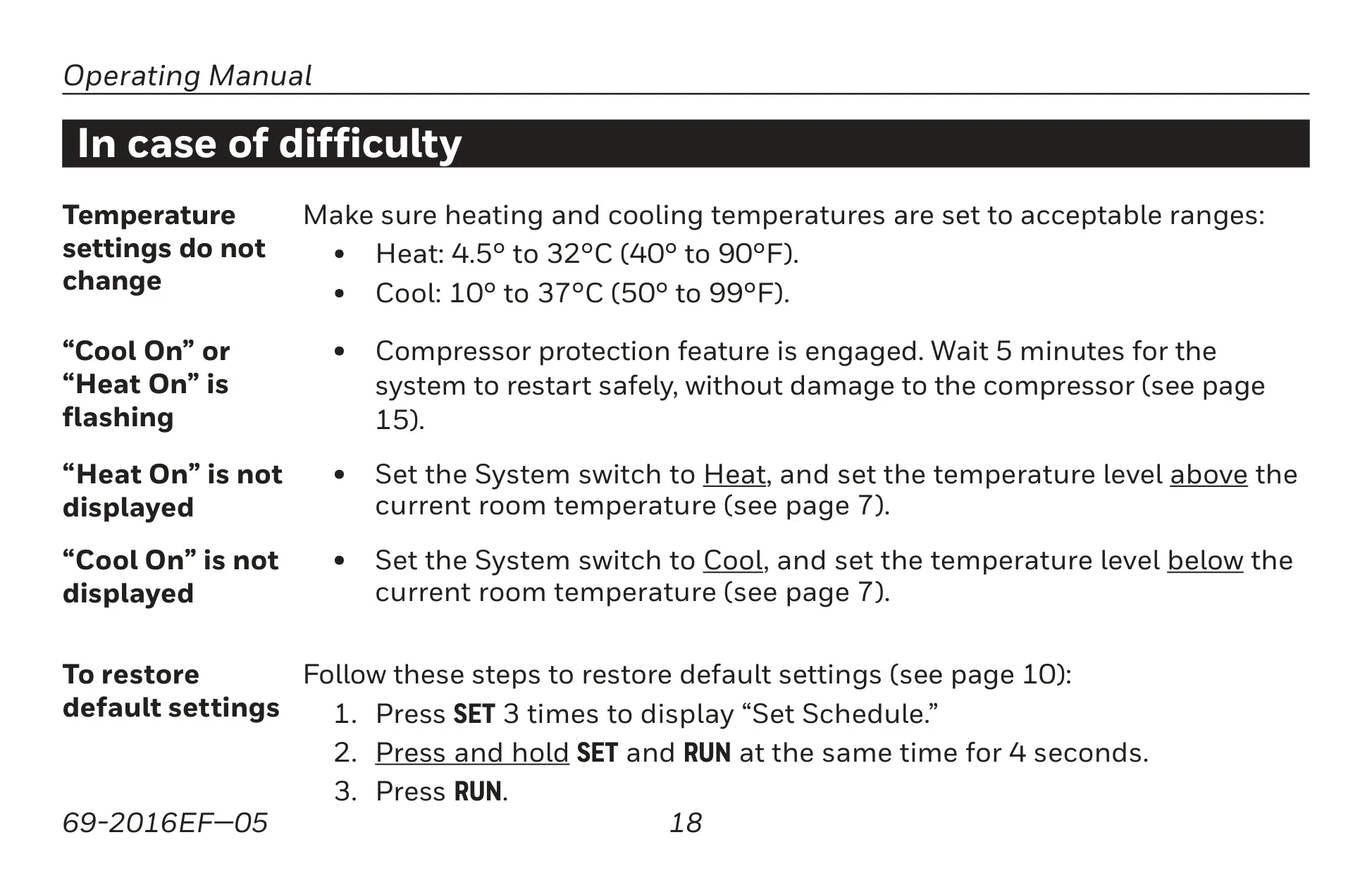
Built-in compressor protection is a critical safety feature, preventing potential damage to your air conditioning or heat pump system. It enforces a 5-minute delay before the compressor restarts, with "Cool On" or "Heat On" flashing on the display during this wait time. This intelligent mechanism safeguards the compressor from rapid cycling.
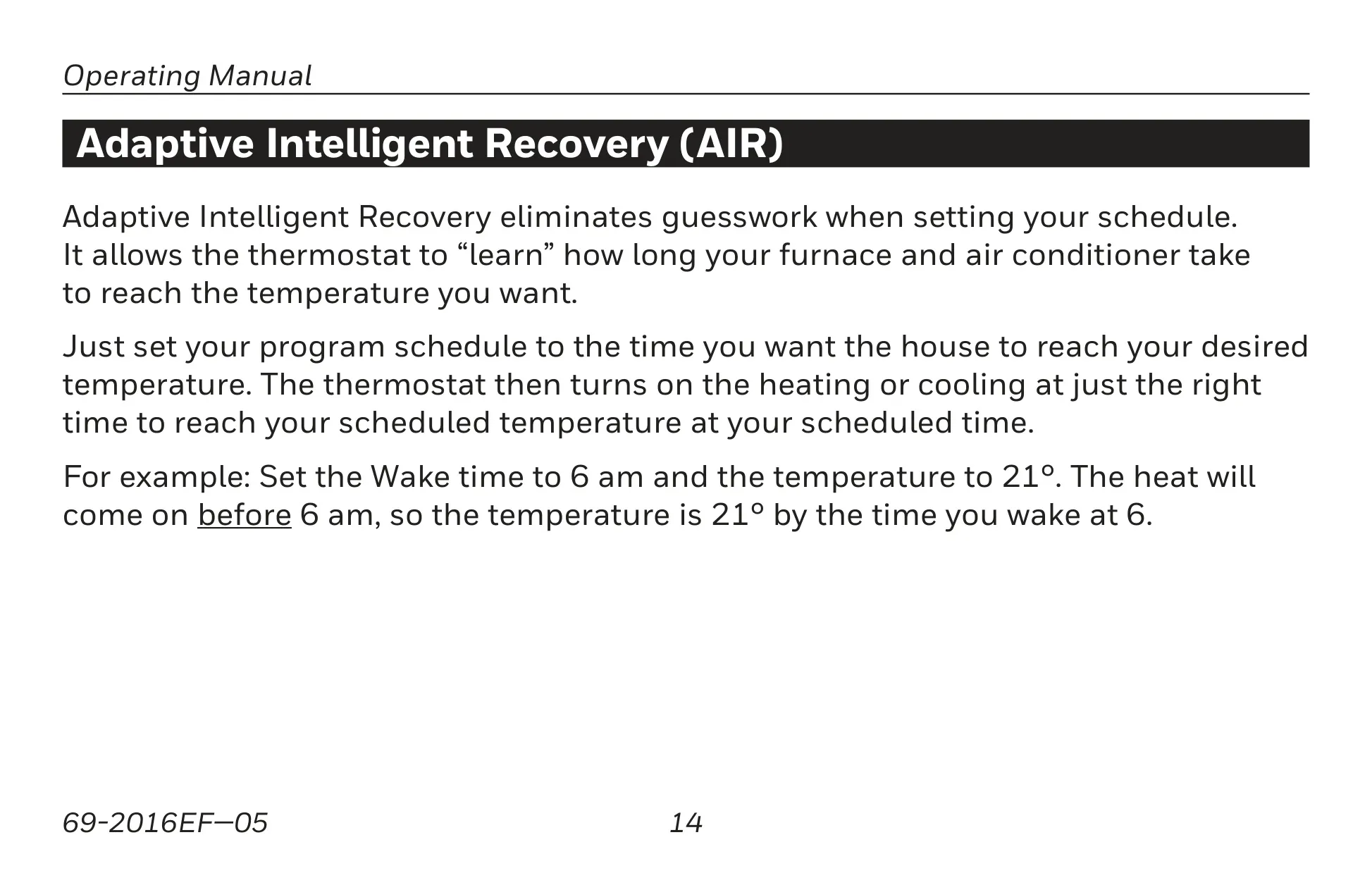
Another advanced capability is Adaptive Intelligent Recovery (AIR). This function enables the thermostat to "learn" how long your heating or cooling system takes to reach a desired temperature. By anticipating the required run time, AIR ensures that your home reaches your scheduled temperature precisely at your programmed time, enhancing comfort without manual adjustments.
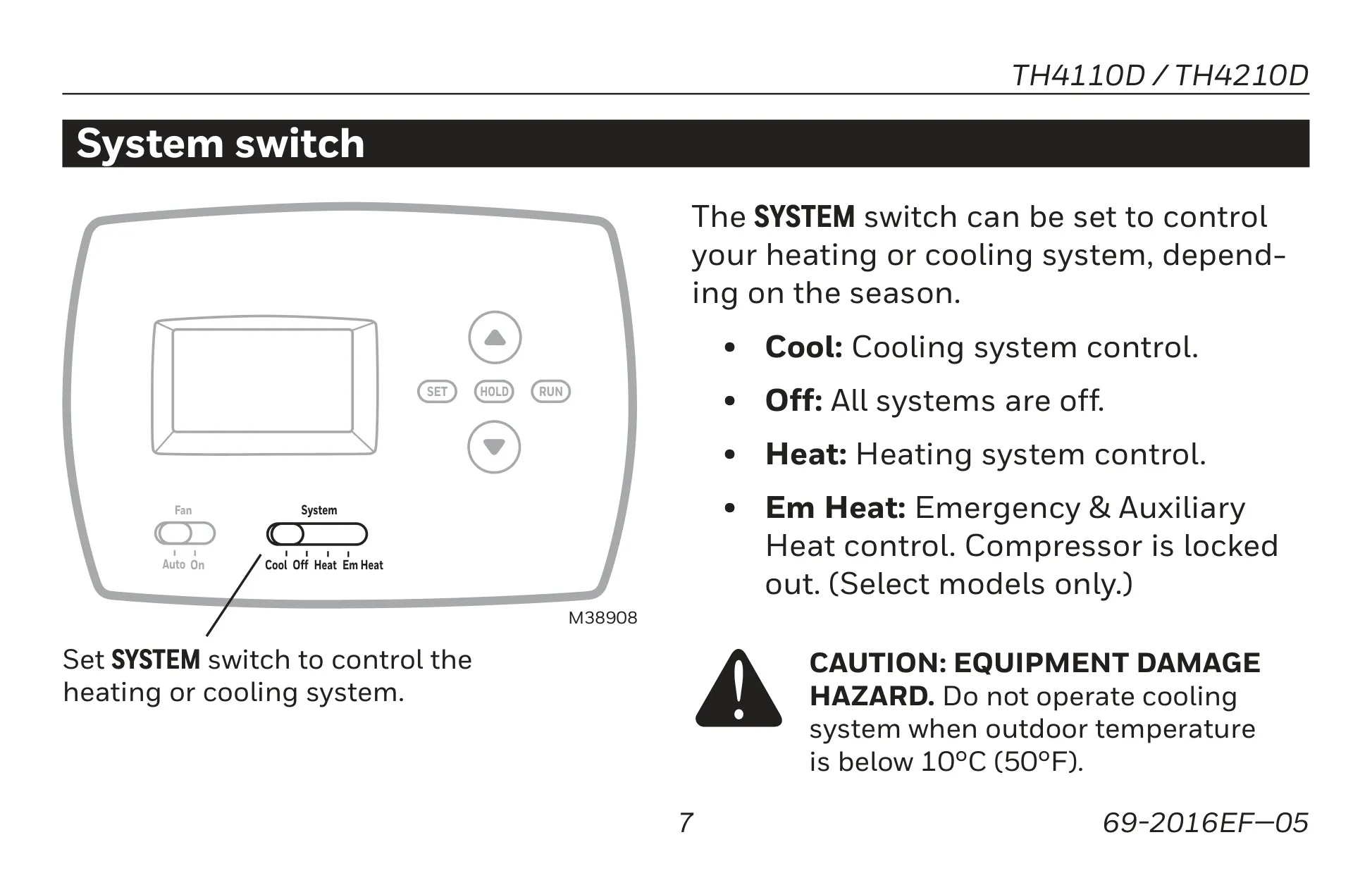
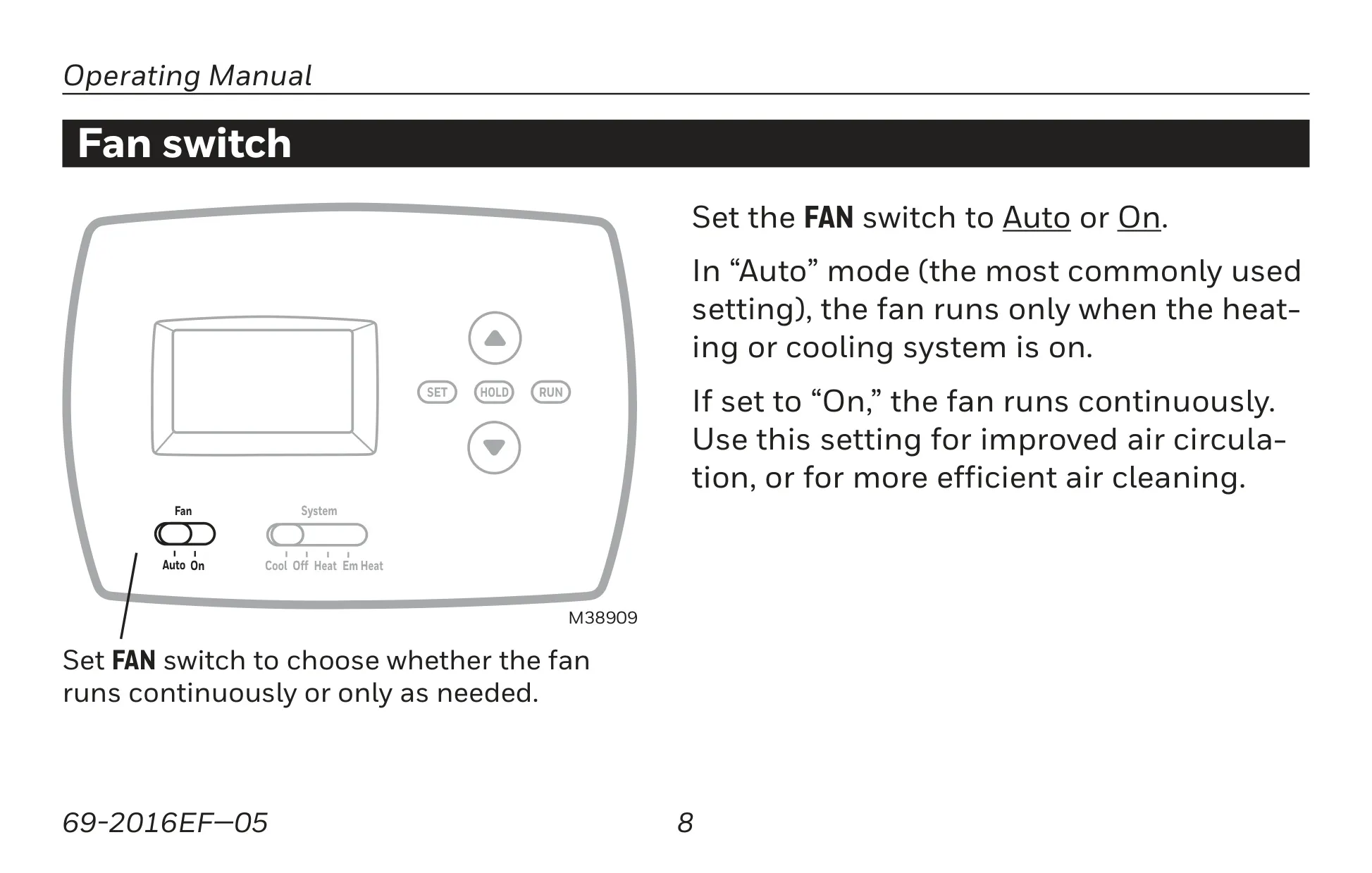
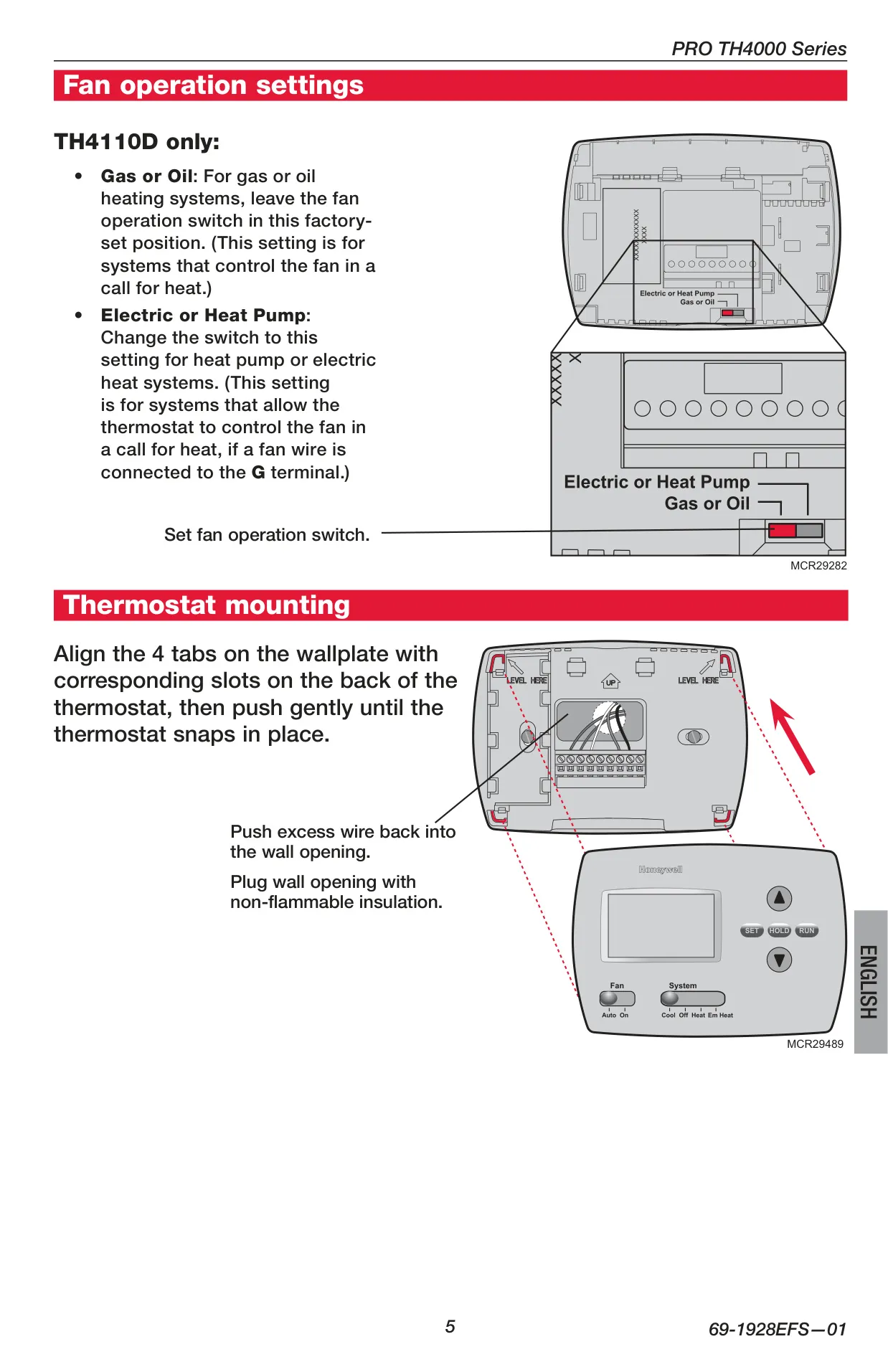
The thermostat’s controls are user-friendly, featuring a System switch with options for Cool, Off, Heat, and Em Heat (Emergency & Auxiliary Heat, which locks out the compressor). The Fan switch offers "Auto" mode, where the fan runs only when the system is active, and "On" mode, which provides continuous air circulation, beneficial for air cleaning.
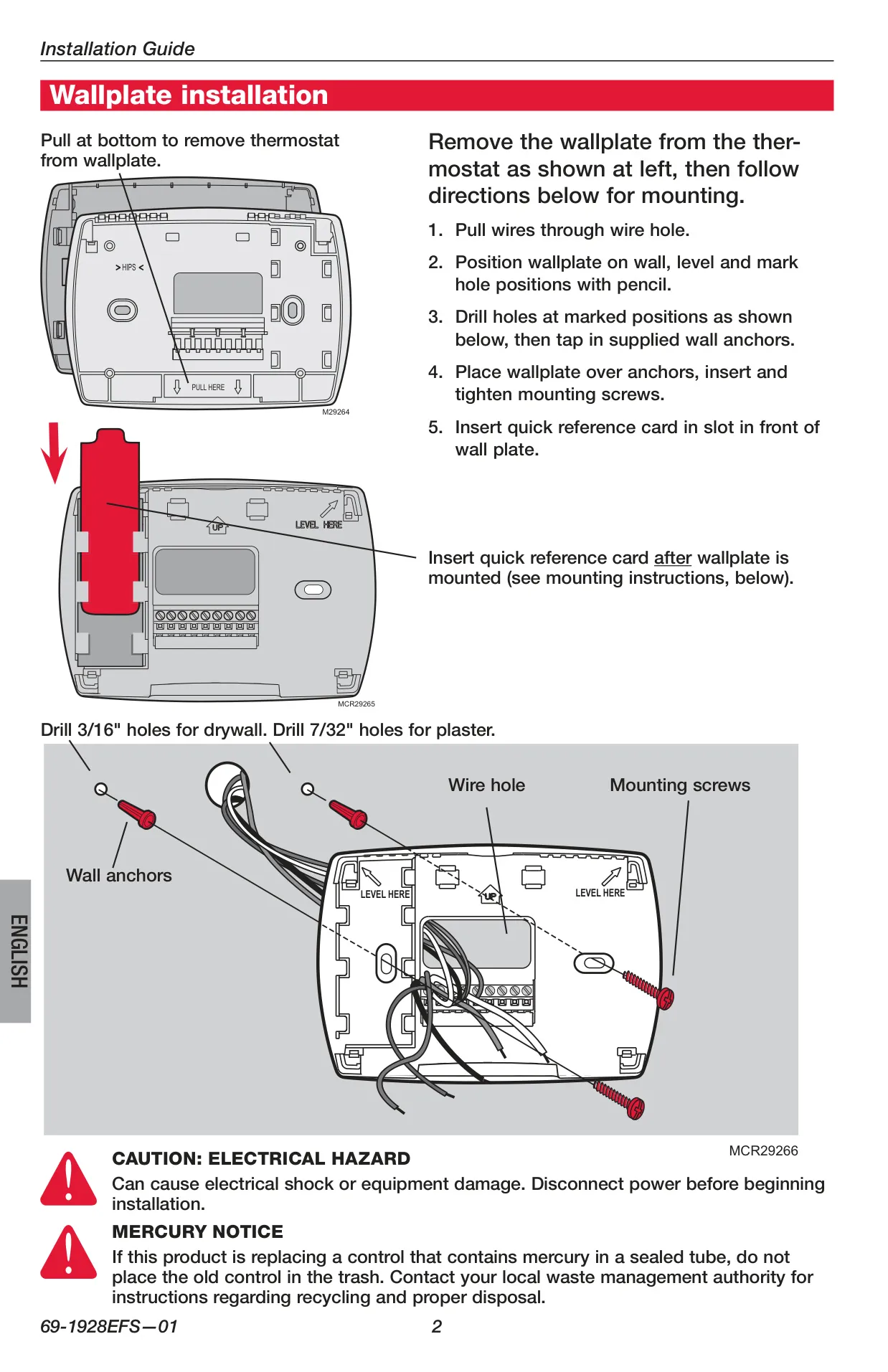
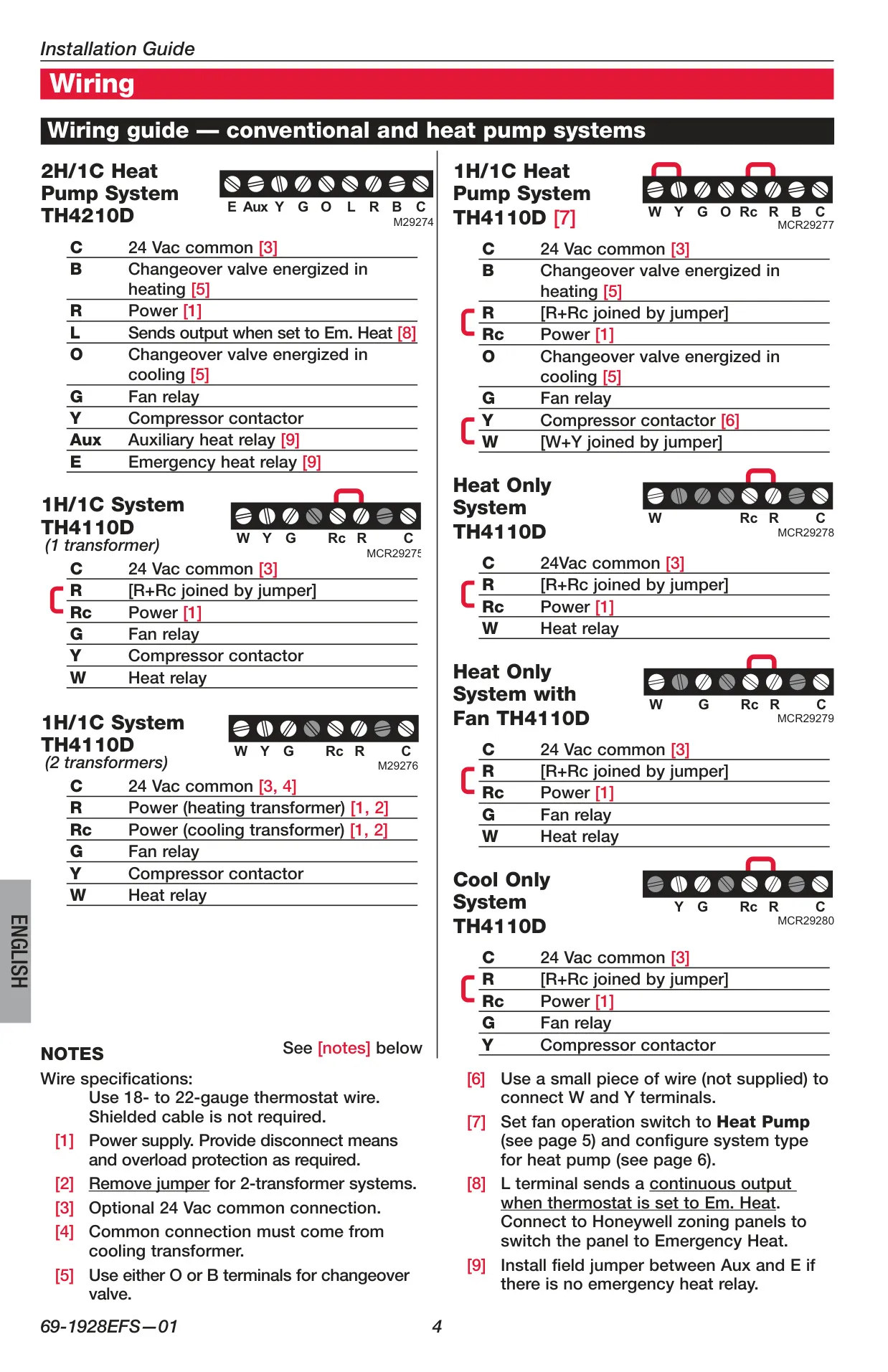
Installation of the TH4210D1005 should be carried out by a trained, experienced technician due to its specific wiring requirements for heat pump systems. It includes terminals such as C, B, R, L, O, G, Y, Aux, and E. The installer setup menu allows for configuration of various system parameters, including cycle rates, display units, and compressor protection duration, ensuring optimal performance tailored to your specific HVAC setup.
Frequently Asked Questions (FAQs)
Can't find the answer you need? Here are some frequently asked questions about the Honeywell TH4210D1005 TH4000 Series, and we answer them below.