Honeywell T10 Thermostat Instruction Manual
Honeywell T10 Thermostat




Honeywell T10 Thermostat









Honeywell T10 Thermostat Instructions
Here we offer the Honeywell T10 Thermostat manual completely free and in English. We have cataloged this manual in the Thermostats section on Manualverse, and it has been rated by 1 users with an average rating of 5. If you have any specific questions about Honeywell T10 Thermostat, we suggest checking the Frequently Asked Questions (FAQs) section of this manual.
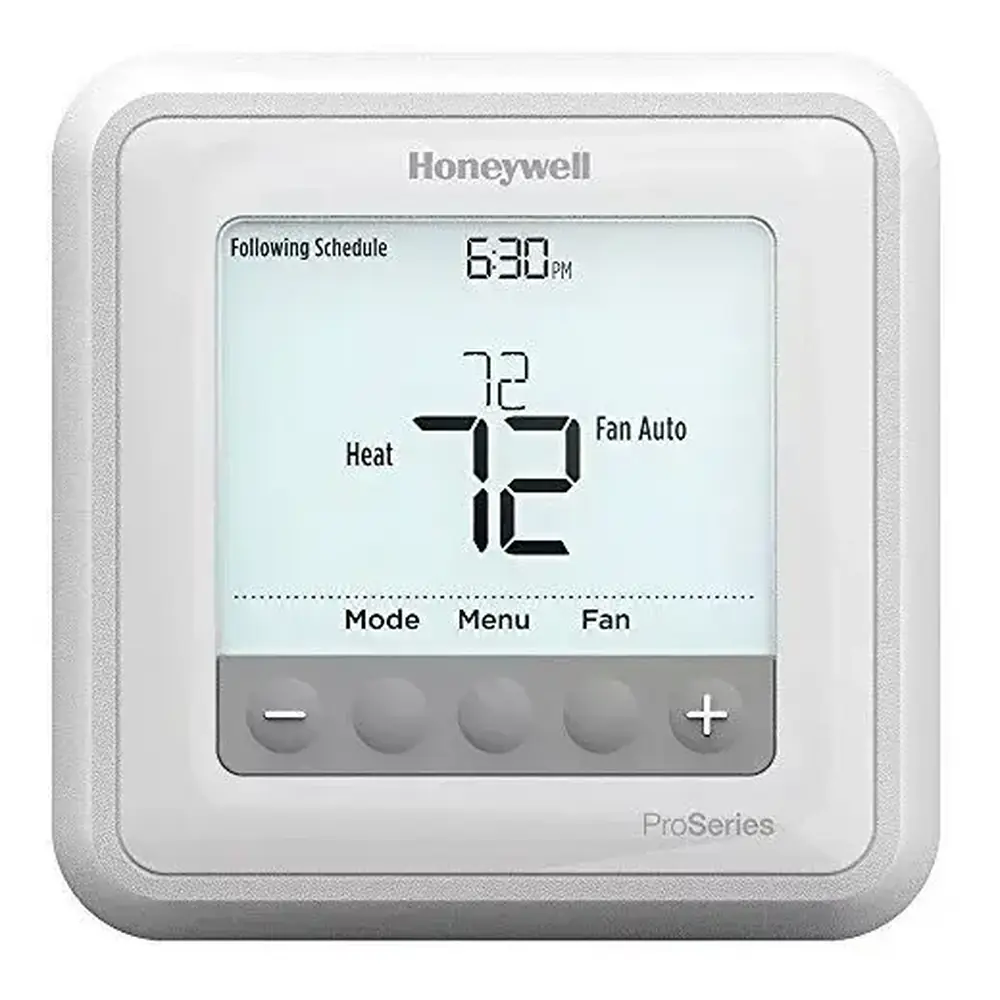
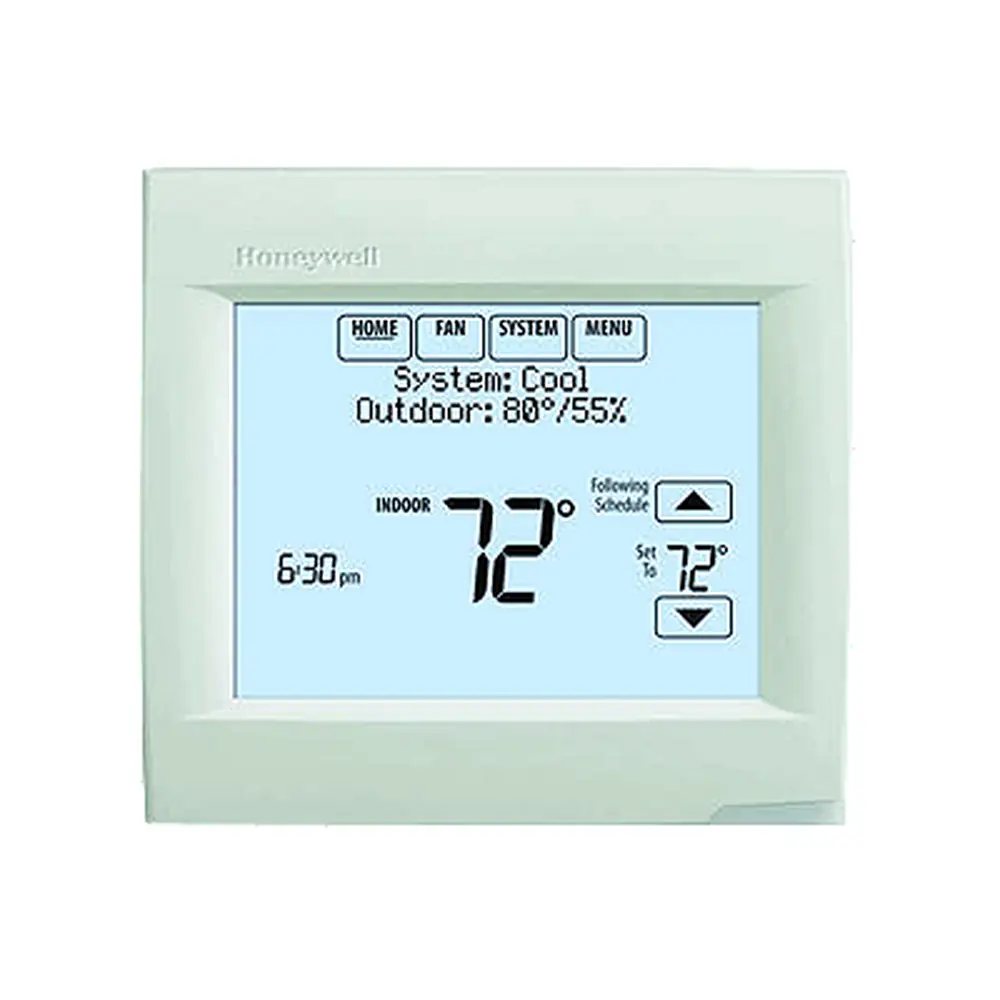
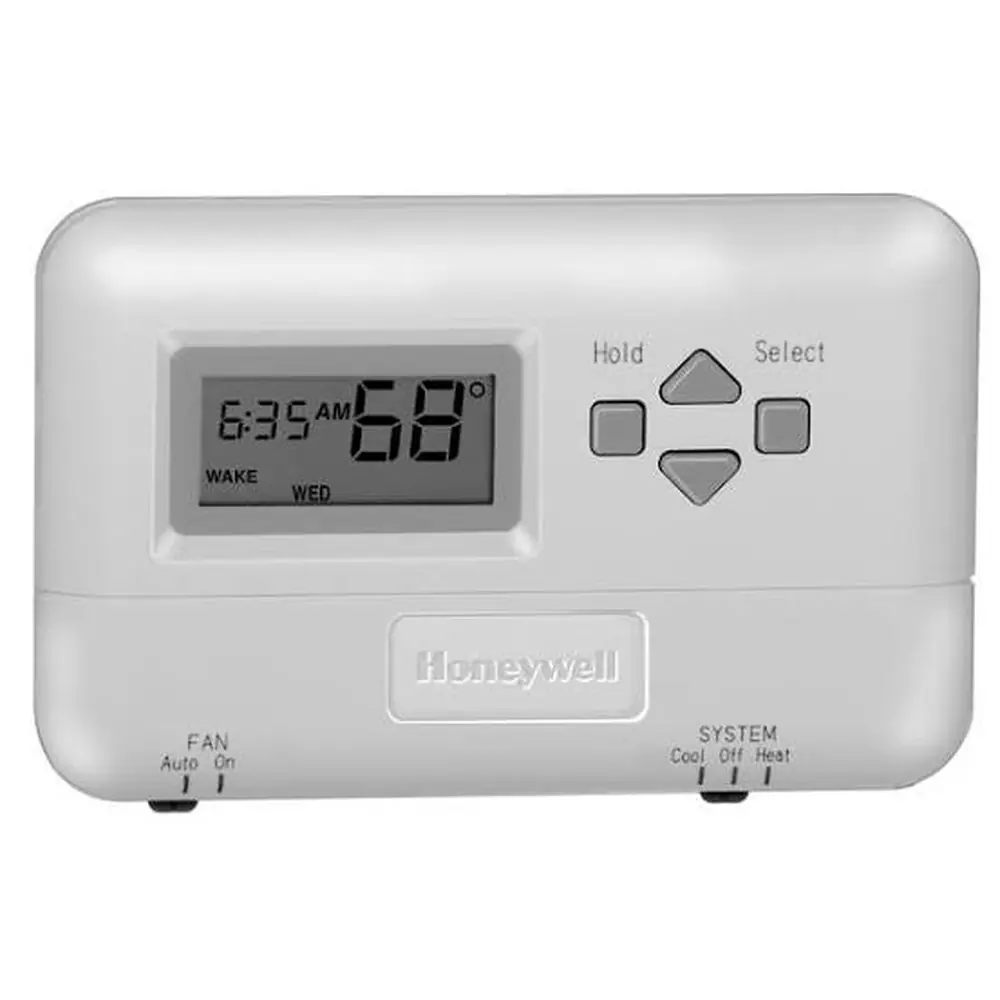
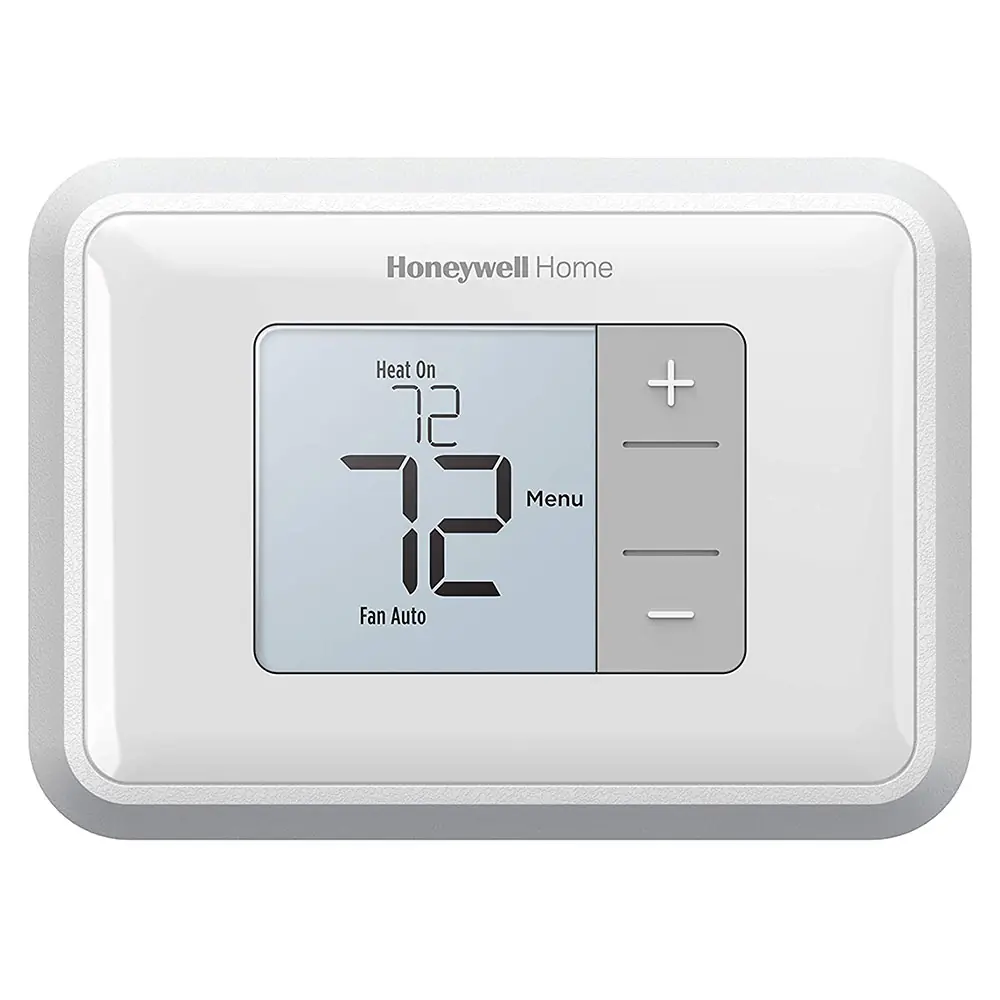
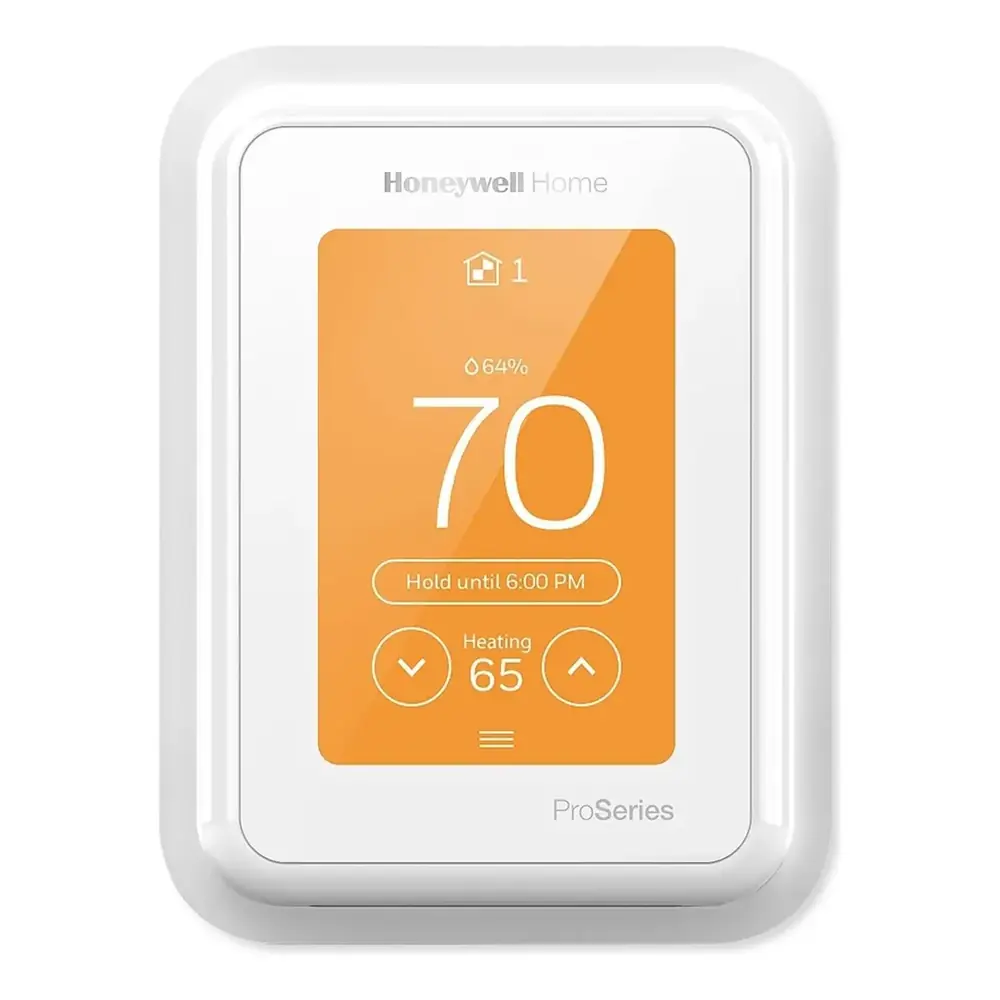
Product Images


Honeywell T10 Thermostat Specifications
| Feature | Specification |
|---|---|
| Model Numbers | THX321WF2003W, THX321WFS2001W, THX321WF3003W, THX321WFS3001W, THM04R3000, C7189R2002-2, C7189R3002-2, C7089R3013, YTHM1004R3000, YTHM1004R3001 |
| Heat Temperature Range | 40 °F to 90 °F (4.5 °C to 32.0 °C) |
| Cool Temperature Range | 50 °F to 99 °F (10.0 °C to 37.0 °C) |
| Operating Ambient Temperature | 32 °F to 120 °F (0 °C to 48.9 °C) |
| Shipping Temperature | -20 °F to 120 °F (-28.9 °C to 48.9 °C) |
| Operating Relative Humidity | 5% to 90% (non-condensing) |
| Humidity Setting Range | 10% to 60% RH |
| Dehumidity Setting Range | 25% to 80% RH |
| Thermostat Dimensions (H x W x D) | 4.9" x 3.7" x 0.93" (125.4 x 94.1 x 23.68 mm) |
| UWP Mounting System Dimensions | 2-9/32" x 2-13/64" x 2-43/64" (58 x 56 x 10 mm) |
| Power Consumption | 3 VA |
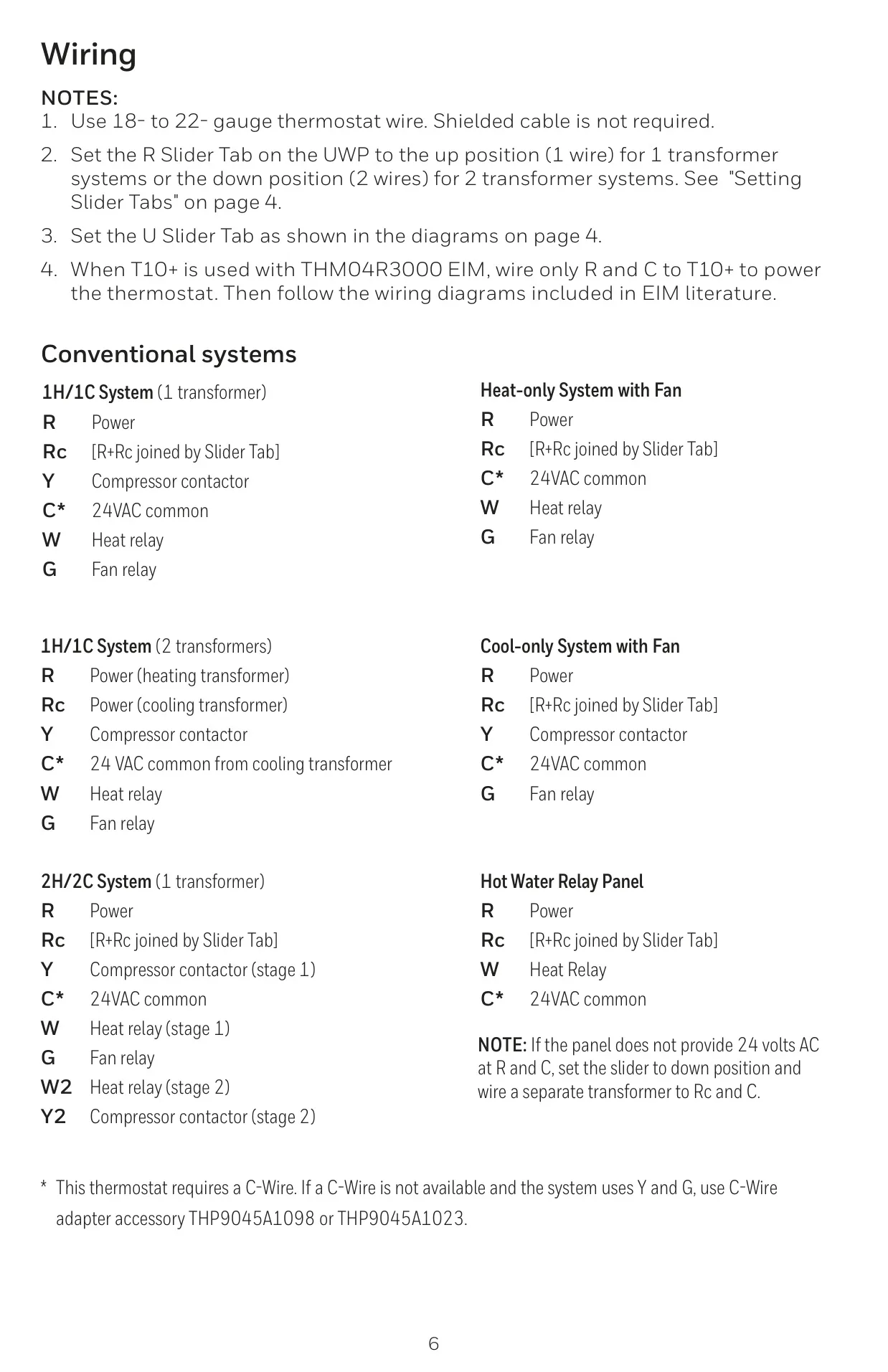
| Power Requirement | 24 VAC (C-wire required) |
| Compatibility | Most heating, cooling, and heat pump systems; Android or iOS smartphone/tablet |
| Incompatibility | Electric baseboard heat (120-240V) |
| Wireless Sensor Capacity | Up to 20 sensors max per thermostat (Optional C7189R2002 or C7189R3002 indoor wireless sensors) |
Honeywell T10 Thermostat Details
The Honeywell T10 Pro Smart Thermostat with RedLINK® 3.0 offers advanced features for comprehensive home climate control. It's designed for seamless integration into modern smart homes, providing users with both convenience and energy efficiency. Its compatibility with Wi-Fi allows for remote management and monitoring through the Honeywell Home App, making it easy to adjust settings from anywhere.
Connecting to the Honeywell Home App involves a straightforward process through the thermostat's menu, guiding users to tap "Connect App" and follow on-screen prompts. For Apple users, the T10 also supports Apple HomeKit Setup. This allows for integration into the Apple ecosystem, where users can add the thermostat as an accessory by scanning a code on the device using the Apple Home App.
One of the standout features is its ability to integrate with multiple wireless sensors. The T10 and T10+ models support optional C7189R series wireless indoor temperature, humidity, and motion sensors, with the T10+ also compatible with the C7089R3013 wireless outdoor sensor. These sensors contribute to the thermostat's unique "Priority" feature.
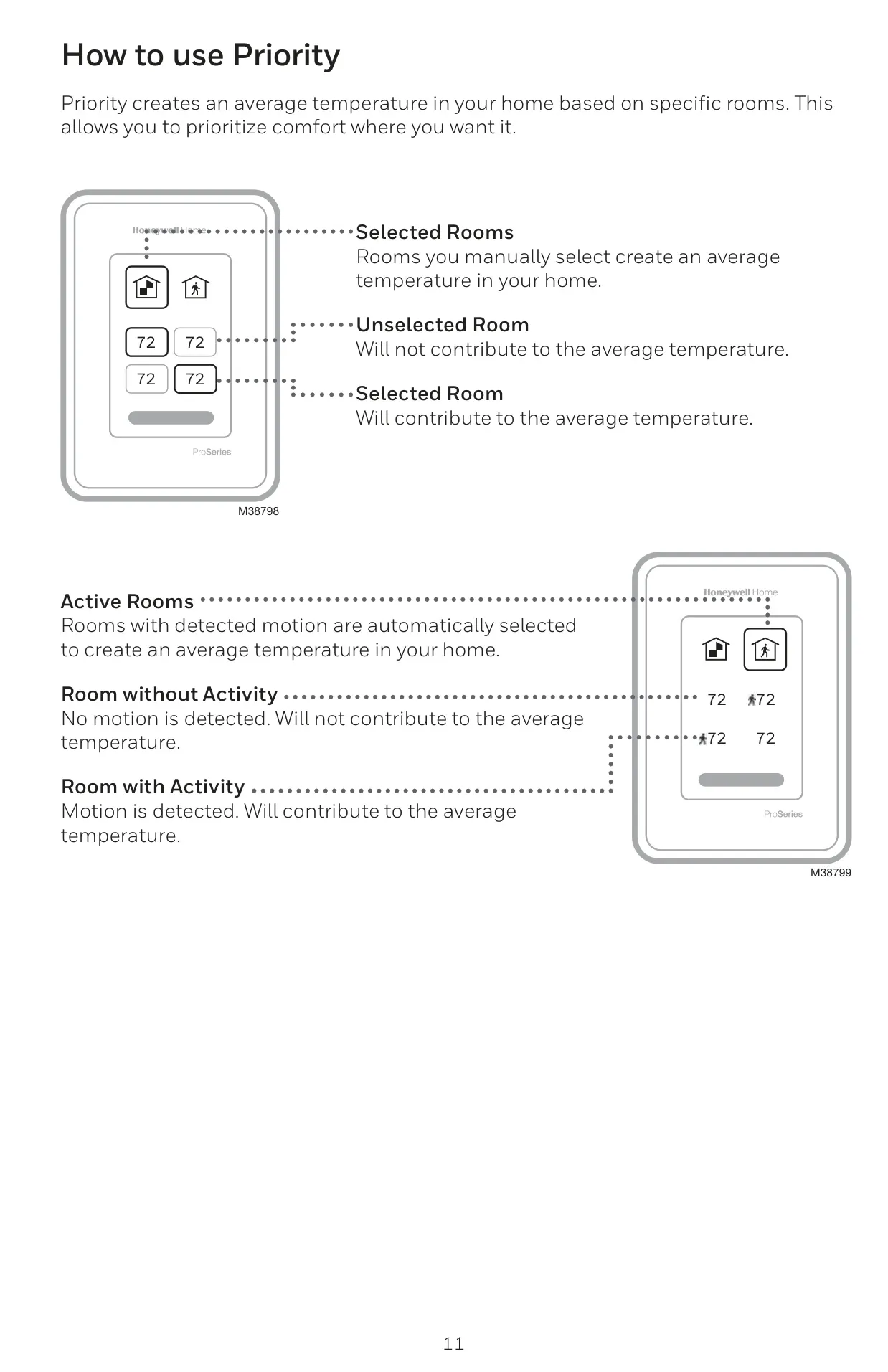
The "Priority" feature is central to the T10's personalized comfort. It creates an average temperature based on rooms that are manually selected or those where motion is detected, ensuring comfort where and when it's most needed. Rooms without activity or those unselected will not influence this average, optimizing energy use by focusing heating or cooling on occupied areas.
The user interface of the T10 is intuitive, displaying current priority, indoor humidity, and indoor temperature prominently. Users can adjust the desired temperature using up and down arrows. The menu, accessible by touching the dedicated icon, provides access to various functions such as mode, fan control, scheduling, priority settings, and other advanced thermostat configurations.
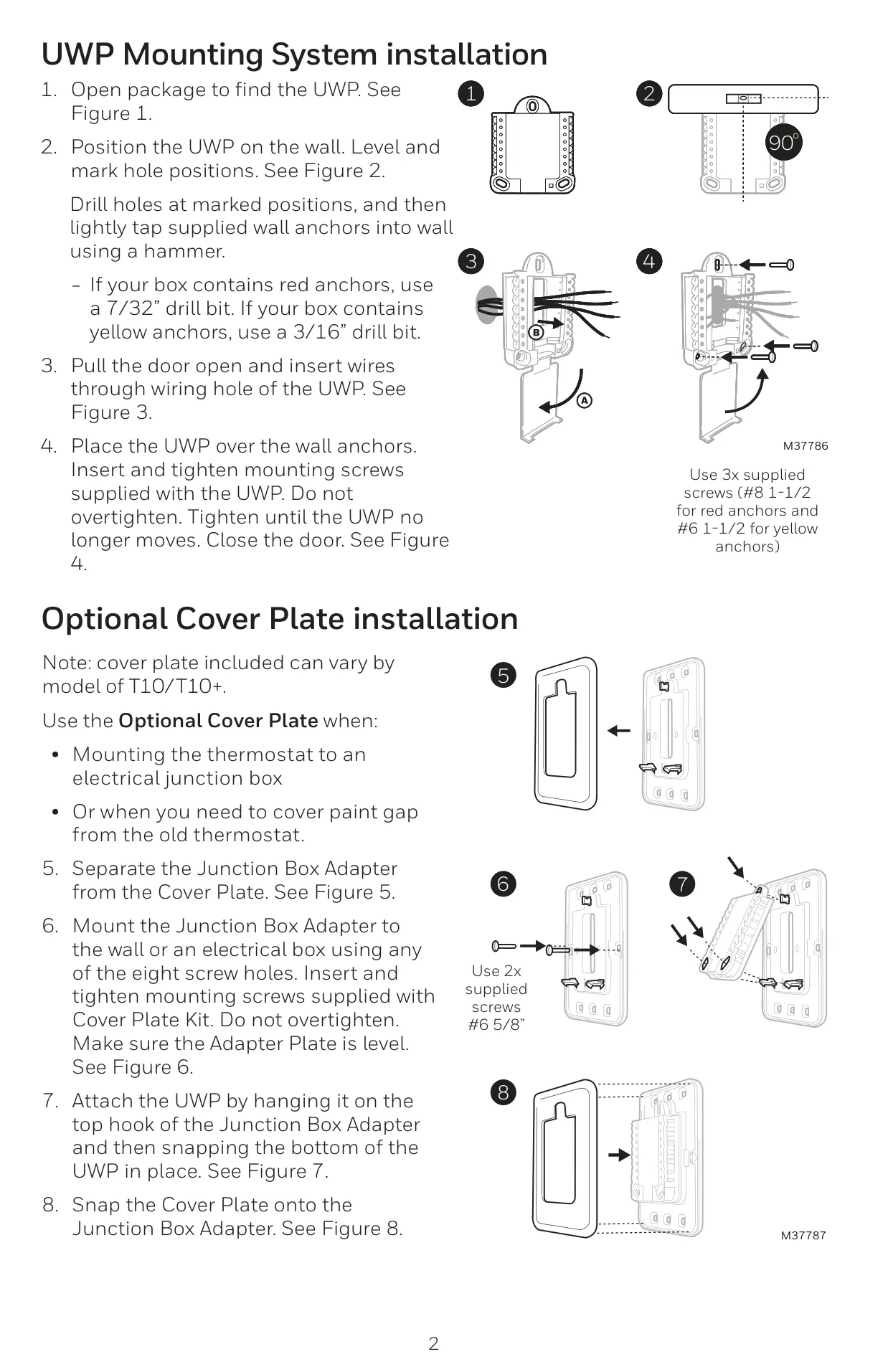
Installation of the UWP Mounting System is designed for ease, with options for standard wall mounting or attachment to an electrical junction box using an optional cover plate. Wiring involves pushing down on tabs to secure wires into corresponding terminals, with specific slider tabs (R and U) available for differentiating between transformer systems and controlling IAQ (Indoor Air Quality) devices like humidifiers or ventilators.
The thermostat provides valuable alerts and notifications, indicated by a red dot above the Menu icon. These messages, which can include reminders or system alerts, keep users informed. Installer Setup also allows for entering company contact information, ensuring customers have quick access to support when alerts arise.
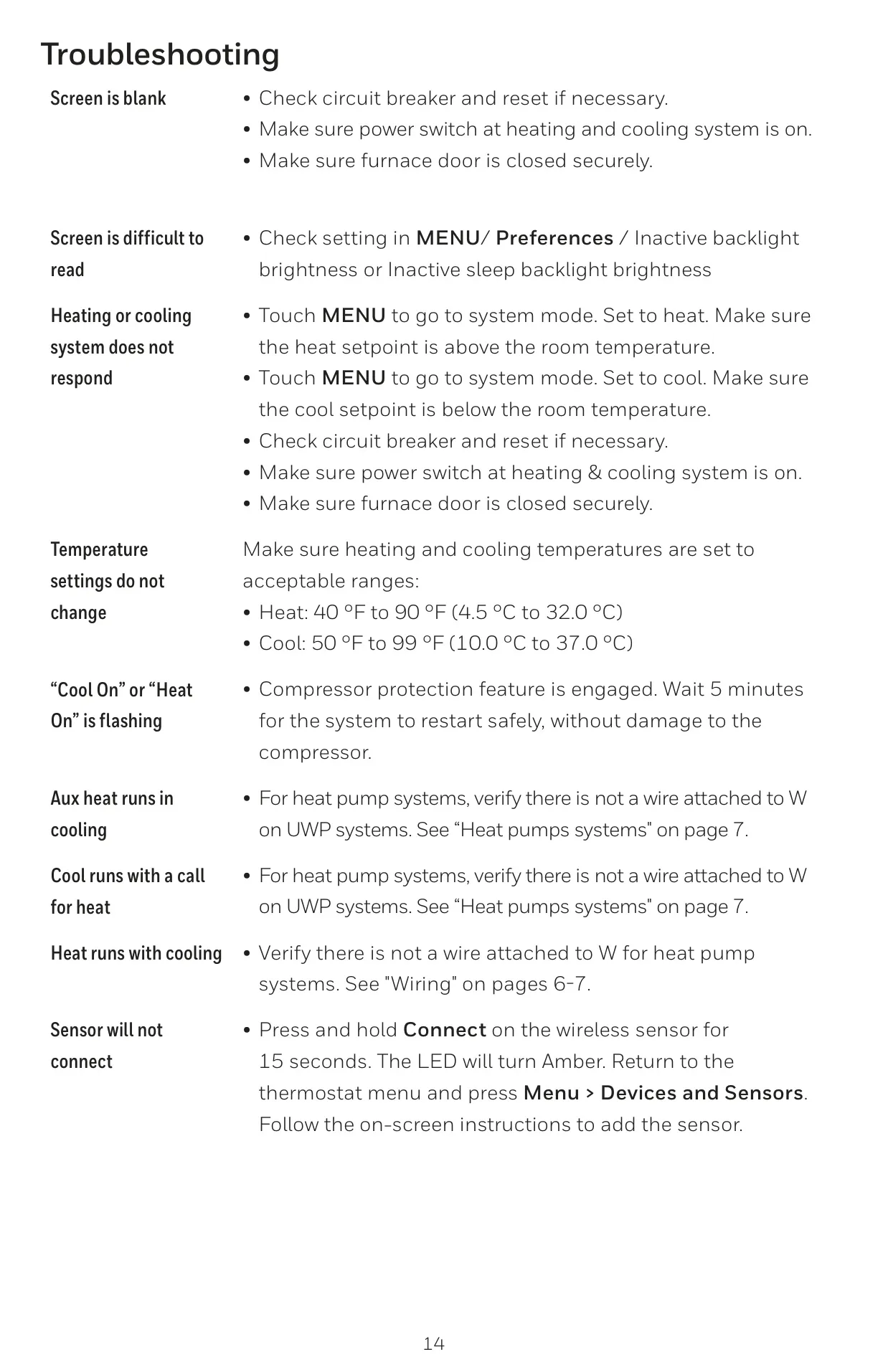
Troubleshooting common issues is made simpler with clear guidance provided in the manual. For instance, a blank screen might indicate a tripped circuit breaker or an open furnace door, while flashing "Cool On" or "Heat On" signals compressor protection is active, requiring a 5-minute wait before the system restarts. This comprehensive approach ensures user comfort and system longevity.
Frequently Asked Questions (FAQs)
Can't find the answer you need? Here are some frequently asked questions about the Honeywell T10 Thermostat, and we answer them below.